0:42
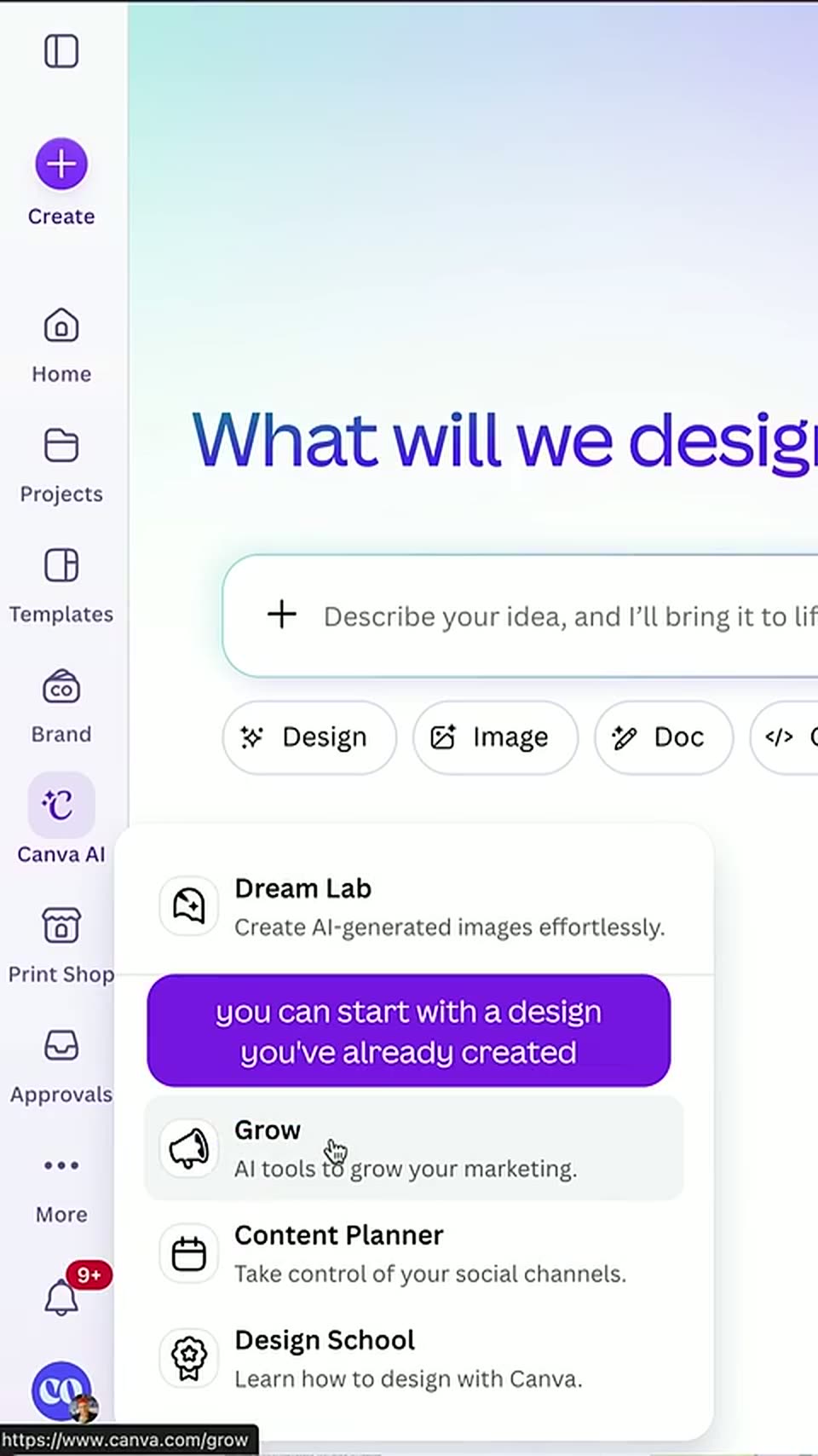

Create & launch LinkedIn Ads without leaving Canva
Canva · Design · Sep 2026
Google · May 2016 · 1:22 · AI-annotated
Google’s 1:22 launch film runs 19 scenes, about 4.4 s each. The product shows up at 0:24 and 1 feature is revealed. The call to action lands at 1:15 (91% in), over a voiceover. The video alternates chalk-style doodles with clean UI mockups, moving from a relatable problem into a single feature demo built around the translate icon. Its signature moves are hand-drawn marker circles and dashed arrows that guide the eye, plus a live-action finger for the hands-on part, all on a plain white field at a steady, unhurried pace.
Is this your launch? to your site or press kit.
Canva · Design · Sep 2026
Vendo · Oct 2026
A sketched phone outline draws itself at center on a white field. Sketchy speech bubbles and icons, a video player, a person tag and a landscape, pop in around it with multilingual text. The phone screen then fills with a live translation app and keyboard.
On-screen text: “당신은 어떻 게합니까?”, “Kaalai vanakkam”, “Nzuri!”
Camera: Static
Chalk doodles (a video player, a 'Nzuri!' tag, mountains) frame a phone showing a Hindi group-chat message, then clear. The phone slides right as a Google Translate card builds on the left, pasting the Hindi line and revealing 'Please bring the keys at 6' in a blue panel.
On-screen text: “Nzuri!”, “Google Translate”
Techniques: Split screen
Camera: Static
A Google Translate wordmark and card on the left show an English line and its Hindi translation with a copy button. A hand-drawn dashed arrow arcs right to a phone mockup, where the chat field opens a PASTE menu. The panels slide in on a static white background.
Camera: Static
A white phone mockup in 3D perspective on the right shows a group chat where Hindi messages are typed and sent one by one. A Google Translate card slides in from the left, linked by a dashed arrow from the phone.
Techniques: 3D mockup
Camera: Static
A blurred phone with a Hindi chat sits on the right while a dashed arrow curves to a Google Translate panel on the left. Focus pulls from the phone to the panel as the arrow reverses, looping the two elements back and forth.
Camera: Static
A flat Google Translate card sits left of a blurred white phone, linked by a dashed arrow. The card's fields swap from a Hindi-to-English pair to an English-to-Hindi pair, a blue copy button pops in, then the Hindi result fills the lower field.
Camera: Static
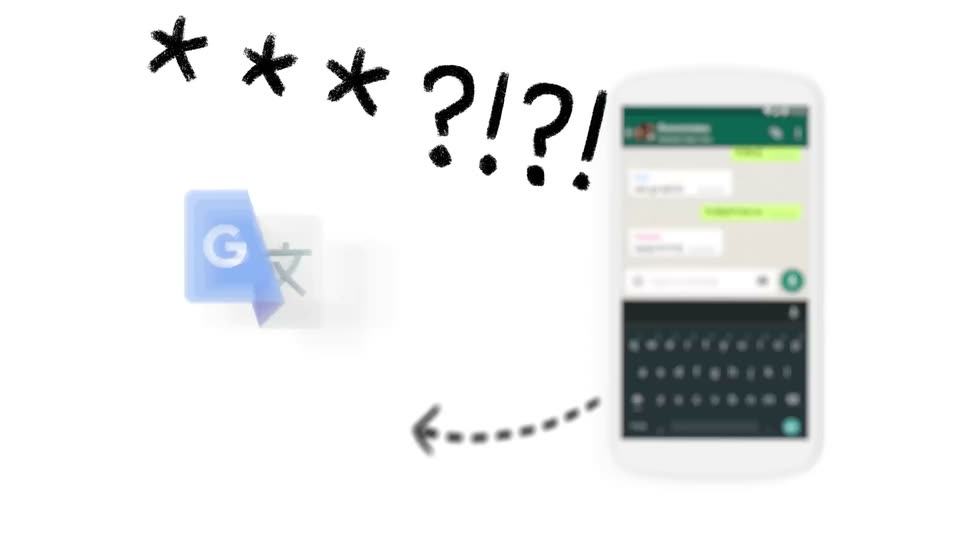
A white phone mockup in 3D perspective shows a group chat with Hindi messages; a blurred translate icon to the left swaps to a green G with a Devanagari letter. Dashed arrows arc between them as hand-drawn asterisks and question marks pop in above.
On-screen text: “* * * ?!?!?!”
Techniques: 3D mockup
Camera: Static
A flat Google Translate widget on white, with hand-drawn black asterisks and ?!?! above and a blurred chat phone at right. A dashed arrow and PASTE tooltip appear first, then the widget flips languages and types 'What did you do?' as a Hindi line and copy button pop in.
On-screen text: “***?!?!”
Camera: Static
A blue G logo card sits left of a 3D phone mockup showing a Hindi group chat. The view zooms into the screen; a small Translate icon appears in the chat header, circled by a hand-drawn blue ring and arrow, and pulses.
Techniques: 3D mockup, UI zoom
Camera: Static
A blue hand-drawn headline writes itself in across a plain white background, the letters filling in with a rough marker scribble before settling into a steady line. The frame stays locked off while the text holds.
On-screen text: “Tap to Translate”
Techniques: Kinetic type
Camera: Static
A front-on WhatsApp “Roommates” chat shows two bubbles, one in Hindi. A blue marker circle and question mark draw around it, then a live-action finger taps and holds the bubble, selecting it and swapping the header to action icons, under the static caption “Tap to Translate”.
On-screen text: “Tap to Translate”
Techniques: Cursor demo
Camera: Static
Close-up of a phone screen, locked off. A live-action finger taps the translate icon in a group chat, opening the Google Translate panel with a Hindi message translated to English. The finger taps the speaker icon, then the NEW TRANSLATION button.
Techniques: Cursor demo
Camera: Push in
A close-up of a phone shows the Google Translate card over a chat app. A finger taps new translation, then types 'Let's party!' in English; the Hindi translation and a copy button appear as the finger reaches for it.
Camera: Static
A phone chat screen shows a Google Translate popup with “Let's party!” and its Hindi text; a finger taps the translate button, the popup closes, and the Hindi line fills the message box. The finger taps send, dropping a green bubble into the Roommates chat.
Techniques: Cursor demo
Camera: Pull out
A white phone home screen filled with colorful app icons zooms in slowly while a small chat dialog with a blue button and a Hindi reply line fades in at the center, a keyboard rising along the bottom edge.
Techniques: UI zoom
Camera: Push in
A front-facing phone screen shows a chat with Raj, with a blue bubble and a grey reply. A hand-drawn blue circle strokes itself around the translate icon at the top right, then a marker arrow draws in from the right, pointing at it.
Camera: Static
Chalk-style illustration on white: a blue cloud above a dark phone showing a circled speech bubble icon, with a dashed blue arrow curving toward the phone. A line crosses out the cloud, the phone outline turns blue, and a green checkmark is drawn beside it.
Camera: Static
The phrase “Tap to Translate” sits centered on a white field in a casual blue marker-style type. The lettering carries a rough textured fill in the opening frame, then settles into a flat solid blue for the rest of the hold.
On-screen text: “Tap to Translate”
Camera: Static
The Google Translate app icon, a blue tile with a white G over a gray tile bearing a Chinese character, holds center on an off-white field. The gray wordmark fades in beneath it, then a black Google Play badge pops in. The lockup holds and fades to white.
On-screen text: “Google Translate”, “GET IT ON”, “Google Play”
Camera: Static