Cursor demo
A visible cursor operates the interface.
15,093 scenes · page 160 of 252
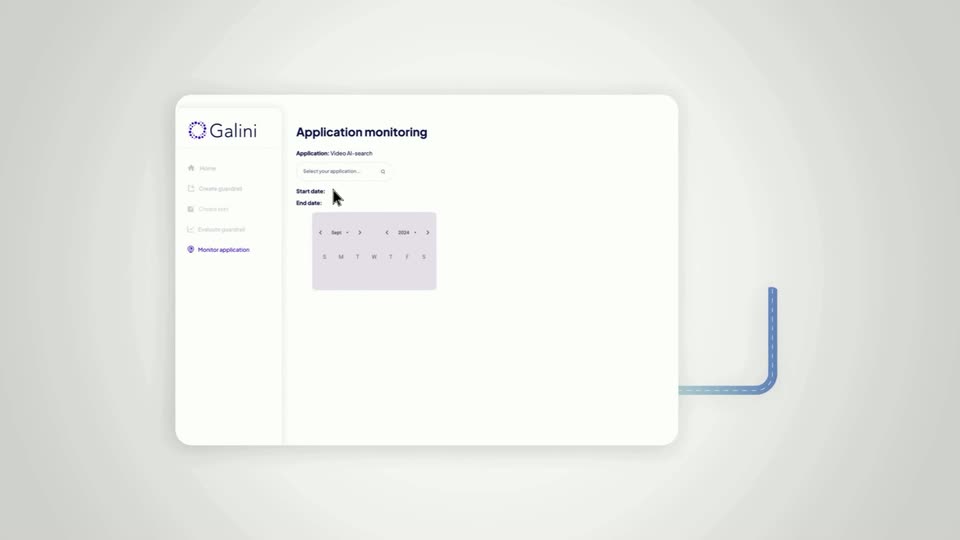 2:24–2:25Galini · Galini Product DemoA white Galini dashboard card slides right over a faint ghosted copy on a pale gray background, revealing the Application monitoring view with date fields. A cursor rests on the Monitor menu item, and a blue card corner peeks in at the lower right.
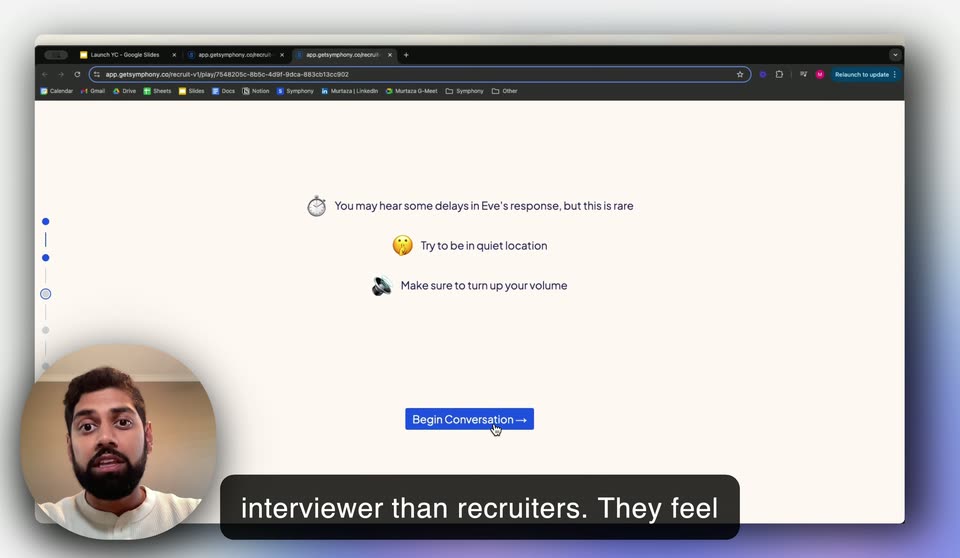 0:47–1:03Symphony · Symphony - Conversational AI-Recruiter for customer-facing roles.A browser window shows the Symphony voice-interview setup page; checklist lines appear one by one and the cursor moves to the Begin Conversation button. A presenter's face-cam sits bottom-left as white captions roll on a black bar, then a yellow arrow points at the cursor on the next screen.
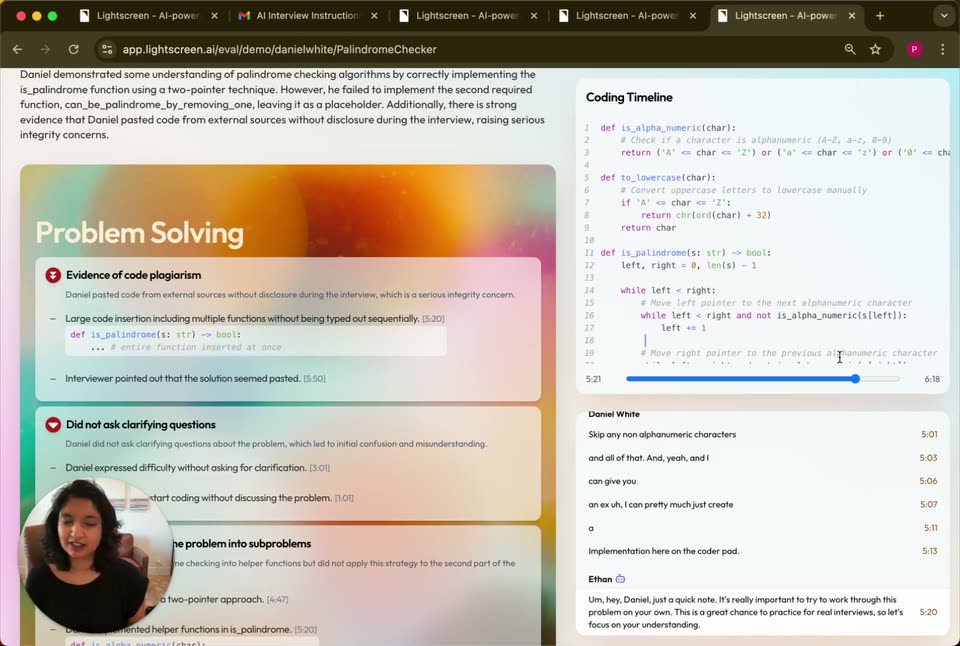 1:32–2:35Lightscreen AI · Lightscreen AI: Voice Agent for Uncheatable Tech ScreensA browser window shows the Lightscreen report for candidate Daniel White, flagged Not Recommended with strong evidence of cheating. The cursor hovers the plagiarism card as the page scrolls to the Problem Solving section; the code and transcript panels on the right update as the timeline scrubber moves.
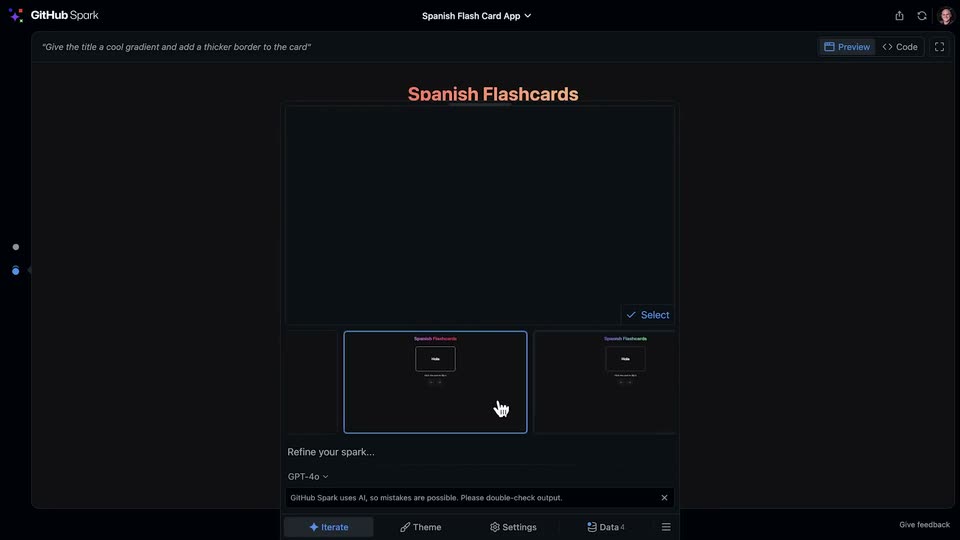 0:19–0:22GitHub · What is GitHub Spark? Introducing a brand new way to build powerful, AI assisted applicationsA dark GitHub Spark window shows a Spanish Flashcards preview. The title gains an orange-to-purple gradient and the card border thickens as the app regenerates. A hand cursor picks a variant from a row of thumbnails, then clicks Select.
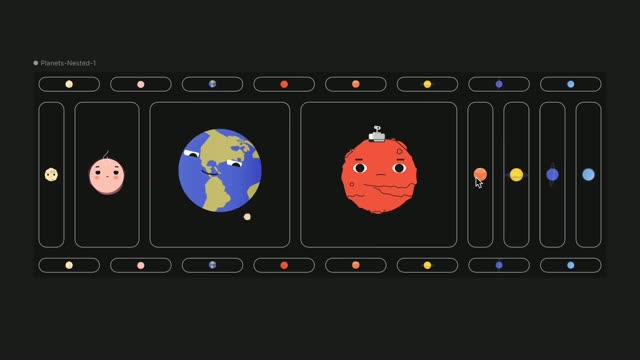 0:31–0:32Rive · Responsive Layouts have landedA dark UI panel holds eight columns of rounded planet cards with pill thumbnails above and below. The layout reflows: cards resize, planets swap sizes and shift columns while a cursor moves across the right side.
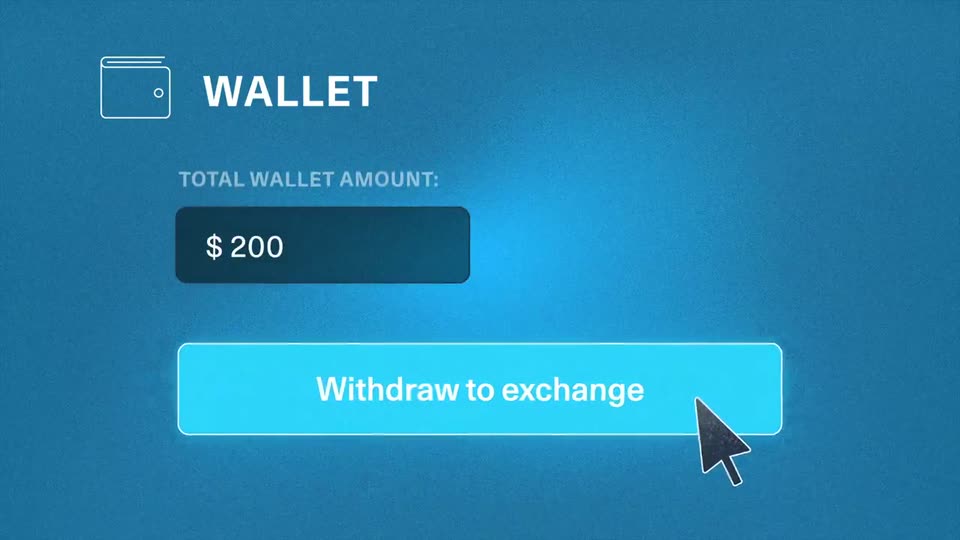 0:25–0:28Arbitrum · Arbitrum - The days of waiting 7 days to move your assets are gone. Fast WithdrA blue wallet screen with a header and a dark amount field. A black cursor glides to the Withdraw to exchange button, which fills from a thin outline to light blue, while the amount ticks up from $20 to $200. The frame stays locked.
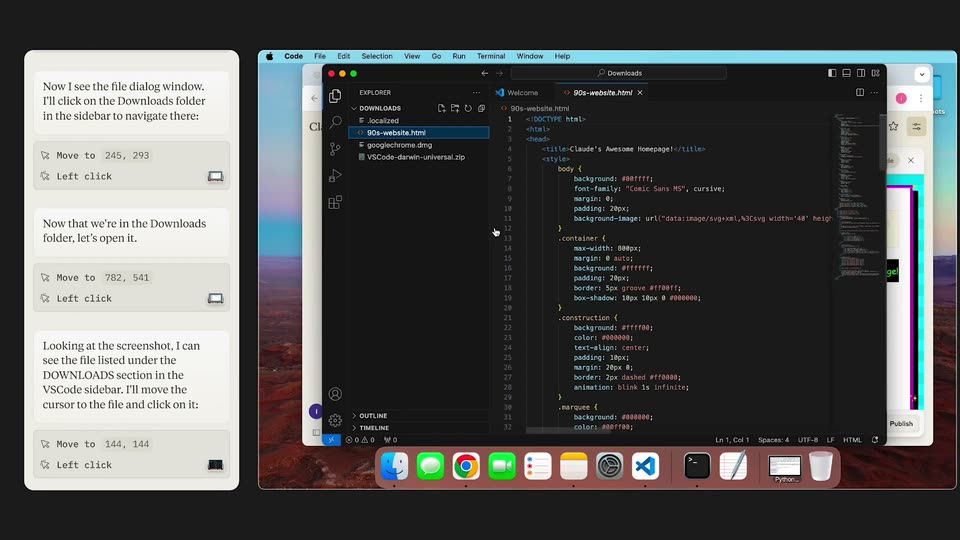 1:29–1:34Anthropic · Claude | Computer use for codingA Mac desktop shows Visual Studio Code on the right while a scrolling instruction card lists mouse steps on the left. The cursor moves into the explorer, selects the 90s-website.html file, and the HTML and CSS code opens in the editor.
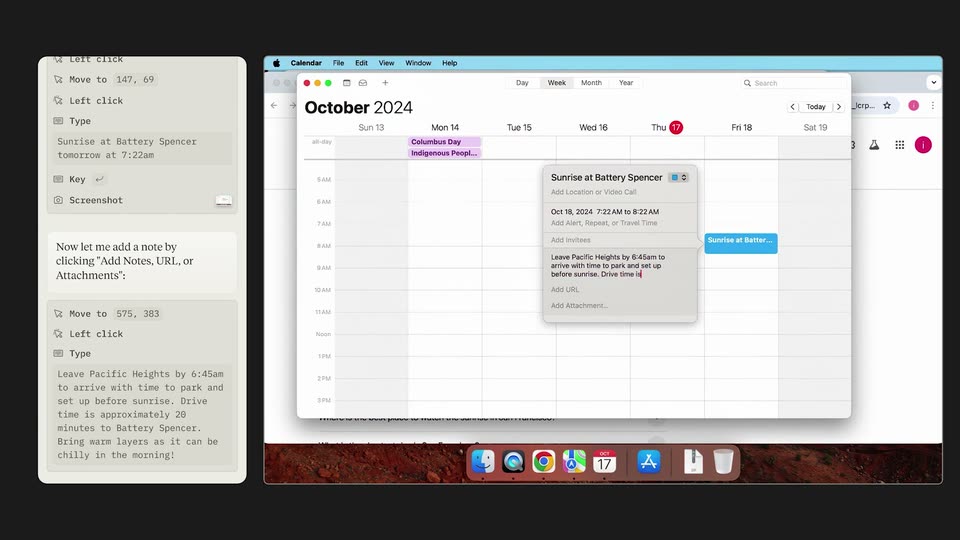 1:20–1:54Anthropic · Claude | Computer use for orchestrating tasksA split view pairs an AI instruction log on the left with a Calendar week view on the right. A cursor clicks the plus button, a quick-event popup fills in, a red block drops into the grid, then an event card opens and a note is typed.
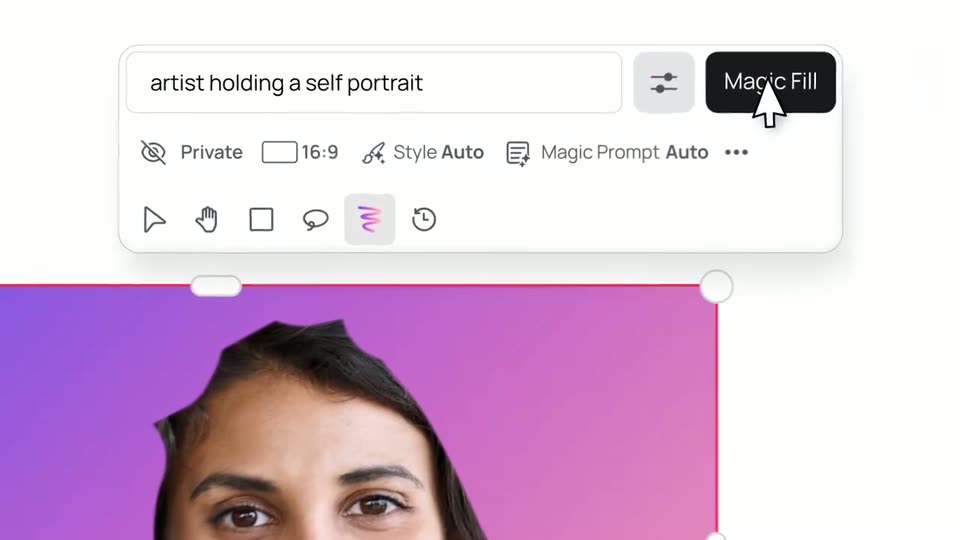 0:12–0:13Ideogram · Ideogram - Today, we’re introducing Ideogram Canvas, an infinite creative boardA white prompt bar types out “artist holding a self portrait” while a cursor glides to the black Magic Fill button and presses it. Below, the top of a woman’s head sits inside a red selection box on a purple-pink gradient.
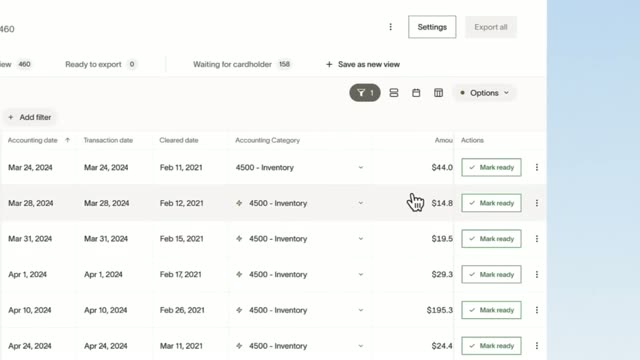 0:50–0:54Ramp · Meet Ramp: A smart finance operations platform that saves you time and moneyA dark merchant-rule tooltip sits over a transactions table. A cursor clicks the yellow Create rule button, the tooltip vanishes, and the empty category cells fill in with 4500 - Inventory, each marked by a small sparkle icon.
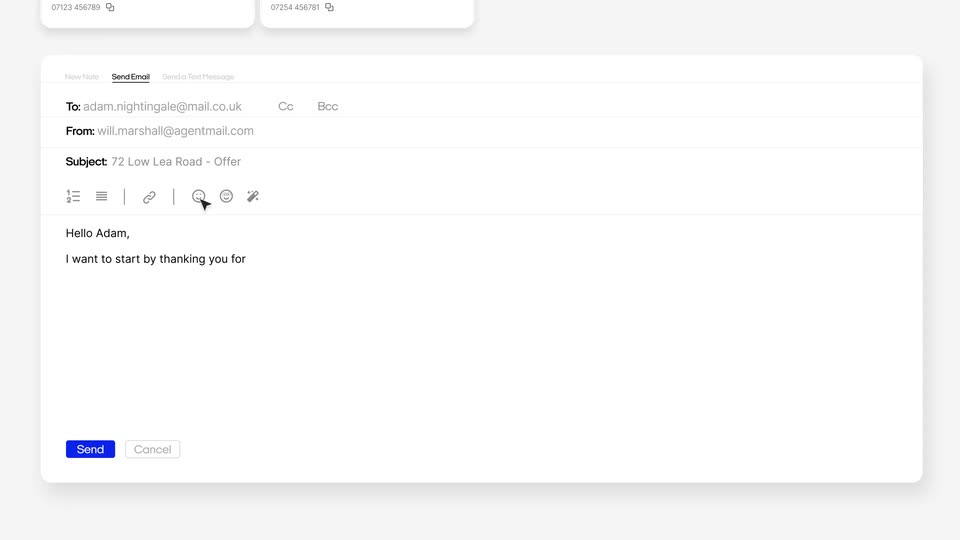 0:29–0:36Street · Street.co.uk - Street AIA white email draft types itself out under a subject line. The view zooms to the toolbar as a cursor clicks a wand icon, raising a blue Make friendlier tooltip. The draft rewrites in a warmer tone, then the cursor moves to the Send button.
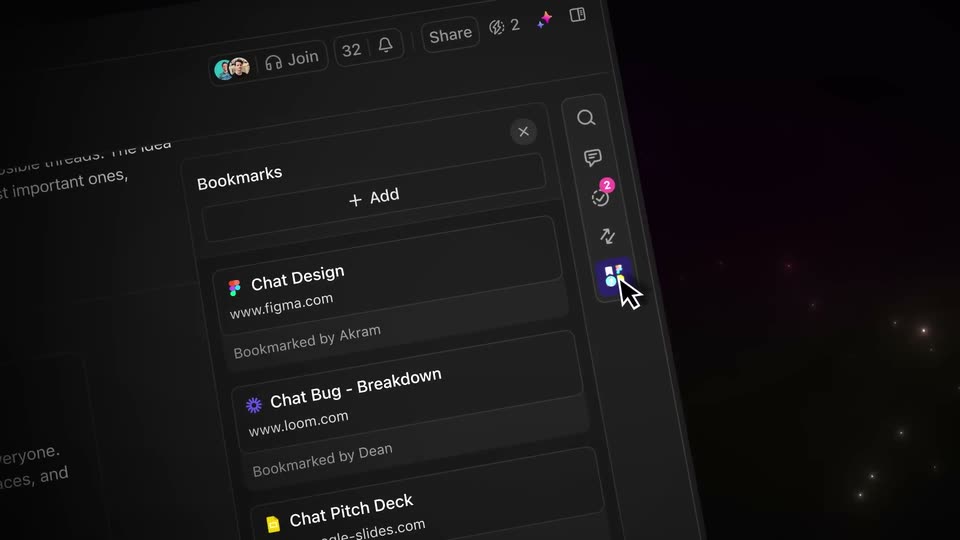 0:33–0:35ClickUp · Introducing ClickUp ChatA dark app interface floats at an angle in 3D space against a starfield. A white cursor clicks a bookmark icon in the right toolbar, swapping the side panel from a Connections list to a Bookmarks list of linked pages.
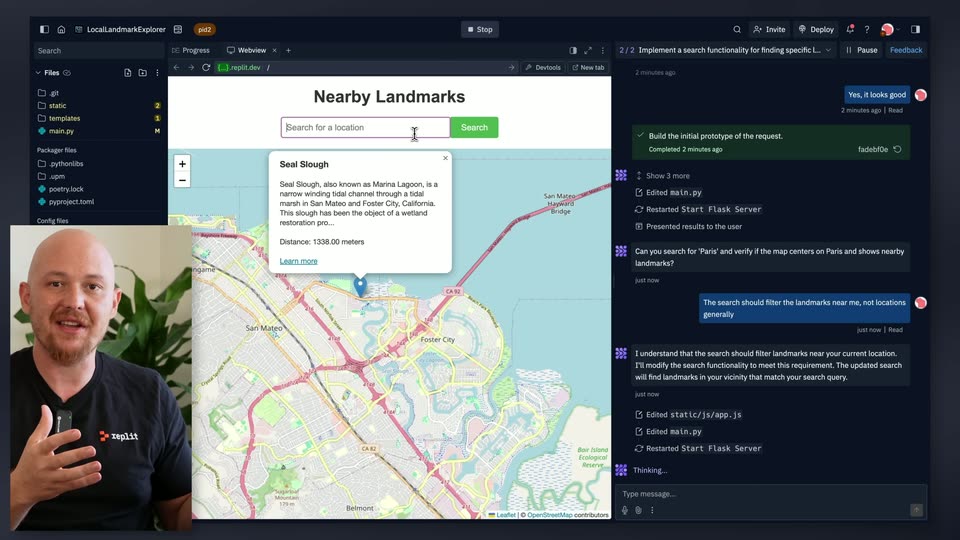 1:52–2:02Replit · Meet the Replit AgentA presenter in a bottom-left inset talks beside a screen recording of a dark IDE. A cursor types
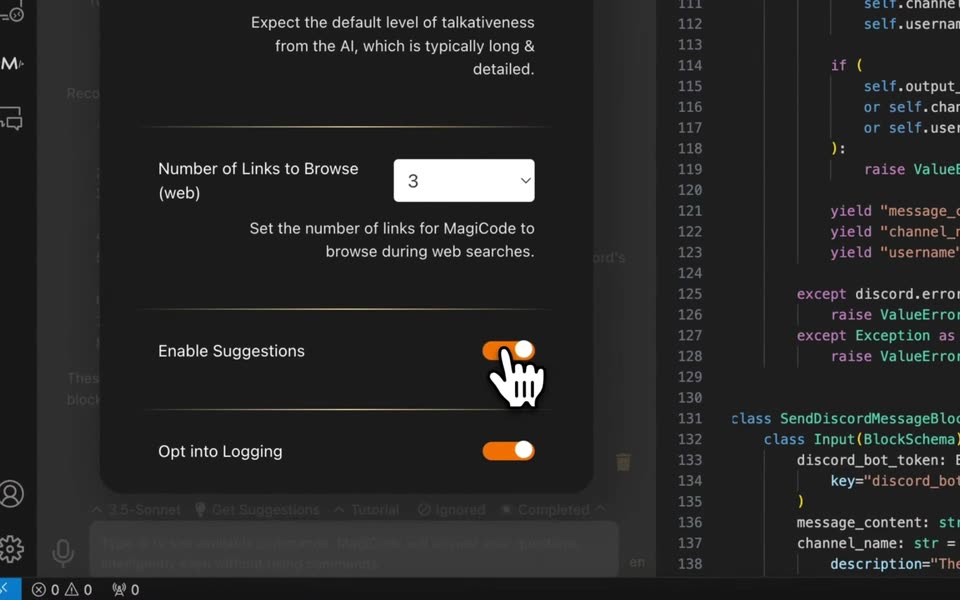 1:26–1:28MagiCode · MagiCode: Your Proactive Pair ProgrammerA dark code editor pairs a settings panel on the left with Python code on the right. A white hand cursor moves down the panel past a dropdown and two toggles as the view reframes from a tight crop to the full window over a blurred backdrop.
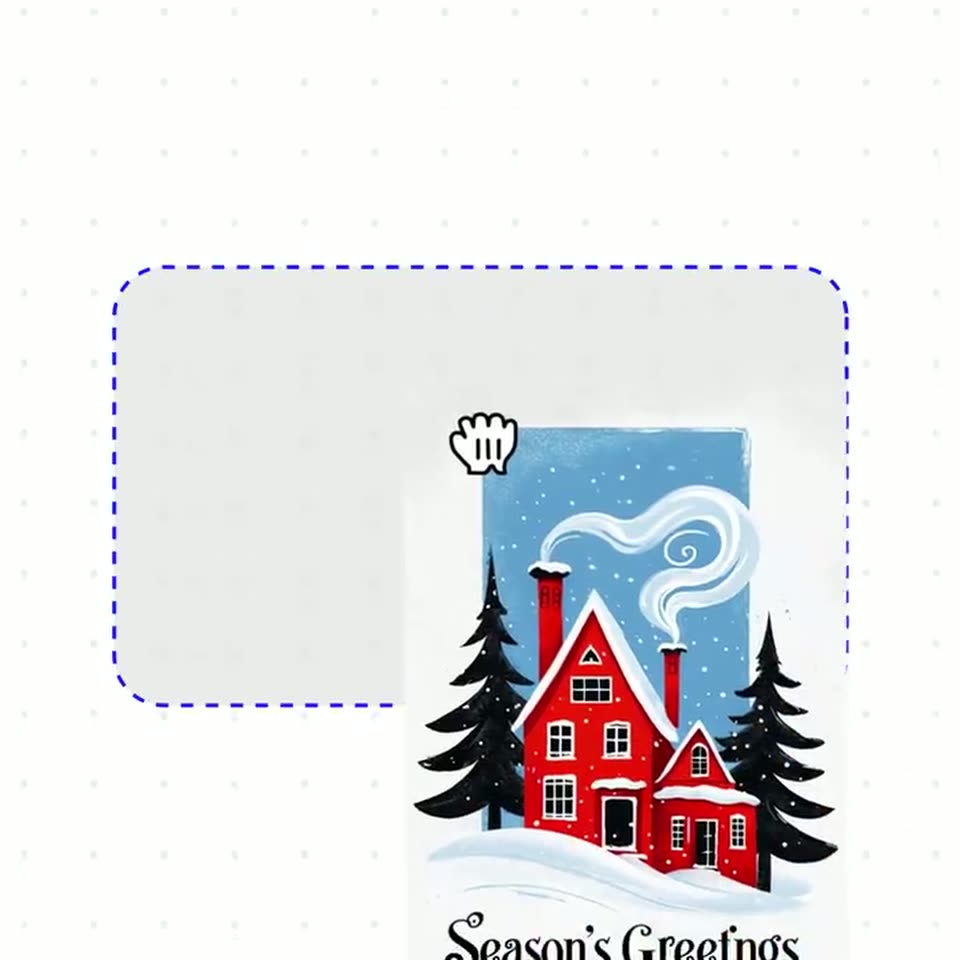 0:36–0:38Playground · Playground - Welcome to the new Playground Use AI to design logos, t-shirts, sociA gray placeholder card with a hand icon sits on a dotted white canvas. A dashed purple border appears, then a winter illustration of a red house is dragged in and snaps into the card, filling it.
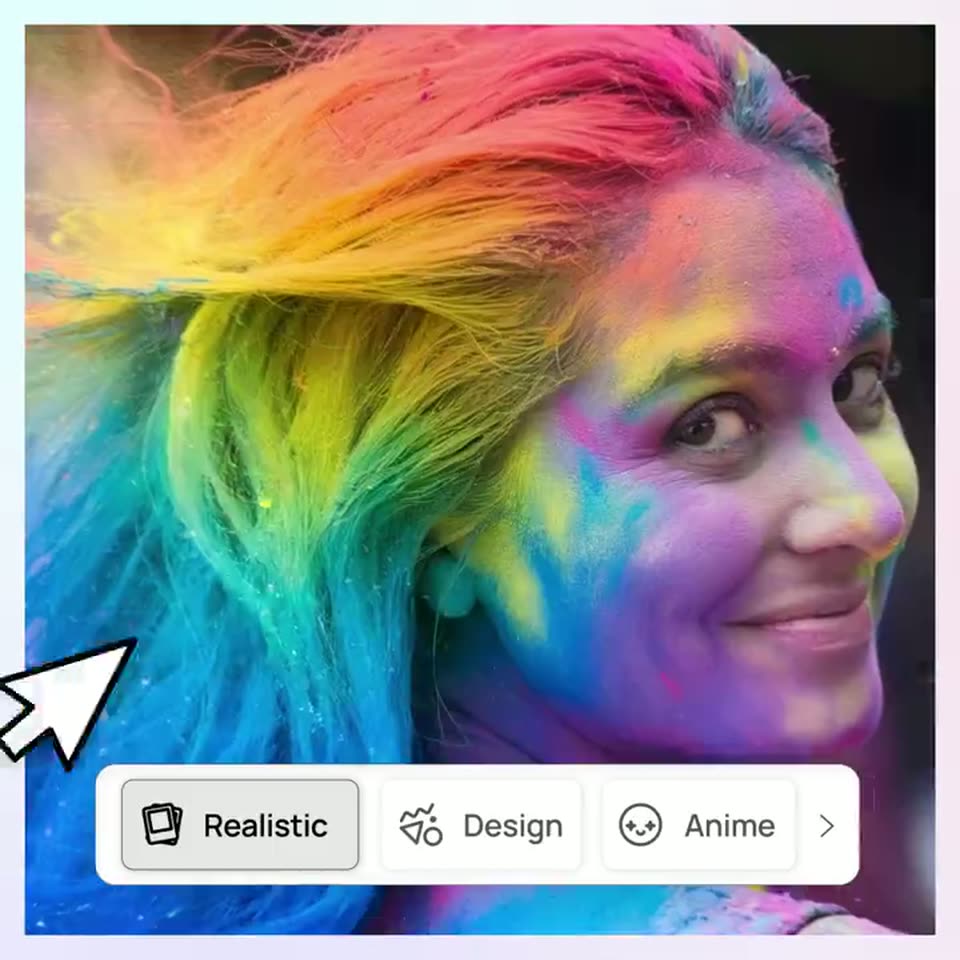 0:15 · 0.6sIdeogram · Ideogram - Introducing Ideogram 2.0 — our most advanced text-to-image model, nowA locked-off close-up of a woman with rainbow powder in her hair and on her face, with a white selector bar at the bottom holding Realistic, Design and Anime buttons. A white cursor arrow slides in from the left and rests over the photo.
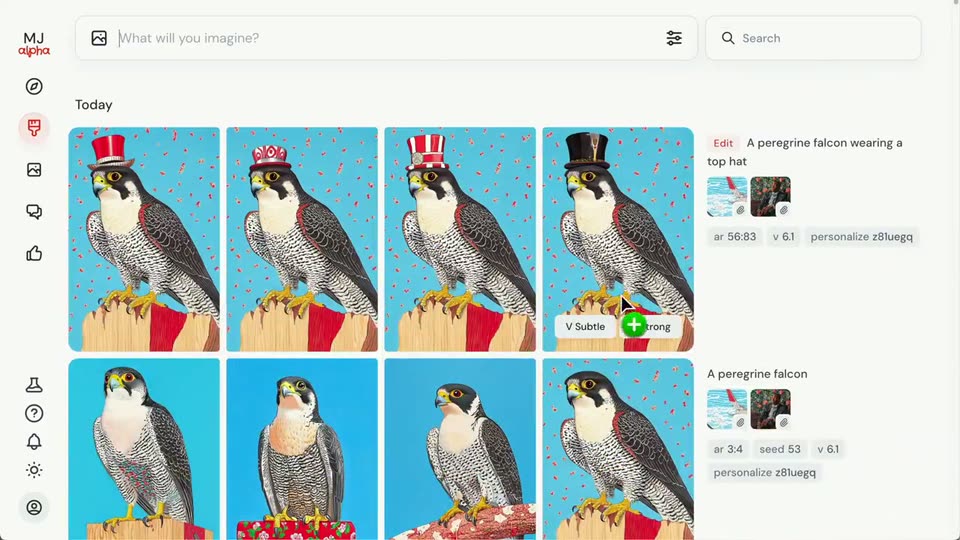 0:57–0:59Midjourney · Midjourney - We're releasing a new web editor today. This combines many previouslyThe Midjourney interface fills the frame, a grid of painterly falcons in top hats on a blue field. A white caption 'and see our results.' sits at the bottom, then fades. A cursor glides to one tile, revealing a control with a green plus and a Subtle to Strong slider.
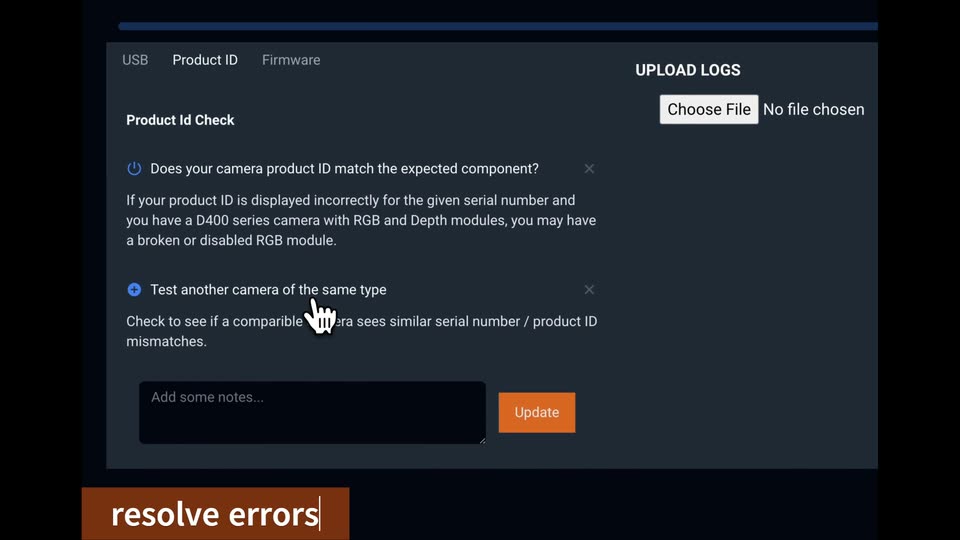 0:14–0:22Ember Robotics · 🔥 Introducing Ember Assistant 🔥- Robotics Camera System Assistant!A dark robotics dashboard shows a debug panel; a hand cursor clicks the Product ID tab and expands two checklist rows, then the view zooms onto the upload-logs area. An orange caption types out 'resolve errors' in the lower left.
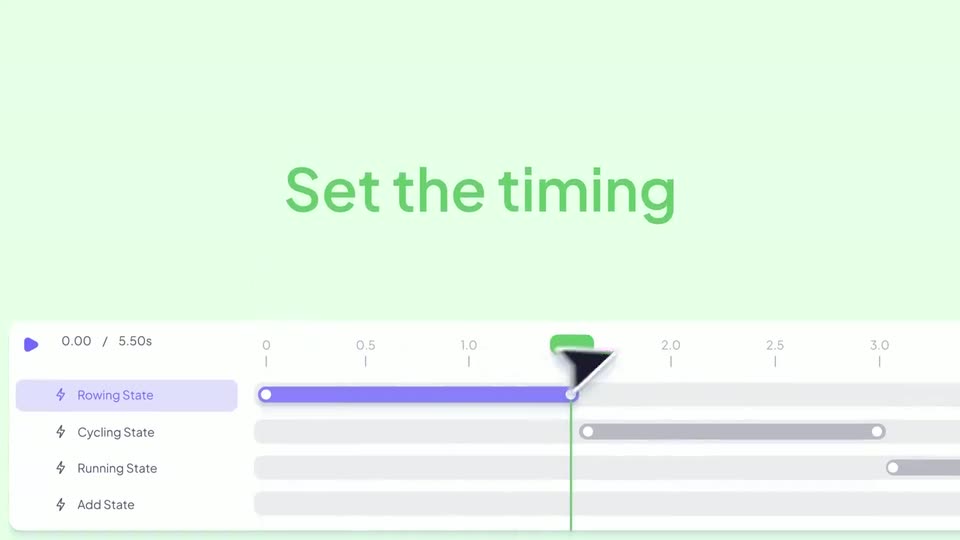 0:19–0:21Lottielab · Lottielab - Interactivity is now live on Lottielab. 📣A green headline sits above a timeline editor panel. A black cursor drags the green playhead handle rightward, stretching the purple Rowing State bar from 0 to 1.5 seconds while the other state tracks stay gray.
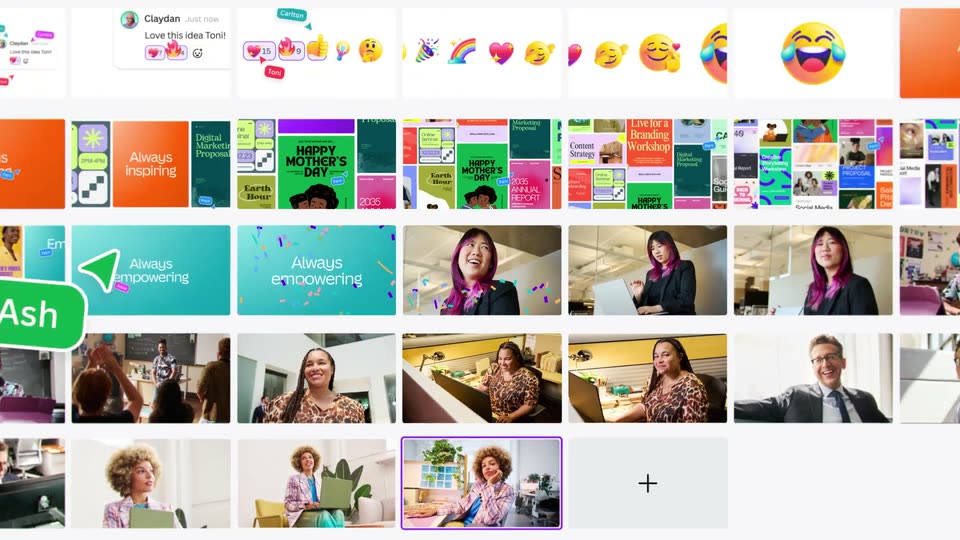 1:05–1:06Canva · Introducing Canva’s Brand RefreshA live-action photo of a woman at a desk, framed by a purple rounded border, pulls back to reveal a dense grid of photo and text tiles. The same photo reappears as one highlighted tile at the bottom while a crosshair cursor hovers nearby.
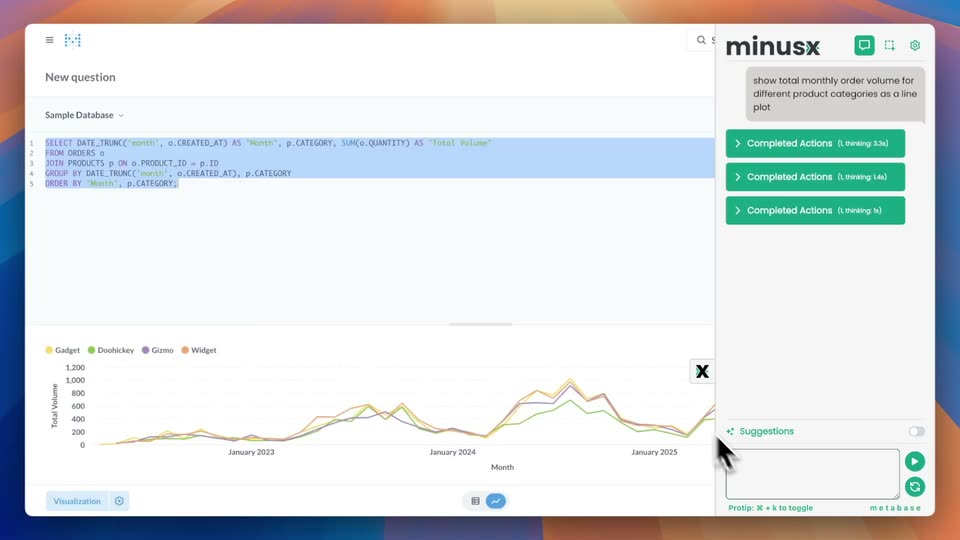 0:24–0:25MinusX · MinusX: AI Data Scientist for Jupyter and MetabaseA split product interface: the left SQL editor and line chart clear to a blank panel while the right sidebar switches from completed actions to a running state. A cursor slides down from the prompt box to the shortcut hint at the bottom.
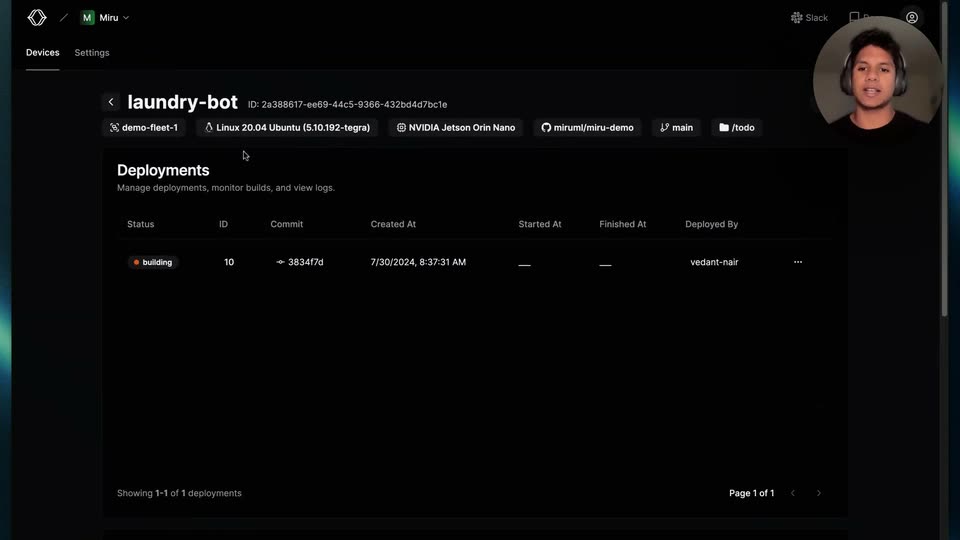 1:57–2:14Miru · Miru Demo YC LaunchA dark dashboard screen share fills the frame, with a circular webcam of a headset-wearing presenter in the top right corner. The page scrolls down to a Containers table and back up to the Deployments table as the cursor drifts across the rows.
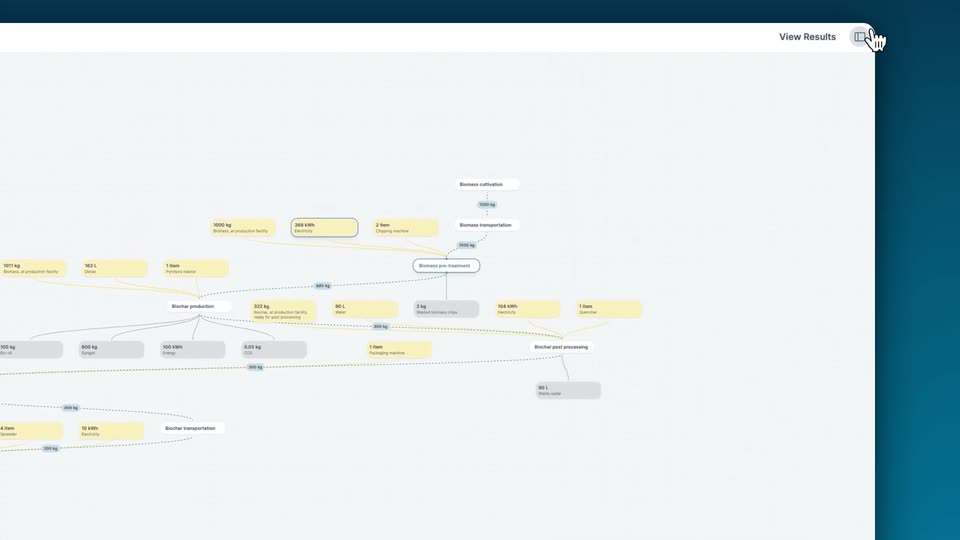 0:13–0:15Offstream · Offstream: Streamlined carbon compliance for project developersA detail panel with form fields slides off to the right, revealing a Sankey flow diagram that pans out to show the full process. A white hand cursor hovers near the View Results button in the top corner.
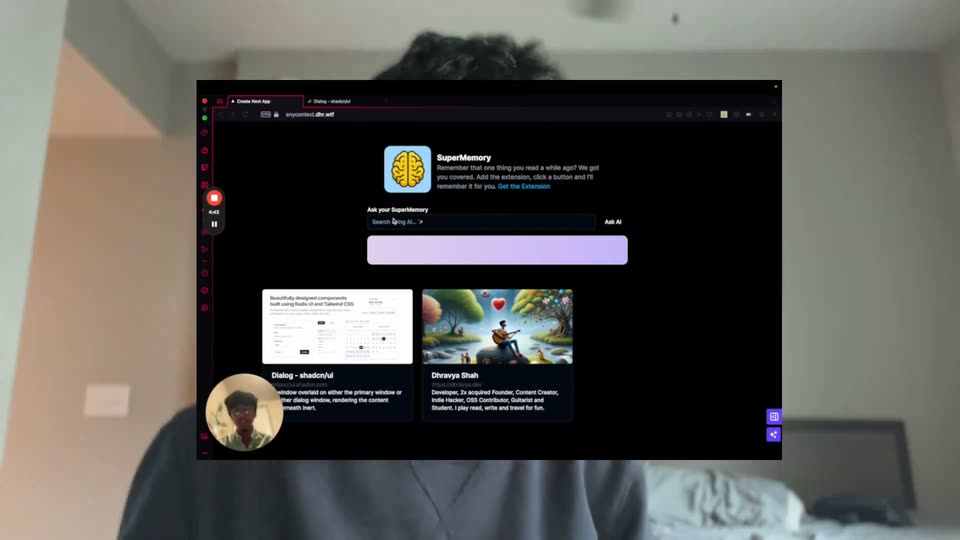 0:47–0:49Supermemory · Dhravya Shah - Introducing supermemory (again). an ai second brain for all your saA flat dark SuperMemory web page is overlaid on a blurred shot of a person seated in a bedroom. The page shows a brain icon, a search field, a purple bar and two cards, while a cursor drifts across the top of the screen.
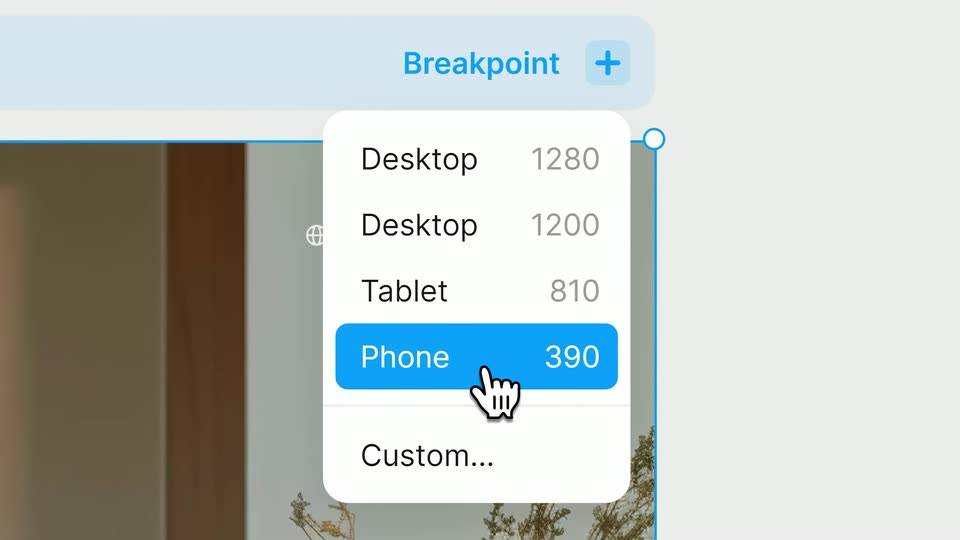 0:24–0:27Framer · Framer Design: Design on an intuitive CanvasIn a static frame, a hand cursor taps the plus icon beside the Breakpoint label, opening a dropdown menu. It then selects the Phone 390 row, which fills blue, over a webpage preview showing a Pre Order button.
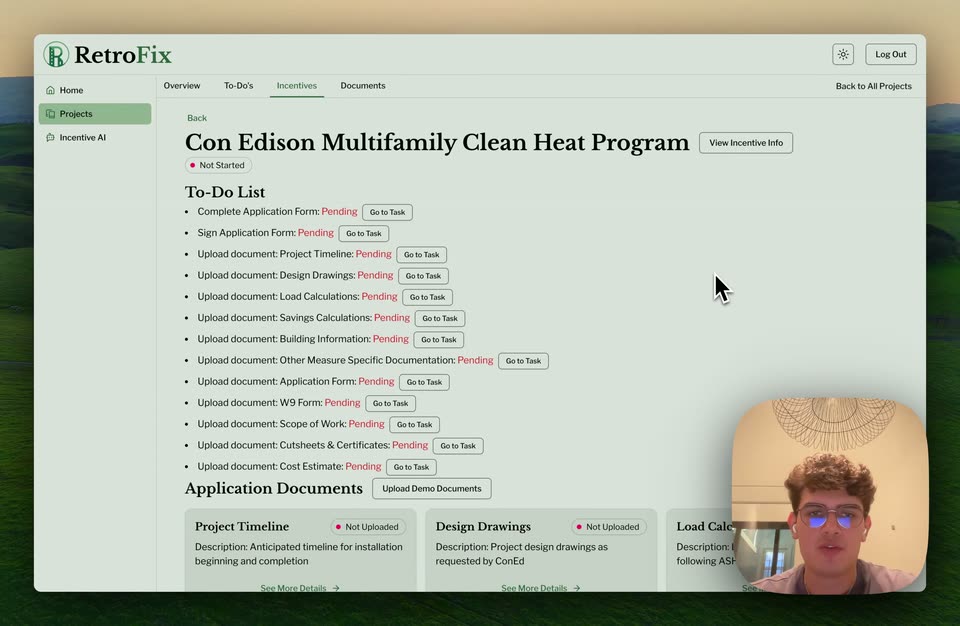 0:41–1:00RetroFix · RetroFix Product DemoA tight crop of a to-do list zooms out to reveal the full RetroFix dashboard for the Con Edison program. A mouse cursor hovers over Go to Task buttons while a man with glasses talks in a rounded webcam inset at the bottom right.
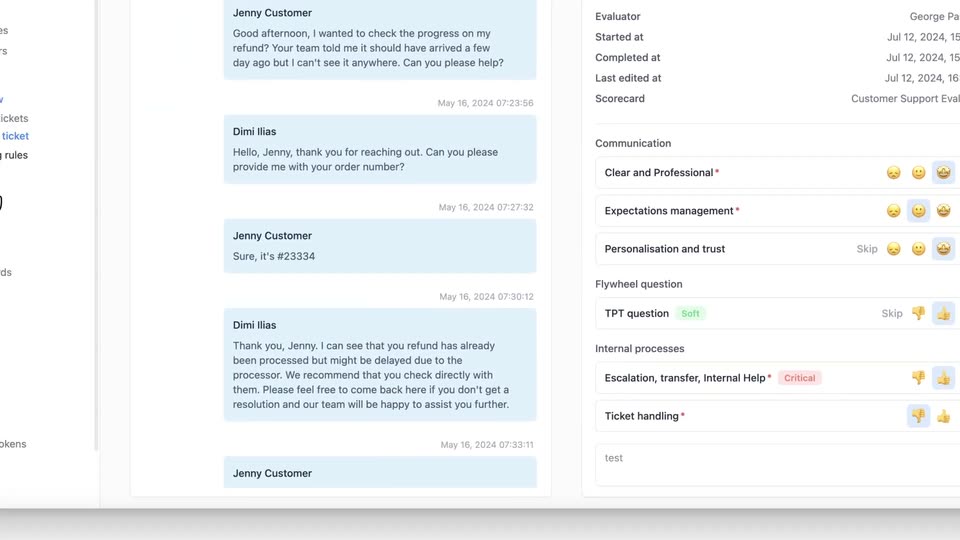 0:22–0:24Intryc · Intryc YC Launch videoA support app screen shows a customer chat thread beside a scorecard form with emoji ratings and dropdowns. The view reframes left to reveal the navigation sidebar, and a hand cursor moves up to hover a menu item.
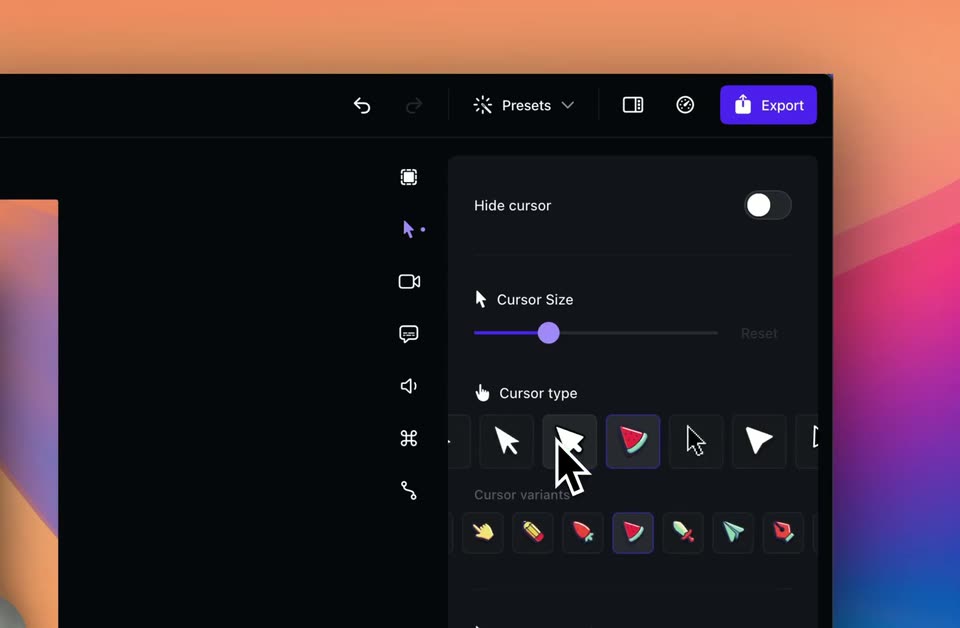 0:12–0:17Screen Studio · Screen Studio - There is a major new update coming soon to Screen Studio! The updateA dark settings panel fills the frame. A white outlined cursor moves to the Cursor type row and scrolls it left across arrow and emoji icons. It selects a watermelon cursor, then the panel scrolls down to Cursor variants, where the cursor clicks another watermelon icon.
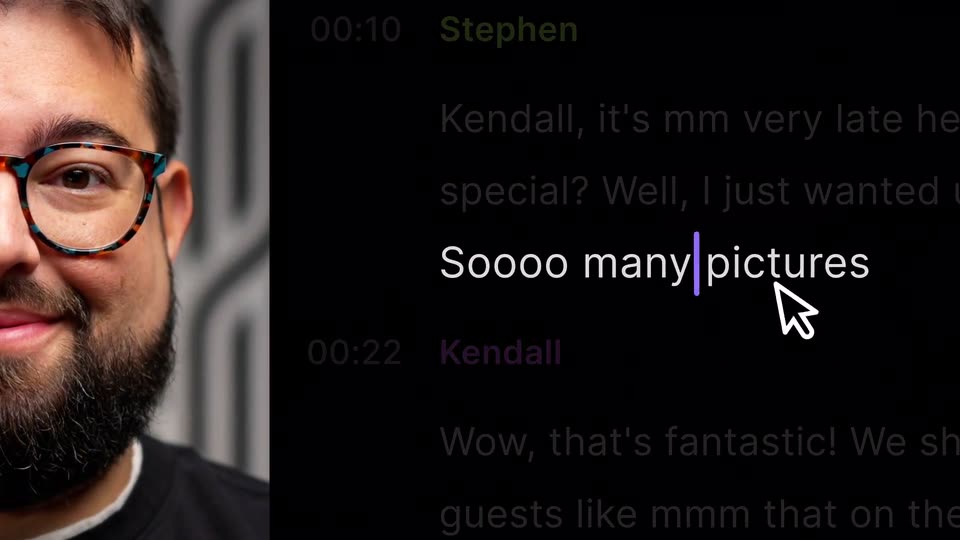 0:37–0:39Riverside · Riverside - Introducing the new Conversation Studio. With full HD live streamingSplit view: a bearded man in tortoiseshell glasses on the left, a dark timestamped transcript on the right. The transcript fades to gray as a cursor selects the word pictures, wrapping it in a purple box, then a small Correct tag with a pencil icon pops above it.
 0:29–0:30Microsoft · The new Microsoft Planner is here! Streamline the planning, management, and execution of workA kanban task board floats in 3D perspective over a pink backdrop with soft spheres, then rotates flat as the backdrop fades to white. A pink arrow cursor appears and points at the Interactive Learning Platform card.
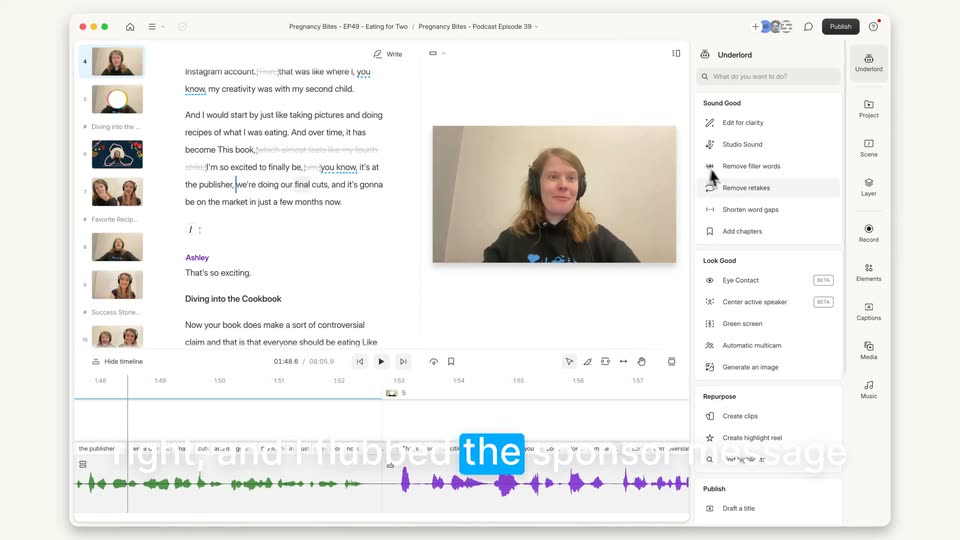 2:00–2:04Descript · Descript - Today, we're launching Descript's new AI assistant editor, Underlord.A podcast editing interface shows a transcript, a video preview of a speaker in headphones, and an AI tools panel. A cursor clicks Remove retakes while the voiceover caption scrolls and key words pop in as blue chips over the waveform.
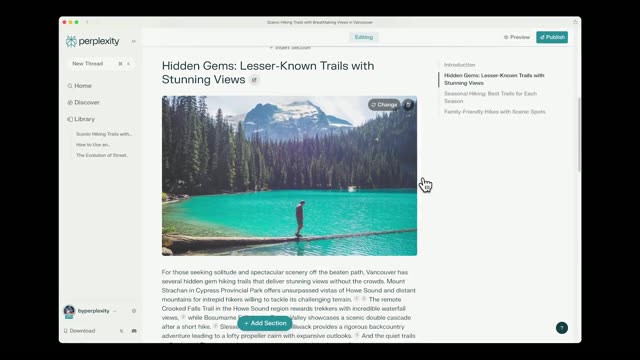 0:26–0:29Perplexity · Introducing Perplexity PagesA Perplexity document editor sits on a black background, showing a hiking article with a turquoise lake hero image. A hand cursor hovers at the right edge while a small menu of image options slides in beside it.
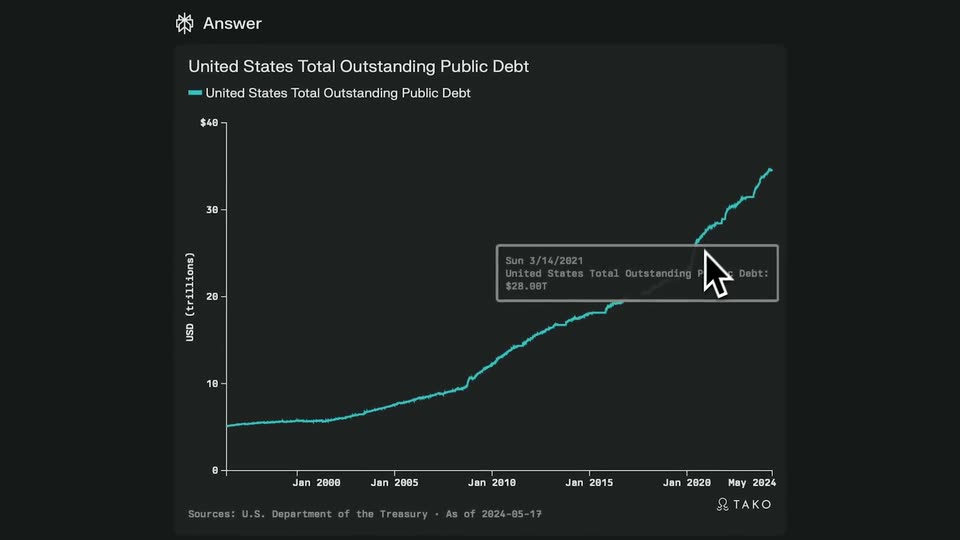 0:22–0:23Perplexity · Introducing Interactive Knowledge CardsA dark card with a debt chart fills the frame; a cyan line climbs from 2000 to 2024. A white cursor slides right along the curve, and a tooltip box updates its date and dollar value as it moves.
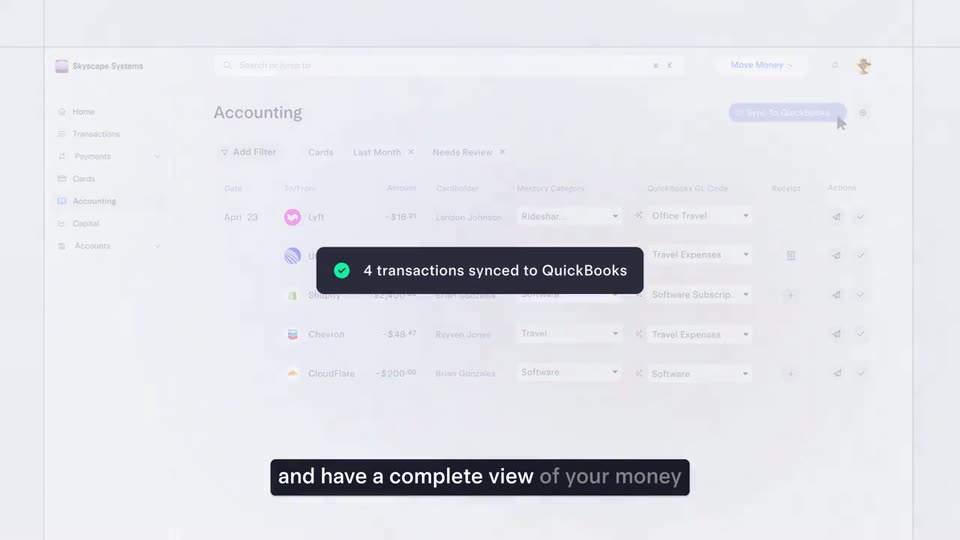 1:00–1:02Mercury · Mercury - The next evolution of Mercury is here. Introducing new software thatThe accounting screen displays a transaction table with a dark toast, “4 transactions synced to QuickBooks,” centered over it. A cursor hovers near the Sync button as the view fades to the home dashboard. A black caption bar at the bottom reads “and have a complete view of your money.”
 0:11–0:12The Browser Company · The Browser Company - Arc on Windows is finally here. No more waitlists, no more betas. DA defocused close-up of a Windows taskbar shows the start orb and the Internet Explorer icon. A white arrow cursor glides left from the browser icon toward the start button as the word start slides in.
 0:10–0:11The Browser Company · Arc on Windows. Download now.A pixelated white arrow cursor hovers over a small multicolored icon on a dotted-border Start button, rendered in a retro pixel style. The frame stays locked on the close-up of the button.
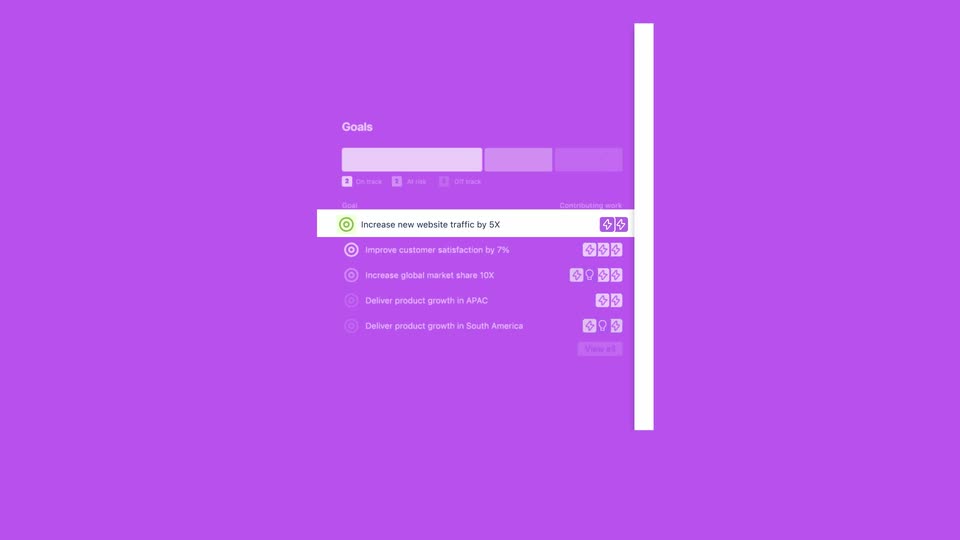 0:58–0:59Atlassian · Welcome to the next era of Jira - Inside AtlassianA purple screen shows a goals list; a yellow cursor clicks a highlighted row with a burst of black lines. The list shrinks and a white detail card slides in from the right, showing the goal's status and progress bars, while the caption company goals sits at the bottom.
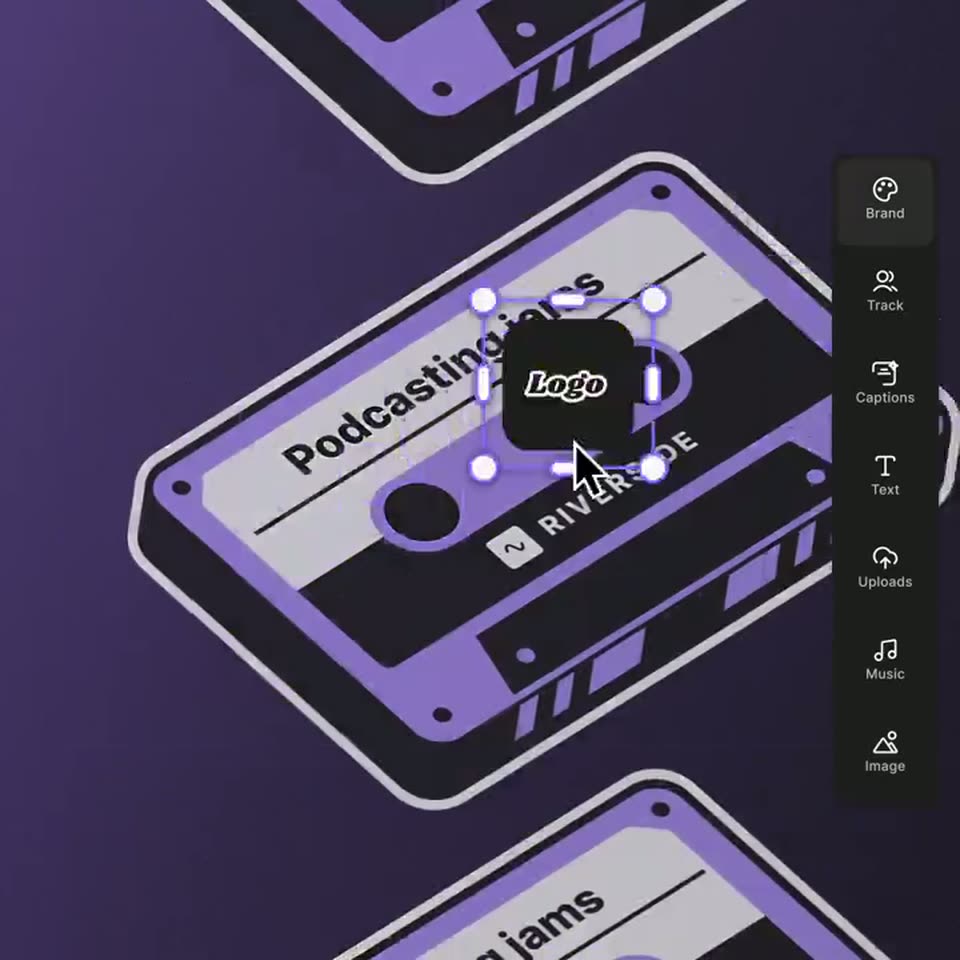 0:12–0:13Riverside · Riverside - NEW: Audiograms are now available on Riverside Turn your audio-onlyA 3D isometric cassette tape labeled Podcasting jams sits in the editor canvas as a cursor hovers the Image tool in the right toolbar, then a Logo placeholder with selection handles drops in at the top left.
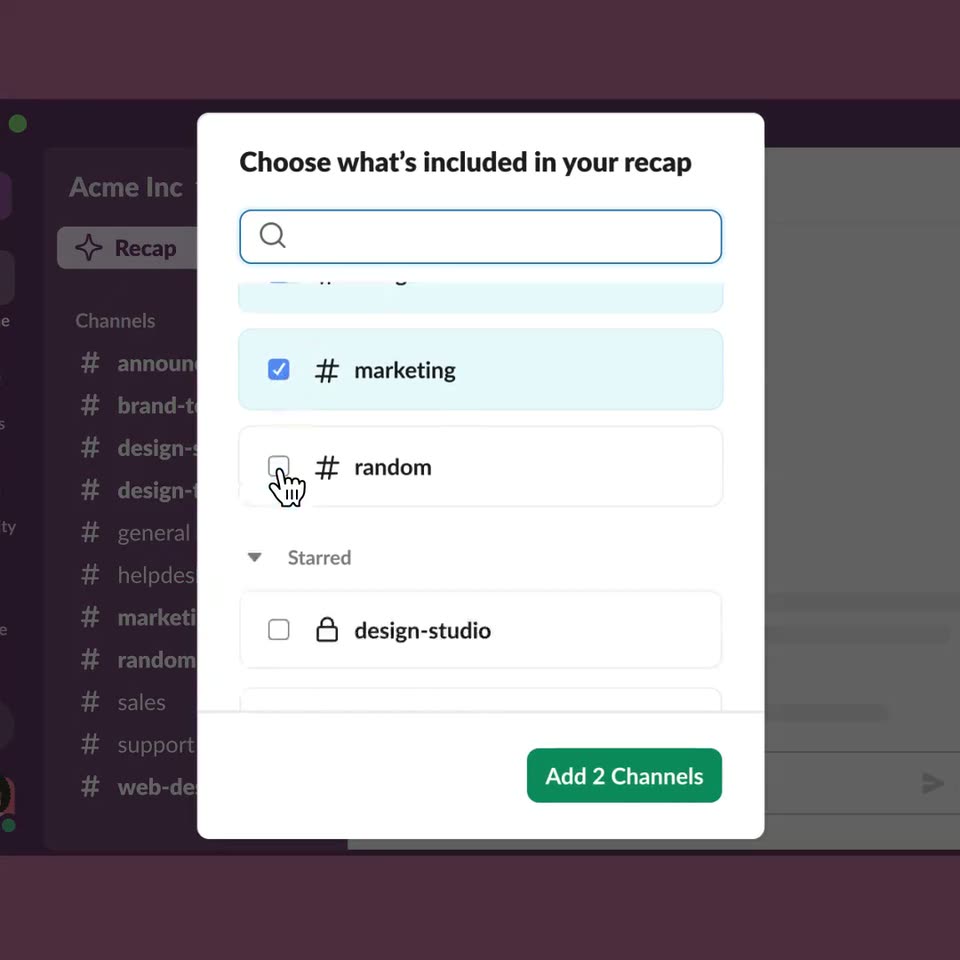 0:28–0:35Slack · Slack - Time is valuable. Slack AI gives you more of it. 🙌✨ And starting todA flat chat app interface sits on a pink background. A white hand cursor clicks the Recap item, opening a modal titled Choose what's included in your recap. The cursor checks three channel boxes, the list scrolls, and the green button updates its count.
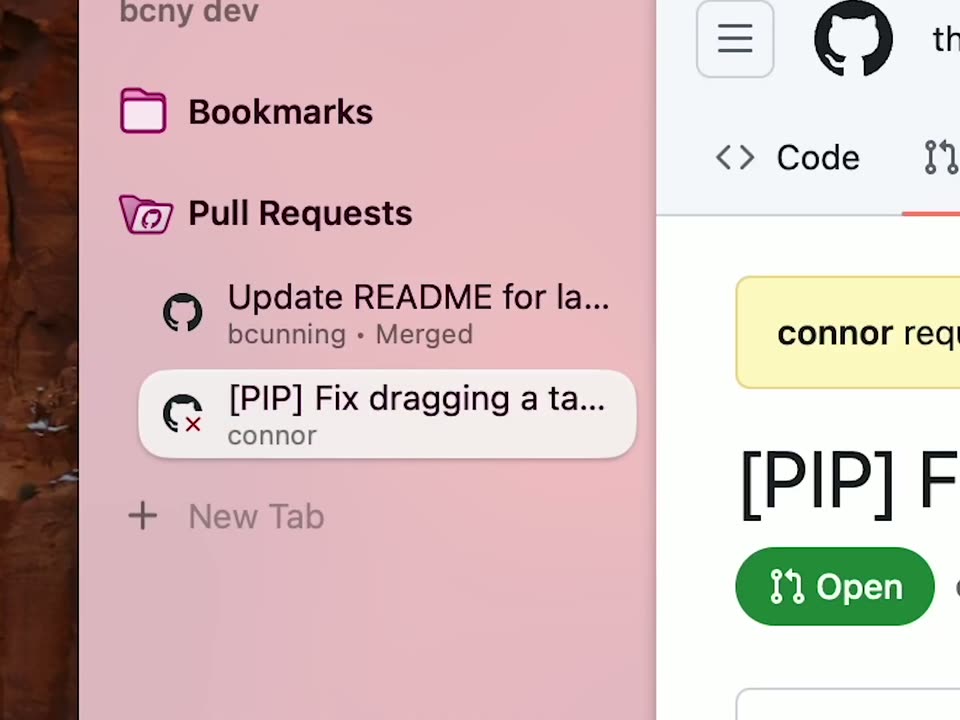 0:15–0:17The Browser Company · Introducing Live Folders in Arc | Your sidebar is aliveA rose-tinted browser side panel lists pull requests under Bookmarks. A cursor hovers over an entry and selects it, and the main pane on the right switches to that pull request's page.
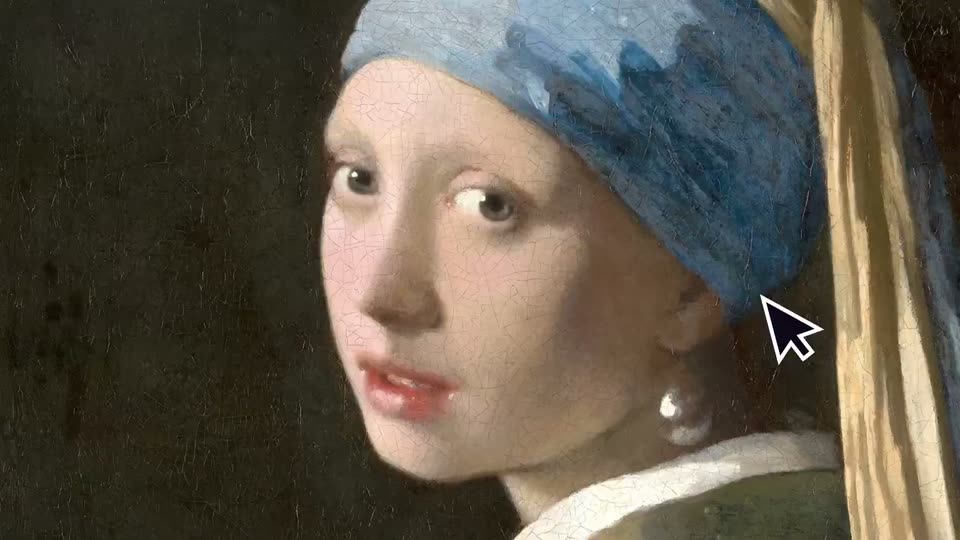 0:07 · 0.4sCaptions · Mirage - Introducing Captions for web. Video editing made simple, thanks toA close-up of a girl in a blue headscarf fills the frame with a white cursor at right. It cuts to a golden pharaoh mask on black, a black cursor resting near the ear.
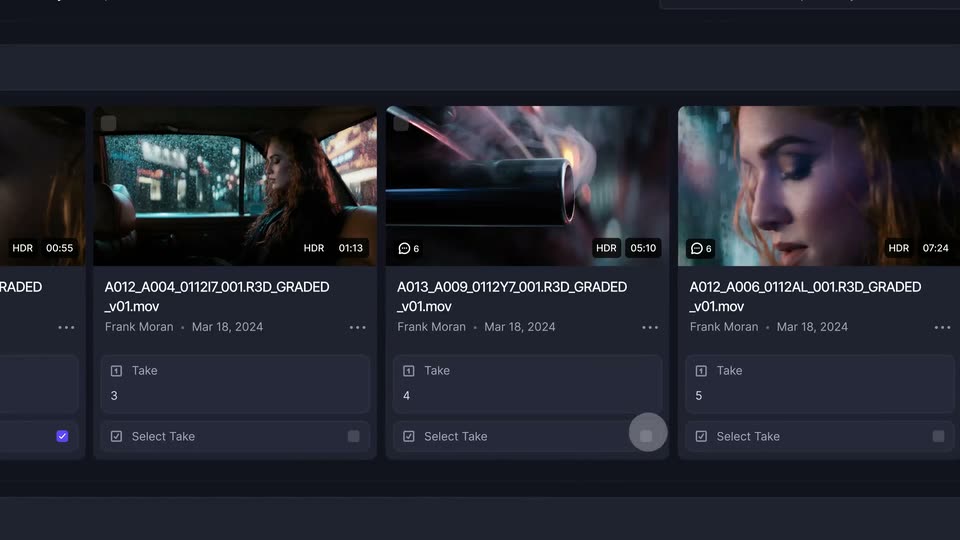 0:34–0:35Frame.io · Frame.io - It's here. The all-new Version 4. Now in beta.A dark media-browser grid of video cards scrolls upward, revealing film-still thumbnails, filenames and Take fields. A circular touch indicator glides across the screen and taps the Select Take checkboxes, filling them purple.
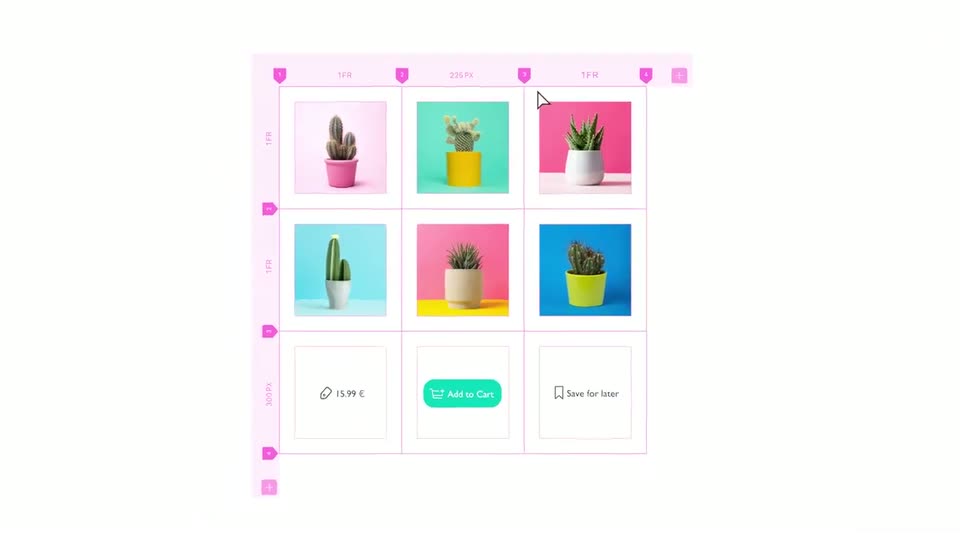 0:25–0:27Penpot · Penpot - 💥 Penpot 2.0 is now available! Explore & enjoy the unique featurA grid of six cactus photos with pink measurement overlays sits beside a dark properties panel listing Columns and Rows; a cursor hovers over the plus button. The panel drops away and the grid zooms out, shrinking to a small square at the center of a white field.
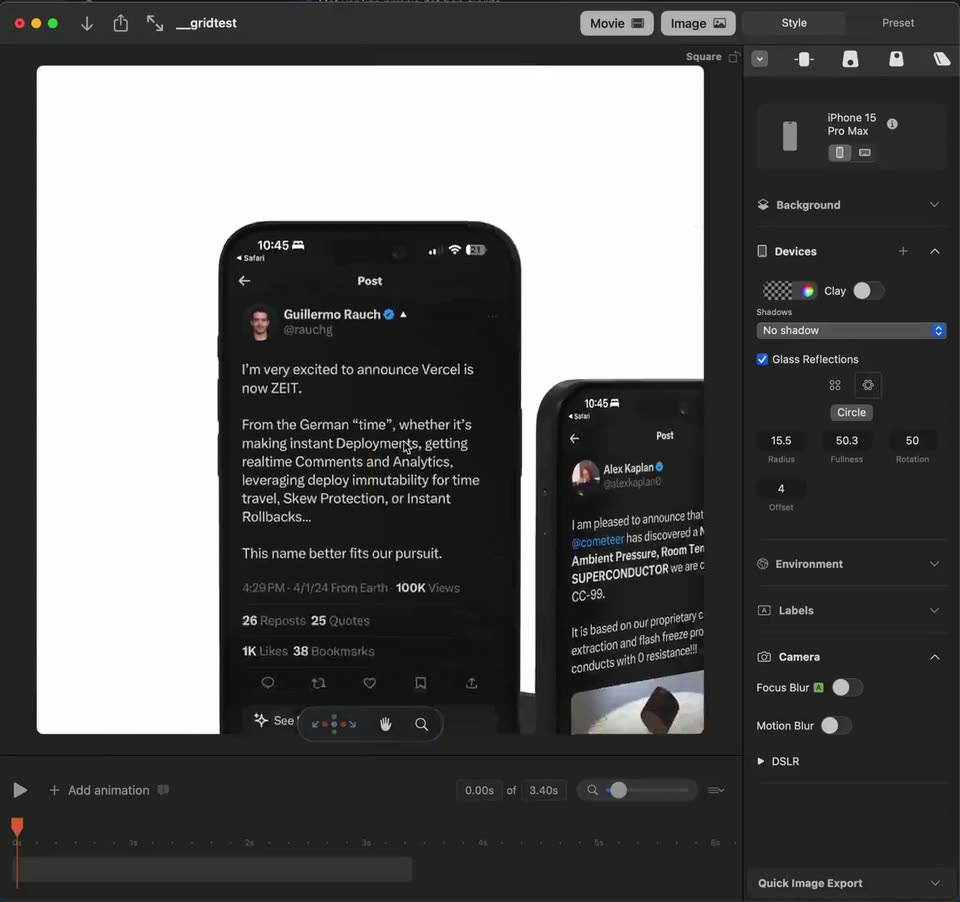 0:18–0:25Rotato · Morten from Rotato - Circles, half circles and grids rolling out to beta users soon:A screen capture of a mockup editor zooms into a phone showing a dark-mode social post, then pans right to reveal two more phone mockups on the white canvas. A cursor moves across the canvas while the timeline playhead advances along the bottom.
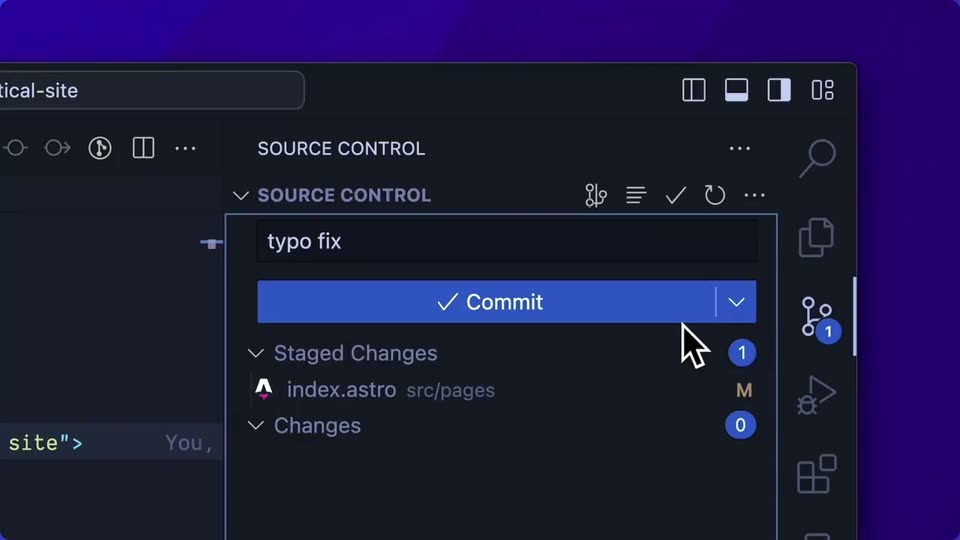 0:20–0:21Netlify · Netlify - Problems debugging your build? AI can take a look. Learn more here:A dark source-control panel of a code editor fills the frame. A white cursor arrow glides up from the staged file row and hovers over the blue Commit button.
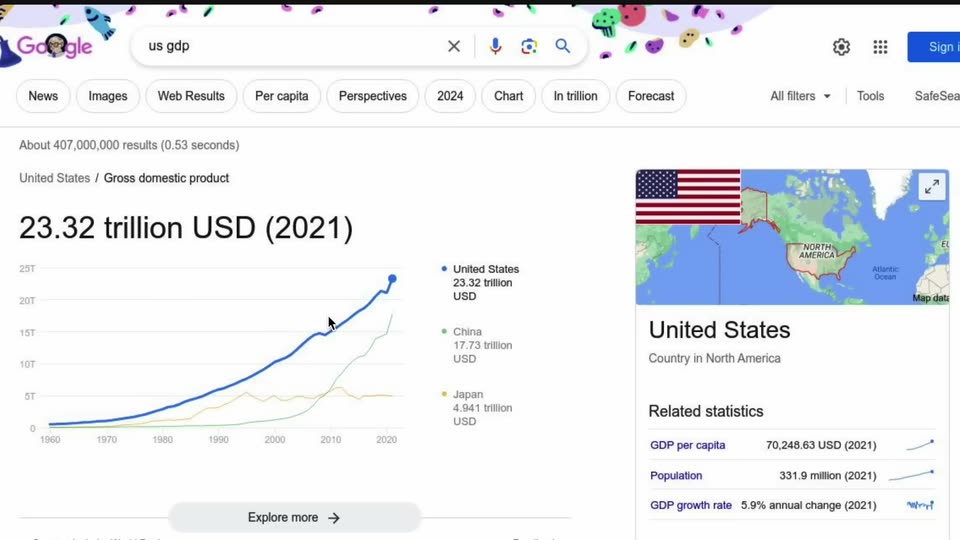 0:47–0:53Anthropic · Claude 3 Opus as an economic analystA Google search page for “us gdp” shows a line chart of GDP trends. A cursor traces the blue line, pausing on its peak point. The view then scrolls down to a dark code panel holding a markdown table of estimated GDP values.
 0:16–0:20OpusClip · OpusClip - Introducing OpusClip 3.0. The smartest AI video clipping tool just goTwo podcast video clips stack on the left while a dark panel slides in on the right, its green score counting up to 99/100 above Hook, Flow, Engagement and Trend tabs. A white cursor arrow hovers across the tabs as a large headline blurs into focus below.
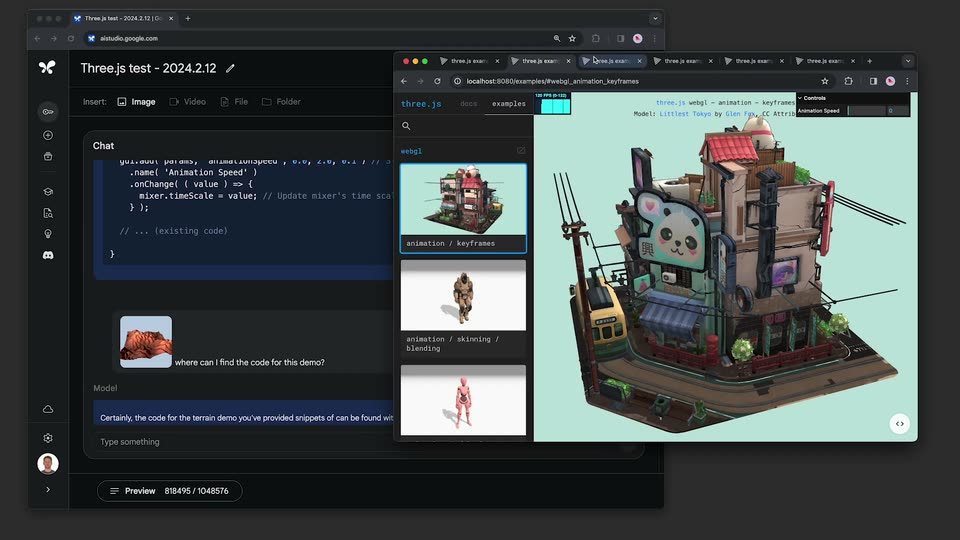 1:48–1:49Google · Problem solving across 100,633 lines of code | Gemini 1.5 Pro DemoTwo overlapping browser windows on a dark desktop. Left shows a chat panel with a code block and a question about the demo code; right lists three.js examples beside a 3D Tokyo diorama with a panda sign. A cursor drifts over the right window's tabs.
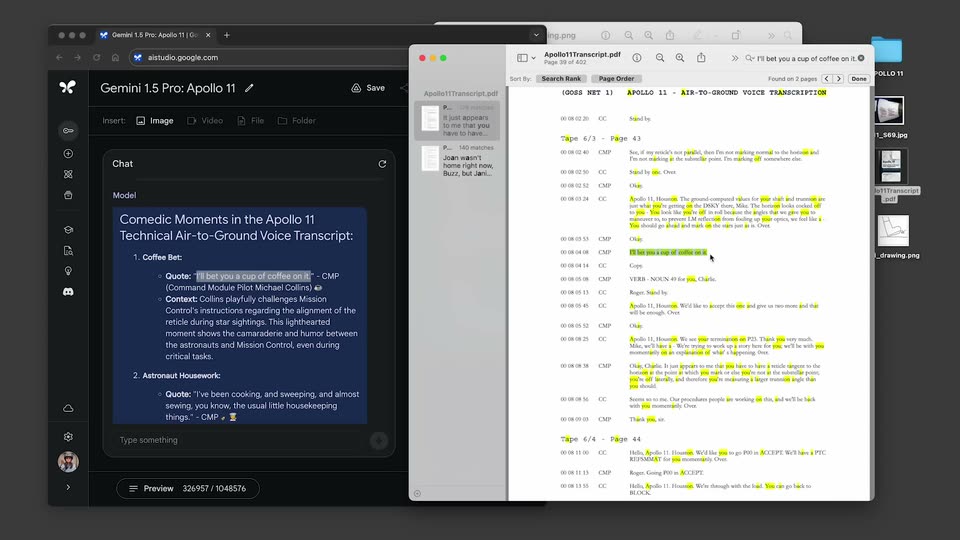 0:49–0:53Google · Reasoning across a 402-page transcript | Gemini 1.5 Pro DemoTwo desktop windows sit side by side: a Gemini chat panel listing comedic moments from the Apollo 11 transcript, and a PDF viewer of the same document with yellow highlights and a search bar. A cursor glides from the search field down to the highlighted coffee quote.
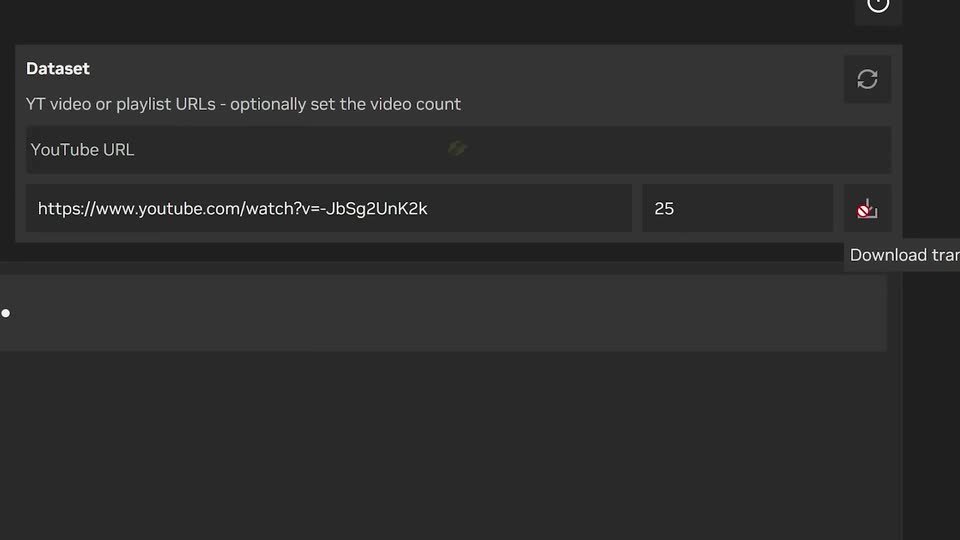 0:31–0:34NVIDIA · Create A Personalized AI Chatbot with Chat With RTXA dark Chat with RTX screen holds, then the view pushes in on the Dataset panel. A caret types a YouTube URL into the field, a download tooltip pops beside the button, and the panel dissolves into the chat bar, leaving a small green link glyph on black.
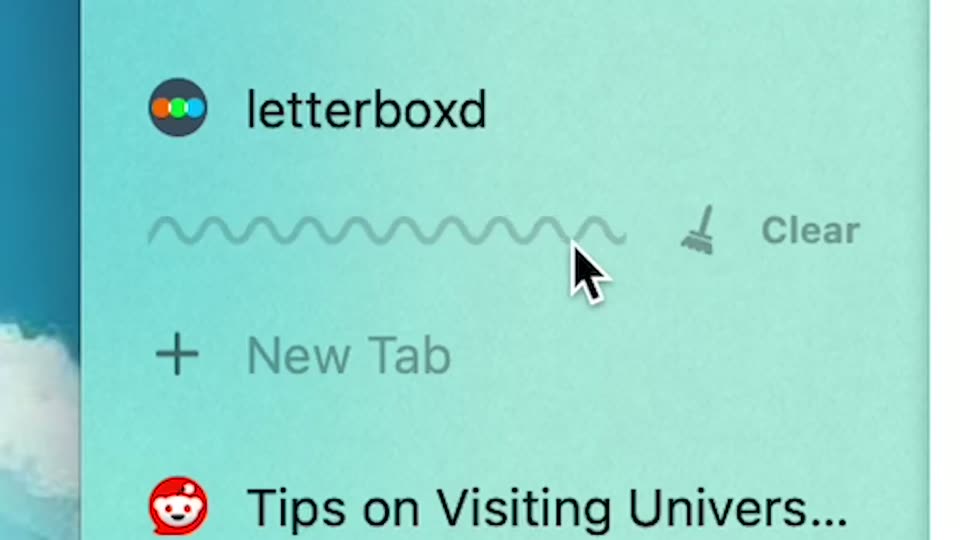 0:16–0:17The Browser Company · The Browser Company - A browser that tidies for you? Tidy Tabs, now in Arc!A teal browser tab list is shown in close-up over a sky background. A cursor hovers over the Clear button, then shifts left as the divider line above New Tab ripples into a wavy shape.
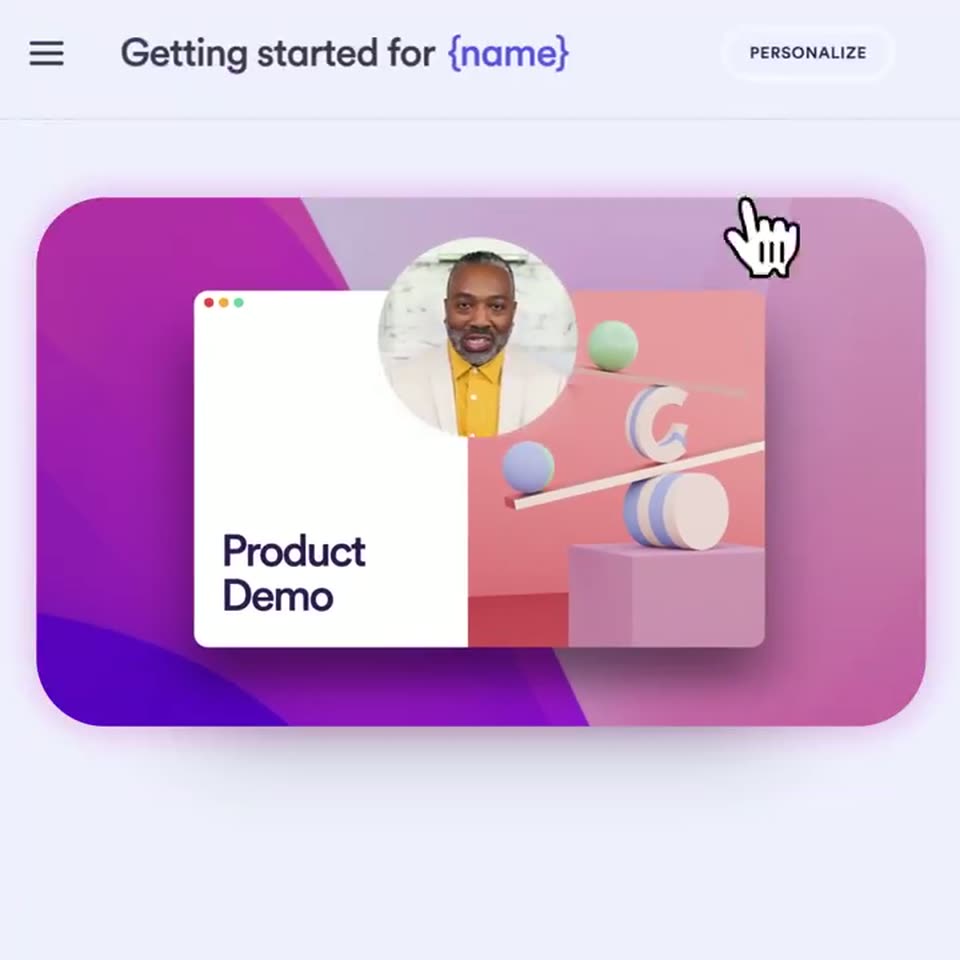 0:12–0:13Loom · Loom - 🚨 Sales & customer-facing teams — unlock more revenue with Loom!A browser window mockup with a white panel reading Product Demo and a pink 3D scene of spheres and a letter G sits on a purple gradient. The view zooms out to the full editor page, a top bar titled Getting started for {name}, a PERSONALIZE label with a hand cursor, and a man's photo filling the circular cutout.
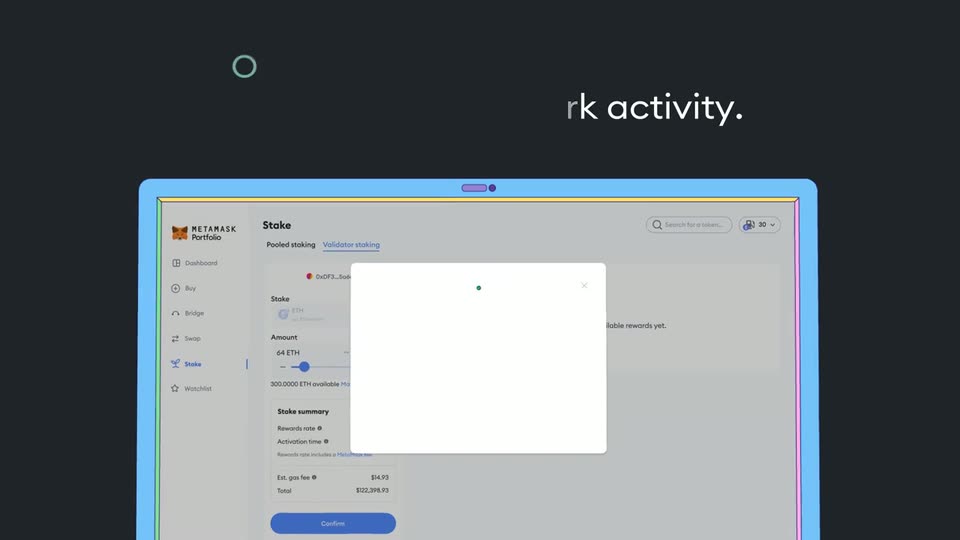 0:49–0:59MetaMask · MetaMask 🦊 - Introducing Validator Staking on MetaMask Portfolio.🦊 With a 32 ETHA tilted 3D browser mockup of a staking interface sits on a dark background as white headlines cycle above it, words appearing one by one. The spinner modal flips to a completion card, and a yellow 3D cursor clicks the Got it button.
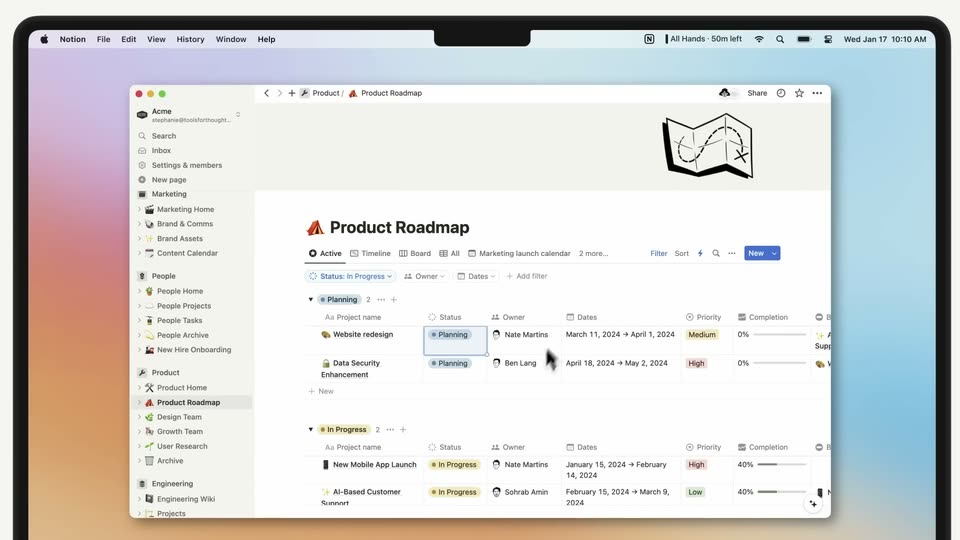 0:36–0:39Notion · Meet Notion CalendarA 3D MacBook shows a Notion roadmap database. The cursor opens a status dropdown and switches a row from Planning to In Progress. The camera then zooms into the top bar, framing the All Hands notification and the page header.
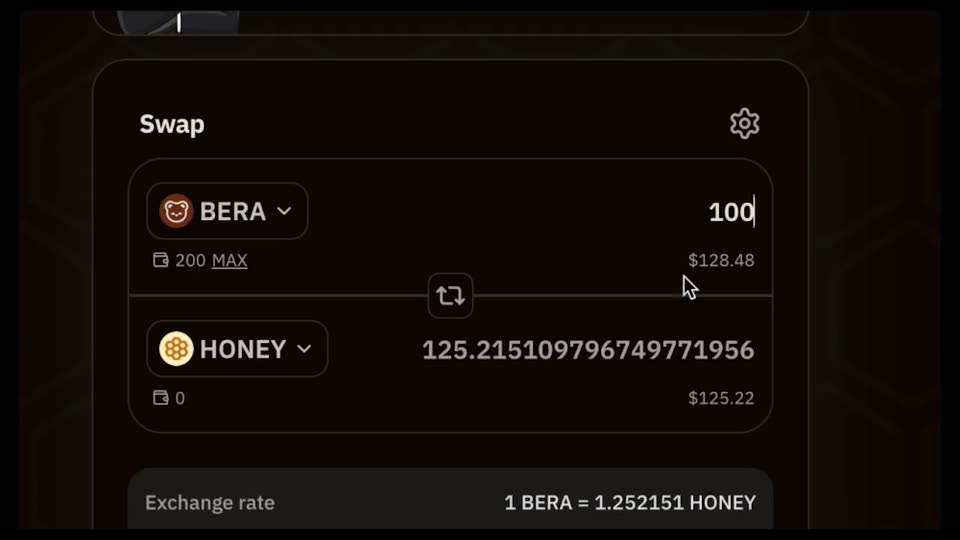 0:23–0:25Berachain · Berachain Foundation 🐻⛓ - Berachain’s Public Testnet "Artio" is now live. The March of the BerA dark close-up of a swap panel on a hex-patterned background. The BERA field types from 10 to 100 behind a blinking caret while the HONEY figure rolls to a long decimal, and a mouse cursor appears at the bottom.
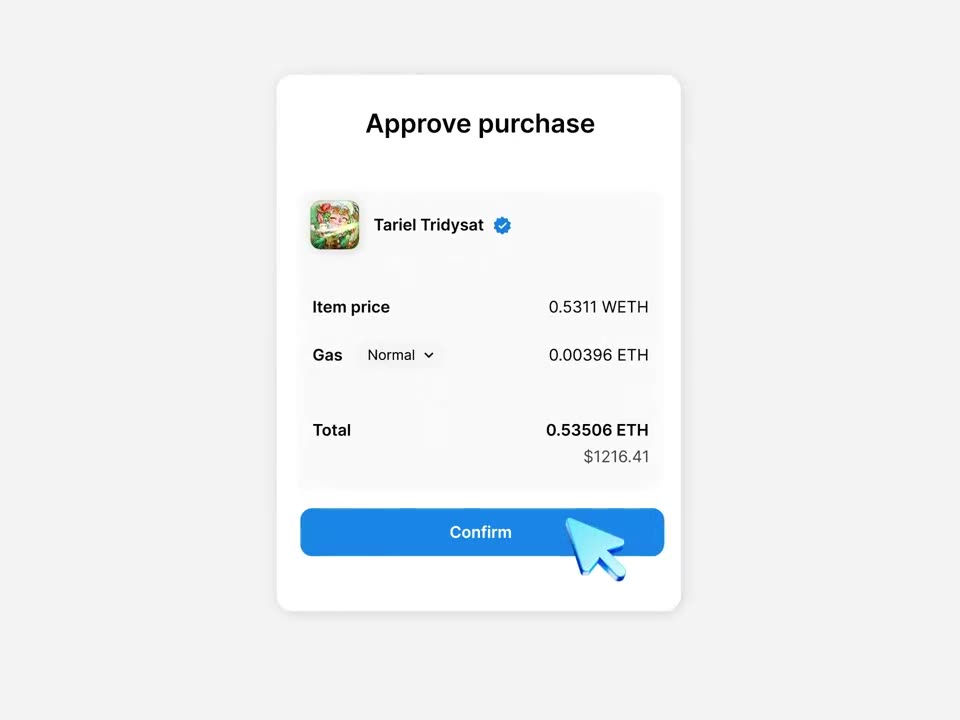 0:23–0:25OpenSea · OpenSea - NFTs just got a whole lot easier. Introducing the new OpenSea onboaA white Approve purchase modal sits on a light gray field, its rows and blue Confirm button assembling into place. A blue cursor rests on the button, then a second white card slides up across the modal, ending with the seller name and a blue verified badge.
 0:21–0:22Leonardo AI · Leonardo.Ai - Realtime Gen is now LIVE for all users ⏱️ Type and watch your promptA dark product interface shows a Normal Upscale control and a tooltip, then cuts to a glitch-styled photo of a cat in orange sunglasses, with a blue circle and colored arrows marking the glasses.
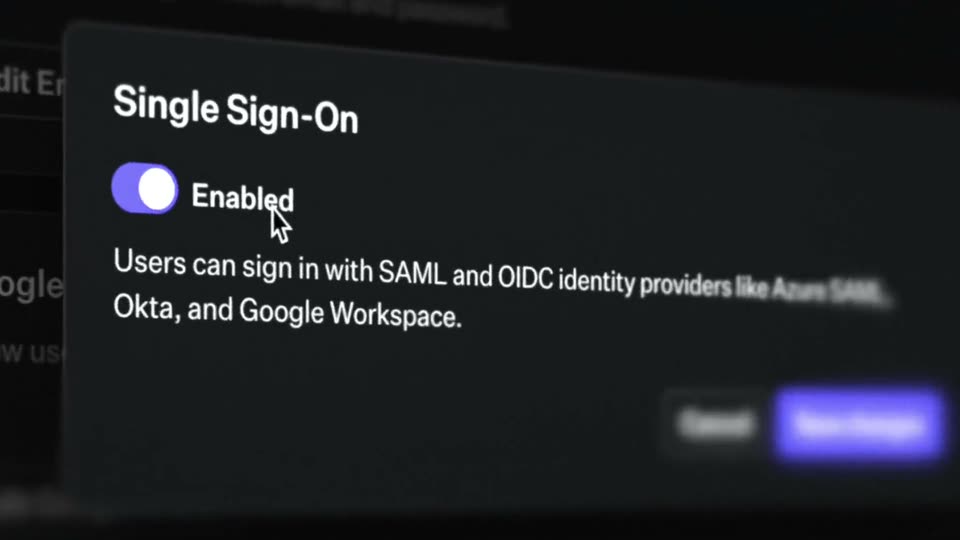 0:16–0:17AuthKit · WorkOS - Introducing @AuthKit — an open source auth UI built on @radix_ui.A dark settings card sits in sharp focus over a blurred dashboard, a cursor resting on its blue toggle. Mid-clip the card's title and copy crossfade from Magic Auth to Single Sign-On while the background stays soft.
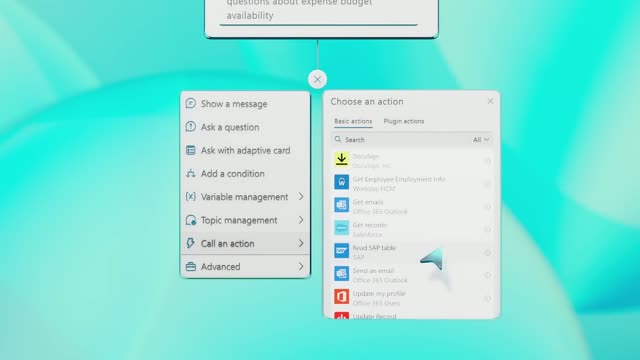 0:27–0:30Microsoft · Introducing Microsoft Copilot Studio | Your Copilot, Your WayOn a soft teal gradient, a flow-builder dropdown and an action picker panel sit side by side. A cursor clicks an entry, the picker fades out, and a configured action card labeled Read SAP table settles into the center above a plus node.
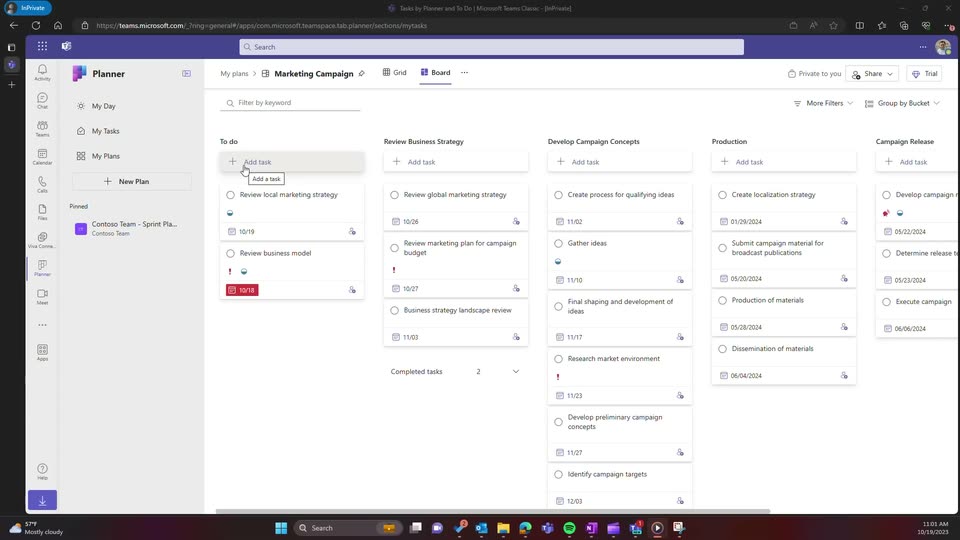 0:59–1:19Microsoft · Meet the new Microsoft PlannerScreen recording of the Teams Planner board for a Marketing Campaign plan. The cursor hovers over the Add task field, then the board fills with task cards across five buckets. The cursor clicks the Grid tab, switching to a table view, then moves back to the Board tab.