Cursor demo
A visible cursor operates the interface.
15,093 scenes · page 159 of 252
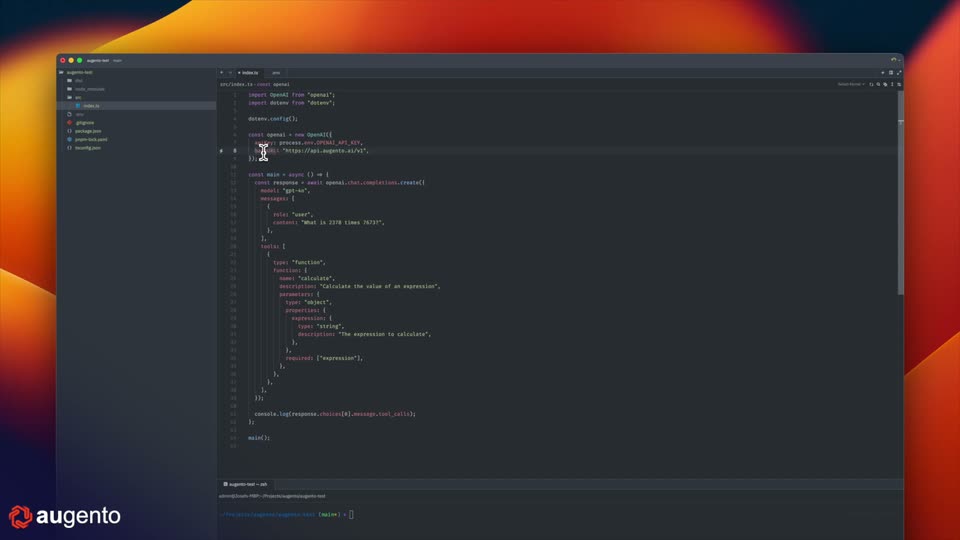 0:45–1:00Stillwind · Augento AI – DemoA dark code editor window floats in 3D perspective over an orange and purple gradient. A cursor edits the API key in the .env tab, updates the base URL in index.ts, then runs the file in the terminal, which prints a tool call result. The view zooms into the terminal.
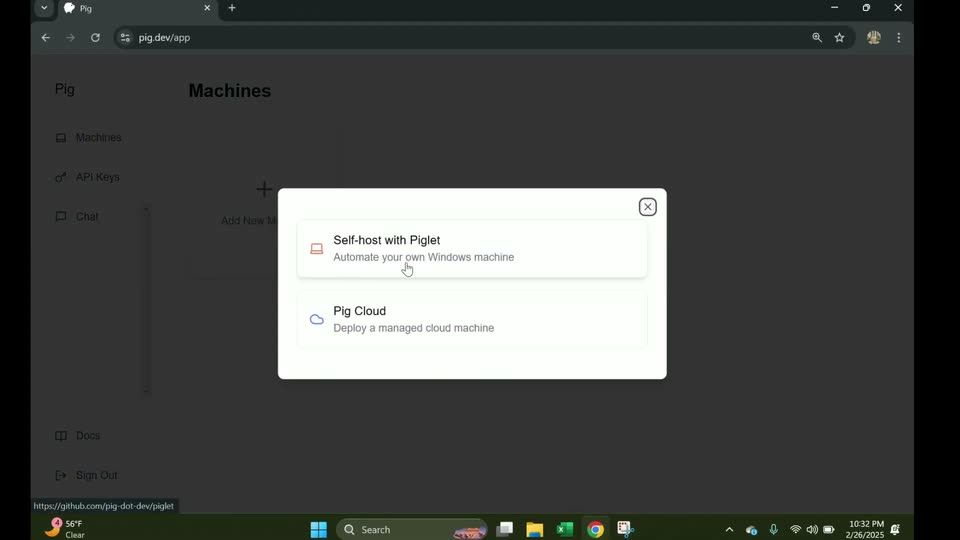 0:53–0:54Butter · Pig Official LaunchA browser window shows the Pig app with a centered modal offering two machine options. The cursor glides from the left edge to rest on the Self-host with Piglet row, which highlights as a link tooltip appears at the bottom left.
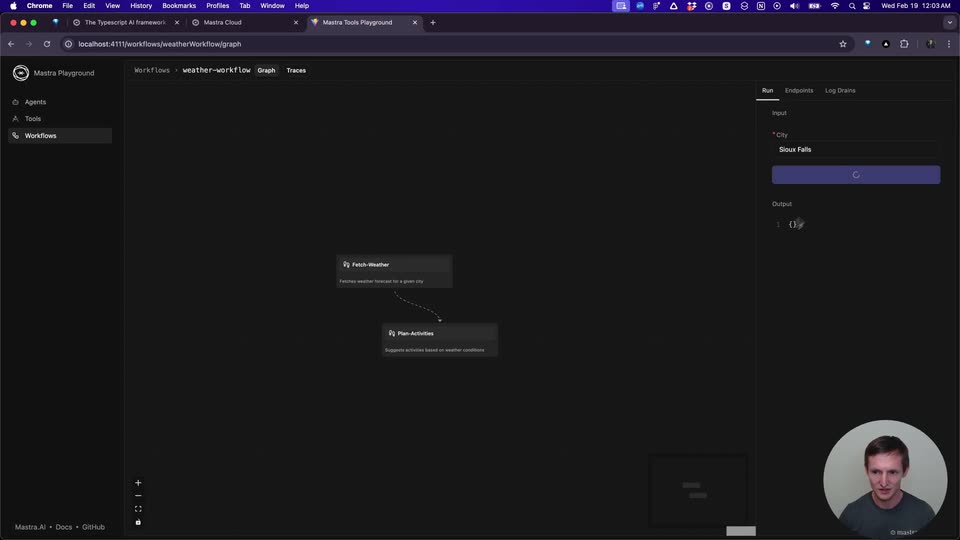 0:42–0:47Mastra · Mastra Demo - The Typescript AI Agent Framework (2024)A dark workflow editor in a browser shows two connected nodes. A cursor clicks the City field, types Sioux Falls, picks it from a dropdown, then clicks Submit as a spinner loads. A circular webcam of the presenter sits in the corner.
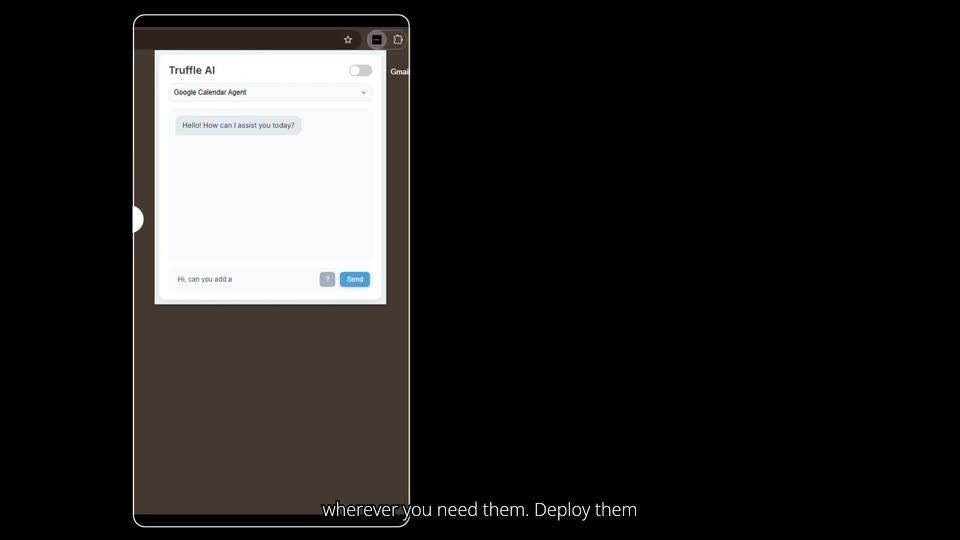 1:01–1:05Dexto · Truffle AI Launch YCA phone mockup on a black background shows the Truffle AI chat with Google Calendar Agent selected. A caret types into the message field, building the sentence while white subtitles swap at the bottom. The frame stays locked off.
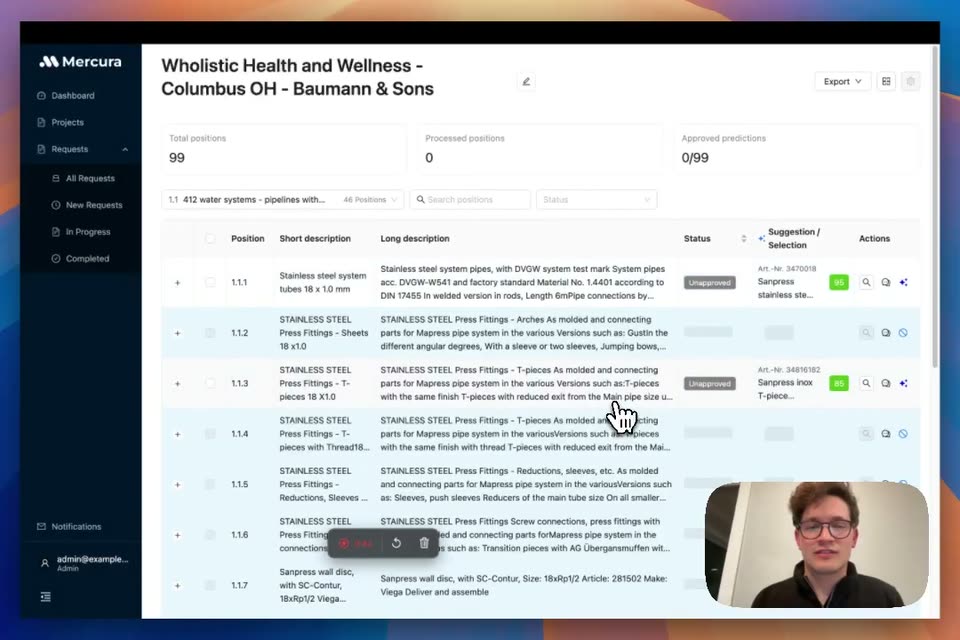 0:57–1:06Mercura · Mercura YC LaunchA Mercura request page shows a table of stainless steel positions; toast notifications fade out as the suggestion column fills with product matches and confidence badges. A hand cursor hovers over rows and moves to the sidebar while a presenter appears in a bottom-right video inset.
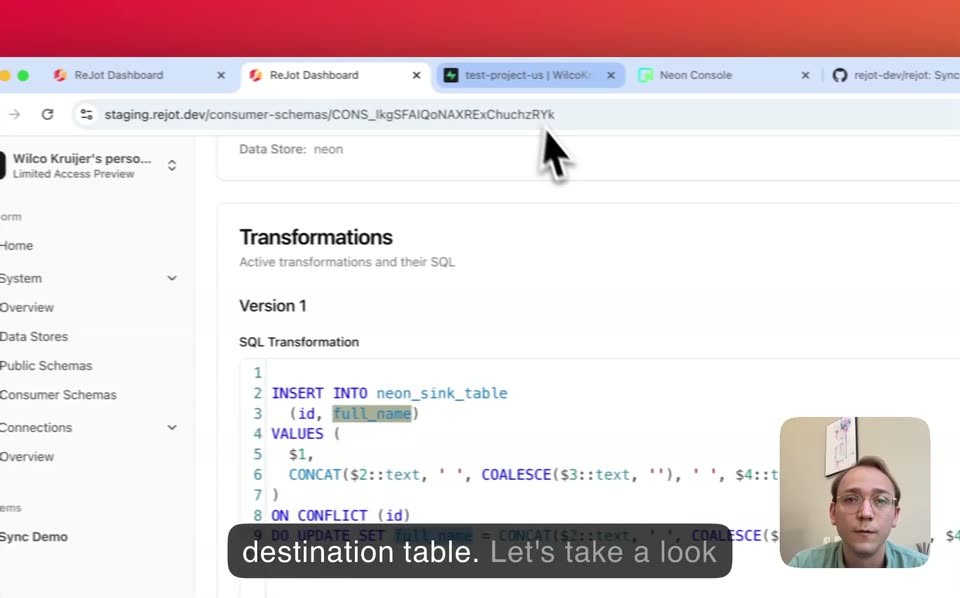 0:49–0:50ReJot · ReJot YC LaunchA browser window of a developer dashboard is shown. The cursor glides near the top tabs and the view switches from a SQL transformations panel to a table editor listing names, while a small presenter video sits in the bottom-right corner.
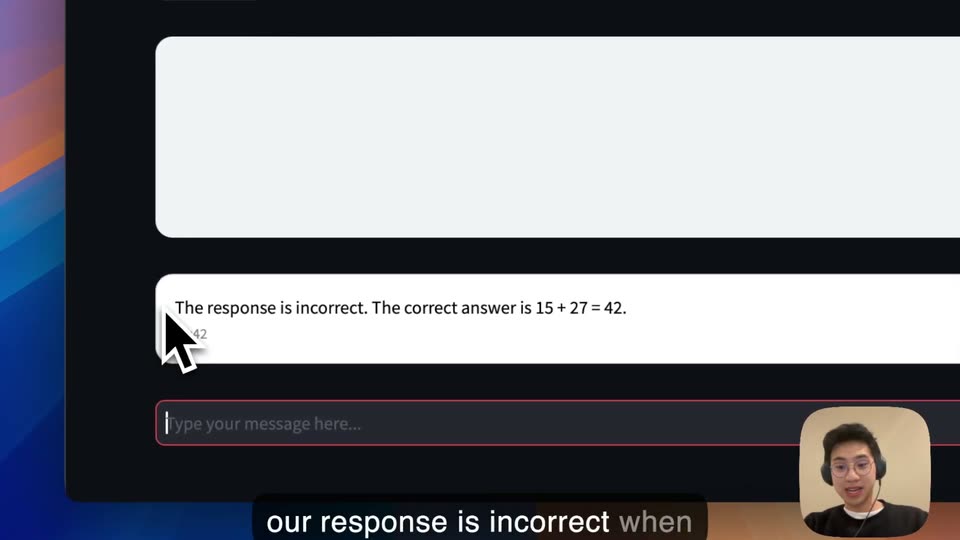 0:59–1:07Sublingual · Sublingual AI DemoThe camera zooms into a dark chat interface, framing a response message, as a cursor hovers over it. A small webcam feed of a man with headphones sits in the lower right. The view then pulls back to the full browser window and its tabs.
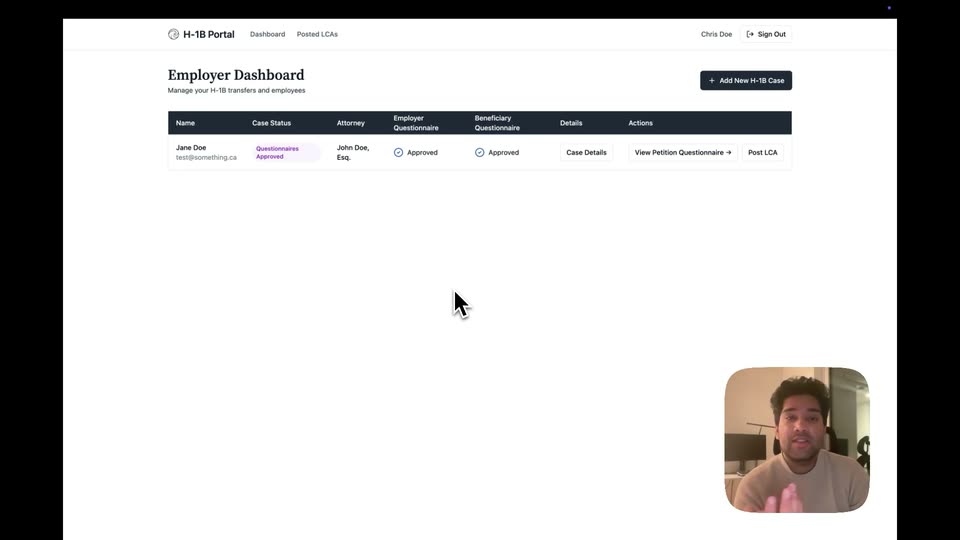 1:29–2:00Gale · Gale Launch DemoA crossfade settles on the H-1B Portal Employer Dashboard, a single-row case table on a white screen. A small webcam of a man talking and gesturing sits in the bottom right. The cursor holds center, then slides right to hover the Post LCA button.
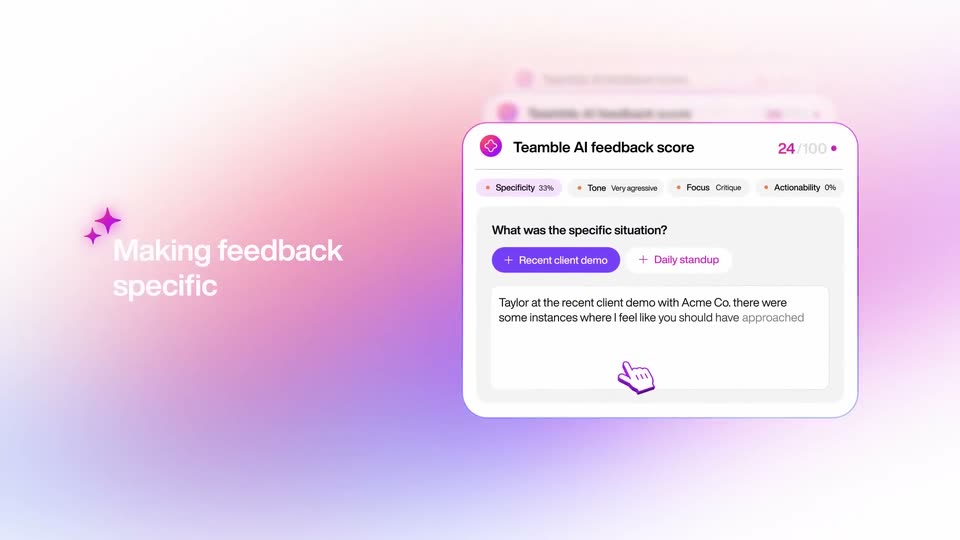 0:34–0:38Teamble · Best SaaS Product Demo Video | TeambleA feedback-score card settles in on the right of a pink gradient, the white headline “Making feedback specific” on the left. A hand cursor taps the “Recent client demo” chip, the score ticks to 24, and typed text fills the answer box.
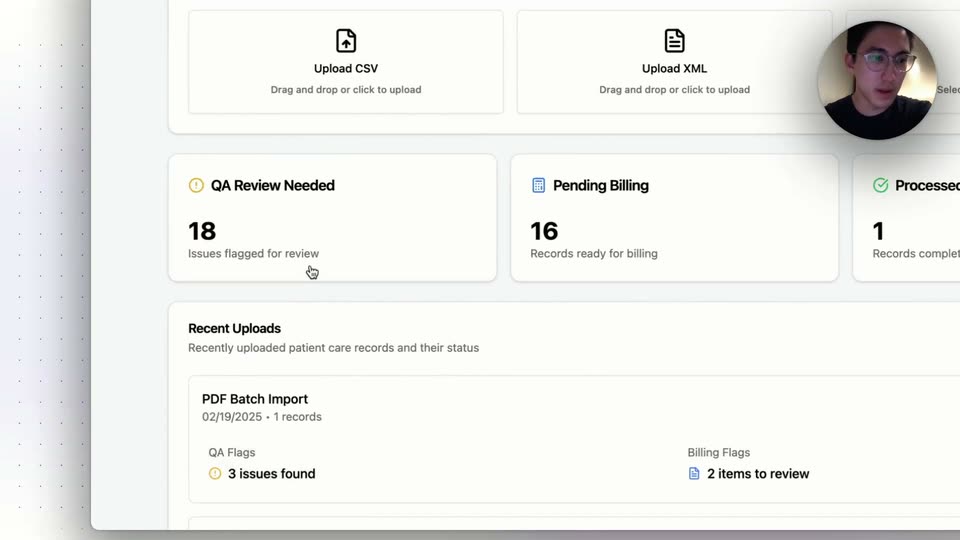 0:37–0:43Amby Health · Amby Health YC LaunchA dotted background holds a browser window showing the EMS Dashboard; a circular webcam of a man with glasses sits top right. The view zooms into the stat cards and Recent Uploads row as a cursor drifts, then zooms back out and crossfades to the Quality Review Dashboard.
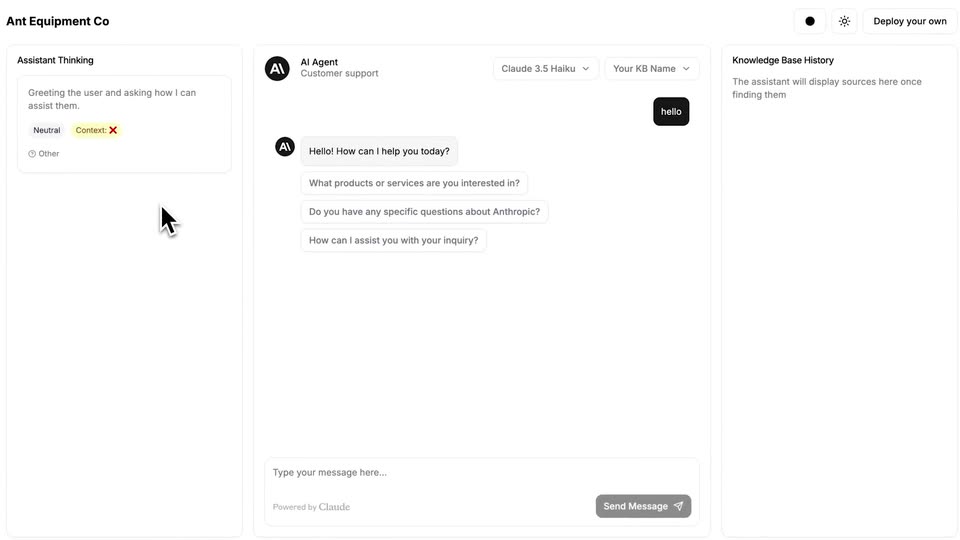 1:17–1:21Anthropic · Introducing Claude CodeA three-panel chat-builder UI settles after a brief overlapping transition, showing an Assistant Thinking card on the left, an AI Agent chat with a black hello bubble and reply chips in the center, and a Knowledge Base History panel on the right. A cursor hovers over the left panel.
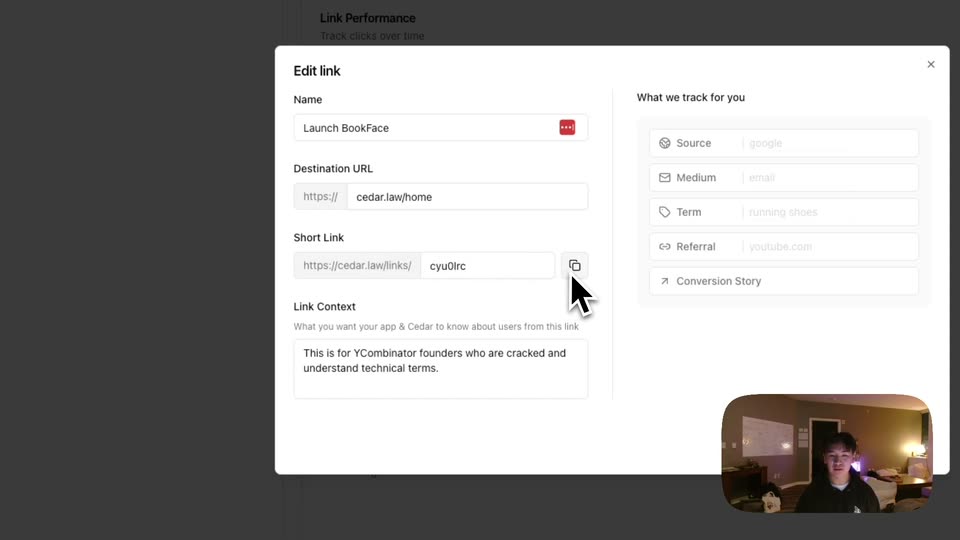 0:40–1:04Cedar · Cedar Demo 🌲A browser shows a link dashboard; a hand cursor clicks the edit icon on a row, opening a centered modal with form fields. The cursor then selects the URL, short-link and context fields, and the view blurs and zooms out. A webcam feed sits bottom right.
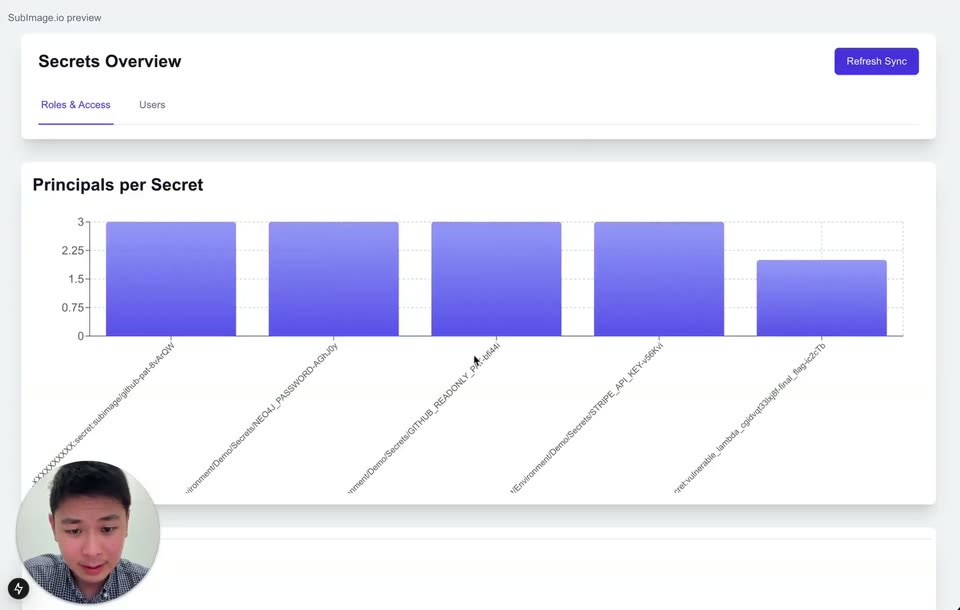 1:28–1:34SubImage · My Stripe API key was leakedA light dashboard shows a Secrets Overview header and a five-bar chart of Principals per Secret. A cursor glides across, hovering each bar to open a dark tooltip with a secret ARN and reader count. A circular webcam of a presenter stays pinned lower-left.
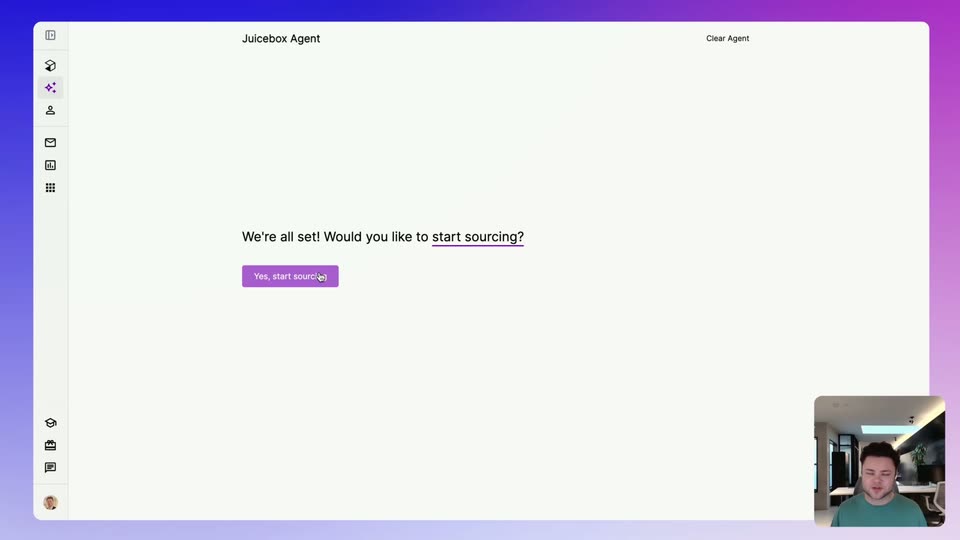 1:12–1:27Juicebox · Introducing Juicebox AgentsA cursor clicks through a setup wizard in a white agent interface, picking a contact rate and approval option, then presses a purple start button. A burst of multicolored confetti fills the panel before the view cuts to a stats dashboard. A small webcam feed of a man sits bottom-right.
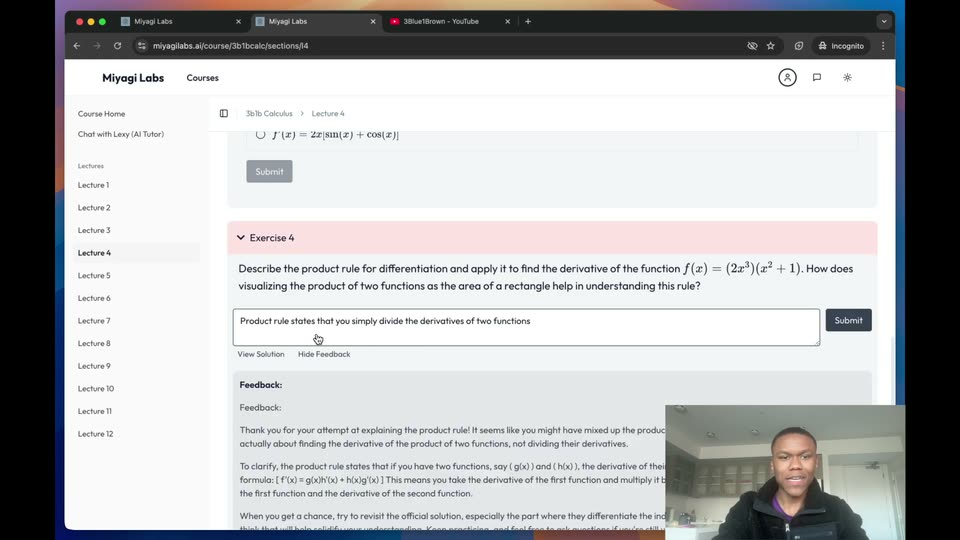 0:38–1:17Miyagi Labs · Miyagi Labs (YC W25) Launch DemoA screen capture of the Miyagi Labs course page scrolls down a calculus lecture. The cursor picks a multiple-choice answer, submits it, and a green Correct banner appears; it then types a wrong text answer that triggers red feedback. A presenter's webcam stays in the corner.
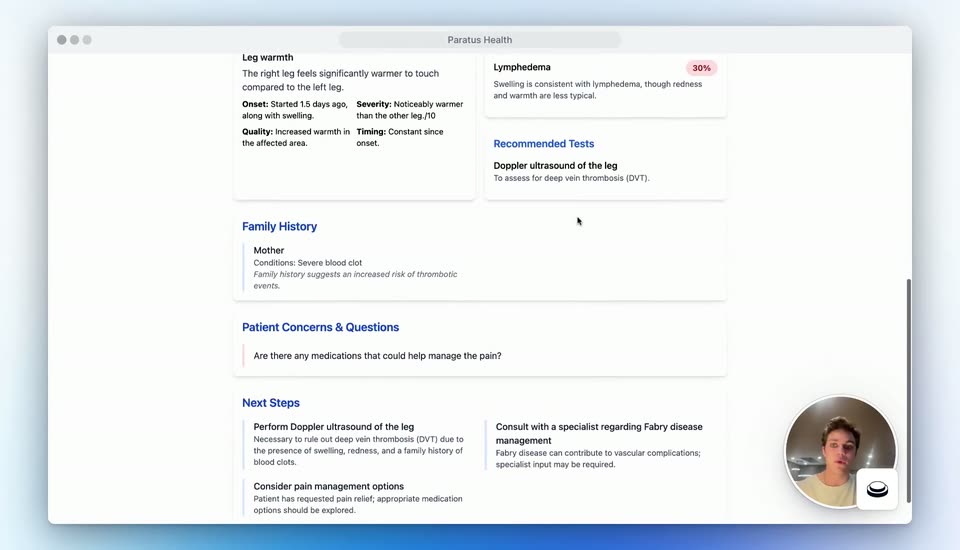 1:47–2:23Paratus Health · Paratus Health - Product DemoA browser window on a blue gradient shows the Paratus Health patient report. The page scrolls down through Symptoms, Assessment, Family History and Next Steps, then back up, while a circular live video of the patient stays fixed in the corner.
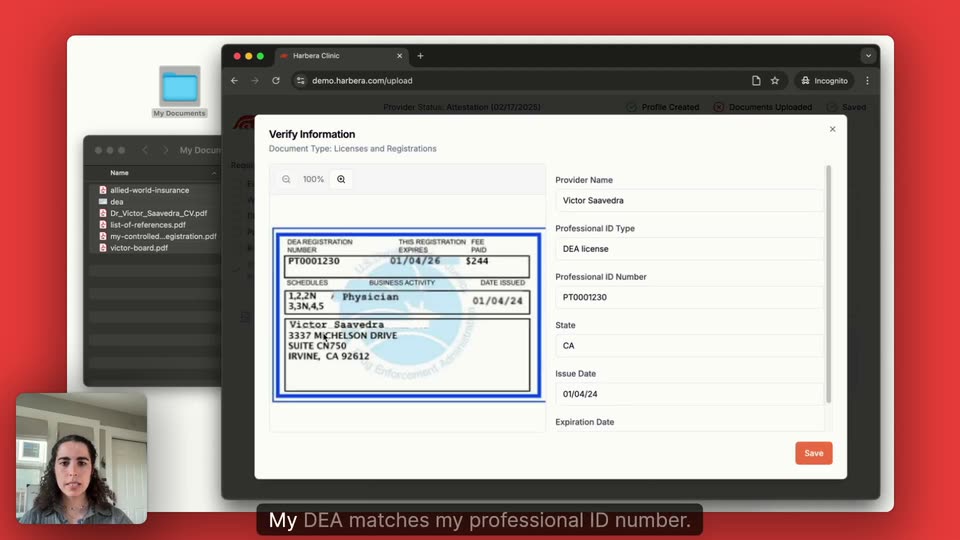 0:29–0:31Harbera · Launch YC: HarberaA browser window with a Verify Information dialog shows a DEA document beside a filled form. A cursor clicks Save, a success toast pops up, and a caption bar slides in at the bottom. A small webcam feed of a woman sits in the lower-left corner.
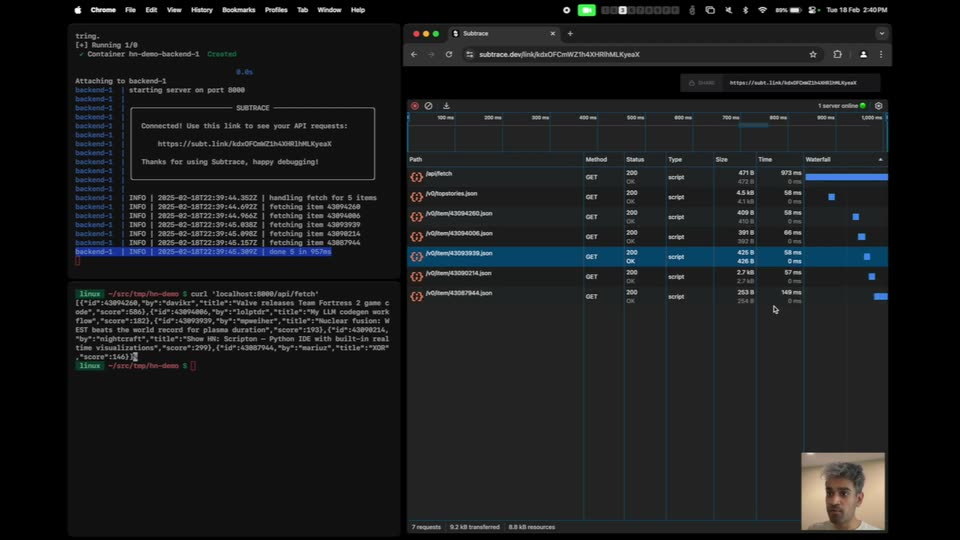 1:18–3:00Subtrace · Subtrace: Wireshark for Docker ContainersA split screen shows two terminal windows on the left and a browser with the Subtrace request log on the right. A cursor clicks through request rows, opening headers, preview and timing panels, while a small webcam feed of the presenter sits in the corner.
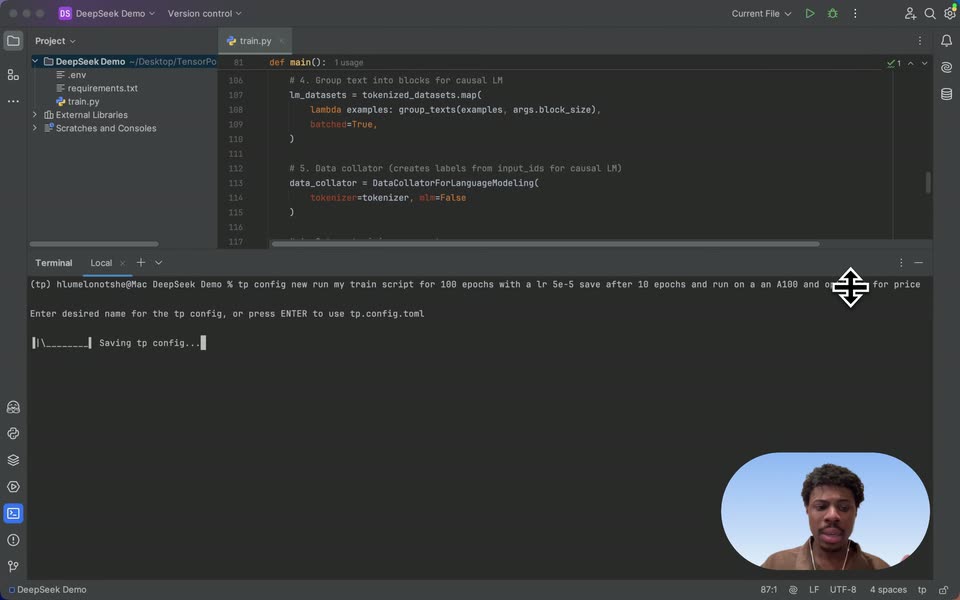 0:56–1:00TensorPool · TensorPool (W25) - The Easiest Way to Access GPUsA dark code editor displays a Python file above a terminal that types a natural-language command and prints a generated config line. A mouse cursor hovers in the terminal, and a small oval webcam of the presenter sits in the corner.
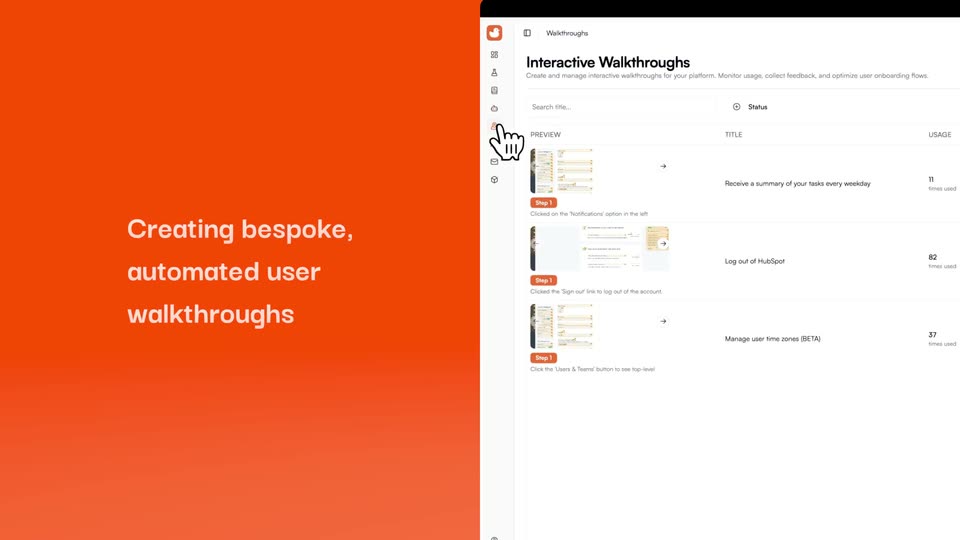 0:15–0:20SAMMY Labs · SAMMY Labs - Product TourA split layout pairs a white headline on an orange field with a dashboard on the right. A hand cursor hovers the sidebar and the page switches to Interactive Walkthroughs, then the camera zooms into the interface, cropping the headline.
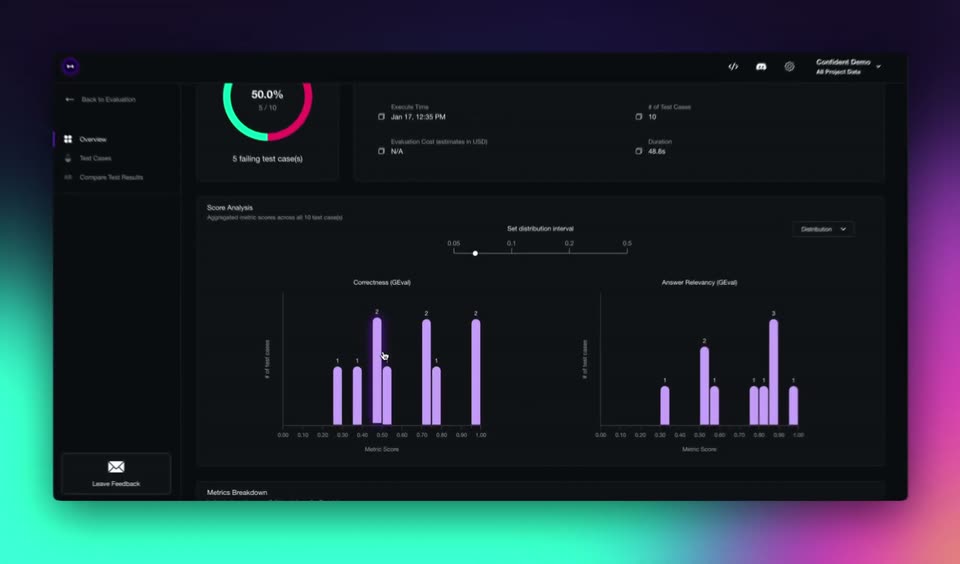 0:46–0:47Confident AI · Confident AI Launch YCThe dark Score Analysis panel shows two lavender bar charts and an interval slider. The frame pulls back to reveal the full dashboard with a left sidebar and top metric cards, while a cursor rests on the left chart. A teal-to-pink gradient strip lines the bottom edge.
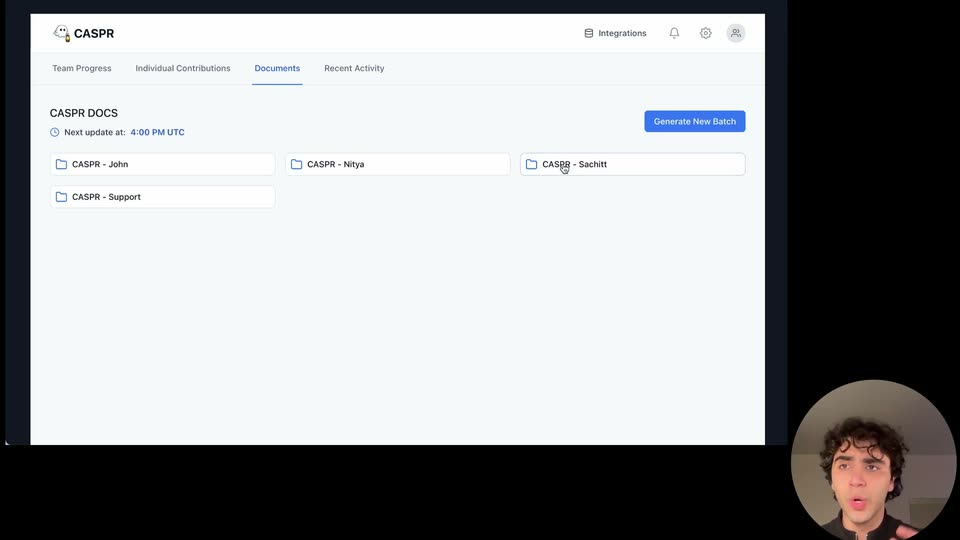 0:25–0:34Peppr AI · Peppr AI Demo VideoA screen recording of the CASPR dashboard fills a black frame, with a circular webcam of a talking presenter in the lower right. A cursor hovers the Documents tab, a spinner loads, then folder cards appear; the cursor drills into a batch folder and three document cards resolve.
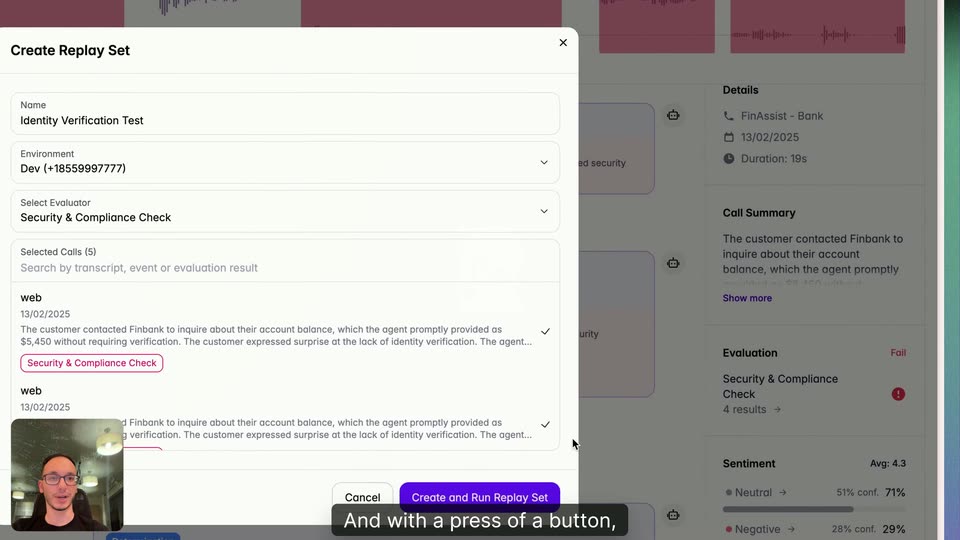 1:59–2:06Roark · Roark (YC W25) - DemoA Create Replay Set modal overlays a dimmed dashboard. A cursor opens the evaluator dropdown, selects Security and Compliance Check, then clicks the purple Create and Run Replay Set button as the frame zooms out to the full app. A small presenter webcam sits in the corner.
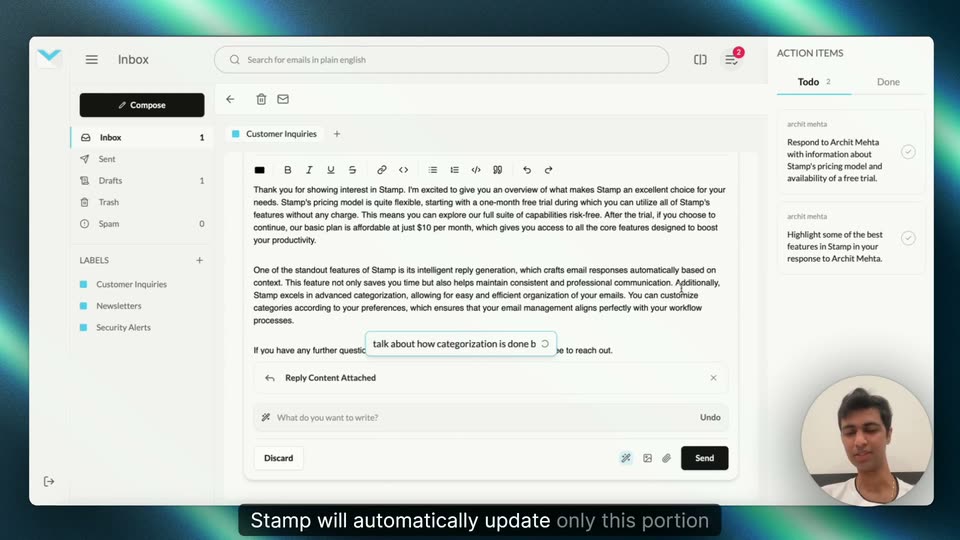 2:26–3:05Stamp · Introducing Stamp: The AI Native Email ClientA flat screen capture of the Stamp inbox shows a compose window with a long generated reply. The presenter highlights a sentence, types a plain-English instruction into a small box, and the paragraph rewrites itself. A circular webcam bubble sits bottom right while the cursor clicks Send.
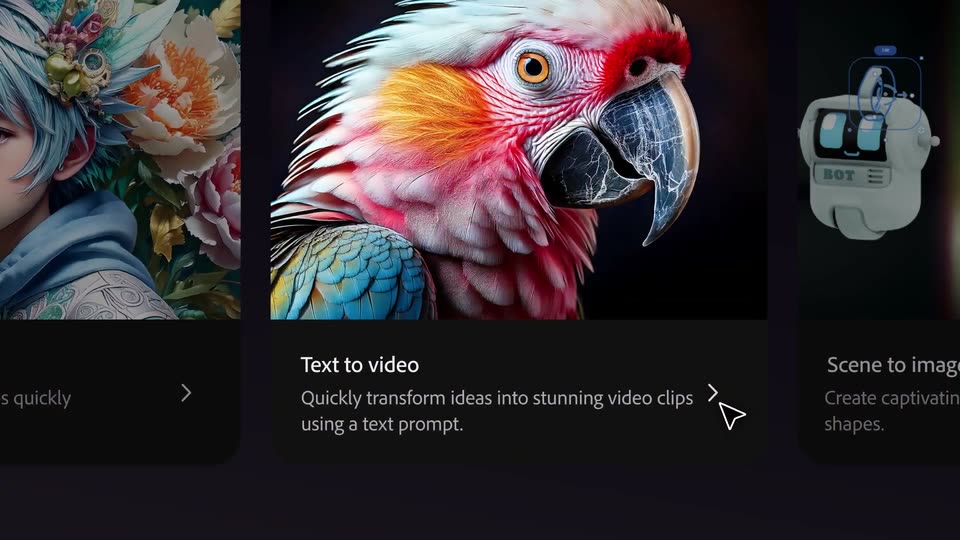 0:27–0:28Adobe · Meet Firefly Video Model | AdobeA dark interface shows a horizontal carousel of feature cards scrolling left, each pairing a generated image (anime figure, parrot, white robot, blue monster) with a label and caption, while a cursor drifts toward the chevrons.
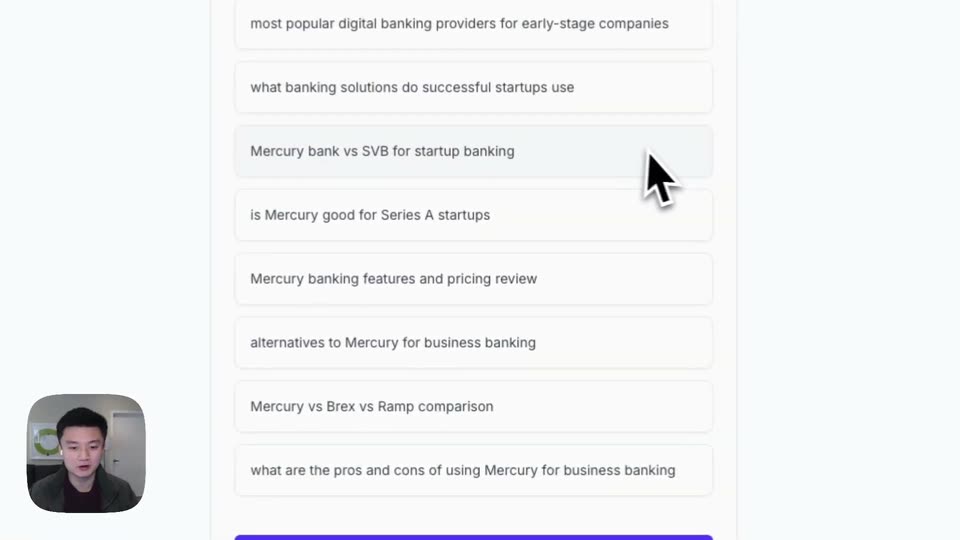 0:50–0:51AthenaHQ · AthenaHQ with Andrew, Co-Founder and CEOA light search suggestion list scrolls up slightly as a cursor moves to hover over one row, while a small rounded webcam of a man sits in the lower left corner.
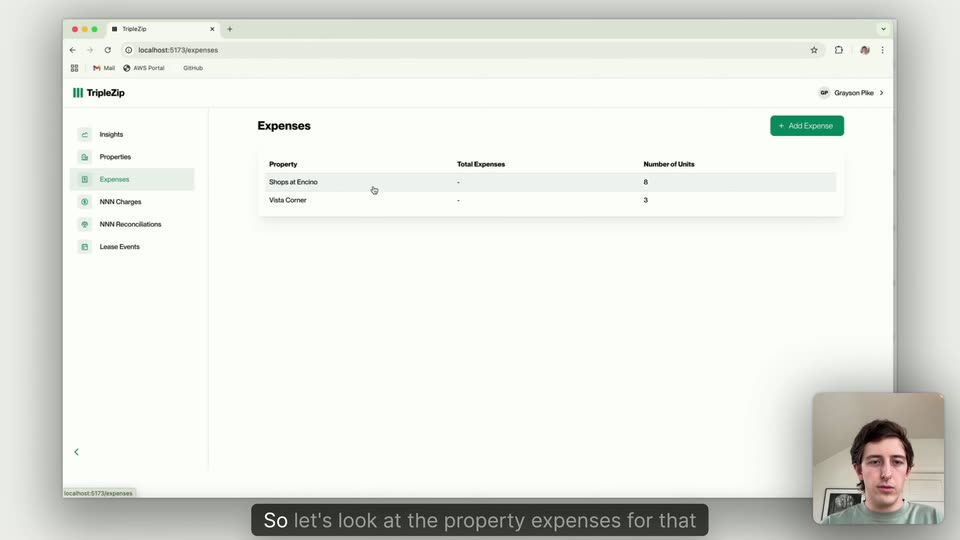 0:44–0:45OpenIntake · TripleZip (W25) - AI for Commercial Real Estate AccountingA browser window shows the TripleZip expenses page with a two-row table. A cursor moves from the sidebar onto the Shops at Encino row, highlighting it as the address bar URL updates. A caption line appears at the bottom while a small webcam feed of a presenter sits in the corner.
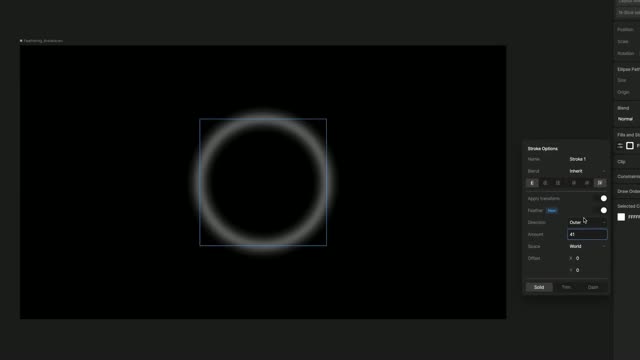 0:18–0:21Rive · Feathering AnnouncementA dark design-tool canvas shows a white circle with a feathered glow. A cursor drags the feather slider in the Fill Options panel, then the panel switches to Stroke Options and the circle becomes a feathered ring.
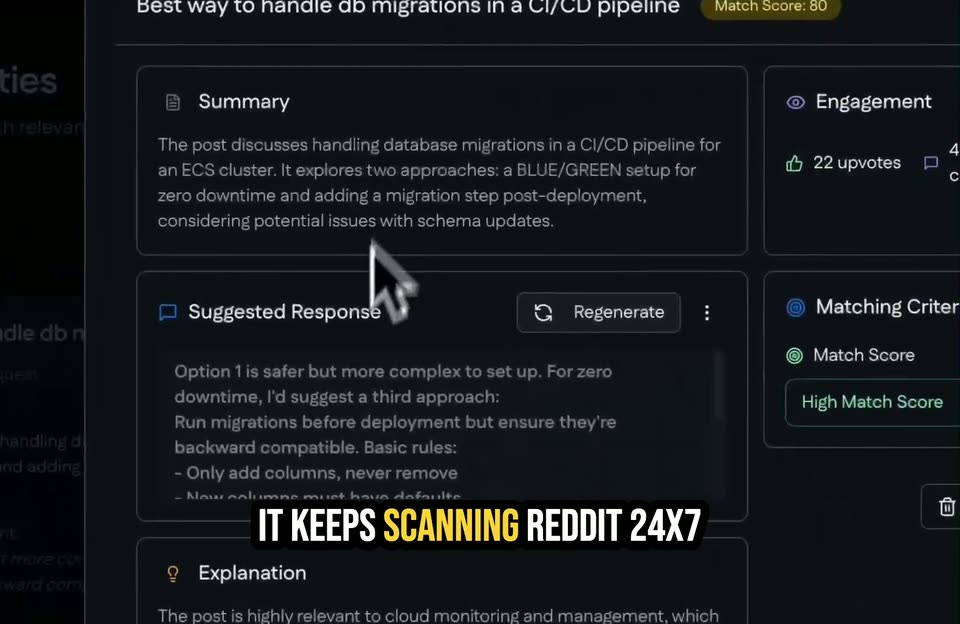 0:38–0:51Flowtel · Casixty DemoA browser window shows a dark Opportunities dashboard: a loading spinner gives way to a list of scored posts. The view zooms into one post's suggested response as a cursor opens an options menu and clicks the Post button, while bold caption lines swap in at the bottom.
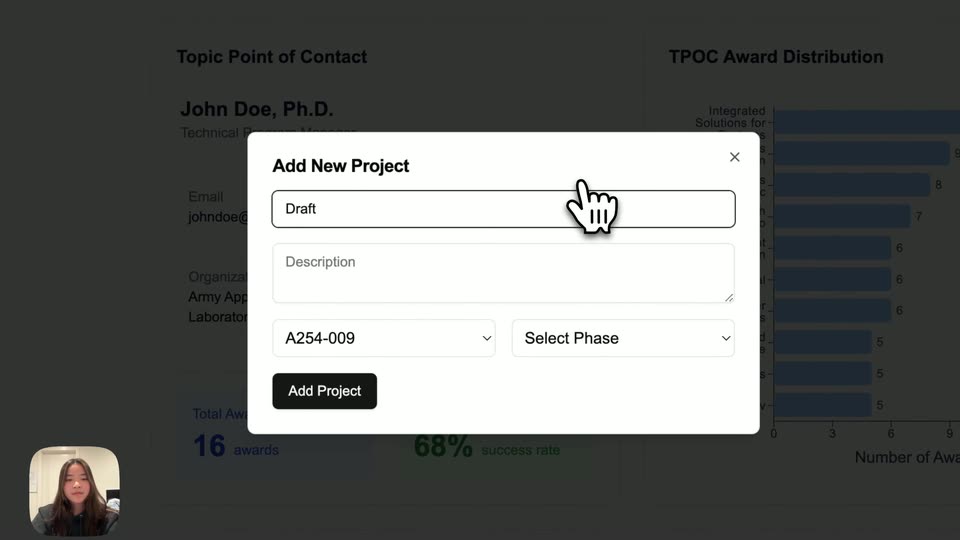 0:36–0:45Candor · Candor (YC W25) Demo || Win Government Funding With AIThe Candor dashboard scrolls up to a project summary, then the view zooms toward the Add Project button. A hand cursor clicks it, a modal opens, and the cursor types a project name and picks a phase from a dropdown.
 1:29–1:30Amplitude · Amplitude Guide and Survey OverviewA flat, gradient-tinted browser mockup shows a search page: a left column of result rows and a right grid of cards with avatar circles. A black cursor hovers over the left list and drifts down a row.
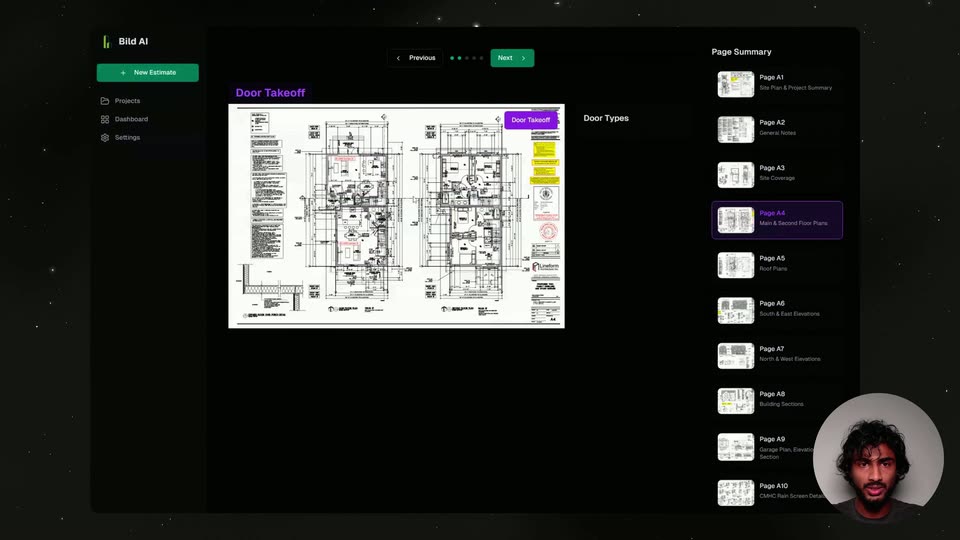 0:49–0:54Bild AI · Read Blueprints Using Bild AIOn a dark dashboard, a floor plan with colored area overlays and a legend sits beside a page list. A cursor clicks Next, the plan swaps to a door takeoff view with magenta markers, and the camera zooms into the plan.
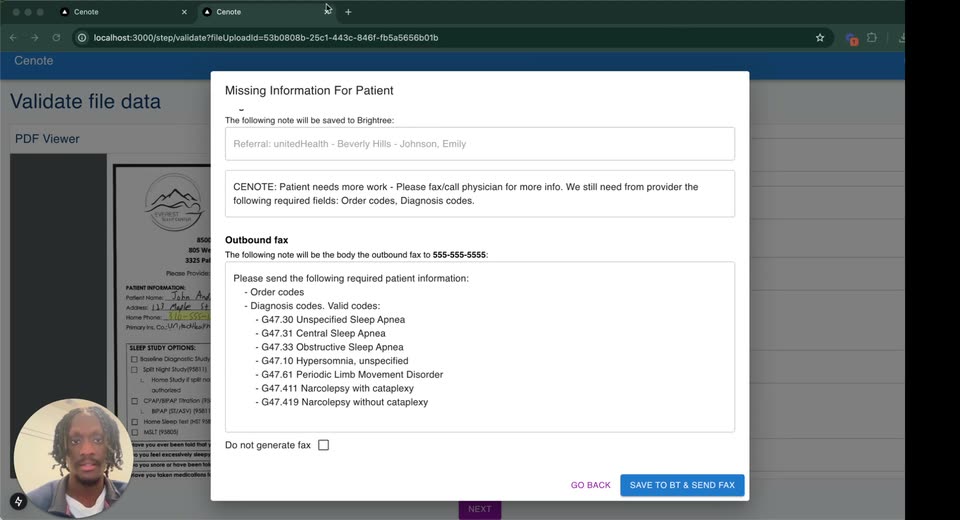 3:00–3:26Cenote · Cenote DemoA browser window shows the Cenote app with a Missing Information For Patient dialog over a scanned PDF, a small circular webcam of the presenter sits in the corner. The cursor hovers the form fields, then clicks the blue Save to BT and Send Fax button, which spins briefly.
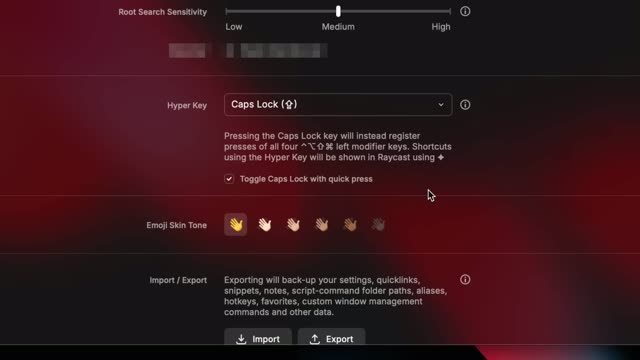 2:24–2:31Raycast · Raycast Just Got You A New KeyA dark settings panel over a red gradient. A cursor taps the Hyper Key field, a dropdown of modifier keys opens, the cursor slides down and picks Caps Lock, then the field updates and an explanatory line fades in beneath it.
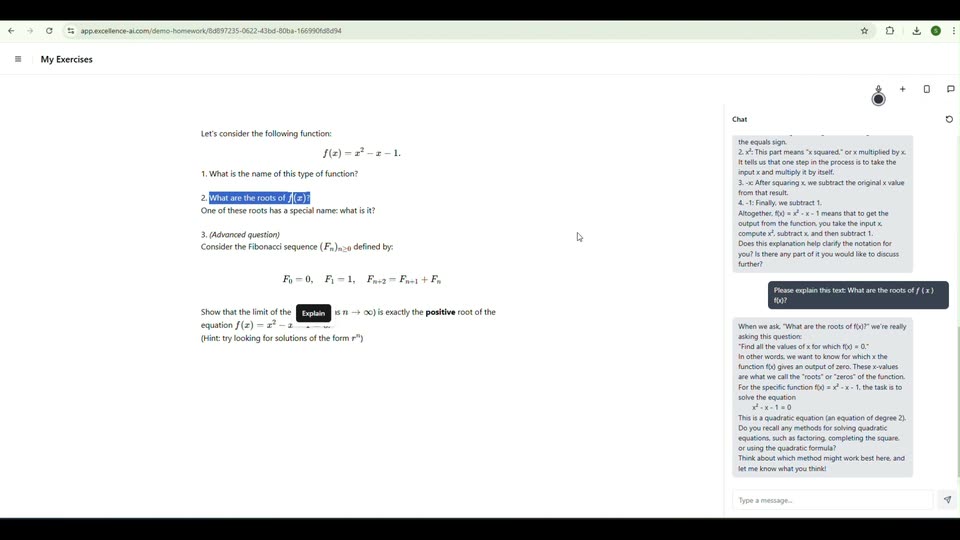 0:47–0:57Excellence Learning · Excellence Learning DemoA homework web app fills the frame, a math exercise on the left and a chat panel on the right. A cursor glides to the chat header and hovers over the microphone and camera icons, each popping a small tooltip. The view stays static and the pace is slow.
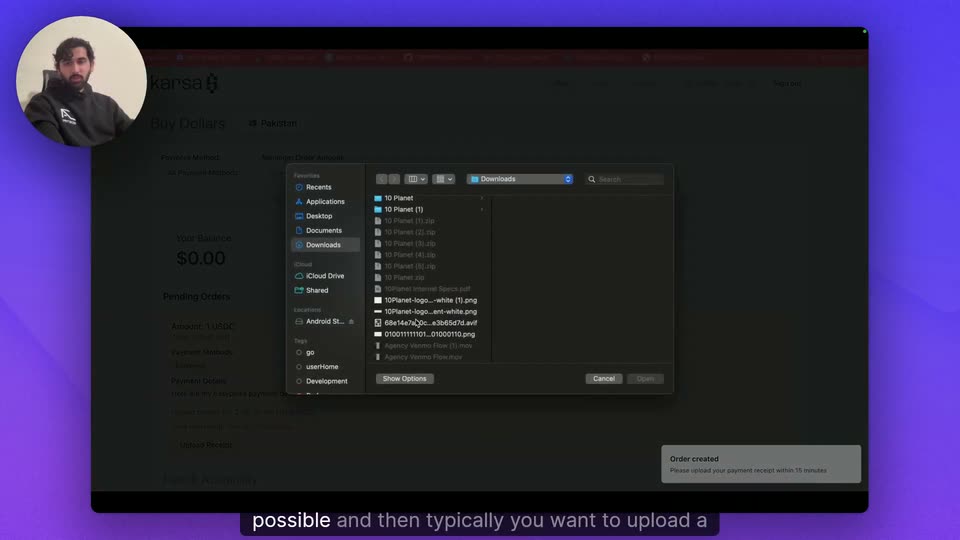 1:14–1:17Karsa · Karsa DemoA screen recording of the karsa web app shows an Upload Payment Receipt modal. A cursor clicks Choose File, opening a macOS file dialog over the dimmed page, then scrolls the Downloads list and selects a PNG file. A circular webcam inset sits top-left; subtitles run along the bottom.
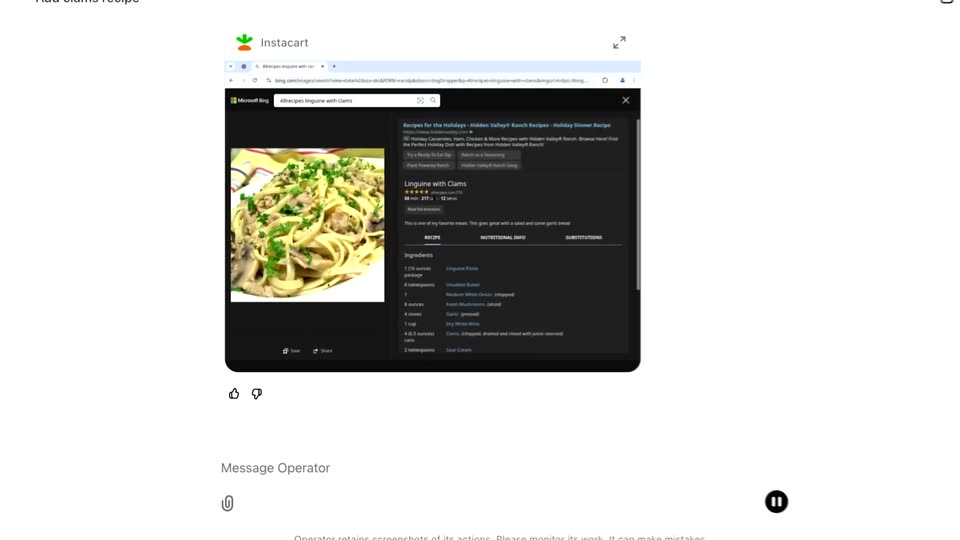 2:09–2:10OpenAI · Demonstrating OperatorA browser window shows an Instacart recipe page with a dark recipe card listing ingredients, nutrition and substitutions. A cursor rests at the card's bottom edge. Below the window, a thumbs-up icon and a 'Message Operator' caption with a paperclip slide into place.
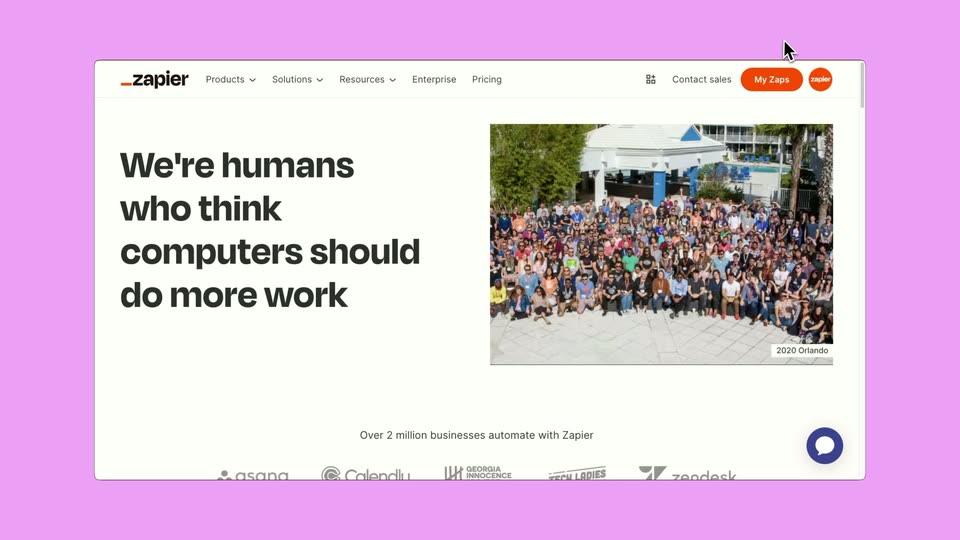 0:26–0:27Zapier · Introducing Zapier Agents: The Future of Automation is Here!A Zapier homepage fills a browser window on a pink backdrop. The right side crowd photo swaps through dated group shots while a mouse cursor drifts from the headline up to the top right corner.
 0:16–0:17Deepeye Medical · deepeye TPS, easy to use AI assistant for optimizing IVI therapy planning.A dark OCT viewer shows a modal dialog over a retinal scan, a cursor on the Open report link. The screen cuts to an empty report panel with a top bar as a blue highlighter caption changes from 3.Open the Report to 3.Enjoy the deepeye TPS report!
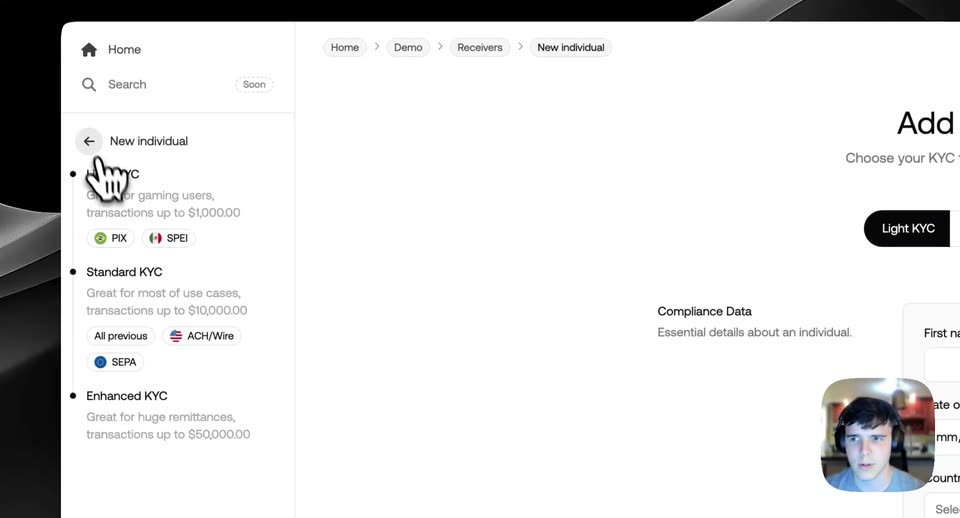 0:18–0:20BlindPay · BlindPay - DemoA 3D-angled dashboard mockup floats over dark metallic shapes. A cursor selects 'New receiver' in the sidebar, and the view morphs from a KYC tier list to a receiver profile showing a name and country.
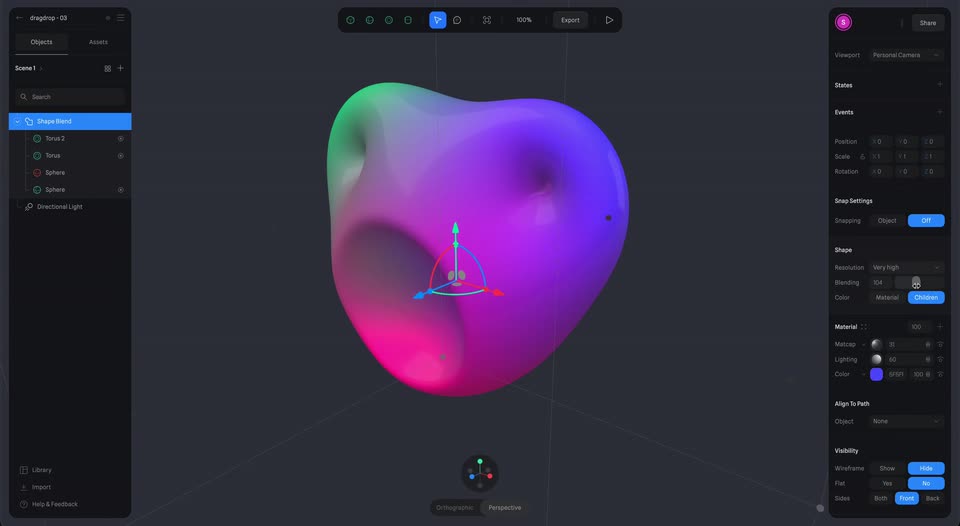 0:17–0:18Spline · Introducing 3D Shape Blend with Spline - SDF VolumesA colorful shape-blend object with green and blue handles and a pink sphere sits in the dark 3D viewport of the editor. A cursor moves to the right panel and raises the Blending value, and the object morphs into a smooth rounded blob.
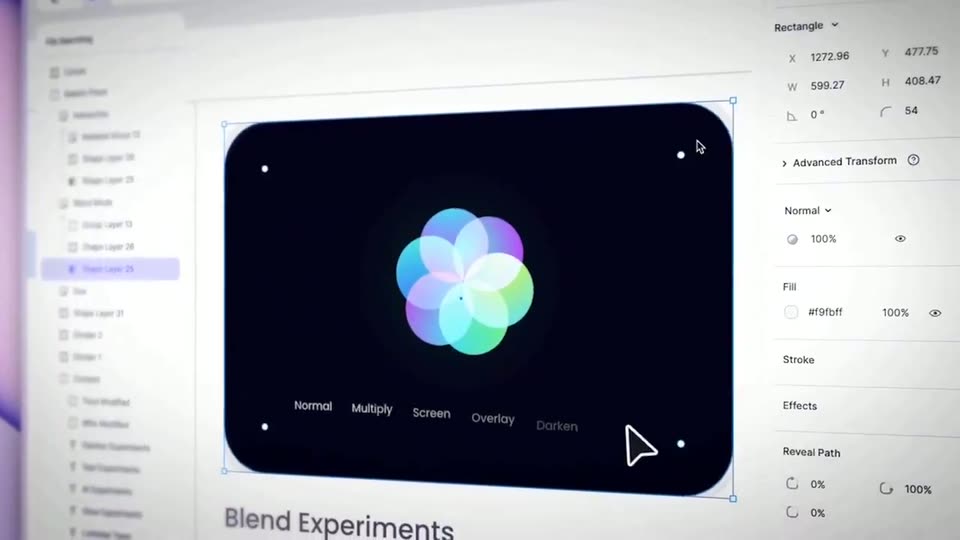 0:22–0:23Lottielab · Lottielab - After months in public beta, we’re thrilled to announce that LottielaA close-up of a design tool interface shows a dark rounded canvas with a multicolor flower of overlapping translucent petals and blend-mode labels beneath it. A white arrow cursor drifts on the right while the side panels stay blurred.
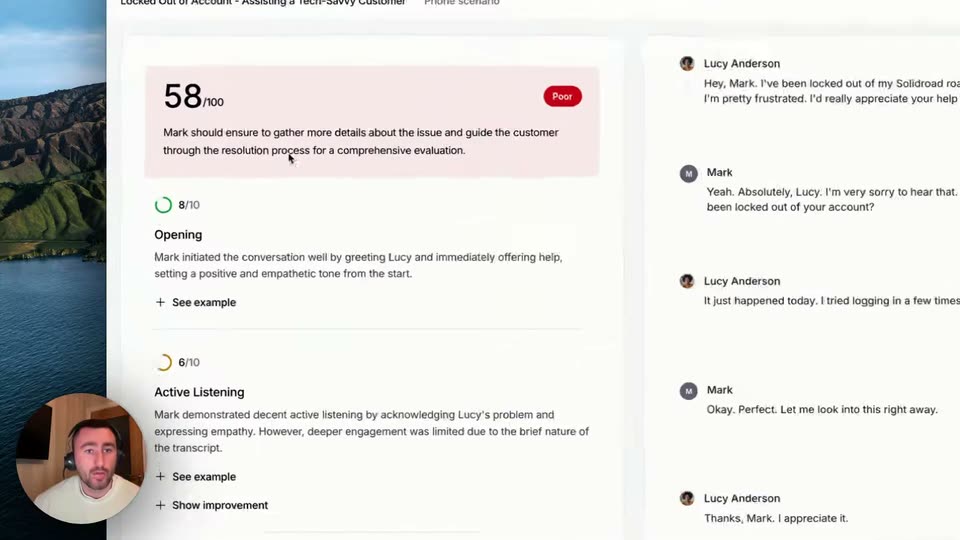 1:09–1:12Solidroad · Solidroad YC Launch DemoA product evaluation window showing a 58/100 score and a customer chat transcript sits on a mountain-lake desktop. A circular webcam feed of a presenter holds the lower-left corner. The camera zooms in steadily on the interface, cropping the title bar.
 0:12–0:14Leonardo AI · Leonardo.Ai - ✨ Meet Flow State – Leonardo's newest feature for unlocking boundlessA neon astronaut image fills the frame above a row of pill buttons. The cursor hovers the “More Like This” pill, which turns purple, and the picture scrolls up to reveal a second similar astronaut image below.
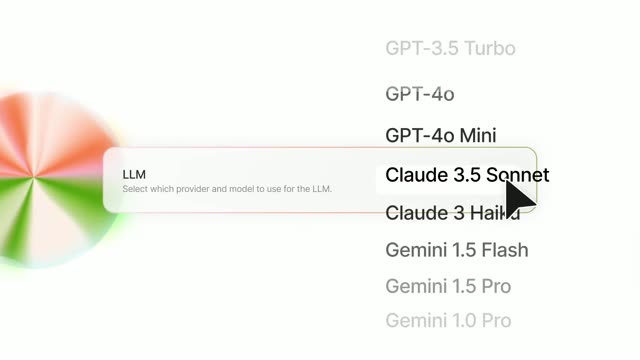 0:43–0:46ElevenLabs · Introducing ElevenLabs Conversational AgentsA settings row labeled LLM sits on a white background beside a soft orange-and-green gradient blob. A black cursor clicks the model dropdown, a list of LLM names scrolls open, then the cursor picks Claude 3.5 Sonnet and the field updates.
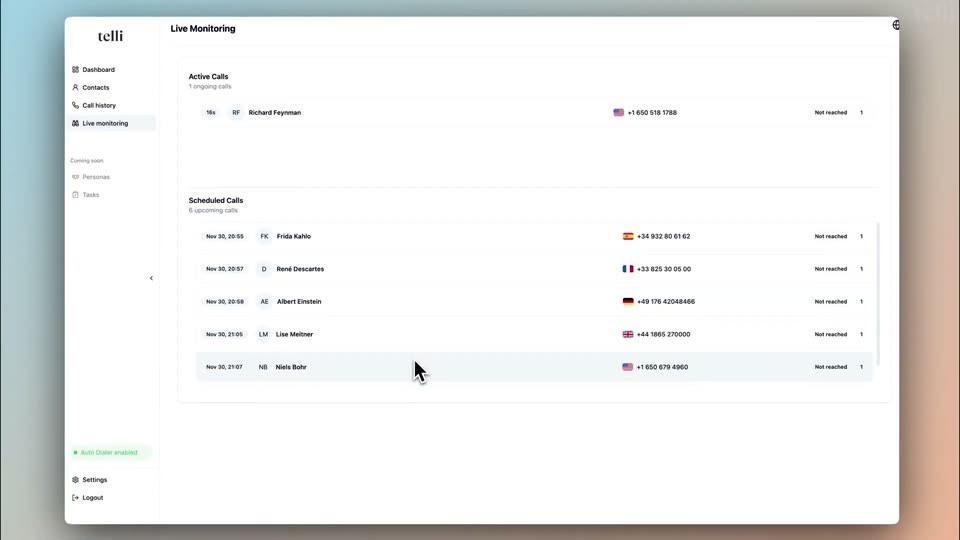 0:49–0:54telli · Launch YC - telli - outbound call automation for B2C companiesA tilted 3D dashboard blurs into a flat close-up of the calls list, the cursor gliding down the rows. The view then eases back out to the full angled interface card floating on a soft gradient.
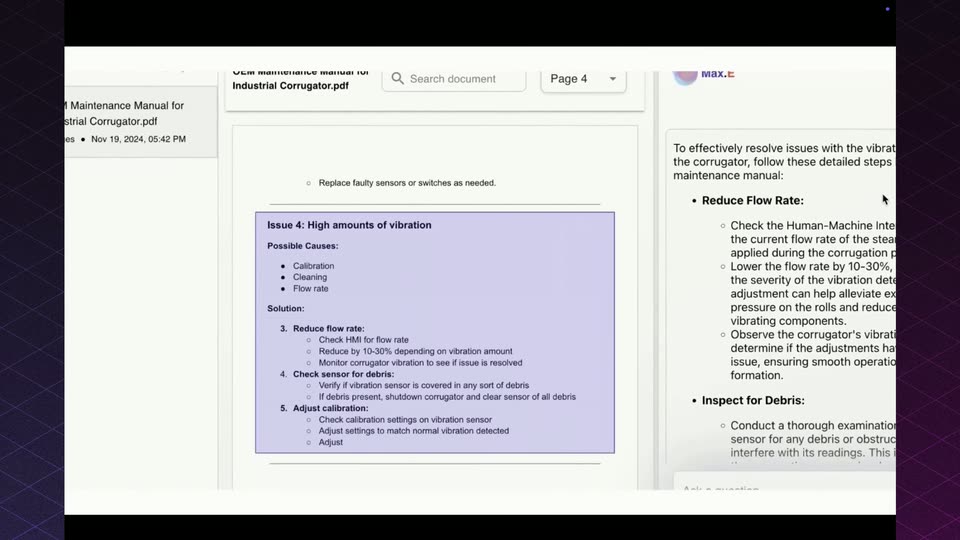 1:08–1:10Vortexify · Praxis AI LaunchA document viewer sits beside an answer panel in a product UI. A file tooltip fades out as the view zooms out to reveal the full page with a highlighted troubleshooting box, while a cursor drifts across the panel.
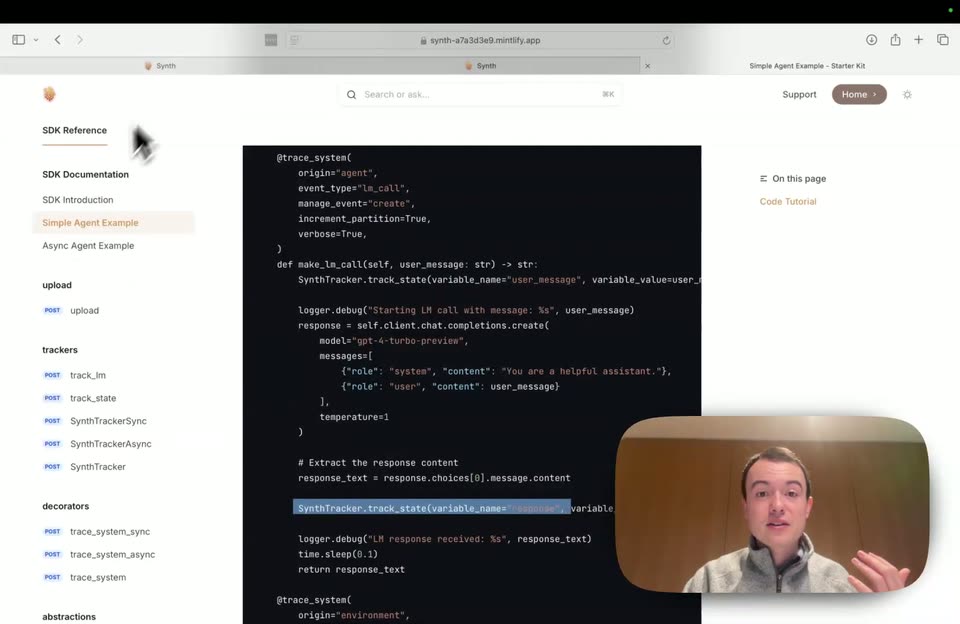 0:59–1:03Synth · Synth AI YC LaunchA documentation page with a dark code block fills the screen, a presenter's video call window sits in the bottom right corner. The presenter gestures while talking, then a cursor moves to the top left tab and the view zooms in on it.
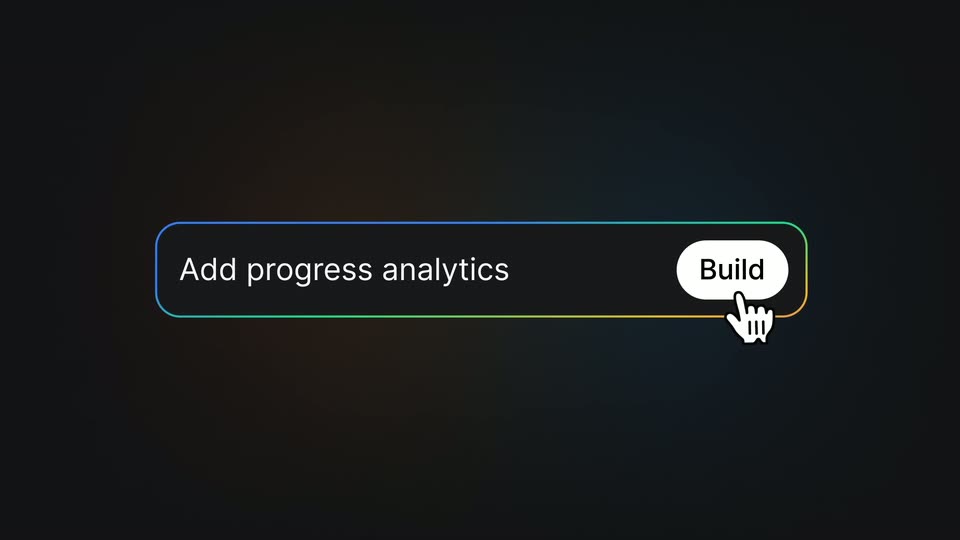 0:41–0:43Lovable · Lovable – An AI Full-Stack EngineerA dark prompt bar with a shifting multicolor gradient border sits centered on a near-black background. The text “Add progress analytics” types itself out character by character, then a white hand cursor glides in and hovers over the white Build button.
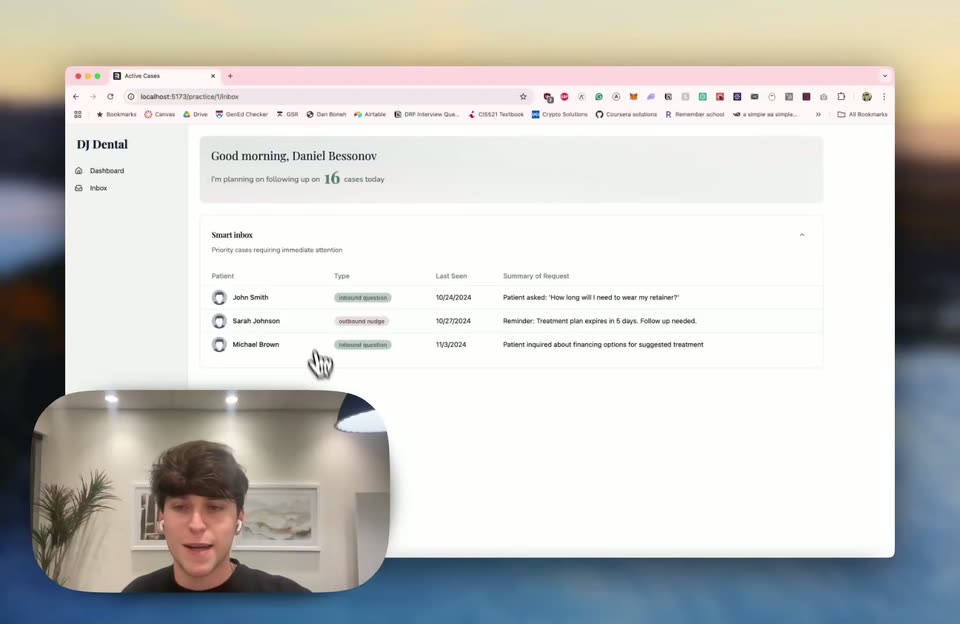 0:47–0:57Avora · ShowAndTell: AI agents for dental patient operationsA screen recording of a dental practice inbox, with a small webcam inset of a presenter in the lower left. The view dissolves in from a case detail screen, then a cursor glides down the patient list and hovers a row as the presenter speaks.
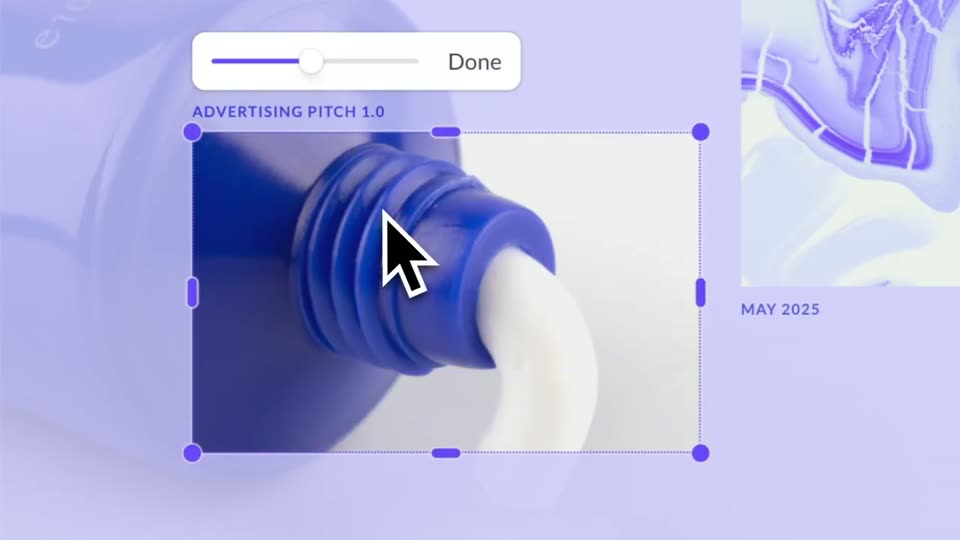 0:07–0:09Pitch · Pitch - Pitch is now more than just presentation software — it’s a complete pA pale purple interface frames a glossy blue nozzle in a selection box with a thirds grid and corner handles. A white cursor drags a top slider, labeled Done, to the right, then the control disappears; a side panel shows a map over a MAY 2025 caption.
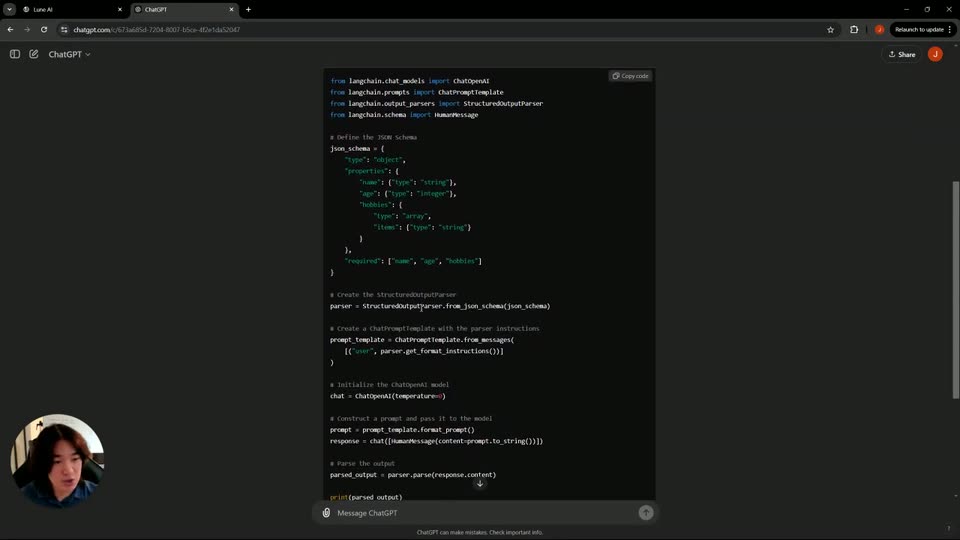 1:16–1:30Endstack · Lune AI DemoA dark ChatGPT window shows a question and a long answer with steps and a Python code block. A circular webcam feed of a woman sits lower left. The page scrolls down through the code and a benefits list, then back up, as a cursor drifts left.
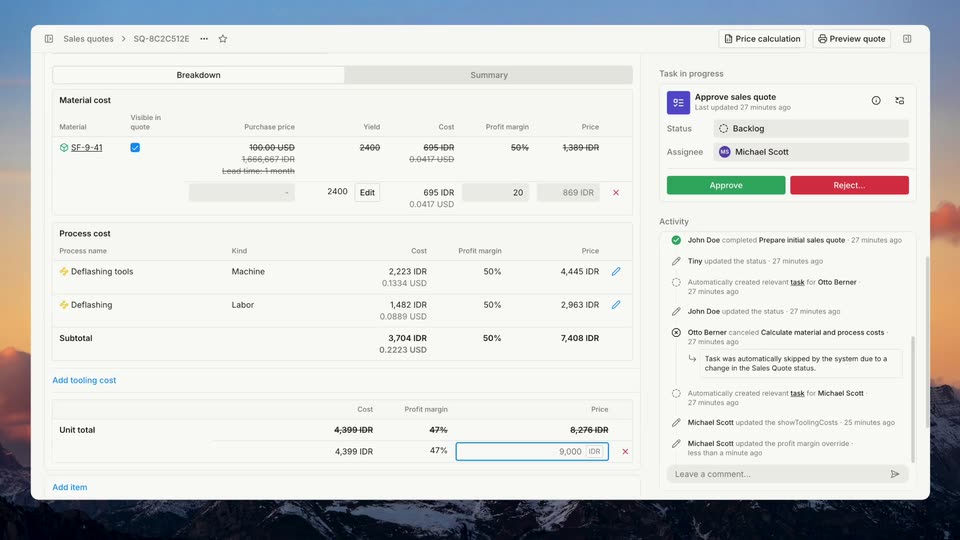 1:12–1:37Tiny · Tiny (YC F24) Launch VideoA sales-quote screen scrolls down to a cost breakdown table. A cursor clicks an edit icon, types a new profit margin, then a new unit price, and the totals recalculate live. The cursor then clicks Approve, and the task panel updates to the next step.
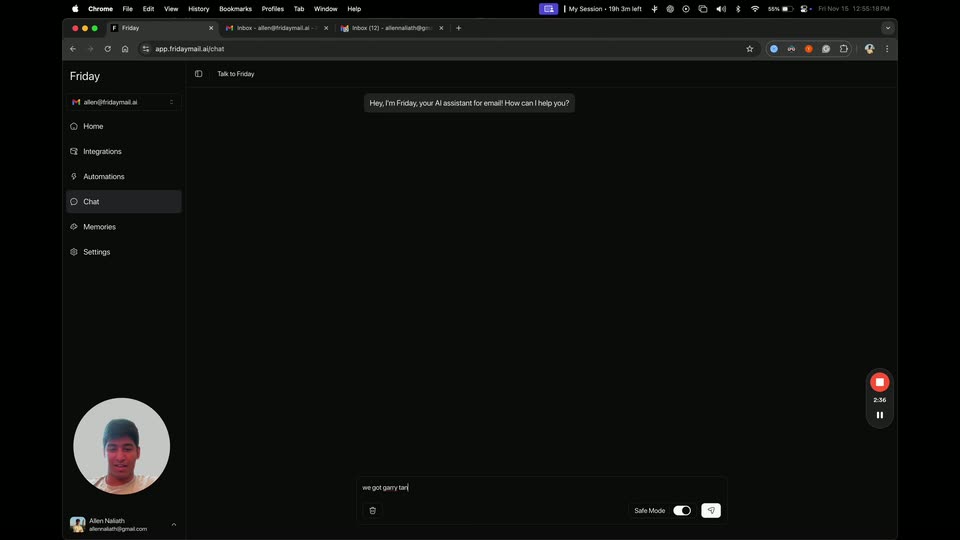 1:42–3:06Freestyle · Friday - Never Check Your Email AgainA dark screen recording of the Friday app crossfades between the Automations, Memories and Chat views as a cursor clicks and types a prompt, the AI replying in stacked bubbles. A circular webcam of a gesturing man sits in the lower-left corner.
 0:44–0:45Getcho · Getcho Launch YCA dark browser window loads a CRM page; the tab title shifts from Loading to a full URL while the body stays blank charcoal and a hand cursor drifts slightly right of center.
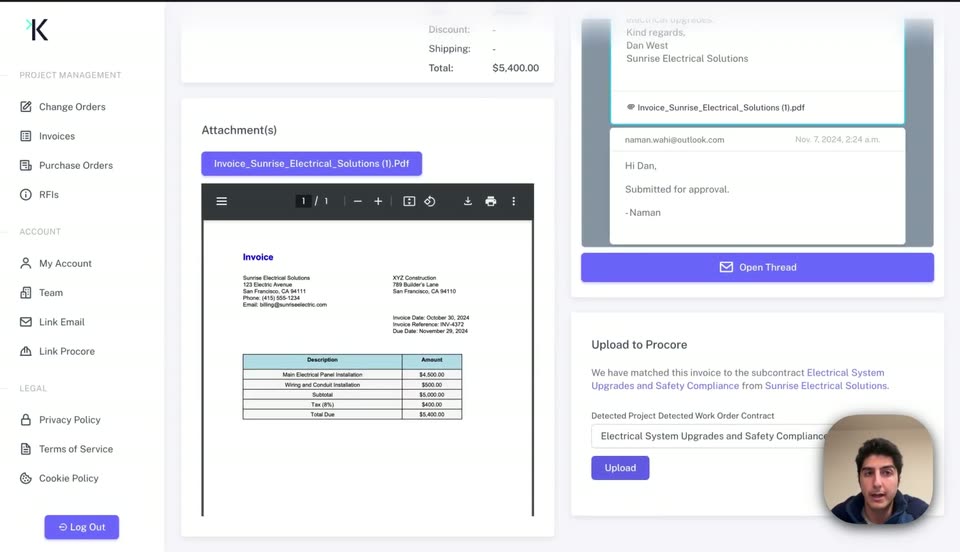 0:55–0:57Karmen · Karmen DemoA project-management interface fills the frame, with an invoice PDF preview center-left and a Procore upload panel on the right. A white cursor drifts over the PDF while a small circular webcam of the presenter sits in the bottom-right corner.
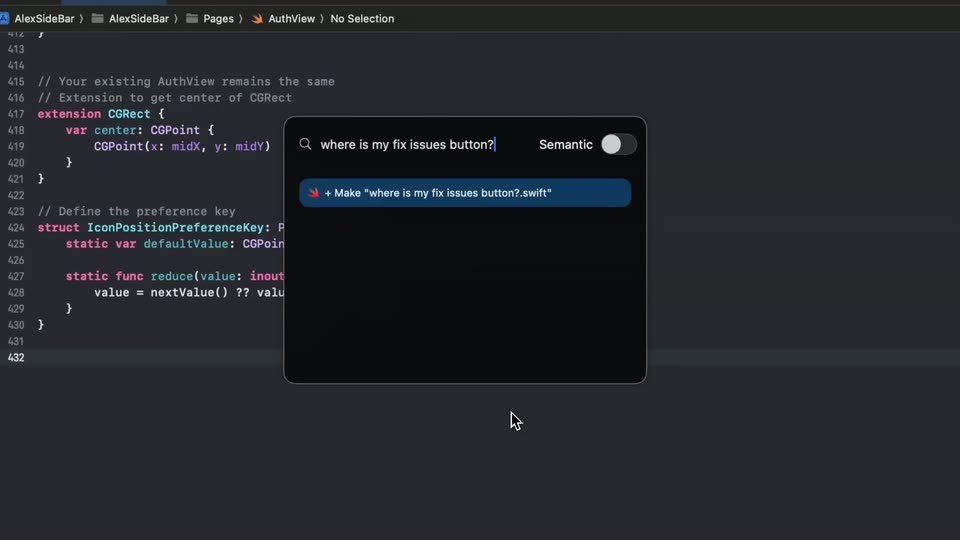 0:43–0:47Alex · Alex - Your AI Copilot for XcodeA dark code editor fills the frame behind a centered search palette. The query 'where is my fix issues button' types out, a list of Swift files pops in, and the cursor glides down the list as the Semantic toggle flips blue.
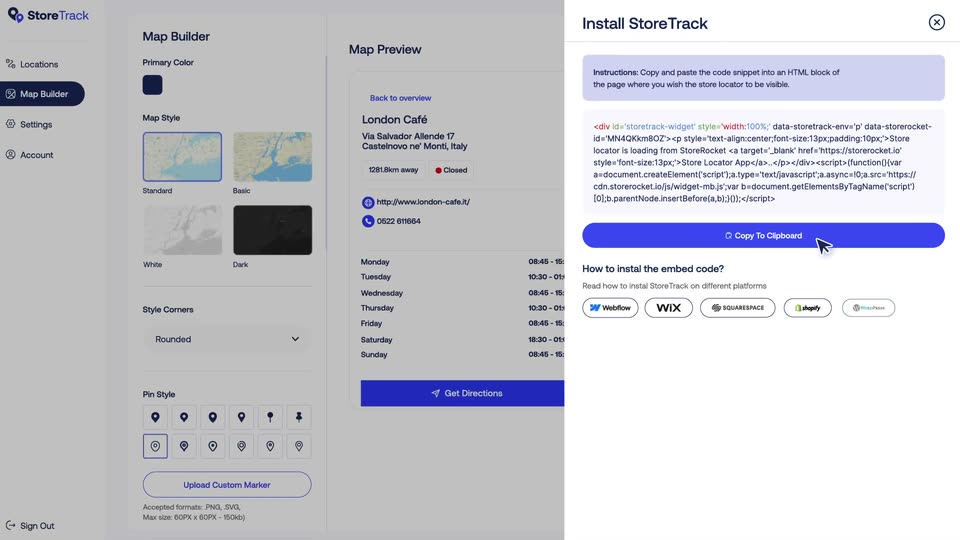 0:46–0:48StoreTrack · Product Explainer Video for SaaS | StoreTrack | ZeliosA three-panel web interface displays map customization options, a location preview, and an installation guide. A cursor moves to hover over a blue copy button in the right panel.
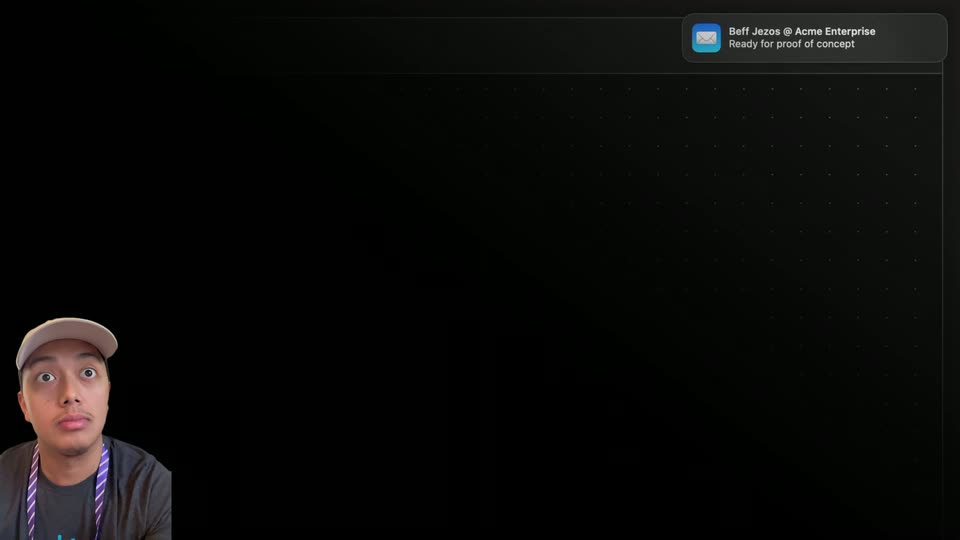 0:24–0:26Ryvn · Ryvn | On-prem deployments, without the stressA dark screen shows a notification card in the top right corner as a hand cursor points at it; a man in a cap and lanyard watches with wide eyes in the bottom left.
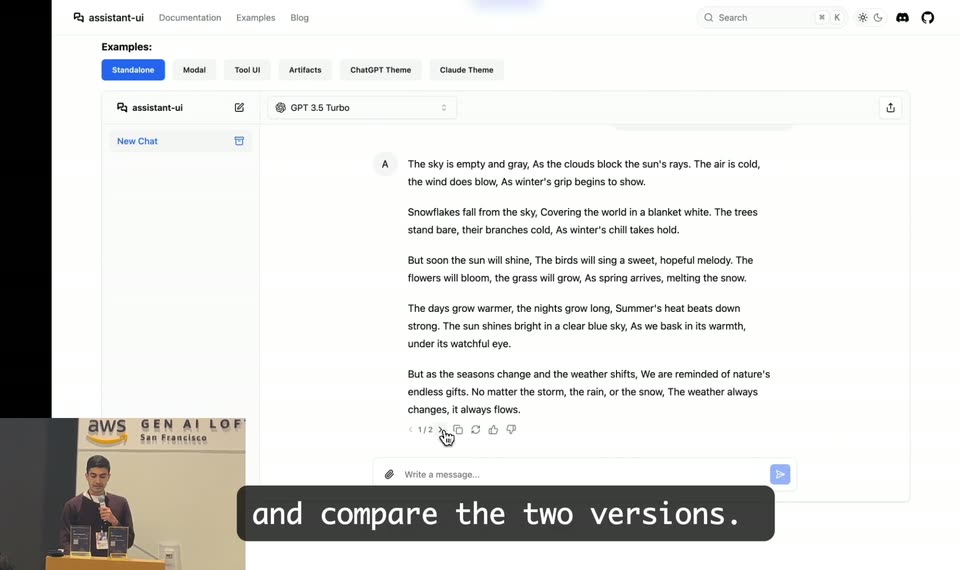 0:40–0:48assistant-ui · assistant-ui | AWS GenAI Loft DemoA chat interface screen recording with a small speaker inset in the lower left. A cursor clicks the regenerate icon, the poem swaps to a new version, then the cursor steps through both versions and clicks the user's message, which expands into an editable field. Captions narrate the steps.