Cursor demo
A visible cursor operates the interface.
15,093 scenes · page 161 of 252
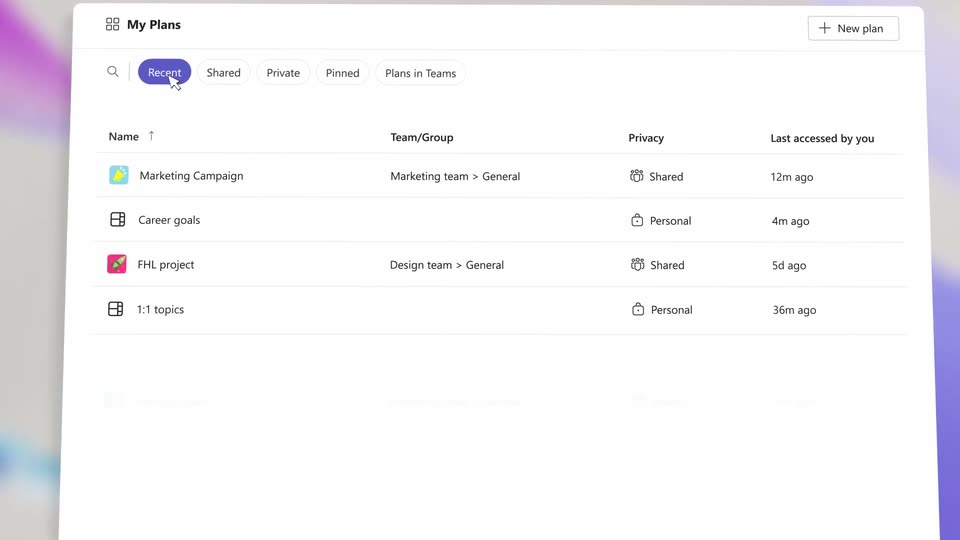 0:29–0:35Microsoft · The new Microsoft Planner: Manage all your tasks and plans in one simple, familiar experienceA white My Plans panel sits in 3D perspective over a blurred purple gradient. A cursor hovers on the Recent filter while plan rows fade in one by one down the list.
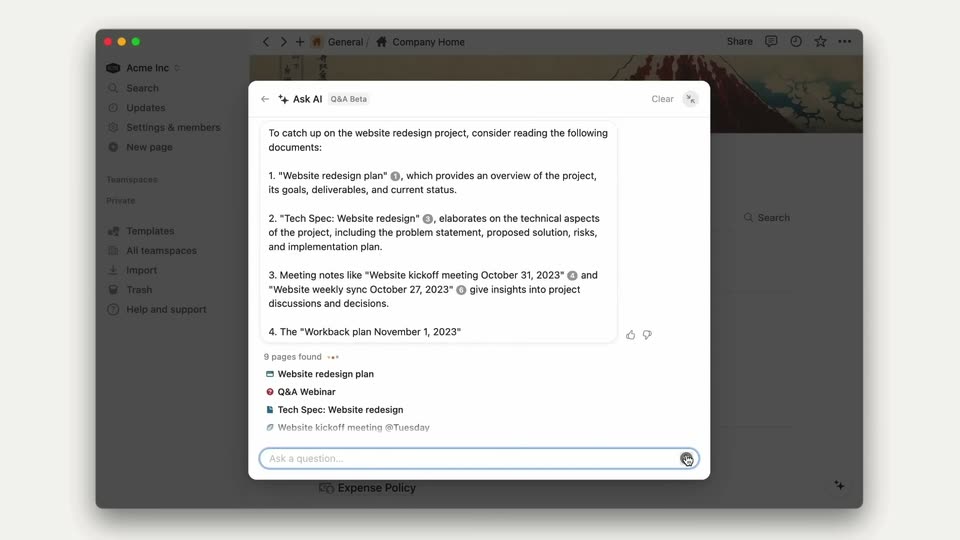 0:16–0:25Notion · Introducing Q&A: Get AI-powered answers to your questions in NotionA dimmed workspace app frames a centered 'Ask AI' chat panel. A cursor types a question into the input, sends it, and an answer bubble with a numbered document list scrolls in; the cursor then hovers a citation badge to reveal a page tooltip.
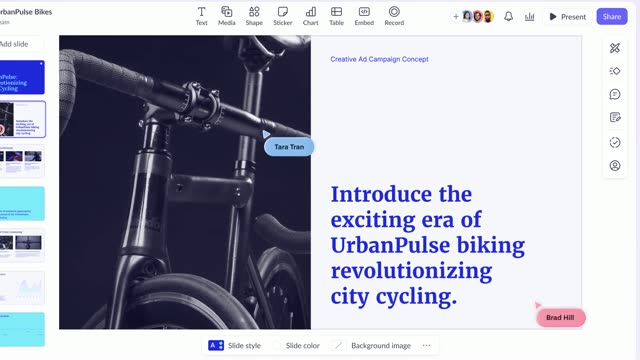 0:47–0:48Pitch · Introducing Pitch 2.0A presentation editor displays a slide pairing a dark bicycle photo on the left with a blue serif UrbanPulse headline on the right. Two named cursors, Tara Tran on the image and Brad Hill at the text box, sit over the layout, the pink cursor drifting slightly down.
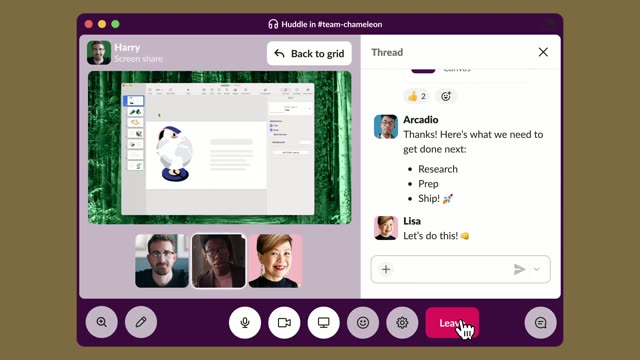 0:55–1:01Slack · Introducing new coworking capabilities in Slack huddlesA flat app window shows a huddle with a screen share left and a thread panel right. Messages with a bulleted list and a fist emoji drop into the thread. A cursor clicks the pink Leave button, then the window slides left and shrinks to reveal another window behind.
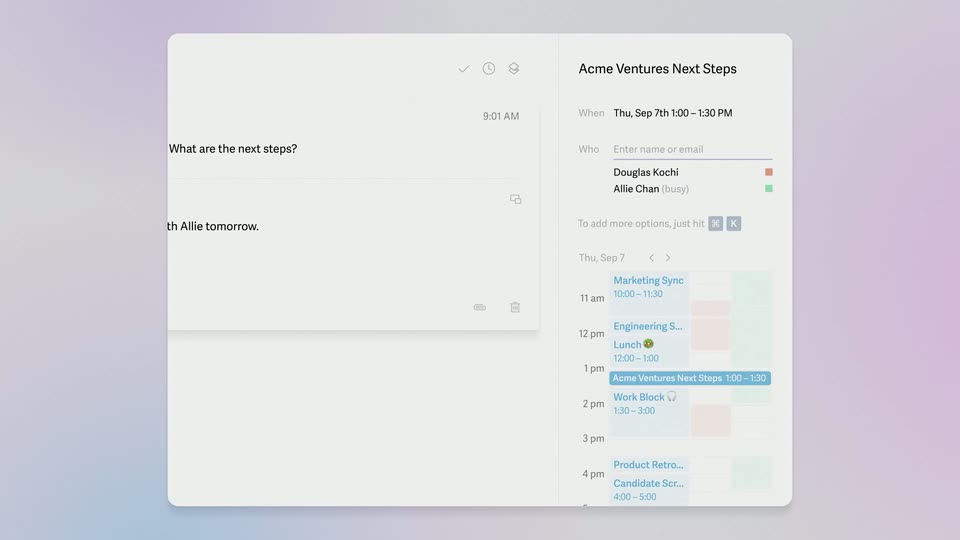 0:49–0:57Superhuman · Superhuman for Teams 🤝A calendar app screen: a chat panel on the left holds still while a form on the right fills in as text types into the title, When and Who fields. Dropdowns open, and a day calendar beside them updates, sliding a highlighted event block from 1 pm to 3 pm.
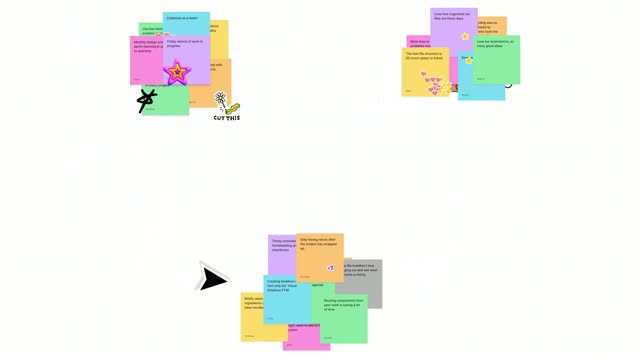 0:22–0:24Figma · Introducing FigJam AIA dense field of pastel sticky notes with handwritten doodles reflows from a scattered wall into four tight clusters while a black arrow cursor glides across the white board.
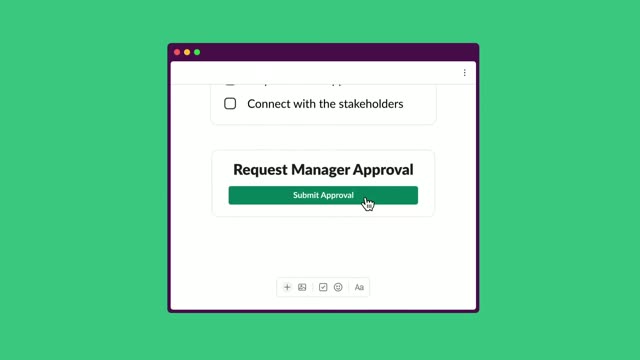 0:26–0:31Slack · Introducing canvas | A new surface to share and organize knowledge | SlackA flat browser window on a green background shows a Project Alpha canvas with an Action Items checklist. A hand cursor clicks a Request Manager Approval card, the frame zooms onto it, and it expands into a modal form with a Priority dropdown and a Send button.
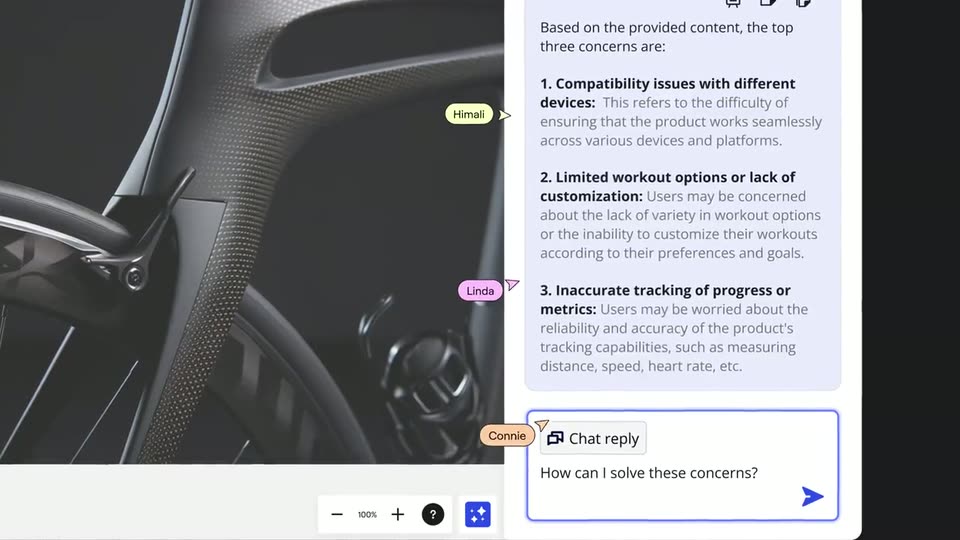 0:14–0:20Miro · Miro - Meet your AI partner for innovation, launching November 1. What wilA canvas shows a dark carbon-fiber bike frame on the left and a white chat panel on the right. An AI reply types a three-item list, then a cursor types a follow-up question, opens a menu and clicks send on Sticky notes.
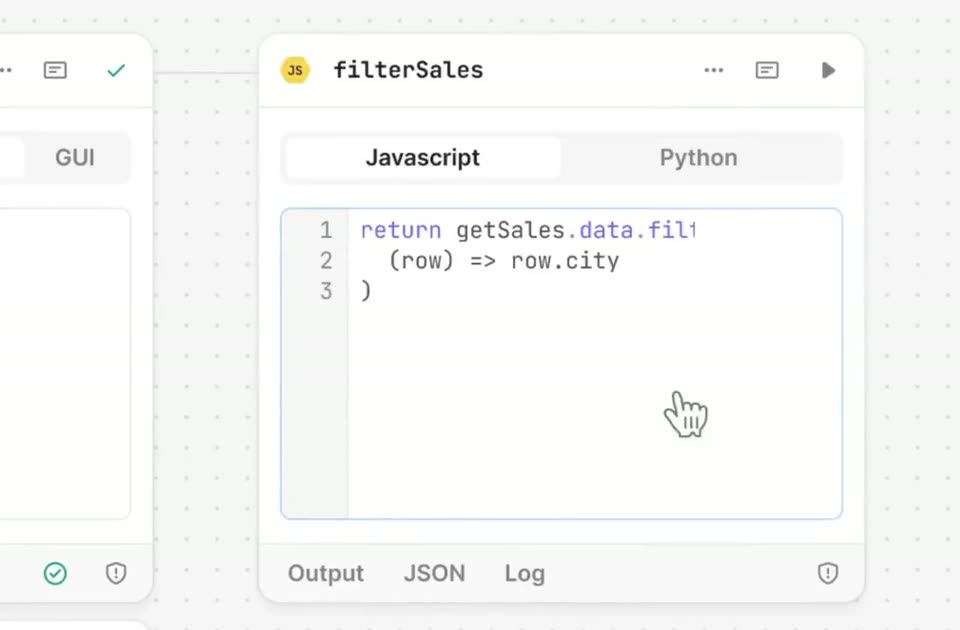 0:11–0:14Retool · Retool - Say hello to the fusion of visual programming, code, and AI. RetoolClose-up of a code editor card labeled filterSales on a dotted grid. Code is typed into the Javascript tab, completing a filter line, then a hand cursor glides to the play button in the top right corner and hovers over it.
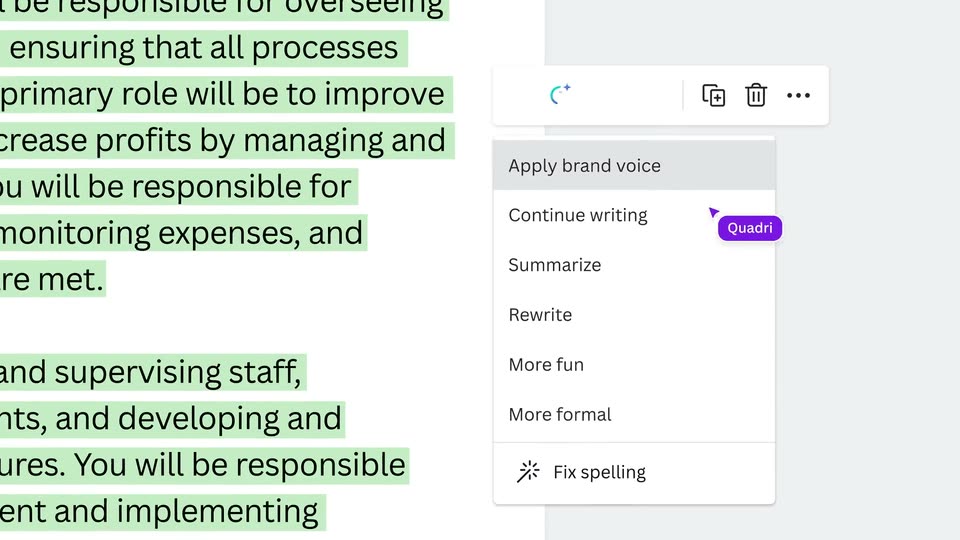 0:52–0:56Canva · Canva - Meet Magic Studio. Supercharge your workflow with all the power of AIA document editor shows a highlighted job posting beside a Magic Write panel; a purple named cursor moves up as the panel expands into a rewrite menu. The scene cuts to a white card with a purple gradient banner, white headline, body copy, and small purple sparkles.
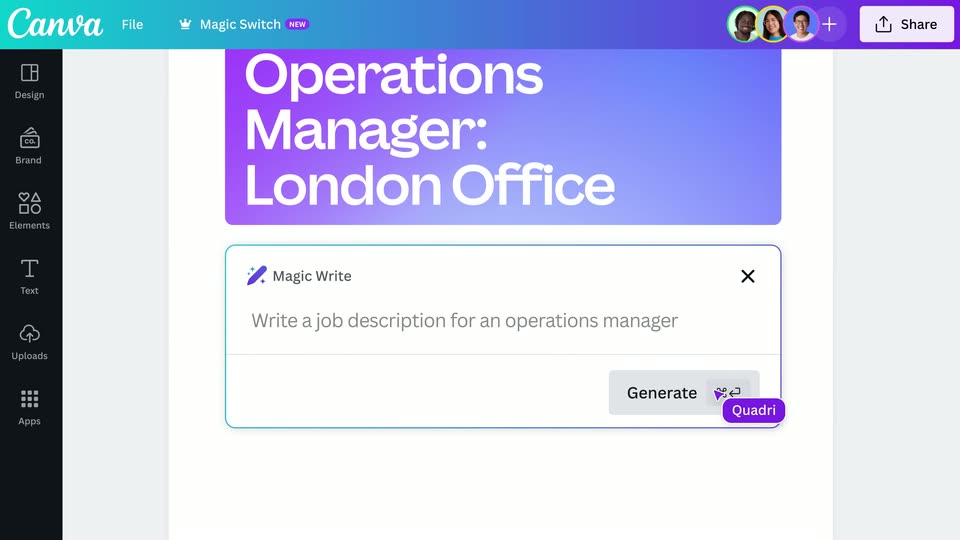 0:46–0:51Canva · Meet Magic Studio | Let the power of AI supercharge your workIn the Canva editor, a cursor tagged Quadri types a prompt into the Magic Write field, then clicks Generate. A spinner and floating purple sparkles appear, and the panel fills with the generated job description as the view zooms in.
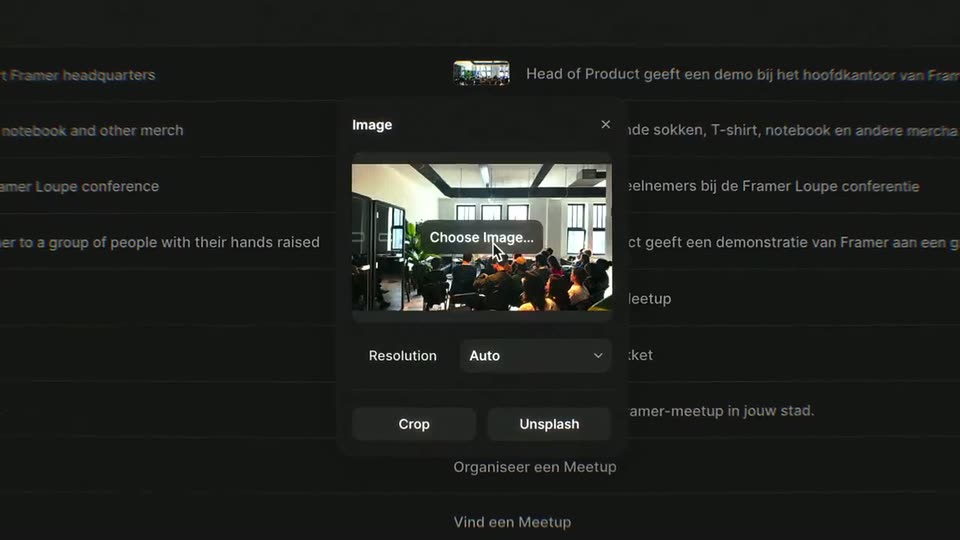 0:19–0:20Framer · Framer - 🌎 Hola, Bonjour, こんにちは! Introducing AI-powered Localization for yourA dark page editor shows a centered Image modal with a photo preview, a Resolution dropdown and Crop and Unsplash buttons. The preview swaps to a second photo as a cursor hovers over it and a Choose Image tooltip pops up. Rows of body text sit blurred behind the modal.
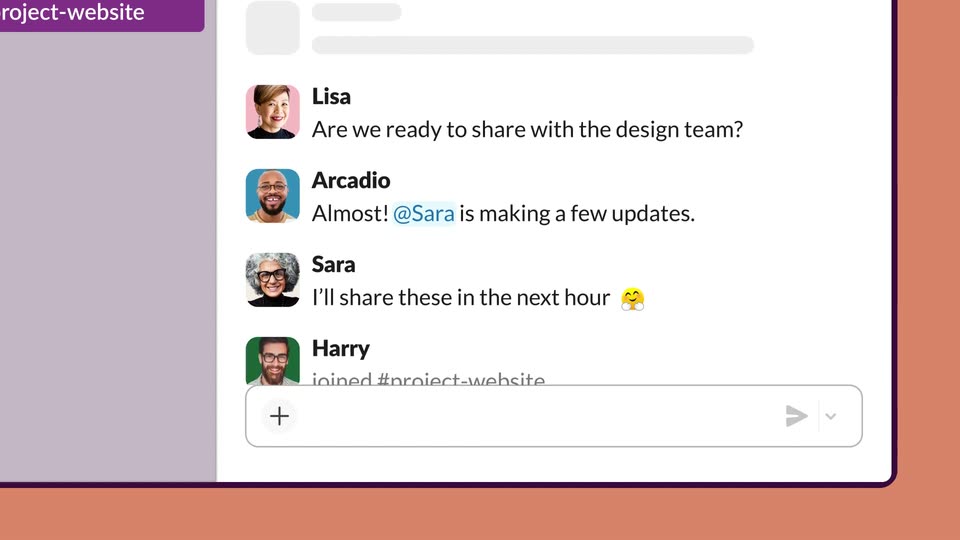 0:29–0:42Slack · Conversations in SlackA purple chat window on an orange background: a cursor selects the project-website channel, the view zooms into the thread, a question is typed and sent, replies from three users and a join notice appear one by one, then the camera pulls back to the full window.
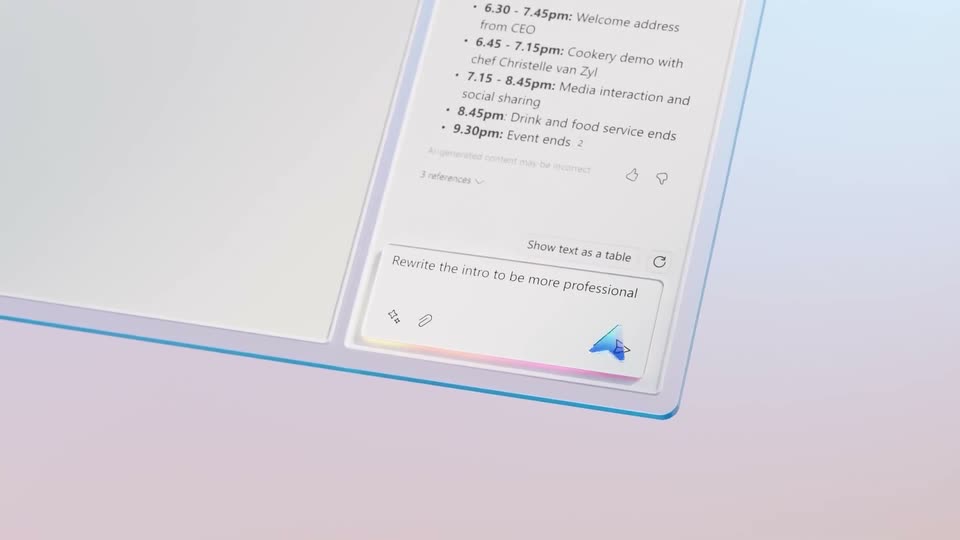 0:43–0:45Microsoft · Introducing Microsoft 365 ChatA tilted 3D tablet screen shows a document beside an AI chat panel listing event times. The prompt “Rewrite the intro to be more professional” types into the input bar, a blue cursor taps send, and the camera drifts as the screen blurs out of focus.
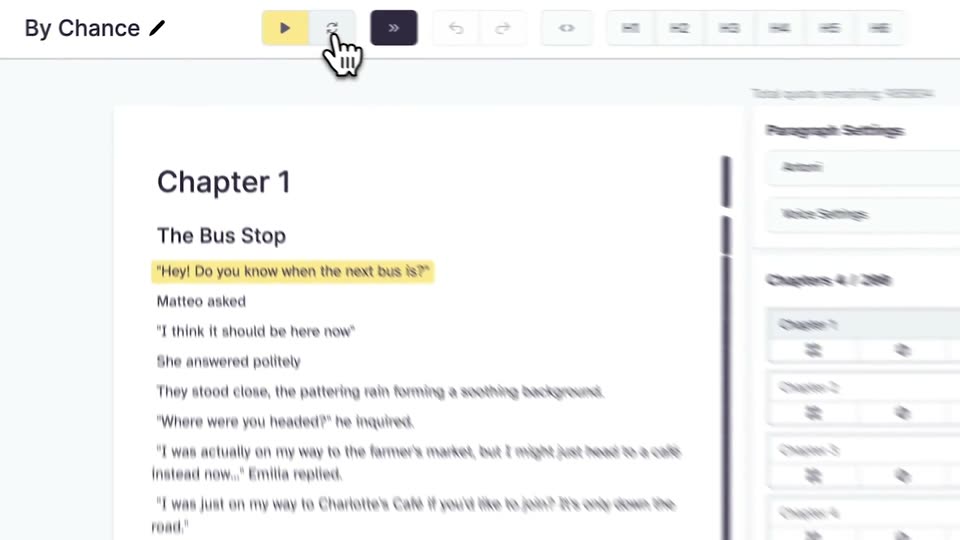 0:41–0:50ElevenLabs · Introducing: ProjectsThe By Chance editor fills the frame, then the view zooms into Chapter 1 where the first line is highlighted yellow with a text caret. A hand cursor moves to the toolbar and clicks the regenerate button, which spins. The view zooms back out to the full interface.
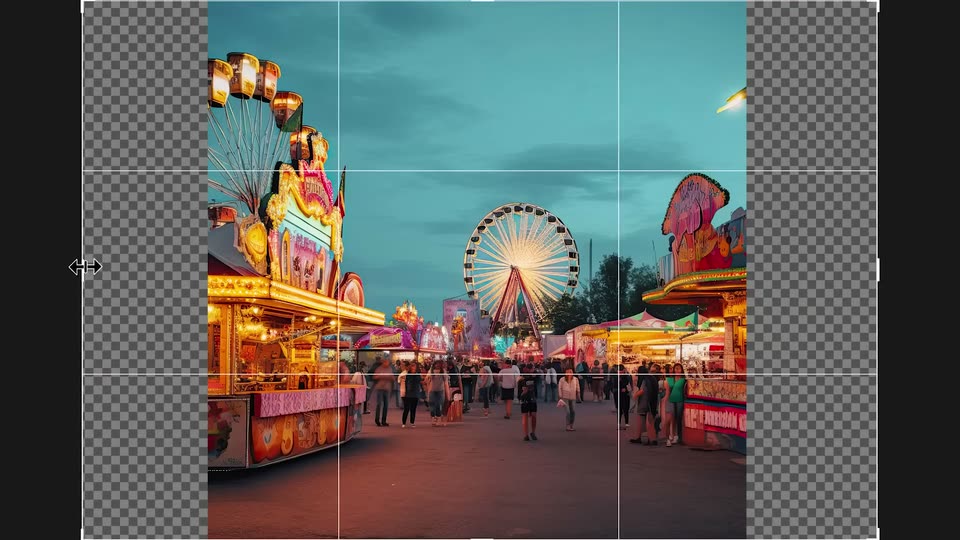 0:09–0:10Adobe · Adobe Firefly: Out of Beta & Ready For Your Imagination | AdobeInside an image editor, a dusk fairground photo with a lit Ferris wheel sits on a canvas marked by a rule-of-thirds grid. A checkerboard transparency pattern flanks the image while a resize handle at the left edge shrinks the photo between frames.
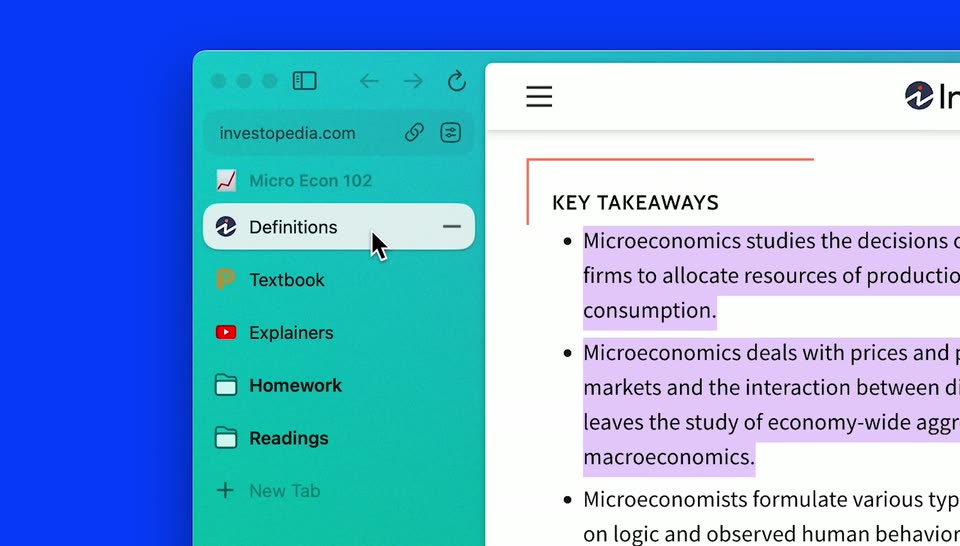 0:16–0:17The Browser Company · Arc for Students | Everything in its right placeA browser mockup floats on a solid blue field. A teal tab sidebar lists course items with the Definitions tab selected and a cursor resting on it, beside a white article page whose microeconomics text is highlighted in purple.
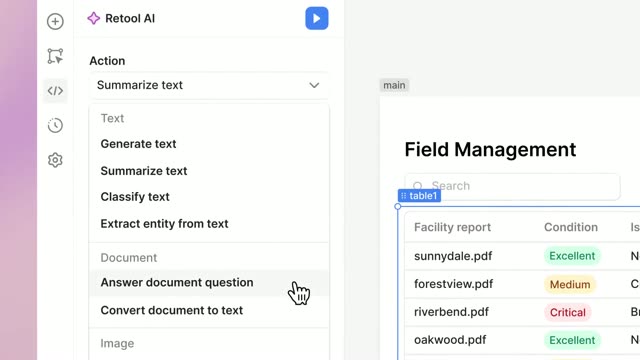 0:06–0:08Retool · Introducing Retool AI—powerful AI building blocksThe Retool AI interface opens at a slight 3D angle on a pink gradient, then eases to a flat front view. A hand cursor opens the Action dropdown and switches the pick from Summarize text to Answer document question, while the right panel updates its table.
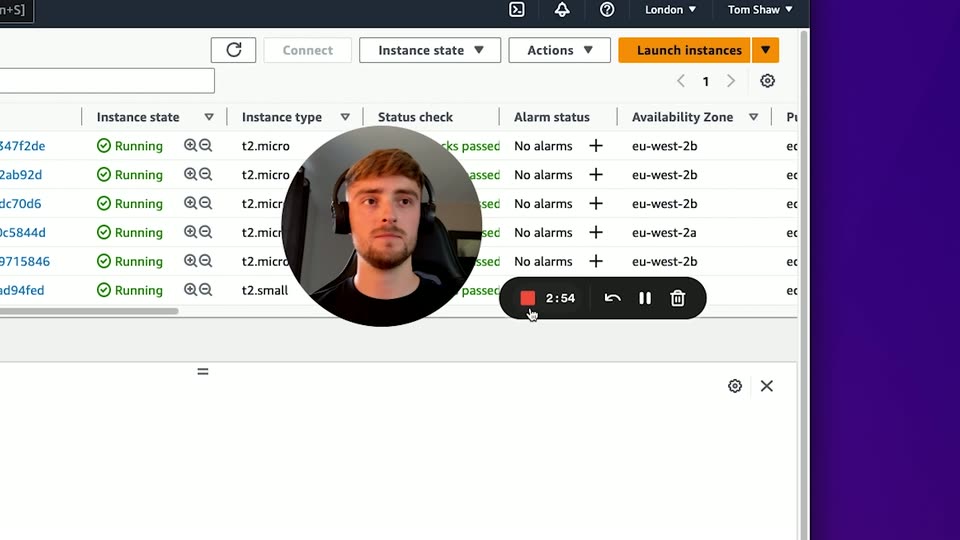 0:29–0:30Loom · Loom | Sync Faster, Meet LessA screen recording of an instance table sits behind a circular webcam feed of a man with headphones. A black recording bar shows a red stop button and a 2:55 timer. A cursor clicks the button, a tooltip reads Finish recording, and the timer ticks to 2:54.
 0:28–0:29beehiiv · beehiiv 🐝 - Introducing beehiiv AI ✨ Coming live from UranusThe image-generation interface scrolls down, revealing a dark prompt box with placeholder copy and an Image style dropdown above a white canvas. A cursor hovers mid-panel, and a blue caption pill at the bottom reads “what the office looks like.”
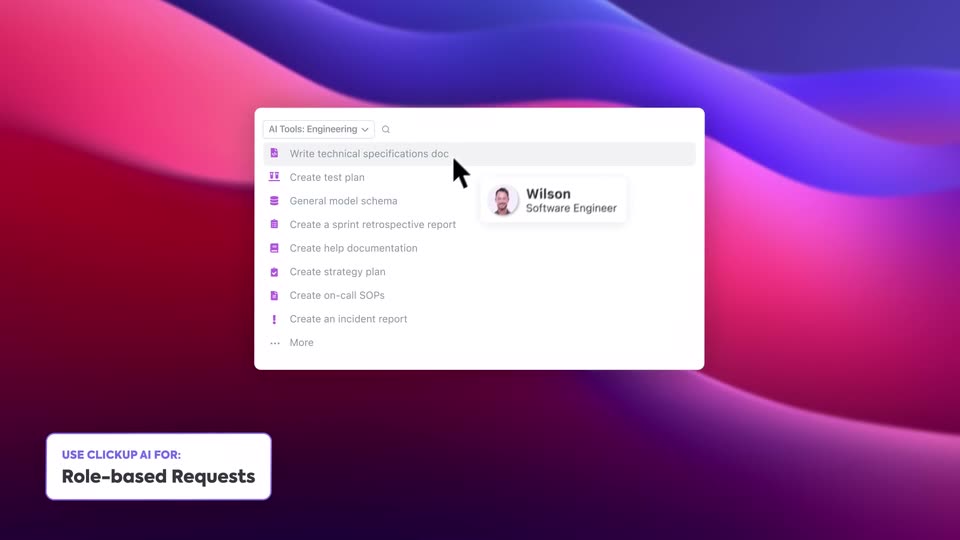 0:27–0:32ClickUp · Introducing ClickUp AIA white AI-tools panel hovers over a pink-purple wave background. A cursor opens the department dropdown, selects Engineering, and the tool list refreshes to engineering items. A caption card reading Role-based Requests slides in at the lower left.
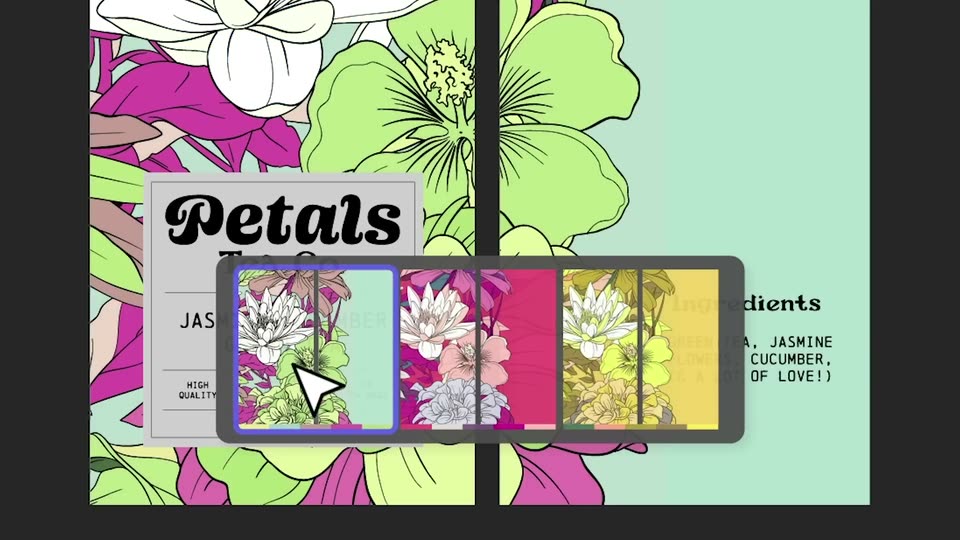 0:12 · 0.5sAdobe · Adobe Illustrator x Adobe Firefly: Announcing Generative Recolor | AdobeA comic-style floral poster fills the frame behind a gray filmstrip of five tinted flower thumbnails. A white arrow cursor hovers over the first frame, which carries a purple selection outline, and drifts slightly right.
 0:20–0:21Penpot · Penpot - Flex Layout, best of both worlds Flex Layout is Penpot’s ground-breaA dark code board interface shows a Board header above two tabs, Info in black and Code in green. A hand cursor hovers over the green Code tab. Below a divider line, the label CSS sits at the lower left. The frame stays locked off and static throughout.
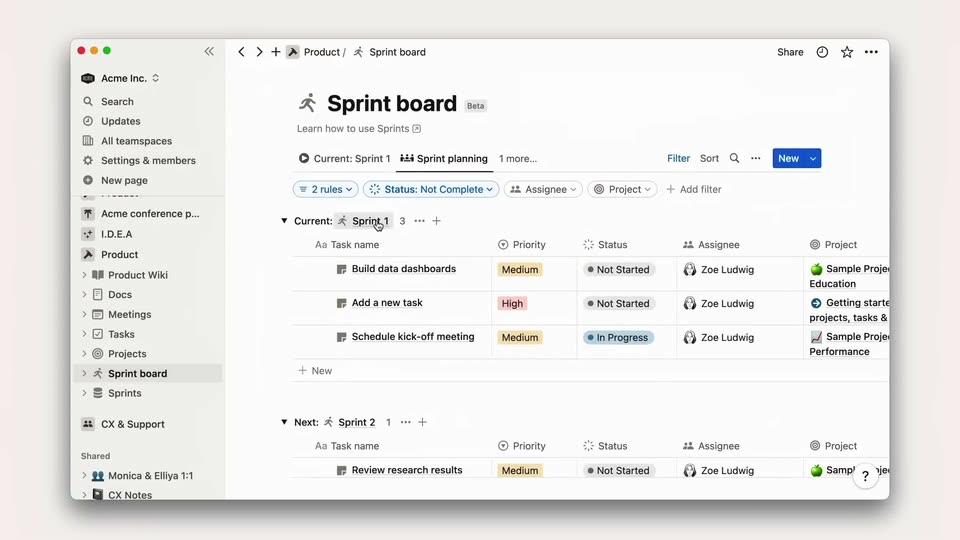 0:48–0:50Notion · Welcome to Notion ProjectsA flat Notion sprint board page fills the frame inside a macOS browser window. A mouse cursor glides over the Sprint 1 tab while the task table and left sidebar remain still.
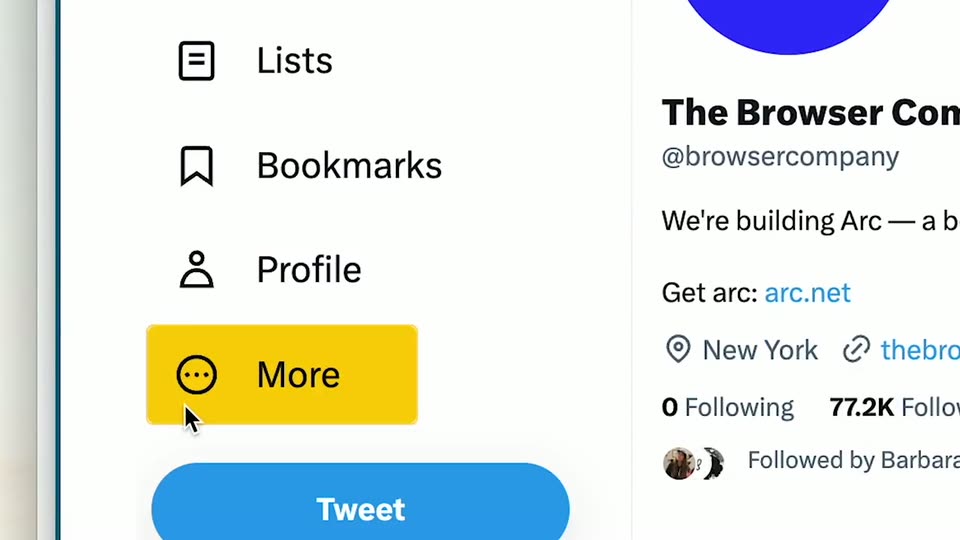 0:16–0:17The Browser Company · The Browser Company - What if the internet... was actually 𝑦𝑜𝑢𝑟 internet? 🎨 Introducing BA close-up of a Twitter profile page. The left sidebar lists menu items with the More option highlighted in yellow and a cursor resting on it. The right column shows The Browser Company profile card with handle, bio, and follower counts. The frame holds static.
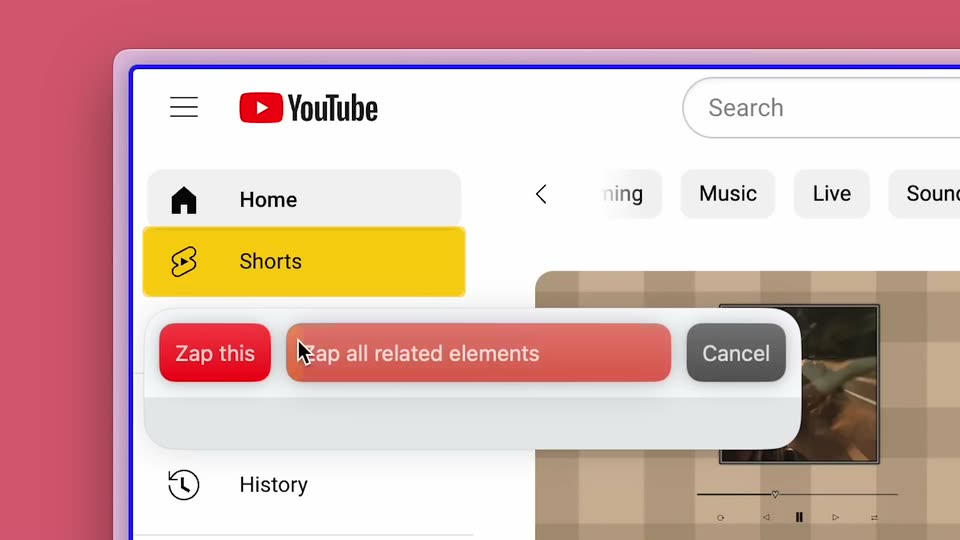 0:17–0:19The Browser Company · Boosts by Arc | Meet Your New InternetA tilted YouTube interface mockup sits on a pink background. A cursor moves to the Shorts item and clicks it, turning it yellow, then a developer overlay pops in with a red Zap this button and a gray Cancel button above a line of code.
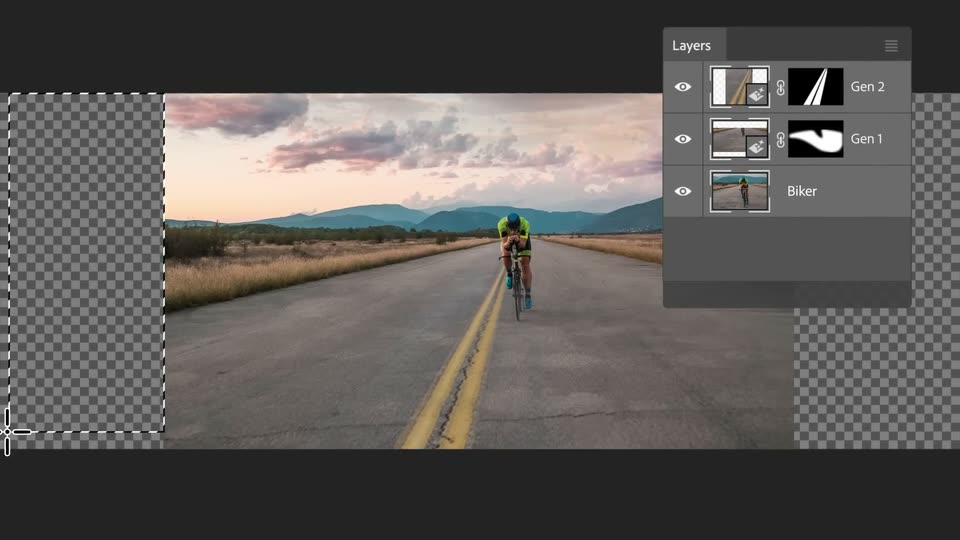 0:14–0:16Adobe · Adobe Photoshop (beta) x Adobe Firefly: Announcing Generative Fill | AdobeA cursor drags a dashed crop handle, shrinking a cyclist photo on a desert road over a checkerboard canvas, while a Layers panel on the right lists Gen 2, Gen 1 and Biker.
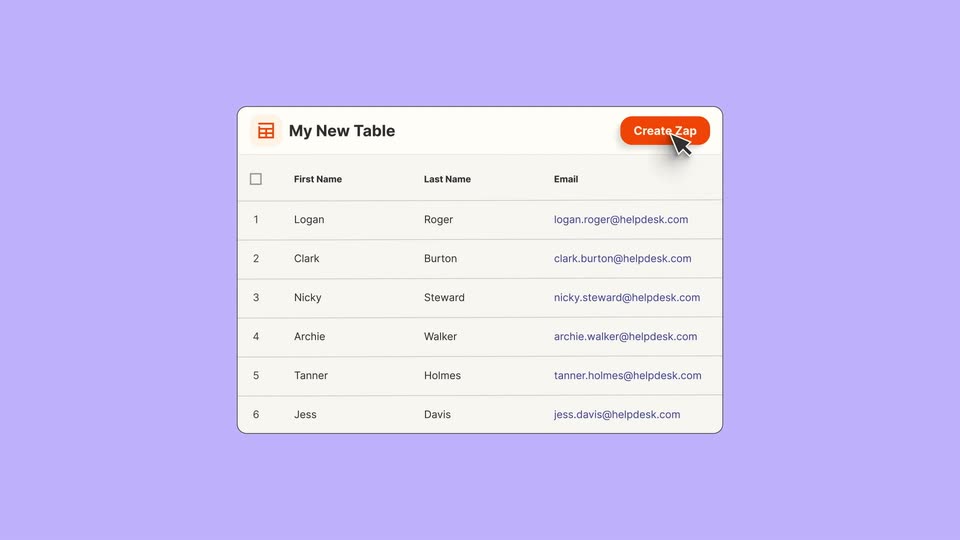 0:31–0:33Zapier · Introducing Zapier TablesA white card holding a six-row contact table sits on a lavender field. A cursor glides to the orange Create Zap button and clicks it, and a modal slides in listing four automation options.
 0:41–0:42Raycast · Introducing Raycast ProA dark AI-commands panel sits on a grainy charcoal backdrop with a white arc at the right. It slides right as a white document with black text slides in from the left, the two now side by side, a cursor hovering over the first row.
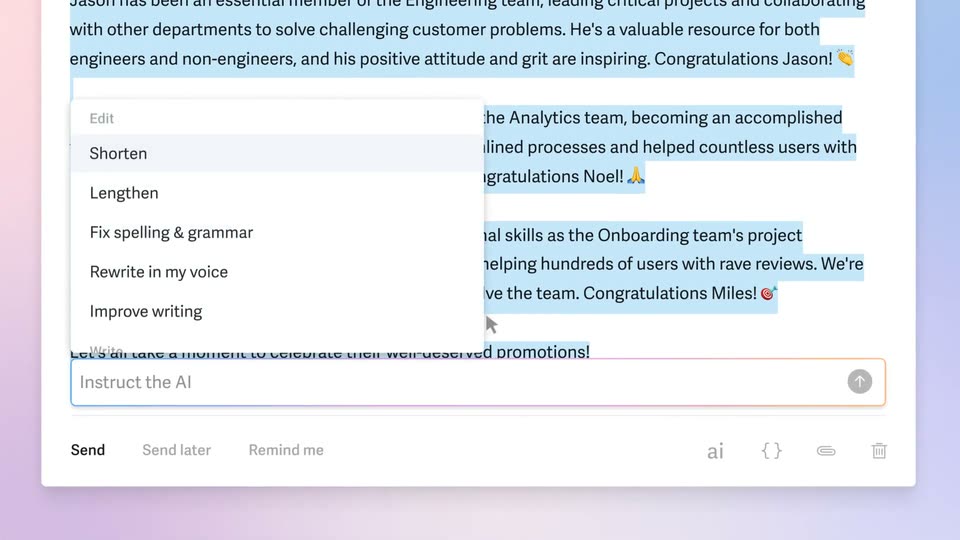 0:41–0:49Superhuman · Superhuman AIA white email draft card sits on a soft pink-blue gradient. The view zooms into the body as the text highlights in blue. A cursor clicks the AI button in the floating toolbar, a dropdown of edit options opens, then an input field with an animated gradient border appears.
 0:17–0:18Vercel · Vercel - Introducing Visual Editing for Headless ◆ Designed with our launch pA locked-off close-up of a dark mock webpage with an oversized white headline cropped to “ting” and “e”. A thin cyan selection frame runs down the right side; a red cursor arrow glides in from below and rests on a cyan Edit button at the frame's corner.
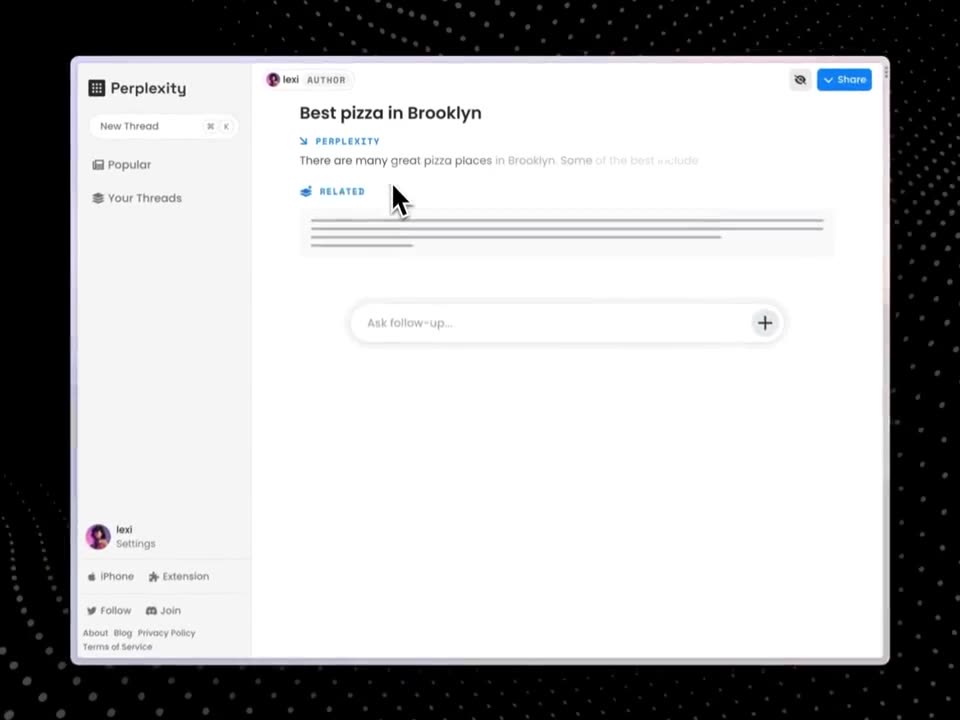 0:37–0:45Perplexity · Perplexity - We are excited to launch the next version of Introducing login, threaClose-up on the Perplexity search field reading “Best pizza in New York City”; the cursor highlights the city name, deletes it and types “Brooklyn.” The frame then pulls back to the full app window as the answer streams in with a bulleted list of pizza spots.
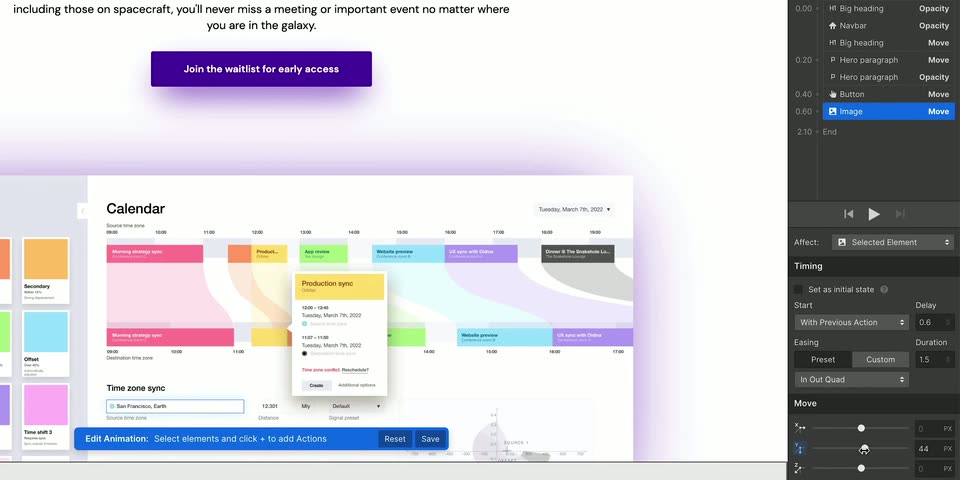 0:38–0:40Webflow · Introducing WebflowA screen recording of the editor shows a calendar mockup on the canvas while the right panel lists its move effect and timing. The cursor drags the Y position slider, and the calendar image slides downward across the canvas.
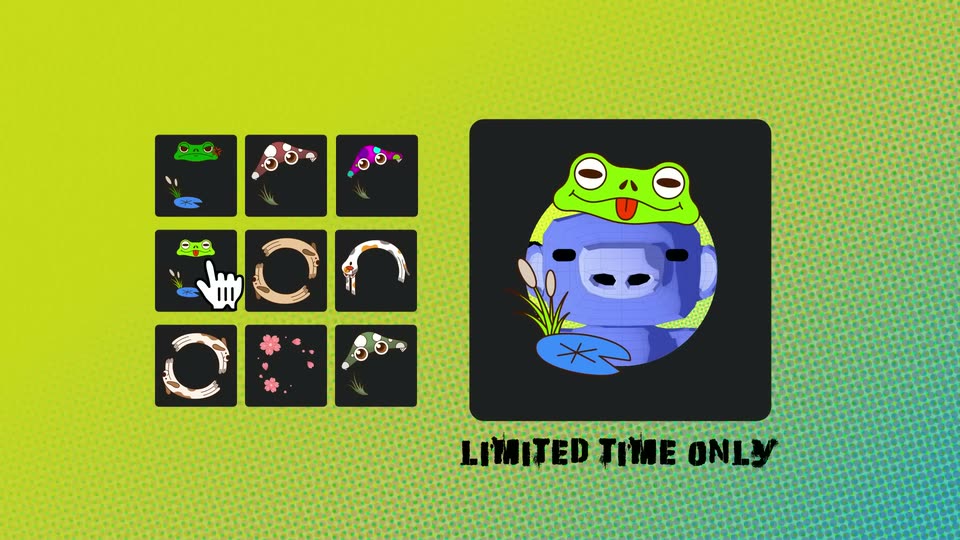 0:42–0:45Discord · Announcing 4 new Nitro PerksA 3x3 grid of dark tiles with tiny animal illustrations sits left of a large preview panel on a halftone green-to-blue gradient. A white hand cursor clicks tiles, and the panel swaps to a blue creature wearing the selected accessory. Jagged black 'LIMITED TIME ONLY' sits below.
 0:28–0:29Arcade · Arcade - Introducing Arcade Growth:A locked-off close-up of a browser window's top-right toolbar on a mint gradient, the page below blurred gray. A white arrow cursor rests on a red circular icon in the extension bar, a thin red ring pulses around it, then the cursor shifts right and the ring fades.
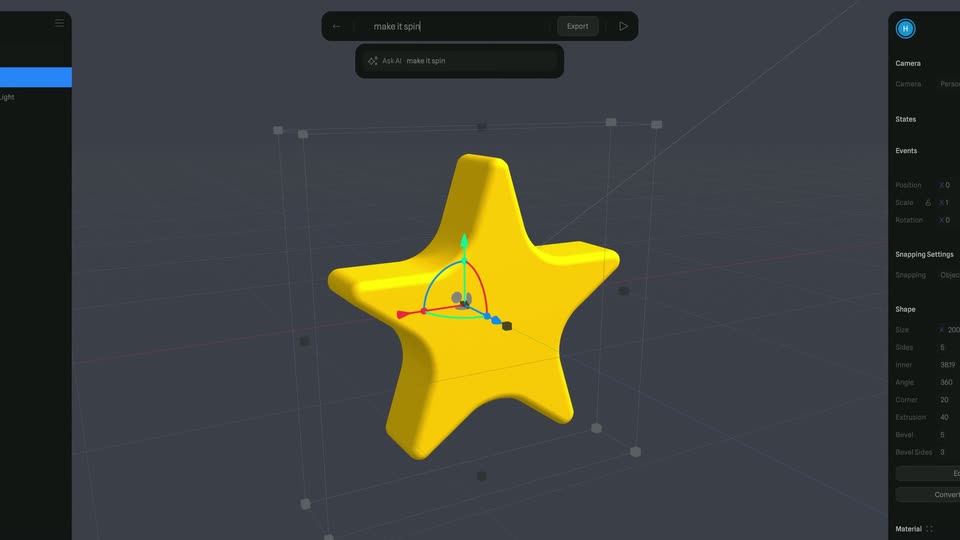 0:15–0:18Spline · Introducing Spline AI - Design in 3D using AIA yellow 3D star with a transform gizmo floats in a dark 3D workspace. A cursor types prompts into the top command bar, an AI suggestion list drops down, then the side panels and grid fade out, leaving the star centered as the view reframes closer.
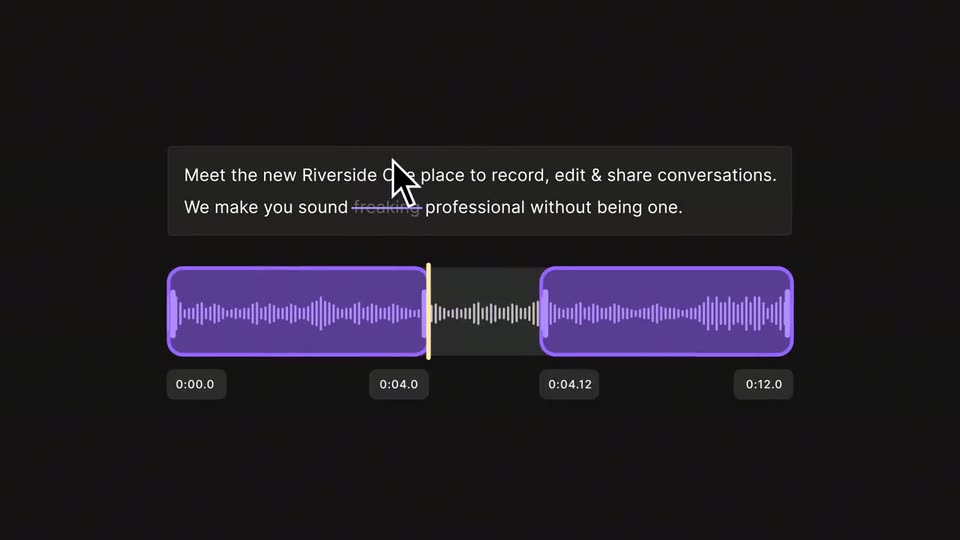 0:45–0:48Riverside · Riverside - Meet the new Riverside. The one place to record, edit, and share yourA locked-off dark UI: a purple waveform bar sits under a caption box where the word freaking is highlighted. A white cursor arrow clicks the Delete button; the middle slice of the waveform is removed, opening a gap between the two segments, then a purple Export button fades in below.
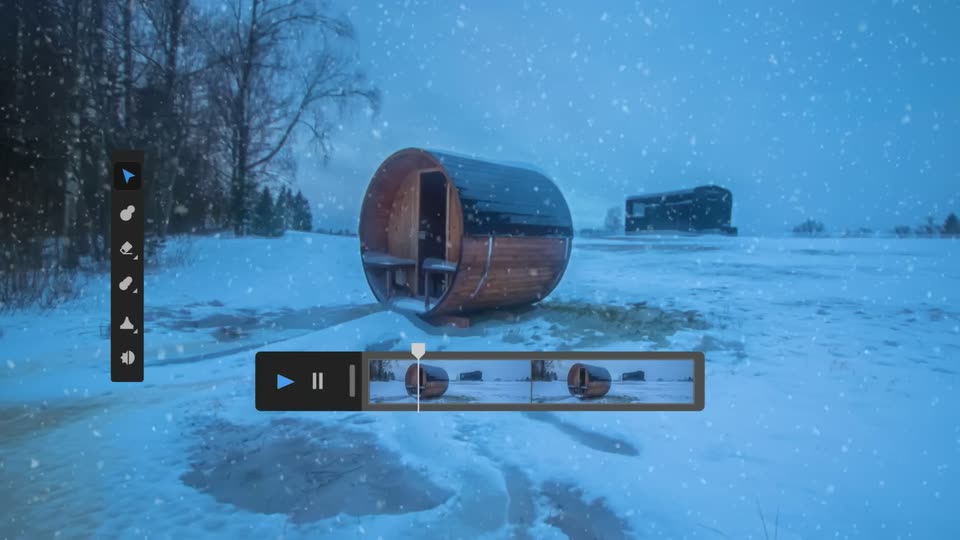 0:06–0:08Adobe · Adobe Firefly: Family of New Creative Generative AI Models | AdobeA snowy landscape with a wooden barrel cabin fills the frame behind a video player interface. A left icon toolbar and a bottom control bar sit over the scene, and a timeline strip of thumbnails extends to the right as a playhead marker slides across it. Snow falls throughout.
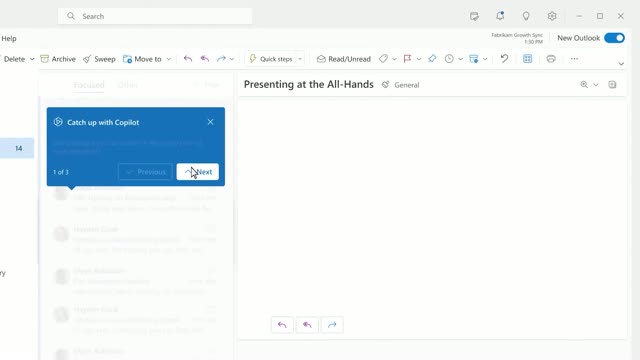 1:06–1:08Microsoft · The Microsoft 365 Copilot AI Event in Less than 3 MinutesA close-up of the Outlook inbox shows a blue Copilot catch-up card. A cursor clicks Next, swapping the highlighted summary to the next email and updating the reading pane. The view then zooms out to reveal the full Outlook window with its navigation pane.
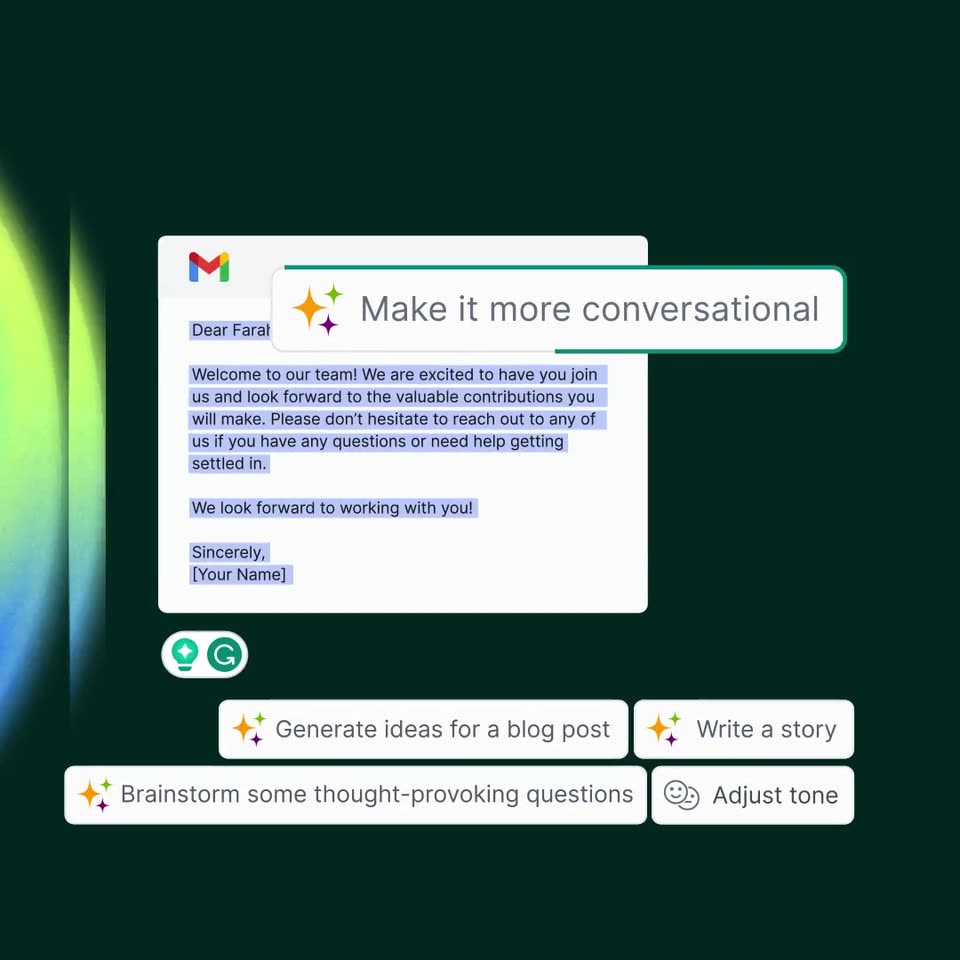 0:23–0:26Grammarly · Superhuman - Introducing GrammarlyGO—a new generation in writing. Speed up your wA Gmail email card sits in slight 3D tilt on a dark green field. A cursor flips on an AI toggle, a prompt box types a request, suggestion chips pop in below, and a Replace/Rephrase panel types a new greeting.
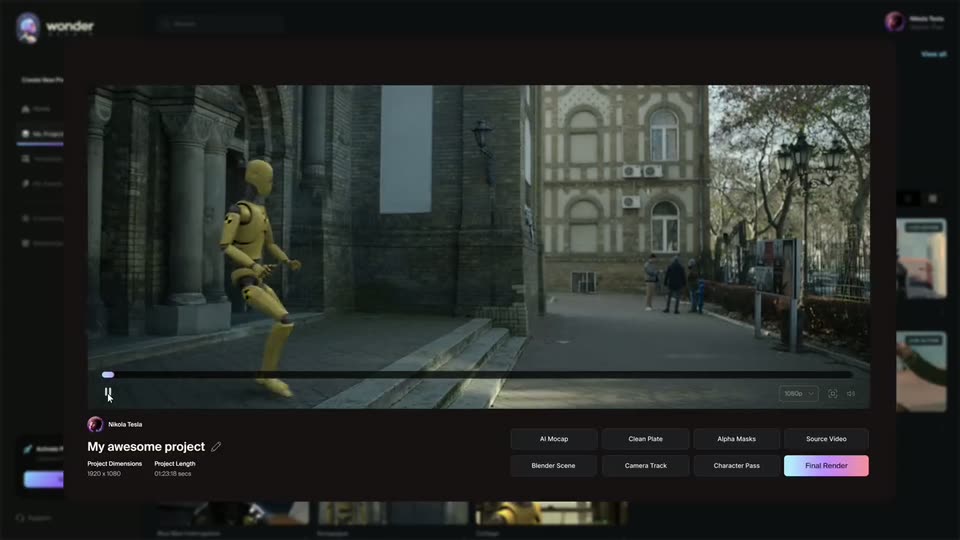 0:26–0:27Wonder Studio · Autodesk Flow Studio - We are proud to introduce Wonder Studio. An AI tool that automaticalA dark product interface shows a video preview of a yellow humanoid robot walking along a city sidewalk past brick buildings. A cursor moves to the play button while a timeline scrubber sits below the preview and a row of pass buttons lines the bottom.
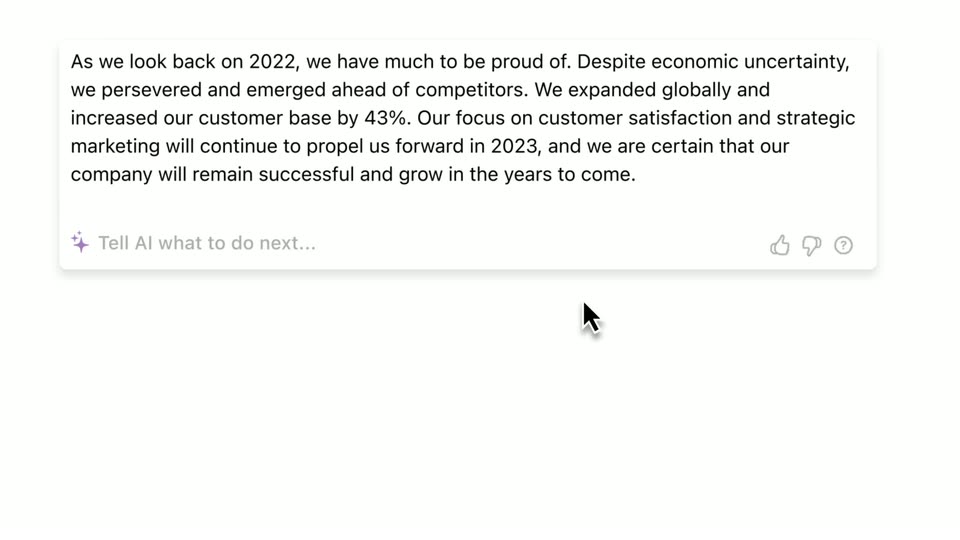 0:31–0:36Notion · Notion AI is here, for everyoneA white panel at the top of a gray screen types out a business paragraph word by word, with a purple status line and shortcut labels below. As the text completes, the status row swaps to a prompt field and a dropdown menu of actions opens beneath the hovering cursor.
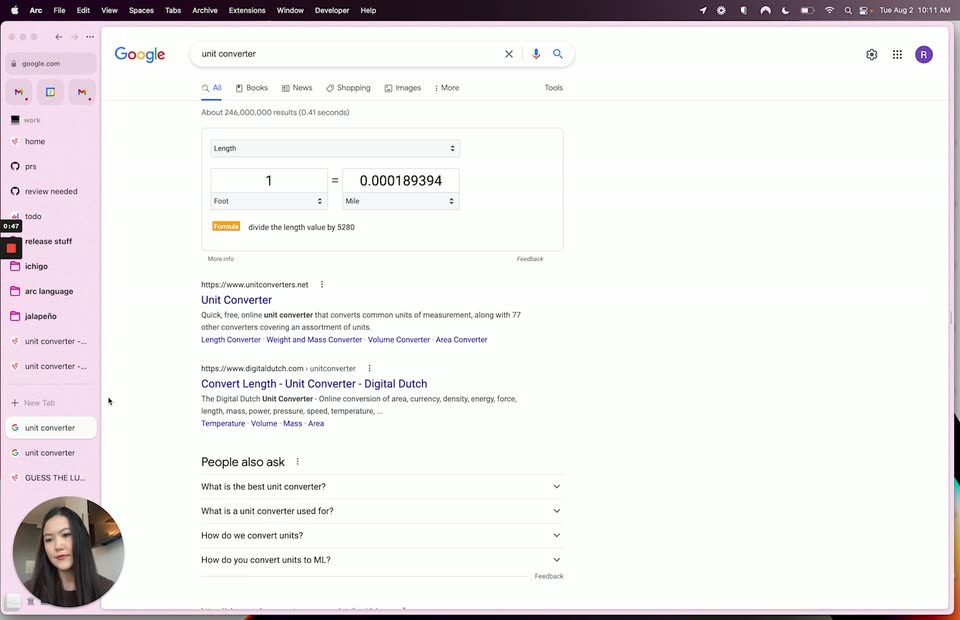 0:44–0:48The Browser Company · Arc Browser | Introducing Live Captures on Easel with RoseyA screen recording of the Arc browser shows a Google results page for unit converter beside a pink sidebar of saved spaces and a circular video-call bubble of the presenter. The cursor drifts from the results to a sidebar tab as the page header icons appear.
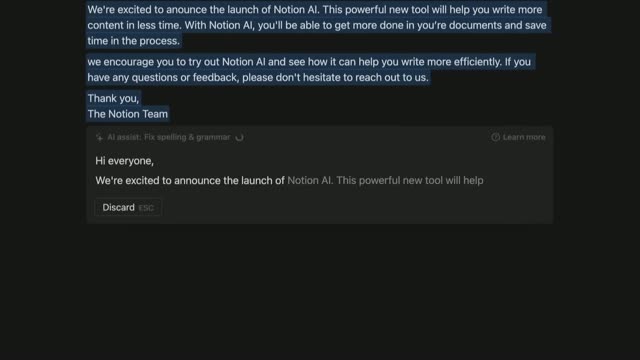 0:39–0:47Notion · Introducing Notion AIOn a dark Notion page, an email titled 'Launch Email' shows underlined typos. A cursor selects the text and opens the AI assist menu; a panel types the corrected copy and the document updates when Replace is clicked.
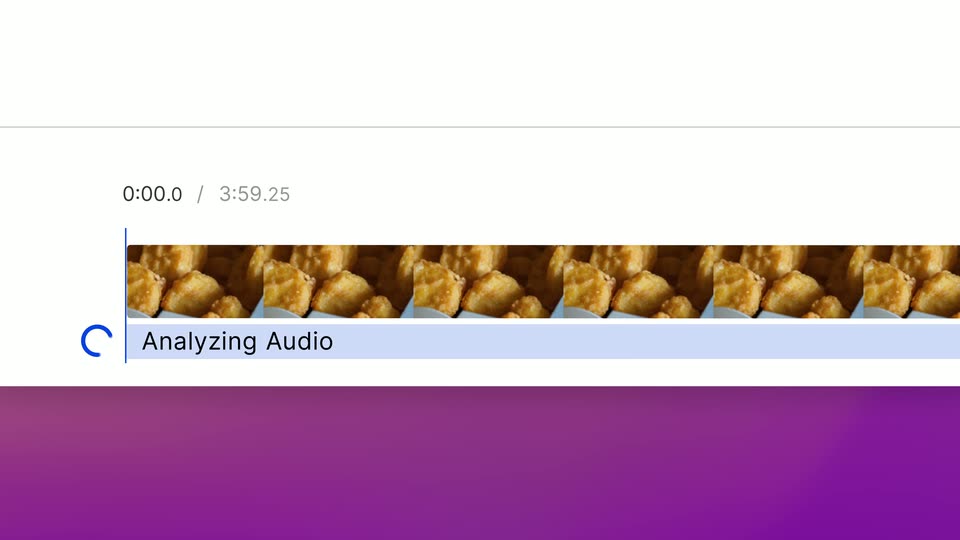 0:25–0:26Descript · The new Descript – made for podcastersA white dropdown menu lists audio effects over a preview of fried food. The cursor clicks the blue plus button, then checks Studio Sound, and the preview cuts to a hand holding a paper bag on a table.
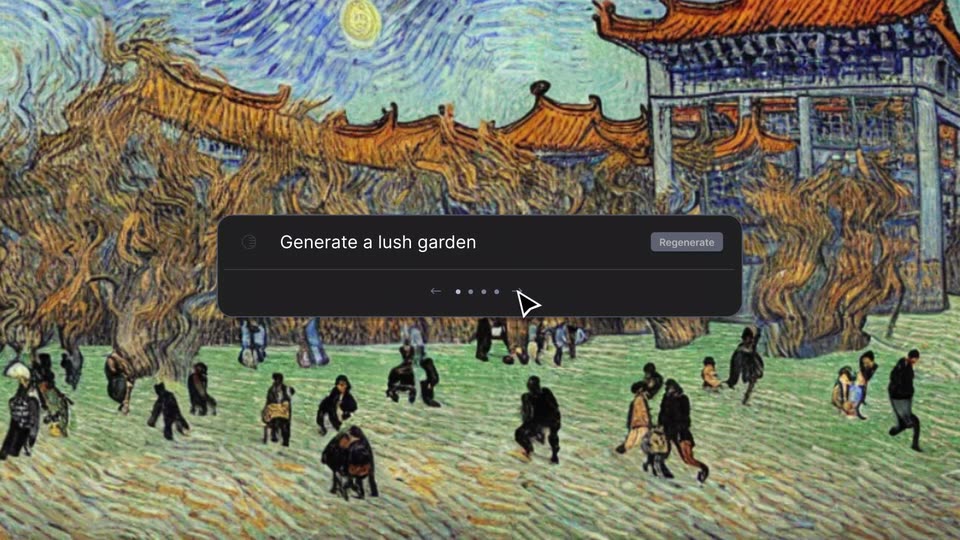 0:26–0:27Runway · Text to Video: Early Access Waitlist | RunwayA dark rounded prompt bar floats centered over a Van Gogh style painting of a courtyard with orange roofs and strolling figures. The prompt text sits left of a gray Regenerate button that pulses with a subtle scale, while a white cursor rests over the pagination dots below.
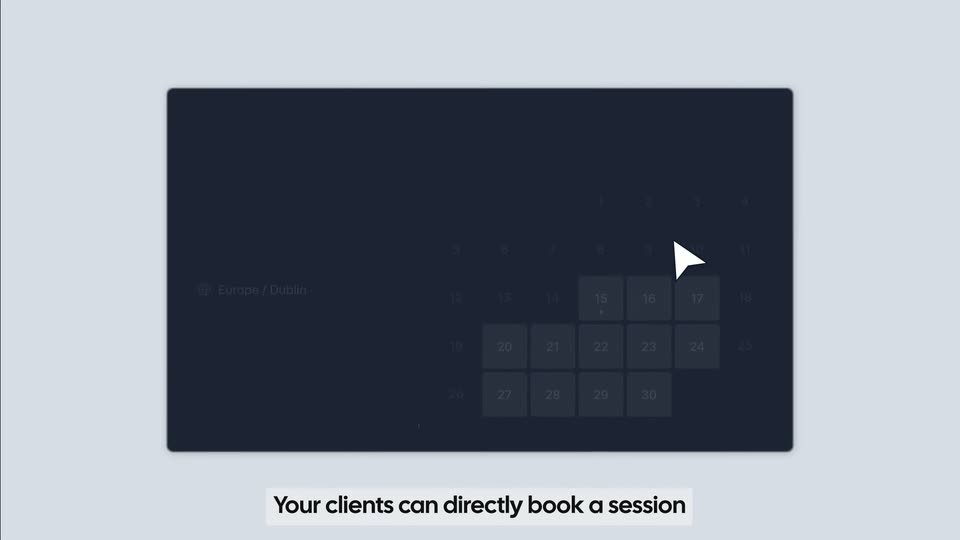 0:43–0:44Cal.com · Cal.com introducing TeamsA dark booking page for Lula Gym shows a kettlebell logo and six trainer cards with avatars; the whole screen blurs to a plain dark panel as a white cursor hovers, while a white caption strip at the bottom reads “Your clients can directly book a session”.
 0:43–0:44Cal.com · Cal.com introducing Dynamic Group LinksA dark scheduling screen shows a July calendar and a list of time slots, with a cursor hovering over the 10:00 am option. The panel then slides off to the left with motion blur as a caption line appears at the bottom.
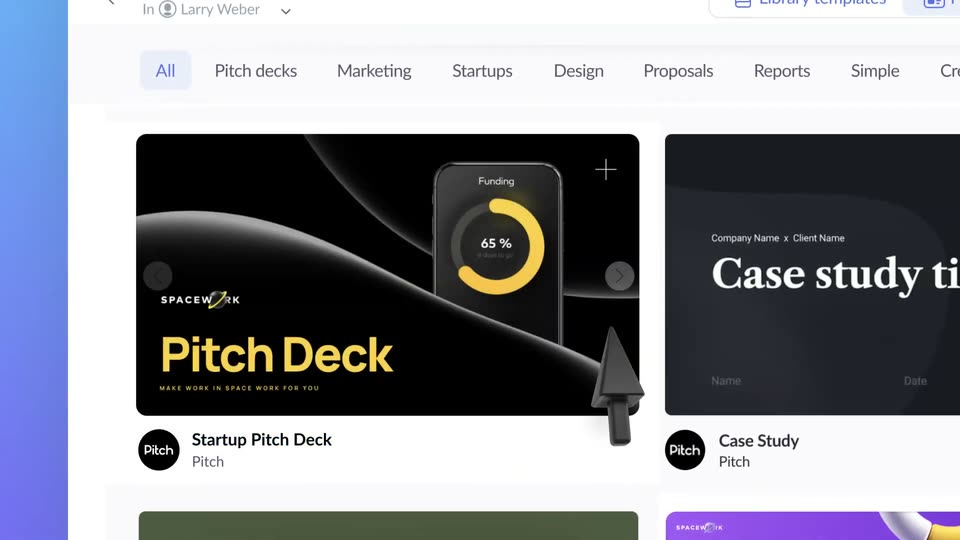 0:18–0:20Pitch · Introduction to Pitch | Create beautiful presentations with your teamA template library grid of dark pitch-deck cards sits under a row of category tabs. A large cursor hovers a Use template button, then the view zooms into the orange-sphere Board Deck card.
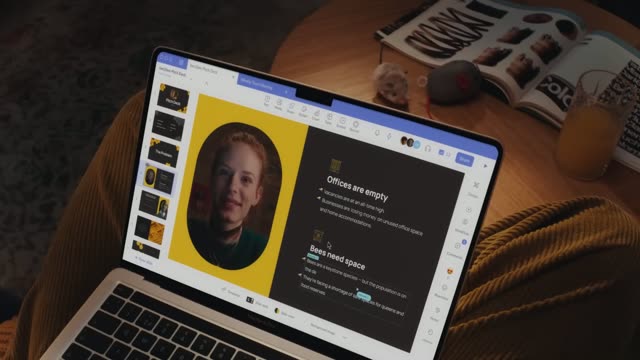 0:44–0:46Pitch · Introducing recordings | Turn presentations into expressive video narrativesA laptop rests on a corduroy lap at a wooden table beside a magazine and a glass of juice. Its screen shows a presentation app with a yellow portrait slide and a dark slide titled Bees need space. A cursor drags a selection box around the heading.
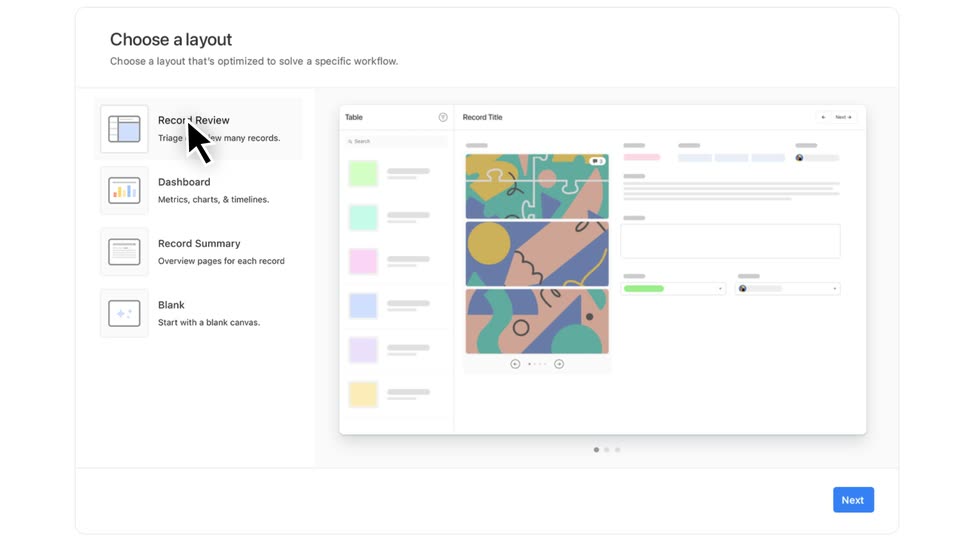 0:13–0:15Airtable · Airtable: introducing interface designerA flat onboarding screen lists four layout options on the left beside a preview mockup of a record view. A cursor hovers the Record Review row, slides down the table, then clicks the blue Next button.
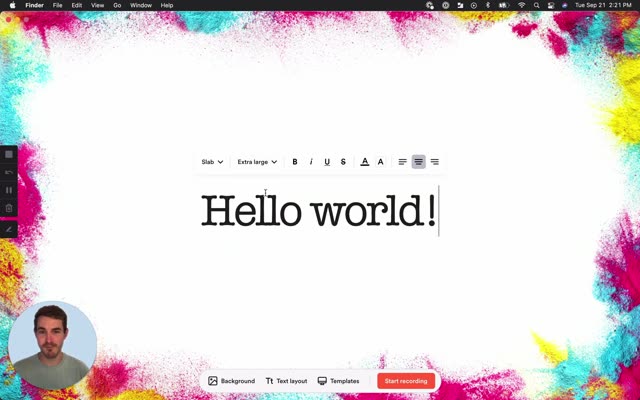 0:38–0:58Loom · Introducing CanvasA screen recording of the app's white canvas framed by a colorful powder border. A cursor opens the text panel, types Hello world!, sets the font to Slab, Extra large, bold and underlined, then opens the templates panel. A circular webcam feed of a man sits lower left.
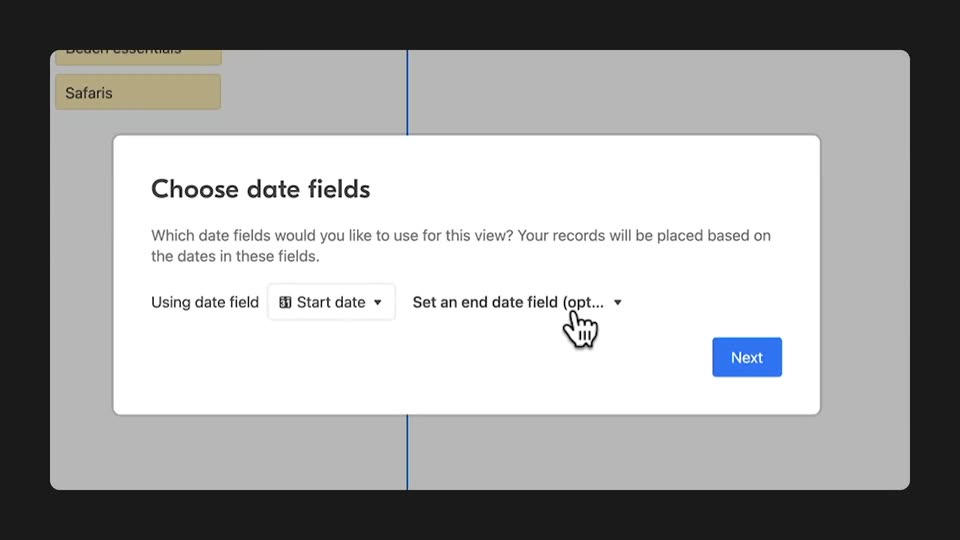 1:17–1:27Airtable · Introducing Timeline View | AirtableA screen recording of a project management app. A yellow outline frames the date columns, then the cursor clicks Timeline in the left sidebar. The view switches to a timeline with a Choose date fields dialog, and the cursor selects Due date and clicks Next.
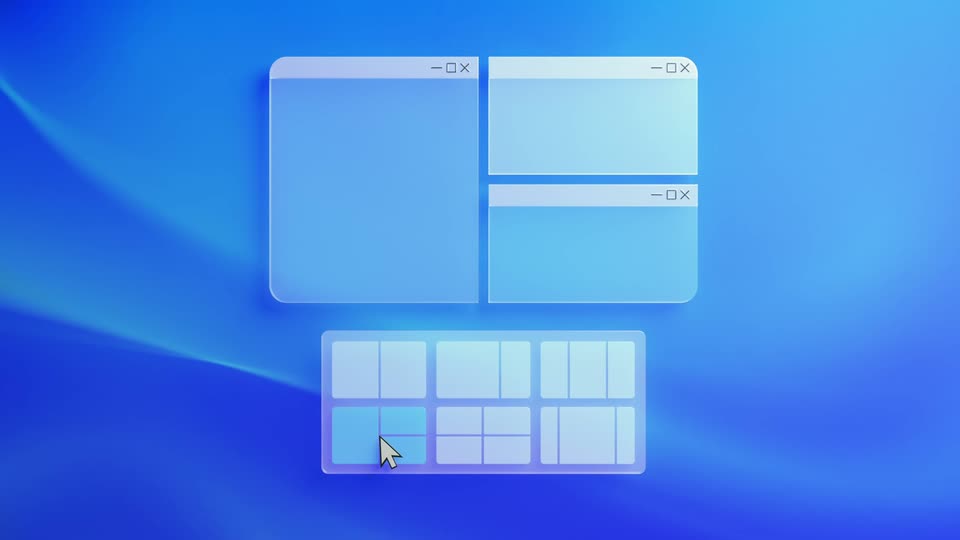 1:10–1:11Microsoft · Introducing Windows 11On a blue gradient, two translucent window panels with title bars sit above a keyboard key grid. The right panel shrinks while the left grows taller, and a white cursor arrow rests on the lower-left key.
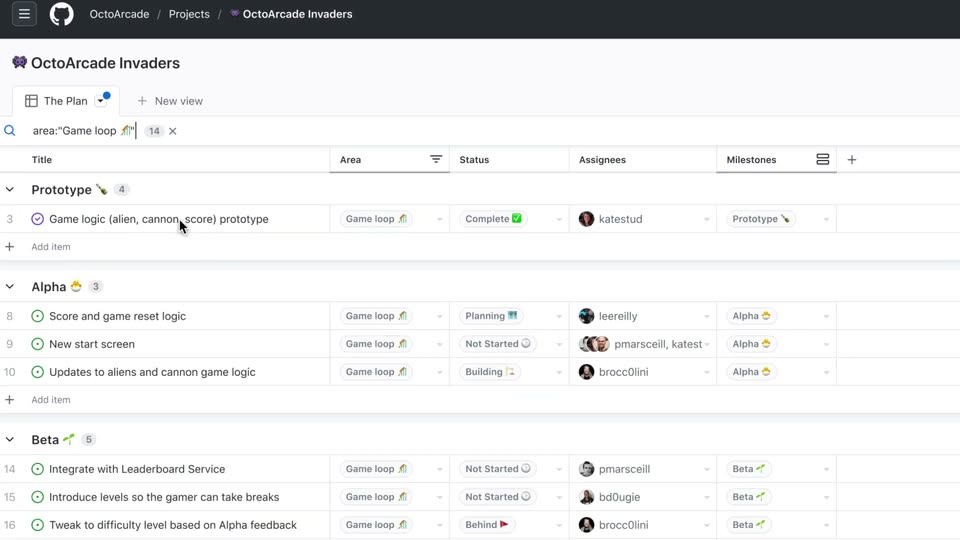 0:40–0:47GitHub · The new GitHub IssuesA GitHub Projects table is shown. A cursor types a filter in the search bar and picks the Game loop area from a dropdown, the list narrows, then the view pulls back to reveal the full table with assignees and milestones, and the view menu opens.
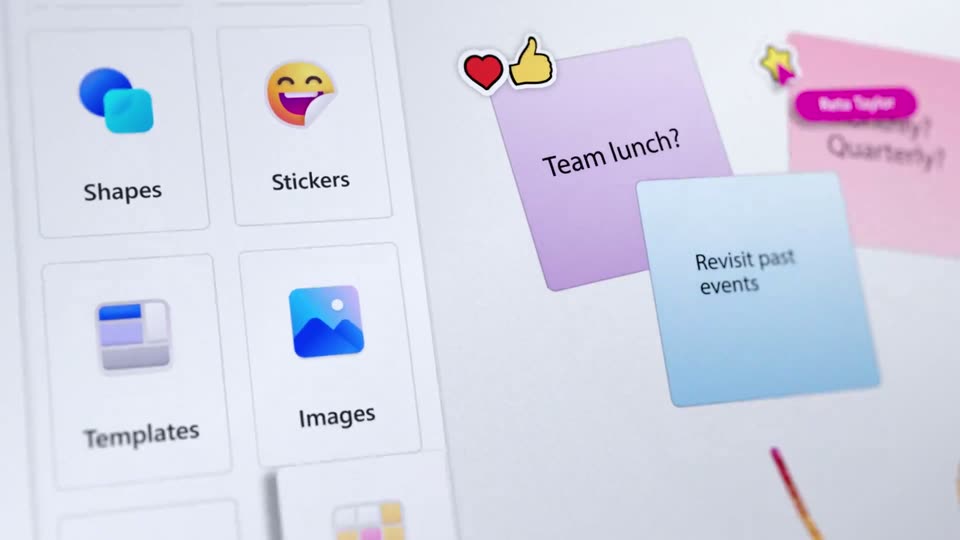 0:23–0:28Microsoft · Meet the new Microsoft Whiteboard designed for Hybrid WorkA tilted 3D view of a whiteboard interface: a Create panel slides in from the left and its tiles pop in one by one, while a pink cursor hovers over the Stickers tile and presence tags appear on blurred sticky notes.
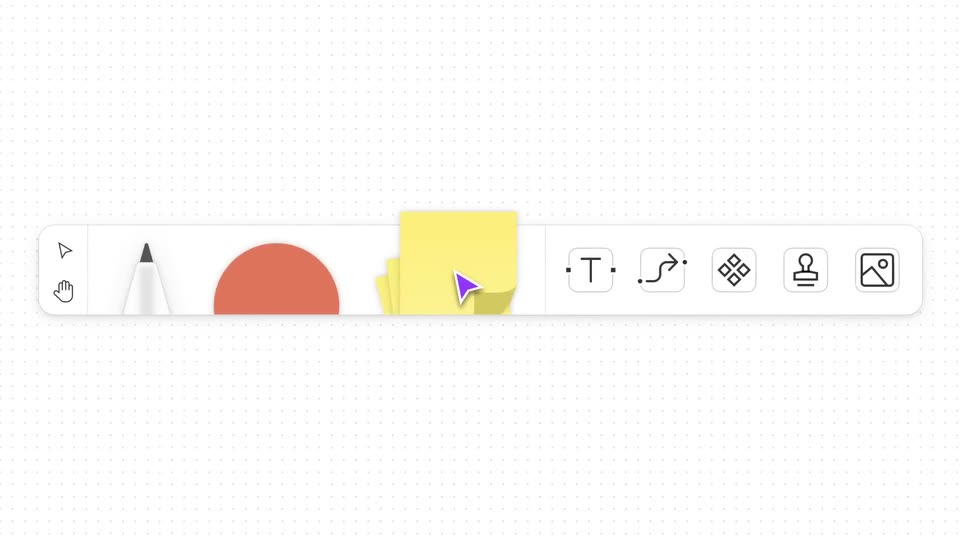 0:09–0:11Figma · Welcome to FigJamA flat horizontal toolbar of tool icons sits on a white dotted-grid canvas. A purple cursor glides from the pen tool to the yellow stacked-square icon and hovers over it.
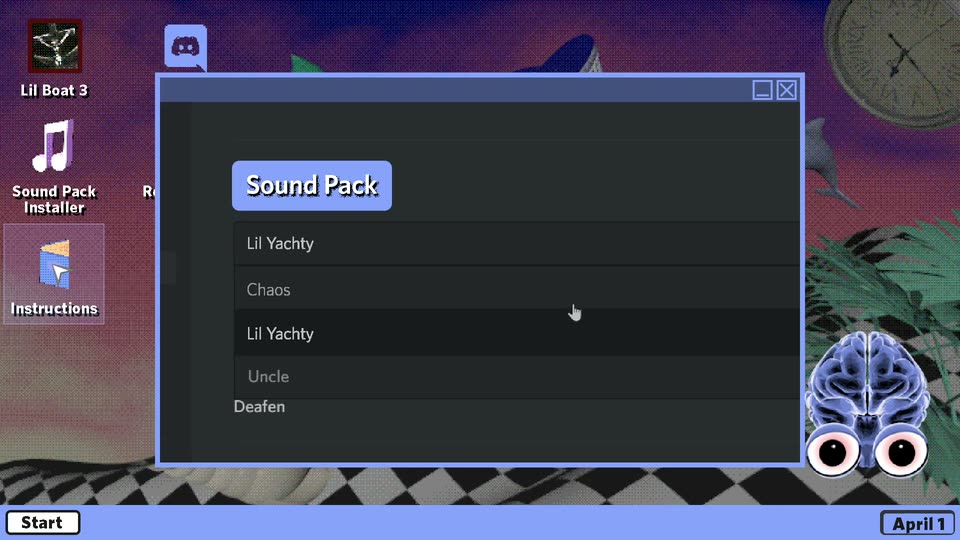 1:09–1:11Discord · Announcing Discord Sound Packs ft. Lil YachtyA retro desktop shows a Sound Pack window with a list of options. The cursor travels down the list, highlighting rows in turn. A brain with googly eyes sits at the lower right corner.
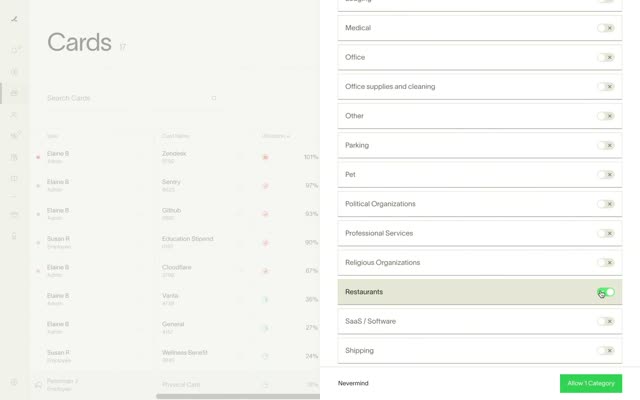 0:14–0:18Ramp · Meet Ramp: The finance automation platform that saves you time & moneyA two-panel card management screen: a static card list on the left and a scrolling category list on the right. A cursor moves down the right list and flips the Restaurants toggle green, switching the bottom button to a green Allow 1 Category.
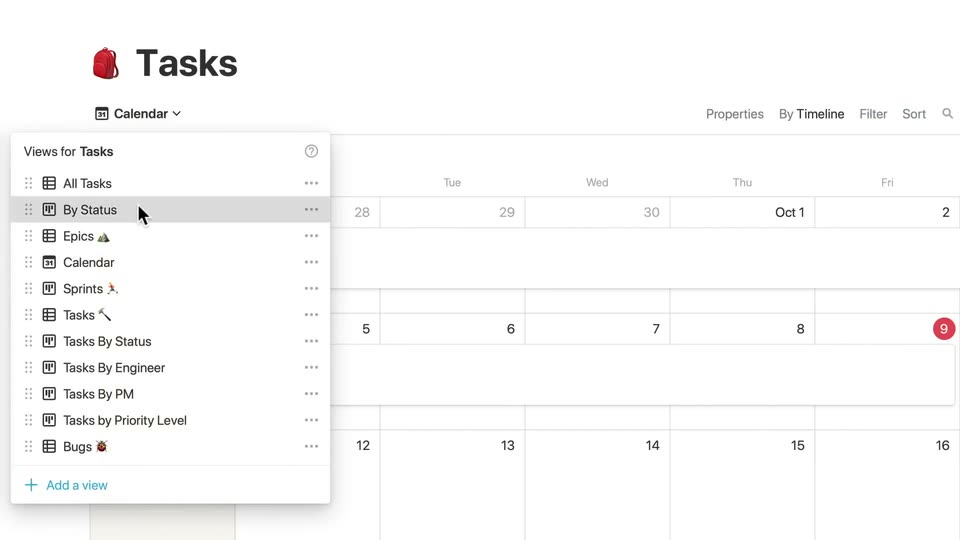 0:42–0:43Notion · What is Notion?A dropdown list of task views opens over a pale calendar grid. A cursor glides down the rows and rests on By Status, which fills with a gray highlight. The rest of the board stays still.