Cursor demo
A visible cursor operates the interface.
15,093 scenes · page 163 of 252
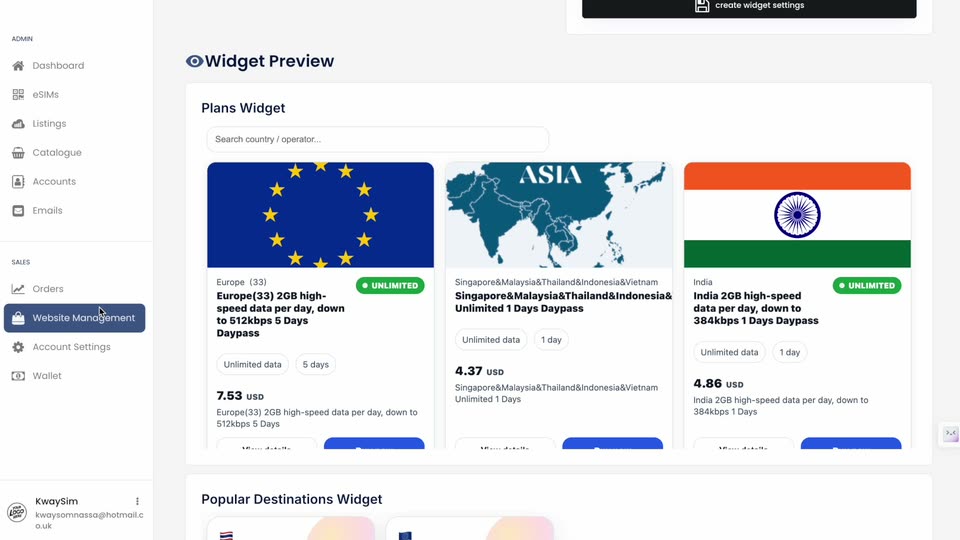 0:16–0:17SimBlox · SimBlox: web widgets demoA flat admin dashboard shows a Widget Preview with three plan cards for Europe, Asia and India, plus a Popular Destinations section below. A cursor hovers the left sidebar menu while a small preview window floats in the corner.
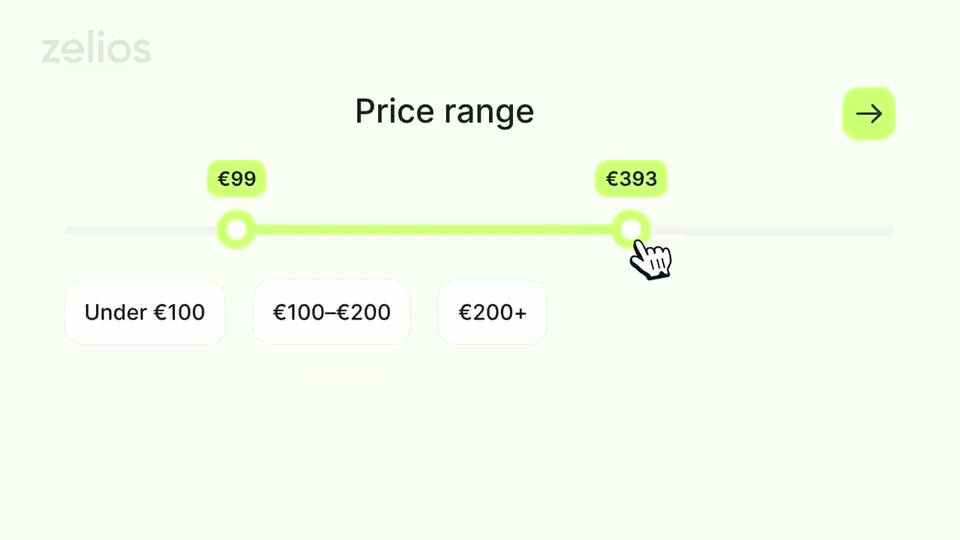 0:31–0:32SKUVE · Big thanks to the Zelios team for bringing Skuve to life in such a clear and engaging way! Skuve is all about making e-commerce product data smarter, simpler, and more actionable - and we love how… | SkuveA cream UI screen shows a price range slider with two green handles and a hand cursor gripping the right handle. The value pill on that handle flips from €357 to €300 while three preset buttons sit below the track.
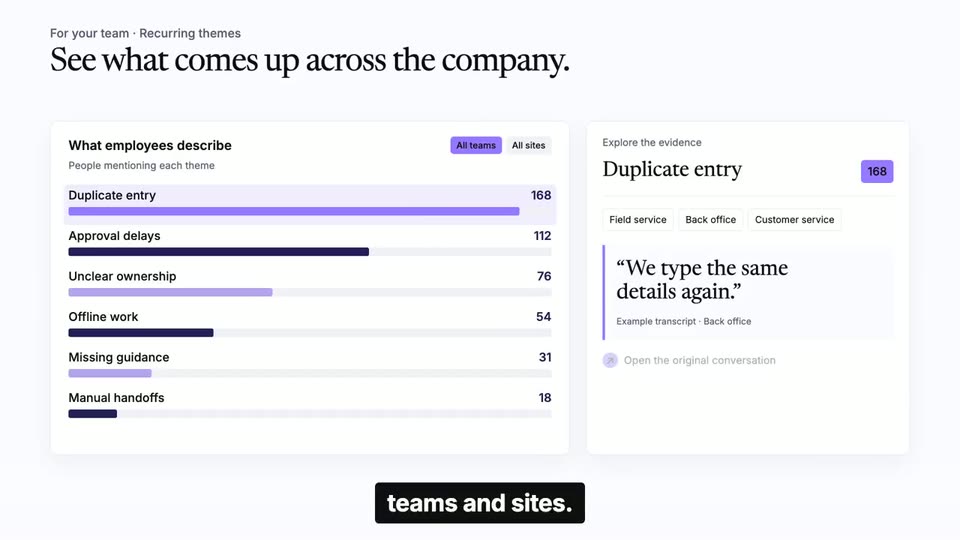 0:54–0:57Sona8 · Thought it was time to show more of the platform! 🚀 See how our AI interviews help companies improve workflows by capturing the process knowledge employees rarely write down. Employees explain… | Sona8 (YC F26)A flat product dashboard fills the frame: a horizontal bar chart of recurring themes on the left, an evidence panel on the right that fades in with a quote and a link. A serif headline sits above, and black pill captions cycle at the bottom.
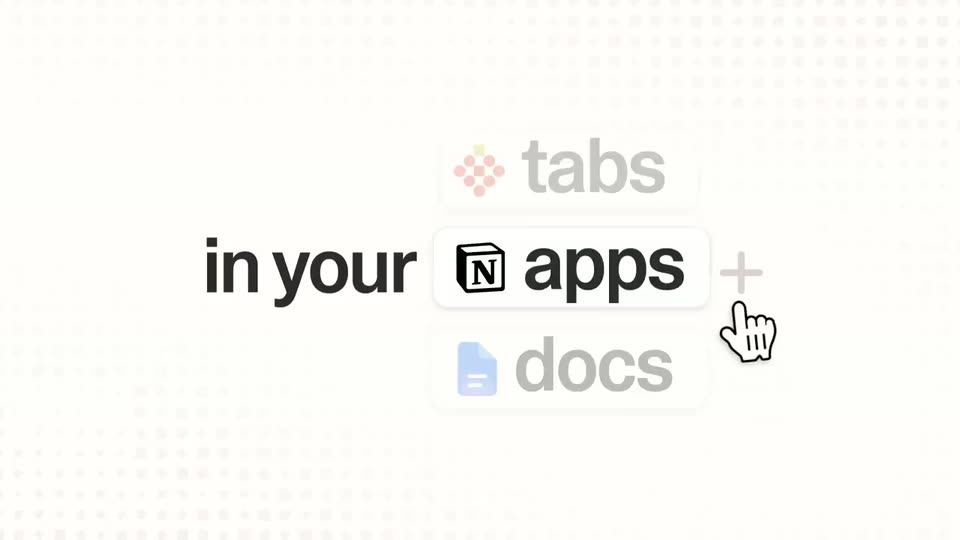 0:28–0:31Strawberry · Strawberry 1.0 is here. It marks a shift in how your team can work with AI. In Strawberry, you can create or hire virtual colleagues, called "Companions". Companions learn your preferences andOn a cream dotted background, the line “I can do” types out beside a column of pastel task pills (accounting, design, coding, writing, reports). The line swaps to “I work”, then to “in your apps” with a hand cursor clicking a plus, while tabs and docs labels slide in.
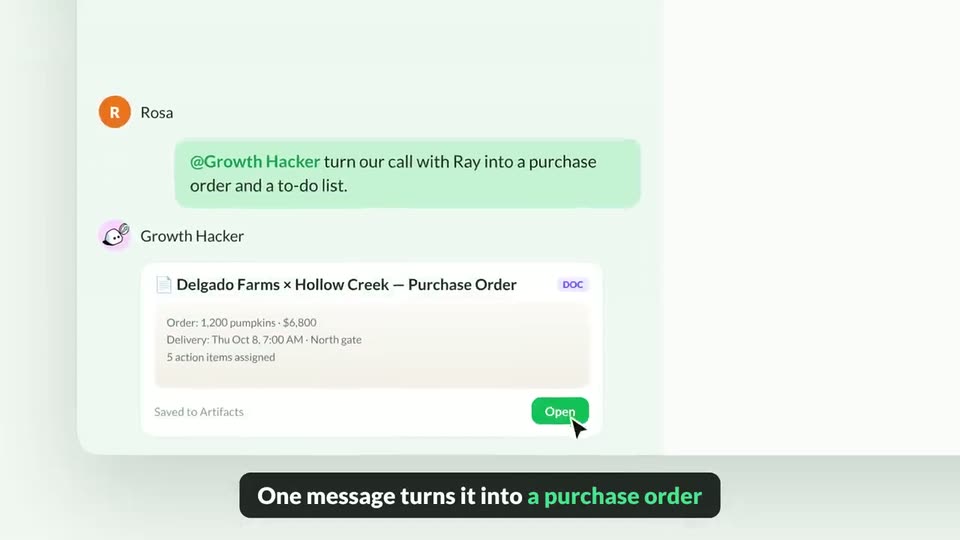 2:00–2:02Teamily AI · 150,000 small business owners and employees are already using Teamily AI. Today, we're opening it to everyone: your personal AI agent and an entire team of AI agents, ready to work for you and your… | Teamily AIA chat message in a green bubble from Rosa appears, then a document card slides in beneath it as a cursor hovers the Open button. The view zooms into the card, revealing a purchase order table with line items and a checklist of action items.
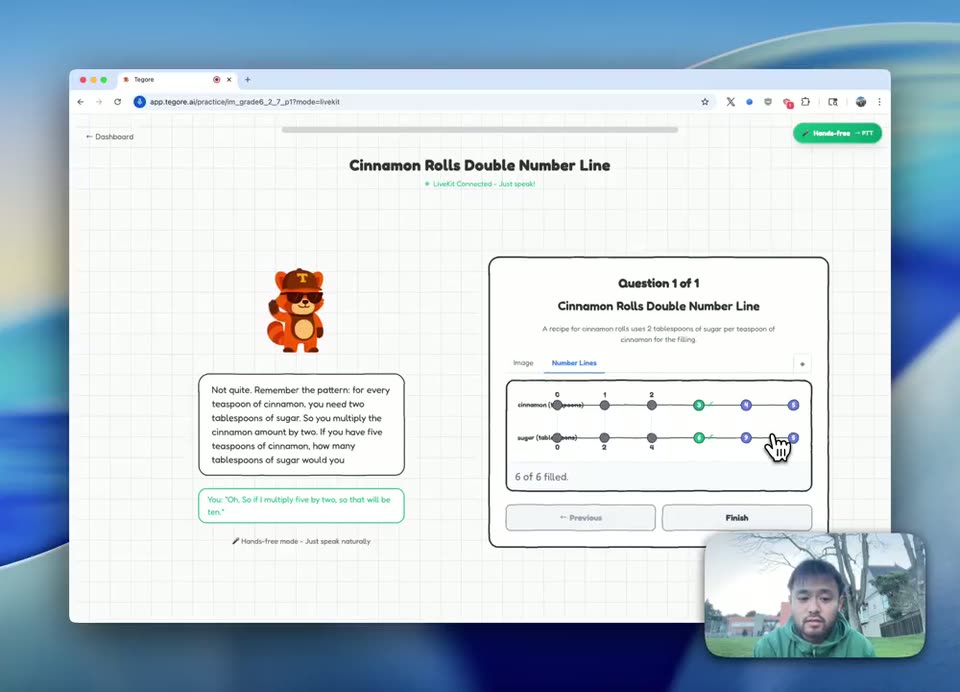 2:53–3:47Tegore · #learnwithtegore #aitutor #tegore | Tegore (YC X25)Hand cursor fills the last value on a double number line, then the view pulls back to the full browser window. A bear mascot's chat types a correction, the line turns green, and a 'Practice Complete!' modal pops up. A boy's webcam feed sits in the corner.
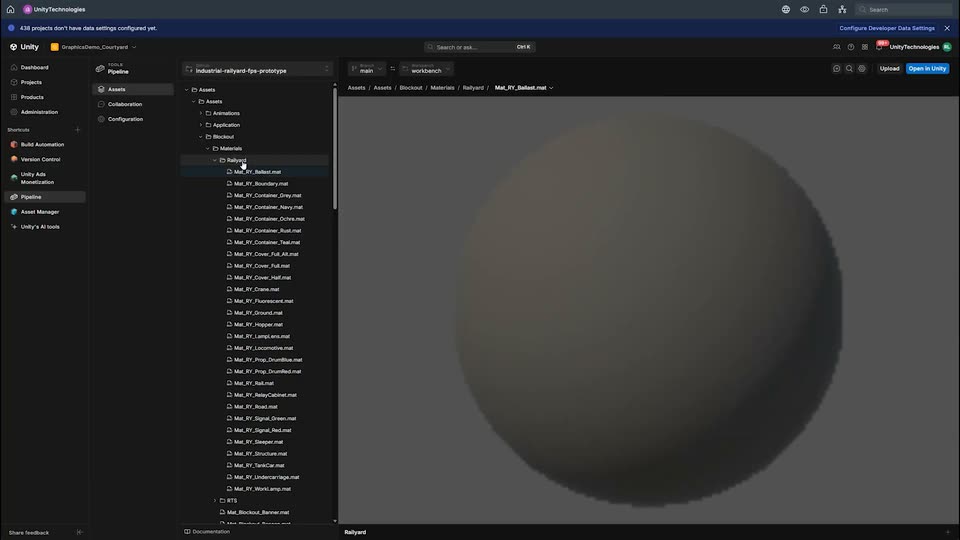 2:40–2:43Unity · Unity CLI 1.0 and Unity Pipeline APIsThe dark Unity editor shows a project file tree on the left and a gray 3D sphere in the main view. A cursor clicks a material entry, then the main view switches to a grid of colored material thumbnails.
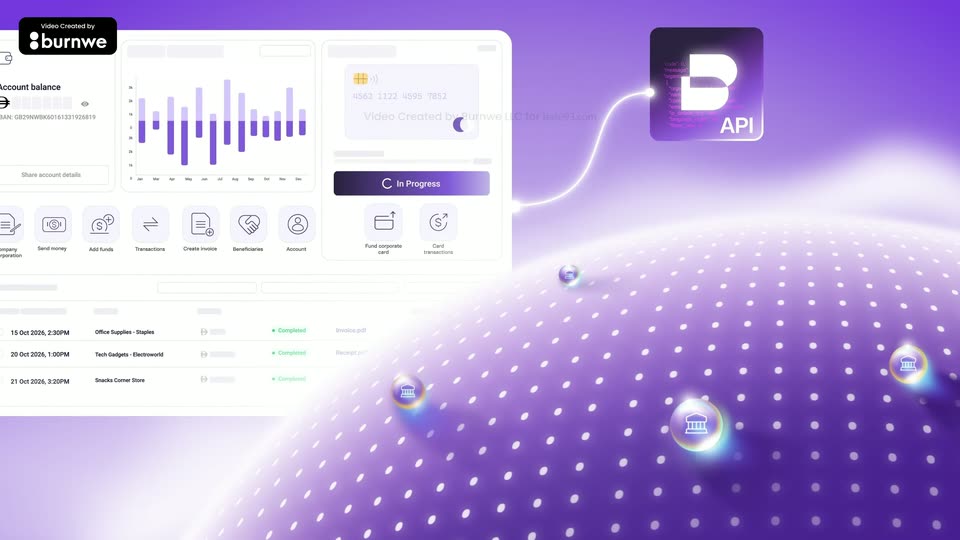 0:42–0:46Base93 · Motion Graphic Explainer for Business Services Platform | Base93A white banking dashboard floats in 3D over a purple dotted sphere, linked by a glowing line to the API logo tile. The camera pushes in while a cursor clicks the start button, which flips to In Progress, and glassy bank-icon orbs pop out of the dotted surface.
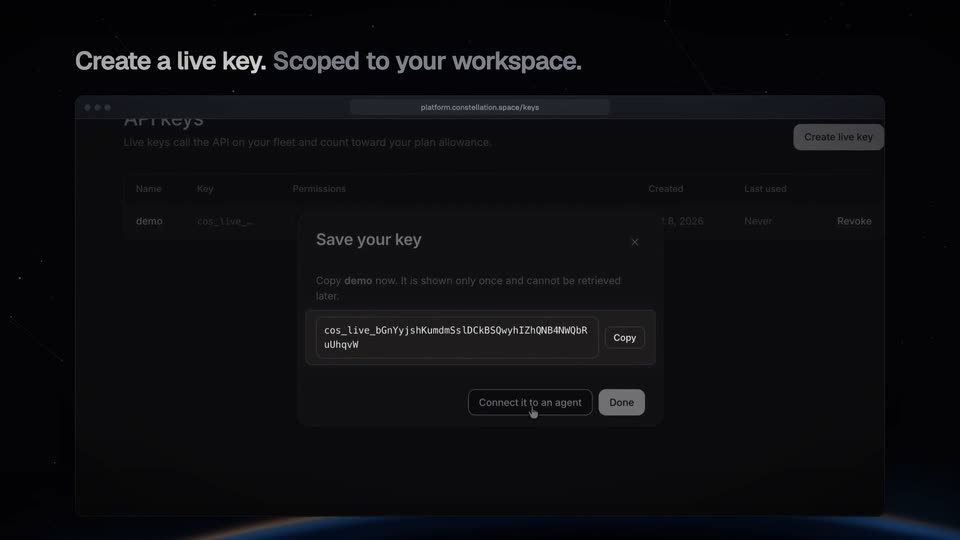 0:46–0:47Constellation Space · Space intelligence for all: Constellation SpaceA white headline reads above a flat browser window showing an API keys page. A 'Save your key' modal holds a long key string and a Copy button; a cursor hovers over the 'Connect it to an agent' button against a dark starfield and Earth horizon.
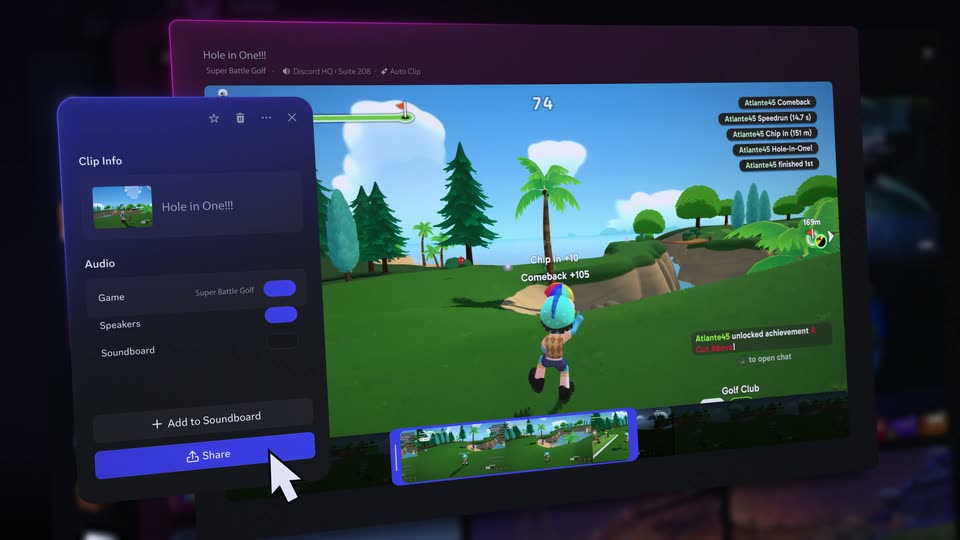 0:13–0:14Discord · Auto Clips | Available on DISCORD in Nitro Early AccessA tilted 3D view of a Discord clip window shows a golf game beside a clip-info panel. A cursor glides from the timeline to the Share button as a blue EDIT caption is swapped for a SHARE caption.
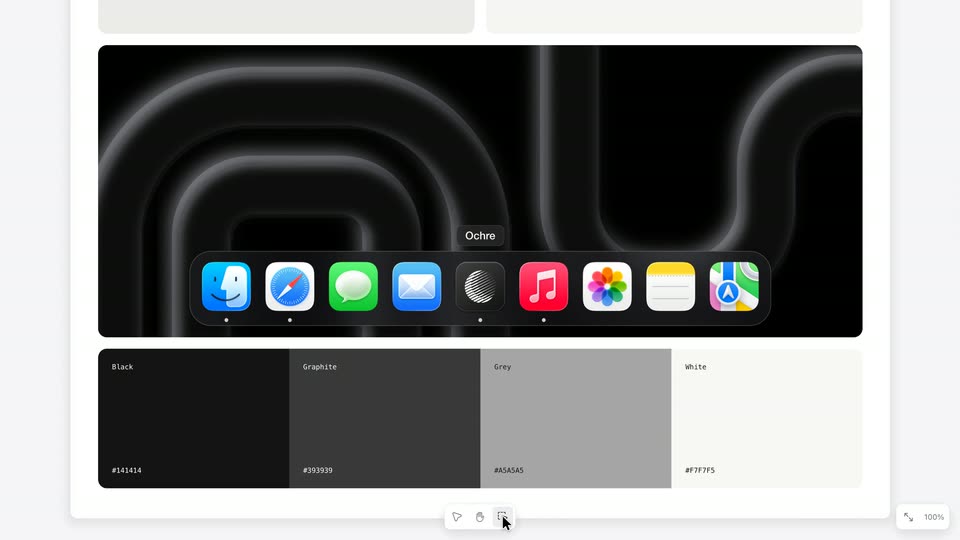 0:25–0:28Neueface · Ibelick - Introducing Neueface, a spatial environment to build with your agentsA design tool canvas shows an iPhone home screen mockup with a row of app icons and a color palette. The view zooms in on the dock as the cursor clicks the black Ochre icon, revealing a 77 × 77 size label.
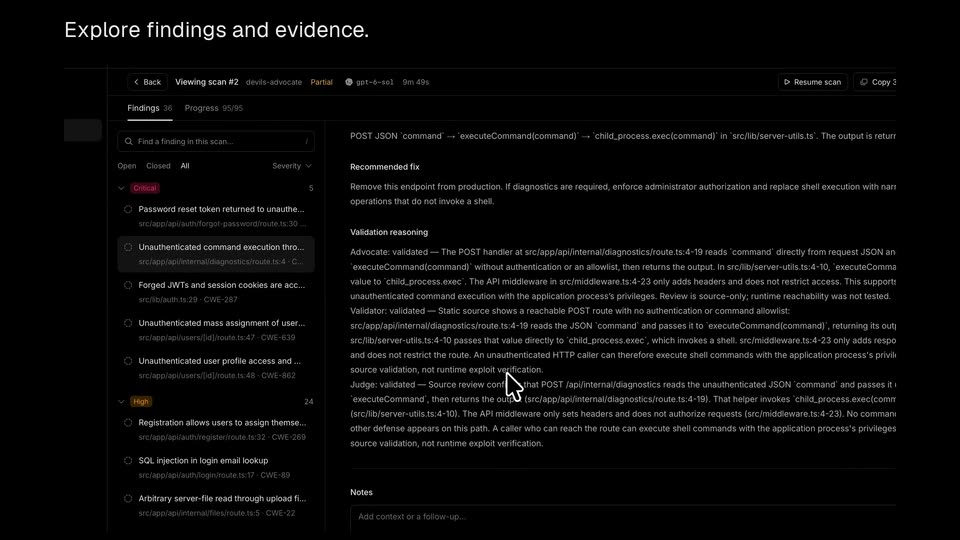 0:21–0:26OpenHack · Introducing OpenHack v2A dark security dashboard shows a findings list on the left and a detail panel on the right. A cursor clicks a critical finding, the right panel updates to its description and code evidence, then scrolls down through fix and validation sections.
 0:31–0:34Perplexity · Build an SEO consultant with Perplexity teammatesA dark settings card with a toggle switch sits on a blurred brown background while a cursor flips it on. The card cycles through three automation names, then fades out as a 3D fingertip enters from the top right and the serif word 'Your' fades in.
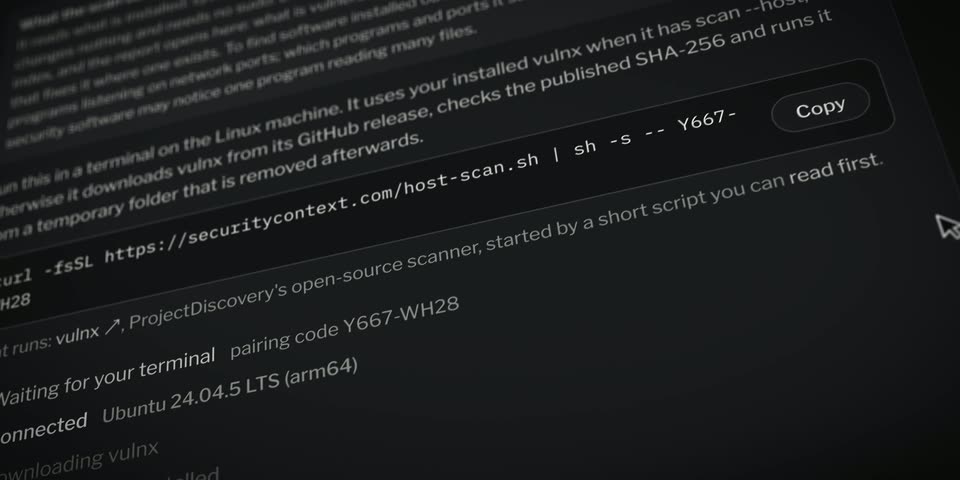 0:58–1:00ProjectDiscovery · ProjectDiscovery - Introducing SecurityContext 2.0 When a CVE drops, the hard part is kA tilted documentation page on a dark backdrop shows a code block with a curl command; a white cursor hovers over the Copy button, which reads Copied then reverts to Copy, while the headline “Scan a host with one command” stays still.
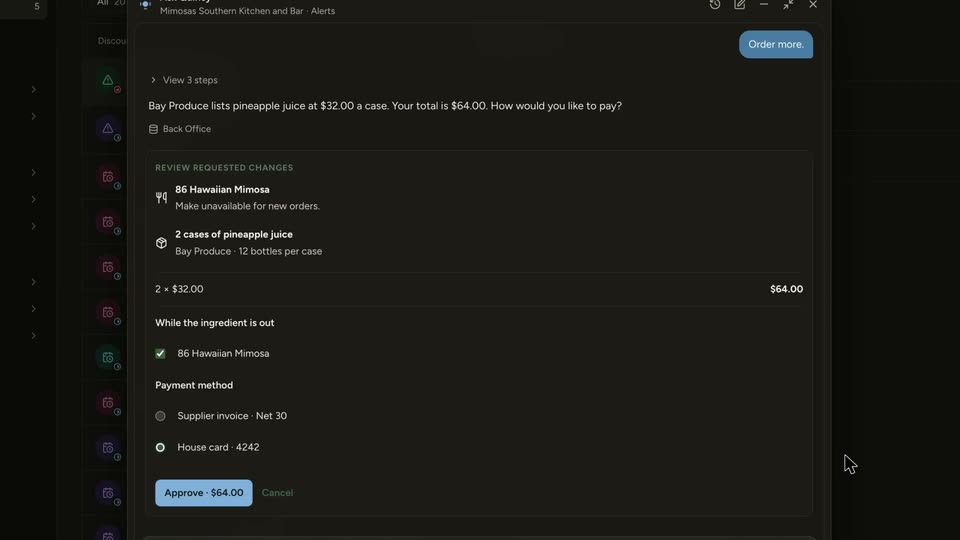 1:07–1:20Shire · Shire Latest DemoA dark dashboard zooms into the Ask Quincy chat panel while the cursor types a reorder request. A review card appears; the cursor checks the 86 box, picks house card, clicks Approve, and the view cuts to a purchase preview.
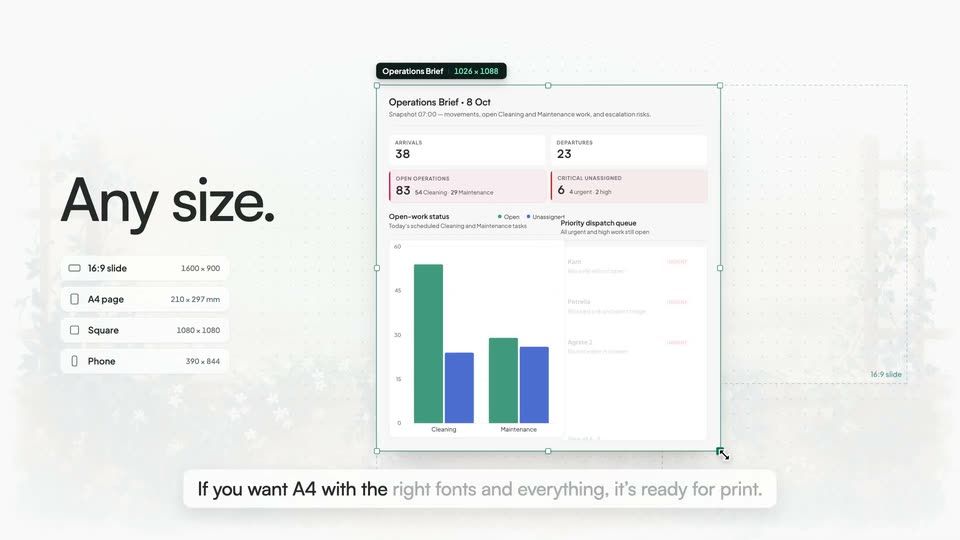 0:50–0:57Trellis · Introducing Trellis ReportsA cursor drags the corner handle of a selected operations dashboard, resizing it from a wide 16:9 layout to square and then to a small portrait; the cards and chart reflow, and the size list on the left highlights the matching preset.
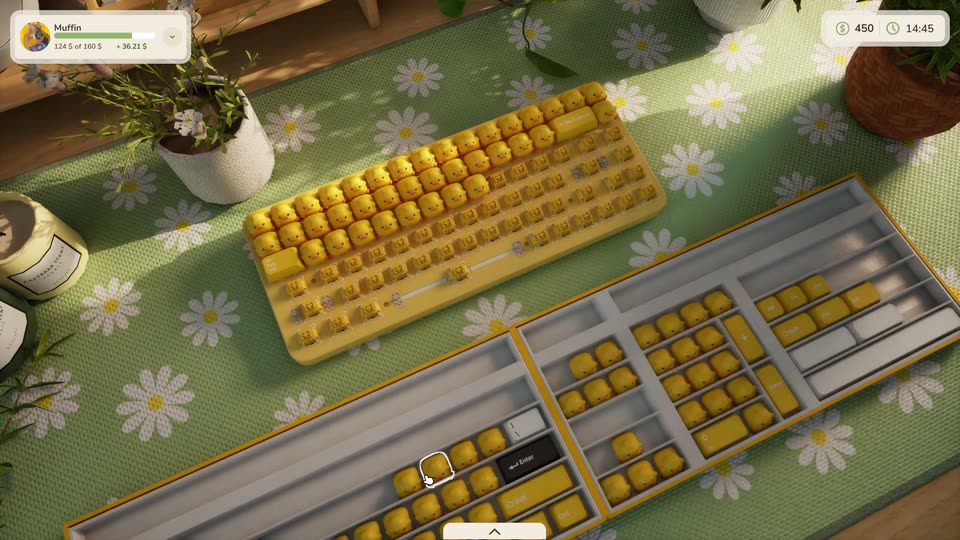 0:06–0:07Vojtěch Peták · KeyCapy - Official Reveal TrailerA top-down 3D render shows a yellow keyboard with chick keycaps on a green daisy tablecloth, an open tray of matching keycaps below, and a white cursor gliding over the tray. Soft dappled light and potted plants frame the scene.
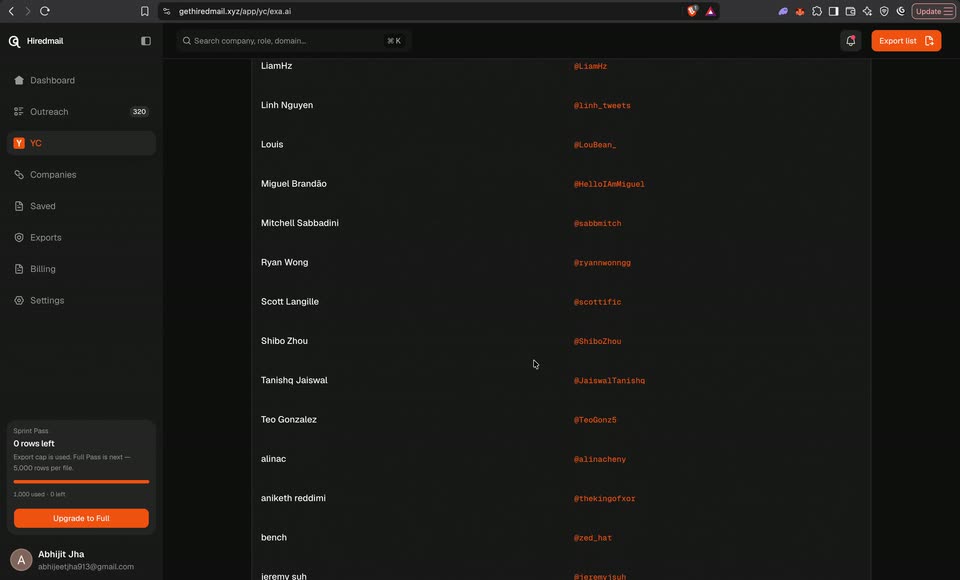 0:21–0:26Hiredmail · Abhijit - Introducing Hiredmail Hiring inboxes, verified and sorted. YC compaA dark web app interface in a browser window. A long table of team names paired with orange X handles scrolls vertically from top to bottom, then stops to reveal two side-by-side panels, Team inboxes and People emails. A mouse cursor hovers over the list and drifts right at the end.
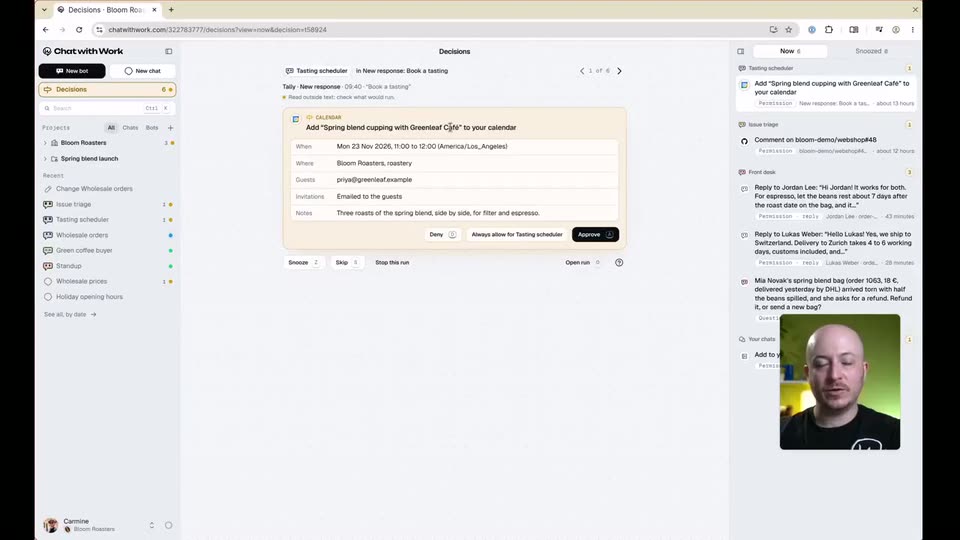 2:43–3:21Plenty · Carmine Paolino - On Monday I'm launching Chat with Work: AI bots that run on triggers,A web app decision queue fills the screen; a cursor clicks through approval cards that swap from an email draft to a Slack message to a calendar event. A small video of a bald man in a black shirt talks in the lower right corner.
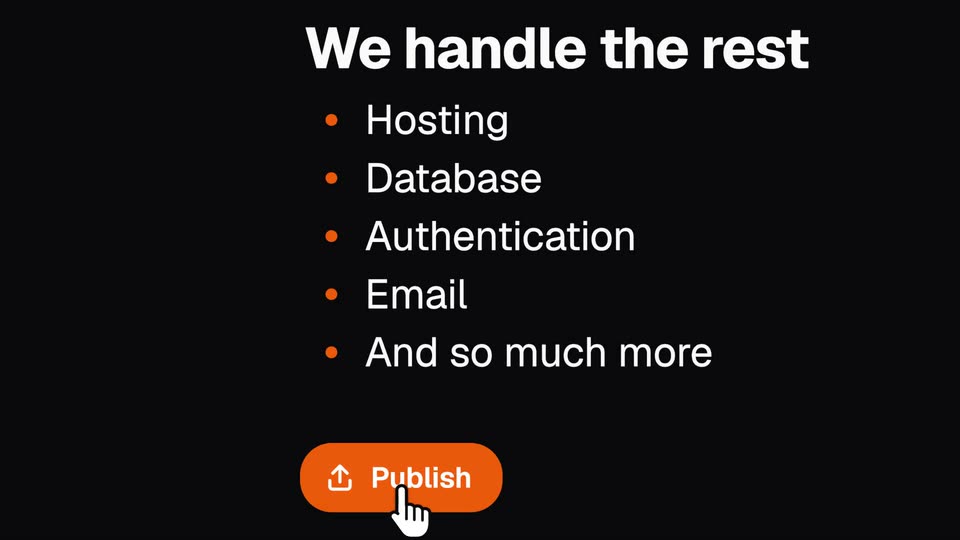 0:58–0:59Appkeep · NATE G - Today we are introducing Appkeep. We open-sourced NotionOn a black field, a white heading and an orange-dotted feature list sit above an orange Publish button with a hand cursor. The block slides up as a stack of gray cards, each tagged with a replaced tool and a Hosted pill, rises in from the bottom.
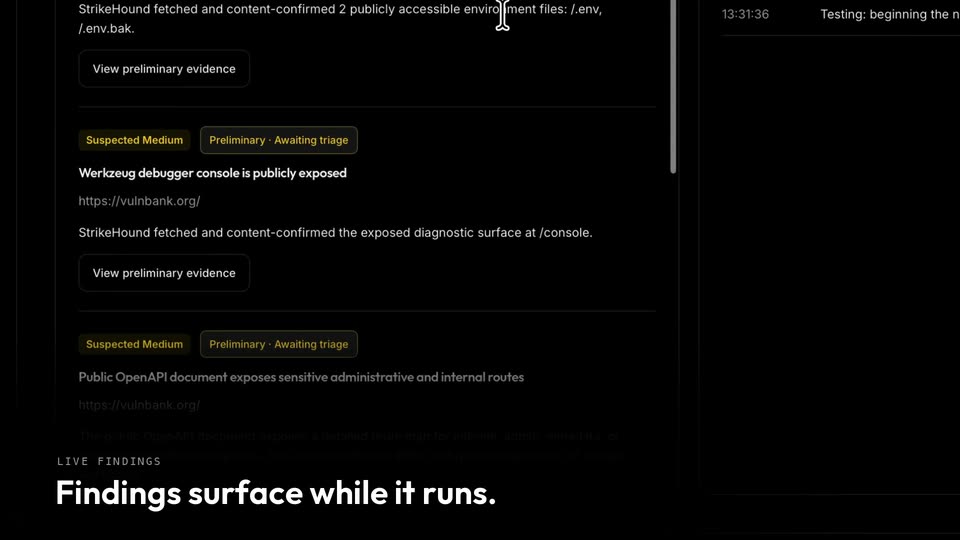 0:28–0:32Exploitforge · Ghost St Badmus - today we’re launching @StrikeHoundAI. software has never been easierA dark assessment dashboard scrolls up to show a four-step progress pipeline and agent status cards, then moves to a live findings feed where new findings stack in beside a timestamped activity log. A cursor drifts over the list.
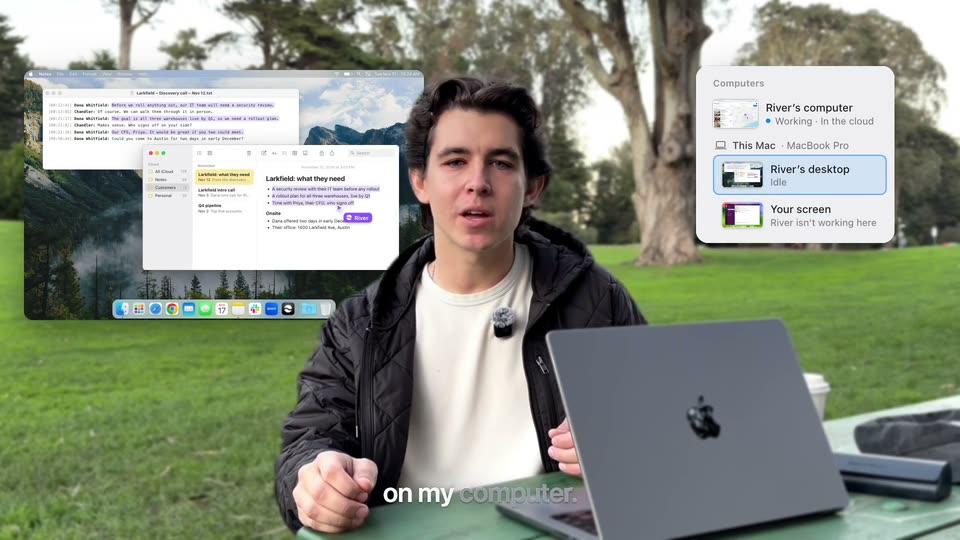 0:29–0:34Riverside · Chandler Supple - We gave AI its own desktop on your computer Today we're launching RiA man talks at an outdoor picnic table with a laptop. A floating macOS desktop on the left cuts between the Larkfield chat, a notes window, and a hotel map, while a Computers panel on the right highlights a different device each time. Subtitles run along the bottom.
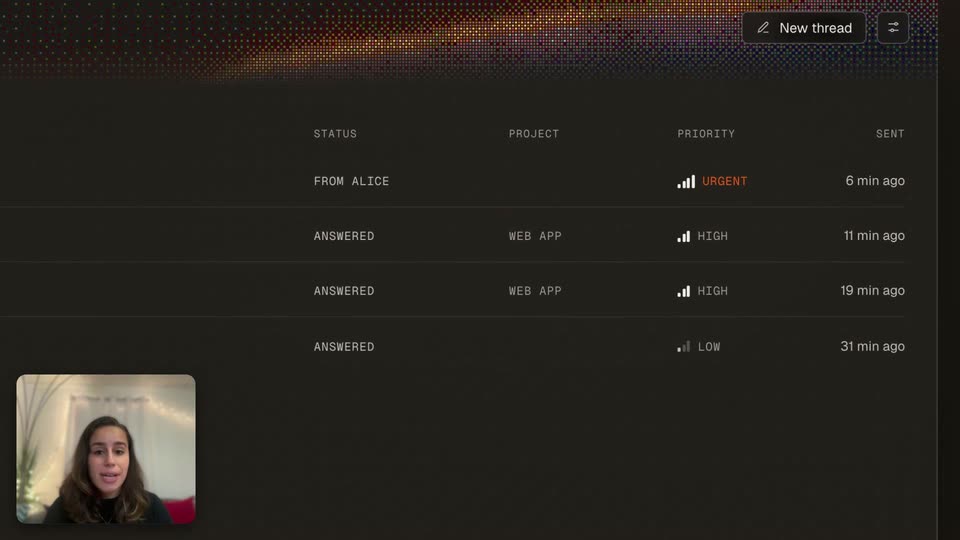 0:23–0:34Agentbox · Savannah - introducing multiplayer for coding agents. the place you code is nowA dark inbox interface with a dotted gradient banner fills the frame; a woman speaks in a small webcam window at bottom left. The cursor hovers the urgent thread, then the view zooms into the status and priority columns before pulling back.
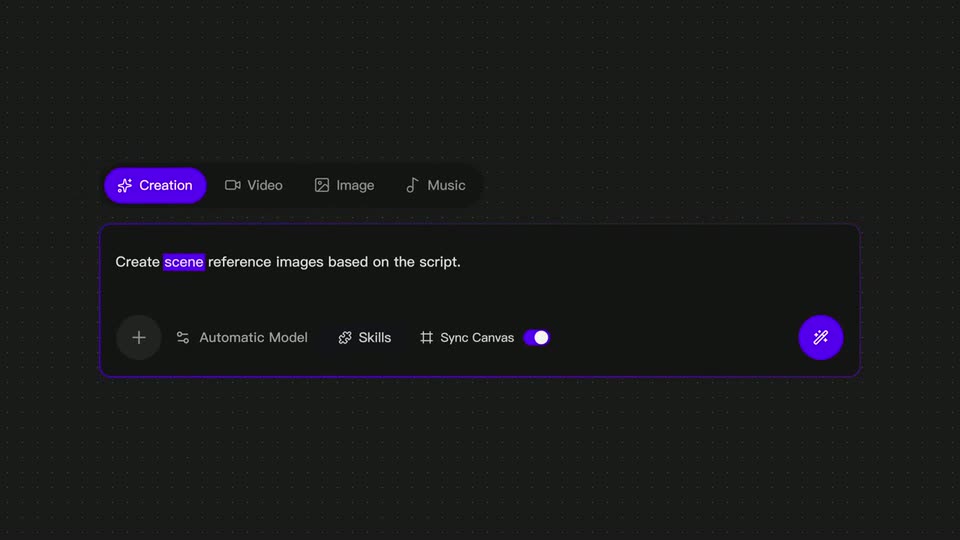 0:41–0:43Alibaba Cloud · Alibaba Cloud - 3D Studio is now live on WonderClip. Try it free for a limited timeA request to create scene reference images is entered in the dark Creation field. A pointer approaches the purple send control before the view returns to the reference canvas.
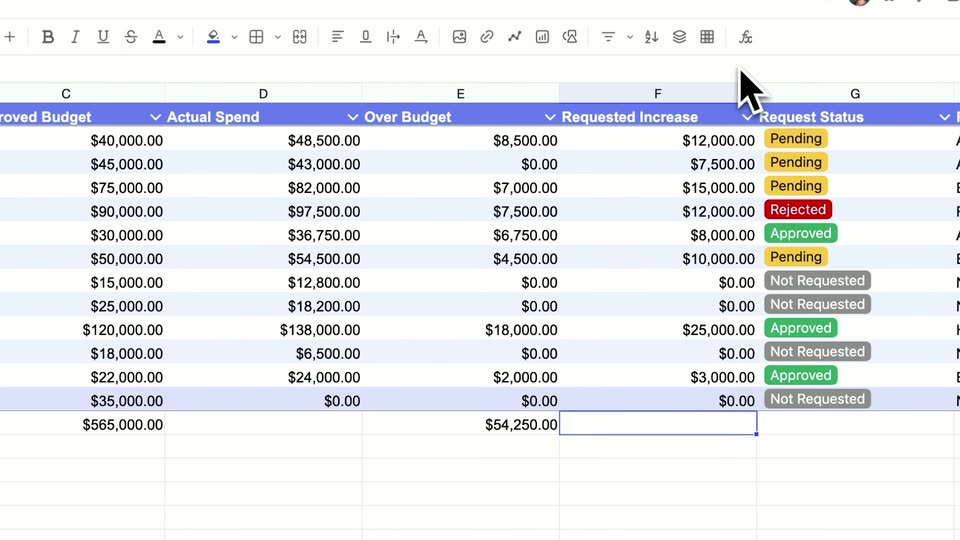 0:36–0:51ClickUp · ClickUp Release 4.10: Sheets, Work Schedules, Email Triggers, and more!A close-up of a budget table zooms out to the full spreadsheet window. A cursor clicks the function icon, picks SUM, and types a sum into a totals cell, then repeats with AVERAGE, while the view zooms in on the toolbar and back out.
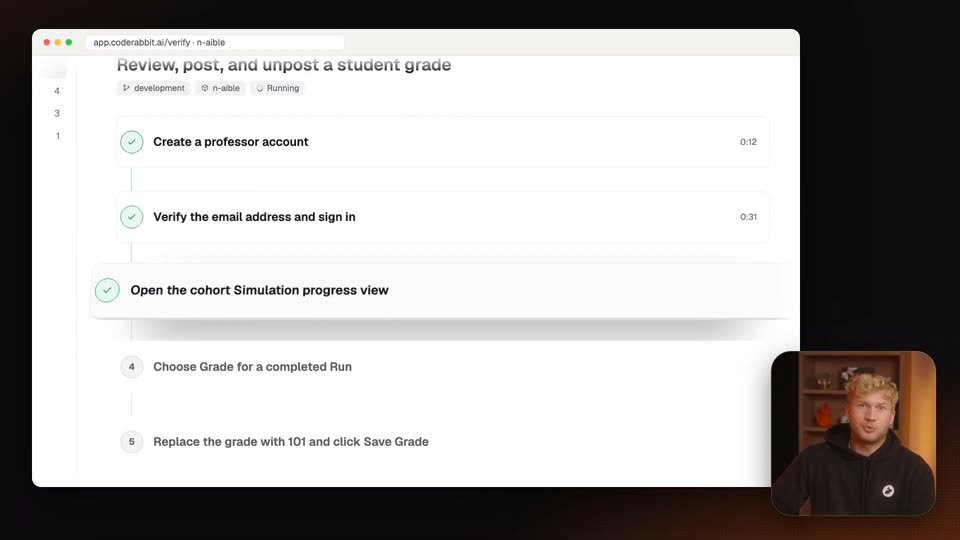 1:01–1:14CodeRabbit · CodeRabbit Verify: AI Testing for Your Running ApplicationScreen recording of the Verify app: a cursor clicks Run tests, the view zooms in, then switches to a run history where numbered steps gain green checks in sequence, the last step turns red, and a bug report panel slides in. A presenter inset sits in the bottom-right corner.
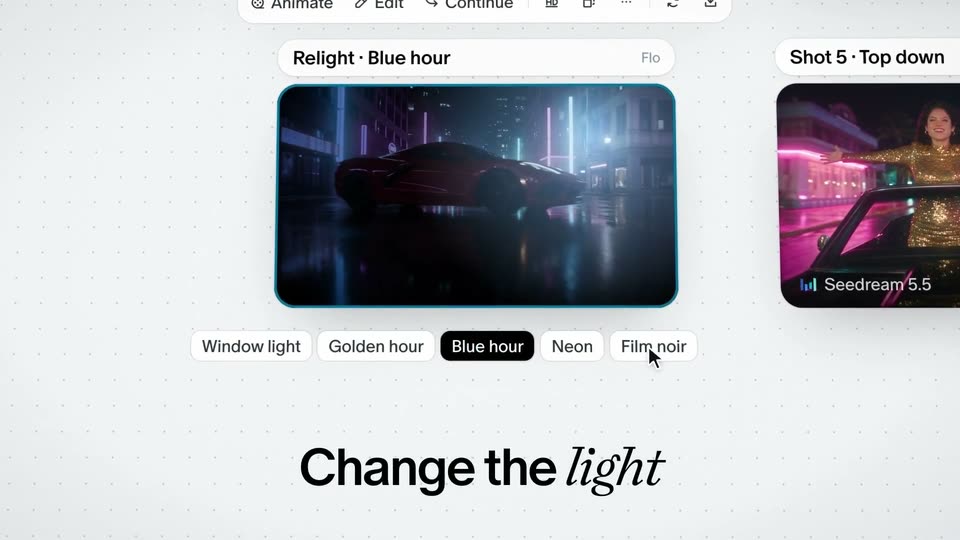 0:16–0:17Flowith · Flowith - introducing Flowith 3.0. the ultimate canvas for human-ai creation.A product interface displays a video panel of a red car on a neon-lit street, with lighting option pills below. A cursor clicks the Blue hour pill. A second panel shows a woman in gold. The headline Change the light sits at the bottom.
 0:34–0:35Ideogram · Ideogram - Introducing Ideogram 4.6: the new frontier of precise editing, now inThe purple selection overlay and white serif captions clear, revealing the ringed hand on the same orange-clad knee. A white pointer remains over the fabric, and the image begins returning toward the wider crouching portrait.
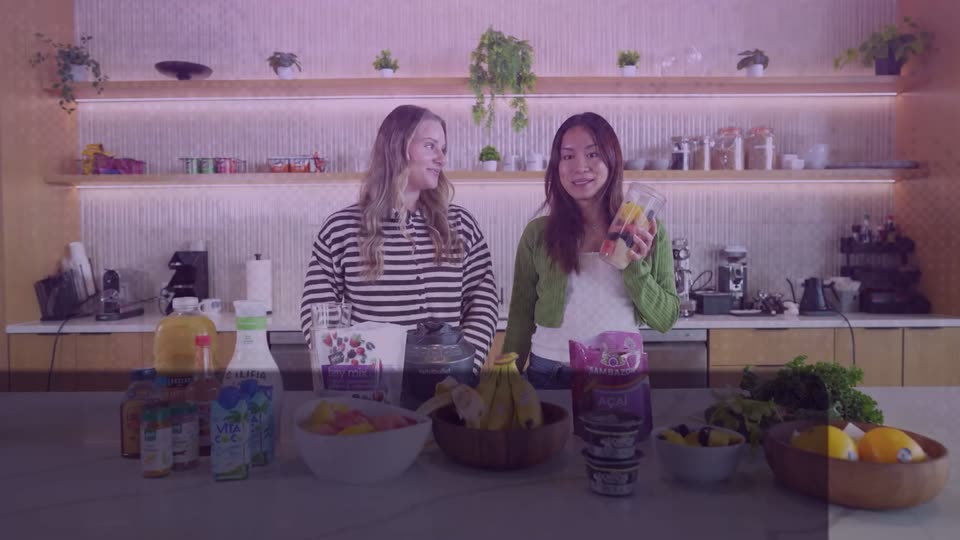 0:36 · 0.5sJuicebox · Introducing Blends in your Juicebox AgentsA purple dotted world map fills the background behind a dark job card titled Engineering Lead (San Francisco). A white Share button with a cursor hovers above the card, then the card fades out to reveal two people standing together.
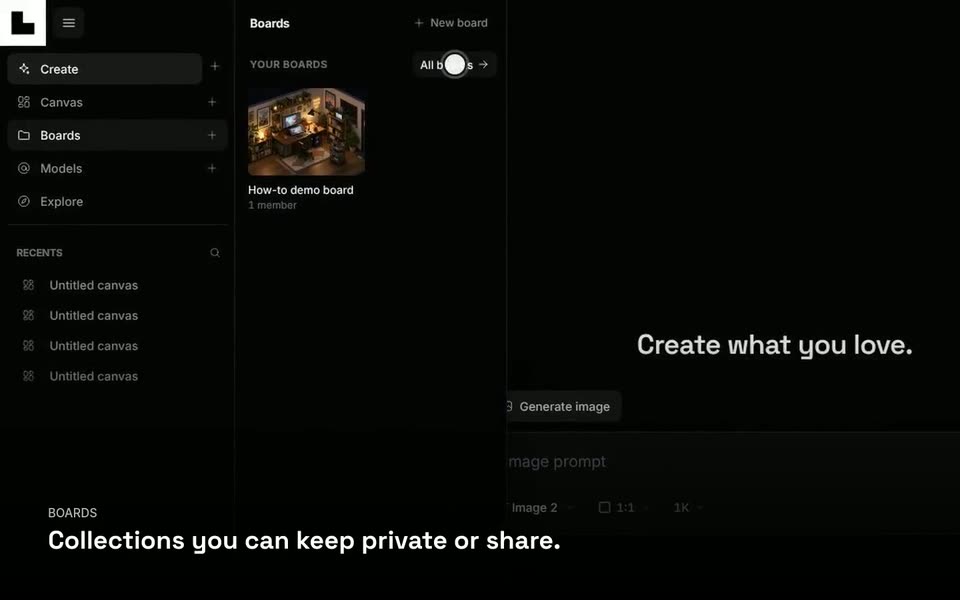 2:21–2:26LetzAI · Introducing LetzAI V5 | LetzAI BlogA dark app interface with a left sidebar; a white cursor dot moves to Boards, the boards panel opens showing a demo board card, the cursor hovers All boards, then the panel closes back to the home screen.
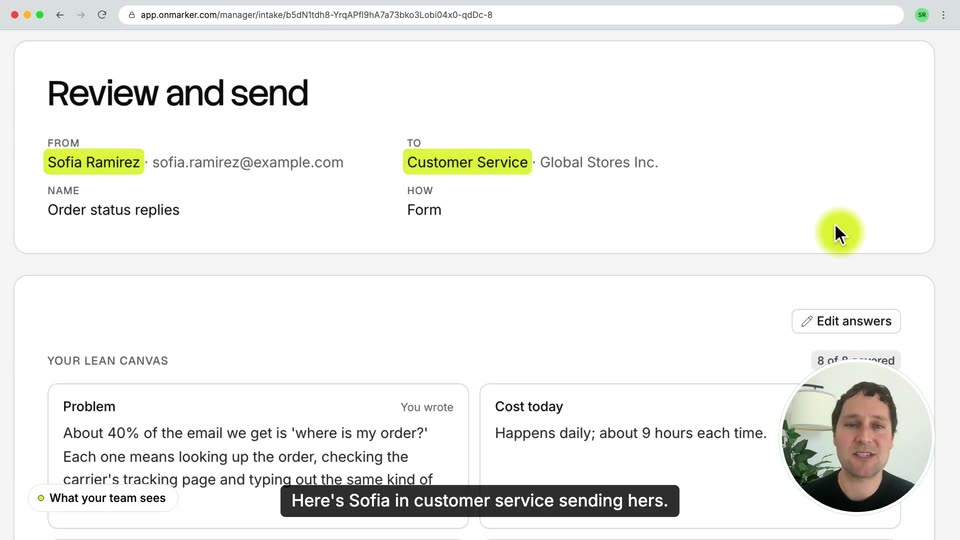 0:27–0:30Marker · Introducing Marker ManagerA browser window shows the 'Review and send' screen. A glowing cursor hovers the form as the FROM and TO fields flash yellow, then the page scrolls past the canvas cards to a 'Send to the team' button. A circular presenter video sits lower right, with a bottom caption.
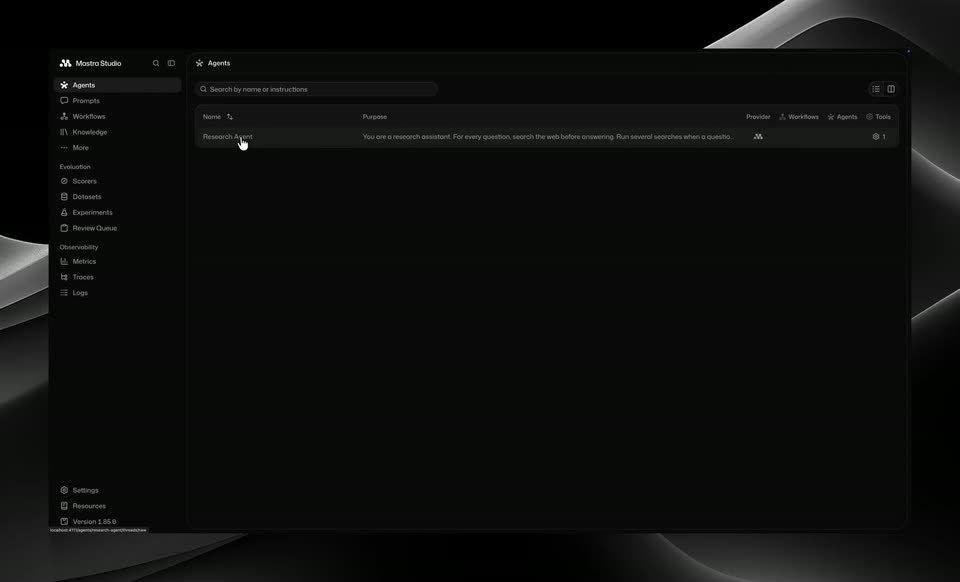 0:24–0:25Mastra · Sam Bhagwat - Today we're excited to launch something we've been cooking for a whilA dark dashboard lists one agent. A cursor glides to the Research Agent row and clicks it, and the panel crossfades into a chat view while a config panel slides in from the right.
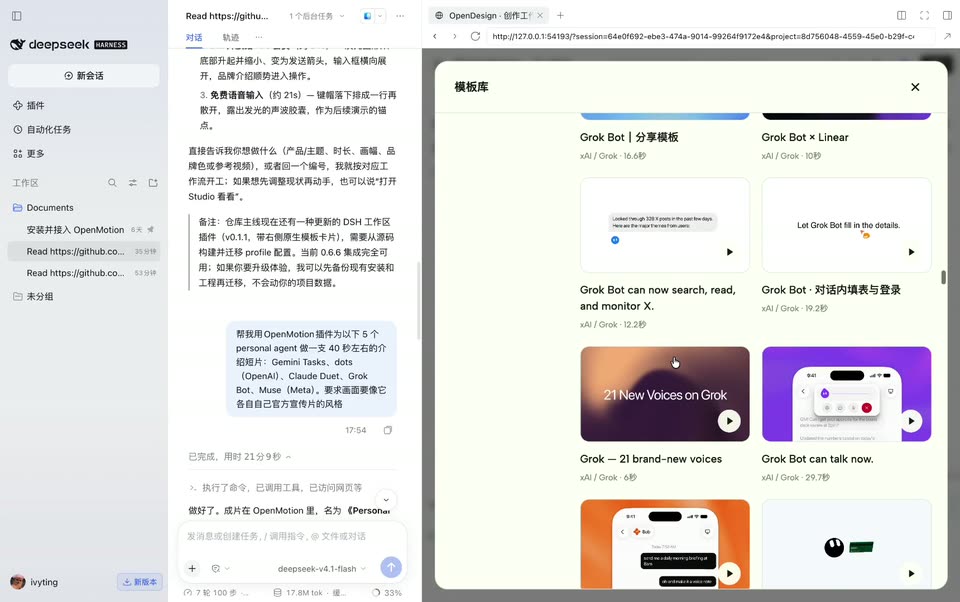 0:54–0:55OpenDesign · OpenDesign - DeepSeek Video AGI moment has come. OpenMotion, our open-source plug... #1A split view shows a chat app on the left and a browser on the right, where a template-library modal swaps from one grid of video thumbnails to another as a cursor hovers over a card.
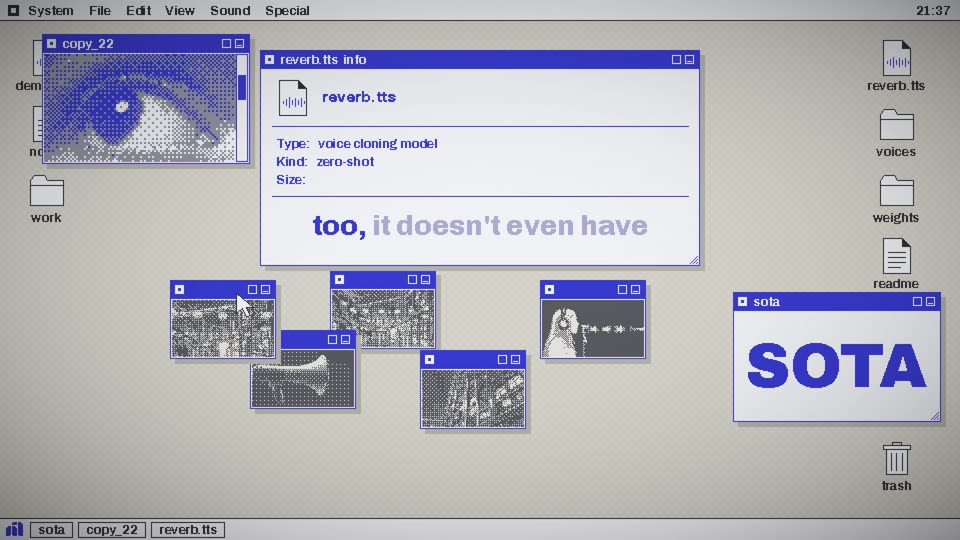 0:27–0:29Software Mansion · Software Mansion AI Labs - Introducing Reverb-TTS, a state-of-the-art voice-cloning text-to-speeA retro beige desktop fills the frame. The info window's caption swaps from 'It's really, really small' to 'too, it doesn't even have' as a SOTA window pops up, gets crossed out, and a size chart with thumbnail windows spreads across the screen.
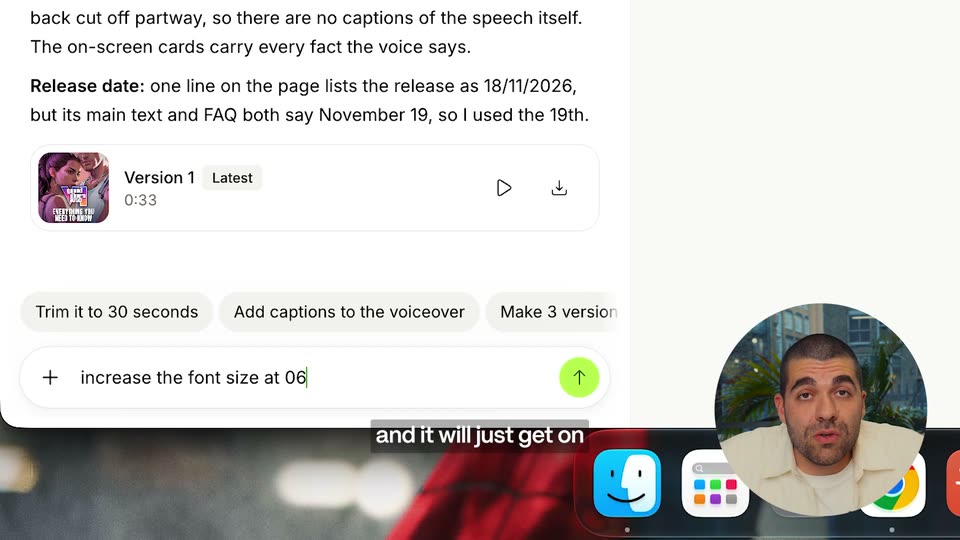 0:28–0:32Veed · Sabba Keynejad - Introducing the world’s first video editing agent that actually worksA light interface panel fills the left two-thirds, showing body copy, a video card and a row of suggestion chips, while a circular live-action cutout of a talking man sits at the right. In the input field the command 'increase the font size at 06:00' types out letter by letter, and dark caption boxes cycle at the bottom center.
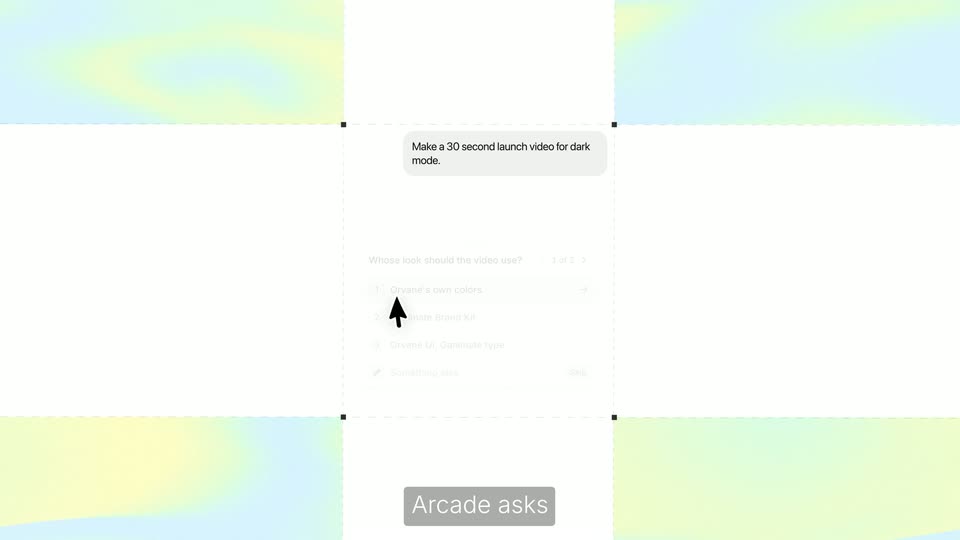 0:50–0:52Arcade · Caroline Clark - Frontier AI has solved math. Science. Coding. But it still hasn’t solA white chat panel on a pastel gradient background. A gray prompt bubble slides up and shrinks, revealing a numbered option list below, while a black cursor hovers over the first choice and an “Arcade asks” pill scales in at the bottom.
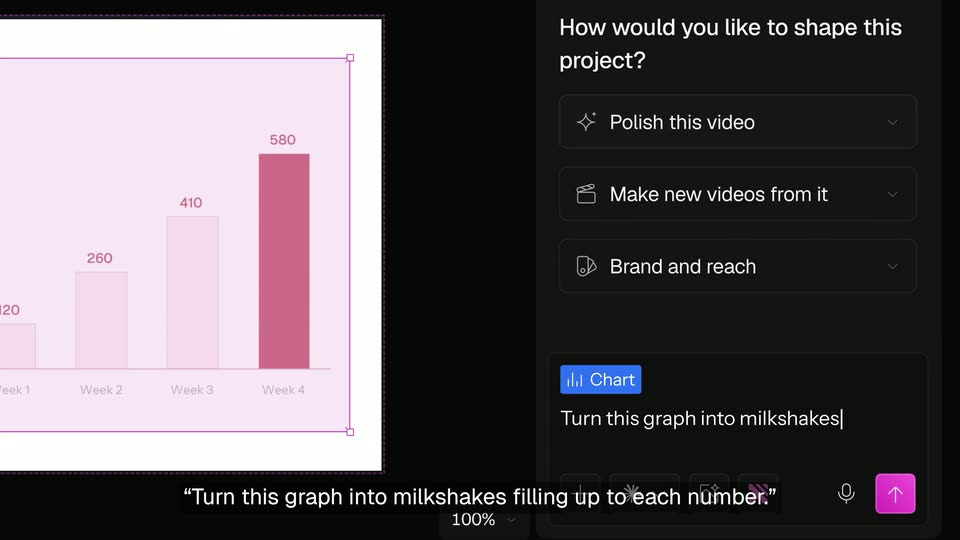 0:58–1:03Clueso · Akash Anand - Today, we're launching Clueso v2. AI has finally become good enoughA dark editor shows a slide with a pink bar chart on the left and a chat panel on the right. The cursor selects the chart, a Chart tag appears, and a prompt is typed into the box. The view zooms in on the chart and panel as the bottom caption changes.
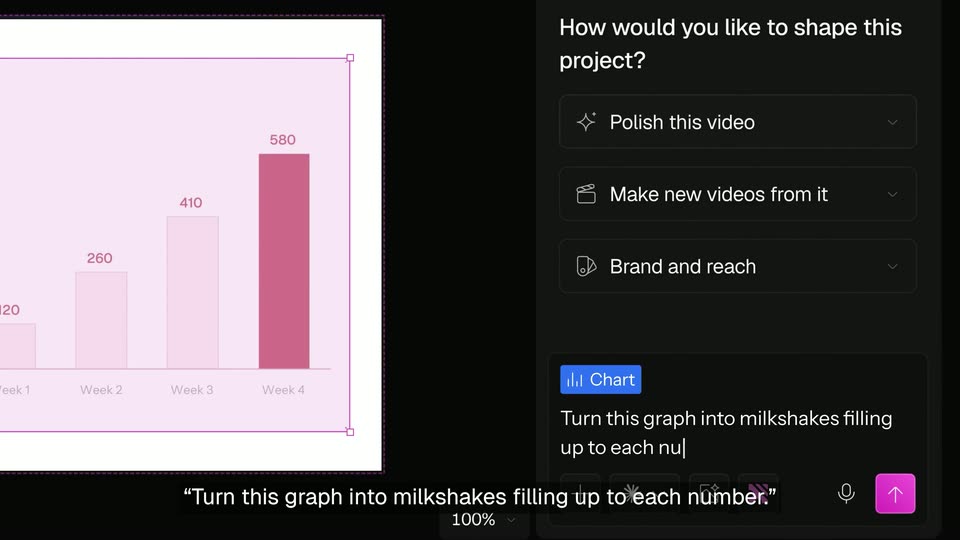 1:00–1:04Clueso · Announcing Clueso AI | World's First Collaborative AI Video EditorA pink bar chart sits on a white canvas left of a dark prompt panel. In the panel's text field the instruction types out word by word with a blinking caret. The canvas then fills with four milkshake glasses, and a mouse cursor clicks the pink send button.
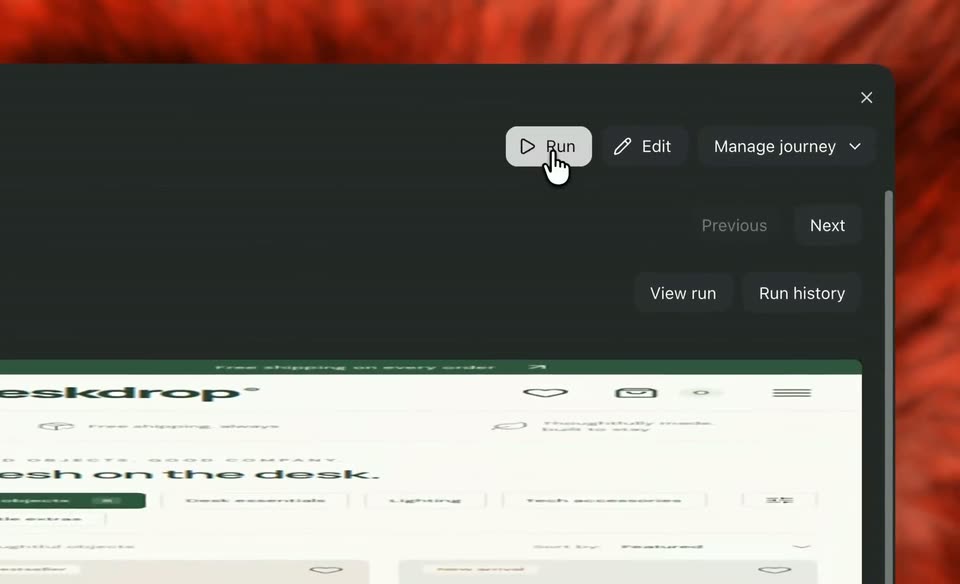 0:56–0:57CodeRabbit · CodeRabbit - Introducing CodeRabbit Verify Don't let your users be the first testA dark control panel hovers over a website mockup on a red textured background. The frame sharpens from motion blur as it settles. The cursor moves onto the Run button, which lights up, while Edit, Manage journey, and history buttons sit to the right.
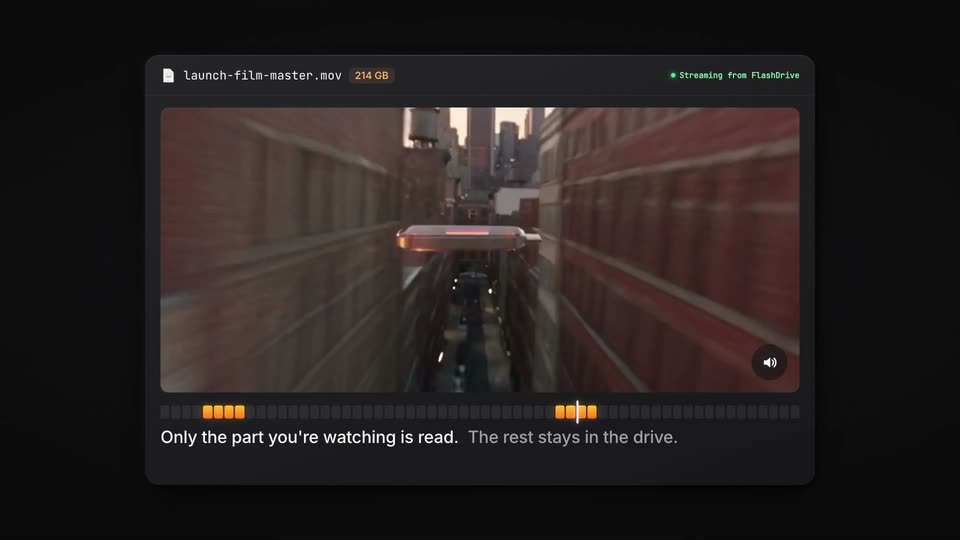 1:09–1:13FlashDrive · dale - Today we’re launching FlashDrive with @ycombinator 🚀 FlashDrive is aA dark video-player window plays a 3D render of a flash drive flying over sunset clouds and into a city street. A cursor taps the mute icon while white captions scale in and swap at the bottom.
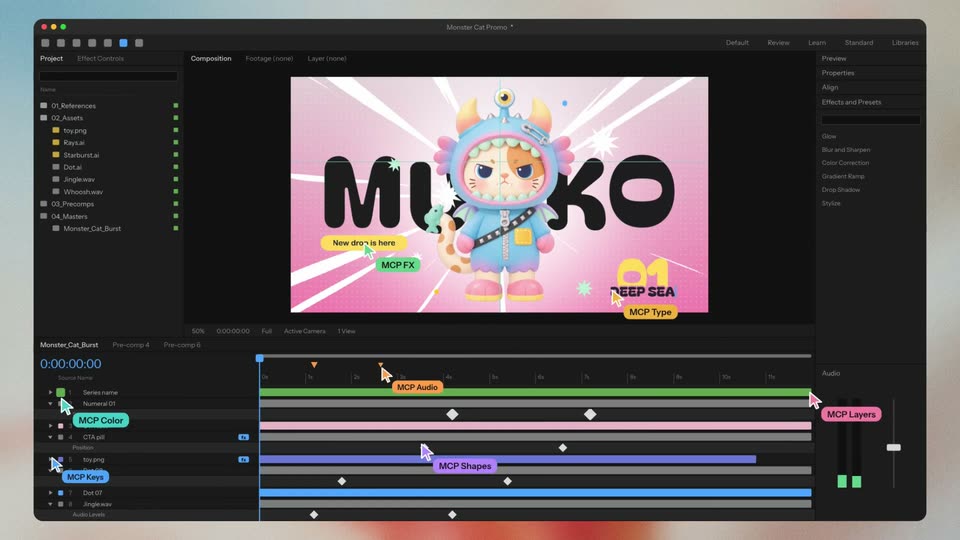 1:14–1:17Higgsfield · Higgsfield AI 🧩 - Introducing Higgsfield MCP 2.0 for Claude. Your entire creative studAn After Effects workspace fills the frame; a cartoon cat in a blue space suit pops in front of the big black MUKO wordmark as white rays burst out. Colored pill tags (MCP Layers, FX, Shapes, Color, Type, Keys, Audio) slide in to label panels and timeline rows.
 0:37–0:41Inspo · Meet AI Inspo, your all in one AI powered social media management platform.A row of vertical video cards forms a 3D carousel on a pale gradient, a green frame hopping between cards as it rotates. A black headline appears above, then a cursor right-clicks the center card, opens a context menu, and a Link copied toast pops.
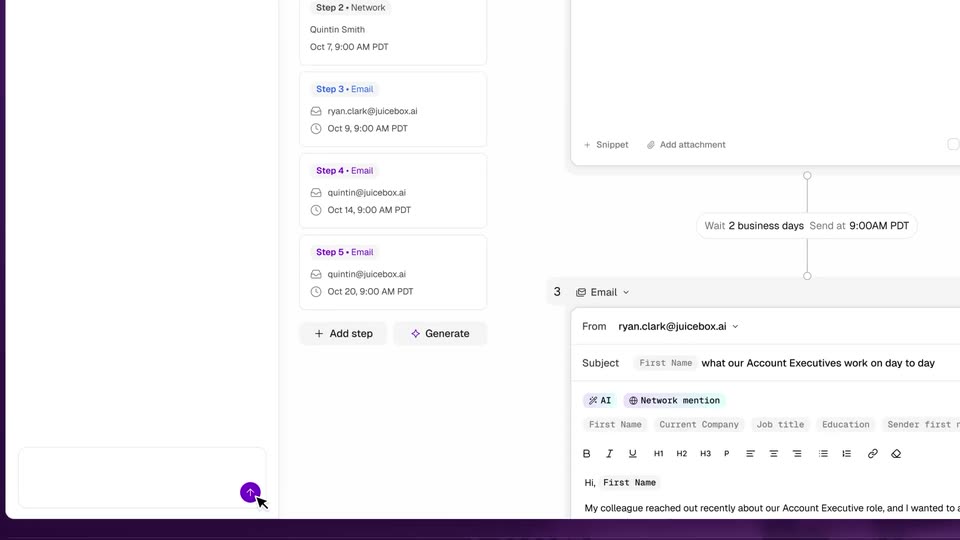 1:14–1:18Juicebox · Introducing Smarter Sequences from JuiceboxA black cursor types “Add in a recent podcast with our CEO. And make it spooky!” into the prompt field, then the frame pulls back to reveal the full sequence steps and the email editor on the right.
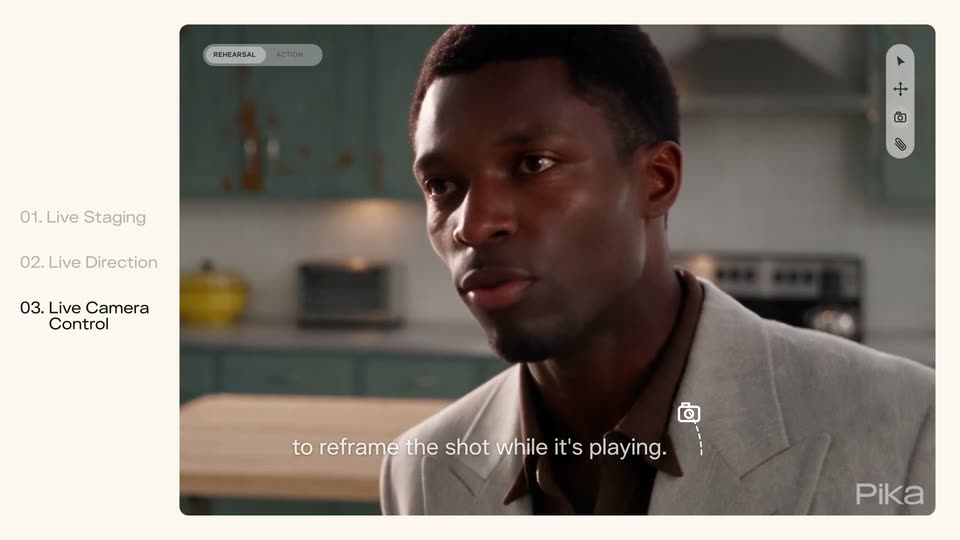 1:28–1:32Pika · Pika Enact | A Research Preview of Scenes that RespondA video player shows a man in a kitchen talking as the shot zooms in to reframe his face; a camera icon with a dashed drag trail moves over the footage. A numbered feature list on the left highlights 03. Live Camera Control, and white captions run along the bottom.
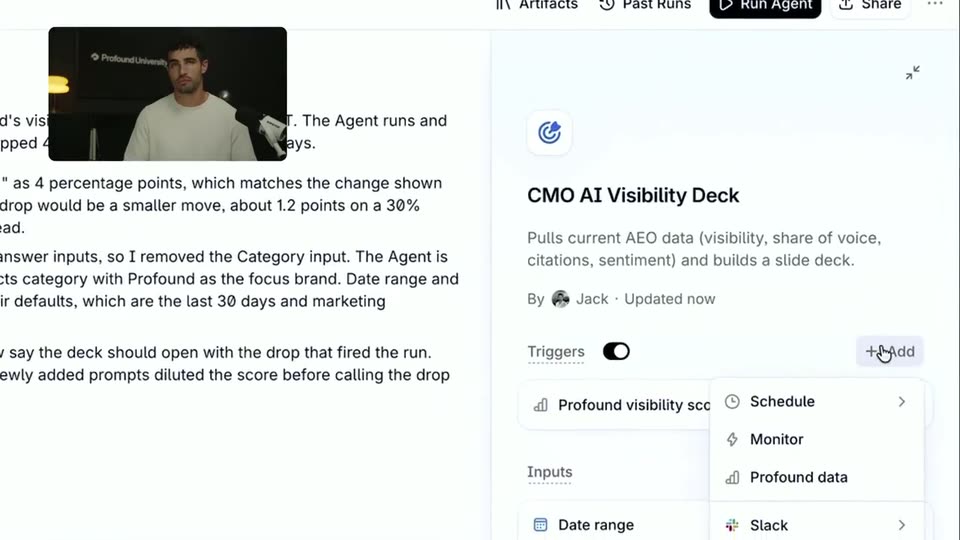 1:57–2:00Profound · Dylan Babbs - Today we're launching a new generation of Agents in @profound, now poA product interface with a video thumbnail and prompt text on the left and an agent settings card on the right. A cursor clicks Add beside Triggers, opening a menu with Schedule, Monitor, Profound data, Slack, Outlook; hovering Schedule reveals Hourly, Daily, Weekly, Custom.
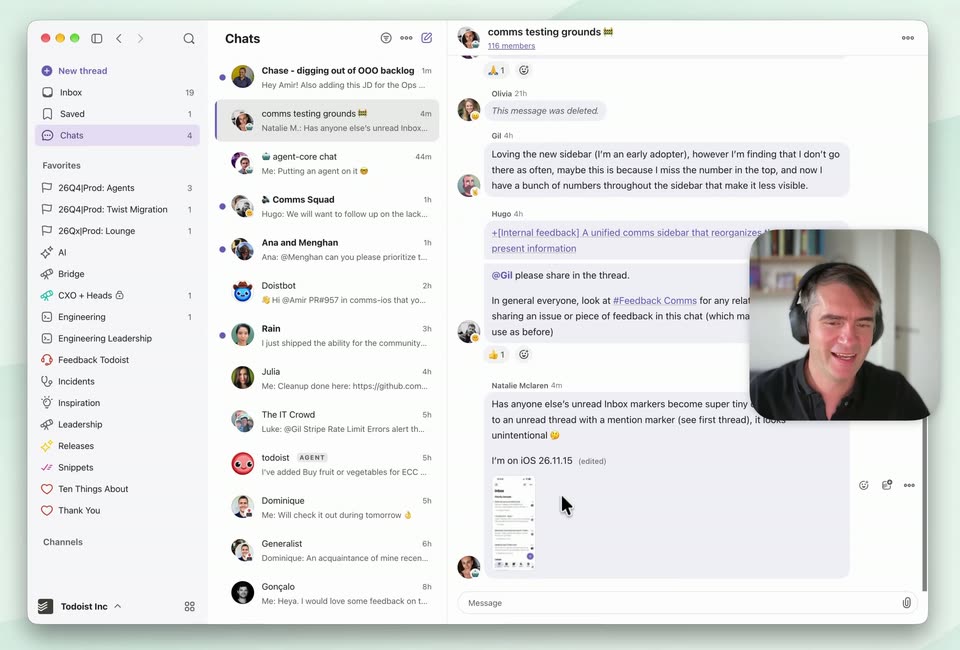 0:47–0:58Todoist · Amir Salihefendić - Todoist Comms is now in public beta 🚀 What's in it: ⋅ Turn any threA three-pane chat app fills the screen; a hand cursor taps Chats and scrolls the messages while a small video-call inset of a man with headphones sits lower right. The view zooms out to reveal the macOS window on a pale background as the cursor hovers chat rows.
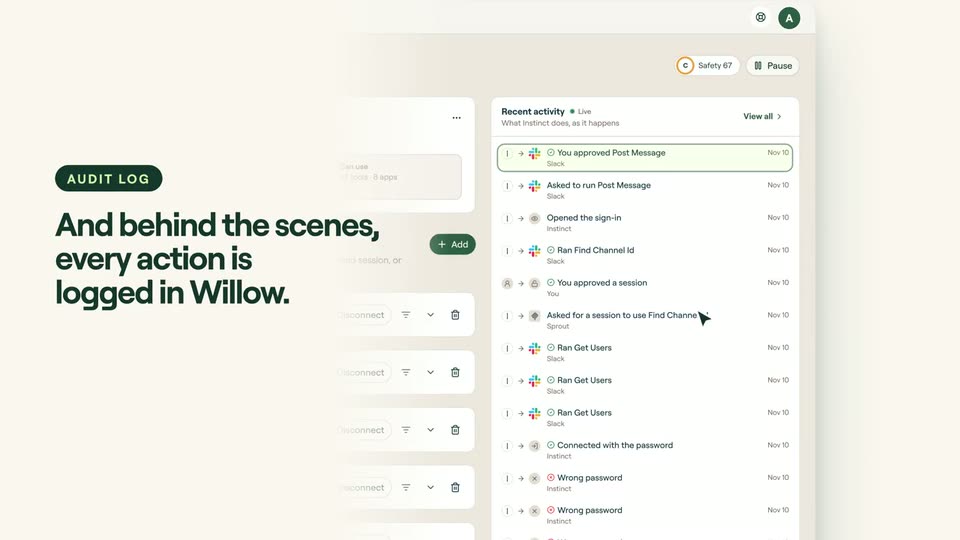 0:35–0:37Willow · Willow | AI Basecamp - 1/ "Ask me before you delete anything" is a prompt. Prompts get summA cream dashboard: a dark green AUDIT LOG pill and headline overlay a faded settings panel on the left, while a Recent activity list highlights an approved Slack action on the right. A cursor moves to View all, then the view zooms into the full log with timestamps as the left panel fades.
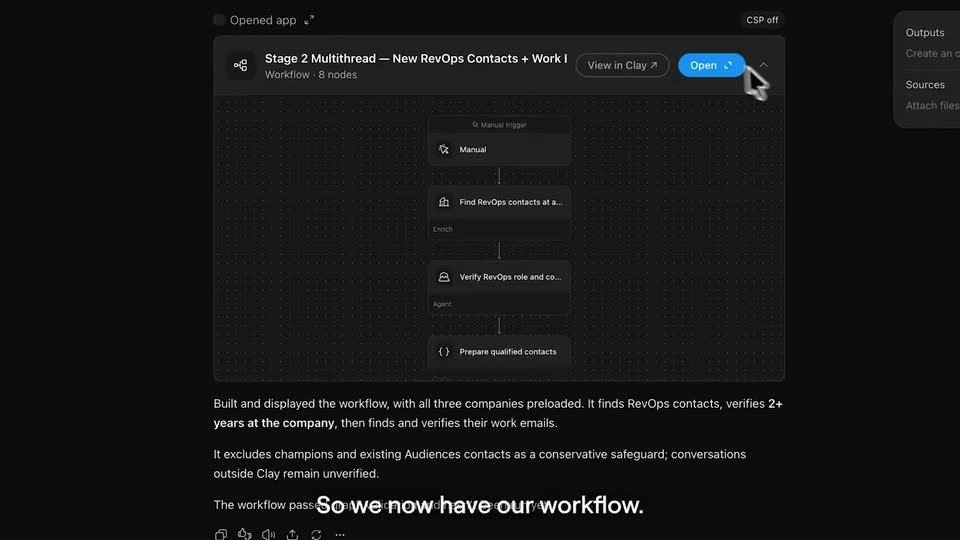 1:44–1:45Clay · Clay - Today, we’re excited to relaunch our official MCP connection with @OpA dark workflow panel with a vertical chain of node cards sits center frame, with a side panel on the right. A cursor glides in from the right and clicks the blue Open button, while white captions swap at the bottom.
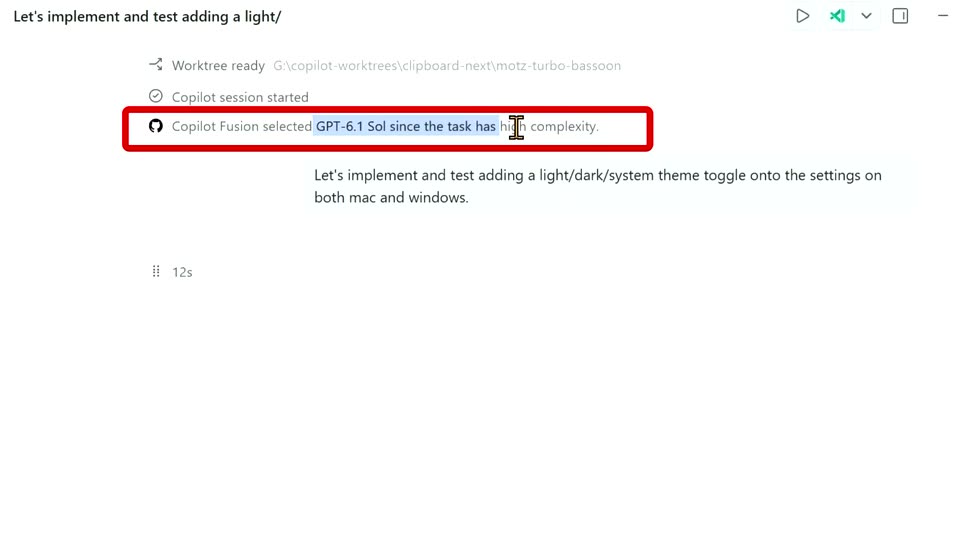 1:19–1:37GitHub · Stop manually picking AI models: how GitHub Copilot Fusion worksA white Copilot session window updates its status lines as the session starts, then a red rounded box highlights the model-selection line while a cursor selects the text and opens a copy menu. The view zooms out to reveal the full workspace with a left sidebar.
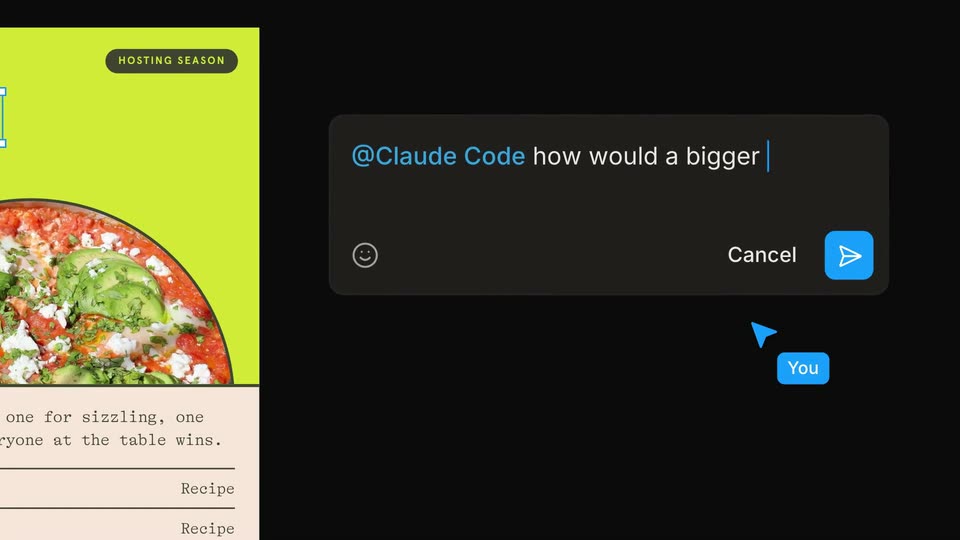 0:41–0:45Kite.new · Loukman - Excited to launch Kite today The design canvas for agents and humansA dark chat composer sits beside a green pizza newsletter. An @ menu lists Claude Code, Cursor, Codex, then closes as the prompt types out and the view reframes left, a blue cursor and You tag hovering below.
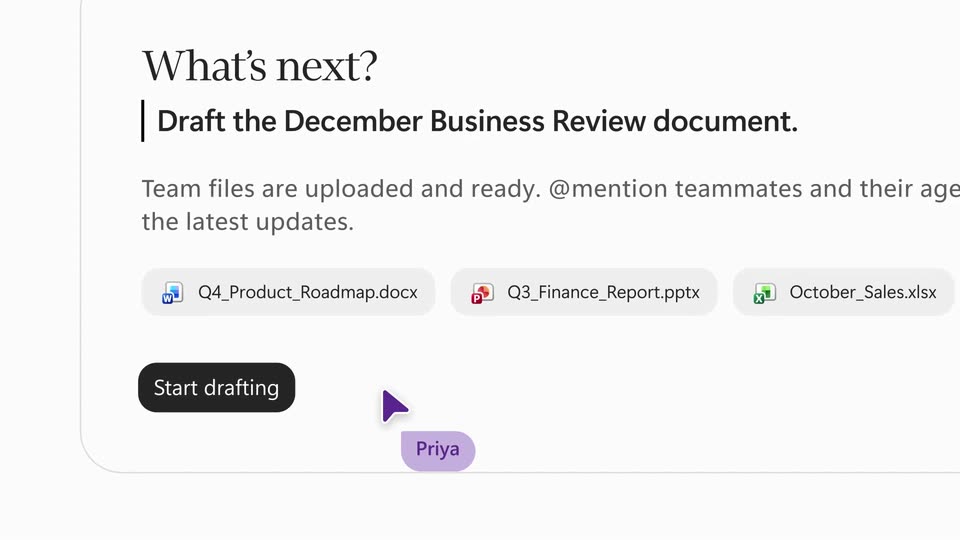 0:28–0:32Microsoft · Introducing Copilot Workspaces | Microsoft Ignite 2026A shared workspace document view shows named cursors, Marcus, Priya and Lena, moving over the page as text fills a highlighted box. The view then zooms into the What's next section with file chips and a Start drafting button, where Priya's cursor hovers.
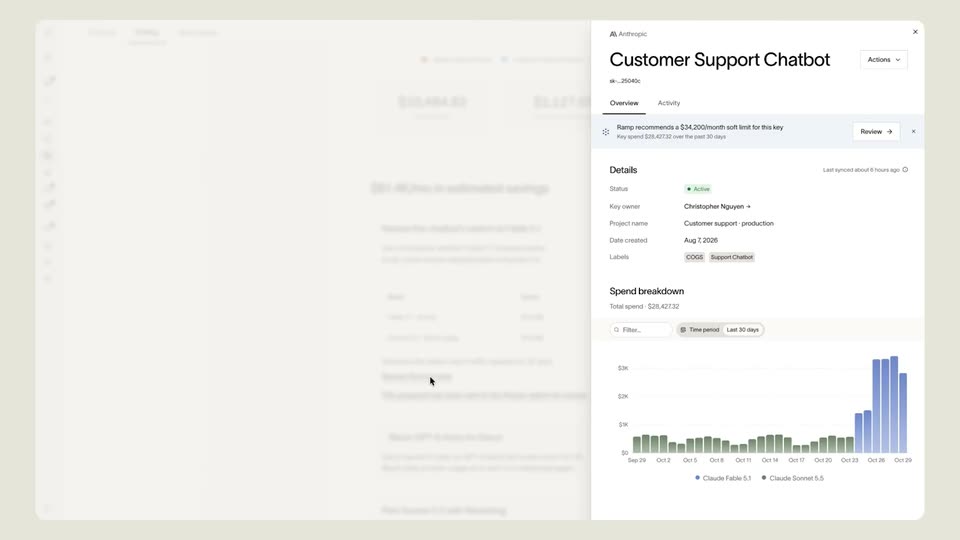 1:15–1:20Ramp · AI spend x Router demoA blurred dashboard sits in the background while a white detail panel for the Customer Support Chatbot key holds focus on the right. The frame sharpens from a soft fade, and a cursor glides from the dimmed list to the Review button.
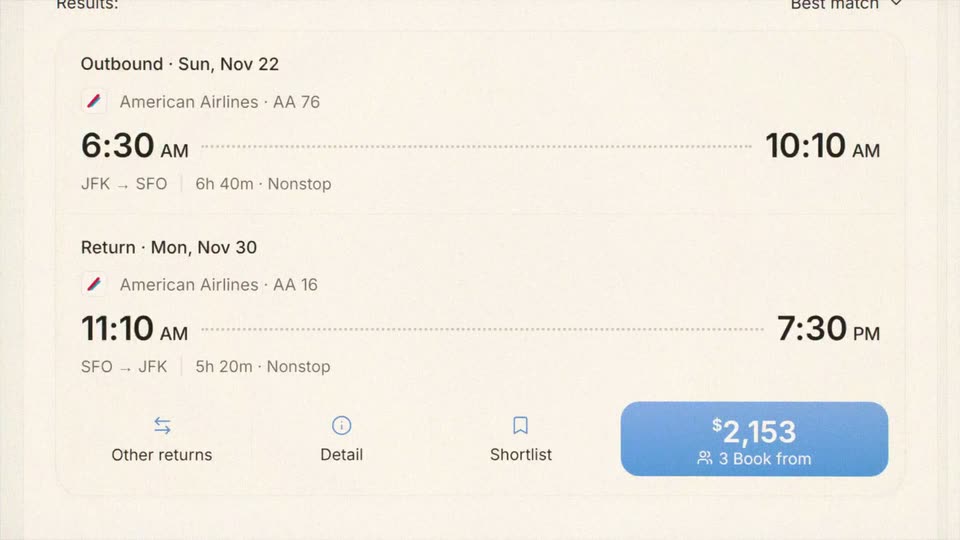 0:24 · 0.9sVoyage Labs · Manik Gupta - Yogesh and I just raised $12M to help everyone experience more of theA flight booking results card fills the frame, listing an outbound JFK to SFO flight and a return SFO to JFK flight with times and a price. A cursor slides in from the right and hovers over the blue Book from button, which brightens.
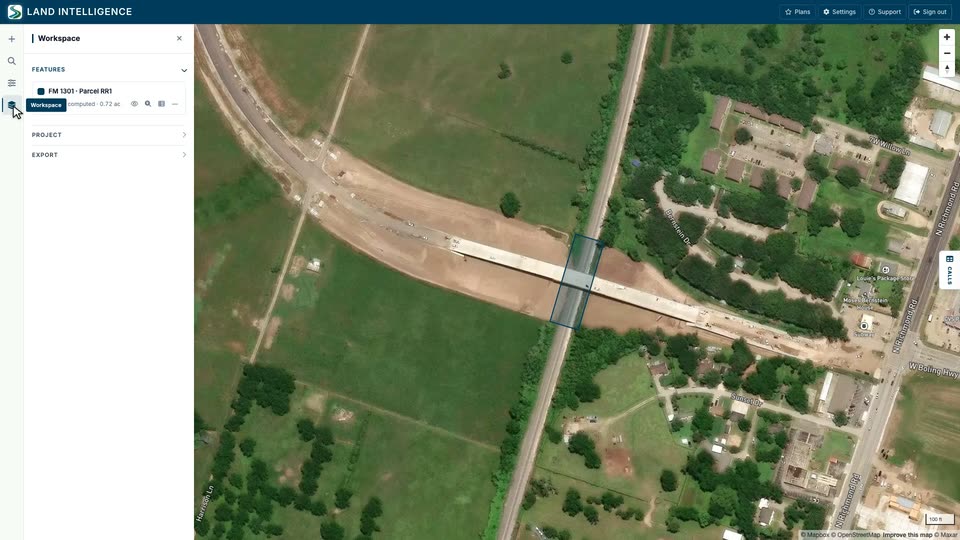 0:48–0:57Clearfork Intelligence · Kyle Walker - Launching today: Land Intelligence. Upload a deed and AI reads the lA satellite map with a blue parcel outline fills the right side of the Land Intelligence app. In the left panel, a cursor hovers over a saved-deed card, then clicks the workspace icon in the side rail, swapping the panel to a Workspace feature list.
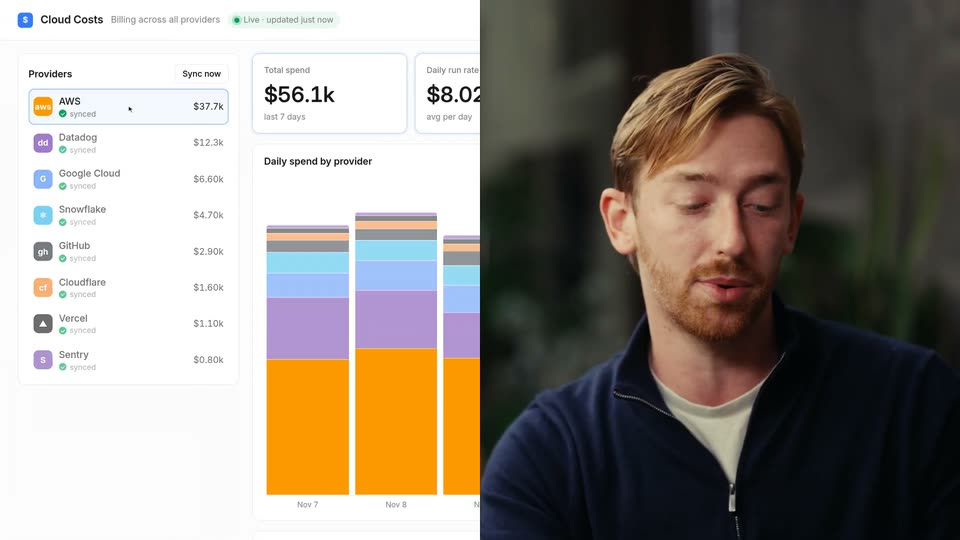 0:48–0:54Cognition · Introducing Devin AppsA Cloud Costs dashboard fills the left half, its provider list and stacked bar chart updating and scrolling to reveal a spend-by-service breakdown, while a presenter in a navy zip-up talks on the right. A cursor hovers over the AWS and Datadog rows.
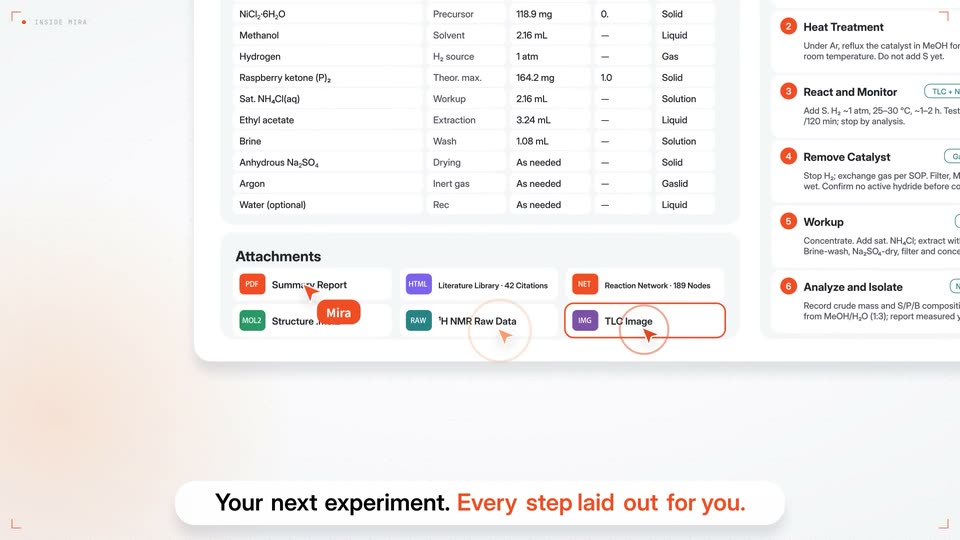 0:43–0:49DeepPrinciple · Deep Principle - We’re introducing Mira Science, a general-purpose computing platformA white experiment card fills in as the Mira cursor clicks through skeleton outlines, populating the materials table, attachment chips and six procedure steps. The view scrolls down then pulls back to the full card, and a green confirmation banner slides across.
 0:21–0:22dusk · siddharth - introducing dusk bot free open source Grok Bot alternativeA black laptop in 3D perspective shows a browser download page, its 'nova'-tagged cursor resting on the download button, beside the heading 'each bot gets its own computer.' with 'own' on a blue chip. A pink panel then slides in from the left, pushing the laptop off right and revealing the tail of a new line, 'ry.'
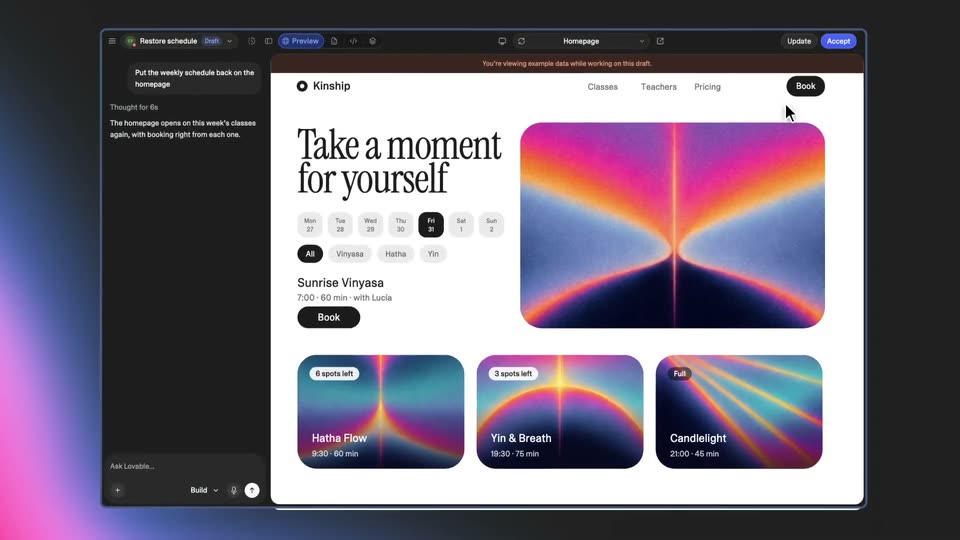 0:18–0:20Lovable · Anton Osika - Today, we’re launching Drafts in @Lovable. Build a new feature, tryA fanned stack of the same webpage mockup in 3D perspective collapses flat into a single builder preview. A cursor moves from the left drafts list to the Book button in the top bar.
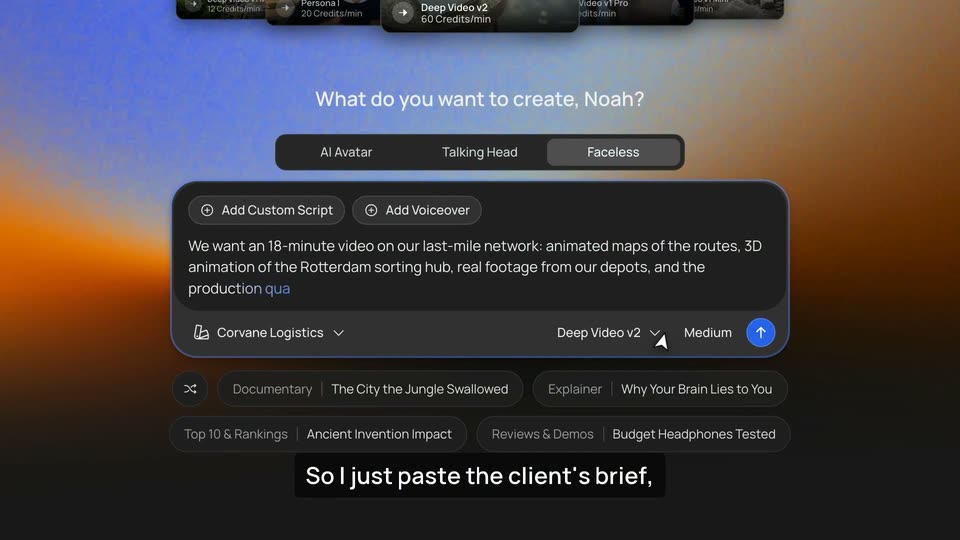 1:03–1:06VidRush · Noah Morris - We just KILLED Claude Opus 5.5 Video Editing Introducing VidRush V2A crossfade resolves into the creation screen, the brief field centered under the heading. The cursor glides from the brief text to the blue send button as the bottom caption swaps from one line to the next.
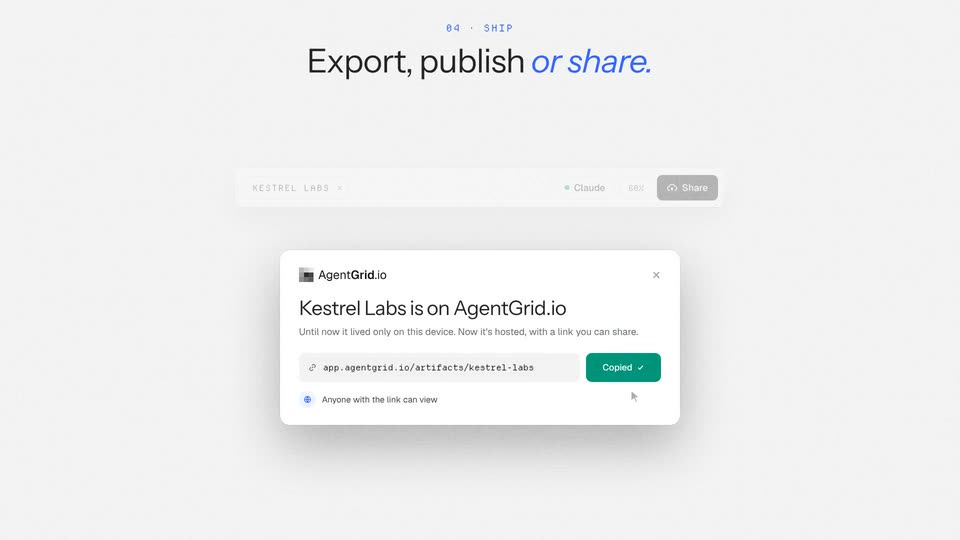 0:40–0:41AgentGrid · michal cohen - For the visual thinkers out there, we’re launching Agentic Canvas byA light gray screen holds a large headline and a white share dialog with a URL field. A cursor sits on the green Copy link button and clicks it, which flips to a Copied state with a checkmark.