Cursor demo
A visible cursor operates the interface.
15,093 scenes · page 165 of 252
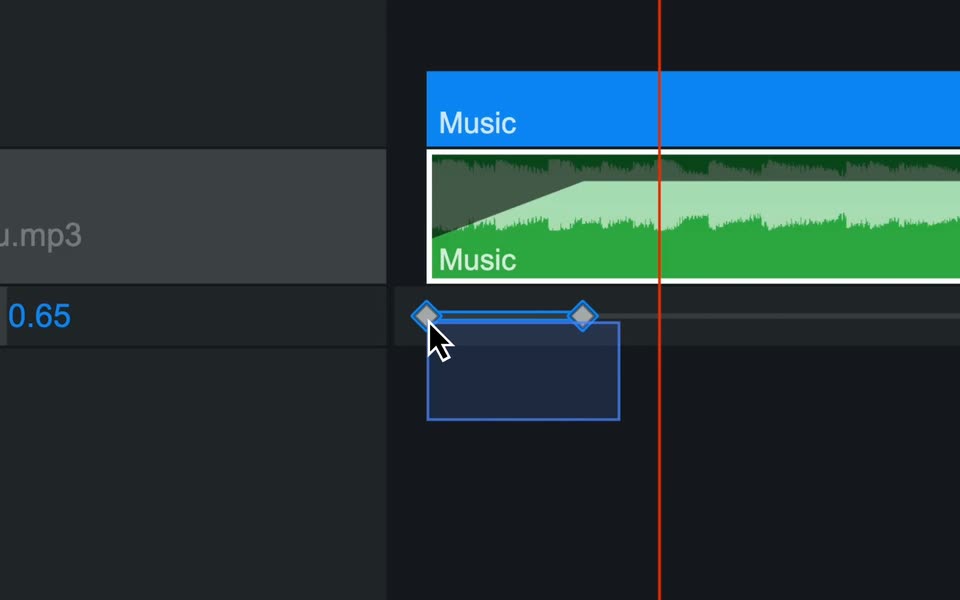 0:24–0:25Remotion · Remotion — edit agent-made videosA dark video-editor timeline fills the frame. A blue Music track sits above a green Music track with an audio waveform, and a red playhead runs vertically. A cursor drags the right diamond handle of a blue clip to extend it, while the duration readout on the left ticks down from 0.65 to 0.60.
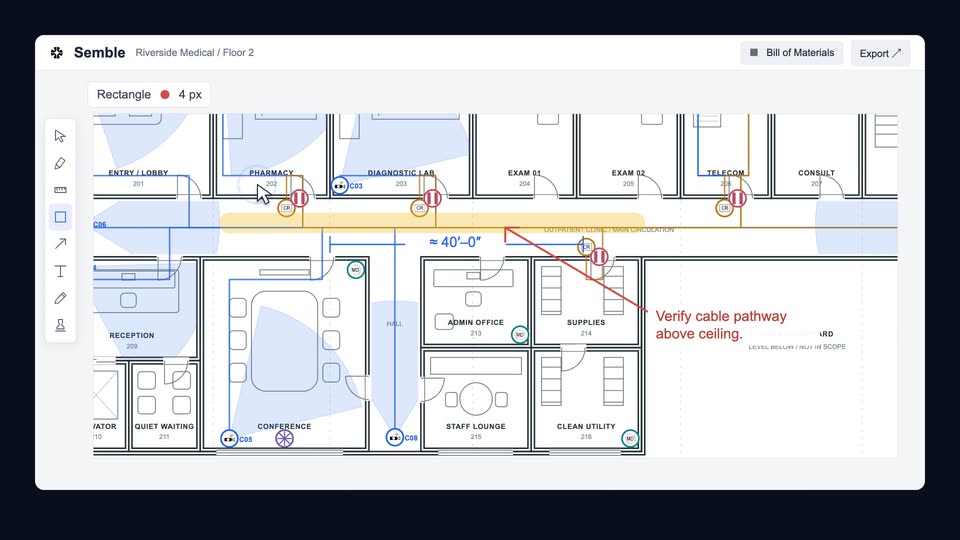 0:37–0:44Semble · Semble launch filmA large white headline, Mark up your drawings, sits left of a tilted 3D window that flattens to a front view. A cursor marks up a hospital floor plan with a measurement, a red arrow note, and a rectangle, while the view zooms out and a fire-protection stamp drops in.
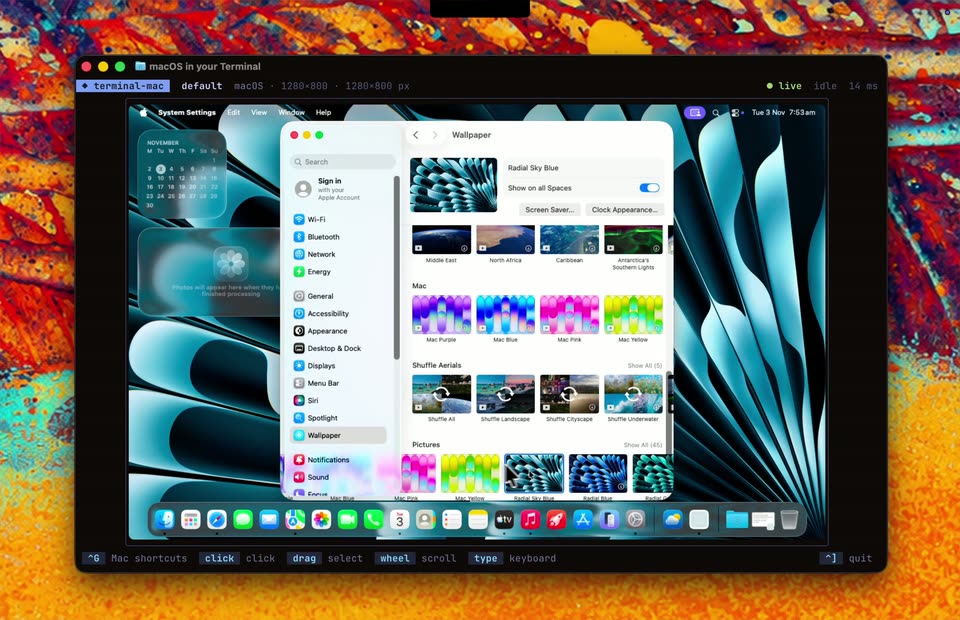 0:24–0:25terminal-mac · govi - Introducing terminal-mac. Entire MacOS that runs inside your existinA macOS System Settings window open to the Wallpaper pane sits inside a terminal window over a colorful paint-textured background. A cursor drifts left across the wallpaper thumbnails while the terminal's bottom status bar swaps its command hints.
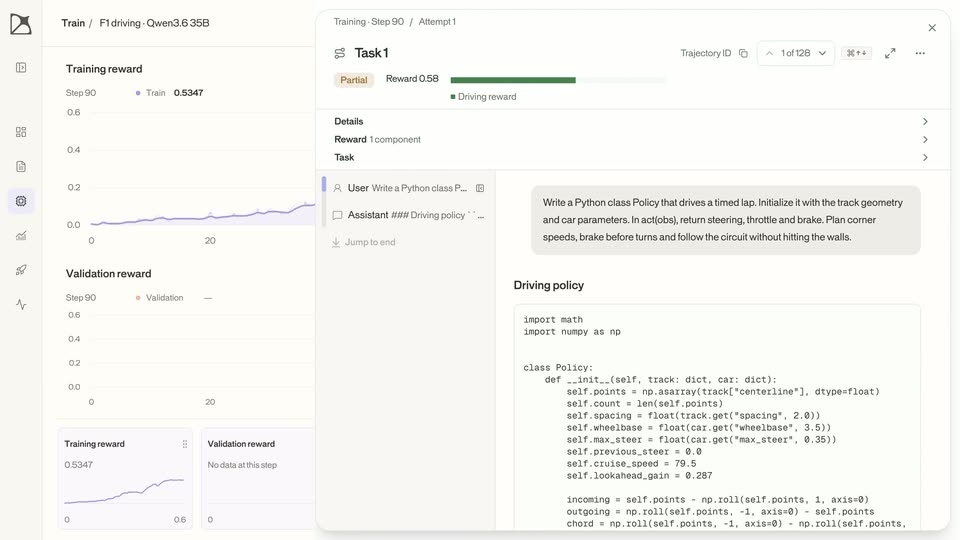 2:10–2:15Trajectory · Trajectory - Yesterday we launched the Trajectory platform to the world, the easieA flat product screen shows a training dashboard with two reward charts on the left and a task panel on the right. A cursor moves to the code block and clicks Show more, expanding the Python class to fill the panel.
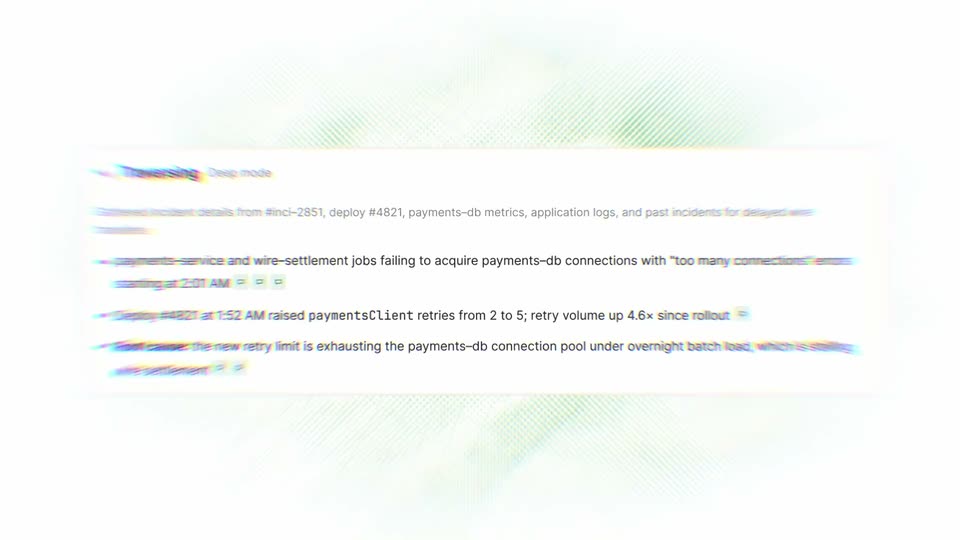 0:45–0:48Traversal AI · Introducing Traversal, the AI SRE for the enterpriseA white incident card titled Traversing lists gray bullet findings about a payments outage, a green cursor hovers at its top-right, then the card glitches with color-split tears and dissolves into a dark green field of radial light streaks.
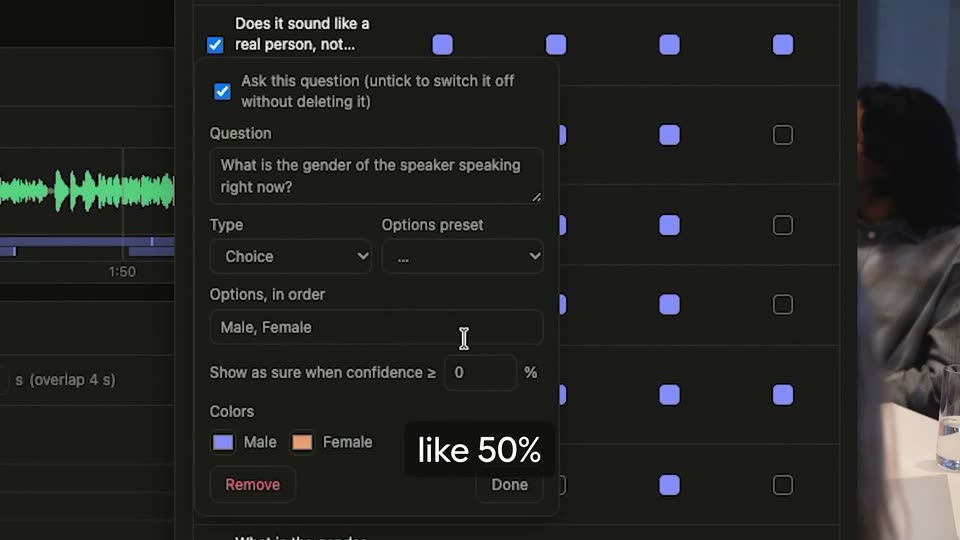 2:55–3:01Hume AI · Hume AI - Introducing the Hume Audio Decision API. Ask anything: How many speaA dark “Questions and streams” panel fills the frame. The cursor types “Male, Female” into the choice field and clicks Ask, then the question list scrolls down. A detail card opens for the gender question, and the cursor types 50 into the confidence field before resting on Done.
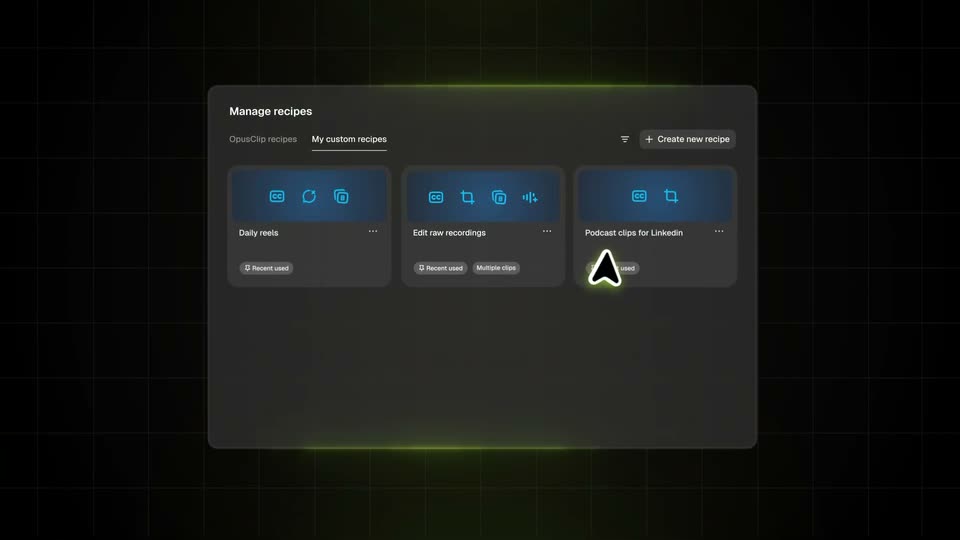 1:06–1:07OpusClip · OpusClip - OpusClip 4.0 is here. We used to find the best moments in your videoA dark Manage recipes panel with three recipe cards sits on a faint grid, framed by a soft green glow. A glowing cursor glides from the lower center across the cards toward the top-right Create new recipe button.
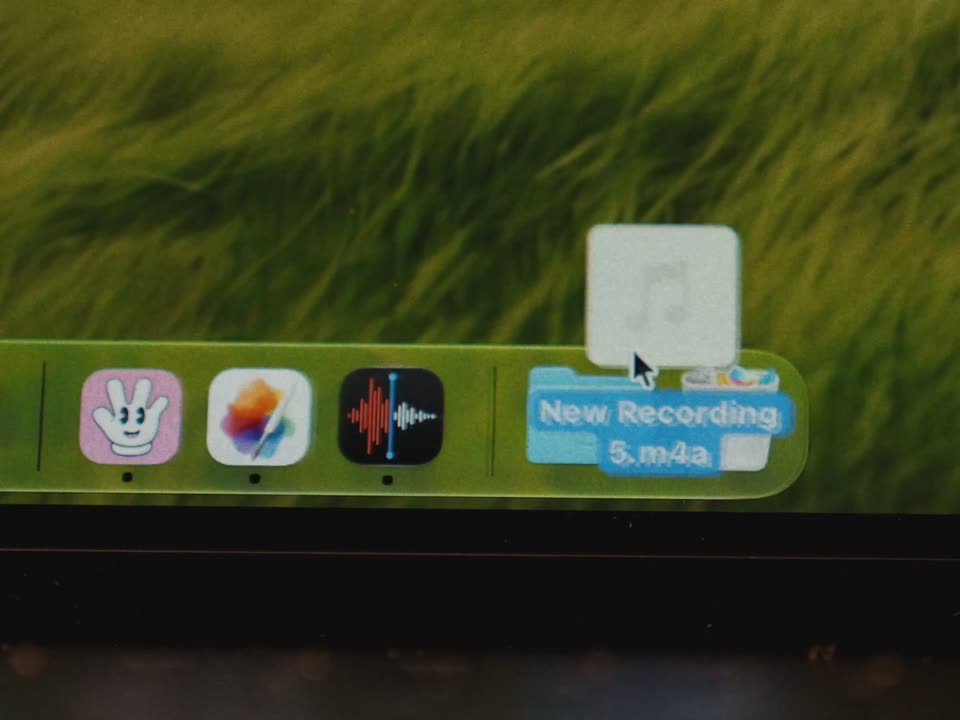 0:35 · 0.6sScreen Studio · Screen Studio - Screen Studio 4.0 is live on Product Hunt. What should we build nexA close-up of a macOS dock sits over a green grass wallpaper. A white file icon drags left to right above the dock, carrying a blue New Recording 5.m4a tag, while the cursor follows toward the trash bin. The frame stays locked.
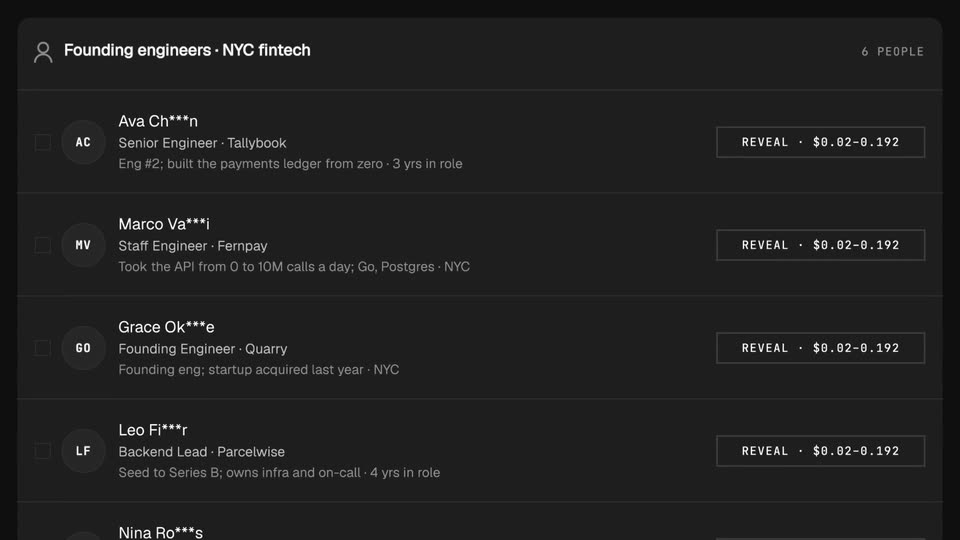 0:14–0:24Composio · Karan Vaidya - Hiring is no longer a problem, We built the best Recruiter agent ItA dark candidate list titled “Founding engineers · NYC fintech” scrolls up into place beneath a white caption. A cursor moves to a REVEAL button and clicks it; the masked name “Marco Va***i” resolves to “Marco Valenti” and a small price line appears.
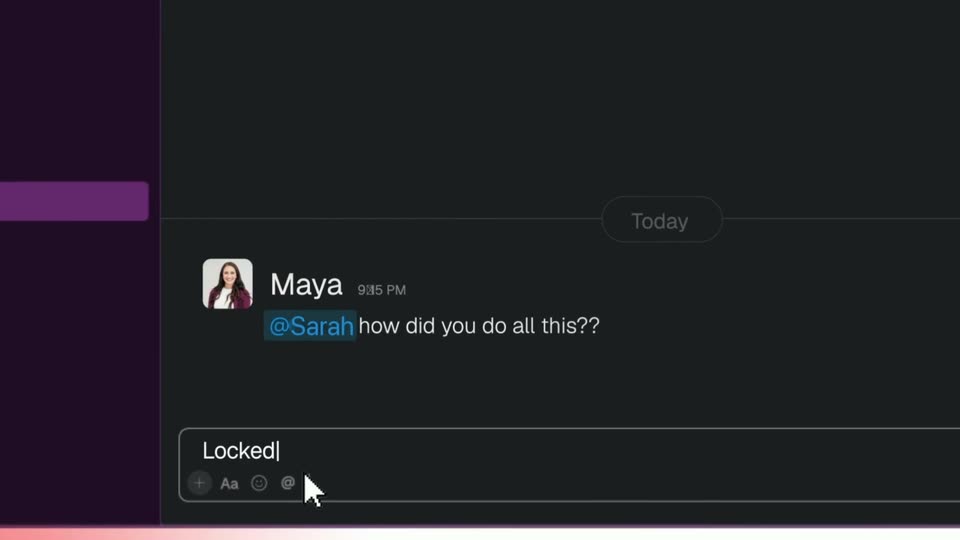 0:56–0:58Fastlane · Gaurav - We raised $3.5M to build Claude for Ads. Just enter your website, anA dark chat screen shows Maya's message '@Sarah how did you do all this??' above a reply box. A cursor arrow highlights the word 'FASTLANE' and then types 'Locked in' into the field.
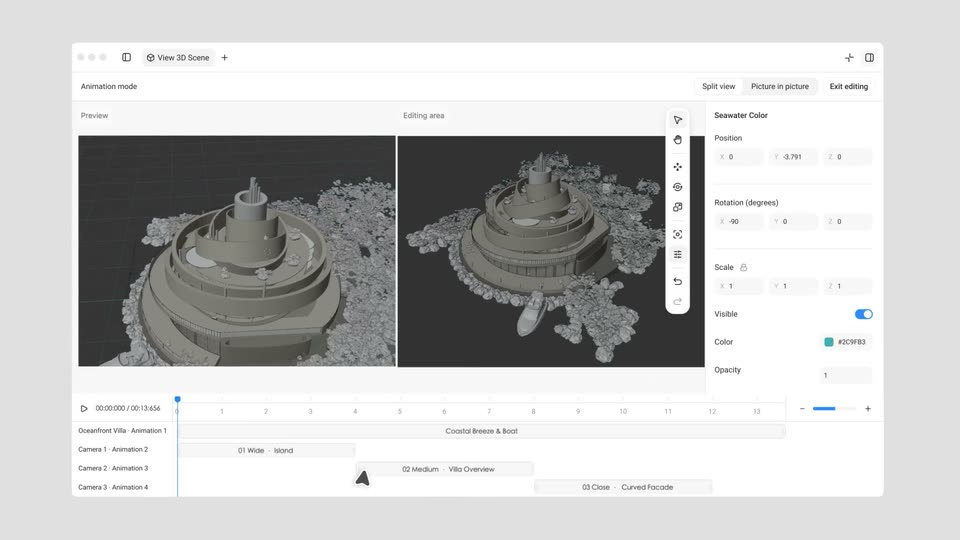 0:20–0:22Moonshot AI · Introducing 3D Make in KimiA light 3D editor interface shows a split viewport of a gray circular villa model, a seawater properties panel at right, and a camera timeline below. A pointer cursor slides from the first clip onto the medium shot clip.
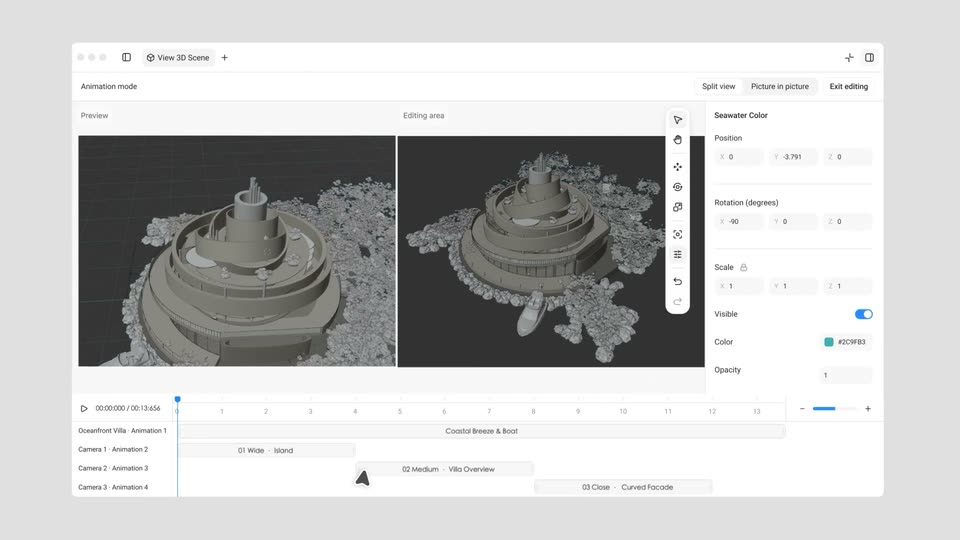 0:20–0:22Moonshot AI · Kimi.ai - Introducing 3D Make in Kimi. Kimi connects to tools like Blender andA flat screen recording of a 3D scene editor shows two viewports of a circular villa model beside a properties panel and a bottom timeline. A cursor glides down from the first camera clip to the second. The layout stays static.
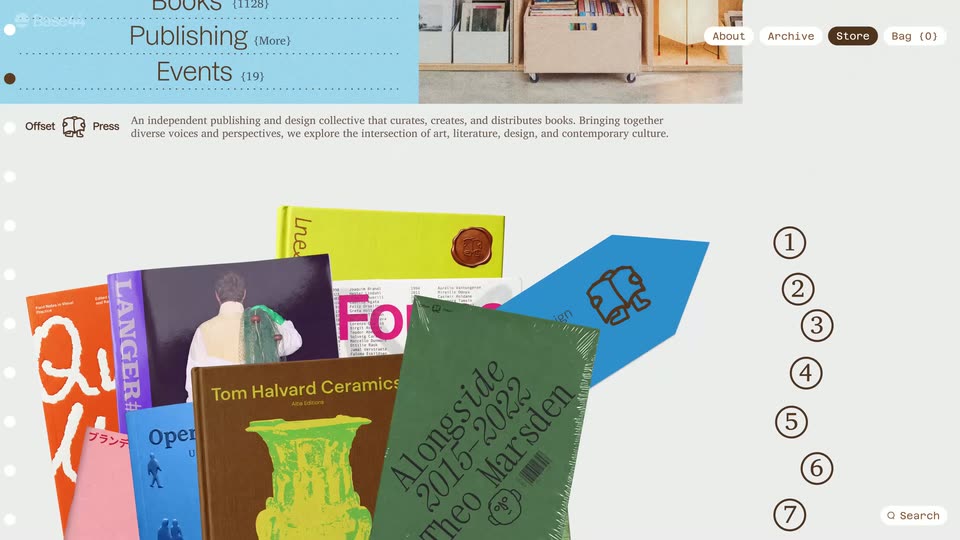 0:10–0:12Base44 · Beautiful from the first prompt | Base44A light website scrolls down past a bookshelf hero image into a section where a fan of colorful book covers spreads across the page. Numbered circles 1 to 7 stack on the right edge as a cursor hovers beside the first.
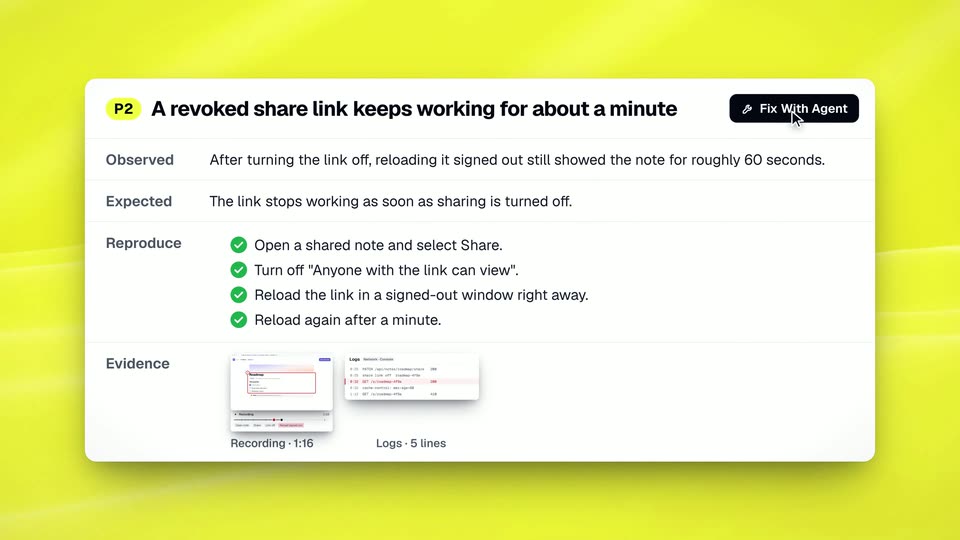 0:35–0:38Composal · Introducing Composal: A swarm of agents that tests your product like real usersA bug report card (P2, with Observed, Expected, Reproduce, Evidence rows) rests on a yellow background. The cursor moves to the Fix With Agent button and clicks; a coding agent card with a fix checklist slides in from the right, shifting the first card left.
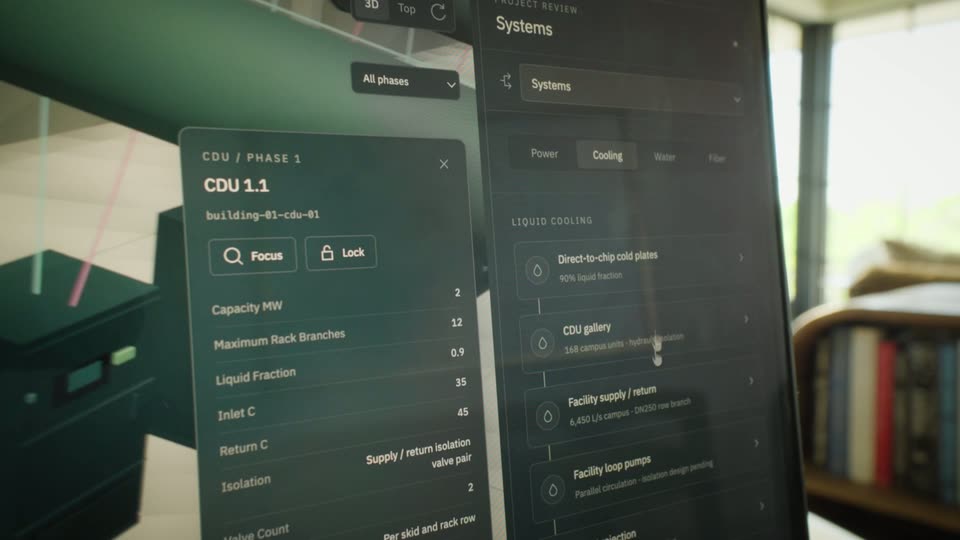 1:40–1:42Dream · Andy Elder - Today @arjunmathur_ and I are introducing Dream. We’re announcing $1A 3D perspective shot of a dark control interface on a monitor, with a floating data card in front that swaps from a rack readout to a CDU readout. A cursor moves down the liquid cooling list as the camera drifts, revealing a server room and bookshelf behind.
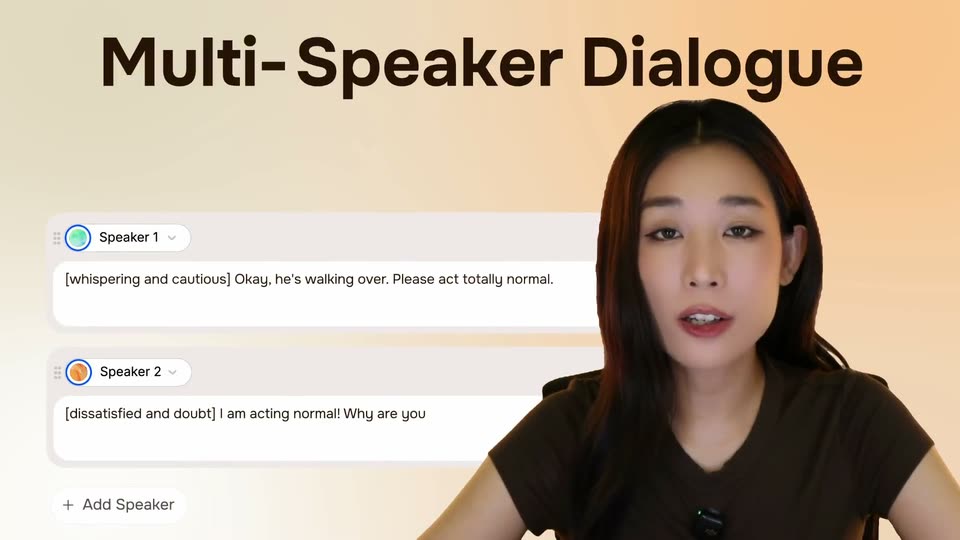 1:40–1:52Fish Audio · Fish Audio Drama 3 (Full Guide)A woman in a brown tee talks to camera against a warm cream gradient. A bold dark headline types in above her, then a speaker-list panel slides in on the left as a cursor fills in the dialogue lines.
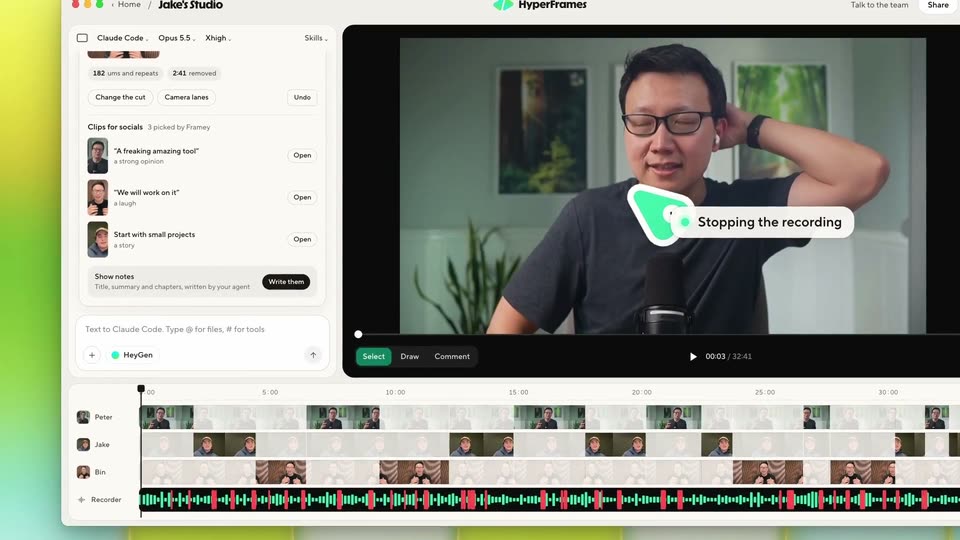 0:19–0:20HyperFrames · HyperFrames - the AI slop launch video killer is here Computer use is live in HypeA browser window of the HyperFrames editor sits on a yellow-to-teal gradient. A white card reading “Started recording the screen” with a red dot slides in from the left as the editor scales down and shifts right, a black cursor arrow resting at its top-left corner.
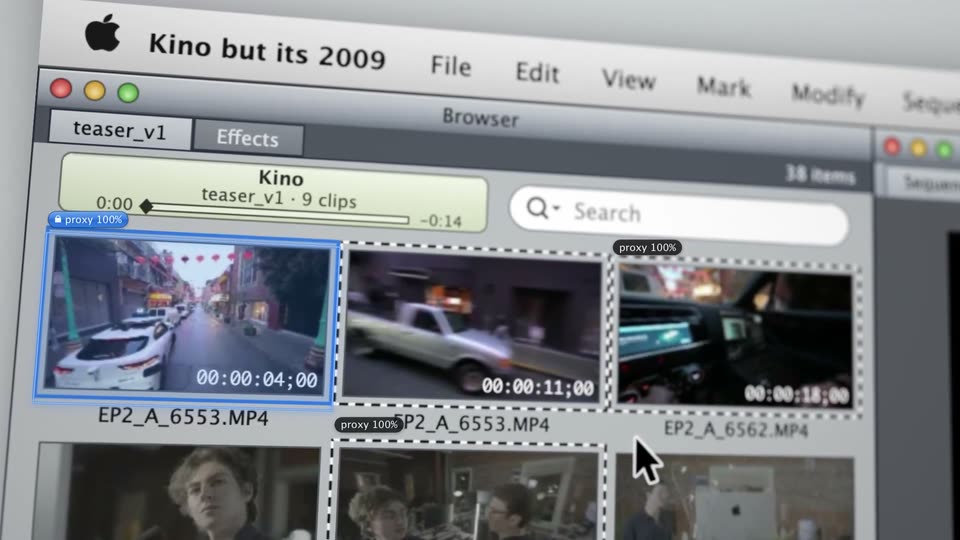 1:00–1:01Kino · Luke Igel - Introducing Kino: make videos end-to-end with Claude Code and Codex.A tilted macOS video-editor window sits over a dark blurred backdrop. Its Browser pane holds a grid of clip thumbnails with timecodes and a search field, and a cursor drifts across the clips as a white “2009” title fades from the frame.
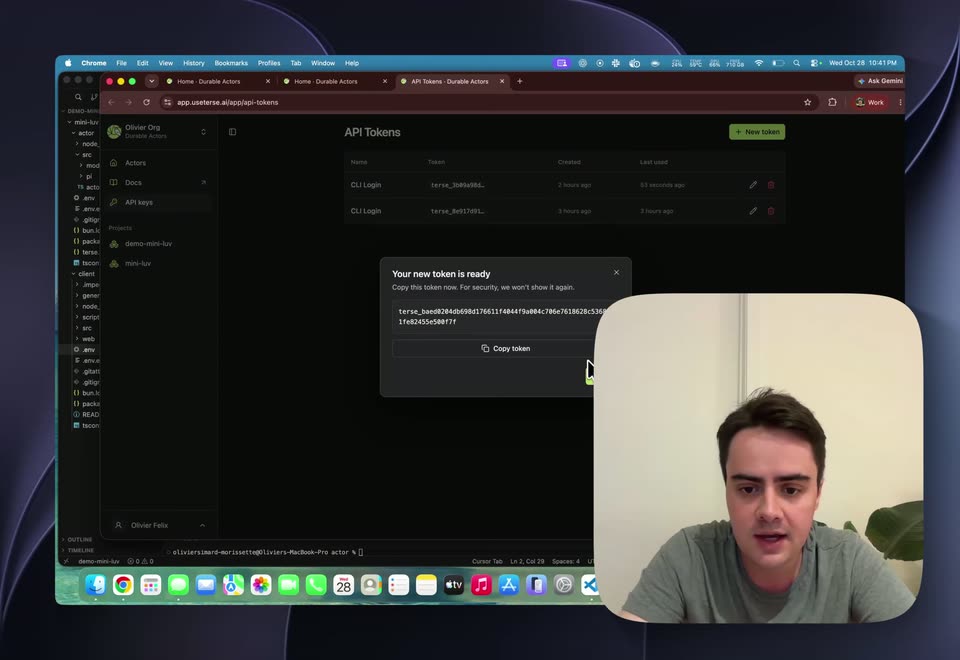 1:39–1:42Terse · Durable Actors Launch YC Demo VideoScreen recording of a dark web app's API Tokens page: the cursor types a token name, clicks Create, and a token-is-ready dialog appears; the view then cuts to a code editor showing the token in a .env file. A presenter's webcam feed sits bottom-right.
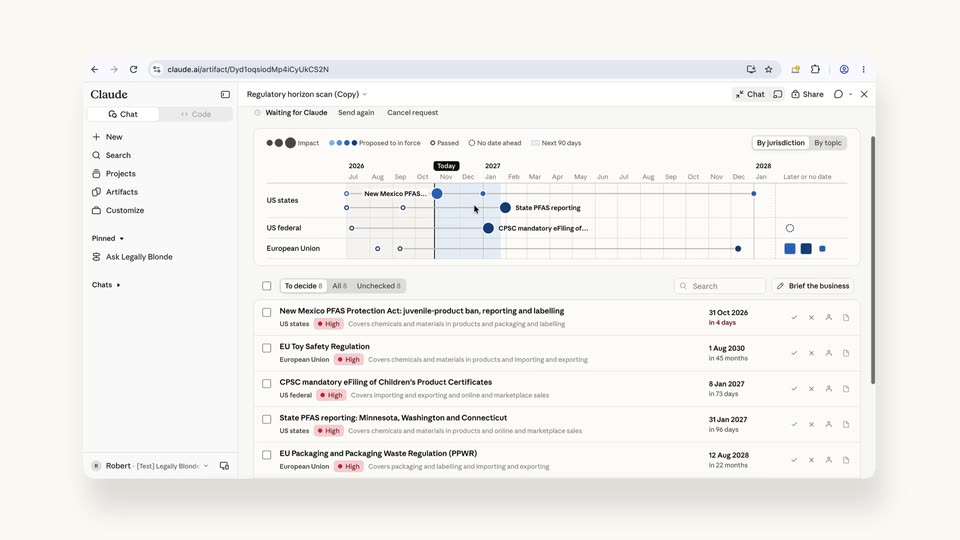 0:20–0:23Anthropic · Claude - New in Claude for Legal: a gallery of ready-made artifacts for contraA regulatory dashboard fills the browser window: a timeline of compliance dates sits above a list of rules. The view scrolls down a few rows, then a detail panel slides in from the right to open one regulation's summary and status, while a cursor hovers at the top right.
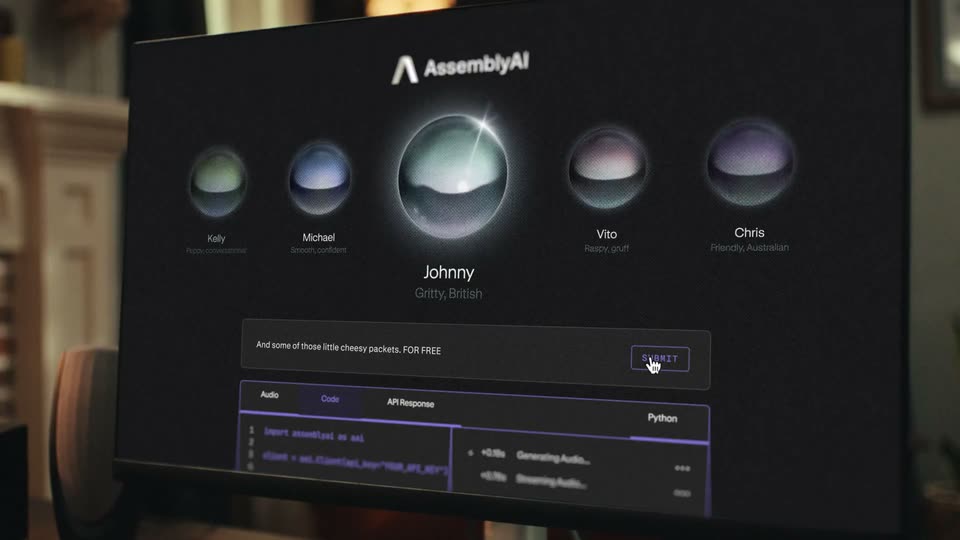 1:01–1:03AssemblyAI · AssemblyAI - Introducing AssemblyAI-TTS-1, our first text-to-speech model. NaturaA tilted monitor in a warm, blurred room shows the AssemblyAI voice picker with five glowing spheres. A cursor rests on the SUBMIT button as the camera pushes in on the central Johnny sphere.
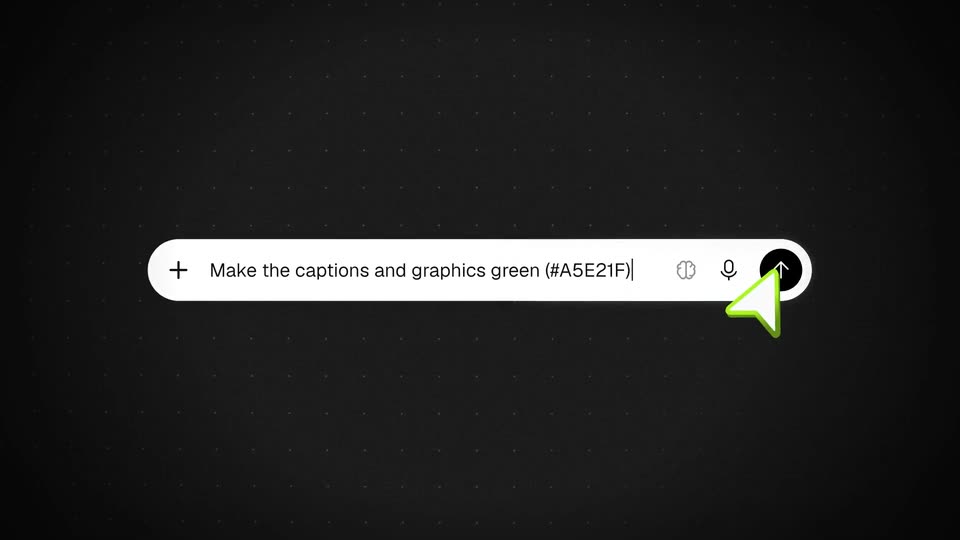 0:31–0:35OpusClip · OpusClip - Introducing AI Producer, the AI editor that learns from viral videos.A white pill-shaped input field sits on a dark dotted grid. A green-outlined cursor hovers over it as a prompt is typed, then clicks the round send button. The frame cuts to a before/after split of a workshop scene with green-tinted graphics.
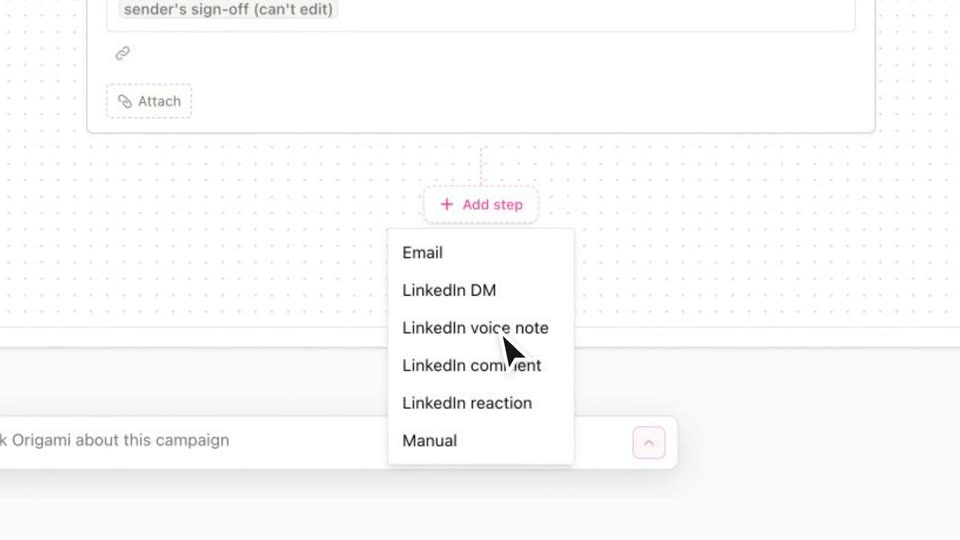 0:29–0:32Origami · Origami - Introducing voice cloning to Origami. (🔊 Audio: ON to hear the AI-clA light workflow editor on a dotted grid shows an email card at the top. A pink dashed '+ Add step' button opens a dropdown of step types. A cursor slides onto the list and a pink ring highlights 'LinkedIn voice note'.
 0:44–0:45Ploid · Manny Hernandez - Introducing Ploid. I think the world's data should belong to everyA dark leads table fills the frame with rows of match labels and emails; a cursor clicks the Export button, opening a small dropdown, then the entire interface blurs and fades to black.
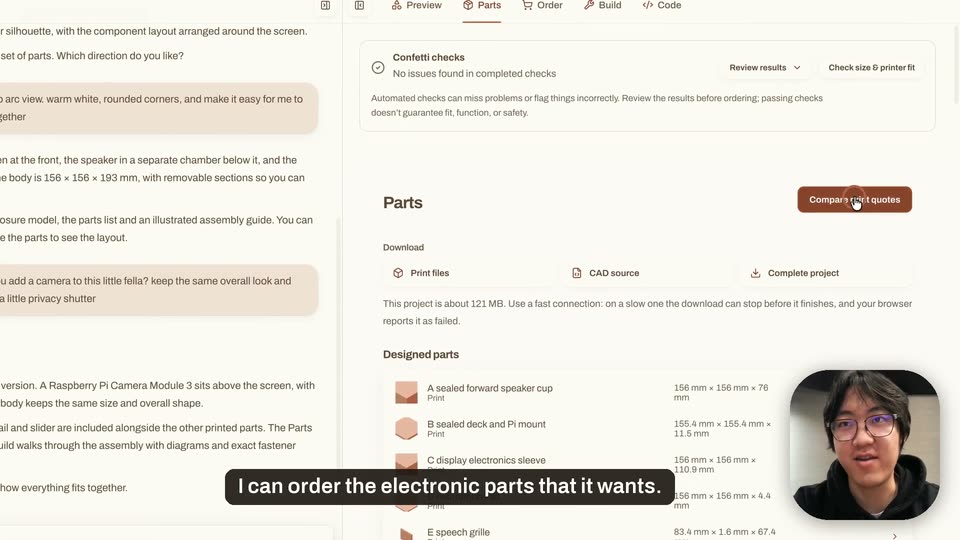 0:44–0:45Confetti · Introducing Confetti — Build hardware from a single promptScreen recording of the app: a chat log on the left, the right panel switches from the Parts tab to the Order tab, showing a prints card and a components card. A cursor hovers near the Compare print quotes button; a circular webcam of the presenter sits bottom right.
 0:13–0:14Jam · Jam.dev - Jam for Mac is officially out - Get logs from Chrome, Safari + ElectA checkout summary panel shows a Canvas tote line with a quantity stepper and a black Pay button. A cursor hovers at the plus control, and a circular video call window of a man sits in the lower right corner.
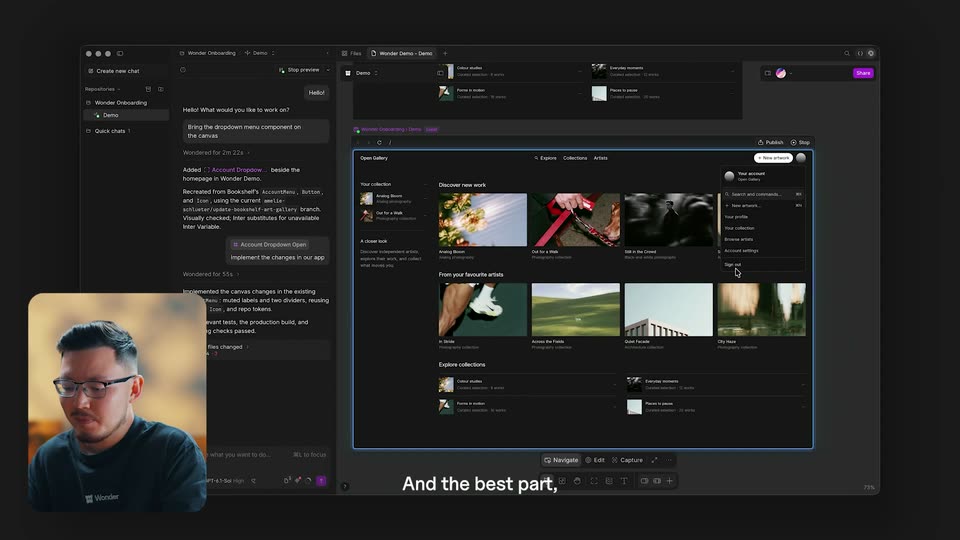 1:29–1:49Wonder · Wonder - Today we're launching the new Wonder! The fastest way to go from desA dark Wonder editor fills the frame as a photo gallery app preview loads on the center canvas, white subtitles along the bottom. A cursor opens the account dropdown and drags a selection box over a card, while a small presenter video slides from bottom-right to bottom-left.
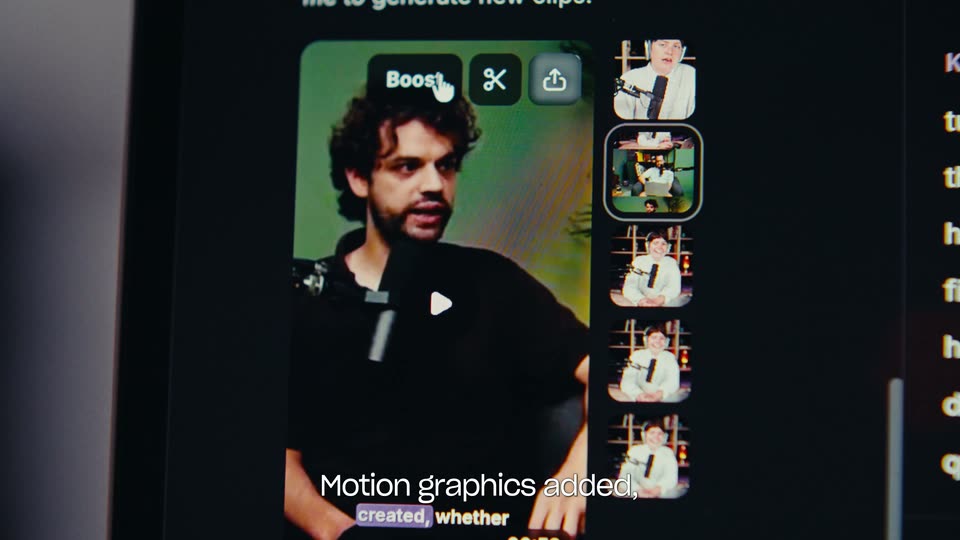 1:12–1:14Riverside · Nadav Keyson - Meet Riverside Agents, the first AI production team built only for viA close-up of an angled screen shows a video editor interface. A card of a man with a microphone sits left, with a Boost button and scissors icon on top; a vertical strip of clip thumbnails runs right. A cursor moves from Boost to the scissors icon.
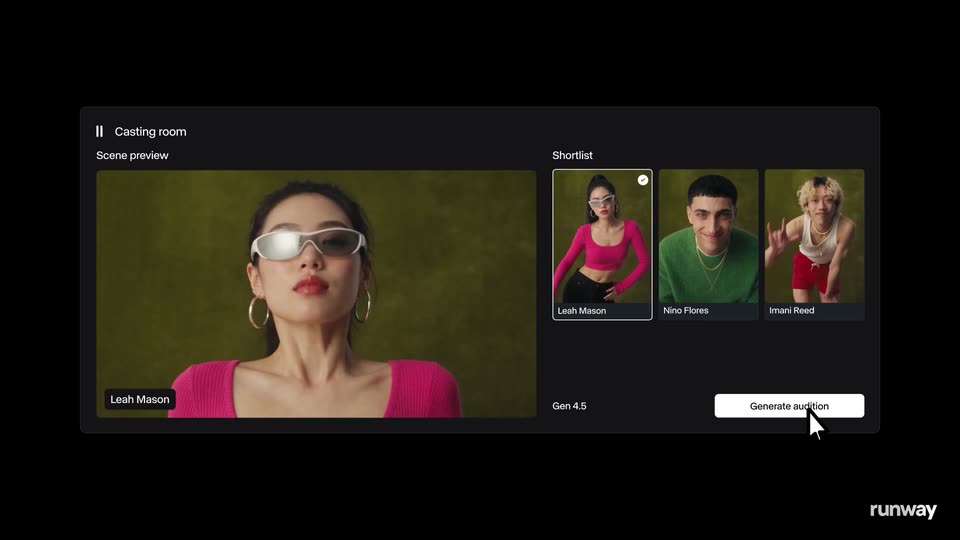 0:20–0:22Runway · Runway - Introducing Runway App Studio. Build the creative app you wish existA dark casting-room interface fills the frame: a large preview of a woman in white sunglasses on the left, a three-card shortlist on the right. A white cursor glides to the Generate audition button and clicks it.
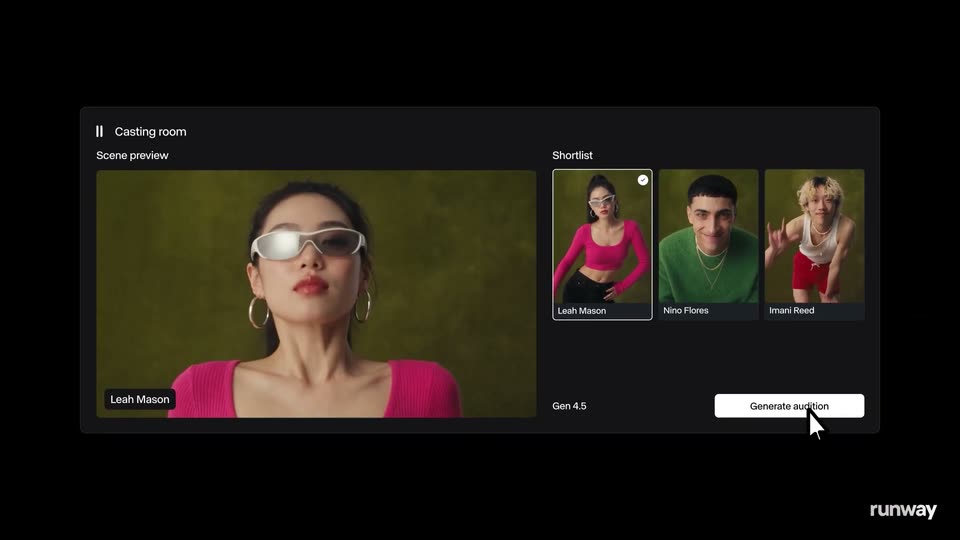 0:20–0:21Runway · Introducing App Studio | RunwayA dark casting-room panel sits on black: a large preview of a woman in white visor glasses and a pink top on the left, three candidate cards on the right. The panel settles from a doubled ghost state as the cursor glides to the Generate audition button.
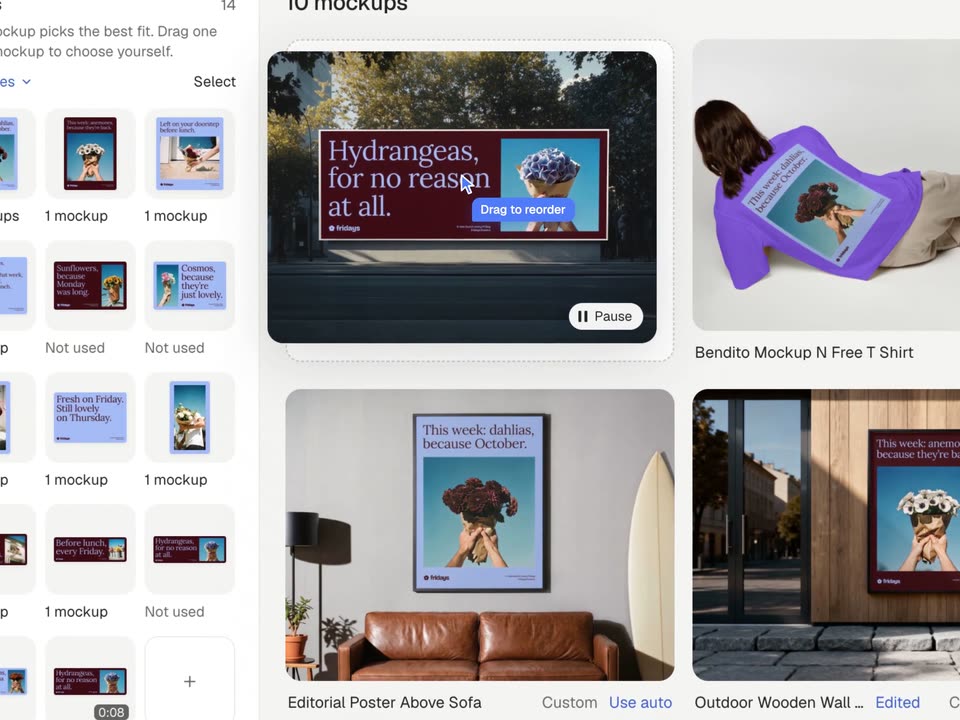 0:36–0:39Showroom · Seyi - Introducing Showroom, an app that lets you see your designs in everyA product interface shows a grid of mockup previews under the heading 10 mockups, with a left sidebar of small thumbnails. The cursor hovers over a billboard preview, raising a Drag to reorder tooltip, while the grid pans left to reveal more mockups.
 0:33–0:34Strawberry · Charles Maddock - Delete Chrome Delete Granola Delete Claude Strawberry 1.0 is here, tA Slides window with app tabs and a slide titled Market Research Deck fills the frame. The view zooms in on the Chat button at the top right, isolating it against a pink dotted background, while a hand-drawn pointing cursor hovers beneath it.
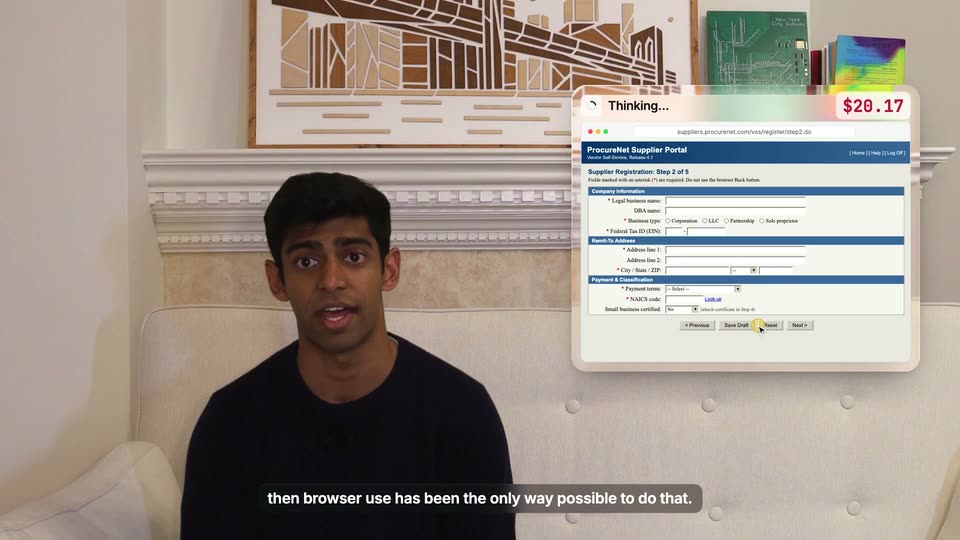 0:19–0:21Pomerado · Pomerado (YC F26) - faster, cheaper, more reliable browser useA man in a navy shirt sits on a white sofa and speaks to camera. A browser window floats at right, showing a supplier portal form, a Thinking spinner and a rising dollar counter. A cursor hovers the Next button, then the window vanishes.
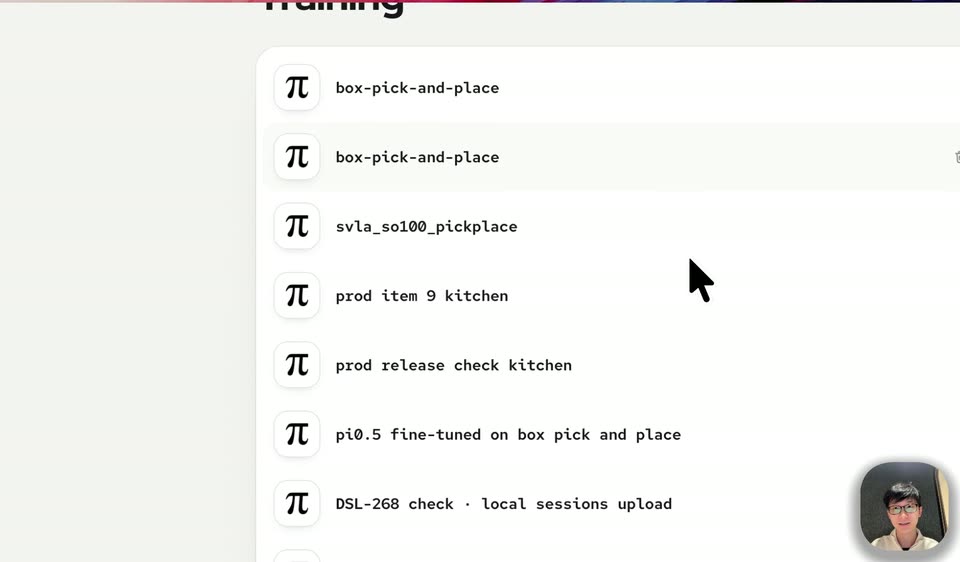 0:36–0:37Dreamscale Labs · Chris Yoo ⚡ CoRL - Fine-tuning VLAs just got so much easier. Today, we're releasing TraA light gray interface titled Training lists rows with pi icons and monospace task names such as box-pick-and-place. The list scrolls up as a cursor glides across the rows, and a small circular video of a presenter sits in the lower right corner.
 0:35–0:37TagadaRx · TagadaRx motion design video: launch the next Hims & HersA white “One-off” pill button sits centered over a pale green wavy ribbon. It slides left as a green “Subscription” pill appears beside it, and a black cursor moves to hover over the new button.
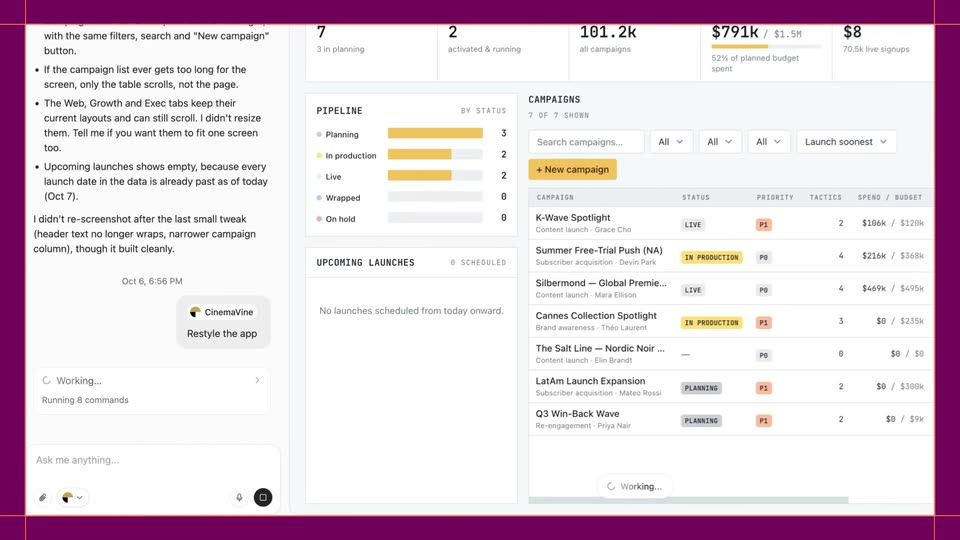 0:29–0:38Airtable · October 2026 Launch: CanvasA cursor types a restyle prompt into a chat input and clicks send, then the frame pulls back as the dashboard re-renders with gold accents and a donut chart, closing on a wide zoom out of the two-pane interface.
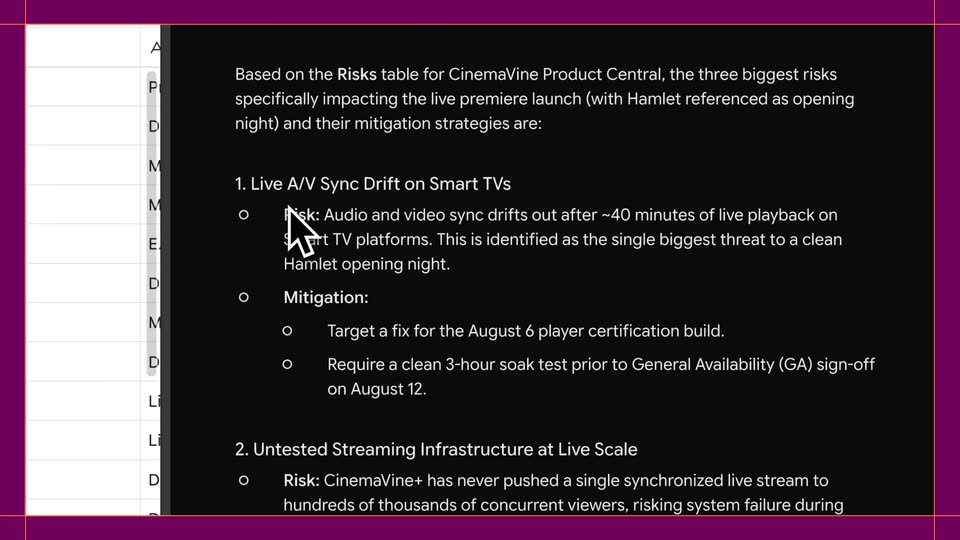 0:56–1:04Airtable · October 2026 Launch: MCPA dark panel with a loading spinner sits over a spreadsheet column; white text streams in line by line listing risks and mitigations, a cursor hovers across it, then the panel slides right to reveal the Risks table with colored severity badges.
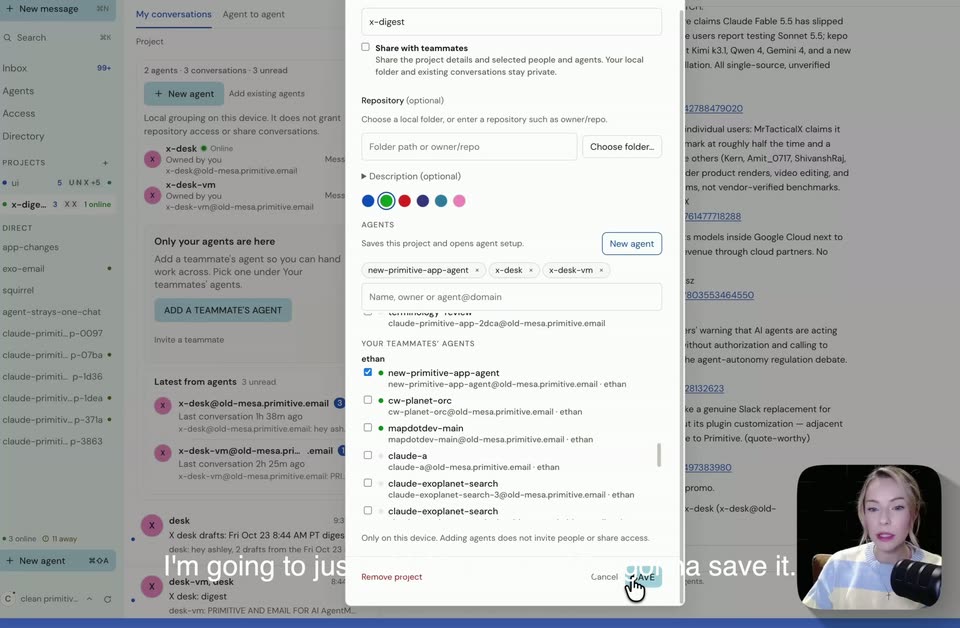 1:24 · 0.7sprimitive · Primitive - we 💌 emailA light-themed app screen shows an open project modal titled x-digest with an agent checklist, a cursor hovering the Save button, and a small video-call tile of a woman at the bottom right.
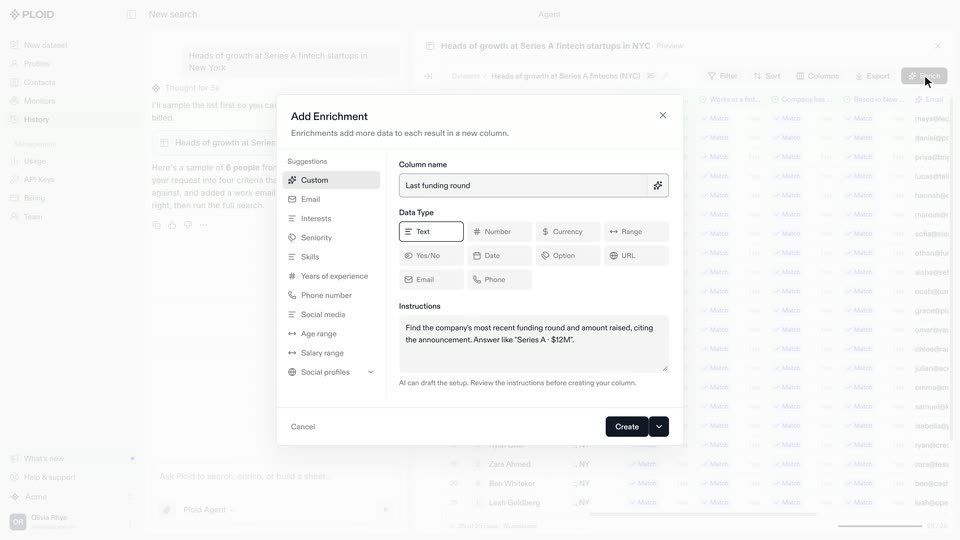 0:35–0:43Ploid · Ploid Demo: Creating a DatasetLeft chat panel and right data table of NYC growth heads. Cursor clicks the Enrich button; an Add Enrichment modal pops over the dimmed screen, the column name and instructions fields type themselves, then the modal fades.
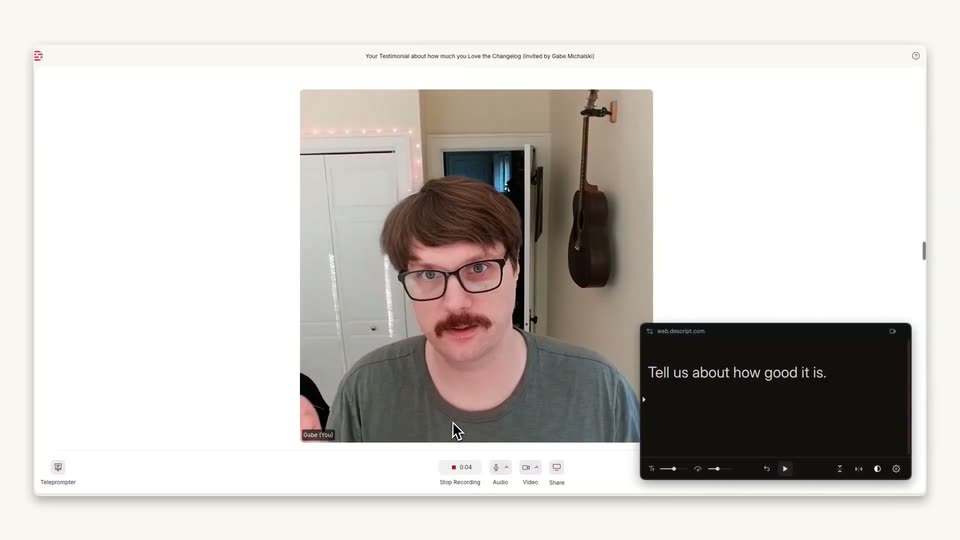 1:03–1:15Descript · New in Descript: Drive Search, Recording Requests, ElevenLabs v4 & MiniMax H3A screen recording of the teleprompter app: the cursor clicks Record, the view zooms out to the full window, and a 3-2-1 countdown flashes over the man's webcam feed. The timer counts up while he speaks, then the cursor stops the recording and the frame fades to black.
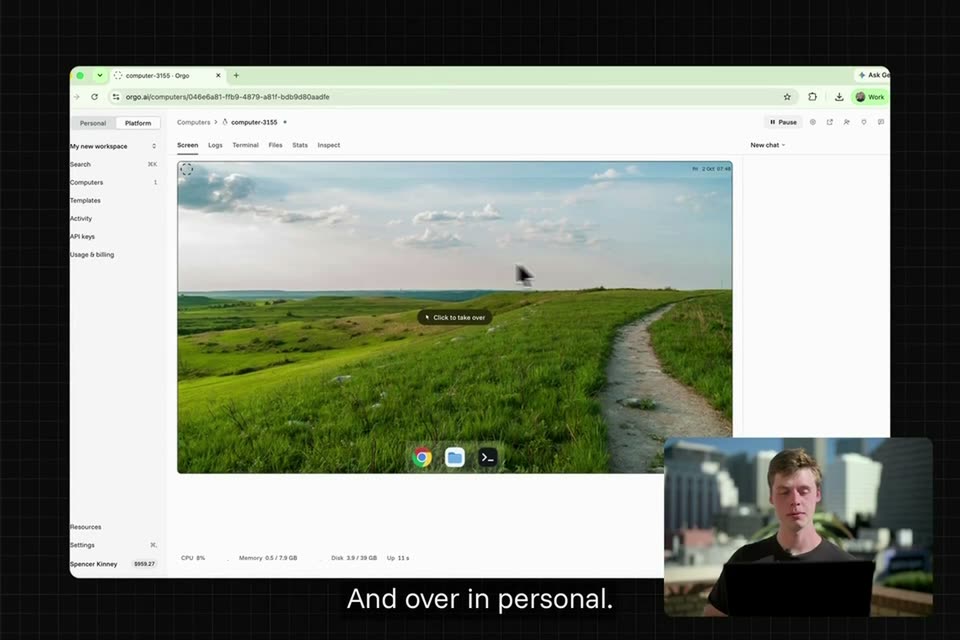 0:28–0:31Orgo · Orgo - Introducing Orgo: computers for agents. Give every agent its own desA browser window displays a remote desktop with a green field wallpaper while a cursor hovers, with a talking presenter in a small bottom-right inset. The cursor clicks the Personal tab and the window tilts in 3D to reveal a home screen listing agents.
 1:20–1:22Ramp · Introducing Ramp for Accounting FirmsA yellow rounded button reading Approve sits centered on a light gray field. A dark arrow cursor with a white outline glides in from the lower left, hovers over the button, and presses it, making the button glow and scale up slightly.
 0:59–1:05Anthropic · How an Anthropic engineer uses Claude DocsA doc page with a yellow-highlighted sentence holds, then the view zooms into the top toolbar as a cursor moves to the Share button. It pulls back to the full app, showing the line chart and a comment card.
 1:42–1:50Mercore · B2B Enterprise Software Video: Digitize Trade Finance with Mercore | Fintech SaaS Product DemoThe mercore logo, two overlapping rounded triangles in light gray and navy, holds center on white with the wordmark and gold DIGITAL beneath. An email line and URL fade in below; a dark cursor glides in, hovers over the URL, drawing an underline, then exits.
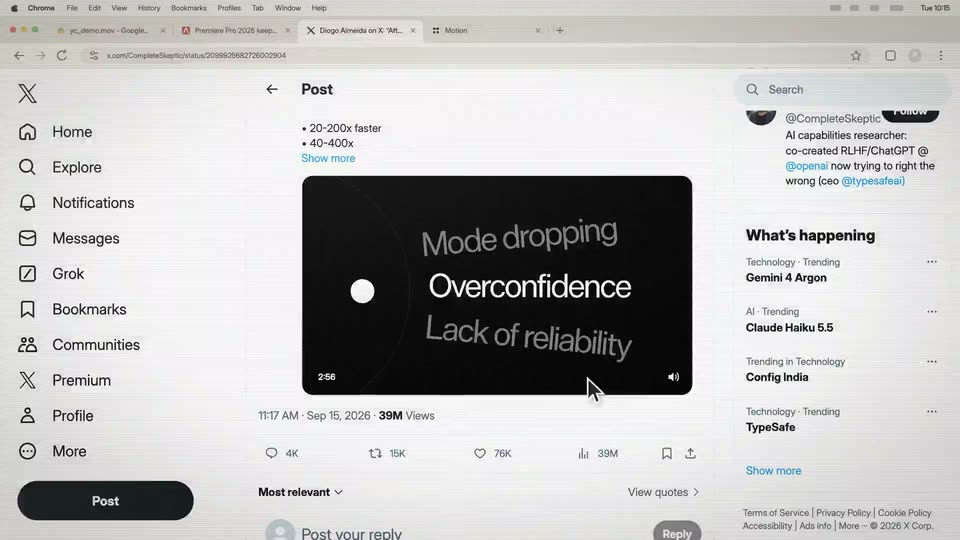 0:46 · 0.5sMotion · Adish Jain ☕️ - today, we're launching the General Video Agent. GVA edited this entiA browser window opens on an X post. A dark video card in the center lists Mode dropping, Overconfidence and Lack of reliability in gray and white text, while a cursor drifts over the player. The left sidebar and right What's happening column stay static.
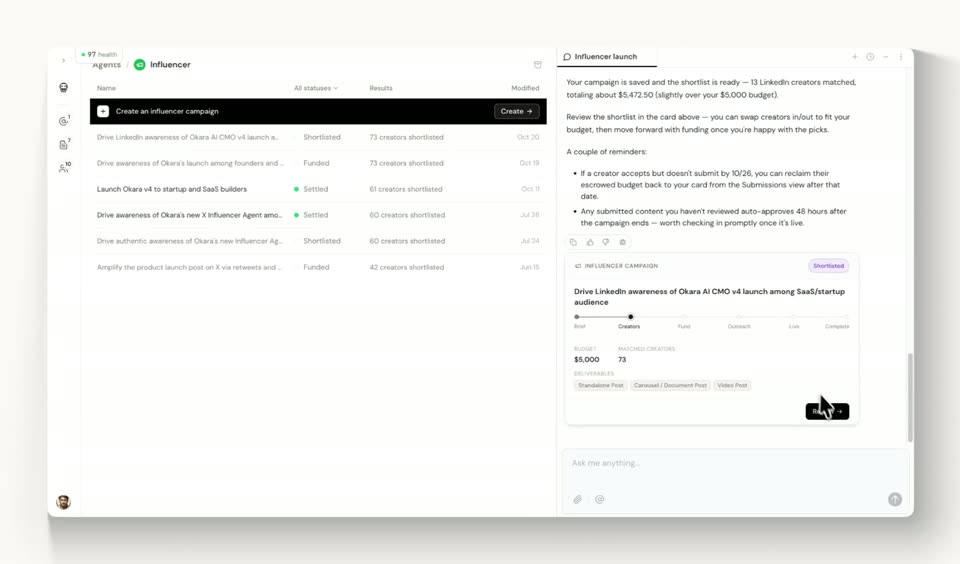 0:34–0:36Okara · Okara - Today we're launching the world's first LinkedIn Influencer Agent. TThe interface opens blurred, then resolves: a campaign list fills the left pane while the right pane's agent card swaps from a brief to a saved-campaign summary with a stage slider. A cursor drifts down to the Review button, which lifts and shows a tooltip.
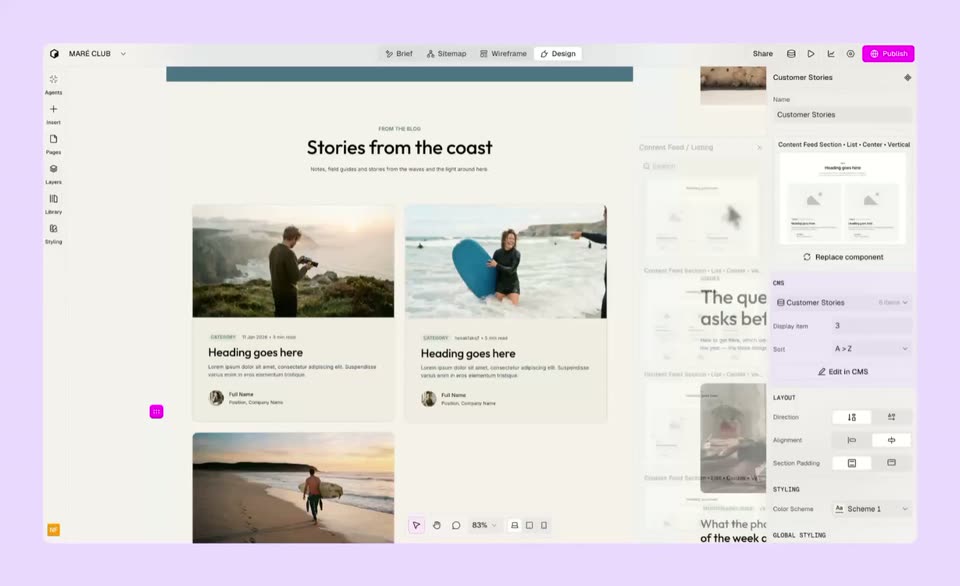 0:29–0:31Relume · Relume - Introducing Relume CMS. → Swap layouts without reconnecting anythingA design tool interface shows a blog page canvas where placeholder article cards fill with real headlines and author names, then the page scrolls down to reveal a photo guide section. A cursor hovers over a component in the right panel at the start.
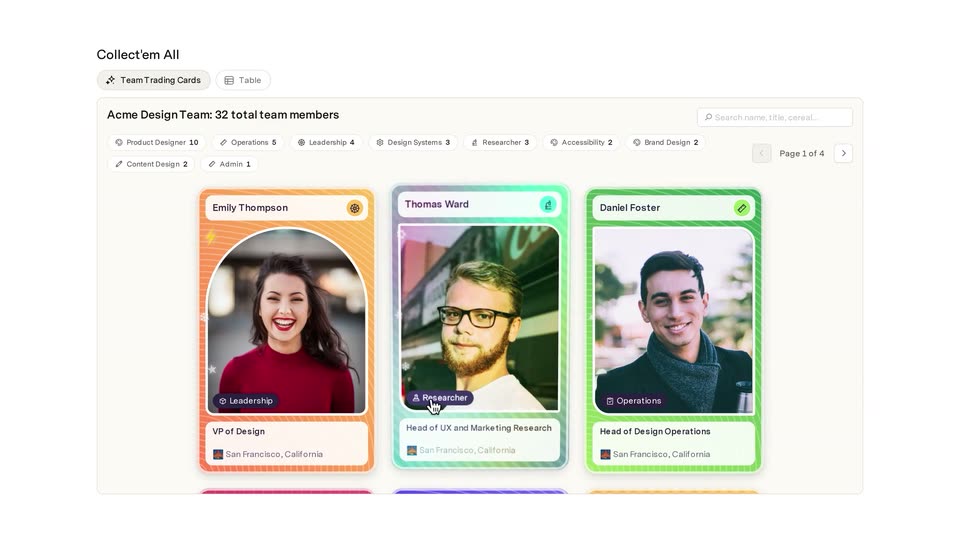 0:21–0:25Superhuman · Superhuman - We just launched AI views in open beta, one of our most anticipated fThree colorful member cards sit in a light dashboard. A cursor moves to the middle card and flips it to a back side listing stats, then flips it back to the front.
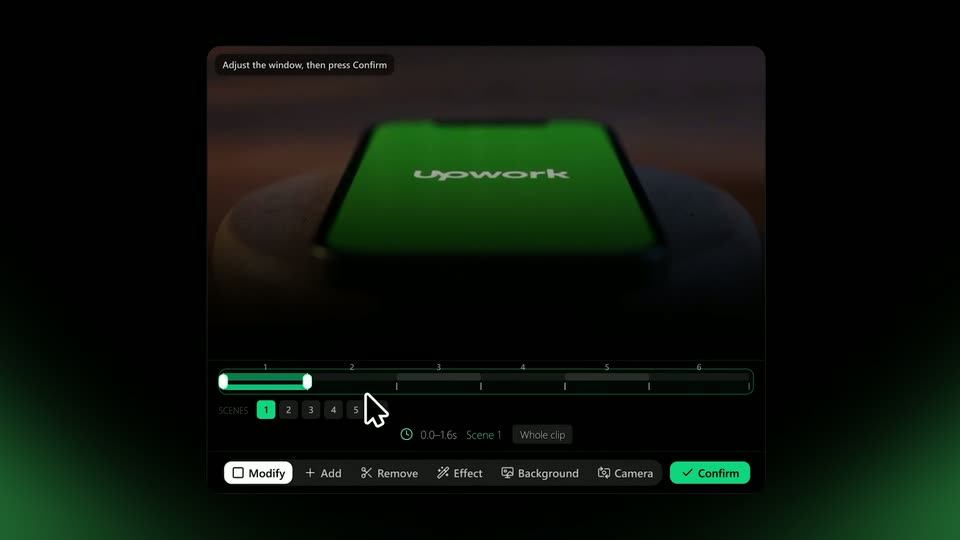 0:50–0:52Visually · Best AI SaaS Product Launch Video | VisuallyA dark editing panel shows a video preview of a green Upwork key above a timeline. A white cursor drags the right edge of the green selection window to widen it, then clicks the green Confirm button, which turns into a Completed badge.
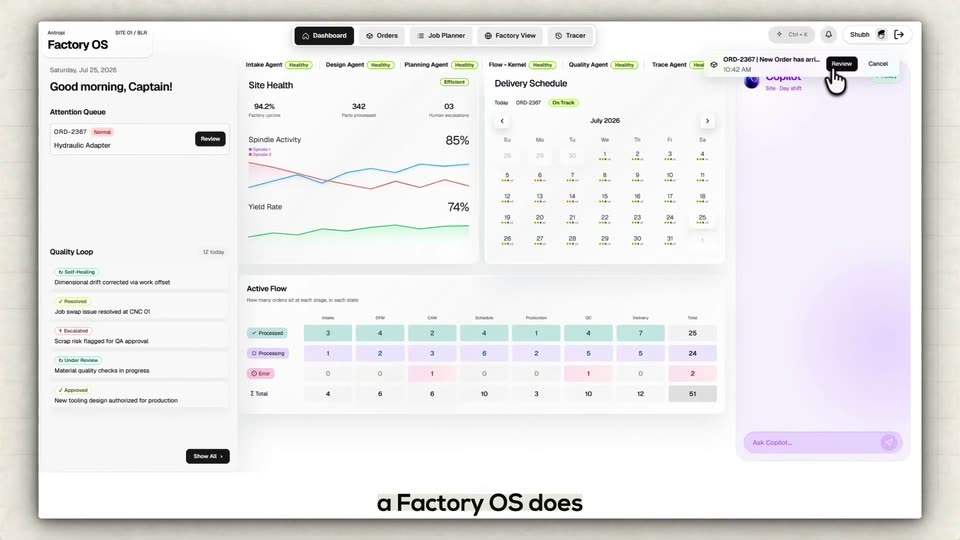 1:06–1:08Antropi Robotics · Antropi Robotics (F26) | Launch VideoFront-on view of the Factory OS dashboard in a browser window on a pale background. A cursor hovers the Review button, then the layout shifts: the left queue narrows, center panels slide, and the right Copilot panel opens a chat thread. A caption builds a sentence at the bottom.
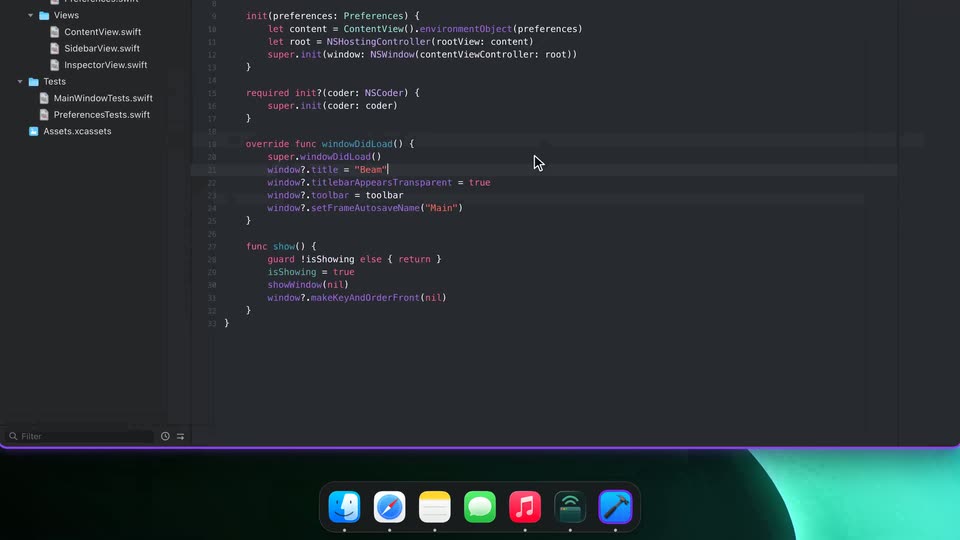 0:19–0:24Beam · Hiten Shah - In June, @SamAsante and I launched Typeahead, the first product fromA dark Xcode window fills the desktop, then the camera zooms down to the Dock as the cursor lands on a custom Xcode icon, raising the tooltip Xcode (Studio), before pushing into the Swift code.
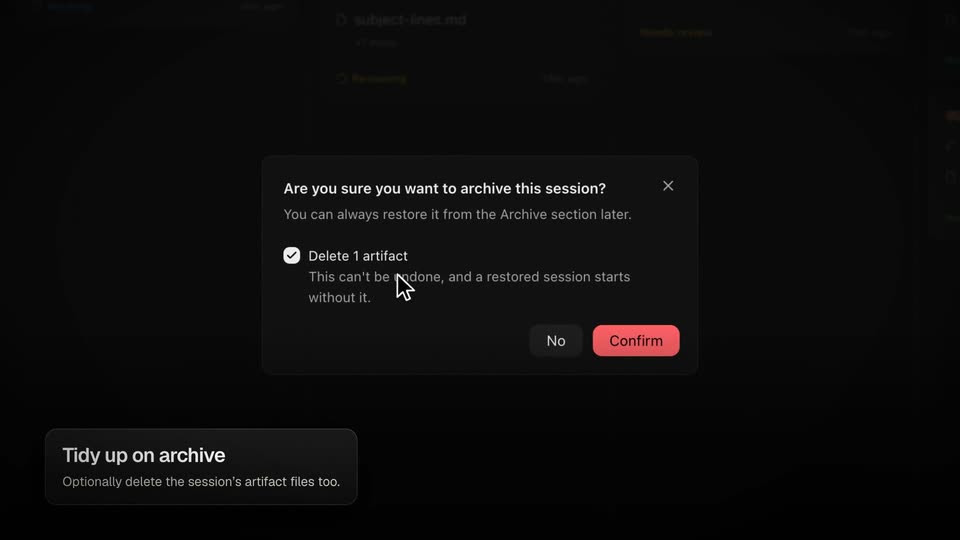 0:35–0:40Orchestrator.inc · Orchestrator.inc - https://t.co/JOaE2ABlJC v0.14.3 is out. Artifacts: everything your aThe blurred session board darkens as the view zooms into a centered archive confirmation dialog. A cursor clicks the Delete 1 artifact checkbox, the check fills and the Confirm button turns red. A lower-left caption card stays until the screen fades to black.
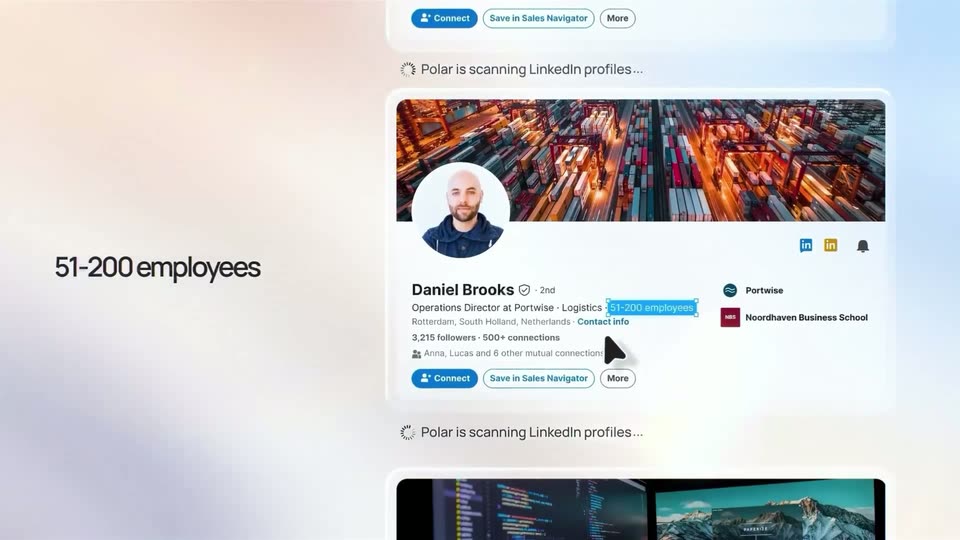 0:19–0:20Polar Browser · Polar Browser - In the past 90 days, Polar took 1 million actions on LinkedIn for itsA LinkedIn profile card for Daniel Brooks rests on a peach-to-blue gradient, a cursor hovering near its details. Bold black text “51-200 employees” anchors the left margin while “Polar is scanning” status lines frame the card above and below.
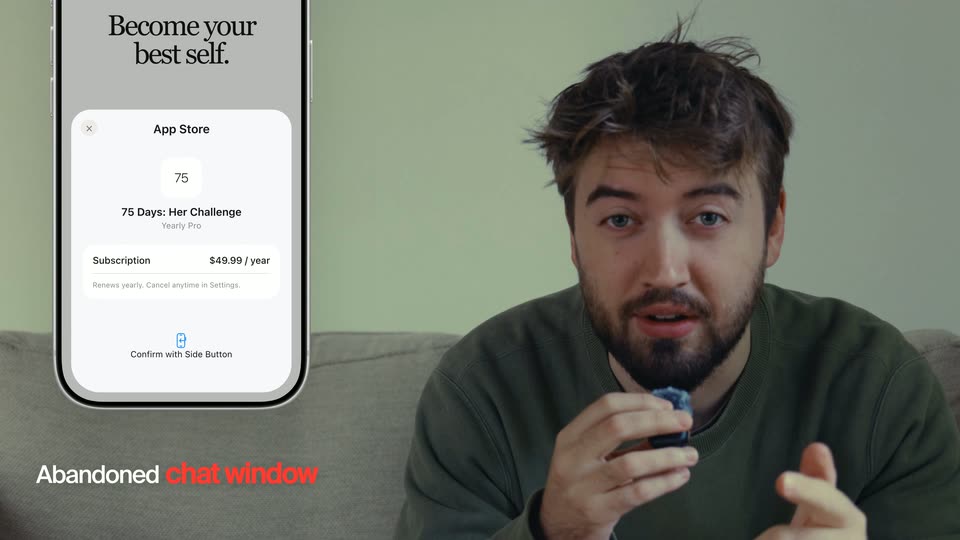 0:50–0:55Reception · Frederick James - Today we're launching Reception. In app support for iOS apps. • TurA man in a green sweatshirt sits on a couch, talking and gesturing. A phone mockup at left shows a subscription screen; a cursor taps Continue, the screen switches to an App Store purchase sheet, then the cursor taps the close X. A caption below updates.
 0:37–0:44Clean · Clean (YC F26) - Introducing Clean: know which companies are about to buy - Tracks evA pixelated sky drifts over a green hill holding a small factory. White text fades in, then swaps to a headline, a subline and a white demo button. A cursor clicks it, the button morphs to a blue booked state, and a blue logo scales up to close.
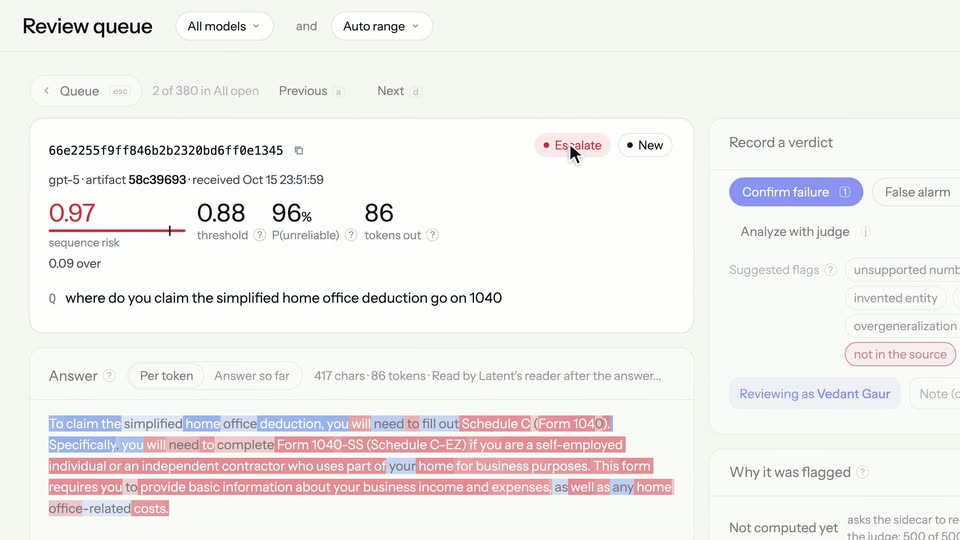 0:38–1:08Latent · Introducing LatentA review-queue dashboard zooms into a flagged answer while a cursor hovers over risk tooltips. A floating card shows the text scored token by token, then the view pulls back as the cursor clicks Escalate and three black caption pills pop in at the bottom.
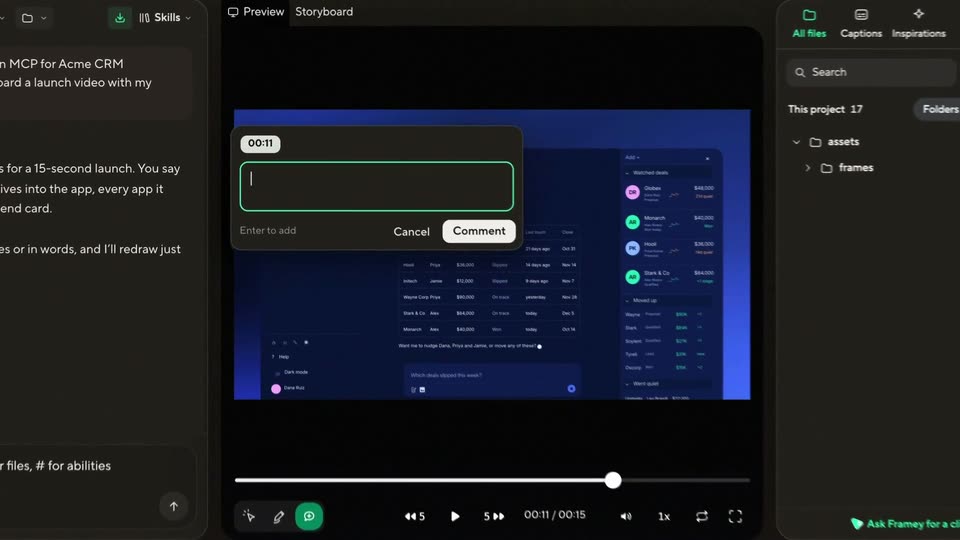 0:21–0:23HyperFrames · HyperFrames - we brought the best image, video and music models into HyperFrames StA screen recording of a video editor shows a dark CRM app in the central preview. A cursor moves across the preview, a comment popup pops up then closes, and the cursor drags the timeline scrubber forward.
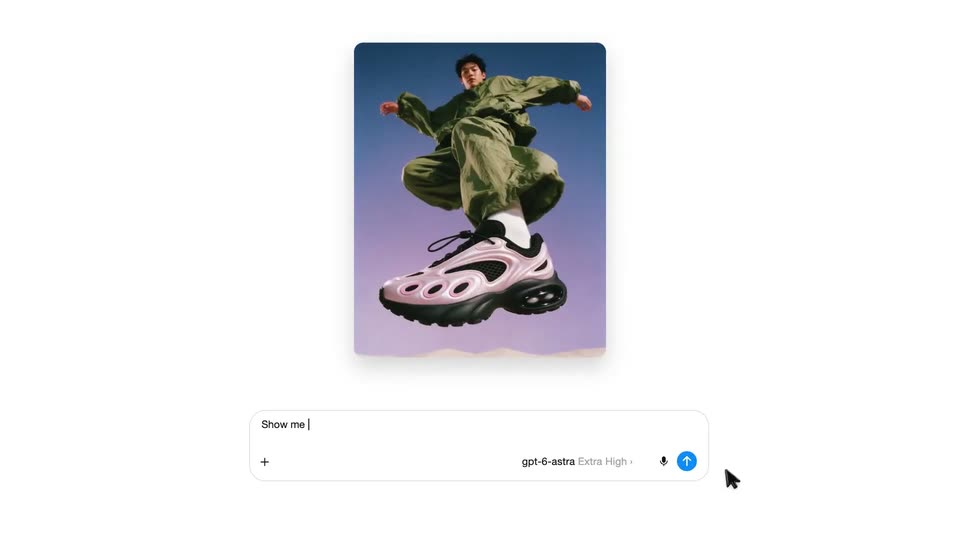 0:46–0:49Pika · The Pika x ChatGPT Plugin Extension is hereOn a white chat screen, two image cards, a sneaker and a model, sit above a typed prompt. They resolve into one generated image of the model leaping on a giant sneaker, then two smaller option cards slide in at the sides as the cursor rests on the send button.
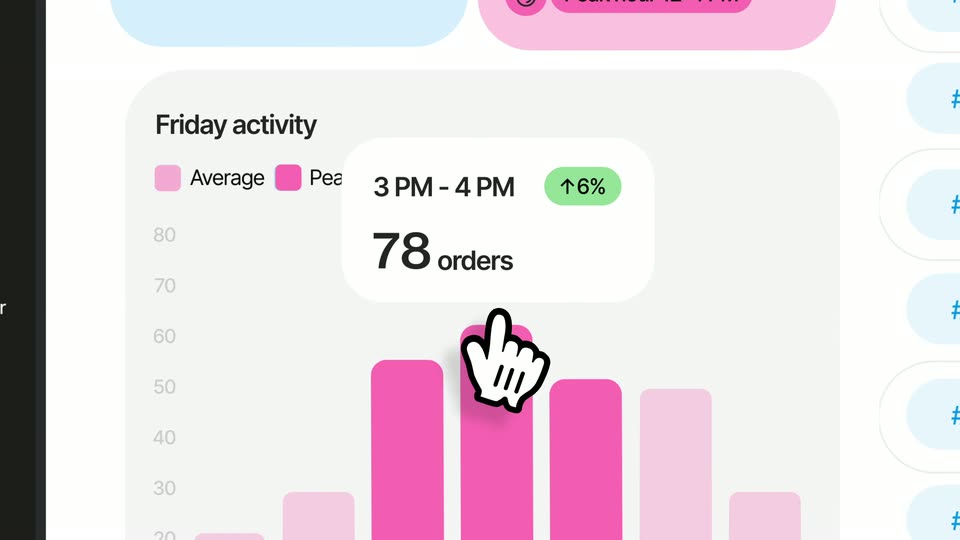 0:35–0:36Lovable · Announcing Lovable Growth Tools!A light dashboard shows a Friday activity bar chart. A cartoon hand cursor moves across pink bars while a white tooltip card updates from 14 to 77 orders and the green badge from 2% to 6%. The frame pulls back to reveal a dark left sidebar.
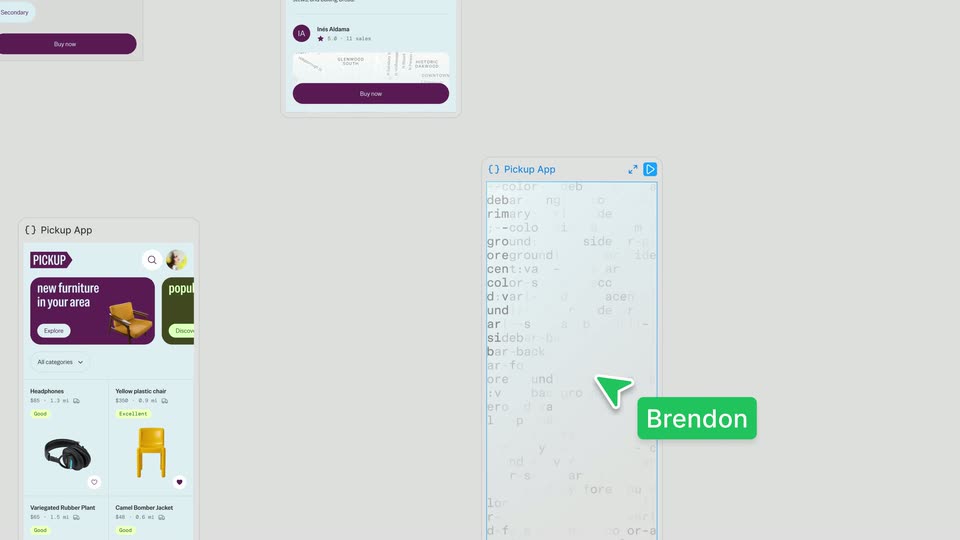 0:14–0:15Figma · Figma - Together at last: design and code on the canvas Code Layers are hereA light gray 3D space holds several floating Pickup App mockups: a browse screen with category icons, a mobile listings card, and a code panel. A green collaborator cursor tagged Brendon glides across the central screen while the cards drift in perspective.