Cursor demo
A visible cursor operates the interface.
15,093 scenes · page 166 of 252
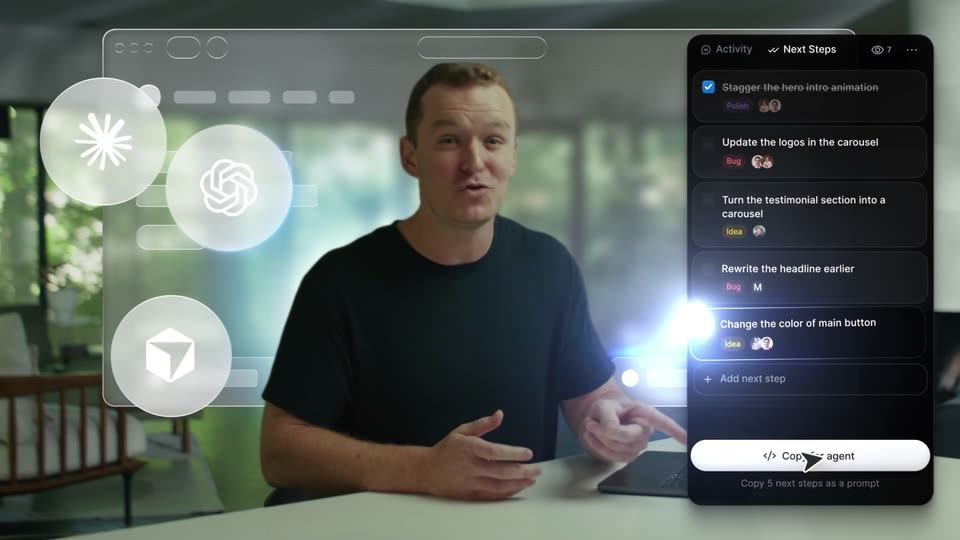 0:39–0:54Inflight · Ridd 🤿 - introducing @inflight the missing feedback layer for prototypes ⇢A man in a black T-shirt sits at a desk talking to camera, with a translucent wireframe window and a dark activity panel overlaid. A cursor clicks the Next Steps tab, turning comments into a checklist, then clicks Copy for agent as the items fly out as glowing 3D cards.
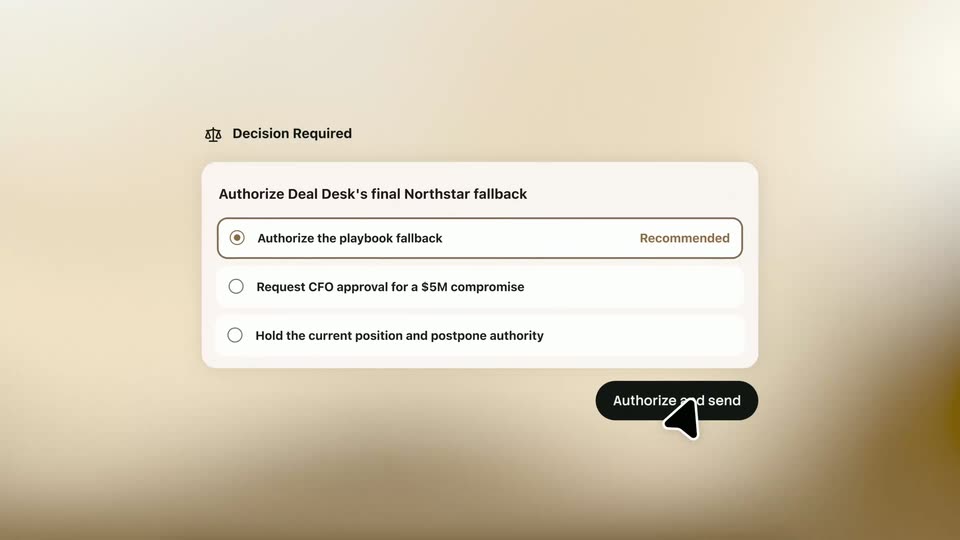 1:05–1:06Neomatter · Luke Wagner - Today we’re launching @neomatterai (YC F26), the operating system forA white decision card floats on a blurred tan background. Three radio options settle into place, the first tagged Recommended, while a black cursor arrow presses the dark Authorize and send button below the card.
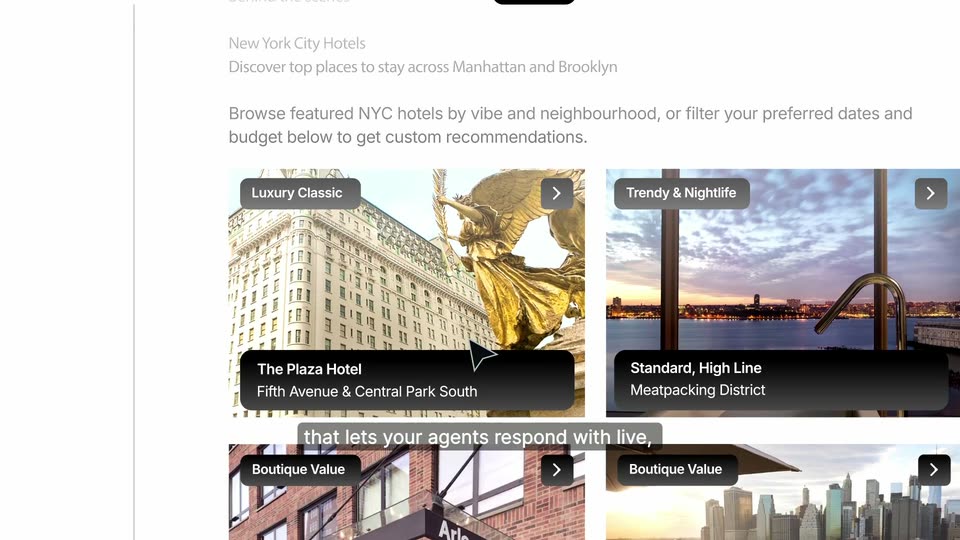 0:50–0:51OpenUI · Rabi Shanker Guha - For 30 years, technology has moved in one direction: turning informatA light travel webpage listing New York City hotels scrolls slowly upward as a black cursor glides up to hover over The Plaza Hotel card. A black caption pill at the bottom reads “that lets your agents respond with live,”.
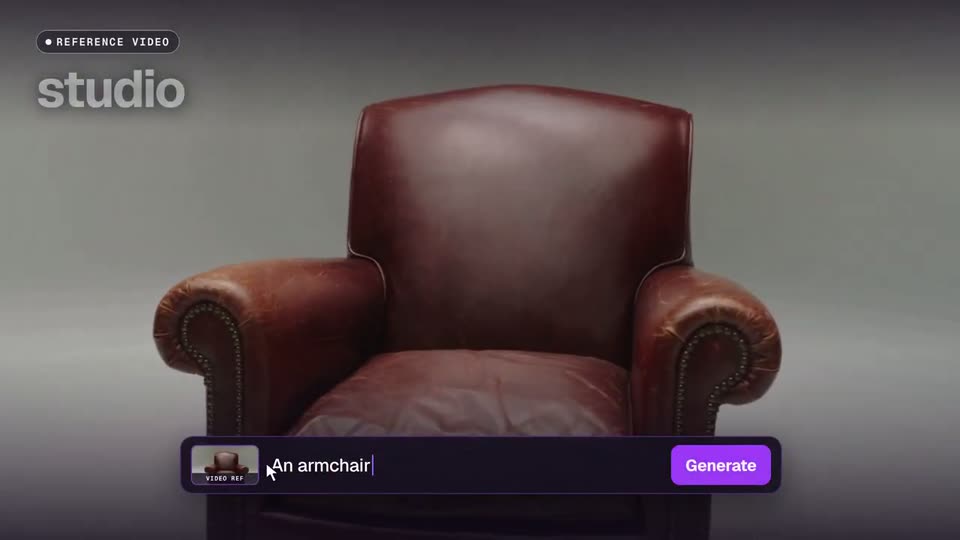 0:28–0:30Pruna AI · Pruna AI - Introducing P-Video-2-Pro-Reference based on @MiniMax_AI H3! 🎬 CombiA 3D brown leather armchair rotates slowly against a gray backdrop while a cursor types a prompt into the bottom input bar and clicks the purple Generate button, which becomes Generated; the top-left label swaps from studio to showroom.
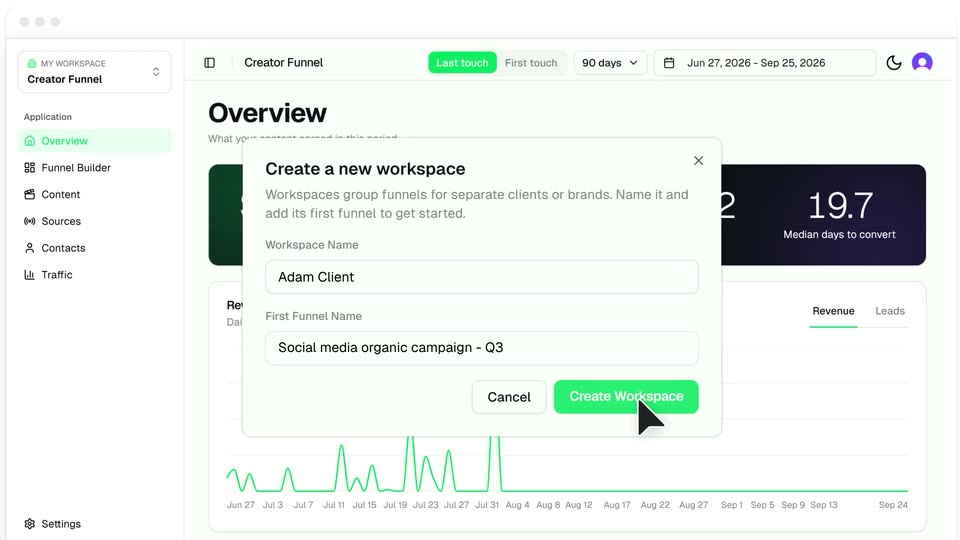 0:42–0:44Pulse · SaaS Launch Video & Motion Design | PulseA browser-window UI demo: a cursor clicks New workspace, a modal fills in a client name, then the view switches to the client dashboard with a green gradient wash. A two-line headline slides in over it.
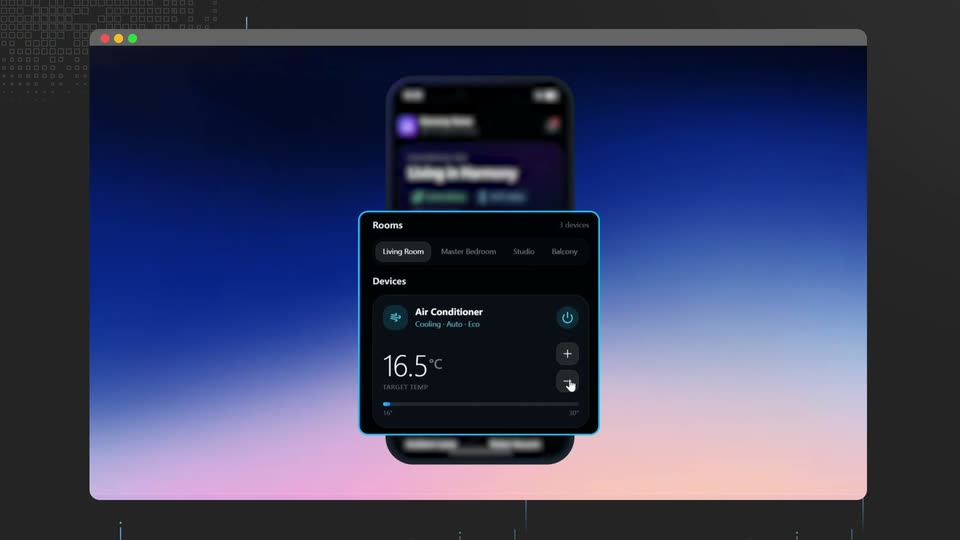 1:15–1:17Ant Ling · Ant Ling - Ling-3.1-flash is now open source: ~560B total parameters, ~25B activA macOS window over a blue-to-pink gradient holds a blurred phone behind a sharp smart-home card. The cursor clicks the Living Room tab; the device row swaps from an air conditioner at 22.5 degrees to an ambient lamp at 16.0 degrees.
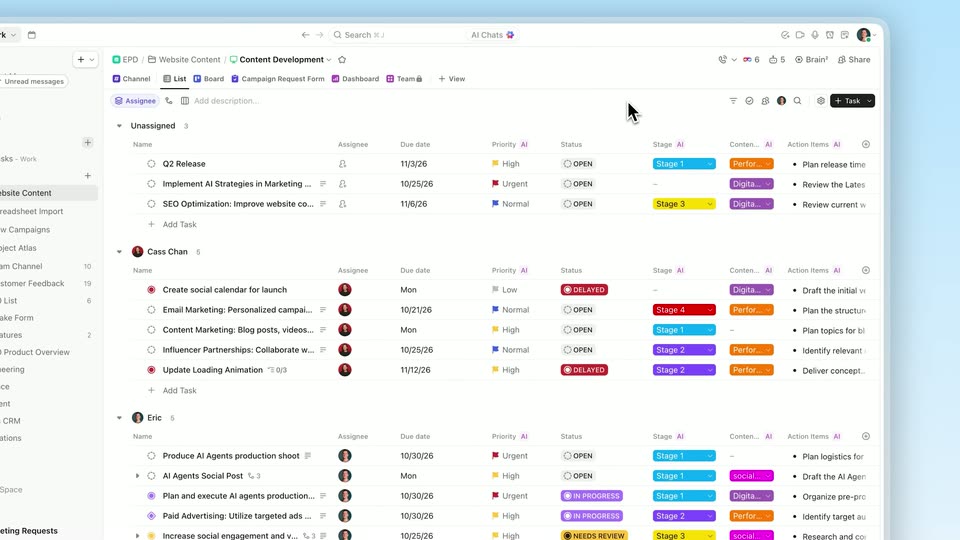 0:53–0:55ClickUp · ClickUp Release 4.09: List Templates in Automations, Parent Task Date Sync, and more!A tilted 3D view of a project management app on a light blue field zooms into a task list. A cursor rests on the Share button as the stage and content columns come into focus.
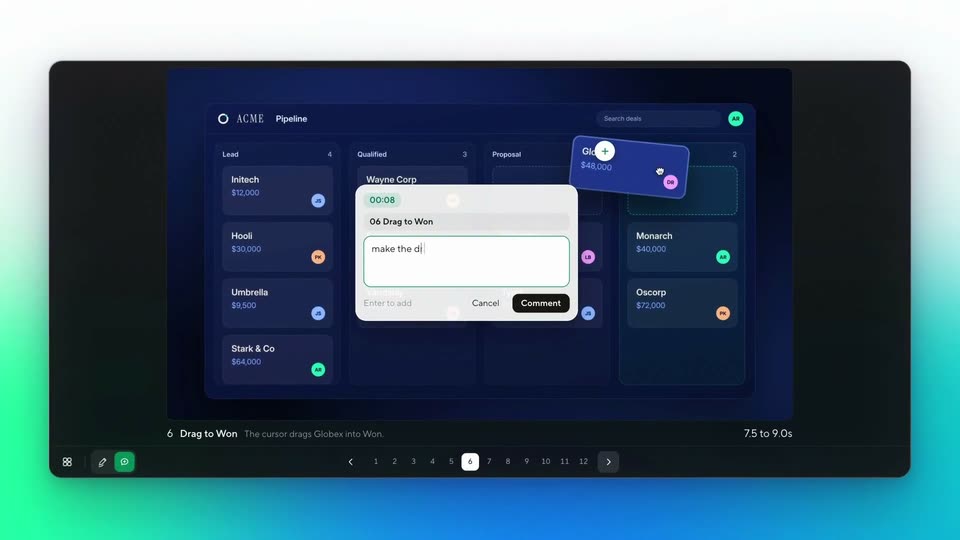 0:21–0:24HyperFrames · HyperFrames - No more one-shot slop - storyboard first Just like working with an aA dark tablet in 3D perspective shows a Kanban pipeline on a green-blue gradient. A white cursor grabs the Globex card and drags it into the Won column. The view then zooms into the interface as a comment modal opens and text is typed.
 0:22–0:23Melius · Melius - Introducing Cast, a platform for anyone to make anything with AI AvatOn a dark dotted grid, a white-outlined cursor moves onto a red Generate button showing a coin icon and 685. The view then zooms in on the button, filling the frame with the enlarged label and the settings gear.
 0:33–0:34Lemlist · Lemlist - Vidéo de présentation FRA tilted product interface resolves from a blurred close-up of a search bar into a sharp contact list, with a notification feed on the right and a cursor hovering over the rows.
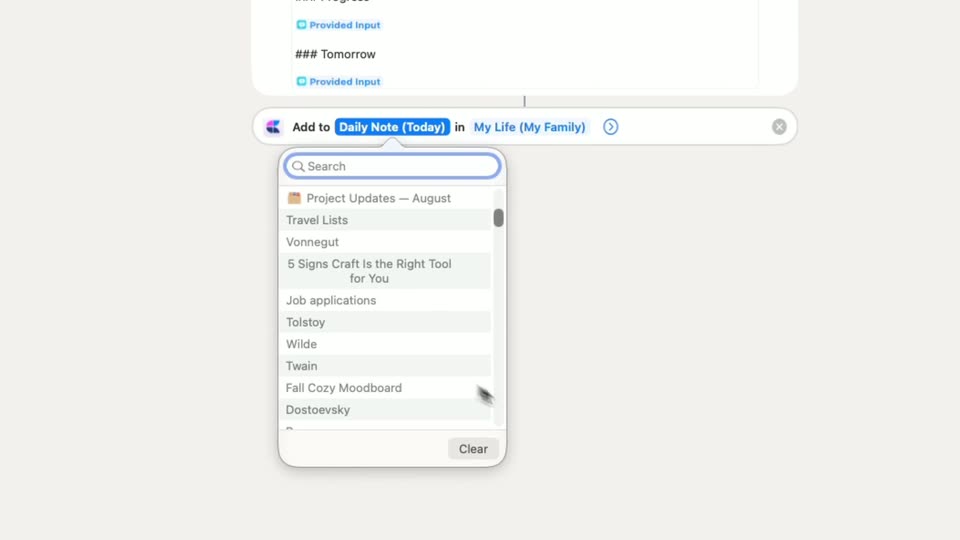 0:40–0:42Craft · What’s New in Craft: Shortcuts, Widgets & More Powerful Plus PlanA note-app panel with an Add to bar and a search dropdown of note titles sits on a light gray field. A cursor rests on one row, then the whole panel fades out and slides up-left while the cursor glides right.
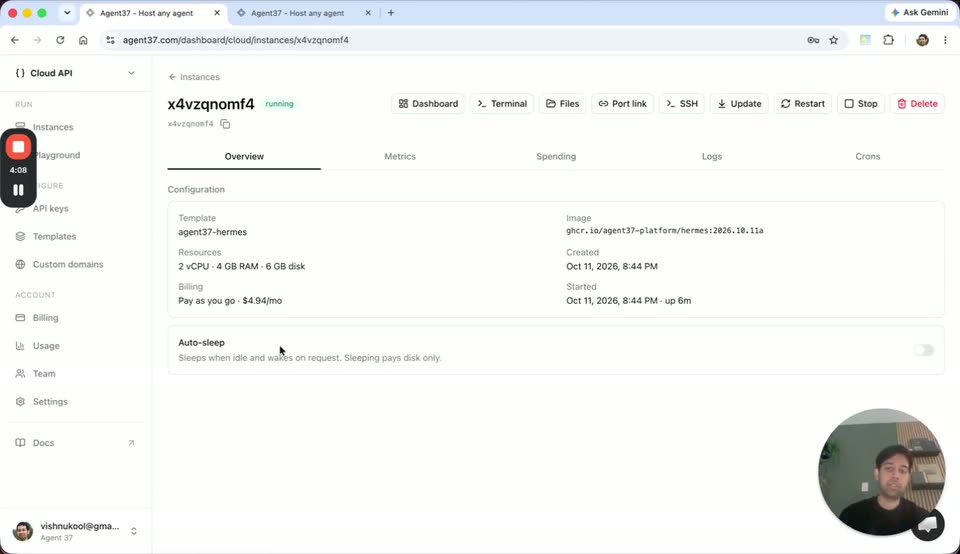 0:39–0:57Agent 37 · Agent37 DemoA screen recording of the Agent37 dashboard shows a cursor clicking the Spending tab, which flashes a loading spinner, then returning to the Overview panel. The cursor hovers the Auto-sleep toggle. A presenter's webcam sits in the lower right and a recorder timer on the left edge.
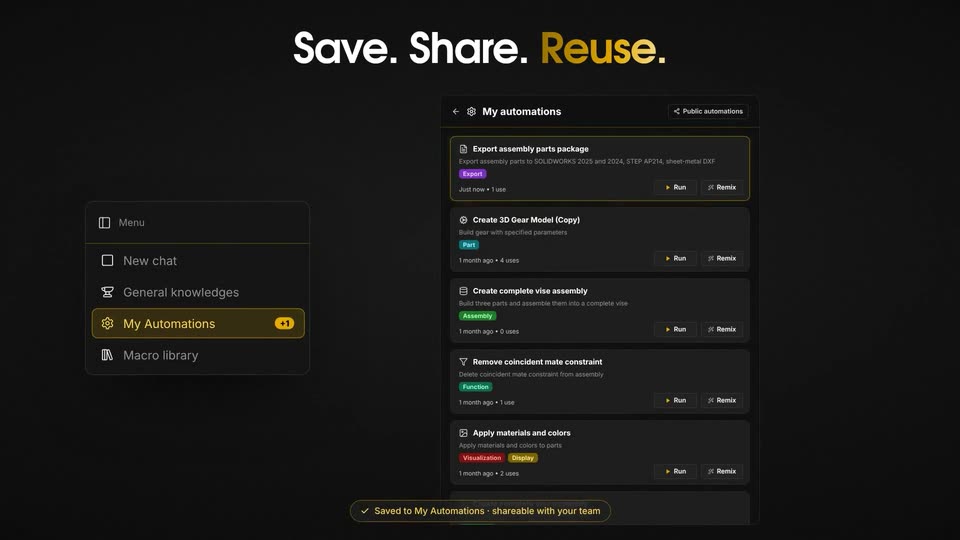 1:39–1:42MecAgent · MecAgent - Introducing MecAgent V2.0.0 - The Future of AI & CAD.A cursor clicks Add to favorites on an automation card, which crossfades into a sidebar menu as a My automations list panel fades in on the right with a toast below. The panels clear, and a new headline blurs in beside a large outlined 0 counter.
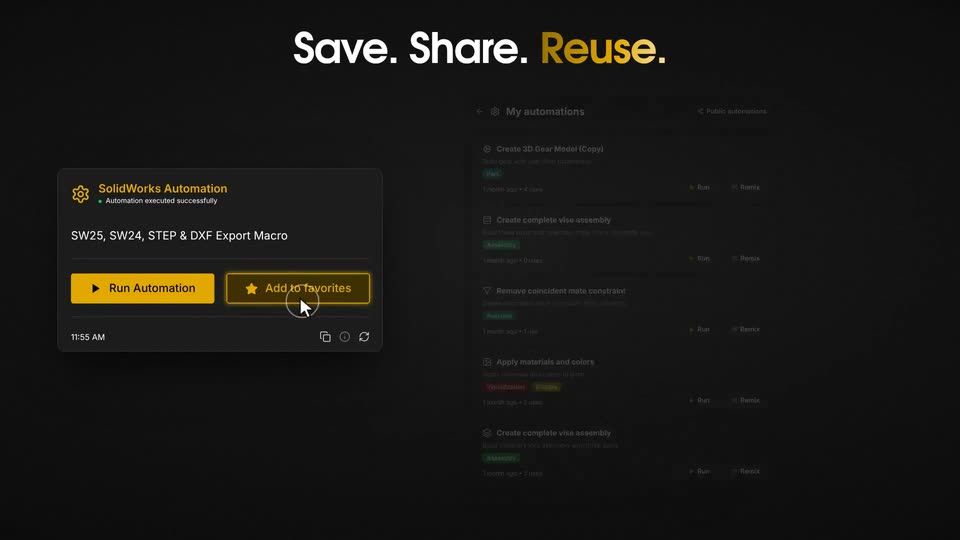 1:39–1:40MecAgent · Owein - After a year and a half of hustle, I’m proud to introduce MecAgent 2.A dark interface shows a headline fading from “Text to CAD macros.” to “Save. Share. Reuse.” at the top. A SolidWorks Automation result card sits left while a My automations list fades in on the right. The cursor moves onto the Add to favorites button.
 0:44–0:46Lemlist · Lemlist | Find Your Next Customers | Motion Design VideoOn a pale dot-grid background, the lemlist logo sits centered while a blue button labeled Start your free trial pops in below it. A cursor arrow glides in from the left toward the button as a thin strip of text slides up along the bottom edge.
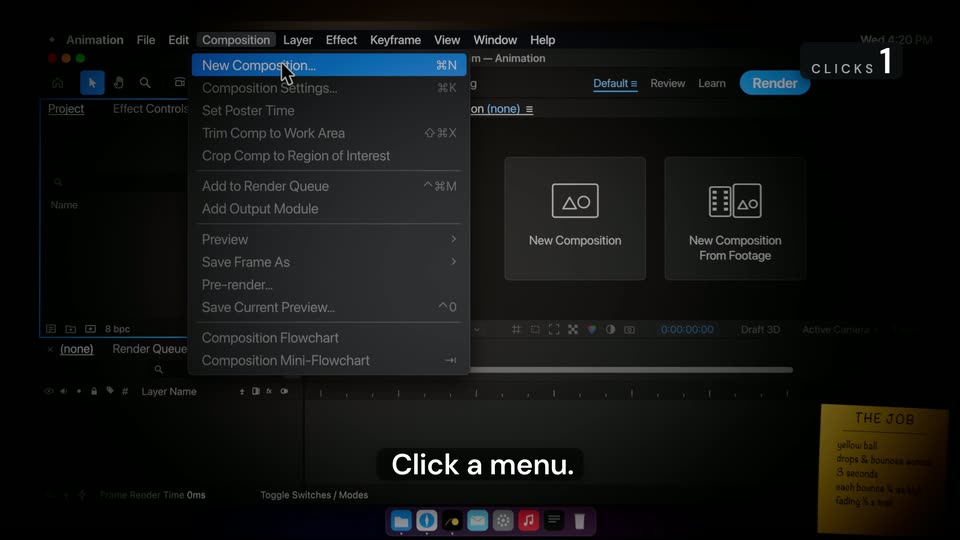 1:01–1:03ManimGX · Sina Atalay - Introducing ManimGX, the 3D animation engine for agents. - BlazinglyA dark editing interface fills the frame under a large white 2022 headline. A white cursor moves up and opens a dropdown menu, ticking the CLICKS counter from 0 to 2. Bottom captions read same idea, way more buttons. then Click a menu.
 1:09–1:16BabyLoveGrowth · BabyLoveGrowth | Grow Your Traffic with AI | Motion Design VideoOn a pale pink gradient, the BabyLoveGrowth mark and wordmark assemble in the center, the leading B sliding in. An orange Free For 3 Days button pops in below and pulses gently while a cursor glides over to hover on its lower corner.
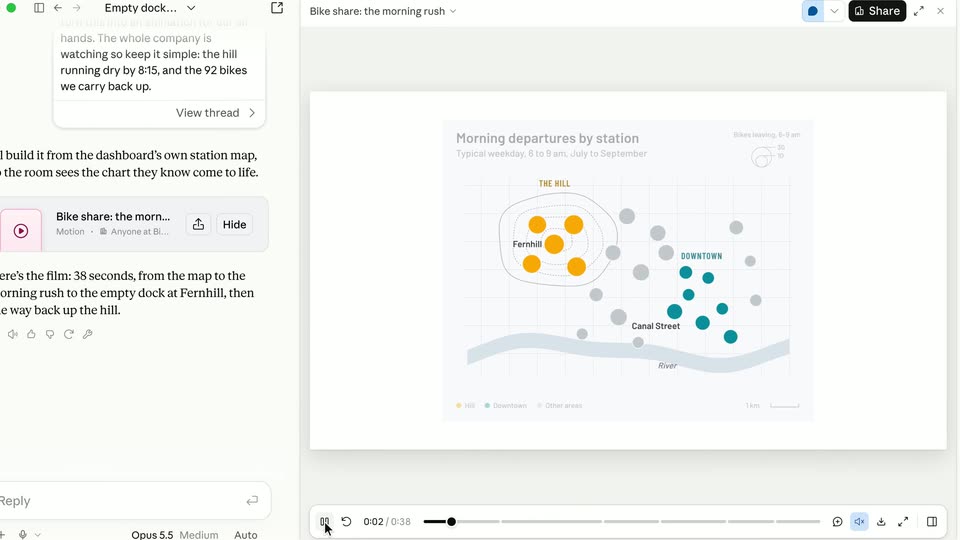 0:45–0:47Anthropic · Introducing Claude Dashboards and Claude MotionA chat panel and a canvas sit side by side. A cursor clicks the play control on a map chart; the map fills with orange, teal and grey dots plus station labels, then the frame zooms into the dotted map.
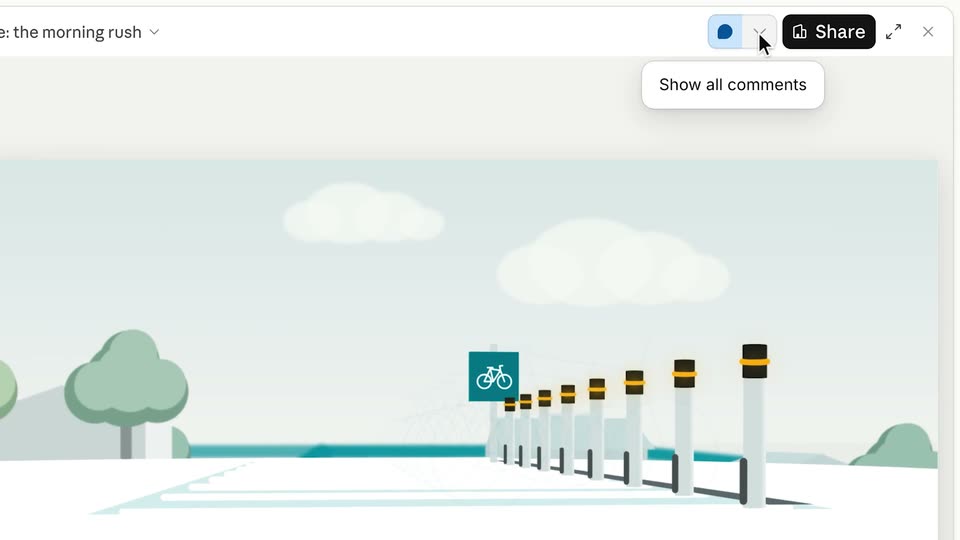 1:01–1:03Anthropic · Claude - Claude Dashboards and Claude Motion are in beta today. Ask Claude toA cursor clicks the blue comment icon on the top bar; a tooltip pops up and the comment panel expands over a flat park illustration, revealing notes from Sam, Dev and Nate.
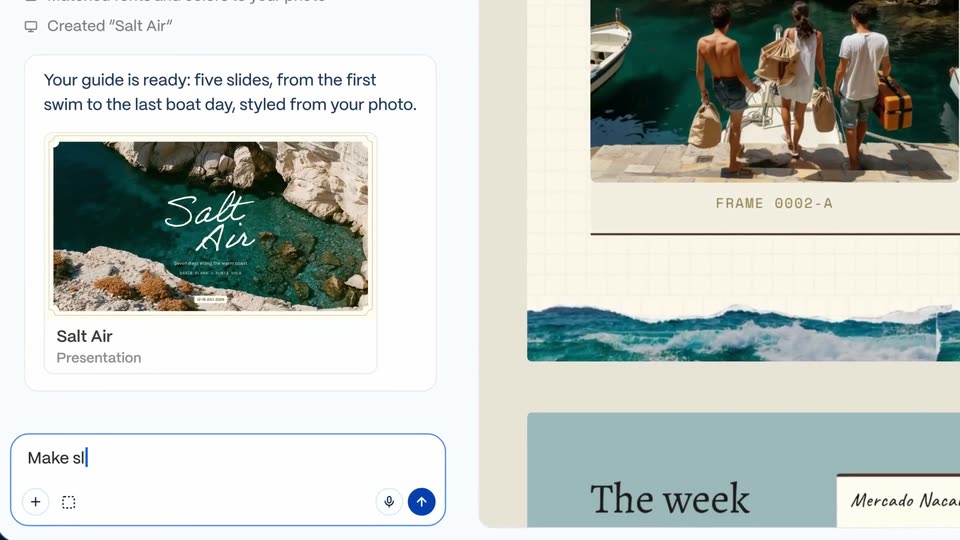 0:24–0:27Gamma · Gamma - Gamma 5 is here! It's a complete overhaul of Gamma to create the mostThe canvas shows a slide titled Seven days, five stops, the second line sliding in, with three photos and a wave strip; the view then zooms out to the left panel, where a cursor types a prompt into the input box and hovers the send button.
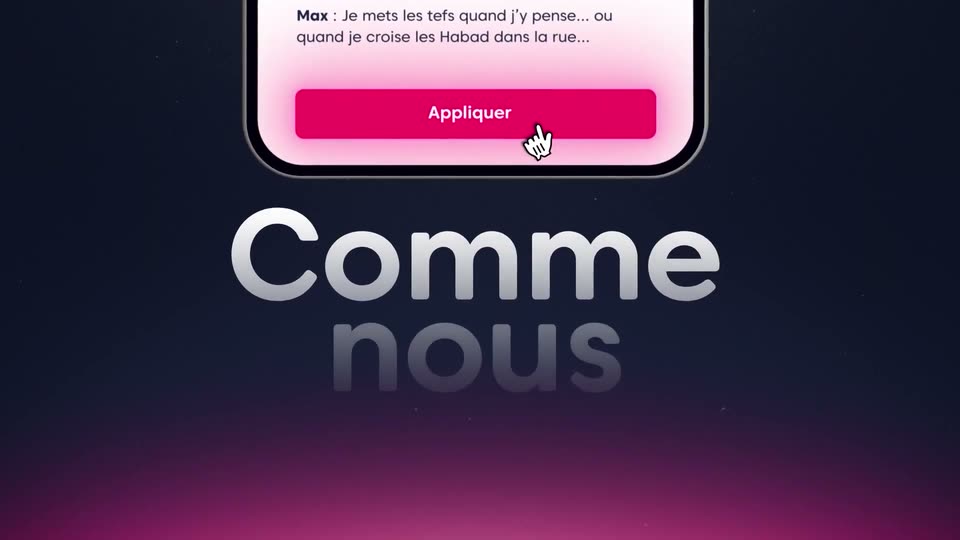 0:36 · 0.8sJewBuzz Love · JewBuzz Love | L’amour au sein de la communauté juive | Vidéo motion designA flat phone screen at the top shows a chat reply and a pink Appliquer button under a hand cursor, while the headline Comme nous fades in below on a dark-to-magenta gradient.
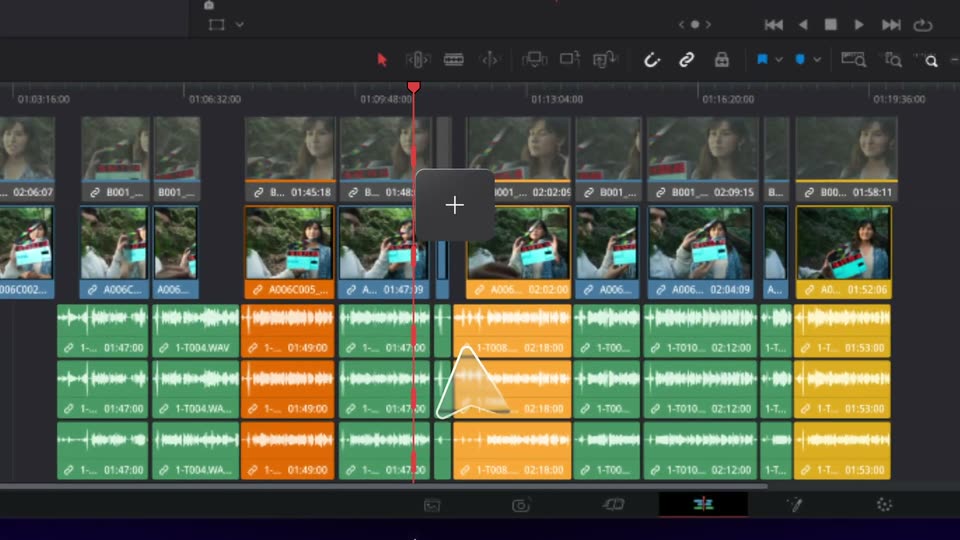 0:35–0:37Voyager · Voyager - AI Harness for Creative WorkA dark video editing timeline fills the frame, video thumbnails stacked over green and orange audio waveforms. A white cursor glides across the tracks, then the interface blurs out of focus while a rounded plus button holds the center.
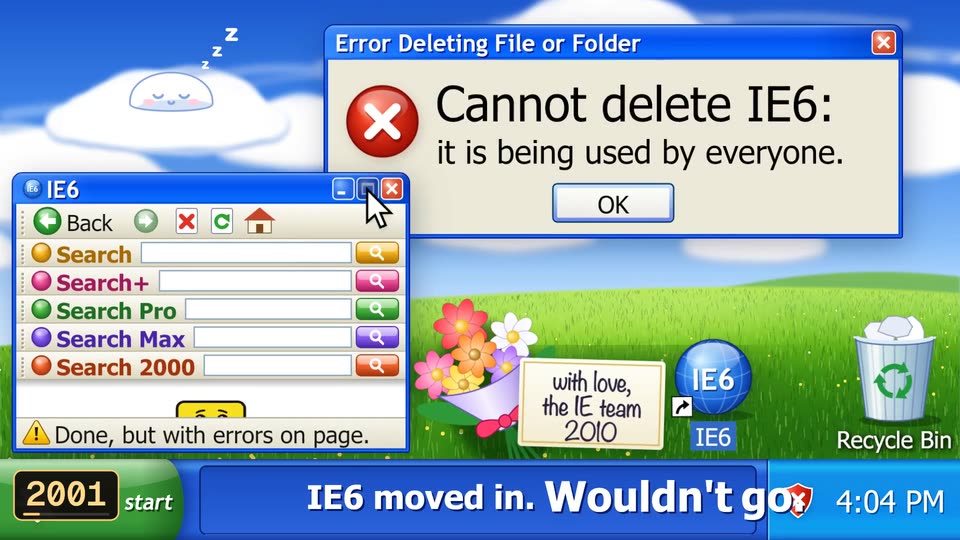 0:21–0:22Bun · Bun - bun check ./slopcore.tsA cartoon Windows desktop shows an IE6 window beside an error dialog that says IE6 cannot be deleted. The view zooms into the window as a sad face answers a search query, while a lower caption changes to the word Just.
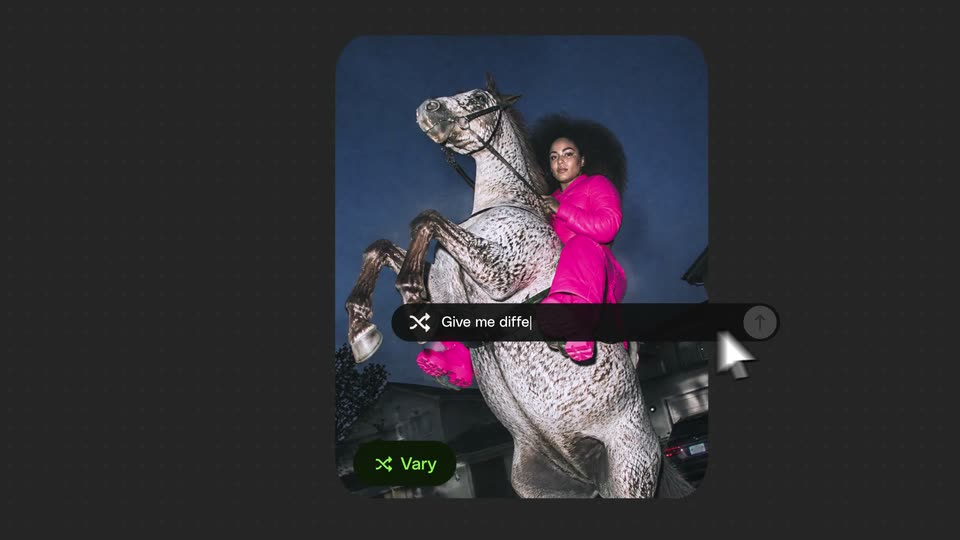 0:29–0:33Envato · Envato - Most AI tools expect you to know exactly what you want. But creativeA central photo card of a woman in pink on a rearing horse slides up as blurred variant thumbnails on either side fade out. A cursor hovers the Vary pill, then a dark prompt bar with the text Give me different locations appears and the cursor clicks the green send arrow.
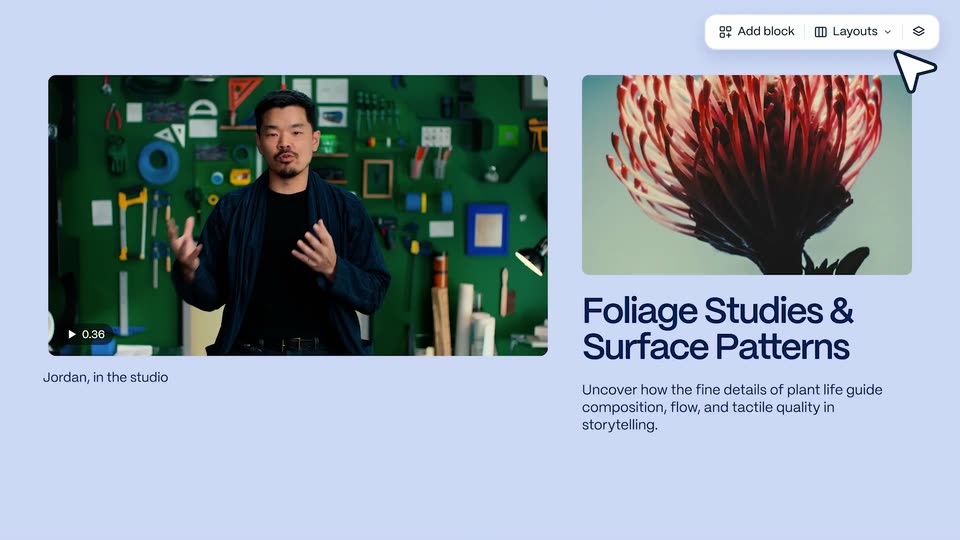 1:48–1:49Gamma · Grant Lee - Everyone is sick of generic AI, including us. Gamma was the first AIA slide editor on a light blue background shows a video card of a man in a studio on the left and a red flower image with a headline on the right. A cursor clicks a menu icon in the top-right toolbar, opening a dropdown with three convert-to-freeform options.
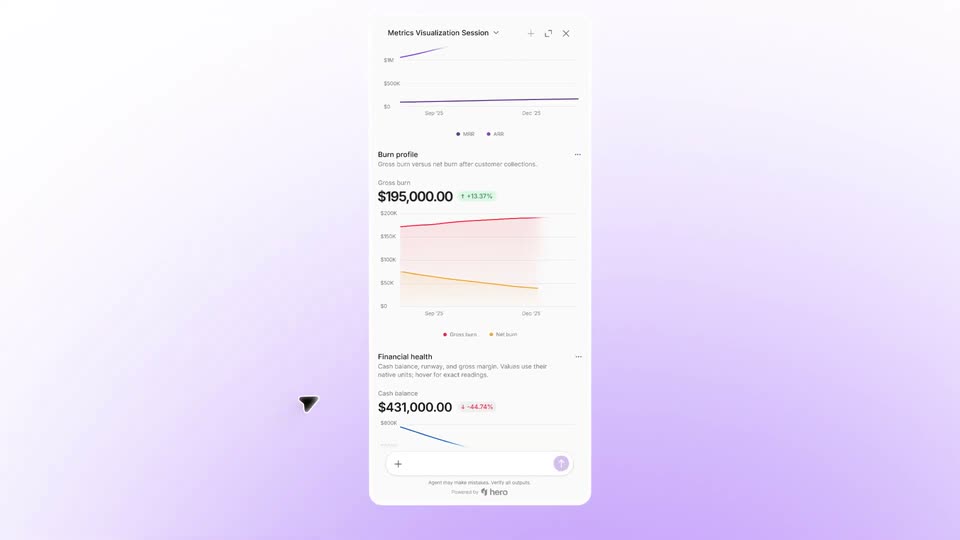 0:16–0:25HeroUI · Heroui Agents Launch VideoA white chat panel on a lavender gradient scrolls down: a user prompt and the agent's ticking task list give way to KPI cards and line charts for MRR, ARR, burn and cash balance; a cursor hovers over the burn legend.
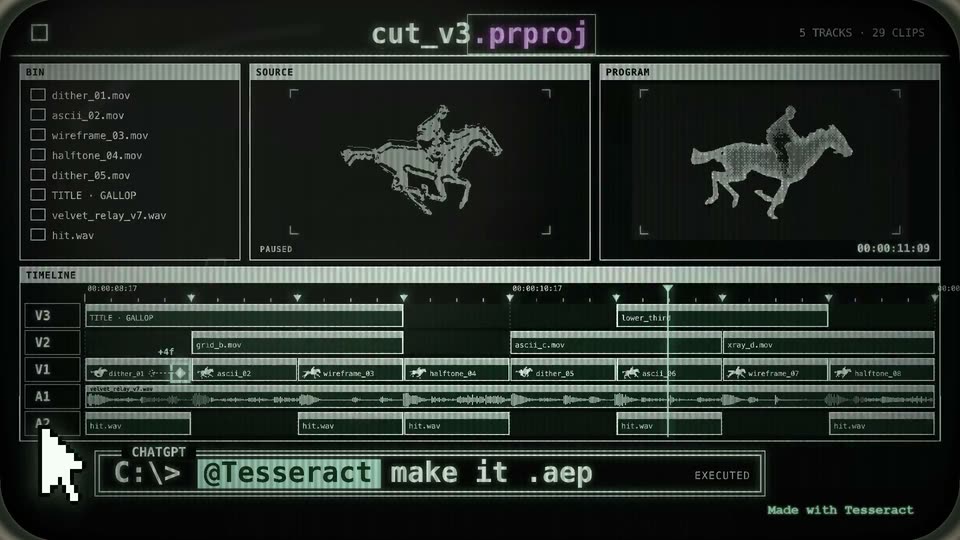 0:13–0:14Mirage · Mirage - Now Claude and ChatGPT can natively create Premiere (.PRPROJ) and AftA dark After Effects style editor fills the frame. Its panels reconfigure from a viewer and graph editor to a bin, source and 3D-tilted timeline, while a pixel cursor slides left and the top filename glitches.
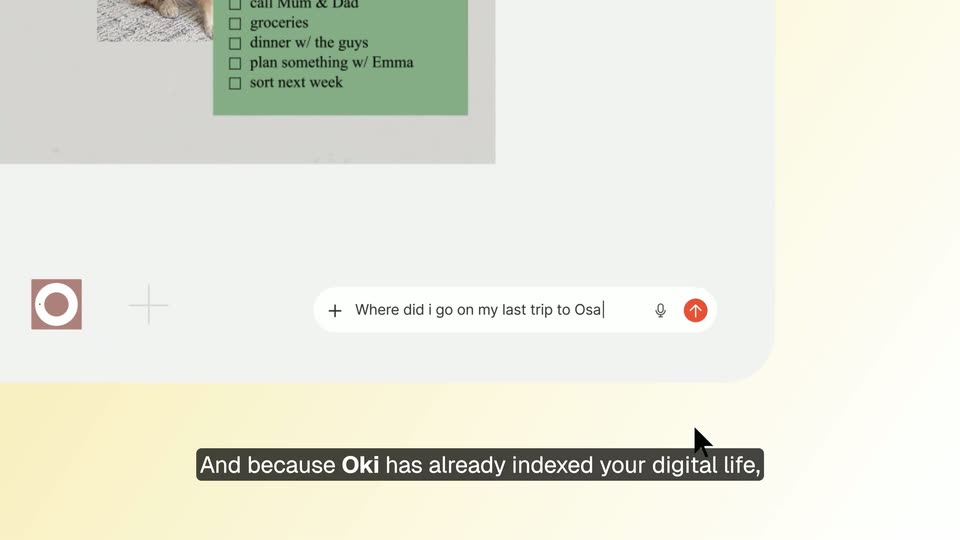 0:51–0:54Oki · Luofei - Say hello to Oki Home, your Personal AI Computer. We're building aA wide digital desk scattered with sticky notes, photos and chat cards zooms down to a search bar, where a cursor types a question and clicks the red send button.
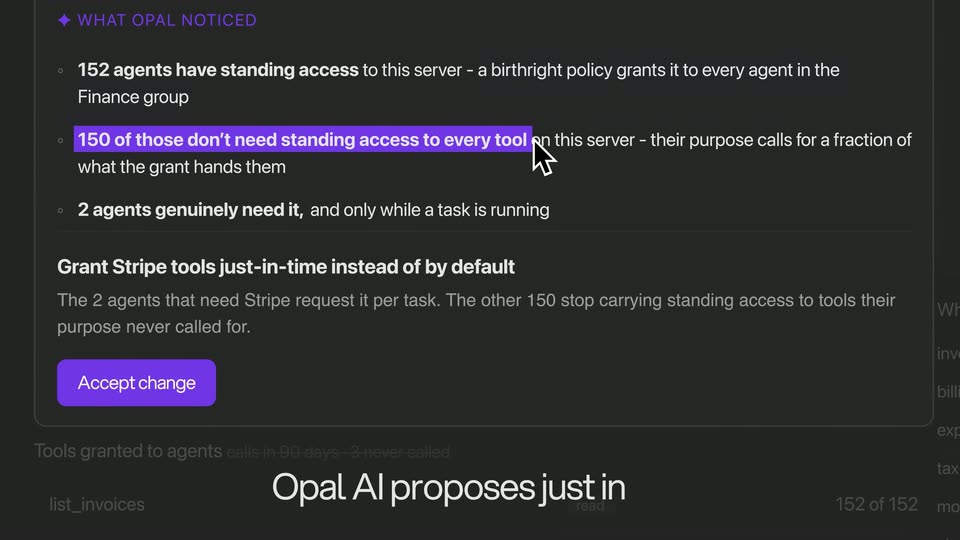 0:51–0:59Opal · Opal Zero — SaaS Product Explainer Video | SaaS AnimateA dark dashboard panel for the Stripe MCP Server fills the frame as the view tightens onto it. A white cursor glides over the bullet list, wrapping phrases in a violet highlight box, while large white captions assemble a sentence word by word along the bottom.
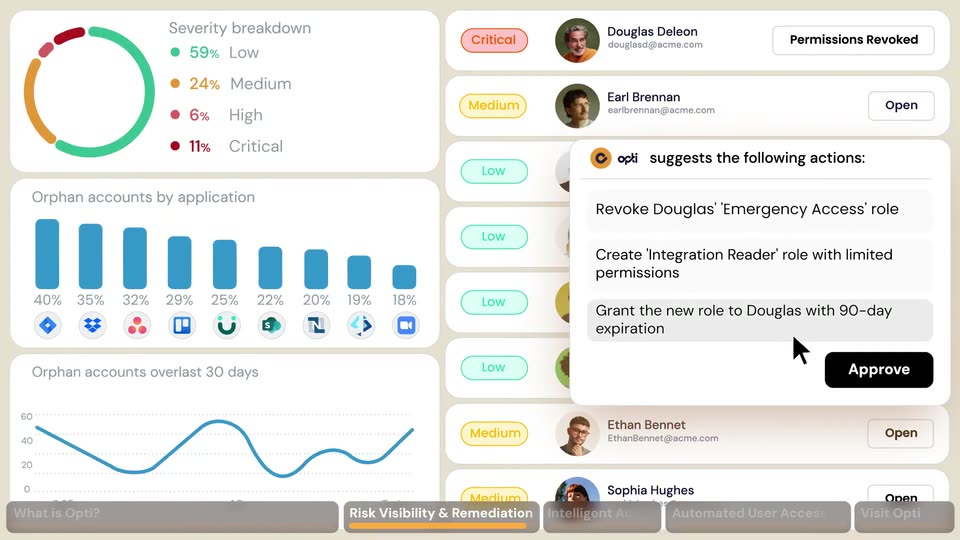 0:46–0:49Opti · Opti — SaaS Product Explainer Video | SaaS AnimateA security dashboard fades in, severity charts left, account list right. A cursor clicks Open, sliding in an Opti card listing three actions, then clicks Approve, turning it into a blue checkmark.
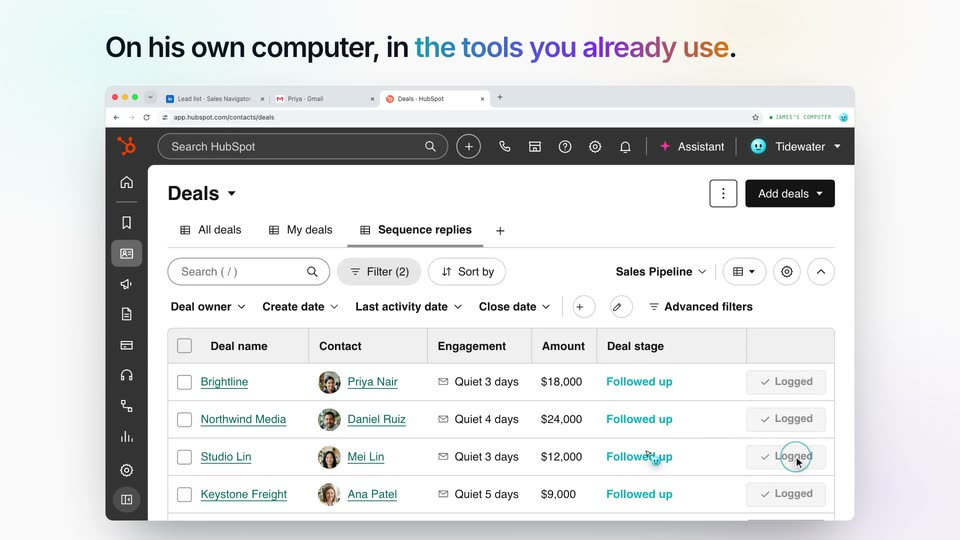 0:37–0:38James · Cole Le - Introducing James, a Super Intelligence (SI) employee for business owUnder a static headline, a tilted 3D mockup of a HubSpot deals table shows a cursor with an emoji face moving down the list. It clicks each Log follow-up button in turn; the buttons switch to Logged with a check and the stage cells fill in Followed up in teal.
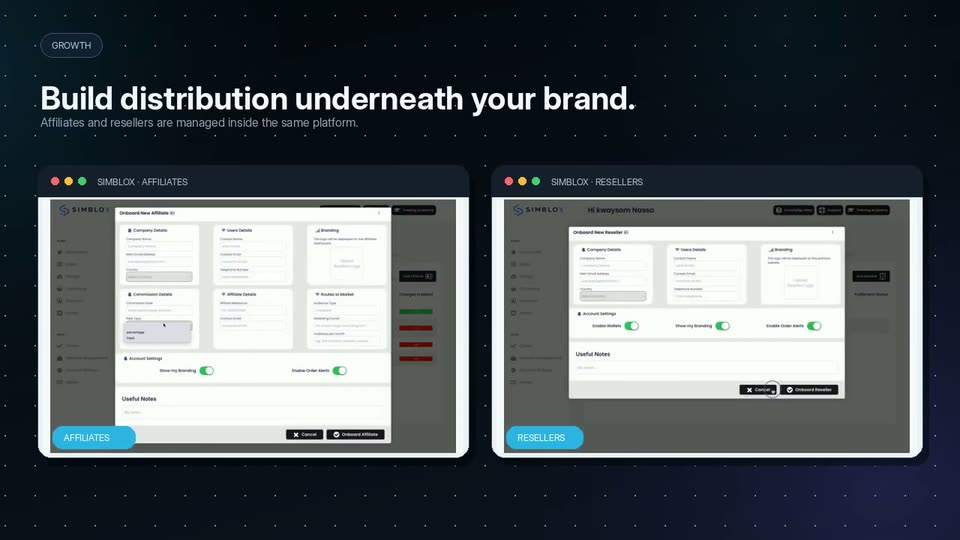 1:20–1:25SimBlox · Introducing SimBlox V2.0!Two browser frames demonstrate affiliates on the left and resellers on the right. Onboarding forms and tables change inside the fixed windows; the right reseller dialog closes near the end while the left remains in the same overall layout. The distribution headline stays fixed.
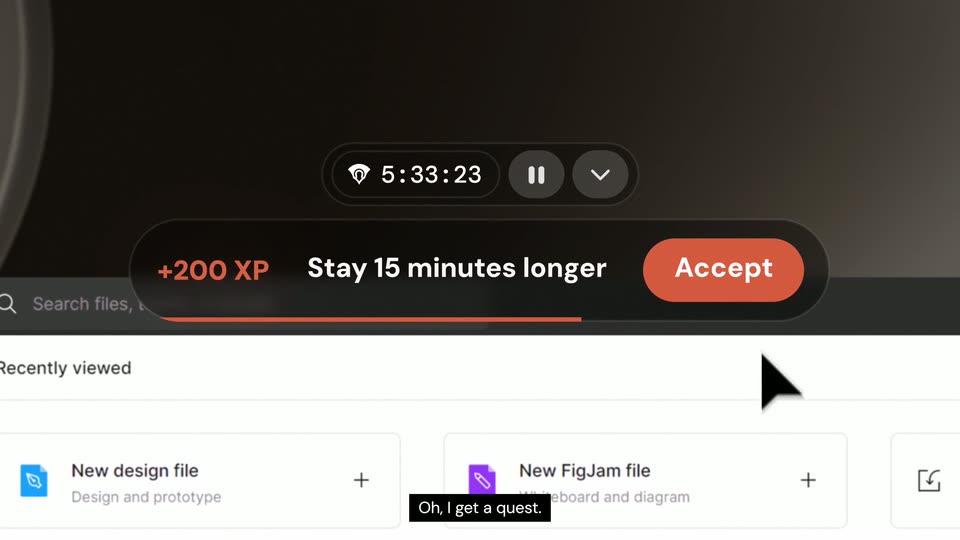 0:47–0:50Promethee · N. - introducing Promethee, an app that turns your work into a multiplayerA dark quest banner fades in over a white file browser, showing +200 XP, Stay 15 minutes longer and an orange Accept button. The view zooms in on the banner as a cursor glides over and hovers the button.
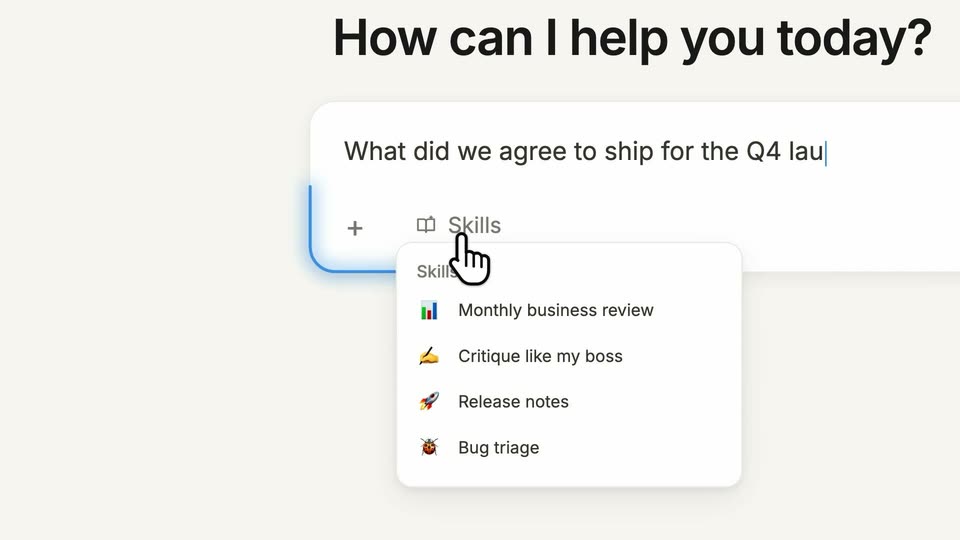 0:44–0:47Motionfly · Motionfly - Introducing Motionfly V2.0. We trained motionfly with more than 10On a beige background, a tilted white chat card straightens as the frame zooms onto the input field. A hand cursor clicks Skills, a dropdown of four options drops in, and the cursor hovers over Critique like my boss while the typed question finishes.
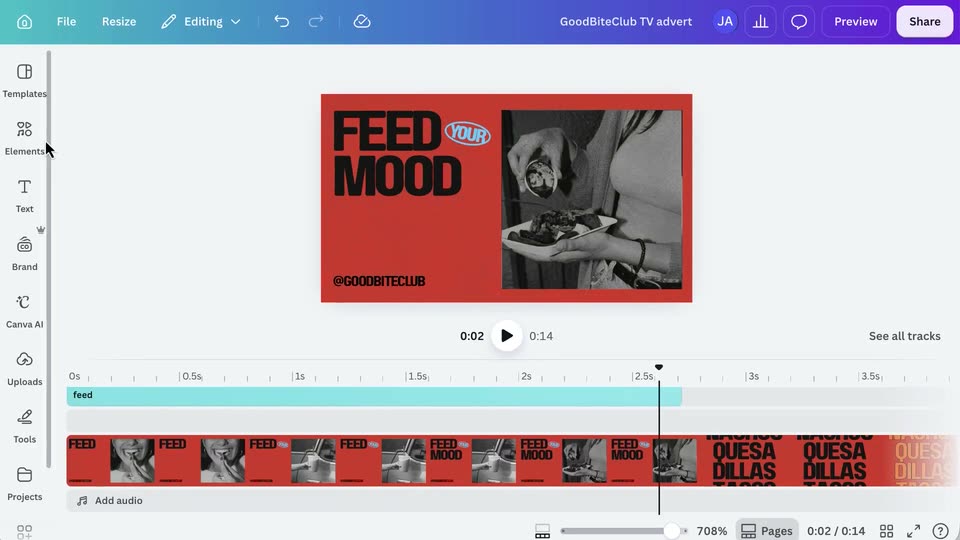 2:31–2:32Canva · Create and launch TV ads straight from CanvaThe Canva editor is open on a red FEED YOUR MOOD design with a black-and-white eating photo, above a timeline showing a teal feed audio track and video thumbnails. The cursor glides from the canvas to the Elements button in the left rail.
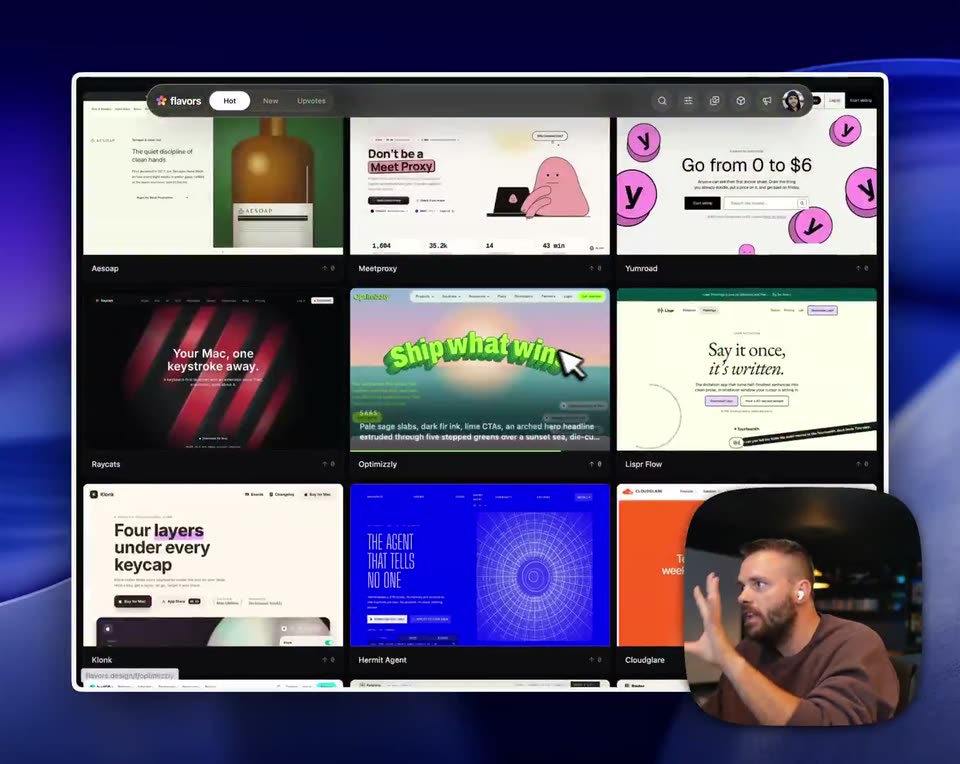 0:12–0:13flavors design · Dr. Kitze ❤️ healthmaxx.app - your agent can code, but it has zero taste. introducing 🌸 a galleryThe flavors app appears as a tilted 3D window on a dark blue backdrop, its grid of design cards scrolling past while a white cursor hovers over one. A small rounded inset at bottom right shows the presenter talking and gesturing.
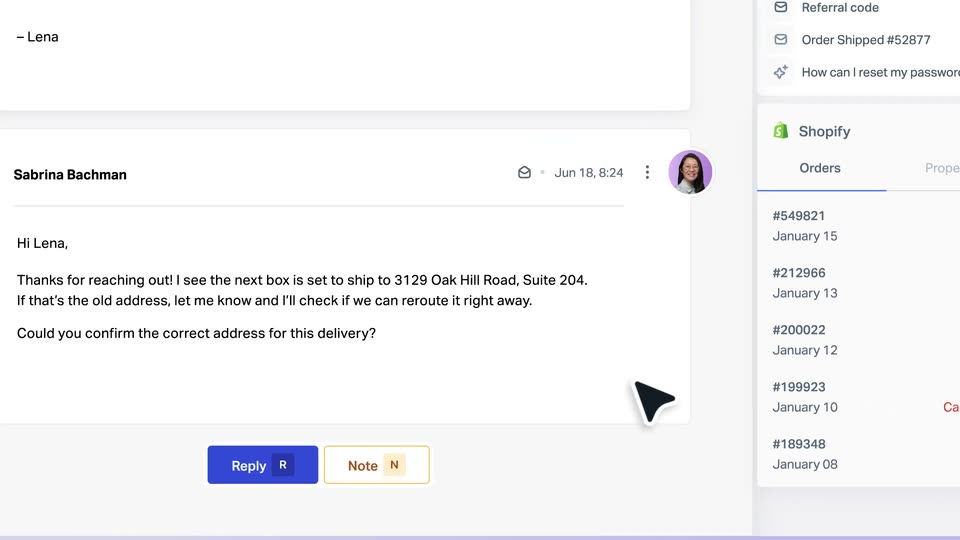 0:28–0:34Help Scout · Customer Support Software Demo | Help Scout x MotionCueA translucent card showing HubSpot, Salesforce and Shopify integrations fades out over an email inbox. A cursor then hovers down the Shopify orders panel on the right before moving to the Reply button below the message.
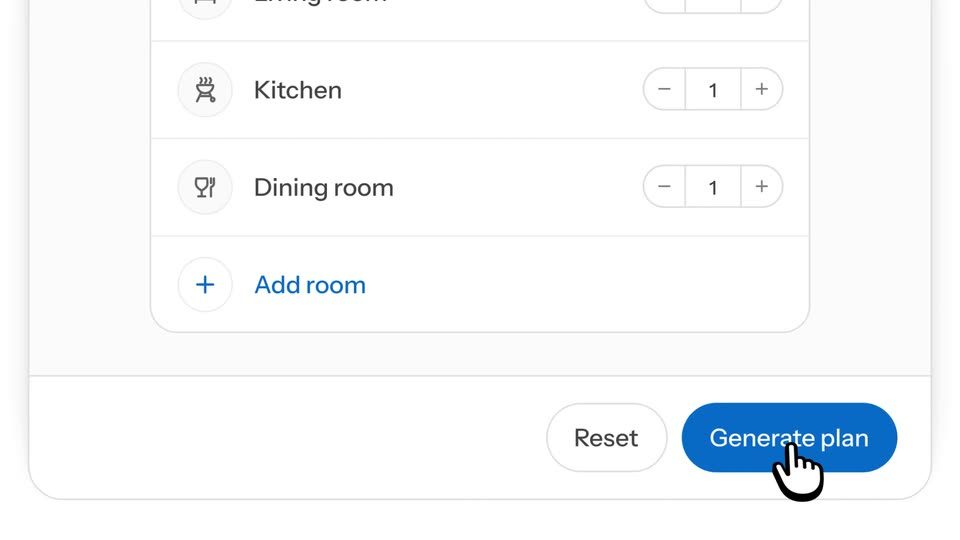 0:37–0:40Maket · Maket - Introducing Maket 2.0: The all-in-one platform for designing your nexA white room-list panel scrolls upward, revealing a blue Generate plan button at the bottom; a hand cursor presses it, then the view cuts to a light-blue banner with a checkmark summarizing the room counts.
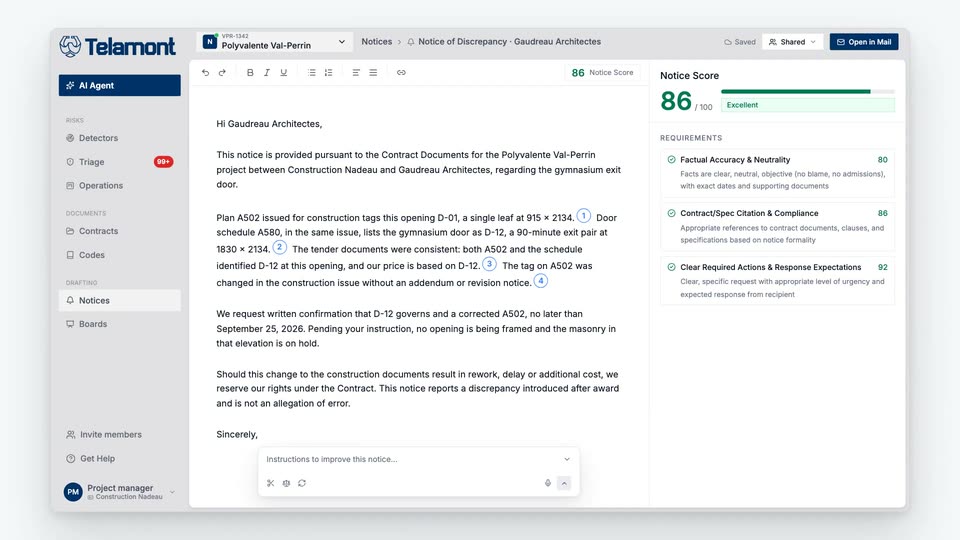 0:40–0:46Telamont · Introducing Telamont - Construction Risk Operations PlatformThe Telmont interface resolves from a blur. The notice text types out in the editor as the Notice Score on the right counts up to 86 and the requirements turn green; a cursor hovers over a requirement, then the Open in Mail button.
 0:26–0:30Arcads · arcads AI - Introducing Arcads plugin in ChatGPT, Access all your assets right iA library grid of video and image assets fills the screen. A cursor selects the first tile, then the view reframes onto a prompt box where a text prompt is typed and the cursor moves to the send button.
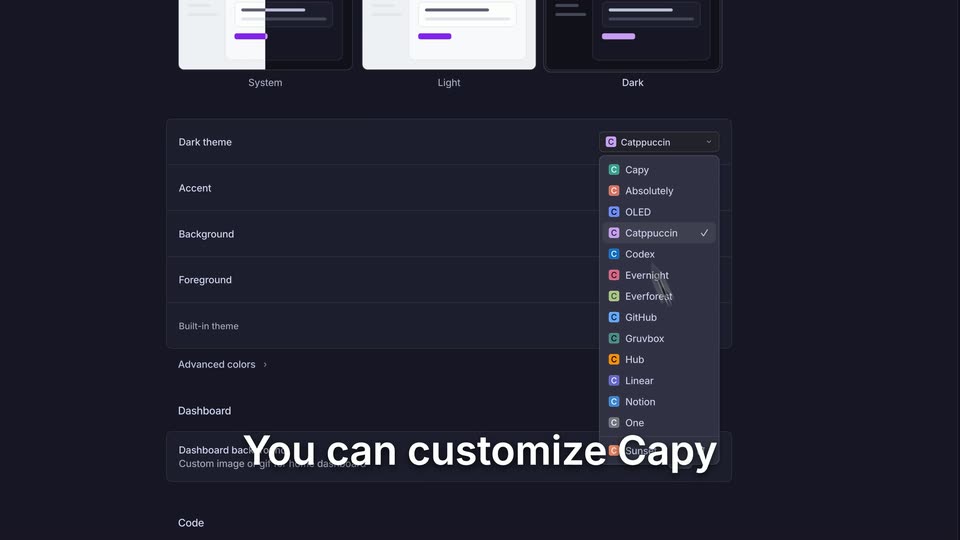 1:06–1:07Capy · justin - Introducing Capy Desktop: the best way to orchestrate coding agents aA dark settings panel shows an open theme dropdown; a cursor moves down the list from Cappuccin to GitHub as the panel's accent colors shift. A large white caption sits across the bottom.
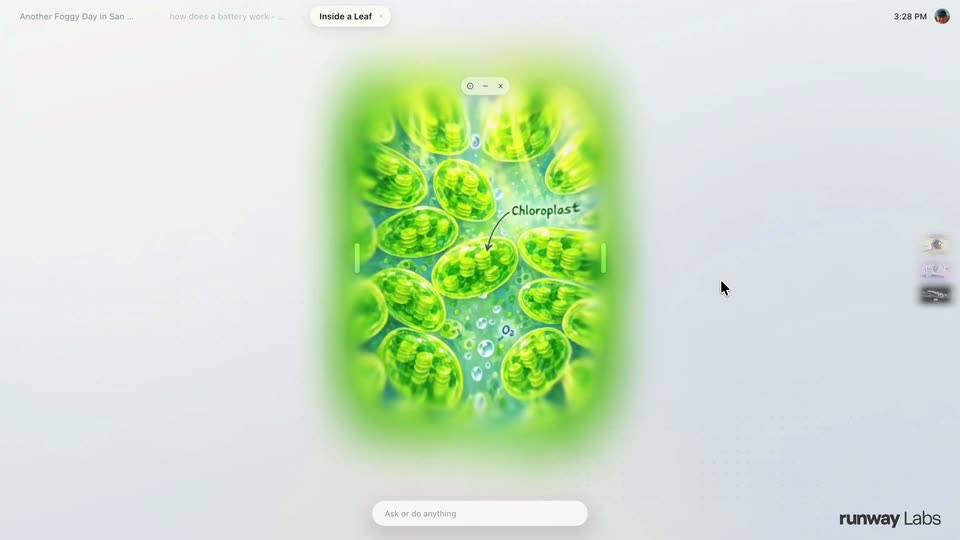 1:51–2:03Runway · Introducing Continuum: A Real-Time Video Operating System | Runway LabsA central app window shows an animated microscopic view of green leaf cells labeled Chloroplast. A cursor drags the right resize handle outward, widening the window until it reframes into a full leaf cross-section diagram with stoma labels.
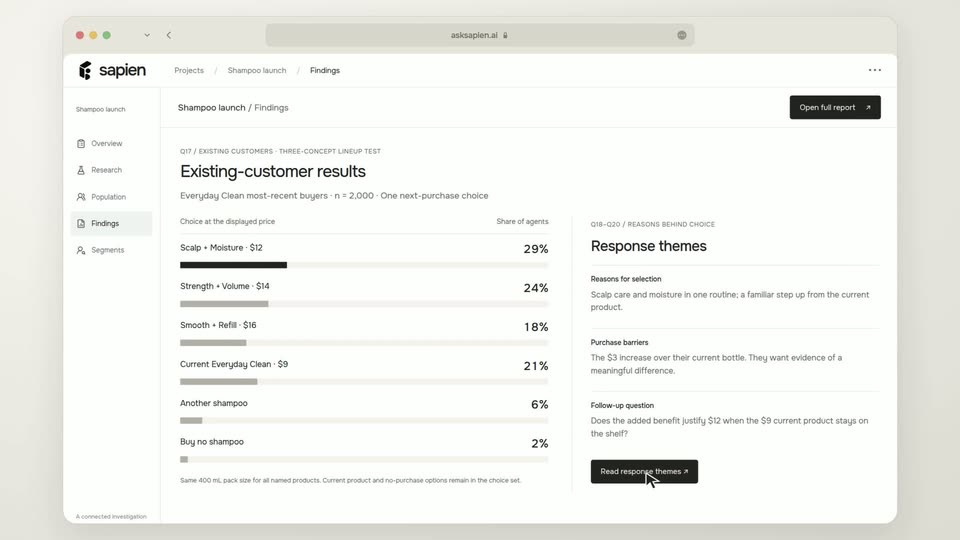 0:52–0:56Sapien · SAPIEN - This is Sapien.A browser window of the Sapien findings page. The bar chart fills in with counting percentages, then the right-hand Response themes panel fades in while the cursor glides down to the Read response themes button. The frame fades to white.
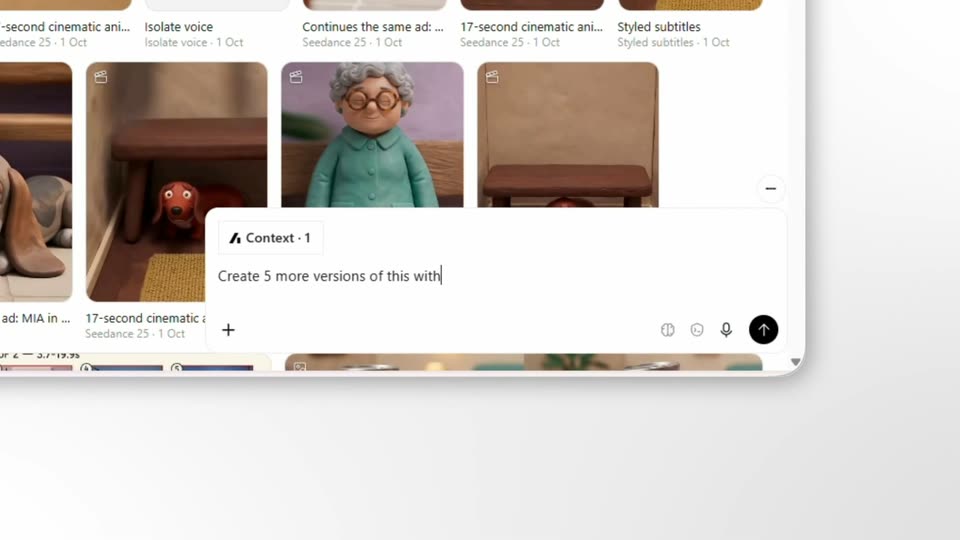
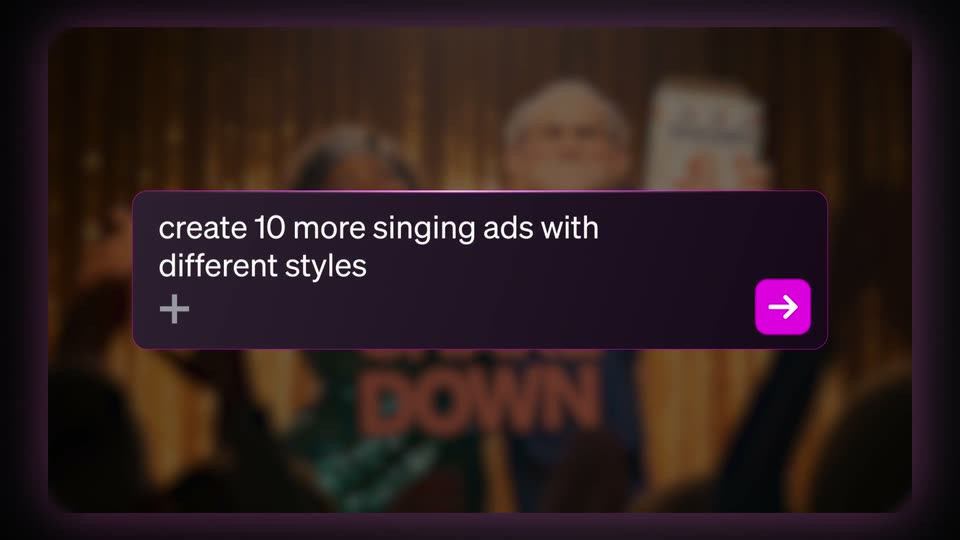 0:38–0:39Arcads · arcads AI - Introducing Arcads Singing Ads 🎶 This format is CRUSHING on Meta ..A blurred live-action clip of people on stage sits behind a dark purple prompt card. White text types in reading “create 10 more singing ads with different styles,” the final letter glows pink, and a cursor moves onto the pink arrow button.
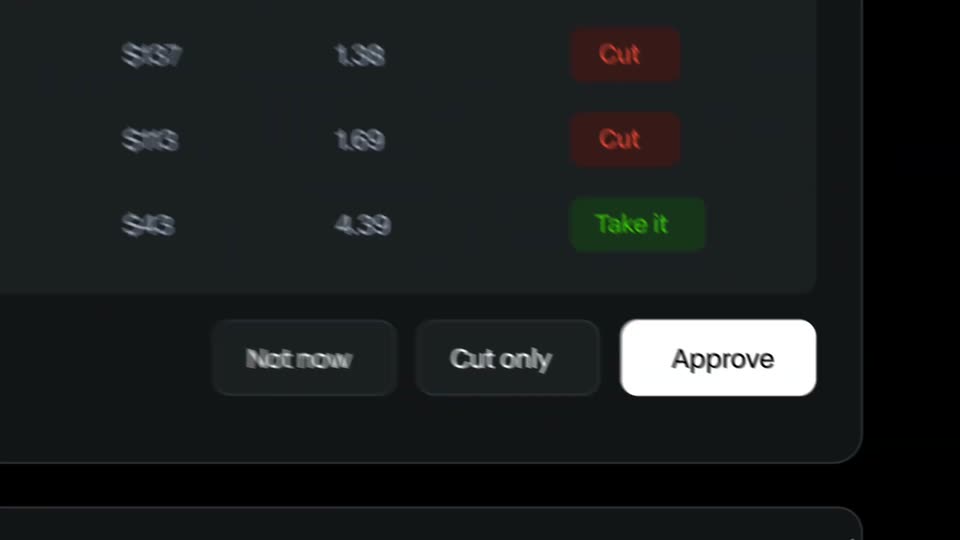 1:01–1:05Runway · Introducing Runway Ads | RunwayA dark vertical list of cards settles into view, a message card above a '3 action items' header. The frame reframes down onto one action-item card with a market table, then pushes in on the footer where a cursor rests on the white Approve button.
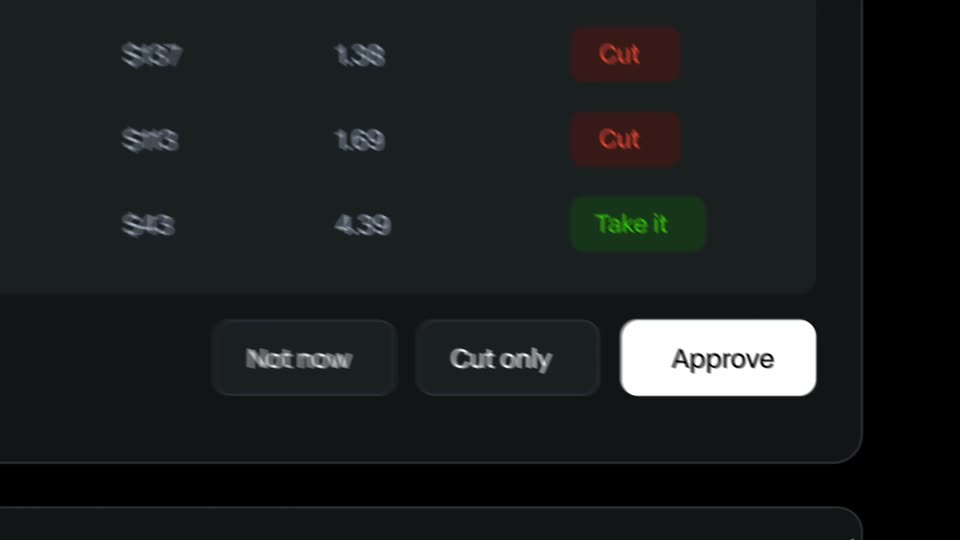 1:01–1:05Runway · Runway - Introducing Runway Ads, an autonomous engine for performance marketinA dark UI list shows a chat message and a '3 action items' header above a recommendation card with a four-row market table. The card sharpens, then the frame zooms to the footer buttons as a cursor moves to the white Approve.
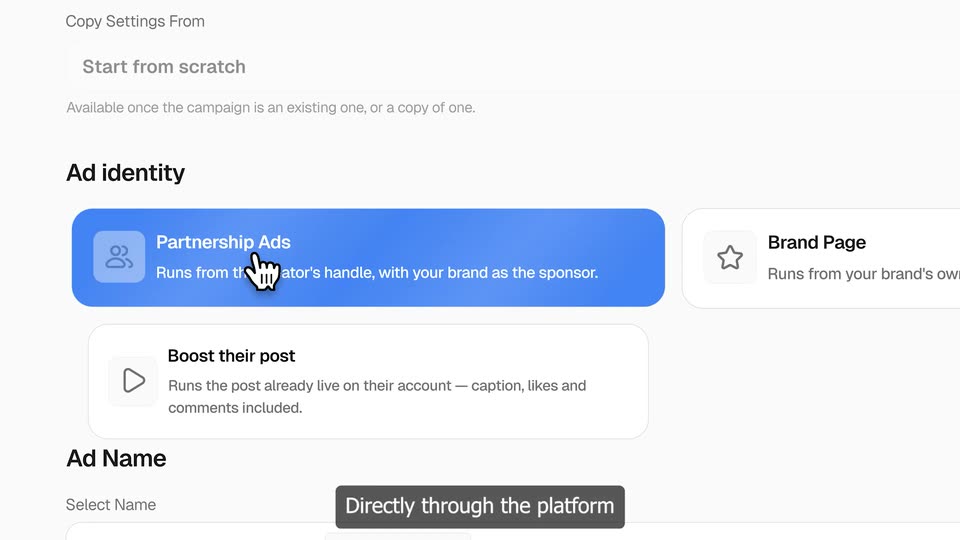 1:26–1:29SideShift · Nick Lawton - Introducing SideShift: the first AI creator marketer. AI can now scaA campaign setup form scrolls steadily down past Destination, Campaign and Ad identity sections. A hand cursor taps the Partnership Ads card, which fills solid blue, while dark caption boxes appear at the bottom center.
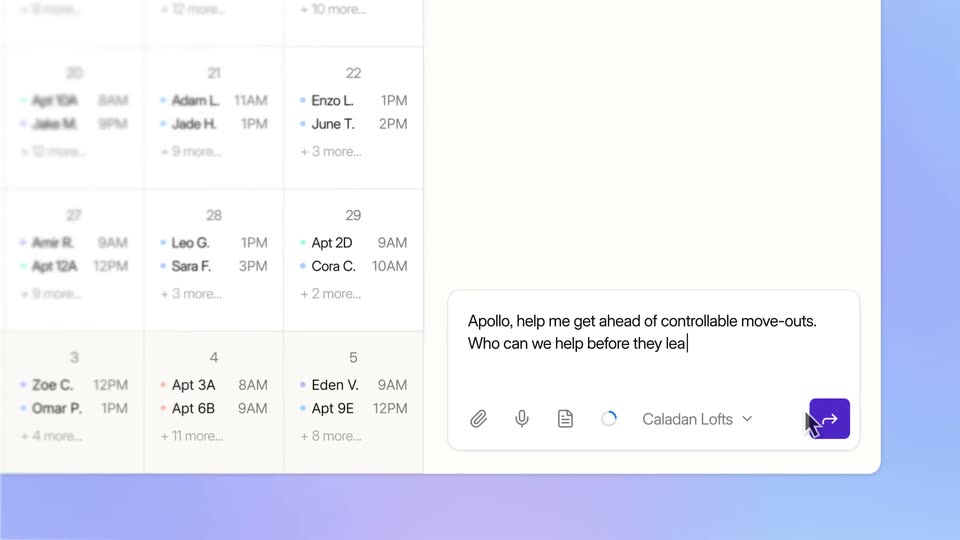 1:00–1:04Apollo · Best AI SaaS Product Video | ApolloA flat interface shows a calendar grid of names and times beside a command box. The view fades in, text types into the box, then a cursor clicks the purple send button.
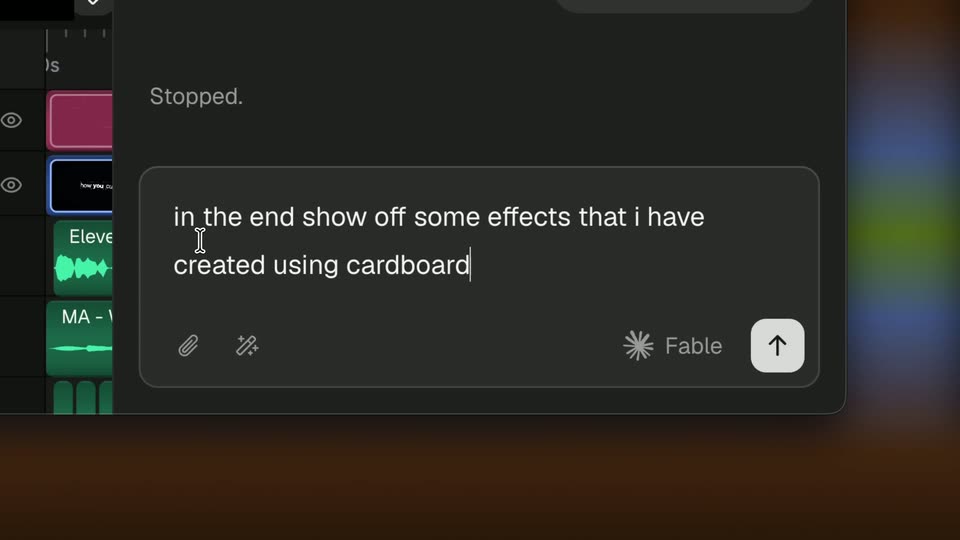 0:58–1:03Cardboard · Saksham - We have solved video editing once and for all and…. It’s FREE AvailA dark chat panel fills the frame over a blurred timeline of colored clips. A prompt types out letter by letter in the input box, then a hand cursor taps the send arrow, flashing a Send message tooltip. A white caption sits at the bottom.
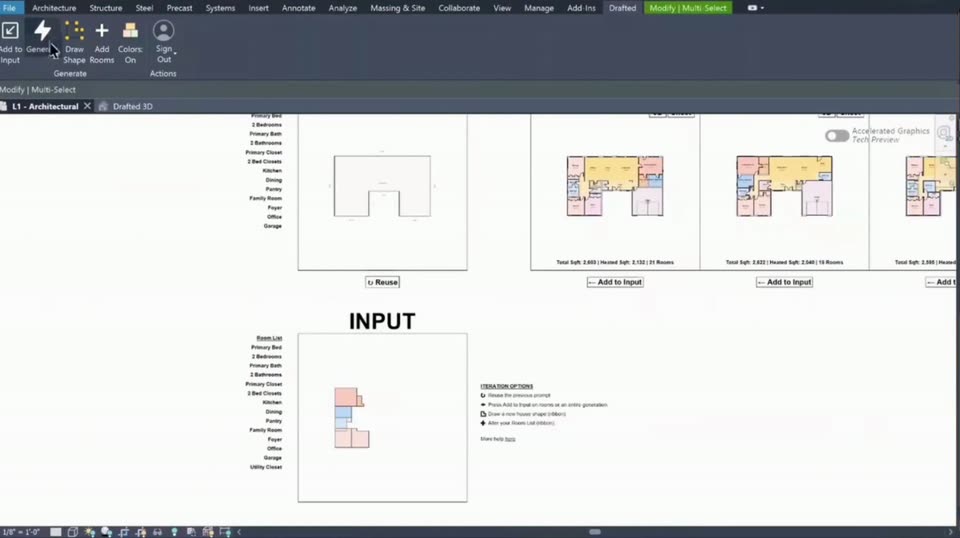 0:28–0:29Drafted · Drafted - Introducing Drafted in Revit. Draw a footprint, add your room list,A dark-ribbon architectural interface pans left across a row of floor plan sheets, revealing a room list and a small colored input plan, while a cursor hovers over the sheets.
 0:59–1:03Gem · A Fresh Look for Gem | UI Animation & Sound DesignA black Gem logo with a white gem mark sharpens from a blur over a soft pastel gradient. The tagline fades in below, and a blue search pill with gem.com and a magnifying glass scales up as a cursor hovers over it, then clicks.
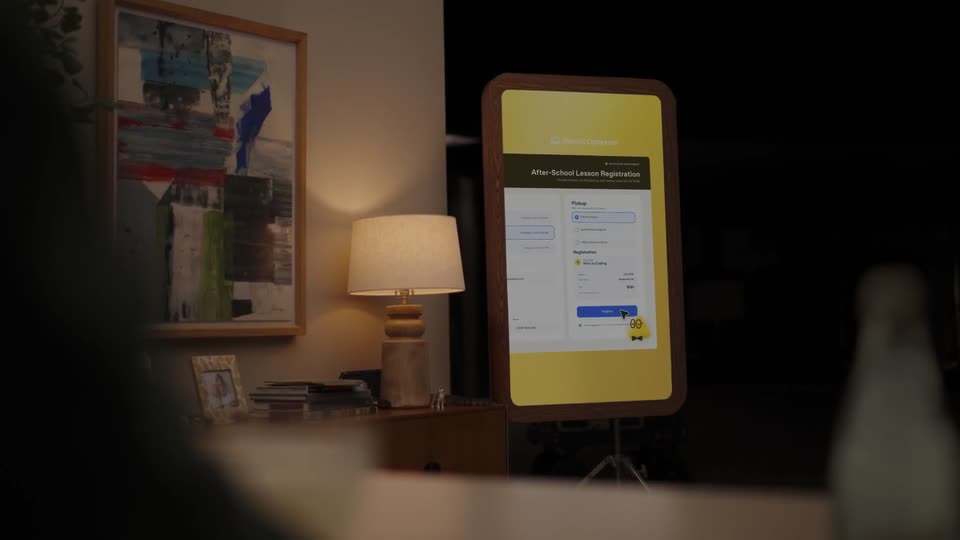 2:03–2:05OpenAI · Introducing dots, always-on agents built to handle everything.A tablet on a stand in a dim living room shows a lesson registration form; a cursor moves down and clicks the Register button while a small cartoon sticker bounces beside it. The locked-off shot keeps a blurred object in the foreground.
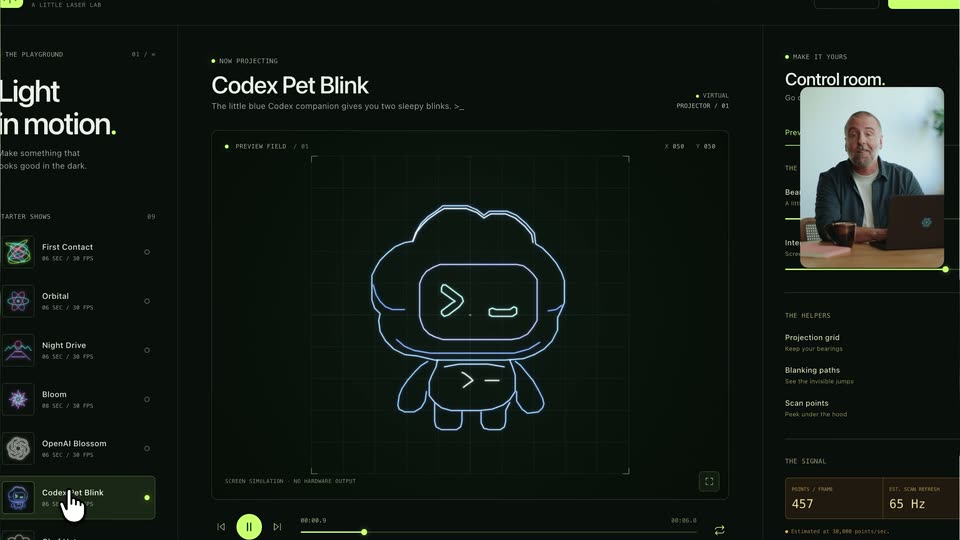 1:17–1:22OpenAI · Meet the all new Codex CloudA browser window shows a dark laser-lab interface with an assistant chat panel left and a video-call inset of a man at a desk. The view zooms into the interface as a cursor clicks Codex Pet Blink, and a blue line-art robot fills the preview grid.
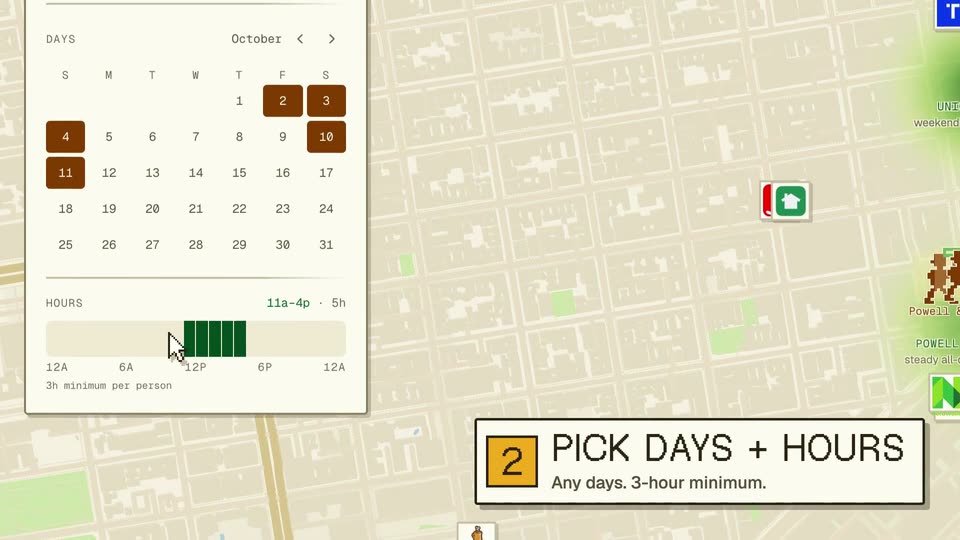 0:14–0:21Rentahuman · Alex - Today we're launching The easiest way to advertise your product to tA flat UI demo on a city map: a cursor adds pixel-corgi people to a Corgi Cafe pin, then the view reframes to a left panel where the cursor flips the calendar to October, marks days and drags the hours slider. Two caption boxes label the steps.
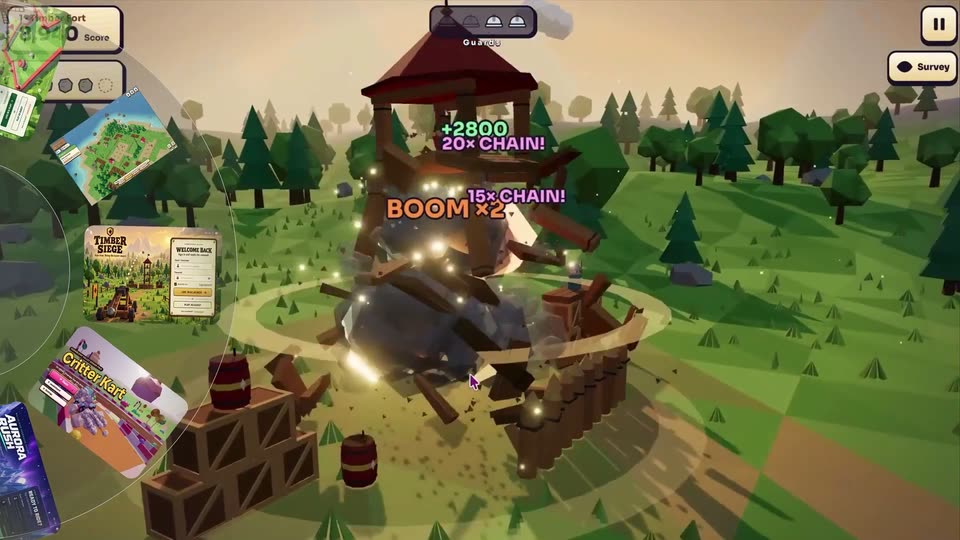 0:59–1:00Manus · Manus - Introducing Manus 2.0A locked-off 3D game view shows a wooden watchtower in a low-poly forest. A character at its base detonates, the tower bursts into debris and smoke, floating score text pops up, and a cursor hovers nearby while game cards line the left edge.
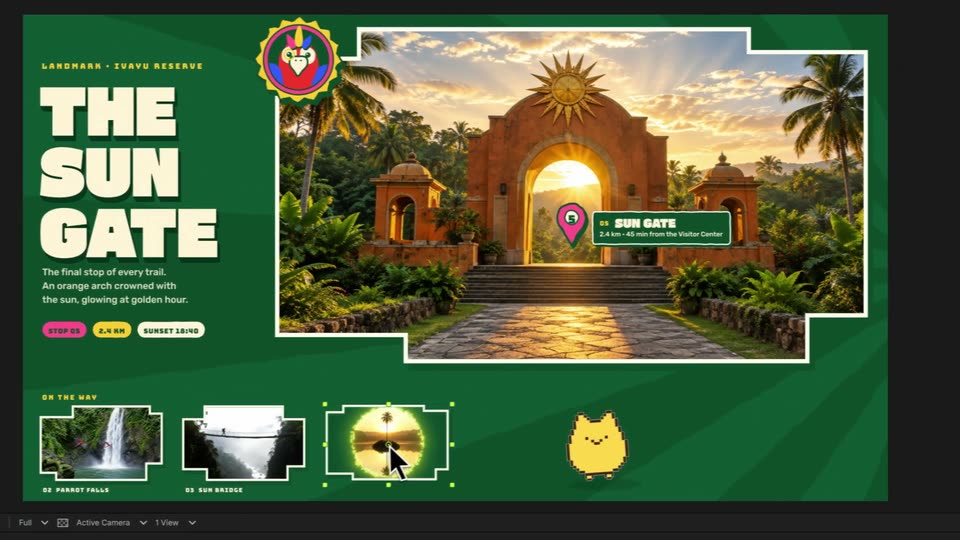 0:56–1:00Higgsfield · Higgsfield AI 🧩 - Introducing Higgsfield x Claude Opus 5.5 for Motion Design. With HigA green layout card: a sunset photo of an orange arch in a white frame on the right, large cream 'THE SUN GATE' sliding in on the left with caption and tags. A cursor clicks as three thumbnails pop in below and a 'GATE IVAVU' stamp lands bottom right.
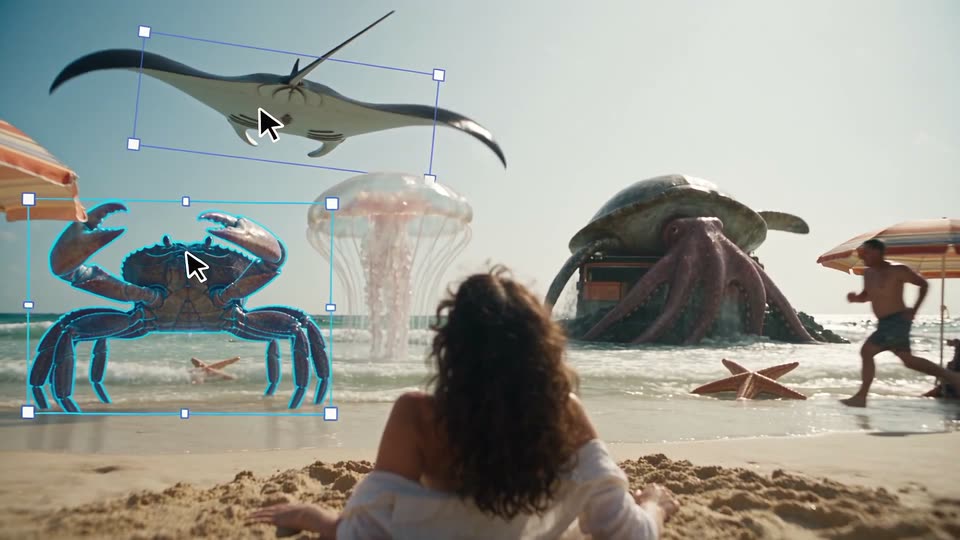 0:20–0:22Runway · Runway - New in Runway, Layers. Split any image into editable layers with a siA woman lies on a beach facing oversized sea creatures, a manta ray, crab, jellyfish and octopus. Blue selection boxes with cursors overlay the manta ray and crab, the crab box glowing cyan as a person runs in from the right.
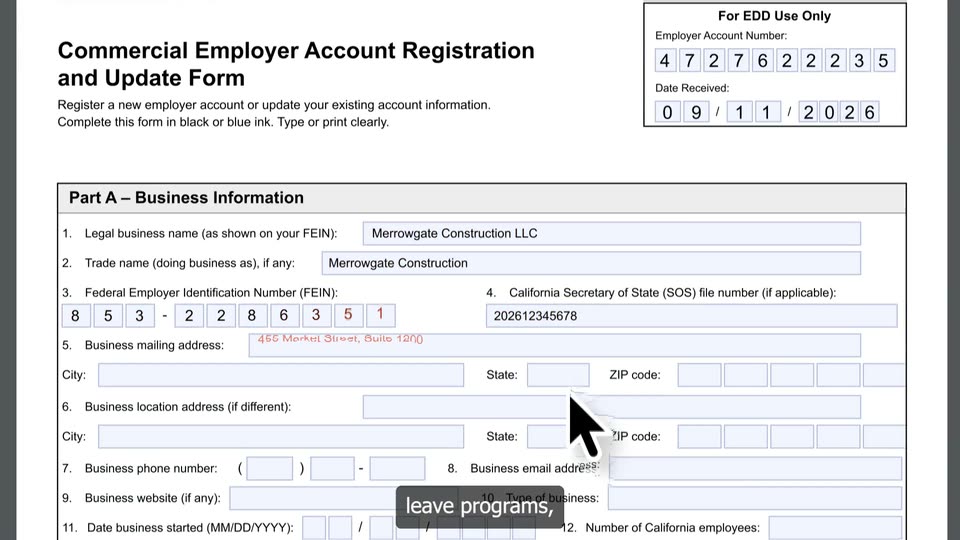 0:51–0:52Warp · Ayush S - We’ve raised $85M for this moment. Introducing Warp 2.0: The firstA California employer registration form scrolls upward to reveal filled-in business details, name, address and FEIN, while a cursor hovers over the state field. A dark caption pill at the bottom of the frame reads along with the voiceover.
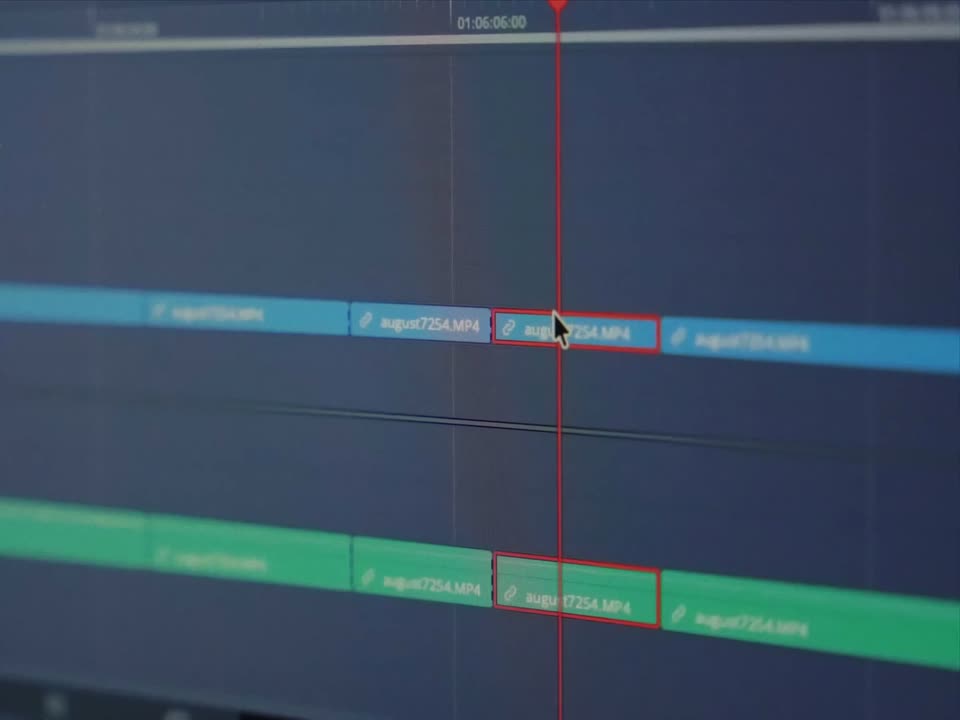 1:29–1:31Aspect · gurish - Today we are making infinite storage free to use for everyone. 6 monA close-up of a video editing timeline with blue and green clip blocks and a red playhead, then the focus racks to a render queue panel on the left showing job entries and a green progress bar, while a cursor drifts toward a Stop button.
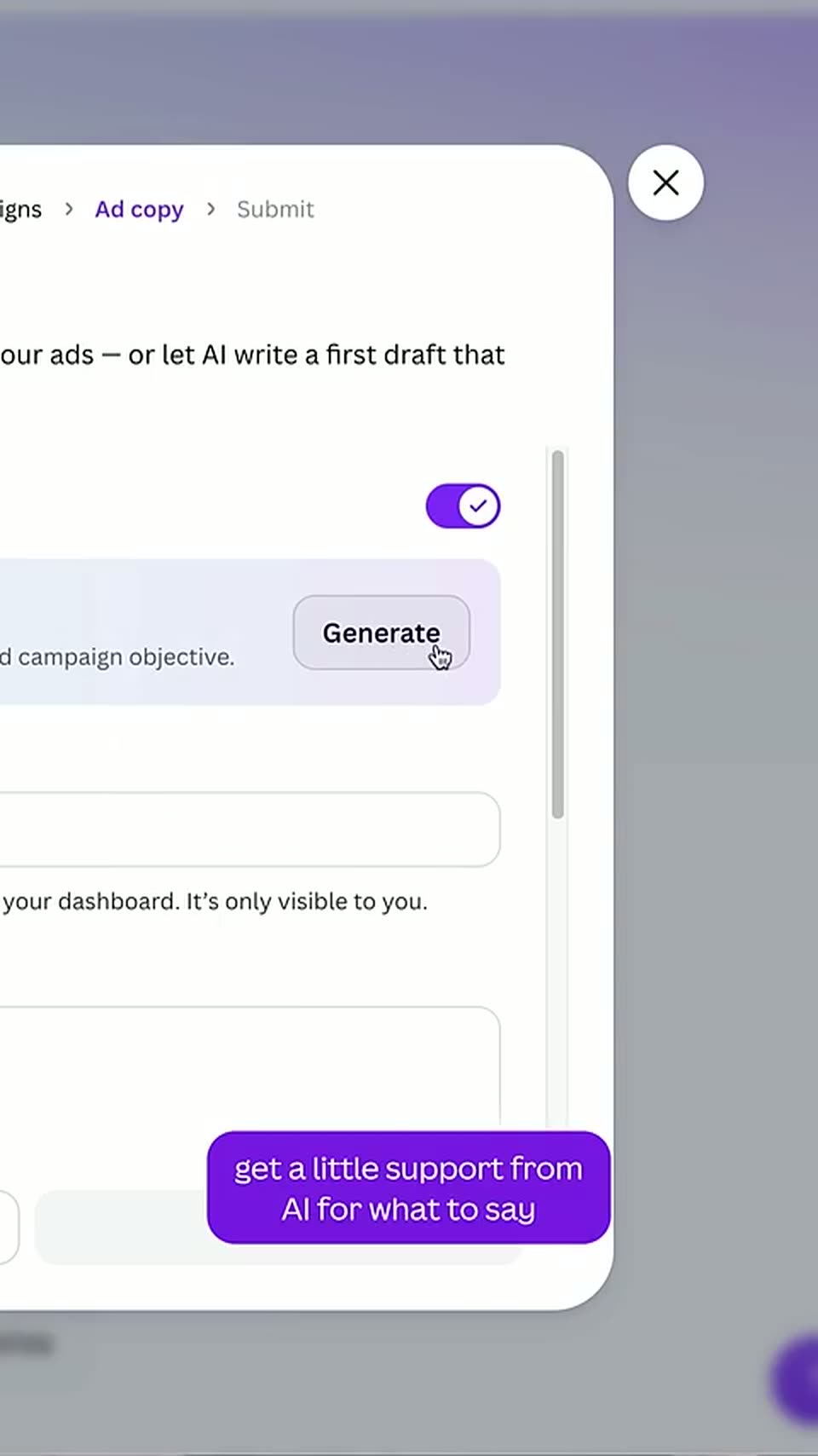 0:15–0:17Canva · Create & launch LinkedIn Ads without leaving CanvaA white ad-setup panel sits over a blurred purple background, a toggle switched on and a Generate button highlighted. A cursor clicks the button, a small ripple forms, while a purple caption at the bottom carries the support line.