Cursor demo
A visible cursor operates the interface.
15,090 scenes · page 168 of 252
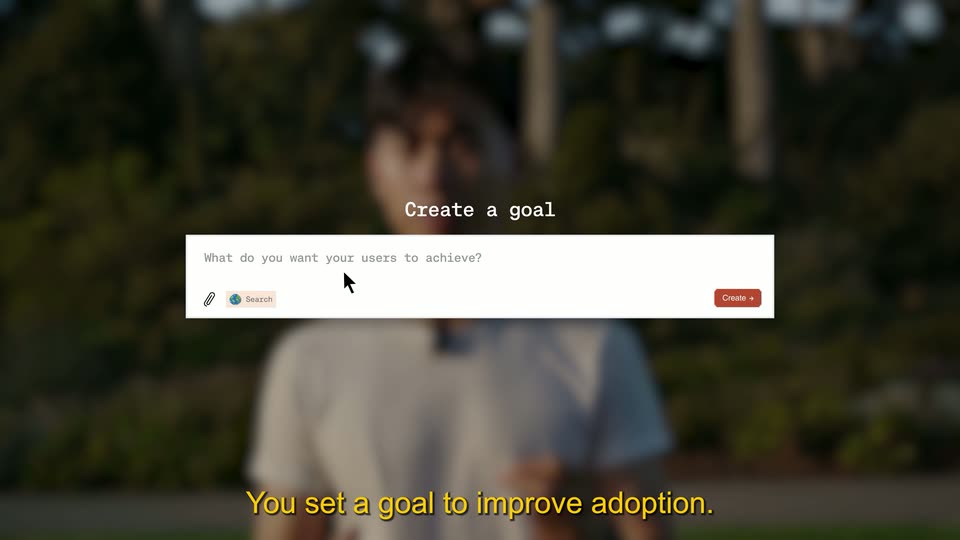 0:33–0:34Userlens · Hai Ta - We’re launching Lumi by @userlens_hq. Lumi is an adoption agent thaA blurred live-action shot of a person in a park fills the frame; a white card with a goal prompt, a Search chip and a red Create button pops in at center while a cursor drifts down the input field. A yellow caption runs along the bottom.
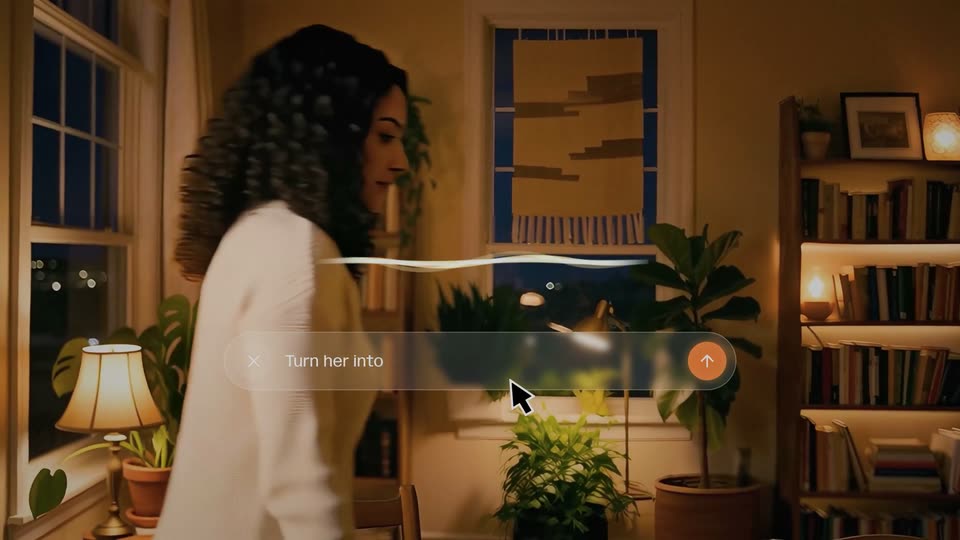 0:35–0:40Visko · Visko Orbis 1.0 — live interactive world modelA translucent voice pill is composited over a woman walking through a warm, dim study; it shifts from “Press to talk” to “Recognizing...” and types “Turn her into a mage and prepare for battle.” A cursor clicks the orange send button while a waveform pulses above.
 0:24–0:25Corsair · Dev Jain - Corsair connects your users to their apps. Build custom UIs, agents,A dark grid canvas holds a dashed selection box around a white “add an agent” button. A cursor hovers and clicks; the button and box are replaced by a full-width search bar, and a white “Search all” chip slides in from the left.
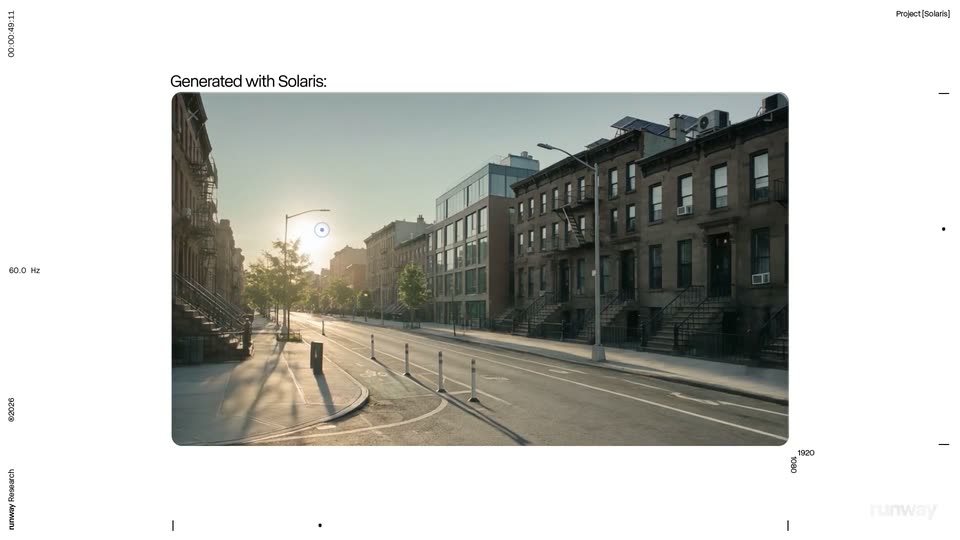 0:49–0:50Runway · Introducing Solaris our first Interface World Model | RunwayA white product interface centers a playing video of a sunlit city street between brownstone rows. A small circular cursor hovers near the sun as a pedestrian walks the right sidewalk. The caption 'Generated with Solaris:' sits above the frame.
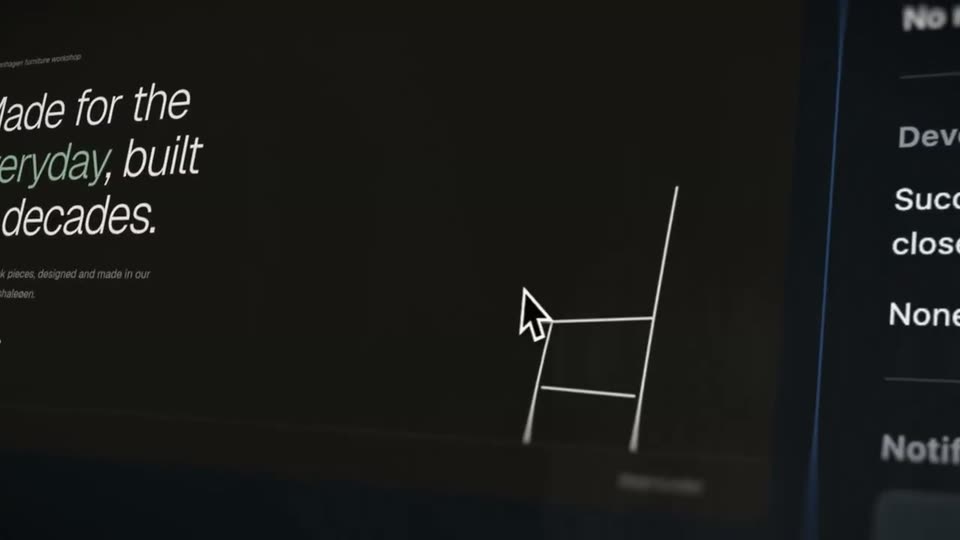 0:33–0:34Upstash · Upstash - Introducing Upstash Box Browser - a cloud browser built for AI agentsA dark website mockup sits at a 3D angle, its right edge glowing blue and softly blurred. A white cursor drifts leftward across the screen past a thin line drawing of a chair frame, while the headline and a column of words stay fixed.
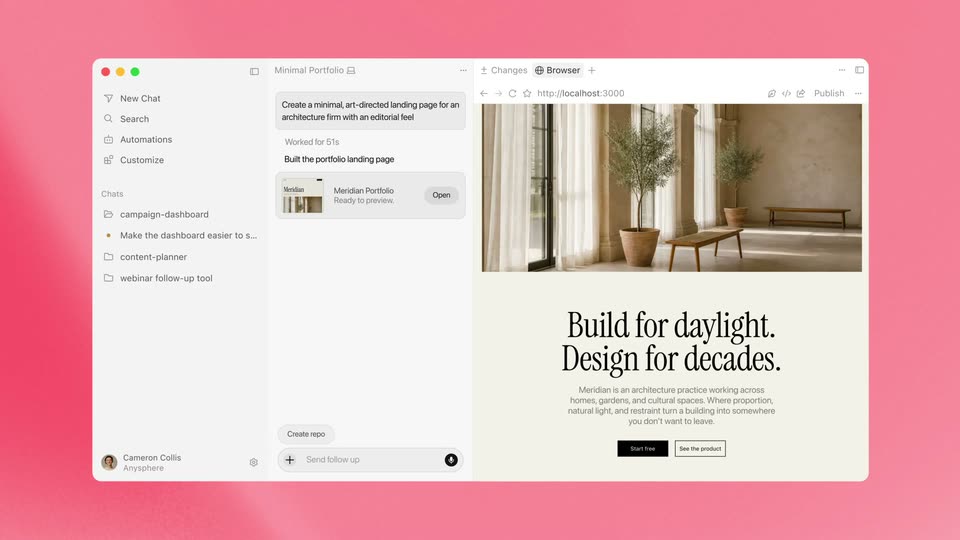 0:10–0:13Cursor · Cursor - You can now create new web apps with Cursor, store the code with OrigOn a pink background, an app window sits left of a browser window. A hand cursor hovers the Open button as the browser page scrolls down, moving past the Meridian hero to a section with an interior photo and the headline Build for daylight. Design for decades.
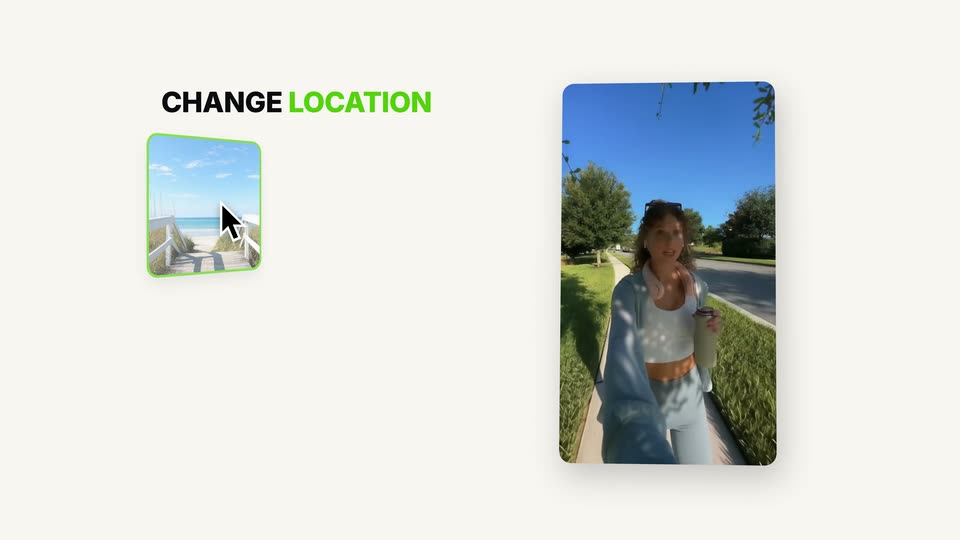 0:12 · 0.8sMaxfusion AI · maxfusion.ai - Introducing Ad Mutator. Your best ad just learned to mutate and spreA flat interface on a cream background shows a vertical phone video of a woman walking on the right. On the left, a heading and three location thumbnails slide in as a cursor moves and selects a card, swapping the outfit panel for the location panel.
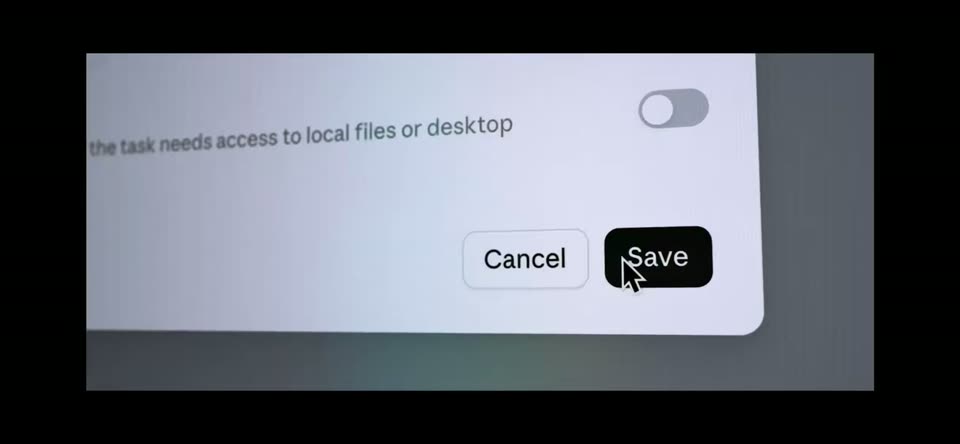 1:10 · 0.5sSalesforce · Marc Benioff - Welcome Claudeforce. ❤️A close-up of a settings dialog shows an access request line, a toggle, and Cancel and Save buttons. A cursor moves to Save and clicks it, changing the button to a small loading spinner.
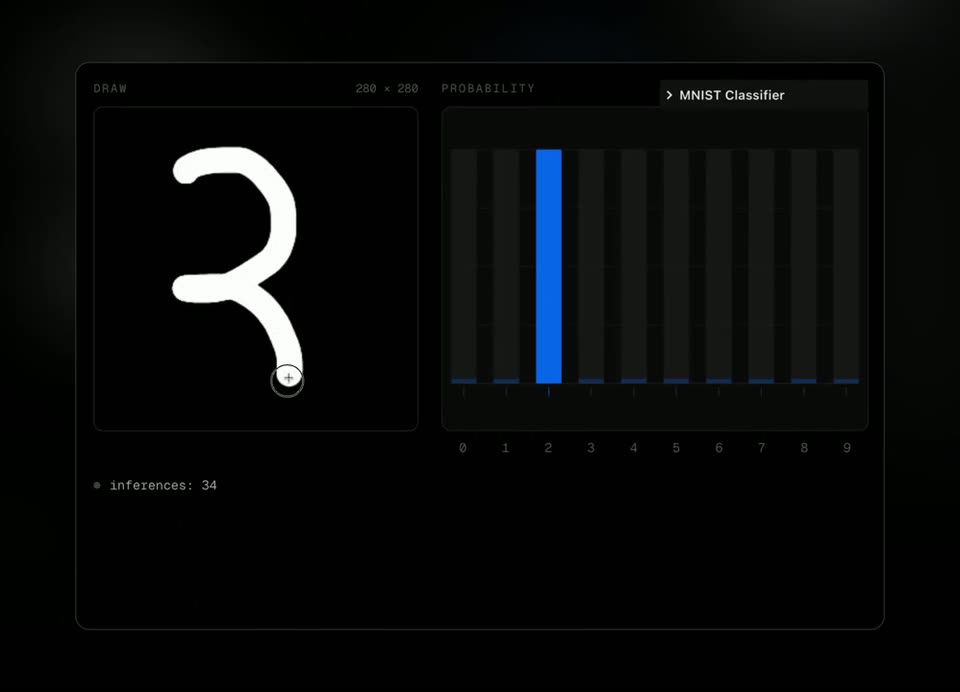 0:25–0:27Vercel · Vercel - We built to ship shaders on Now it's open source. ▪︎ Minimal agent-fA dark UI shows a draw canvas beside a probability bar chart. A white stroke draws the digit 3 while a circular handle trails it; the blue bars shift so the 3 bar rises and the inference count ticks up.
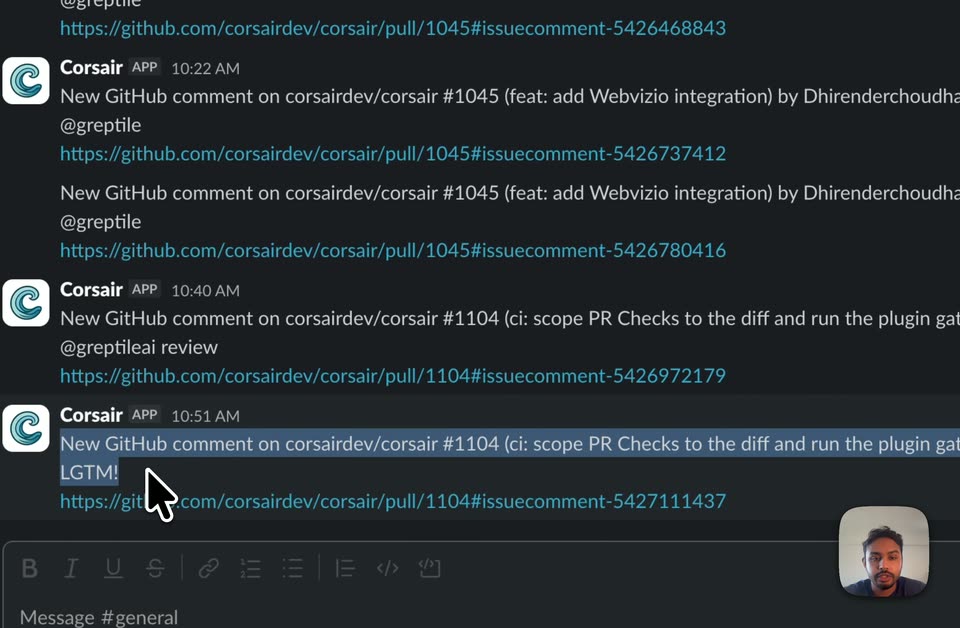 1:26–1:29Corsair · Building a Github Clone with CorsairA dark Slack window fills the frame, its feed stacked with Corsair bot notifications about GitHub comments. The view zooms into the message list as a cursor types LGTM! in the reply box, then the feed scrolls down with motion blur. A small webcam self-view stays pinned in the corner.
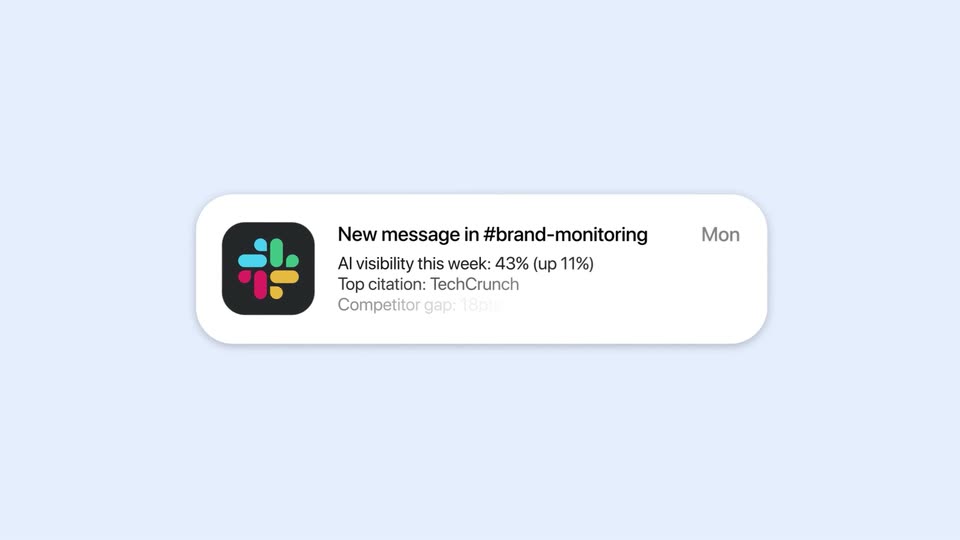 0:33–0:36CrowdReply · CrowdReply - BREAKING: Today, we witnessed the future of marketing. A tiny brandA cursor drags a document icon into the Slack app icon, which bounces and pops a red “2” badge, then expands into a white notification card showing a message title and three stat lines.
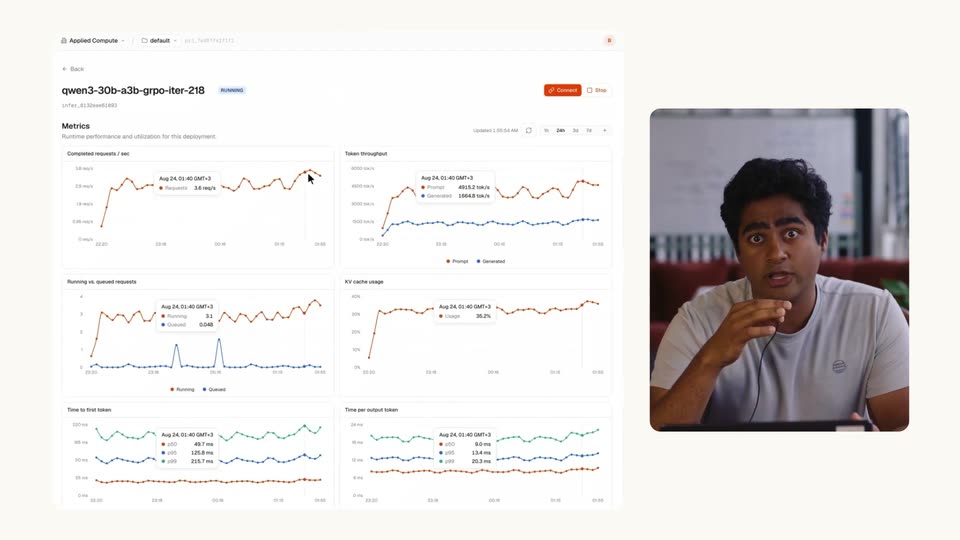 1:55–2:00Applied Compute · Applied Compute - Today, we're introducing AC2, the Applied Compute Agent Cloud, to enaSplit screen: a deploy-model form on the left, a presenter in a white tee gesturing on the right. The cursor clicks the orange Deploy button, the form cuts to a running metrics dashboard, then reframes into a requests table with a left sidebar.
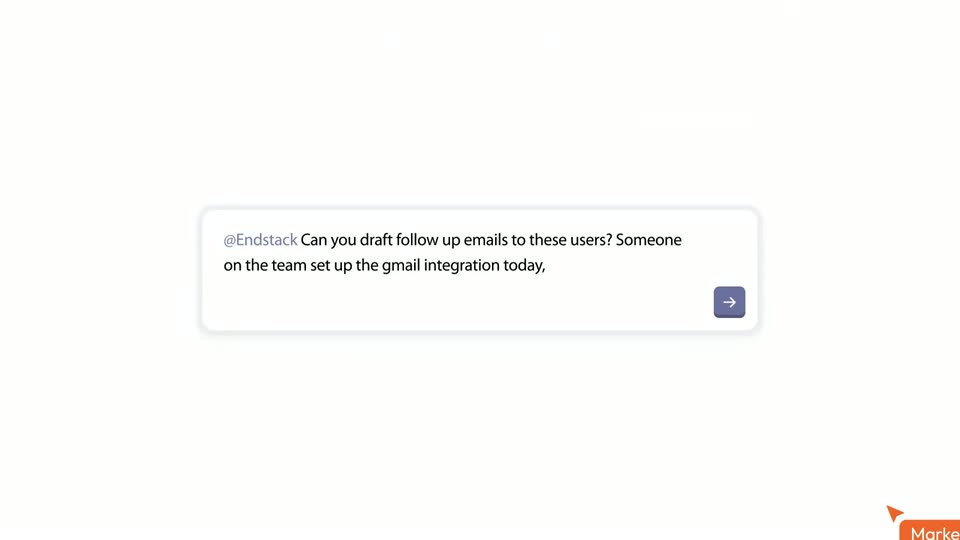 0:55–0:58Endstack · Sam Park - Today we're launching Endstack, the most capable agent workspace everA chat input box sits centered on a white background as a prompt types out left to right. An orange cursor glides to the purple send button and an orange Marketing tag slides in beside it.
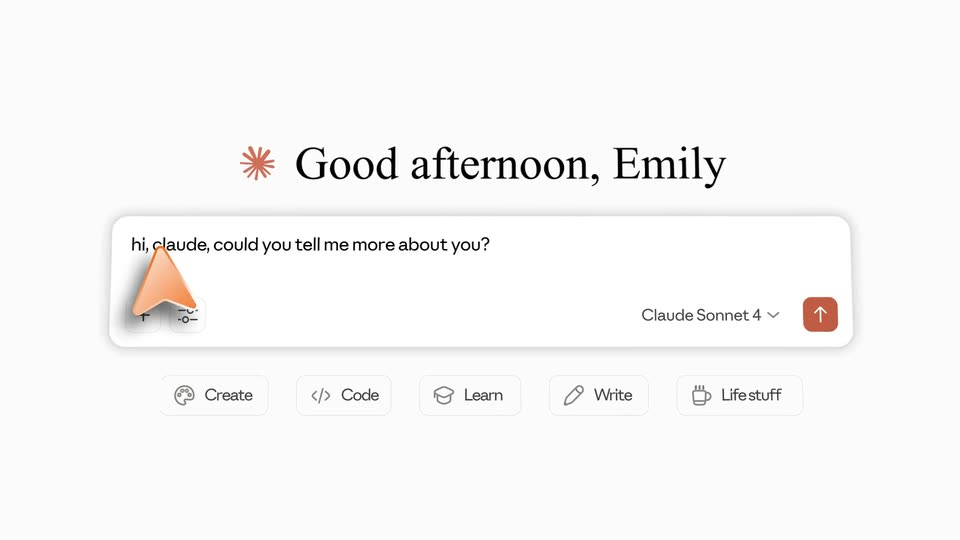 0:20–0:22Floot · Build with the AI subscription you're already paying for.A white chat card sits centered on a pale background. An orange cursor glides up into the input field as the prompt 'hi, claude, could you tell me more about you?' types in, while the greeting 'Good afternoon, Emily' fades in above. Suggestion chips line the card's lower edge.
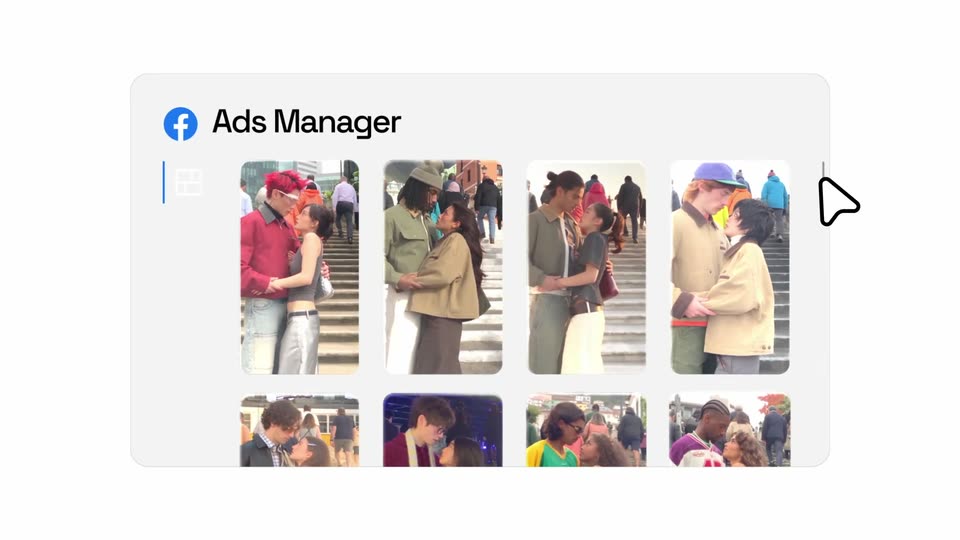 0:25–0:26Higgsfield · Higgsfield AI 🧩 - Introducing Higgsfield Ad Multiplier. Take your top-performing creatA flat Ads Manager panel holds a four-column grid of photo thumbnails showing couples; the thumbnails scale down into a tidy grid while a black-outlined cursor arrow glides along the right edge.
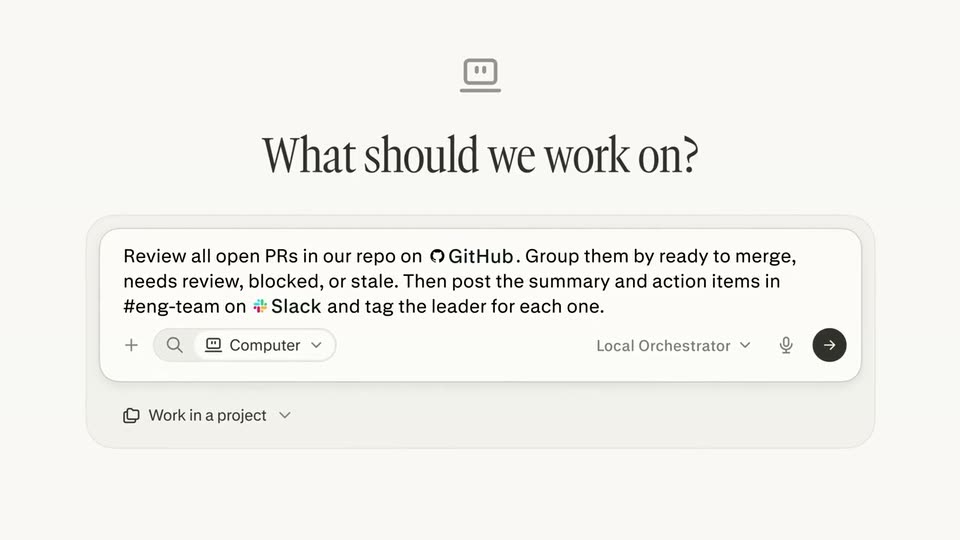 1:17–1:24Perplexity · Perplexity - Today we’re launching Portable Computer on @NVIDIA DGX Spark. PortabA centered chat input under a serif heading “What should we work on?” types a long prompt about reviewing GitHub PRs and posting to Slack, the box expanding as text wraps to three lines. A teal cursor then slides in and points at the black send button.
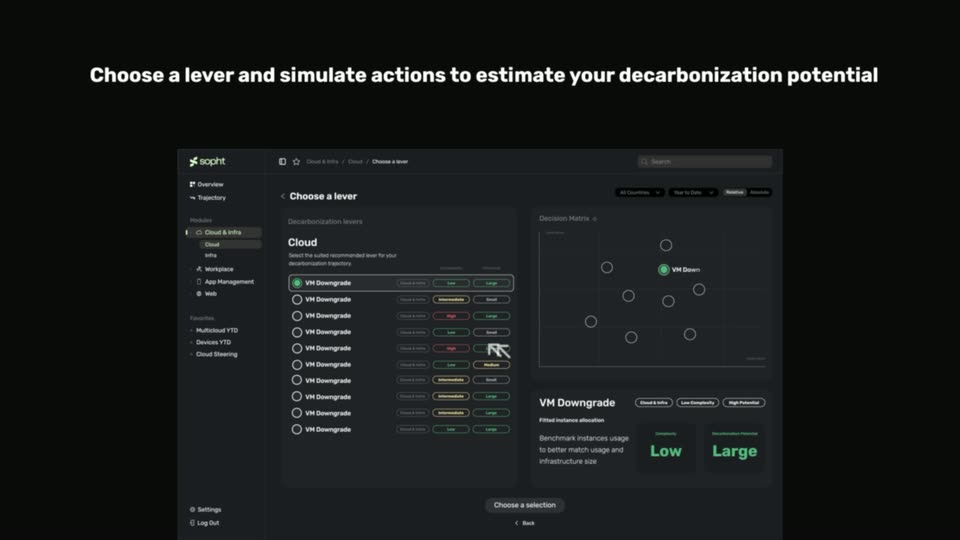 0:58–1:02Sopht · Sopht IT Efficiency Platform | Cloud, On-prem, Devices, Apps & AIA dim product dashboard fades up under a static white headline. A cursor glides across the decision matrix, then moves to the lever list and clicks a row, scrolling the list of VM Downgrade entries.
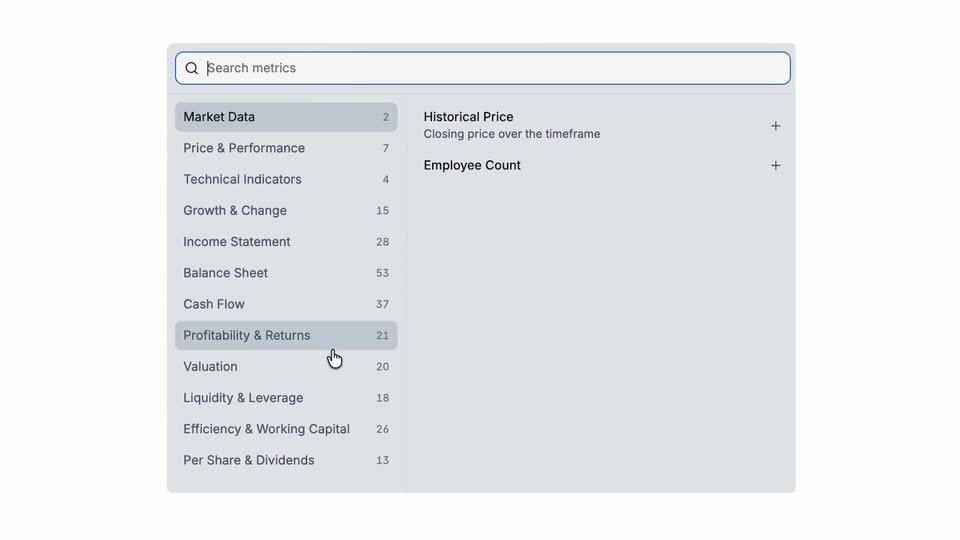 0:21–0:22Backpack · Backpack 🎒 - Introducing Graphs on Backpack 🎒 Compare stocks across hundreds of fA light interface panel shows a search field above a categorized metrics list on the left and a results panel on the right. A large translucent Add Metric pill overlays the center and scales away, then a hand cursor hovers over two list rows.
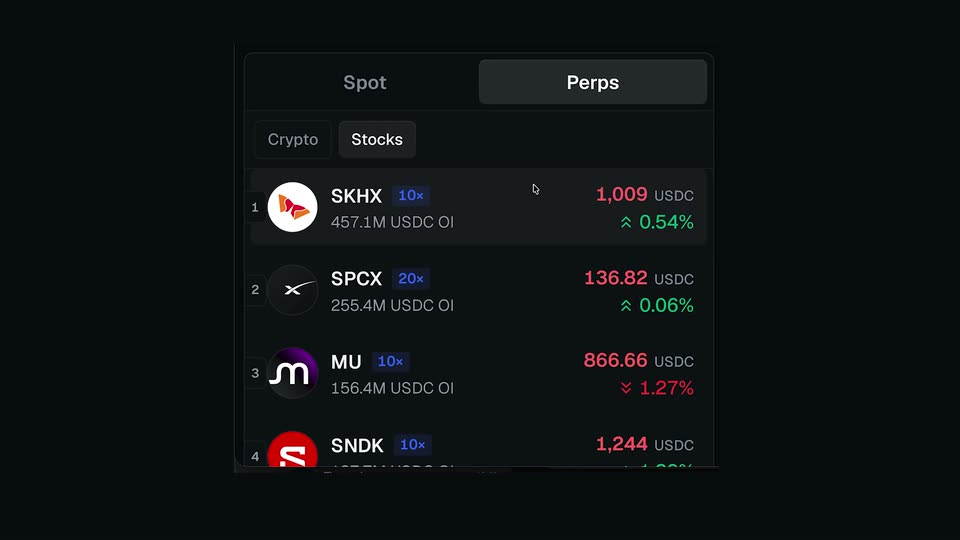 0:35–0:37Arbital · Arbital - Today, we’re launching Arbital. Trade memes. Trade stocks. Trade perA dark trading card shows the Perps tab with the Stocks filter active. After a brief crossfade from the crypto list, the stock ticker list scrolls down, revealing more rows with leverage tags, USDC prices and green or red change figures, while a cursor hovers over the rows.
 0:27–0:29Mosaic · MosaicA dark two-panel terminal shows a chat list on the left and a Claude Code session on the right with an orange pixel creature. The view reframes to the right panel as a prompt types 'what is the message' and blue and red user cursors with name tags appear.
 1:23–1:24Calendly · Austin Bauwens - Calendly is more than just your meeting scheduler. It was an honor woA woman in a yellow turtleneck looks down inside a rounded window on a blue-to-pink gradient; her window slides right as a white calendar card with a cursor enters from the left.
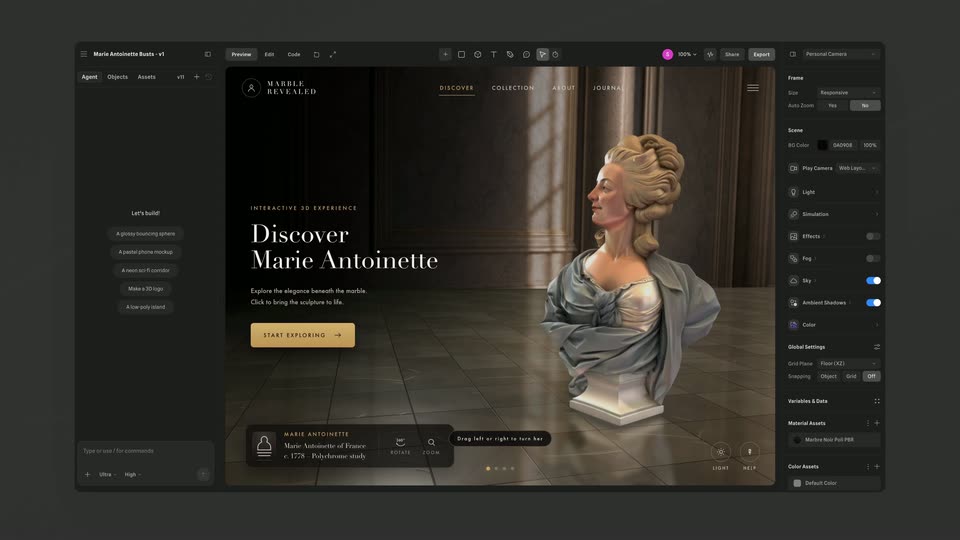 0:52–0:54Spline · Introducing Spline V2 - AI Agents, WebGPU and MCPA dark 3D editor screen frames a viewport where a marble bust of a woman turns from front to profile. A cursor tagged Rotate hovers on the chest, then a tooltip reads Drag left or right to turn her. A white serif headline and a gold button sit at left.
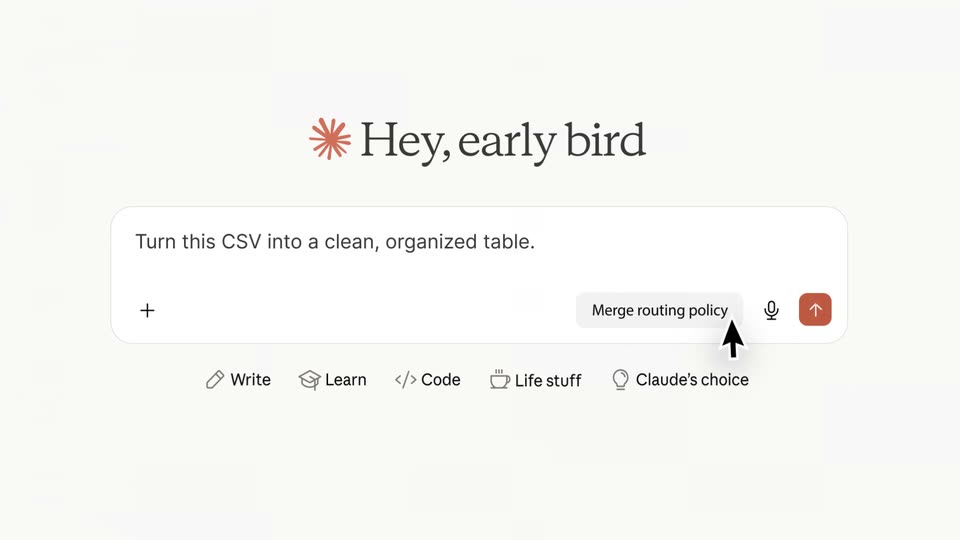 0:16–0:19Merge · Shensi Ding - We just cut AI spend by 75% across an entire workforce in one click.A chat interface fills the frame, greeting 'Hey, early bird' above a large input box. A prompt types into the box, then a cursor clicks the orange send button, triggering a small loading indicator. The shot reframes from a full browser window to the interface alone.
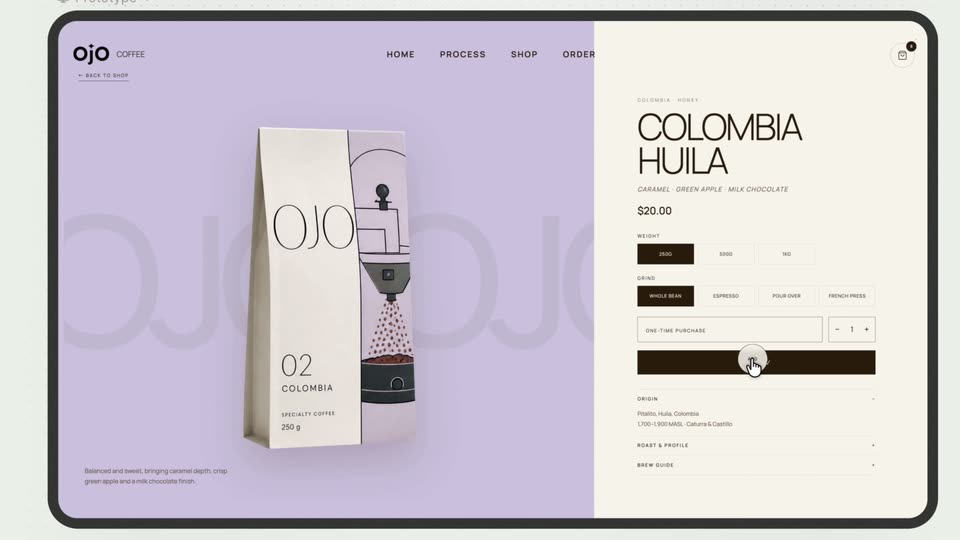 0:52–0:54OJO · OJO - Today, we're introducing OJO: The first Design Agent Team Workspace.A coffee product page for OJO's Colombia Huila bean fills the screen. A cursor clicks the dark Add to Cart button, then the page pulls back into a rounded frame tagged Prototype, presenting it as an interactive prototype.
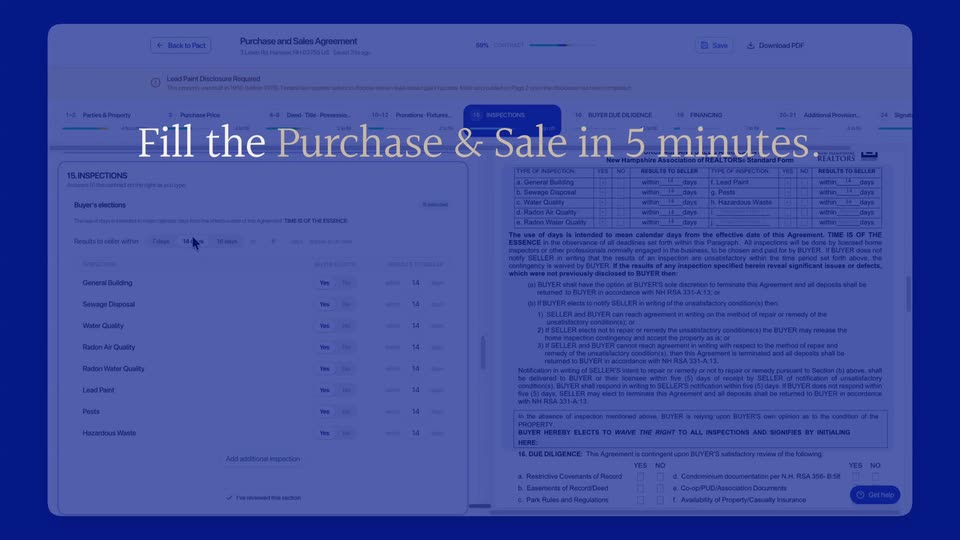 0:42–0:44RealPact · Ranvir Deshmukh - Real estate is a trillion-dollar industry running on decades-old softA tilted 3D view of a real estate purchase agreement form on a dark blue background. The form auto-fills its inspection rows with the value 14 days while a cursor hovers near a dropdown, all under a static white serif headline.
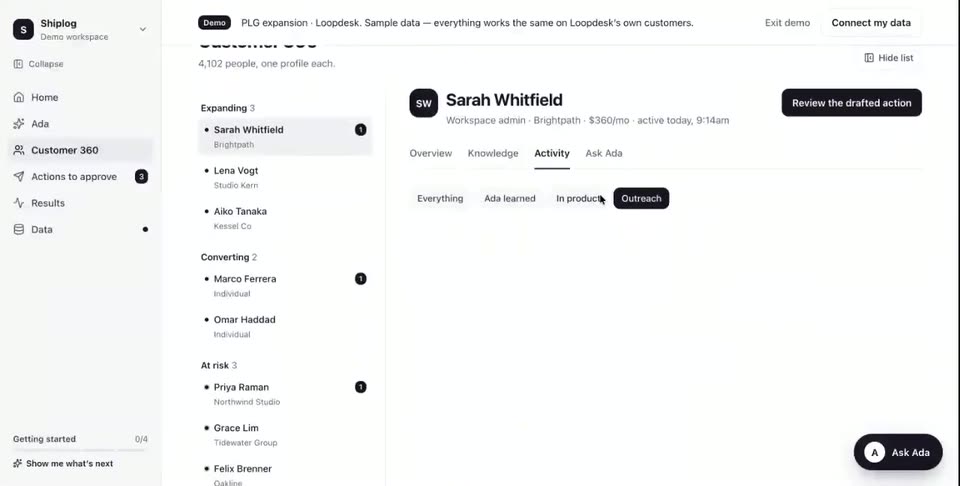 2:29–2:40Shiplog · AI for Customer Success: How Ada Automates Expansion, Retention & Churn PreventionA software interface for a customer profile is shown. A cursor scrolls through a timeline of activity, then clicks the 'Outreach' and 'In product' filter tabs to update the list. Finally, the cursor selects the 'Ask Ada' tab, revealing a chat panel with a text summary and suggested questions.
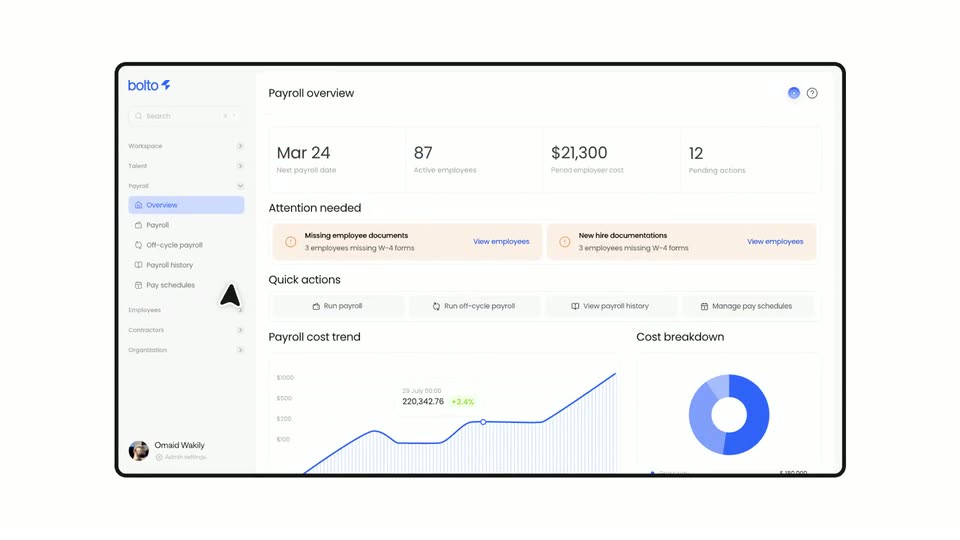 0:27–0:29Bolto · Mern Singh - today, we’re introducing a refreshed @boltohq platform hr & payrA flat payroll dashboard mockup with a left sidebar and overview panels sits on a light gray field. A cursor slides down the sidebar and rests on the Run payroll button, which scales up.
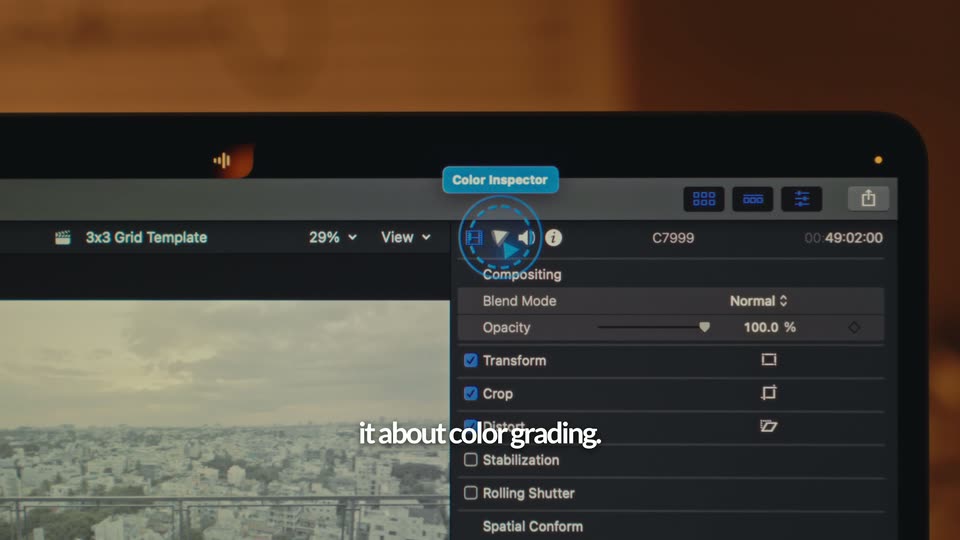 0:57–0:58HeyClicky · heyclicky - he can flyA close-up of a laptop screen shows a video editor's Compositing panel against a warm blurred wall. A cursor moves onto a toolbar icon, raising a blue circular highlight and a Color Inspector tooltip. A white caption reads it about color grading. along the bottom.
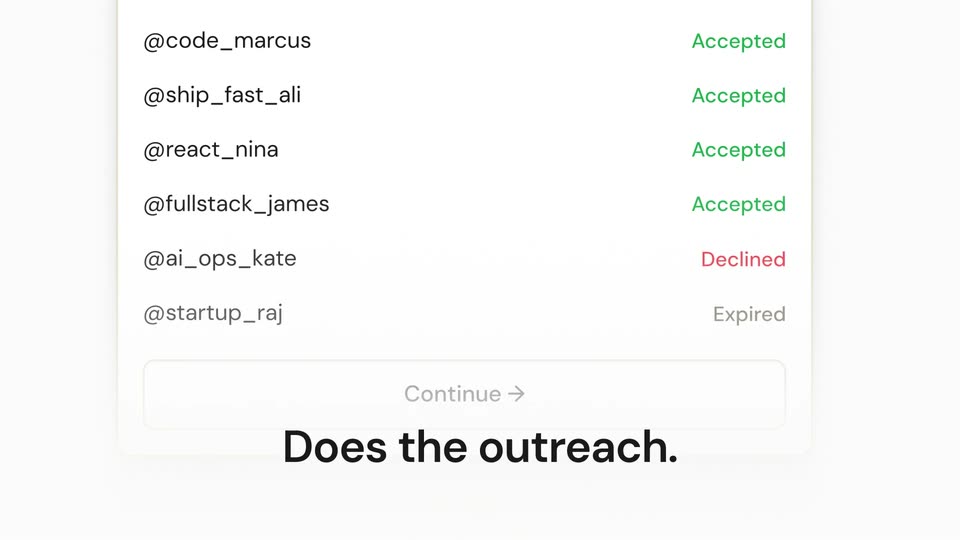 0:47–0:49Okara · Okara - Today we're introducing Okara AI CMO v2. Drop in your website and itA white interface card lists user handles with green Accepted, red Declined and gray Expired tags. The list scrolls upward, then the card collapses into a Continue button that a hand cursor hovers. A bold black caption reads Does the outreach. below.
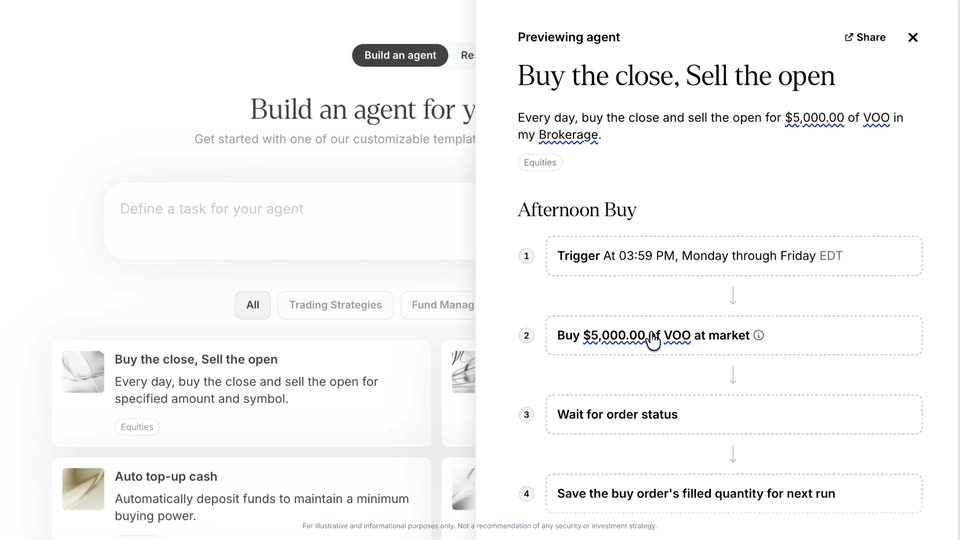 1:15–1:29Public · Public - BREAKING: New updates to AI Agents on Public → We’ve launched the fiA light-themed brokerage app shows an agent builder. The view reframes onto the right preview panel, where a cursor clicks the amount, symbol and account fields, each opening a dropdown that fills the sentence. The panel then scrolls down to reveal the Morning Sell steps.
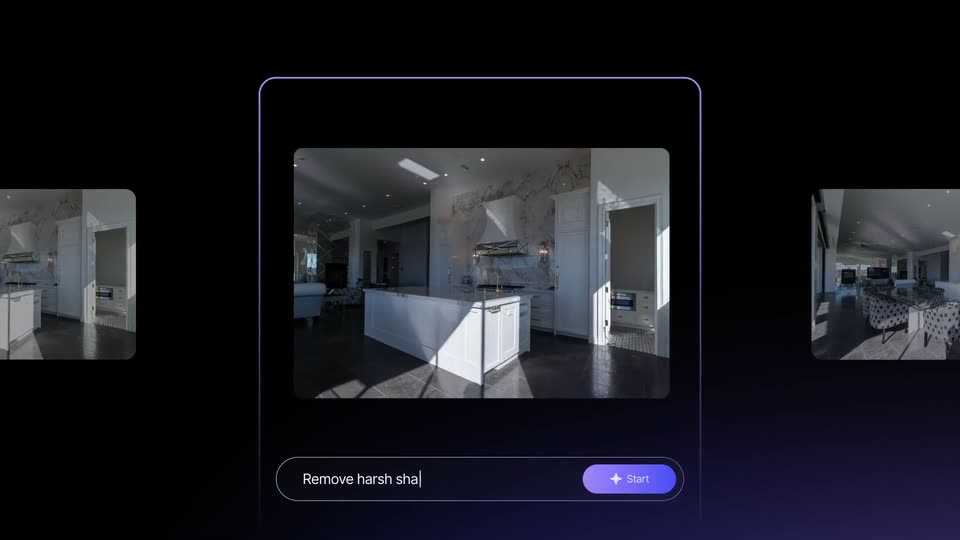 0:45–0:47AutoHDR · Best AI Product Launch Video | AutoHDRA dark product interface shows a central card with a dim kitchen photo above a prompt field. The words Remove harsh shadows type into the field, a hand cursor clicks the Start button, and the photo brightens as the edit applies.
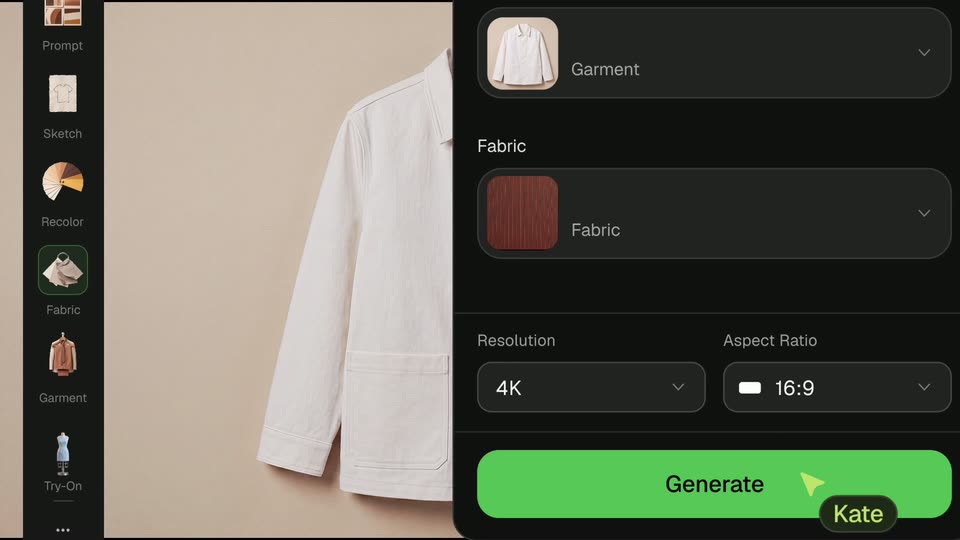 0:21–0:22Fashion Studio · FLORA © - Introducing Fashion Studio. Fashion Studio is a curated set of toolA dark control panel with a Fabric swatch, 4K and 16:9 dropdowns and a green Generate button sits beside a white shirt. A cursor tagged Kate glides from the Fabric field to the Generate button as pink vertical lines sweep over the shirt.
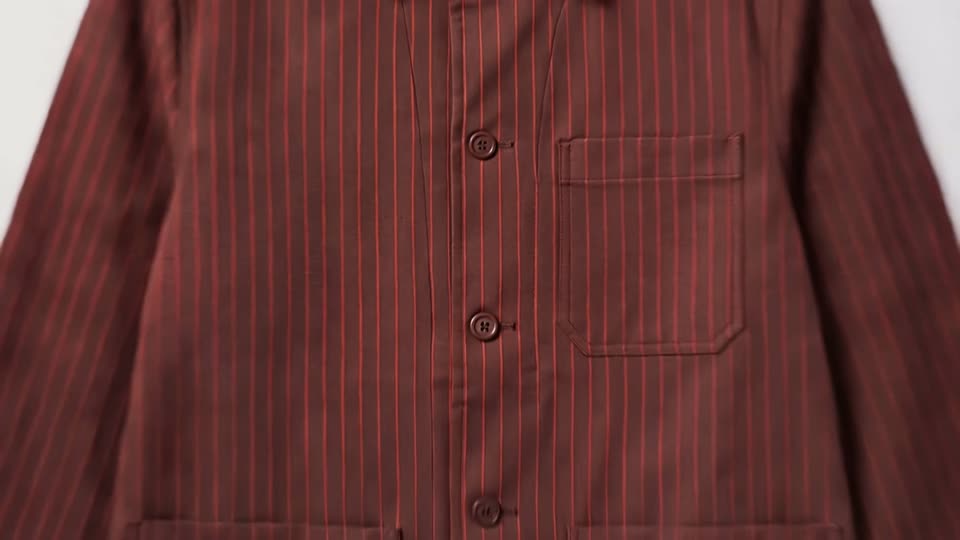 0:22–0:25FLORA · Introducing Fashion StudioA red pinstripe fabric scrolls beside a settings panel; a cursor hovers the green Generate button. The panel fades, the fabric fills the frame, then a brown pinstripe shirt resolves into focus on white.
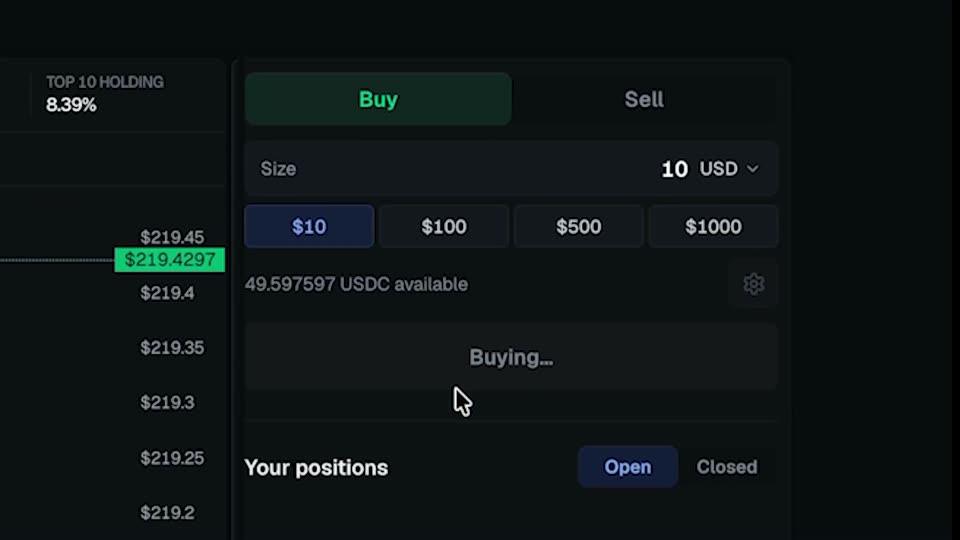 0:32–0:33Arbital · Arbital – Trade memes, stocks, and perps from one placeA dark trading panel fills the frame, showing a green Buy tab, a row of dollar presets, and a price ladder on the left. A white cursor clicks the blue buy button, which flips to a Buying... state as the available balance line appears.
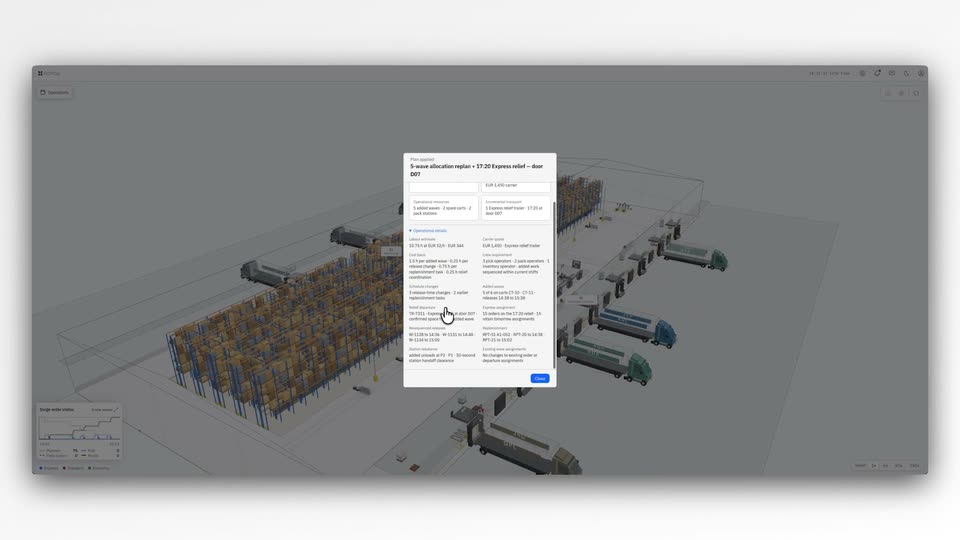 1:04–1:06Haladir · Jibran Hutchins - Today at @Haladirofficial, we are launching Nomos Sandbox, an interacA 3D warehouse digital twin fills the screen in perspective, with stacked racks and docked trucks. A detail panel sits at the left edge as a white modal card scales in at the center. A hand cursor hovers on the right and drifts toward the modal.
 1:00–1:01Ridge · Ridge - Introducing Ridge Forge! For the past year, our autonomous agents haA white pill navigation bar with icon tabs floats on a green gradient. A green cursor moves from the Ask tab to Overview, the gray highlight follows, and the bar slides right to reveal an Accounts tab. A black caption bar at the bottom updates with white text.
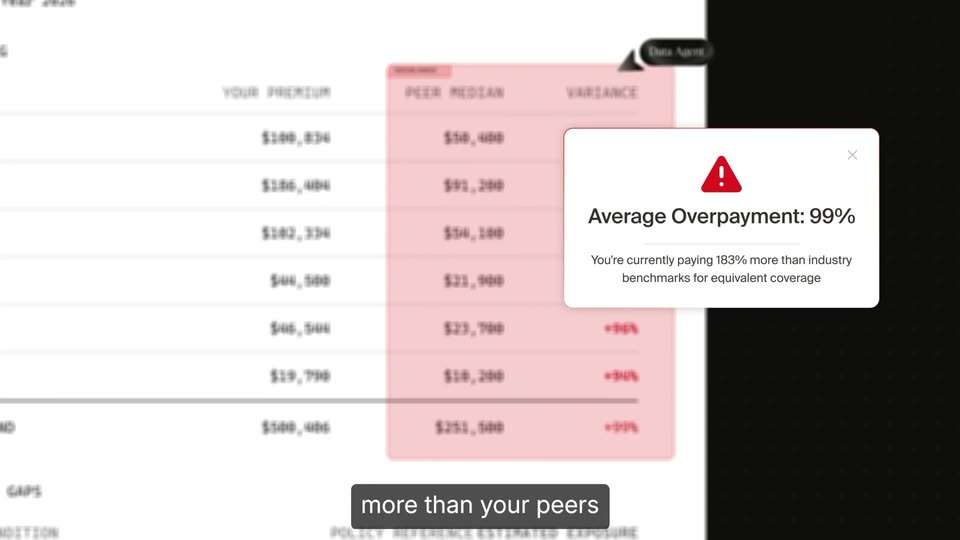 0:53–0:55With Coverage · JD Ross - In 2014, I took on real estate brokers w/ my company Opendoor In 202A white coverage report fills the left half while a red variance column and a warning card pop in beside it. A cursor labeled Data Agent hovers near the top and dark caption bars swap text at the bottom.
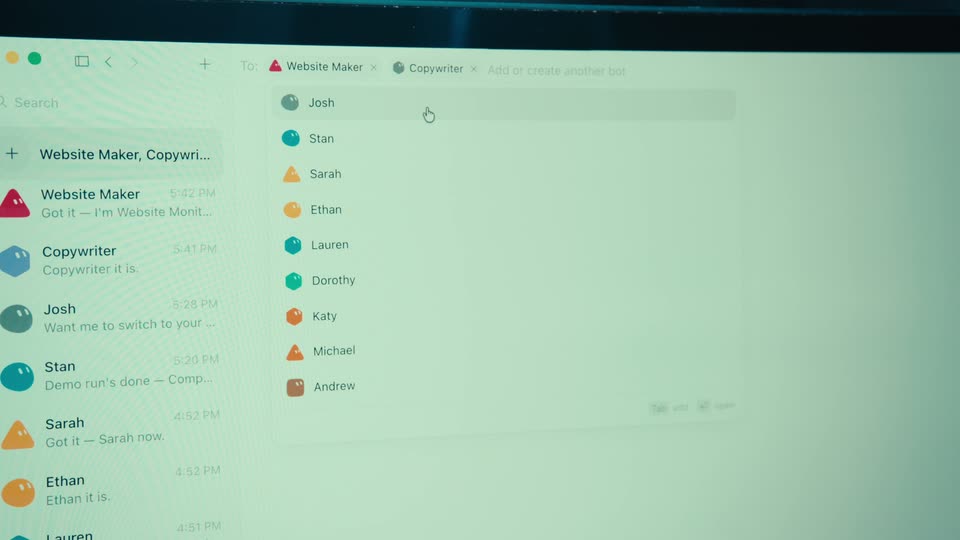 1:16–1:18xAI · Grok Bot - Introducing Grok Bot, now in early beta. Bots are AI teammates thatA light-themed messaging app fills a monitor filmed at a slight angle. An open dropdown list of contacts, each with a colored round avatar, scrolls upward as a white cursor hovers over the names. A Website Maker chip sits in the To field at the top.
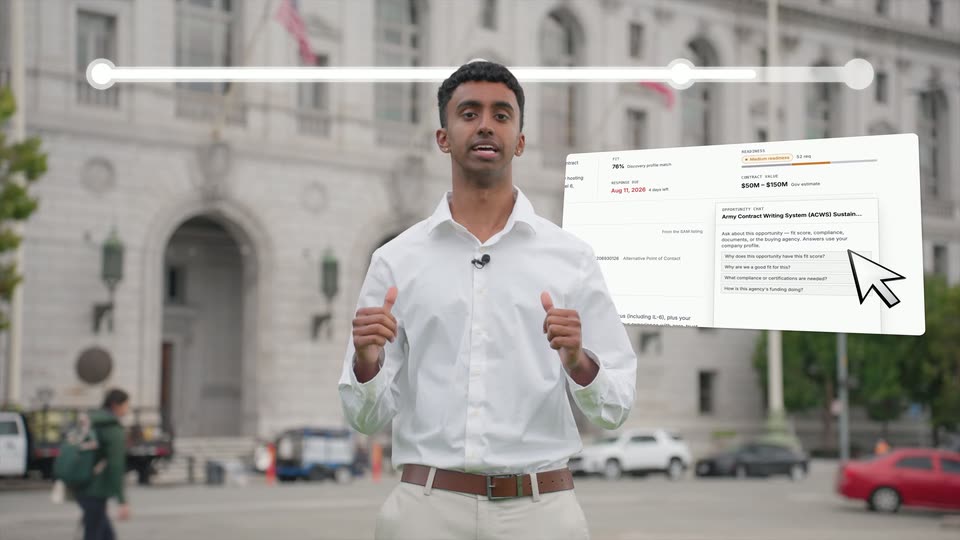 1:12–1:21Capto · Chromie - The AI operating system for government contractingA man in a white shirt stands before a blurred building, gesturing. A white timeline bar with three nodes fills across the top. To his right, a tilted 3D panel shows a contract UI; a cursor hovers and the panel zooms into a chat card. “6 weeks out” sits below.
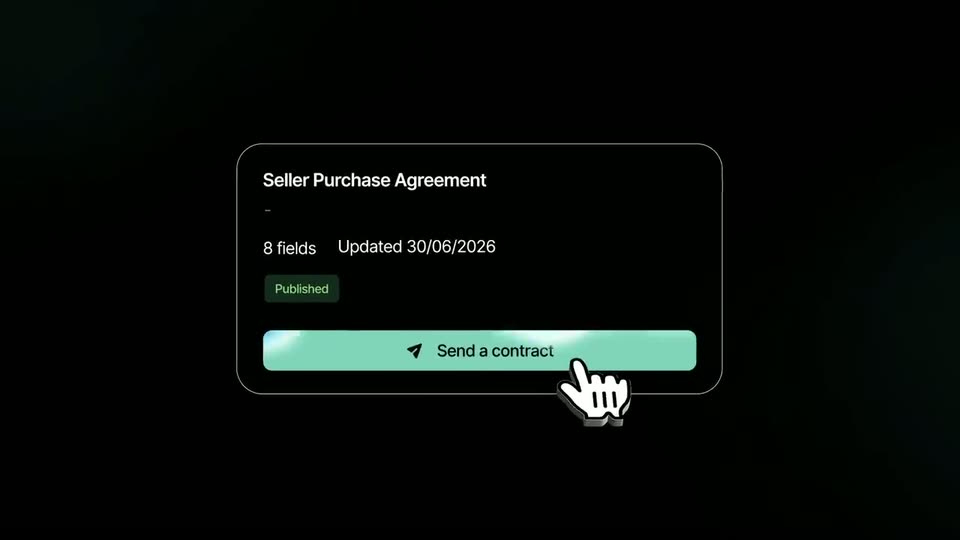 1:36–1:37LandAtlas · LandAtlas: demoA dark rounded card holds a contract summary: title, field count, date, a green Published badge, and a mint action button. A white hand cursor points at the button as a bright band sweeps across it and the card drifts right.
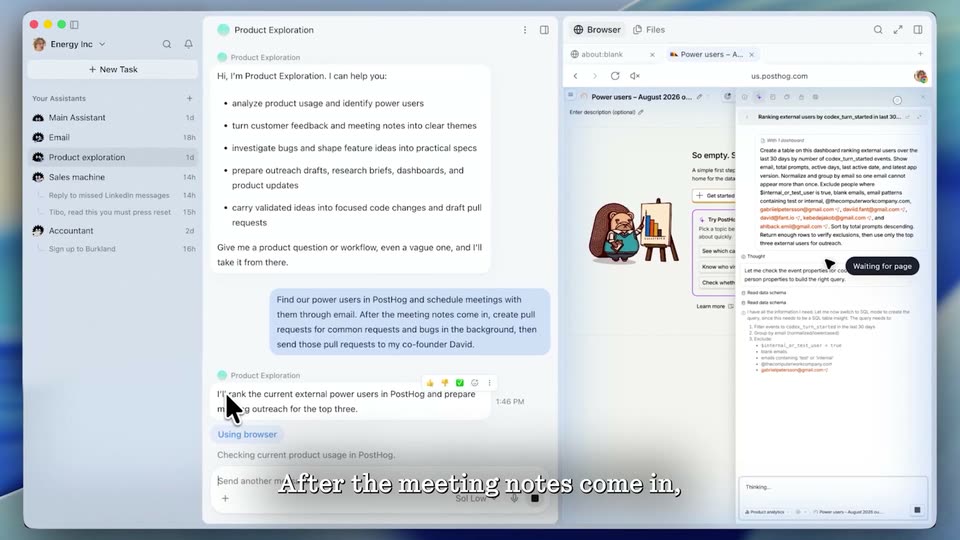 0:51–0:52Energy · gabriel - 3 months ago i resigned from @OpenAI. today we are launching EnergyTwo product windows sit side by side on a desktop: a chat assistant on the left, a PostHog browser on the right. A cursor rests on a task message, a Waiting for page tag floats over the browser, and a caption lines the bottom.
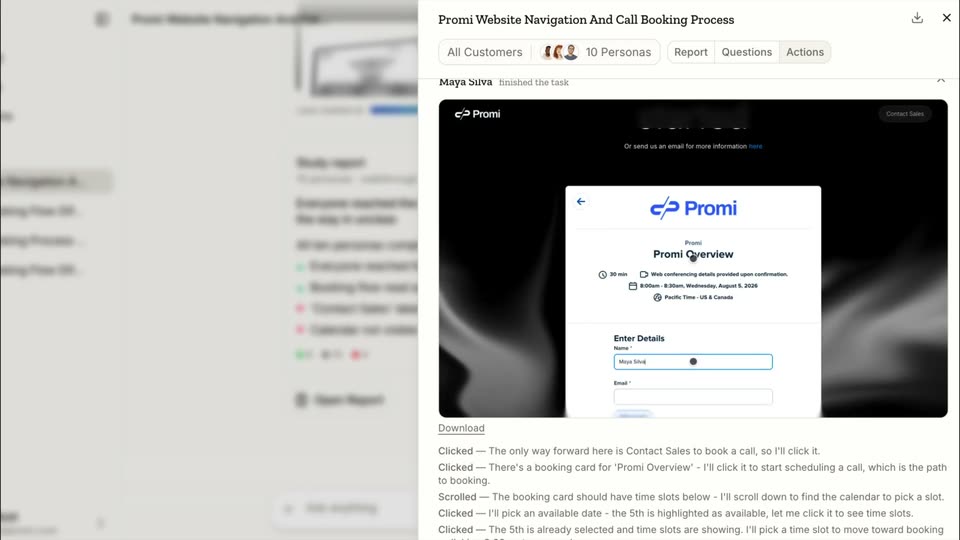 0:32–0:39Promi · Promi Digital Twins DemoA blurred task list sits on the left while a sharp report panel on the right plays a screen recording: a cursor clicks a time slot, the booking card scrolls to a details form, and the name and email fields fill in.
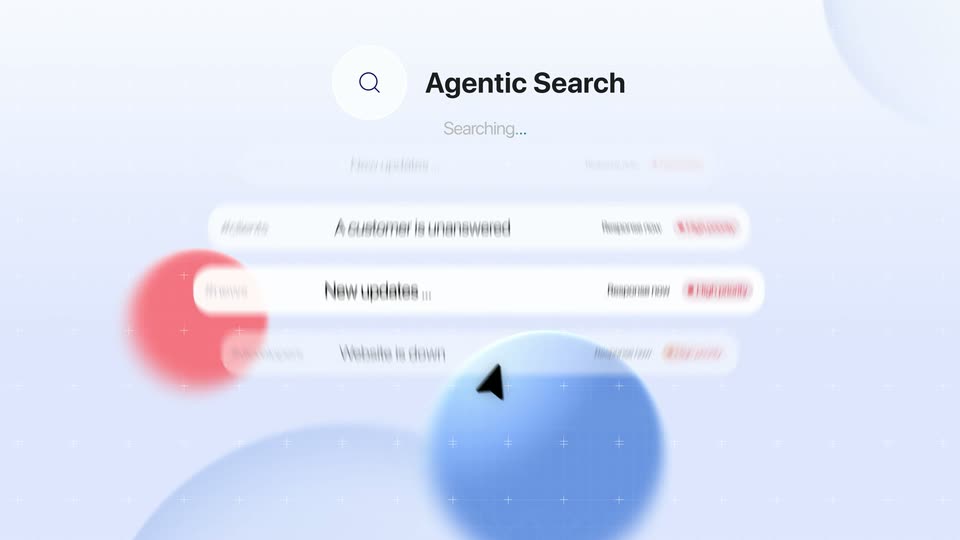 0:53–0:57Sila · Introducing SilaOn a lavender grid with blurred red and blue circles, a search card types the query, a cursor clicks the send button, three result rows with channel tags and High priority pills blur in, then a green Done status appears.
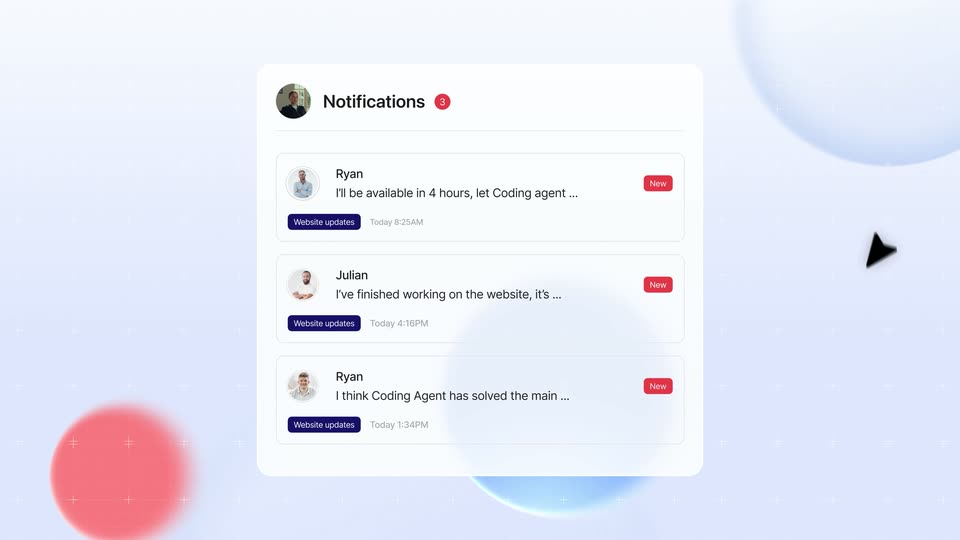 0:51–0:53Sila · Mith Paresh Patel - Introducing Sila backed by @ycombinator : Messaging built for 2026 AA white notifications panel with three message rows sits centered on a pale blue grid background. A black cursor drifts down the right edge as the surrounding cards blur and fade away, isolating the panel.
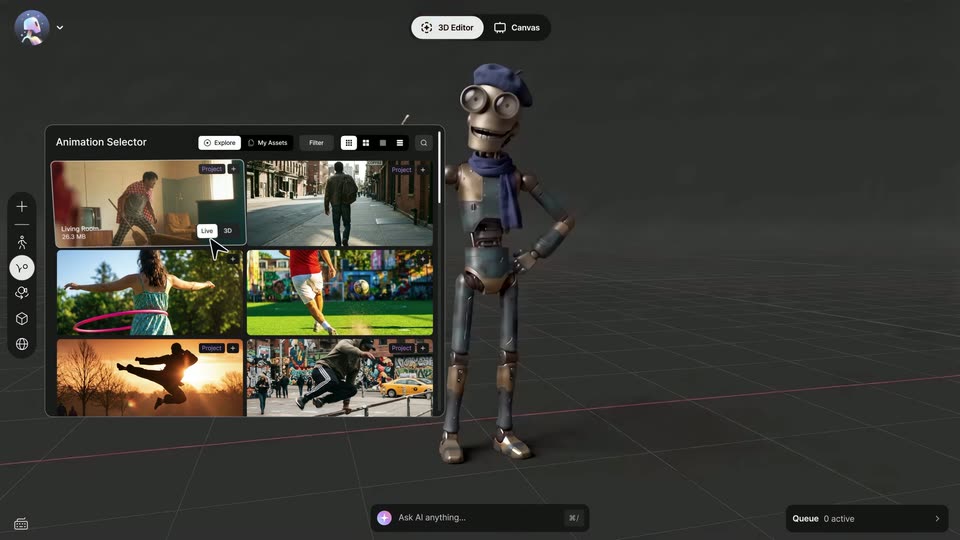 1:14–1:15Autodesk · Autodesk Flow Studio - AI video has a control problem. Most AI tools generate in 2D. FilmmaA 3D robot on a dark grid floor animates its arms and head beside an angled Animation Selector panel of video clips. A cursor hovers over the Live and 3D toggle on the living room thumbnail as the scene holds.
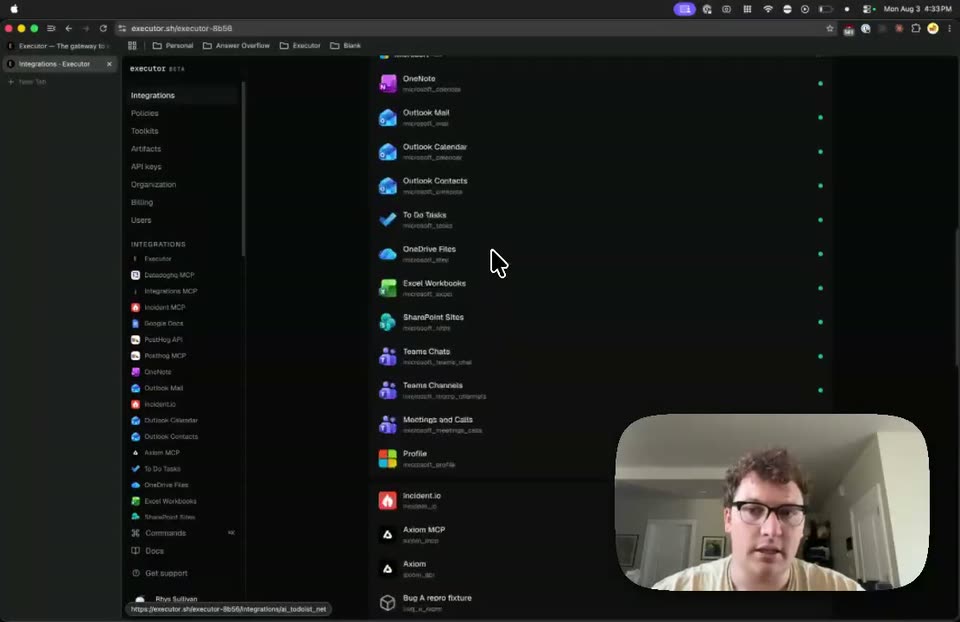 0:27 · 0.4sExecutor · Executor DemoA dark integrations list scrolls upward past MCP entries while a cursor hovers over the rows. A small video feed of a bespectacled man in a room sits in the lower right corner.
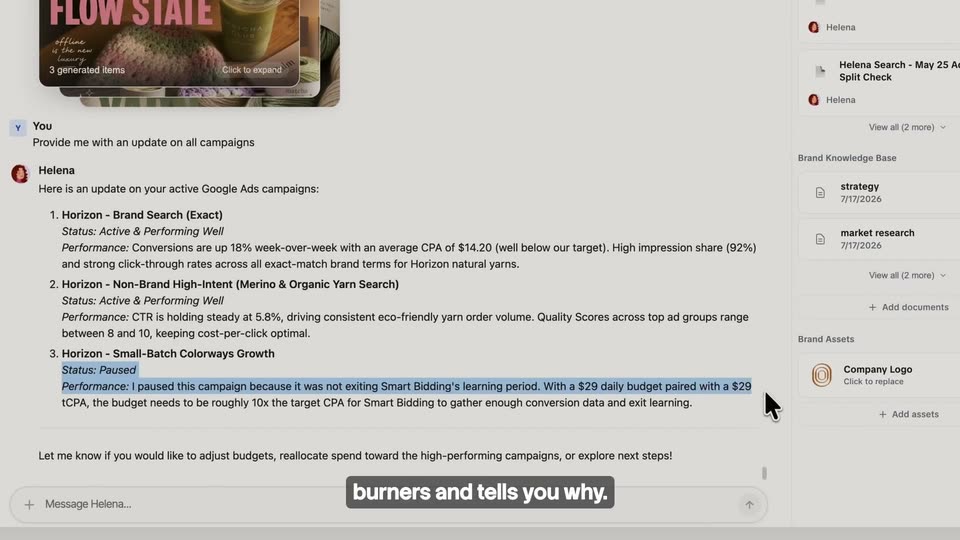 0:25–0:28Enrich Labs · Seijin Jung - introducing Helena, the world's first self-improving AI marketer. $1A Gmail thread with the assistant Helena pans out to the full inbox, revealing a Monday Morning Briefing with revenue and spend metrics while a Flow State card hovers top left. White captions in a dark pill summarize at the bottom.
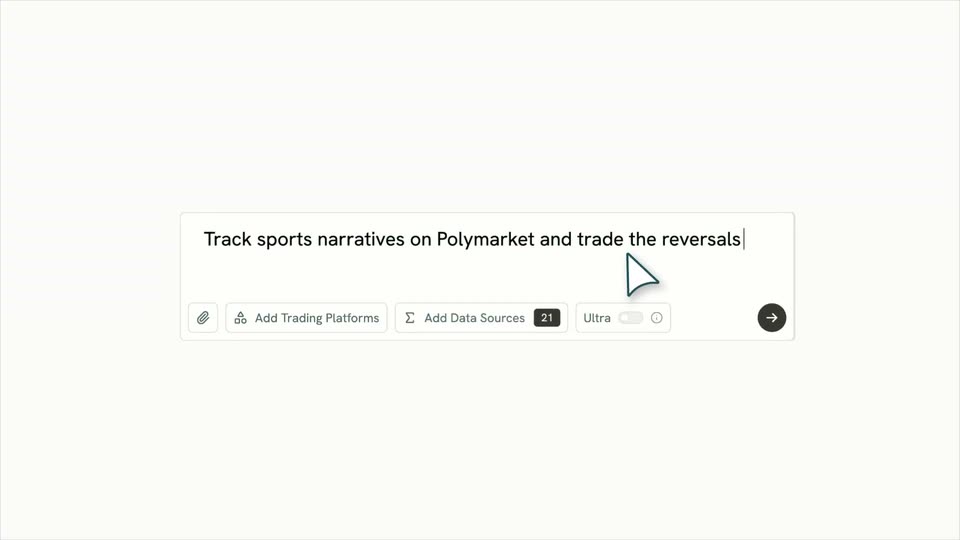 1:25–1:27Scalar Field · Amandeep Singh - We’re incredibly excited to share what we’ve been building over the pA prompt box fades in on a pale background as the text “Track sports narratives on Polymarket and trade the reversals” types out with a green caret. A mouse cursor slides in and hovers the black send arrow at the box’s corner.
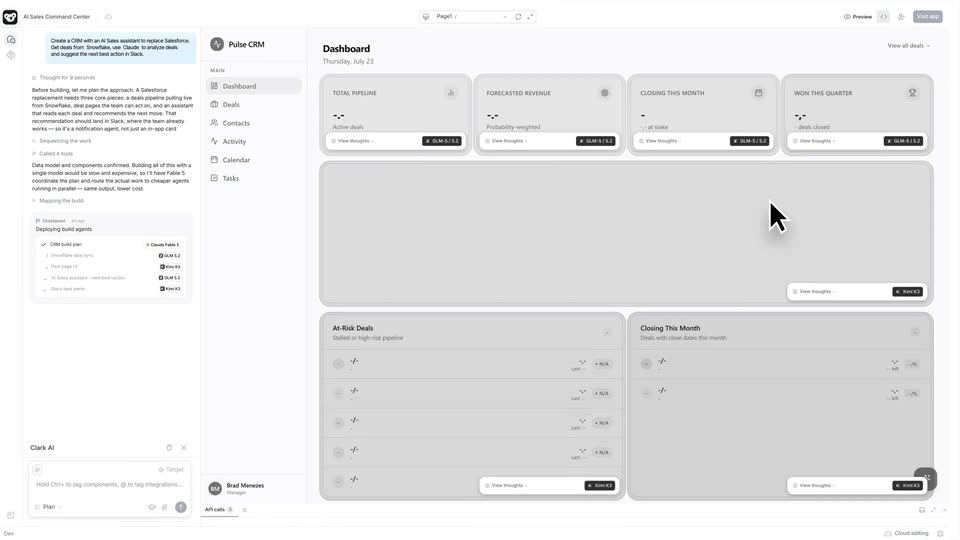 0:30–0:31Superblocks · Brad Menezes - Today we’re partnering with AWS to launch Superblocks 3.0: the secureA screen capture of a CRM dashboard with a left-side agent chat log. Metric cards and two empty data panels fill the right, a cursor hovers over them, and a dark caption box at the bottom reads building the deal page.
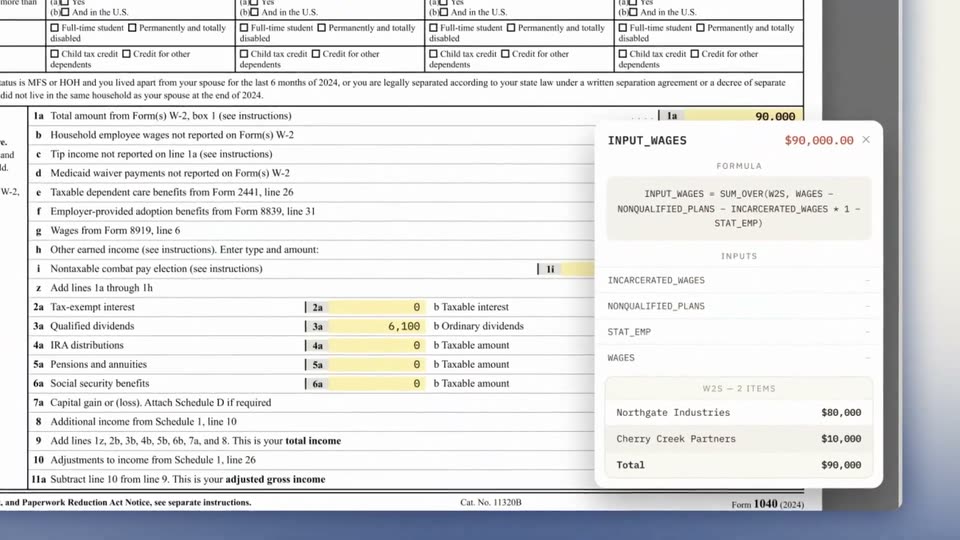 1:04–1:06Luca IQ · Luca IQ (YC S26) LaunchA tax form fills the left of the screen while a formula panel on the right breaks down the INPUT_WAGES total into two employer entries and a sum. A cursor glides to the top tabs as the form settles from a doubled overlay into a clean view.
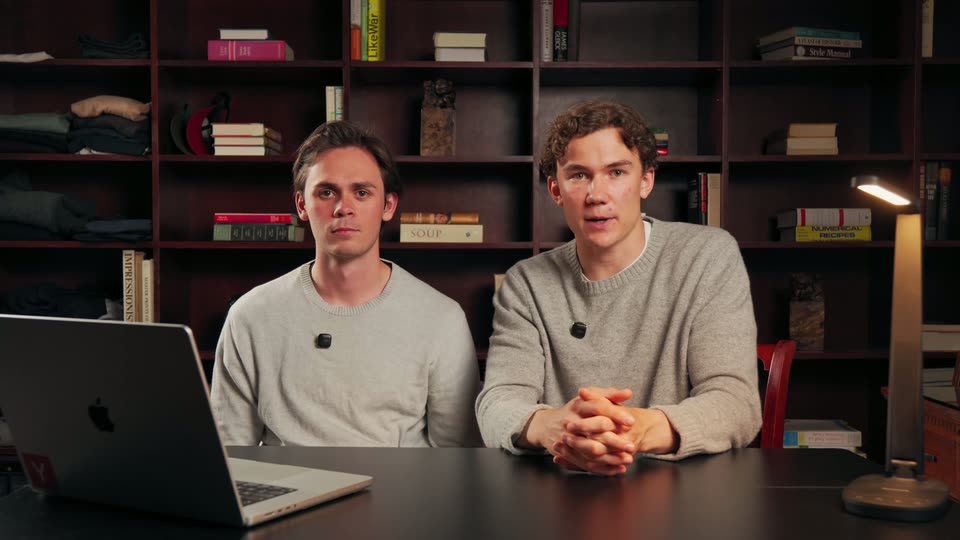 1:31–1:32Zaplar · Zaplar: the AI-native operating system for hotels (Y Combinator S26)Two men in grey sweaters sit at a desk before a bookshelf, the right one gesturing, then the shot cuts to a booking interface where a cursor hovers over a Guest details block.
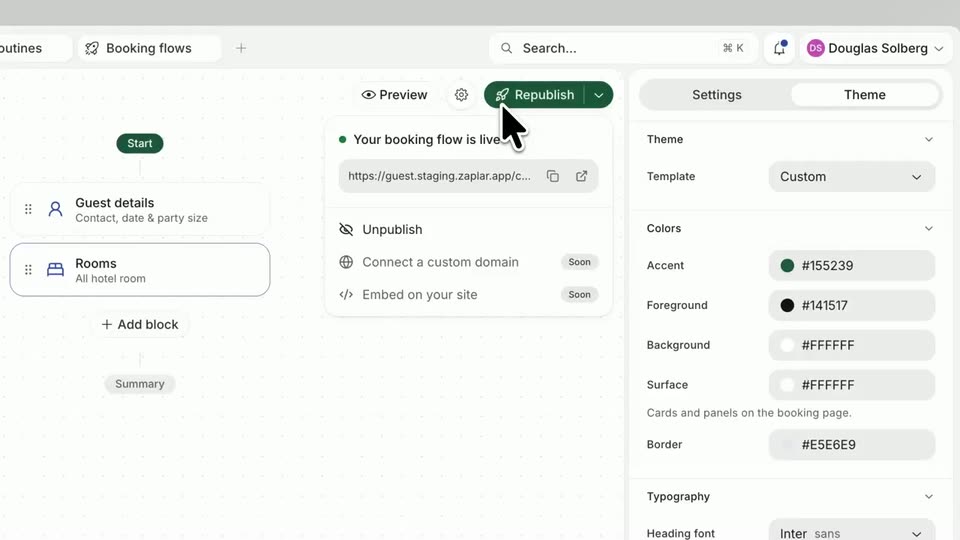 1:32–1:37Zaplar · Zaplar (YC S26) - Today, we're launching Zaplar (YC S26) Zaplar is the agentic hotel oA booking-flow editor fills the frame. A cursor clicks the green Republish button, the view reframes onto the canvas, and a panel slides in reading “Your booking flow is live” with a URL. The cursor then rests on the open-in-new-tab icon beside the link.
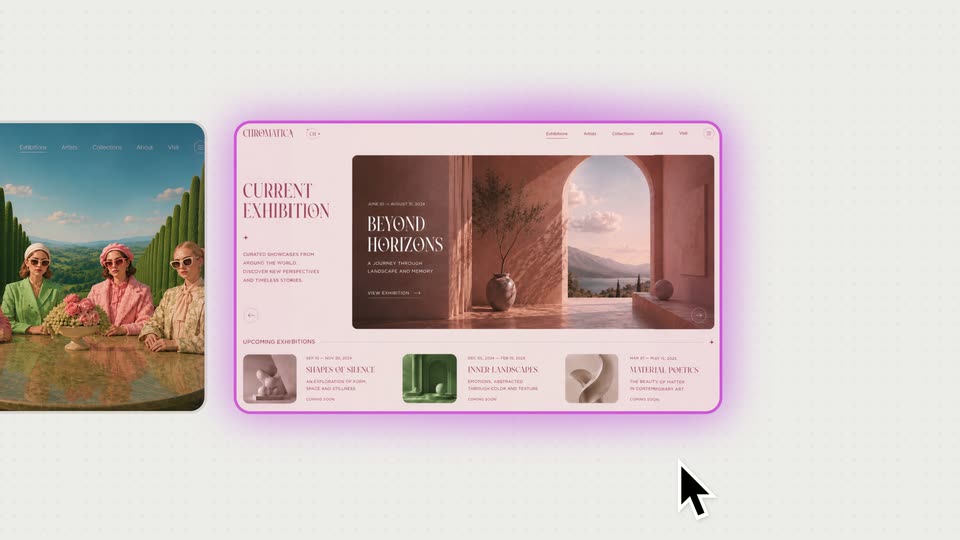 0:24–0:26Replit · Introducing Replit DesignA pink wash lifts off a browser window of an art exhibition site, revealing the white interface with a hero image and three gallery cards. A second window with three women in bright clothing sits left on a textured wall. A hand and arrow cursor hover over the layout.
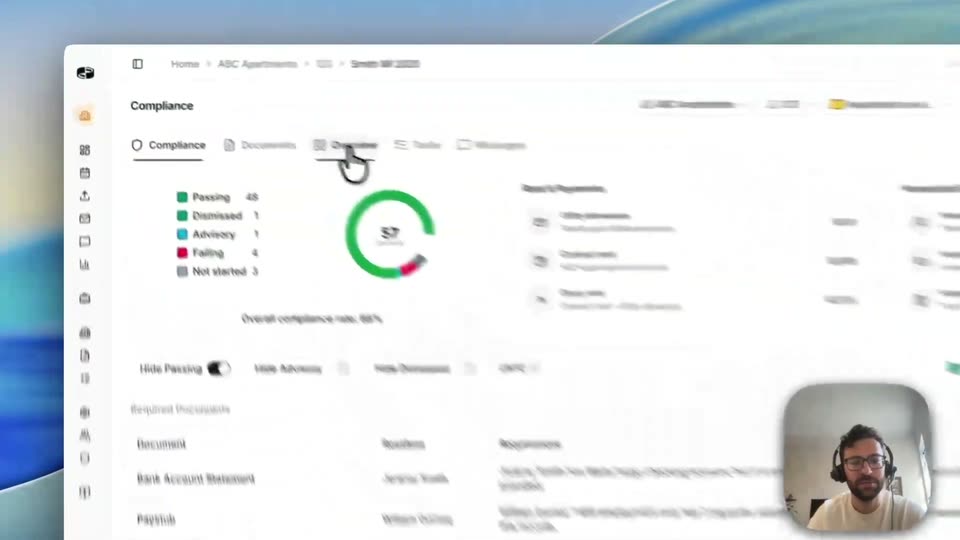 0:42–0:46Tire Swing · Tire SwingA compliance dashboard with a green donut chart and document tables fills the screen; a small webcam of a man with headphones sits bottom right. The cursor moves to the Overview tab and clicks it, the panels fading to a blank view.
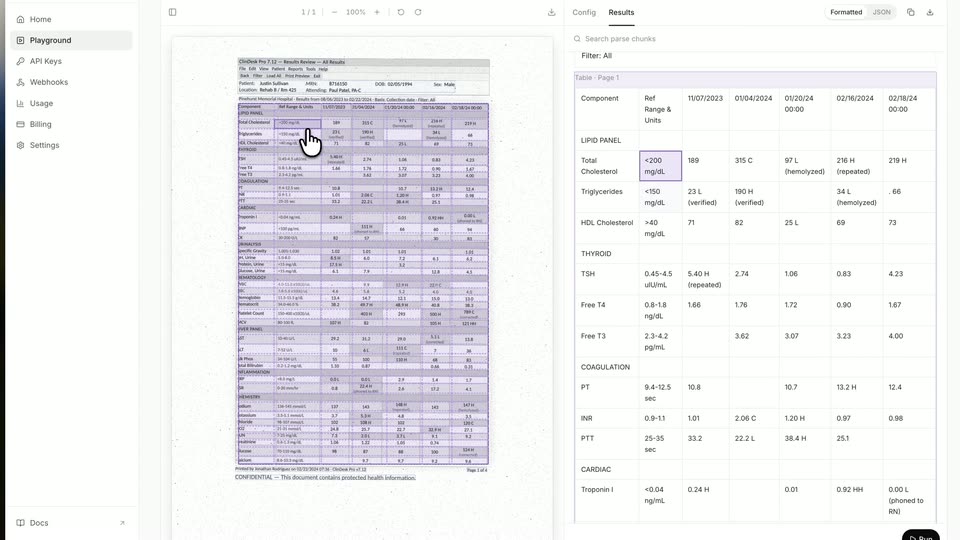 0:56–1:00Hanji · David Yu - Introducing Hanji. Turn your scanned, faxed, and handwritten documenA lab-results PDF sits in a document viewer beside a parsed table panel; a hand cursor clicks the lipid panel row while the view zooms out to reveal the window title bar.
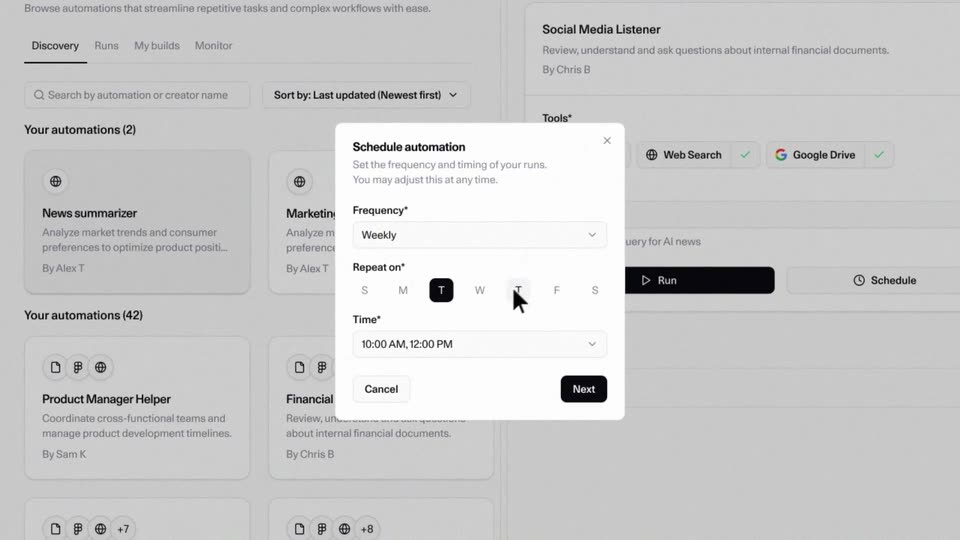 0:29–0:34North Automations · Cohere - Introducing North Automations Use plain language to design automatedA split dashboard view of an automations product is shown, then the camera zooms in as a cursor clicks the Schedule button. A centered modal opens where the cursor toggles Tuesday, Thursday and Friday before moving to the Next button.
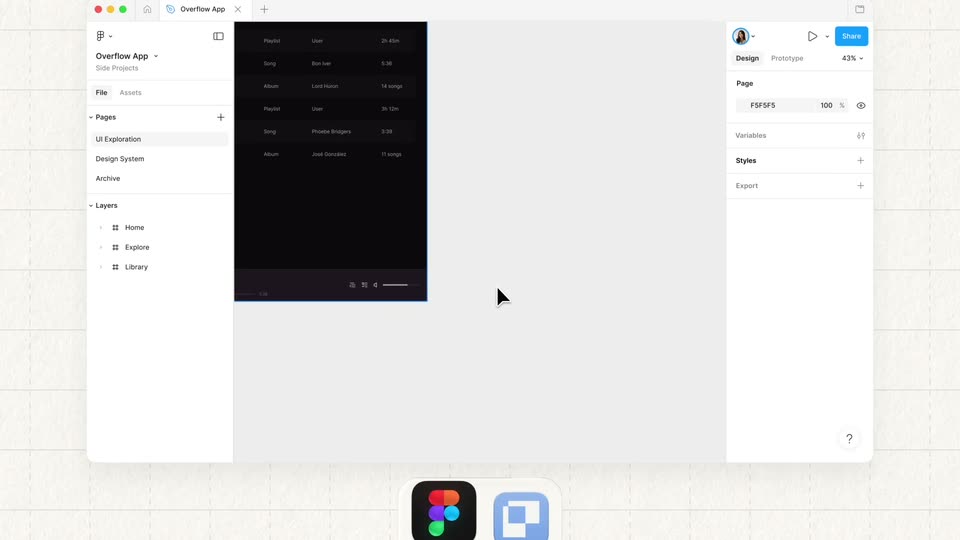 0:32–0:34Paper · Stephen Haney - Getting started in Paper is now really easy You can start your desigA cursor hovers the Copy row of a dark context menu, then the frame zooms out to a design-tool canvas holding a dark music player mockup, while two colorful app icons fade in at the bottom.
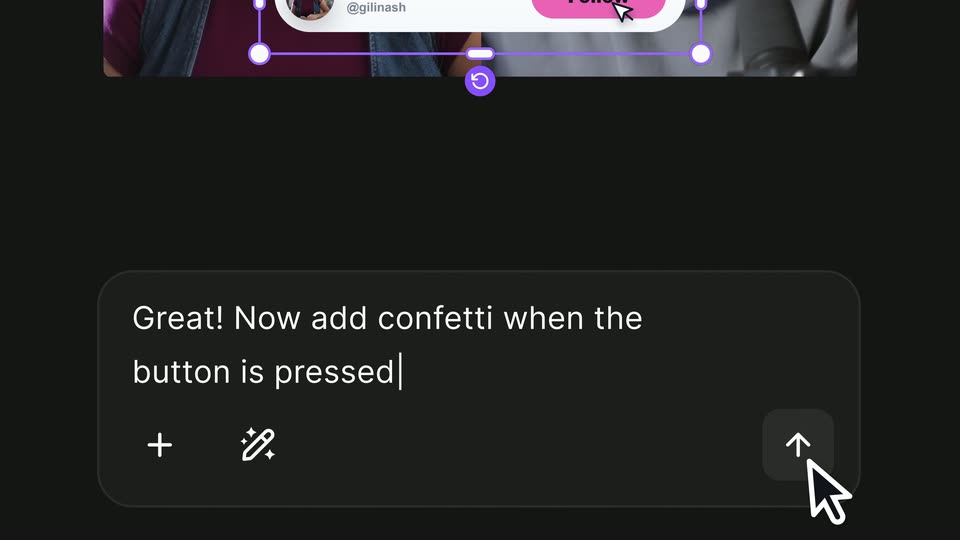 0:15–0:18Riverside · Riverside - Motion graphics, now on Riverside. Generate and customize them righA text field on a dark interface types out a sentence letter by letter, then a cursor moves to the send arrow. Above, a profile card with a pink Follow button and purple selection handles holds a hovering cursor.
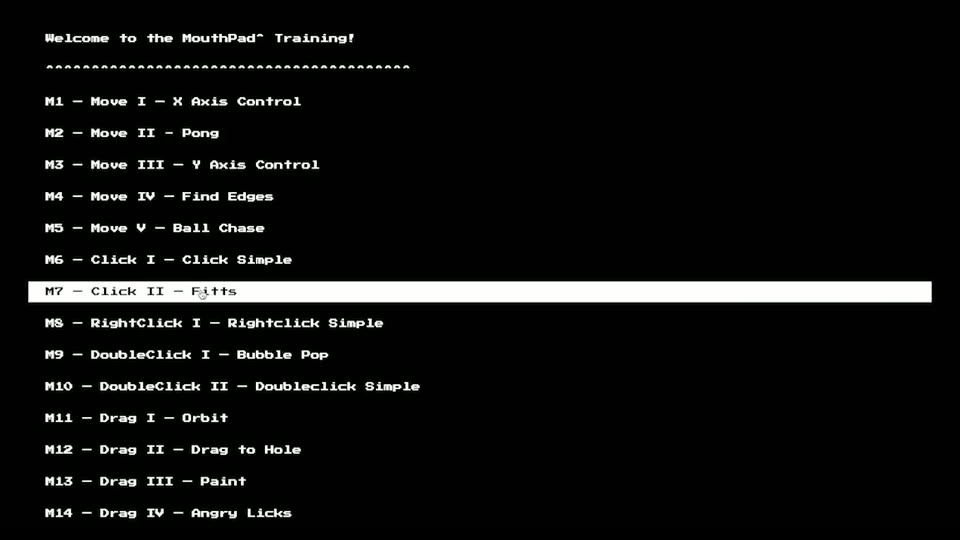 1:31–1:33Augmental · MouthPad is now availableA black screen holds a white monospace list of training moves, M1 to M14, under a welcome header and a row of asterisks. A full-width white highlight bar jumps down the list, marking each row in turn.
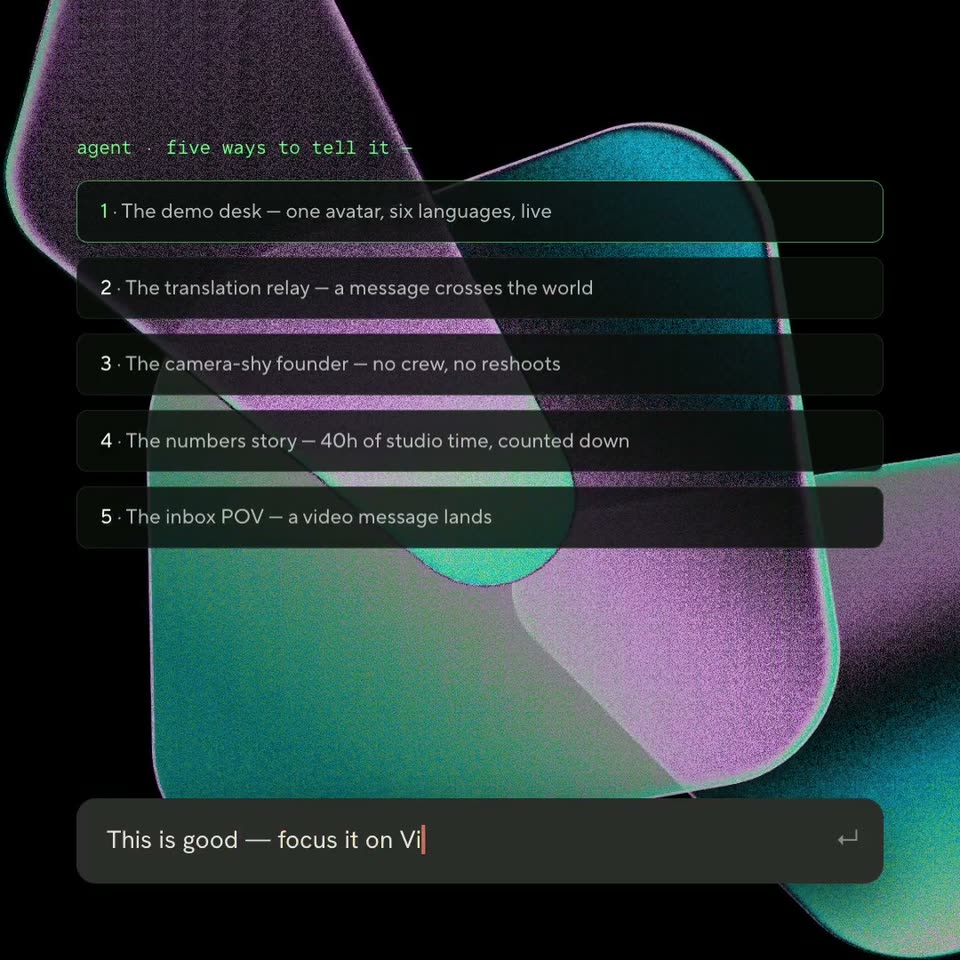 0:32–0:35HeyGen · HeyGen - Introducing companion mode The difference between ordering a video aA five-row menu list sits over drifting grainy purple and teal 3D blobs on black, the first row outlined in green. A dark input bar at the bottom types out a prompt character by character behind a blinking caret.