Cursor demo
A visible cursor operates the interface.
15,090 scenes · page 169 of 252
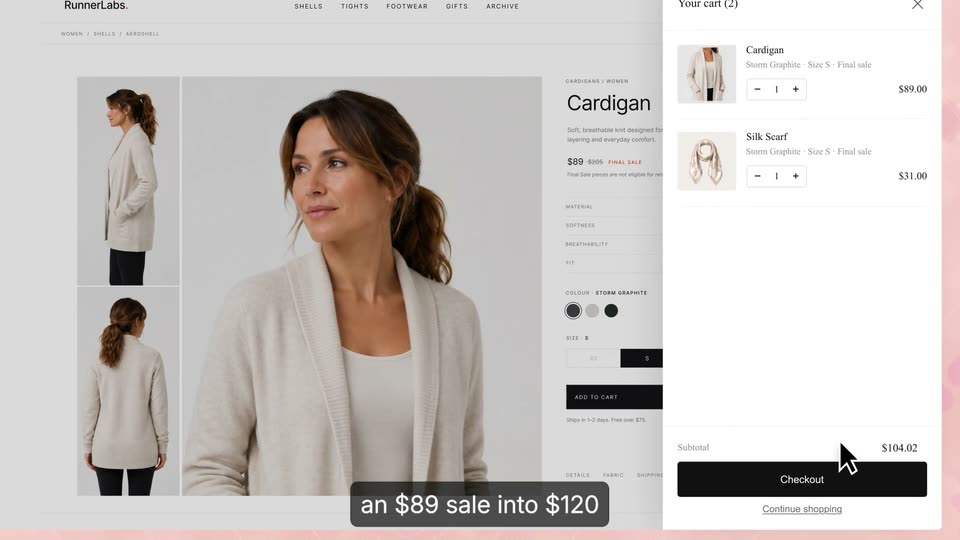 2:01–2:04Gorgias · Romain Lapeyre - We’ve raised over $100M to create AI customer support that doesn’t soA cardigan product page opens zoomed on its header, pulls back to the full layout, then reframes onto the right-hand cart panel as a cursor clicks the black Checkout button. A dark caption bar at the bottom states the new total.
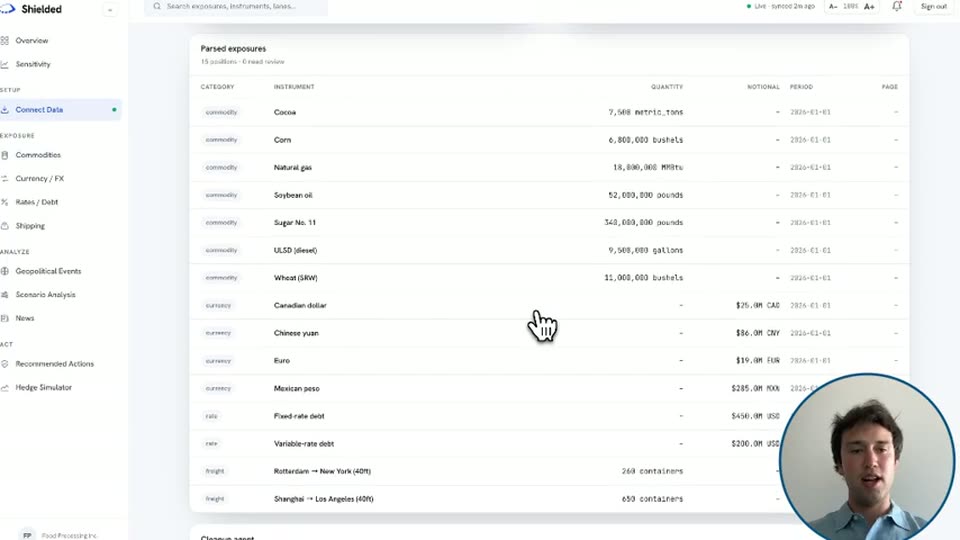 0:28–0:29Shielded · Shielded Live DemoA light dashboard fills the frame with a left nav and a parsed-exposures table. A parse panel with a highlighted button overlays the table, then clears to reveal the full list, while a hand cursor hovers a row and a circular presenter webcam sits in the corner.
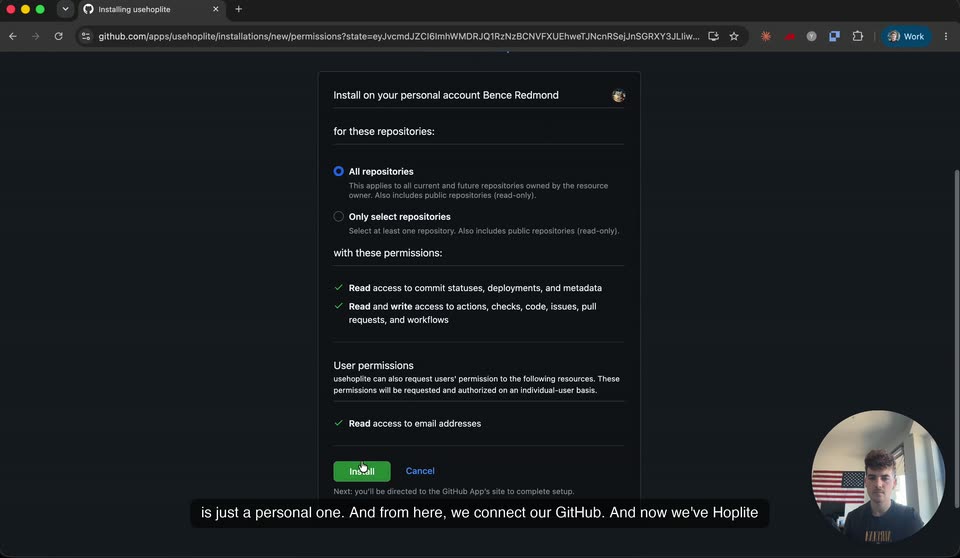 0:27–0:29Hoplite · Ryan Morrissey - We have spent weeks making the best cloud coding platform out thereA GitHub install page in a dark browser window scrolls down to reveal the Install button, while a red cursor highlight pops over the form. A circular webcam feed of the presenter sits in the corner, and a caption bar runs along the bottom.
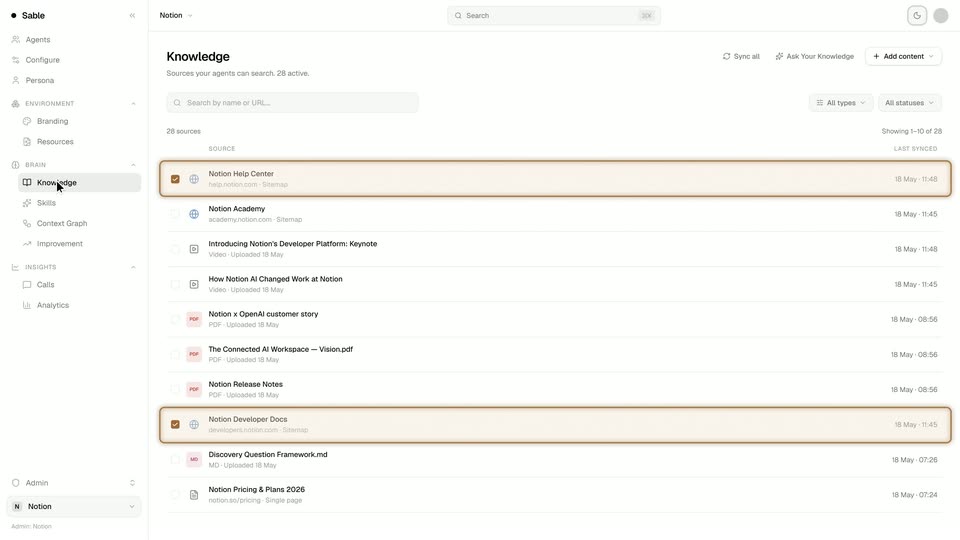 1:16–1:20Sable · Nim Ravid - Introducing Aidan, your newest AI employee Aidan is the first computThe Knowledge page flips from a grid of video and document cards to a list of sources. Checkboxes on the Notion Help Center and Notion Developer Docs rows tick and the rows take on a tan outline while the cursor hovers in the left sidebar.
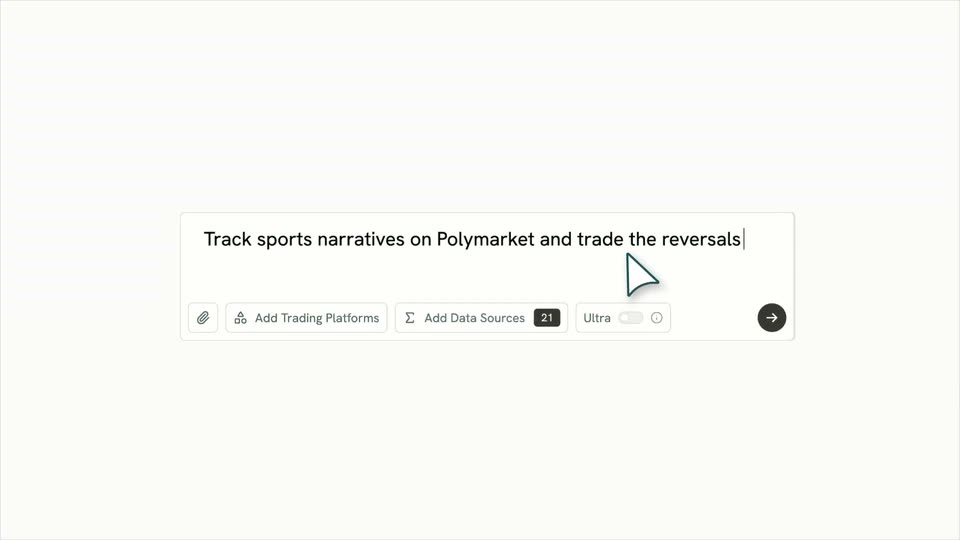 1:25–1:27Scalar Field · Scaler Field | Agentic Trading DeskA light prompt card types out a line of text letter by letter with a blinking cursor. A mouse pointer slides in below the line and moves onto the black circular arrow button. A row of pill buttons sits under the text.
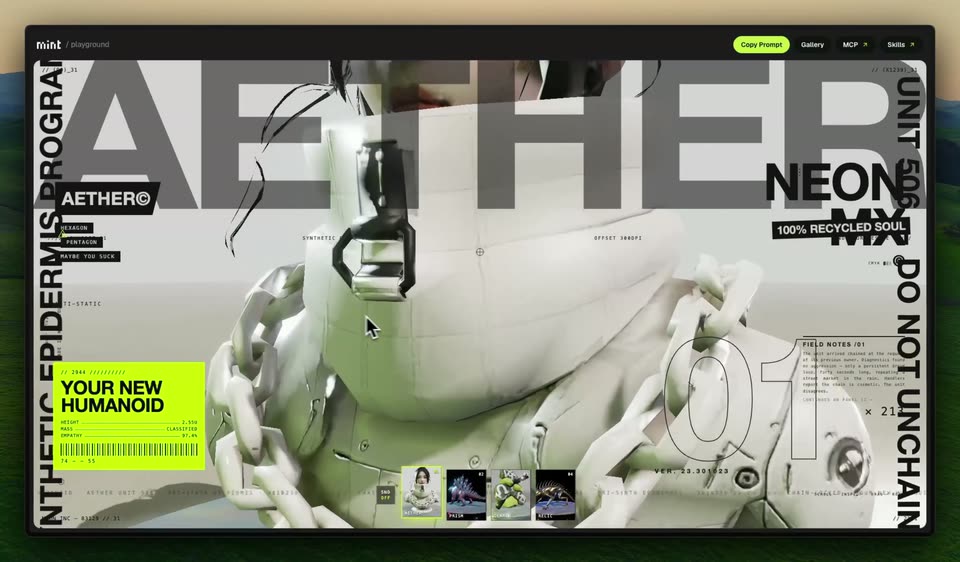 0:05–0:09Mint MCP · tamrat - Introducing Mint MCP - It turns your coding agent into a 3D engine!A flat screen on a blurred landscape shows the mint playground interface: a pale 3D humanoid with a chain collar rotates on a turntable under a giant AETHER wordmark, a cursor drifts, then the view pushes in on the neck hardware.
 0:30–0:32Shaders · shaders - Introducing Shaders v3 🔥 Our biggest release yet. Built for design eA dark documentation page on a tilted monitor opens under a sliding teal pixel-mosaic, revealing a rainbow holographic 3D card. The page then scrolls down to the Component: Glass section as a white cursor arrow hovers over the next-lesson card.
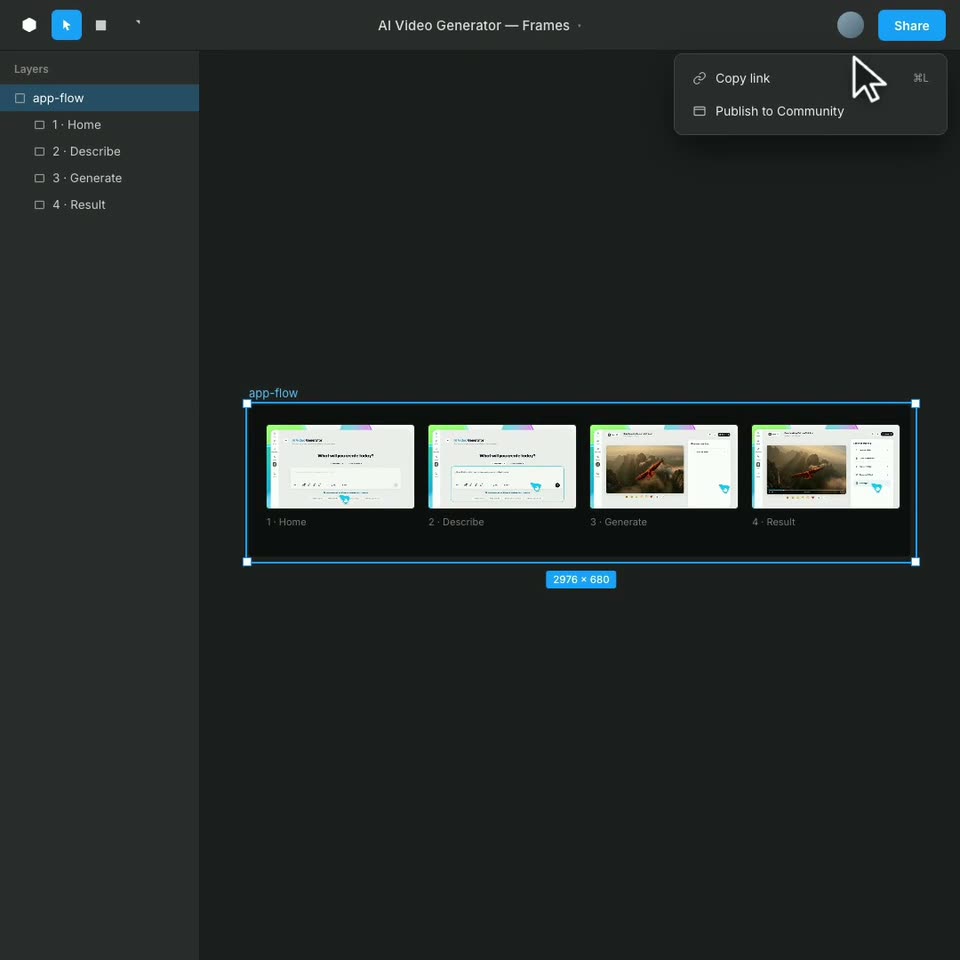 0:36–0:40HyperFrames · HeyGen - Figma -> HyperFrames Designers can now ship launch videos straighIn a dark design tool, a cursor moves to the Share button and clicks it, opening a dropdown with Copy link and Publish to Community. The cursor clicks Copy link, the canvas scrolls, and a Link copied toast appears below the selected frame of four screens.
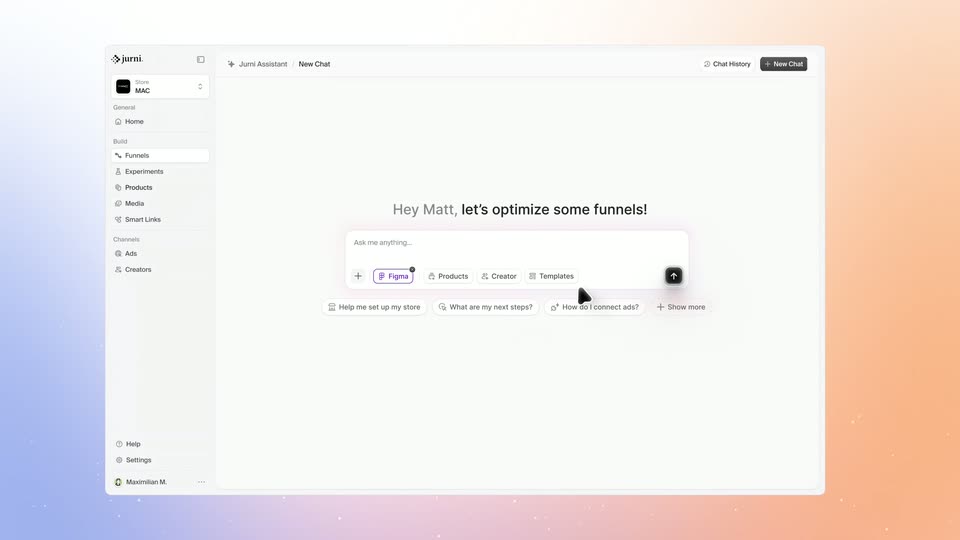 0:33–0:34Jurni AI · Alex Socoloff - Another Friday, another brand launch. Excited to share the new brandA chat assistant window, tilted in 3D perspective, sits on a soft purple-to-orange gradient. A black cursor hovers over the prompt input bar. The interface holds steady with a faint settle, the menu and greeting text locked in place.
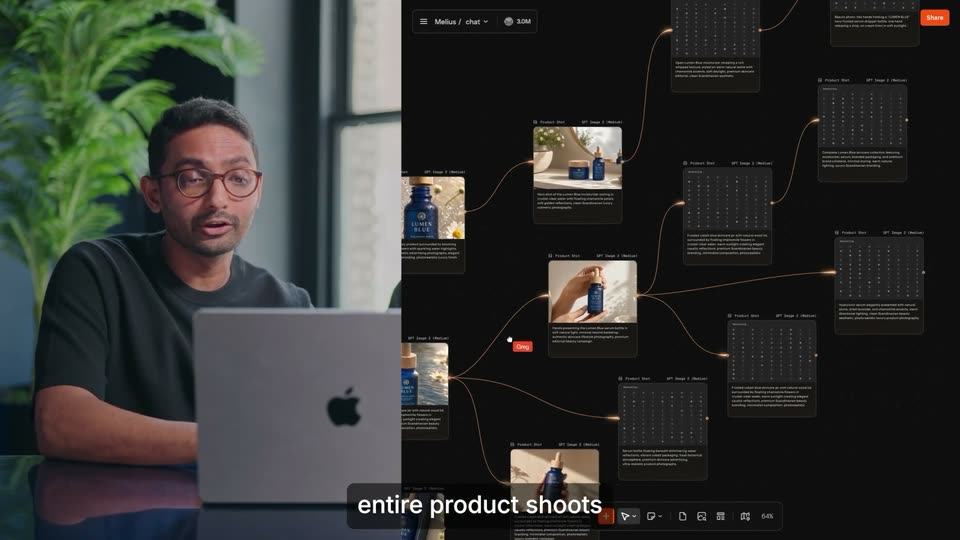 0:21–0:26Melius · joowon - If you’re a creative not using AI you’re fcked. Introducing Melius:Split screen: a man talks at a laptop on the left while the Melius canvas on the right zooms out from one Product Shot card into a wide node graph of generated skincare images, a cursor tagged Greg moving along glowing connectors. Subtitles swap at the bottom.
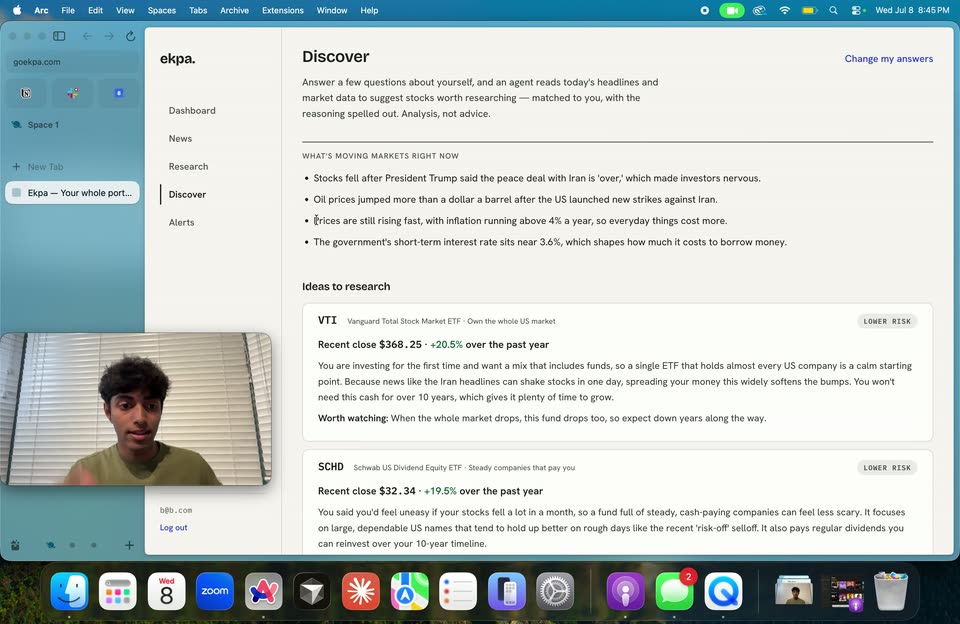 1:24–1:28Ekpa · Ekpa Demo VideoA screen recording of the Ekpa Discover page fills the frame, showing market bullet points and two ETF cards. A small video-call window in the corner shows a man with headphones talking and gesturing, while the cursor drifts over the text.
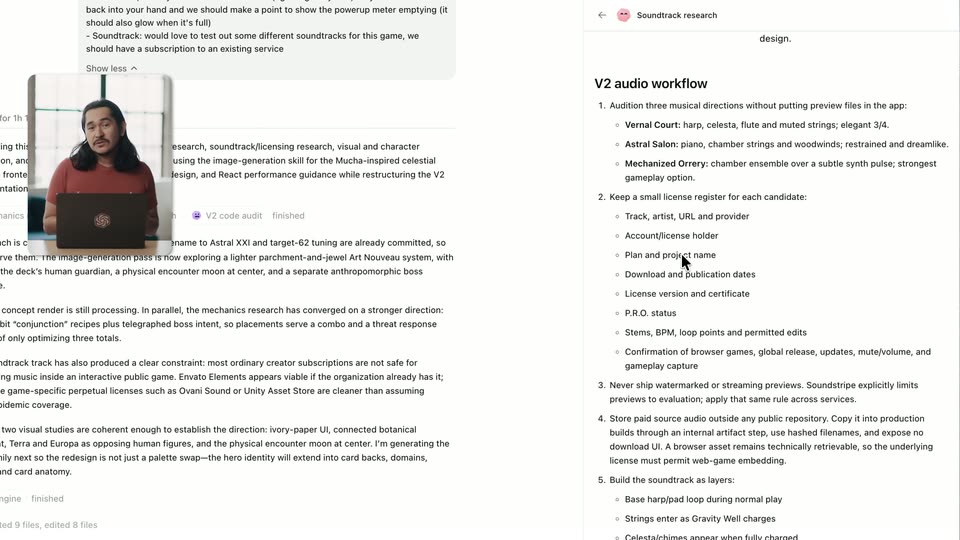 1:26–1:28OpenAI · Meet GPT-5.6A workspace screen shows two panes. Left, a woman in a red shirt talks at a laptop in a video call, framed by document panels. Right, a document lists the V2 audio workflow. A cursor glides down the bullet list.
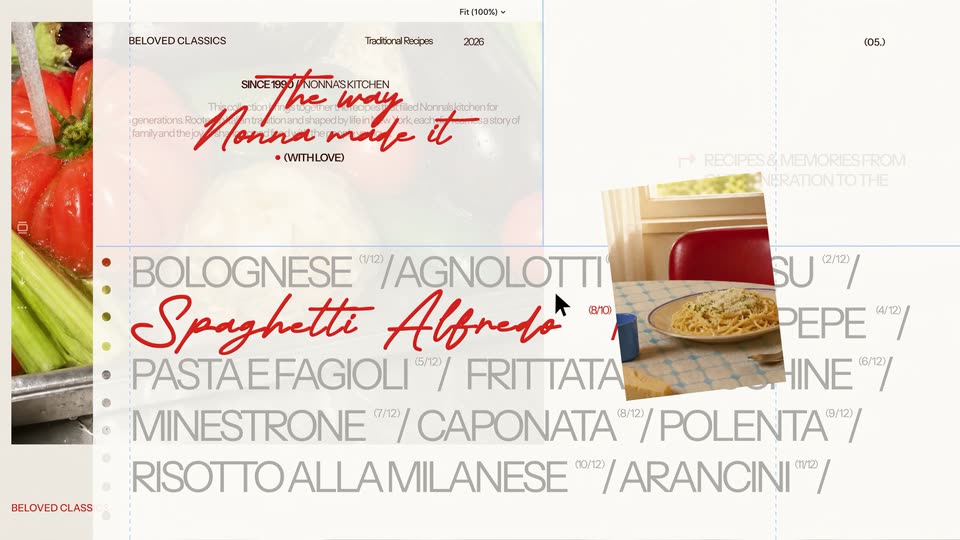 0:27–0:31Wix Harmony · The new way to tell your story | Wix HarmonyA design-tool canvas holds a gray list of Italian dish names under a red script line, Spaghetti Alfredo. A cursor grabs a framed photo of a plate of pasta and drags it across the canvas, tilting it, while the view pulls back to the full workspace.
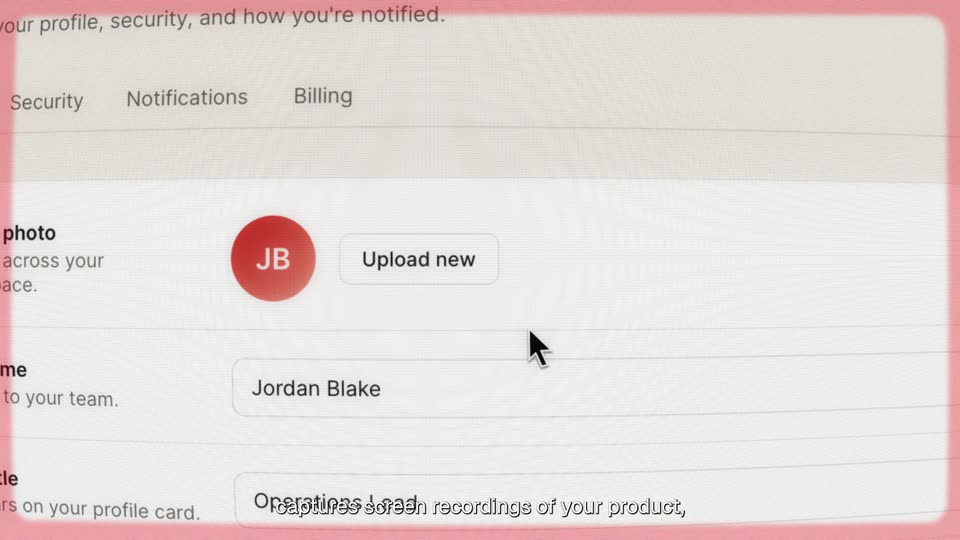 0:50–0:53Clueso · Fully Automate Your Product Videos | Clueso AgentsA screen recording of an account settings page framed by a red rounded border. The view zooms in toward the profile photo row as a black cursor drifts down past the Jordan Blake field. A white caption sits at the bottom.
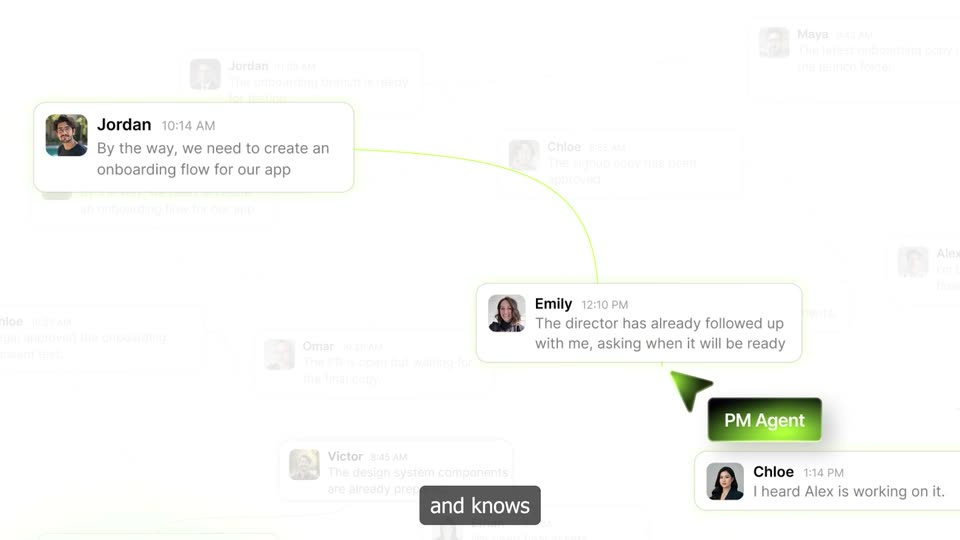 0:48–0:51PromptQL · Tanmai Gopal - We raised $136M to kill Slack. Introducing PromptQL: The first AI veFaded chat cards fill a white board behind three highlighted messages. A green arrow tagged PM Agent hops between them, drawing a thin green line that links each message. A dark bottom caption switches from “agent that reads every chat message” to “exactly where to follow up”.
 0:14 · 0.9sAutoHDR · Best SaaS Product Video | AutoHDRA defocused close-up of a blue interface bar racks into focus on a white pill button labeled “Edit with AI,” with a cartoon hand cursor hovering over the label as it scales slightly.
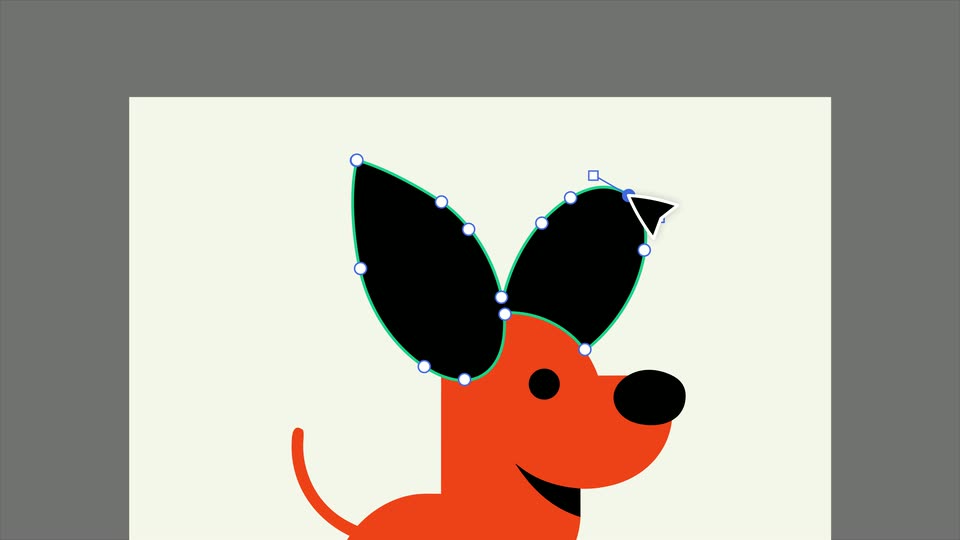 0:18–0:24Recraft · Recraft - You asked, we delivered. Say hello to Recraft’s Vector Editor. TweakA flat orange dog illustration on a cream card zooms in to the head, where a cursor drags vector anchor points to reshape the black ears from floppy ovals to upright points. The view pulls back as the cursor drags the black mouth shape off to the left.
 0:50 · 0.8sKyrall · OsamaAtwi - Today, we're officially launching Kyrall Until now, AI models couldnA dark prompt panel fills the frame as the view tightens onto it; a green triangular cursor glides from the bottom edge up to the right end of the lime GENERATE button. A row of suggested-prompt chips sits just above the button.
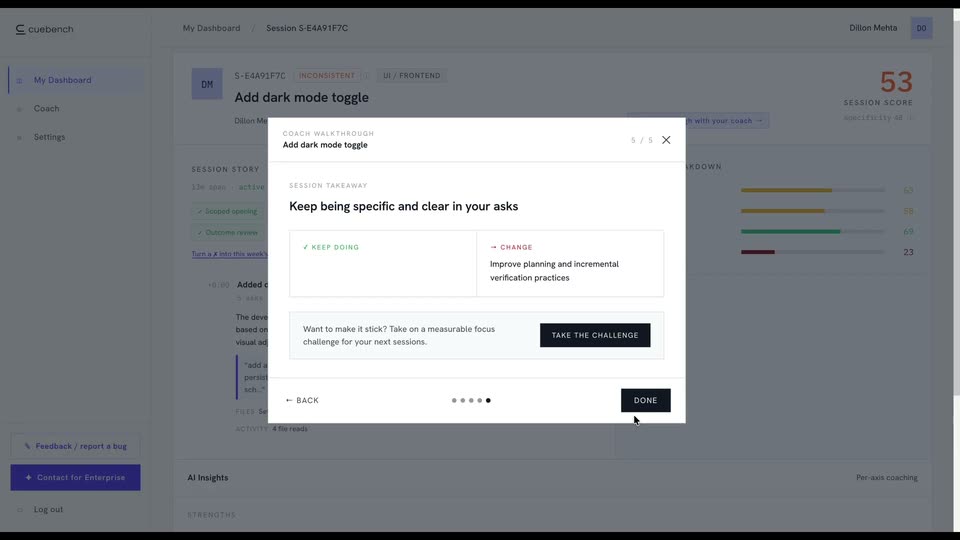 1:02–1:12CueBench · CueBench for Developers DemoA dimmed dashboard sits behind a centered walkthrough modal that opens on a 'coach is reviewing' loading state, then steps through five coaching screens as a cursor clicks NEXT. DONE closes it to reveal the Coach page; the counter and dots advance each step.
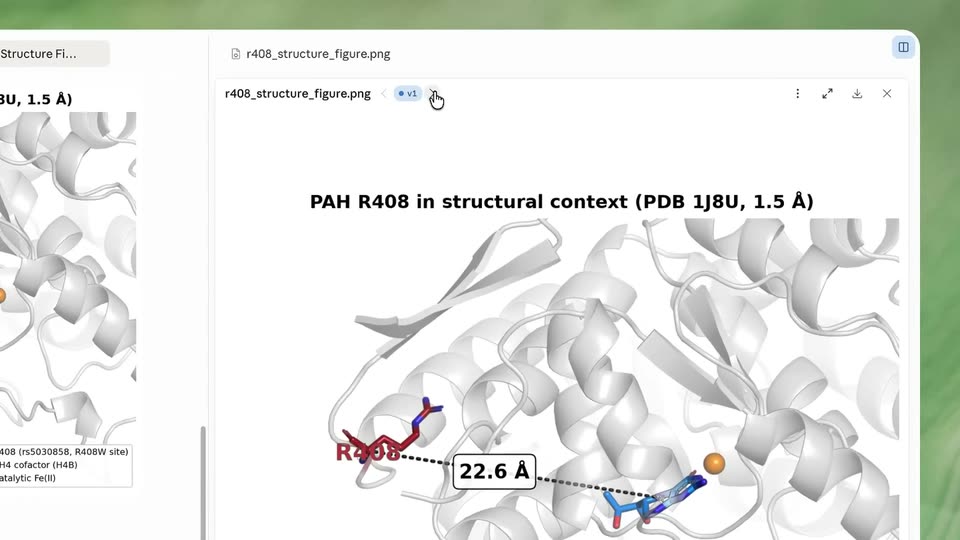 0:34–0:36Anthropic · Introducing Claude Science (now in beta)A file preview panel shows a protein structure diagram. A cursor clicks the version badge, switching v1 to v2, and the diagram morphs into a closer, rotated view of the same structure.
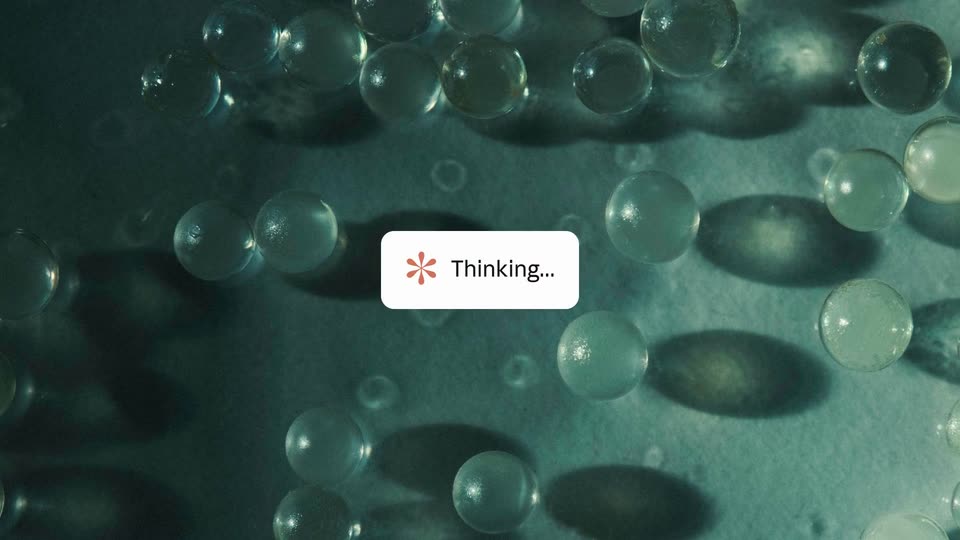 0:38–0:45Anthropic · Claude - Introducing Claude Science, a new app designed with every stage of reA white permission dialog over a macro photo of teal glass beads. A hand cursor opens the Allow dropdown, picks “This conversation”, then the dialog fades out and a small white pill with a red asterisk reads “Thinking...”, switching to “Dispatching...”.
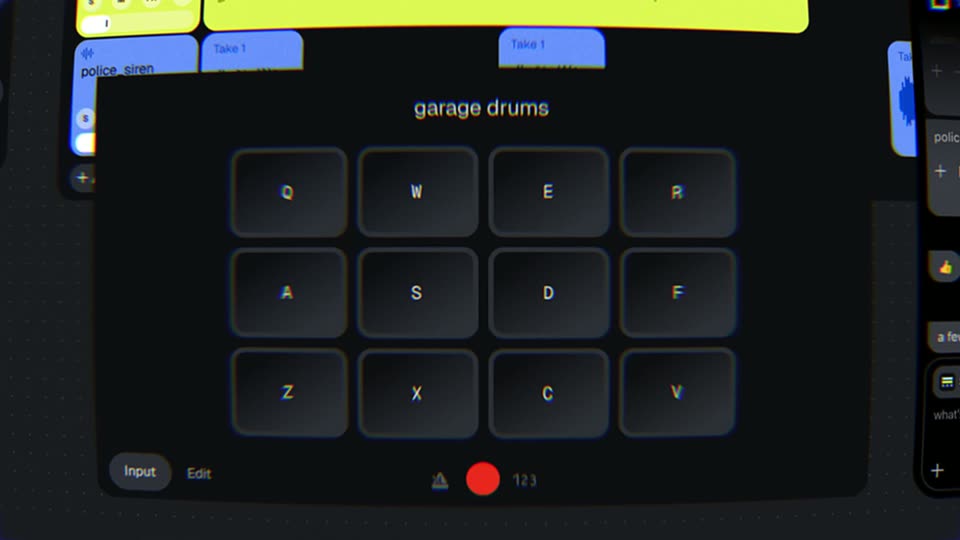 0:42–0:43Riffle · deo - introducing riffle 2.0 welcome to the social era of music creation.A dark music timeline with yellow and blue clips; the cursor clicks the + Drums button and a garage drums panel with 12 key-labeled pads opens, the tracks blurring behind it.
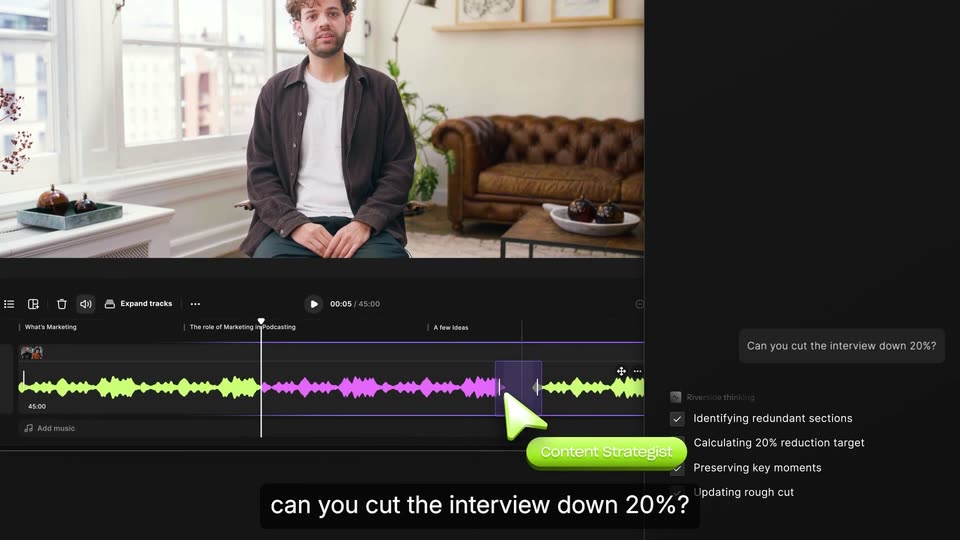 1:03–1:04Riverside · Nadav Keyson - AI Videos are ALL slop. AI should be making you a content machine.A dark video editor fills the frame, its preview showing a seated interviewee above a waveform timeline. A green cursor glides across the purple selection block as a right-hand panel ticks off AI steps, and a bottom caption repeats the prompt.
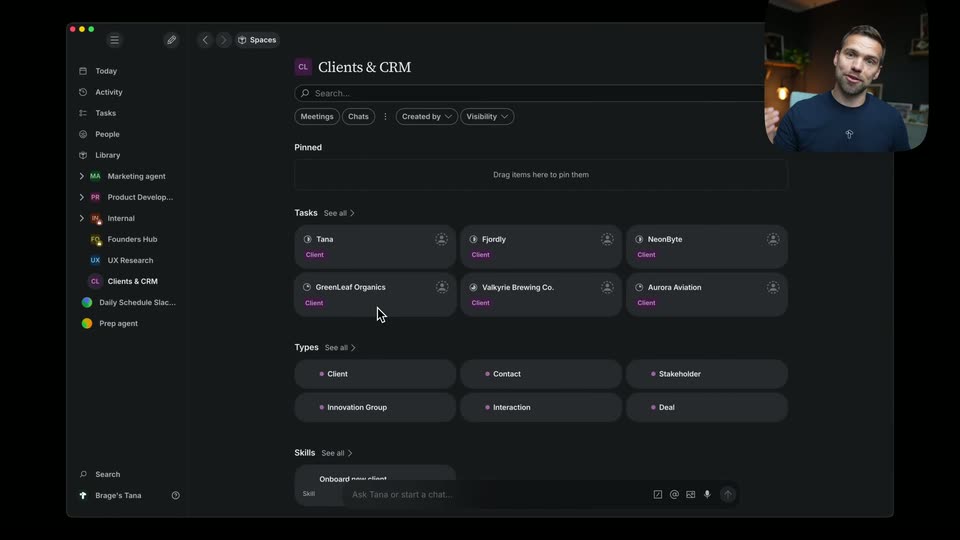 1:25–1:36Tana · Beyond AI Meeting Notes: Meet the New TanaA dark CRM workspace fills the frame with a small presenter video inset in the top-right corner. The cursor drifts over the client card grid, then the cards shuffle into a new order as Tana and GreenLeaf swap rows, while the presenter keeps talking.
 0:27 · 0.8sClerk · Clerk - Give your customers control of their SSO setup. Now their IT adminsA tight crop on the footer of a white settings card shows a black arrow cursor resting on the dark Continue button beside a Previous button. Body copy sits above on a pale blue and purple gradient.
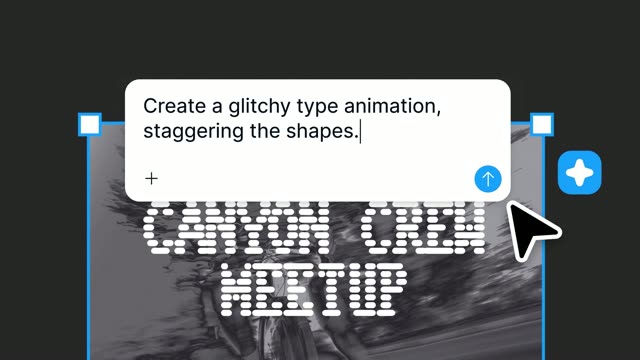 0:28–0:31Figma · Introducing Figma Motion: Your canvas now has a timelineA white prompt field on a dark canvas types out a sentence as a cursor clicks the blue send button. Below it, a frame with blue selection handles shows a grayscale portrait and white dotted lettering.
 0:39–0:40Runway · Runway - Introducing Agent 2.0 Go from a simple prompt to fully realized markA two-column grid of six cards, mixing product creatives, an analytics dashboard and blurred color blocks, floats on a light gray field with the words Analyze and what's working on either side. The right and middle cards fade out in sequence while a black cursor drifts across the center.
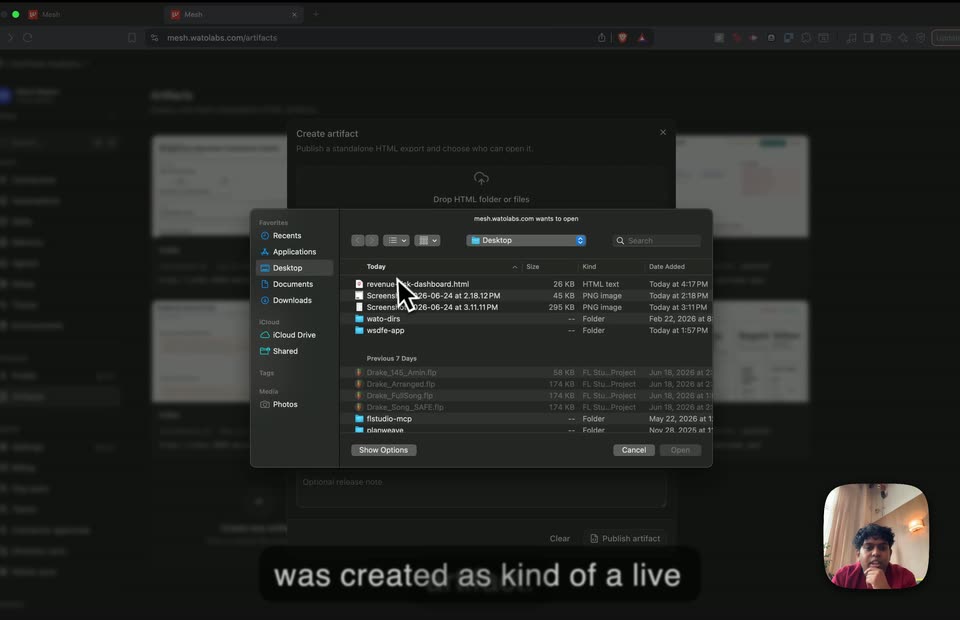 2:26–2:31Wato · Wato - A feature that sales teams love: Live Artifacts. Here's a revenue-riA dark dashboard grid of artifact cards; a hand cursor clicks Create new artifact, a modal opens, then a macOS file picker appears as the cursor selects a file. A webcam feed of the presenter sits bottom right, white subtitles on black pills at the bottom.
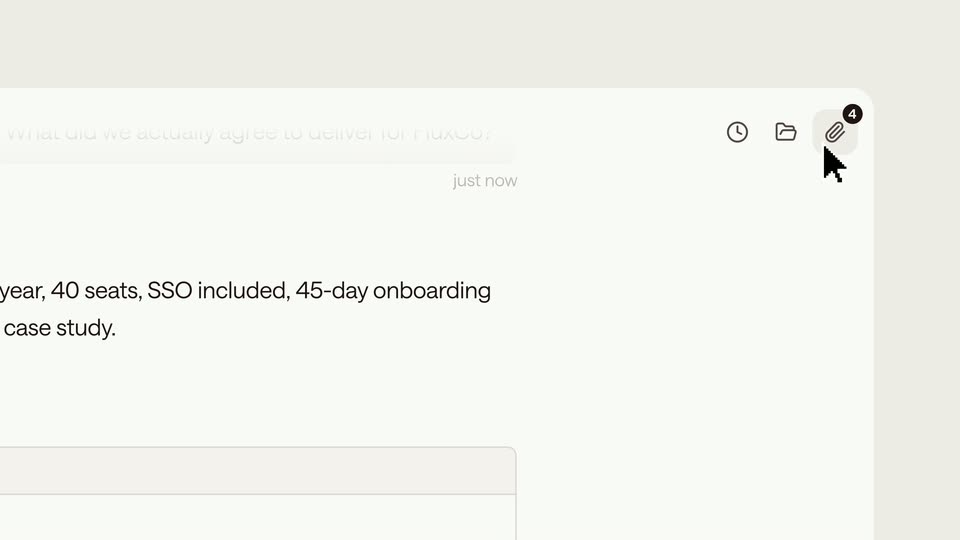 0:49–0:53Zaro · Zaro.ai - Today, we're excited to launch Zaro. Your knowledge is scattered acrThe full chat interface zooms in on the top-right toolbar as a cursor glides to the paperclip icon and clicks it, sliding open a Chat assets panel of referenced files and links, with a large gray line reading Checking Google Docs on the left.
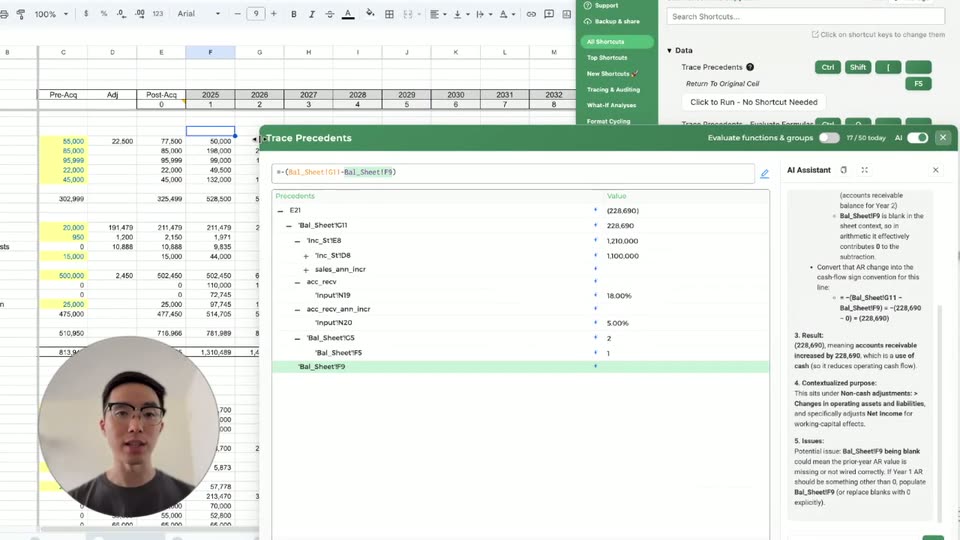 0:40–0:42Dimely · SheetWhiz Trace Precedents AI DemoAn Excel spreadsheet fills the frame with a Trace Precedents panel open over a cash-flow formula, while an AI Assistant pane lists steps on the right. A cursor moves to a precedent line, and a circular webcam shows the presenter at bottom left.
 0:23–0:24Genspark · Genspark - 🎨 Introducing Genspark Design The next-gen AI for design and creatioA close-up of a light toolbar shows an Edit button, a Draw button and a 100% zoom control. A black arrow cursor moves from the lower right up to Draw, which fills with a gray rounded highlight on hover.
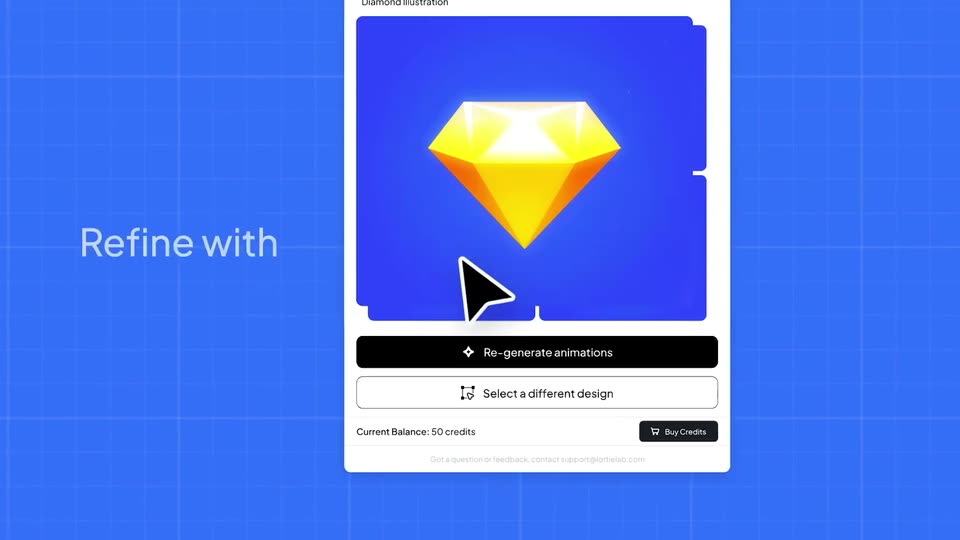 0:24 · 0.8sLottielab · Lottielab - Introducing Magic Animator beta 3.0✨ Prompt and edit animations in FA flat product panel on a blue grid shows a 2x2 diamond grid; a black cursor hovers, then the view zooms into one diamond and reframes to a single-illustration edit screen with a prompt field. The left headline swaps from Brainstorm to Refine with prompting.
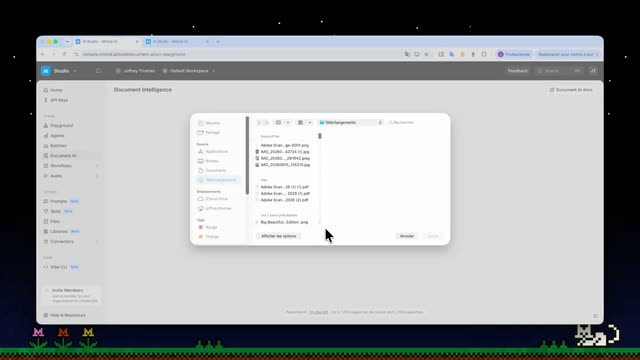 2:07 · 0.8sMistral AI · Introducing Mistral OCR 4A browser window on the Mistral Document Intelligence page shows a hand cursor clicking the orange Upload files button, which opens a macOS file picker dialog in the center of the screen.
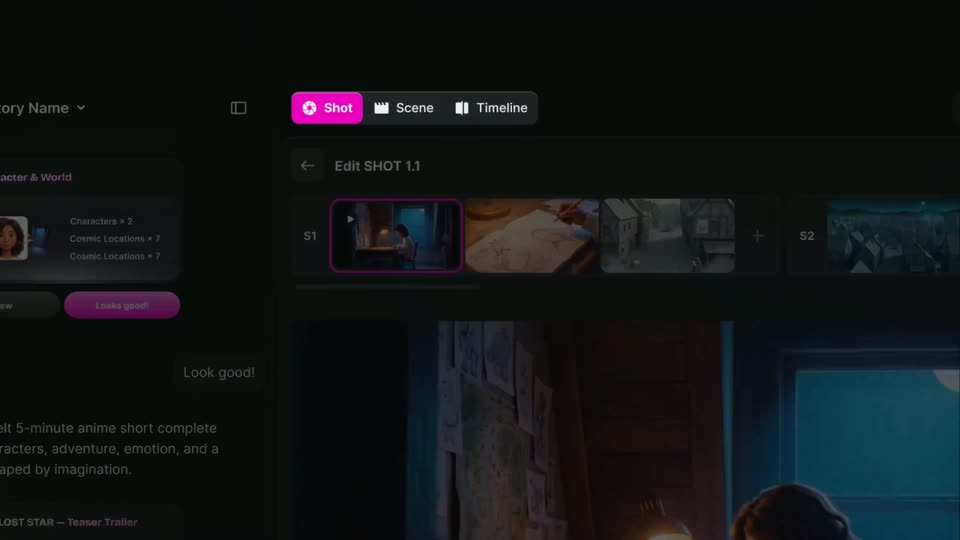 0:56–0:58OpenArt · OpenArt - The way videos are made is about to change. Introducing OpenArt DireThe dark editor UI scales up from a small inset to fill the frame, dimming the preview of a girl writing at a desk. The top tabs Shot, Scene and Timeline pop into large pills as a cursor hovers over Scene.
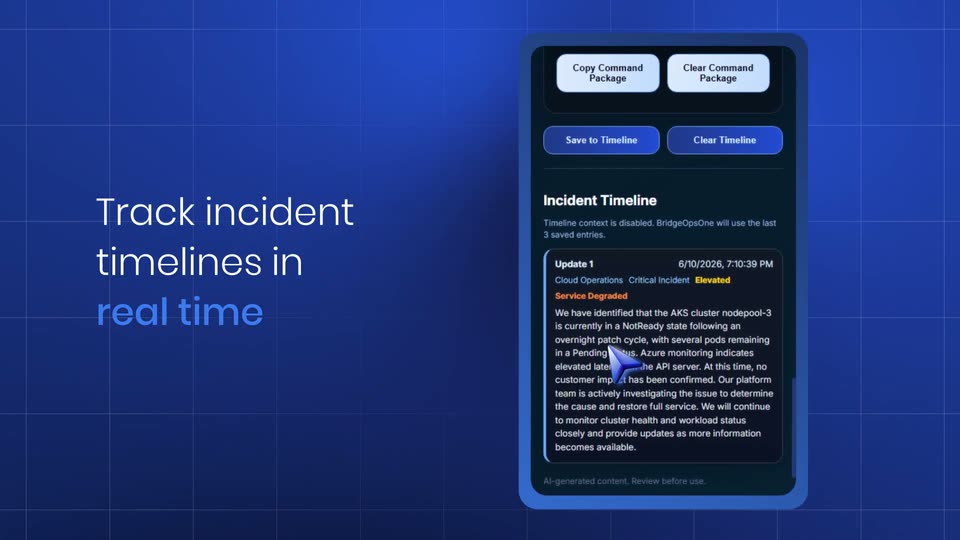 0:33–0:34BridgeOpsOne · BridgeOpsOne – Turning Critical Incidents Into Actionable InsightsA 3D-tilted interface card on the right shows an incident timeline panel with a cursor hovering over an update entry, while a large white headline with the last two words in light blue sits over a dark blue grid on the left.
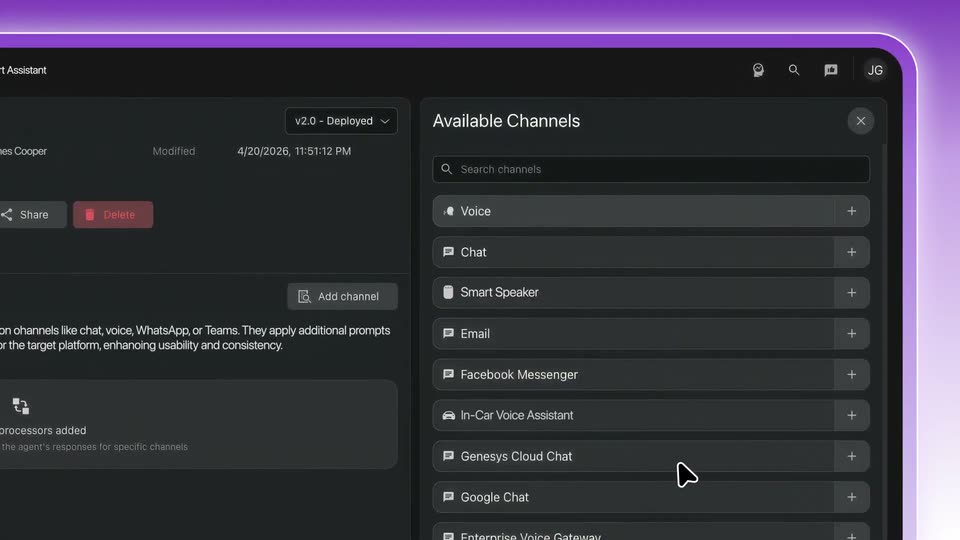 1:18–1:28OASYS · OASYS – The World's First Self-Learning Orchestrated Agentic AI PlatformA dark assistant dashboard tilts in 3D against a purple glow as the camera reframes onto the right-hand channels list. A cursor glides down the rows, which fill in one by one, and the In-Car Voice Assistant row lights up purple.
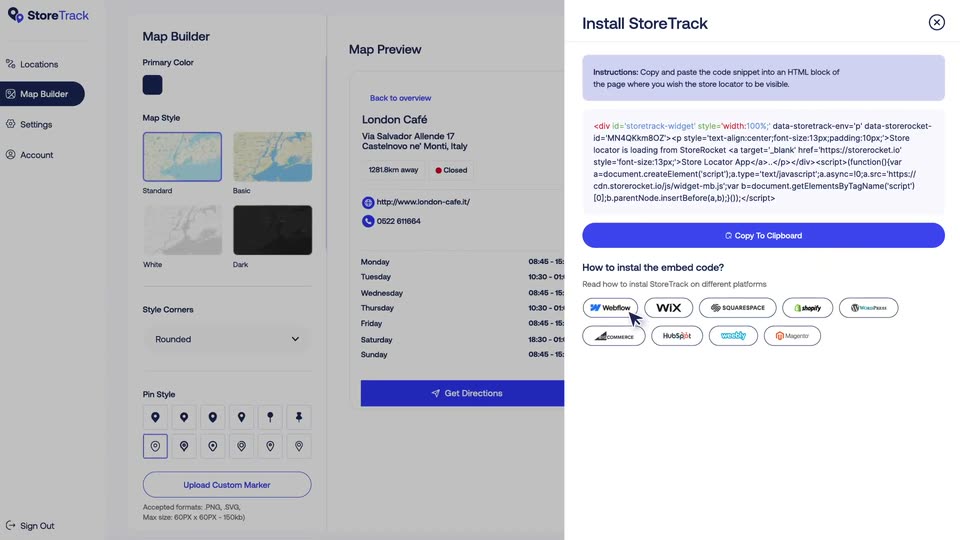 0:48 · 0.9sStoreTrack · StoreTrack – Simplify Store Discovery & Location ManagementA split view of the StoreTrack interface shows a Map Builder with style options and a London Café preview card on the left, and an Install panel with an embed code snippet and a row of platform logos on the right. A cursor hovers over the logos.
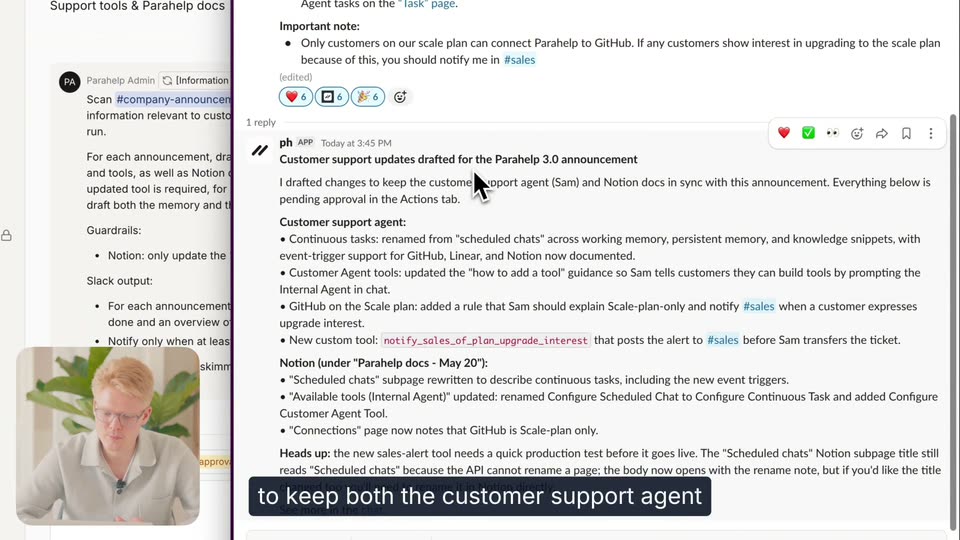 1:36–1:38Parahelp · Mads Lunau - Today, we’re launching Parahelp 3. With Parahelp 3, we’re doubling dA two-pane product screen: a Notion doc and a video call of a man on the left, a Slack thread with a drafted announcement on the right. A cursor rests on the message. A black caption bar at the bottom displays the voiceover in white text.
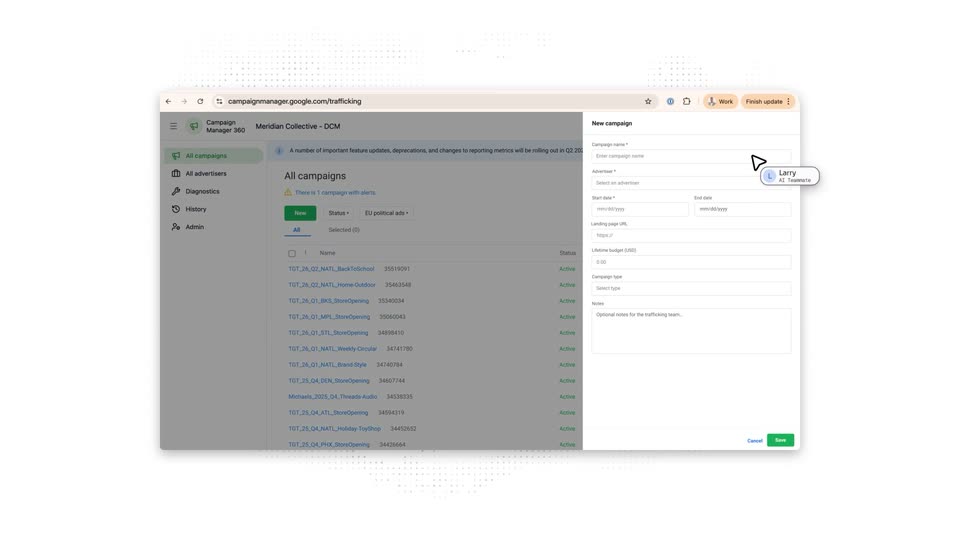 1:06–1:07Convey · Rohan Chopra - We’re announcing a $38M Series A led by @a16z. 1 million hours of auA flat browser mockup of the Campaign Manager 360 interface sits on a white dotted background. The left pane lists campaigns while a right form panel updates its fields, and a small Larry, AI Teammate badge slides in near a hovering cursor.
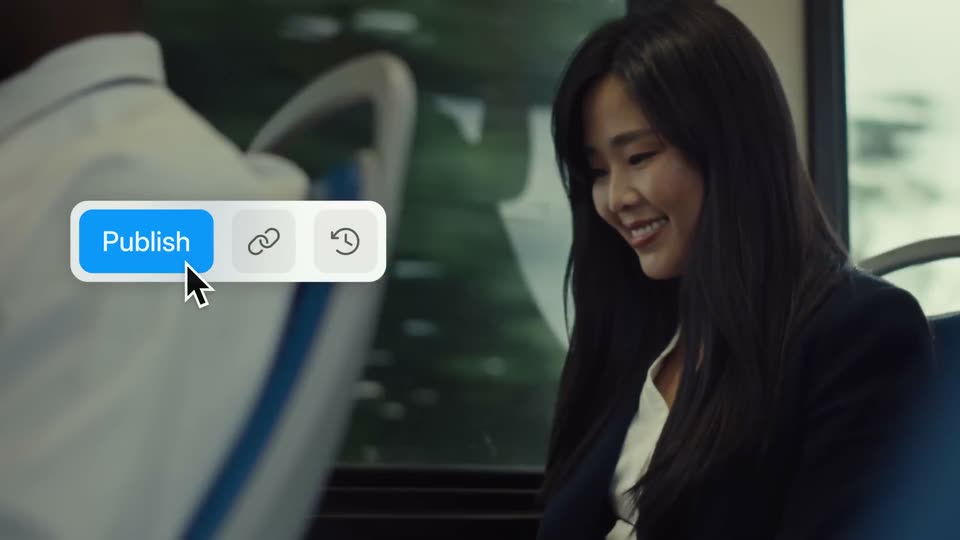 0:41–0:43Retool · Vibe coded apps meet enterprise security in RetoolA woman in a black blazer smiles and looks down in a train seat, a man in a white shirt blurred in the foreground. A floating toolbar with a blue Publish button, link and clock icons hovers at left, a cursor resting on the button. The frame is locked off.
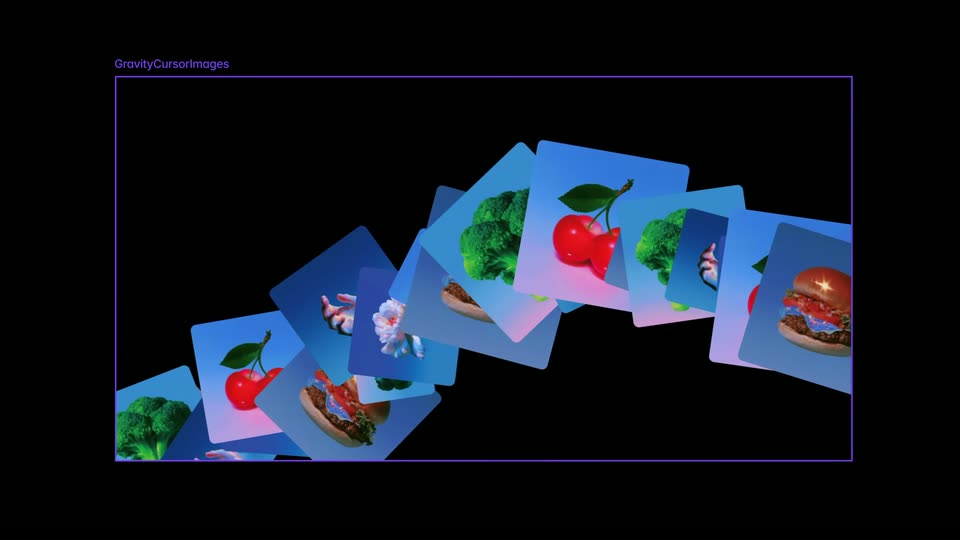 0:35–0:36Framer · Framer 3.0 with Agents, Branching, and a new CommunityA diagonal row of translucent image cards (broccoli, cherries, a plated dish, a white flower, a hand) floats in 3D perspective inside a thin purple frame on black. The white cursor arrow moves along the right edge and the cards rotate and slide toward it, the near cards tilting larger as the stack re-orients.
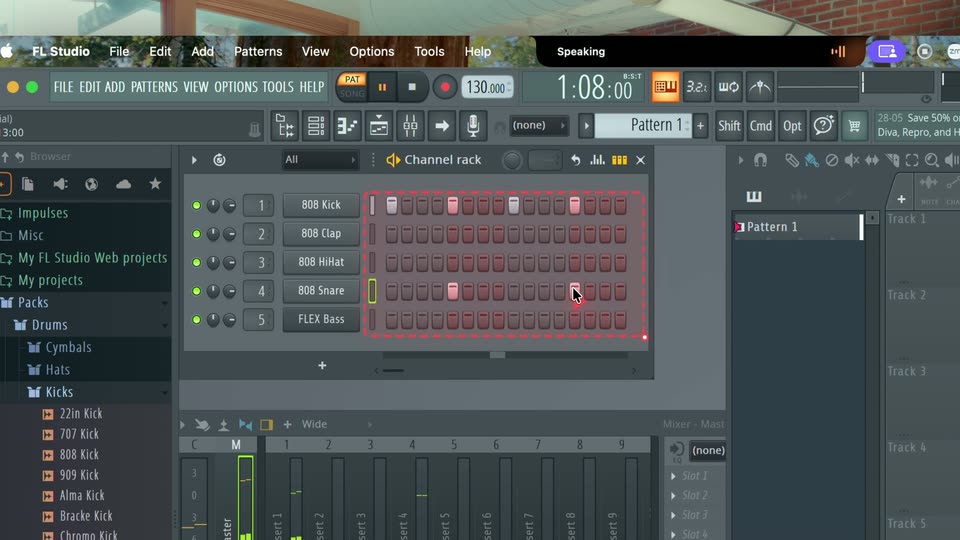 1:52–1:54HeyClicky · Farza 🇵🇰🇺🇸 - We built an AI that can draw on your screen. It's a true personal tuThe FL Studio step sequencer fills the screen with a red dashed selection box around the drum pattern and a cursor resting on a step. The view dims and cuts to the presenter looking down, the window now floating at left.
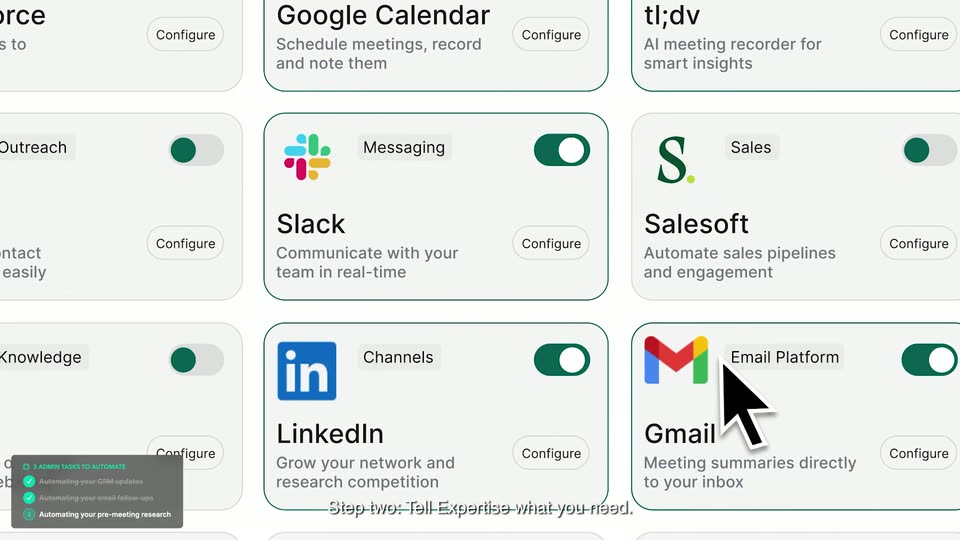 1:40–1:42Expertise · Expertise AI - Introducing Expertise: the executive assistant for Account ExecutivesA grid of integration cards sits on a pale background. A black cursor glides rightward, flipping each toggle on; the active card lights up with a green border and a soft yellow glow. A small caption fades in at the bottom.
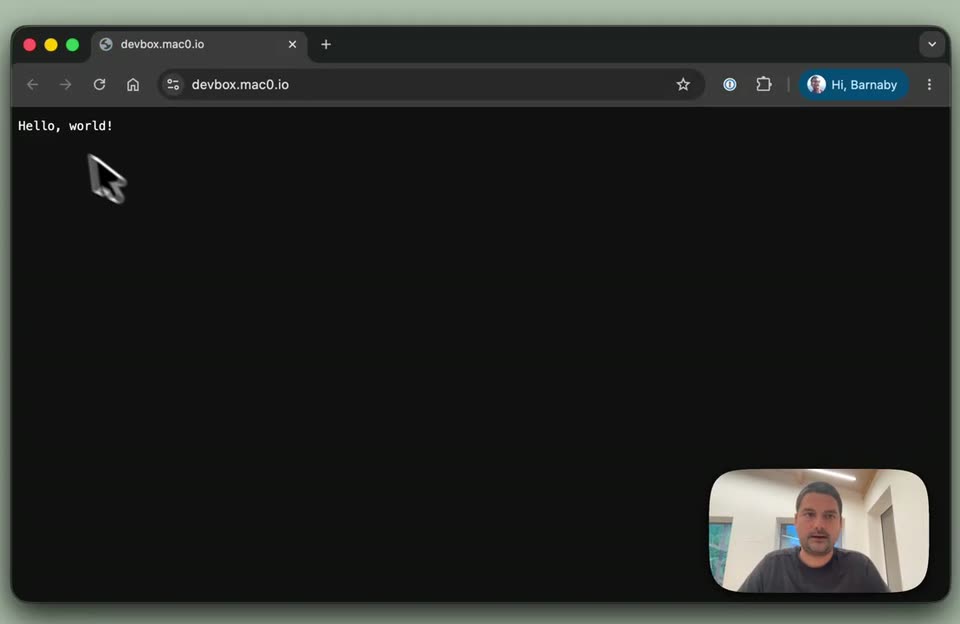 3:38–3:43machine0 · machine0 (YC S26) - Introducing machine0: Persistent, powerful NixOS and Ubuntu VMS fromA dark browser window fills the frame with a small webcam self-view of a man in the corner. The tab loads from Untitled to devbox.mac0.io, the page shows Hello, world!, then the view cross-fades into a terminal listing devbox details.
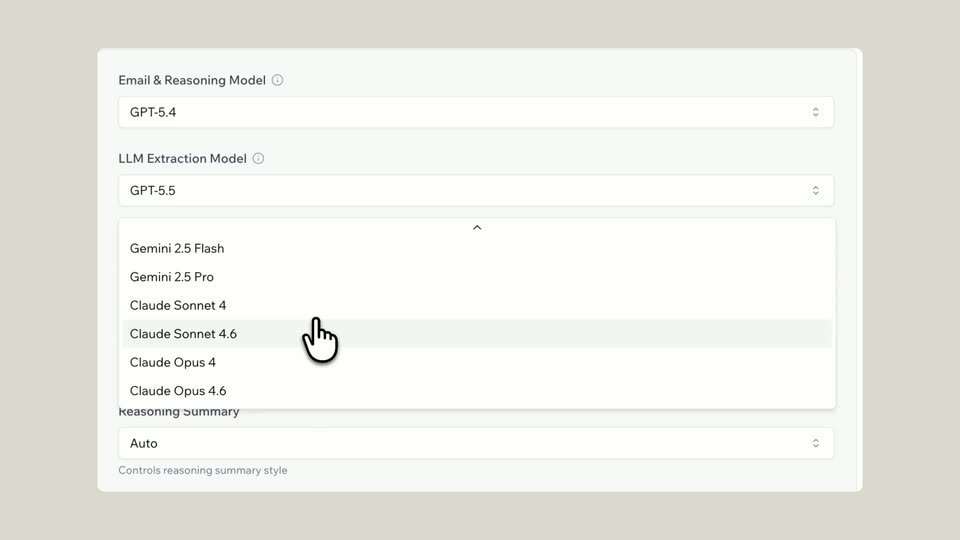 1:21–1:22FurtherAI · FurtherAI - Today we're launching Eval Studio — a test bench for AI workflows inA pale settings card on a beige backdrop lists model names in an open dropdown beneath two closed fields. A hand cursor travels down the list, each row lighting up as it is hovered, ending on the last entry.
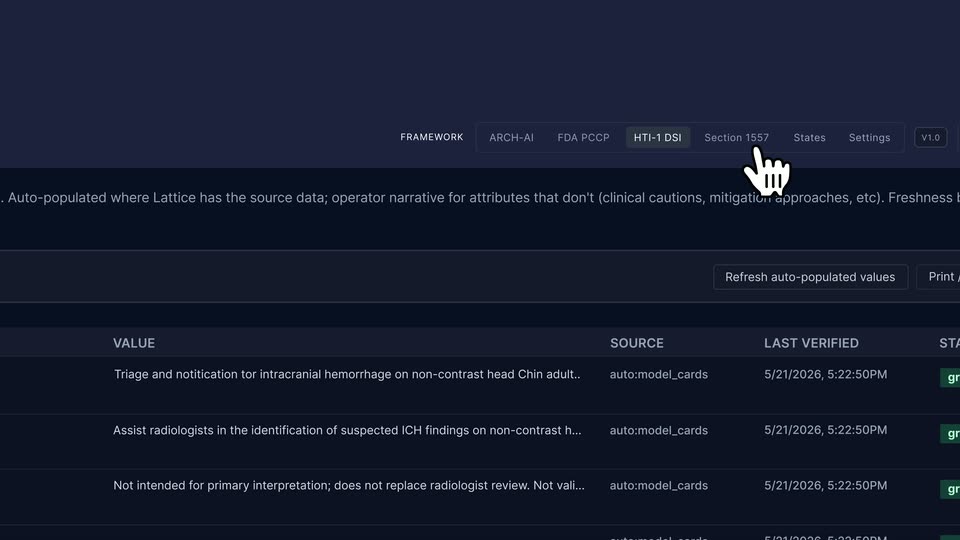 0:28–0:29Lattice Health · Lattice Health: Your AI Governance TeamA dark compliance screen shows a row of framework tabs, the HTI-1 DSI tab highlighted green beneath a white hand cursor, above a data table of values, sources and verification dates. The cursor hovers on the tab.
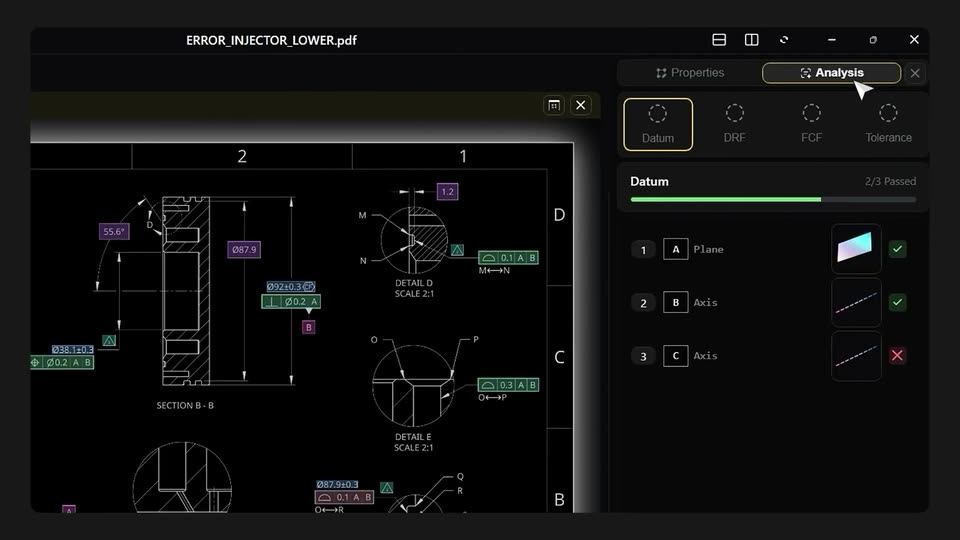 1:18–1:19F4 · F4 YC LaunchA dark PDF viewer shows a technical drawing with colored dimension callouts; the view zooms into a section while the properties panel on the right updates, filling green progress bars and marking one frame with a red flag. A cursor rests on the Analysis tab.
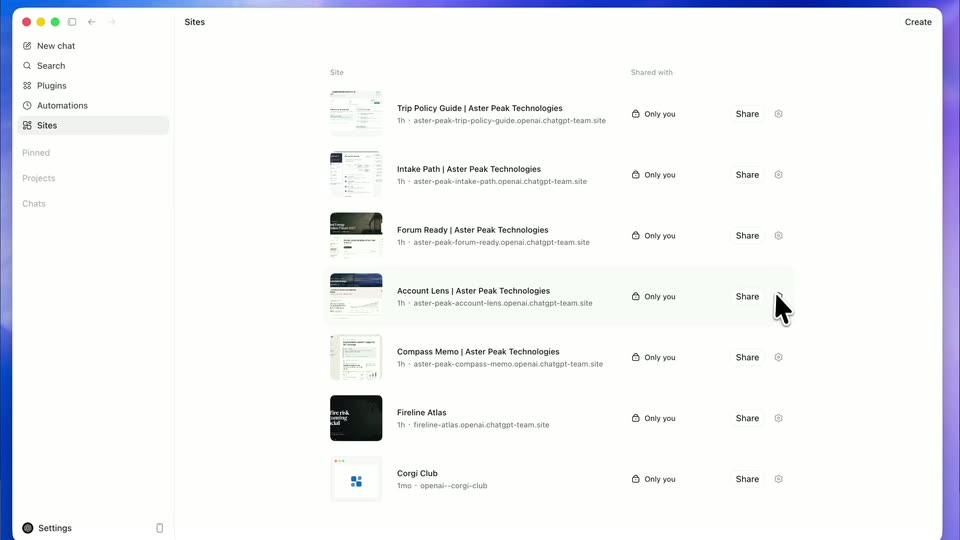 1:56–1:57OpenAI · Introducing Sites in CodexA white Sites dashboard lists site cards, each with a thumbnail, title, URL, lock and Share button. A cursor glides across the list and stops on the Share control of one row.
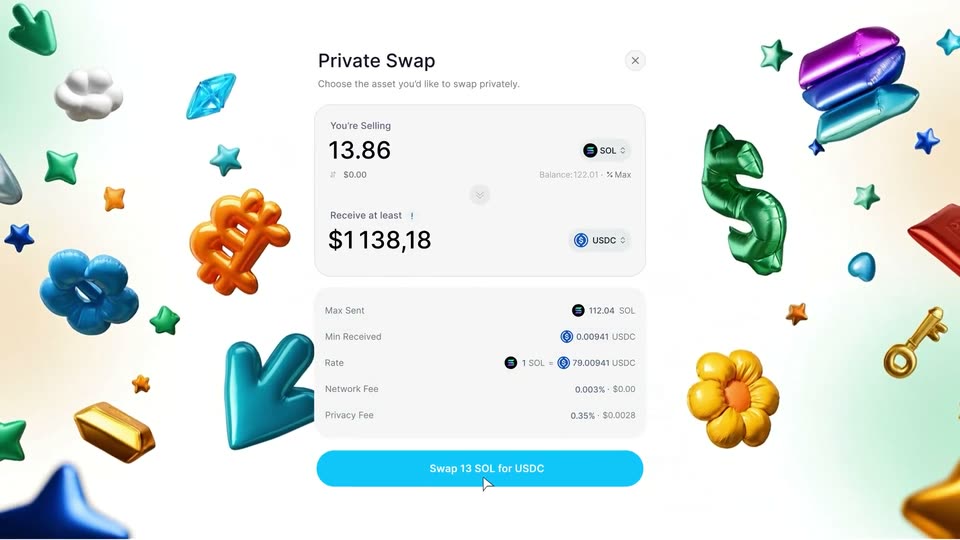 0:34–0:36Umbra Privacy · Umbra Privacy - Umbra Web, live now.A flat white swap card fades into the center, its selling and receiving rows resolving from blur to sharp. Colorful 3D balloon shapes, stars and arrows drift around it on a pale gradient background, and a cursor glides up to the blue swap button.
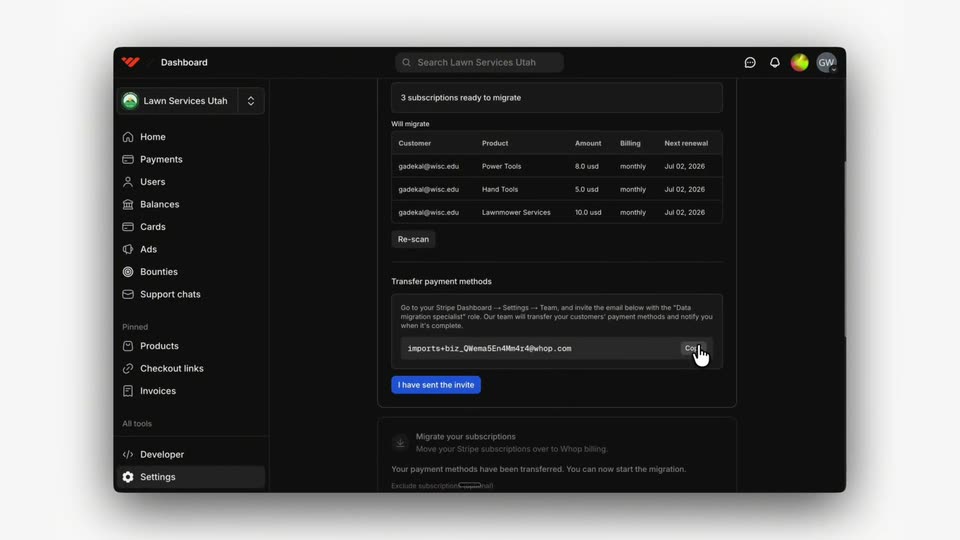 0:12–0:14Whop · Whop MigrationsA dark dashboard screen for Lawn Services Utah shows a Stripe migration panel. A cursor travels down the page, hovers the Copy button beside the import code, then lands on the blue invite button that fades in below.
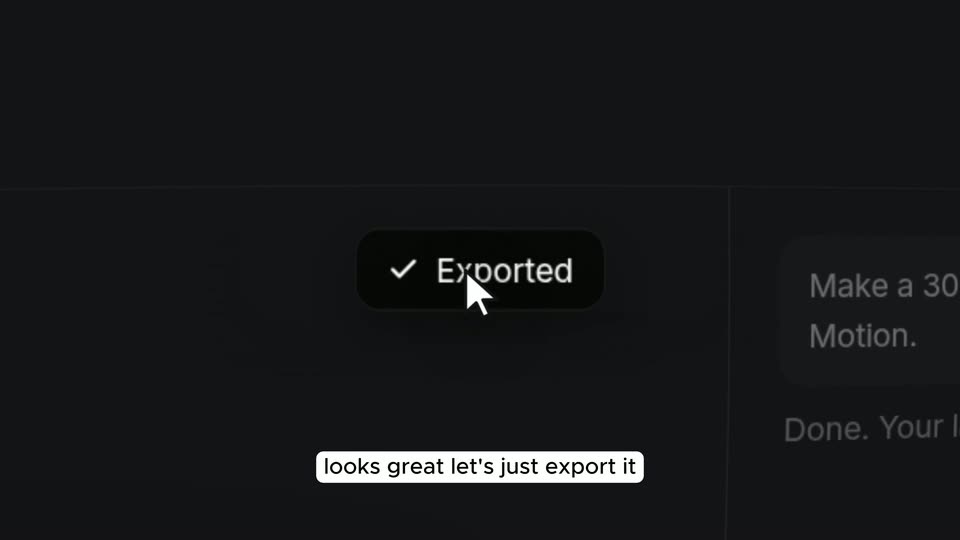 0:28–0:29Motion · Adish Jain ☕️ - we’re launching Motion, the frontier agent for tasteful motion designClose-up of a dark interface. A pill reads Rendering video with the percent ticking from 5 to 100, then the pill shrinks into a small Exported chip while a cursor arrow hovers over it. A white caption box sits at the bottom.
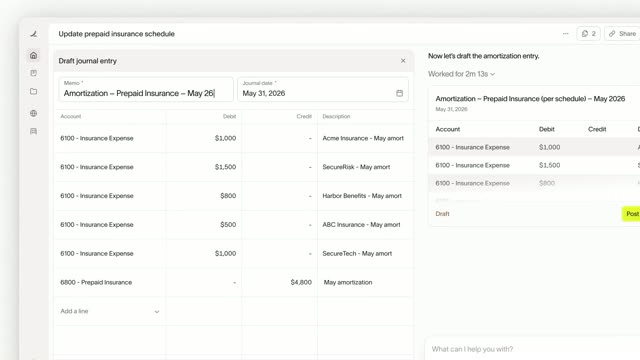 0:41–0:46Ramp · Introducing Stack | AI built for accountants | by RampA close-up of a journal-entry result card zooms out to reveal a two-pane accounting app, the left editor typing a memo line while the right panel shows the drafted entry, then the frame settles on the completed table with totals and a Post to Quickbooks button.
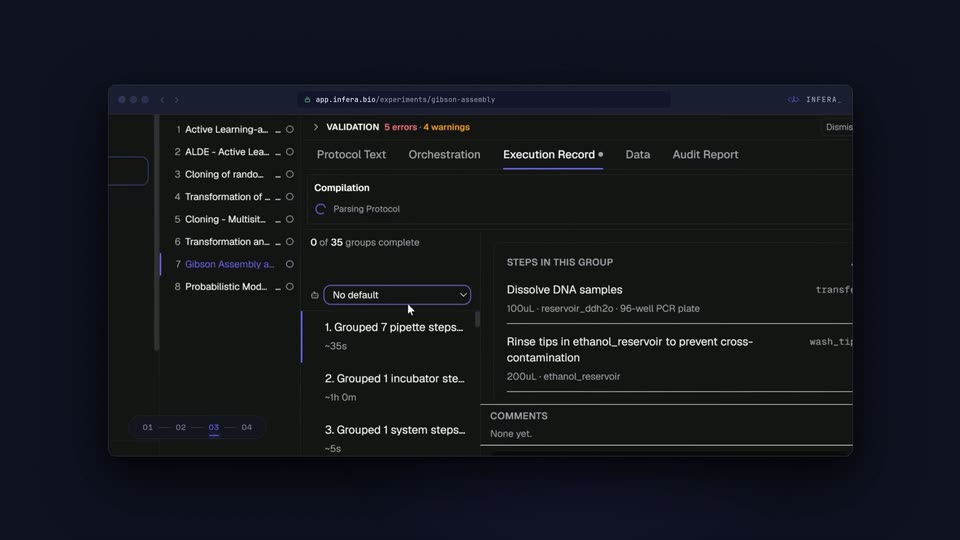 0:23–0:27Infera · Product DemoA dark browser window of the Infera app. A card about grouped pipette steps slides away as the cursor clicks the Execution Record tab, revealing a list of protocol groups and a steps panel. The frame then reframes slightly to include the left sidebar.
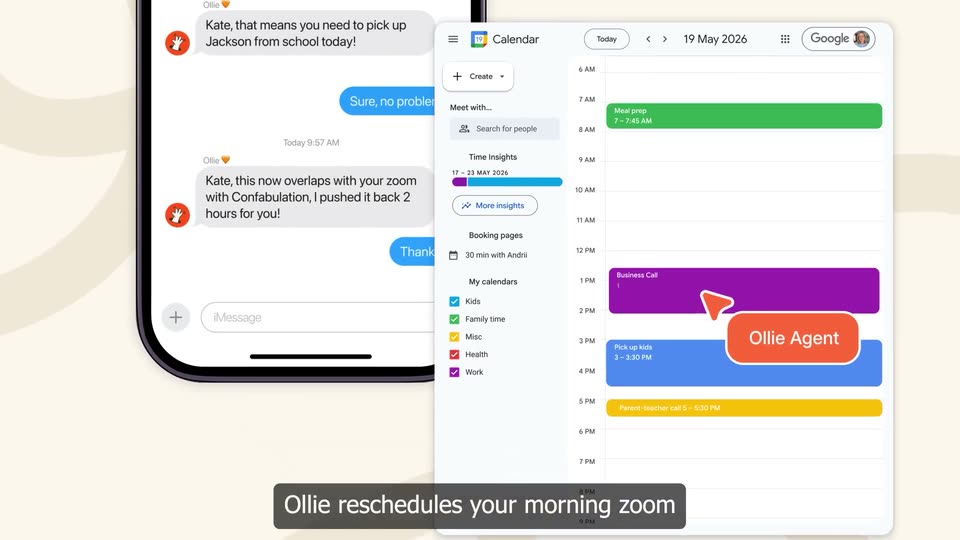 1:18–1:19Ollie · Bill Lennon - AI can now make you a great parent. Introducing Ollie: the world’s fA 3D-angled phone mockup displays an iMessage thread beside a Google Calendar view. A red cursor tagged Ollie Agent hovers over the purple Business Call event as the calendar blocks shift, and a caption sits at the bottom.
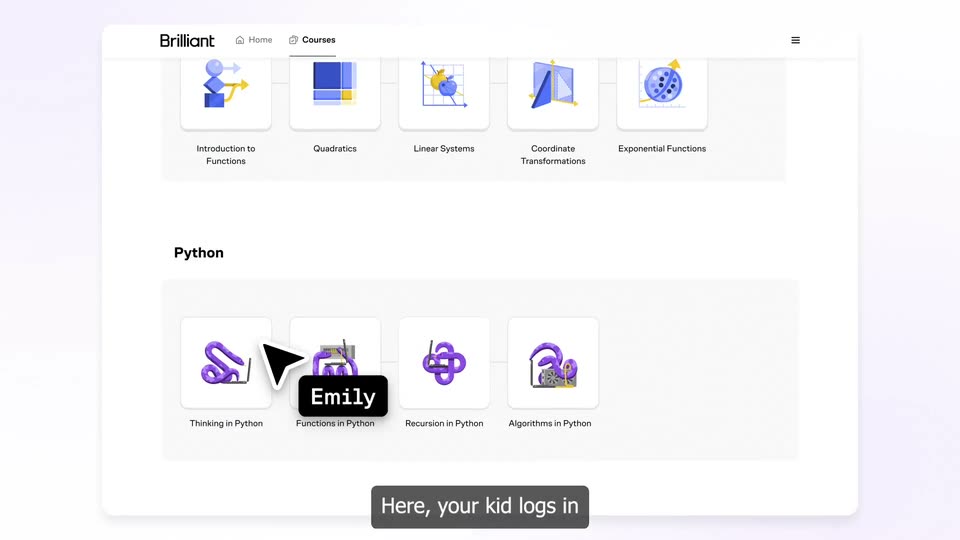 1:15–1:16Koji · Sue - AI is making kids dumber. It should be making them geniuses. IntrodA tilted 3D view of the Brilliant courses page scrolls up from Learning Paths to the Python section. A cursor glides to the Functions in Python card and an Emily tooltip pops up. A dark caption at the bottom reads Here, your kid logs in.
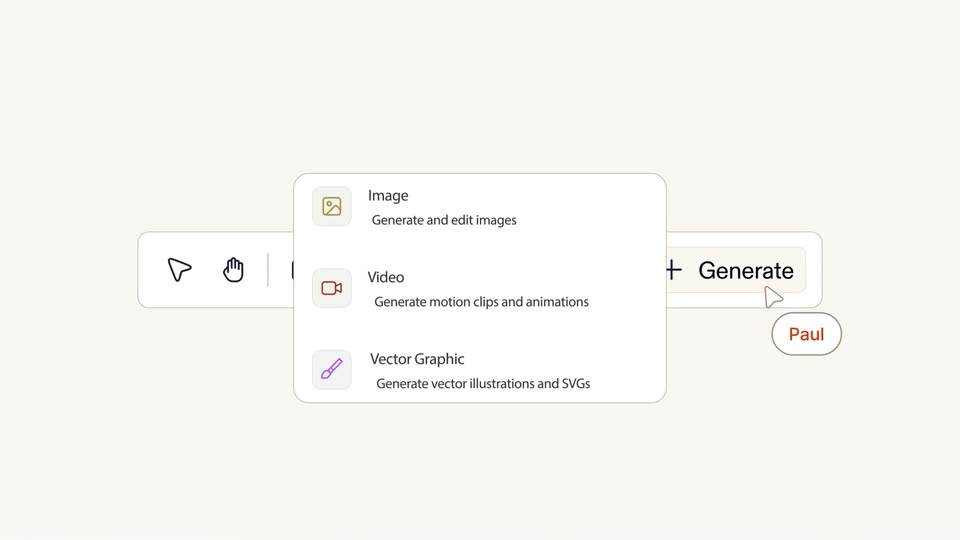 0:51–0:52Replit · Replit ⠕ - The best design work doesn't happen in a chat box. You need space toA white toolbar with Draw, Chat, Edit and Generate options sits on a cream field. A cursor clicks Generate, opening a dropdown menu with Image, Video and Vector Graphic rows, then the menu closes as a red Paul speech bubble drifts in from the right.
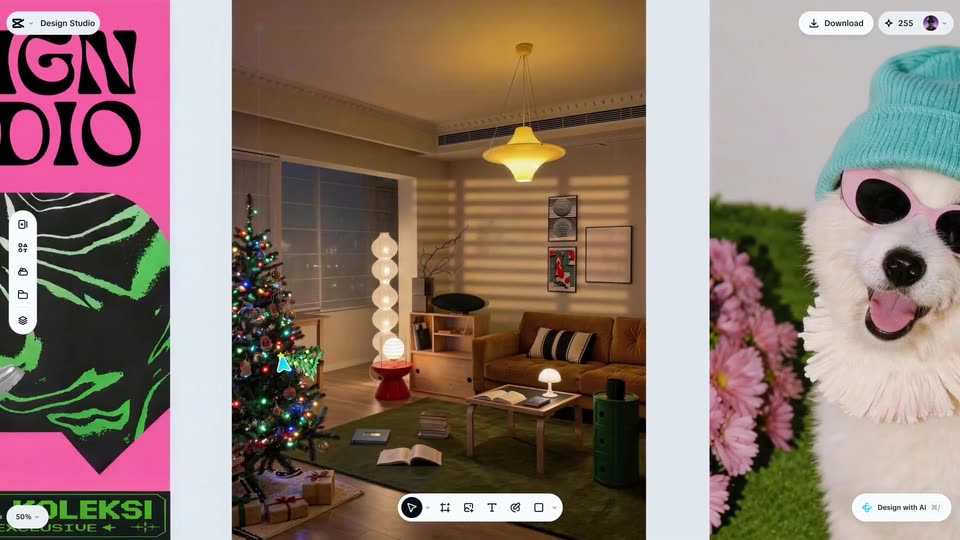 0:53–0:57CapCut · CapCut - Introducing CapCut Design Studio 2.0. A reimagined experience for DeA design tool interface scrolls a horizontal strip of canvas cards left, past a pink poster, a living room, a dog in a beanie and a street sign. A teal selection box with handles frames the living room photo as a teal cursor arrow hovers near it.
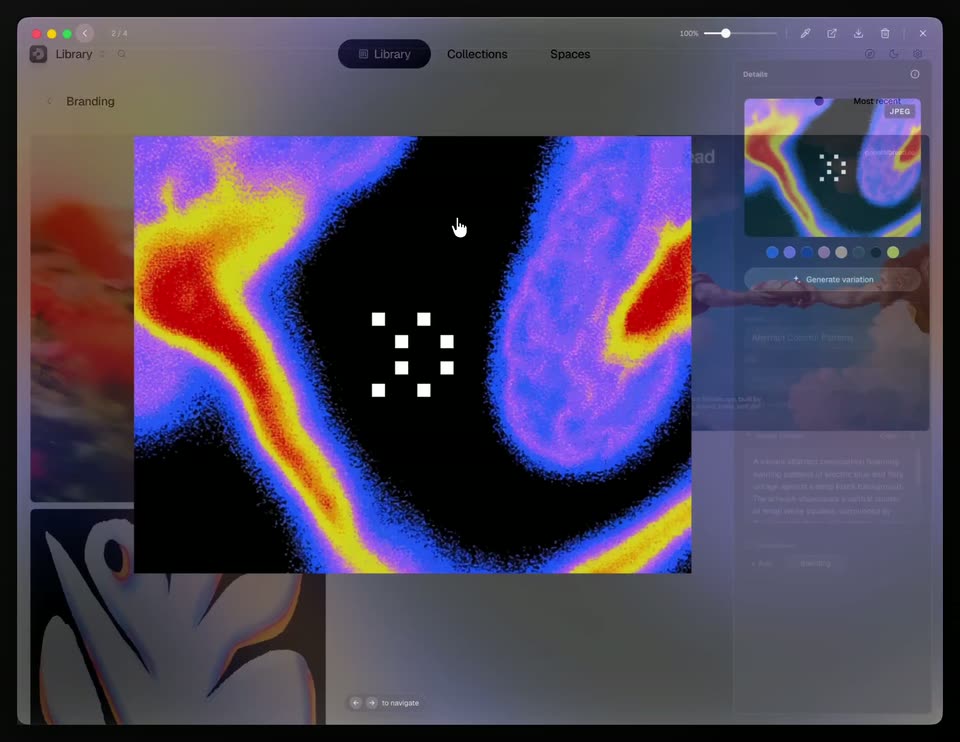 0:16–0:17GatherOS · Brett - Introducing GatherOS™ [beta]. The Mac app for design inspiration, buA light gray library grid of image thumbnails sits in a window. The cursor moves to the central abstract heatmap tile and clicks it; the tile expands to fill the frame while a details panel with color swatches slides in from the right.
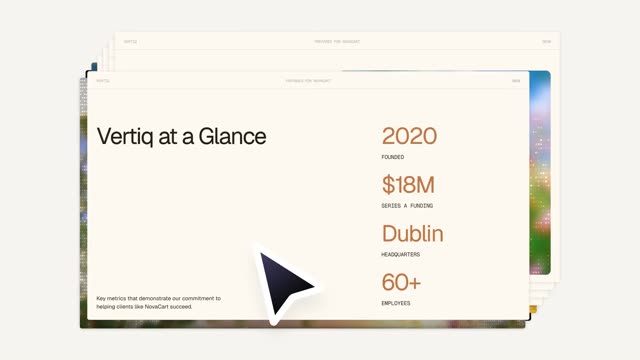 0:35 · 0.4sPitch · Pitch Agent: On-brand AI presentations, made for professionalsA flat presentation deck crossfades from a 'Core products' list slide to a 'Vertiq at a Glance' slide with a colorful dotted backdrop and a white 'Why Vertiq?' card. A large dark cursor with a white outline rests at the bottom center throughout.
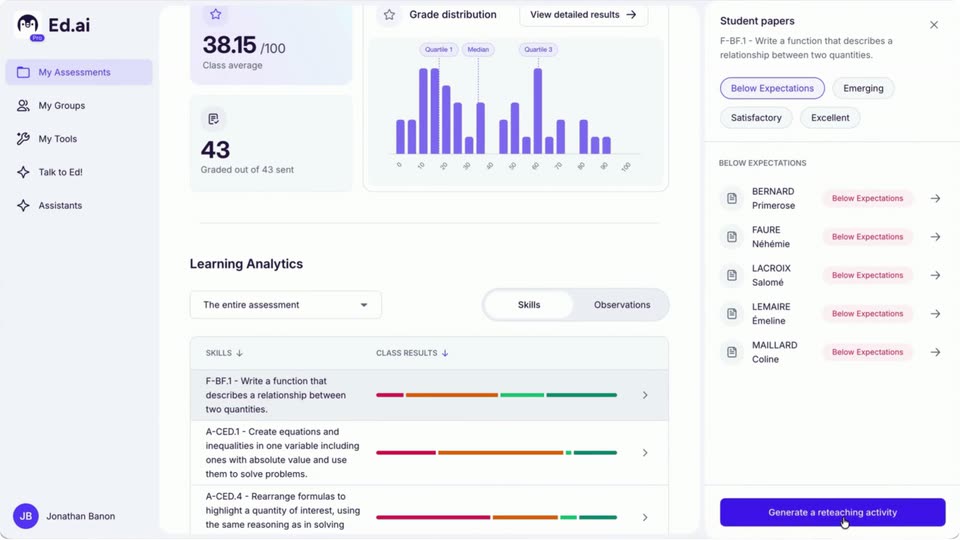 0:31–0:33Ed.ai · Ed.ai in 1 minuteA static view of the Ed.ai teacher dashboard shows a class average card, a purple grade distribution bar chart, and a student papers list on the right. A cursor glides down from the filter pills to the Generate a reteaching activity button.