2:41


Y Combinator - Golpo (@GolpoAI) is the most powerful AI video generator for explaine
Golpo · B2B · Jul 2025
Corsair · Aug 2026 · 0:47 · AI-annotated
Corsair’s 0:47 launch film runs 26 scenes, about 1.8 s each. The product shows up at 0:06 and 3 features are revealed. There is no explicit call to action; a voiceover carries the film. The video is built as a reveal: a parody launch clip of three men on a lawn zooms out into a social post, then into a typed prompt, after which each feature (integrations, search, agents) is demonstrated as text that types itself in over black or over UI mockups. Signature moves are character-by-character typing, scramble-to-settle type, and hard cuts between live action, product UI and black title cards at a steady ~12.6 cuts per minute.
Is this your launch? to your site or press kit.
Golpo · B2B · Jul 2025
Particularity · Government · Oct 2026
Three men stand on a lawn before the San Francisco Victorian houses, the center one holding a silver laptop. They break into wide grins and pump their arms in celebration while the camera holds a wide fisheye shot.
Camera: Static
Three men on a lawn in front of Victorian houses celebrate while holding a laptop, as a translucent email interface fades in over them and grows more opaque.
Camera: Static
A dark email client floats over a sunlit lawn where people sit on the grass. In the right pane, an AI draft box types out a reply word by word while the inbox list stays still.
Camera: Static
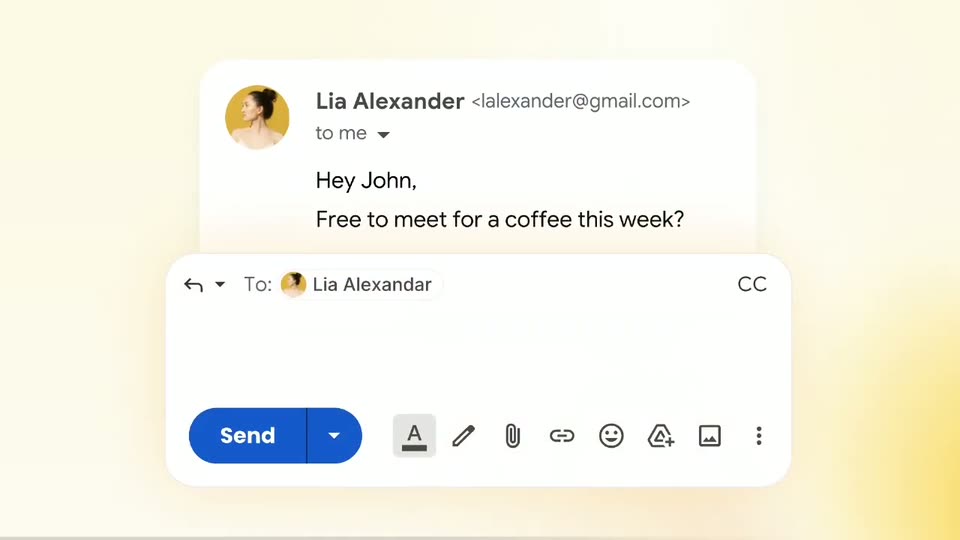
A dark email client window overlays a sunny live-action shot of the White House lawn, with people on the grass beneath American flags. The interface shows a thread, an AI summary and an AI draft box with a purple Send button; a player bar runs at the bottom.
Camera: Pull out
A social media post displays a demo video of a dark email interface. A white rectangular outline briefly highlights the left side of the video player as a cursor moves.
On-screen text: “We're opening 500 spots for early access. If Superhuman had a younger, weirder sibling — this is it.”, “Watch the demo below. You'll never look at Gmail the same way.”, “0:03 / 2:04”
Techniques: Cursor demo
Camera: Static
A dark video player overlays a chat interface on a lawn scene with a white building. A white rounded prompt bar slides in below the player, and the text “use corsair to build this for me” is typed into it as a cursor rests at its edge, then the frame cuts to black.
On-screen text: “use corsair to build this for me”
Techniques: Kinetic type, Cursor demo
Camera: Static
A dark email inbox view with a fixed left sidebar. The message list scrolls upward continuously, new rows entering from the bottom, each showing a sender, subject, preview line, a colored tag and a timestamp.
Camera: Pan
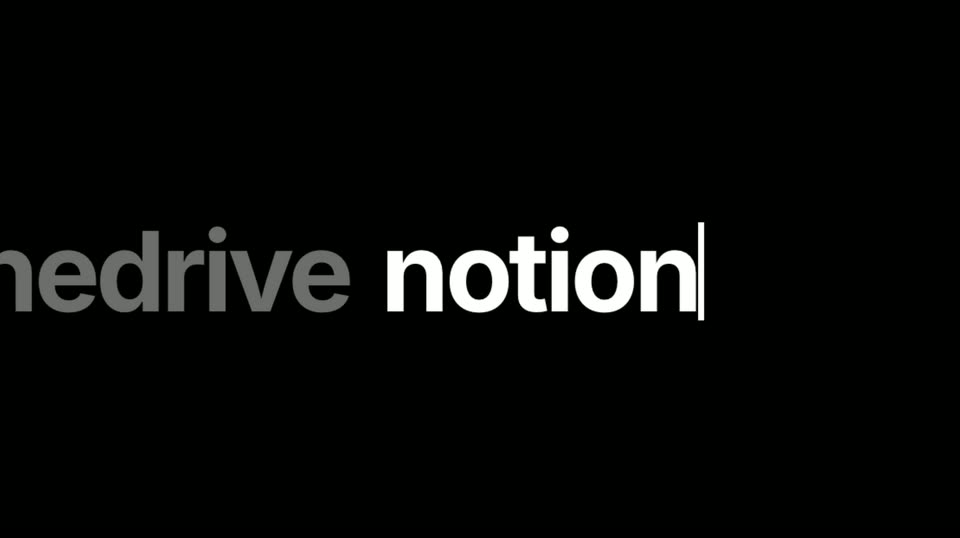
On a black field, a line of lowercase app names scrolls left; the newest word holds bright white with a typing cursor while the words behind it fade to gray.
On-screen text: “now add”, “gcal slack”, “hubspot drive”, “granola”
Techniques: Kinetic type
Camera: Static
A large gray 'granola' wordmark slides in from the left on a black background, its trailing ellipsis fading out, as a small macOS-style code editor window with a TypeScript file pops in at center right.
On-screen text: “granola”
Techniques: Kinetic type
Camera: Static
A dark code editor window with macOS traffic-light dots sits centered on black. The TypeScript code starts jumbled, then lines type in and the characters scramble into a clean, indented plugin list.
Techniques: Kinetic type
Camera: Static
A Google account permission dialog for Corsair fills a light gray screen. The header icon and the permission list swap from Gmail to Calendar as a cursor taps the Allow button, triggering a soft ripple.
Techniques: Cursor demo
Camera: Static
A Slack permission dialog shows the cursor resting on the green Allow button, ringed by a soft pulse. The scene cuts to a HubSpot access request, where the cursor sits on the orange Connect app button with the same highlight.
Techniques: Cursor demo
Camera: Static
A Notion permissions dialog crossfades into a Granola consent screen asking to allow Corsair access. A cursor hovers on the Allow access button as the new card settles into place.
Techniques: Cursor demo
Camera: Static
A browser window with a black content area below the toolbar. The address bar fills as text is typed, reading “make it search across”, with the final word shown in gray. A thin blinking caret sits at the typing position.
Camera: Static
A flat browser window on a pale gray background shows a rounded search bar with the query “make it search across” above a large “EVERYTHING” spelled in multicolored extruded letters with a soft glow. The frame is locked off and the letters hold still.
On-screen text: “make it search across”, “EVERYTHING”
Camera: Static
A dark search window sits on a light gray browser tab. The query “bob dylan” is entered and a mixed results list from Gmail, Granola, HubSpot, Notion and Slack fades in row by row beneath a “Searching across everything…” status line.
On-screen text: “o make it search across”, “EVERYTHING”
Camera: Static
A dark grid canvas holds a dashed selection box around a white “add an agent” button. A cursor hovers and clicks; the button and box are replaced by a full-width search bar, and a white “Search all” chip slides in from the left.
Techniques: Cursor demo
Camera: Static
On a dark grid background, a rounded text field sits at left. Light gray text types out character by character with a blinking caret, completing the sentence about checking before sending emails. The frame stays locked off.
Techniques: Kinetic type
Camera: Static
A white email window sits centered on a dark grid background, showing a reply to Sarah with Decline and Accept buttons. A cursor clicks the blue Accept button, which turns green and reads Sent! as the whole window blurs and shifts off.
Techniques: Cursor demo
Camera: Static
A dark email inbox fades up from black, rows of messages with sender names and label chips resolving into view along with a folder sidebar, while a large white headline sits centered over the list.
On-screen text: “build it for yourself”
Camera: Pull out
A dense grid of small inbox panels in light and dark themes fills the frame and drifts slowly, while the white headline stays fixed in the center.
On-screen text: “scale it to thousands of users”
Camera: Pull out
A full-frame grid of code editor windows, alternating dark and light themes, drifts slowly across the screen. A static white headline reading “scale it to thousands of users” sits centered over the tiled editors.
On-screen text: “scale it to thousands of users”
Camera: Static
On a black background, white bold lowercase text reads “scale it to thousands of users” as a thin line draws out to its right. The line then shifts down as the text slides up and shrinks and “build” appears beneath it, and both fade to near black.
On-screen text: “scale it to thousands of users”, “build”
Techniques: Kinetic type
Camera: Static
On a black background, the bold white word “build” sits left of center while a gray word cycles in place over a thin underline to its right: agents, anything, company brains, dashboards, then anything again.
On-screen text: “build agents”, “build anything”, “build company brains”, “build dashboards”, “build anything”
Techniques: Kinetic type
Camera: Static
On a black background, two lines read “build anything” and “integrate with”. The underlined slot on the second line cycles brand names with small logos: Gmail, Discord, Stripe, Resend, Salesforce, then “anything”. Names swap with a quick scale and blur, then the frame fades to black.
On-screen text: “build anything”, “integrate with”, “Gmail”, “Discord”, “Stripe”, “Resend”, “Salesforce”, “anything”
Techniques: Kinetic type
Camera: Static
A black screen brightens to reveal the Corsair lockup: a teal gradient C in a rounded square beside the white wordmark corsair.dev. The mark holds steady and centered as the closing sign-off.
On-screen text: “corsair.dev”
Camera: Static