Cursor demo
A visible cursor operates the interface.
15,093 scenes · page 158 of 252
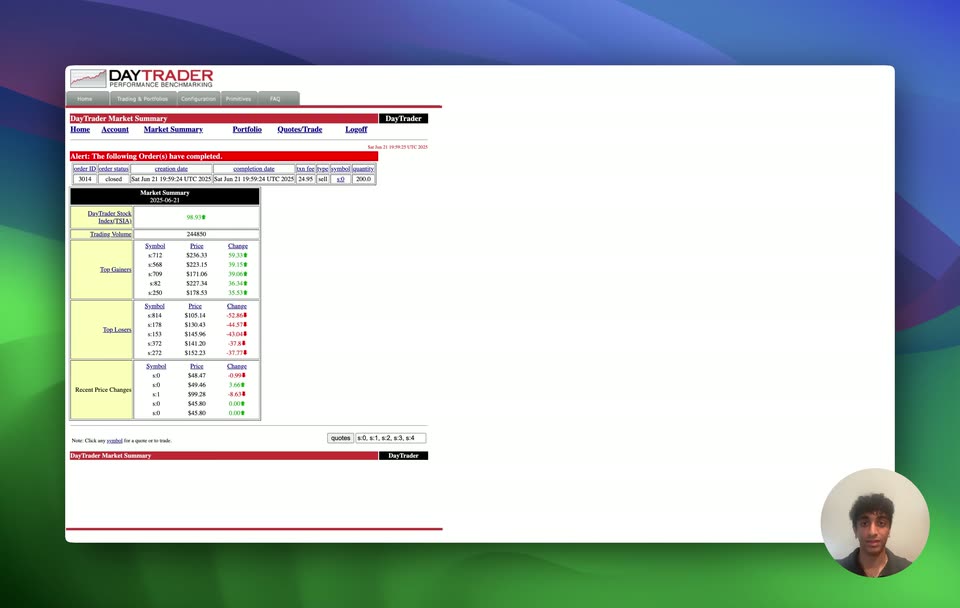 0:51–1:22Axal · Extract Functional Requirements from Legacy CodeA browser window shows the DayTrader market summary, a table of top gainers and losers with green and red figures, over a blue-green desktop wallpaper. A circular webcam of a man speaking sits in the lower right corner. A cursor hovers the Market Summary tab, then drifts down the page.
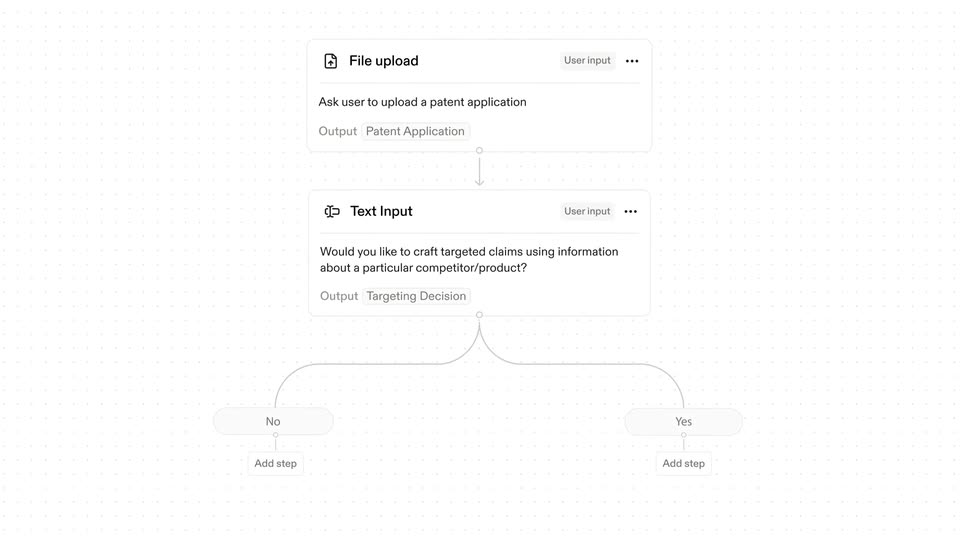 0:14–0:17Harvey · Workflow BuilderA cursor clicks Add step beneath a Text Input card, splitting it into No and Yes branches. The view then zooms out to reveal Prompt and Response cards filling each path of the patent workflow diagram.
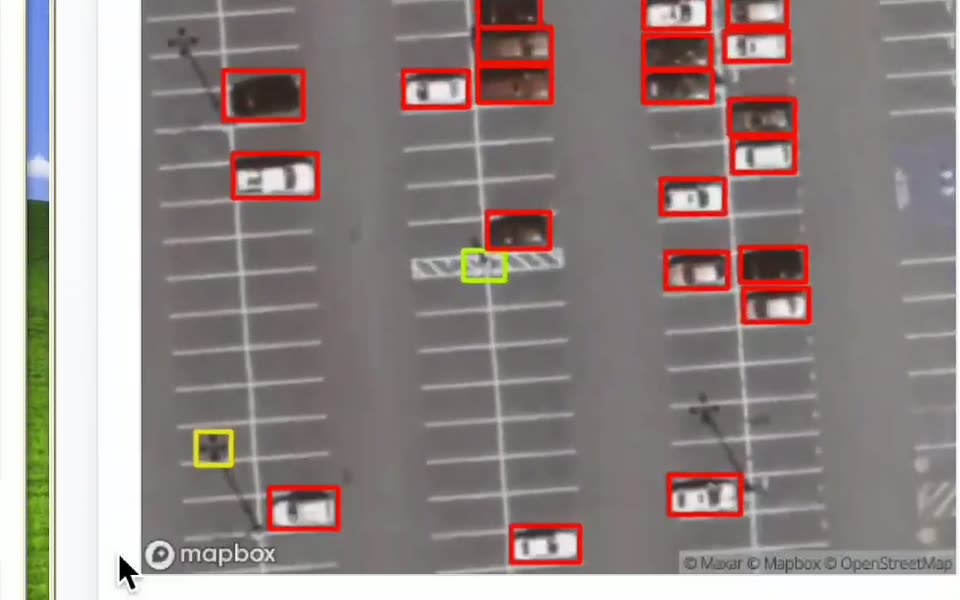 0:21–0:24Sharpe · Introducing Solar by LumenaryA desktop shows three browser windows of an analysis app. The view zooms into a satellite parking lot marked with red bounding boxes, a cursor hovers, then it settles on a results page with a portrait, detection summary, and a bottom bar.
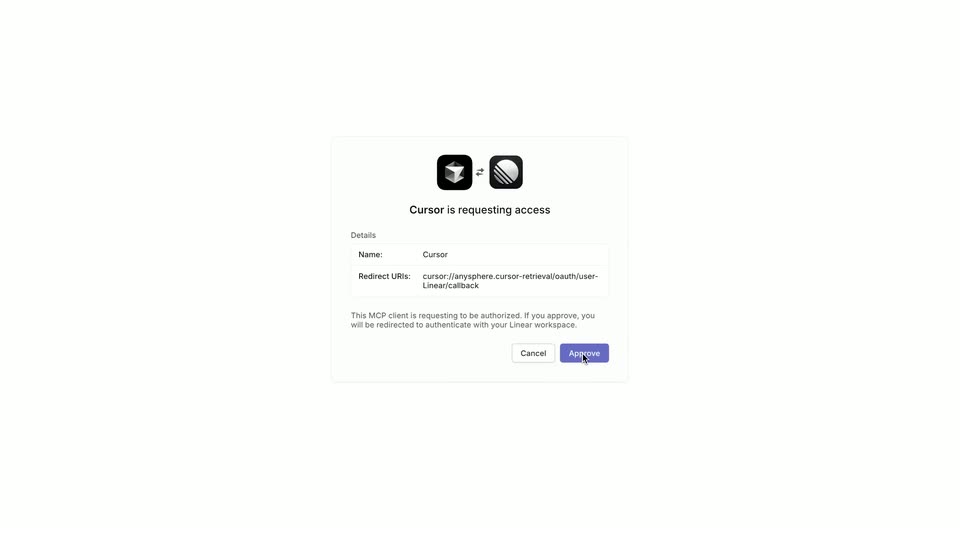 0:59–1:01Cursor · Meet Cursor 1.0A centered authorization dialog sits on a light gray field, showing the Cursor and Linear icons, a details table, and Cancel and Approve buttons. A mouse cursor glides in from the lower left and rests on the Approve button. The frame stays static.
 0:36–0:38Decisional AI · Decisional Knowledge Engine TeaserA flat macOS-style window shows a three-pane app: a sources sidebar, a document with a bar chart and revenue table, and a Decisional AI chat panel. The panes clear to white, leaving a central purple swap icon with lines to small document icons and a pill button below.
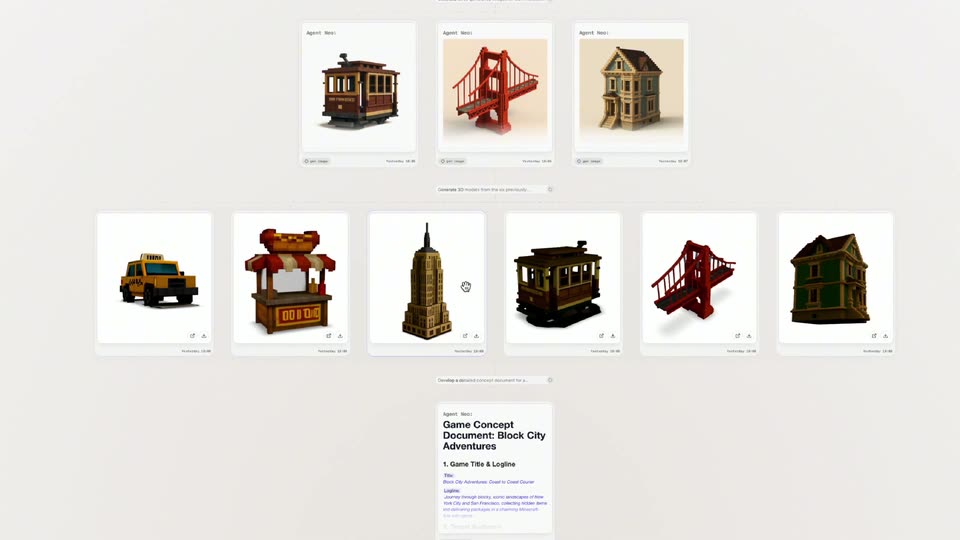 0:38–0:41Flowith · Flowith - flowith neo is now open to everyone. no more codes hunting. gen anytA pale interface displays two rows of white cards, each framing a 3D block model of a city object such as a tram, bridge, taxi, and house. A document card titled Game Concept Document sits below. A cursor hovers over the tower card in the middle row.
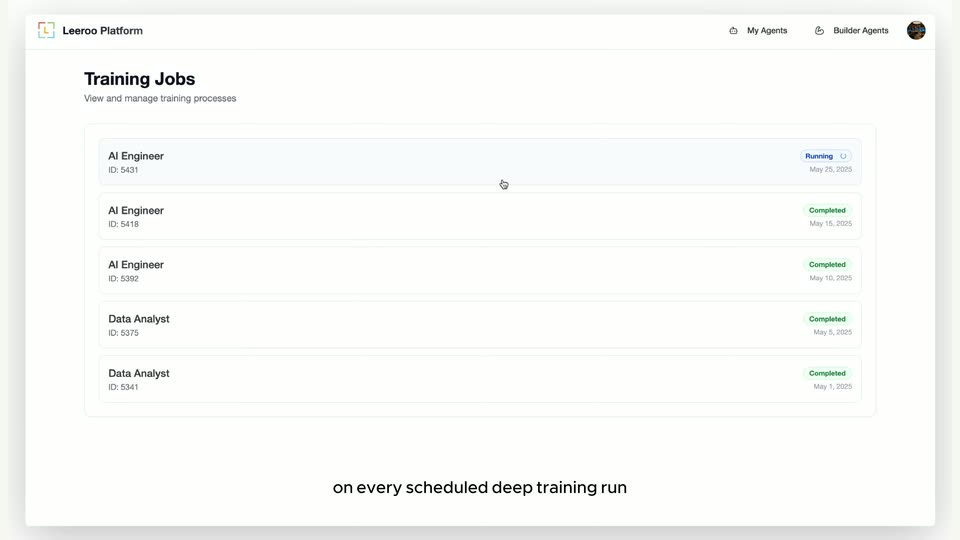 1:28–1:29Leeroo · Leeroo Continuous Learning AgentsA white dashboard card, tilted in 3D perspective with a soft drop shadow, lists training jobs with blue Running and green Completed status badges. A cursor hovers near the center of the list while a black caption sits at the bottom edge.
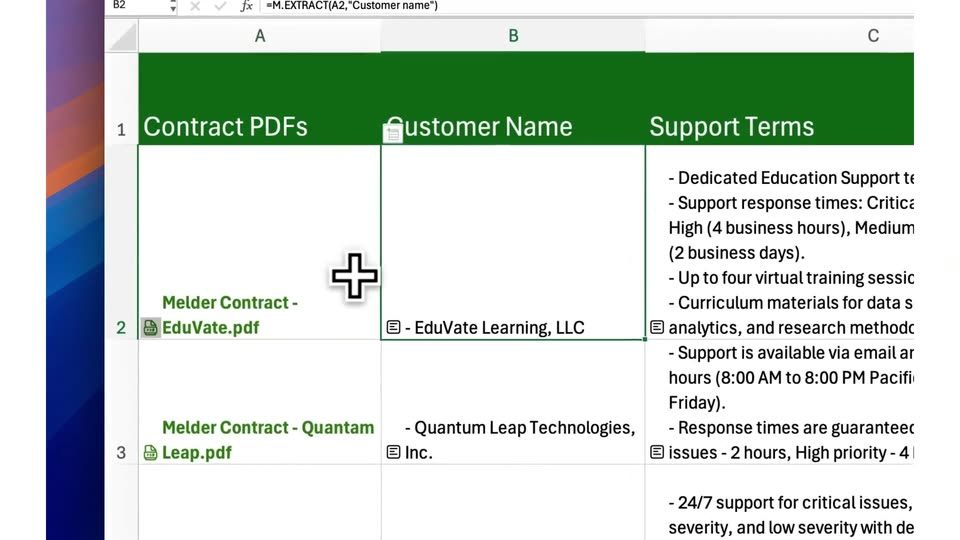 0:34–0:35Melder · Melder - AI for ExcelA green spreadsheet grid fills the frame with three columns, Contract PDFs, Customer Name and Support Terms. A crosshair cursor sits over row two as the formula bar switches to an extraction formula, pulling a company name into the middle column.
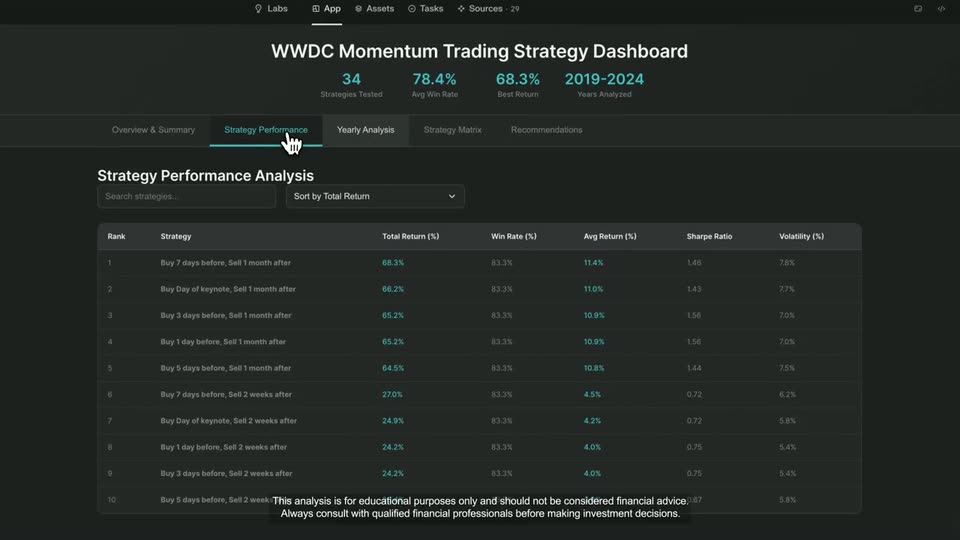 0:11–0:12Perplexity · Perplexity - Today we're launching Perplexity Labs. Labs is for your more complexA dark trading dashboard fills the frame, showing a stats row and a ranked strategy table. A hand cursor glides rightward across the top tabs, moving from Strategy Performance to Yearly Analysis.
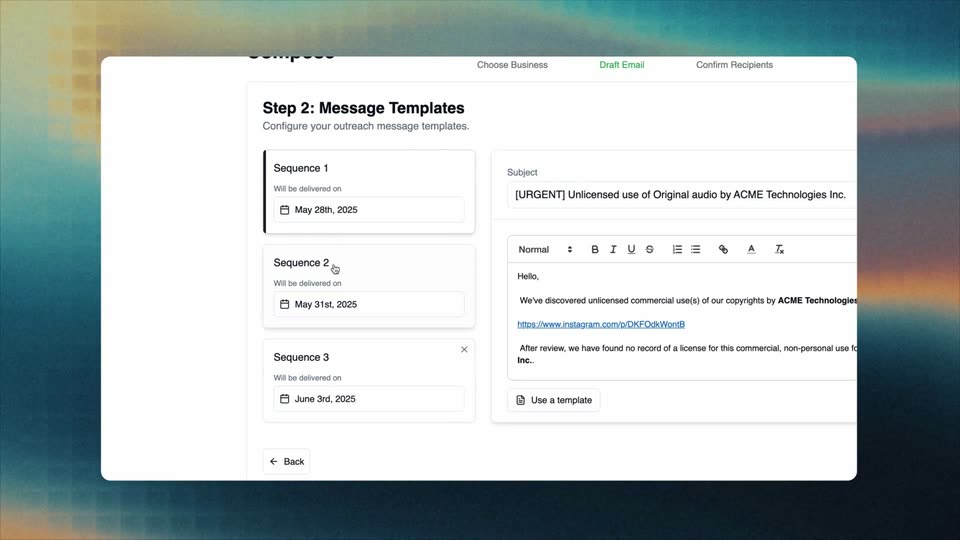 1:14–1:23Third Chair · Third Chair Product DemoA browser window shows the Watchdog compose flow on Step 2, with three sequence cards on the left and an email editor on the right. A cursor clicks Sequence 2 and 3 as the body text swaps, then the view zooms in and the screen advances to a Step 3 recipients page with gray loading bars.
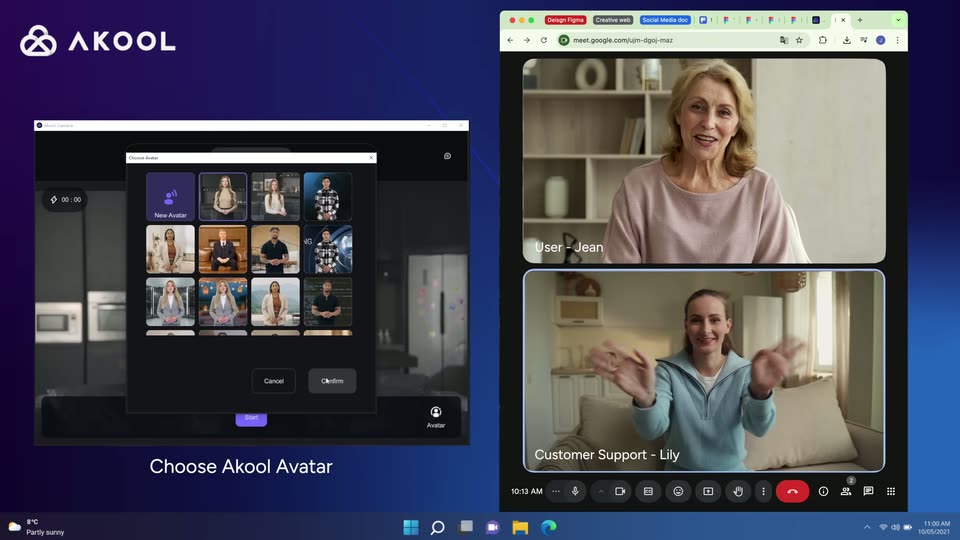 2:45–2:50Akool Inc · Introducing Akool Live Camera: Real-Time AI Video CreationA desktop screen shows a dark Acool Camera window left and a Google Meet call with two waving women right. A cursor opens an avatar grid, clicks Confirm, and a 3D woman avatar fills the left window. The caption Choose Acool Avatar sits below.
 0:41–0:48Freesolo · Introducing Clado (YC X25): Deep Research for PeopleTwo profile cards float on black, then a dark prospect list tilts into 3D perspective and scrolls. A floating toolbar with an Export CSV button appears, a cursor clicks it, and the scene cuts to the white logo mark on black.
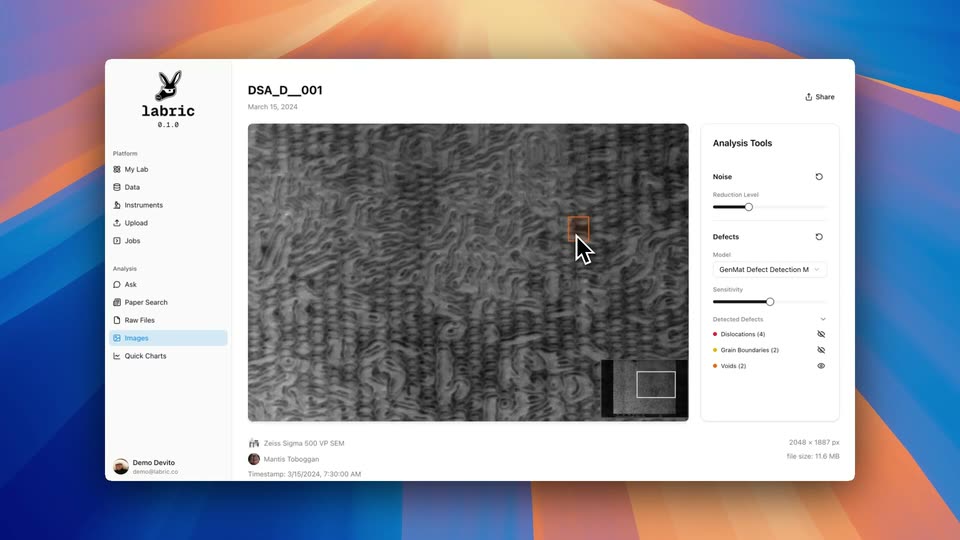 0:44–0:49Labric · Labric (YC X25) Launch VideoA white labric app window on a blue and orange gradient background zooms into its Analysis Tools panel; a cursor clicks the Voids toggle, the view pulls back, and an orange box marks a detected defect on the grayscale microscope image.
 0:09–0:10Sketch · Sketch - Remember when we said auto layout was coming to Sketch? It’s here. ItA six-row action list with colored icons on a soft blue gradient; the third row is boxed by a selection marquee with a cursor. The list shrinks and slides left as a Frame label and a cyan dot appear, and the cursor moves right.
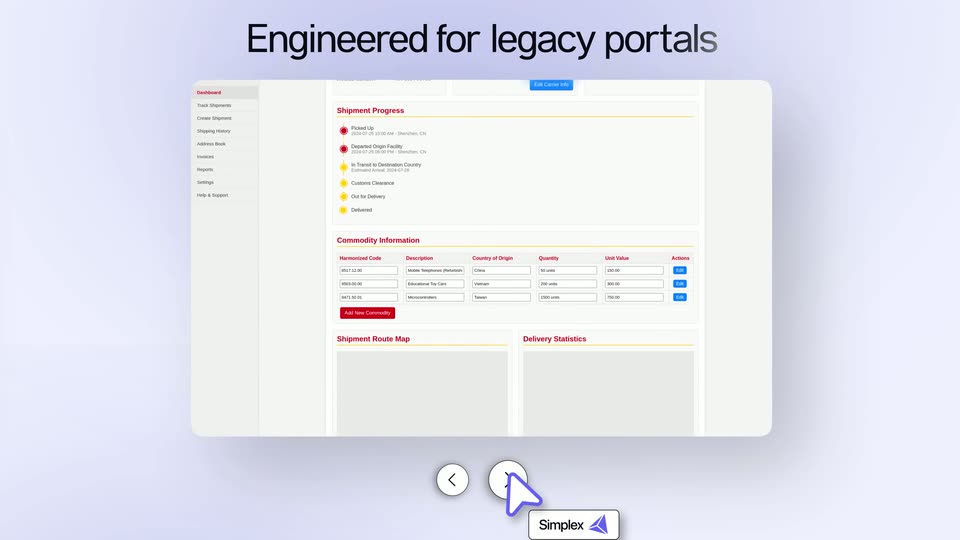 0:15–0:19Simplex · Simplex Launch VideoA carousel of flat browser windows showing legacy portal screens slides left as a large cursor rests on the next arrow, bringing a shipment dashboard to center. The centered window then scales up under the static headline, while the Simplex logo slides down out of frame.
 0:40–0:42stratify · Stratify Demo VideoBlurred photo thumbnails arc down into a glowing light-blue folder icon centered on a dark blue gradient. The thumbnails exit, then a purple cursor arrow slides in and rests on the folder.
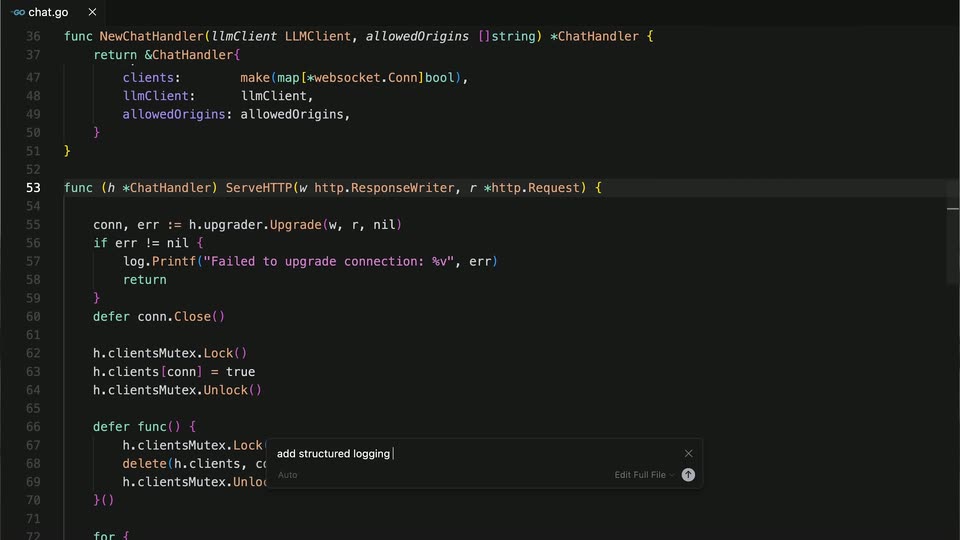 1:03–1:07Cursor · Cursor's largest update yetA dark code editor displays Go source code while an inline input box at the bottom types the prompt “add structured logging with slog” word by word, a cursor trailing the text, ending in a generating state.
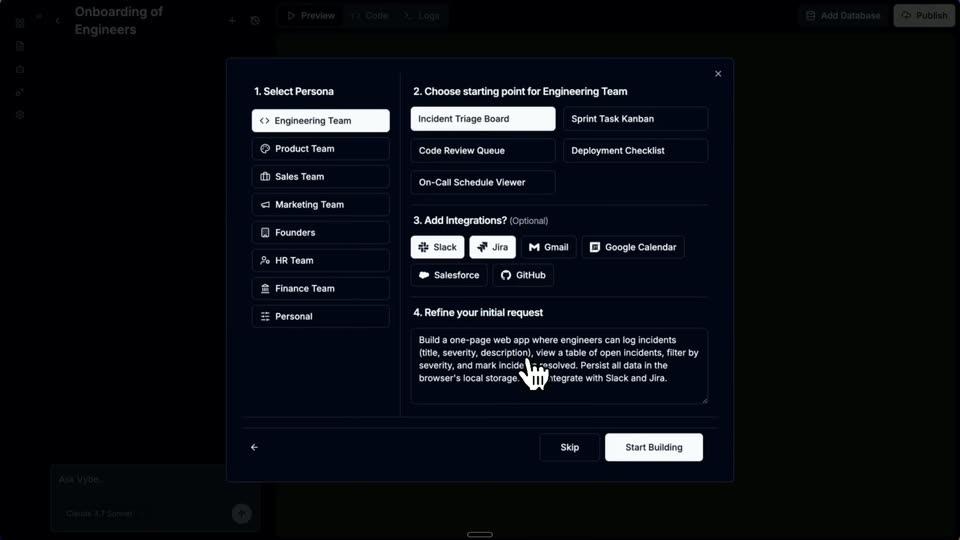 0:47–0:49Vybe · Vybe Demo - Build internal apps 10X fasterA dark modal form with numbered sections for persona, starting point, integrations, and a prompt box sits centered in a dark app window. A white cursor drifts down from the integration chips to the prompt text while the top status label cycles through building states.
 0:22 · 0.8sDescript · Descript - Vibe editing is here. Any job, any video. Underlord’s got it.A black arrow cursor with a fading motion trail glides up to a blue circular button holding a white up arrow, set on a white rounded card over a gray surface with a blue panel at the right edge.
 0:32–0:34Google · Introducing Flow | Google’s New AI Filmmaking ToolA white circular button with a black right arrow floats on a soft blue gradient. A white hand cursor with a black outline hovers at its lower edge. The button and arrow gradually lose focus and blur while the cursor stays sharp, suggesting a click.
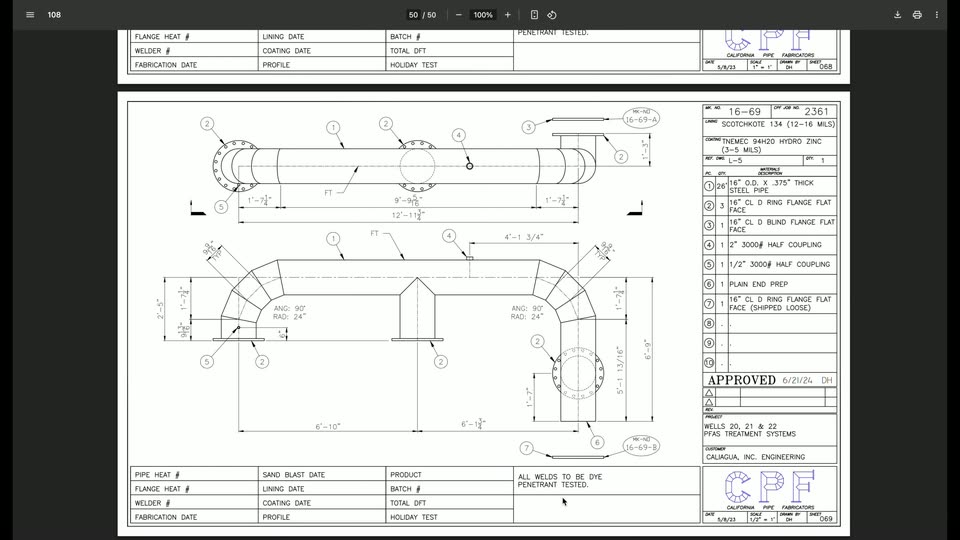 2:40–2:56Jeevy Fabrication · Introducing Jeevy FabricationA document viewer window displays a black-and-white pipe fabrication drawing with dimensioned views and a right-hand parts list. The frame holds still, then a cursor glides to the top data table and highlights one cell in yellow.
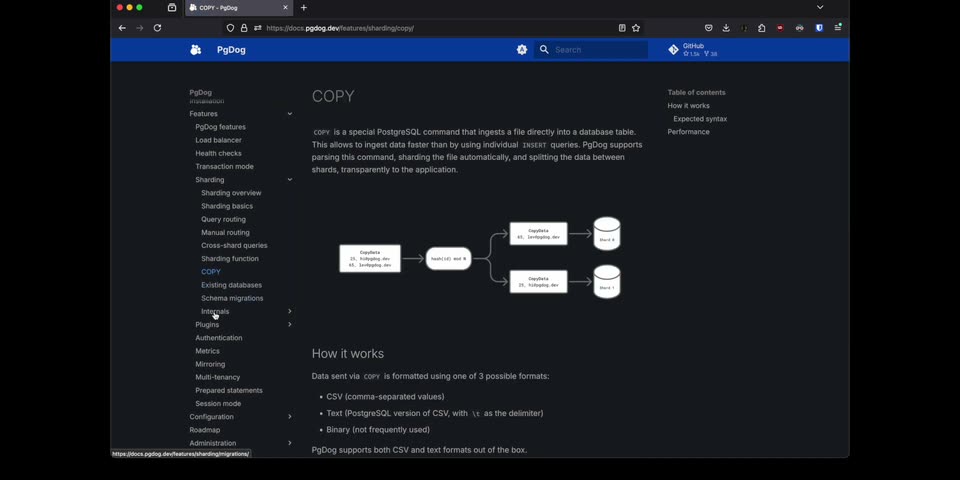 0:32 · 0.7sPgDog · PgDog LaunchA browser window shows the PgDog documentation page on a dark theme. A left sidebar lists navigation links with a cursor hovering and drifting down the menu, while the main panel holds the COPY heading, body text, and a small flow diagram of data shards.
 0:31–0:32Kestral · Kestral - Your AI Work Prioritizer -- Launch YCA white chat panel shows a message input bar with a Send button and a black cursor. The frame then widens to the full app, revealing a Kestral AI card with a green progress bar reading 'Analyzing your input.' while the cursor drifts down.
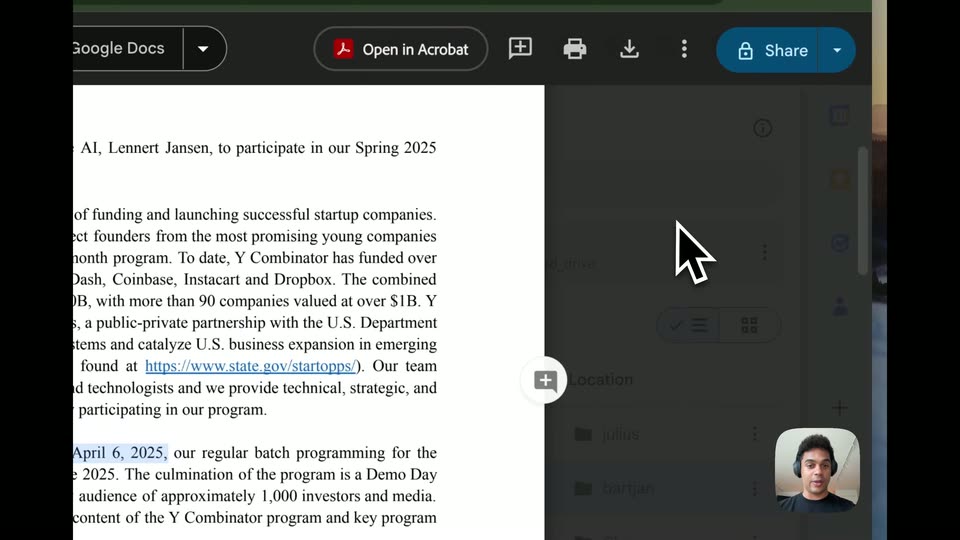 0:27–0:29Airweave · Airweave AI // Launch YC DemoA Google Docs letter from Y Combinator scrolls down the page, a blue highlight flashes over the date phrase, then the view reframes to the toolbar and a Drive side panel with a cursor. A circular presenter video sits in the corner.
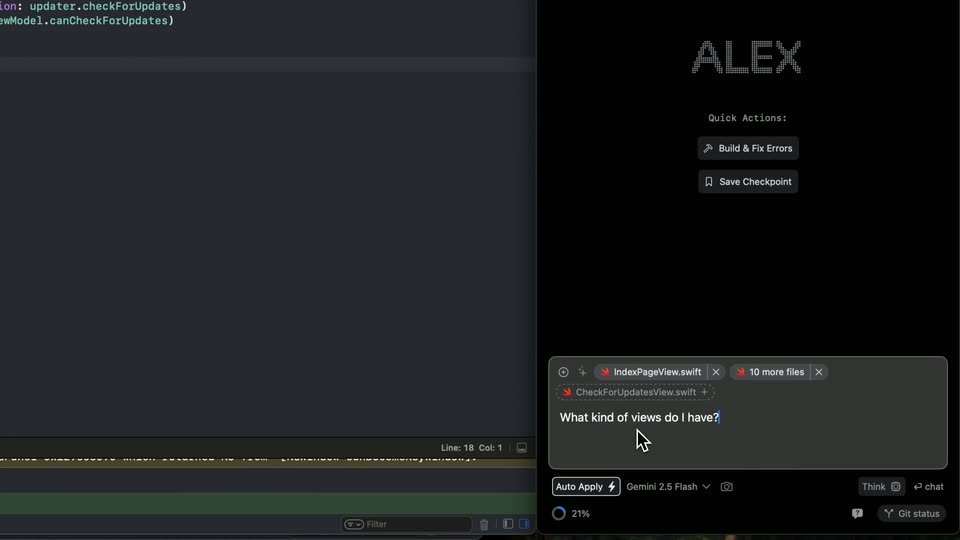 0:45–0:46Alex · Alex - Xcode AI Coding AssistantA dark code editor sits left of a black ALEX panel showing Quick Actions buttons. In the chat box below, a cursor hovers as the question about views types out character by character.
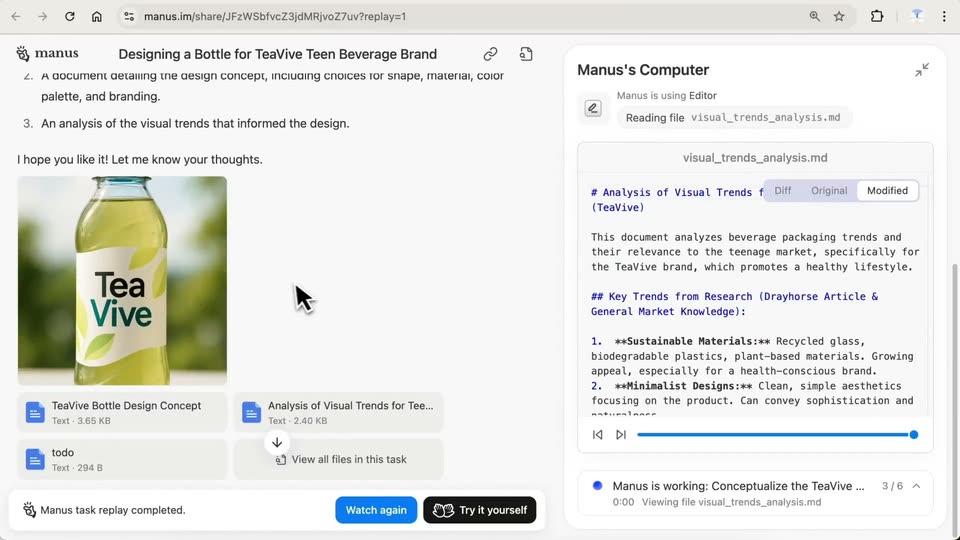 0:28–0:31Manus · Manus - Introducing Manus image generation. Manus doesn’t just generate imagA split screen pairs the Manus chat on the left with a simulated computer on the right. The chat scrolls to reveal a green TeaVive bottle render and file cards as a cursor hovers over the image. The right pane shows the editor filling the concept document beside a browser.
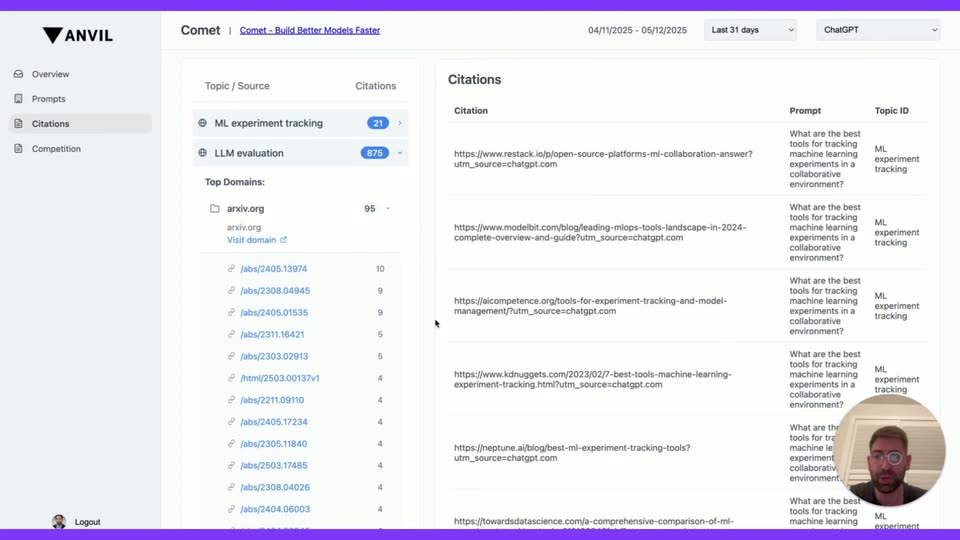 0:43–0:58Acolite · Anvil (YC X25) - Launch VideoA screen recording of the ANVIL Citations dashboard loads: skeleton bars resolve into topic rows and a citations table, a Top Domains list appears, and the arxiv.org entry expands into paper paths. A presenter's webcam sits in the bottom-right corner while a cursor clicks through the rows.
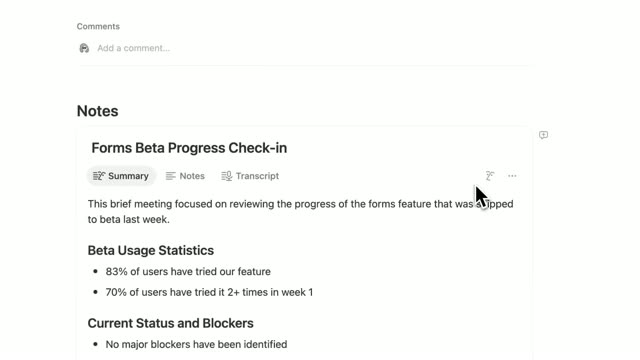 0:44–0:48Notion · Introducing AI Meeting NotesA light interface shows a Notes panel. A card runs a Thinking checklist, then its title resolves to Forms Beta Progress Check-in as summary text and bulleted stats fade in line by line. A cursor hovers right as the view scrolls up.
 0:42–0:45Notion · Introducing Enterprise SearchThe assistant home screen, with a greeting and four recent cards, shrinks and shifts right as a chat window slides in front, showing a prompt to write a market report and a Thinking indicator. The Ask, Research, Build tabs enlarge in sequence while a cursor moves across them.
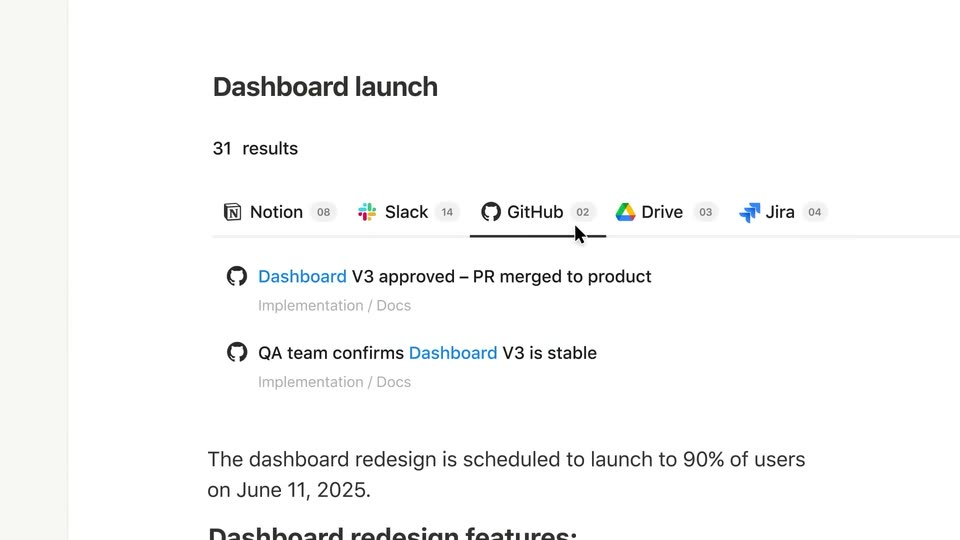 0:36–0:42Notion · Meet the all-in-one Notion AI for workA flat search results panel on a white background shows the query Dashboard launch above a row of source tabs. The cursor clicks each tab in turn, sliding the underline indicator and swapping the two result rows beneath it.
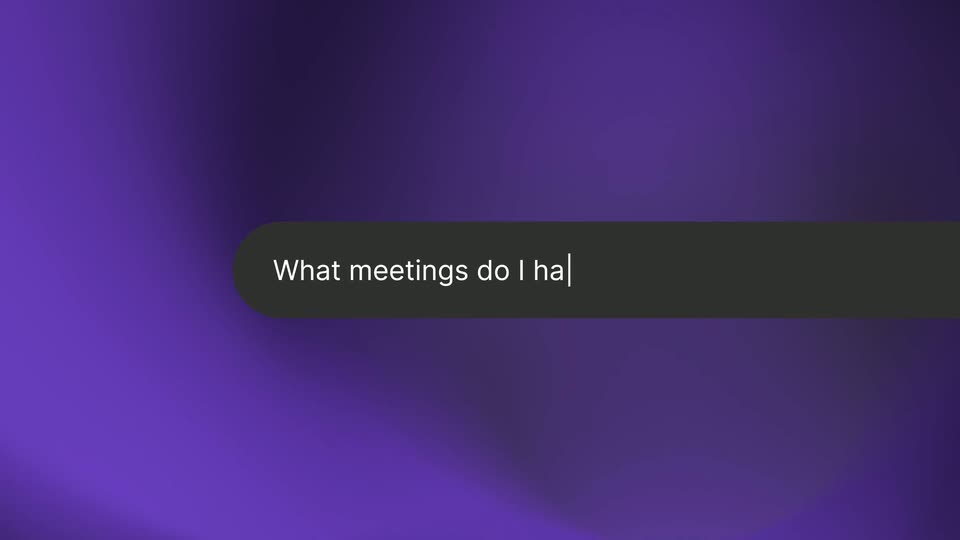 0:59–1:01Orchid · Zero - The AI-native email that manages your inboxA dark rounded input bar floats on a soft purple gradient. A mouse pointer hovers at its left edge, then the placeholder “Ask me anything ...” is replaced by the question “What meetings do I have this week?” typed word by word with a blinking caret.
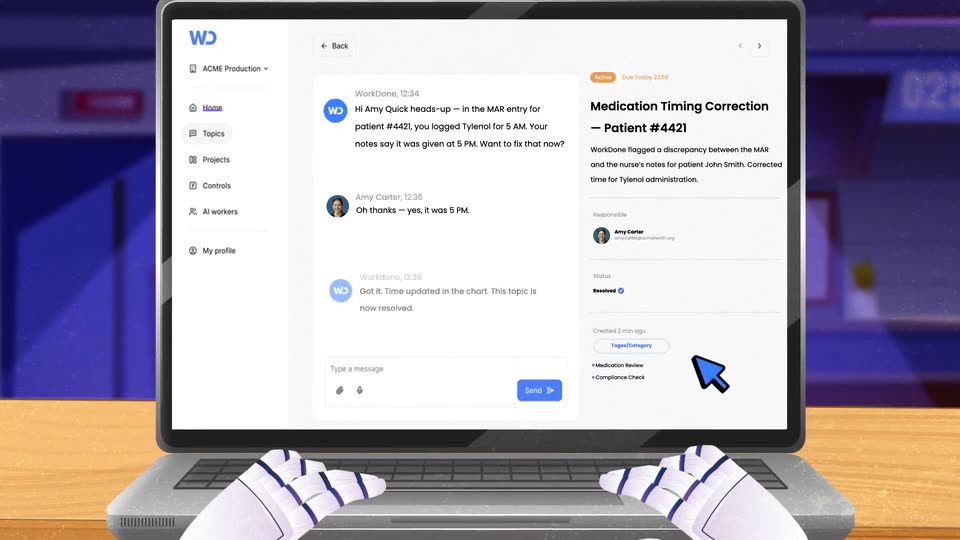 0:53–0:57Adentris · Adentris – AI Compliance Copilot for Healthcare Providers | Prevent Claim DenialsA 3D laptop sits on a wooden desk against a blurred office. Its screen shows a task app with a chat and a patient task panel. A blue cursor glides across the screen while two white robotic hands type on the keyboard, and a new chat message slides in.
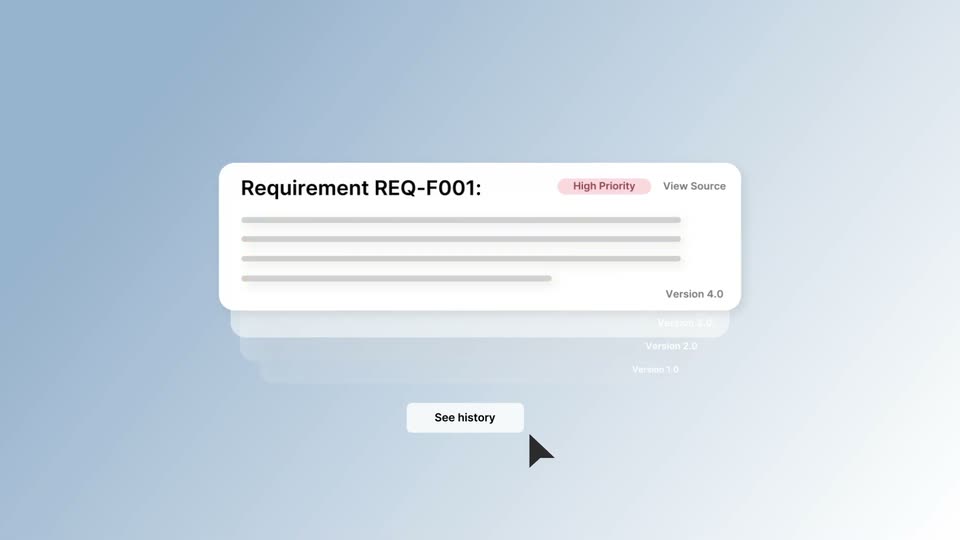 1:01–1:03Auctor · Auctor AI (YC X25) Launch VideoA white requirement card sits on a light blue gradient, with faded version cards stacked behind it. The placeholder lines shift from orange to gray while a dark cursor glides toward the See history button at the bottom.
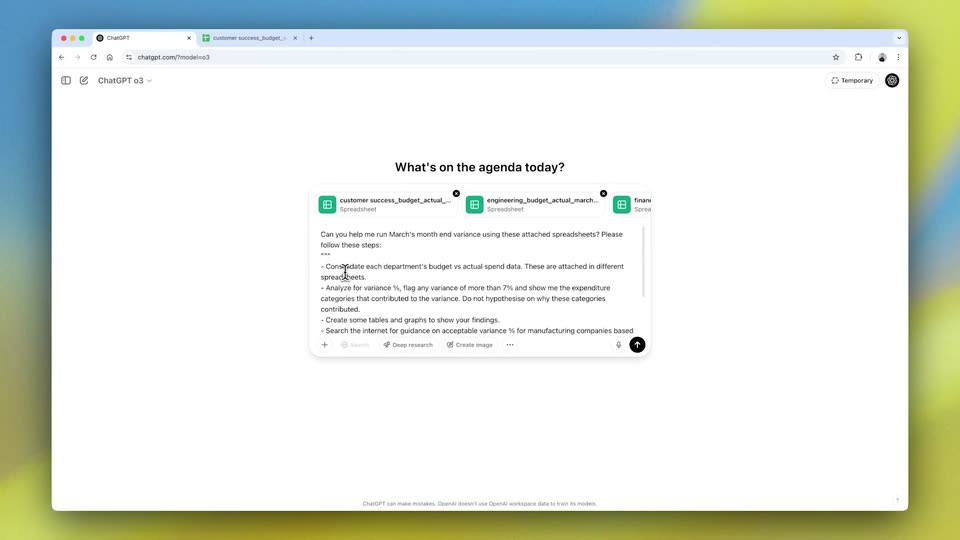 0:43–0:47OpenAI · Automate complex workflows with OpenAI o3A centered Chrome window on a blurred blue and yellow gradient shows a ChatGPT chat card with three spreadsheet attachments and a bulleted prompt. A mouse cursor drifts down over the text as new lines of the prompt appear at the top, the instruction list growing. Locked-off frame.
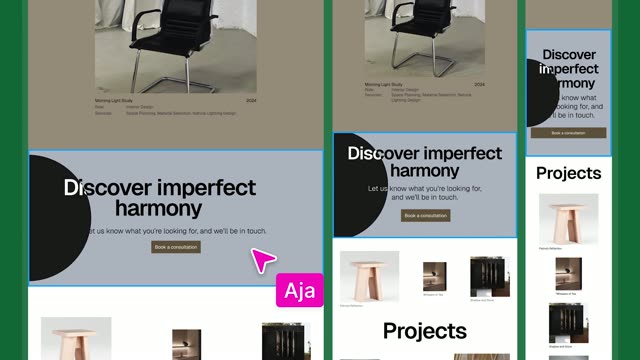 0:16–0:17Figma · All the launches at Config 2025 | FigmaThree side-by-side vertical panels display the same portfolio site at slightly different scroll positions. A pink cursor labeled Aja moves down the left panel across the contact block.
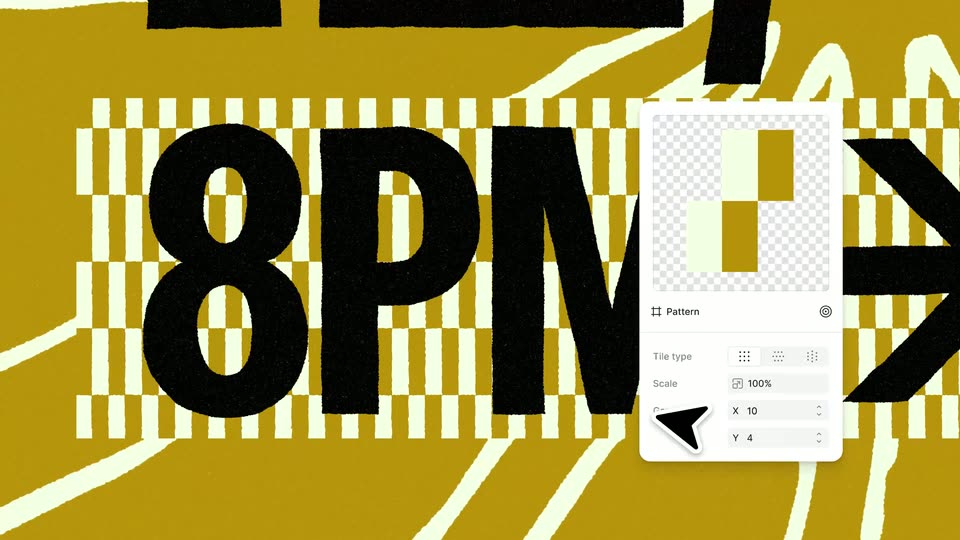 0:27–0:29Figma · Figma - Introducing Figma Draw New fills, effects, brushes, and more, now inA yellow canvas with large black lettering fills the frame behind a white Pattern inspector panel on the right. A cursor adjusts the Gap X value from 35 to 10, and the tiled background shifts from a fine checkerboard to vertical stripes.
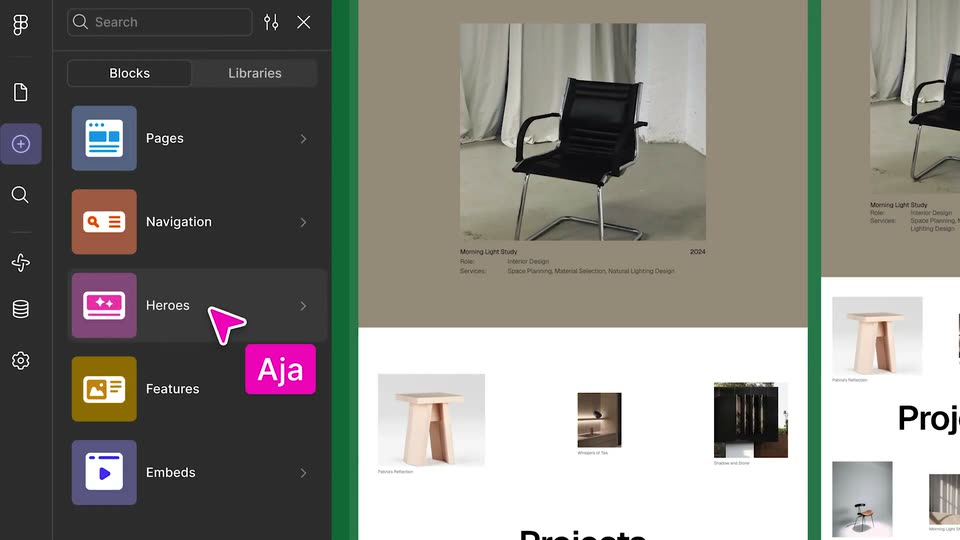 0:17–0:19Figma · Figma - Introducing Figma Sites Take your designs straight to the web. WithA website builder screen shows a portfolio page with a chair photo and project cards. A large cursor with a pink Aja badge hovers over the hero copy as the canvas zooms in, then a blue selection box labeled Hero outlines the headline.
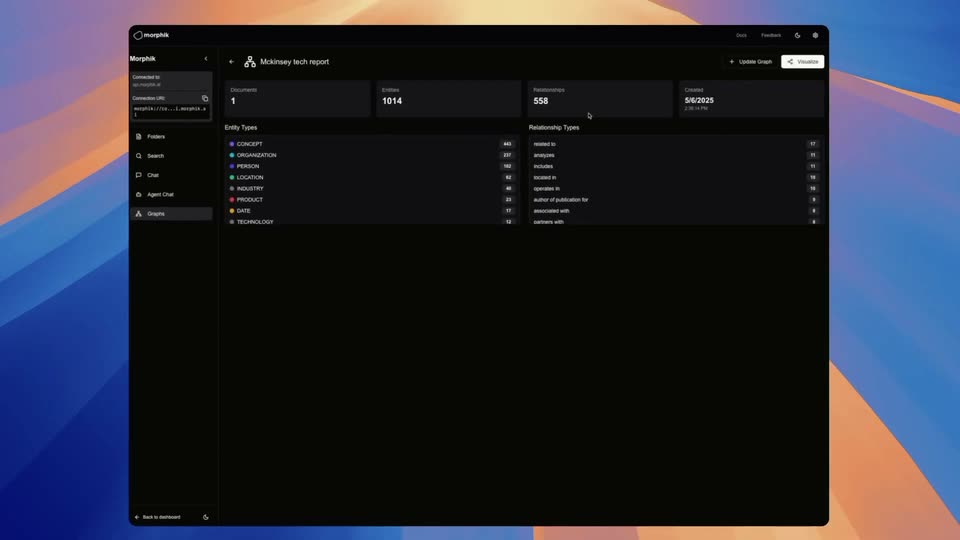 0:56–1:01Morphik · Morphik Launch DemoA dark Morphik window titled Mckinsey tech report settles over an abstract blue and orange background, showing stat cards and two lists of entity and relationship types. The camera zooms into the interface until the left sidebar exits frame, and a cursor drifts across the numbers.
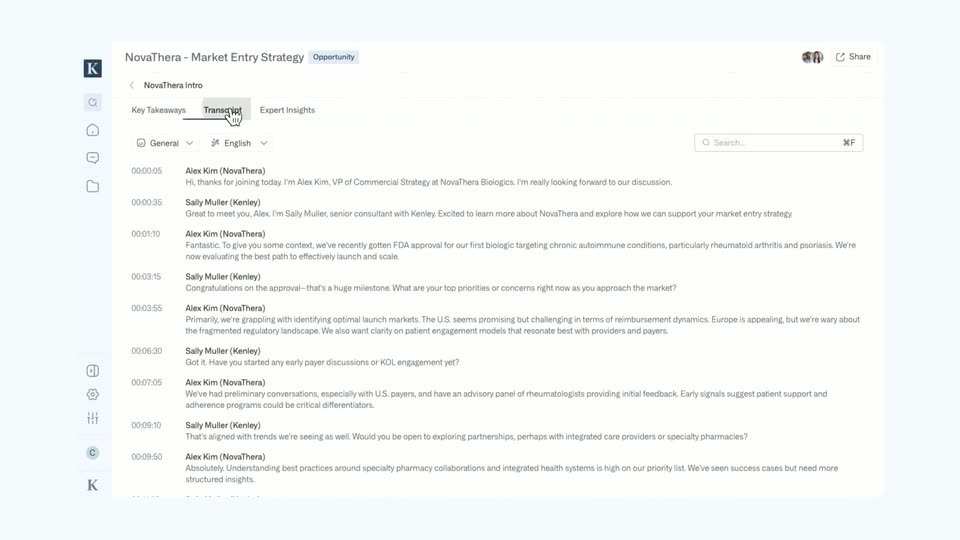 0:26–0:28Kenley · Introducing Kenley WorkStreamsA meeting-summary page with a video player scrolls down through Key Takeaways and Topics Discussed bullets, then a cursor clicks the Transcript tab and timestamped transcript lines appear at the top.
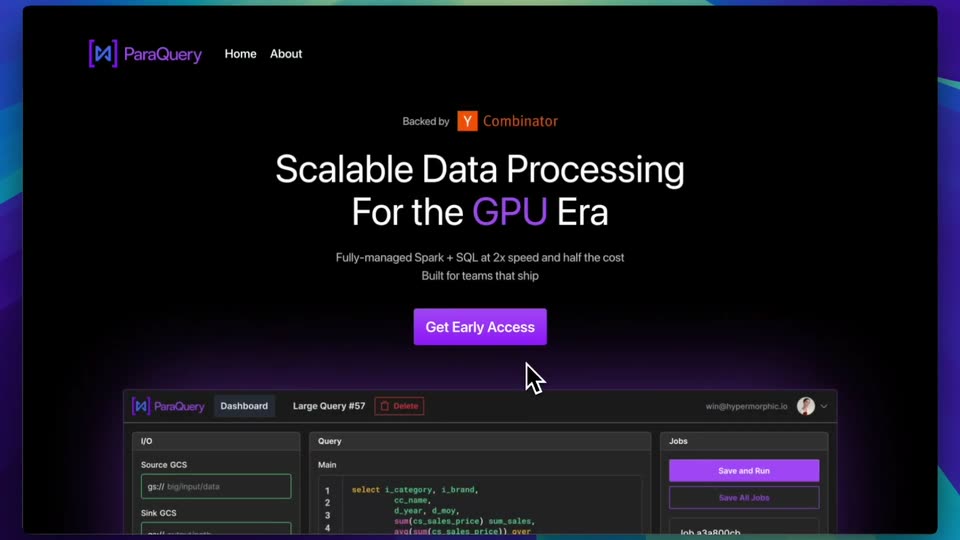 1:16–1:22ParaQuery · Launch YC: ParaQuery - cloud data processing for the GPU eraA dark ParaQuery landing page holds the frame as a translucent sign-up form fades out over the hero headline and purple Get Early Access button. A dashboard panel with a SQL query editor sits below, and a cursor drifts onto the button.
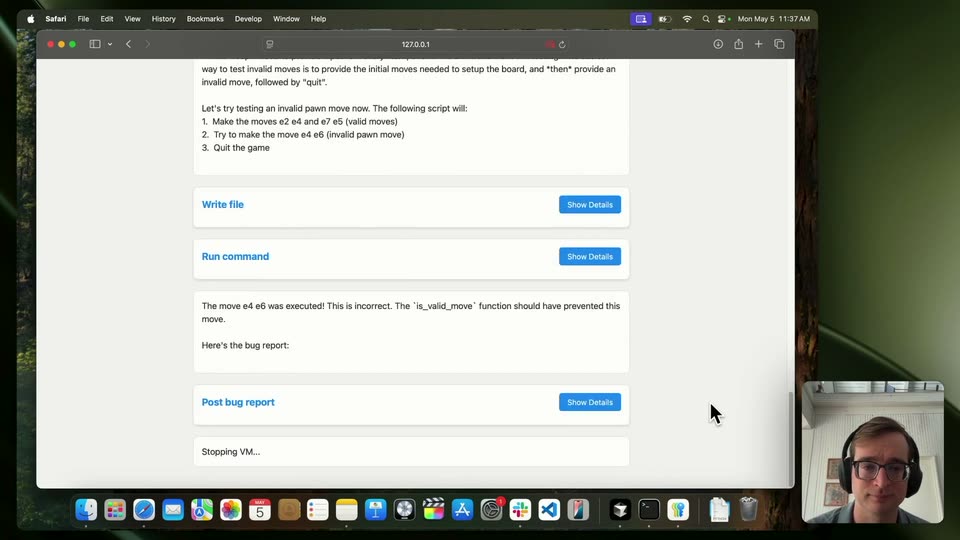 1:05–1:47Cartpole · Jazzberry DemoThe Safari window shows the Jazzberry Logs page filling with scrolling log entries from a chess-demo review. A '3x speed' caption appears over the fast logs, the cursor clicks Show Details to expand terminal output, and the frame zooms into the Python code. A webcam inset sits bottom right.
 0:35 · 0.7sAltrina · Workflow EditorA dark AI chat panel fills the frame, slightly out of focus, showing body text and a purple View Workflow button. A hand cursor slides in from the right and clicks the button as the view sharpens.
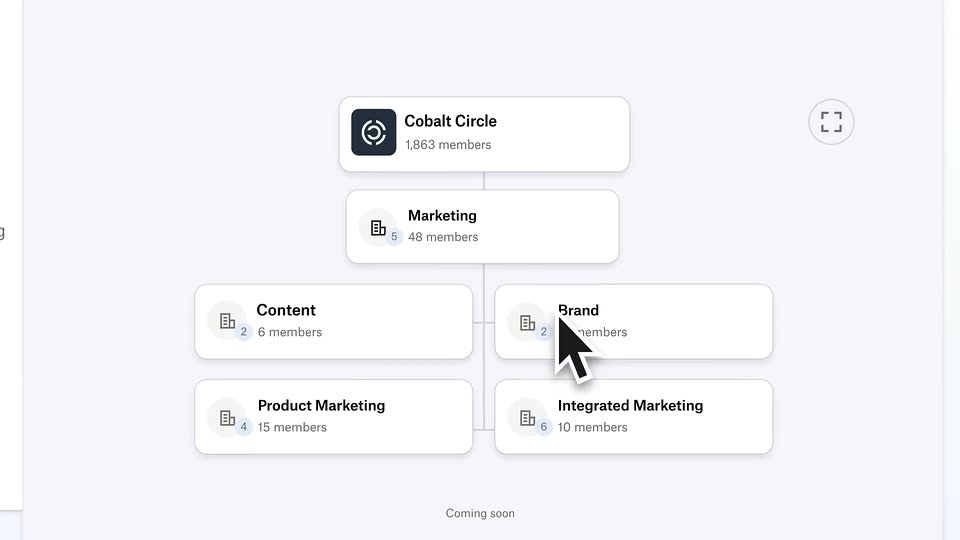 0:29–0:31Dropbox Dash · Dropbox Dash: Search videos, images, and create content fastA white product UI card showing an organization tree zooms in on the Marketing card, which gains a purple glow as a cursor hovers beside it. A small Coming soon caption stays fixed at the bottom.
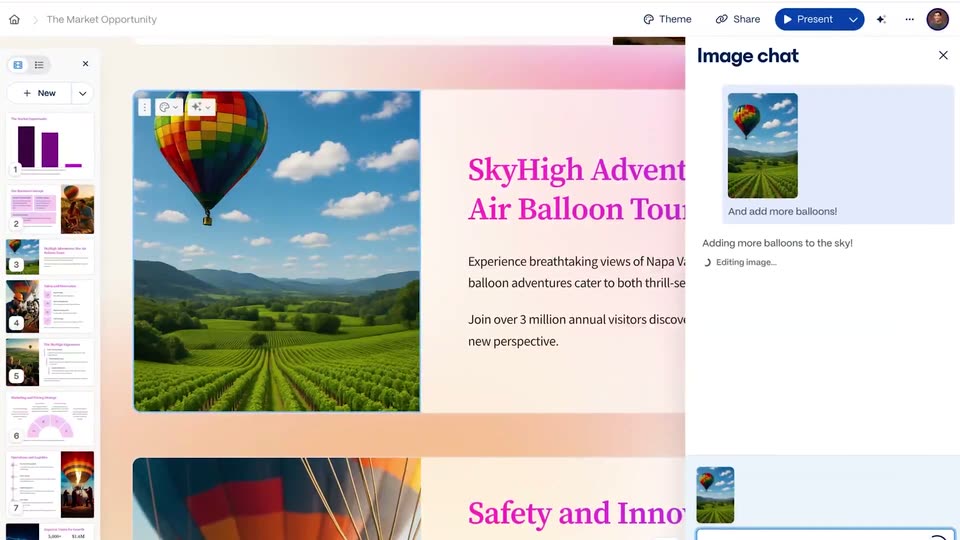 0:16 · 0.7sGamma · Gamma - Introducing AI Image Editing with animation! You can now edit and anA screen recording of a presentation software interface shows a slide with a hot air balloon and an 'Image chat' side panel. A mouse cursor hovers over the balloon image.
 0:10–0:12Adobe · Adobe Firefly: The next evolution of creative AI is hereOn a black background with a magenta glow, a rounded input bar holds a typed prompt that scrolls left word by word. A blue Generate button slides in at the right edge, a cursor hovers over it, then the whole bar fades to black.
 0:43–0:44Lovable · Lovable 2.0 is here. Multiplayer vibe coding. Smarter & more secure.A tight crop on the dark Ask Lovable input field pulls back to reveal the full toolbar with Attach, Edit and Mode controls. A white hand cursor drops in from above and taps the blue Edit button.
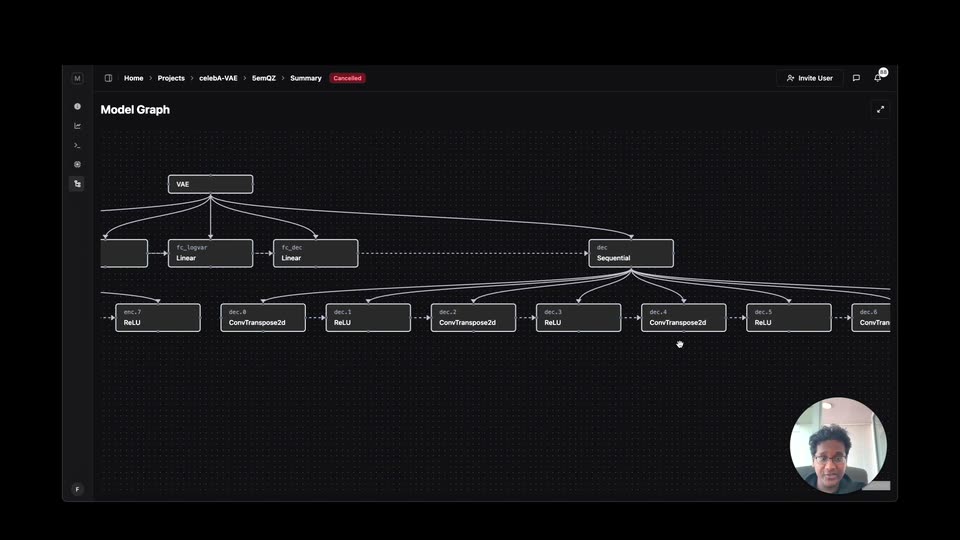 0:41–0:49mlop · mlop: introA dark node graph zooms in from a wide view to a close-up of the VAE layer tree. A cursor clicks the dec:2 ConvTranspose2d node, opening a left panel with four blue parameter and gradient histograms.
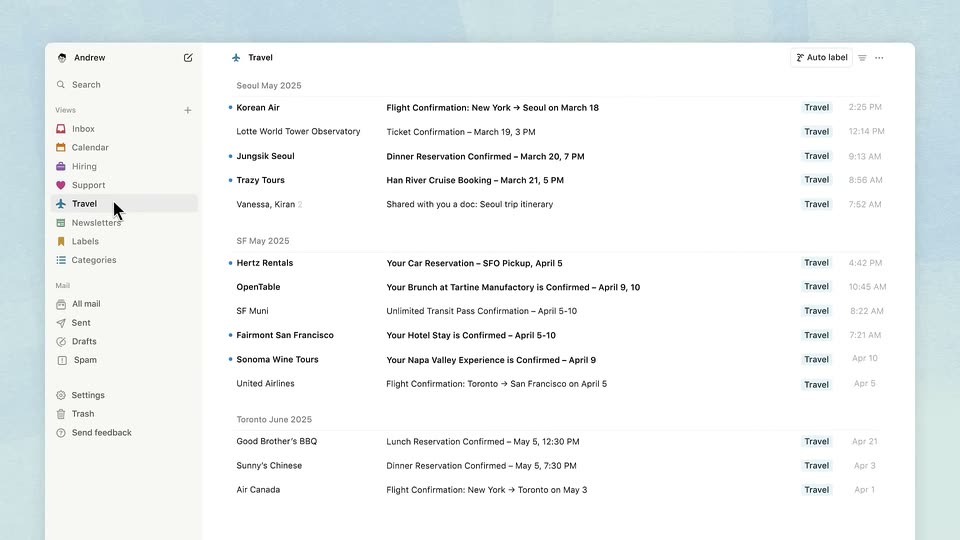 0:22–0:26Notion · Meet Notion MailA Gmail-style inbox fills the frame. A cursor moves down the left sidebar, selecting Hiring, then Support, then Travel. Each click crossfades the email list on the right to the matching category, with sender names, subject lines and date labels sliding into place.
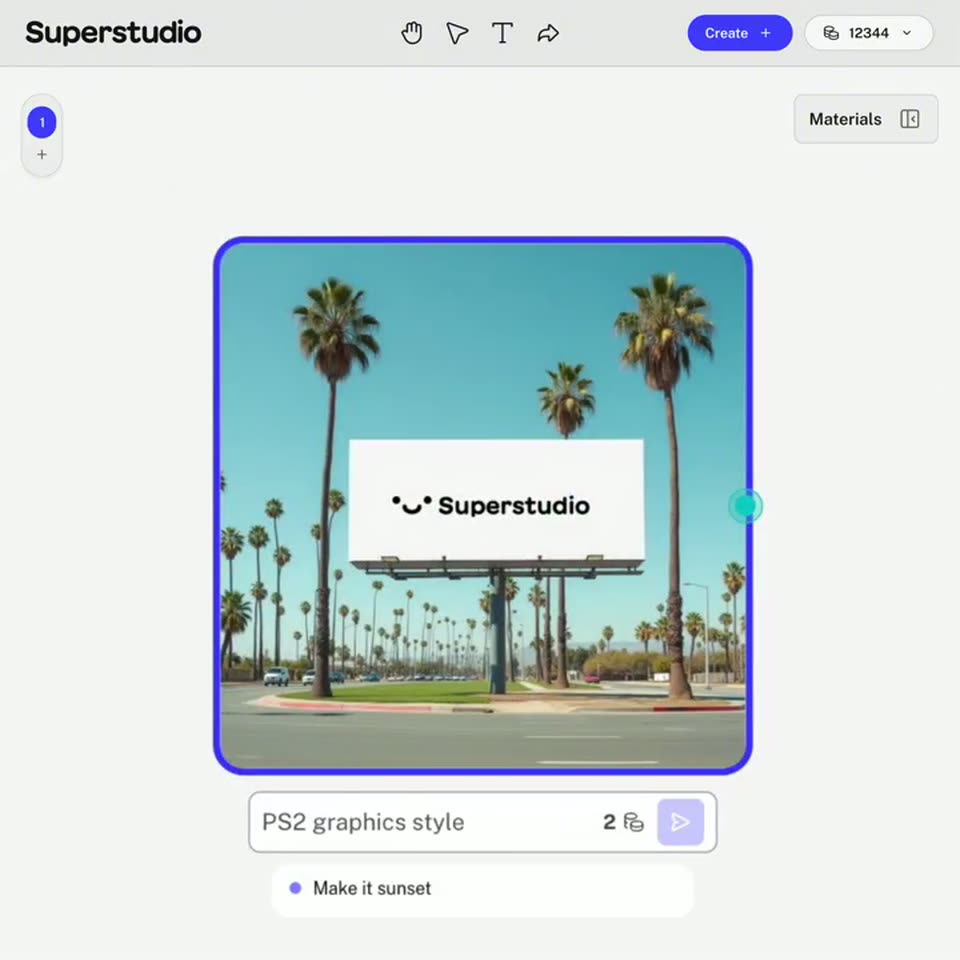 0:13–0:15Kaiber · Kaiber - 🚨 BIG NEWS: Image Editing — in Canvas. •ᴗ• Change colors, combineThe Superstudio editor fills the frame. A palm-tree clip sits in the center canvas under a blue outline, with a prompt box below. As a prompt is typed, the clip shifts from a clean shot to a low-res PS2 render, then a pink sunset. A cursor sits in the field.
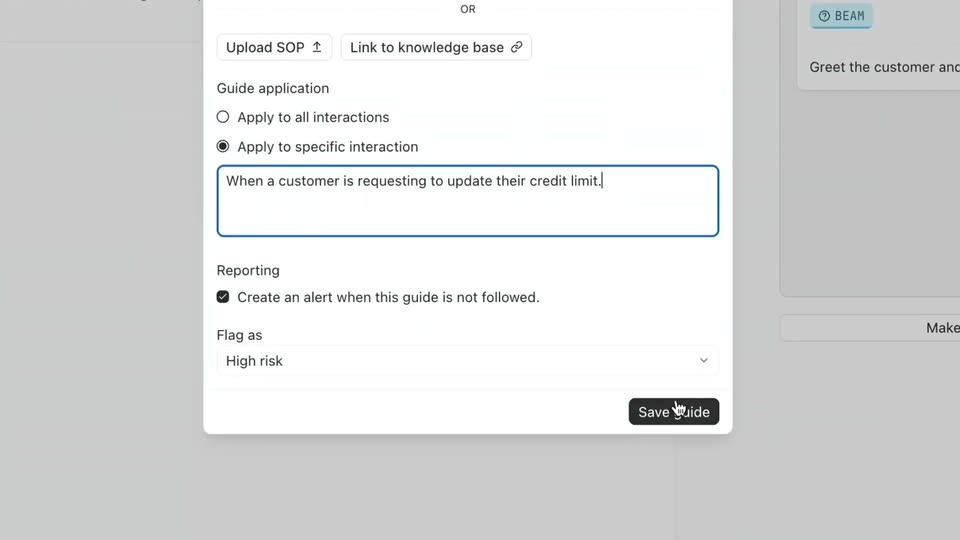 0:42–0:44Rulebase · Beam - The real-time copilot for customer service agents.A settings modal is cropped tight as a cursor types a one-line trigger into the specific-interaction field, then moves to the Save guide button and clicks. The frame pulls back to the full Beam dashboard, with guide toggles on the left and a live call-risk panel on the right.
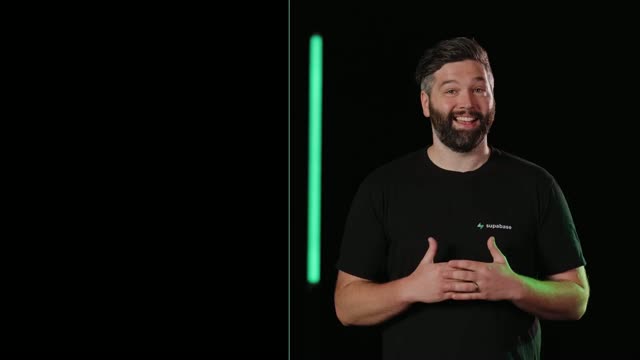 0:51–0:52Supabase · Announcing the Supabase UI LibraryA bearded presenter in a black Supabase t-shirt gestures beside a vertical green light bar, while a dark browser window on the left shows a file upload box that resolves into a success toast after the cursor clicks the button.
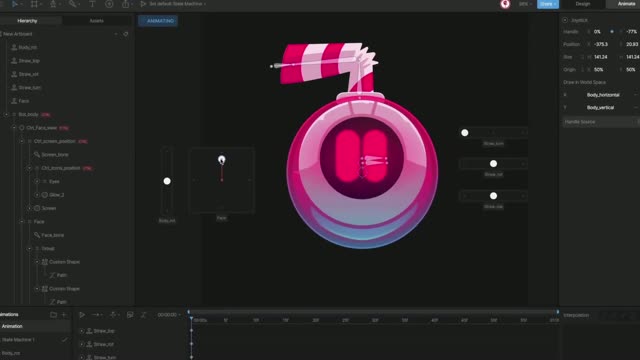 1:09–1:10Rive · Rive for Product Design Reel 2025A dark animation-tool window frames a glossy pink bomb character with a striped straw in its center viewport. A cursor drags a small joystick control, tilting the straw and rotating the face inside the body as the model responds.
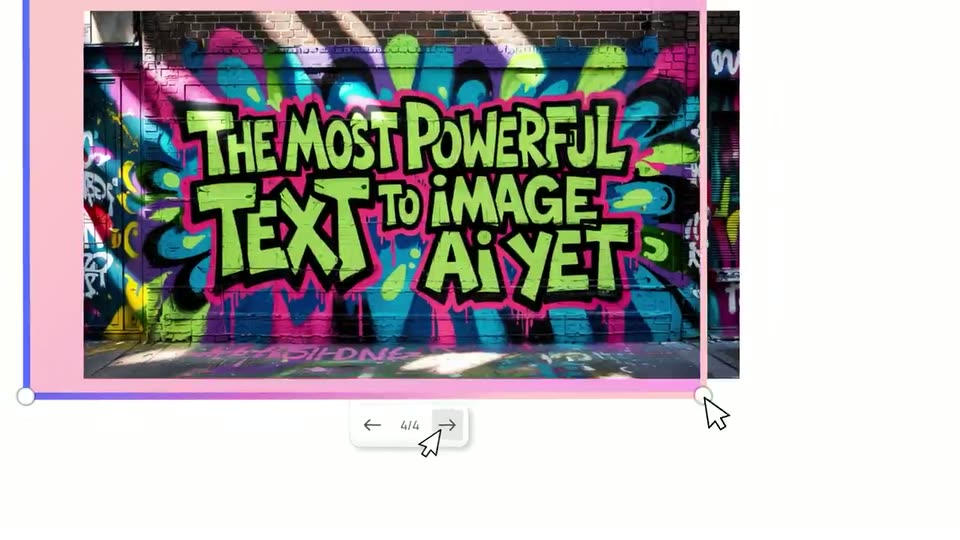 0:24 · 0.8sIdeogram · Ideogram - Meet Ideogram 3.0 — stunning realism, creative designs, and consistenA graffiti wall image with green bubble letters sits on a white canvas, a blue selection box with corner handles at its upper left and a cursor on a small pager pill below. The view zooms into the lettering, which fills the frame inside a pink frame.
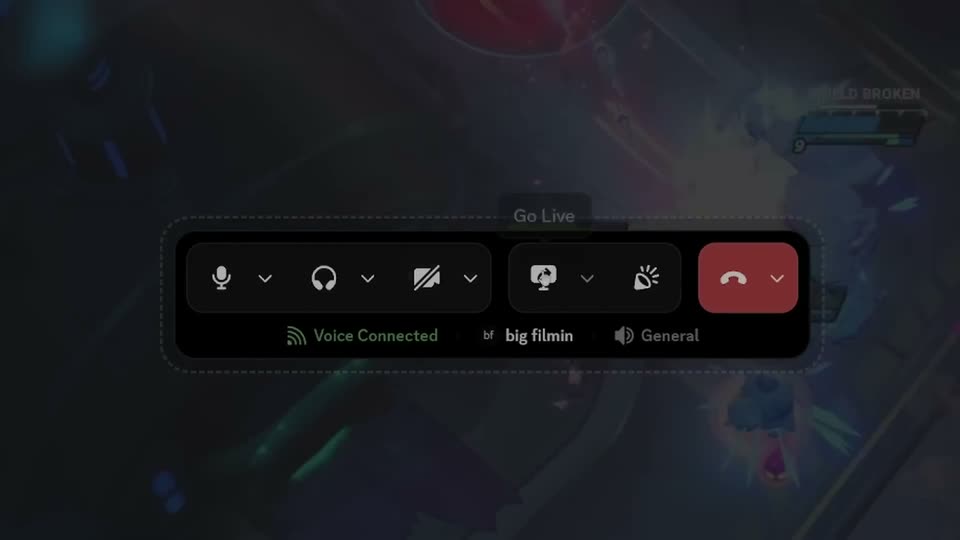 2:23–2:24Discord · Introducing the NEW Discord Game OverlayA black control bar floats over a dark game screen: mic, headphone, camera, screen-share and speaker buttons beside a red end-call key, with a status row below. A cursor hovers the mic button, a tooltip labels it, then the cursor slides right.
 0:39–0:41Google · Introducing Canvas in GeminiA dark editor toolbar shows a Code/Preview segmented toggle glowing blue while a white cursor hovers on Preview. The frame zooms in until the toggle fills the screen over a radial halo.
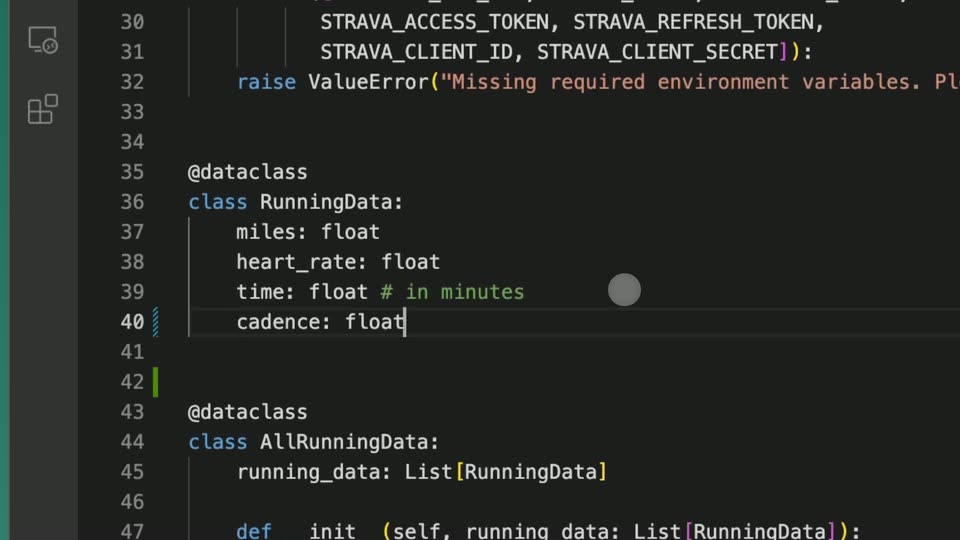 1:11–1:14Windsurf · Windsurf Wave 5: Windsurf TabA dark code editor holds a Python dataclass. A blinking caret on line 40 types the new field cadence: float into the RunningData class, while the existing float values light up with gray highlight boxes.
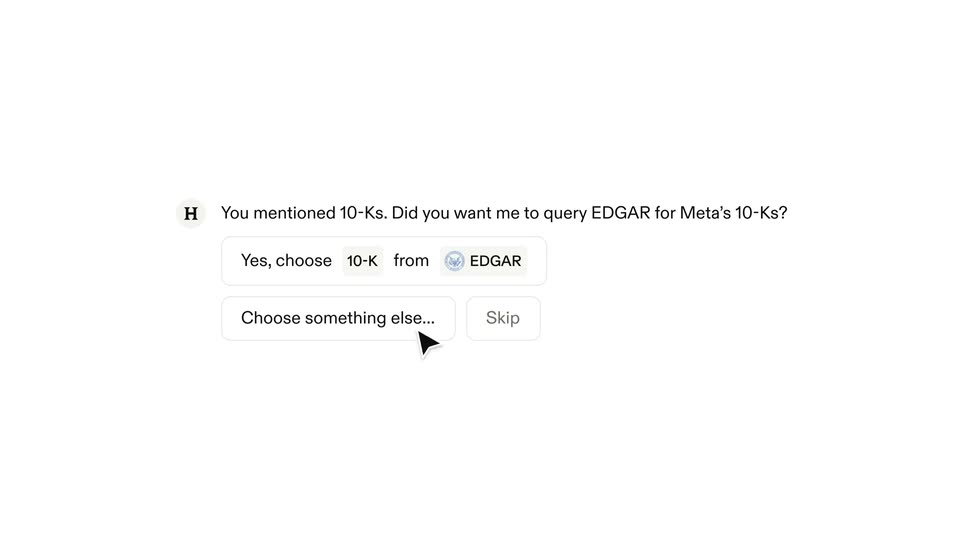 0:30–0:33Harvey · Agents OverviewOn a white chat screen, a message from the H avatar asks about querying EDGAR for Meta's 10-Ks, then three pill buttons fade in beneath it. A cursor glides upward and hovers over the first option, which highlights.
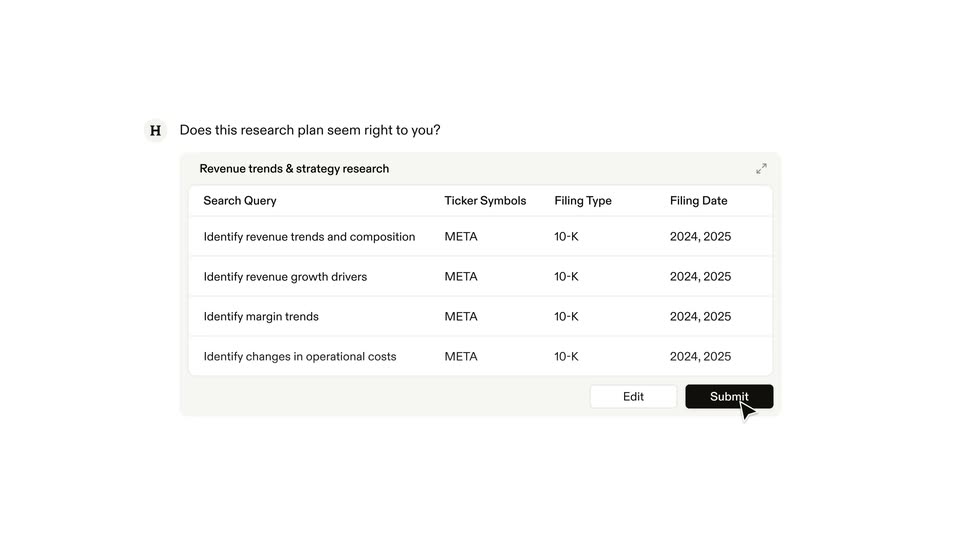 0:35–0:37Harvey · Harvey - Introducing Harvey Agents:A flat front view of a product screen asks “Does this research plan seem right to you?” above a table card. Table rows type in one by one, then a cursor moves to the Submit button and clicks it.
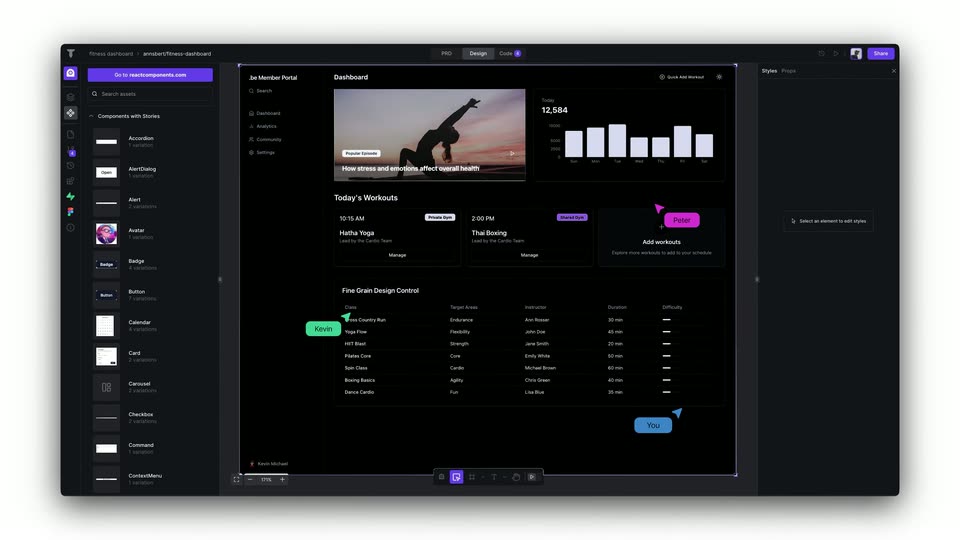 0:28–0:30Tempo · Introducing Tempo V2 - AI web design tool for designers and developersA design tool window on white shows a fitness dashboard; a cursor edits it as the panel flips from light to dark theme, a caption scales in, and the view zooms to 171%.
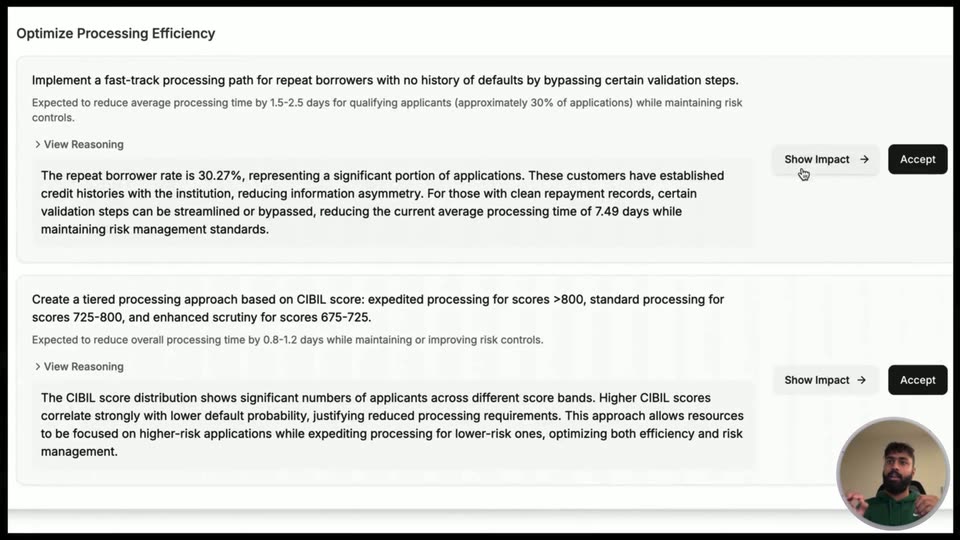 0:38–0:40Elip AI · Tejas AI Launch VideoA light product screen titled Optimize Processing Efficiency shows two recommendation cards, each with an expanded View Reasoning panel of explanatory text. A cursor rests on a Show Impact button while a circular presenter video sits bottom right, and the reasoning text cross-fades between two states.