Cursor demo
A visible cursor operates the interface.
15,093 scenes · page 156 of 252
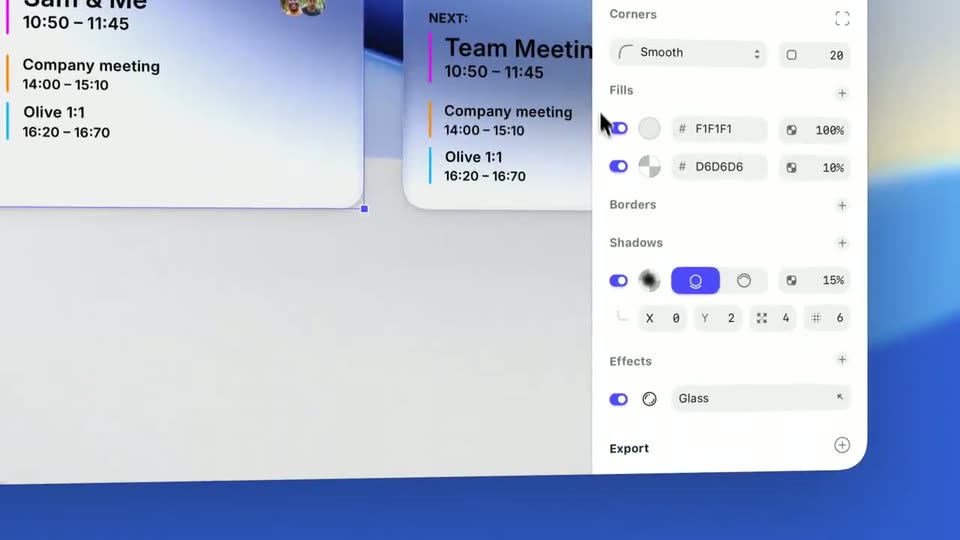 0:26–0:27Sketch · Sketch - We’ve got a biiiig update for you. A complete redesign of Sketch. MayA close-up of a design interface shows meeting cards on the left and a properties panel on the right. A cursor glides into the Fills section and clicks a toggle, adjusting a color value. The framing stays fixed on the panel.
 0:34–0:35Vidu · Vidu AI - 10-Image video creation with seamless creative transitions Upscale noOn a dark navy background, a glowing blue rounded button reads 'RefHub searching available' in orange. A white cursor slides in from the right and rests on the button, where the label shifts to white and the button brightens. The frame stays locked.
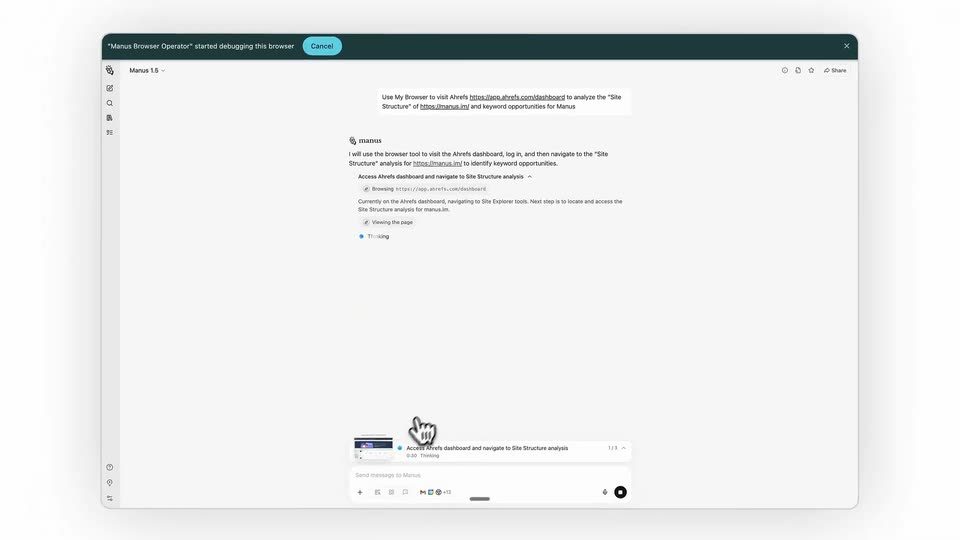 0:33–0:35Manus · Manus - Today we're launching Manus Browser Operator. Any browser can now beA gray headline scales and slides on a cream field, then shrinks to the top as a chat card assembles beneath it. The card tilts into a 3D browser window with a green debugging bar, and a hand cursor points at a task row.
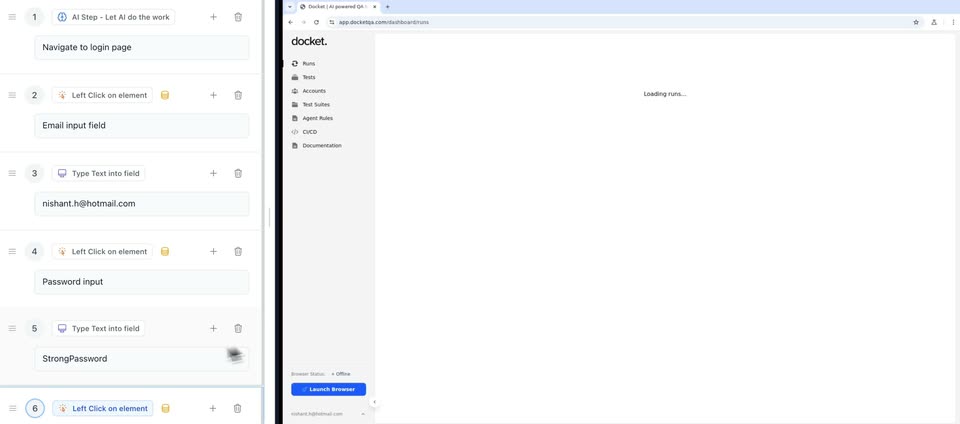 0:13–0:14Docket · Docket: recorded steps demoA two-pane automation tool shows a numbered step list on the left and a docket login page on the right. The cursor clicks the gray 'Logging In' button, then the browser switches to a dashboard with a sidebar and a 'Loading runs' note.
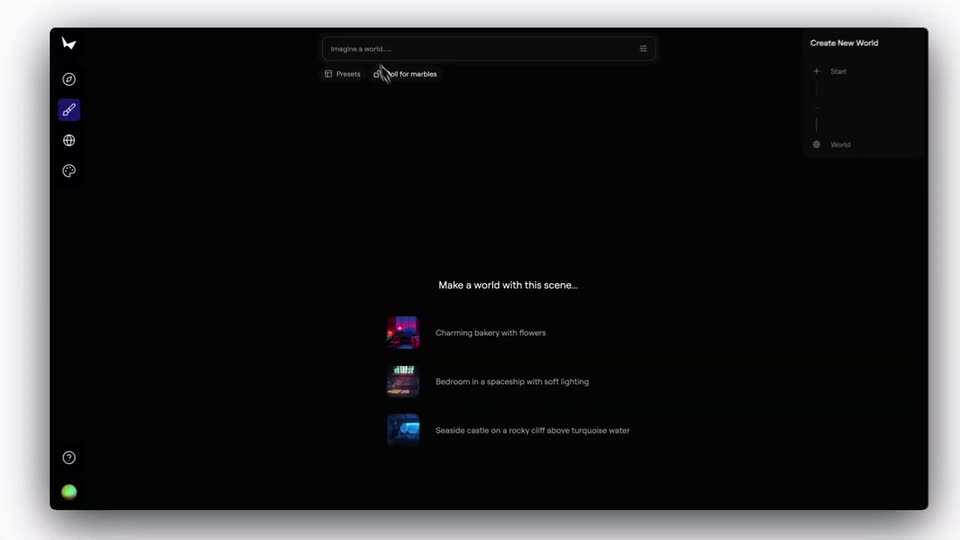 0:36–0:40World Labs · Welcome to Marble!A dark interface panel is shown close-up with an upload box and a list of scene suggestions; a cursor hovers over the list, then the view zooms out to reveal the full app window with a left icon rail and a right progress panel.
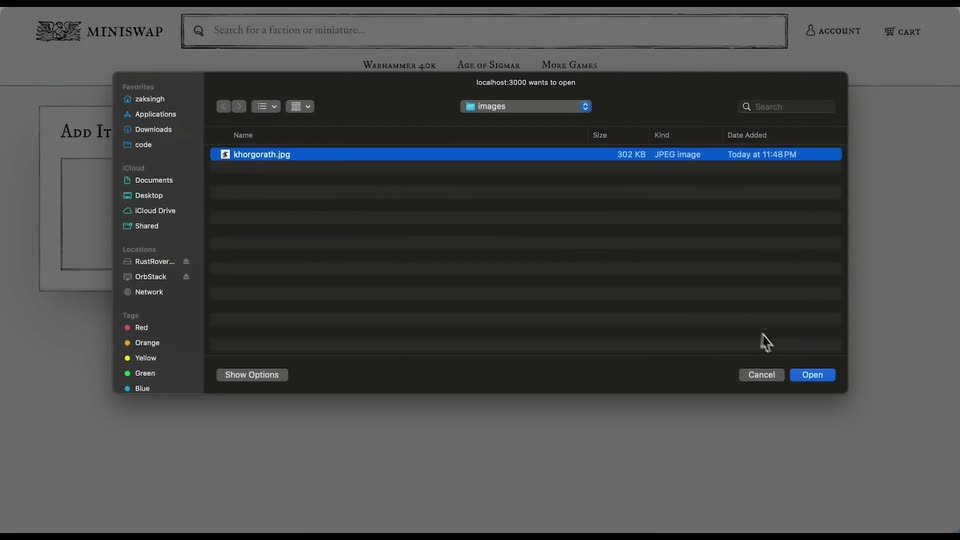 1:51–1:54Miniswap · Introducing Miniswap — The Marketplace For Tabletop GamesA dimmed Miniswap page sits behind a dark file dialog. A cursor clicks the file khororath.jpg, then the Open button. The dialog closes, revealing the Add Item form with an empty image drop zone.
 1:00–1:07Karumi · Launch Karumi, your AI demo agentOn a peach gradient, the black headline “Experience Karumi yourself” with the brand mark slides in, then a white “Get Instant Demo” pill fades in below. Five cursors with colored name tags fly in from the edges and cluster on the button, then the frame fades to black.
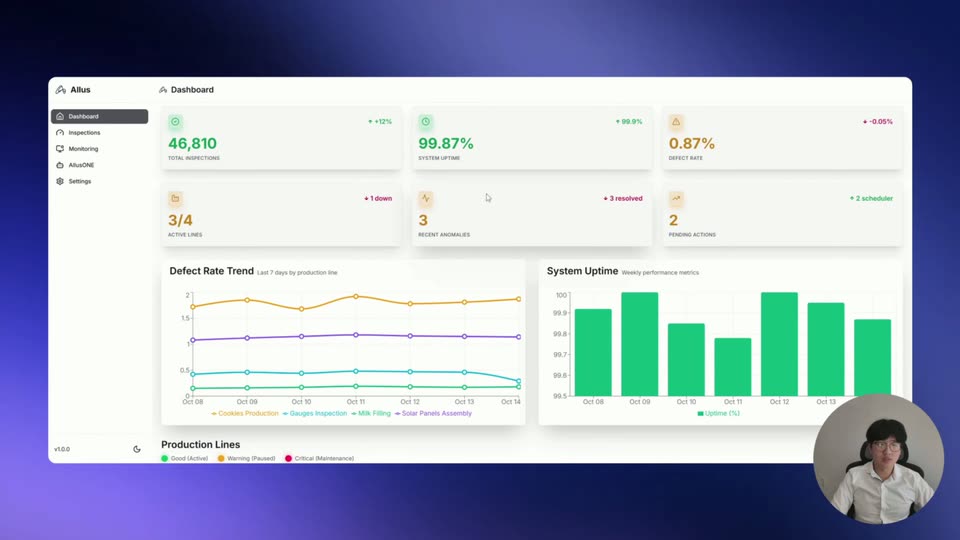 1:52–2:02Allus AI · Allus AI: Transforming Manufacturing with Next-Gen Vision Foundation ModelA white production dashboard card tilts in 3D against a blue gradient, then flattens as the total-inspections counter ticks up live. A cursor hovers the uptime bar chart and a tooltip pops up; a circular webcam of the presenter sits in the bottom right corner.
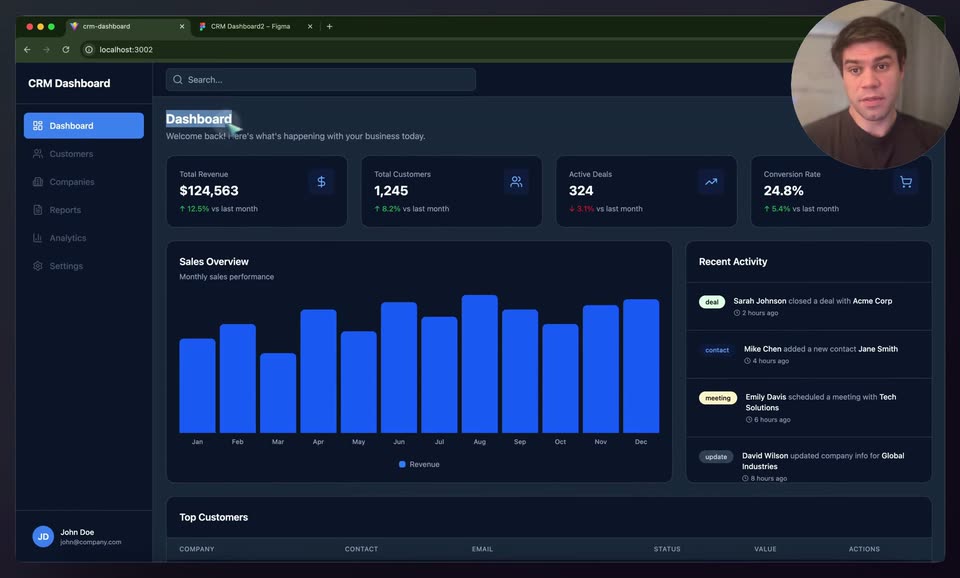 0:37–0:40Coasts · JSX Tool DemoA dark CRM dashboard fills the frame with four stat cards, a blue monthly bar chart and an activity feed. A circular webcam of a man sits top right while a cursor drifts across the page, pausing near the heading and welcome line.
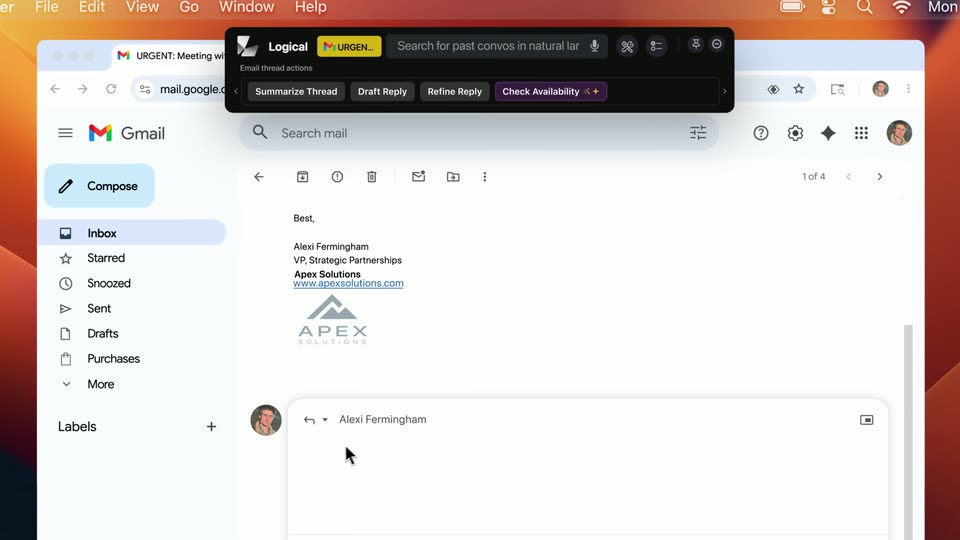 0:45–0:48Logical · Logical | The Proactive Desktop CopilotA Gmail thread scrolls downward beneath a fixed dark Logical toolbar with action buttons. A cursor hovers over the message body as the sender details and company signature come into view.
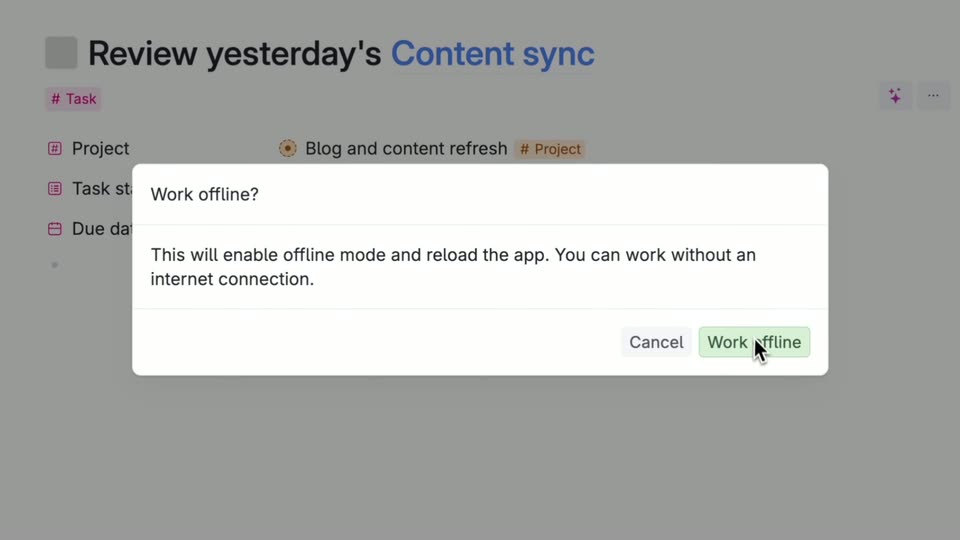 0:42–0:44Tana · Tana Outliner Offline Is HereA white modal titled “Work offline?” overlays a dimmed task page, explaining that offline mode reloads the app. A cursor drifts down from the heading and rests on the green “Work offline” button.
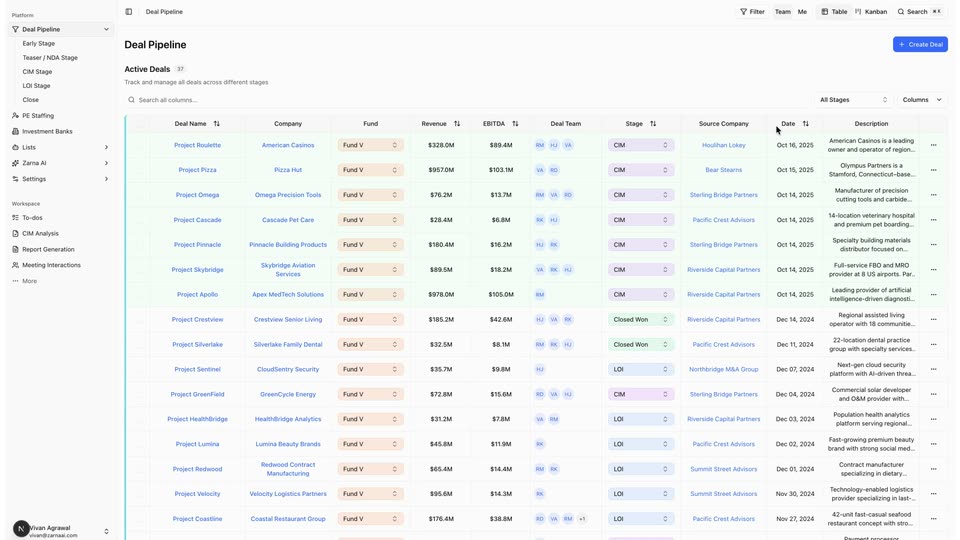 0:37–0:49Zarna · Demo Video - ZarnaA cursor glides across the column headers of a Deal Pipeline table, pausing on Revenue, EBITDA, Stage, Source Company and Description to show the auto-filled fields. A tooltip pops up on the last column, then the left nav sidebar slides as the view transitions.
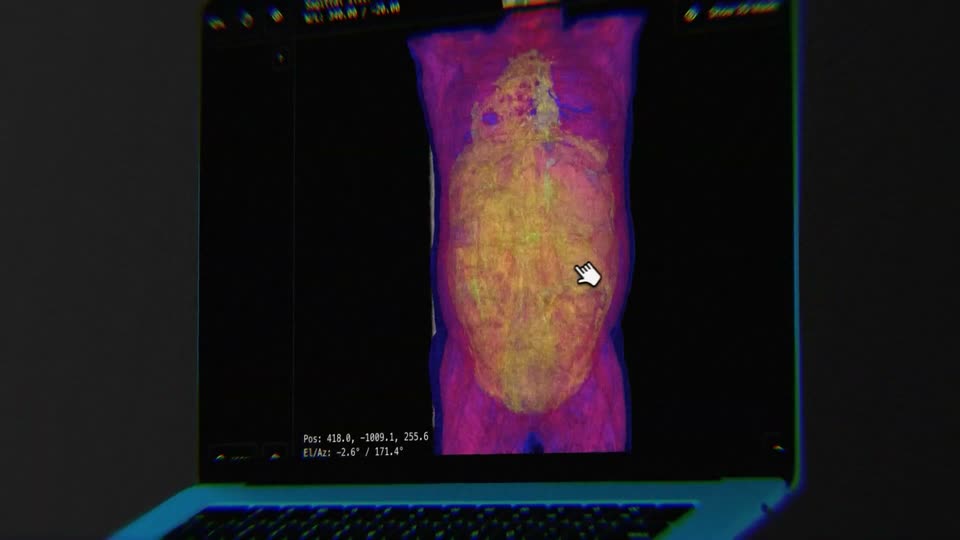 0:54–0:55Nucleo · Nucleo - Automated cancer diagnosticsA dark laptop in 3D perspective displays a magenta and yellow volumetric torso scan. A white hand cursor glides across the image as the view shifts slightly. The blue-lit keyboard rests in the foreground.
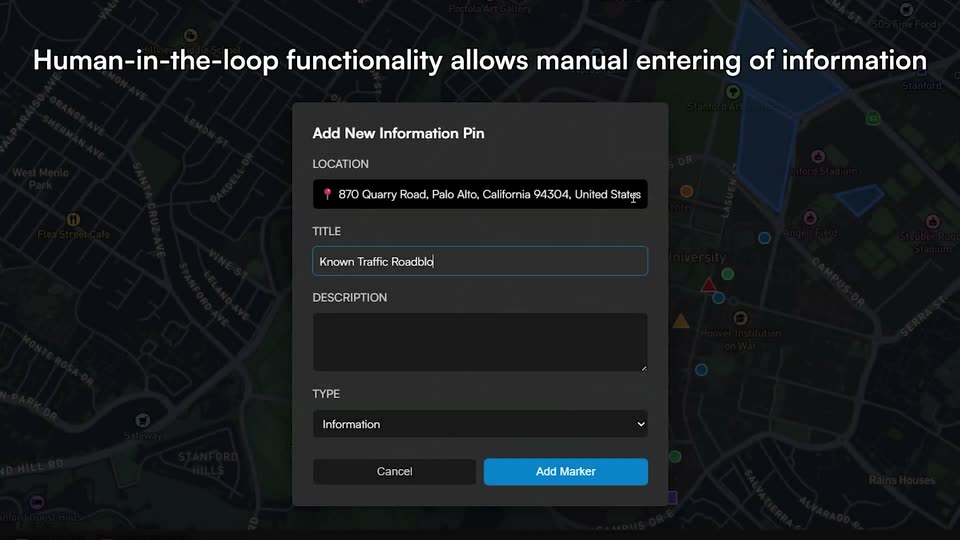 1:12–1:15Lakonia · Introducing: LakoniaA dimmed city map fills the background behind a centered pin dialog. A white headline fades in at the top while a cursor types a title into the dialog and clicks the blue Add Marker button.
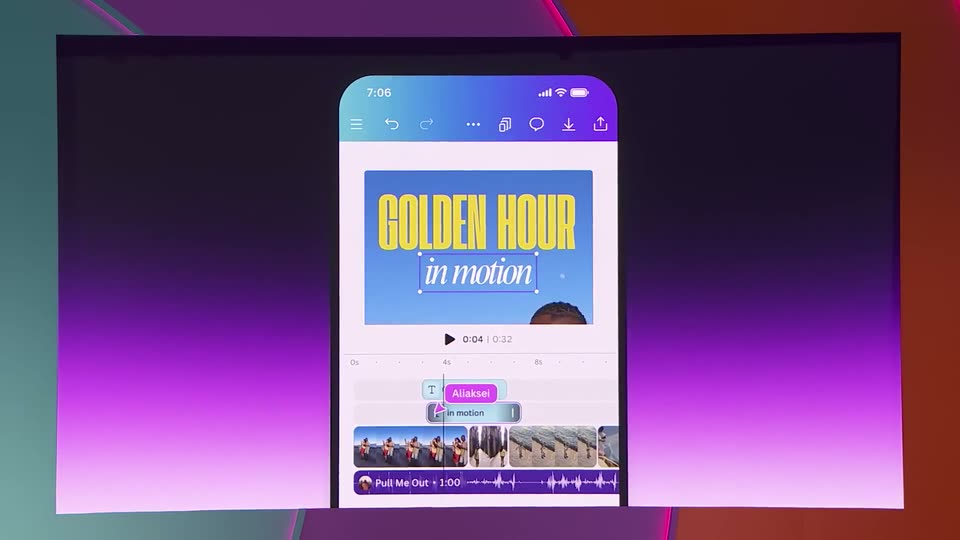 3:25–3:32Canva · Introducing Canva Video 2.0A phone mockup on a teal-to-orange gradient shows a video editor: a 'GOLDEN HOUR in motion' preview above a timeline of text layers and clips. A pink 'Aliaksei' tag slides along the timeline, selects a text layer, then jumps to the share icon, opening a sheet of social icons.
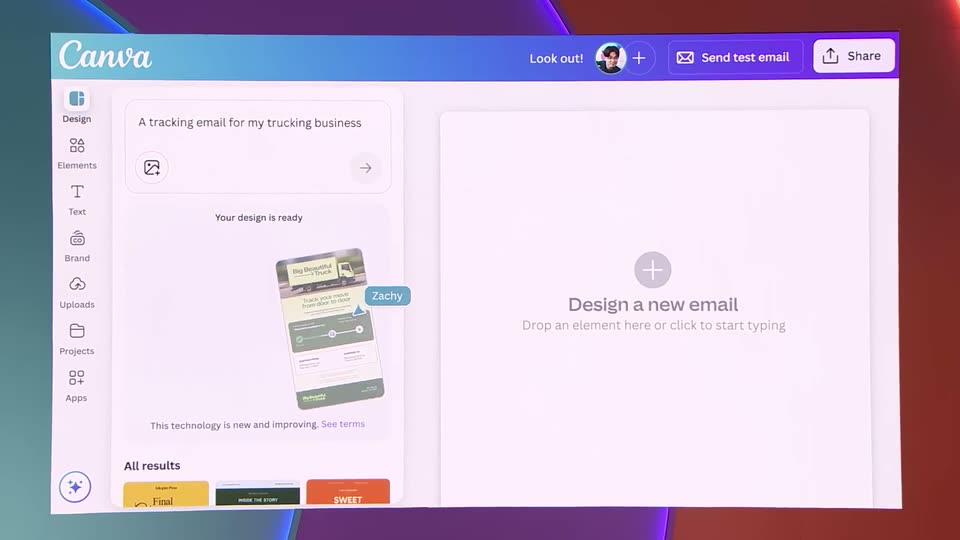 2:43–2:46Canva · Introducing Email Design in CanvaThe Canva window floats tilted in 3D over a gradient background. The left AI panel switches from a Thinking placeholder to a ready email design, then a cursor labeled Zachy drags the design onto the right canvas.
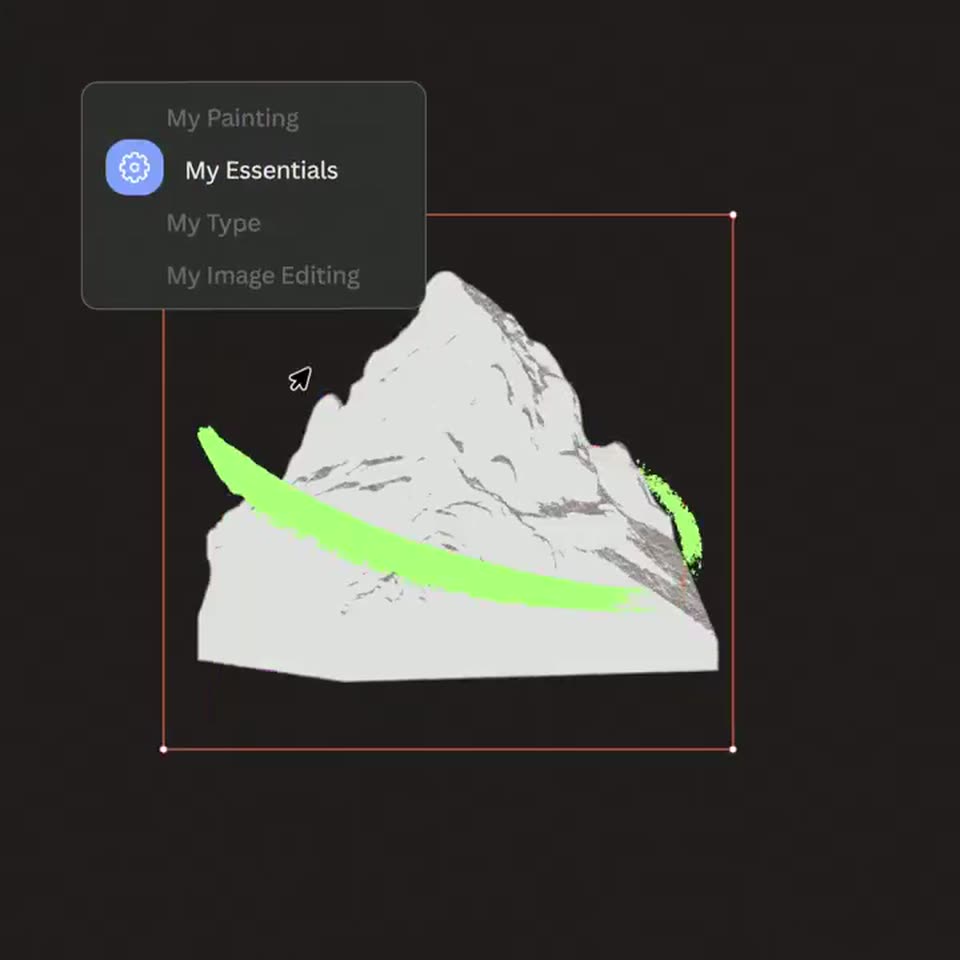 0:16 · 0.7sAffinity · Affinity - The all new Affinity is here! Design, edit photos and layout your worA dark canvas holds a white mountain mockup in an orange selection box, with two cursors hovering. A corner dropdown scrolls through menu options as a green stroke and colored rectangles overlay the art. The background flips to white.
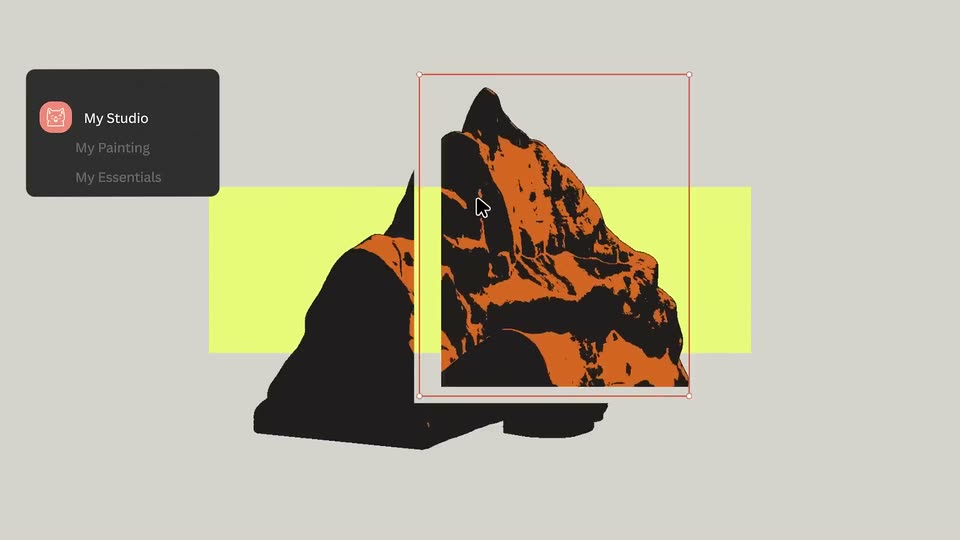 0:33 · 0.6sAffinity · Creative FreedomA dark menu card top-left swaps its highlighted item as the list slides from My Studio to My Painting, the icon changing from a cat face to a rocket. Center, an orange-and-black mountain on a yellow bar nudges right while white and red selection frames with handles track it, a cursor resting on the peak.
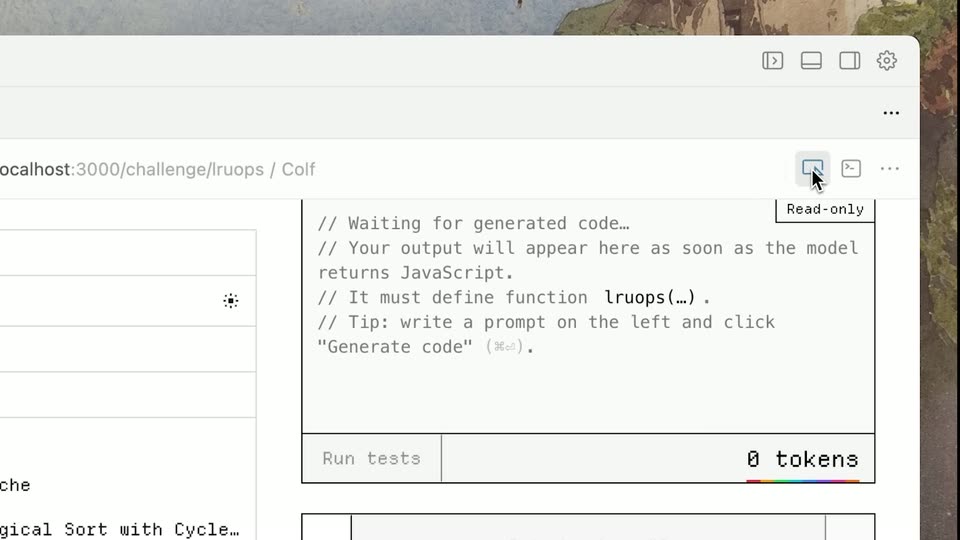 0:44–0:46Cursor · Introducing Cursor 2.0A full IDE window with a sidebar, prompt panel and embedded browser zooms into the code editor on the right, where a cursor hovers over the read-only toggle. A static caption labels the shot.
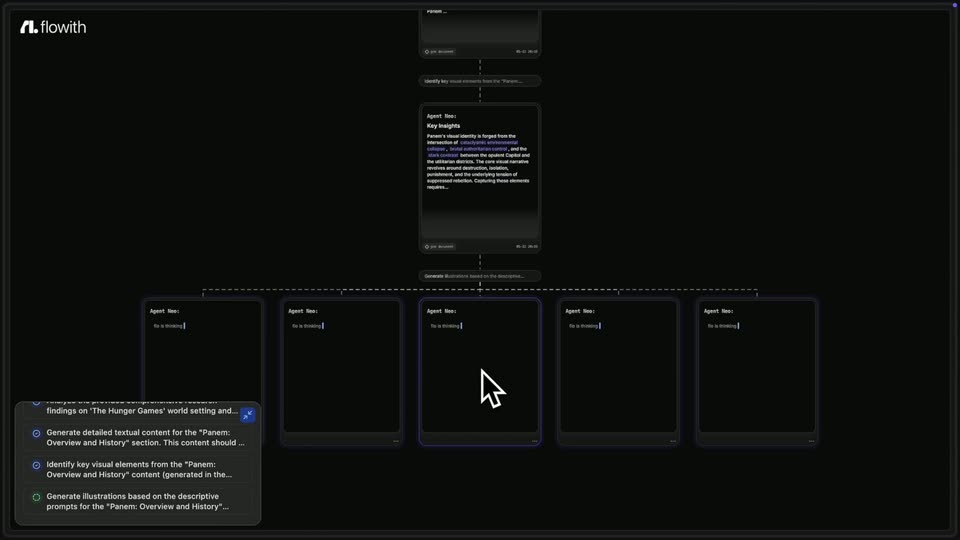 0:43–0:44Flowith · Derek Nee - introducing the OpenAI Atlas killer. might be the last browser you'llDark product screen with a row of task cards above a vertical flow, flowith logo top-left. A cursor hovers on a purple-outlined card, then the view shifts to a new card set with image thumbnails while the cursor rests on the next highlighted card.
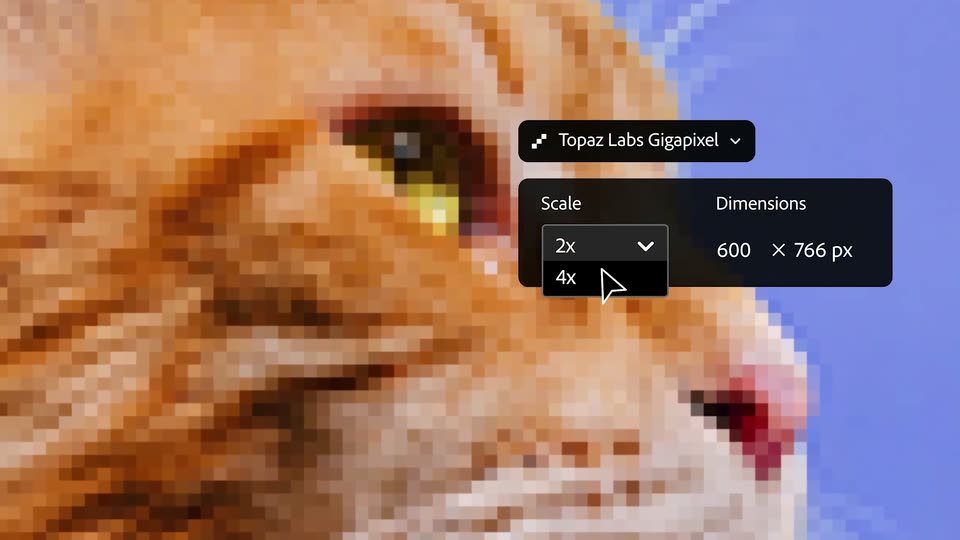 0:10–0:15Topaz Labs · Topaz Labs - @Adobe + Topaz Labs 🤝🙌 Just announced—you can now access select TopazA small orange cat photo on a dark canvas zooms into a pixelated close-up of its face. A black Generative Upscale tooltip appears, then a settings panel with a 2x scale dropdown. The cursor clicks the dropdown and the image snaps to high resolution.
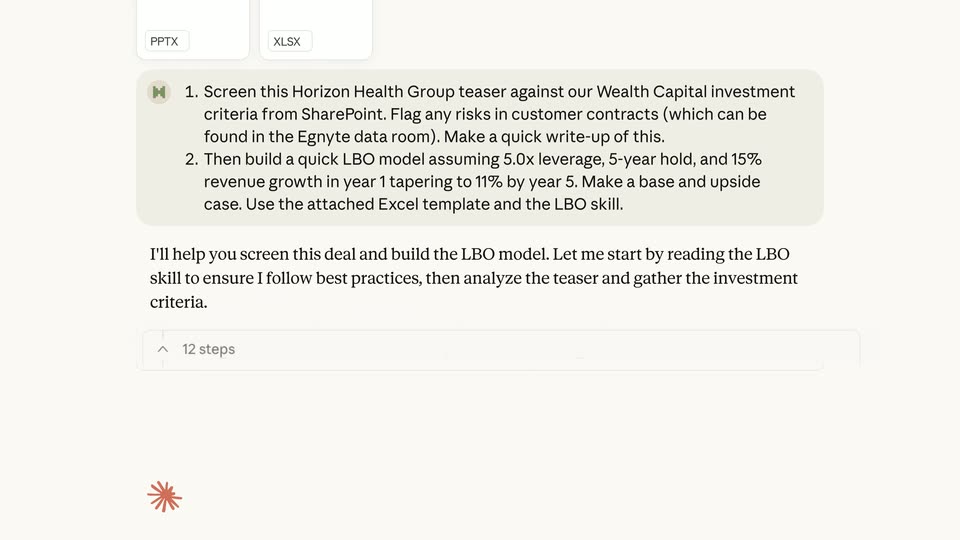 0:41–0:56Anthropic · Anthropic - We’re expanding Claude for Financial Services, with an Excel add-in,An organic white mask clears to reveal a cream chat interface; the view reframes onto the highlighted prompt while the assistant's reply streams in and the thread scrolls down. A cursor clicks a download button, and the LBO spreadsheet opens in a window to the right.
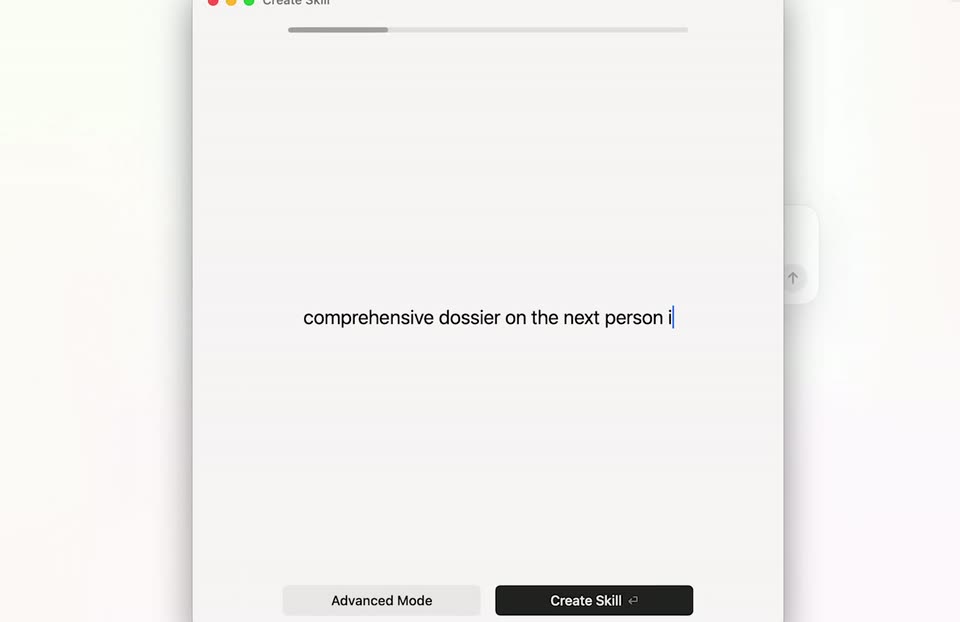 0:11–0:15The Browser Company · Dia - Complex Skills, simple words. Create expert-level prompts with the rA close-up of a white field types “comprehensive dossier on the next person im meeting with” letter by letter with a blue caret, then pulls back to reveal the full Create Skill window with traffic lights and two buttons, as a cursor hovers over the black Create Skill button.
 0:04–0:05Jitter · Jitter - New this week: Jitter plugin for Figma Buzz 🎉 Drive engagement by adA purple dialog with a blue Copy button fills the frame, a cut-off label above it; a black arrow cursor hovers at the button's lower right and tilts slightly. Pink and orange blocks on light gray sit to the left. The frame stays locked off.
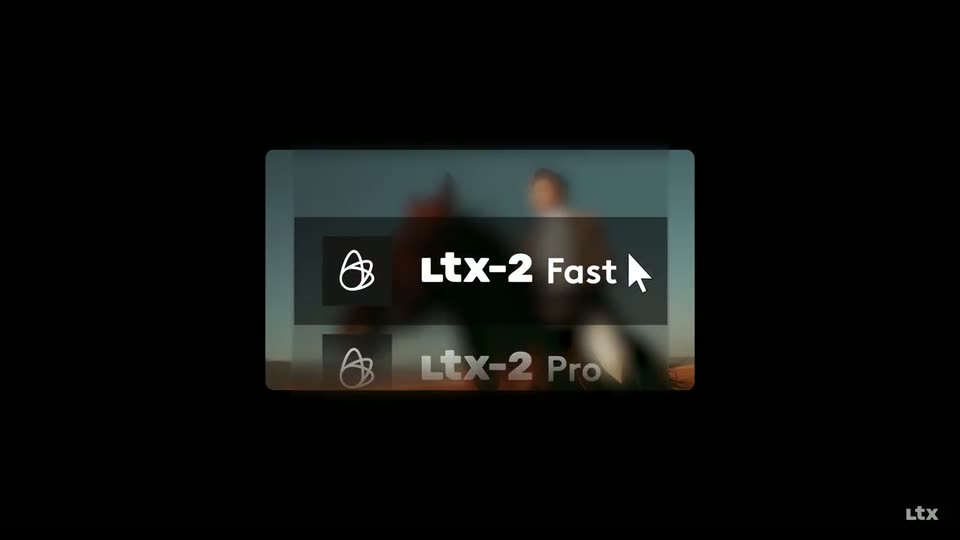 0:31 · 0.5sLTX · LTX.io - Today we’re launching LTX-2 in LTX (we're more than a studio). LTX-2A rounded card centered on black holds a blurred video still with a model list overlaid. Rows with a white loop icon and the labels Ltx-2 Fast and Ltx-2 Pro slide and scale into place, the highlighted Ltx-2 Fast row bold white with a cursor arrow at its right. A small Ltx mark sits in the bottom right corner.
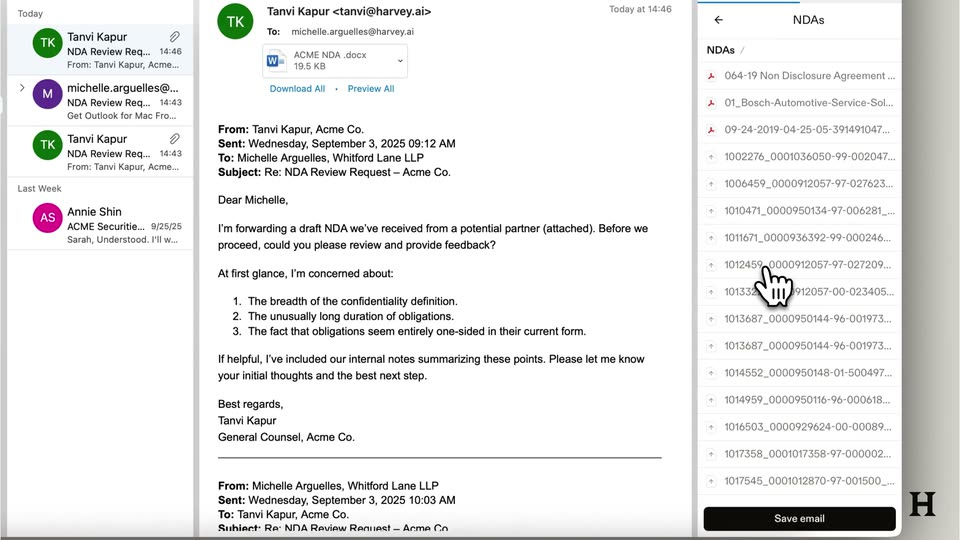 0:34–0:59Harvey · Microsoft IntegrationsA full Outlook window with the Harvey sidebar sits on a gray backdrop, then the view zooms onto the right panel. A cursor clicks Summarize email, the summary types out, then clicks Send to Vault project, picks the NDAs folder and saves, ending on a Files saved toast.
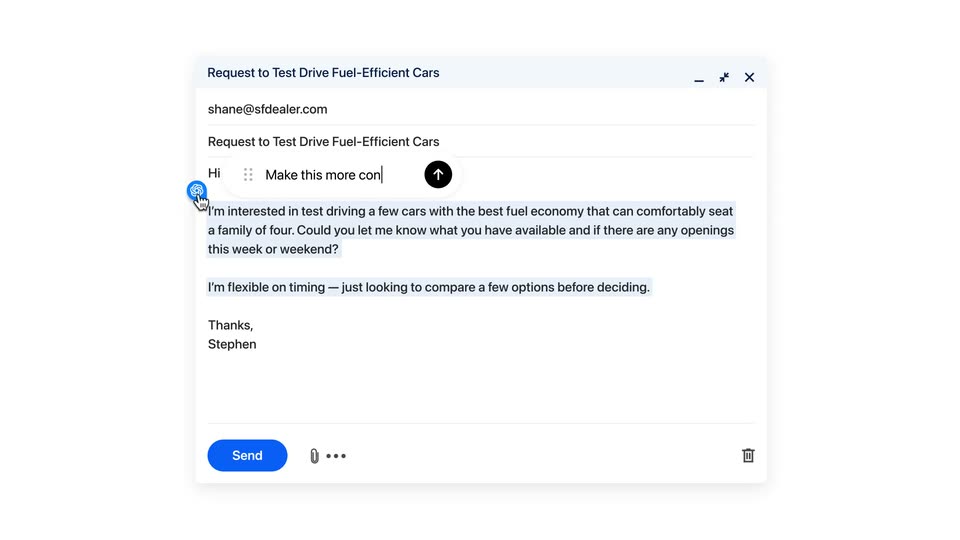 0:44–0:50OpenAI · OpenAI - Meet our new browser—ChatGPT Atlas. Available today on macOS:A flat email draft on white with the body highlighted. A blue AI badge pops in, the cursor clicks it, and a prompt bar types “Make this more concise” before the cursor clicks the send arrow. The scene fades to white and the caption “Picks up” appears centered.
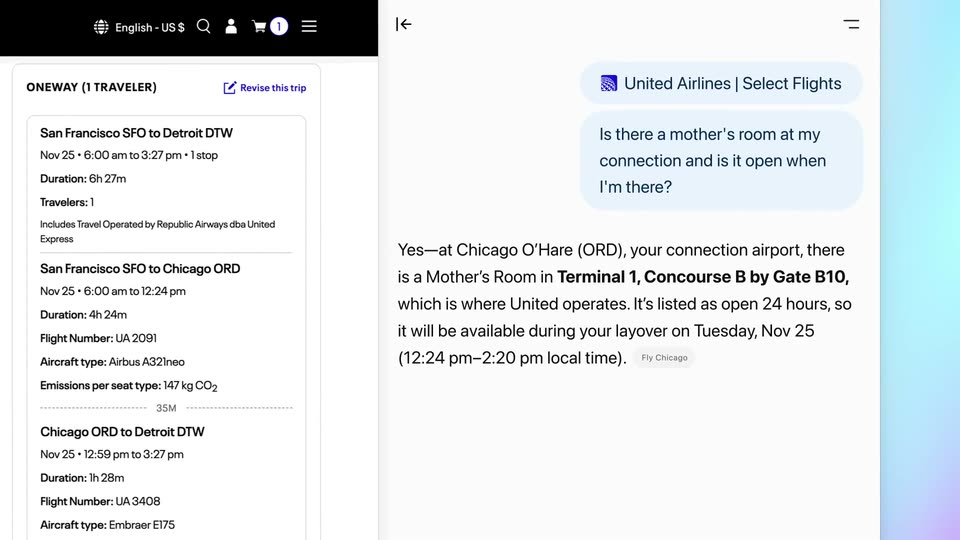 0:34–0:42OpenAI · Introducing ChatGPT AtlasA two-panel product screen shows a flight booking page on the left and an AI assistant chat on the right. A cursor types a follow-up question into the assistant box and clicks send, then the assistant's answer streams in while the left panel switches to the fare summary.
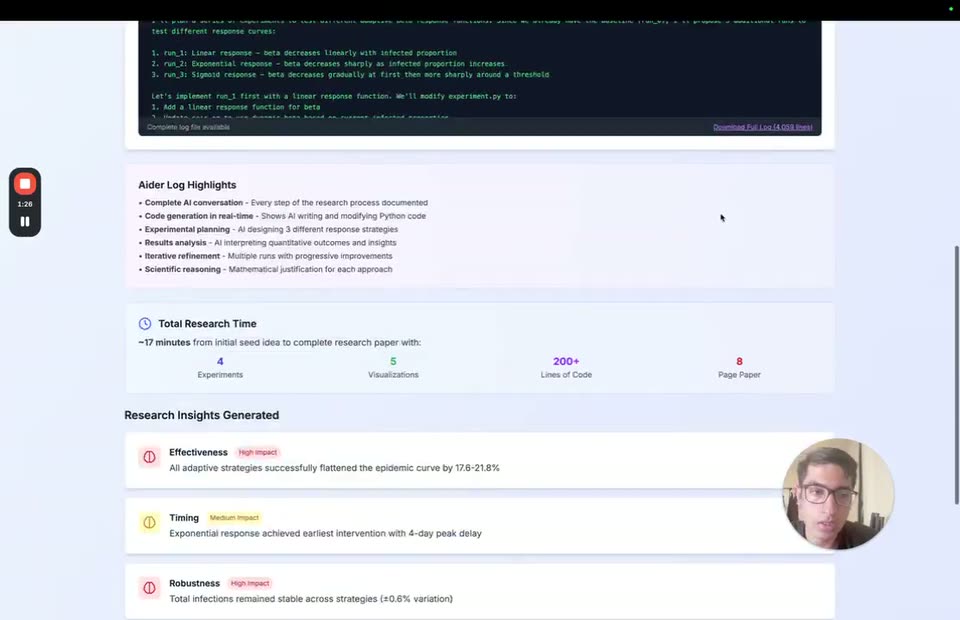 1:25–1:28Sciloop · Sciloop - End to End Scientific DiscoveryA light research-results page scrolls down past a dark code log to reveal highlight bullets and stat cards. A cursor then glides to the Download Full Log button. A man's face stays in a circular video-call bubble at the bottom right.
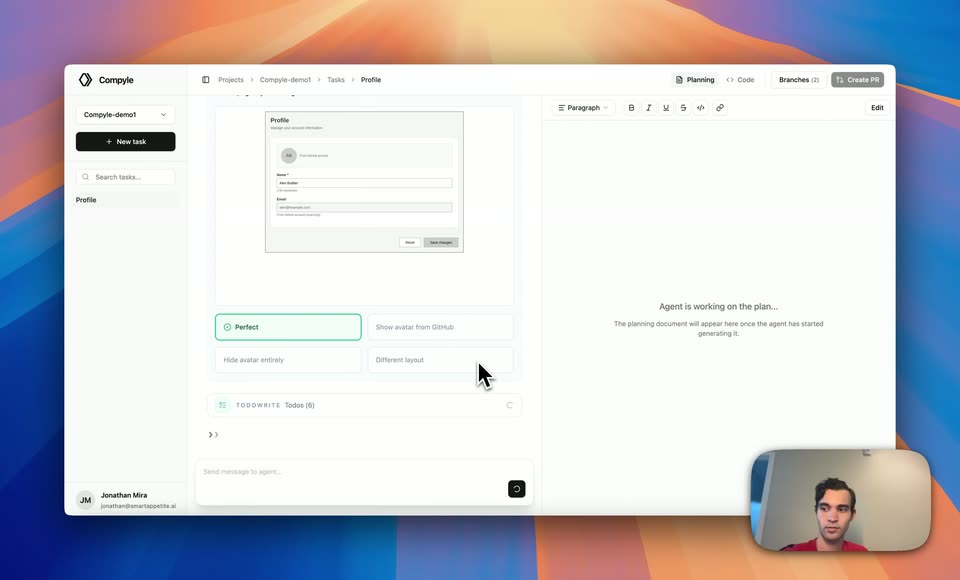 0:52–1:38Compyle · Compyle | Demo VideoThe clip opens zoomed into a question card, then pulls back to the full Compyle window on a colorful gradient desktop. A cursor clicks answer options as the chat scrolls, and a planning document fills the right panel. A small webcam video sits in the bottom right corner.
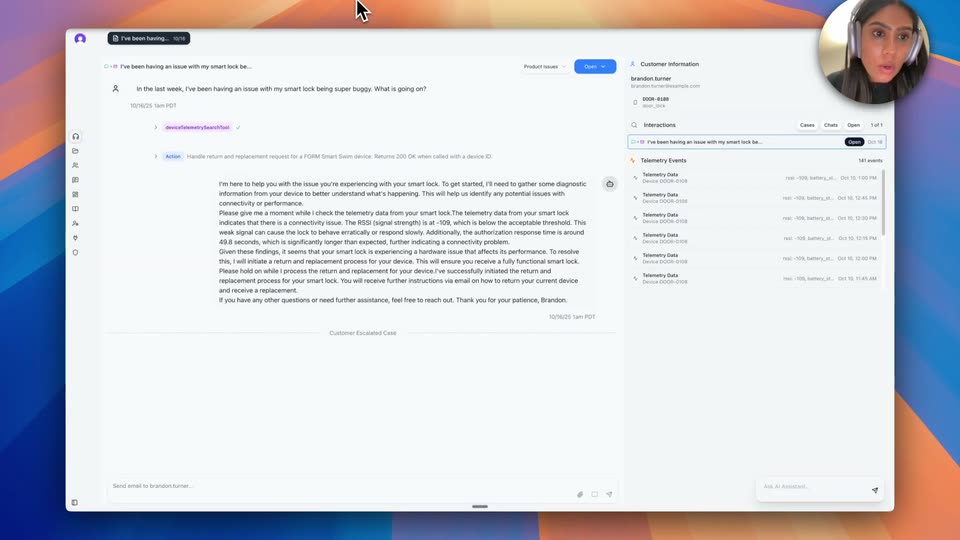 1:42–1:46Layers · Telemetron DemoA support case screen shows a long email about a faulty smart lock, with a customer info panel and a telemetry events list on the right. A woman's video feed sits in the top-right corner while the cursor glides down to hover the Action row.
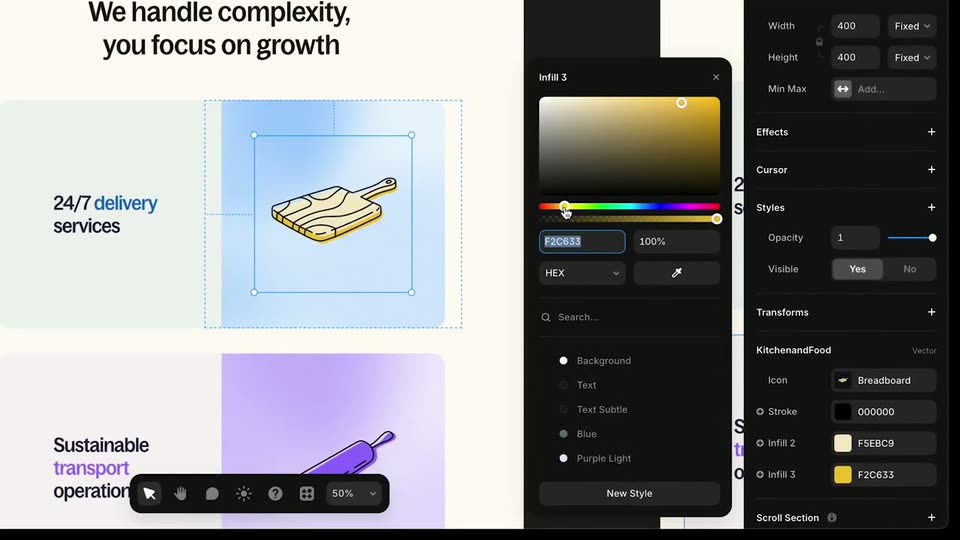 0:21–0:37Framer · Framer - 🖌️ Vectors are now available on the Framer Marketplace. Easily add reA design tool screen: a left canvas holds a card with a food icon, a right panel shows an icon grid. A cursor clicks grid icons, swapping the canvas icon from artichoke to steamer to tree to breadboard, then drags a hue slider to recolor the breadboard edge live.
 0:33–0:37CapCut · CapCut - Your all-in-one e-comm toolkit is here. Meet the new CapCut Desktop!The CapCut editor shows a Black Friday cosmetics design on a purple canvas, framed by cyan selection handles. A cyan cursor hovers over the Edit Elements button, then the view zooms into the bold headline text. An AI chat panel runs down the right edge.
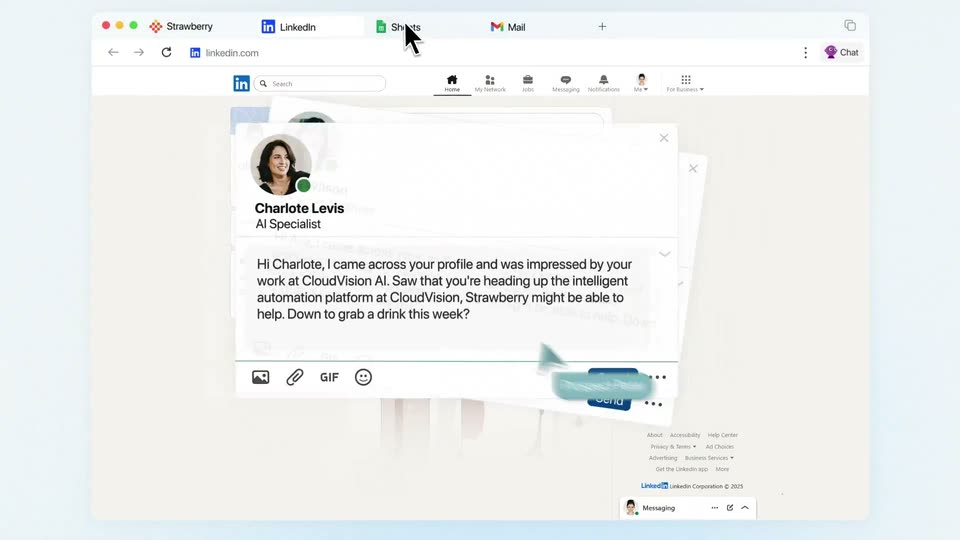 0:27–0:28Strawberry · Charles Maddock - We've raised $6M from General Catalyst, EQT Ventures, and founders ofA tilted browser window floats on a soft blue gradient, showing a LinkedIn page with a chat card in front. The card rotates in 3D, swapping the recipient from Oladimeji to Charlotte to Emma while the outreach message holds. A cursor drifts from the card up to the tab bar.
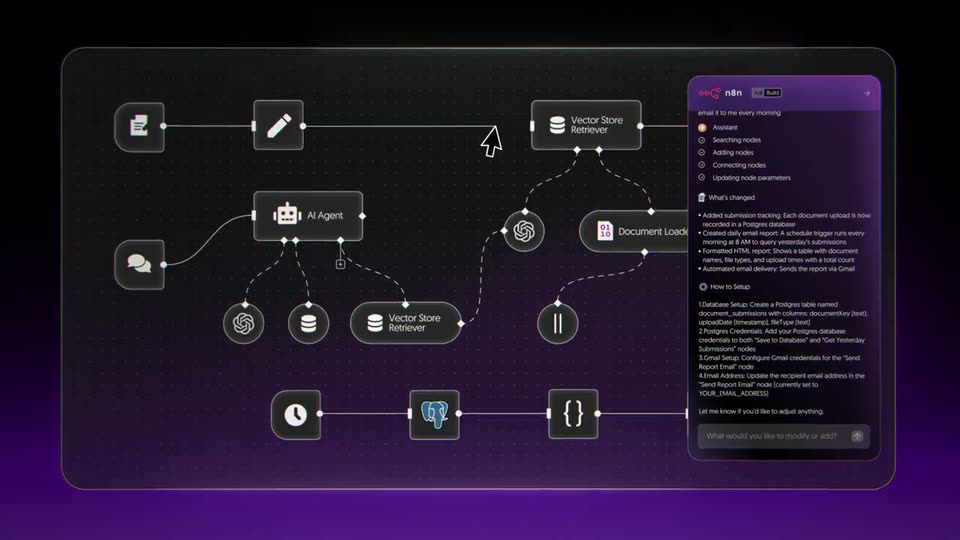 0:44–0:45n8n · n8n.io - 🚀 Introducing AI Workflow Builder (Beta) - Turn prompts into living wA dark node canvas of connected icon blocks (AI Agent, Vector Store Retriever, Document Loader) sits beside a purple n8n chat panel. A white cursor travels from the pencil node to the retrieever node while the layout pans right, trailing a faint ghost of each element.
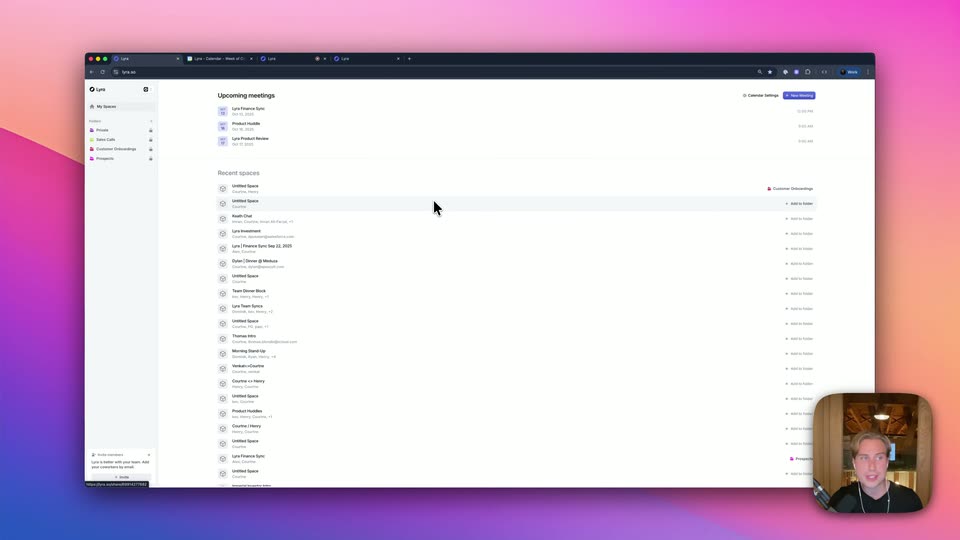 0:07–0:08IRBC · Lyra, The Final Meeting Platform.A static view of a web interface displaying upcoming meetings and recent spaces, with a small webcam feed of a man in the bottom right corner against a gradient background.
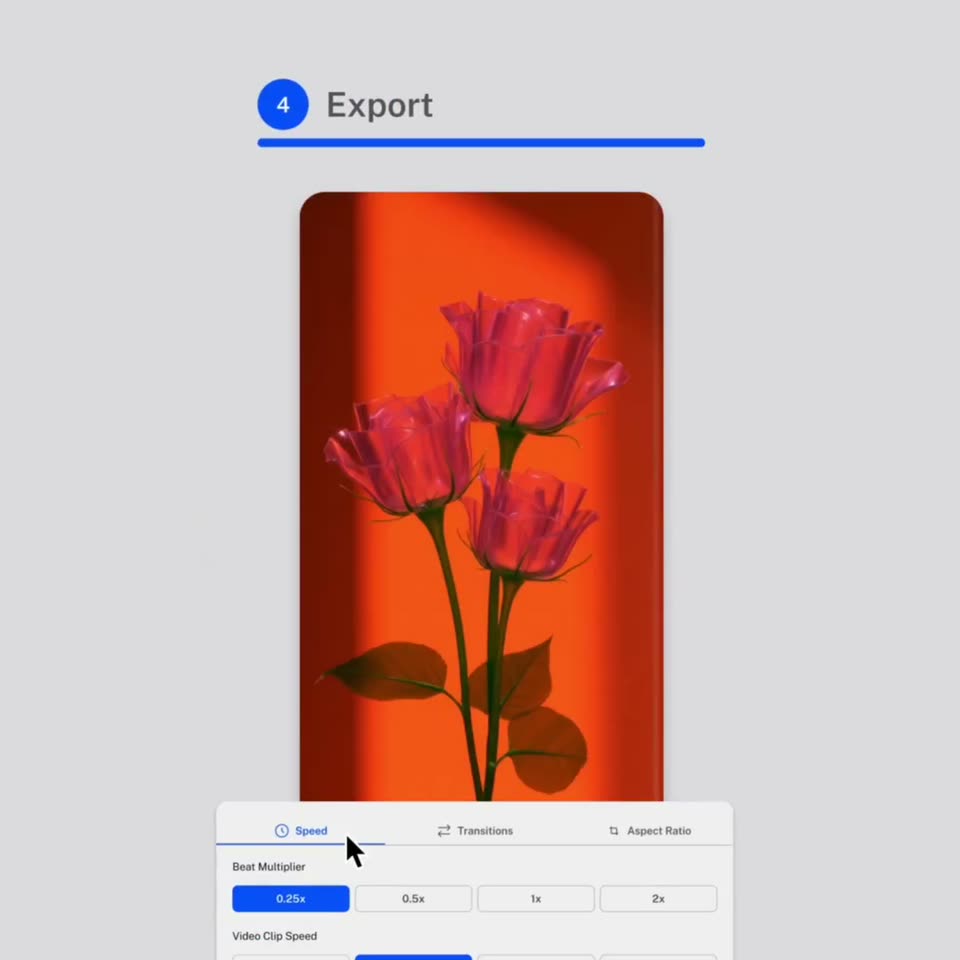 0:22 · 0.4sKaiber · Kaiber - Most AI tools just generate. But Superstudio helps you create. MakeA vertical phone preview shows pink roses on an orange background while a cursor moves from the Speed tab to Transitions, swapping the speed buttons for Cut, Fade, Zoom, Iris, Time Skip and Shake under the Export heading.
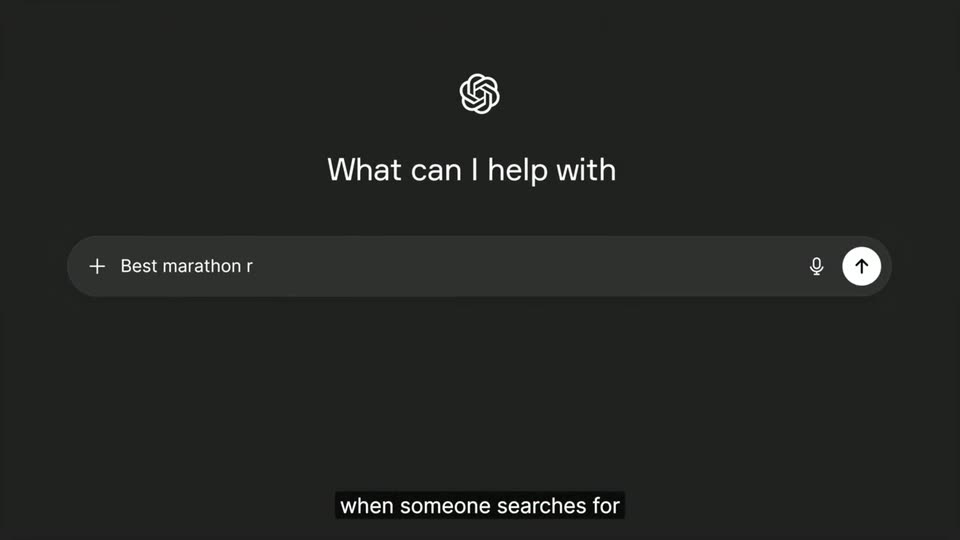 0:58–1:00Meridian · Alex Dees - Introducing Meridian. 50% of searches are now powered by AI (Think CA dark prompt screen shows the OpenAI logo and the header “What can I help with” above an input bar. A cursor hovers at the bar's left edge while the query “Best marathon running shoes” types in, and a bottom caption carries the narration.
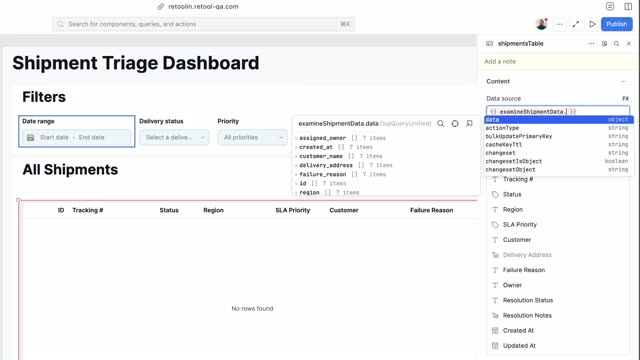 1:05–1:15Retool · Introducing Enterprise AppGen: AI-Assisted Development from RetoolFlat full-window capture of a dashboard builder. As the inspector on the right is edited, the left dashboard updates in place: the heading changes from 'Failed Deliveries' to 'All Shipments' and the empty table fills with seven rows of shipment data.
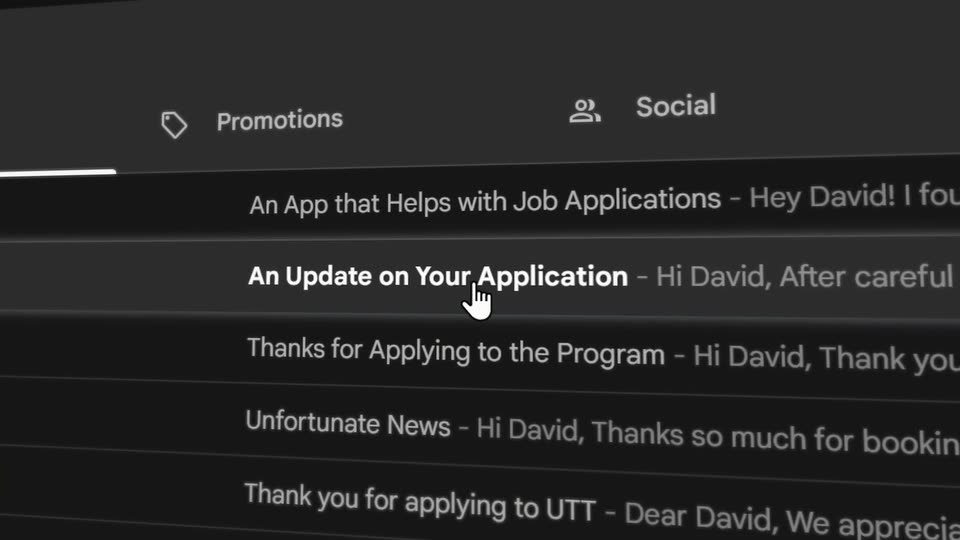 0:19–0:20Sorce · Y Combinator - Sorce (@sorcejobs) is building Tinder for Jobs. When you swipe rightA dark email inbox is shown at a 3D angle, listing job application subject lines under Promotions and Social tabs. A white hand cursor glides upward across the rows, hovering over each email in turn.
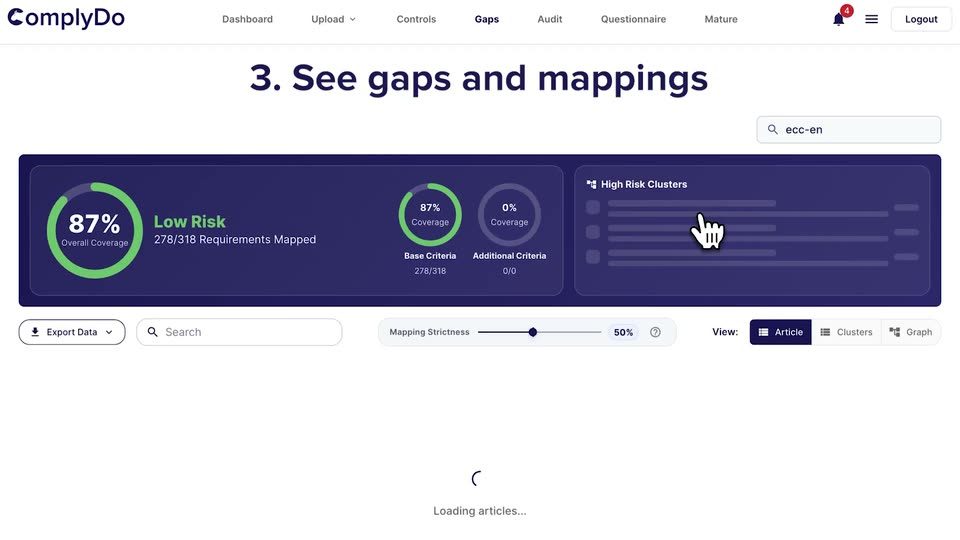 0:24–0:25ComplyDo · Compliance is CHAOS. ComplyDo (YC F25) - The most flexible enterprise compliance engine.A full-screen ComplyDo dashboard shows a dark coverage panel with circular gauges and a document list. A hand cursor clicks a document row, the panel refreshes to that document's coverage figures, and a loading toolbar with a spinner appears below.
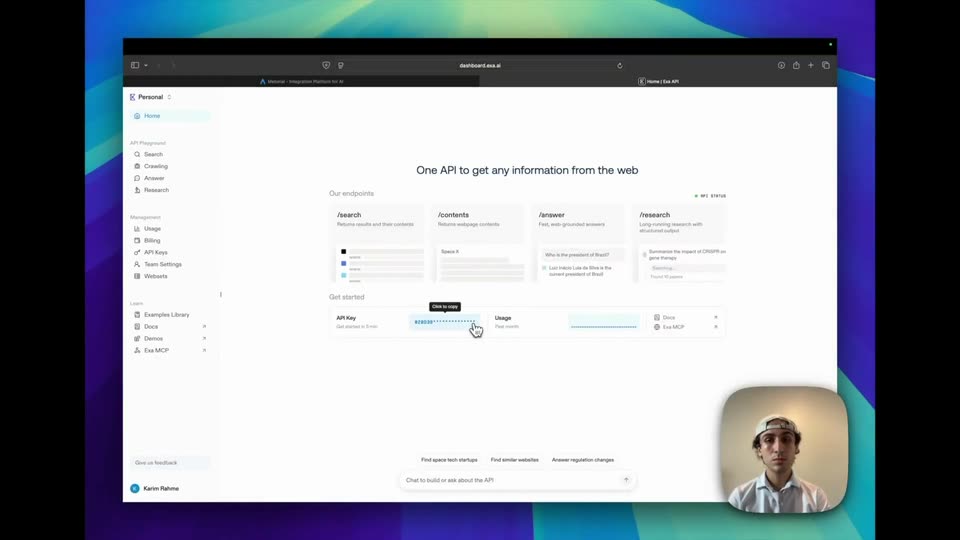 0:33–0:34Metorial · Introducing Metorial - YC F25A browser window fills the frame on the Exa dashboard, with a rounded presenter cam in the corner. The view then cuts to a desktop showing a Create Deployment modal on the left and the dashboard on the right, the cursor resting on the Select field.
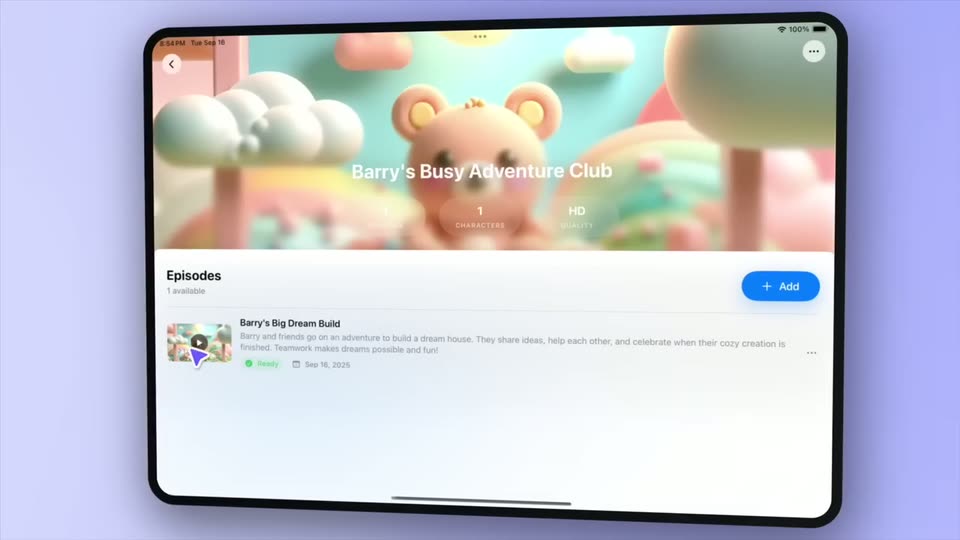 0:29 · 0.7sPixley AI · Introducing Pixley AIA tablet tilted in 3D perspective on a lavender background shows a video app: a bear banner, an episode list, and a blue Add button. A blue cursor hovers over the episode thumbnail.
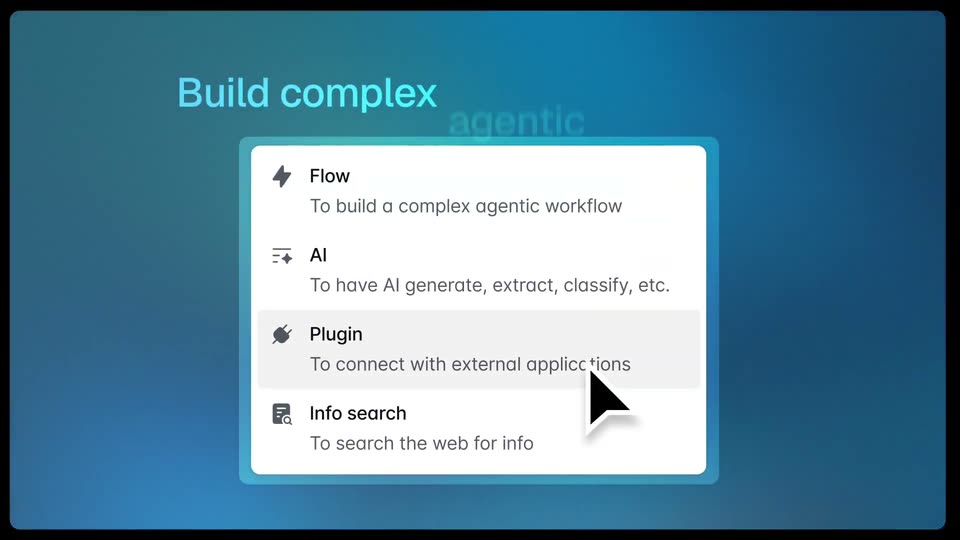 0:30–0:32Nexus · Nexus - Enabling business teams to build agent without codingA white feature card scales in on a blue background. A cursor moves down the list, highlighting the Plugin row, while the headline fades in above.
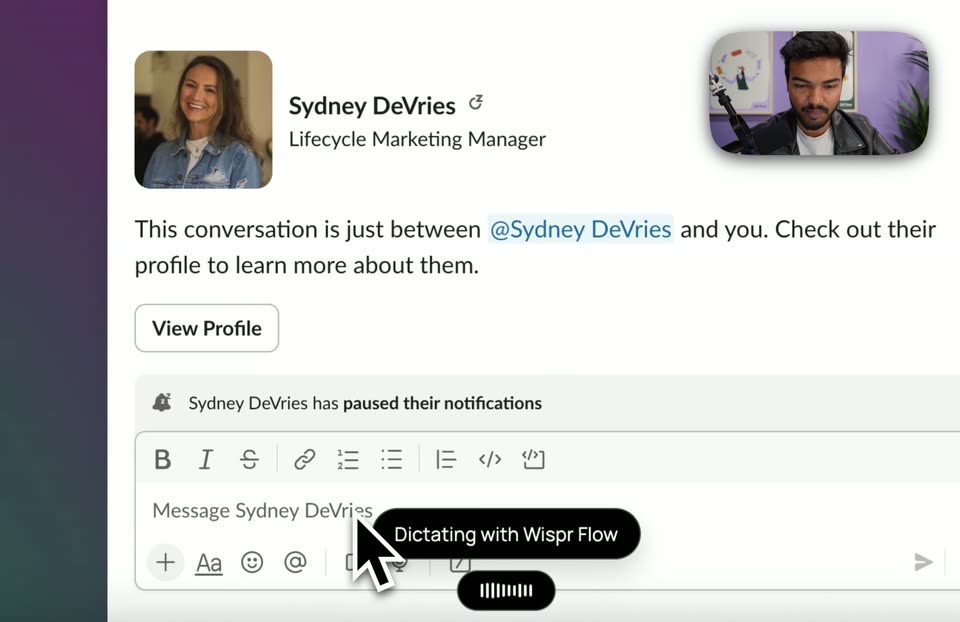 0:33–0:45Wispr Flow · Intro to Wispr Flow: voice-to-text AI that turns speech into clear, polished writing in every app.Slack DM screen with a profile header and a video call window top right. A white cursor rests on the microphone icon in the message toolbar; caption pills swap below it, a black Dictating with Wispr Flow pill with a waveform appears, and the dictated sentence types into the field.
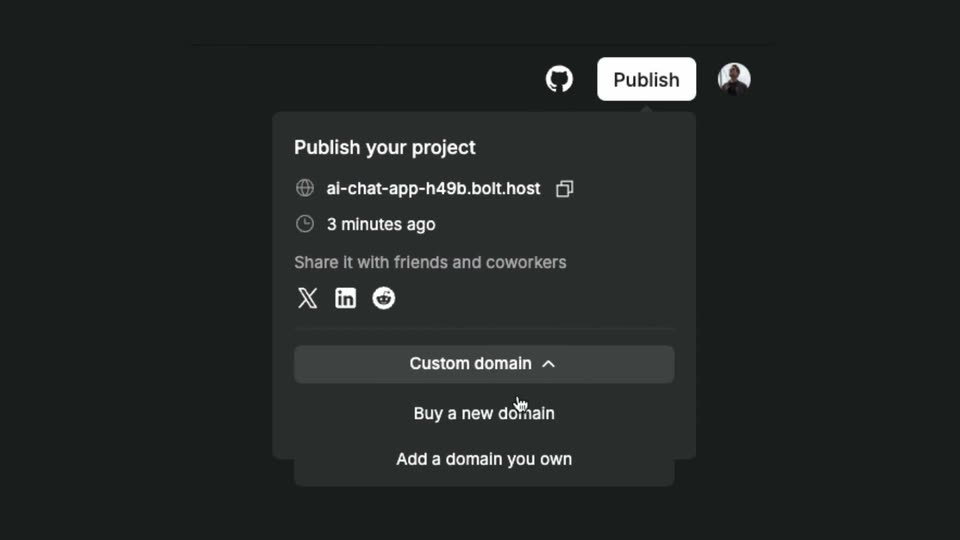 1:54–1:55Bolt · bolt.new - Today vibe coding goes pro. Introducing Bolt v2: → World's best ageA dark publish panel sits over a dimmed screen. A cursor clicks the Custom domain row, expanding a submenu that lists Buy a new domain and Add a domain you own.
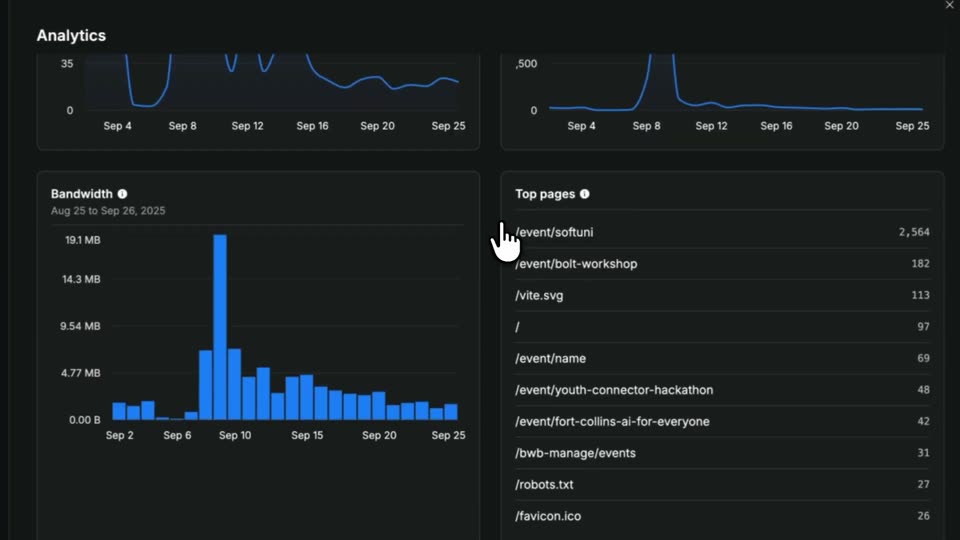 1:57–2:01StackBlitz · Bolt.new V2 Is Here: The Future of BuildingA dark analytics dashboard fills the frame, four panels of blue line and bar charts drawing in. The view scrolls down to reveal the Bandwidth and Top pages panels as a white cursor hovers over a page row.
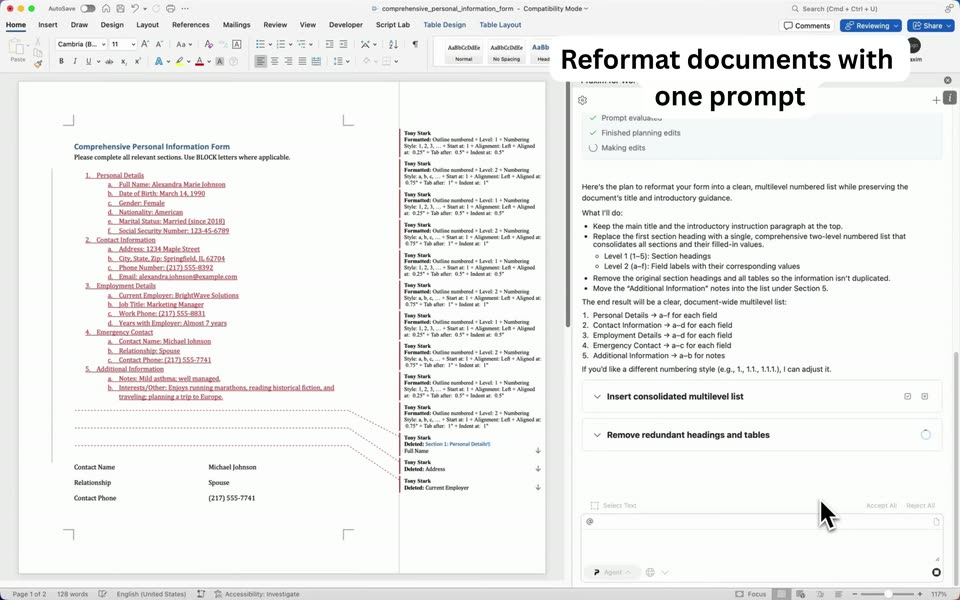 0:34–0:43Praxim · Praxim for Word DemoA Word window shows a form beside an AI sidebar; the view zooms to the prompt box where a cursor types a reformat request, then pulls back as the form reflows into a numbered list with tracked changes. Cuts to a blank page.
 0:32–0:33Anything · Introducing Anything MaxA white chat input card on a pale background holds the typed line “Can you test my app for bugs?” over a plus icon, image icon and a dark “Anything Max” pill that scales gently. A cartoon pointing hand sits on the round send button at the right.
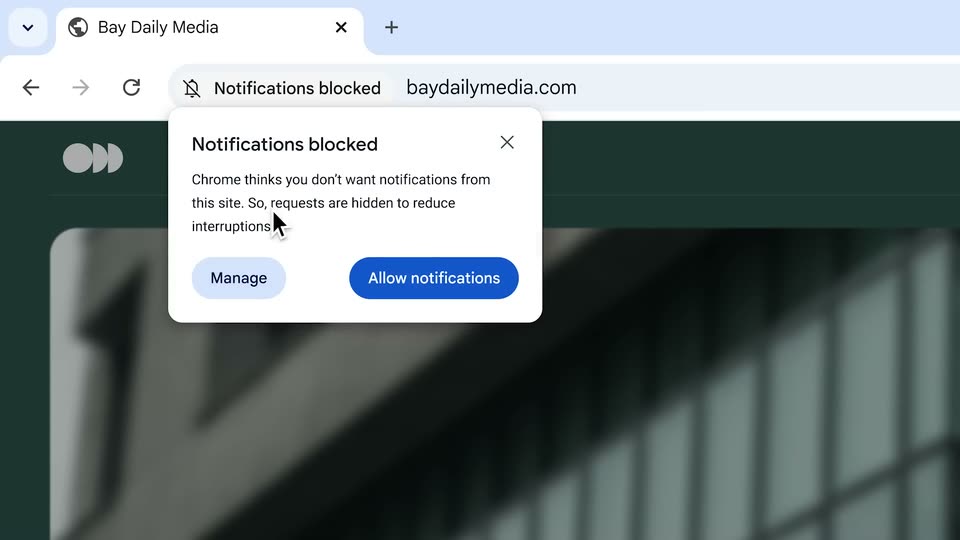 1:22–1:28Google · Behind the Browser: AI Edition HighlightsA browser window shows a tab and address bar over a blurred building. The address bar swaps the URL for a Notifications blocked pill, then a dropdown card drops in with body text and two buttons as the cursor hovers the icon and the Manage button.
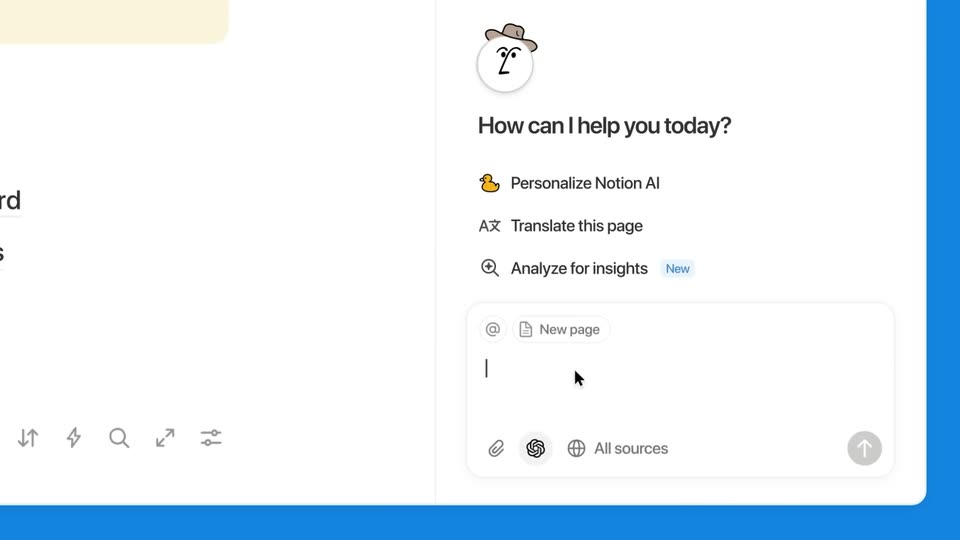 0:21–0:22Notion · Introducing Notion 3.0: AgentsLocked-off close-up of the Notion AI panel: a hat-wearing face avatar sits above the line 'How can I help you today?' and three suggestion rows. A cursor glides into the prompt box, which gains a blue focus border and lights up the send button. The left page edge and a toolbar are partly visible.
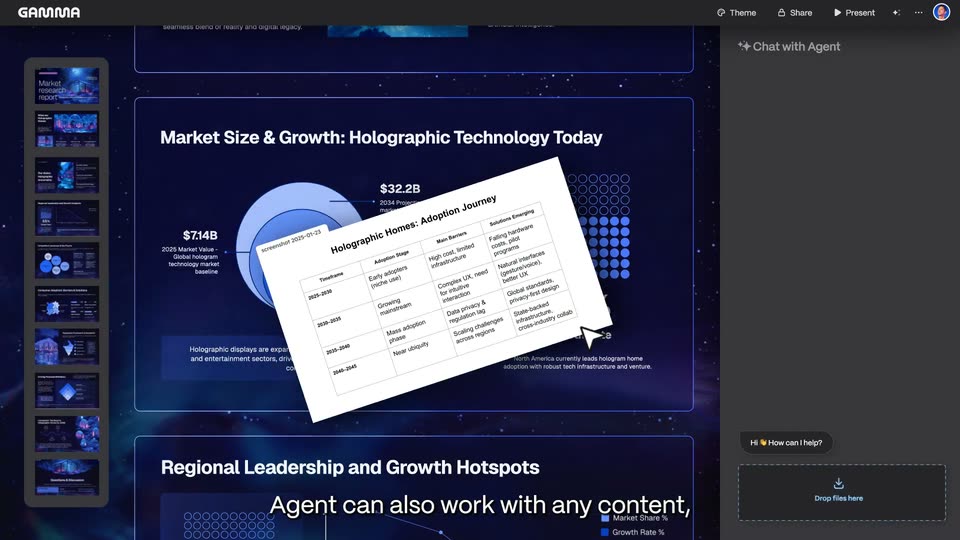 1:05–1:06Gamma · Gamma - Gamma 3.0 is here, so we put our CEO in a spaceship. And it got millA dark Gamma editor displays a holographic market slide. A tilted white table document slides in from the left and is dragged by a cursor toward the center, rotating slightly. A caption sits at the bottom.
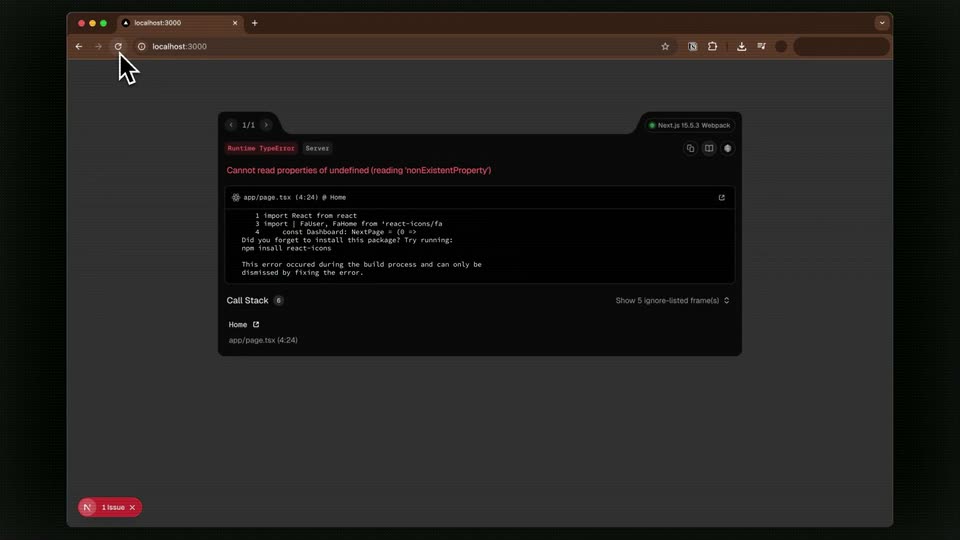 0:13–0:15CodeRabbit · CodeRabbit - Introducing CodeRabbit CLI! 🎉 CodeRabbit's smart CLI reviews act asA browser window displays a Next.js runtime error overlay with red type and a code snippet. A white cursor glides to the reload icon in the address bar and clicks it, while the page background fades from light gray to black.
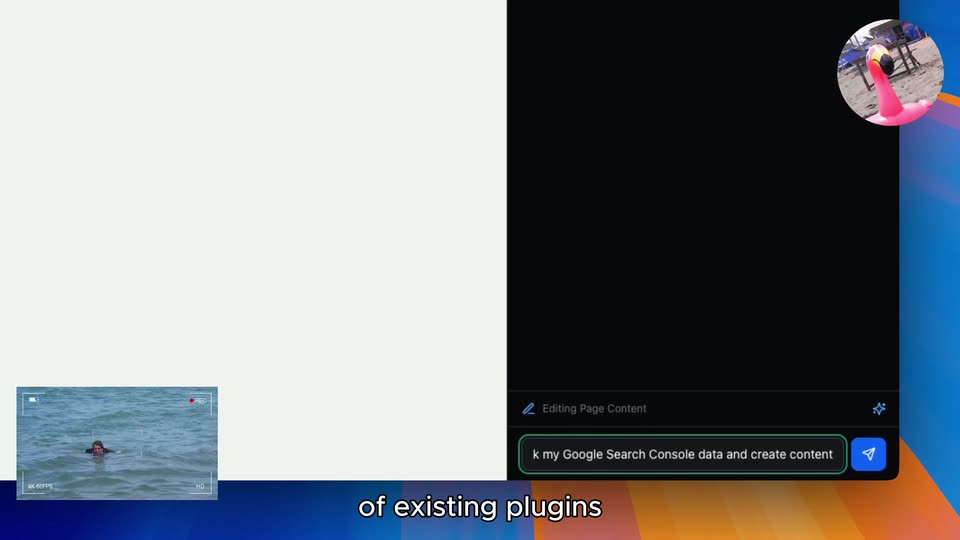 0:27–0:29Ablad · Claudio C - I’m building the first Cursor for WordPress in the world. See how AbA full-screen WordPress editor sits on a gradient, with an AI chat panel on the right where a prompt is typed into the input field and the left page content clears. A small video inset and a circular avatar sit in the corners, and a bottom caption carries the line.
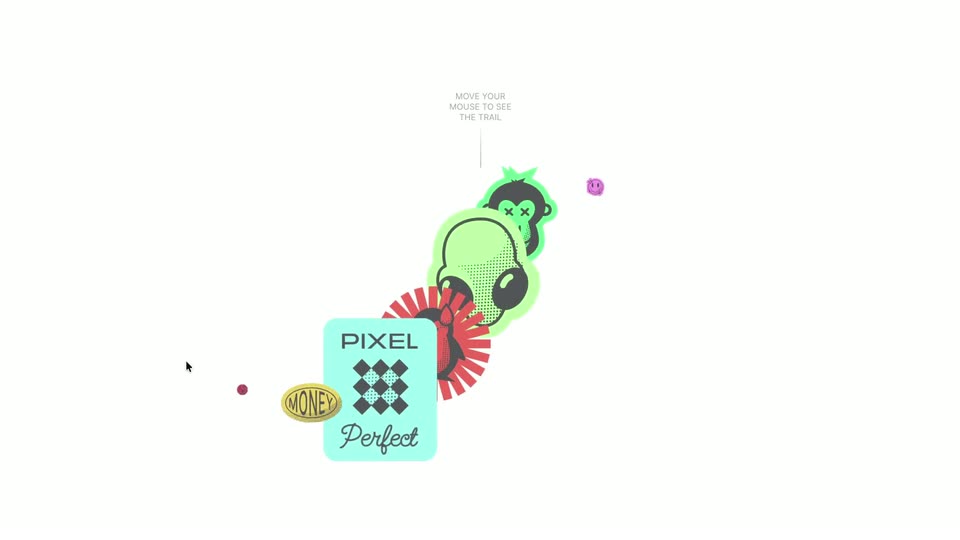 0:17 · 0.4sSkiper UI · Guri - Skiper-ui V2 is here! 👀 for the last few months I've been stackingOn a black landing page, a glossy liquid-metal ribbon trails the mouse cursor and reshapes as it moves, beneath a small move-your-mouse hint. A fixed bar at the bottom holds the event headline, date, location and a Get Tickets button.
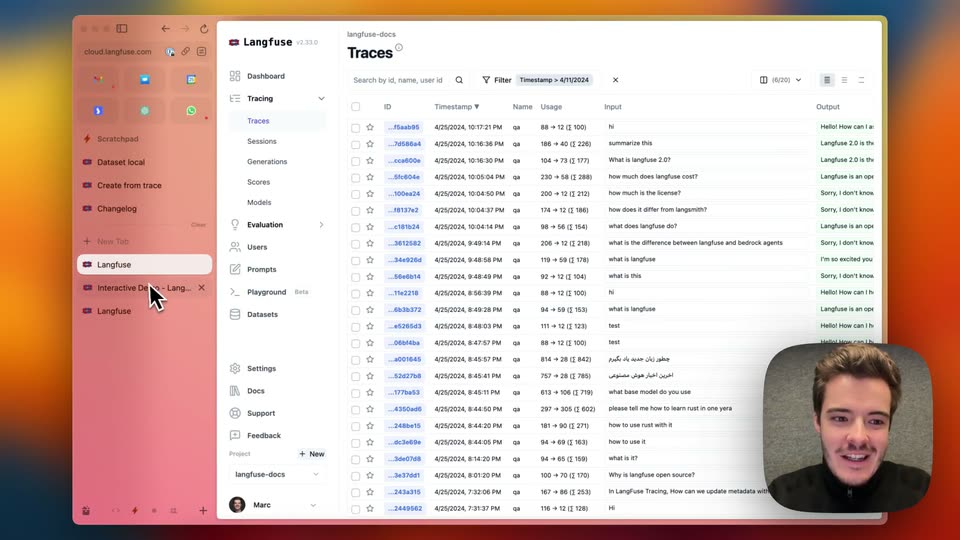 0:58–0:59Langfuse · Introducing Langfuse 2.0A screen recording of the Langfuse Traces table sits beside a pink-orange project list window; a cursor hovers over the demo tab while a small webcam feed of a man talks in the bottom right corner.
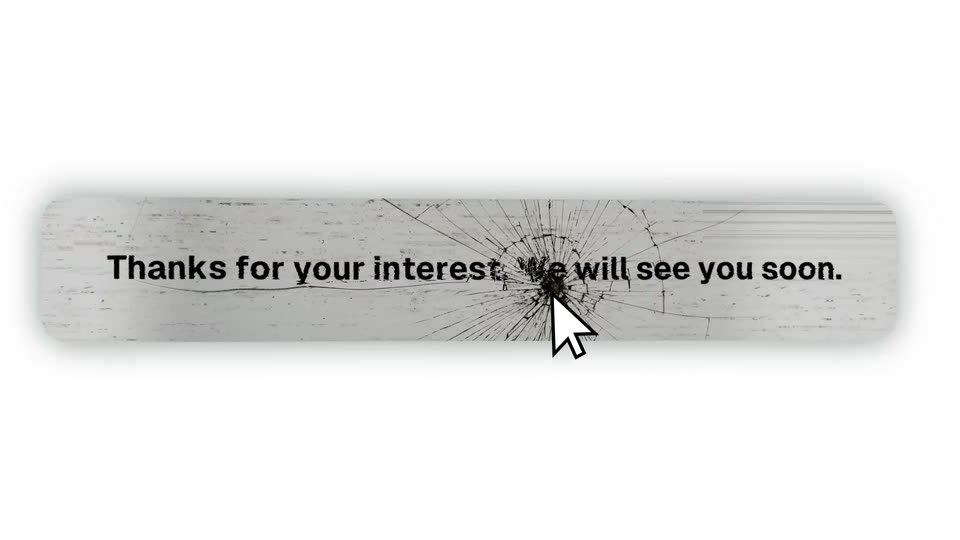 0:10 · 1sSupersonikAI · Dani Carmona - The wait is over. Today we’re launching @SupersonikAI, the first AI tIn a locked-off frame, a white rounded card shows the message. A black outlined cursor hovers over it, then the card turns into cracked grey glass while the text scales.
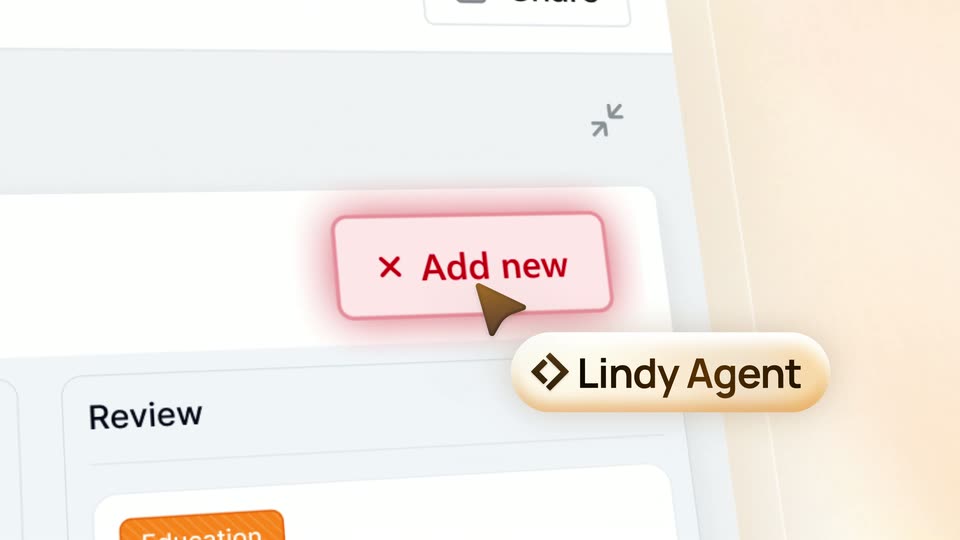 0:22–0:24Lindy · Lindy - We started Lindy Build to make building apps effortless. Side effect:A tilted 3D task-board mockup rests on a desk beside a pencil. The camera zooms into the board, reframing on an Add new button that a 3D cursor points at, with a Lindy Agent chip at the corner. A bold caption labels the Edutech Academy project.
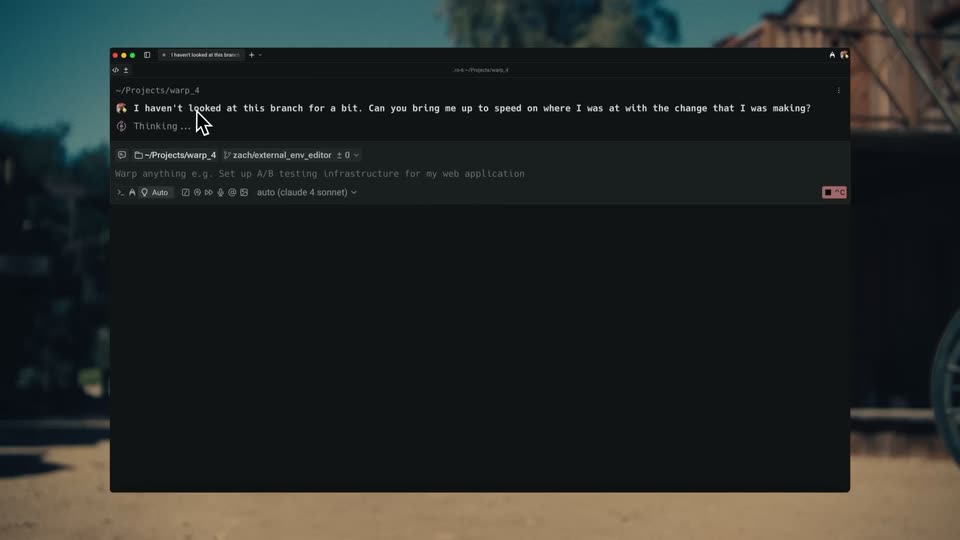 0:51–0:55Warp · Introducing Warp Code | The fastest way from prompt to productionA dark chat window sits over a blurred outdoor backdrop, showing a user prompt asking the agent to recap a branch, with a Thinking status line below. A white cursor drifts across the window while the frame stays locked off.
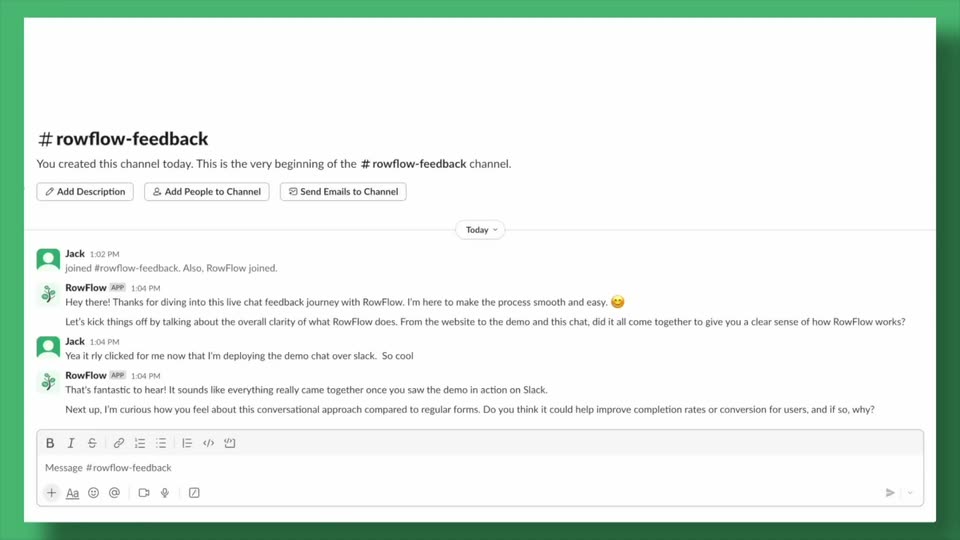 0:46–0:48RowFlow · RowFlow - Break up with your form.A Slack channel view fills the frame while a cursor types a reply in the input box, then the camera zooms out to reveal two side panels flanking the chat window.