Cursor demo
A visible cursor operates the interface.
15,093 scenes · page 155 of 252
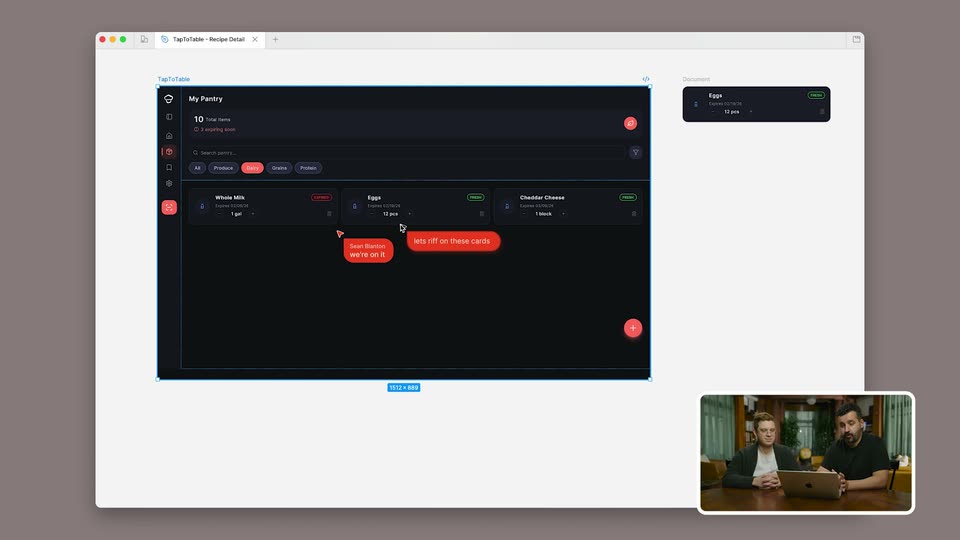 2:03–2:14Figma · Figma - Tired: code or canvas Wired: code AND canvas Introducing Claude CodeA dark pantry app design fills a browser canvas, with a corner video of two men at a laptop. A cursor selects the frame and drops a red comment on the cards, then the view reframes to center the design as the corner video cuts to one speaker.
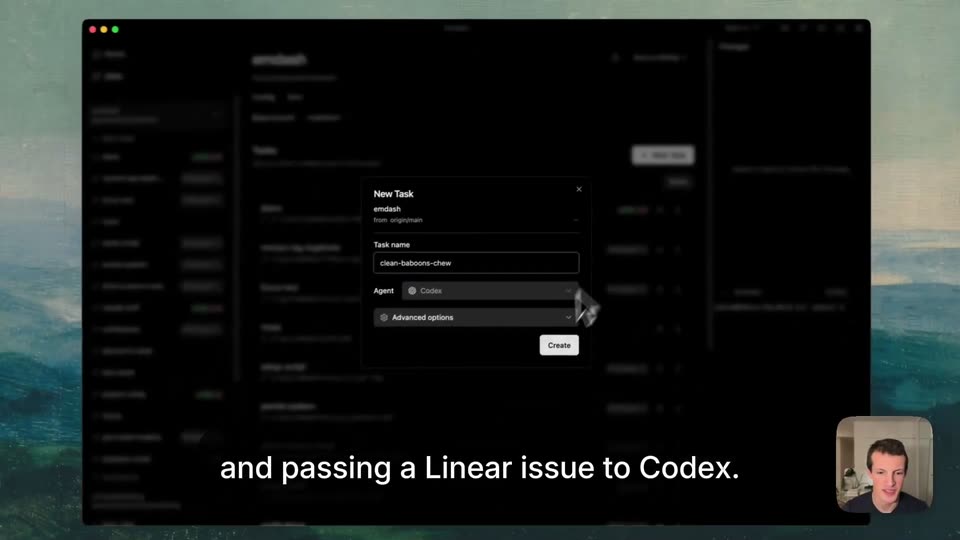 0:14–0:15Emdash · Y Combinator - .@emdashsh is building an open-source Agentic Development EnvironmentA hand cursor hovers over a New Task dialog in a dark Linear interface, the task name field filled and the agent set to Codex. The view then pulls back to reveal the whole window tilted in 3D perspective against a painted water backdrop.
 0:16–0:17Skillsync · Nars - Convert your github into a live resume Use this shortcut to turn youA locked-off close-up of a document view shows three lines of text, the last ending in a blue underlined Skillsync link, with a large black cursor arrow hovering beside it. A formatting toolbar with undo arrows, a Sans Serif font menu and a size control runs along the bottom.
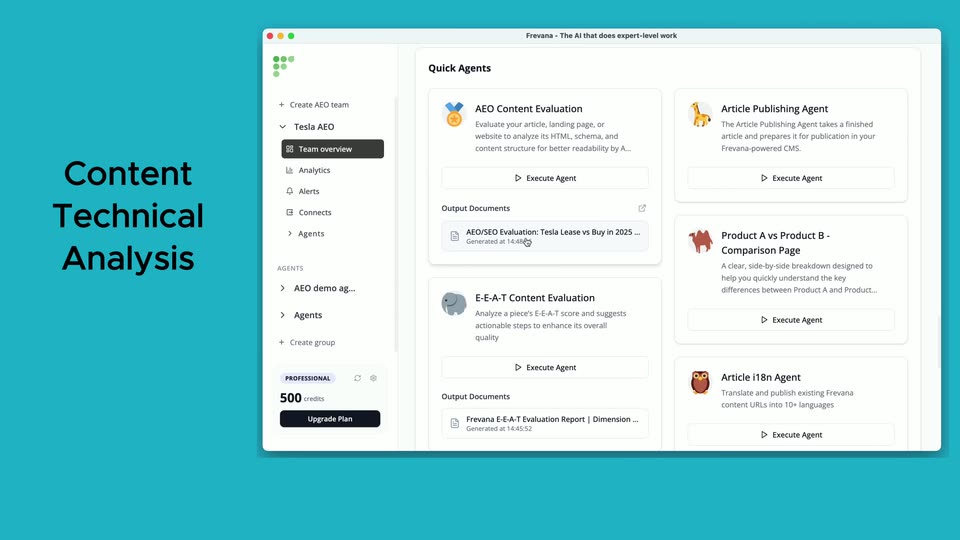 0:45–0:46Frevana · Frevana AEO Agent Team Launched 🎉A teal background holds a flat product interface window on the right and a black three-line headline on the left. The window settles upward slightly while a hand cursor moves in to hover over an Execute Agent button in the top card.
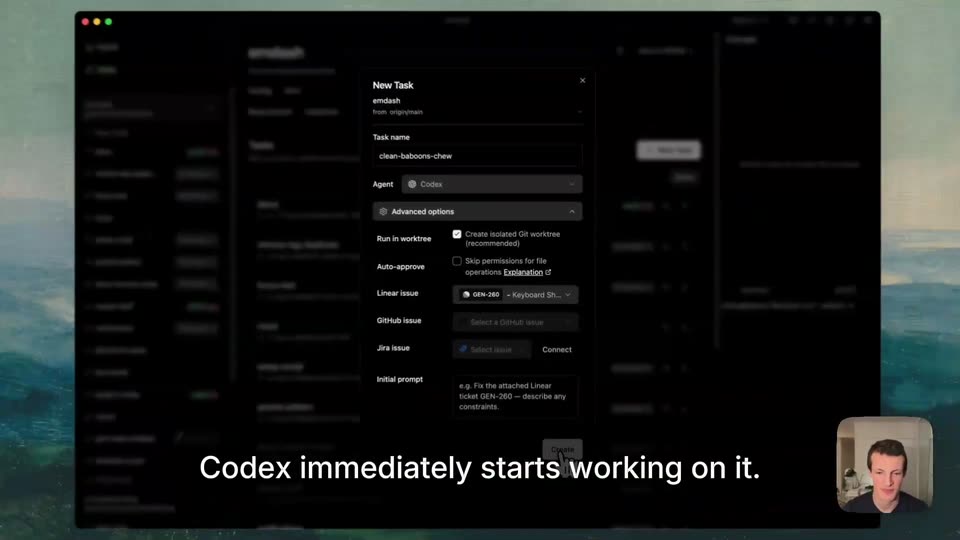 0:16–0:19Emdash · Launch Emdash (YC W26)A dark New Task dialog sits over a blurred app window; a cursor picks an issue ID from a search dropdown, expanding Advanced options with two checkboxes. The view reframes closer, then the dialog closes to reveal a tasks list.
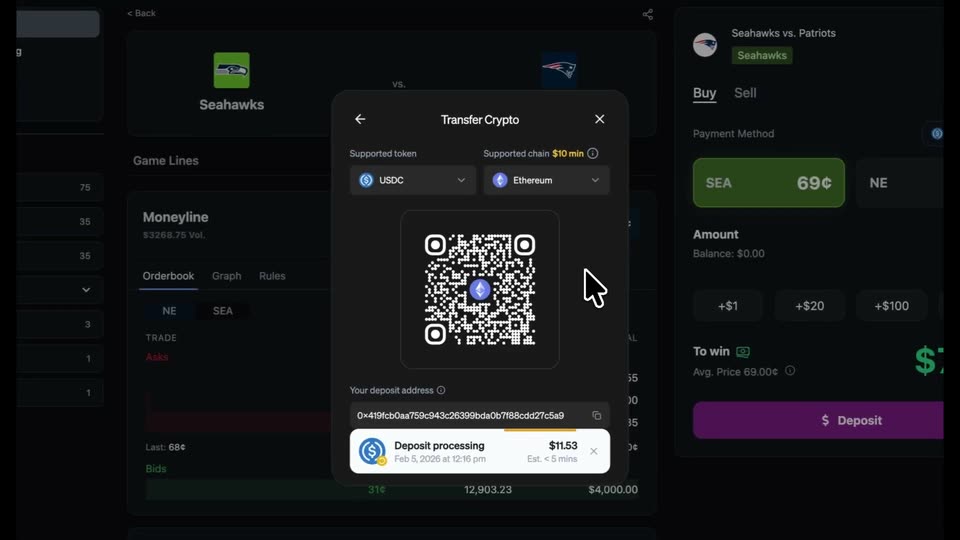 0:16–0:19Unifold · Unifold - Universal Deposit InfrastructureA dark crypto betting interface shows a Transfer Crypto modal with a QR code and a hand cursor. A status pill flips from Deposit processing to Deposit completed, then the frame zooms out to reveal the full dashboard with a green Buy SEA button.
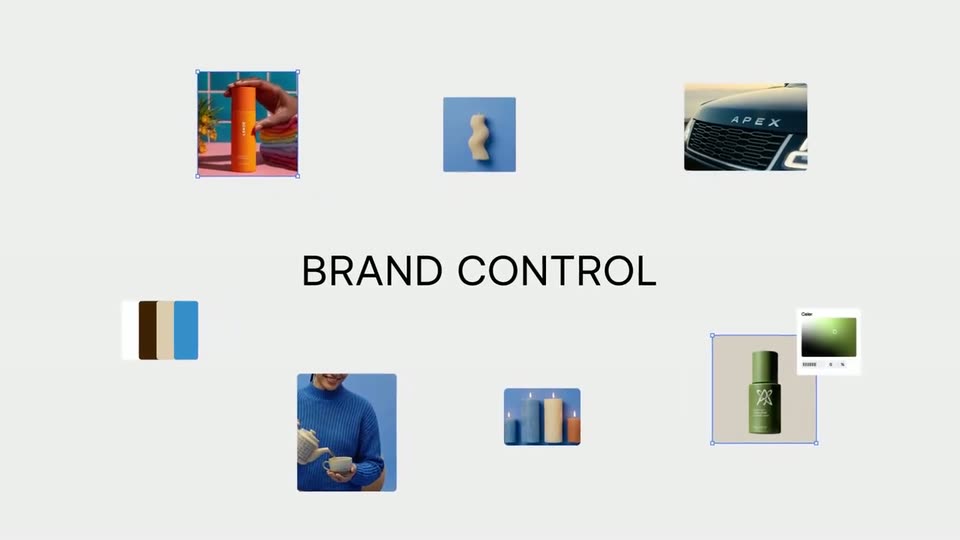 0:17–0:19Lightricks · LTX.io - Introducing Brand Kit. A new enterprise feature in LTX Studio that lOn a light gray canvas, scattered brand photos, color swatches and a color picker drift apart while blue selection boxes snap onto some of them. A cursor appears at the bottom right and the black title BRAND CONTROL scales in at the center.
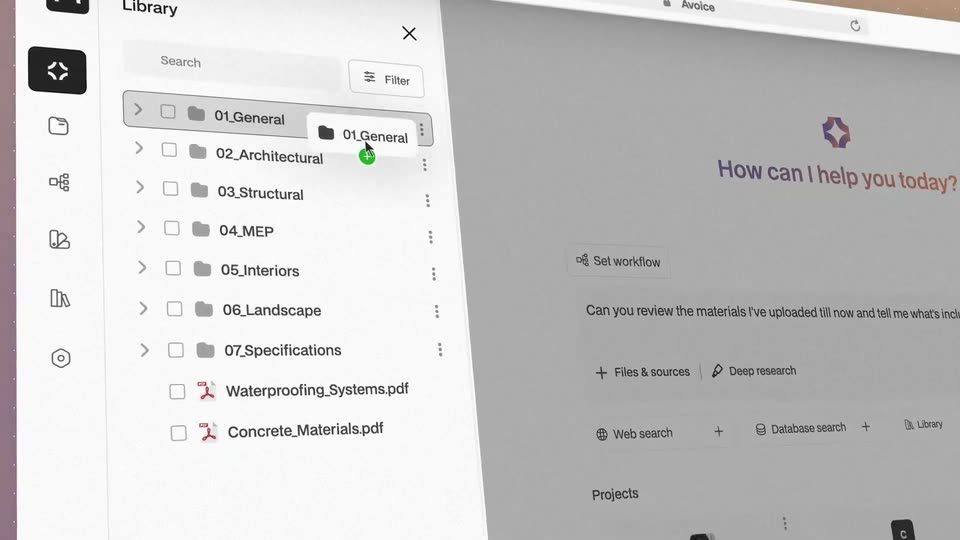 0:30–0:32Avoice · Avoice | The AI Workspace For ArchitectsThe product interface sits tilted in 3D perspective, showing a library folder tree on the left and a chat panel on the right. The view zooms into the left panel as a cursor hovers over the 01_General folder, popping a small tooltip with a green plus icon.
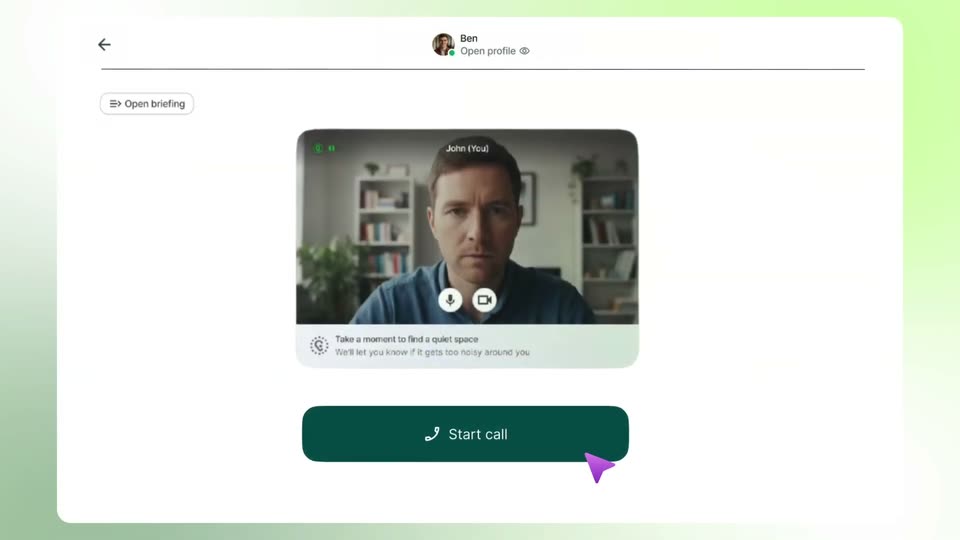 0:38–0:39Blify · Meet Blify ✨A white call screen on a soft green field. A home-office video tile of a man sits above a green Start call button. A purple cursor slides in and taps the button, which darkens as the tile grows larger.
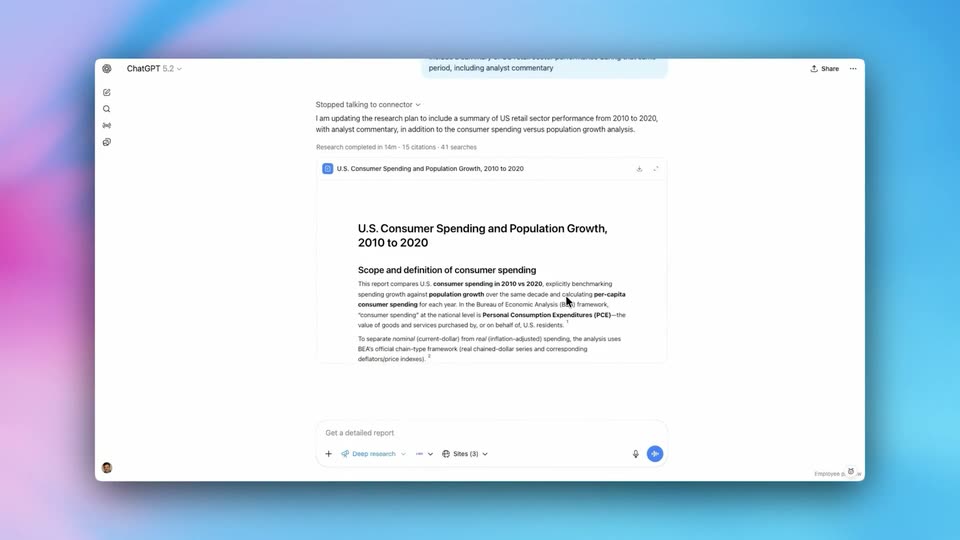 0:57–0:59OpenAI · OpenAI - Deep research in ChatGPT is now powered by GPT-5.2. Rolling out starA 3D-tilted ChatGPT window floats on a soft pink-to-blue gradient, showing a research report on U.S. consumer spending and population growth. A mouse cursor hovers over the body copy. A two-line headline holds still in the frame.
 1:32–1:37RamAIn · Y Combinator - Business teams waste 100s of hours manually copy-pasting data acrossOn a pale green grid background, the ramAln bowl logo and wordmark scale in at center. A green tagline slides in below, then a green URL pill pops in and a cursor glides up to click it.
 1:18–1:22Warp · Introducing Oz: the orchestration platform for cloud agentsFive white icon tiles with black logos float over a cloudy blue sky, each tagged with a SKILL.md pill. Cursors tap the labels, which turn blue, then the tiles give way to three overlapping markdown windows showing skill text.
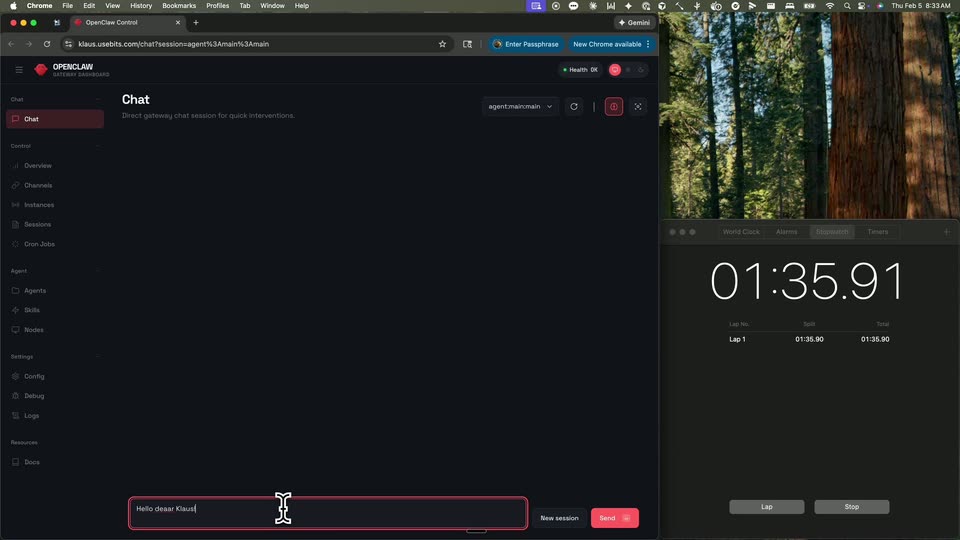 0:16–0:18usebits_inc · Y Combinator - OpenClaw is a new viral and scarily effective virtual assistant. ButA dark admin dashboard sits in a Chrome window beside a stopwatch app. The cursor jumps to the sidebar, opens the Chat view, types a greeting into the input and sends it, triggering a typing indicator.
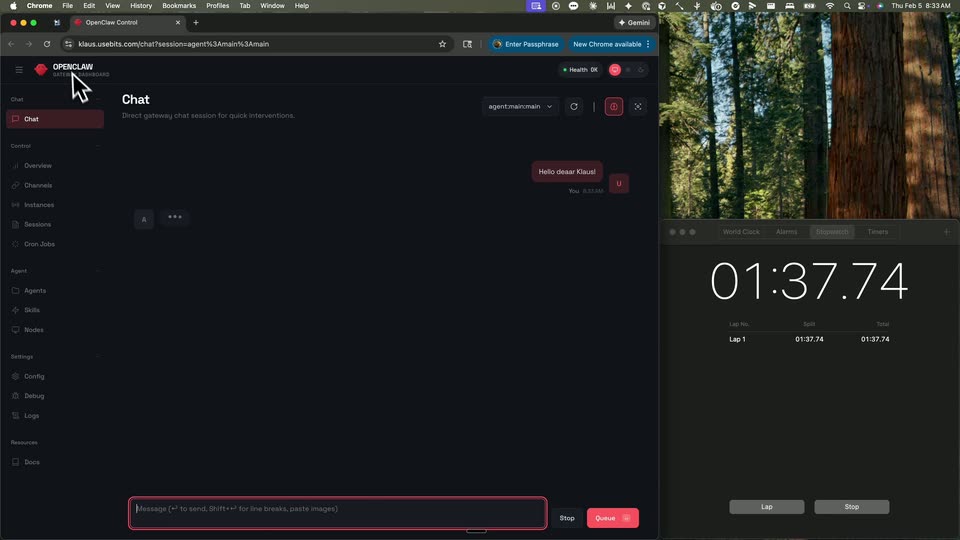 0:28 · 0.8sKlaus AI · Klaus launchA split-screen view shows the OpenClaw chat interface in a Chrome window on the left and a lap timer over a forest photo on the right. A cursor moves near the top of the browser while the timer counts up and the message input stays outlined in red.
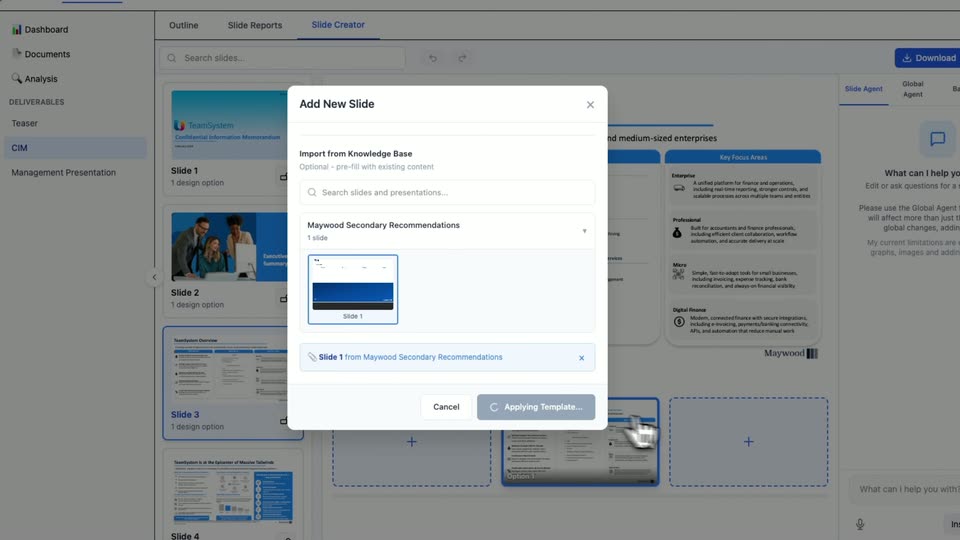 0:43–0:45Maywood · Maywood Launch VideoA white hand cursor works inside the centered Add New Slide dialog: it expands Maywood Secondary Recommendations, picks Slide 1, and the button turns into Applying template with a spinner. The dialog then fades out over the slide grid.
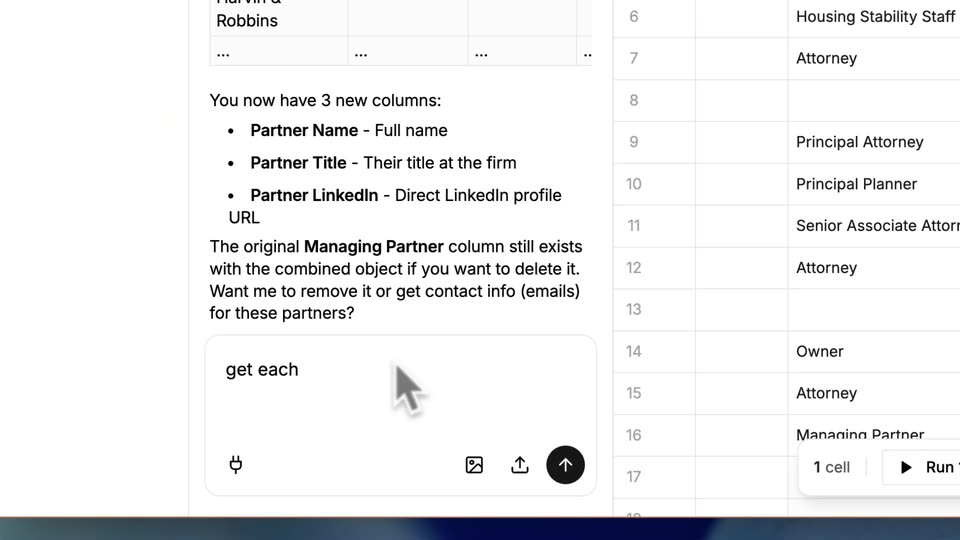 0:37–0:48Orange Slice · Orange Slice LaunchA spreadsheet app with an AI chat panel fills with Partner Name, Title, and LinkedIn columns as the agent runs, the view zooming from the chat to the full window. A cursor types 'get each persons email' in the chat box, then an email column populates. A large 'MICHIGAN' caption scales in.
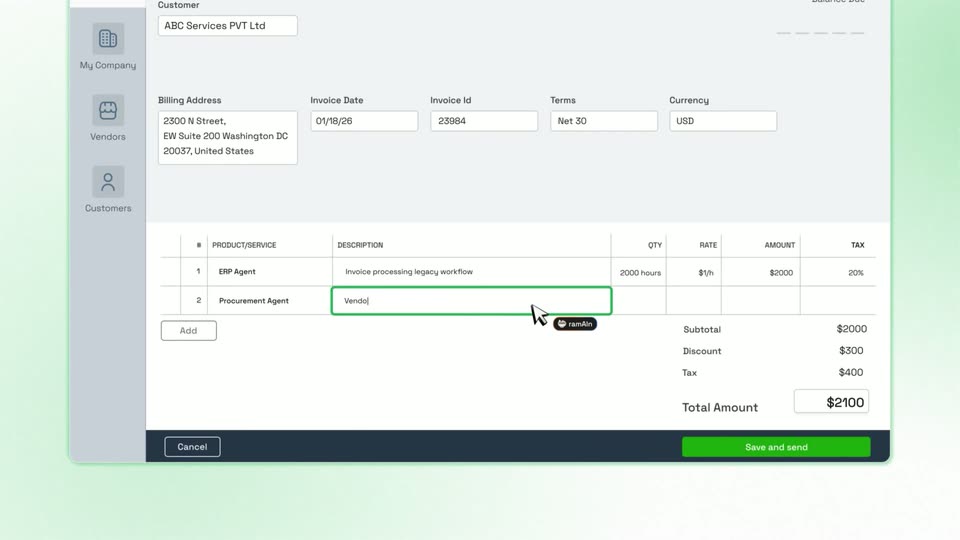 0:50–1:18RamAIn · RamAIn (YC W26) Launch VideoA flat invoice-portal UI fills in as a labeled cursor types the customer, address and line items, scrolls to the table, adds two rows, then clicks Save and send. An email modal and a green confirmation banner follow. A green-and-gray headline caps the opening frame.
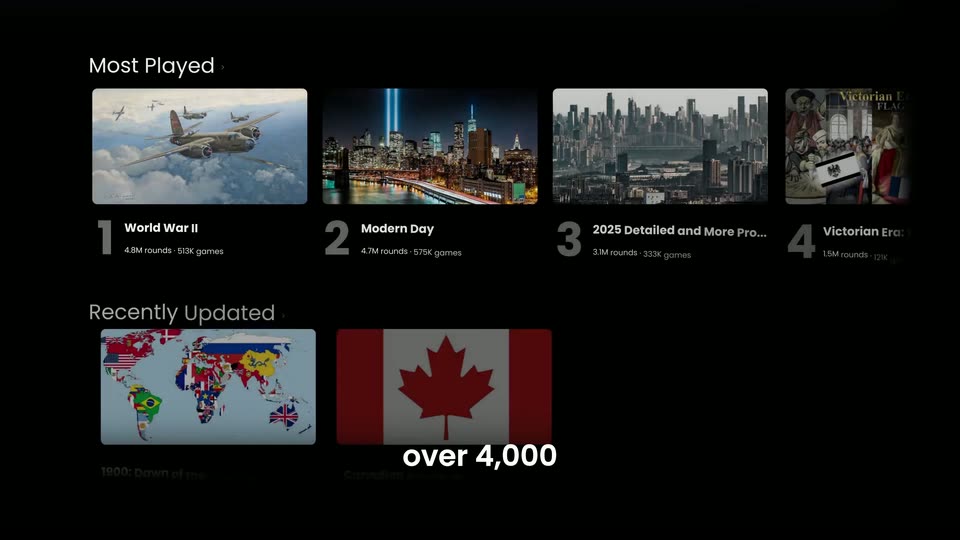 0:59–1:00Pax Historia · Pax Historia IntroductionA dark game-platform UI fades in: a Most Played row of four world cards with thumbnails and round counts, plus a Recently Updated map card below. White caption at the bottom changes from has published to over 4,000 while two cursors rest over the cards.
 0:23–0:27Concrete · Concrete - The Future of Finance is Here. Visit the new website.🗿A 3D laptop with a dark dashboard fades out to white, leaving the spaced wordmark CONCRETE with thin ruler tick marks above each letter; a cursor arrow glides from the last letter to the right edge.
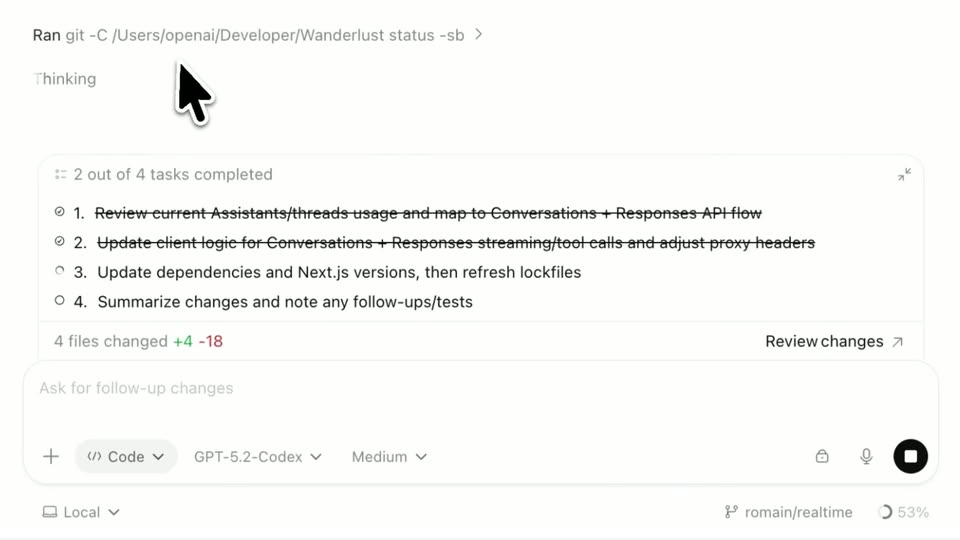 0:55–0:59OpenAI · Introducing the Codex appA two-pane Codex window shows a thread list on the left and an activity feed with a small video on the right. It reframes to a single column with a Thinking line and a four-item task checklist, two items checked, while a cursor hovers near the top.
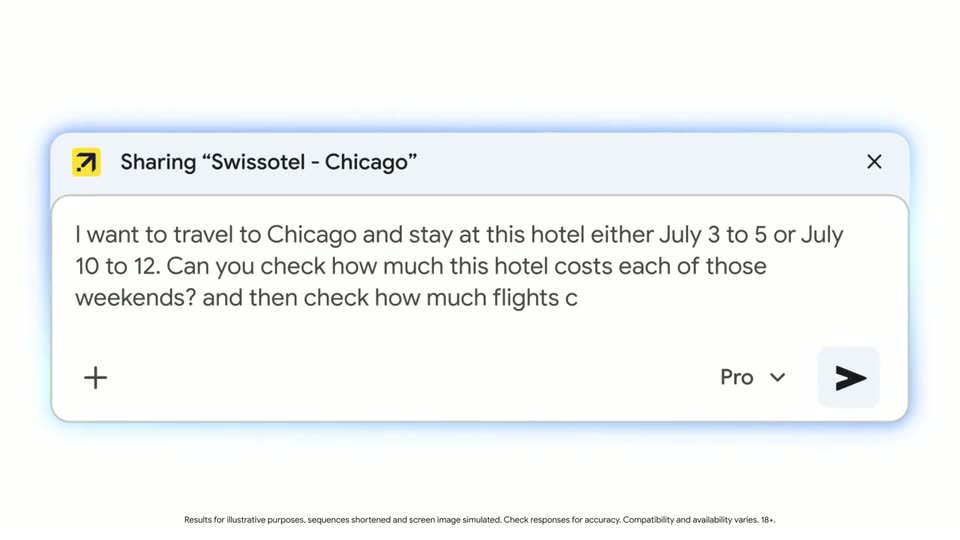 0:34–0:44Chrome · Chrome - Auto browse in Gemini in Chrome (now available for Google AI Pro andA floating chat composer with a blue glow sits over a large two-line headline. The headline fades as the box scales up and centers, while a long hotel-and-flight query types out in its field. A cursor then clicks the send arrow.
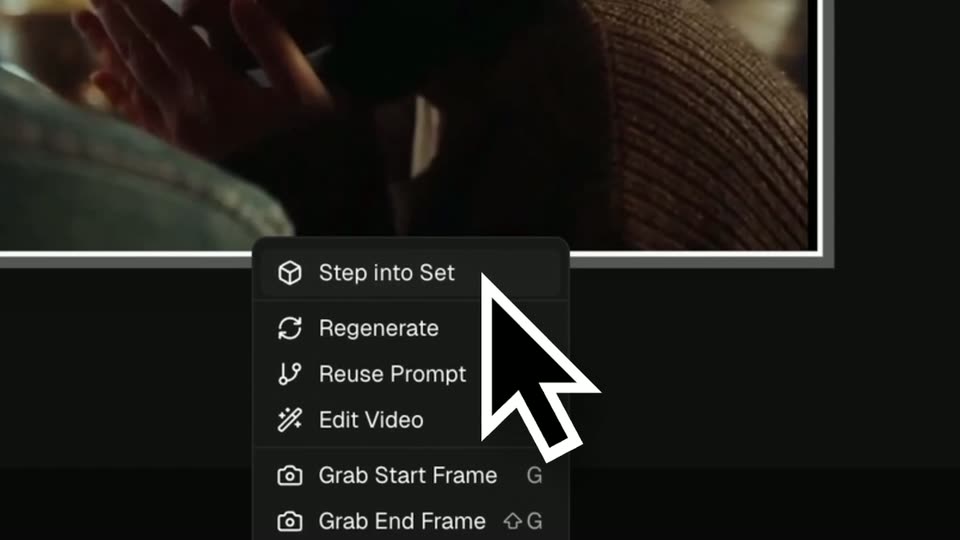 0:03–0:05Martini · Y Combinator - Video professionals don’t want to play prompt roulette. Filmmaking hA dark editor view frames a clip of a man and woman in a close moment, a white cursor resting below. The view zooms into the frame while a context menu drops in, the cursor hovering over its top option.
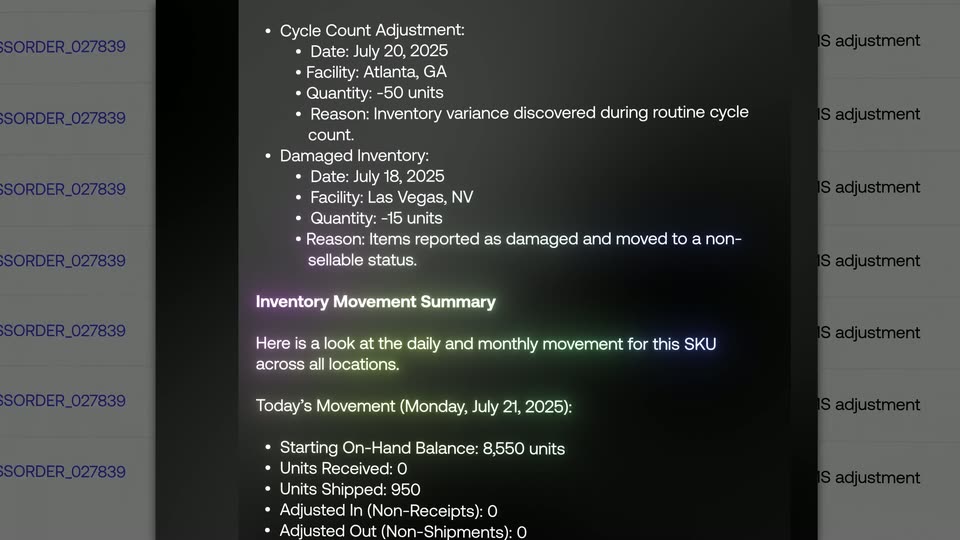 0:13–0:17Stord · Smart Commerce - Meet Stord AIA black cursor clicks the glowing Summarize button on a white toolbar. The view reframes wider as a dark StordAI panel slides in over an order table, its summary text typing out line by line to a signed-off report.
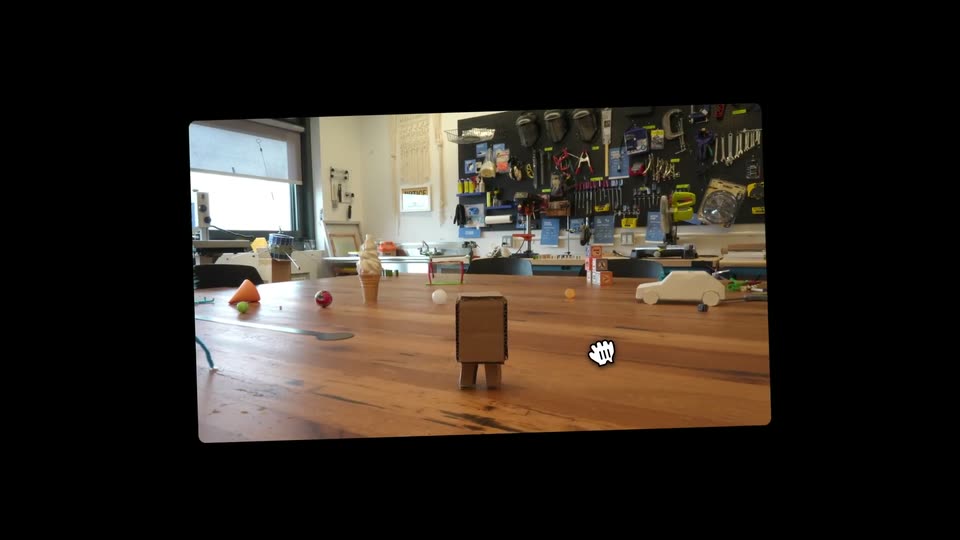 1:27–1:29Google · Google AI - Last August, we previewed Genie 3: a general-purpose world model thatA workshop workbench with small props, a cardboard stand and a toy car, sits inside a rounded card on black. A white arrow cursor with a fist icon hovers over the table, then the whole frame blurs and tilts away in a fast exit.
 0:35–0:39Project Genie · Google DeepMind - Step inside Project Genie: our experimental research prototype that lA dark prompt panel hovers over a dim 3D grid floor while a prompt is typed into the field. The view then pans right to the Modify and Create world buttons as a mouse cursor glides onto Create world.
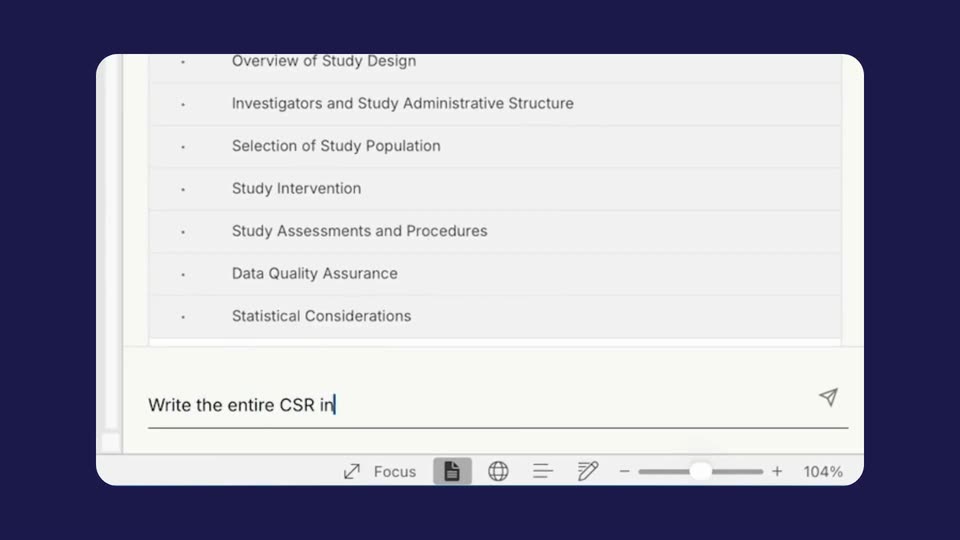 0:36–0:44TensorTest · ritivel drafts regulatory documents in minutes!A PDF title page and a file list sit on a navy background. The right panel becomes a Ritevel chat with connected sources, then the view zooms into the section list while a prompt types out: Write the entire CSR in the document.
 1:21–1:24Lovable · Lovable - Introducing a smarter Lovable that is 71% better at solving complex tSplit screen: on the left, a blue Publish button over a blurred background with a cursor resting on it, then it morphs into a white Published pill. On the right, a man in a gray hoodie sits on a couch and speaks.
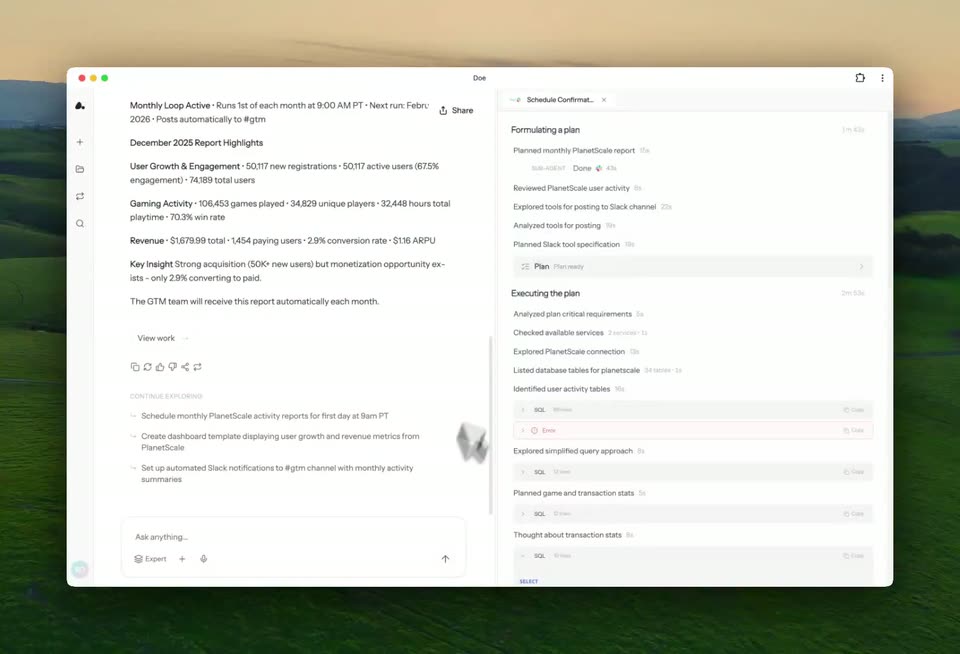 0:26 · 0.5sDoe · doe - Announcing loops, they're the foundation for agents that monitor, decA flat white window of the Doe app sits centered over a blurred green-and-tan landscape. The left pane shows a monthly report with headings and bullet lists; the right pane lists plan and execution steps. A white cursor hovers near the center divider.
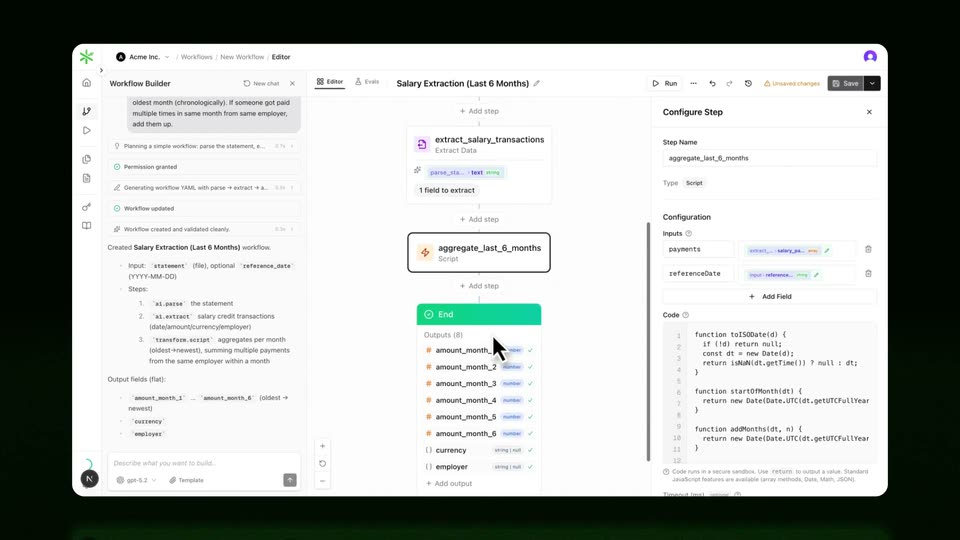 0:38–0:43EigenPal · Introducing EigenPalA tilted 3D view of a workflow editor sits on a dark background while a pale-green headline holds on the left. The camera pushes in as a cursor clicks through the parse, extract and aggregate steps, opening a configure panel, and rests on the green End node.
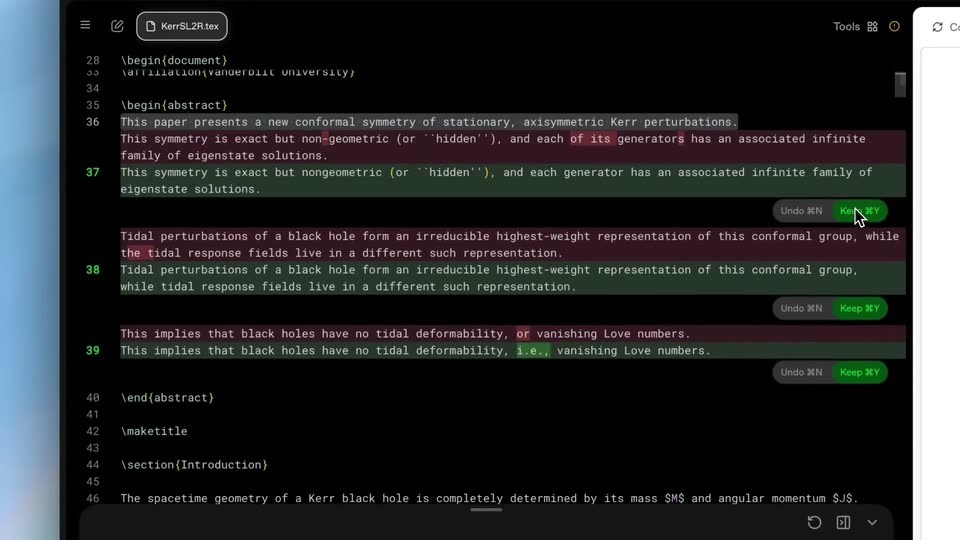 0:23–0:25OpenAI · Introducing Prism, a free workspace for scientists to write and collaborate on researchA dark code editor displays a LaTeX file with paired red and green diff lines. A cursor travels down the right margin, pausing over each green Keep button to accept the change.
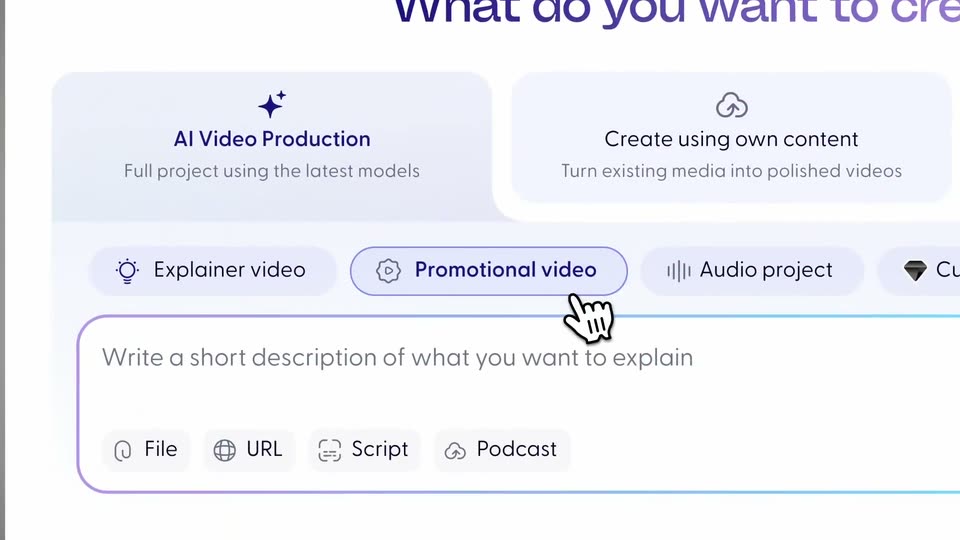 0:53 · 0.9sWondercraft · Dimi Nikolaou - Today AI Video stops being slop. Introducing Wondercraft Video, an AA light product screen with two feature cards and a row of category pills. A hand cursor slides in from the right and clicks the Promotional video pill, which gains a purple outline, as the heading and cards pan left into frame.
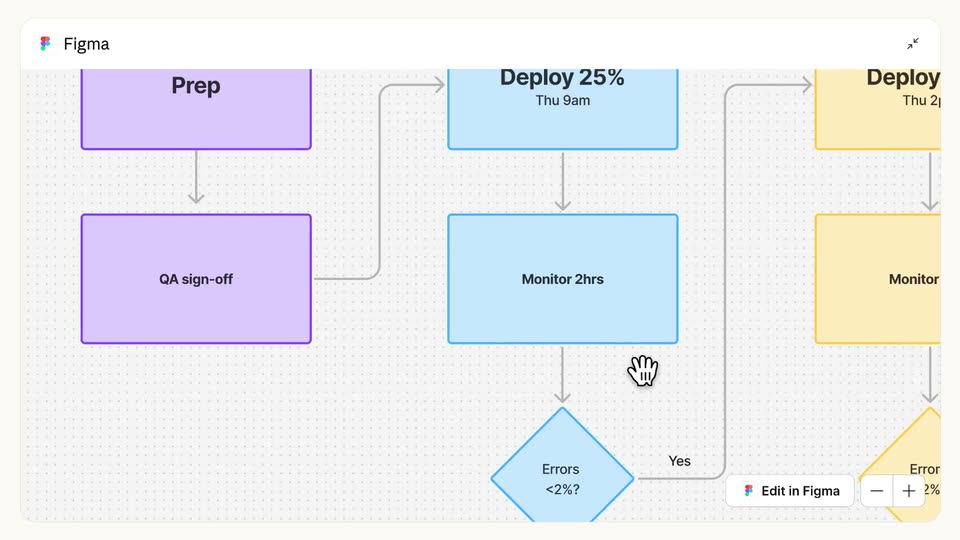 0:13–0:16Anthropic · Claude - Your work tools are now interactive in Claude. Draft Slack messages,A Figma canvas shows a deployment flowchart of colored boxes and arrows. The view starts zoomed in on the blue and yellow columns, then a cursor hits the zoom control and the canvas zooms out to reveal the whole window with the Figma header and left toolbar.
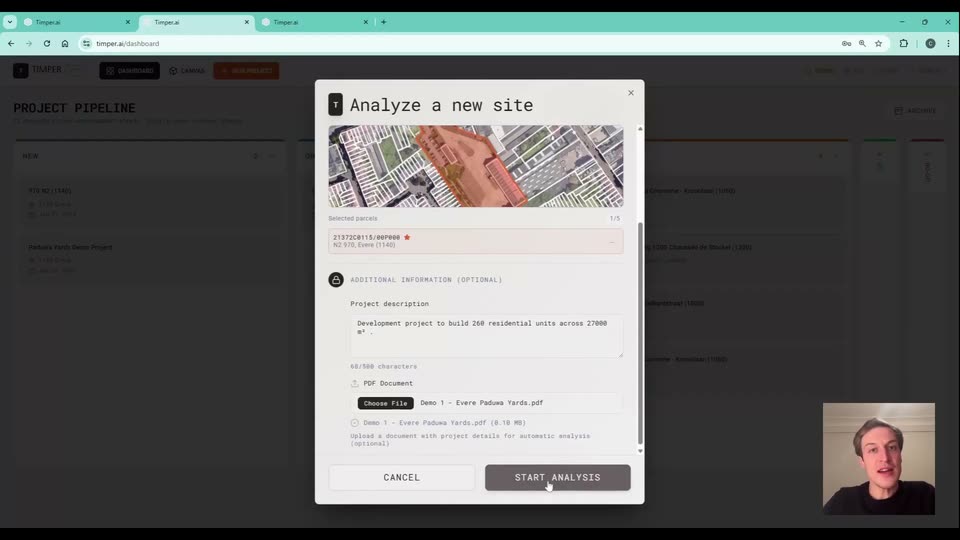 0:30–0:35Timper · Timper.ai - Demo Jan 2026A screen recording of the Temper dashboard, an 'Analyze a new site' modal open over a dimmed pipeline list. A cursor clicks the Start Analysis button, which turns into a gray 'Analyzing' state with a spinner. A small presenter webcam feed sits in the bottom right corner.
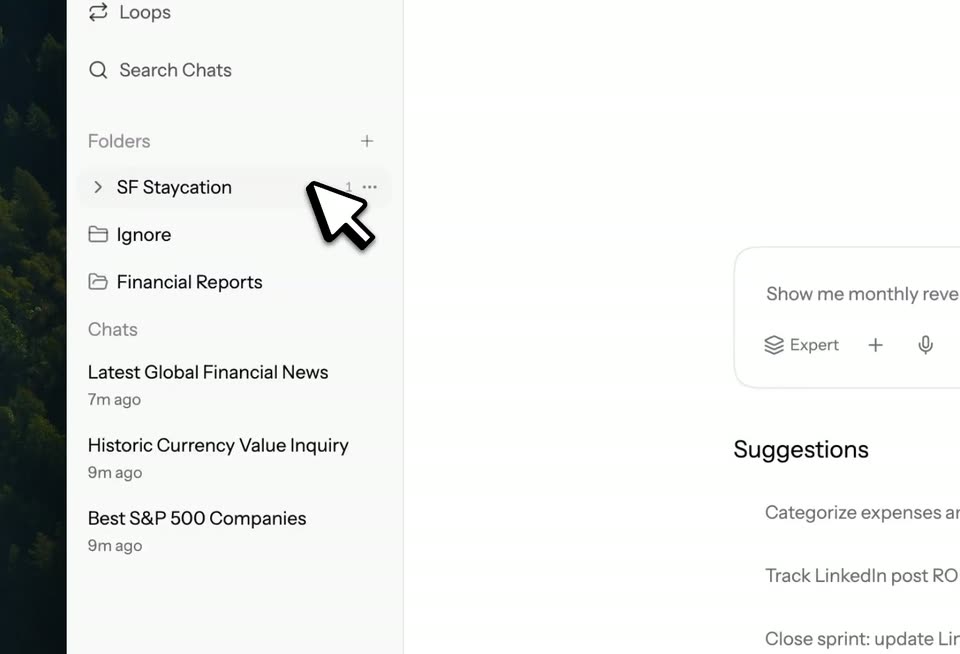 0:04–0:05Doe · doe - We're announcing folders for chat sessions and files!A Slack-style sidebar with folders and a chat list sits left of a white panel. A large cursor rests on the highlighted SF Staycation folder while the input box placeholder cycles between prompt phrases.
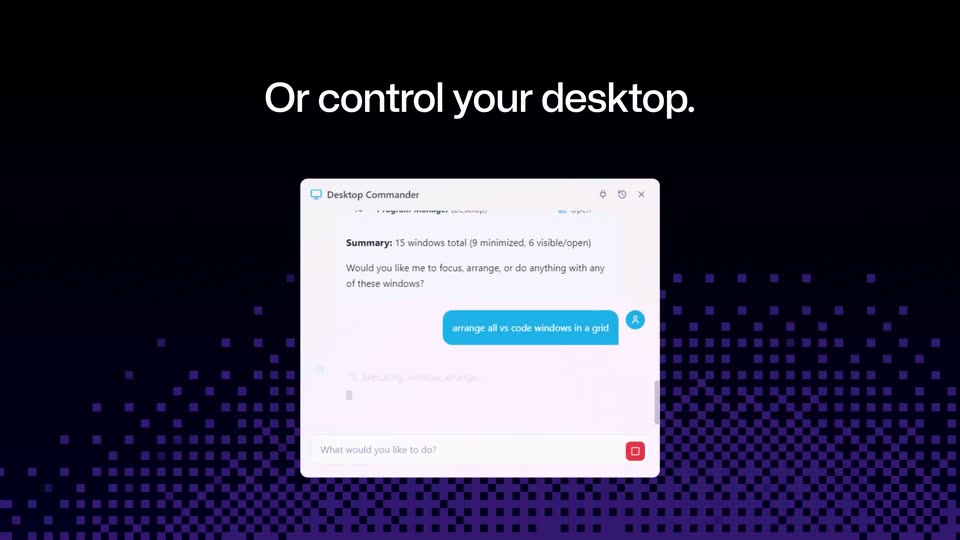 0:28–0:31GitHub · GitHub - The GitHub Copilot SDK is here 🙌 You can take the same Copilot agentA white headline appears letter by letter over a dark purple dot-grid backdrop, above a Desktop Commander chat window. The window lists open apps, types a command into the prompt, then shows an assistant summary and an executing progress bar.
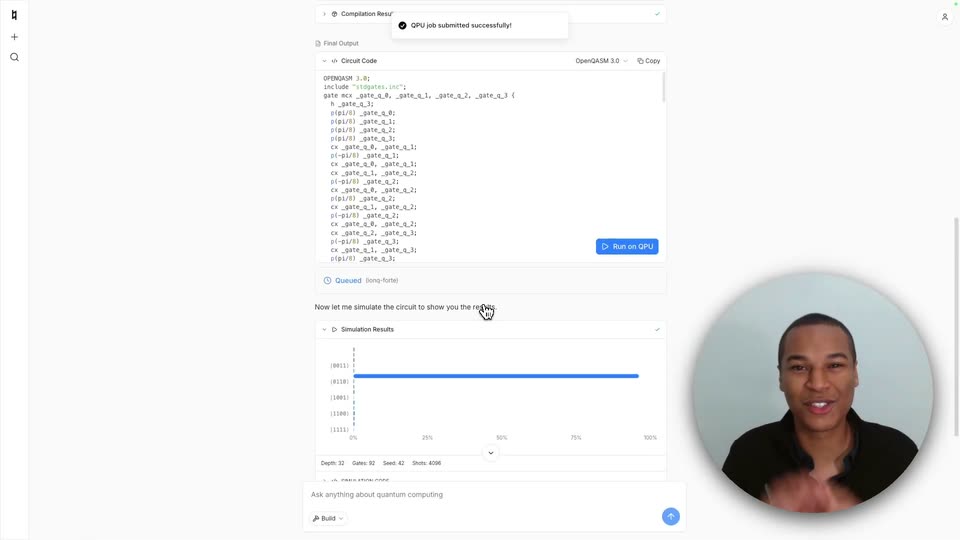 2:33–2:53Conductor Quantum · Coda | Natural language quantum computingA hand cursor opens a processor dropdown in a modal, selects IonQ Forte, ticks a credits box and submits. The view then zooms out to the full code editor page, where a success toast appears and a presenter talks in a circular inset.
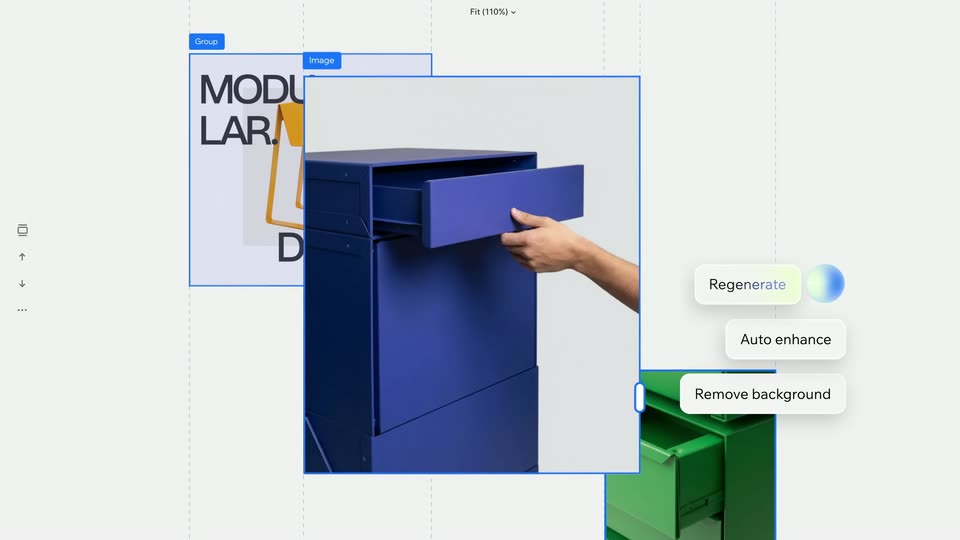 0:25–0:26Wix Harmony · Wix Harmony: The new way to createA vector editor canvas pans across a poster layout of selected furniture photos, centering the blue cabinet as a cursor glides over the Regenerate button, which lights up with a glowing ring.
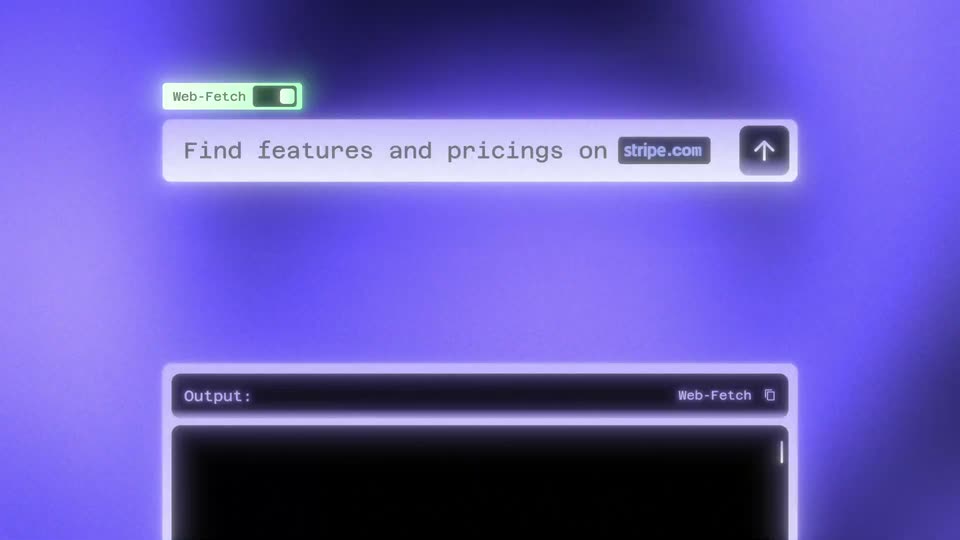 0:25–0:29Crustdata · Crustdata: Web Search APIA lavender search bar with a Web-Fetch toggle floats on a blurred blue gradient. The toggle flips green as a monospace query types itself in, then the bar slides up and a dark Output panel drops in, filling with JSON code line by line.
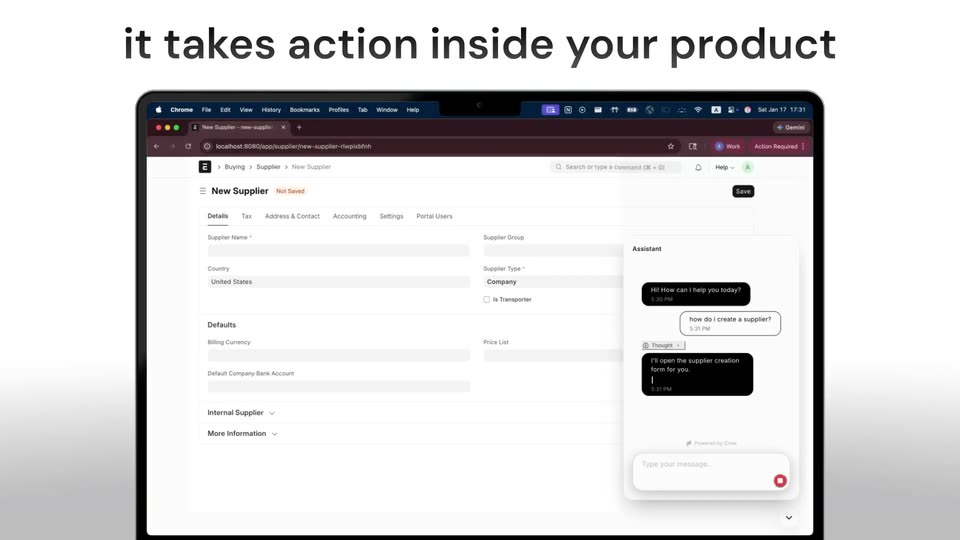 0:25–0:28Turnstone · Crow Launch VideoA 3D laptop mockup on a light background displays an ERP interface beneath a static black headline. The screen shifts from a home onboarding view to a New Supplier form as a chat assistant panel on the right types out messages and a cursor appears in the input.
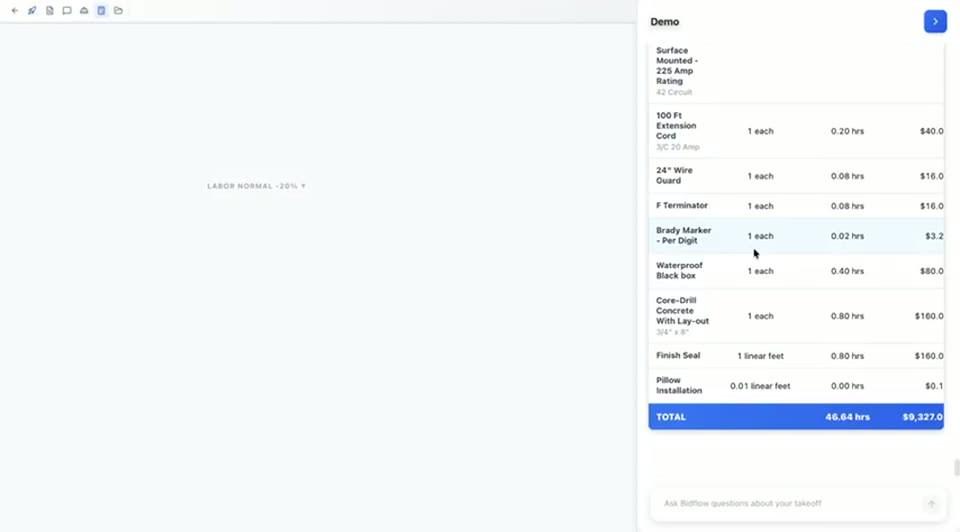 0:55 · 0.4sBidflow · Bidflow DemoA light UI screen shows a takeoff table in a right panel with line items and a blue TOTAL row, while the left canvas stays mostly blank. A small cursor hovers over a row, then a circular spinner and the words Loading estimate fade in at center left.
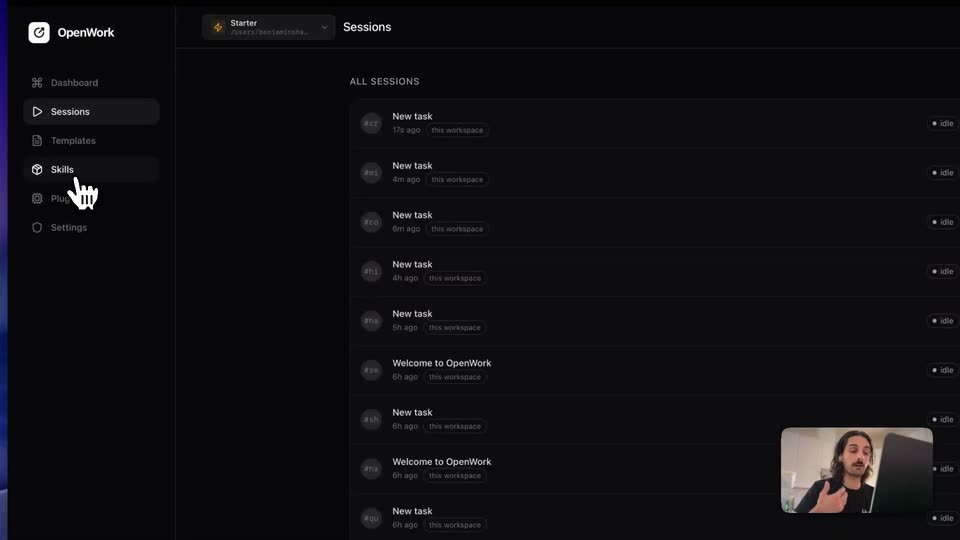 0:56–1:02OpenWork · OpenWork: The open-source alternative to Claude CoworkA dark OpenWork dashboard lists sessions under ALL SESSIONS. A white cursor moves to the Skills item in the left sidebar, and the main panel swaps to a Skills page with an install field and curated package cards. A small presenter video plays in the bottom-right corner.
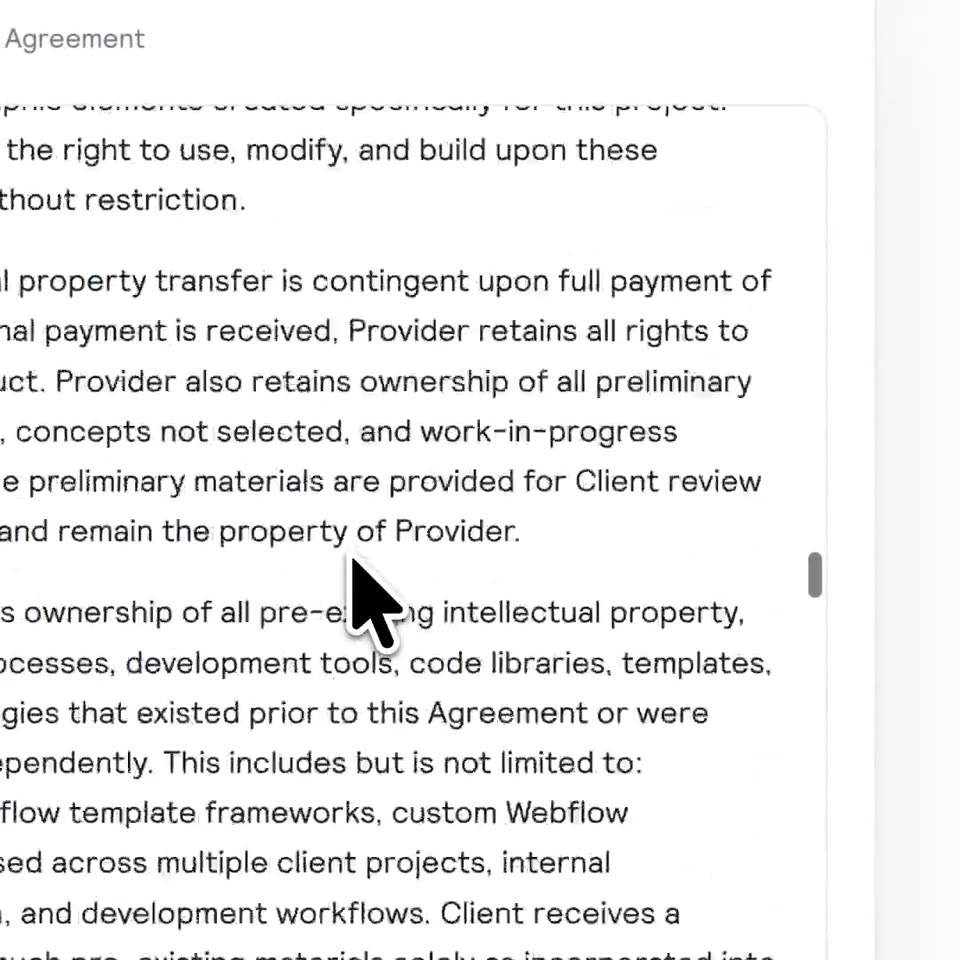 0:39–0:42Accordio · Accordio AI - Vibe coded a gift contract tool yesterday. Took 2 hours. Add someoneA cursor clicks the Contract tab, the view zooms into the agreement document as it scrolls through highlighted fill-in fields, then pulls back to reveal the full interface with a left sidebar and a green Generate Contract button.
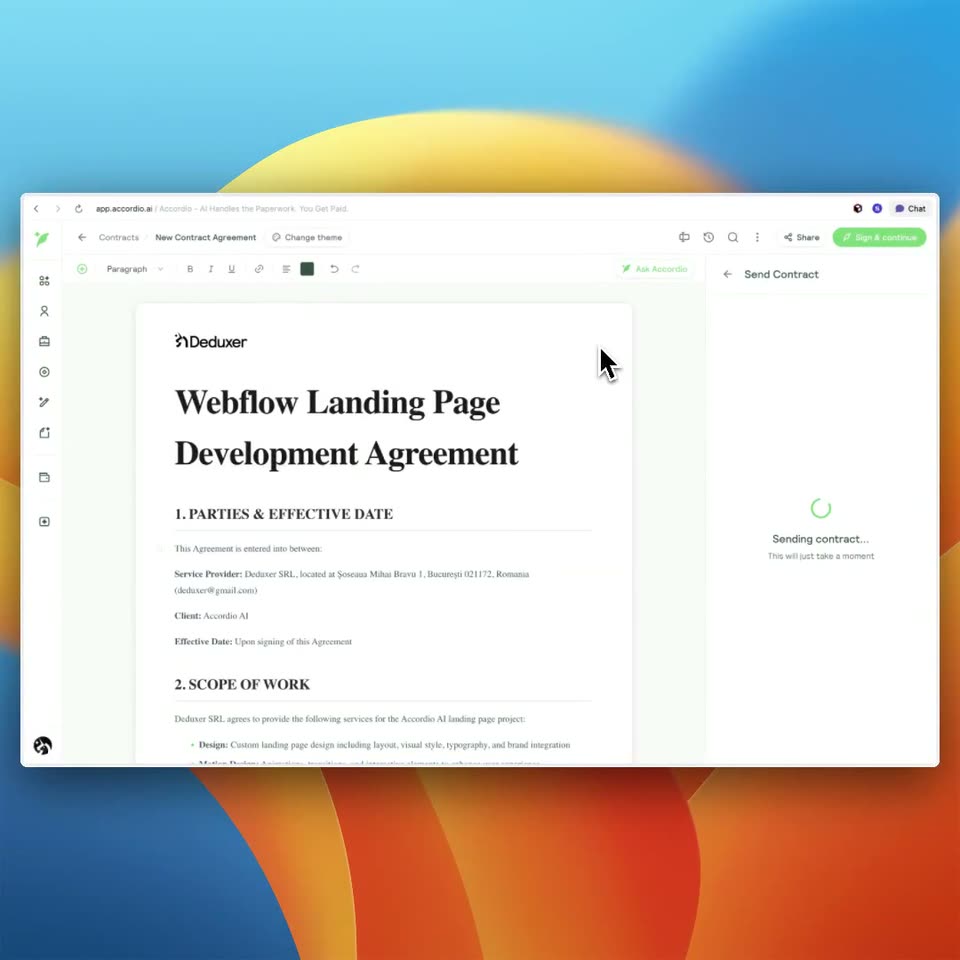 0:43–1:02Accordio · Accordio AI - Founders spend way too much time on contracts. In 2026, you describA cursor fills the client and message fields in a Send Contract panel, clicks send, and a spinner appears. The view then pulls back to the full browser window on a colorful desktop as a success checkmark and share link appear.
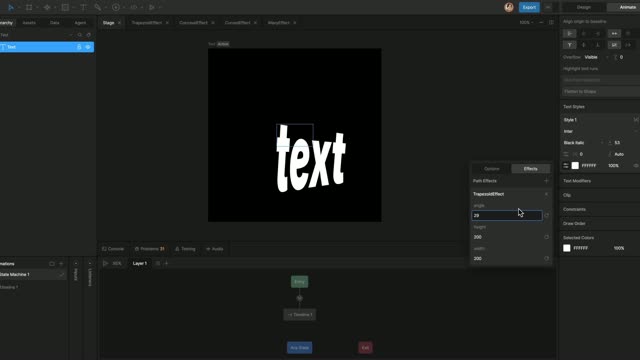 0:29–0:30Rive · Scripting is Live in Rive ✨A dark editor interface fills the frame; on the center black canvas the white word 'text' shears and tilts as the trapezoid angle in the right panel changes from 128 to 58, a cursor hovering at the angle field.
 0:16–0:19Anthropic · Introducing Cowork: Claude Code for the rest of your workA white prompt card on a cream grid zooms in as a black arrow cursor hovers the attachment pill, which reads 'Meeting Transcripts'. The view pans right to the orange 'Let's go' button, where a hand cursor presses it.
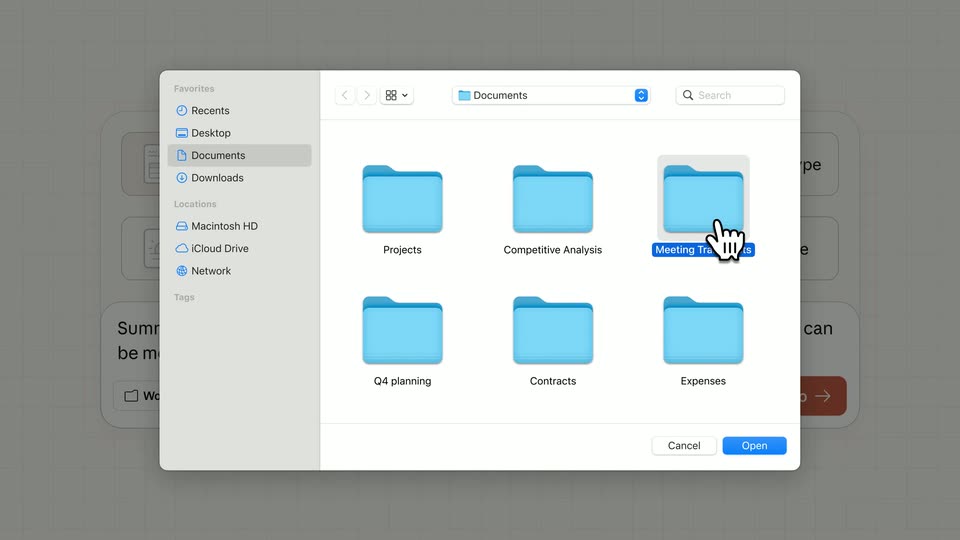 0:15–0:16Anthropic · Claude - Introducing Cowork: Claude Code for the rest of your work. Cowork leA macOS open-file dialog, with a cursor over the Meeting Topics folder, sits over a dimmed card of action buttons. The dialog fades away, revealing the full grid of task buttons and the prompt line with a Let's go button.
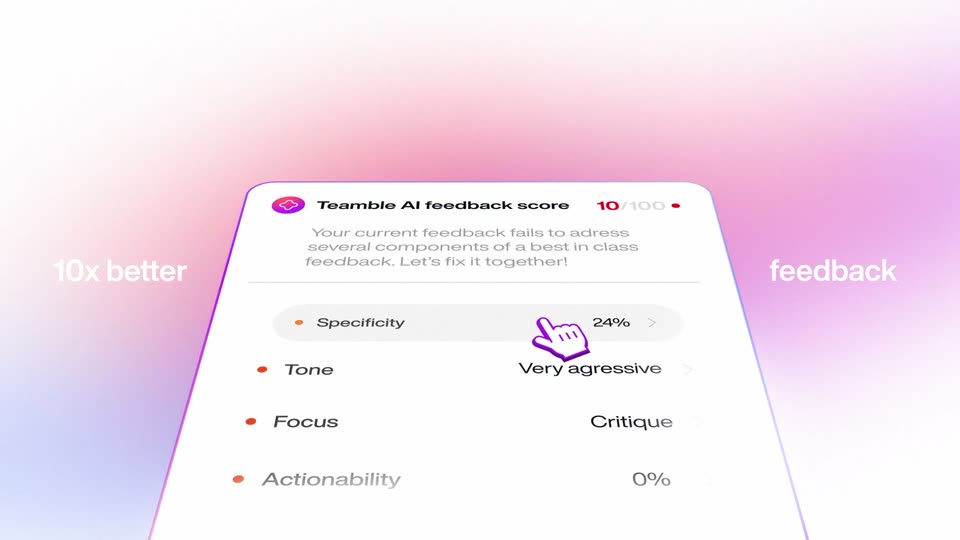 0:31–0:36Teamble · Teamble launch filmA white feedback card stands tilted in 3D perspective over a pink-purple gradient, sliding up from the bottom. White side words swap from “Turns into” to “10x better feedback”, then a purple hand cursor taps the Specificity row, which highlights and scrolls.
 0:19–0:20Oxus · Oxus: Modern intelligence for better auditsA flowchart editor canvas pans across a procurement diagram. A Document shape sits selected with purple corner handles as a four-directional cursor hovers over it, with pixel dimension labels and an open shape library panel visible at the left.
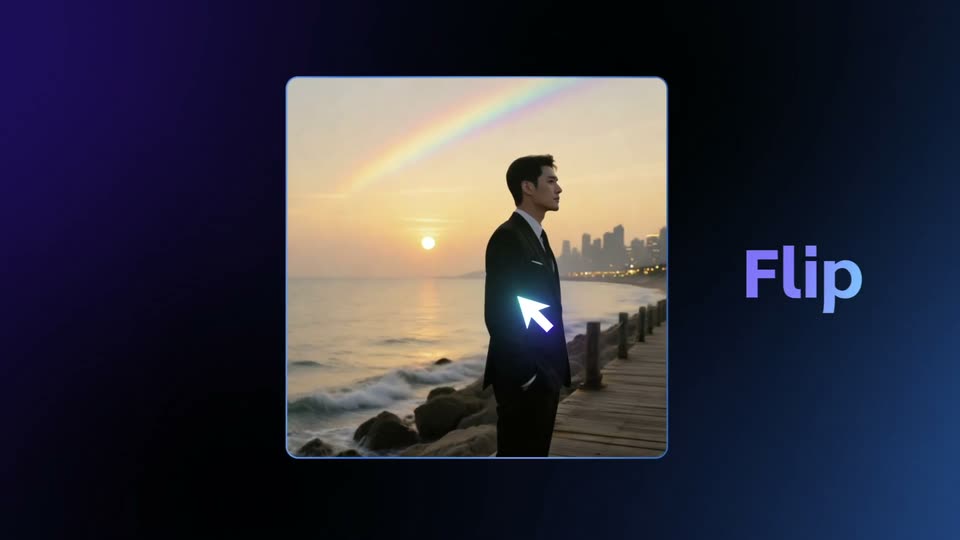 0:26–0:27Qwen · Qwen - 🎨 Qwen-Image-Layered is LIVE — native image decomposition, fully openA square photo card of a suited man on a sunset pier slides left on a dark blue gradient. A glowing white cursor appears over him as the image flips horizontally, mirroring his pose, and the word Flip fills in to the right.
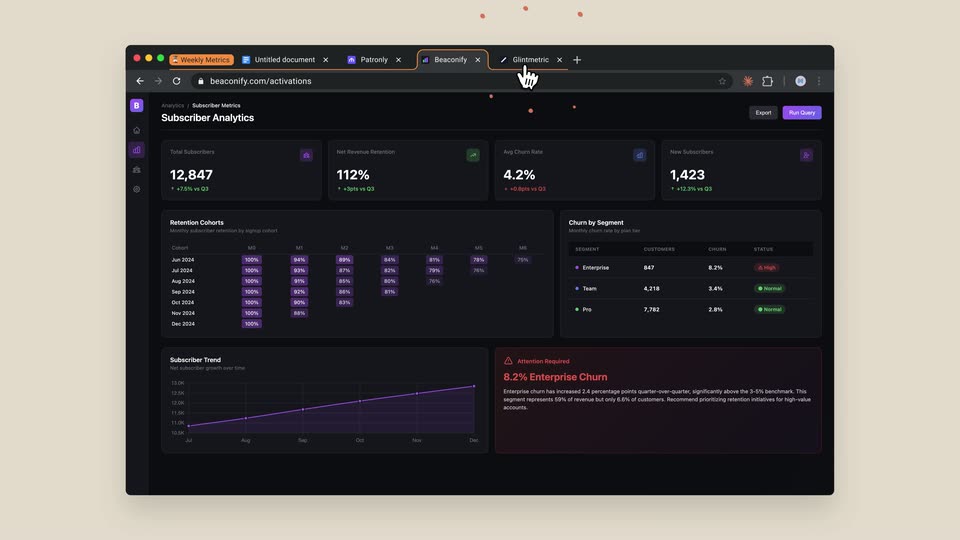 0:18–0:22Anthropic · Let Claude handle work in your browserA dark subscriber-analytics dashboard fills a 3D browser mockup on a beige field. The page lifts from a dim state while a cursor hovers the active tab, then a new tab pops in with an orange burst as the cursor slides over and selects it.
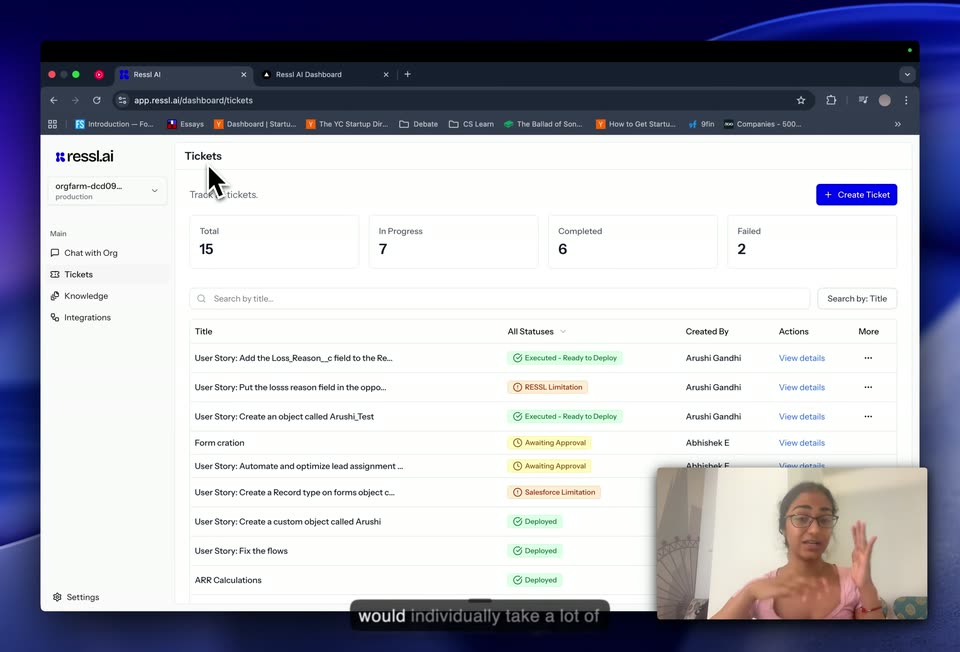 1:29–1:47Ressl · Ressl AI x Launch BookfaceA dark browser window shows the Ressl AI Tickets dashboard, a list of user stories with colored status pills. A cursor hovers on the heading, then clicks Chat with Org in the sidebar, opening a chat view. A small video of a gesturing woman sits bottom right, with subtitles below.
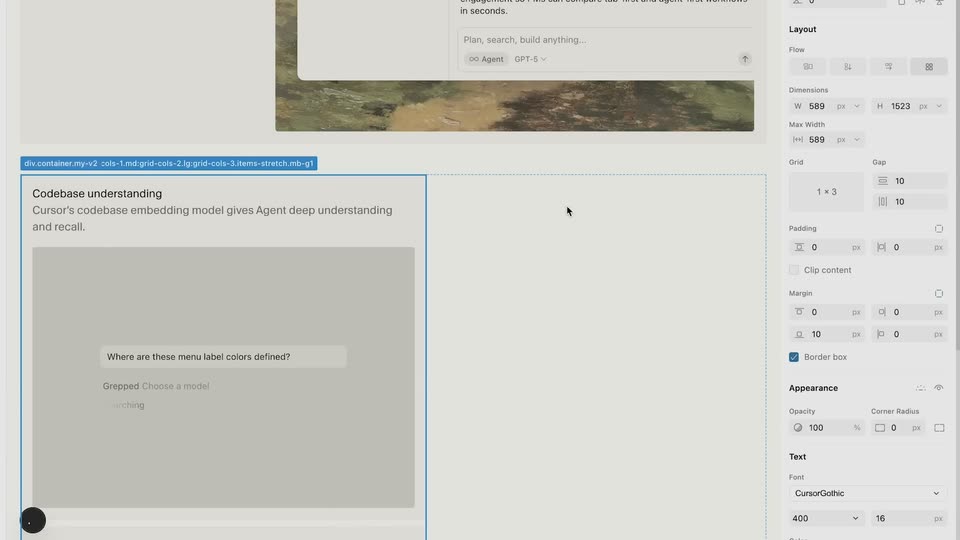 1:10–1:15Cursor · A new visual editor: design directly in your codebaseA design tool interface fills the frame. A cursor opens a width dropdown in the right Layout panel, then selects the center alignment icon, and the gray prompt panel inside the highlighted card slides to the middle.
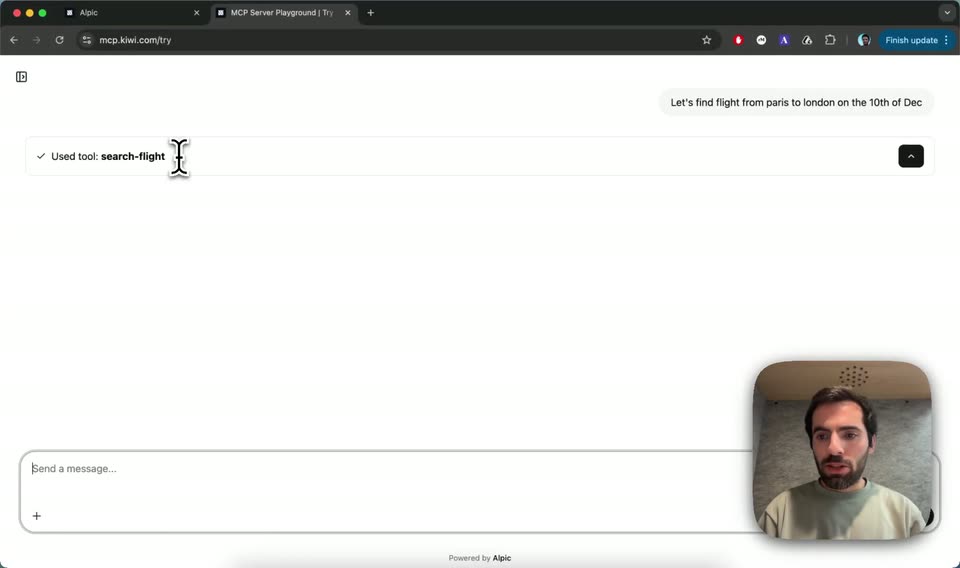 0:38–0:51Alpic · Alpic launch week 2: PlaygroundThe view zooms out from a close-up of a chat greeting to the full browser window, with a bearded man in a corner webcam typing a flight request into the input field. He clicks the tool-call expander, and a JSON block with flight data unfolds.
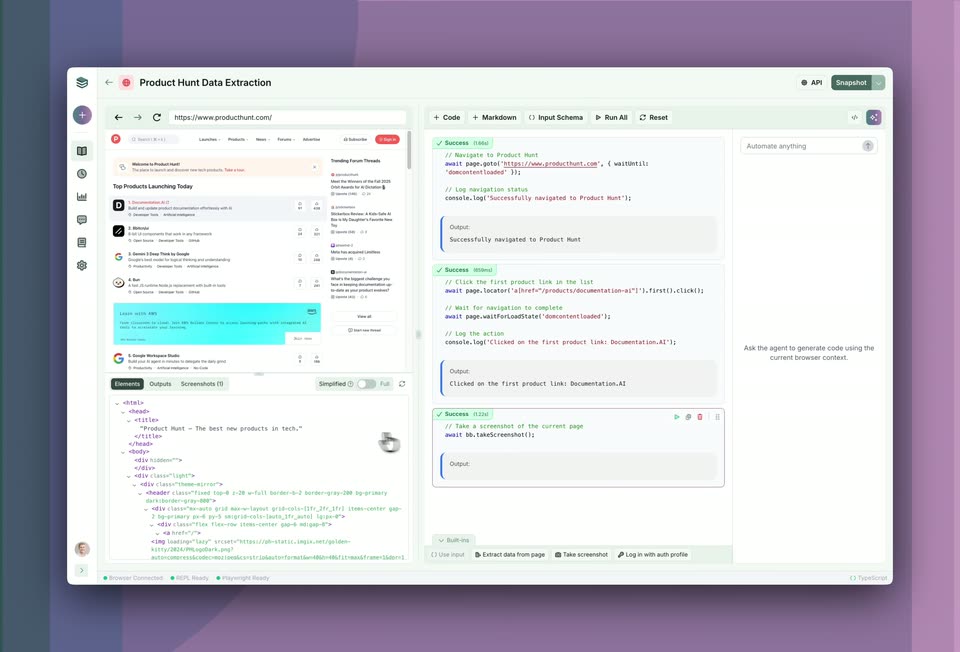 1:25–1:44Kilvin · BrowserBook YC DemoA close-up of a button bar zooms out to a full browser-automation IDE, then in on a code cell. A cursor clicks the run icon, the cell flips to success, then clicks the Screenshots tab where a page thumbnail appears.
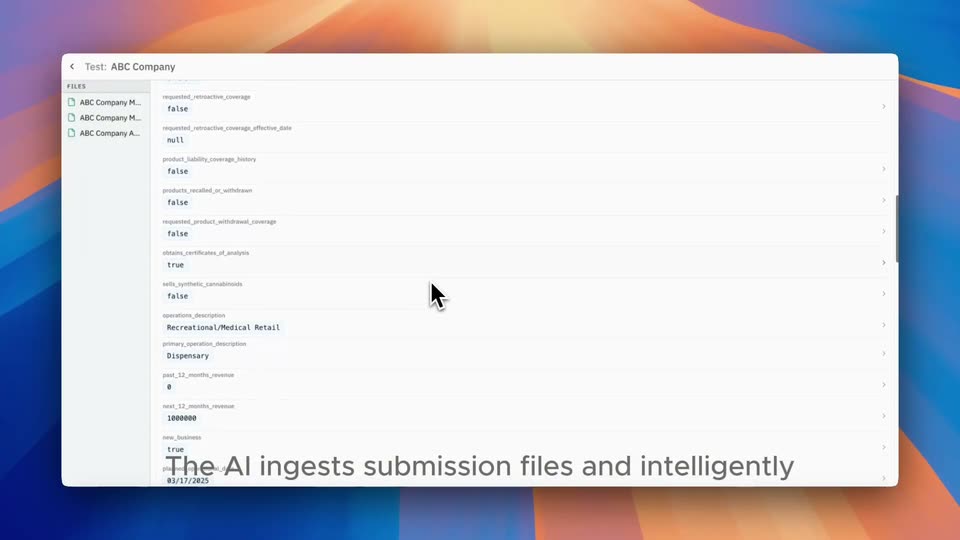 0:45–0:49Adaptional · Adaptional IntroA light app window floats over a colorful gradient. A submissions queue list is shown, then the view switches to a detail panel where extracted key-value fields scroll down slowly as a cursor rests on the page. A white caption line at the bottom swaps through three phrases.
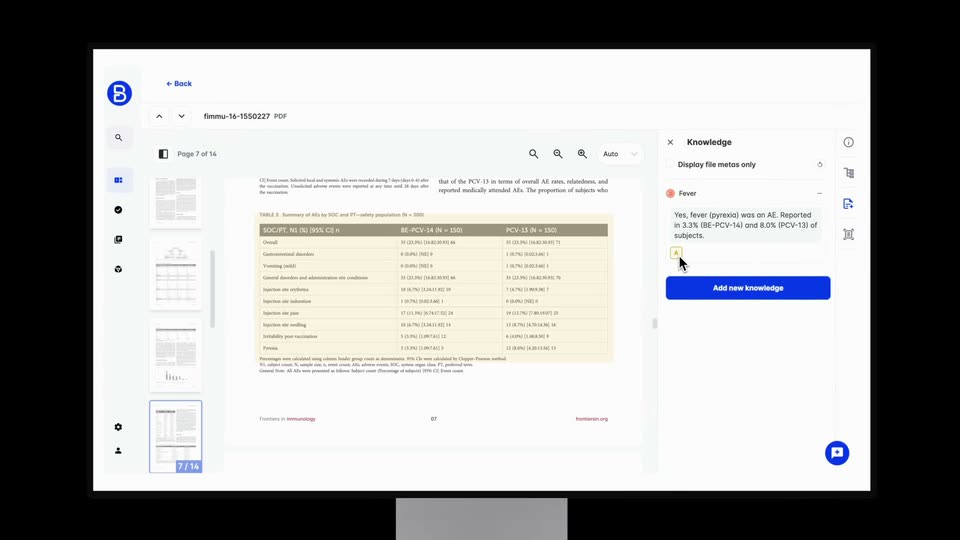 0:19–0:23Biolevate · Biolevate launch filmA PDF reader app in 3D perspective on a stand against a dark background. The camera pulls back to frame the whole screen, the document changes from page 1 to page 7, and a cursor moves from the Add new knowledge button to a small icon beside the Fever entry.
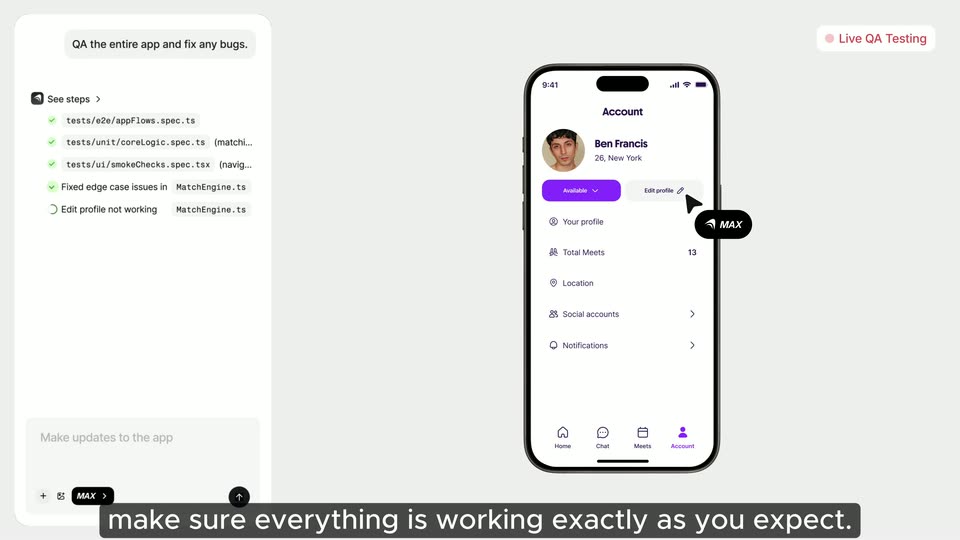 0:55–0:57Anything · Anything - Introducing Anything Max: Vibe Coding that's leaps above Lovable andA flat phone mockup of a dating app Account screen sits beside a QA steps panel. A cursor moves to the Edit profile button and clicks it, popping a red 'isn't working' tooltip, while green checkmarks fill the test list on the left.
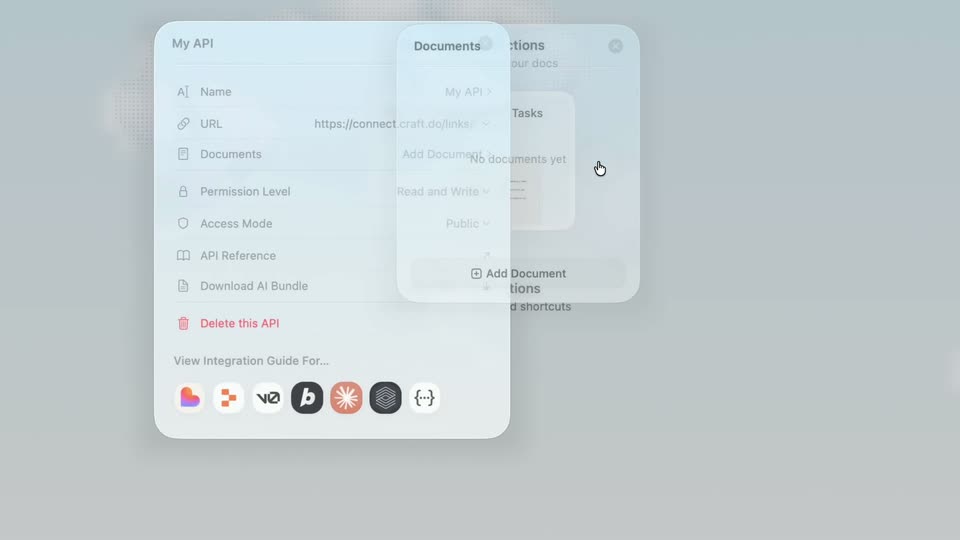 0:52–0:54Craft · Introducing the new Craft Assistant, MCP & API and more!A white “My API” settings card fades in over a blurred gray-blue background, crossfading from the previous panel. A mouse cursor glides to the blue “Add Document” link and rests there.
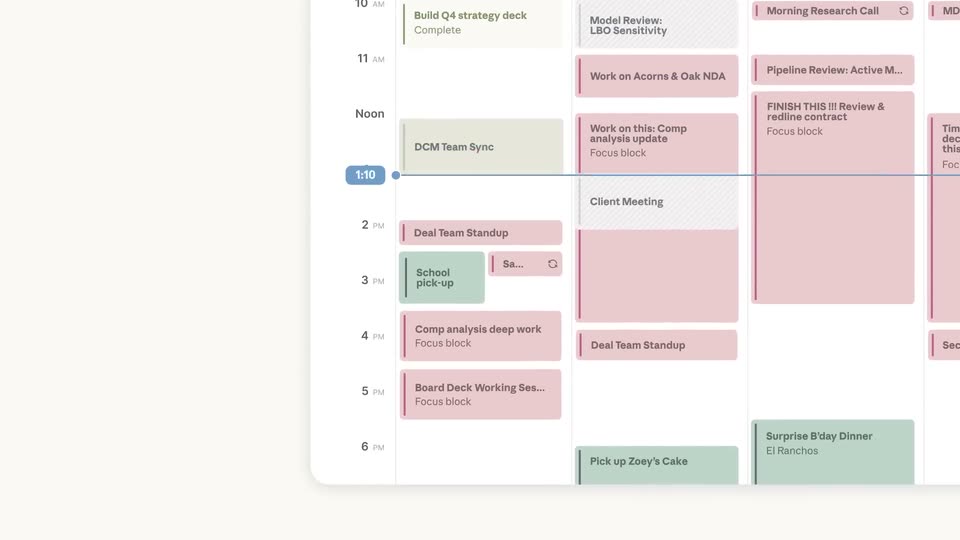 0:32–0:36Anthropic · Claude works with you on slides, spreadsheets, and contract redlinesA weekly calendar view fills the frame. A blue time line drops from 10:47 to 2:47 as the grid scrolls down, striking through a completed event. A cursor scribbles over a block at the start. The view pulls back to reveal the rounded card on a cream background.
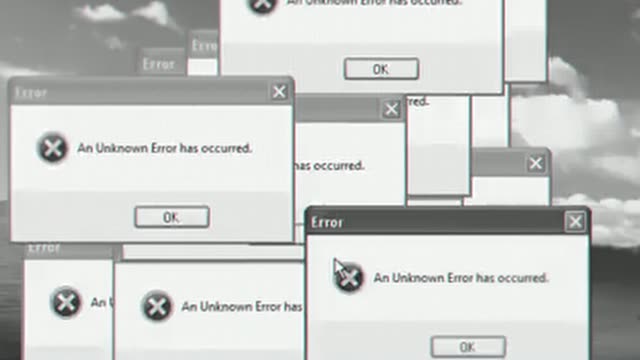 0:36–0:37Raycast · A New Start | Raycast for WindowsGrayscale error dialog boxes float at different depths over a cloudy sky. A white cursor hops from one OK button to the next as the front-most popup shifts position.