Cursor demo
A visible cursor operates the interface.
15,093 scenes · page 154 of 252
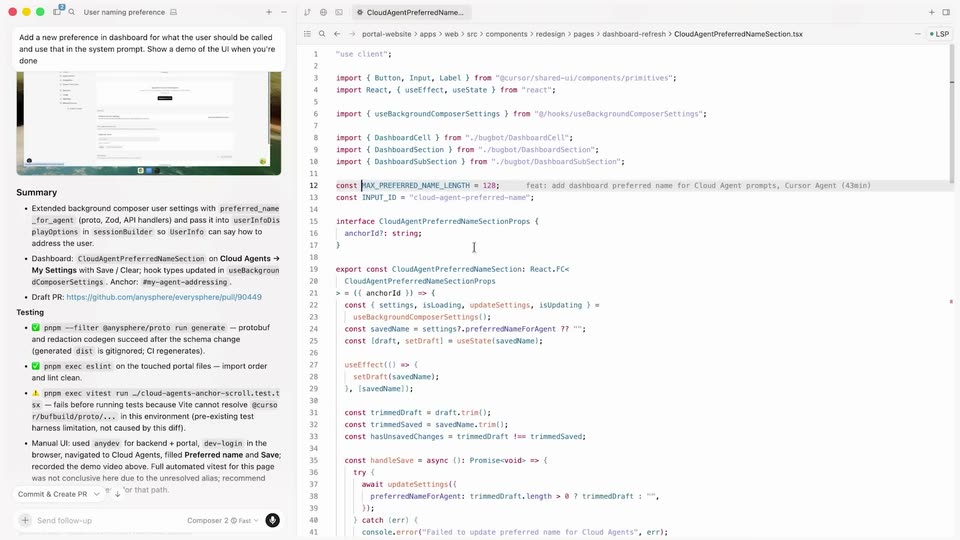 0:36–0:40Cursor · Introducing Cursor 3A light-themed IDE shows a chat summary pane on the left and a TypeScript file on the right. The code view scrolls up from line 59 to the top of the file as a mouse cursor moves, illustrating the agent navigating the source.
 0:29–0:31mymind · mymind - Today we're excited to show you something we put a lot of love into.A white card with a gray cloud pattern and a small purple hand logo rests on a blurred gray swirl inside a storybook border. A white hand cursor hovers at the card's top right, then the card drifts left as the cursor becomes an arrow and slides away.
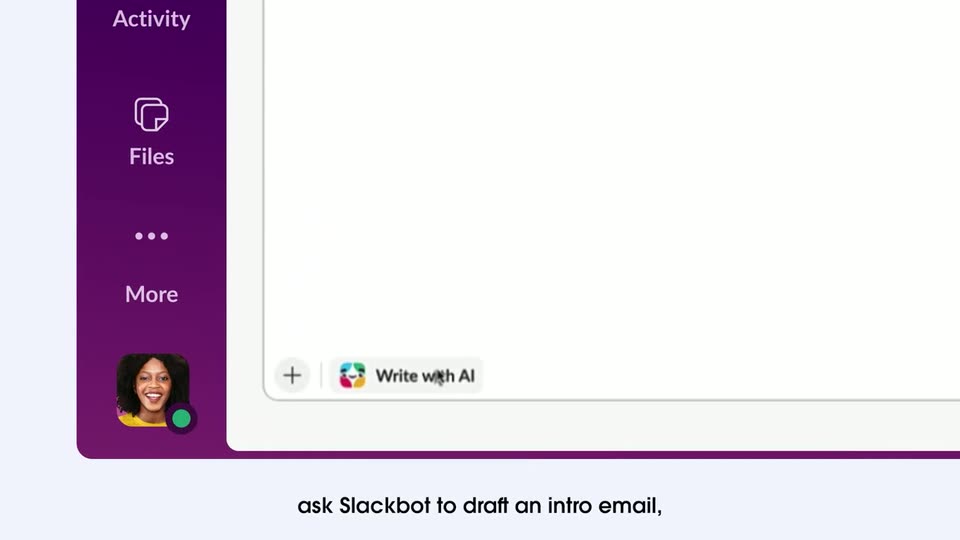 0:29–0:31Slack · Slack - Slack CRM is here for small businesses. 👋 Manage every customer reA Slack window displays an email draft modal with a cursor in the body. The frame then zooms into the purple sidebar and the Slackbot prompt field at the bottom, where a cursor rests. A black caption line sits below the interface.
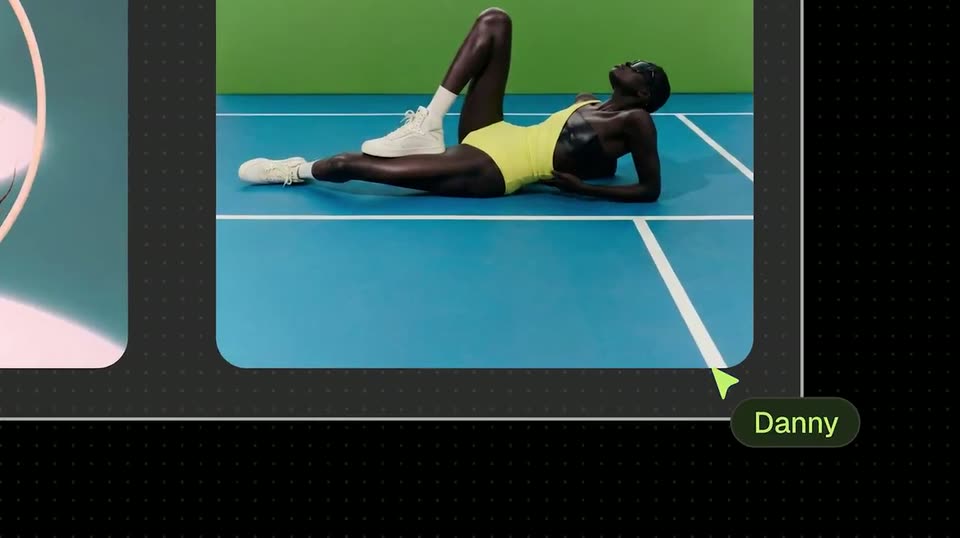 0:21–0:23FLORA · FLORA © - Introducing FAUNA. The creative agent built for people whose ideas deA dark dotted screen zooms into a row of rounded image cards showing athletes, then pans left across the tiles. A green cursor and a 'Danny' label slide from top left to bottom right, above a chat line asking where to go next.
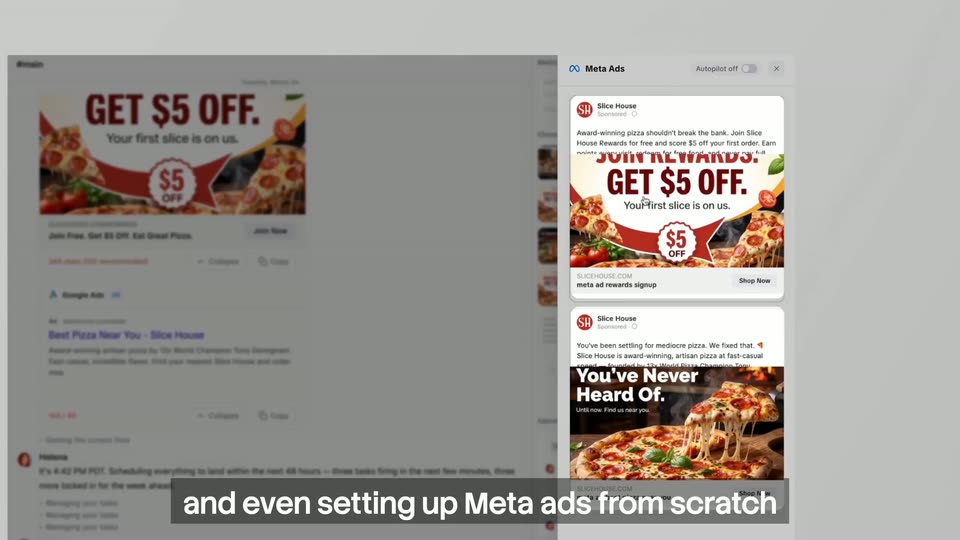 0:56–0:57Enrich Labs · Seijin Jung - Introducing Helena: the world's first autonomous AI marketer. BusineA split product UI shows a feed with a pizza promo on the left and a channel list on the right; a cursor clicks Meta Ads, swapping the panel to a Facebook post preview, while a caption bar reads across the bottom.
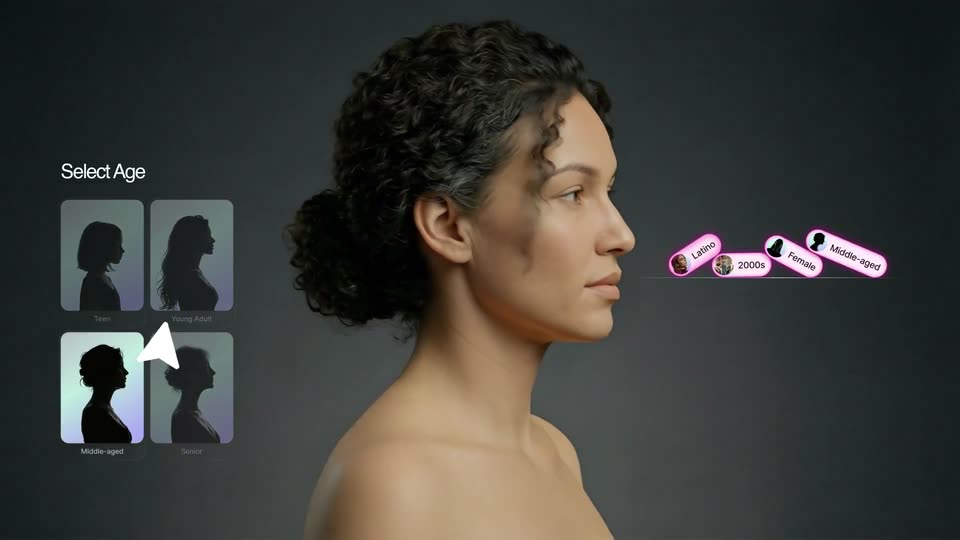 0:21–0:22OpenArt · OpenArt - 🚨 Character Builder just dropped. This is the most powerful CharacteA 3D female character with curly hair faces forward as a cursor clicks the Middle-aged card in a left-side age panel. She morphs into an older look and turns to profile while pink attribute tags float on the right.
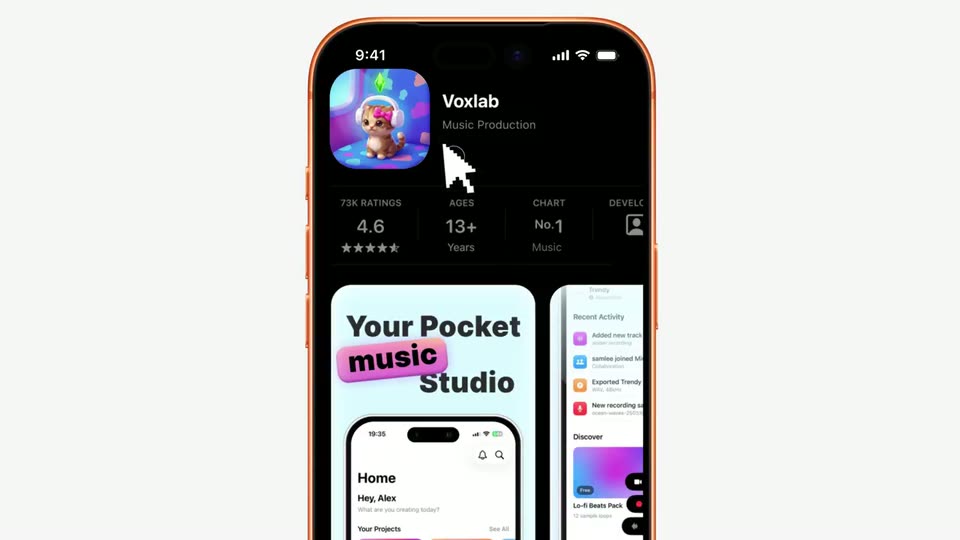 0:18–0:19Rork · Rork - Introducing Rork Max Publishing Rork Max can now fill your entire ApA copper-framed phone stands in 3D perspective on a light gray backdrop, its screen showing the Voxlab app store page with a 4.6 rating and a Get button. A white cursor glides from the button up to the app icon.
 0:23–0:26CapCut · CapCut - Introducing CapCut Video Studio, a timeline-free way to create videosA cyan cursor glides to the black send button on a CapCut prompt box and clicks it, then the box slides right off frame while the caption stays below.
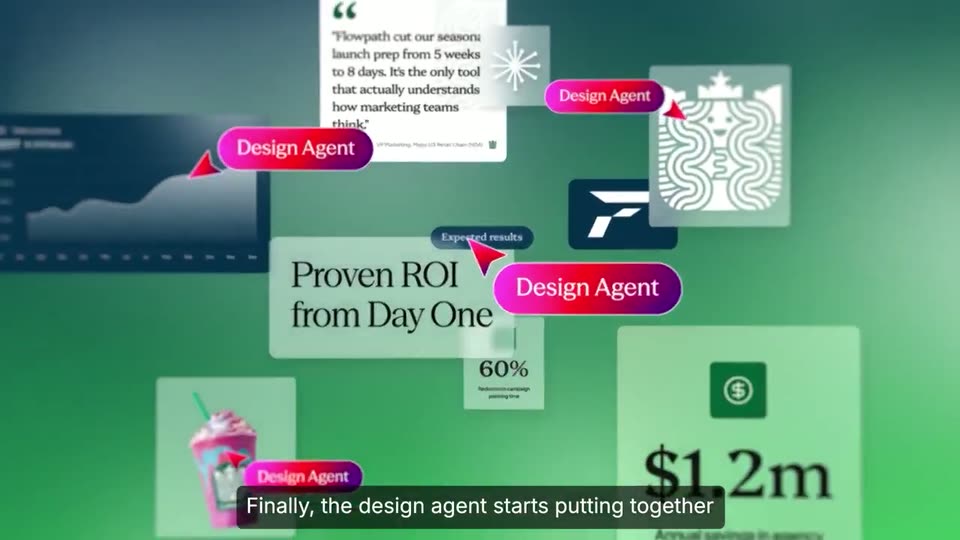 0:46–0:47Moda · Anvisha - We raised $7.5M to kill AI slop. Introducing Moda: the world's firstA green 3D field of floating marketing cards, logos and stat panels sits in soft focus. Pink Design Agent pills with red arrow cursors point at each element as the camera pushes in, blurring the edges.
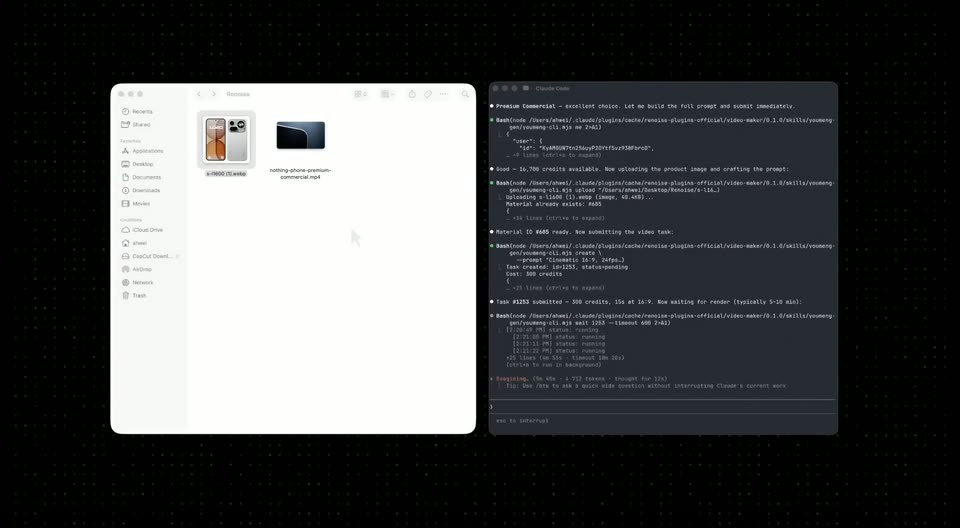 0:10–0:12Renoise · Renoise - Don't make videos — program them. Introducing Renoise = Claude CodeTwo windows sit side by side on a dotted black grid: a light file browser on the left and a dark Claude Code terminal on the right. A video file fades in next to a phone image, and a cursor hovers over it while the terminal logs scroll.
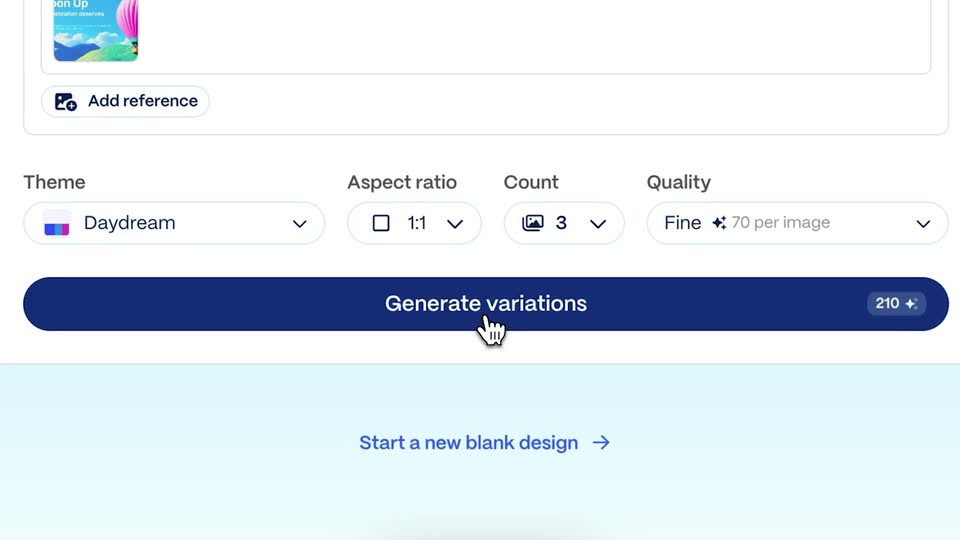 0:17–0:19Gamma · Gamma - Introducing Gamma Imagine! Gamma Imagine lets you create standaloneA flat product interface shows a settings row (Theme, Aspect ratio, Count, Quality) above a dark blue Generate variations button. A hand cursor clicks the button, and the view scrolls up to reveal a Pick a starting concept section with three loading cards.
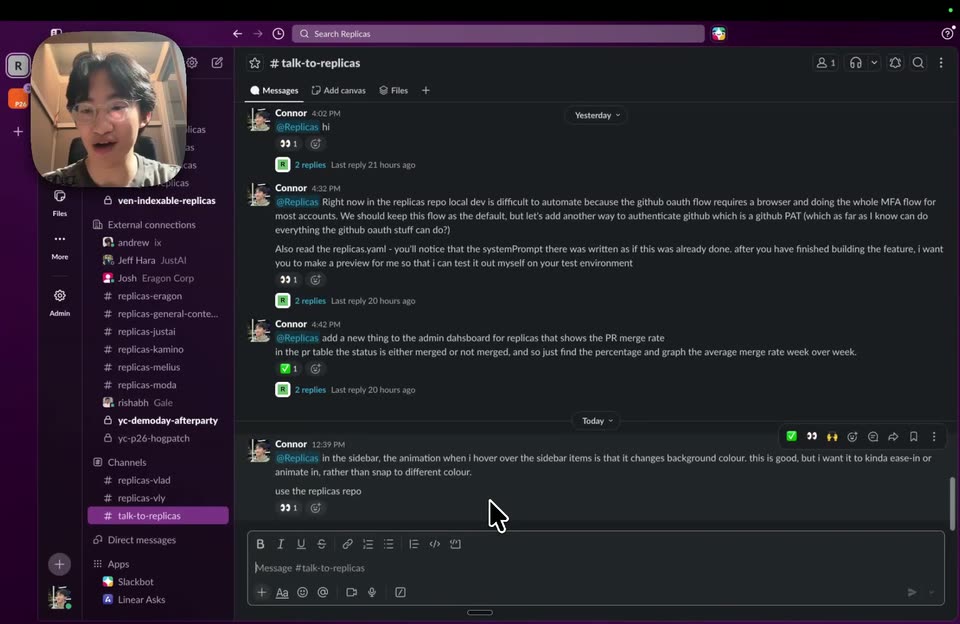 0:21–0:41Replicas · Replicas V1 DemoA crossfade settles on a dark chat app with a channel list on the left and a video call tile top left. A cursor types a line in the composer, sends it, and the message appears in the thread; the cursor then rests mid-screen.
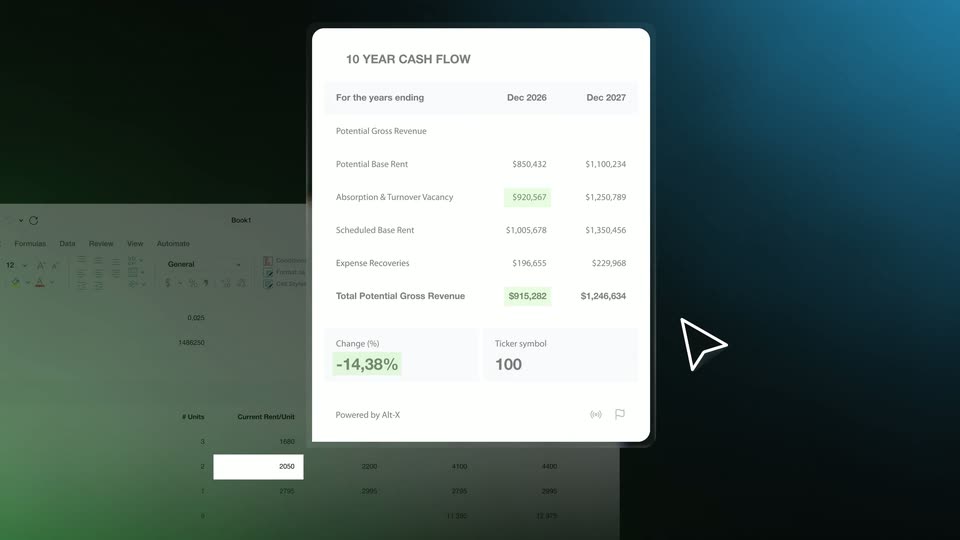 1:25–1:27Alt-X · Y Combinator - Alt-X (@downloadaltx) builds AI agents that turn real estate deal docA white cash-flow card hovers over a dimmed spreadsheet window. A white cursor arrow sits at its lower right, then the card slides up and left, its top edge leaving the frame as the cursor enlarges beside it.
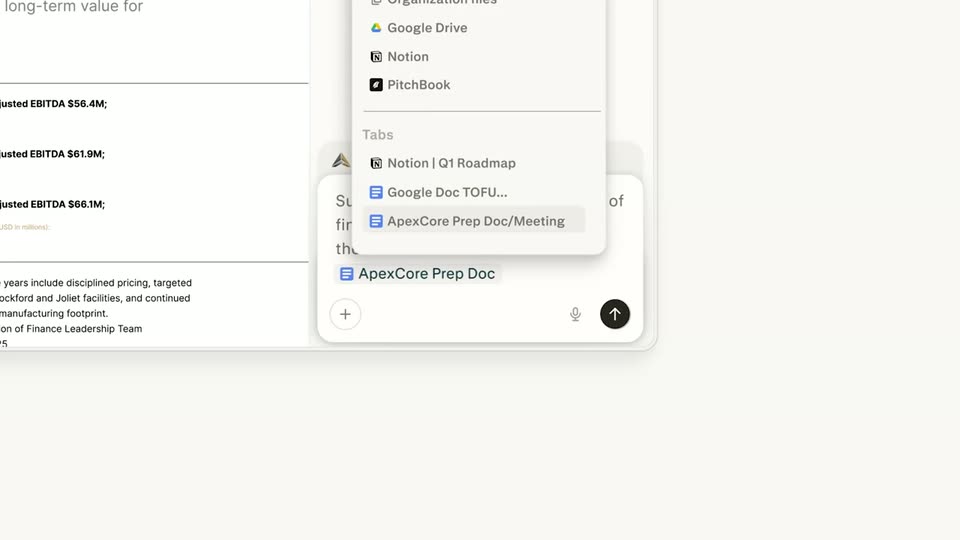 0:39–0:42Perplexity · Perplexity - Today we're launching Comet Enterprise. Now, the most powerful AI brA floating prompt widget sits on a cream field over a financial document. A query types out, an @ mention opens a dropdown of integrations and browser tabs, a tab is picked as a chip, then a cursor clicks the send button.
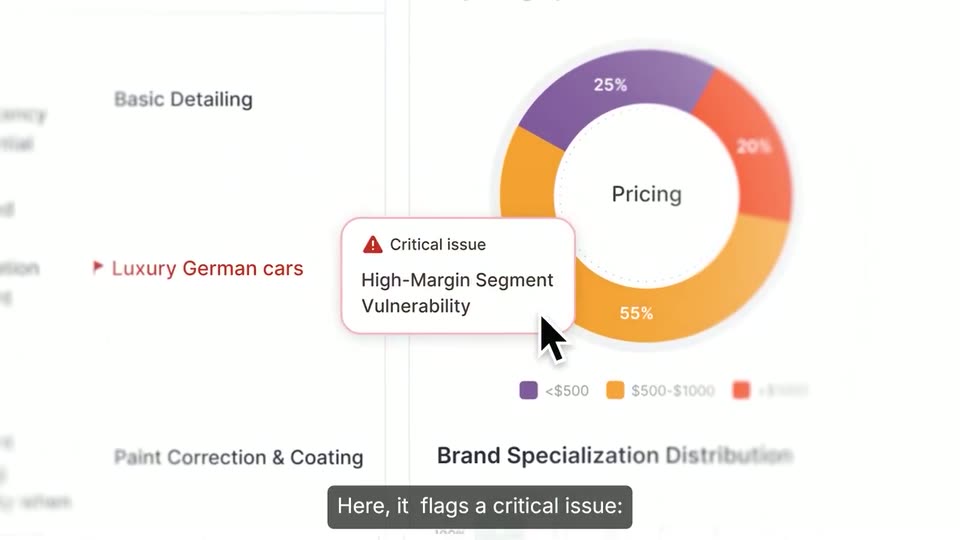 0:42–0:44Durable · James Clift - Introducing Durable. The first AI business builder that replaces youA dashboard sits out of focus, with a white “Critical issue” tooltip in sharp focus at the center beside a donut chart. A black cursor slides in from the right and hovers near the tooltip. A dark caption bar at the bottom carries the narration line.
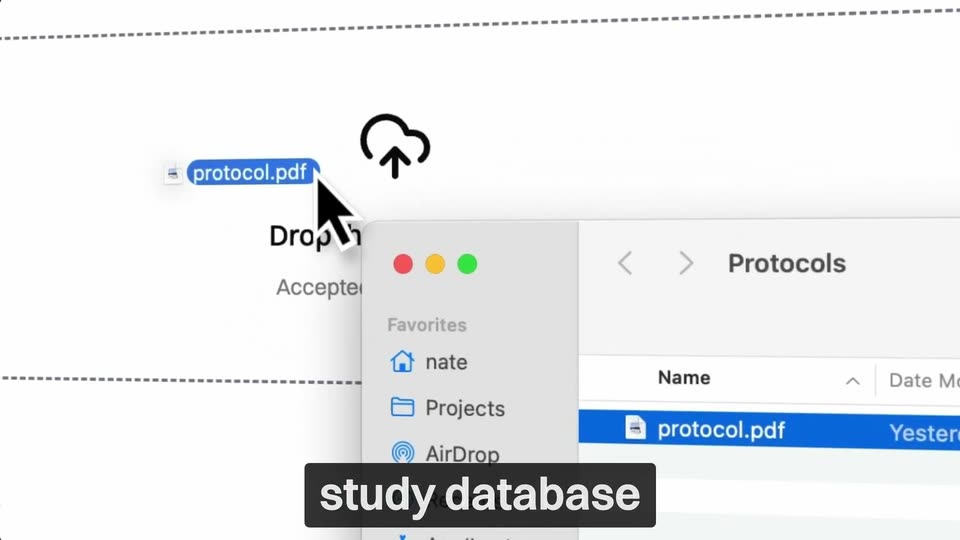 0:33–0:35Harbor · Y Combinator - Harbor (@runharbor) is a new electronic data capture platform for cliA tilted macOS Finder window labeled Protocols sits over a flat white drop zone. A black cursor selects protocol.pdf and drags the blue file pill toward a cloud upload icon as the window slides down and out of frame. A black caption bar at the bottom updates its words in sync with the voiceover.
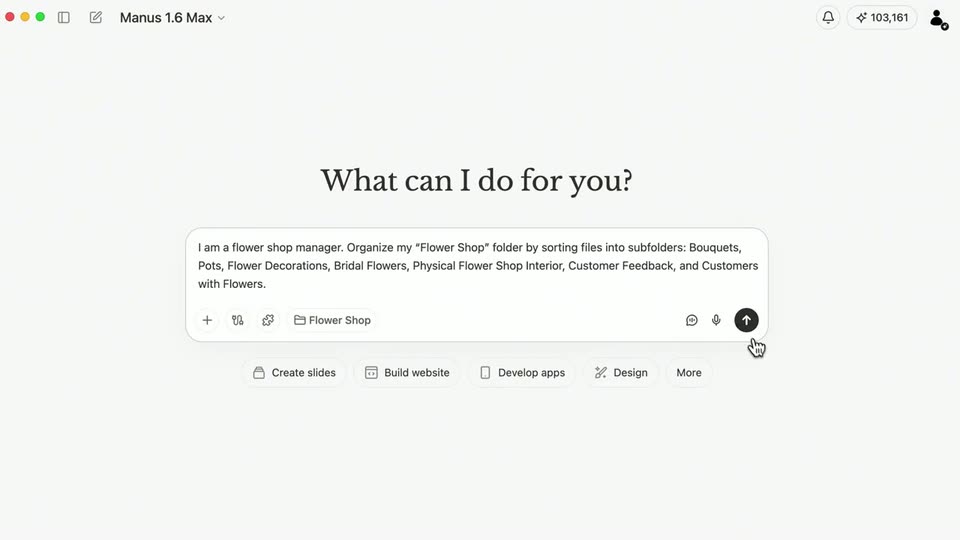 0:13–0:14Manus · Manus - Today, we're taking Manus out of the cloud and putting it on your desA light gray app window shows a serif prompt heading above a rounded text box. The box types out a flower shop folder-organization request, then a hand cursor moves to the dark send button and clicks it, revealing a Send tooltip.
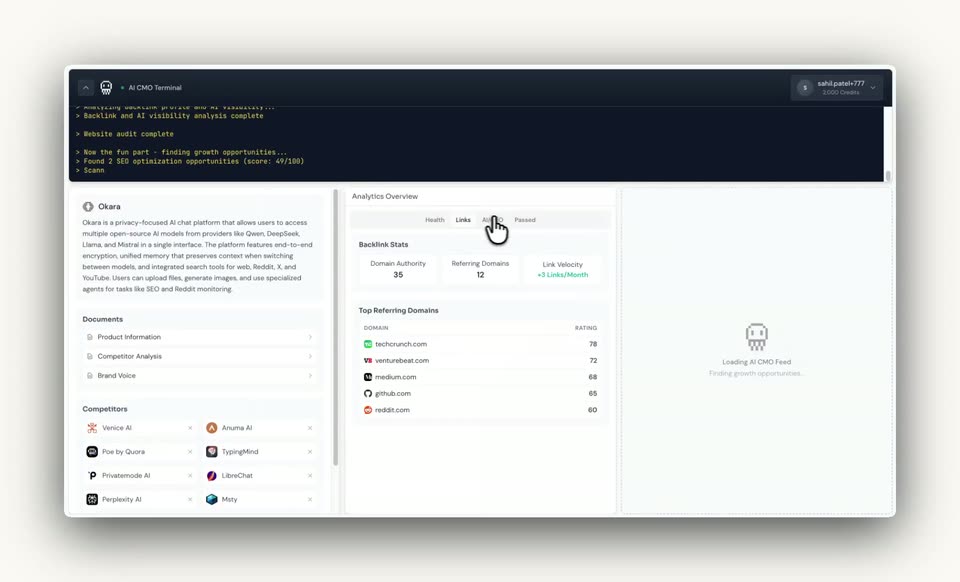 0:15–0:32Okara · Okara - Today we're introducing the world's first AI CMO. Enter your websiteA flat Okara product UI fills the frame: a dark terminal streams audit lines above a sidebar and a content pane. The right pane scrolls a competitor analysis document, then swaps to an analytics dashboard with score rings and a recommendations feed as a cursor clicks the tabs.
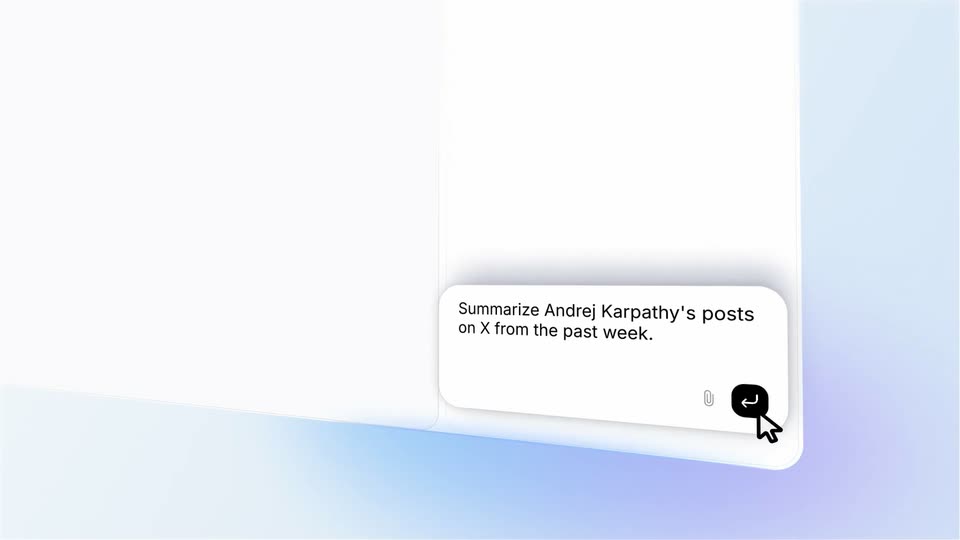 1:55–1:59Genspark · Genspark - 🚀 Introducing Genspark AI Workspace 3.0: Your First AI Employee We'vA tilted 3D browser mockup of the Genspark chat window floats on a light blue gradient. The camera zooms into the input field as a prompt types itself out, then a cursor moves in and clicks the black send button.
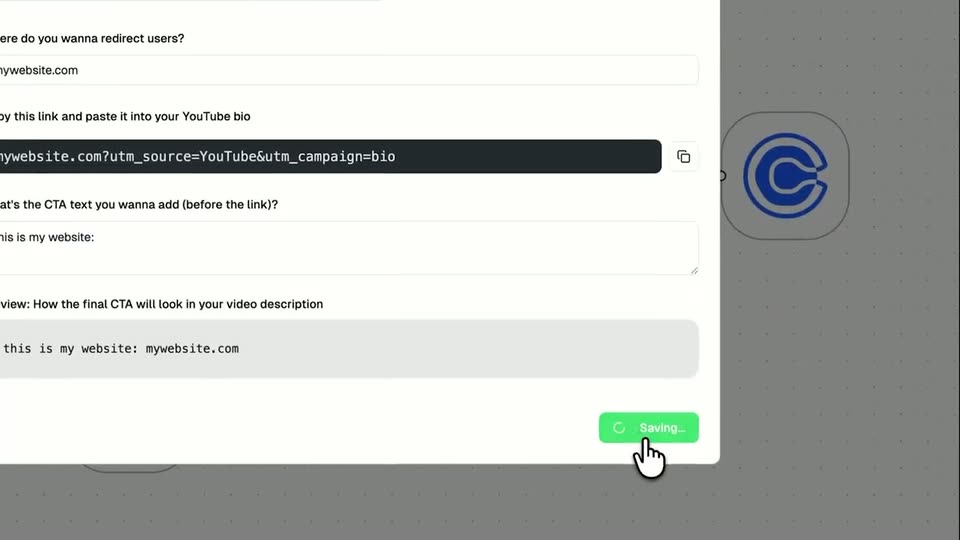 0:12–0:18Pulse · Pulse App - YouTubers creating b2b content keep looking at youtube dashboard thinA white YouTube Node Setup modal on a dotted gray canvas. A cursor types a domain and CTA text into fields while a live preview updates below. The camera zooms in, then pulls back as the modal switches to the Step 3 video grid beside a blue C node.
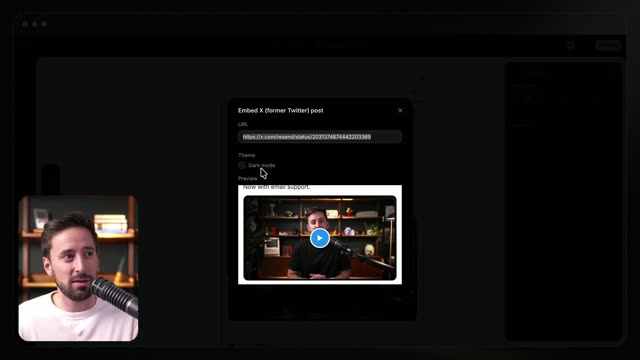 1:40–1:46Resend · The NEW Email Editor is here!In a locked-off view of an email builder, a pasted Twitter post opens an embed settings modal as the background dims. The cursor checks the dark mode box, the preview flips to dark, then moves to the close button; a presenter speaks in a small corner webcam.
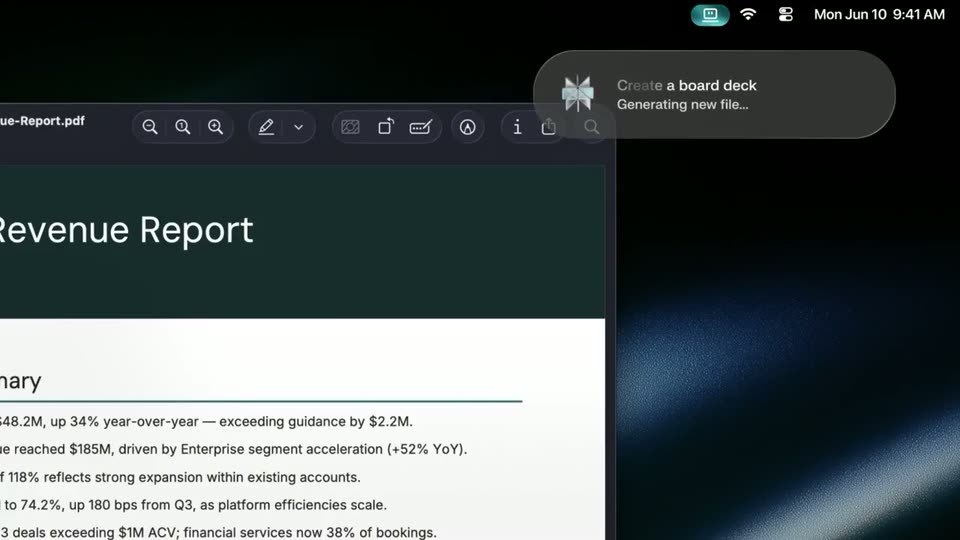 0:49–1:03Perplexity · Perplexity - Announcing Personal Computer. Personal Computer is an always on, locA Mac desktop shows a PDF viewer with a revenue report. A top-right notification cycles through status lines, pauses to ask a question with selectable chips, and a cursor clicks one. The view then pulls back to reveal the full window, menu bar and dock.
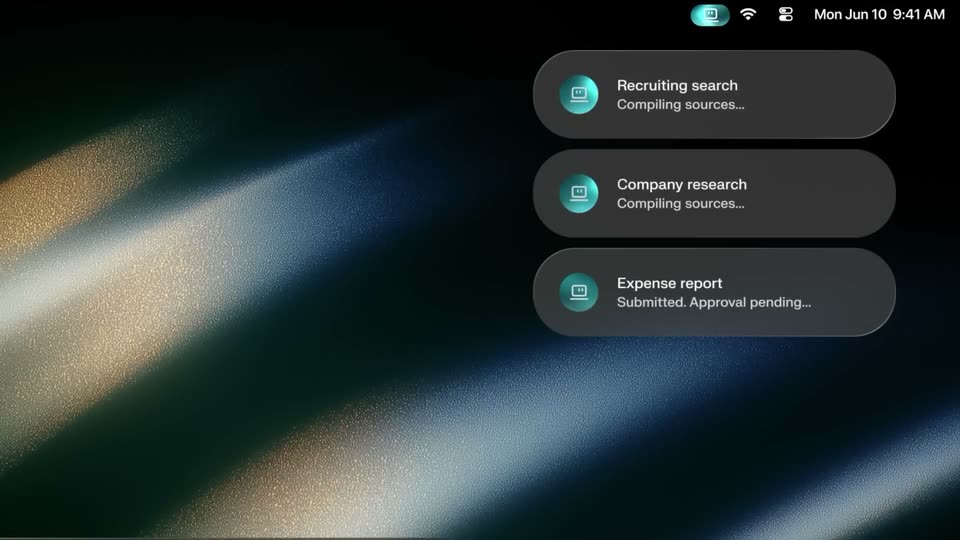 0:19–0:23Perplexity · Personal Computer, by PerplexityA dark macOS desktop with an Ask anything bar and app cards; the camera zooms to the top-right menu bar as a cursor clicks the app icon. A notification pill expands into three stacked task cards, their status lines updating from Gathering sources to Compiling sources and Thinking.
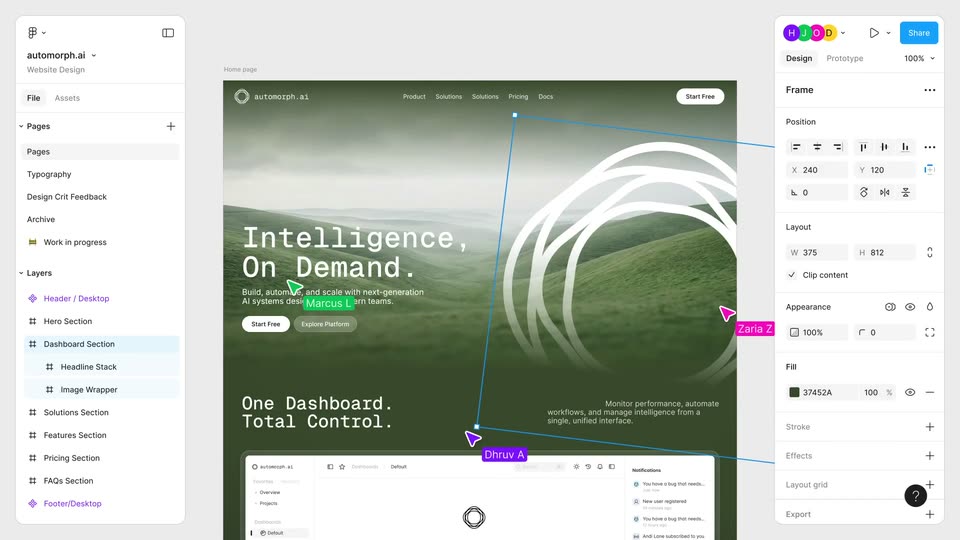 0:11–0:15Anything · Anything - BREAKING: design-first vibe coding is here! import your Figma designA design-tool workspace shows a website hero over rolling green hills. Three colored cursors with name tags move across the canvas as the headline completes and a white loop graphic draws in. The view zooms into the artboard, cropping the side panels.
 1:00–1:07Runable · Umesh Kumar - Introducing Runable 2.0 — the best way to work with AI. Runable nowA flat browser mockup of a car detailing site sits on a light gray field. It blurs from a three-step section to a 'Mobile Car Detailing' page showing a man wiping a headlight, while a cursor hovers over the stats. A caption line swaps beneath the frame.
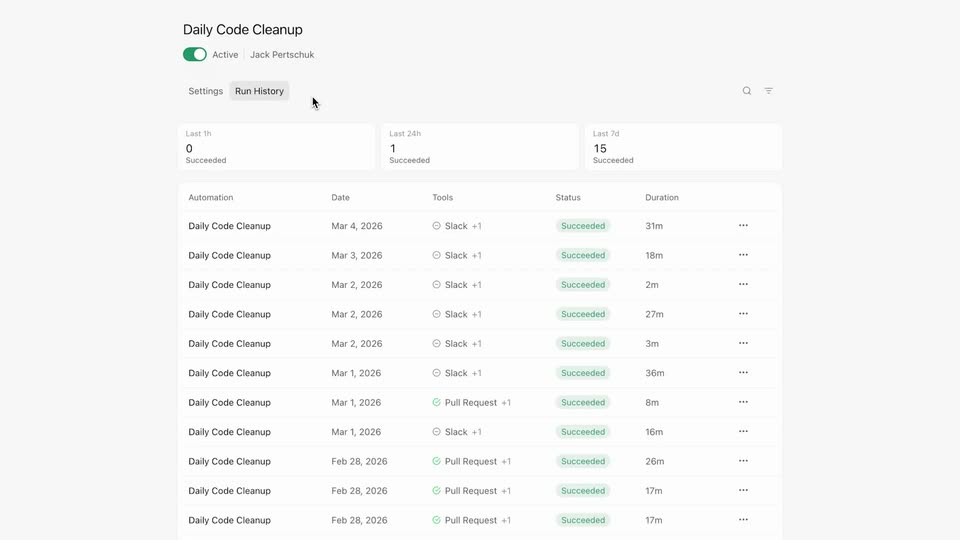 0:35–0:38Cursor · Introducing Automations: always-on coding agentsA light automation panel titled Daily Code Cleanup. A cursor clicks the Run History tab; the settings list swaps to a table of past runs with summary counts, showing a brief loading spinner. The cursor then hovers a highlighted row.
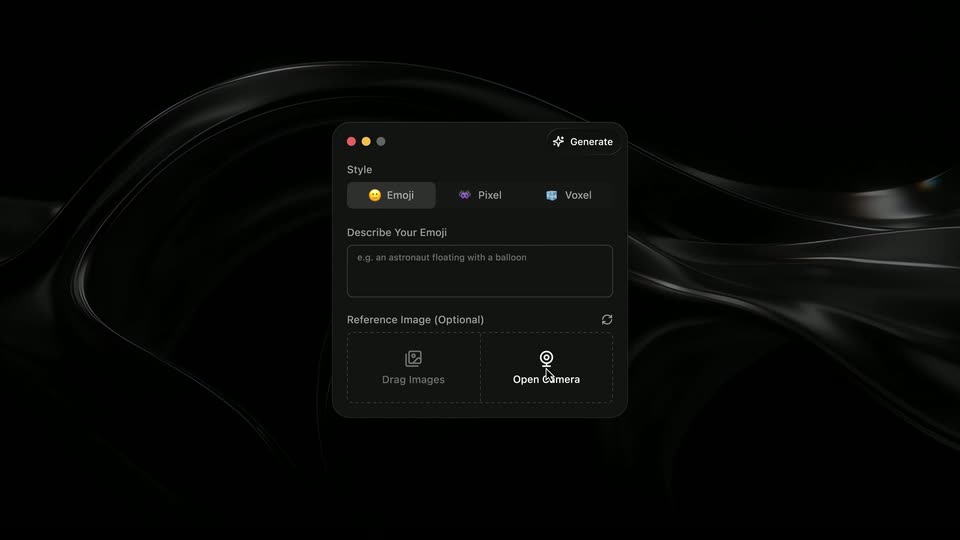 0:27–0:28Glaze · Raycast - Today we're launching Glaze 💠 Create any desktop app in minutes by cA dark emoji-generator panel with a cursor resting on the Open Camera button fades out over a black liquid backdrop as a circular mask opens in the center, revealing a bearded man in glasses against black.
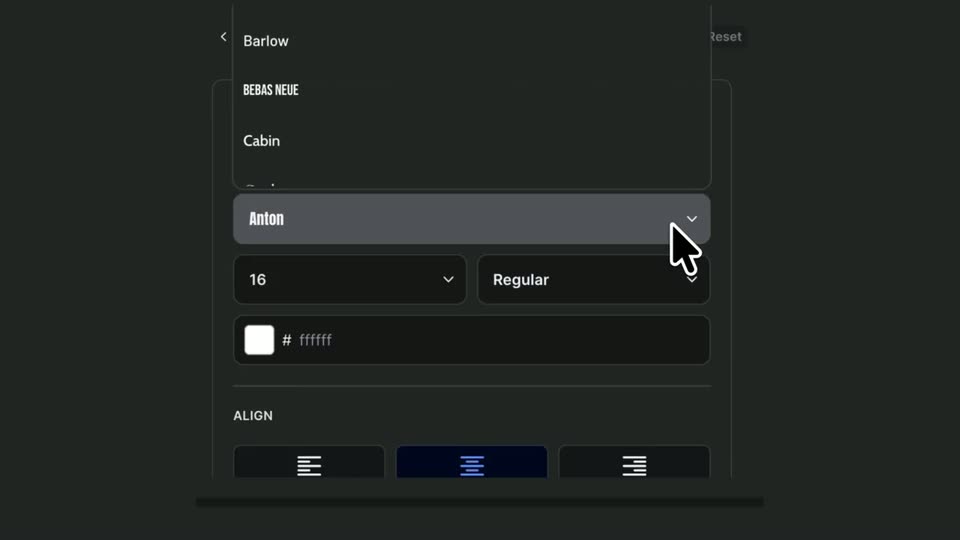 0:41–0:42Lightricks · LTX.io - Introducing Dubbing and Captions in LTX Studio. Now available for enA dark typography settings panel sits centered on a black background. A white cursor hand moves up from the weight field and clicks the font dropdown, which expands to list font names with Anton highlighted.
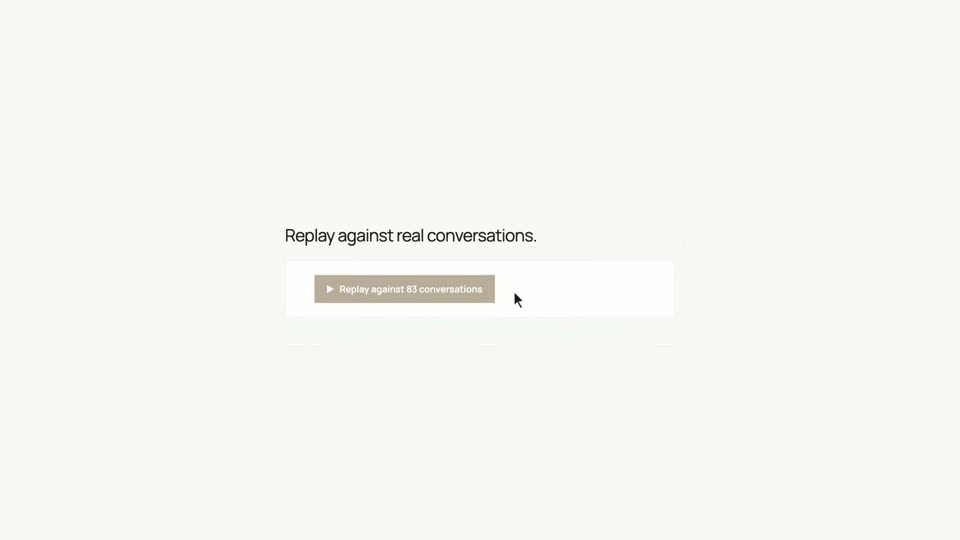 1:18–1:20Moda · Moda Launch YCOn a pale gray field, a black headline sits above a white panel holding a tan play button. A cursor glides onto the button and a thin progress bar fills left to right under the label.
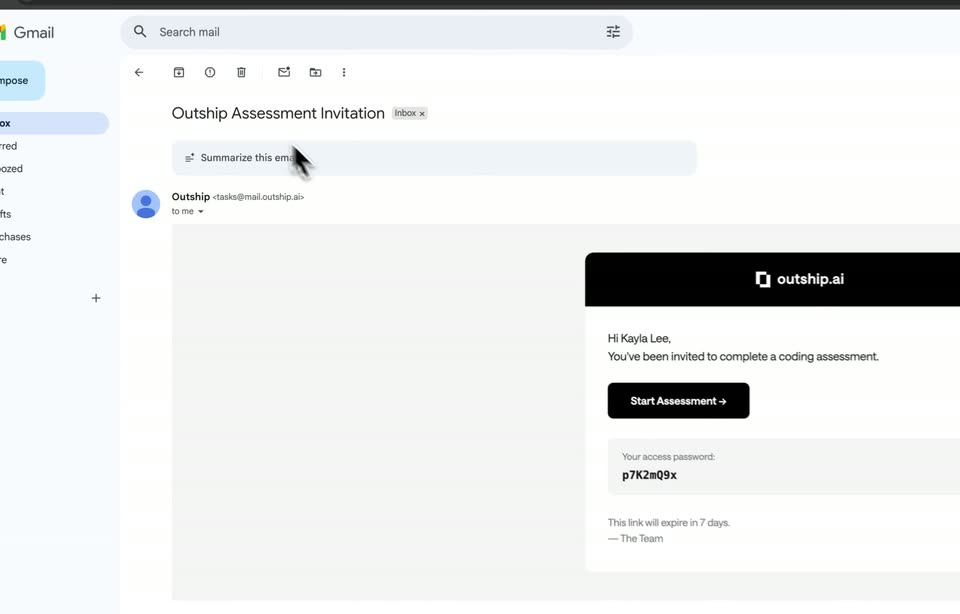 0:23–0:24Outship · OutshipA Gmail inbox in a browser window sits on a colorful gradient background. The view zooms into the top-left corner as the cursor glides from the center to the Outship email row.
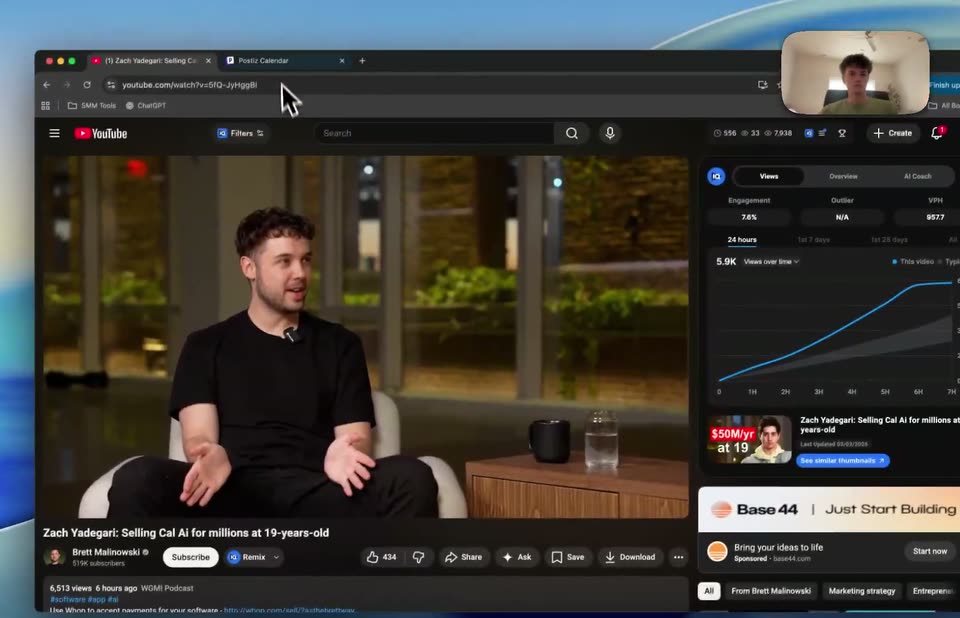 0:30–0:31Clippers · 0xMarioNawfal - CLIPPERS ARE DONE. Drop a YouTube link. AI finds the viral cuts, ediA browser window showing a YouTube interview sits on a blue gradient desktop. The window shrinks and shifts up as a cursor moves from the video controls to a new tab at the top.
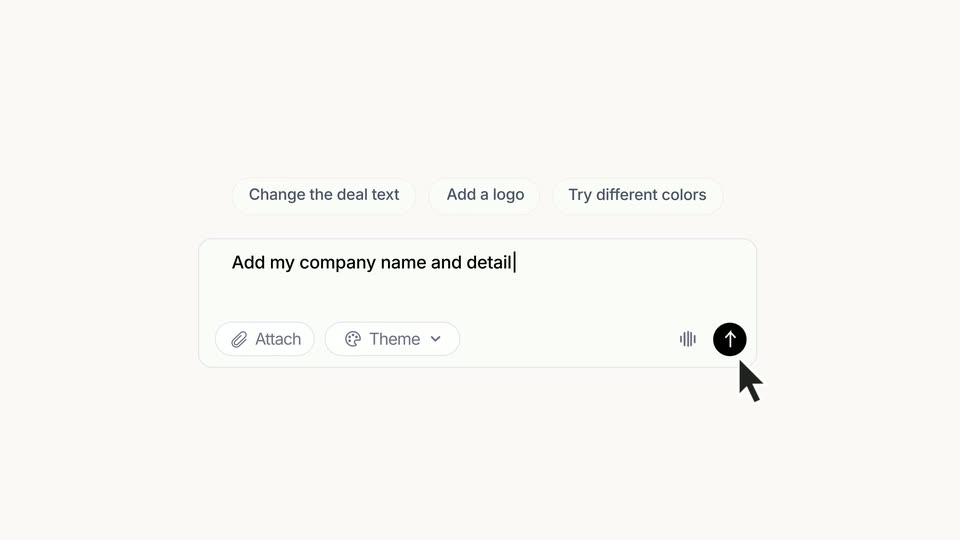 0:24–0:26Kodo · Michael Goldstein - The way we design hasn’t changed in 20 years. We think it’s time itA prompt field types out a sentence while a cursor moves up to the send button. A deal card then appears with a headline and a scaling price.
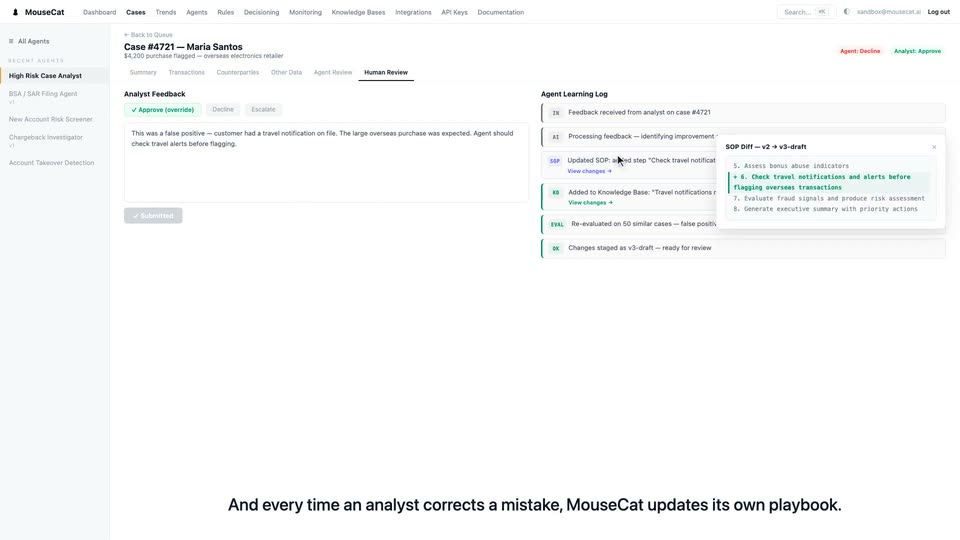 0:41–0:51MouseCat · MouseCat 🐭🐱 AI-Powered Fraud InvestigationsA dashboard runs an evaluation, filling a two-row results table while the cursor clicks a deploy control. It cuts to a case review where a feedback form submits and a learning log populates with a SOP diff card, then fades to white.
 1:22–1:24Notion · Notion - Allow us to reintroduce ourselves.On a plain off-white background, a black-outlined checkbox sits left of the gray word To-do. The box fills light blue with a white checkmark, then a black cursor arrow appears at its lower-right corner.
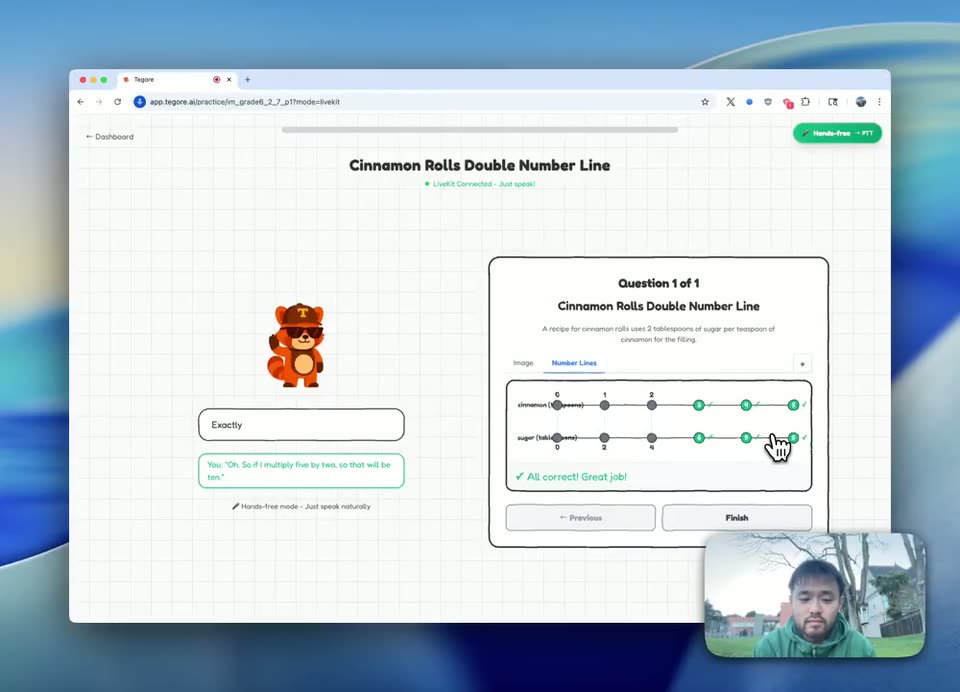 3:03–3:45Tegore · Tegore AI: The Math Bear - The promise of 1:1 high-quality on-demand tutoring is here! Watch tA browser window shows a tutoring app on a grid background, with a cartoon fox avatar left of a question card holding a double number line. A feedback box types text as the line's dots fill green with checkmarks; a webcam feed of a man sits bottom-right.
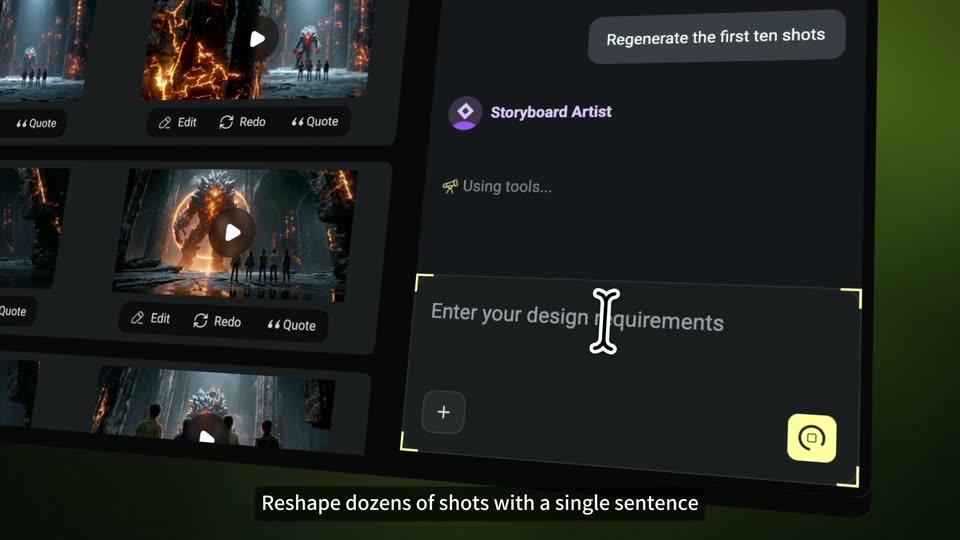 1:06–1:09Zopia · Zopia AI - We’re introducing Zopia — an end-to-end AI Video Director Agent for FA tilted 3D view of a dark storyboard interface opens on a chat input where a command types itself, then the frame pulls back to reveal the full grid of shots and a chat panel as a cursor hovers over it.
 0:35–0:36Cifrato · Demo CifratoA white app window sits on a blurred blue backdrop with a hand cursor centered. The window fills with a green line-art illustration of a seated figure among floating icons, then a confirmation message and a small loading spinner appear.
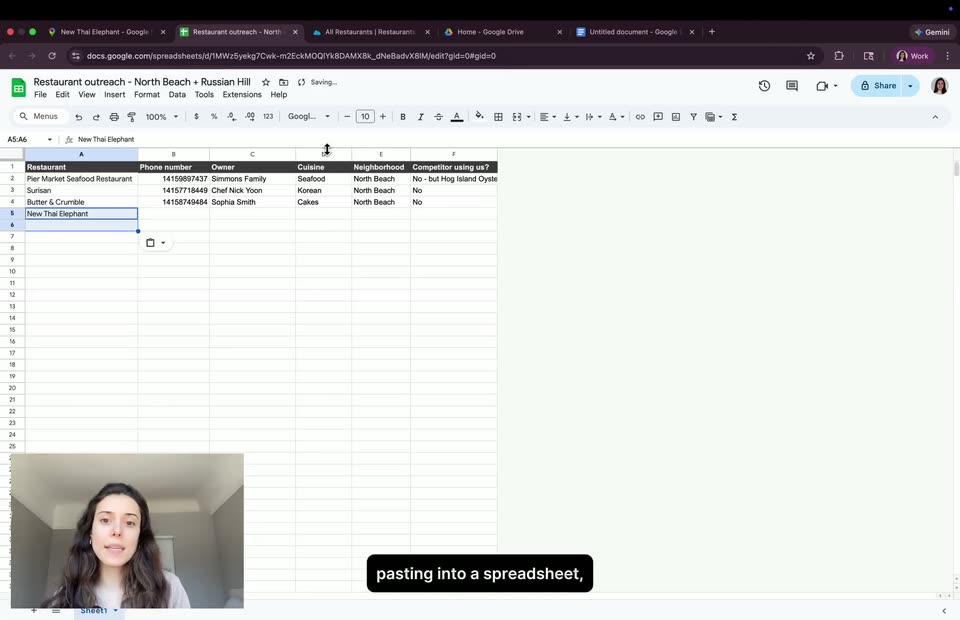 0:18–0:20Cofia · Introducing CofiaA screen recording of a Google Sheets table of restaurants fills the frame, with a woman on a video call in the lower-left corner. A cursor hovers over the sheet as white captions on black bars appear at the bottom.
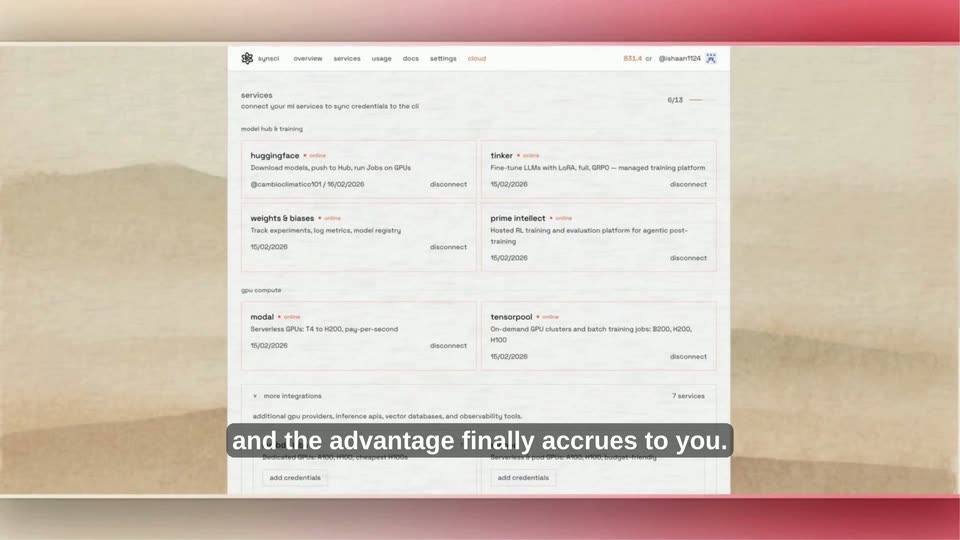 1:47–1:53SynScience · Y Combinator - .@SynScience is building AI co-scientists for end-to-end scientific rThe synaci services page sits over a blurred warm desert backdrop, framed by red bars. A cursor clicks the more integrations row, expanding the grid to reveal extra provider cards. Subtitles roll along the bottom as the UI dissolves into two men seated on a couch.
 0:25 · 0.8sGoogle · Google Flow - Today we're expanding Flow into a full AI creative studio. We’ve redeClose-up of a dark rounded input bar over a blurred green background. An Image x1 attachment pill and a circular send arrow sit inside; a white hand cursor rests on the arrow as the bar slides left in a locked-off frame.
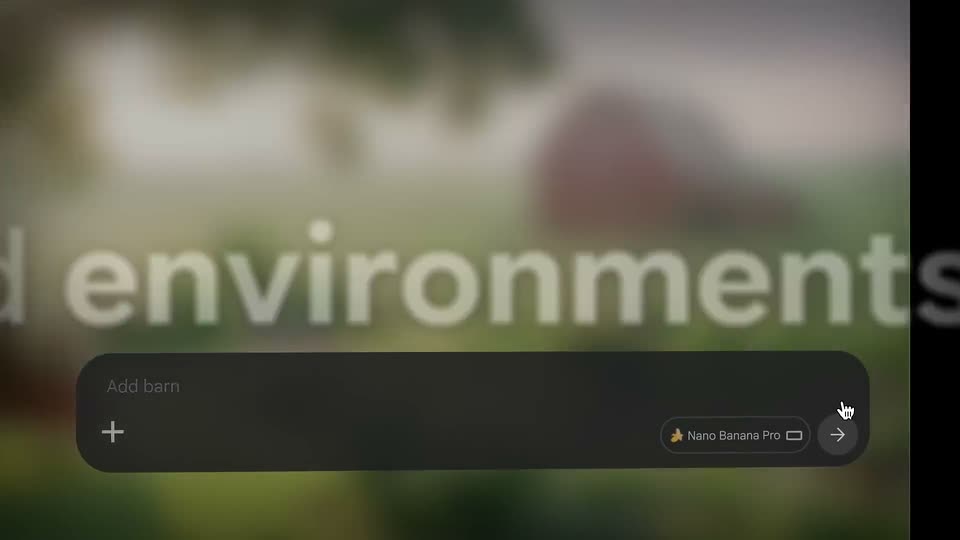 0:20–0:21Google · Introducing the New Flow, Your AI Creative StudioOver a blurred farm field, a dark prompt bar holds the typed text 'Add barn', a Nano Banana Pro pill and a send arrow with a cursor. The bar slides down and shrinks as the large white headline 'Build environments.' scales in across the frame.
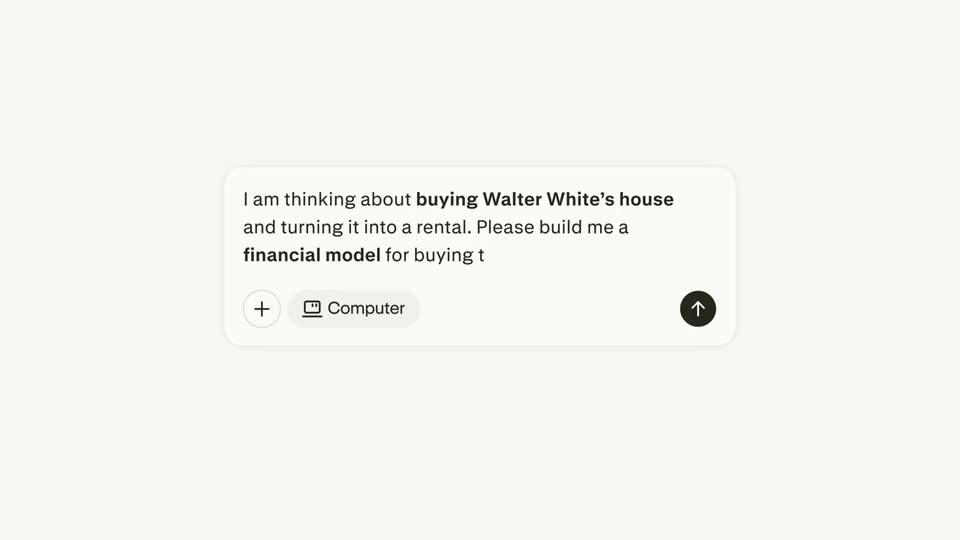 0:55–0:59Perplexity · Perplexity - Introducing Perplexity Computer. Computer unifies every current AI cA white prompt input card sits centered on a cream background. Text types in line by line, key phrases in bold, as the card grows. A cursor arrow slides in from the top right, moves down and presses the black circular send button.
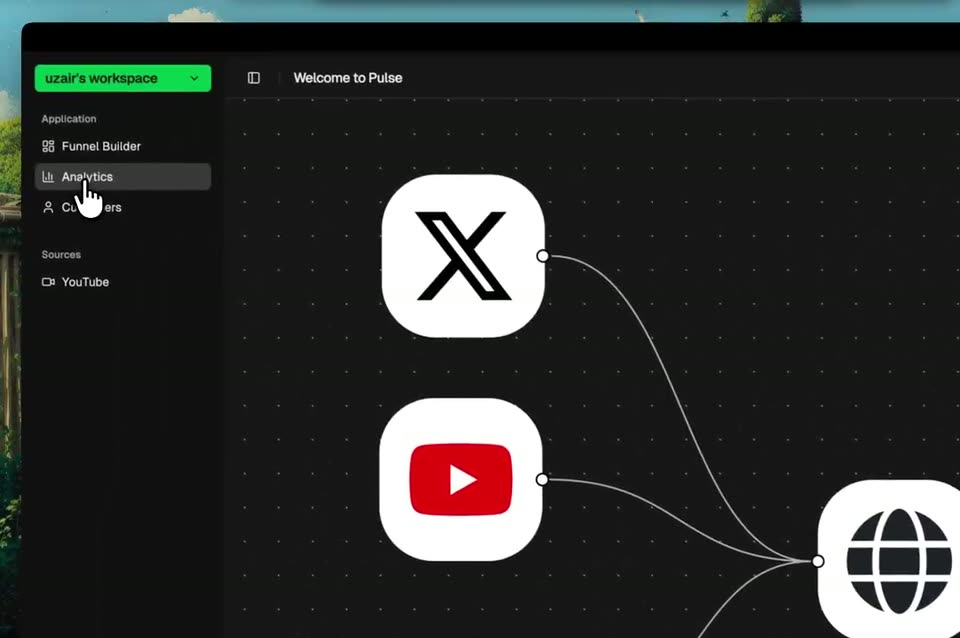 0:14 · 0.8sPulse · Pulse App - Psst, dark mode is here. If you're running youtube lead gen offers,A dark analytics dashboard fills the screen. A white hand cursor clicks the Analytics row in the left sidebar, the header swaps to Website Analytics and a Visitors Trend panel fades in behind large X, YouTube, and globe icons joined by curved lines.
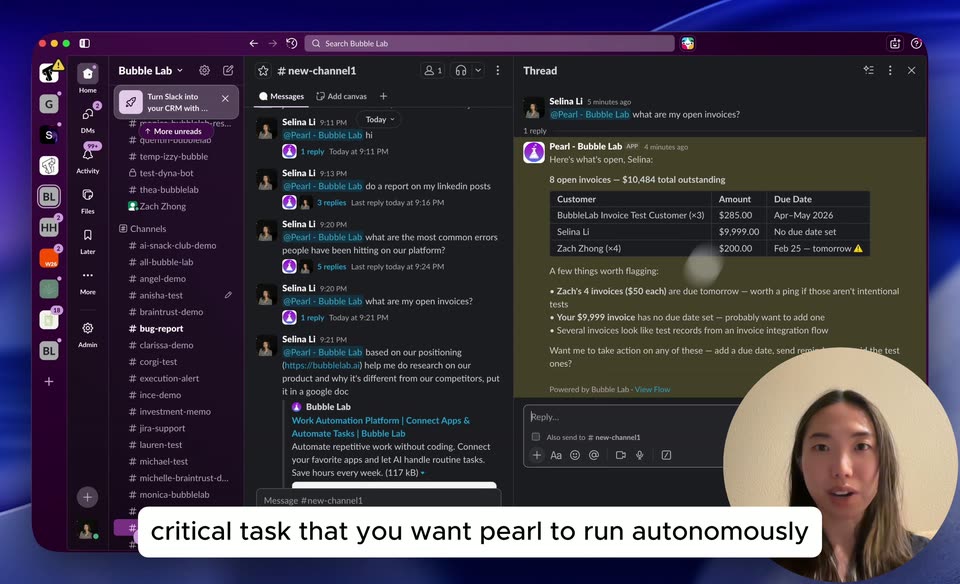 1:47–2:34Bubble Lab · Pearl in Slack (Bubble Lab) demo!A dark Slack-style thread fills the frame, a presenter's circular webcam sits bottom right, and white caption boxes swap at the bottom. The view zooms into the composer as a typed command and an autocomplete menu appear, then pulls back to the full thread.
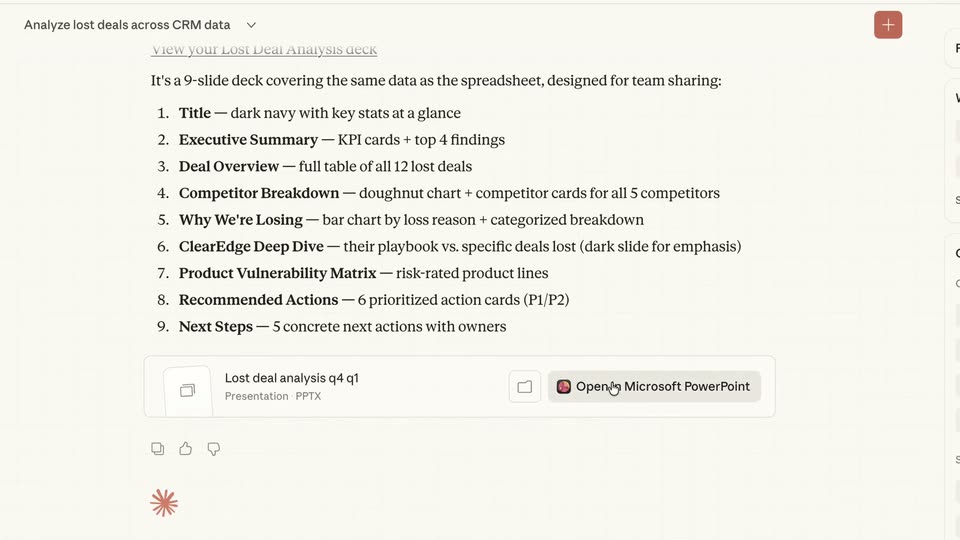 0:45–0:47Anthropic · Claude - Introducing Cowork and plugin updates that help enterprises customizeA light chat interface updates from a 'Working on it' task list to a nine-line deck summary with a PPTX file card. A mouse cursor then glides down and hovers over the 'Open in Microsoft PowerPoint' button.
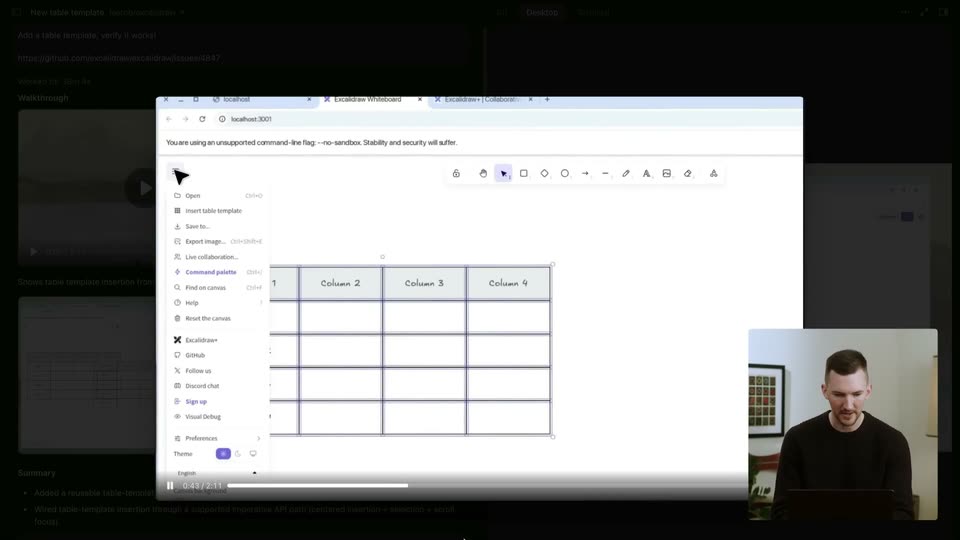 1:03–1:10Cursor · A computer for every agentScreen recording of the Excalidraw whiteboard in a browser window over a dark editor, with the presenter's webcam in the bottom right. A cursor opens the hamburger menu, hovers over Insert table template, and a four-column table sits on the white canvas.
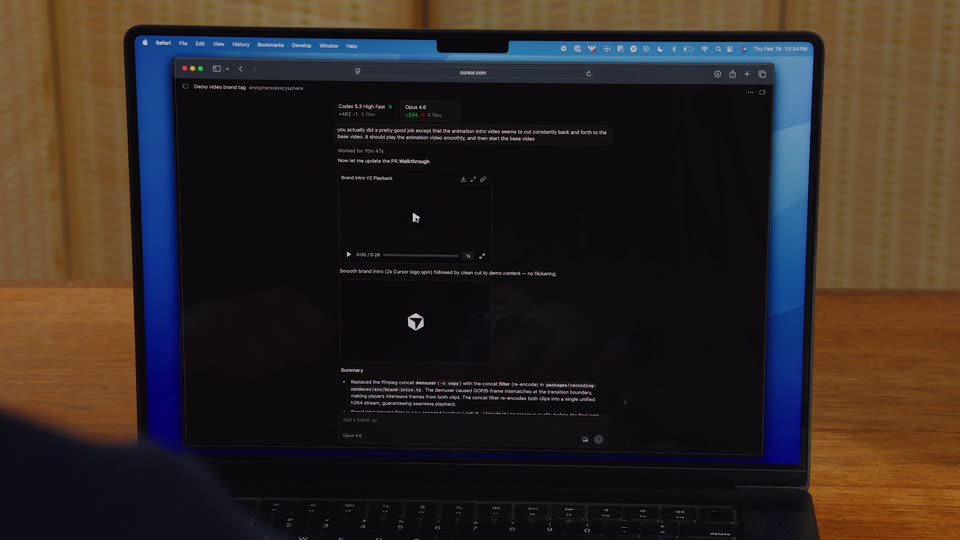 1:02–1:05Cursor · Cursor now shows you demos, not diffsOver-the-shoulder view of a laptop on a wooden desk, its screen showing a dark cursor.com chat with a video player. The player swaps to a placeholder, the cursor moves in, then the frame zooms onto the player as it starts playing.
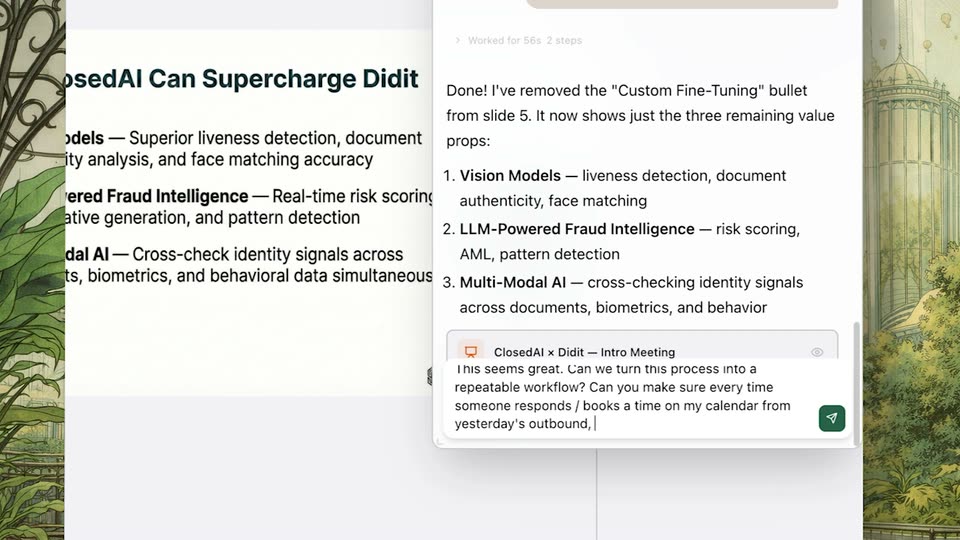 2:20–2:29/dev/fast · Introducing Carson, an adaptive assistant with serious securityA slide deck sits on the left while a chat panel on the right shows the AI's summary of slide edits. A blinking caret then types a message word by word into the input box, asking to automate the workflow so slides are generated whenever a call is booked.
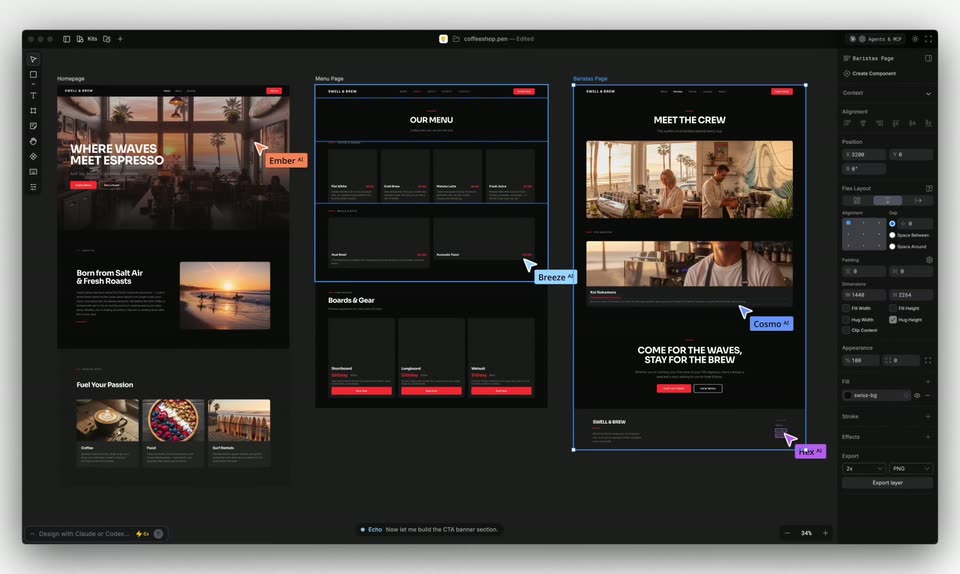 0:16–0:17Pencil · Tom Krcha - Pencil just crossed 100,000 users! Today we are introducing SWARM modA dark design canvas holds three coffee-shop web pages (Homepage, Menu, Baristas) side by side. Colored AI agent cursors labeled Breeze, Cosmo and Hex move across the frames and nudge cards, while the right-hand properties panel and a bottom activity log update in real time.
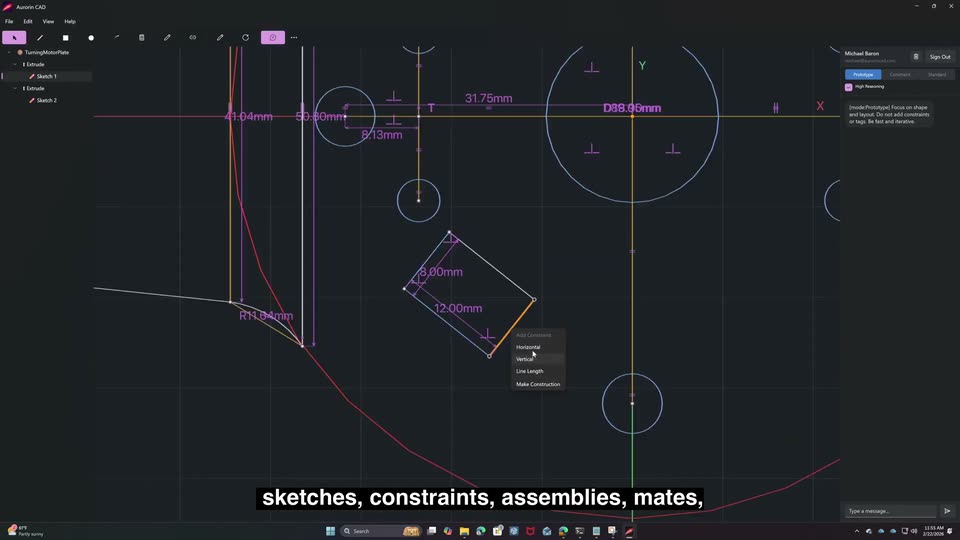 0:34–0:37Y Combinator · Y Combinator - Aurorin is building new professional CAD Software from the ground upA screen capture of the Aurorin CAD window shows a gray 3D lever part, then cuts to a 2D sketch grid with pink dimension labels and a cursor opening a constraint menu. White caption text runs along the bottom.
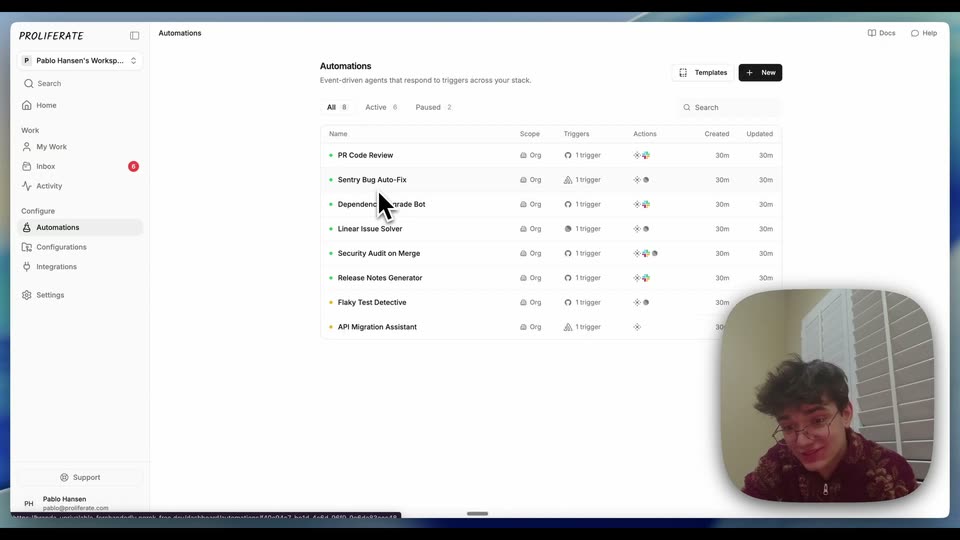 0:37–0:54Proliferate · Proliferate VideoA screen recording of a white dashboard UI, a small round webcam feed of a man in the corner. A cursor clicks Automations in the left menu, the view pulls back to the full window, then zooms into the table and opens the Sentry Bug Auto-Fix detail and runs list.
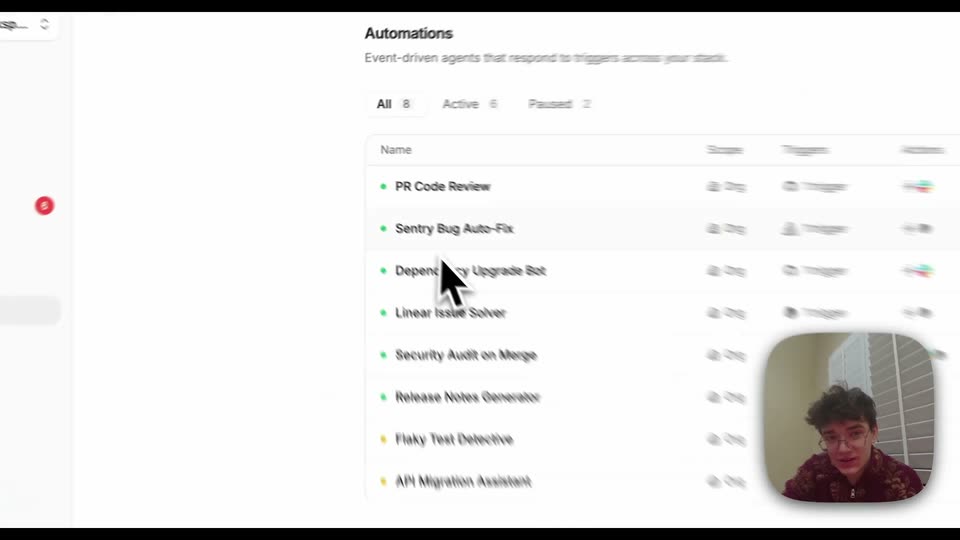 0:39–0:52Proliferate · Y Combinator - Local coding agents can't do end-to-end work at your company. @prolifA screen recording of the Proliferate app opens on the Automations table. The cursor clicks the 'Sentry Bug Auto-Fix' row and the view flips to its detail page, listing model, triggers and actions, via a blur zoom. A rounded webcam inset bottom-right shows the presenter talking.
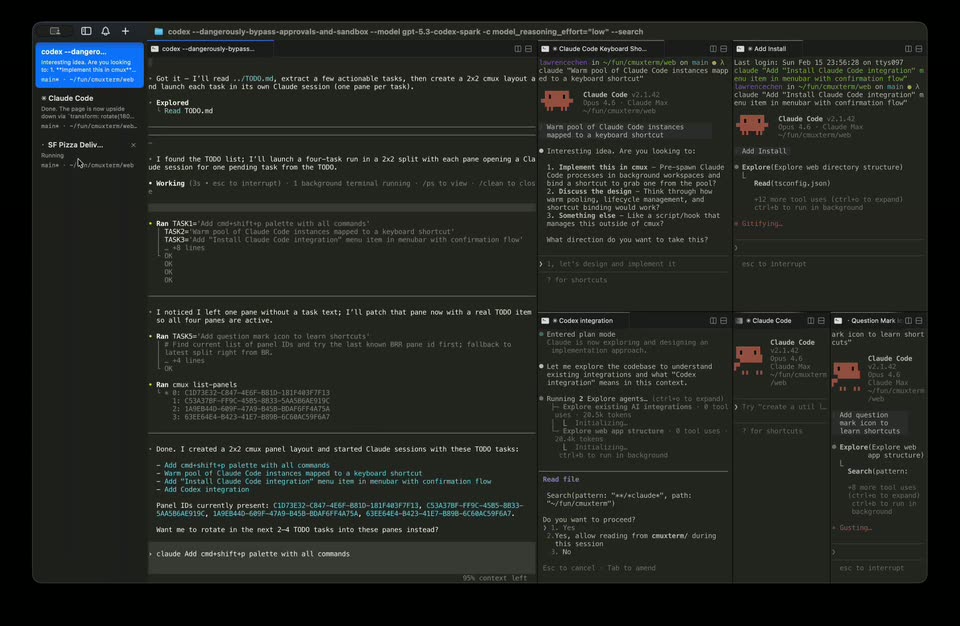 1:20–1:21cmux · cmux - the terminal built for multitaskingA dark terminal window fills the frame, divided into several panes of streaming AI session logs beside a left sidebar of session tabs. A mouse cursor glides down the sidebar, pausing on each tab.
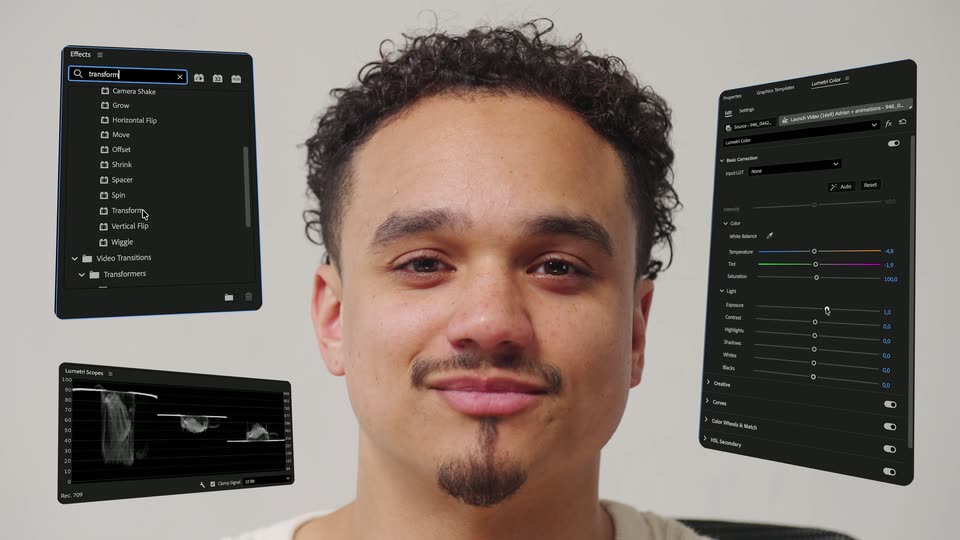 1:38–1:41Wideframe · Wideframe - AI agent for video work outside the NLEA man with curly hair and a goatee sits centered against a plain wall, smiling faintly. Three angled 3D panels of a video editor float around his head: an effects panel left, a scopes panel below, a color panel right. They blur and swish away at the end.
 0:21–0:24Pomelli · Google Labs - Today, we’re introducing Pomelli’s latest feature update, ‘PhotoshootA pale green pill button labeled Create Photoshoot is centered on a dark gradient field with floating outline shapes. A white cursor slides to its right edge as the button scales down and the shapes drift outward, creating a slow depth pull-back.
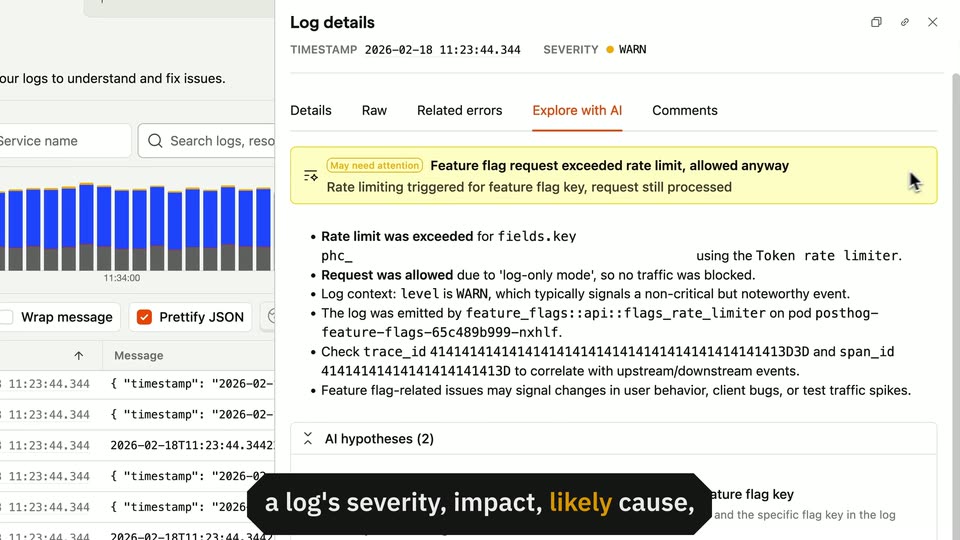 1:30–1:35Posthog · PostHog - Introducing Logs by PostHog - Free, up to 50 GB for free every monthA log explorer UI: a cursor clicks the Explore with AI tab and the Analyze this log button; the panel fills with a summary banner, bullets, hypotheses and suggested actions as it scrolls down. A black caption bar at the bottom recaps the feature, highlighting key words in gold.
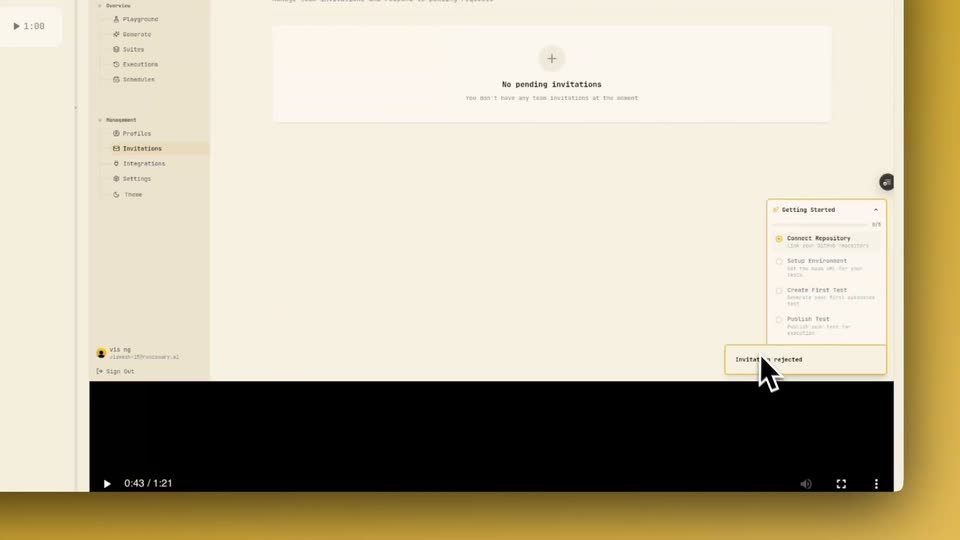 0:40–0:43Canary · Canary - Friday. 5:47 PM. Quick Claude session, small auth refactor. LGTM, meA product settings page fills the frame, sidebar on the left. The shot opens tight on the bottom video player, then reframes to the full page as the cursor taps pause and a toast slides in at the right. A fast horizontal blur closes the scene.
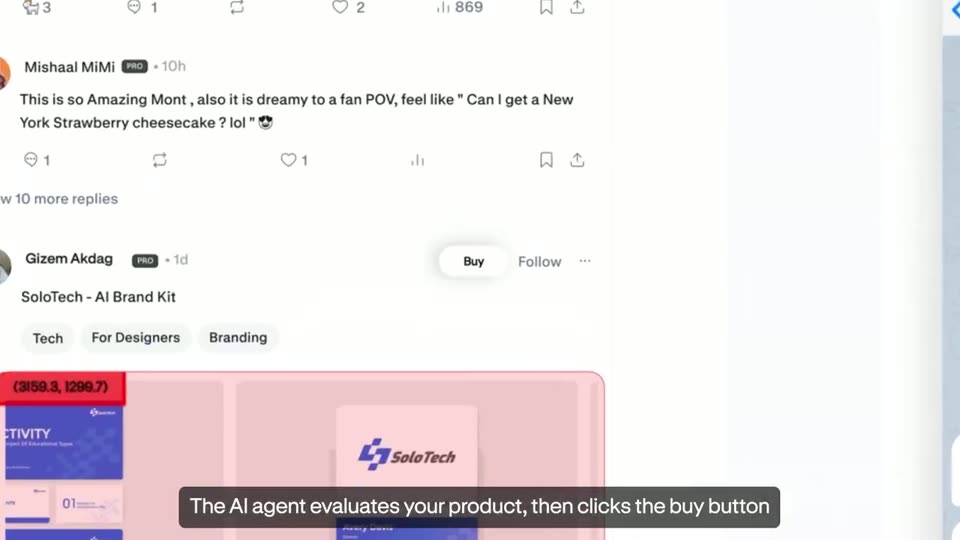 0:44–0:45Contra Payments · ben - Introducing Contra Payments. The first payments platform that lets yA Contra feed and a chat panel sit side by side; the view reframes onto a SoloTech brand-kit post as a purple agent cursor labeled Matt's Agent glides from the chat to the Buy button.
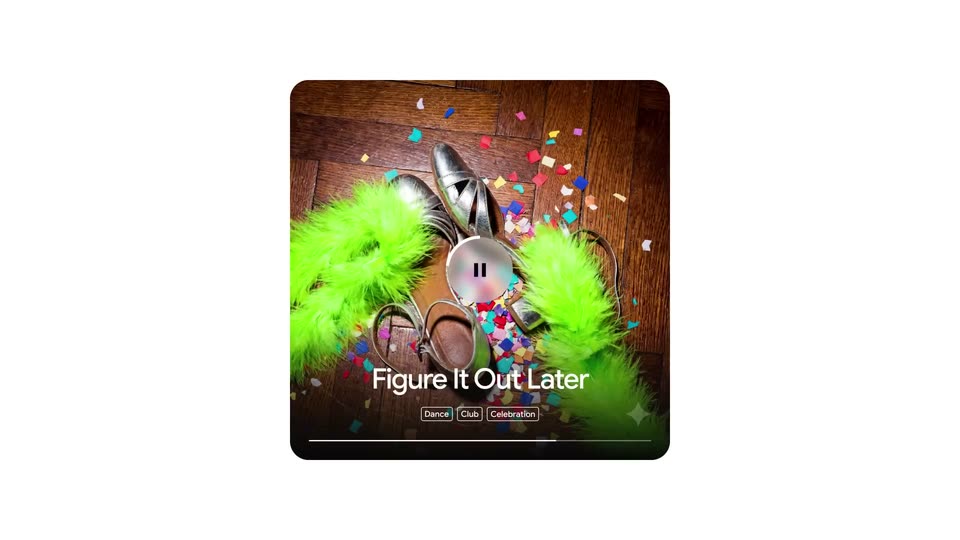 0:33–0:36Google · Introducing Lyria 3 music generationA rounded square media card on a white background shows a top-down photo of silver heels, green feather boas, and confetti on a wooden floor. A circular pause button sits at the center, with the caption Figure It Out Later and tags Dance, Club, Celebration below. A pixelated hand cursor taps the card edge and exits.
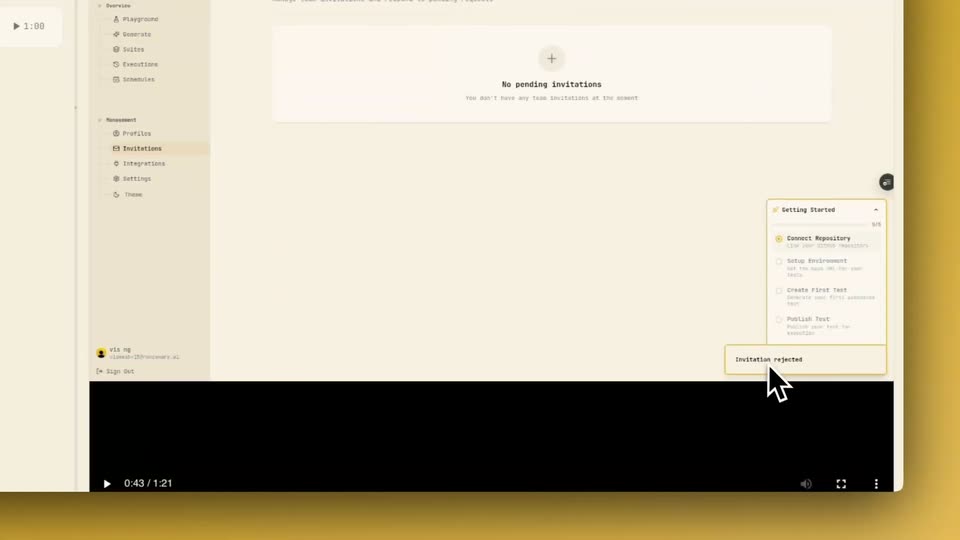 0:42–0:43Canary · Canary Launch VideoA web app dashboard plays inside a video-player frame on a yellow gradient. The center shows 'No pending invitations', a 'Getting Started' checklist sits at right, and a white cursor hovers over an 'Invitation rejected' toast. A timecode bar runs along the bottom.