Cursor demo
A visible cursor operates the interface.
15,094 scenes · page 152 of 252
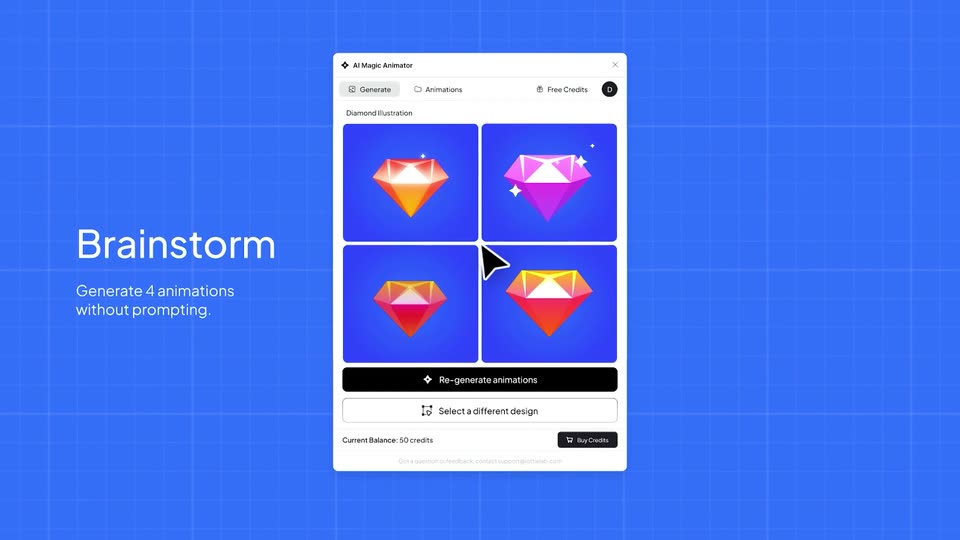 0:21–0:24Lottielab · Lottielab - Introducing Magic Animator beta 3.0✨ Prompt and edit animations in FA flat white product window sits on a blue grid background beside the headline Brainstorm. Inside, a glowing diamond illustration splits into a 2x2 grid of four colored variants as the cursor glides in and hovers over the tiles.
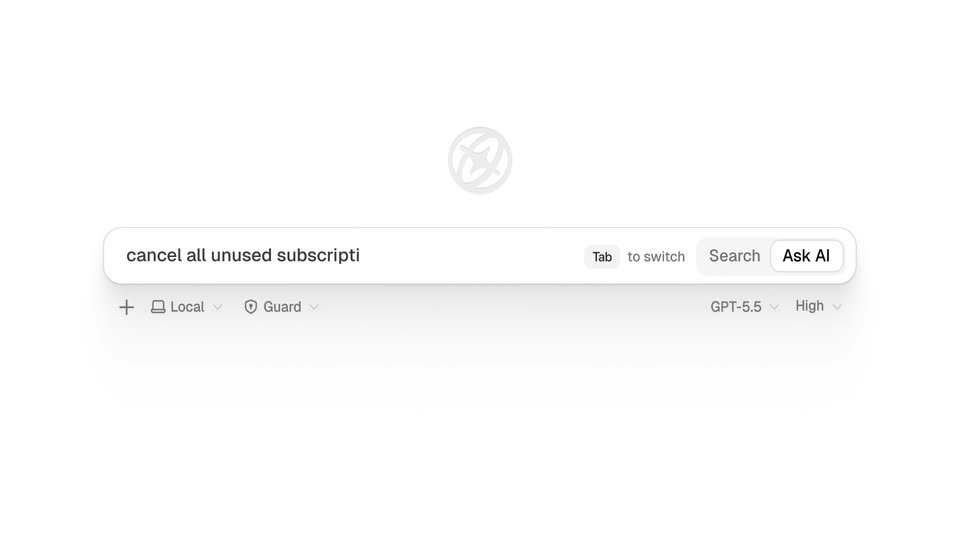 0:26–0:29Aside · jun - Today, we're launching Aside, the AI browser you’ve waited for. ⋅ CrA flat white command bar sits below a faint circular logo. A text cursor slides into the field and the query 'cancel all unused subscriptions and request refunds' types out letter by letter, replacing the gray placeholder. The bar's buttons and dropdowns stay static.
 1:55–2:07Mistral AI · Introducing Mistral OCR 4A screen recording of the Mistral Studio Document Intelligence page. A cursor toggles the Header and Footer options, then clicks Run; the newspaper cover gains blue bounding boxes and the right panel lists the extracted text and a cropped image, then the view resets to an empty upload screen.
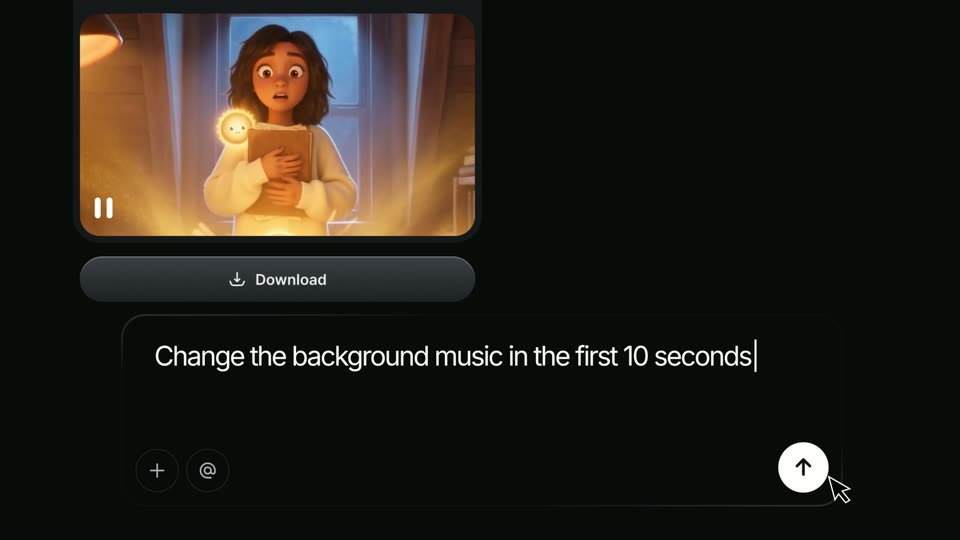 0:46–0:48OpenArt · OpenArt - The way videos are made is about to change. Introducing OpenArt DireA dark chat interface shows a video card with a paused animated clip and a Download button. A prompt is typed into the input field, the cursor clicks the send arrow, and the view scrolls up to a reply bubble and an empty card placeholder.
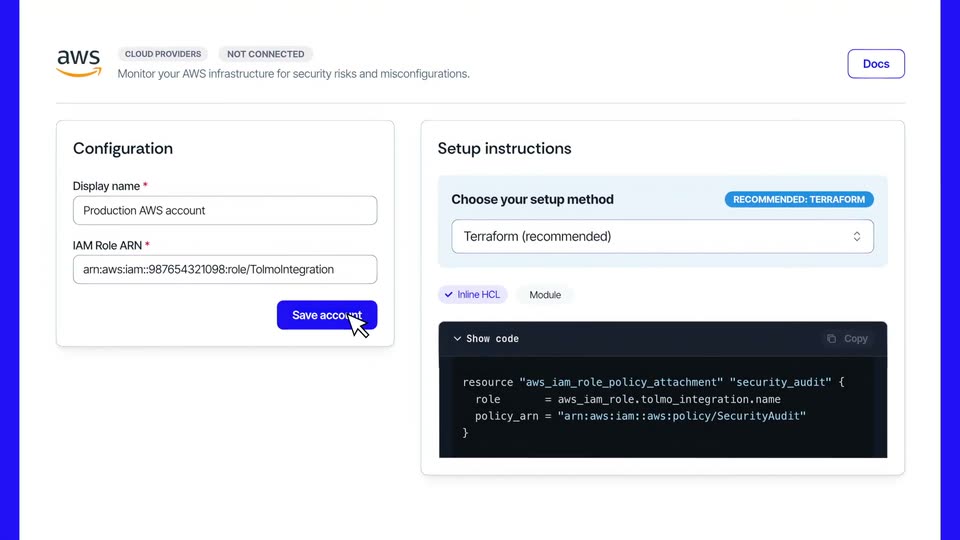 1:52–1:57Tolmo · Tolmo Product DemoA white AWS integration page shows a filled configuration form beside a setup instructions panel. A cursor clicks the ARN field, the Show code block expands to reveal Terraform code, and the cursor presses the Save account button before the page fades.
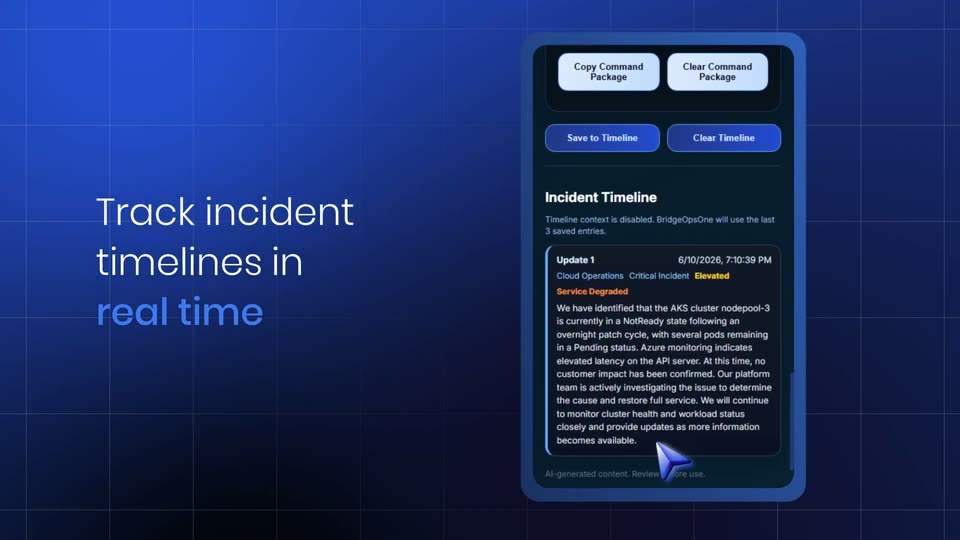 0:32–0:33BridgeOpsOne · BridgeOpsOne – Turning Critical Incidents Into Actionable InsightsA dark blue grid background holds a white headline on the left and a floating product panel on the right showing an incident timeline with action buttons and an update card. A blue cursor hovers over the update text as the panel settles into place.
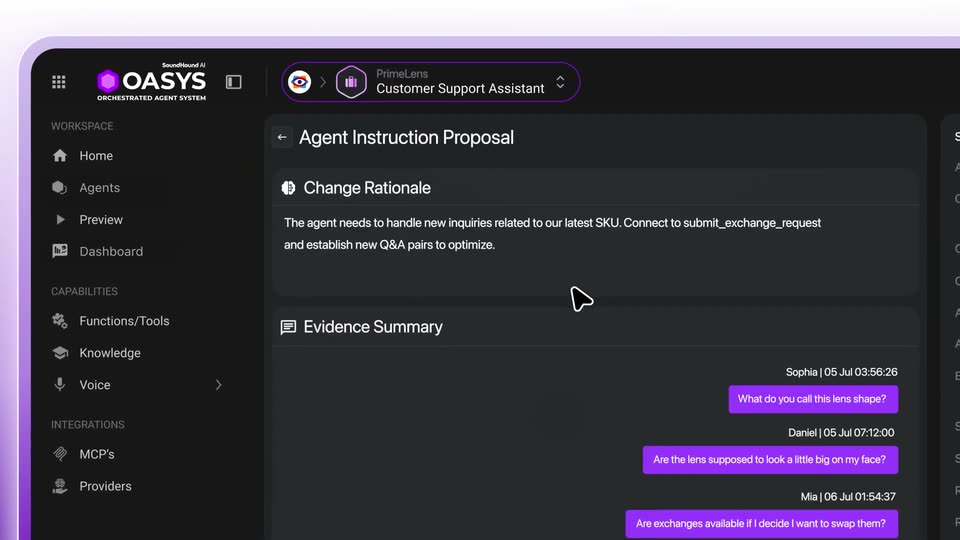 0:55–1:18OASYS · OASYS – The World's First Self-Learning Orchestrated Agentic AI PlatformA tilted 3D laptop shows the OASYS dashboard. A cursor clicks the Pending Review tab, then the view opens an Agent Instruction Proposal panel. The camera zooms into the rationale and evidence chat bubbles, then pulls back to the full page as the cursor moves to the Apply button.
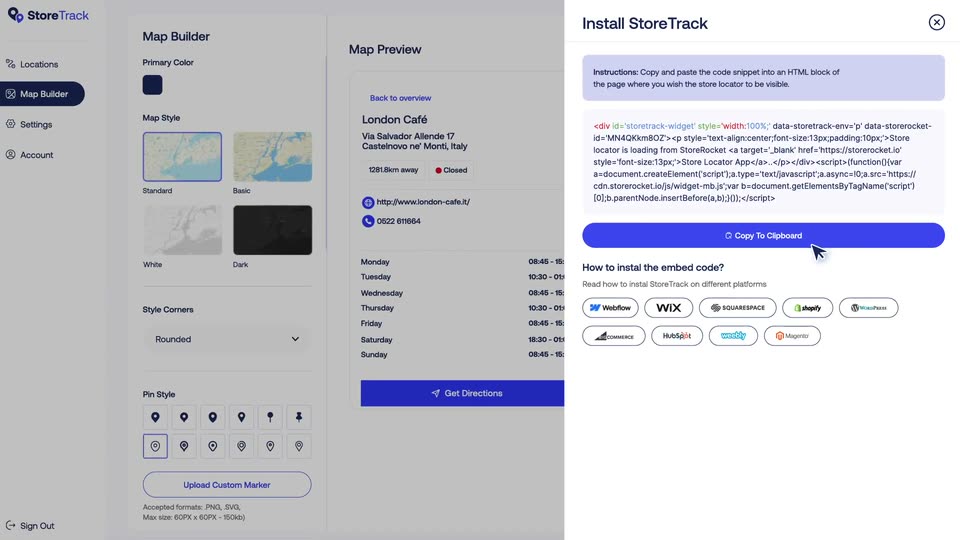 0:47–0:48StoreTrack · StoreTrack – Simplify Store Discovery & Location ManagementA three-panel product screen shows a Map Builder, a London Café preview card, and an Install panel with a code snippet. A cursor rests on the blue Copy To Clipboard button.
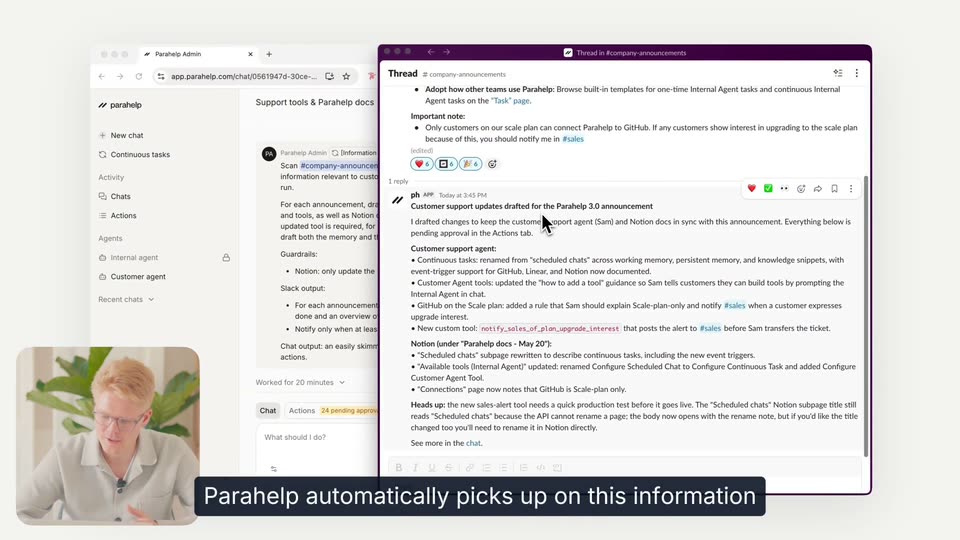 1:24–1:36Parahelp · Mads Lunau - Today, we’re launching Parahelp 3. With Parahelp 3, we’re doubling dA desktop recording shows the Parahelp admin app beside a Slack thread on the 3.0 announcement, with a webcam inset of a man talking in the corner. The view zooms into the thread as the cursor clicks the #sales link, pulls back, then zooms onto the app's reply.
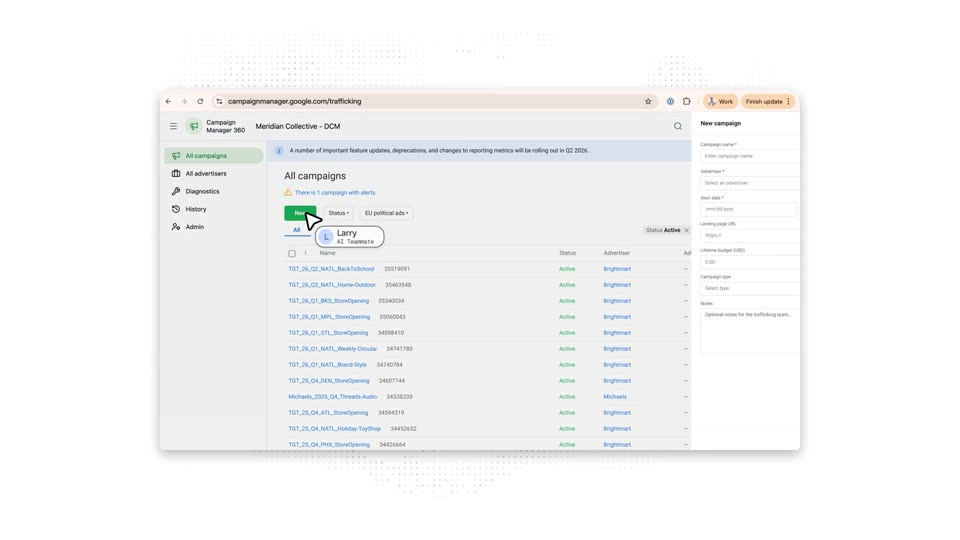 1:05–1:06Convey · Rohan Chopra - We’re announcing a $38M Series A led by @a16z. 1 million hours of auA tilted 3D browser window shows a campaign list on a light gray dotted backdrop. A cursor hovers the New button as a small Larry AI teammate tooltip slides in, then a new campaign form panel slides open along the right edge.
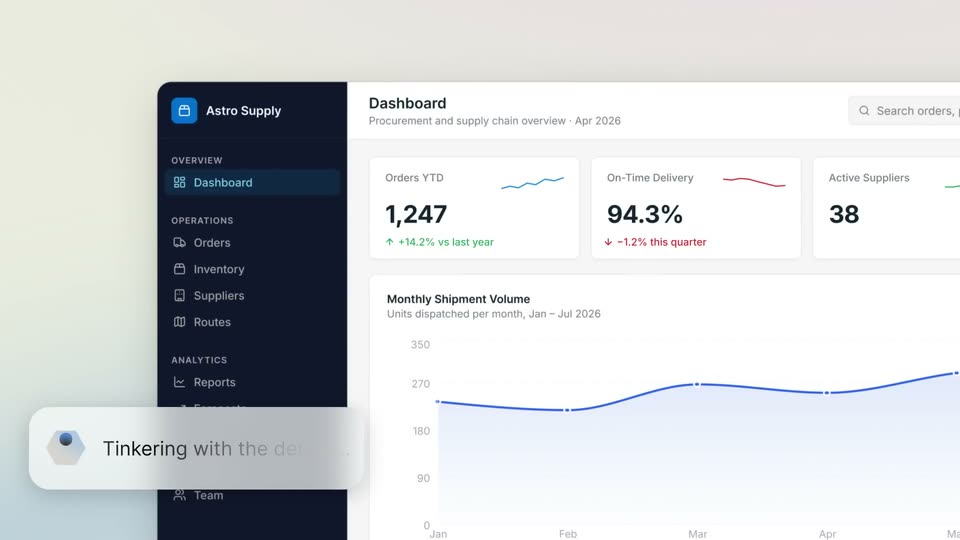 0:31–0:35Retool · Vibe coded apps meet enterprise security in RetoolThe Astro Supply dashboard floats over a soft gradient. A prompt box types 'Add +/- trend captions to each stat' while the cursor clicks send; green and red trend captions pop in under the stat cards, then the box shows 'Tinkering with the details...' as the screen dims.
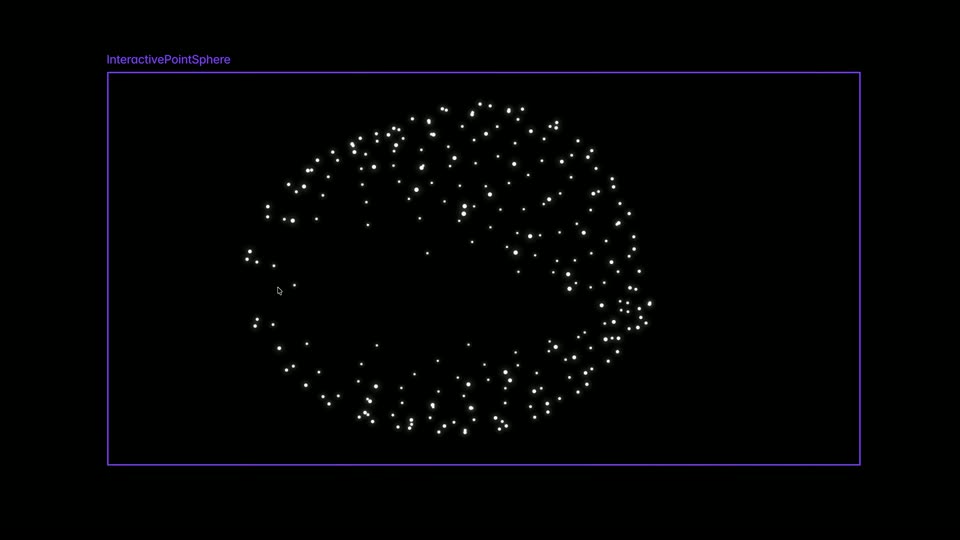 0:34–0:35Framer · Framer 3.0 with Agents, Branching, and a new CommunityA sphere of white dots spins inside a thin purple frame on a black field, its points drifting as a cursor glides across it. The label InteractivePointSphere stays locked at the top left corner.
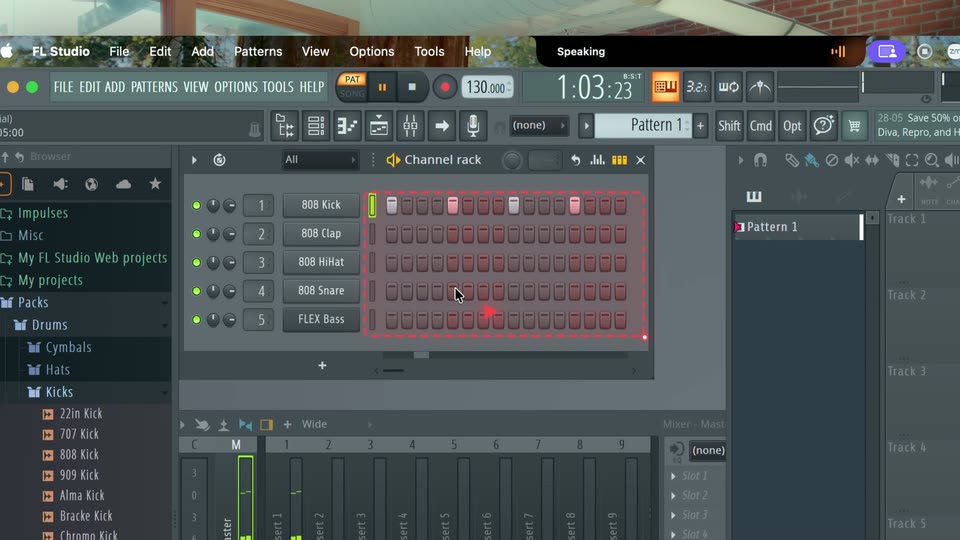 1:43–1:50HeyClicky · Farza 🇵🇰🇺🇸 - We built an AI that can draw on your screen. It's a true personal tuA FL Studio channel rack grid sits inside a red dashed selection box. A cursor moves to the 808 Snare row and clicks step 5, then step 13, lighting two red cells. White captions at the bottom explain each click in turn.
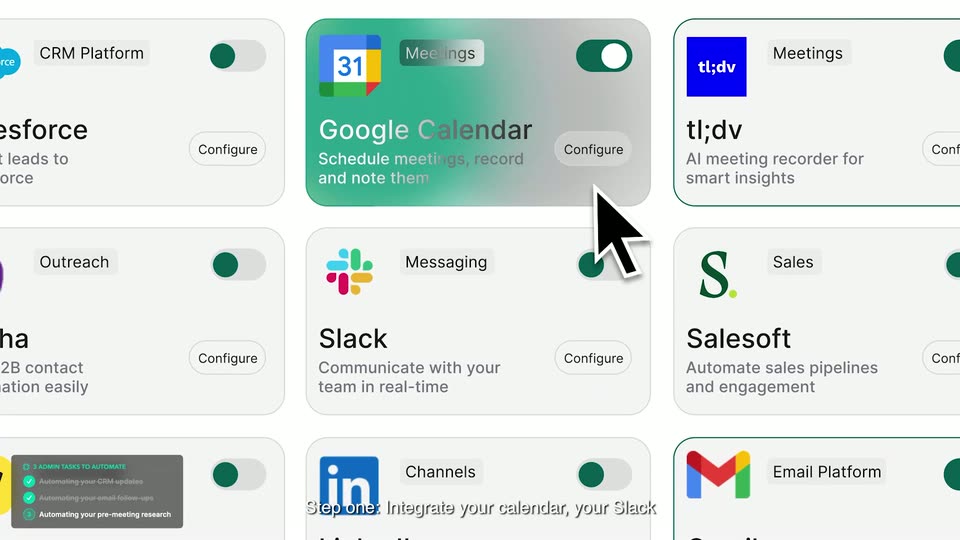 1:35–1:40Expertise · Expertise AI - Introducing Expertise: the executive assistant for Account ExecutivesA light Connections screen shows a grid of integration cards. The view zooms in as a cursor flips toggles on Google Calendar and Slack, each card lighting up green as it is enabled.
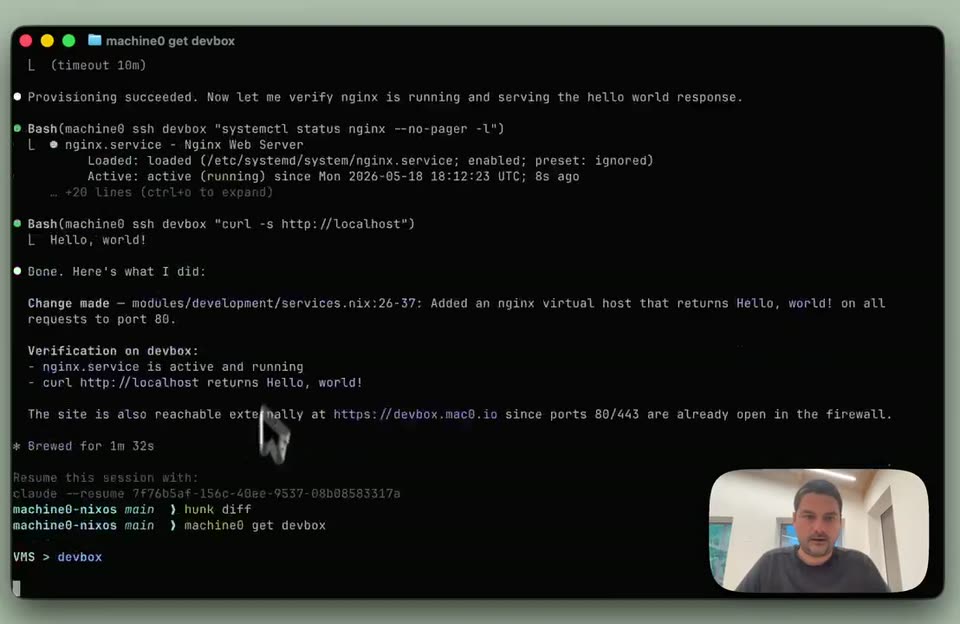 3:26–3:38machine0 · machine0 (YC S26) - Introducing machine0: Persistent, powerful NixOS and Ubuntu VMS fromA dark terminal window fills the frame, with a small webcam self-view of a man in the bottom-right corner. A cursor moves to the prompt and types a command; the log scrolls up, revealing a bordered table of VM details, then the cursor types the VM's URL.
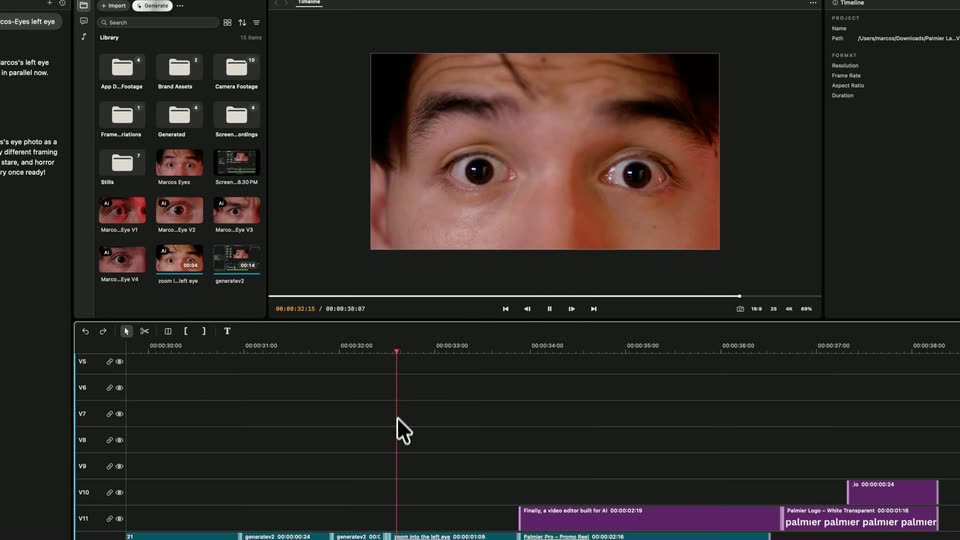 0:31–0:33Palmier · Palmier (YC S24) Launch VideoA dark video editor interface fills the frame. The center preview switches from a green eye close-up to a face inside a selection box, while the left prompt panel and the timeline clips update. A cursor hovers over the timeline.
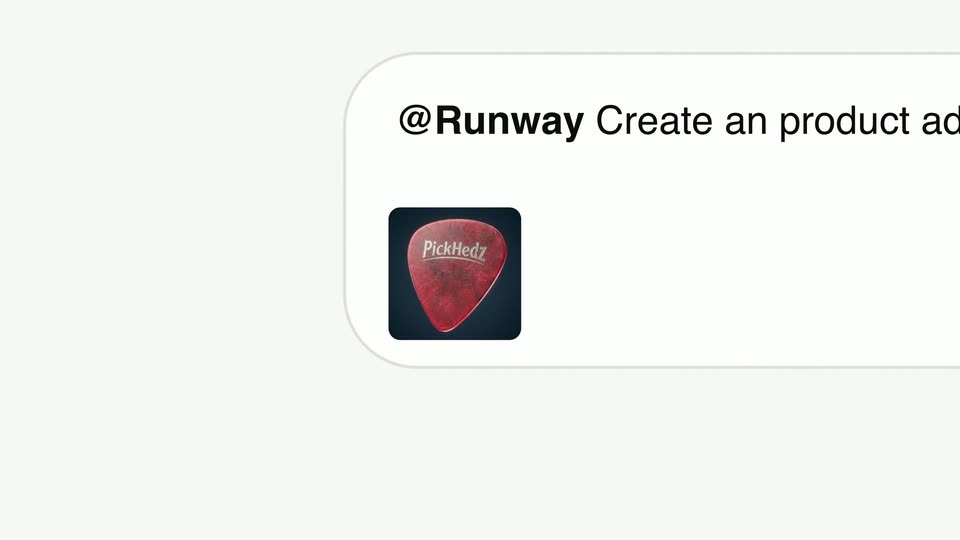 0:19–0:20Runway · Runway - Use Runway inside ChatGPT to generate and edit video and images. No tA white arrow cursor drags a small square thumbnail of a red guitar pick from the left into a white rounded card, dropping it below the prompt line that reads @Runway Create an product ad.
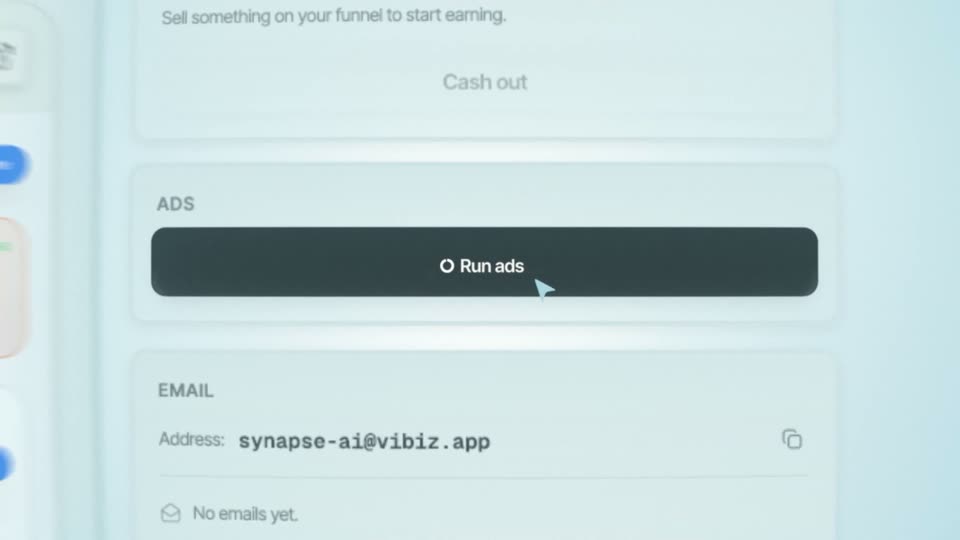 0:19–0:20Vibiz · Vibiz - We just dropped the first AI that runs an entire business for you whiA close-up of a light dashboard shows an ADS panel with a dark Run ads button and an EMAIL panel. A blue cursor hovers at the button as the view scrolls up and zooms out, revealing a Cash out heading above.
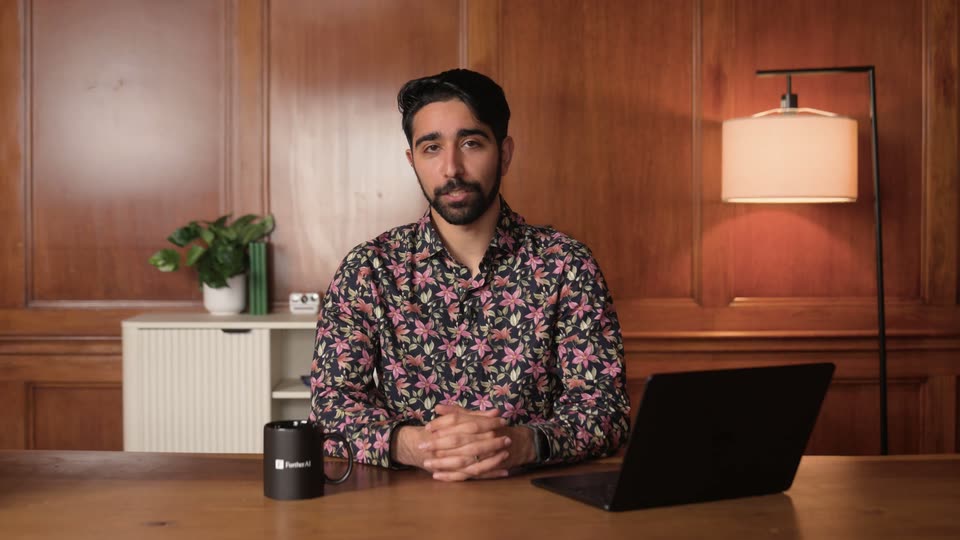 1:19–1:21FurtherAI · FurtherAI - Today we're launching Eval Studio — a test bench for AI workflows inA bearded man in a floral shirt sits at a wooden desk with a laptop and a branded mug, speaking to camera. The scene then cuts to a settings panel where a hand cursor hovers over an open model dropdown.
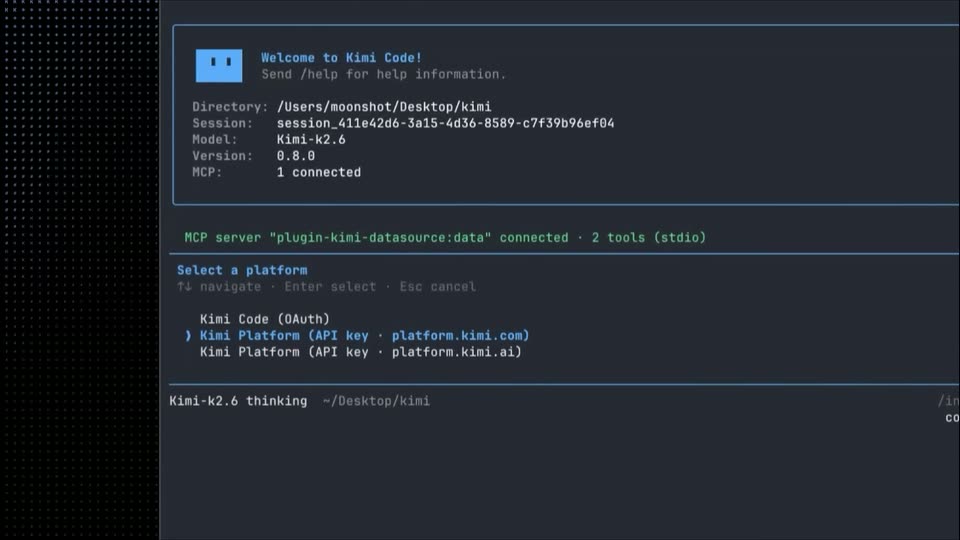 0:20–0:32Moonshot AI · Kimi Code, our open-source coding agent, just got a major upgrade!A dark macOS terminal window sits on a dotted black field. The frame zooms in as the prompt types cd ~/desktop/kimi, then kimi, opening a welcome panel with session details. A /login menu lists three platforms; the selection arrow moves down and a logged-in line appears.
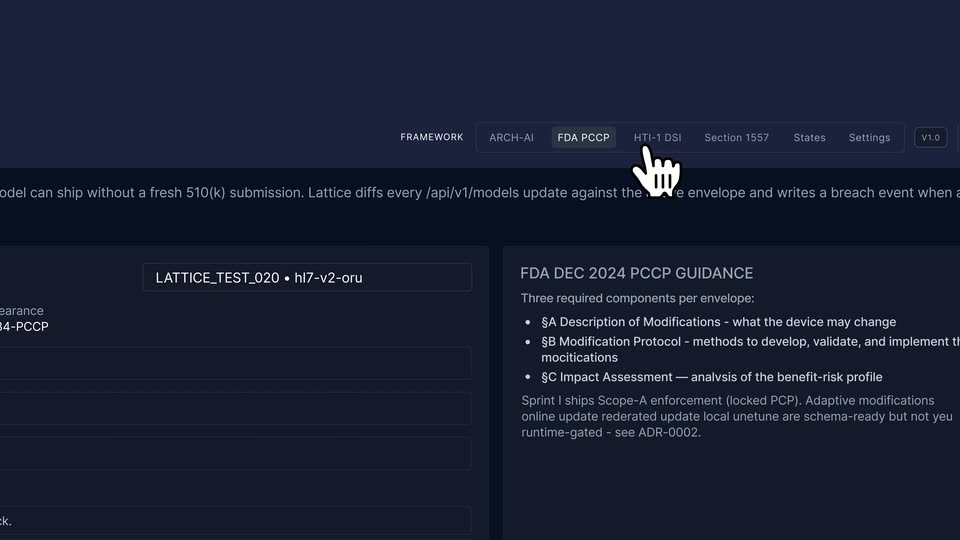 0:26–0:28Lattice Health · Lattice Health: Your AI Governance TeamA dark interface shows a top tab bar as a white hand cursor glides from the FDA PCCP tab to the HTI-1 DSI tab. A line of body copy scrolls left across the middle, above two static content columns.
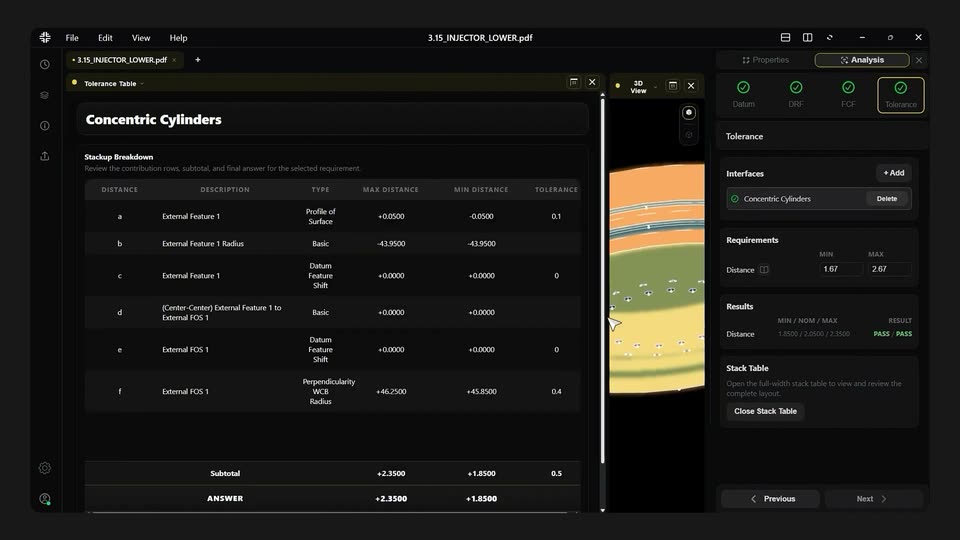 1:14–1:17F4 · F4 YC LaunchA dark app window pairs a tolerance table with a 3D view of an orange cylindrical part. The cursor drags the divider right, widening the table to reveal the full stackup breakdown while the 3D model narrows to a thin sliver.
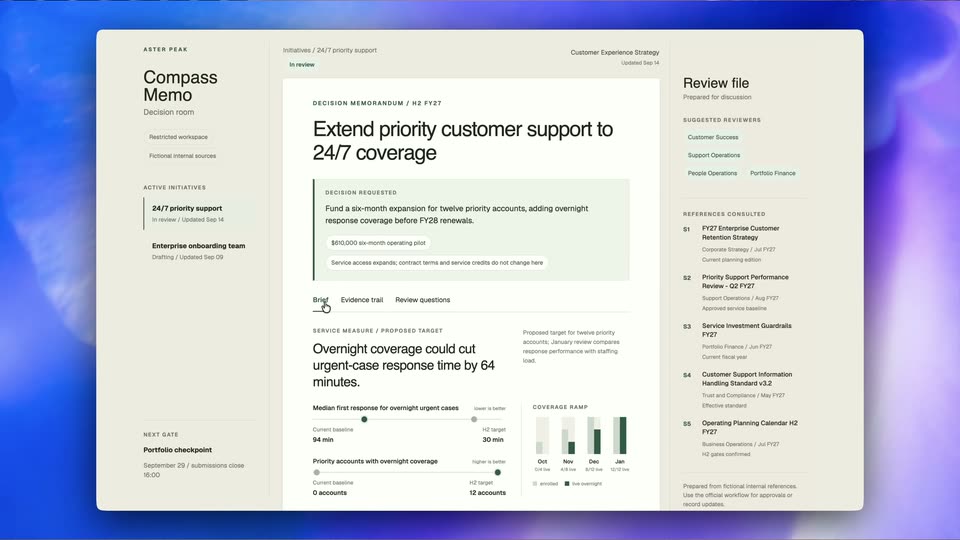 1:21–1:31OpenAI · Introducing Sites in CodexA Compass Memo interface fills the frame over a blue gradient. A cursor clicks the Brief, Evidence trail and Review questions tabs, swapping the document body, then scrolls down past a bar chart to the risk section.
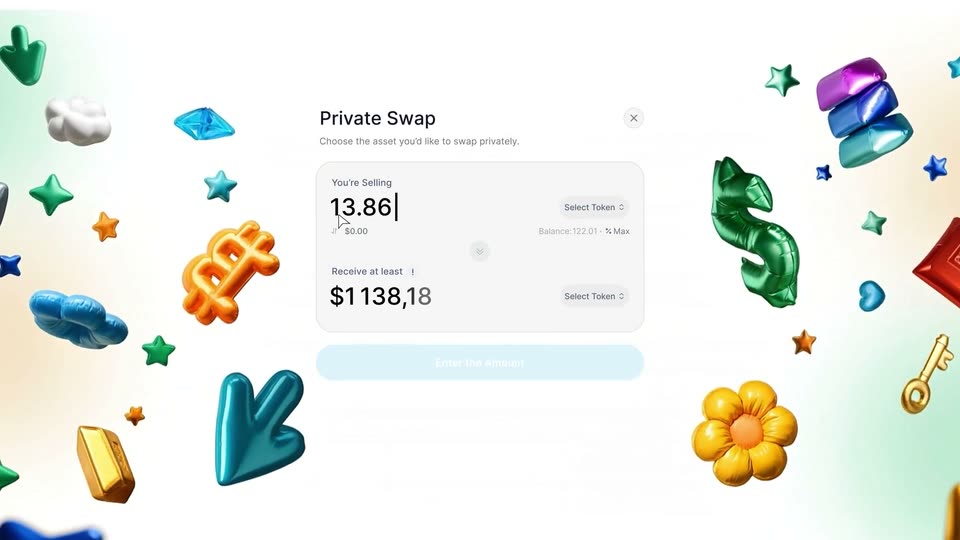 0:33–0:34Umbra Privacy · Umbra Privacy - Umbra Web, live now.A flat Private Swap card sits on a white field ringed by floating 3D balloon shapes. The selling field fills from 0 to 13.86 SOL and the receive line shows $1 138,18 as a cursor moves in. A pale blue Enter the Amount button sits below.
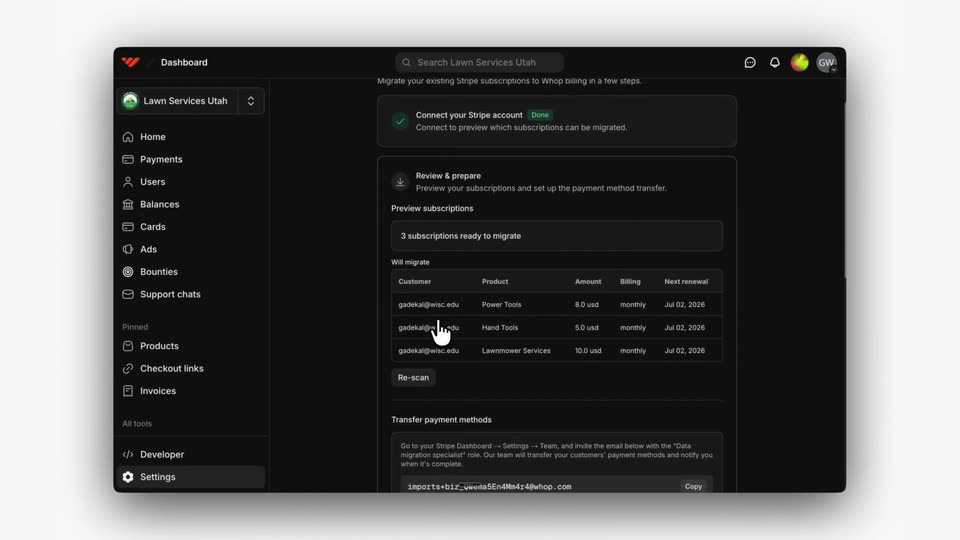 0:10–0:12Whop · Whop MigrationsA dark Whop dashboard mockup sits tilted in 3D on a light gray field. A cursor clicks the Preview subscriptions button, then the page scrolls down to reveal a table of subscriptions as the cursor moves to the Re-scan button.
 0:26–0:28Motion · Adish Jain ☕️ - we’re launching Motion, the frontier agent for tasteful motion designA dark interface shows a black Export button with a download icon; a cursor slides in from below and hovers over it. A caption at the bottom reads “and it's completely editable”, then swaps to “looks great let's just export it”.
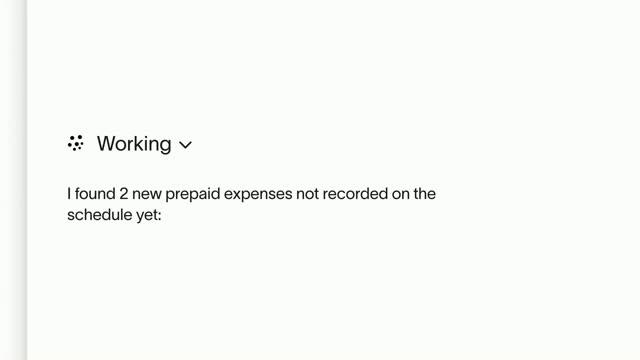 0:26–0:33Ramp · Introducing Stack | AI built for accountants | by RampA cursor clicks a yellow Approve button, which blurs away. The frame cuts to a white assistant panel: a dotted spinner loads a CSV file, then a Working header and a two-line expense card slide in.
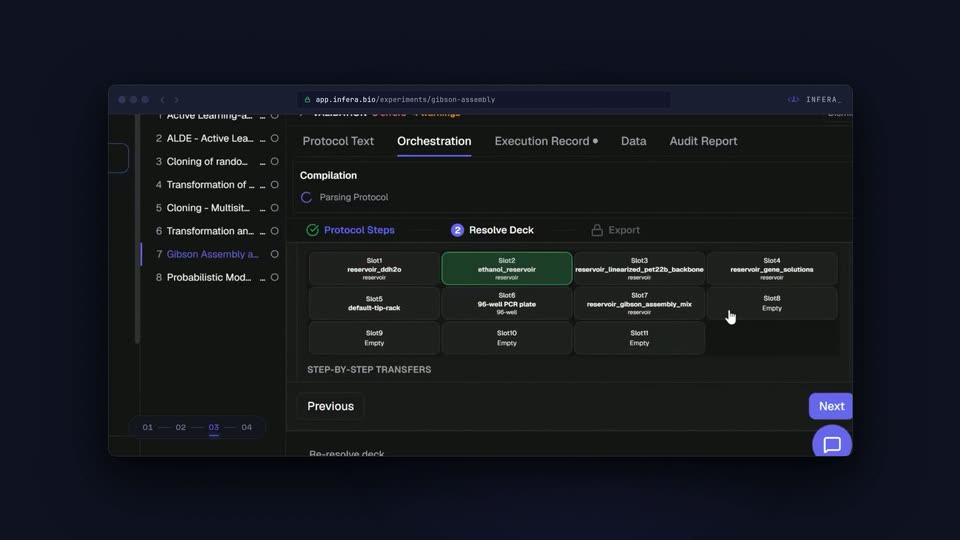 0:17–0:23Infera · Product DemoA dark lab-automation dashboard fills a browser window on a navy field. The camera reframes onto the deck grid and the step-by-step transfers as a hand cursor clicks through slots, one turning red. A small caption scales in at the close.
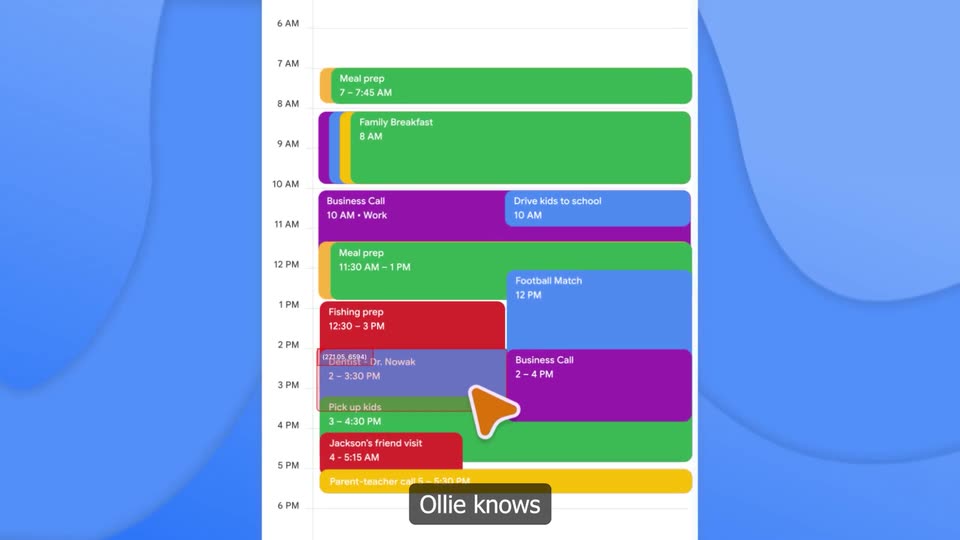 0:39–0:44Ollie · Bill Lennon - AI can now make you a great parent. Introducing Ollie: the world’s fA tilted calendar card in 3D perspective on a cream abstract background populates with colorful event blocks. The view zooms to the 2 PM row as an orange cursor clicks the dentist event, opening a white detail popup, while the backdrop shifts to blue.
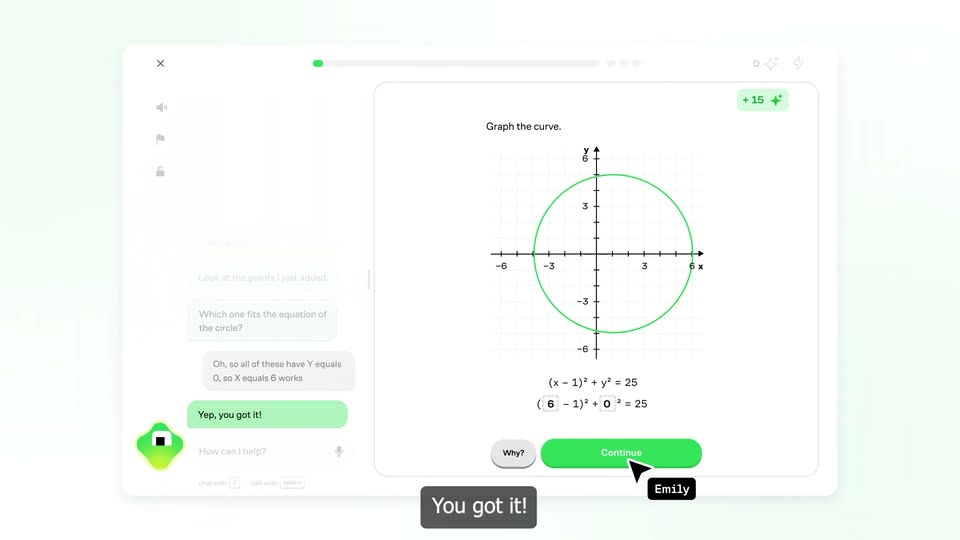 1:10–1:12Koji · Sue - AI is making kids dumber. It should be making them geniuses. IntrodA close-up of a coordinate grid with a circle pulls back to reveal the full app window, chat panel on the left. The circle turns green, a +15 badge pops in, and a You got it! caption appears at the bottom as the cursor hovers the Continue button.
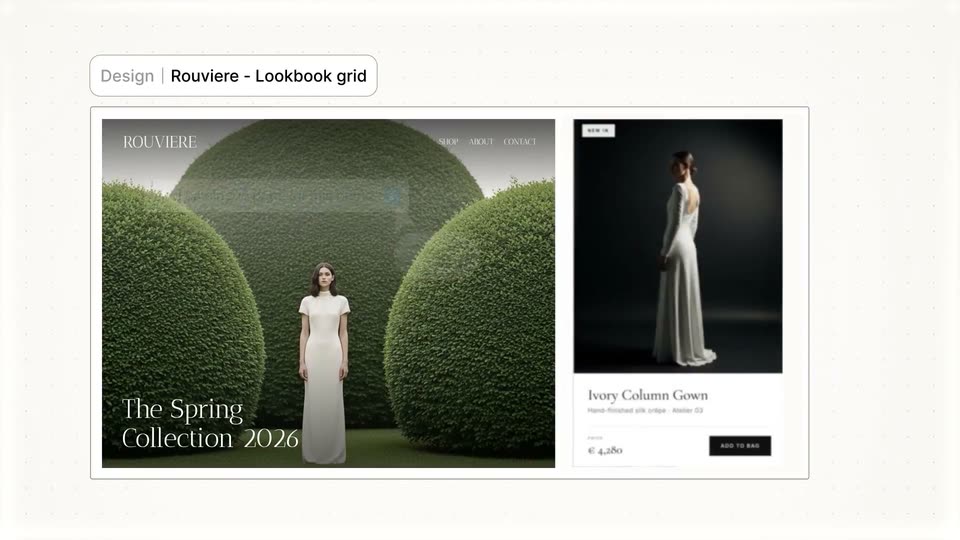 0:44–0:45Replit · Replit ⠕ - The best design work doesn't happen in a chat box. You need space toA design tool view shows a Rouviere lookbook page on the left with a chat prompt to add a catalogue page; a cursor sits at the send button as the right panel resolves from a dotted placeholder into a second page.
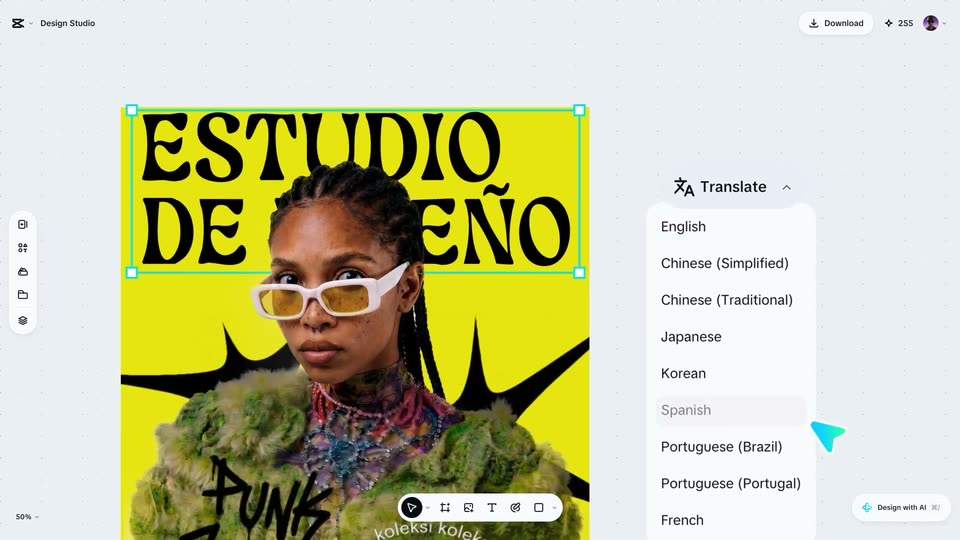 0:40–0:51CapCut · CapCut - Introducing CapCut Design Studio 2.0. A reimagined experience for DeA design-tool canvas shows a punk poster of a woman in white sunglasses. A cursor drives annotation prompts that recolor the layout and swap the title via a translate menu, then the canvas splits into a grid of variations.
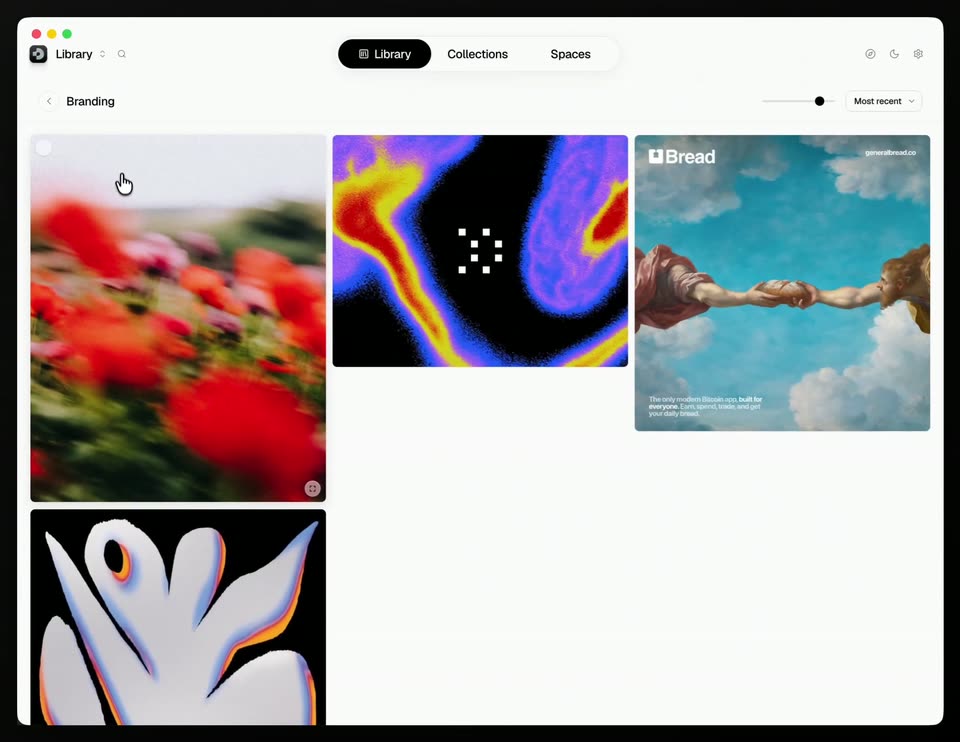 0:16 · 0.8sGatherOS · Brett - Introducing GatherOS™ [beta]. The Mac app for design inspiration, buA blurry library interface zooms into focus, revealing a grid of images. A cursor hovers over the top-left image, which shows red flowers.
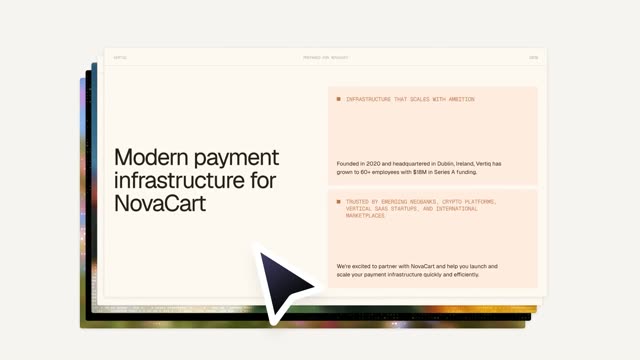 0:34–0:35Pitch · Pitch Agent: On-brand AI presentations, made for professionalsA stack of presentation pages floats in 3D on a pale backdrop. A large white cursor arrow taps the deck, and the front slide changes from a dark Get in touch page to a white Proven growth page with a two-line MRR chart.
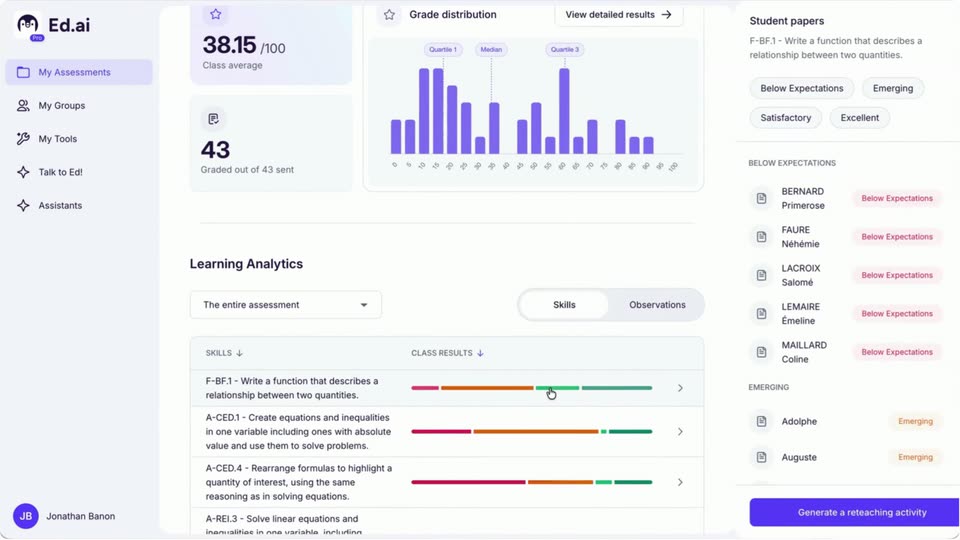 0:22–0:29Ed.ai · Ed.ai in 1 minuteA flat Ed.ai dashboard shows a Student papers table beside a student score panel. The cursor clicks Insights; the view scrolls to a grade chart and skills table, and a side panel slides in listing students by performance. The interface then pulls back to fit the frame.
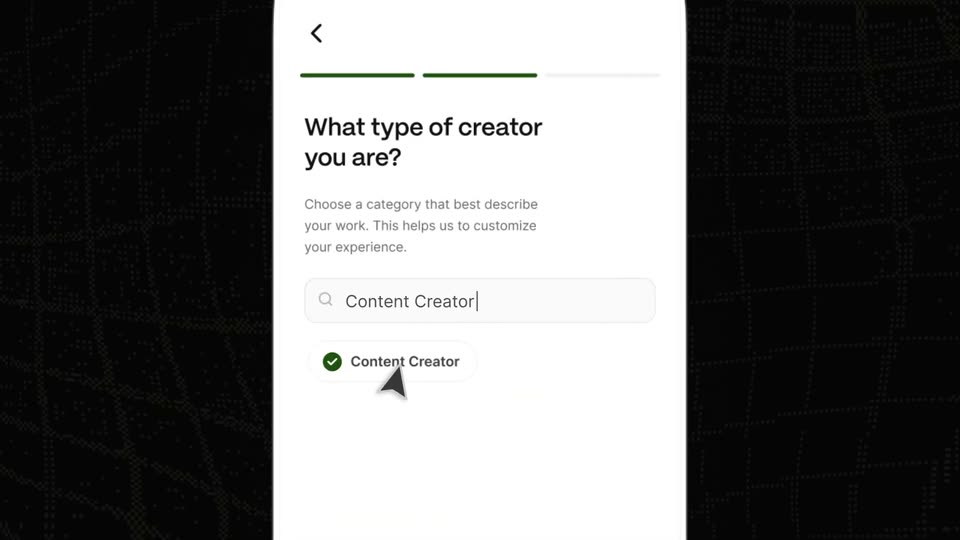 0:34–0:35e2e · TesterArmy: Test your app with natural languageA phone screen sits on a dark patterned background, showing an onboarding form. A cursor types into the search field, and the category list collapses to one selected item with a green check.
 0:41–0:42River Markets · River Markets - Launch VideoA dark rounded search field floats centered on a deep blue gradient. The code KXFACUP-26-CHE slides in beside a magnifier icon while a white cursor hovers over the field, then drifts down and right and fades out. A small key badge with K sits at the right edge.
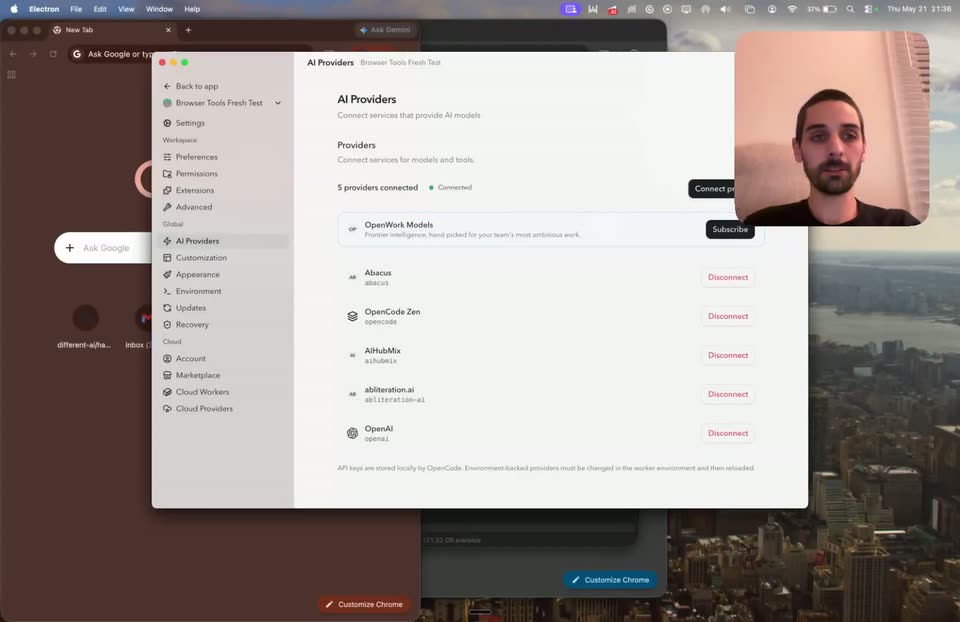 0:45–1:22OpenWork · Benjamin Shafii - ok sorry guys, but openai realtime is really dope super scrappy demA desktop app's settings window fills the frame, a presenter's face cam pinned top-right. The view moves from the settings overview to the AI Providers list, then to a chat session with reminder options. A cursor clicks the panels, and the frame zooms into the chat at the end.
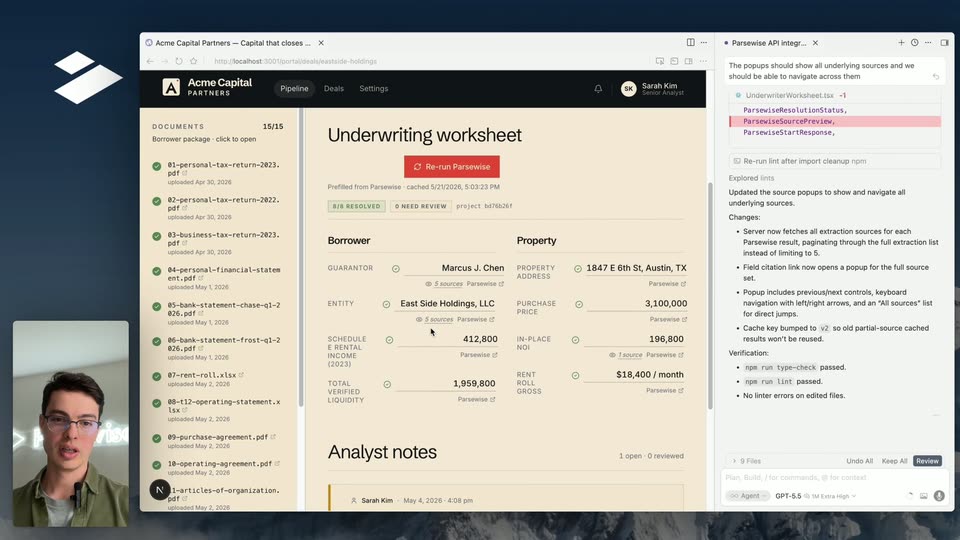 1:19–1:23Parsewise · Parsewise API LaunchA screen capture shows an underwriting worksheet in a browser, with a code editor panel on the right and a small webcam of a man with glasses at bottom left. The cursor drifts over a source tag while the layout stays still.
 0:11–0:15ZoomInfo · Henry Schuck - GTM Audience to Ads in a couple of clicks in ZoomInfo GTM Studio is NTwo flat UI panels sit on green under the caption Boost ad match rates. The CRM card's Missing flags flip to Complete and its match rate climbs 42% to 92% as the table fills in. The shot zooms to the Enrich button, where a cursor hovers and the sparkle glows.
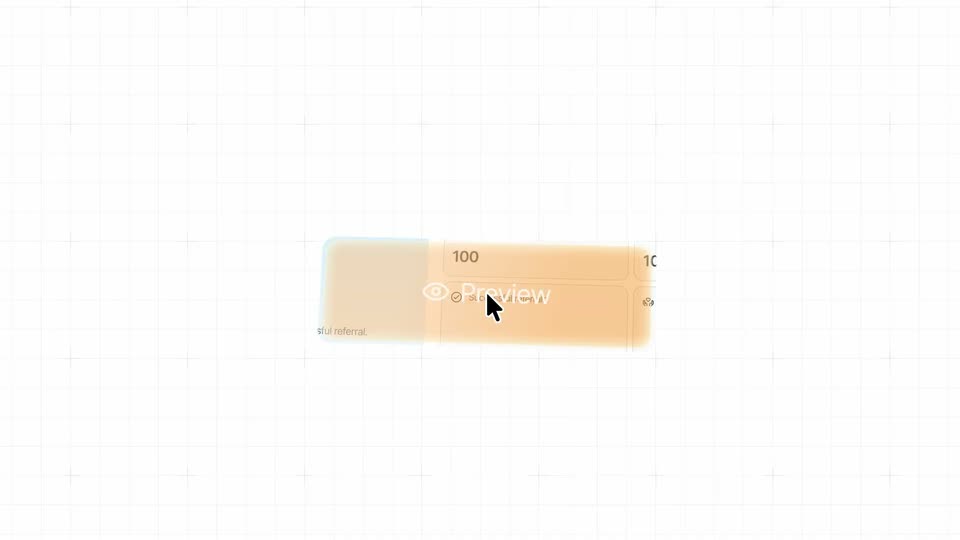 0:36–0:37LightSprint · Lightsprint - Collaborative Agentic DevelopmentA black cursor clicks a glowing orange Preview button on a faint grid, then the view cuts to a tilted 3D referral dashboard that rotates into place, showing an invite card and four stat tiles.
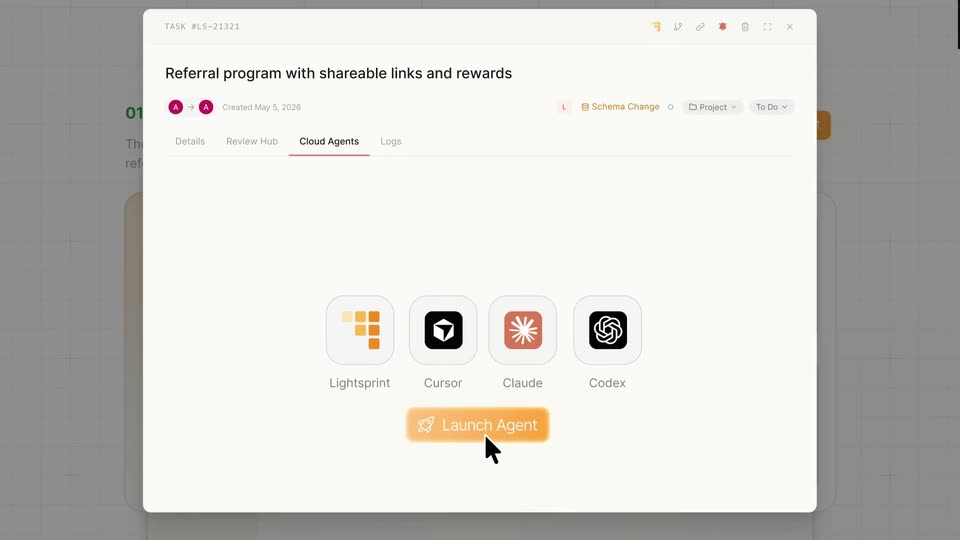 0:30–0:31LightSprint · Y Combinator - Lightsprint (@lightsprintai) is a collaborative platform that helps tA white task panel over a gray grid background shows the Cloud Agents tab as four agent icons fade in across a row. An orange Launch Agent button pops in below them, and a cursor glides in to rest on the button.
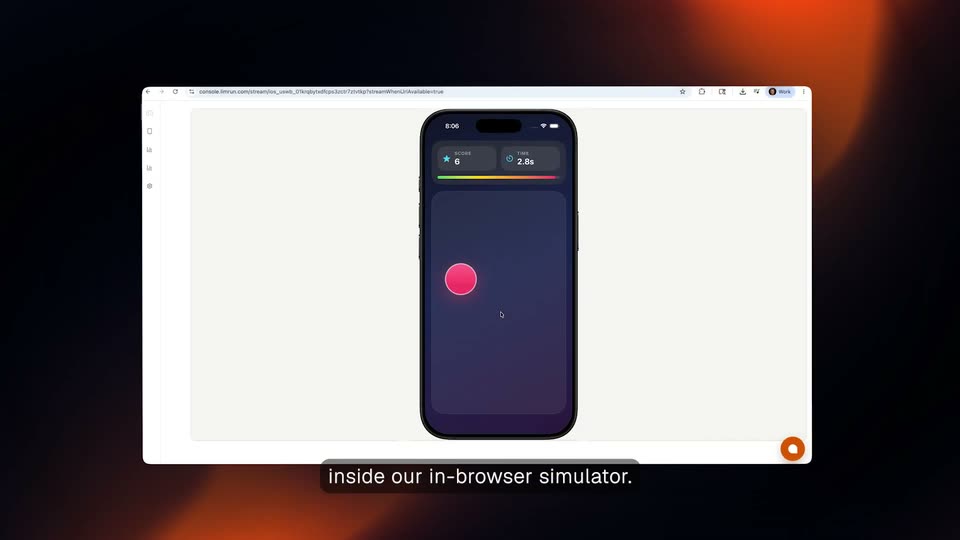 0:31–0:32Limrun · Y Combinator - Limrun (@limrun) provides the infrastructure to leverage your favoritA white browser canvas on a dark, orange-lit background holds a 3D-tilted iPhone mockup. Its dark screen shows a glowing circle shifting from cyan to pink as a cursor hovers. The canvas scales up as the bottom caption swaps.
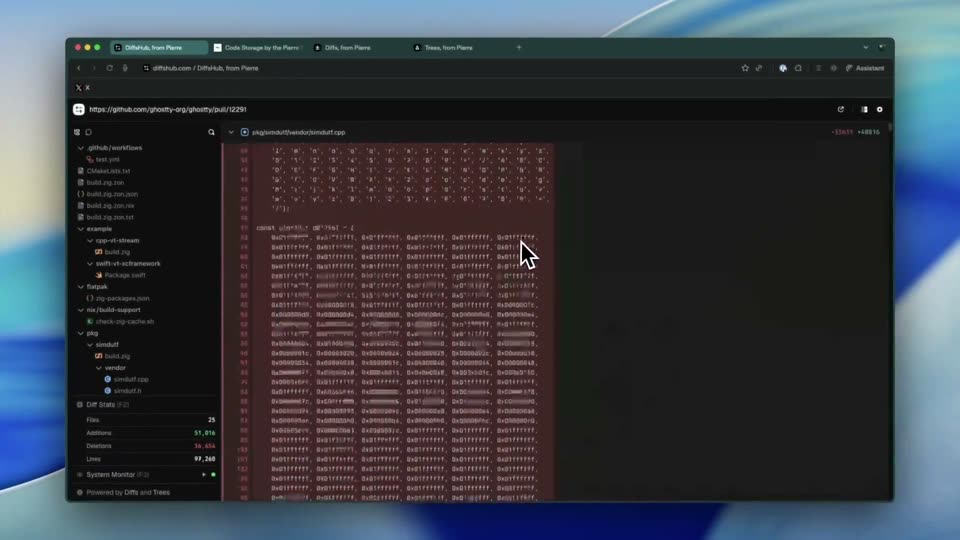 0:10–0:11Pierre · Pierre - diffshub[dot]com Take any public diff from GitHub and virtualize iA browser window tilted in 3D perspective floats over a blurred blue backdrop, showing a GitHub diff page with red and green code blocks. A cursor glides across the diff while the content shifts between files.
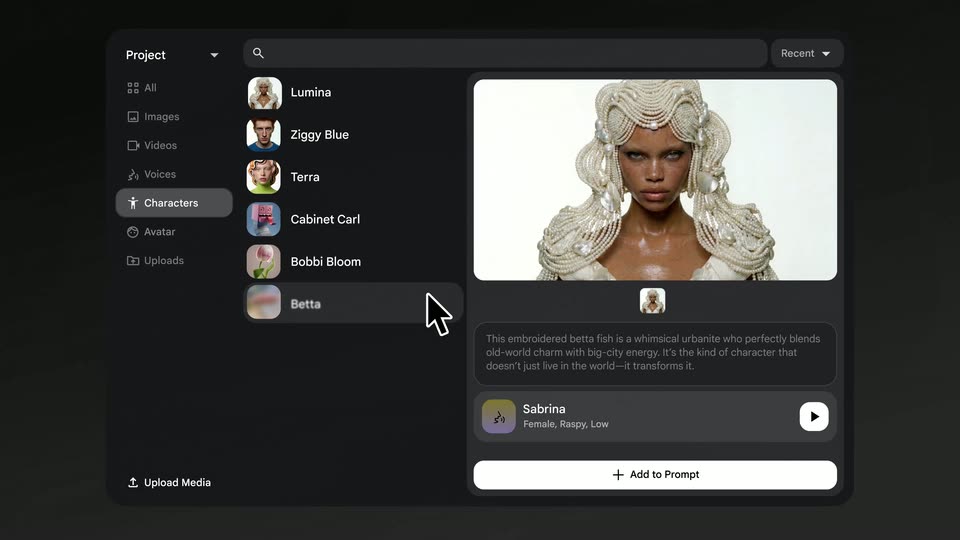 0:21–0:25Google · Google Flow - Introducing your agent and the all-new Gemini Omni model in Google FlA tilted 3D prompt bar floats over a blurred screen as add @ is typed. The view reframes to a flat frontal interface, and a cursor moves down to the Add to Prompt button.
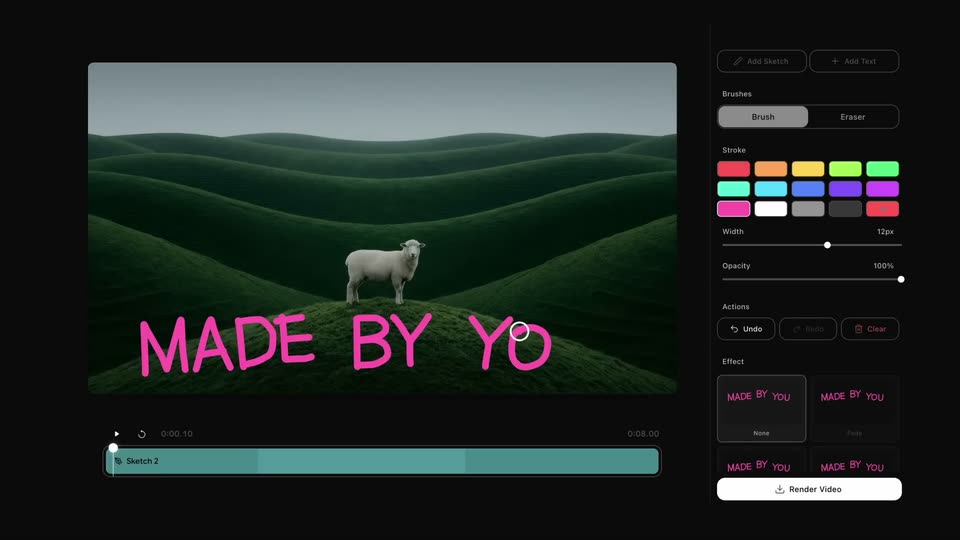 0:26–0:30Google · Introducing Tools in Google FlowA dark editor interface frames a video of a lone sheep on rolling green hills. Pink handwritten letters draw themselves across the grass into MADE BY YOU, then the view zooms into the canvas so the finished text fills the frame.
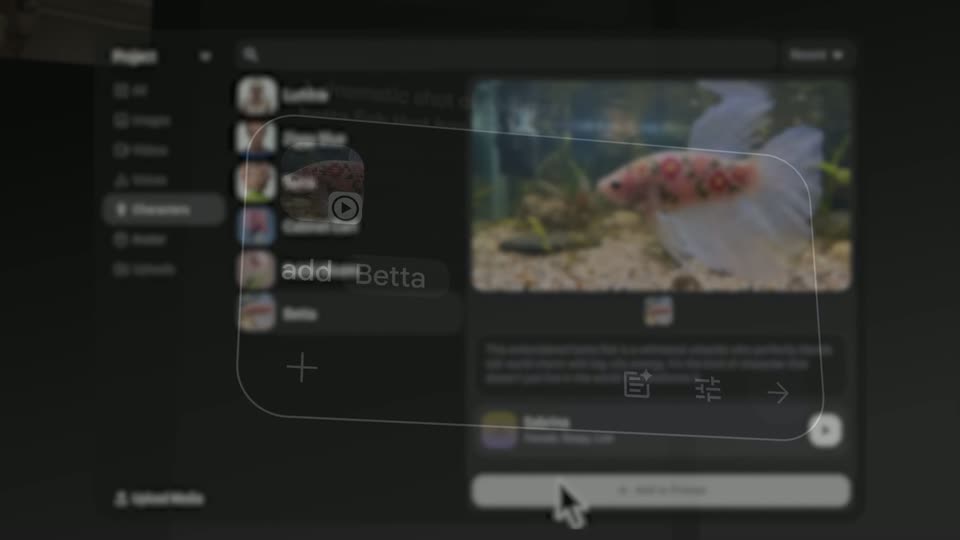 0:25 · 0.8sGoogle · Introducing your Agent and Gemini Omni in Google FlowA dark character-library screen blurs as the cursor taps the white Add to Prompt bar. A tilted rounded card pops into the center, showing the Betta avatar, the words add Betta, and three action icons.
 0:37 · 0.5smonday.com · Meet the agents that help you execute your work on monday.comA locked-off close-up of a light interface panel. A hand cursor hovers over a small rounded button as a black 'Build agent' tooltip pops above it, then the tooltip disappears and the button fades from dark to light gray.
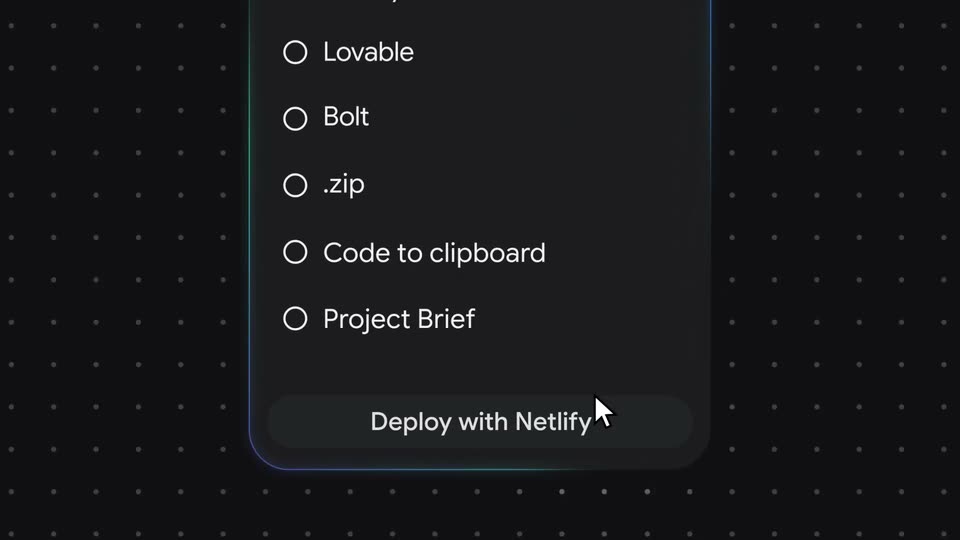 1:01–1:04Stitch · Stitch by Google - Your vibe design partner just got more collaborative! To celebrate IA dark Export dialog sits on a dotted grid. A cursor glides down the format list and clicks the Netlify radio, then the panel scrolls to reveal a Deploy with Netlify button before the dialog fades out.
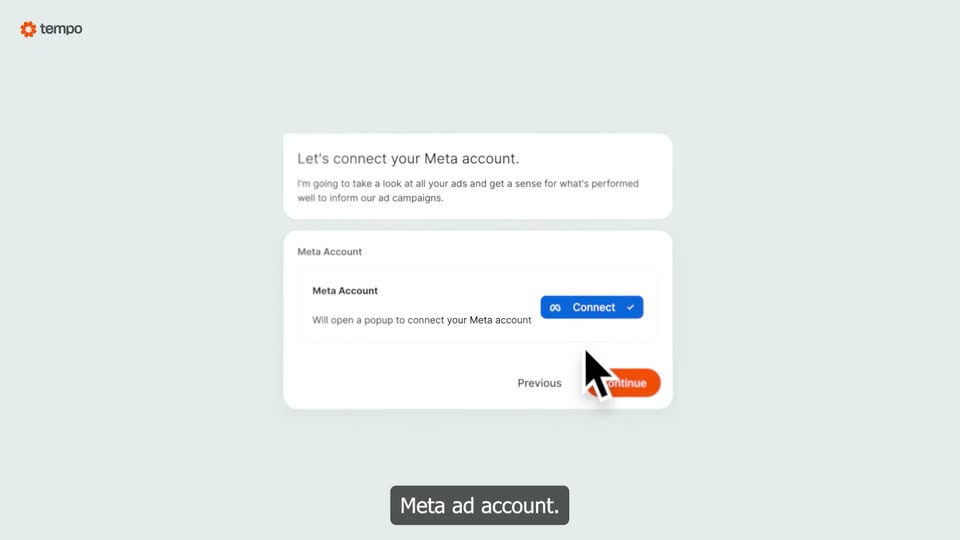 0:45–0:46Tempo · Joe Devoy - Introducing Tempo: The world’s first AI Head of Growth. AI can now sA light gray screen shows two stacked white cards for connecting a Meta account. A cursor clicks the blue Connect button, which fills in with a checkmark, then moves down as the Continue button turns orange. A dark caption reads Meta ad account at the bottom.
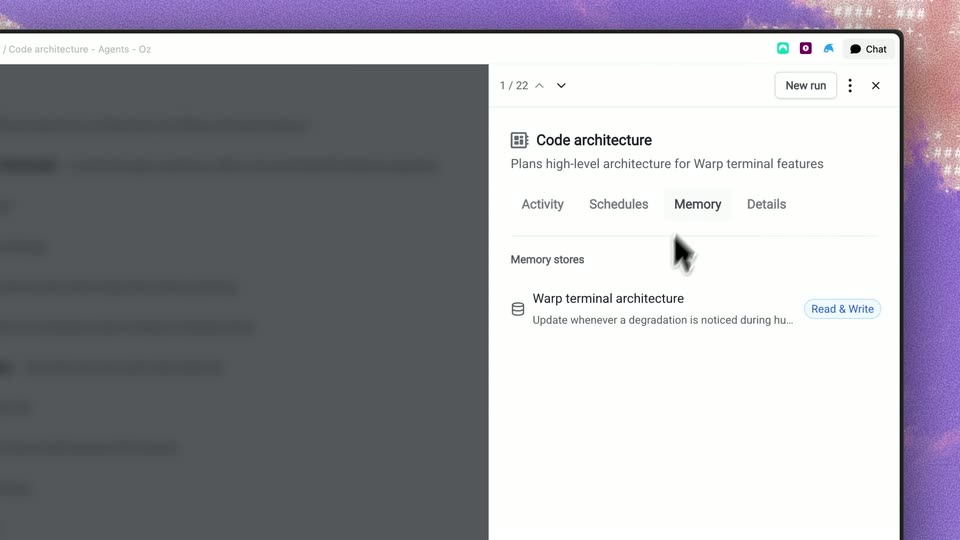 1:12–1:14Warp · Introducing multi-agent orchestrationOn a purple backdrop of floating code, a Warp agent panel shows the Code architecture task. A cursor clicks the Memory tab to reveal a memory store entry, then the camera zooms into the panel.
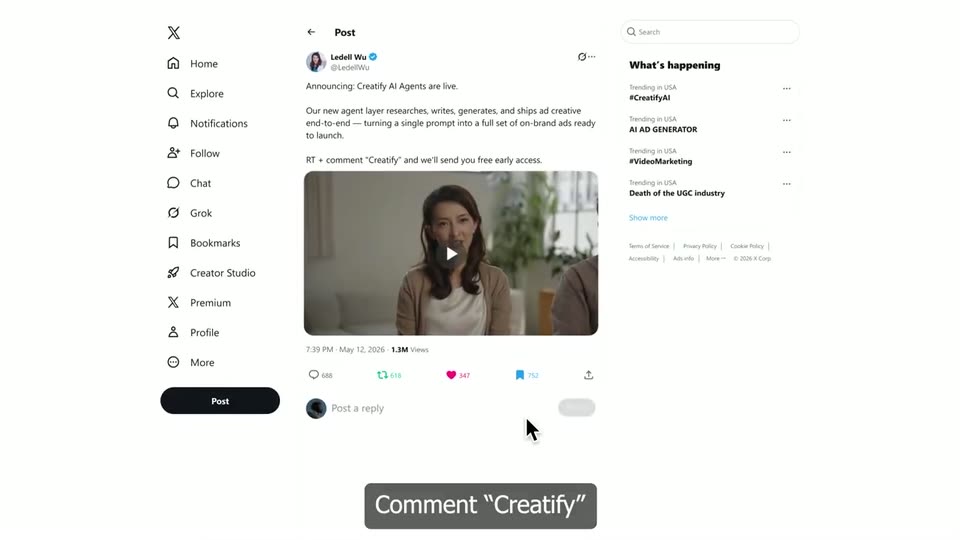 1:56–1:58Creatify AI · Creatify AI - Introducing Creatify Agent. The world’s first multi-agent orchestratA light X interface shows a post by Lekell Wu announcing Creatify AI Agents, with a video thumbnail of a woman. The view slowly zooms onto the post as a cursor drifts to the reply field. A dark caption box at the bottom reads Comment “Creatify”.
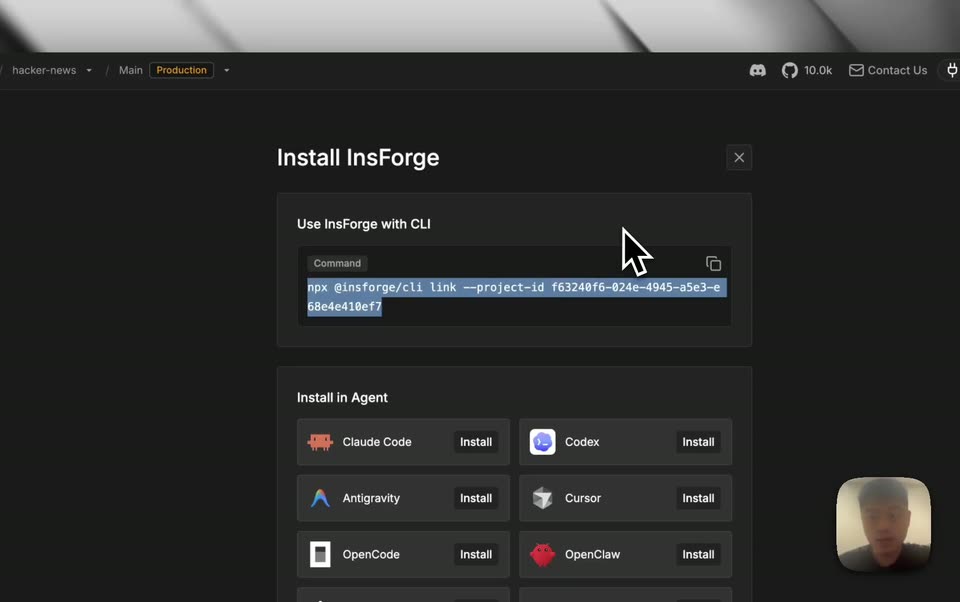 0:16–0:17InstaBox · InsForge YC Launch VideoA dark product dashboard shows an Install InsForge panel with a highlighted CLI command and a grid of agent install cards. A white cursor glides from the command box toward the copy icon while a small webcam feed of a presenter sits in the bottom right corner.
 0:48–0:49Riffle · Anurag Choudhary - allow @deoeven and I to introduce the future of music creation. riffA split view pairs a live-action saxophonist in a light blue suit with the sous chef interface panel. The frame zooms down to the input bar as a blue cursor rests on the Ask anything field.
 0:39–0:40Clicky · Y Combinator - Clicky is the simplest interface in the world to spawn agents. It caA close-up of a MacBook screen shows the macOS desktop with a teal wave wallpaper, the black notch centered on the top bezel. A cursor moves down the middle of the display against a softly blurred office background.
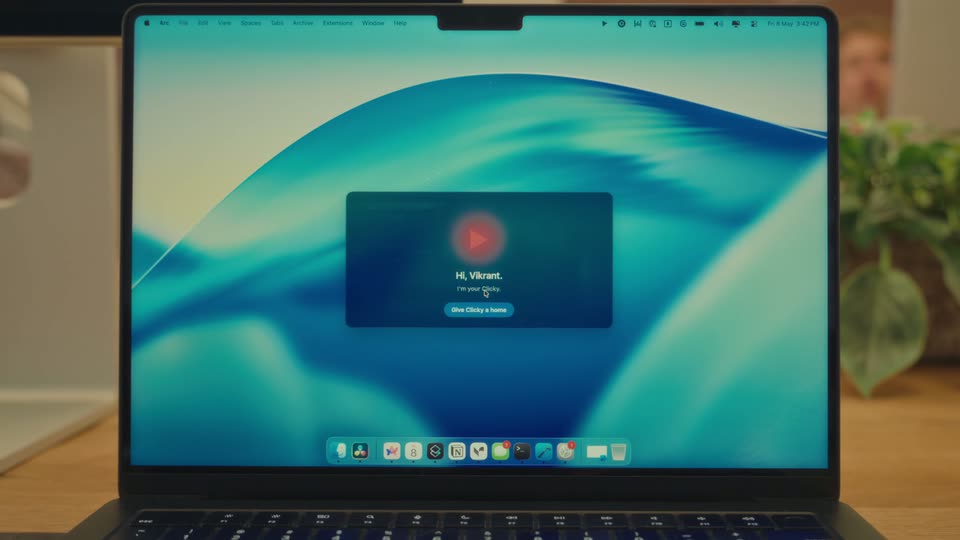 0:33–0:38HeyClicky · hi im clickyFront view of a MacBook on a wooden desk, plant blurred behind. The screen shows a blue desktop with a dark rounded card holding a red circular logo. A cursor drifts down to a button as the greeting text slides in below the logo.
 0:45–0:46Jitter · Jitter - Introducing Jitter AI ✨ Don't search for the right creative tool. BuA glowing blue pill button with the white text jitter.video sits centered on a black background. A white cursor arrow hovers at its lower right corner while the button fill shifts from violet to a darker blue, like a hover or press state.
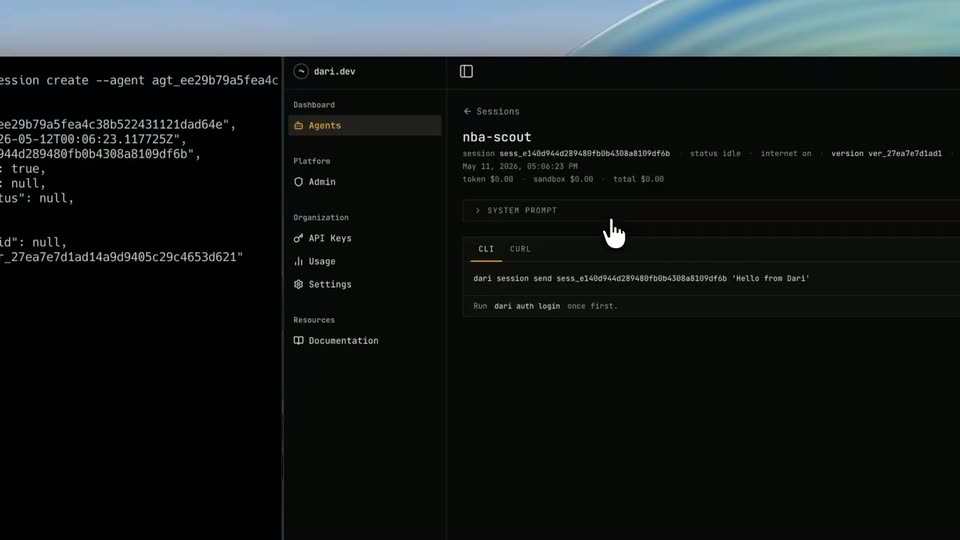 0:53–0:54dari.dev · Dari.devA dark dashboard fills the frame, its left sidebar listing menu items and the main panel showing the nba-scout session with CLI and CURL tabs. A hand cursor hovers over the CURL tab while JSON code peeks in from the left edge.
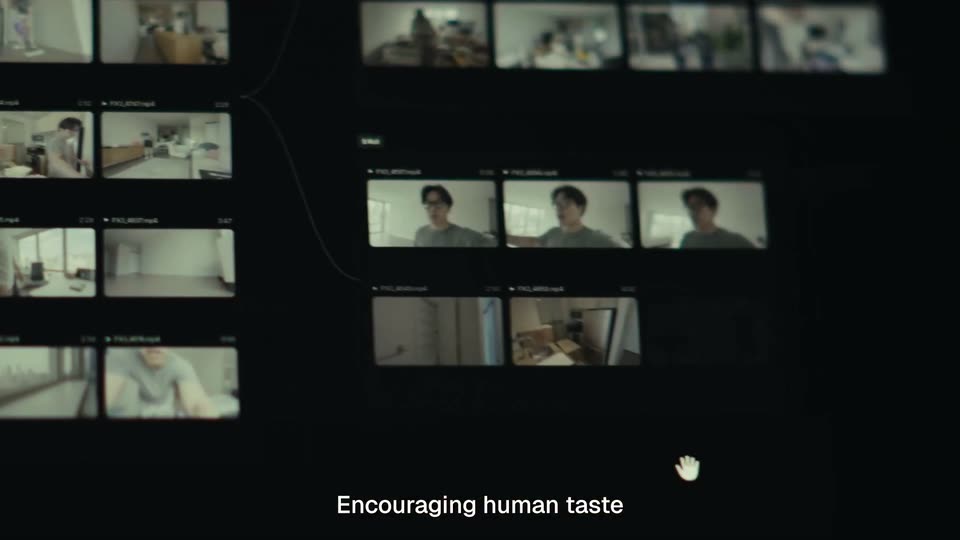 0:34–0:35Ponder · Ponder: agentic video editor raises $2.5M pre-seedA dark interface displays rows of small video thumbnails linked by thin lines. A white hand cursor glides diagonally from the center to the lower right. The caption 'Encouraging human taste' holds at the bottom edge.
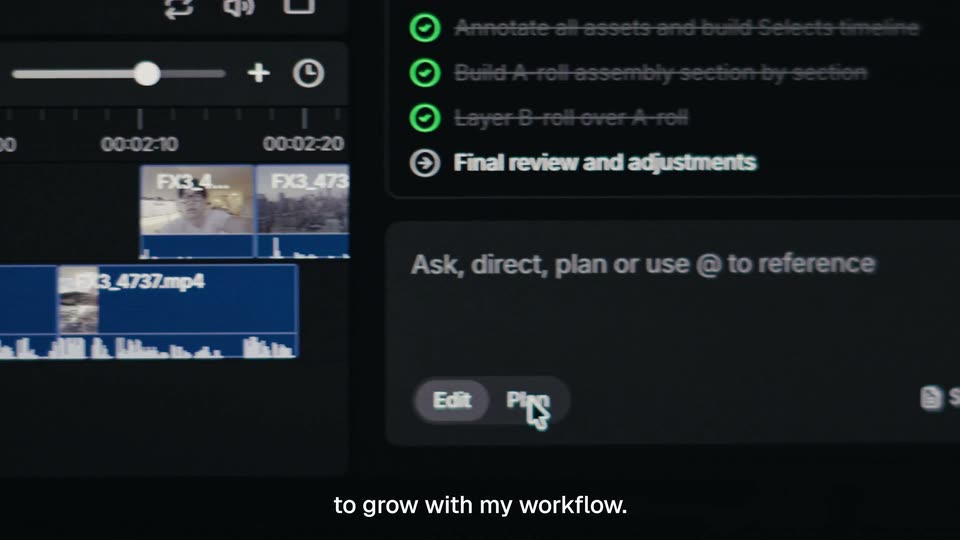 0:54–0:55Ponder · Timothy Wang - Introducing Ponder: the agentic video editor. It’s a new paradigm foA dark video editor timeline with blue clips and white audio waveforms pans right as a cursor clicks the Edit button. A checklist panel with green checkmarks and a prompt line sits on the right. A white caption sits at the bottom.