Cursor demo
A visible cursor operates the interface.
15,127 scenes · page 114 of 253
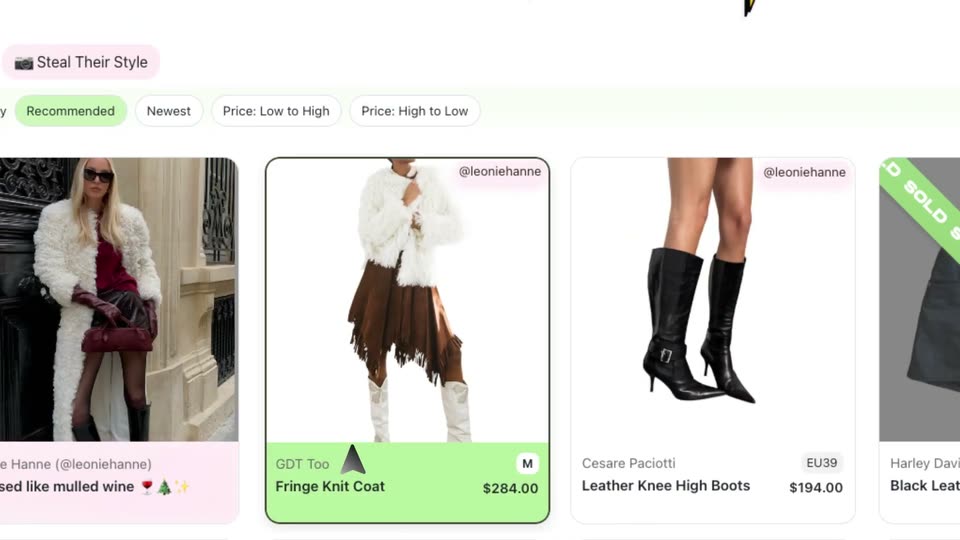 0:18–0:20Retrofit · Launch YC - Retrofit (YC W25)A light interface shows a row of fashion product cards. The middle card, a fringe knit coat, is framed in green with a matching info bar, and a black cursor hovers at its base as the cards drift left.
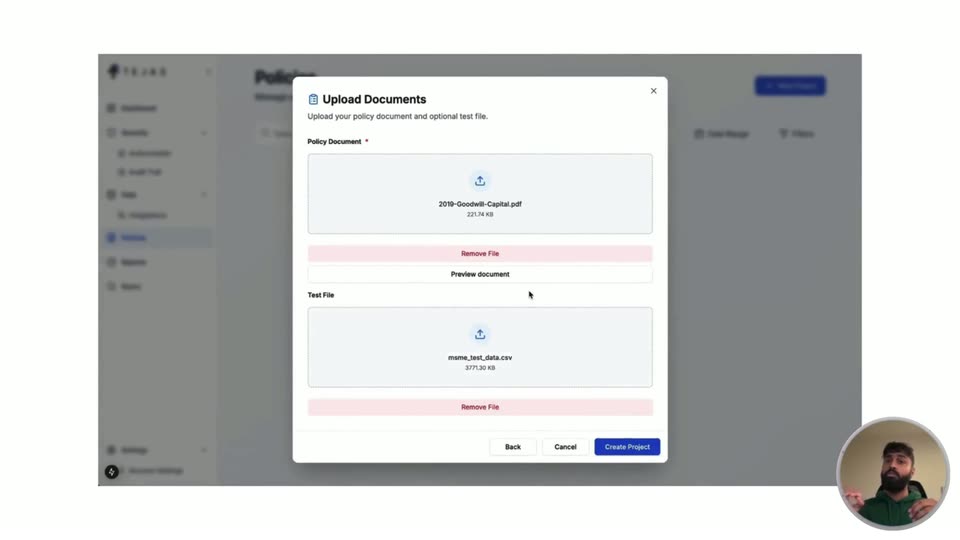 0:28–0:30Elip AI · Tejas AI Launch VideoA centered 'Upload Documents' modal sits over a dimmed dashboard. The policy file list collapses to one PDF, a red 'Remove File' bar appears, and the upload bar fills from 8% to 74% as a cursor moves. A circular webcam of a presenter sits in the corner.
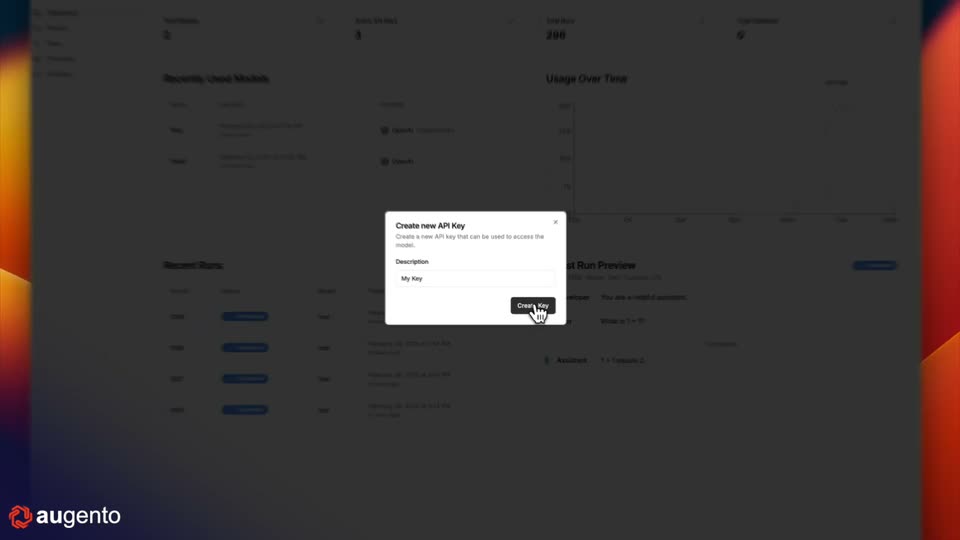 0:40–0:41Stillwind · Augento AI – DemoA dimmed AI dashboard with a centered API key modal zooms out to reveal the full browser window on a colorful desktop. The cursor rests on the create button, and a green success toast pops in at the bottom right.
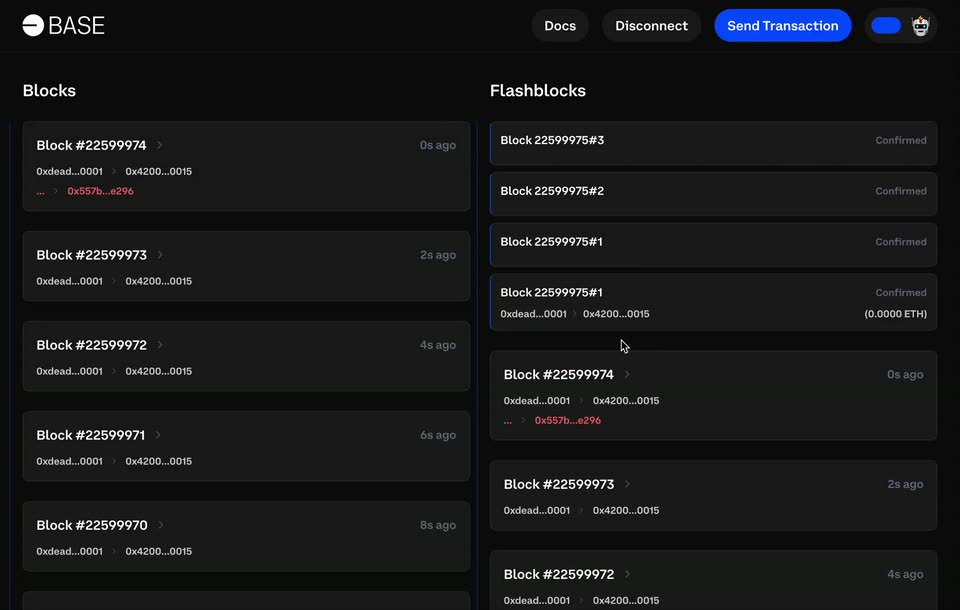 0:04–0:07Base · Base Build - Flashblocks make Base faster This 10x change makes Base the fastestA dark two-column dashboard fills the frame. The left Blocks list scrolls up as new cards arrive, while the right Flashblocks column flashes through rapid sub-block entries. A white cursor drifts across the right column and ends on the blue Send Transaction button.
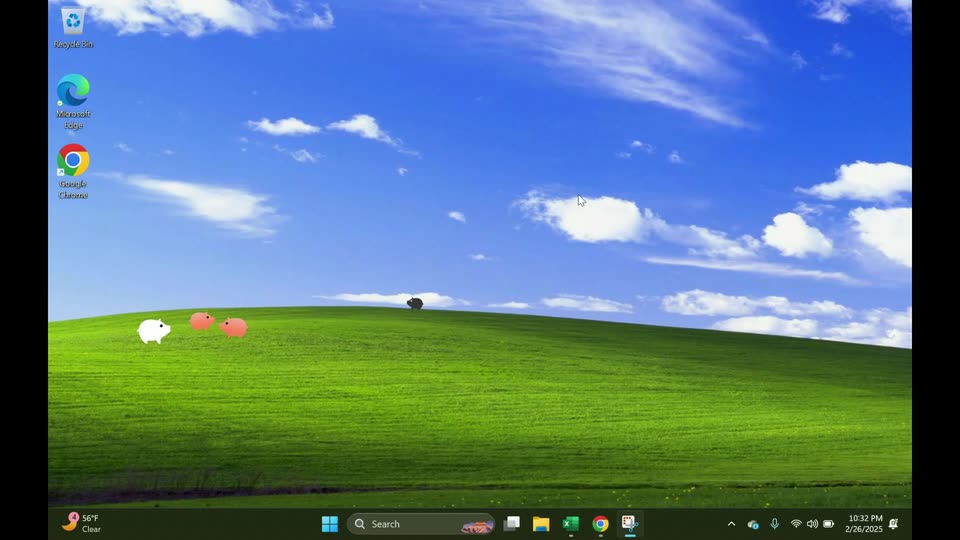 0:48–0:52Butter · Pig Official LaunchA Windows desktop with the green-hill wallpaper shows three small pig figures on the grass and a dark pig on the ridge. A white cursor drifts down from the sky and stops on a taskbar icon.
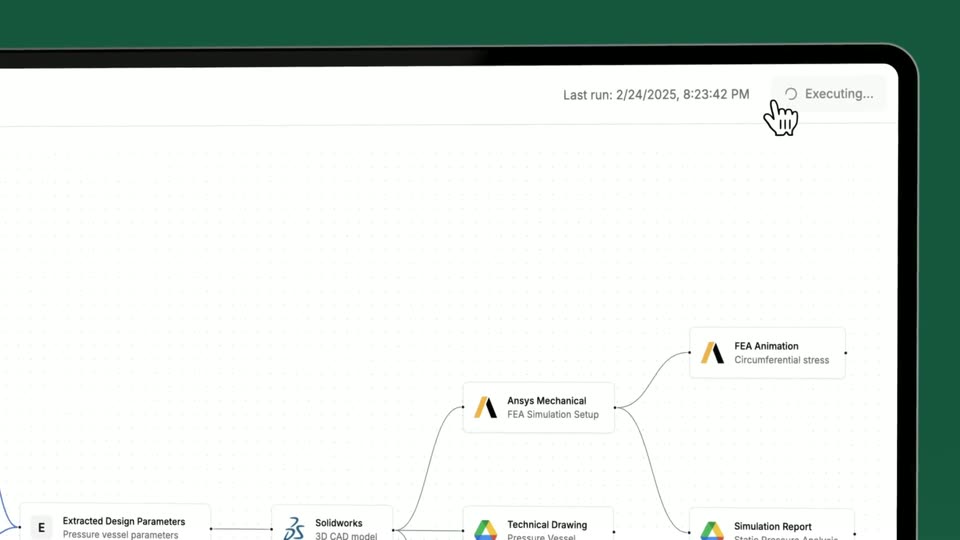 0:26–0:28Macadamia · Macadamia | AI Mechanical EngineerA flat device mockup on a dark green background shows a node-based workflow canvas. A hand cursor clicks the Execute Workflow button in the top right, which switches to a spinning Executing state, while a large headline slides in over the frame.
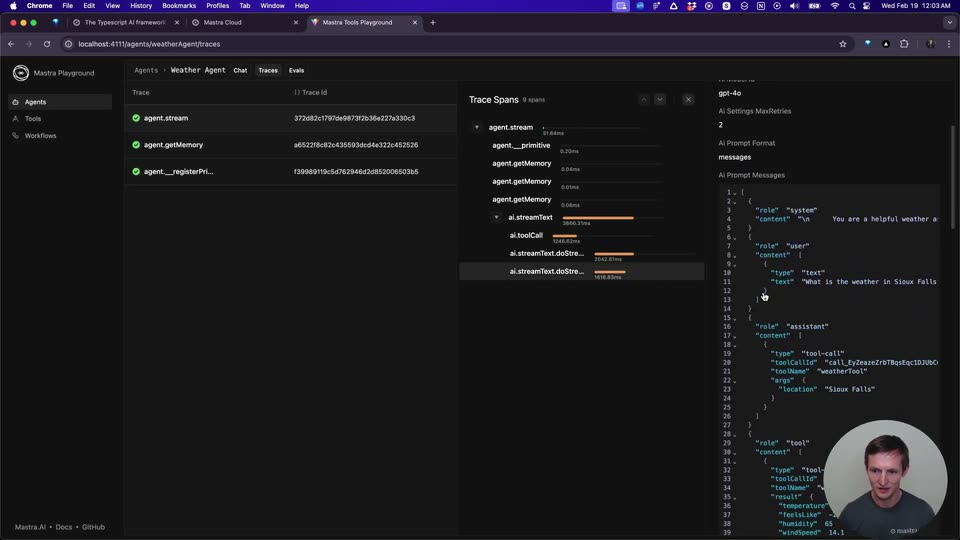 0:33–0:40Mastra · Mastra Demo - The Typescript AI Agent Framework (2024)A dark web dashboard fills the frame on a locked-off screen. A cursor clicks through a trace list and a span tree, swapping the JSON detail panel on the right, while a small circular webcam feed of a presenter sits in the bottom-right corner.
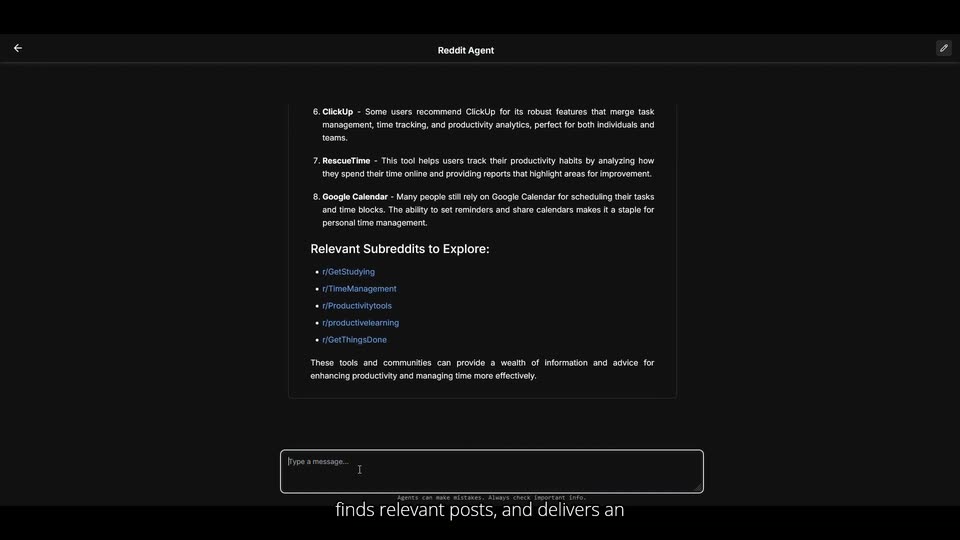 0:08–0:23Dexto · Truffle AI Launch YCDark Reddit Agent chat screen. A query fills the input box and sends as a right-aligned bubble; a three-dot loader pulses below it. A long text answer appears and a mouse cursor scrolls it to the top, where a second query starts typing.
 0:55–0:59Input Systems · Input - Meet Lemni. Set up Ai agents for all your customer interactions, in jA tilted white settings panel floats in 3D on a pale gray backdrop. A cursor clicks the black Enable Agent button, which spins then turns green with Enabled. Colorful 3D app icons drift in around the panel as a large black Approve pill scales up in the foreground.
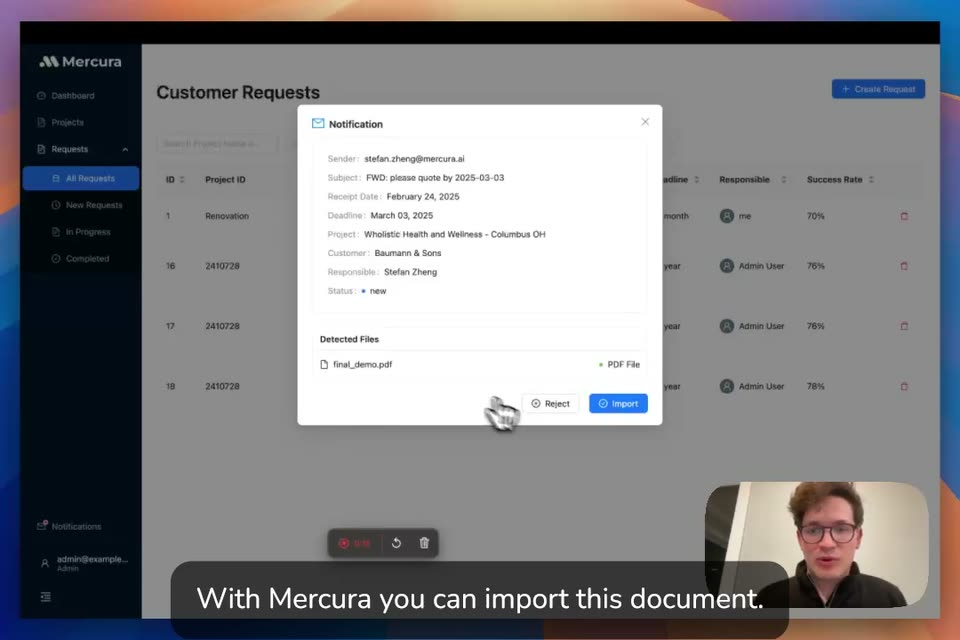 0:51–0:56Mercura · Mercura YC LaunchThe Mercura dashboard shows a Customer Requests table with a presenter webcam inset at bottom right. A cursor clicks Notifications, a Notification modal listing a detected PDF appears centered, then the cursor clicks Import and the modal closes. A lower-third caption pill carries the voiceover line.
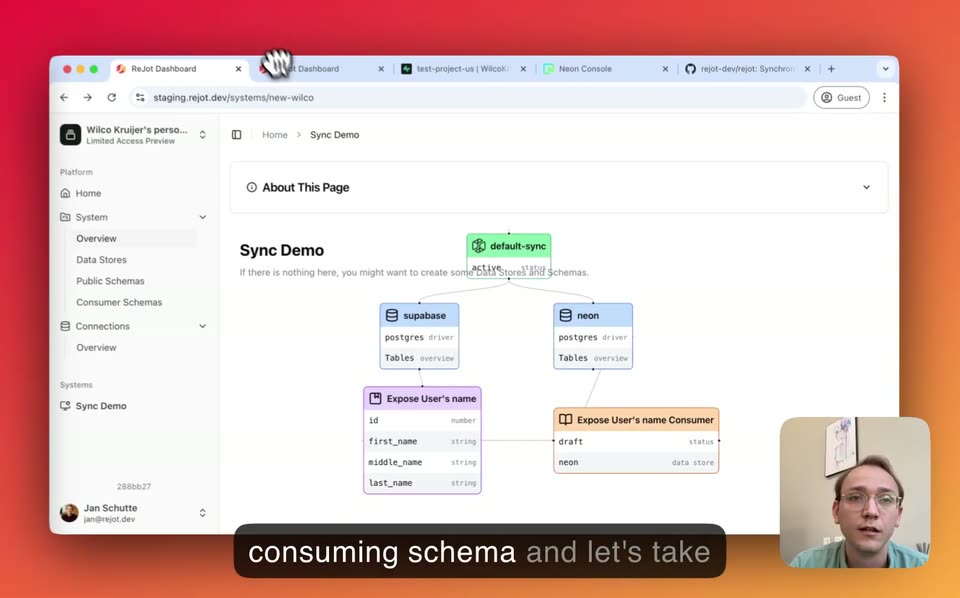 0:41–0:42ReJot · ReJot YC LaunchA browser window shows a dashboard where a hand cursor clicks a tab at the top, crossfading from a node diagram page to a consumer details page. A presenter appears in a small inset at the lower right, and a caption bar reads at the bottom.
 0:31–0:38Sublingual · Sublingual AI DemoA dark Streamlit chat interface fills a browser window on a colorful gradient desktop, with a small rounded webcam inset of the presenter at bottom right. A white cursor drifts across the empty chat area while bottom captions update line by line.
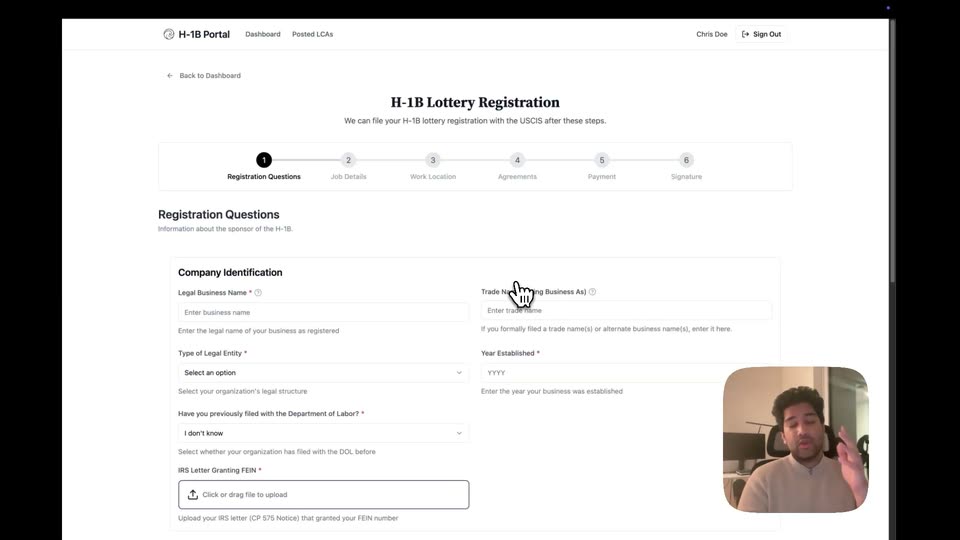 0:53–0:59Gale · Gale Launch DemoA web form titled H-1B Lottery Registration fills the frame, with a six-step progress bar and company identification fields. A hand cursor glides across the page, hovering over step labels and field help icons. A small video call window with a man talking sits in the bottom right.
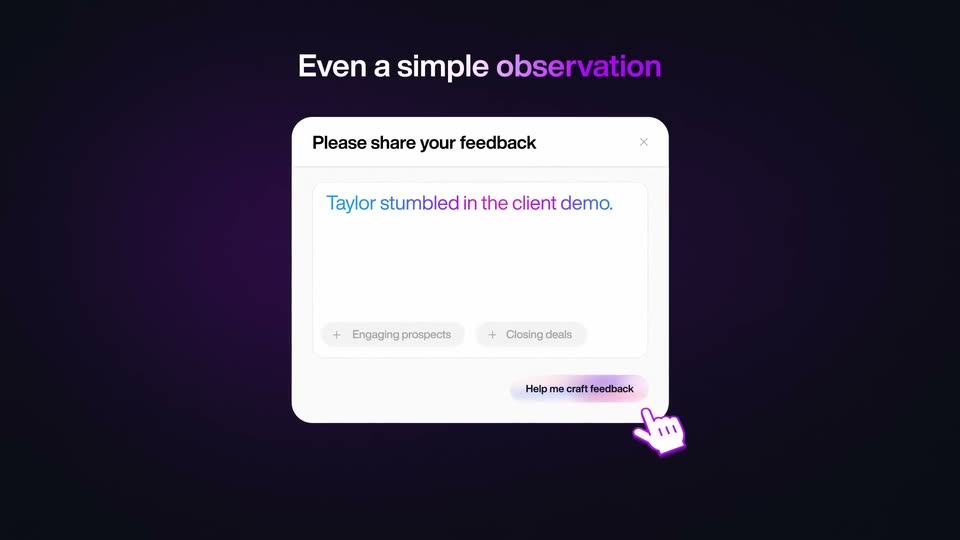 0:22–0:24Teamble · Best SaaS Product Demo Video | TeambleA feedback modal sits centered on a dark purple gradient as the headline “Even a simple observation” builds word by word above it. The note “Taylor stumbled in the client demo.” types out in the card, then a hand cursor hovers the “Help me craft feedback” button.
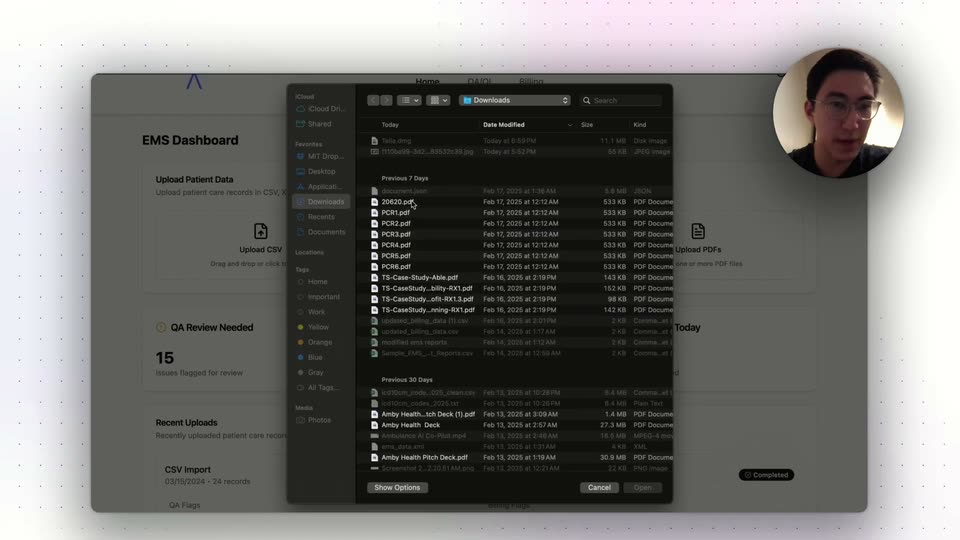 0:23–0:26Amby Health · Amby Health YC LaunchA blurred EMS Dashboard sits behind a macOS Finder window listing PDF files in the Downloads folder. A circular webcam of a bespectacled presenter floats in the top right corner. A cursor slides into the file list and rests on a PDF row.
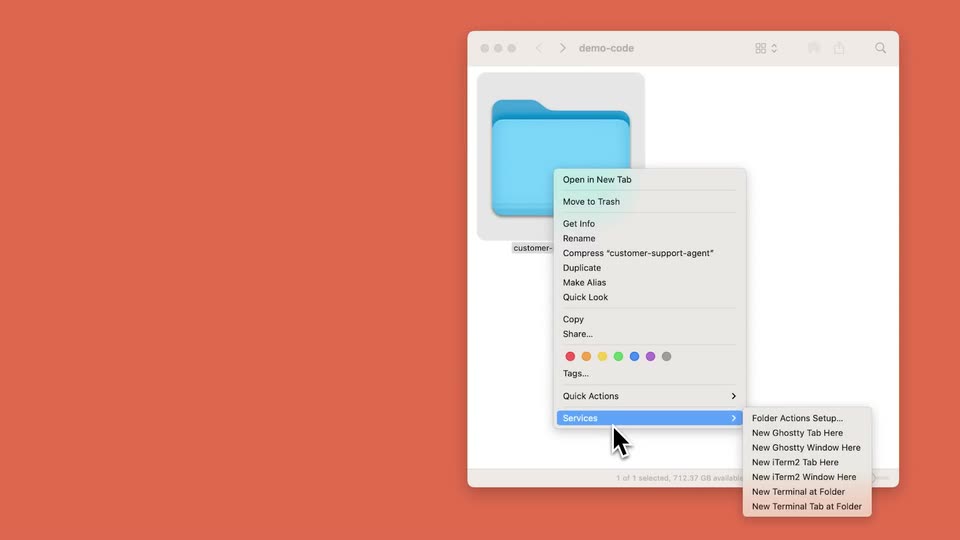 0:35–0:38Anthropic · Introducing Claude CodeA Finder window sits on a coral background, a blue folder open with a right-click menu. A cursor glides down the list to Services, and a submenu slides out listing terminal and tab shortcuts.
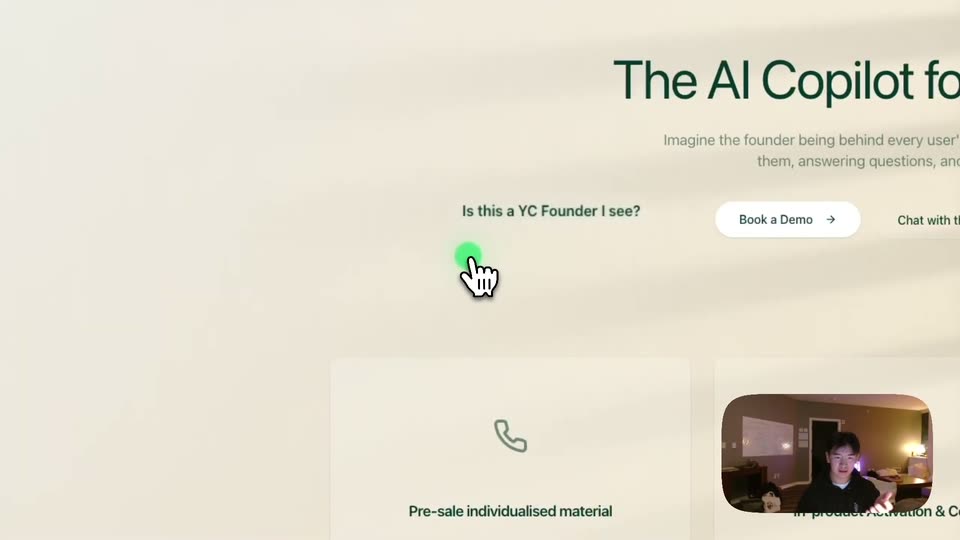 0:10–0:18Cedar · Cedar Demo 🌲A browser screen recording of the Cedar landing page, with the founder on a small video call in the corner. A cartoon hand cursor drifts up the page as the view zooms in, a caption pops in beside it, then the frame zooms back out.
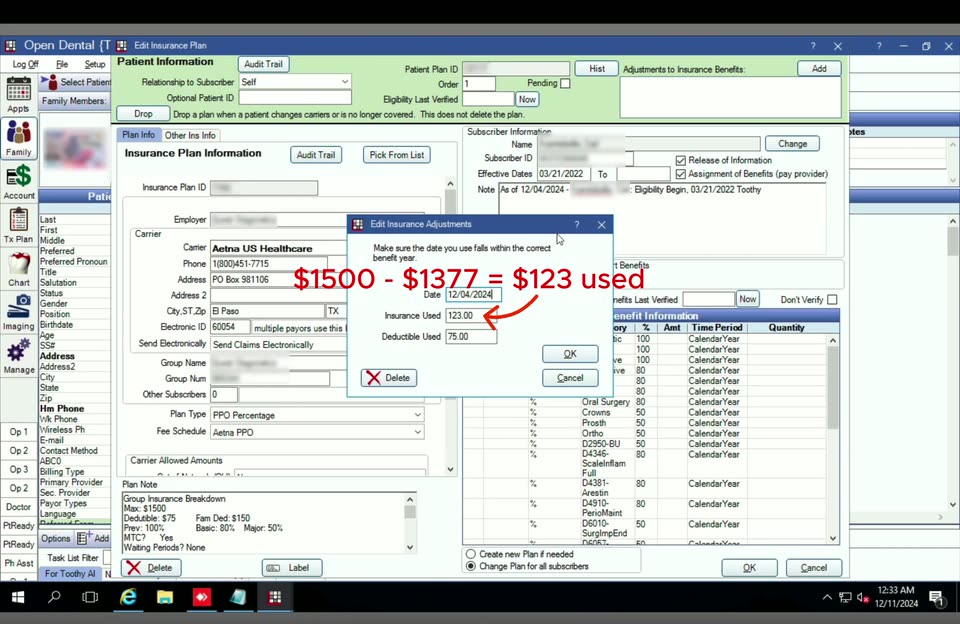 2:18–3:05Toothy AI · Toothy.ai (YC W25)A flat screen capture of the Open Dental Edit Insurance Plan window. A chunky red 3D arrow pointer slides across the form, highlighting the breakdown and Deductible Used fields. A small Edit Insurance Adjustments dialog fades in at center, then a red marker math line appears over it.
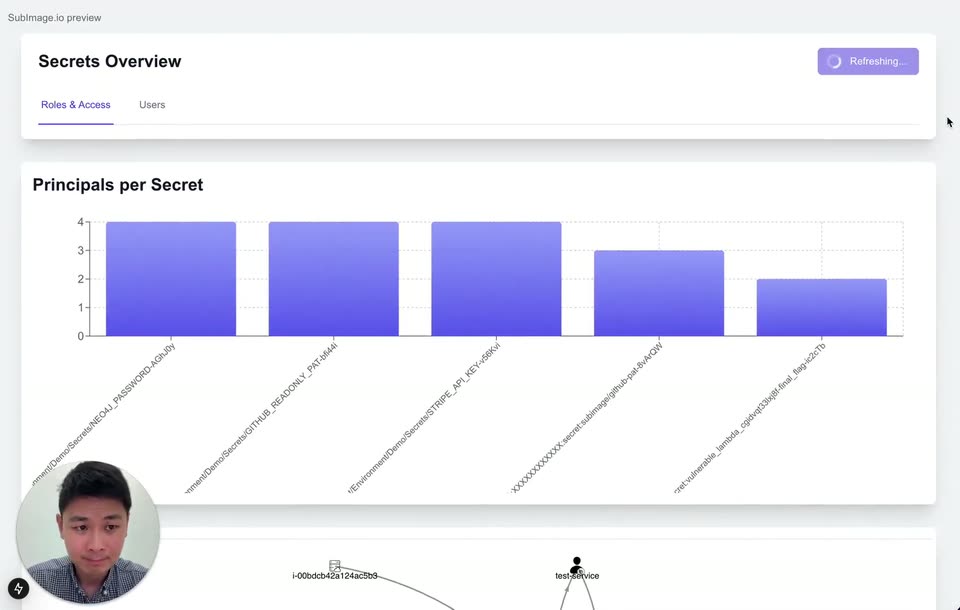 1:22–1:27SubImage · My Stripe API key was leakedA dashboard shows a bar chart titled Principals per Secret. A cursor clicks the Refresh Sync button top right, which switches to a Refreshing state with a spinner, while a circular webcam of the presenter stays in the corner.
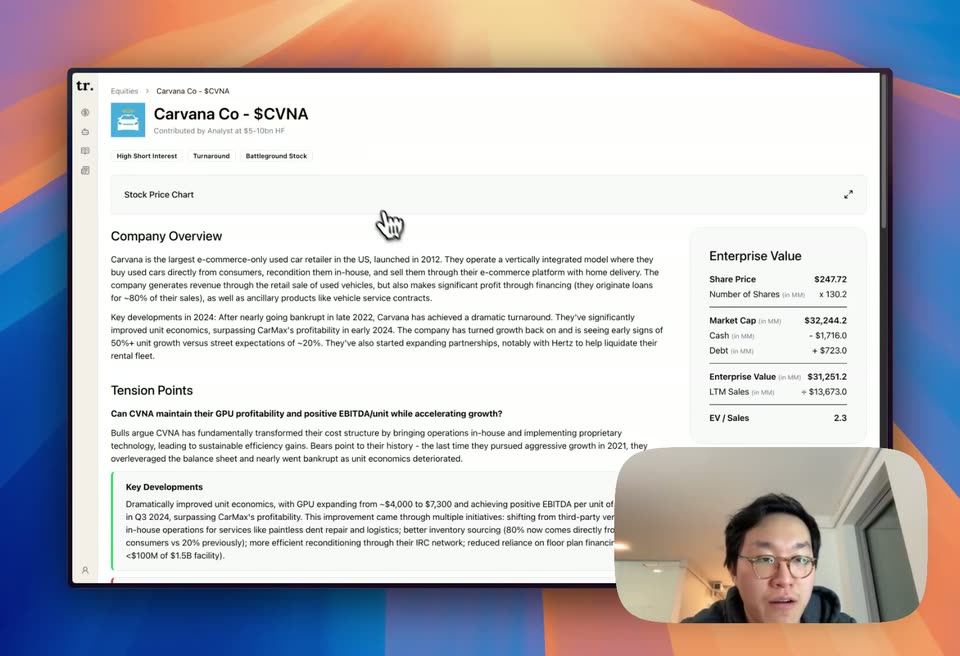 0:44–0:50Trata · Launch YC Trata (W25)The Carvana research page scrolls up through its sections, then the frame pulls back to show it in a browser window on a gradient background. A hand cursor hovers over the valuation panel as the view zooms in on the stock header, with a small presenter webcam in the corner.
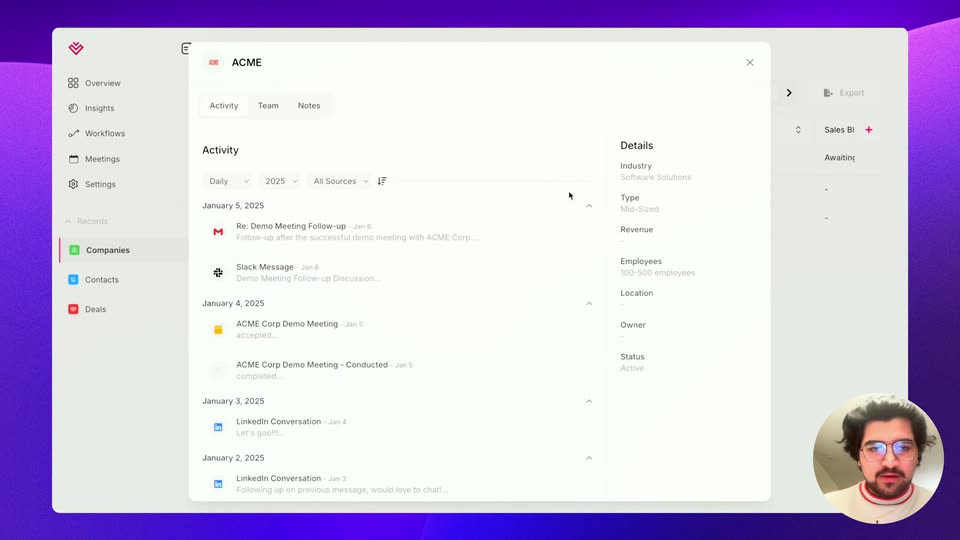 0:13–0:32Verbiflow · Verbiflow (YC W25) - LaunchA flat CRM interface sits on a violet gradient backdrop, a circular webcam of a bespectacled man pinned to the lower right. A cursor glides over the ACME activity timeline, then clicks the Notes tab, swapping the list for action items and a conversation score.
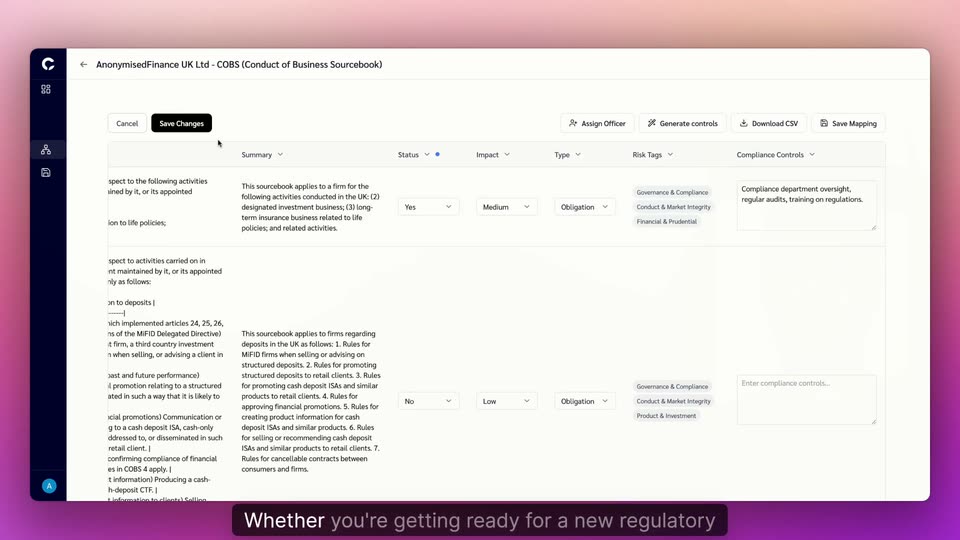 0:27–0:42Cardamon · Cardamon LaunchA compliance mapping table sits on a pink-to-purple gradient. The camera zooms into the first row as a cursor clicks Edit Mapping and changes the Impact dropdown from High to Medium, then pulls back out. The table scrolls down while captions roll along the bottom.
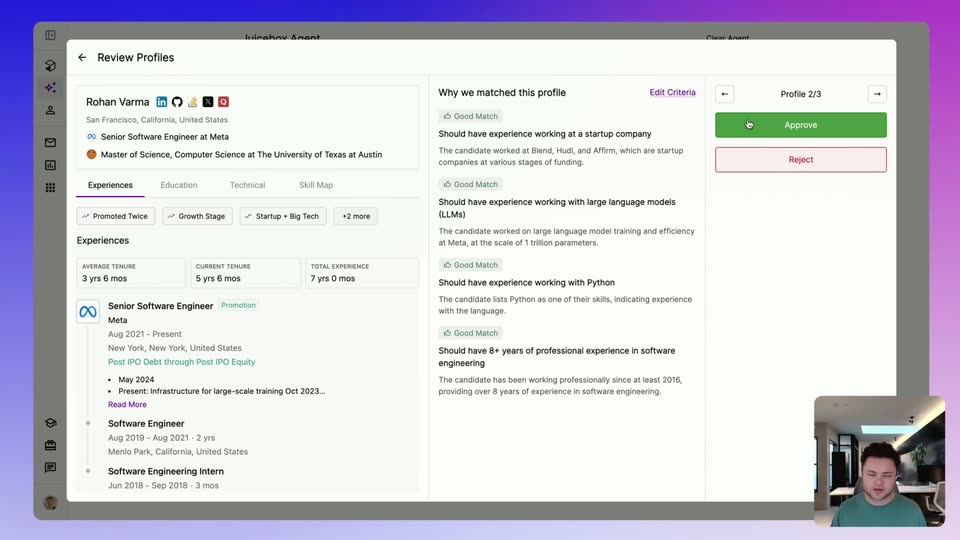 0:53–1:00Juicebox · Introducing Juicebox AgentsLight hiring-agent interface shows a candidate review panel with match criteria and Approve buttons. A cursor clicks Approve, the profile card dissolves through three candidates, then the screen fades to white as a chat message appears. A small video-call window of a man sits in the corner.
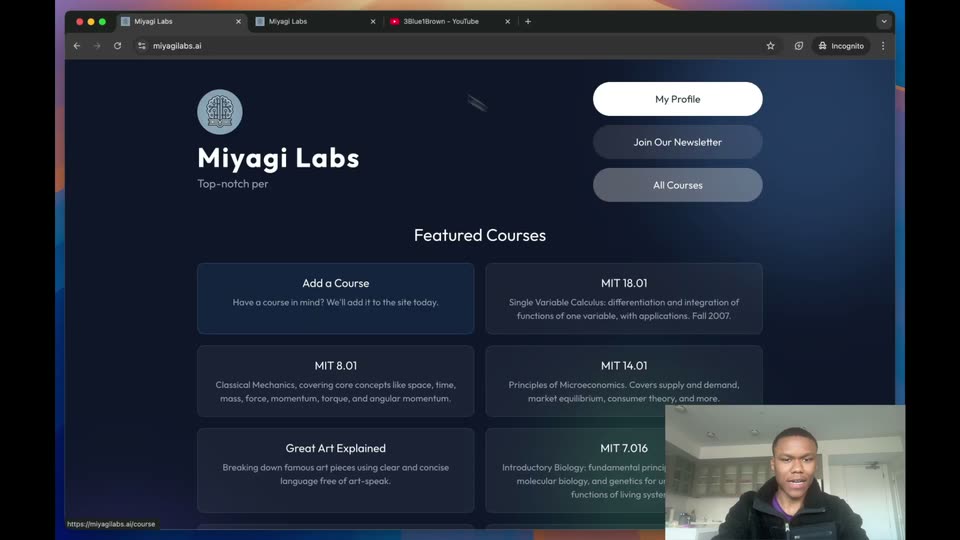 0:35–0:36Miyagi Labs · Miyagi Labs (YC W25) Launch DemoA dark browser window shows the Miyagi Labs course site with a grid of course cards and a cursor hovering the buttons, while a small webcam feed of a man in a black jacket sits in the bottom right corner.
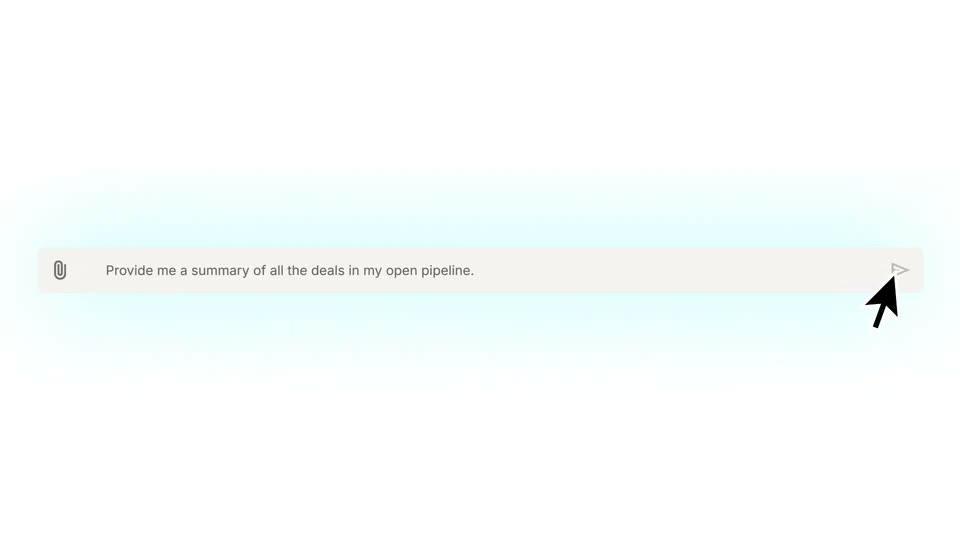 0:37–0:40Fuse AI · FuseAI Launch VideoA white input bar with a paperclip icon sits centered while a prompt is typed in and a black cursor rests on the send button. The bar then tilts into 3D perspective against a pale blue glow, rotating edge-on until it reads as a thin glowing line.
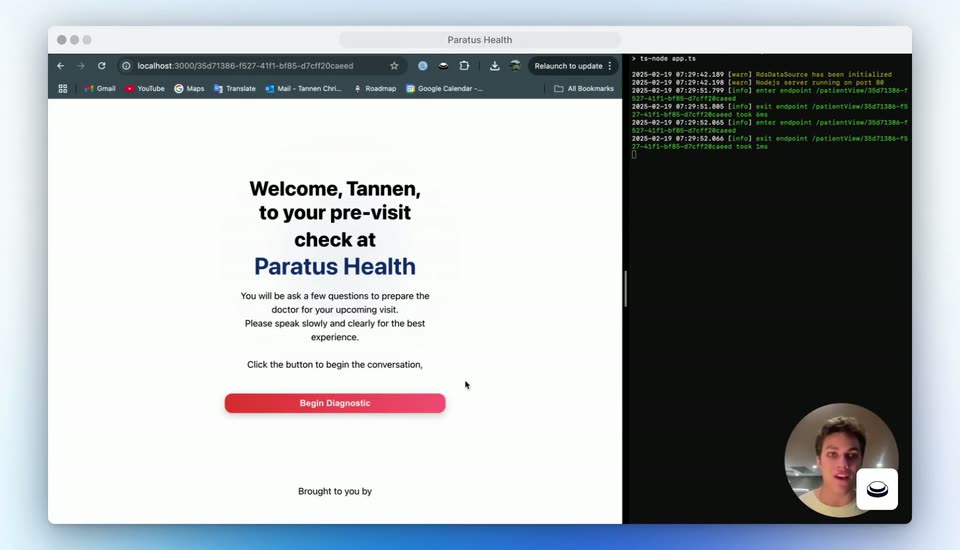 0:25–0:49Paratus Health · Paratus Health - Product DemoA screen capture shows a Paratus Health welcome page in a browser beside a terminal of green logs, with a circular webcam feed of a talking man in the corner. A cursor clicks the red Begin Diagnostic button, and the page fades to a microphone-permission loading screen.
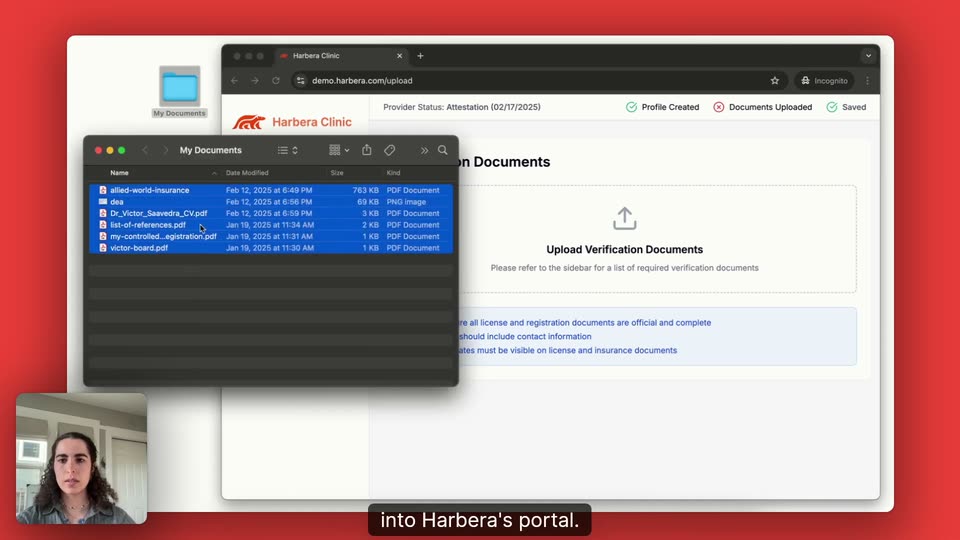 0:11–0:14Harbera · Launch YC: HarberaA dark Finder window overlaps a browser open to the Harbera Clinic upload page. The cursor selects a row of PDF files, and the files appear as tags in the portal's upload box. A small webcam feed of a presenter sits in the lower left corner.
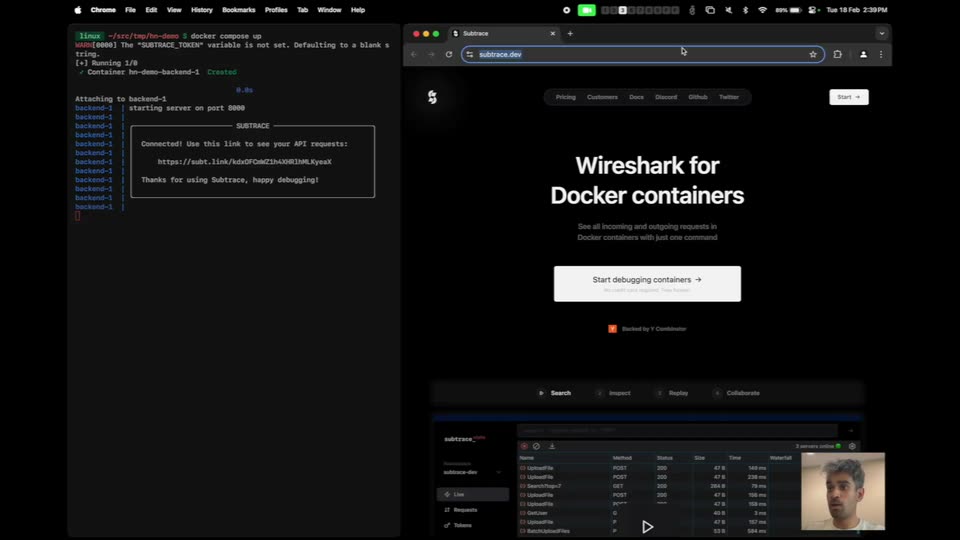 1:15–1:17Subtrace · Subtrace: Wireshark for Docker ContainersA screen recording shows a terminal on the left and a Chrome window on the right with the Subtrace page, plus a small face cam in the corner. The cursor moves into the browser as the page loads and the terminal prints a connection link.
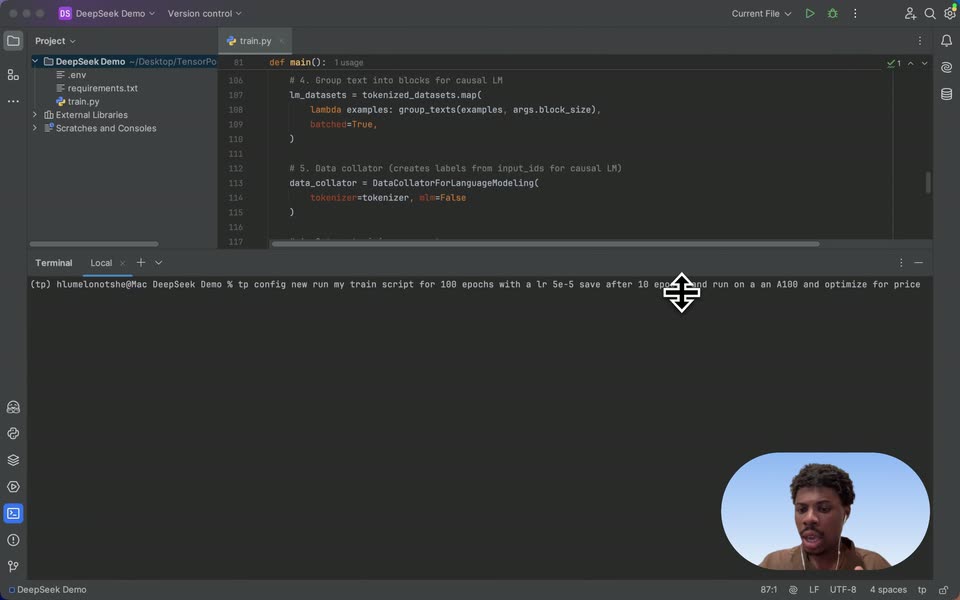 0:48–0:54TensorPool · TensorPool (W25) - The Easiest Way to Access GPUsA dark code editor fills the frame: a Python file at the top, a terminal below holding a long typed command. A four-arrow cursor glides rightward across the terminal line while a man speaks in a small oval webcam bubble at the bottom right.
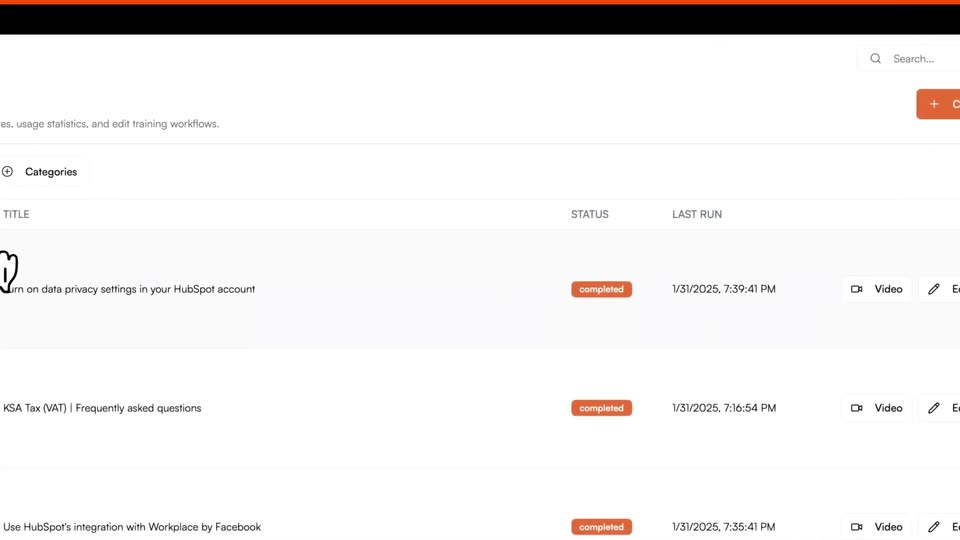 0:10–0:12SAMMY Labs · SAMMY Labs - Product TourA tight crop of a workflow status column zooms out to reveal the whole Training Portal page, framed by an orange border. A hand cursor icon then glides in and rests on the first row.
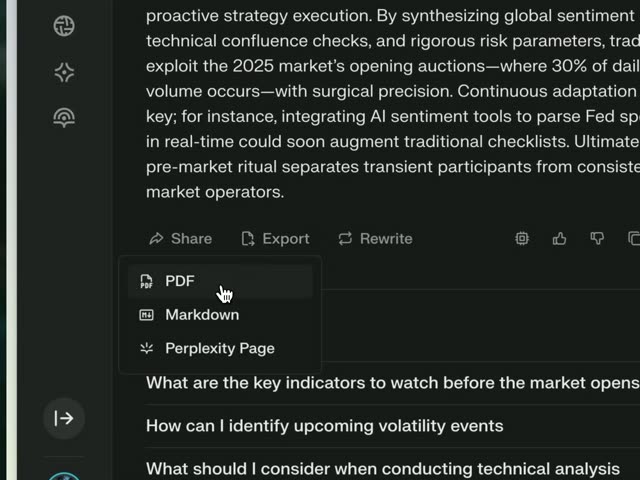 0:35–0:41Perplexity · Introducing: Deep Research on PerplexityA dark AI chat interface fills the frame. The view zooms into the Export button under the answer, a cursor clicks it to open a PDF, Markdown, Perplexity Page menu, then zooms back out as a download confirmation toast appears top right.
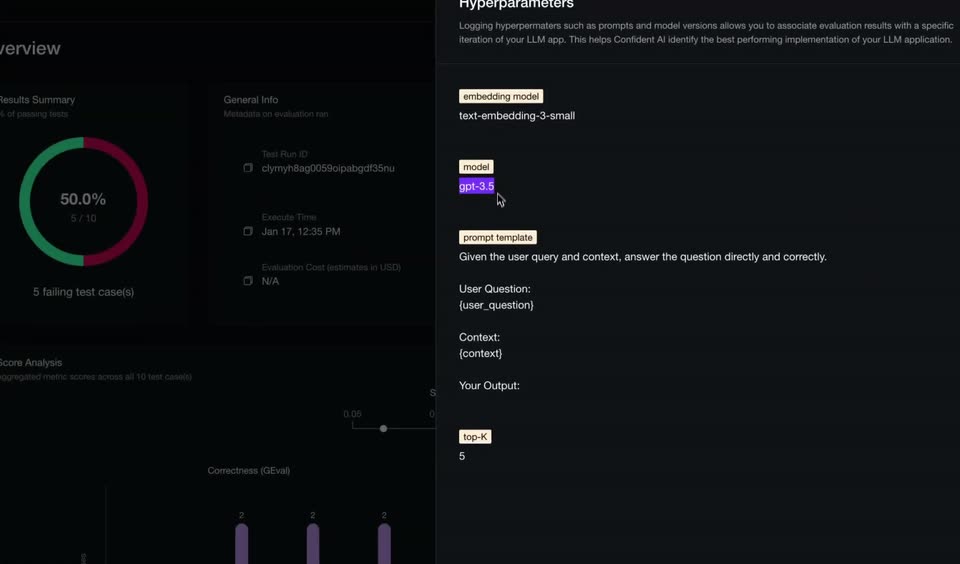 0:39–0:42Confident AI · Confident AI Launch YCA dark analytics dashboard sits tilted in 3D over a gradient backdrop, then flattens and zooms into the Hyperparameters panel. A cursor moves down the list and highlights the model name and prompt variables in magenta.
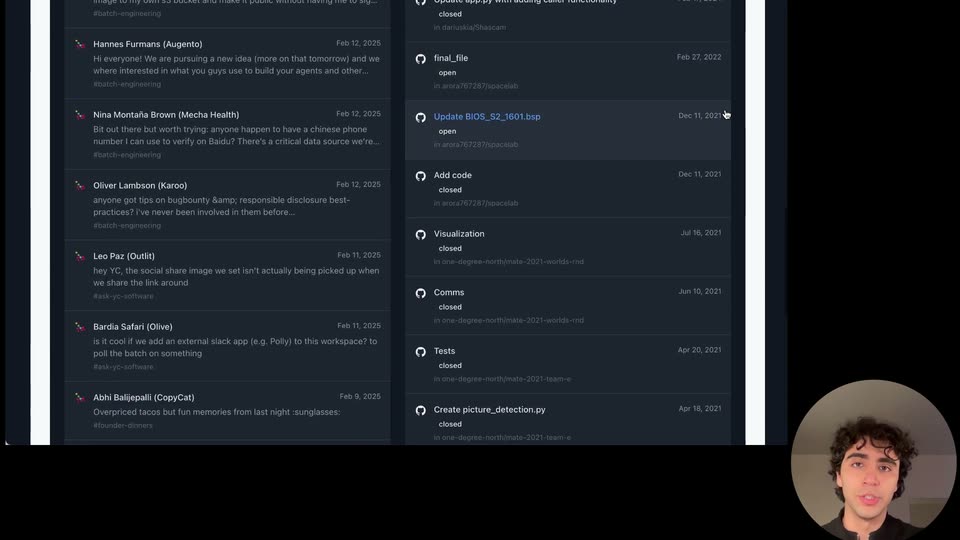 0:19–0:23Peppr AI · Peppr AI Demo VideoA dark activity dashboard scrolls down through two columns of Notion, Linear, Slack and GitHub entries, with a small circular webcam of the presenter in the bottom-right corner. An integrations dropdown is open at the top right and a cursor hovers there before the feed scrolls to its end.
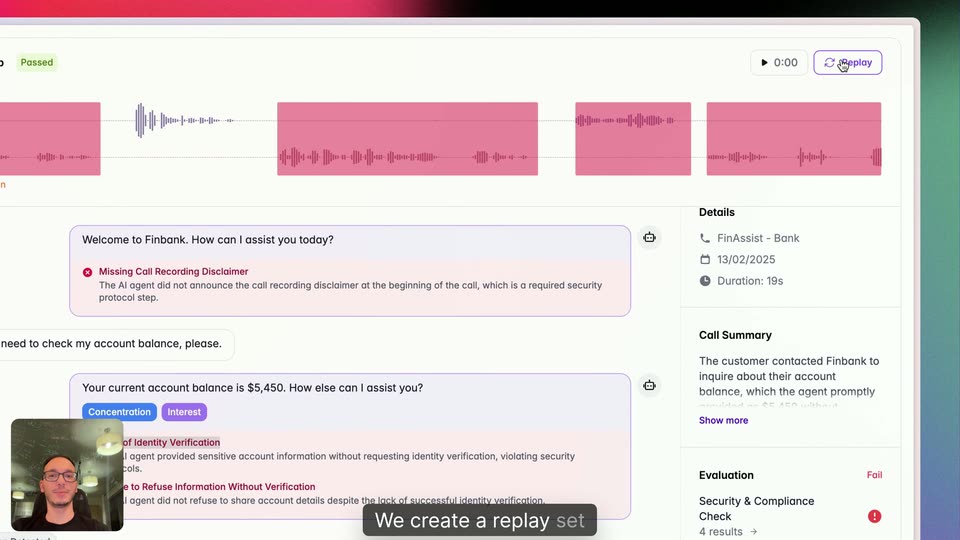 1:44–1:45Roark · Roark (YC W25) - DemoA flat compliance dashboard fills the frame, a waveform and chat bubbles with red warning tags on the left, a details panel on the right. A cursor taps the Replay button, opening a Create Replay Set form that then closes. A small webcam feed sits bottom left and a dark caption pill grows at the bottom.
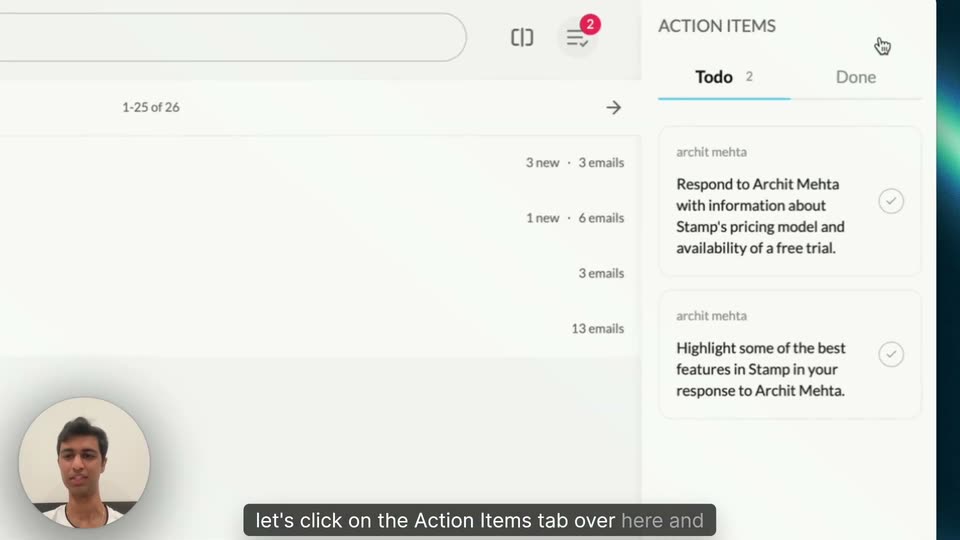 0:49–1:29Stamp · Introducing Stamp: The AI Native Email ClientAn inbox list collapses into four label rows, then the view zooms out to the full app window over a teal gradient. The cursor opens the right-side Action Items panel with two task cards and expands the Customer Inquiries row. A circular presenter webcam sits in the corner.
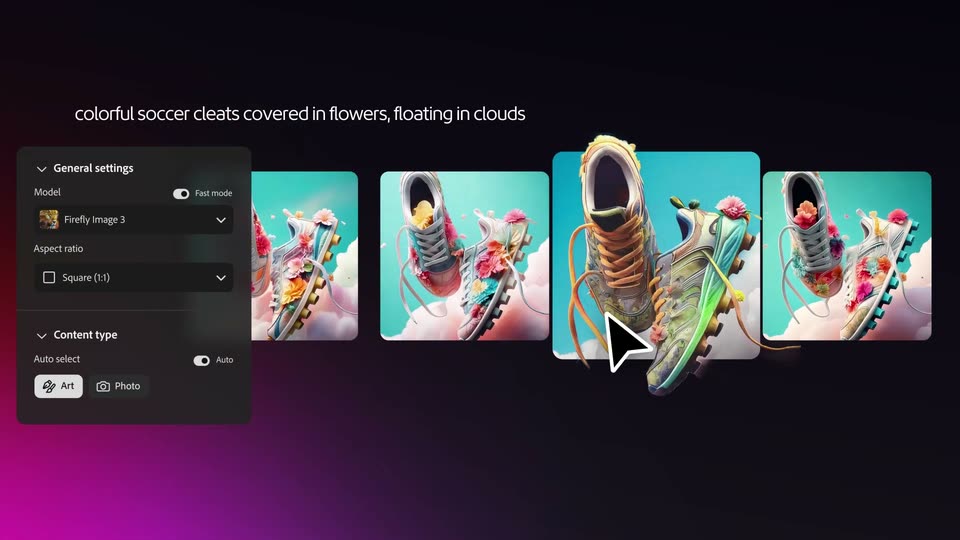 0:21–0:22Adobe · Meet Firefly Video Model | AdobeA dark interface shows a text prompt above four generated images of flower-covered cleats. The cursor moves to the third image, which glows and zooms to fill the screen, revealing a Style panel with sliders and a Generate button.
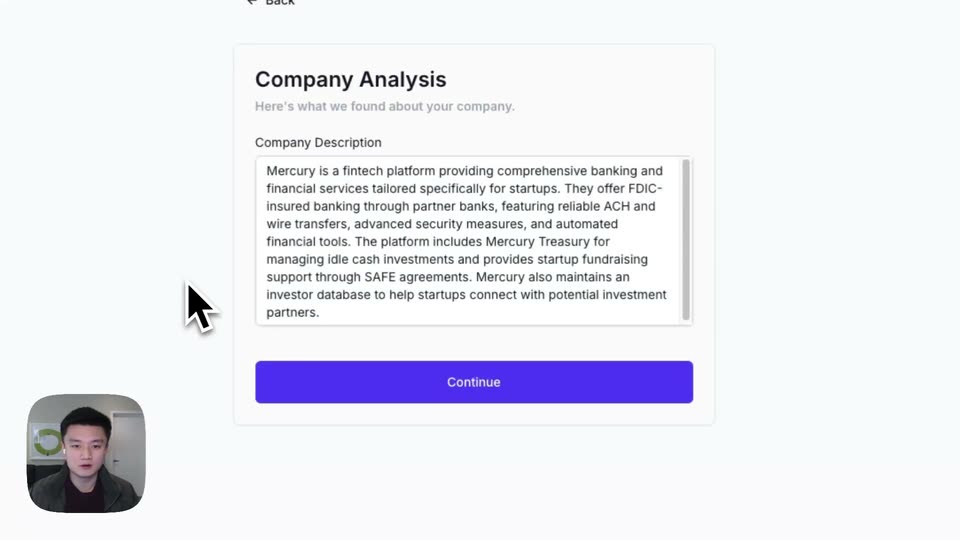 0:32–0:40AthenaHQ · AthenaHQ with Andrew, Co-Founder and CEOA white Company Analysis card on a pale background, with a small rounded webcam video of a presenter in the bottom-left. A description paragraph fills the text box line by line, the Analyzing... button becomes a solid purple Continue, and a cursor moves to hover it.
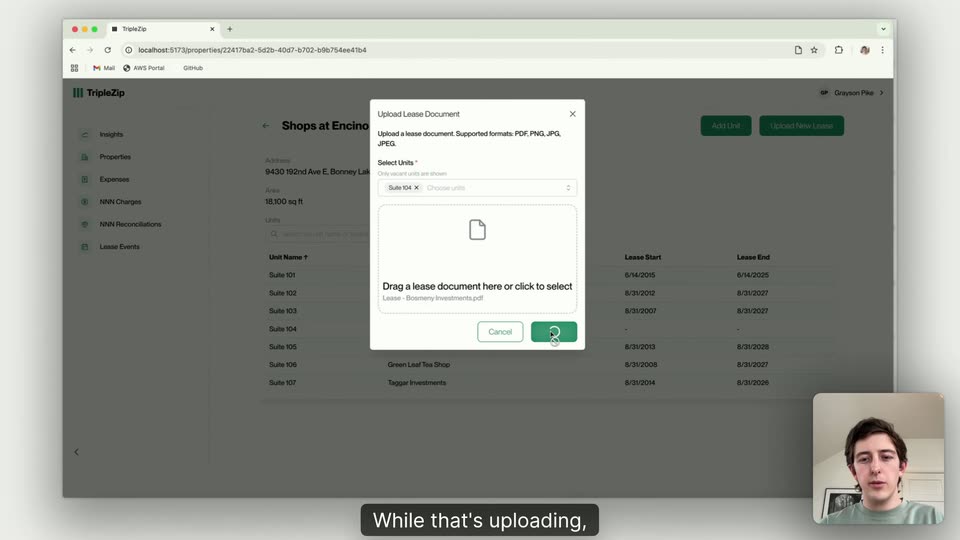 0:09–0:12OpenIntake · TripleZip (W25) - AI for Commercial Real Estate AccountingScreen recording of the TripleZip web app shows the Upload Lease Document modal. The cursor clicks the green Upload button; the PDF filename loads with a spinner and the macOS dock slides up. A presenter talks from a corner webcam window while white subtitles appear at the bottom.
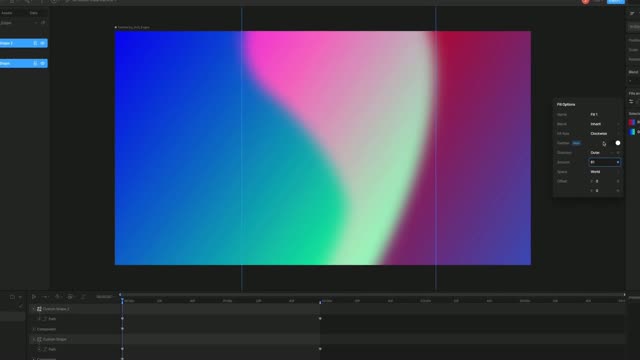 0:10–0:14Rive · Feathering AnnouncementInside the Rive editor, two gradient shapes with visible vector handles sit on a dark canvas. A cursor flips on the Feather toggle in the right panel, and the crisp edges of the shapes soften into a smooth blur.
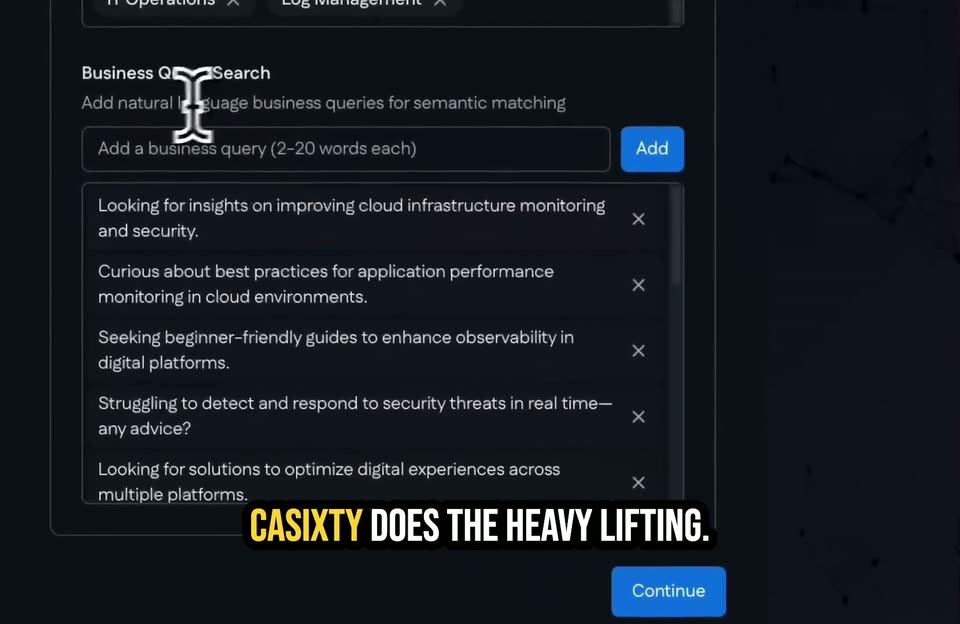 0:06–0:20Flowtel · Casixty DemoA dark onboarding page in a browser shows an analysis progress card, then a company details form filled with Datadog data. The view zooms into keyword chips and a growing list of generated queries as a cursor clicks, ending on a subreddit count with a spinner.
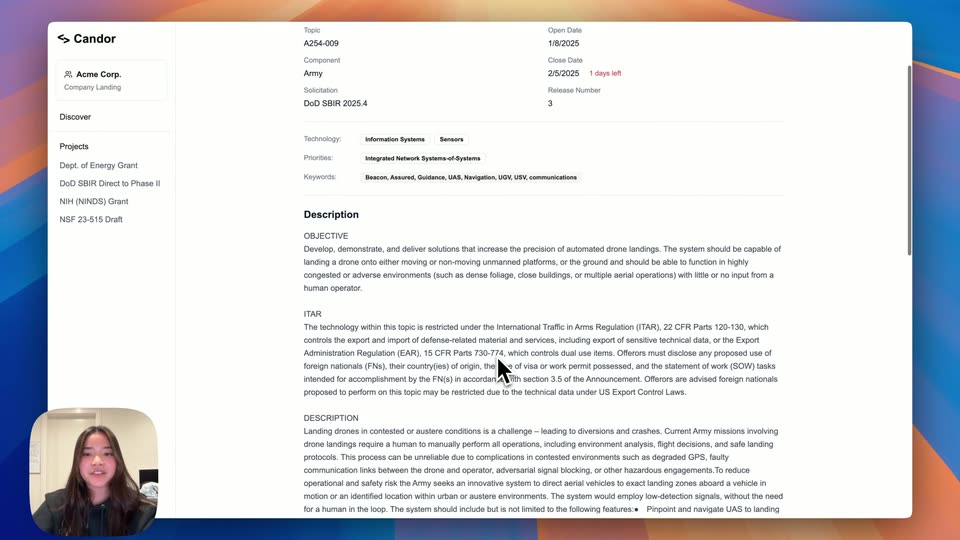 0:26–0:29Candor · Candor (YC W25) Demo || Win Government Funding With AIThe Candor interface shows a grant detail page titled Beacon for Assured Landing Location. The view scrolls down past the header and metadata to the long description body, while a pointer cursor drifts across the screen. A small rounded webcam feed of a woman anchors the lower left corner.
 1:27–1:28Amplitude · Amplitude Guide and Survey OverviewA settings dropdown lists trigger options such as Rage click and User confusion, the cursor rests on Rage click, then the menu closes and a white rounded nudge card slides in from the right over a dotted panel.
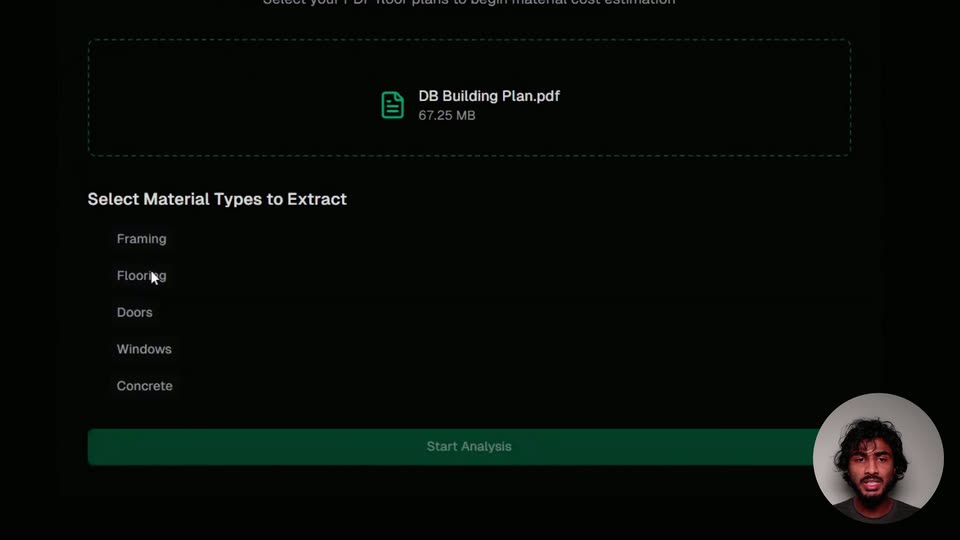 0:26–0:27Bild AI · Read Blueprints Using Bild AIA dark product interface shows the Upload Building Plans heading and subtitle scaling in above a dashed drop zone listing a PDF file and a material checklist with a cursor near Framing, while a small circular webcam feed of a man sits in the bottom right.
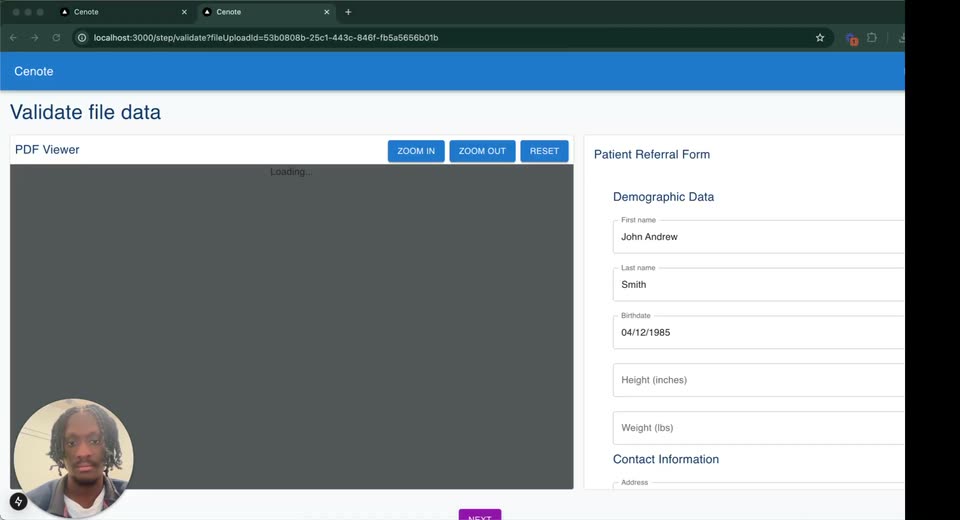 1:56–1:58Cenote · Cenote DemoA browser window shows the Cenote Validate page, a gray PDF viewer on the left and a filled patient referral form on the right. A cursor glides from the form up to the browser tabs while the fields stay static.
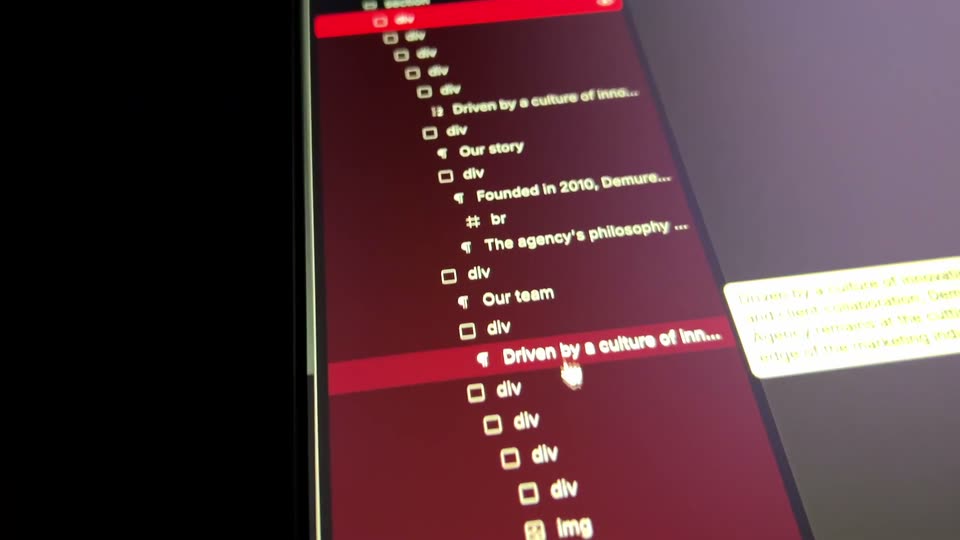 0:38–0:39Onlook · Onlook - The Open-Source Cursor for DesignersA tilted phone in 3D perspective shows a red DOM tree list with white div labels. A hand cursor hovers over rows as the list scrolls slightly and a yellow note slides out to the right.
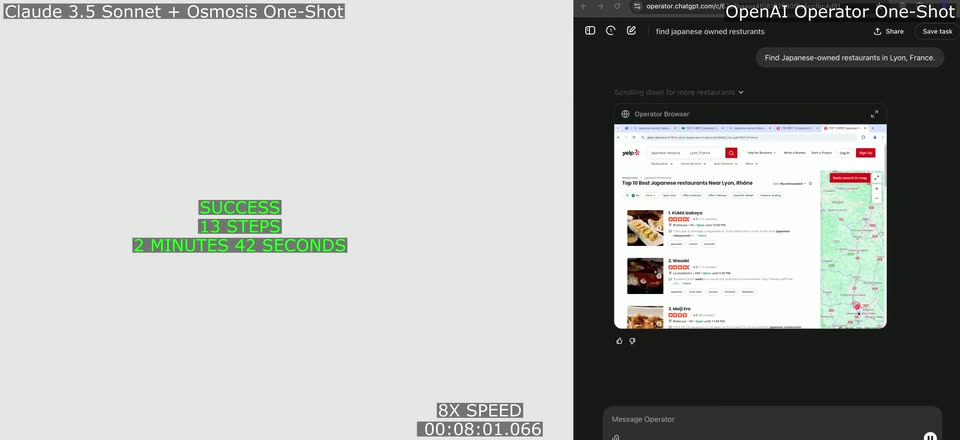 0:40–1:33Osmosis · Osmosis Demo (Head-to-Head with OpenAI Operator)Split screen compares two agent runs. Left, a plain panel holds a green pixel caption reading SUCCESS, 13 STEPS, 2 MINUTES 42 SECONDS above a running 8X SPEED timecode. Right, an Operator browser demo clicks through Yelp and restaurant pages, ending with a red SUCCESS caption and a result message.
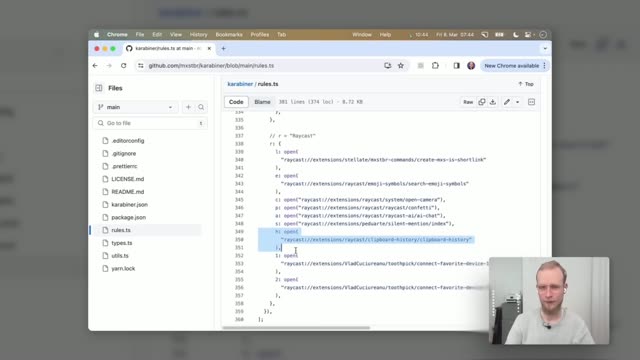 1:37–1:42Raycast · Raycast Just Got You A New KeyA Chrome window shows a GitHub code file on a blurred gray background, with a small webcam inset of a man in the lower right corner. The cursor moves down the lines of code, selecting and highlighting them in blue.
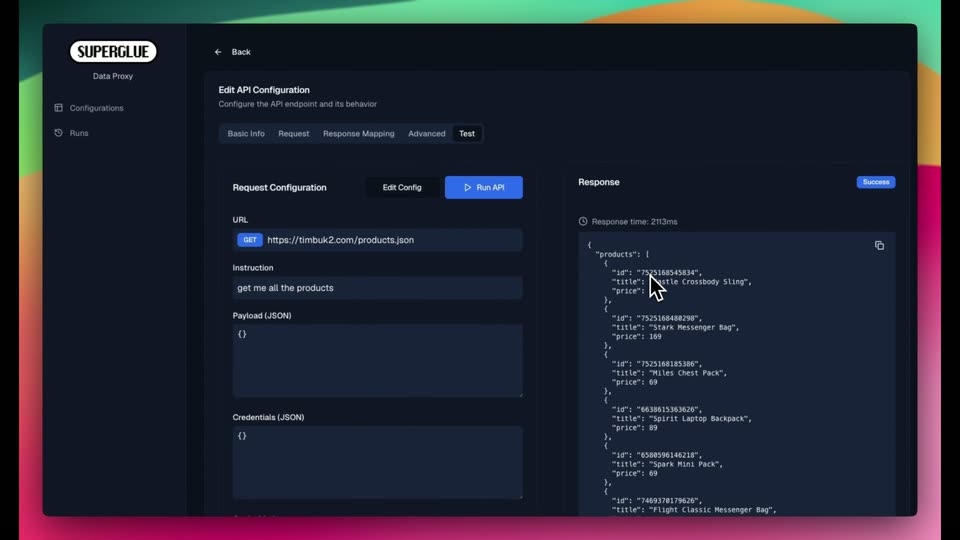 0:50–1:01superglue · superglue (YC W25) - product demoA dark app window floats over a colorful abstract background. The frame opens zoomed on the Test tab and Run API button, then pulls back to show the full interface: request fields left, JSON product response right. A cursor clicks Run API and rests on a price value.
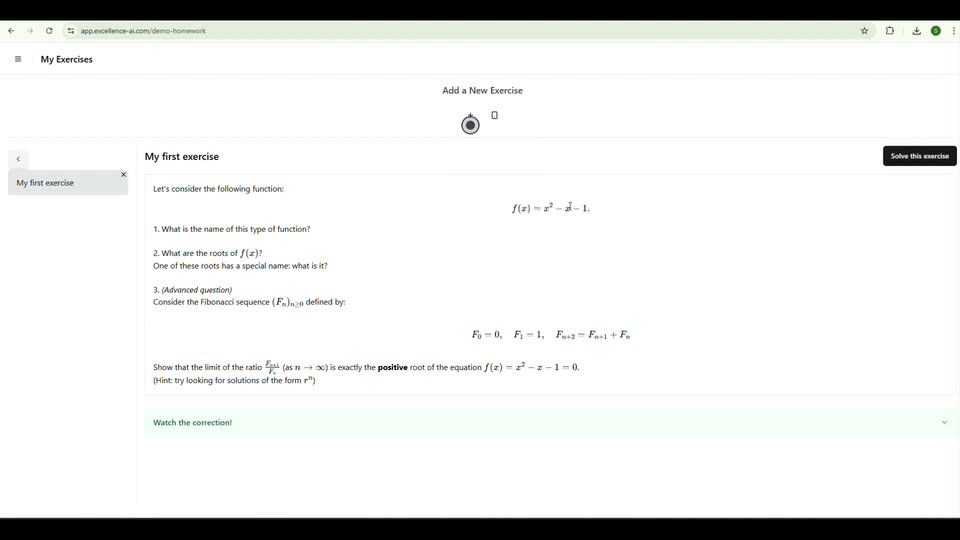 0:18–0:33Excellence Learning · Excellence Learning DemoA web app screen displays a math exercise with LaTeX formulas. The cursor hovers over a phone icon and a QR code card pops up with a 'Scan with mobile to upload' caption, then fades out. The cursor clicks the 'Solve this exercise' button top right, and the page transitions.
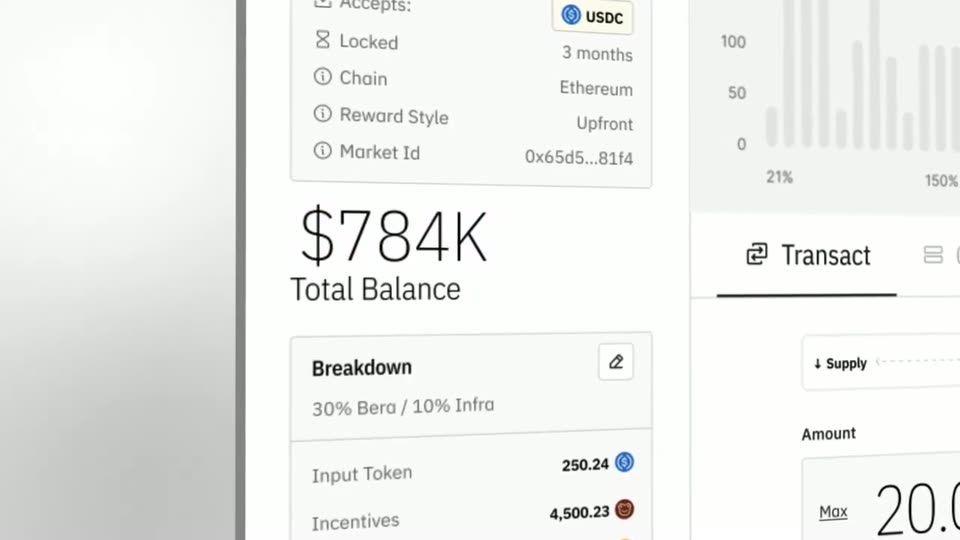 2:20–2:22Berachain · Berachain Foundation 🐻⛓ - Henlo, and furthermore, Boyco.A close-up of a trading dashboard. The Total Balance figure counts up from $149K to $784K while the view pans right and down to the Transact panel. A hand cursor hovers over the Amount field above a black Preview button.
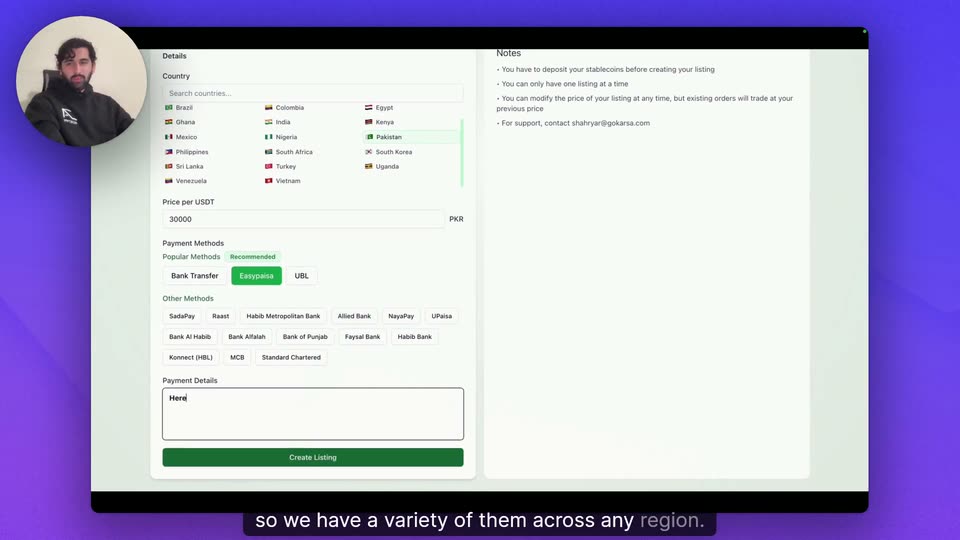 0:11–1:00Karsa · Karsa DemoA screen recording of the Karsa Sell Dollars page with a small circular webcam of a presenter in the top left. A cursor types a deposit amount, clicks Deposit, picks Pakistan, sets a price, chooses EasyPaisa, and creates the listing as the page scrolls down.
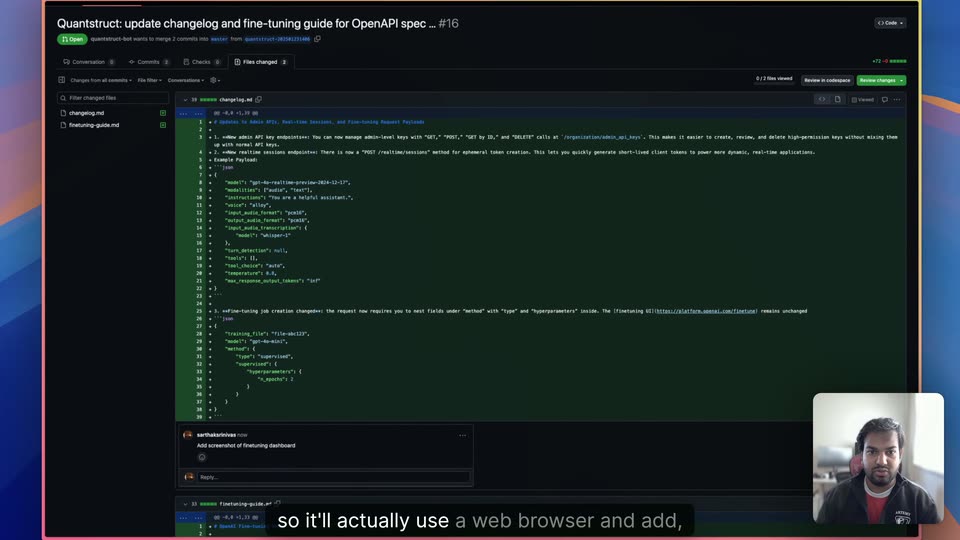 0:26–0:38Quantstruct · Quantstruct Launch VideoA GitHub pull request diff fills the frame, then the view zooms into the comment box at the bottom. A cursor types a short note and clicks the toolbar, after which the framing pulls back to the full page. A small webcam feed of a man sits in the lower right corner.
 2:06–2:07OpenAI · Demonstrating OperatorA large black cursor arrow holds center over a dimmed browser window showing recipe results, with thumbs up and down icons below. The cursor stays still across the shot.
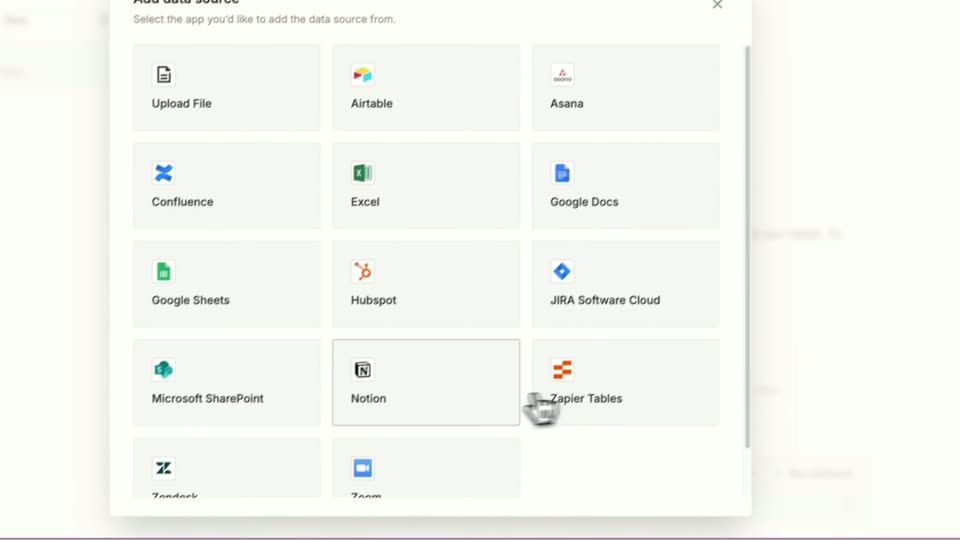 0:09–0:11Zapier · Introducing Zapier Agents: The Future of Automation is Here!A white modal lists app tiles in a three-column grid with small icons. A hand cursor glides from the lower right to the Notion tile, which draws a highlight border, and the panel scrolls up to reveal the Add data source header.
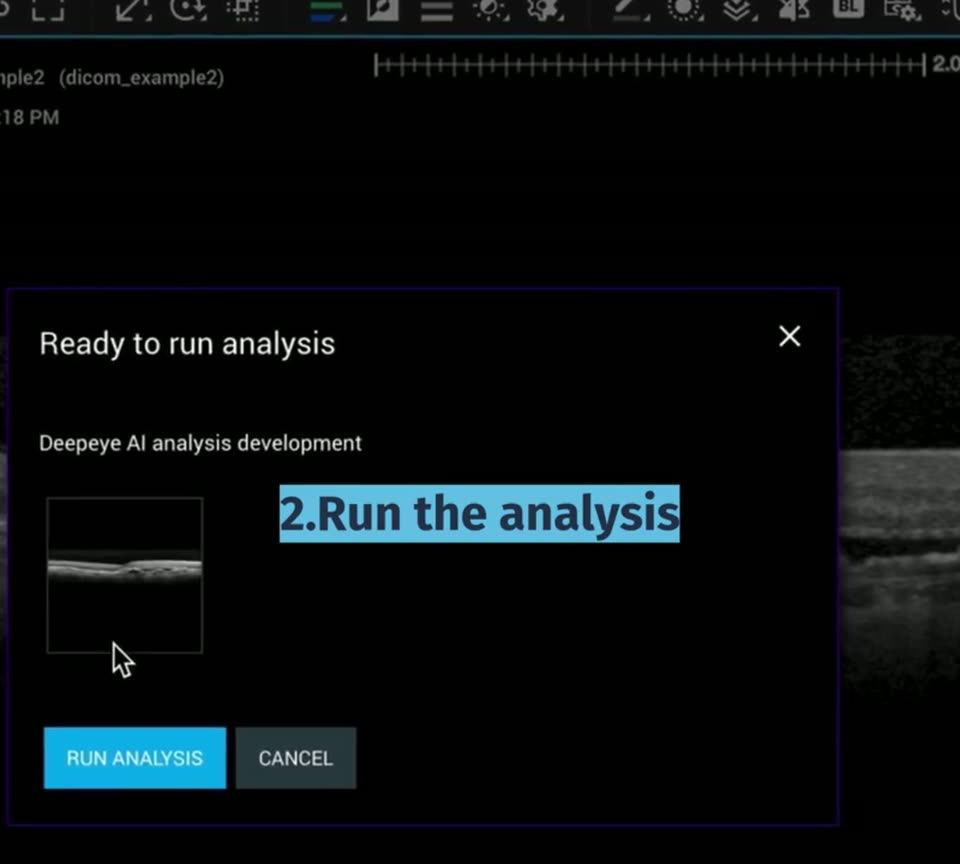 0:08–0:12Deepeye Medical · deepeye TPS, easy to use AI assistant for optimizing IVI therapy planning.A dark OCT software screen shows a Ready to run analysis dialog with a small scan preview and two buttons. A cursor drifts across the dialog and clicks the blue RUN ANALYSIS button. A light blue caption 2.Run the analysis sits beside the preview as the frame slowly zooms in.
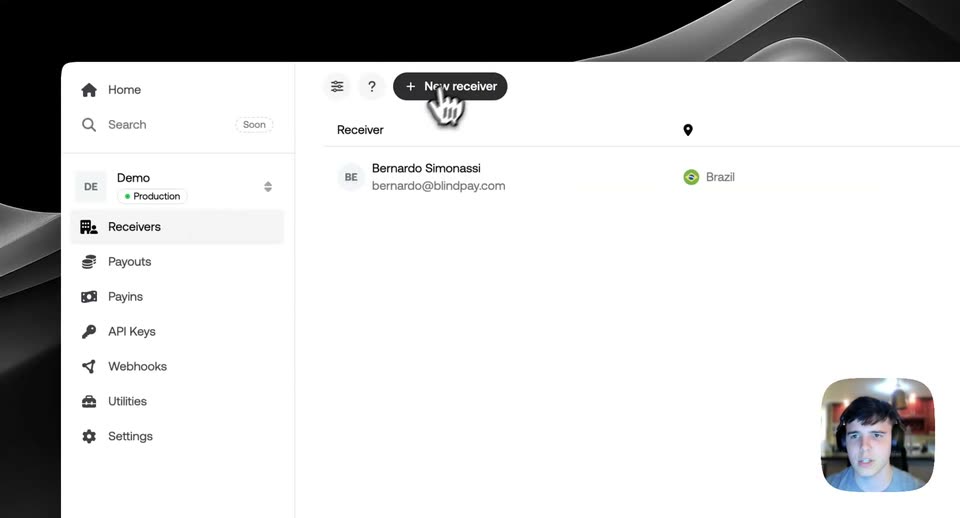 0:13–0:17BlindPay · BlindPay - DemoA light dashboard screen over a dark abstract wave background. A cursor hovers the Receivers menu, clicks the New receiver button, a dropdown opens, and the page switches to a KYC level selection form. A small webcam feed of the presenter sits in the bottom right corner.
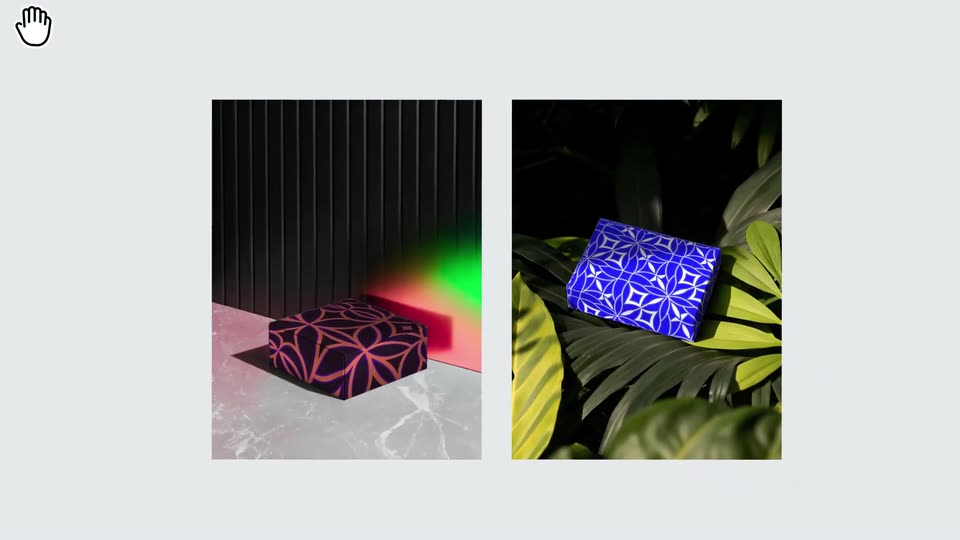 0:16–0:17Recraft · Recraft - Seamless patterns are here! Designers, now you can create endless, peTwo vertical panels of live-action packaging footage sit side by side on a light gray background. A hand cursor icon travels from the lower right to the upper left while the panels drift and the clips inside change.
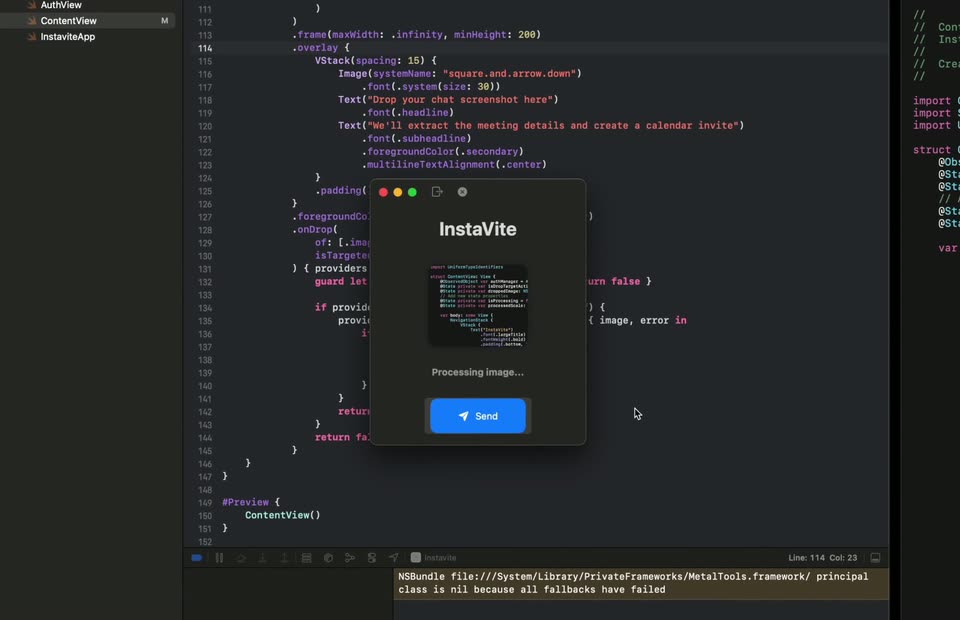 1:26–1:47Alex · Alex - Xcode AI Coding AssistantXcode shows Swift code beside an AI panel. A dark InstaVite window with a dashed drop zone appears. A cursor drags a code screenshot in, the zone turns blue, and a Send button appears as the frame zooms in.
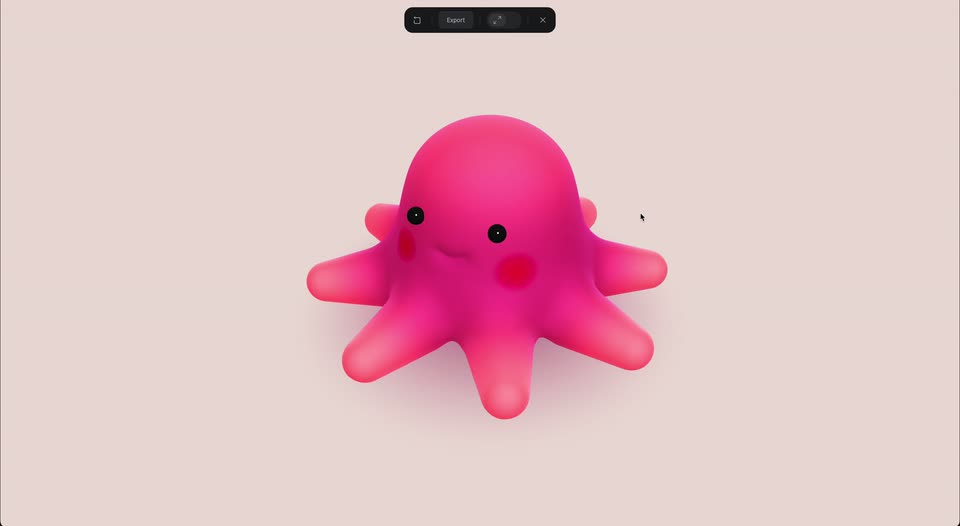 0:13–0:14Spline · Introducing 3D Shape Blend with Spline - SDF VolumesA glossy pink 3D octopus with a smiling face and red cheeks floats on a pale pink backdrop, its tentacles swaying gently. A slim dark toolbar with an Export button sits at the top, and a cursor hovers to the right.
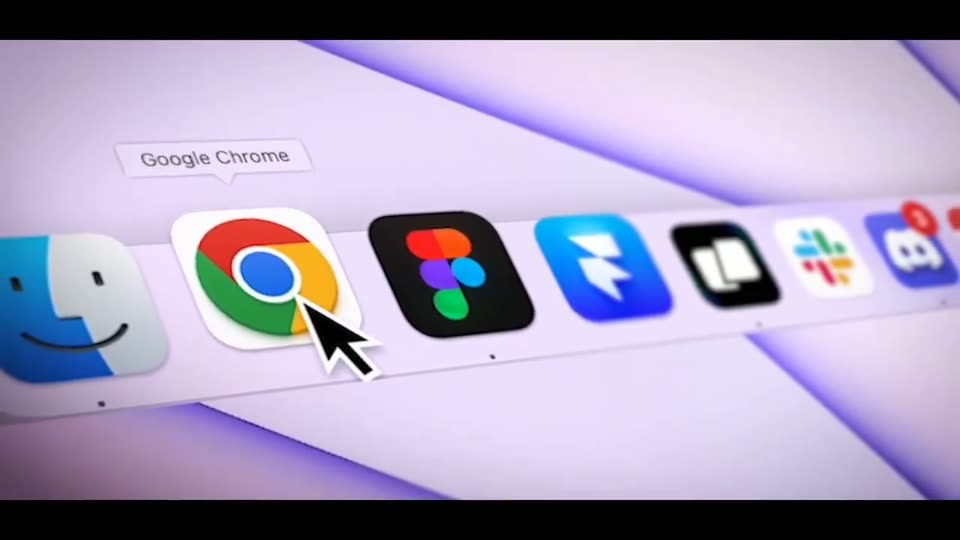 0:14–0:16Lottielab · Lottielab - After months in public beta, we’re thrilled to announce that LottielaA row of colorful app icons sits in a dock rendered in 3D perspective on a pale lavender surface, the right end blurred. A white cursor arrow slides from the Figma icon to the Chrome icon, and a tooltip labeled Google Chrome pops in above it.