Cursor demo
A visible cursor operates the interface.
15,126 scenes · page 113 of 253
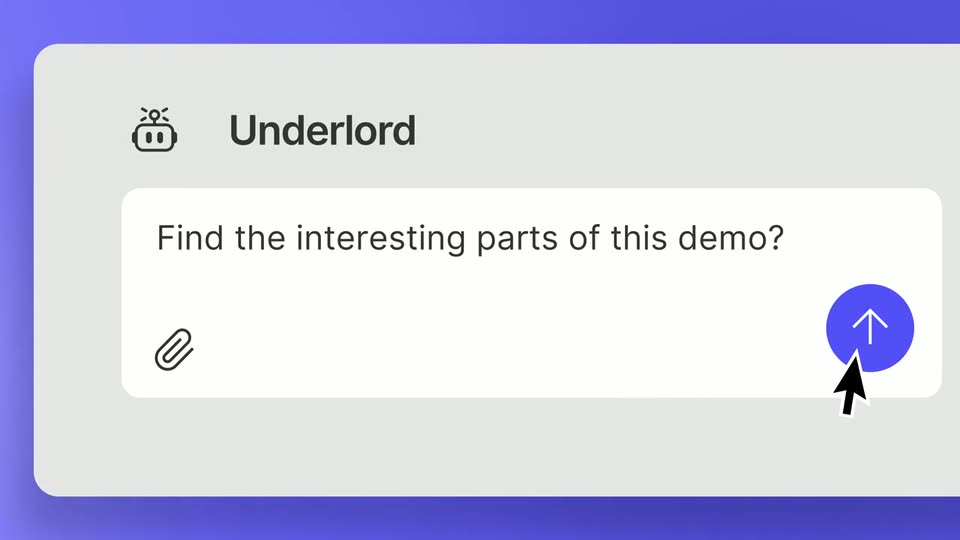 0:09–0:10Descript · Descript - Vibe editing is here. Any job, any video. Underlord’s got it.A close-up of a chat card titled Underlord sits on a purple background. The prompt types out letter by letter in the white input field, then a black cursor arrow glides up and hovers the round blue send button.
 0:23–0:31Google · Introducing Flow | Google’s New AI Filmmaking ToolA dark prompt box tilts in 3D perspective as the camera pushes in and pans right. A hand cursor hovers over the field, thumbnails of a yellow taxi, a jellyfish, and a seat slot in below, and the prompt text types out character by character.
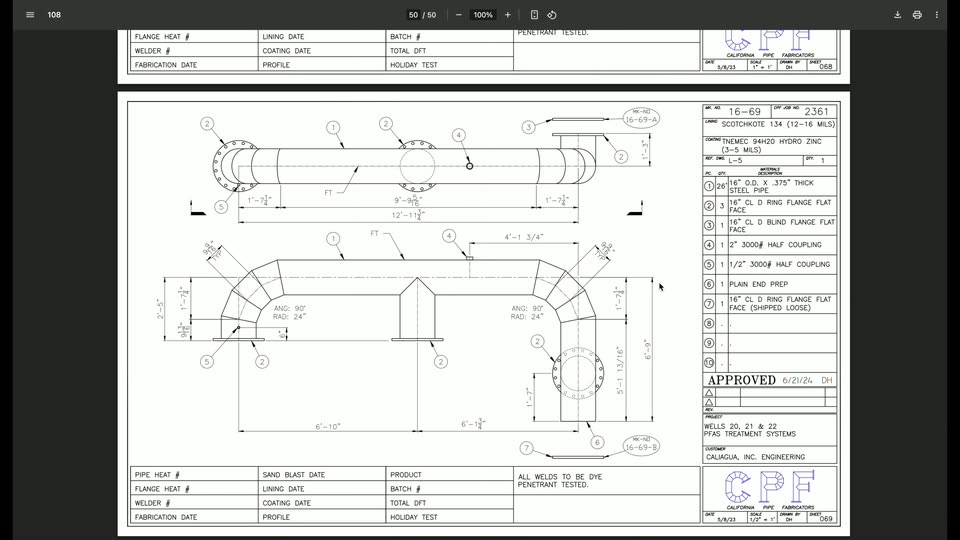 2:00–2:20Jeevy Fabrication · Introducing Jeevy FabricationA PDF viewer displays a black-and-white engineering blueprint of a pipe assembly. The view zooms in on the lower isometric elbow detail, the cursor moves across the drawing, then the view zooms back out to the full page and holds.
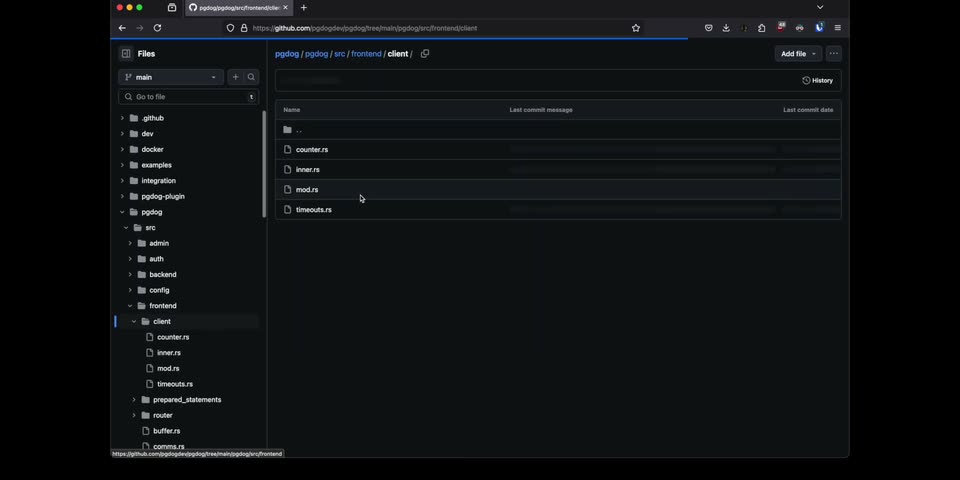 0:21–0:23PgDog · PgDog LaunchA dark GitHub repository view fills the screen. The left file tree expands as the cursor clicks through folders, drilling from src to frontend to client, and the right-hand file list updates to match each selection.
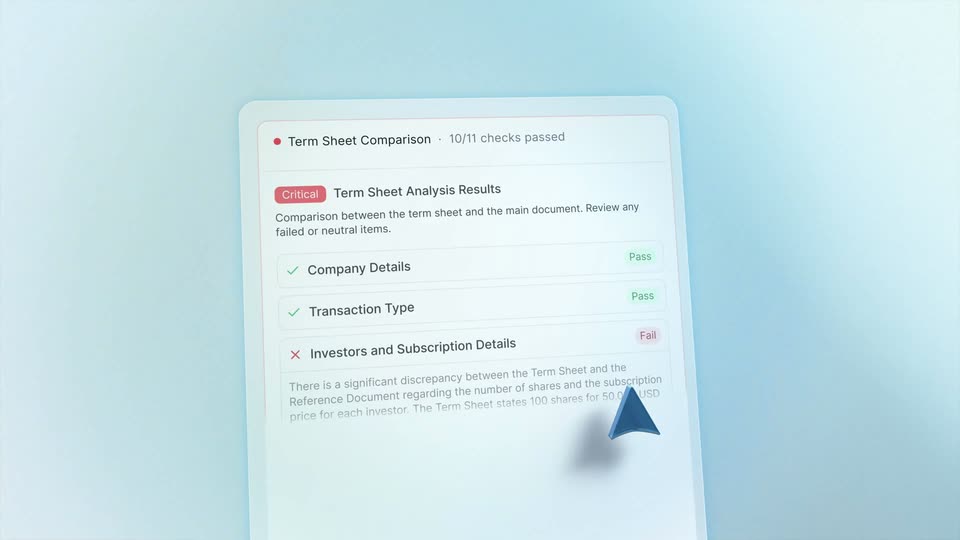 0:31–0:32Vesence · Vesence - Agentic AI for Transactional Law FirmsA shallow-focus list of white check rows floats on a pale blue field, only the focused row sharp while the rest blur. The blue cursor glides down the list and the active row scales up, then unfolds into a tall result card showing pass and fail rows.
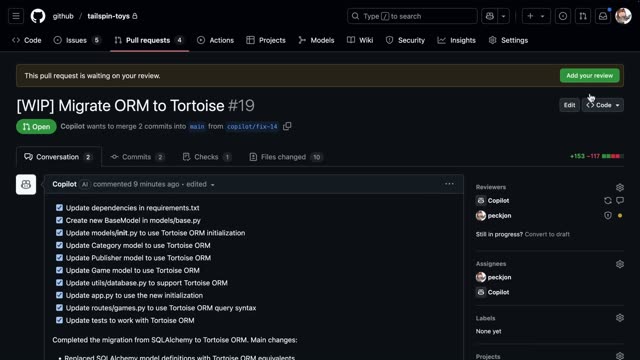 0:34–0:36GitHub · Introducing the GitHub Copilot coding agentA dark GitHub pull request page, titled Migrate ORM to Tortoise, holds in a locked frame with a Copilot checklist and a reviewer panel. A cursor drifts from the right sidebar up to the green Add your review button.
 0:29 · 0.8sKestral · Kestral - Your AI Work Prioritizer -- Launch YCA light settings panel lists Notion customer pages with checkboxes. The cursor ticks the row for Priya from Orion Labs, then slides down to the green button at the bottom right as the list scrolls up slightly.
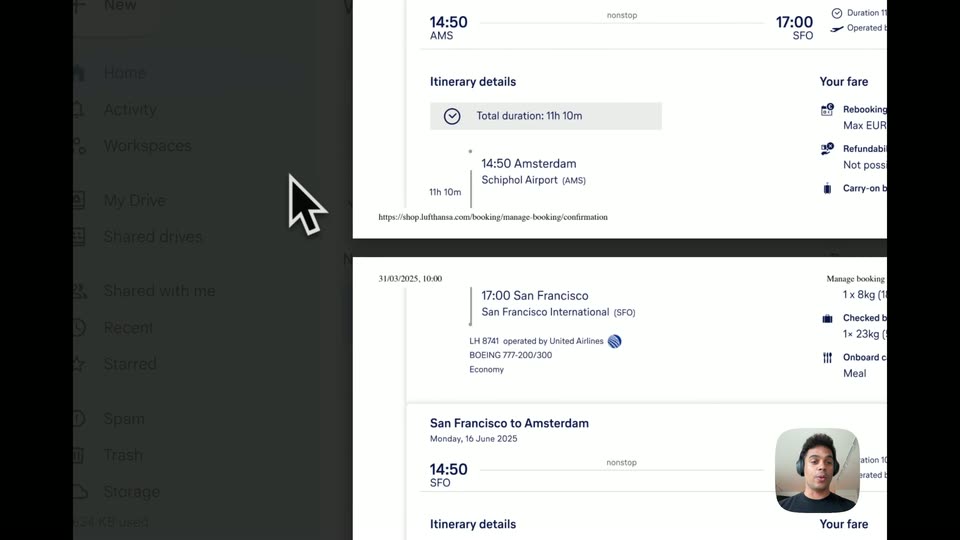 0:21 · 0.7sAirweave · Airweave AI // Launch YC DemoA screen recording shows a dark drive sidebar beside two white flight-itinerary cards. A white cursor drifts down the empty left panel while a small webcam of a man wearing headphones sits in the bottom-right corner.
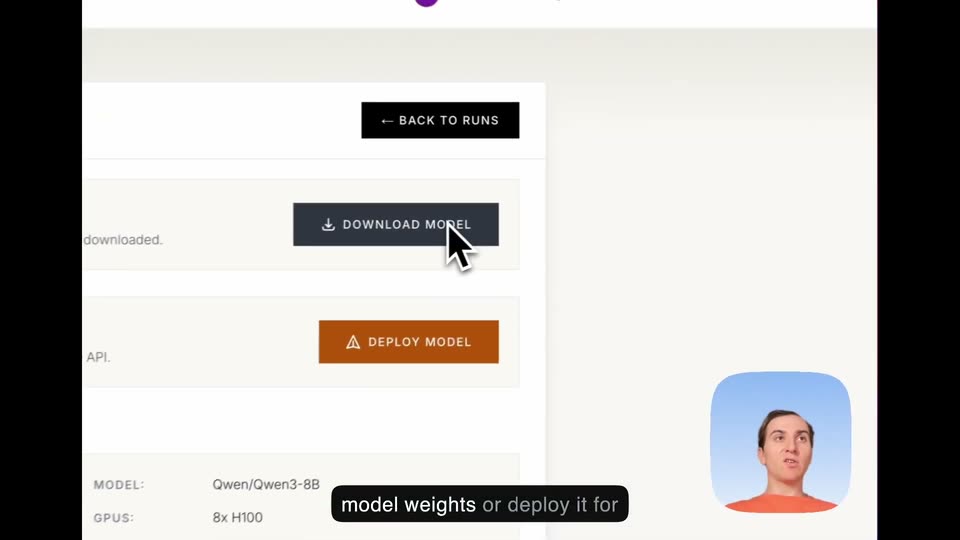 0:57–0:59RunRL · RunRLA browser window showing the RunML details page sits in 3D on a multicolor gradient, then the view zooms into the page. A cursor hovers over the download and deploy buttons while a small face inset stays in the lower right.
 0:41–0:44Alex · Alex - Xcode AI Coding AssistantA dark Xcode editor shows Swift code beside the ALEX side panel. A cursor glides down into the chat field and types a query, then the frame zooms in on the panel and the input box.
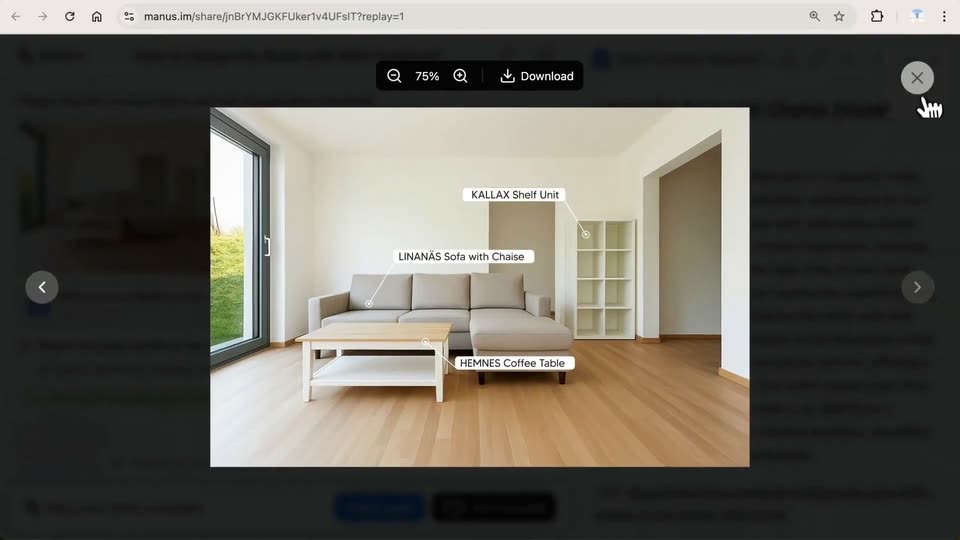 0:24 · 0.7sManus · Manus - Introducing Manus image generation. Manus doesn’t just generate imagA lightbox opens over a blurred page, showing a living-room photo with three white product tags pointing to the sofa, coffee table and shelf. A zoom toolbar with a 75% readout and a Download button sits above, and a cursor drifts to the close button at the right.
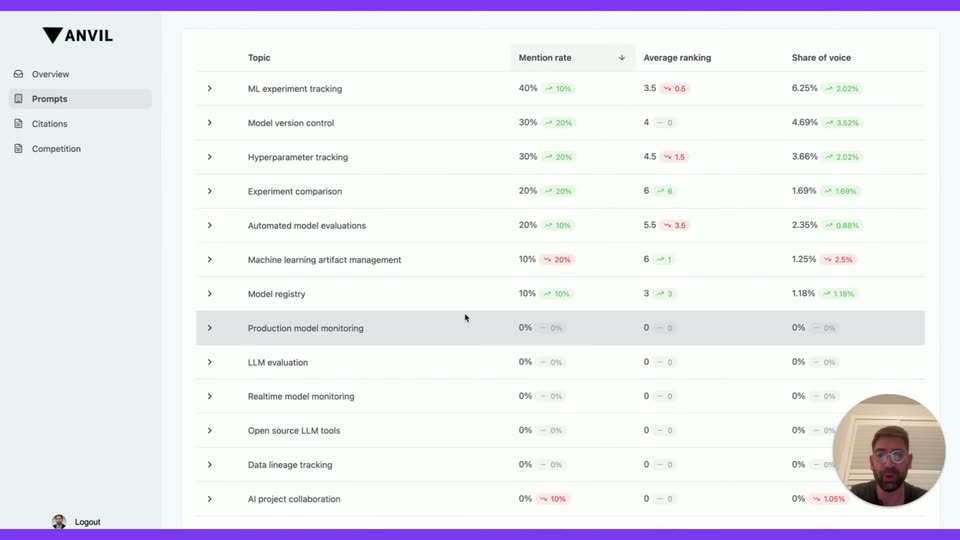 0:32–0:40Acolite · Anvil (YC X25) - Launch VideoA product dashboard table lists AI topics with mention rate, ranking and share of voice columns. A cursor hovers rows, highlighting them gray, while the list scrolls down slightly. A circular webcam of a bearded man sits in the corner.
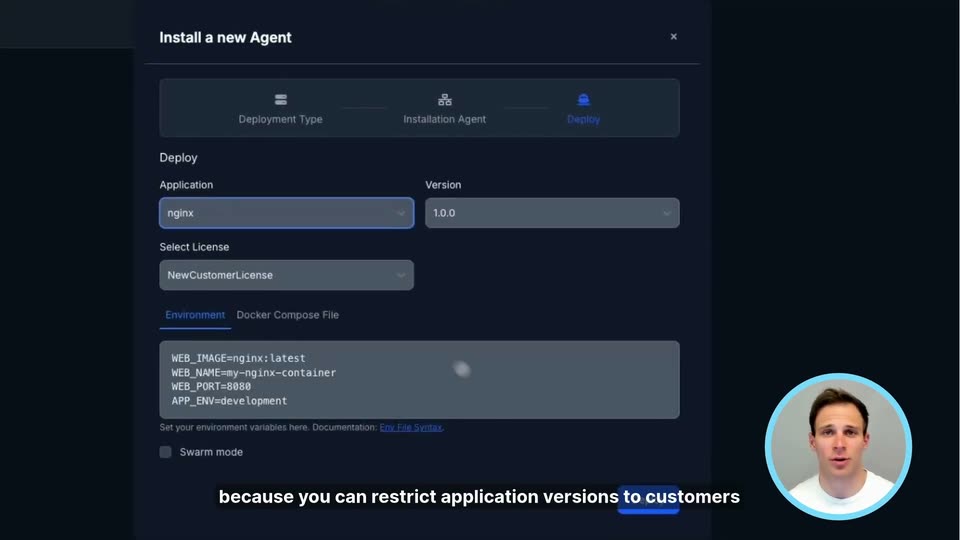 2:10–2:16Glasskube · Distr DemoA dark “Install a new Agent” dialog fills the frame as the Application dropdown opens and highlights nginx, then version and license fields populate and an environment variables box appears. A circular presenter headshot sits bottom right while subtitles roll below. The view reframes tighter on the modal.
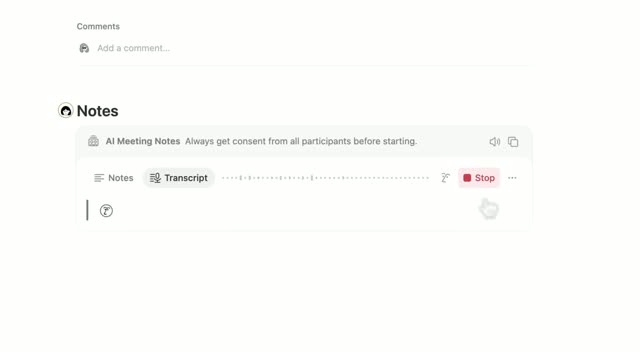 0:28–0:36Notion · Introducing AI Meeting NotesA Notion page scrolls to center the AI Meeting Notes card. The cursor selects the Transcript tab, then clicks Confirm consent, turning it into a red Stop button. A waveform and loading spinner appear, then transcript text fills in.
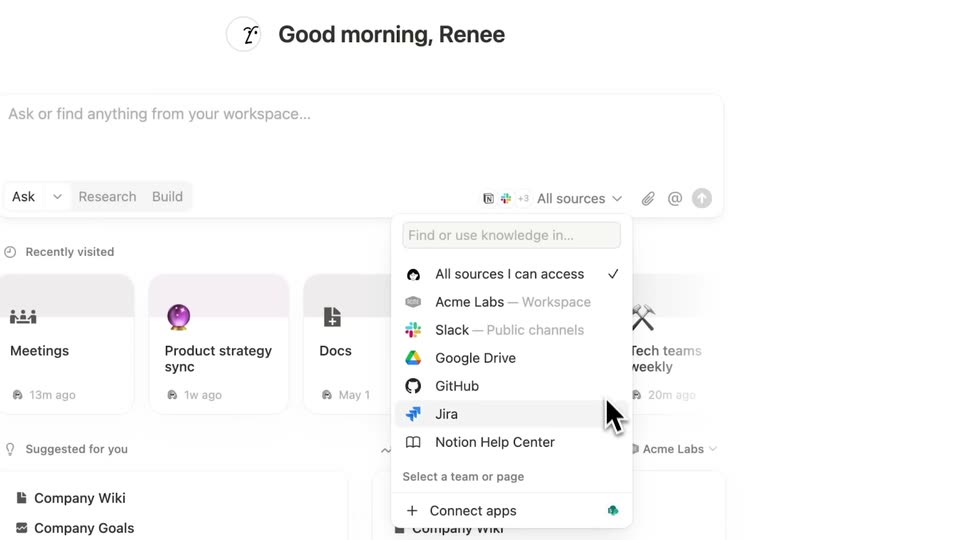 0:19–0:28Notion · Introducing Enterprise SearchA Notion home screen fills the frame as a browser window fades out. A cursor clicks the All sources dropdown, hovers across Slack, Google Drive and GitHub, then the search field types the query How often do we deploy to prod?
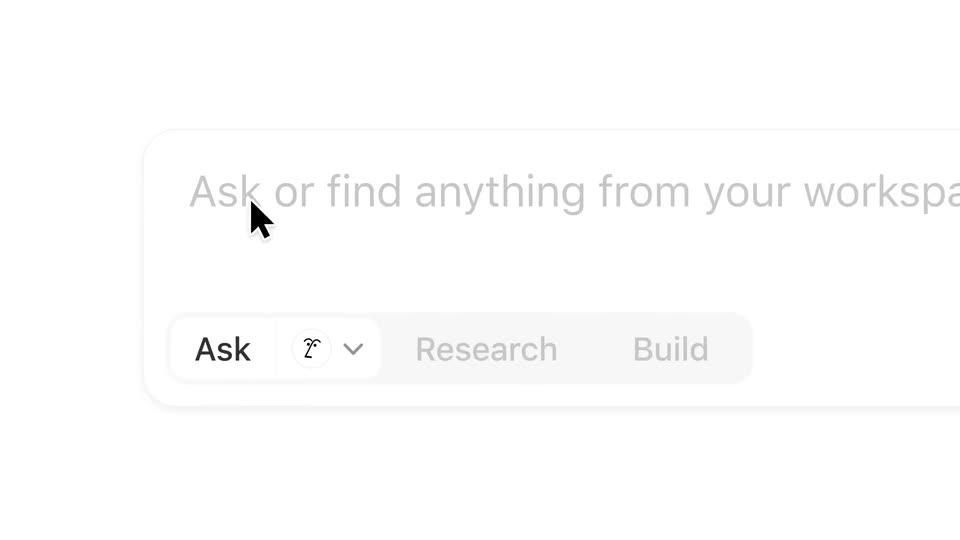 0:27–0:29Notion · Meet the all-in-one Notion AI for workA workspace search interface fills the frame, showing a greeting, a search bar and recent project cards. The view then zooms into the search bar as a cursor moves into the field, enlarging the placeholder text and the Ask, Research, Build tabs.
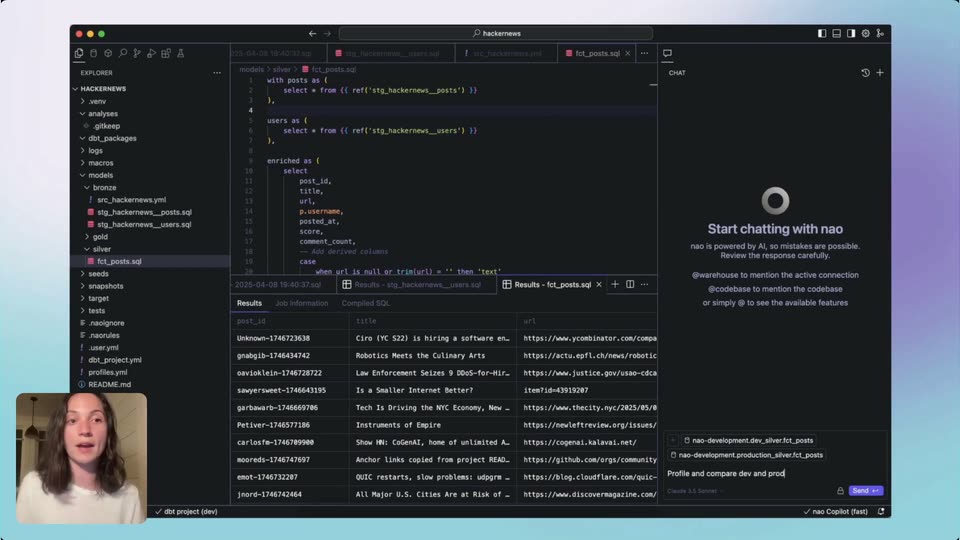 2:04–3:11nao Labs · nao - product demoA VS Code window shows an AI agent editing dbt SQL and YAML files, a chat panel streaming its plan on the right, and a results table below. A cursor clicks Apply and Accept, then types a comparison prompt. A webcam inset of a woman sits lower-left.
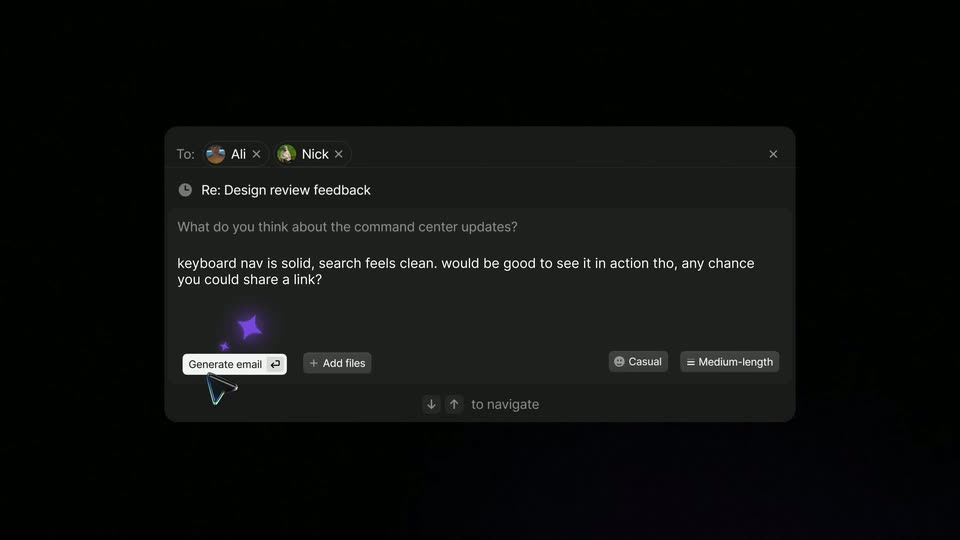 0:50–0:52Orchid · Zero - The AI-native email that manages your inboxA dark email compose card floats centered on a purple field that fades to black. The message body types out, then a cursor glides to the Generate email button while a purple sparkle pulses above it, and the typed lines dim.
 0:33–0:34Adentris · Adentris – AI Compliance Copilot for Healthcare Providers | Prevent Claim DenialsA blue timing panel with a cursor on the 5 AM option wipes off to the left, revealing an illustrated office with overhead number signs and laptops showing claim cards. A red DENY CLAIM stamp slams onto the center screen.
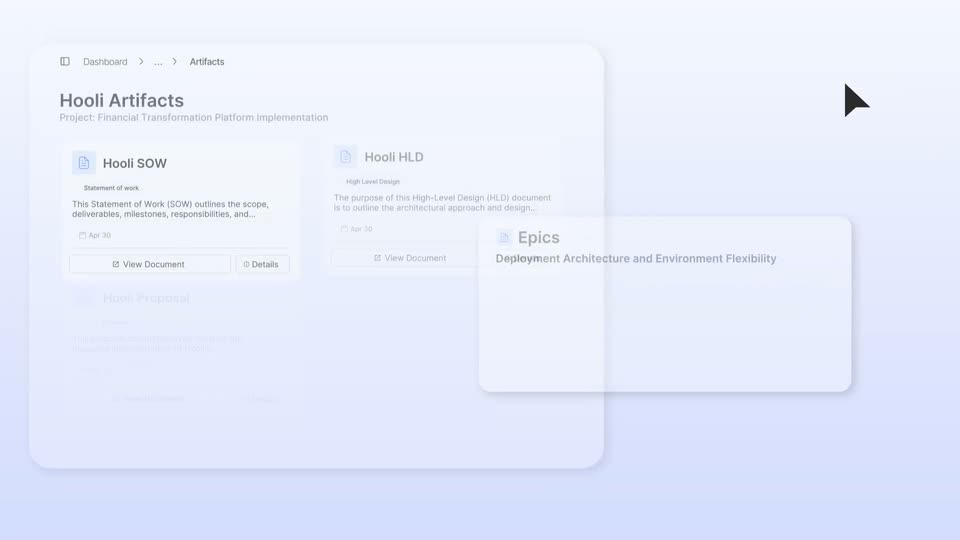 0:51–0:52Auctor · Auctor AI (YC X25) Launch VideoA product dashboard fades in from transparent, showing a grid of document cards titled Hooli SOW, HLD, Proposal, BRD, with two floating detail cards on the right and a cursor hovering over the user story card.
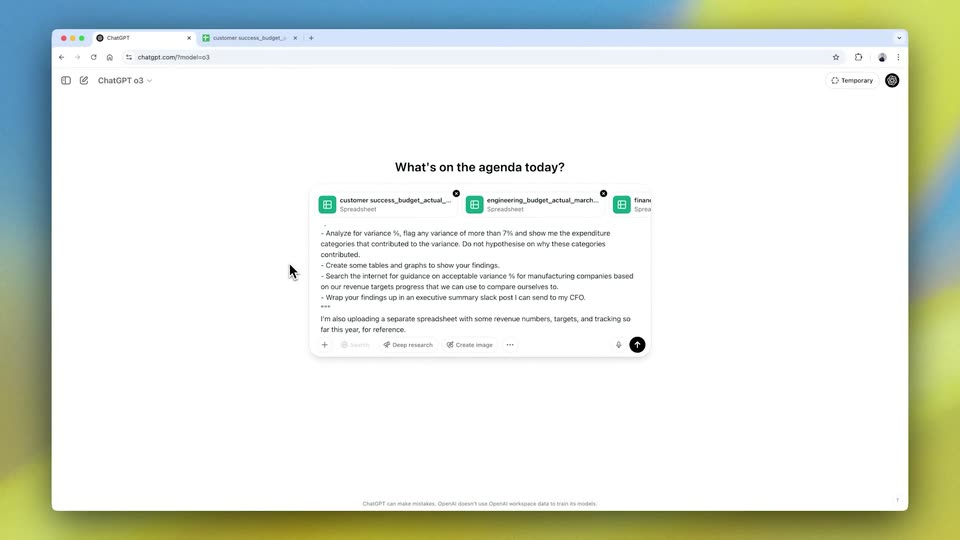 0:28–0:32OpenAI · Automate complex workflows with OpenAI o3A blurry zoom settles into a full view of a ChatGPT browser window on a blue-yellow gradient. The prompt card lists three spreadsheet attachments. A cursor clicks the second tab as the shot blurs and zooms out.
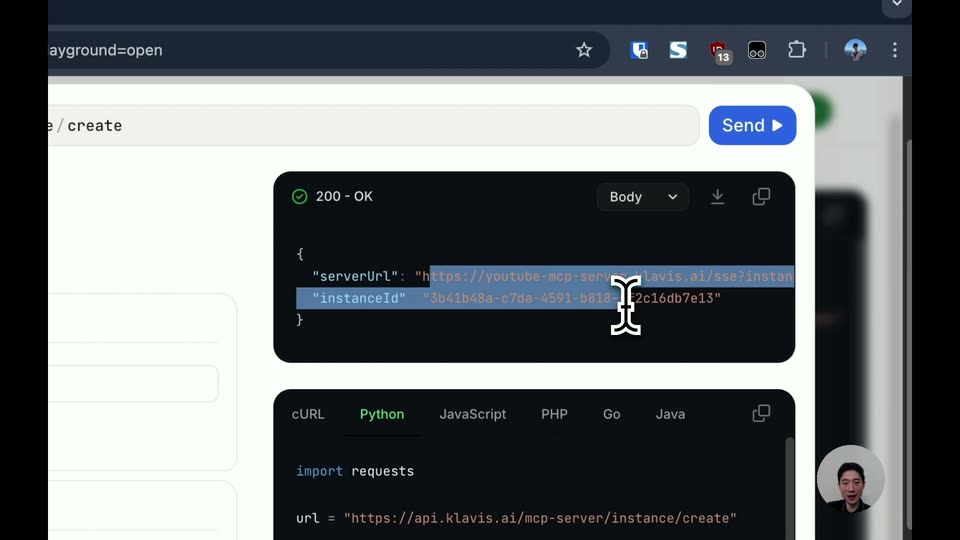 0:31–0:35Klavis AI · Klavis AI: Open Source MCP integrations for AI ApplicationsA browser window shows a product interface as a hand cursor clicks the blue Send button. A 200 OK response panel with a JSON body and language code tabs fills the center, a small presenter head sits in the corner, and white captions run along the bottom.
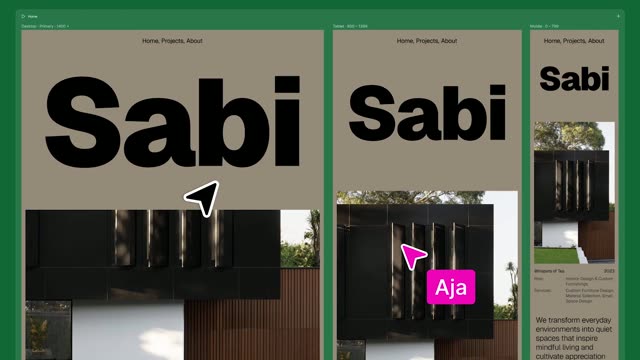 0:11–0:13Figma · All the launches at Config 2025 | FigmaA white feature card with a serif headline and a 3D tablet cut to a green design canvas holding three browser frames of a site. A white cursor and a pink cursor labeled Aja move over the frames.
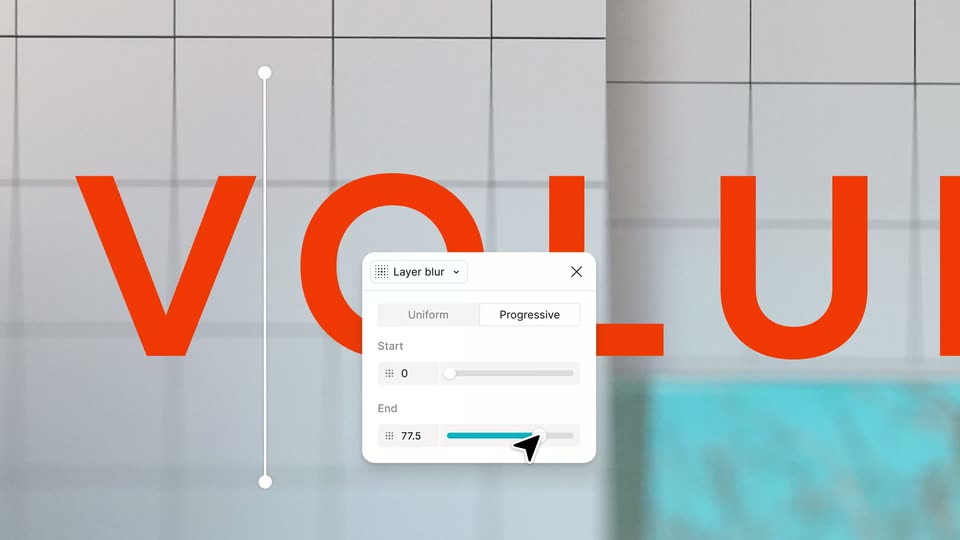 0:18–0:20Figma · Figma - Introducing Figma Draw New fills, effects, brushes, and more, now inClose-up of a Layer blur settings panel over a gray grid background. A cursor drags the End slider from 0 up to 68.7, blurring the grid and a turquoise map below while the large red VOLU letters stay sharp.
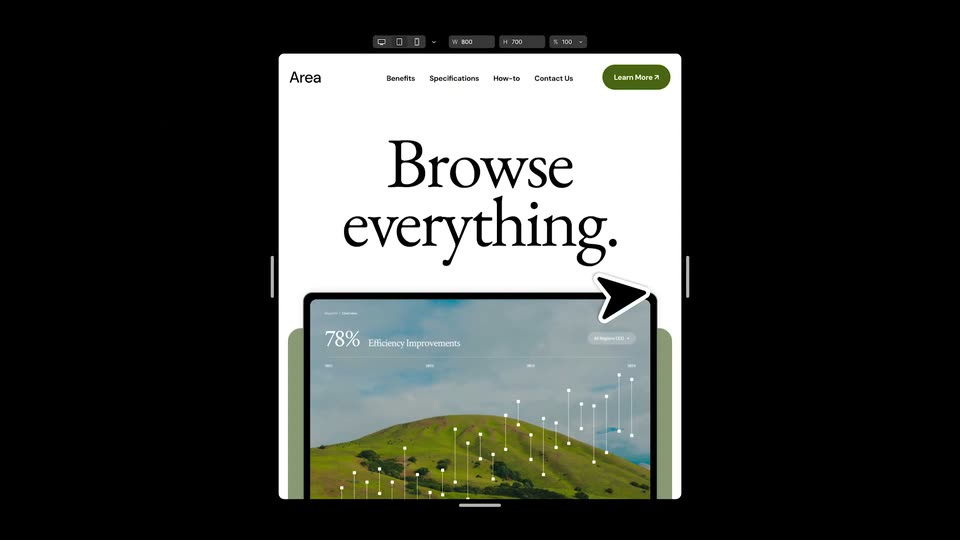 0:12–0:13Figma · Figma - Introducing Figma Sites Take your designs straight to the web. WithA white website mockup card on black shows a serif “Browse everything.” headline above a tablet dashboard. The card scales down as a cursor drags its right edge, and dimension fields appear at the top.
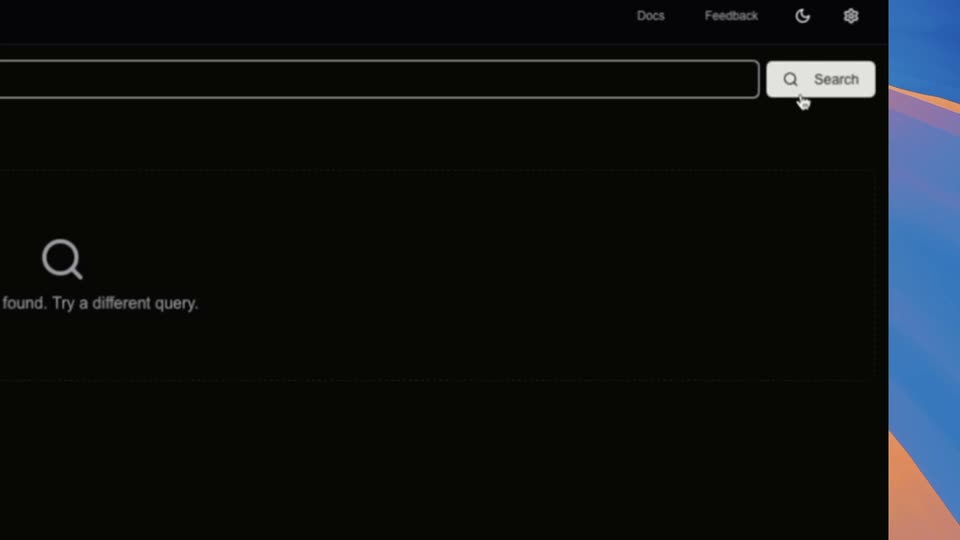 0:28–0:37Morphik · Morphik Launch DemoClose-up of a dark search bar in the Morphik app; the query 'Generative AI Score by vector' types in letter by letter, a cursor clicks the Search button, then the frame zooms out to the full window on a blue and orange desktop, showing a no-results message.
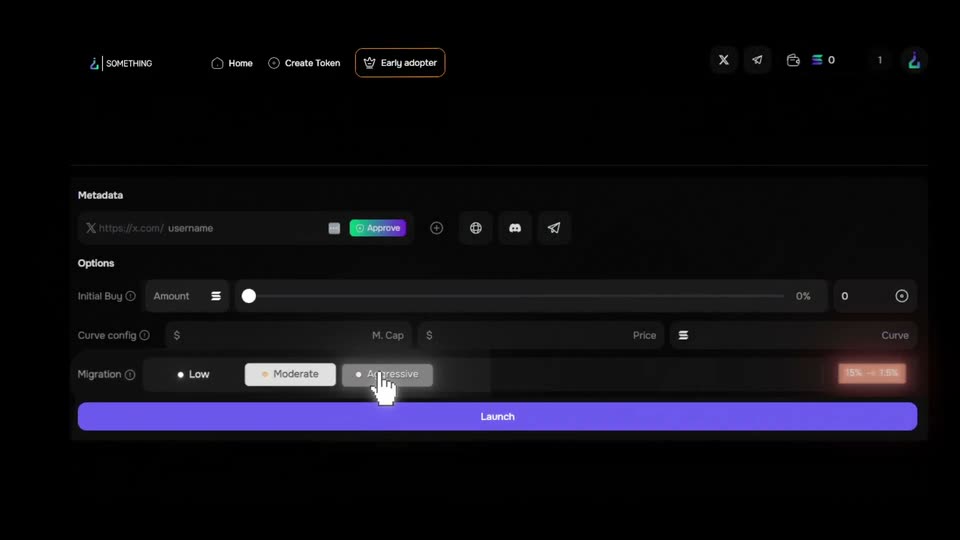 0:15–0:25Something · something - Updates/features will be dropping daily. Early Adopters have access:A dark token card shifts into an X Verification screen, a gradient title fading in on top. The frame zooms to the Options panel; a glowing headline announces Custom Migration Fee Structure while a cursor clicks Low, Moderate, Aggressive, then Launch.
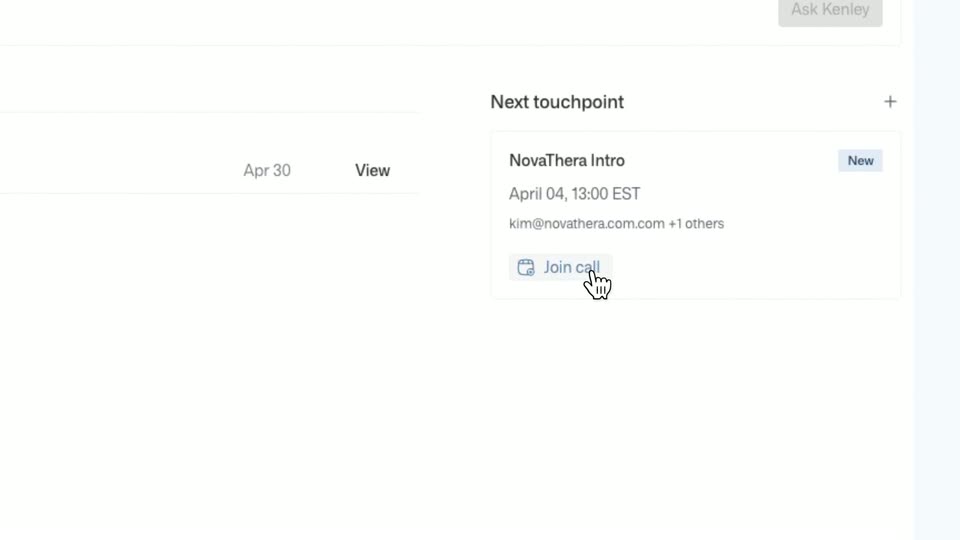 0:20–0:22Kenley · Introducing Kenley WorkStreamsA product interface shows a thread list beside a Next touchpoint card. The view zooms in on the card as a hand cursor moves to hover the Join call button.
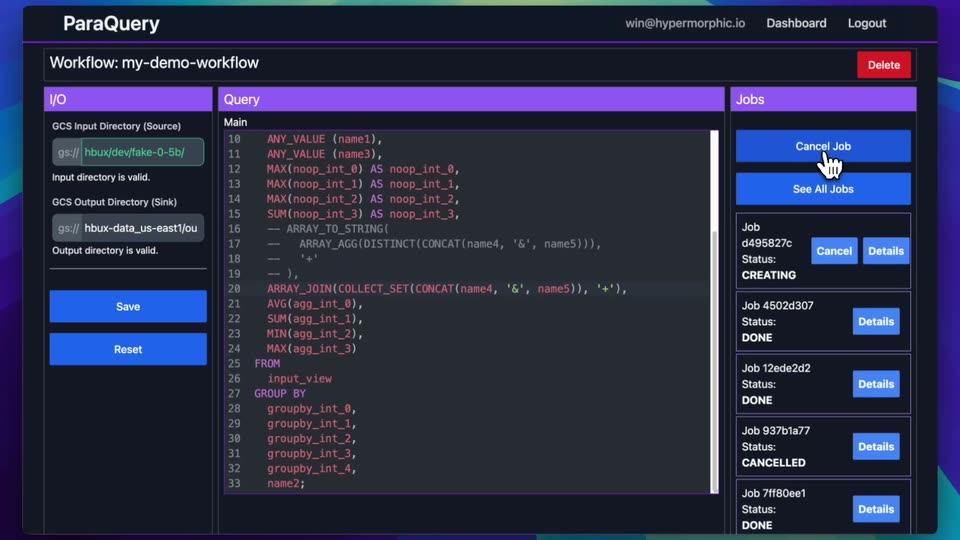 0:33–0:58ParaQuery · Launch YC: ParaQuery - cloud data processing for the GPU eraA dark three-column ParaQuery dashboard fills the frame. SQL code in the middle editor scrolls, a white cursor hovers a line and the input fields, then clicks Save and Run; a new job appears in the right list, its status flipping from CREATING to RUNNING.
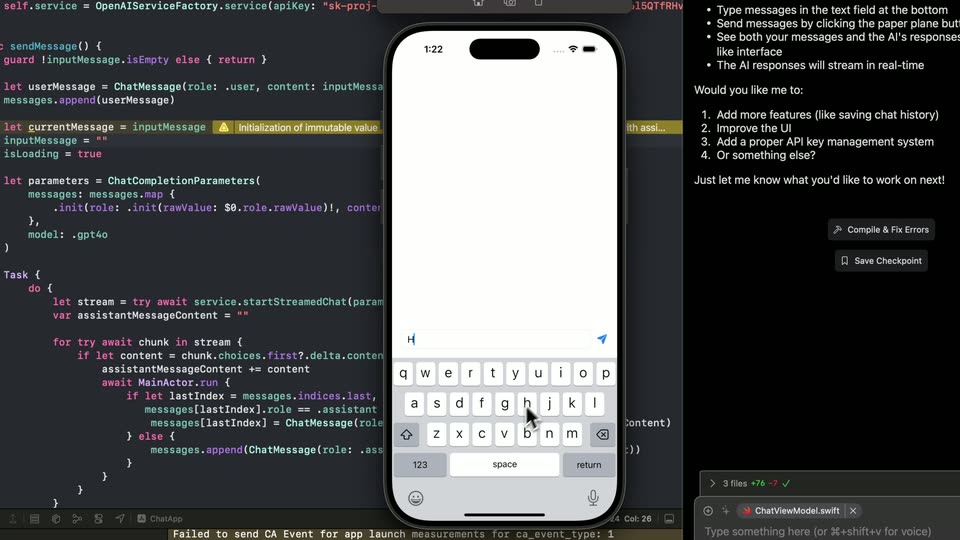 0:51–0:58Alex · Alex - Xcode AI Coding AssistantA wide Xcode workspace with Swift code and an AI chat panel frames an iPhone simulator in the center. The view zooms into the simulator, a cursor taps the message field, types 'Hi' and sends it, then a 'Hello' reply bubble appears.
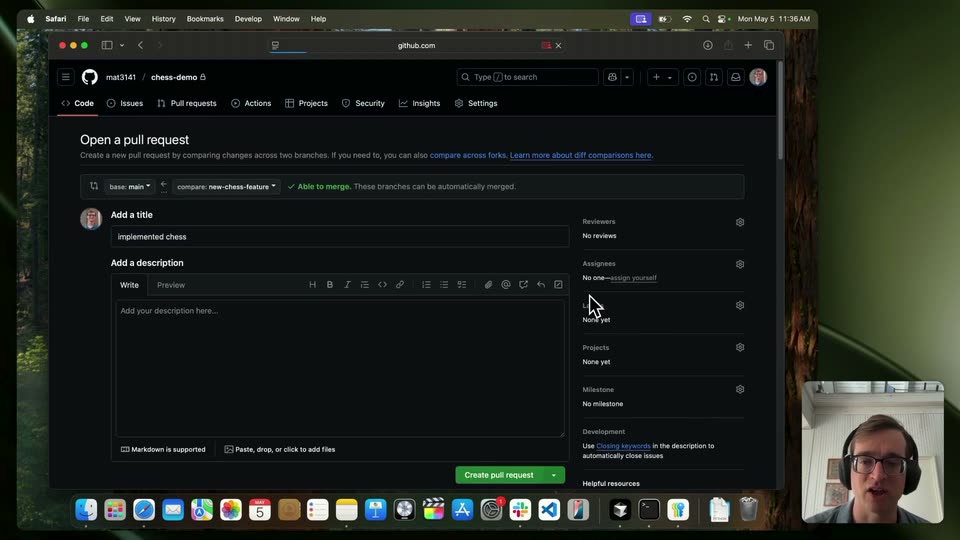 0:56–0:59Cartpole · Jazzberry DemoA screen recording of GitHub's Open a pull request page. The merge status flips from checking to Able to merge as the cursor moves from the title field to the green Create pull request button, then to the right sidebar. A webcam self-view sits in the bottom right corner.
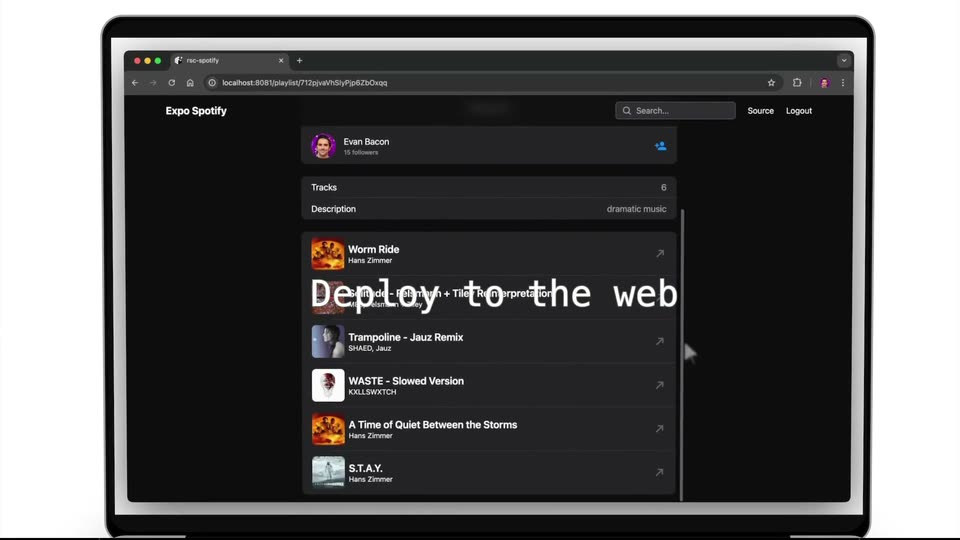 0:17–0:20Expo · Expo - 🥓Expo Router v5 is here and it's packed with powerful new features toA flat laptop mockup on white holds a dark Spotify web app. The playlist view scrolls upward, sliding the album header off-screen to expose the track list, as a cursor moves right and rests on the search box. A centered white caption stays fixed.
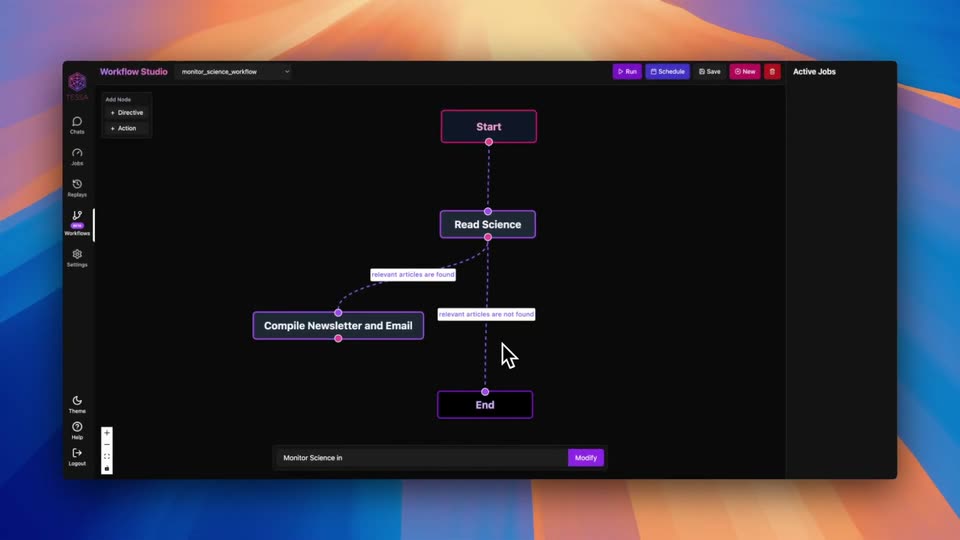 0:14–0:30Altrina · Workflow EditorA dark node graph (Start, Read Science, End) sits on a dotted canvas. A cursor clicks a dashed link, opens a label box, and types a condition. The shot cuts to the window in 3D on a gradient desktop, then zooms back in to label the other branch.
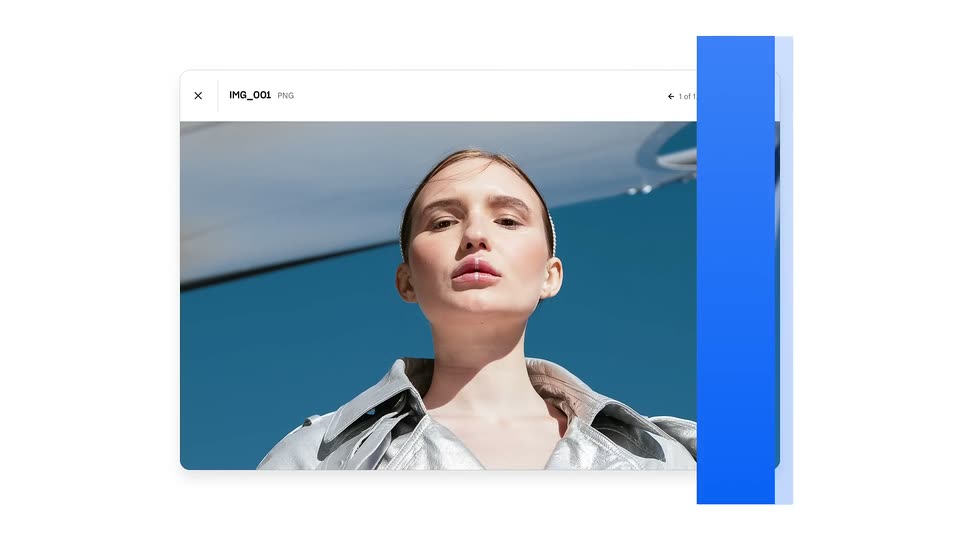 0:11–0:13Dropbox Dash · Dropbox Dash: Search videos, images, and create content fastA white image viewer window on a plain white background shows a portrait of a woman in a metallic jacket against a blue backdrop. A cursor clicks the Share button, then blue bars slide in from the frame edges as the window scales down.
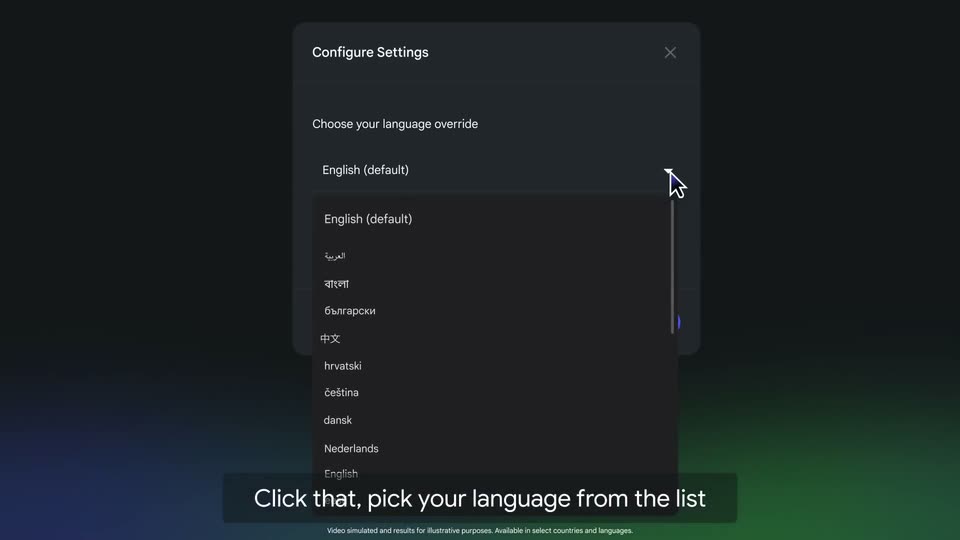 1:07–1:13Google · NotebookLM launches Audio Overviews in over 50 new languagesA dark settings modal sits on a blurred gradient. A cursor clicks the language dropdown, the list expands and scrolls, then hovers over a highlighted entry. Bottom captions swap in sync with the voiceover.
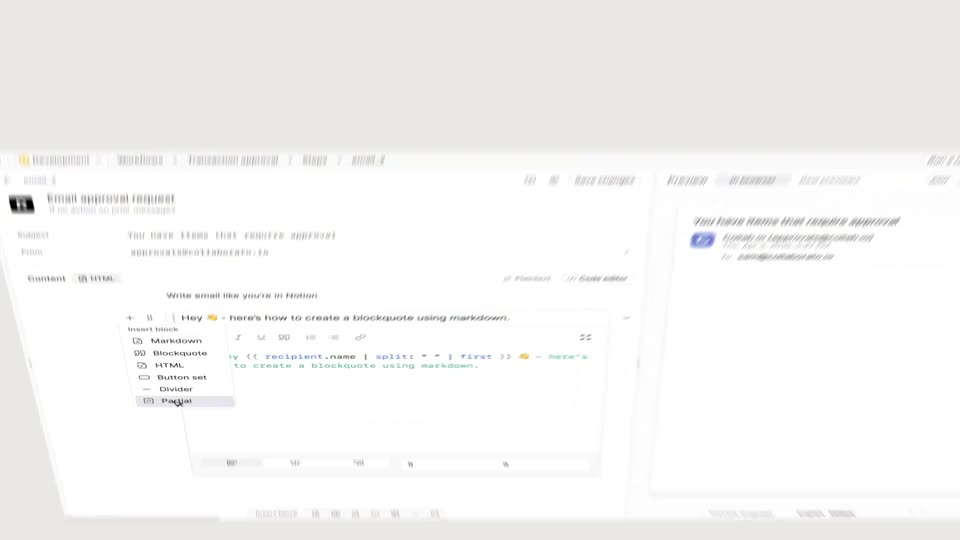 0:40–0:42Knock · Knock - Launch week → Day 2 Introducing Knock workflows 3.0. Rebuilt with aA cursor moves down an Insert block dropdown in an email editor, then the frame pulls back to reveal the full code editor on the left beside a rendered approval email on the right.
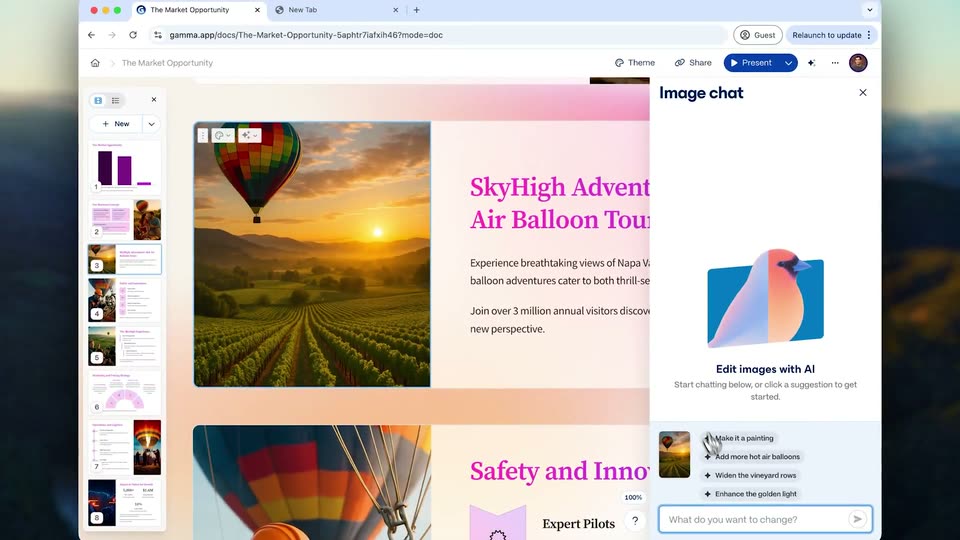 0:07–0:08Gamma · Gamma - Introducing AI Image Editing with animation! You can now edit and anA browser window holding a Gamma slide and an Image chat panel eases in from a slight tilt, then the cursor glides down and hovers the “Enhance the golden light” suggestion.
 0:07–0:08Adobe · Adobe Firefly: The next evolution of creative AI is hereA dark panel with Frame and Prompt columns overlays a blurred grid of images. A white cursor hovers over a small thumbnail of iridescent bubble letters, which scales up to fill the frame slot beside the prompt line.
 0:34–0:35Lovable · Lovable 2.0 is here. Multiplayer vibe coding. Smarter & more secure.Close-up of a white interface card on a warm cream gradient. A cartoon hand cursor glides up from the lower area and settles on the gray Invite button beside the blue Publish button.
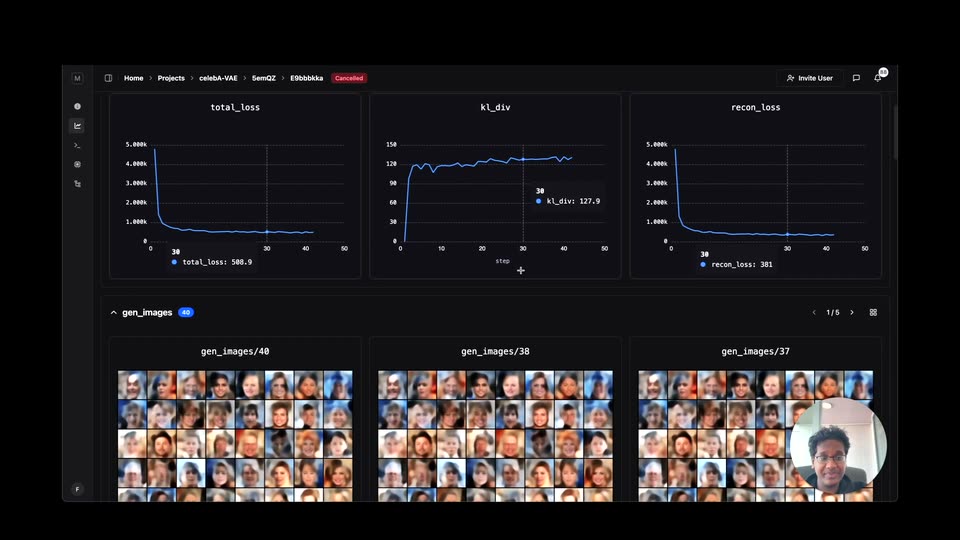 0:22–0:31mlop · mlop: introA dark metrics dashboard shows three line charts above a row of generated-face grids. A cursor hovers the charts to reveal tooltips, then scrolls down as the user pages through the grids and toggles them to a list view. A circular webcam of a man sits in the corner.
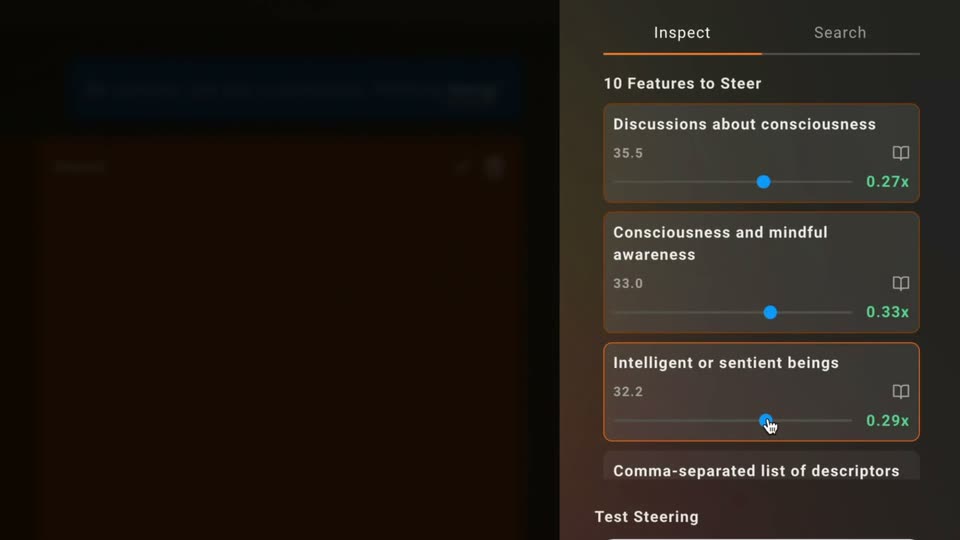 0:45–0:48Goodfire · Goodfire - Today, we're announcing our $50M Series A and sharing a preview of EmA right-hand control panel holds sharp focus while the left pane blurs into a dark field. A white hand cursor drags the slider on the third feature card, its green multiplier ticking up from 0.00x to 0.29x.
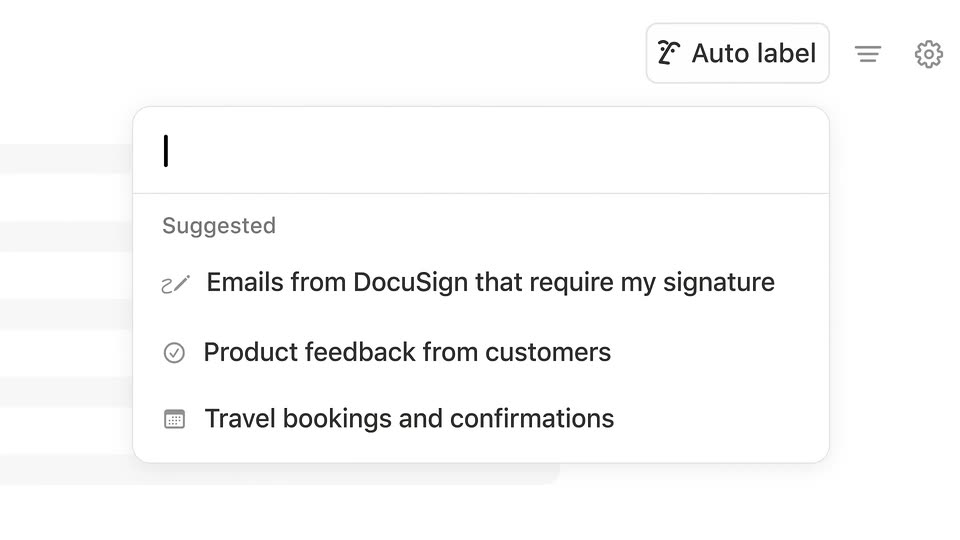 0:13–0:17Notion · Meet Notion MailA white Notion panel slides up on a pale blue backdrop, the Auto label button settling into the top-right. A black cursor clicks it, a dropdown opens, 'Hiring' is typed, and three suggested labels appear.
 0:13–0:14Freewrite · Farza 🇵🇰🇺🇸 - introducing freewrite. a mac app i made for myself. one simple, cleA close-up of a laptop screen shows a light text editor with a row of font options along the bottom. A cursor glides across the row from Lato to Arial, then leaves the frame as the shot holds.
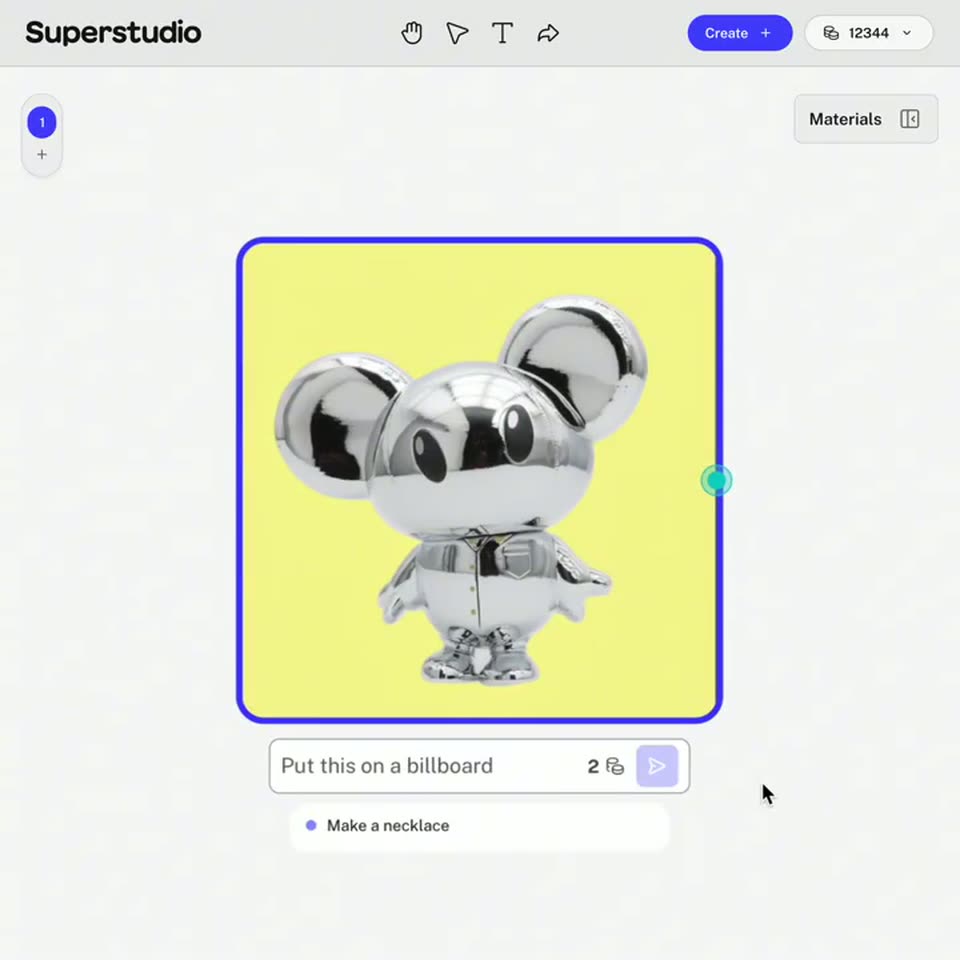 0:06–0:08Kaiber · Kaiber - 🚨 BIG NEWS: Image Editing — in Canvas. •ᴗ• Change colors, combineThe Superstudio editor screen shows a chrome mouse figurine on a yellow canvas inside a blue selection frame. The cursor types “Make a necklace” into the prompt bar, a suggestion chip pops in below, and the cursor glides to the purple send button.
 0:37–0:38Vapi · Vapi - 🚀 Vapi 2.0 is live on Product Hunt. A big milestone for the team! VA yellow pill button with a black play icon and the words RUN TEST sits centered on a black dotted grid. The button tilts and levels as a cursor glides onto it, then a multicolored dashed line draws across the frame.
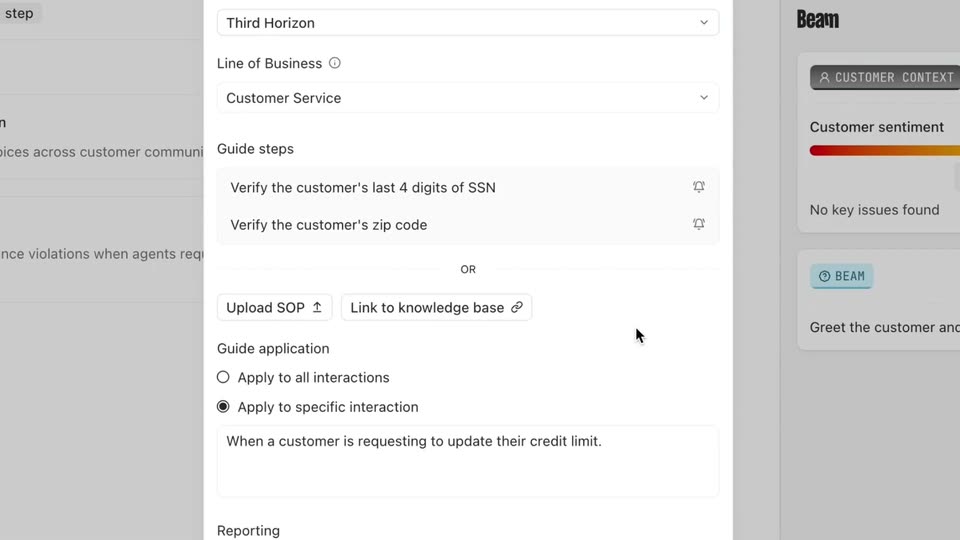 0:38–0:39Rulebase · Beam - The real-time copilot for customer service agents.A white settings modal fills the center of the Beam dashboard, listing guide steps, upload and link buttons, and a selected radio for a specific interaction. A dimmed list sits left, a customer context card with a red-to-yellow sentiment bar sits right, and a black cursor hovers in the panel.
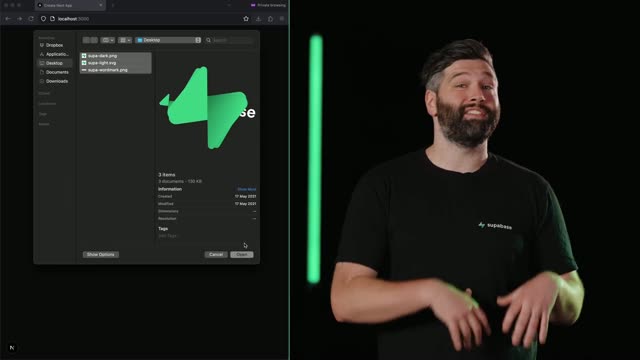 0:45–0:48Supabase · Announcing the Supabase UI LibrarySplit screen: left, a dark browser shows an upload drop zone, then a file picker opens as the cursor selects three logo files and clicks Open; right, a bearded presenter in a black Supabase tee gestures beside a vertical green light bar.
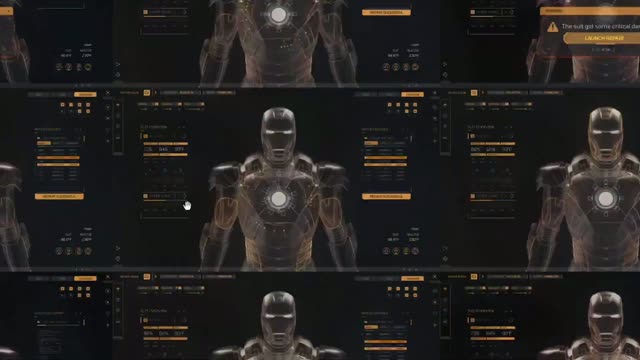 0:48–0:50Rive · Rive for Product Design Reel 2025A grid of dark interface panels scrolls steadily across the frame, each showing a wireframe humanoid suit with a glowing chest core, orange warning banners, repair progress bars, and hand cursors hovering over controls.
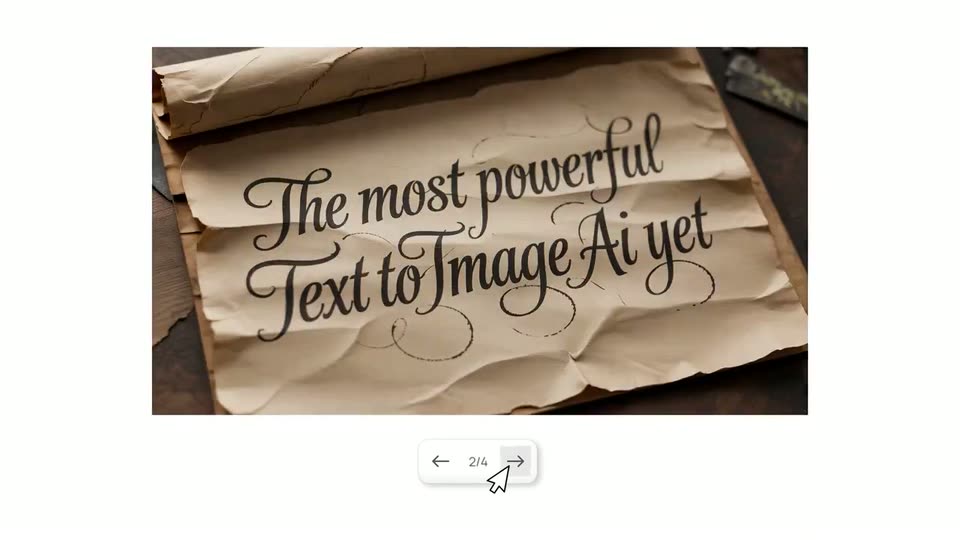 0:22–0:23Ideogram · Ideogram - Meet Ideogram 3.0 — stunning realism, creative designs, and consistenA crumpled parchment with black cursive calligraphy is centered on a white background as a carousel slide. A pill-shaped pager with a left arrow, 2/4 and a right arrow sits below, and a mouse cursor hovers over the right arrow in a locked-off frame.
 0:14–0:15Discord · Introducing the NEW Discord Game OverlayA tilted 3D monitor plays a video of a foot in black trousers stepping on a beige carpet, with a hand cursor over the frame and a player bar below. A blurred desktop taskbar sits behind it. A white caption sits at the bottom.
 0:30–0:31Figma · Figma - All hands on deck. Figma Slides is now available to everyoneA close-up of a dark toolbar with a 25% dropdown, a play icon and a red Share button floats over pink, black and yellow panels. A white outlined cursor arrow slides up from below and stops hovering under the toolbar.
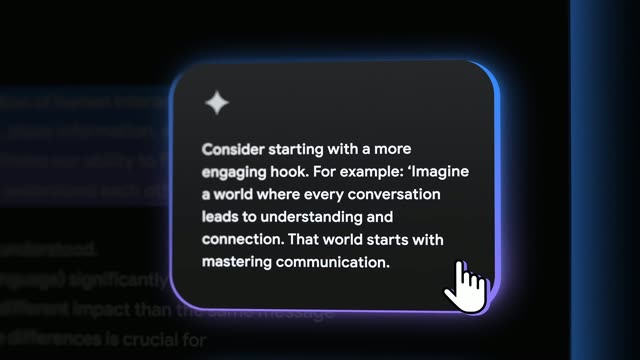 0:28–0:29Google · Introducing Canvas in GeminiA dark rounded chat card with white text and a white hand cursor sits center on a black field. The card scrolls up and sharpens as a second card fades in below it.
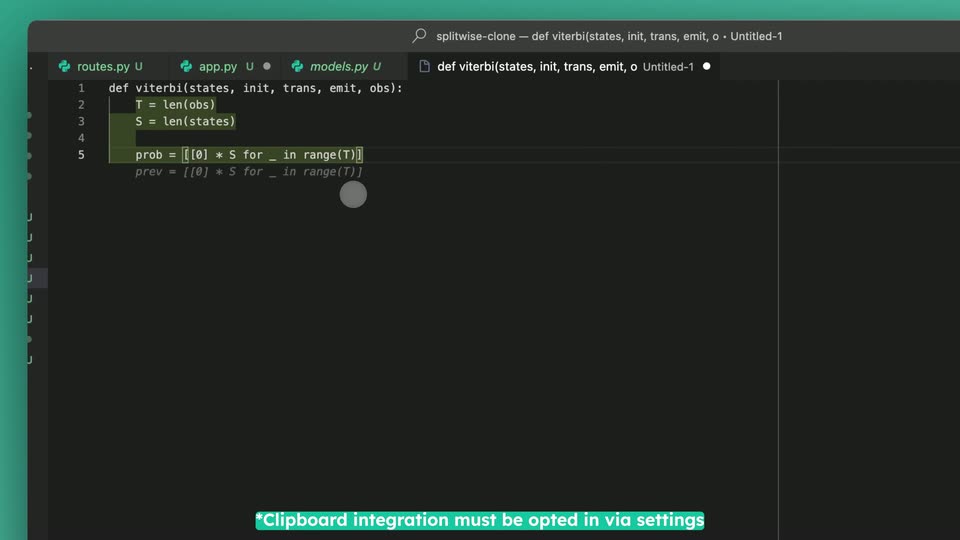 0:51–0:54Windsurf · Windsurf Wave 5: Windsurf TabA dark code editor types a Python function line by line, then reframes to a terminal panel where a shell command is entered beside a visible mouse pointer. A teal caption bar sits along the bottom edge.
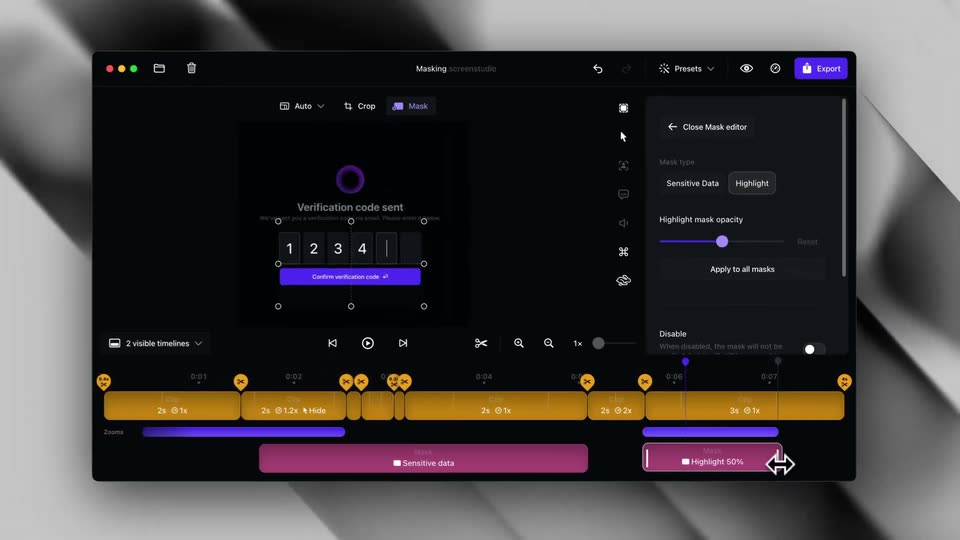 0:08–0:09Screen Studio · Screen Studio - Screen Studio 3.1 is here Introducing Masks: Blur sensitive data orA dark masking interface sits in 3D perspective over a grayscale backdrop, its right panel open on mask options. A cursor hovers on the Highlight 50% track at the bottom right as a diagonal light glint crosses the window and the frame eases slightly outward.
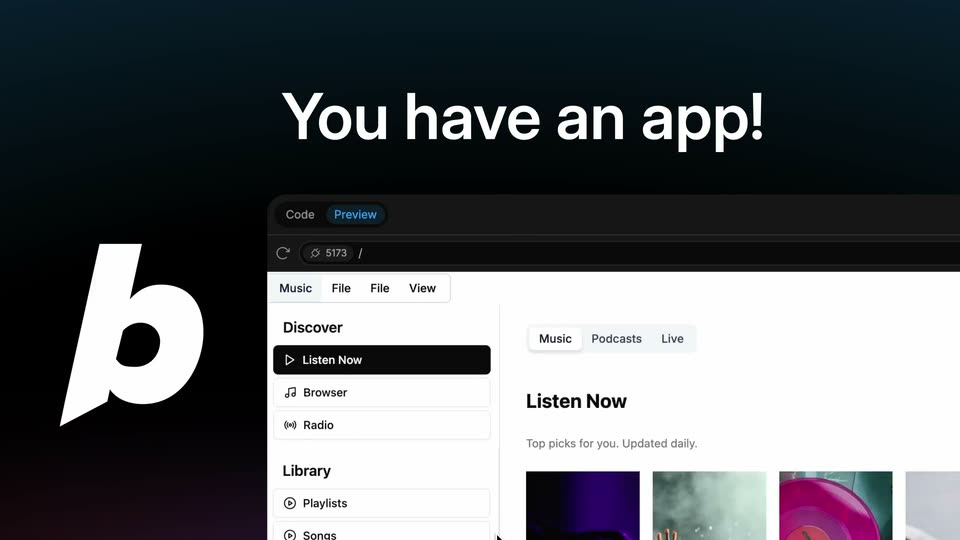 0:10–0:11StackBlitz · bolt.new - Introducing Figma to Bolt Go from Figma to pixel-perfect full stackA dark scene with the white headline “You have an app!” above a flat browser window mockup of a music app; the window's sidebar and album grid scroll vertically while a white “b” logo sits at the left edge and a cursor moves over the cards.
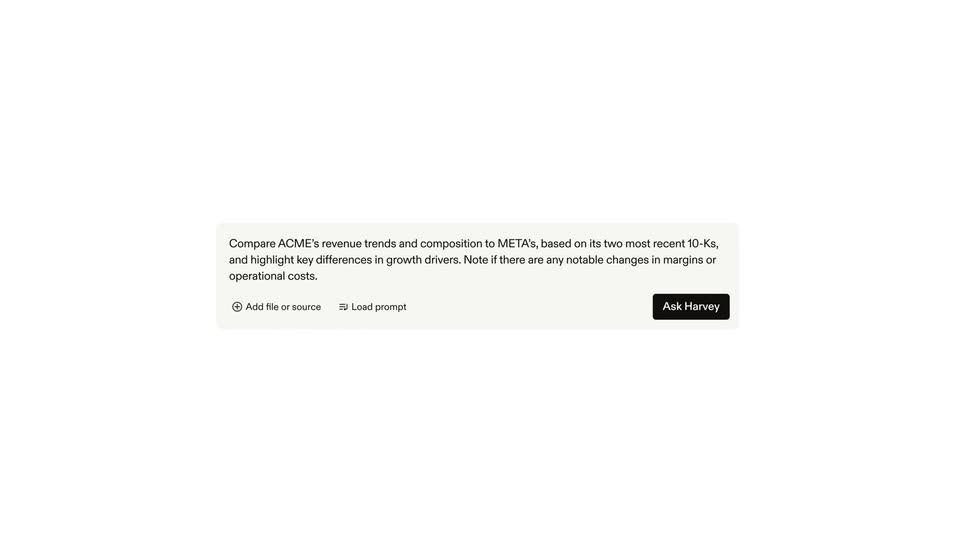 0:24–0:29Harvey · Agents OverviewA centered light-gray input bar on white shows a placeholder, then a prompt is typed in, with two phrases in bold. A cursor glides in and rests on the black Ask Harvey button.
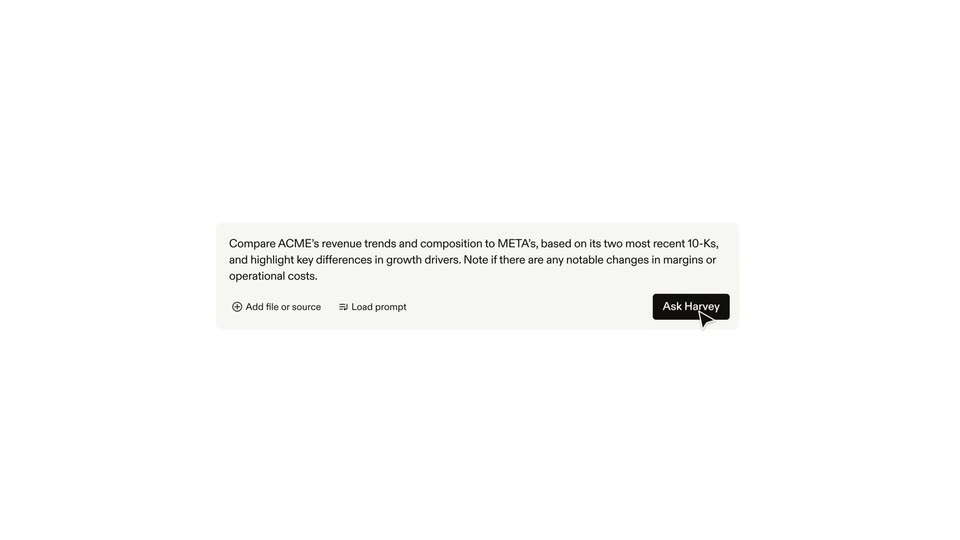 0:24–0:29Harvey · Harvey - Introducing Harvey Agents:A light-gray prompt bar sits centered on a white field. A question comparing ACME and META revenue trends types itself into the field line by line as the bar widens. A cursor then glides to the black Ask Harvey button and clicks it.
 0:18–0:19Reka · Reka - We use Reka Flash 3 to power Nexus, our new platform for organizationA purple Create Worker button with a three-dot menu icon sits centered on a dark field of pale dots. The dots fade out, the button scales up, and the icon detaches to the right as the white cursor drops below it.
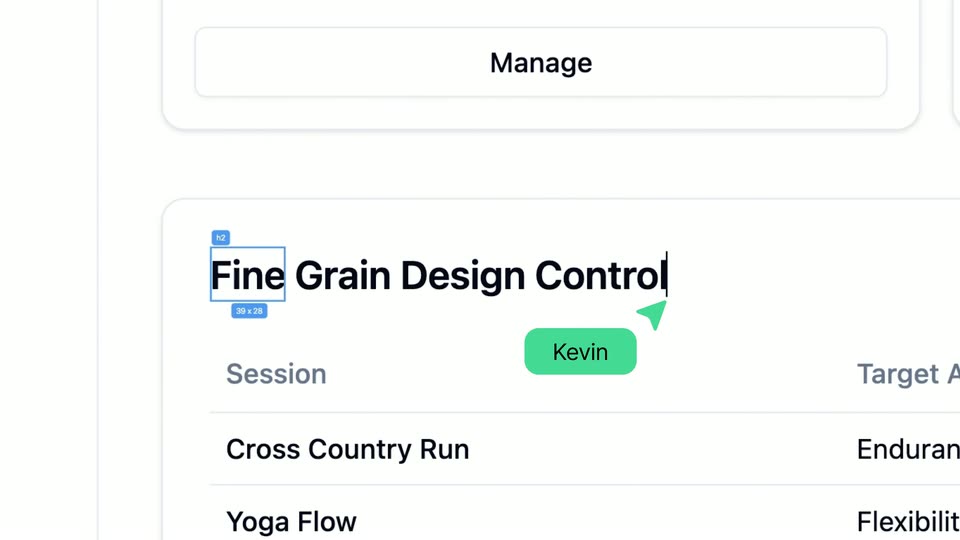 0:20–0:22Tempo · Introducing Tempo V2 - AI web design tool for designers and developersClose-up of a UI card: a text element with blue selection handles and size tags changes from Focus Activities to Fine Grain Design Control as green named cursors hover, then the view zooms out to reveal the session card and a right-side settings panel.
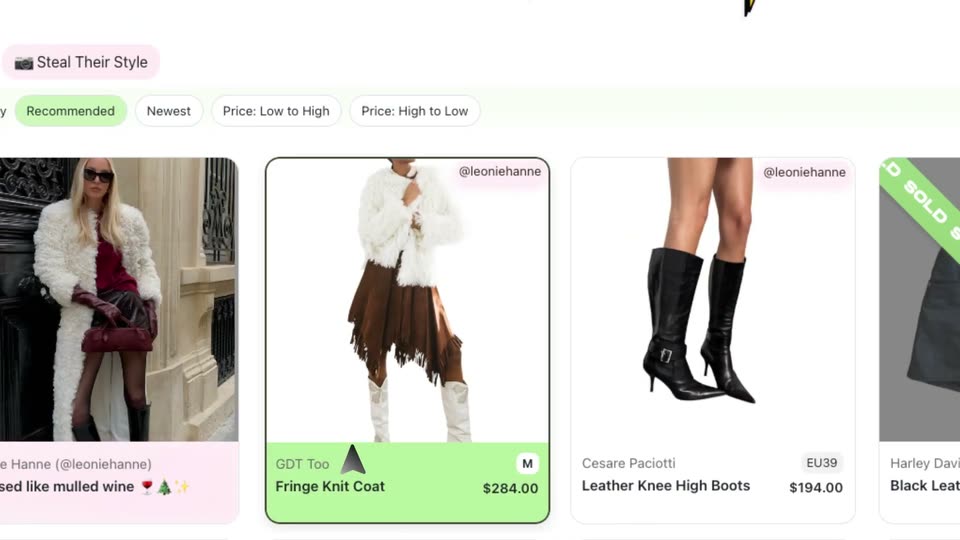 0:18–0:20Retrofit · Launch YC - Retrofit (YC W25)A light interface shows a row of fashion product cards. The middle card, a fringe knit coat, is framed in green with a matching info bar, and a black cursor hovers at its base as the cards drift left.