Cursor demo
A visible cursor operates the interface.
15,126 scenes · page 111 of 253
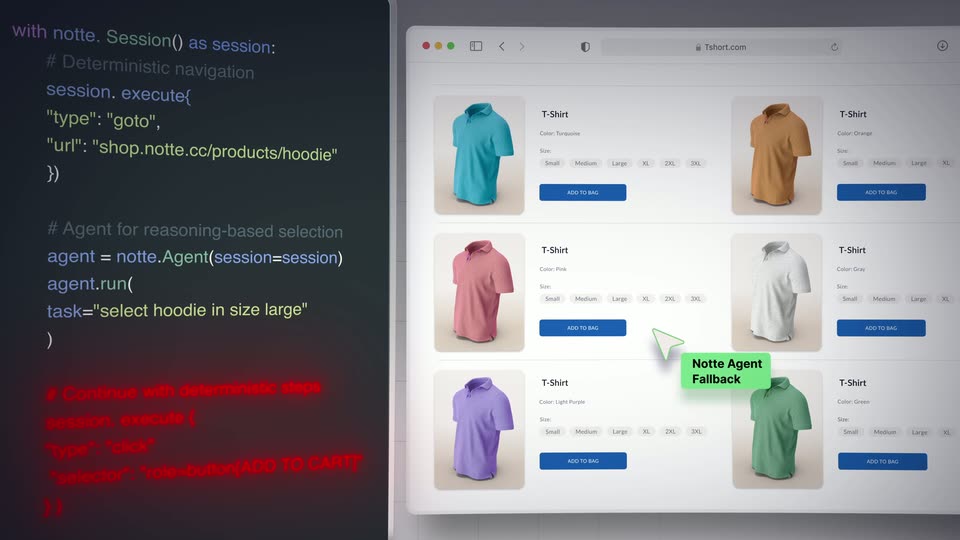 0:30–0:49Notte · Notte - Reliable Web Agent WorkflowsA code editor and a browser window sit side by side in 3D perspective. Code types in on the left while a labeled cursor clicks a size chip and a cart button on the right; the buttons turn blue and the cursor red, then a fallback label appears.
 0:08–0:09SupersonikAI · Dani Carmona - The wait is over. Today we’re launching @SupersonikAI, the first AI tA white scheduling card with a calendar sits on a pale field. A confirmation toast reading Thanks for your interest. We will see you soon. floats over the grid, then the card fades out, leaving the toast centered above a hovering cursor.
 0:23–0:24LangEase · BEST SaaS Brand Video Example | LangEaseClose-up of a light interface row. A white hand cursor with blue outline presses a blue gradient Share Link button with a sparkle icon, and the button scales up. The file name Meeting with team audio file. mp3 slides out at the left edge.
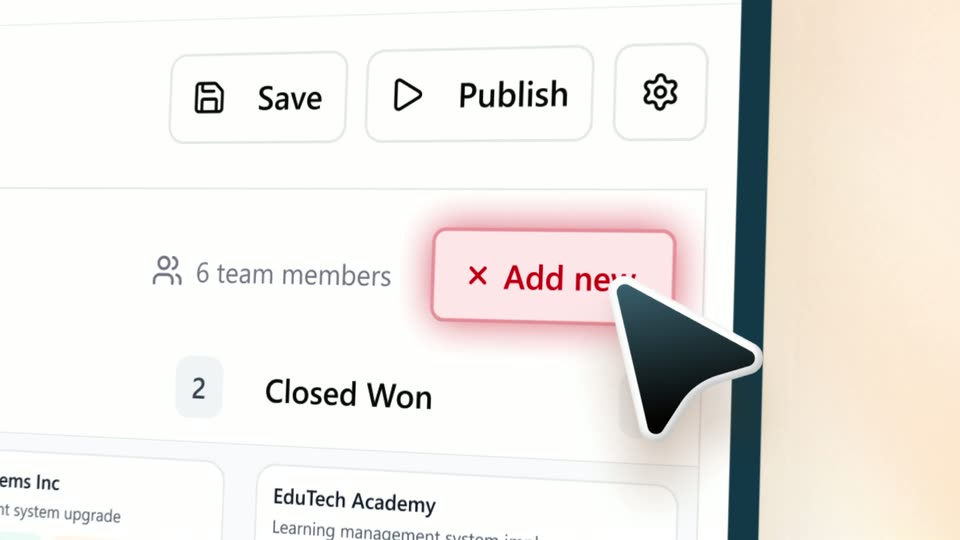 0:08–0:09Lindy · Lindy - We started Lindy Build to make building apps effortless. Side effect:A close-up of a CRM board shows a black cursor arrow hovering over a red-glowing Add new button. The interface blurs and fades out as a large pale-peach word Introducing fades in behind it.
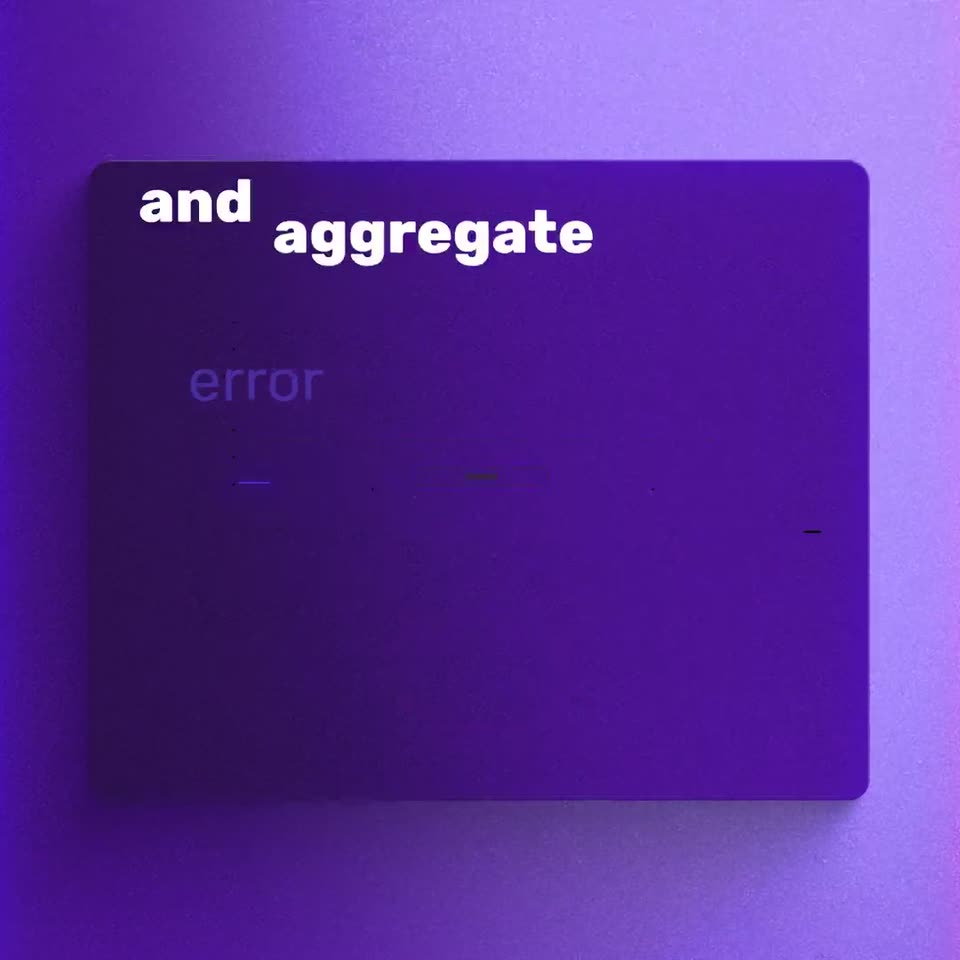 0:26–0:27Sentry · Sentry - Logs are now GA in Sentry🪵 Structured, trace-connected, and live-taiA flat purple card on a purple gradient shows a filter list of log levels. A pixel cursor clicks the error checkbox, the row highlight slides down to warn, then the list collapses into abstract bars with a red block as the headline and aggregate appears at the top.
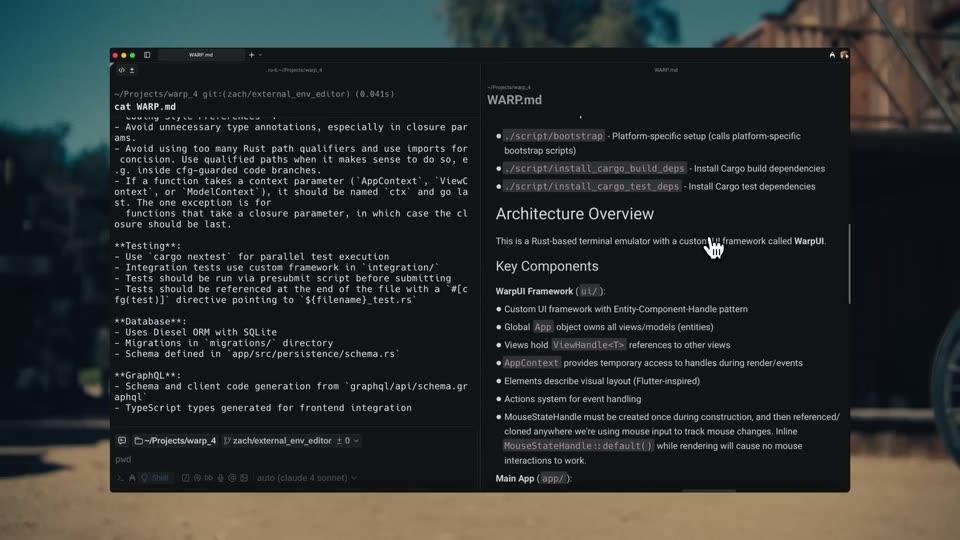 0:42–0:45Warp · Introducing Warp Code | The fastest way from prompt to productionA terminal window with a split view: raw markdown on the left, rendered document on the right. The shot starts blurred and snaps into focus as a hand cursor hovers over the preview pane.
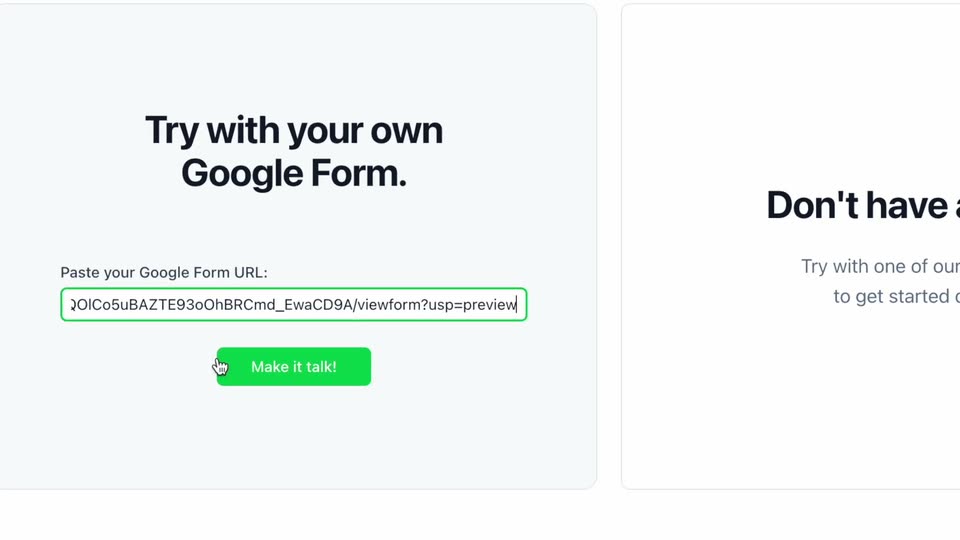 0:34–0:35RowFlow · RowFlow - Break up with your form.A white screen shows a bold headline over two cards. The view zooms into the left card, where a Google Form URL fills the input field and a cursor hovers the green Make it talk button.
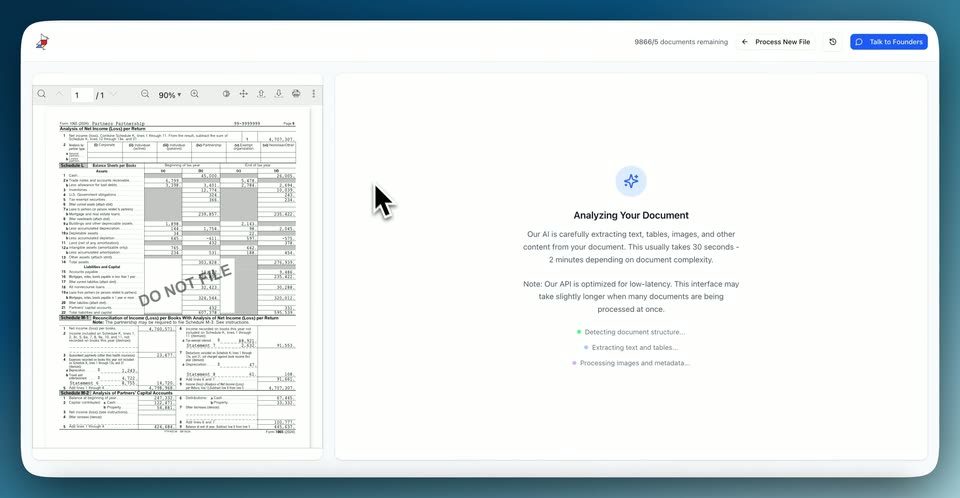 0:09–0:12Cardinal · cardinal demoA static product interface shows a PDF document on the left and an analysis panel on the right, with a blue sparkle icon, a heading and a three-item progress list. A mouse cursor glides from the top bar down over the right panel.
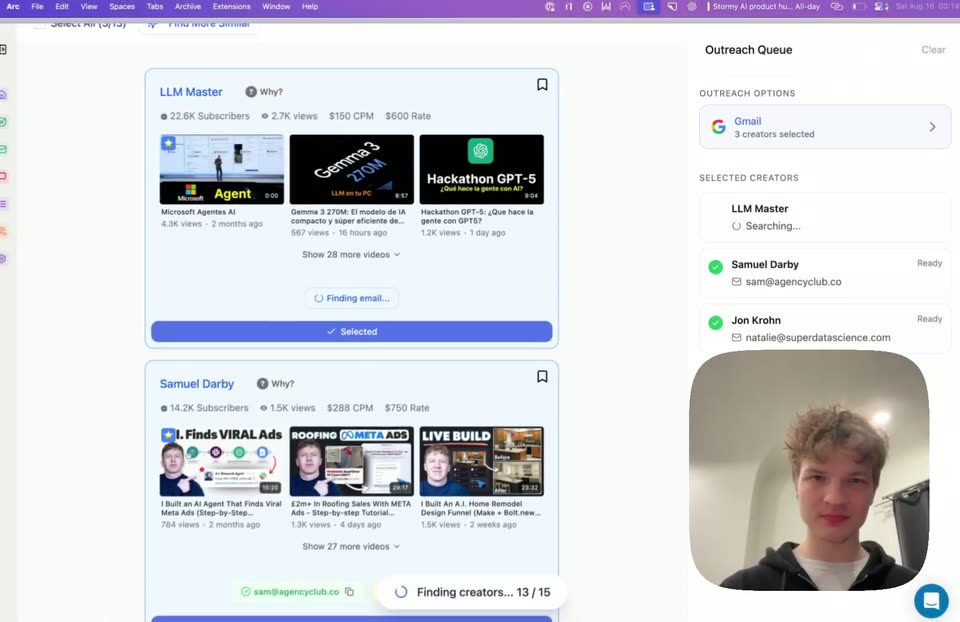 0:50–0:56Stormy · Stormy AI launch videoA close-up of a creator-outreach UI shows two profile cards with thumbnails and stat rows. A cursor clicks Find Email, the bar turns into a blue Selected strip, then the frame zooms out to the full window with a right-side Outreach Queue panel and a webcam of a young man.
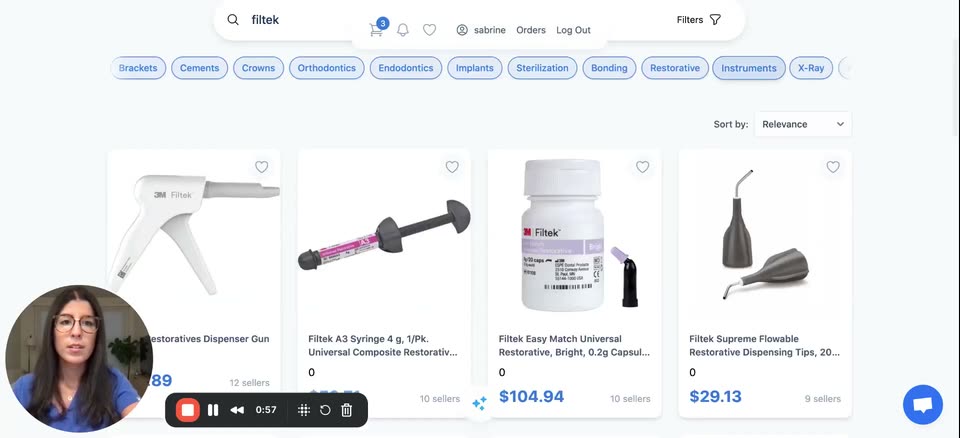 0:55–0:57Alara · Alara Dental - Transforming Dental Supply PurchasingA dental supplies website fills the frame, with filtek typed in the top search bar above category pills and a grid of product cards. A circular face cam of a woman in a blue shirt sits in the lower left. The cursor hovers on the Instruments pill.
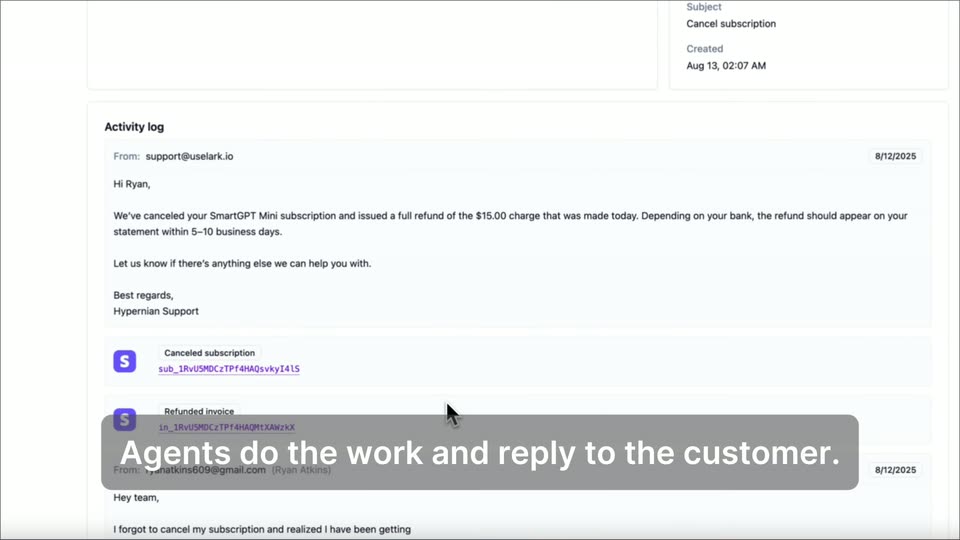 0:23–0:28Lark · Lark: AI Agents for BillingA browser window shows a resolved support ticket. The frame zooms between the full page and the activity log, where the cursor hovers and the page scrolls to reveal the agent's reply. A gray caption bar at the bottom reads 'Agents do the work and reply to the customer.'
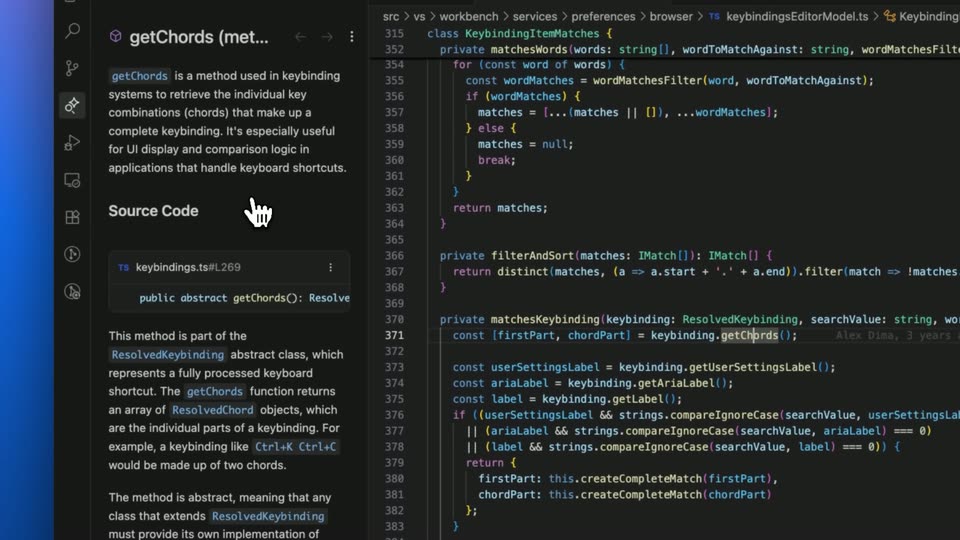 0:44–0:48Windsurf · Windsurf Wave 12: Devin features in Windsurf!A dark code editor shows TypeScript code on the right while an AI panel on the left scrolls documentation for the getChords method. A white cursor hovers over a code snippet card, and the panel text drifts upward beneath it.
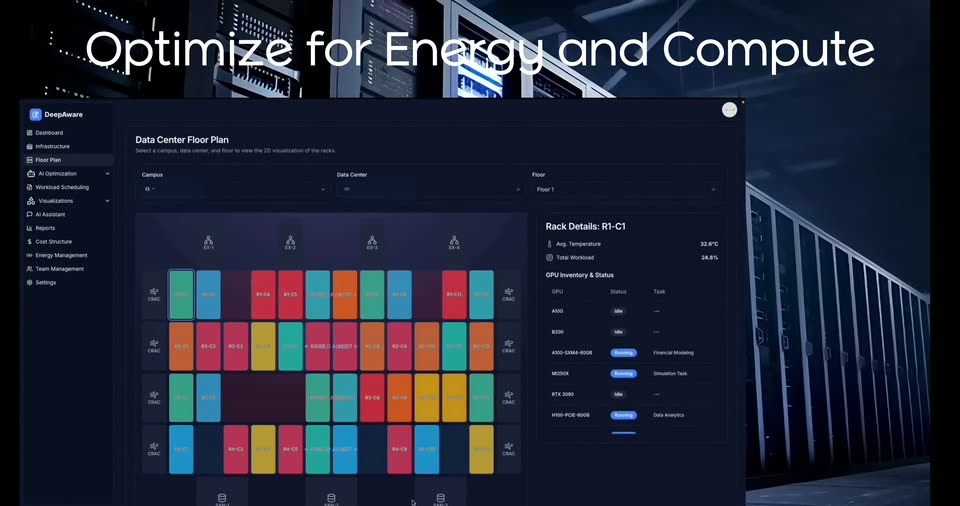 0:40–0:45DeepAware AI (Robotics Center of Silicon Valley) · DeepAware AI — Secure, Efficient, and Automated AI Data CentersA dark data center dashboard occupies the lower frame, showing a multicolored floor plan grid and a rack details panel. A white headline sits above, and a dark building backdrop drifts slowly behind the panel. A cursor moves across the interface.
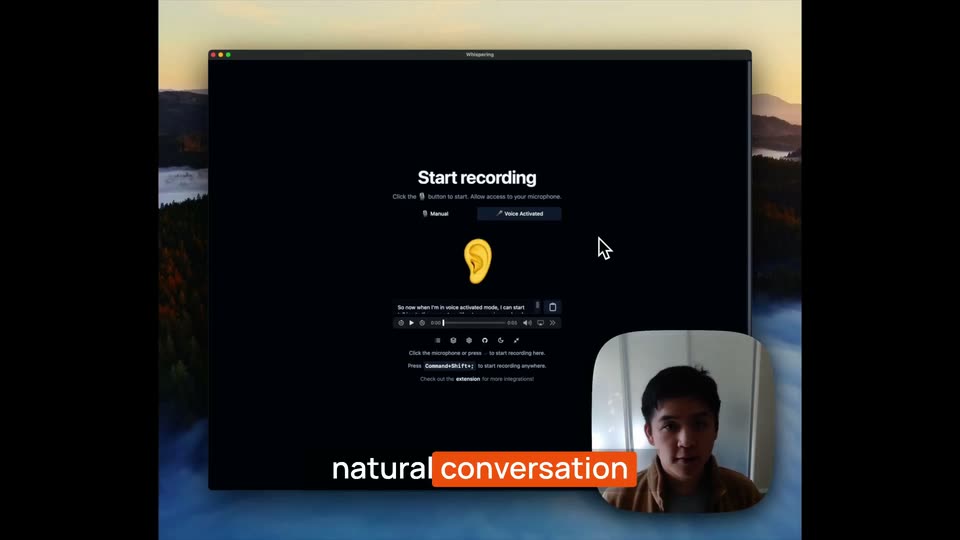 1:29–2:06Epicenter · How I Use Whispering (Open-Source, Local-First Transcription) with Claude CodeA dark Whispering web app window sits on a mountain wallpaper with a rounded facecam inset bottom right. The view zooms into the UI as the cursor picks Voice Activated and opens a transcription-service dropdown, then zooms back out as the mic icon swaps to an ear and a face.
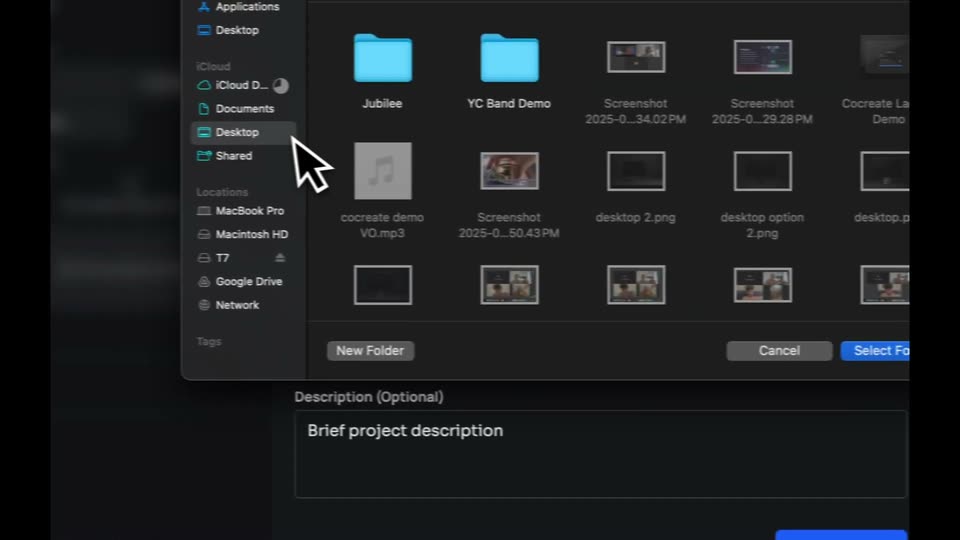 0:08–0:09cocreate · Cocreate demo videoA dark file-picker dialog floats over a project form showing a description field. A white arrow cursor slides from the file grid to the Desktop row in the left sidebar, highlighting it.
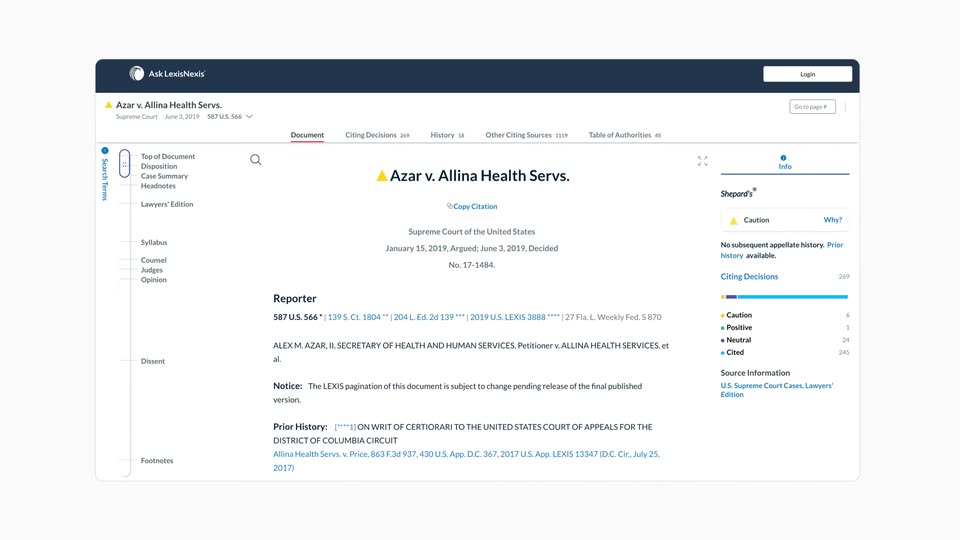 0:30–0:33Harvey · Introducing Ask LexisNexisA dense wall of overlapping legal text holds a floating case card with a cursor on the View in LexisNexis button. The view pulls back to the full LexisNexis document page, then a search icon fades in beside a sidebar item and the Info tab lights up.
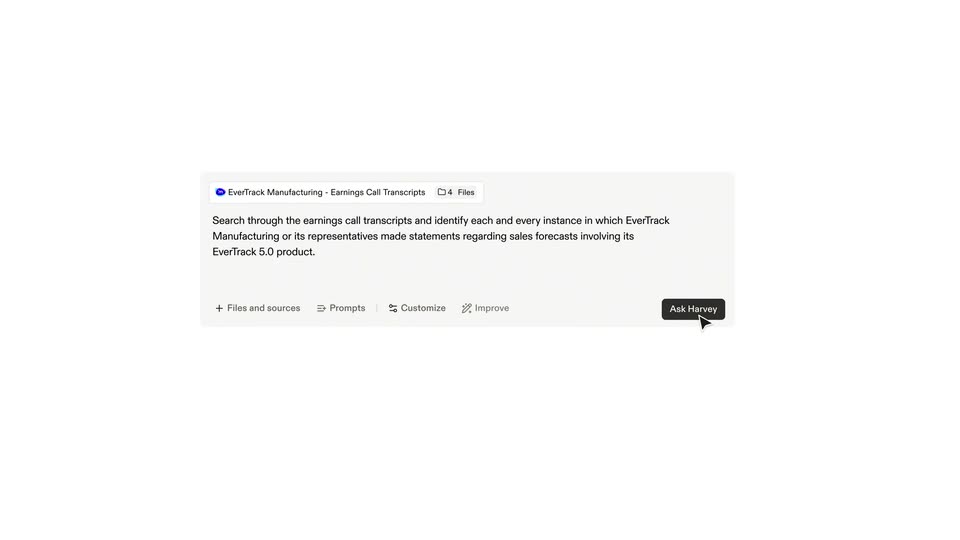 0:17–0:28Harvey · iManage IntegrationThe Harvey app interface zooms into its prompt box as a cursor clicks the iManage chip and types a query about EverTrack earnings calls. The cursor then presses Ask Harvey, and a Thinking panel lists steps with checkmarks appearing in sequence.
 0:18–0:19MangoDesk · MangoDesk DemoClose-up of a white interface panel with a teal pill button reading Create Project and a right arrow. A black cursor hovers over the button, which scales up as the cursor moves away to the bottom right.
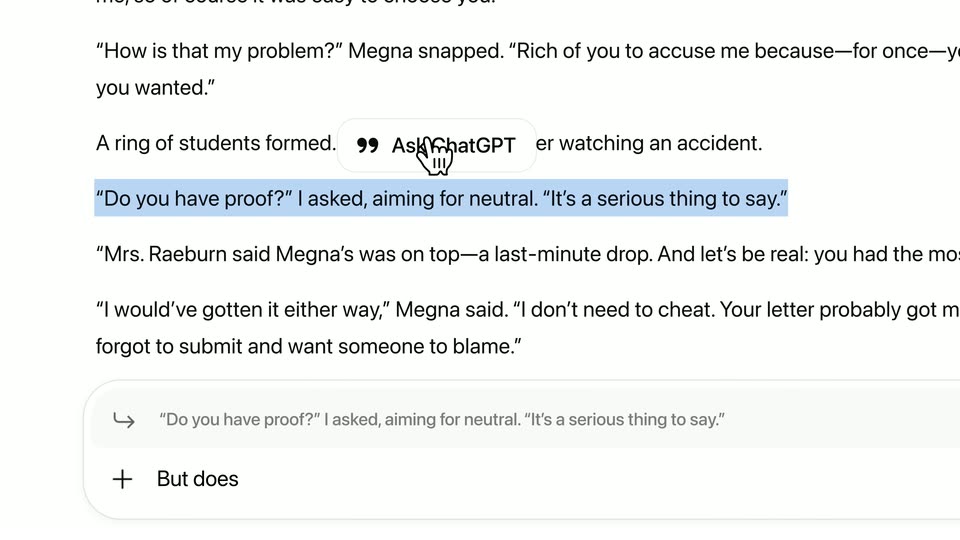 1:08–1:14OpenAI · Introducing GPT-5A document editor scrolls down a short story until a line of dialogue highlights in blue. A cursor selects it, a floating Ask ChatGPT chip appears, and a hand cursor clicks it, sliding a follow-up suggestion panel up from the bottom.
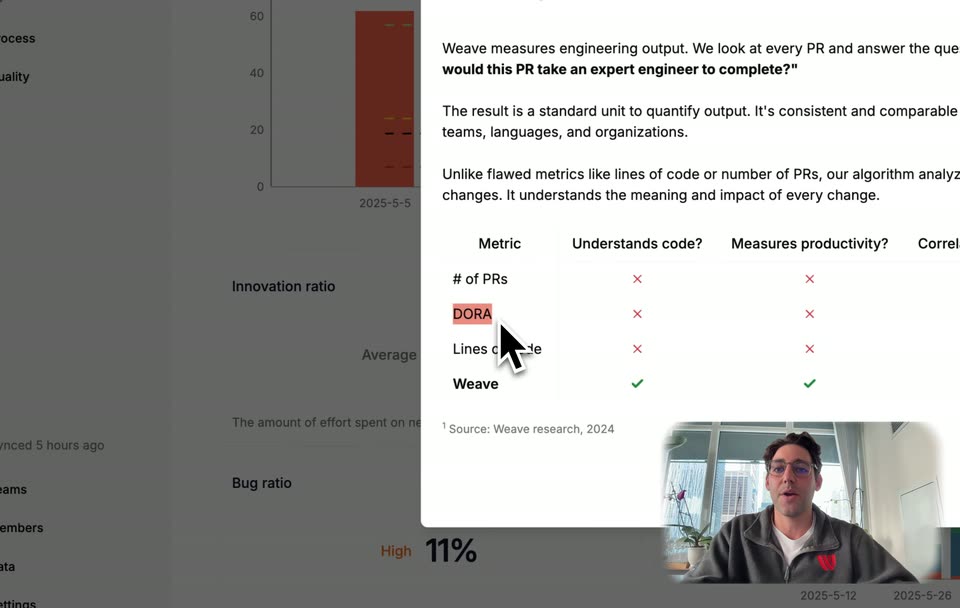 0:28–0:30Weave · Product Hunt Launch VideoA dimmed Weave dashboard sits behind a white card on the right holding a metric comparison table with red crosses and green checks. A cursor hovers over the # of PRs and DORA rows, highlighting each, while a small webcam feed of the presenter plays bottom right.
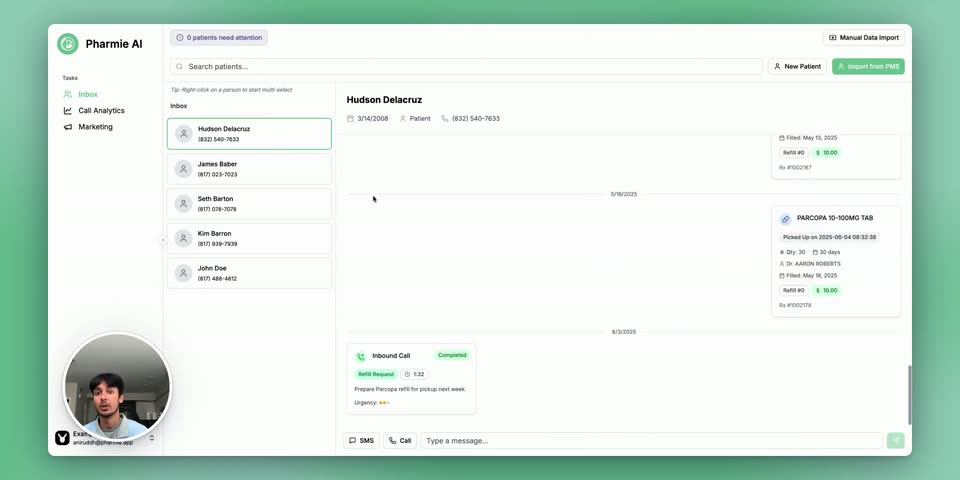 1:26–1:32Playgent · Pharmie AI (YC S25) Launch VideoA zoomed-in two-panel view of a patient record and AI call results pulls back to the full Pharmie AI dashboard, then a Make Group Call modal opens while four patient rows get checked. A presenter's webcam circle stays in the lower left.
 0:10–0:12Privy · Privy - 1/ Introducing: Privy Home A secure control layer for embedded walletA white wallet card showing a balance and asset list sits on the left over a purple perspective grid. A black Add funds button with a white cursor arrow rests at its top right, and the headline Add funds instantly holds centered above. The card and cursor ease into position.
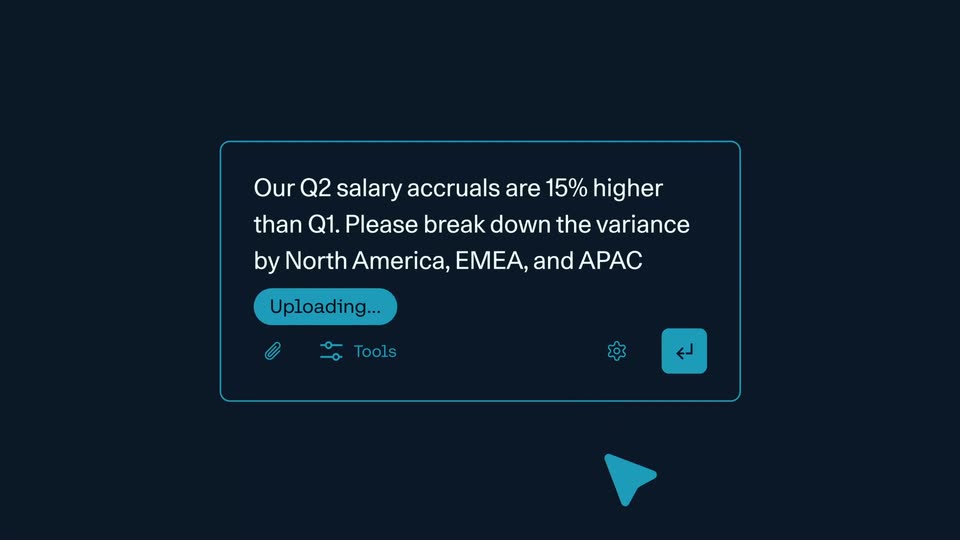 0:30–0:34Cohere · Cohere - Our secure agentic AI platform, North, is now widely available.The camera opens on a close-up of the card heading and pulls back to the full prompt card as the question types out. A cyan cursor drags a file into the card, format buttons pop in, and the cursor clicks the send button.
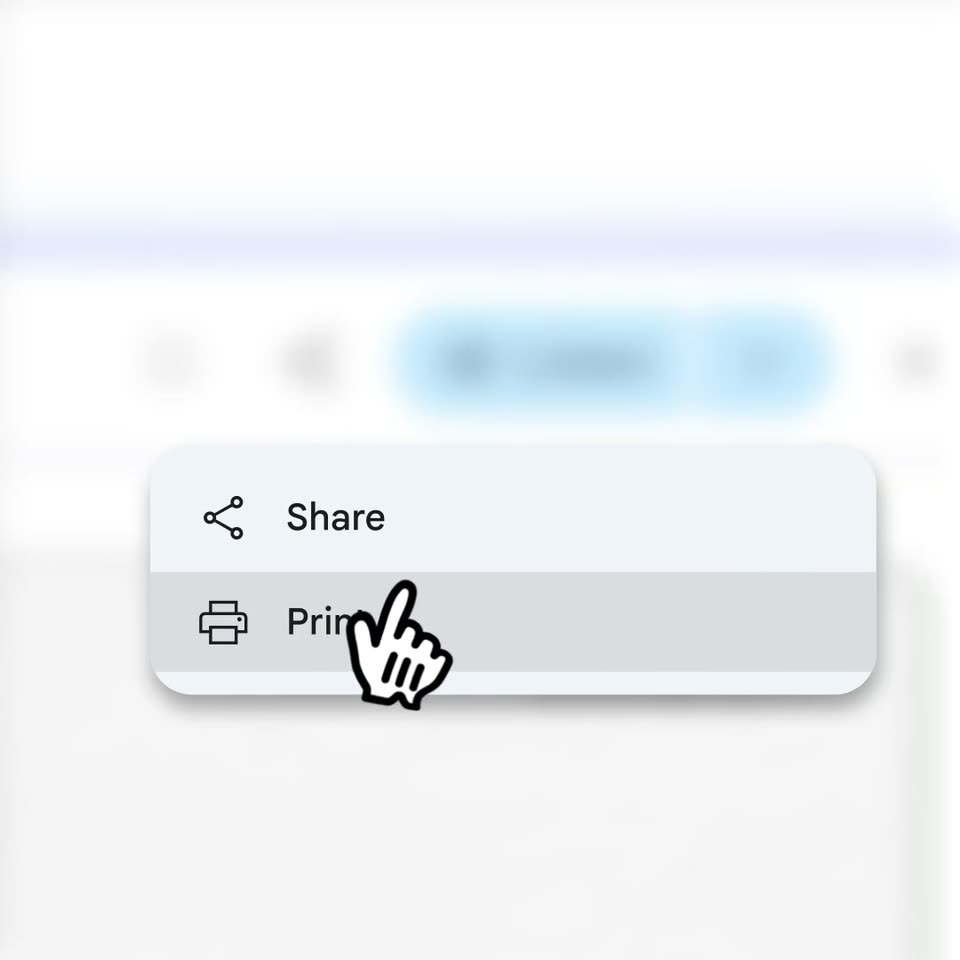 0:28–0:32Google · Google Gemini - It’s story time, reimagined. Now you can create personalized, illustA close-up of a document toolbar. A cartoon hand cursor taps the share icon, and the background blurs as a Share and Print menu scales in. The hand slides to Print and clicks it, the document name ELISA BECKETT resting below.
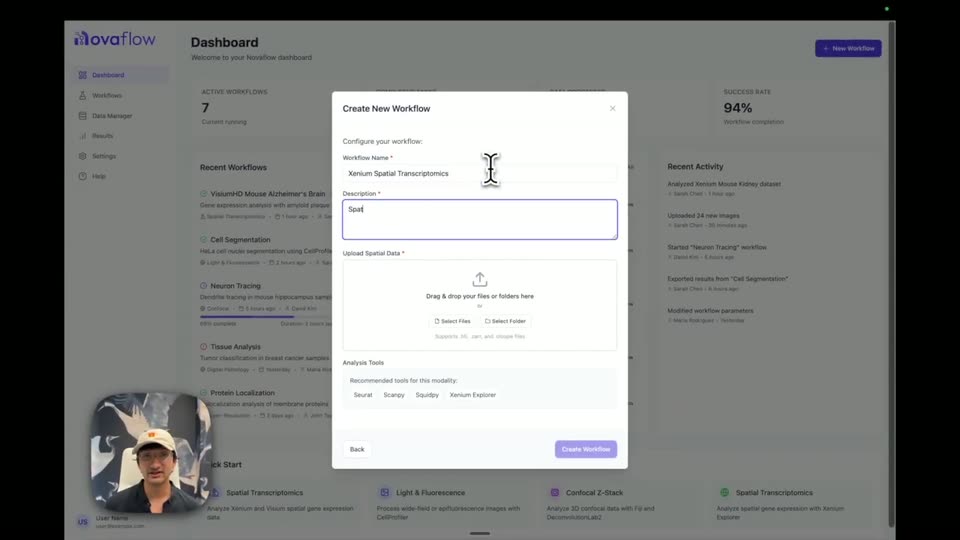 0:46–0:59Novaflow · Novaflow Launch VideoA white “Create New Workflow” modal is centered over a dimmed dashboard. The view pulls back to reveal the full Novaflow layout as a text cursor types the workflow name and description, then a hand cursor hovers the folder button.
 1:46–1:47Autumn · Autumn: Stripe for AI StartupsA tilted interface mockup floats against a soft pink and blue gradient. The frame pulls back from a tight crop of a gray placeholder list to the full screen, while a cursor glides across the rows.
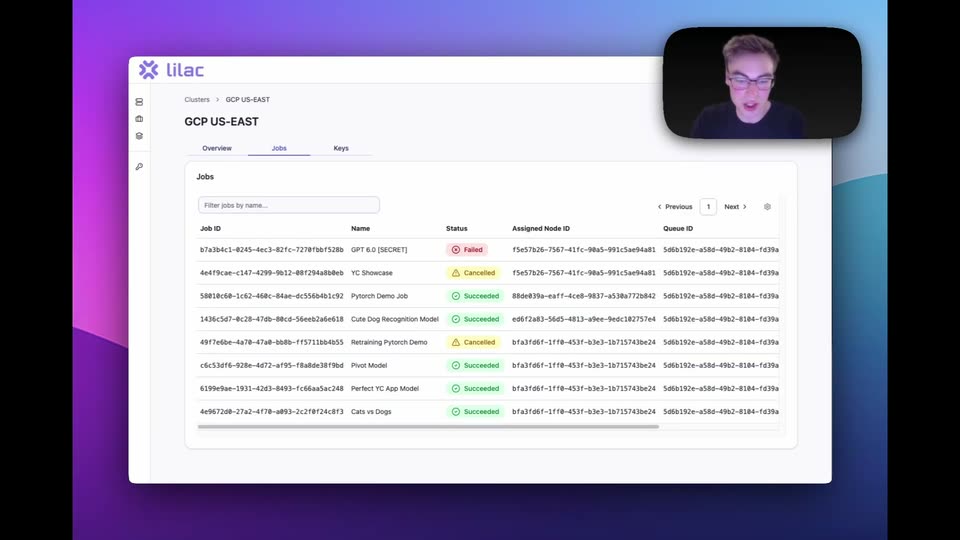 0:38–0:58Lilac · Lilac Launch -- Ensuring GPU Availability!A 3D-tilted lilac dashboard floats over a purple gradient, with a small webcam of a man in the top-right corner. The cursor hovers on the Overview panel, then clicks the Jobs tab; the screen blurs and crossfades into a jobs table with colored status badges.
 0:20 · 0.8sLindy · Lindy - Lindy 3.0 is live. You can now create agents with a simple prompt anOn a pale peach gradient with a faint dotted grid, a chat input reads “Message them on Linkedin” while a black cursor hovers the blue send button. The box slides up and fades as a white “Lindy Agent” pill with a code glyph rises into the lower frame.
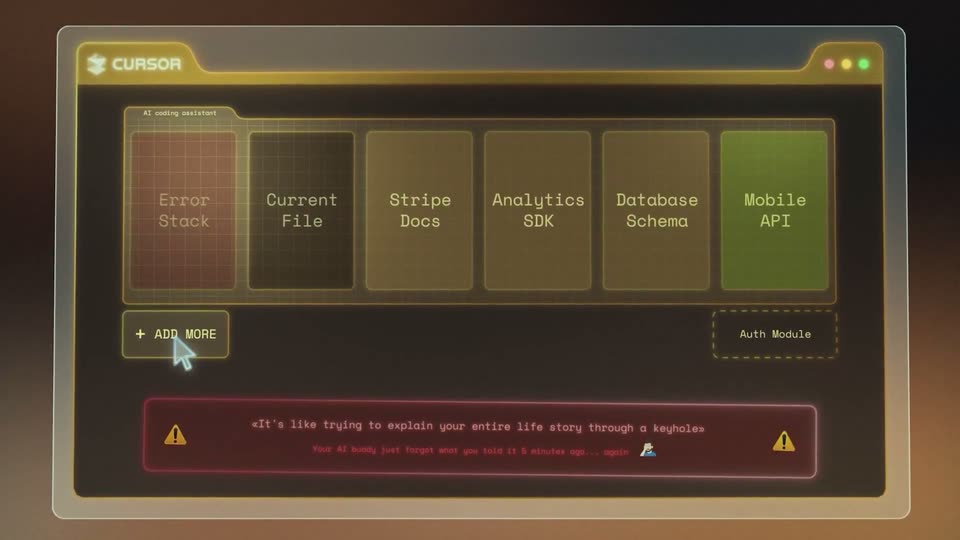 1:03–1:09Nia · arlan rakh - introducing nia. ship reliable code 10x fasterA Cursor window mockup glows on a warm gradient backdrop. A cursor arrow taps ADD MORE, and the card row scrolls left: Old Docs and Config v1.0 exit as Analytics SDK, Database Schema, Mobile API and Auth Module slide in from the right. A red warning banner sits below.
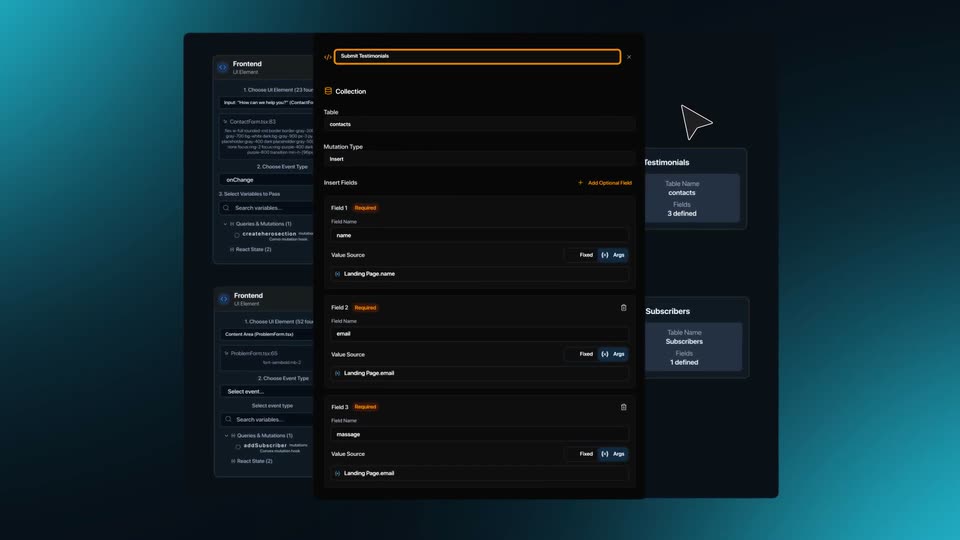 0:49–0:54VibeFlow · YC Launch Video: VibeFlowA dark node editor grid sits on a teal gradient. A white cursor glides to the Add Testimonial node and clicks it, opening a configuration panel that slides in from the right with field rows, then slides back out.
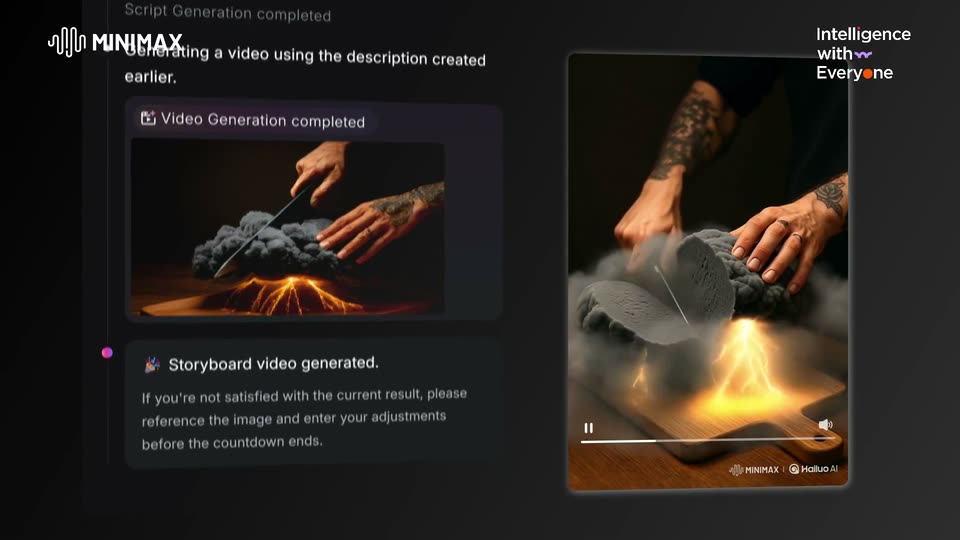 0:10–0:15Hailuo · MiniMax Design (H3) - 🚀 Hailuo Agent Templates just leveled up 🎬 Editable Storyboards are hA dark chat UI sharpens from blur; the left column scrolls to a prompt box where text is typed, while a vertical player on the right plays a hand slicing a smoky cloud over glowing lava. Subtitles swap at the bottom.
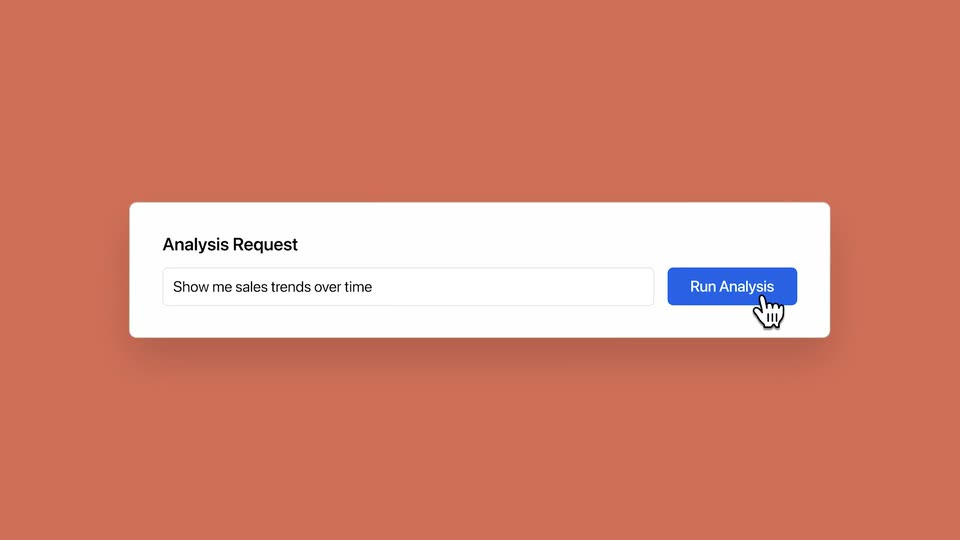 0:12–0:16Anthropic · Anthropic - Claude artifacts are now even better. Upload PDFs, images, code fileOn a terracotta background, a white Analysis Request card settles into place below a fading table row. A hand cursor types a prompt into the input field, then clicks the blue Run Analysis button, which changes to Processing...
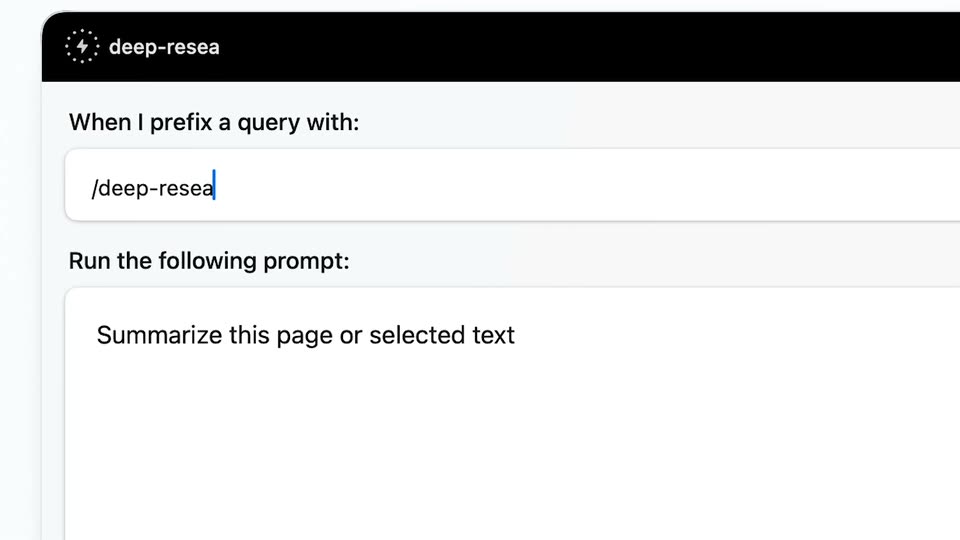 0:27–0:29The Browser Company · Dia - Sometimes you need a bit more… power. Reasoning models, now availablA close-up of a settings form under a black header bar. The header word and the prefix field change from 'deepmarize' to '/deep-research' as the field text is selected and retyped, while a mouse cursor hovers at the field's edge. The prompt box below keeps its static copy.
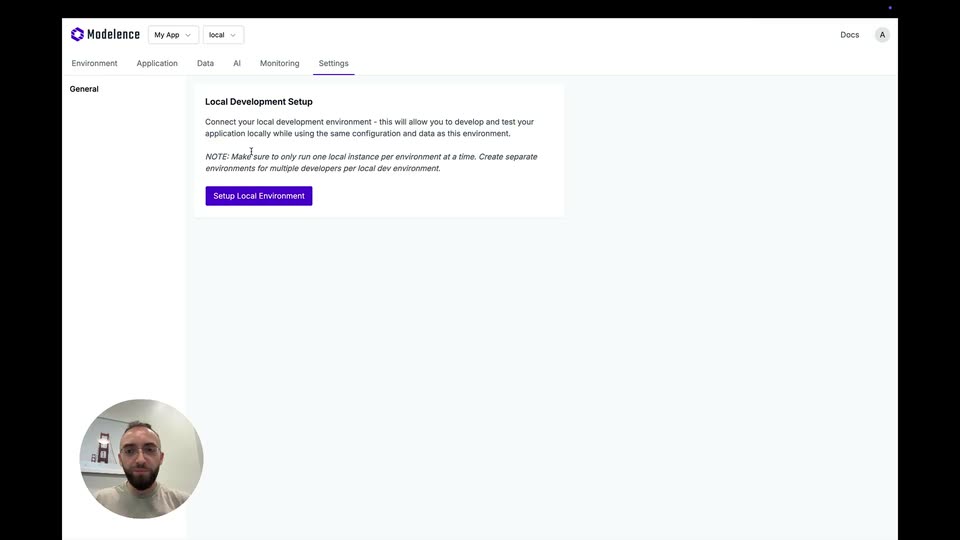 0:28–0:31Modelence · Modelence - Launch DemoA Modeleence dashboard fills the frame, the cursor glides across the top nav and the view switches from the environment overview to the Settings page showing a Local Development Setup card. A circular webcam of the presenter sits in the lower-left corner.
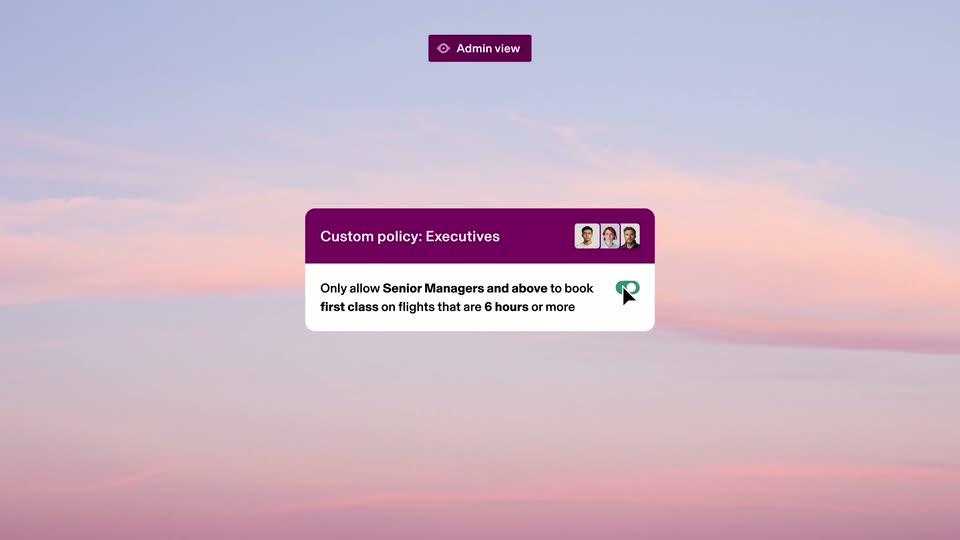 0:36–0:46Rippling · Rippling - It’s time to say goodbye to the days of out-of-policy travel spendingA flat admin policy card fades in over a pastel sky, under a purple Admin view badge. Its body line types in word by word, then a cursor clicks the toggle from gray to green, and the card fades out.
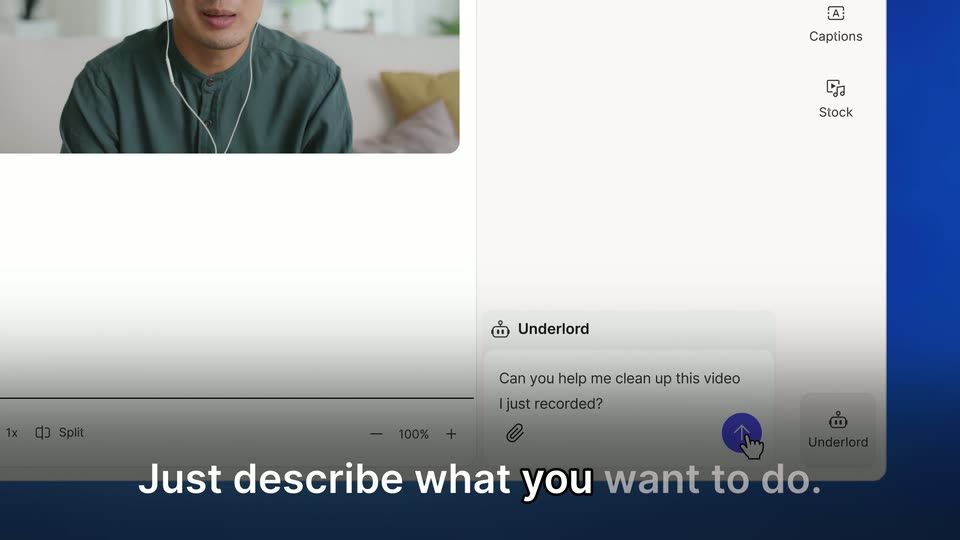 0:32–0:35Descript · Descript - Never edit alone again. Underlord is now available in beta. UnderlorClose-up of the editor interface. A cursor types a prompt into the Underlord chat field and clicks the purple send button, then the layout switches to the chat panel showing the sent message and a reply box. White captions appear at the bottom.
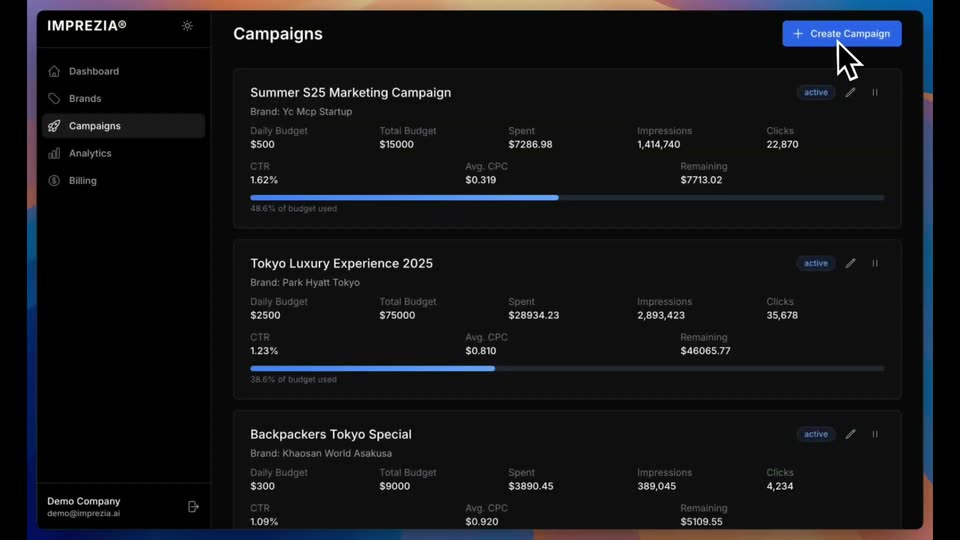 0:42–0:44Imprezia · Imprezia Launch VideoA dark campaign dashboard fills the frame, a left nav beside a stacked list of campaign cards. A white cursor drifts from the top right corner down onto the blue Create Campaign button and presses it, the button flashing brighter on click.
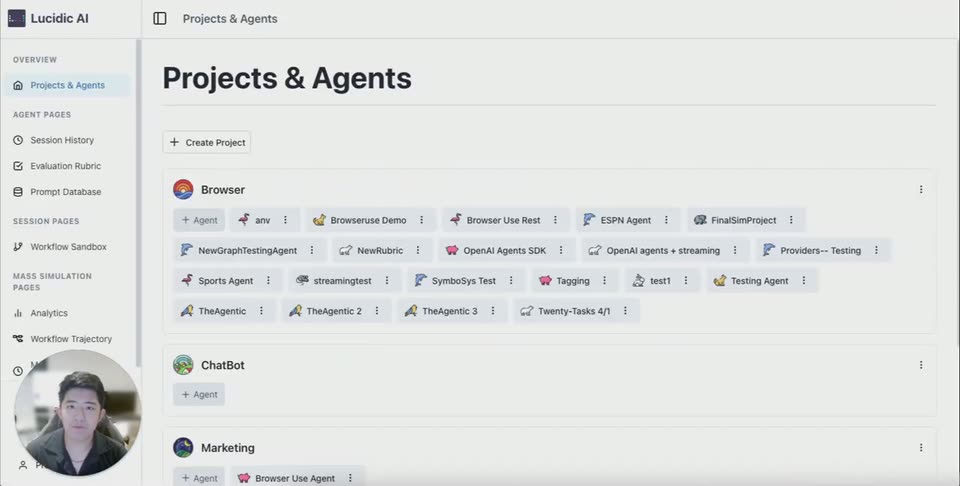 0:26–0:28Lucidic AI · Lucidic HN DemoThe Lucidic AI dashboard fills in from gray skeleton rows into a populated list of project cards, each holding a row of agent chips. A presenter's webcam sits in a circle at the lower left, and a cursor drifts across the Browser project's chips.
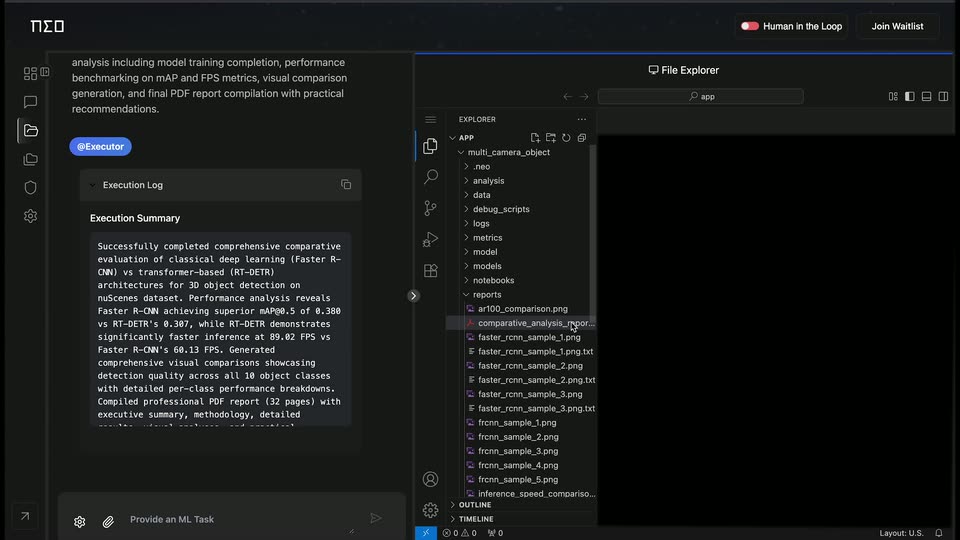 1:42–1:43Neo AI · Neo AI - Introducing NEO: The first Agentic Machine Learning Engineer. It worA dark product UI shows a chat panel with an execution summary on the left and a file explorer on the right. A cursor clicks comparative_analysis_report.pdf, which opens as a tab. Then the words Comparative evaluation & analysis scale in large over the interface.
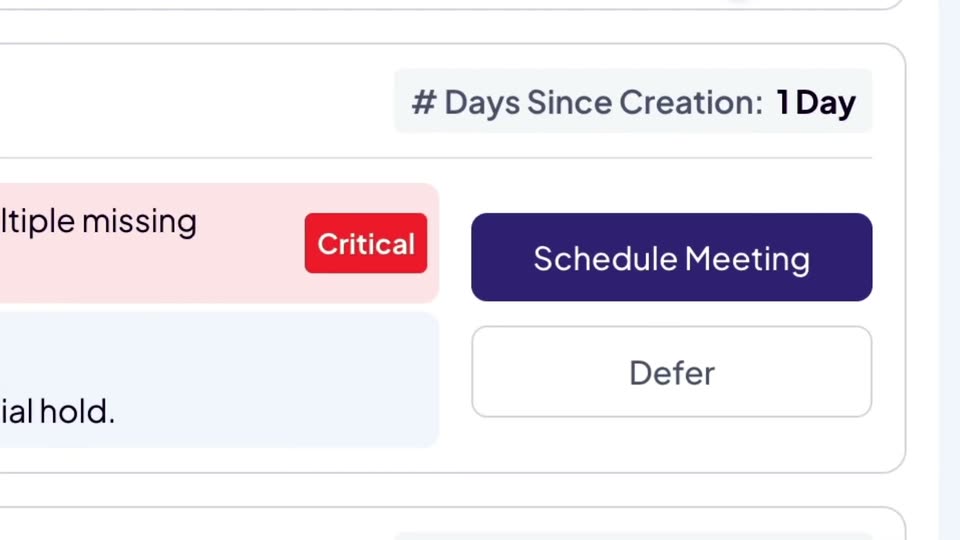 0:38–0:40Risely AI · Introducing Risely: AI agents that automate administrative tasks for universitiesThe full Triage Center screen dims as the view zooms into the first student row, isolating the red Critical flag and the Schedule Meeting button; a hand cursor then hovers over the button.
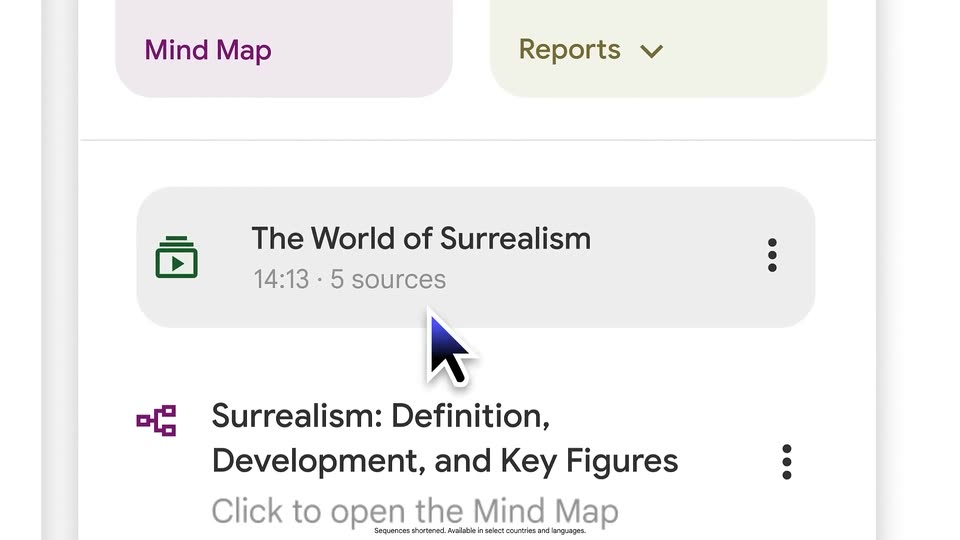 0:04–0:08Google · Introducing NotebookLM Video OverviewsA close-up of the app's output grid scrolls down as the cursor selects Video Overview. A green Generating Video Overview banner appears, then swaps to a finished video row, The World of Surrealism, which the cursor hovers as the frame pans left to show a document.
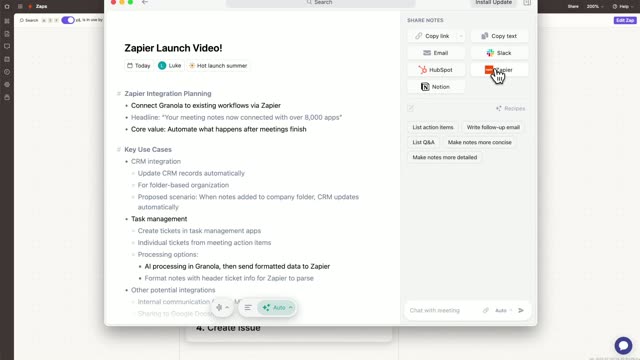 1:00–1:06Granola · Introducing Granola + Zapier | Your meeting notes, now connected with over 8,000 appsA locked-off screen recording shows a meeting-notes app with a share panel on the right. A cursor glides from the note body into the panel and hovers over the Zapier button. The frame stays static throughout.
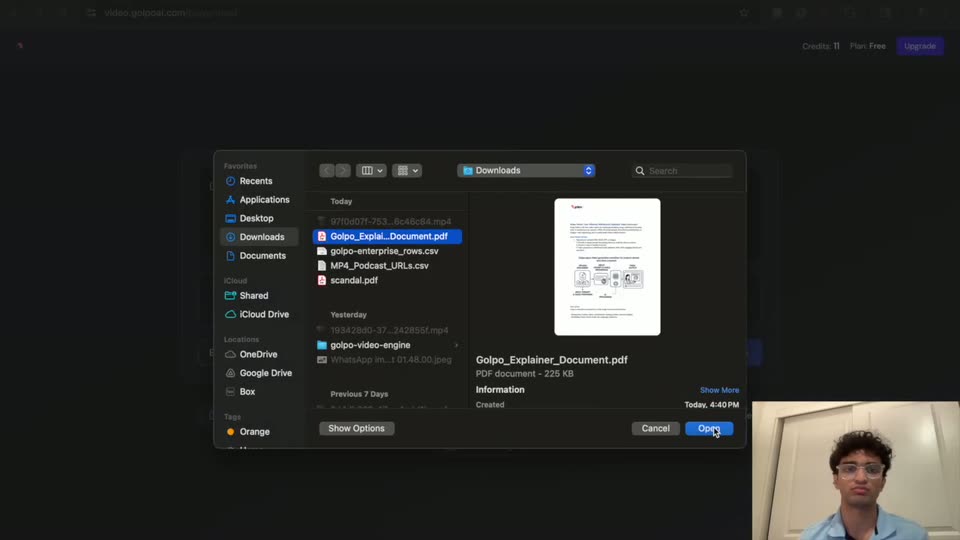 0:45–0:47Golpo · Y Combinator - Golpo (@GolpoAI) is the most powerful AI video generator for explaineA dark web app screen shows a file picker dialog with a PDF document highlighted. A cursor moves to and clicks the Open button. A small webcam clip of a man in a room sits in the bottom-right corner.
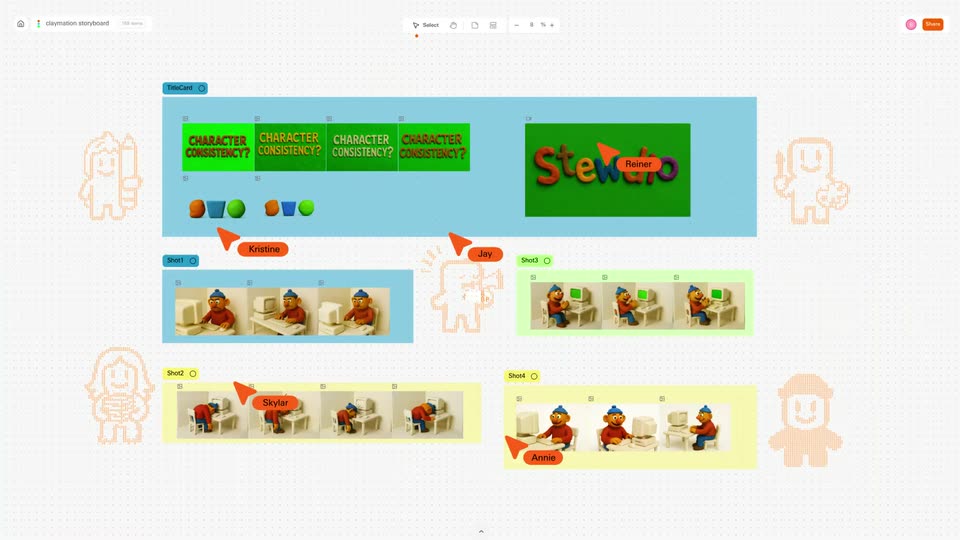 0:49–0:50Stewdio · 🍲 Stewdio: Creative Intelligence Meets Infinite CanvasA Figma canvas displays a claymation storyboard with a title card and four shot strips. Four orange collaborator cursors, each tagged with a name, move to point at different frames and the character shapes.
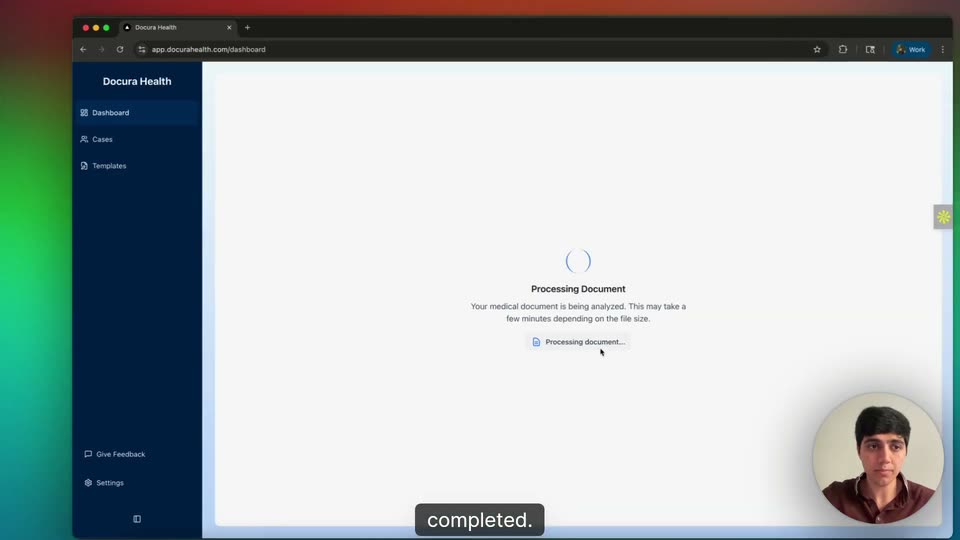 0:26–0:33Docura Health · Docura Health DemoAfter a report modal fades out, the dashboard shows a Processing Document spinner. The view zooms into the sidebar, then the Cases table, as the presenter's webcam and subtitles stay in the corners.
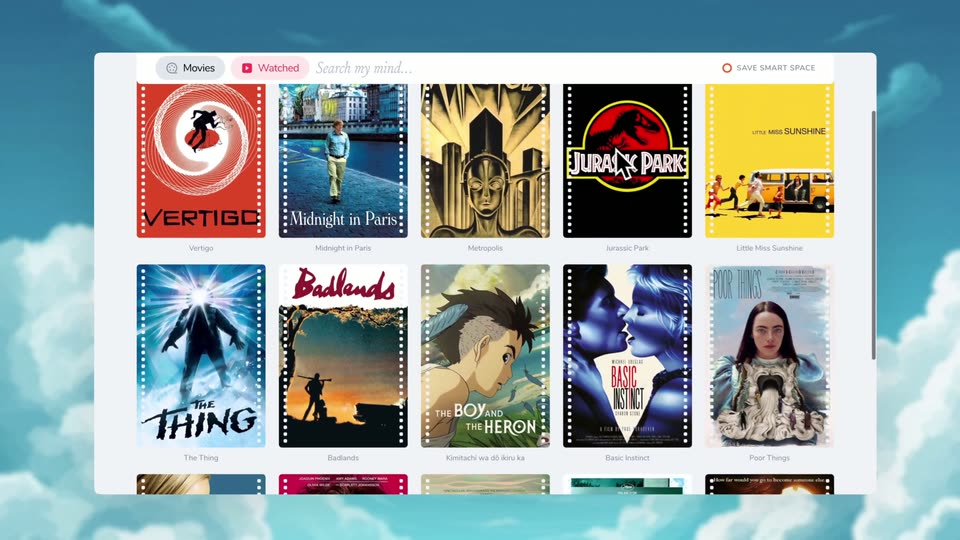 0:05–0:09mymind · mymind - You asked for it, we shipped it 🧡 We hope you enjoy this new feature!A tilted white app panel floats over a cloudy blue sky. The shot opens tight on the Movies and Watched pills, then pulls back to the full poster grid; the cursor hovers the Jurassic Park poster and an Add to MOVIE tag pops in.
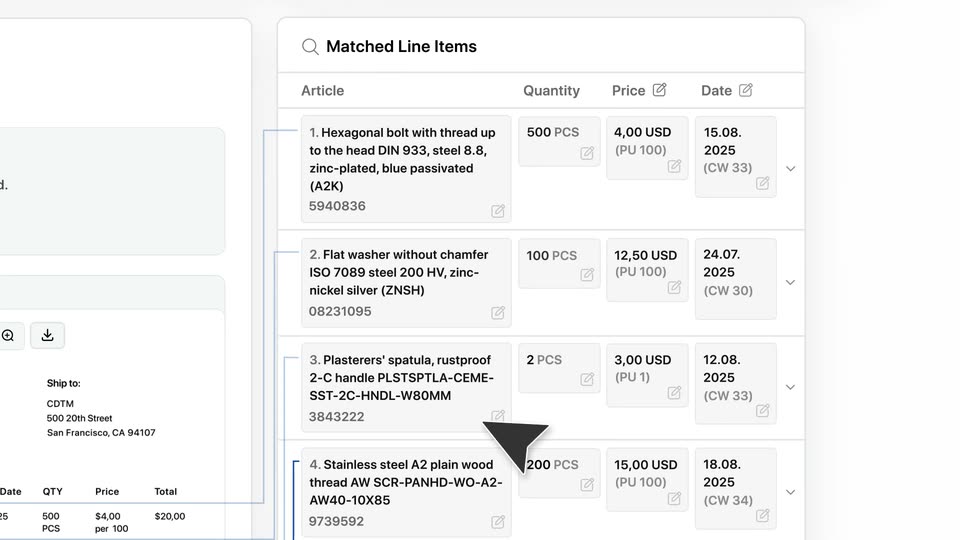 0:57–0:58Comena · Comena Launch Demo - Automated PO ProcessingA white table of line items fills the frame as a black cursor travels down the rows, stopping on each entry. Columns list article names, quantities, prices and dates.
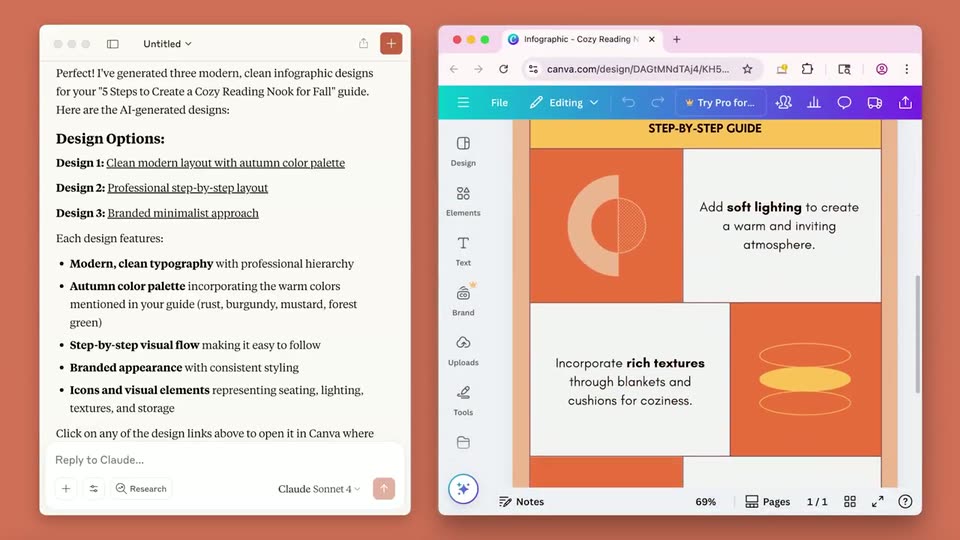 0:33–0:36Anthropic · Anthropic - Turn written content into professional designs with Claude + @canvaA split view holds a Claude chat window on the left and a Canva browser window on the right over a terracotta background. A cursor scrolls the right window down an autumn-toned infographic titled Cozy Reading Nook while the left chat text remains static.
 0:10–0:11Figma · Figma - Prompt it. Then push it to make it better. Figma Make, now availableA pixelated gray button reading Start Me Up sits on white with a cursor at its lower edge. The cursor clicks and the button swaps to a red GET LIT tile flanked by two cursors.
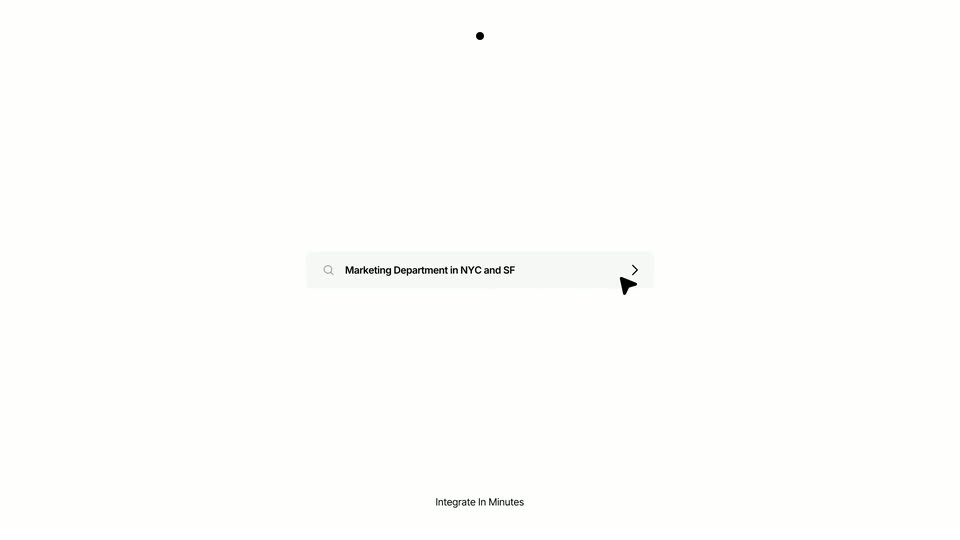 0:20–0:23GhostEye · Introducing: GhostEyeA white screen holds a centered search field. A cursor types a query into the bar, then moves to the chevron. The field expands into a detail card listing the target's object ID, member count, type and date, plus an Add Target button. A static caption sits at the bottom.
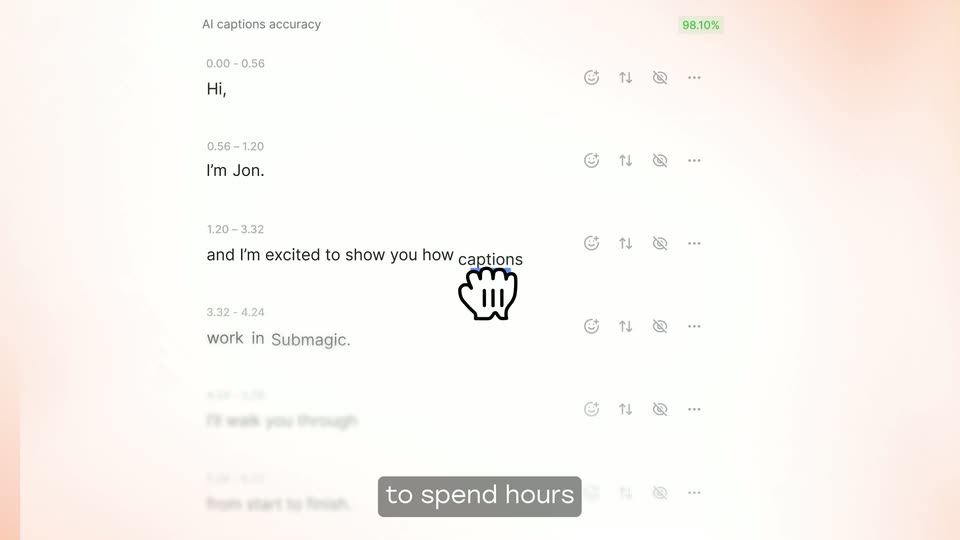 0:25–0:26Submagic · Submagic - Today, we’re launching the world’s first short-form video editing APIA light UI shows a size slider at 28 px with a hand cursor on the handle, then a caption list with icons; the hand, labeled captions, sits over the rows as lower rows blur. A gray pill at the bottom reads don't have the time, then to spend hours.
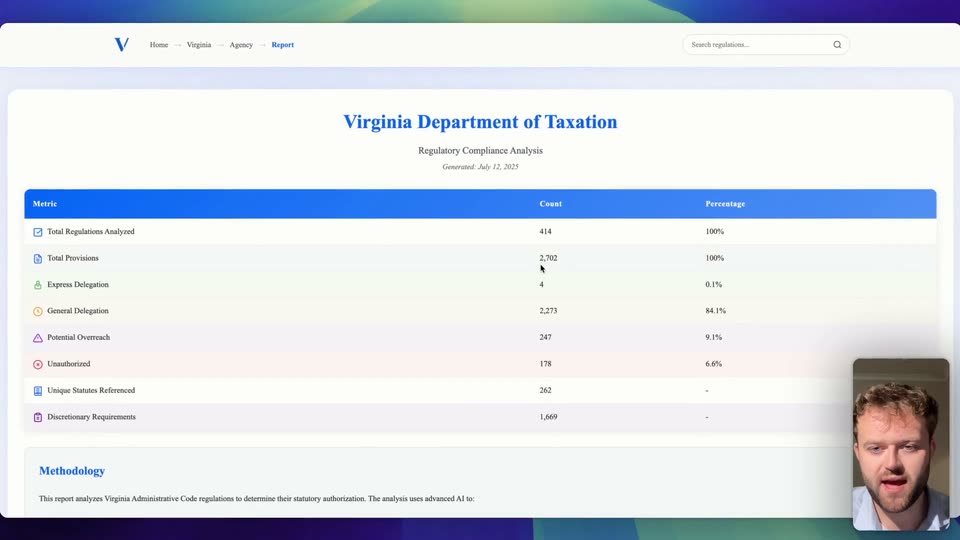 0:22–0:33Vulcan Technologies · Virginia Required Our Product by LawA compliance report page for the Virginia Department of Taxation fills the screen, its data table zooming in and out to highlight the count and percentage columns. A cursor hovers over the rows while a small webcam feed of a man talking sits in the corner.
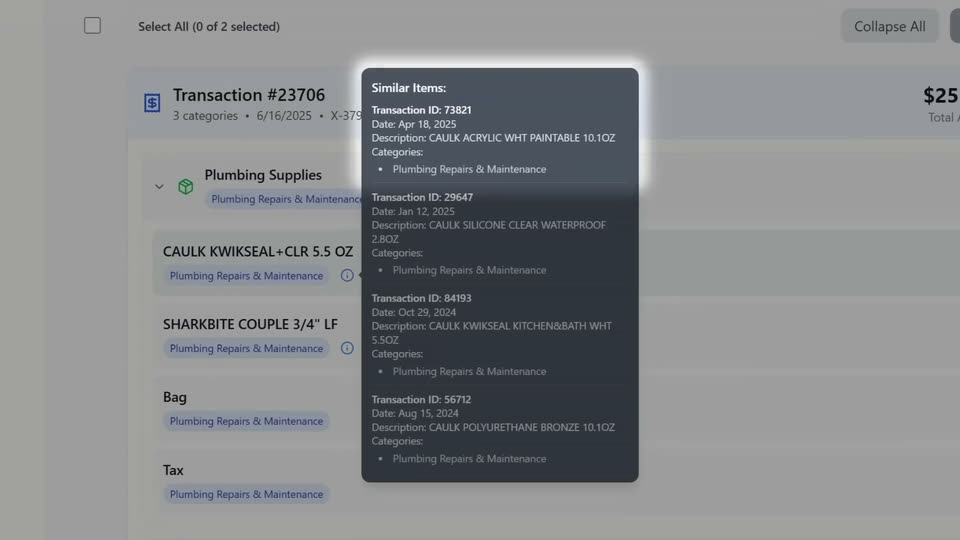 0:20–0:27IronLedger.ai · The easiest way to do your property accounting | Save 100s of hours coding invoices and expensesA close-up of an expense list keeps a dark Similar Items popover open over dimmed rows while the cursor hovers the info icon. The framing then pulls back to a 3D mockup of the full Expenses & Approvals screen on a white grid.
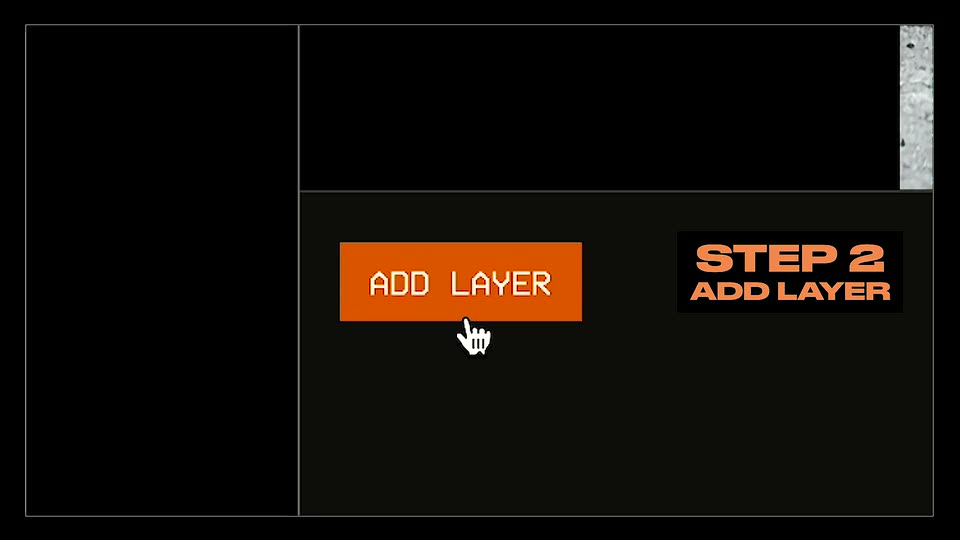 0:08–0:09Marey · Moonvalley - Most AI video tools rely on text prompts or preset motions to defineA white arrow cursor moves to an ADD LAYER button that fills orange, then the button slides down and a hand cursor taps it as it glows orange. A grainy grayscale photo in the top right fades out. An orange STEP 2 ADD LAYER label holds at the right.
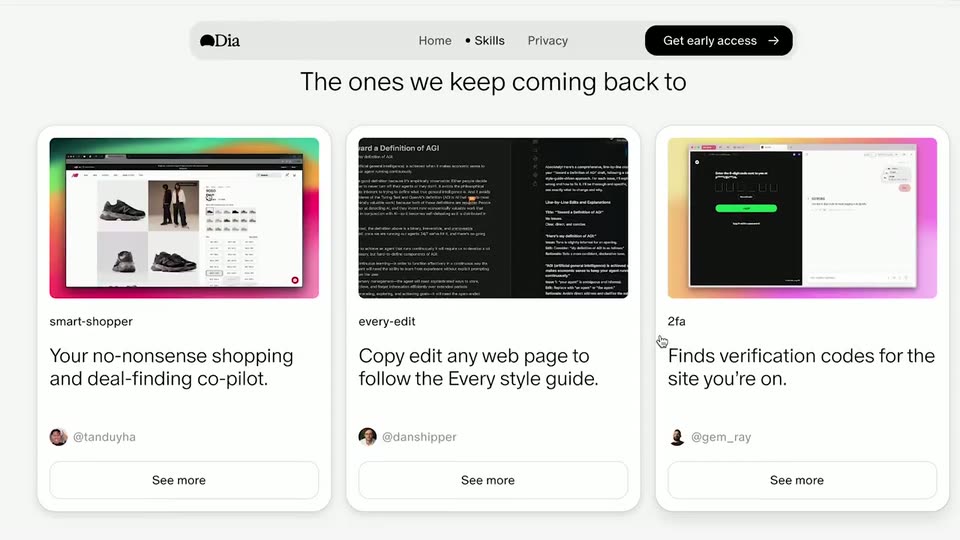 0:19–0:21The Browser Company · Dia - Need inspiration? There’s a /skill for that. 🖼️ Dia Skills Gallery vThe Dia website scrolls upward, bringing a row of three skill cards into full view, each pairing a screenshot with a name, a short blurb and a See more button. A mouse cursor drifts in and hovers the middle card, softening its button. The scroll is steady and even.
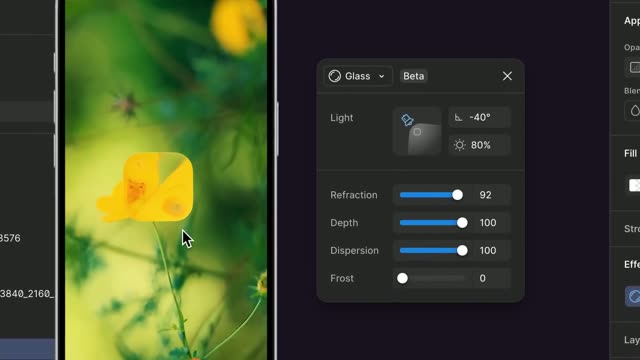 0:11–0:15Figma · Introducing Figma’s new glass effectA cursor sets the Frost slider to zero on a Glass settings panel while the frame zooms into a phone mockup, where a frosted rectangle refracts a yellow flower and a bee behind it.
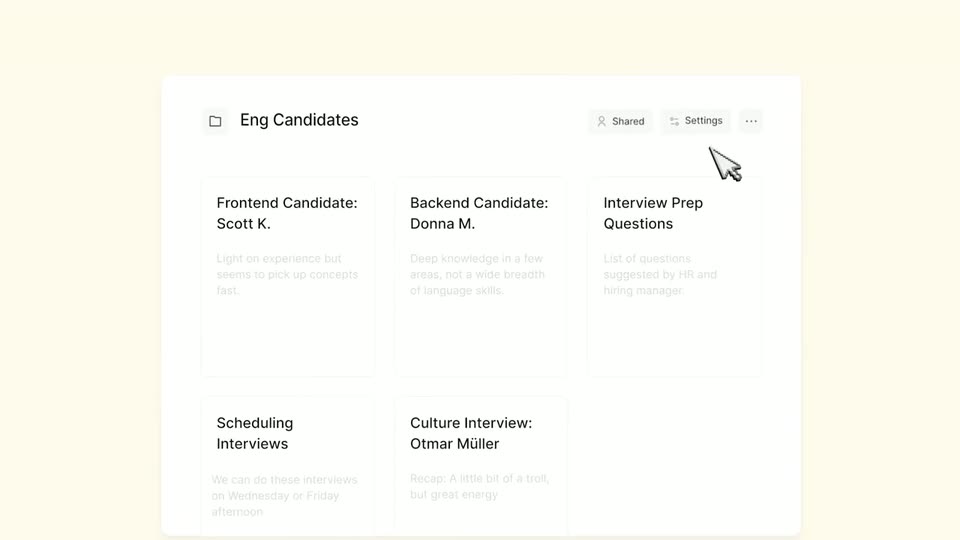 0:32–0:34Mistral AI · Mistral AI - Introducing powerful new features in Le Chat, making it more capableA light task board titled Eng Candidates fills the frame with six candidate cards. A cursor glides to the overflow menu at the top right and clicks it, opening a Project Settings panel that slides in from the right edge.
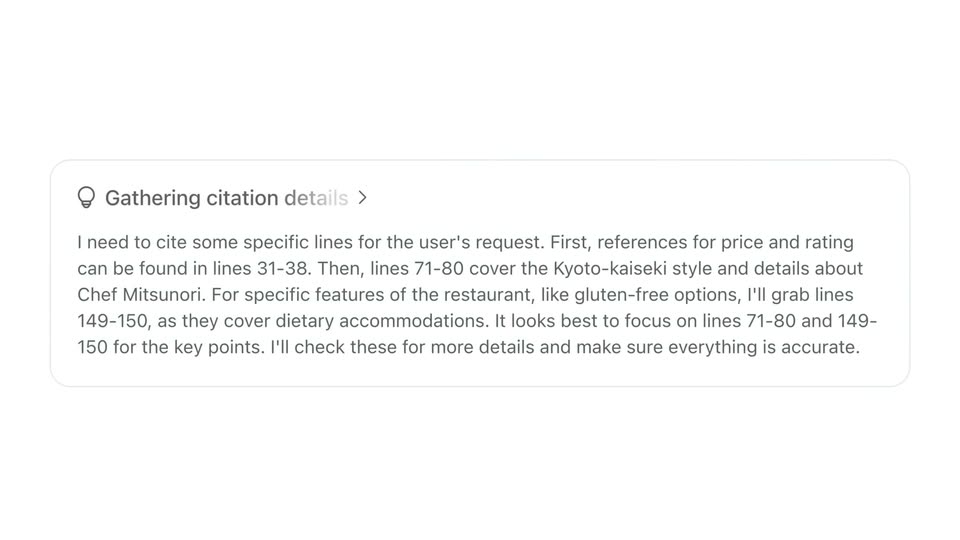 1:04–1:06OpenAI · Introducing ChatGPT agentA flat 'Gathering citation details' card with reasoning text sits on a light background, then a 3D-tilted browser mockup appears listing search results. A cursor hovers over the list as a white panel slides in from the right beneath the headline 'Finding and organizing financial data'.
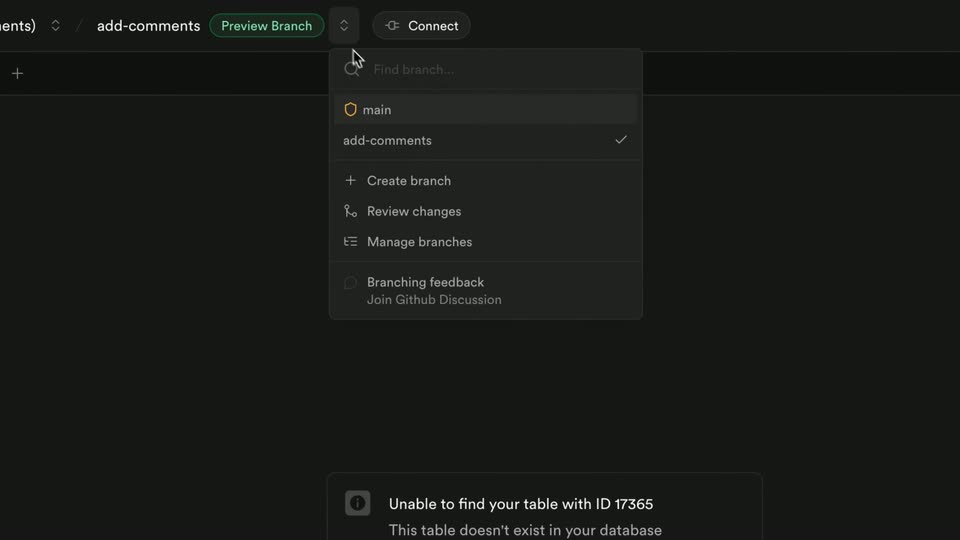 0:42–0:43Supabase · Branching just got a whole lot easier!A dark table editor UI with an open branch dropdown at the top. The frame zooms in on the navigation bar as the cursor moves onto the Find branch field, while an error dialog stays centered below.
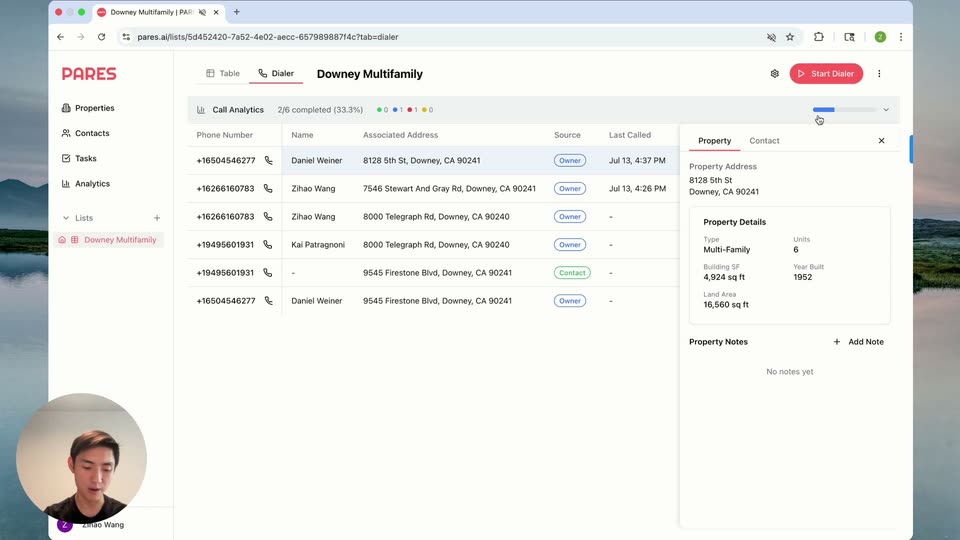 2:13–3:02PARES AI · PARES AI Launch VideoA full browser view of the PARES dialer shows a contact table and a right-hand property panel while status chips flip from initiating call to connected and voicemail ready. A circular webcam of a man sits bottom-left. The cursor clicks Pause Dialer, then expands a Call Progress metrics panel.