Cursor demo
A visible cursor operates the interface.
15,126 scenes · page 112 of 253
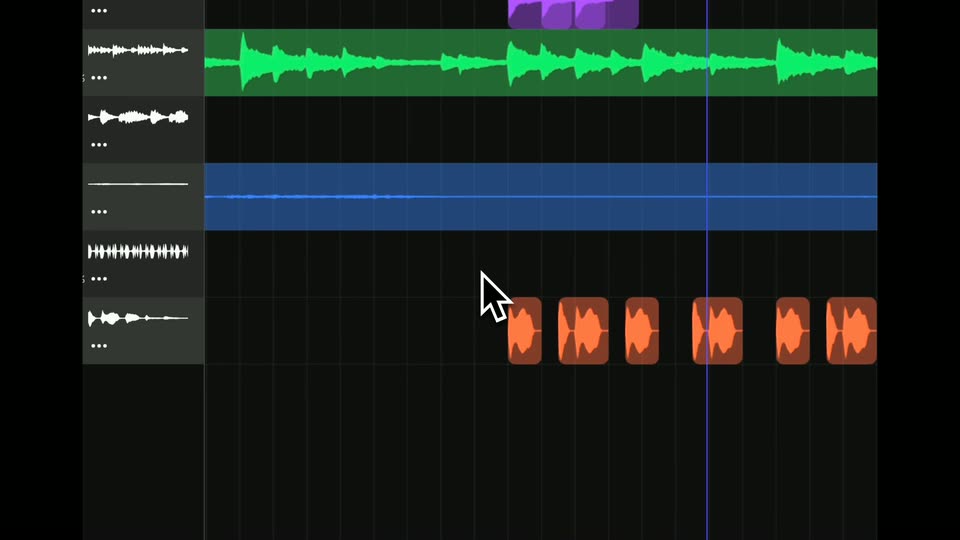 0:55–1:01Physical Turing · Welcome to RiffA dark audio editor timeline with colored waveform tracks; the view zooms in slightly as the playhead sweeps right past a row of orange clips, a white cursor hovering beside them. A small rounded thumbnail of a man appears bottom left, then it cuts to a black title card.
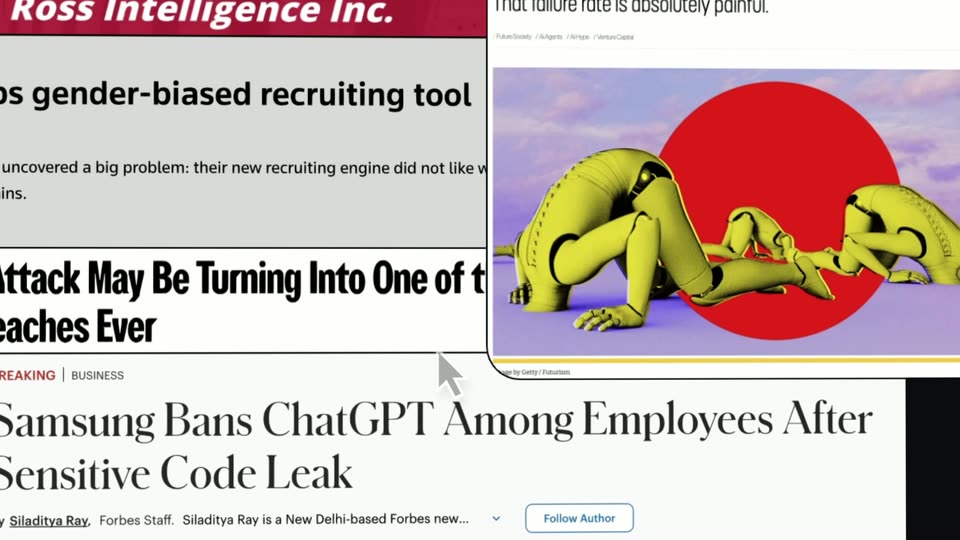 0:27–0:28TectoAI · Introducing Tecto - Governance Platform for AI EmployeesA split screen shows a news feed on the left with bold black headlines under a red banner, while the right panel holds a 3D render of yellow robots slumped against a red sun. A cursor hovers and drifts across the left column.
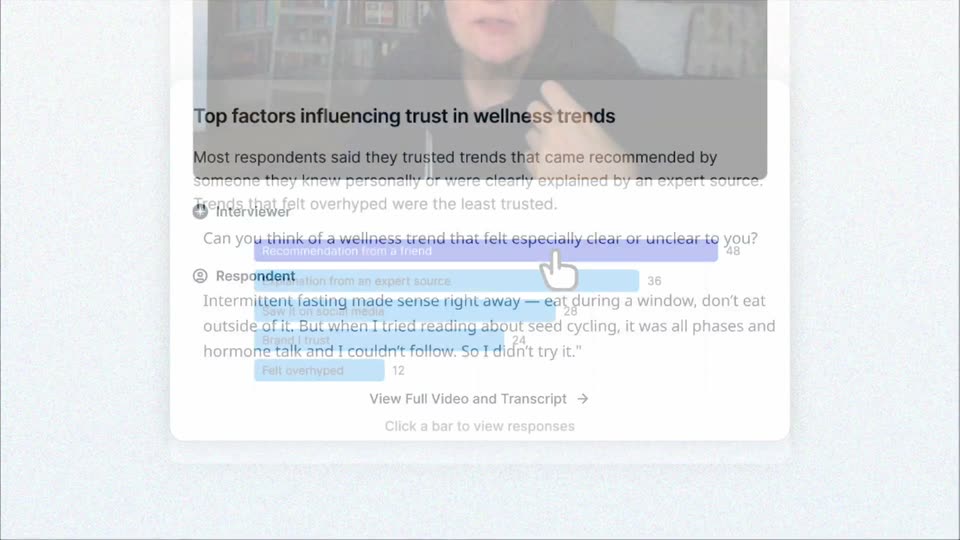 0:53–0:54Motives · Motives AIA white card on a dotted pale-blue background scrolls its content upward, swapping a video Q&A transcript for a horizontal bar chart on trust factors. A hand cursor appears and points at the second bar, which reads 36.
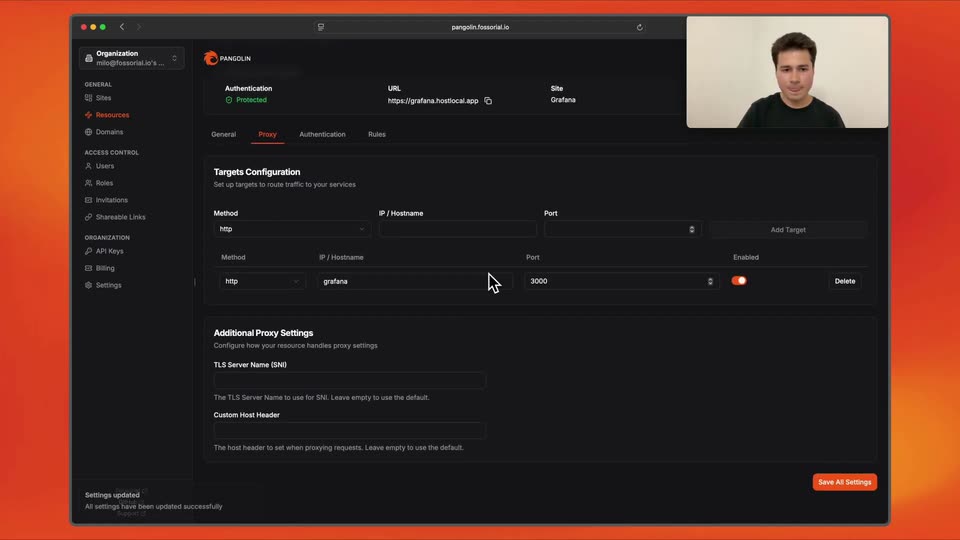 0:40–1:38Pangolin · Pangolin - Secure gateway to your private networksA dark Pangolin dashboard fills the frame while a presenter appears in a small top-right window. The cursor types a domain, scrolls, switches the General, Proxy and Authentication tabs, adds a target, and opens a PIN modal. White captions roll on a black bar at the bottom.
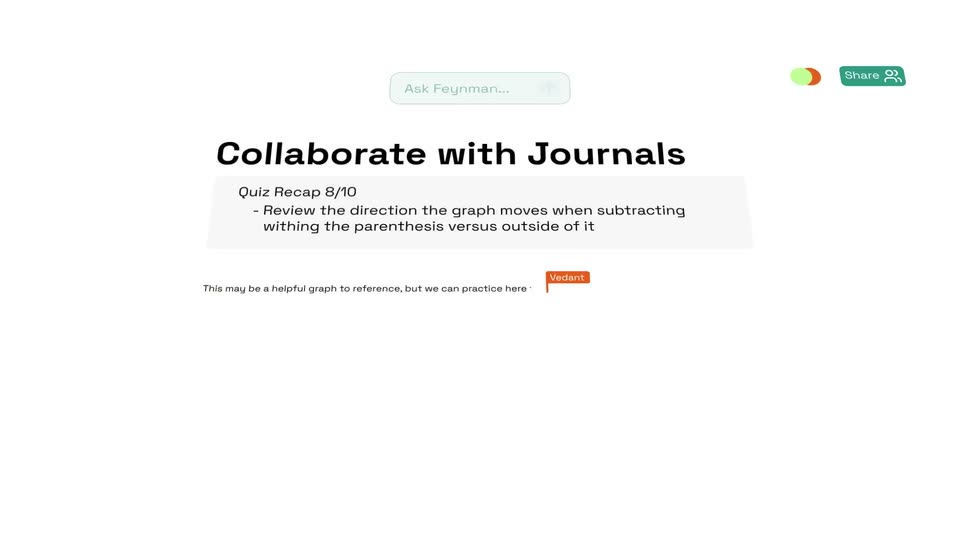 0:50–0:52Opennote · Introducing OpennoteA white product screen fades in its top bar, a search field and a Share control, while a bold headline scales in above a gray recap card. An orange name tag slides from left to right as a comment line types in with a blinking caret.
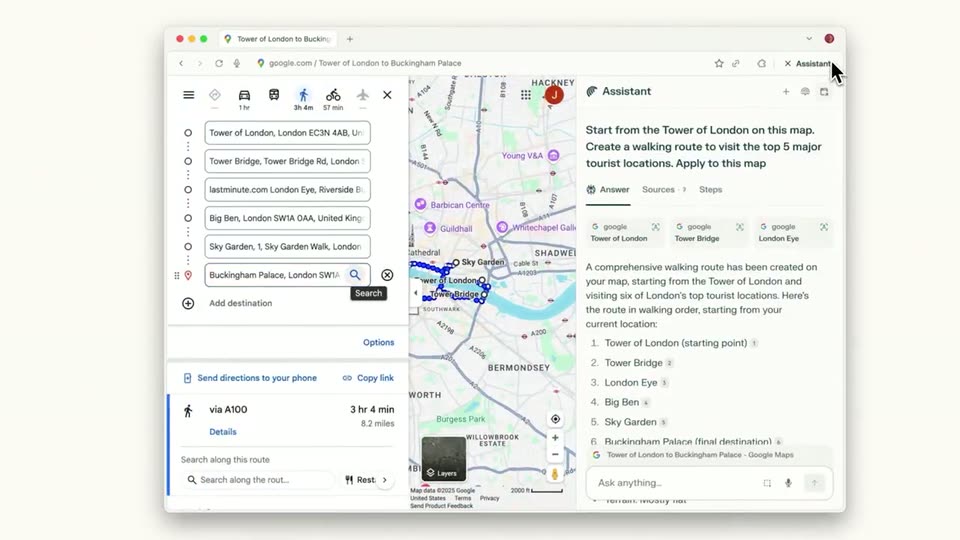 0:24–0:25Perplexity · Perplexity - Comet is here. A web browser built for today’s internet.A Chrome window displays Google Maps with a walking route from the Tower of London to Buckingham Palace and an Assistant panel listing the steps on the right. A cursor rests on the Assistant button as the whole window eases back and centers in the frame.
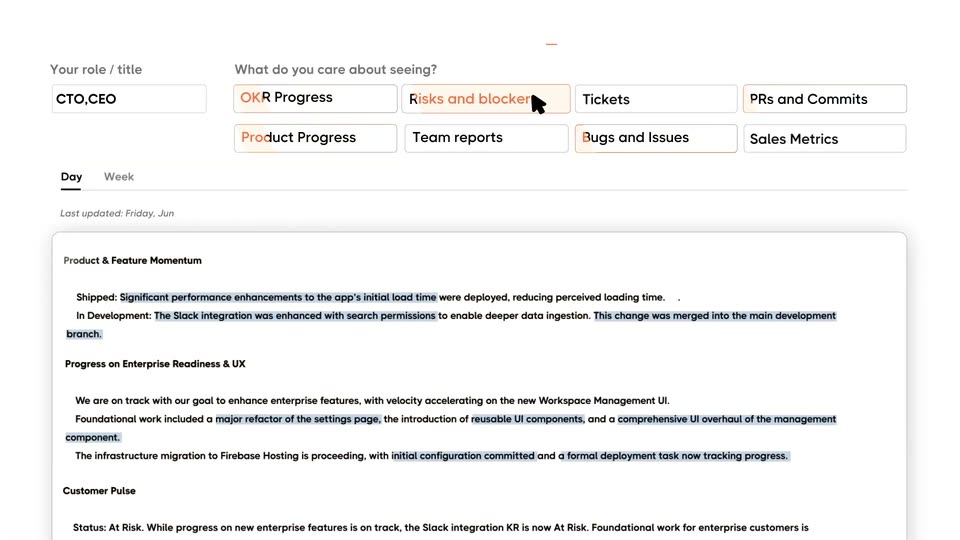 0:46–0:47Oki Home · Oki AI - Personalized Updates on Company ProgressA flat product interface shows a row of topic pills under a “What do you care about seeing?” heading. A cursor clicks the “Risks and blockers” pill, which highlights orange, and the report card below crossfades from “Product & Feature Momentum” to “Emerging Risks and Blockers.”
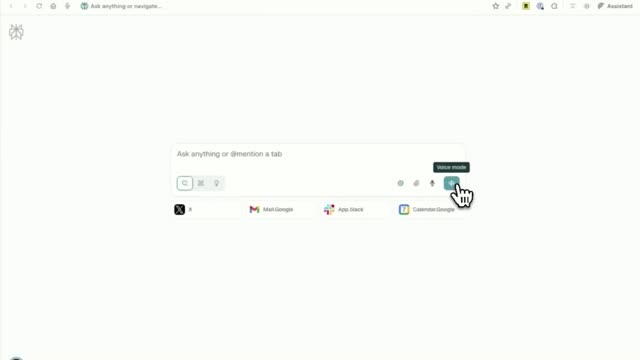 0:39–0:41Perplexity · Introducing Comet: Browse at the Speed of ThoughtA browser window with a search bar and a row of app icons fills the frame beneath the serif headline “and do more than ever”. The view zooms into the search bar as a hand cursor hovers the teal voice button, popping a “Voice mode” tooltip.
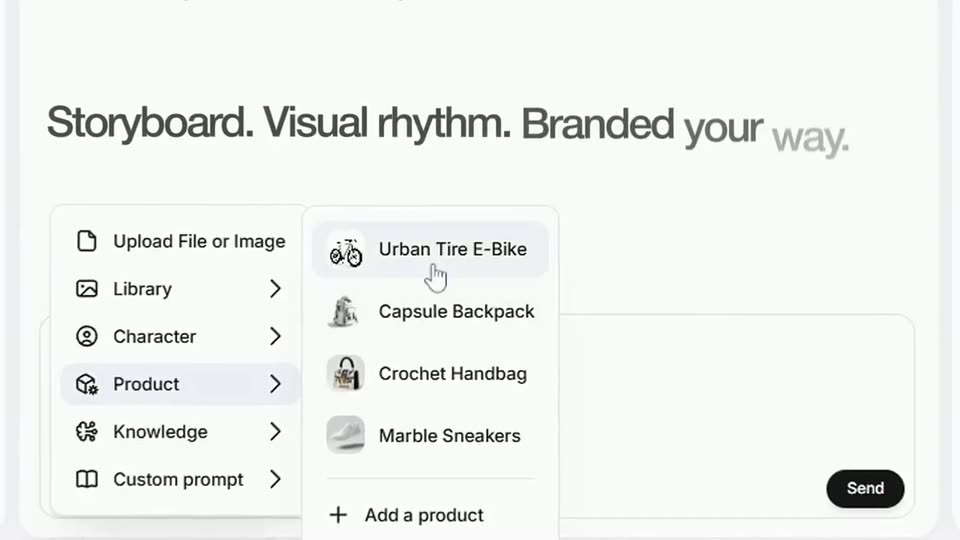 0:05–0:06Scade · scade.xyz - Meet Scade. The first full-cycle marketing system Forget the 30-persA white product interface shows an open dropdown menu as a cursor hovers over Product, pulling out a side submenu of item names that then fades out. Behind it, a dark-gray headline types in word by word against the plain background.
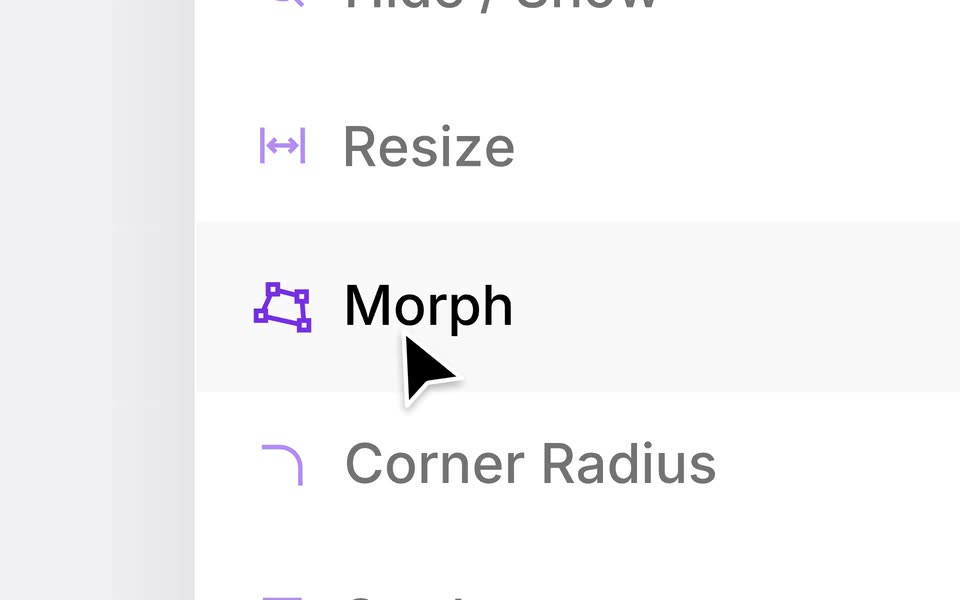 0:02–0:03Jitter · Jitter - New this week: Pen tool & morphing 🖊️ You can now draw your ownA vertical list of menu items with purple line icons scrolls upward on a white panel. A black arrow cursor glides to the Morph row, which fills with a light gray highlight.
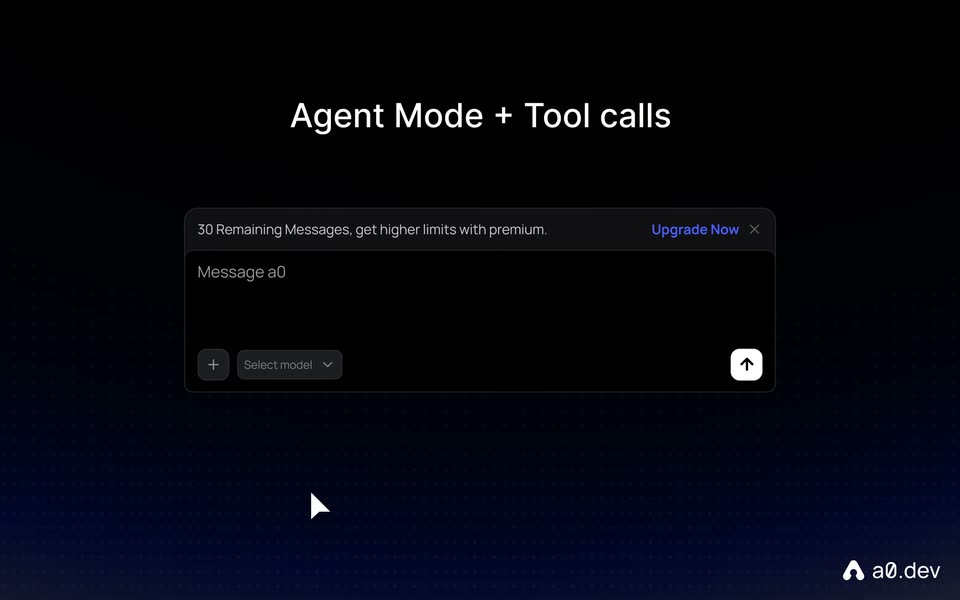 0:34 · 0.7sa0.dev · a0.dev - Phase 1 (WAGMA)A dark dotted background holds a centered white headline above a flat chat panel with a message field, model dropdown and send button. A white cursor arrow travels upward from the lower center to rest on the Select model button.
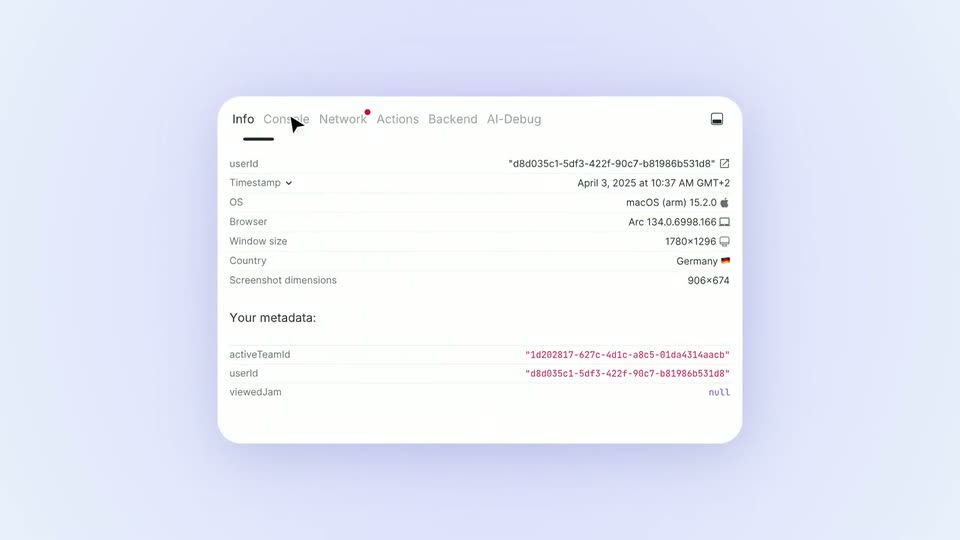 0:13–0:17Jam · Jam.dev - Just launched! @Fin_ai + Jam Now @Intercom's AI agent can get bug reA tilted 3D dashboard card rotates to face the camera as a large gray headline scales in behind it. The card then morphs into a developer console panel; its tabs and colored log rows fill in, a cursor clicks the tabs, and the panel empties.
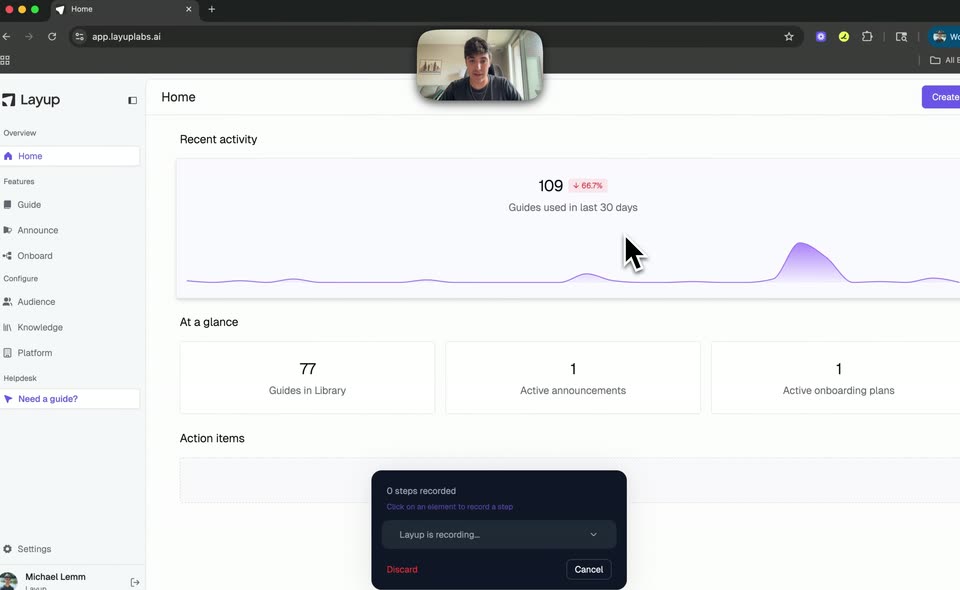 0:21–0:22Andco · Layup 2.0 July LaunchA browser window shows the Layup home dashboard with a webcam picture-in-picture of the presenter at the top. A cursor hovers over the recent activity line chart as a dark recording panel with a dropdown and Cancel button rests at the bottom center.
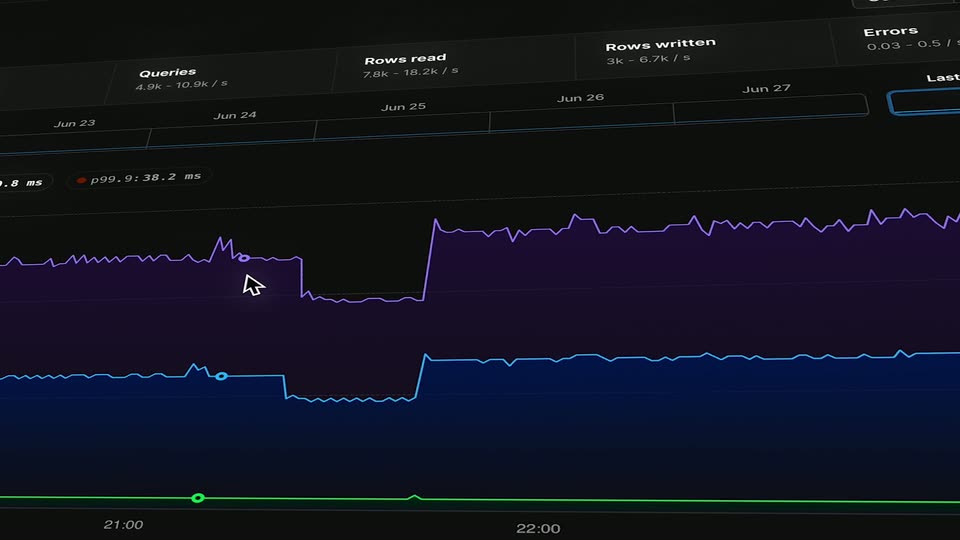 0:29–0:31PlanetScale · PlanetScale - PlanetScale now supports Postgres.A dark analytics dashboard sits tilted in 3D perspective while the camera pans right across stat cards and a multi-line latency chart. A cursor drags a green time-range bracket over a dip in the purple line.
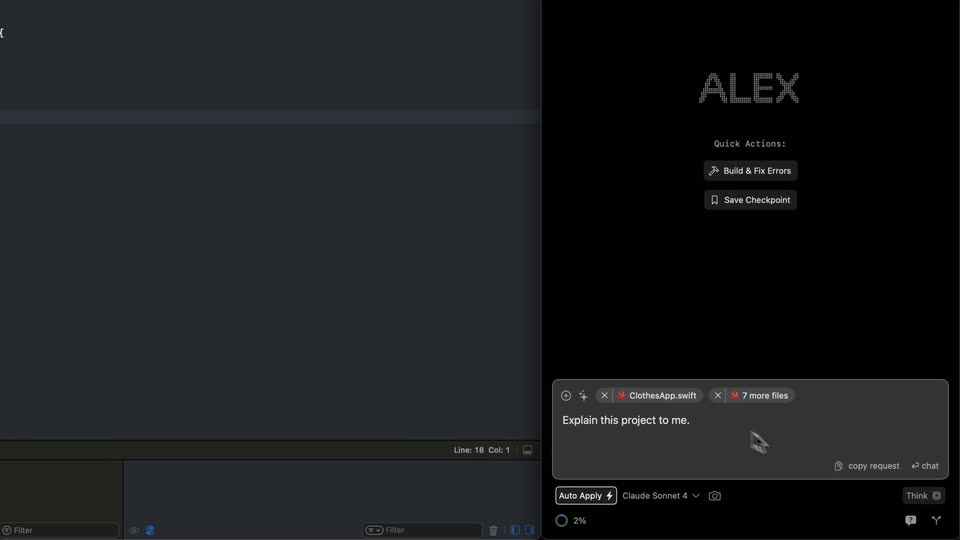 1:13–1:18Alex · Alex - Xcode AI Coding AssistantA dark code editor sits left of an ALEX assistant panel. A list of Swift files pops up over the chat box, then a cursor types “Explain this project to me.” into the input and hovers the copy request link.
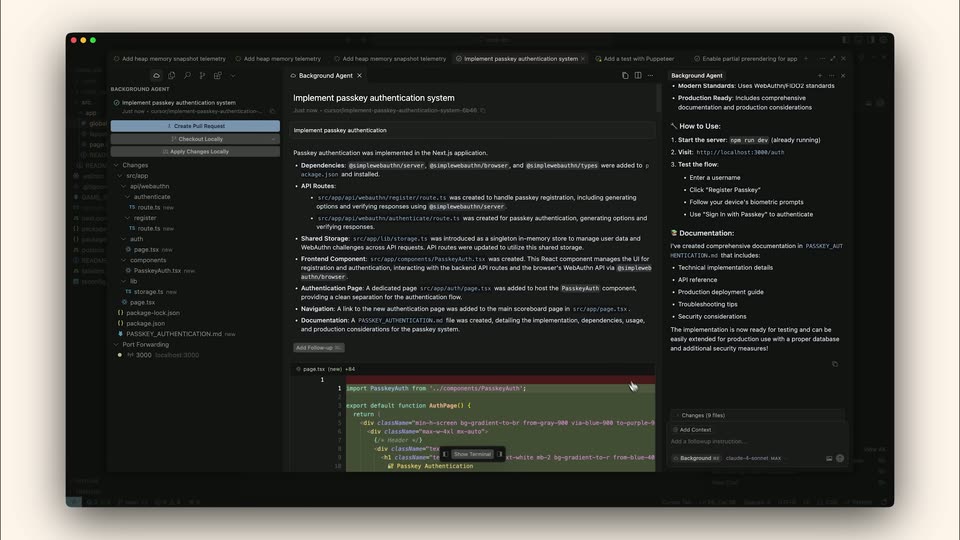 0:26–0:28Cursor · Cursor on Web and MobileA code editor fills the frame with a file tree, a markdown document and a code diff. A context menu opens over the tree as the cursor hovers a menu item, then the menu closes and the cursor moves to the diff.
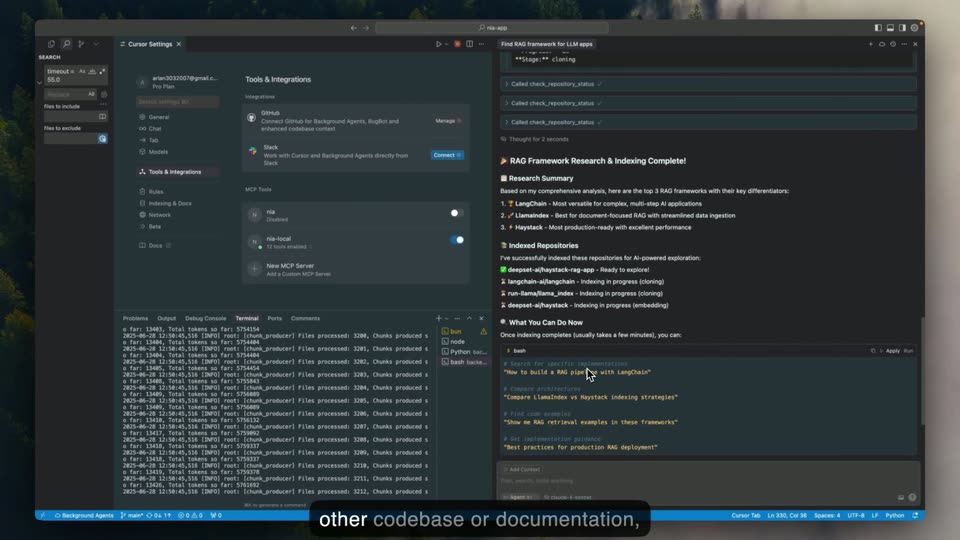 1:47–2:14Nozomio · Nia MCP v0 | Launch videoA close-up of the AI chat panel zooms out to reveal the full editor, with the settings panel on the left and a scrolling terminal log below. The chat scrolls up to show a completed RAG research summary while the cursor hovers over it.
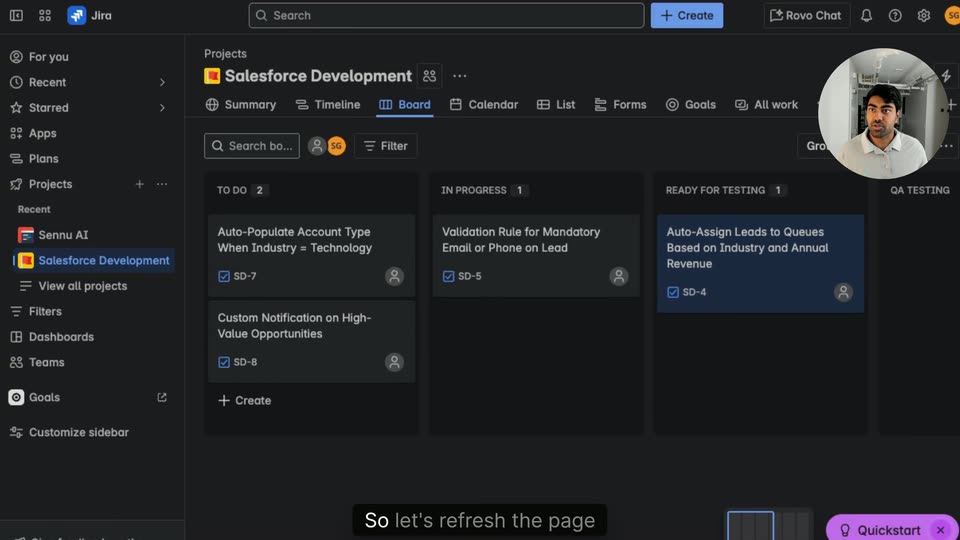 0:28–0:35Sennu AI · Sennu AI - AI Salesforce QA DemoA dark Jira board fills the frame with a circular webcam feed of a presenter in the top right. A cursor drags the SD-4 task card from the In Progress column into Ready for Testing, then moves to the top left and clicks the refresh icon.
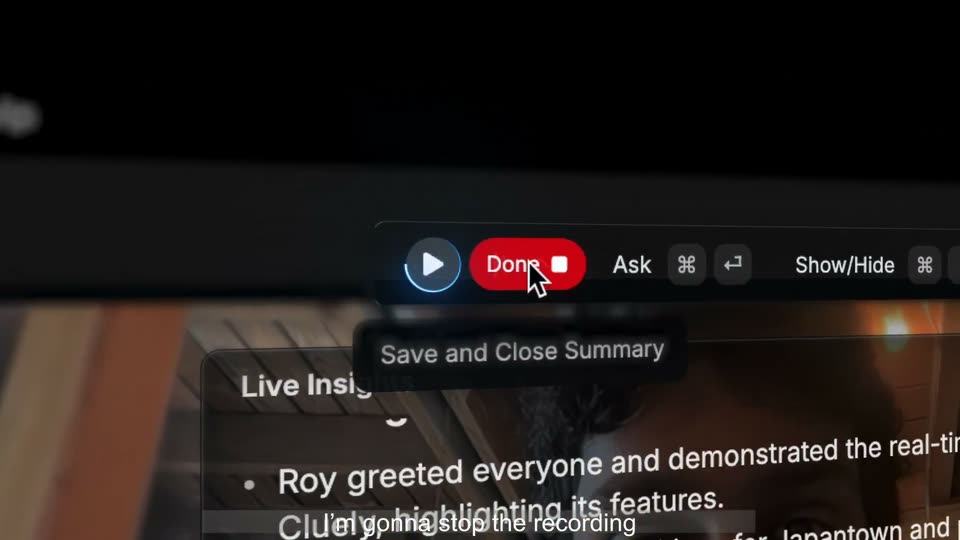 1:13–1:16Cluely · Roy - introducing @cluely. today is the start of a world where you never hA Zoom meeting screen with an open Live Insights panel. The view zooms onto the panel toolbar as a cursor clicks the red Done button, then the panel switches to a summary list where the cursor moves to the Draft a follow-up email row.
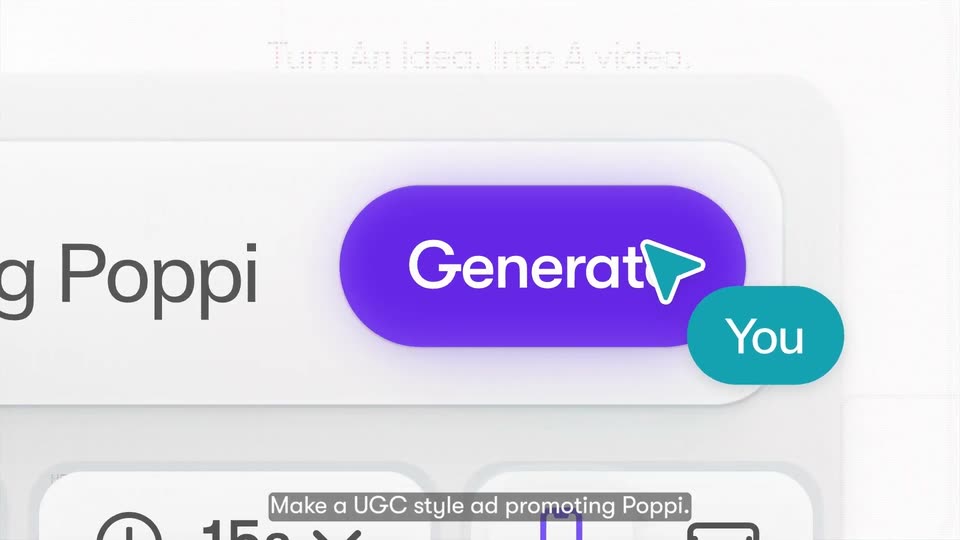 0:04–0:05HeyGen · Joshua Xu - Today we’re introducing you to the future of video. The world’s firsClose-up of a light UI panel with a purple Generate button. A white cursor arrow glides in from the right and rests on the button, which scales up. A teal You badge slides up beside it. A pink tagline floats above and a gray caption bar sits below.
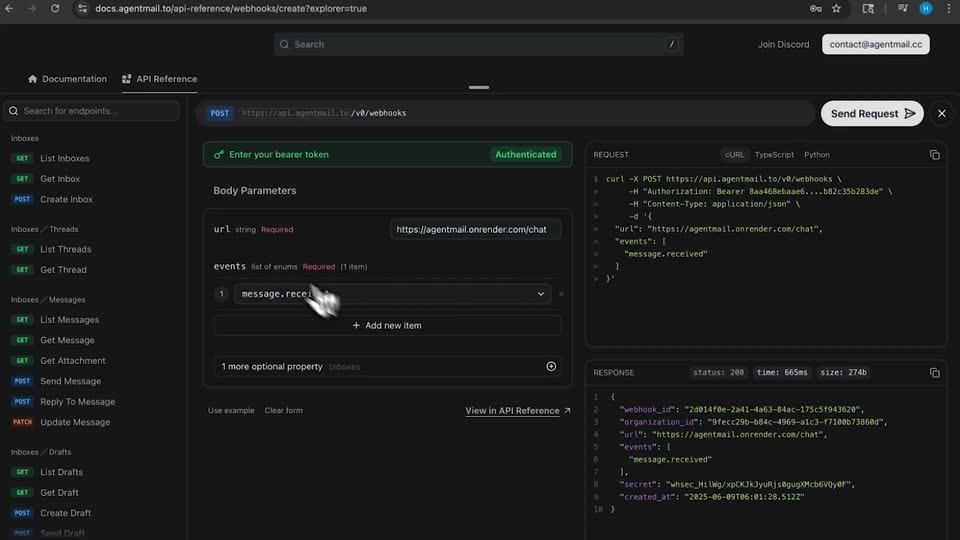 0:21–0:28AgentMail · AgentMail Integration DemoOn a dark API docs screen, a white cursor clicks the Send Request button, the view zooms into the JSON response panel, then pulls back as the cursor clicks Create Inbox in the sidebar, swapping the form to an inbox setup.
 0:20–0:22Augment Inc. · HireRoger - Your AI SidekickA black rounded button reading “Publish Campaign” is centered on a plain white background. A hand cursor rises from the bottom edge and stops on the button, overlapping the label.
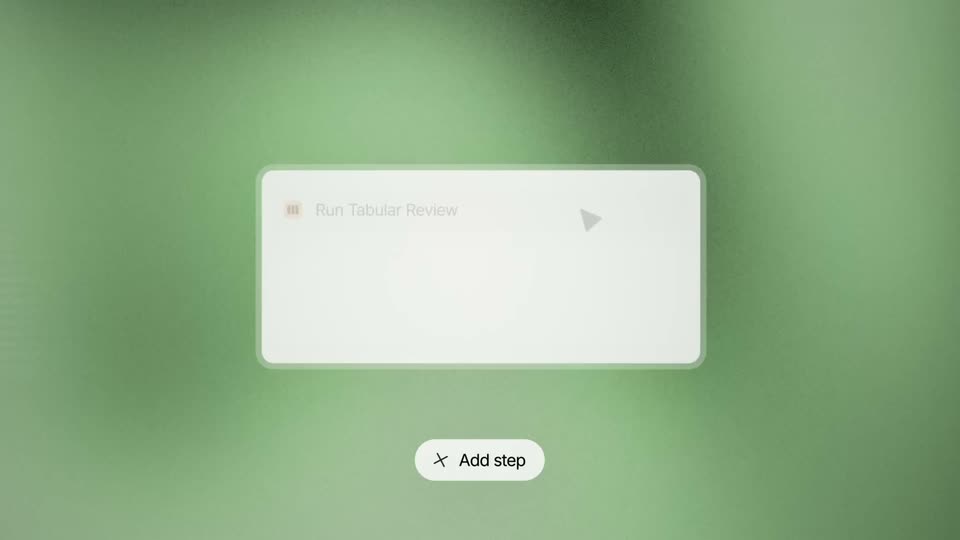 0:11–0:12Legora · Legora Workflows - The orchestration layer for legal workA white tools menu card floats on a green gradient. A cursor rests on the highlighted row Run Tabular Review. The row then slides up to the top of the card, the cursor follows, and the remaining rows fade as the list collapses to two lines.
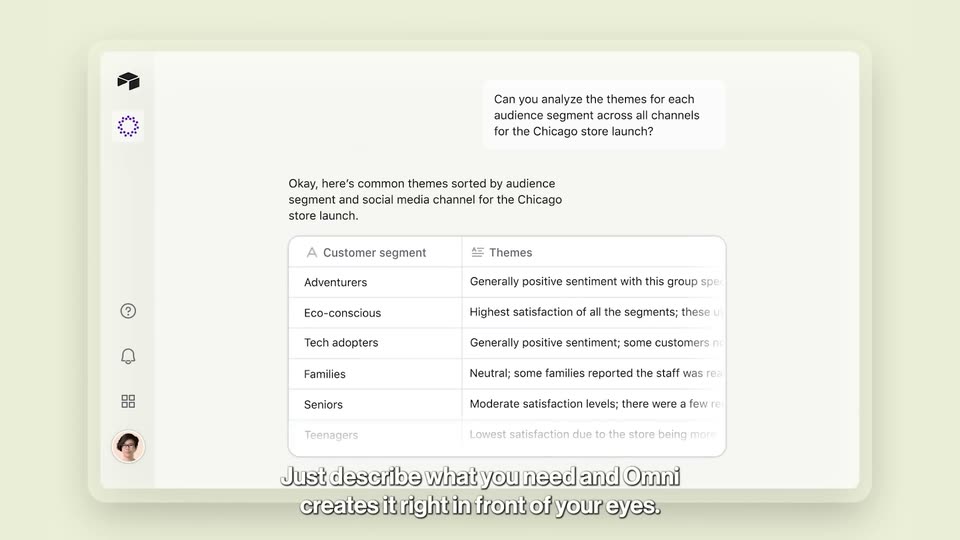 0:22–0:30Airtable · Introducing a new generation of Airtable - built for the AI eraA white chat window types a prompt that becomes a message bubble; a purple spinner shows “Thinking...”, a reply types out, and a segment table fills row by row. The view blurs into an “Acme Clinical Trials” table as a cursor drags in a CSV file.
 0:22–0:23LangEase · Best SaaS Product Launch Ad Video | LangEaseA white UI card holding a black “Distribute To Youtube” button slides in from the right and settles in the center. A blue line-art hand cursor enters from the bottom right and taps the button.
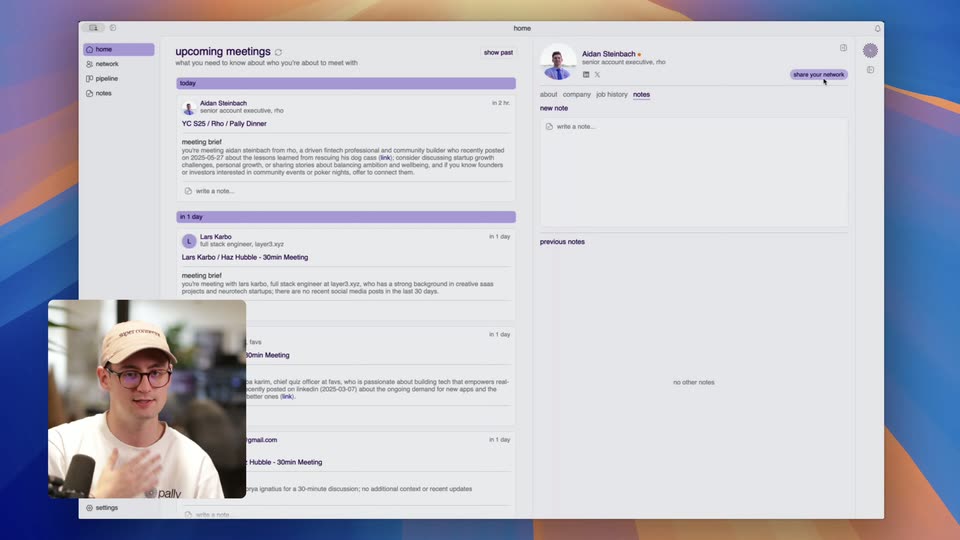 1:31–1:40Pally · Pally Launch VideoA flat product window on a gradient background shows a profile panel; a cursor clicks the company, job history and notes tabs, then hovers the share your network button. A presenter in a corner video inset speaks, and the window switches to a network table.
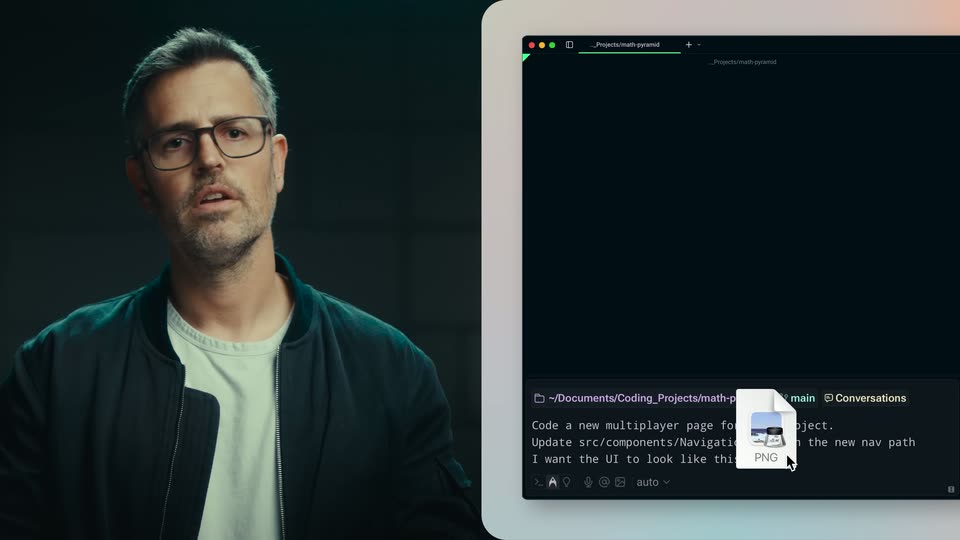 0:34–0:49Warp · Introducing Warp 2.0: The Agentic Development EnvironmentA bespectacled man in a dark jacket gestures on the left while a tilted 3D code editor on the right types a prompt and drops in a PNG file chip. The frame then pushes onto the interface, blurring the man, as a green check appears.
 0:12–0:13Mintlify · Mintlify - The future of documentation is AI native and personalized. Answers gA dark product page sits blurred in the background while a centered command bar types out a query character by character. A cursor arrow glides right and rests on a green round send button that pops in at the bar's edge.
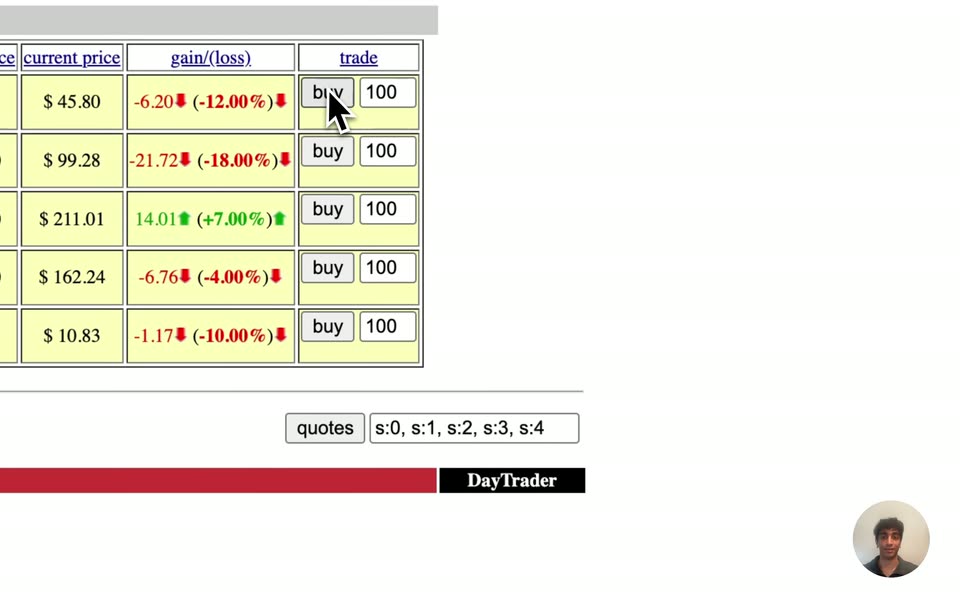 0:43–0:45Axal · Extract Functional Requirements from Legacy CodeA full-screen capture of the DayTrader web app displays a stock table with a cursor near the top menu. The view zooms into the price and trade columns, the cursor settling on a buy button, while a small circular webcam of a man stays in the lower right corner.
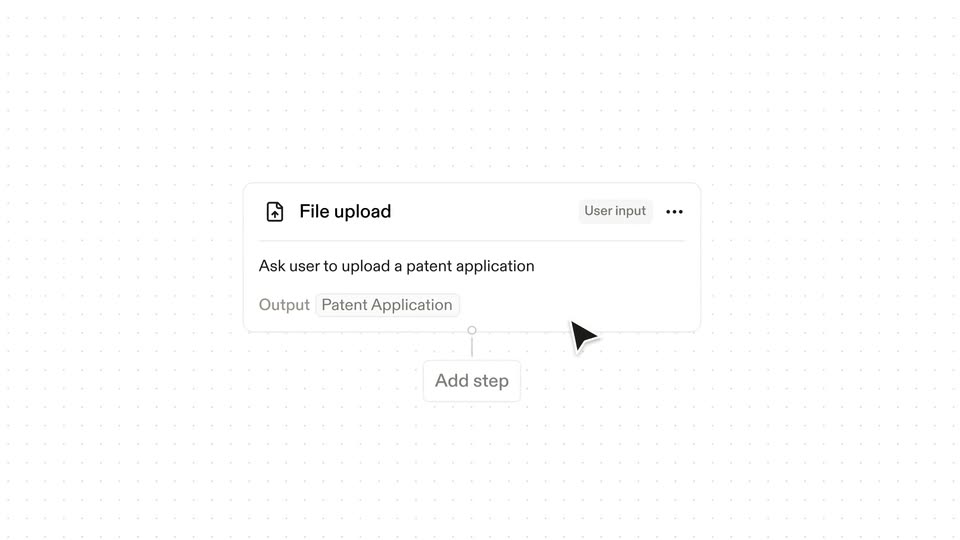 0:06–0:08Harvey · Workflow BuilderA File upload workflow card with a User input tag sits on a dotted grid. A cursor glides from the card down to the lower right as the Add step button fades in below the connector node.
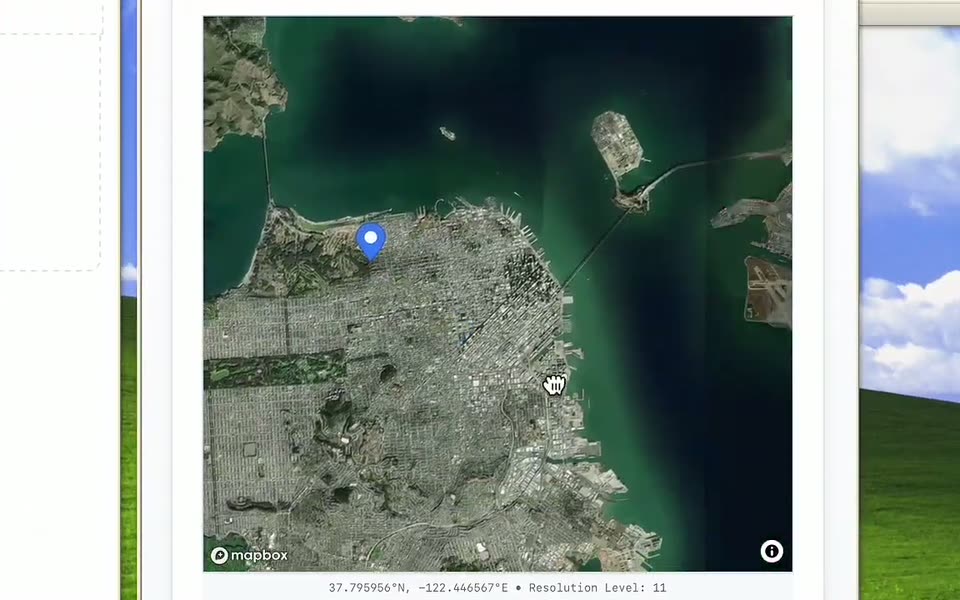 0:12–0:13Sharpe · Introducing Solar by LumenaryA white-framed satellite map of San Francisco floats in a 3D landscape of green hills and blue sky. The map zooms from a wide bay view to street level, a blue pin and a hand cursor rest on the grid.
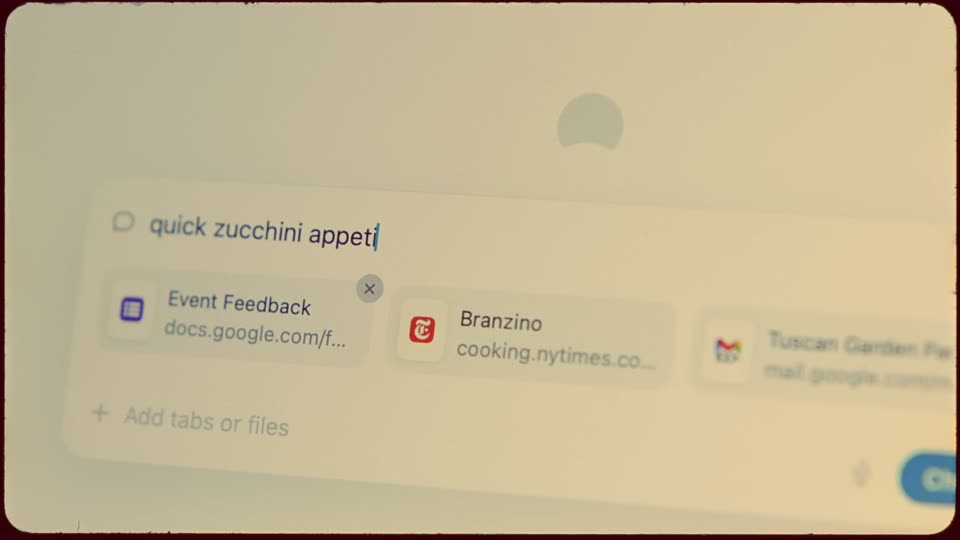 0:45–0:47The Browser Company · Dia Browser | Never Explain Yourself AgainA tilted close-up of a browser tab bar and address bar sits under a warm cream film filter with a maroon rounded border. The address bar types a query while pinned tabs for Event Feedback and Branzino rest below. A static caption reads 'If it's in your tabs'.
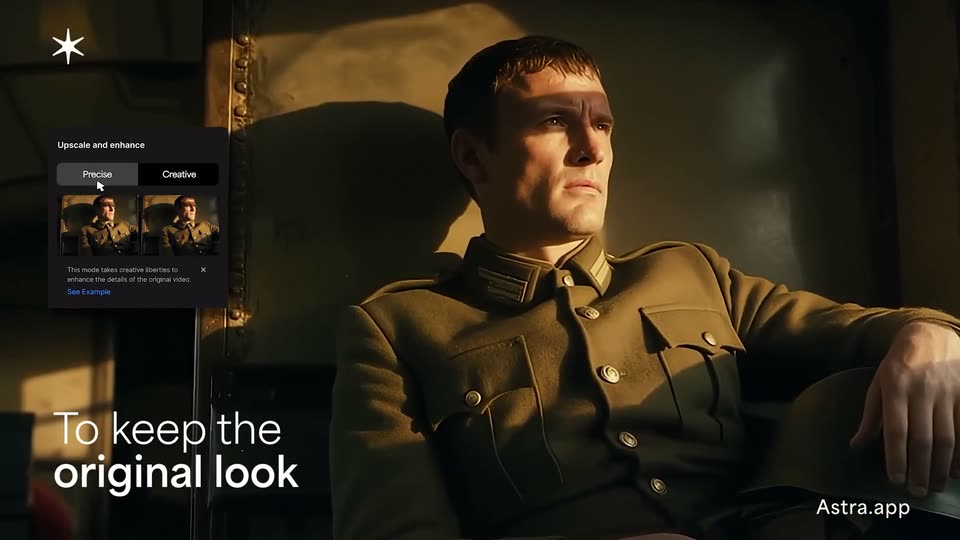 0:27–0:30Topaz Labs · Topaz Labs - 🚀BIG NEWS! We’re launching Astra: the first-ever creative upscaler foA warm film still of a seated man in a military uniform fills the frame, divided by a thin vertical line. A dark upscale panel fades in at left with the cursor on 'Precise', and the caption 'To keep the original look' fades in at the bottom left.
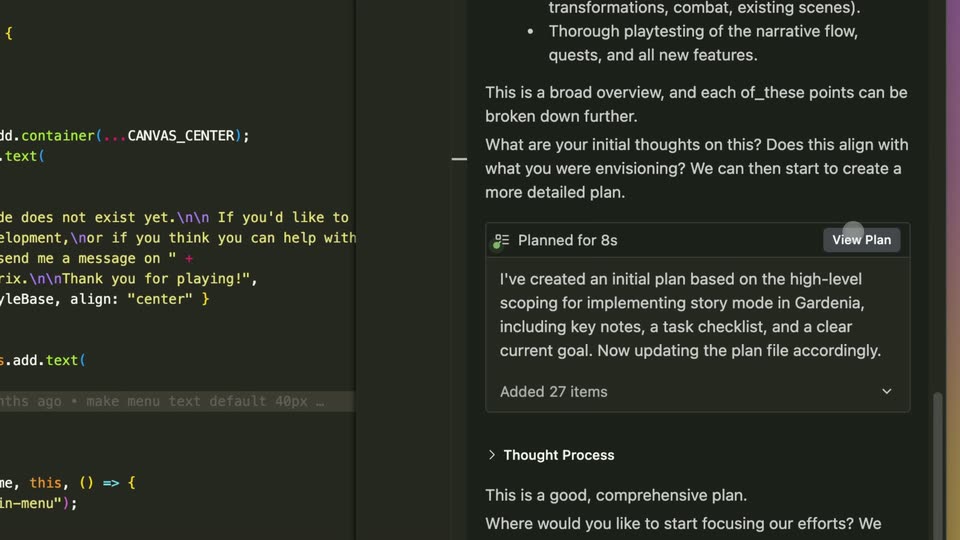 0:34 · 0.5sWindsurf · Windsurf Wave 10 – Day 1: Planning ModeA dark split screen shows a syntax-highlighted code editor on the left and a chat panel on the right. The chat displays a plan card labeled 'Planned for 8s' with a View Plan button, and a gray cursor dot hovers beside it. The view is static.
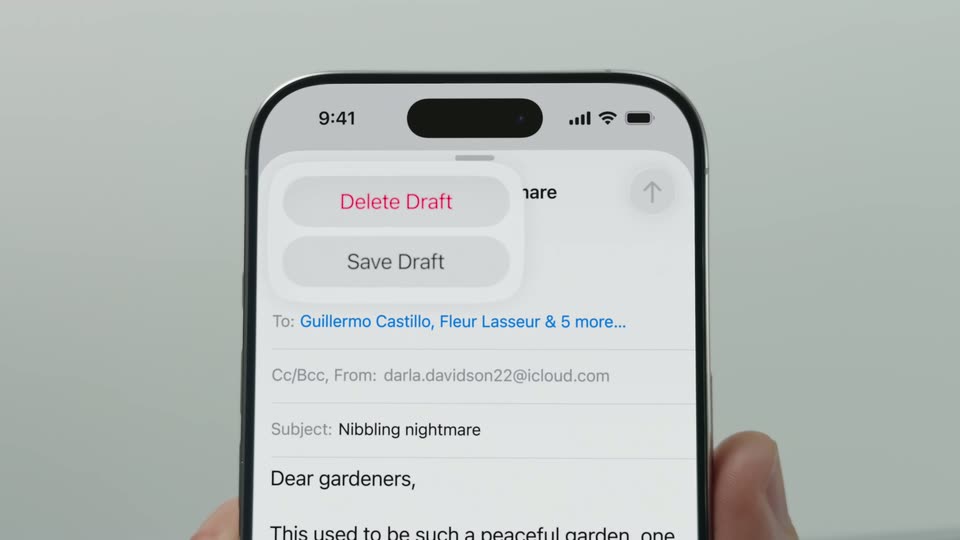 3:10–3:14Apple · iOS 26: Introducing Liquid GlassClose-up of a phone held in a hand, showing a draft email titled “Nibbling nightmare.” A finger taps the close button in the top corner, and a small menu with Delete Draft and Save Draft options appears right at the tap point.
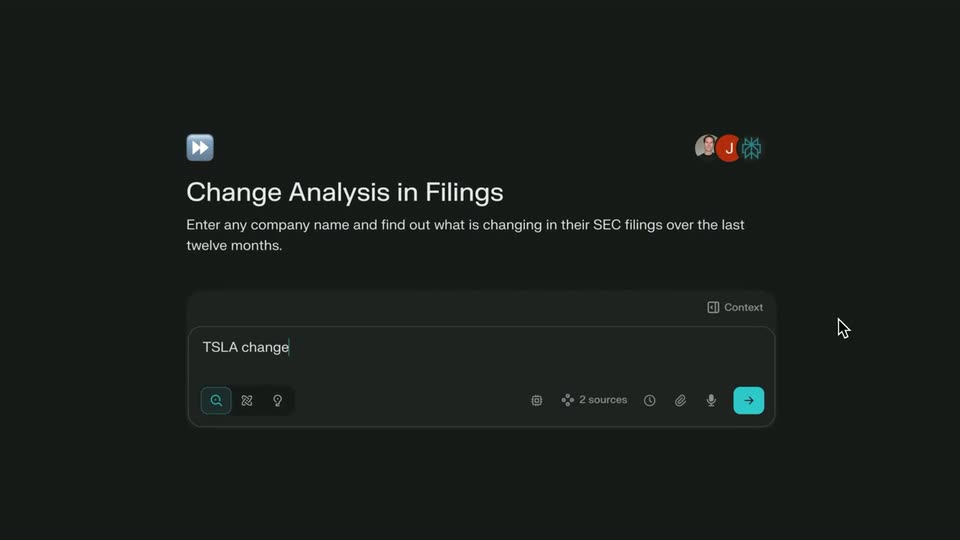 0:30–0:32Perplexity · Perplexity - Starting today, all Perplexity users have access to SEC data across SA dark product screen shows a feature titled Change Analysis in Filings above a search box. A mouse cursor types TSLA change into the field, then moves to and clicks the teal send button.
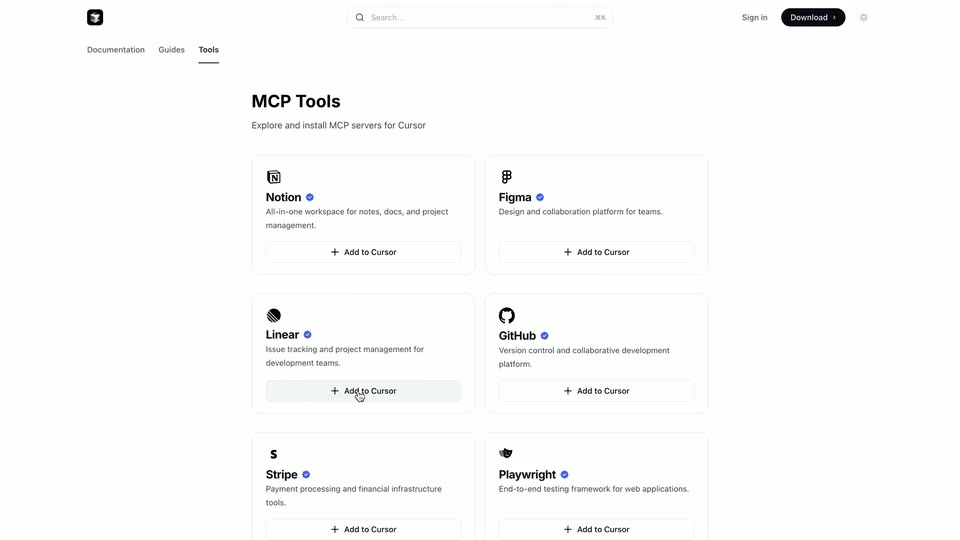 0:53–0:55Cursor · Meet Cursor 1.0A cursor glides to the Linear card and clicks Add to Cursor. The screen crossfades to the MCP settings panel, where Linear appears as an installed server with a green status dot and a toggle, while the previous grid fades behind.
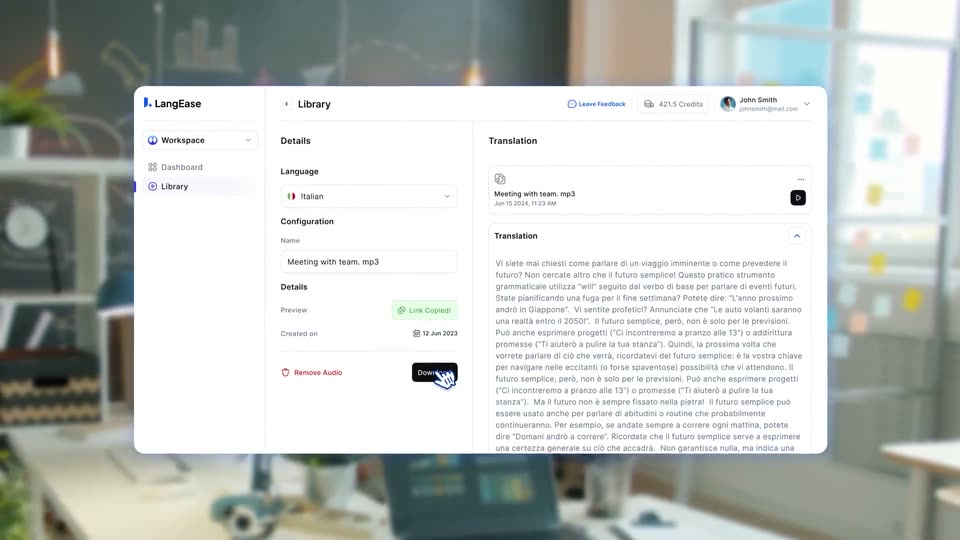 0:12–0:14LangEase · B2B Corporate Video Ad Example for SaaS Companies | LangEaseThe LangEase interface floats in 3D perspective over a blurred office, then rotates flat as a hand cursor clicks Download and Copy Link, popping a green 'Link copied!' tag.
 1:06–1:09Blaxel · Introducing Blaxel - The cloud for your AI agentsOn a dark background, the orange node-sphere logo and the white wordmark blaxel scale into place above a pill-shaped outline. The URL blaxel.ai types out inside the outline while a mouse cursor glides in to the right edge.
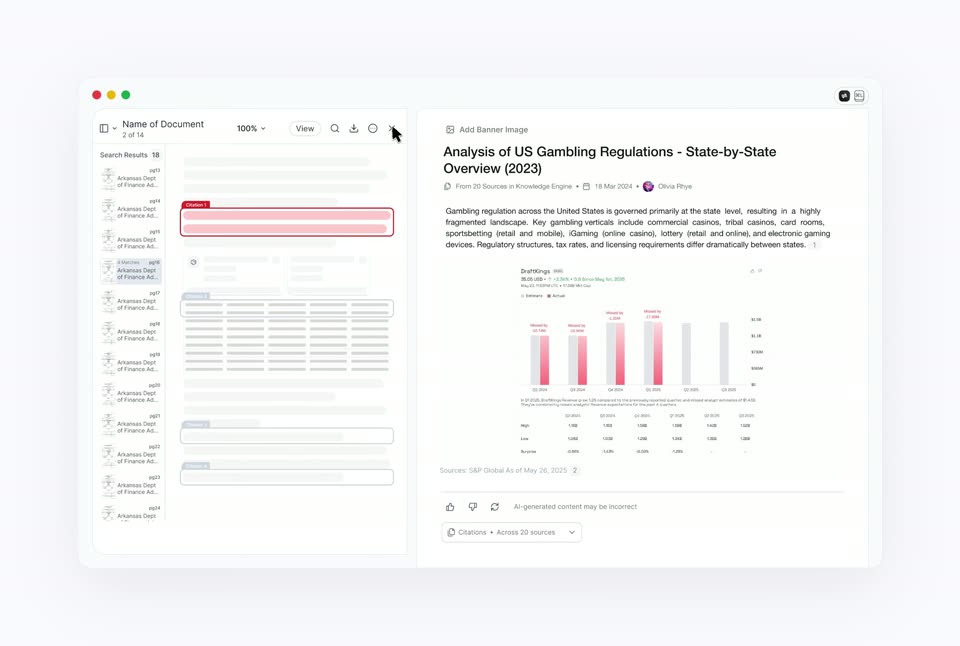 0:17–0:20Decisional AI · Decisional Knowledge Engine TeaserA product screen splits into a document viewer with a red citation box and an analysis report with a bar chart. A cursor clicks the close icon; the document fades out to reveal a Sources file list, while the right panel cross-fades into a Decisional AI chat.
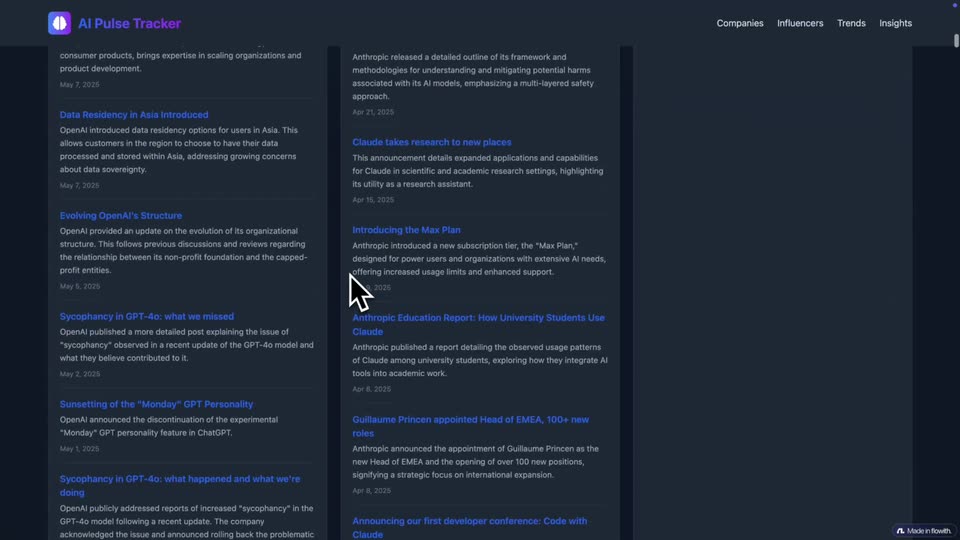 0:24–0:26Flowith · Flowith - flowith neo is now open to everyone. no more codes hunting. gen anytA dark three-column feed in the AI Pulse Tracker interface scrolls down while a white cursor moves from the middle column to the top navigation bar, ending on the Influencers menu item.
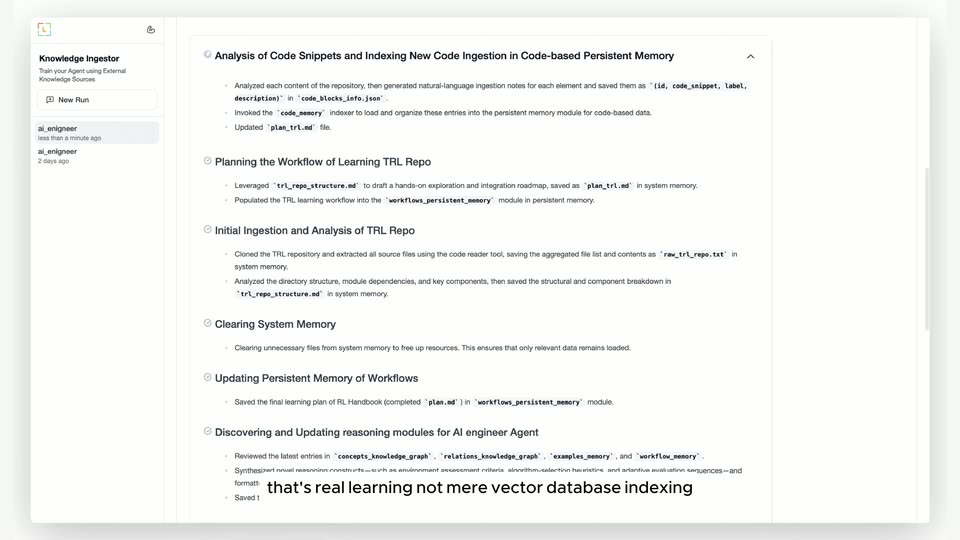 1:04–1:16Leeroo · Leeroo Continuous Learning AgentsA product interface titled Knowledge Ingestor fills the frame. A file dialog closes and a cursor hovers the drop zone as a video, a PDF and a link card populate the upload row. The page scrolls down a list of analysis steps while white captions swap in at the bottom.
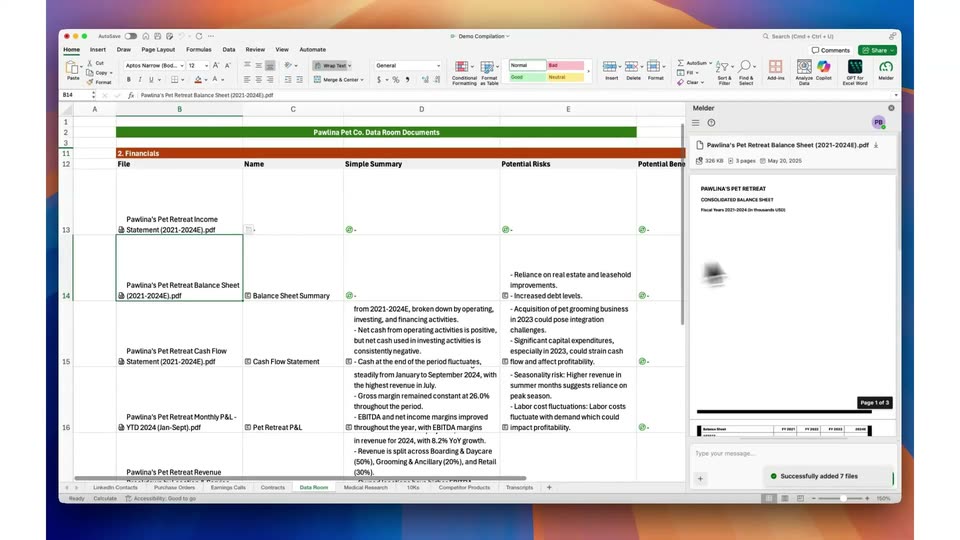 0:16–0:21Melder · Melder - AI for ExcelA zoomed-in spreadsheet view shows a file-processing dialog advancing from 0 to 70 percent, then the cursor closes it and the sidebar lists the added files. The frame pulls back to the full window on a desktop as a PDF preview scrolls in the side panel.
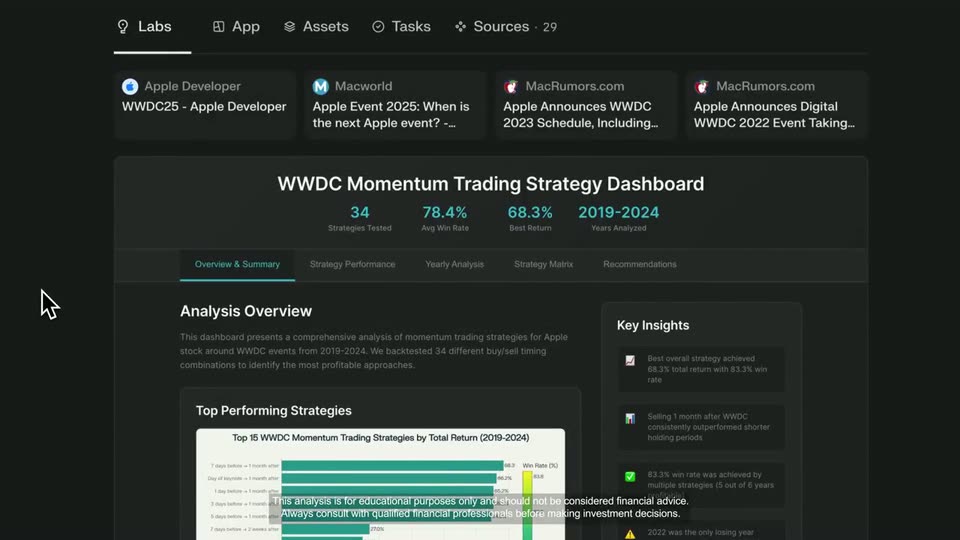 0:09–0:11Perplexity · Perplexity - Today we're launching Perplexity Labs. Labs is for your more complexA dark analytics dashboard fills the screen; a cursor glides to the Overview and Summary tab and clicks it as the frame zooms in on the tab row and the WWDC trading strategy panel.
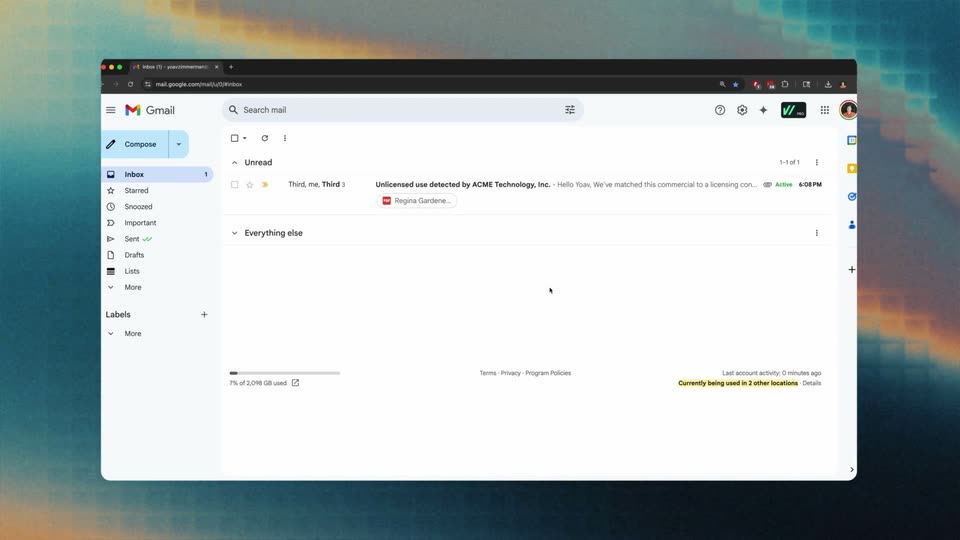 0:48–0:53Third Chair · Third Chair Product DemoA Gmail inbox in a browser window over a blurred gradient background. An email row with a PDF attachment loads into the Unread section, then the view zooms in on that row as a cursor hovers over it.
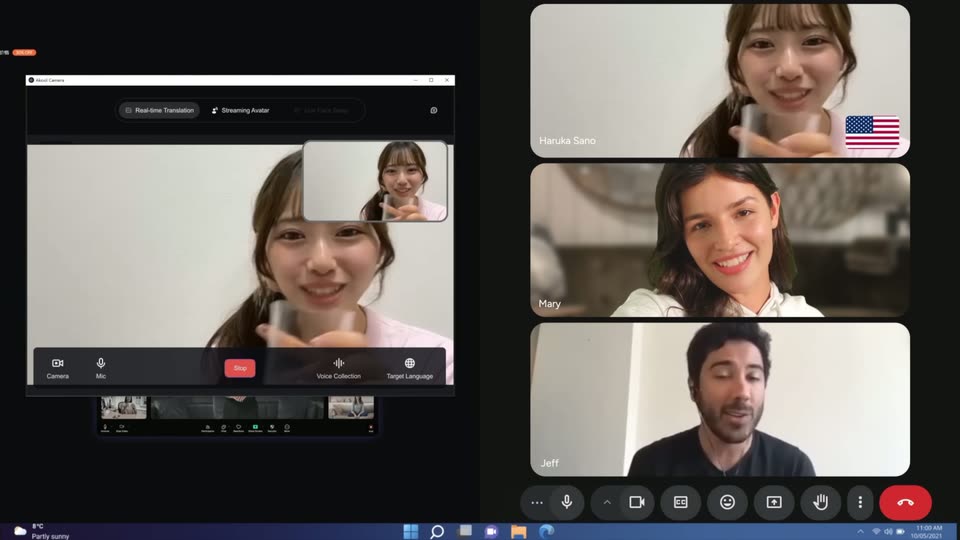 1:34–1:38Akool Inc · Introducing Akool Live Camera: Real-Time AI Video CreationA static screen recording splits the frame: the Meet Camera app on the left shows a woman holding a glass of water with a small inset mirroring her, while a three-person call grid sits on the right. She drinks, smiles, and a cursor hovers over the Real-time Translation tab.
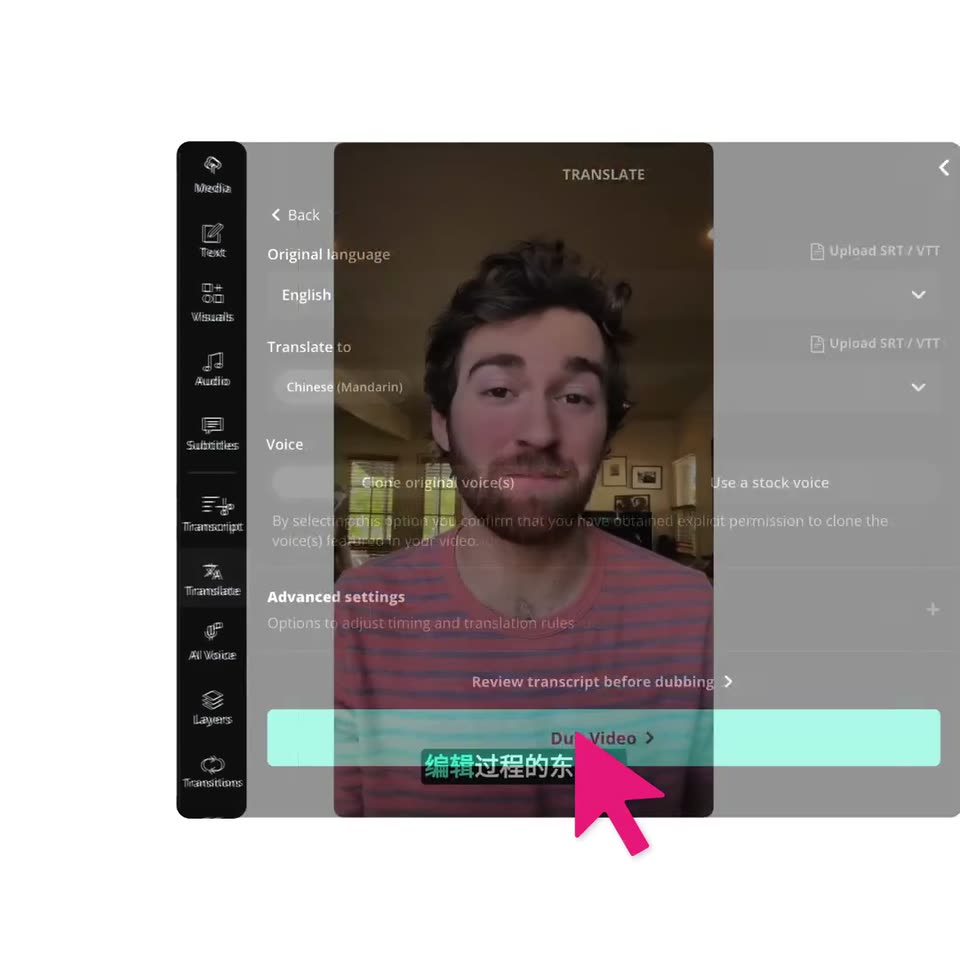 0:08–0:09Kapwing · Kapwing - Reaching a global audience just got easier 🌍 Kapwing’s AI Dubbing toA dark Translate panel lists English to Chinese (Mandarin) above a green Dub Video button. A pink cursor taps the button as the panel slides left, revealing a man speaking in a video preview with Chinese subtitles.
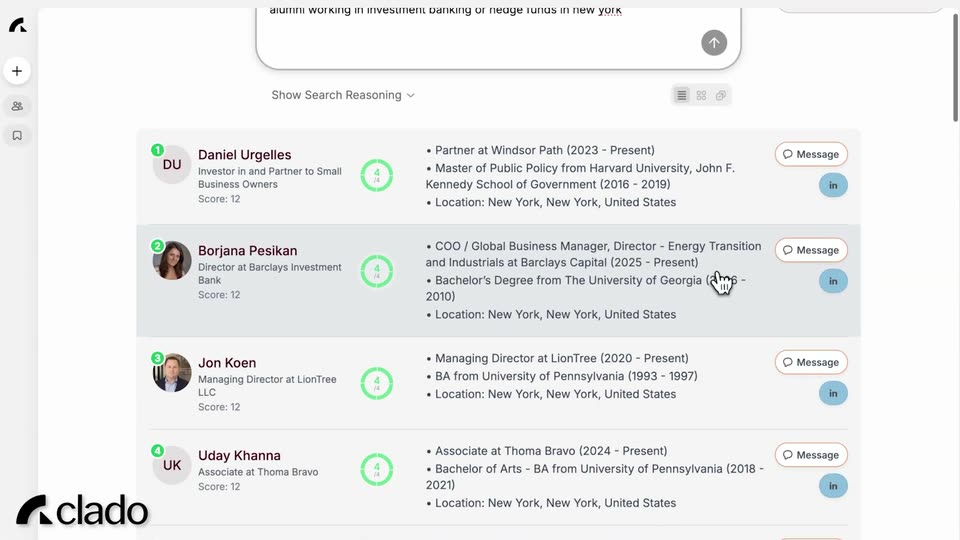 0:20–0:22Freesolo · Introducing Clado (YC X25): Deep Research for PeopleA light search-results screen: a query bar sits above a ranked list of alumni profile cards with avatars, scores and Message buttons. A cursor glides from the second card's Message button to its detail text as the list scrolls up slightly.
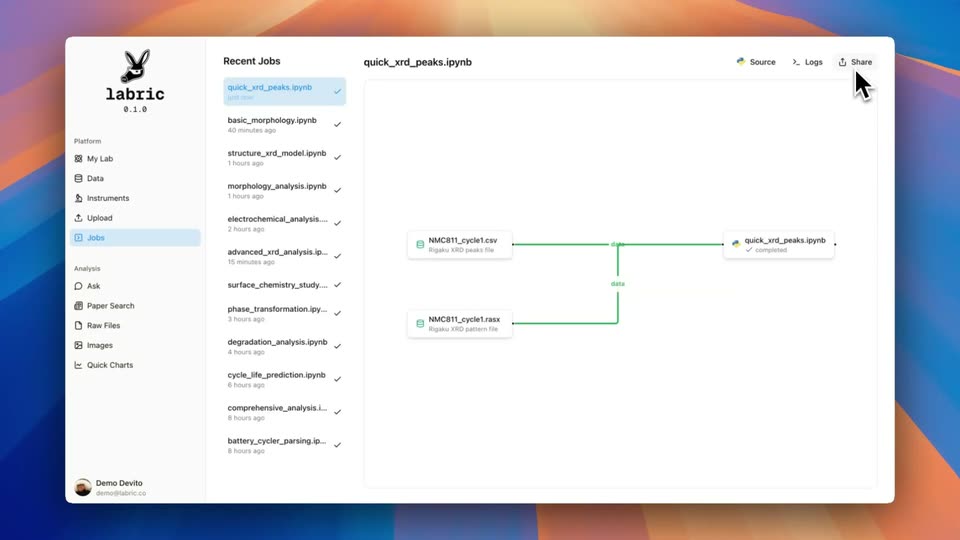 0:25–0:35Labric · Labric (YC X25) Launch VideoZoomed on a node graph linking two data files to a notebook, the view pulls back to the full Labric dashboard with sidebar and job list. The graph lines turn green as the job completes, then a cursor clicks Share, opening a dialog with a link and access list.
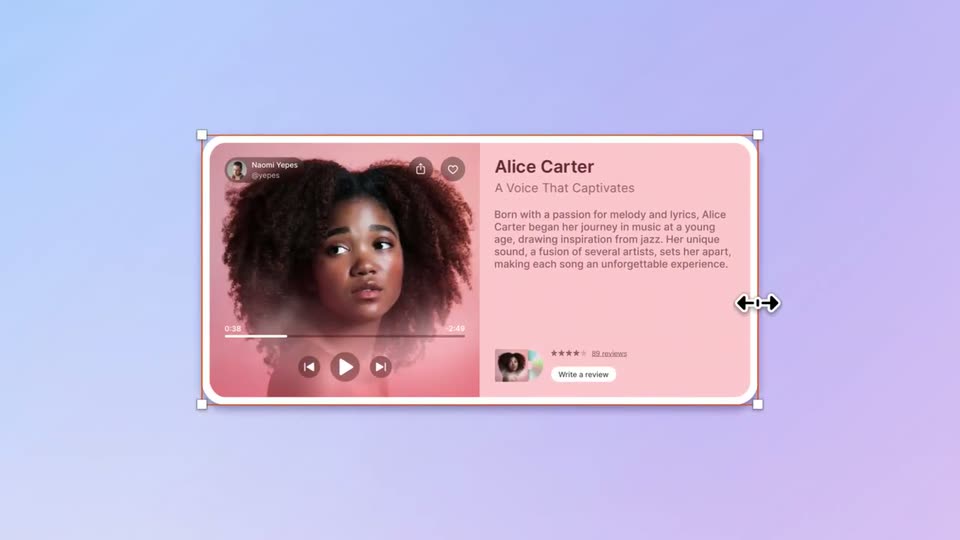 0:06–0:07Sketch · Sketch - Remember when we said auto layout was coming to Sketch? It’s here. ItA music player card with white selection handles sits centered on a lavender gradient. A cursor at the right edge drags the double-arrow resize handle inward, the card narrows, and the bio paragraph reflows from five lines to four.
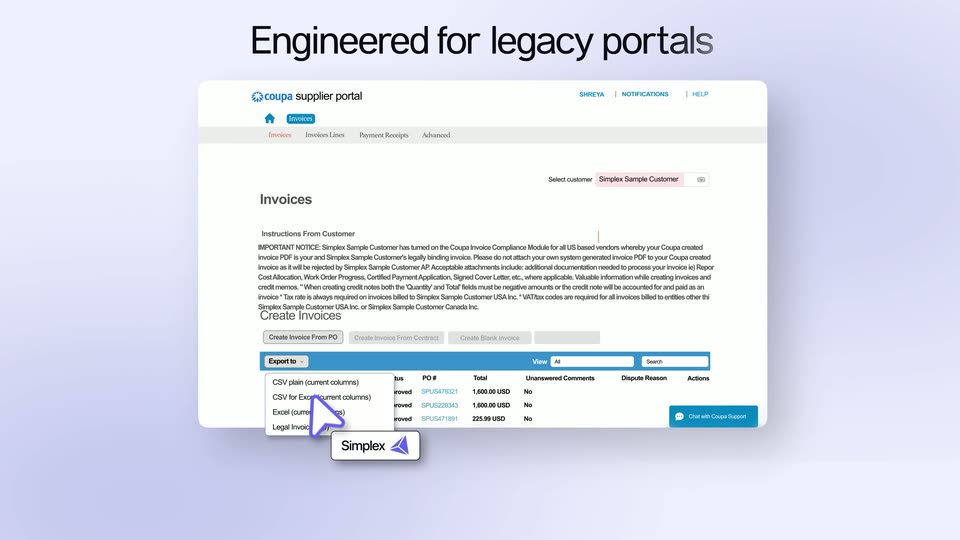 0:08–0:14Simplex · Simplex Launch VideoA flat Coupa supplier portal screenshot sits below the static headline “Engineered for legacy portals.” A purple cursor opens the customer and export dropdowns in turn, and a Simplex logo chip trails the cursor.
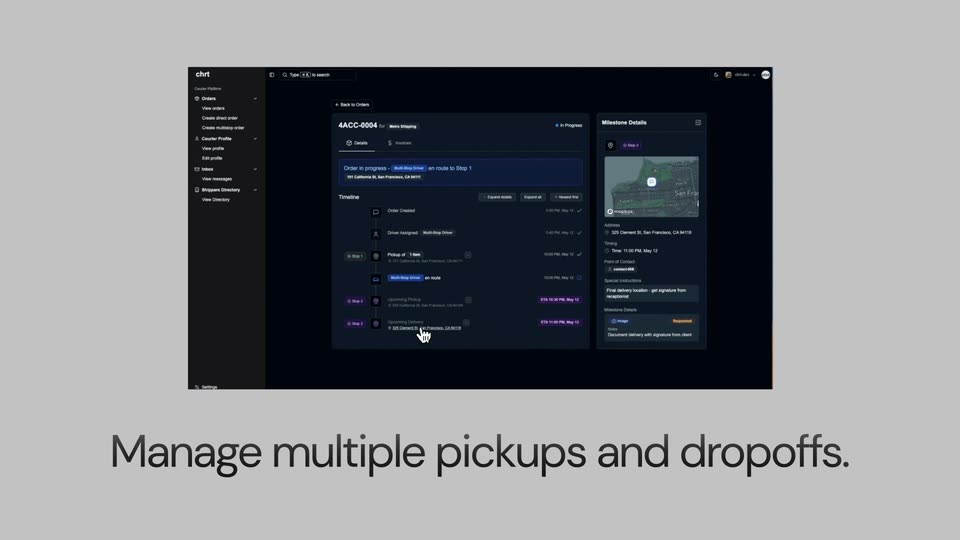 0:22–0:24chrt · chrt YC LaunchA dark order-tracking dashboard sits in 3D perspective on a light gray field, a white hand cursor resting on a timeline row. Below the panel, the headline crossfades from the fading words end to end delivery to the settled line Manage multiple pickups and dropoffs.
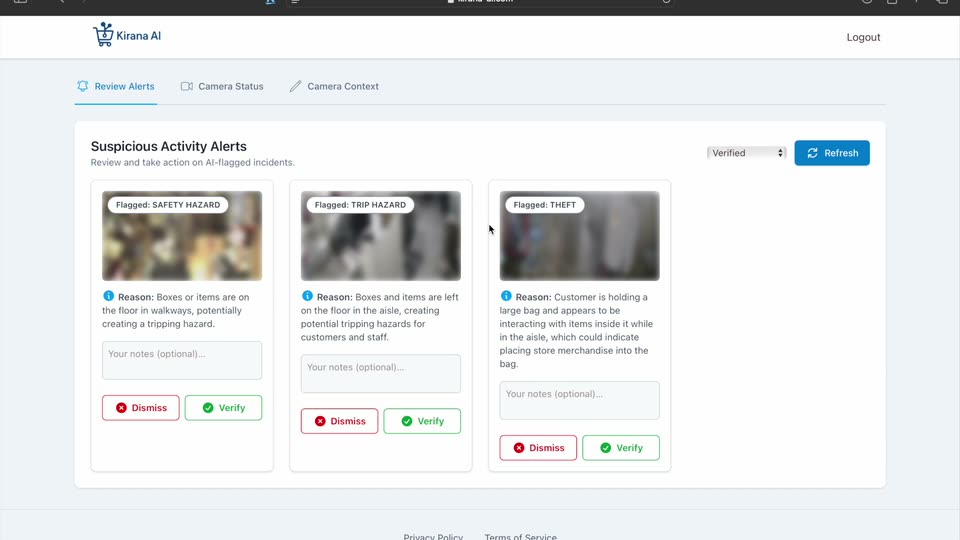 0:27–0:34Kirana AI · Kirana AI, Full-Stack AI Store ManagerThe Kiraana AI dashboard resolves from a loading state into three alert cards, each pairing a blurred camera still with a flag pill, a reason line, and Dismiss and Verify buttons. A cursor rests at the right edge.
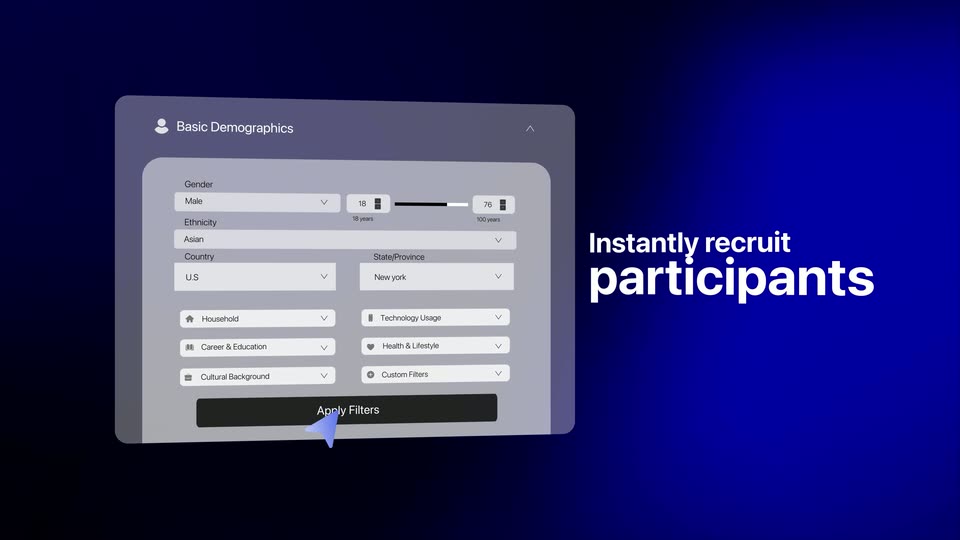 0:22–0:26stratify · Stratify Demo VideoA demographics filter panel eases from a flat centered card into a tilted 3D card on the left, its fields filling with sample values. A blue cursor taps the Apply Filters button while the white headline Instantly recruit participants builds in on the right against a deep blue gradient.
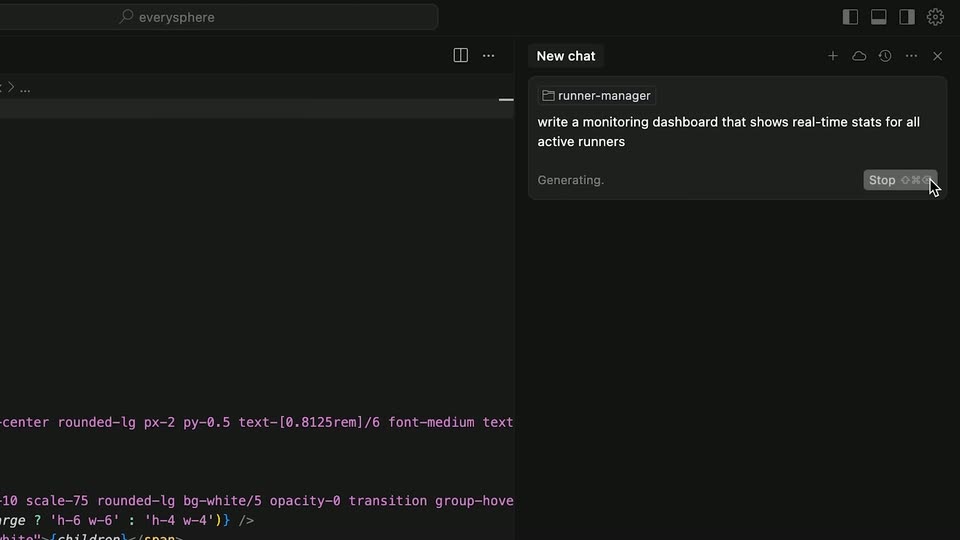 0:45–0:54Cursor · Cursor's largest update yetA dark two-pane app screen: code editor left, chat panel right. The cursor opens the model dropdown, toggles MAX Mode on, and clicks send. The prompt card turns into a Generating state while a plan streams in below.
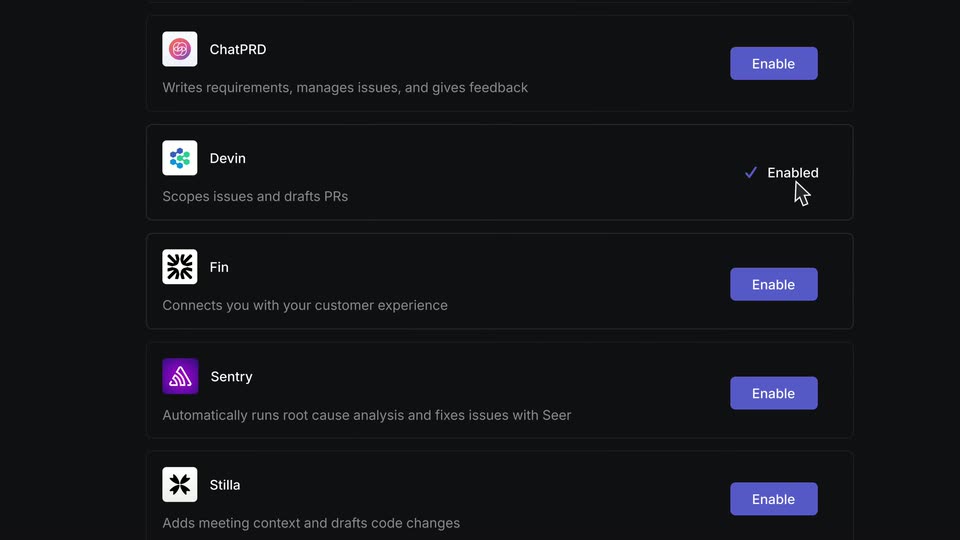 0:14–0:17Linear · Introducing Linear For AgentsThe view scrolls vertically along a list of agents on a dark background, then a cursor clicks the Enable button on the Devin row, which changes to the Enabled state with a checkmark. The scene ends with a fade to a ticket view.
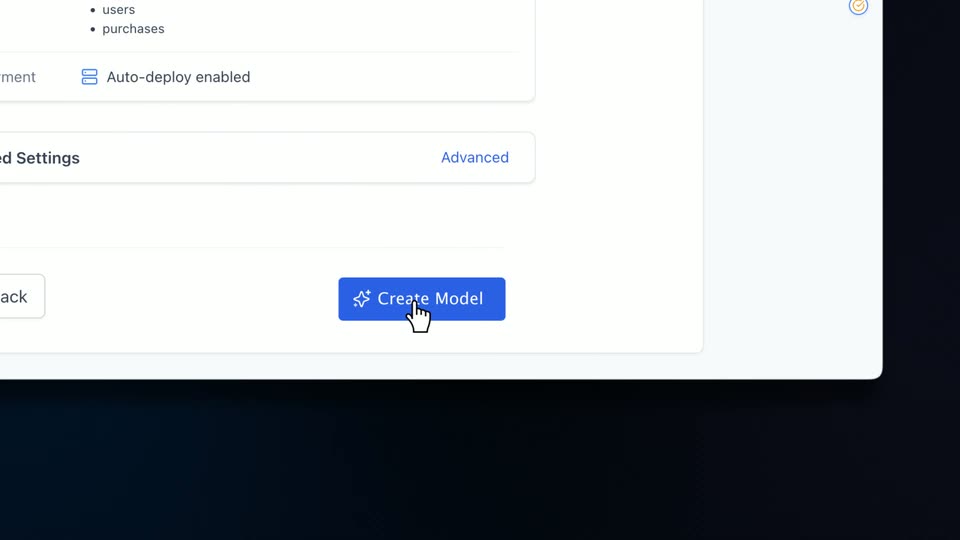 0:33 · 0.7sPlexe · Plexe AI Launch VideoA light settings panel displays a model overview form with data source and deployment rows. The view zooms in on the blue Create Model button at the bottom while a white hand cursor hovers over it.
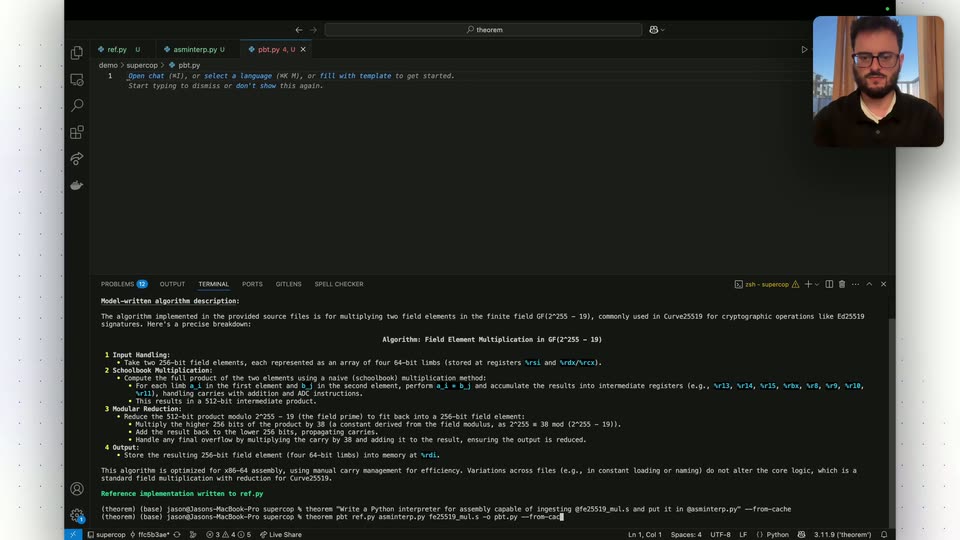 0:26–1:23Theorem · Uncovering Zero-Day VulnerabilitiesA locked-off screen capture of a dark code editor shows Python files and a terminal as a cursor moves and commands are typed, code scrolling into view, while a man speaks from a small webcam overlay in the top-right corner.
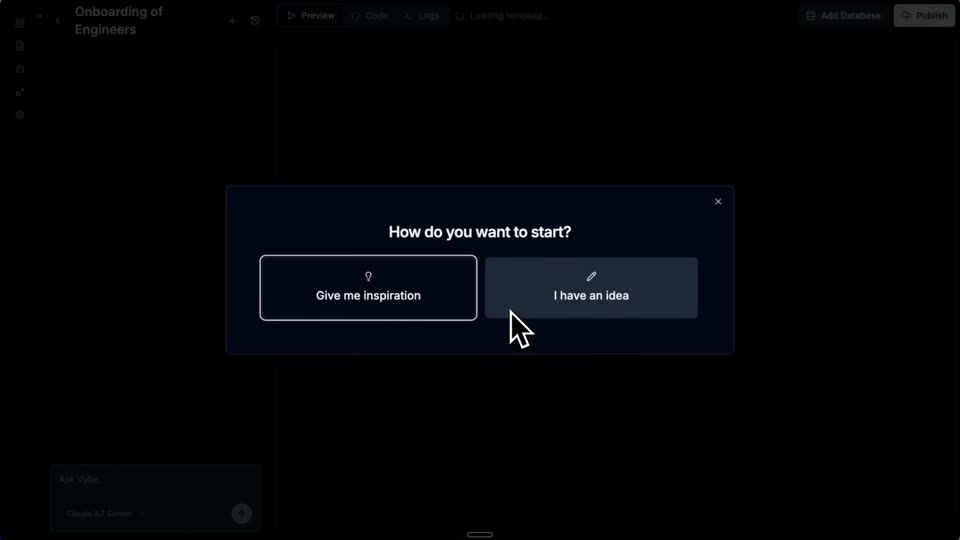 0:43–0:44Vybe · Vybe Demo - Build internal apps 10X fasterA dark app dashboard shows a centered Create App modal with a loading spinner reading Creating your app, then the view reframes onto the editor where a How do you want to start dialog offers two buttons. A white cursor hovers over the I have an idea option.
 0:49–0:50cubic · Introducing cubic.devClose-up of a dark message bar with a grey paperclip and a white paper-plane send icon. A white hand cursor with a black outline slides in from below and presses the plane, which scales up on contact.