Cursor demo
A visible cursor operates the interface.
15,126 scenes · page 110 of 253
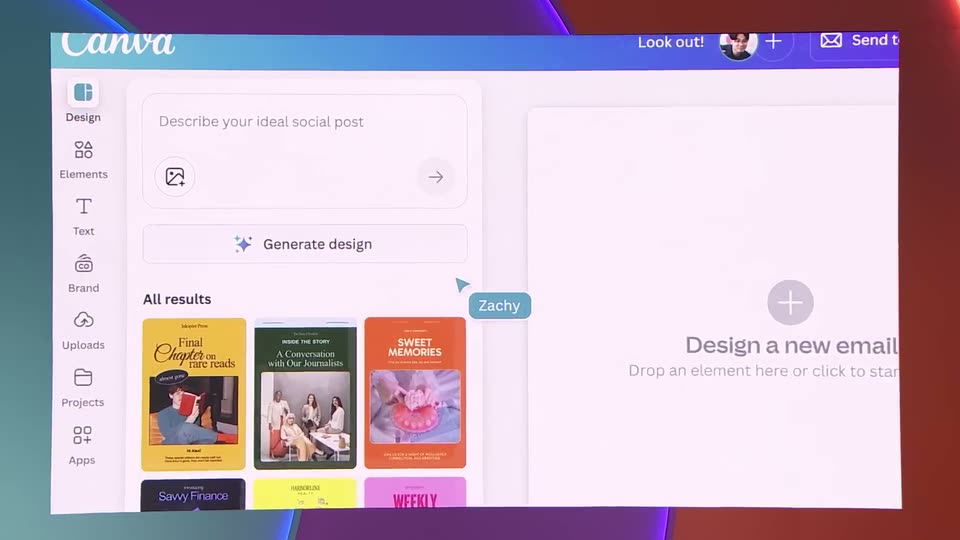 2:39–2:40Canva · Introducing Email Design in CanvaA tilted Canva editor window sits in 3D against a multicolor gradient backdrop. The view zooms into the left panel, where a cursor labeled Zachy hovers over the Generate design button above a row of template thumbnails.
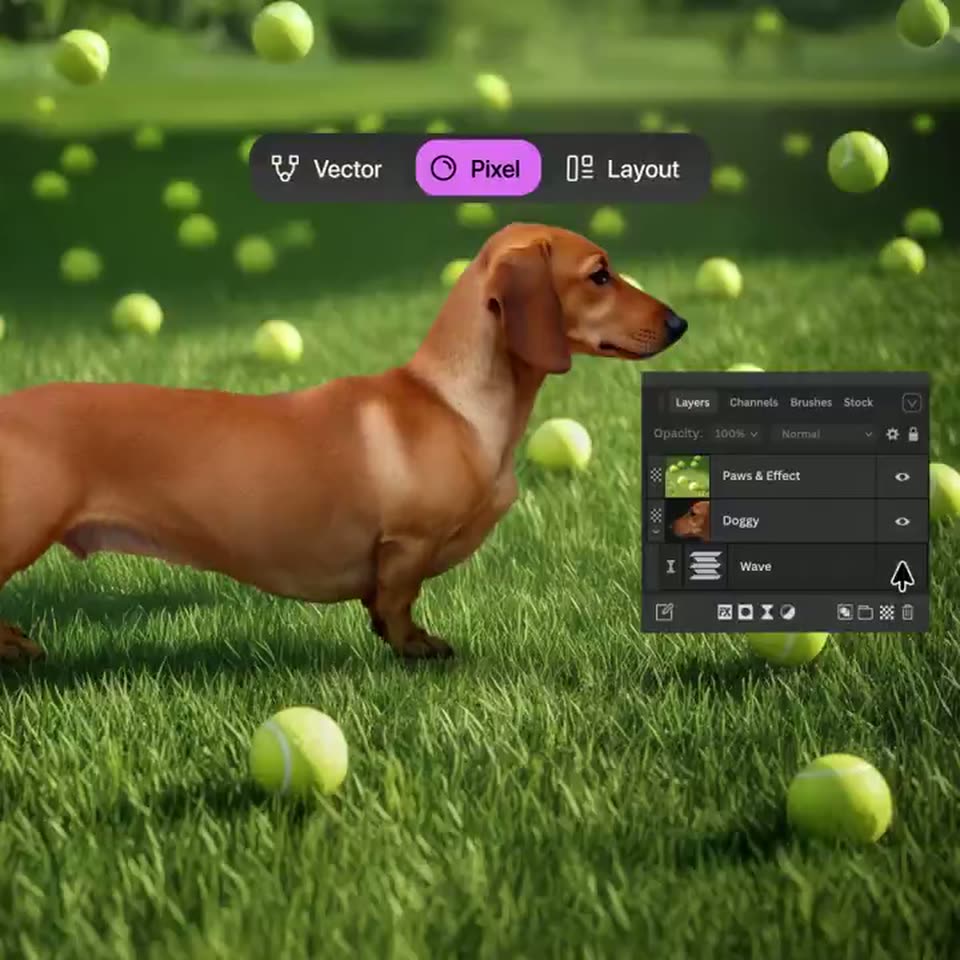 0:14–0:15Affinity · Affinity - The all new Affinity is here! Design, edit photos and layout your worA 3D dachshund stands on green grass scattered with floating tennis balls. A dark toolbar with Vector, Pixel, Layout tabs and a layers panel float over the scene, and a cursor glides down the layer rows.
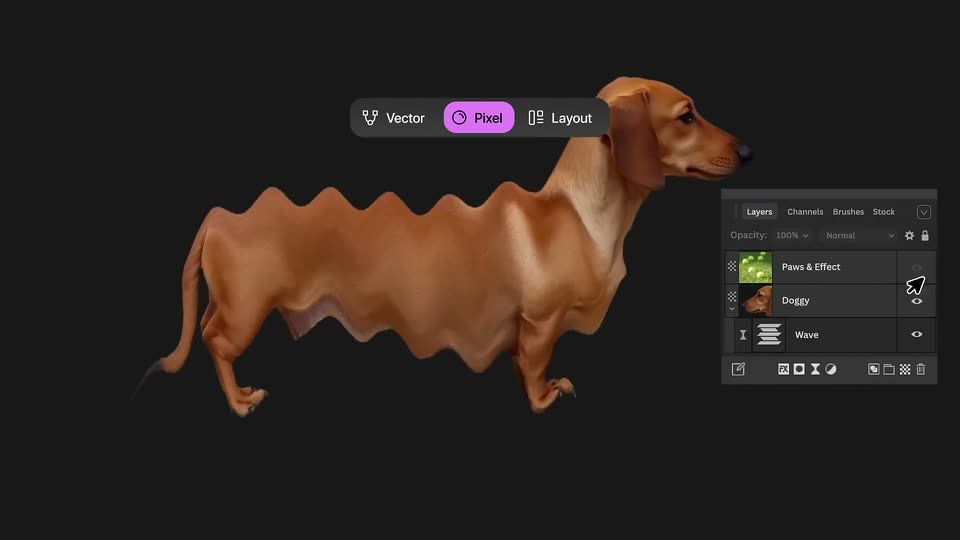 0:31–0:32Affinity · Creative FreedomA dachshund on a dark canvas begins heavily rippled by a wave distortion, then straightens as a cursor moves up the layers panel from Wave to Doggy to Paws & Effect. A top toolbar keeps the Pixel tab highlighted in purple.
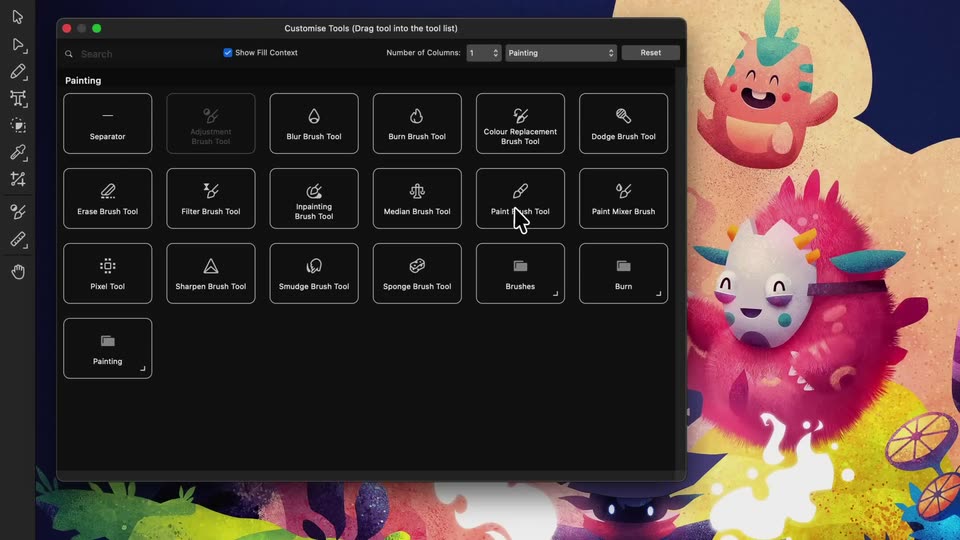 0:38–0:40Affinity · Welcome to the all new AffinityA dark macOS window displays the Affinity Customise Tools panel, a grid of brush tool tiles over a colorful cartoon monster illustration. A cursor moves across the grid, hovering tiles, then drags one to the left toolbar, dimming its source tile.
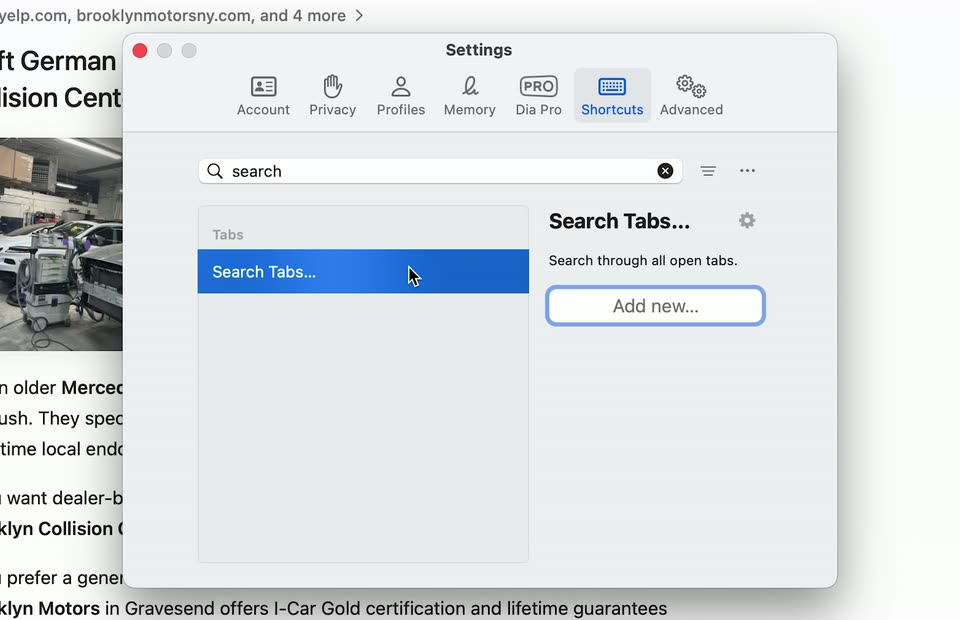 0:26–0:31The Browser Company · Dia - 3️⃣ new features live in Dia today: - Focus Mode - Custom keyboard sA browser settings window fills the frame as the cursor clicks the search field, types 'search', selects 'Search Tabs' and assigns the shortcut ⇧⌘A; a static caption '3. Go fast with custom shortcuts' stays fixed.
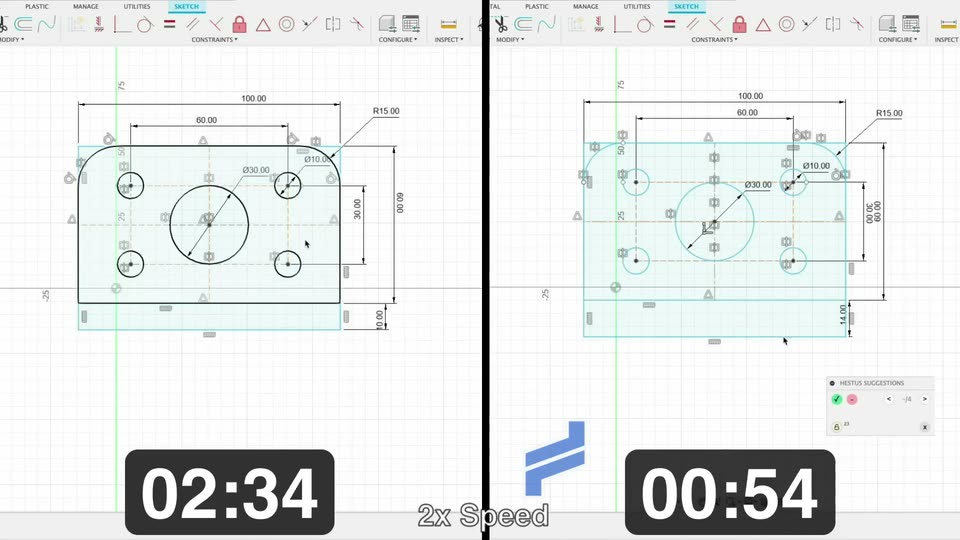 0:58–1:33Hestus, Inc. · Sketch Helper, AI copilot for CAD by @HestusInc.Split screen compares two CAD sessions: left, a manual bracket sketch with a ticking timecode from 01:45 to 02:54; right, the same sketch at 2x speed, ending in an extruded 3D part. Cursors draw circles and fillets; a blue logo and 2x Speed caption divide the panels.
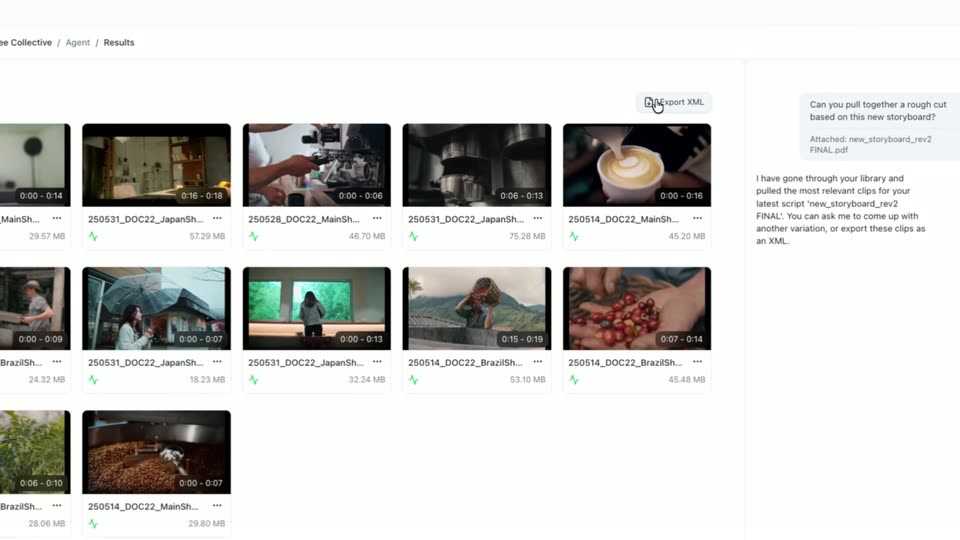 0:41–0:44Aspect · Aspect: AI platform for enterprise media content | YC F25A white interface card shows a grid of coffee video thumbnails with file names and a chat panel on the right. The view zooms in on the grid, then a cursor slides in and hovers the Export XML button.
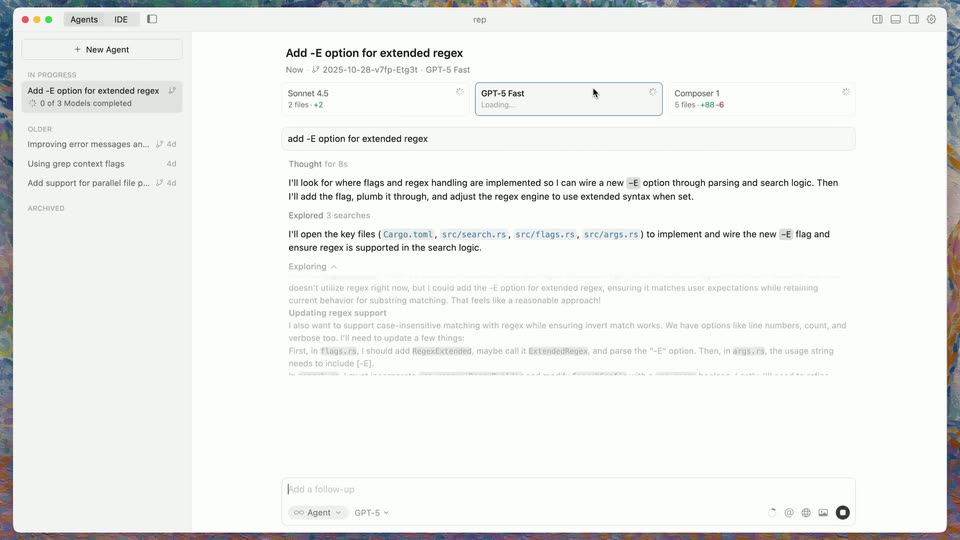 0:23–0:33Cursor · Introducing Cursor 2.0A close-up of an AI coding agent interface streams in a model's response and code diffs across three parallel model cards. The view zooms out to the full app window on a desktop as a cursor switches the active model from GPT-5 Fast to Composer 1.
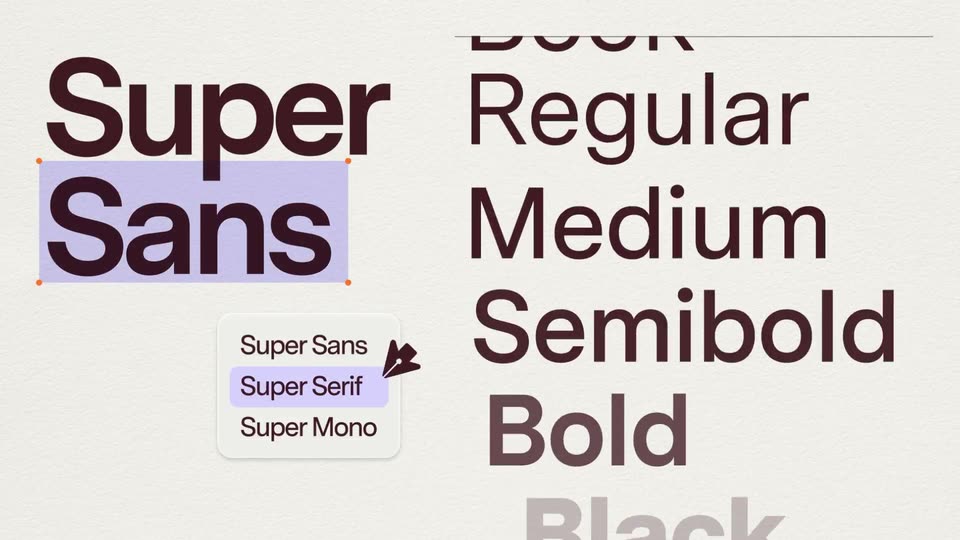 0:25–0:27Superhuman · Superhuman - Meet Superhuman: the new AI platform that combines powerful tools likA cream type-specimen screen shows “Super Sans” with “Sans” inside a purple selection box and orange handles. A cursor slides down a dropdown to highlight “Super Serif.” On the right, a column of weight names, Light to Black, scrolls upward in dark maroon.
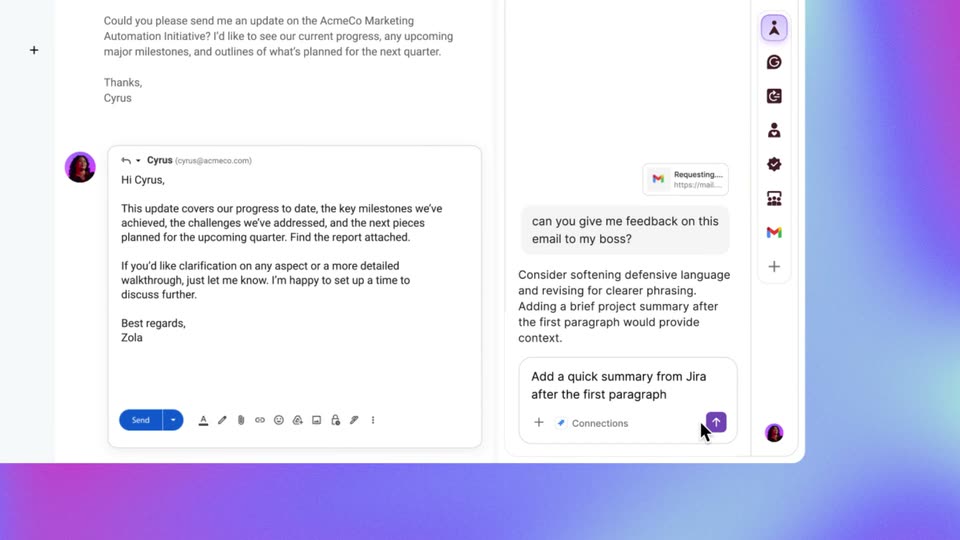 0:08–0:28Superhuman · Superhuman - We built Superhuman Go for you. Go is the proactive AI assistant thatA Gmail compose window sits beside an AI chat panel on a purple gradient. A cursor accepts and dismisses inline edit suggestions, then opens a connections menu, types a Jira prompt, and inserts the returned summary into the email before the view zooms out to the full browser.
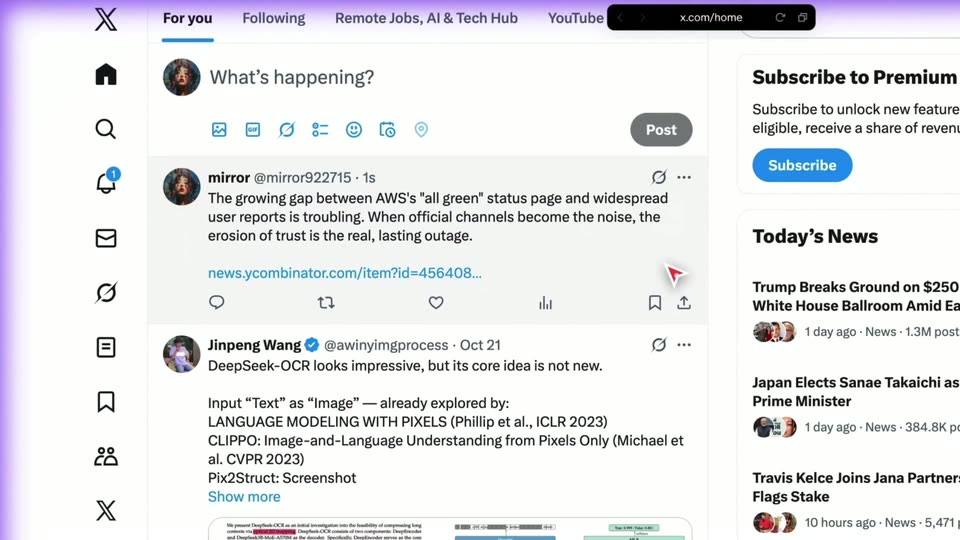 0:19–0:20Flowith · Derek Nee - introducing the OpenAI Atlas killer. might be the last browser you'llA Twitter home feed, with a compose box and two posts, fills the frame as a cursor hovers over a post. The scene then switches to a YouTube live stream, where a chat column of viewer messages scrolls past the pointing cursor.
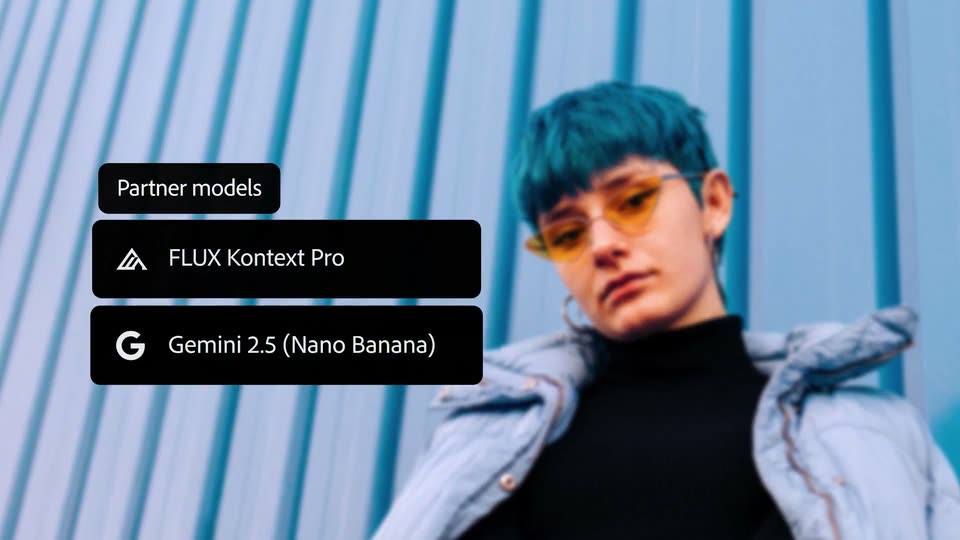 0:05–0:08Topaz Labs · Topaz Labs - @Adobe + Topaz Labs 🤝🙌 Just announced—you can now access select TopazA teal-haired model in amber sunglasses and a pale blue puffer jacket stands before a blue ribbed wall. On the left, a black UI panel switches from a prompt box to a Partner models list, its rows scaling in as a white cursor hovers over the options.
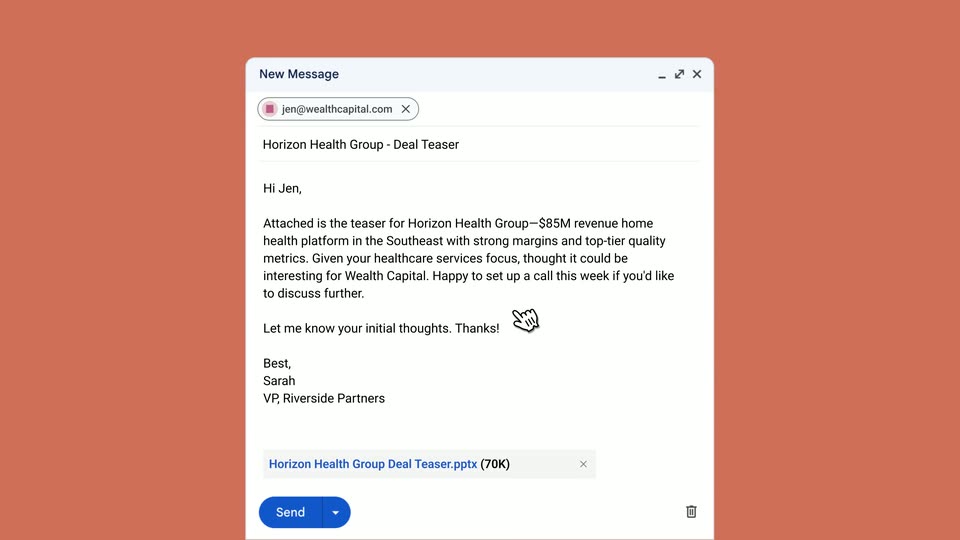 0:35–0:37Anthropic · Anthropic - We’re expanding Claude for Financial Services, with an Excel add-in,A white email compose window sits centered on a flat coral background. The body text resolves from scrambled characters into readable copy, a PDF attachment drops into the attachment bar, and a hand cursor moves down to press the blue Send button.
 0:26–0:27Argil · Manuarii - Introducing “Argil Atom” the most controllable video AI model in theA woman in a blue satin dress stands in a boutique holding a quilted black crossbody bag. A cursor clicks near the bag and the YSL monogram appears on it, while two lines of caption fade in at the bottom.
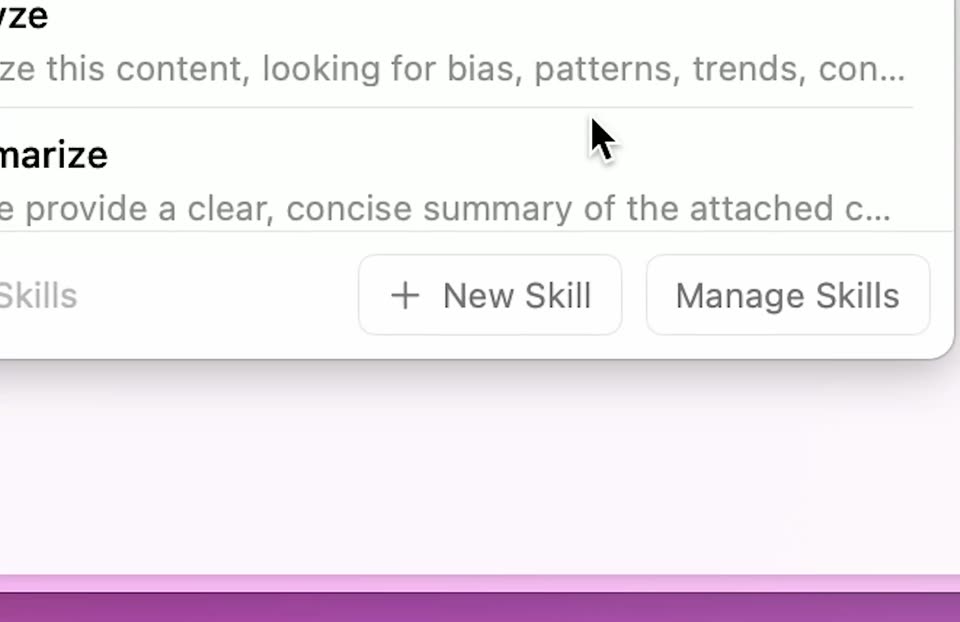 0:09–0:10The Browser Company · Dia - Complex Skills, simple words. Create expert-level prompts with the rA close-up of a light skills panel lists two entries, Analyze and Summarize, each with a one-line description, above rounded New Skill and Manage Skills buttons. A black arrow cursor travels down the list, flashing a blue highlight over the top row as it passes.
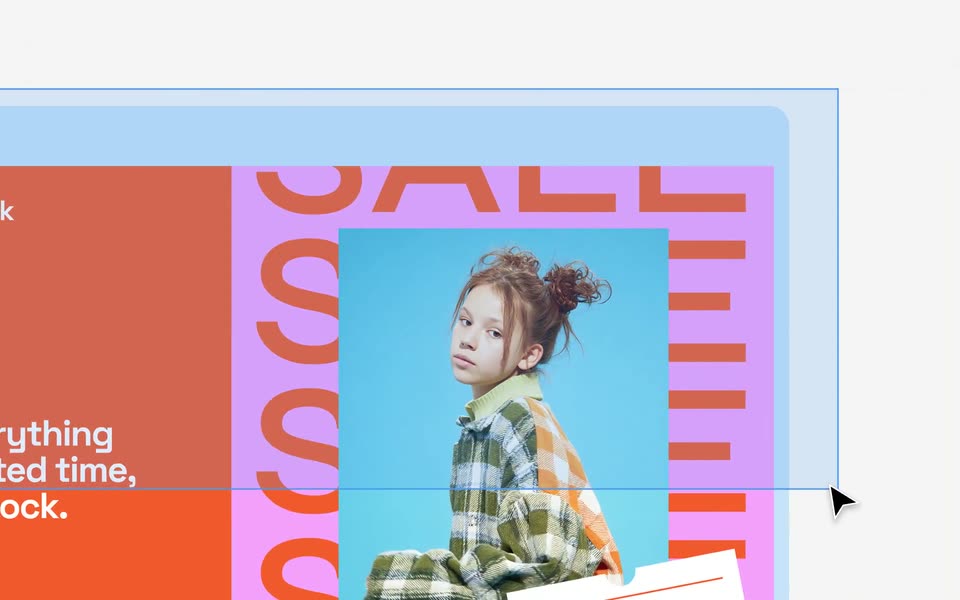 0:02–0:03Jitter · Jitter - New this week: Jitter plugin for Figma Buzz 🎉 Drive engagement by adA Kinfolk sale post card slides left across a light gray screen. A blue selection outline appears around it while a cursor holds its right edge, then the card moves out, leaving the empty selection frame.
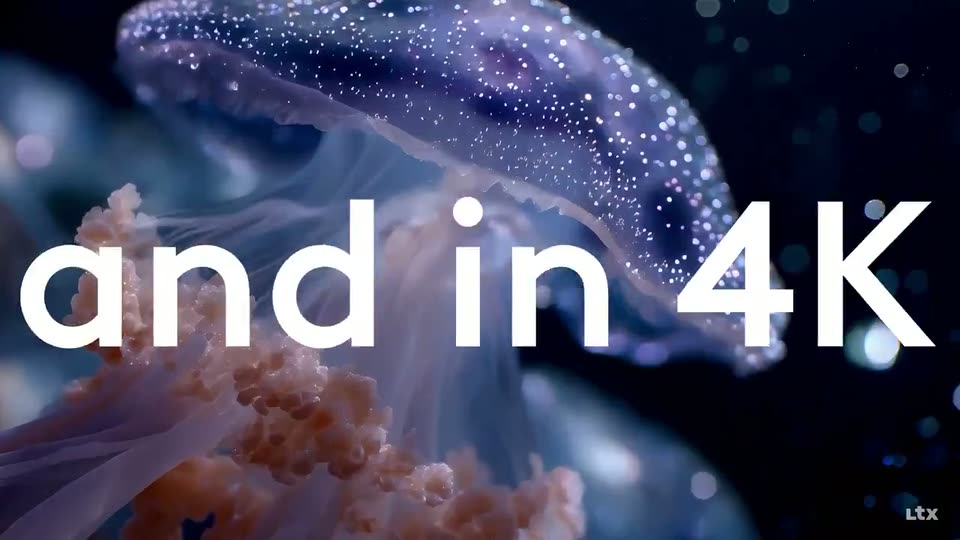 0:22–0:25LTX · LTX.io - Today we’re launching LTX-2 in LTX (we're more than a studio). LTX-2A small jellyfish clip sits inside a selection frame on a black background. A cursor drags the bottom-right handle, expanding the frame until the jellyfish fills the screen. The white text “and in 4K” scales up, then slides left, leaving “4K” locked in the center.
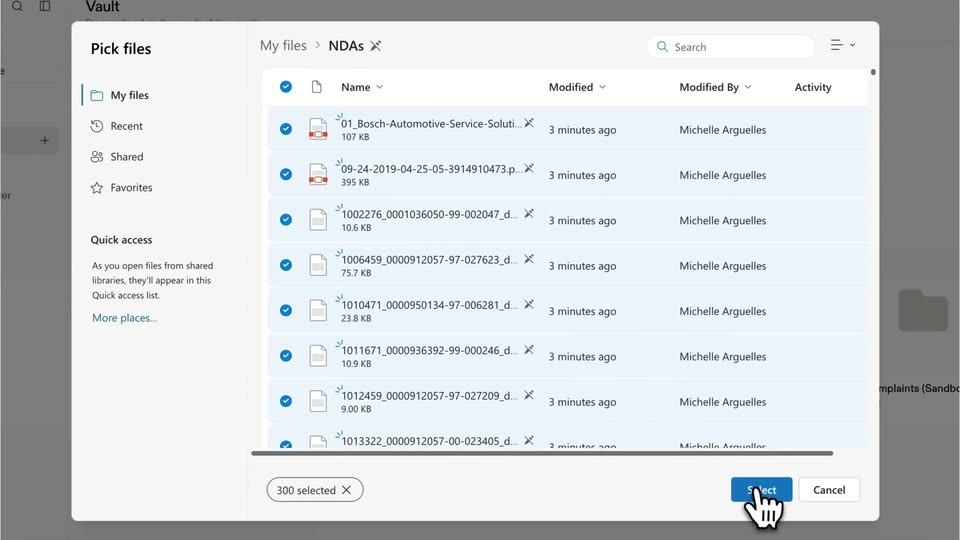 0:24–0:25Harvey · Microsoft IntegrationsA file-picker dialog fills the frame, its list of documents all flagged with blue check marks. A cursor rests near the top row, then moves down to press the blue Select button at the bottom right.
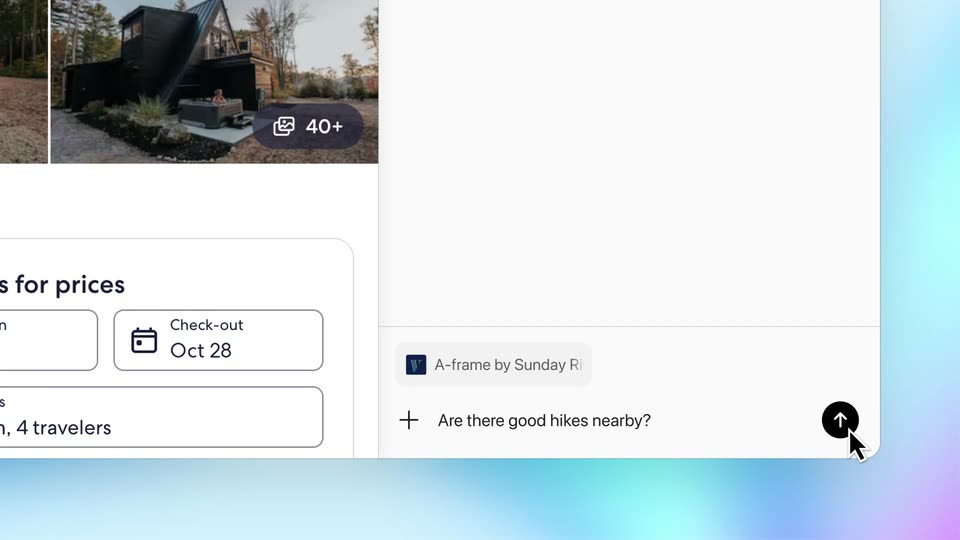 0:23–0:27OpenAI · OpenAI - Meet our new browser—ChatGPT Atlas. Available today on macOS:Close-up of a booking interface with a cabin photo and date fields on the left. A question types itself into the ask field, then a mouse cursor moves to and clicks the black send button.
 0:52–0:53Lovable · Introducing our Shopify IntegrationA close-up of a dark interface header shows a plus icon, an Invite button and a blue Publish button, with a large white cursor arrow resting on Publish. Below, a light panel reads Account and Cart. The panel drifts upward, revealing a pink and orange gradient border.
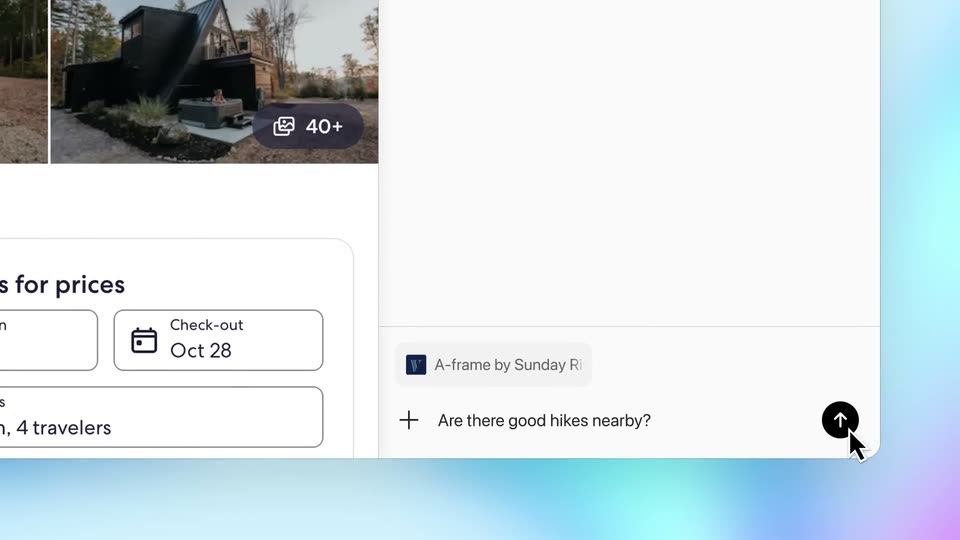 0:23–0:27OpenAI · Introducing ChatGPT AtlasOn the right of a booking screen, a chat input types the question letter by letter, then a hand cursor moves to the black send button and clicks it. The left panel holds a cabin photo and date fields.
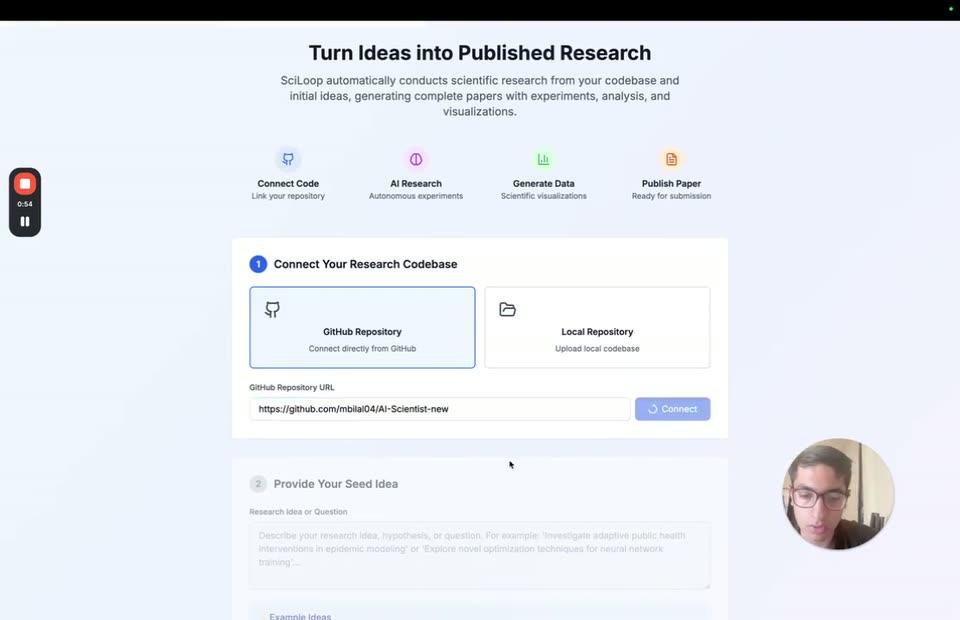 0:39–1:05Sciloop · Sciloop - End to End Scientific DiscoveryA screen recording of the SciLoop app with a corner webcam feed shows a cursor picking the GitHub Repository card, typing a repo URL and clicking Connect. The page scrolls to a success banner; the cursor types a seed idea and clicks Start Research, which becomes a loading state.
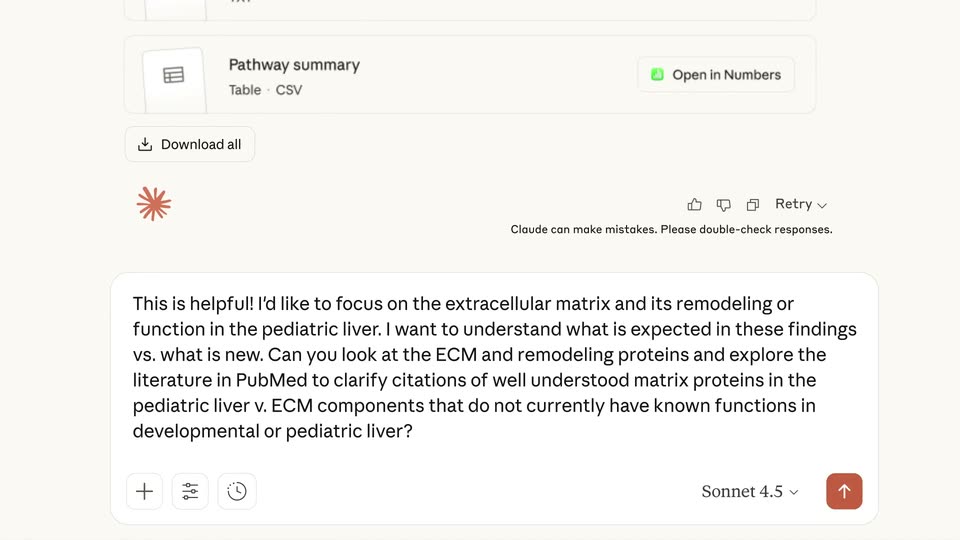 0:17–0:24Anthropic · Anthropic - We’re building tools to support research in the life sciences, from eA cursor hovers over a file list in a chat app window with two bar charts at right; the view zooms into the input box as a long prompt types out word by word, then the message bubble and an AI reply appear.
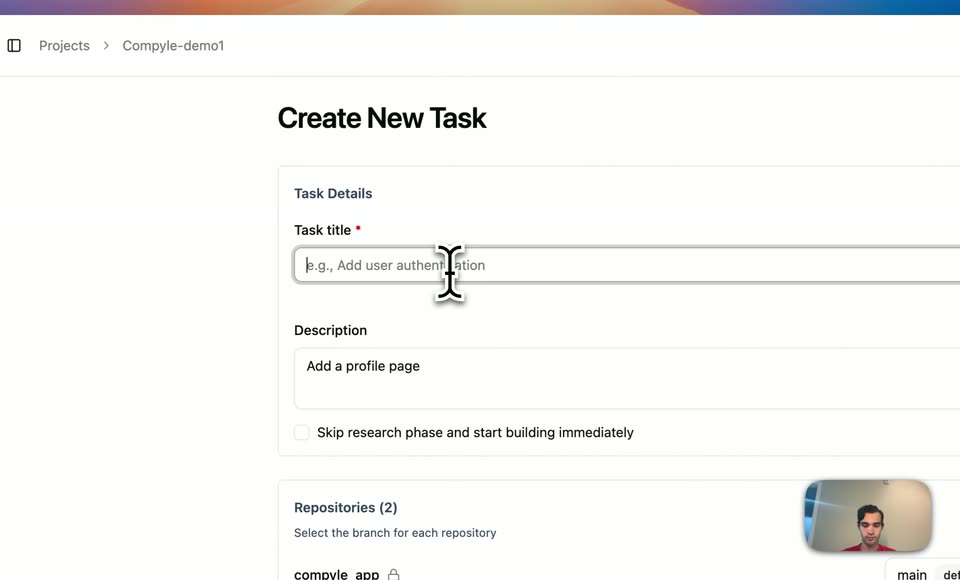 0:37–0:42Compyle · Compyle | Demo VideoA glowing cursor types into the description and title fields of a Create New Task form, a blue check pops in, then the view scrolls down with a blur to a dark Creating Task button that a standard cursor clicks. A small presenter webcam sits in the corner.
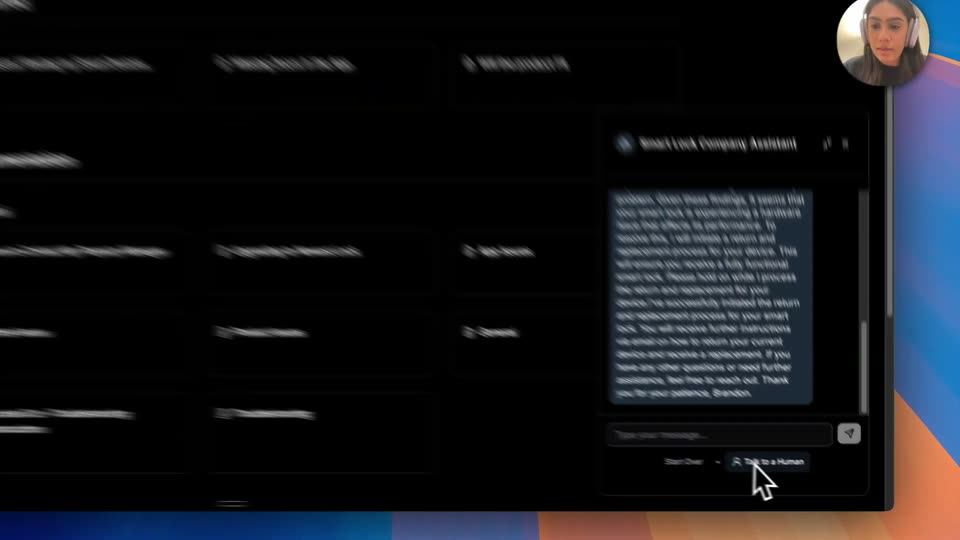 1:23–1:24Layers · Telemetron DemoA dark help-center interface zooms in on a chat widget as the cursor moves to the Talk to a Human button. A circular webcam feed of a presenter sits in the top right corner over a blue and orange gradient.
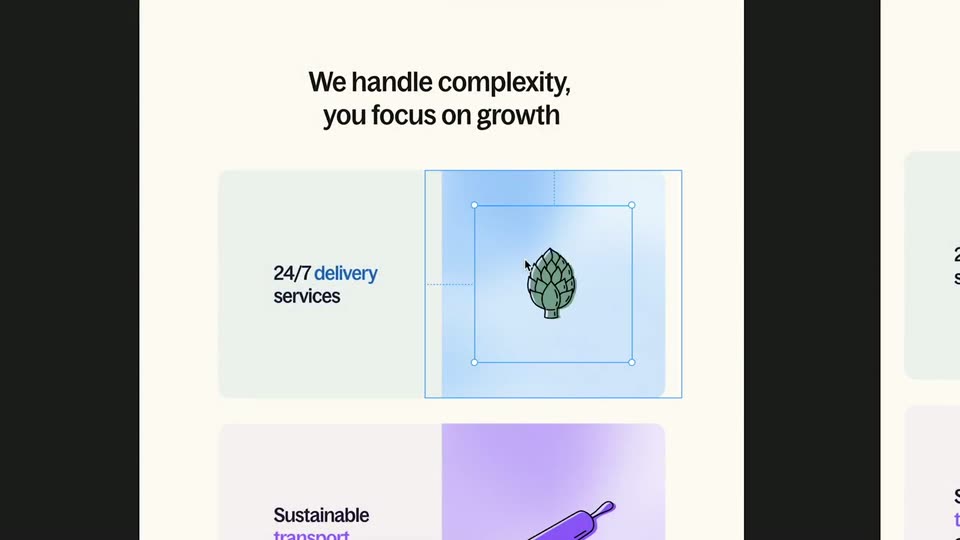 0:18–0:20Framer · Framer - 🖌️ Vectors are now available on the Framer Marketplace. Easily add reA design canvas on a cream background shows a bold headline above two content cards. A blue selection box with corner handles opens over the right card as a green leaf vector pops into it, while a cursor arrow hovers just beside the leaf.
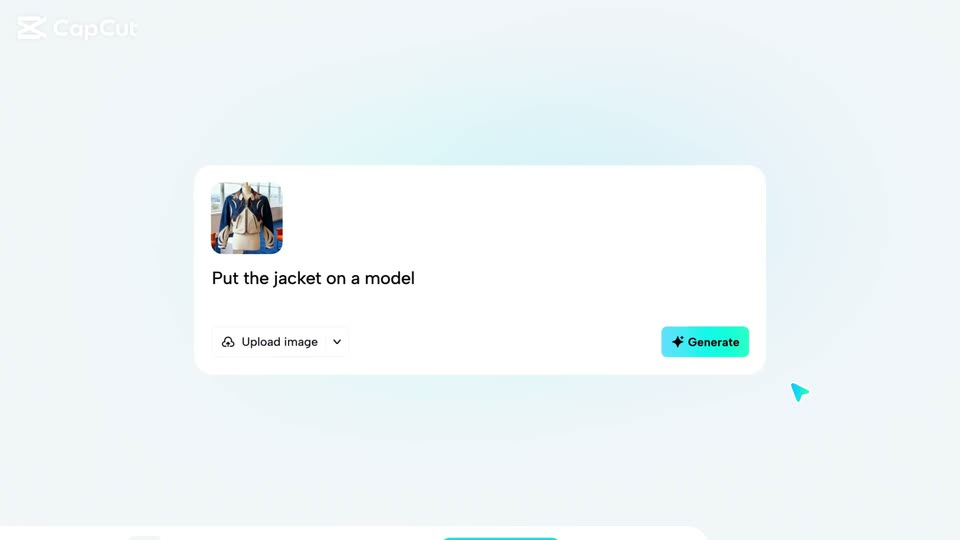 0:12–0:14CapCut · CapCut - Your all-in-one e-comm toolkit is here. Meet the new CapCut Desktop!A white card with a jacket thumbnail scales up to center as the prompt Put the jacket on a model types out, a cursor clicks Generate, then the view scrolls down to a chat panel with the same prompt and a Thinking status.
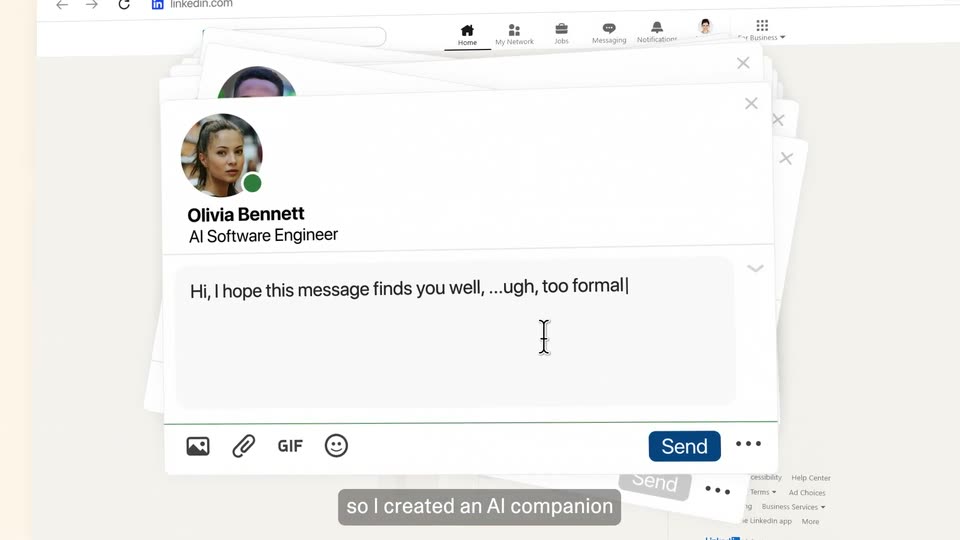 0:12–0:19Strawberry · Charles Maddock - We've raised $6M from General Catalyst, EQT Ventures, and founders ofA flat browser mockup shows LinkedIn, where a fan of stacked chat windows shuffles, swapping contact names and titles. The view then zooms into the front window as a greeting is typed, ending with the words ugh, too formal.
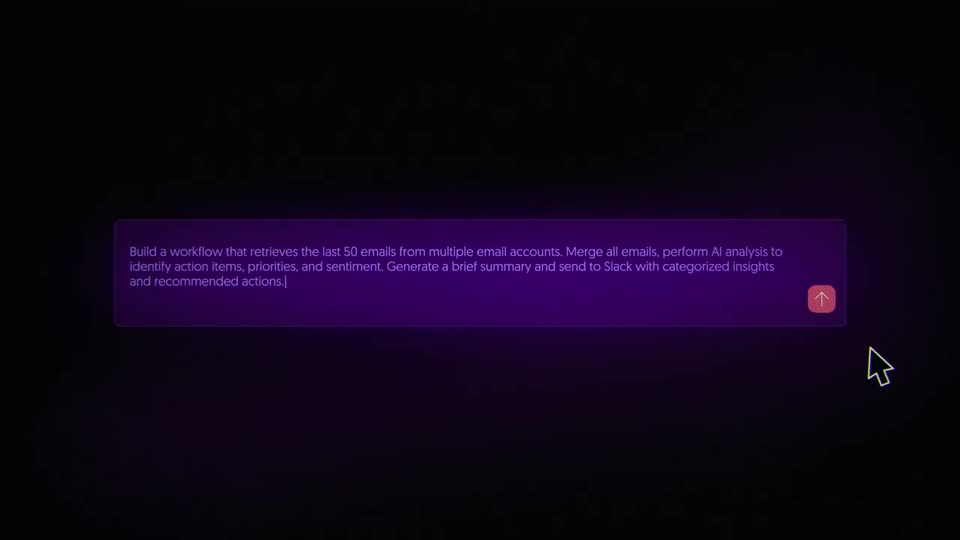 0:33–0:34n8n · n8n.io - 🚀 Introducing AI Workflow Builder (Beta) - Turn prompts into living wA purple prompt box floats on black, filled with a paragraph of body text. A large white outlined cursor taps the pink circular up-arrow button on the right, and the button pulses with a ring of light as the cursor drifts away.
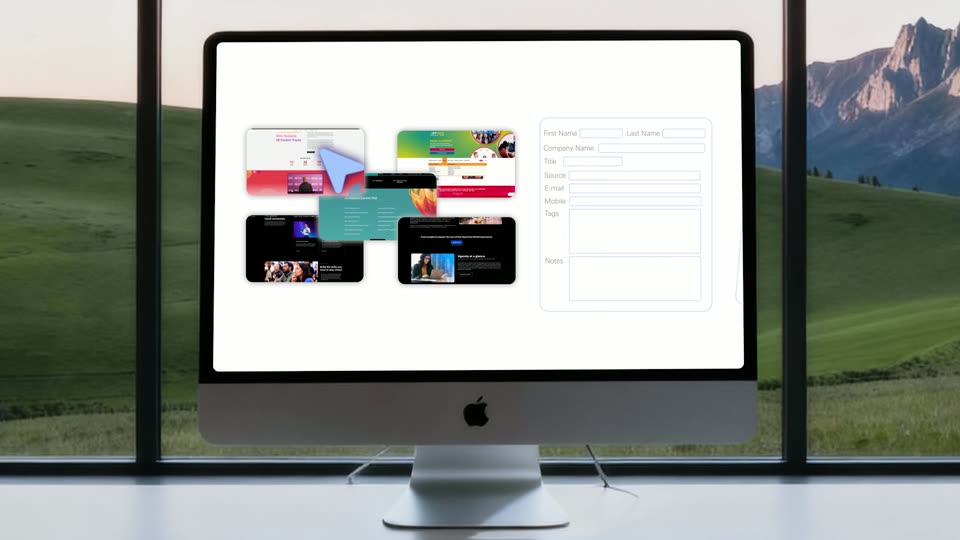 0:31–0:38Clicks Health · Clicks (YC F25) Launch VideoAn iMac on a desk before a windowed hillside shows a white screen. A New Task row slides in, then a candidate form and website thumbnails appear as a blue cursor moves and fields fill with dots. A profile card pops up, then the shot blurs out.
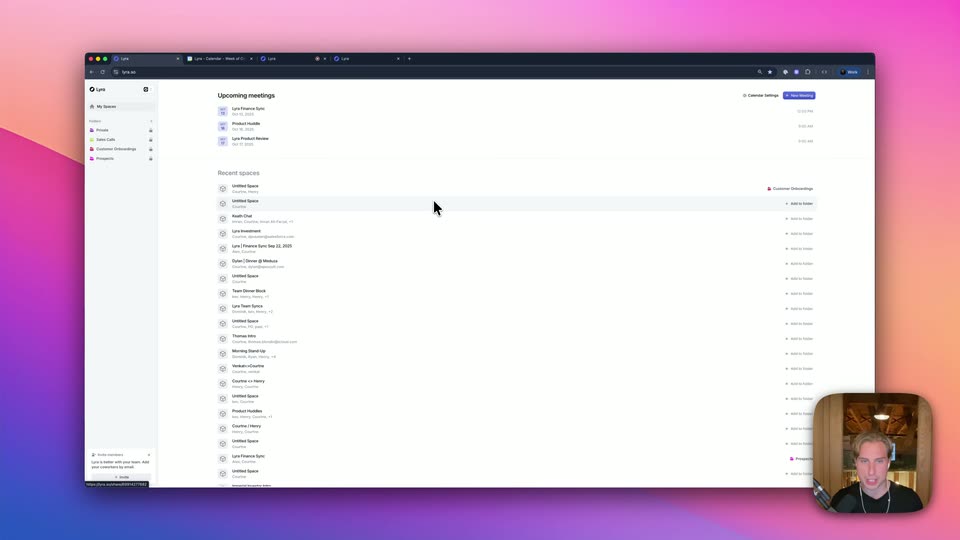 0:05–0:06IRBC · Lyra, The Final Meeting Platform.A browser window displays the Lyra homepage with an upcoming meetings list and a recent spaces list. A cursor hovers over a highlighted row while a small webcam feed of the presenter sits in the bottom right corner against a pink and purple gradient.
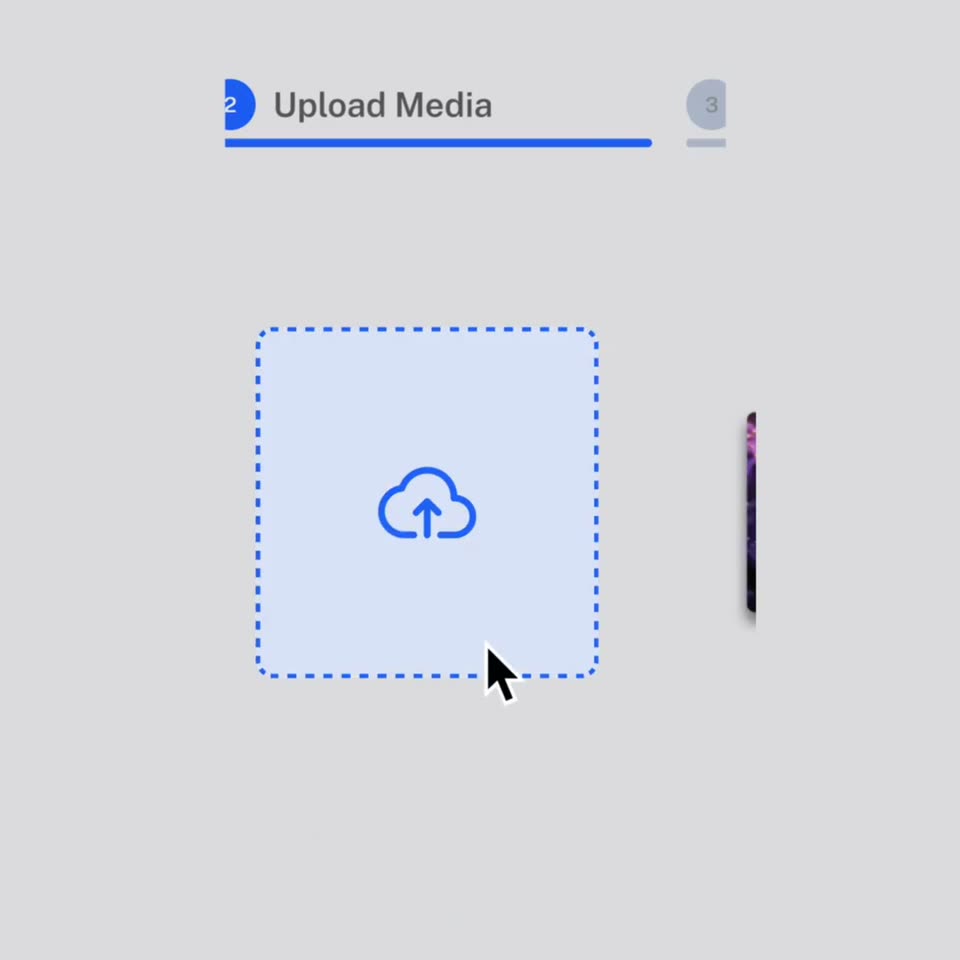 0:18–0:19Kaiber · Kaiber - Most AI tools just generate. But Superstudio helps you create. MakeA flat screen shows a blue dashed drop zone under a numbered step header. A black cursor drags an orange audio card with a waveform into the zone, then the header blurs to a new title as a row of colorful image thumbnails slides in from the right.
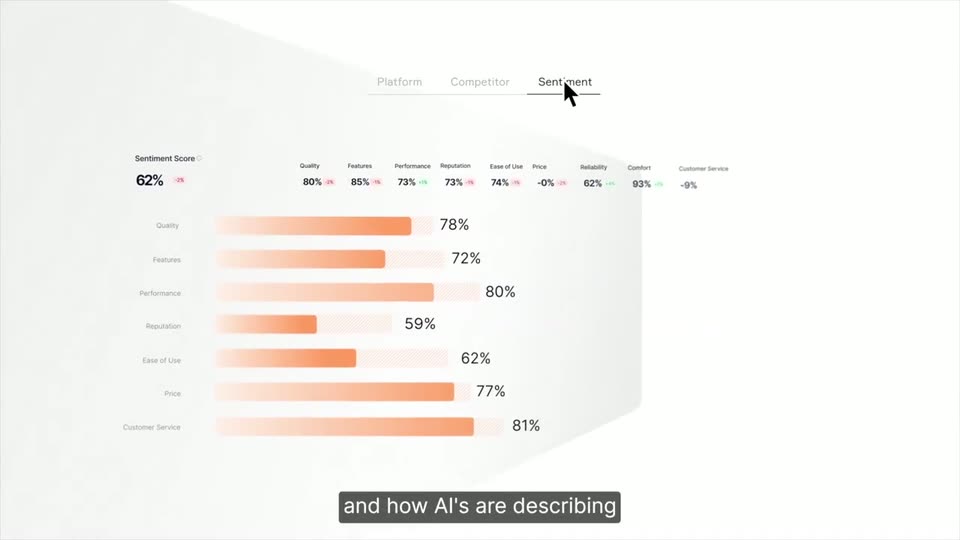 0:49–0:50Meridian · Alex Dees - Introducing Meridian. 50% of searches are now powered by AI (Think CA tilted sentiment dashboard fills the frame, its orange bars and percentages animating upward as a flat cursor rests on the Sentiment tab. Subtitle captions roll along the bottom.
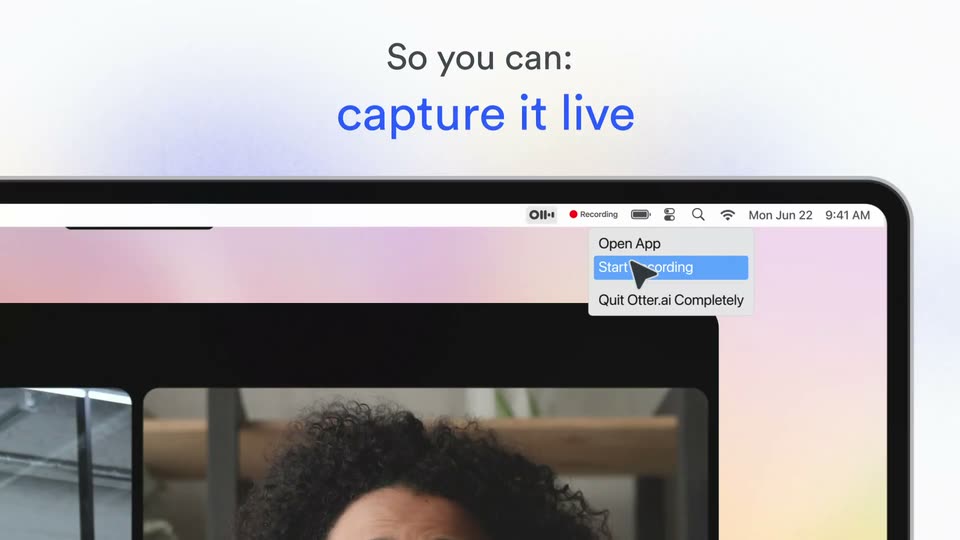 0:16–0:19Otter · Otter.ai - Introducing the Otter Desktop App for Mac 🖥️ and Windows coming soon!A close-up of a 3D laptop shows the macOS menu bar as a cursor opens the Otter.ai dropdown and highlights Start Recording, a red Recording dot appearing. Above the screen, the headline fades in.
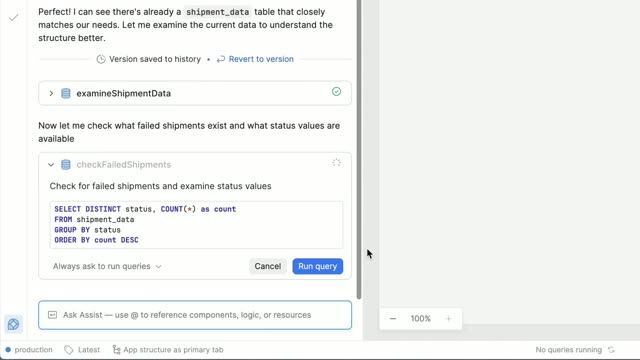 0:38–0:55Retool · Introducing Enterprise AppGen: AI-Assisted Development from RetoolAn AI assistant chat panel in a dev tool scrolls down as a plan and SQL query cards load. A cursor clicks Run query on the first card, which collapses with a green check, then clicks Run query on the second card as a results table appears.
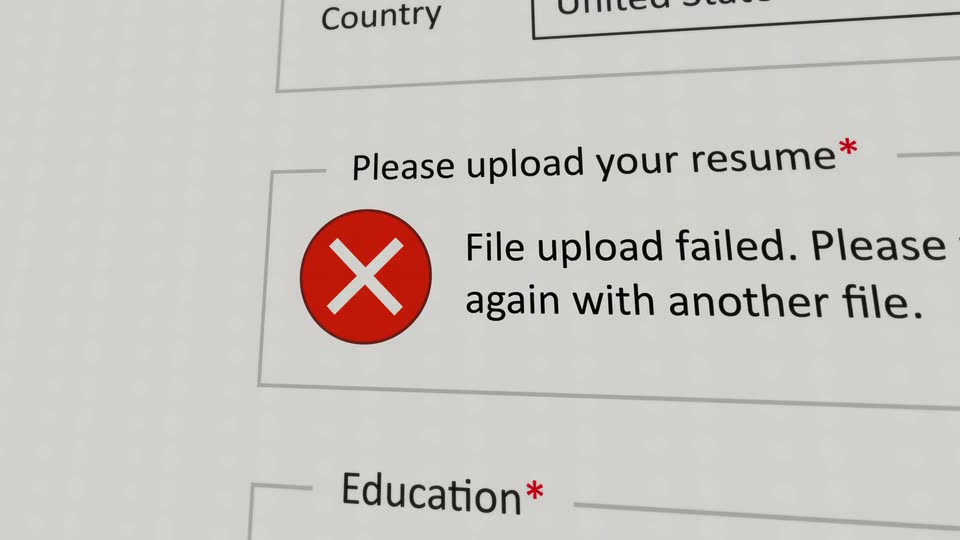 0:06–0:08Sorce · Y Combinator - Sorce (@sorcejobs) is building Tinder for Jobs. When you swipe rightA close-up of a job application form. The cursor rests on the file icon as the frame tightens on the resume upload field. A blue progress bar fills under the uploading line, then a red cross icon and an error message replace it.
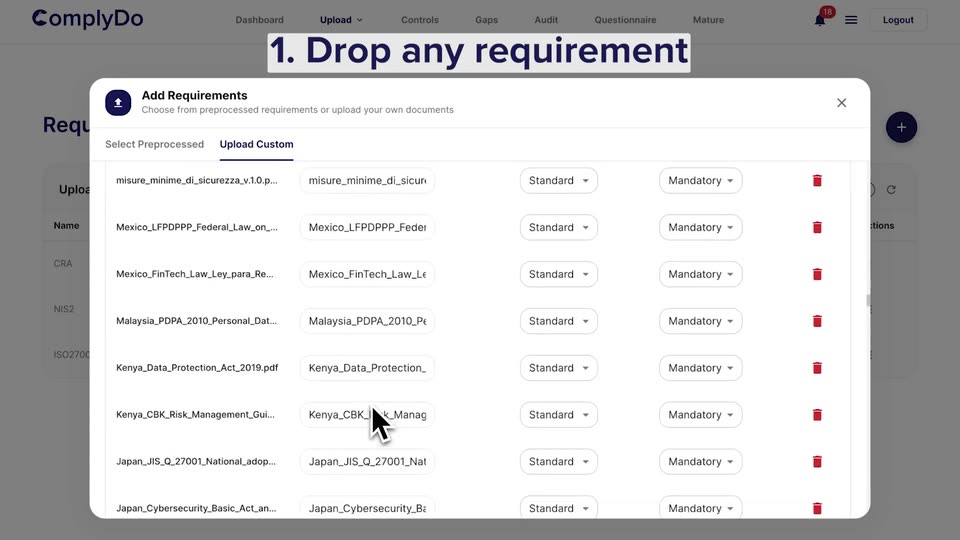 0:18–0:21ComplyDo · Compliance is CHAOS. ComplyDo (YC F25) - The most flexible enterprise compliance engine.A dimmed dashboard sits behind a white Add Requirements modal. A blue caption box reads 1. Drop any requirement at the top. Inside the modal, a table of requirement files scrolls upward while a cursor hovers over the rows.
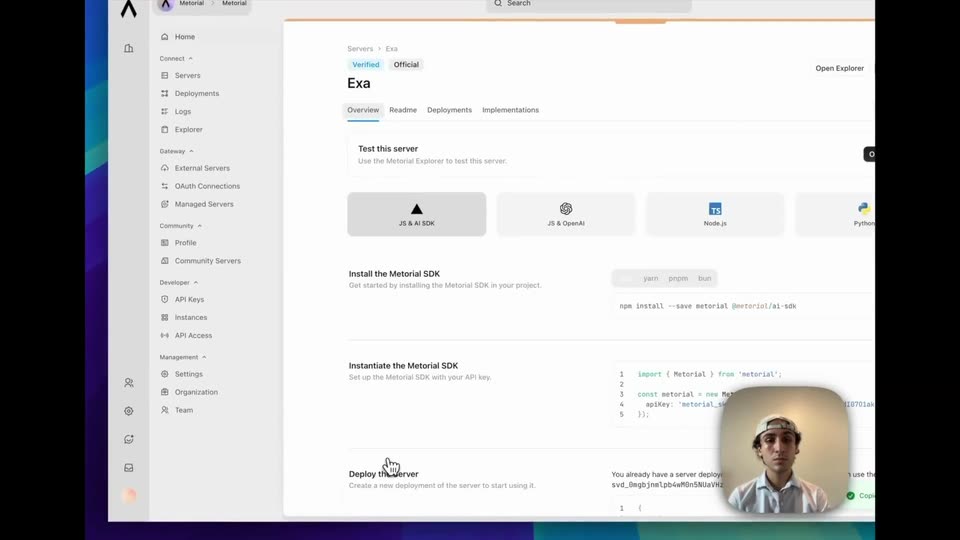 0:31–0:32Metorial · Introducing Metorial - YC F25A 3D-tilted Metorial dashboard floats over a purple gradient. The interface content swaps from a welcome page with server cards to an Exa detail page showing code snippets, while a rounded webcam tile of a man stays in the lower right.
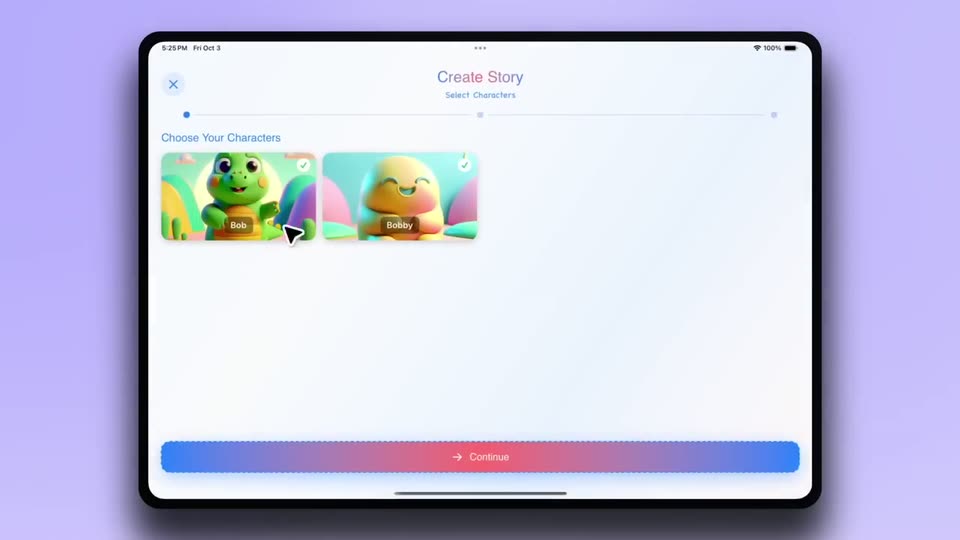 0:22–0:23Pixley AI · Introducing Pixley AIA tablet in 3D perspective on a lavender backdrop shows a story-creation screen with two character cards, a green turtle and a peach blob. Green checkmarks pop onto both cards as a cursor glides down to the Continue button.
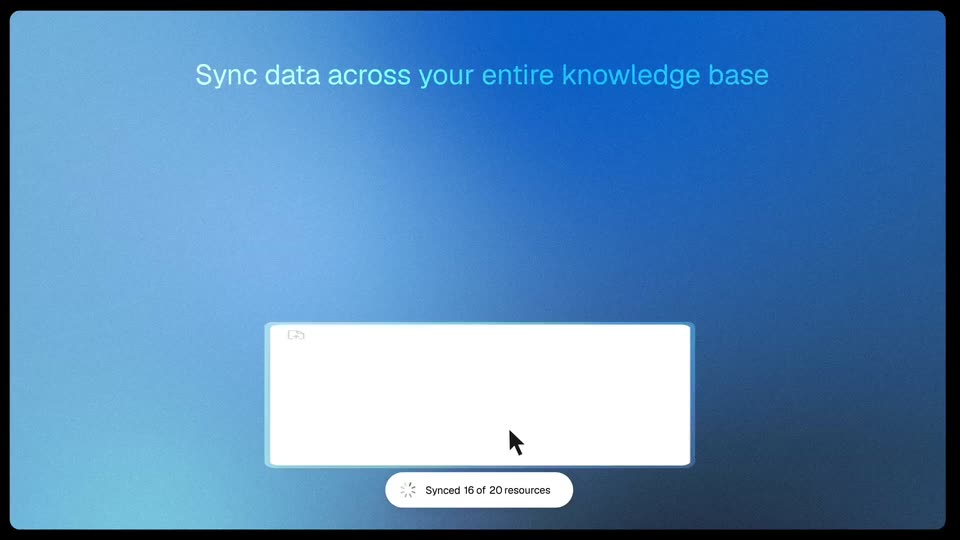 0:29 · 0.8sNexus · Nexus - Enabling business teams to build agent without codingA blue gradient screen holds a white card of import options. A cursor hovers over and clicks Sync with SharePoint, the card content swaps to a SharePoint file list, and a progress badge at the bottom counts up from 14 to 19 of 20.
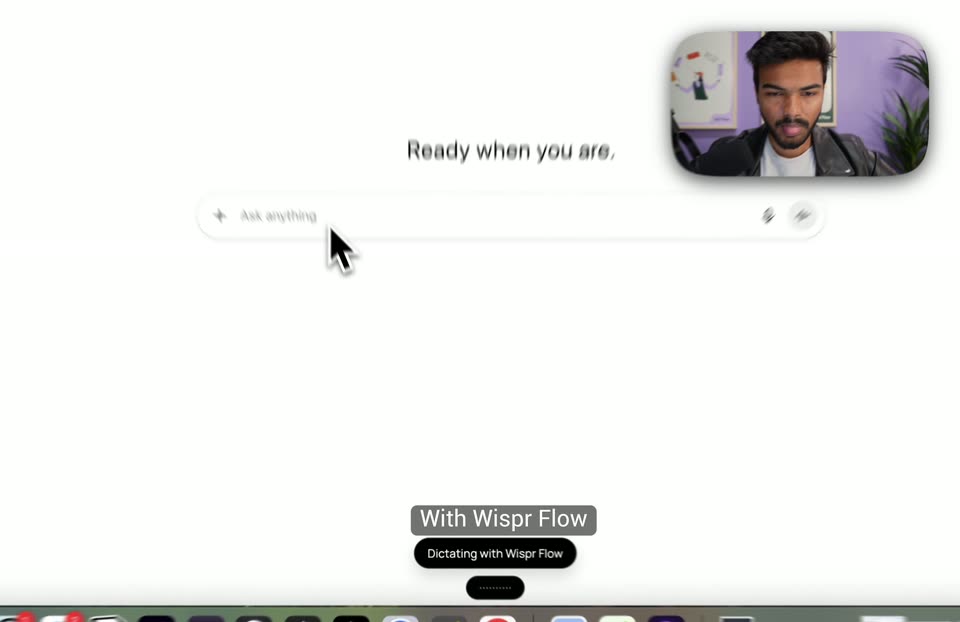 0:11–0:12Wispr Flow · Intro to Wispr Flow: voice-to-text AI that turns speech into clear, polished writing in every app.A Chrome window displays the ChatGPT interface, with a video call of a man in a leather jacket pinned in the top right corner. The line 'Ready when you are.' fades into the blank center while a cursor glides down toward the input bar.
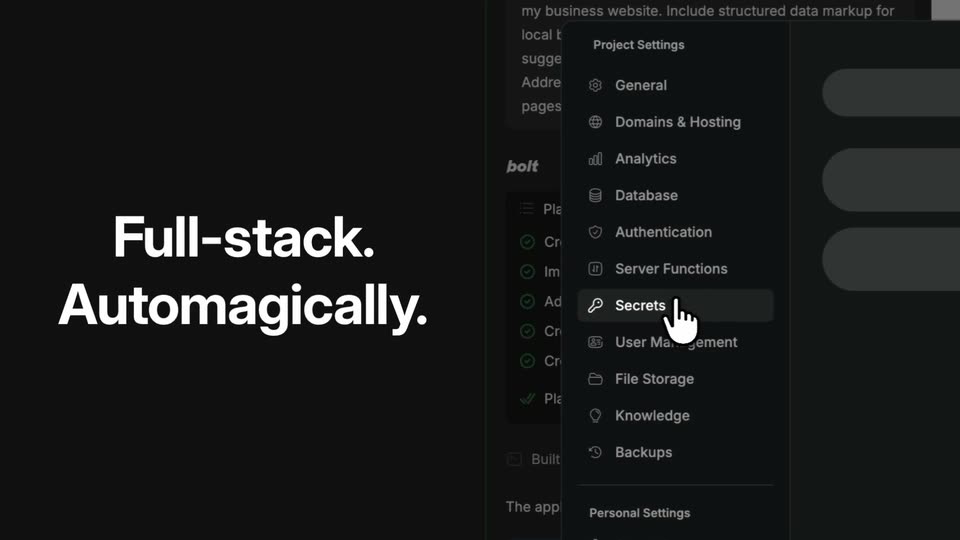 1:38–1:44Bolt · bolt.new - Today vibe coding goes pro. Introducing Bolt v2: → World's best ageA dark dashboard settings menu is open on the right; a hand cursor moves down the list, highlighting Authentication, Server Functions, then Secrets, while the detail panel updates. A large white headline sits static on the left.
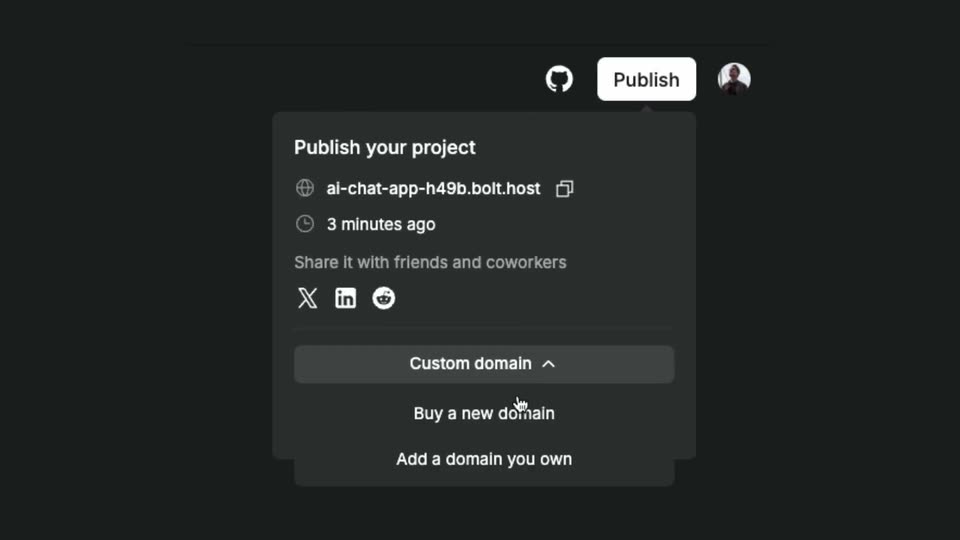 1:53–1:55StackBlitz · Bolt.new V2 Is Here: The Future of BuildingThe view moves to the Publish dialog, then shows the published link and custom-domain settings.
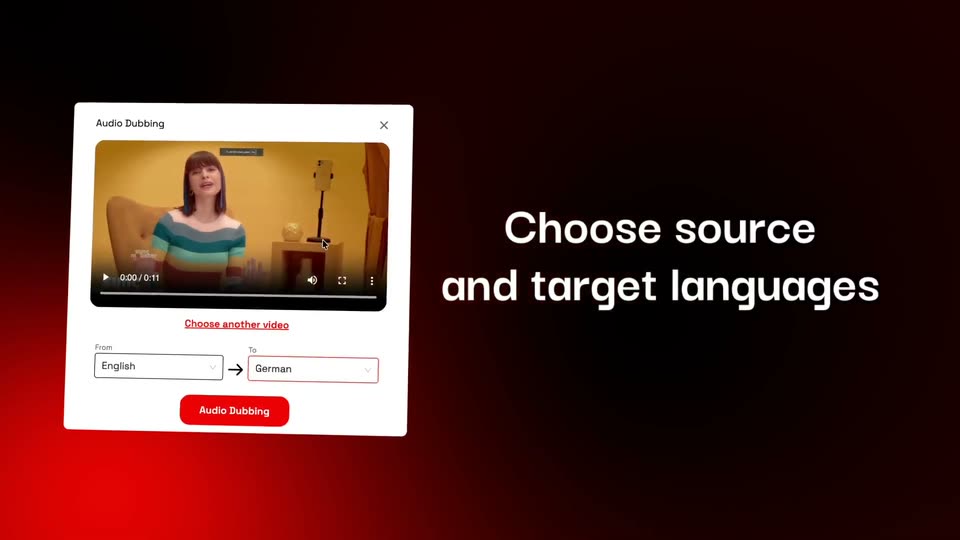 0:34–0:37SyncMonster.AI · AI Lip Sync, Dubbing & Video Translation Demo | SyncMonsterA tilted white dubbing panel rotates flat on a red gradient while a cursor selects German in the language list. The white headline builds word by word on the right, then the panel slides to center and the text exits.
 0:55–1:03Bolna AI · Bolna - Voice AI for IndiaOn a dark blue gradient, the white BOLNA wordmark sits over a glowing blue-to-gold audio waveform that pulses. The Y Combinator logo holds the top, a Book a demo today button sits below, and a blue cursor drifts toward the button before leaving the frame.
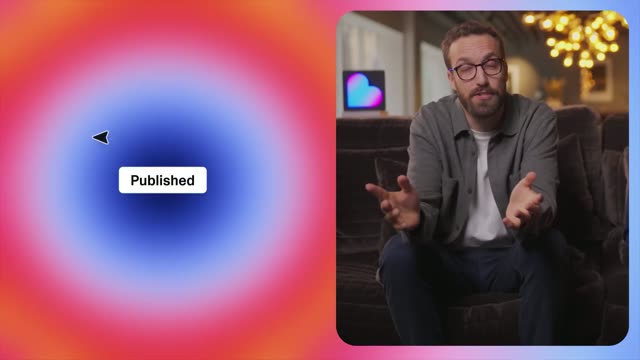 1:26–1:30Lovable · Introducing Lovable Cloud & AISplit layout: right side holds a rounded frame with a bearded man in glasses on a couch, gesturing while talking. Left side, a cursor clicks a gray Publish button that turns white; a blue glow then blooms across the dark panel as a white Published badge pops in.
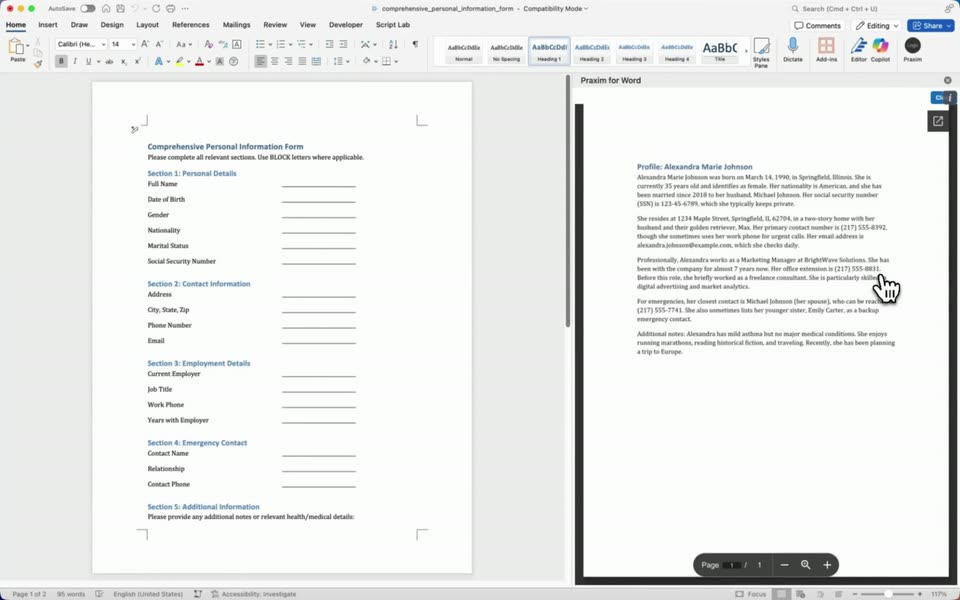 0:27–0:28Praxim · Praxim for Word DemoA Word window shows a blank personal information form on the left and a Poxim for Word side panel on the right filled with a profile paragraph. A mouse cursor hovers and drifts down the panel text.
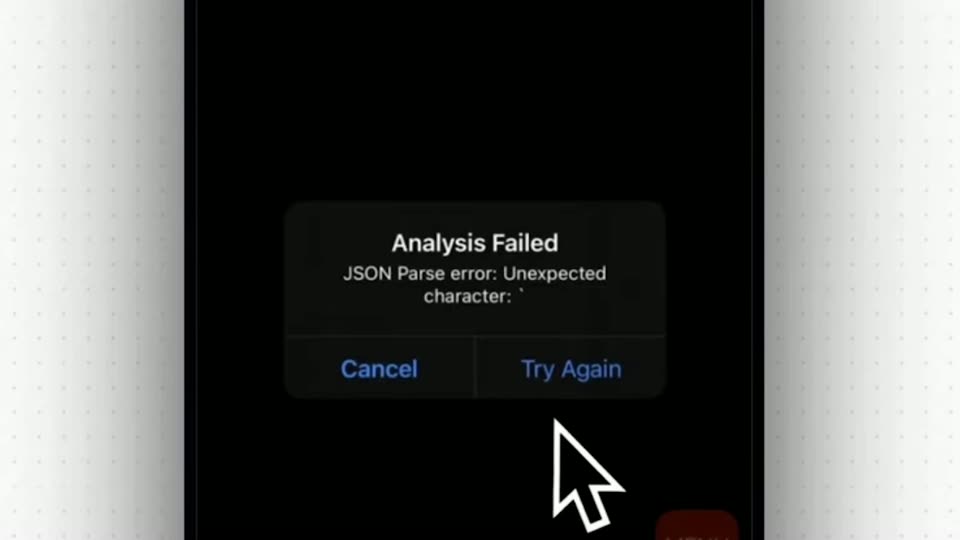 0:13–0:15Anything · Introducing Anything MaxLocked-off frame on a black screen: an error dialog titled Analysis Failed shows a JSON parse error with Cancel and Try Again buttons. A large white cursor arrow hovers below the dialog and drifts toward Try Again while the Cancel label scales.
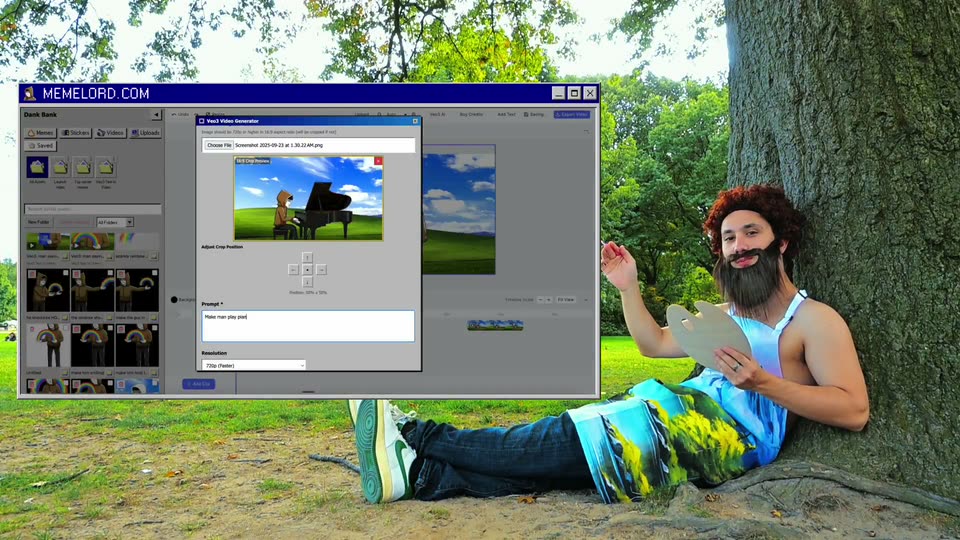 0:55–0:57Memelord · Jason Levin - ANNOUNCEMENT: I raised $3 million to make memes. Yes, seriously. MA bearded man in a white tank top reclines against a tree holding a painter's palette, gesturing with one hand. A flat browser window for MEMELORD.COM sits on the left, its video-generator dialog filling a prompt, listing audio options, then closing. Subtitle captions slide in at the bottom.
 0:38–0:39Suno · Suno Studio – The first-ever generative audio workstationTilted close-up of a dark interface with shallow depth of field, the orange gradient Create pill in sharp focus while surrounding panels blur. A white hand cursor hovers at the button's right edge, then the gradient fill shimmers.
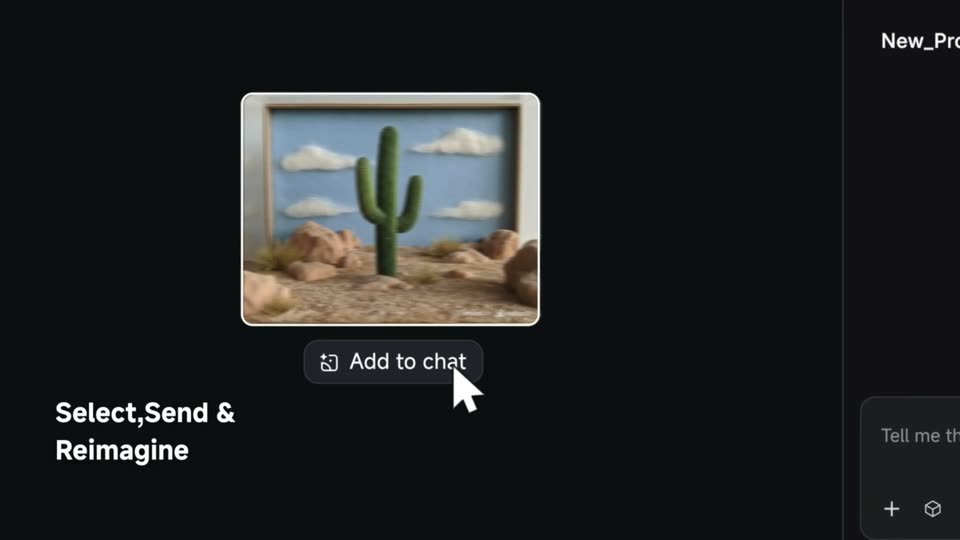 0:18–0:20Hailuo · MiniMax Design (H3) - Introducing Hailuo AI Agent: Your next-gen creative flow — FREE for oA white caption sits left of a framed cactus diorama on black; a cursor hovers a button under the frame, then the frame slides left off screen as a chat panel slides in on the right with the image as a thumbnail.
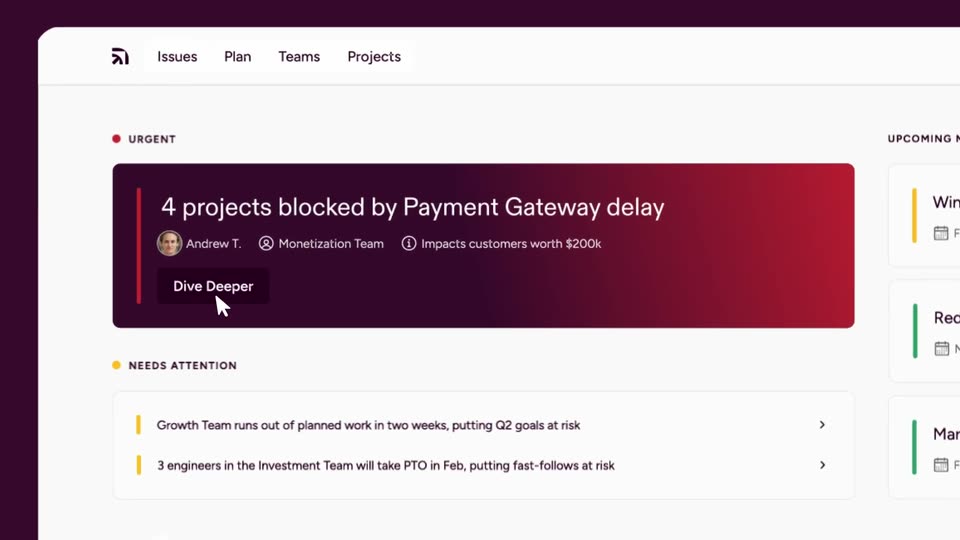 0:51–0:53Mesmer · Mesmer: The AI Operating System for Engineering • Vision VideoA project dashboard fills the frame, then the view zooms into the red urgent card while a dark mask sweeps across to hide its headline. A cursor glides in and rests on the Dive Deeper button.
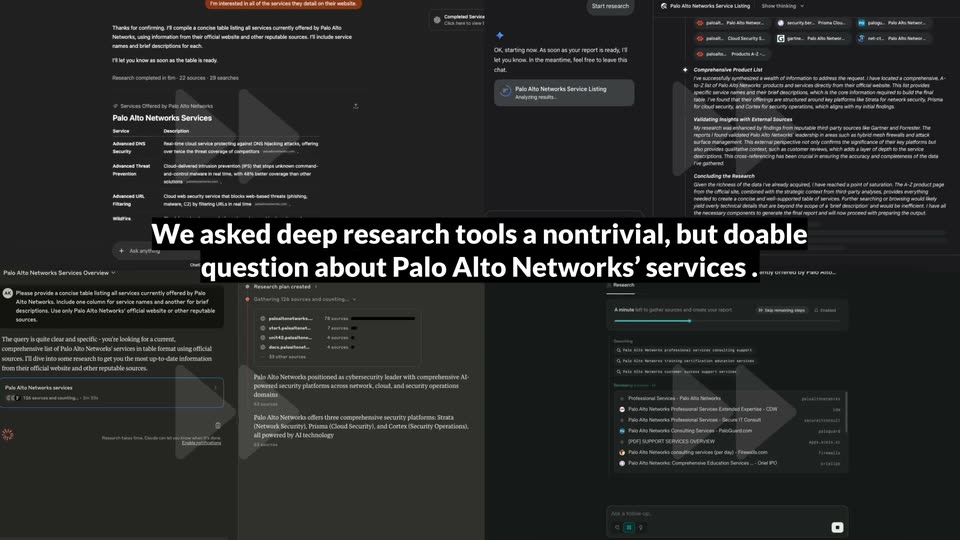 0:08–0:11Aviro · Cortex by AviroSix dark UI panels in a grid advance through the stages of a deep-research run on Palo Alto Networks services, from prompt to a final table. A white headline holds centered over the grid. A cursor clicks and types in the right and left panels.
 0:45–0:47Google · Behind the Browser: AI Edition HighlightsA woman with pink hair sits on a blue couch in a bright office, gesturing as she speaks. The shot cuts to a Chrome new tab page where a long question is typed into the address bar, a suggestion dropdown appears, and a cursor rests on the right.
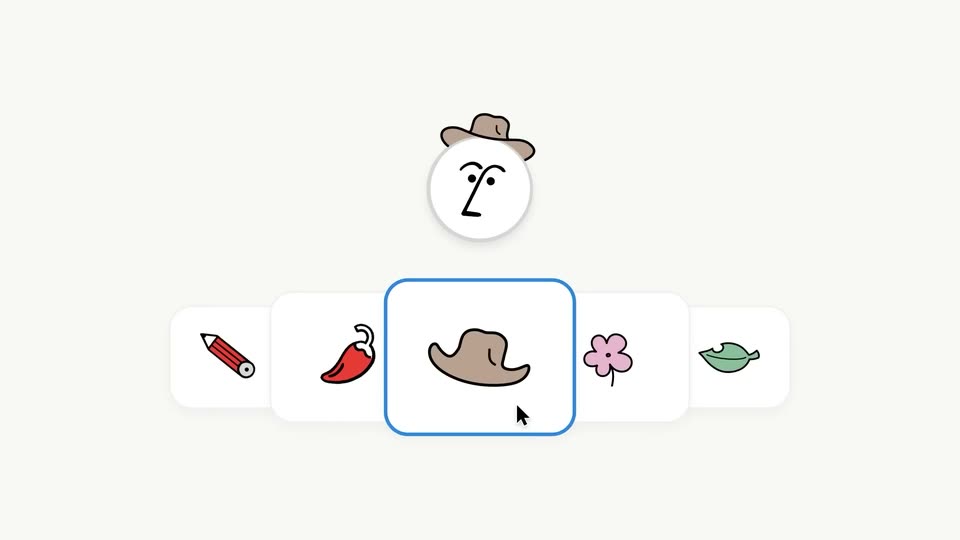 0:10–0:13Notion · Introducing Notion 3.0: AgentsA horizontal row of white icon tiles scrolls left past a line-drawn avatar. The center tile gains a blue selection border, and its doodle, pencil, chili, then cowboy hat, pops onto the avatar's head. A cursor hovers at the lower right.
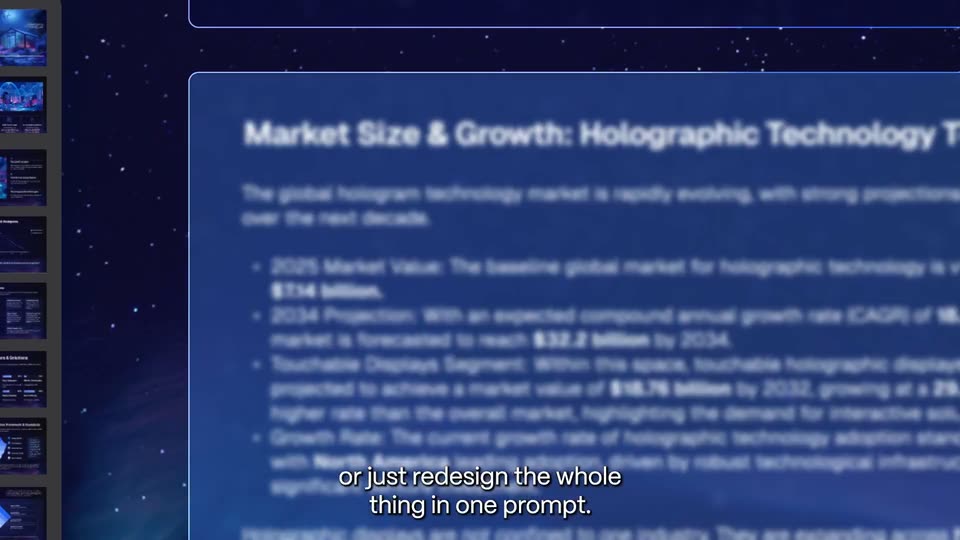 0:55–1:03Gamma · Gamma - Gamma 3.0 is here, so we put our CEO in a spaceship. And it got millA screen recording of the Gamma editor scrolls down a dark, space-themed deck. A cursor opens the Agent menu, picks a redesign option, and the bullet slide rebuilds into a chart with a 63% growth figure while a chat panel slides in.
 0:04–0:05CodeRabbit · CodeRabbit - Introducing CodeRabbit CLI! 🎉 CodeRabbit's smart CLI reviews act asA flat browser window sits on a black background. A white cursor hovers over the open tab as the empty page fills with a centered error message. A red issue badge pops in at the bottom left corner.
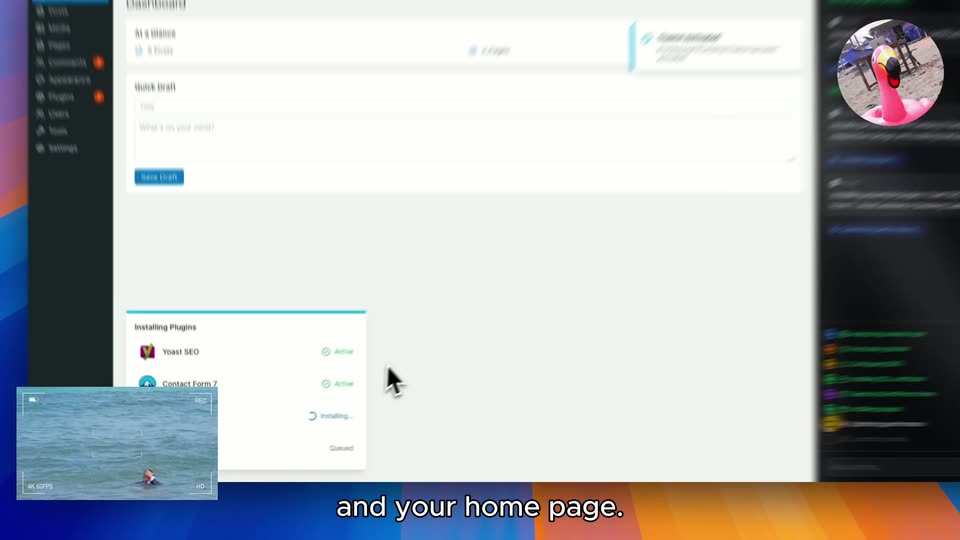 0:22–0:23Ablad · Claudio C - I’m building the first Cursor for WordPress in the world. See how AbA small Installing Plugins card listing Yoast SEO, Contact Form 7 and WooCommerce sits on a gray field, then the frame zooms out to the full WordPress dashboard. A cursor hovers over the card, two small video windows sit in the corners, and captions swap at the bottom.
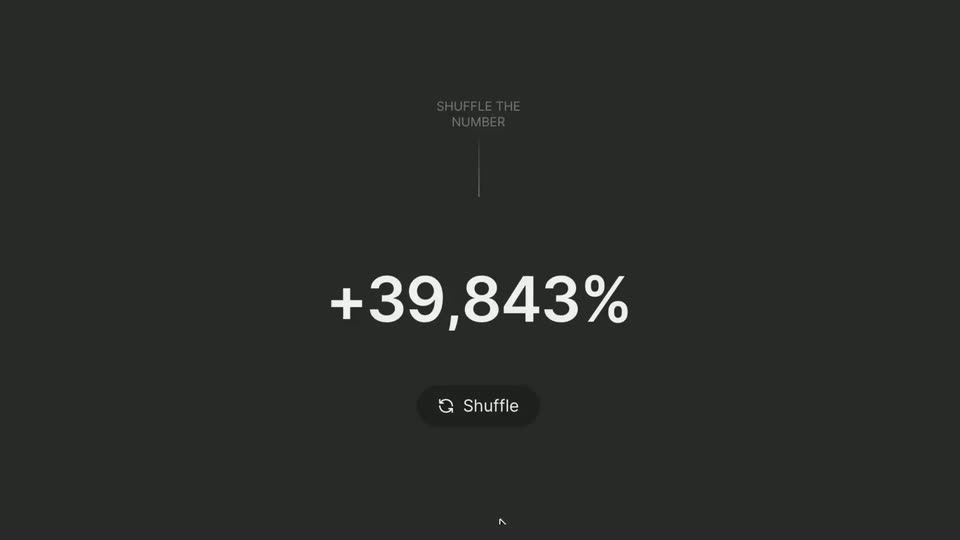 0:15–0:16Skiper UI · Guri - Skiper-ui V2 is here! 👀 for the last few months I've been stackingA dark recording toolbar with circular icons and a Recording Saved tooltip sits centered, then cuts to a grid of icon buttons with a large +39,843% figure and small instructional text above, a cursor waiting below.
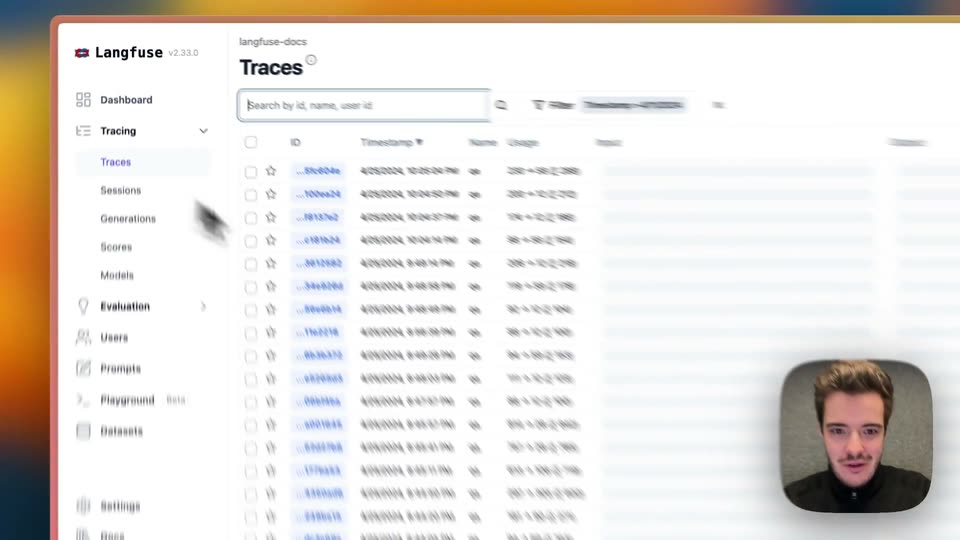 0:56–0:57Langfuse · Introducing Langfuse 2.0The Langfuse dashboard fills the frame. A hand cursor clicks Traces in the left sidebar, and the main panel crossfades from a Model costs card to a table of trace rows. A small presenter video sits in the bottom right corner.