Cursor demo
A visible cursor operates the interface.
15,118 scenes · page 109 of 252
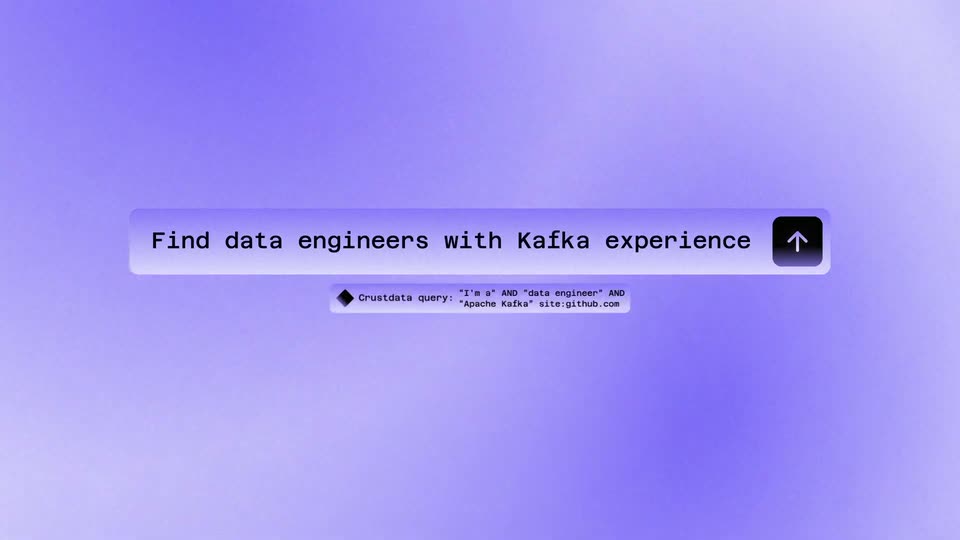 0:11–0:13Crustdata · Crustdata: Web Search APIA rounded search bar sits centered on a soft lavender gradient. The placeholder 'Ask Crustdata...' slides out as the query 'Find data engineers with Kafka experience' types in, then a cursor clicks the arrow. A second pill appears below with the generated Crustdata query.
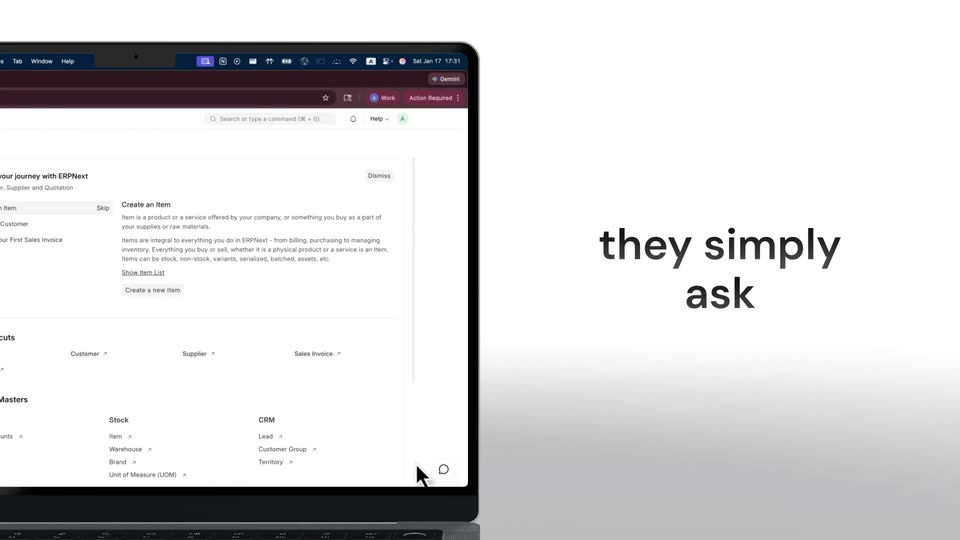 0:11–0:14Turnstone · Crow Launch VideoA laptop shows the ERPNext browser with a Gemini assistant panel; a magnified sidebar inset on the right highlights the Integrations menu, then the view settles on the full screen as a cursor moves to the chat input. A black headline reads across the frame.
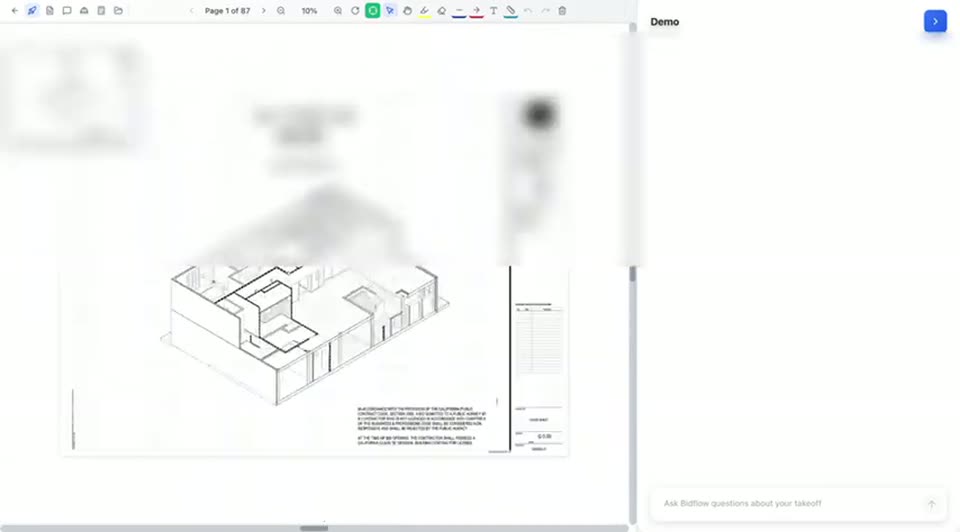 0:09–0:16Bidflow · Bidflow DemoA line-drawn architectural floor plan in a PDF viewer zooms out from a tight crop to the full isometric view. A cursor drifts across the canvas, then hovers a toolbar icon that pops a small Specifications tooltip. A right panel holds the title Demo and a question box.
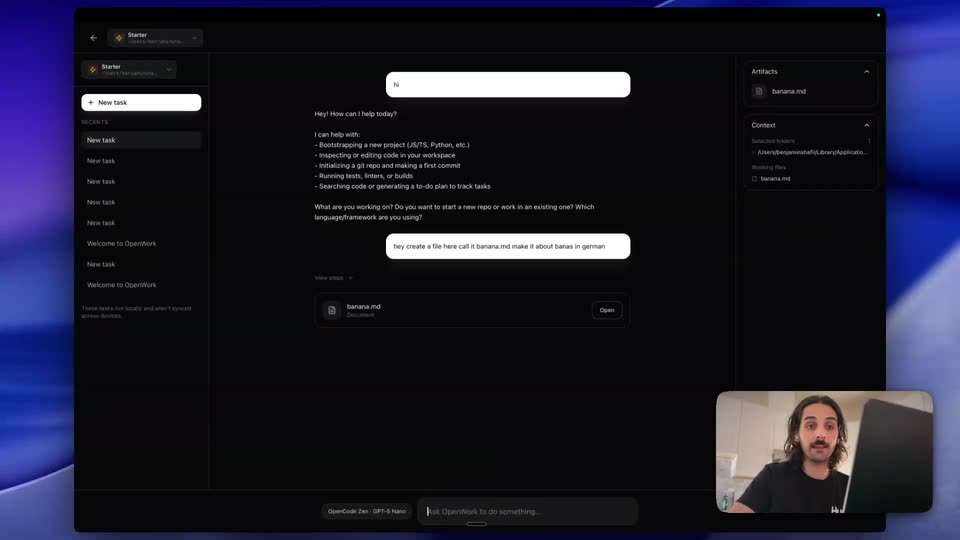 0:36–0:42OpenWork · OpenWork: The open-source alternative to Claude CoworkA dark chat app fills the frame: task list left, conversation center, artifacts panel right, with a small webcam of a talking man in the lower right. The frame stays locked while a cursor drifts up to the banana.md entry in the right panel.
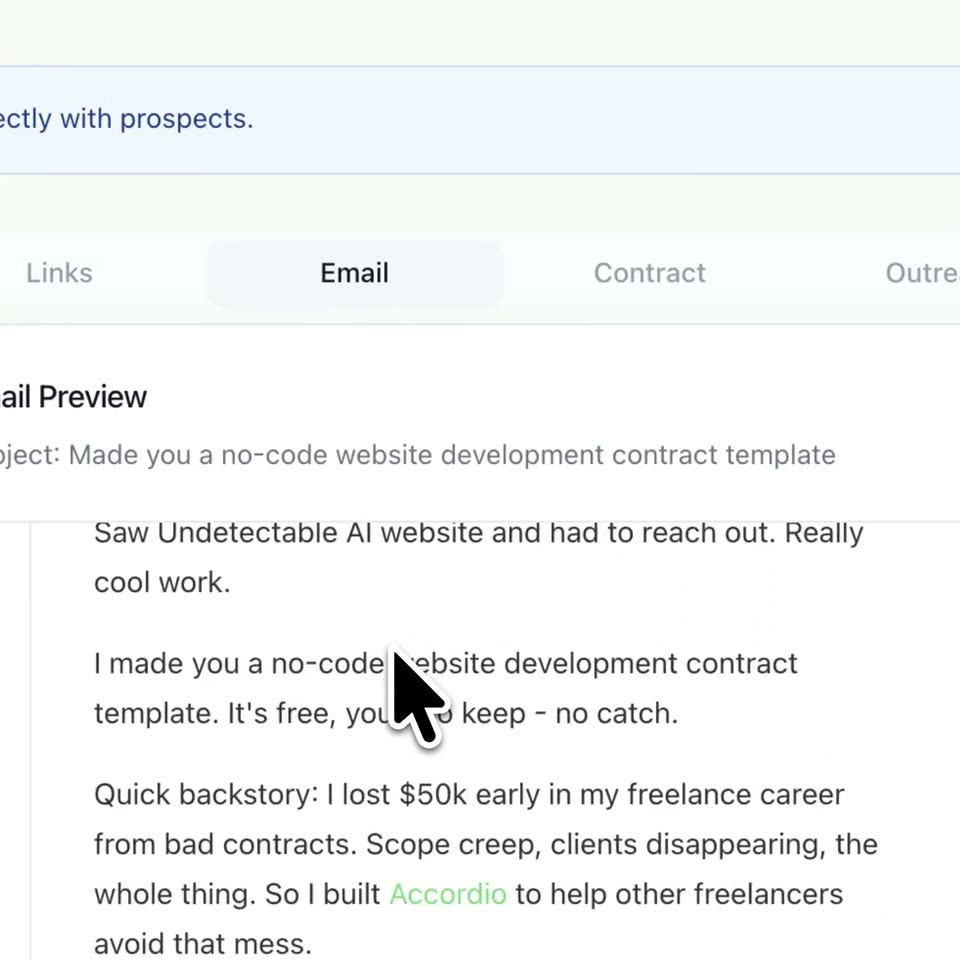 0:30–0:33Accordio · Accordio AI - Vibe coded a gift contract tool yesterday. Took 2 hours. Add someoneA close-up of a dashboard shows a hand cursor tapping the Email tab, then an arrow cursor as the email text and a green leaf mark fade in. The view pulls back to reveal the full interface tilted in 3D perspective.
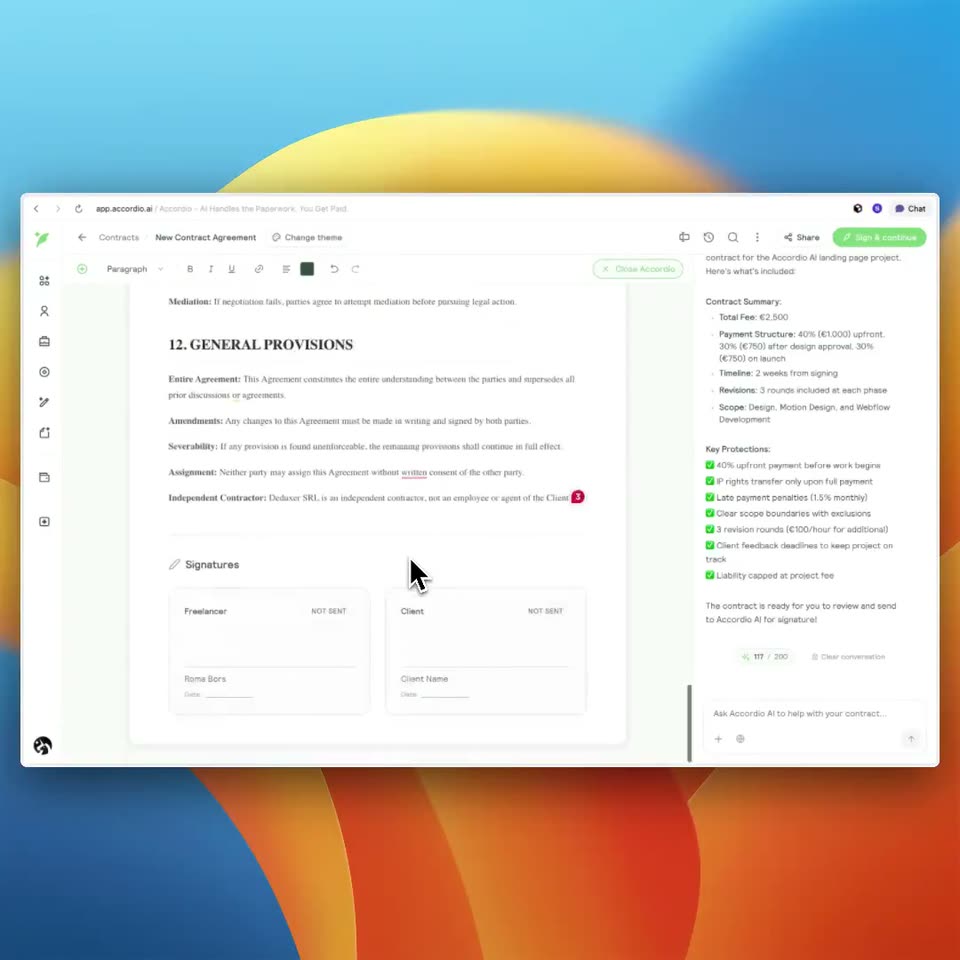 0:24–0:41Accordio · Accordio AI - Founders spend way too much time on contracts. In 2026, you describA tilted browser mockup floats over a colorful abstract backdrop. Inside, a contract document fills in section by section on the left while an AI chat panel streams updates on the right. A cursor glides to the Sign & continue button.
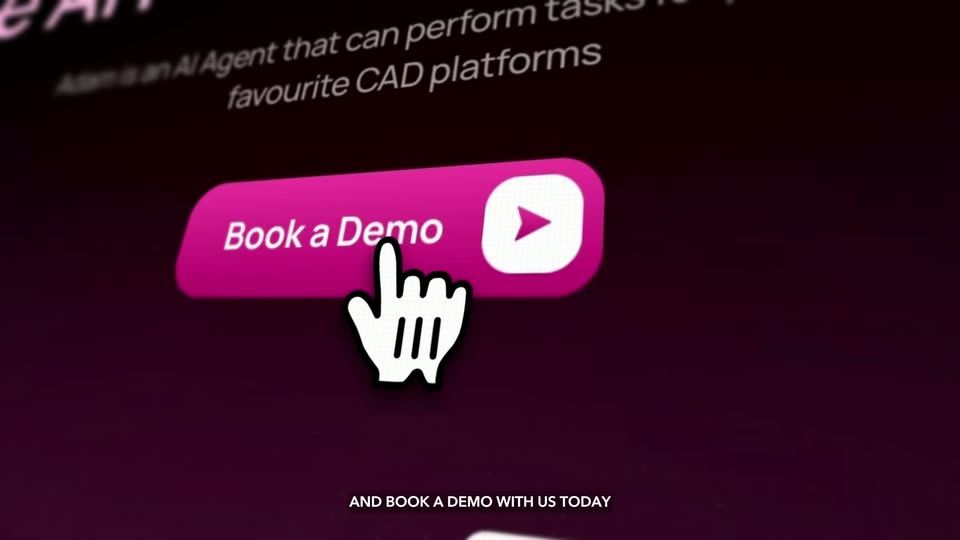 1:35–1:37Adam · adam - Introducing Adam, the first AI mechanical engineerA dark landing page tilts in 3D perspective over a white browser window. The camera pushes in on a magenta Book a Demo button with a play icon as a white hand cursor slides in to hover over it.
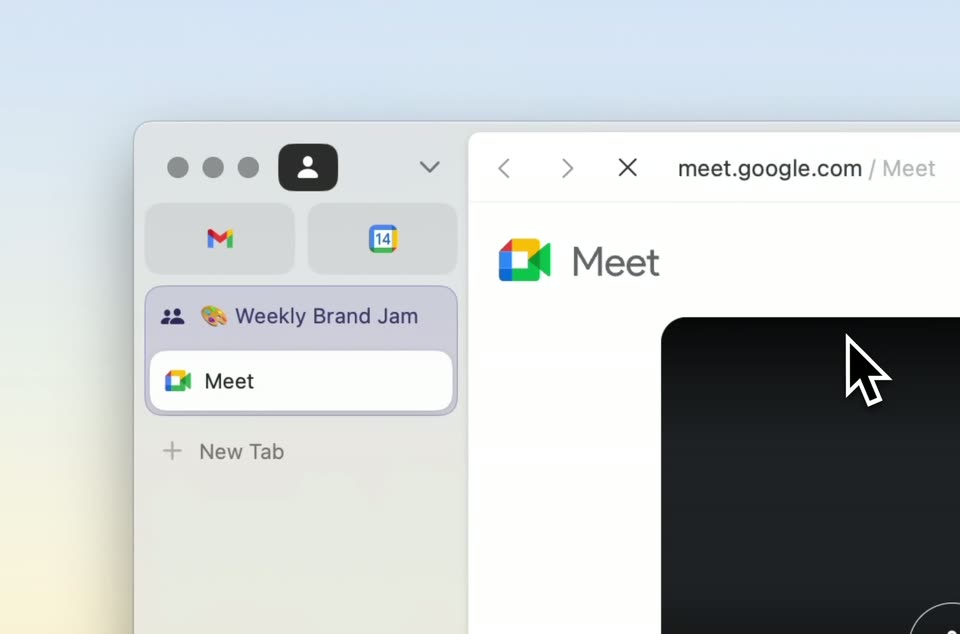 0:03–0:05The Browser Company · Dia - Never late, always prepared. Meeting Tab Groups, now in Dia.A light browser tab group panel shows a highlighted Meet tab beside the Meet page, whose black video frame holds a white cursor arrow that drifts downward.
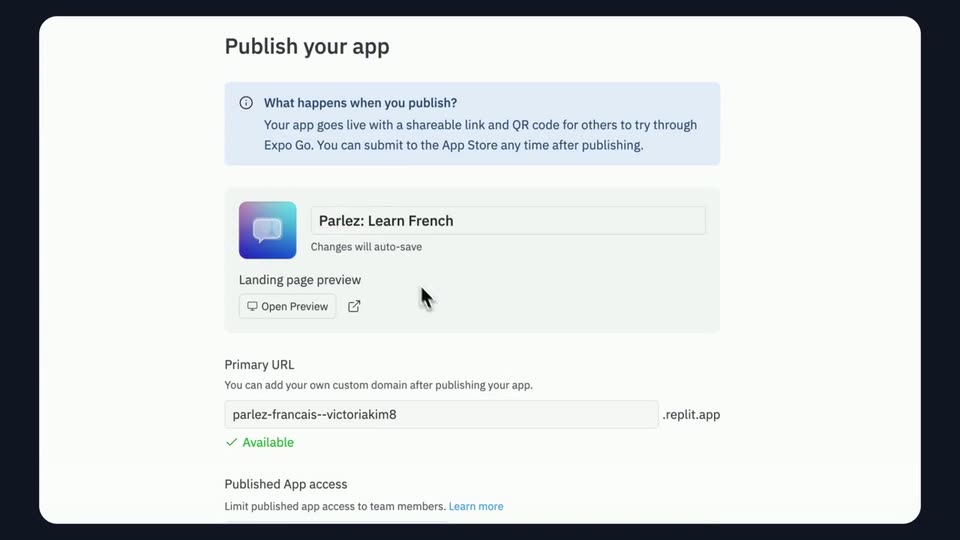 2:34–2:38Replit · Replit ⠕ - AI builds web apps well. Mobile apps have been harder. Now, the iA white 'Publish your app' panel on a dark field. A cursor types 'Parlez: Learn French' into the name field, which snaps into a saved row with a pencil icon. The frame then blurs and pulls back to reveal a left sidebar and a blue publish button.
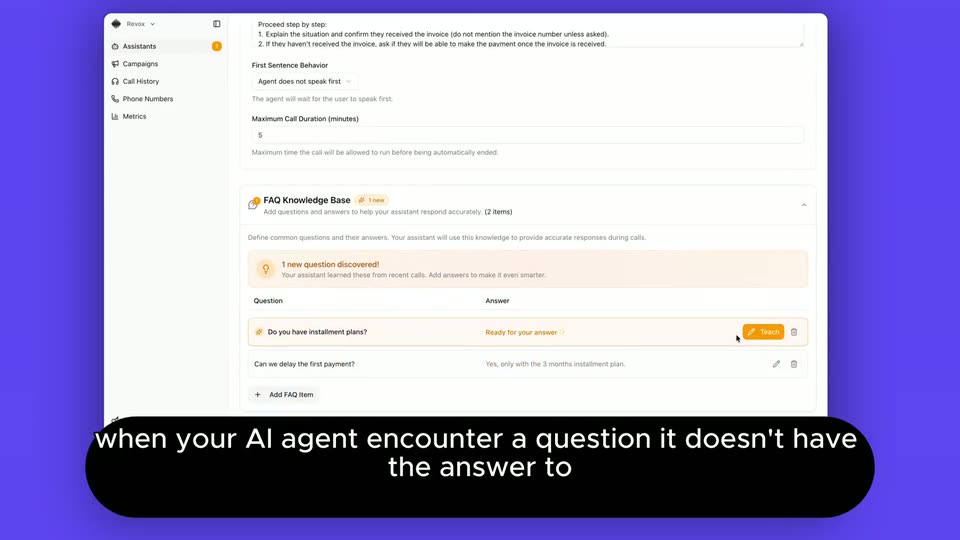 0:58–0:59Revox · Revox - We raised $3M to build Revox: Stripe for AI phone calls. We’re buildA product dashboard fills the frame on a purple background. The panel crossfades into the Edit Assistant form, then scrolls to the FAQ Knowledge Base section as a cursor hovers the orange Teach button. A black caption bar at the bottom holds the line.
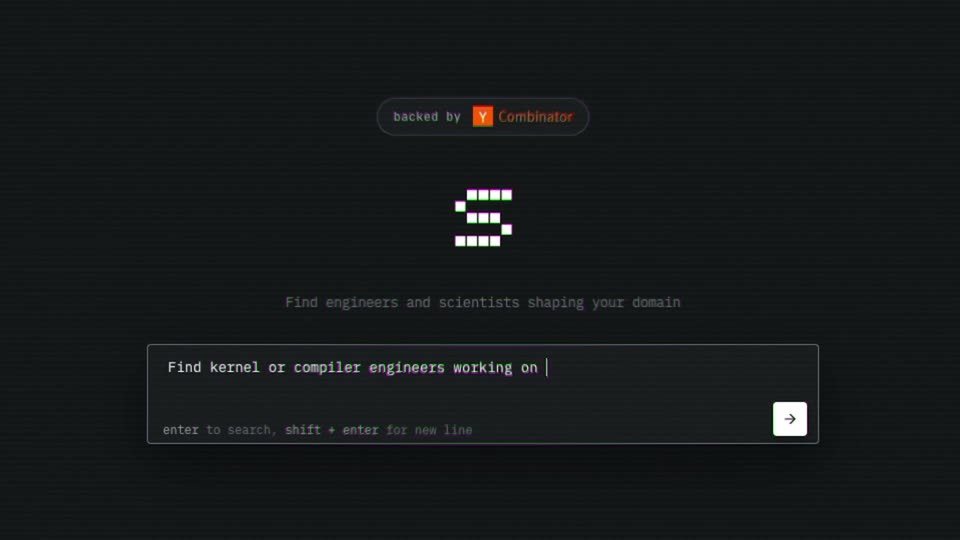 0:08–0:11Skillsync · Y Combinator - Skillsync helps companies find elite (but overlooked!) engineers on GA dark landing page shows a Y Combinator badge, a pixel Y mark and a search box as a chromatic-aberration cursor clicks in and the query types out. The view zooms into the tagline and input line, the text swelling and sliding, then hard cuts to a cast-iron pan of beans and two fried eggs bubbling on a stove.
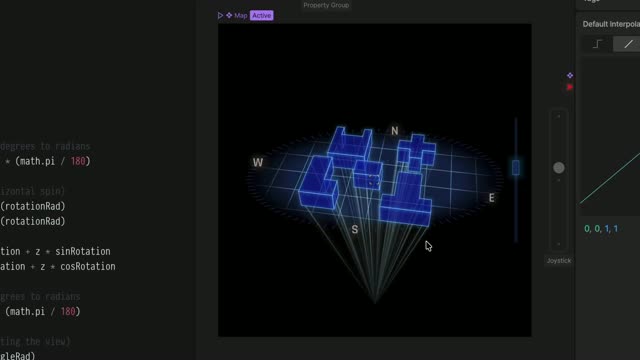 0:16–0:18Rive · Scripting is Live in Rive ✨A dark editor screen centers blue wireframe voxel blocks on a circular grid with light rays. A compass ring of N, S, E, W labels and a gear icon fade in, and a vertical slider slides in at the right edge; code and controls flank the view.
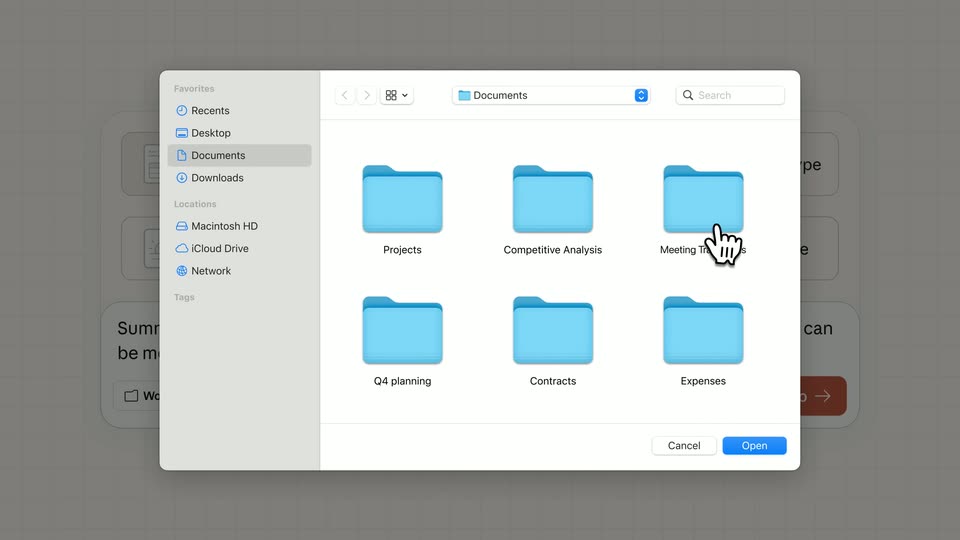 0:14–0:15Anthropic · Introducing Cowork: Claude Code for the rest of your workA macOS open-file dialog window pops in over a dimmed app background, resolving from a brief doubled echo, then a hand cursor hovers over a blue folder icon while a second arrow cursor rests near the bottom row.
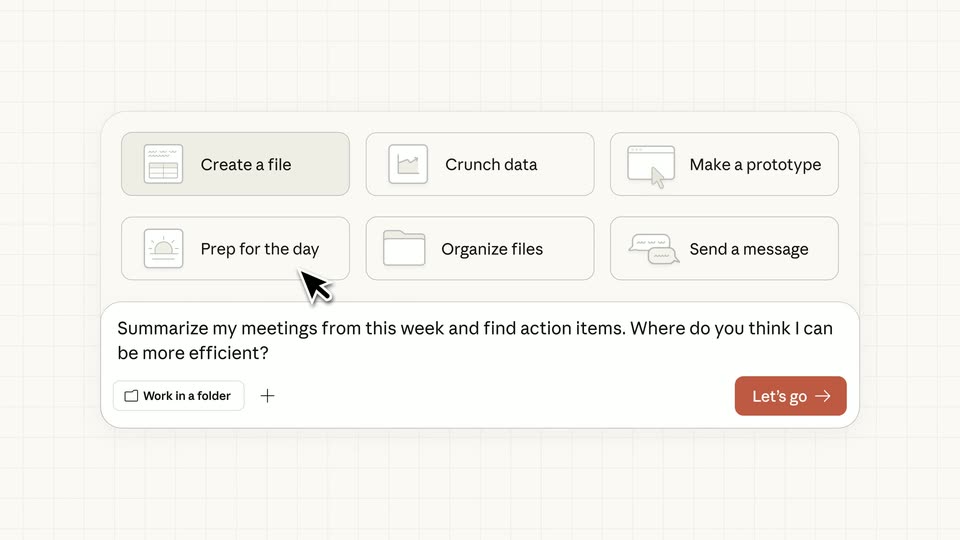 0:11–0:14Anthropic · Claude - Introducing Cowork: Claude Code for the rest of your work. Cowork leOn a cream grid background, a prompt card shows six task chips above a text field. A black cursor hovers over the Create a file chip while a prompt is typed into the field, then moves down and clicks the Work in a folder button.
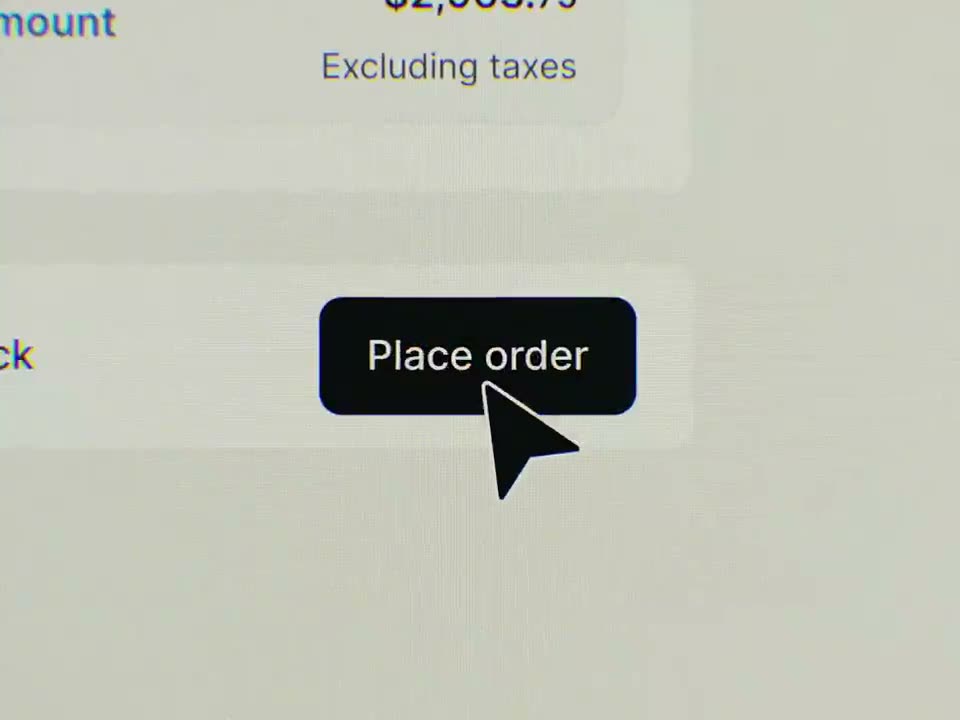 0:55 · 0.8sa16z · a16z - It's time to build.A tight close-up of a light payroll screen. A black arrow cursor hovers on a dark Place order button, then the frame jumps to an approval card where the cursor sits on the Approve Payroll button beside a Report Issue button.
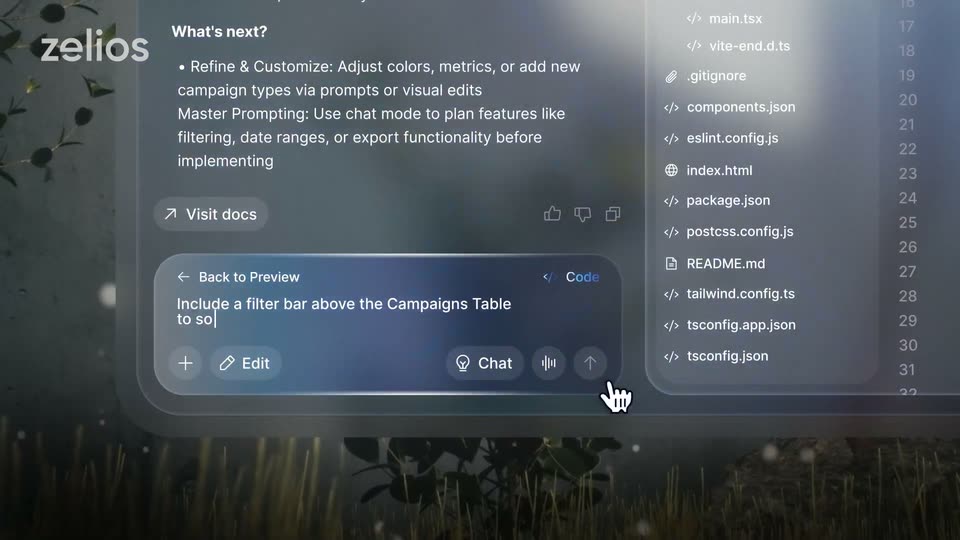 0:30–0:33Lovio · Best AI Product Video for SaaS | LovioA frosted code-editor panel floats over a blurred garden backdrop. The view crossfades from import lines to a chat panel where a filter-bar prompt is typed and sent, then reframes onto the resulting MetricCard code.
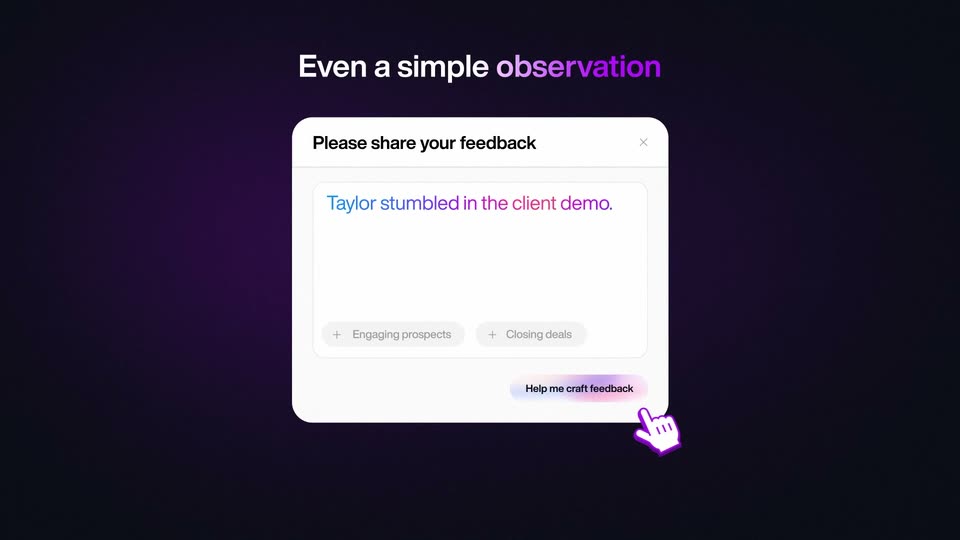 0:23–0:26Teamble · Teamble launch filmA white feedback card slides up beneath the headline “Even a simple observation” while “Taylor stumbled in the client demo.” fills in in gradient type. A purple hand cursor taps the “Help me craft feedback” button, and the view zooms onto the button alone on the dark background.
 0:16–0:18monday sidekick · monday sidekick: AI that actually worksA white app window card tilts in 3D over a lavender gradient. The rainbow-star monday sidekick logo sits on it, then settles into a white pill as a black cursor arrow glides in to hover the star. The card surface washes with a soft rainbow gradient.
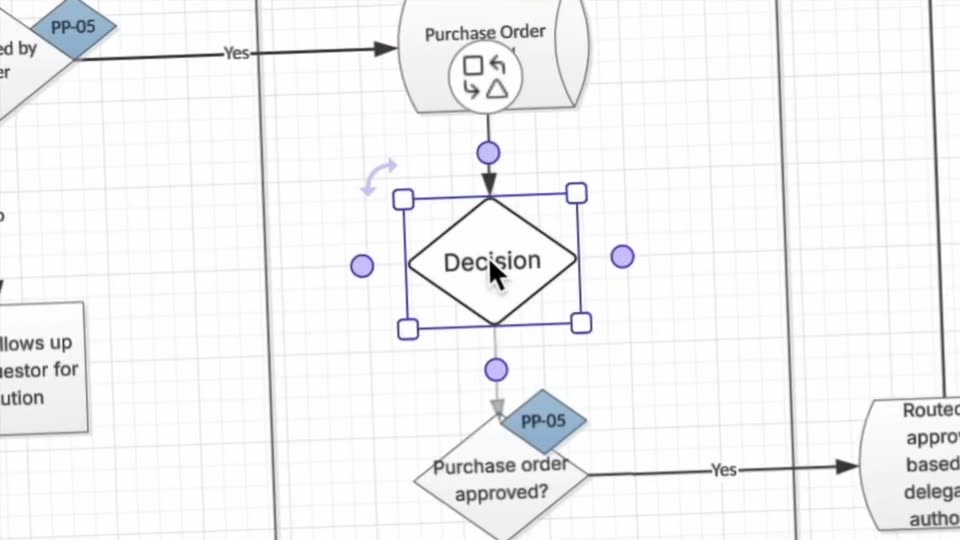 0:16 · 0.9sOxus · Oxus: Modern intelligence for better auditsA flowchart on a white grid canvas. The cursor clicks the Decision diamond, a blue selection frame with corner handles and a rotation arrow appears around it, and the pixel dimension guides fade out.
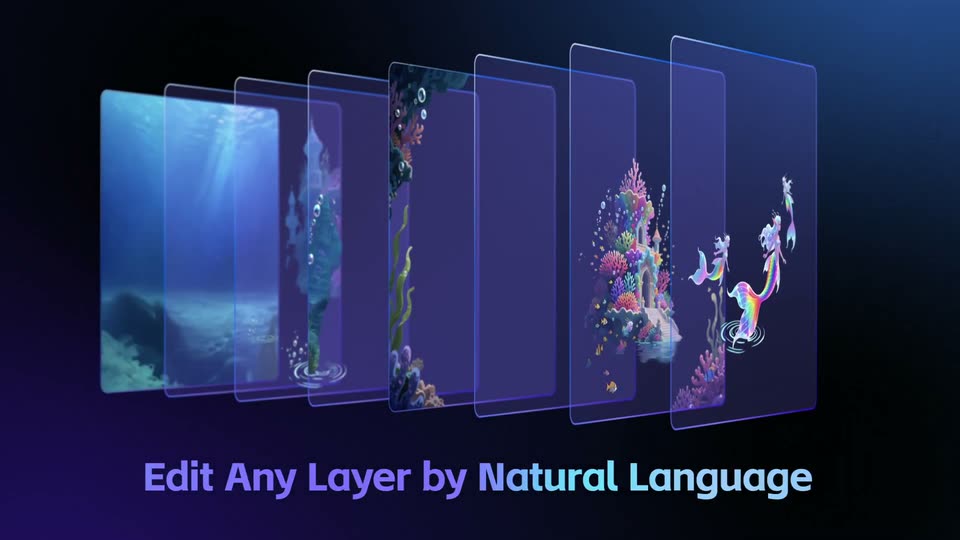 0:19–0:21Qwen · Qwen - 🎨 Qwen-Image-Layered is LIVE — native image decomposition, fully openSix transparent planes fan out in 3D perspective, each carrying one layer of an underwater illustration: blue water, seahorse, seaweed, a coral castle and a rainbow mermaid. The headline fades in below. A cursor then points at the castle layer as lock icons appear on the back planes.
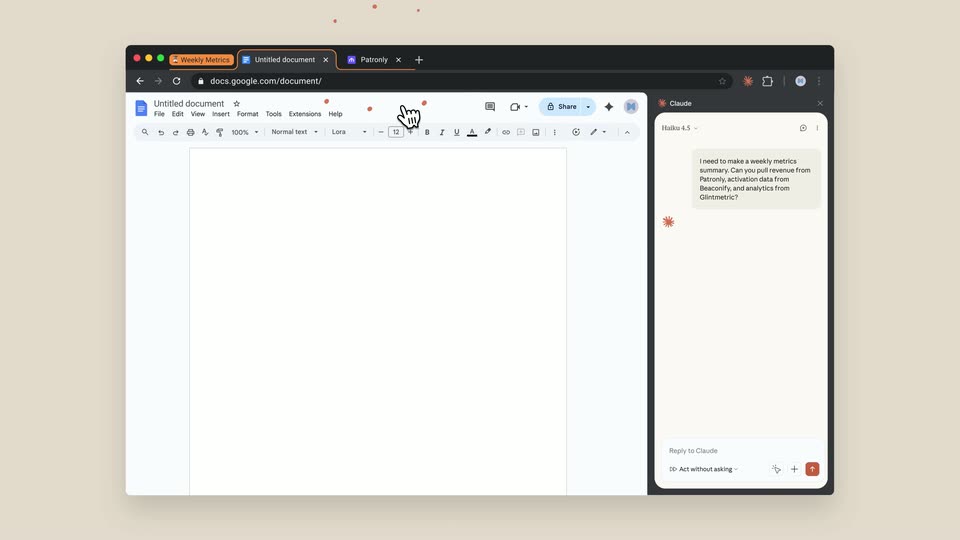 0:12–0:15Anthropic · Let Claude handle work in your browserA hand cursor taps the orange send button beneath a metrics-summary prompt in the Claude panel; the frame then pulls back to the full browser window, a blank document beside the chat sidebar, as the cursor clicks the Patronly tab.
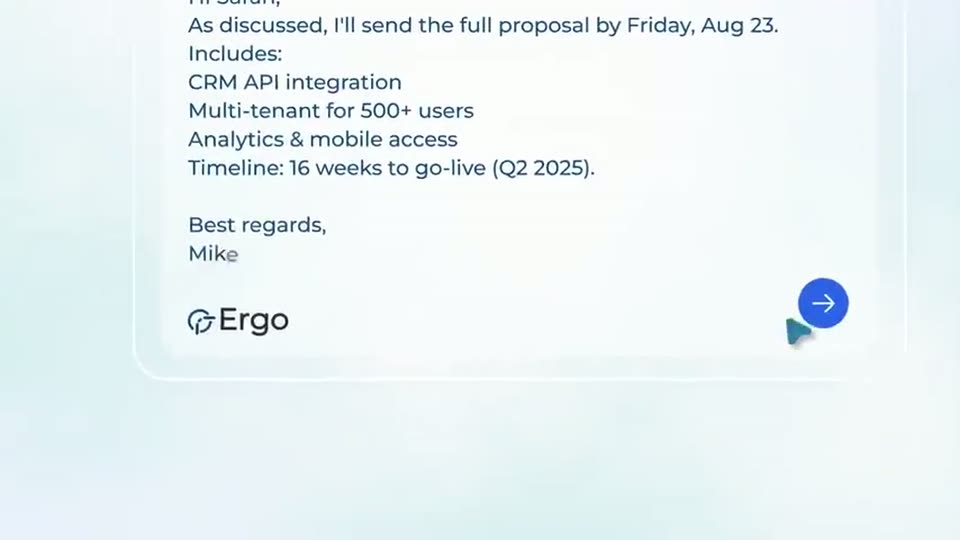 0:39–0:40Ergo · Ergo (joinergo.com) Launch VideoA close-up of an email draft on a pale gradient background shows a proposal body and an Ergo signature at the lower left. The card drifts up a few pixels while a teal cursor glides in from the right and rests at the blue circular send button.
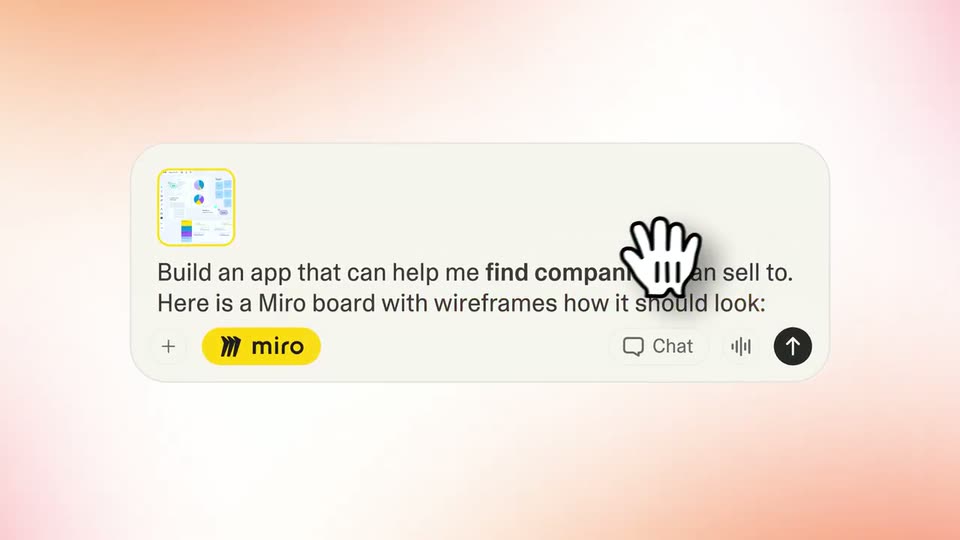 0:08–0:14Lovable · Lovable - Introducing Lovable Connectors. Build more powerful apps by connectiA rounded prompt bar on a pastel pink and purple gradient types out a sentence, with “find companies” in a blue-pink gradient. A cartoon hand drags a yellow-bordered Miro board thumbnail into the bar, and a yellow Miro chip plus a second line of text appear.
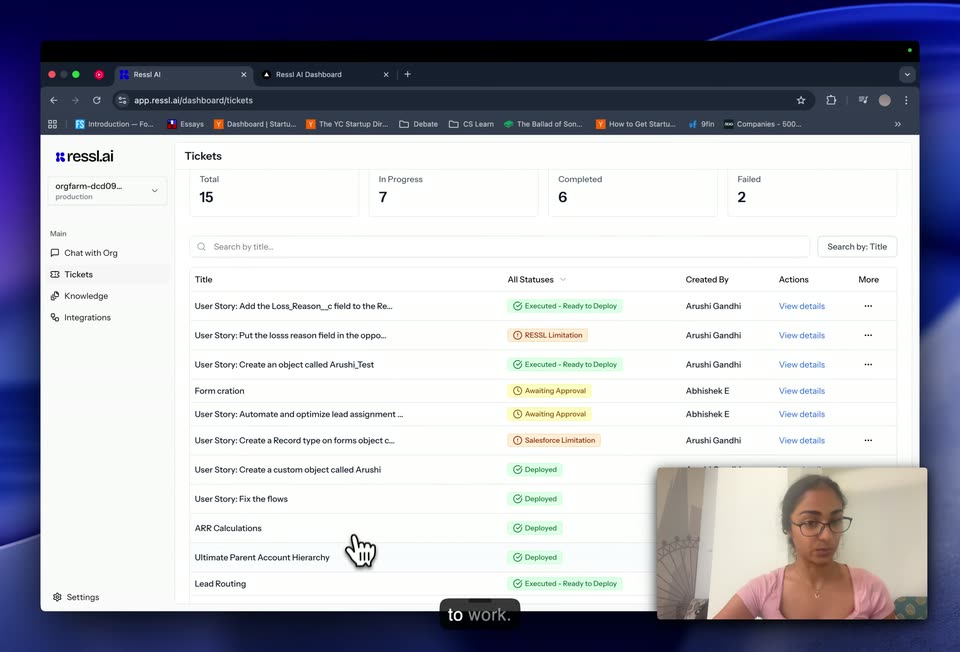 0:42–0:43Ressl · Ressl AI x Launch BookfaceA browser window displays the ressl.ai Tickets dashboard, a table of user stories with colored status badges. A white hand cursor glides down the rows while a small video of a talking woman sits in the bottom-right corner and white caption lines swap at the bottom.
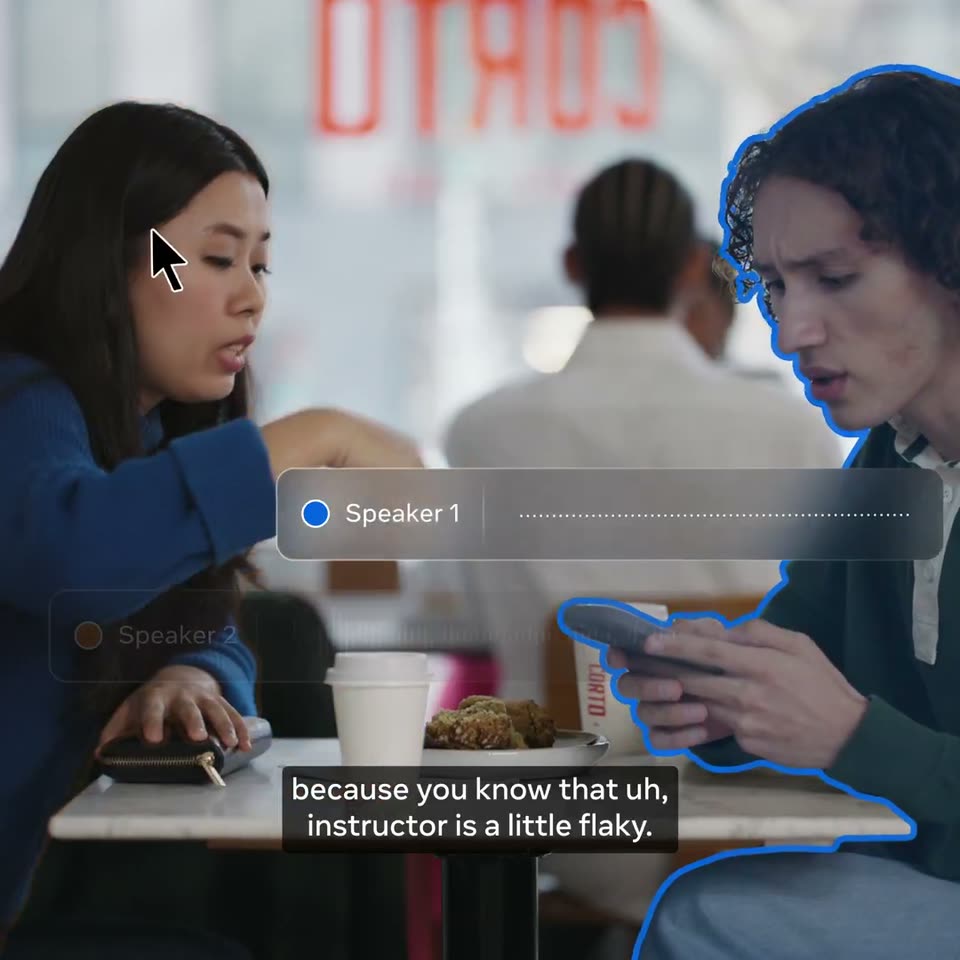 0:40–0:49Meta · AI at Meta - 🔉 Introducing SAM Audio, the first unified model that isolates any soTwo people talk at a cafe table as a search bar overlay types 'speech', then Speaker 1 and 2 transcript bars with waveforms appear while orange and blue outlines track each person and cursors point to them. Subtitles run along the bottom.
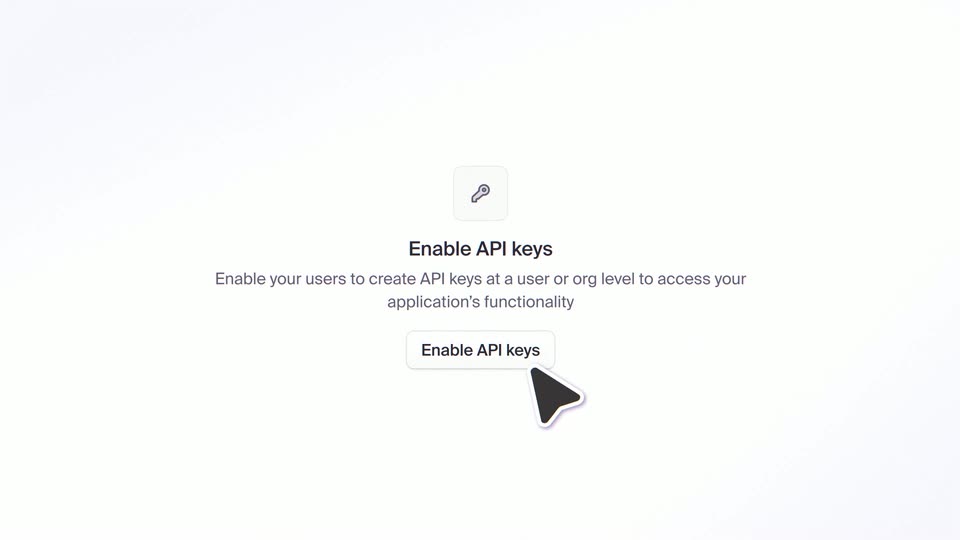 0:09–0:12Clerk · Clerk - Introducing API Keys Public Beta Secure your routes with Clerk's manA pale lavender screen shows a centered card with a key icon, the heading Enable API keys, two lines of body copy, and a button. A large dark cursor glides in from the left and stops on the button.
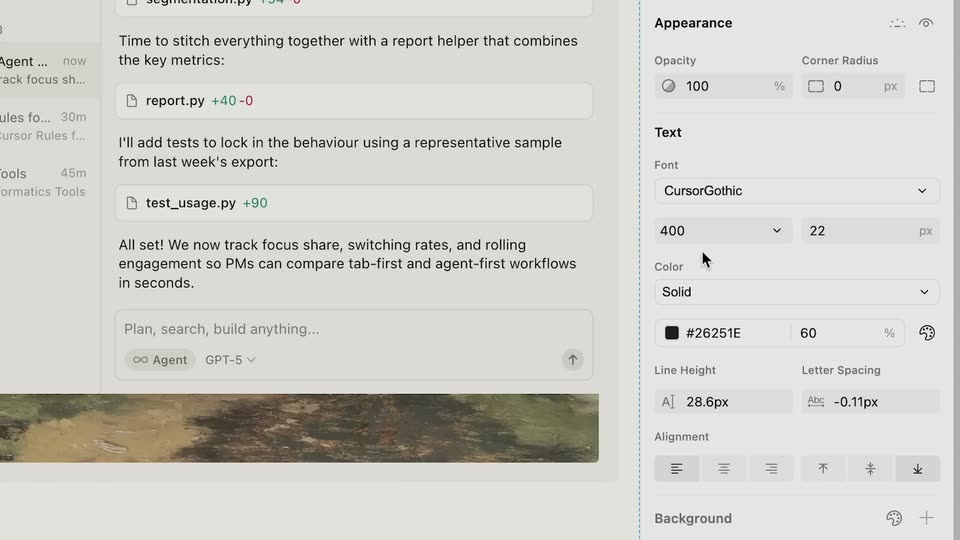 0:53–1:00Cursor · A new visual editor: design directly in your codebaseA flat two-panel interface: an agent chat log with file chips on the left, a text properties panel on the right. A cursor opens the font dropdown, cycles font names that update the field, then opens a color token list and hovers a gray token.
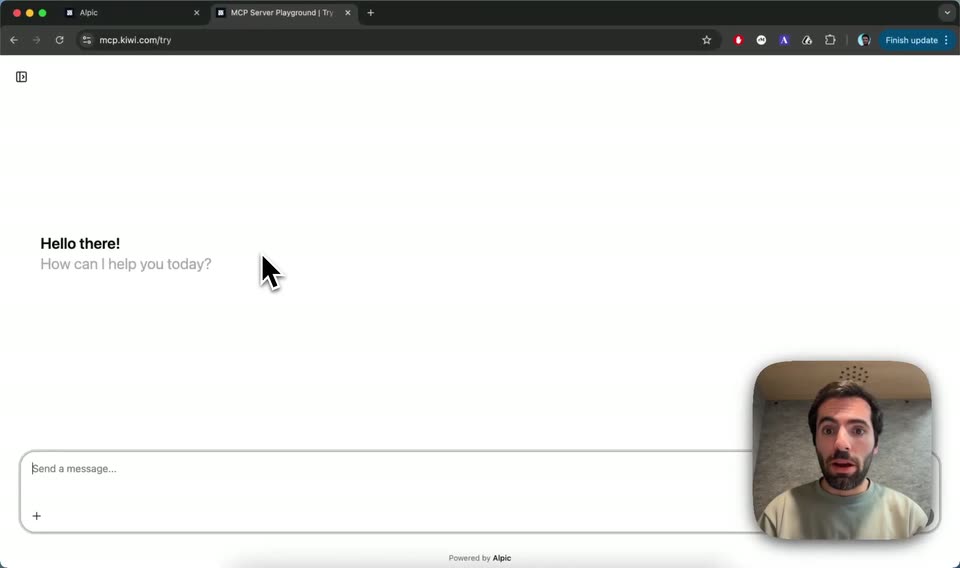 0:32–0:35Alpic · Alpic launch week 2: PlaygroundA browser shows the Alpic playground, a white chat page with a bold greeting and gray subline above a message bar. A rounded webcam feed of a talking man sits bottom right. The cursor glides across, then the frame zooms in.
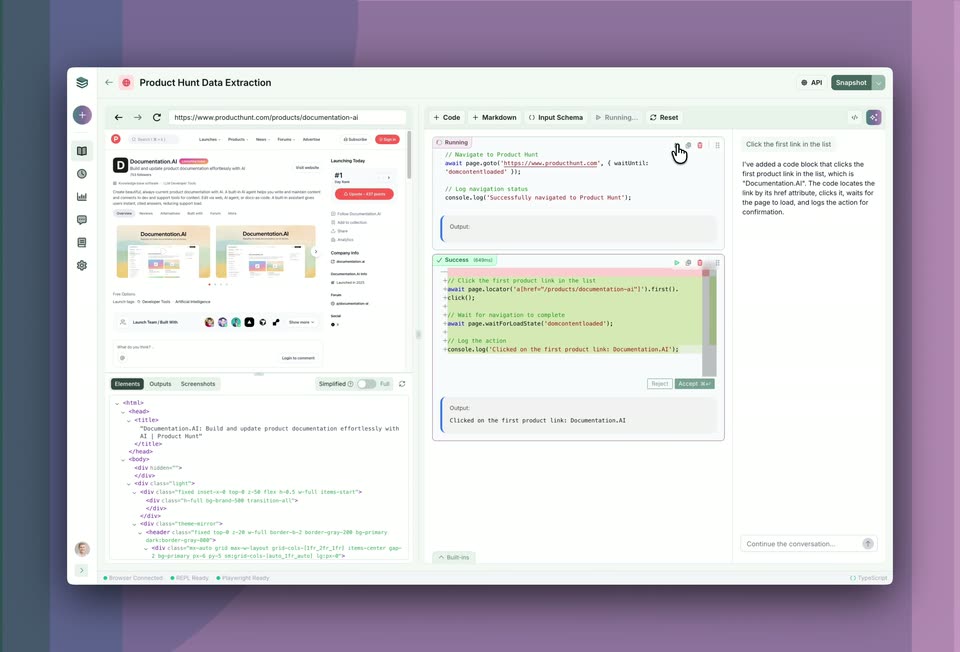 0:40–1:13Kilvin · BrowserBook YC DemoThe window sharpens from a blurred close-up. A cursor clicks play on a new code cell, the browser pane navigates to a product page, then back home, and the cursor clicks Accept Run.
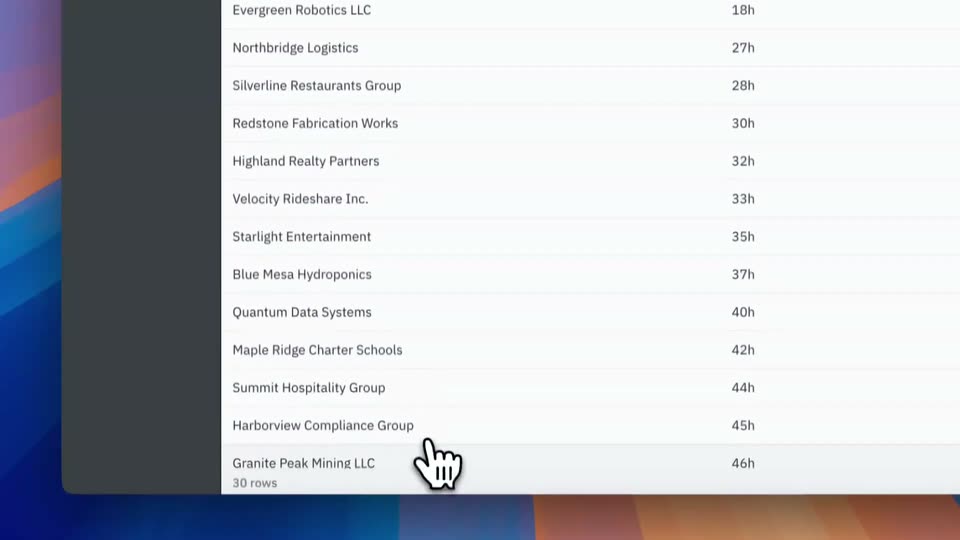 0:42–0:43Adaptional · Adaptional IntroA white product window shows a scrolling list of company names with hour values on the right; a white hand cursor hovers a row near the bottom while a black caption line swaps across the lower edge over a blurred blue-orange gradient.
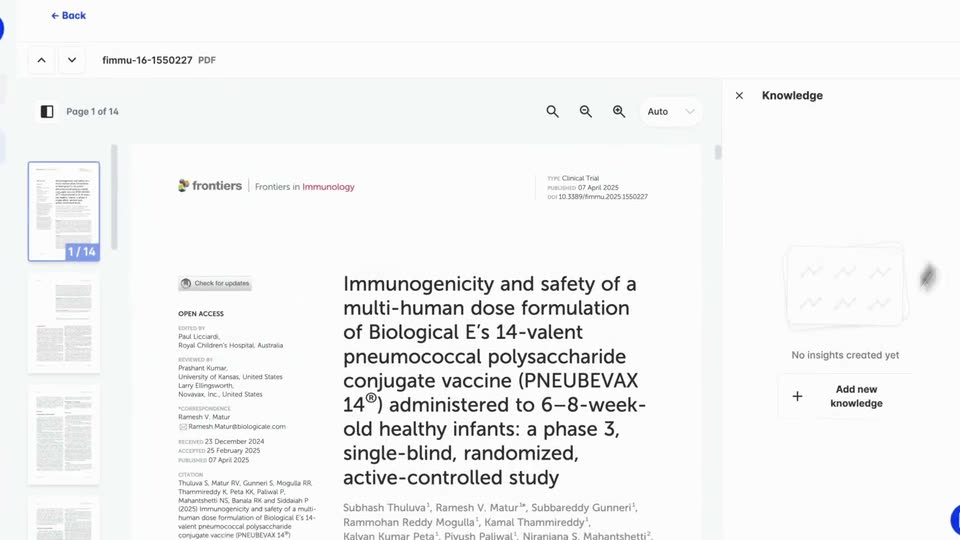 0:14–0:15Biolevate · Biolevate launch filmA PDF reader displays a research paper on the left, its title and author list filling the page. A right-hand panel toggles from a General information list to an empty Knowledge view as a cursor clicks a tab on the far edge.
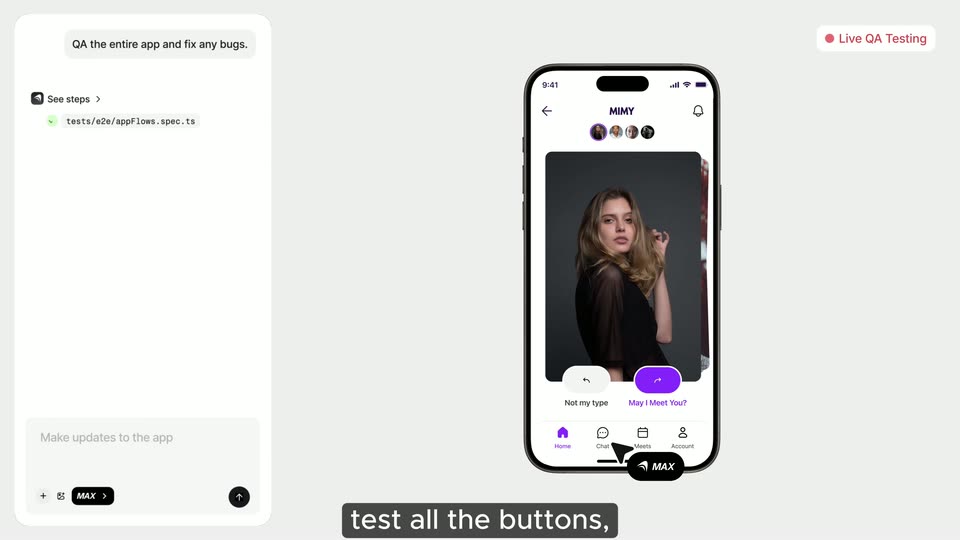 0:53–0:54Anything · Anything - Introducing Anything Max: Vibe Coding that's leaps above Lovable andA white chat card sits left of a tilted 3D phone mockup showing a dating app profile. A cursor labeled MAX taps the phone's bottom bar as the caption “test all the buttons,” appears below.
 0:13–0:15Mintlify · Mintlify - The mintlify agent is now available on the web, in addition to Slack,A black pill button with a green sparkle icon expands from “Try” to “Try it today” while a black cursor glides along its bottom edge, then the frame cuts to the mintlify wordmark with a green leaf sprout on a light background.
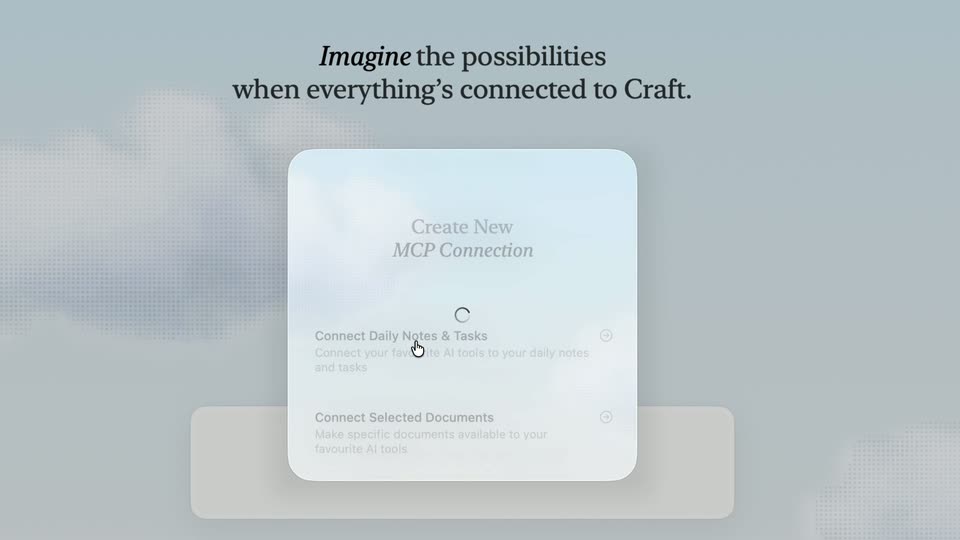 0:42–0:47Craft · Introducing the new Craft Assistant, MCP & API and more!The Craft app's Imagine page fades in, showing a sidebar and a heading above connection cards. The view zooms into a Create New MCP Connection popover as the cursor hovers over Connect Daily Notes & Tasks, and a loading spinner spins.
 0:34–0:35Black Forest Labs · Black Forest Labs - FLUX.2 is here - our most capable image generation & editing modeA dark gray two-line headline scales down and vanishes from the center of a white frame, revealing a small white chip with a black triangle mark and the label FLUX.2. A black cursor slides in from the right and hovers over the chip.
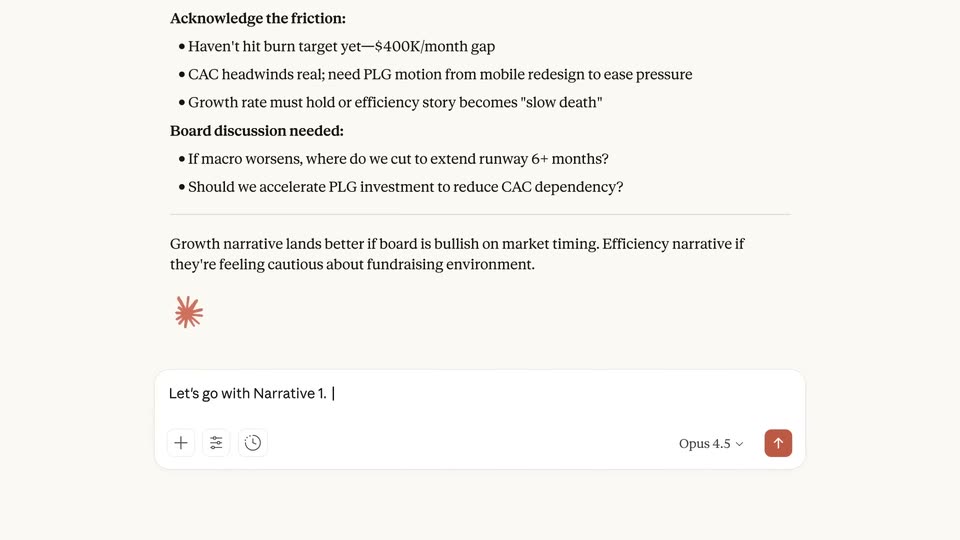 0:16–0:21Anthropic · Claude works with you on slides, spreadsheets, and contract redlinesOn a cream background, a chat thread streams in line by line, the view scrolling down as the response fills the screen. The input field types a short reply, then a hand cursor clicks the orange send button.
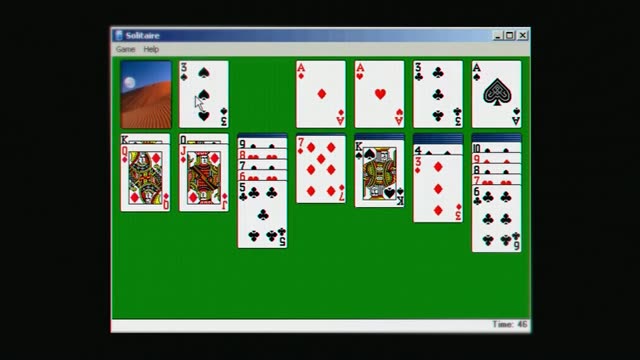 0:10–0:11Raycast · A New Start | Raycast for WindowsA green Solitaire window sits centered on a black background in a locked-off frame. A cursor hovers over the top-left stock pile, which cycles through images as a card is dealt to the waste pile beside it.
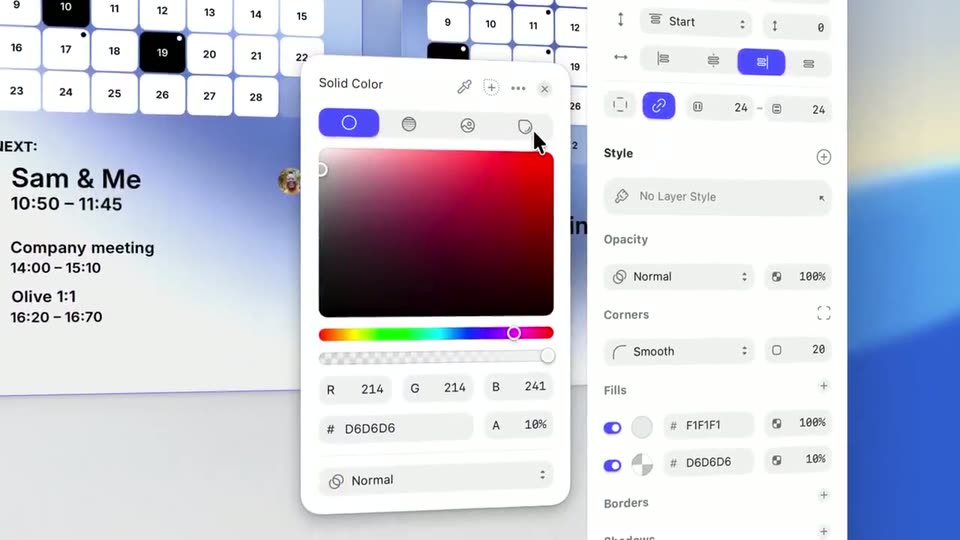 0:22–0:23Sketch · Sketch - We’ve got a biiiig update for you. A complete redesign of Sketch. MayA close-up of a design tool shows a Solid Color picker dialog centered over a calendar list and a properties panel. A cursor glides from the fills section up to the dialog's top corner. The interface stays static while the cursor moves.
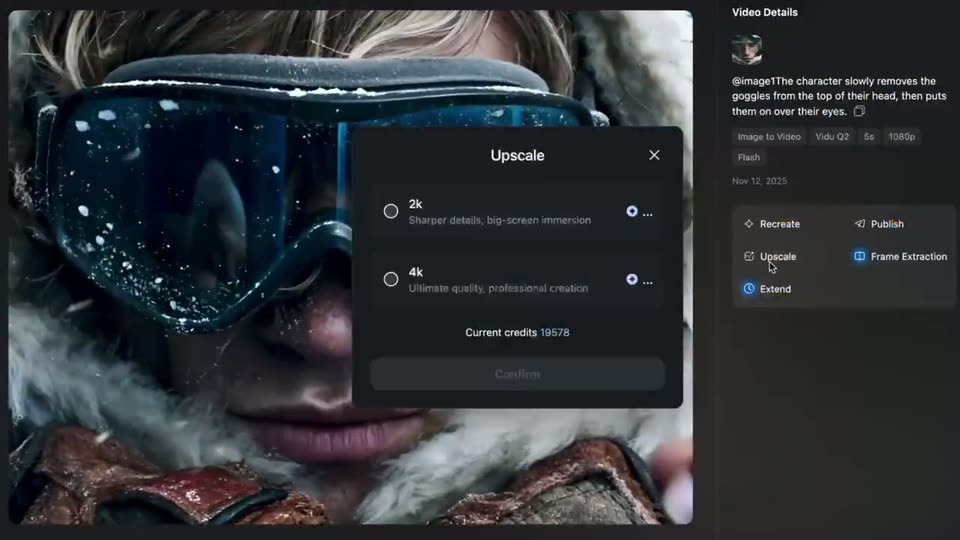 0:29–0:30Vidu · Vidu AI - 10-Image video creation with seamless creative transitions Upscale noA close-up of a person in a fur hood fits dark, snow-dusted ski goggles over their eyes, shown inside a product interface with a Video Details panel on the right. A cursor hovers near the Upscale button while a caption stays locked on screen.
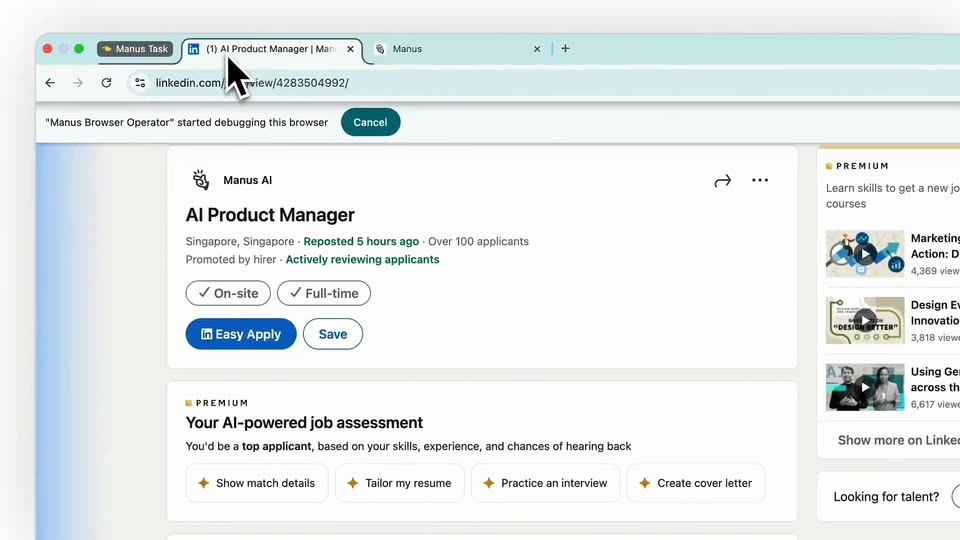 0:21–0:22Manus · Manus - Today we're launching Manus Browser Operator. Any browser can now beA browser window opens a LinkedIn job posting titled AI Product Manager. A cross-dissolve clears the agent chat overlay to reveal the full page, while a cursor glides from the tab to the Easy Apply button. A debugging banner runs across the top.
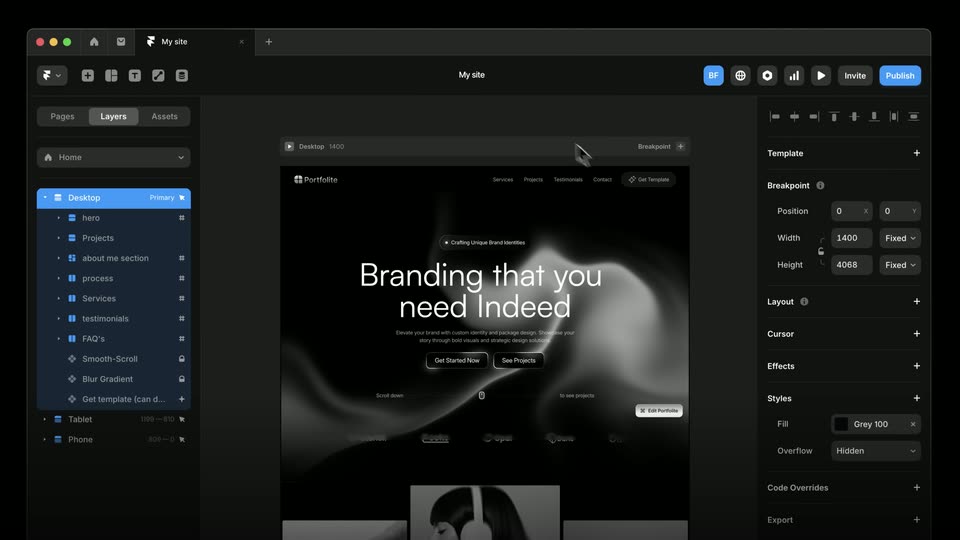 0:19–0:21Framer · Framer: Stop Waiting. Start Shipping.A dark web design editor fills the frame. A black 'Import from Figma' tooltip with a Figma logo floats at the top while a cursor hovers beneath it, then the tooltip fades and the cursor drifts right. Left panel shows a layers tree, center a portfolio site, right settings.
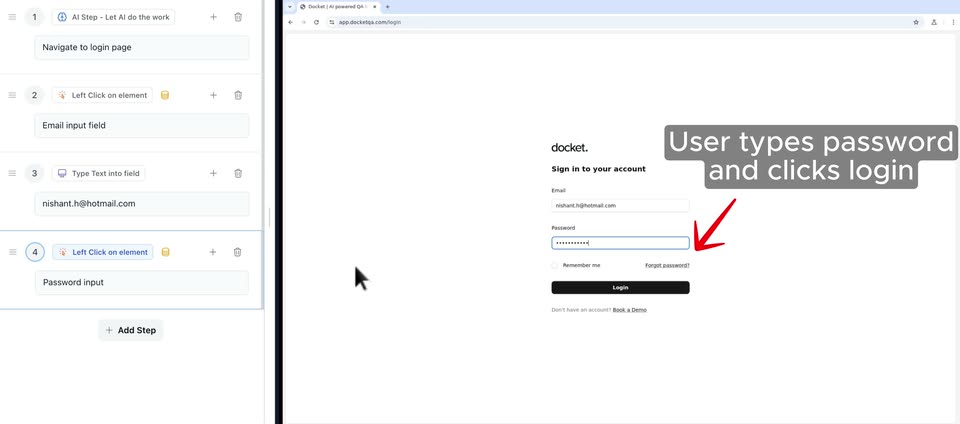 0:08–0:12Docket · Docket: recorded steps demoSplit screen: a numbered step list on the left and a browser login form on the right. A cursor moves to the password field and types dots while red arrows and gray caption blocks annotate the action.
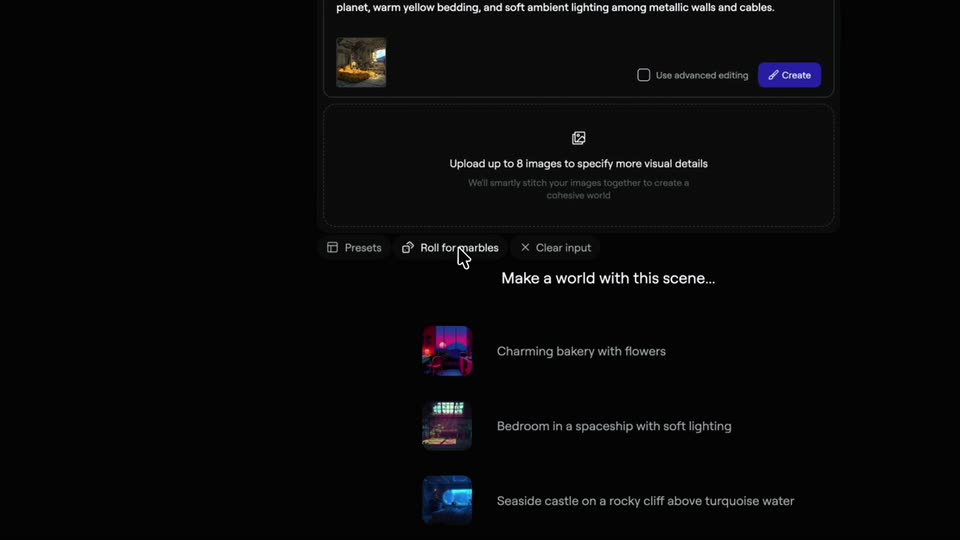 0:28–0:32World Labs · Welcome to Marble!A dark world-builder interface: the preset grid of scene cards reflows into a compact list of three thumbnails while the view settles. The cursor moves to the Roll for marbles pill and clicks it, and a circular spinner appears in the pill.
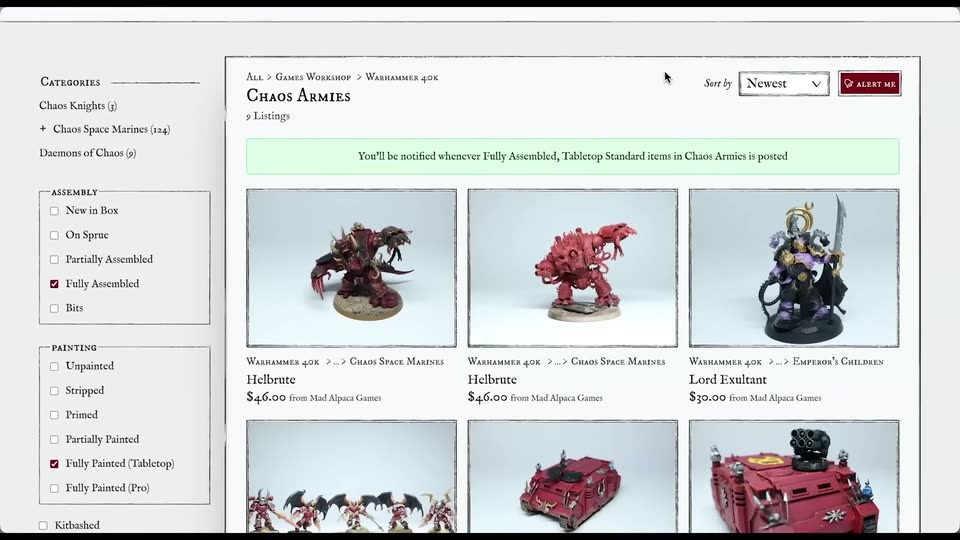 1:38–1:45Miniswap · Introducing Miniswap — The Marketplace For Tabletop GamesA Warhammer marketplace listing page scrolls past filter checkboxes and miniature cards, then pulls back to the full Chaos Armies view. A cursor clicks the red Alert Me button, and a green banner appears confirming that matching listings will trigger a notification.
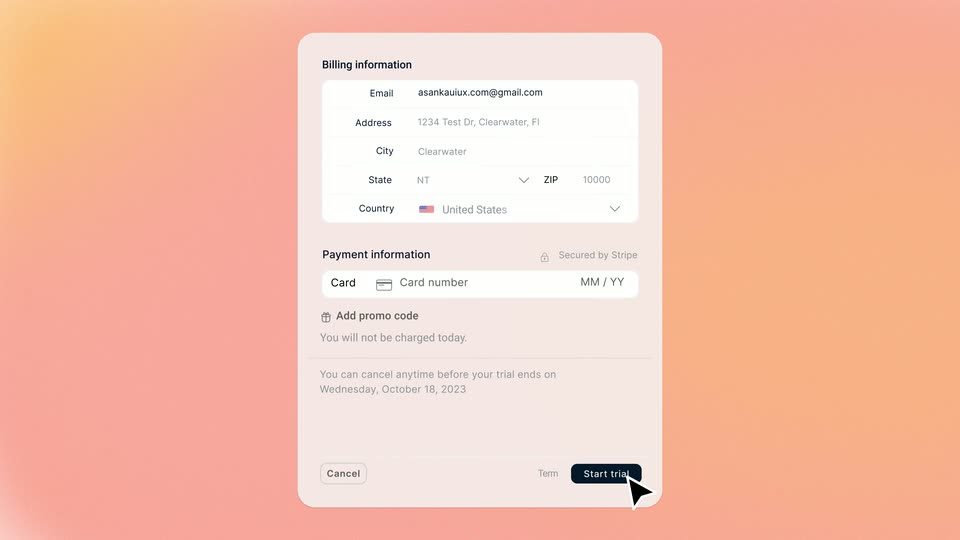 0:41–0:43Karumi · Launch Karumi, your AI demo agentA billing and payment checkout card sits on a peach gradient. Address fields fill in one by one, then a cursor glides down and rests on the Start trial button as the card scrolls up slightly.
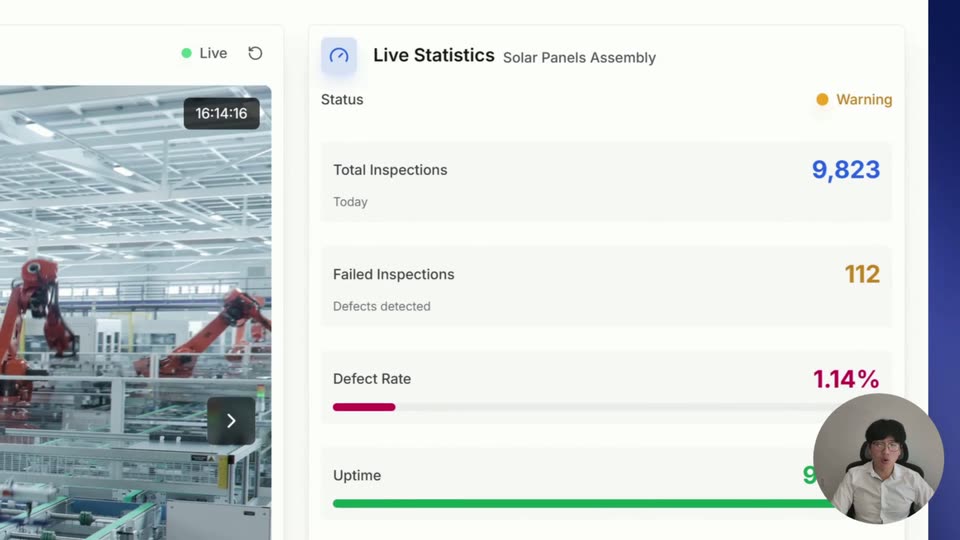 1:43–1:51Allus AI · Allus AI: Transforming Manufacturing with Next-Gen Vision Foundation ModelA white dashboard on a blue gradient shows a live factory camera feed with robotic arms beside a statistics panel. A spec card fades in over the feed, the counter ticks up, and the view zooms into the panel before pulling back. A circular presenter webcam sits bottom-right.
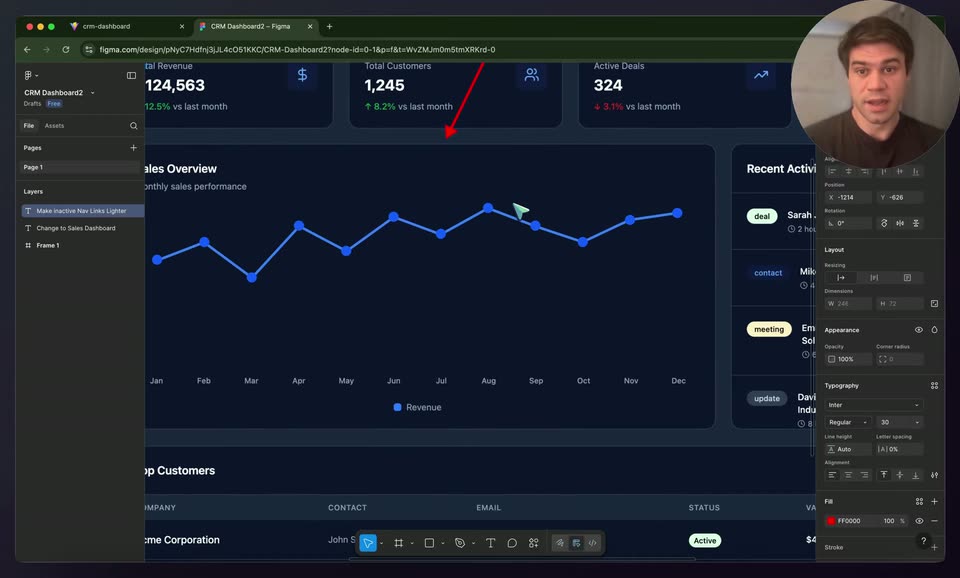 0:31–0:32Coasts · JSX Tool DemoA Figma screen recording shows a dark CRM dashboard with a sales line chart, stat cards, and a customers table; red arrows mark the nav links and cards. The canvas zooms out to frame the full layout, with the presenter's webcam bubble in the top right.
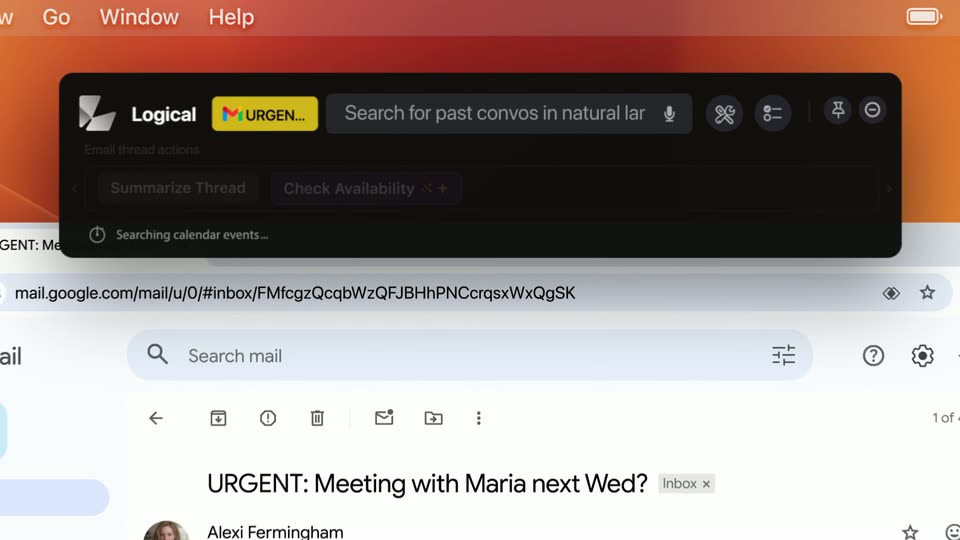 0:37–0:41Logical · Logical | The Proactive Desktop CopilotA Gmail thread sits beneath a dark Logical bar that slides in from the top. A cursor clicks the Check Availability button, then the view zooms into the bar as it shows a Searching calendar events status with a clock icon.
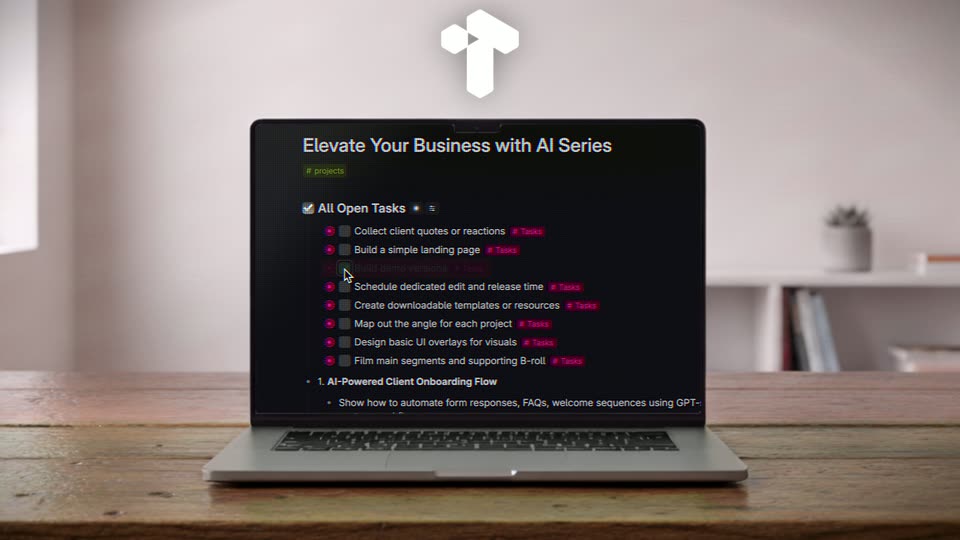 0:26–0:29Tana · Tana Outliner Offline Is HereA laptop on a wooden desk displays a dark task-list screen, a white Notion logo floating above it. A cursor hovers over the tasks, the list scrolls to reveal a new item, and the cursor moves to the header checkbox.
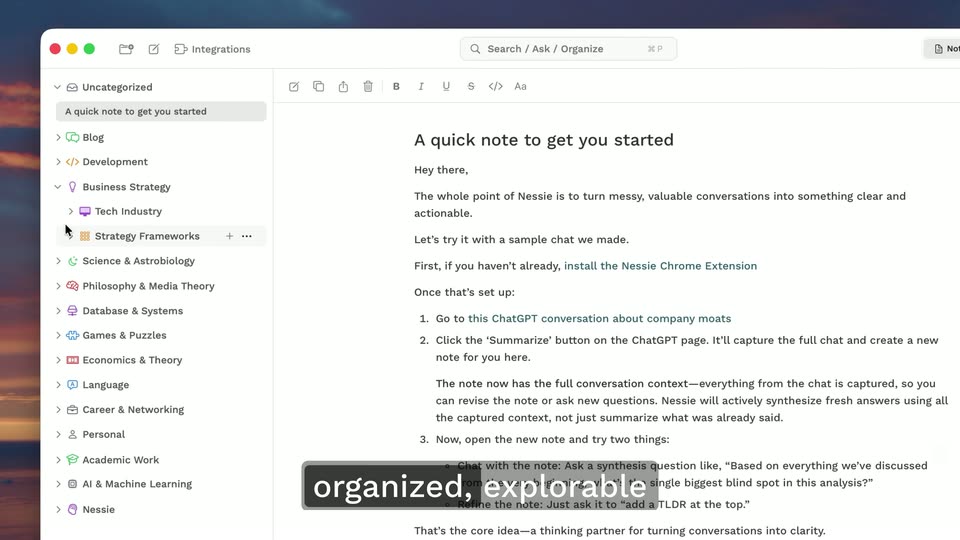 0:25–0:33Nessie · Nessie - AI knowledge base for your mindA file picker over the Nesse note app closes after the cursor clicks Open. The sidebar then fills with folders that expand into subfolders and notes. The window fades to the sunset desktop as the headline “Search your memory” appears.
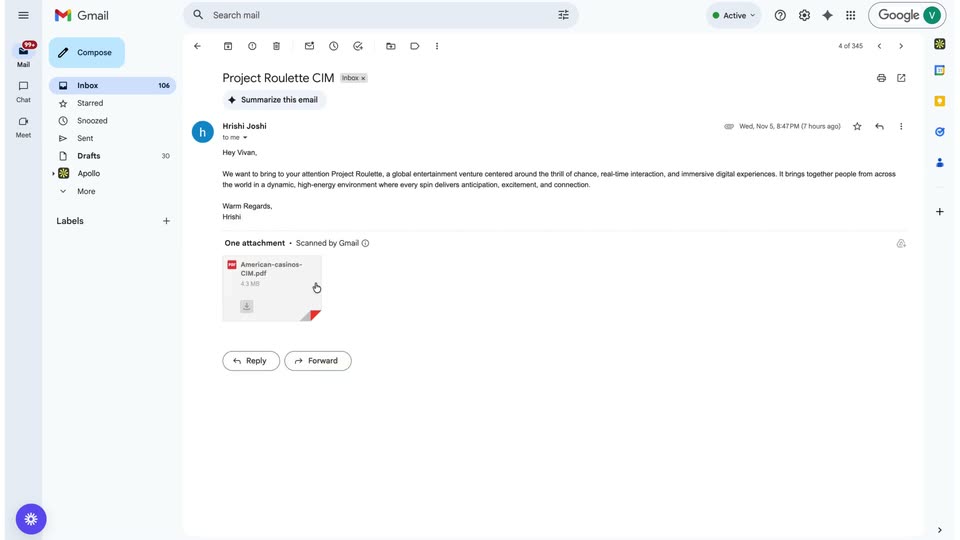 0:17–0:18Zarna · Demo Video - ZarnaA Gmail message titled Project Roulette CIM sits open with its body text and a blank attachment box. A PDF thumbnail labeled American-casinos-CIM.pdf fills the box, and the cursor slides in to hover over it.
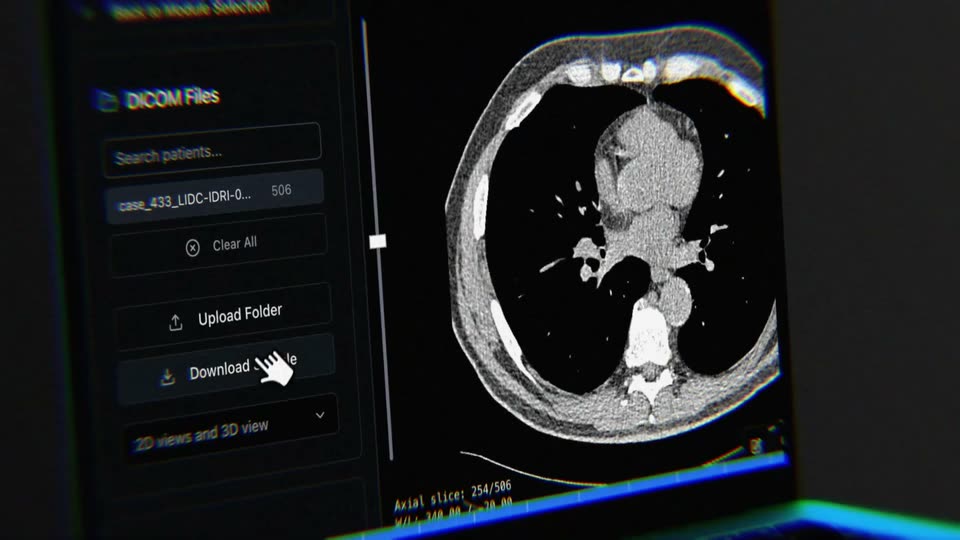 0:51 · 0.6sNucleo · Nucleo - Automated cancer diagnosticsA tilted 3D interface shows a chest CT scan on the right and a DICOM file panel on the left. A cursor slides down to hover the Download Sample button while the camera eases slightly.
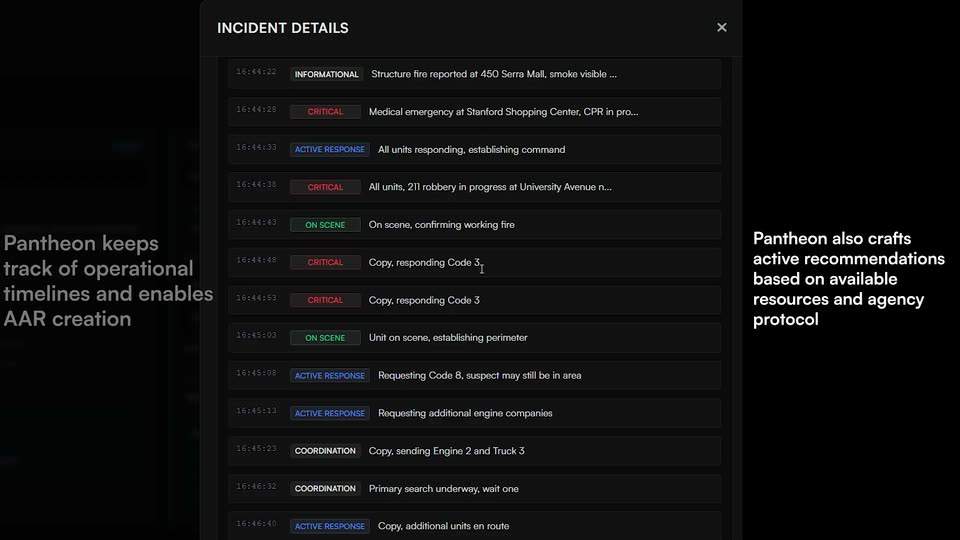 0:53–0:58Lakonia · Introducing: LakoniaA dark incident-details panel fills the center, listing timestamped entries with colored priority tags. A white cursor hovers over the rows. White captions fade in at the left and right edges, then fade out.
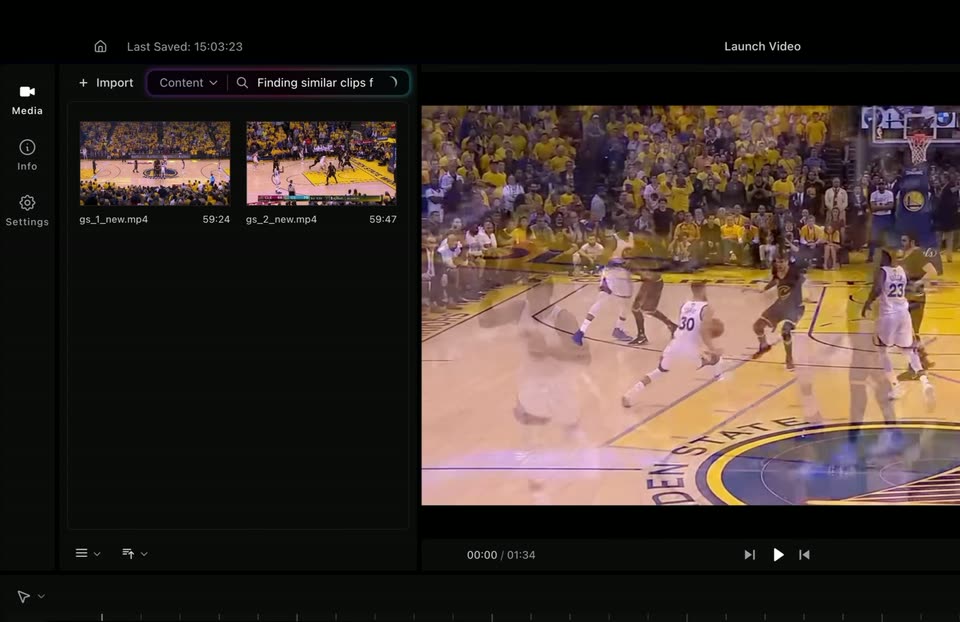 0:25–0:29Narrative · Narrative: Cursor for Professional Video EditorsA cursor clicks the Find similar clips row in a dark context menu over a video timeline. The interface then dissolves into a media browser, filling the left panel with a grid of matching basketball clips and a live court preview on the right.
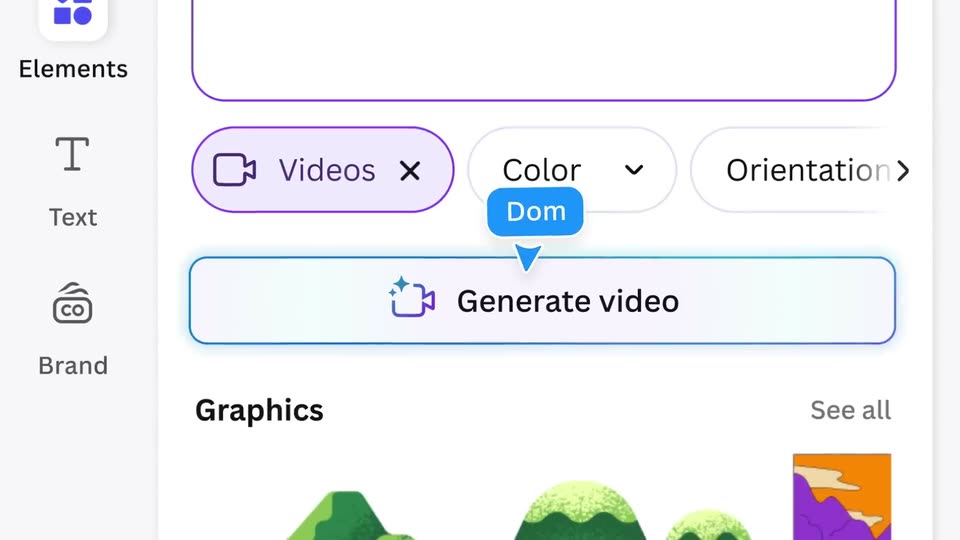 2:42–2:46Canva · Introducing Canva Video 2.0The full Canva editor zooms into the prompt field, where “Unpacking blue beanies from a cardboard box” is typed out. The Dom cursor label drops to the Generate video button, and a generated clip of hands pulling a blue beanie from a cardboard box fills the preview.
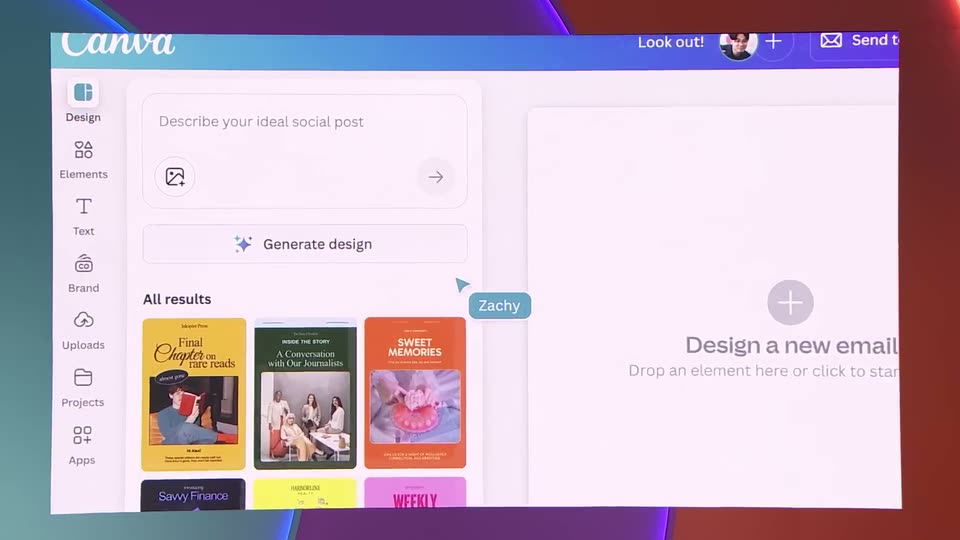 2:39–2:40Canva · Introducing Email Design in CanvaA tilted Canva editor window sits in 3D against a multicolor gradient backdrop. The view zooms into the left panel, where a cursor labeled Zachy hovers over the Generate design button above a row of template thumbnails.
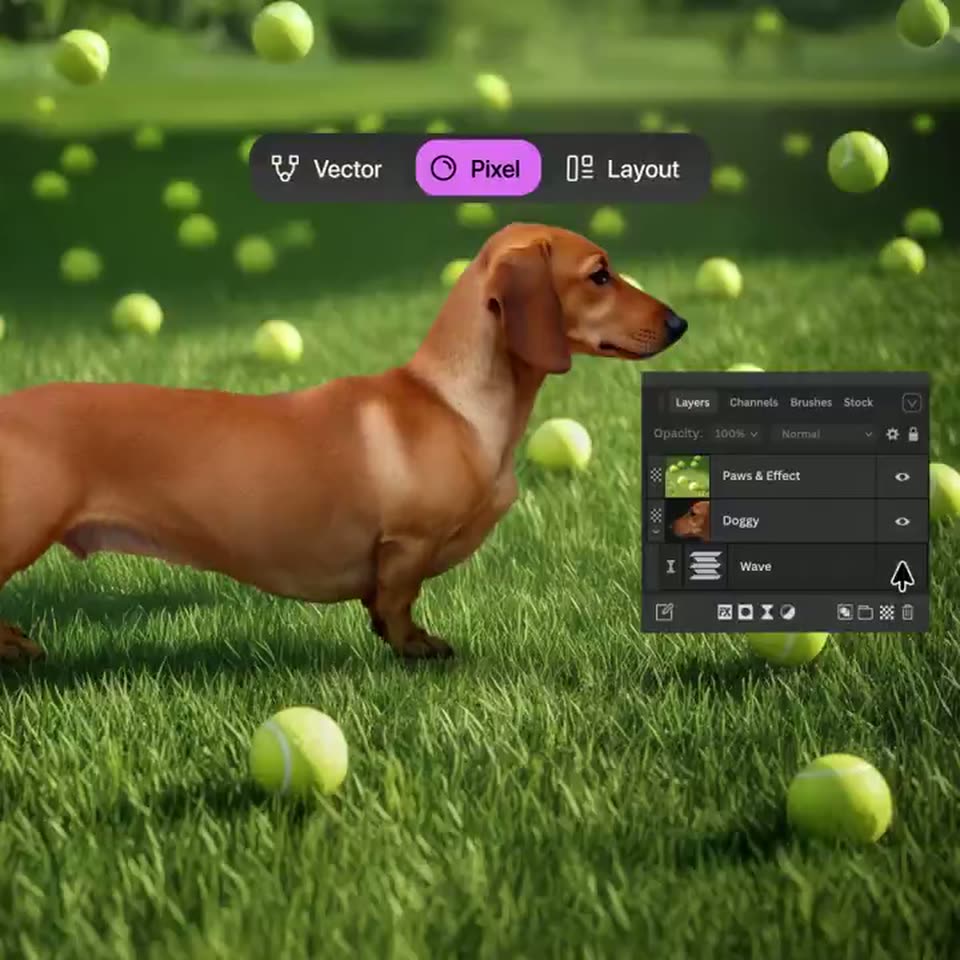 0:14–0:15Affinity · Affinity - The all new Affinity is here! Design, edit photos and layout your worA 3D dachshund stands on green grass scattered with floating tennis balls. A dark toolbar with Vector, Pixel, Layout tabs and a layers panel float over the scene, and a cursor glides down the layer rows.
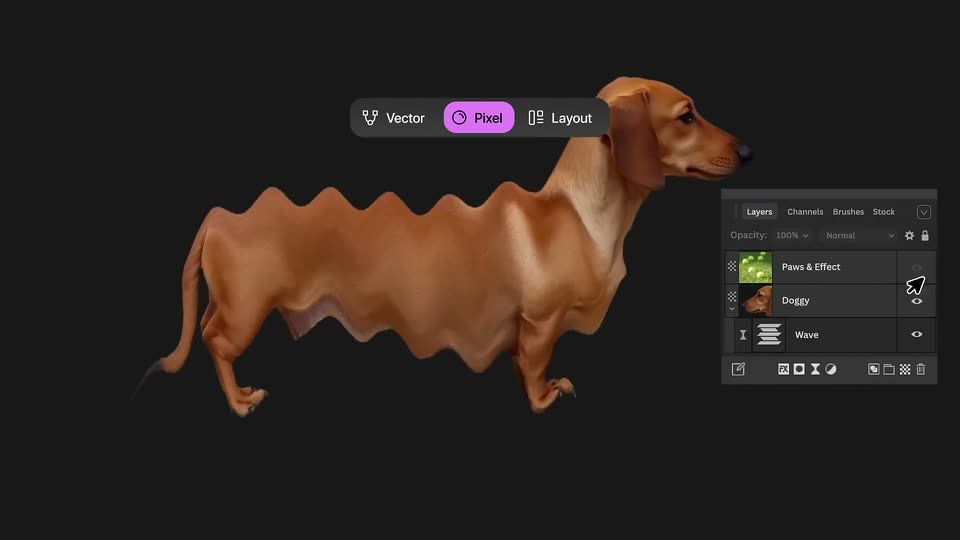 0:31–0:32Affinity · Creative FreedomA dachshund on a dark canvas begins heavily rippled by a wave distortion, then straightens as a cursor moves up the layers panel from Wave to Doggy to Paws & Effect. A top toolbar keeps the Pixel tab highlighted in purple.
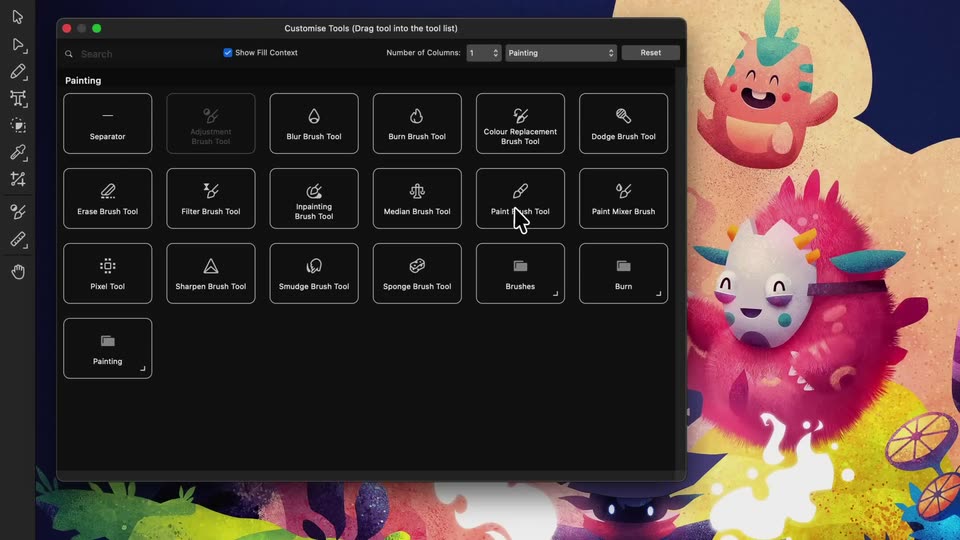 0:38–0:40Affinity · Welcome to the all new AffinityA dark macOS window displays the Affinity Customise Tools panel, a grid of brush tool tiles over a colorful cartoon monster illustration. A cursor moves across the grid, hovering tiles, then drags one to the left toolbar, dimming its source tile.
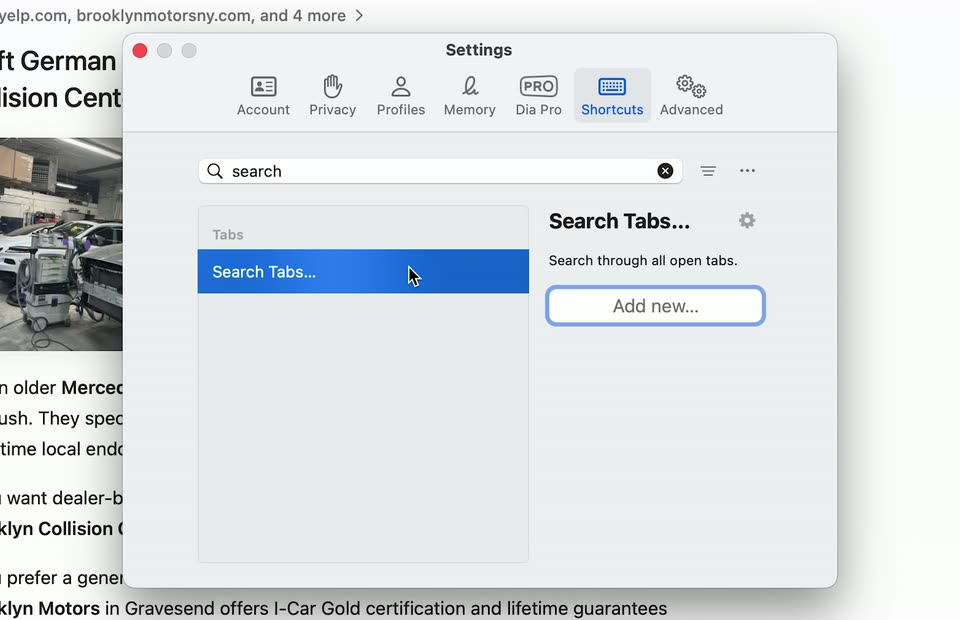 0:26–0:31The Browser Company · Dia - 3️⃣ new features live in Dia today: - Focus Mode - Custom keyboard sA browser settings window fills the frame as the cursor clicks the search field, types 'search', selects 'Search Tabs' and assigns the shortcut ⇧⌘A; a static caption '3. Go fast with custom shortcuts' stays fixed.