Cursor demo
A visible cursor operates the interface.
15,114 scenes · page 107 of 252
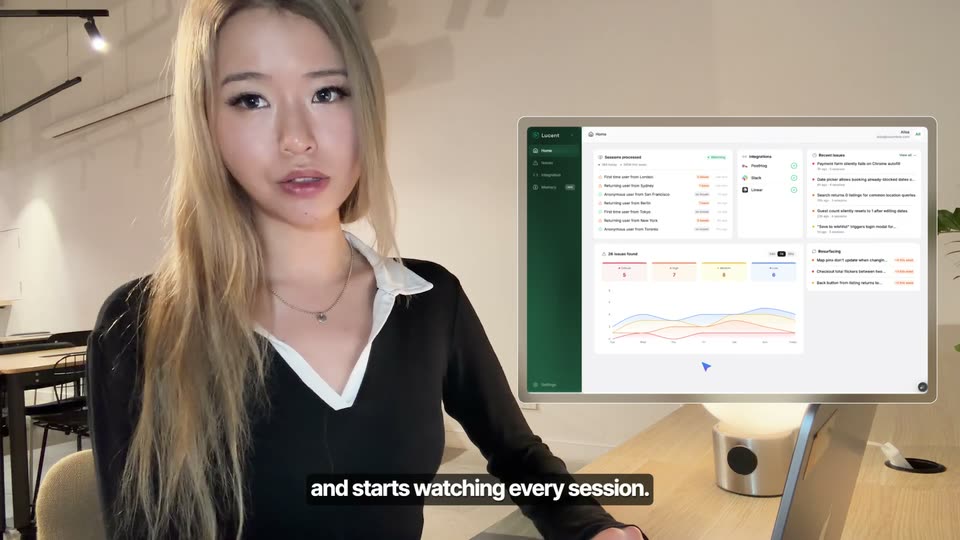 0:23–0:24Lucent · Lucent Launch VideoA woman in a black top sits at a desk in a bright office. A floating Lucent dashboard panel hovers to her right, switching from the home view to a booking form as a cursor clicks the Book button. A caption sits at the bottom.
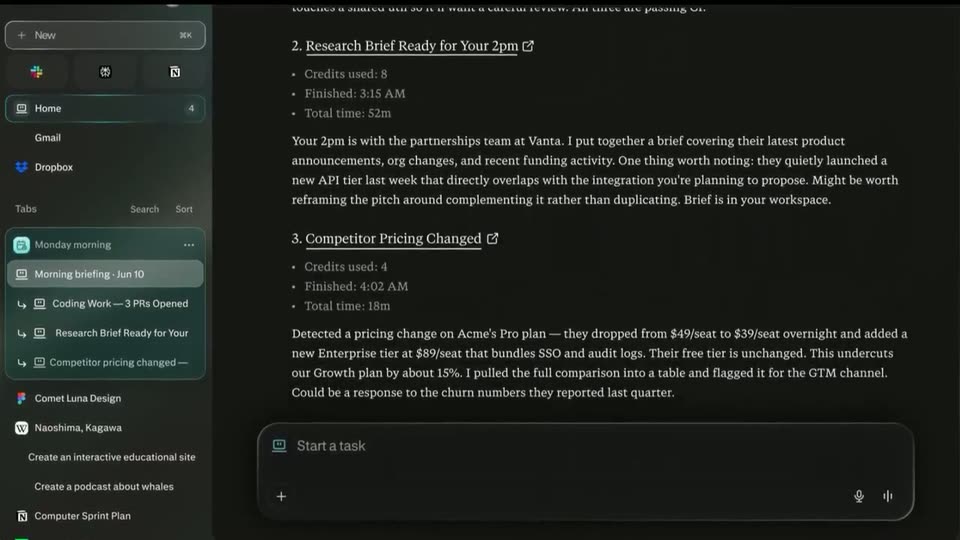 0:10–0:14Perplexity · Perplexity - Announcing Personal Computer. Personal Computer is an always on, locA dark productivity app interface scrolls vertically through a weekend work summary, the left sidebar drifting slower than the main panel. A cursor glides from the body text to a sidebar entry, highlighting it.
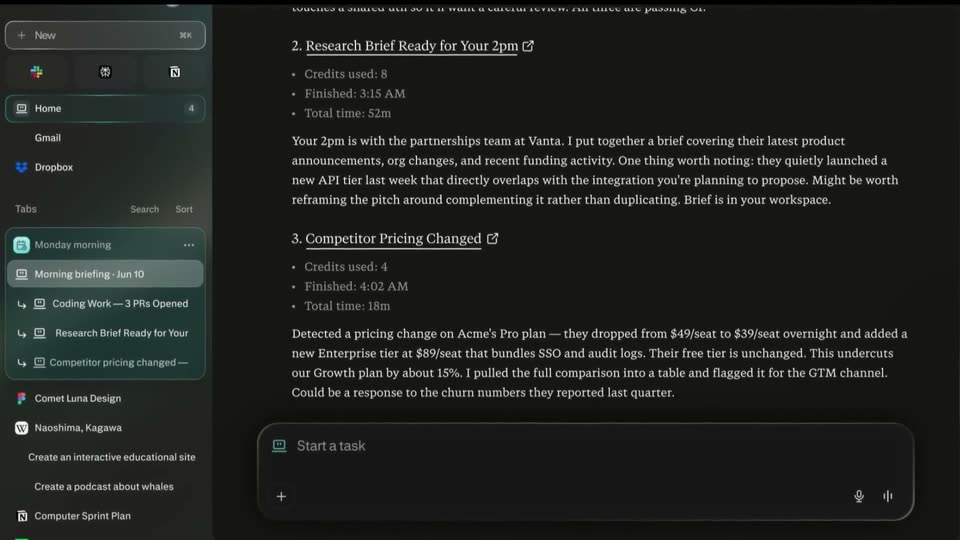 0:10–0:14Perplexity · Personal Computer, by PerplexityA dark task app interface fills the frame. The main pane scrolls upward through a weekend summary of grouped threads, while the left sidebar of tabs and projects stays fixed. A mouse cursor hovers over the body text.
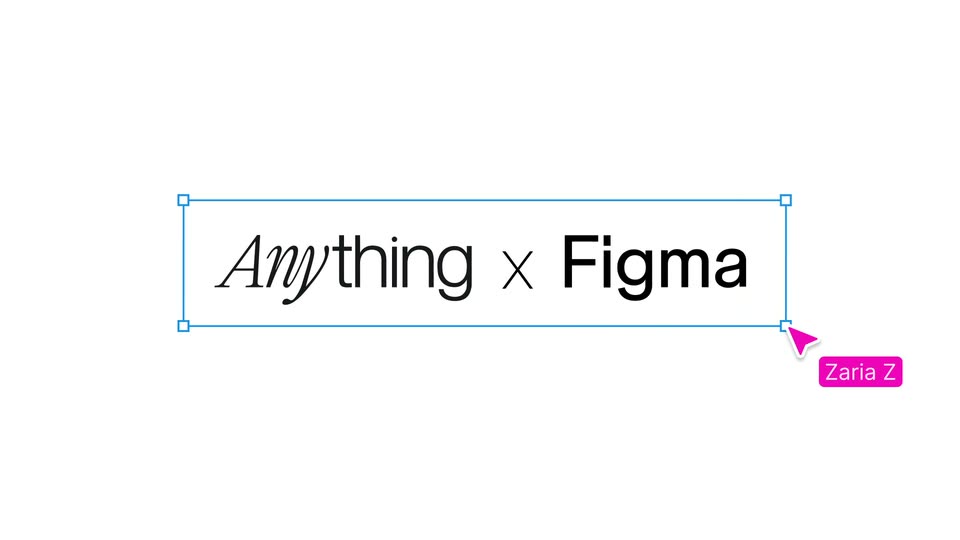 0:06–0:09Anything · Anything - BREAKING: design-first vibe coding is here! import your Figma designA Figma canvas on white shows the text “Anything × Figma” inside a blue selection frame with corner handles. Two multiplayer cursors, pink Zaria Z and purple Dhruv A, glide around the frame, then the whole view blurs and eases smaller.
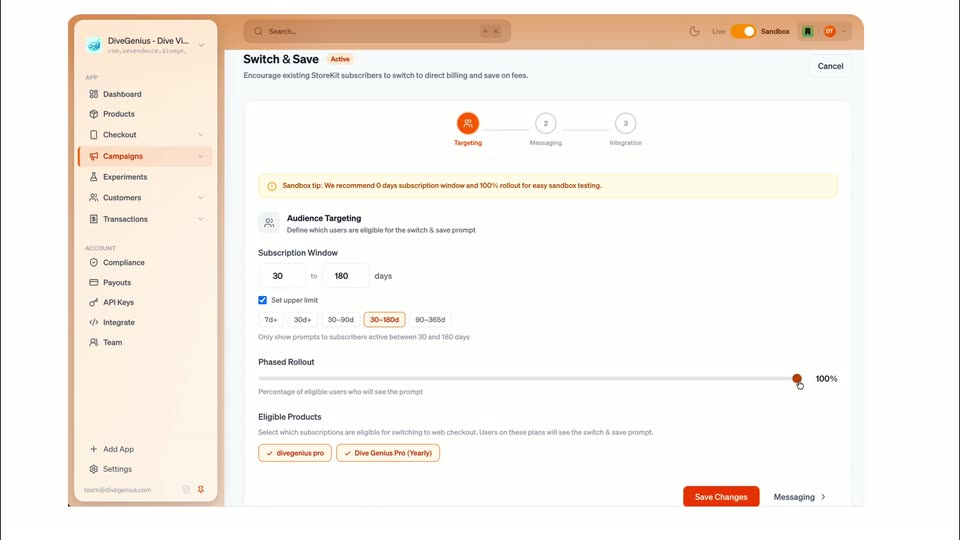 0:59–1:01ZeroSettle · Y Combinator - ZeroSettle (@ZeroSettle) is building a drop-in direct billing SDK forA products table expands its subscription row, then a Switch & Save editor panel slides in from the right edge. A slider handle is dragged left to 0% and back to 100% to set the rollout share.
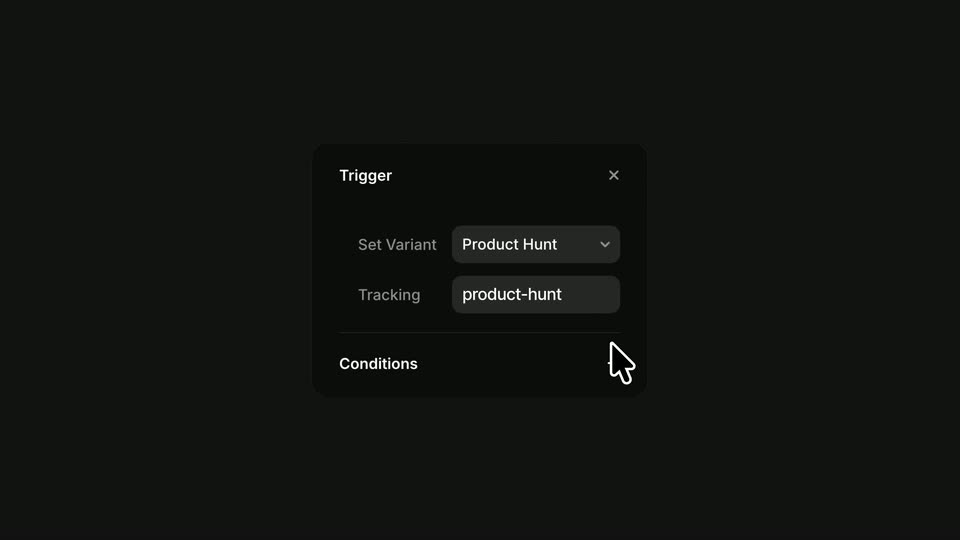 0:18–0:20Framer · Framer Convert: Understand, Test, and Optimize.A dark settings panel on a black background. A tracking field is typed with product-hunt, then the panel scrolls up to reveal a Conditions row with a ref parameter and an Equals dropdown, as a mouse cursor slides in.
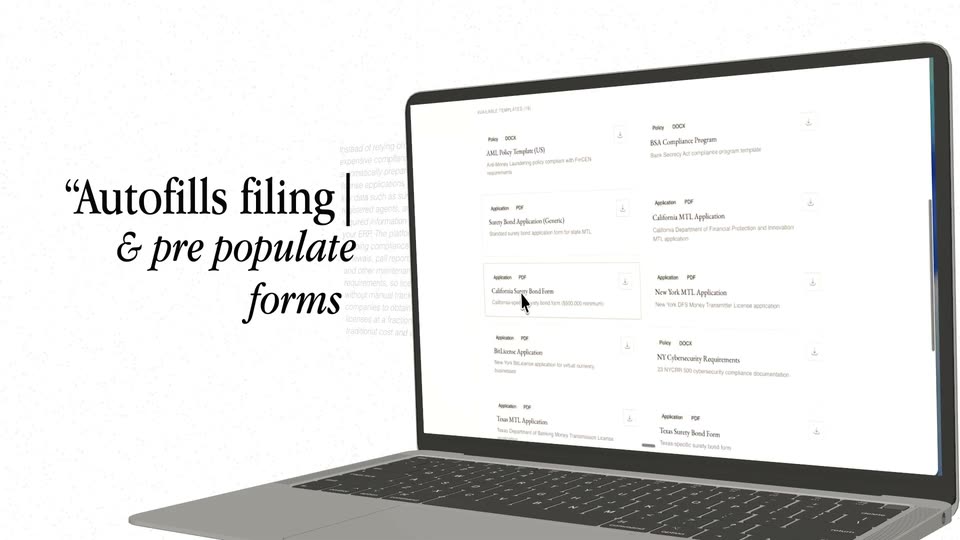 0:29–0:32Payna · Payna (YC W26) LaunchA silver laptop in 3D perspective sits on a speckled off-white background and rotates to flip its screen from a two-column template list to a documents table. A black serif caption settles on the left while a gray italic caption fades in on the right.
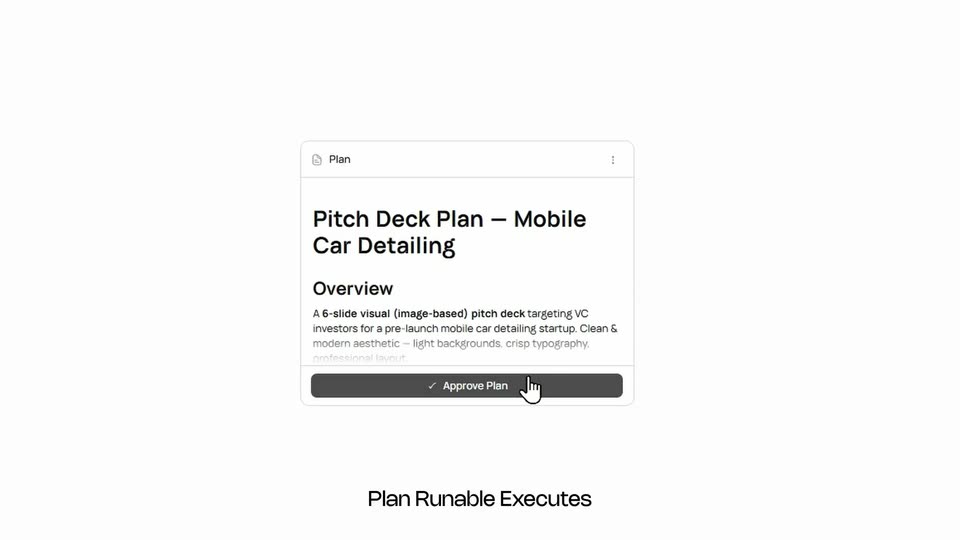 0:56–0:57Runable · Umesh Kumar - Introducing Runable 2.0 — the best way to work with AI. Runable nowA centered white plan card shows a pitch deck outline and a dark Approve Plan button. A cursor glides in, becomes a hand pointer, and clicks the button. The card then blurs and fades out while two caption lines appear at the bottom.
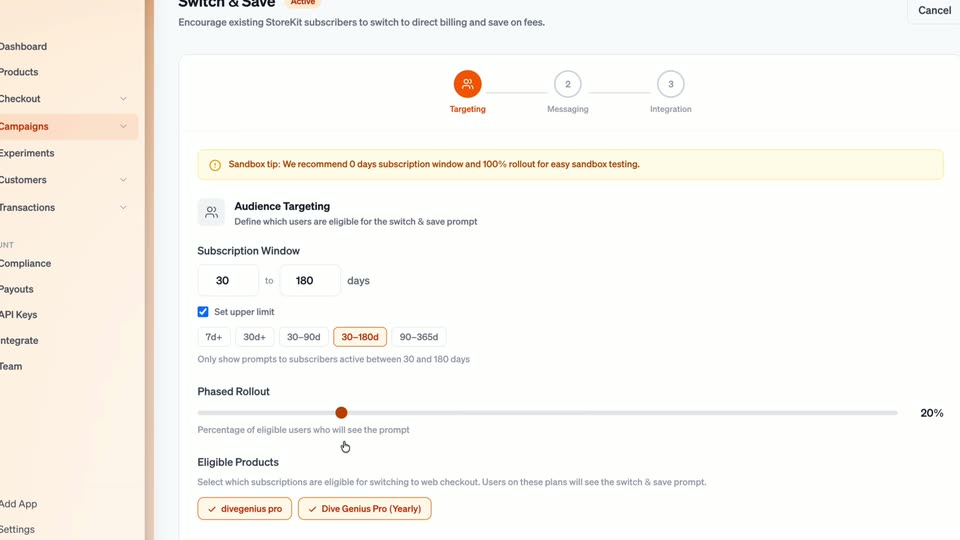 0:59–1:10ZeroSettle · ZeroSettle - Keep More of your Mobile App Revenue with Direct Billing!A white frame cuts to a settings screen, then reframes tighter on the targeting form. A cursor drags the phased rollout slider from 100% down to 20%, then clicks the 30-90d range chip, updating the subscription window to 90 days.
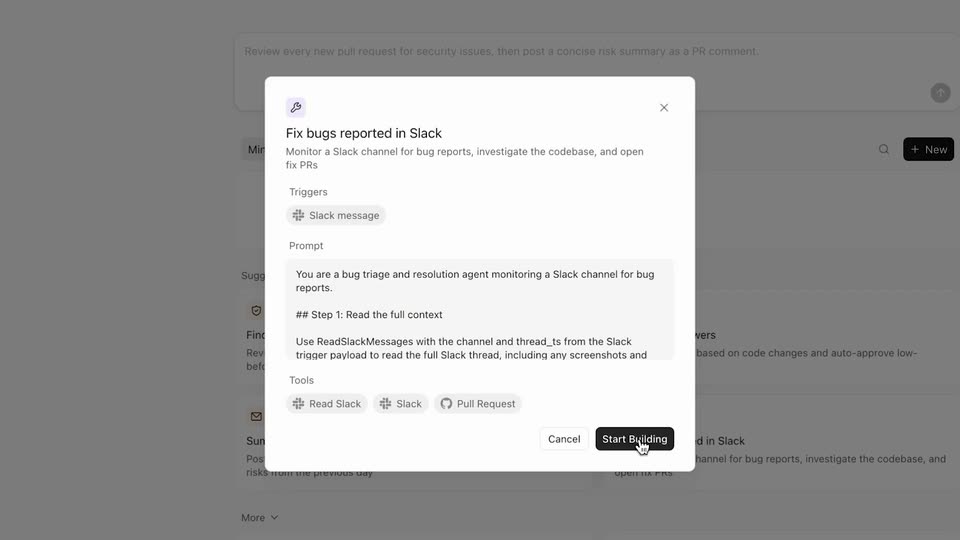 0:09–0:11Cursor · Introducing Automations: always-on coding agentsA white modal titled Fix bugs reported in Slack is centered over a dimmed list. It shows a trigger chip, a prompt text box, and tool chips. A cursor drifts down from the right and rests on the black Start Building button.
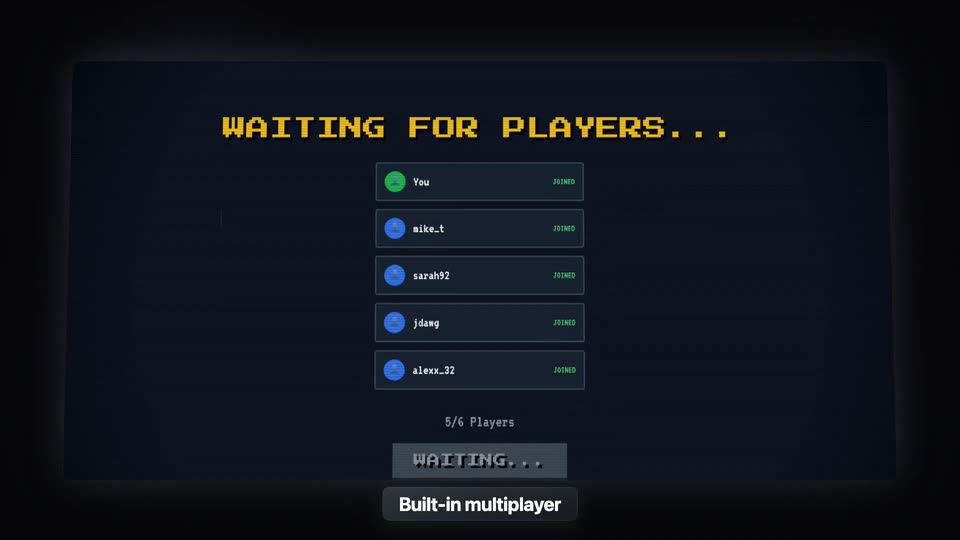 0:25 · 0.8sCodeWisp · CodeWisp - AI Game Creation PlatformA dark multiplayer lobby shows a yellow pixel headline and a list of players joining, then cuts to a top-down arena where pixel characters with floating name tags move among scattered yellow dots. A caption pill reads Built-in multiplayer at the bottom.
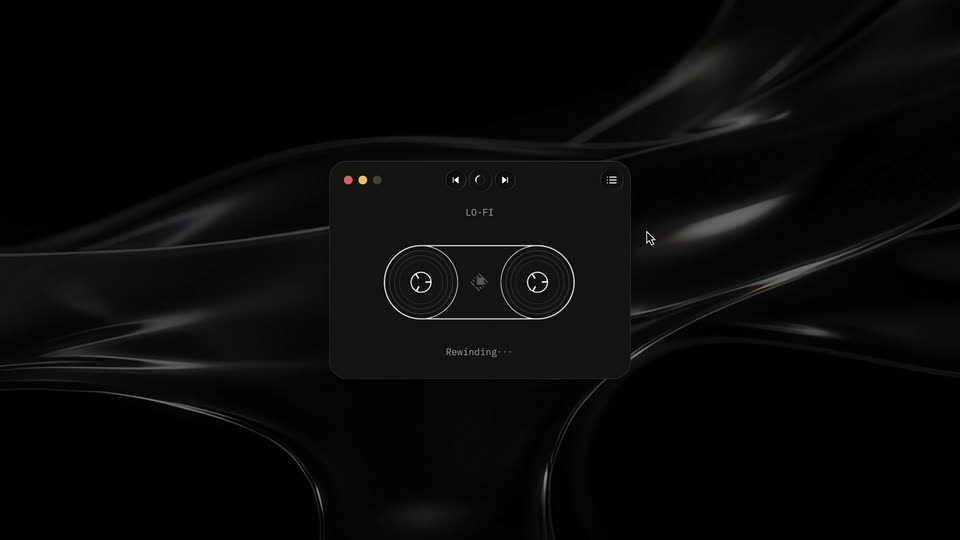 0:17–0:22Glaze · Raycast - Today we're launching Glaze 💠 Create any desktop app in minutes by cA dark rounded player window with traffic-light dots and playback buttons floats centered over a flowing black silk background. A cursor clicks the play and rewind controls while the cassette reels spin and the status line cycles through Press Play, Digging through crates, Rewinding, and a track title.
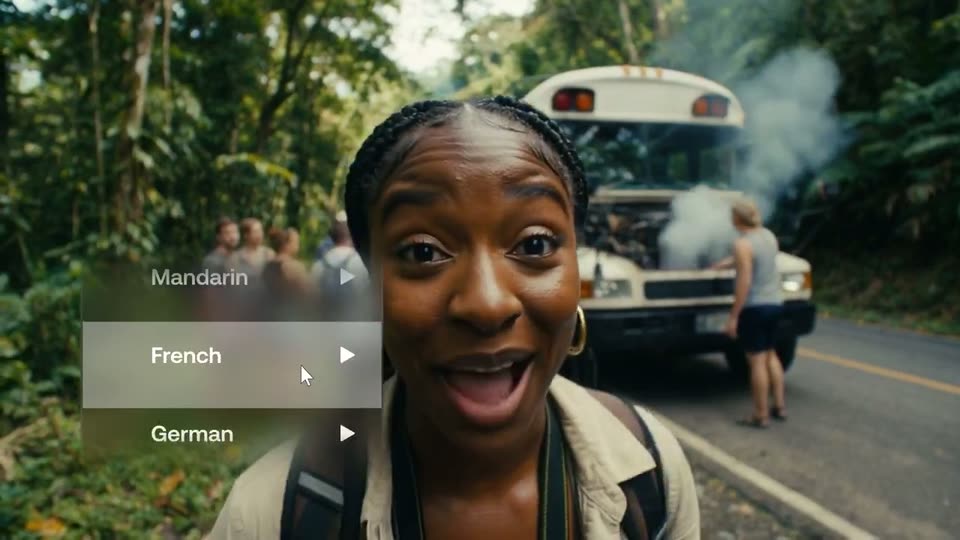 0:21–0:25Lightricks · LTX.io - Introducing Dubbing and Captions in LTX Studio. Now available for enA woman with braided hair and gold hoops talks to the camera on a jungle road, gesturing to a smoking broken bus behind her. A translucent language dropdown menu fades in on the left, its list scrolling through options as a cursor hovers over German.
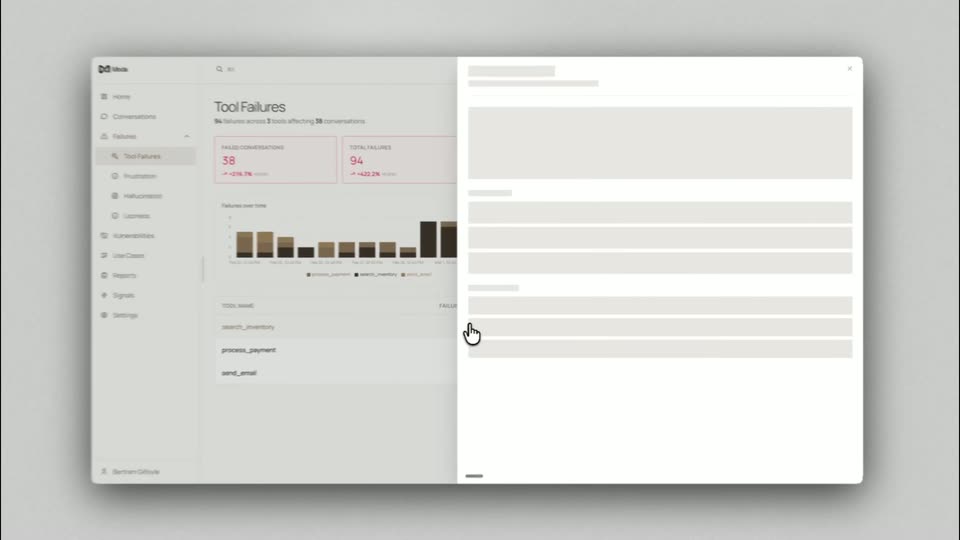 0:54–0:56Moda · Moda Launch YCA light analytics dashboard titled Tool Failures fills the frame with metric cards, a bar chart, a line chart and a tool table. A cursor glides to the red failures badge on the first row and clicks it, and a detail panel for search_inventory slides in from the right edge.
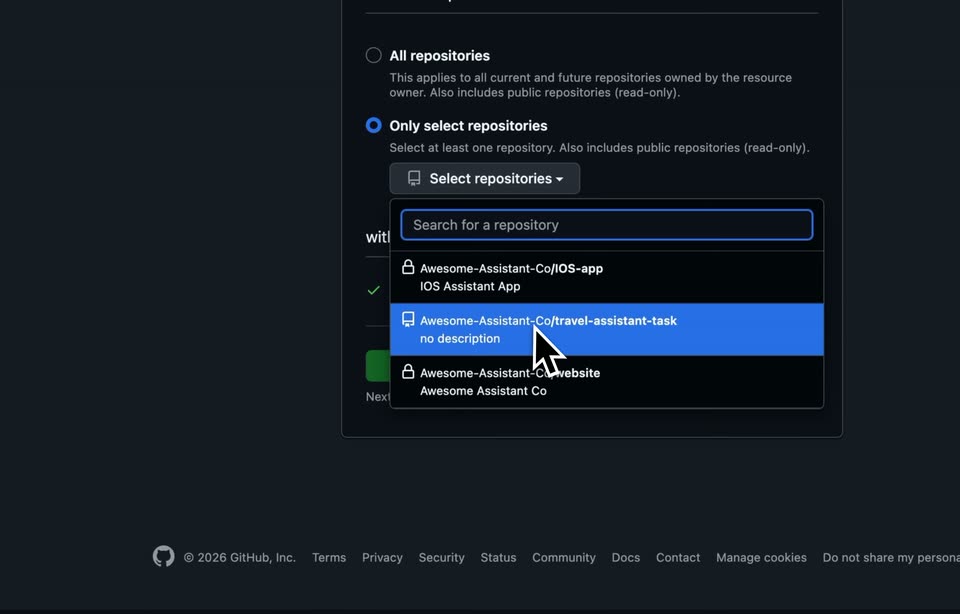 0:17–0:21Outship · OutshipA dark GitHub install page sits in a browser over a warm gradient background. The view zooms into the form while a cursor selects the specific-repositories option, opens the repository picker, and the screen switches to a redirect notice.
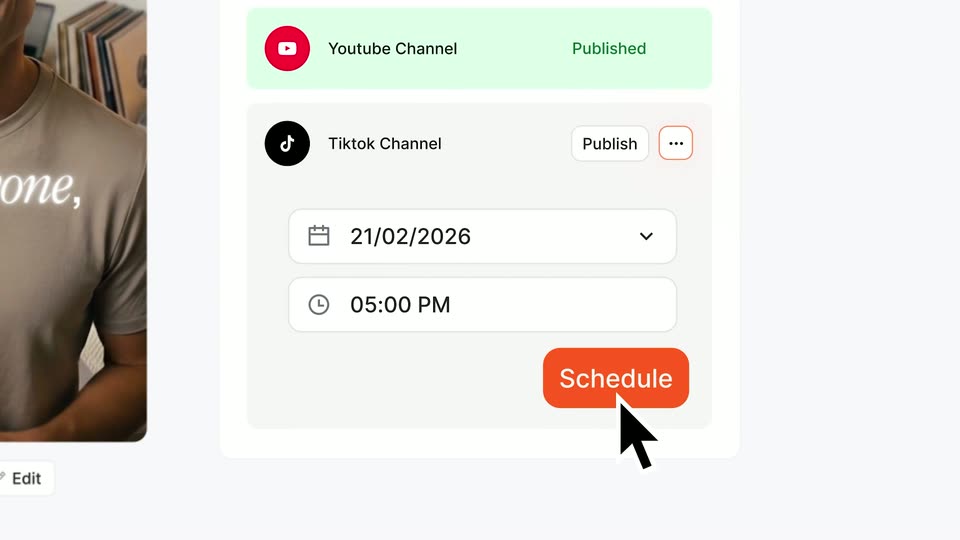 0:24–0:25Submagic · Submagic - Introducing our new Publishing feature. A new way to share your contA scheduling panel flips from a published state to a schedule state, revealing date and time fields beside the TikTok row. A black cursor glides down and presses the orange Schedule button, while a man in a beige shirt sits in a video card at the left edge.
 0:03–0:09The Token Company · The Token Company (YC W26) Launch VideoA dark chat interface scrolls down from a study.pdf chip and prompt pill in the upper right to the input bar, where How about these documents? is typed and PDF chips attach above it; a cursor clicks send and the message appears as a bubble over skeleton response lines.
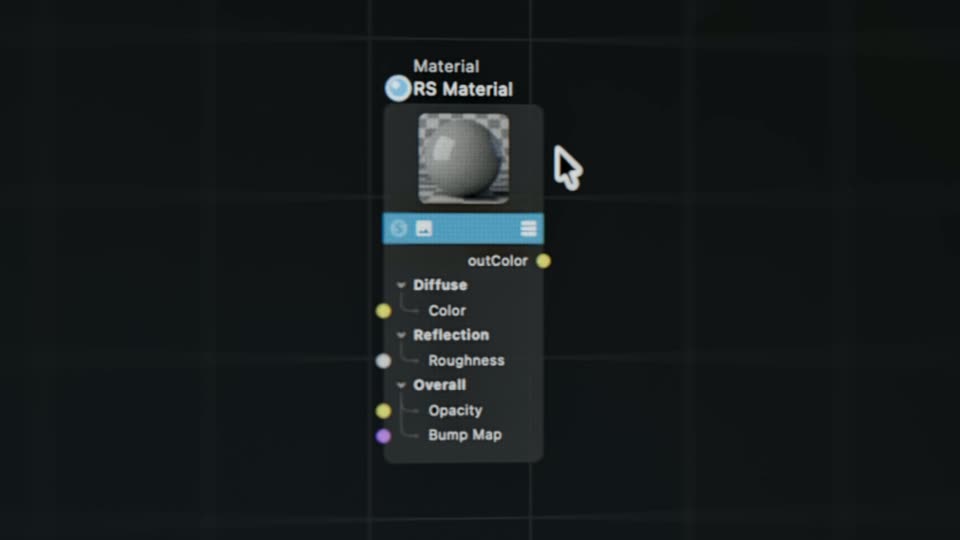 1:11–1:12Apple · The new MacBook Pro with M5 Pro and M5 MaxA dark material node panel sits on a faint grid. A white cursor hovers at the sphere preview, and the node's outline lights up orange as it is selected, with property rows and colored ports below.
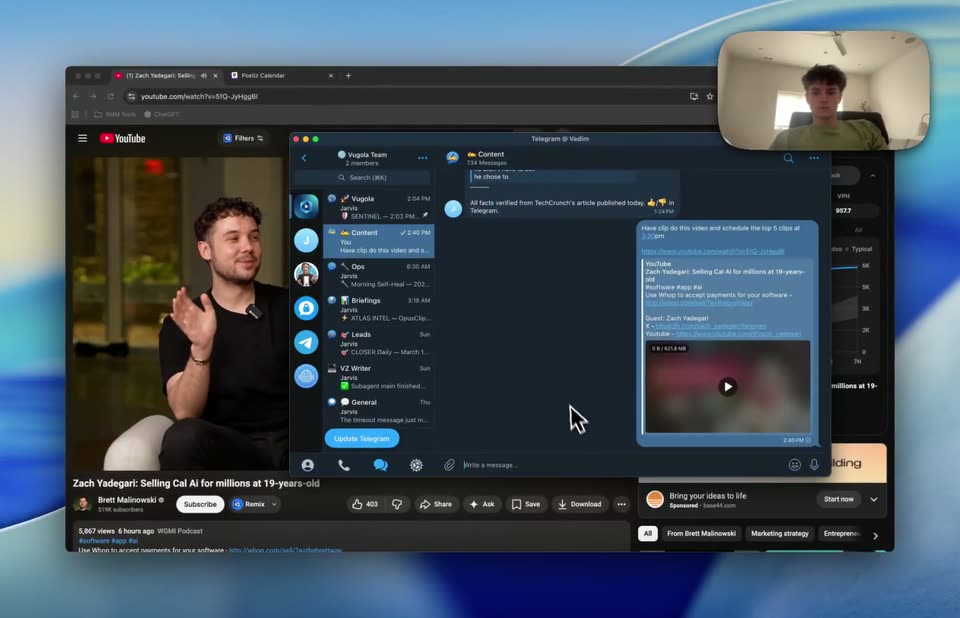 0:05–0:11Clippers · 0xMarioNawfal - CLIPPERS ARE DONE. Drop a YouTube link. AI finds the viral cuts, ediA desktop screen recording. A dark Telegram chat window overlays a playing YouTube podcast video, with a small webcam feed top right. The frame zooms out to show the full browser and blue wallpaper, then a cursor drags the Telegram window right by its title bar.
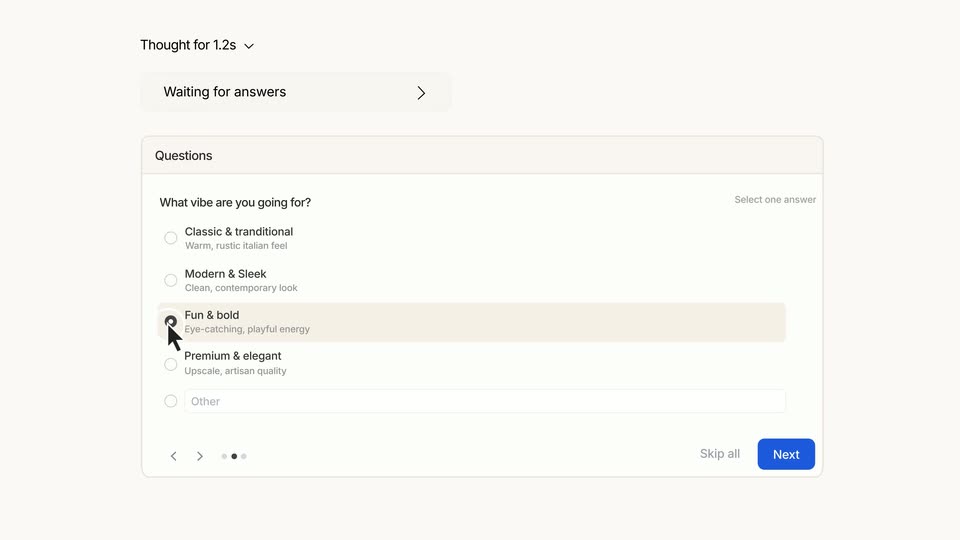 0:19–0:22Kodo · Michael Goldstein - The way we design hasn’t changed in 20 years. We think it’s time itA light gray form card lists a vibe question with radio options. A cursor clicks the Fun & bold row, which highlights with a filled radio, then the cursor slides to the blue Next button.
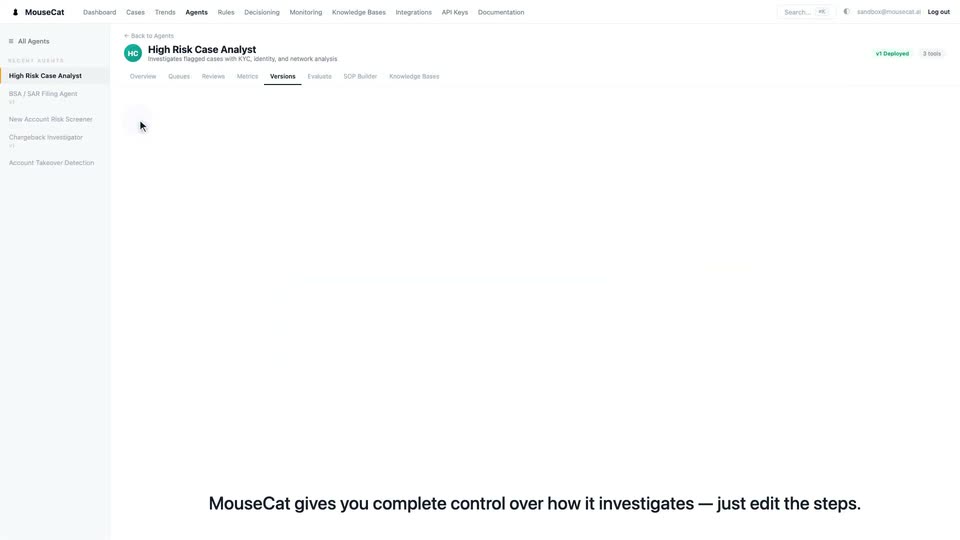 0:35–0:36MouseCat · MouseCat 🐭🐱 AI-Powered Fraud InvestigationsA locked-off view of the MouseCat agent page. A cursor moves to the purple New Version button and clicks it, and the version list crossfades into a draft editor showing a numbered list of investigation steps beside a Tools panel and an Output Schema block. A caption sits at the bottom.
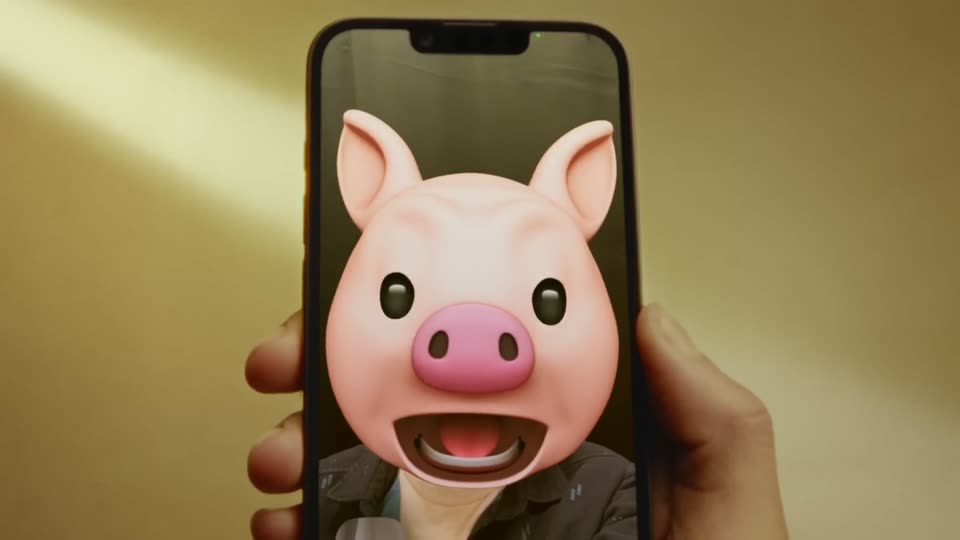 0:05–0:06iPhone 17e · iPhone 17e: A Powerful iPhone at a Great PriceA white iPhone back floats in 3D on a light gray stage with three color dots and a cursor on the right, then it cuts to a hand holding the phone, its screen showing a 3D pig emoji over a person.
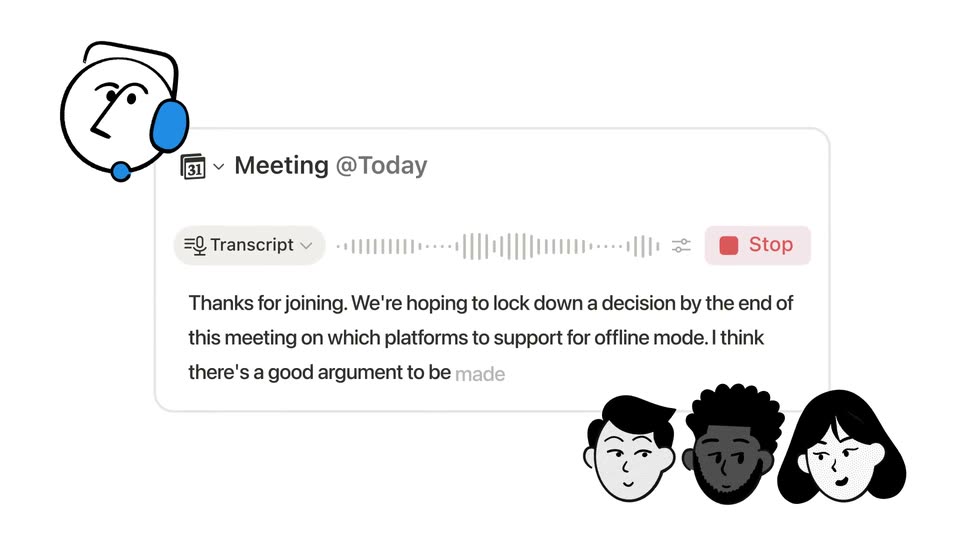 0:35–0:39Notion · Notion - Allow us to reintroduce ourselves.A cursor clicks the Start transcribing button on a meeting card, and the frame tightens onto the card as a transcript types out word by word. A sketched headset character and three participant faces appear around the card on a plain white background.
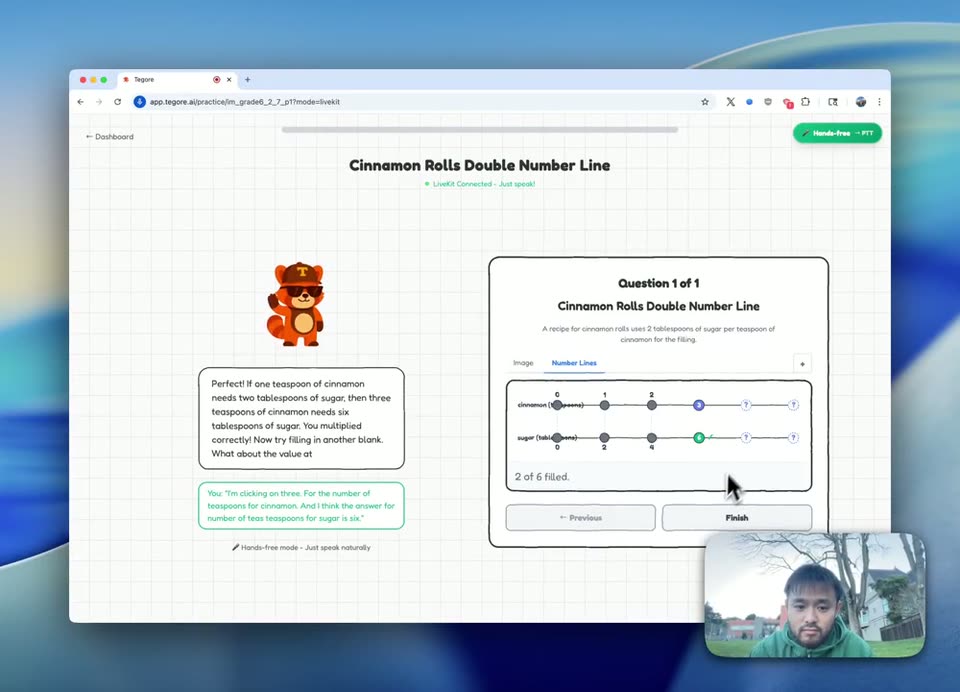 2:01–2:40Tegore · Tegore AI: The Math Bear - The promise of 1:1 high-quality on-demand tutoring is here! Watch tA math web app shows a double number line with a bear mascot and a presenter webcam inset. The frame opens zoomed on the question card, then pulls back to the full browser window. A cursor clicks blank spots and types values into a small popup as dots fill in.
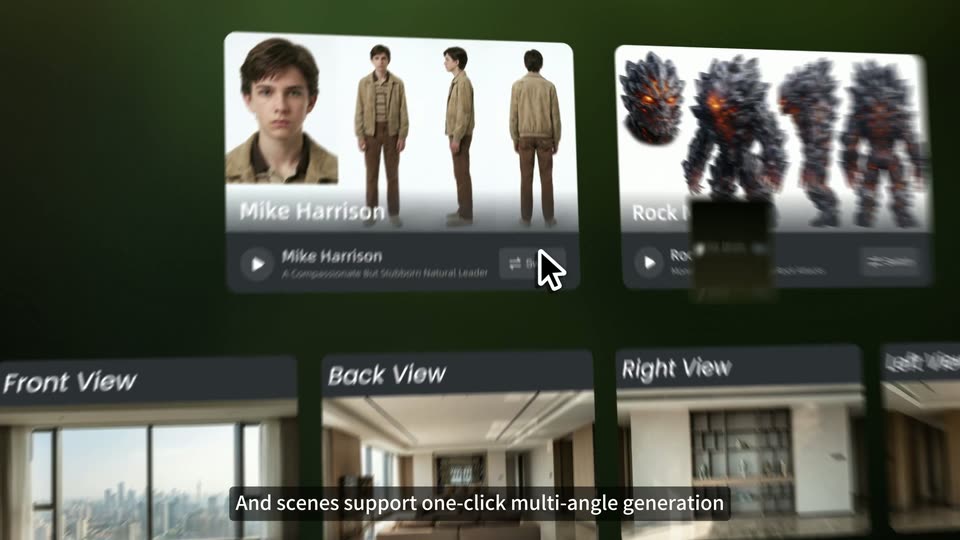 0:34–0:37Zopia · Zopia AI - We’re introducing Zopia — an end-to-end AI Video Director Agent for FA product UI shows a Character Design heading above two character turnaround cards and four interior scene thumbnails. The view pushes in as a cursor hovers a Switch button, then the background blurs and a dark voice list with SELECT buttons appears at right.
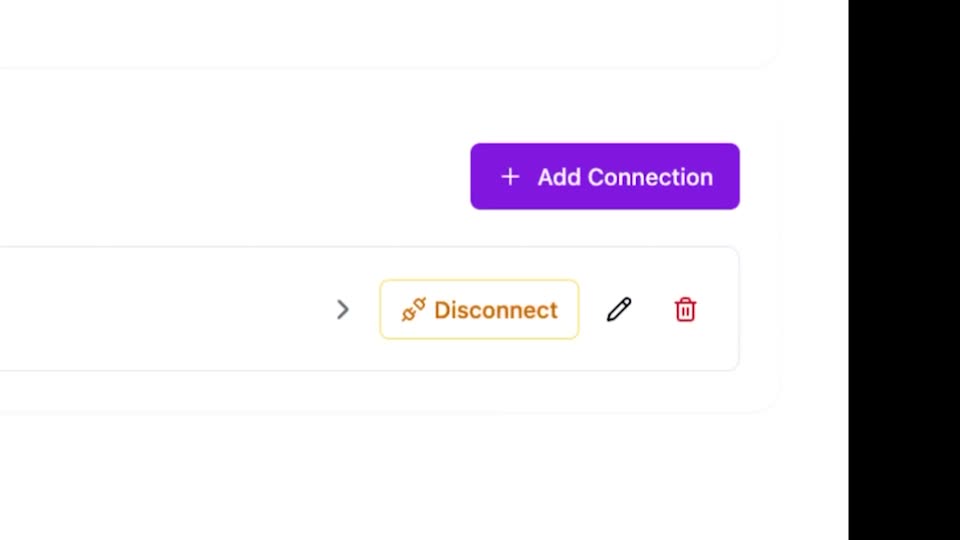 0:36–0:37Agentic Fabriq · Agentic Fabriq YC W26 LaunchClose-up of a settings row on white. A hand cursor clicks the purple Connect button, which toggles to an orange Disconnect state. The interface fades out to white and the bold gray word see appears at left, followed by the locked-off lines cut down your, auth, work.
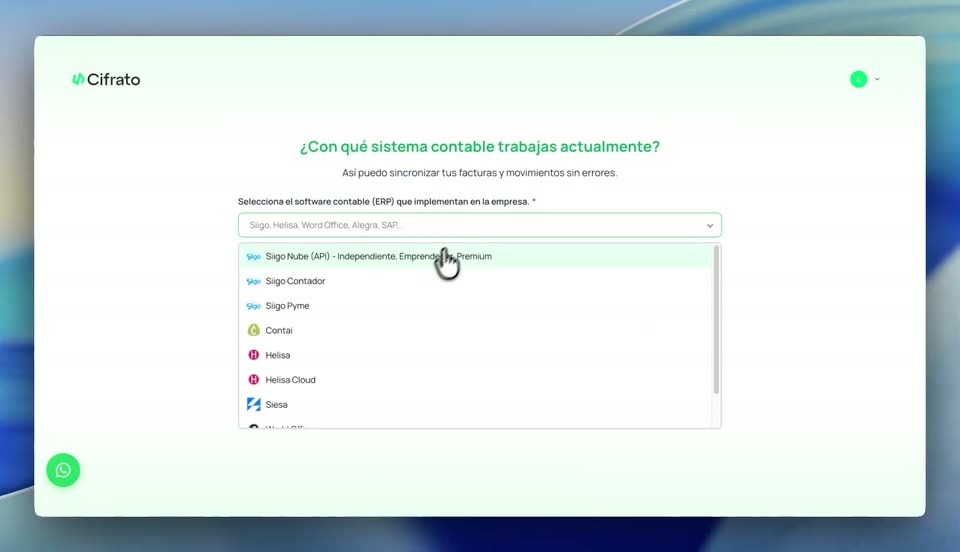 0:20–0:21Cifrato · Demo CifratoA white Cifrato form panel on a blurred blue background. A hand cursor opens the software dropdown, selects the Siigo Nube entry, then clicks the green Siguiente button.
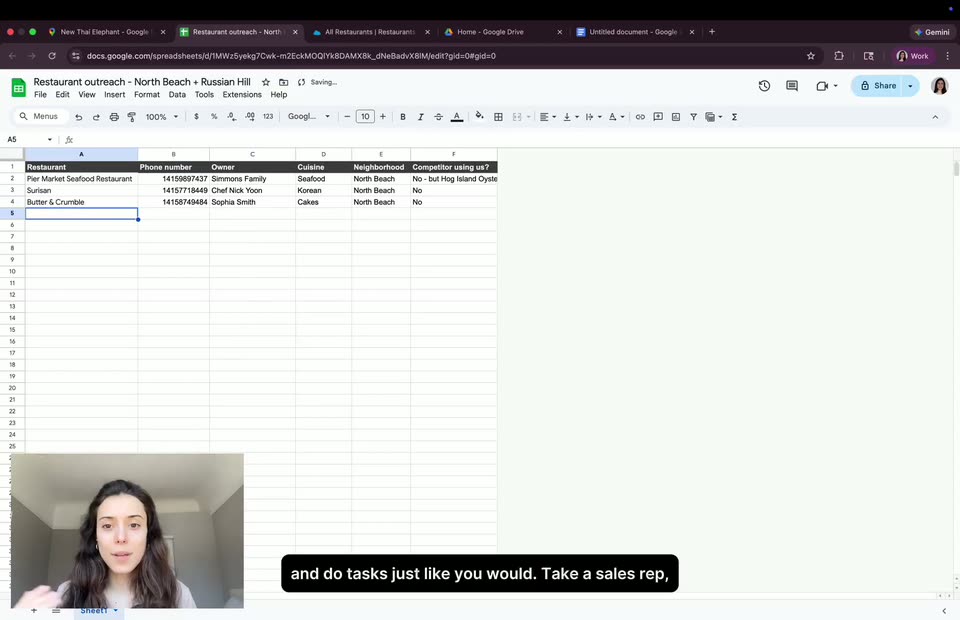 0:14–0:16Cofia · Introducing CofiaA Google Sheets restaurant list fills the screen, with a small video-call inset of a woman at the lower left. A cursor moves from a cell to the top menu, and a black caption bar appears at the bottom.
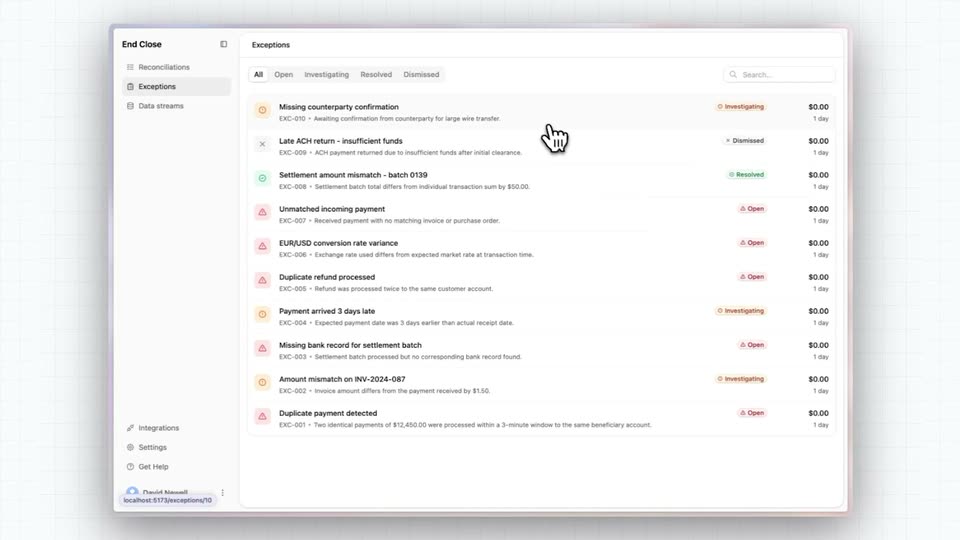 0:55–0:57End Close · Y Combinator - End Close builds automatic reconciliation for payments companies, repA light exceptions dashboard with a left sidebar and a list of flagged items. A hand cursor moves up the rows and clicks the top entry, switching to a detail view with an AI investigation card and a payment activity timeline.
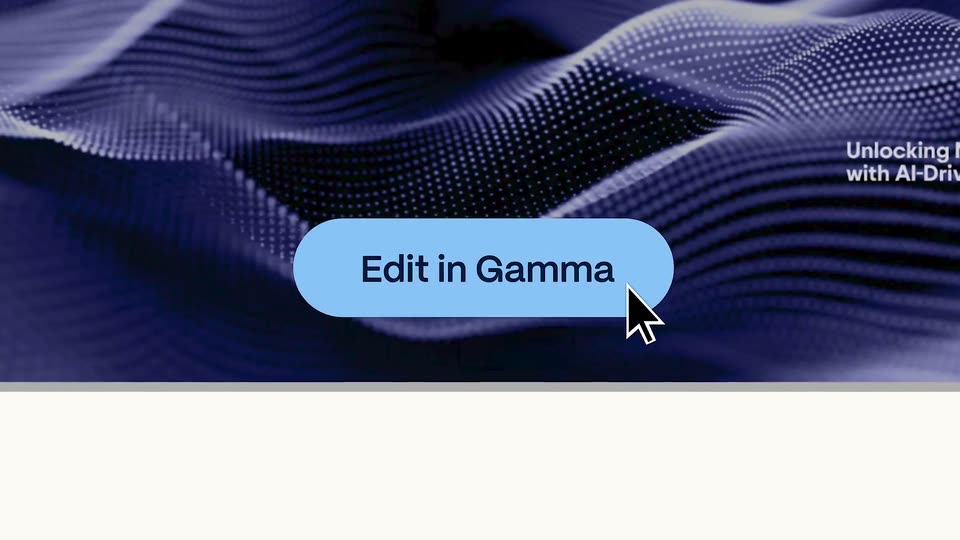 0:14–0:15Gamma · Gamma - Gamma is now on @claudeai! You can generate a presentation with GammA light-blue pill button reading “Edit in Gamma” scales into the center over a rippling blue dot-wave backdrop. A white cursor glides in from the right and hovers at the button's edge, while a slide headline is clipped at the right margin.
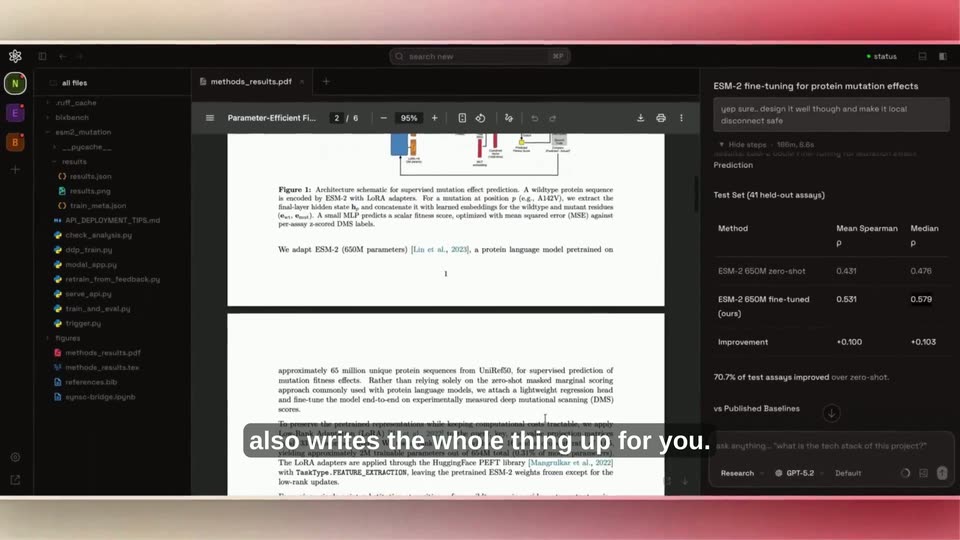 0:48–1:05SynScience · Y Combinator - .@SynScience is building AI co-scientists for end-to-end scientific rA split product screen shows a research paper on the left and a results table on the right. The cursor hovers over the Spearman figures as the PDF scrolls and zooms onto the diagram. Captions announce the gains and that the tool writes up tables, methods, and citations.
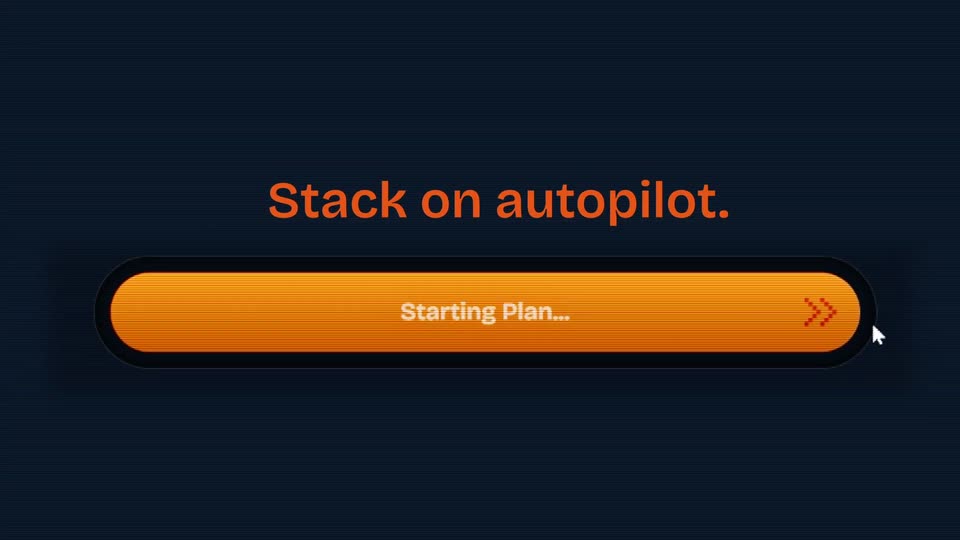 0:06–0:08Bitmor · Bitmor - we build a habit, for your future. stack sats with @bitmor_btcOn a dark navy field, a white cursor drags the orange knob of a slide bar from left to right, filling the track and switching its label from Slide to Start Plan to Starting Plan... with chevrons. The orange headline Stack on autopilot. fades in above the bar.
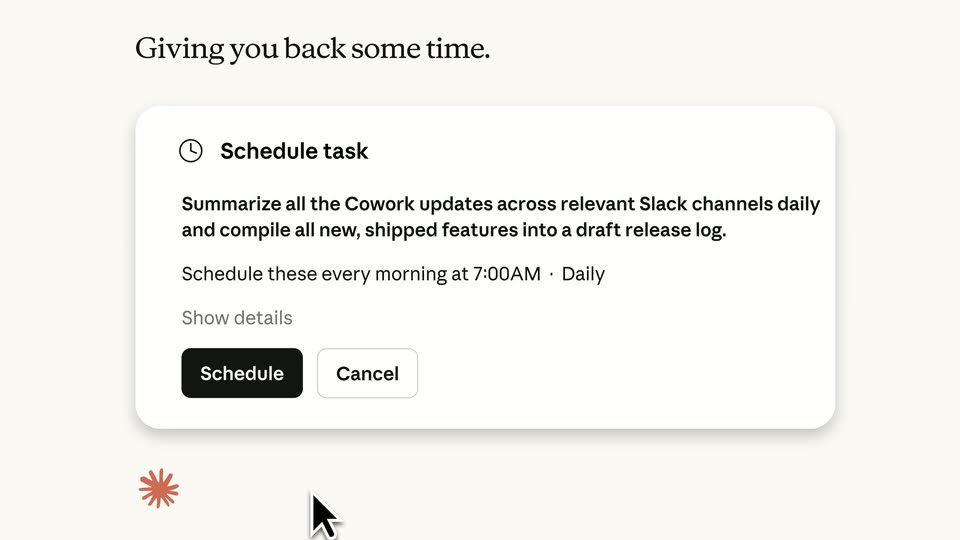 0:08–0:10Anthropic · Claude - New in Cowork: scheduled tasks. Claude can now complete recurring taA white prompt card with a terracotta button sits over a serif headline that types out. The card fades, the headline completes at the top, and a Schedule task card appears below; a hand cursor taps its black Schedule button.
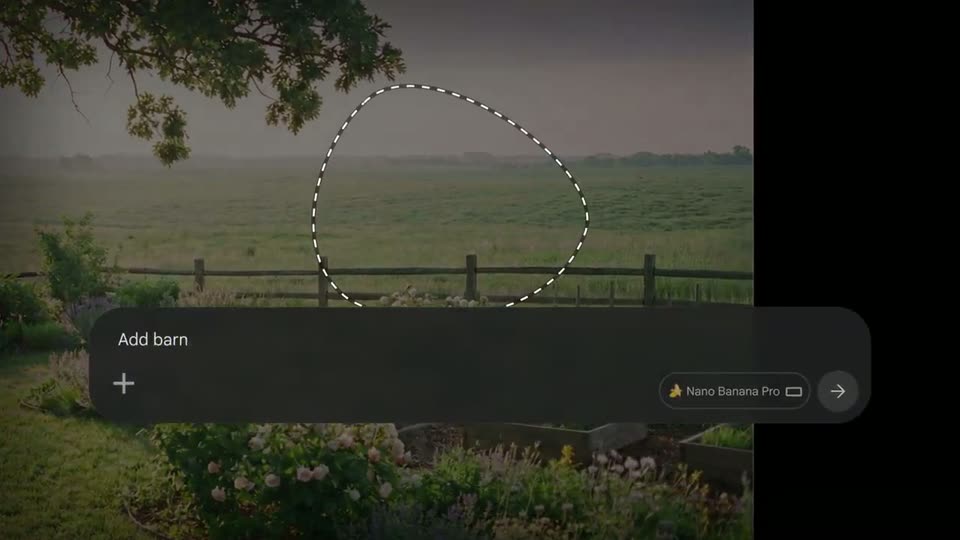 0:18–0:20Google · Google Flow - Today we're expanding Flow into a full AI creative studio. We’ve redeA garden photo fills the screen while a dashed white lasso is drawn around the open sky. The prompt bar below fills with the typed text Add barn, the photo dims, and a hand cursor taps the right arrow.
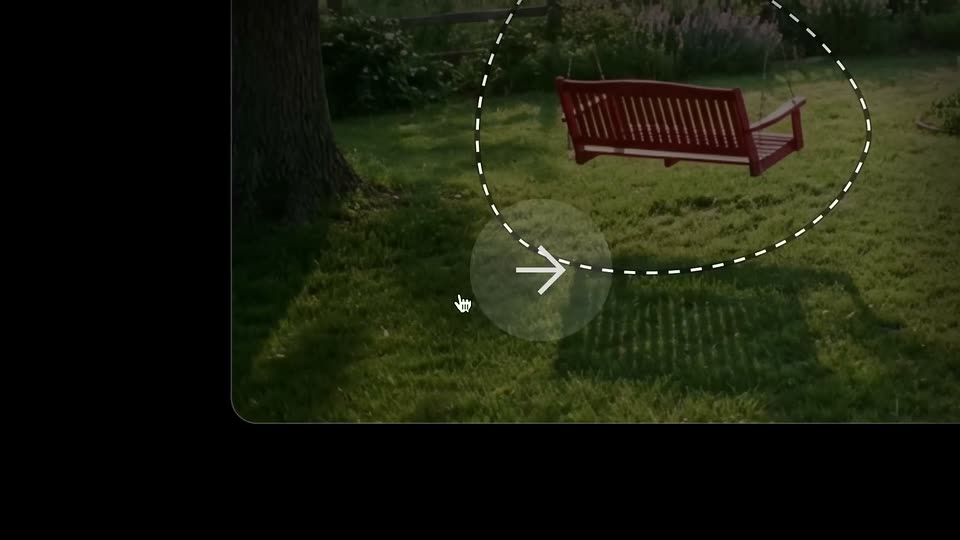 0:13–0:15Google · Introducing the New Flow, Your AI Creative StudioA dark prompt bar over a garden photo types “add grandparents.portrait to the swing” beside a small portrait chip; a dashed white ellipse outlines the red swing. The bar expands, then fades out as a hand cursor hovers over it.
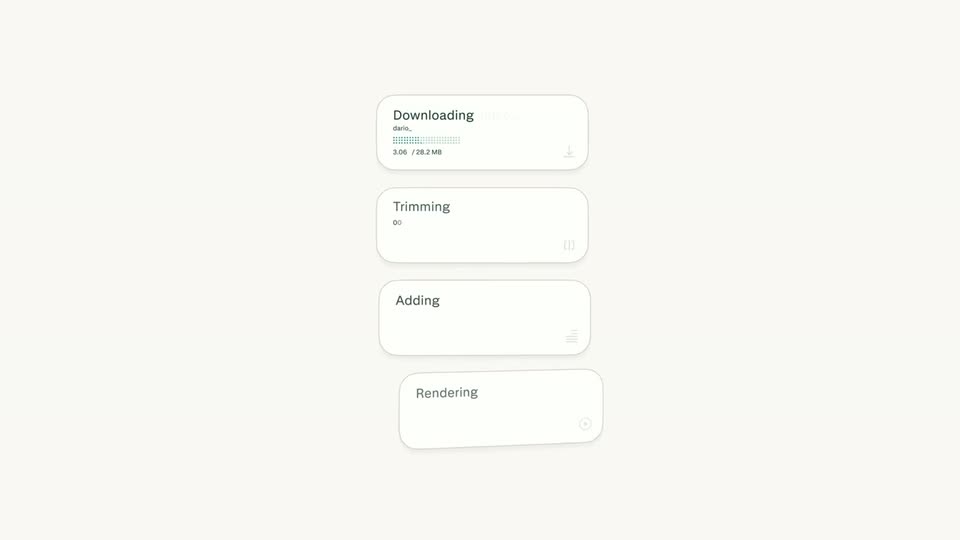 0:46–0:47Perplexity · Perplexity - Introducing Perplexity Computer. Computer unifies every current AI cOn a cream background, a white prompt card holding a video task and a cursor on its send button morphs into a centered stack of four status cards. The original text dissolves as the download, trim, caption, and render cards slide into place.
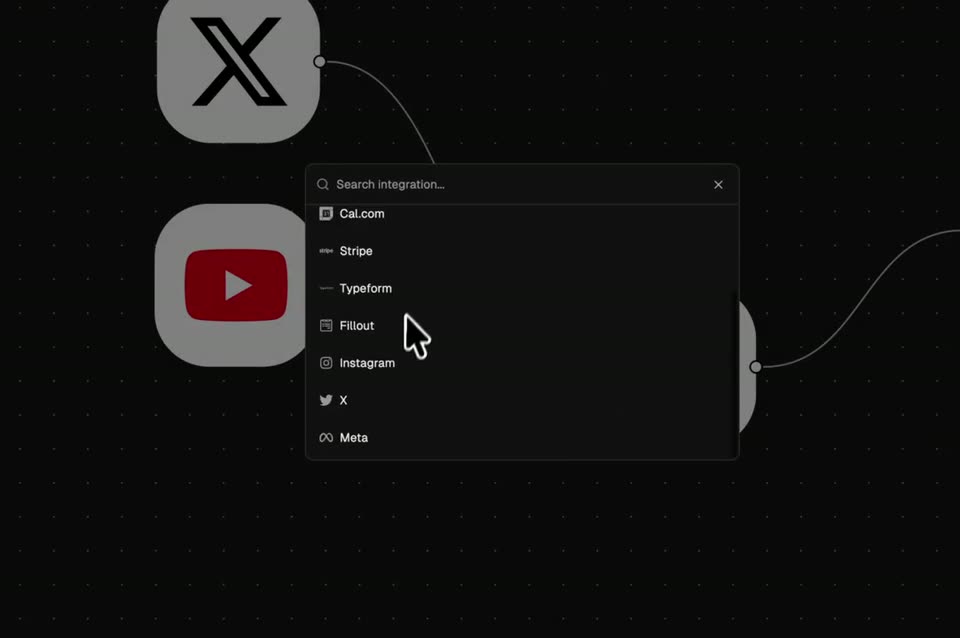 0:07–0:09Pulse · Pulse App - Psst, dark mode is here. If you're running youtube lead gen offers,A dark dotted grid holds three white app icons, X, YouTube and a globe, linked by thin curved lines. A dark search panel listing integrations appears over the center, dimming the icons, then fades out. A cursor drifts to the list and hovers a row.
 0:10–0:12QuiverAI · Joan Rodriguez - Introducing @QuiverAI, a new AI lab and product company focused on frA red gradient app icon sits left of a line that types 'create variations of this logo' behind a blue cursor. The line then slides left as a blue arrow button scales in and a mouse pointer moves onto it.
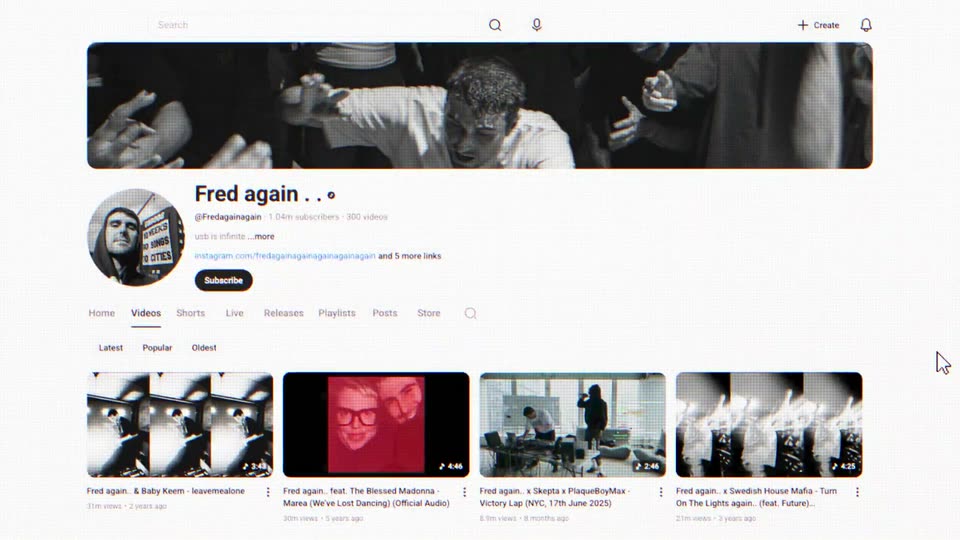 0:27–0:28Whop · Steven Schwartz 🦅 - We are excited to announce that @tether, the largest stablecoin compaA YouTube channel page for Fred again.. fills the frame, the Videos tab underlined above a row of four video thumbnails. A cursor glides in from the left and hovers over the rightmost thumbnail.
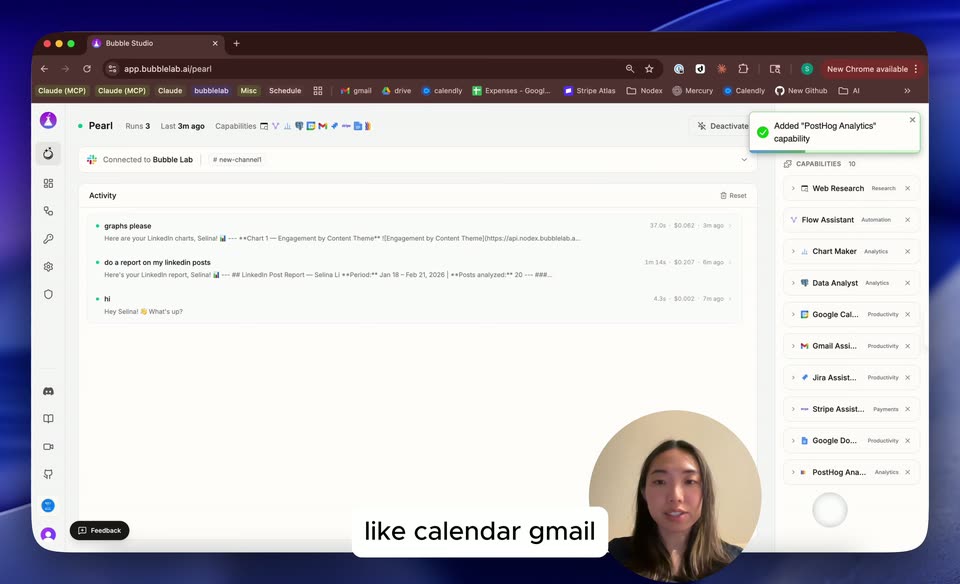 1:03–1:16Bubble Lab · Pearl in Slack (Bubble Lab) demo!A browser screen shows the Bubble Studio app: a dropdown picks a Postgres database, then the dashboard appears with green toasts confirming added capabilities and a growing sidebar list. A circular webcam of the presenter sits bottom right, and the frame zooms into the interface at the end.
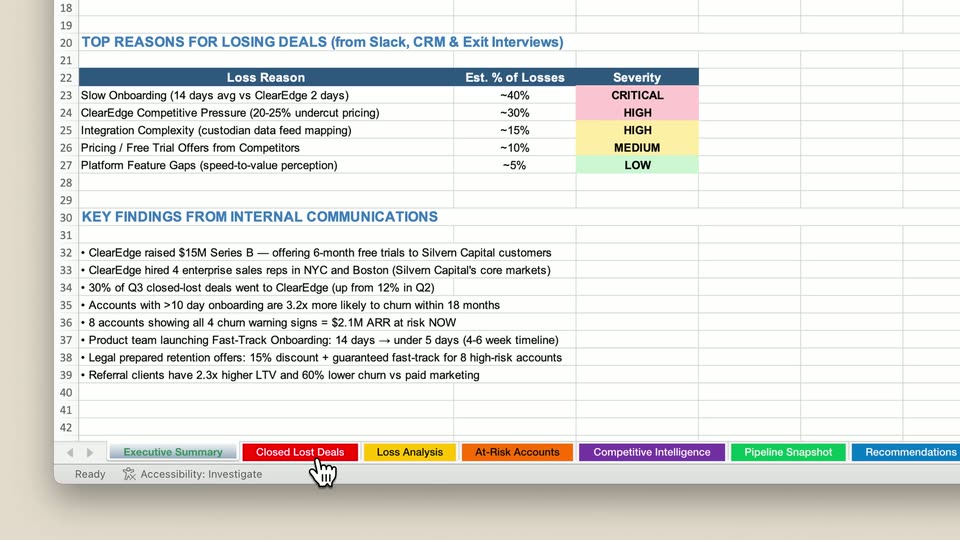 0:32–0:38Anthropic · Claude - Introducing Cowork and plugin updates that help enterprises customizeA spreadsheet window opens as a white source-notes panel fades out over the top. The sheet scrolls down through key metrics and a color-coded loss-reasons table, then a cursor taps the Loss Analysis tab to reveal a list of closed deals with company names and links.
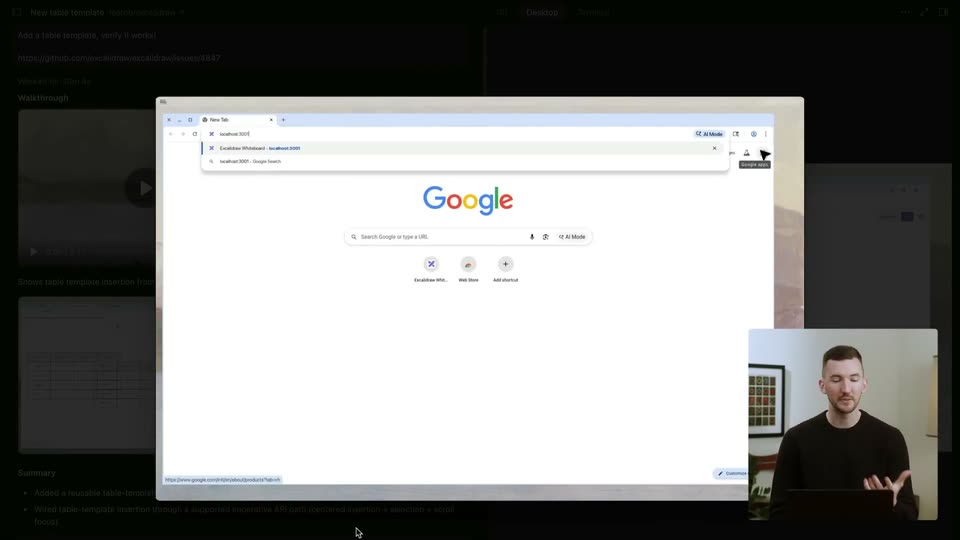 0:55–1:01Cursor · A computer for every agentA centered Chrome window plays a screen recording: the new-tab page shows the Google logo, then the cursor clicks the apps grid and types localhost:3001 into the address bar. A man in a black sweater gestures in a small bottom-right webcam box over a dimmed code editor.
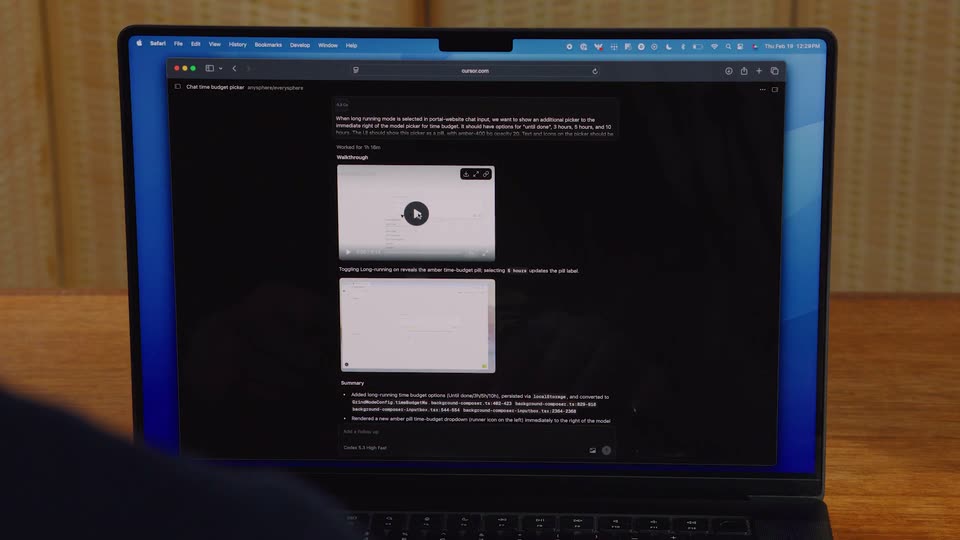 0:22–0:24Cursor · Cursor now shows you demos, not diffsA blurred shoulder fills the lower left as a MacBook sits on a wooden desk, its screen showing a dark Cursor chat with a task brief and two video thumbnails. A cursor glides to the play button on the first thumbnail; the camera is locked off.
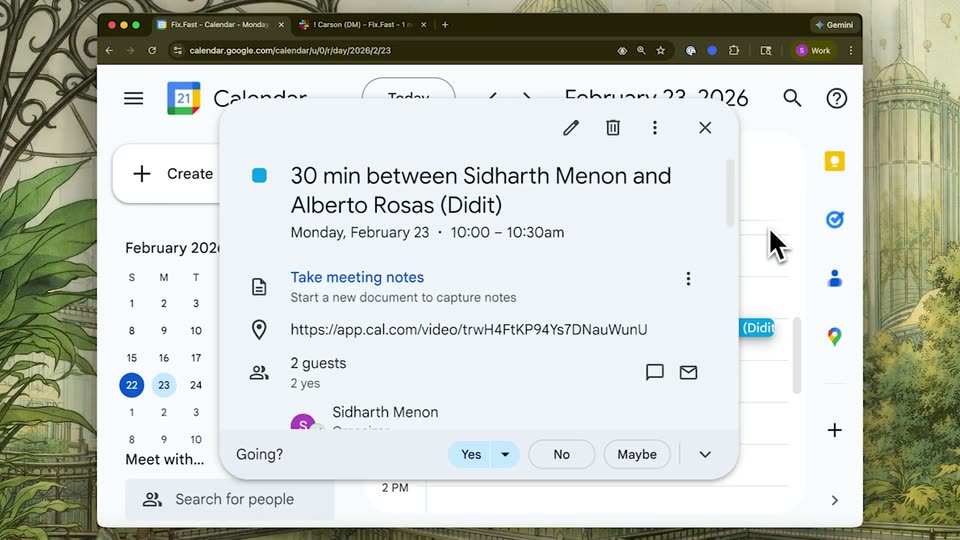 1:38–1:42/dev/fast · Introducing Carson, an adaptive assistant with serious securityA Google Calendar event dialog sits open over the day view. The cursor hovers over the dialog, the dialog closes, and the page folds diagonally away to reveal a new sidebar interface.
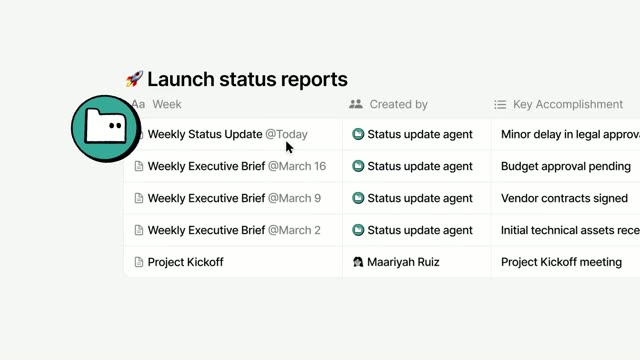 0:44–0:46Notion · Meet Custom Agents: Your 24/7 AI TeamA flat table titled Launch status reports on a light background. A teal circular badge with a white folder icon glides in from the left and docks on the first row. White label pills pop in, then a new row inserts at the top as a cursor hovers.
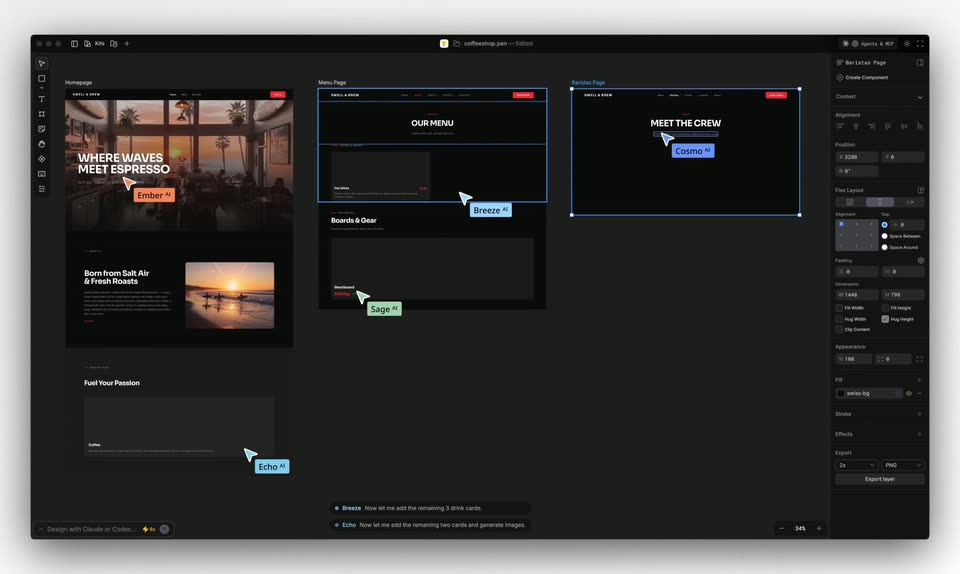 0:08–0:12Pencil · Tom Krcha - Pencil just crossed 100,000 users! Today we are introducing SWARM modA dark design-tool canvas shows three artboards, Homepage, Menu Page and Baristas Page, while named agent cursors (Cosmo, Breeze, Sage, Echo, Ember, Hex) move across them and the frames fill with a hero photo, headings and cards.
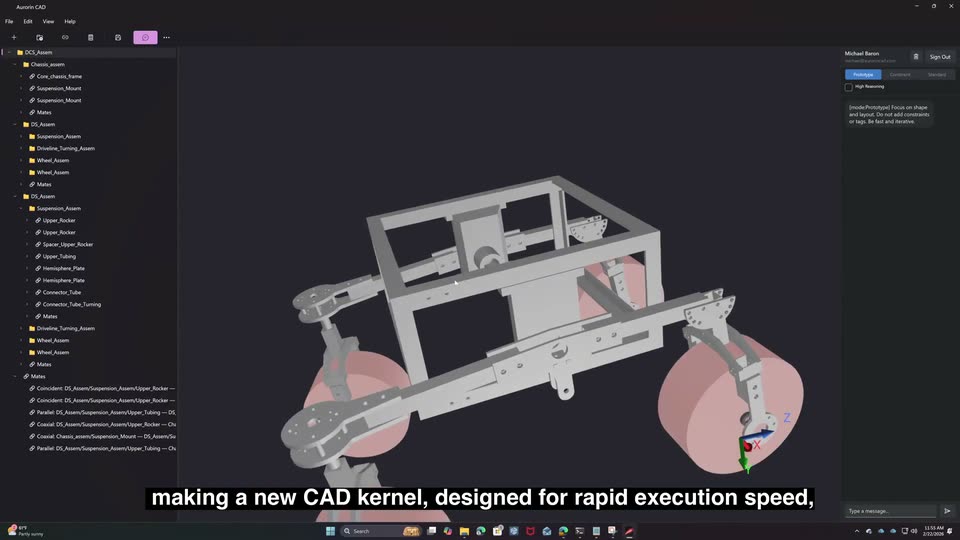 0:18–0:21Y Combinator · Y Combinator - Aurorin is building new professional CAD Software from the ground upScreen capture of a CAD application: the 3D viewport pulls back from a close-up of a gray tube to reveal a full chassis frame with pink wheels, while a component tree fills the left panel and a caption runs along the bottom.
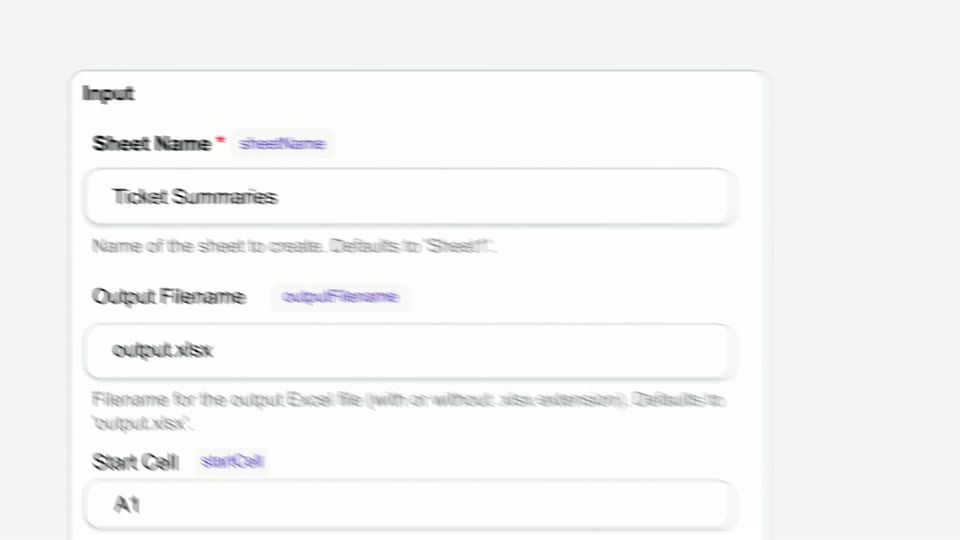 0:24–0:25Jinba · Jinba (YC W26) - Workflow Builder for Enterprise AI AutomationA light gray settings form crossfades from an Input panel with Sheet Name and Output Filename fields to a Config panel showing Version, Temperature and Api Key, a cursor hovering over the model field.
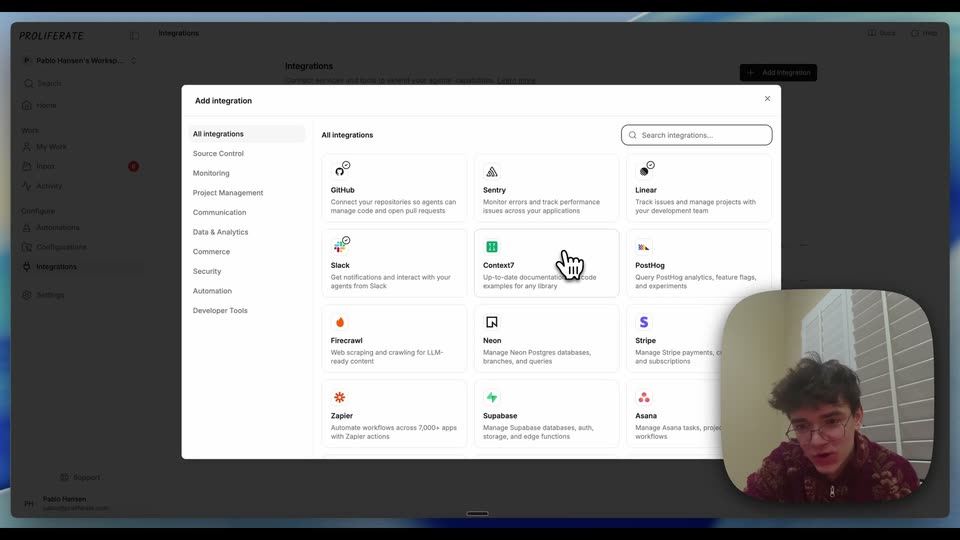 0:30–0:36Proliferate · Proliferate VideoThe Proliferate interface shows an Add integration modal with a grid of service cards. A cursor moves from the top-right button to the Context7 and Slack cards as the view zooms in on the grid, then blurs out. A small webcam video of a man plays in the bottom-right corner.
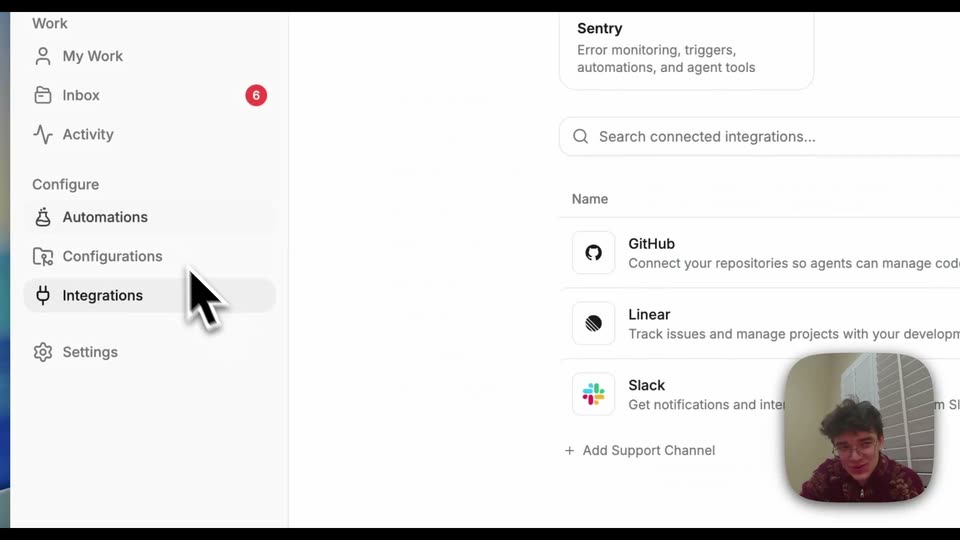 0:36–0:37Proliferate · Y Combinator - Local coding agents can't do end-to-end work at your company. @prolifA light interface eases from a tight blurred crop to the full layout, showing a left sidebar and a right panel listing integrations like GitHub and Slack. A large cursor hovers over the sidebar; a small rounded video-call window with a person sits in the corner.
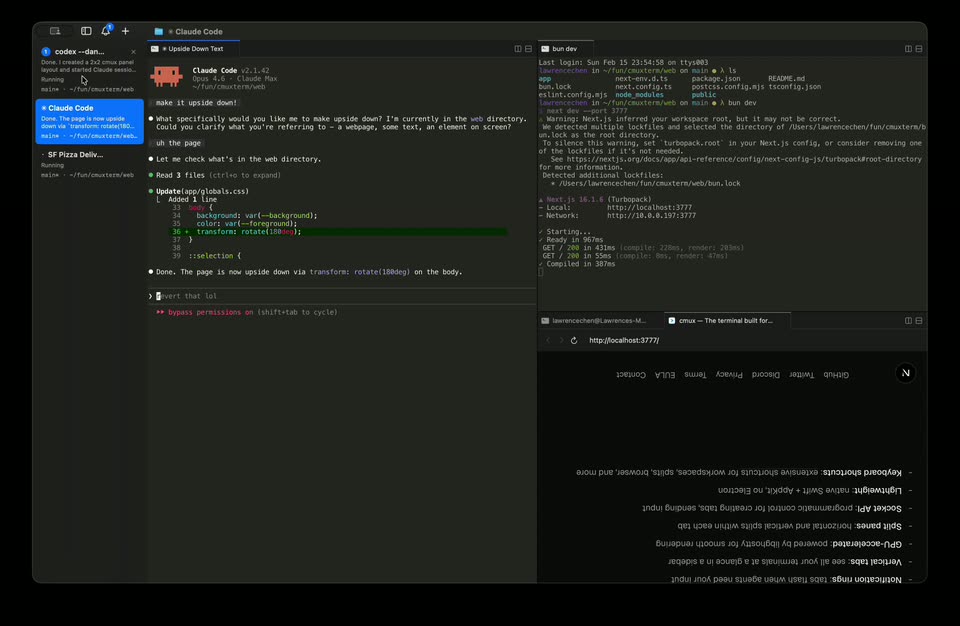 1:04–1:06cmux · cmux - the terminal built for multitaskingA terminal app fills the frame with several agent panes; the layout reshuffles into a 2x2 grid of sessions, and a red callout box with an arrow points to one pane. A mouse pointer drifts across the left pane.
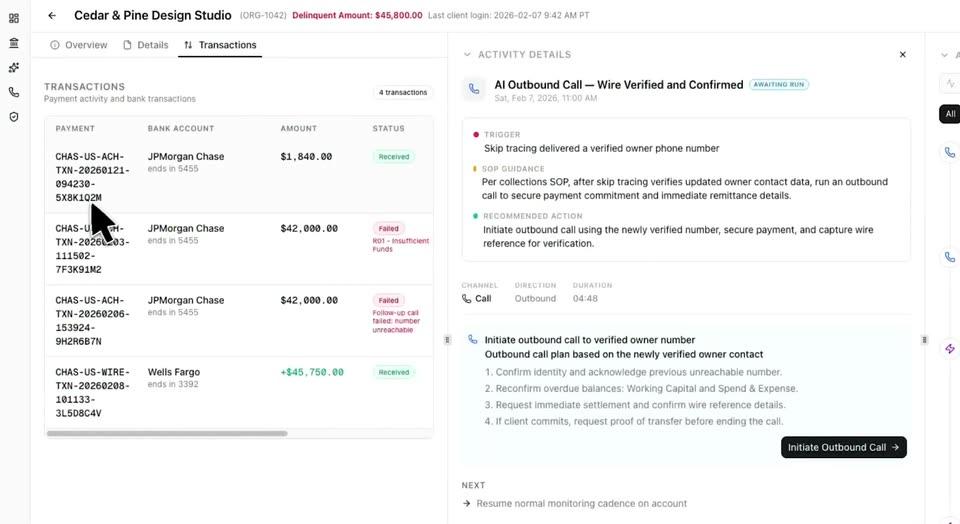 0:30–0:32Proximitty · Proximitty (YC W26) - Launch VideoA cursor clicks the Transactions tab of a collections dashboard, then moves down to a payment row. The view cuts to a processing screen showing an account card, a progress bar, and streaming status text.
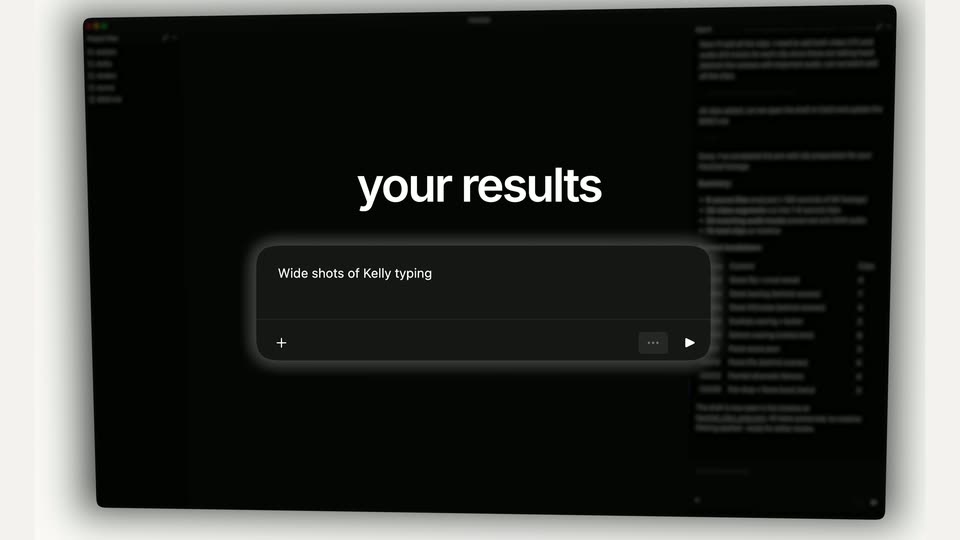 0:30–0:33Wideframe · Wideframe - AI agent for video work outside the NLEA dark app screen sits in 3D perspective on a light gray backdrop. Under the headline “Ask for”, a glowing search box types “Wide shots of Kelly typing”. The headline swaps to “your results” as a blurred green and blue waveform strip sweeps across the frame.
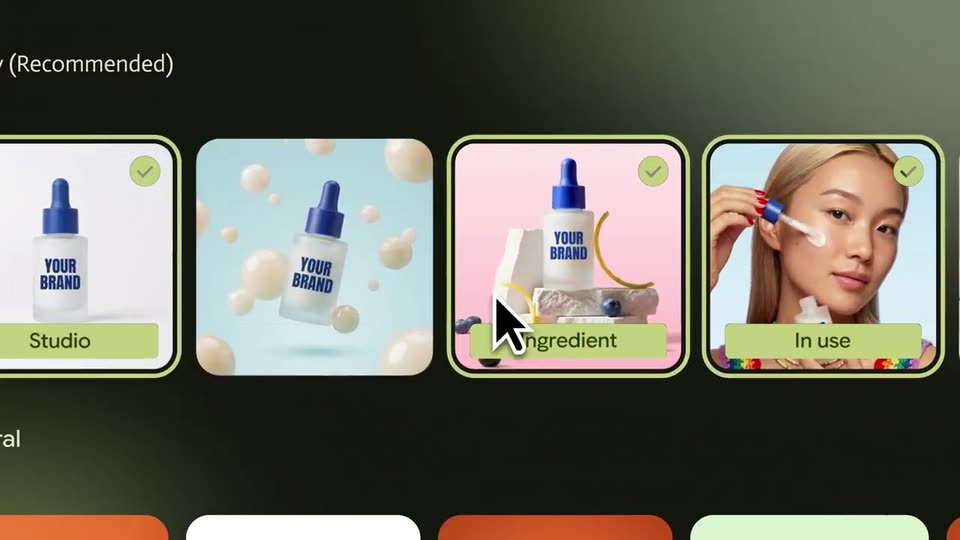 0:14–0:18Pomelli · Google Labs - Today, we’re introducing Pomelli’s latest feature update, ‘PhotoshootA dark product screen lists shot thumbnails in rows. The view zooms into the top 'Beauty' row, and a cursor slides right across the cards, hovering each to reveal its green label.
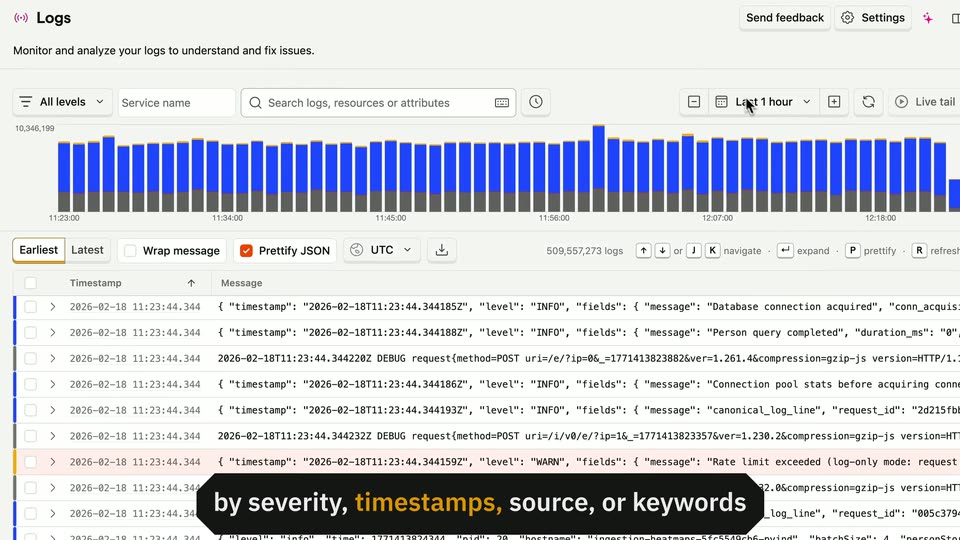 1:16–1:21Posthog · PostHog - Introducing Logs by PostHog - Free, up to 50 GB for free every monthA logs dashboard is shown. A cursor closes the open Log details panel, then opens the time-range dropdown and the severity dropdown. A black caption bar at the bottom displays the narration, swapping between two phrases.
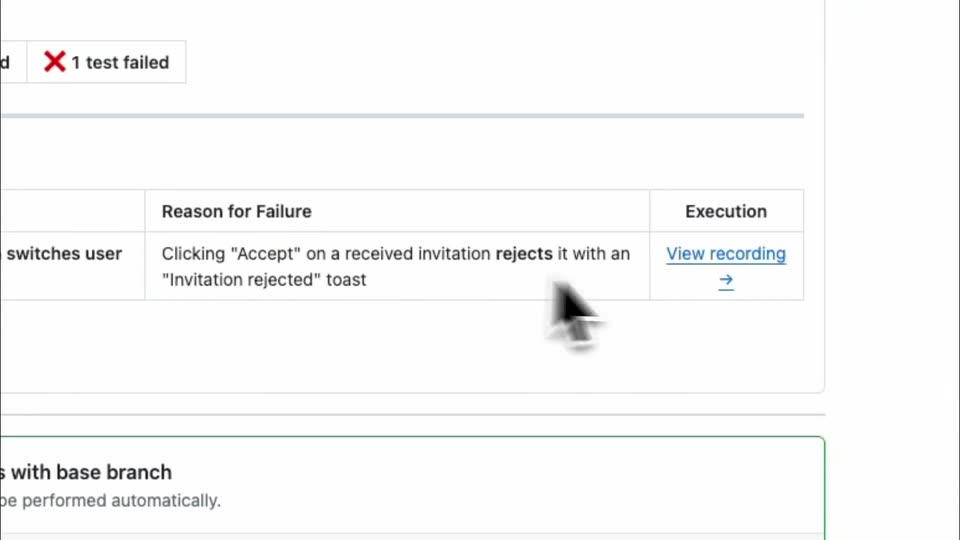 0:35–0:38Canary · Canary - Friday. 5:47 PM. Quick Claude session, small auth refactor. LGTM, meA close-up of a pull request comment shows canary test results with one failed test. The view pans across the failed-tests table as a hand cursor moves to the View recording link and clicks it, while a caption types out at the bottom.
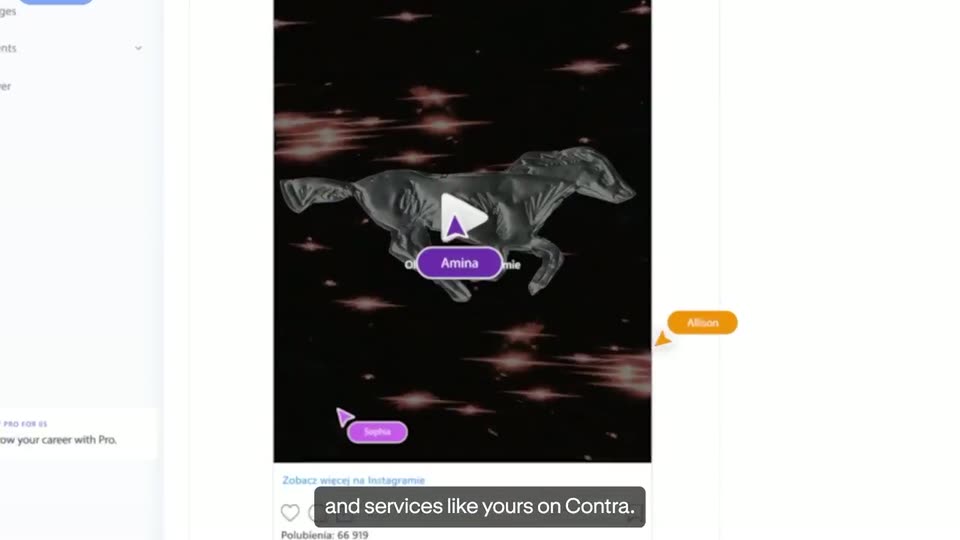 0:35–0:36Contra Payments · ben - Introducing Contra Payments. The first payments platform that lets yA light feed scrolls down over a post and a video card. A cursor rests on the play button as the video plays a metallic horse that becomes a white horse with a purple aura. Colored name tags with pointer arrows sit on the right margin.
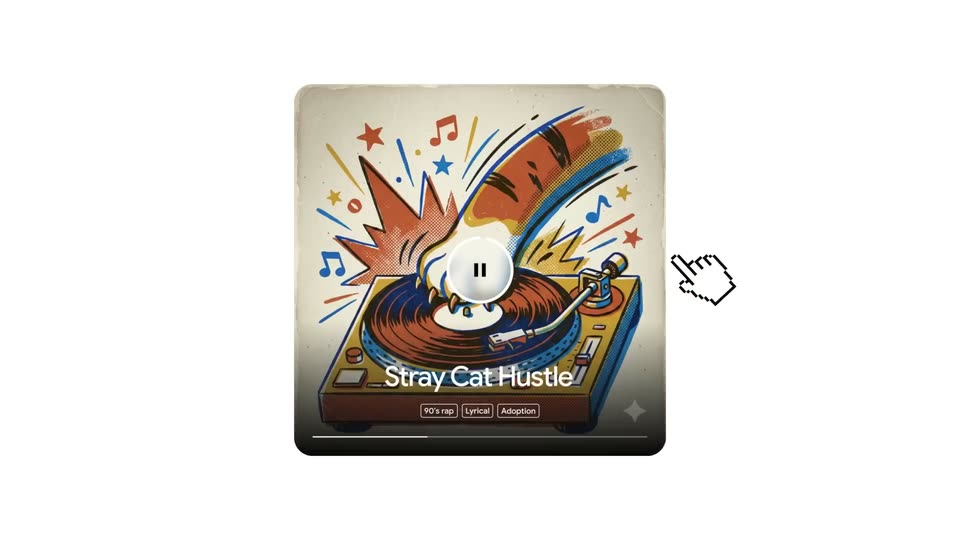 0:28–0:29Google · Introducing Lyria 3 music generationA square music-player card on a light gray field shows an illustrated hand holding heart-tied ropes, titled Rodeo Crush. A diamond photo chip with a cat and white cursor is dragged right, swapping the artwork into a comic cowboy scene while the pause icon pulses.
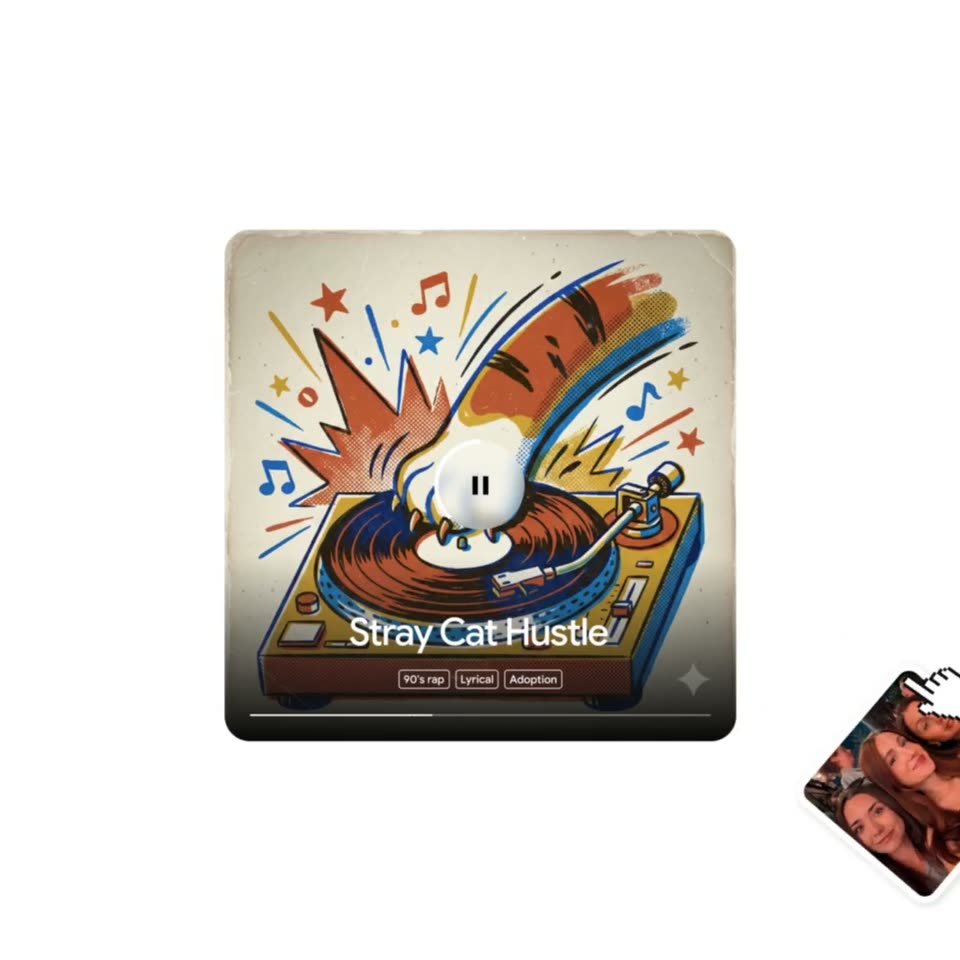 0:29–0:33Lyria · Google - Meet Lyria 3, our latest music generation model from @GoogleDeepMind.A square music card with a comic turntable illustration and a white pause button slides to center on a light background. A pixel hand cursor taps a small photo thumbnail that pops in at the bottom right, then the artwork and title swap to a new track.
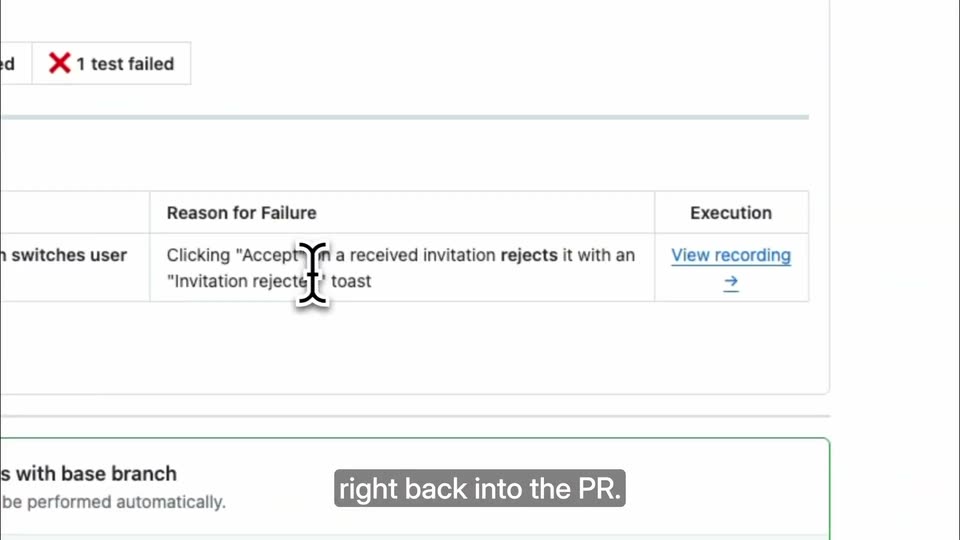 0:35–0:38Canary · Canary Launch VideoA close-up of a PR comment card showing Canary Results pans right across the failed-tests table as a large hand cursor moves to the Execution column and clicks the View recording link. A caption pill reads Video recordings drop at the bottom.