Cursor demo
A visible cursor operates the interface.
15,127 scenes · page 115 of 253
 0:17–0:18Solidroad · Solidroad YC Launch DemoA white dashboard window floats over a mountain lake wallpaper, a circular webcam of a bearded man in the lower left. The app shows skeleton loading: an empty gray canvas on the left, a stack of gray placeholder blocks on the right, and a cursor drifting across the screen.
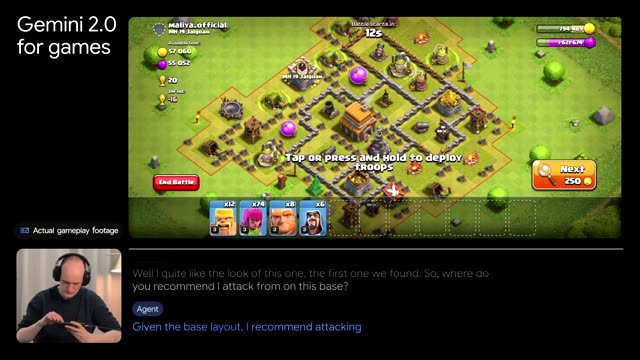 2:04–2:14Google · Introducing Gemini 2.0 | Our most capable AI model yetA Clash of Clans base in isometric view fills the top, its camera panning slowly as the battle countdown ticks down. Below, a chat log types the agent's attack advice word by word, while a small live-action inset of a man on a phone sits at lower left.
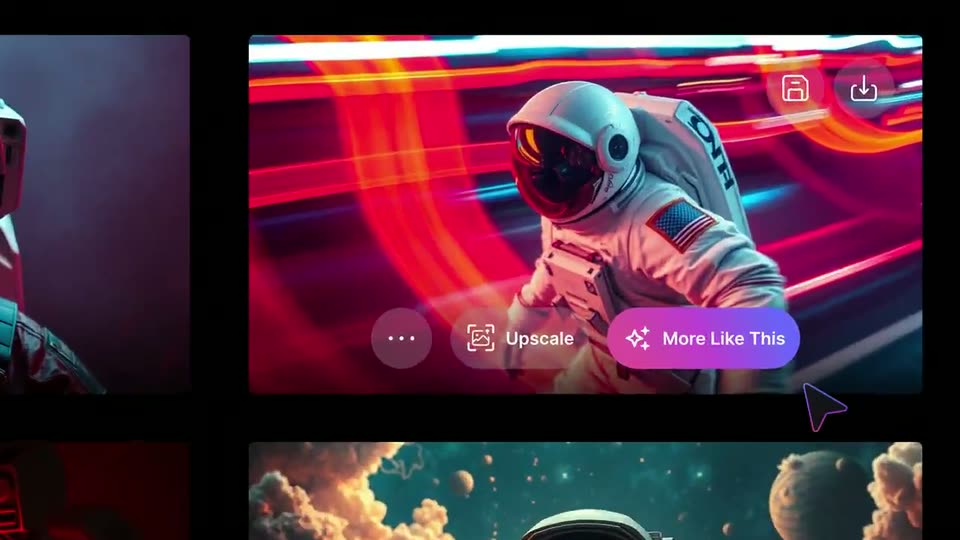 0:07–0:09Leonardo AI · Leonardo.Ai - ✨ Meet Flow State – Leonardo's newest feature for unlocking boundlessA grid of AI-generated astronaut images fills the frame, then the view zooms into one neon-lit astronaut tile. Two pill buttons slide in over the image and a cursor hovers the right one.
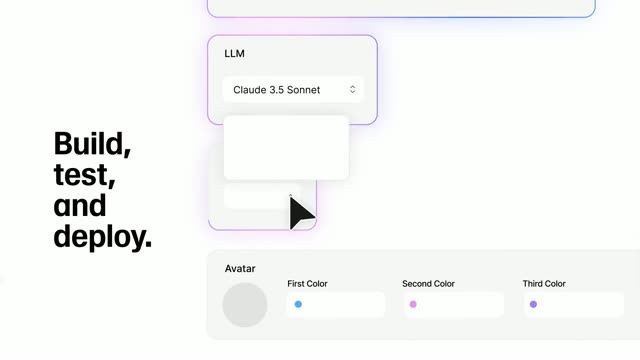 0:12–0:17ElevenLabs · Introducing ElevenLabs Conversational AgentsA settings panel scrolls down on the right as a black cursor clicks through dropdowns, selecting an LLM, a voice, and avatar colors, while the headline stays fixed on the left.
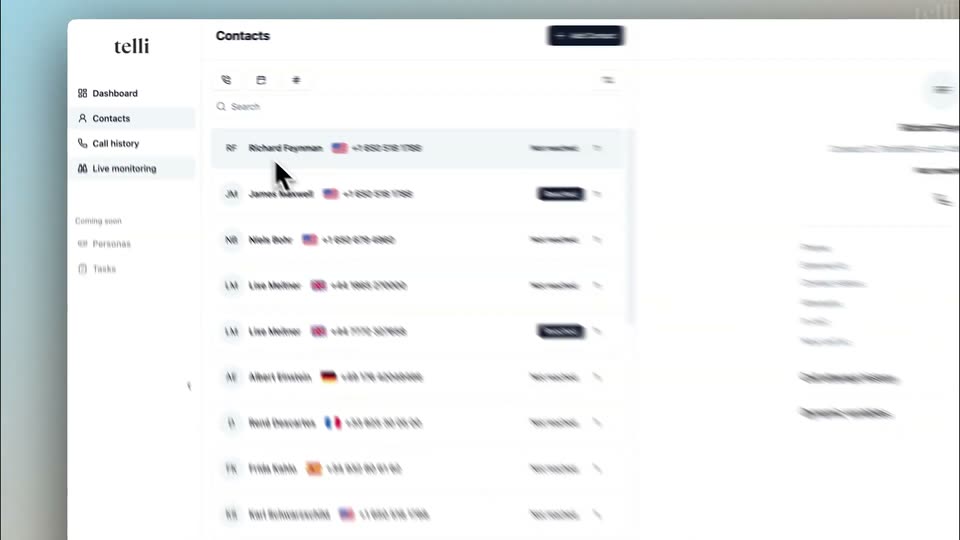 0:44–0:48telli · Launch YC - telli - outbound call automation for B2C companiesThe full telli contacts screen is shown, then the camera zooms into the list as the cursor hovers a contact row. It pulls back out and the right panel fills with the selected contact's details, before a closing card scales in the sign-off text.
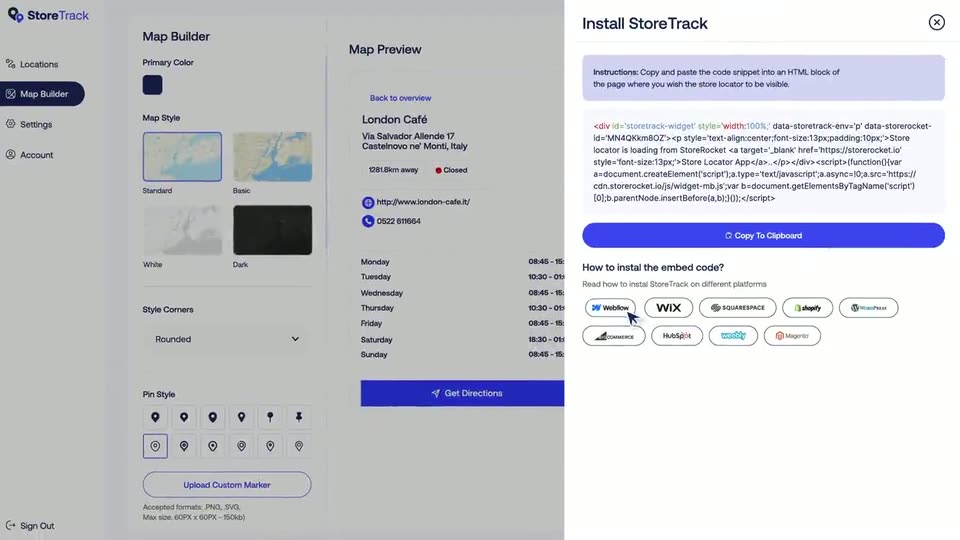 0:08–0:10StoreTrack · StoreTrack: headerA three-panel StoreTrack dashboard shows a map builder, a café map preview, and an install panel with an HTML snippet. A cursor leaves the blue Copy To Clipboard button and moves down to hover the Wix logo among the platform options.
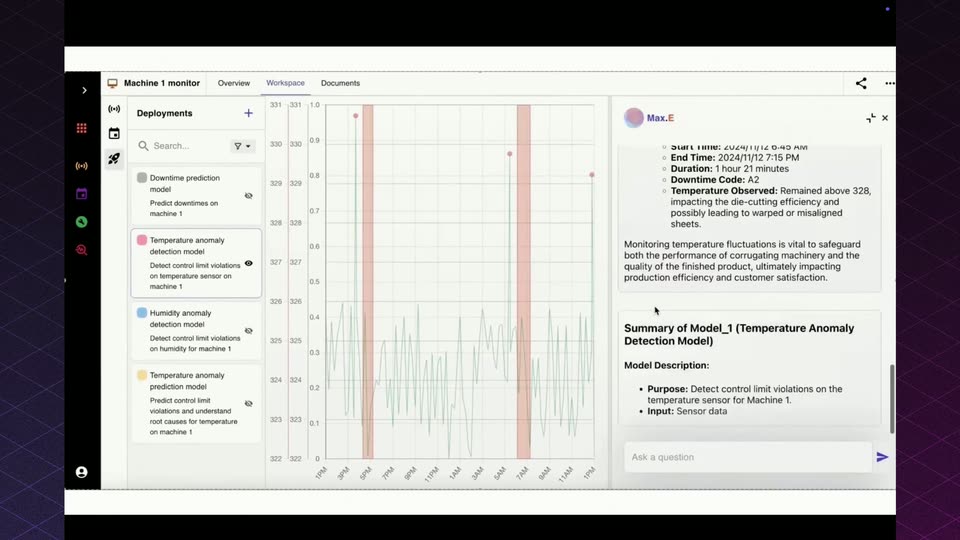 1:02–1:04Vortexify · Praxis AI LaunchA flat dashboard screen fills the frame: a left deployments list, a center time-series chart with two red anomaly bands, and a right AI assistant panel. A cursor hovers over an open dropdown, which closes as the list swaps sensor entries for model cards and the assistant panel refreshes with a full report.
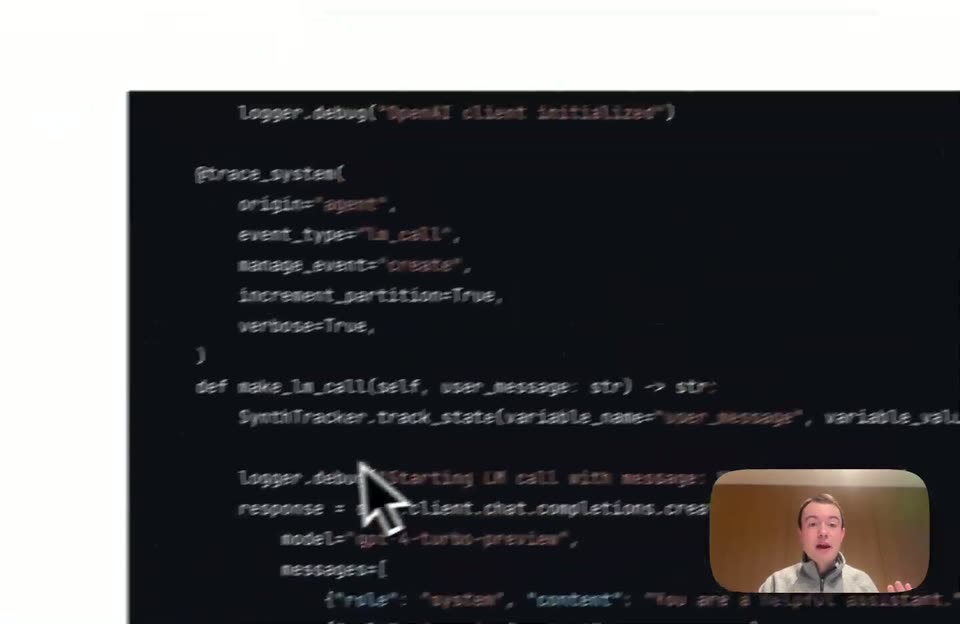 0:37–0:38Synth · Synth AI YC LaunchA browser window shows a dark code editor beside a documentation page with a small speaker video. The view zooms into the code editor, filling the frame with Python code while the speaker stays in the corner. A cursor moves across the lines.
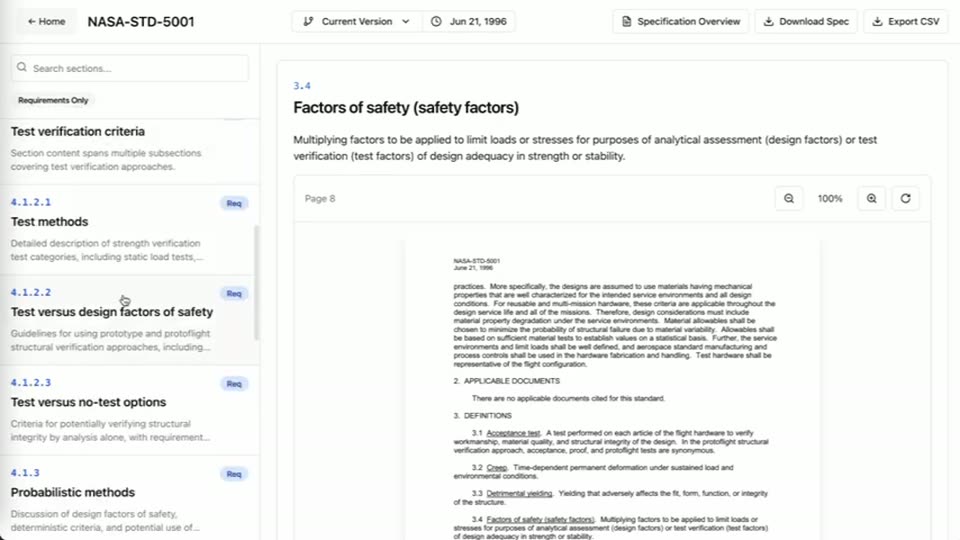 0:28–0:36Consus · Consus IntroA document review interface: a left sidebar lists standard sections, the main panel shows a section summary and PDF page preview. A cursor toggles Requirements Only, the list swaps to entries with Req badges, then a click on 4.1.2.2 updates the panel and preview to Page 11.
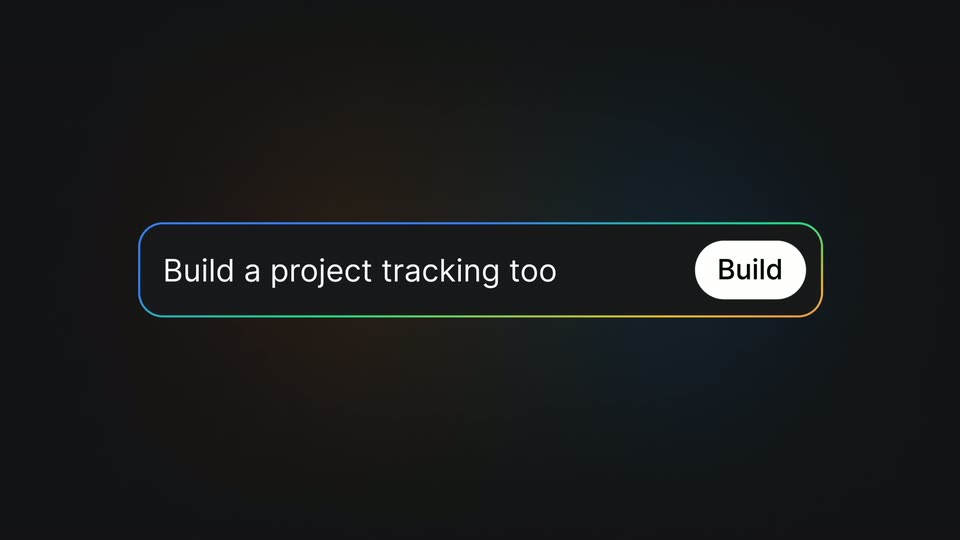 0:30–0:33Lovable · Lovable – An AI Full-Stack EngineerA centered prompt field with a multicolor gradient border sits on a near-black background. The placeholder is replaced by typed text, then a hand cursor presses the white Build button. A small caption scales in at the end.
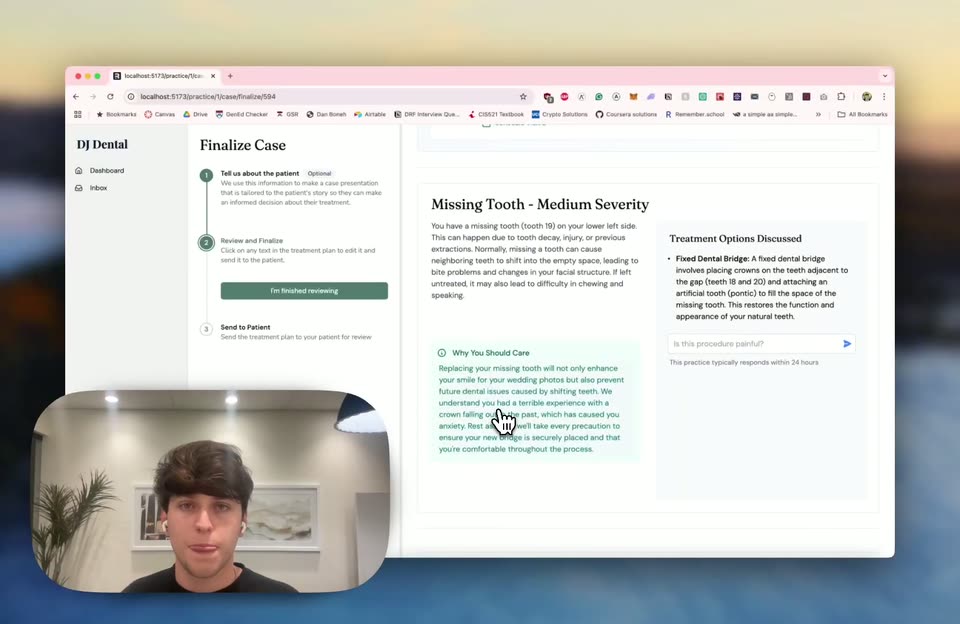 0:29–0:45Avora · ShowAndTell: AI agents for dental patient operationsA presenter in a bottom-left video-call window talks and gestures over a browser showing the DJ Dental Finalize Case page. The treatment blueprint scrolls down, then the view zooms to the message box and a green Schedule Now button as a hand cursor hovers it.
 0:44–0:45Browserbase · Browserbase - What will you 🅱️uild?A dark navy rounded button reading “Try AI Codegen” sits centered on a light gray field. A black arrow cursor glides up to the button and morphs into a hand pointer as it presses the label.
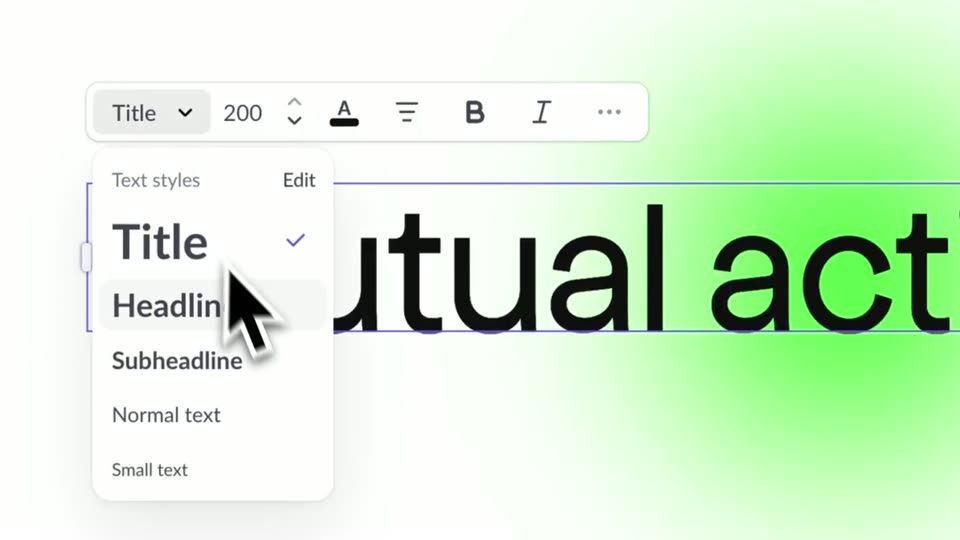 0:03–0:04Pitch · Pitch - Pitch is now more than just presentation software — it’s a complete pA close-up of a text editor toolbar sits over a large black heading on a white-to-green gradient. A cursor clicks the style dropdown and the text-styles menu expands, the cursor hovering over the highlighted option.
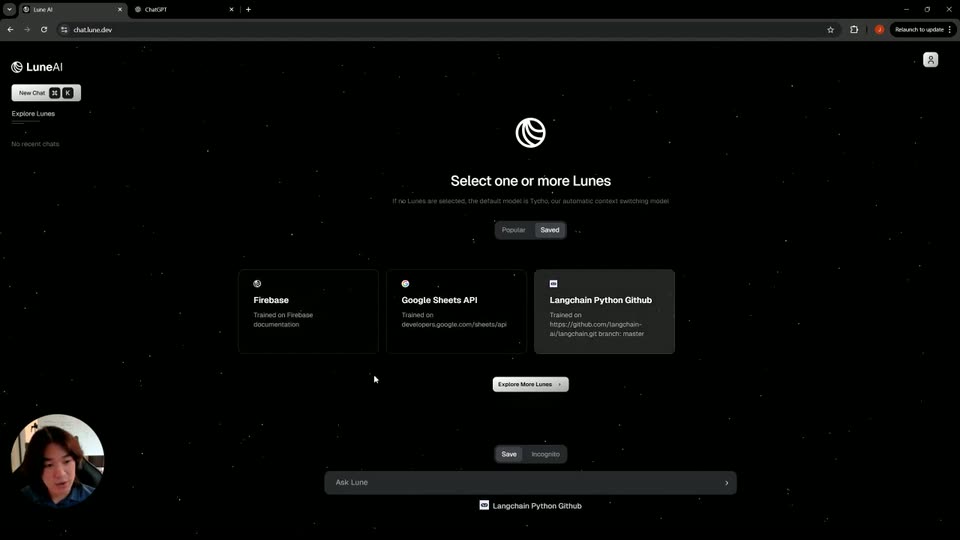 0:40–0:49Endstack · Lune AI DemoDark starry product screen: three model cards load from gray skeletons as Firebase, Google Sheets API, and Langchain Python Github. A cursor clicks the last card, a chip appears under the input bar, then the cursor types a question. A circular webcam of the presenter sits bottom-left.
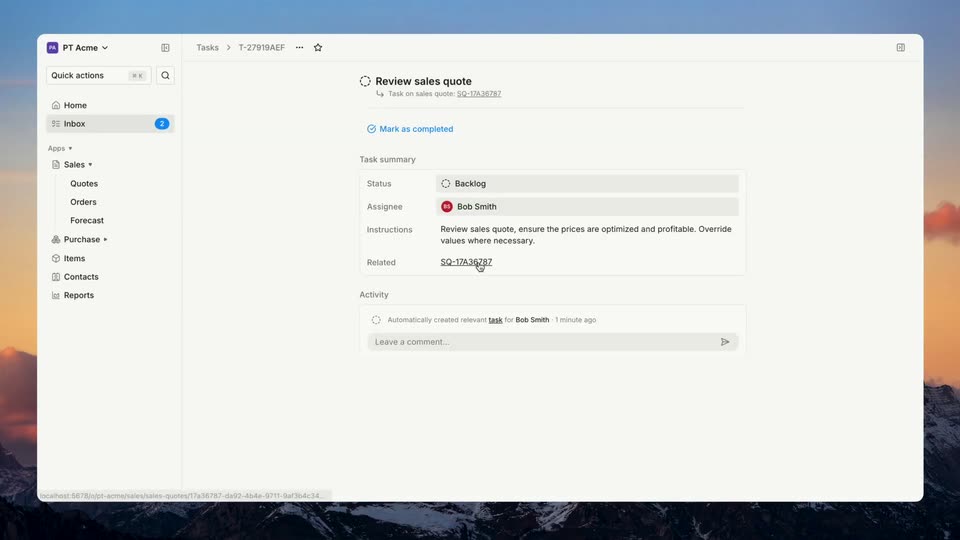 1:03–1:08Tiny · Tiny (YC F24) Launch VideoOver a sunset desktop wallpaper, a cursor clicks a task row in a list view, the panel switches to the task detail, then the cursor clicks the related quote link and the quote detail page loads.
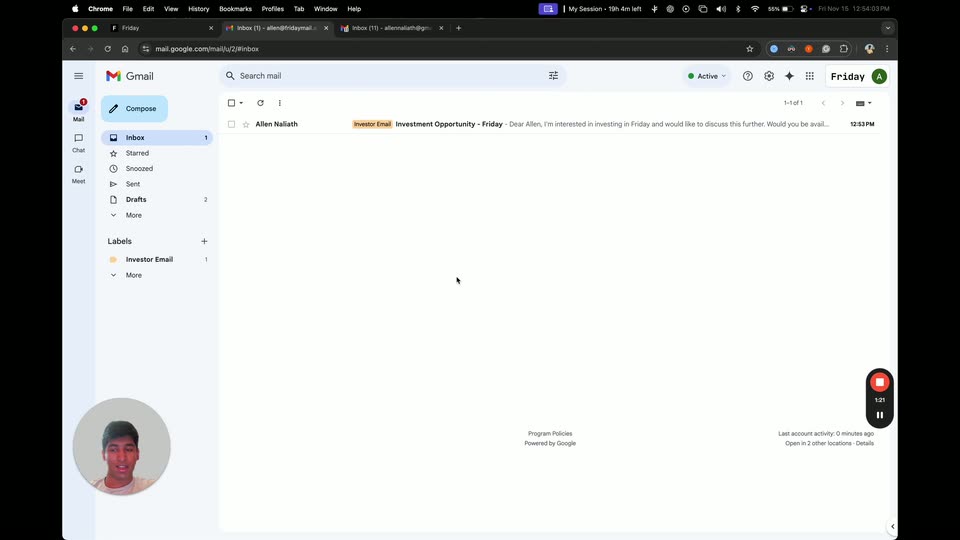 1:14–1:34Freestyle · Friday - Never Check Your Email AgainA locked-off screen capture of the Gmail inbox in Chrome. An email from Allen Nallah titled “Investment Opportunity - Friday” arrives in the empty list, then gains an orange “Investor Email” label, then a draft row appears. A circular webcam of the presenter sits bottom-left; the cursor hovers the first row.
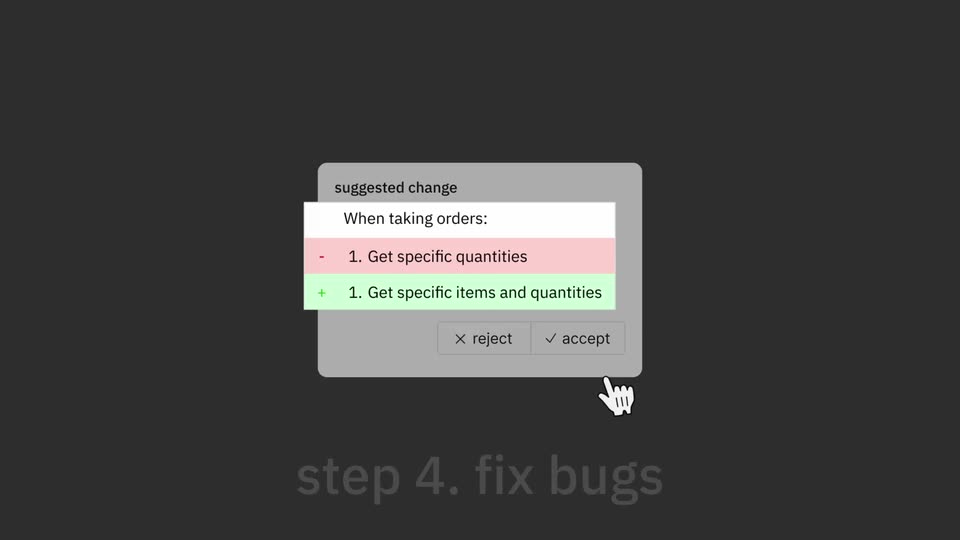 0:22–0:24fixa · fixa launch video.A white suggested-change card with red and green diff lines and reject/accept buttons sits centered on a dark field, a hand cursor on accept. It slides left off frame as the caption step 4. fix bugs drops down and exits.
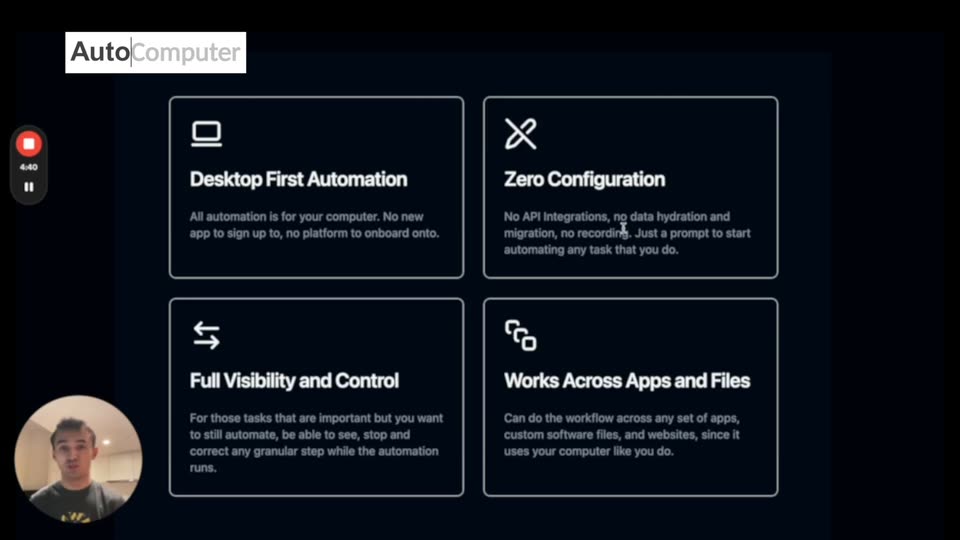 1:42–2:14AutoComputer · AutoComputer (YC F24) — DemoA dark presentation slide fills the screen, showing four bordered feature cards in a two-by-two grid with line icons and white headings. A circular webcam of a man speaking sits bottom-left, a red record timer runs on the left edge, and a crosshair cursor drifts across the cards.
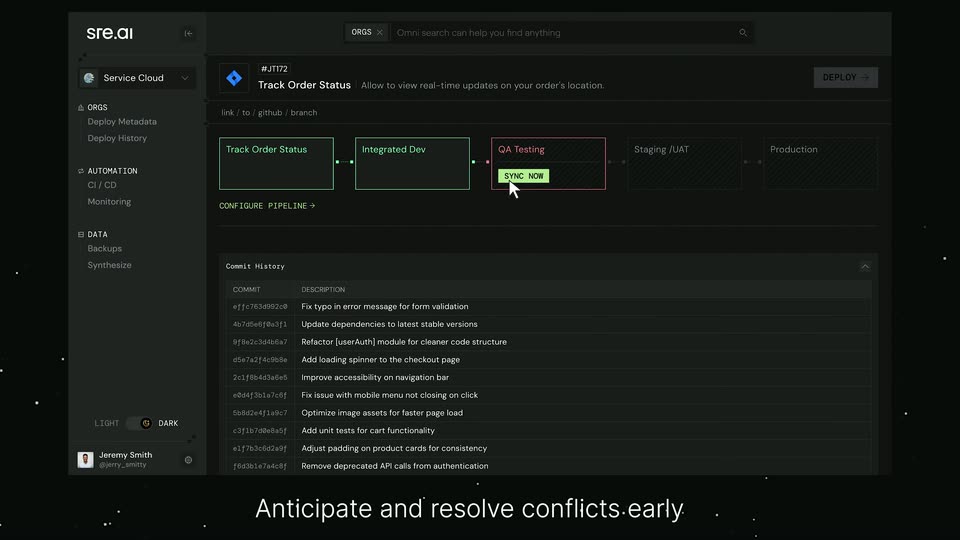 1:06–1:09Laminar · SRE.ai - AI Agents for Salesforce DevOpsDark SRE dashboard shows a ticket with a five-stage pipeline and a commit history table. A cursor moves to the SYNC NOW button under QA Testing, then the view zooms into a code diff with conflict markers and an AUTO RESOLVE panel.
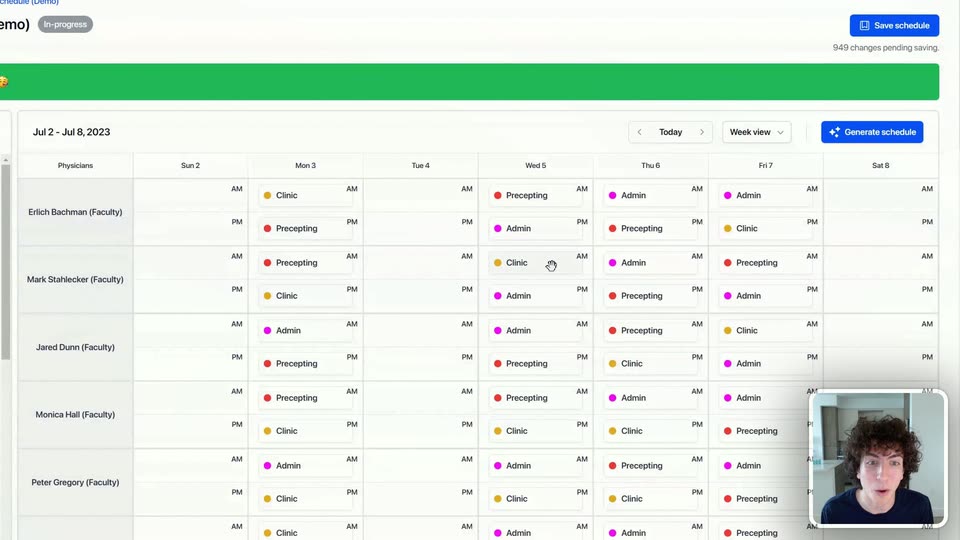 3:18–3:41Durate · Docflow (YC F24) Launch YC VideoA browser window shows the Docflow week-schedule grid with a red violation banner and a small webcam inset of the speaker. The cursor clicks Generate schedule; the banner turns green and the grid cells shuffle as the frame zooms in.
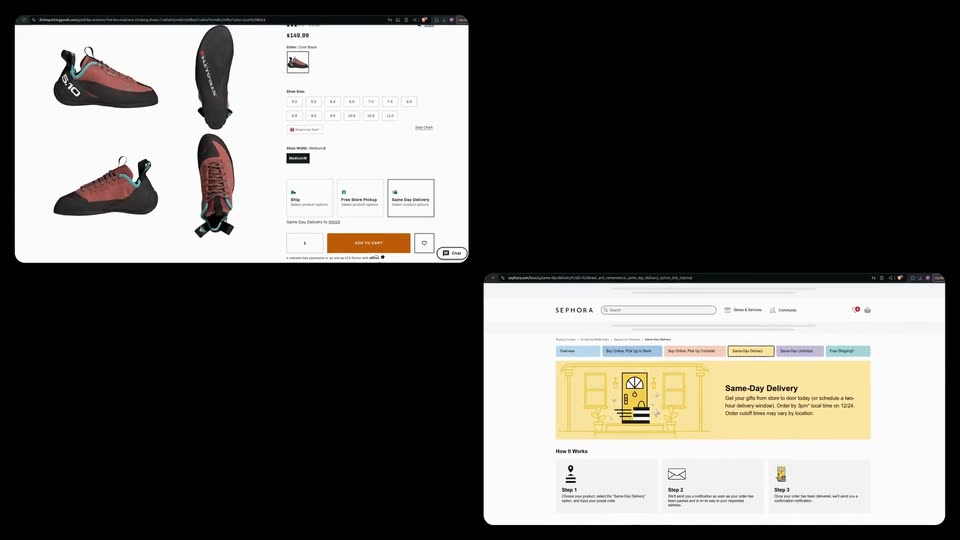 0:11–0:12Getcho · Getcho Launch YCTwo browser windows sit on a black field: a climbing-shoe product page with orange and black shoes top left, and a same-day delivery page with a yellow warehouse line drawing bottom right. A cursor drifts across the lower page.
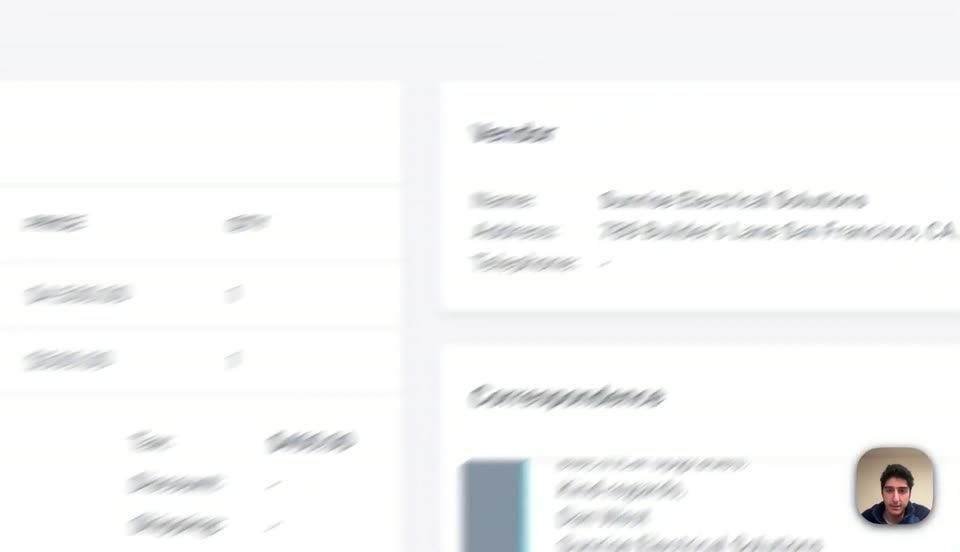 0:34–0:39Karmen · Karmen DemoA project management invoice screen shows a line items table, vendor card, and email thread with a PDF attachment. The view zooms into the line items, pans to the vendor and correspondence panels, then settles on the PDF preview. A presenter's video bubble sits in the corner.
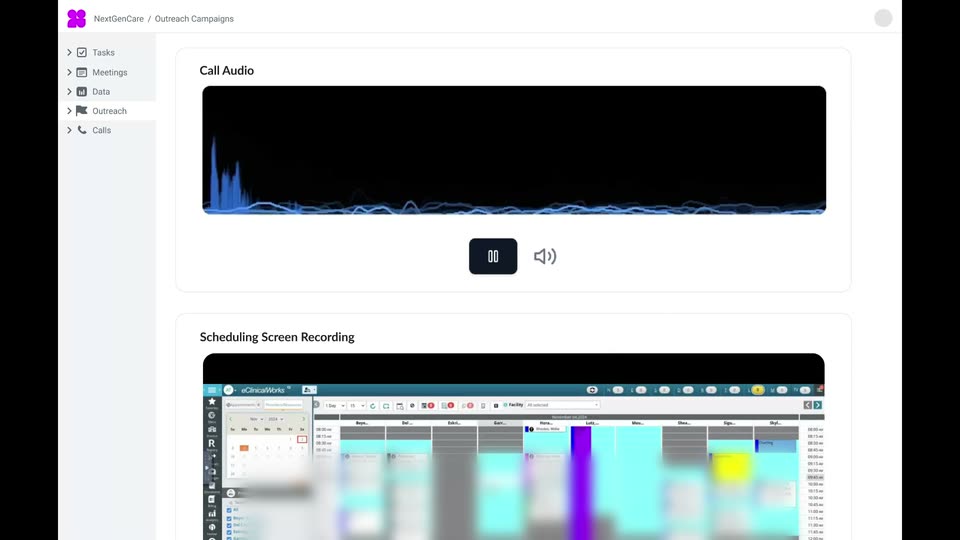 0:15–0:44Careforce · OutreachFlow - Helpcare AI AgentsA product dashboard plays a blue call-audio waveform on black while a cursor drifts over the page. It scrolls down to a blurred scheduling screen recording, which wipes diagonally to another calendar view and zooms in.
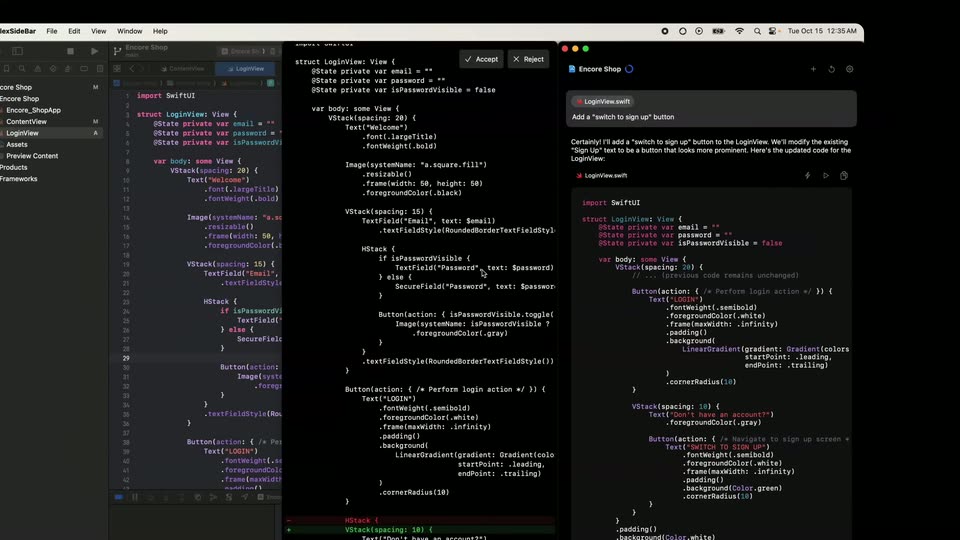 0:22–0:24Alex · Alex - Your AI Copilot for XcodeA macOS desktop shows Xcode on the left and an AI chat panel on the right. A cursor moves to the diff overlay and clicks Accept, collapsing it; the Swift code then updates with green-highlighted lines adding a sign-up navigation button.
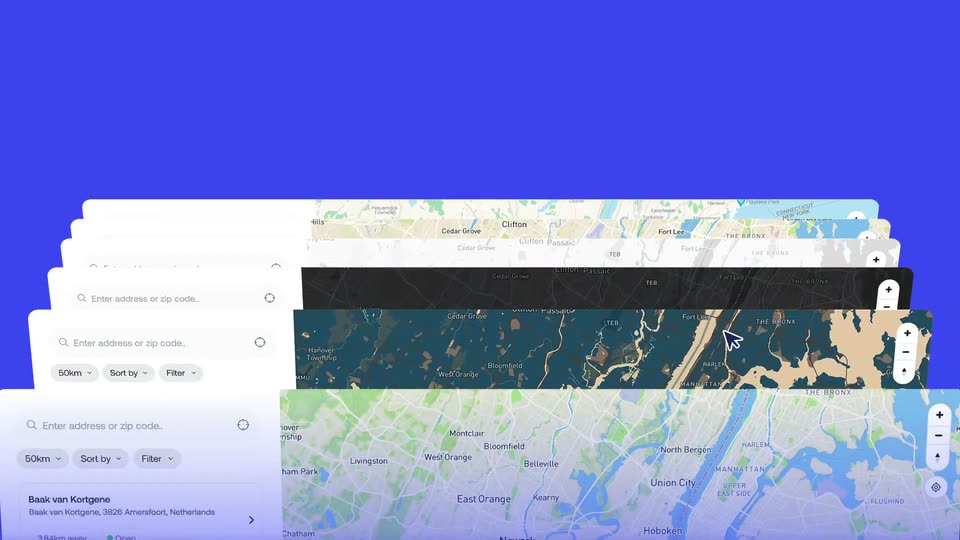 0:40 · 0.8sStoreTrack · Product Explainer Video for SaaS | StoreTrack | ZeliosA cascade of map search cards, in light and dark styles, stacks diagonally on a blue background and slides down to reveal a location list at the bottom. A cursor hovers over the top map.
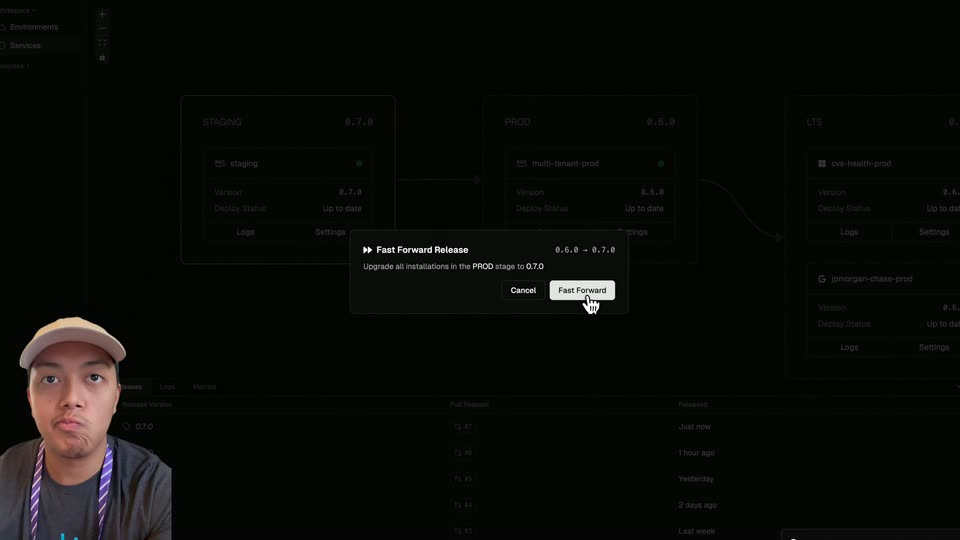 0:20–0:22Ryvn · Ryvn | On-prem deployments, without the stressA dark deployment dashboard shows three stage cards, STAGING, PROD and LTS, with a release list below. A cursor moves to a Fast Forward Release dialog and clicks the Fast Forward button. A small webcam feed of a man in a cap sits in the lower left.
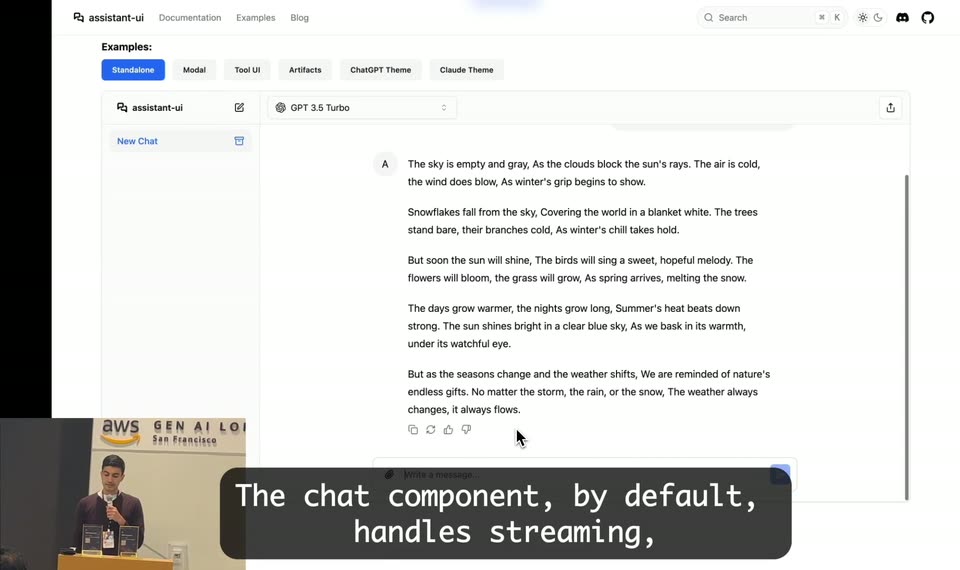 0:38–0:40assistant-ui · assistant-ui | AWS GenAI Loft DemoA light chat UI fills the frame as a poem streams in line by line, a cursor rests below the text. A small inset in the corner shows a man speaking at an AWS stage, and a dark caption bar at the bottom carries the line.
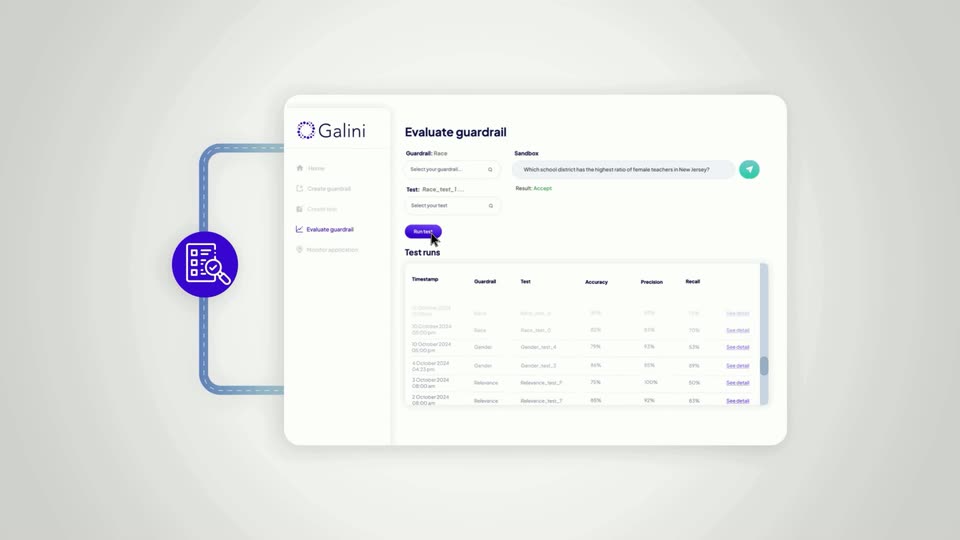 1:49–2:09Galini · Galini Product DemoA white Galini app card on a light gray field crossfades from Create test to Evaluate guardrail. A cursor types a sandbox query, clicks send, selects a test, runs it, and opens the run detail table.
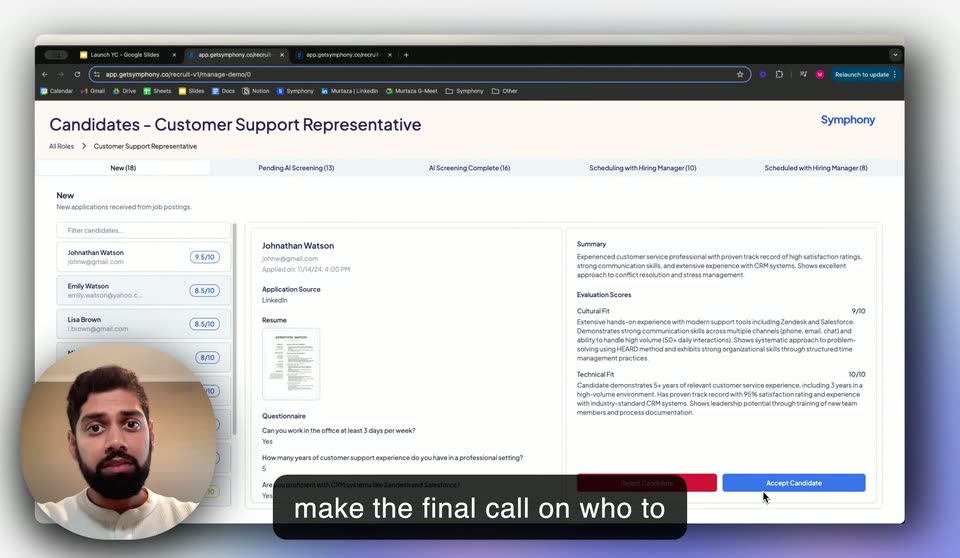 0:29–0:35Symphony · Symphony - Conversational AI-Recruiter for customer-facing roles.The clip opens on a close-up of an evaluation panel with fit scores, then zooms out to the full candidate list and back in on the accept and reject buttons. A circular webcam of the presenter sits in the corner, with a dark caption bar at the bottom.
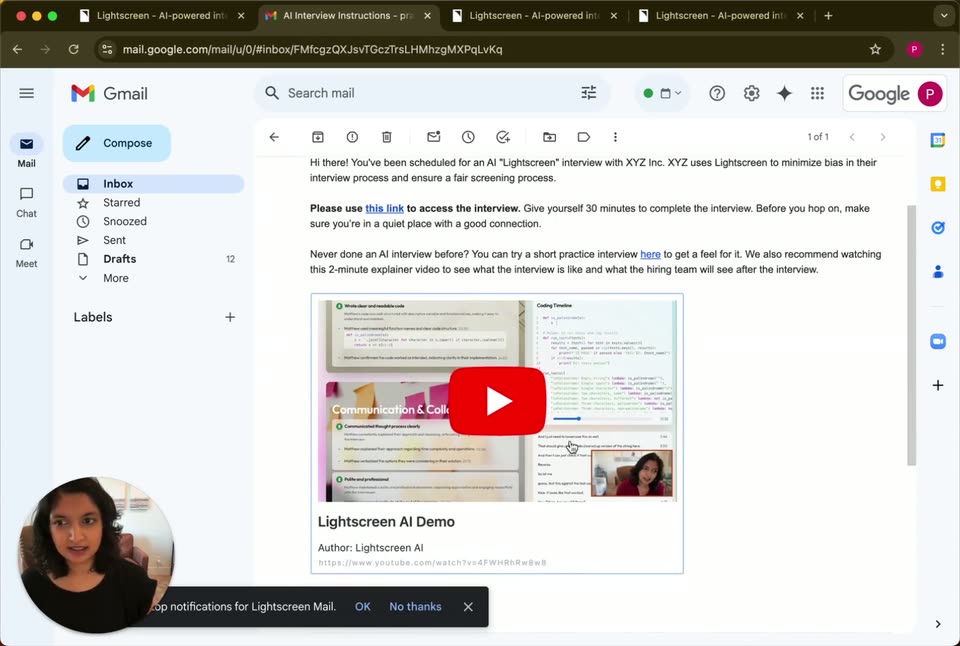 0:27–0:39Lightscreen AI · Lightscreen AI: Voice Agent for Uncheatable Tech ScreensA Gmail email titled AI Interview Instructions fills the screen, with a circular webcam feed of a woman in a black top talking in the lower left. The cursor drifts across the page and the email scrolls down to show an embedded video with a red play button, then back up.
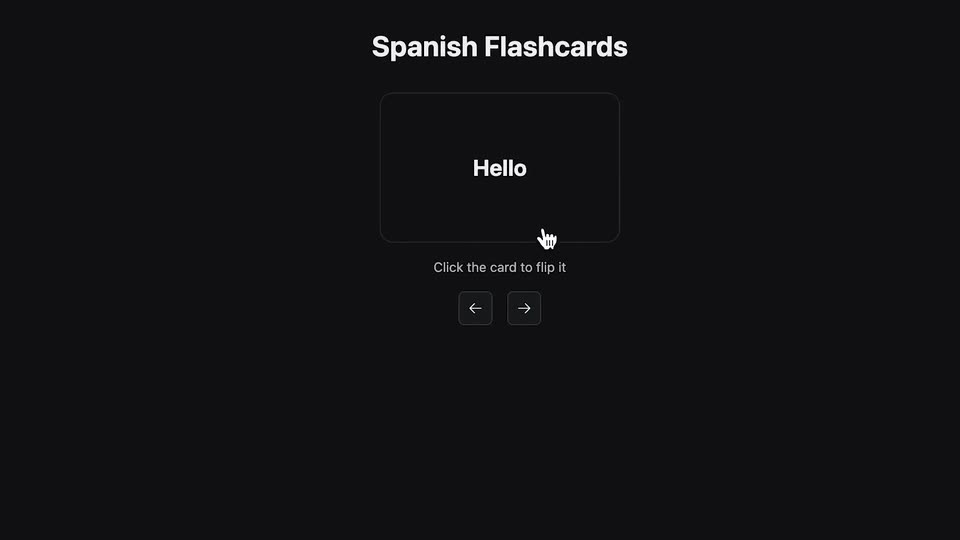 0:09–0:10GitHub · What is GitHub Spark? Introducing a brand new way to build powerful, AI assisted applicationsA dark flashcard app screen shows the title “Spanish Flashcards” above a centered card. A hand cursor rests at the card’s lower right corner as the card flips, swapping “Hello” for “Hola”. A hint line and two arrow buttons sit below.
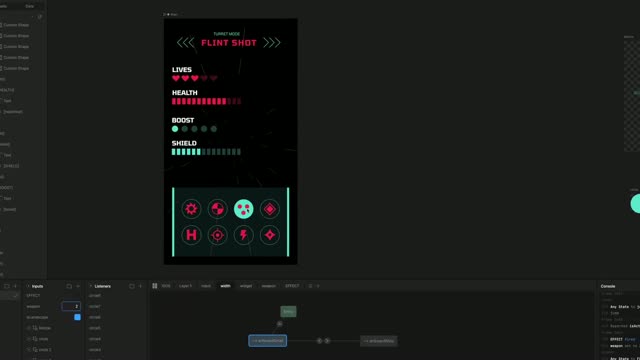 0:28–0:30Rive · Responsive Layouts have landedA dark editor UI displays a game HUD mockup; a cursor edits the weapon input, and the HUD title and icon grid re-animate to a new state. The scene cuts to a 3 by 8 grid of flat vector planets.
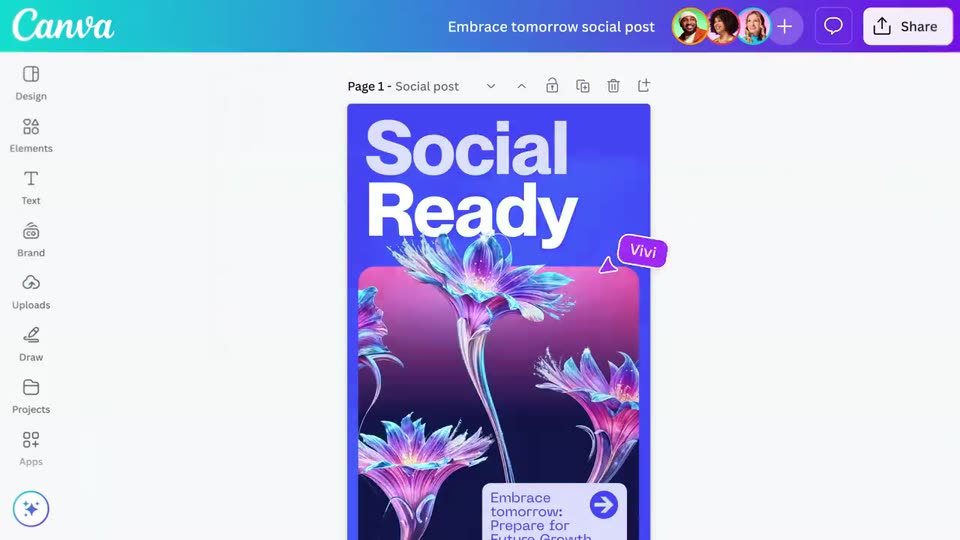 0:12 · 0.5sCanva · Canva - 1️⃣ Bring a new dimension to your ideas with Dream Lab.The Canva editor frame shows a purple social post with bold white “Social Ready” lettering and iridescent 3D flowers. A cursor tagged “Vivi” hovers and drifts slightly at the right edge of the canvas.
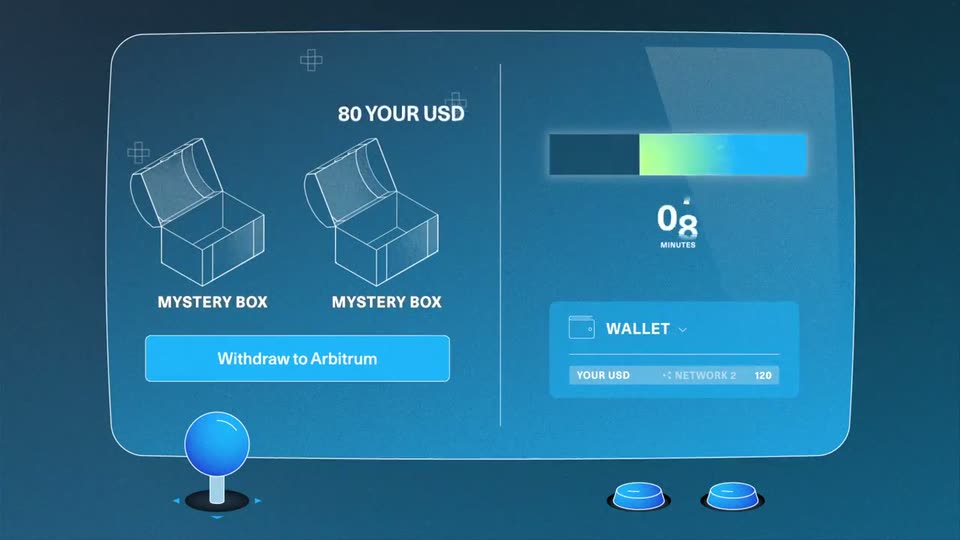 0:09–0:21Arbitrum · Arbitrum - The days of waiting 7 days to move your assets are gone. Fast WithdrA flat blue wallet screen shows two line-art treasure chests and a Withdraw to Arbitrum button. A cursor clicks the button, a chest pops open, a gradient bar counts down from 15 to 00 minutes, and the balance ticks from 0 to 120, then 200 as the second chest opens.
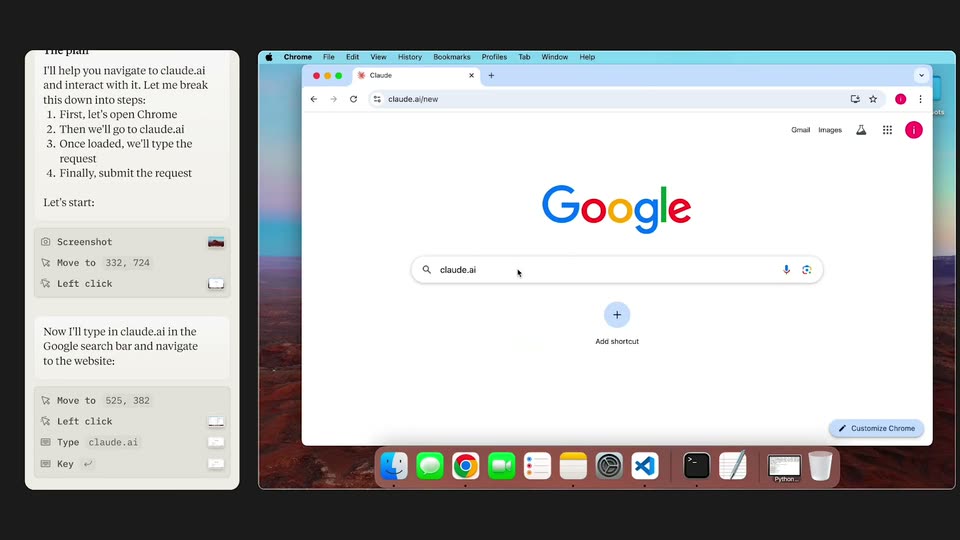 0:43–0:44Anthropic · Claude | Computer use for codingA browser window on a macOS desktop shows Google's homepage with claude.ai in the search bar, then the Claude interface loads with a spinner. A left panel lists the agent's plan and click actions. A cursor hovers over the input field.
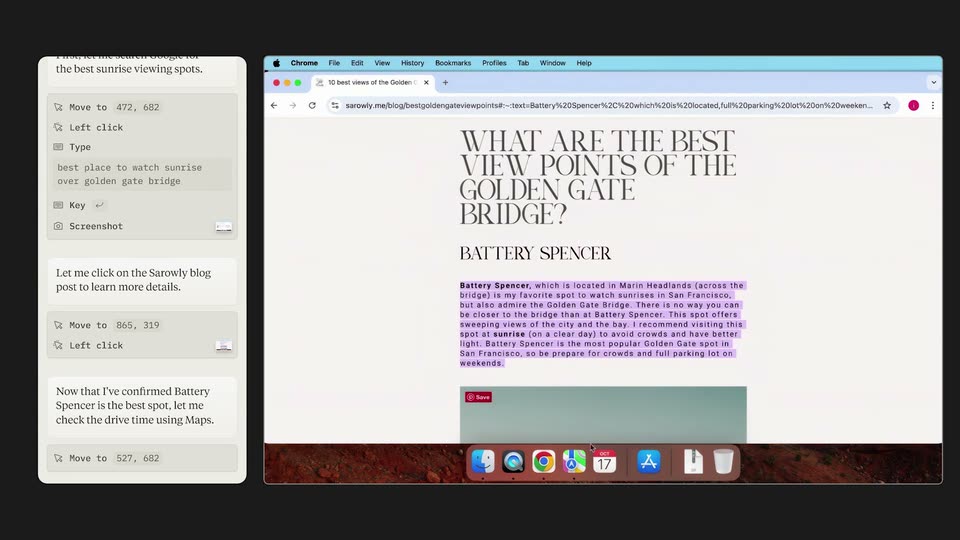 0:43–0:46Anthropic · Claude | Computer use for orchestrating tasksA white step list on the left scrolls up while a Mac browser window on the right shows a blog post with purple-highlighted text. The cursor moves to the Maps icon in the dock, and a Maps window slides up from the bottom over the browser.
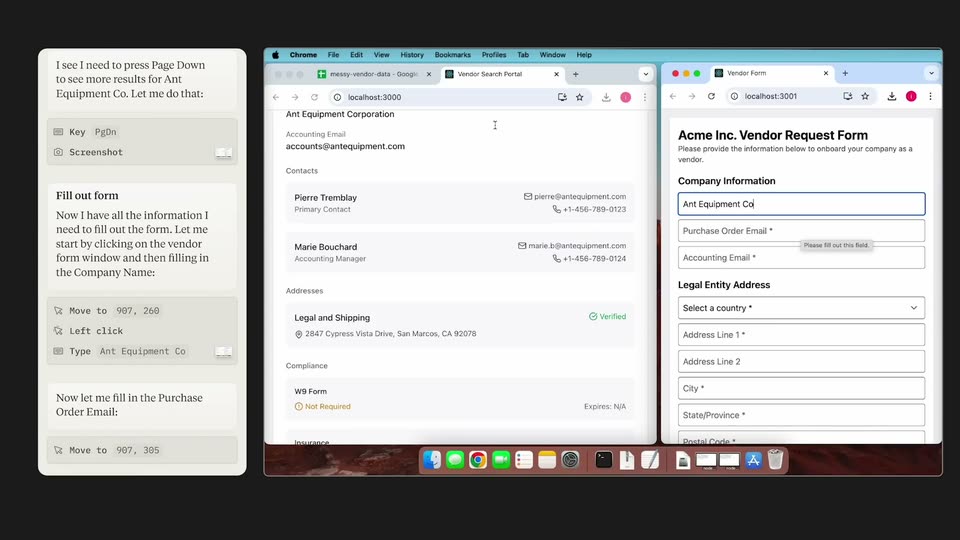 1:23–1:40Anthropic · Claude | Computer use for automating operationsTwo Chrome windows sit side by side on a macOS desktop: a vendor detail page and a vendor request form. A left step panel scrolls as new instructions appear, and the form fills: “Ant Equipment Co” is typed into Company Name, then “[email protected]” into Purchase Order Email.
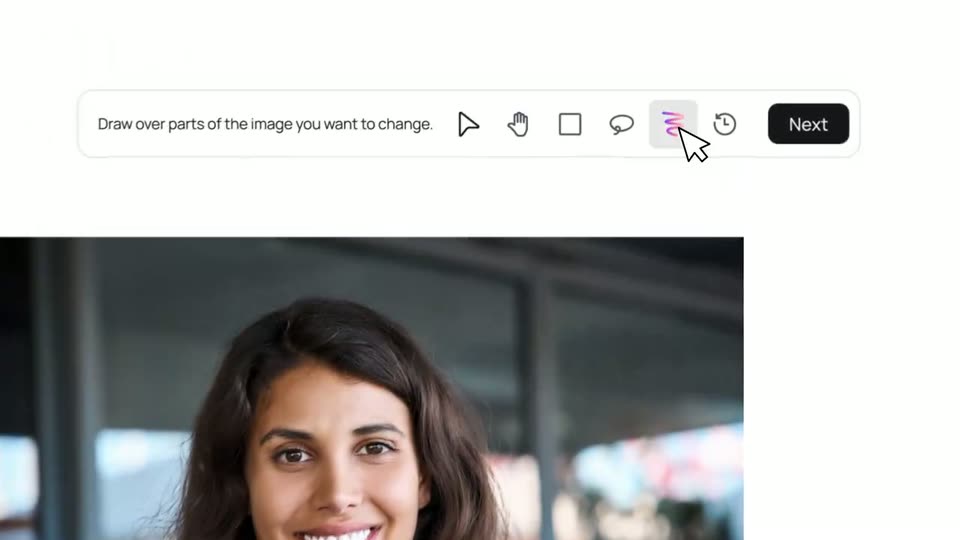 0:09–0:10Ideogram · Ideogram - Today, we’re introducing Ideogram Canvas, an infinite creative boardA light editor view with a smiling woman's portrait zooms into the top toolbar. A cursor glides right and hovers a wavy brush icon that tints pink, just left of a black Next button.
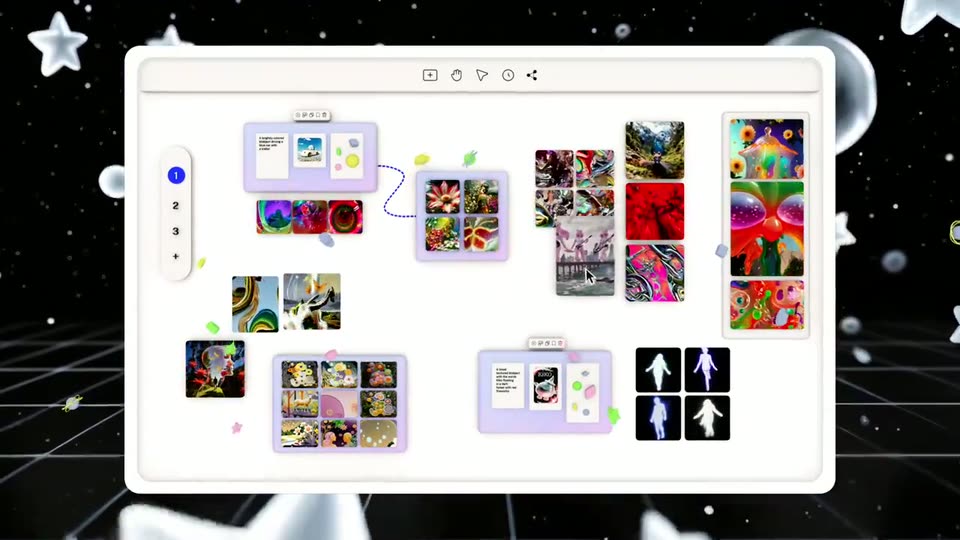 0:35–0:39Kaiber · Kaiber - Human creativity can't be automated. Great artists get it. We get itA white design-board interface floats in 3D over a starry void and wireframe grid, tilting from a side angle to face the camera. A cursor glides across its colorful image tiles while small confetti dots drift around the panels.
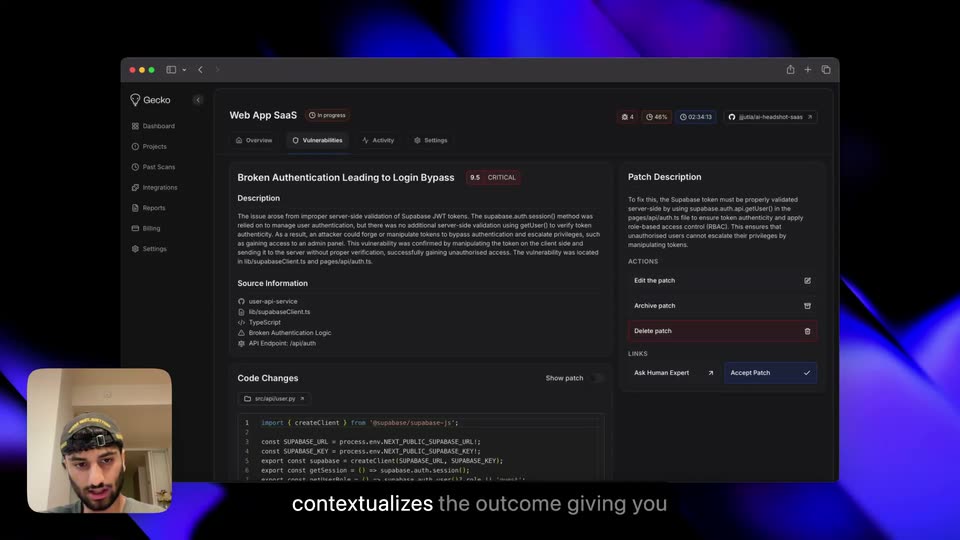 1:00–1:26Gecko Security · Gecko AI — Web App DemoA dark Gecko dashboard window on a blue abstract backdrop, with a small webcam feed of a man bottom-left. The frame eases out from a close-up to the full window, scrolls to the Code Changes panel, and a cursor toggles Show patch, flipping the code to a diff.
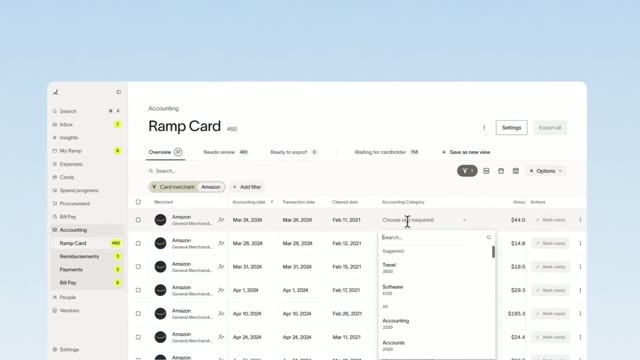 0:46–0:47Ramp · Meet Ramp: A smart finance operations platform that saves you time and moneyA flat Ramp Card accounting screen shows a table of Amazon transactions with an open Accounting Category dropdown. A cursor clicks the dropdown, then the view zooms in on the table.
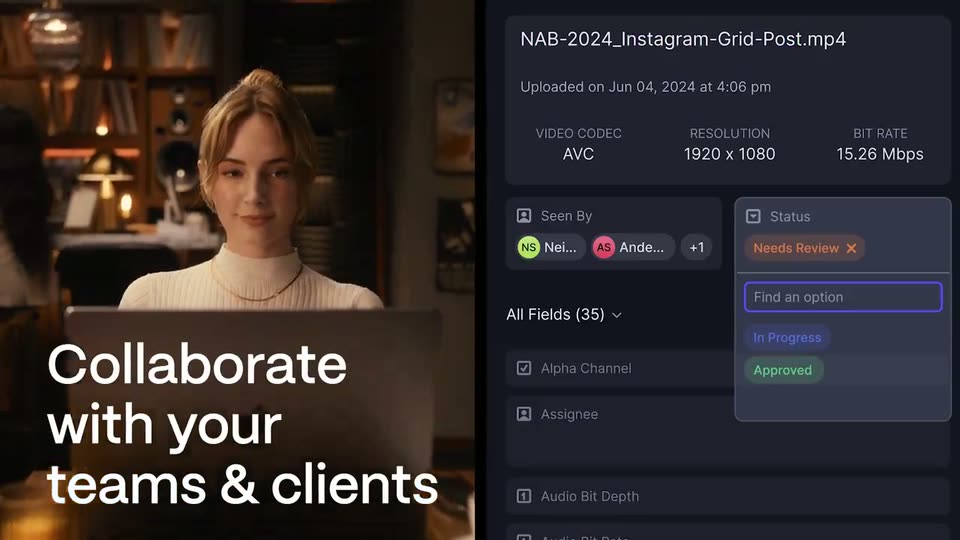 0:18–0:22Frame.io · Frame.io - Move creative projects forward faster with Version 4.A split screen pairs a film clip of a woman at a laptop on the left with a dark product panel on the right. A white headline slides in over the footage as a cursor sets a status option, the value flipping from Needs Review to Approved.
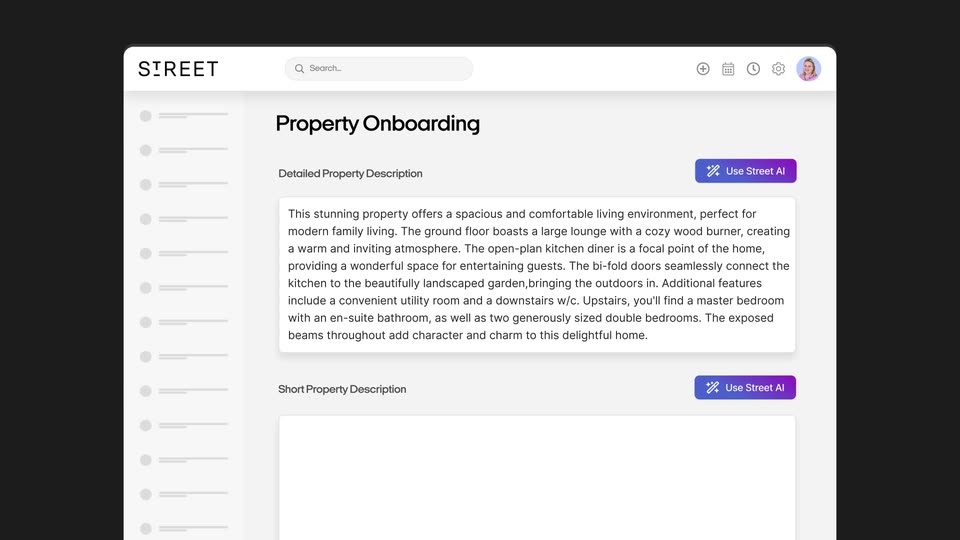 0:08–0:15Street · Street.co.uk - Street AIA close-up of the AI settings panel with a cursor over the blue Save and Insert button pulls back to the full STREET app window. A property description types itself into the Detailed Property Description field, then a Reminder notification card slides in at the top right.
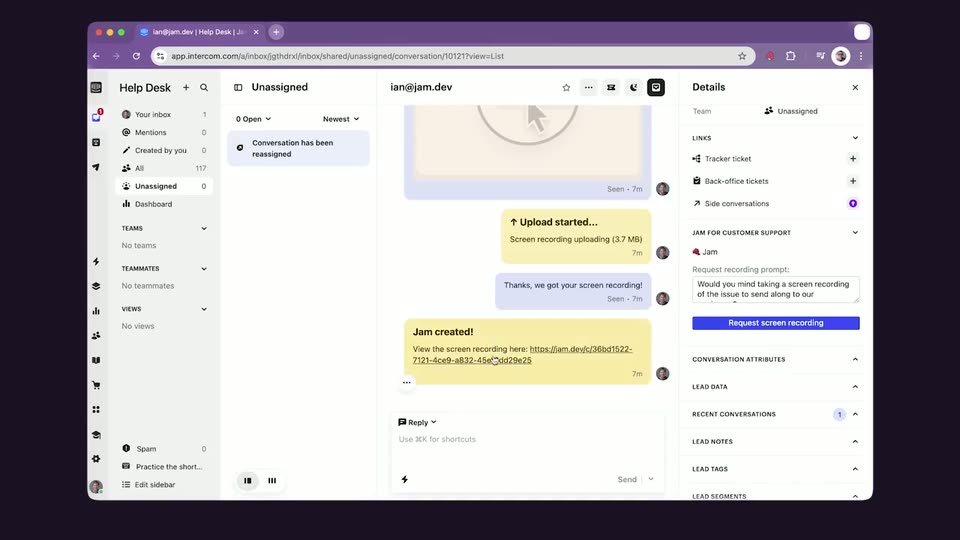 0:12–0:13Jam · Jam.dev - Our biggest launch yet! ⚡️ Meet Jam for Customer Support End-user reA help desk conversation screen fills a browser window as a large numeral 3 and the caption You get a perfect bug report remain still. A cursor moves over the chat.
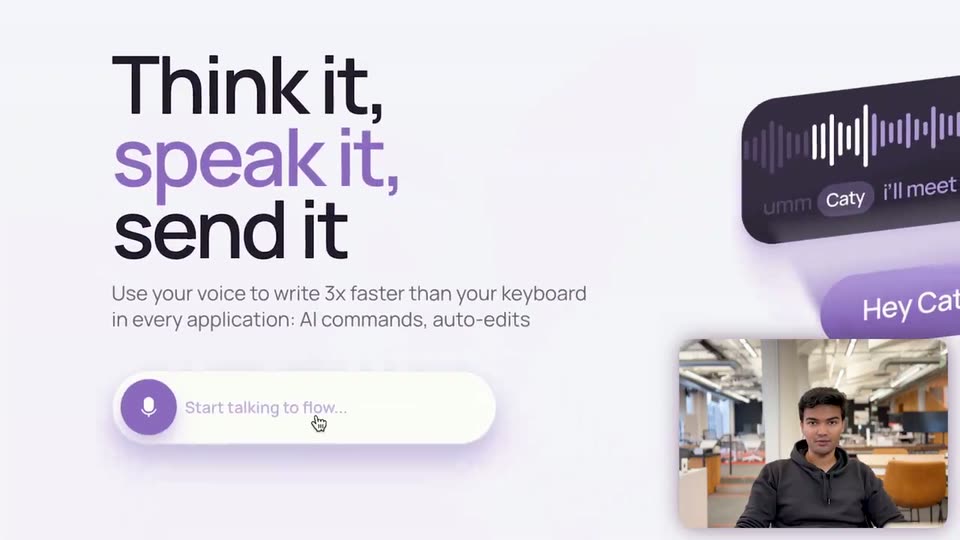 1:05–1:08Wispr Flow · Wispr Flow - Today, we’re excited to announce Wispr Flow 🚀 Just speak, and FlowA purple Chrome window opens flow-voice.ai, the cursor types the address, and the page scrolls past the Think it, speak it, send it headline to a purple waveform card, with a small webcam of a presenter in the corner. The shot then zooms into the waveform card.
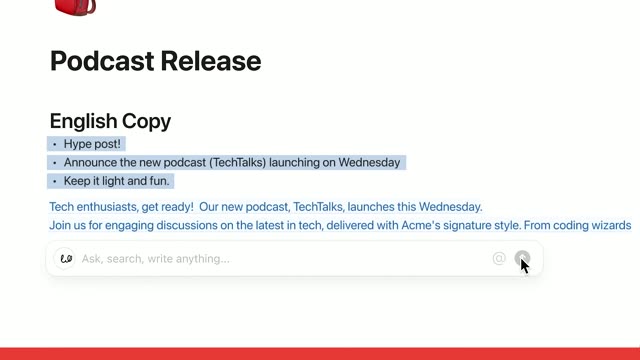 0:25–0:31Notion · Introducing the new Notion AIA document page shows a red backpack icon, a Podcast Release heading and three blue-highlighted bullets over a prompt bar. A cursor types a query, selects a tone-guideline link from a dropdown, and clicks send. The written paragraph fills in and an Accept, Discard, Insert below menu appears.
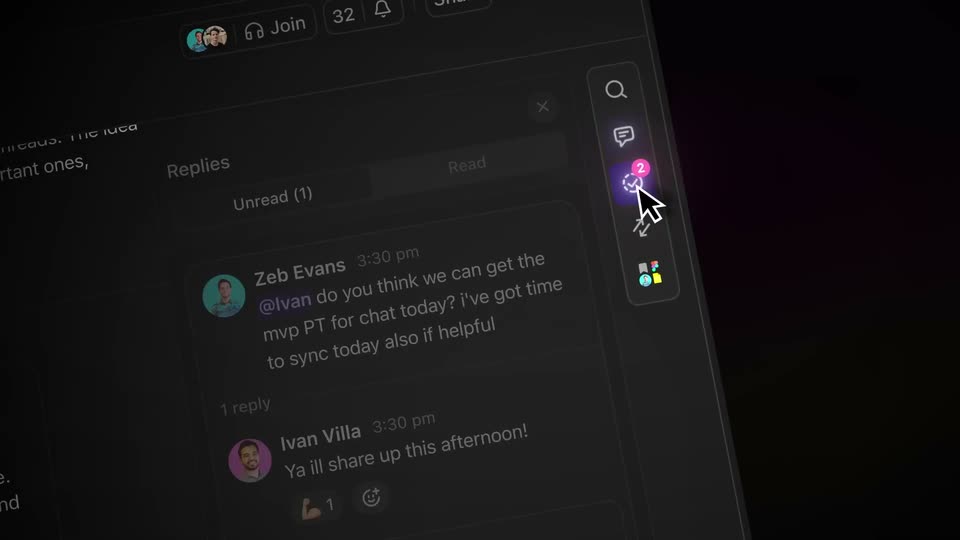 0:32–0:33ClickUp · Introducing ClickUp ChatA tilted dark chat interface in 3D perspective. A white cursor hops from the sidebar chat icon to a second icon, then to the New Task button on a highlighted message card, while a dotted pink light beam sweeps diagonally across the right edge.
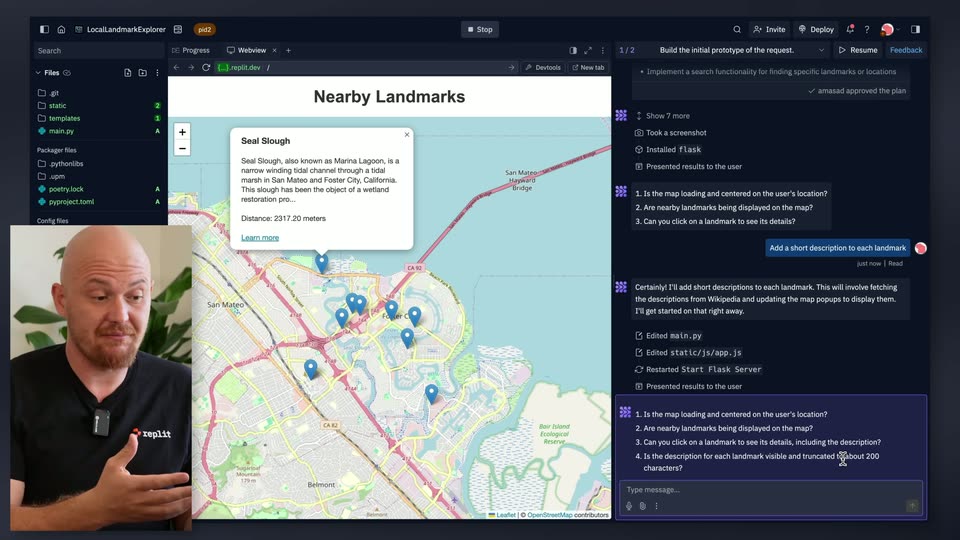 1:11–1:29Replit · Meet the Replit AgentA three-panel layout pairs a talking-head inset with a live map app and an AI chat. Blue pins drop onto the Foster City map, a Seal Slough popup opens, then the cursor types and sends a confirmation in the chat as the man gestures.
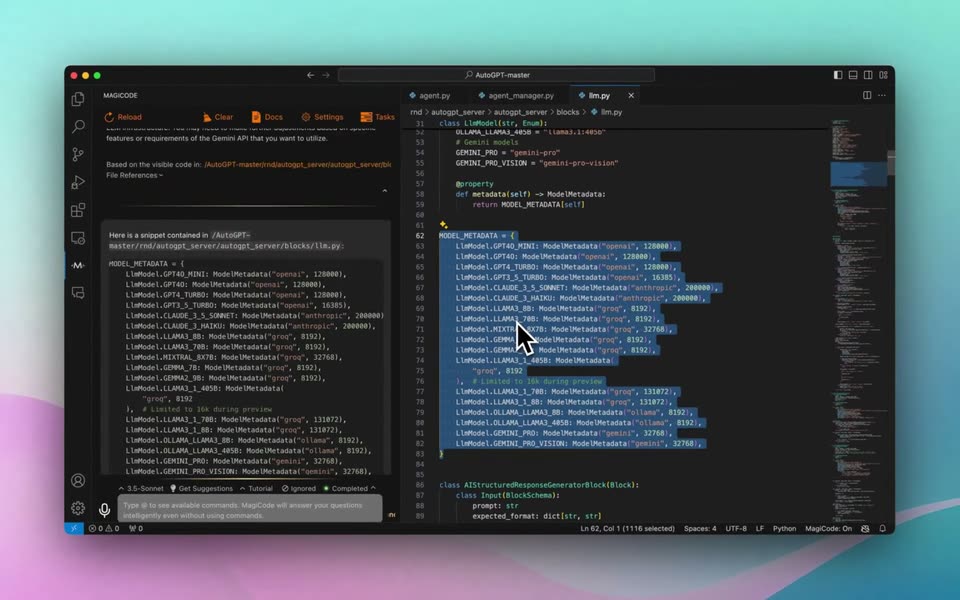 1:10–1:25MagiCode · MagiCode: Your Proactive Pair ProgrammerA dark code editor on a pastel gradient background. An AI assistant panel lists step-by-step code edits as a cursor clicks through the interface. The view zooms into highlighted Python code, a context menu pops up, then a green diff panel opens on the right.
 0:30–0:32Playground · Playground - Welcome to the new Playground Use AI to design logos, t-shirts, sociA dark prompt bar over a green panel shows the typed text “Make it say “LFG”” beside a blue Create button on a dotted grid. A purple cursor moves up and clicks Create, then the panel shrinks into a small dark rounded square.
 0:10–0:11Discord · Amazon Music is now on DiscordA dark music app screen shows a Now Playing panel with an AllHits playlist card and playback controls, while a white hand cursor rests on the next-track button. A second panel with a search bar and another AllHits card sits blurred to the right.
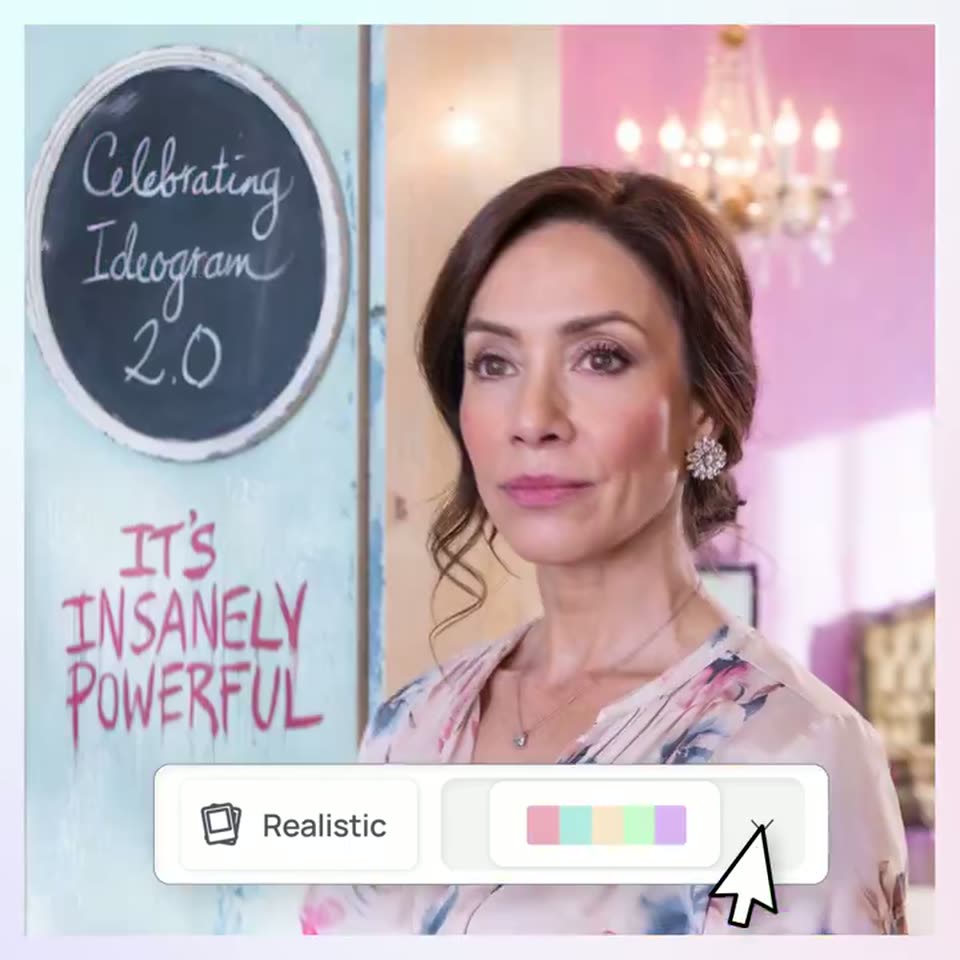 0:12 · 0.6sIdeogram · Ideogram - Introducing Ideogram 2.0 — our most advanced text-to-image model, nowA woman in a floral blouse stands in a pink room beside a teal door marked with a chalkboard slogan and painted lettering. A white UI bar with a Realistic button and a color palette sits at the bottom, a black cursor pointing at the palette.
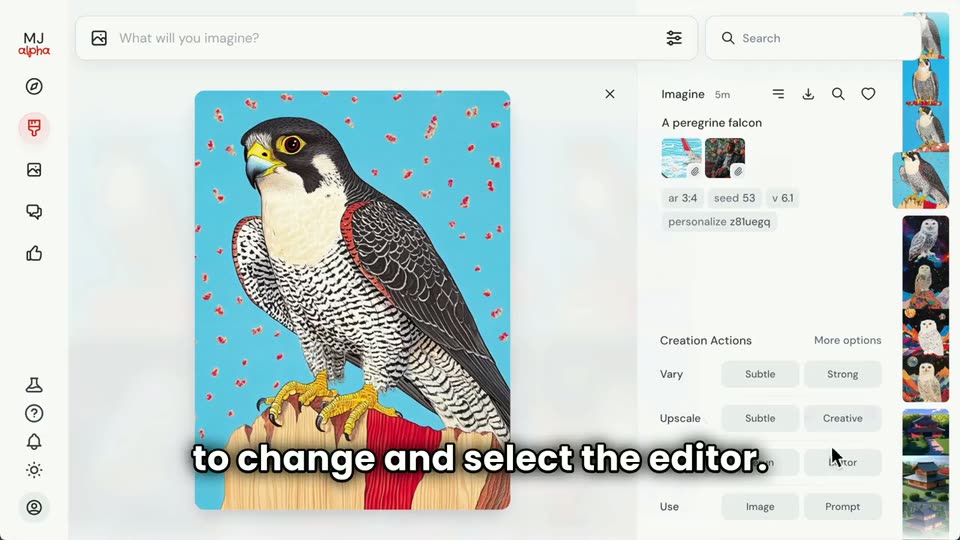 0:11–0:13Midjourney · Midjourney - We're releasing a new web editor today. This combines many previouslyThe Midjourney interface shows a falcon illustration centered, with a Creation Actions panel on the right. A bottom caption states the instruction, then a cursor moves to the Editor button and a circle highlights it.
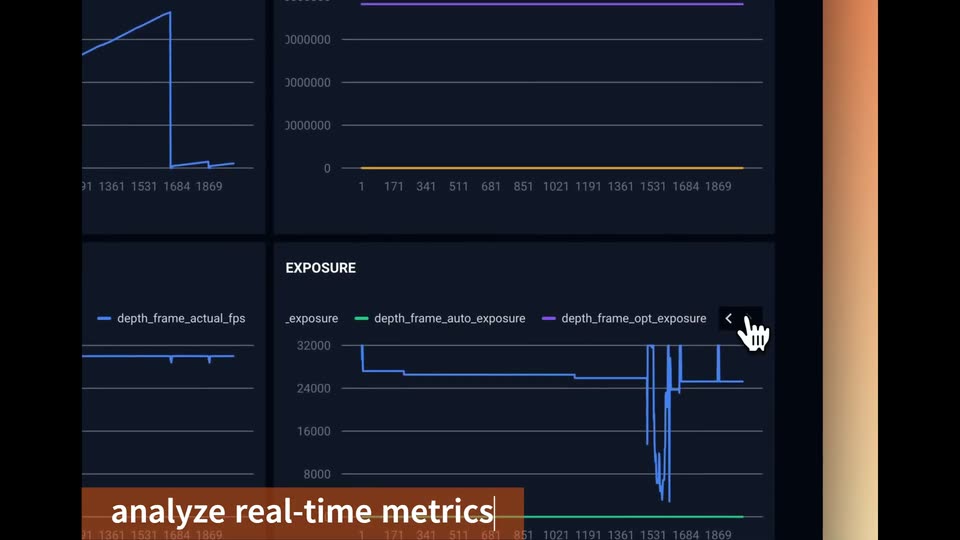 0:10–0:13Ember Robotics · 🔥 Introducing Ember Assistant 🔥- Robotics Camera System Assistant!A dark dashboard with a left sidebar and line charts fills the frame. A fast blurred pan sweeps right across the metric graphs, then a white hand cursor moves to a small arrow and clicks it. A caption bar sits along the bottom edge.
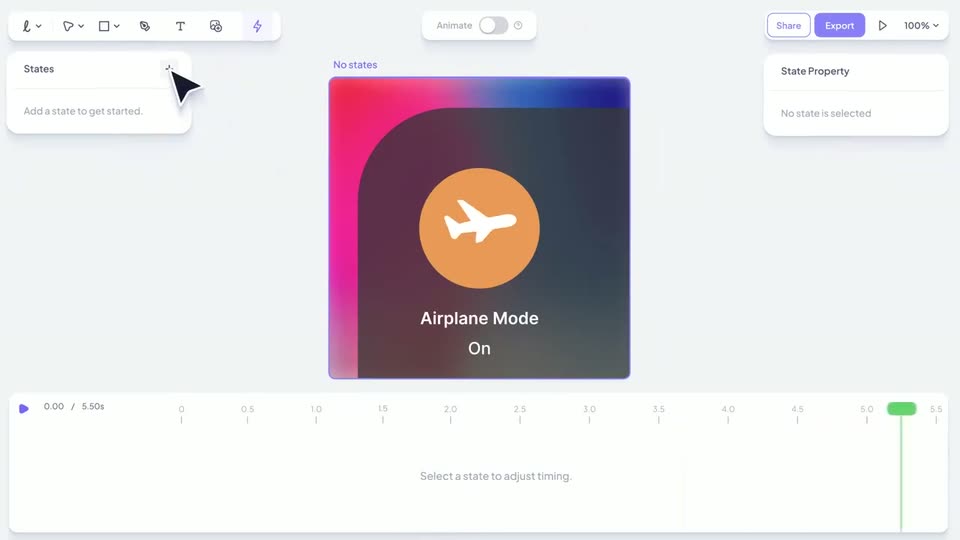 0:14–0:15Lottielab · Lottielab - Interactivity is now live on Lottielab. 📣A design tool screen shows a central card with a pink-to-blue gradient, an orange circle holding a white airplane icon, and the label Airplane Mode On. A cursor hovers at the plus button in the left States panel as the timeline playhead moves right.
 0:55–0:56Canva · Introducing Canva’s Brand RefreshA grid of colorful design template cards scrolls upward across the frame. A blue Fern tag with a star icon appears mid-screen, and a white cursor arrow points to it.
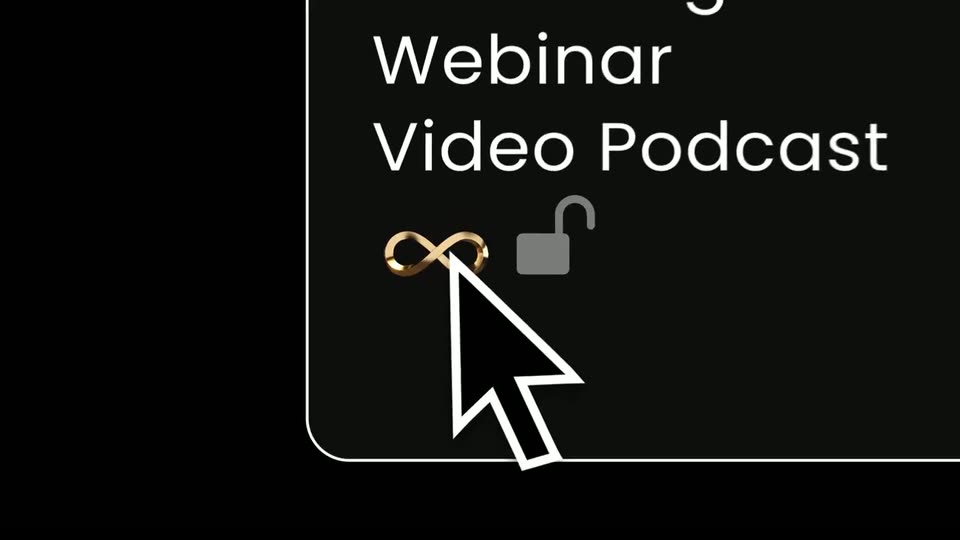 0:08–0:10OpusClip · OpusClip - Introducing 𝘾𝙡𝙞𝙥𝘼𝙣𝙮𝙩𝙝𝙞𝙣𝙜, the first-ever multimodal AI clipping thatA dark interface card with a rounded white border fills the right side. White labels scroll upward as a large outlined cursor hovers over a gold infinity icon beside a gray padlock. The frame zooms in, scaling the text.
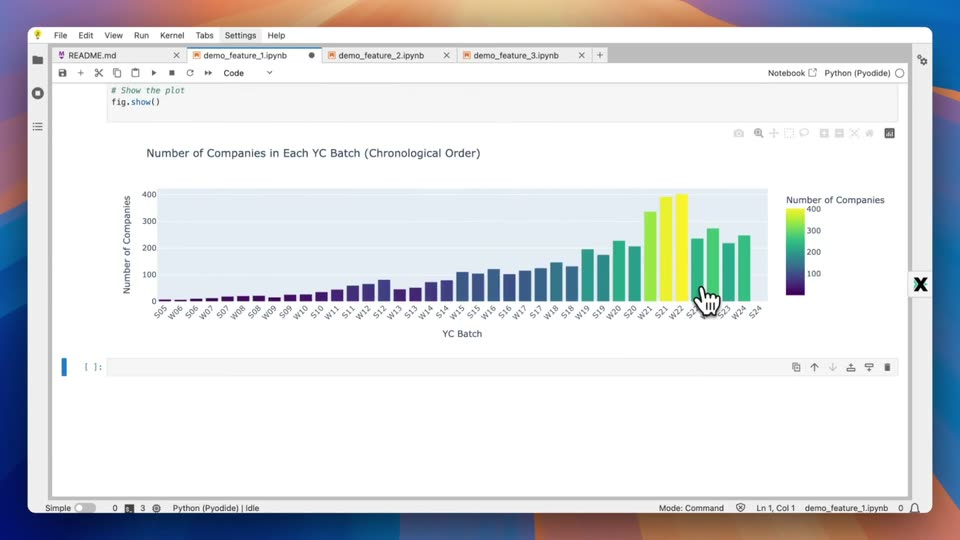 0:18–0:21MinusX · MinusX: AI Data Scientist for Jupyter and MetabaseA Jupyter notebook displays a gradient bar chart of YC batches next to a minusx chat panel with green message bubbles. The chat panel disappears, expanding the chart to full width, while a cursor hovers over a bar.
 0:28–0:29Pax · Pax AI (YC s24) LaunchA dark interface shows a rounded 'Claim Submitted' badge with a teal-to-pink gradient and airplane icon, scaling into place. Colorful confetti falls from the top while a cursor hovers over the badge, then drifts to the bottom-right corner.
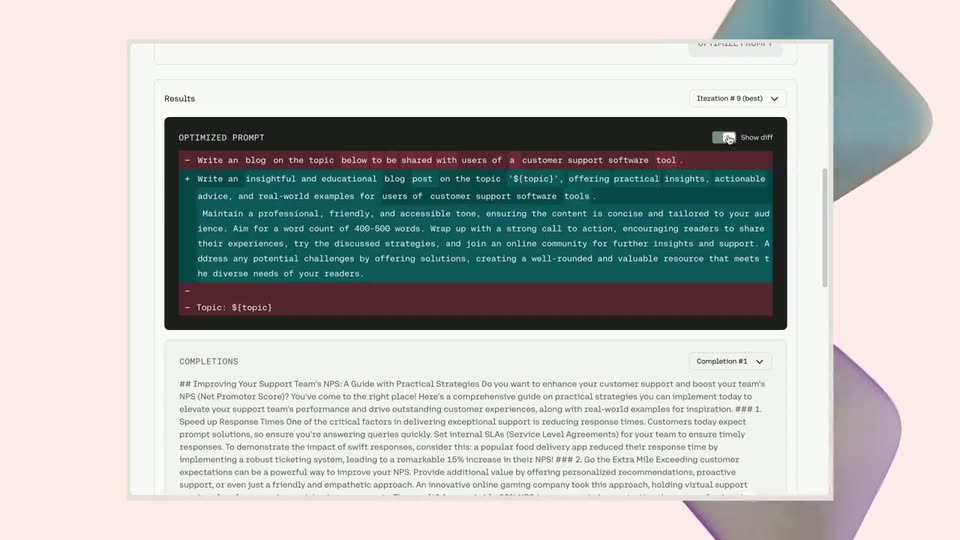 0:54–0:56Cohere · Cohere - We are excited to be introducing Prompt Tuner in beta today. It is aA close-up of a light results screen, with a diff view of an optimized prompt: deleted lines in dark red, added lines in teal. A hand cursor hovers over the Show diff toggle, then drifts right. Blurred teal and purple 3D shapes fill the backdrop.