Cursor demo
A visible cursor operates the interface.
15,127 scenes · page 116 of 253
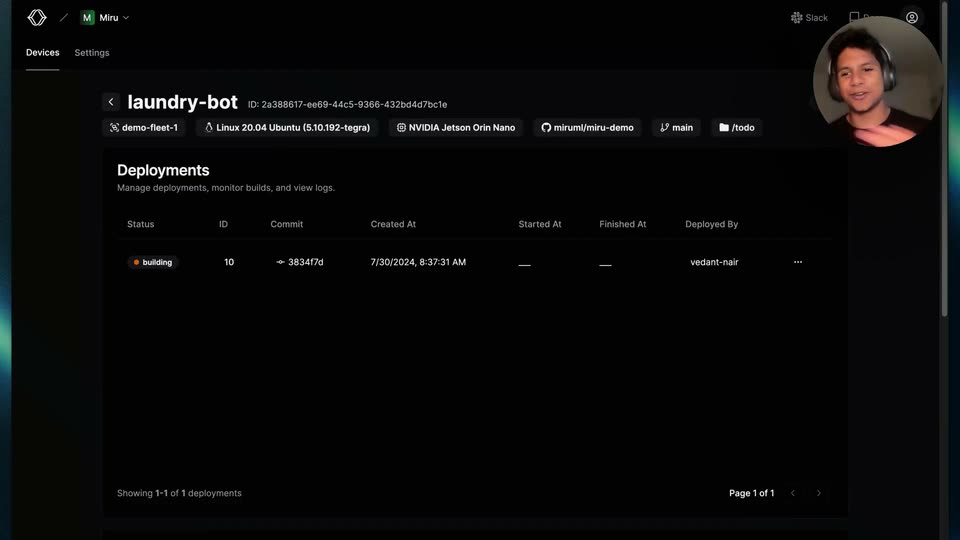 1:45–1:50Miru · Miru Demo YC LaunchA dark deployments page of a web app holds a locked frame while a circular webcam of a presenter with headphones sits in the top right. A cursor glides in and hovers over the single building row, highlighting it.
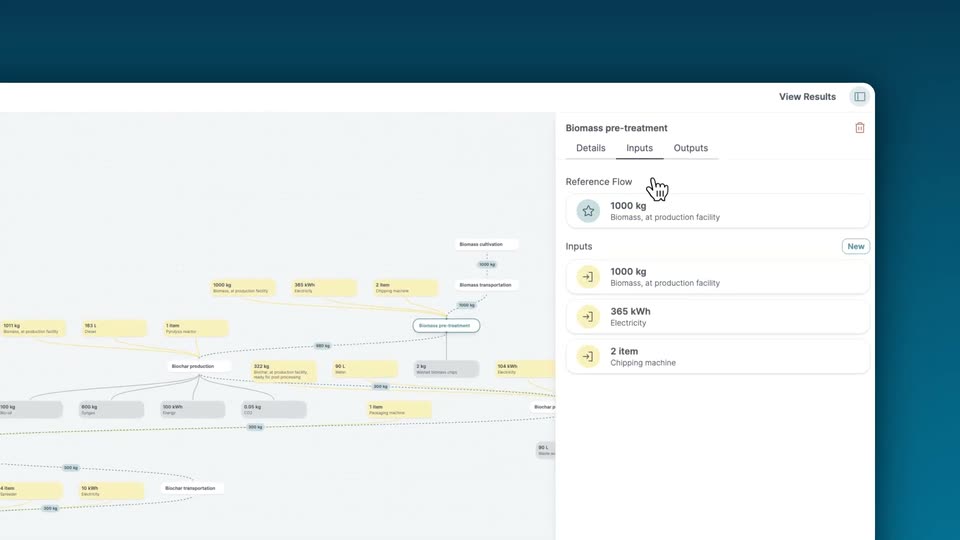 0:06–0:08Offstream · Offstream: Streamlined carbon compliance for project developersA process flow diagram fills the left of the screen while a View Results panel opens on the right. A cursor clicks the Inputs tab, then the 365 kWh Electricity row, and the panel swaps to an Electricity detail form with Type, Name, Amount and Unit fields.
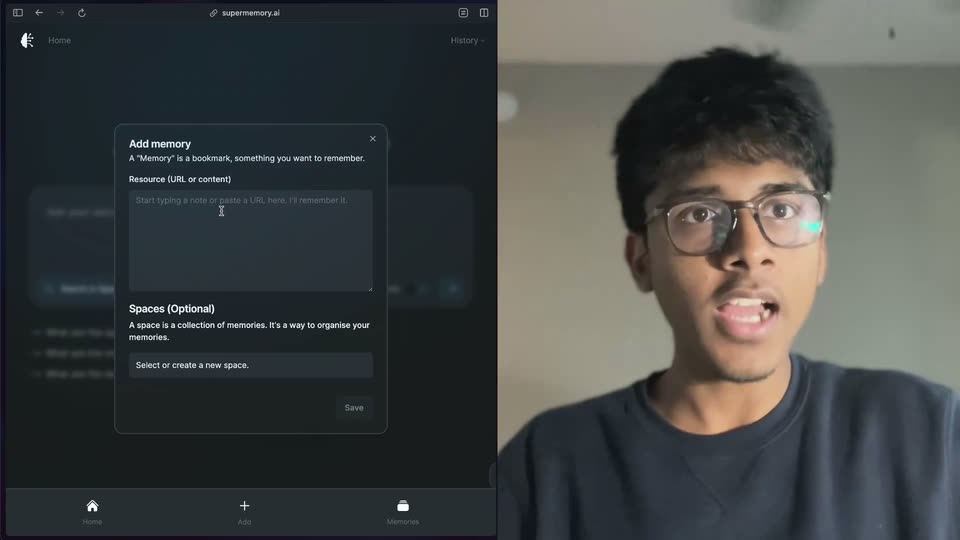 0:32–0:34Supermemory · Dhravya Shah - Introducing supermemory (again). an ai second brain for all your saA split screen shows a man with glasses talking on the right and the supermemory app on the left. The home view fades into an Add memory modal, then a cursor opens the spaces field and a dropdown of space names appears.
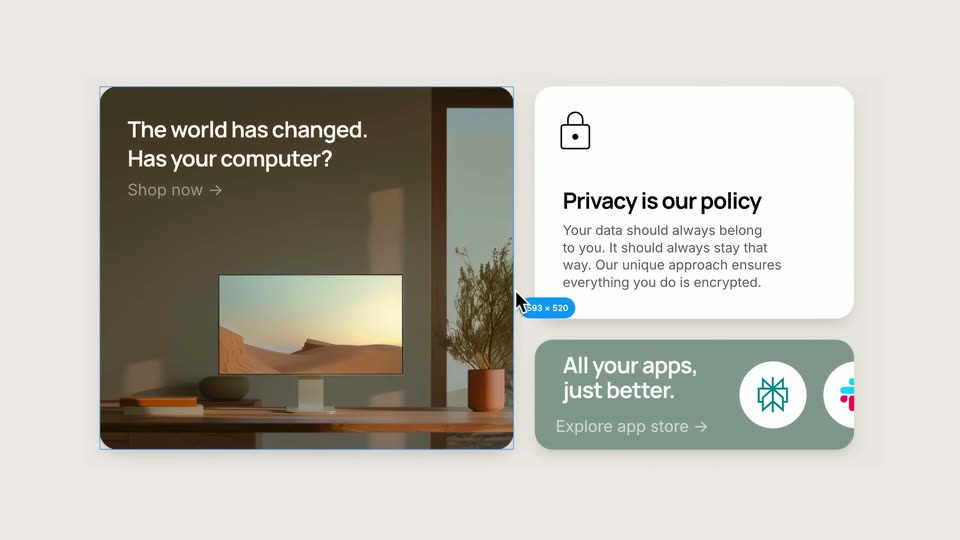 0:16–0:18Framer · Framer Design: Design on an intuitive CanvasThree rounded cards sit on a pale gray field. The left image card, tagged with a blue 318 x 520 label, widens as a pointer drags its right edge, the label updating to 577 x 589 while the privacy and app-store cards slide into place beside it.
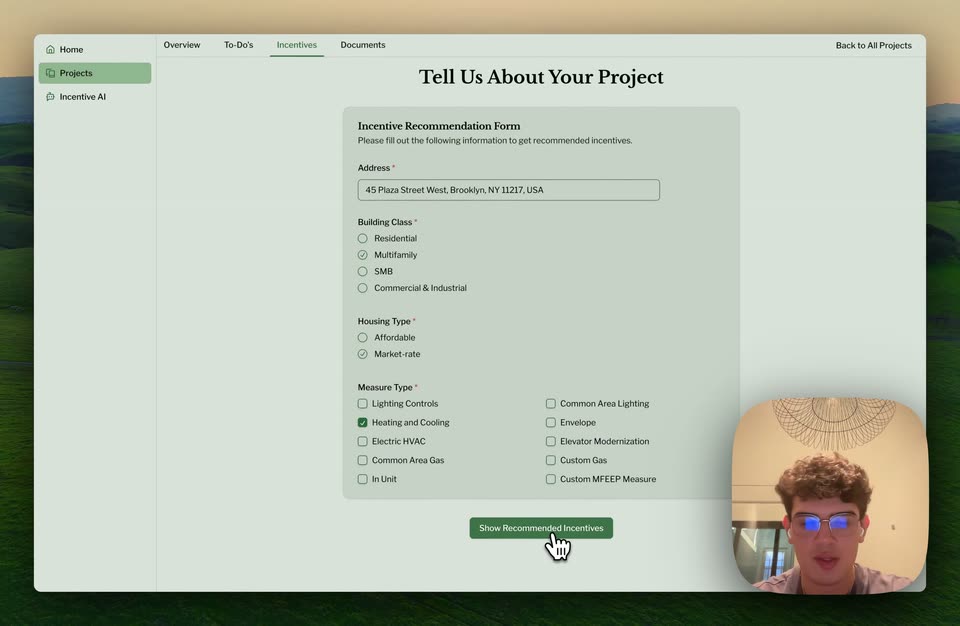 0:27–0:29RetroFix · RetroFix Product DemoA product form titled Tell Us About Your Project fills the screen. A cursor clicks the Heating and Cooling checkbox, then moves down to the Show Recommended Incentives button. A small webcam of a man sits in the bottom-right corner.
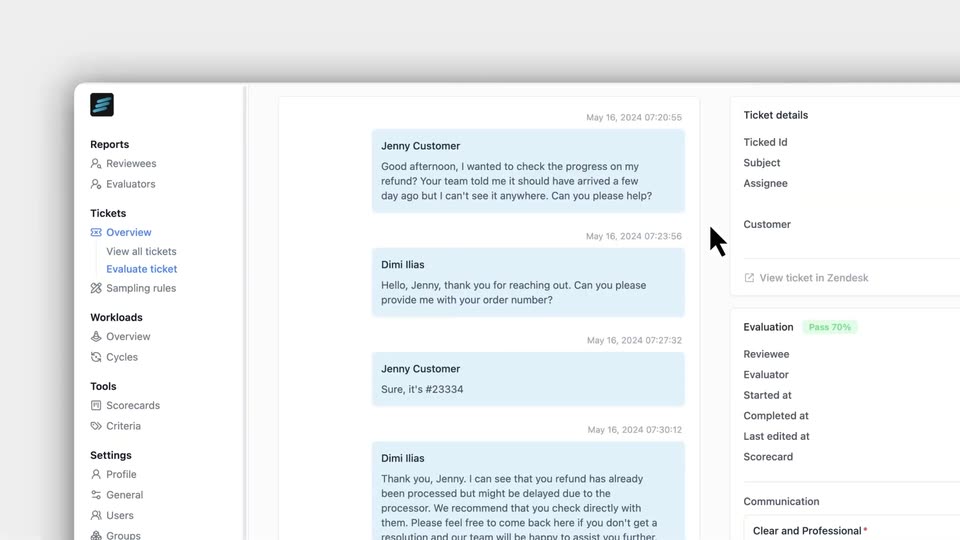 0:20–0:21Intryc · Intryc YC Launch videoA customer-support evaluation screen floats on a light gradient, tilted in 3D perspective. A cursor glides from the central ticket conversation to the right-hand details panel as the interface rotates slightly.
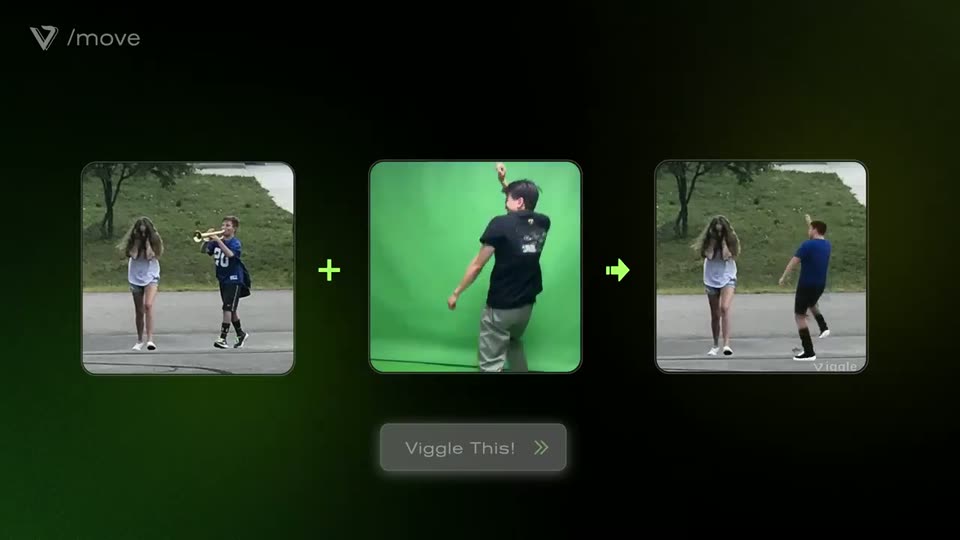 0:24–0:28Viggle · ViggleAI - Viggle's new feature "Move" is now live! Visit to animate your pic riTwo video cards labeled character and motion sit above a Viggle This! button on a dark green-glowing background, a cursor hovering on it. The layout expands to three cards with a plus and arrow, the third showing the green-screen dancer's moves composited onto the original clip.
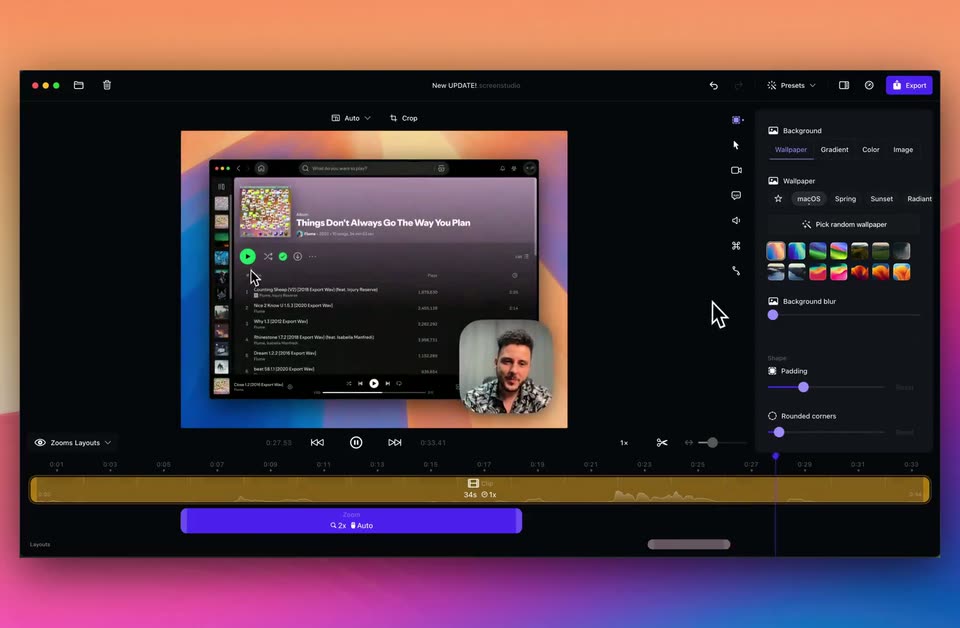 0:09–0:11Screen Studio · Screen Studio - There is a major new update coming soon to Screen Studio! The updateA dark Screen Studio window sits on a colorful gradient background. A cursor moves across the interface, hovering over the preview, the play controls and the right-hand properties panel, while the timeline and a face-cam preview stay still.
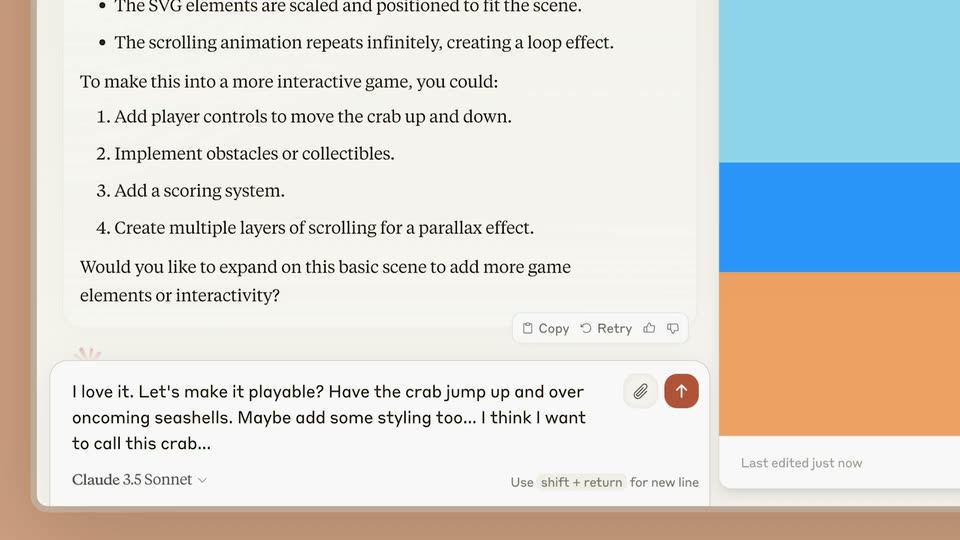 0:50–1:02Anthropic · Claude 3.5 Sonnet for sparking creativityA chat panel on the left; a prompt types in character by character, then converts to a user bubble as the reply streams in. On the right, a flat pixel game preview shows a red crab and beige seashell scrolling across blue and orange bands.
 1:14–1:16Anthropic · Anthropic - We're also launching a preview of Artifacts on You can ask Claude toA cream Claude home screen on a tan backdrop shows the Good evening, Sam greeting and an input bar. A cursor moves to the profile avatar top right and clicks it, opening a dropdown menu as the frame zooms in.
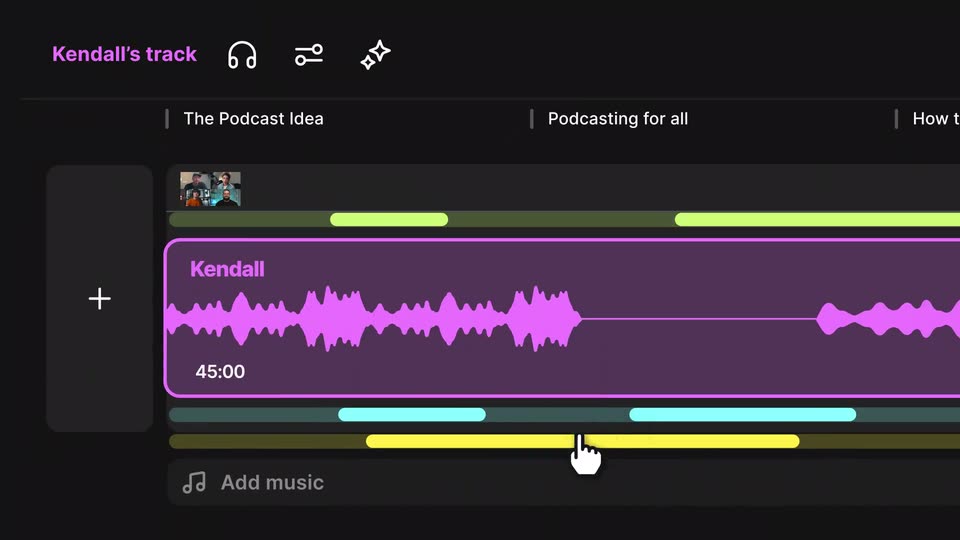 0:24–0:27Riverside · Riverside - Introducing the new Conversation Studio. With full HD live streamingThe podcast editor UI appears with a feature list overlay, Multi-track editing filled white among outlined labels. The overlay clears, the view zooms into the timeline, and a hand cursor hovers the yellow track as the track label switches from Roni's track to Austin's track.
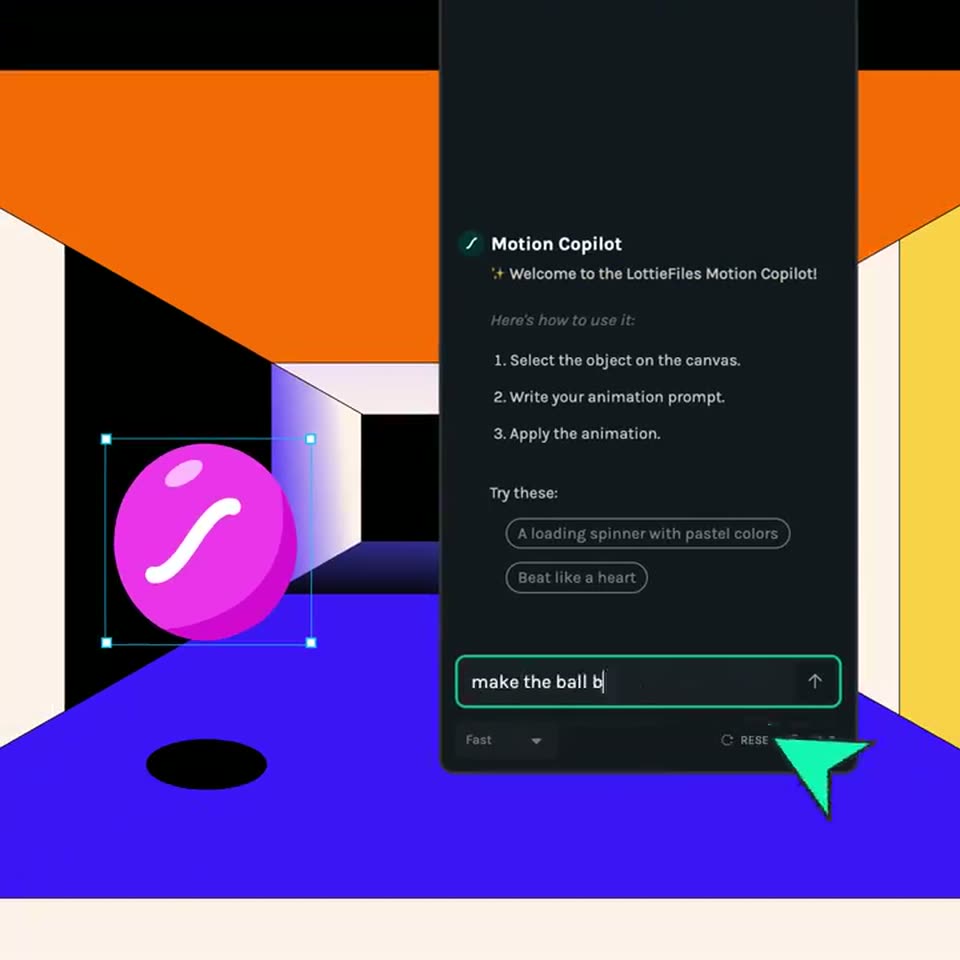 0:34–0:36LottieFiles · LottieFiles - 🚀 Introducing Motion Copilot! - Describe your animation in any languA dark Motion Copilot panel sits in a 3D perspective room beside a magenta ball in a blue selection box. A cursor types 'make the ball bounce on the spot' into the input field while the panel fades to solid.
 0:19–0:22Microsoft · The new Microsoft Planner is here! Streamline the planning, management, and execution of workPurple chips reading “Works the way” and “you do” slide in on the left as their circles fill with checkmarks. On the right, a cursor hovers a blue Share button that scales while glossy blue and purple spheres burst around it over a split lavender and peach background.
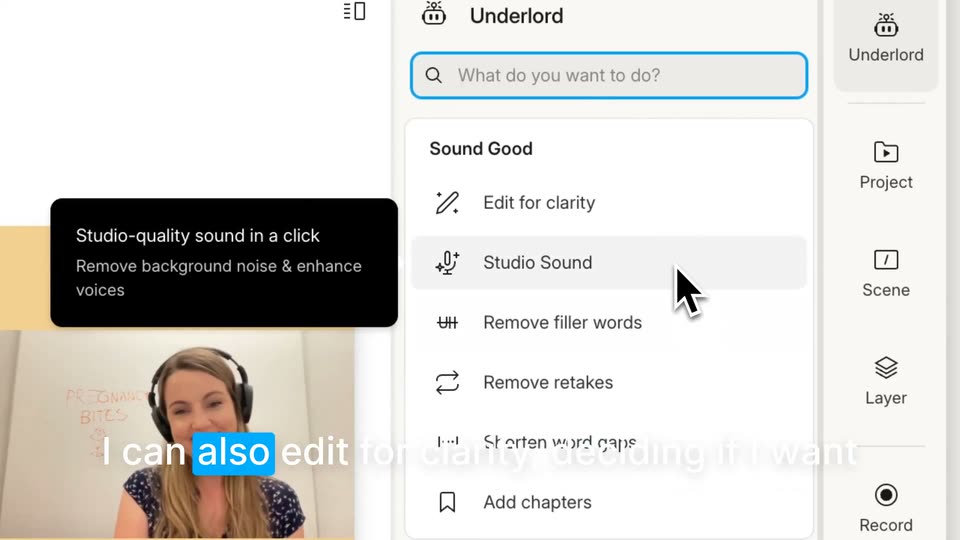 1:49–1:53Descript · Descript - Today, we're launching Descript's new AI assistant editor, Underlord.A cursor steps down the Underlord action list, highlighting Shorten word gaps and Studio Sound as black tooltips pop in beside them. A host video plays at lower left, blue caption highlights track the voiceover, and the panel swaps to the Edit for clarity page.
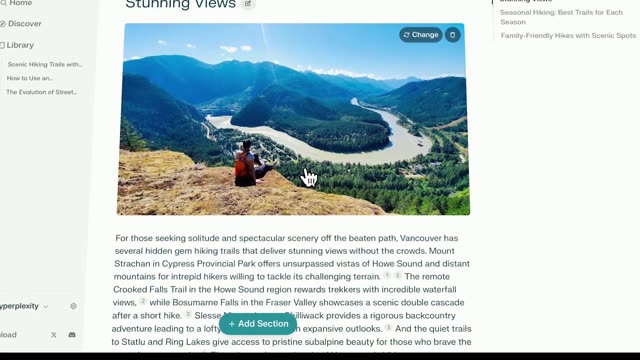 0:22–0:24Perplexity · Introducing Perplexity PagesClose-up on a document section: a headline, a mountain river photo with two hikers, and a teal Add Section pill. The view zooms out to the full editor with sidebars as a cursor hovers the Change button on the photo.
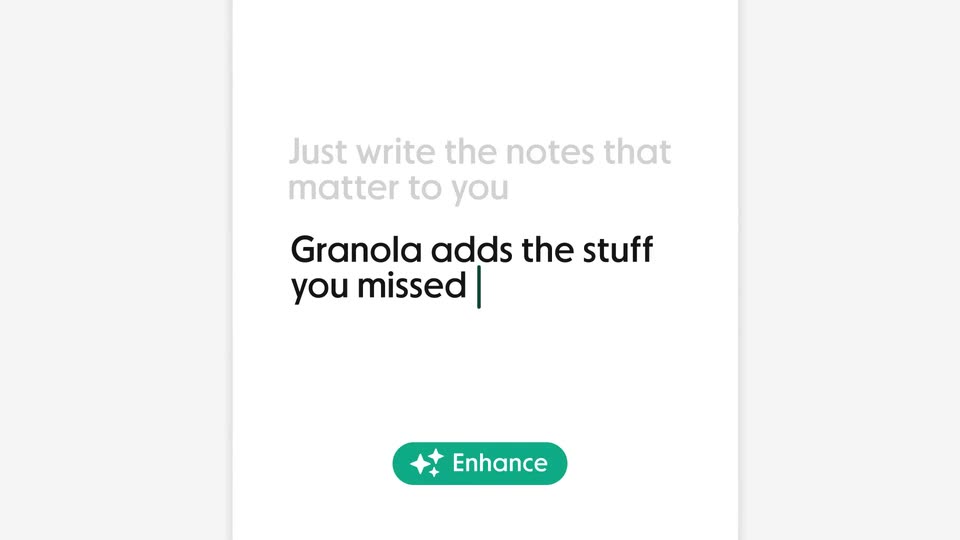 0:29–0:35Granola · Meet Granola – the AI notepad for people with back-to-back meetingsA blank white note types the line 'Just write the notes that matter to you' in dark text, which fades to gray as 'Granola adds the stuff you missed' types below it. A mouse cursor then moves to and clicks the teal Enhance button at the bottom.
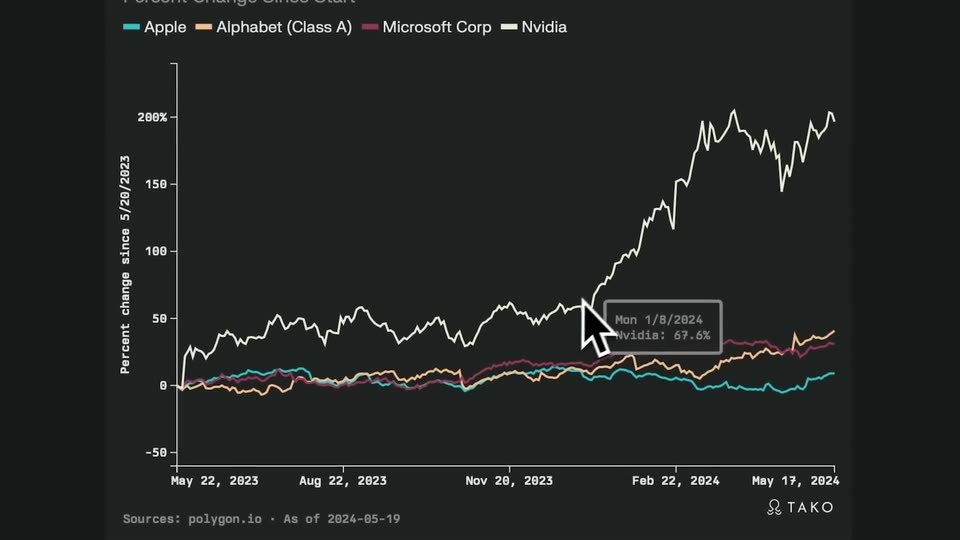 0:13–0:16Perplexity · Introducing Interactive Knowledge CardsThe full app view zooms in on a dark line chart comparing four stock prices. A cursor glides across the plot and stops on the Nvidia line, popping a tooltip that reads Mon 2/5/2024, Nvidia: 122.4%.
 0:32–0:33Framer · Framer: All Design, No Code, Real WebsitesA blue rounded button reading Publish sits centered on a black field with a soft glow. A white arrow cursor glides up from below, switches to a pointing hand, and presses the button, which brightens on click.
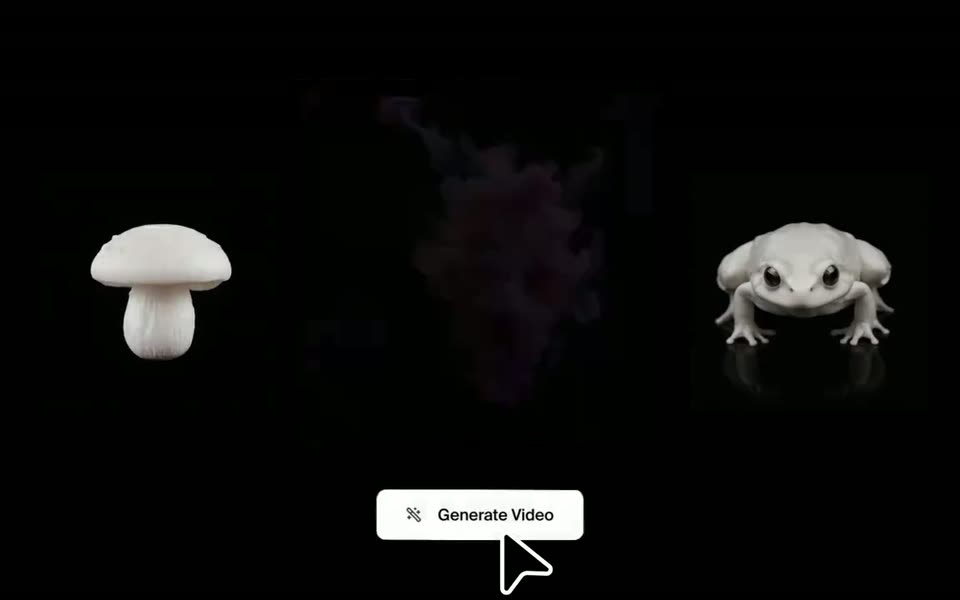 0:08–0:09Krea · Krea - Krea Video is here! this is how it works 👇 - (sound on)On a black screen, a central square of swirling pink and purple ink fades out as a white mushroom and a white frog slide inward to meet in the middle. A Generate Video button with a cursor rests below.
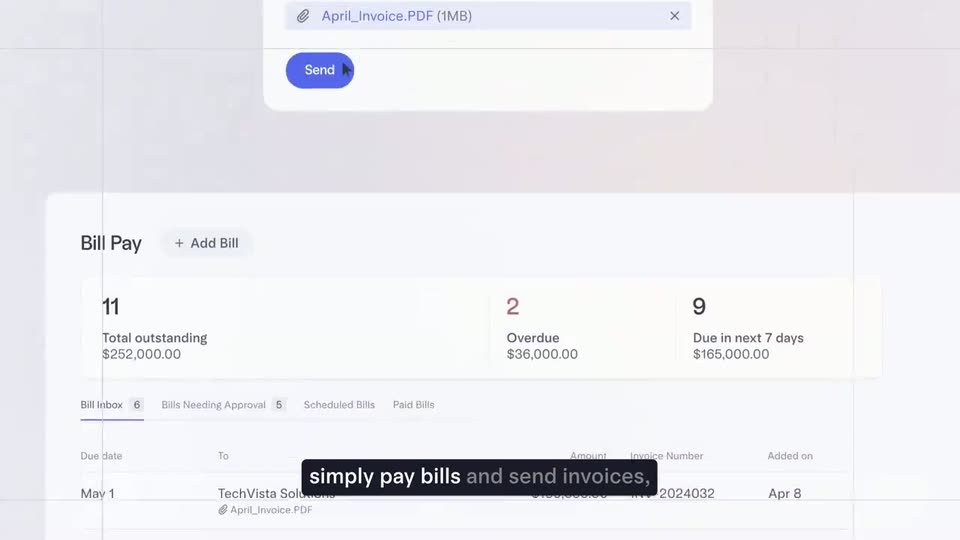 0:54 · 0.8sMercury · Mercury - The next evolution of Mercury is here. Introducing new software thatA Mercury Bill Pay screen scrolls down from a Forward Message modal, with an attached PDF and a cursor resting on the Send button, to reveal the dashboard stats and invoice table, while a black caption pill carries the voiceover line at the bottom.
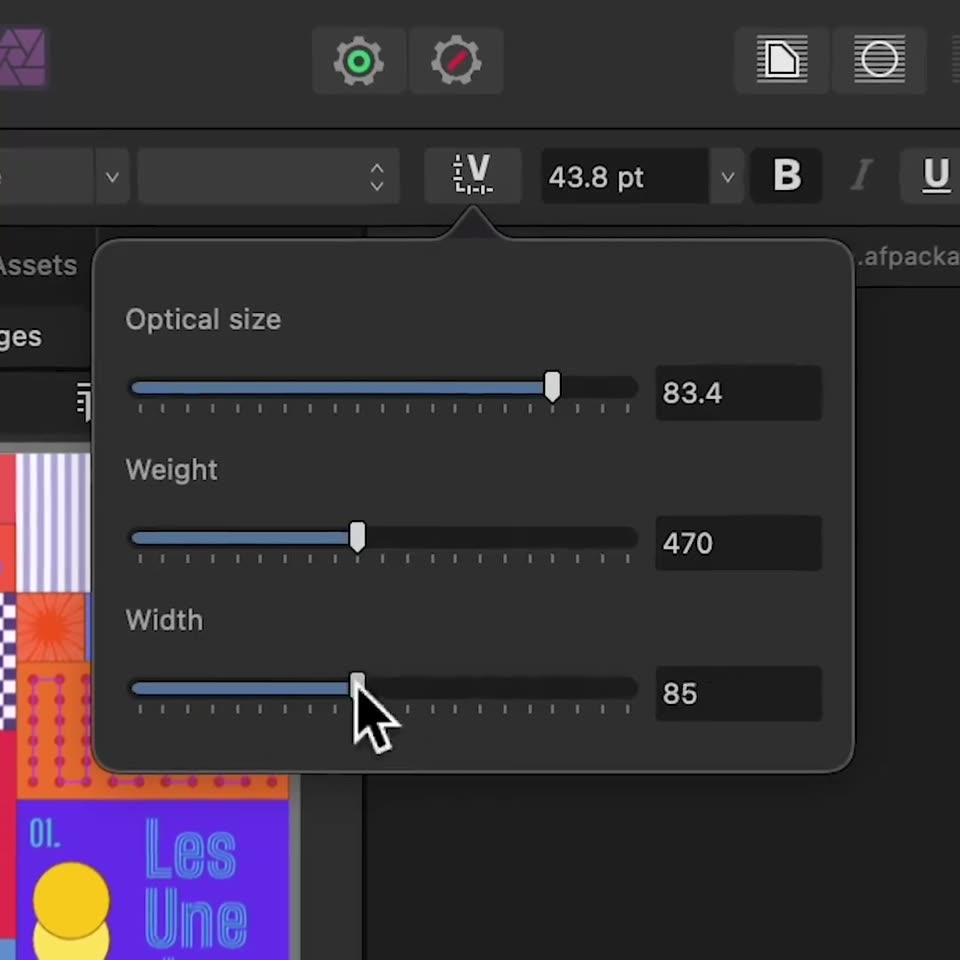 0:13–0:16Affinity · Affinity - Variable font support is now available in #Affinity 2.5 (beta)! JoinA dark slider panel sits over a colorful canvas. A cursor drags the Weight slider right, raising the value from 200 to 470, then moves down and drags the Width slider to 93.8. The canvas behind shows large blue outlined text.
 0:09–0:10The Browser Company · The Browser Company - Arc on Windows is finally here. No more waitlists, no more betas. DA soft-focus close-up of a pixelated retro interface row holding three square buttons. Two white arrow cursors drift left across the buttons, from the right pair to the left pair, over a dark blue gradient.
 0:02 · 0.7sThe Browser Company · Arc on Windows. Download now.A pixelated arrow cursor and hourglass wait icon sit beside a search box on a light gray background. A black pixel border snaps into place as the word flower types itself letter by letter into the box.
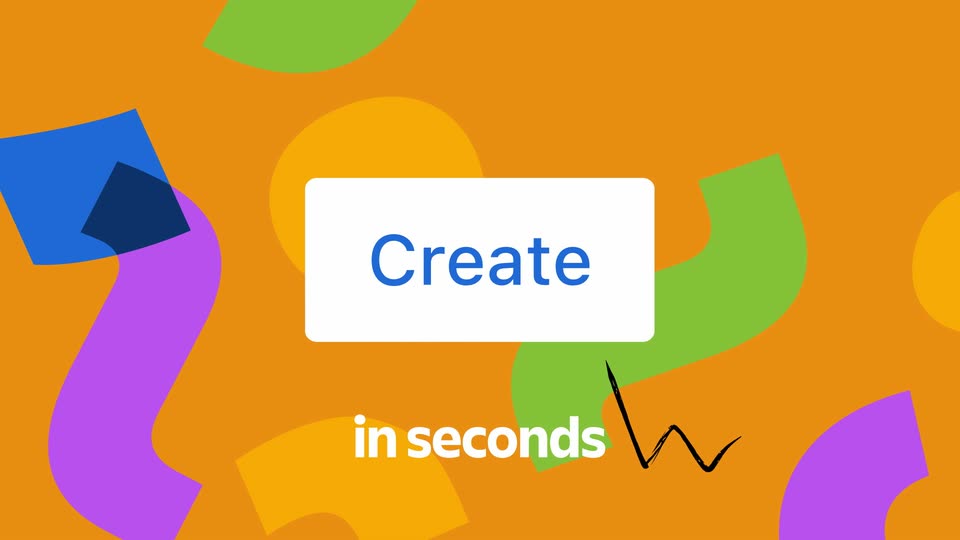 0:42–0:44Atlassian · Welcome to the next era of Jira - Inside AtlassianA white Create button floats on an orange field of shifting abstract shapes. A doodle cursor clicks it, a hand-drawn checkmark pops, and the white caption below swaps from cross-team to Create cross-team plans, then in seconds.
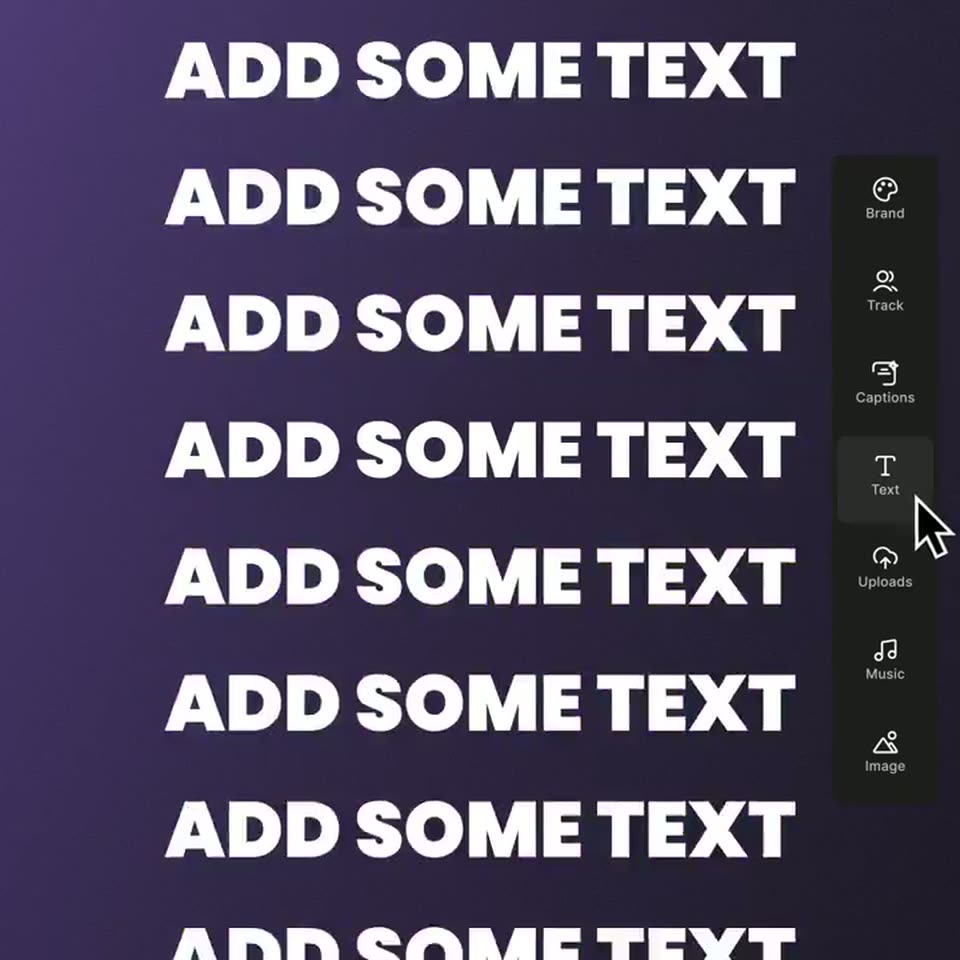 0:09–0:11Riverside · Riverside - NEW: Audiograms are now available on Riverside Turn your audio-onlyA dark purple product screen shows stacked rows of bold “ADD SOME TEXT” placeholder lines in white and purple, beside a vertical toolbar with icons for Brand, Track, Captions, Text, Uploads, Music and Image. A cursor hovers the Text button, then a rounded “Add images” tooltip pops up in the center.
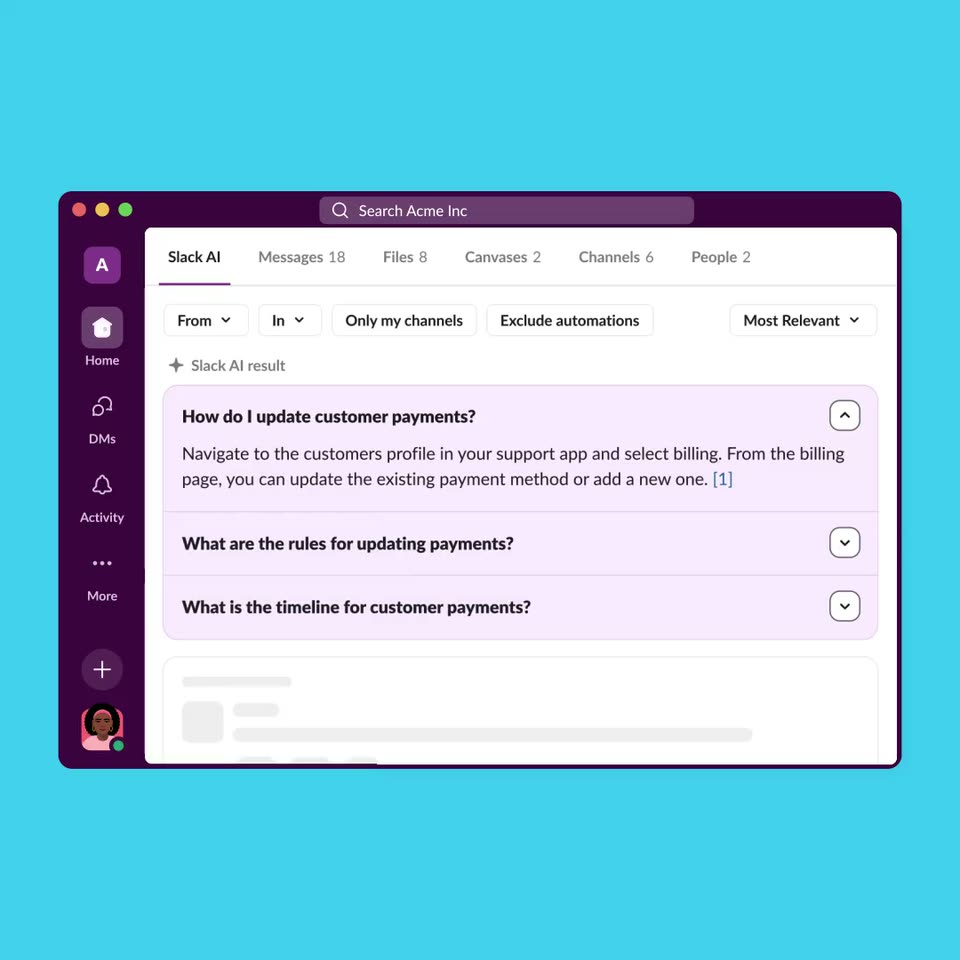 0:13–0:17Slack · Slack - Time is valuable. Slack AI gives you more of it. 🙌✨ And starting todA flat Slack AI window on a cyan field opens a search dropdown with a query highlighted under a hand cursor. The dropdown closes, the answer expands and two related questions fade in, then a 3D channel window slides in from the left as the first fades.
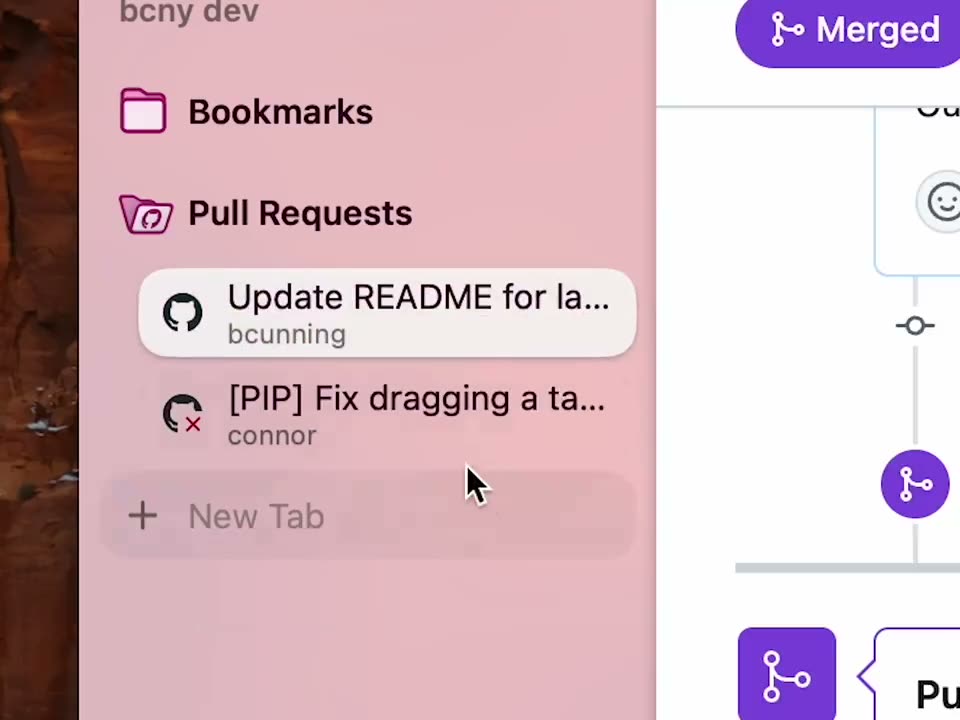 0:15–0:16The Browser Company · The Browser Company - One small step for sidebars.... 🛠️ GitHub Live Folders Land in ArcClose-up of a browser window: a translucent pink sidebar shows a Pull Requests list beside a GitHub page. A cursor moves onto an entry, a dismiss button fades in, and the right pane shifts to a merged timeline.
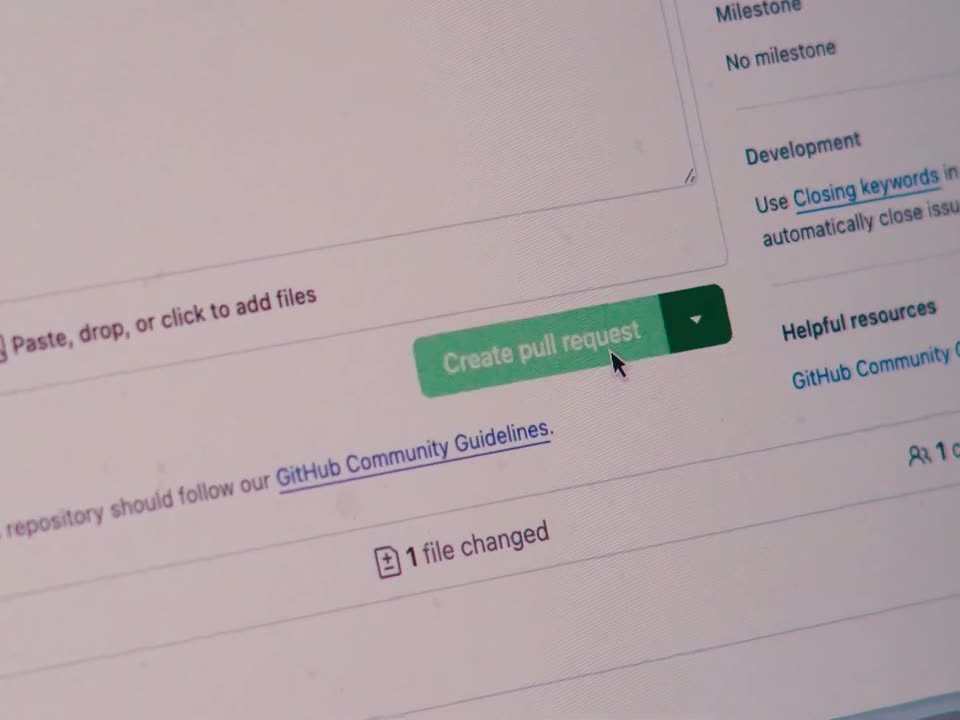 0:07–0:08The Browser Company · Introducing Live Folders in Arc | Your sidebar is aliveAn oblique close-up of a GitHub screen holds on a green Create pull request button with a cursor resting on it, framed by form fields and a right sidebar of links.
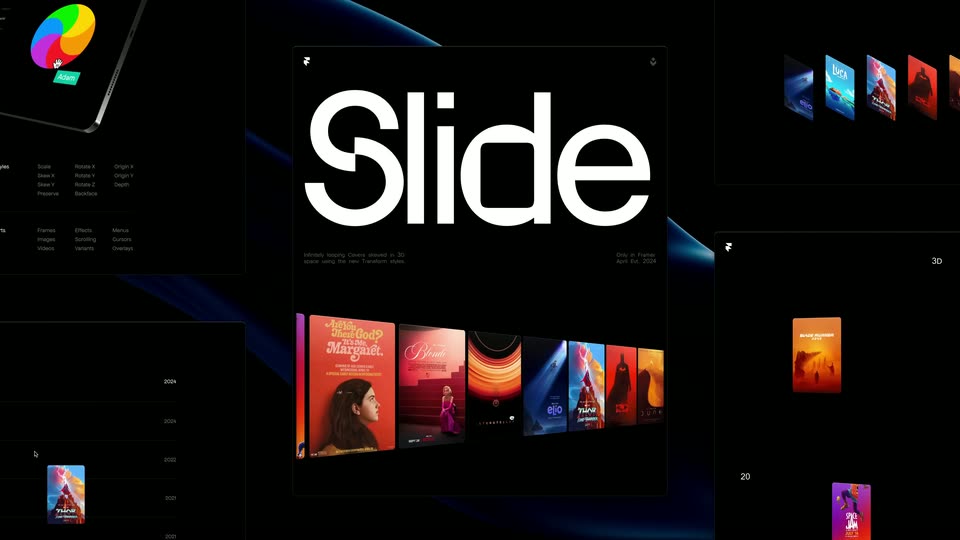 0:31–0:36Framer · Introducing 3D Transforms in Framer — Rotate, Skew, Perspective & more on a freeform canvasA dark dashboard of UI panels. The center card holds the word Slide above a row of movie posters skewed in 3D that slides left in a loop. Cursors drag a color wheel and a cover along a year timeline in the left panel.
 0:05–0:06Captions · Mirage - Introducing Captions for web. Video editing made simple, thanks toA blurred woman's face fills the frame behind three sharp chips, add in white on dark, eye and contact? in black on green. Two outline cursors move; one taps the eye chip and a purple-framed magnified patch of the eye appears top left.
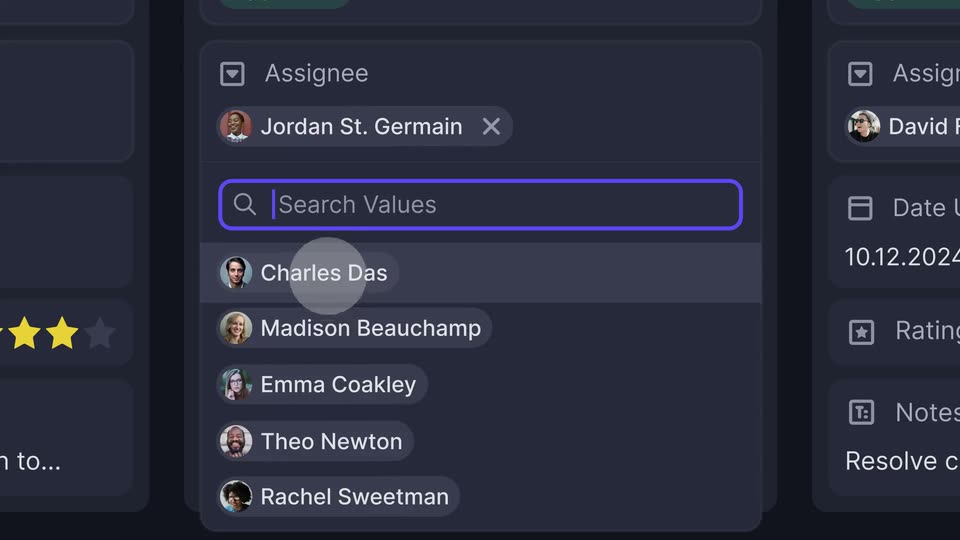 0:28–0:32Frame.io · Frame.io - It's here. The all-new Version 4. Now in beta.A dark media-management UI opens on a field-settings panel over a grid of graded video thumbnails. The frame tightens onto one asset card; a cursor opens the Status dropdown and the Assignee search field. The clip ends on a black screen with a partial caption.
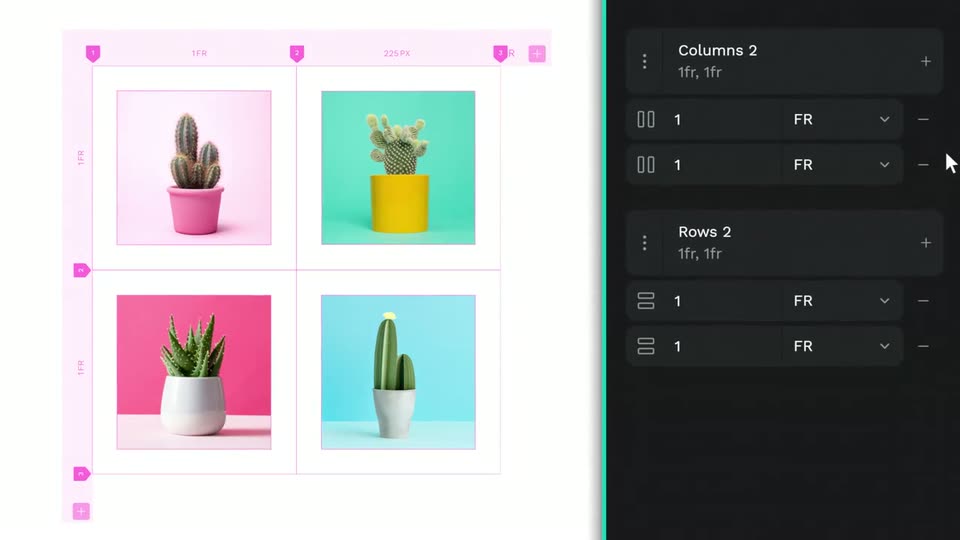 0:23–0:25Penpot · Penpot - 💥 Penpot 2.0 is now available! Explore & enjoy the unique featurA dark design tool interface shows a two-by-two grid of cactus photos on a light canvas, framed by pink dimension markers. The right panel scrolls down to reveal column and row settings, while a cursor hovers over a plus button.
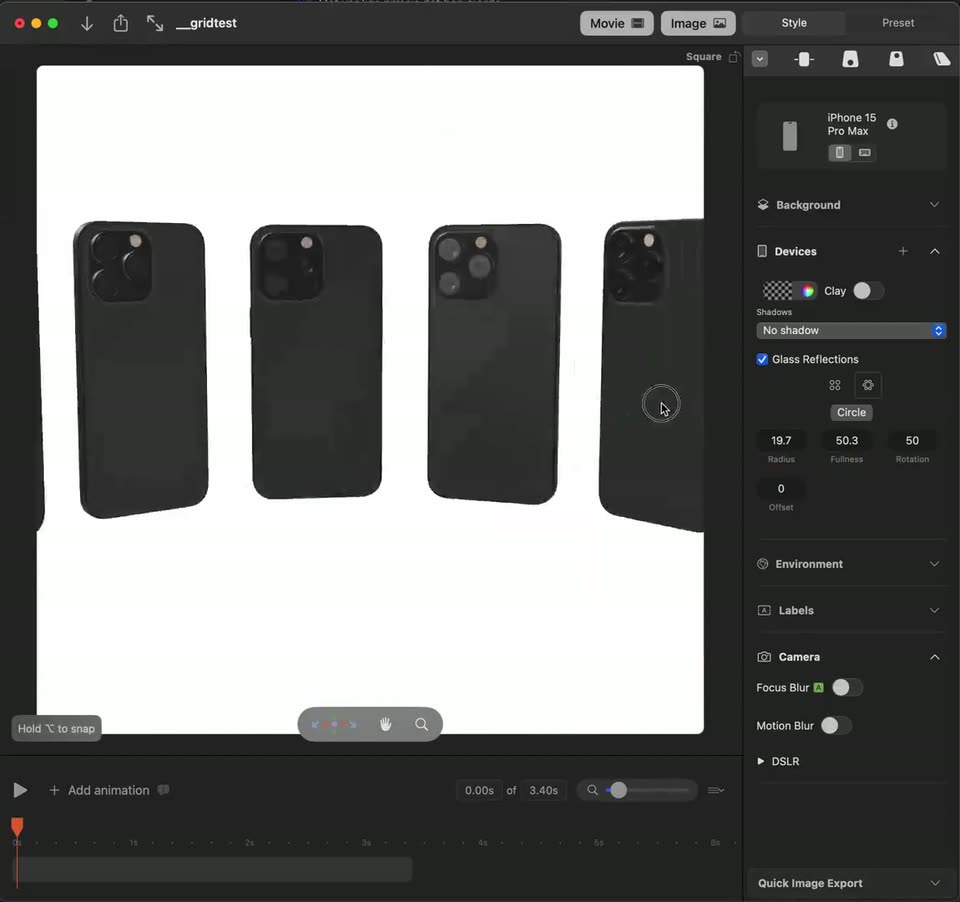 0:07–0:09Rotato · Morten from Rotato - Circles, half circles and grids rolling out to beta users soon:Inside a dark design-tool interface, three black iPhone mockups float in 3D perspective on a light canvas; the center phone shows a social post with a photo of a cube on a magnet. The view reframes to the phones' camera backs as the cursor drifts across the canvas.
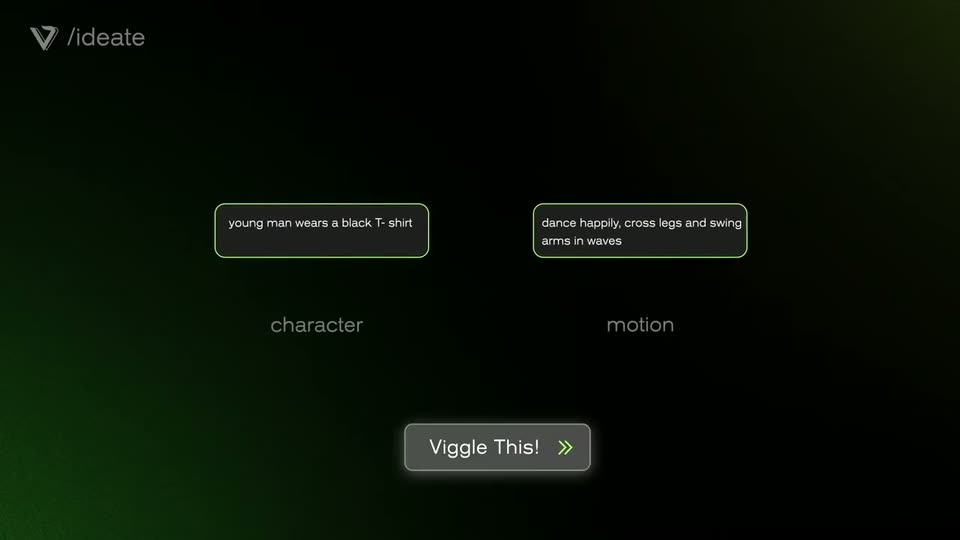 0:33–0:36Viggle · ViggleAI - VIGGLE'S NEW MODEL IS HERE! Controllable video generation is our mA dark, green-edged screen shows two rounded prompt fields captioned character and motion, the left one already filled. A cursor hovers over the right field, which types in motion text, then the Viggle This! button at the bottom brightens.
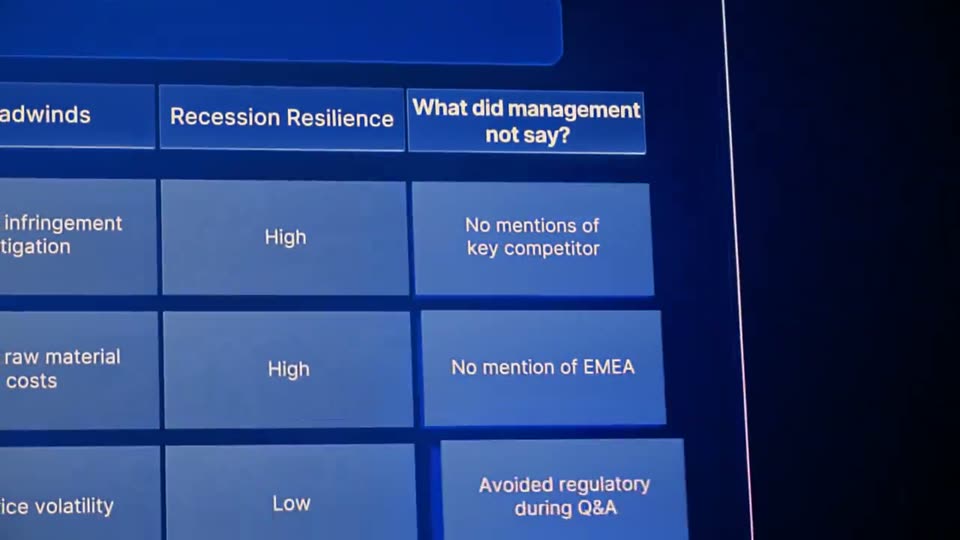 0:35–0:39Hebbia · Hebbia - Introducing the biggest change to AI products since ChatGPT. Enter tA blue data table in 3D perspective on a dark background. A triangular cursor clicks the plus button on a column header, opening an Add New Prompt panel where the prompt text is typed. The cursor clicks Save prompt and the panel closes, leaving a new column of answer cards.
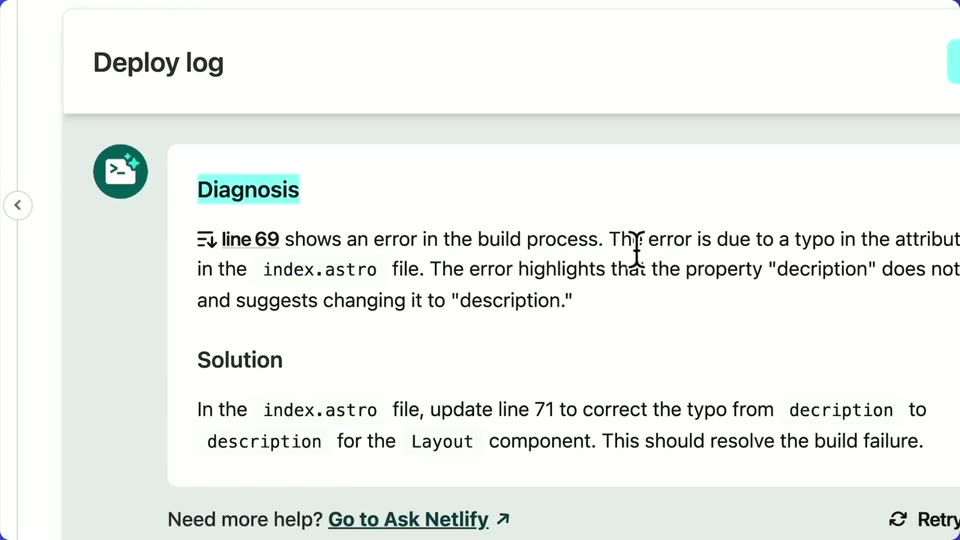 0:14–0:15Netlify · Netlify - Problems debugging your build? AI can take a look. Learn more here:A static deploy log view displays a Diagnosis and Solution card explaining a build typo, with a small green terminal icon at left. A mouse cursor drifts across the body text from right to left.
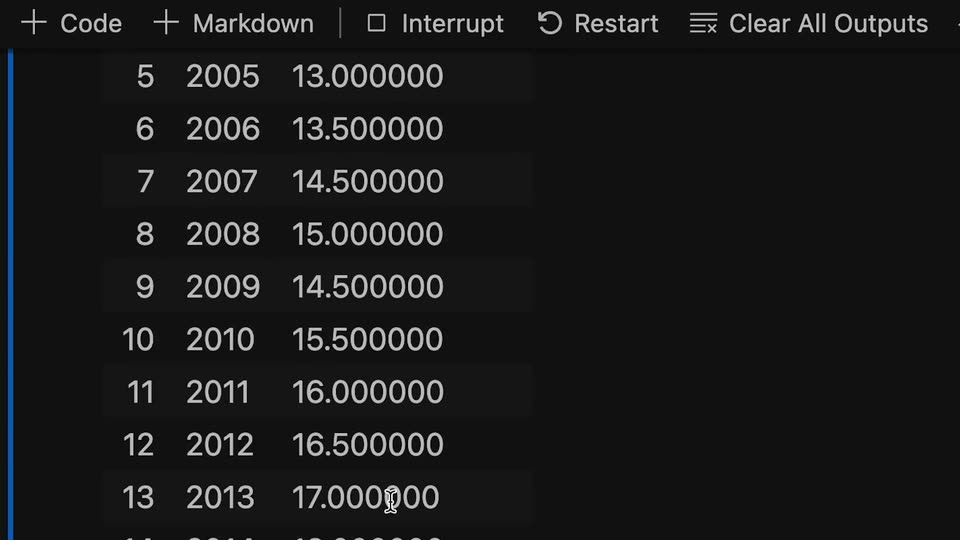 0:39–0:44Anthropic · Claude 3 Opus as an economic analystA dark code editor displays a markdown table of years and GDP values. The view scrolls to a rendered data table, panning through the rows, then returns to the markdown source.
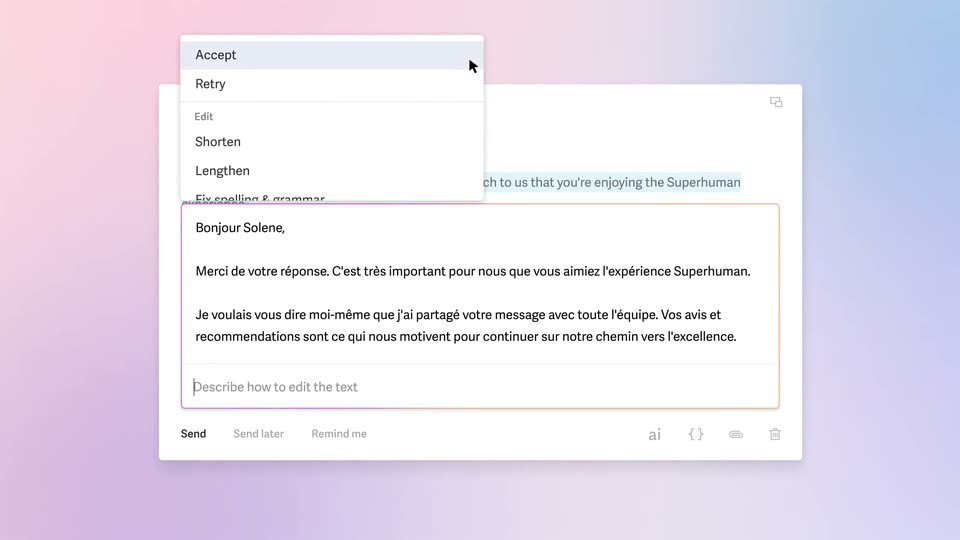 1:41–1:54Superhuman · Superhuman AI 2.0A flat email draft on a pastel gradient. The body text is highlighted, a formatting bar and an AI edit panel pop up, a French rewrite request is typed, the draft rewrites itself in French, and a cursor clicks Accept on the result.
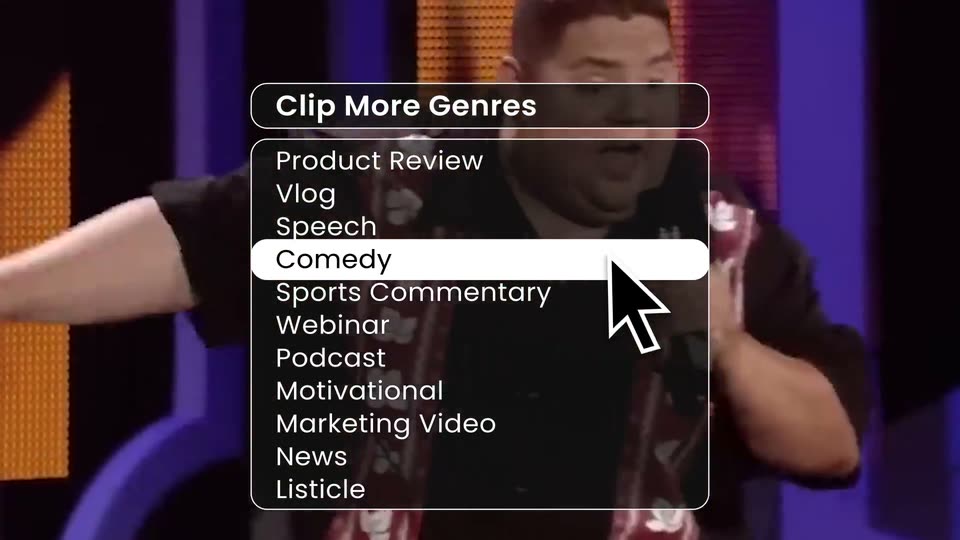 0:10–0:11OpusClip · OpusClip - Introducing OpusClip 3.0. The smartest AI video clipping tool just goA dark dropdown menu titled Clip More Genres sits over a live-action clip of a man dancing on a stage lit in orange and purple; a white cursor arrow rests on the highlighted Comedy row while the background video keeps moving.
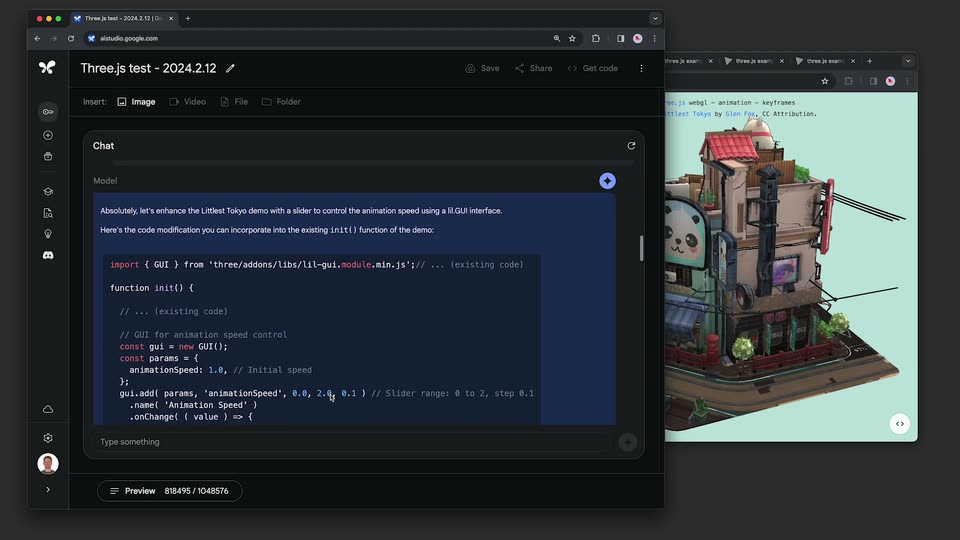 0:57–1:16Google · Problem solving across 100,633 lines of code | Gemini 1.5 Pro DemoA dark AI chat panel on the left streams a long answer and then a code block, while a 3D Little Tokyo diorama with a moving train loops in a browser window at right. The cursor hovers over the input box as a new prompt is typed.
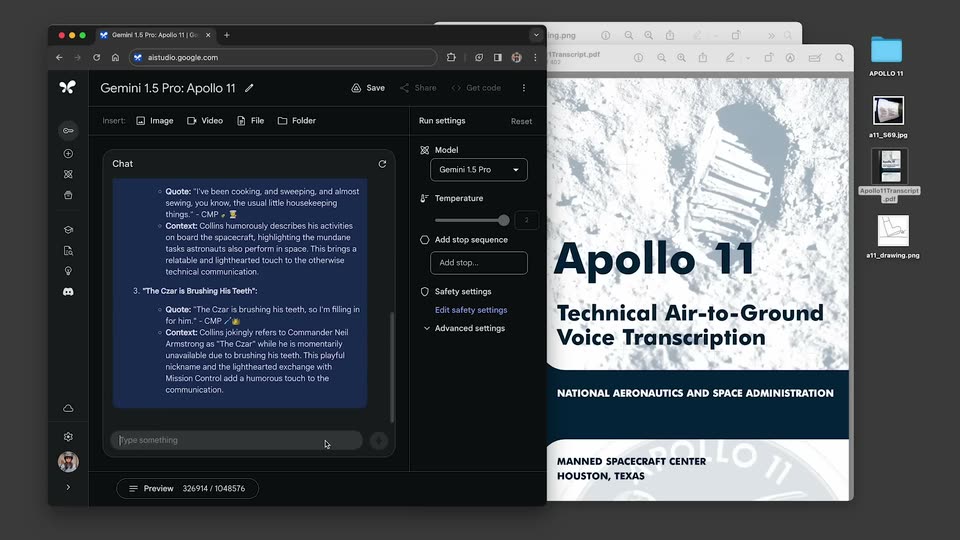 0:23–0:47Google · Reasoning across a 402-page transcript | Gemini 1.5 Pro DemoA flat screen capture of a Gemini web app: a cursor types a prompt beside an attached Apollo 11 transcript, then a timer counts up as the model streams a numbered list of quotes. A caption notes the sequences are shortened.
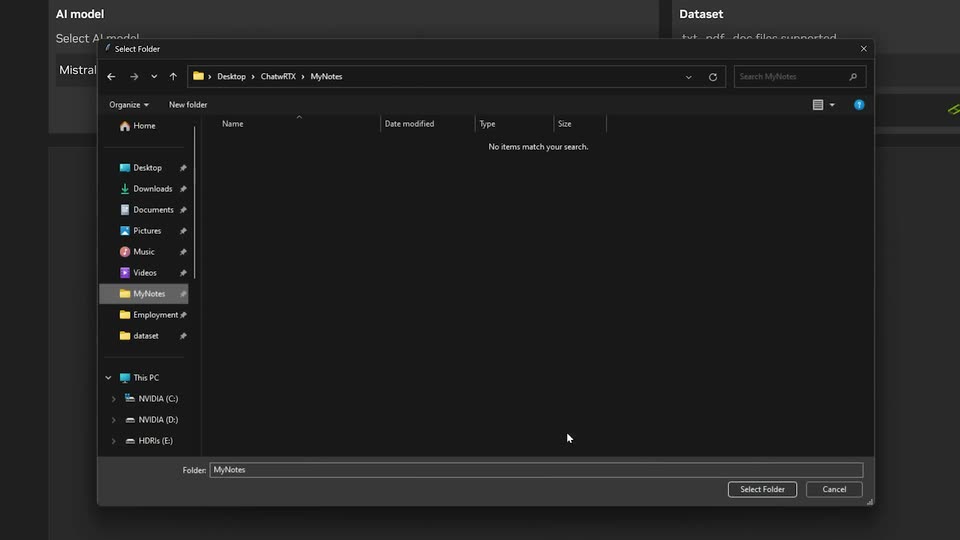 0:17–0:20NVIDIA · Create A Personalized AI Chatbot with Chat With RTXA dark app screen with AI model and Dataset panels sits behind a Windows file explorer dialog. The dialog path jumps to Desktop > ChatWRTX > MyNotes, then the dialog closes to reveal the Folder Path field.
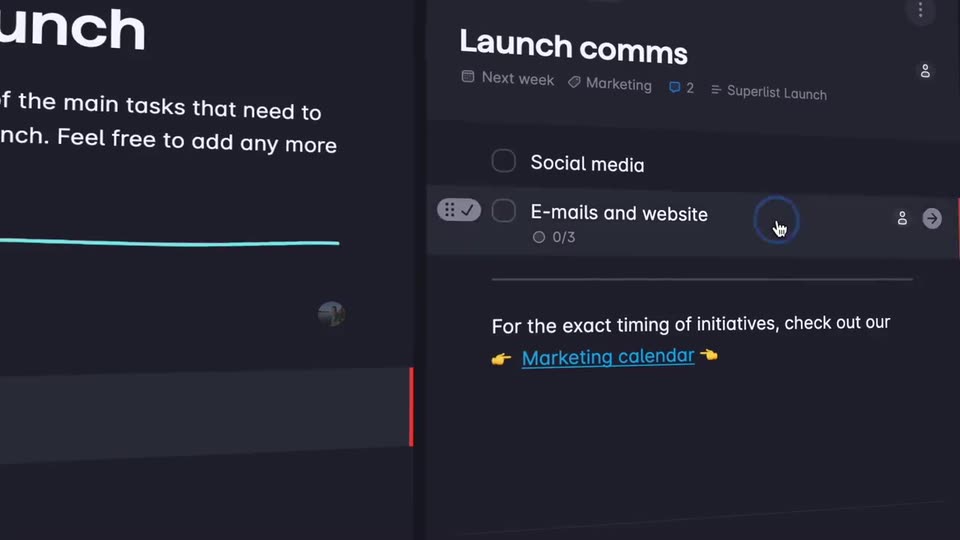 0:26–0:28Superlist · Superlist - We've got wunderful news: Today, we're releasing Superlist 1.0 – theA dark task-management interface zooms from a wider page view to the right-hand Launch comms panel. A cursor moves to the circular button beside E-mails and website and clicks it, while the checklist and note stay in frame.
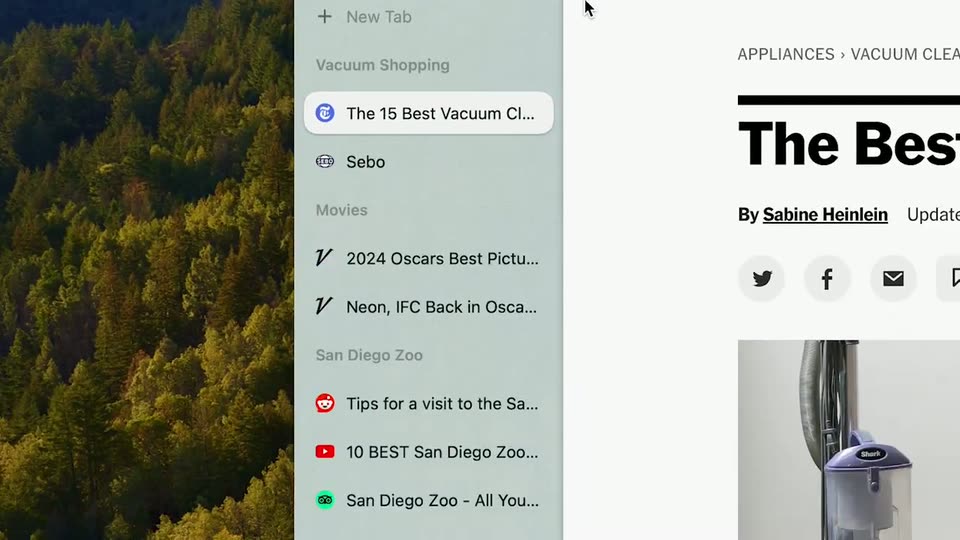 0:07–0:08The Browser Company · The Browser Company - A browser that tidies for you? Tidy Tabs, now in Arc!A browser window fills the frame, a vertical tab list over a forest photo on the left, a vacuum review article on the right. A black cursor hovers near the top edge. The view holds static.
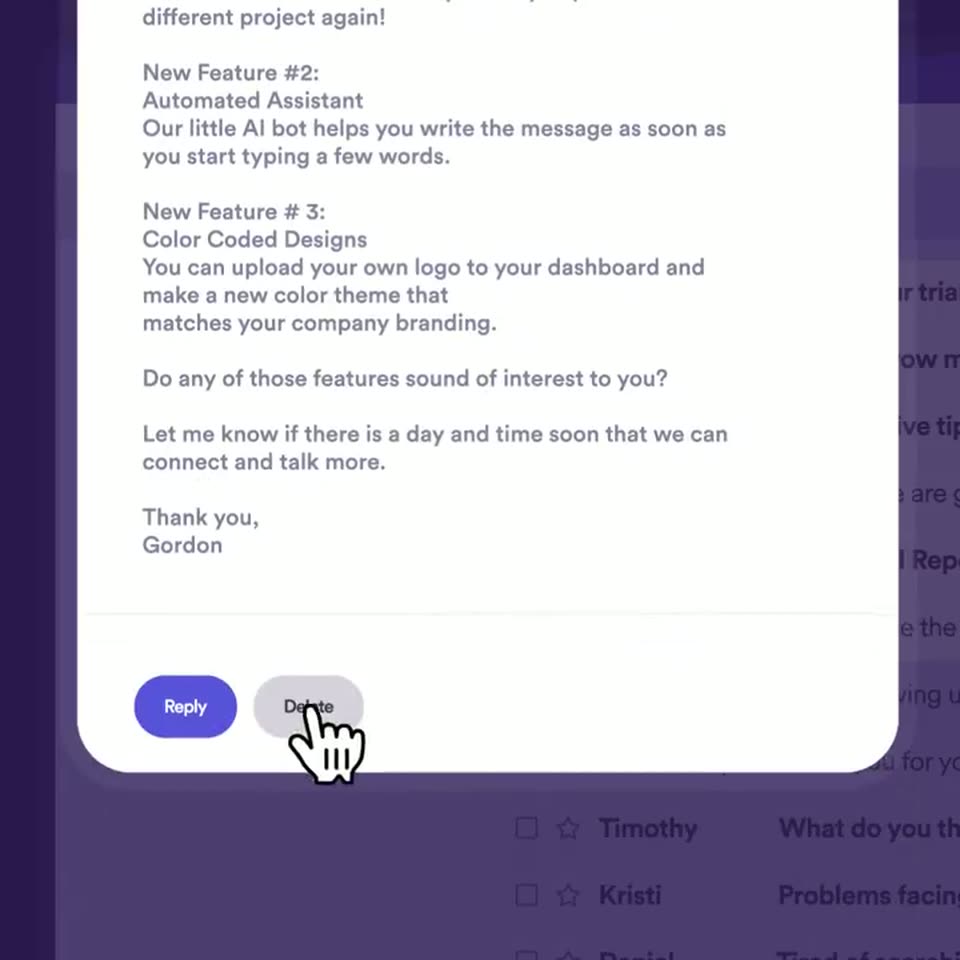 0:08–0:10Loom · Loom - 🚨 Sales & customer-facing teams — unlock more revenue with Loom!A white email card scrolls up over a dimmed purple inbox list, revealing the message body and the Reply and Delete buttons at the bottom. A hand cursor slides in from the right and hovers over the Delete button.
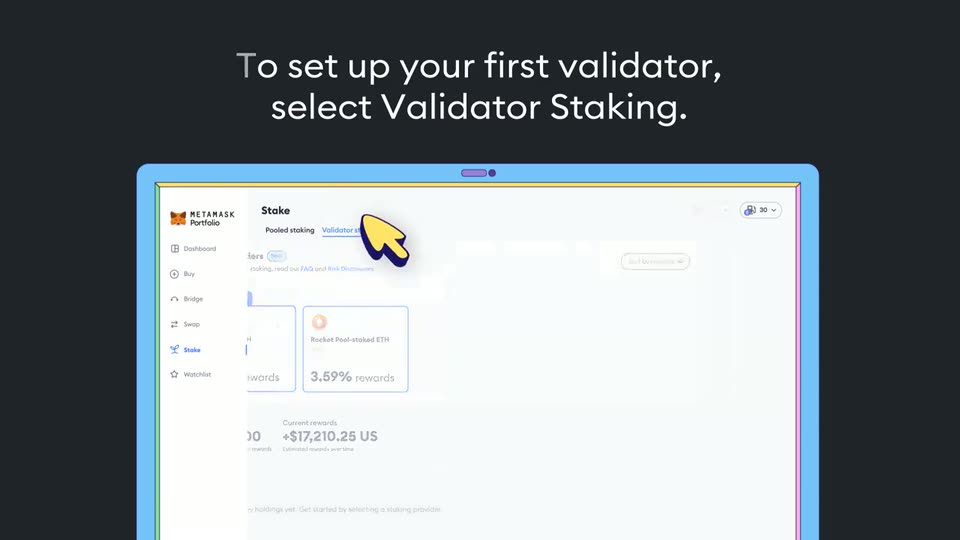 0:35–0:37MetaMask · MetaMask 🦊 - Introducing Validator Staking on MetaMask Portfolio.🦊 With a 32 ETHA 3D-tilted MetaMask browser window sits under a white headline on a dark field. A yellow cursor clicks the Validator staking tab, the panel swaps to a Direct Staking form, then the window flattens and the headline slides off frame.
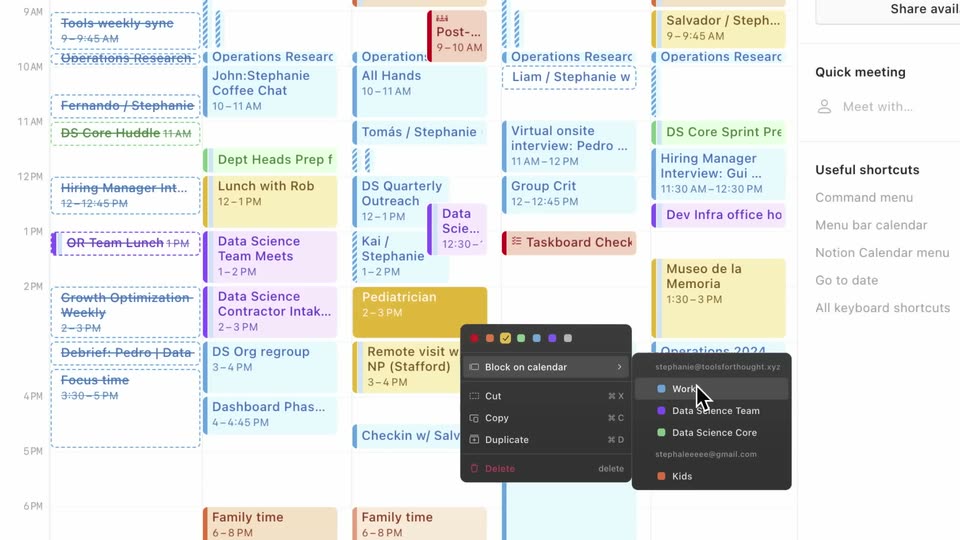 0:28–0:32Notion · Meet Notion CalendarA week-view calendar of colored event blocks fills the frame beside a shortcuts sidebar. A cursor clicks a yellow Pediatrician block, popping a dark context menu, then a submenu listing calendar names like Work and Kids.
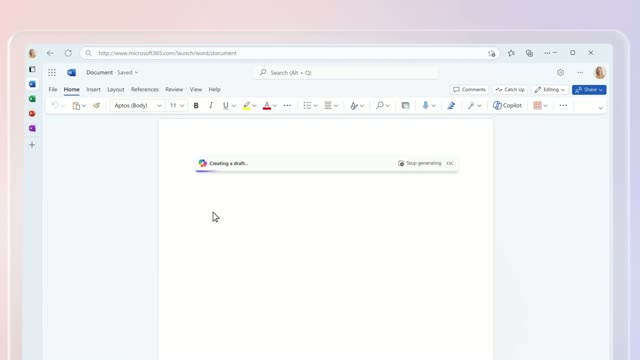 0:23–0:26Microsoft · Introducing Copilot Pro: Supercharge your Creativity and ProductivityA cursor enters a drafting prompt in Word. The floating document and Copilot pane tilt as the camera moves toward the response.
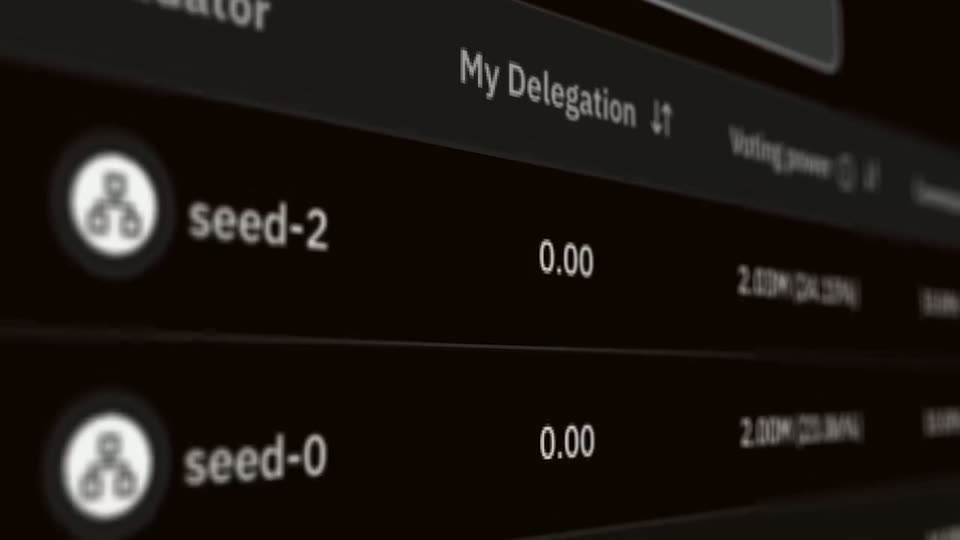 0:22–0:23Berachain · Berachain Foundation 🐻⛓ - Berachain’s Public Testnet "Artio" is now live. The March of the BerA dark validator table sits in tilted 3D perspective with a shallow depth of field. The view pushes in on two rows as a white cursor hovers over them and moves down the list.
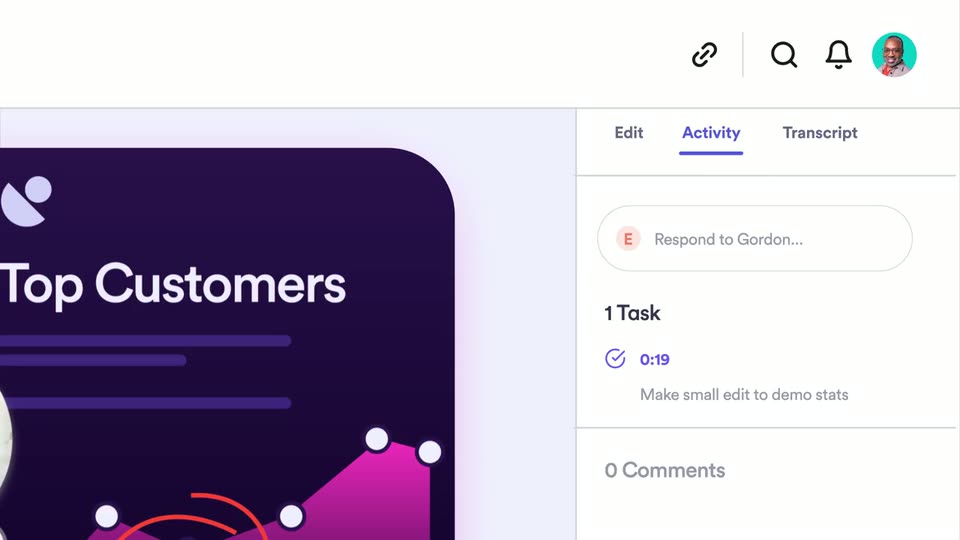 0:18–0:26Loom · Loom - It’s a new year — and it’s easier than ever to embrace new ways of woA Loom interface shows a Top Customers video slide beside an Edit panel where a cursor taps a Copied button, then switches to the Activity tab to reveal a task list. The view zooms out to a full dashboard with a presenter avatar and a reaction bar.
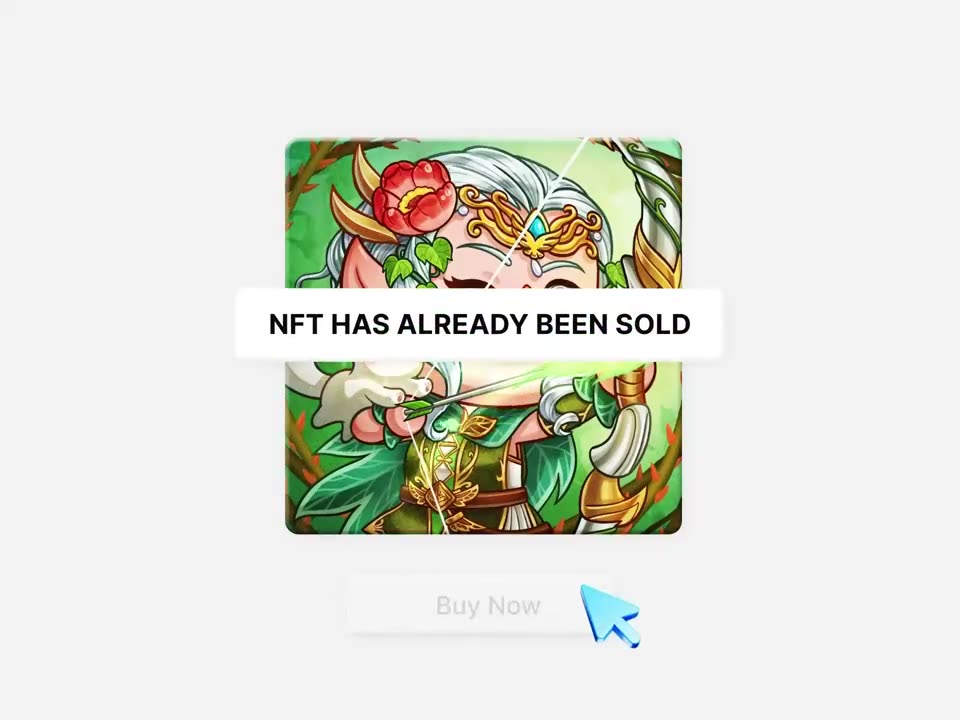 0:07–0:10OpenSea · OpenSea - NFTs just got a whole lot easier. Introducing the new OpenSea onboaA flat NFT card with an elf illustration sits on a light gray field, ringed by floating white word chips and a faint caption, a blue cursor on the Buy Now button. The chips and caption fade, the button grays, and a white sold banner slides across the art.
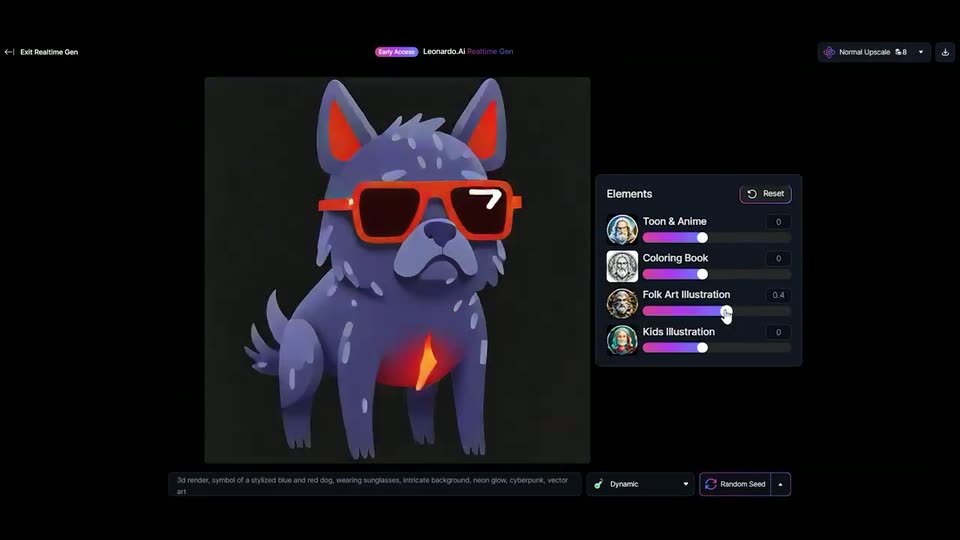 0:15–0:18Leonardo AI · Leonardo.Ai - Realtime Gen is now LIVE for all users ⏱️ Type and watch your promptA locked-off view of the Leonardo.AI Realtime Gen interface shows a generated dog portrait with the white headline Stylize With Elements overlaid. A cursor drags the Folk Art Illustration slider, restyling the image, then opens the upscale-mode menu at top right.
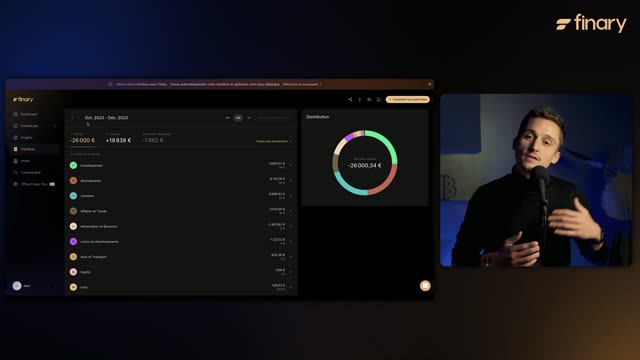 1:04–1:09Finary · Gérez votre budget efficacement et simplement avec Finary !A dark Finary cashflow dashboard with a category list and donut occupies the left; a man in a black turtleneck speaks into a microphone at right. A cursor clicks the 3M toggle, the range shifts to Oct–Dec 2023, the list narrows to four income rows, and the ring turns teal.
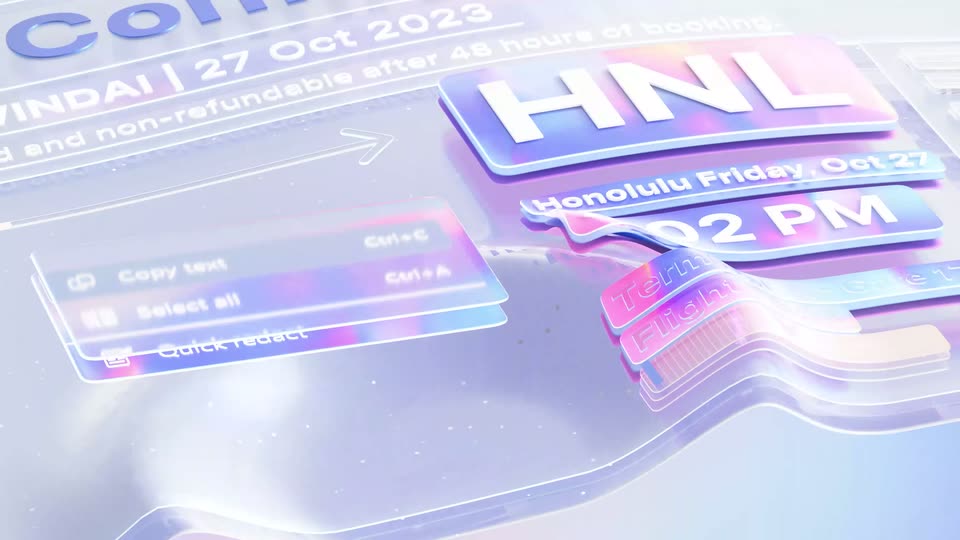 0:15–0:17Microsoft · Introducing AI in Windows 11A dark blue caption “Make edits instantly” floats over a 3D flight confirmation on a lavender surface. A cursor opens a small context menu, then the camera glides right across raised pastel blocks reading HNL, 2:02 PM and Terminal, past an embossed airport map.
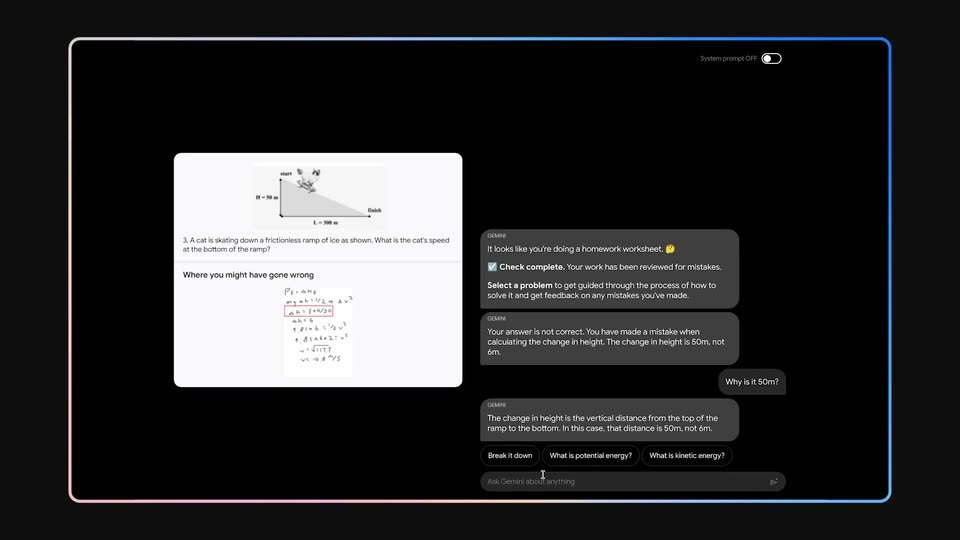 0:42–1:12Google · Math & physics with AI | GeminiA flat dark chat window with a glowing gradient border sits on black. A white homework card with a ramp diagram and equations holds left while Gemini reply bubbles and a user query stack right as a cursor clicks pills and types in the input bar.
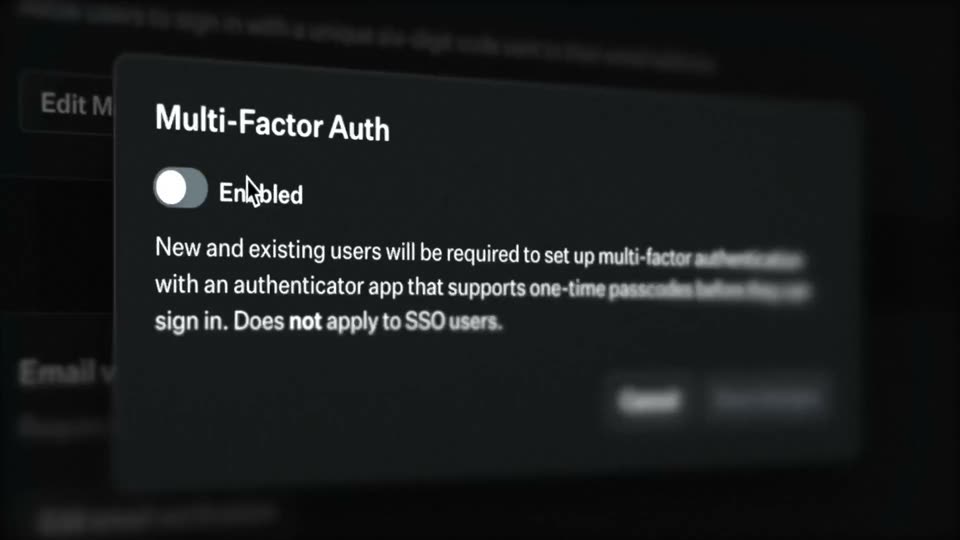 0:15 · 0.5sAuthKit · WorkOS - Introducing @AuthKit — an open source auth UI built on @radix_ui.A dark settings card holds sharp focus while the surrounding interface blurs out. The card's heading and body text swap from Multi-Factor Auth to Email + Password, each paired with a purple toggle set to Enabled. A white cursor hovers at the toggle.
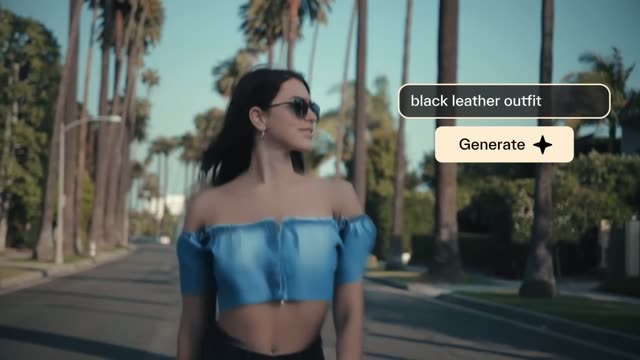 0:42–0:46Pika · Introducing Pika 1.0, An Idea-to-Video PlatformA woman in sunglasses walks down a palm-lined street. A selection box is drawn around her crop top while a prompt field fills with text and a Generate button is clicked; her top swaps to denim, then to black leather as the UI clears.
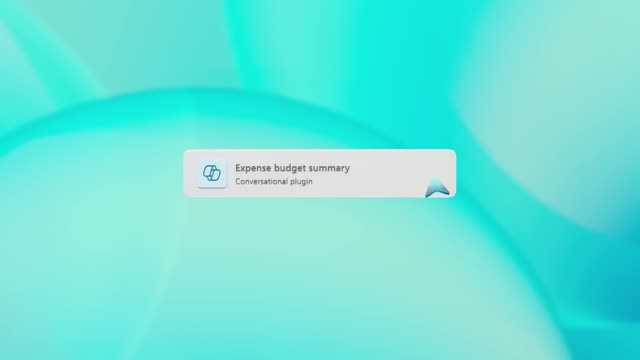 0:22–0:24Microsoft · Introducing Microsoft Copilot Studio | Your Copilot, Your WayA white plugin card labeled Expense budget summary slides in from the left and settles at center over a soft teal abstract background. A blue cursor hovers at the card's right edge.
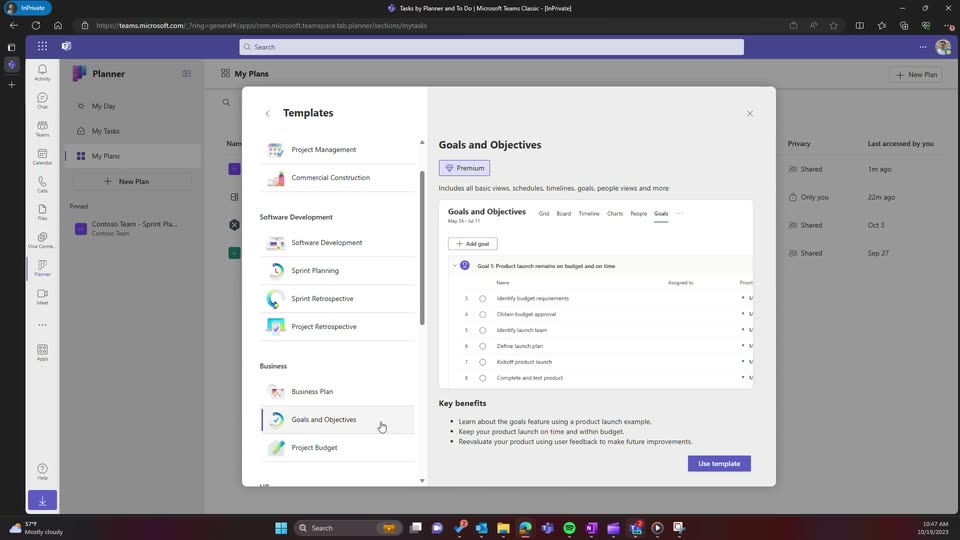 0:47–0:54Microsoft · Meet the new Microsoft PlannerThe Create new dialog expands into a two-pane template list. A cursor clicks down the left column, and the right panel updates to show Simple Plan, Project Budget, Sprint Retrospective, and Goals and Objectives with previews and benefits.
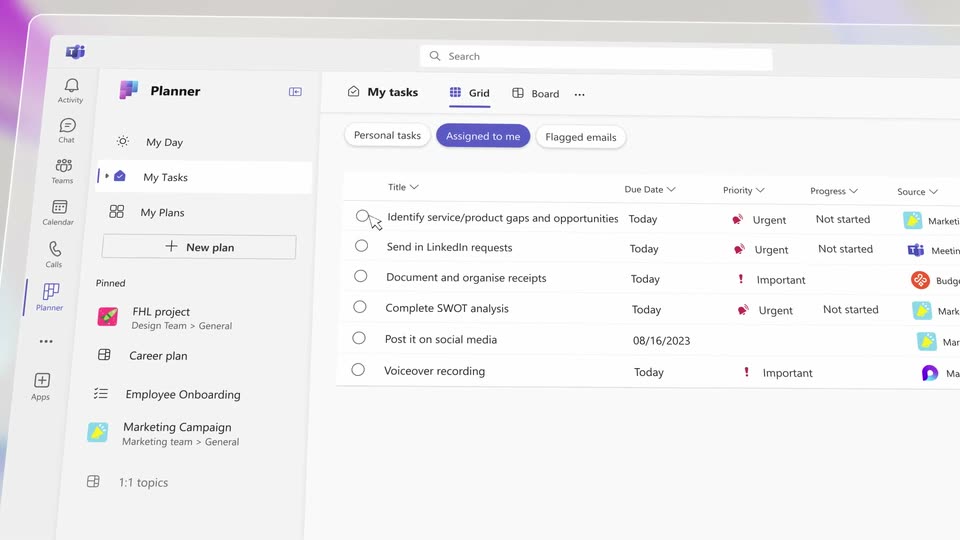 0:23–0:27Microsoft · The new Microsoft Planner: Manage all your tasks and plans in one simple, familiar experienceA laptop angled in 3D against a soft purple gradient shows the Planner My tasks grid. A cursor clicks the Assigned to me filter, the list swaps to assigned tasks, then the cursor ticks the first task, striking it through.