Cursor demo
A visible cursor operates the interface.
15,152 scenes · page 118 of 253
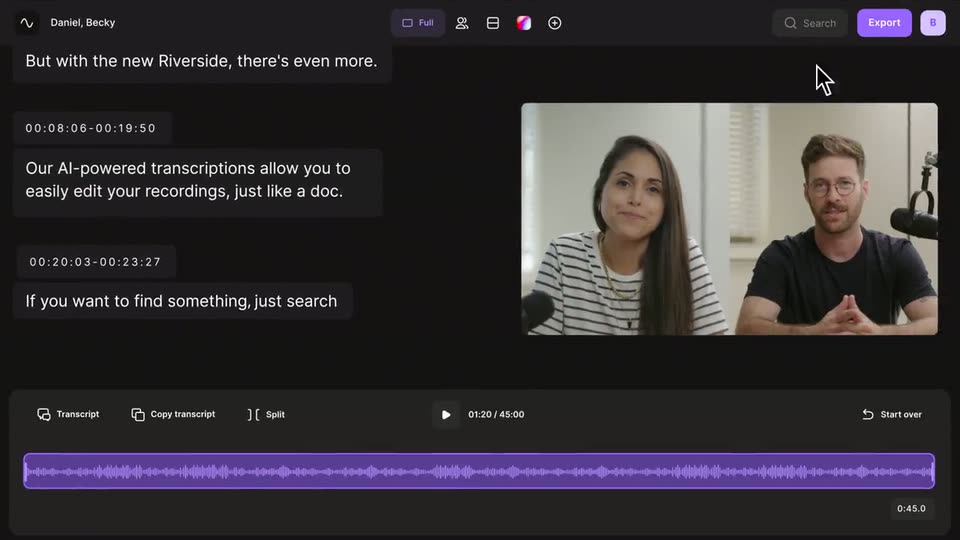 0:41–0:42Riverside · Riverside - Meet the new Riverside. The one place to record, edit, and share yourA dark transcription app fills the frame: timestamped transcript blocks on the left, a video of two people at microphones on the right, a purple waveform timeline below. A cursor glides from the Split button to Transcript, then up to the Search field.
 0:05 · 0.5sAdobe · Adobe Firefly: Family of New Creative Generative AI Models | AdobeA white rounded panel holds three thumbnails of a snowy log cabin, the left framed by a purple selection border. A black cursor glides diagonally across the right thumbnail. The panel floats over a live-action snow field with the cabin blurred in the background.
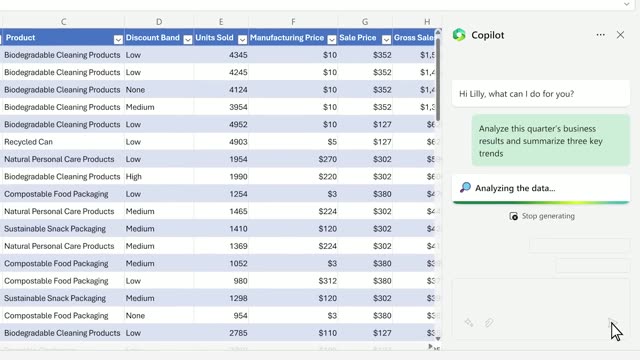 0:53–1:01Microsoft · The Microsoft 365 Copilot AI Event in Less than 3 MinutesZoomed onto an Excel sales table beside the Copilot panel, a cursor types a prompt into the chat box and sends it. A progress bar runs, then a green-outlined card lists key trends.
 0:14–0:15Grammarly · Superhuman - Introducing GrammarlyGO—a new generation in writing. Speed up your wA white input card bearing a Gmail mark fades in on a dark green field, then widens to add a Google mark panel as a black cursor arrow drifts beneath it. The white line 'without worrying' stays locked at the bottom edge.
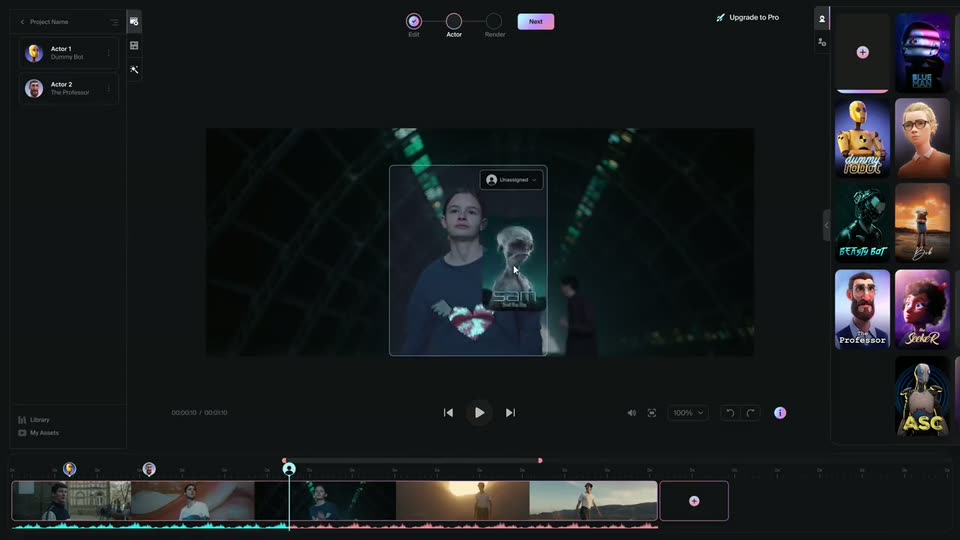 0:18–0:21Wonder Studio · Autodesk Flow Studio - We are proud to introduce Wonder Studio. An AI tool that automaticalA dark editing UI with a right grid of character cards. In the preview, a girl in a blue sweater is boxed and labeled Unassigned; a cursor drags an alien card onto her, the label becomes Small Alien Man, and a new actor row appears left.
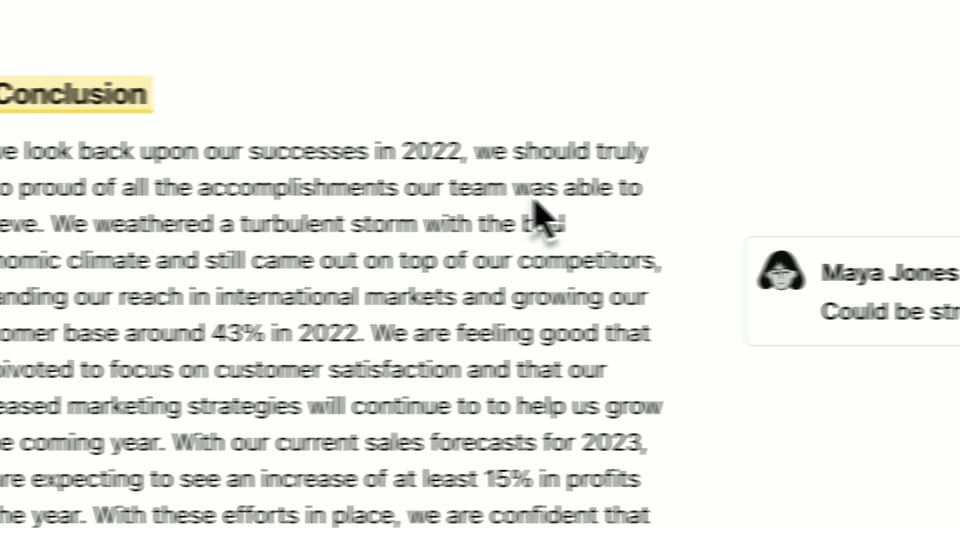 0:23–0:24Notion · Notion AI is here, for everyoneA white document page shows a yellow-highlighted Conclusion heading with the cursor hovering beside it. The page scrolls down and a comment bubble from Maya Jones reading Could we sound stronger appears on the right.
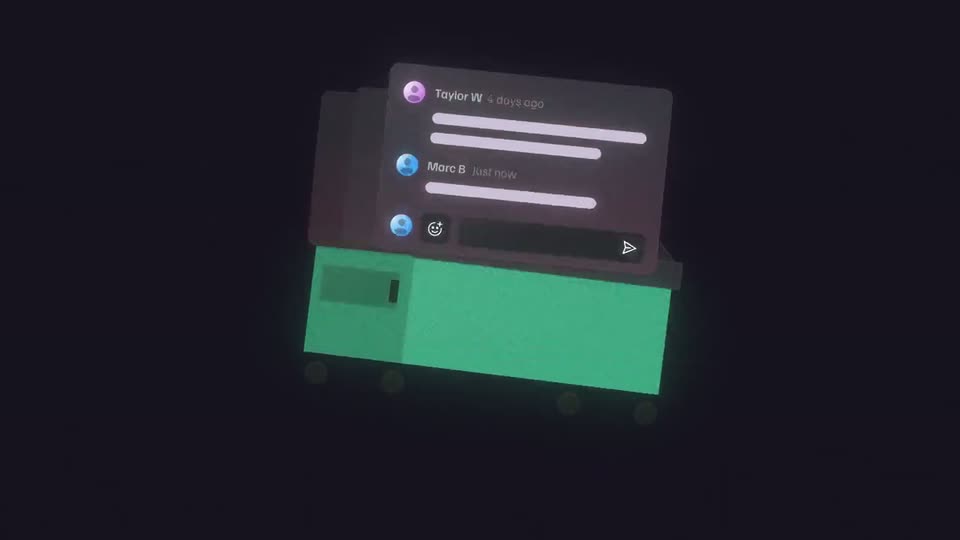 0:31–0:35Liveblocks · Liveblocks - #LiveblocksLaunchWeek – Day 1 Introducing Liveblocks 1.0: the compleA dark comment card floats over two stacked cards. A blue cursor moves into the Reply field, and a new comment from Marc B slides in below Taylor W. The card then tilts into 3D perspective, exposing a green panel with dots beneath it.
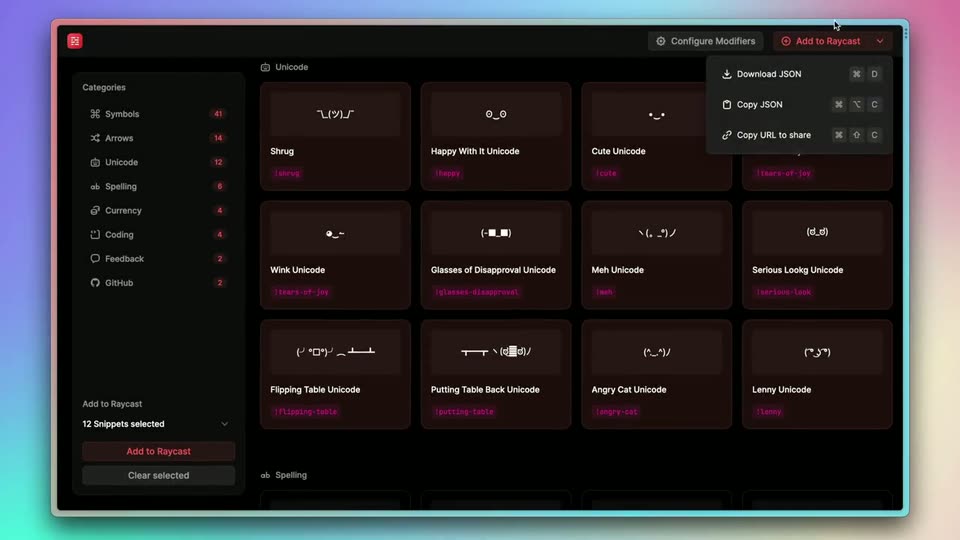 0:20–0:25Raycast · Raycast - 🕵️♂️ Announcing Snippet Explorer — our first open source project! AA dark app window tilts in 3D perspective over a pink-to-blue gradient, then levels to face the camera. A cursor clicks a dropdown arrow to open a three-item export menu, then hovers the red top-right button.
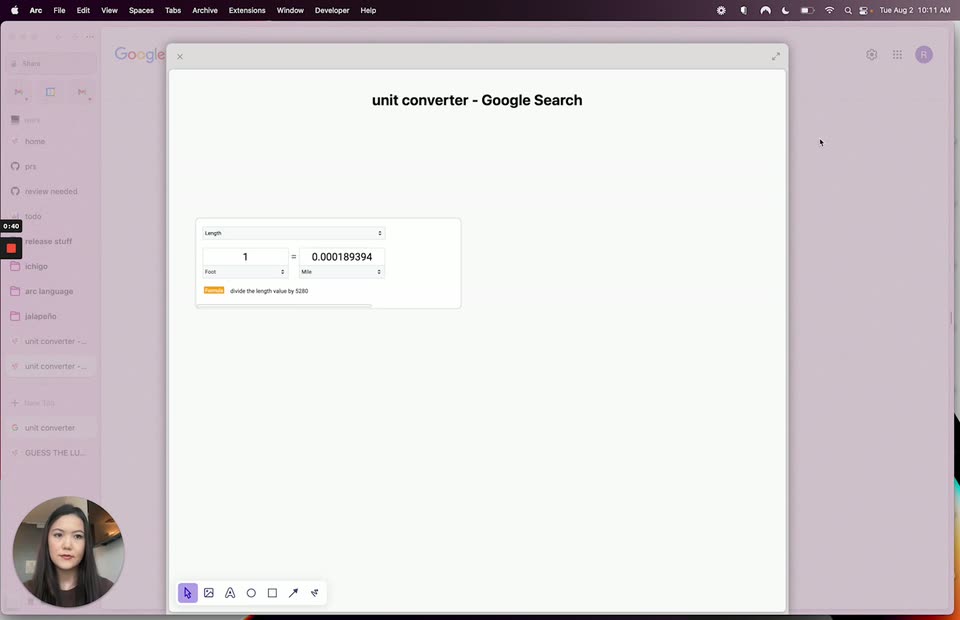 0:39–0:41The Browser Company · Arc Browser | Introducing Live Captures on Easel with RoseyA browser view shows a small Google Search card holding a unit converter widget. The cursor taps the corner icon and the card expands to fill the screen, enlarging the title and converter. A circular webcam feed of a woman stays in the lower left.
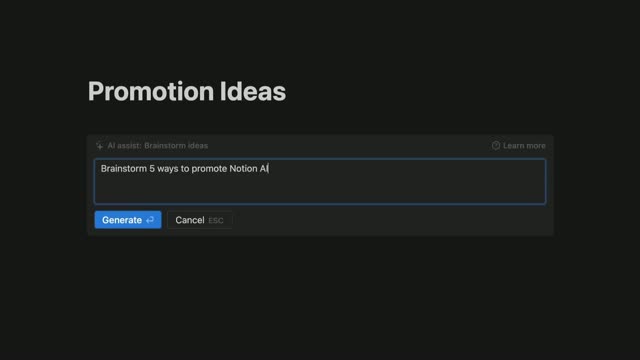 0:25–0:37Notion · Introducing Notion AIA dark page types a slash command that filters a menu to 'Brainstorm ideas', opening a prompt box. A cursor types a prompt and clicks Generate; a five-line bulleted list of AI suggestions types in, with Keep, Try again and Discard buttons below.
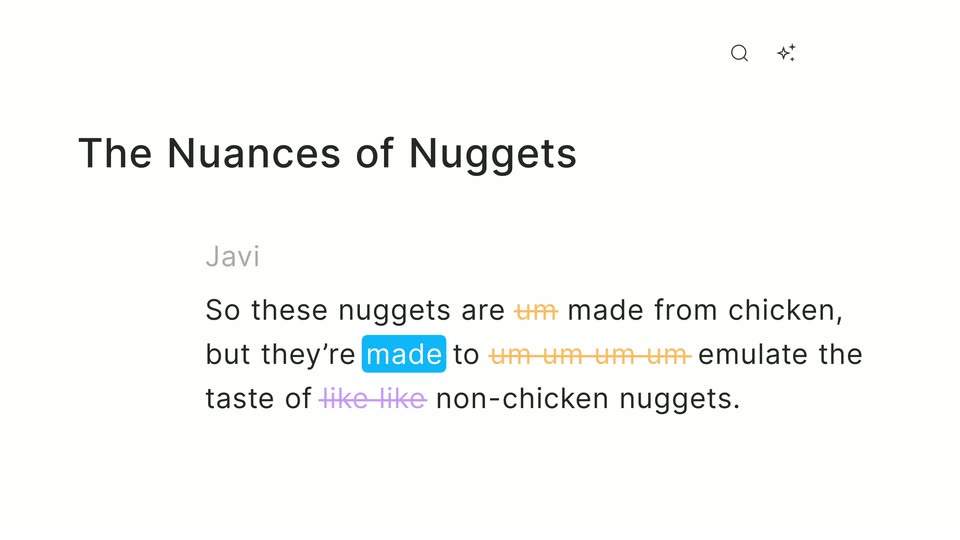 0:13–0:18Descript · The new Descript – made for podcastersOn a white transcript page, a cursor picks an option from a dropdown menu; filler words turn orange and get struck through, a repeated phrase is struck in purple, then a blue highlight steps word by word across the paragraph.
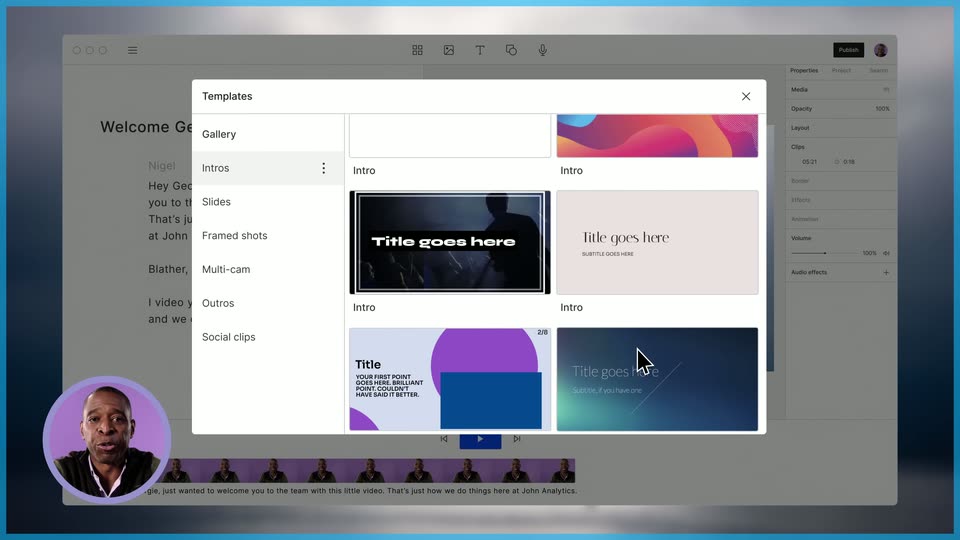 0:32–0:33Descript · The new Descript – made for professionalsA locked-off screen recording shows a video editor with a Templates modal open, listing intro thumbnails labeled Title goes here. A cursor hovers over a thumbnail in the gallery. A circular video-call avatar of a man sits in the lower left corner.
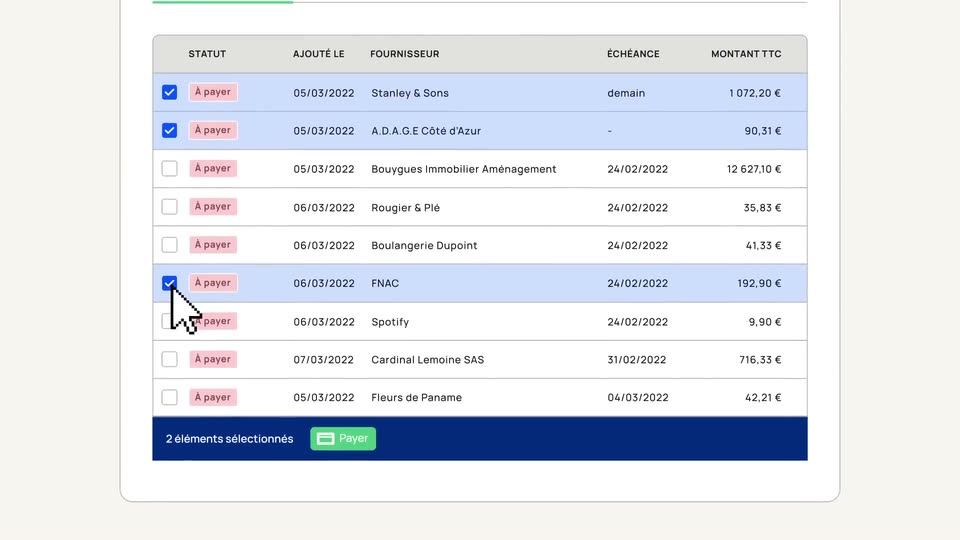 0:47–0:50Pennylane · Présentation - PennylaneA light invoice list titled Tous les achats fills the frame as a hand cursor moves down the rows and ticks checkboxes. Selected rows highlight blue and a blue bar with a Payer button rises along the bottom.
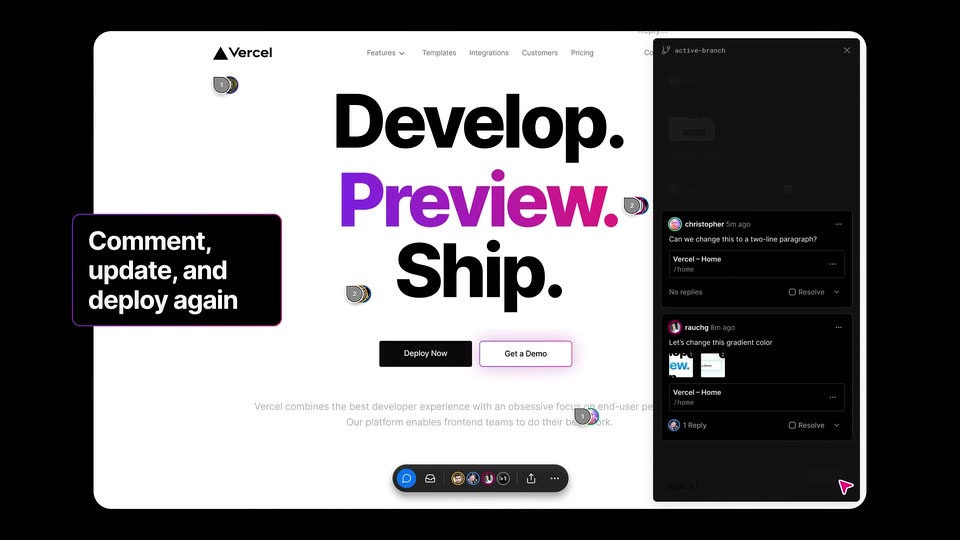 0:17–0:22Vercel · Introducing commenting on Preview DeploymentsA Vercel homepage mockup and a dark comment thread sit side by side next to a black caption card. A pink cursor clicks Refresh in the thread, comments flip to Resolved, and the blue Preview word recolors to a purple gradient as the button becomes Deploy Now.
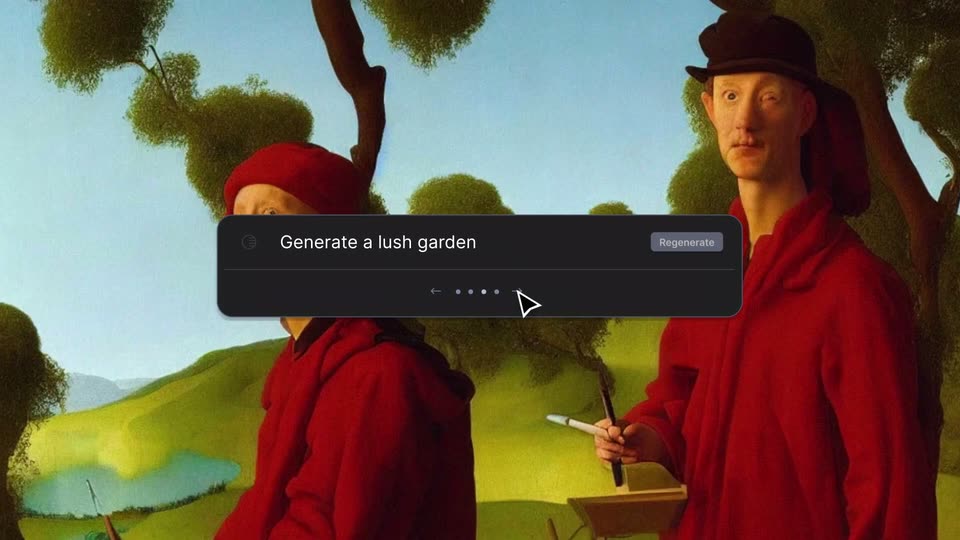 0:25 · 0.6sRunway · Text to Video: Early Access Waitlist | RunwayA dark prompt bar floats over a classical painting of two red-robed men. The bar shows the typed prompt Generate a lush garden and a Regenerate button. A cursor moves to the button and clicks it, the button scaling on press. The frame stays locked.
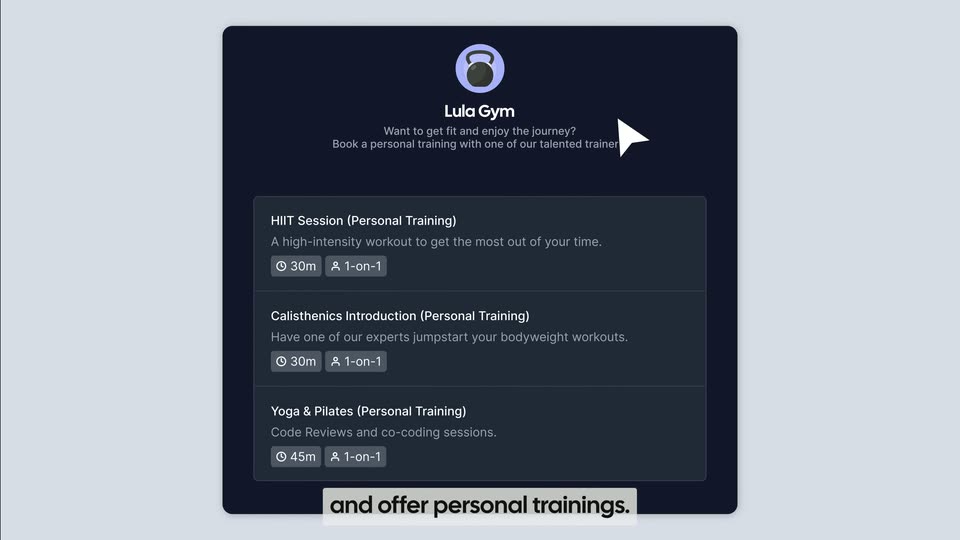 0:31–0:35Cal.com · Cal.com introducing TeamsA dark booking card for Lula Gym sits centered on a pale lavender field, listing three personal-training sessions with time and 1-on-1 tags. A white cursor drifts in and hovers near the header while a caption bar at the bottom cycles through phrases.
 0:37–0:38Cal.com · Cal.com introducing Dynamic Group LinksA dark booking card on a pale gray field shows a two-person avatar, a title, and three call-length rows with tags. A white cursor drifts over the rows as the card content briefly dims and returns. A white caption box at the bottom carries the line.
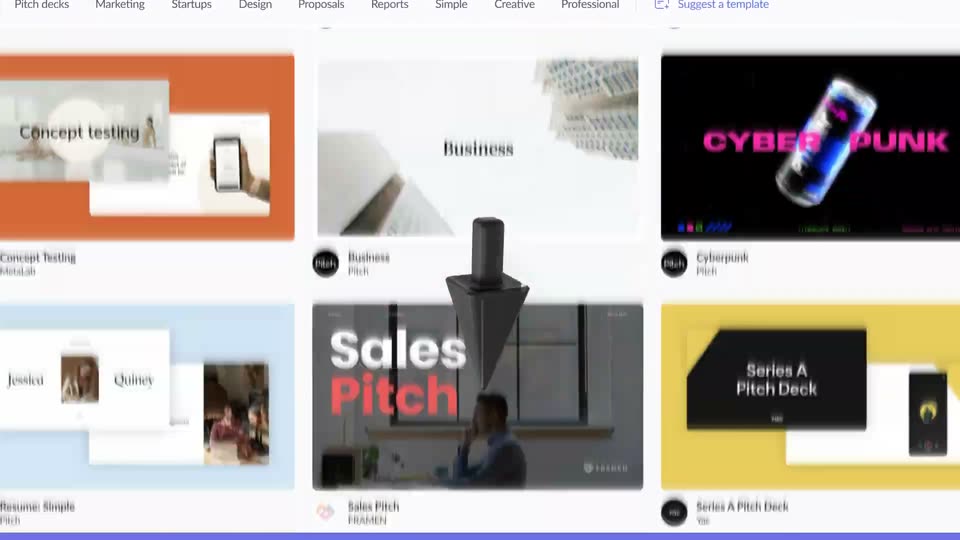 0:09–0:14Pitch · Introduction to Pitch | Create beautiful presentations with your teamA flat browser window shows a template gallery grid of colorful presentation thumbnails. A large black 3D pointer glides across the screen, hovers over a purple Virtual Conference Talk card, then the grid scrolls down as the pointer moves over more thumbnails.
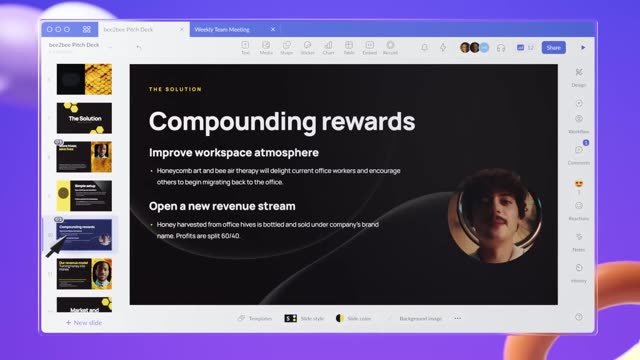 0:26–0:27Pitch · Introducing recordings | Turn presentations into expressive video narrativesA presentation editor window sits on a purple gradient with soft 3D shapes. A dark slide titled Compounding rewards fills the canvas, with a circular video of a man on the right. A cursor moves down the left thumbnail rail, from the current slide to the next.
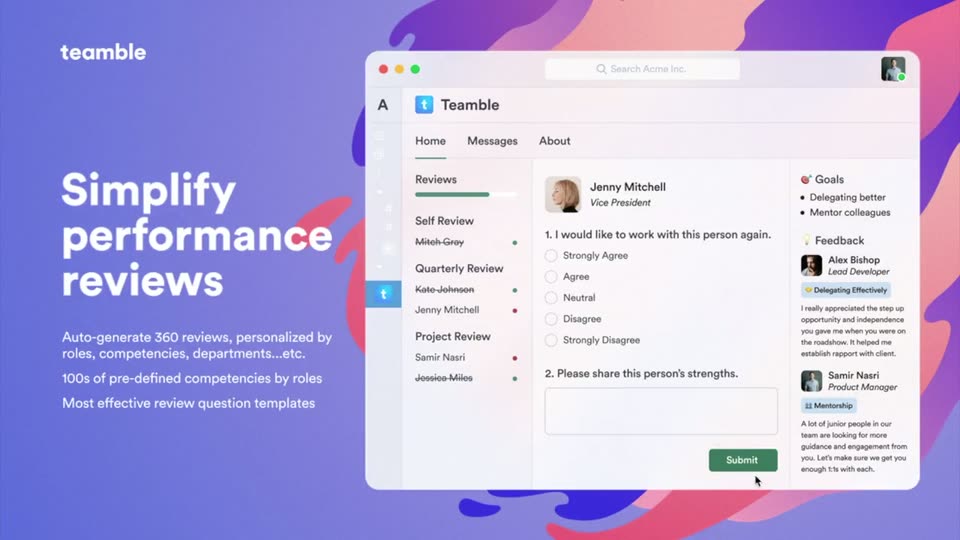 0:21–0:27Teamble · Teamble - 👋 Say hello to Teamble People Management Suite! 🚀 Launching our 3rdA Teamble review form window fades in over an abstract purple and coral background, beside the headline and three bullet lines on the left. A cursor glides from the rating options down to the Submit button, then the whole window fades out.
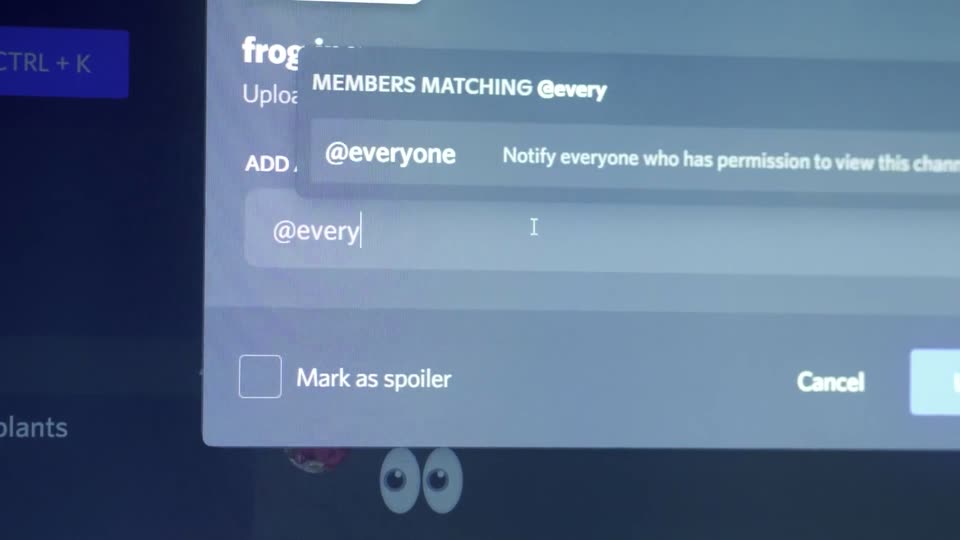 1:01–1:03Discord · @Everyone Merch Collection Now AvailableA close-up of a file upload dialog over a blurred dark interface. A comment field types and highlights '@everyone' with a blinking cursor. A pair of cartoon eyes peeks out from beneath the dialog's bottom edge.
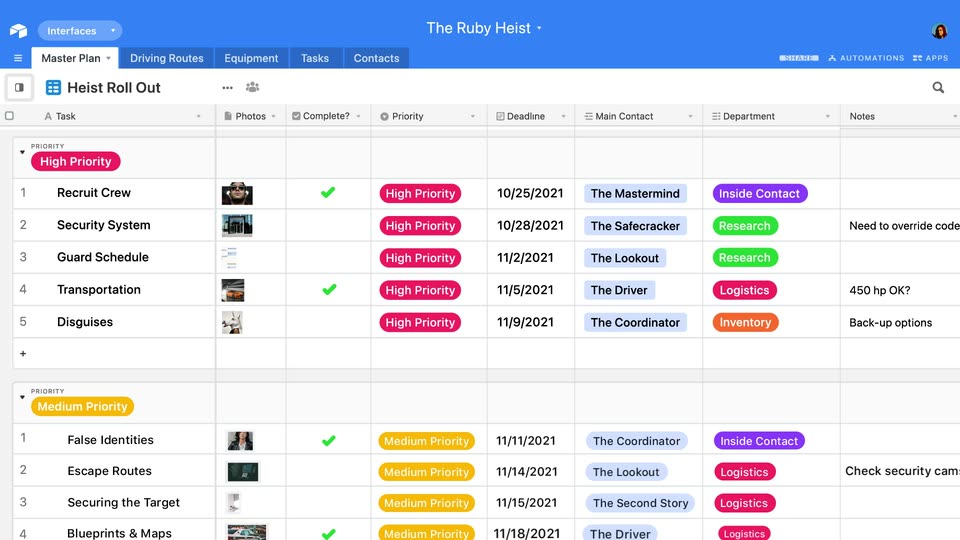 0:06–0:11Airtable · Airtable: introducing interface designerA close-up of the blue header pulls back to reveal the full Airtable interface, a task table grouped by priority with colored pills. The list scrolls down through the rows, then the view zooms back in on the top rows as a cursor hovers over the High Priority pill.
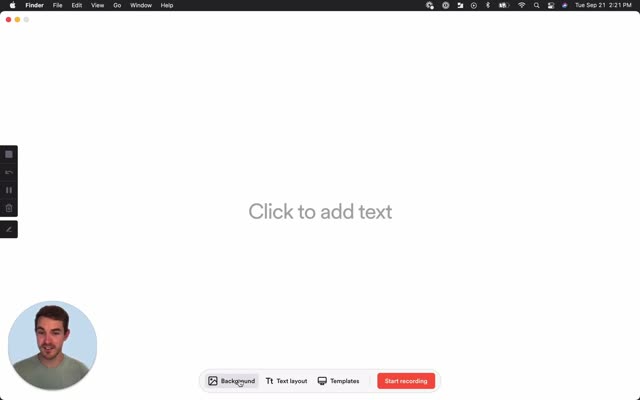 0:29–0:36Loom · Introducing CanvasA macOS app window with a white canvas and a circular webcam feed of a man at bottom left. Gray placeholder text 'Click to add text' sits in the center. The cursor clicks the Background button, opening a panel of color swatches and image thumbnails, then hovers over the swatches.
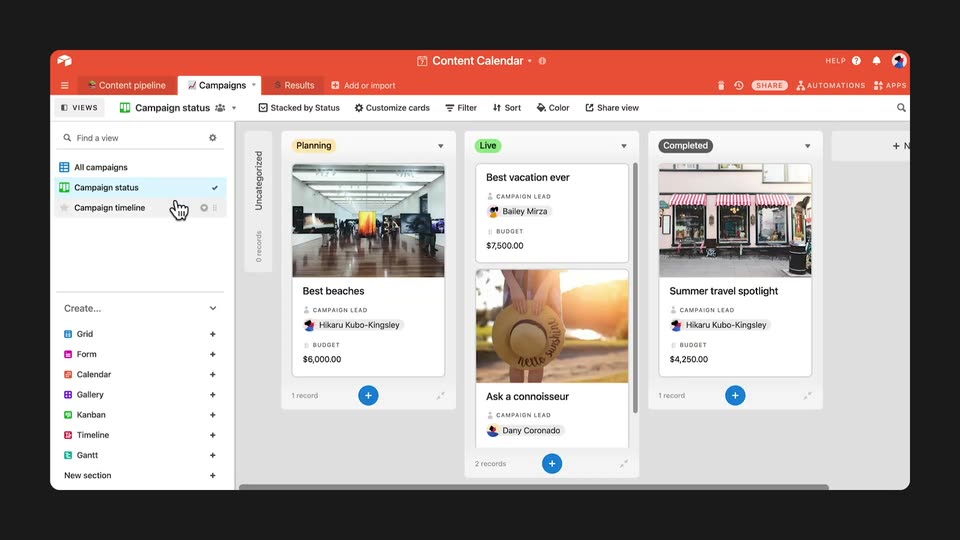 0:30–0:37Airtable · Introducing Timeline View | AirtableThe interface opens on a campaigns table with four large faded captions listing timeline steps on the right. The captions clear, then a cursor clicks Campaign status in the left sidebar and the table cuts to a kanban board with Planning, Live and Completed columns.
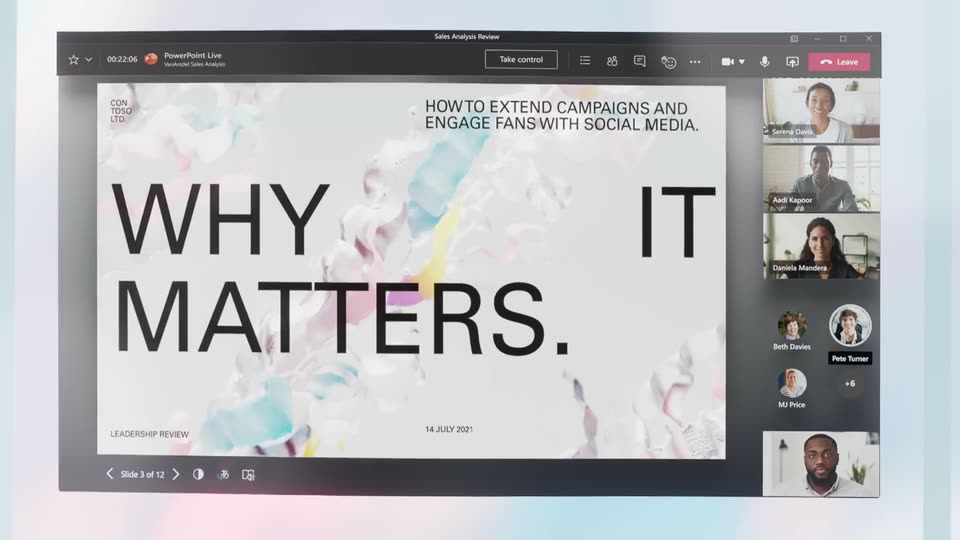 0:30–0:34Microsoft · Introducing Windows 365A soft-focus close-up of a presentation slide pulls back and sharpens to reveal a PowerPoint Live session in a browser on a laptop, the participant video grid on the right. A cursor hovers at the bottom of the slide.
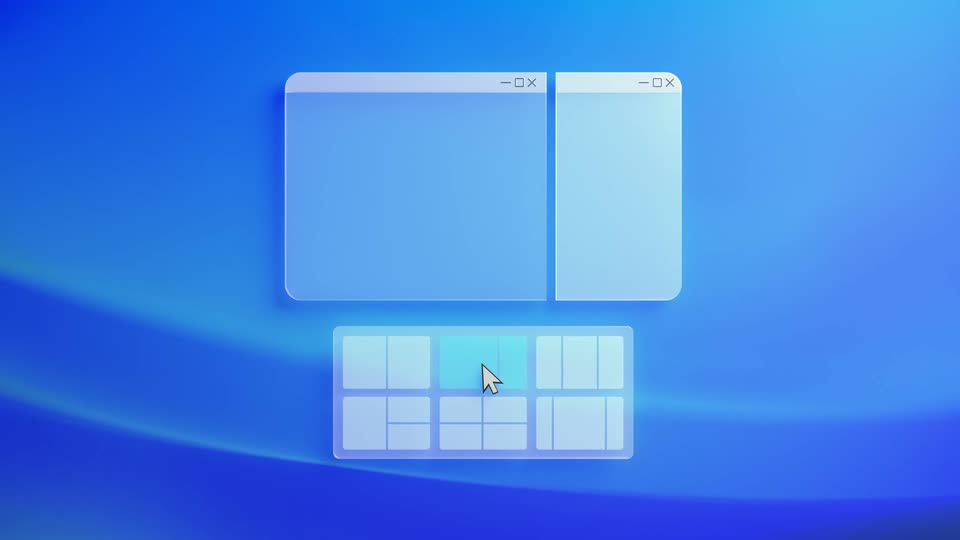 1:08–1:09Microsoft · Introducing Windows 11Two frosted window panels on a blue gradient slide together and merge into one divided panel. Below, a grid of pale tiles sits under a moving cursor that highlights each tile in turn as it glides left to right.
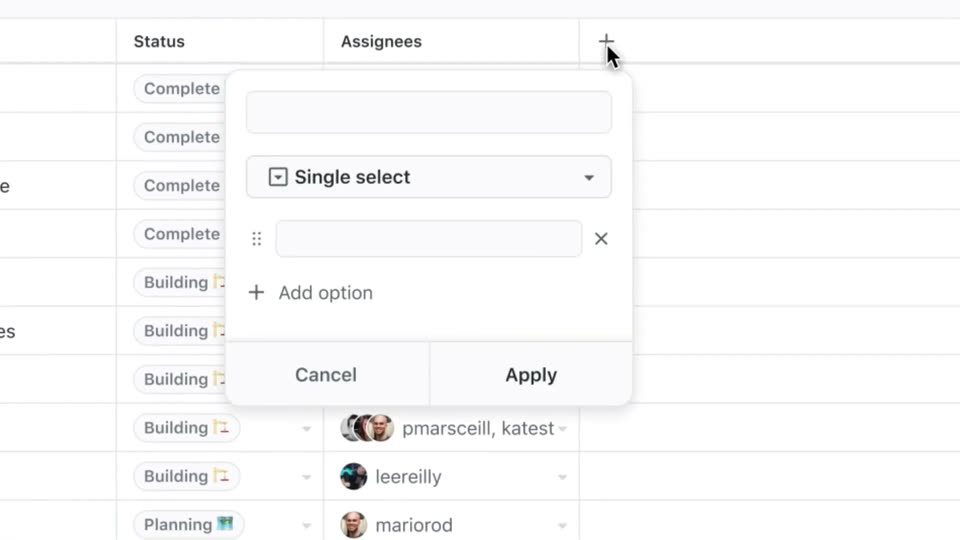 0:14–0:26GitHub · The new GitHub IssuesA 'New project' caption scales in over a GitHub project board that fills as the cursor adds issues from a dropdown, then the view zooms to the header and a modal creates an Area column with three options.
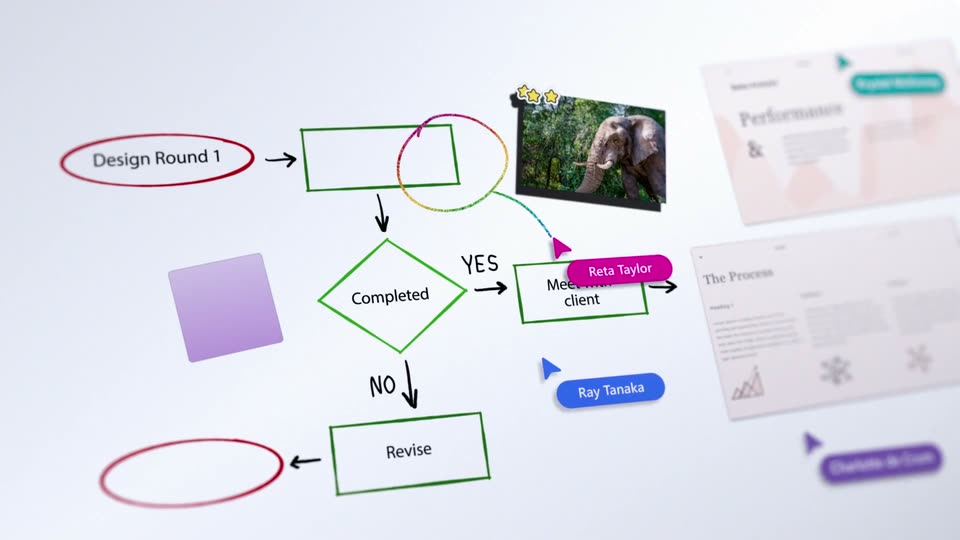 0:17–0:20Microsoft · Meet the new Microsoft Whiteboard designed for Hybrid WorkA whiteboard flowchart of green boxes and a diamond sits on a light canvas. A pink and a blue named cursor glide across it; the pink one drops an elephant photo with three stars at the top as the view pulls back to reveal blurred cards on the right.
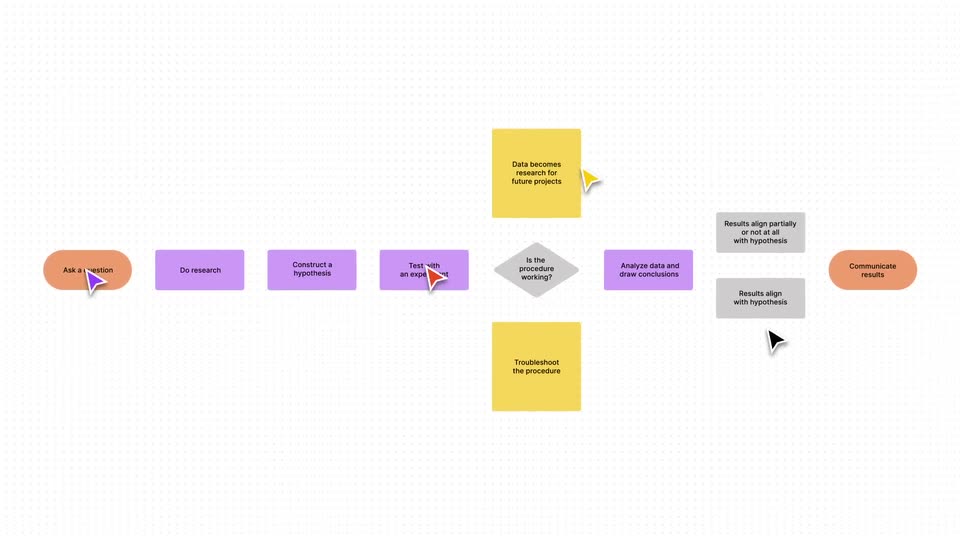 0:04–0:06Figma · Welcome to FigJamOn a dotted white canvas, a scientific-method flowchart assembles: colored boxes slide from scattered spots into a horizontal row, then line icons pop into each node. A cursor hovers over the boxes as they settle.
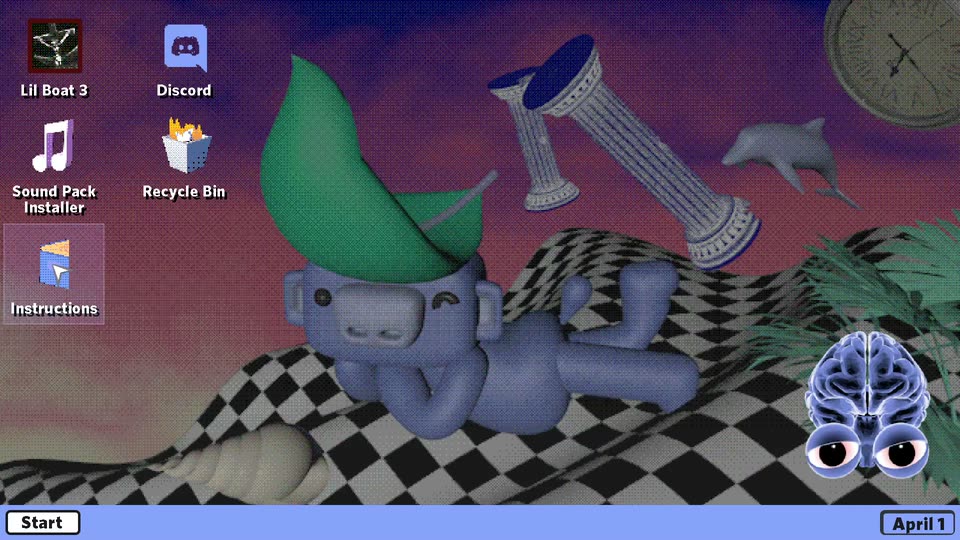 1:02–1:03Discord · Announcing Discord Sound Packs ft. Lil YachtyA Windows 95-style desktop over a surreal 3D scene of a leaf-hatted creature on checkered cloth. The cursor clicks the Instructions icon and a centered dialog pops up titled HOW 2 INSTALL, while a small window near the creature swaps artist names.
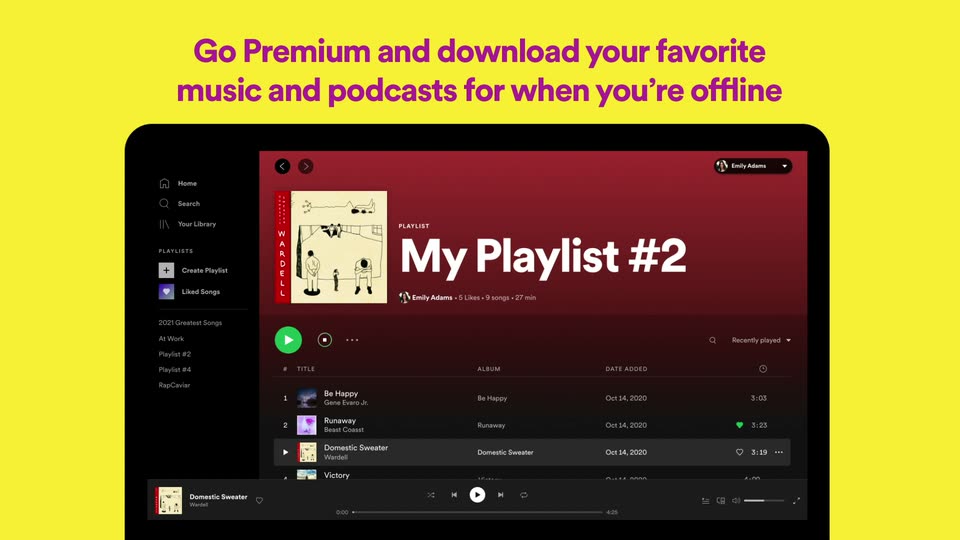 0:29–0:36Spotify · Introducing a New Spotify Experience Across Desktop App and Web Player — SpotifyA front-view laptop mockup on a yellow background shows the Spotify playlist screen. A magenta headline slides in at the top, then the view zooms into the screen as a cursor clicks the download button, turning it green, and hovers a track.
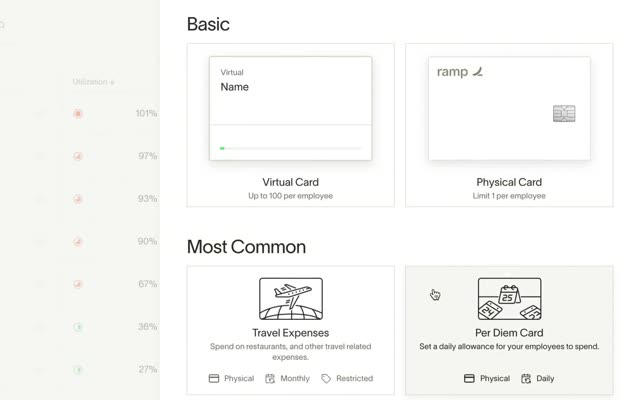 0:08–0:09Ramp · Meet Ramp: The finance automation platform that saves you time & moneyA light dashboard grid of card options fills the screen, the cursor hovering over the Per Diem Card tile. The view then switches to a card settings form listing card type, name, amount and frequency fields.
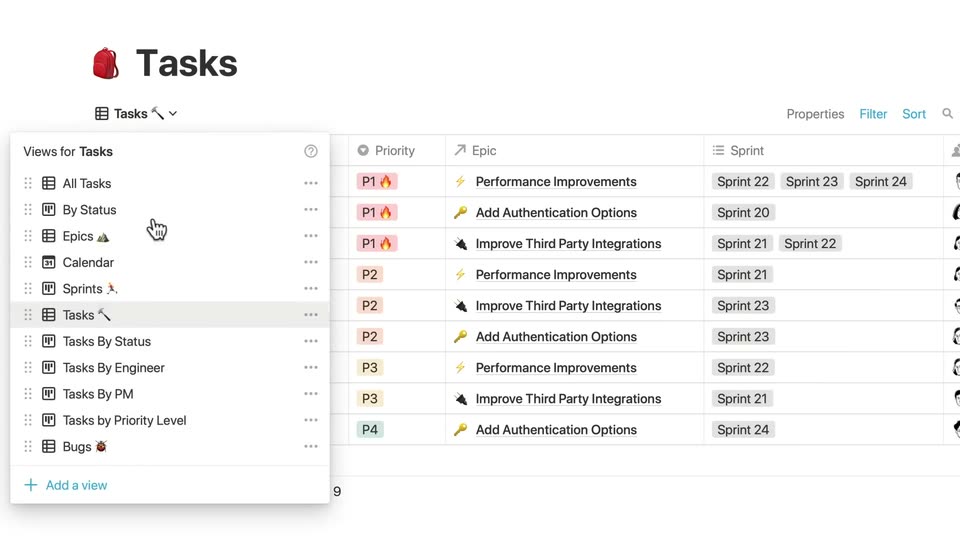 0:39–0:41Notion · What is Notion?A cursor clicks the Tasks dropdown at top left, a views menu opens, and the cursor picks Calendar. The task table crossfades into an October 2020 calendar view with task chips placed on dates.
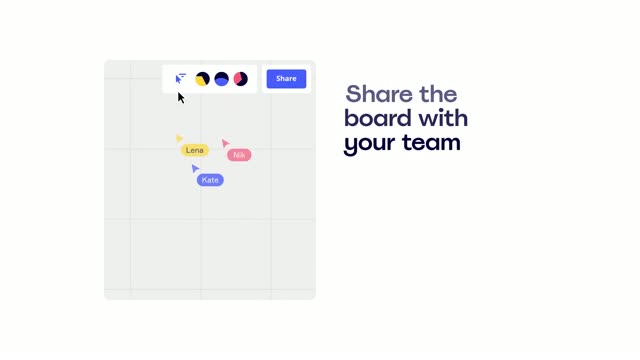 0:23–0:27Miro · Meet Miro Lite, the free online visual workspace for teamsA light gray grid board scales in left of a dark navy headline. A cursor clicks the blue Share button, colored collaborator avatars fill the top toolbar, and three named cursors pop onto the canvas as the headline fades out.
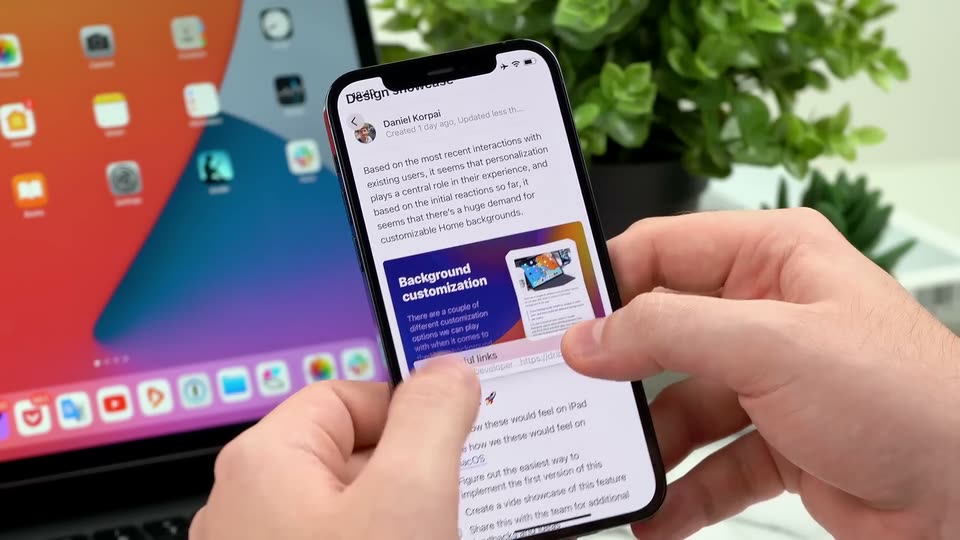 1:43–1:51Craft · Introducing Craft for iPhone, iPad, and MacA hand holds an iPhone showing a notes checklist while a finger taps boxes and scrolls the page, revealing a header image and a grid of option cards. A laptop with a colorful wallpaper and a potted plant sit blurred in the background.
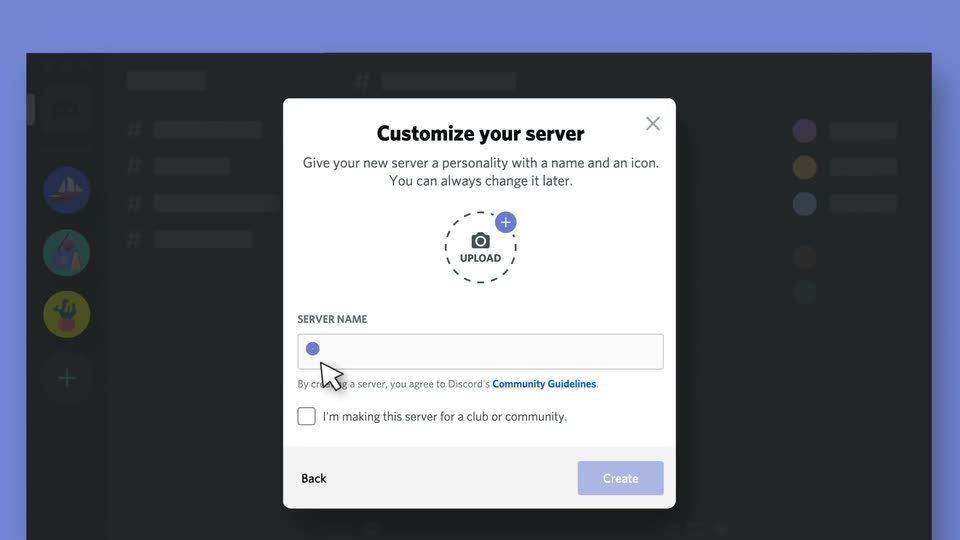 0:19–0:21Discord · How Discord Works in 148,000 Miliseconds or LessA white modal window for customizing a server is centered on a dark interface. A cursor moves from the left sidebar to the server name input field and clicks it.
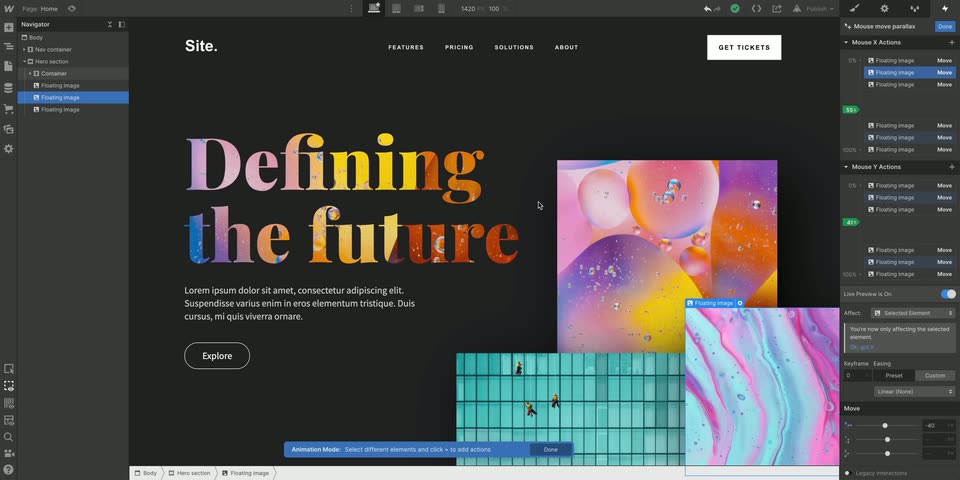 0:24–0:26Webflow · Webflow University 2.0: Learn web design, development, and time travel — visuallyInside a website builder, a dark canvas shows a landing page with a colorful serif headline and floating images. A cursor moves across the canvas and the marble image drifts left, driven by the mouse actions listed in the right panel.
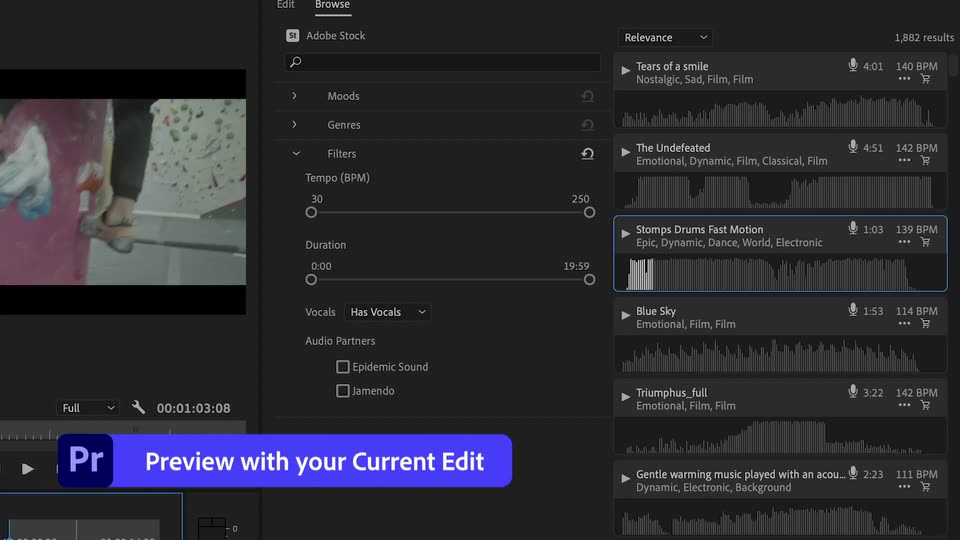 0:24–0:49Adobe · New in Premiere Pro - Introducing Adobe Stock Audio | Adobe Creative CloudIn a dark Premiere Pro window, a cursor drags the tempo and duration sliders, sets vocals, types 'Happy', then plays a track and clicks its waveform. A purple 'Pr' pill with the caption 'Preview with your Current Edit' slides in as the view pulls back to the timeline.
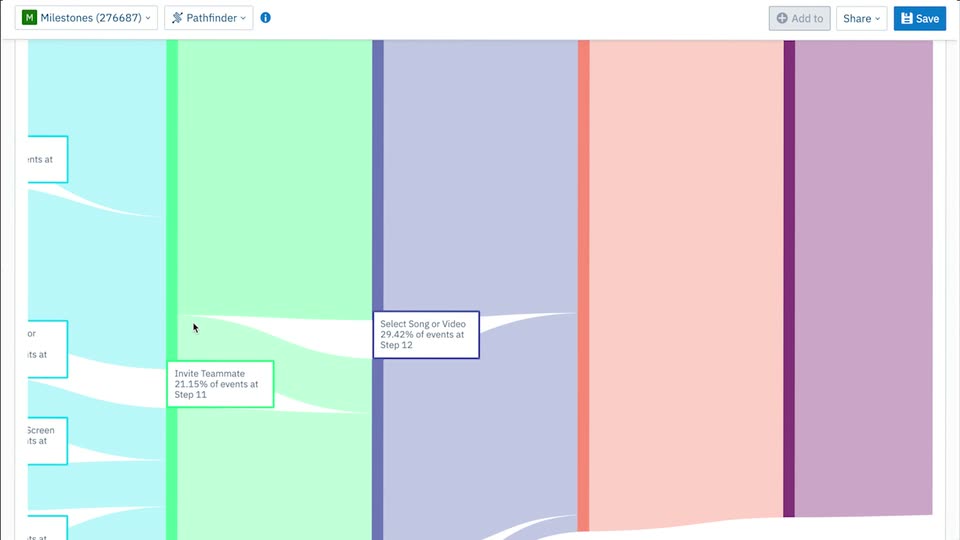 1:01–1:10Amplitude · Milestone AnalysisOpens on a help note and a green Step 15 bar, then scrolls down to a user flow chart of colored columns joined by flow bands. The view zooms in and pans left to expose earlier steps as the cursor hovers near the Previous Step button.
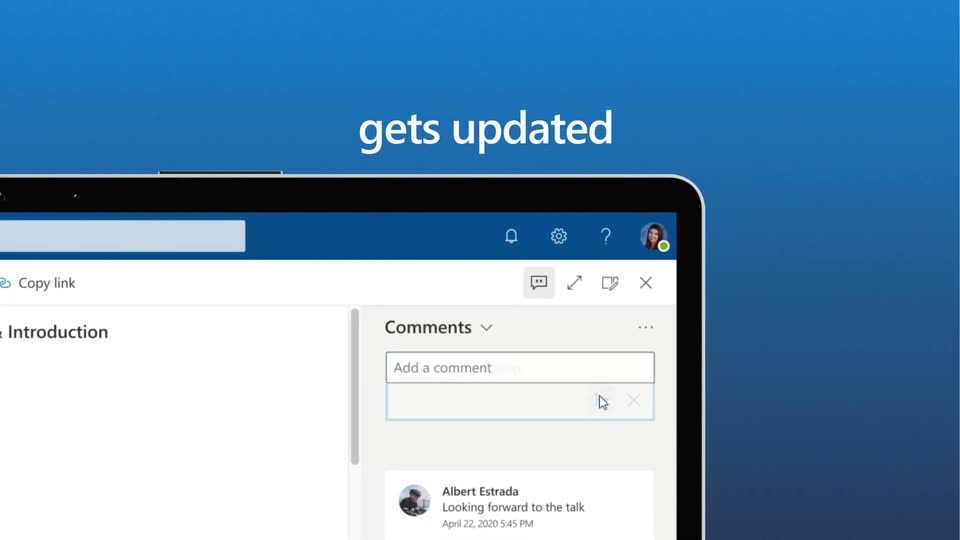 0:24–0:26Microsoft · Announcing Microsoft Lists - a new Microsoft 365 app to track information and organize workA laptop in 3D perspective on a blue background shows a web app with a comments panel. White text reads above it while a cursor types a comment into the box, then the camera zooms into the screen.
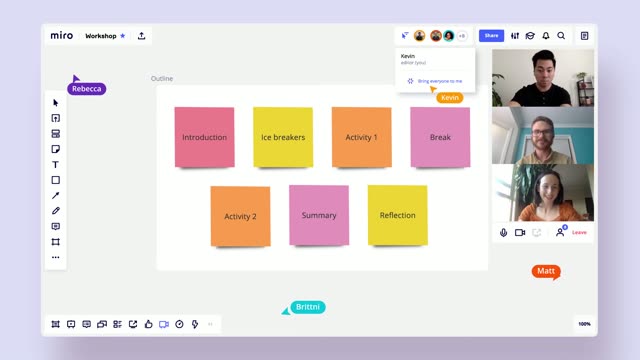 0:29–0:33Miro · Introducing Miro for meetings and workshopsThe Miro workshop board shows a grid of colored sticky notes as a three-person video call panel fades in on the right. Named collaborator cursors sit on the canvas, a hover tooltip pops over a participant avatar, and the view pulls back to frame the full window.
 0:14–0:22Pitch · A first look at PitchA close-up of the app's top bar shows collaborator avatars popping in beside a Share button. The frame pulls back to the full editor, where a cursor drags a card to reorder the columns, then zooms in and clicks Comment to open a comment panel.
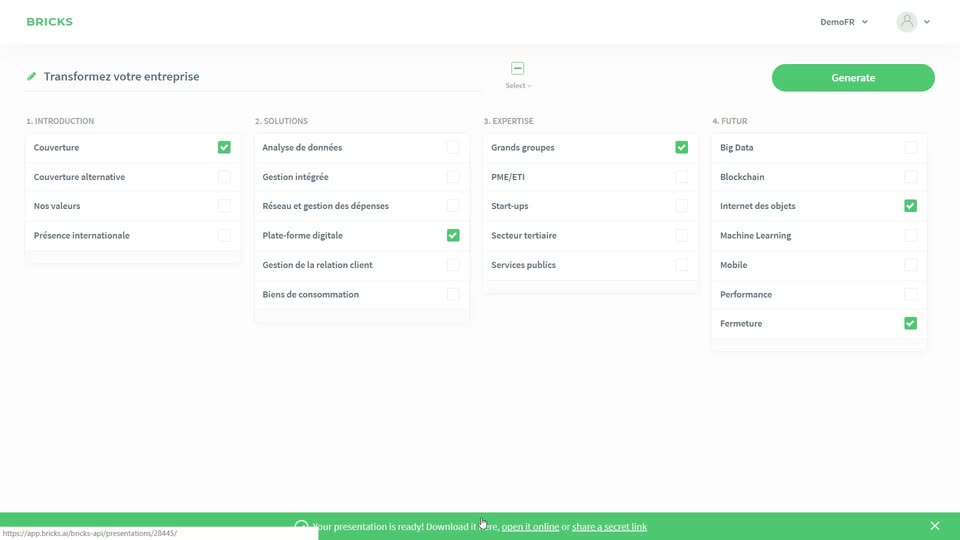 0:22–0:28Bricks.AI · Bricks.ai - Accélérez vos ventesThe BRICKS web interface shows four columns of checkbox lists. The top-right button changes from Generating to Generate, a green banner slides in at the bottom, and the cursor clicks Download it here, triggering a .pptx download toast at the bottom-left.
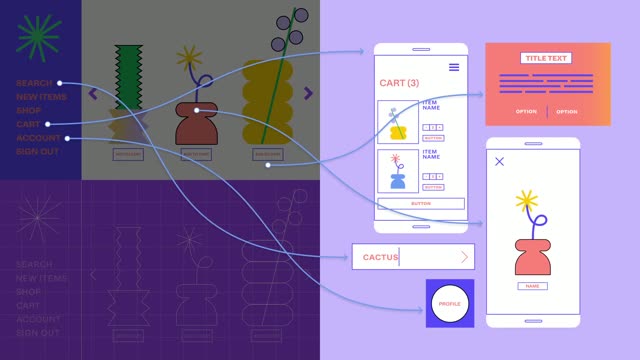 0:49–0:54Figma · What's Figma? [2019]A flat split composition: a purple sidebar menu and white panel of flat vase illustrations over a purple line-art grid on the left, and phone cart mockups, an orange title card, a search field, a profile button and a second phone with a vase on a light lavender field on the right. Blue curved connector lines draw themselves from the left menu items and illustrations to the right components while the search field types out CACTUS and the cart item
 0:24–0:25Microsoft · New SharePoint innovationsA tilted 3D webpage with shallow depth of field pulls back from a blurred close-up into focus, revealing two columns of body text and thumbnail images, with a black cursor resting over the copy.
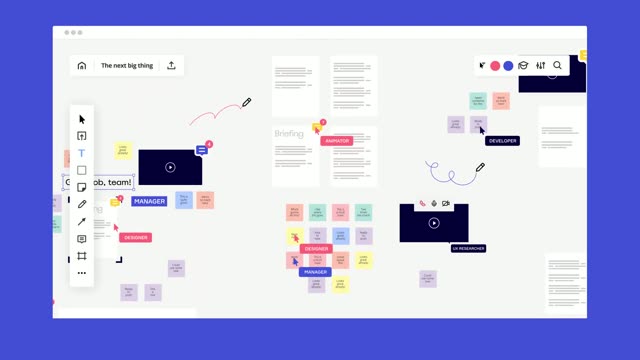 0:41–0:46Miro · Say hello to MiroA collaborative whiteboard interface fills the frame. The view zooms out from a tight crop of sticky notes and role labels to the full canvas, revealing cards, avatars and a mind map, while a cursor drifts across the elements.
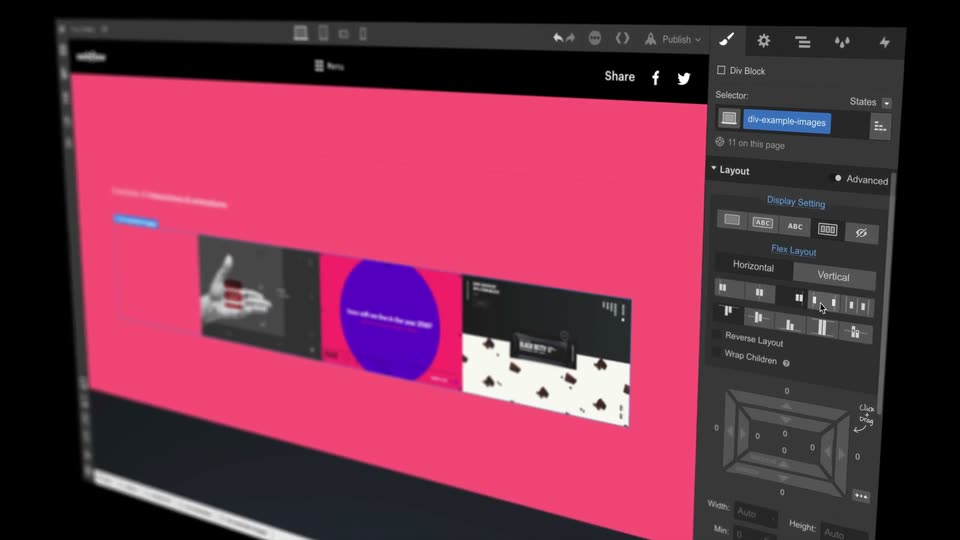 0:05–0:07Webflow · Meet the design tool from the future — WebflowA webflow editor screen floats in 3D perspective on black, its pink canvas filled with a row of template thumbnails and a right panel of layout controls. The shot begins out of focus, sharpens, and tilts as a cursor hovers over the flex layout toggles.
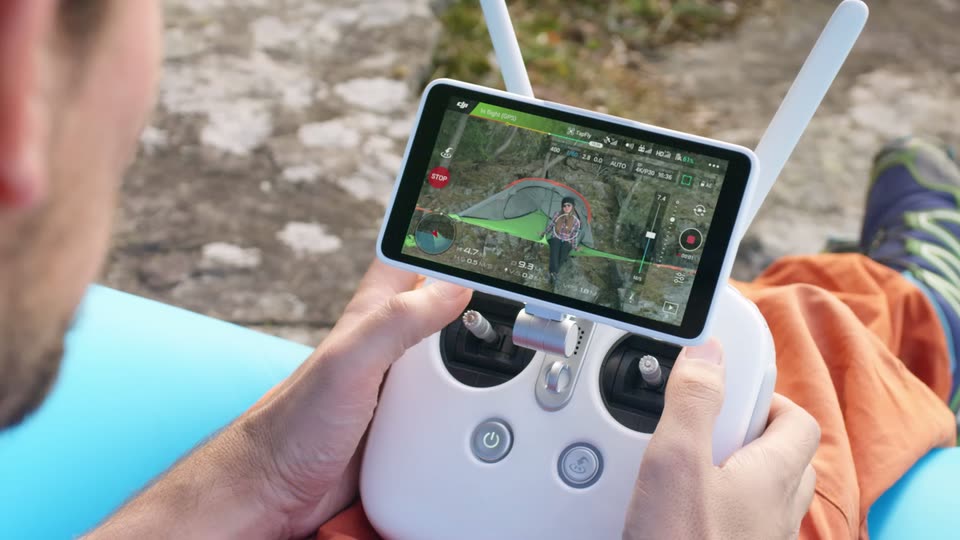 2:34–2:38DJI · DJI – Introducing Phantom 4 ProA person seated outdoors holds a white drone controller with a phone on top, its screen showing a woman by a tent inside a red targeting ring. A finger taps her, then both hands move to the controller sticks as the UI switches to flight mode.
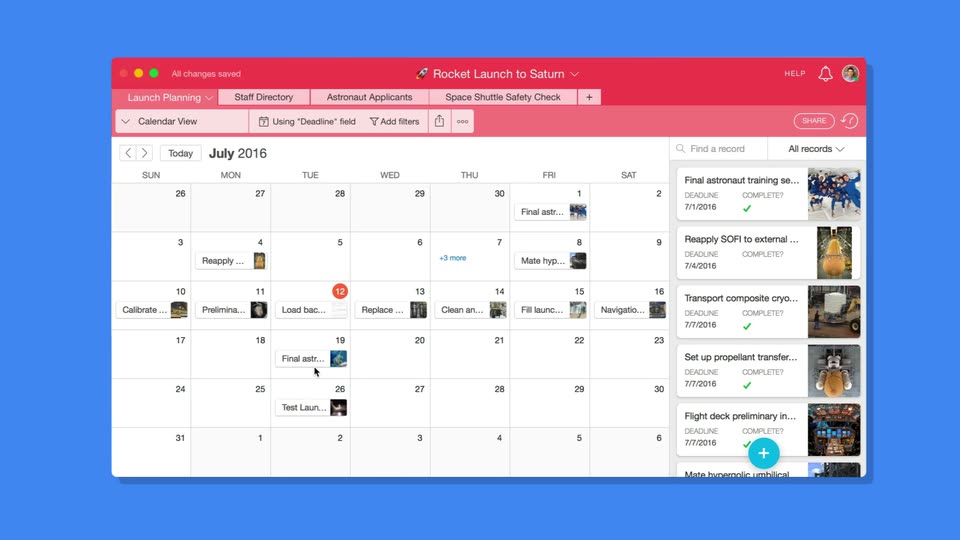 0:27–0:34Airtable · Meet AirtableA flat calendar interface on a blue background. A cursor confirms a new task on the 17th, then drags an entry from the 19th to the 27th as a save status appears in the header. The screen slides down to reveal a blue variant of the app.
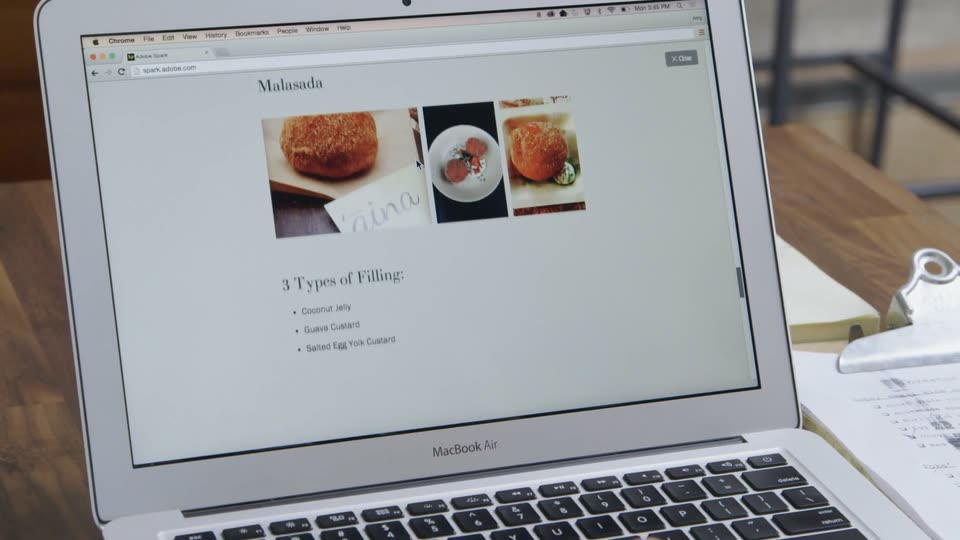 0:40–0:42Adobe · Meet Adobe Spark | AdobeLocked-off close-up of a MacBook Air on a wooden table. Its browser window scrolls a food page upward, bringing the Malasada title and a grid of pastry photos above a list of three fillings. A cursor hovers on the page; a notebook sits blurred at the right edge.
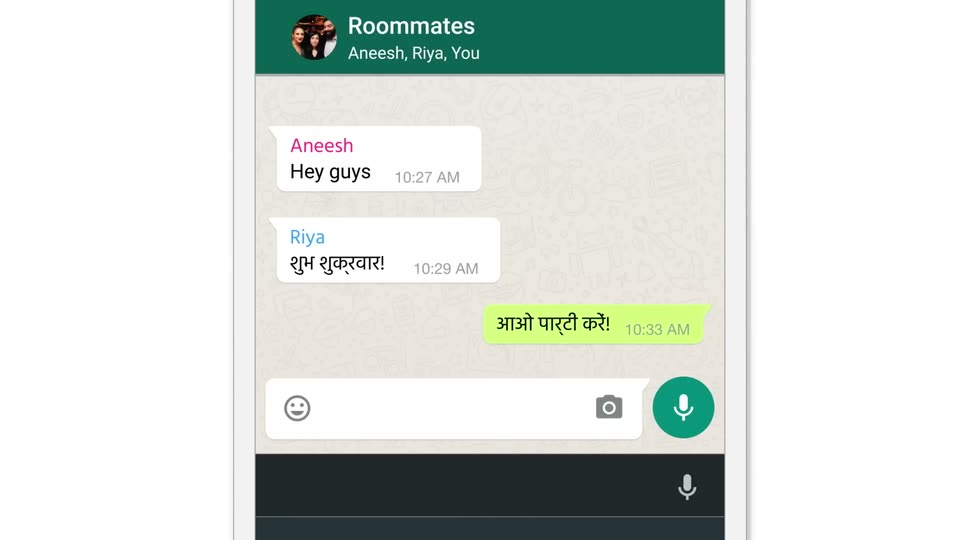 0:59–1:05Google · Introducing Tap to TranslateA phone chat screen shows a Google Translate popup with “Let's party!” and its Hindi text; a finger taps the translate button, the popup closes, and the Hindi line fills the message box. The finger taps send, dropping a green bubble into the Roommates chat.
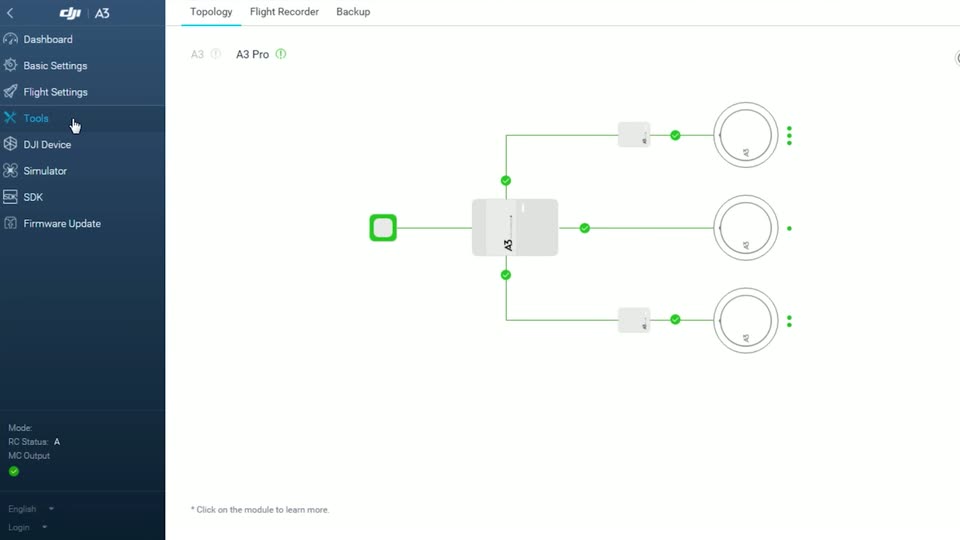 1:43–1:47DJI · DJI – Introducing the A3 and A3 ProThe A3 configuration software shows a Basic Control page with a response curve graph and channel fields. The cursor slides down the dark sidebar from Flight Settings to Tools and clicks it, and the panel switches to a Topology diagram where the A3 links to an A3 Pro and three D-RTK modules with green lines.
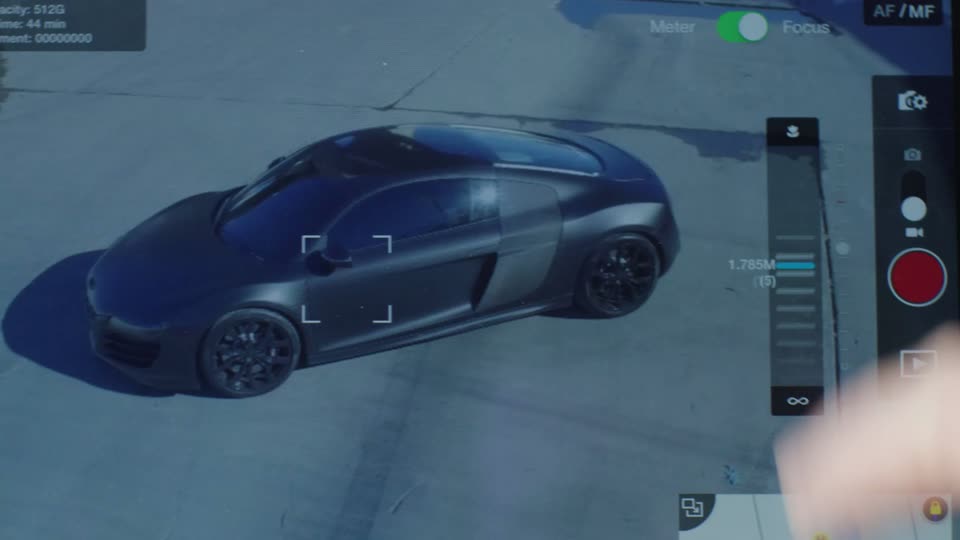 1:13–1:17DJI · DJI - Introducing the DJI Zenmuse X5 SeriesA phone camera app frames a matte black sports car on concrete. A finger drags the vertical focus slider on the right, the distance readout climbs, and a corner bracket stays locked on the car's side.
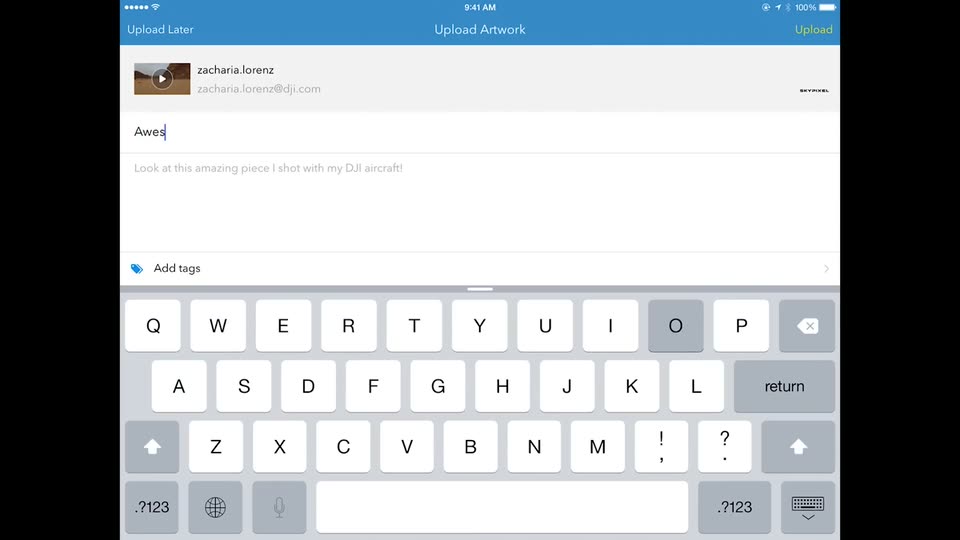 0:44–0:46DJI · Introducing the all-new DJI GO mobile appA video player shows a drone over a desert above a filmstrip of clip thumbnails. The player slides up to reveal an Upload Artwork form, where a caret types the word Awesome into the title field over an on-screen keyboard.
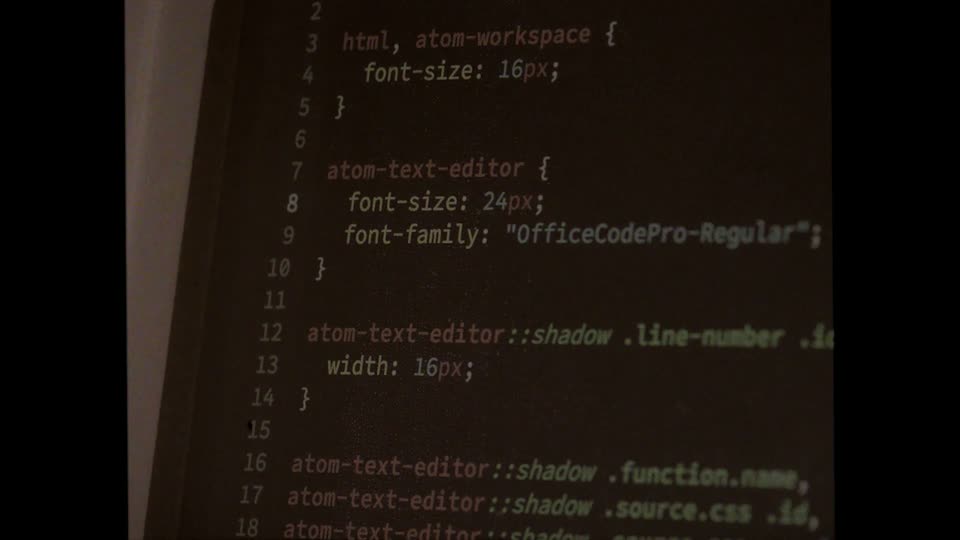 1:32–1:35GitHub · Introducing Atom 1.0!A close-up of a dark code editor showing CSS rules. The image starts soft and pulls into focus as the text cursor types 24px into a font-size line, and the frame tightens slightly on the code.
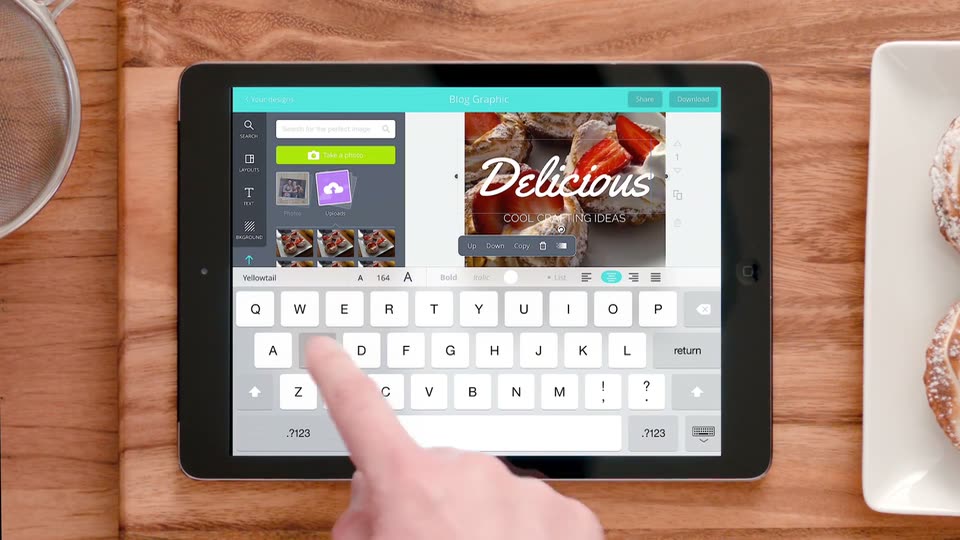 0:25–0:27Canva · Beautiful Design on the iPad — Introducing the Canva AppTop-down locked-off shot of a tablet on a wooden table, design app open with a pastry photo and the word Delicious on a blog graphic. A finger taps the on-screen keyboard, typing the word letter by letter.
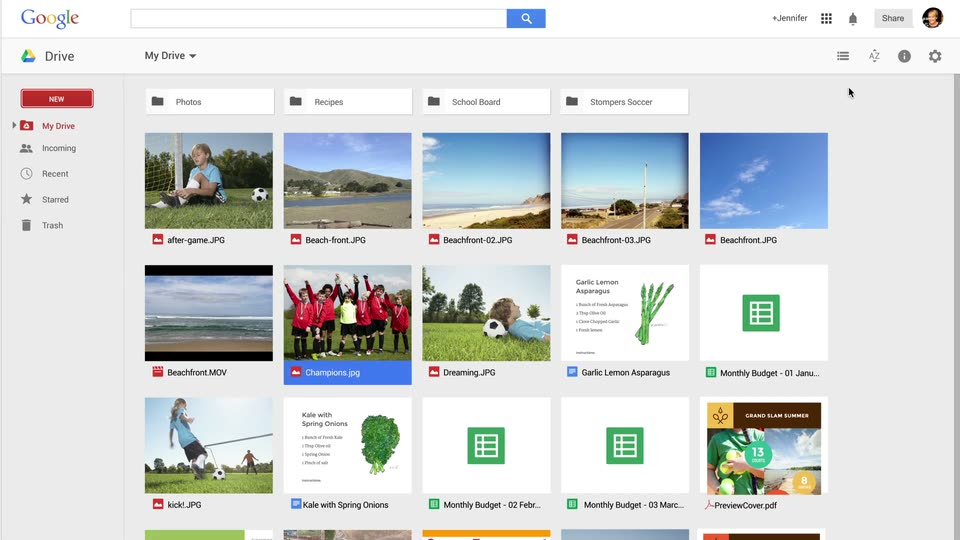 0:21–0:25Google · Meet the new Google DriveA quick dissolve clears a layered list overlay to reveal the My Drive grid of folders and thumbnails. A cursor clicks the Champions.jpg tile, turning it blue, then moves to the top-right info icon, opening a Details and Activity tooltip.
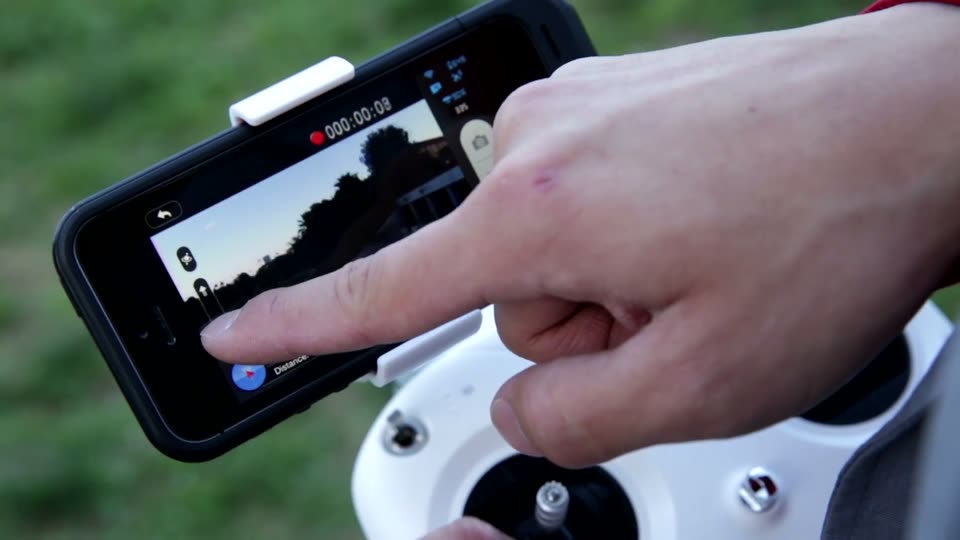 0:44–0:46DJI · DJI - Introducing Ground Station for the Phantom 2 Vision SeriesA hand grips a white drone controller with a smartphone mounted on top, its screen showing a live feed of treetops against the sky. A finger taps the phone screen to adjust the camera angle.
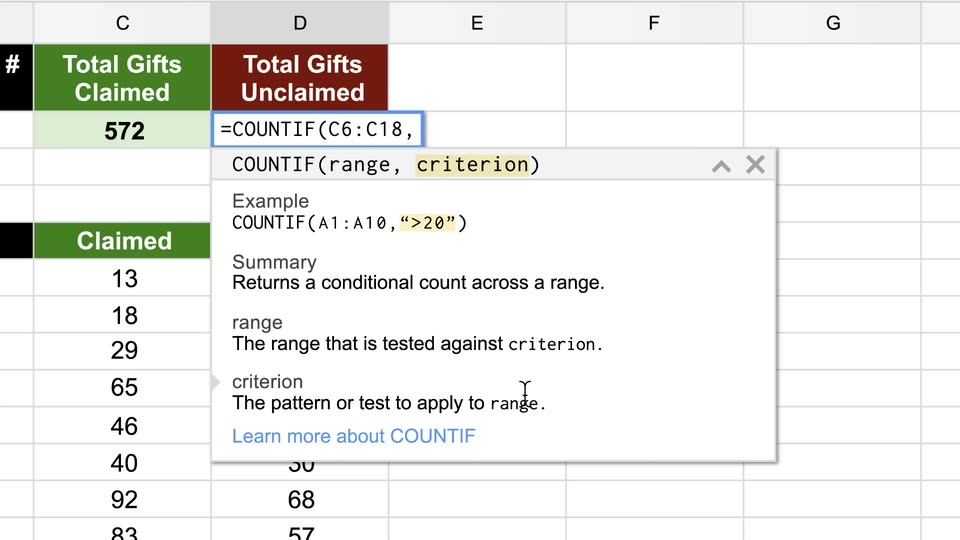 0:38–0:49Google · Meet the new Google SheetsA spreadsheet cell under the maroon 'Total Gifts Unclaimed' header is selected. The user types a COUNTIF formula; an autocomplete list and a syntax help card appear below the cell. The mouse cursor clicks the Learn more link, and the view cuts to a full help article.
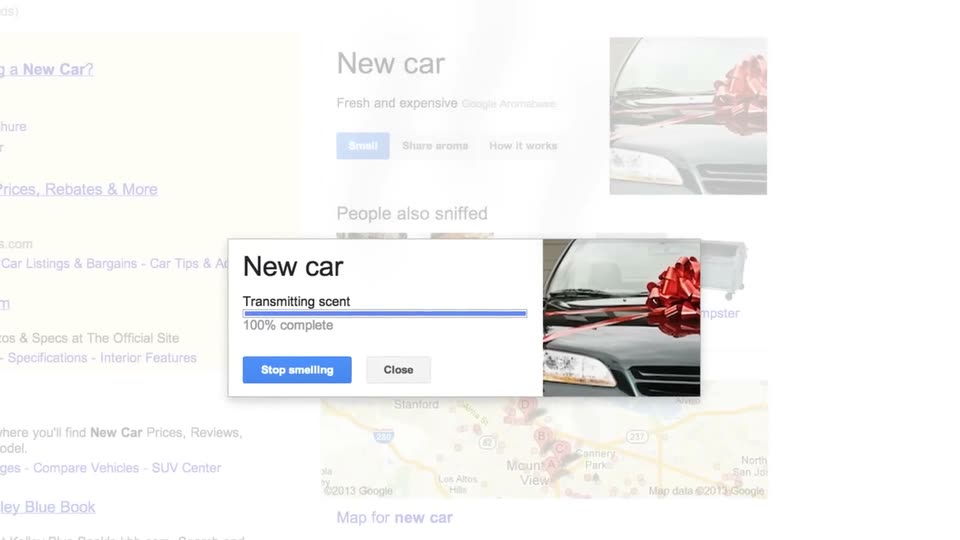 1:43–1:45Google · Introducing Google NoseA faded car website fills the background as a centered dialog box displays a progress bar that fills from 40% to 100% complete, while a cursor rests on the blue Submit button.