Cursor demo
A visible cursor operates the interface.
15,152 scenes · page 120 of 253
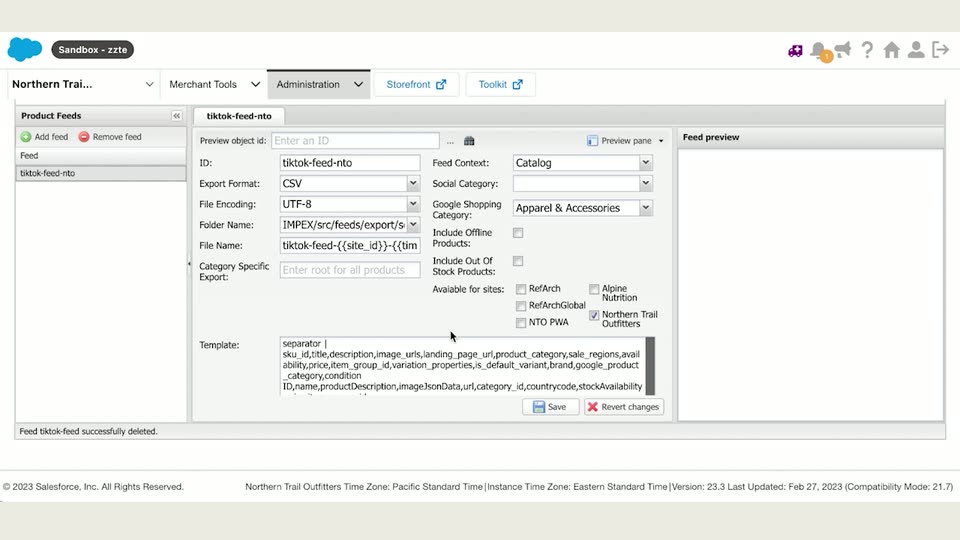 0:34–0:37Salesforce · Commerce Cloud - TikTok Integration for Commerce EnhancementsA Salesforce admin lookup screen lists configuration categories; the cursor clicks the Social Product Feeds Definition link. The view cuts to a product feed form for a TikTok feed, with CSV export settings and a code template, while the cursor hovers over the template field.
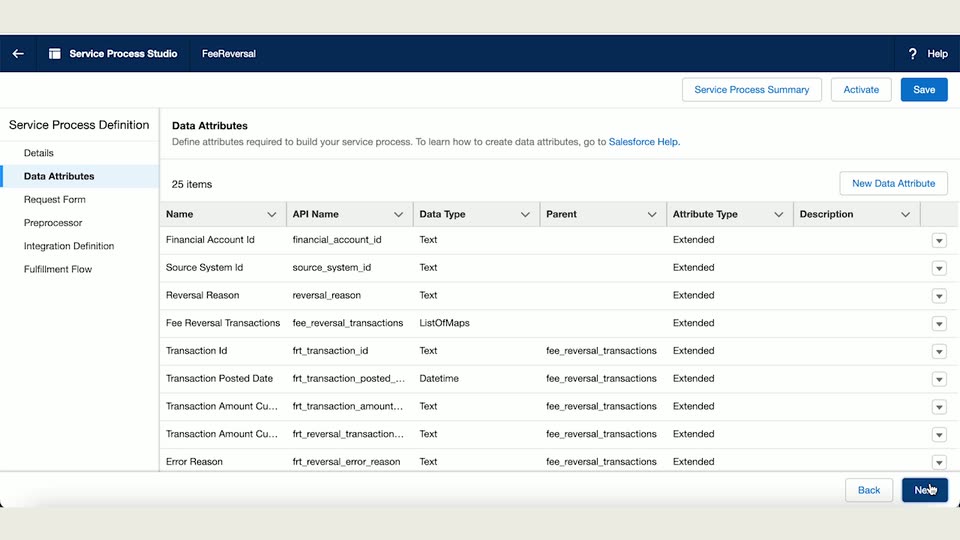 0:47–0:58Salesforce · Financial Services Cloud - Service Process AutomationA static view of the Data Attributes table in Service Process Studio, listing 25 fields with columns for name, API name and type. A cursor rests on the Next button, then the screen crossfades to the empty Request Form page.
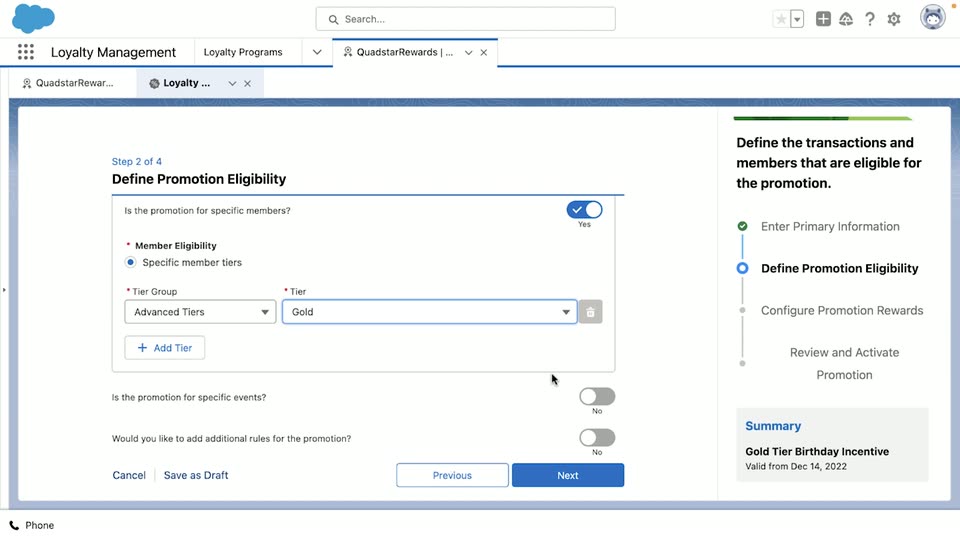 0:35–0:54Salesforce · Loyalty Management - Quick Promotion SetupA mouse cursor works through a loyalty promotion form in a browser, flipping the member and event toggles on, then picking Advanced Tiers, Gold, Member's Birthday and Birthday Month from dropdowns. The page scrolls as a right-hand step tracker and summary stay fixed.
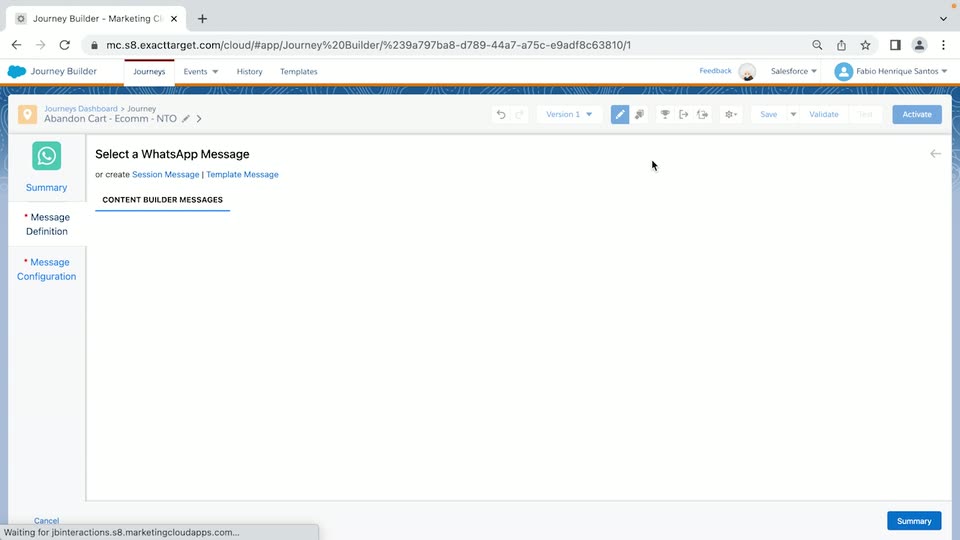 0:35–0:36Salesforce · Marketing Cloud - WhatsApp Business Messaging: Direct IntegrationA browser window shows a marketing cloud app where a WhatsApp message panel switches from an empty state to a file browser; a folder tree appears on the left and a blue dot spinner loads in the center as the cursor moves.
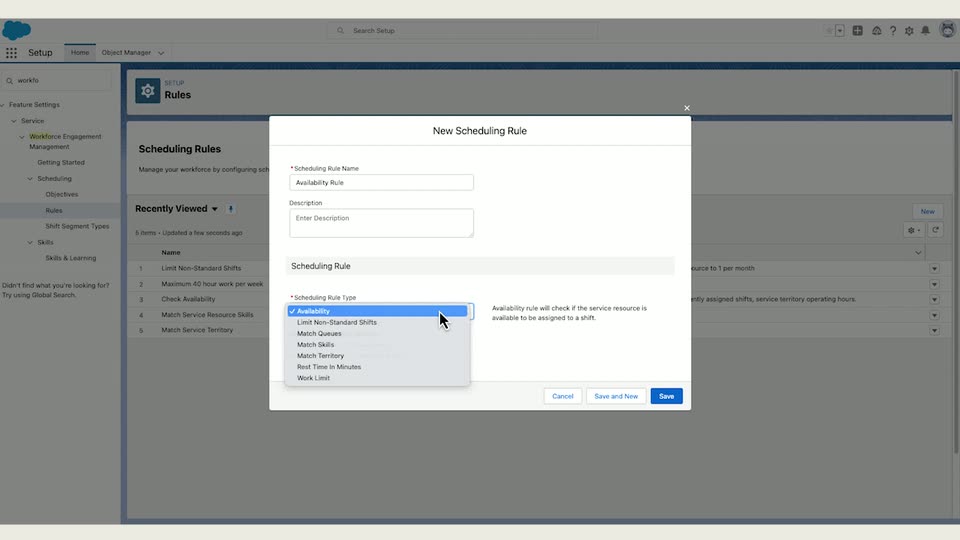 0:45–0:55Salesforce · Service Cloud - Salesforce Contact Center: Insights & SchedulingA New Scheduling Rule dialog opens over a dimmed rules list. A cursor types a name, picks Availability from the rule-type dropdown, and clicks Save.
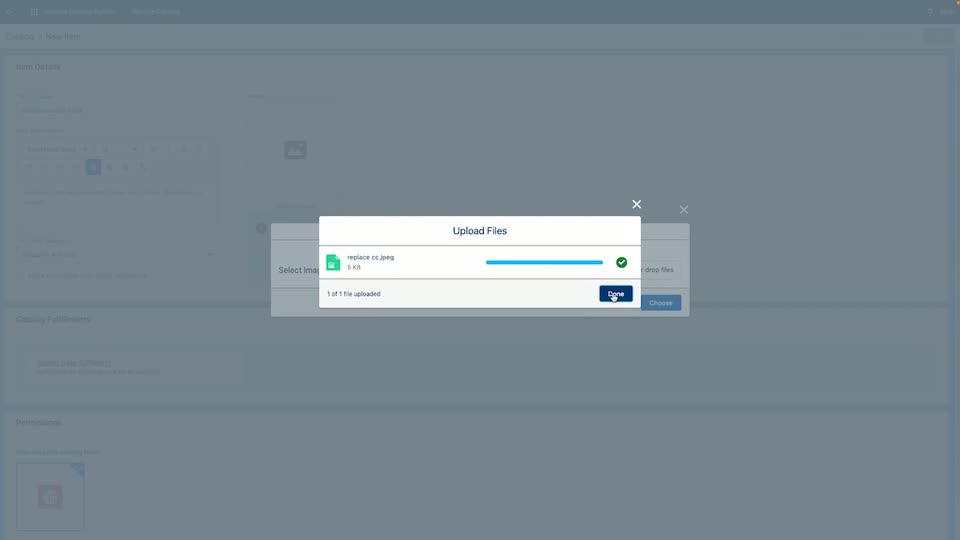 0:33–0:34Salesforce · Service Cloud - Service CatalogA dimmed catalog screen frames an Upload Files modal where a blue progress bar fills left to right, a green checkmark pops in beside the file row, and the cursor lands on the Done button as it darkens.
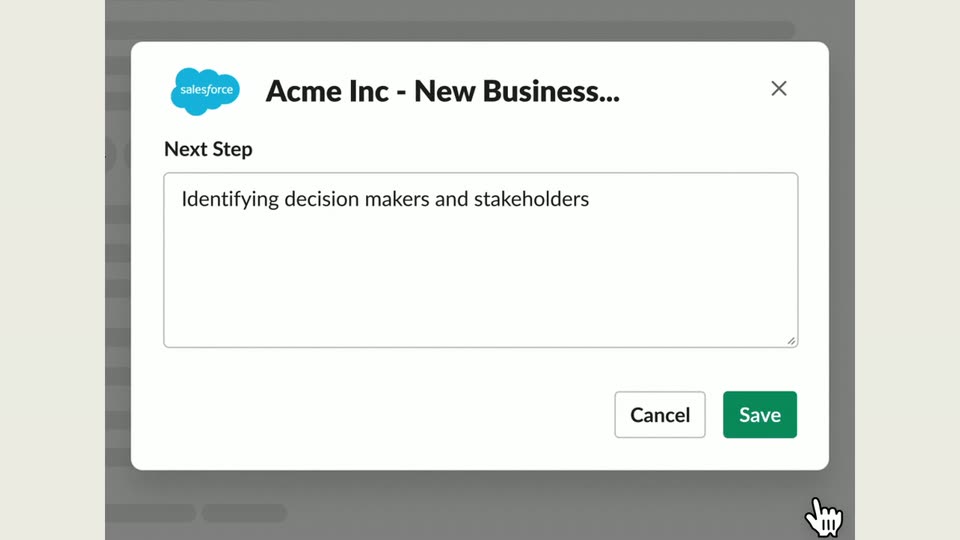 0:55–1:02Salesforce · Slack - CanvasA hand cursor clicks Update next step on a white opportunity card; a modal slides over the dimmed screen. The field fills with typed text, the cursor hits Save, and the card refreshes with the new note.
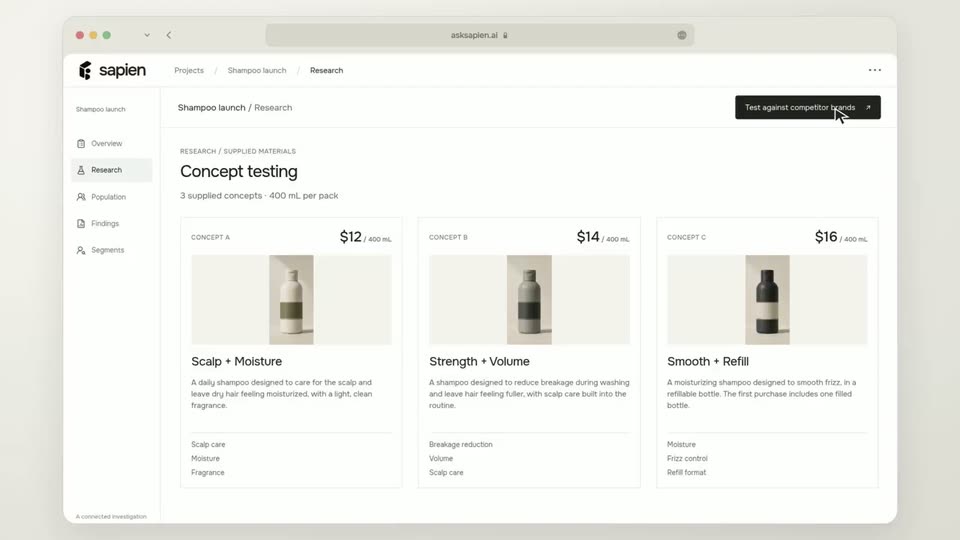 0:37–0:43Sapien · Introducing Sapien: simulated populations for predicting consumer behavior. Companies invest millions in products and campaigns based on what people say they want. But people’s intentions don’tA flat browser window displays the Sapien research page with three shampoo concept cards. A cursor hovers the black 'Test against competitor brands' button at top right, then the view cuts to a results table comparing a concept with a competitor and a zeroed switching-likelihood chart.
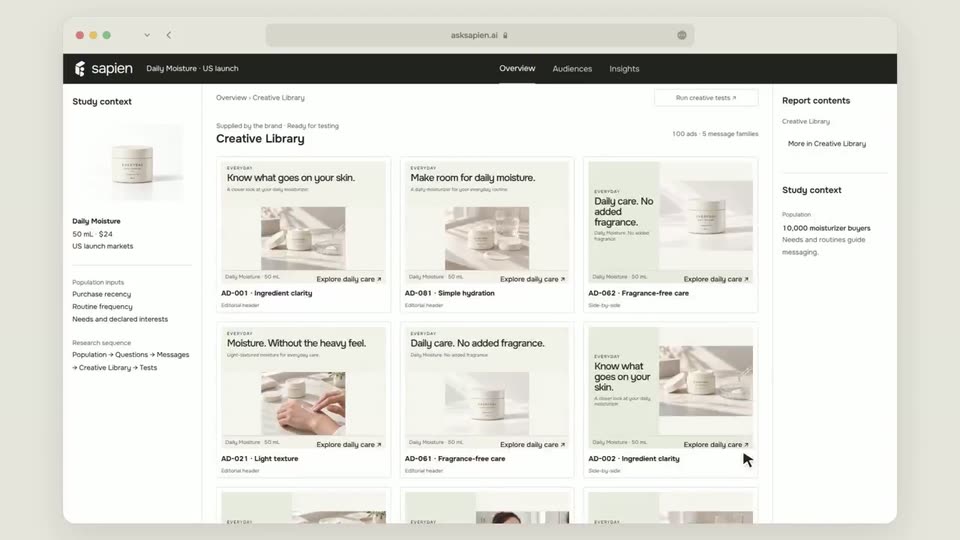 0:35–0:41Sapien · Introducing Sapien for marketing: predict what converts before you spend. Test messaging, creative, branding, landing pages, offers, and targeting against simulated populations of your exact ICPA flat browser mockup of the Sapien interface shows a grid of skincare ad cards in a Creative Library. A cursor hovers over a card, the grid scrolls down, then the view switches to a detail page with horizontal interest bars.
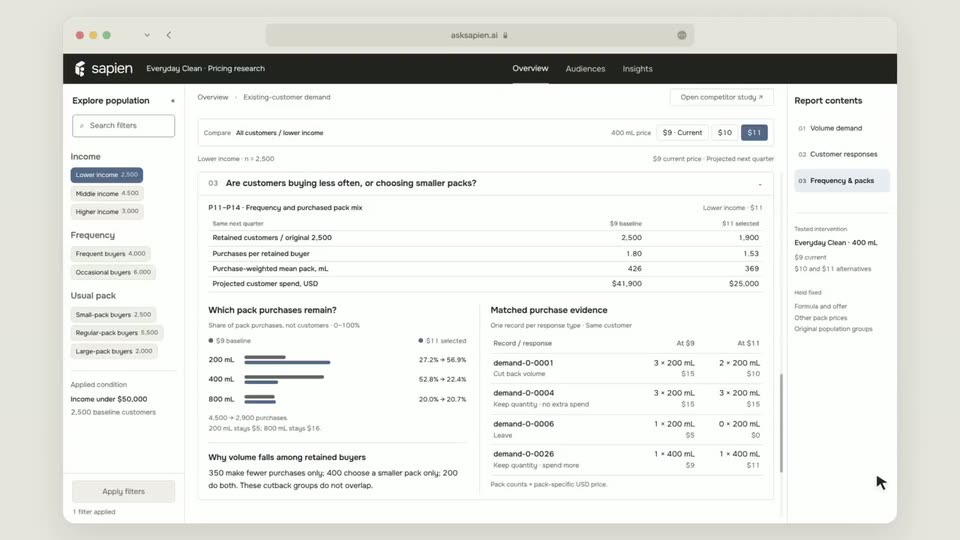 0:41–0:49Sapien · We’re launching Sapien for pricing and offer testing. See how demand changes at each price, which customers you’d keep, and which new buyers you could win. Before you change a single priceA flat browser window shows the Sapien pricing dashboard. A cursor clicks Apply filters and the response table renumbers for the lower-income segment. The cursor then clicks a report-contents entry, scrolling the page to the frequency-and-packs section, and rests on the Open competitor study button.
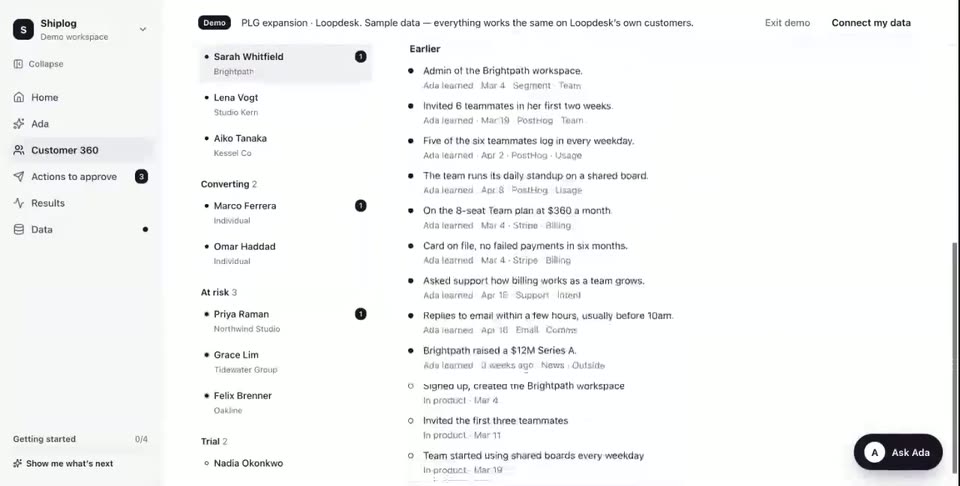 2:28–2:32Shiplog · #customersuccess #ai #saas #productledgrowth #revenuegrowth | Shiplog (F/AI F26)The product interface opens on a node graph linking customer facts under the Knowledge tab. The graph fades out as a long list of dated activity entries fades in and scrolls down through the bullets, while a cursor hovers near the tab bar.
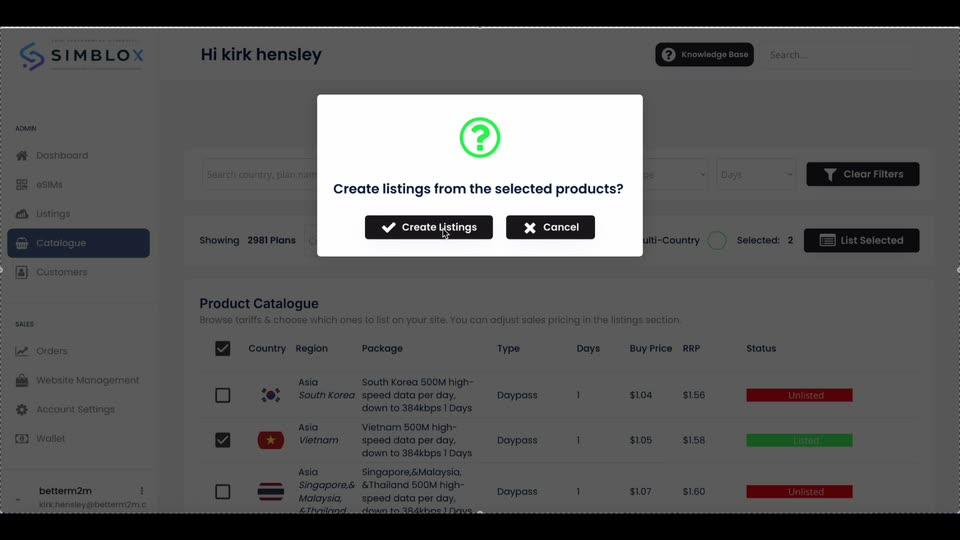 0:32–0:33SimBlox · SimBlox: minute demoA dimmed Symblox admin dashboard shows a centered white modal with a green question mark icon and two black buttons. A cursor glides from the right edge to hover over the Create Listings button. The background catalogue table lists country rows with red and green status tags.
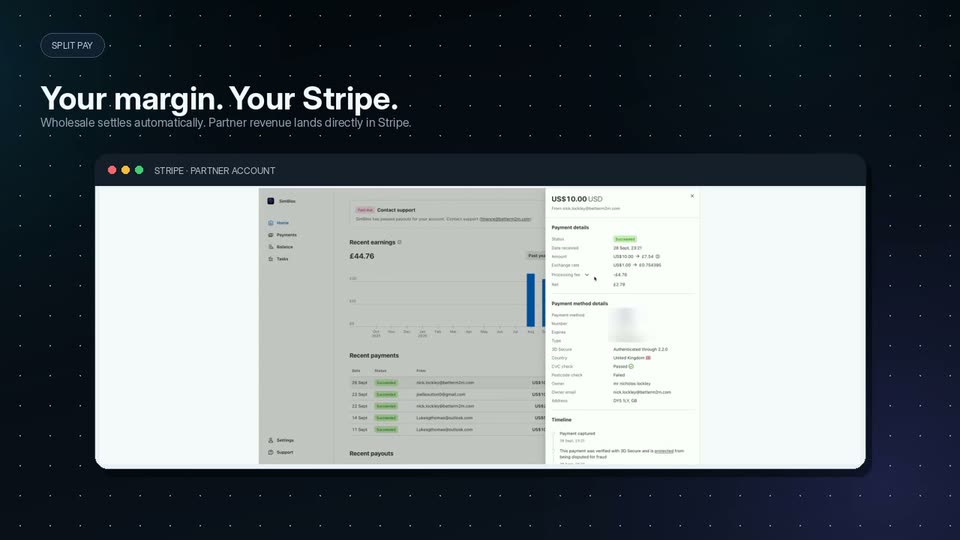 1:03–1:12SimBlox · SimBlox launch filmA flat browser window of a Stripe partner dashboard sits on a dark dot-grid background. The interface loads from skeleton placeholders into an earnings chart and payments table, then a cursor opens a payment details panel that slides in from the right. Headline and subtext lock in the top left.
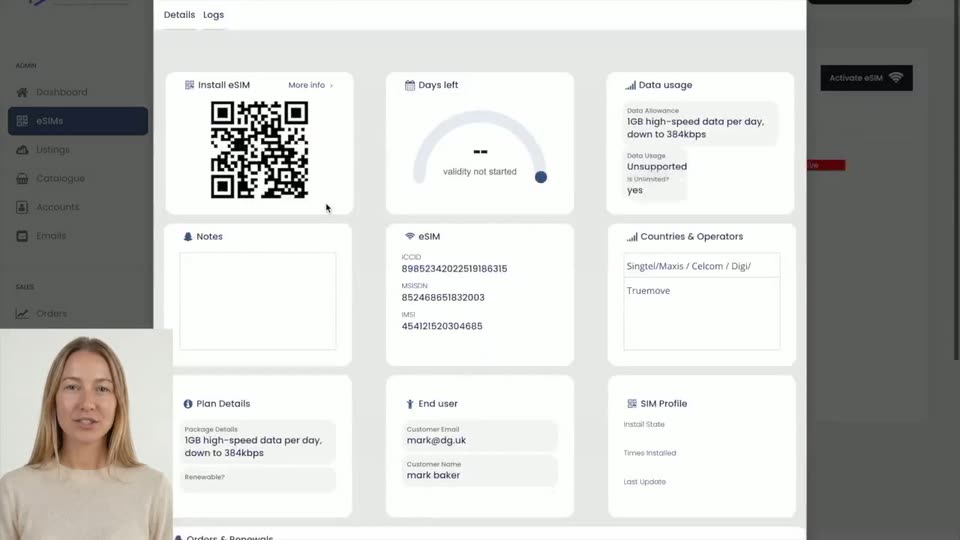 1:21–1:22SimBlox · SimBlox: apps demoThe eSIM dashboard scrolls down past cards for QR install, days left, data usage and plan details, ending on an orders table and control icons. A presenter talks in a small window at the bottom left. A mouse cursor hovers near the QR code.
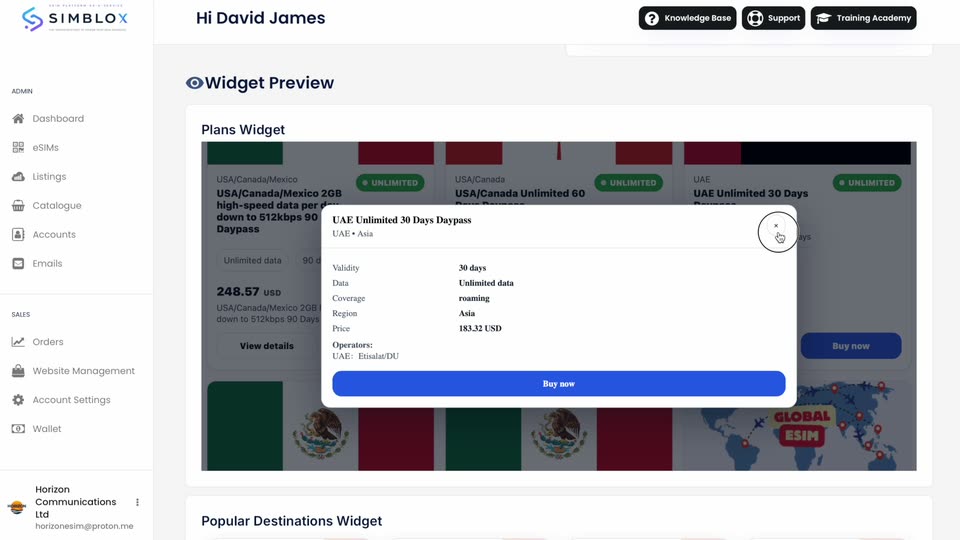 0:09–0:10SimBlox · SimBlox: web widgets demoA Symblox admin dashboard is shown with a Plans Widget open; a white modal for a UAE 30 day pass lists its details above a blue Buy now button. A cursor drifts from the modal's corner down to the button.
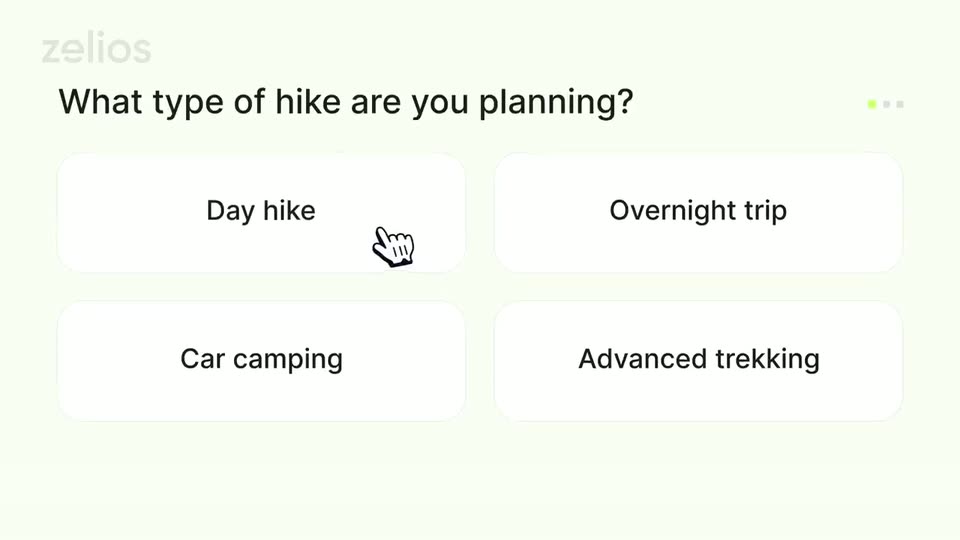 0:29–0:30SKUVE · Big thanks to the Zelios team for bringing Skuve to life in such a clear and engaging way! Skuve is all about making e-commerce product data smarter, simpler, and more actionable - and we love how… | SkuveA pale quiz screen asks what type of hike you are planning, with four option cards. A hand cursor taps Day hike, the card fills green, then the view switches to a Quick features checklist with one box checked.
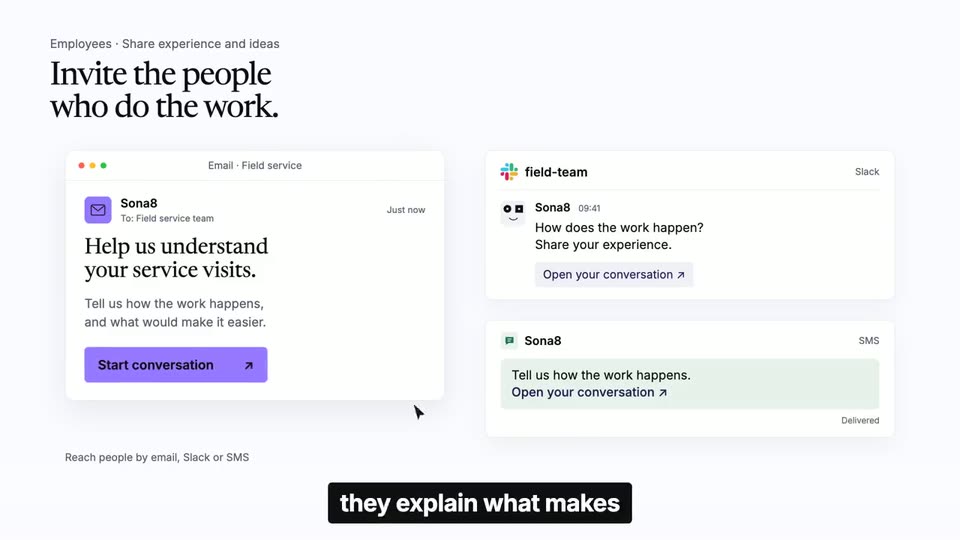 0:13–0:18Sona8 · Thought it was time to show more of the platform! 🚀 See how our AI interviews help companies improve workflows by capturing the process knowledge employees rarely write down. Employees explain… | Sona8 (YC F26)Email, Slack and SMS mockup cards sit on a white field under a serif headline. A black pill caption swaps phrases bottom-center while a cursor glides onto the purple Start conversation button.
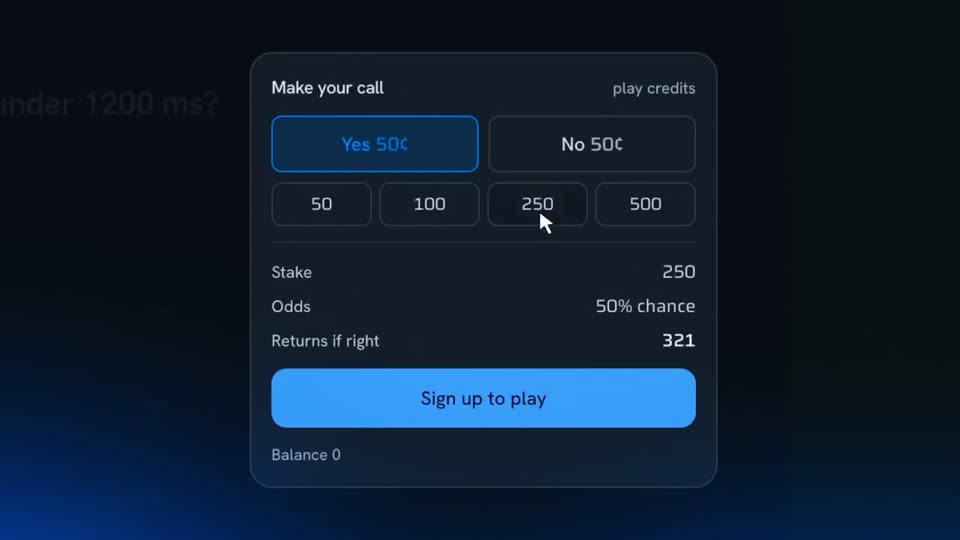 0:18–0:21Speko · We built Polymarket for Voice AI. Everyone in voice AI has opinions about where the models are going. Which vendor ships next. Which one gets faster. Which one finally gets accurate enough for real… | Speko (YC S26)A dark stake panel titled Make your call sits centered on a black field with faint gray text at the left edge. A cursor taps the 250 chip, the Stake and Returns values update, then the cursor rests on the blue Sign up to play button.
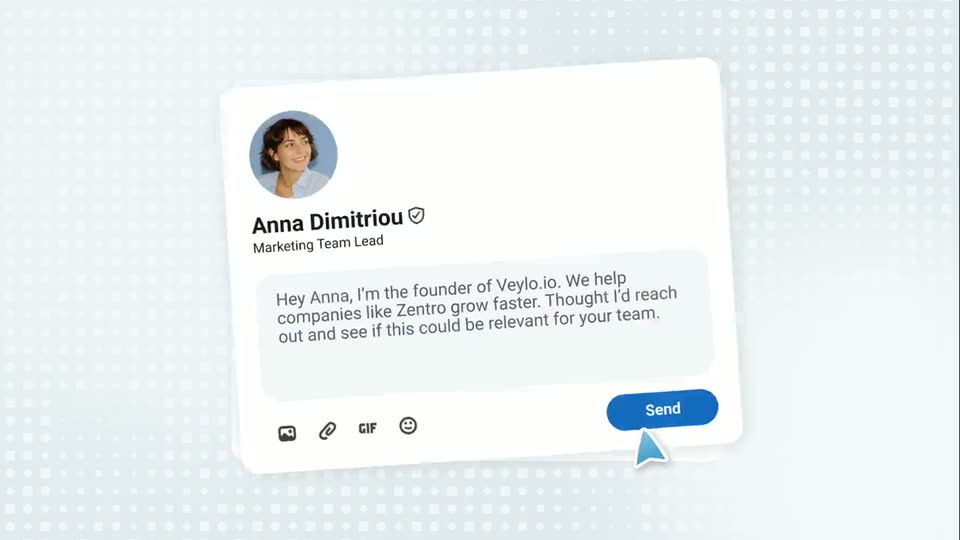 0:18–0:22Strawberry · Strawberry 1.0 is here. It marks a shift in how your team can work with AI. In Strawberry, you can create or hire virtual colleagues, called "Companions". Companions learn your preferences andA white message card with a profile photo and a typed pitch sits on a pale blue dotted background. A blue cursor presses the Send button, then the card tilts and fans out into a stack of identical cards for other contacts.
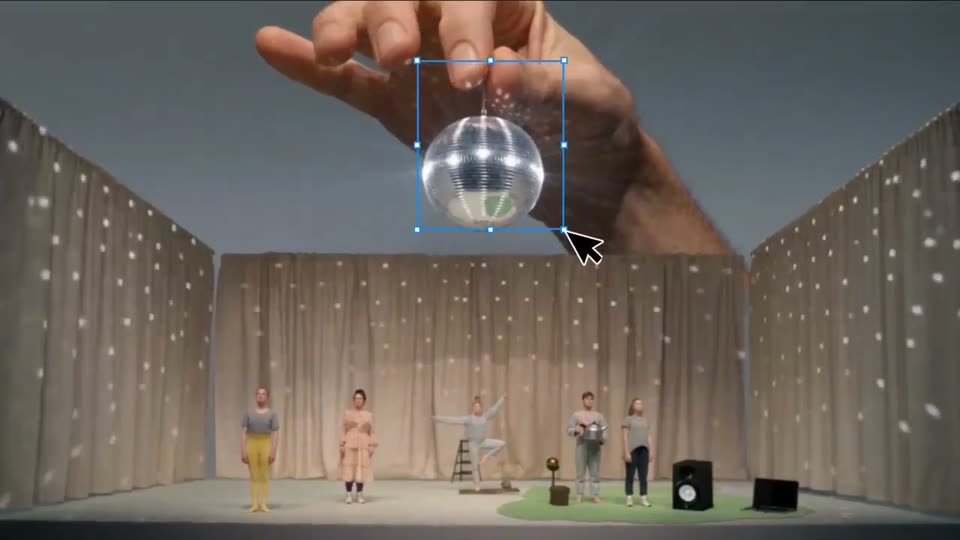 0:23–0:24Sunra · Meet Layerize ☀️ Turn a flat image into layers you can work with. Separate foreground elements into editable layers, then move, resize or replace them to refine your composition. Reposition a product… | Sunra.aiA giant hand lowers a mirrored disco ball held inside a blue selection box with corner handles, a cursor arrow at its lower right, above a stage where five people stand among dotted curtains, a ladder and black speakers.
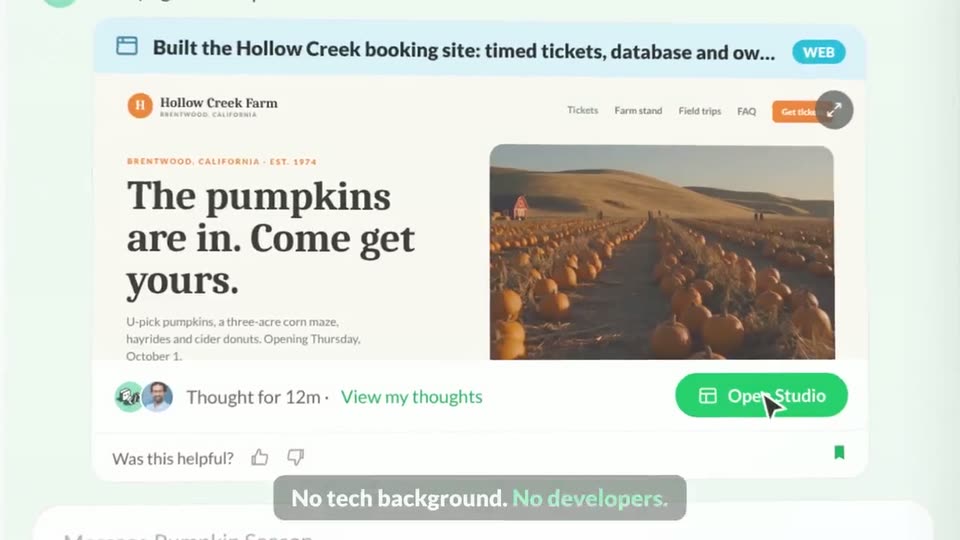 1:17–1:19Teamily AI · 150,000 small business owners and employees are already using Teamily AI. Today, we're opening it to everyone: your personal AI agent and an entire team of AI agents, ready to work for you and your… | Teamily AIA close-up of a generated farm website card, headline and pumpkin field photo, with a green Open Studio button. A cursor rests on the button as a gray caption bar at the bottom swaps its line of text.
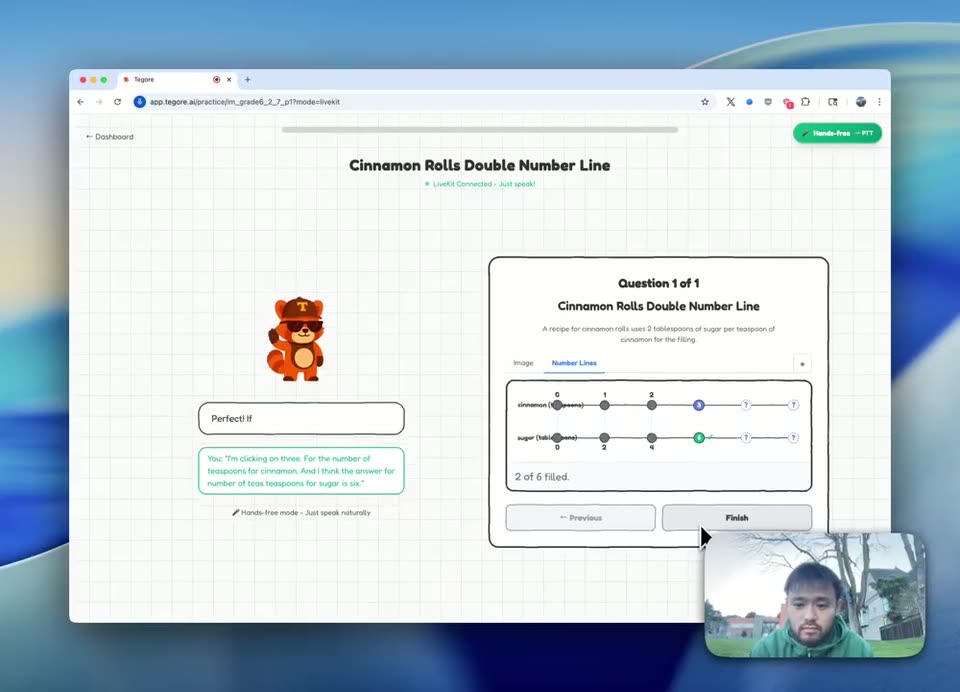 1:54–2:25Tegore · #learnwithtegore #aitutor #tegore | Tegore (YC X25)Screen recording of a math tutoring app with a webcam of a man in a green hoodie in the corner. A cursor clicks blanks on a double number line, the view zooms into the question card as it presses Finish, then returns as feedback types into the chat box.
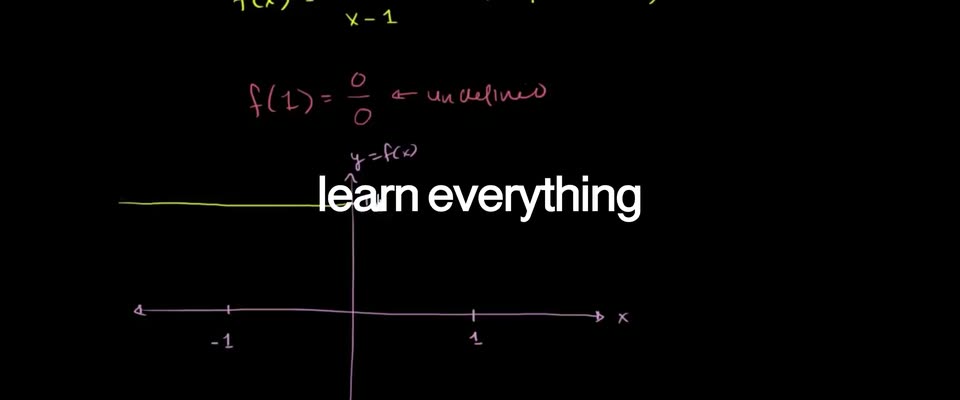 0:21–0:22Tilion · The internet is the most powerful thing we ever built together. It gave a kid in Lagos the same library as a professor at MIT. It let two people in a garage reach a billion customers. Every great… | Tilion (YC F26)A black digital whiteboard holds handwritten math notes in pink and yellow above a hand-drawn coordinate axis. A white cursor draws a green horizontal line while the caption “learn everything” scales up at the center of the frame.
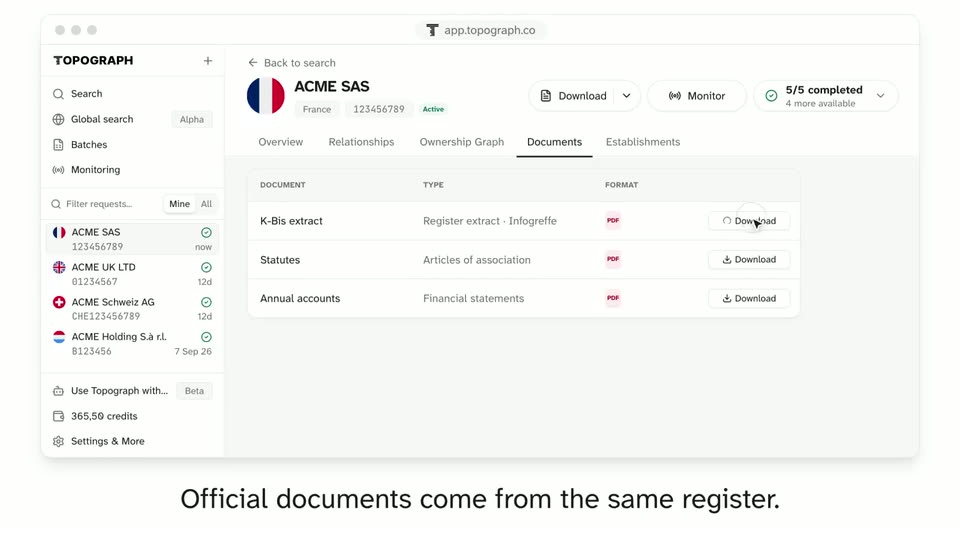 0:12–0:15Topograph · Company data for KYB checks sits in national registers, each with its own website, login and way of ordering documents. Topograph connects to these registers directly and brings them into one place.… | TopographA flat browser window shows the ACME SAS profile with the Documents tab active. The document list fades in, a cursor clicks the Download button on the first row, the button flips to Downloaded, and a PDF extract window opens in front.
 0:07–0:08Tranched · Introducing the new tranched.fi Our new tranched.fi website is live 🎉 We have reimagined credit, rebuilt it from blockchain primitives. A year after the first loans were tokenised on the… | TranchedA flat browser window on a dark background scrolls down the Tranchd protocol page, moving past a four-card grid to a heading and a warehouse video block. A cursor hovers the top nav at the start, and a white caption holds at the bottom.
 1:16–1:17Unity · Unity CLI 1.0 and Unity Pipeline APIsA black arrow cursor glides up to a white pill button reading Install plugin on a soft blue-to-green gradient, then presses it, the button dimming with a faint ring.
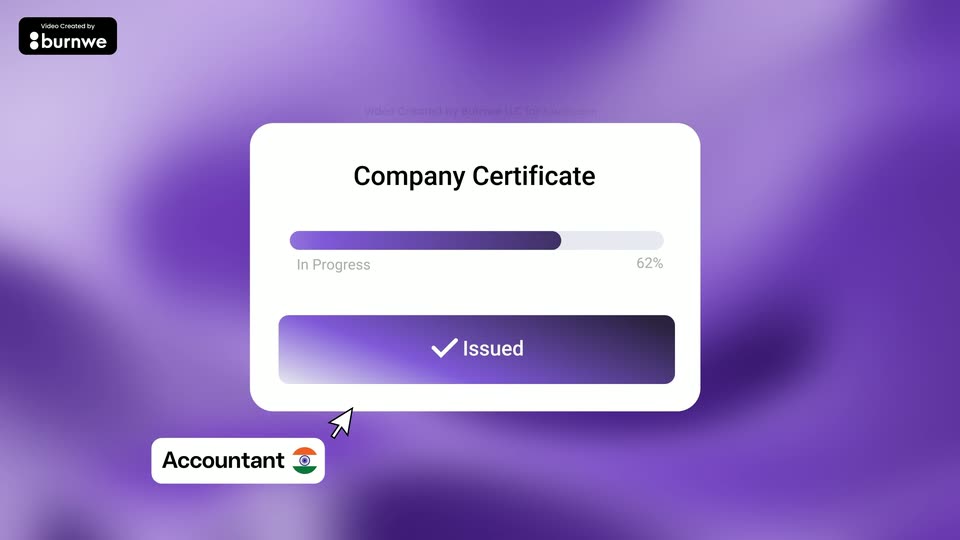 0:35–0:37Base93 · Motion Graphic Explainer for Business Services Platform | Base93A white status card floats on a blurred purple field, cycling its title from Business Name to MOA to Company Certificate while the progress bar fills and the status button flips from Approved to Signed Approved to Issued. A cursor hovers at the card's edge as Lawyer and Client pill labels with flag icons slide and scale in at the lower left.
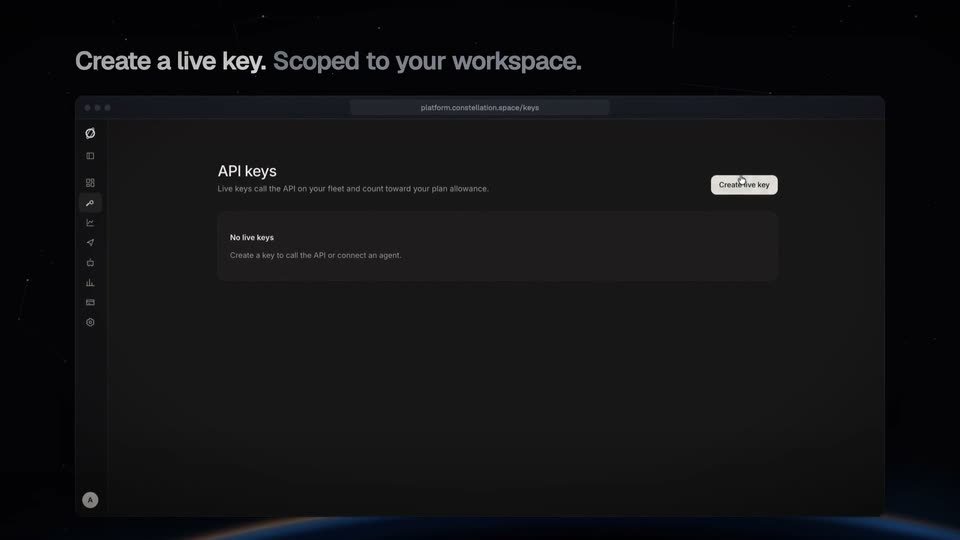 0:39–0:42Constellation Space · Space intelligence for all: Constellation SpaceA dark browser window displays the API keys page against a starfield. A cursor clicks the Create live key button, opening a centered modal with a name field, scope and permission checkboxes. The top headline cross-fades to a new line.
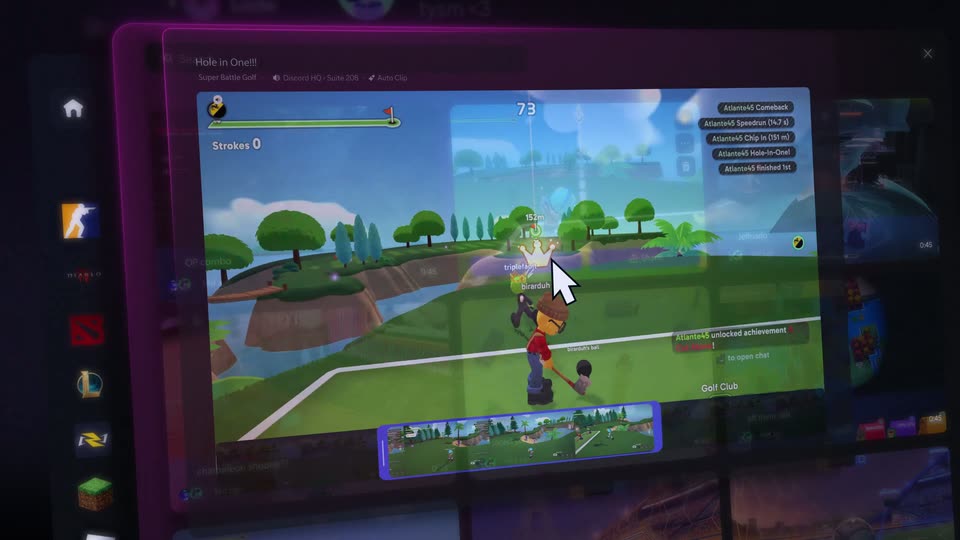 0:11–0:12Discord · Auto Clips | Available on DISCORD in Nitro Early AccessA tilted 3D view of a video-library grid, edged in pink glow, sits under a blue REVIEW banner that drops away. A white cursor then hovers a thumbnail, popping up Edit and Share buttons.
 0:17–0:18Neueface · Ibelick - Introducing Neueface, a spatial environment to build with your agentsA black cursor arrow sits at the center of a light gray field with a blue crosshair at its tip; a dark rounded tooltip reading “Copied position” hovers above it, the frame held still.
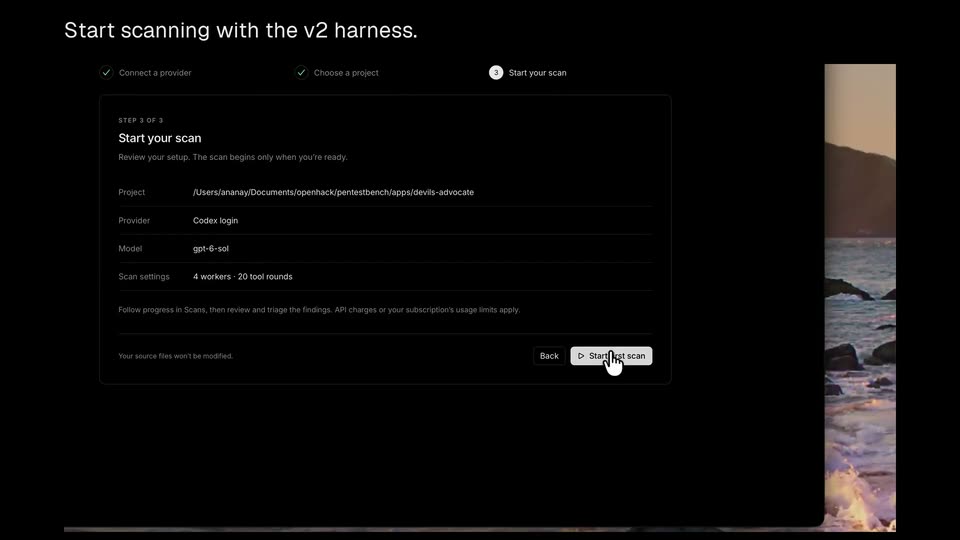 0:14–0:20OpenHack · Introducing OpenHack v2A dark web app in a browser window over a beach wallpaper. A cursor clicks Continue, the setup form advances to a scan summary, then the cursor starts the scan and a project list with severity badges appears. White headlines swap at the top left.
 0:14–0:22Perplexity · Build an SEO consultant with Perplexity teammatesA red 3D petal drifts over a blurred maroon backdrop, then the serif headline 'Assign recurring tasks.' holds center. It cuts to a flat UI: a 'SEO Consultant' chip above an input bar where a prompt types itself out, and a cursor clicks the send arrow.
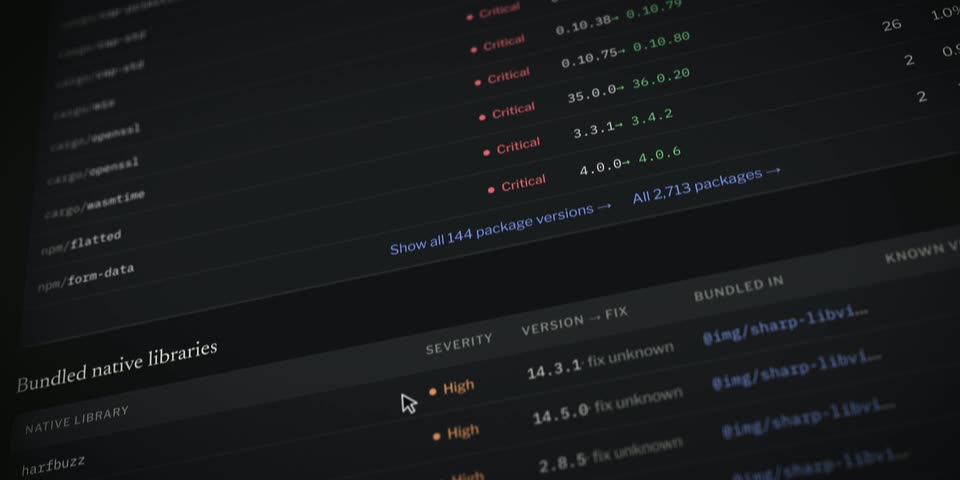 0:52–0:53ProjectDiscovery · ProjectDiscovery - Introducing SecurityContext 2.0 When a CVE drops, the hard part is kA dark dependency audit table tilts in 3D perspective, rows of package names and Critical severity labels drifting slowly upward. A mouse cursor slides down from the All 2,713 packages link toward the column headers, edges of the list soft with depth blur.
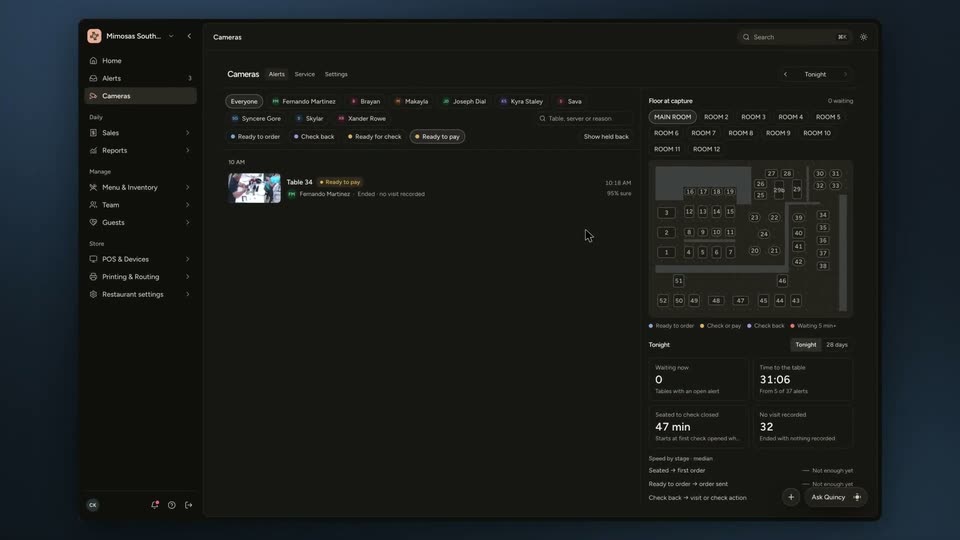 0:52–1:00Shire · Shire Latest DemoA dark dashboard shows a camera alert list beside a floor-plan map. A cursor clicks the Ready to pay filter, collapsing the list to one row. The frame pulls back to reveal the full app window with a sidebar, then blurs as a notification card slides in at lower left.
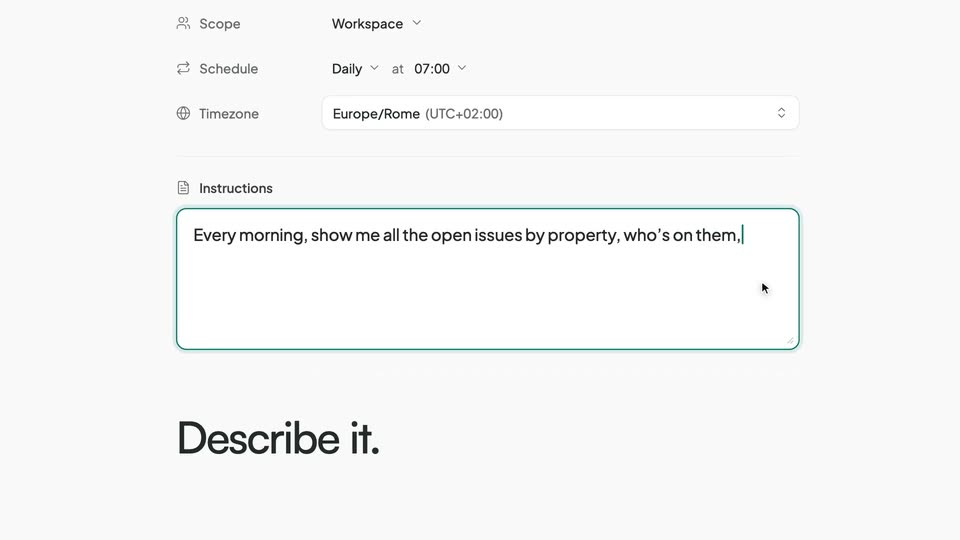 0:11–0:19Trellis · Introducing Trellis ReportsA light agent-setup form fills the frame, its Instructions field active as a cursor types a plain-language sentence. Below, a bold “Describe it.” headline and a white pill caption echo the words in sync, segment by segment.
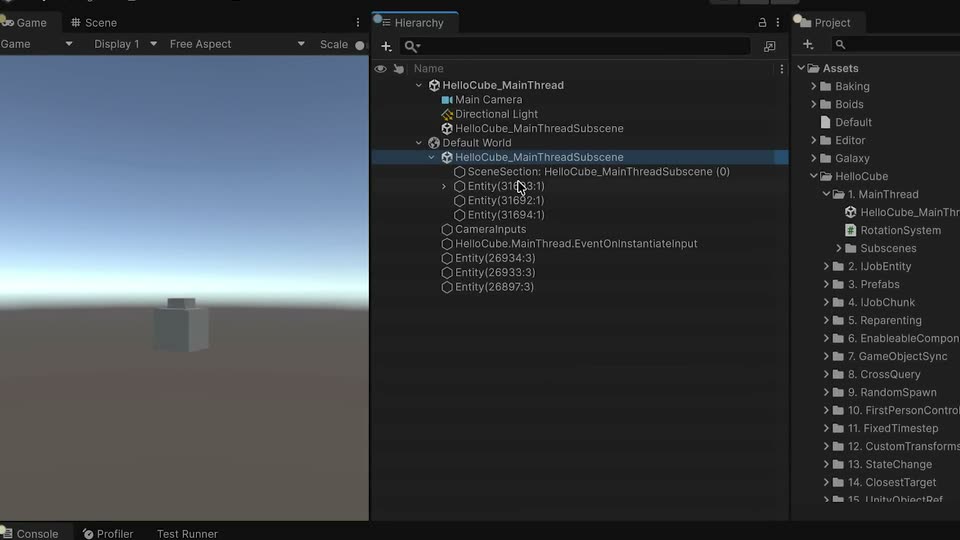 1:42–1:46Unity · Introducing ECS for AllThe Unity editor fills the frame, its Hierarchy panel centered on a tree of scene objects and entity rows. A mouse cursor hovers down the list, highlighting each entity in turn. At left, the Game view shows a gray cube on a flat plane under a blue sky.
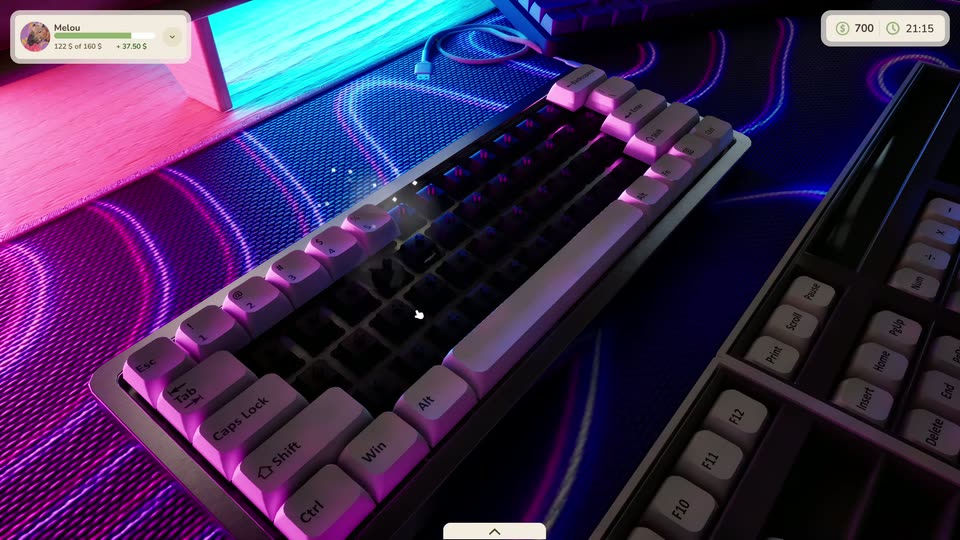 0:04–0:05Vojtěch Peták · KeyCapy - Official Reveal TrailerA 3D close-up of a mechanical keyboard on a neon purple and blue desk mat. A white cursor hovers over the keys while a keycap pops up and presses down with a brief light flash. Two HUD cards sit in the top corners.
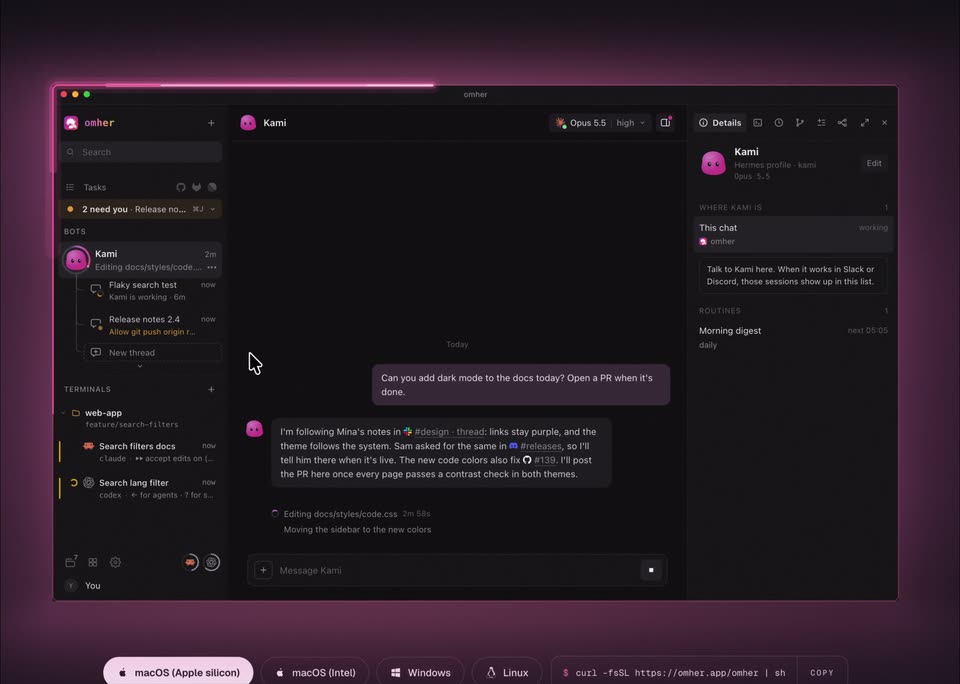 0:10–0:22oh-my-hermes · HOPE. - i built oh-my-hermes bot desktop app (+ terminal) ⭐️ GitHub 5,900+ stA dark chat-and-terminal app window, edged by a pink glow that travels around the frame, is shown flat. A cursor clicks the right-side panels, then New thread in the left list, opening an empty thread where a bot reply bubble appears.
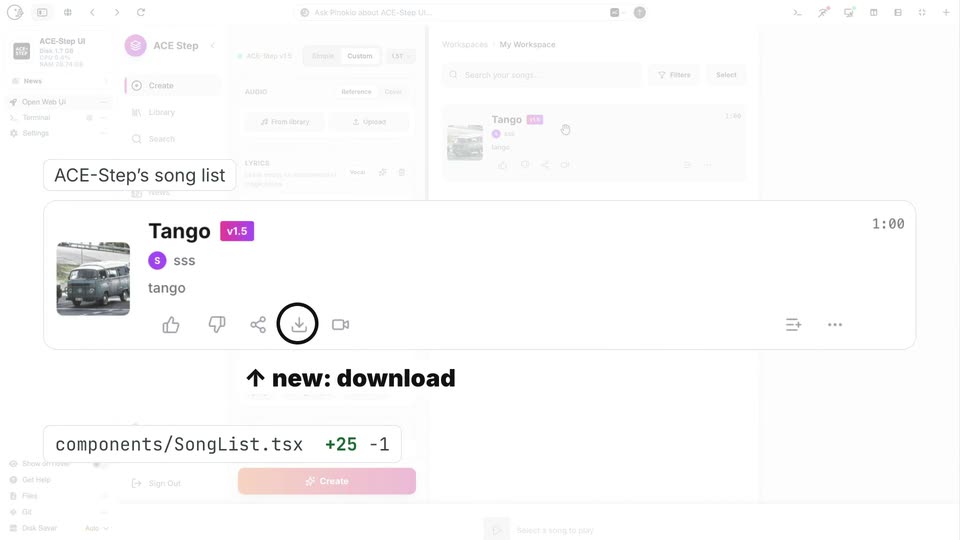 0:54–1:02Pinokio · cocktail peanut - Introducing Pinokio Agent Messenger What if you could chat with allA chat prompt types itself into the top input bar above a music app UI. The frame zooms out to the full window, a boxed caption labels the song list, a download icon pops into the Tango row with a bold new tag, then the view cuts to the app home list.
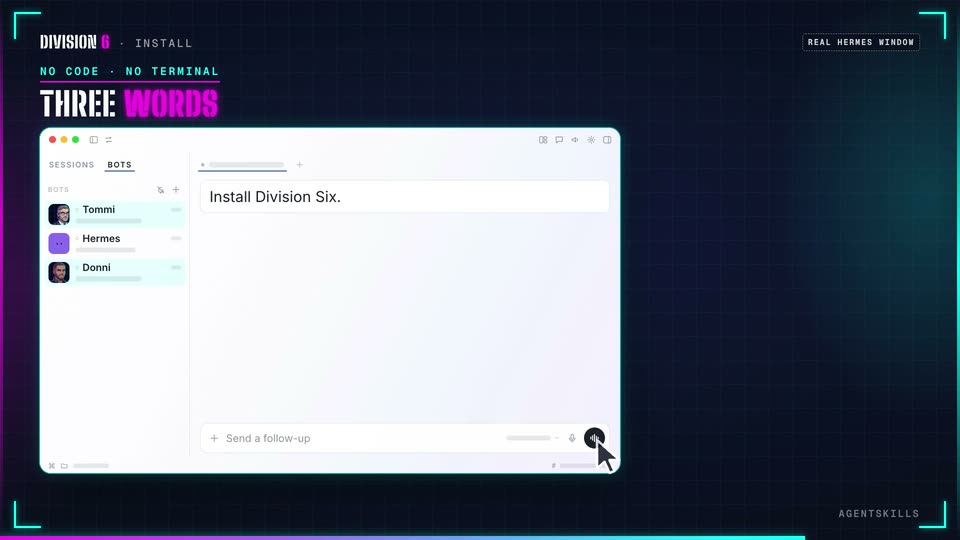 1:39–1:45AgentSkills · Justin Brooke ❤️🔥 - Introducing... Division 6, your automated marketing department thatThe cursor types 'Install Division Six.' into the prompt and clicks send. The window switches to the bots list as a tilted magenta INSTALLED stamp slams over the chat, while a DIVISION 6 to HERMES READY diagram and a dashed GROK BOT SOON box pop in on the right.
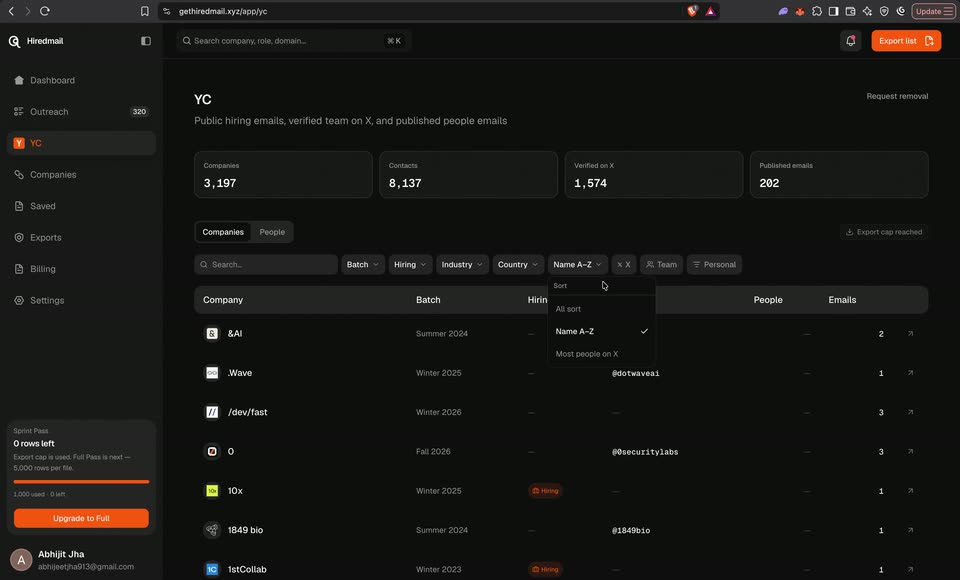 0:09–0:20Hiredmail · Abhijit - Introducing Hiredmail Hiring inboxes, verified and sorted. YC compaA dark dashboard loads a YC company list with four stat cards and a table. A cursor types in the search box, opens the sort and country dropdowns, then picks Most people on X; the table re-sorts to companies with the largest people counts.
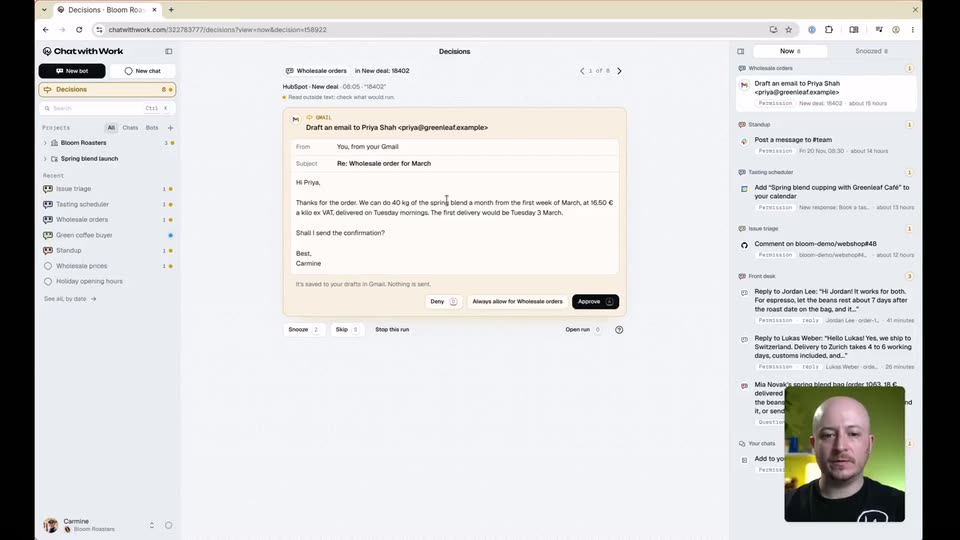 1:05–1:35Plenty · Carmine Paolino - On Monday I'm launching Chat with Work: AI bots that run on triggers,A browser window shows the ChatWithWork interface: a left project list, a center decision card drafting an email to Priya Shah, and a right queue of pending actions. A small webcam feed of a man sits bottom-right. The cursor drifts across the panes, hovering over list items.
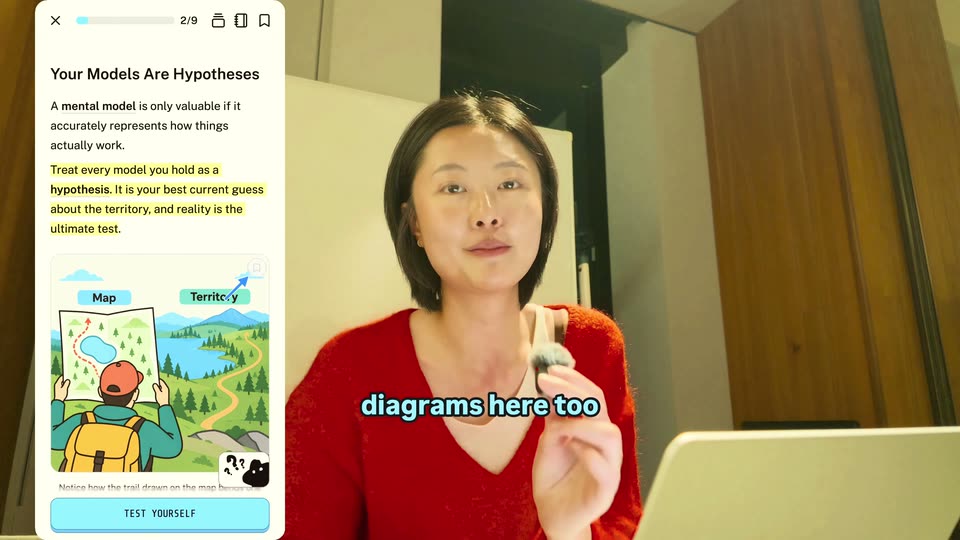 0:37–0:39Wondering · this niche learning app is better than chatgptA woman in a red sweater sits at a laptop, holding a small gray object, speaking to camera. A phone screen inset on the left shows a note titled Your Models Are Hypotheses with a map illustration; its highlighted text shifts from blue to yellow. Subtitles appear at the bottom.
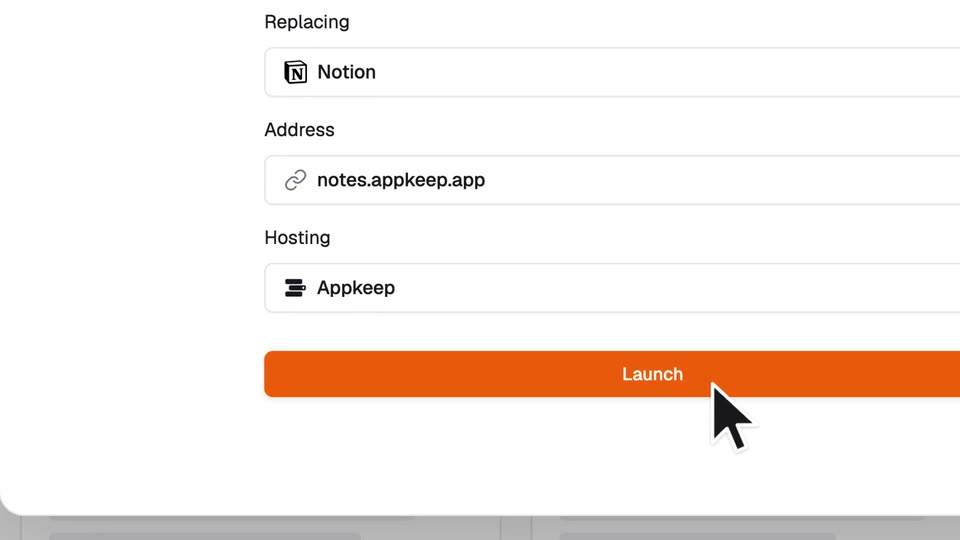 0:35–0:38Appkeep · NATE G - Today we are introducing Appkeep. We open-sourced NotionA white setup form modal over a dimmed app screen zooms in as its fields fill with Notion, notes.appkeep.app, and AppKeep; the cursor clicks the orange Launch button, and the card fades to a centered white toast: Launch my Notion alternative.
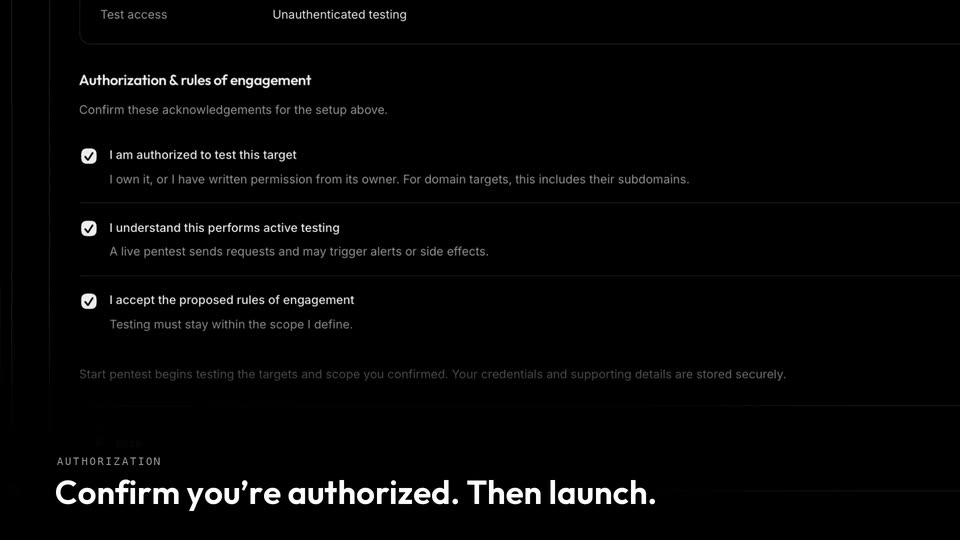 0:18–0:22Exploitforge · Ghost St Badmus - today we’re launching @StrikeHoundAI. software has never been easierA dark authorization form is shown in close-up. A cursor clicks the last checkbox, then the view shifts up to reveal the Start pentest button, which the cursor presses. A bold white headline anchors the bottom.
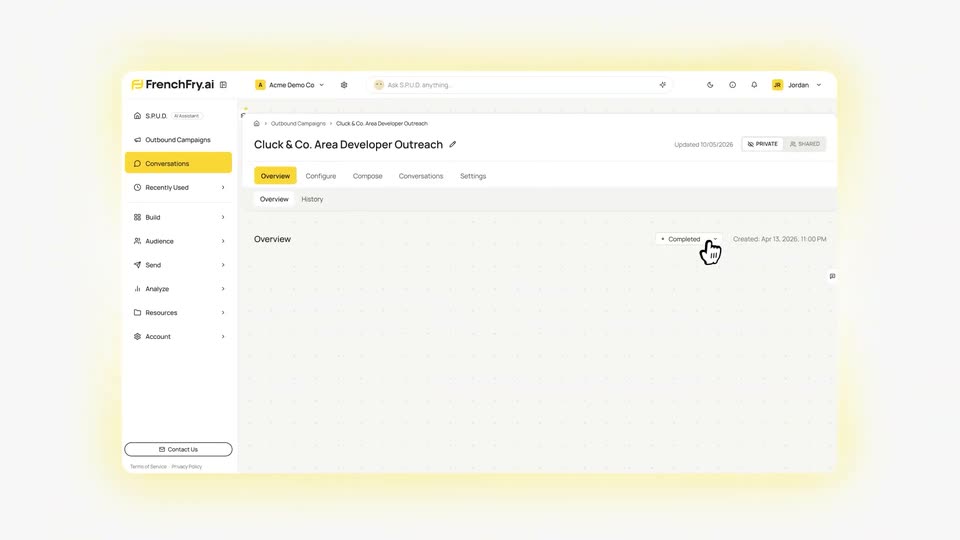 0:32–0:37FrenchFry · Creative SaaS Launch Video | FrenchFryA flat FrenchFry.ai dashboard shows the Conversations list; a hand cursor clicks the Take over button and the view swaps to a campaign overview with stat cards and charts. The screen then fades to a plain light card where the word It's sits at left.
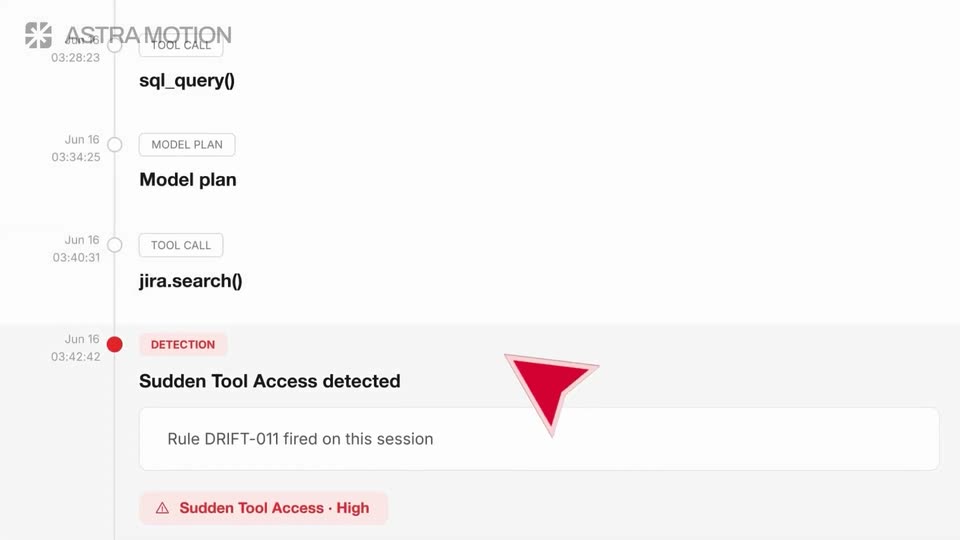 1:00–1:01Manifold · Motion Graphics Product Video | Agents Security PlatformA light security log timeline drifts slowly downward as a red 3D cursor arrow travels down the list, pointing at the red DETECTION row, then the rule box and the high-severity pill.
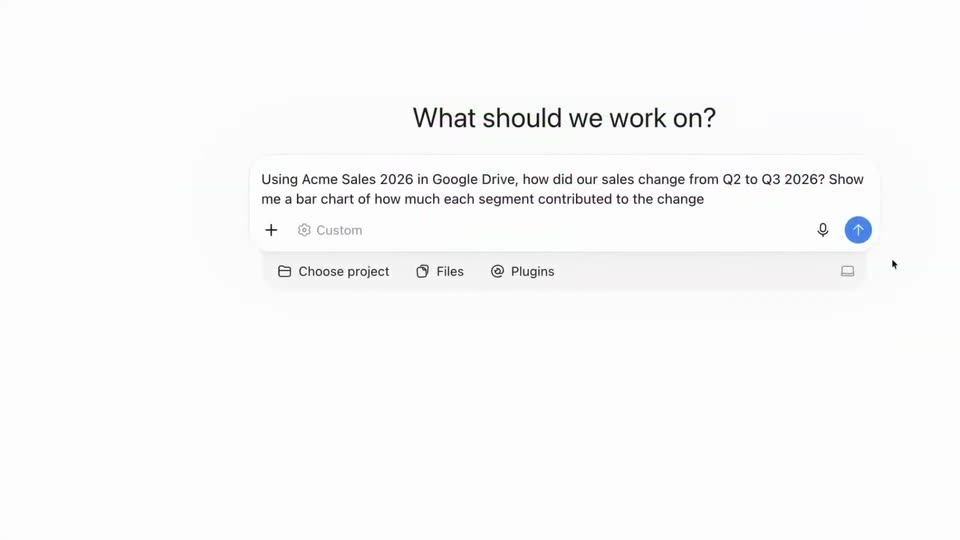 0:42–0:44OpenAI · Meet the Data Agent in ChatGPTA white interface shows a centered heading above a chat input box filled with a typed sales question. A cursor sits in the text, then the box shifts up with a light blue tint and a Thinking label fades in on the left.
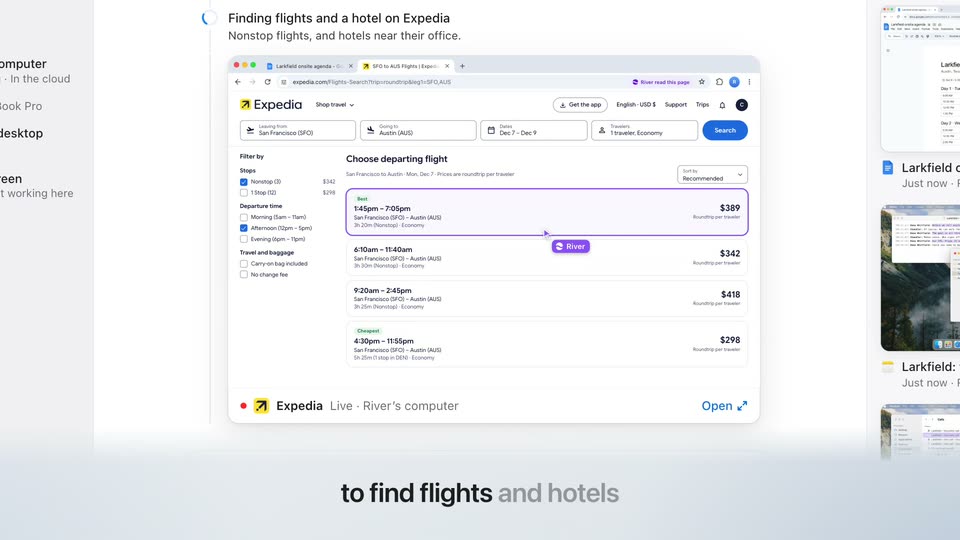 0:24–0:27Riverside · Chandler Supple - We gave AI its own desktop on your computer Today we're launching RiA browser window showing the Expedia flight search sits centered on a light background, with a title above and a caption below. A cursor labeled River moves over the flight list, then the page switches to a hotel map view. The bottom caption updates to read to find flights and hotels.
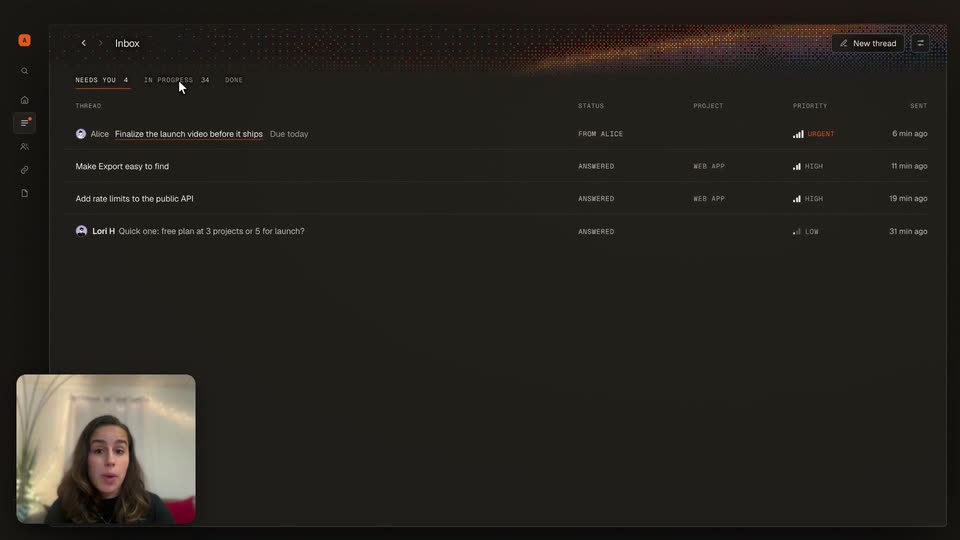 0:12–0:19Agentbox · Savannah - introducing multiplayer for coding agents. the place you code is nowThe product inbox appears as a tilted 3D card over a dotted background, with a small presenter video in the lower-left corner. It flattens into a full-screen list, then returns to 3D as a cursor clicks the In Progress tab and opens a thread.
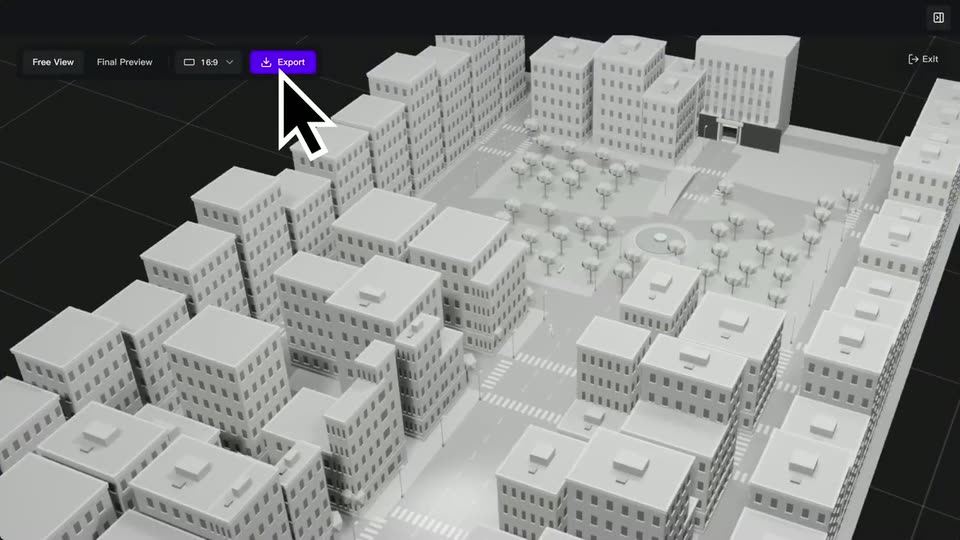 0:27–0:31Alibaba Cloud · Alibaba Cloud - 3D Studio is now live on WonderClip. Try it free for a limited timeThe Preview the 3D Model headline appears above a grayscale city in the 3D Studio viewport. The view moves closer to the model, then a pointer opens Export, exposing video/image/3D-asset options and Add to Canvas.
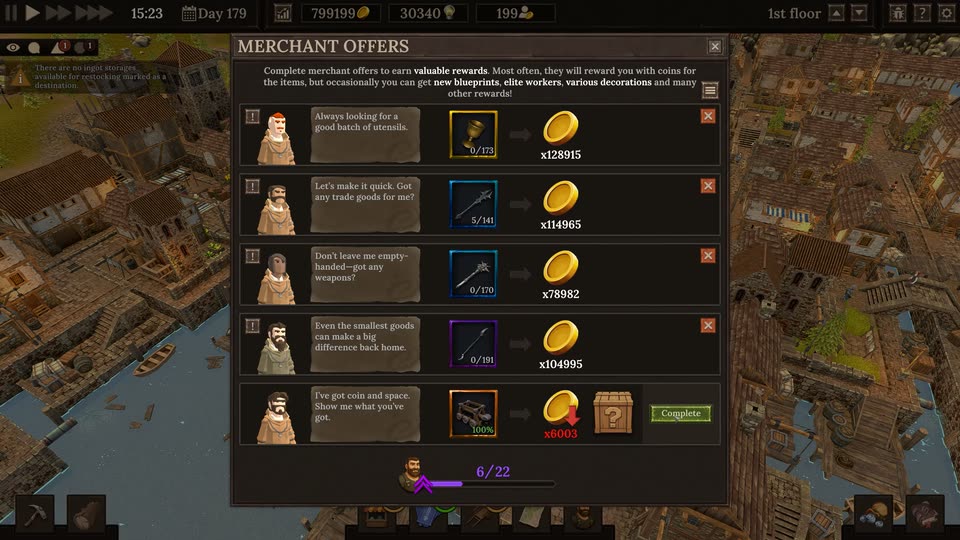 0:50 · 0.6sBlacksmith Master · Blacksmith Master - 1.0 Launch TrailerA dark merchant offers panel sits centered over an isometric medieval town, listing five quest rows with portraits, parchment notes and coin rewards. A white cursor hovers at the lower right near a green Complete button. The view stays static.
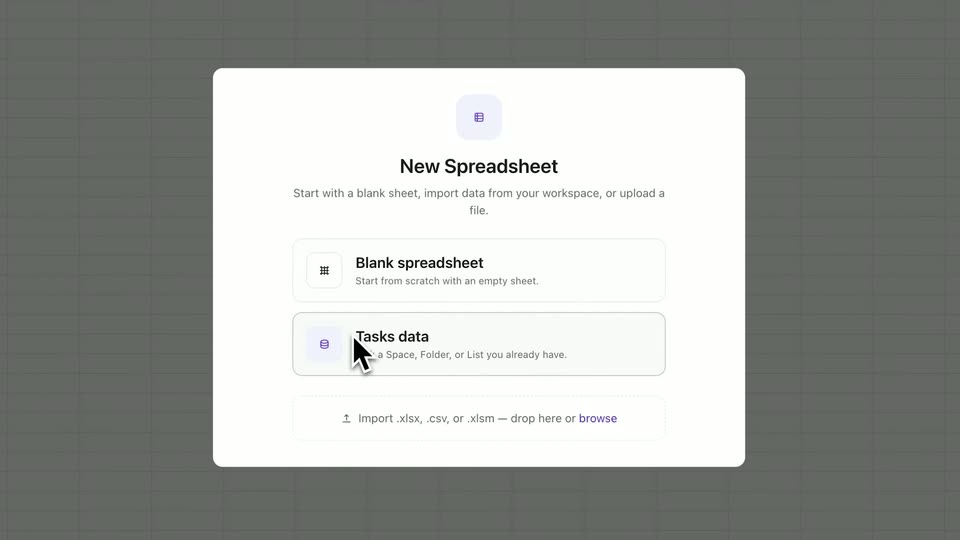 0:28 · 0.8sClickUp · ClickUp Release 4.10: Sheets, Work Schedules, Email Triggers, and more!A white New Spreadsheet dialog sits on a gray grid backdrop. A cursor glides to the Tasks data option and clicks it, and the panel swaps to a Tasks data form with source, destination, and range fields.
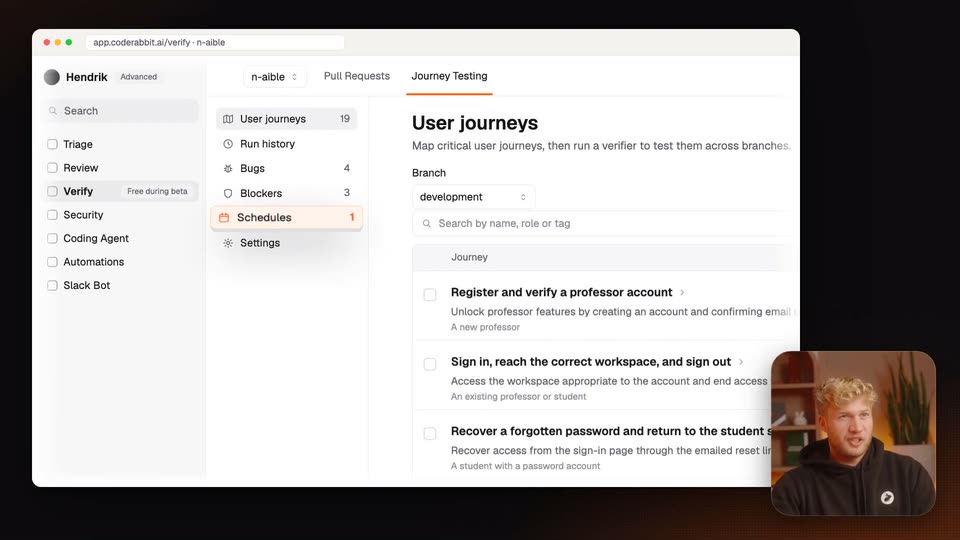 0:40–0:42CodeRabbit · CodeRabbit Verify: AI Testing for Your Running ApplicationA light-themed web app screen shows a User journeys list, with a cursor resting on the Schedules item in the side menu, highlighted in orange. A small inset of a man in a black hoodie gestures in the lower right corner.
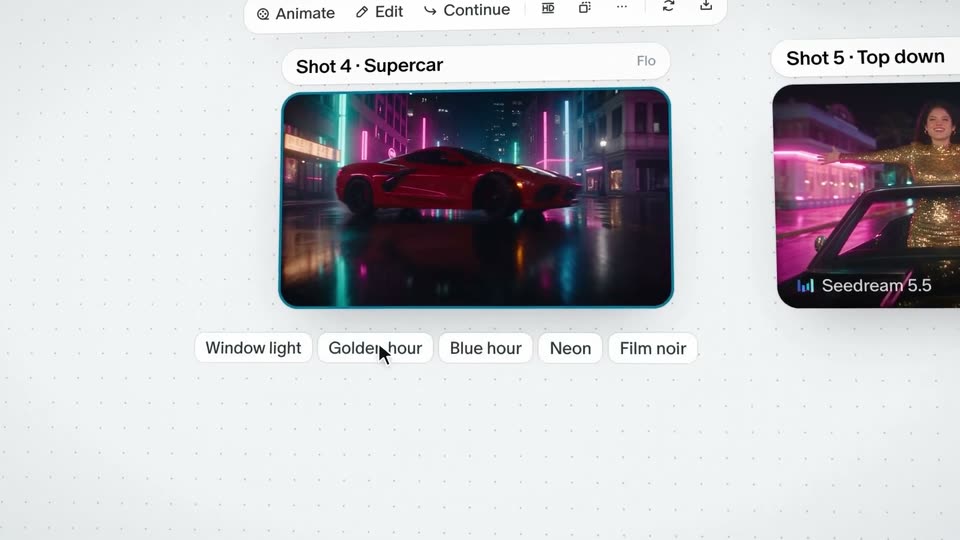 0:15 · 0.4sFlowith · Flowith - introducing Flowith 3.0. the ultimate canvas for human-ai creation.A close-up of a light dotted-grid interface shows a 'Shot 4 · Supercar' card with a red car in neon light. A cursor slides down from the card and rests on the 'Golden hour' pill, which highlights. A second card, 'Shot 5 · Top down', sits to the right.
 0:29–0:33Ideogram · Ideogram - Introducing Ideogram 4.6: the new frontier of precise editing, now inThe circular material sample clears from the orange-and-white sneaker. A digital zoom isolates the laces as they change from white to orange, pulls back while The best model for touch ups assembles, then moves toward the same model’s hand and orange-clad knee. No hoodie or beanie appears.
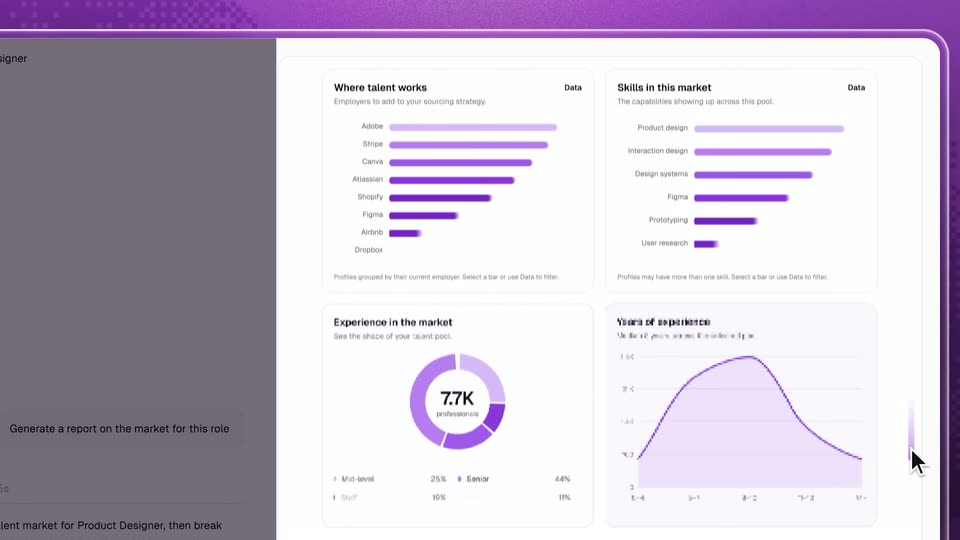 0:31–0:35Juicebox · Introducing Blends in your Juicebox AgentsA white report card fills the frame over a purple dotted background, scrolling down through a US map, two bar charts and a donut chart while a cursor drags the right scrollbar, then the view zooms in on the card's top-right corner.
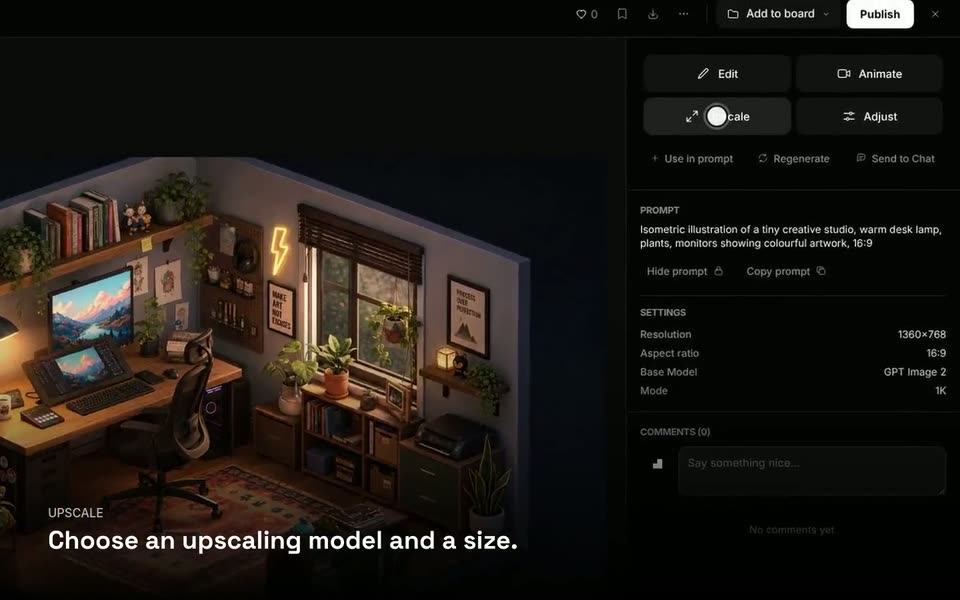 1:27–1:29LetzAI · Introducing LetzAI V5 | LetzAI BlogThe dark interface displays an isometric desk-room illustration beside a settings panel. The view zooms into the illustration while a cursor dot moves onto the Upscale button. A bottom-left caption reads UPSCALE with a line of instruction.
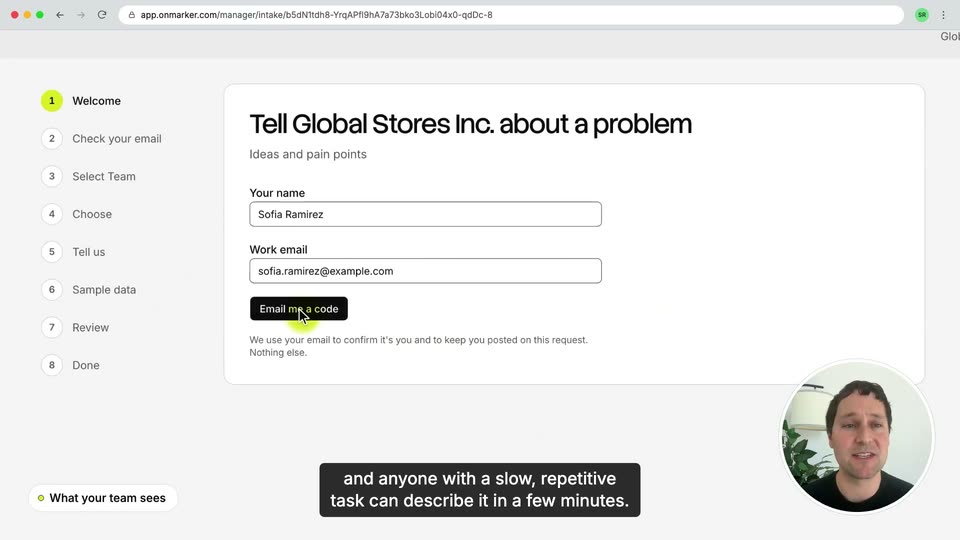 0:18–0:20Marker · Introducing Marker ManagerA browser window shows a form with name and email fields filled, beside a numbered step list. A yellow cursor clicks the Email me a code button, then the screen crossfades to a two-card choice. A circular presenter video and a caption bar sit at the bottom.
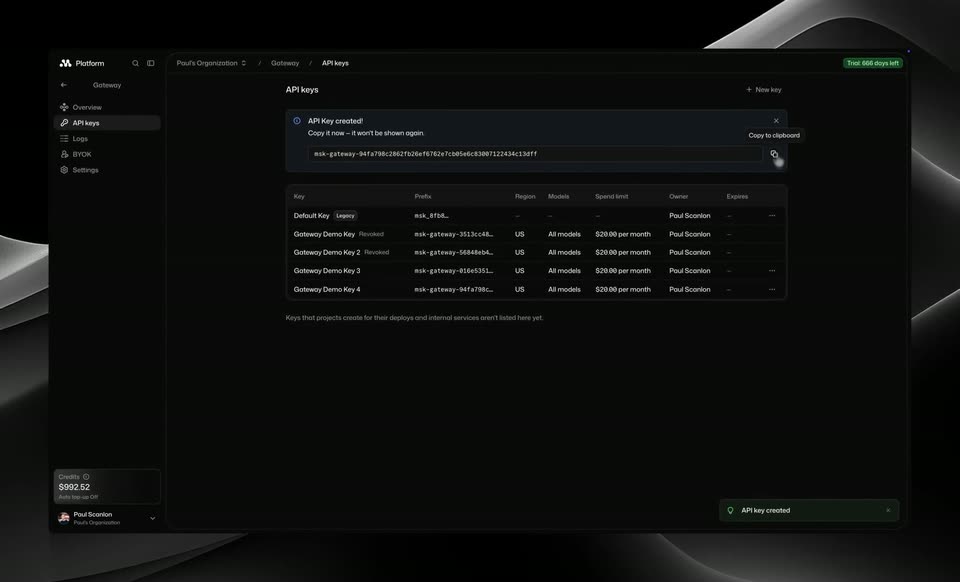 0:14–0:17Mastra · Sam Bhagwat - Today we're excited to launch something we've been cooking for a whilA dark API keys dashboard floats in a 3D scene over abstract black ribbons. A New API key dialog with a hand cursor on Create closes, revealing the key table, a success banner with the generated key, and the cursor moving to Copy to clipboard.