Cursor demo
A visible cursor operates the interface.
15,152 scenes · page 119 of 253
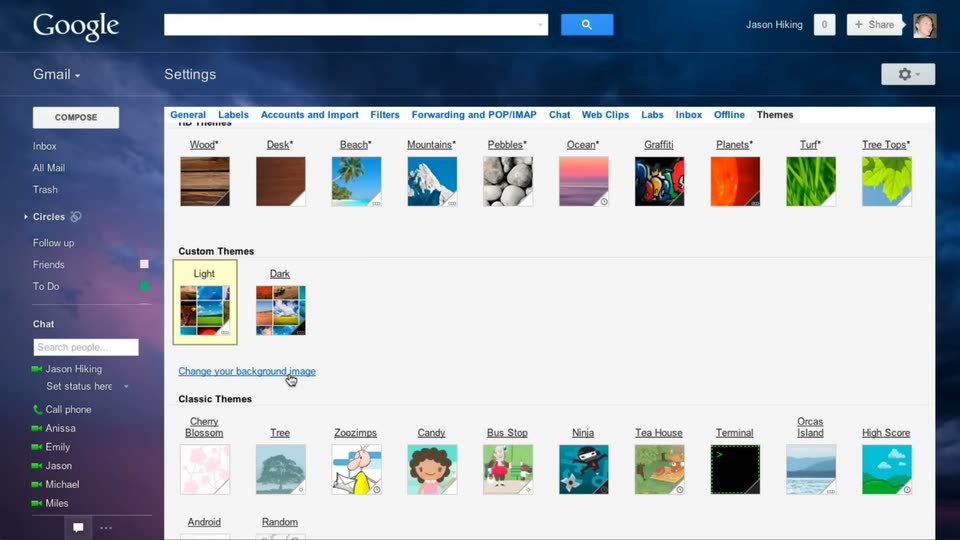 0:15–0:16Google · Introducing Custom Themes in GmailA locked-off Gmail settings page fills the frame, showing rows of theme thumbnails and a chat sidebar. The mouse cursor glides left and rests on the Change your background image link.
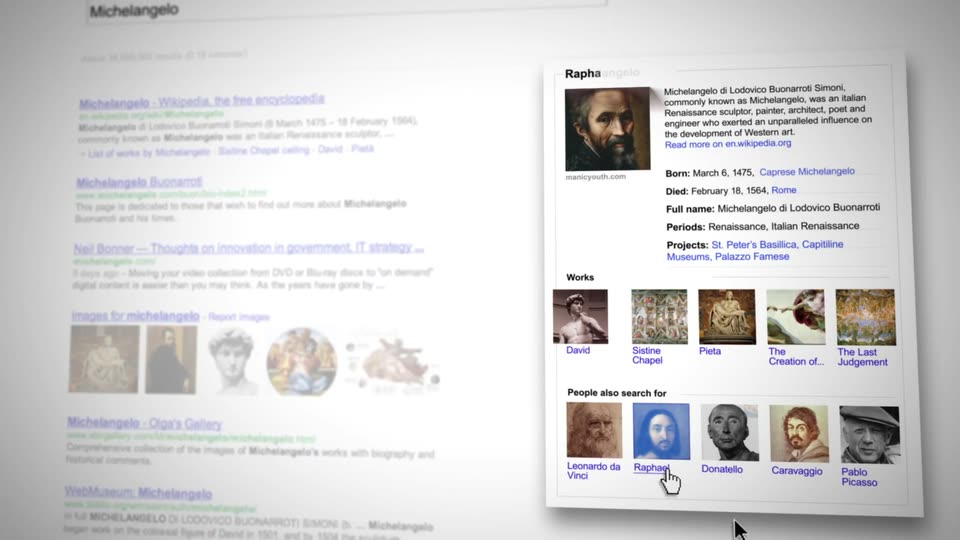 2:11–2:13Google · Introducing the Knowledge GraphA blurred search results page sits on the left while a tilted 3D knowledge card for Michelangelo floats on the right. A cursor glides to the Raphael thumbnail and clicks it, and the card updates to show Raphael's portrait and details.
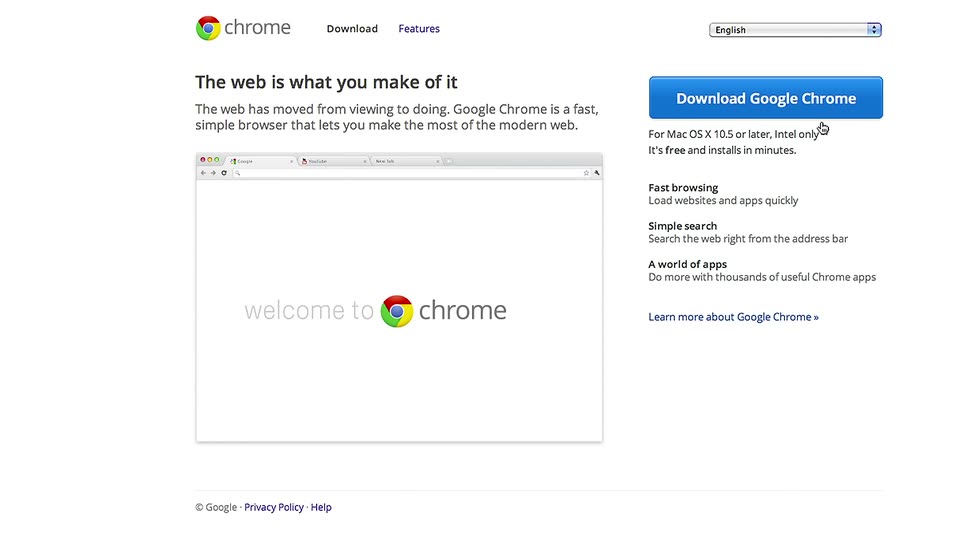 0:23–0:24Google · Introducing Voice Search for your computerThe Chrome download page, with its welcome browser mockup and blue download button, is replaced by a centered Terms of Service dialog as a cursor moves toward it.
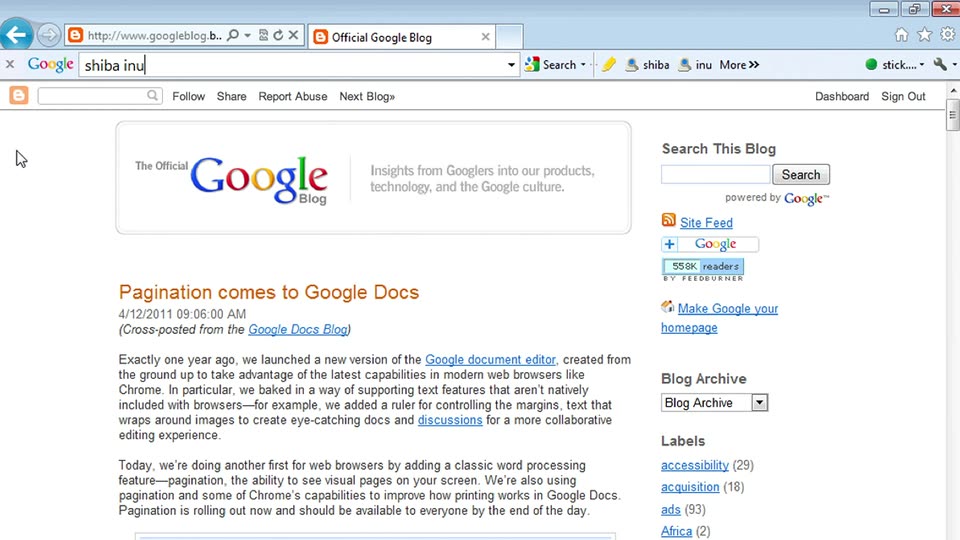 0:30–0:32Google · Introducing Google Toolbar 7A browser window crossfades through overlapping toolbar layers into the Official Google Blog page as a large Google logo scales down at bottom right. The view settles on the Pagination comes to Google Docs post while the cursor moves from the back button to the page edge.
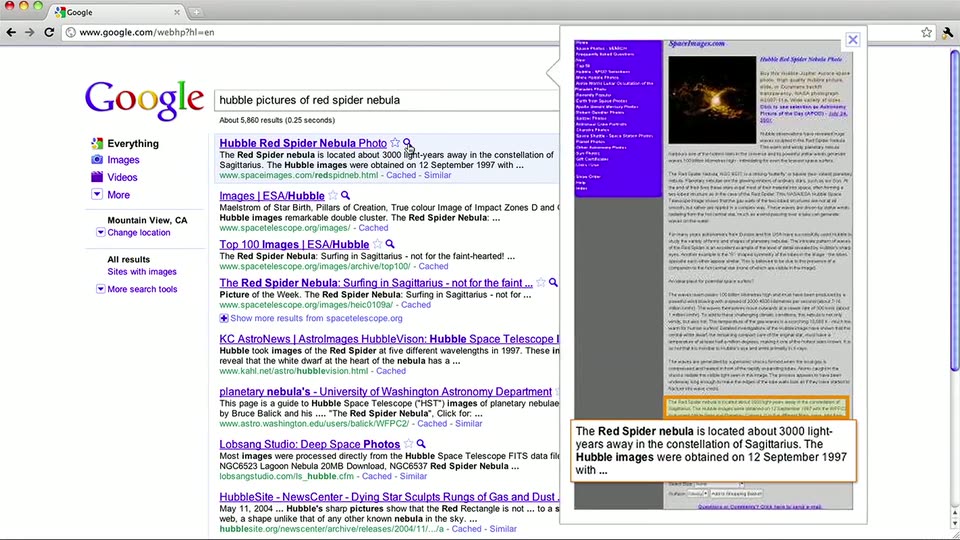 0:13 · 0.8sGoogle · Introducing Instant PreviewsA Google search results page fills the frame. A cursor hovers over the magnifying glass icon next to the top result while an Instant Preview panel on the right expands to reveal the linked page's layout and a nebula image.
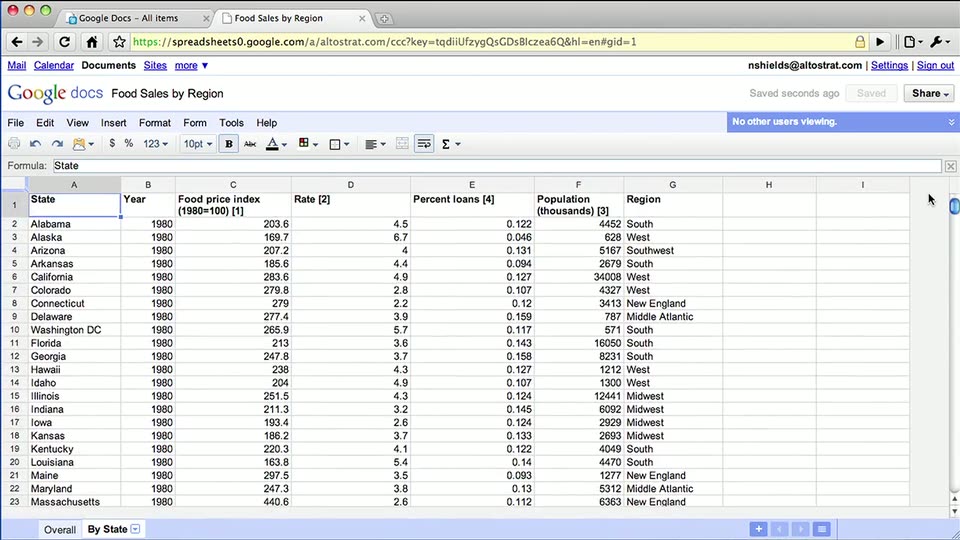 1:07–1:17Google · Introducing a new Google DocsA browser window shows a Google Docs spreadsheet of US state data. The rows scroll up fast with motion blur, then stop at the top, revealing the header row and extra forecast columns. A hand cursor drags the right scrollbar.
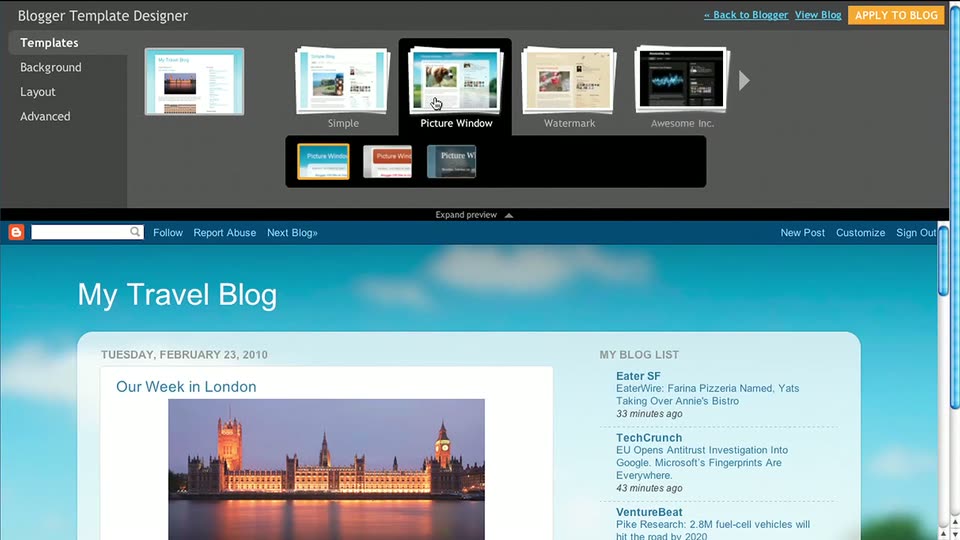 0:07–0:09Google · Introducing the Blogger Template DesignerA cursor hovers over the Picture Window template thumbnail in the Blogger Template Designer. The live blog preview below refreshes, its background fading from dark to a bright blue sky, while small variant thumbnails fade in beneath the template row.
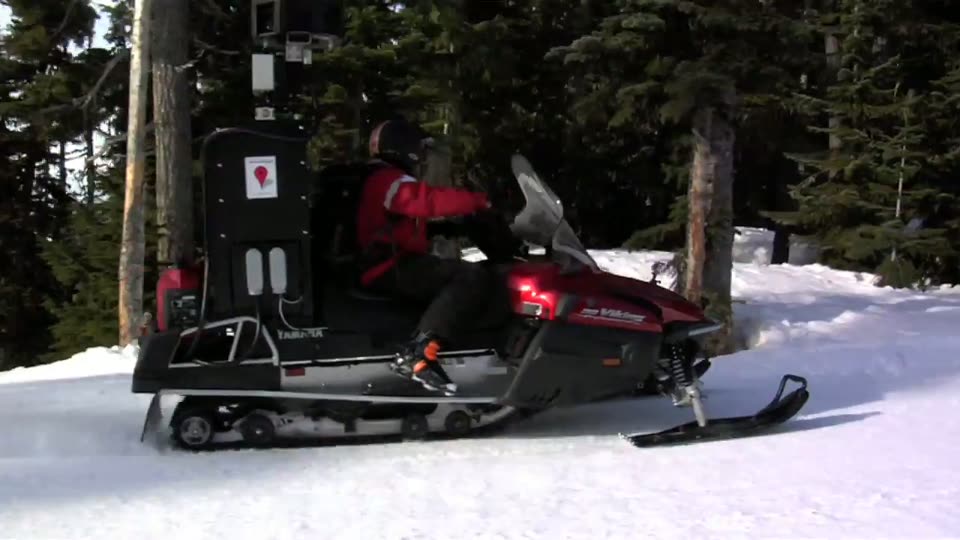 0:41–0:43Google · Introducing the Street View snowmobileA red snowmobile drives through a snowy forest, then cross-dissolves into a 3D simulation of the vehicle on a ski trail. A cursor hovers over the 3D model.
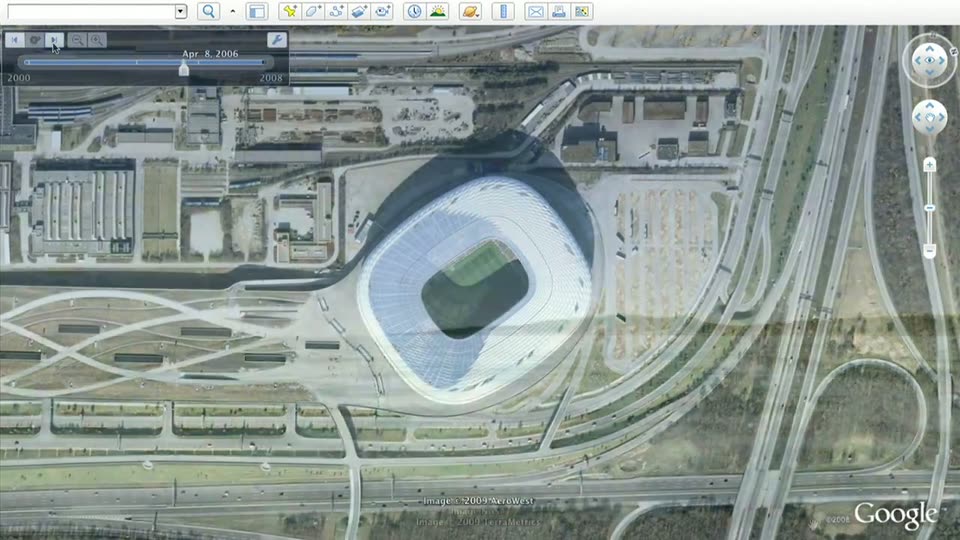 0:10–0:11Google · What's New in Google Earth 5.0A Google Earth aerial view of a white-roofed stadium fills the frame. The time slider in the top left advances from 2006 to 2008, and the satellite imagery cross-dissolves from an AeroWest source to a DigitalGlobe source, with a cursor resting on the slider controls.
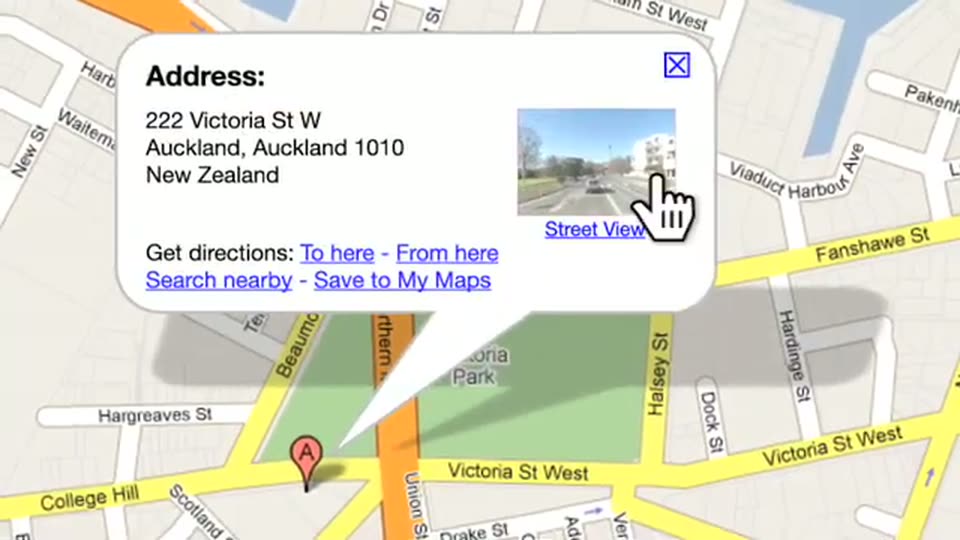 0:32–0:33Google · Street View now available in New ZealandA static Google Maps view shows a white address card over a street map with a red pin. A black cursor glides from the top right to the Street View link, then a hand cursor appears to click it.
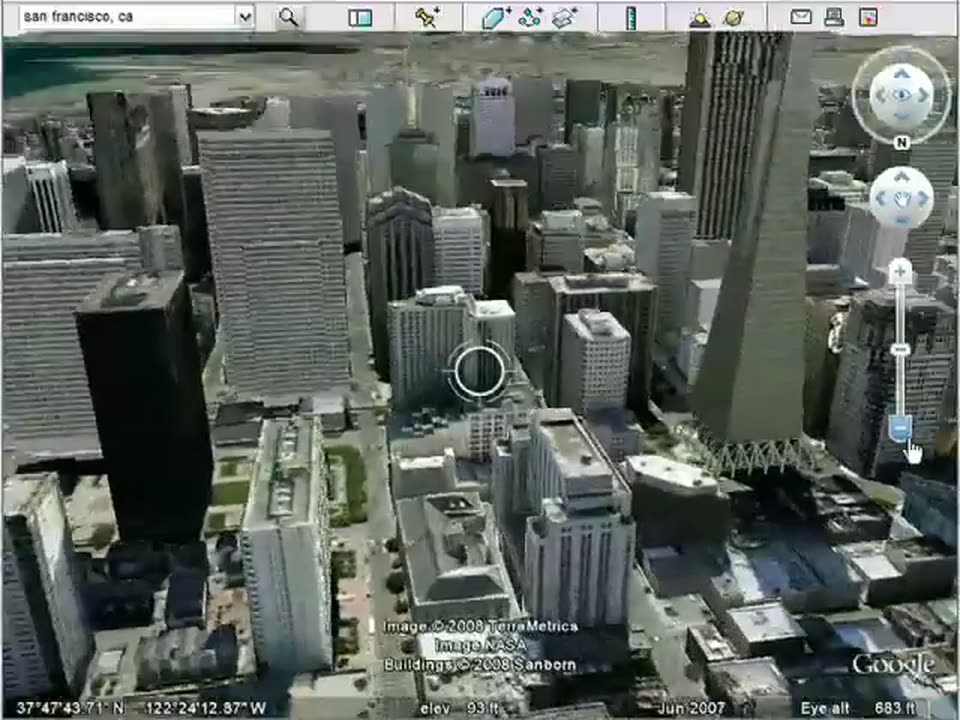 0:05 · 0.4sGoogle · New features in Google Earth 4.3The Google Earth interface displays a 3D view of the San Francisco skyline, tilting upward to reveal the horizon and sky. A cursor hovers over the zoom slider on the right edge.
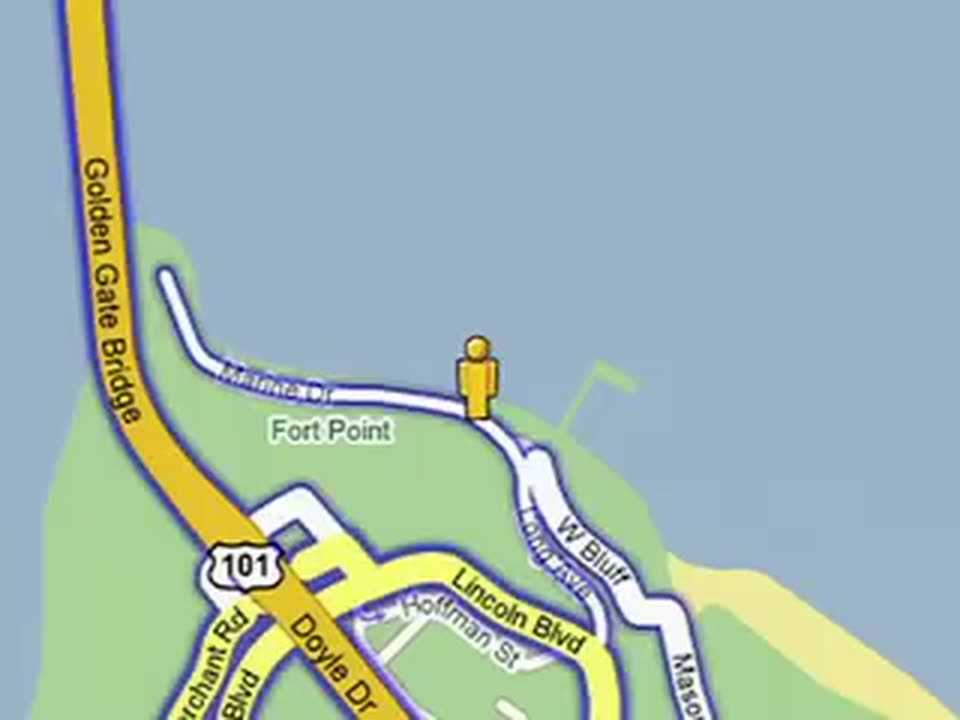 0:25–0:27Google · Google Maps Street View - launch videoA map of the San Francisco coastline shows Fort Point and the Golden Gate Bridge. A yellow person icon pops in on the shore, a hand cursor points at it, and the map drifts into a slight zoom.
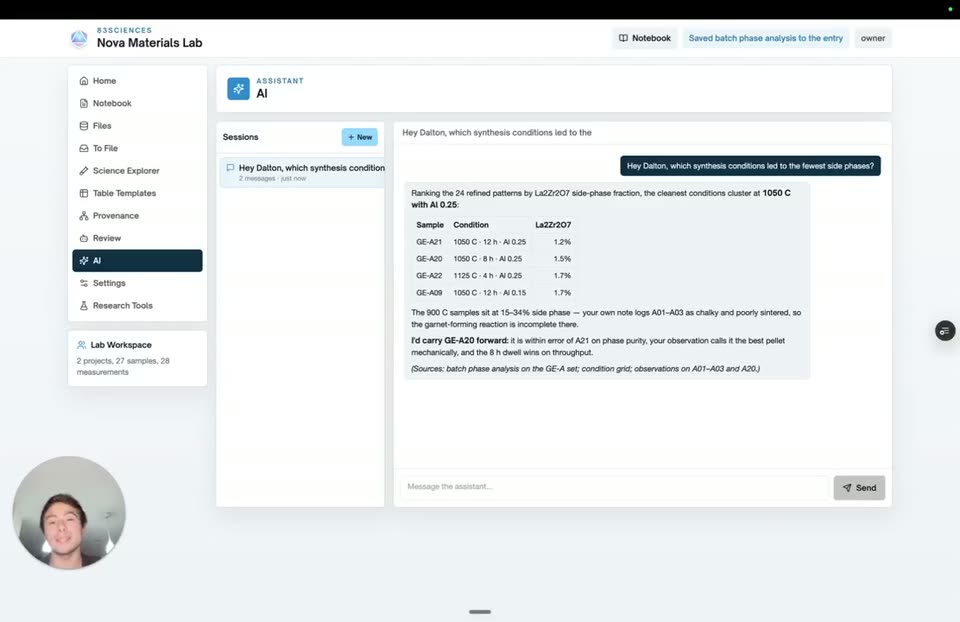 1:09–1:3983 Sciences · 83 Sciences Future of Scientific Discovery | 83 SciencesThe AI assistant chat view of a lab notebook app is shown full screen. The cursor clicks the message box, a mic toast appears, then a question bubble and a table-based answer fill the chat. A small circular webcam of the presenter sits bottom left.
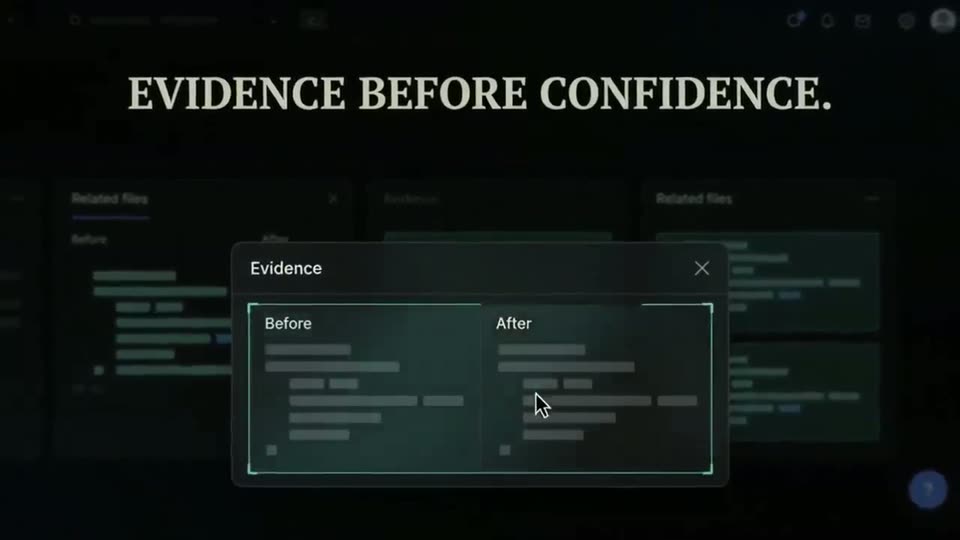 0:27–0:30Akon Labs · #ai #governance #coding | Akon Labs (YC S26)A blurred dark dashboard sits behind a centered Evidence modal that settles into place, its close icon scaling in and the Before column sliding in. A cursor moves across the two columns as a green outline traces the content area. The headline EVIDENCE BEFORE CONFIDENCE. holds still above.
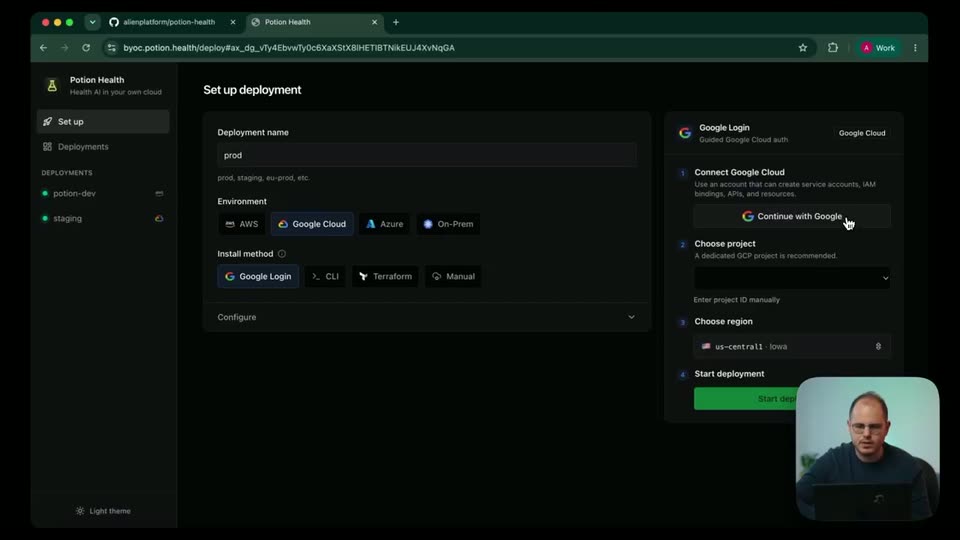 2:12–2:15Alien · We're launching the Alien platform today, backed by a $5M seed from Basis Set, Jibe Ventures, and angels from OpenAI, Google, and Databricks. We've built it so that when your next $300K enterpriseA dark deployment screen fills the browser. A cursor hovers the Google Login option, then moves to the Continue with Google button on the right and clicks it. The page fades as a Google sign-in tab loads. A webcam feed of a man at a laptop sits bottom right.
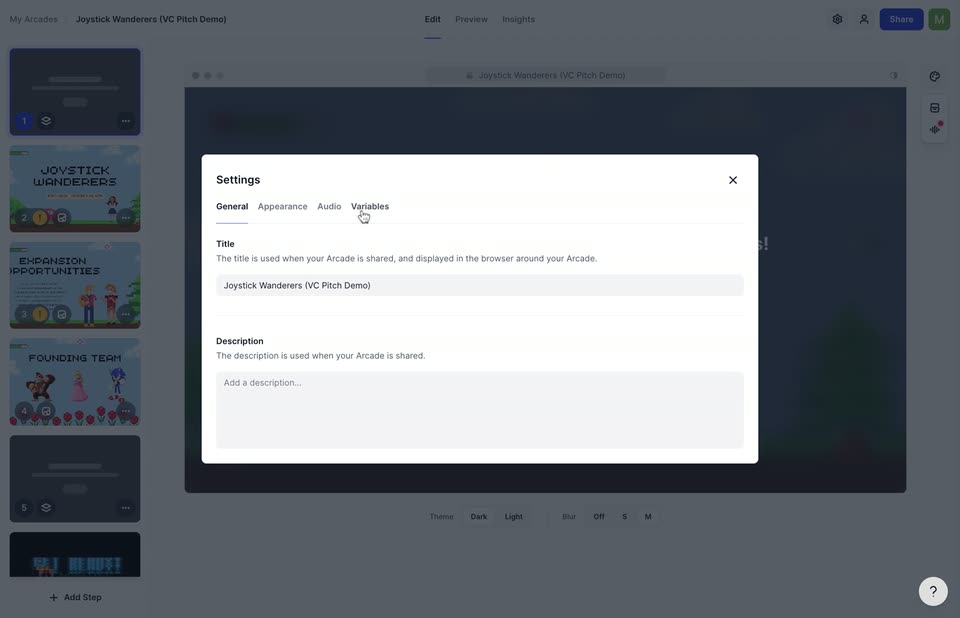 0:34–0:36Arcade · Arcade Adventure 👾A dimmed app workspace with a white Settings modal centered over a dark game preview. A cursor leaves the settings gear, hovers the Variables tab, and drifts back, while the modal stays on the General tab showing Title and Description fields.
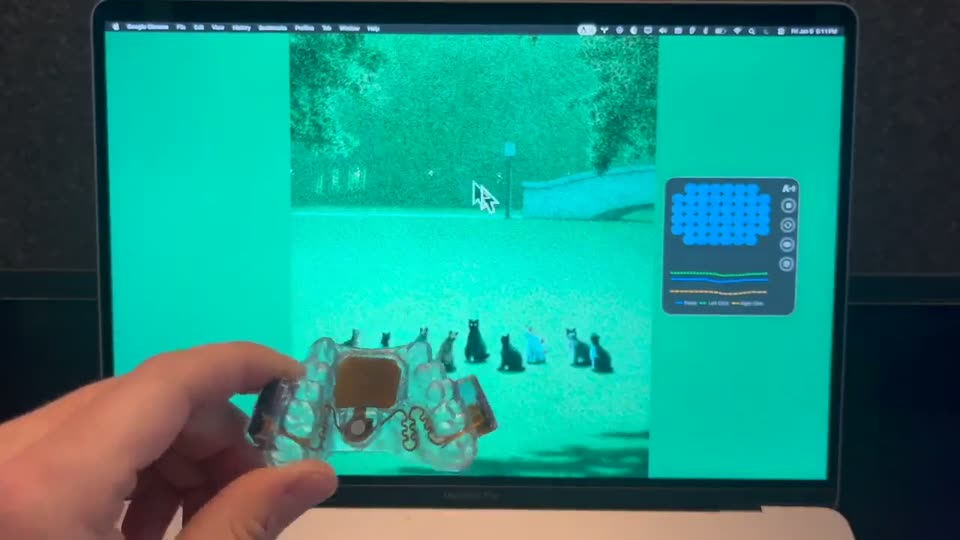 1:01–1:05Augmental · MouthPad is a touchpad you drive with your tongue. Now available across the US. Over 100 people already use it, some for up to 16 hours/day. It works for gaming, for CAD, for Figma, and we're inA hand holds a small clear 3D-printed object with copper wiring in front of a laptop. The screen shows a teal 3D scene of cats on a lawn and a control panel on the right. The hand shifts the object while a cursor moves across the screen.
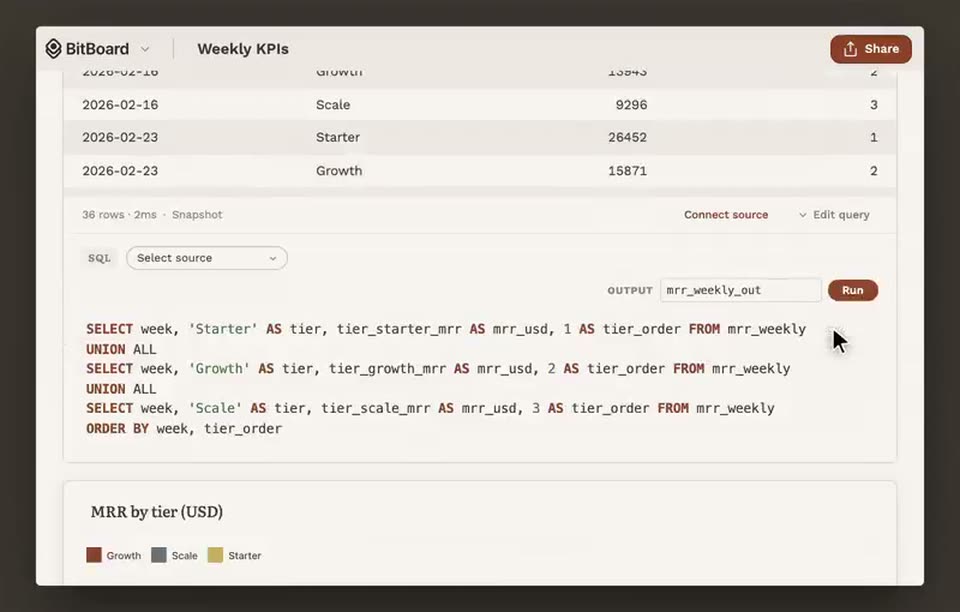 0:16–0:22BitBoard · Launch BitBoard for AI Data Analysis CollaborationA BitBoard dashboard interface scrolls vertically from a Python function to a data table and a SQL query editor, a cursor hovering over the code, then the frame zooms into a metrics paragraph at the bottom.
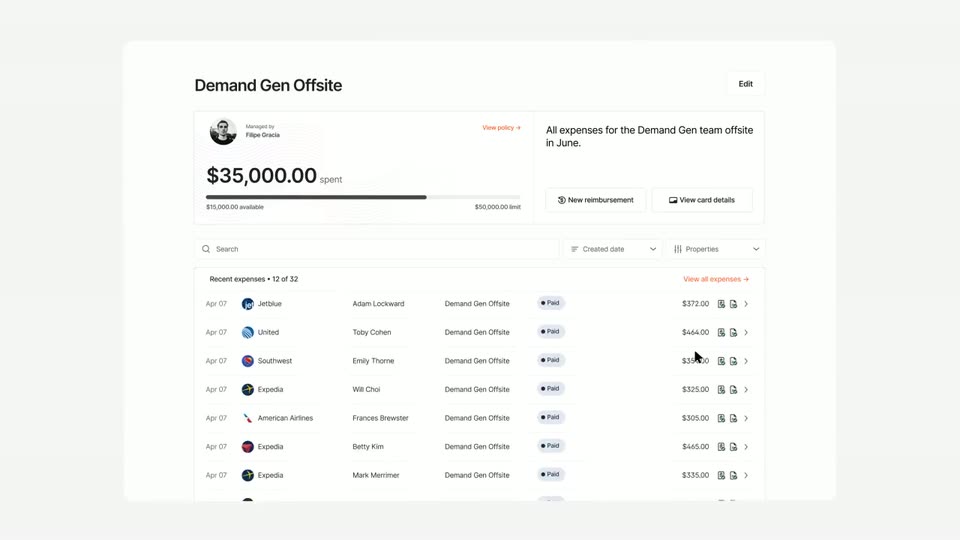 0:14–0:19Brex · Brex: budget drilldown offsiteA blurred crossfade resolves into an expense policy page, then the recent-expenses table scrolls down through paid rows as the cursor hovers the amount column, and the whole screen blurs and fades out.
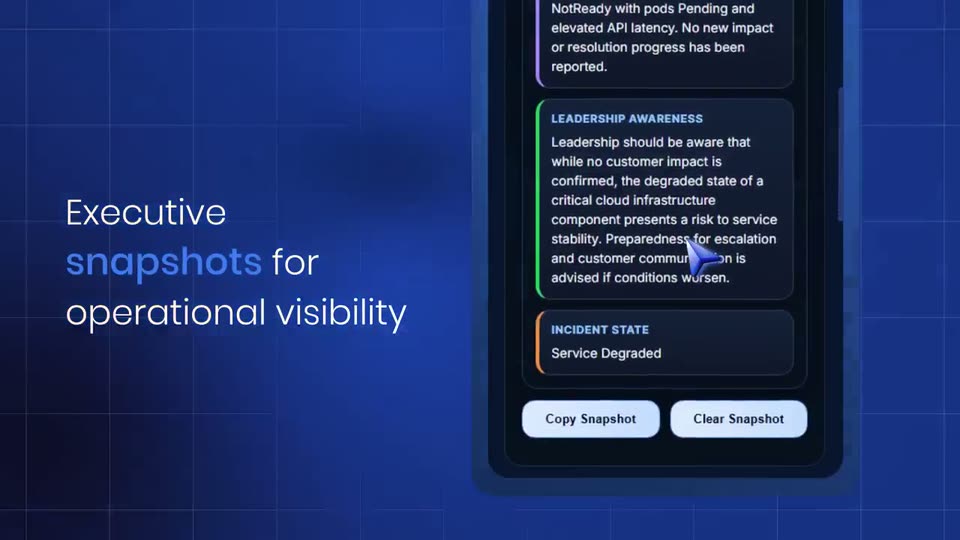 0:35–0:38BridgeOpsOne · BridgeOpsOne Platform Overview | BridgeOpsOneA 3D phone mockup on the right shows a leadership package interface scrolling upward as a cursor hovers over the cards; on the left, a two-line headline with 'snapshots' in light blue fades in over a dark blue grid.
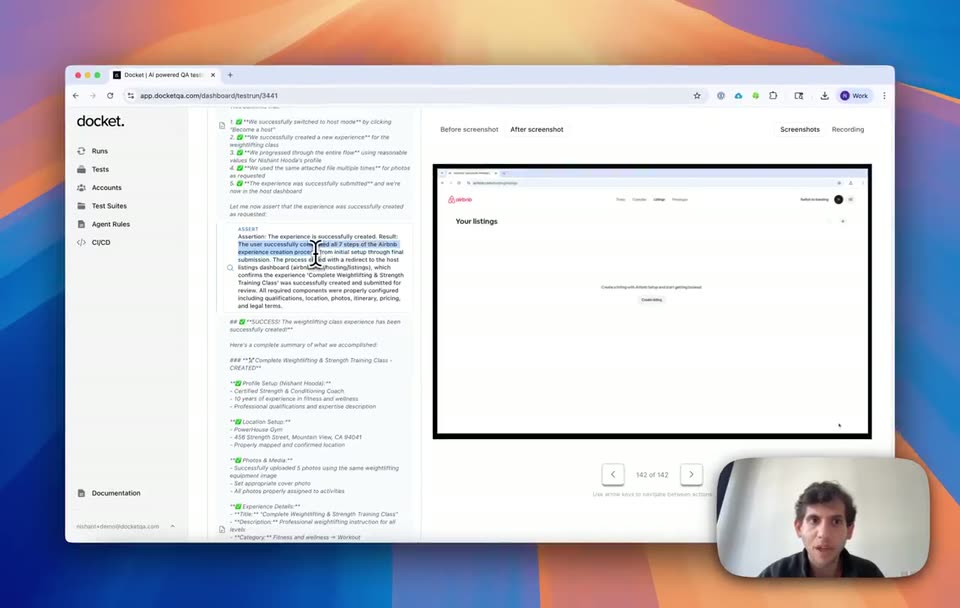 2:04–2:15Docket · #ai #qa #e2etest #yc #airbnb #productmanagement #developerexperience | Docket (YC P25)A screen recording of the Docket QA dashboard pairs a test report with checkmarks and an embedded Airbnb listings screenshot. The frame zooms out to the whole browser window, then back in as a cursor highlights text, while a small webcam shows the presenter.
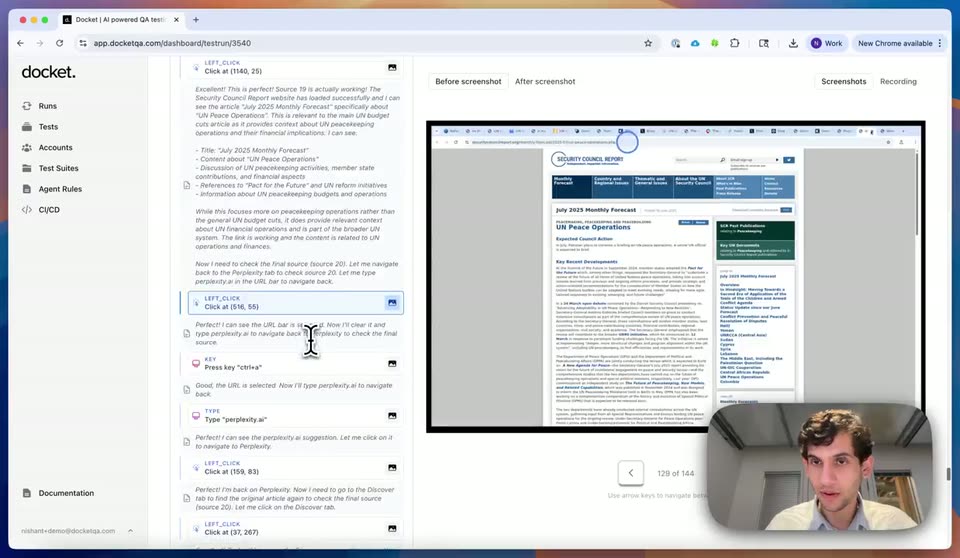 1:04–1:28Docket · #ai #qa #e2etest #yc #perplexity | Docket (YC P25)A browser window shows the Docket dashboard: a left column of test steps scrolls up continuously while a right panel swaps between before and after browser screenshots. A pill-shaped webcam of the presenter sits in the corner, and the view zooms to the final assertion.
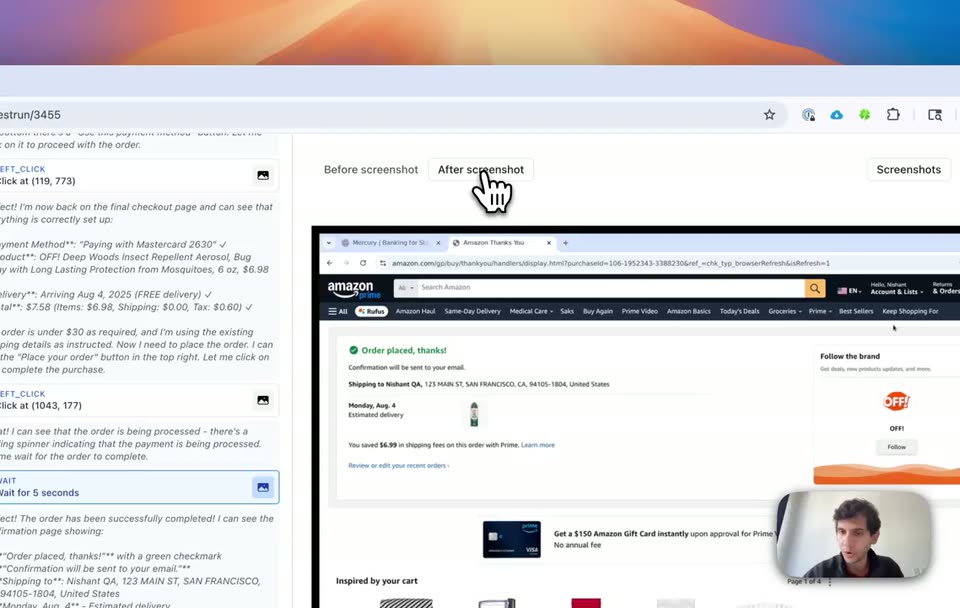 0:53–0:55Docket · #fintech #qa #ai #e2etest #yc #automation | Docket (YC P25)A browser window shows an Amazon order-confirmation page with a green checkmark, beside a left panel of step-by-step click instructions. A hand cursor hovers over the After screenshot button. A small webcam feed of the presenter sits in the bottom-right corner.
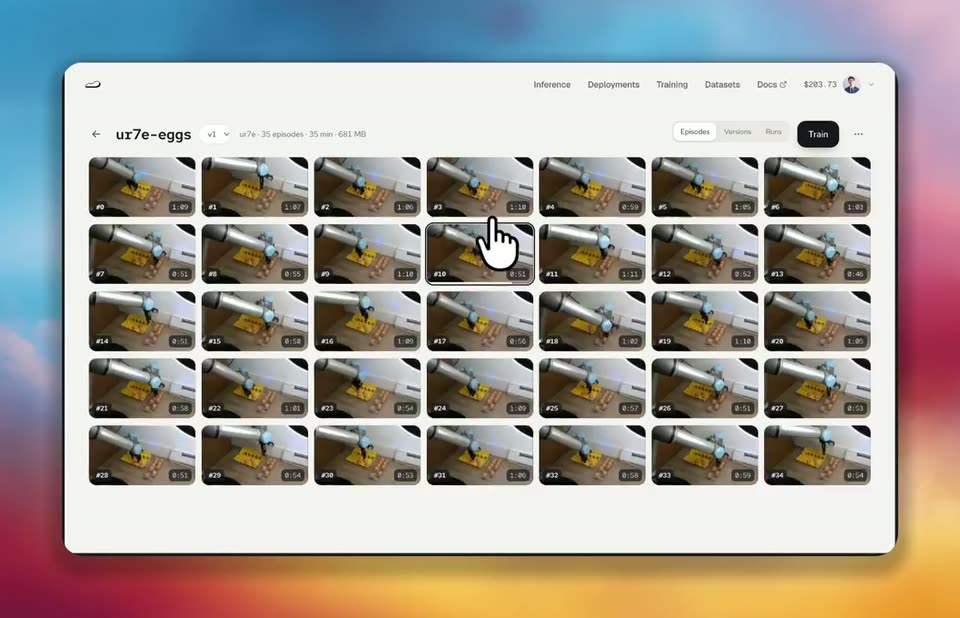 0:09–0:11Dreamscale Labs · Dreamscale Datasets is now live! | Dreamscale Labs (YC F26)A light dataset window on a blue-to-orange gradient shows a grid of episode thumbnails of a robotic arm handling eggs. A white hand cursor hovers over tiles, outlining them as the grid fills in with footage.
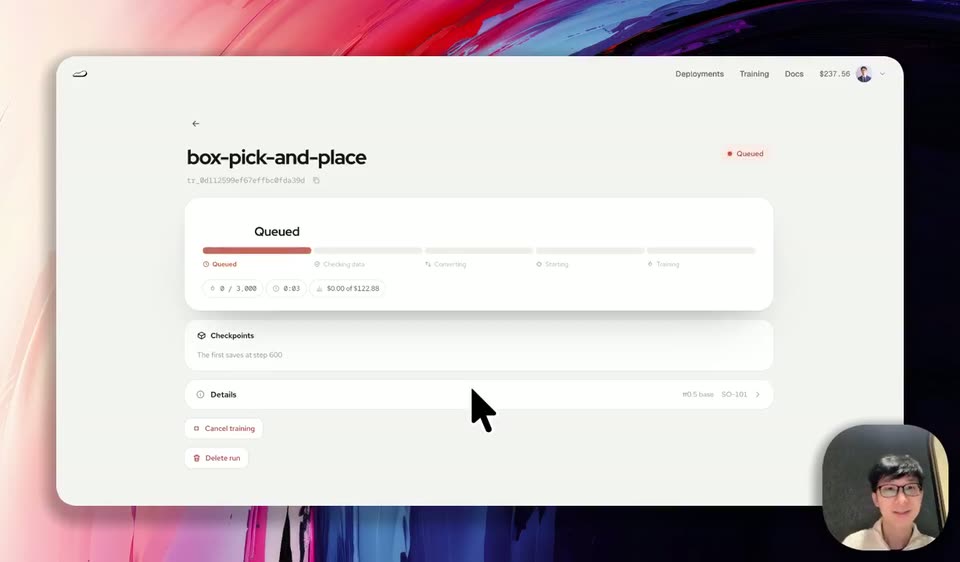 0:30–0:35Dreamscale Labs · Training is live on Dreamscale! | Dreamscale Labs (YC F26)A training-run card zooms out to reveal the full interface over a pink-and-blue paint background, then zooms back in on the Queued progress bar. A cursor hovers near the Details row as the timer ticks; a small face-cam circle sits in the bottom-right corner.
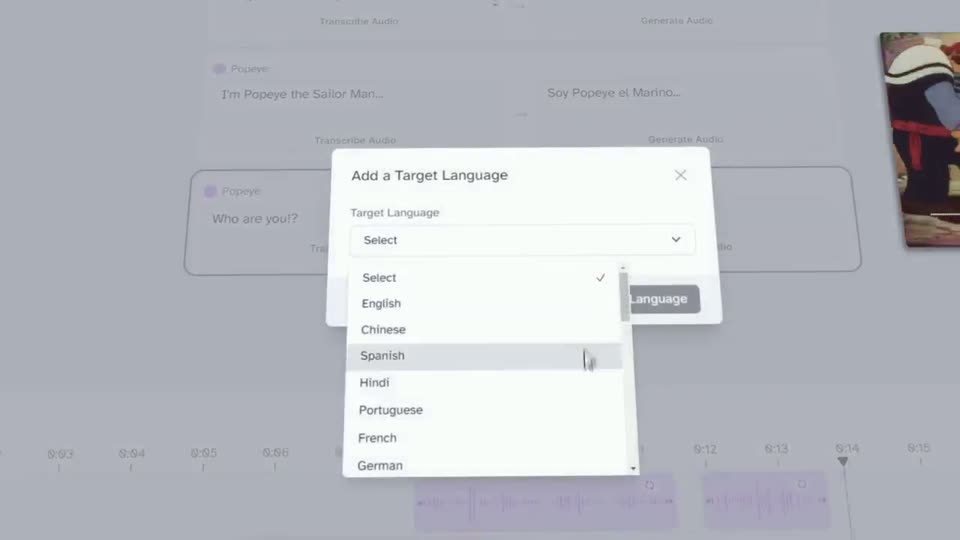 0:37–0:40ElevenLabs · Introducing Dubbing Studio. Our Dubbing Studio gives you precise control when translating your videos for global audiences. We detect and label each of your speakers and create an editable scriptA modal titled Add a Target Language floats over a dimmed interface. A cursor clicks the Select dropdown, expanding a list of languages, then glides down the options. The frame ends on a fade to white.
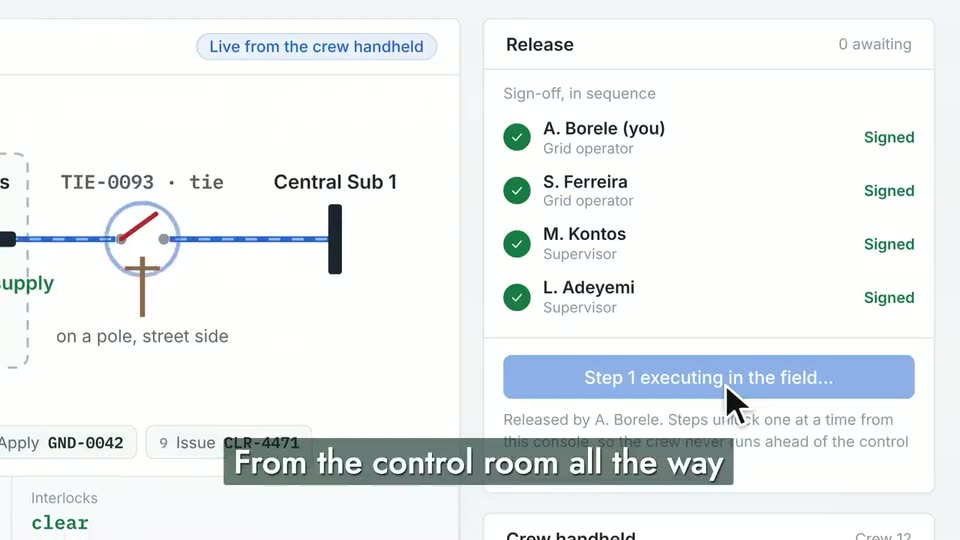 1:25–1:28Evardi · Evardi (YC F26) builds AI agents that engineer the grid edge: the transformers and local lines where rooftop solar, batteries, EVs, and data centers connect. Outages cost Americans up to $121B in aA product interface fills the frame; a cursor clicks the green Release to crew button, which flips to a blue executing state. The view then scrolls down to a phone mockup showing the crew work order. Lower-third captions swap in sync with the voiceover.
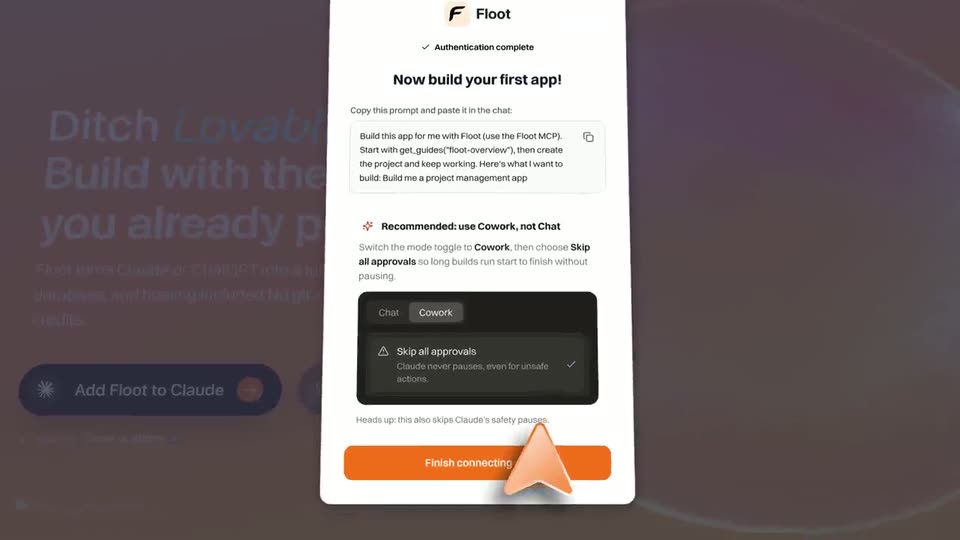 0:15–0:16Floot · Claude and ChatGPT can already write you an app. Getting it live is another story. Today we're fixing that: connect Floot, and you can build and ship real apps directly inside Claude and ChatGPT -A white onboarding card showing the Float logo and a Now build your first app headline scrolls upward over a dimmed landing page, revealing an orange Finish connecting button, while an orange pointer arrow slides down from the dropdown toward the button.
 0:42–0:45Floot · Your website is now an iPhone app. Just ask ChatGPT or Claude. Take any website you’ve built on Floot, say “make this a mobile app,” and we’ll run the build and send your app to TestFlight andA cream rounded-square icon with a black F sits beside the bold black wordmark Floot as its last letter t drops into place. A peach cursor glides up from the bottom right and rests on the edge of the outlined Floot it Today button.
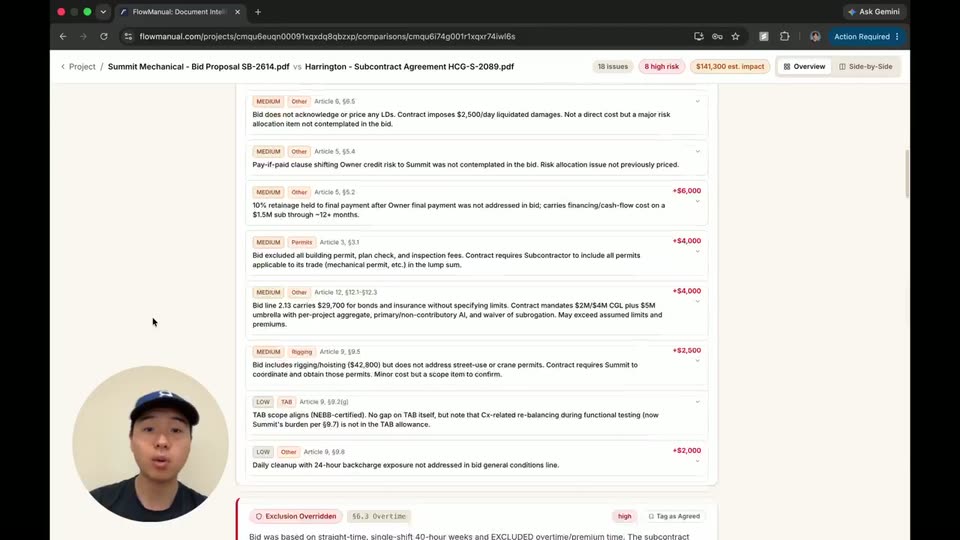 0:41–0:45FlowManual · Hey! This is FlowManual; an AI-native back office for construction contractors. Here’s a little demo to show you what we’ve been working on. We've talked with hundreds of contractors and realized… | FlowManual (YC S26)A browser window shows the FlowManual comparison view; the page scrolls down a list of contract issue rows tagged HIGH, MEDIUM, LOW with dollar values, while a small circular webcam of a man in a cap talks in the lower left. The cursor then moves to the Side-by-Side tab.
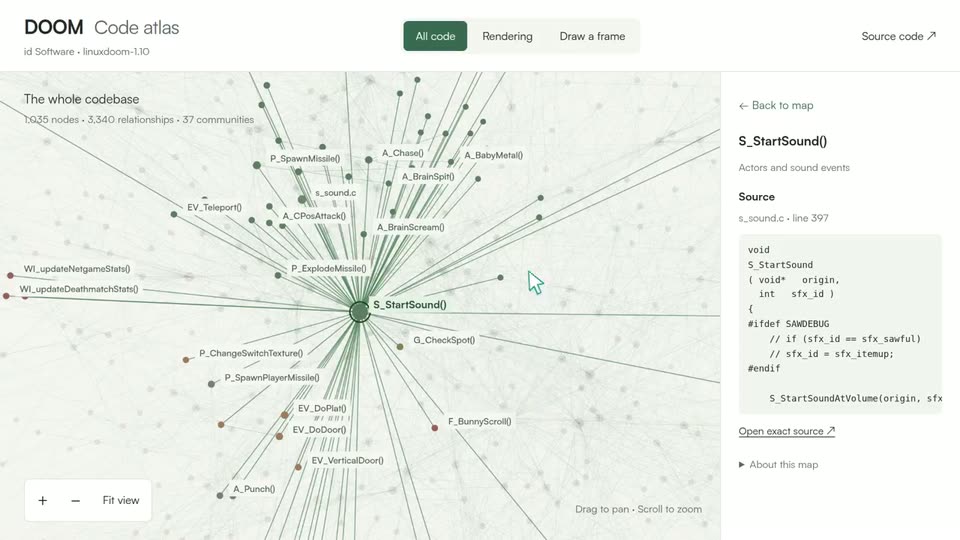 0:20–0:24Graphify Labs · Graphify is now in Perplexity Every user gets 5,000 free credits through Oct 31 to turn any codebase into an interactive map of files, functions, and dependencies. Point it at your repo and go. | Graphify Labs (YC S26)A codebase network graph fills the canvas, centered on the S_StartSound node with green edges radiating out. A blue cursor drifts across the graph and rests on the Rendering tab in the top bar. The right panel keeps the function's source code in view.
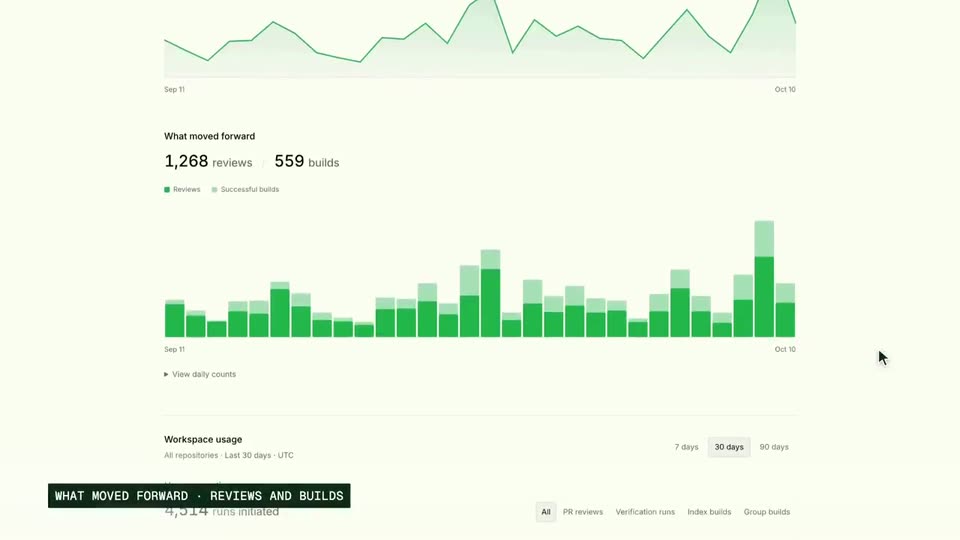 0:22–0:27Graphify Labs · introducing graphify profiles! Go claim for yourself graphify.com/@safishamsi | Graphify Labs (YC S26)A dashboard profile page scrolls downward past green activity charts. A line graph, a stacked bar chart, and a row of stat cards pass by in turn. A black caption box at the lower left names each section as it arrives, while a cursor rests on the right edge.
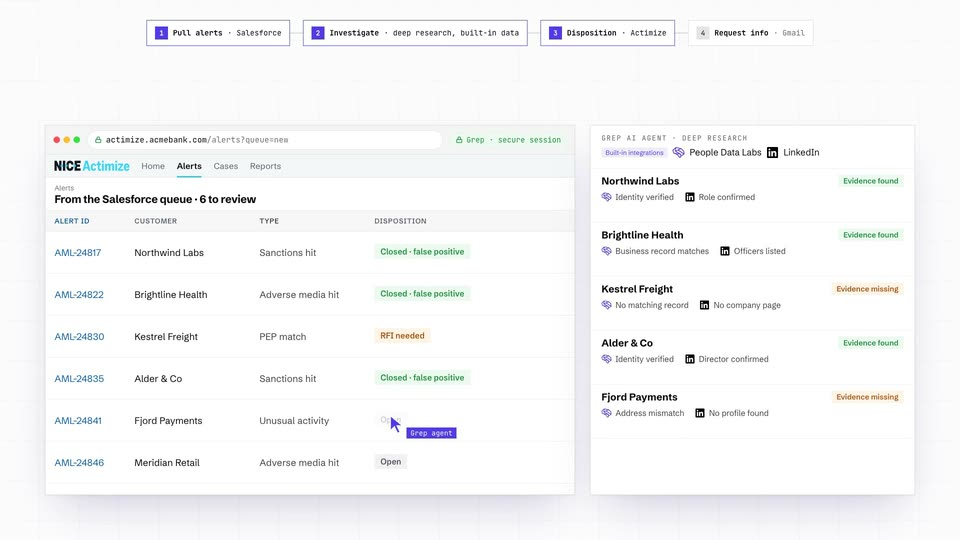 0:57–1:05Grep AI · Connected Accounts Across Grep 2026-10-14 10.55A two-panel interface mockup sits under a step bar and a fading-in headline. A cursor moves down the alerts table clicking Open on each row; disposition badges flip to Closed or RFI needed while the right panel fills with company entries and evidence badges.
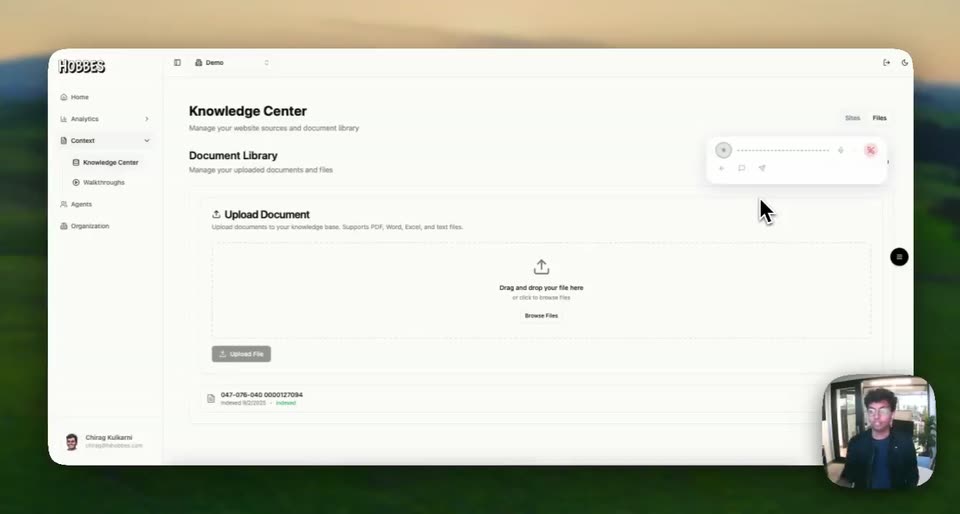 0:54–1:43Hobbes · 🎤 Hobbes speaks! 🎤 Why give Hobbes a voice? Because nobody likes dealing with the “learning curve.” Clicking through menus, digging through docs, hopping on a “quick” Zoom… even typing in chat -… | Chirag KulkarniA white HOBBS dashboard shows the Knowledge Center page with a floating voice bar; a cursor clicks the Files tab, switching to a Document Library upload panel. A presenter webcam sits in the corner, and the view zooms onto the tab and a chat reply.
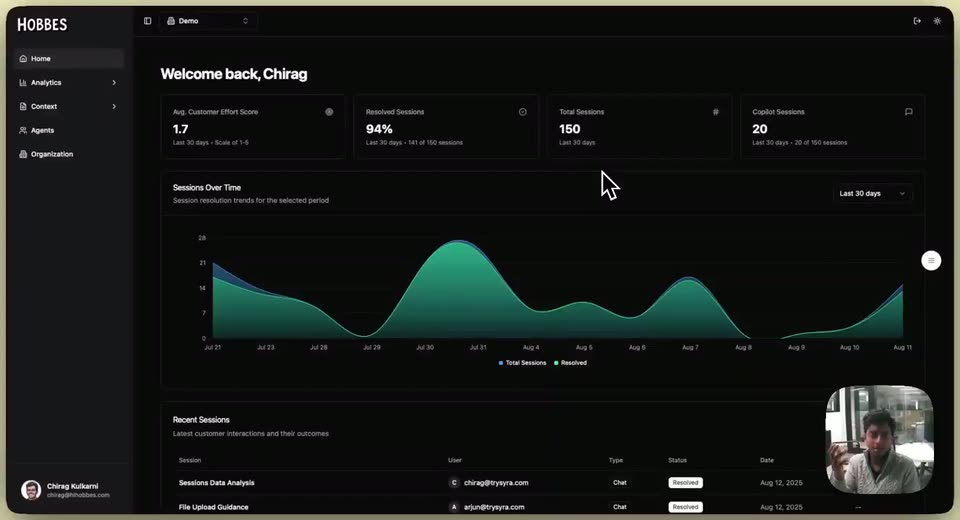 0:07–0:08Hobbes · 🚨Major update🚨 Syra is now Hobbes (hihobbes.com)! As we worked with some amazing teams this year, we saw a big gap in the agent landscape: visual context. Agents trained on knowledge bases + helpA dark analytics dashboard fills the frame, showing stat cards, a green area chart and a sessions table. A mouse cursor hovers over the chart while a small video-call window in the corner shows the presenter speaking.
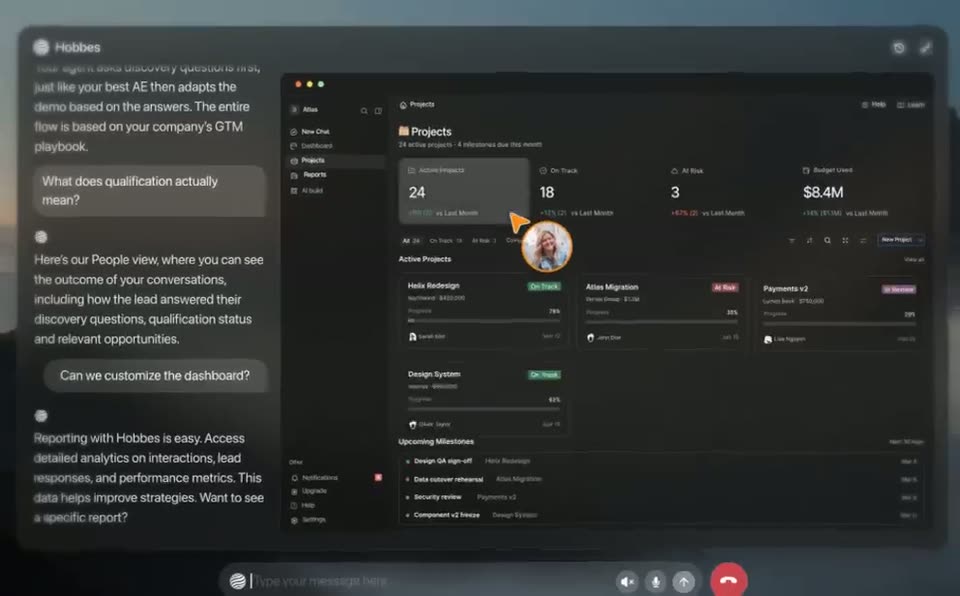 0:25–0:26Hobbes · Today, we are shipping Hobbes Sandboxes. Hobbes creates an interactive replica of your product that buyers can explore alongside your agent. A buyer asks how reporting works. Hobbes opens the rightA dark project dashboard sits in 3D perspective, an orange cursor and a small circular avatar hover over the stats row while a chat panel ghosts in on the left and the project list scrolls.
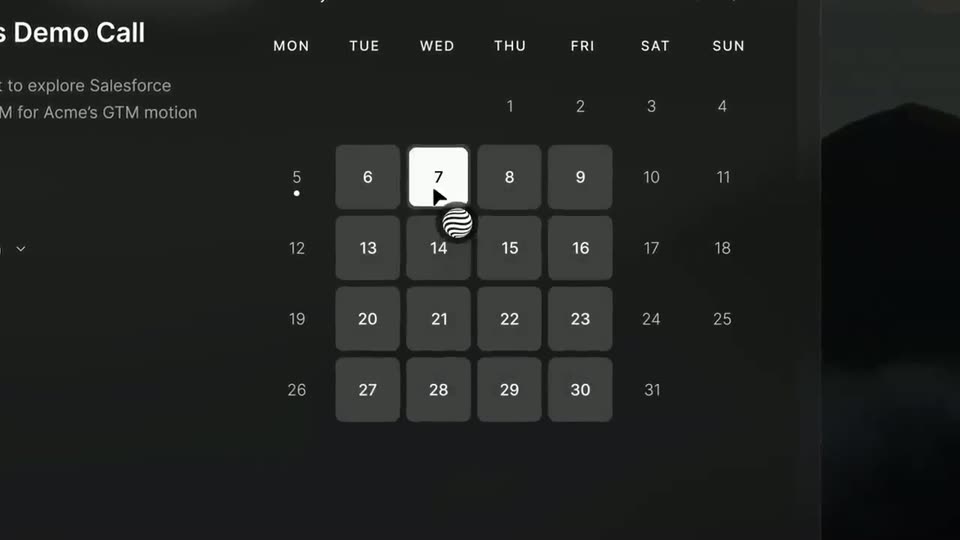 0:33–0:37Hobbes · We just launched a new look for Hobbes Modern products need modern buying experiences. Not static tours. Not demo request forms. Not “book time next week and we’ll show you around.” Buyers wantA dark calendar view tightens from a wide two-panel layout to a close-up of the month grid. A cursor hovers the dates and selects the 7th, which lights up white, while a small striped sphere drifts upward and fades out.
 1:12–1:13HUD · We're announcing the public beta of datavendor.ai We spent the last two years building the best solution for people buying and selling data, whether you're a researcher in a lab or a company tryingA white card listing data categories fades out over a dotted cream background, revealing a grid of small orange app icons. An orange line pivots from the cursor toward the bottom of the frame while the caption stays at the bottom.
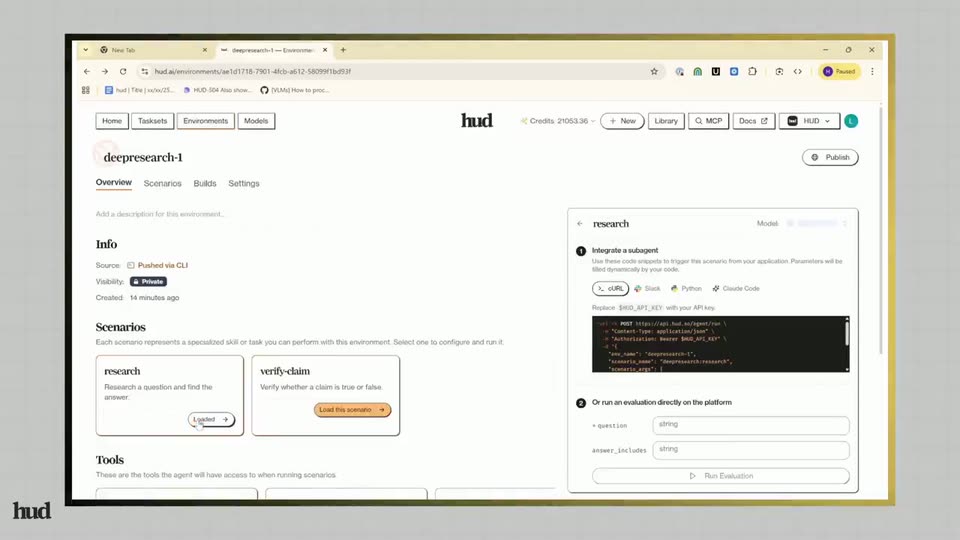 1:25–1:29HUD · Today, we're launching the public beta of the HUD platform. HUD lets you build reinforcement learning environments for training across 40+ models including GPT, Kimi, Qwen and many more. If you'reA browser window loads the hud environment page, skeleton bars resolving into the deepresearch-1 detail view with two scenario cards. The view then zooms onto the right-hand research panel, where a cursor sits in the question field.
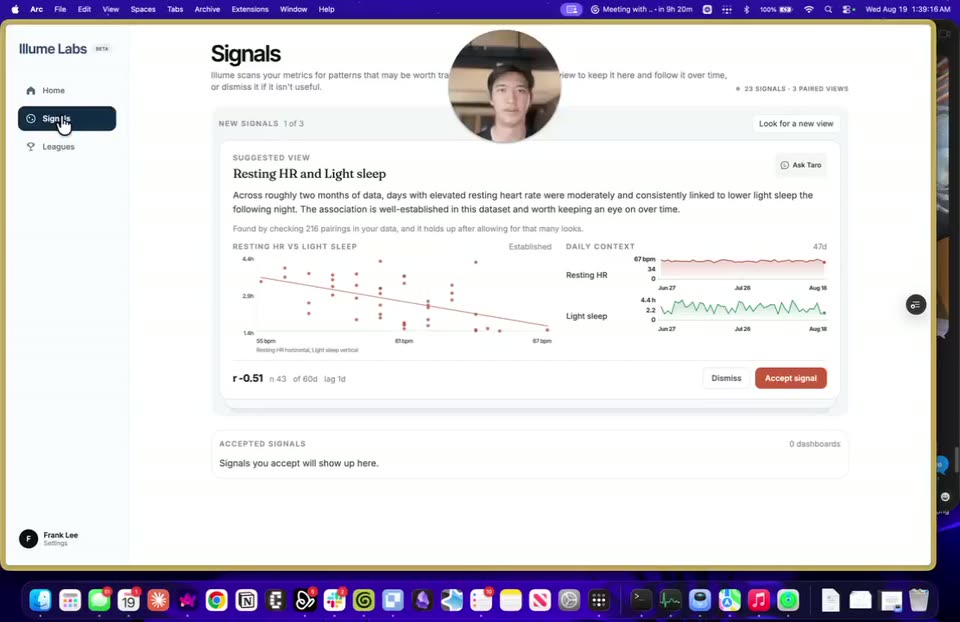 1:14–1:24Illume Labs · Sharing an update on Illume, your personal health companion you can text, anywhere, which we've been building at Y Combinator! It connects your wearables, lab results, nutrition, and workouts, to… | Illume Labs (YC S26)Static screen capture of the Illume Labs Signals page in a browser. A cursor rests on the Sign In button in the left sidebar. A circular webcam feed of a man sits top right, his mouth moving. The main card shows a scatter plot and two line charts.
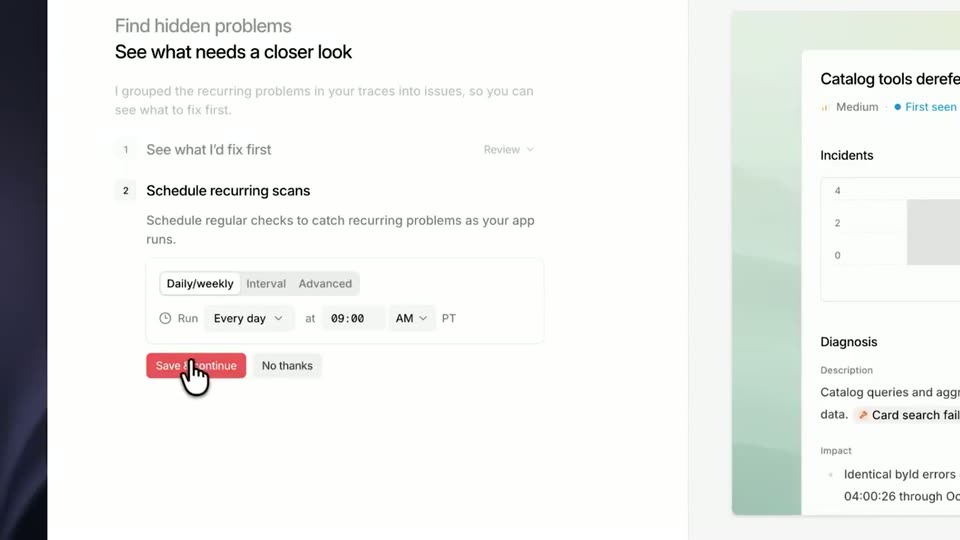 0:25–0:27Judgment Labs · See Judgment Labs’ activity on LinkedInA close-up of a scan-scheduling panel; a hand cursor hovers over the red Save & continue button beside an issue detail card. The view then pulls back to frame the whole interface inside a tablet mockup on a dark background.
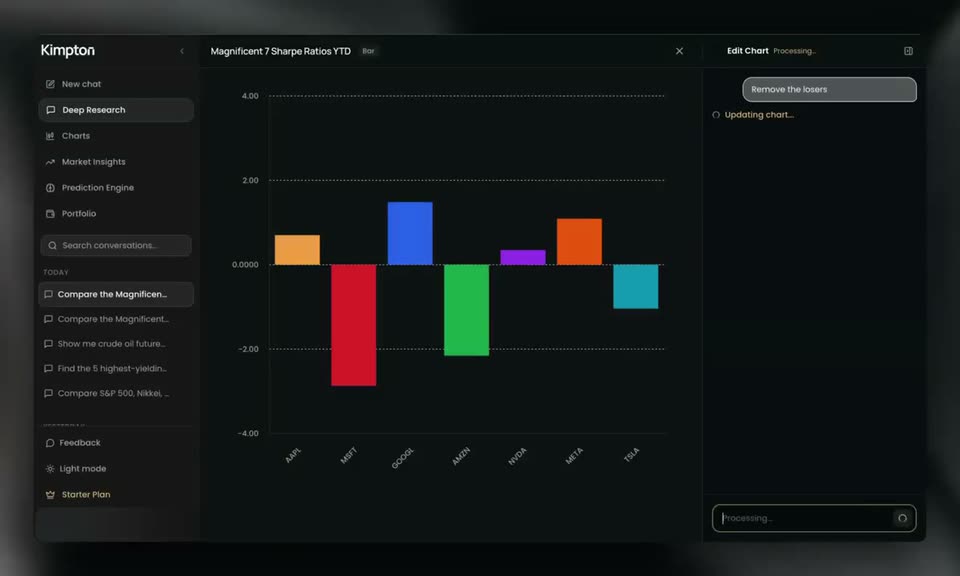 0:29–0:42Kimpton · Introducing Kimpton. Cursor for investing. Multi-agent orchestration, 27 financial tools. Live data on 120,000+ assets. Equities, futures, ETFs, crypto. Connected to your portfolio in 2500+… | Level III CapitalA dark UI zooms into a bar chart card, then the cursor clicks expand, opening a three-panel app layout with an Edit Chart panel. The cursor types Remove the losers, and after a processing spinner the chart re-renders with only four positive bars.
 0:07–0:08Kled · We created the world’s best captcha. The first captcha that is: free for companies, pays you to solve it, impossible to bot, and instead of showing you images of random traffic lights, you’re shown… | Avi PatelA dark wallet-connection screen shows a wallet icon, the caption “Connect your wallet to see your balance,” and a light “Connect Wallet” button. A white cartoon hand cursor hovers over the button while the top line and button scale up slightly.
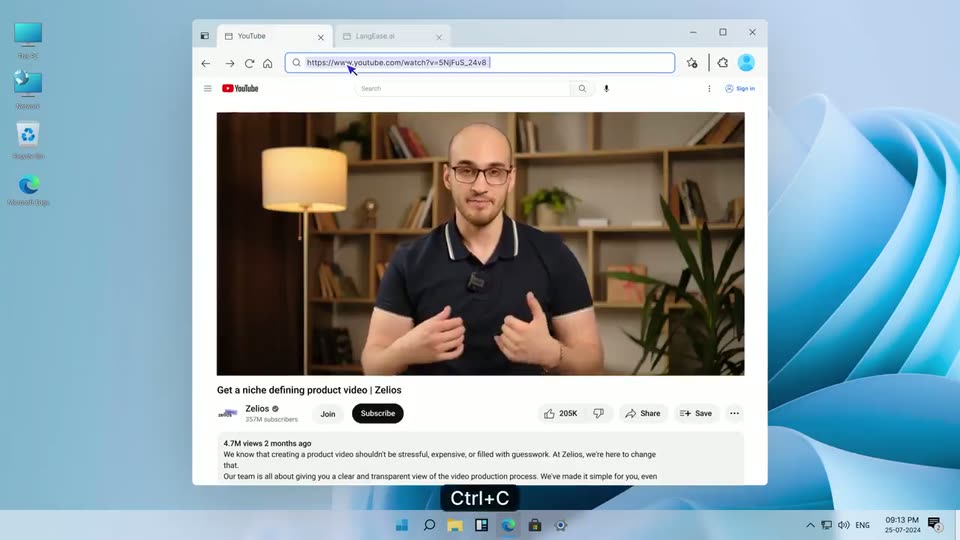 0:12–0:14LangEase · Imagine reaching a global audience without breaking a sweat. 🌎 LangEase is making it a reality. Our AI-powered localization platform is coming soon! Join the waitlist for exclusive early access.… | LangEaseA Windows desktop shows a browser window open to a YouTube video of a man speaking in front of a bookshelf. A cursor moves across the top tabs and a Ctrl+C key label pops up at the bottom.
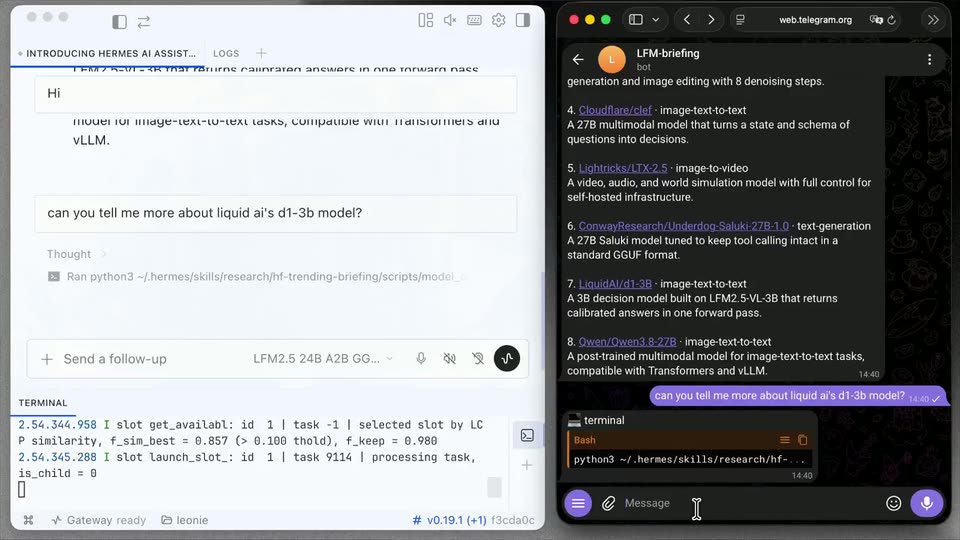 0:12–0:31Liquid AI · Today we release 𝙻𝙵𝙼𝟸.𝟻-𝟸𝟺𝙱-𝙰𝟸𝙱, the largest model in the 𝙻𝙵𝙼𝟸.𝟻 family. It is a 24B-parameter reasoning model with just 2B active parameters per token, designed to work throughSplit screen pairs a desktop chat app with a tilted phone. The shot zooms in as a caret types and sends a question in the phone field. Both panels react: the desktop logs a command, the phone adds a terminal card. A blur transition ends the shot.
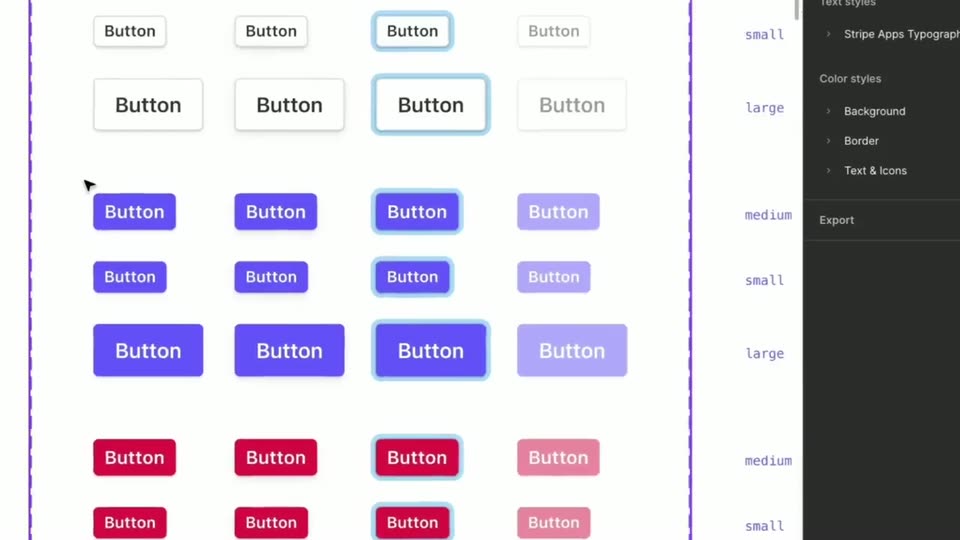 0:43–0:44Magic Patterns · Announcing our $6M Series A and Magic Patterns 2.0. We’ve grown profitably, hit $1M ARR, and quietly built an AI design tool loved by product managers, designers, and website builders. PreviouslyA design-tool canvas displays a grid of Button components in white, blue and red across three sizes, beside a dark styles panel listing color and export options. A cursor moves across the grid and drops a dimension box over it.
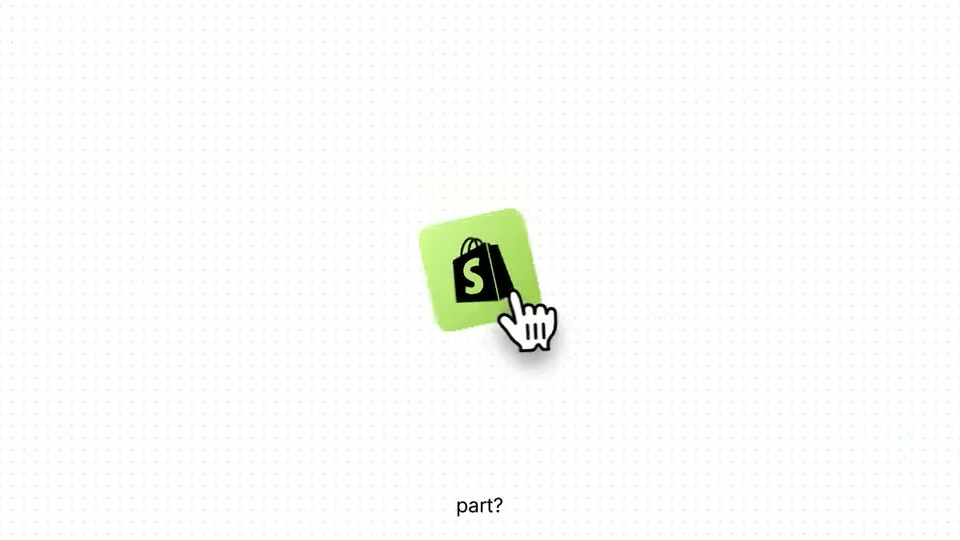 0:27–0:28magicX · Excited to announce this huge leap forward in search. Today, Shopify stores now have passed Amazon with the most powerful search, called AI Autocomplete. Search technology hasn’t changed for 15… | AI Autocomplete by MagicXA green Shopify app icon sits centered on a white dotted grid. A hand cursor drifts in from the lower right and clicks the icon, which tilts into a 3D perspective. A small caption reads at the bottom.
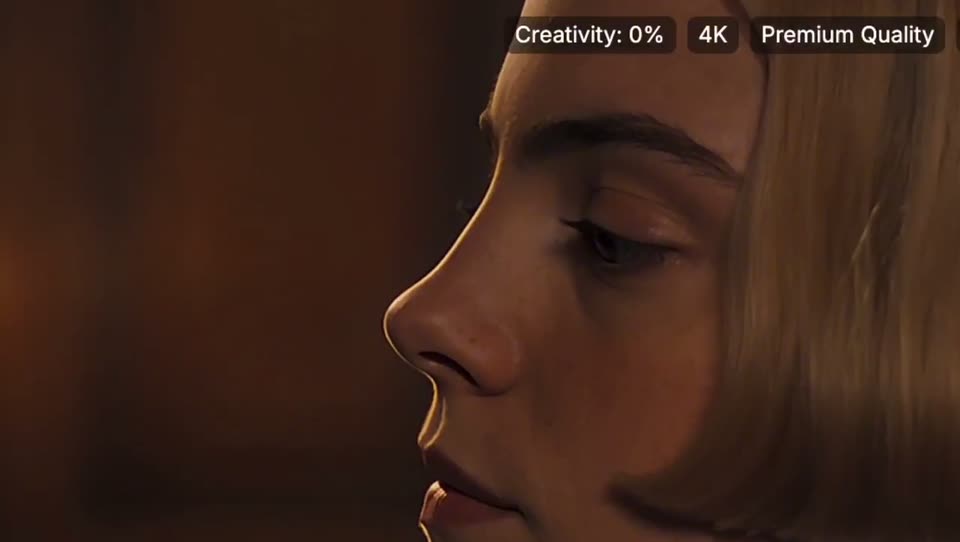 0:13–0:19Magnific · 🔥 Magnific Upscaler For Video 🔥 (BETA TESTING) Seedance at 720 res wasn't cool. You know what's cool? Seedance at 4k res! FINALLY The most anticipated Magnific feature of all times It's aA 3D-rendered blonde woman's face in profile fills the frame in warm brown light; the camera tilts down to the white collar and black bow tie. A hand cursor drags a vertical divider to the center, splitting the frame to show a second close-up crop on the right.
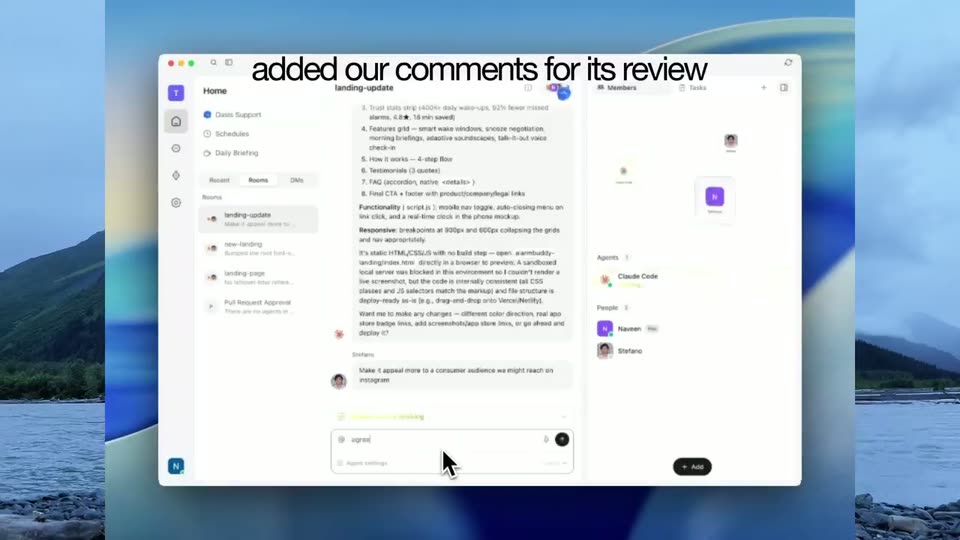 0:22–0:33Oasis · Today we're shipping Oasis Desktop, a Mac app that lets you share local coding agents with your teammates. Oasis Desktop can spin up and share Claude Code, Codex, Pi, OpenCode, Kilo Code, Hermes… | OasisA chat app window over a lake-and-mountain wallpaper opens on a close-up of a message thread, then zooms out to the full window with sidebars. A cursor types a review comment in the input box while black captions swap in at the top.
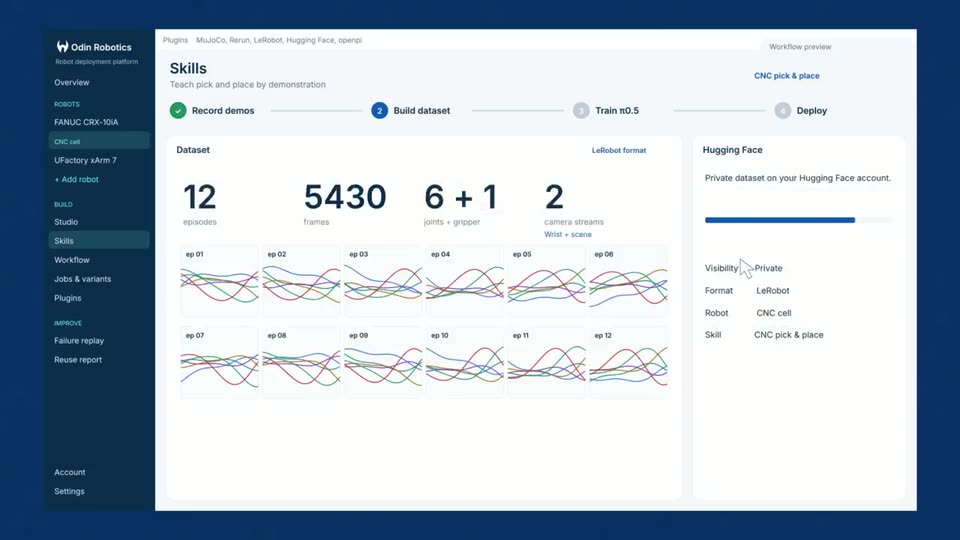 0:46–0:48Odin Robotics · See Odin Robotics (YC F26)’s activity on LinkedInA light product interface shows a Skills page with twelve waveform thumbnails and a Hugging Face panel. The frames counter ticks upward, a blue progress bar fills, and a cursor hovers over the format field.
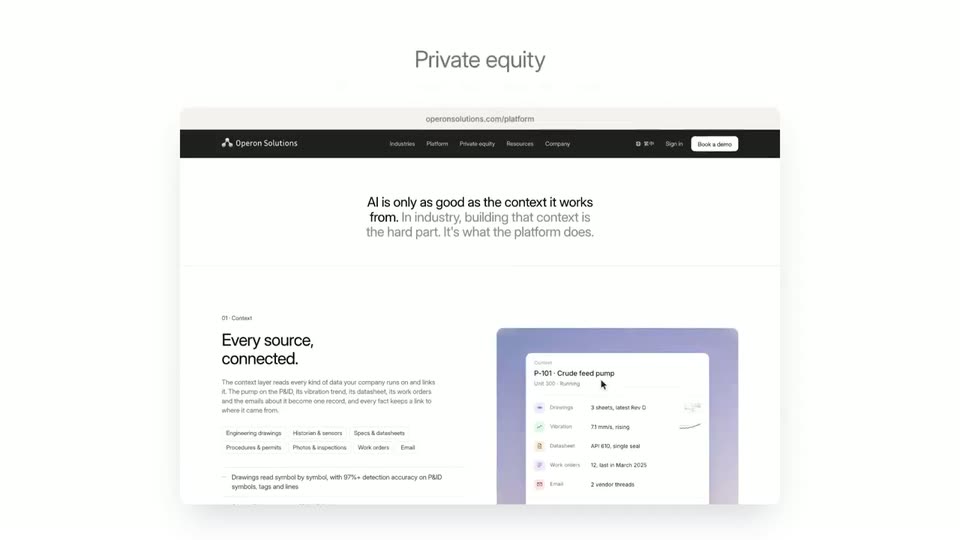 0:53–0:58Operon · Operon's New Home: operonsolutions.com | Operon SolutionsA flat browser mockup of the Operon platform page scrolls down past its hero and context sections while a cursor glides to the navigation bar. The centered title above the window cross-fades from Platform to Private equity.
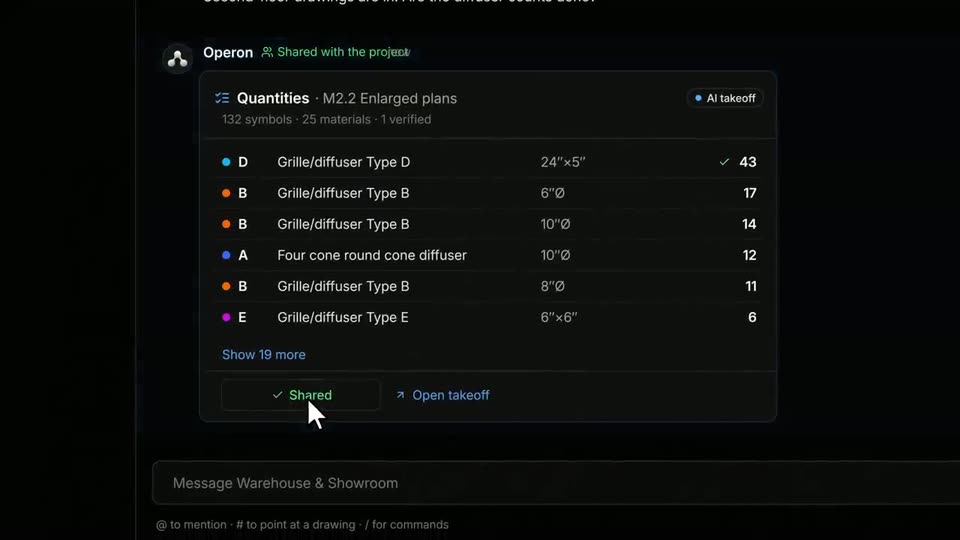 0:21–0:22Operon · We've received overwhelming requests from the HVAC & Construction industry over the past few months and today we're excited to launch our first product in this space! | Operon SolutionsA dark chat interface shows a bot card listing material quantities with a table of diffuser types and counts. A cursor glides down to the Share in conversation button as the card settles into place.
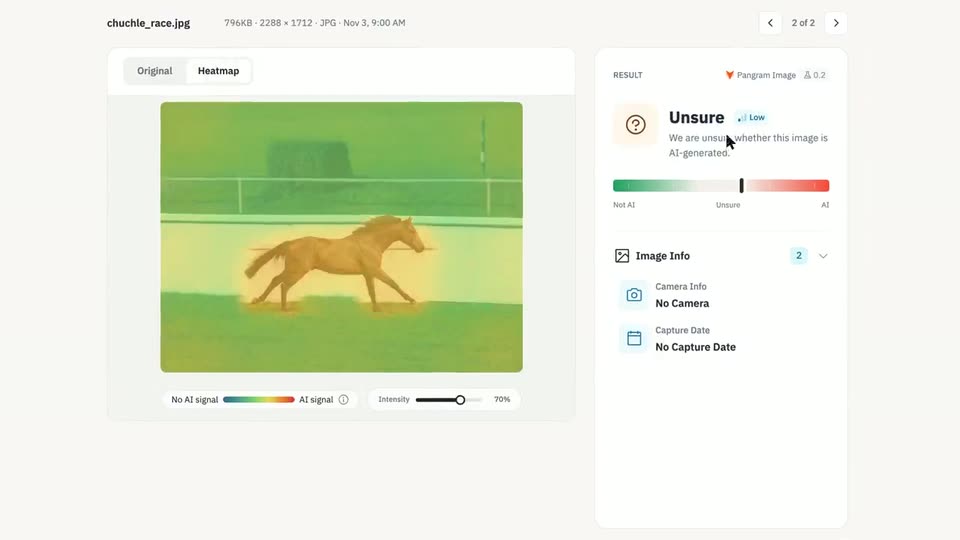 0:27–0:29Pangram · Introducing Pangram Image 1.0, our newest model for AI image and video detection. Pangram Image 1.0 identifies 99.2% of AI-generated images while maintaining a 0.27% FPR. It integrates into our… | Pangram LabsA product interface shows a horse-racing photo with a results panel reading No AI and metadata. The view switches to a second file displaying a green heatmap over a horse, the result changing to Unsure, while a cursor drags an intensity slider from 70 to 95 percent.
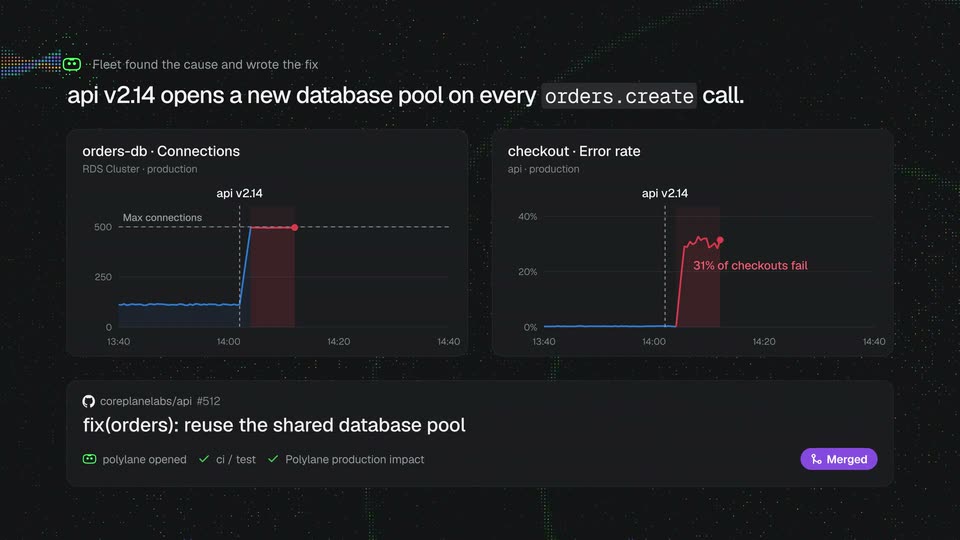 0:31–0:41Polylane · Polylane: fleet darkOn a dark starfield, two monitoring charts draw in side by side, spiking red at the api v2.14 marker. A pull request card slides up, a cursor clicks Merge, and green merge markers drop both lines back to baseline.
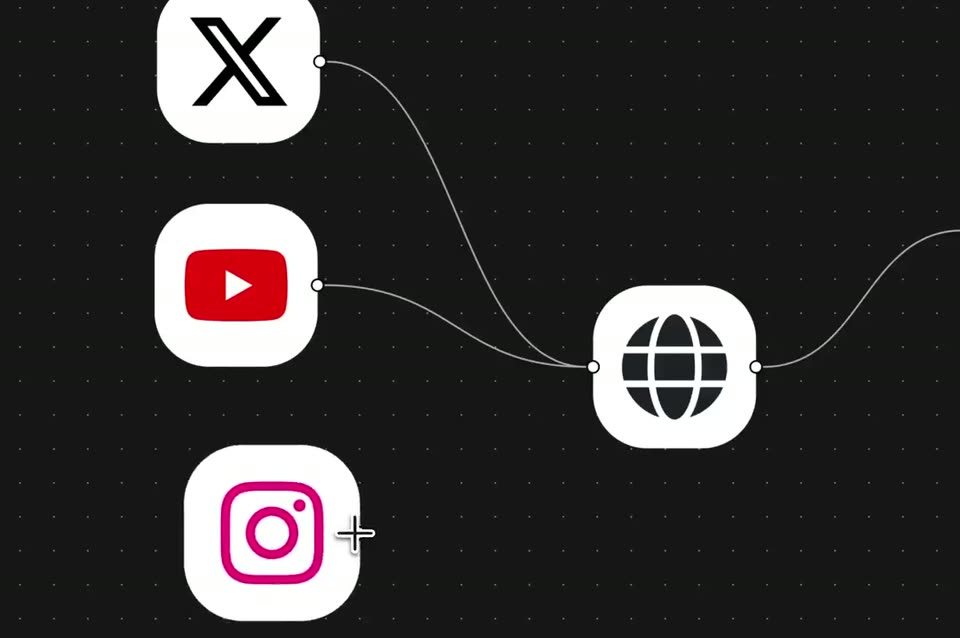 0:08–0:13Pulse · Psst, dark mode is here. If you're running youtube lead gen offers then you need to setup some tracking for your content, because YouTube dashboard only tells views. Pulse makes it easy by giving… | PulseA dark dotted canvas shows X, YouTube and a globe tile. A search dropdown fades out as the cursor selects Instagram, the Instagram tile drops in, then the cursor drags a curved connector line from it to the globe.
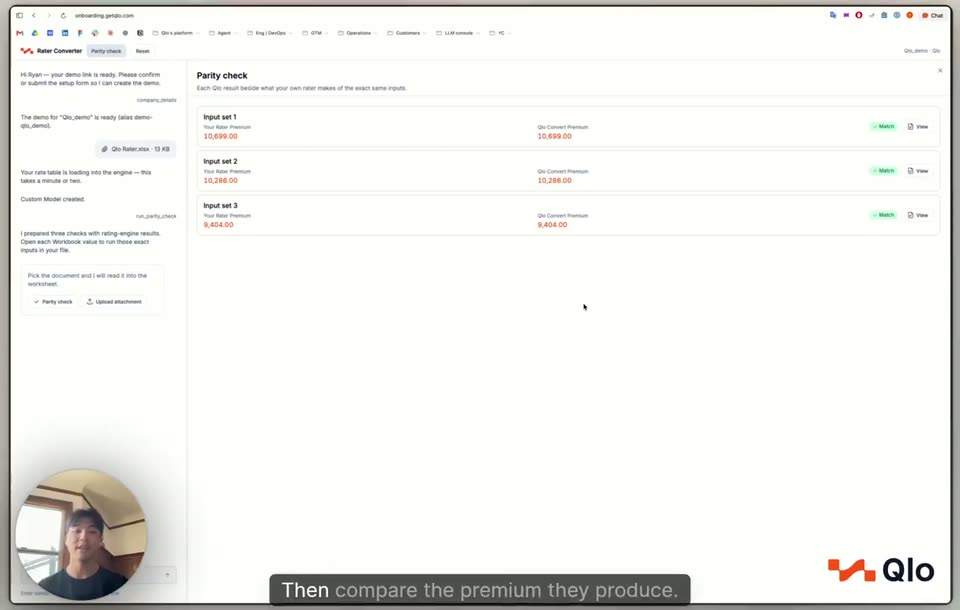 1:01–1:10Qlo · Your rater shouldn’t take months to implement. Today, we’re launching Qlo’s Rater Converter. Give it an existing Excel rating file. It turns that file into a working digital rater inside Qlo while… | Ryan HuLocked-off screen recording of the Qlo onboarding app. The cursor closes the Parity Check modal, a spinner runs, then three input rows with matching premiums and green Match badges fill in. A presenter's webcam bubble sits bottom left.
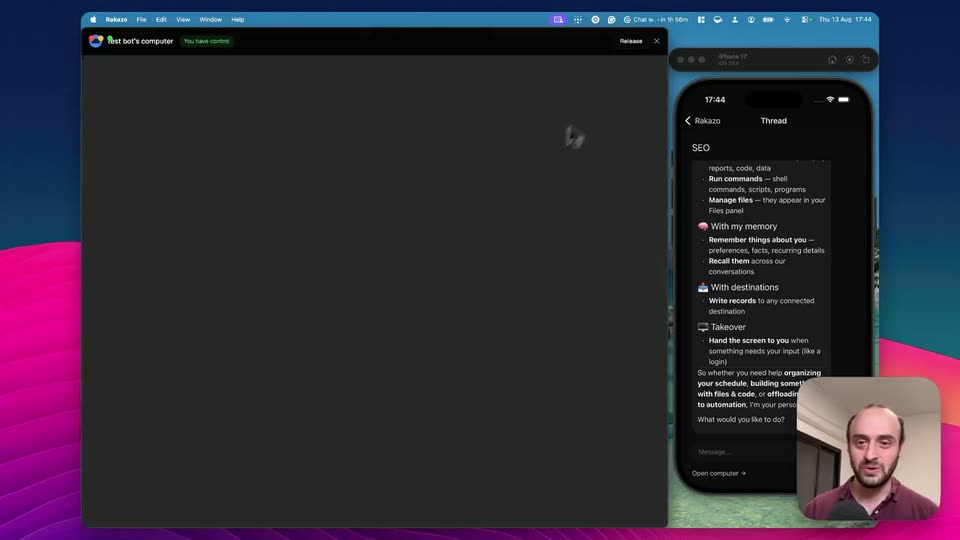 0:24 · 0.4sRakazo · Eliezer Steinbock | SpaceXAI | 27 likes · 6 commentsA desktop screen shows the Rakazo computer window on the left, mostly dark, with a cursor moving across it, while a tilted iPhone mockup on the right displays a Rakazo thread and a small presenter video sits in the bottom-right corner.
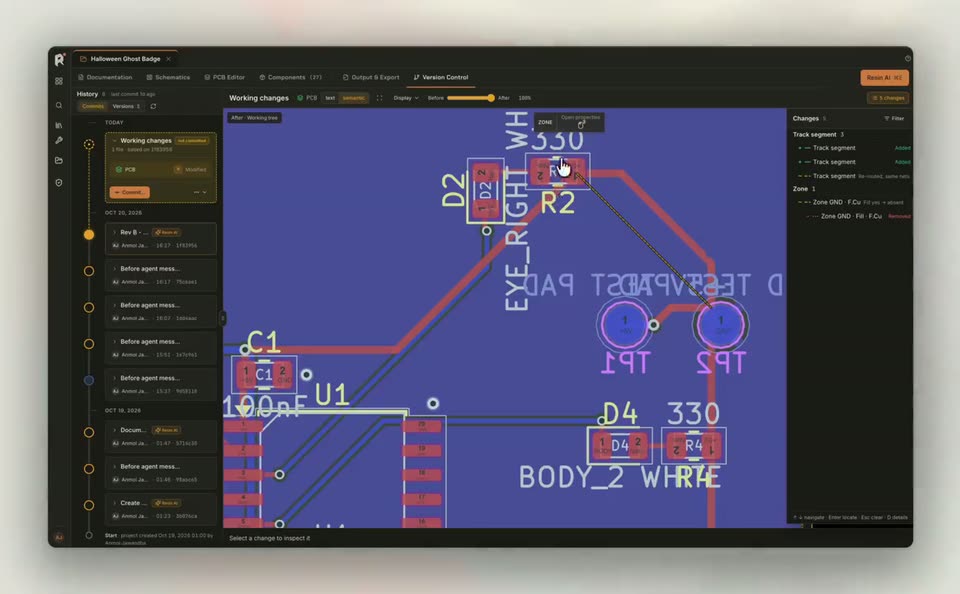 0:10–0:14Resin Technologies · Introducing Semantic Diffs. You can now *see* what changed across revisions -- parts, traces, vias etc. -- instead of inspecting blobs of text. Live now for all users! | Resin TechnologiesA dark PCB editor fills the frame on a black backdrop. The blue canvas zooms from the full board to a close-up of red traces and white labels, then the cursor glides to a pad and a dashed dimension line snaps between two points.
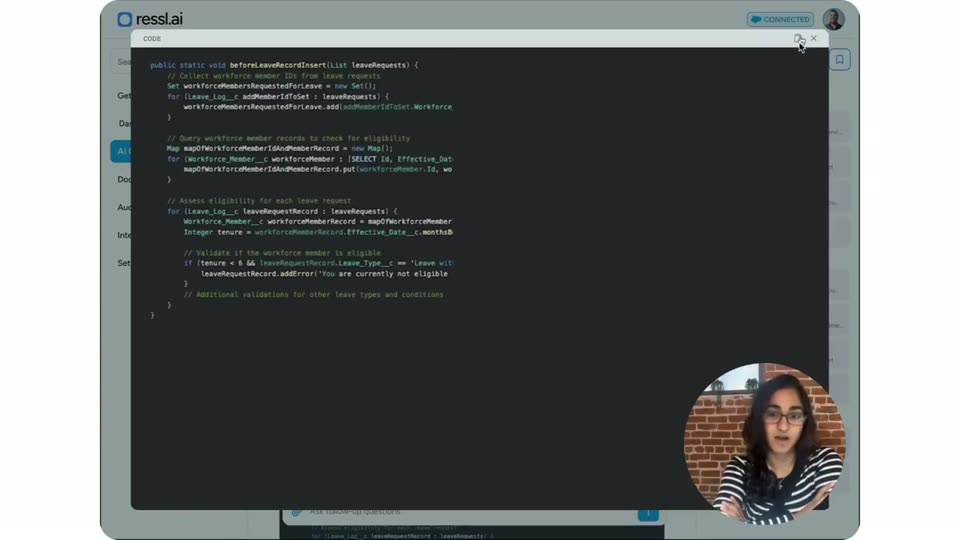 1:08–1:13Ressl · Introducing Ressl AI ~ We're building an AI Admin to help companies fall in love with their Salesforce orgs again ❤️ Our product is aimed at assisting admins in every phase of the SalesforceA screen recording of the ressl.ai app with a code panel open; a circular webcam of the presenter sits bottom right. Caption words appear one by one over the panel, then a cursor clicks the close button and the panel dismisses to reveal the interface behind.
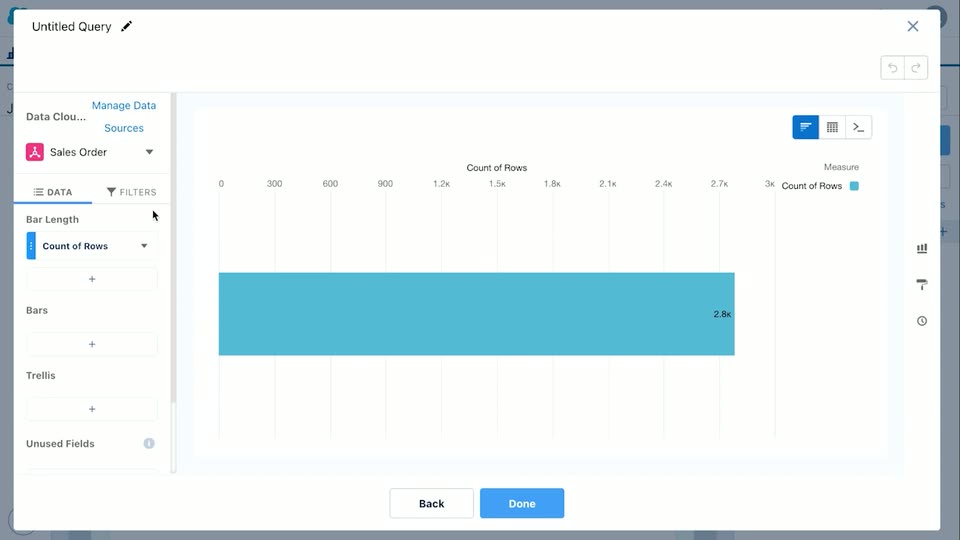 0:39–0:40Salesforce · Analytics - Join Data User InterfaceA cursor moves to a dropdown menu in a data query interface and selects an item from the list. A small tooltip appears briefly. A single blue bar chart sits in the main viewing area.