Cursor demo
A visible cursor operates the interface.
15,127 scenes · page 117 of 253
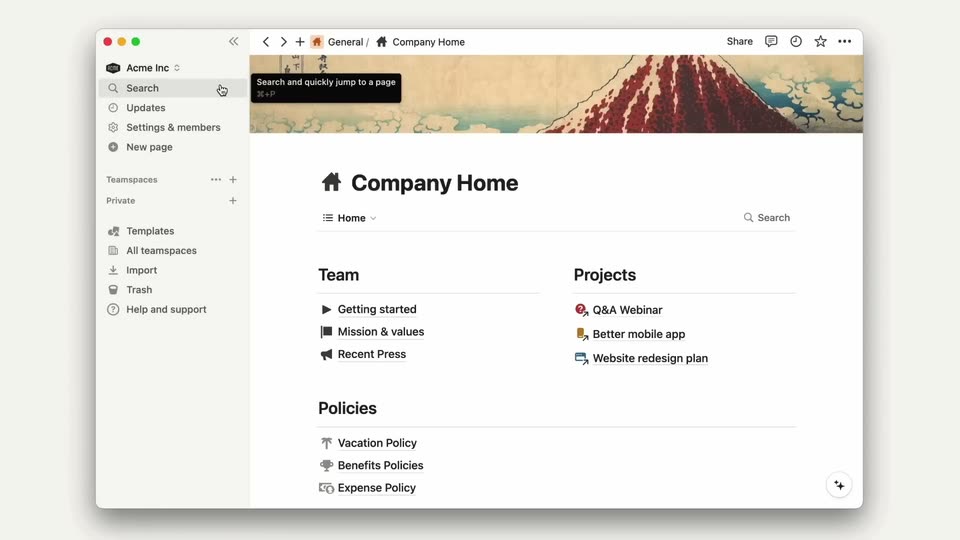 0:15 · 0.6sNotion · Introducing Q&A: Get AI-powered answers to your questions in NotionA product window on a pale gray background shows a Company Home page with a sidebar and sectioned content. A cursor rests on the Search row while a dark tooltip with a keyboard shortcut fades in beside it.
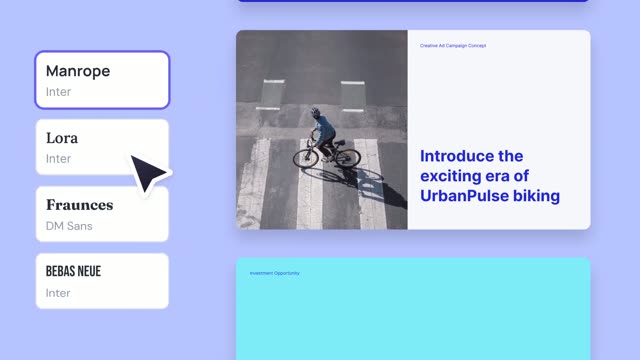 0:32–0:36Pitch · Introducing Pitch 2.0A design-tool canvas on a lavender background holds presentation cards. A cursor clicks a color swatch in the right panel, recoloring the deck text from gold to white, then clicks a font chip on the left, switching the body text to a blue serif. The canvas scrolls down to reveal a cyan card.
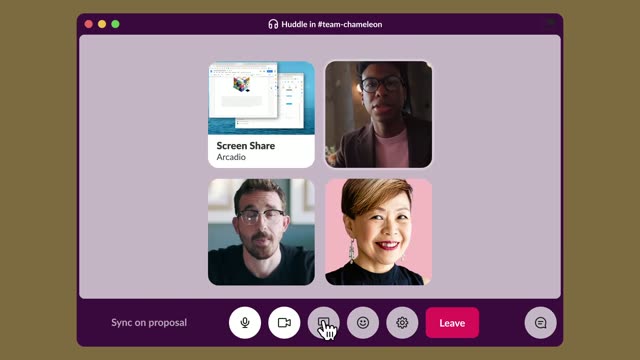 0:32–0:44Slack · Introducing new coworking capabilities in Slack huddlesA purple video call window with four participant tiles sits on an olive background. A cursor clicks Add a Topic, a dialog opens, the words Sync on proposal are typed, and Set topic is clicked. A second screen share tile then slides into the grid.
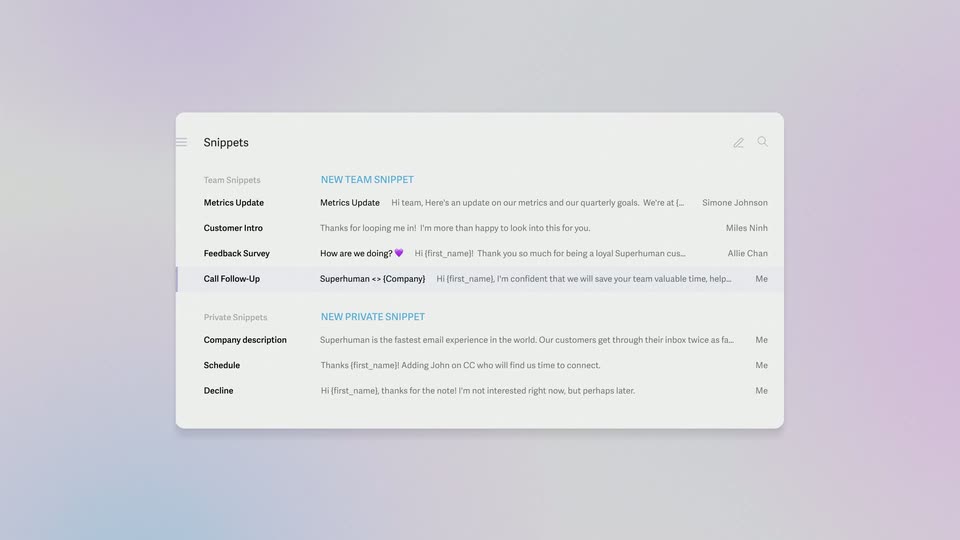 0:21–0:24Superhuman · Superhuman for Teams 🤝An email composer card, with a cursor resting on the Done button, dissolves away to reveal the Snippets list panel beneath it. The Call Follow-Up row flashes a light blue highlight, then the highlight and panel dim slightly.
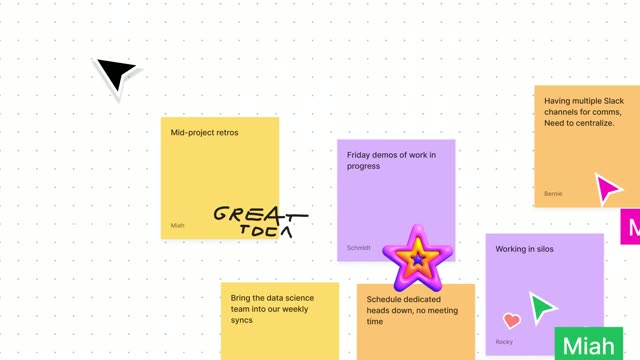 0:17–0:18Figma · Introducing FigJam AIA dotted whiteboard canvas fills the frame with yellow and purple sticky notes, a hand-drawn “GREAT IDEA” scribble, a star emoji and colored multiplayer cursors. The camera pulls back to widen the view of the board.
 0:04–0:05OpenAI · Introducing GPTs in ChatGPTA dark two-pane interface lists AI personas on the left with a cursor hovering over Puppy Hotline, then fades to a centered chat view showing a dog avatar in a beret and an empty input bar at the bottom.
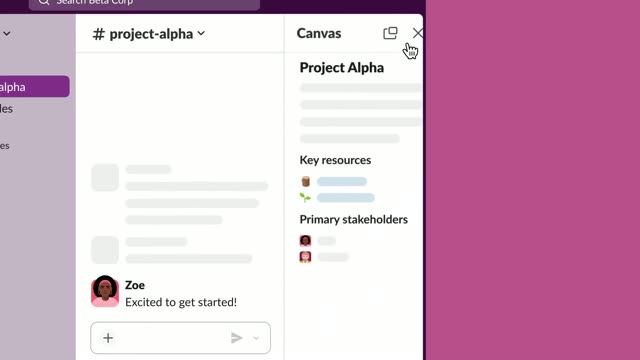 0:19–0:24Slack · Introducing canvas | A new surface to share and organize knowledge | SlackA chat app window shows the #project-alpha channel with a floating Project Alpha card listing key resources and stakeholders. A hand cursor clicks the canvas icon in the header, and the card expands into a docked Canvas side panel as the view zooms in slightly.
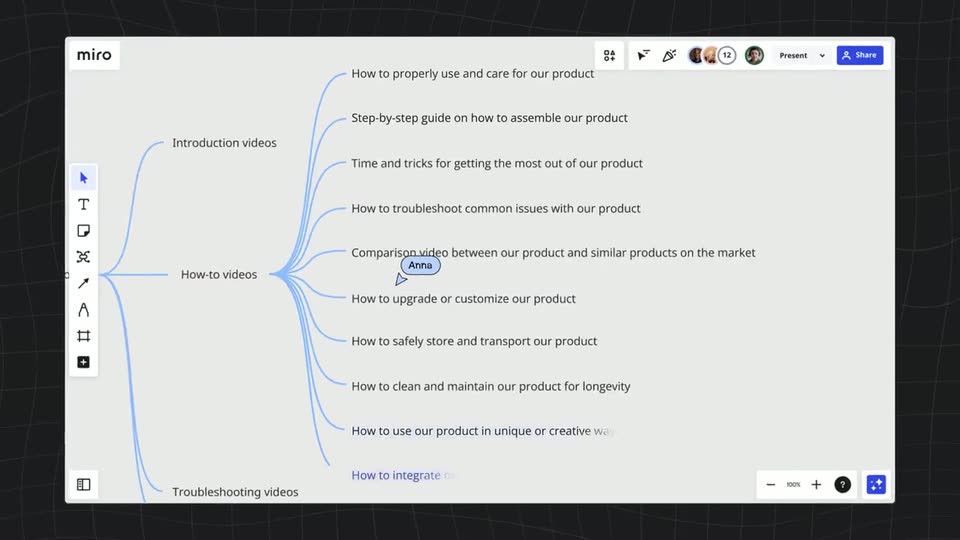 0:09–0:10Miro · Miro - Meet your AI partner for innovation, launching November 1. What wilA Miro mind map titled How-to videos fills the frame, its branches listing video topics. The view pulls back to reveal the board on a dark grid canvas while named cursors for Anna and Linda hover over the nodes.
 0:17–0:19Splice · Splice - Find your spark in seconds ⚡️ We’ve expanded Create mode so you canFour gradient bars, each with a white icon (music note, piano keys, gift box, slider) and a waveform line, sit stacked on a soft pink background. The stack drifts right while the gift bar stretches wider and a cursor arrow appears beside it.
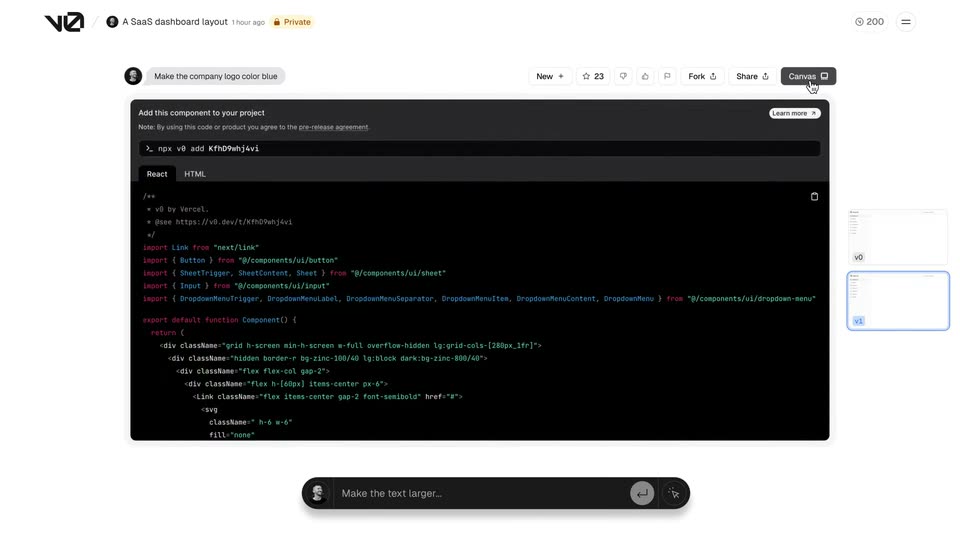 0:29–0:30Vercel · Introducing v0: Generative UIA V0 project screen shows a dark code editor under a user prompt. A cursor hovers over the Canvas button, then the view reframes closer to the code panel and right-side version thumbnails.
 0:10–0:21Ledger · Ledger - If you want to stake ETH from the security of your Ledger, but don'tA staking UI card slides in right, cursor on the Stake button, as letters assemble into “STAKE YOUR ETH EASILY AND SECURELY”. It exits; headlines swap to “NO MATTER HOW MUCH YOU HOLD”, then “DIVE IN THROUGH LEDGER LIVE”, while orange ETH coins drop into three stacks under corner brackets.
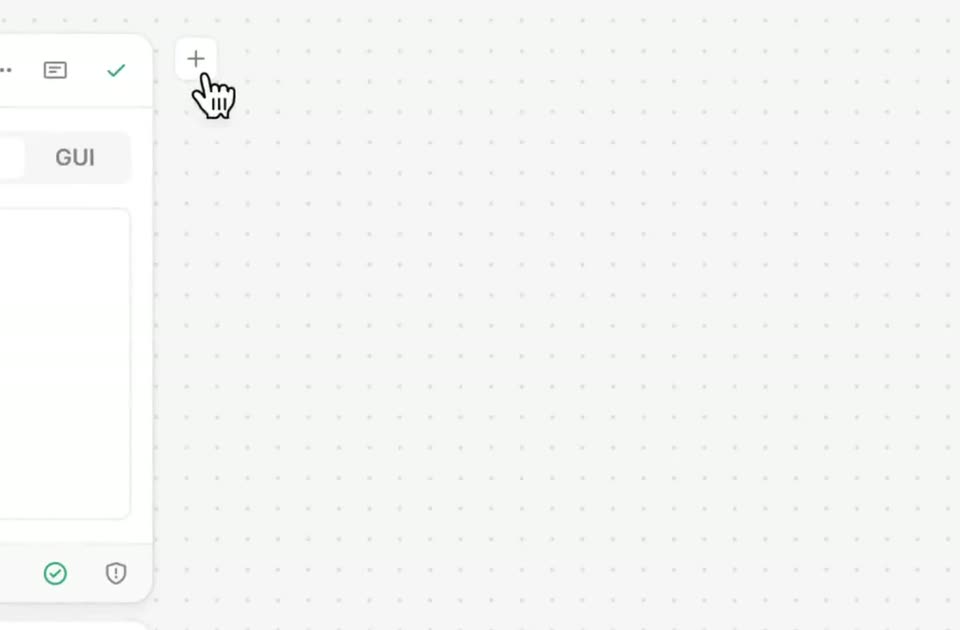 0:09–0:10Retool · Retool - Say hello to the fusion of visual programming, code, and AI. RetoolA hand cursor taps a plus button at the top of a dotted canvas, and a white dropdown menu of node options pops in. The cursor glides down the list to the Code row.
 0:39–0:41Canva · Canva - Meet Magic Studio. Supercharge your workflow with all the power of AIA white translate dropdown scrolls down its language list, settling on Japanese with a checkmark, as a cursor tagged Quadri moves toward the purple Translate button. Behind it, a blue panel shows the large word Global and a 3D blue globe.
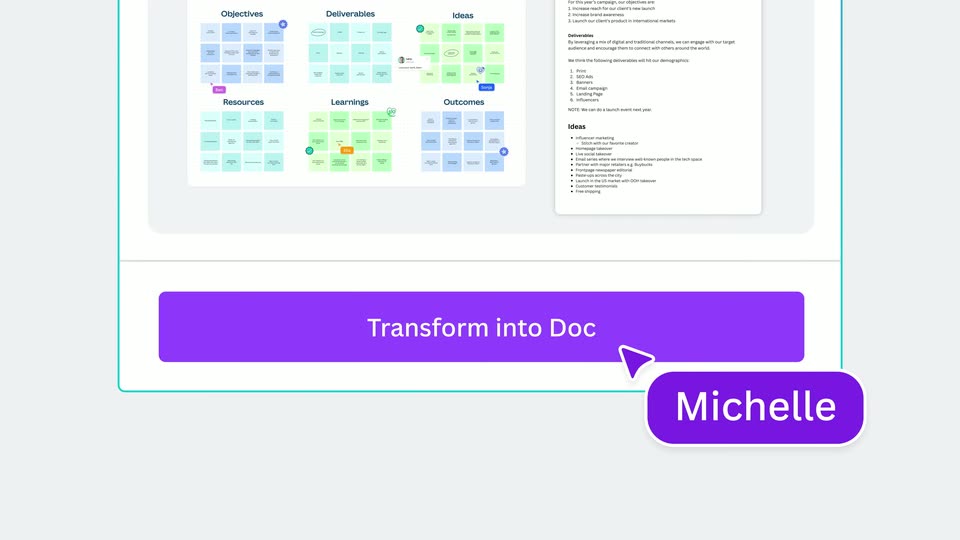 0:33–0:34Canva · Meet Magic Studio | Let the power of AI supercharge your workA whiteboard app screen shows a six-column board and a Summary document panel; the view pulls back to center a wide purple button, while an outlined cursor hovers at its edge and a purple Michelle tag sits below.
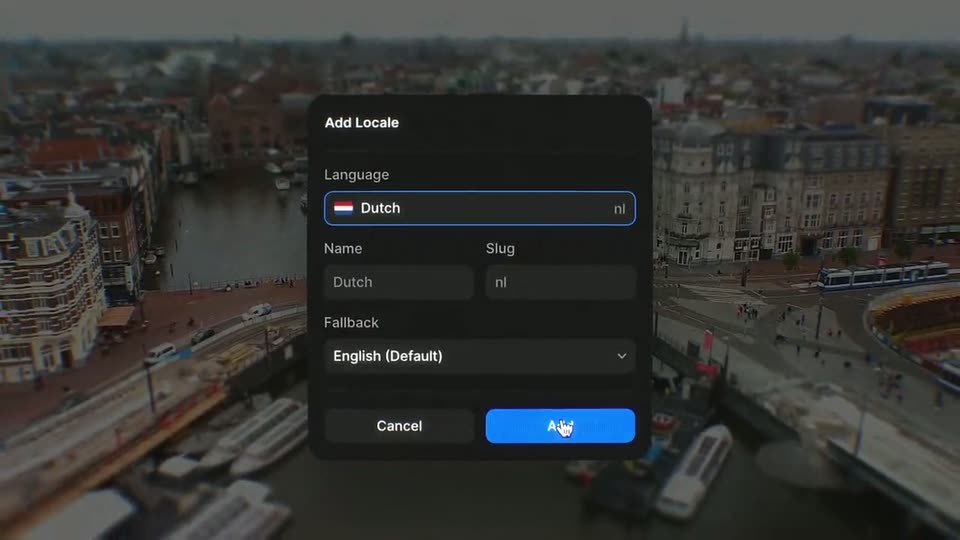 0:13–0:14Framer · Framer - 🌎 Hola, Bonjour, こんにちは! Introducing AI-powered Localization for yourA dark Add Locale dialog sits centered over a blurred, slowly rotating 3D cityscape. A cursor glides to the blue Add button and clicks it, triggering a ripple.
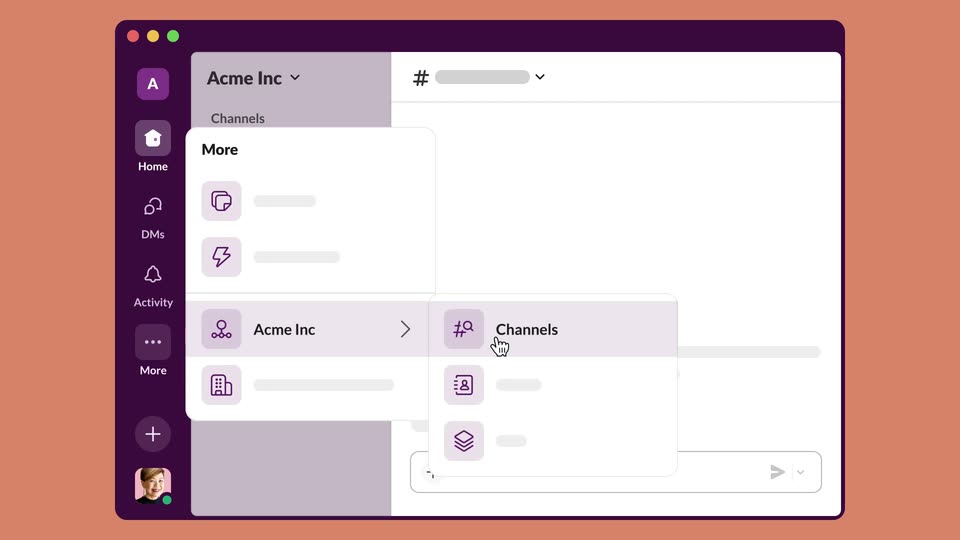 0:23–0:28Slack · Conversations in SlackA flat chat app window on a peach background. A cursor clicks More in the left sidebar, a panel slides in, hovers Acme Inc to open a nested submenu, then hovers the Channels row.
 0:16–0:18Microsoft · Introducing Microsoft 365 ChatA white Plugins card floats in 3D perspective on a soft lavender gradient. A glassy cursor slides in and taps the Jira Cloud toggle, which flips to an orange gradient as the card tilts toward the camera.
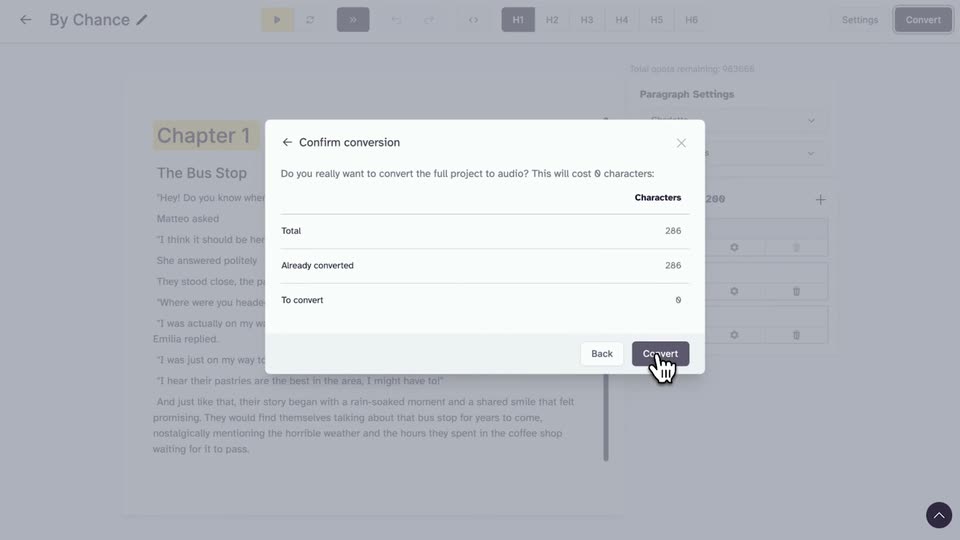 0:19–0:22ElevenLabs · Introducing: ProjectsA white modal floats over a dimmed manuscript editor. A cursor taps the dark Convert button, the panel swaps to a confirmation view listing character counts, then the cursor presses Convert again.
 1:12–1:20Google · Introducing Extensions ✨ | BardA caret types a travel query into a blue-outlined search field; the text slides left as it grows and the field wraps to two lines. A white response card slides up, filling with flight options and hotel cards as the view scrolls, ending on the empty field.
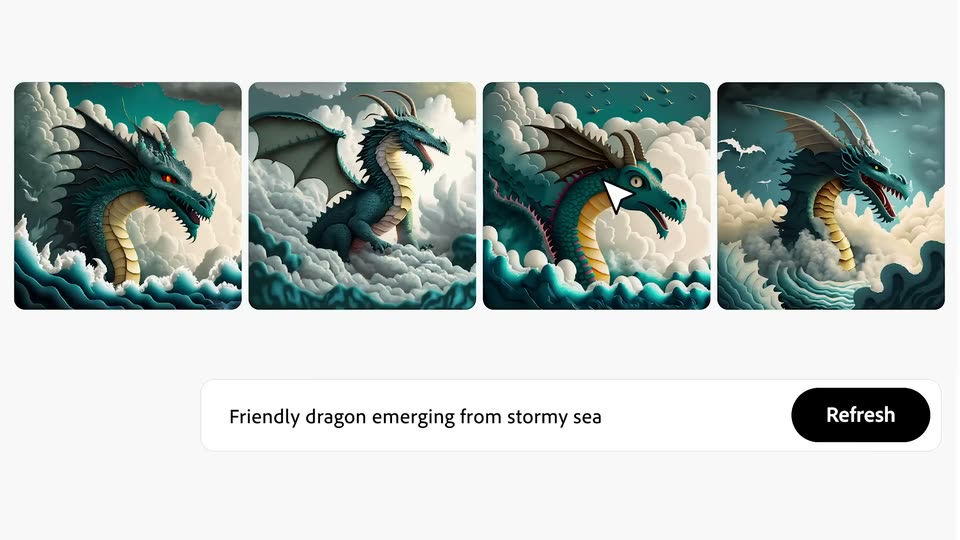 0:05–0:06Adobe · Adobe Firefly: Out of Beta & Ready For Your Imagination | AdobeA light gray UI panel shows four dragon images in a row above a prompt field reading 'Friendly dragon emerging from stormy sea.' A black pill button labeled 'Refresh' scales in at the field's right end as a white cursor hovers over it.
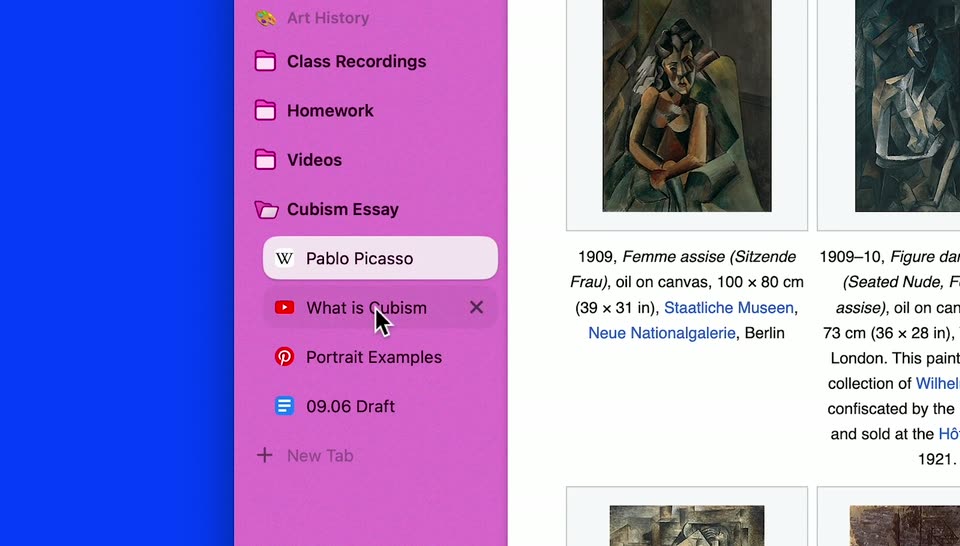 0:12–0:14The Browser Company · Arc for Students | Everything in its right placeA pink file sidebar sits beside a Cubist-art webpage. The cursor clicks the Cubism Essay folder, its sub-items fade in, then the cursor slides down to highlight the Pablo Picasso entry.
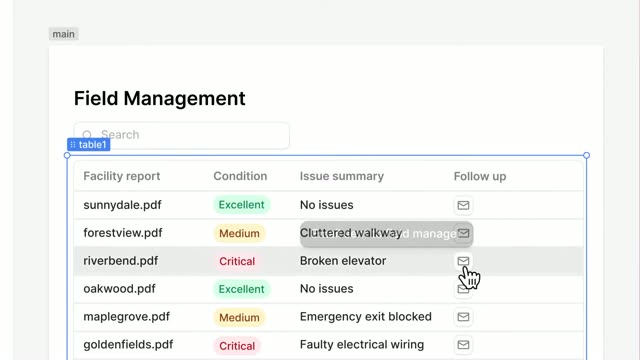 0:02–0:05Retool · Introducing Retool AI—powerful AI building blocksA selected data table titled Field Management sits on a light canvas with a blue outline. A cursor glides down to the Follow up column and clicks the email icon on the riverbend row, which highlights as a dark tooltip reads Email sent to field manager.
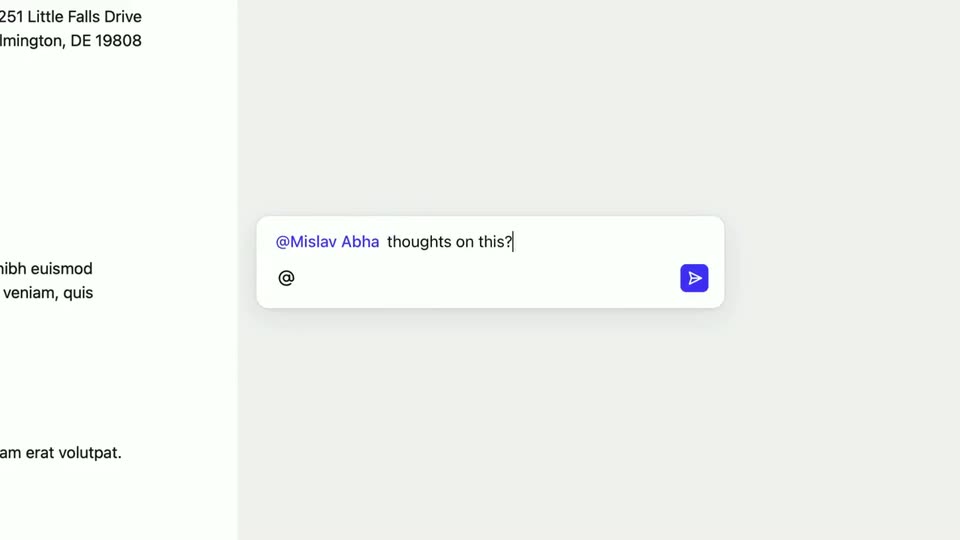 0:06–0:07Liveblocks · Liveblocks - Introducing the most advanced platform for Yjs. →A cursor types a purple @mention and the word 'thoughts' into a white comment box on a gray canvas; the view then switches to a document where the mention sits as a yellow tag above headings and body copy.
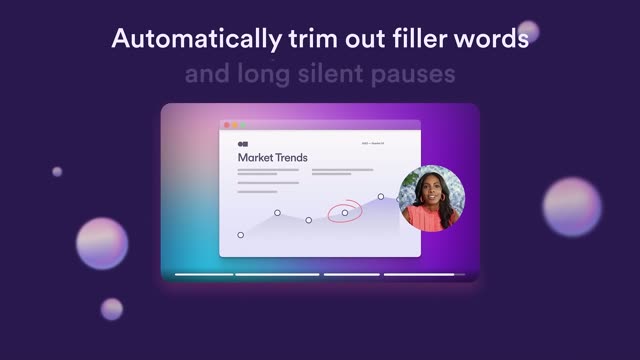 0:21–0:27Loom · Introducing Loom AIA browser mockup of a Market Trends dashboard with a circular webcam feed sits on a purple gradient. A hand cursor taps the For Addie task, turning its check green, then the headline switches and the window zooms in.
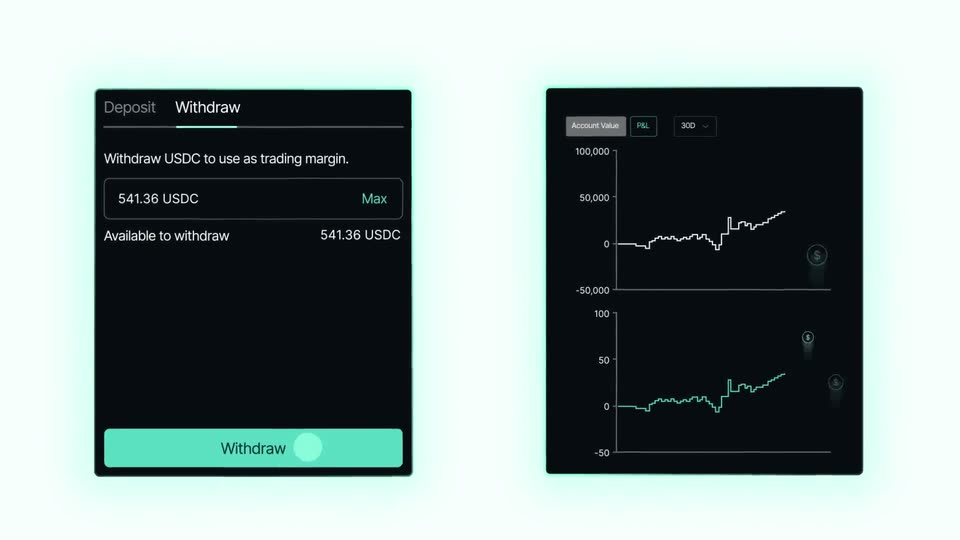 0:37–0:43Hyperliquid · Hyperliquid - Welcome to Hyperliquid. Trade 40+ perps on the Hyperliquid L1, incluTwo dark trading panels sit side by side on a pale background. A teal dot taps the deposit field and button, the form switches to Withdraw, and two line charts on the right draw upward as glowing dollar coins rise. The scene then shrinks into a rounded-rectangle mask.
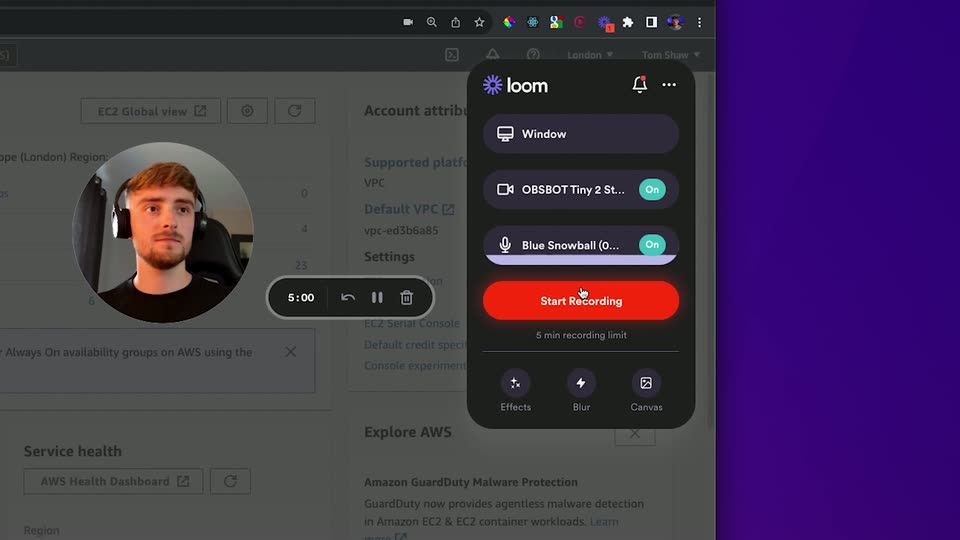 0:26–0:28Loom · Loom | Sync Faster, Meet LessA dimmed AWS console sits behind a Loom recording panel on the right, with a circular webcam of a bearded man in headphones on the left and a 5:00 timer pill. A cursor glides from the microphone row to the orange Start Recording button.
 0:21–0:23Relume · Relume - The fastest way to design & build a website with the help of AI ✨A large 'not days' headline anchors the top of a close-up panel showing a pages field set to 5 and a purple Generate button. A red cursor clicks the button, then the panel scrolls down to reveal generated section cards.
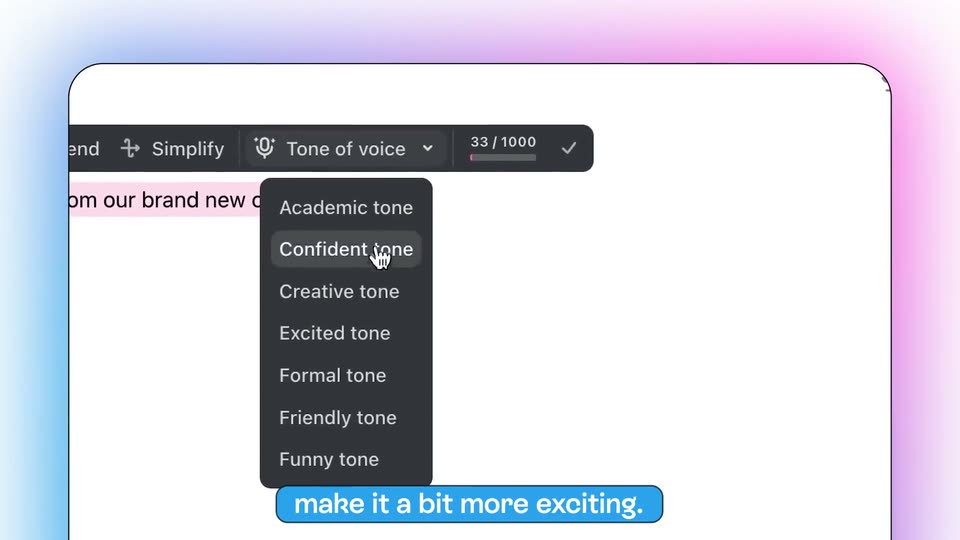 0:17–0:21beehiiv · beehiiv 🐝 - Introducing beehiiv AI ✨ Coming live from UranusA tilted writing-app mockup floats on a blue-to-pink gradient. The cursor opens the Tone of voice dropdown and selects Excited tone, and the pink-highlighted sentence rewrites itself into an excited version. A blue caption at the bottom mirrors the voiceover.
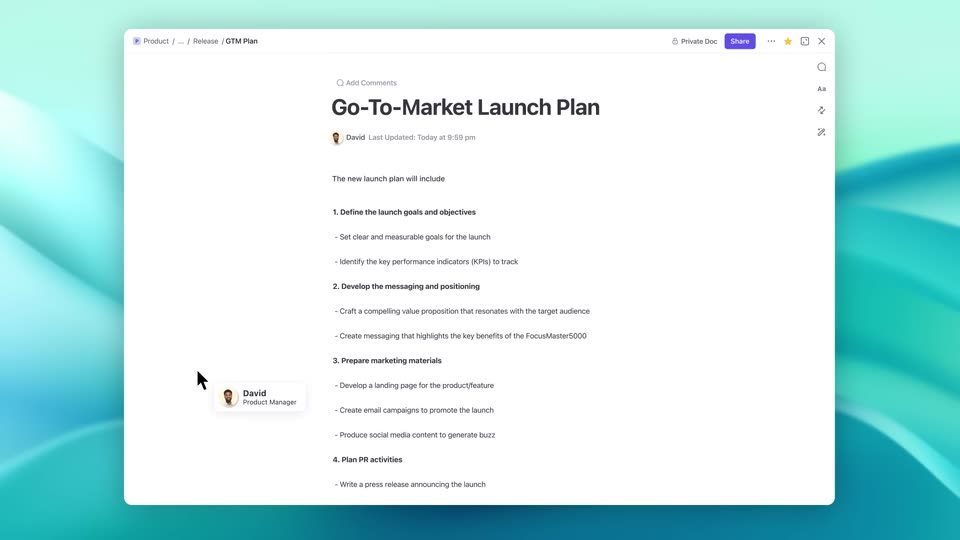 0:18–0:22ClickUp · Introducing ClickUp AIA white document card, Go-To-Market Launch Plan, settles centered on a teal 3D wave. A black cursor hovers at the lower left with a David, Product Manager comment chip, then moves up and drops a comment, flagged by a quick burst of yellow and red dots.
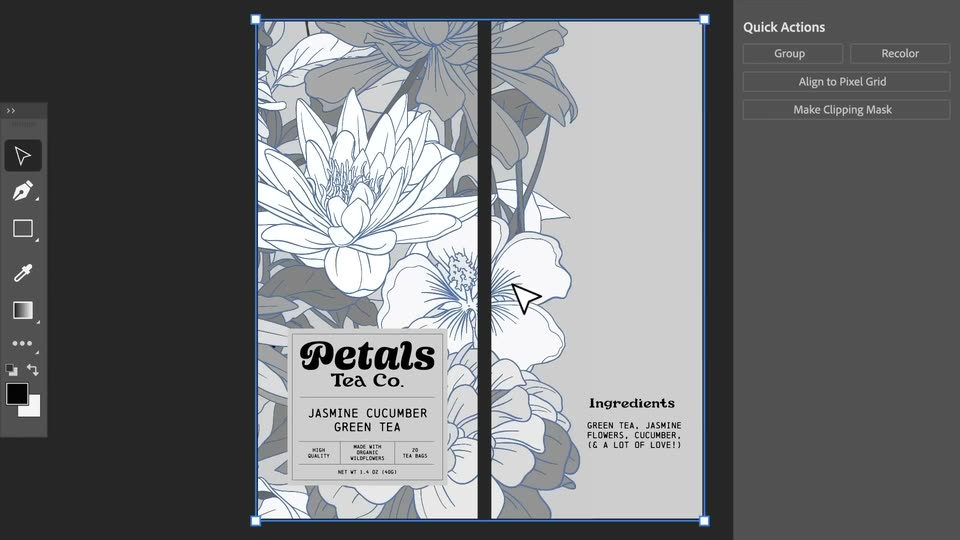 0:07–0:08Adobe · Adobe Illustrator x Adobe Firefly: Announcing Generative Recolor | AdobeIn a vector editor, a floral tea-label artwork sits on the canvas. The cursor clicks Recolor in the Quick Actions panel, a small dialog opens, then the illustration's outlines shift to blue. A selection frame reappears around the canvas.
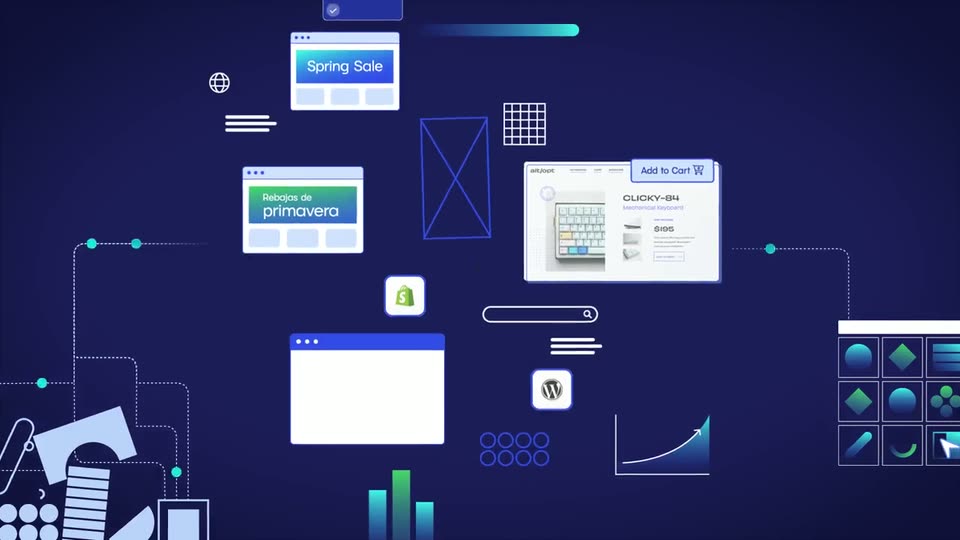 0:33–0:44Netlify · Netlify - We’re proud to announce the launch of Netlify Connect! Give your webFlat vector web elements, browser windows, buttons, icons, charts and envelopes, drift in on a dark blue field, then settle into a hub-and-spoke diagram with dotted lines radiating from a central grid of circles and diamonds. A cursor taps icons in the right-side grid as the layout pulls back.
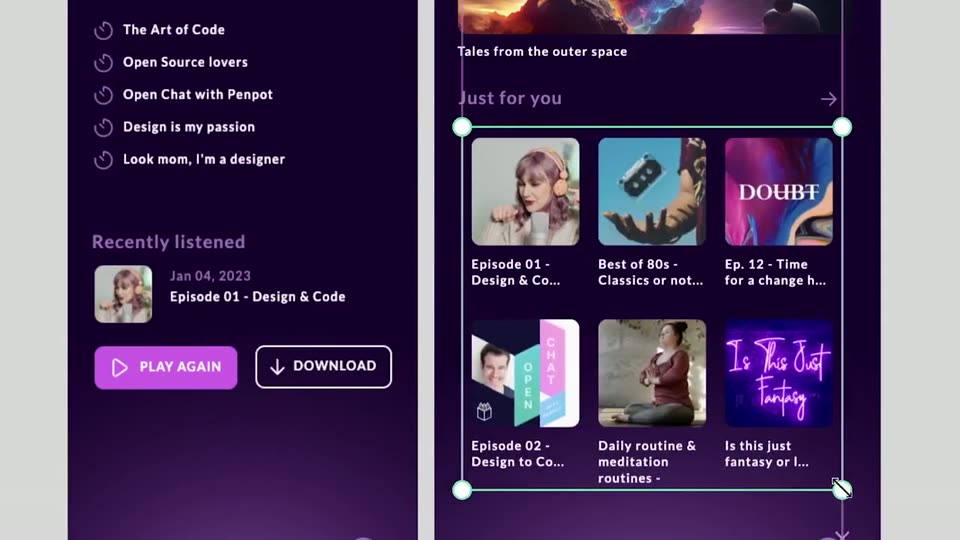 0:13–0:15Penpot · Penpot - Flex Layout, best of both worlds Flex Layout is Penpot’s ground-breaA dark purple podcast app screen. A cursor drags a selection rectangle around a grid of six episode cards in the Just for you section, pulling the bottom-right handle outward. The left sidebar lists categories and a recently listened entry with Play and Download buttons.
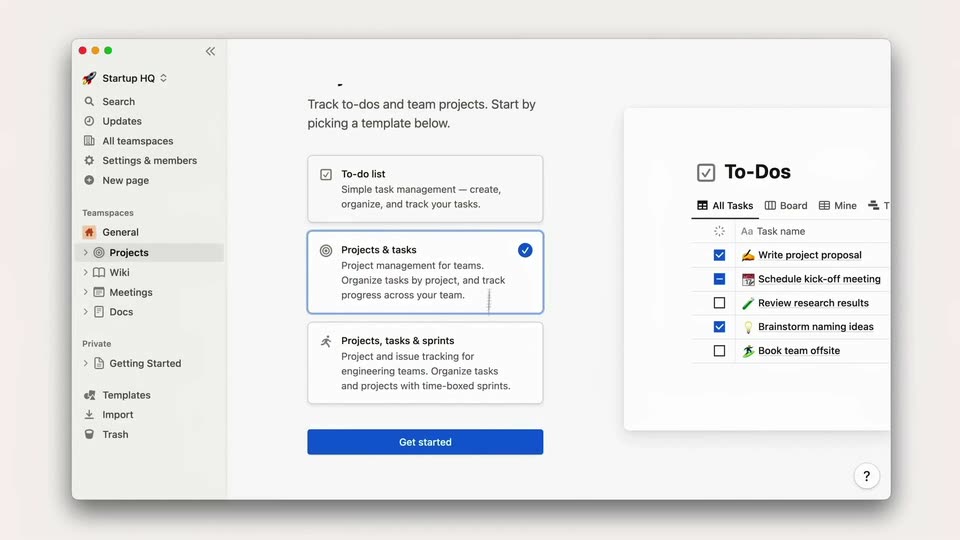 0:38–0:41Notion · Welcome to Notion ProjectsA flat app interface shows a template picker: three cards fan out from a stacked overlap into a neat column while a Tasks preview panel slides in on the right. A cursor then glides down to the blue Get started button.
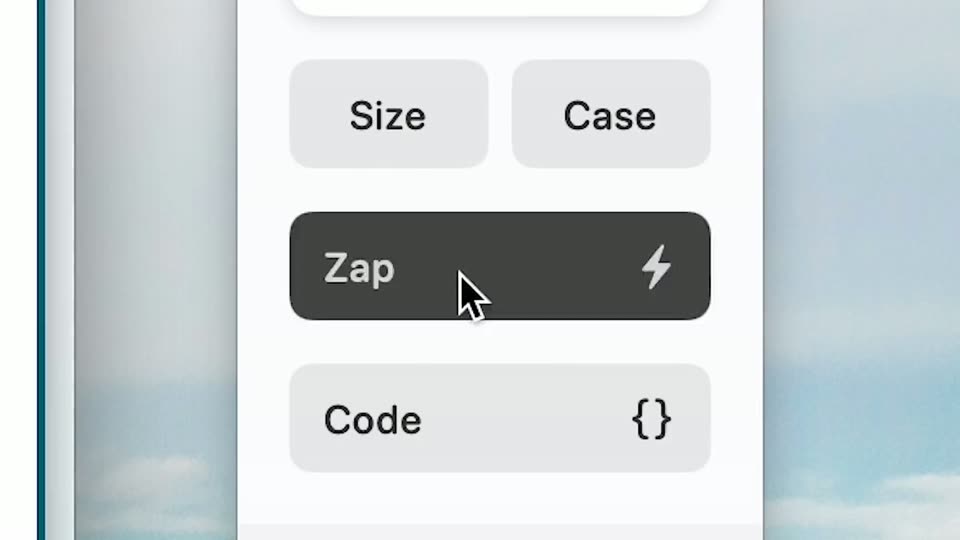 0:12–0:14The Browser Company · The Browser Company - What if the internet... was actually 𝑦𝑜𝑢𝑟 internet? 🎨 Introducing BAn album page from a music app crossfades into a white panel holding four rounded buttons: Size, Case, Zap, Code. A cursor hovers over Zap, darkening it, against a soft blurred sky.
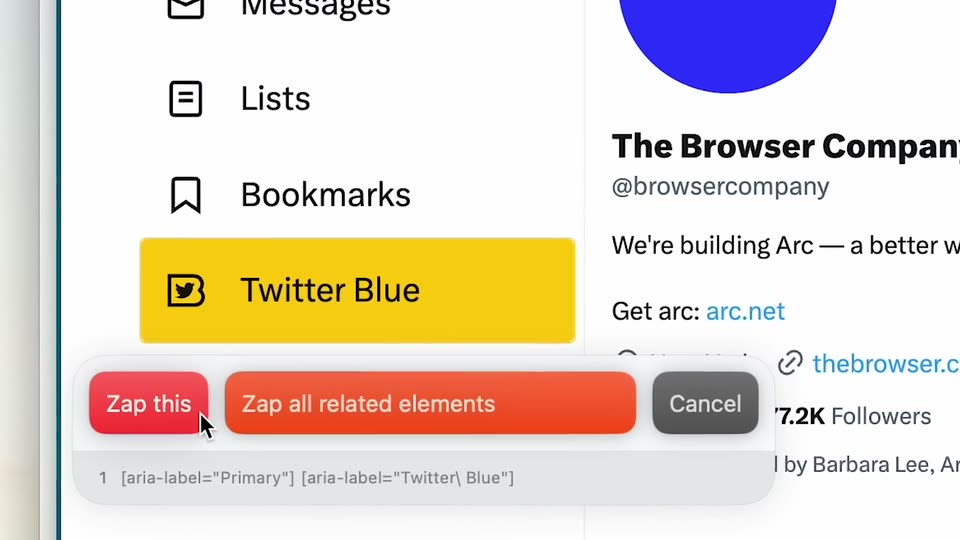 0:14–0:16The Browser Company · Boosts by Arc | Meet Your New InternetA browser sidebar beside a Twitter profile. The cursor moves down and hovers the Twitter Blue item, which fills yellow, then a Zap panel with red buttons slides up at the bottom as the frame zooms in on the selection.
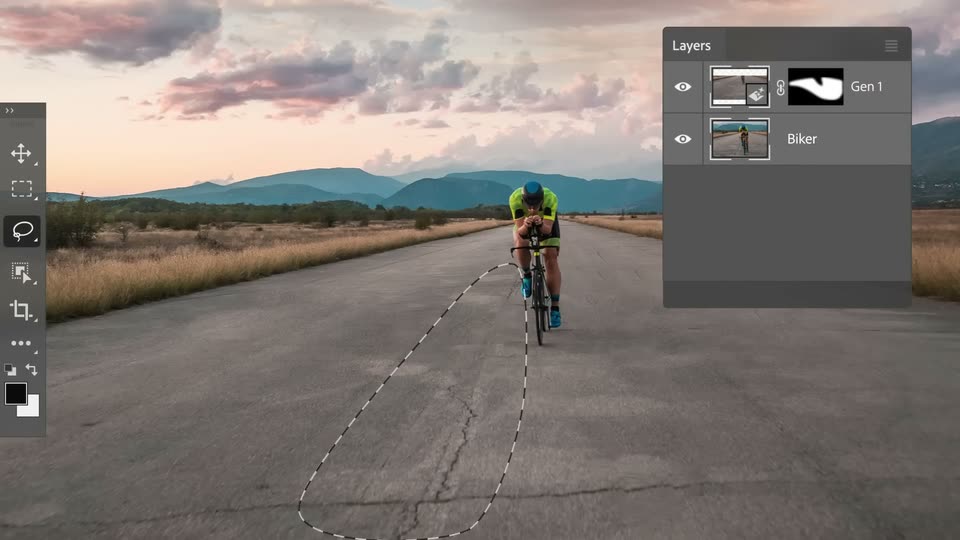 0:06–0:10Adobe · Adobe Photoshop (beta) x Adobe Firefly: Announcing Generative Fill | AdobeA photo editor interface frames a cyclist on a desert road. A cursor taps Generative Fill, a new layer pops into the panel, then a dashed selection is drawn on the pavement as a prompt bar slides up.
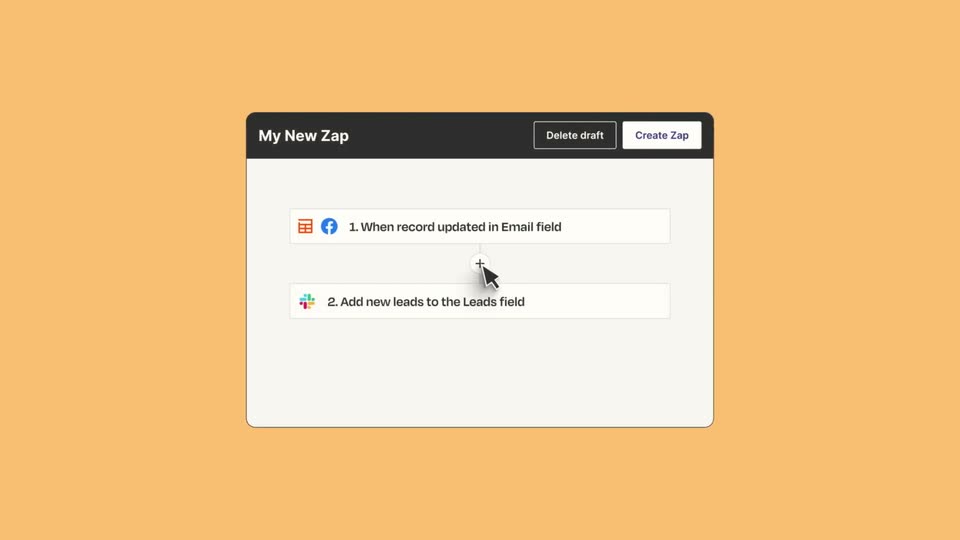 0:19–0:22Zapier · Introducing Zapier TablesA Zap builder card sits centered on a flat orange background, its dark header reading My New Zap. A trigger row with spreadsheet and Facebook icons appears above a plus button, and a cursor glides in to hover over the plus.
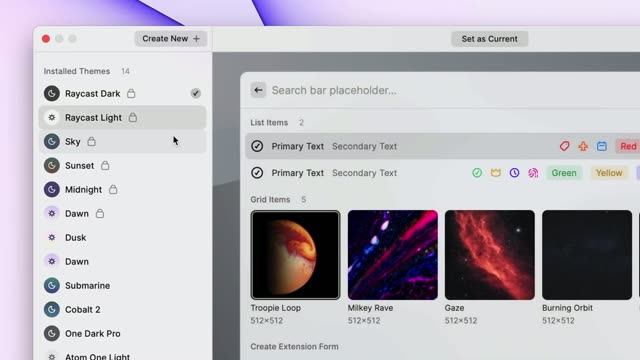 0:19 · 0.4sRaycast · Introducing Raycast ProA macOS theme manager window, tilted in 3D over a purple gradient, fills the frame. A cursor moves down the installed themes list from Raycast Light to Sky, while the right panel shows list rows and grid thumbnails.
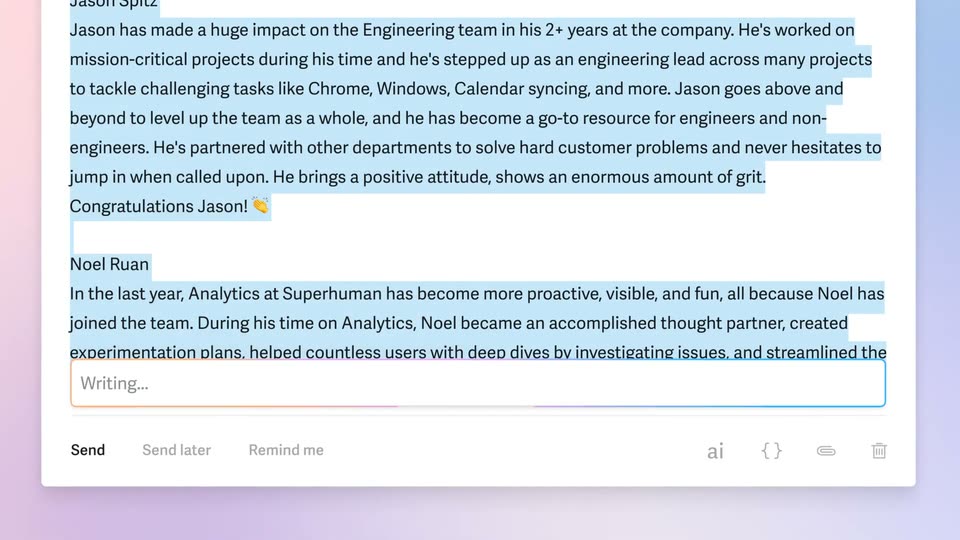 0:27–0:33Superhuman · Superhuman AIClose-up of an email composer holding a long highlighted paragraph. A cursor clicks the AI button, a menu of rewrite options opens, the cursor picks one, the paragraph condenses in place, then the frame pulls back to show the full message with its subject line.
 0:07–0:11Vercel · Vercel - Introducing Visual Editing for Headless ◆ Designed with our launch pA dark pill toolbar with white line icons sits centered on a near-black field. A red-and-white cursor glides up from the lower right and clicks the central edit icon, which fills with a cyan circle as the toolbar outline lights up cyan.
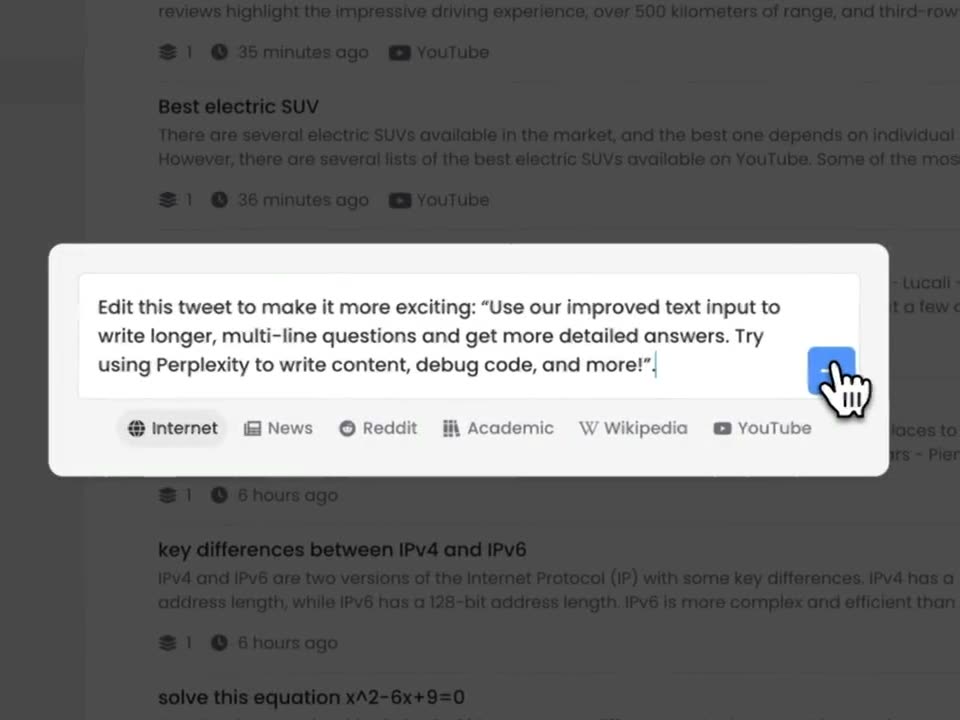 0:28–0:30Perplexity · Perplexity - We are excited to launch the next version of Introducing login, threaA white input card floats over a blurred list of search results, holding a prompt about editing a tweet. A hand cursor hovers the blue button at the field's right edge. The frame is locked-off and static throughout.
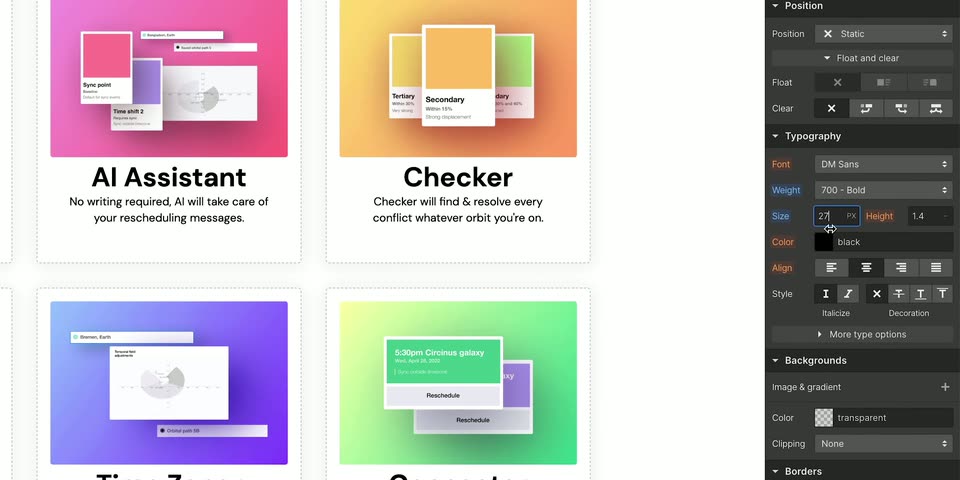 0:32–0:35Webflow · Introducing WebflowA design editor shows a grid of feature cards on the left and a style panel on the right. A cursor clicks the typography size field and types a smaller value, shrinking the Checker heading on the canvas, then selects the heading text.
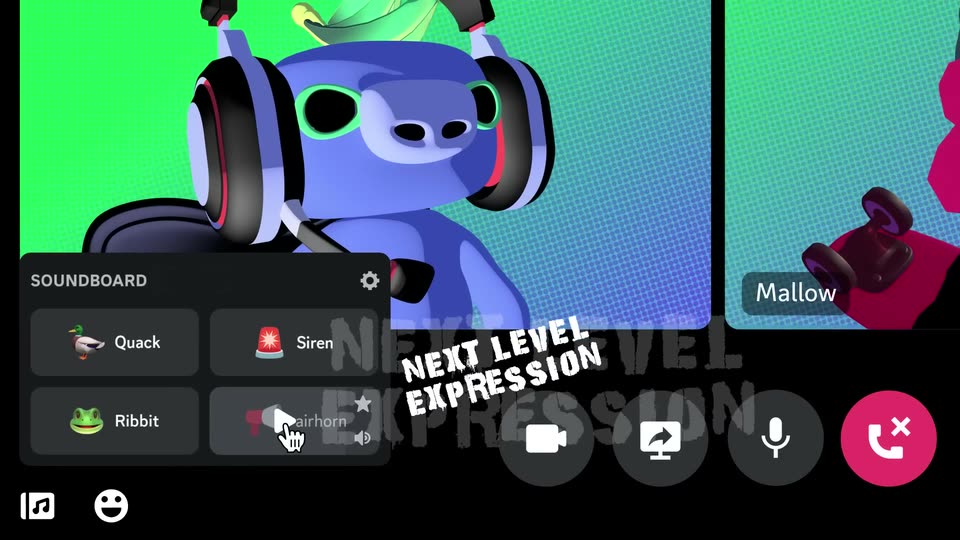 0:29–0:36Discord · Announcing 4 new Nitro PerksTwo 3D avatars sit side by side in a hang-out call. The cursor clicks airhorn, a megaphone pops onto the blue avatar's face, then the view zooms into its tile as Quack is clicked, a duck appears on its face and NEXT LEVEL EXPRESSION stacks in.
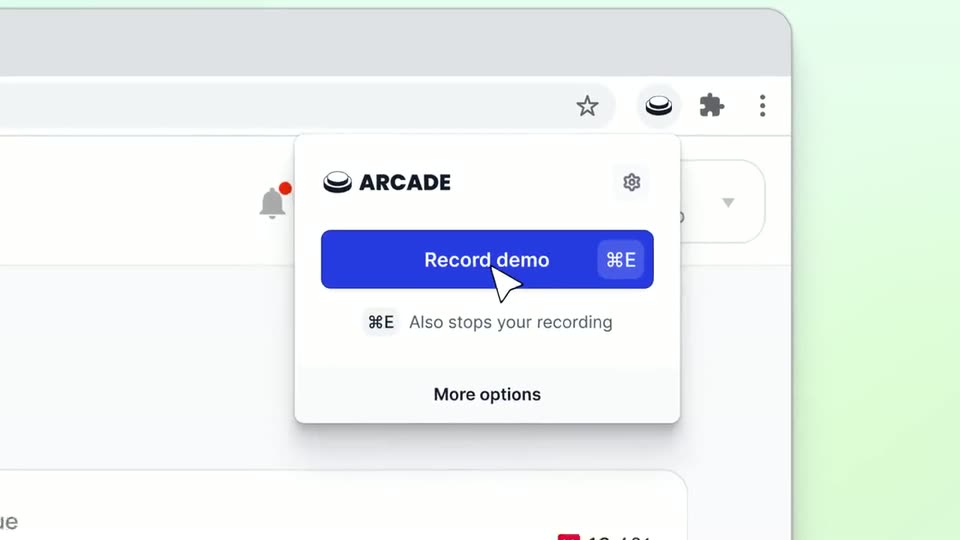 0:22–0:23Arcade · Arcade - Introducing Arcade Growth:A white popup card floats over a light dashboard, showing the ARCADE logo, a blue Record demo button with a command+E badge, and a More options link. A cursor hovers over the button as the frame eases out to reveal a Revenue card below.
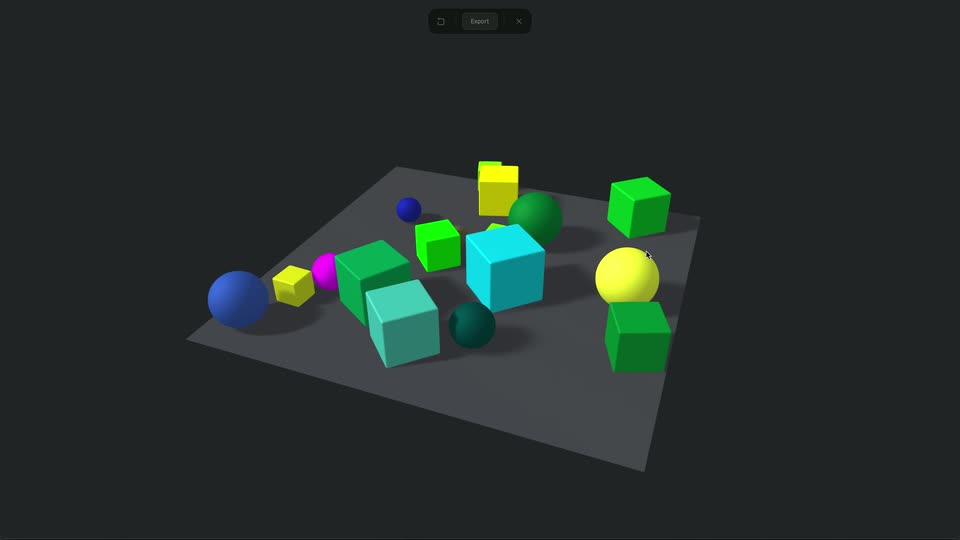 0:12–0:14Spline · Introducing Spline AI - Design in 3D using AIA 3D perspective view of colorful cubes and spheres scattered on a tilted gray plane that rotates slowly. A flat Export toolbar sits at the top and a white cursor drifts right across the dark void as the camera orbits the scene.
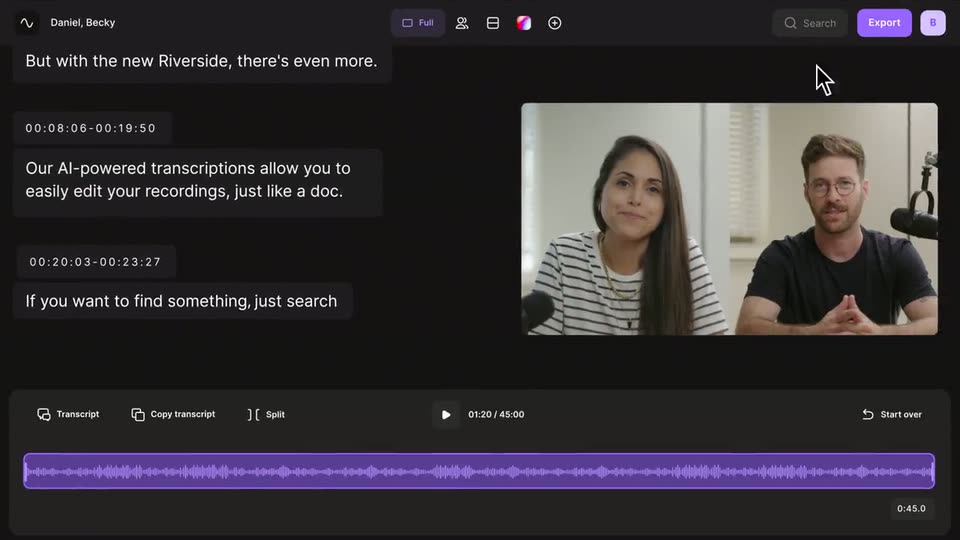 0:41–0:42Riverside · Riverside - Meet the new Riverside. The one place to record, edit, and share yourA dark transcription app fills the frame: timestamped transcript blocks on the left, a video of two people at microphones on the right, a purple waveform timeline below. A cursor glides from the Split button to Transcript, then up to the Search field.
 0:05 · 0.5sAdobe · Adobe Firefly: Family of New Creative Generative AI Models | AdobeA white rounded panel holds three thumbnails of a snowy log cabin, the left framed by a purple selection border. A black cursor glides diagonally across the right thumbnail. The panel floats over a live-action snow field with the cabin blurred in the background.
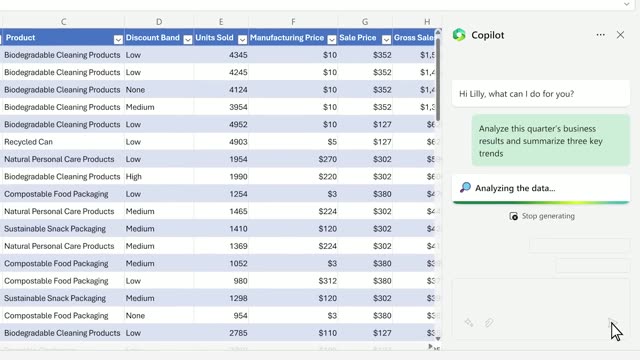 0:53–1:01Microsoft · The Microsoft 365 Copilot AI Event in Less than 3 MinutesZoomed onto an Excel sales table beside the Copilot panel, a cursor types a prompt into the chat box and sends it. A progress bar runs, then a green-outlined card lists key trends.
 0:14–0:15Grammarly · Superhuman - Introducing GrammarlyGO—a new generation in writing. Speed up your wA white input card bearing a Gmail mark fades in on a dark green field, then widens to add a Google mark panel as a black cursor arrow drifts beneath it. The white line 'without worrying' stays locked at the bottom edge.
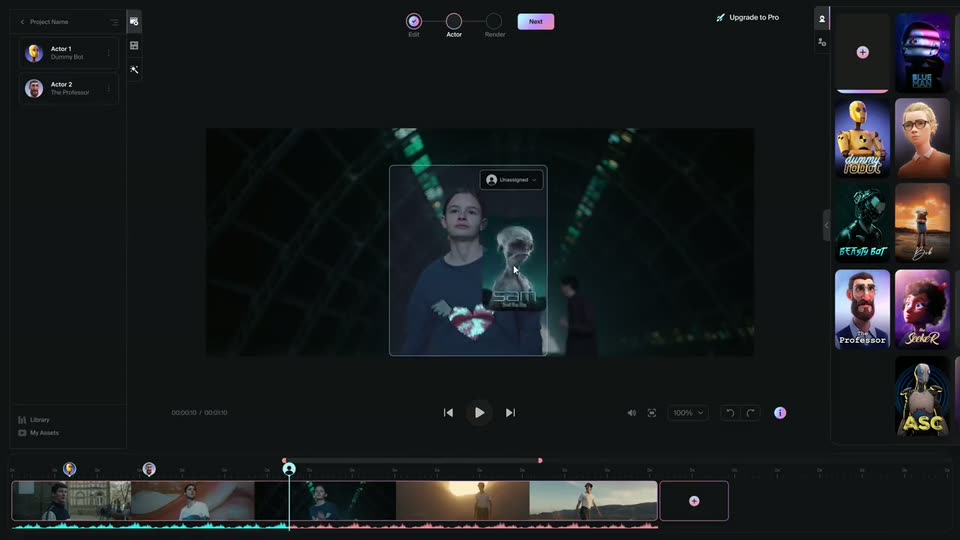 0:18–0:21Wonder Studio · Autodesk Flow Studio - We are proud to introduce Wonder Studio. An AI tool that automaticalA dark editing UI with a right grid of character cards. In the preview, a girl in a blue sweater is boxed and labeled Unassigned; a cursor drags an alien card onto her, the label becomes Small Alien Man, and a new actor row appears left.
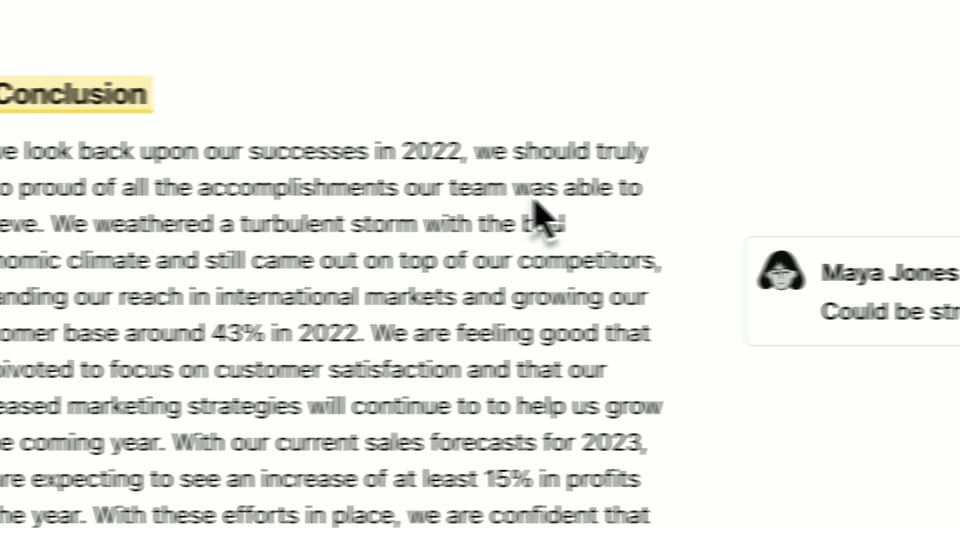 0:23–0:24Notion · Notion AI is here, for everyoneA white document page shows a yellow-highlighted Conclusion heading with the cursor hovering beside it. The page scrolls down and a comment bubble from Maya Jones reading Could we sound stronger appears on the right.
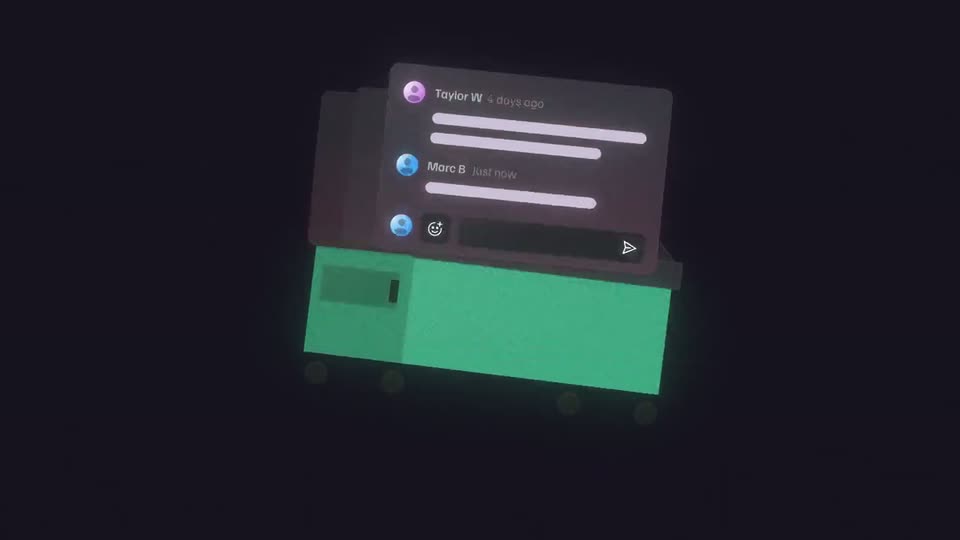 0:31–0:35Liveblocks · Liveblocks - #LiveblocksLaunchWeek – Day 1 Introducing Liveblocks 1.0: the compleA dark comment card floats over two stacked cards. A blue cursor moves into the Reply field, and a new comment from Marc B slides in below Taylor W. The card then tilts into 3D perspective, exposing a green panel with dots beneath it.
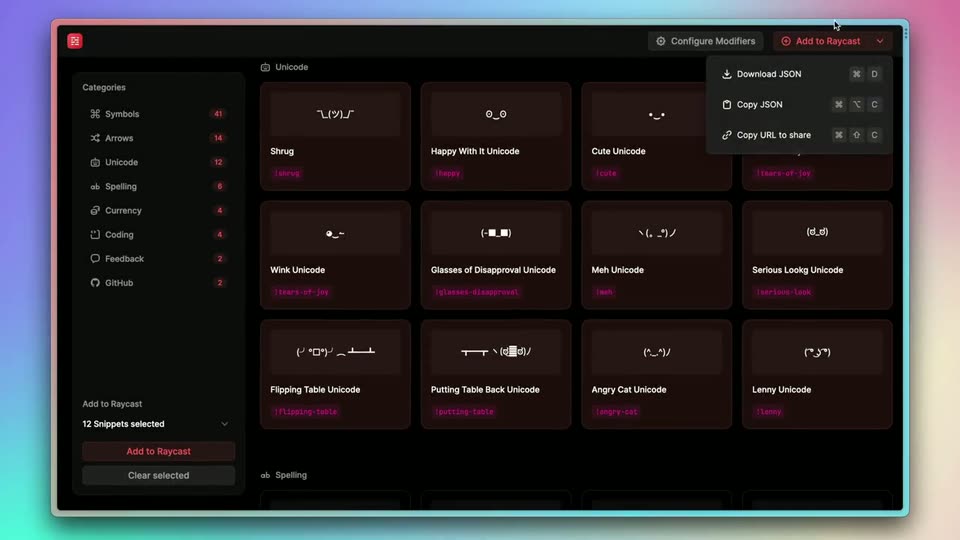 0:20–0:25Raycast · Raycast - 🕵️♂️ Announcing Snippet Explorer — our first open source project! AA dark app window tilts in 3D perspective over a pink-to-blue gradient, then levels to face the camera. A cursor clicks a dropdown arrow to open a three-item export menu, then hovers the red top-right button.
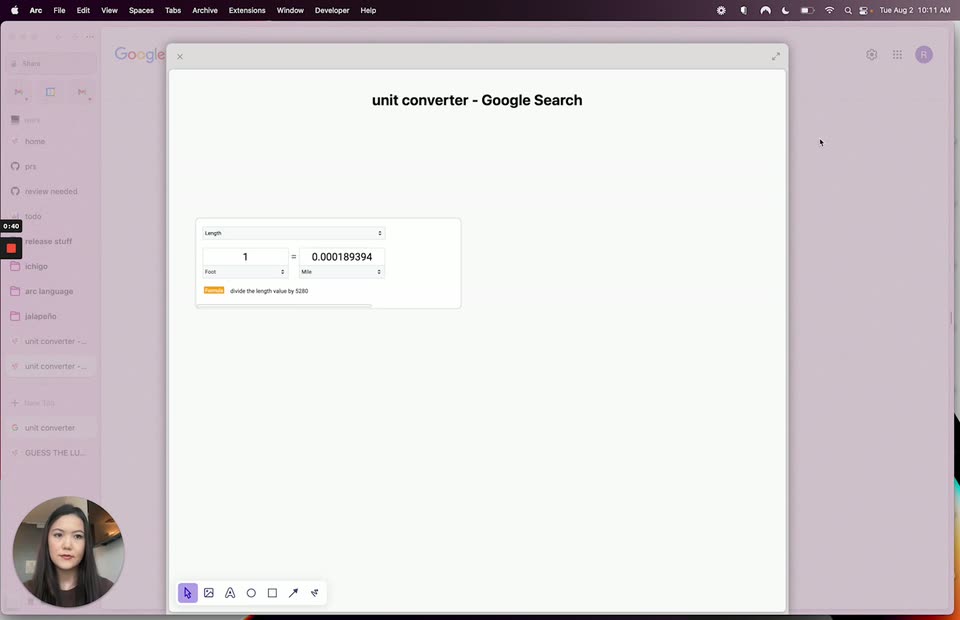 0:39–0:41The Browser Company · Arc Browser | Introducing Live Captures on Easel with RoseyA browser view shows a small Google Search card holding a unit converter widget. The cursor taps the corner icon and the card expands to fill the screen, enlarging the title and converter. A circular webcam feed of a woman stays in the lower left.
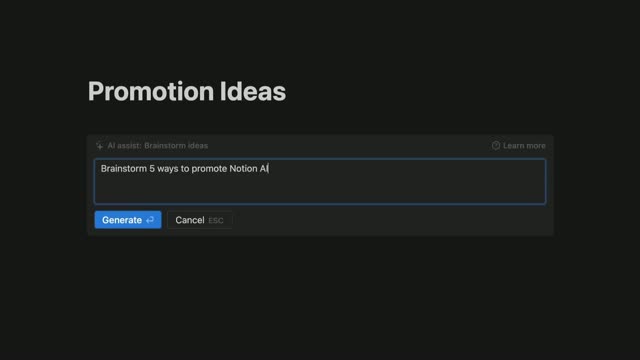 0:25–0:37Notion · Introducing Notion AIA dark page types a slash command that filters a menu to 'Brainstorm ideas', opening a prompt box. A cursor types a prompt and clicks Generate; a five-line bulleted list of AI suggestions types in, with Keep, Try again and Discard buttons below.
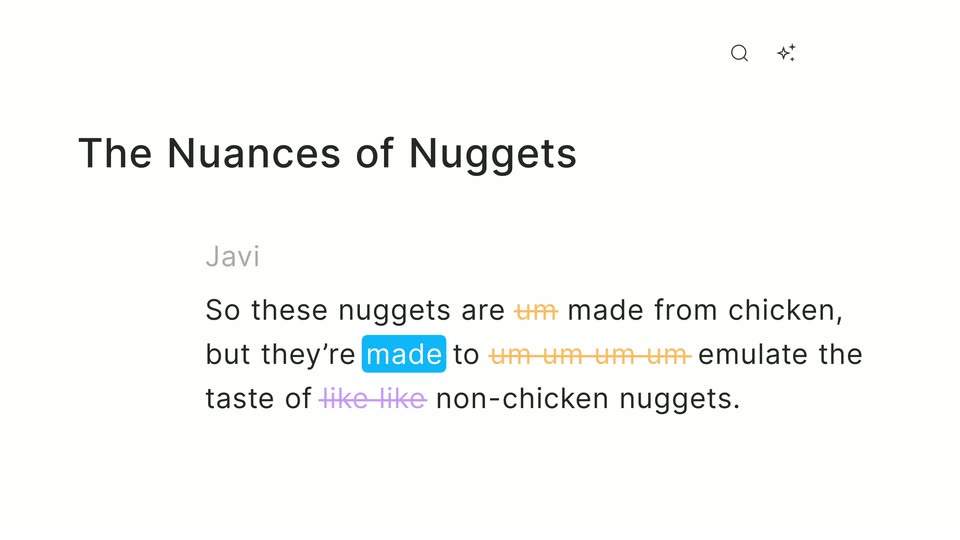 0:13–0:18Descript · The new Descript – made for podcastersOn a white transcript page, a cursor picks an option from a dropdown menu; filler words turn orange and get struck through, a repeated phrase is struck in purple, then a blue highlight steps word by word across the paragraph.
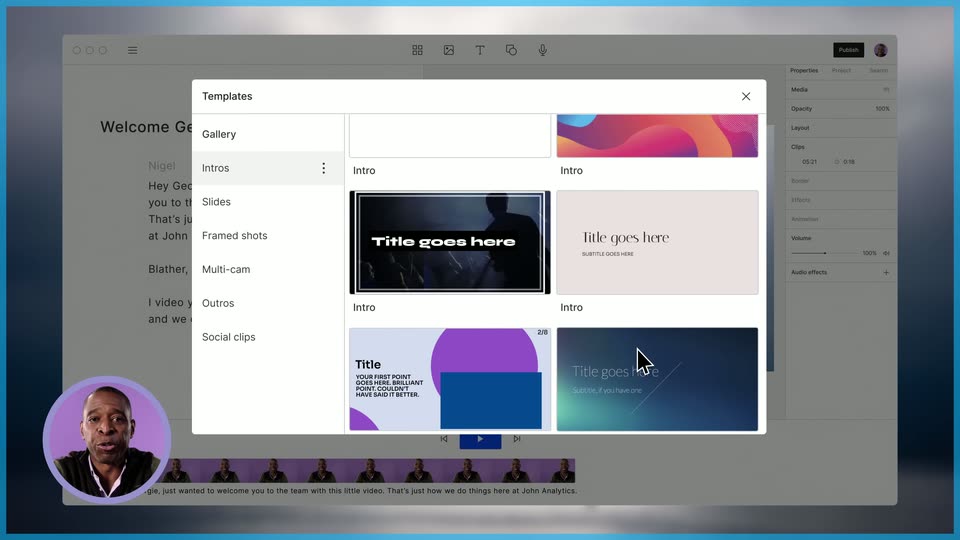 0:32–0:33Descript · The new Descript – made for professionalsA locked-off screen recording shows a video editor with a Templates modal open, listing intro thumbnails labeled Title goes here. A cursor hovers over a thumbnail in the gallery. A circular video-call avatar of a man sits in the lower left corner.
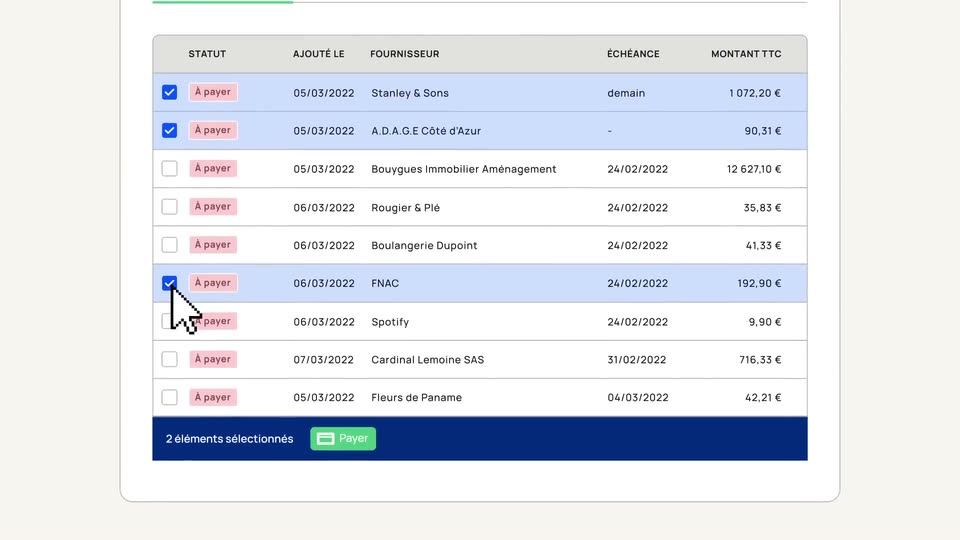 0:47–0:50Pennylane · Présentation - PennylaneA light invoice list titled Tous les achats fills the frame as a hand cursor moves down the rows and ticks checkboxes. Selected rows highlight blue and a blue bar with a Payer button rises along the bottom.
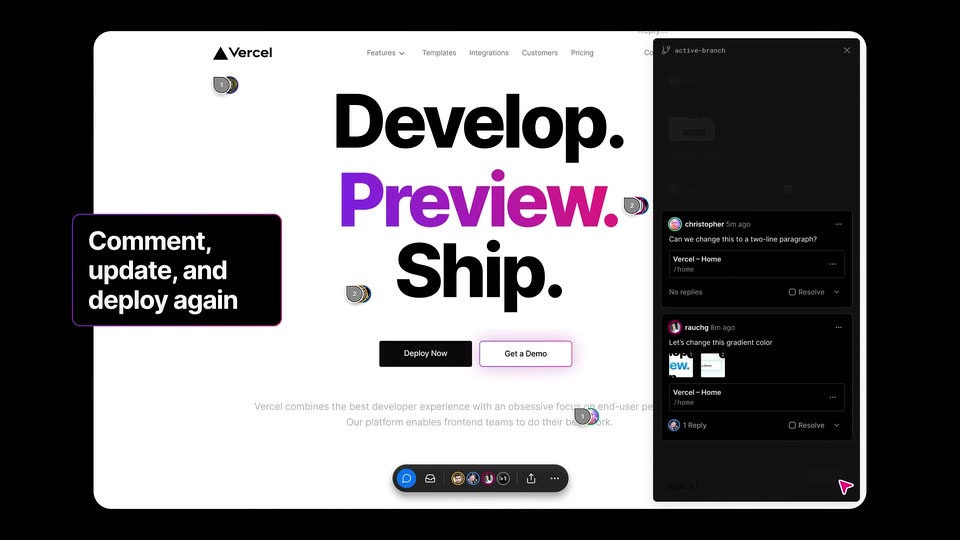 0:17–0:22Vercel · Introducing commenting on Preview DeploymentsA Vercel homepage mockup and a dark comment thread sit side by side next to a black caption card. A pink cursor clicks Refresh in the thread, comments flip to Resolved, and the blue Preview word recolors to a purple gradient as the button becomes Deploy Now.
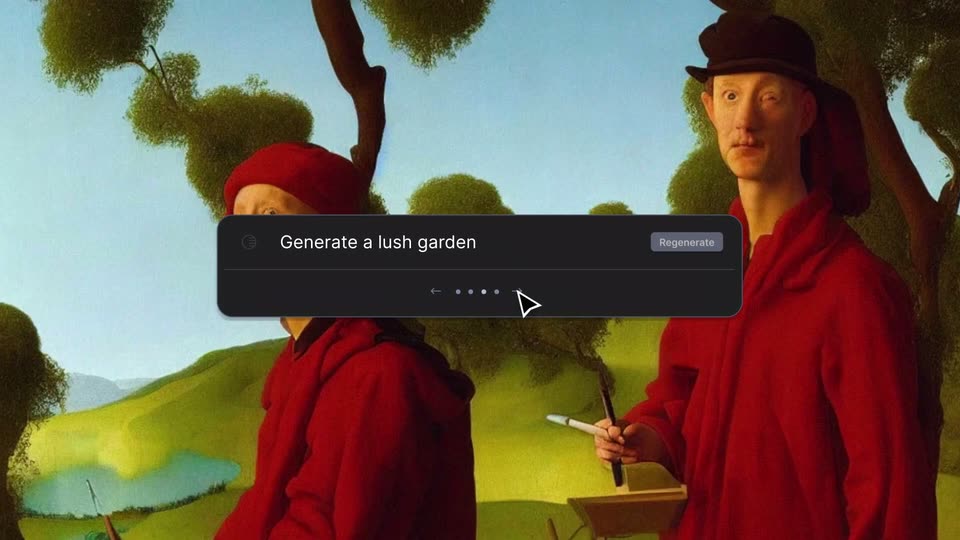 0:25 · 0.6sRunway · Text to Video: Early Access Waitlist | RunwayA dark prompt bar floats over a classical painting of two red-robed men. The bar shows the typed prompt Generate a lush garden and a Regenerate button. A cursor moves to the button and clicks it, the button scaling on press. The frame stays locked.