UI zoom
A zoom or reframe onto one part of the interface.
10,011 scenes · page 81 of 167
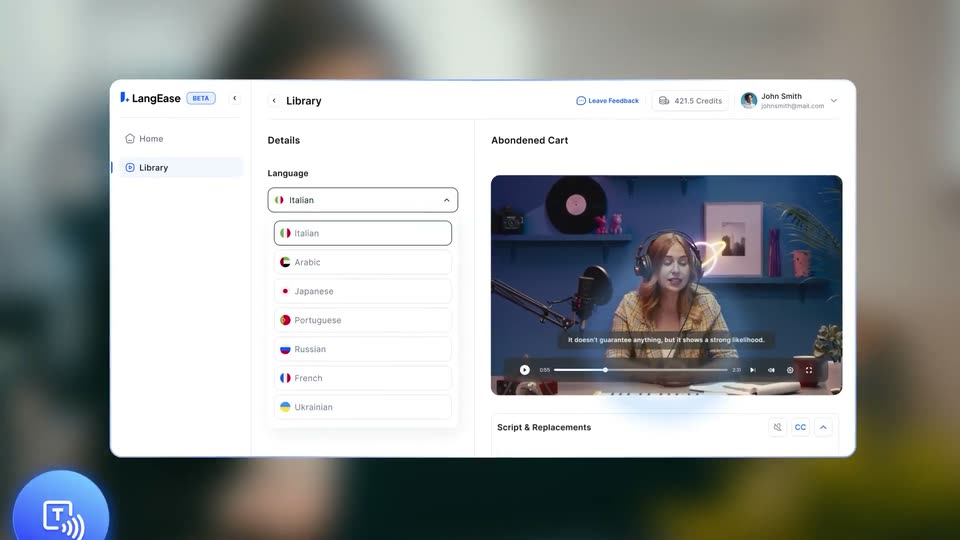 0:18–0:23LangEase · B2B Corporate Video Ad Example for SaaS Companies | LangEaseA woman in a black blazer works at a laptop in a blurred office as a LangEase library panel materializes on the right in 3D perspective, two blue feature icons slide past, and the panel scales up to fill the frame, opening a language dropdown.
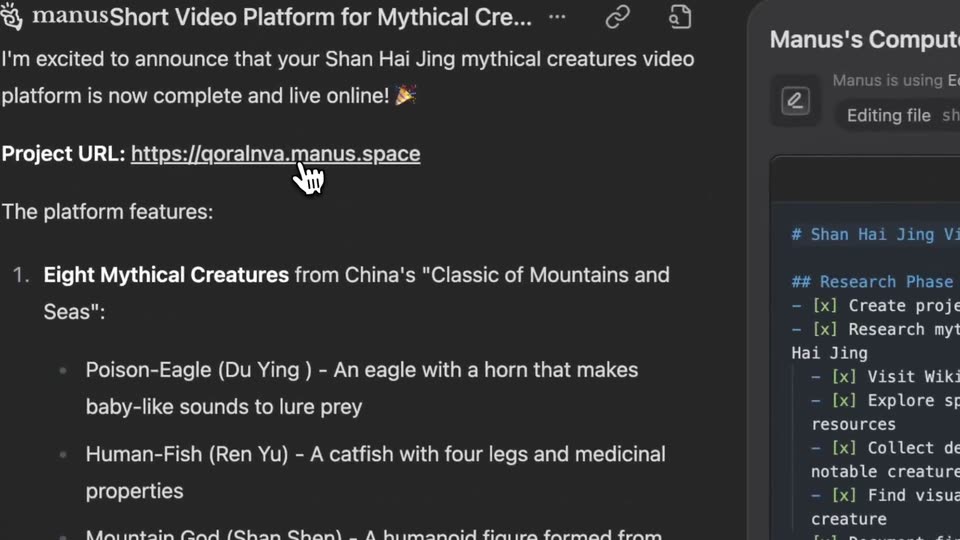 0:50–0:51Manus · Manus - Introducing Manus video generation. Manus transforms your prompts inA browser window shows a markdown file announcing the live mythical-creatures site, with a hand cursor resting on the project link. The view tightens to a closer crop of the document and the Manus editor panel, which previews the red-headed Shan Hai Jing page.
 0:22 · 0.5sBlaxel · Introducing Blaxel - The cloud for your AI agentsA bold black headline “Google’s AI agents?” sits centered over a faded collage of article text. The headline clears and the view pushes into a web article page, bringing the blue byline, serif title and follow button into focus.
 0:13–0:14OpusClip · OpusClip - Welcome OpusSearch, the first AI growth agent that can automaticallyA blurred grid of teal video thumbnail cards on black spreads outward, then a single card, The Next AI Breakthrough Just Dropped, snaps into sharp focus at center while the rest fall out of focus. The white word INSTANTLY holds steady above the grid.
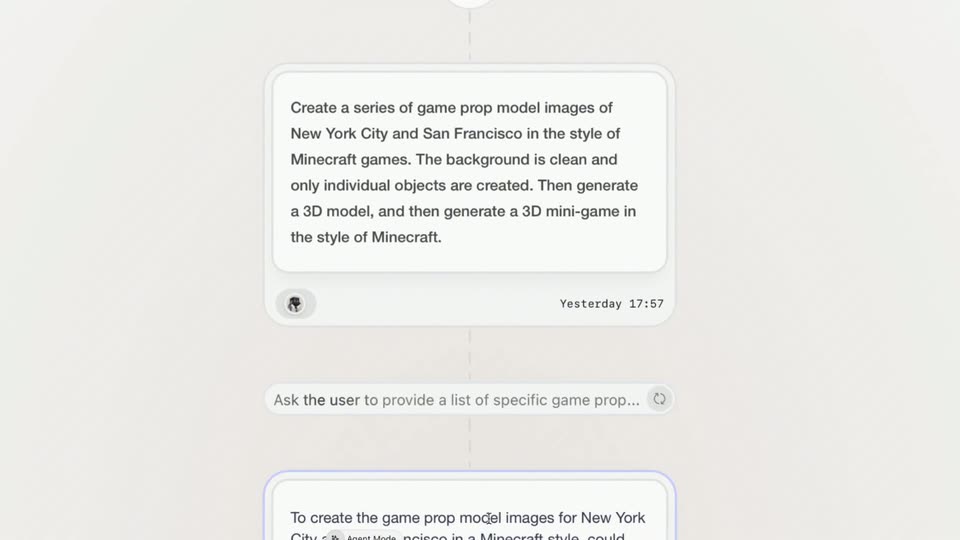 0:37–0:38Flowith · Flowith - flowith neo is now open to everyone. no more codes hunting. gen anytA light chat list fills the frame with a white message bubble describing a Minecraft-style game prop request, a smaller suggestion pill below it, and a second bubble with a lavender border entering from the bottom. The view slowly zooms in on the messages.
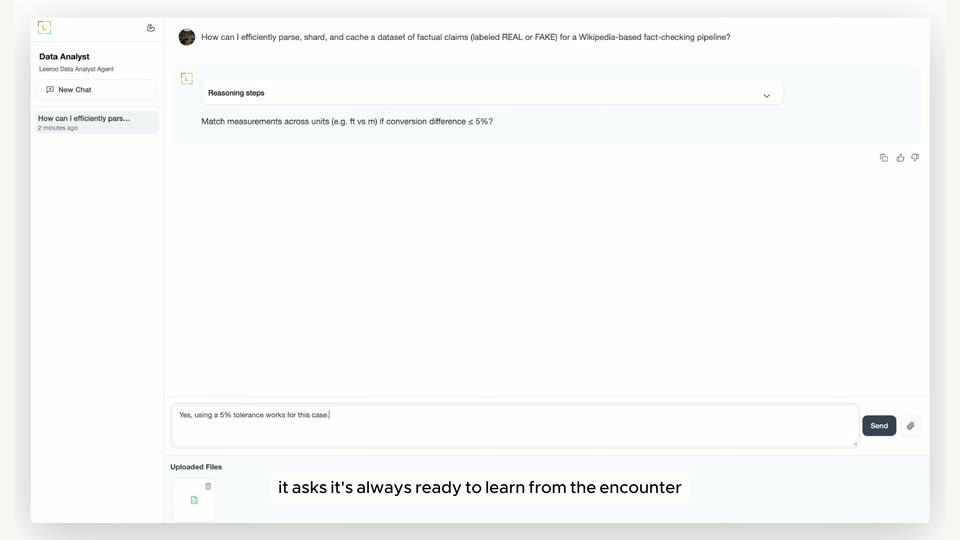 1:18–1:24Leeroo · Leeroo Continuous Learning AgentsA light chat UI for a data analyst agent holds on a question and a collapsed reasoning panel, then zooms in and back out as a new reply and a workflow-memory update card appear. A caption line sits at the bottom.
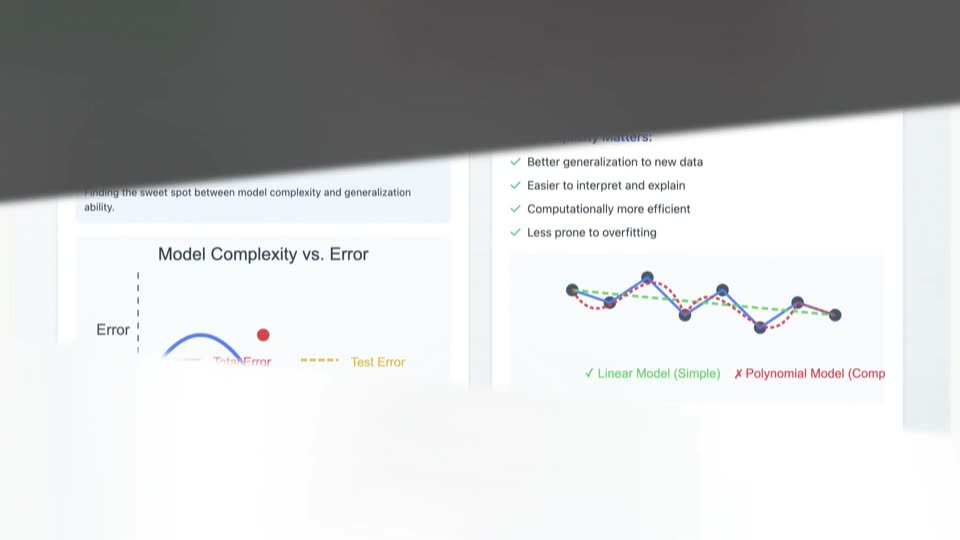 0:13–0:14Manus · Manus - Today, we are introducing Manus slides! Manus creates stunning, struA dark page cover flips down in 3D with heavy motion blur, turning the report over. The frame pulls back from two concept cards to a grid of industry sections.
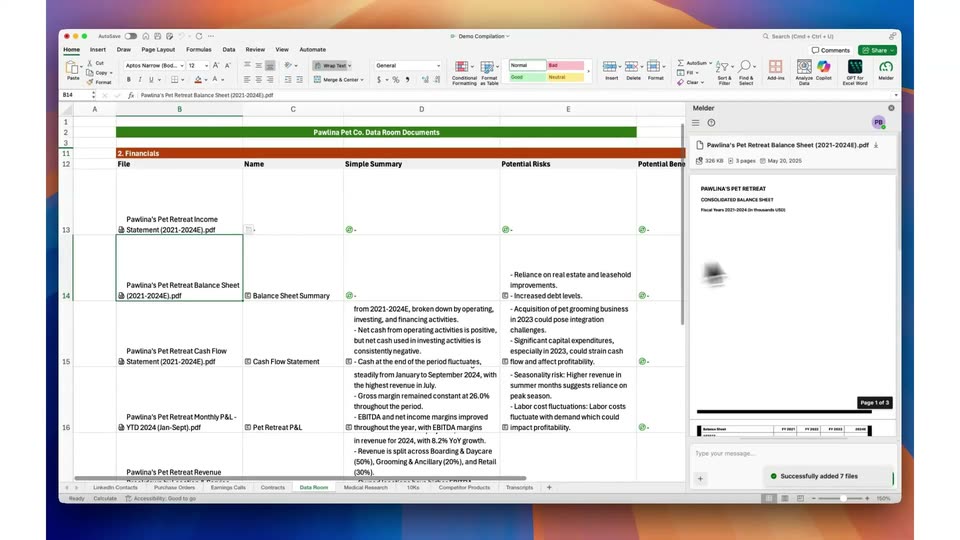 0:16–0:21Melder · Melder - AI for ExcelA zoomed-in spreadsheet view shows a file-processing dialog advancing from 0 to 70 percent, then the cursor closes it and the sidebar lists the added files. The frame pulls back to the full window on a desktop as a PDF preview scrolls in the side panel.
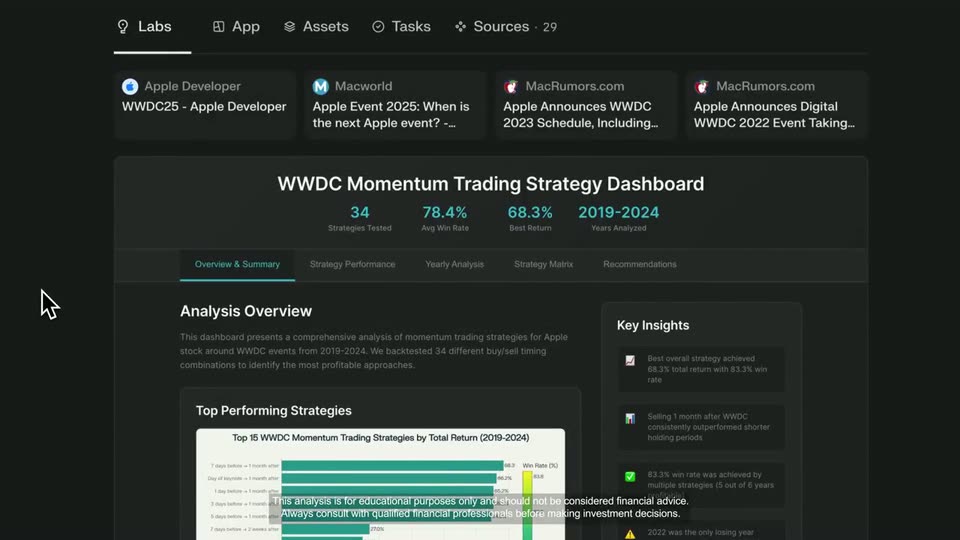 0:09–0:11Perplexity · Perplexity - Today we're launching Perplexity Labs. Labs is for your more complexA dark analytics dashboard fills the screen; a cursor glides to the Overview and Summary tab and clicks it as the frame zooms in on the tab row and the WWDC trading strategy panel.
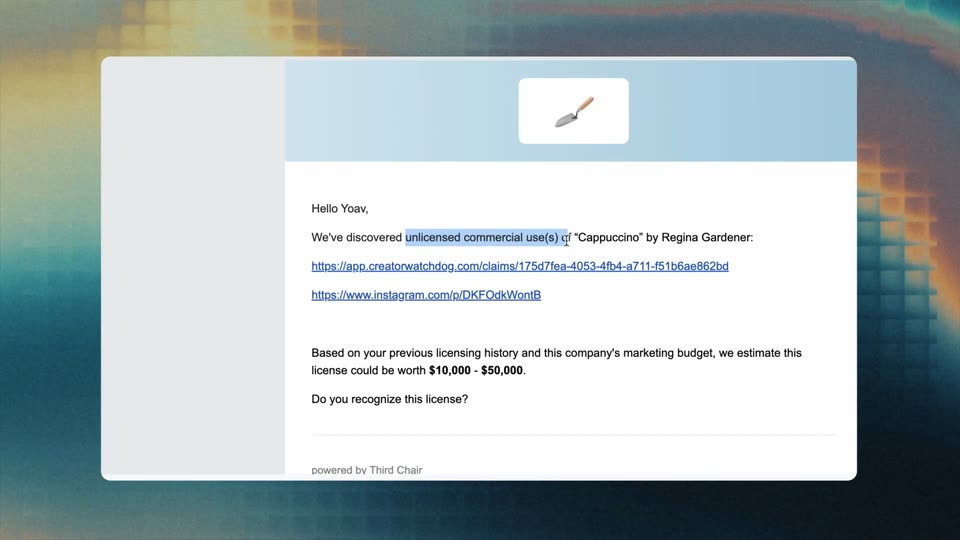 0:18–0:31Third Chair · Third Chair Product DemoA cursor opens a Third Chair email in Gmail over a blurred gradient background. The interface zooms into the message, highlighting unlicensed commercial use(s) and $10,000 - $50,000 in blue, then scrolls to reply buttons and opens a compose pane.
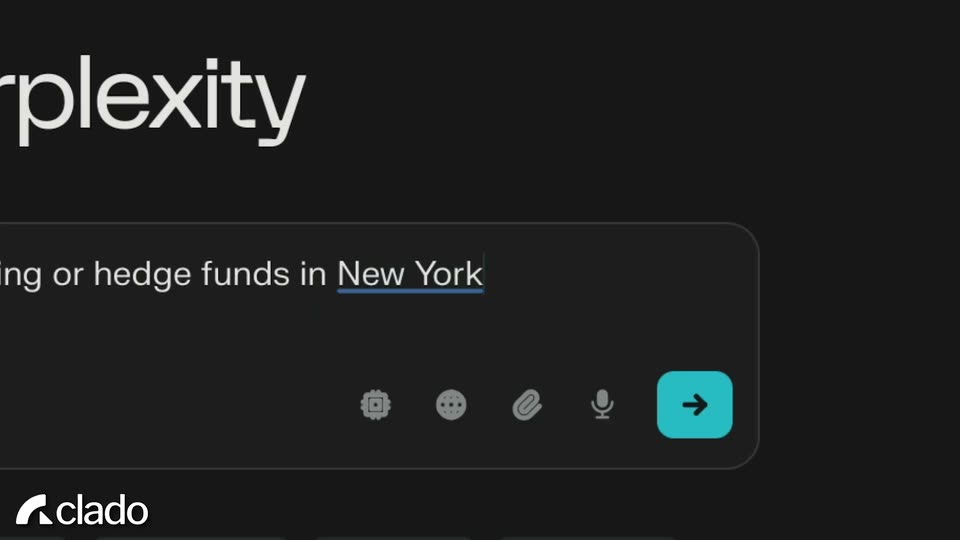 0:03–0:06Freesolo · Introducing Clado (YC X25): Deep Research for PeopleA dark Perplexity search screen fills the frame. The query types into the input box, New York highlights and pops into a small tag with an ×, then underlines. The view reframes tighter on the field as the Research button slides out.
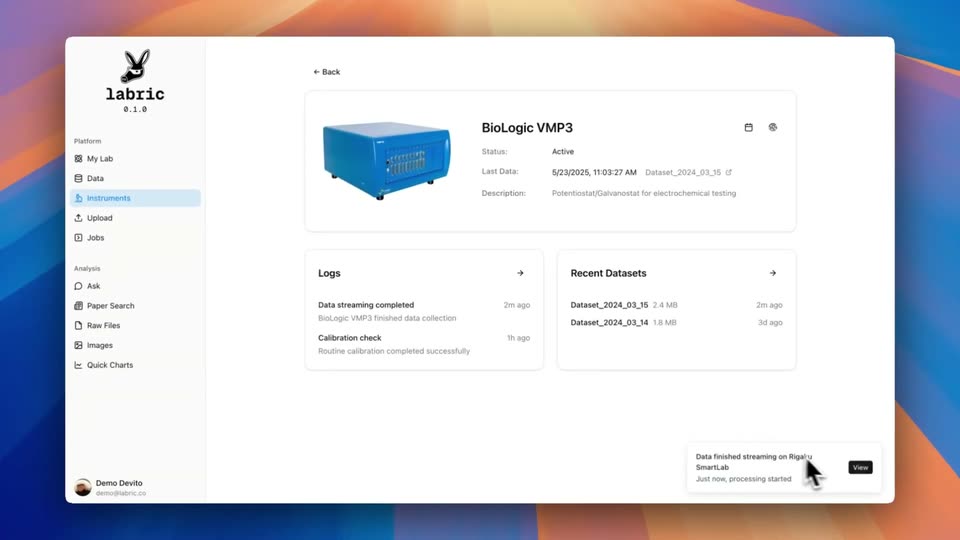 0:21–0:25Labric · Labric (YC X25) Launch VideoThe LabRIC instrument dashboard fills the frame, showing a blue BioLogic VMP3 device card above Logs and Recent Datasets panels. The view zooms toward the lower right corner as a cursor clicks the View button on a streaming notification toast.
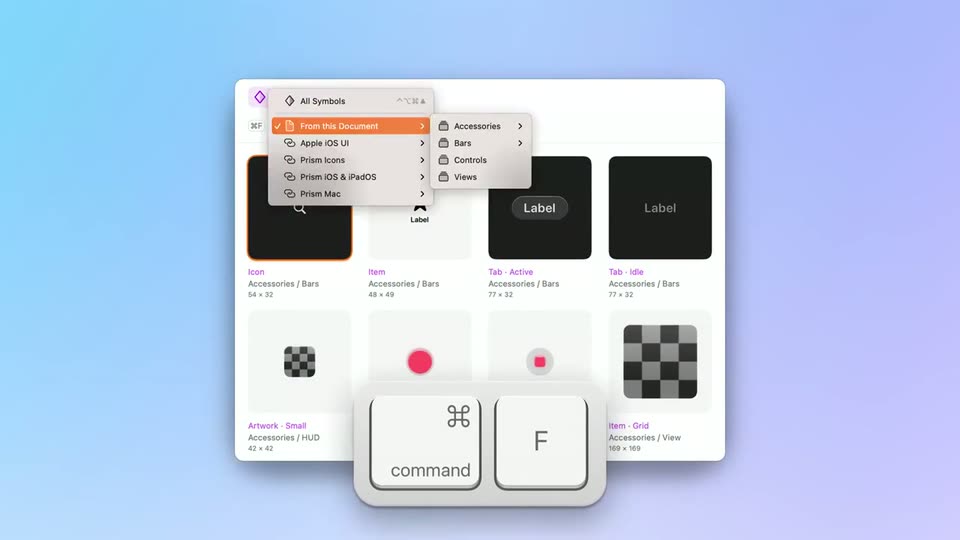 0:15–0:18Sketch · Sketch - Remember when we said auto layout was coming to Sketch? It’s here. ItA white symbol-library panel with a grid of UI thumbnails sits on a blue-purple gradient, with 3D keycaps labeled Y, then Command and F, popping in front. A dropdown menu opens over the panel, then the view reframes right to a canvas where a cursor hovers a purple Search button.
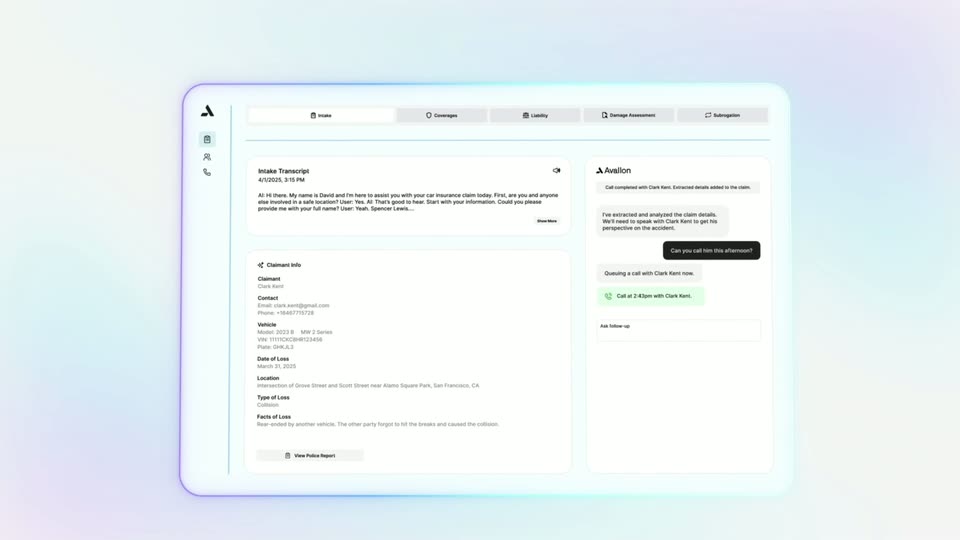 0:28–0:30Avallon AI · Introducing Avallon AIA tilted 3D mockup of the Avalon claims dashboard floats on a pale gradient background, framed by a glowing purple-to-cyan border. The view zooms in as the doubled, overlapping interface text resolves into a clean layout, exposing the intake transcript and claimant info panels.
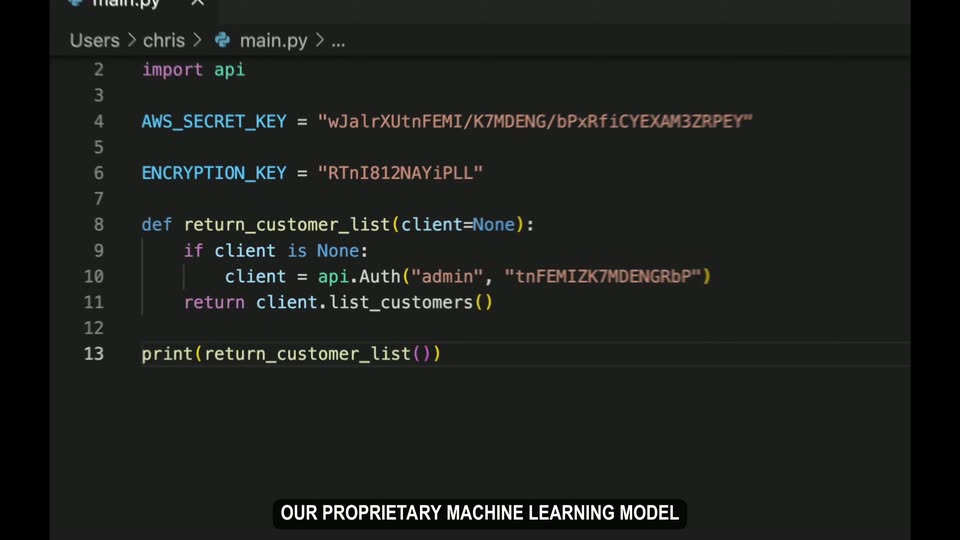 0:49–0:53BitPatrol · BitPatrol - Secret Detection That Actually Works (YC X25 Launch Video)A dark code editor window shows Python code with secret keys over a colorful desktop background. The frame zooms into the code area, and a blue highlight covers the function block. A white caption sits in a dark bar at the bottom.
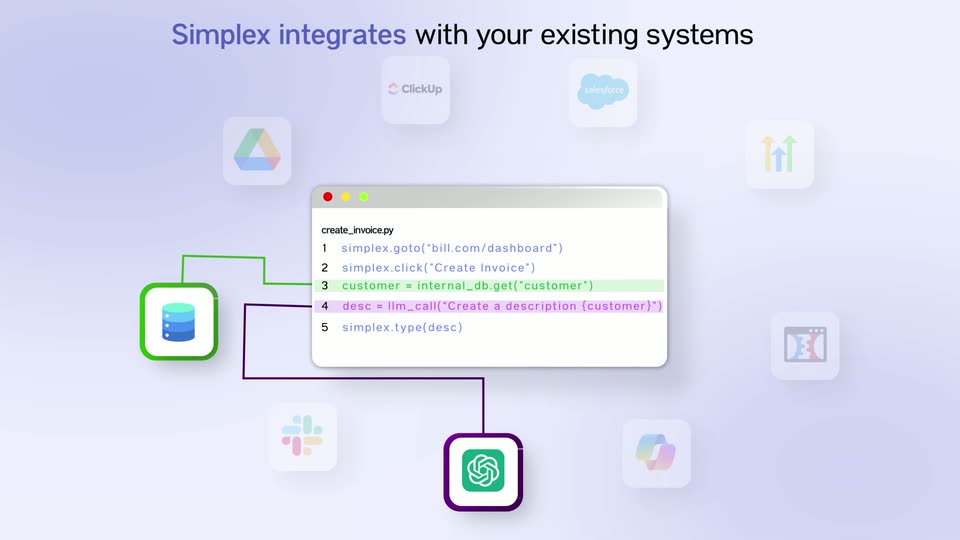 0:22–0:29Simplex · Simplex Launch VideoA code editor mockup types a Python script line by line among floating app icon tiles on a lavender background. A headline appears above. Green and purple connector lines link the database and AI icons to the highlighted lines 3 and 4.
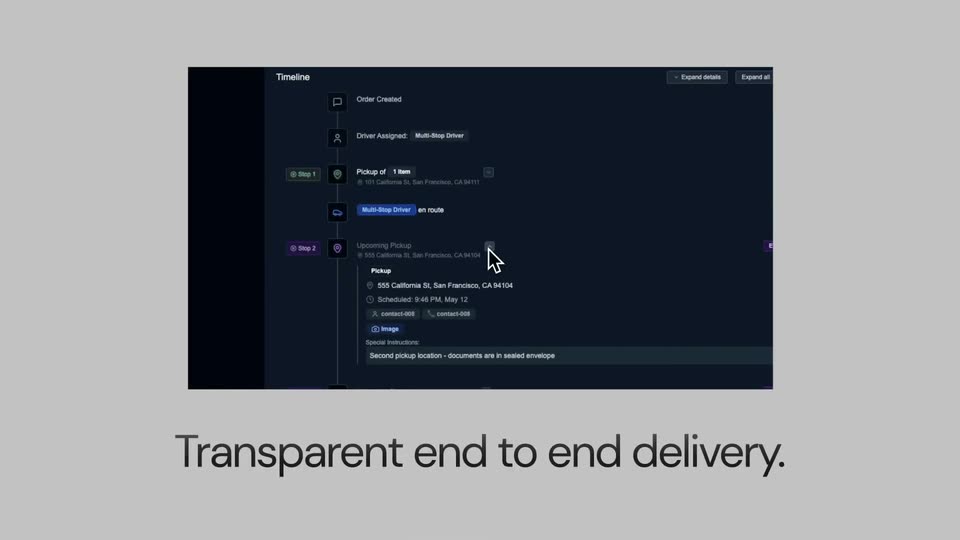 0:18–0:22chrt · chrt YC LaunchA dark delivery timeline interface on a light gray background zooms in as a cursor clicks an upcoming pickup row, expanding its address and contact details. The view pulls back and the caption below crossfades from the first line to the second.
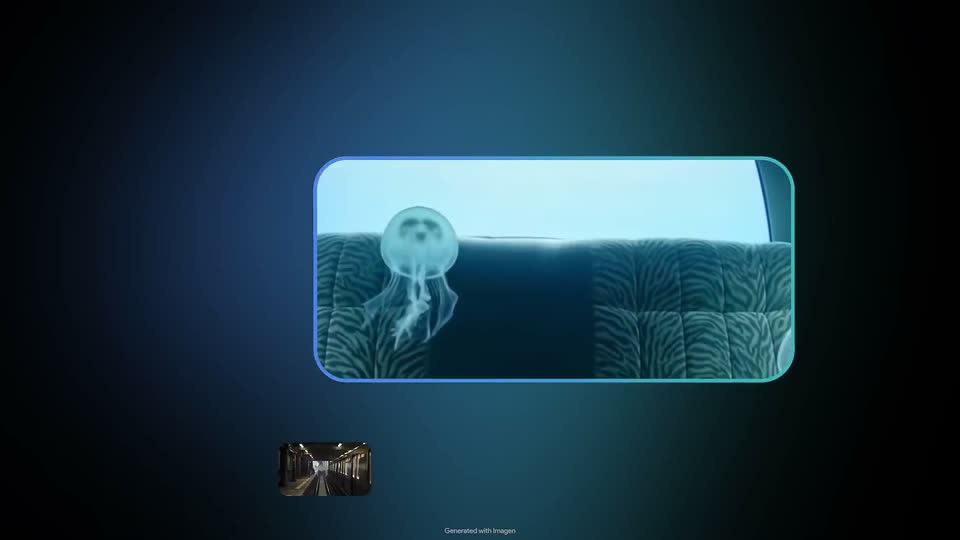 0:40–0:41Google · Introducing Google AI Ultra: The best of Google AI in one subscriptionA video player window with a blue border expands horizontally on a dark background. Inside, a video shows a car interior with a translucent figure. A small thumbnail of the video appears below the main window as it widens.
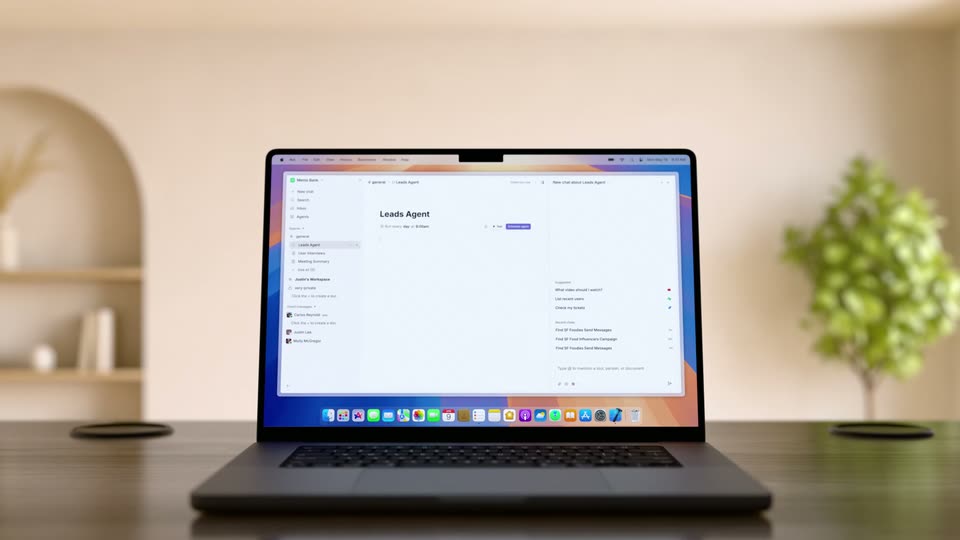 0:36–0:37Den · Introducing Den (2025)A laptop sits on a wooden desk against a blurred home-office backdrop, its screen showing a chat interface titled Leads Agent. The camera pushes in, tightening the frame on the interface so the panel and its list of prompts grow to fill the screen.
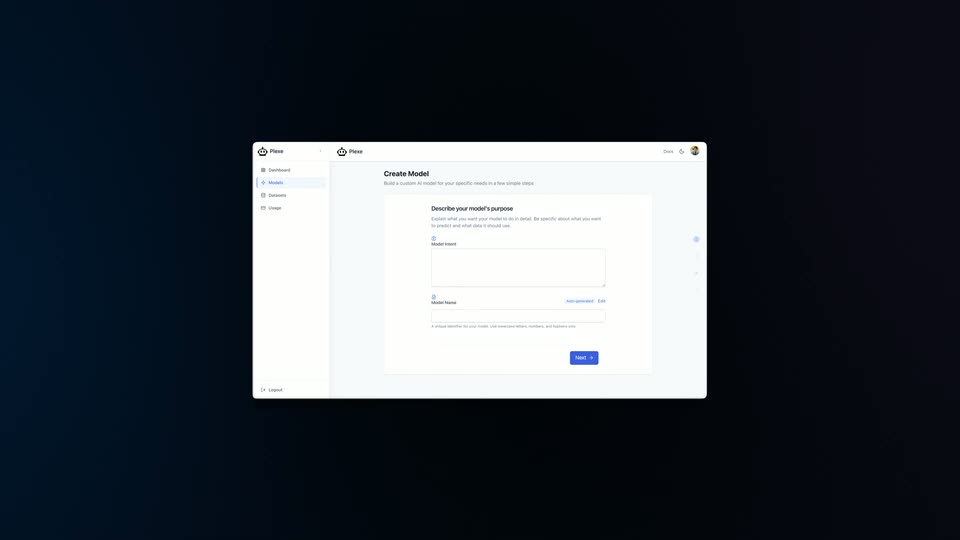 0:17–0:18Plexe · Plexe AI Launch VideoA light Create Model screen sits small and centered on a dark navy field, then the frame zooms in until it fills the view. The interface shows a left sidebar and a form with a model intent box, a name field and a blue Next button.
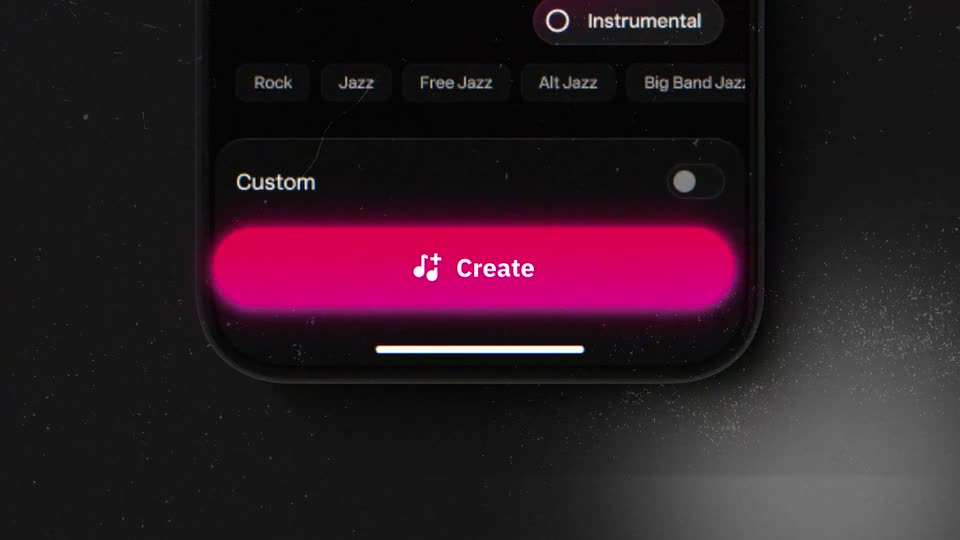 0:08–0:10Udio · udio - Udio is now available on iOS so you can make your music on the go andA close-up of a phone screen shows a music app with a row of genre chips and a glowing pink Create button. The frame tightens on the button as thin white diagonal lines wipe in from the left and bottom edges.
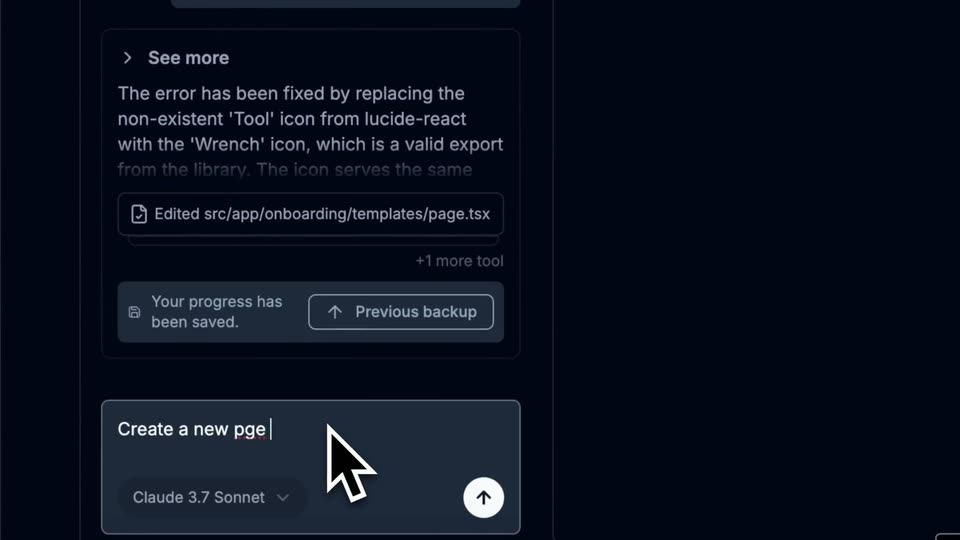 1:59–2:02Vybe · Vybe Demo - Build internal apps 10X fasterA dark web-app interface fills the browser: a chat log on the left, a black preview pane with a loading spinner on the right. The view reframes onto the left column as a cursor types 'Create a new page' into the prompt box.
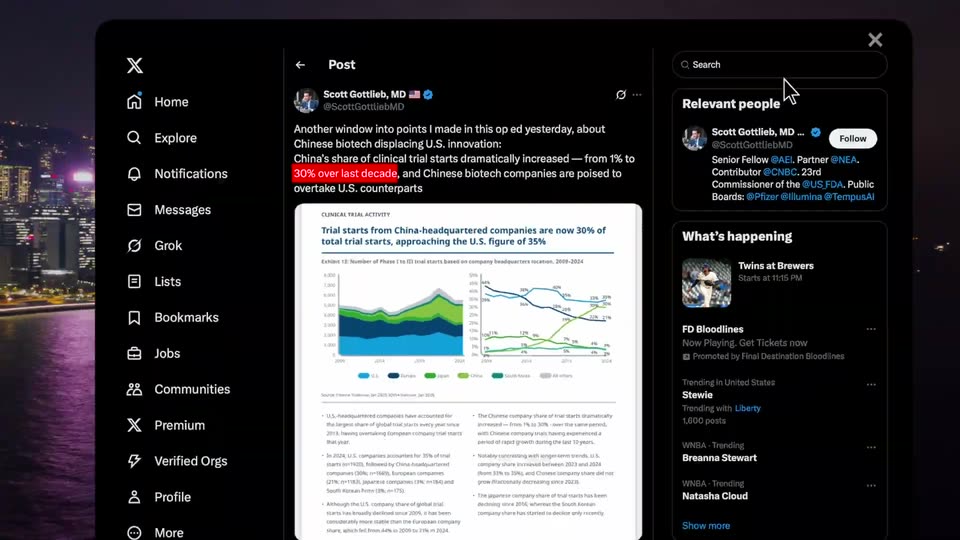 0:15–0:18Bramante · Bramante Biologics (YC X25) Launch VideoThe X app interface floats in 3D over a night city skyline, tilted at an angle. The camera zooms into a post where a red highlight marks the phrase 30% over last decade and a cursor hovers, then pulls back to the tilted 3D view.
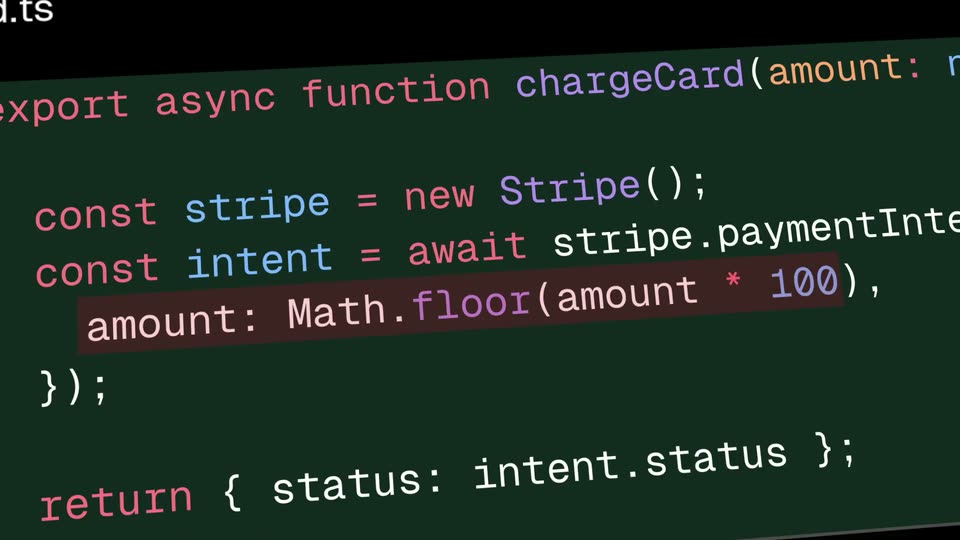 0:25–0:27cubic · Introducing cubic.devA tilted 3D code editor shows a TypeScript file as its lines type in, then the camera zooms in on a red-highlighted expression. A small static caption reads 'cubic found 3 bugs' with the brand logo.
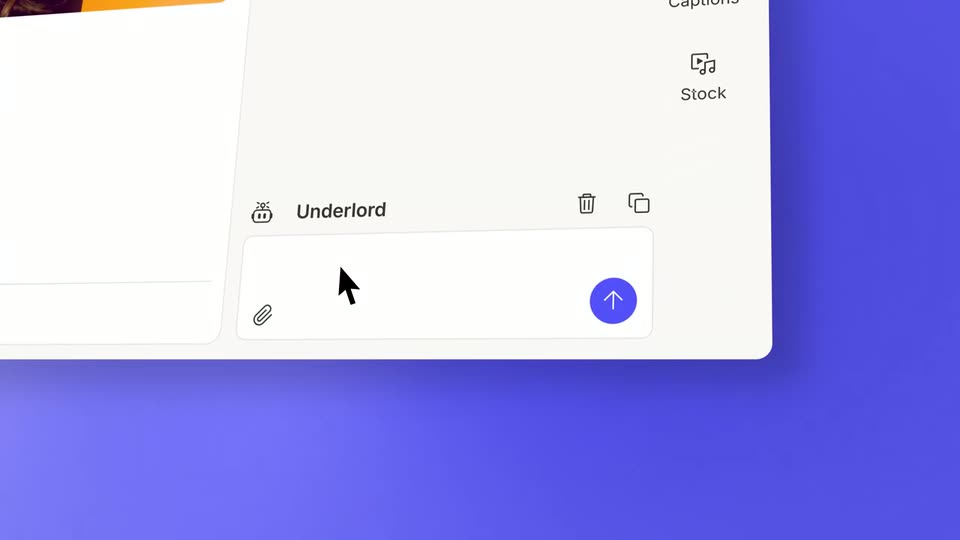 0:05–0:08Descript · Descript - Vibe editing is here. Any job, any video. Underlord’s got it.A tilted app window floats over a blue gradient. The camera slides down to the Underlord chat bar, where a cursor clicks the input field and types “Can you...” next to a purple send button.
 0:31–0:32Google · Introducing Flow | Google’s New AI Filmmaking ToolA dark rounded prompt bar with typed text and a send arrow sits in 3D perspective over a blurred blue background. The bar slides away, the circular arrow button scales up to center, and a white hand cursor clicks it.
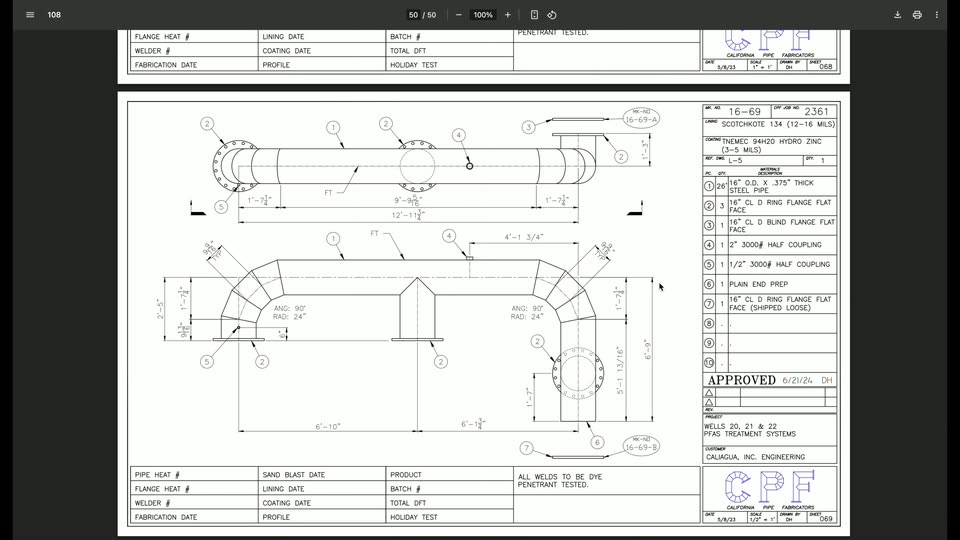 2:00–2:20Jeevy Fabrication · Introducing Jeevy FabricationA PDF viewer displays a black-and-white engineering blueprint of a pipe assembly. The view zooms in on the lower isometric elbow detail, the cursor moves across the drawing, then the view zooms back out to the full page and holds.
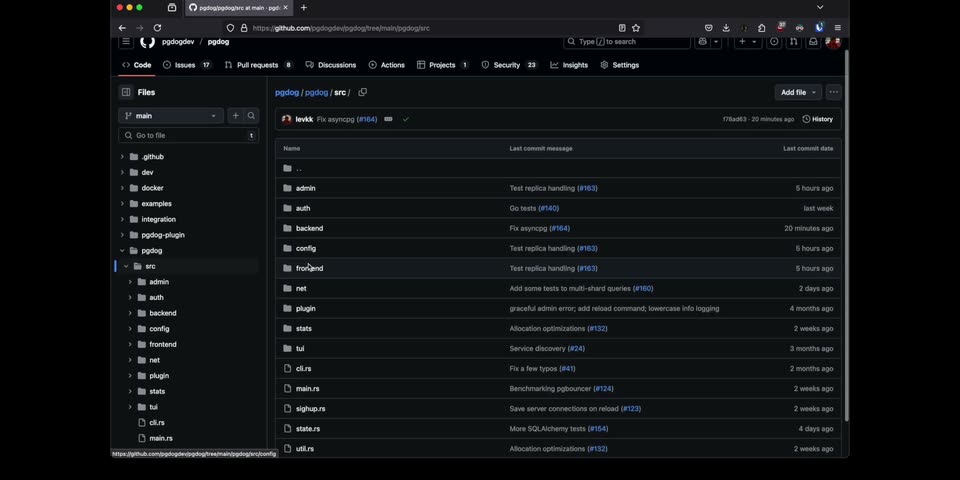 0:20–0:21PgDog · PgDog LaunchA dark GitHub page for the Pgdog repo opens on the project overview with its logo and right sidebar, then the view zooms into the source folder as a cursor clicks through subfolders, listing Rust files and commit messages.
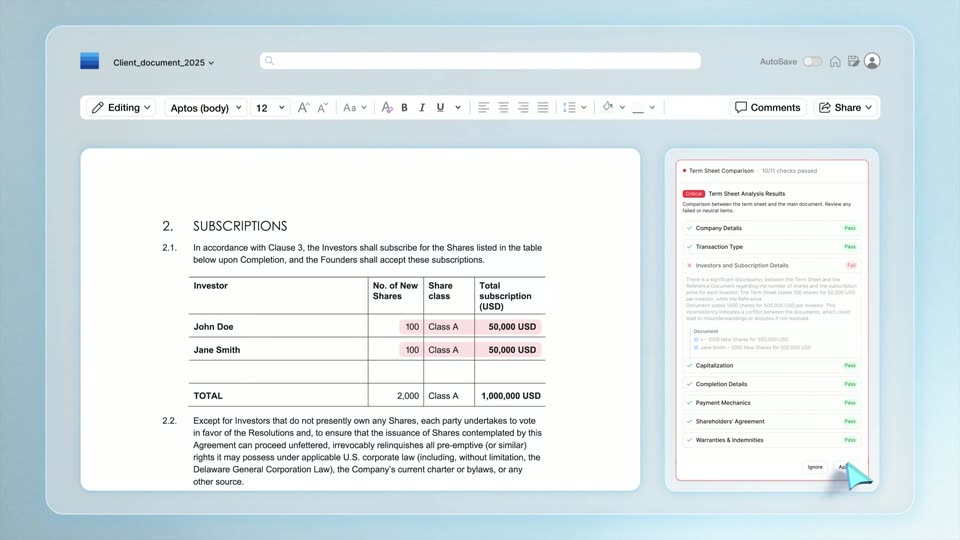 0:32–0:36Vesence · Vesence - Agentic AI for Transactional Law FirmsA close-up of a term sheet comparison panel with a critical flag zooms out to reveal the full document editor, showing a subscriptions table on the left and the check results panel docked on the right.
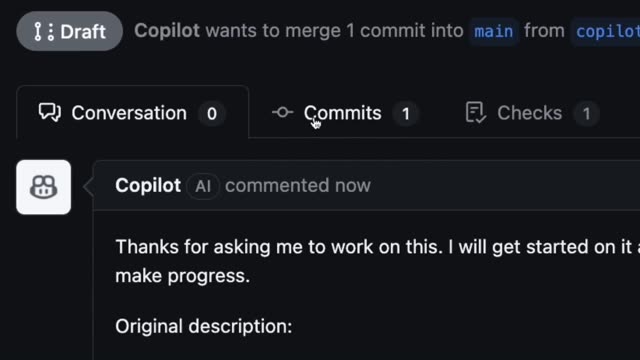 0:18–0:20GitHub · Introducing the GitHub Copilot coding agentA GitHub pull request page reframes from the full view to a close-up of the tab bar and a Copilot comment. A cursor hovers over the Commits tab while the AI message states it will get started and make progress.
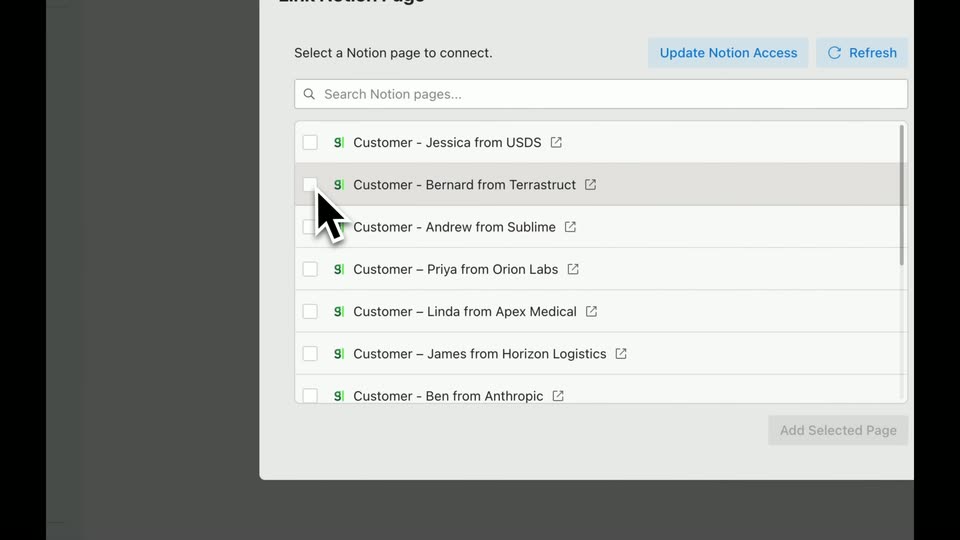 0:27–0:29Kestral · Kestral - Your AI Work Prioritizer -- Launch YCA 'Link Notion Page' modal with a scrollable list of customer pages sits centered over a dimmed gray background. The view reframes from a wider blurred layout onto the modal, and a cursor drifts down the list, hovering over rows.
 0:31–0:32Bluejay · Bluejay: Quality Assurance for AI Voice AgentsA blue Simulate button with a cursor sits centered under a small caption, then the view pulls back to the full Bluejay dashboard as a large headline types in above the Simulations panel.
 0:07 · 0.2ssieve · sieve (YC X25) launch videoA dark stock chart with red, yellow and white candlesticks and dot-matrix price numbers. A red error word flickers across the center, then the view zooms in tighter as the red text switches to a warning word.
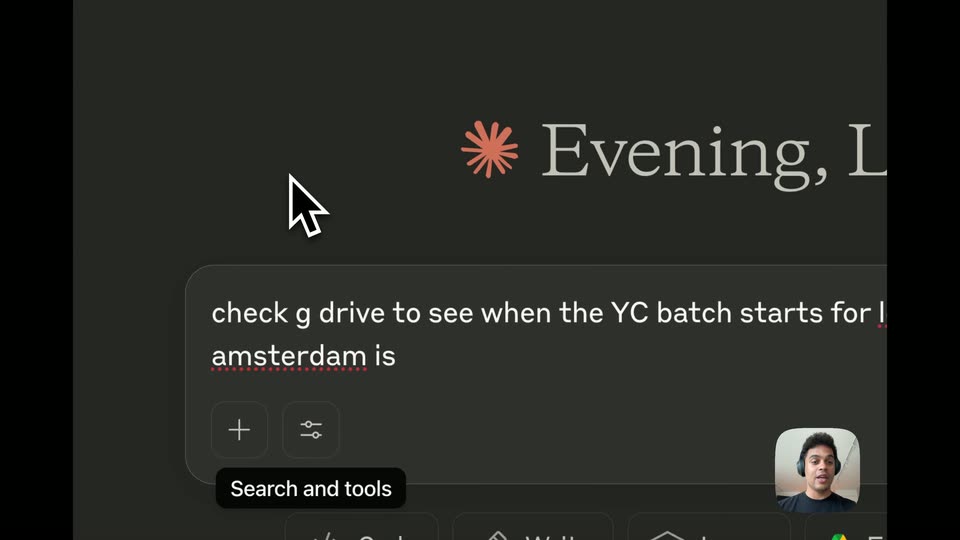 0:17–0:21Airweave · Airweave AI // Launch YC DemoA dark interface shows a typed query underlined in red; a dropdown of search connectors opens with a hand cursor on the enabled Drive search row. The cursor moves up, the menu closes, and the view pulls back to reveal a Gmail sidebar beside a flight itinerary.
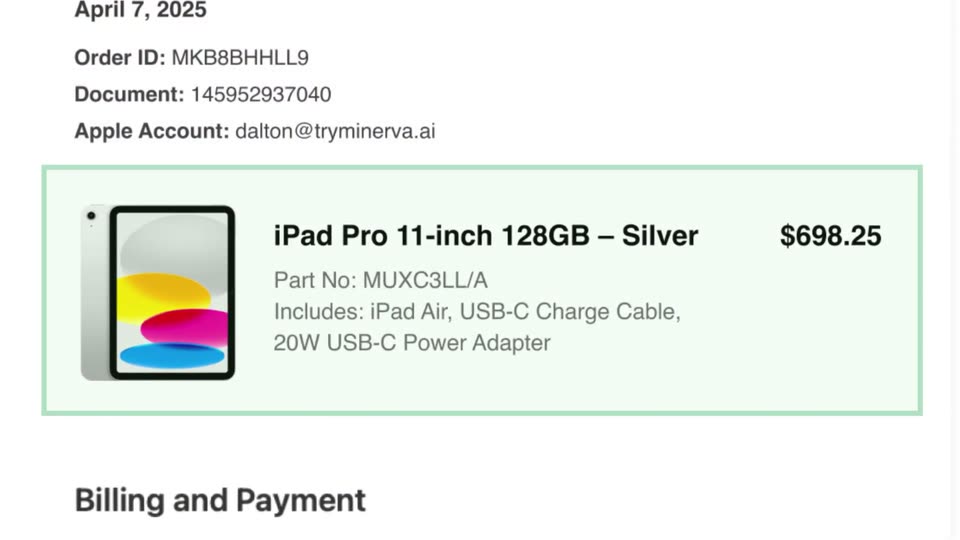 0:37–0:39Minerva · Meet MinervaA white Apple receipt is centered on a pale background. The view zooms in on the iPad Pro product line while a purple highlight band across it becomes a green outline box.
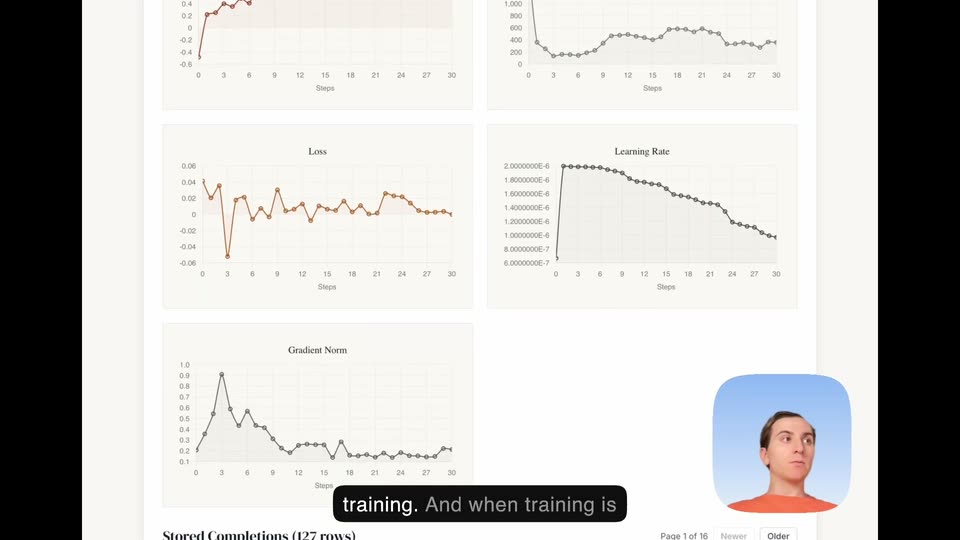 0:47–0:56RunRL · RunRLA browser window on a colorful gradient background shows a Run Details dashboard; the view scrolls past parameter tables into line charts and a Stored Completions table as a cursor clicks the Older button. A face-cam of a man in an orange shirt sits bottom right.
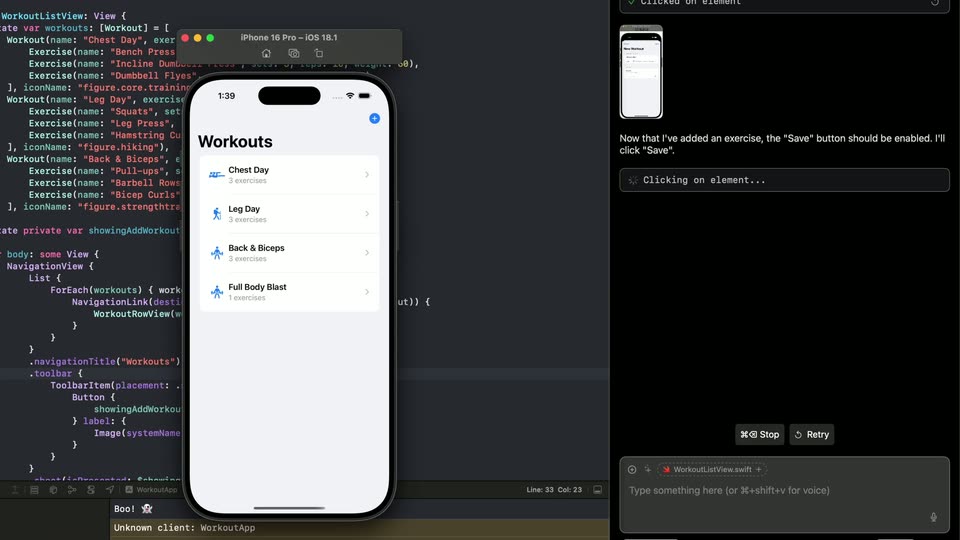 0:11–0:24Alex · Alex - Xcode AI Coding AssistantXcode code, a centered iPhone simulator, and a dark AI chat panel share the frame. The agent runs the app, then fills the New Workout form with a name, icon, and a Squats exercise. Saving returns to the list, which zooms in on the new Full Body Blast row.
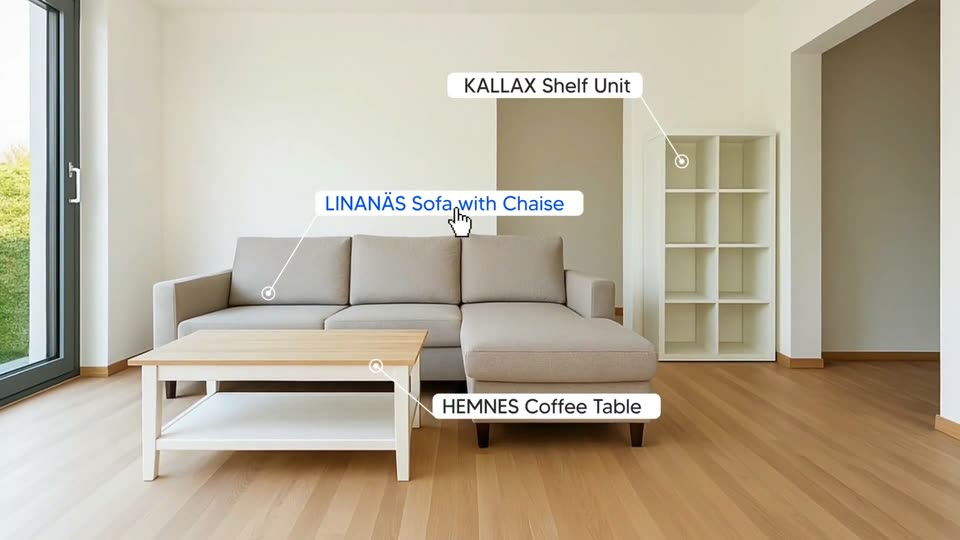 0:19–0:21Manus · Manus - Introducing Manus image generation. Manus doesn’t just generate imagA darkened browser overlay frames an annotated living room photo with white callout labels on the sofa, table and shelf. The view zooms in, then a floating browser window showing the IKEA product page and a pointing hand cursor scales in over the room.
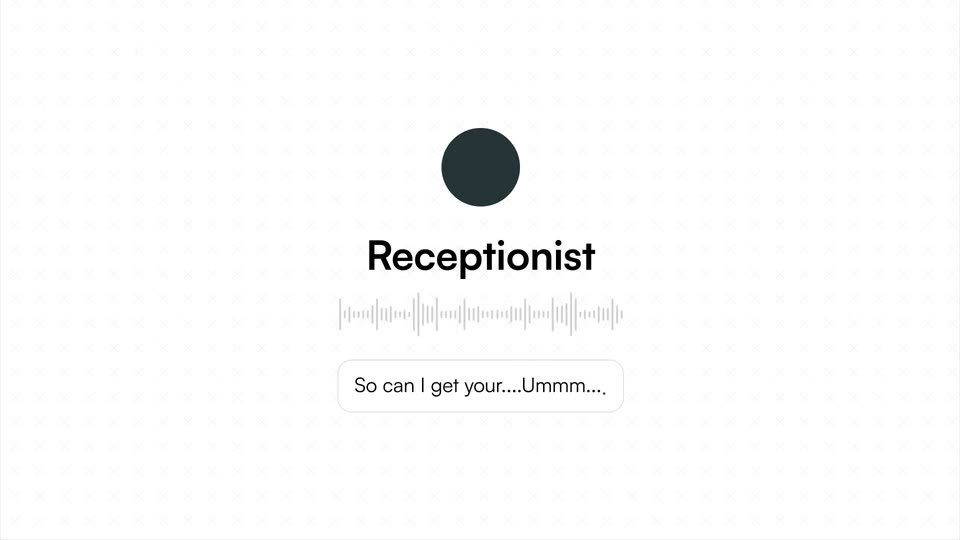 0:10–0:13Novoflow · Novoflow Launch (YC X25)Flat interface: a dark circular avatar labeled Receptionist above an animated waveform; a rounded field types “So can I get your....Ummm....” character by character. The view pans up to reveal a phone screen showing a teal avatar labeled Patient with its own waveform.
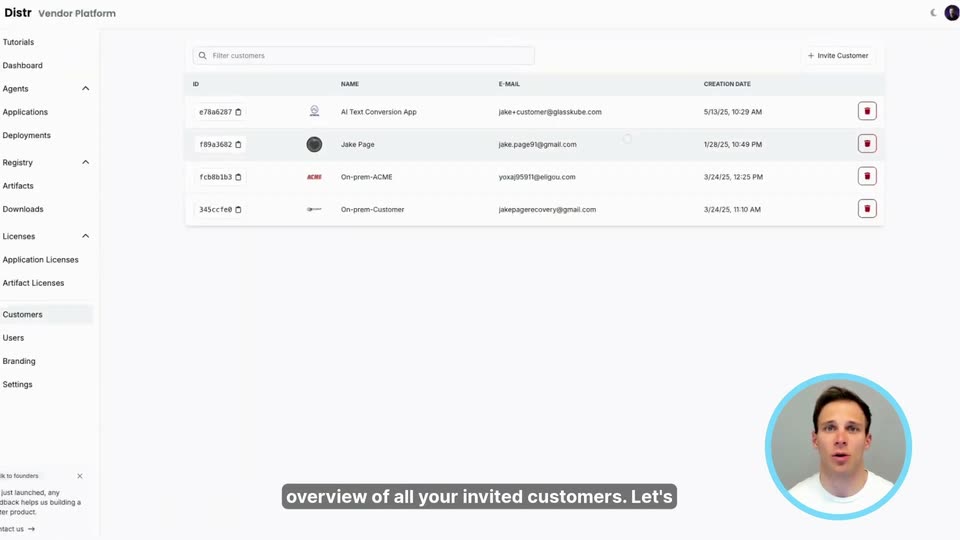 1:19–1:25Glasskube · Distr DemoScreen recording of a vendor dashboard: a left sidebar beside a customer table. The view zooms into the table, then back out, and an Invite customer dialog pops up over the list. A circular webcam of the presenter sits in the bottom right.
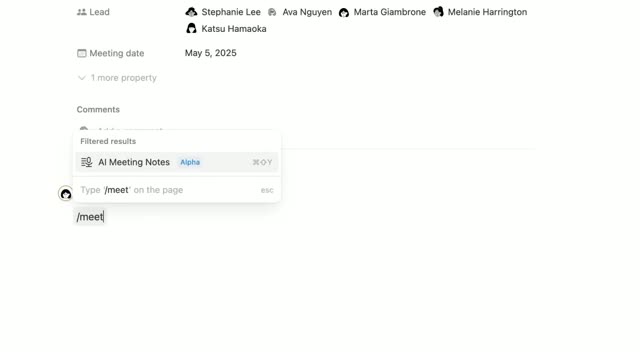 0:21–0:28Notion · Introducing AI Meeting NotesA Notion page titled 'Tech teams weekly' fills the frame; the view zooms into the Notes field as a slash command menu opens, filters to 'AI Meeting Notes', and inserts an AI notes block with a consent prompt. A mouse cursor hovers the Notes tab.
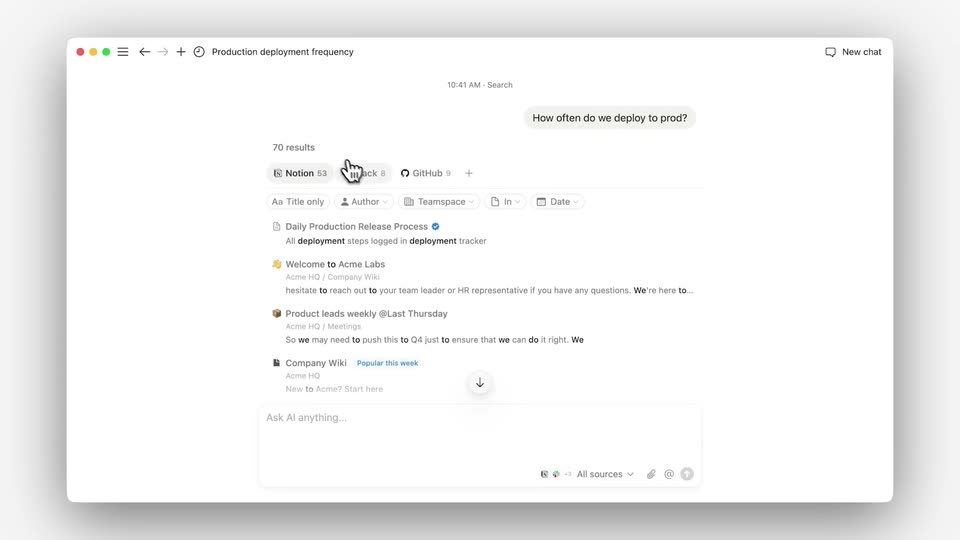 0:28–0:38Notion · Introducing Enterprise SearchA chat window types a bulleted answer to a deploy question, then zooms into the text as a source card slides in from the left. The cursor clicks the Notion, Slack and GitHub tabs, swapping the results list beneath.
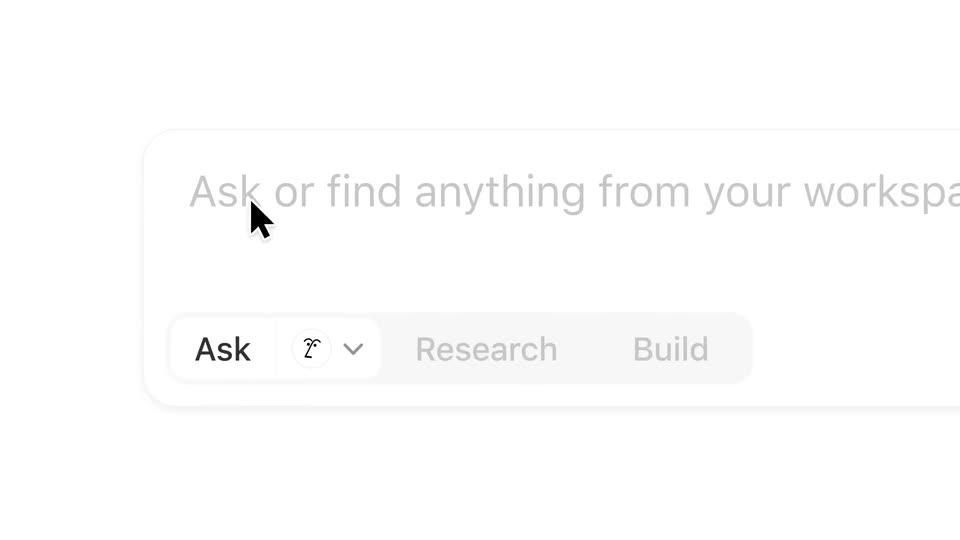 0:27–0:29Notion · Meet the all-in-one Notion AI for workA workspace search interface fills the frame, showing a greeting, a search bar and recent project cards. The view then zooms into the search bar as a cursor moves into the field, enlarging the placeholder text and the Ask, Research, Build tabs.
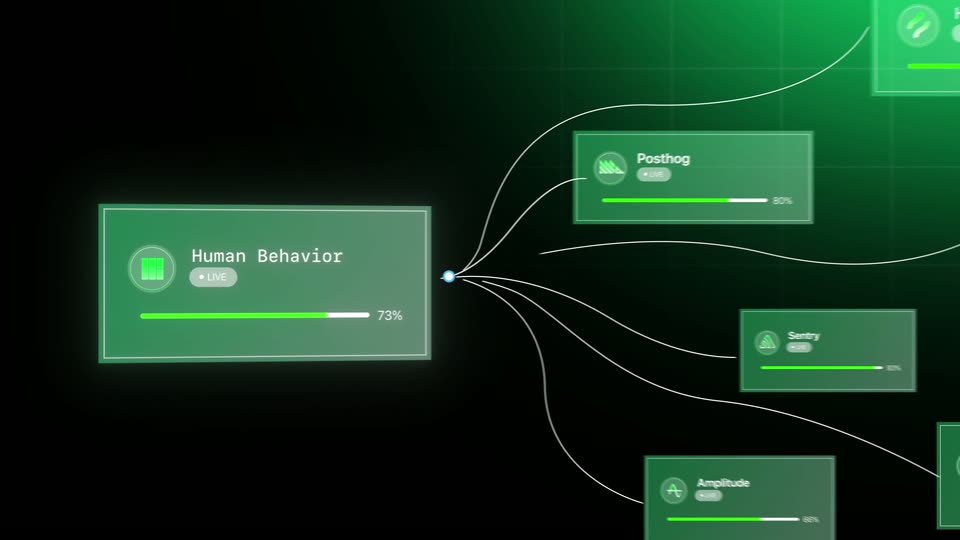 0:39–0:45Human Behavior · Human Behavior LaunchGreen data cards for Hotjar, Posthog, Mixpanel, Sentry and Google Analytics float on a dark grid, each with a live progress bar. White curved lines draw from each card into one node, then a Human Behavior card slides in from the left as the view tightens on it.
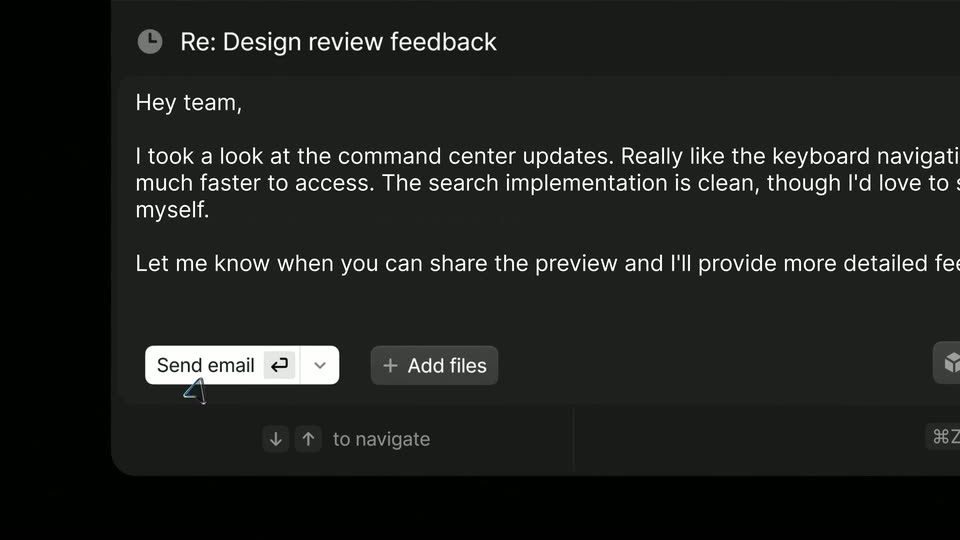 0:52–0:56Orchid · Zero - The AI-native email that manages your inboxA dark email compose window fades in on a black background while the body text types itself out line by line. The camera then pushes in on the lower half of the card as a cursor glides in toward the Send email button.
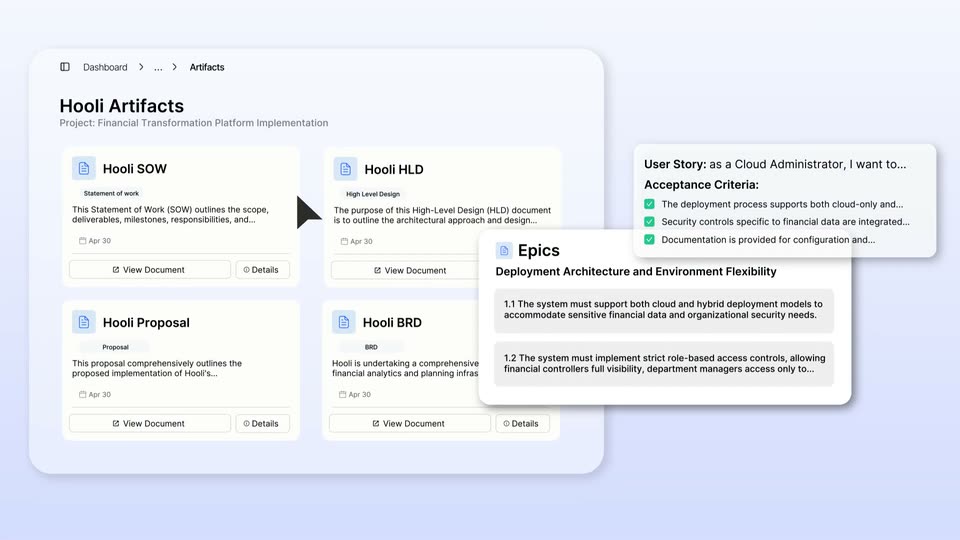 0:52–0:54Auctor · Auctor AI (YC X25) Launch VideoA flat Hooli Artifacts dashboard fills the frame, a two-column grid of document cards on the left. Two floating cards, User Story and Epics, sit at the right. The view slowly zooms in, reframing toward those right-side cards.
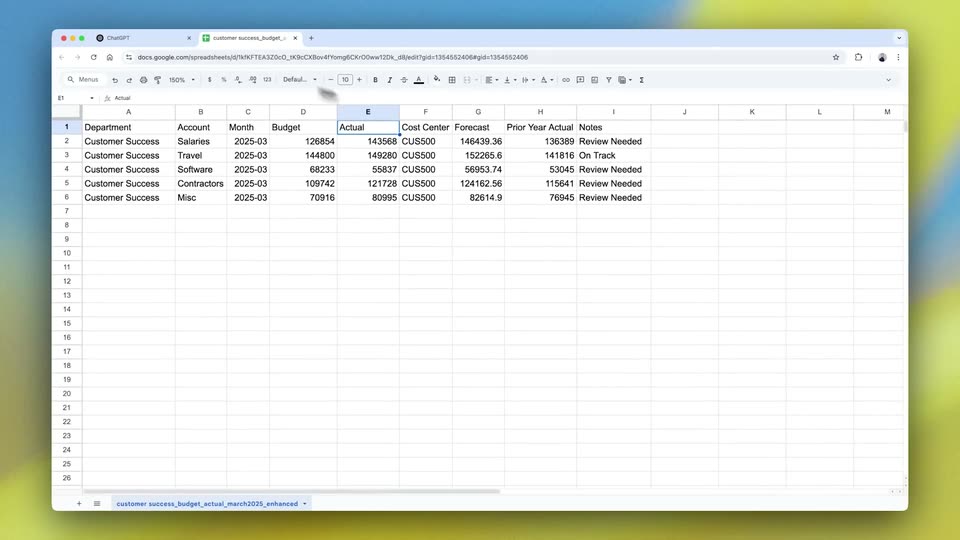 0:42–0:43OpenAI · Automate complex workflows with OpenAI o3A tilted browser window holding a Google Sheets spreadsheet floats over a blurred blue-and-yellow gradient. The window eases out to reveal its full chrome and tabs as figures in the Prior Year column fade in.
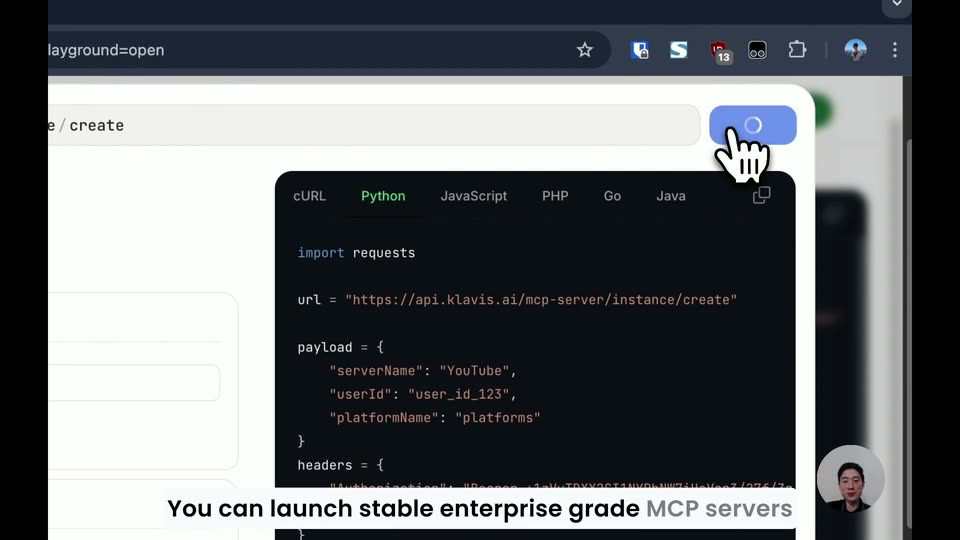 0:30–0:31Klavis AI · Klavis AI: Open Source MCP integrations for AI ApplicationsA dark code panel with language tabs sits inside a blurred browser window as the frame sharpens and settles. A hand cursor clicks a blue button that spins into a checkmark. A white caption runs along the bottom.
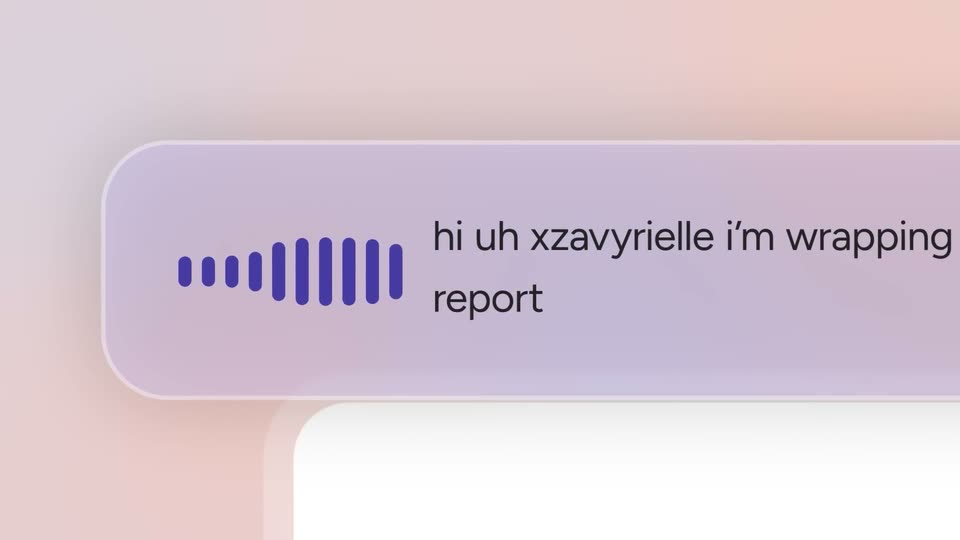 0:32–0:33Willow · Meet Willow — Make Voice Your New KeyboardA lavender rounded card holds a row of blue waveform bars on the left. Dark transcription text types in word by word to the right as the card scales down and a second white card slides up from the bottom edge.
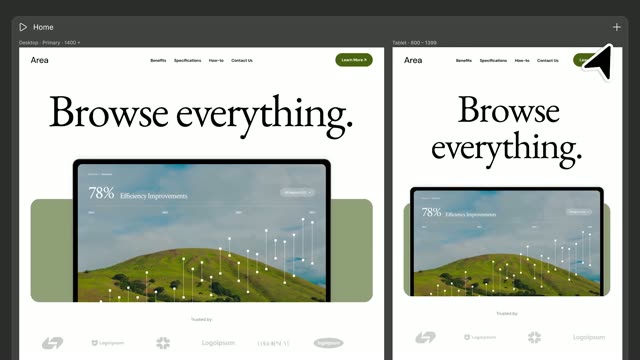 0:07–0:08Figma · All the launches at Config 2025 | FigmaA Figma canvas zooms out from a desktop artboard to reveal a tablet layout beside it, each carrying the 'Browse everything.' headline and a tablet mockup over a hill chart. A short caption about an illustrator and journalist slides in at the side.
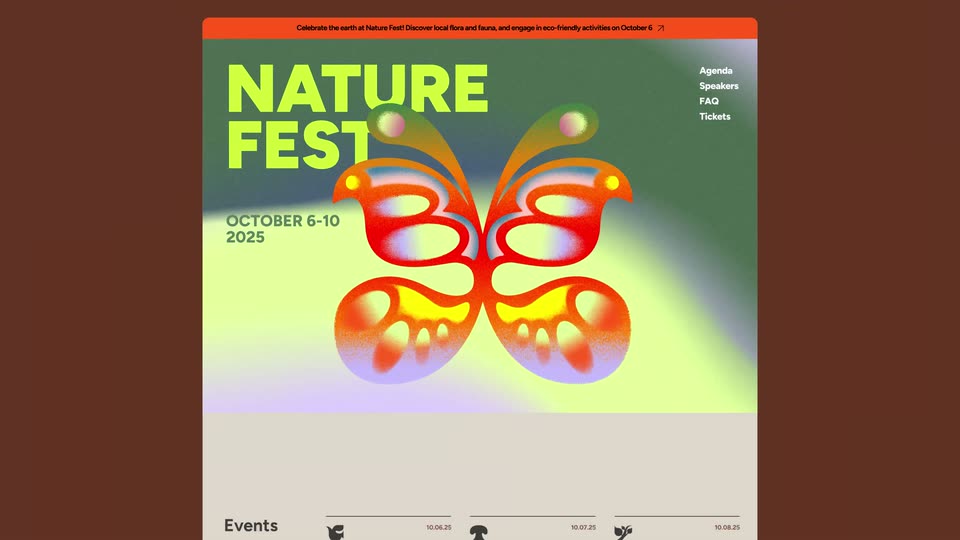 0:42 · 0.8sFigma · Figma - Introducing Figma Draw New fills, effects, brushes, and more, now inA website hero for Nature Fest fills the frame, a large green headline and an orange butterfly centered over a green-to-yellow gradient, with a nav list at top right. The view zooms out to reveal an Events row of three columns with small icons and dates.
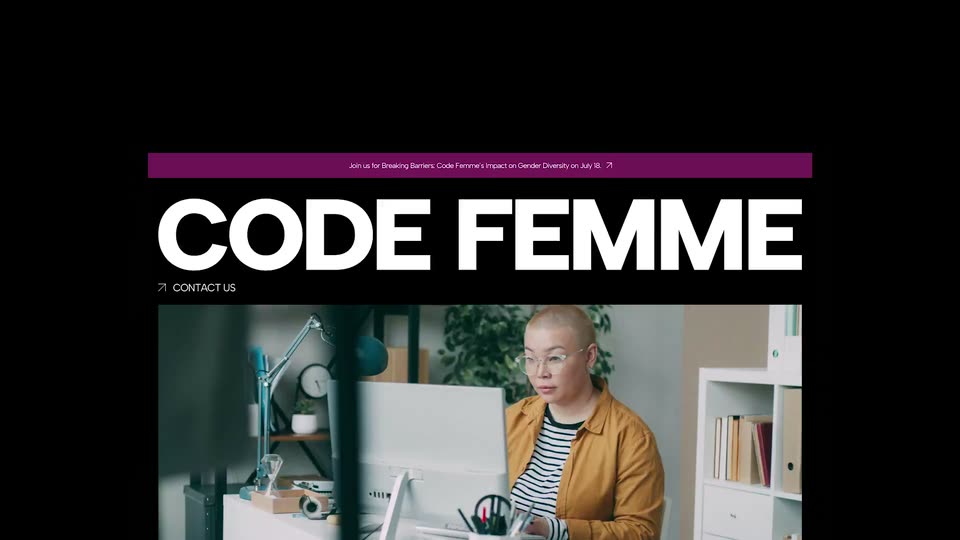 0:03 · 0.5sFigma · Figma - Introducing Figma Sites Take your designs straight to the web. WithA Code Femme website view pulls back from a tight crop to the full page. A green panel about illustrator Laura Kim overlays a photo of a woman at a laptop, with white serif copy on the right. The zoom-out reveals the magenta top banner and outline headline ONE'S OWN.
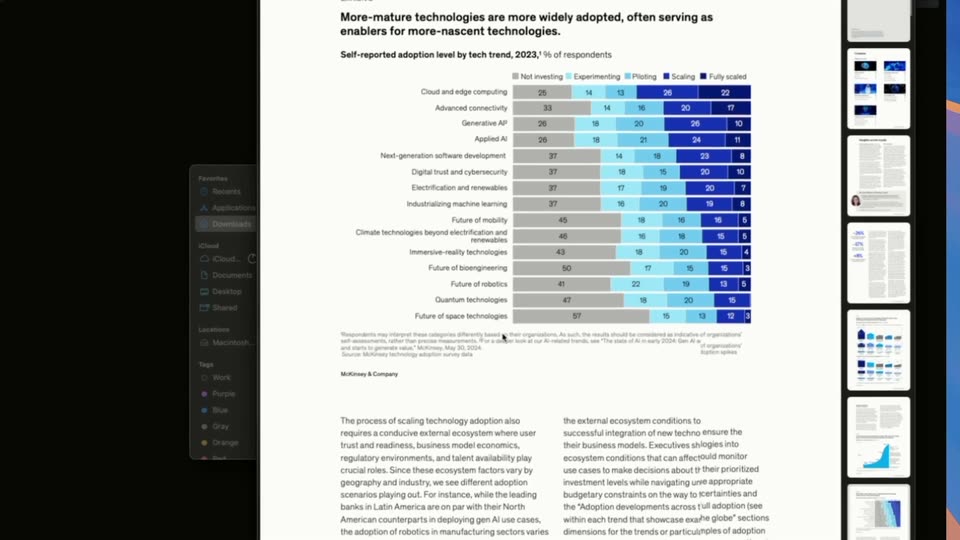 0:18–0:21Morphik · Morphik Launch DemoA tablet angled in 3D perspective floats over a striped blue, purple and orange gradient, its screen showing a McKinsey report with a left sidebar and a right thumbnail rail. The view zooms into the document page, moving from the title block to a scatter plot exhibit.
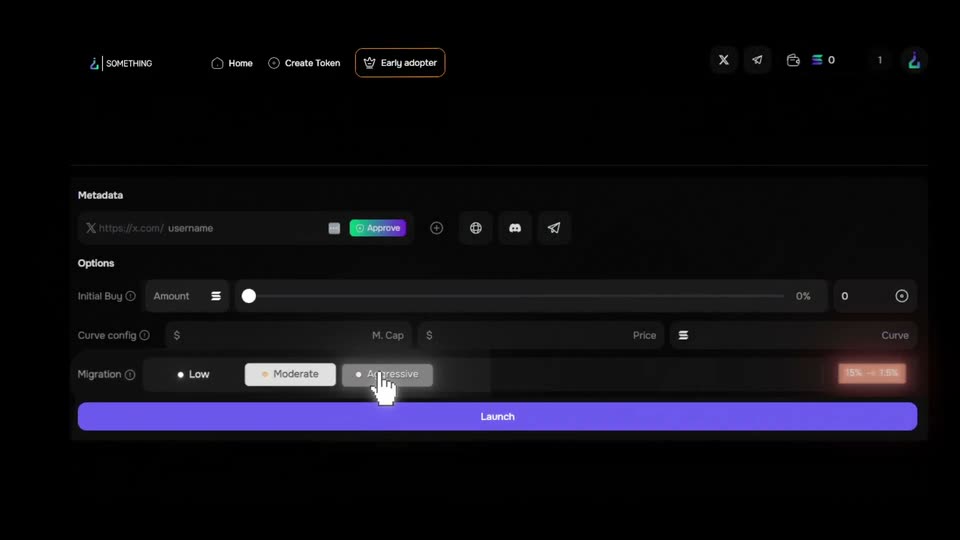 0:15–0:25Something · something - Updates/features will be dropping daily. Early Adopters have access:A dark token card shifts into an X Verification screen, a gradient title fading in on top. The frame zooms to the Options panel; a glowing headline announces Custom Migration Fee Structure while a cursor clicks Low, Moderate, Aggressive, then Launch.
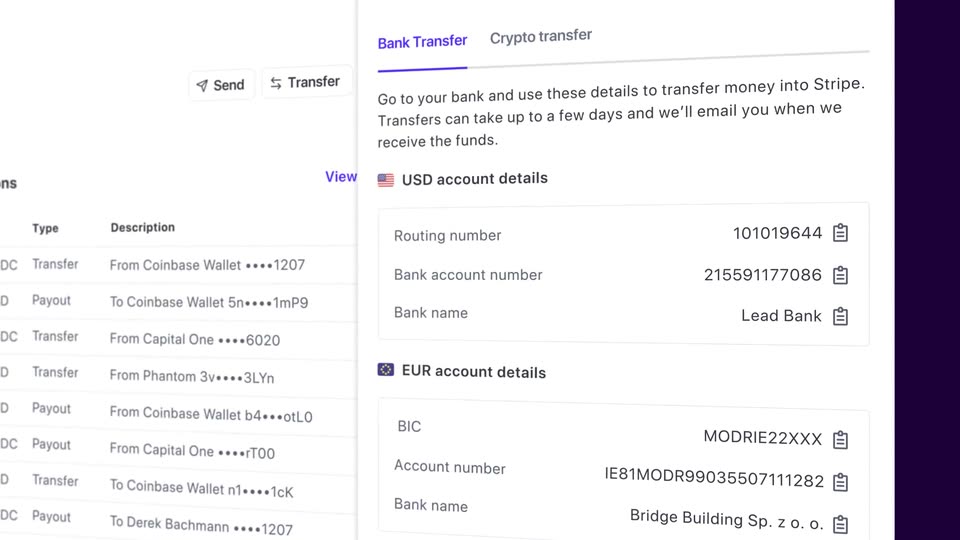 0:09–0:16Stripe · Stripe - Introducing Stablecoin Financial Accounts. Hold a stablecoin balance.A tilted Stripe dashboard in 3D perspective opens an Add money panel showing a crypto QR code, then switches to the bank transfer tab. The view zooms in as the routing and account numbers highlight and copy in sequence.
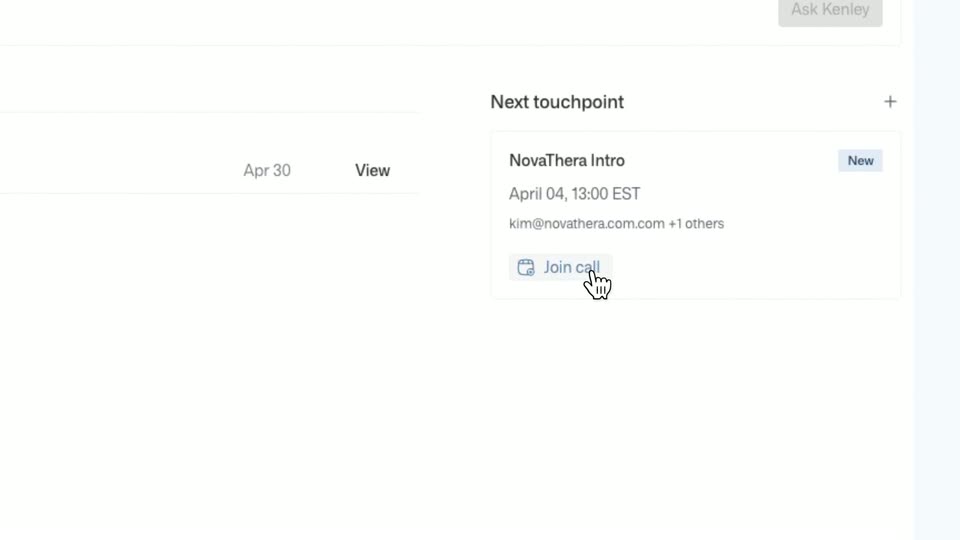 0:20–0:22Kenley · Introducing Kenley WorkStreamsA product interface shows a thread list beside a Next touchpoint card. The view zooms in on the card as a hand cursor moves to hover the Join call button.
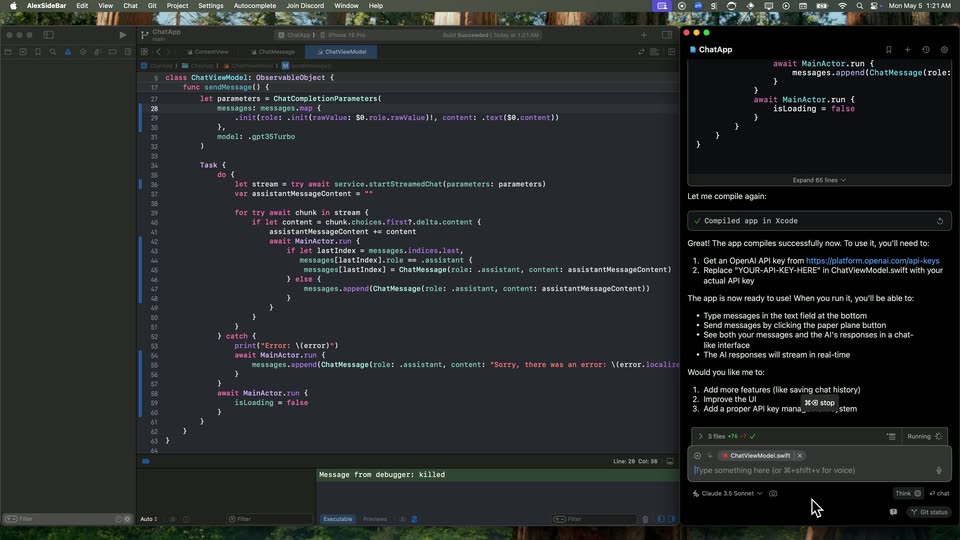 0:34–0:43Alex · Alex - Xcode AI Coding AssistantA macOS screen shows Xcode with Swift code on the left and an AI chat panel on the right. The code editor scrolls as new lines are generated while the chat panel streams the assistant's reply, then the view zooms into the code.
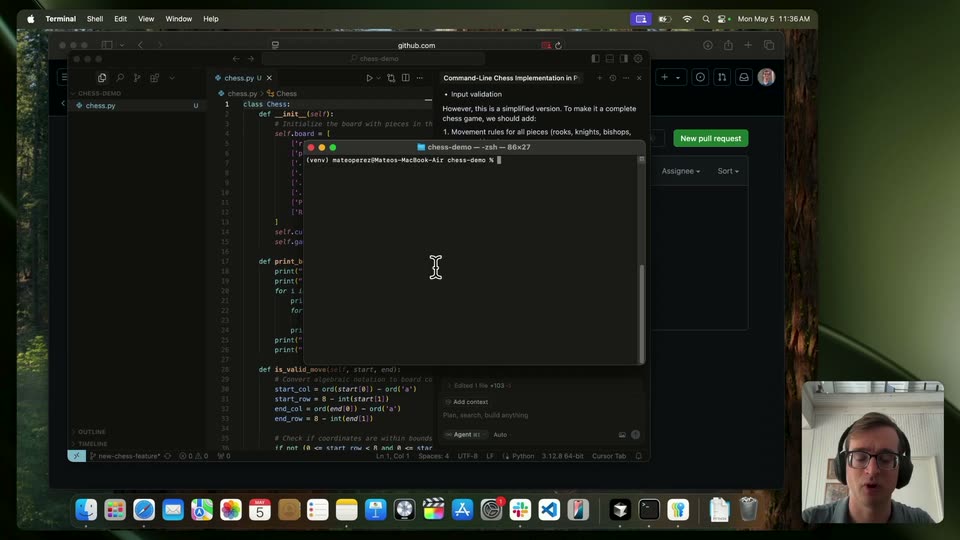 0:27–0:51Cartpole · Jazzberry DemoA code editor screen shows AI-generated Python code scrolling in a side panel under a 3x speed caption. The cursor clicks Accept, opens a terminal, and types git add, commit and push as the view zooms in. A webcam of the speaker sits in the corner.
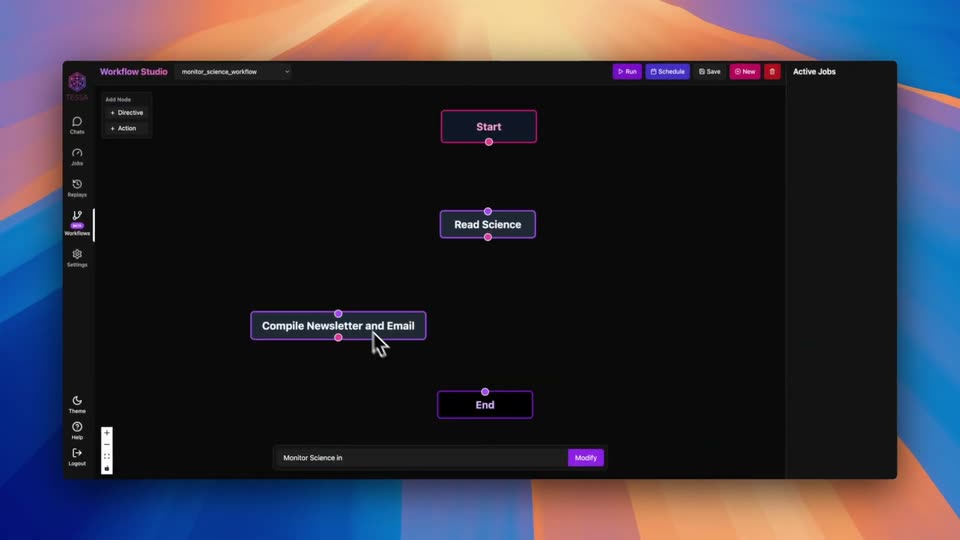 0:11–0:14Altrina · Workflow EditorA dark workflow canvas fills the screen as the view zooms in from a windowed app over a colorful background. Nodes labeled Start, Read Science and Compile Newsletter and Email connect via dashed lines. A white cursor moves, then a hand cursor grabs the Read Science node.
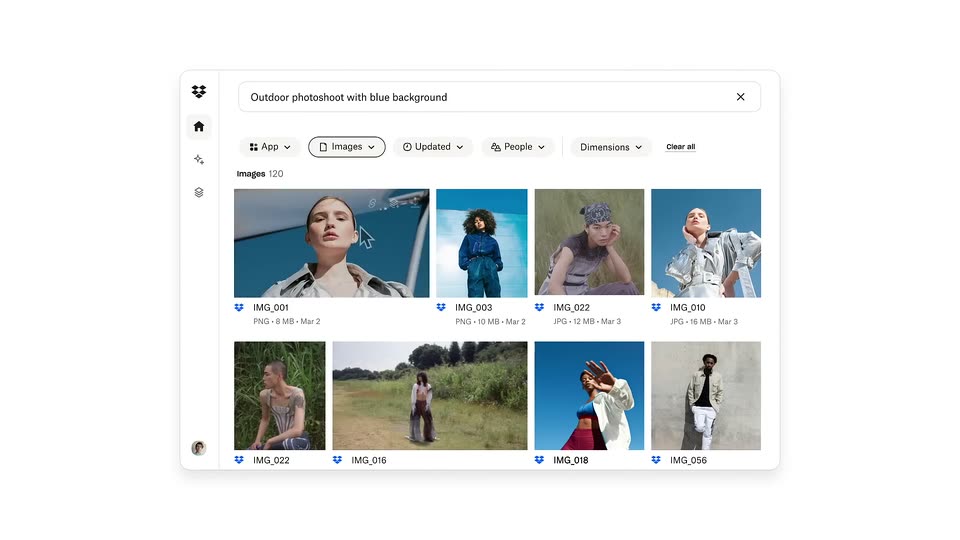 0:09–0:11Dropbox Dash · Dropbox Dash: Search videos, images, and create content fastA file library grid of photo thumbnails fills the panel. A cursor hovers over the first image, then the view zooms in, expanding that thumbnail to a large preview with a filename header and a Share button.