UI zoom
A zoom or reframe onto one part of the interface.
10,007 scenes · page 79 of 167
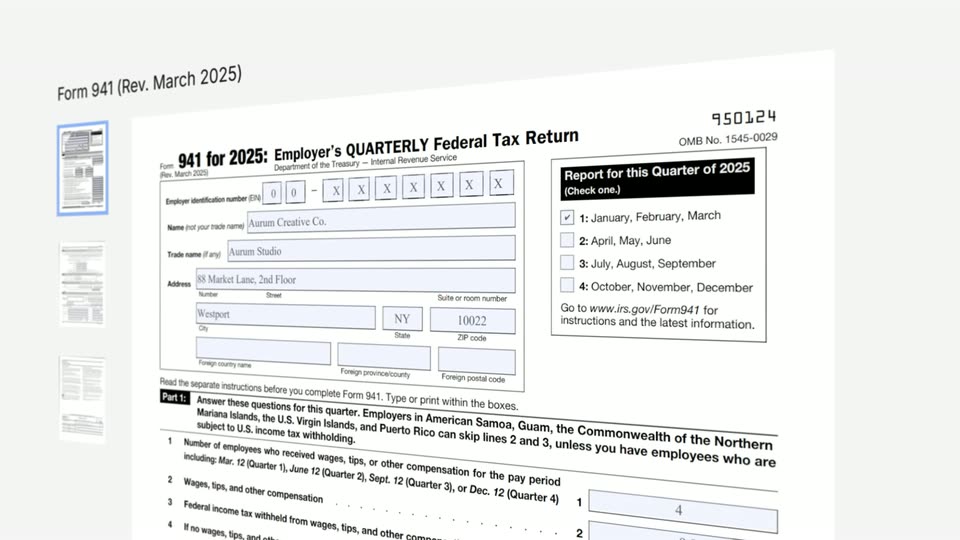 0:30–0:34Zalos · Meet ZalosA flat Form 941 tax return sits in a document viewer with a page-thumbnail sidebar. The camera zooms into the header as the business name and address fields fill in, then reframes down to the calculation table where line items populate with numbers.
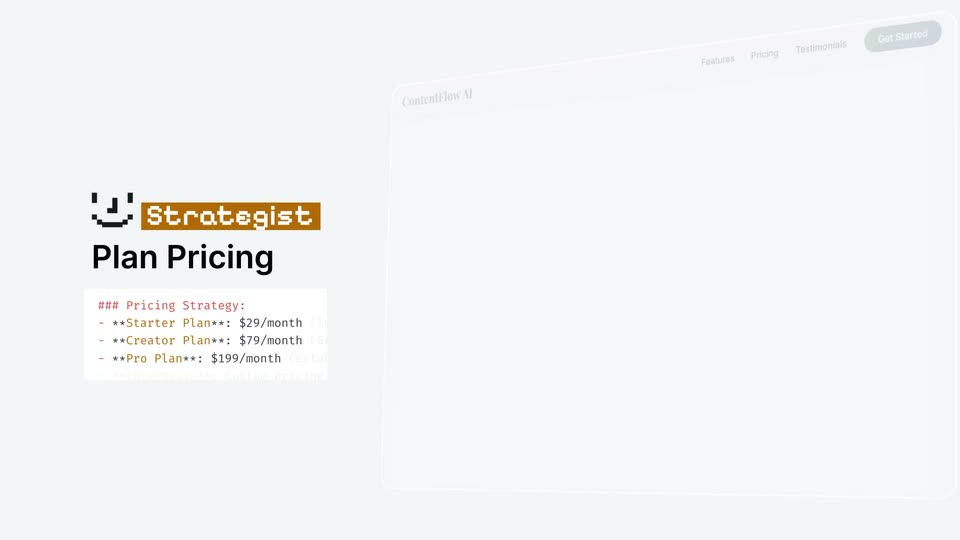 0:15–0:19Moonshot AI · Kimi.ai - Say hi to OK Computer, Kimi's agent mode 🤖🎸 Your AI product & engA split screen pairs a left label, a pixel smiley logo with a gold Strategist chip and a bold Plan Pricing title above a typing markdown snippet, with a right panel that morphs from a file editor into a browser mockup, zooming into a three-column pricing page.
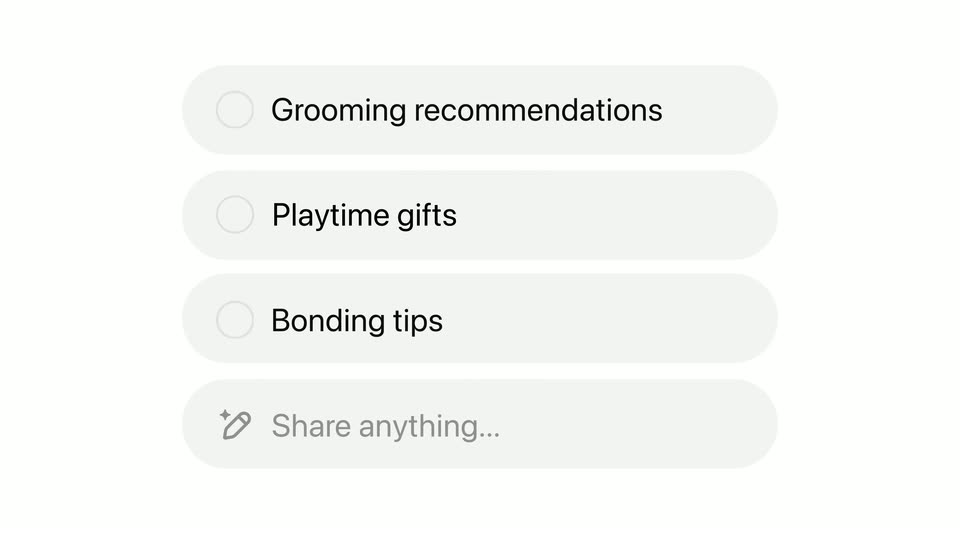 0:26–0:31OpenAI · Introducing ChatGPT PulseA chat card with a green-to-orange gradient and reaction icons scrolls up, revealing a list of pill-shaped options that fade in. The Playtime gifts option then fills black with a white checkmark.
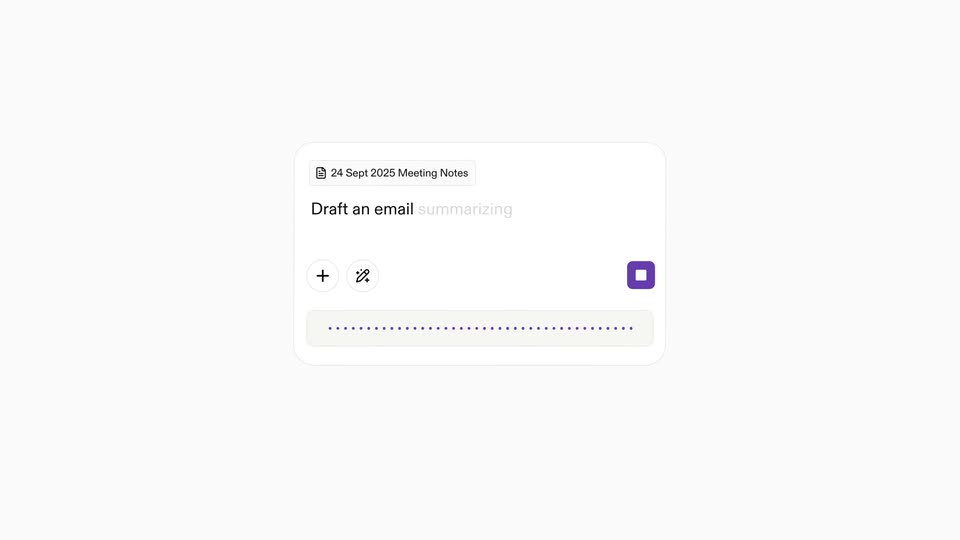 0:09–0:16Harvey · Outlook Add-InWhite prompt card with a meeting-notes chip on a light gray field. A purple stop button and animated waveform appear as the prompt types out word by word. The camera pulls back to reveal the card docked in a phone frame, field reset to its placeholder.
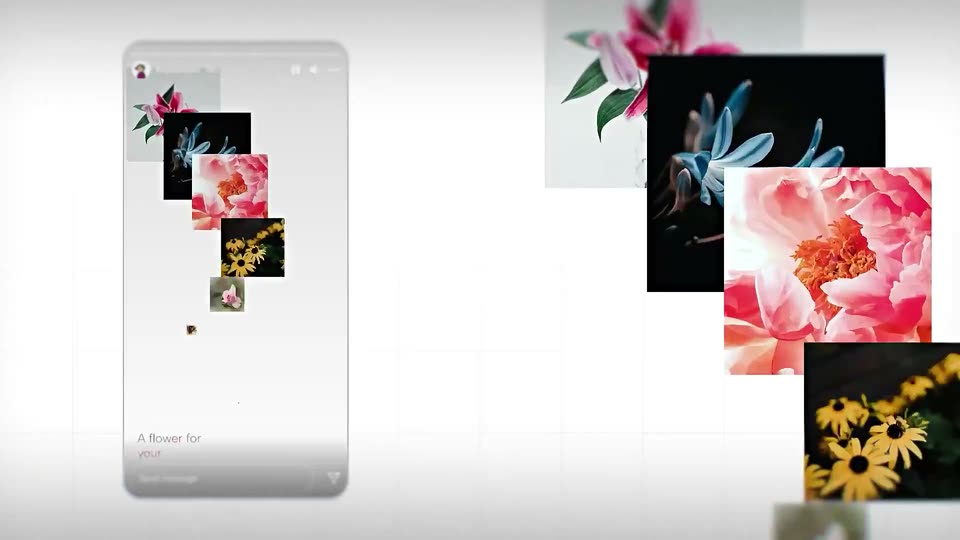 0:13 · 0.5sBurp · Lottielab - Introducing Burp - Your AI motion editor. ✨ Waitlist is now officialA 3D smartphone mockup on the left shows a chat interface with a diagonal cascade of flower photos. On the right, a larger, zoomed-in view of the same photos floats over a white grid background.
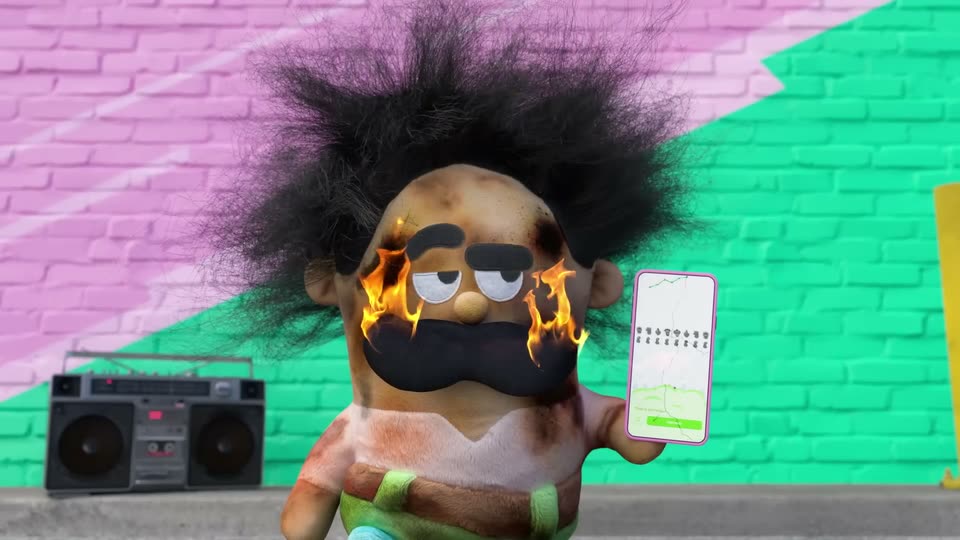 0:48–0:51Duolingo · Introducing...Duolingo Chess!A 3D character with a smoking afro and flaming mustache holds up a phone, a lightning bolt flashing, against a pink and green brick wall. The shot zooms into the phone, revealing a language app with Chinese, French, German flags and a rising progress graph.
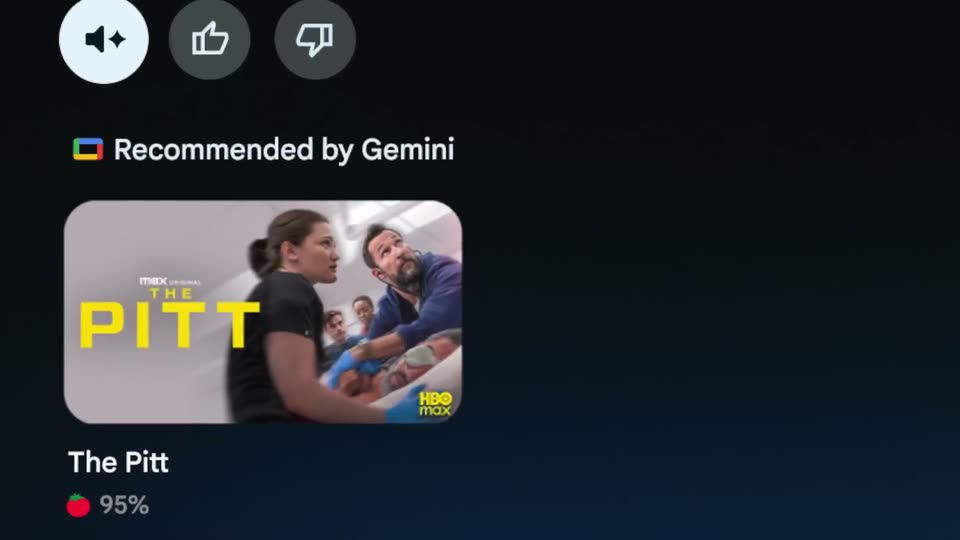 0:19–0:20Google · Introducing Gemini for Google TVOn a dark interface, two lines of chat text slide up and out of frame while a recommendation card settles into view, showing speaker, thumbs up and thumbs down buttons, a The Pitt thumbnail and a 95% score.
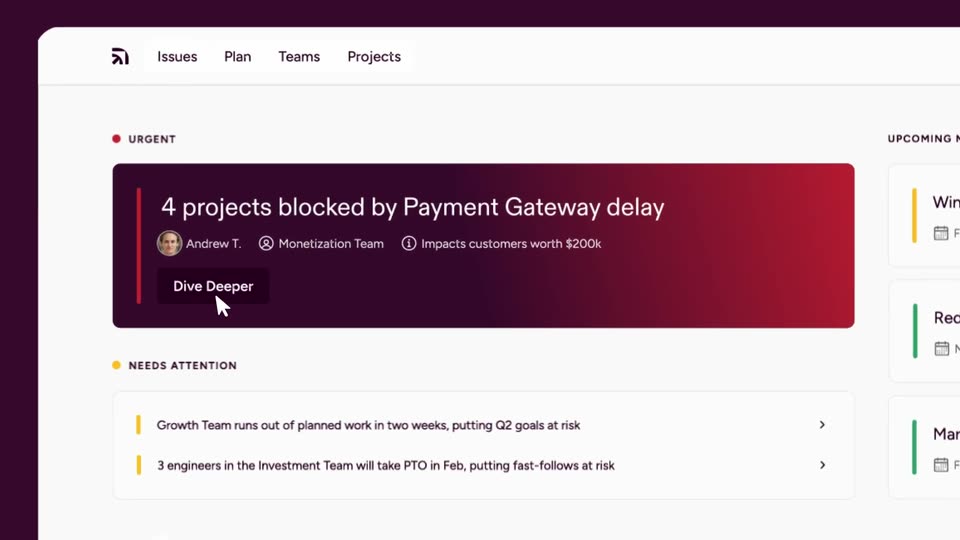 0:51–0:53Mesmer · Mesmer: The AI Operating System for Engineering • Vision VideoA project dashboard fills the frame, then the view zooms into the red urgent card while a dark mask sweeps across to hide its headline. A cursor glides in and rests on the Dive Deeper button.
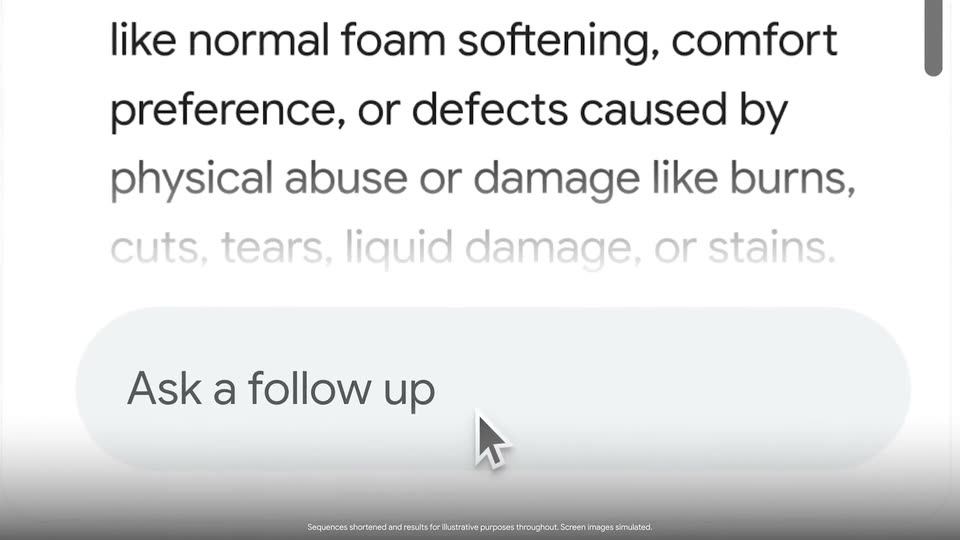 0:59–1:06Google · Behind the Browser: AI Edition HighlightsA browser window shows the Nectar mattress page with an AI chat panel on the right. The panel scrolls down through warranty text as the cursor follows, then the view zooms onto the Ask a follow up field before cutting to a woman seated on a blue couch.
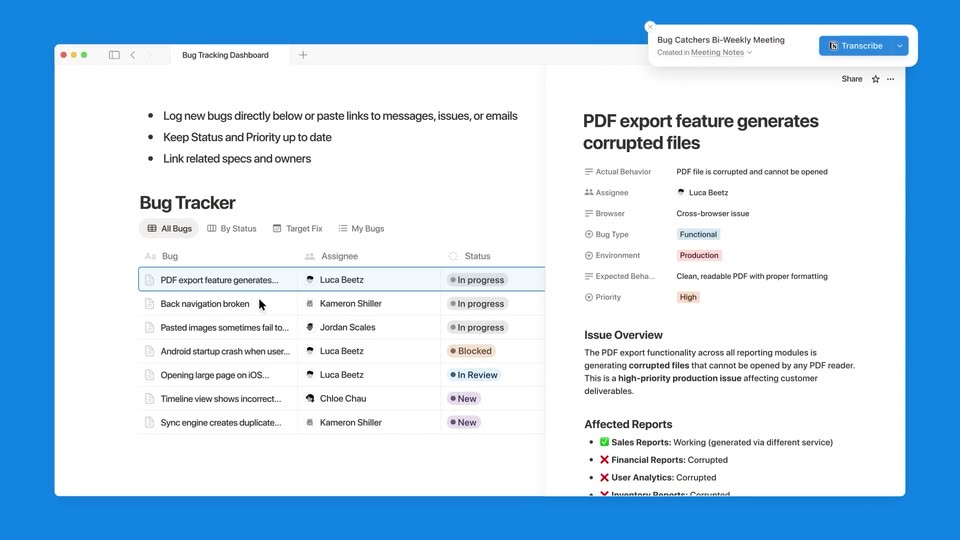 0:57–1:00Notion · Introducing Notion 3.0: AgentsA bug-tracking dashboard window sits on a blue background. The right-hand detail panel fades from translucent to solid, then the view zooms into that panel as a small meeting-notes card with a highlighted Transcribe button drops in at the top right.
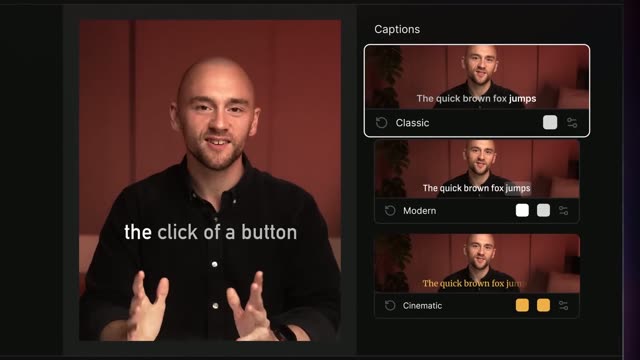 0:44–0:50ElevenLabs · Introducing Studio 3.0 — The Best AI Audio Models in One EditorThe video editor interface zooms onto the caption panel as the line Automatic captions at just the click of a button builds over the preview. The UI then fades to black and a Share button scales in at center.
 0:28 · 0.5sGamma · Gamma - Gamma 3.0 is here, so we put our CEO in a spaceship. And it got millA dark navy screen on a pink gradient dotted with white sparkles shows a faint circular spinner with a four-pointed star at its center. The frame zooms in on the screen as a small blue Generating chip appears at the left edge. A white subtitle sits along the bottom.
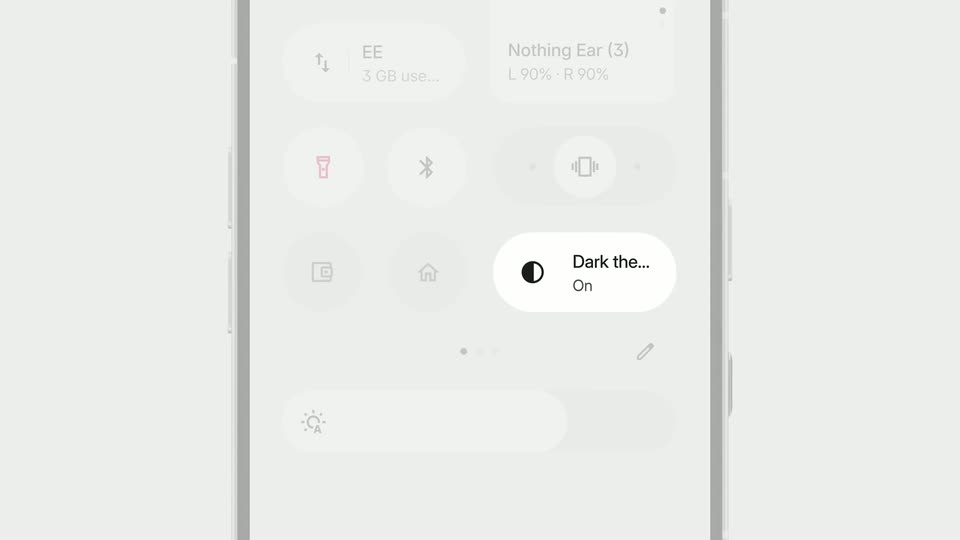 0:31–0:36Nothing · Introducing Nothing OS 4.0A smartphone in 3D perspective displays a quick settings panel that fades in on a light gray background. The camera pushes in on the dark theme tile, then the screen transitions to the Dark theme page as the toggle flips on and the UI turns black.
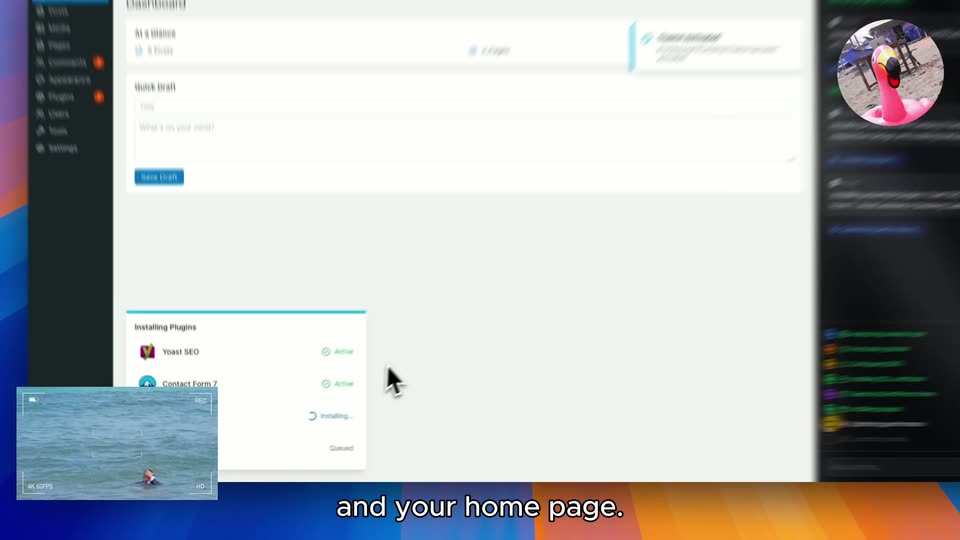 0:22–0:23Ablad · Claudio C - I’m building the first Cursor for WordPress in the world. See how AbA small Installing Plugins card listing Yoast SEO, Contact Form 7 and WooCommerce sits on a gray field, then the frame zooms out to the full WordPress dashboard. A cursor hovers over the card, two small video windows sit in the corners, and captions swap at the bottom.
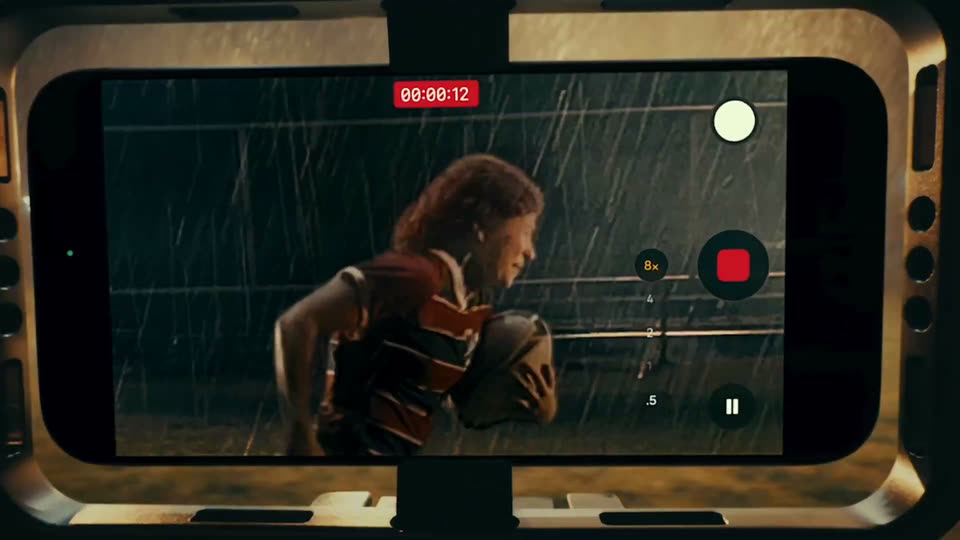 0:30–0:31Apple · Tim Cook - AirPods Pro 3, the new Apple Watch lineup, iPhone 17, iPhone 17 Pro,A smartphone in a rugged case sits on a tripod in the rain, its screen showing a camera app recording a night football game. The view zooms in on a running player to 8x while the timer ticks up.
 0:20–0:21Crypto.com · Level Up (US) | Zero Trading Fees and Much More from $4.99A tight close-up of a dim phone screen lists three bonus rates in white text. The view then blurs and zooms into the Stocks transfer line, the words stretching across the frame as a transition.
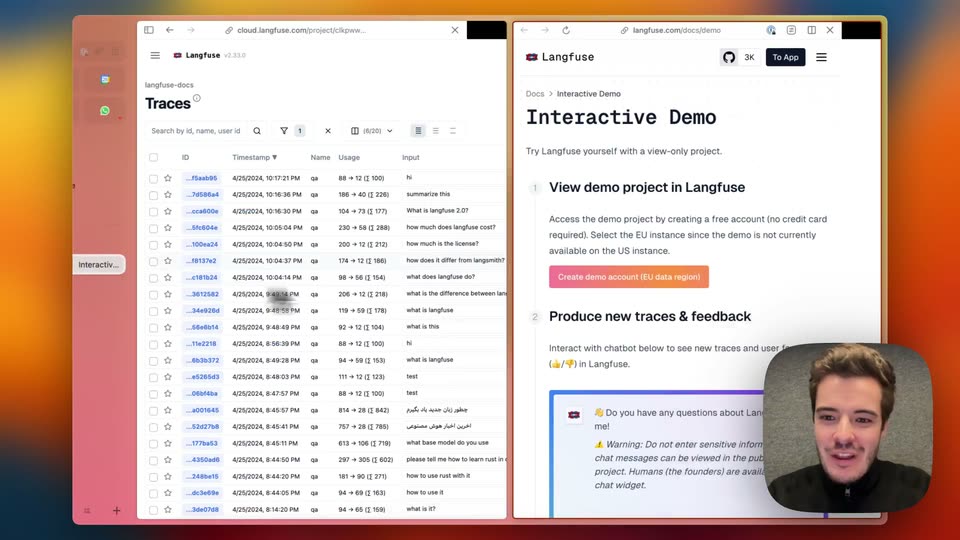 0:59 · 0.7sLangfuse · Introducing Langfuse 2.0A browser window over a warm gradient background shows the Langfuse traces table beside an Interactive Demo doc page, with a small webcam feed of a man in the lower right. The view zooms in, cropping the left sidebar to center the two panes.
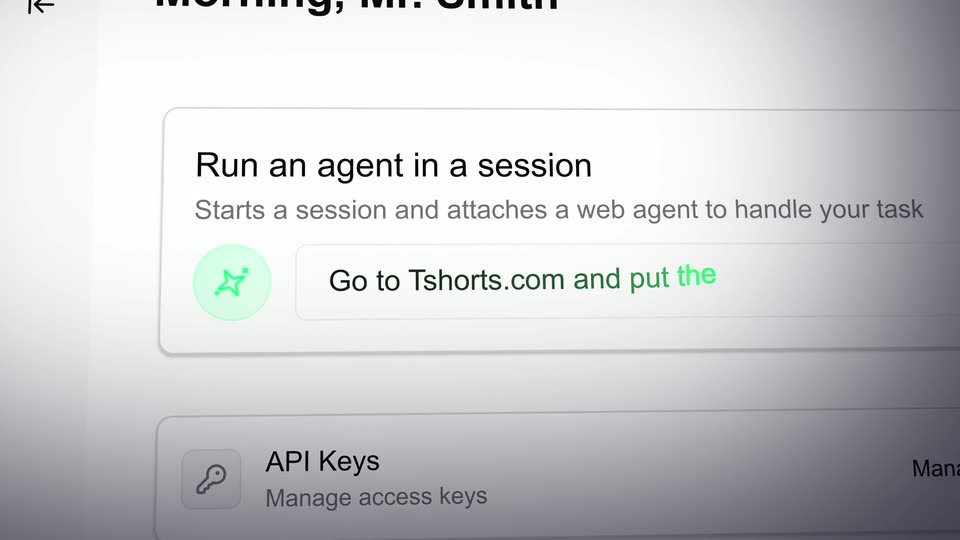 0:28–0:30Notte · Notte - Reliable Web Agent WorkflowsA light notte dashboard fills the frame, then the view zooms into the Run an agent in a session card. The button text types out Go to Tshorts.com and add pto cart, the last word highlighted green.
 0:20–0:22SupersonikAI · Dani Carmona - The wait is over. Today we’re launching @SupersonikAI, the first AI tA tilted dark-green dashboard pans across in 3D, revealing a circular progress climbing to 75%, a video tile of a gesturing woman, and a green logo tile with a cursor-and-waveform pill. The camera slides right to settle on the logo.
 0:23–0:24LangEase · BEST SaaS Brand Video Example | LangEaseClose-up of a light interface row. A white hand cursor with blue outline presses a blue gradient Share Link button with a sparkle icon, and the button scales up. The file name Meeting with team audio file. mp3 slides out at the left edge.
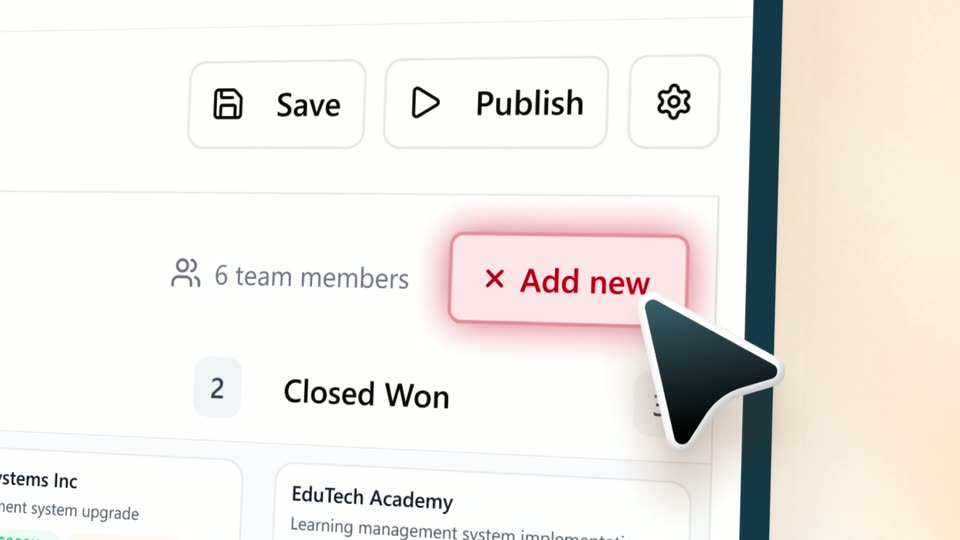 0:06–0:08Lindy · Lindy - We started Lindy Build to make building apps effortless. Side effect:A 3D-angled tablet screen shows a CRM pipeline board. The camera pushes in on the red Add new button as it glows, and a black cursor slides in to hover over it.
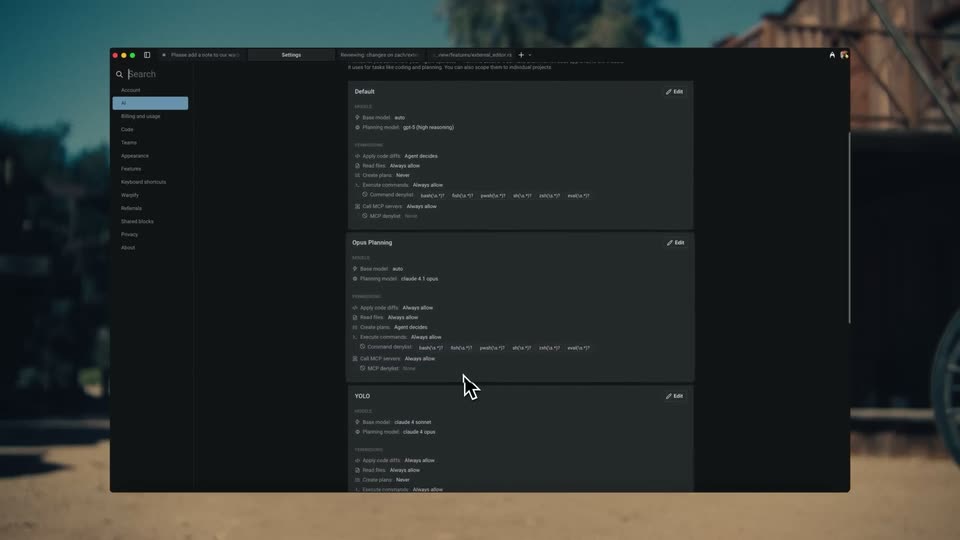 1:39–1:44Warp · Introducing Warp Code | The fastest way from prompt to productionA dark settings window floats over a blurred outdoor backdrop. The agent profiles list scrolls up while the cursor moves, then the Opus Planning card zooms forward to fill the frame as the rest of the interface blurs.
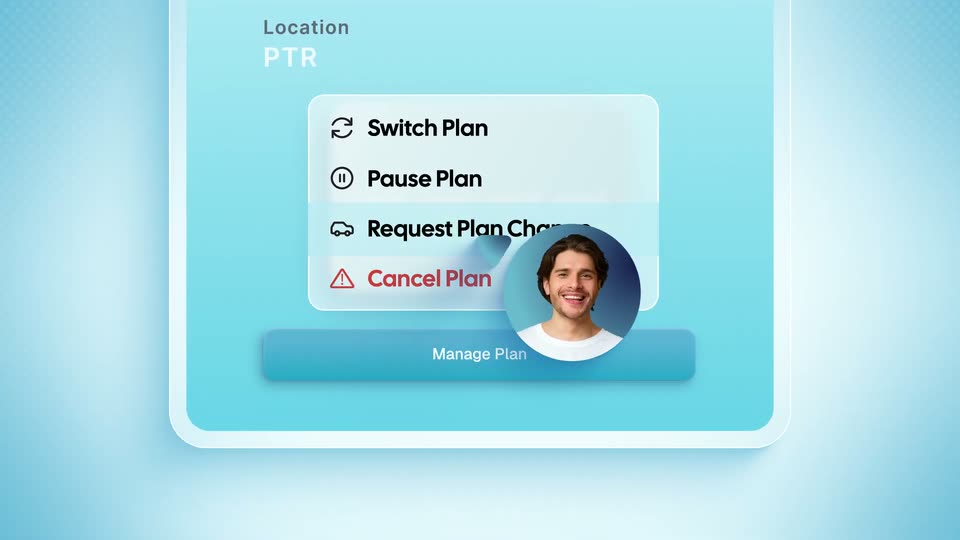 0:32–0:36Nautilus · Introducing Nautilus (YC S25) - The AI platform to grow and optimize car washesA light blue membership card UI shows a payment card and a Manage Plan button, then a menu of plan options fades in. A circular avatar of a smiling man slides up from the bottom right, passing over the menu rows, while the camera zooms out to frame the whole card.
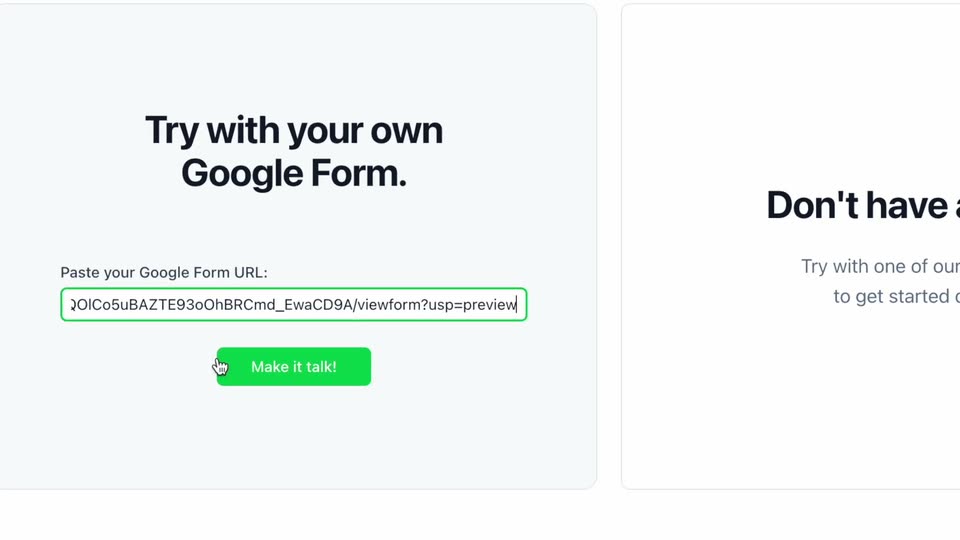 0:34–0:35RowFlow · RowFlow - Break up with your form.A white screen shows a bold headline over two cards. The view zooms into the left card, where a Google Form URL fills the input field and a cursor hovers the green Make it talk button.
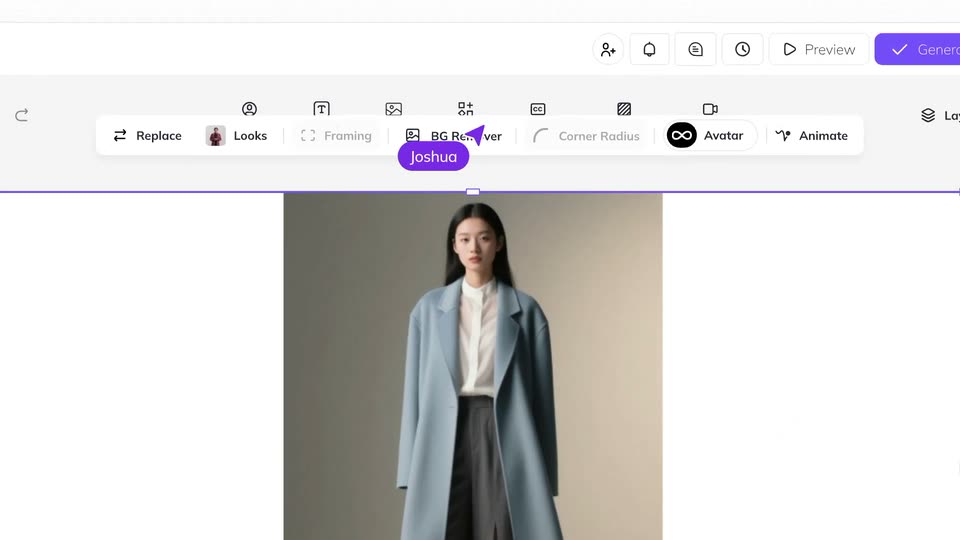 0:10–0:13HeyGen · HeyGen - Your Digital Twin just got an upgrade. 🚀 Now powered by Avatar IV, tThe video editor UI shows a woman in a blue coat inside a bordered frame, with a purple Joshua label and cursor over her. The view zooms into the frame, then reframes upward onto the top toolbar as the label moves to the BG Remover control.
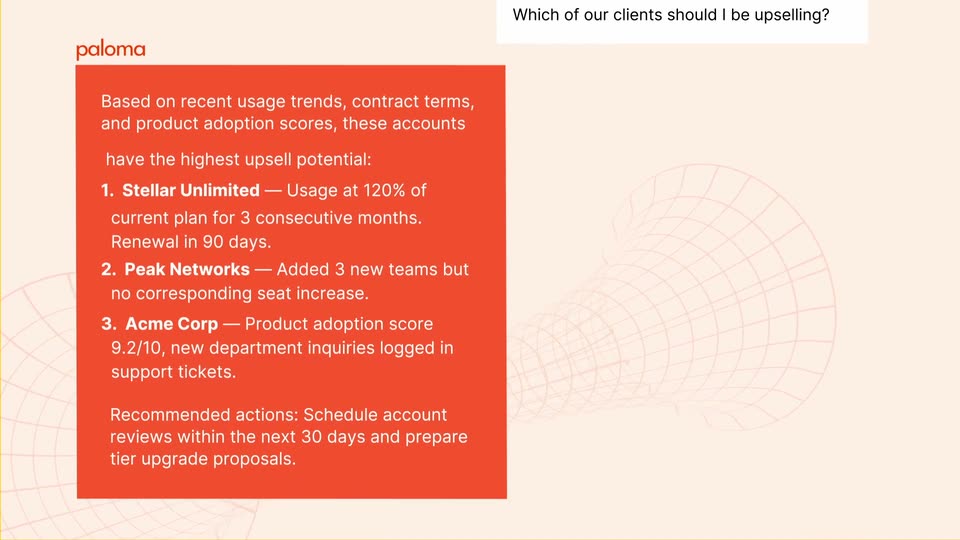 0:47–0:50Paloma · Paloma (YC S25) is an AI-native CRM for managing billing, renewals and expansions | www.getpaloma.aiA flat chat mockup on a cream background with faint orange wireframe globes. The view zooms in on the orange answer panel listing three upsell accounts, then eases back out. A dark caption pill at the bottom switches from 'don't chase data across tools,' to 'just ask Paloma.'
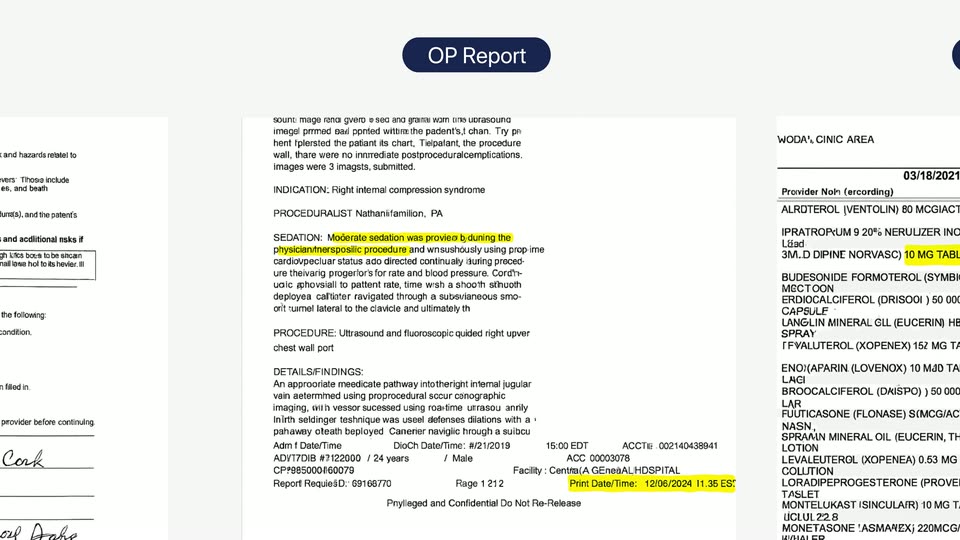 0:46–0:48Kalinda · Kalinda Launch VideoA tilted scanned medical report straightens as the view zooms in; yellow highlight marks key lines, and a navy pill label in the corner switches from Product ID to QPR Report.
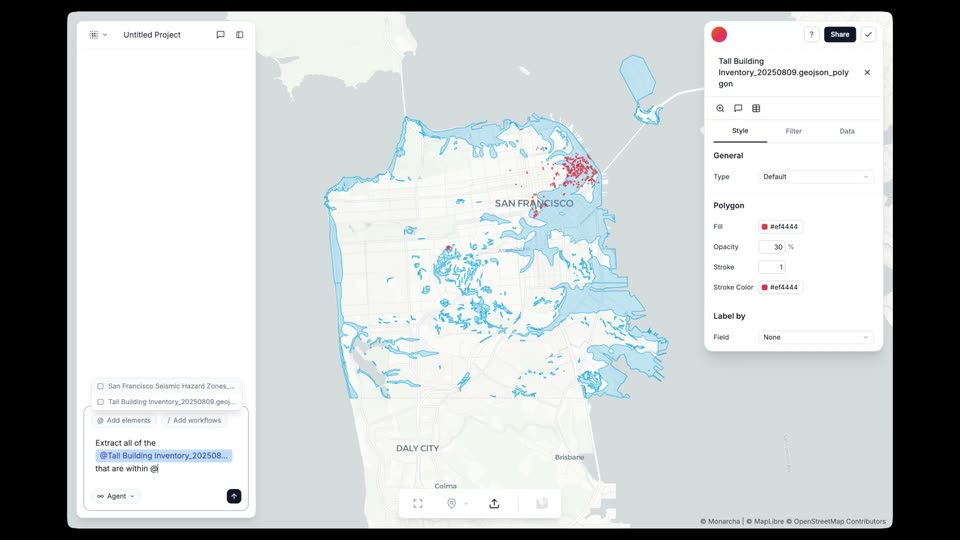 0:12–0:16Monarcha · Monarcha - The AI GIS PlatformA flat map app interface fills the frame. A file-picker dialog closes to reveal red building polygons over a San Francisco basemap, while a side panel's fill color shifts from blue to red. The agent prompt box types a query, then the map zooms into the city.
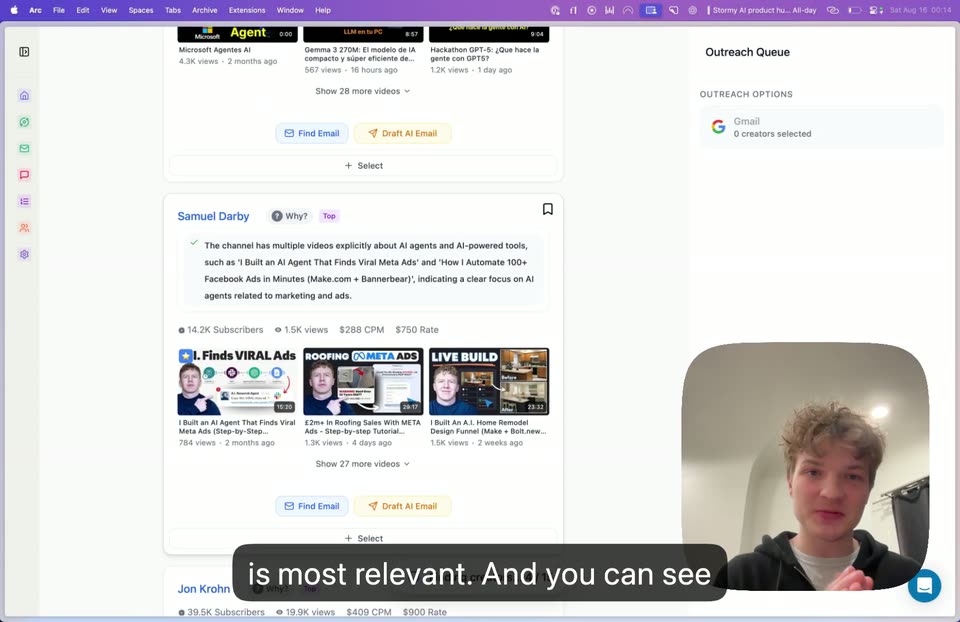 0:29–0:50Stormy · Stormy AI launch videoA product UI shows a creator outreach list; a presenter's webcam sits in the bottom-right corner. A cursor clicks the Why? tag, expanding a green checkmark explanation, then clicks Find Email, which spins into a loading state as the Select button turns blue.
 0:24–0:25Nixo · Nixo - The first ops platform for FDEsA blurred white task card floats in 3D perspective, then snaps into a flat close-up as the camera zooms in. The row settles to show a task title, an orange match badge and a thin progress bar.
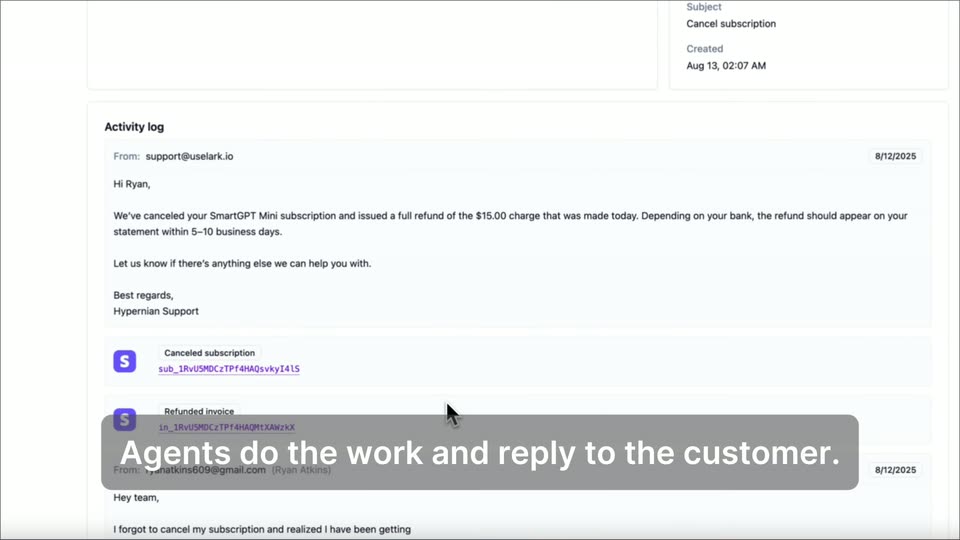 0:23–0:28Lark · Lark: AI Agents for BillingA browser window shows a resolved support ticket. The frame zooms between the full page and the activity log, where the cursor hovers and the page scrolls to reveal the agent's reply. A gray caption bar at the bottom reads 'Agents do the work and reply to the customer.'
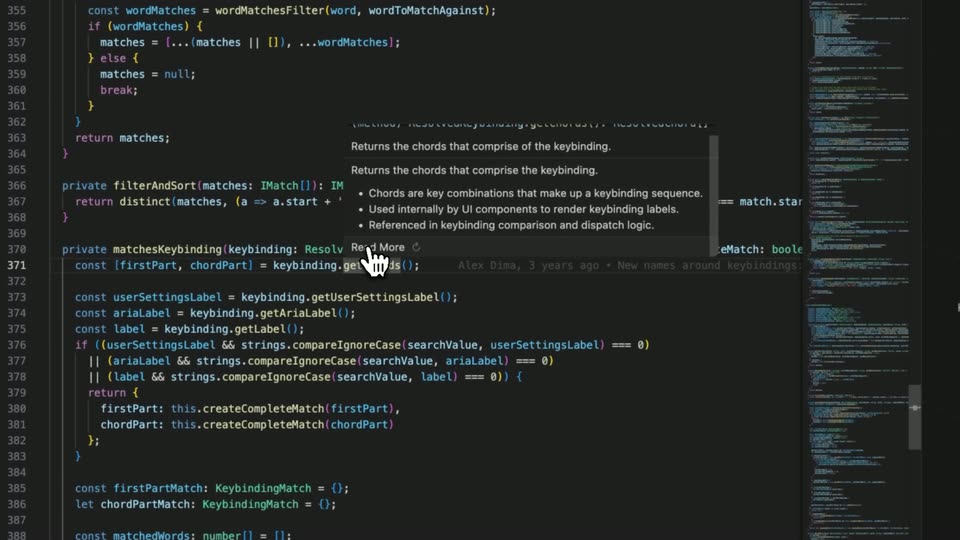 0:42–0:44Windsurf · Windsurf Wave 12: Devin features in Windsurf!In a dark code editor, a hand cursor hovers over a code symbol and a documentation tooltip pops up with a summary line and bullet points. The view then reframes to a wider section of the source with line numbers, while a vertical strip of code runs along the right edge.
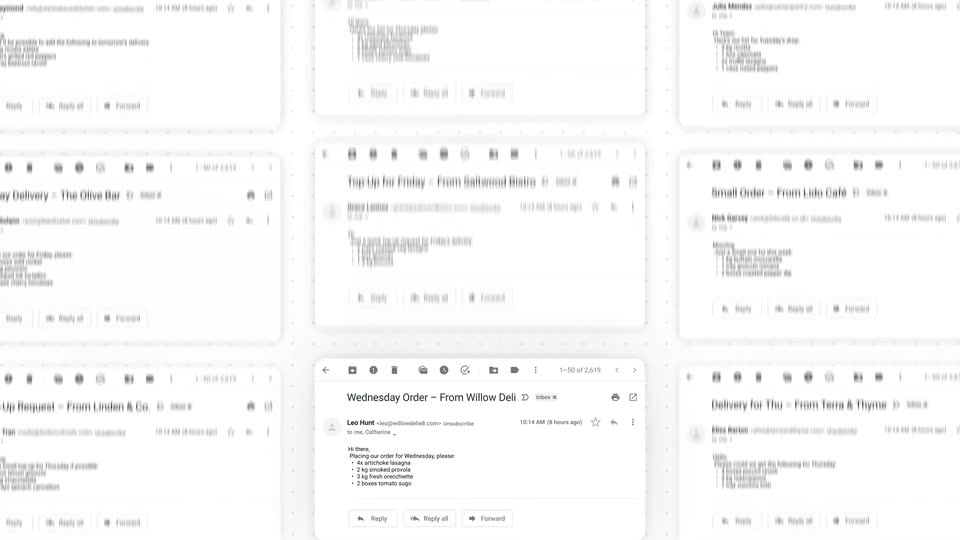 0:17–0:18burnt · Burnt - Order Management made easyA giant black word “burnt” fills the frame over a blurred wall of email cards, then scales out to reveal the inbox, one order card sharp in the center. The line “AI agents for food distributors” fades in below as the small rai logo settles in.
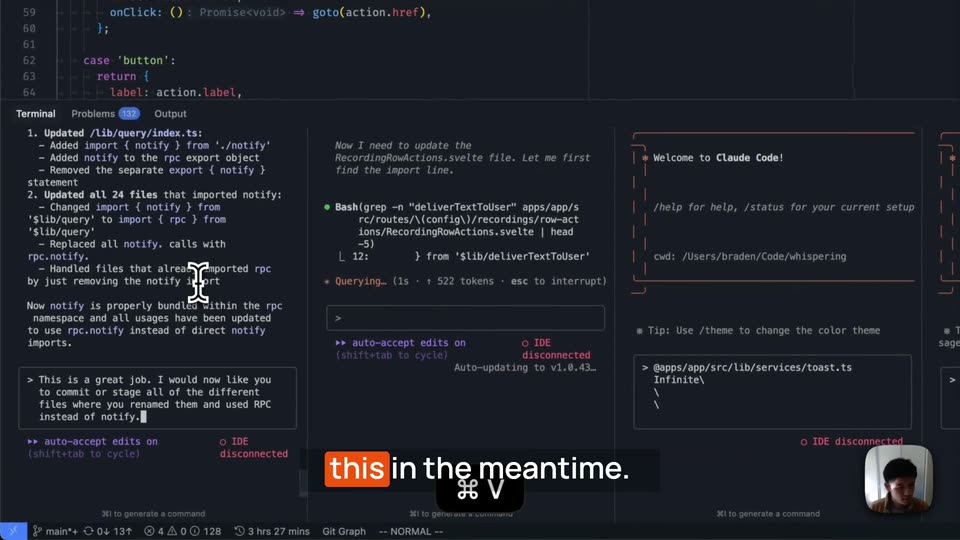 0:32–0:40Epicenter · How I Use Whispering (Open-Source, Local-First Transcription) with Claude CodeA screen recording of a code editor fills the frame, showing code, a terminal and several Claude Code panels, with a small webcam feed of the speaker in the corner. The view zooms in on the terminal as white captions with an orange-highlighted word appear at the bottom.
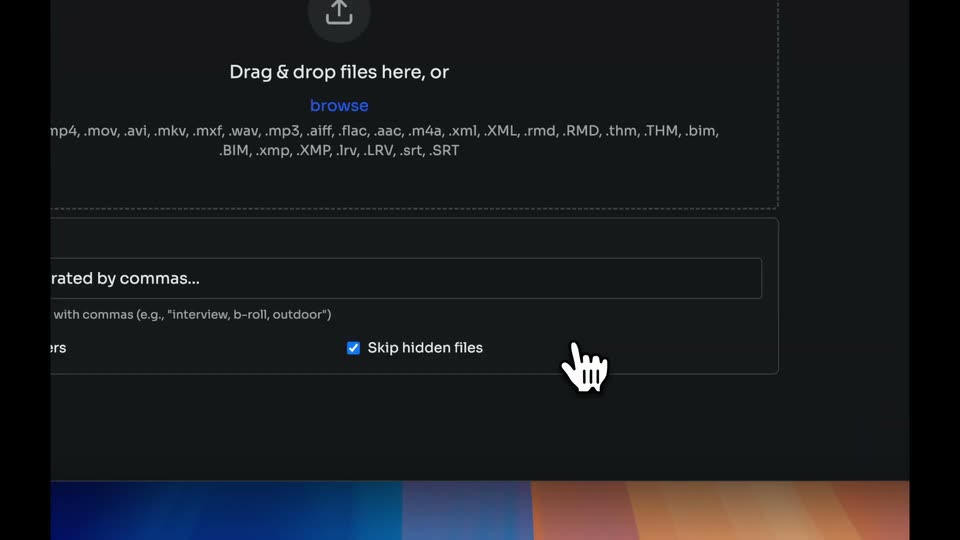 0:09–0:17cocreate · Cocreate demo videoA dark Project Setup form fills the frame as a cursor moves down the fields and a hand taps the blue Create Project button. The view then pulls back to reveal the full cocreate window on a colorful desktop.
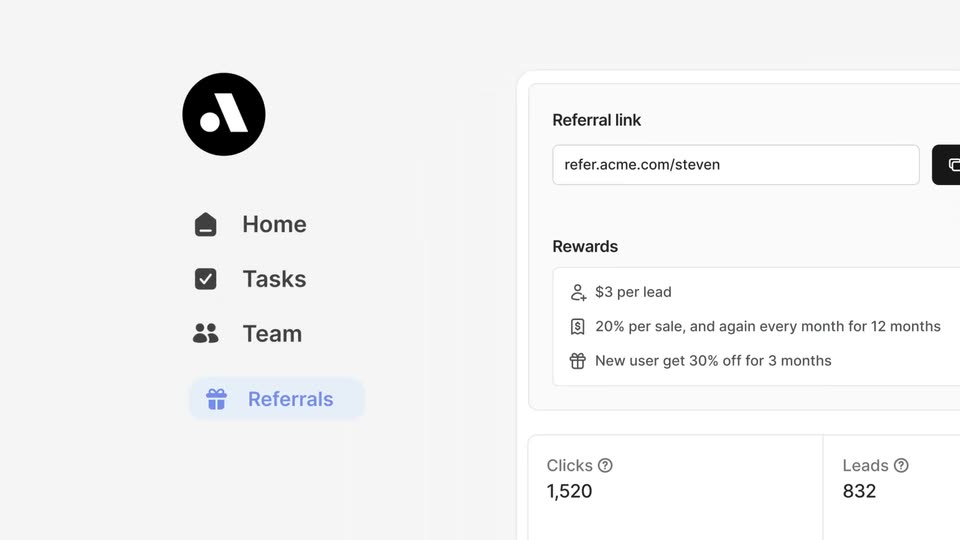 0:29–0:32Dub · Dub.co - Introducing Dub Partners. The modern way to partner with affiliates,A referral dashboard sits in 3D perspective over a faint grid and rotates flat toward the camera as the Referrals menu item highlights in blue. The view then zooms in on the logo, sidebar, and the referral link and rewards panel.
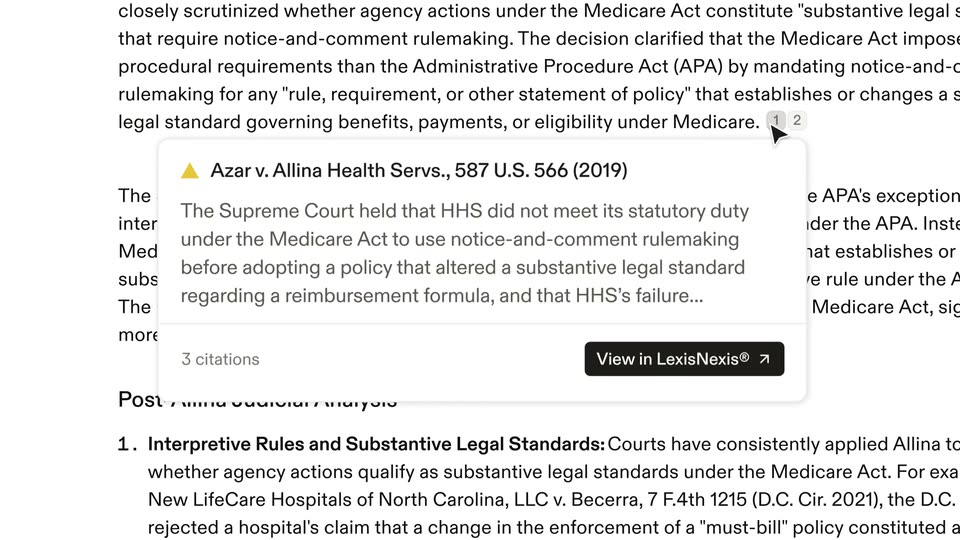 0:25–0:30Harvey · Introducing Ask LexisNexisA tight crop on a legal summary zooms out to reveal the full Harvey.ai interface and a sources panel on the right. The view zooms back in on a citation; a cursor hovers it, a source card pops up, then the cursor moves to the View in LexisNexis button.
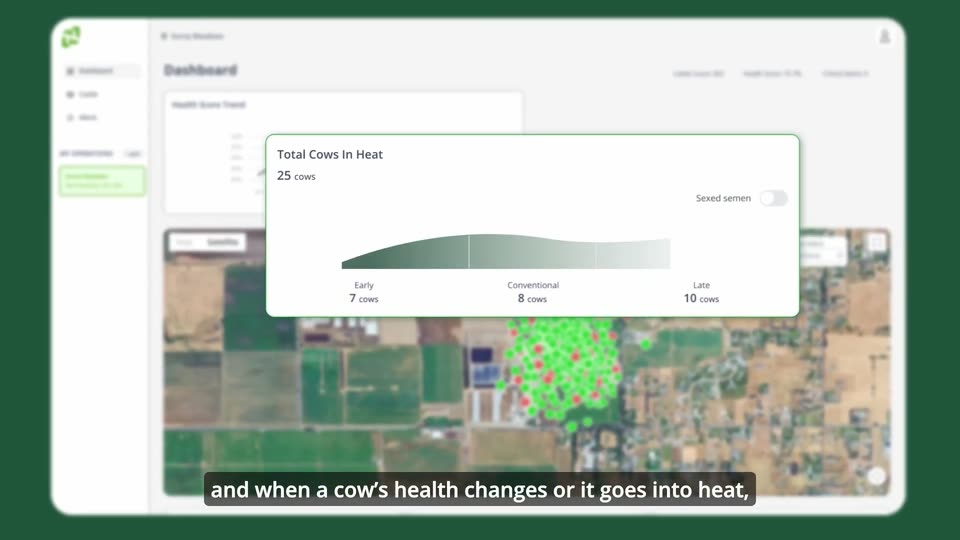 1:25–1:27Nexa Labs · Nexa Labs LaunchA white card showing a green area chart and three cow counts floats over a blurred dashboard and farm map. The card drifts up and left as the map behind gains focus, while white captions on a dark bar run along the bottom.
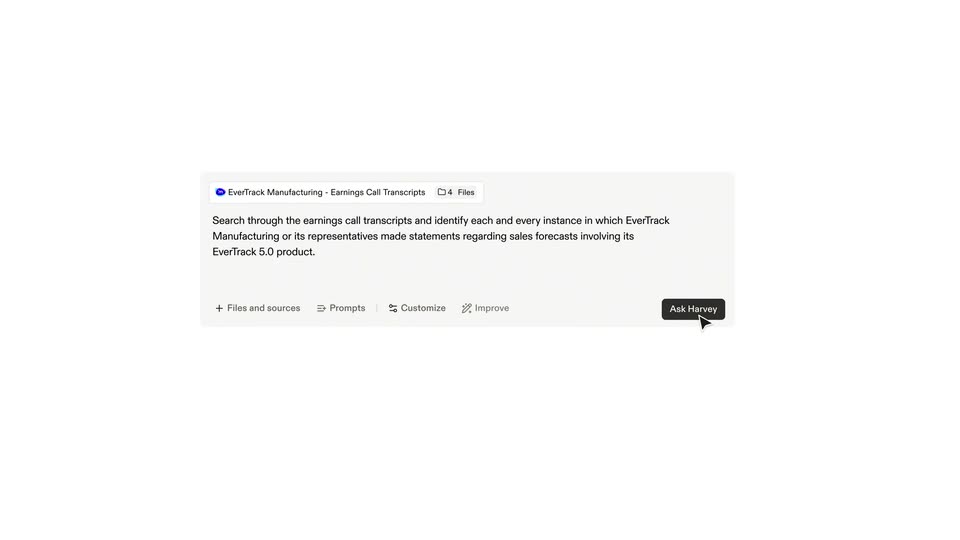 0:17–0:28Harvey · iManage IntegrationThe Harvey app interface zooms into its prompt box as a cursor clicks the iManage chip and types a query about EverTrack earnings calls. The cursor then presses Ask Harvey, and a Thinking panel lists steps with checkmarks appearing in sequence.
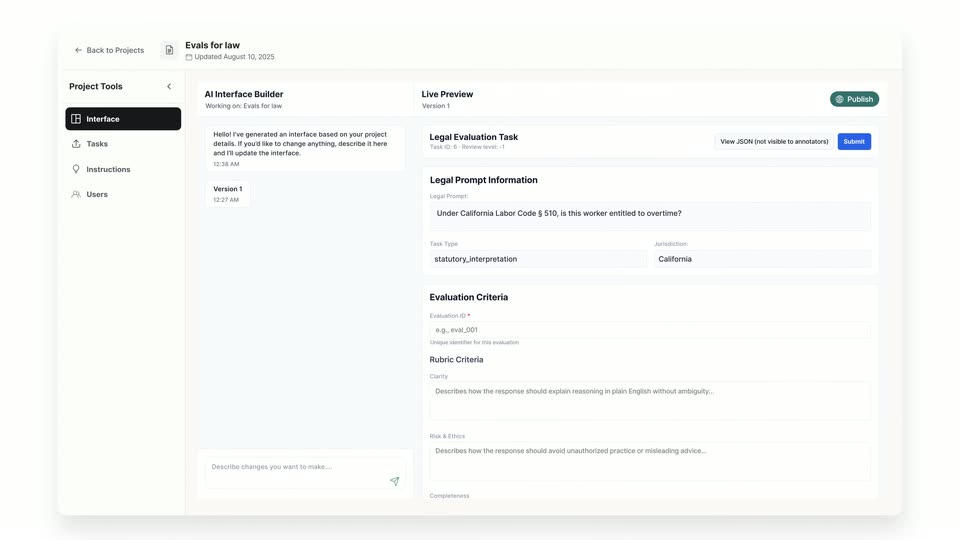 0:21–0:26MangoDesk · MangoDesk DemoA light project dashboard shows three columns: a tools sidebar, an AI interface builder chat, and a live preview form. The view zooms into the chat input at the bottom as a plain-English instruction is typed next to a send icon.
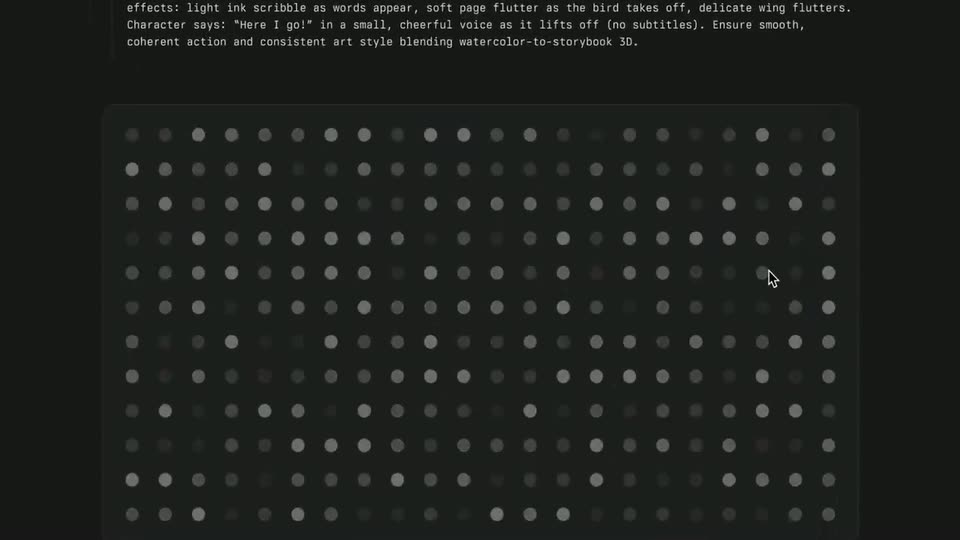 0:12–0:14Perplexity · Perplexity - Bring ideas to life with video generation, now available on web, iOSA dark screen shows a paragraph of small monospace text above a rounded panel filled with a grid of gray dots, with a cursor resting at the panel's right edge. The view zooms into the dot grid as individual dots flicker in brightness.
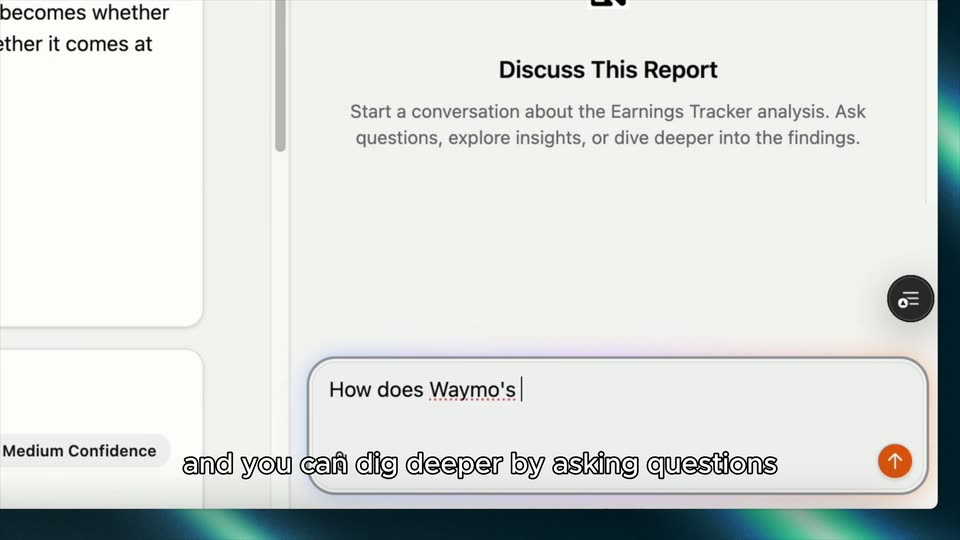 0:42–0:46Astor · Gaus Launch VideoA light app screen shows a dense stock analysis card, then zooms into the discussion panel where a cursor types a question into the input box. White outlined captions sit at the bottom throughout.
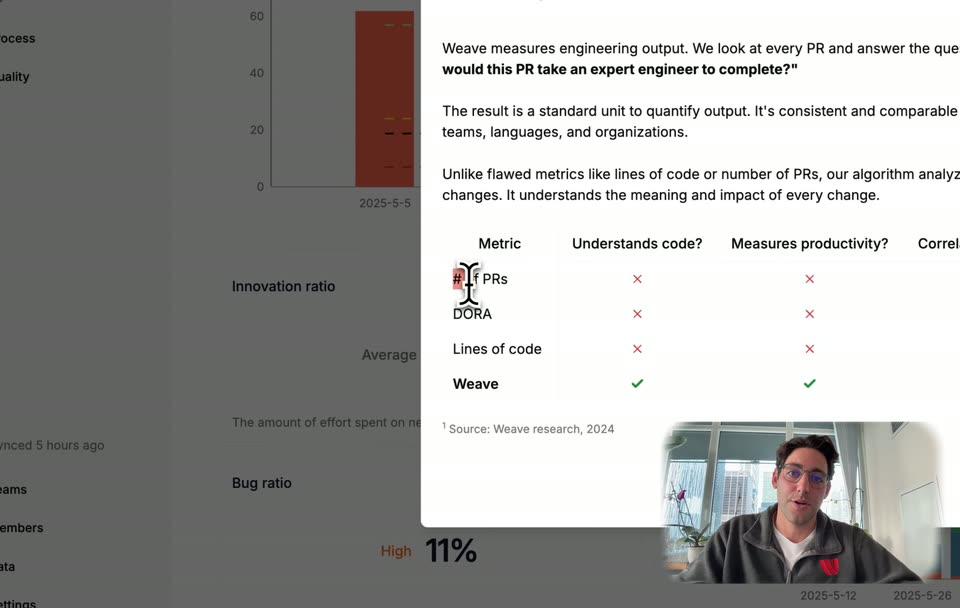 0:24–0:28Weave · Product Hunt Launch VideoA dimmed analytics dashboard sits behind a white modal titled Output in Weave. The view scrolls down to a comparison table as a cursor hovers the rows, flashing the # of PRs entry in red. A presenter appears in a small video window at the bottom right.
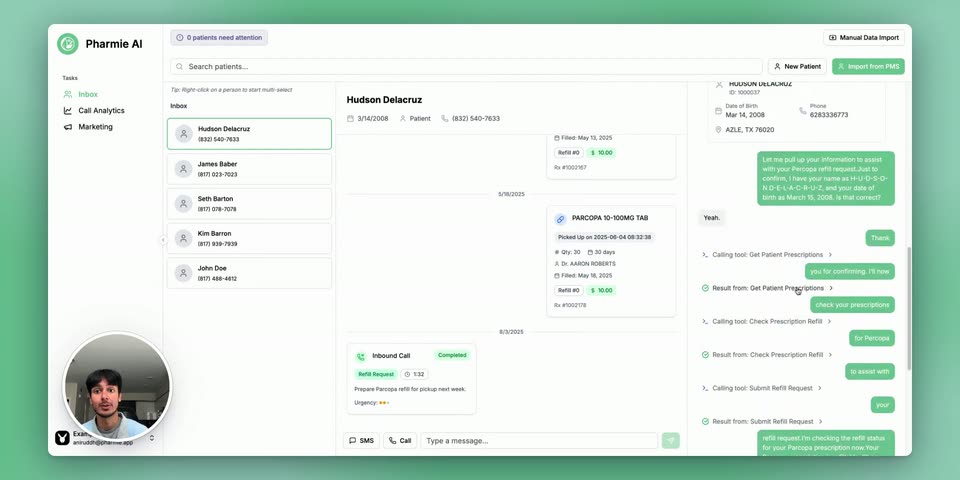 1:13–1:23Playgent · Pharmie AI (YC S25) Launch VideoThe Pharmie AI inbox opens on the Hudson Delacruz thread, a green refill-request card and prescription cards loading in. The view zooms into the inbound-call summary, then the chat log scrolls through the AI conversation while the presenter's webcam sits in the corner.
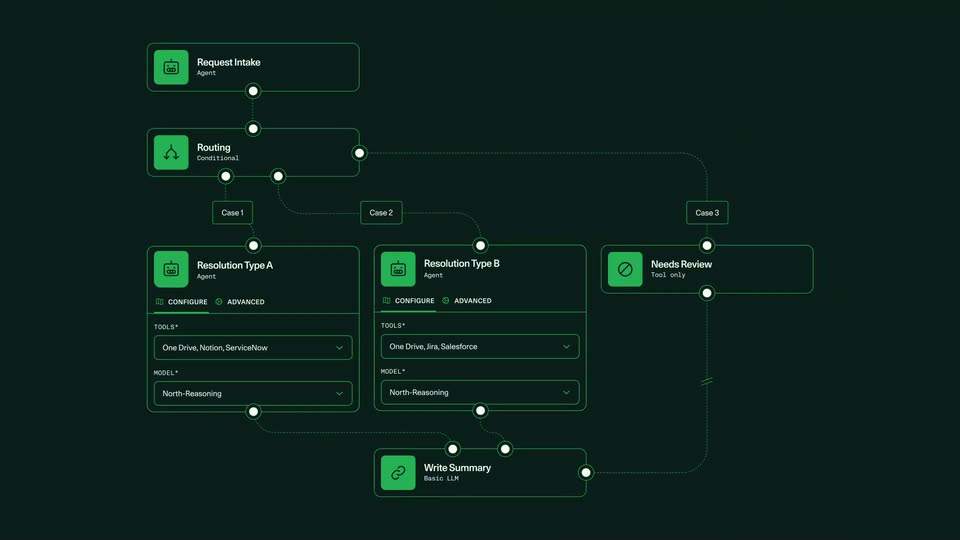 0:18–0:20Cohere · Cohere - Our secure agentic AI platform, North, is now widely available.A dark green workflow canvas opens zoomed in on two nodes, Request Intake and Routing, then pulls back to reveal the full graph as case branches and resolution nodes fade in.
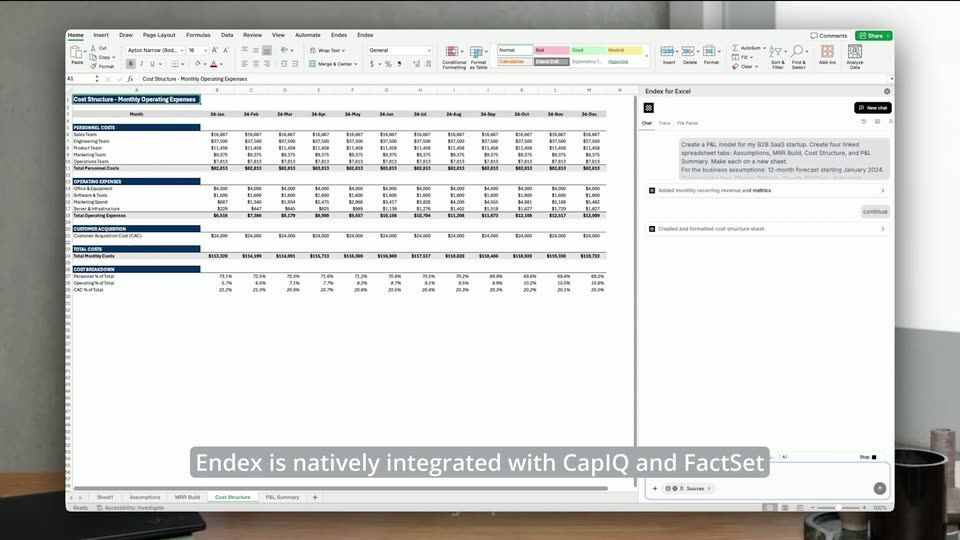 0:28–1:03Tarun Amasa · Tarun Amasa - It’s official. We’ve raised $14m led by @OpenAI Startup Fund to bringA screen recording of Excel with the Index for Excel chat panel open on the right. The AI fills a SaaS P&L model sheet by sheet as a cursor clicks the tabs; captions narrate the features. The view zooms into the P&L grid at the end.
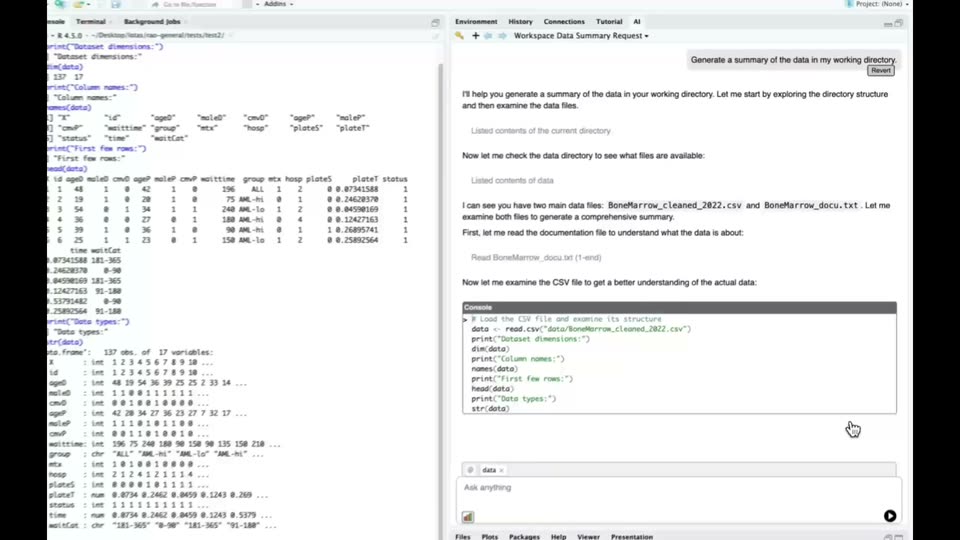 0:08–0:09Lotas · Rao — Cursor for RStudioA close-up of an AI chat panel zooms out to reveal the full IDE interface, a code terminal on the left and the assistant's reply on the right.
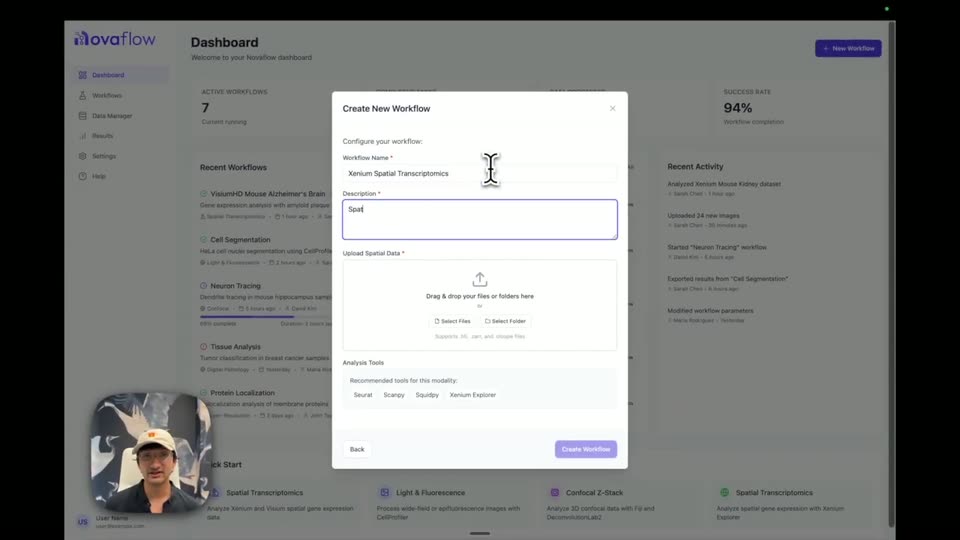 0:46–0:59Novaflow · Novaflow Launch VideoA white “Create New Workflow” modal is centered over a dimmed dashboard. The view pulls back to reveal the full Novaflow layout as a text cursor types the workflow name and description, then a hand cursor hovers the folder button.
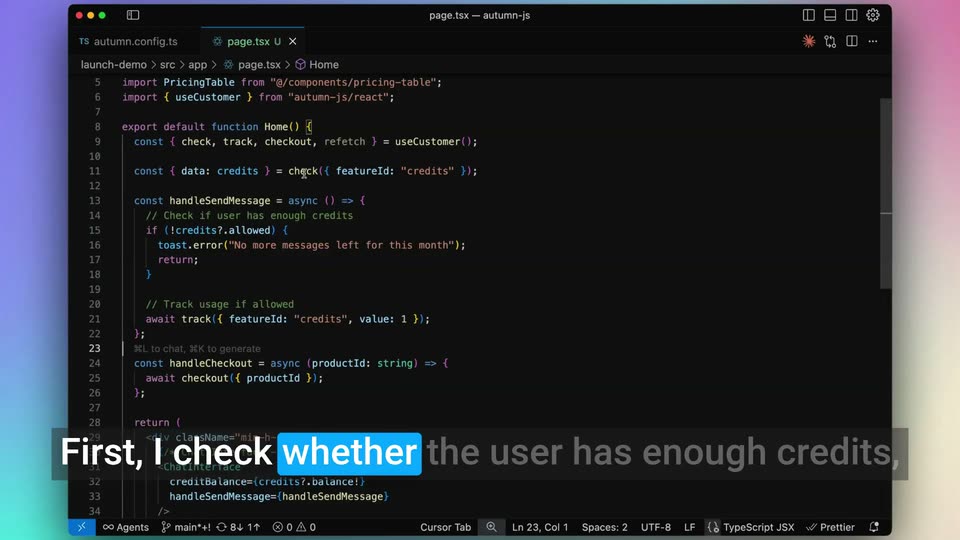 1:20–1:22Autumn · Autumn: Stripe for AI StartupsA dark code editor shows TypeScript code rewriting line by line. The view zooms into a highlighted line as a bottom caption highlights the words whether and enough in blue boxes.
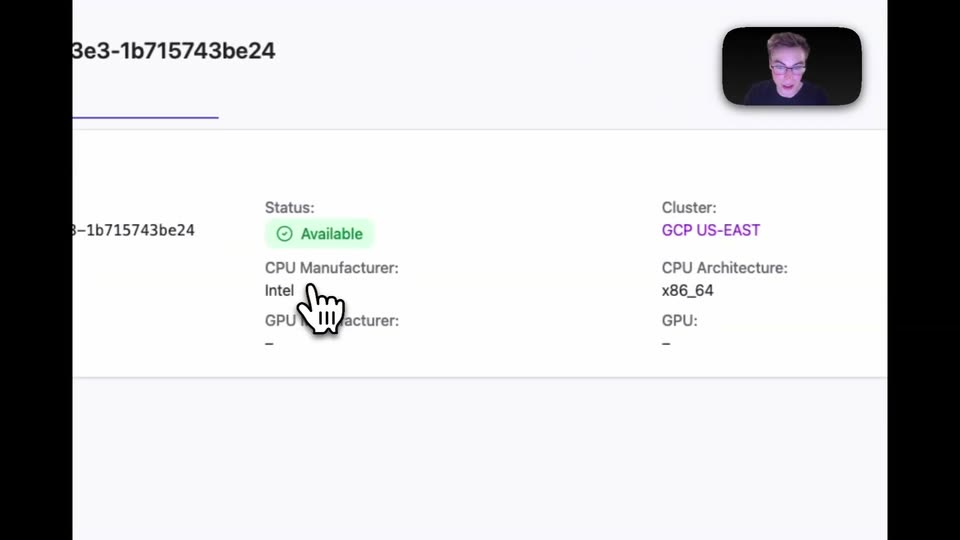 1:17–1:26Lilac · Lilac Launch -- Ensuring GPU Availability!A close-up of a job detail card zooms out to reveal the full Lilac app window on a purple gradient desktop, with a face-cam overlay in the top right. A hand cursor clicks the Node link and the view zooms into the node page showing cluster and CPU details.
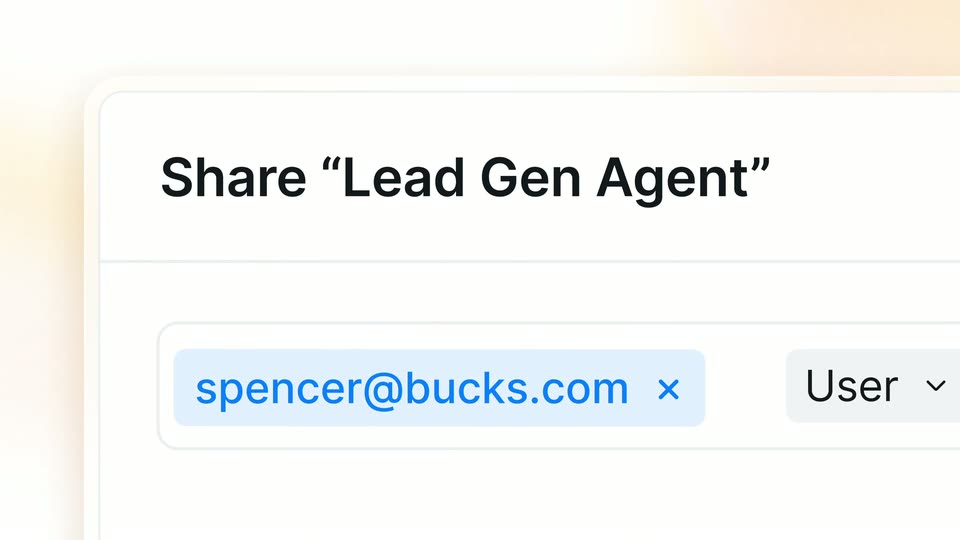 0:26–0:28Lindy · Lindy - Lindy 3.0 is live. You can now create agents with a simple prompt anA tilted 3D share dialog card floats on a soft cream gradient, listing three editors. The view zooms into the top row as the email [email protected] fills the input field as a blue pill beside a User dropdown and blue Share button.
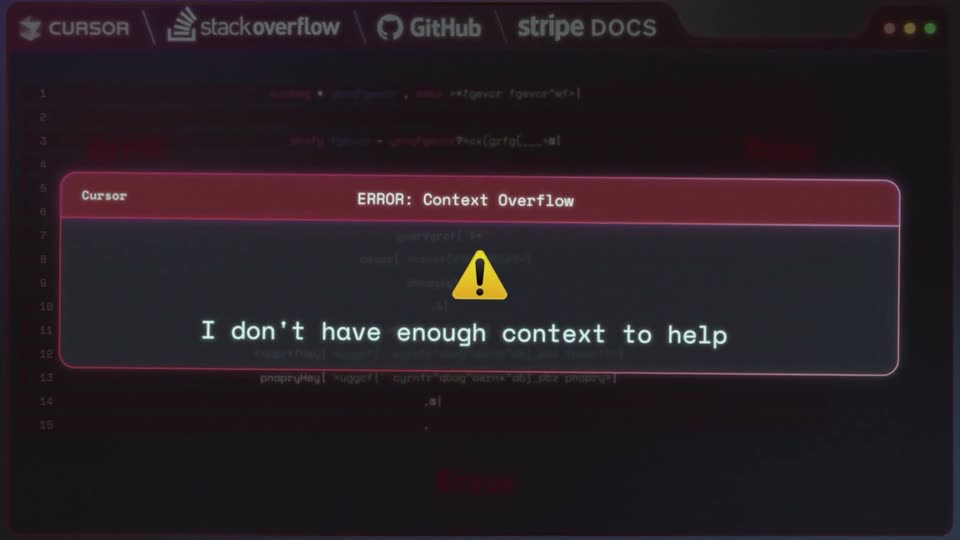 0:31–0:39Nia · arlan rakh - introducing nia. ship reliable code 10x fasterA glowing code editor mockup tilts in 3D as garbled code fills the lines and red Error tags pop in. The camera pushes in, then a red dialog with a yellow warning triangle pops up reading I don't have enough context to help.
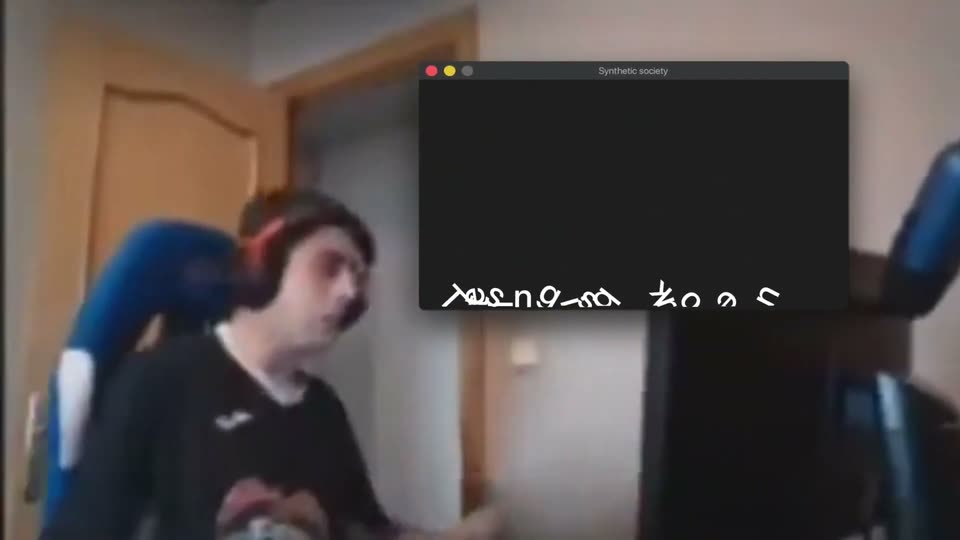 0:24–0:27Synthetic Society · Synthetic Society Launch VideoA dark macOS-style window titled Synthetic society hovers over a blurry room with two moving people. Inside, the white line Testing is broken shatters into loose letters that spin and tumble out of the window's bottom edge, then fall away as the frame zooms in on them.
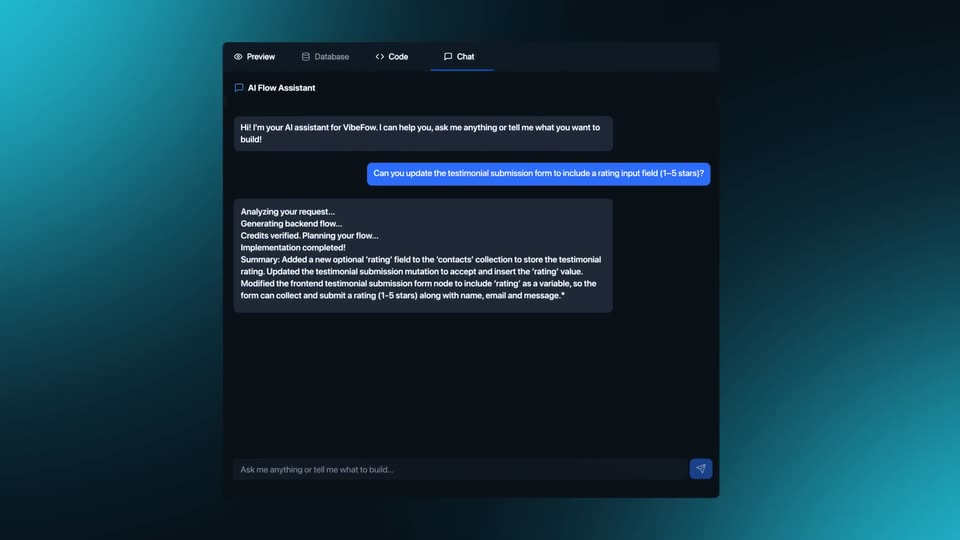 0:42–0:47VibeFlow · YC Launch Video: VibeFlowThe dark chat panel of the app eases in over a fading “Want to make a change?” headline, settling center frame. A blue user prompt and the assistant's completion text sit in the thread. The camera then slowly pushes in on the panel.
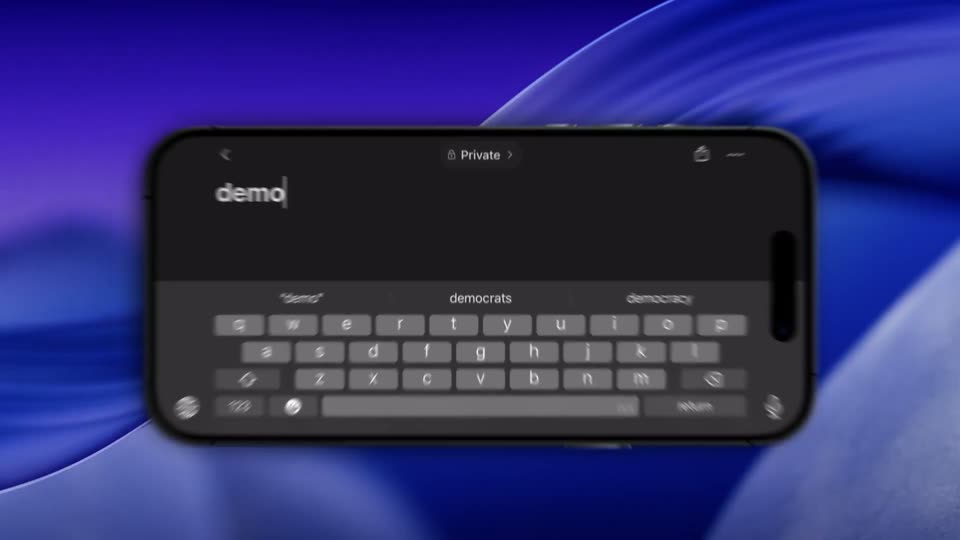 0:01–0:05Screen Studio · Screen Studio - Screen Studio detects when you rotate your iPhone screen and automatiA dark on-screen keyboard is shown in close-up as the word demo is typed into a note field, then the camera pulls back to reveal the phone floating in 3D against a blue abstract backdrop.
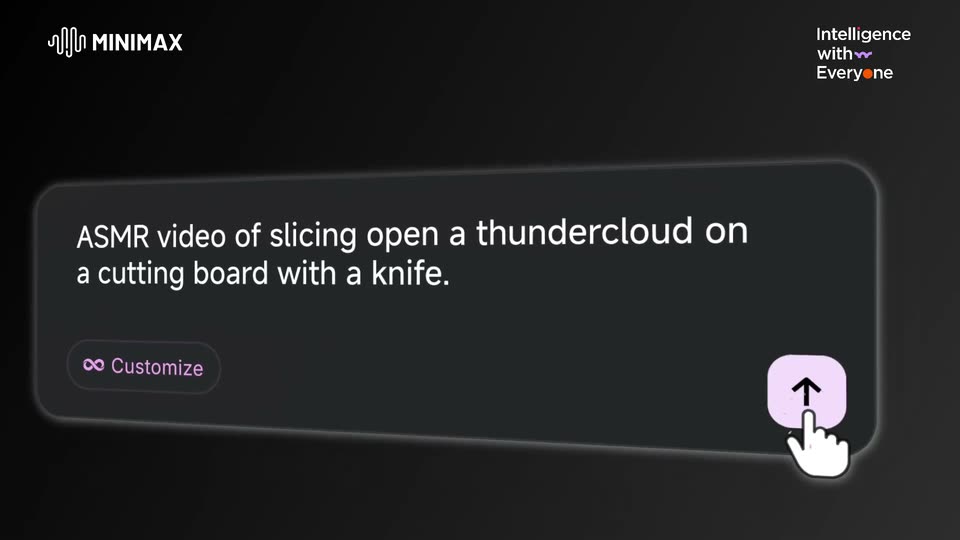 0:06–0:10Hailuo · MiniMax Design (H3) - 🚀 Hailuo Agent Templates just leveled up 🎬 Editable Storyboards are hA dark input panel floats tilted in 3D on black. A prompt types out inside it while a hand cursor taps the Customize pill, then the lavender send button. Bottom captions swap from one line to the next.
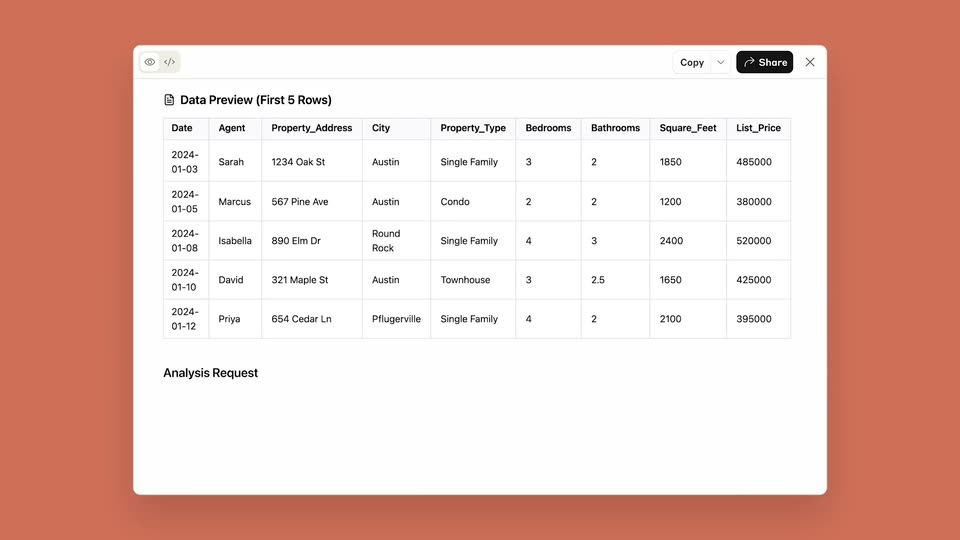 0:10–0:12Anthropic · Anthropic - Claude artifacts are now even better. Upload PDFs, images, code fileA white card on a terracotta background shows a property CSV table. The dashed upload box is replaced by a text field and a blue Run Analysis button that scales in, then the frame zooms in on the table.
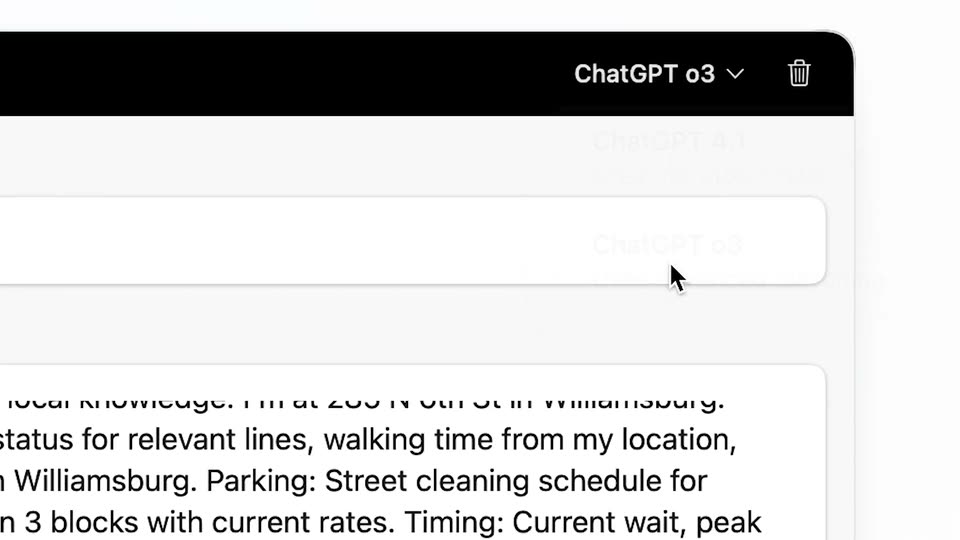 0:50–0:51The Browser Company · Dia - Sometimes you need a bit more… power. Reasoning models, now availablTight close-up of a chat window's black top bar. The cursor taps the model selector, a dropdown lists ChatGPT 4.1 and ChatGPT o3, then the cursor slides down to the o3 row and the header label switches from ChatGPT 4 to ChatGPT o3.
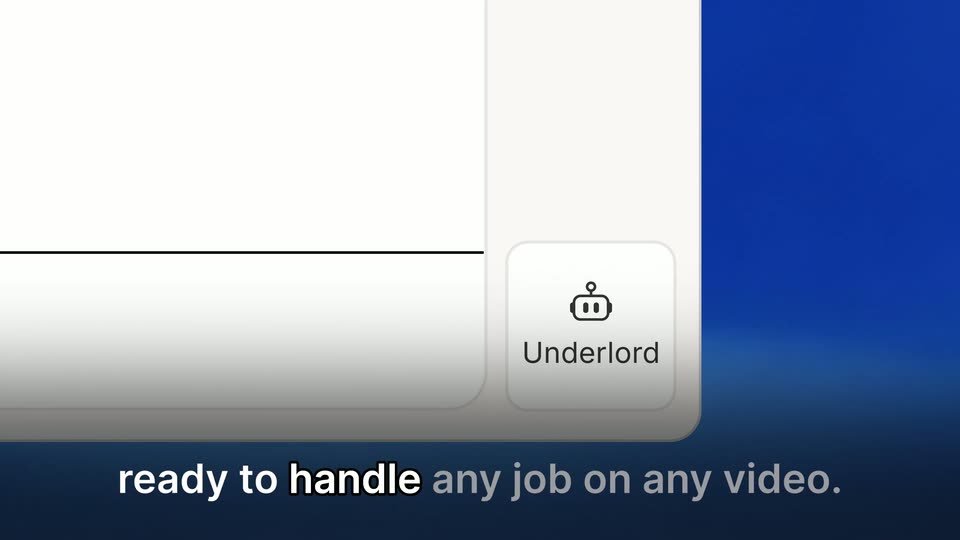 0:29–0:30Descript · Descript - Never edit alone again. Underlord is now available in beta. UnderlorA video editor interface shows a man with earbuds speaking in the preview window, with a transcript panel on the left and a tool sidebar on the right. The view zooms into the bottom-right corner, isolating the Underlord button, while a caption reads ready to handle any job on any video. at the bottom.
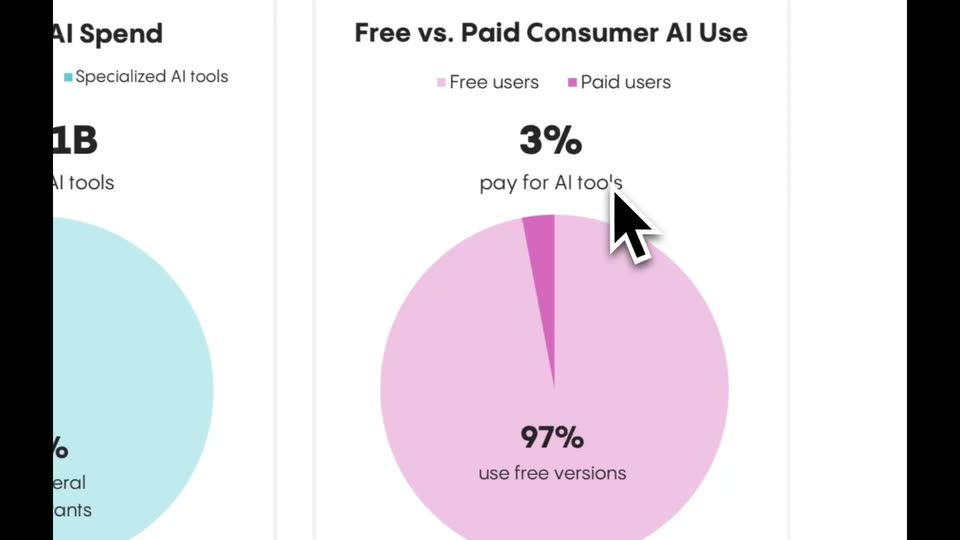 0:19–0:24Imprezia · Imprezia Launch VideoA white dashboard card titled How Big Is Consumer AI? with three pie charts fills the frame, then the view zooms into the rightmost pink pie chart as a cursor slides in to point at the 3% figure, before zooming back out with a blur.