UI zoom
A zoom or reframe onto one part of the interface.
10,007 scenes · page 78 of 167
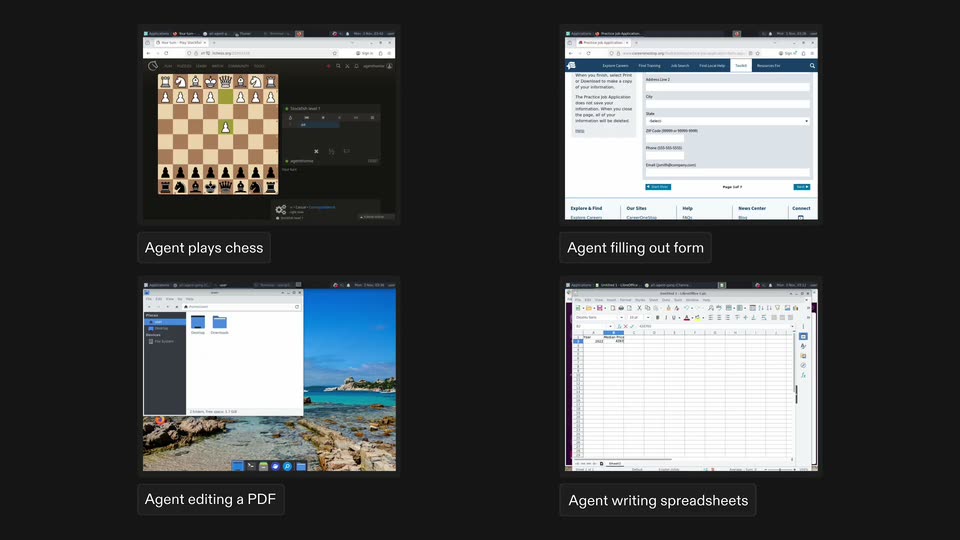 0:16–0:18Orgo · Introducing Orgo - Computers for AI AgentsFour browser windows in a 2x2 grid on a black background run live tasks: a chess game, a job application form, a PDF editor and a spreadsheet, each with a caption below. The frame then zooms into the chess window.
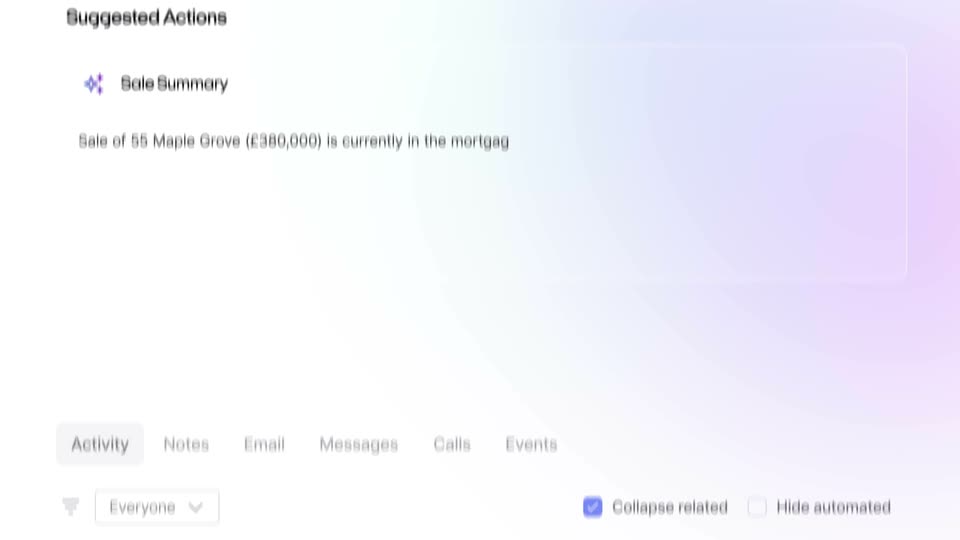 0:15–0:16Street · Street.co.uk AI CommercialA pale product screen pans vertically, sliding a Suggested Actions block with a Sale Summary line into view above the Activity tab bar and a new email item from Lauren Darlow.
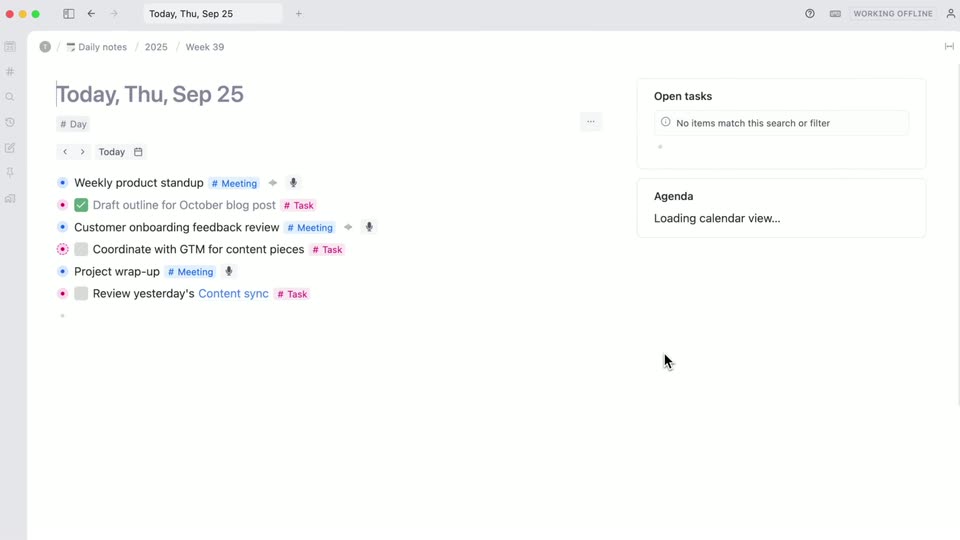 0:44–0:45Tana · Tana Outliner Offline Is HereThe view starts zoomed into a task detail card titled “Review yesterday's Content sync”, then pulls back to reveal the full app: a left list of today's tasks and right panels for Open tasks and Agenda.
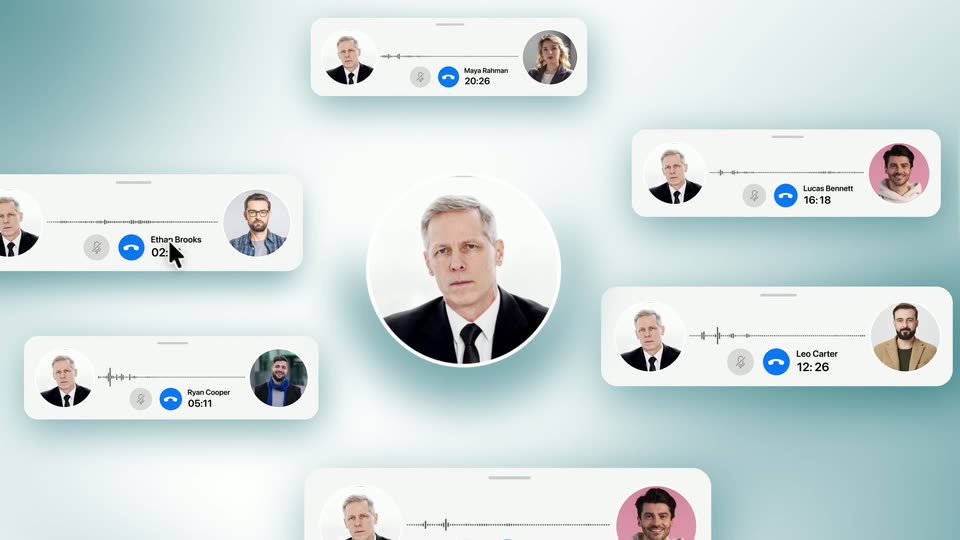 0:04–0:06Lexi · Lexi | Launch VideoA close-up of a man's face pulls back to reveal white call cards with names and durations arranged around his circular avatar on a light blue background; a cursor hovers over one card, then the camera zooms back in on the avatar.
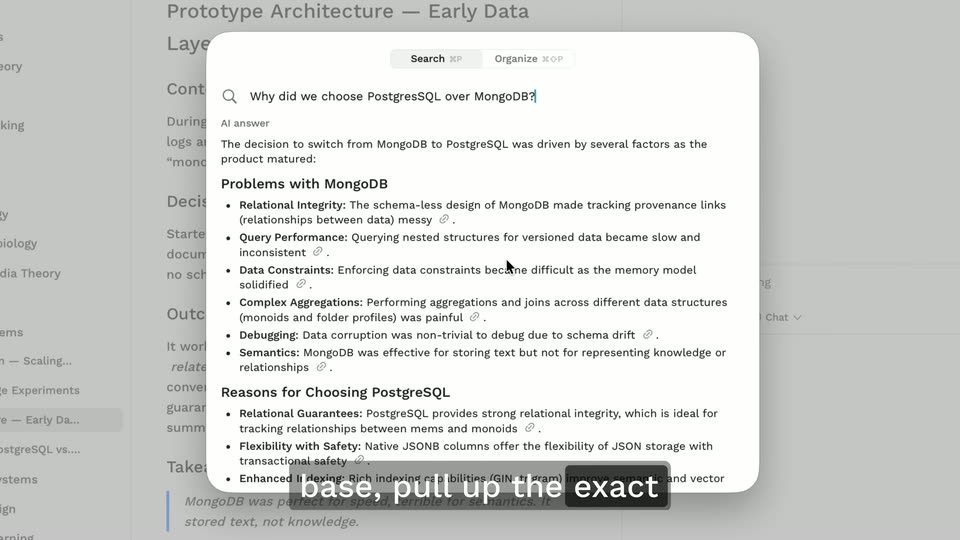 0:35–0:40Nessie · Nessie - AI knowledge base for your mindA search dialog opens over a blurred note app, and the view zooms in as a typed query returns an AI answer that expands on click. A large white headline scales in, then word-by-word captions roll along the bottom.
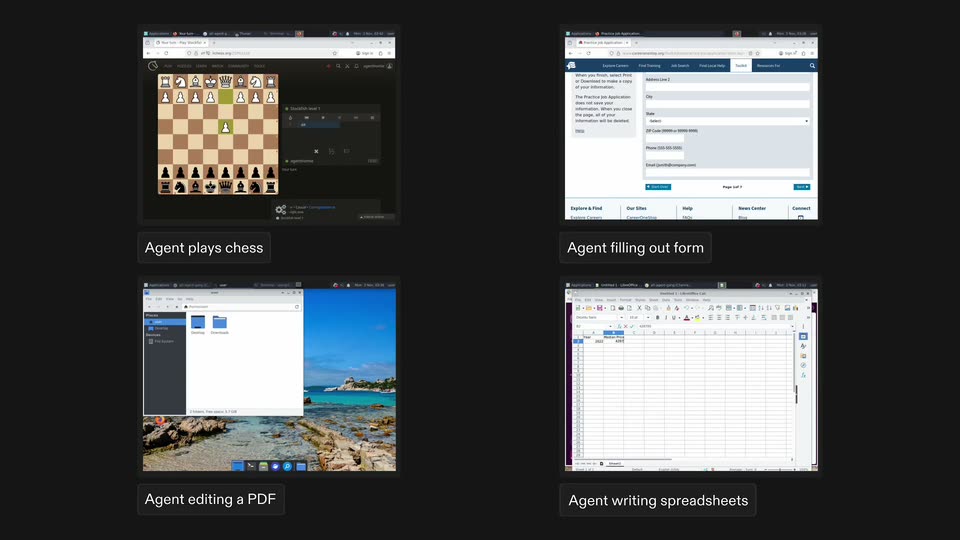 0:16–0:18Orgo · Spencer Kinney - Introducing @Orgo Orgo provides virtual computers for AI agents. BuA 2x2 grid of four desktop screens shows an agent playing chess, filling a form, editing a PDF and writing a spreadsheet, each with a white caption below. The view then zooms into the top-left chess screen, which fills the frame.
 0:12–0:13Freepik · Magnific - Introducing Freepik Spaces An infinite canvas where teams create, coA dark dotted grid floor recedes behind a cyan-bordered screen frame as the camera pushes in until the frame fills the view. A teal cursor points to a sliding James pill on the right while blurred toolbar buttons drift up and out.
 1:26–1:27Item · item YC Launch!A chat screen with a conversation and form fields fades out across the top while the view zooms into the bottom input bar. The bar keeps a 'Run Skills' chip and an up arrow, and its placeholder reads 'Helping you every day.'
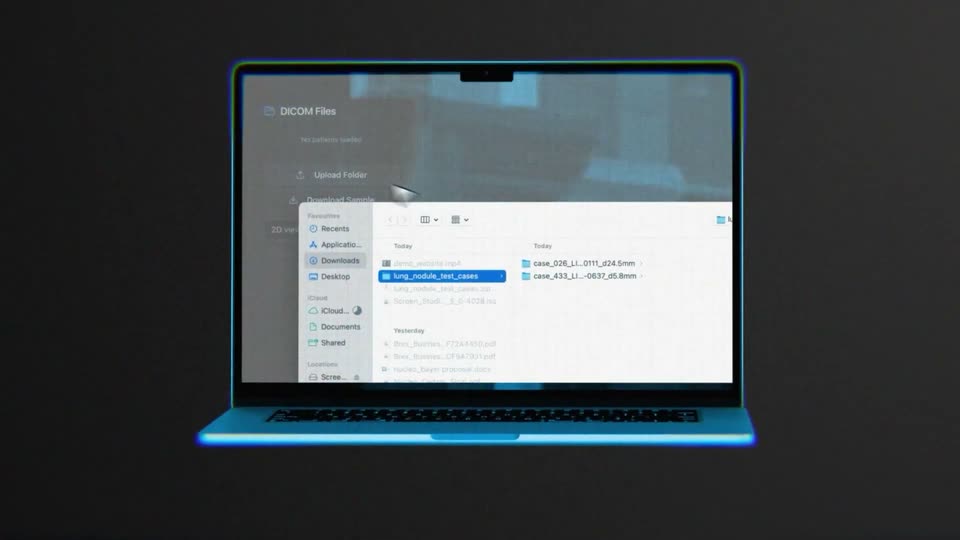 0:49–0:51Nucleo · Nucleo - Automated cancer diagnosticsA blue laptop with glowing edges sits in 3D perspective on a dark background. Its screen shows a DICOM Files window; the view zooms into the file list as a cursor hovers over a selected row.
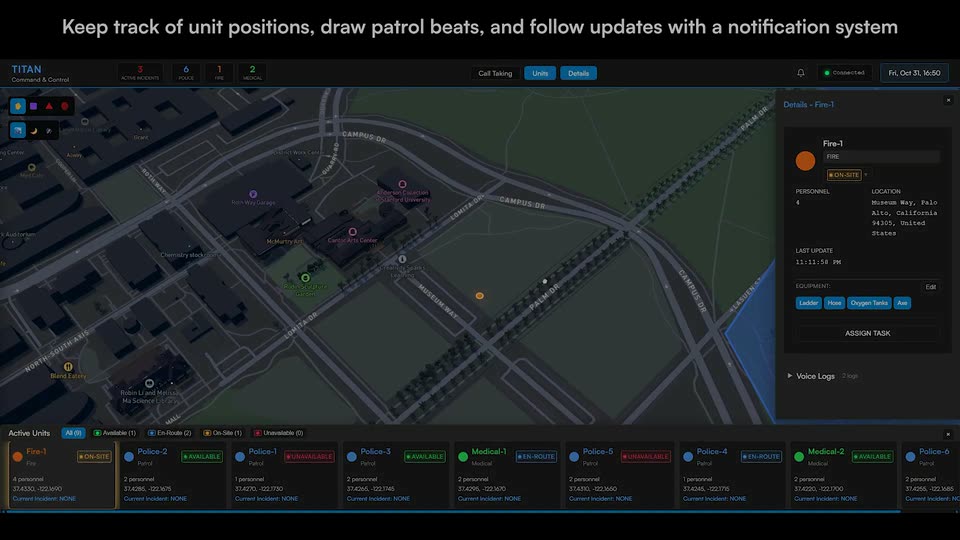 1:11–1:12Lakonia · Introducing: LakoniaA dark command and control dashboard shows a satellite map of Stanford with colored unit markers. The map zooms in toward the campus while a blue patrol beat polygon, a right-side unit details panel and a bottom row of active unit cards stay fixed.
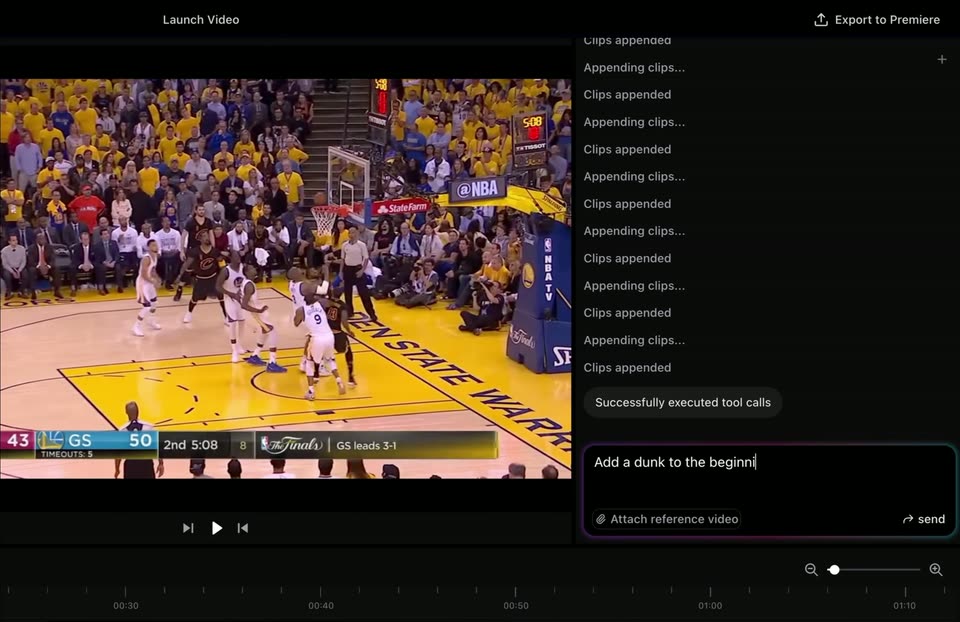 0:14–0:20Narrative · Narrative: Cursor for Professional Video EditorsA video editor shows a basketball game preview beside a chat log of appended clips. The view zooms into the preview and input box as 'Add a dunk to the beginning' is typed, then pulls back as the timeline gains more clips.
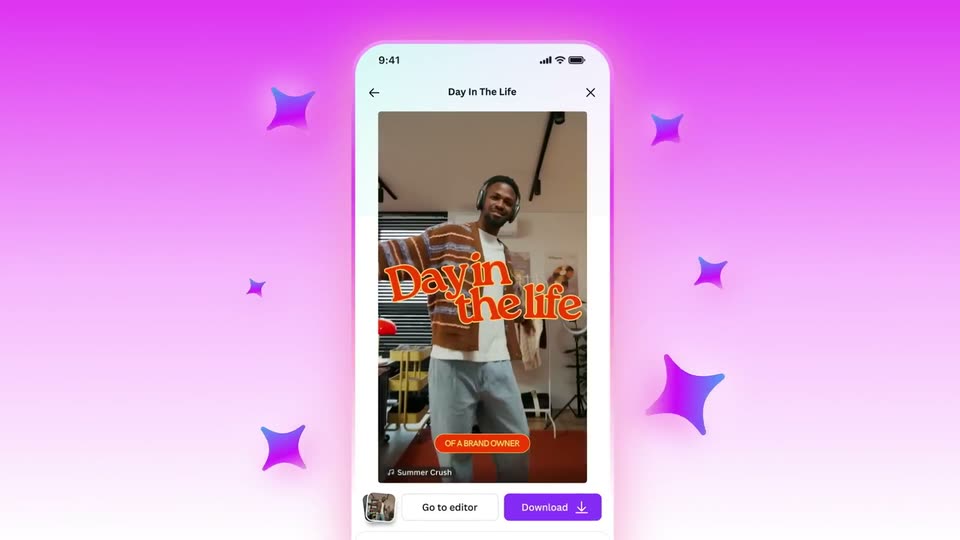 2:28–2:30Canva · Introducing Canva Video 2.0A phone mockup on a pink gradient with floating purple stars. The app screen shows a blank loading state, then the finished video of a man with headphones appears under orange script text, while the stars drift slowly.
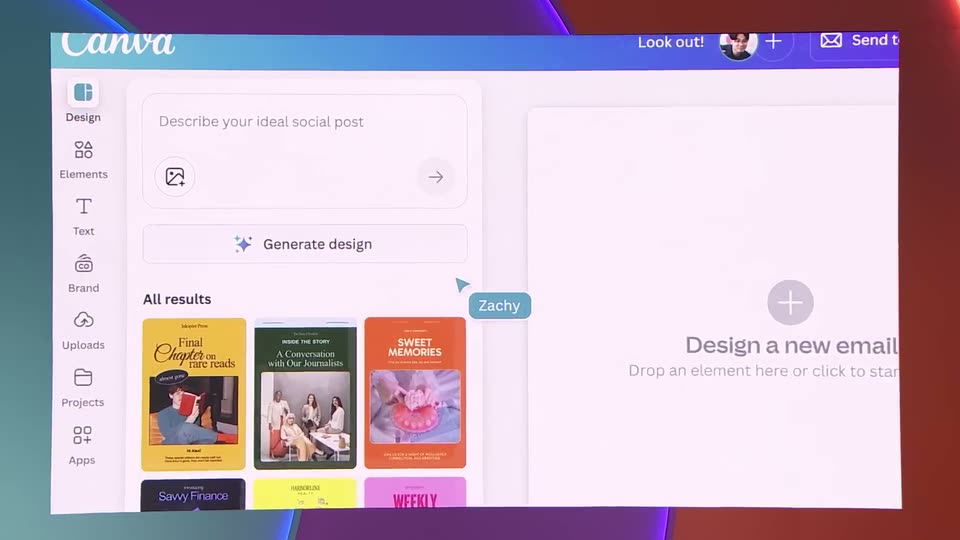 2:39–2:40Canva · Introducing Email Design in CanvaA tilted Canva editor window sits in 3D against a multicolor gradient backdrop. The view zooms into the left panel, where a cursor labeled Zachy hovers over the Generate design button above a row of template thumbnails.
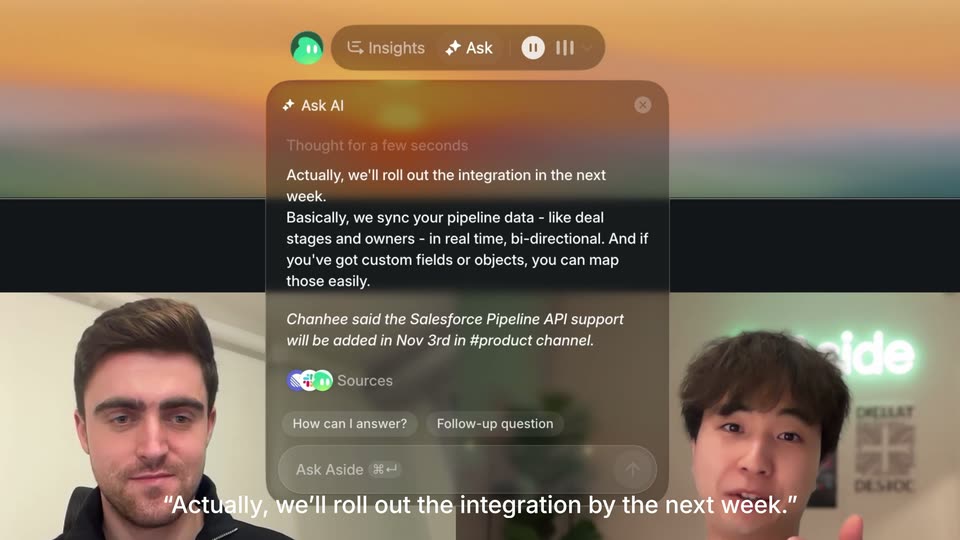 0:16–0:23Aside · Introducing AsideA close-up of the AI assistant pill over a blurred video call; a cursor clicks the How can I answer? button and the Ask AI panel types out an answer. The view then pulls back to reveal the full call window with two participants.
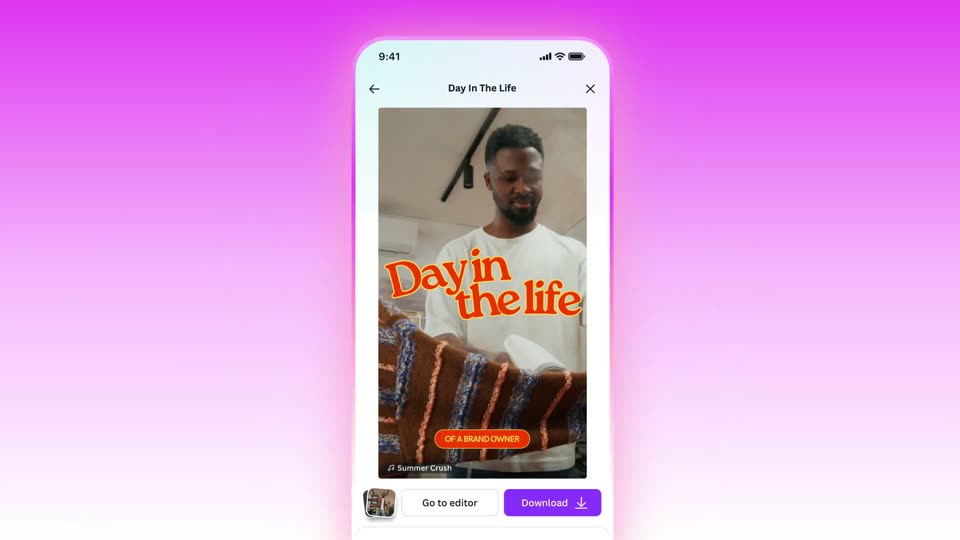 0:10–0:11Canva · Canva - Yep, you heard it right. No watermarks, no paywalls, no awkward exporA phone mockup floats on a pink gradient, its screen playing a vertical clip of a man who dances and changes outfit. An orange 'Day in the life' title and a pill caption overlay the footage, and a circular magnifier briefly zooms the top corner.
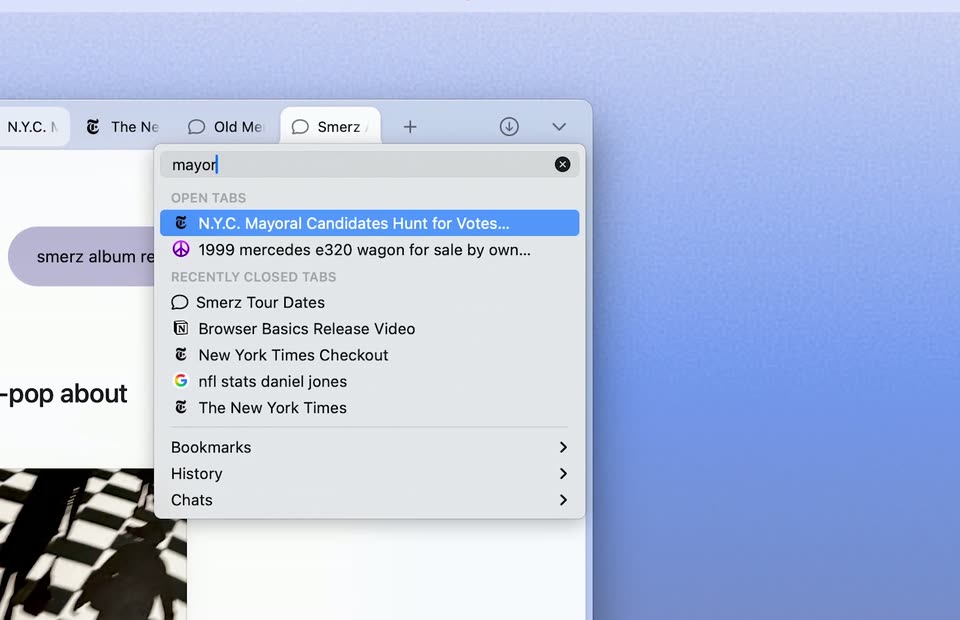 0:31–0:35The Browser Company · Dia - 3️⃣ new features live in Dia today: - Focus Mode - Custom keyboard sA browser window sits on a blue desktop as a tab search dropdown opens, listing open and recently closed tabs. The query mayor is typed, the list filters and a tab highlights, then the menu closes while command and A keycaps flash top right.
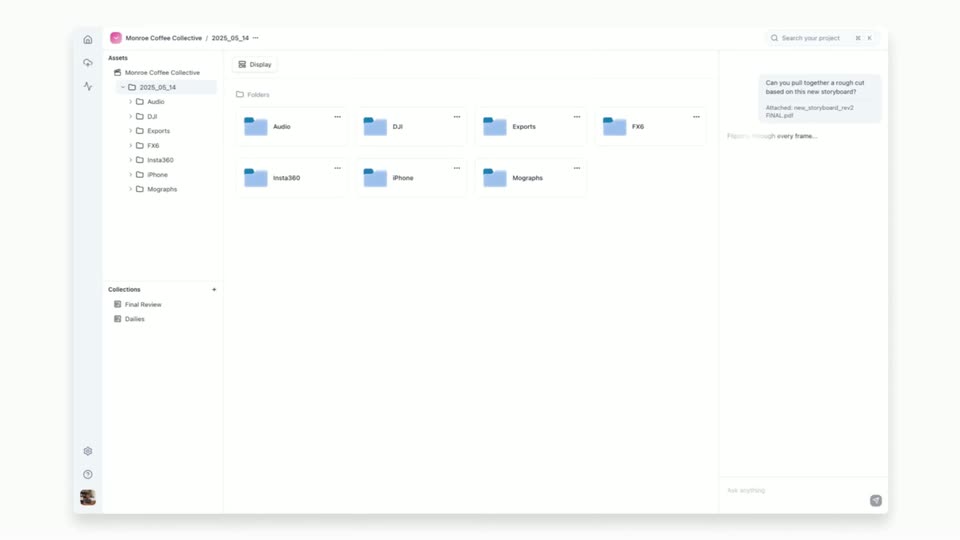 0:35–0:41Aspect · Aspect: AI platform for enterprise media content | YC F25A close-up of a white file library interface with three folder cards. A cursor sits in the chat input as the prompt types out word by word. The frame zooms out to the full app window, and the agent's reply types out in the right chat panel.
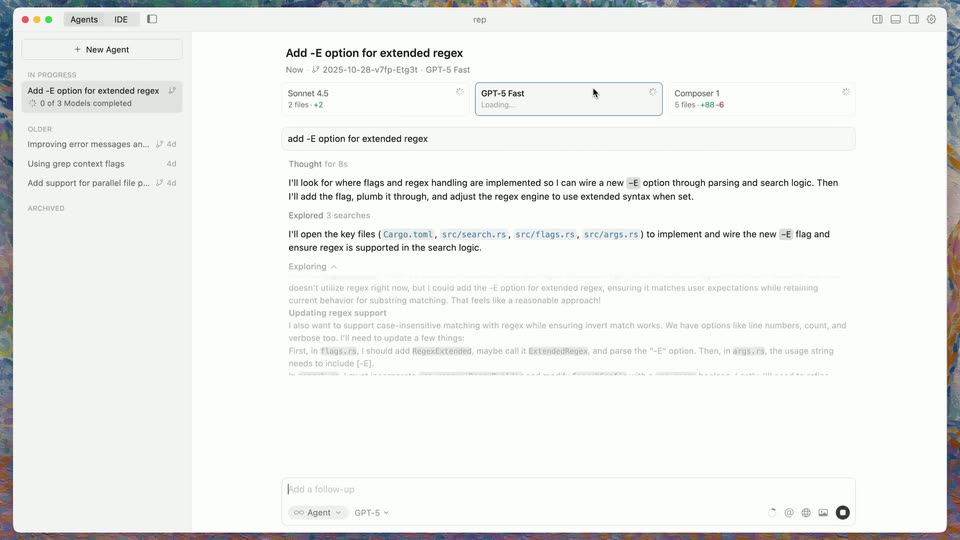 0:23–0:33Cursor · Introducing Cursor 2.0A close-up of an AI coding agent interface streams in a model's response and code diffs across three parallel model cards. The view zooms out to the full app window on a desktop as a cursor switches the active model from GPT-5 Fast to Composer 1.
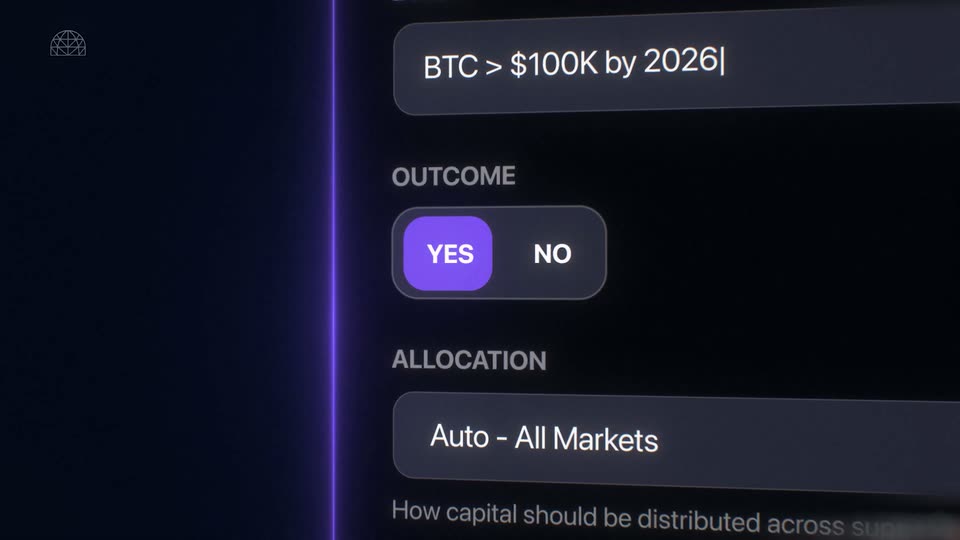 0:33–0:36Dome · Dome - A Unified API for Prediction MarketsA dark order panel with a glowing purple border sits under the headline “Smart order routing”. The camera zooms into the EVENT field as “BTC > $100K by 2026” is typed, the OUTCOME toggle flips to YES, then pans down to the purple Place Order button.
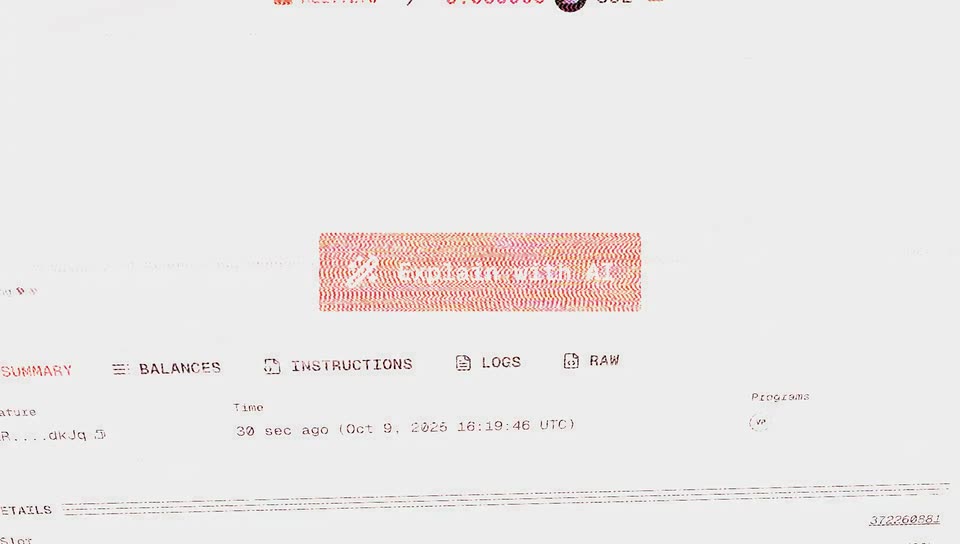 0:31–0:32Orb · mert - today we are releasing Orb a human-readable Solana block explorer wiA red “Explain with AI” button sits centered over a dimmed, red-tinted transaction page. The tint lifts to white as the frame zooms out, revealing the full explorer interface with its tab row and detail fields.
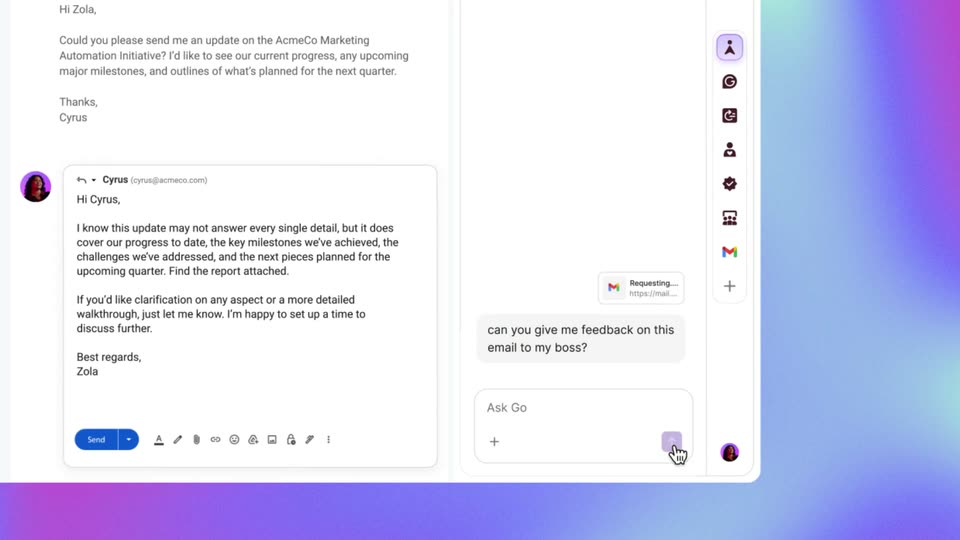 0:05–0:08Superhuman · Superhuman - We built Superhuman Go for you. Go is the proactive AI assistant thatA mail composer sits left with a draft to Cyrus; a purple AI sidebar right shows a typed prompt and a cursor pressing send. The view reframes as a feedback note fills the sidebar and an inline Sound less defensive card with green highlight and Accept button overlays the draft.
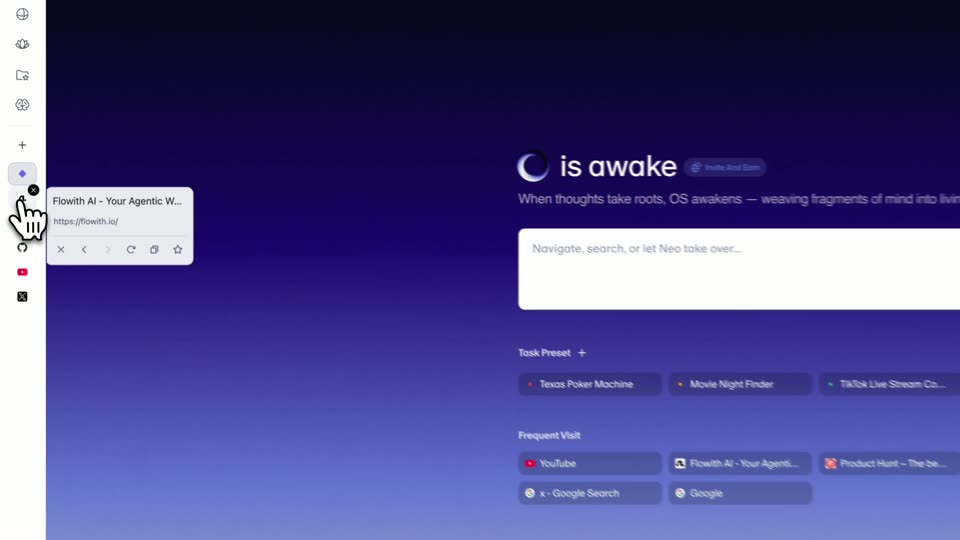 0:59–1:00Flowith · Derek Nee - introducing the OpenAI Atlas killer. might be the last browser you'llA blurred browser home page sharpens and zooms in, centering the 'is awake' greeting, a white search field, and rows of preset chips on a purple gradient. The left icon rail stays fixed as the cursor hovers a tool icon, popping a small link tooltip.
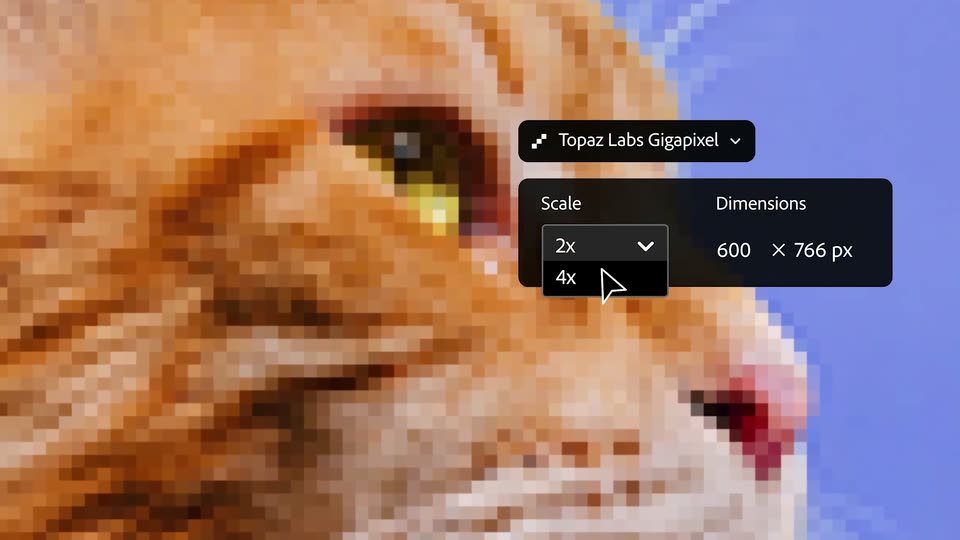 0:10–0:15Topaz Labs · Topaz Labs - @Adobe + Topaz Labs 🤝🙌 Just announced—you can now access select TopazA small orange cat photo on a dark canvas zooms into a pixelated close-up of its face. A black Generative Upscale tooltip appears, then a settings panel with a 2x scale dropdown. The cursor clicks the dropdown and the image snaps to high resolution.
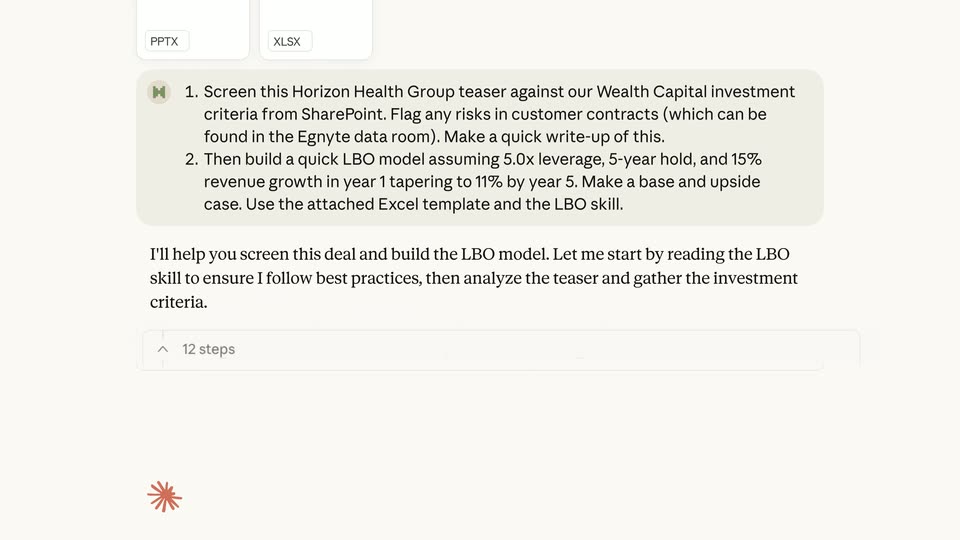 0:41–0:56Anthropic · Anthropic - We’re expanding Claude for Financial Services, with an Excel add-in,An organic white mask clears to reveal a cream chat interface; the view reframes onto the highlighted prompt while the assistant's reply streams in and the thread scrolls down. A cursor clicks a download button, and the LBO spreadsheet opens in a window to the right.
 0:14–0:15Instinct · instinct© - the future of work @instinct_incA phone mockup floats over a warm blurred backdrop, its screen showing the Delulu by Decart UGC dashboard. The view scrolls down past the header and tabs, then zooms into two creator cards, each with a woman's photo, a $30 badge and a pink progress bar.
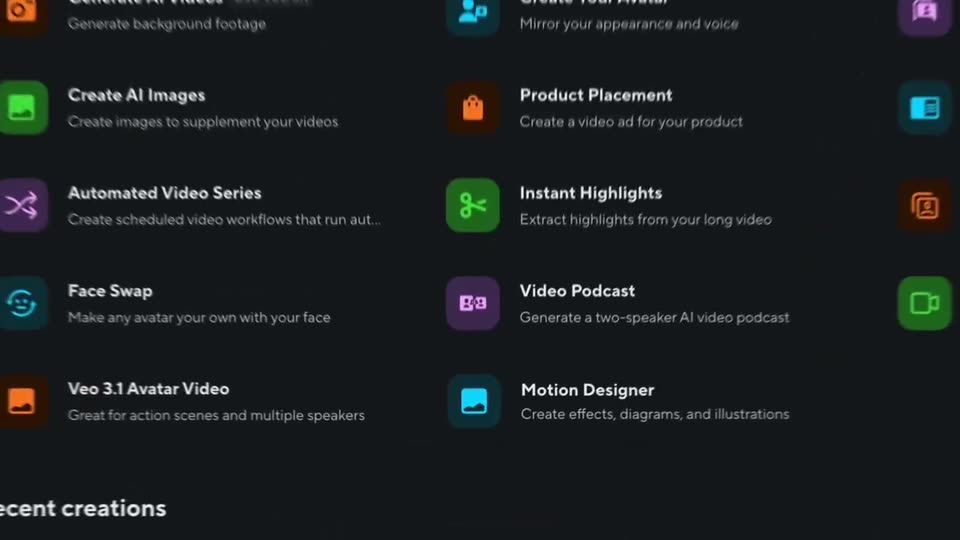 0:49–0:51HeyGen · HeyGen - If you can explain it, you can animate it. Turn your ideas into custA dark dashboard grid of feature tiles with colored icons fills the frame. The view zooms in toward the lower rows, centering the Motion Designer card.
 0:36 · 0.6sArgil · Manuarii - Introducing “Argil Atom” the most controllable video AI model in theA vertical video card of a woman at a microphone sits center on black, flanked by a red X and a purple heart button. The card zooms forward to fill the frame as the side buttons drop out, while the white label and Argil logo stay pinned at the bottom.
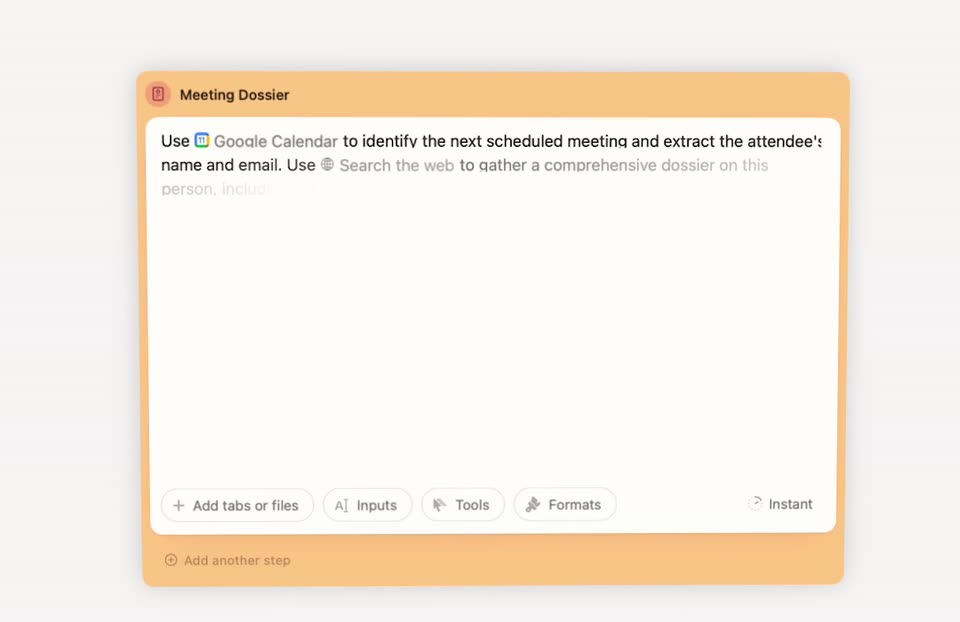 0:17–0:23The Browser Company · Dia - Complex Skills, simple words. Create expert-level prompts with the rA white skeleton card titled New Skill sits centered on a light gray field, captioned Personalizing with memory.... It swaps to a Meeting Dossier skeleton with the caption Creating Skill..., then zooms to fill the frame as an orange card. A prompt types into the card, which then shrinks behind a white card that reveals the line Generates a comprehensive dossier on the next person you are scheduled to meet.
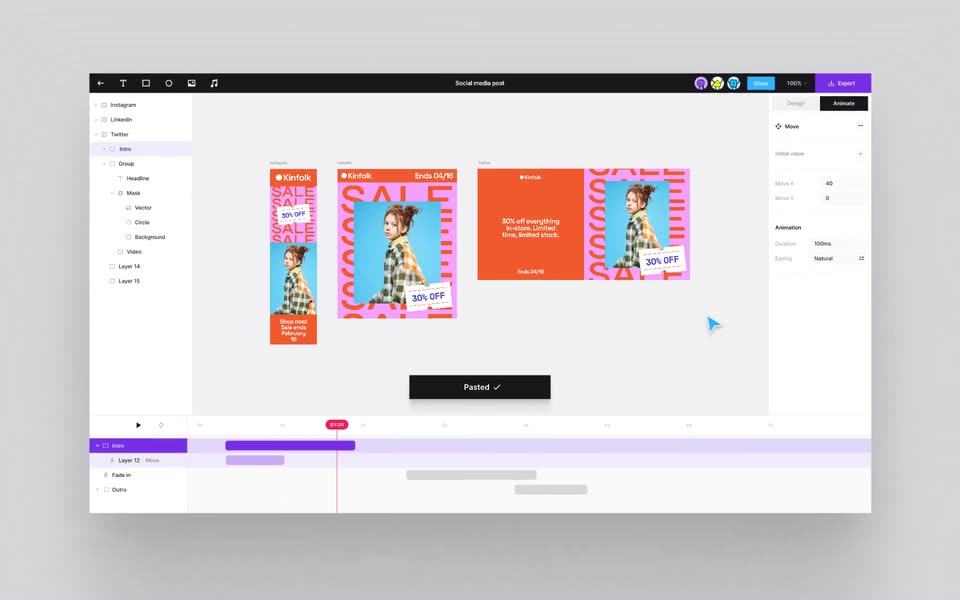 0:06–0:08Jitter · Jitter - New this week: Jitter plugin for Figma Buzz 🎉 Drive engagement by adA design-tool window sits tilted in 3D perspective on a plain gray backdrop. The camera pulls back from a tight crop to reveal the whole app: a canvas of pink and orange sale posts, a purple timeline, and a black 'Pasted' toast.
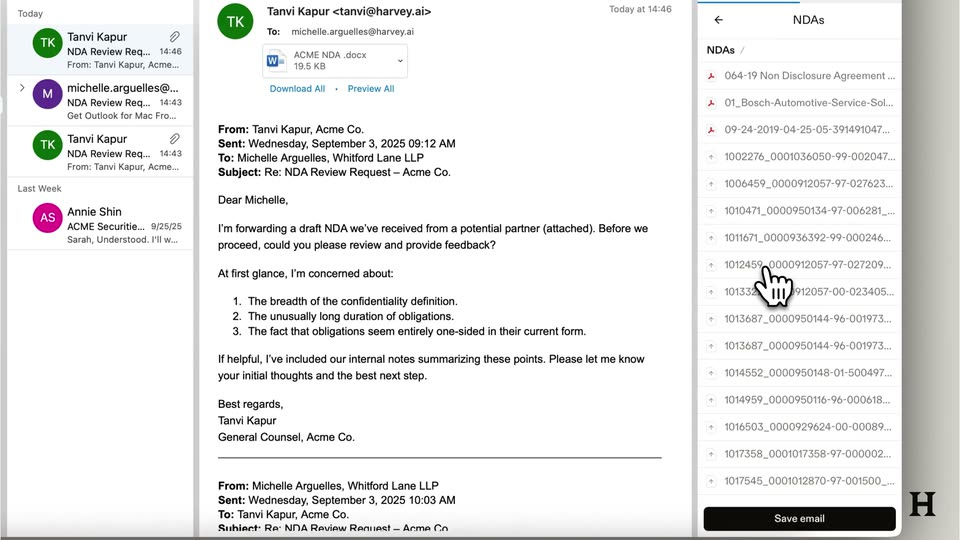 0:34–0:59Harvey · Microsoft IntegrationsA full Outlook window with the Harvey sidebar sits on a gray backdrop, then the view zooms onto the right panel. A cursor clicks Summarize email, the summary types out, then clicks Send to Vault project, picks the NDAs folder and saves, ending on a Files saved toast.
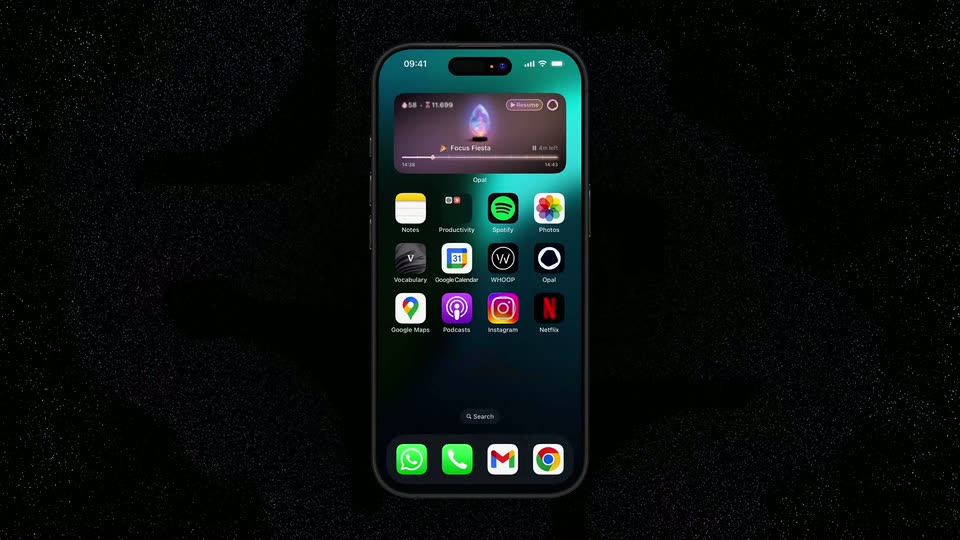 0:43–0:45Opal · Opal - Introducing Brain Games: Puzzles that make you smarter, before you scA front-facing iPhone mockup sits centered on a dark textured surface. Its screen dissolves from the home screen into an open Instagram post by withdrawal, while the caption Congrats. fades in along the bottom edge.
 0:51–0:52Lovable · Introducing our Shopify IntegrationA dark chat panel and a light website preview sit side by side. The preview slides right, then the frame zooms onto the left panel, where a Claim button fills with a green checkmark.
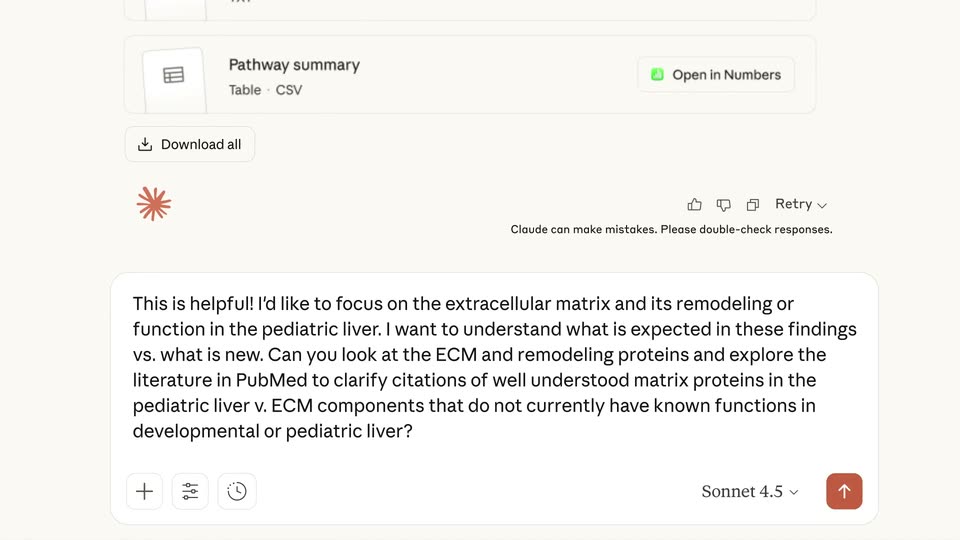 0:17–0:24Anthropic · Anthropic - We’re building tools to support research in the life sciences, from eA cursor hovers over a file list in a chat app window with two bar charts at right; the view zooms into the input box as a long prompt types out word by word, then the message bubble and an AI reply appear.
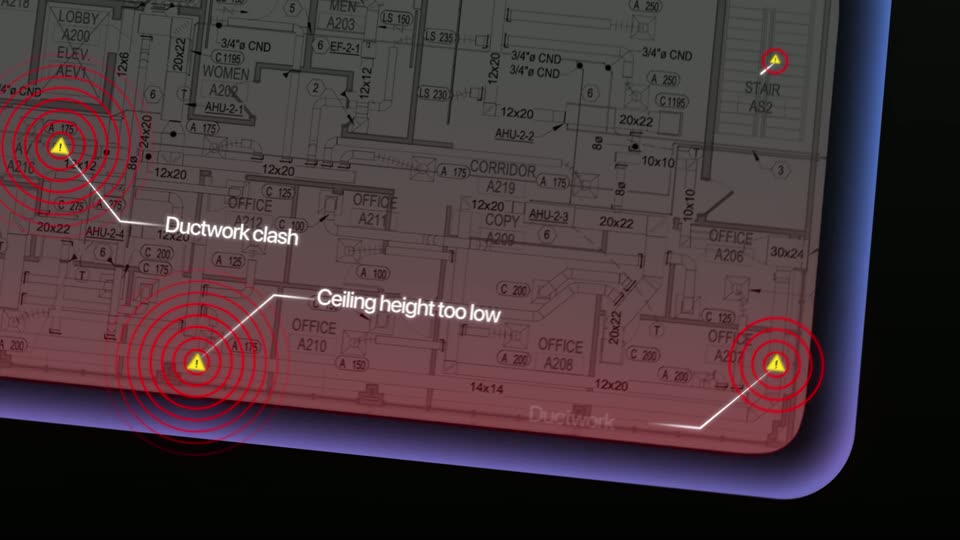 0:32–0:42Helonic · Articulate: The Construction & Solar PainkillerA tablet mockup with a glowing blue rim floats in 3D on a dark grid, showing a red-and-black architectural floor plan. The camera pushes in and tilts the slab as yellow warning markers pop in with red pulse rings, then the slab rolls back upright under a white headline.
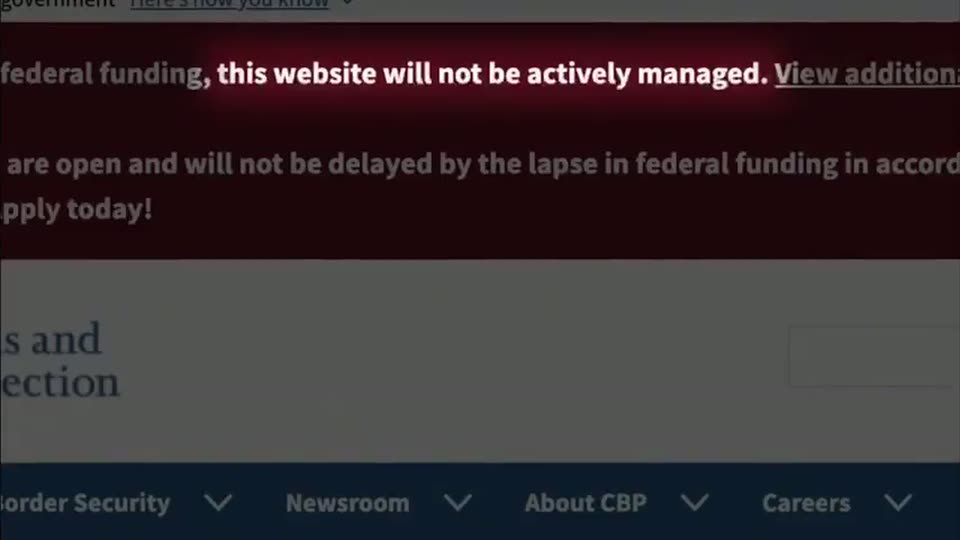 0:17–0:18MarkIt · MarkIt Launch VideoA government website homepage zooms in toward the top red notice banner, pushing the agency seal and blue navigation bar out of frame. A red glow sweeps across the banner text as the framing tightens.
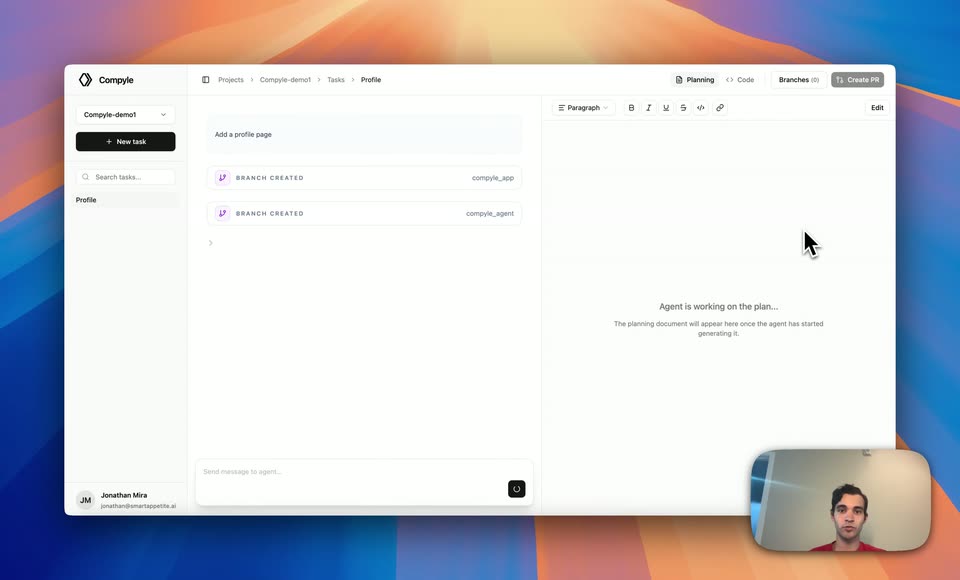 0:42–0:52Compyle · Compyle | Demo VideoClose-up of a task form zooms out to the full Compyle window on a gradient, a presenter's webcam in a rounded corner at bottom right. The right panel flips to 'Agent is working on the plan...' while two branch rows slide in; the window then blurs and shrinks.
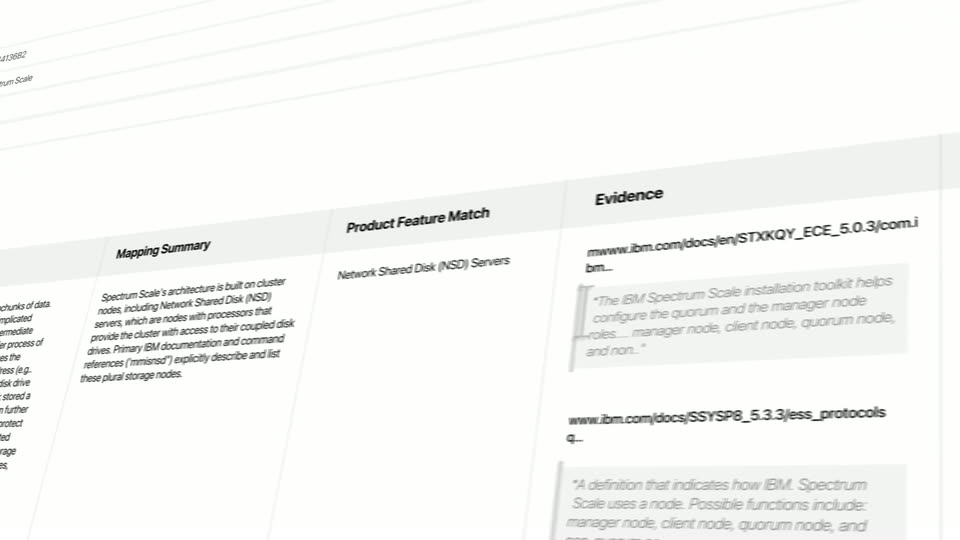 0:21–0:28Patent Watch · Patent Watch Launch VideoA white report card with a glowing teal edge floats in a dark 3D space beneath the white title “Patent Infringement Analysis Report”. The camera dollies in and pans right across the page, moving from the product details down the claim-element table to a red “Meets” badge.
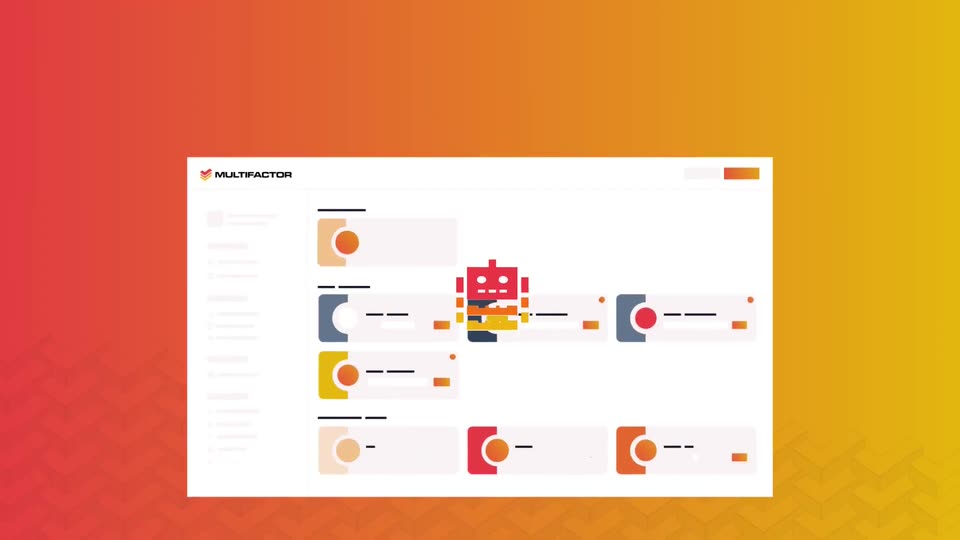 0:17–0:19Multifactor · Multifactor: Share Online Accounts with Humans & AI Agents (0:59)A white dashboard card with the Multifactor logo and colored avatar rows rises into the center of an orange gradient, a pixel robot appears at its center, then the frame pulls back to reveal a second card and a vertical stream of binary digits between them.
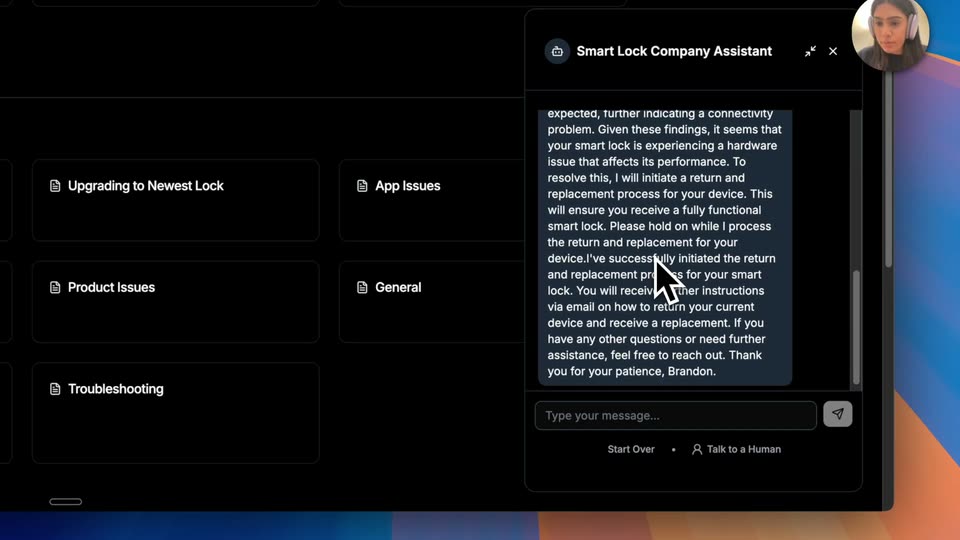 0:05–1:23Layers · Telemetron DemoA dark help-center website fills the frame as the cursor moves to the chat widget. The view zooms into the chat panel, where a customer message appears and the assistant reply types out word by word, then the camera zooms back to the full page.
 0:02–0:03Google · Veo 3.1 - Designed to empower creativesA dark field of small video thumbnails frames a central rounded card of a motocross rider kicking up dust. The white word Veo holds center as glowing yellow bokeh dots drift across it, and the camera pushes in on the card.
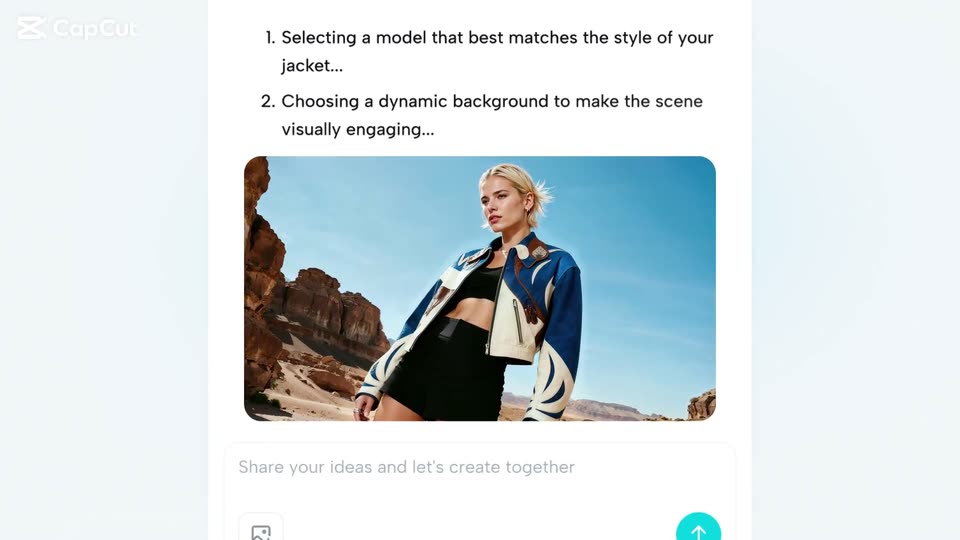 0:16–0:17CapCut · CapCut - Your all-in-one e-comm toolkit is here. Meet the new CapCut Desktop!A light chat interface shows an AI reply with a numbered plan above a generated photo of a blonde model in a blue jacket on a desert ridge. The text scrolls up slowly, reframing onto the image.
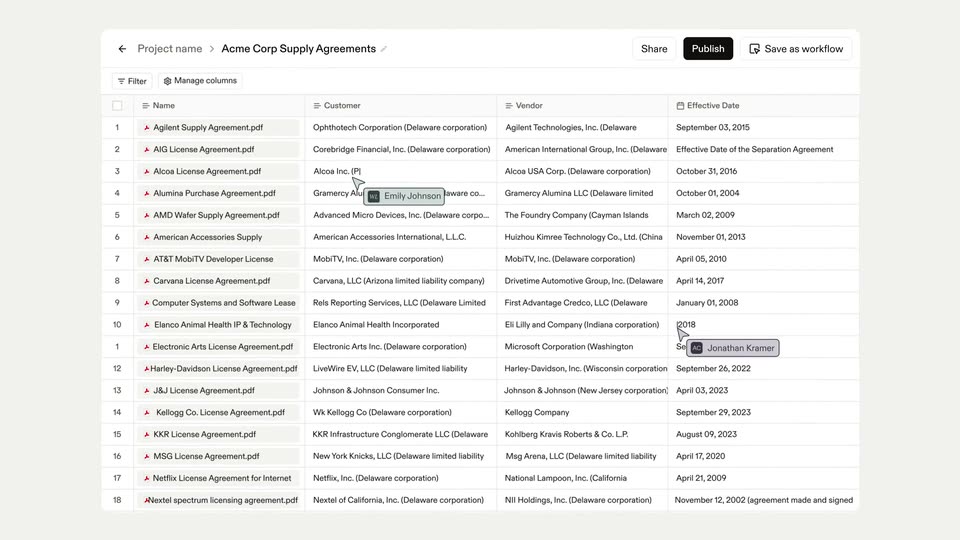 0:32–0:42Harvey · Work Without BoundariesA white spreadsheet panel slides in from the right and its rows populate top to bottom. The camera pulls back to frame the full table, then a cursor clicks Share and hovers over cells, popping up name tooltips.
 0:47–0:48Penpot · Penpot - This is Penpot, the open-source design & code toolA purple screen shows a translucent sidebar and white placeholder bars, then the view zooms and pans right to reveal CSS code with line numbers on the right while the caption stays at the bottom.
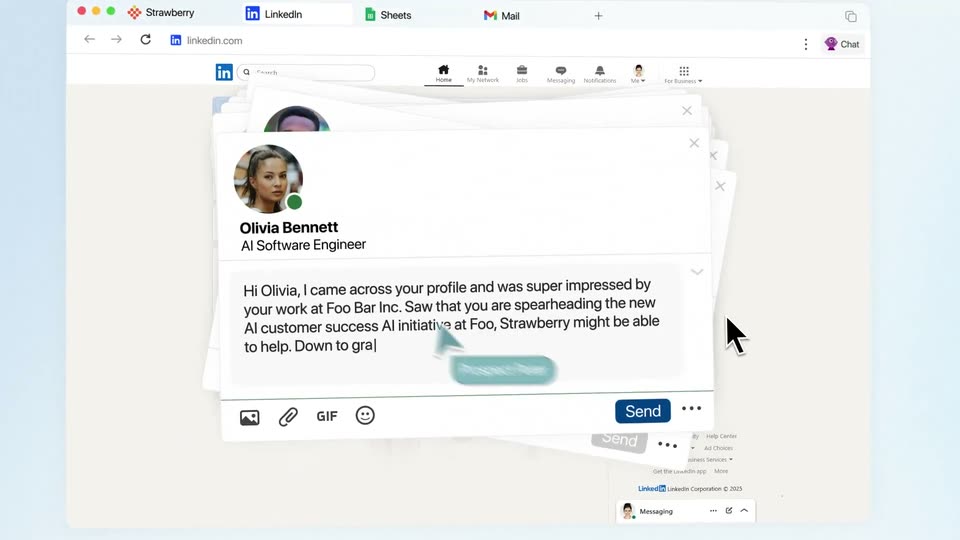 0:24–0:26Strawberry · Charles Maddock - We've raised $6M from General Catalyst, EQT Ventures, and founders ofA tilted stack of LinkedIn chat windows sits in 3D perspective. The front window shows a profile and a message typing out, with a teal Prospect Peter tag and Send button. The view zooms in and flattens as a cursor rests at the right edge.
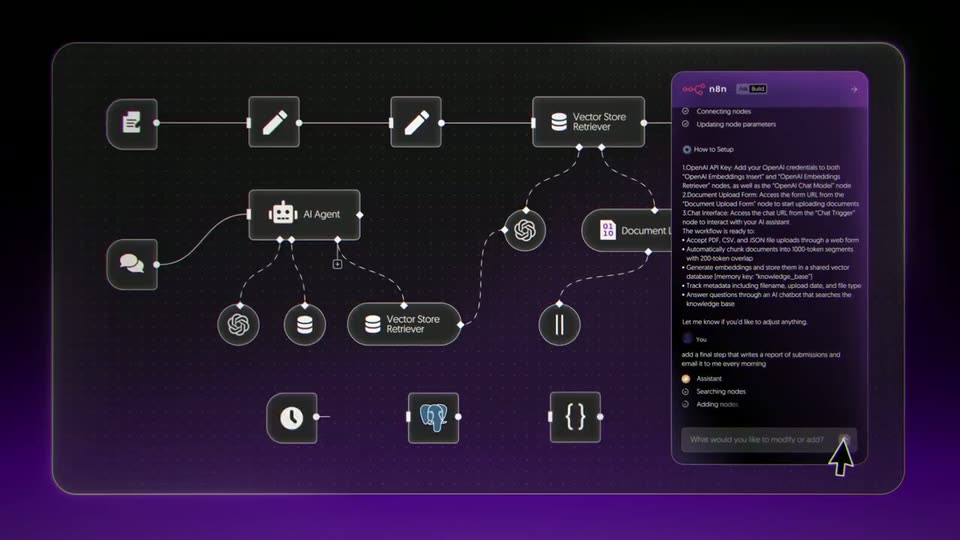 0:37–0:44n8n · n8n.io - 🚀 Introducing AI Workflow Builder (Beta) - Turn prompts into living wThe camera pulls back from scattered workflow nodes to reveal the full n8n canvas as dashed connections draw between them. A cursor types a new request in the chat panel on the right, and fresh nodes pop onto the bottom row of the graph.
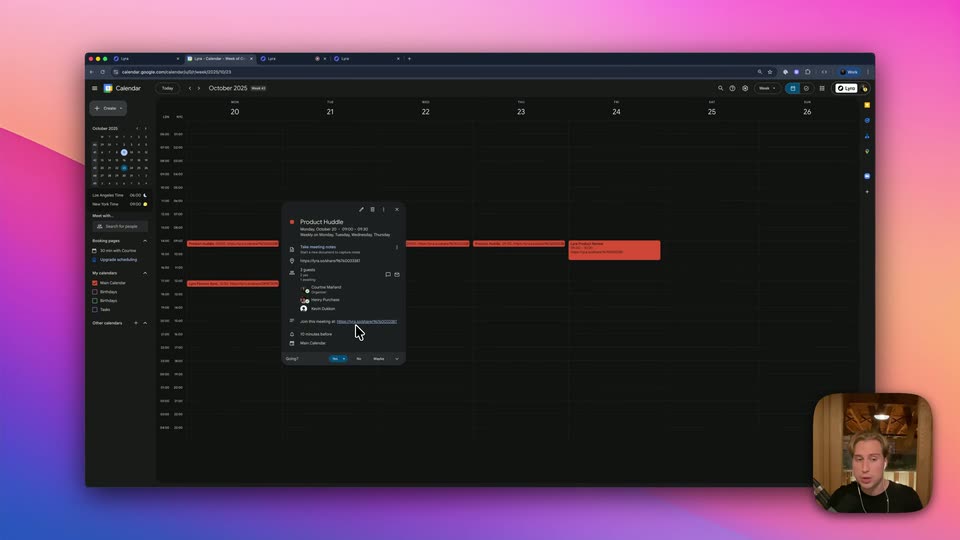 0:19–0:41IRBC · Lyra, The Final Meeting Platform.A dark Google Calendar week view with an open Product Huddle event card. The cursor hovers over guest names, a contact card pops up, then the view zooms out to the full browser window on a pink gradient, and zooms back in. A facecam sits in the bottom right.
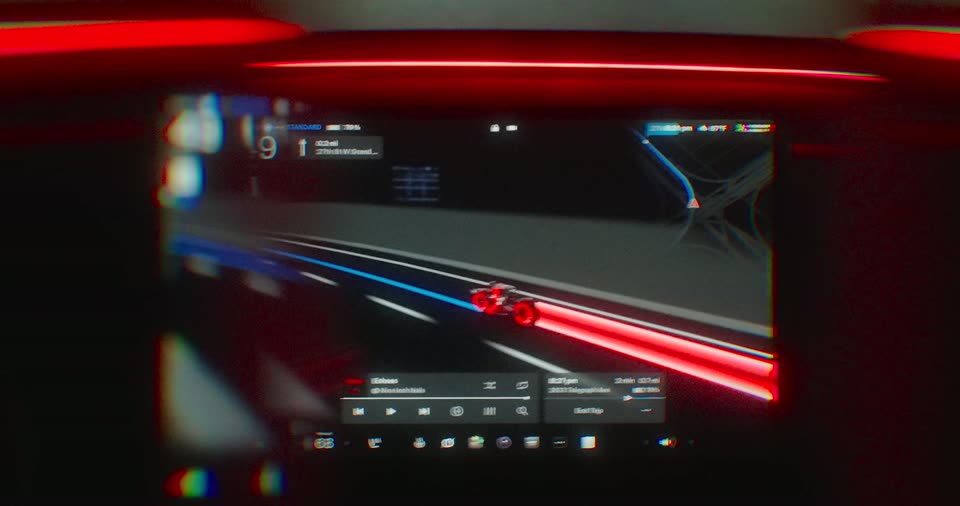 0:07–0:11Tesla · TRON ModeA neon red motorcycle with rider weaves behind a white car on a dark 3D road, then the camera pulls back to reveal the view on the car's center display in a red-lit cabin, then cuts to a first-person night ride past a stop sign.
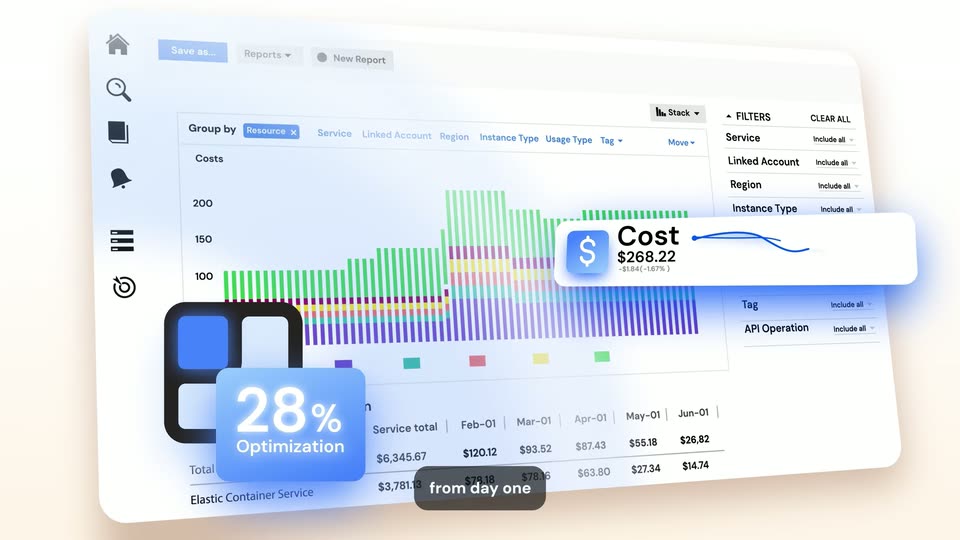 0:22–0:26Opsima · Opsima - We commit. You save.A 3D dashboard with a stacked cost chart tilts and zooms in as a white cost tooltip pops up and a blue optimization badge counts up. A dark caption pill reads the savings line, then a headline scales in.
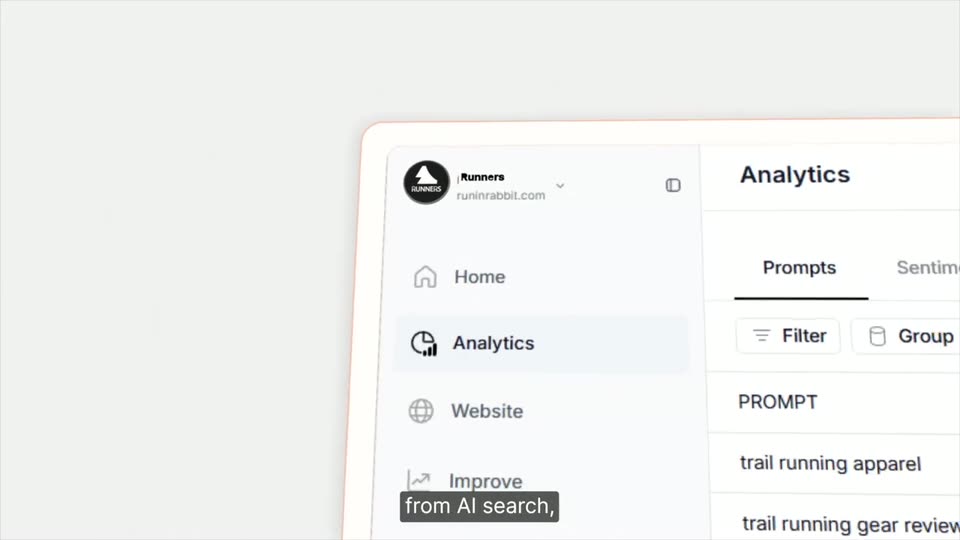 0:33–0:37Meridian · Alex Dees - Introducing Meridian. 50% of searches are now powered by AI (Think CA 3D-tilted interface mockup on a white background. A large black RUNNERS logo hovers over the top, then shrinks and docks into the top-left corner as the camera pulls back to reveal the full Analytics prompts table. The list of trail-running prompts scrolls.
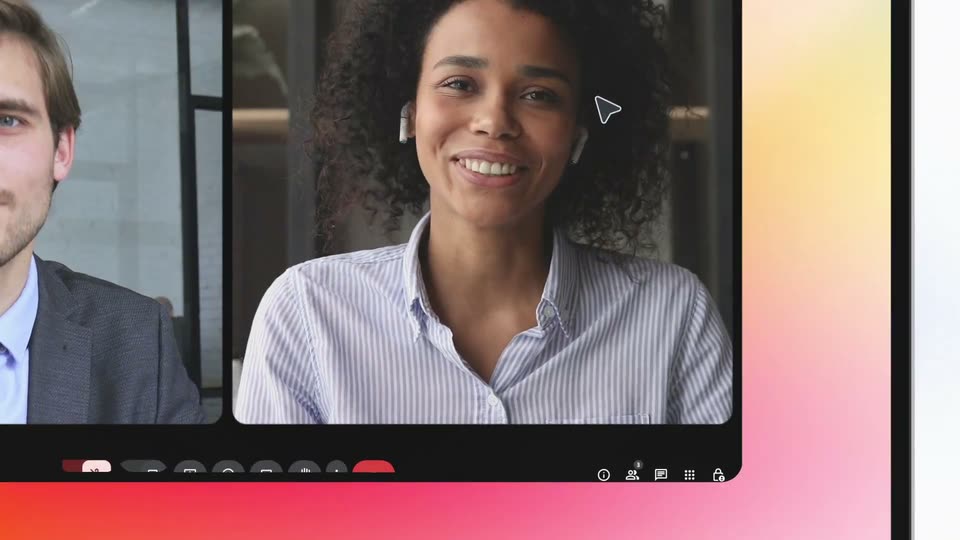 0:15–0:16Otter · Otter.ai - Introducing the Otter Desktop App for Mac 🖥️ and Windows coming soon!A video call screen shows a man and a woman; a cursor hovers over an icon, popping an Otter.ai tooltip above the app dock. The frame then pans up to center the woman's smiling face.
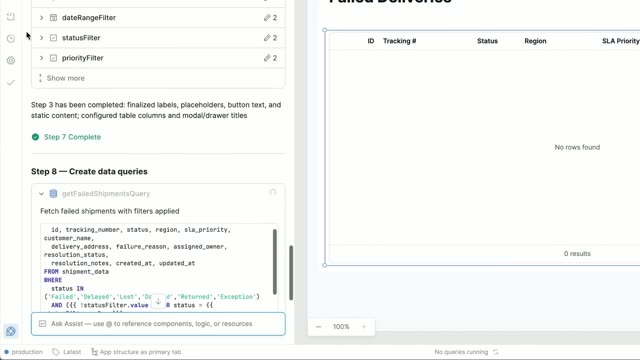 0:58–1:01Retool · Introducing Enterprise AppGen: AI-Assisted Development from RetoolA screen recording zooms into a builder interface, panning the step list down to an expanded SQL query block, then reframing on the query code as the right panel holds an empty table preview.
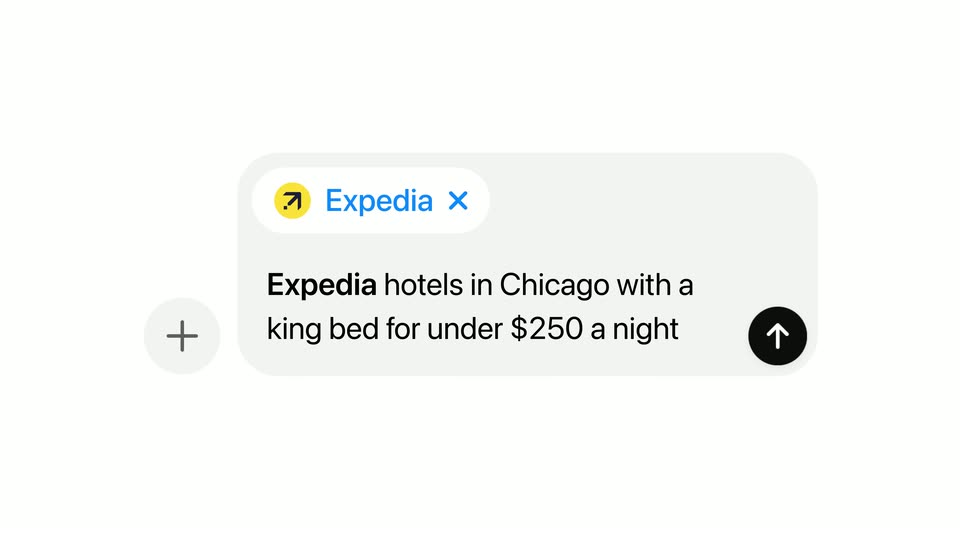 0:50–0:53OpenAI · Apps in ChatGPTA close-up of a chat input field on a pale background; a query about Expedia hotels in Chicago types in line by line beneath an Expedia chip, then the view pulls back to reveal the field inside a phone screen with a ChatGPT header.
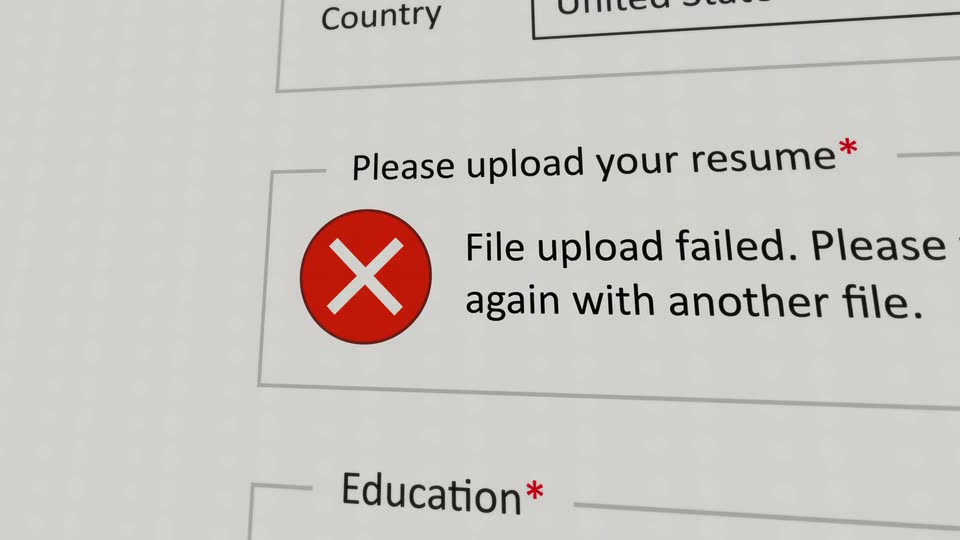 0:06–0:08Sorce · Y Combinator - Sorce (@sorcejobs) is building Tinder for Jobs. When you swipe rightA close-up of a job application form. The cursor rests on the file icon as the frame tightens on the resume upload field. A blue progress bar fills under the uploading line, then a red cross icon and an error message replace it.
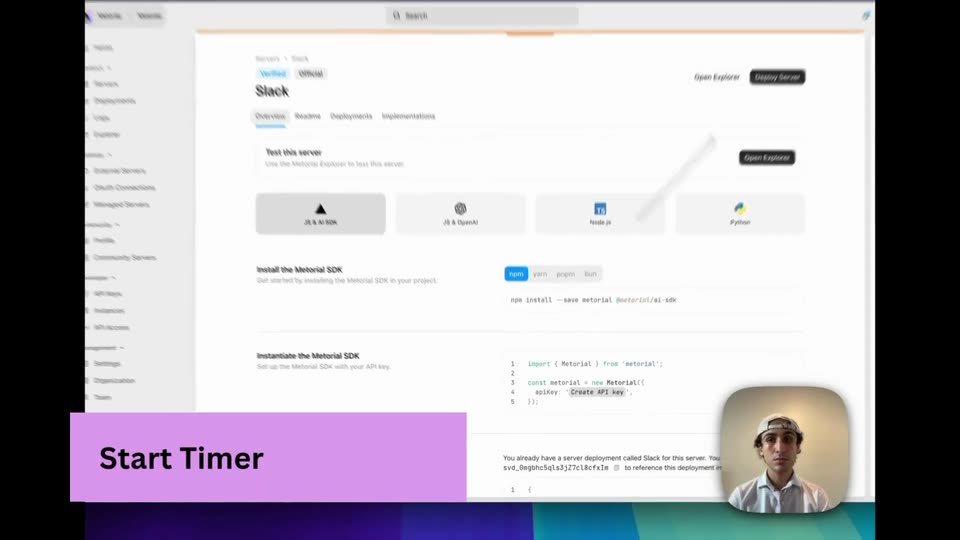 0:25–0:26Metorial · Introducing Metorial - YC F25A browser window on the Slack server overview page zooms out to reveal the full interface, with a purple Start Timer banner at the lower left and a circular webcam feed of a man in a cap at the lower right.
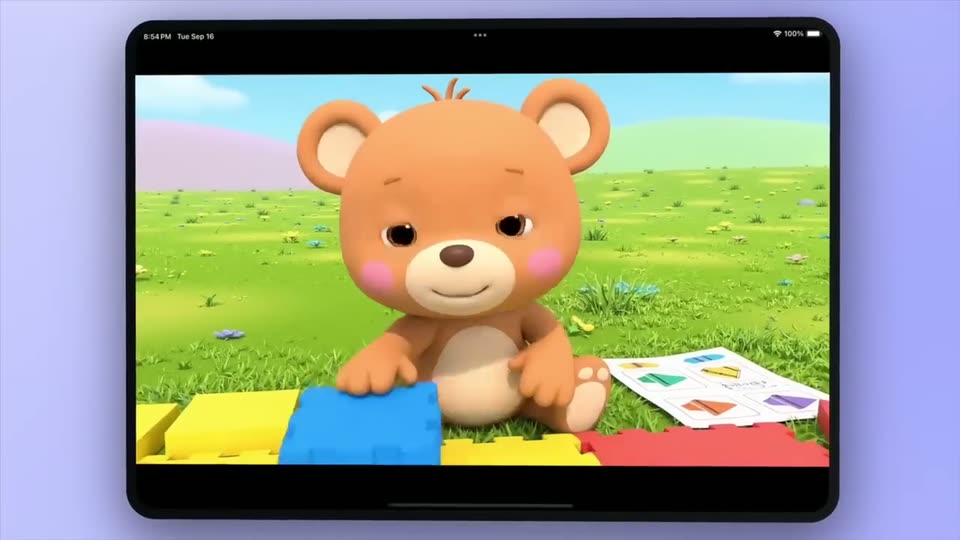 0:34–0:36Pixley AI · Introducing Pixley AIA tablet on a lavender field plays a 3D cartoon of an orange bear setting a blue block on foam mats in grass. The view zooms into the screen, then cuts to a plain lavender field where the headline wipes in from the left.
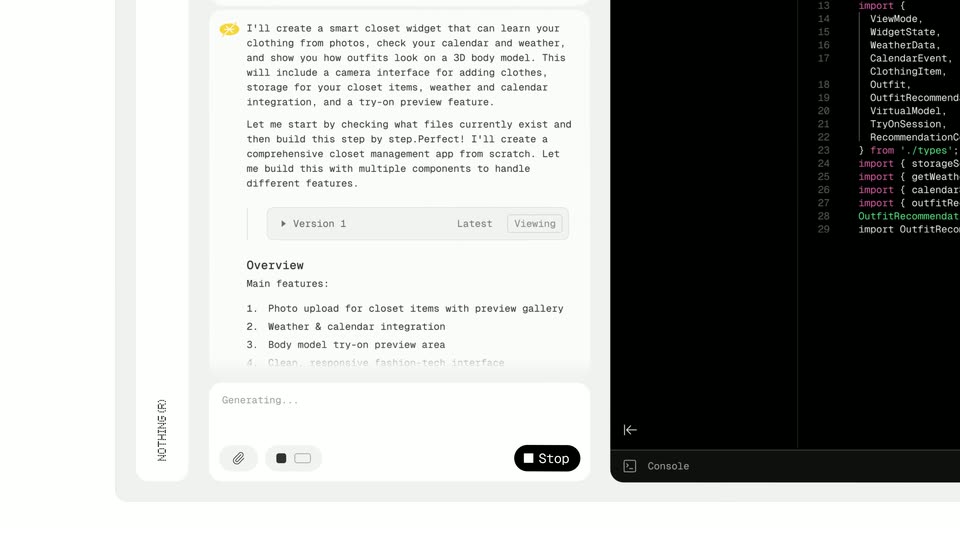 0:15–0:17Nothing · Introducing PlaygroundA close-up of an AI chat panel beside a generating code editor pulls back to reveal the full browser window, exposing a deployed app preview with a photo of a man in a dark interface.
 0:14–0:15Mem · Mem - Meet Mem, your AI thought partner.A tight close-up of a cream interface toolbar shows a search icon, a plus button in a rounded rectangle, and a zigzag arrow. The bar slides down the frame with vertical motion blur as the rounded button fades out.
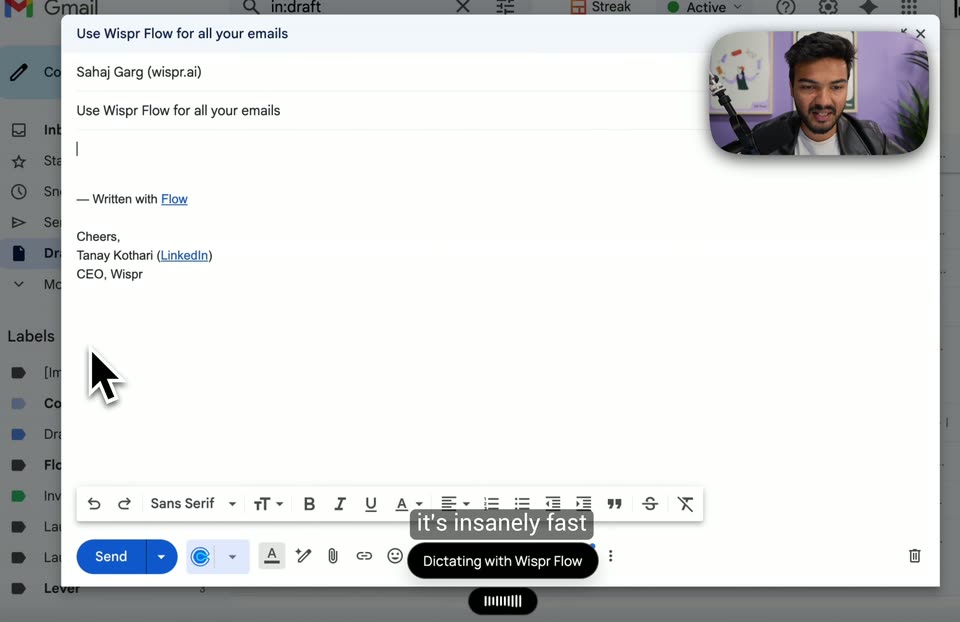 0:20–0:33Wispr Flow · Intro to Wispr Flow: voice-to-text AI that turns speech into clear, polished writing in every app.A Gmail compose window fills the frame with a small face-cam inset top right; a black cursor sits idle at left while a 'Dictating with Wispr Flow' pill pulses at the bottom. Subtitles caption the narration, then the view zooms into the email body to reveal a numbered list.
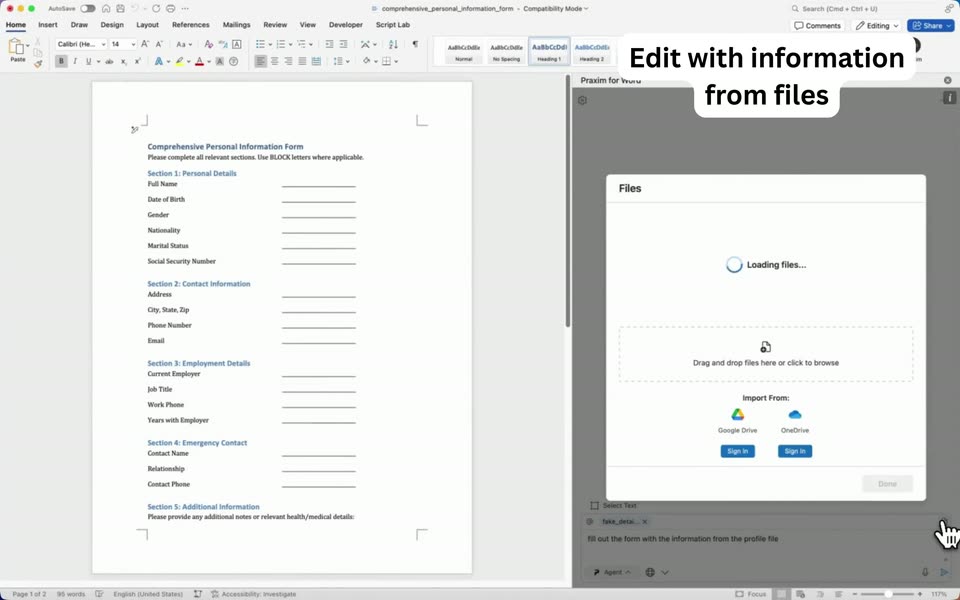 0:21–0:27Praxim · Praxim for Word DemoA Word document with a form sits beside the Praxim panel. The view zooms into the input box as a cursor types a prompt and attaches a file, then a Files dialog opens and lists the profile document. The caption holds in the top right throughout.
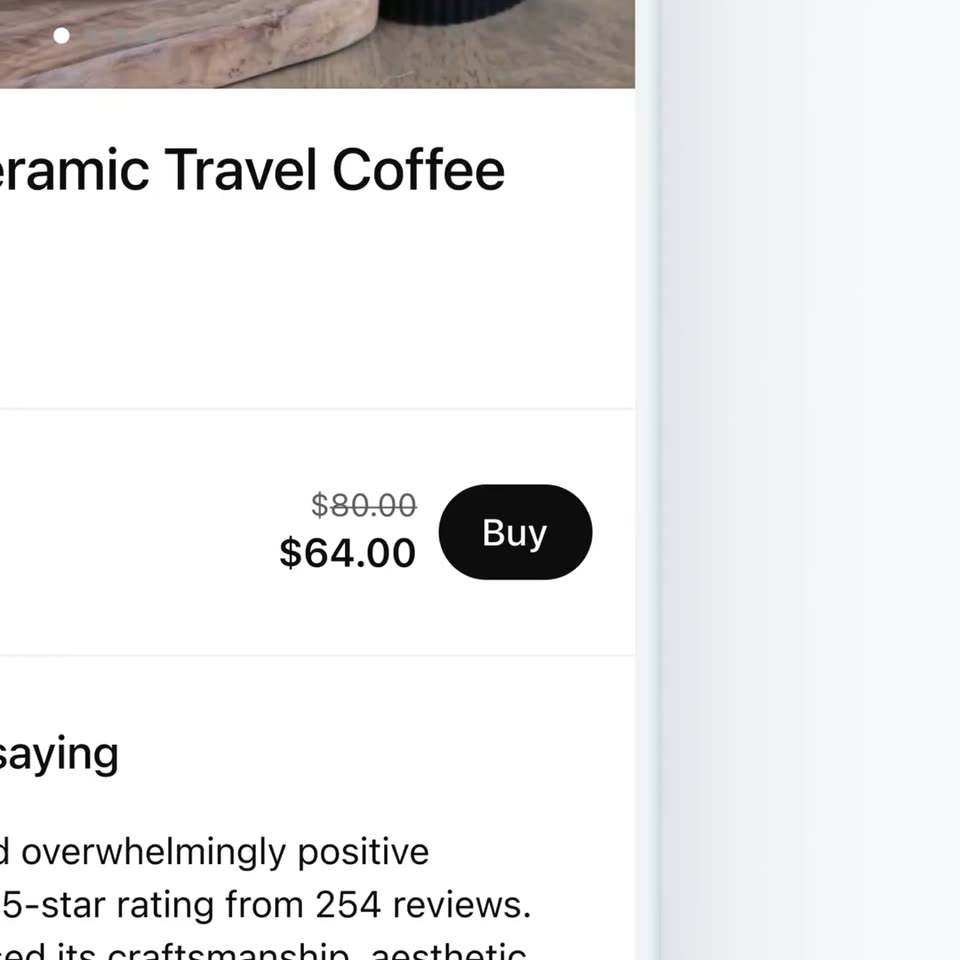 0:04–0:07Stripe · Stripe - We’re codeveloping an open standard for agentic commerce with @OpenAIA phone mockup displays an Etsy product page for a ceramic coffee mug. The view zooms in on the discounted price and Buy button, then a checkout sheet with an Apple Pay button slides in from the top.