UI zoom
A zoom or reframe onto one part of the interface.
10,007 scenes · page 77 of 167
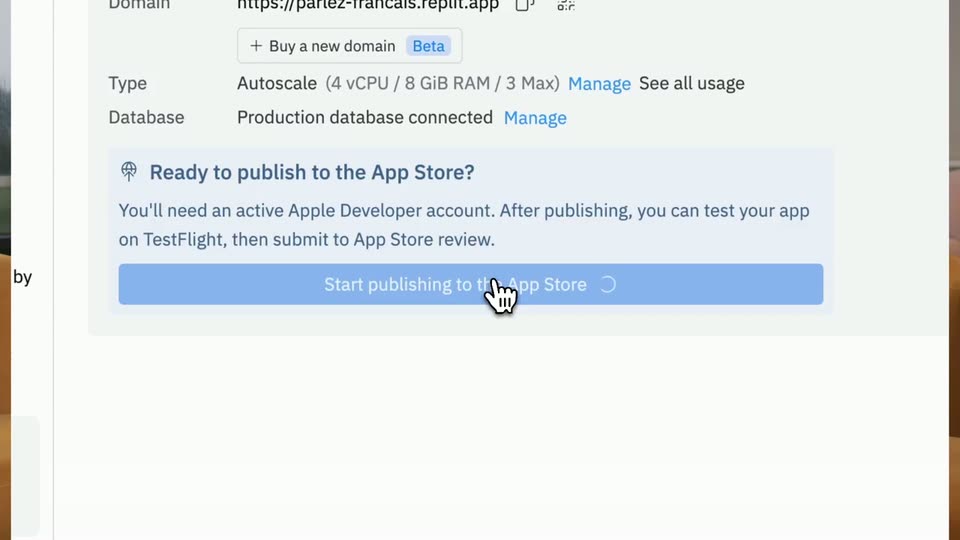 2:39–2:43Replit · Replit ⠕ - AI builds web apps well. Mobile apps have been harder. Now, the iA wide dashboard view of a web app zooms into the publishing panel, where a hand cursor hovers over a blue App Store button, then the frame blurs out.
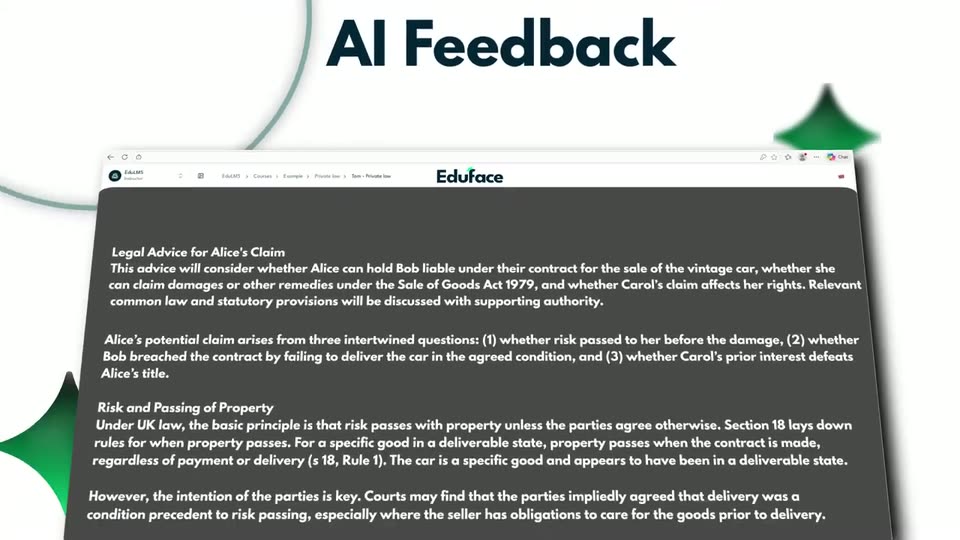 0:16 · 0.8sEduface · SaaS Explainer Video for Eduface (Motion Graphics)The Eduface browser window, first seen as a close-up of white legal text, pulls back into a tilted 3D perspective under the bold “AI Feedback” headline. A green curve and a green cone frame it on a white background.
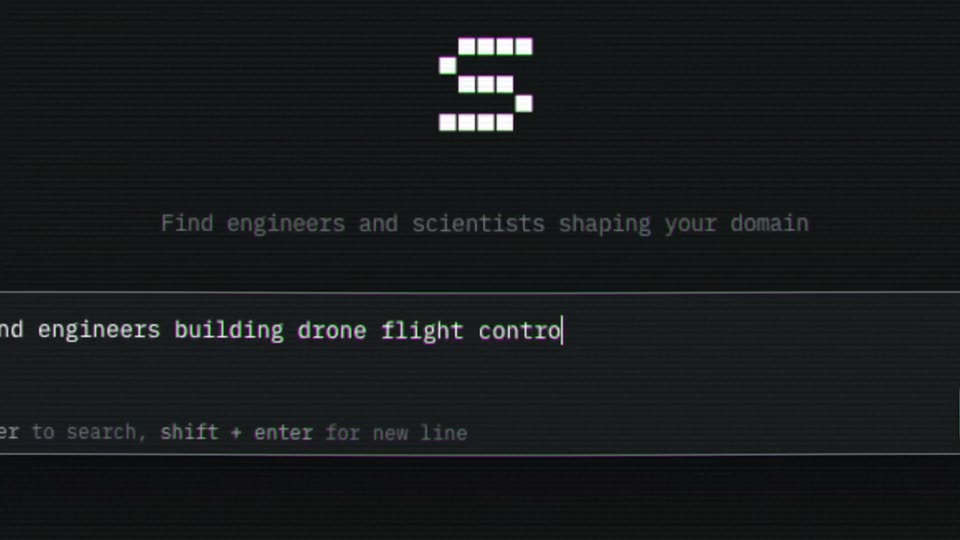 0:17–0:19Skillsync · Y Combinator - Skillsync helps companies find elite (but overlooked!) engineers on GA dark product page shows a pixelated S logo and a Y Combinator badge above a search field. A pixelated cursor hovers near the tagline as the field types a query about drone flight control, while the frame steadily zooms in on the interface.
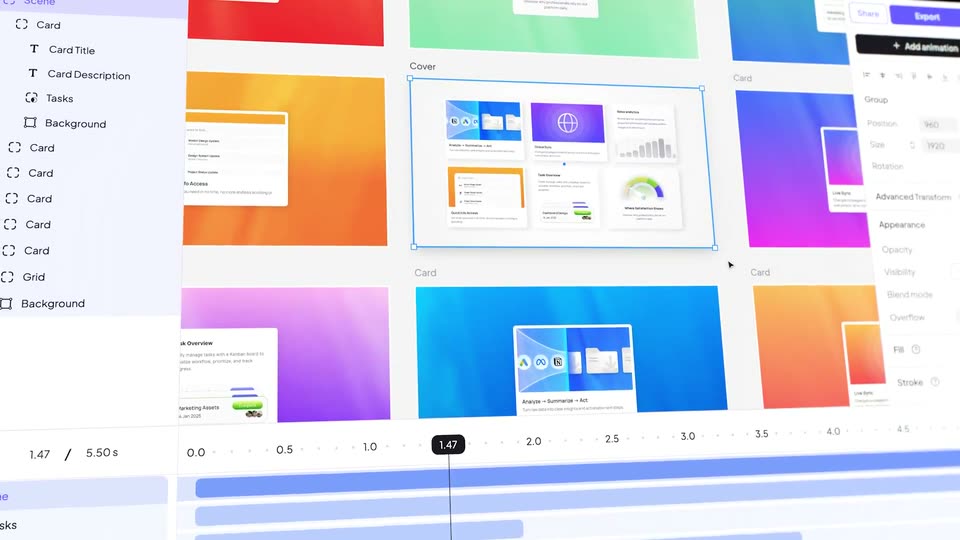 0:22–0:24Lottielab · Lottielab - Introducing Bento Blocks! 🍱 A brand new template pack with bento-styA motion design tool canvas fills the frame with a grid of colorful gradient cards, one outlined in blue. The camera drifts and zooms across the layout as the timeline playhead advances, revealing the layers panel on the left and a properties panel on the right.
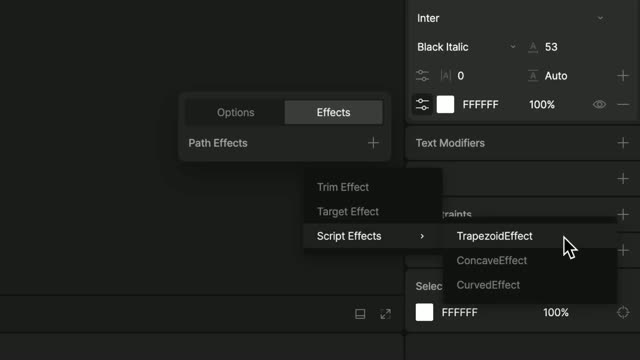 0:26–0:29Rive · Scripting is Live in Rive ✨A dark editor interface is screen-recorded as the cursor clicks Effects, then Script Effects, opening a submenu of text effects. The view zooms into the menu, then cuts back to the canvas where the word 'text' warps into a slanted trapezoid shape.
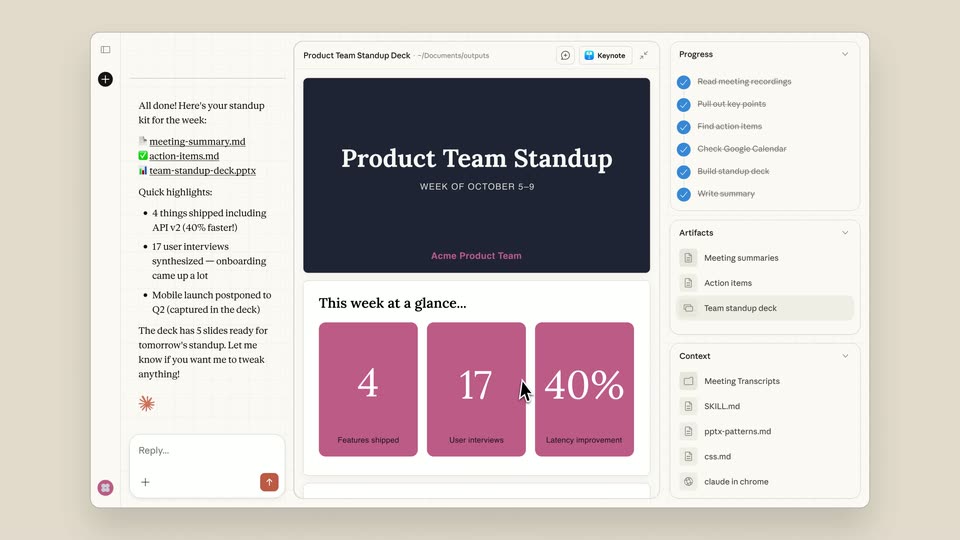 0:53–0:57Anthropic · Introducing Cowork: Claude Code for the rest of your workA three-panel app interface settles into view: a chat summary on the left, a Product Team Standup slide deck with pink stat cards in the center, and a progress checklist on the right. A cursor hovers over the standup deck artifact, then the frame tightens onto the central slide.
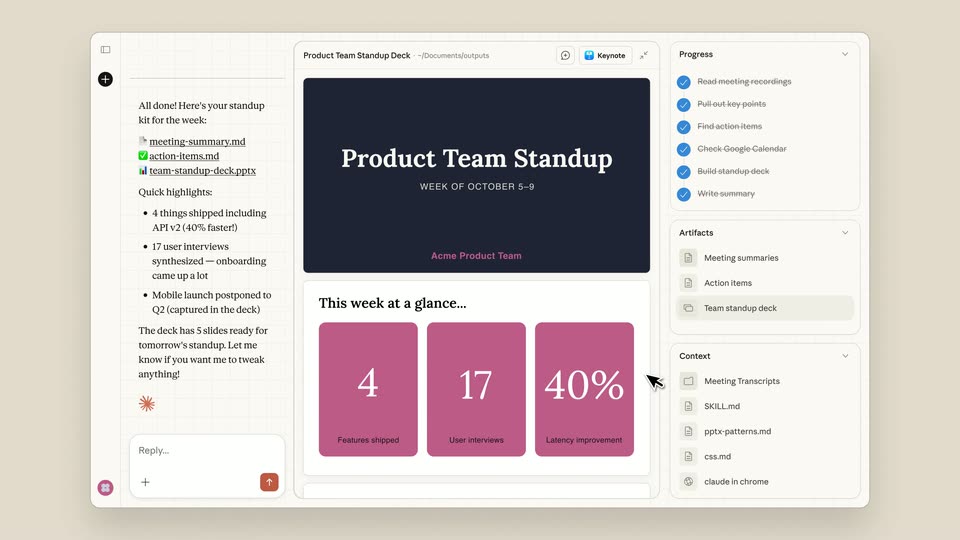 0:53–0:57Anthropic · Claude - Introducing Cowork: Claude Code for the rest of your work. Cowork leA three-panel app interface fills the frame: a chat log on the left, a generated slide deck in the center, and task lists on the right. A cursor glides from the Artifacts panel down to Context, then the view zooms in on the deck's pink stat cards.
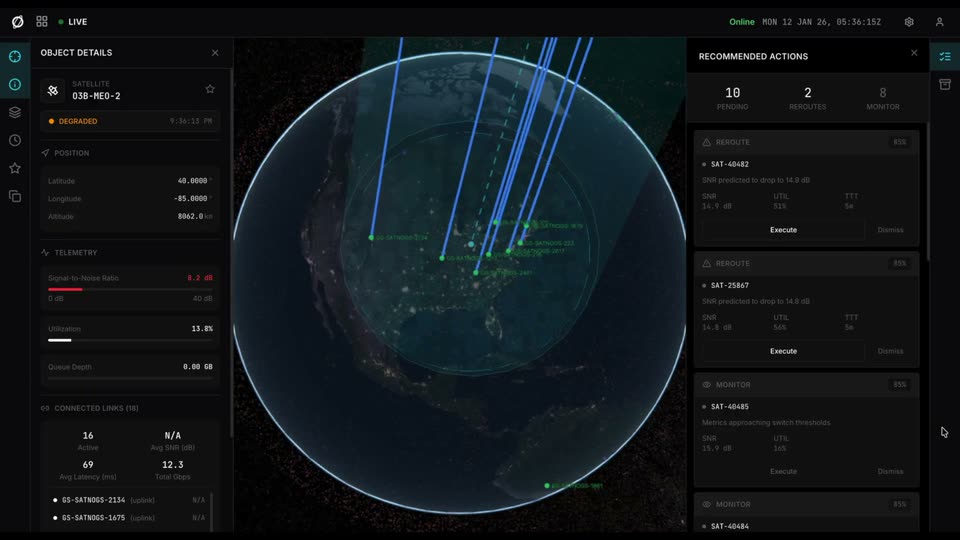 0:20–0:32Constellation Space · Constellation — The Operating System for Space (YC W26)A dark satellite-ops dashboard frames a 3D Earth globe in the center. Blue link lines draw from the orbiting satellite to green ground-station markers as the globe zooms in. The right panel loads and fills with reroute cards; a cursor drifts across.
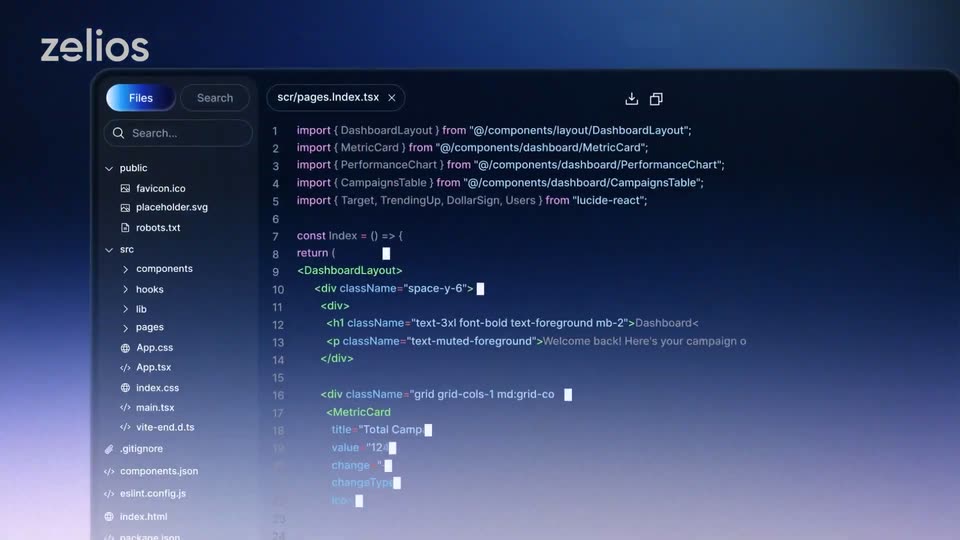 0:18–0:19Lovio · Best AI Product Video for SaaS | LovioA 3D interface mockup shows a chat panel and code editor; the chat fades out as the view zooms onto the code, then a dashboard preview slides in from the right.
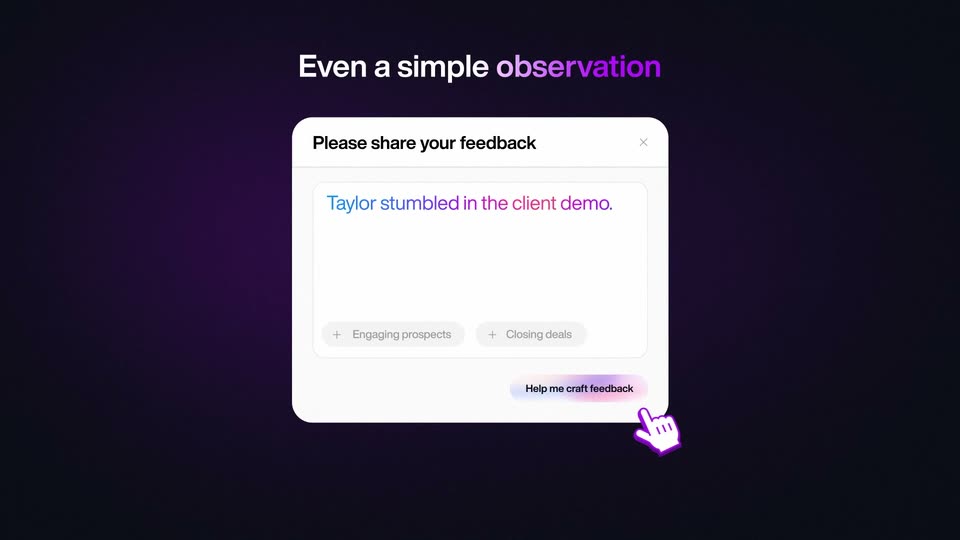 0:23–0:26Teamble · Teamble launch filmA white feedback card slides up beneath the headline “Even a simple observation” while “Taylor stumbled in the client demo.” fills in in gradient type. A purple hand cursor taps the “Help me craft feedback” button, and the view zooms onto the button alone on the dark background.
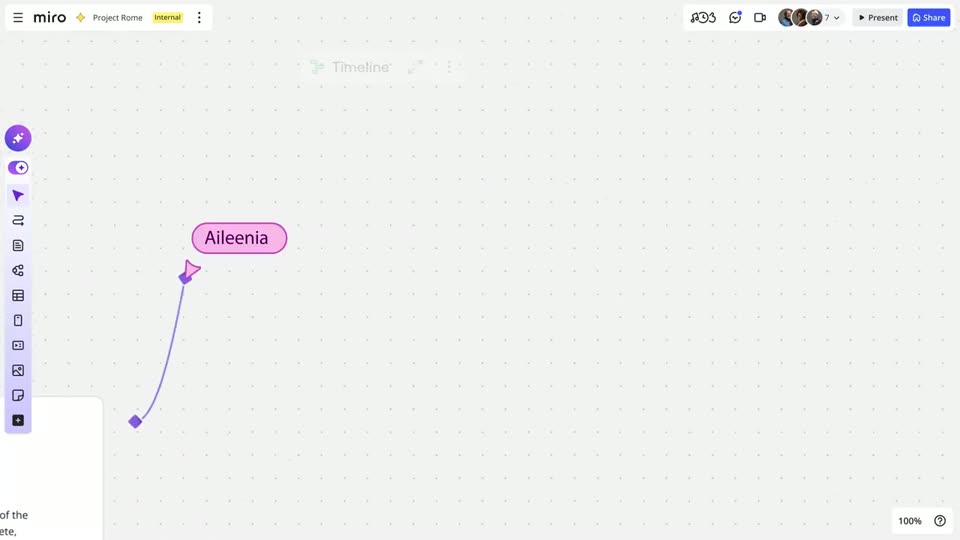 0:22–0:23Miro · Miro - With the Miro AI Innovation Workspace, teams can get practically anytOn a dotted Miro canvas, the view zooms in on a large purple-outlined frame as two curved connector lines run from a lower-left node to its corner. Pink and purple collaborator cursors labeled Aileenia and Karenia drift near the frame.
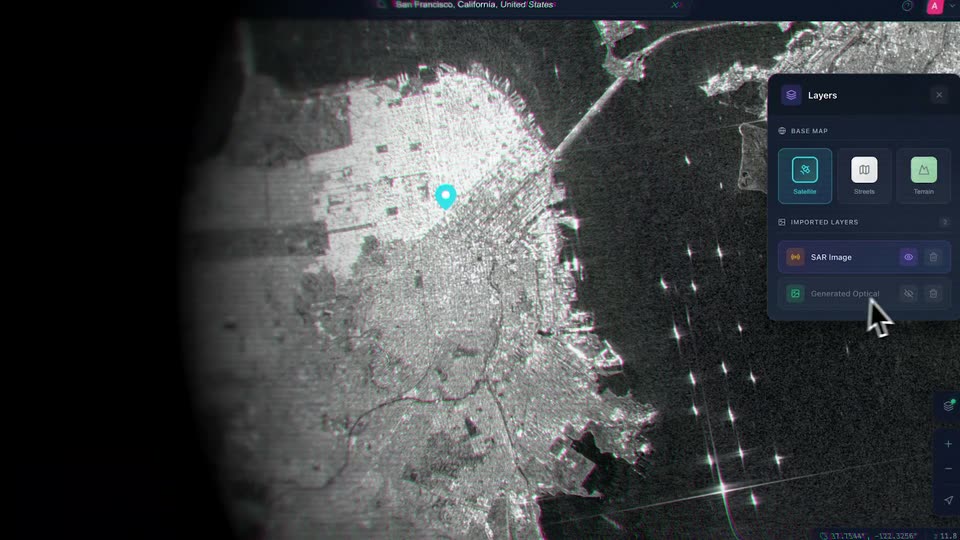 0:22–0:25AxionOrbital Space · Axion - A family of State-of-the-Art models for 24/7 Earth Observation - YC W26 LaunchA grayscale radar map of San Francisco fills a dark viewer, with a Layers panel on the right. A cursor glides over the map, then a circular mask opens and zooms onto the panel as a hand cursor hovers a row. The headline 'It works at night' overlays the scene.
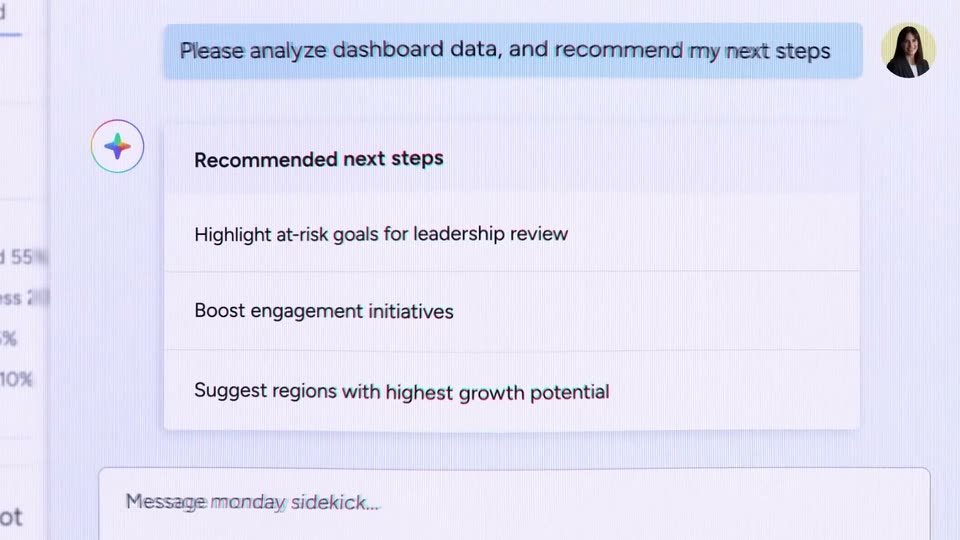 0:26–0:28monday sidekick · monday sidekick: AI that actually worksA chat sidekick screen on a pale lavender field: a blue user bubble at top, a white card below listing three recommended-step rows under a sparkle icon. A faded dashboard panel lingers at the left edge. The frame slowly zooms in, centering the conversation.
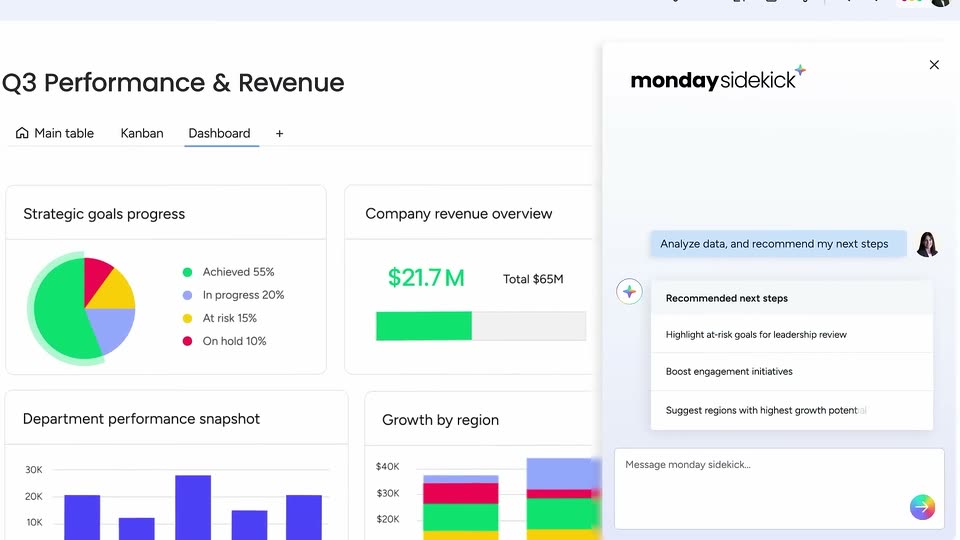 0:10–0:14monday sidekick · monday sidekick: AI that actually worksA dashboard of performance charts animates as a pie fills, a revenue figure counts up and bars extend. A white sidekick chat panel slides in from the right, listing recommended next steps line by line, while the view pushes in on the interface.
 0:27–0:30Duolingo · This Duolingo Feature Is Now FreeA flat cartoon man with orange hair talks on the left as a phone screen on the right shows a translation exercise. The camera zooms into the pink Incorrect panel with the correct answer and buttons while captions run along the bottom.
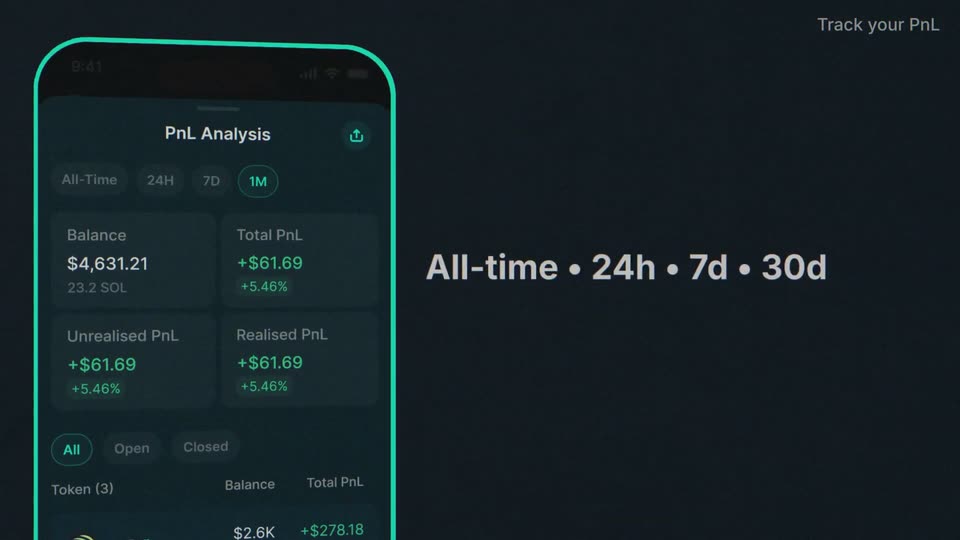 0:10–0:14Jupiter · Jupiter - To kick off the new year with a bang, we are announcing Jupiter MobilA flat phone mockup on the left shows a PnL Analysis screen; its time-range tabs cycle from All-Time to 1M while the frame tightens. On the right, large white text builds line by line: Unrealized, Realized, Total, then All-time, 24h, 7d, 30d.
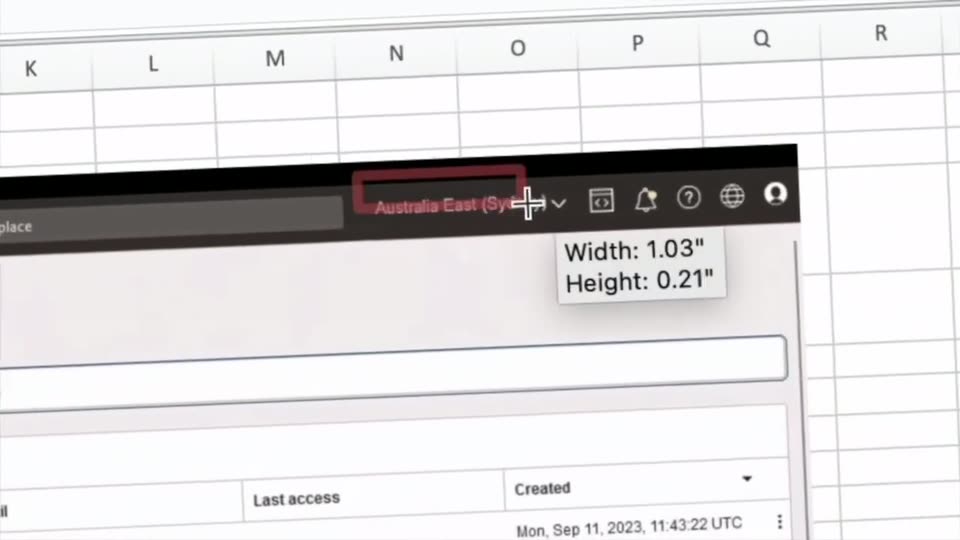 0:12–0:13Oxus · Oxus: Modern intelligence for better auditsA tilted Oracle Cloud console panel floats over a spreadsheet grid in 3D perspective. A red outline and crosshair track elements while width and height tooltips update as the view pans right across the top bar.
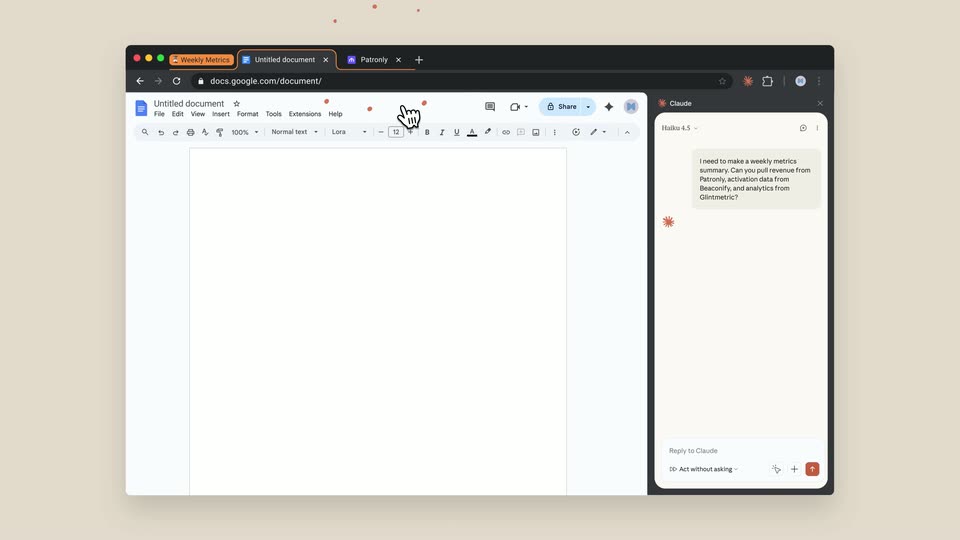 0:12–0:15Anthropic · Let Claude handle work in your browserA hand cursor taps the orange send button beneath a metrics-summary prompt in the Claude panel; the frame then pulls back to the full browser window, a blank document beside the chat sidebar, as the cursor clicks the Patronly tab.
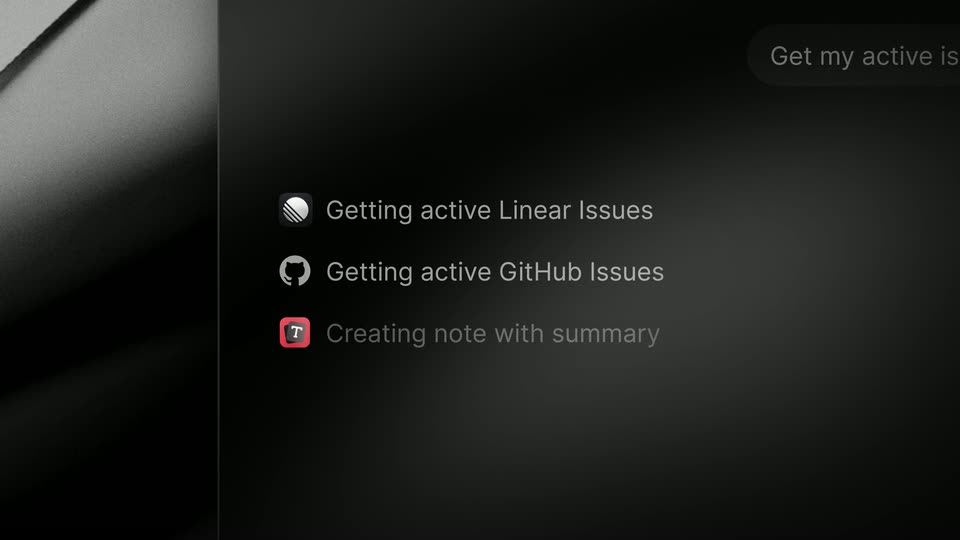 0:22–0:26Raycast · New Raycast. Coming 2026A dark chat window with traffic-light dots and a Focus Session header floats over a glossy black 3D backdrop. Task lines with Linear, GitHub and Obsidian icons appear in sequence, then the frame reframes onto a Checking for updates pill with a spinner.
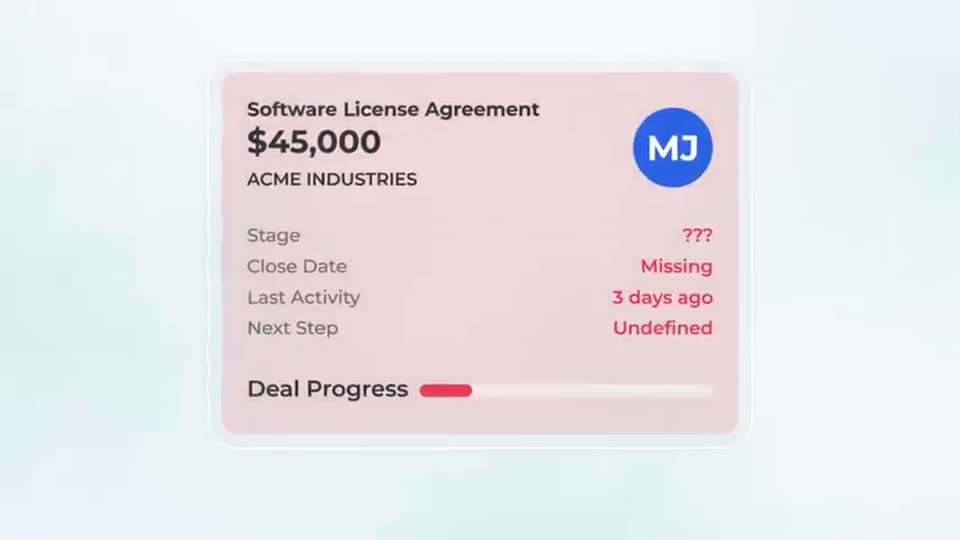 0:11–0:12Ergo · Ergo (joinergo.com) Launch VideoA pink deal card showing a dollar amount and red status fields sits on a blurred CRM screen, a blue arrow cursor pointing at it. The view zooms in as the card scales up and centers, the surrounding interface fading to a soft gradient.
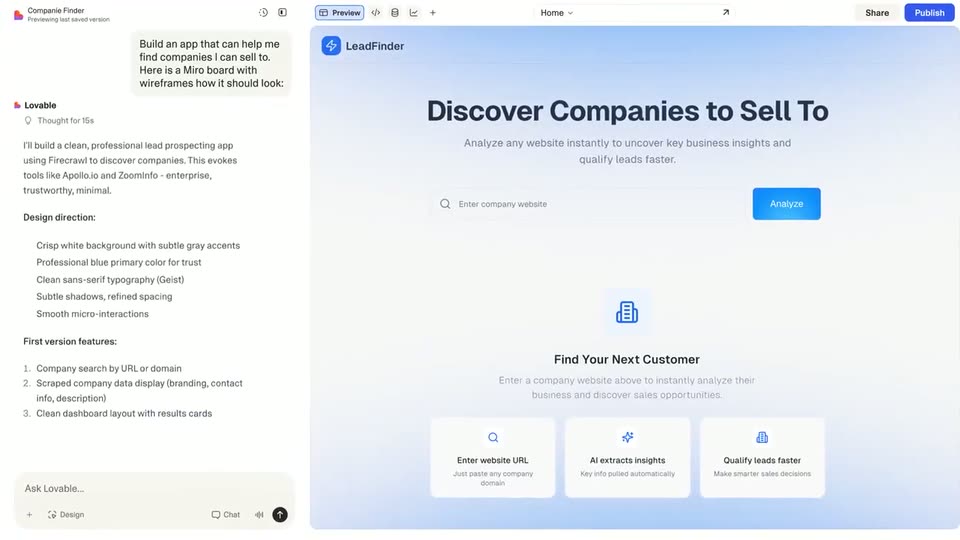 0:15–0:20Lovable · Lovable - Introducing Lovable Connectors. Build more powerful apps by connectiA split screen pairs the Lovable chat, where the AI streams a design brief, with a preview pane that builds the LeadFinder web app from a placeholder card. The shot then reframes onto the chat column.
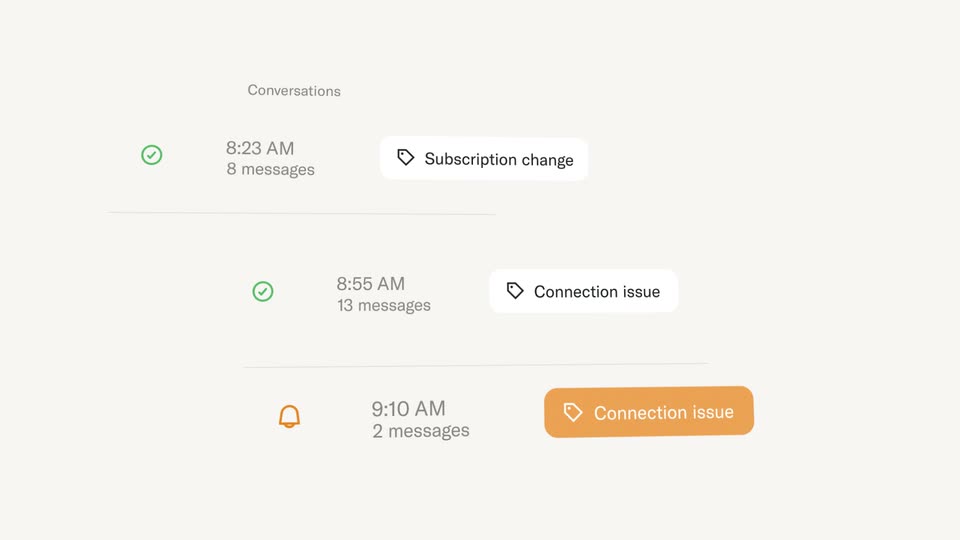 1:25–1:26Sierra · Sierra: introduction to videoA light-gray conversations list with three rows of status pills slides left, the pills exiting off the left edge. A Resolutions heading and a large 555 figure with a small bar fade in on the right.
 1:13–1:15Sperm Racing · Eric Zhu - sperm racing just raised $10M. we're building the next olympic sport.A dark 3D render of a circular component with concentric rings and a glowing core, crossed by a transparent circuit panel. The camera pushes through blurred 3D shapes to reveal the title CV TO 3D PROCESS, while a bottom caption reads pushing each racer to its limits.
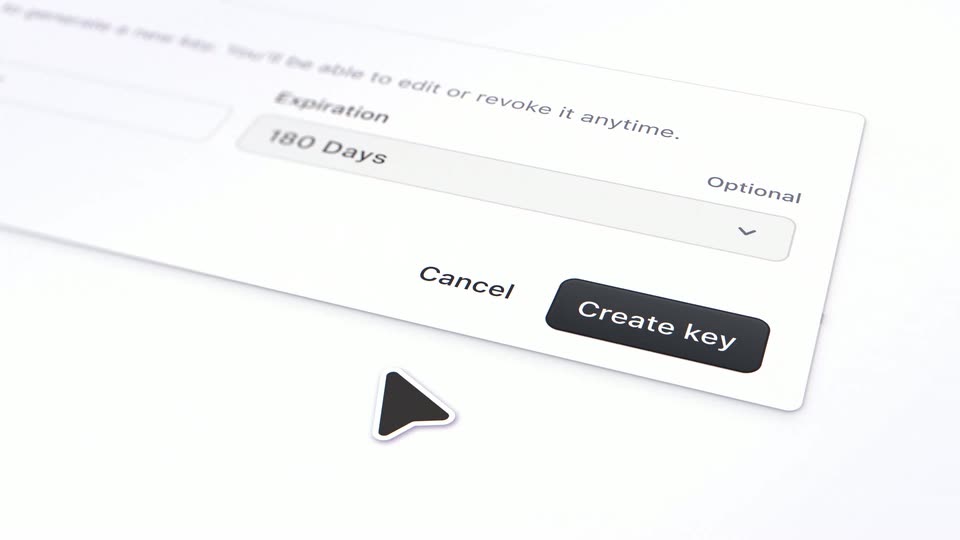 0:32–0:41Clerk · Clerk - Introducing API Keys Public Beta Secure your routes with Clerk's manA tilted 3D panel of an Add new API key form sits on a white background with shallow depth of field. A black cursor types a key name, opens the Expiration dropdown, scrolls to 180 Days, then hovers the Create key button.
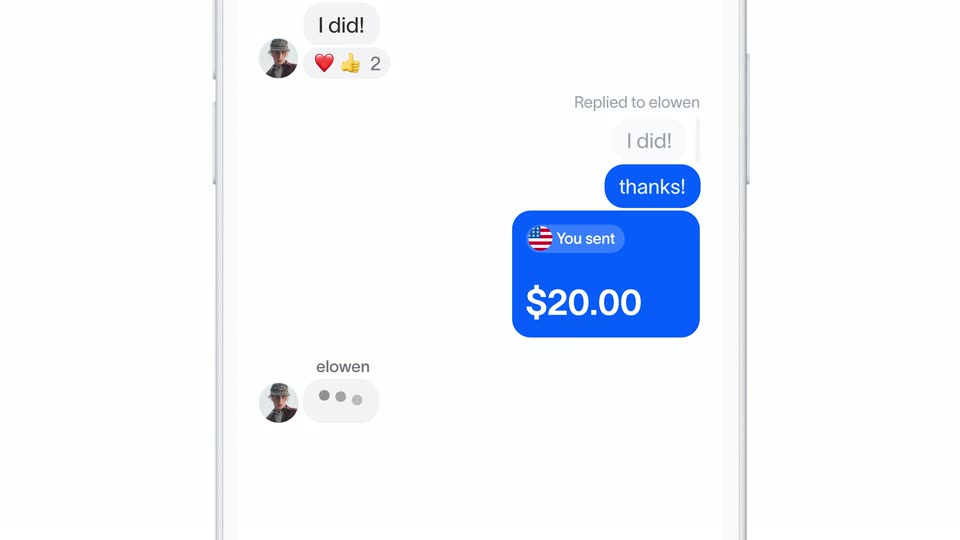 0:43–0:49World · World - The new World App: secure chat, global payments and Mini Apps for eveClose-up of the phone's message bar types “Thanks!” as a reply to elowen, then the view pulls back to the full chat, where a blue $20.00 bubble shifts from Sending to You sent and elowen answers Thank you!. A padlock icon appears on white.
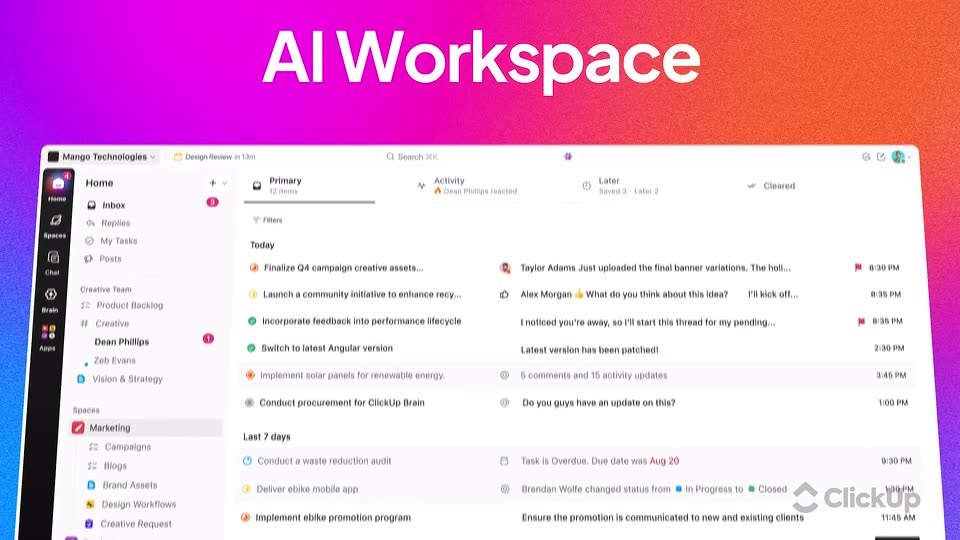 0:34–0:35ClickUp · ClickUp 4.0: World's First Converged AI WorkspaceA 3D-tilted ClickUp inbox interface floats over a magenta-to-orange gradient, the white headline AI Workspace set above it. The camera pushes in, cropping the headline so the interface fills the frame. The ClickUp logo sits in the lower right corner.
 0:26–0:27Shopify · Shopify Editions Winter ’26 | TrailerTwo website mockups, a light and a dark theme, sit side by side beneath a large 2.17% Conversion rate headline. The headline and the left mockup fade out as the right one zooms forward to fill the frame.
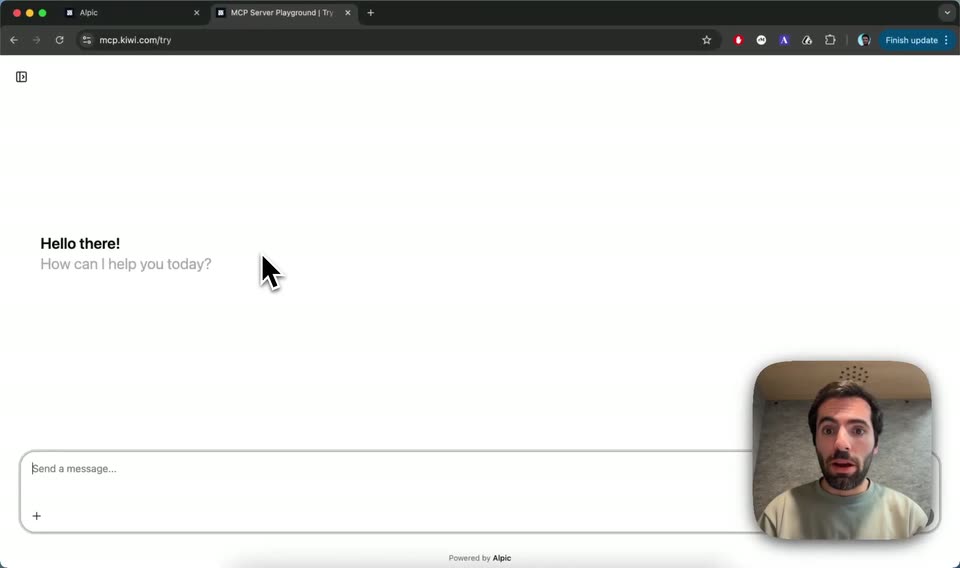 0:32–0:35Alpic · Alpic launch week 2: PlaygroundA browser shows the Alpic playground, a white chat page with a bold greeting and gray subline above a message bar. A rounded webcam feed of a talking man sits bottom right. The cursor glides across, then the frame zooms in.
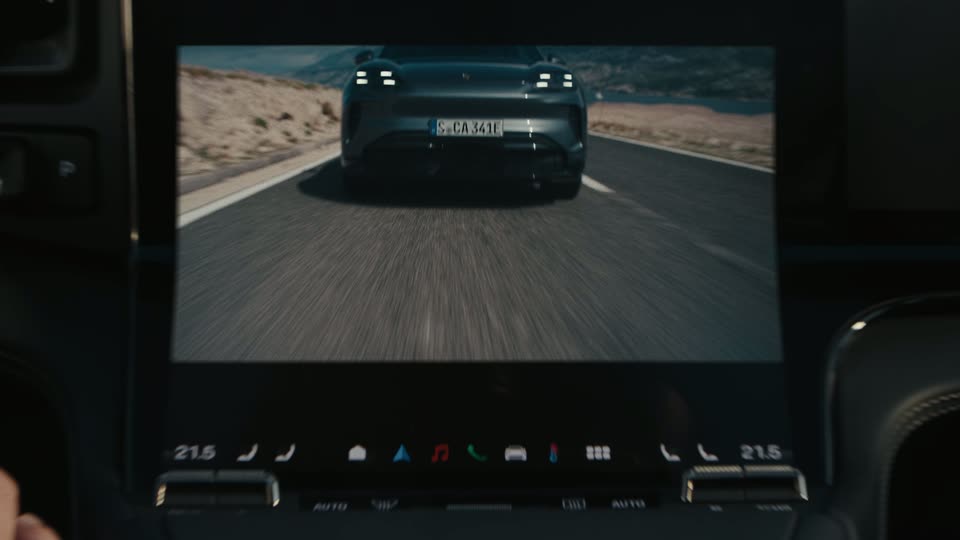 1:17–1:20Porsche · The new Cayenne Electric | Climbing to new heightsInside a dark cabin, a hand rests on the gear selector as the center display shows a rear-view camera feed. The camera zooms into the screen, which sharpens from a blurry road to a black SUV on a mountain road, then fills the frame with the camera view.
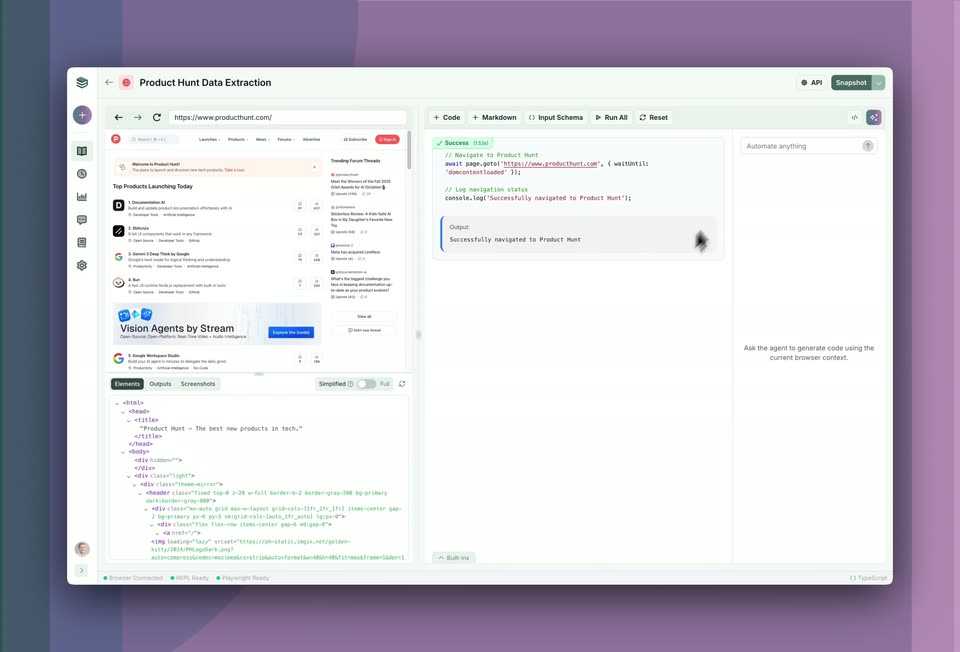 0:31–0:40Kilvin · BrowserBook YC DemoA split view of the Browserbook app shows a Product Hunt page on the left and a code panel on the right. The frame zooms in on the right-hand input box, where a cursor clicks and the command types out letter by letter.
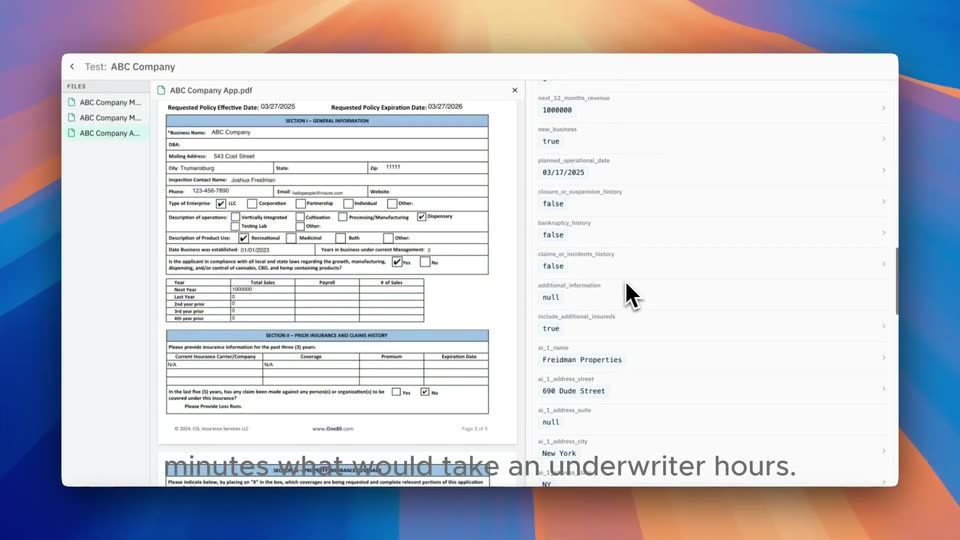 0:49–0:58Adaptional · Adaptional IntroA PDF document viewer window sits on a colorful gradient background. The window contains a split view: a PDF form on the left and a scrolling list of data fields on the right. A cursor hovers over the file list on the left, then moves to the right panel. The right panel scrolls rapidly through a long list of key-value pairs. The window then blurs and fades out as a new caption appears.
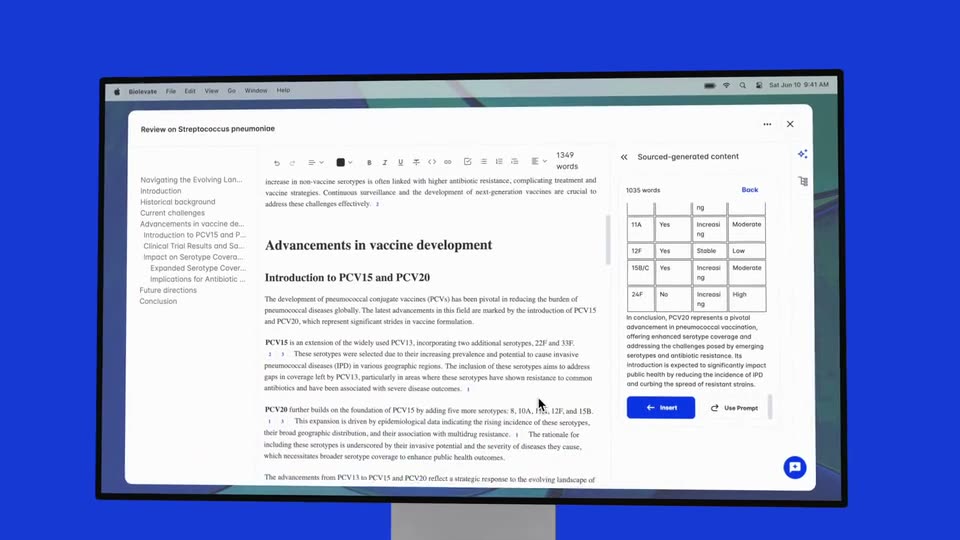 0:38–0:44Biolevate · Biolevate launch filmA 3D monitor on a flat blue field displays a document editor with a left outline, central text and a right source panel. The camera pushes in to a frontal close-up of the interface as a cursor hovers over the right panel.
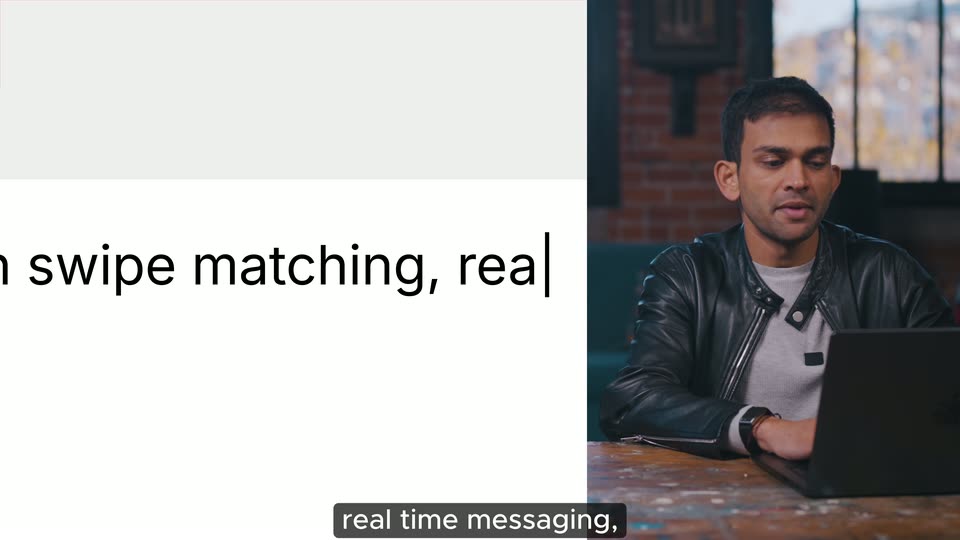 0:24–0:31Anything · Anything - Introducing Anything Max: Vibe Coding that's leaps above Lovable andSplit screen: a man in a leather jacket talks at a laptop on the right; on the left a white prompt box types a dating-app request, then zooms into the words before pulling back to reveal the full text and a send button. A cursor appears.
 0:25–0:26Halo · Ben Springwater - Introducing Halo — the habit app with an AI coach. It's like James CA close-up of an iMessage thread, with a gray bubble pitching a ten minute workout and a blue 'Love it' reply, pulls back. Two angled phone mockups slide in at the edges, both showing the 50 Pushups app, the row caught in motion blur.
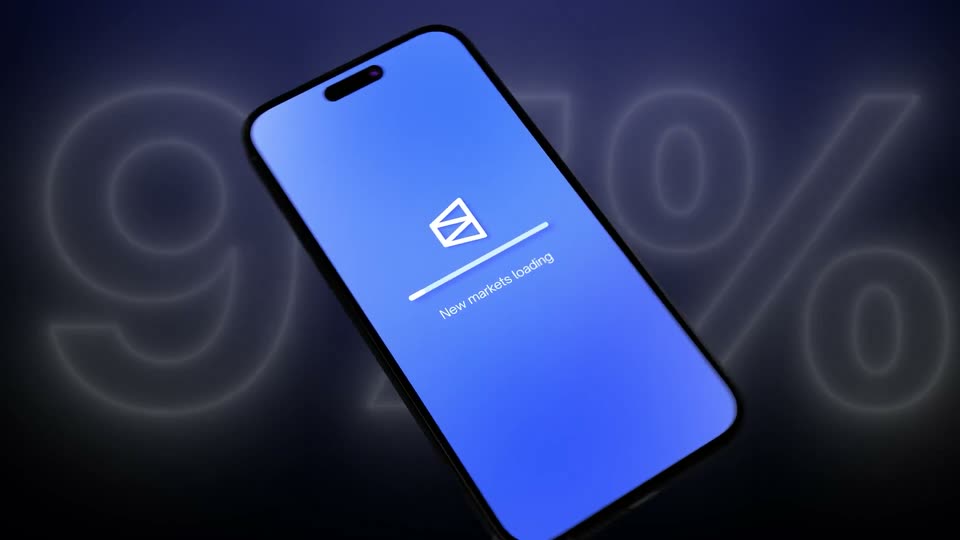 0:29–0:33Polymarket · Polymarket - Against all odds. Polymarket’s U.S app is now being rolled out to tA 3D phone tilts in front of giant glowing outlined digits that change from 54% to 94%. Its blue screen shows a logo, a filling bar, and New markets loading. The camera dives into the screen until the white bar swells into a bright beam.
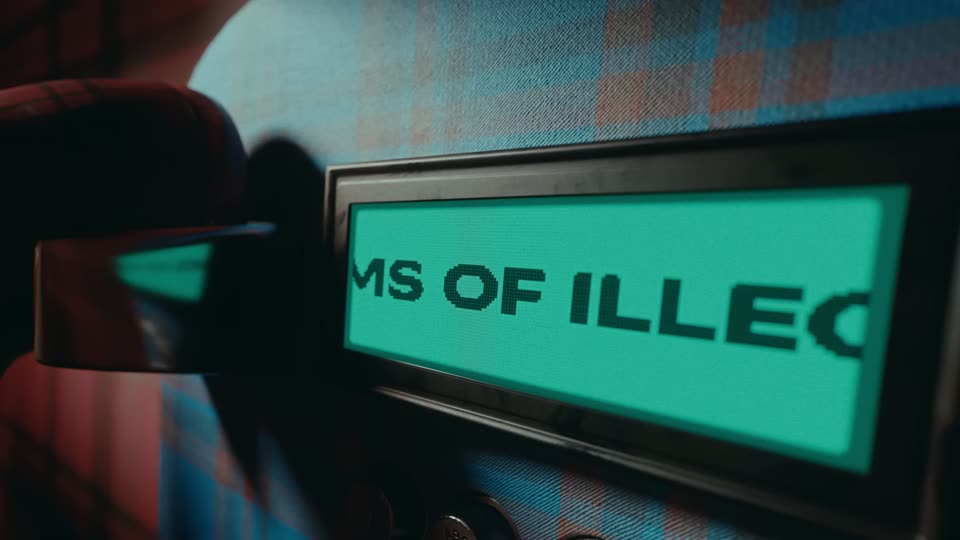 1:18–1:21Spotify · Your Favourite Artists reveal Spotify 2025 WrappedA handheld device with a green pixel screen lies on a blue-and-orange checkered cloth. The camera racks focus from a soft close-up to sharp, then pushes in across the static black text until the word ILLEGAL fills the frame.
 0:13–0:15Bloom · Ray - World's first on-brand AI. Introducing Bloom.A 3D-tilted gumroad.com page wipes in from the right over a white card titled Building Brand Kit with a red dot mark. The card slides off as the page settles, then the camera eases into a head-on zoom while pink G coins float.
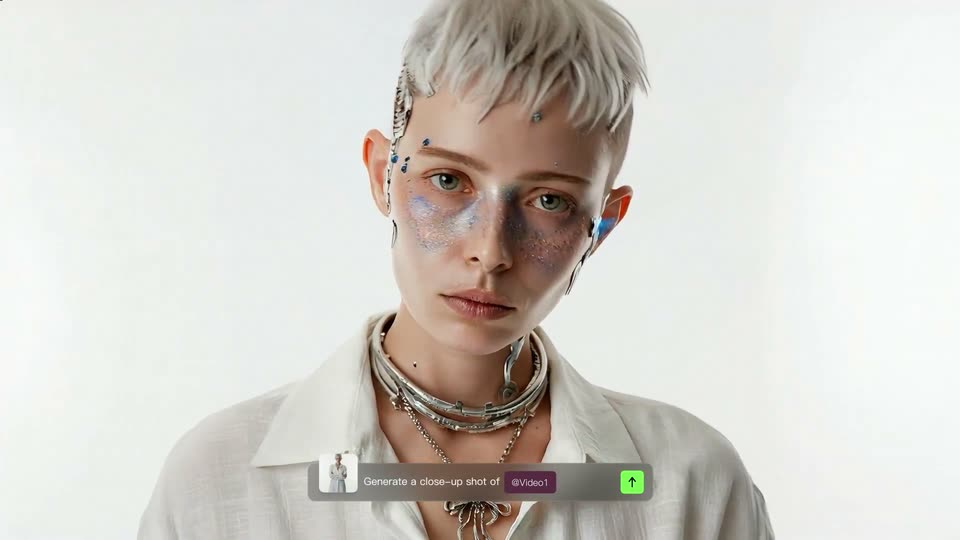 0:53–0:55Kling AI · Kling AI - Kling Omni Launch Week Day 1: Introducing Kling O1 — Brand-New CreatiA generated portrait of a person with white hair and metallic face jewelry fills the frame, zooming in from a letterboxed card to full screen. A prompt bar at the bottom holds a thumbnail, the typed prompt, a purple @Video1 tag that slides in, and a green send button.
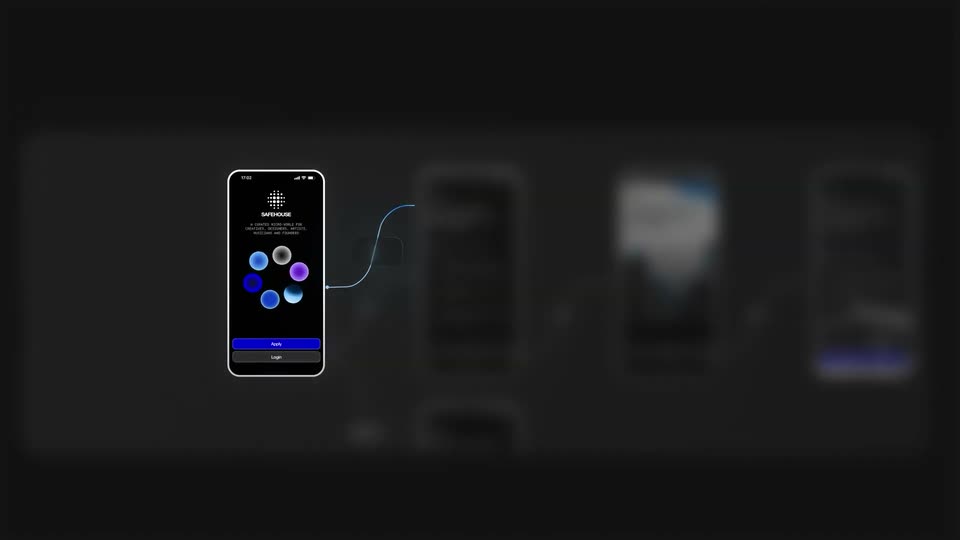 0:45–0:46AtlasGrid · AtlasGrid | Accelerate Product IterationA dark dashboard lists phone screens in a row, joined by a wavy path. The frame tightens on the first two screens, and a line draws out to the right with a 45% marker.
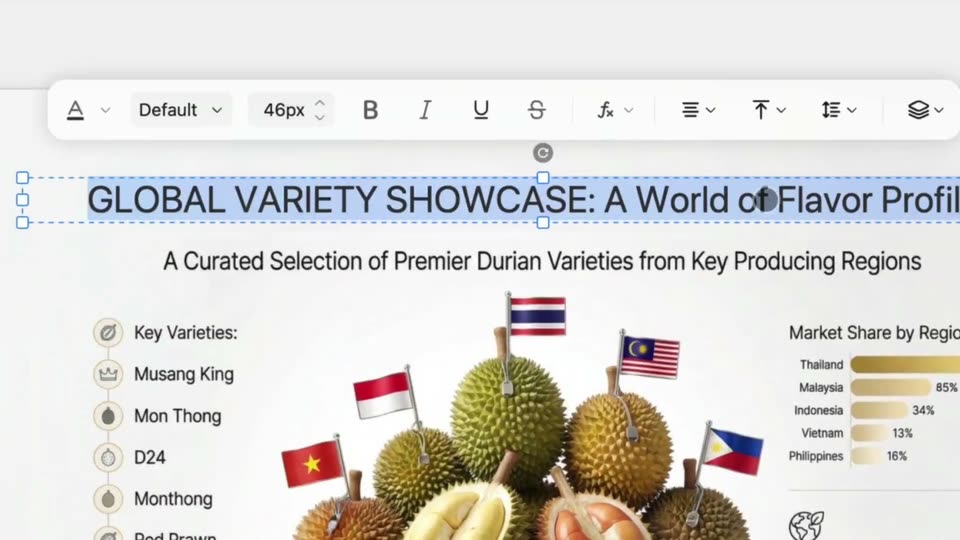 0:26–0:27Moonshot AI · Kimi.ai - Meet Kimi Agentic Slides! Now with Nano Banana Pro 🍌 🎁 ThanksgivingA document editor displays a durian article: a blue-highlighted headline, a left list of varieties with icons, a central photo of durians topped with national flags, and a right-hand market-share bar chart. The view zooms in gently on the page.
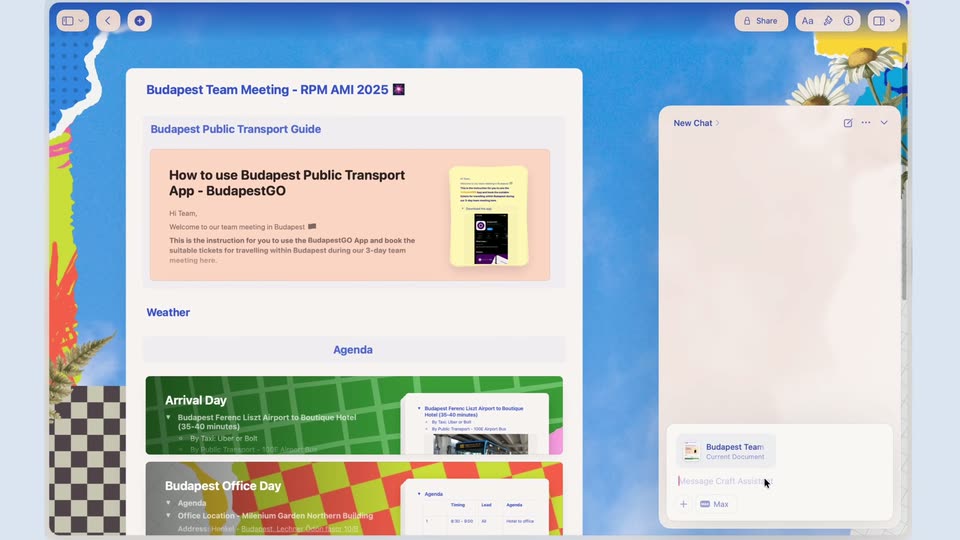 0:07–0:09Craft · Introducing the new Craft Assistant, MCP & API and more!A blurred close-up of the chat panel pulls back to reveal the full workspace: a Budapest meeting document on the left and a New Chat panel on the right, over a floral desktop. A cursor rests in the chat input.
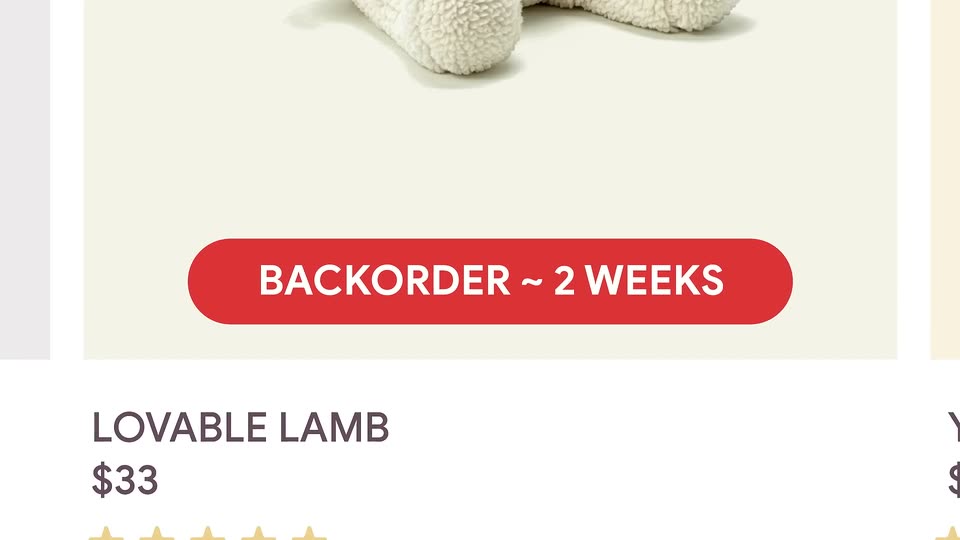 0:10–0:12Google · Google Gemini: Mr. Fuzzy’s Big AdventureA product grid of plush toys holds, then the view zooms in on the Lovable Lamb card, enlarging its red backorder badge and price label until the single card fills the frame.
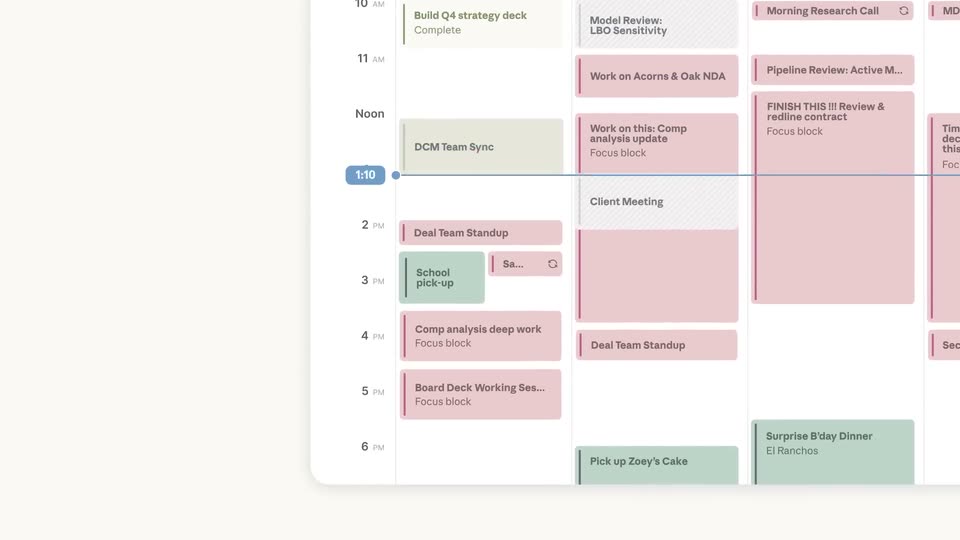 0:32–0:36Anthropic · Claude works with you on slides, spreadsheets, and contract redlinesA weekly calendar view fills the frame. A blue time line drops from 10:47 to 2:47 as the grid scrolls down, striking through a completed event. A cursor scribbles over a block at the start. The view pulls back to reveal the rounded card on a cream background.
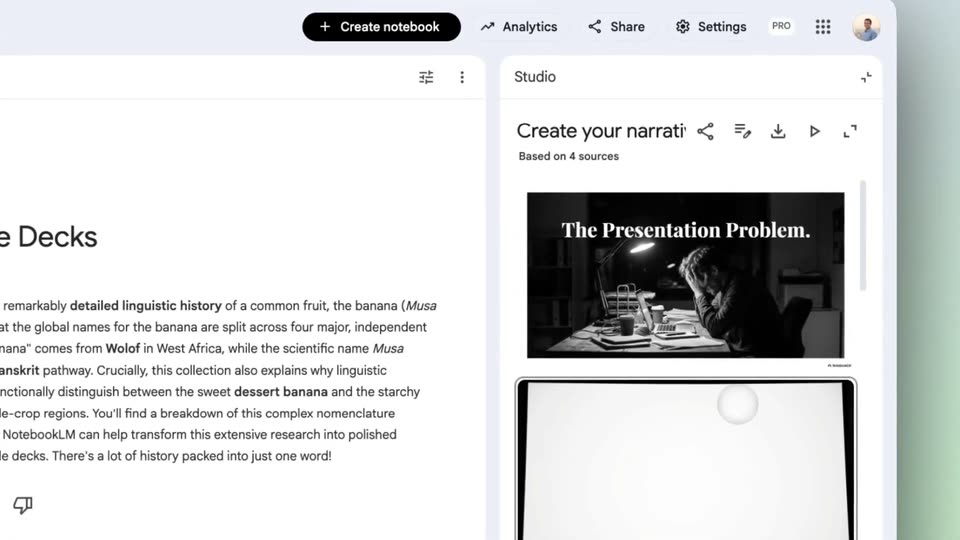 0:15–0:17Google · NotebookLM introducing Slide DecksA tight frame on the Studio panel, where a dark slide reads The Presentation Problem above a blank tablet mockup, pulls back to reveal the full interface: a top toolbar and a left Decks column of body text.
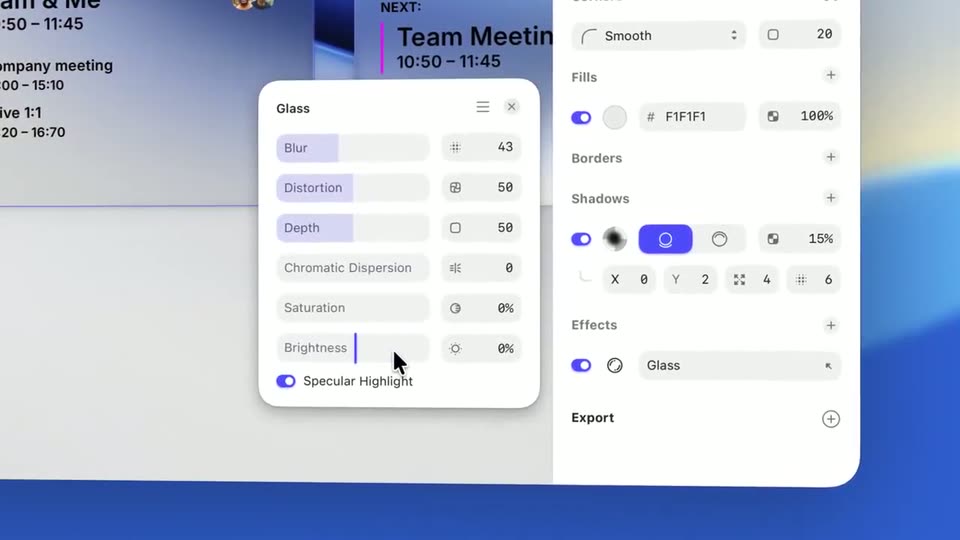 0:27–0:34Sketch · Sketch - We’ve got a biiiig update for you. A complete redesign of Sketch. MayA cursor taps the Glass effect in the right-hand properties panel, opening a Glass card with sliders. It drags the Brightness slider from 0% to 40%, then the view pulls back to reveal the full editor window holding three frosted calendar widgets over a blue gradient.
 0:42–0:45Vidu · Vidu AI - 10-Image video creation with seamless creative transitions Upscale noA dark pricing table with four plan columns fills the frame. The view zooms onto the Enterprise column, blurring the rest, as a black caption box with white text slides in at the left edge.
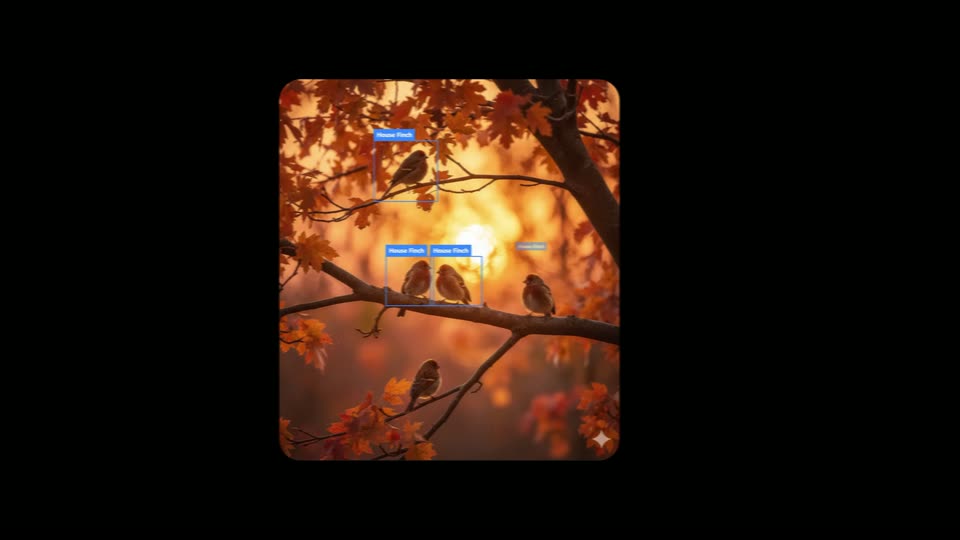 0:11–0:12Google · Vibe Coding with Gemini 3 in Google AI StudioA square photo of sparrows on orange maple branches sits centered on black. Orange bounding boxes with blue House Finch tags track the birds as the frame slowly zooms in, a small white sparkle in the lower corner.
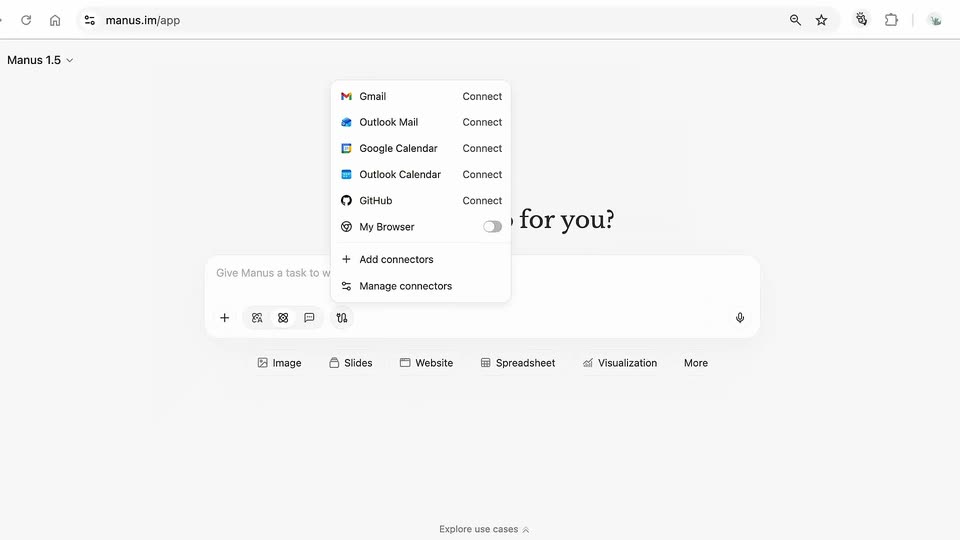 0:08–0:09Manus · Manus - Today we're launching Manus Browser Operator. Any browser can now beA flat browser window of the Manus app sits on a light gray field, its connectors dropdown open. A black serif headline reads “What can I do for you?” over the prompt bar, then the view zooms into the dropdown list.
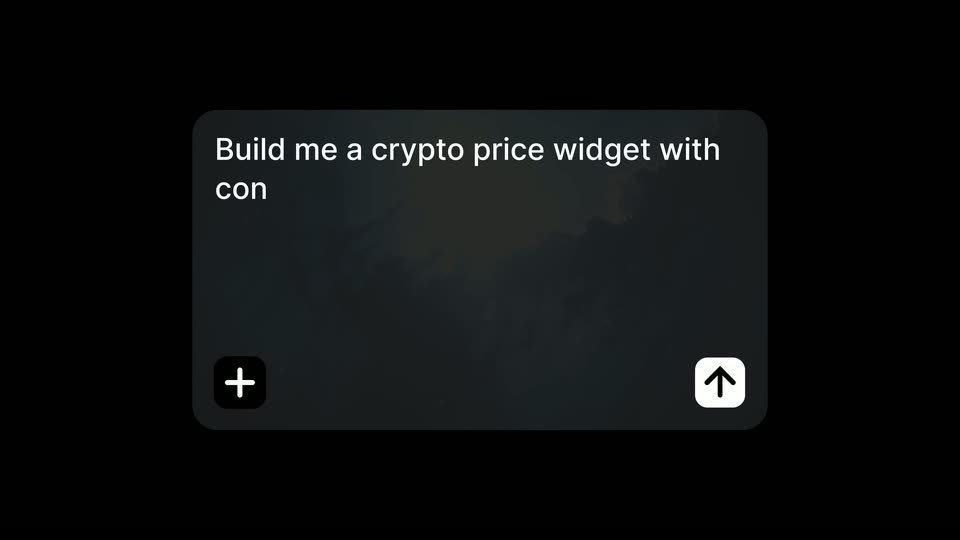 0:38–0:44Framer · Framer: Stop Waiting. Start Shipping.A close-up of a UI card with a blue nebula pulls back to reveal the full rounded card on black. The nebula fades to a dark panel as a prompt types in word by word. Plus and arrow buttons sit in the bottom corners.
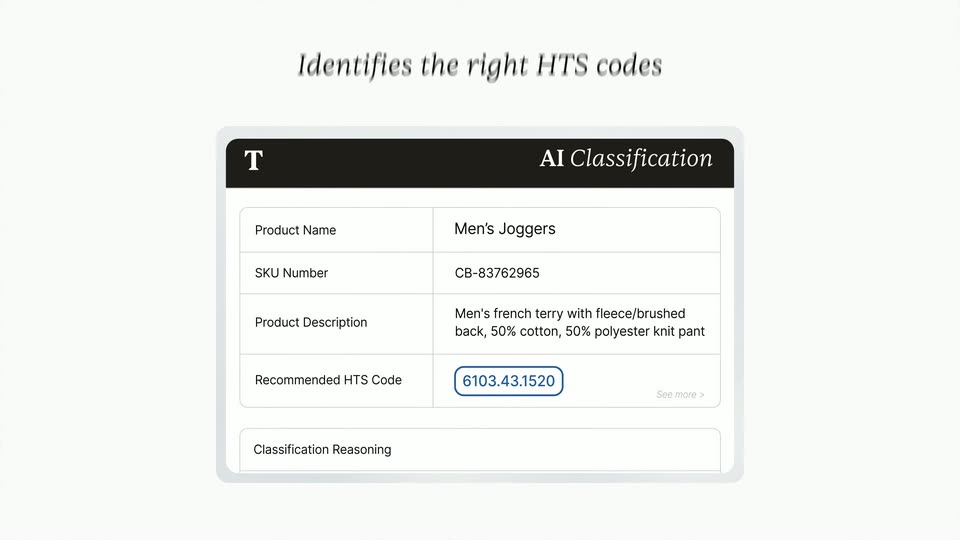 1:02–1:06Trava · Trava - Protect your margin on every importA flat white UI card with a black 'AI Classification' header sits under a serif headline that slides into 'Identifies the right HTS codes'. The view then zooms into the card, bringing the 'Classification Reasoning' panel and its body text into view.
 0:34–0:35Lua Global Inc · Lua AI: YC Launch VideoTwo rounded chat cards float on a soft pink-to-blue gradient. The left pink card slides off-screen left while the teal card, showing a woman in a yellow shirt with arms crossed, glides to center and scales down. A white message bubble with a pink send button pops in at its right edge.
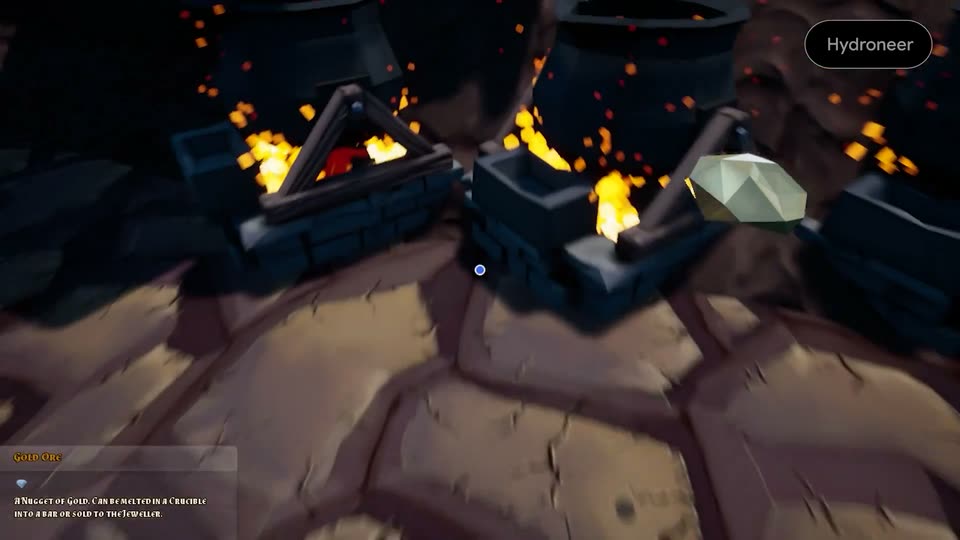 0:56–0:57SIMA 2 · Google DeepMind - SIMA 2 is our most capable AI agent for virtual 3D worlds. 👾🌐 PowereA 3D cave forge shows smelting machines with flickering fire and rising orange sparks. A blue cursor dot hovers over the cracked ground. The camera zooms into one smelter, outlined in orange, while a green gem rests beside it and a Gold Ore tooltip sits in the lower left.
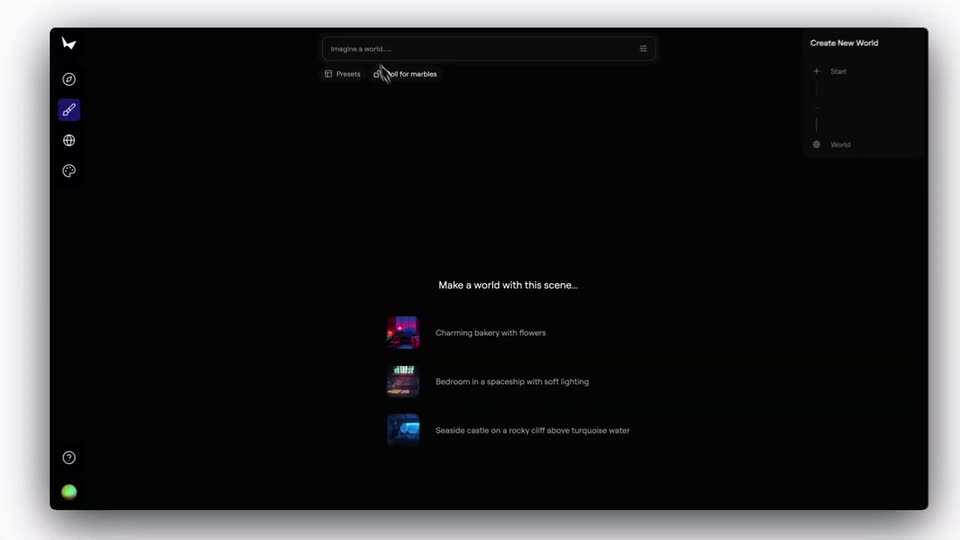 0:36–0:40World Labs · Welcome to Marble!A dark interface panel is shown close-up with an upload box and a list of scene suggestions; a cursor hovers over the list, then the view zooms out to reveal the full app window with a left icon rail and a right progress panel.
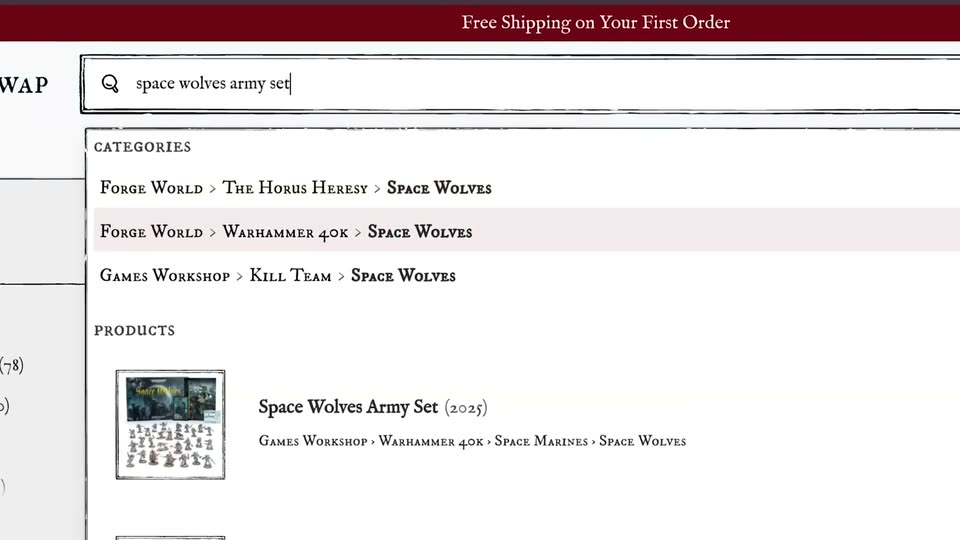 1:24–1:27Miniswap · Introducing Miniswap — The Marketplace For Tabletop GamesA close-up on a search field types 'space wolves army set' as a dropdown of categories and product rows fills in below. The frame then pulls back to reveal the full MINISWAP page, with a left sidebar of category filters and a product grid behind the dropdown.
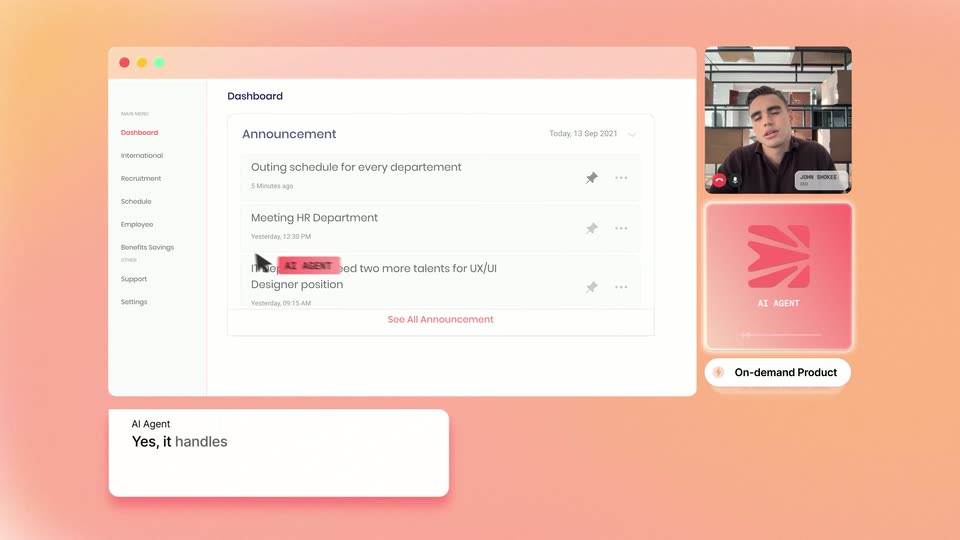 0:26–0:39Karumi · Launch Karumi, your AI demo agentA flat HR dashboard mockup sits on a peach gradient beside a video call window and an AI Agent card. A cursor glides across the cards, zooming into the schedule and announcement panels, then clicks International to reveal a world map, while chat bubbles type out the dialogue.
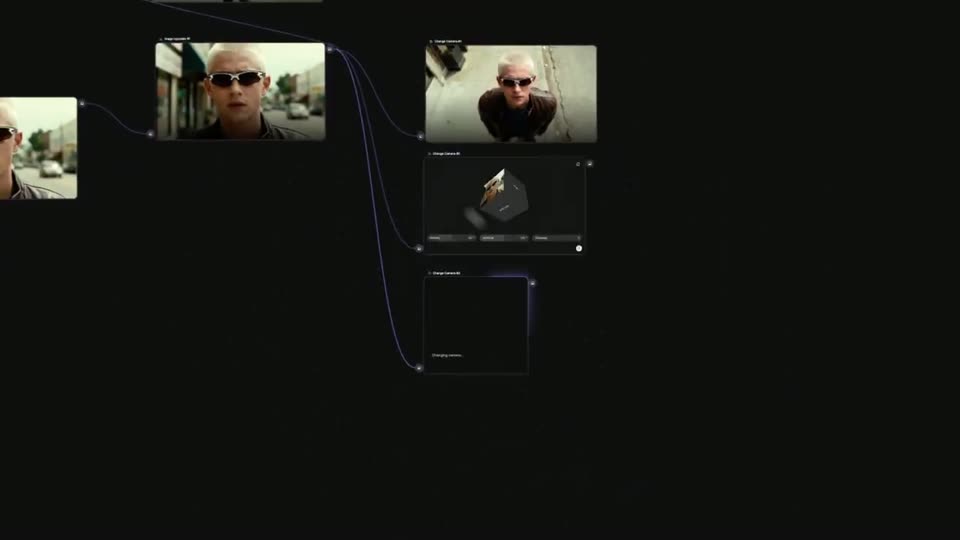 0:03–0:13Magnific · Magnific - Introducing Camera Angles Rotate views, shift angles, change perspecOn a dark dotted canvas, node cards linked by purple curves each hold a 3D cube with a portrait on its faces. A gray cursor drags sliders to spin the cube, and a context menu pops up. The view pans and zooms between nodes, then pulls back to the graph.
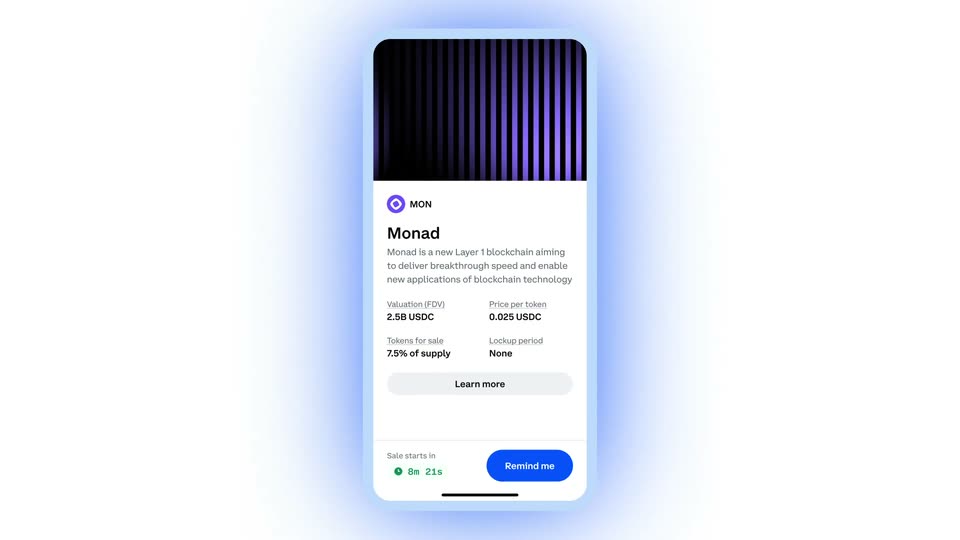 0:17–0:19Monad · Monad - Announcing the MON public sale: the first ever token sale on CoinbaseA flat phone mockup with a blue glow on a pale background shows a token sale screen for Monad. The view starts tight on the card, pulls back to reveal the full device and home bar, then settles.
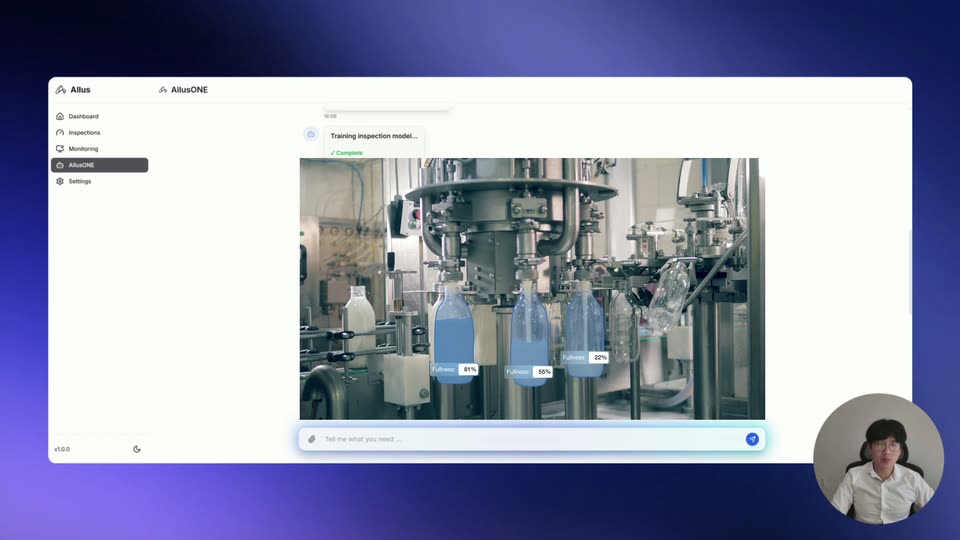 1:10–1:16Allus AI · Allus AI: Transforming Manufacturing with Next-Gen Vision Foundation ModelA flat white chat dashboard fills the frame, its feed scrolling as a small thumbnail of a bottling line scales up to show detection labels on each bottle. A circular webcam of a presenter in a white shirt sits in the lower right corner.
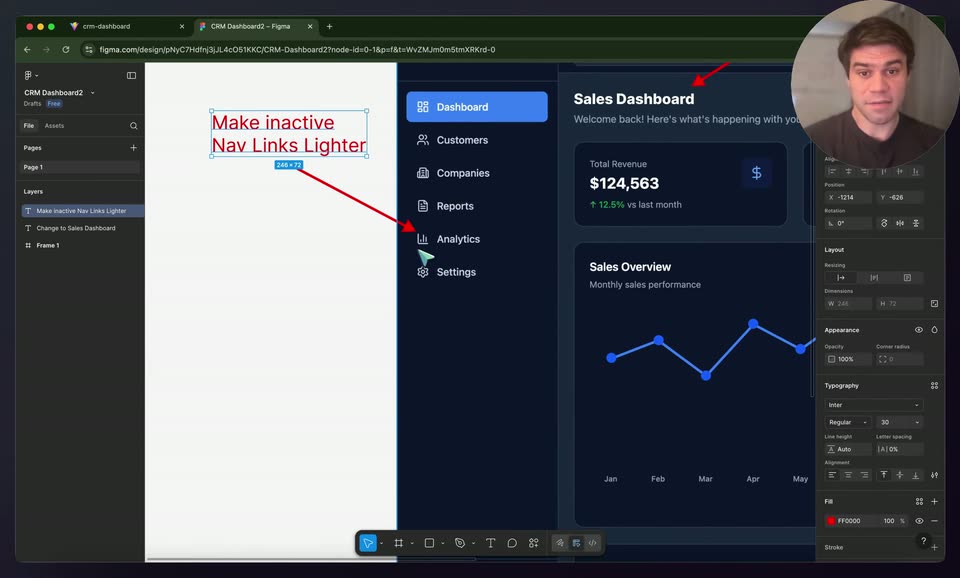 0:26–0:31Coasts · JSX Tool DemoA Figma screen shows a dark CRM dashboard mockup with sidebar, revenue cards and a line chart, marked by red arrows and labels. A circular webcam of a presenter sits top right. The canvas reframes to the sidebar as the cursor hovers over the nav links.
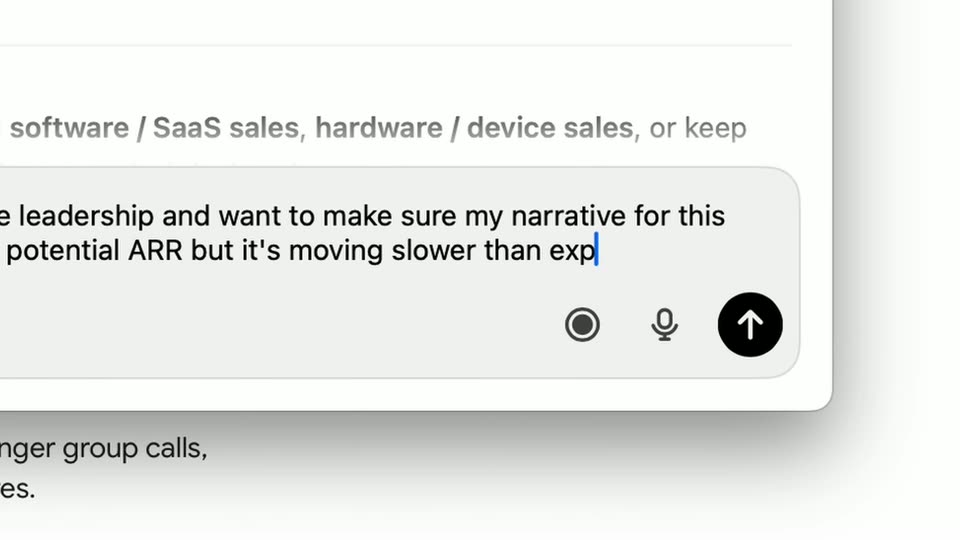 0:15–0:17Logical · Logical | The Proactive Desktop CopilotA white chat card fills the frame, then the view tightens onto the input box. A prompt types out, the line scrolling left as new words appear, a blue caret at the end. A blue Get started button and a row of dots rest below on light gray.