0:15
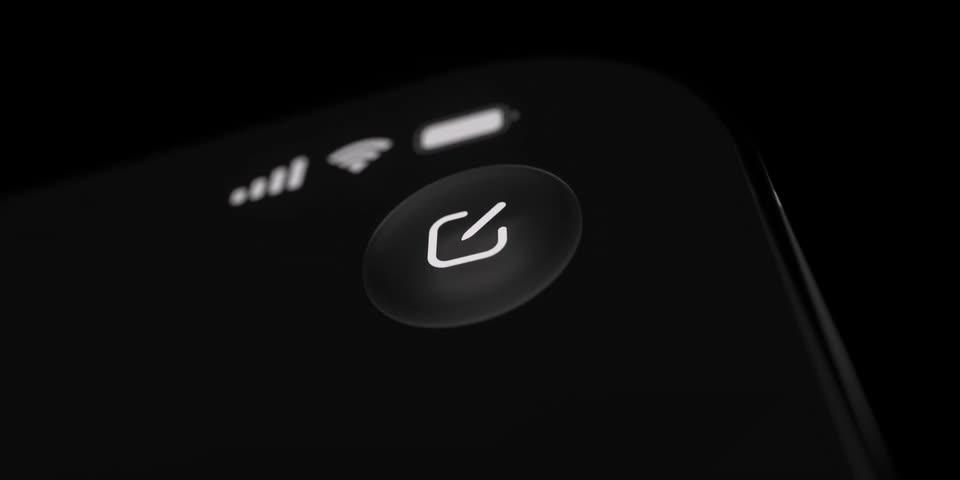
Linear - Linear Mobile, refined. Built with a new custom frosted glass mater
Linear · Productivity · Oct 2025
Screen Studio · Aug 2025 · 0:06 · Clip · AI-annotated
Screen Studio’s 0:06 clip runs 3 scenes, about 2.1 s each. The video is a single continuous 3D shot built around a floating iPhone mockup: a push-in on the dock, a keyboard close-up typing the word demo, then a pull-back to a locked-off phone as the screen flips from the dark typing view to the light home screen and a starburst glyph scales in. Its style is defined by smooth camera push and pull moves on the floating device, with clean UI state transitions as the only choreography against a soft blue-purple wave field.
Is this your launch? to your site or press kit.
Linear · Productivity · Oct 2025
PlanetScale · Feb 2024
Saccade · Healthcare · Nov 2026
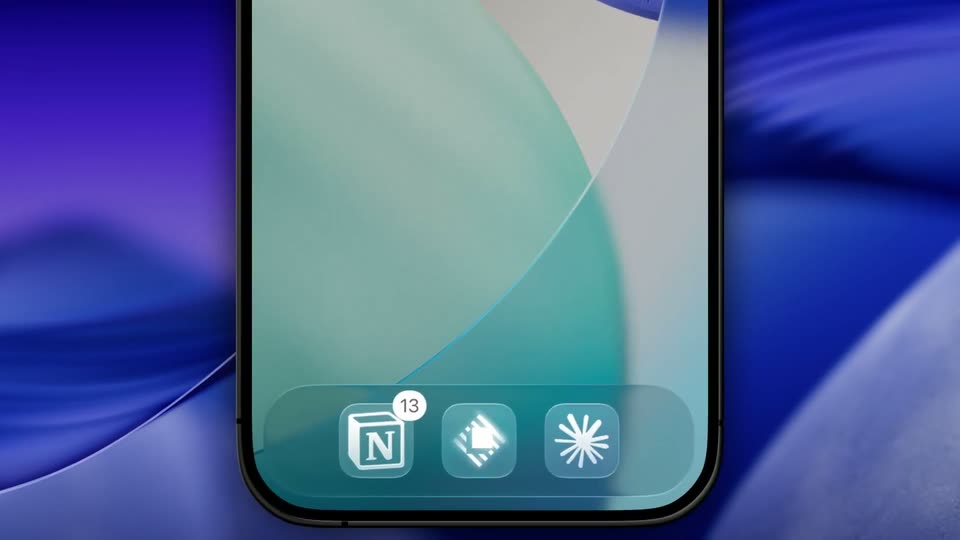
A front-facing smartphone mockup floats on a blurred blue and purple abstract background. The camera pushes in on the lower screen, settling on a dock of three app icons, one carrying an N logo with a 13 badge.
Techniques: UI zoom
Camera: Push in
A dark on-screen keyboard is shown in close-up as the word demo is typed into a note field, then the camera pulls back to reveal the phone floating in 3D against a blue abstract backdrop.
Techniques: UI zoom, 3D mockup
Camera: Pull out
A front-facing iPhone mockup holds center on a blurred blue-purple wave background, locked-off. The screen shifts from a dark typing view with a keyboard and a floating mini-preview to a light home screen, where a three-icon dock appears and a starburst glyph scales in.
Techniques: 3D mockup
Camera: Static