0:15
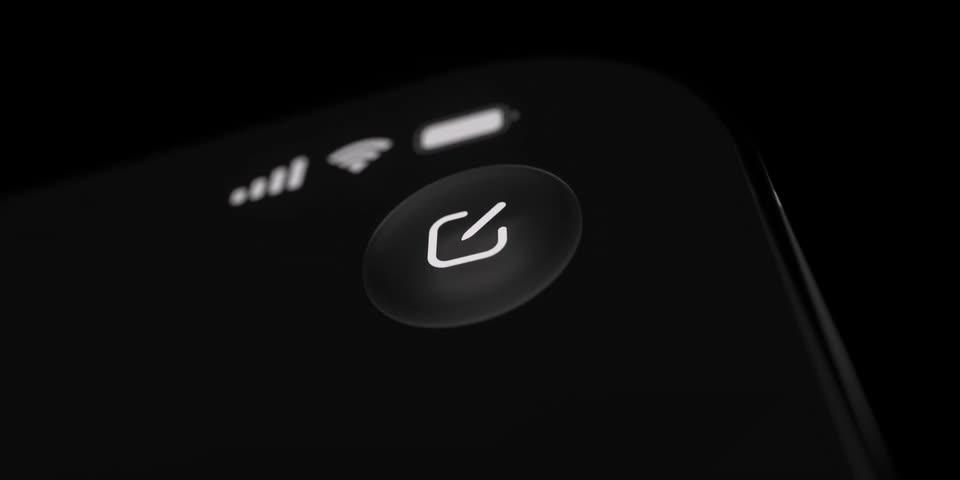

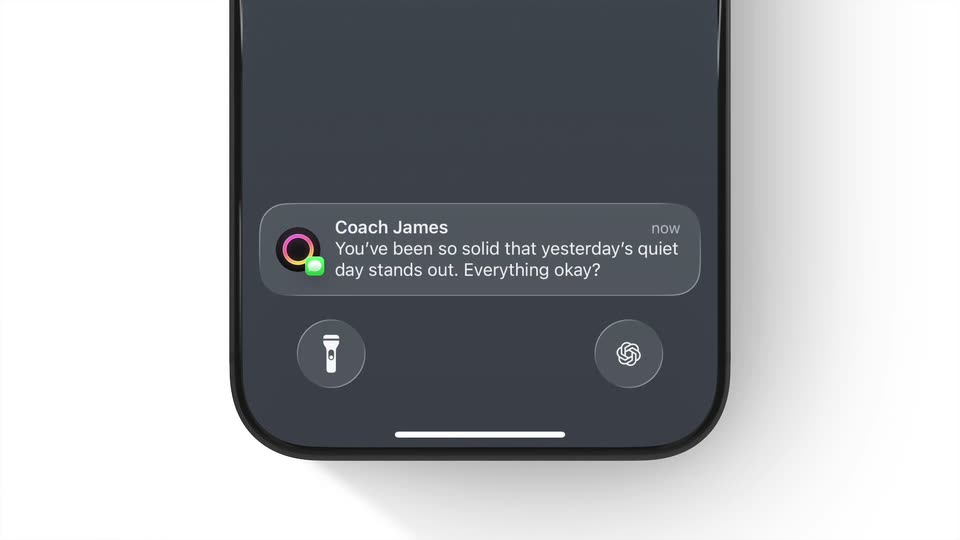
Linear - Linear Mobile, refined. Built with a new custom frosted glass mater
Linear · Productivity · Oct 2025
PlanetScale · Feb 2024 · 0:29 · AI-annotated
PlanetScale’s 0:29 launch film runs 7 scenes, about 4.3 s each. The product shows up at 0:02 and 1 feature is revealed. There is no explicit call to action. Built as a reverse reveal: it opens on a tilted, shallow-focus dashboard and racks across latency graphs and query tables before naming the feature on a black title card and closing on the PlanetScale mark. The signature move is the angled macro screen-capture with shallow depth of field and slow drifts, using focus racks and a green accent pop to guide the eye, all held on a near-black palette.
Is this your launch? to your site or press kit.
Linear · Productivity · Oct 2025
Cursor · Developer tools · Oct 2025
A dark analytics dashboard is shown in 3D perspective at a tight angle with shallow depth of field. A blue line graph crosses the frame while pill-shaped latency labels (p95, p99) rack into focus, and the Sept 14 tag slides left.
Techniques: 3D mockup
Camera: Static
A dark dashboard fills the frame in a tight, angled macro shot with shallow depth of field. A blue jagged line with a spike and a smoother green line cross the chart area, and the view tilts down to reveal a table of query counts and latency values.
Camera: Static
A dark analytics dashboard tilts in 3D perspective as the camera slowly pans across a table of SQL queries and latency metrics, with a line graph glowing above. Shallow depth of field blurs the edges of the screen.
On-screen text: “Drag-select to zoom in”
Techniques: 3D mockup
Camera: Static
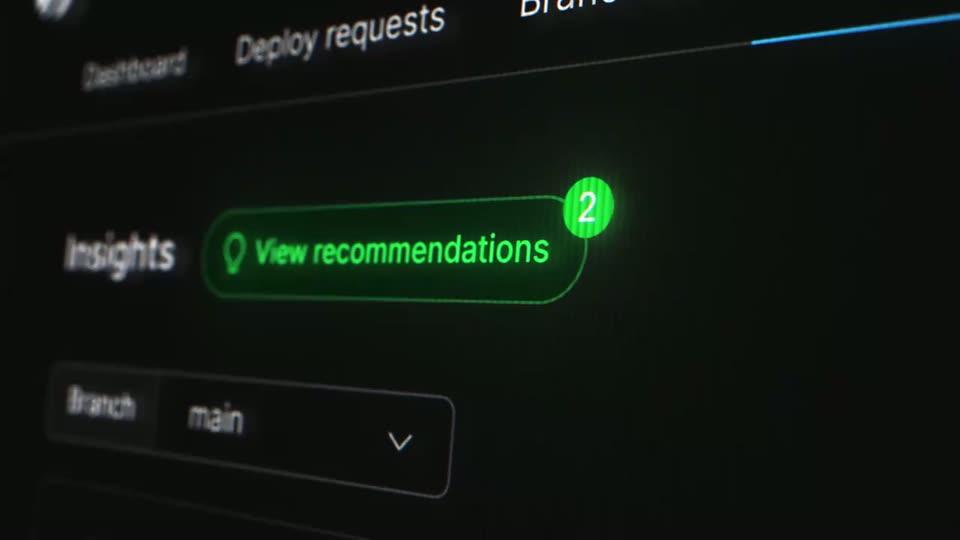
A dark dashboard UI is shot at an angle with shallow focus. The frame reframes onto the Insights tab as a green dot lights up, then a green View recommendations pill with a lightbulb icon and a 2 badge pops in beside it.
Techniques: 3D mockup, UI zoom
Camera: Static
A dark database recommendation panel sits at a tilted angle with shallow depth of field. The camera drifts slowly downward, bringing the yellow-bordered SQL code block and the apply steps into focus while the top rows blur out.
Techniques: 3D mockup
Camera: Pull out
A black frame holds as the gray word Introducing and the white line Schema Recommendations fade in at left of center, hold briefly, then fade back to black.
On-screen text: “Introducing”, “Schema Recommendations”
Camera: Static
The white PlanetScale wordmark with its circular planet icon sits centered on a black background, locked still for the full duration as a closing mark.
On-screen text: “PlanetScale”
Camera: Static