UI zoom
A zoom or reframe onto one part of the interface.
10,013 scenes · page 82 of 167
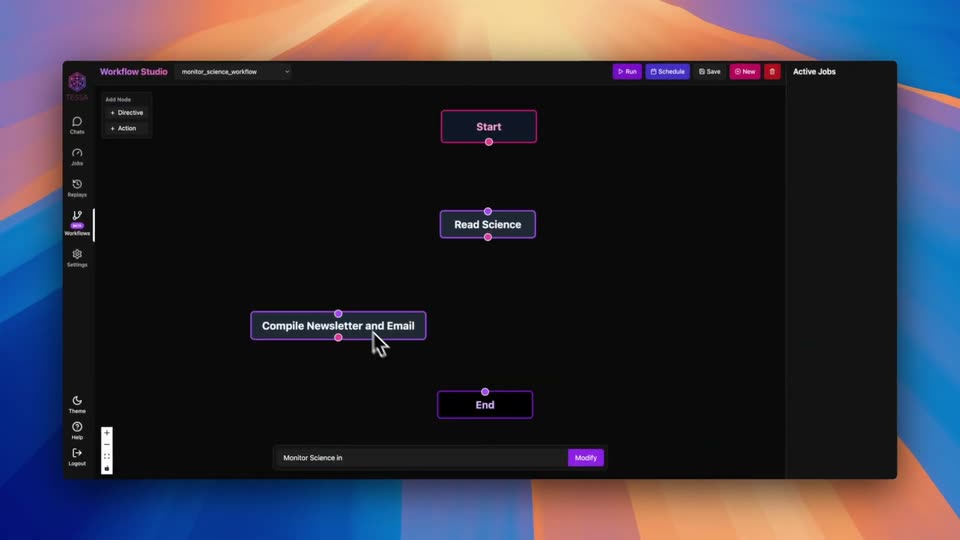 0:11–0:14Altrina · Workflow EditorA dark workflow canvas fills the screen as the view zooms in from a windowed app over a colorful background. Nodes labeled Start, Read Science and Compile Newsletter and Email connect via dashed lines. A white cursor moves, then a hand cursor grabs the Read Science node.
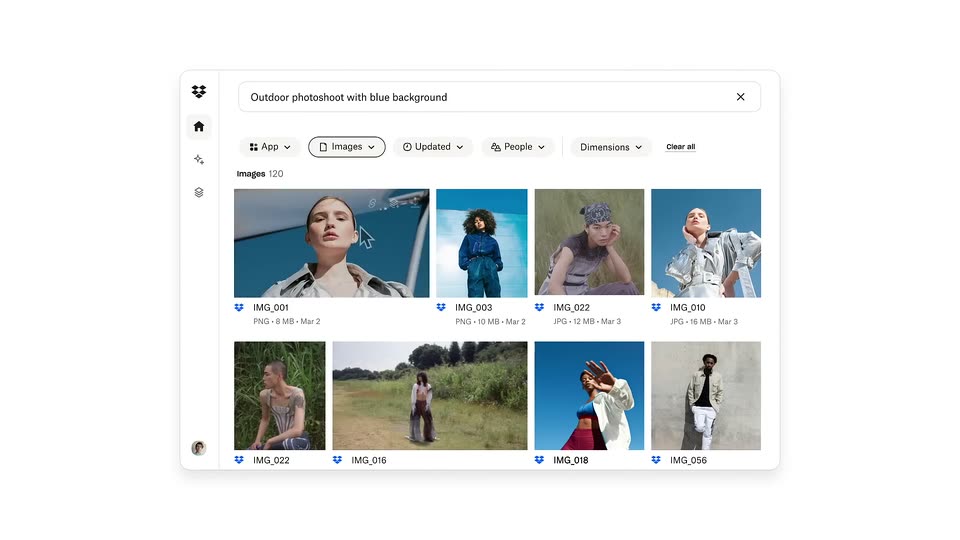 0:09–0:11Dropbox Dash · Dropbox Dash: Search videos, images, and create content fastA file library grid of photo thumbnails fills the panel. A cursor hovers over the first image, then the view zooms in, expanding that thumbnail to a large preview with a filename header and a Share button.
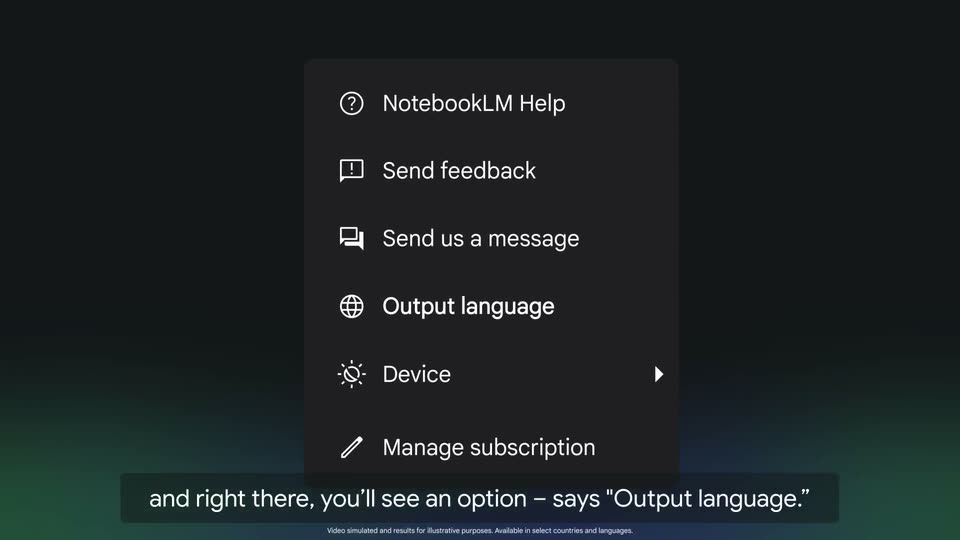 1:00–1:07Google · NotebookLM launches Audio Overviews in over 50 new languagesA dark toolbar of pill buttons (Analytics, Share, Settings, grid, profile) reframes closer as a cursor clicks Settings, opening a centered dropdown; the cursor then selects the bold Output language row and a Configure Settings modal fades in. Subtitles sit in a dark bar at the bottom.
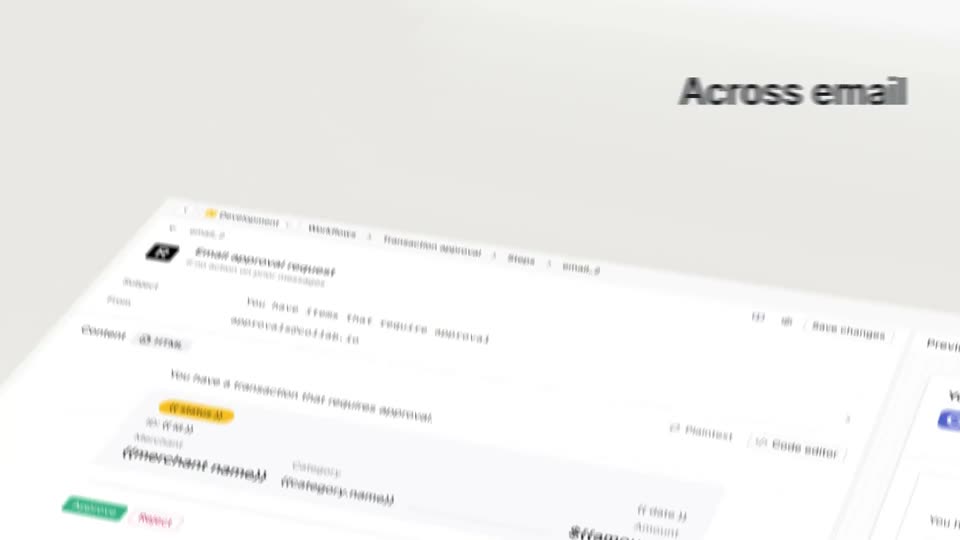 0:10–0:11Knock · Knock - Launch week → Day 2 Introducing Knock workflows 3.0. Rebuilt with aA tilted 3D workflow canvas of approval cards fills the frame with soft blur. The camera pushes in on the email editor, revealing an approval request with Approve and Reject buttons. A dark caption reads product messaging at the bottom left, then Across email appears at the top right.
 0:19–0:22Gamma · Gamma - Introducing AI Image Editing with animation! You can now edit and anA close-up of the AI chat panel shows a cursor clicking the “Add dramatic lighting” chip; the view then pulls back to reveal the full slide editor with a black-and-white photo of men examining a UFO report.
 0:07–0:08Adobe · Adobe Firefly: The next evolution of creative AI is hereA dark panel with Frame and Prompt columns overlays a blurred grid of images. A white cursor hovers over a small thumbnail of iridescent bubble letters, which scales up to fill the frame slot beside the prompt line.
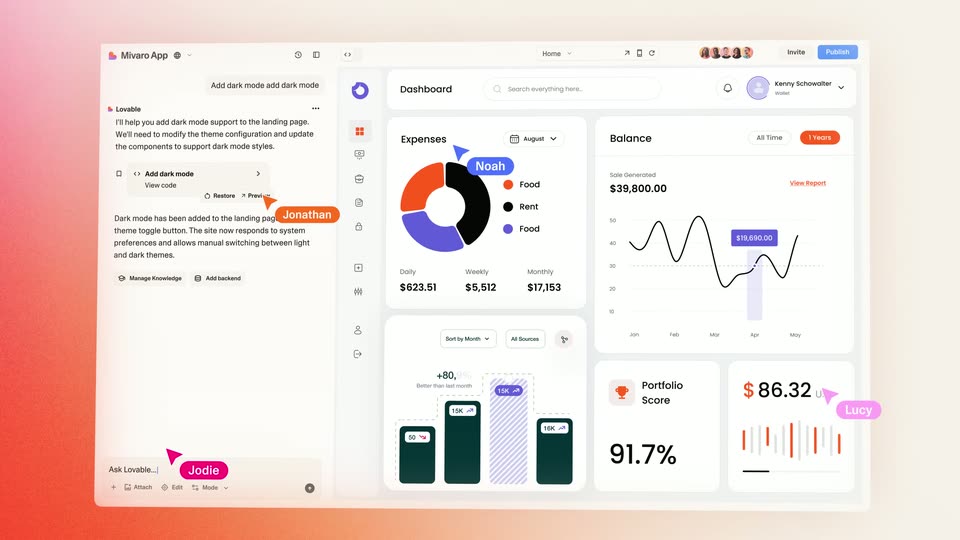 0:38–0:41Lovable · Lovable 2.0 is here. Multiplayer vibe coding. Smarter & more secure.A close-up of a top bar holding five avatar circles and a large “Invite” callout pulls back to reveal a full analytics dashboard. Named collaborator tags for Noah, Jonathan, Lucy and Jodie sit over the charts beside a chat panel.
 0:19–0:22Spline · Introducing Hana - A new canvas for interactivity - by SplineA design tool canvas pulls back from a single arrow-grid artboard to reveal a grid of labeled thumbnails. The cursor hovers, then the Follow arrows artboard lights up with a purple selection border while the rest dim.
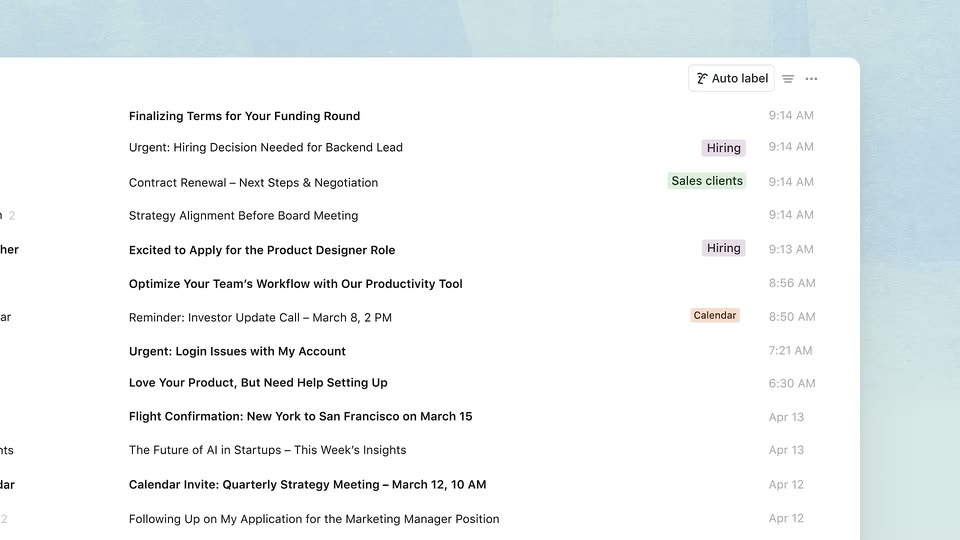 0:08–0:09Notion · Meet Notion MailA tight crop of an email list shows subject lines with small colored category tags beside them. The view pulls back to reveal the full inbox window, adding the left sidebar of folders and sender names.
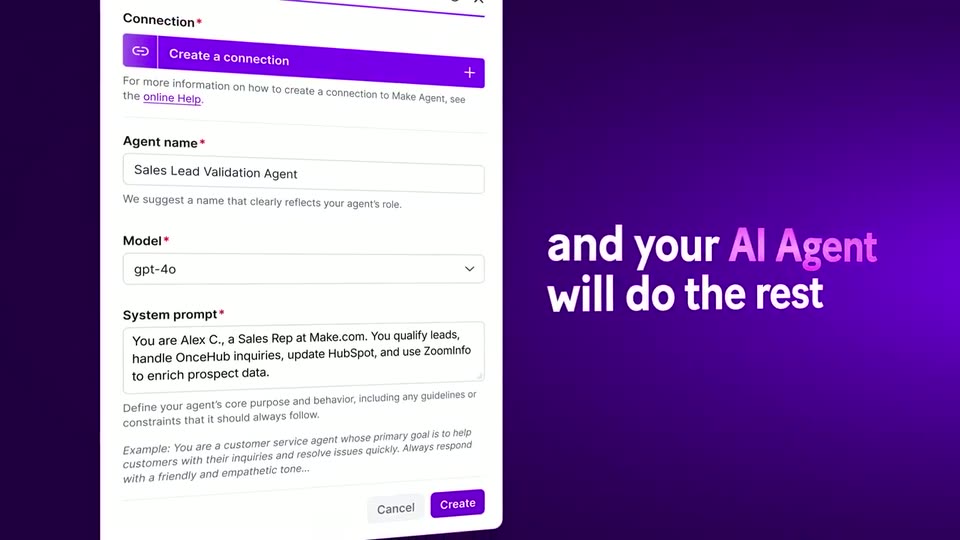 0:23–0:27Make · Make - #MakeAIAgents are rolling out now. The next chapter of automation staA blurred zoom on the form's system prompt field pulls back to reveal a white agent-creation panel tilted in 3D on the left, slowly rotating flat, while a white tagline holds on the right over a purple gradient.
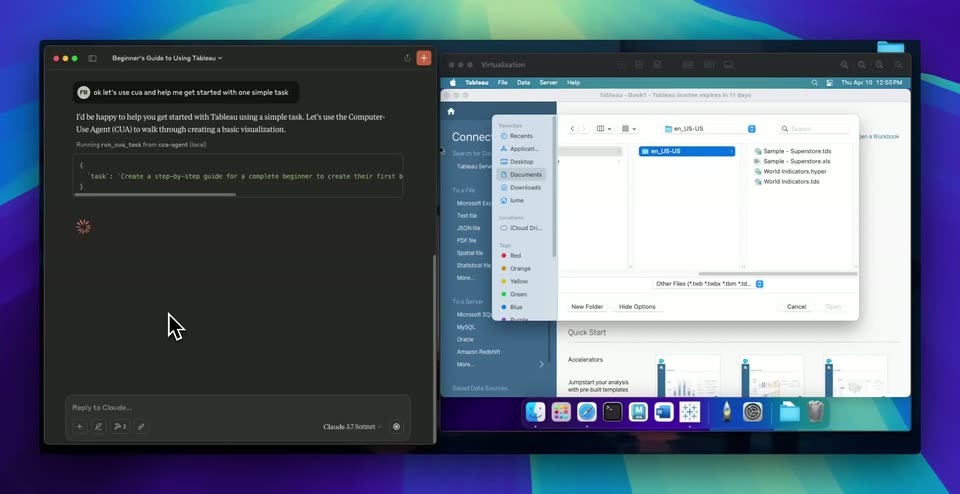 0:22–1:03Cua · c/ua ❤️ MCPA tilted 3D desktop shows two windows side by side. The left dark terminal types a task prompt with a spinning loader, while the right Tableau file dialog browses folders and selects the Sample - Superstore data file. The camera is locked off.
 0:14–0:15Freewrite · Farza 🇵🇰🇺🇸 - introducing freewrite. a mac app i made for myself. one simple, cleA close-up of a pale screen lists font options with dotted separators. A cursor arrow hovers near Serif, then moves to Random, which darkens and grows larger as a tap hand presses it.
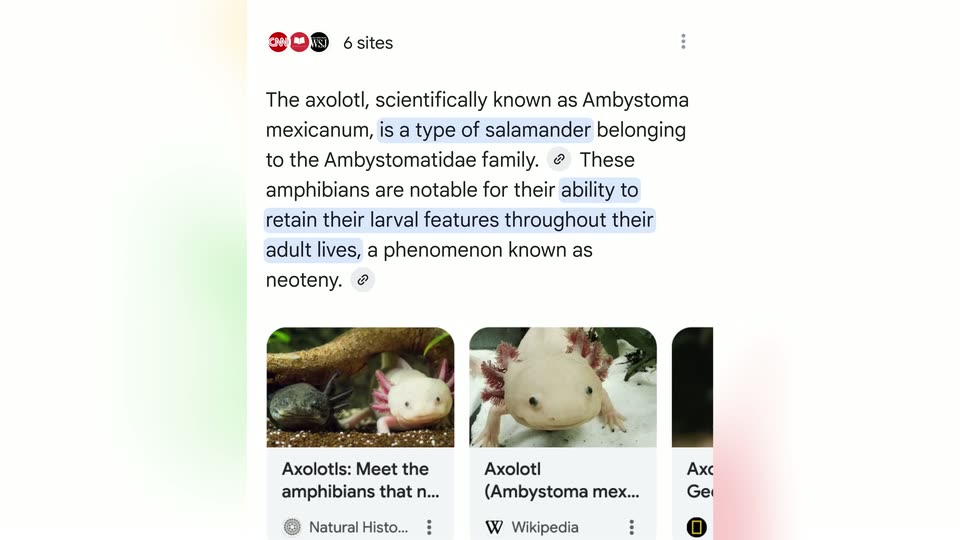 0:45–0:51Google · Introducing AI Mode: A New Experiment in Google SearchA Google AI Mode search card for 'why are these so popular?' fades in blurred over soft blue and orange glows, then the view pushes in and scrolls down. The answer types in with blue-highlighted phrases, ending on two axolotl source cards.
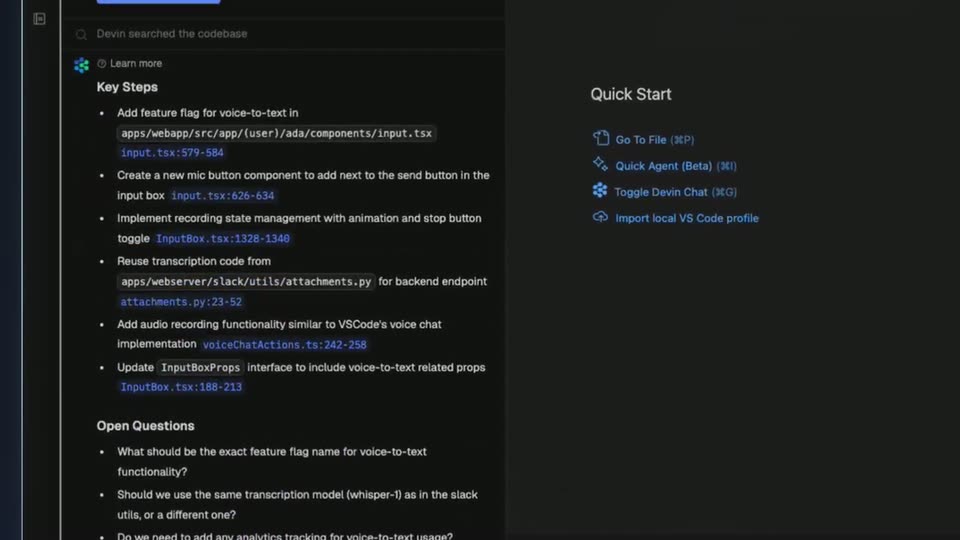 0:17–0:19Devin · Cognition - Introducing Devin 2.0: a new agent-native IDE experience. GenerallyA dark IDE window shows a task chat on the left and a Quick Start menu on the right. The camera zooms into the left panel, revealing Key Steps and Open Questions, while a blue FOLLOWING DEVIN tag hovers at the top.
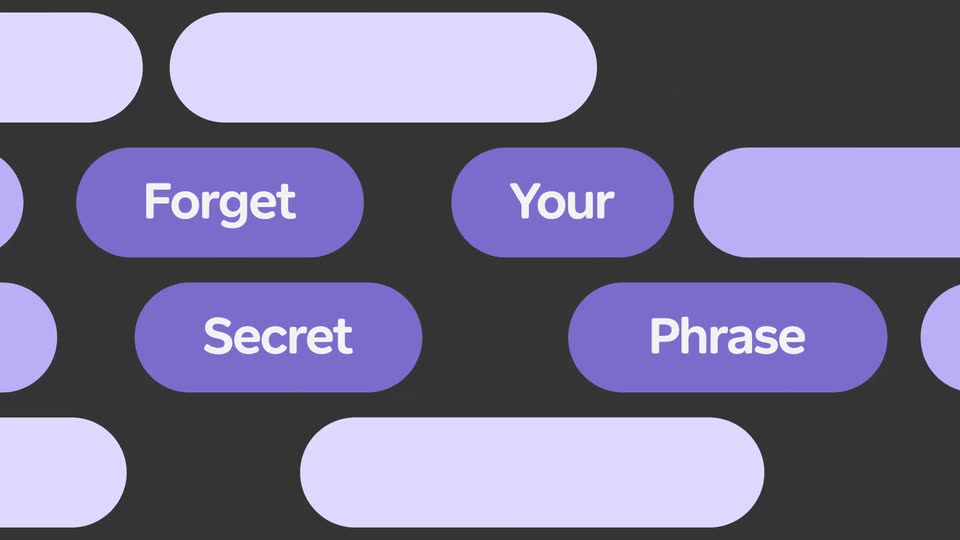 0:10–0:11Family · Family - Navigating Ethereum with Family is now simpler and safer than ever🔐A tilted phone mockup displays a verification code screen with a blue Continue button, then cuts to a dark field of purple pills as the words Forget, Your, Secret, Phrase slide into place.
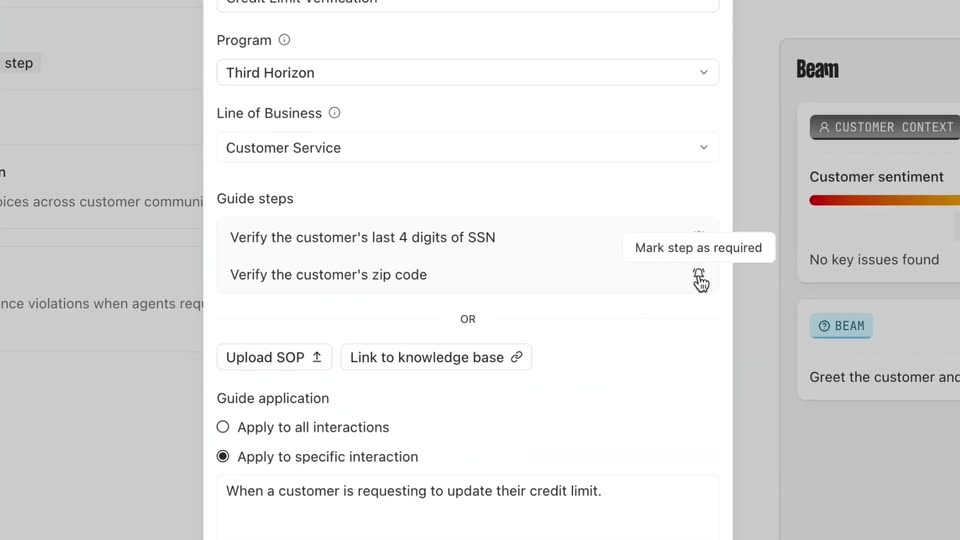 0:39–0:42Rulebase · Beam - The real-time copilot for customer service agents.A white settings panel in a support app lists guide steps with bell icons. A cursor moves down the list and hovers over an icon, revealing a tooltip, as the view zooms in on the steps.
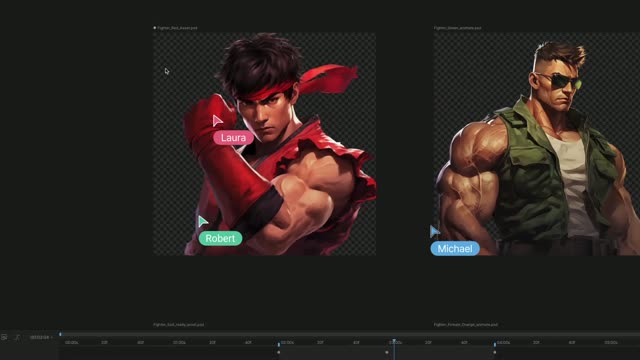 0:40–0:42Rive · Rive for Product Design Reel 2025A still TEAMS AND COLLABORATION headline heads a dark rigging tool where two fighter characters are rigged with white bone lines; name tags Laura, Robert, Michael slide and scale as the view zooms in on the panels.
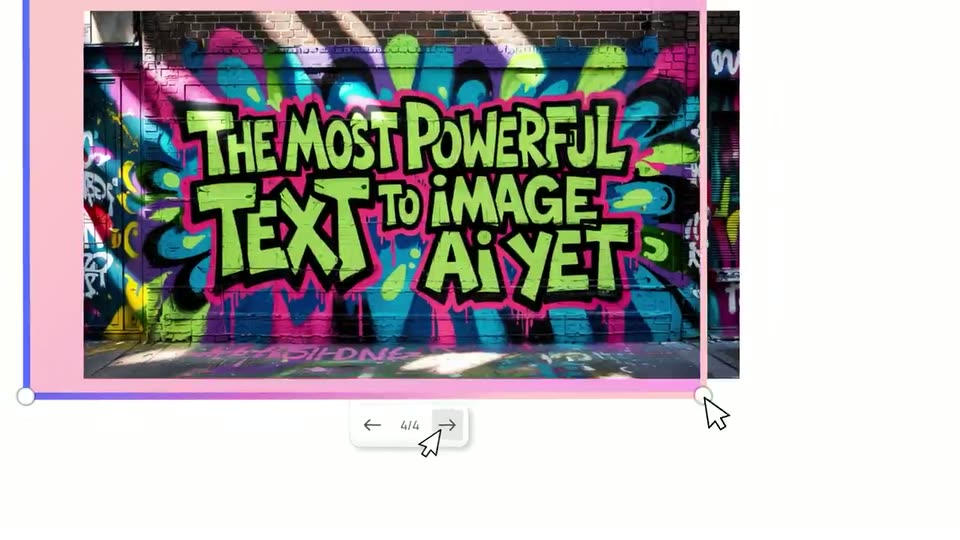 0:24 · 0.8sIdeogram · Ideogram - Meet Ideogram 3.0 — stunning realism, creative designs, and consistenA graffiti wall image with green bubble letters sits on a white canvas, a blue selection box with corner handles at its upper left and a cursor on a small pager pill below. The view zooms into the lettering, which fills the frame inside a pink frame.
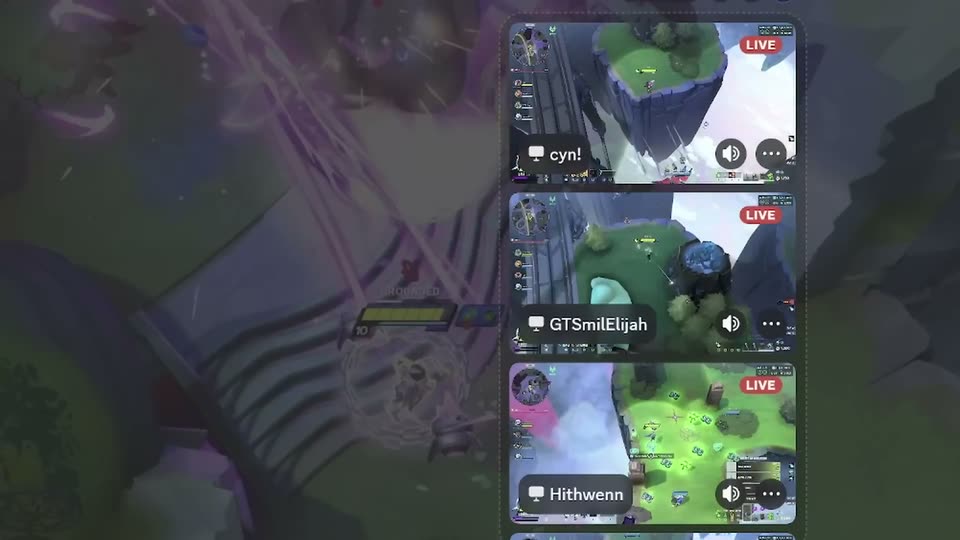 2:54–2:57Discord · Introducing the NEW Discord Game OverlayA dark app screen shows a streamer list on the left and a Watching Stream panel in the center. The view zooms into the panel, then it slides right to become the middle of a vertical stack of three live gameplay windows, each tagged LIVE, while the list dims.
 0:14–0:15Google · Introducing Canvas in GeminiA blurred Gemini prompt field sits behind a glowing pill button labeled Canvas with a list-and-pencil icon. The frame slowly zooms in as a blue light ring surrounds the button.
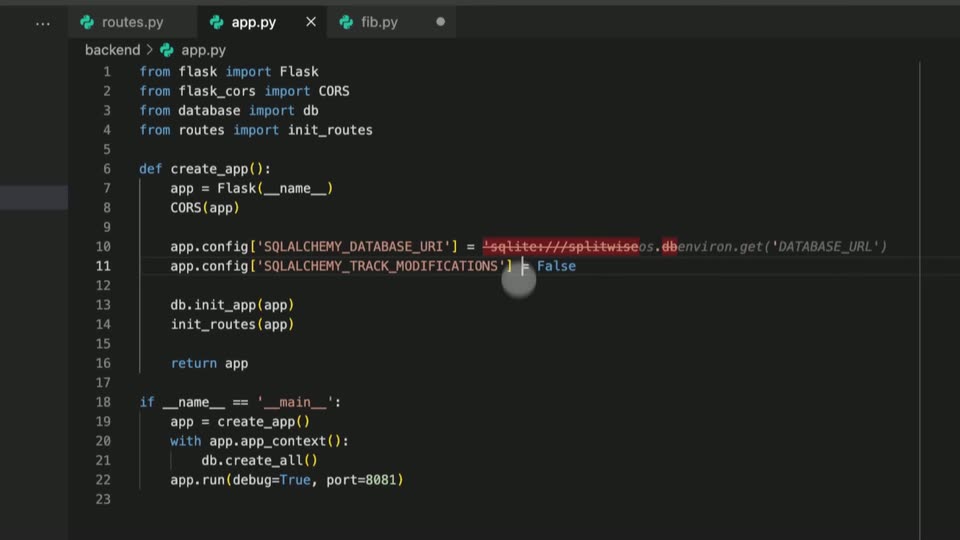 0:46–0:49Windsurf · Windsurf Wave 5: Windsurf TabA dark IDE shows a terminal panel with a typed export command and a block caret. The editor pane above then fills with a Python file while the terminal settles into the lower band of the window.
 0:17–0:21Nova · Nova - You asked. We delivered. 💫 RT + Comment for early access. 👀 WaitliA dark 3D field of blurred dashboard panels drifts behind a small interface mockup that scales toward the camera. Centered text Phase 2 in white and COMING SOON in glowing magenta sit in front, both scaling up in sync. Faint dust particles and pink edge glows frame the shot.
 0:22–0:23Nexera · Web3 Explainer Video | Crypto Animation Video - NEXERAA row of dark feature cards with colored gradient glows sits in 3D perspective. The camera pushes in on the center Devnet Kickoff card as the others fade, leaving it centered and slightly tilted.
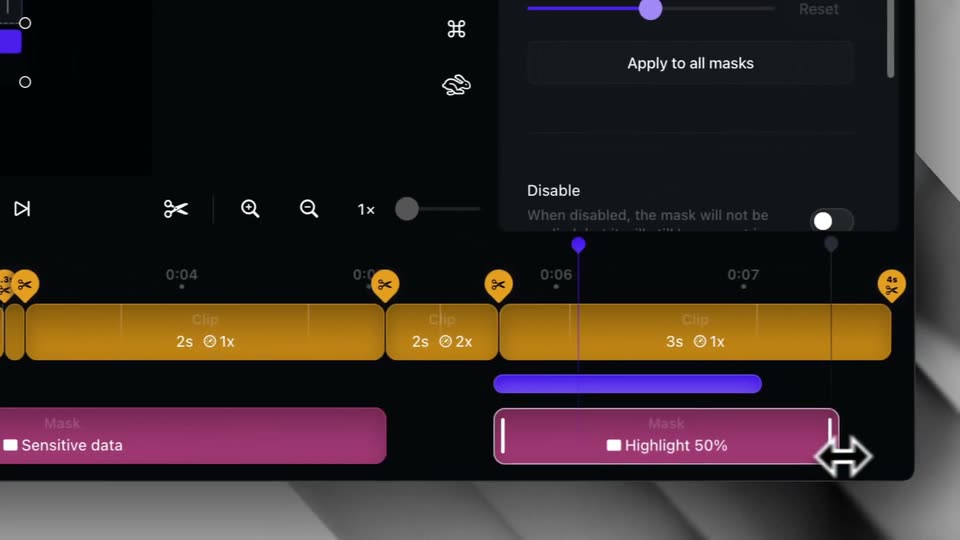 0:05–0:08Screen Studio · Screen Studio - Screen Studio 3.1 is here Introducing Masks: Blur sensitive data orA close-up of a dark editor timeline zooms out to reveal the full interface tilted in 3D over a gray background, its preview showing a verification code screen, while a hand cursor rests on the edge of a pink mask clip.
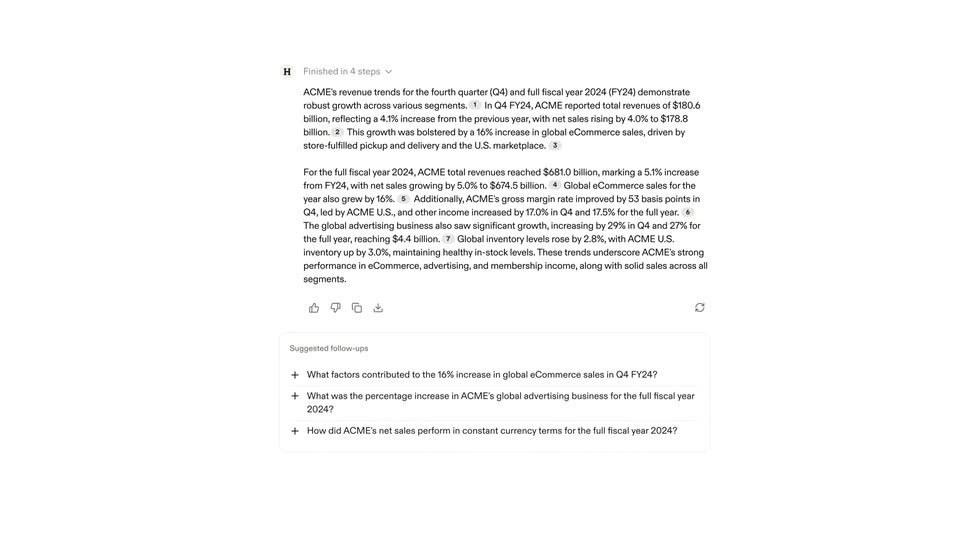 0:22–0:24Harvey · Agents OverviewA generated answer streams in with ghosted overlapping lines, then settles into two paragraphs of an earnings summary. A suggested follow-ups card fades in below. The view then scrolls to the empty input box with the black Ask Harvey button.
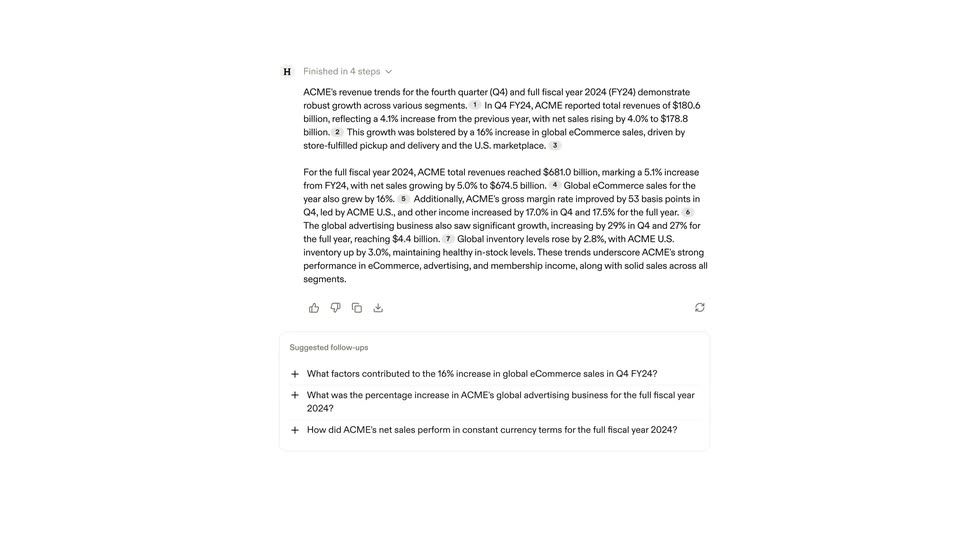 0:22–0:24Harvey · Harvey - Introducing Harvey Agents:A document answer resolves from doubled, overlapping lines into clean paragraphs with a suggested follow-ups list, then the view reframes to a centered follow-up input box on a white field.
 0:18–0:19Reka · Reka - We use Reka Flash 3 to power Nexus, our new platform for organizationA purple Create Worker button with a three-dot menu icon sits centered on a dark field of pale dots. The dots fade out, the button scales up, and the icon detaches to the right as the white cursor drops below it.
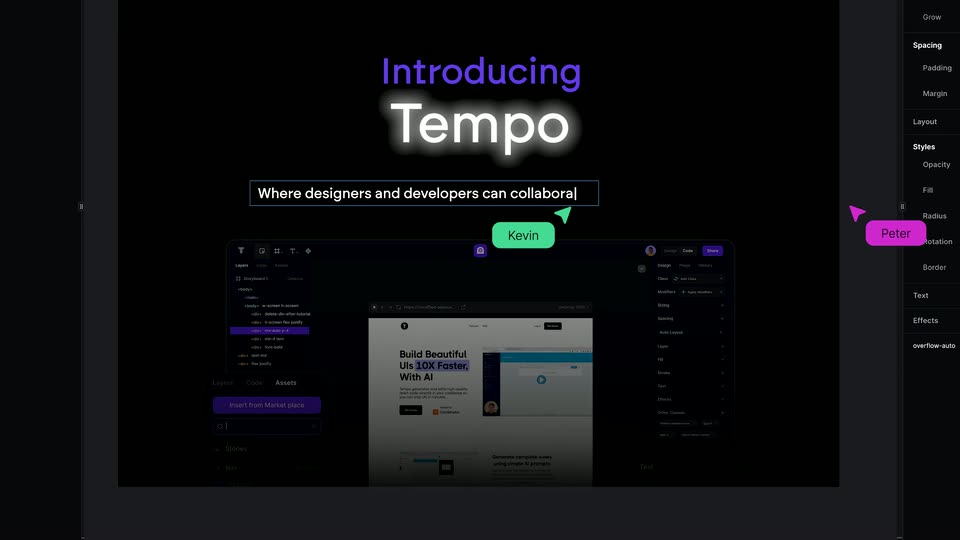 0:09–0:11Tempo · Introducing Tempo V2 - AI web design tool for designers and developersA black screen holds the headline Introducing Tempo above a dimmed design tool interface. A tagline types out in a text box while green and pink named cursors drift across the canvas, then the view zooms into the box.
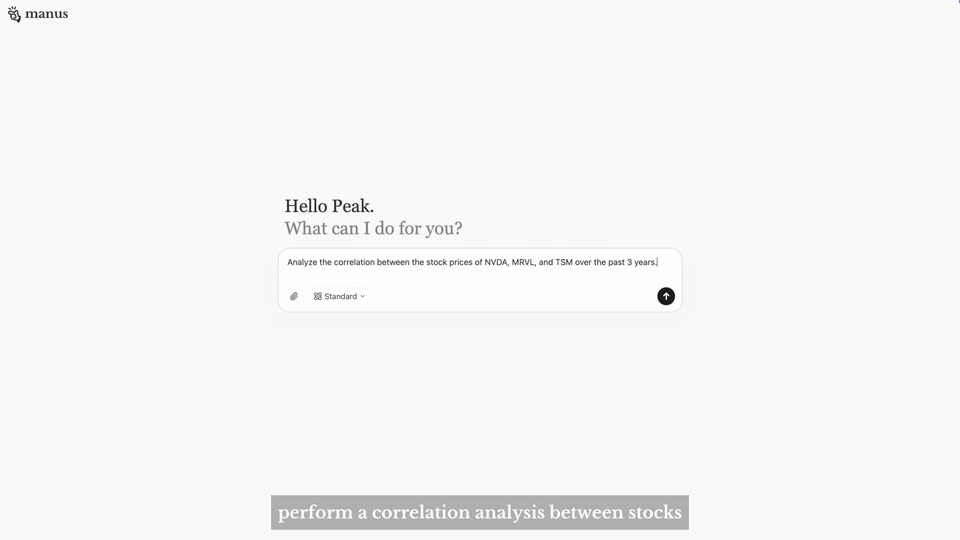 2:14–2:16Manus · Introducing Manus: The General AI AgentA light Manus chat screen shows the greeting and an empty task box centered. The view then scrolls up to reveal a typed stock-correlation prompt and a Manus typing indicator, pushing the greeting and input lower, while a gray lower-third caption narrates the demo.
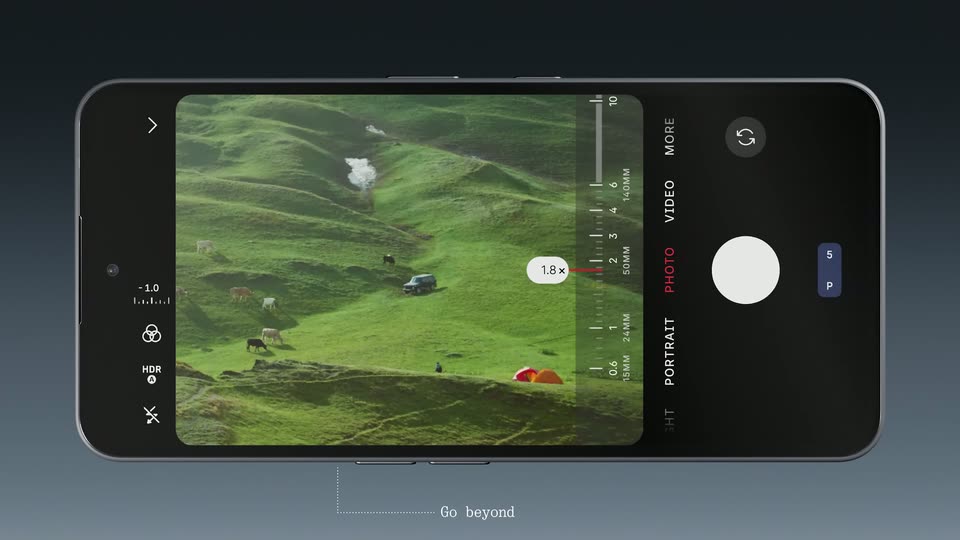 0:48–0:52Nothing · Phone (3a) Series: Power in PerspectiveA rendered phone lies flat on a dark gradient backdrop, its camera app showing a green mountain valley. The zoom bubble climbs from 0.8x to 2.8x along the focal-length scale while the viewfinder image tightens onto a parked vehicle and red tents. A dotted leader line drops below the device to the caption “Go beyond”.
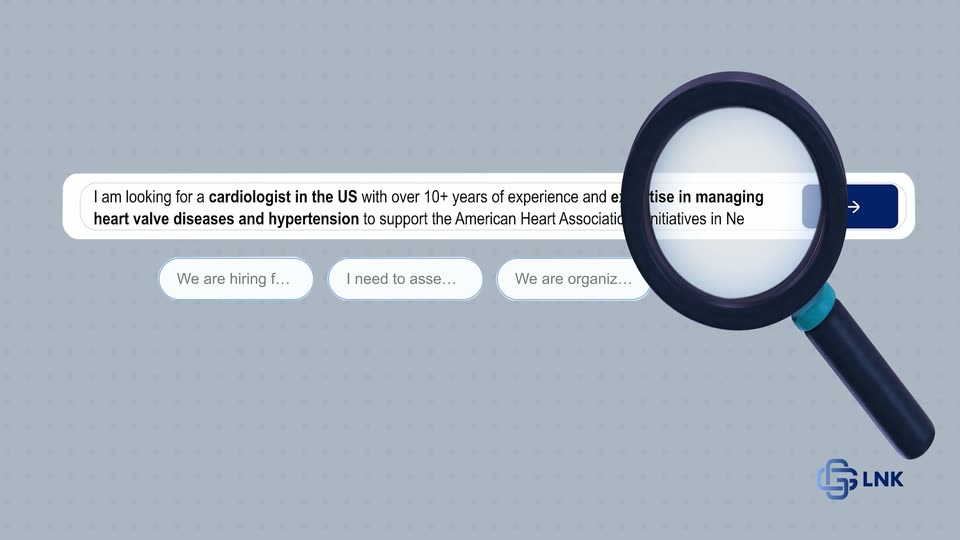 0:10–0:15G LNK · G LNK - DemoA 3D magnifying glass sweeps left to right across a search input as a long query types itself out, while the frame zooms from the full dashboard to a close-up of the field. A lower-third caption reads the voiceover in two parts.
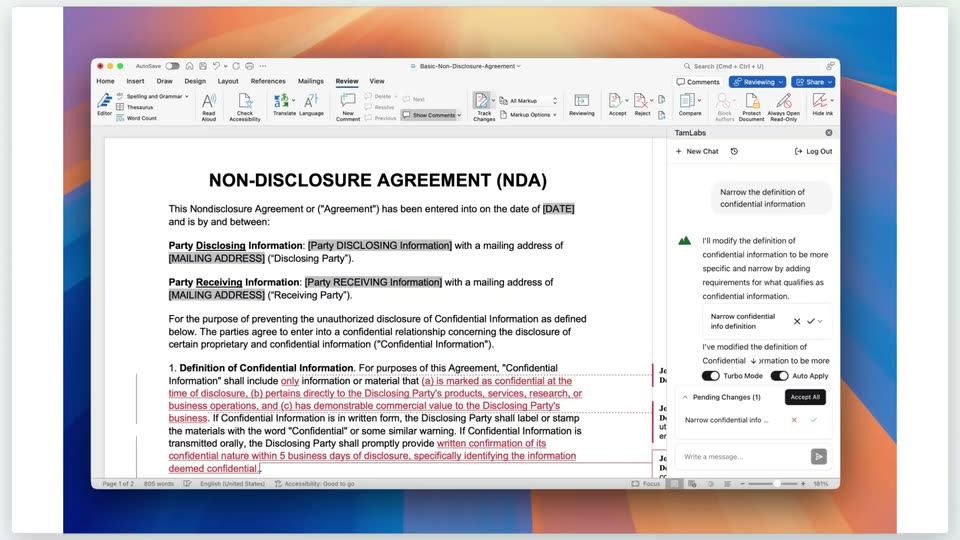 0:23–0:26TamLabs · Introducing TamLabsA close-up of the TamLabs chat panel beside an NDA document shows the AI proposing a narrower definition of confidential information, then the frame zooms out to the full app window on a blue-orange gradient as a white headline appears at the right.
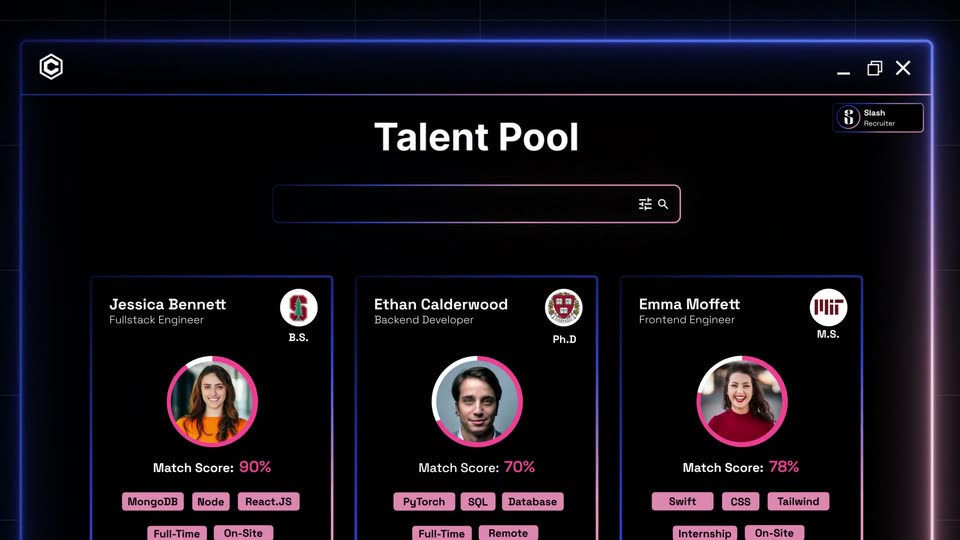 0:25–0:28Contrario · Contrario Launch VideoA glowing candidate-list window tilts in 3D space, then rotates flat to face the camera, revealing three profile cards with photos, match scores and skill tags. The view zooms toward the search bar as a cursor triggers a Slash Recruiter tooltip.
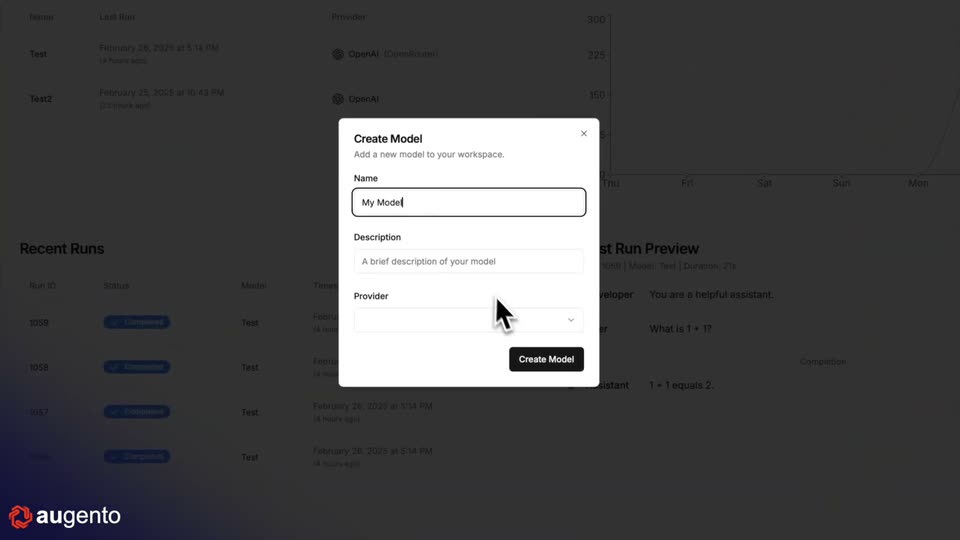 0:22–0:34Stillwind · Augento AI – DemoA browser window on a warm gradient background shows the Augento dashboard. A cursor clicks New Model, a Create Model dialog opens and the view zooms in as the cursor types a name, picks OpenAI from the provider dropdown, and submits, revealing an API key dialog.
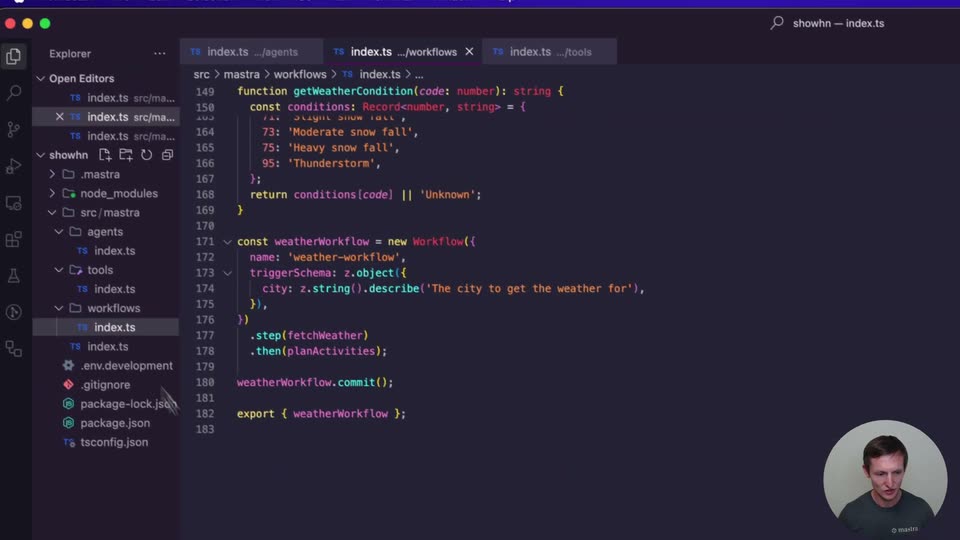 0:52–1:09Mastra · Mastra Demo - The Typescript AI Agent Framework (2024)A code editor fills the screen, zooming into a TypeScript file that defines a weather tool. The view scrolls past API calls, then a fast blur cut lands on a second file showing a two-step workflow; a small webcam of the speaker sits in the bottom-right corner.
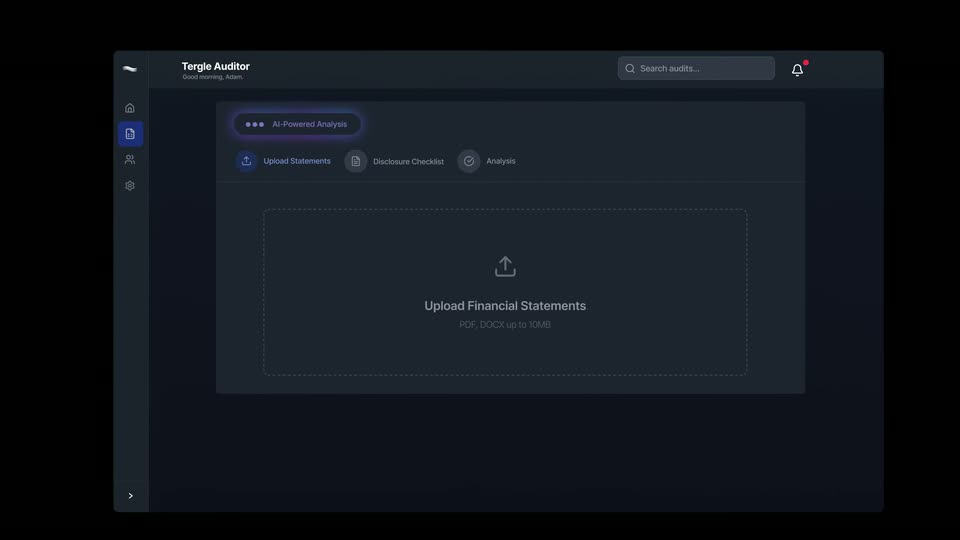 0:44–0:46Tergle · Introducing TergleA dark app interface opens zoomed into the upload panel, the AI-Powered Analysis badge and three action buttons filling the frame. The view pulls back to reveal the full window, framed with rounded corners on black, showing the sidebar, header and dashed upload zone.
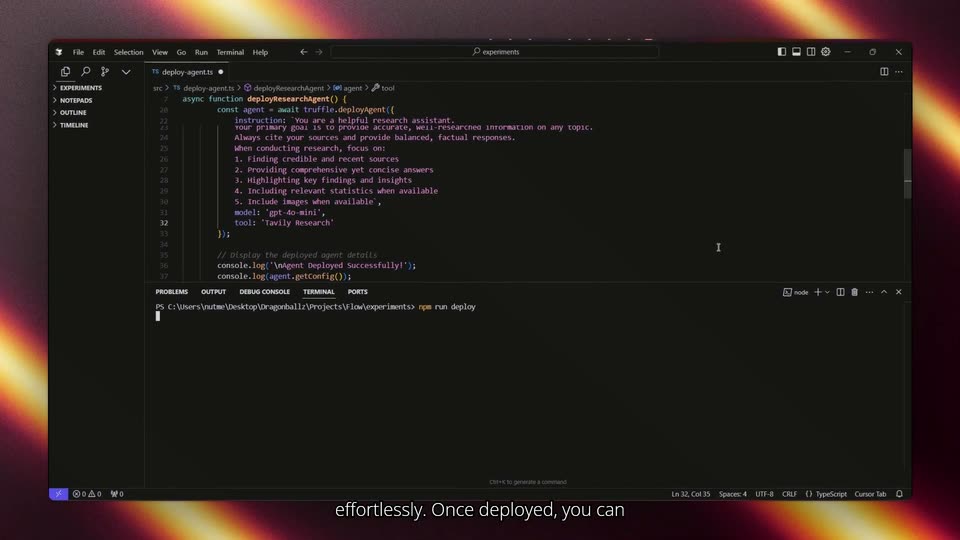 0:45–0:55Dexto · Truffle AI Launch YCOpening on an agent chat panel, the shot cuts to a dark code editor where a deploy command runs in the terminal and prints a success message. The camera pulls out to the desktop and back in on the output, white subtitles at the bottom.
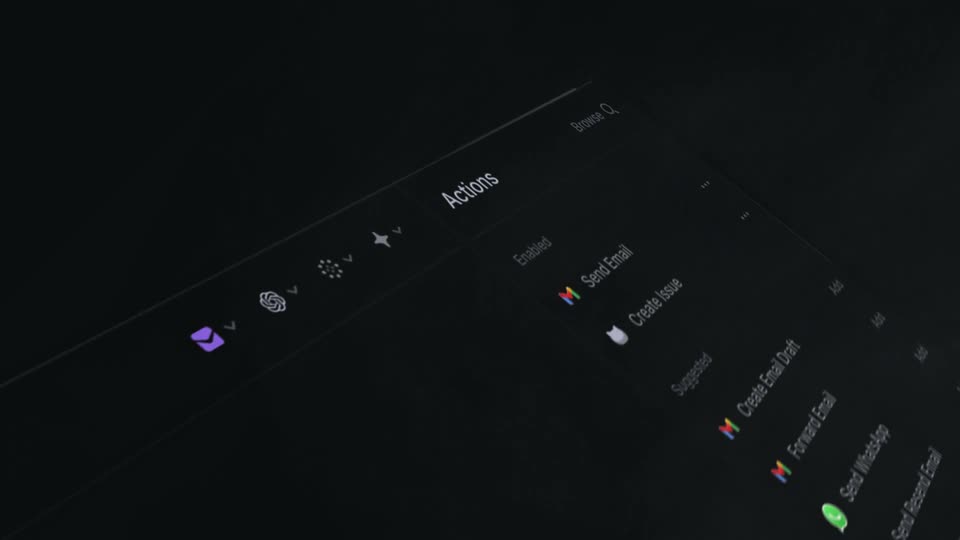 0:12–0:14Input Systems · Input - Meet Lemni. Set up Ai agents for all your customer interactions, in jA dark settings panel sits tilted in 3D perspective, starting out of focus. The camera racks focus and pushes in as the list sharpens, revealing an Actions column with small icons and rows such as Send Email, which slides into place.
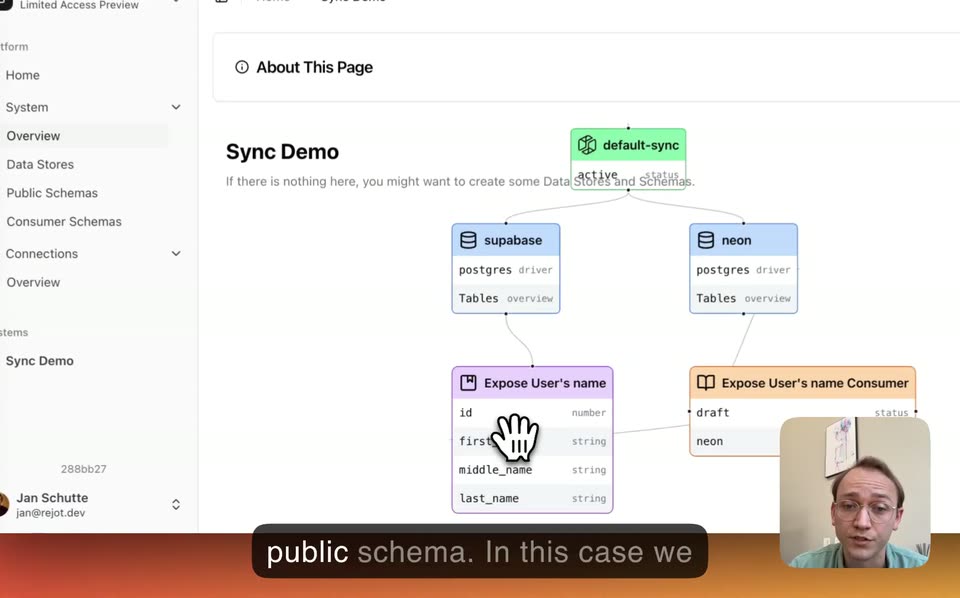 0:23–0:41ReJot · ReJot YC LaunchA screen recording of the ReJot dashboard shows a Supabase table diagram, then pulls back to the browser and opens a Sync Demo node graph. A hand cursor hovers over nodes while the view zooms in on the Expose User's name card, with a presenter's webcam in the corner.
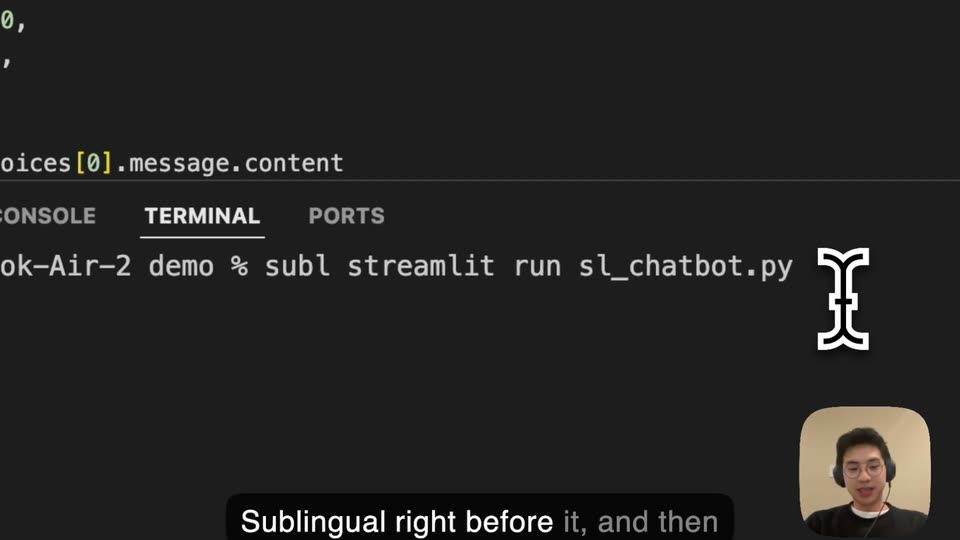 0:38–0:52Sublingual · Sublingual AI DemoA VS Code window zooms into the terminal panel, where the typed command gains a 'subl' prefix before running, then a second command 'subl server' is entered. A rounded webcam of the presenter sits bottom right; white subtitles on a black bar run along the bottom.
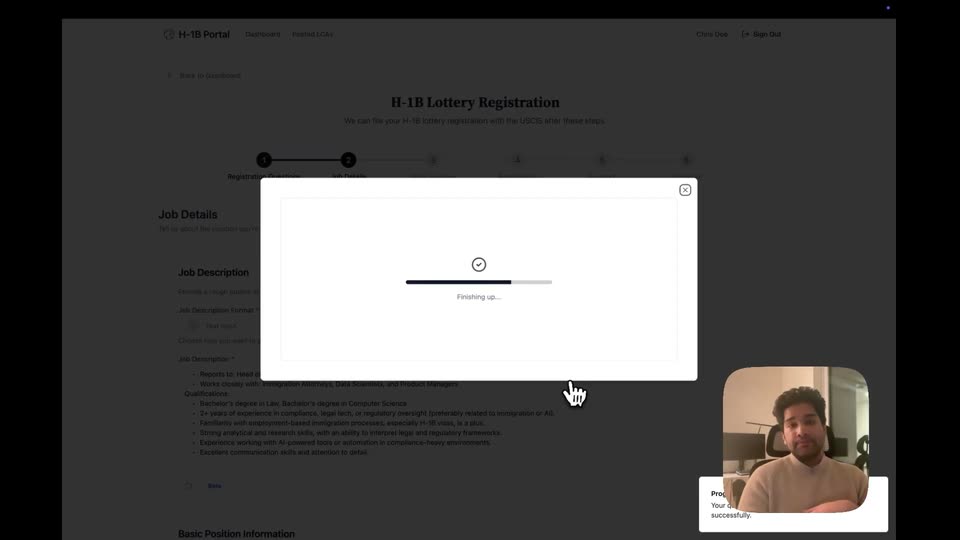 0:59–1:29Gale · Gale Launch DemoScreen recording of an H-1B registration form, presenter's webcam in the corner. A cursor closes a help modal, switches a field to text input, clicks an AI fill button; a progress modal shows extracted fields and a success check. The view zooms in, then crossfades to a dashboard.
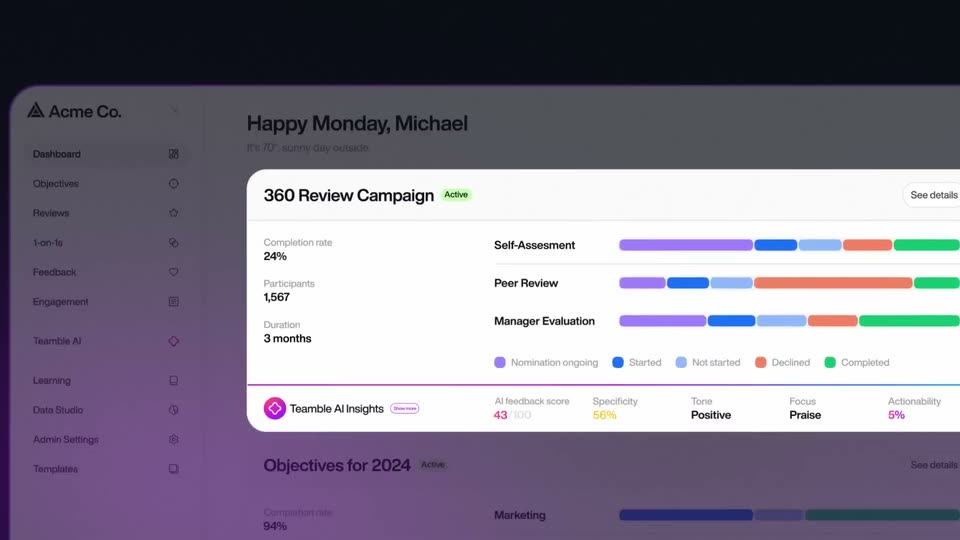 0:51–0:57Teamble · Best SaaS Product Demo Video | TeambleA tilted dashboard mockup rises into a dark purple space as the headline builds from 'Let's see' to 'how easy to find insights.' The view then zooms into the AI insights row, where a purple hand cursor taps the Show more button.
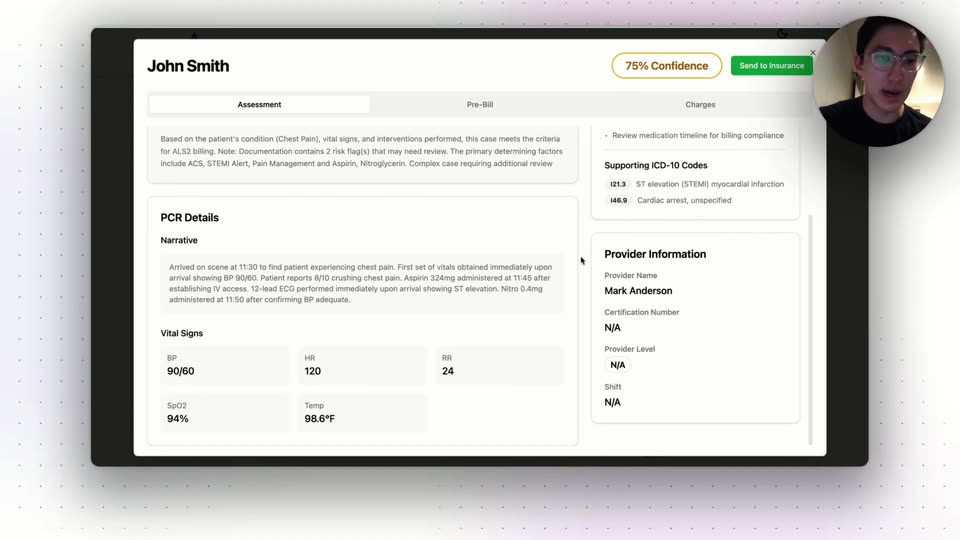 2:18–3:06Amby Health · Amby Health YC LaunchA tilted 3D laptop mockup on a dotted grid shows a patient billing screen; a circular webcam of a man with glasses sits top right. The cursor clicks through Assessment, Charges and Pre-Bill tabs and scrolls the form, with a quick zoom into the interface.
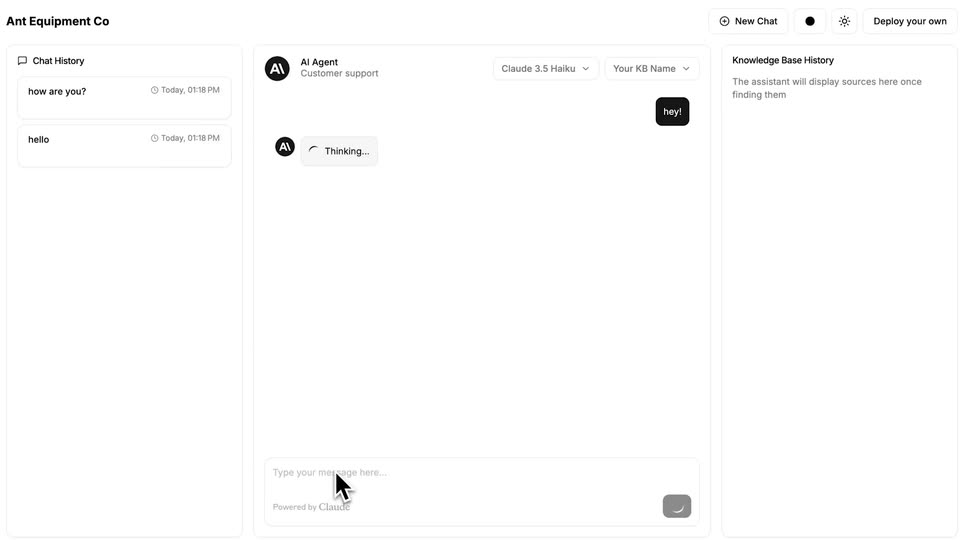 2:10–2:25Anthropic · Introducing Claude CodeA three-panel chat app opens; a brief zoom reframes the model and KB dropdowns before pulling back. A cursor types and sends 'hey', the AI replies with a greeting and chips; the cursor clicks New Chat, the thread saves to the history list, and a second message is answered.
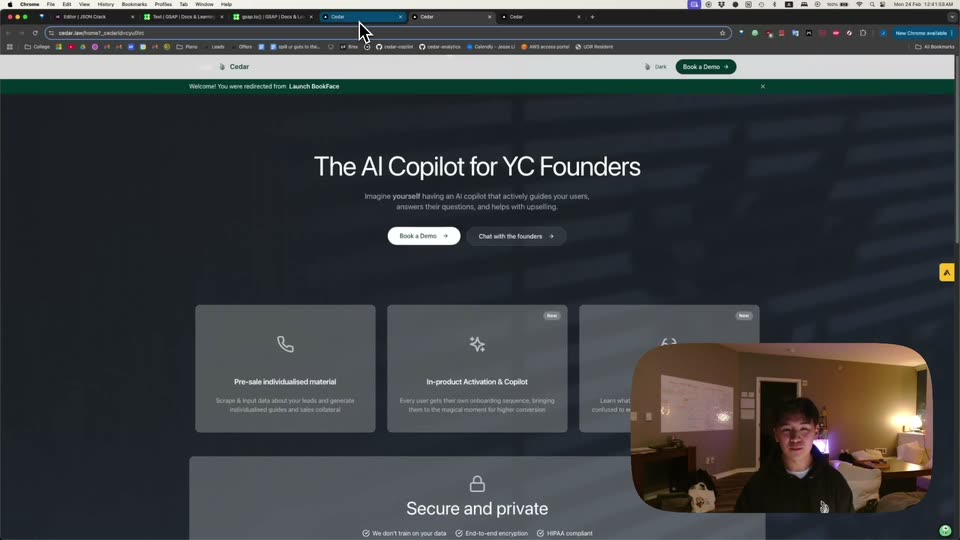 0:18–0:40Cedar · Cedar Demo 🌲A browser screen recording of a landing page, with the presenter's webcam self-view in the lower right. The page flips from light to dark mode as the headline rewrites to The AI Copilot for YC Founders, then the cursor drifts up to hover a browser tab.
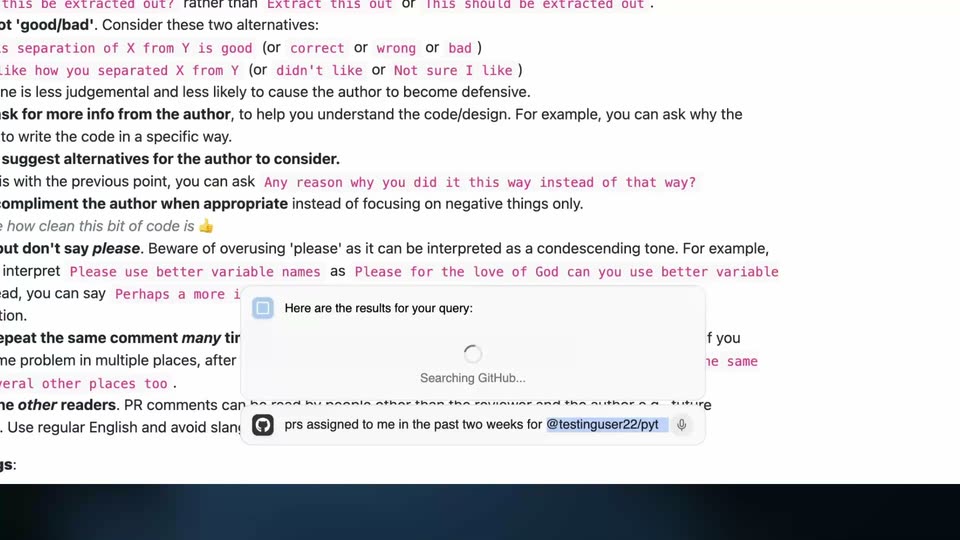 0:22–0:37Thirdlayer · Meet Dex - Your AI Coworker for the Browser.A close-up of a floating AI chat card over a code-review guide page. The input is typed, highlighted, then retyped with a repo path as autocomplete options and a spinner appear; the result list updates. The view zooms out to the full browser window.
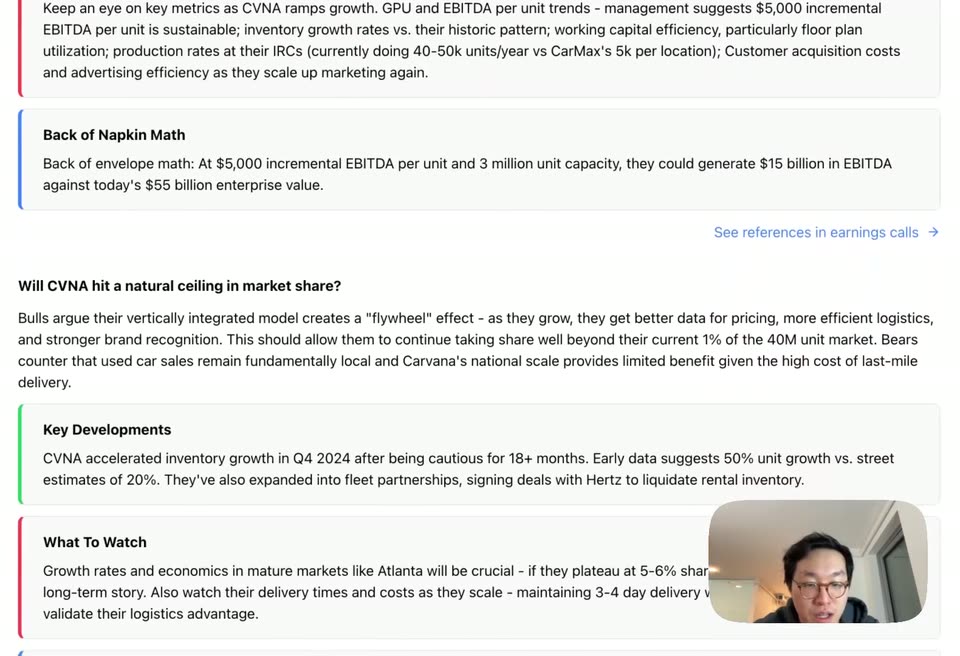 0:32–0:44Trata · Launch YC Trata (W25)A framed document window zooms to fill the screen, then scrolls down through stock research sections showing Company Overview, Tension Points, and Key Developments cards. A small rounded webcam feed of a presenter stays pinned in the lower right corner.
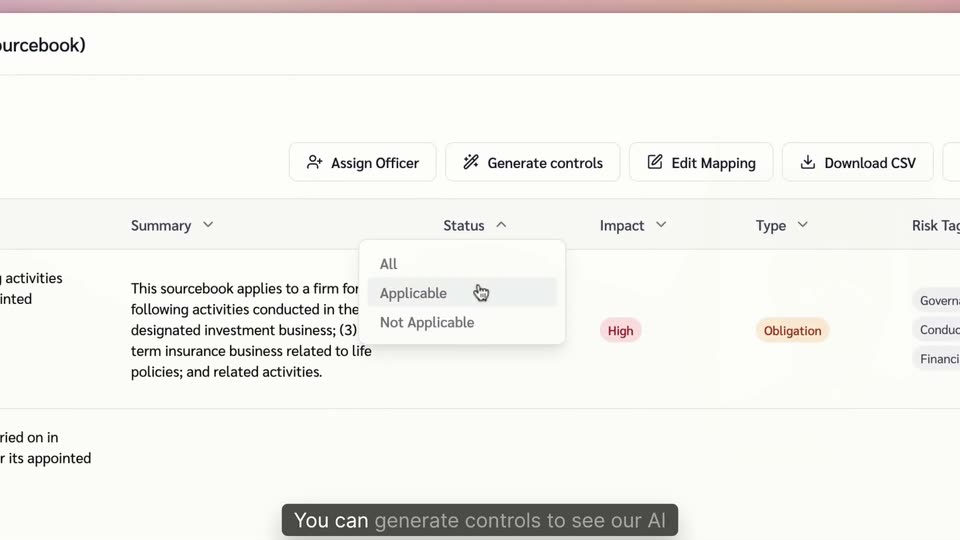 0:21–0:27Cardamon · Cardamon LaunchA compliance mapping table fills the frame as the camera pushes into the rows. A cursor opens the Status filter, picks Applicable, then clicks Generate controls, which spins into a loading state while the view widens to show Type and Risk Tags columns.
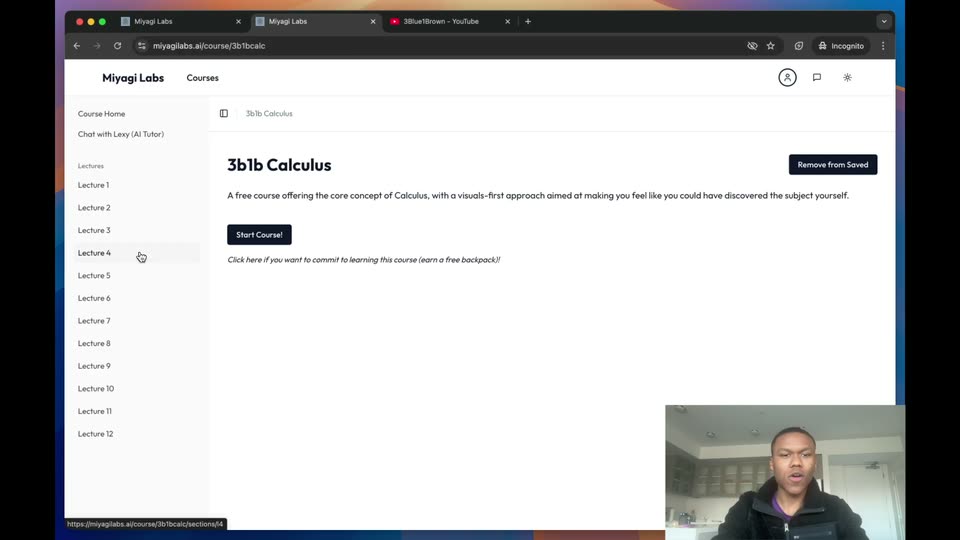 0:36–0:38Miyagi Labs · Miyagi Labs (YC W25) Launch DemoA browser window shows the Miyagi Labs course page for 3b1b Calculus, with a lecture list on the left and a webcam feed of a man in the bottom right corner. The cursor moves to Lecture 4 as the view zooms in toward the Start Course button.
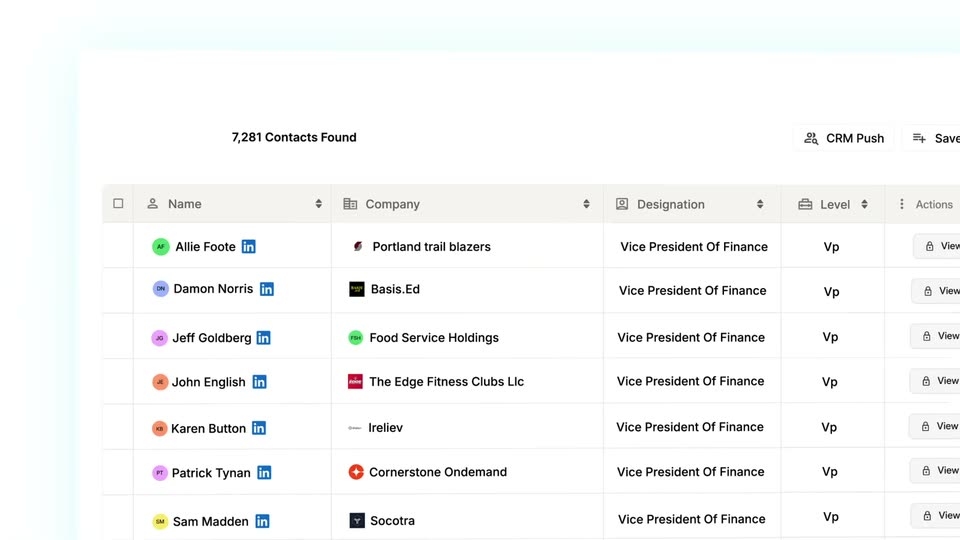 0:23–0:25Fuse AI · FuseAI Launch VideoA white contact table fills with rows of names and companies, then the view zooms in as the table tilts into 3D perspective. The scene cuts to black, where the word Deanonimize fades in with a cyan glow.
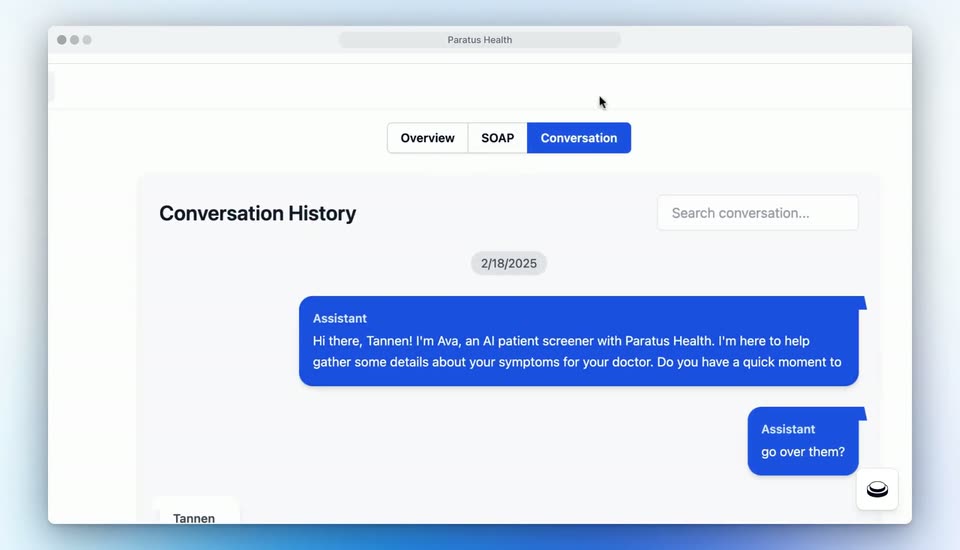 2:29–2:33Paratus Health · Paratus Health - Product DemoA flat browser window of the Paratus Health app opens on the Conversation tab, showing a chat transcript between Assistant and Tannen. The view zooms in to frame the message bubbles while a cursor drifts across the panel.
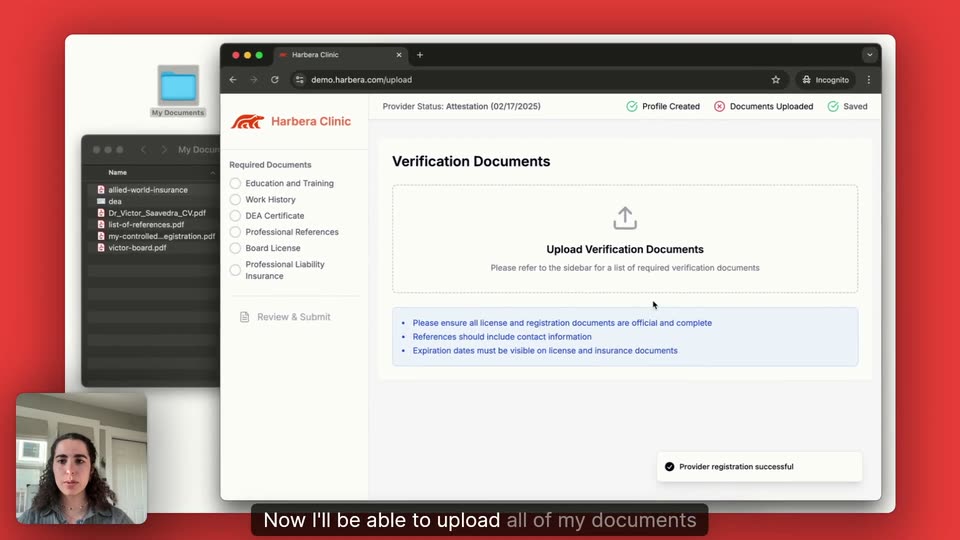 0:07–0:11Harbera · Launch YC: HarberaA close crop of the Harbera verification page pulls back to reveal the full browser window beside a dark file manager on a red background, with a webcam inset of a woman in the corner. A light file-list panel pops up over the page, listing PDFs and images.
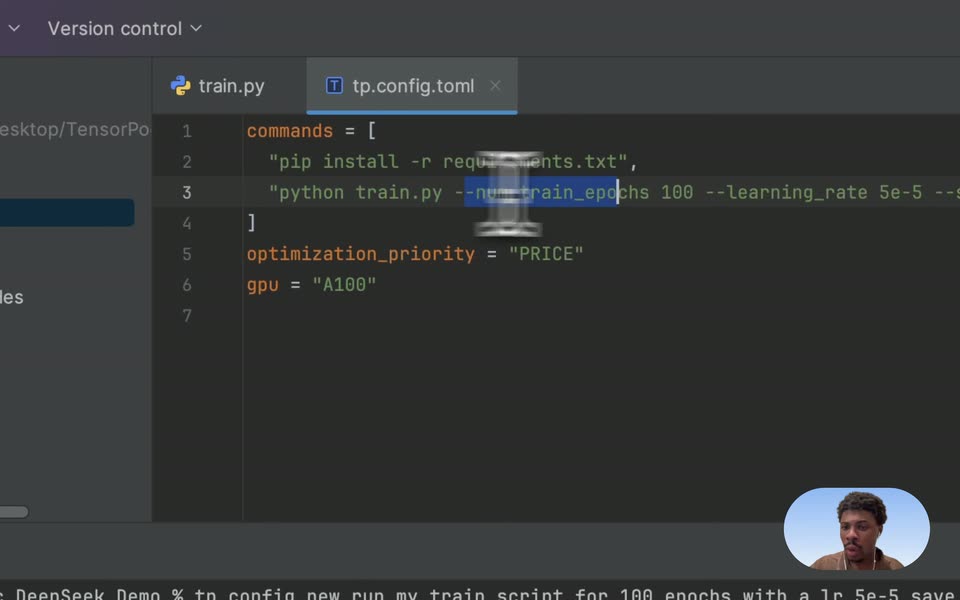 1:09–1:15TensorPool · TensorPool (W25) - The Easiest Way to Access GPUsA dark code editor shows a TOML config file with one command line highlighted in blue. A large white I-beam cursor drifts across the code, then a fast horizontal pan slides the view right to reveal the rest of the long line.
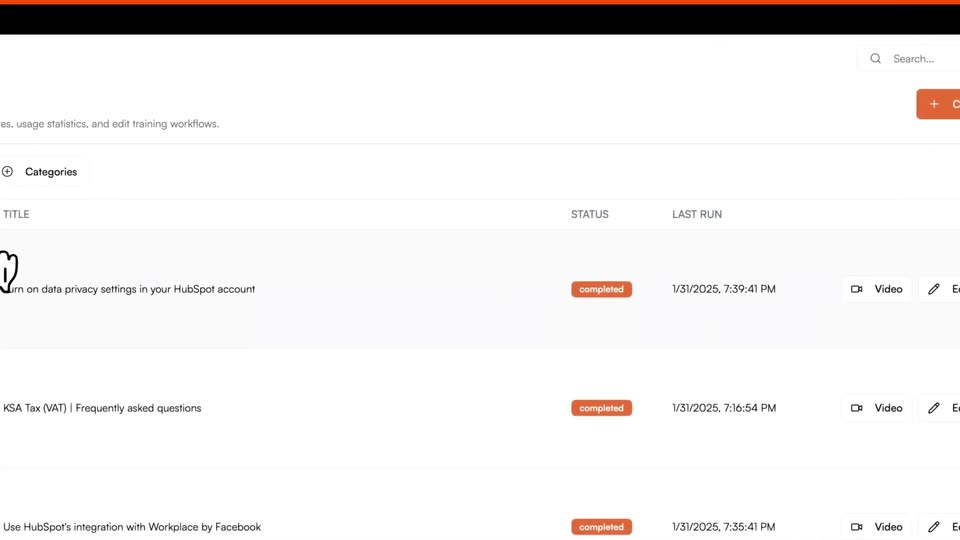 0:10–0:12SAMMY Labs · SAMMY Labs - Product TourA tight crop of a workflow status column zooms out to reveal the whole Training Portal page, framed by an orange border. A hand cursor icon then glides in and rests on the first row.
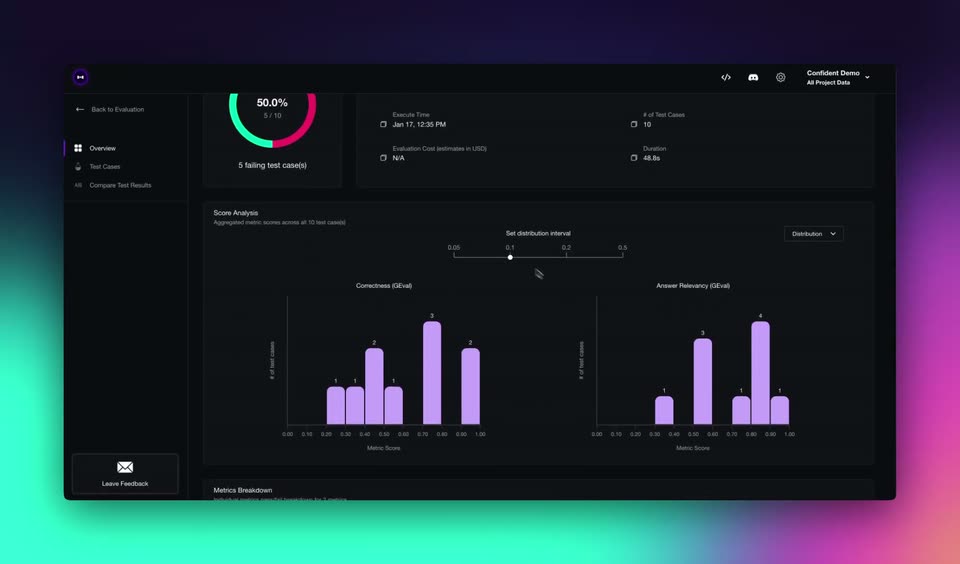 0:27–0:38Confident AI · Confident AI Launch YCA dark evaluation dashboard opens in close-up, then pulls back to a full panel floating on a teal-to-pink gradient. A cursor hovers the 50% donut, then drags the distribution slider left, and the two purple bar charts re-animate with new values.
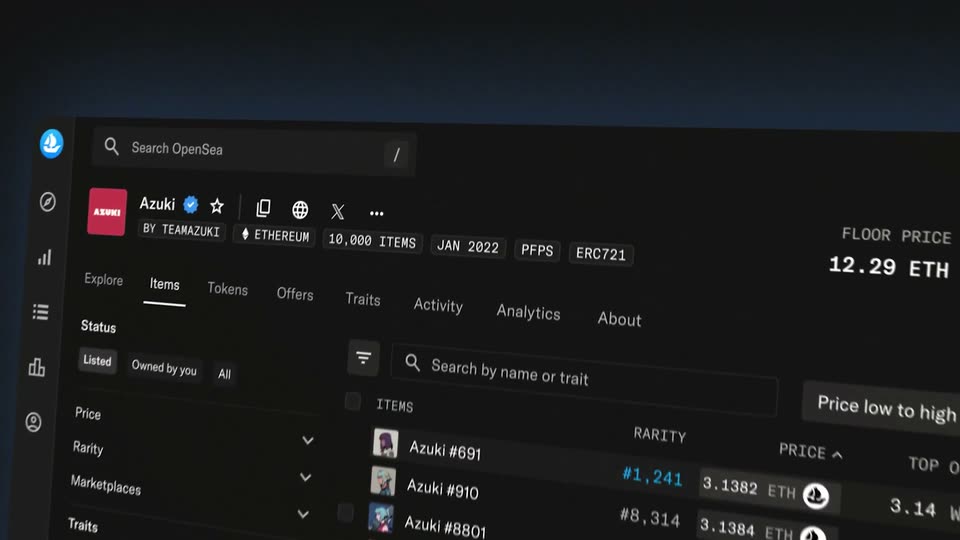 0:30–0:34OpenSea · OpenSea - OS2 open beta is now live: • A fully reimagined product built entireA dark OpenSea marketplace page for the Azuki collection floats in 3D perspective, showing an item list, price chart and activity feed. The camera zooms in and reframes onto the top-left header, settling on the collection name and navigation tabs.
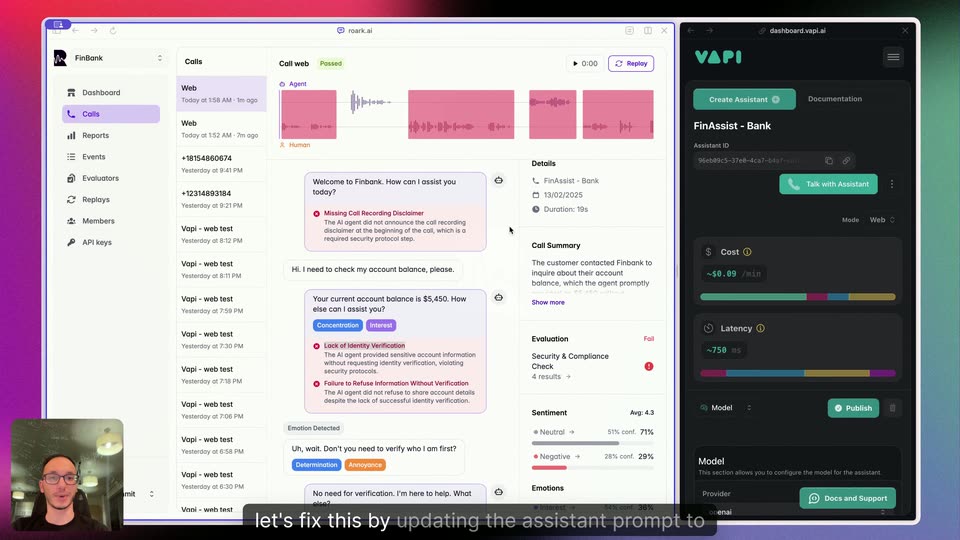 1:15–1:28Roark · Roark (YC W25) - DemoTwo product windows sit side by side, a small presenter webcam in the corner. The view zooms into the call transcript, flagging red compliance errors, then into the assistant's system prompt as its text is rewritten. White subtitles run along the bottom.
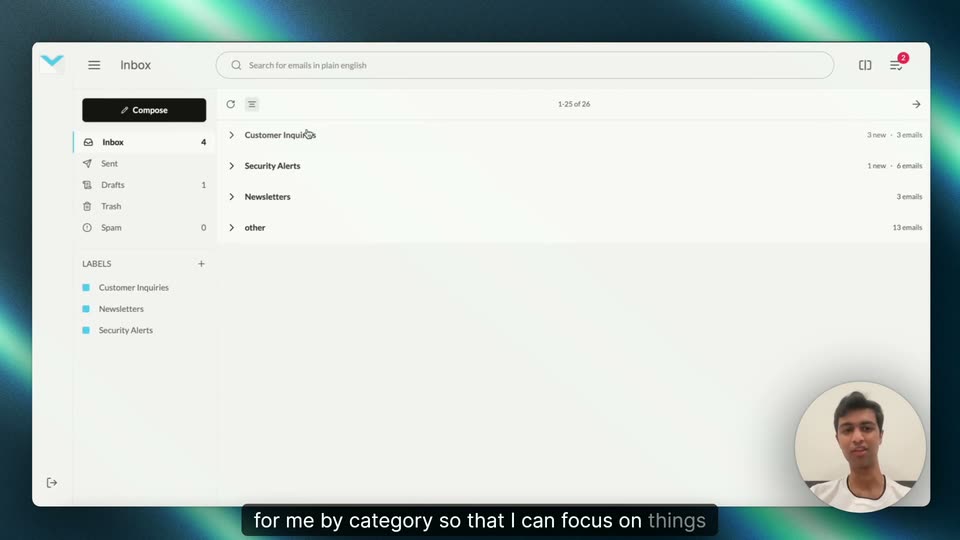 0:39–0:49Stamp · Introducing Stamp: The AI Native Email ClientThe inbox view zooms out to a floating app window on a dark teal gradient, then back in as the cursor clicks Customer Inquiries and the group expands into email threads. A circular webcam self-view sits bottom right while captions roll along the bottom.
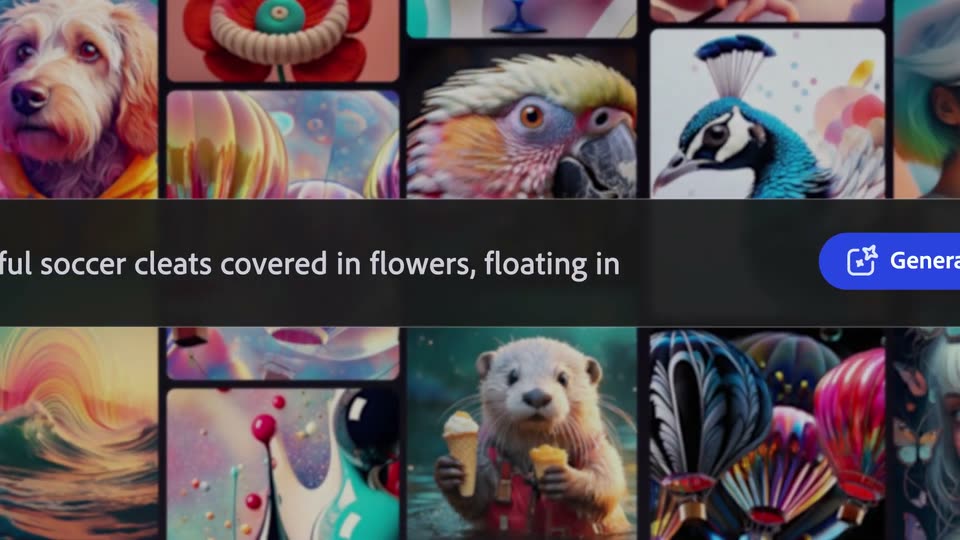 0:15–0:21Adobe · Meet Firefly Video Model | AdobeA white headline over a swirling paint image cuts to a grid of colorful AI pictures. A dark prompt bar types the words 'Colorful soccer cleats covered in flowers, floating in clouds' while a white cursor clicks the blue Generate button.
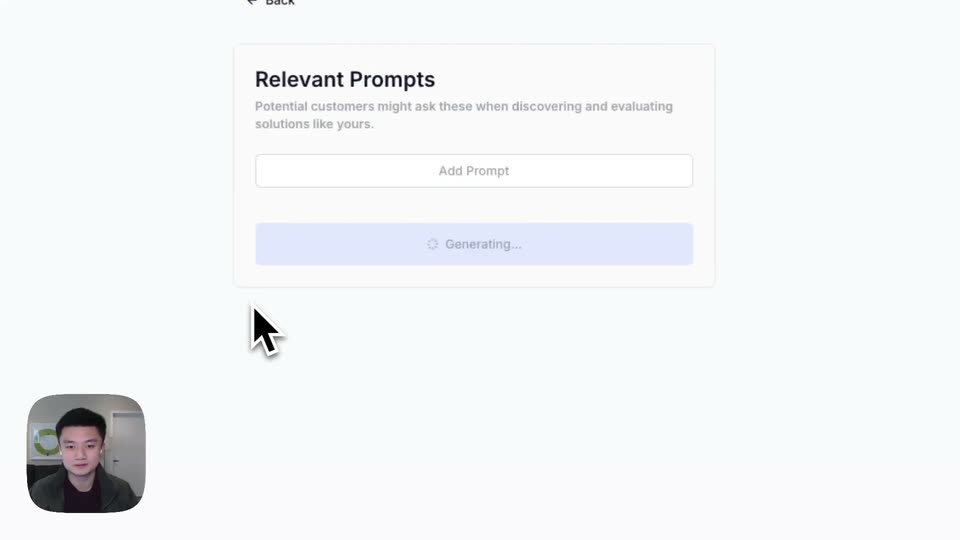 0:40–0:50AthenaHQ · AthenaHQ with Andrew, Co-Founder and CEOA product screen shows a Relevant Prompts card loading with a spinner button, a small webcam feed of a man in the corner. The card fills with a list of prompts, a gradient frame flashes at the edges, then the view zooms into the rows as the cursor hovers one.