UI zoom
A zoom or reframe onto one part of the interface.
10,013 scenes · page 84 of 167
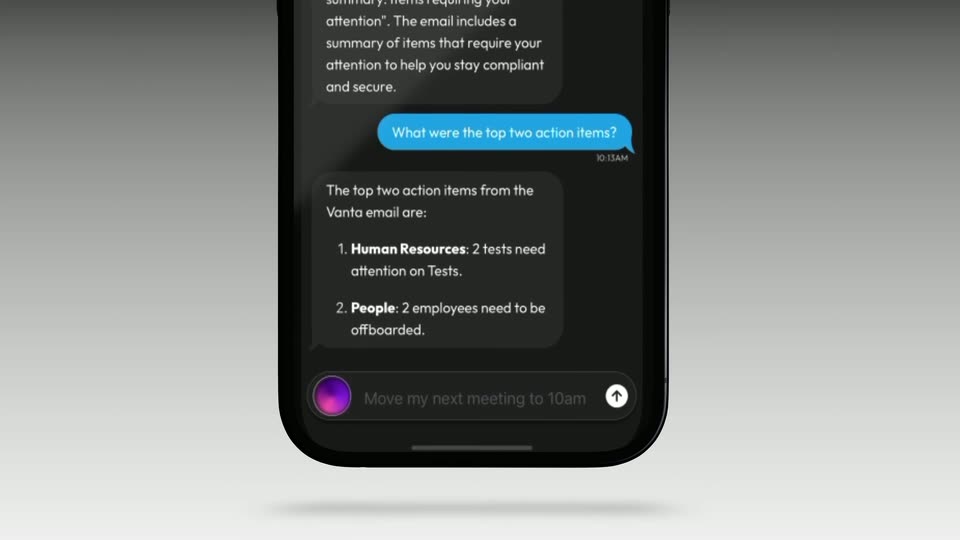 0:11–0:18Doublezero · Introducing Ceejay, your personal assistant for work.A floating 3D phone on a gray gradient background as the camera zooms into the screen. A chat app types and sends a question about the Vanta team, shows a searching state, then a reply bubble; a second question is typed and answered with a numbered list.
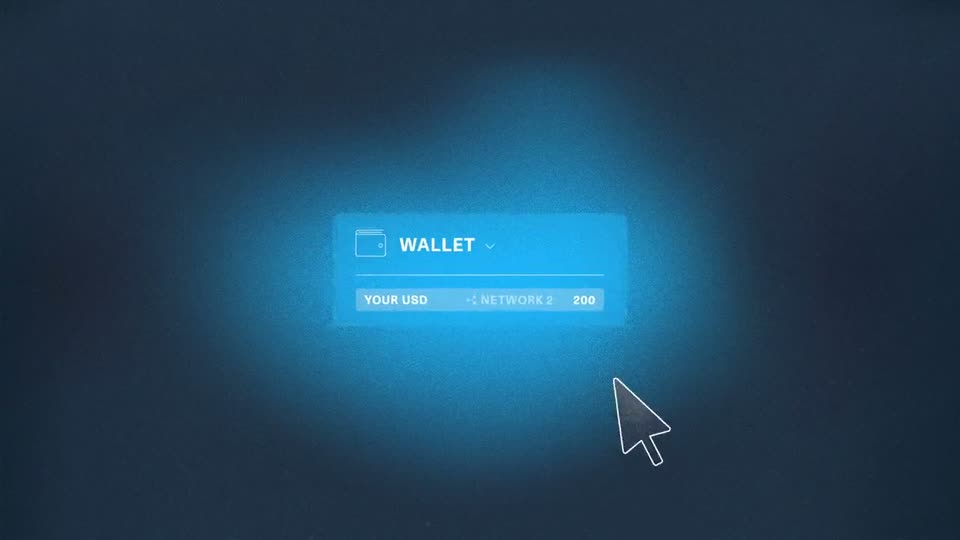 0:21–0:25Arbitrum · Arbitrum - The days of waiting 7 days to move your assets are gone. Fast WithdrA white two-line headline holds over a soft blue glow on a dark field, then fades away. A small wallet card with a dropdown row pops in beside a large outlined cursor, and the view zooms into the card until the wallet screen fills the frame.
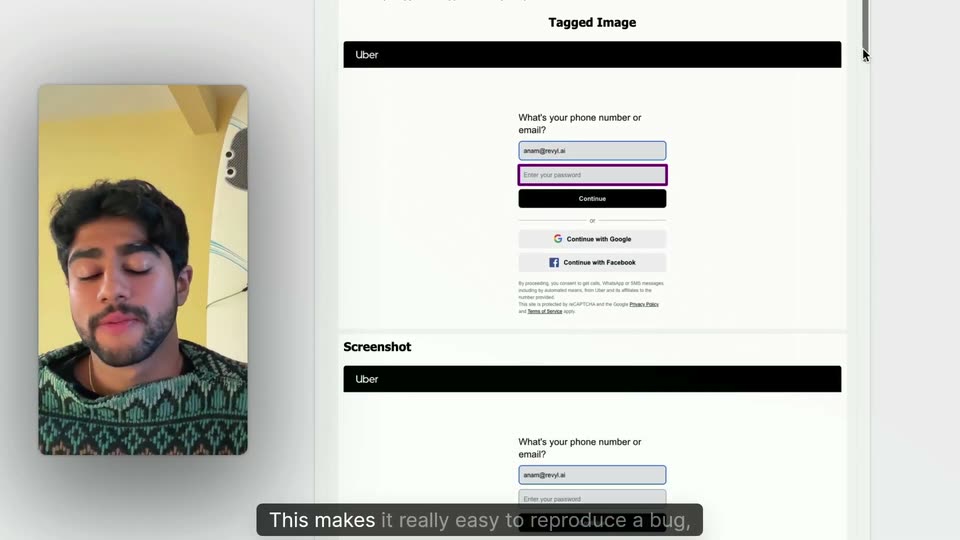 0:33–0:43Revyl · Launch YC: Revyl (F24)A presenter's webcam sits at left beside a large screen showing a Test Report. The view zooms into the report and scrolls down past numbered steps, each with a tagged image and screenshot of the Uber login form. Subtitle captions read at the bottom.
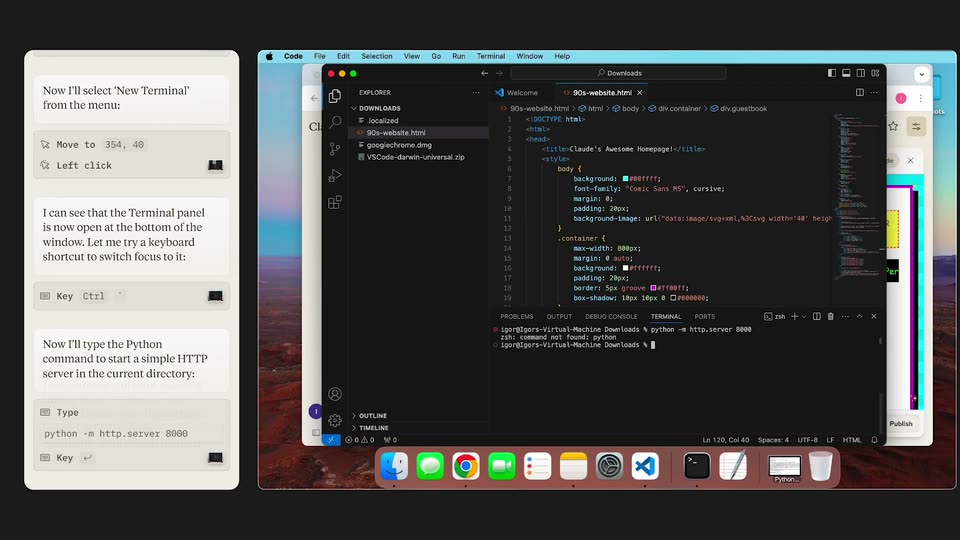 1:41–1:59Anthropic · Claude | Computer use for codingA split layout pairs a scrolling chat and action log on the left with a flat macOS screen on the right. A cursor opens the Terminal menu in VS Code, picks New Terminal, types a Python command that errors. The right side pushes in at the end.
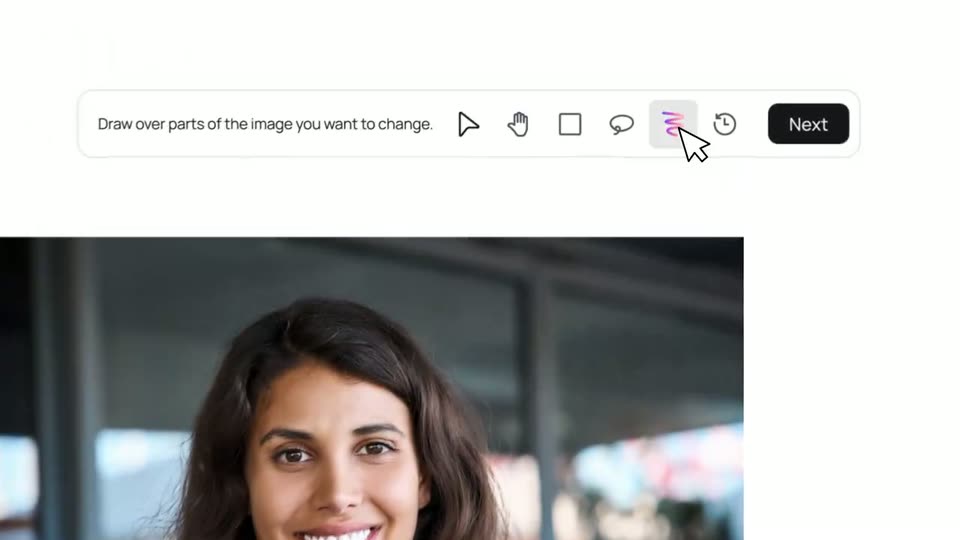 0:09–0:10Ideogram · Ideogram - Today, we’re introducing Ideogram Canvas, an infinite creative boardA light editor view with a smiling woman's portrait zooms into the top toolbar. A cursor glides right and hovers a wavy brush icon that tints pink, just left of a black Next button.
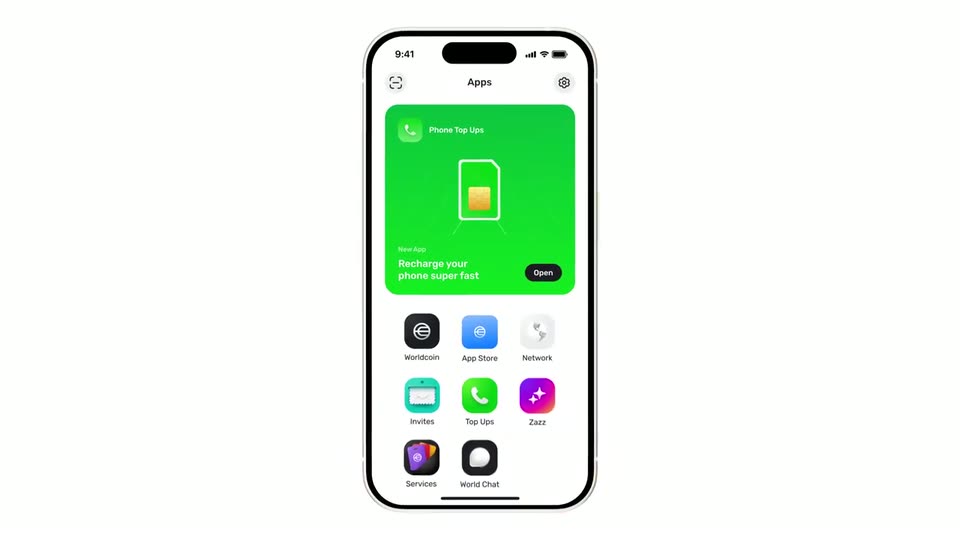 0:14–0:17World · World - Introducing World App 3.0, the super app for humans. Now featuring MiAn iPhone mockup in 3D perspective sits centered on white, its screen showing the Apps view: a green banner with a SIM card icon and a grid of app icons. The interface eases into place from a brief zoom, the banner and icons sliding to their final positions.
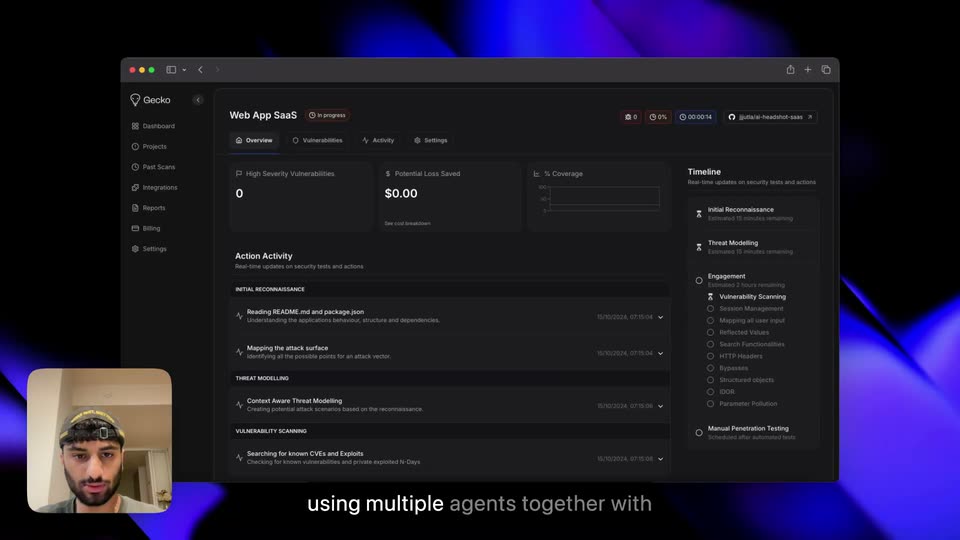 0:33–1:00Gecko Security · Gecko AI — Web App DemoA tilted dark browser window with the Gecko dashboard floats over a blue abstract background, presenter webcam inset bottom-left, white subtitles below. Activity rows populate the feed, then the frame zooms to the flat UI as a cursor clicks the Vulnerabilities tab and a results table appears.
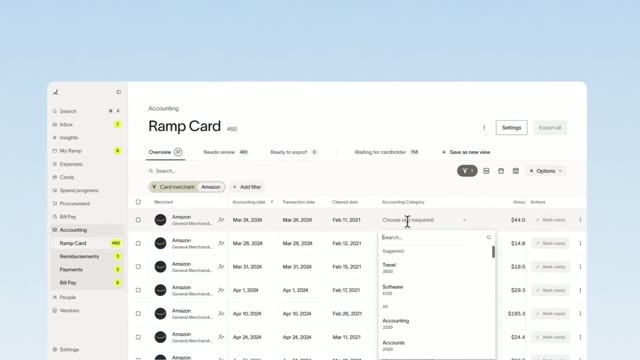 0:46–0:47Ramp · Meet Ramp: A smart finance operations platform that saves you time and moneyA flat Ramp Card accounting screen shows a table of Amazon transactions with an open Accounting Category dropdown. A cursor clicks the dropdown, then the view zooms in on the table.
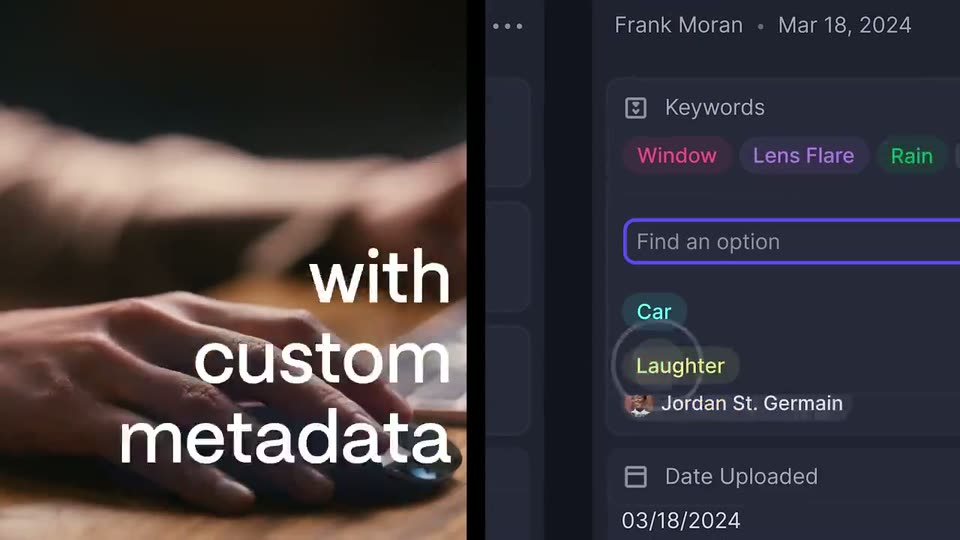 0:03–0:06Frame.io · Frame.io - Move creative projects forward faster with Version 4.Split screen: a hand works a mouse on a wooden desk at left while a dark metadata panel scrolls and zooms into a keyword detail view at right. A white headline builds line by line over the footage.
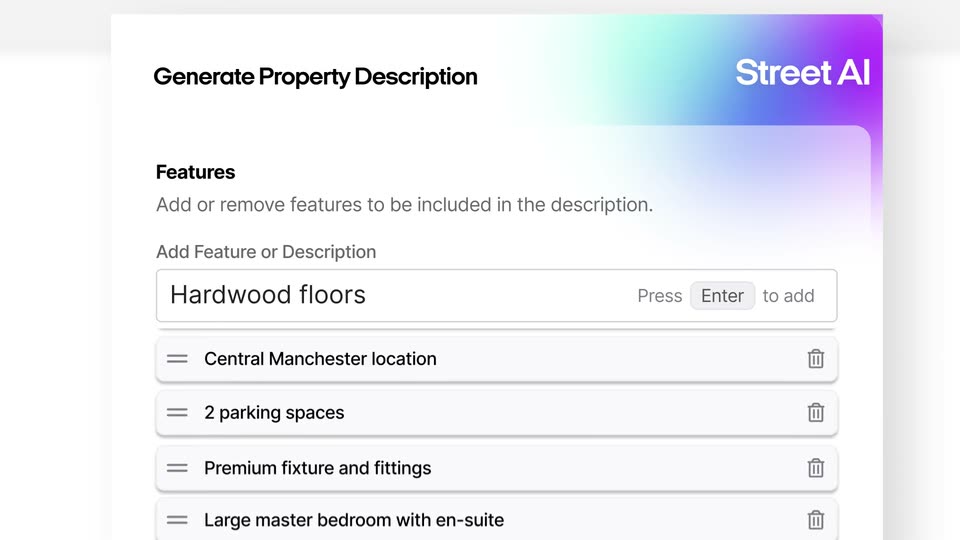 0:05–0:08Street · Street.co.uk - Street AIA white modal card with a teal-to-purple gradient shows a feature input where 'Hardwood floors' is typed. The view then zooms into the feature list and settings, and a cursor rests on the blue Save and Insert button.
 0:08–0:10Jam · Jam.dev - Our biggest launch yet! ⚡️ Meet Jam for Customer Support End-user reA flat browser window on a purple background shows a white 'Ready to record?' dialog with a green Start recording button. A cursor moves in and clicks the button, then the view zooms tight onto the dialog as a large step caption slides in.
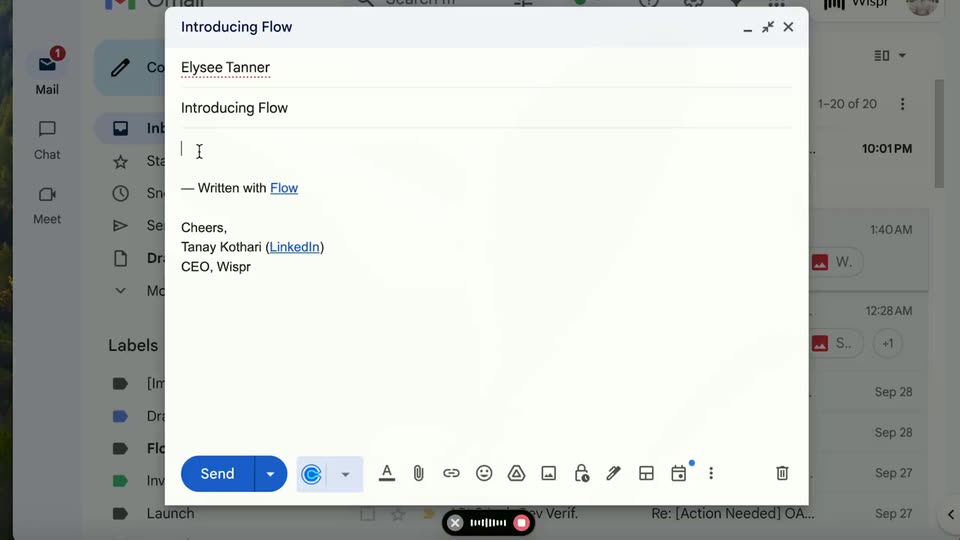 0:27–0:41Wispr Flow · Wispr Flow - Today, we’re excited to announce Wispr Flow 🚀 Just speak, and FlowA Gmail compose window scales into the center over a dimmed inbox, with a presenter's webcam in the top-right corner. The AI fills the body with a three-point list, then the view zooms into the message.
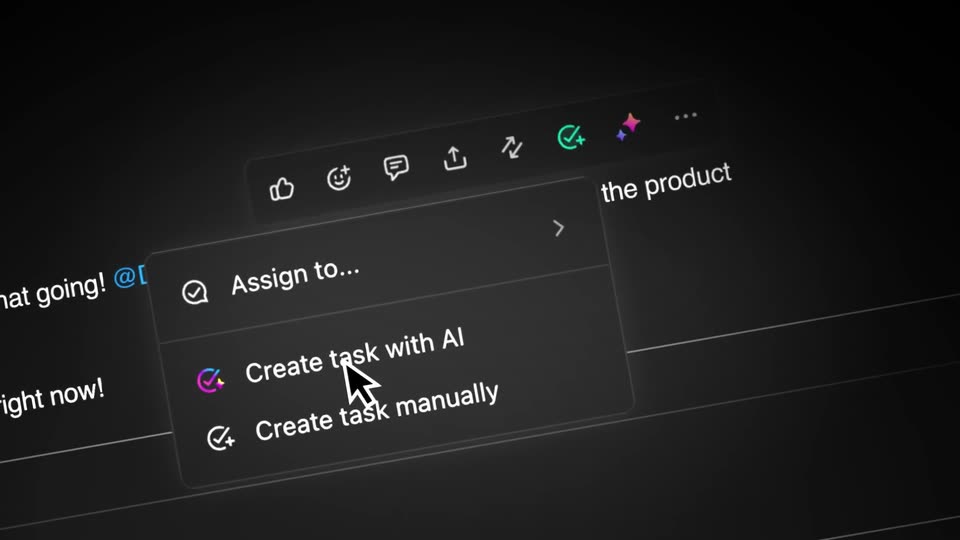 0:27–0:32ClickUp · Introducing ClickUp ChatA dark chat thread sits tilted in 3D perspective. The view zooms onto one message's action bar, a cursor clicks the sparkle icon, and a dropdown opens listing task options before the screen fades to black.
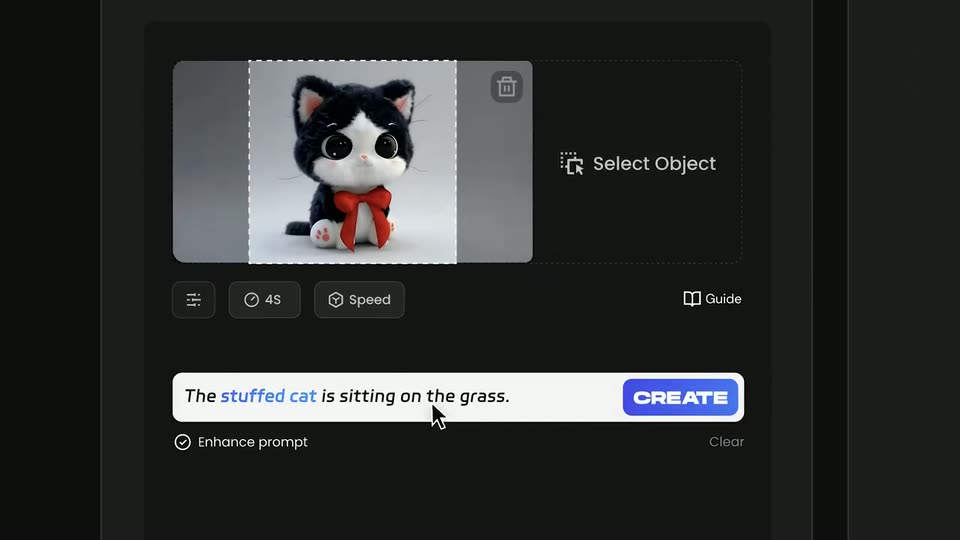 0:07–0:12Vidu · Vidu AI - 🥳Object Consistency is here!🚀 With the new "Reference to Video" featA dark video-creation interface shows a cursor dropping a cat photo into a dashed drop zone, then clicking the blue Create button beside a filled prompt field. The view reframes onto the input row as a generated clip of the cat on grass slides in at the right.
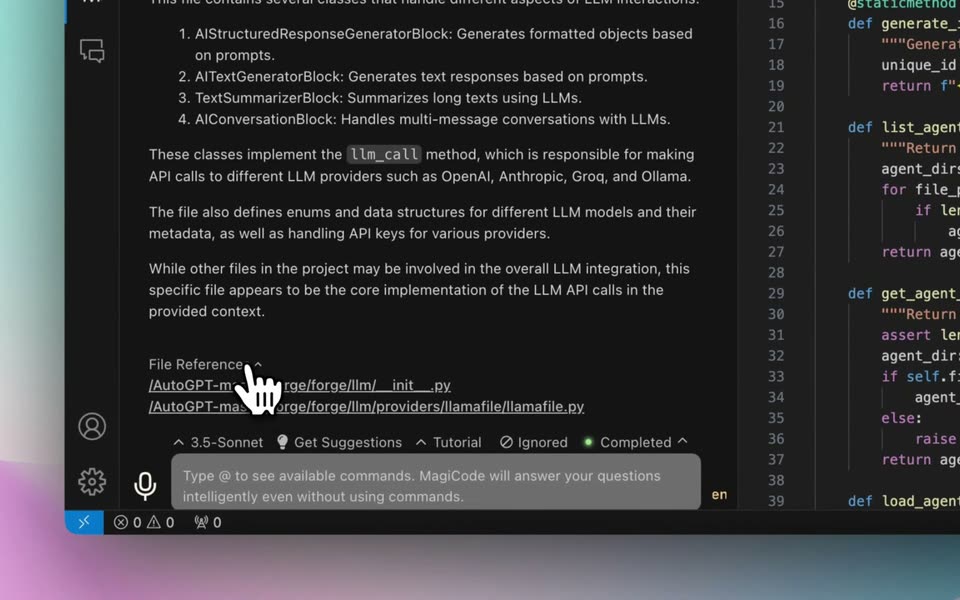 0:04–0:31MagiCode · MagiCode: Your Proactive Pair ProgrammerA dark code editor zooms between a full window and a close-up of a chat panel. A query is typed, an AI answer streams in with file paths, then a hand cursor expands the references and opens a file showing Python code.
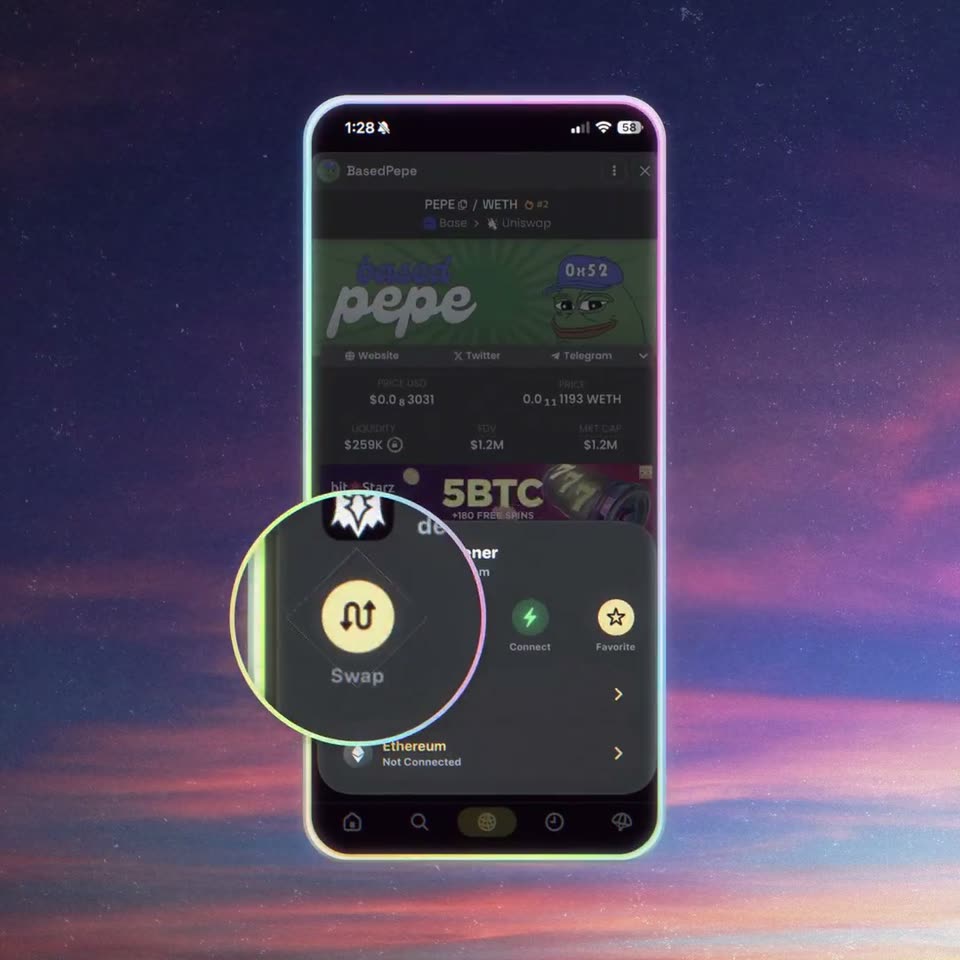 0:13–0:14Rainbow · Rainbow - Introducing Degen Mode — bringing bot-like speed to your trades withoA 3D phone mockup rotates from an edge-on rainbow slab to a flat face, revealing a dark crypto wallet screen. A circular magnifier hovers over the Swap button against a starry purple sky.
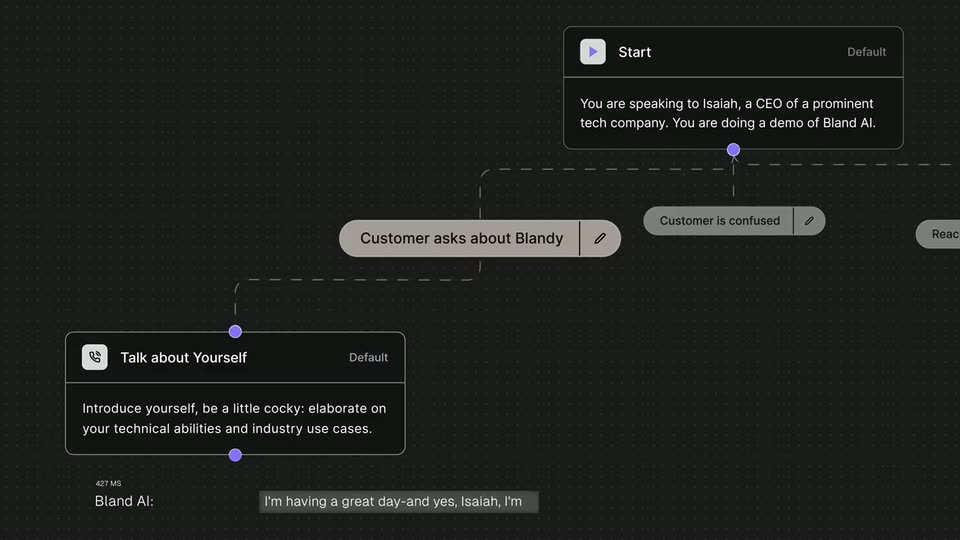 0:25–0:37Bland · Bland - Today, marks a major milestone for us. We’ve closed our series A withA dark dotted-grid canvas shows a Start card branching into three gray pills; the view pans down-left to reveal a new node, while a bottom transcript types out the user's question and the AI's reply.
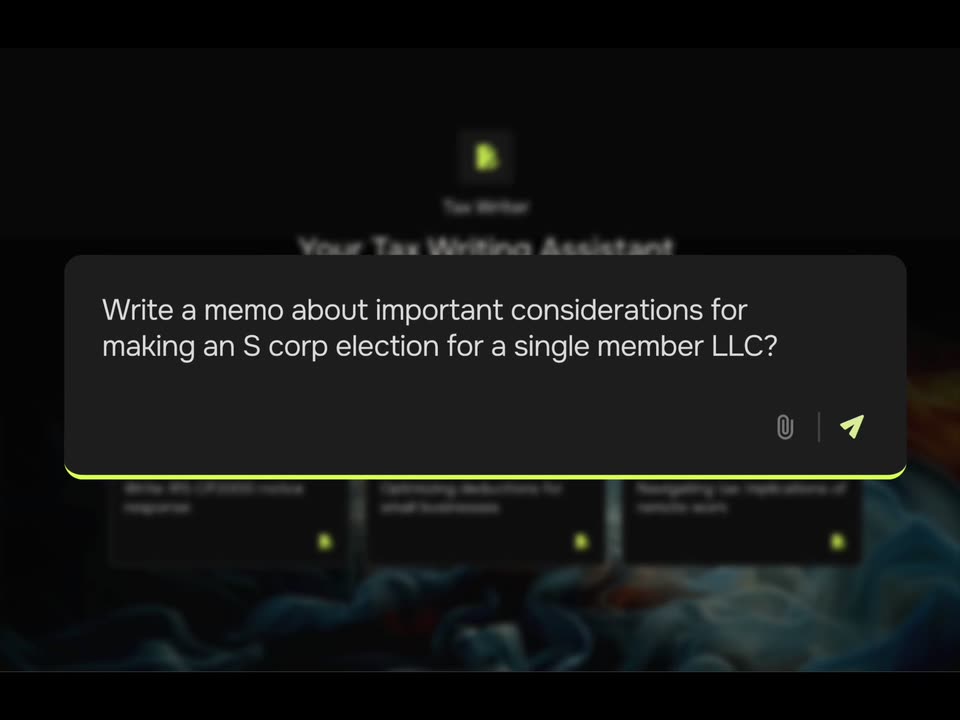 0:28–0:33TaxGPT · TaxGPT: AI Tax co-pilot for accountants and tax professionalsA dark assistant interface with drifting smoke sits center frame. The view zooms into the input field while a prompt is typed, then eases back out as a numbered answer streams in below it.
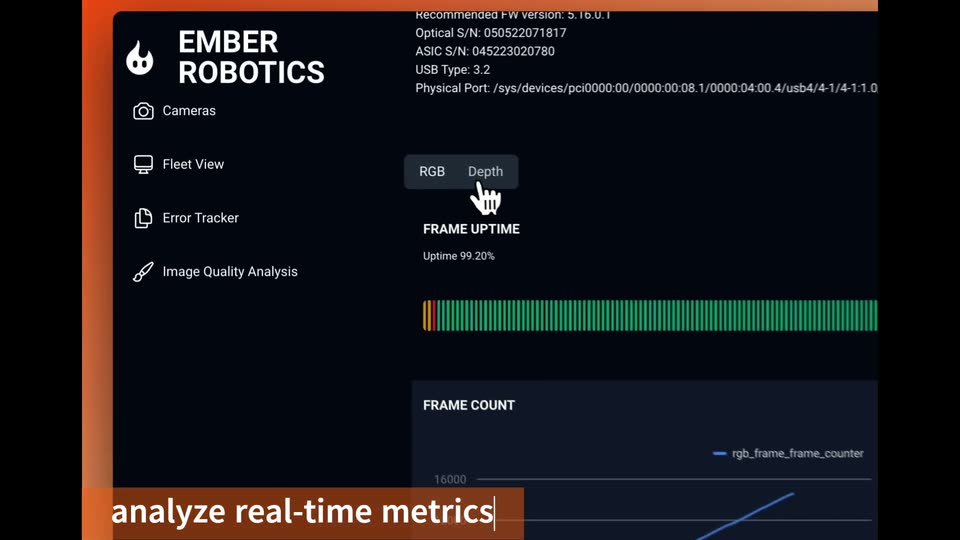 0:04–0:10Ember Robotics · 🔥 Introducing Ember Assistant 🔥- Robotics Camera System Assistant!A dark Ember Robotics dashboard floats on an orange gradient, its charts and device info scrolling down as a hand cursor hovers the panels. The view zooms onto the RGB/Depth toggle while a caption types in along the bottom edge.
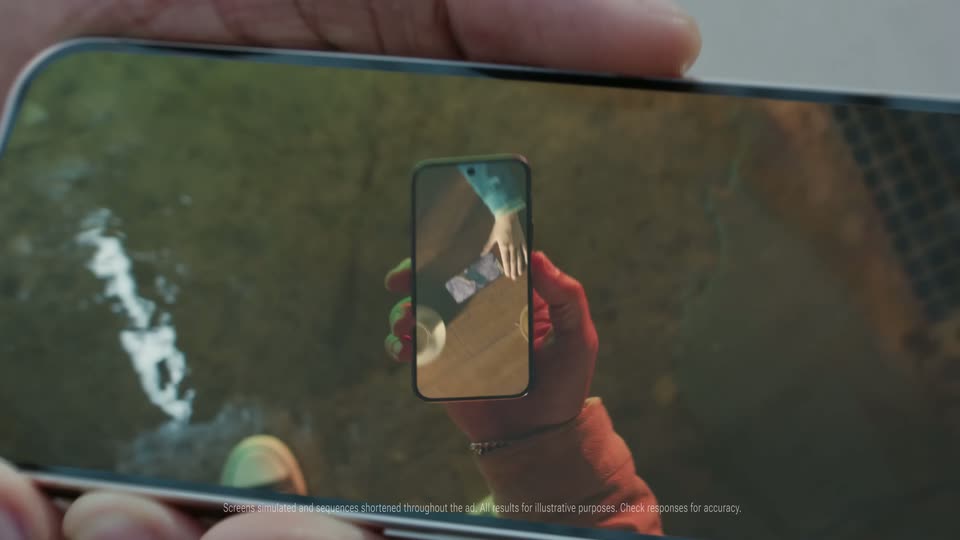 0:12 · 0.8sGoogle · Meet Google Pixel 9 and Pixel 9 Pro With Gemini | The Best of Google AIA hand holds a phone at an angle over a dark background. The screen shows a photo, then zooms into a landscape, then reframes to reveal a seated person holding a phone inside the screen, forming a recursive screen-within-screen loop. A small disclaimer caption runs along the bottom.
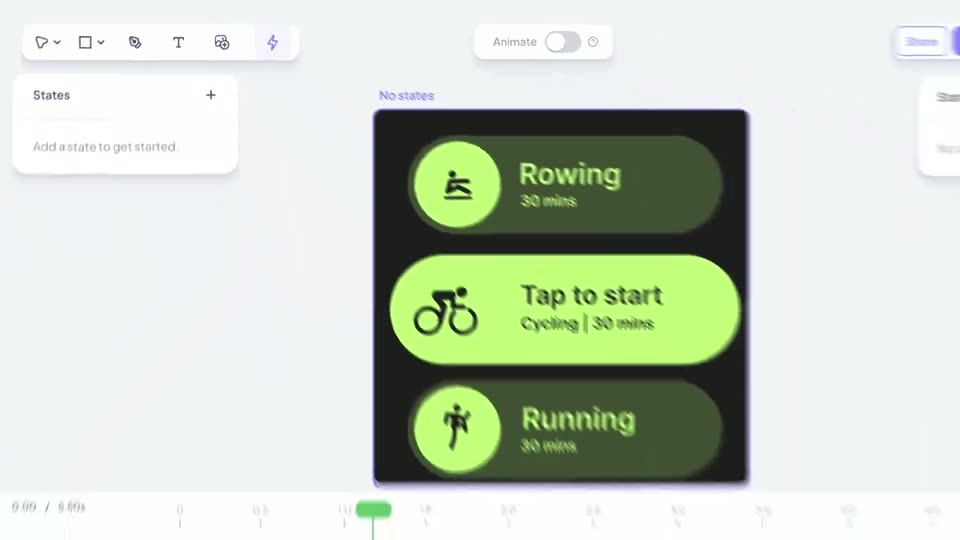 0:11–0:12Lottielab · Lottielab - Interactivity is now live on Lottielab. 📣A design tool canvas shows a dark watch face card listing workouts with green highlight circles over the icons. The view zooms out to reveal the full card, the bottom timeline, and a side panel sliding in from the right.
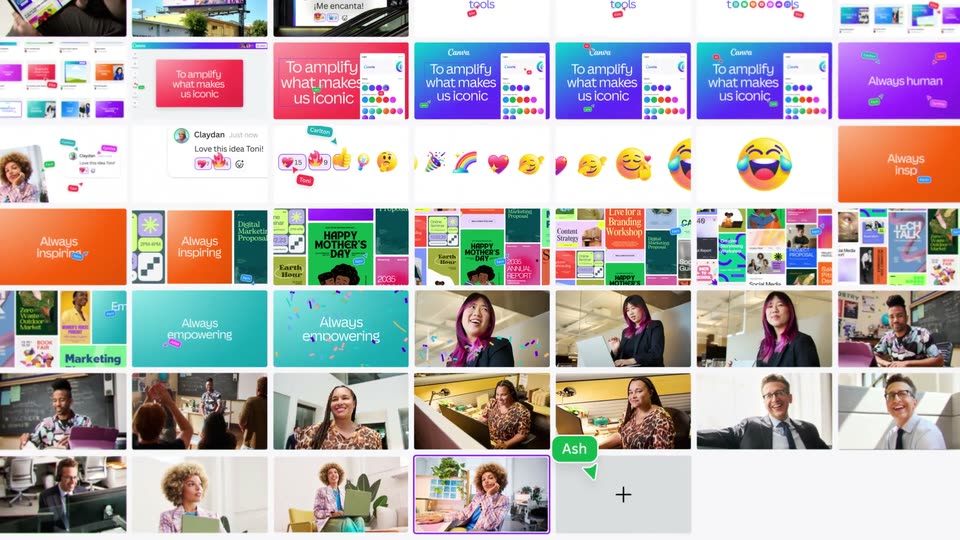 1:06–1:07Canva · Introducing Canva’s Brand RefreshA dense grid of design tiles fills the frame as two labeled cursors, Ash and Phill, glide across it. The view zooms into the grid, then a purple card takes over and the white headline scales in at center while the cursors sit at the edges.
 0:08–0:10OpusClip · OpusClip - Introducing 𝘾𝙡𝙞𝙥𝘼𝙣𝙮𝙩𝙝𝙞𝙣𝙜, the first-ever multimodal AI clipping thatA dark interface card with a rounded white border fills the right side. White labels scroll upward as a large outlined cursor hovers over a gold infinity icon beside a gray padlock. The frame zooms in, scaling the text.
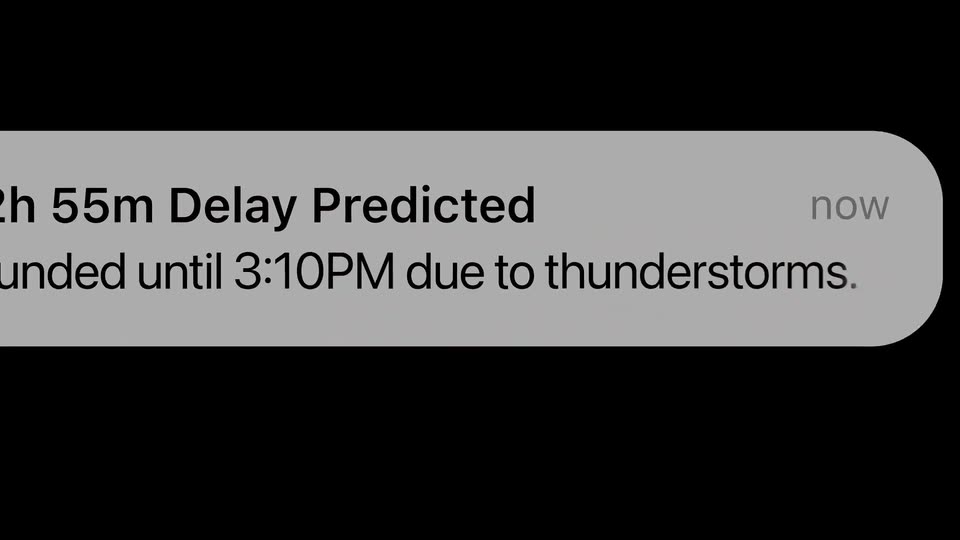 0:14–0:16Flighty · Flighty - Introducing @Flighty 4 😱 See WHY you're delayed. Finally! ✈️ Late AiClose-up of the Flighty push notification: airplane icon, headline “2h 55m Delay Predicted”, caption “Tap to open Flighty”. The frame zooms out to the full gray card centered on black as the body line “Grounded until 3:10PM due to thunderstorms.” scales in, with “now” at the right.
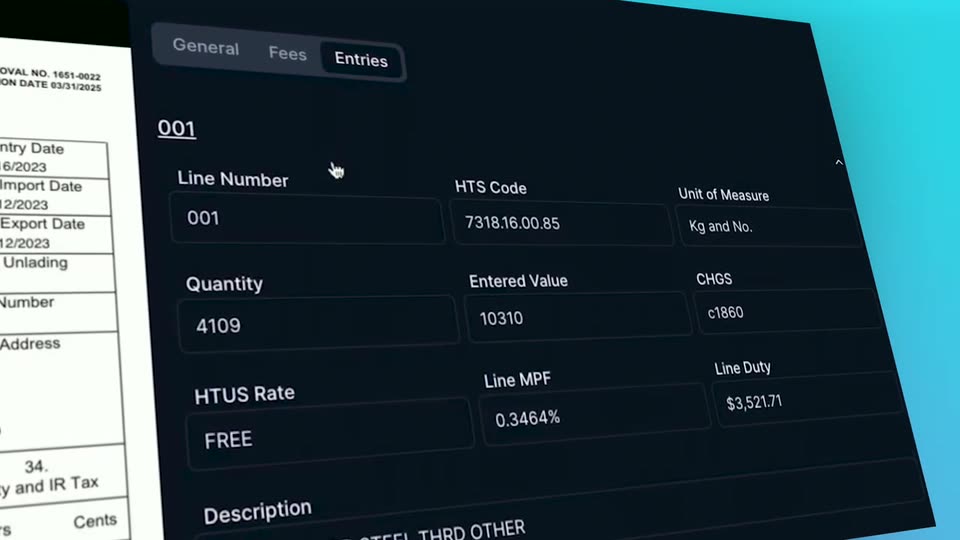 0:15–0:17Pax · Pax AI (YC s24) LaunchA dark customs form interface in 3D perspective sits on a cyan background, a white paper document peeks in from the left edge. The view reframes downward to reveal the line item fields while a hand cursor hovers over the Entries tab.
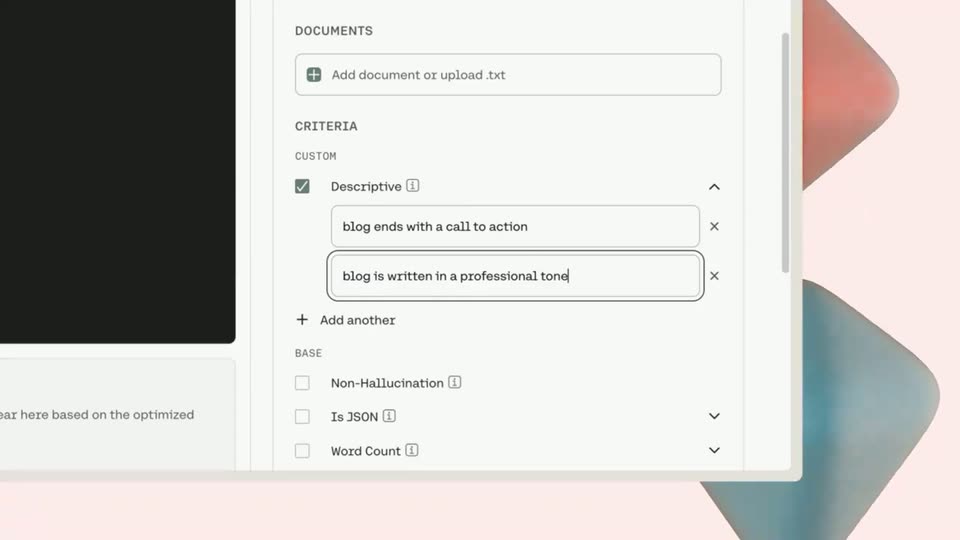 0:16–0:39Cohere · Cohere - We are excited to be introducing Prompt Tuner in beta today. It is aA close-up of a prompt-builder form auto-types three topic values into numbered fields, then the panel scrolls to the criteria section where more text fills the descriptive boxes and a word-count range is set. The frame zooms out to reveal the full window on a pastel background.
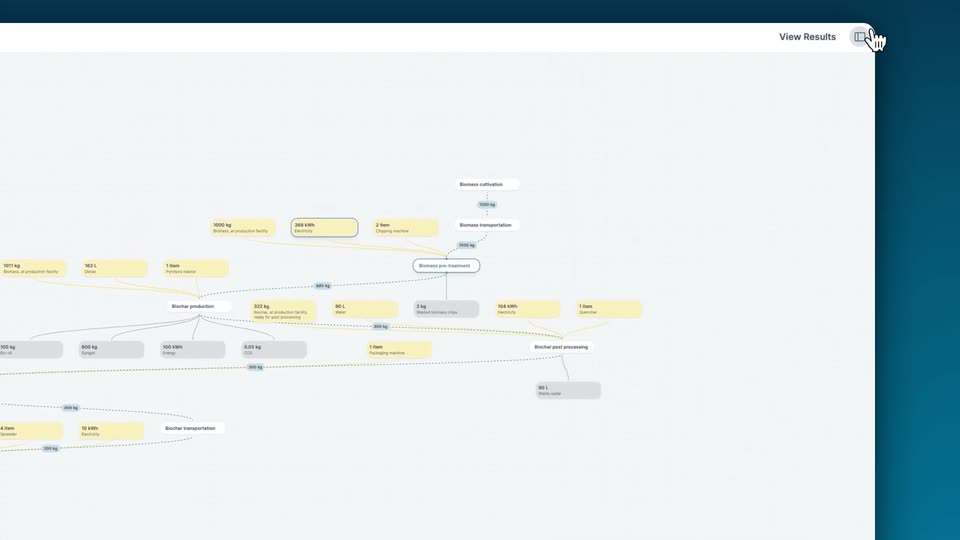 0:13–0:15Offstream · Offstream: Streamlined carbon compliance for project developersA detail panel with form fields slides off to the right, revealing a Sankey flow diagram that pans out to show the full process. A white hand cursor hovers near the View Results button in the top corner.
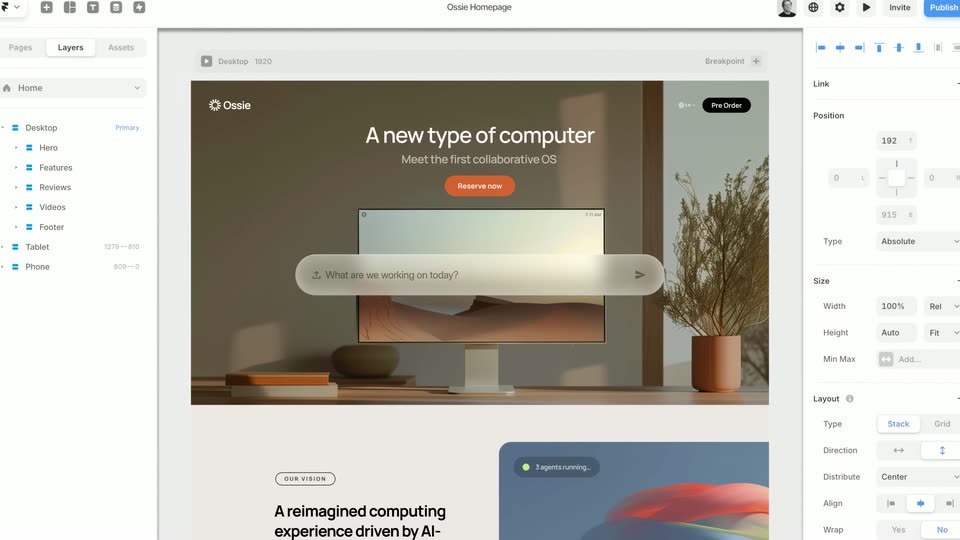 0:05–0:07Framer · Framer Design: Design on an intuitive CanvasA close-up of a webpage hero, a monitor on a desk with a floating chat input pill, zooms out to reveal the surrounding design tool, its left layer panel and right property panel appearing at the edges.
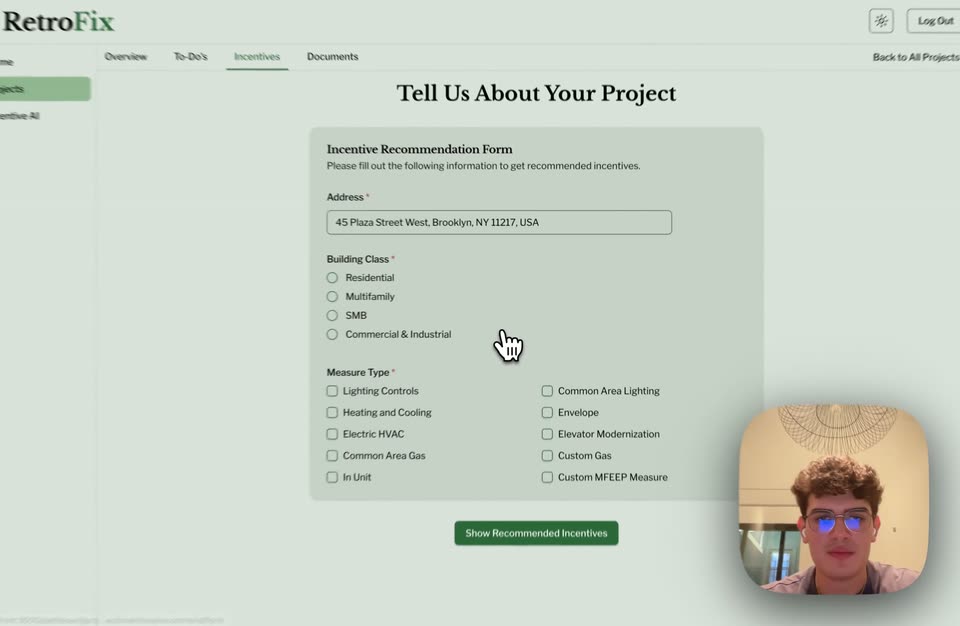 0:21–0:22RetroFix · RetroFix Product DemoA close-up of the Incentive Recommendation Form with two pointing-hand cursors pulls back to reveal the full RetroFix dashboard, top nav and left sidebar, while a small video-call window of a man in blue glasses stays in the bottom-right corner.
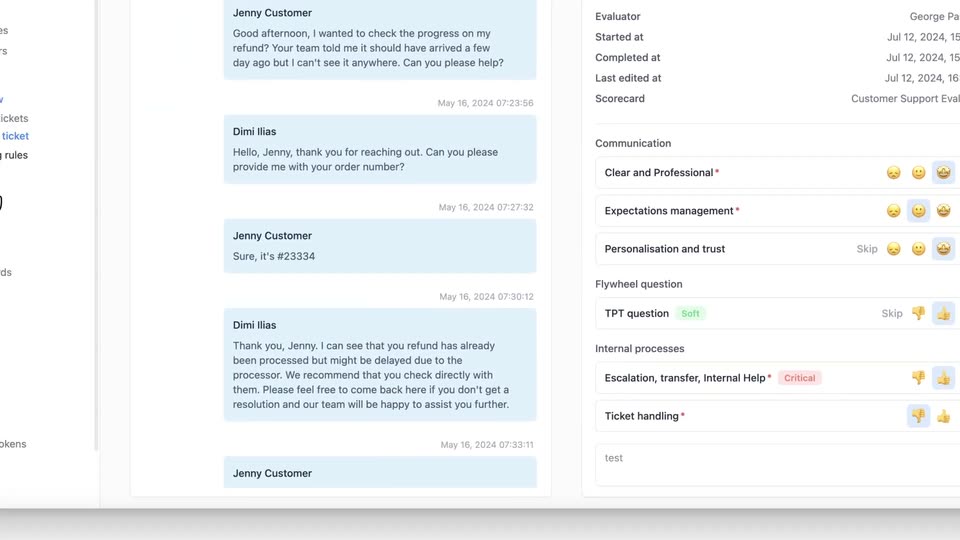 0:22–0:24Intryc · Intryc YC Launch videoA support app screen shows a customer chat thread beside a scorecard form with emoji ratings and dropdowns. The view reframes left to reveal the navigation sidebar, and a hand cursor moves up to hover a menu item.
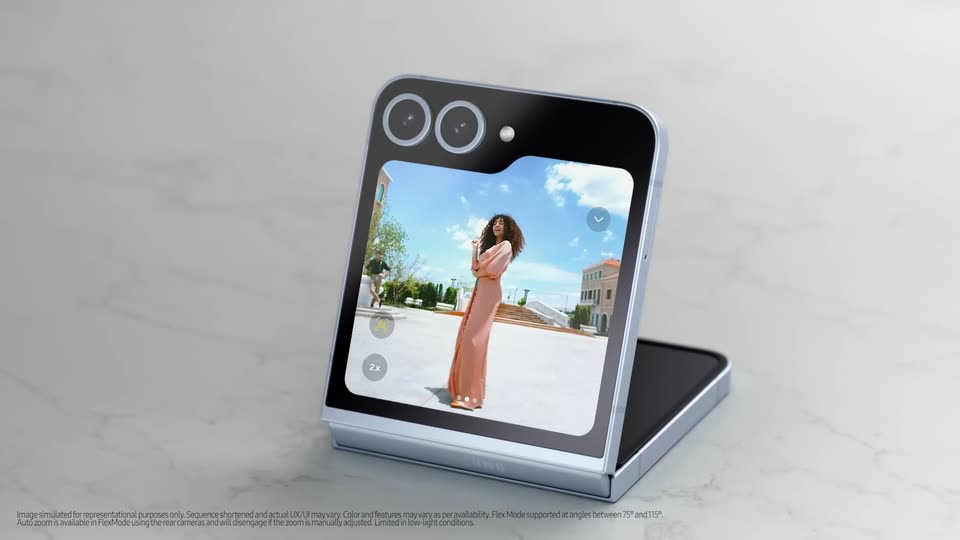 2:03–2:10Samsung · Introducing Galaxy Z Fold6 and Z Flip6 | SamsungA half-folded phone stands on white marble, its screen showing a selfie viewfinder of a woman in a peach dress. The zoom badge flips from 1x to 2x as the frame reframes to keep her centered, then a countdown ticks down. White captions run along the bottom.
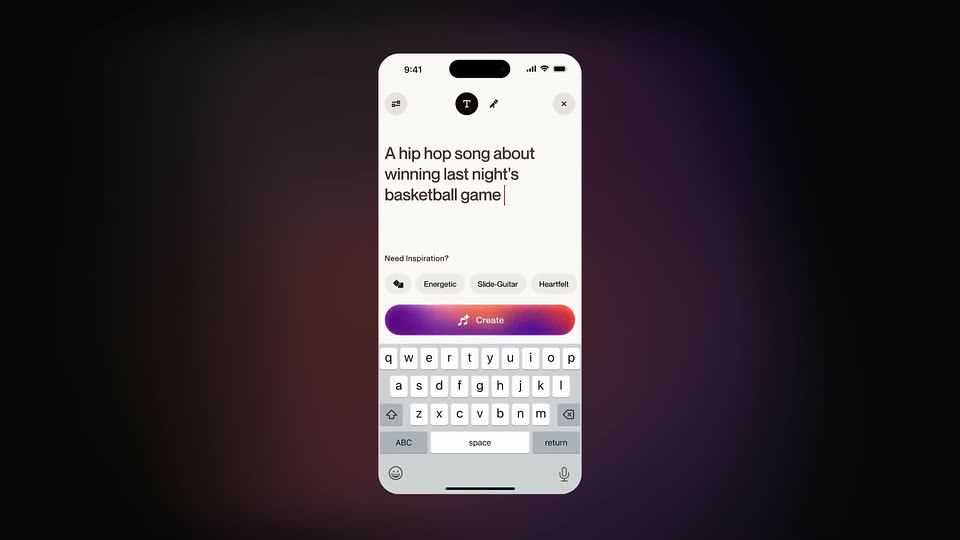 0:05–0:07Suno · Suno iOS App is Here! Make any song you can imagineA tight crop of the prompt field types out a sentence letter by letter, then the frame pulls back to reveal the full phone screen on a soft purple gradient, showing the keyboard and a purple Create button.
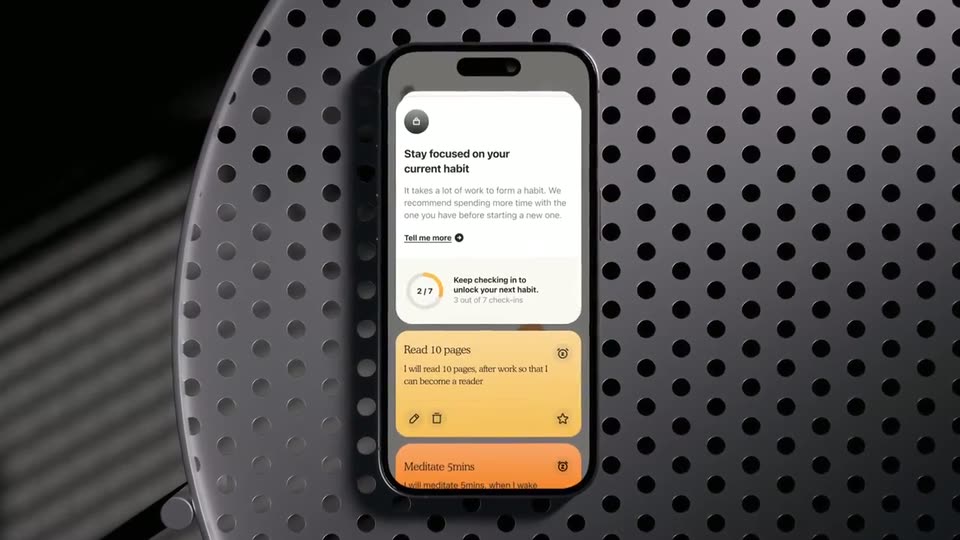 0:28–0:30Atoms · Metalab - Say goodbye to bad habits. Together with @JamesClear (you know who),A phone mockup rests on a perforated metal surface, screen showing a habit app with stacked white and amber cards. The camera pushes in, reframing from the whole device to a close-up of the lower cards, ending on the read and meditate entries.
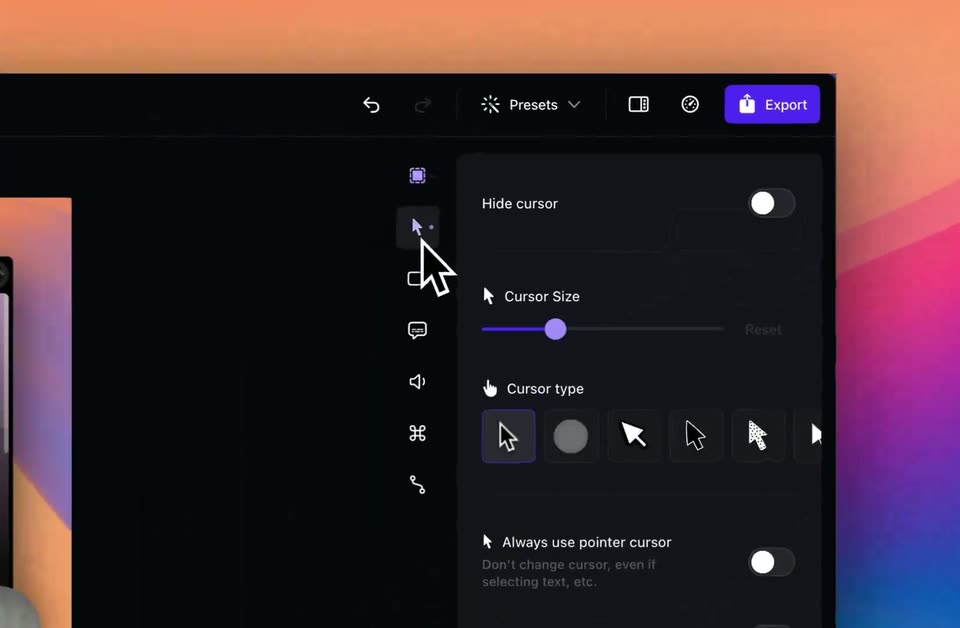 0:11–0:12Screen Studio · Screen Studio - There is a major new update coming soon to Screen Studio! The updateA dark app interface is shown with a slight zoom; a white arrow cursor slides down the left icon rail and clicks the cursor icon, swapping the right panel from a Background wallpaper list to cursor settings with a size slider and style buttons.
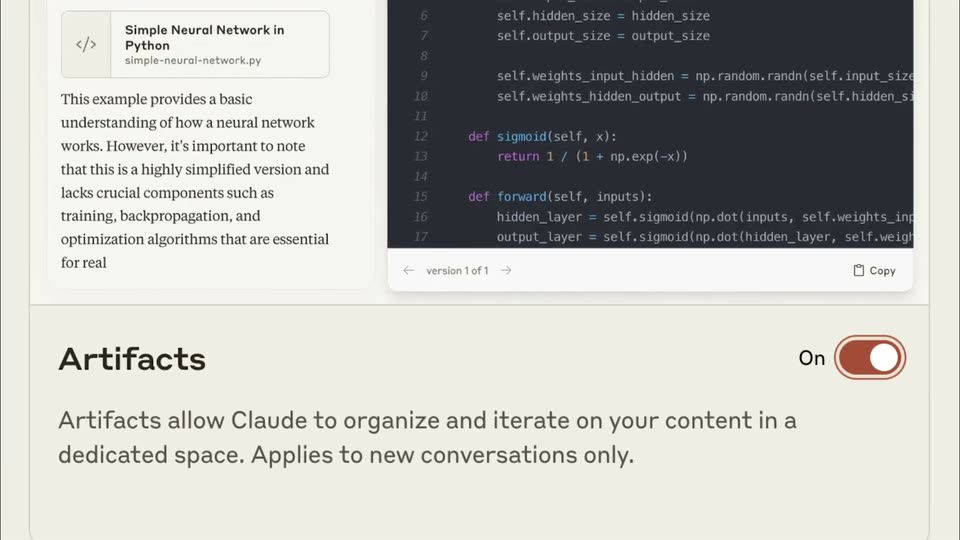 0:01–0:04Anthropic · Claude 3.5 Sonnet for sparking creativityA close-up of a settings panel shows a code card above an Artifacts row; a hand cursor clicks the toggle, flipping it from Off to On in orange. The camera then pulls back to reveal the full Feature Preview window of the Claude interface on a dark gray backdrop.
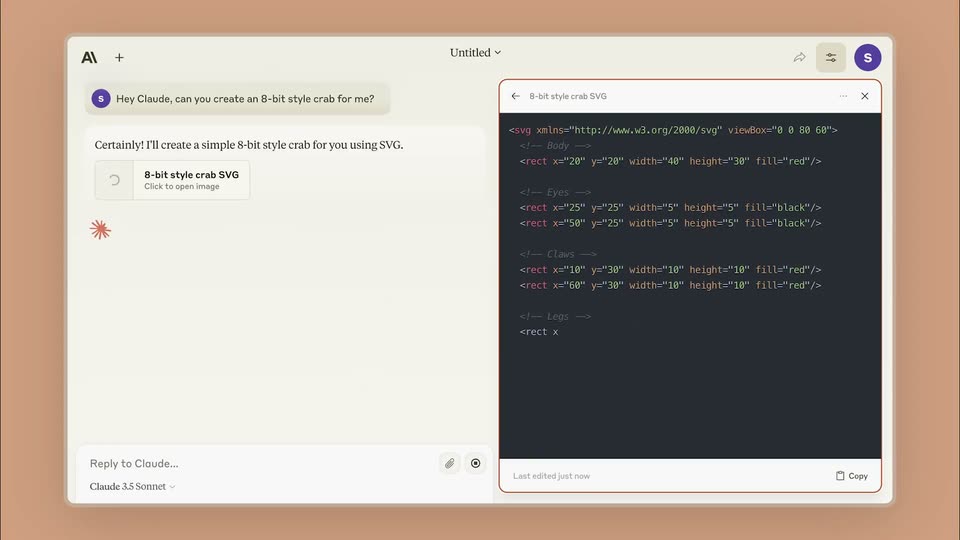 0:10–0:13Anthropic · Anthropic - We're also launching a preview of Artifacts on You can ask Claude toA split product view: a chat panel left shows a prompt and reply with a file card, while a dark code editor right types SVG code line by line; the frame opens zoomed in then settles to the full window.
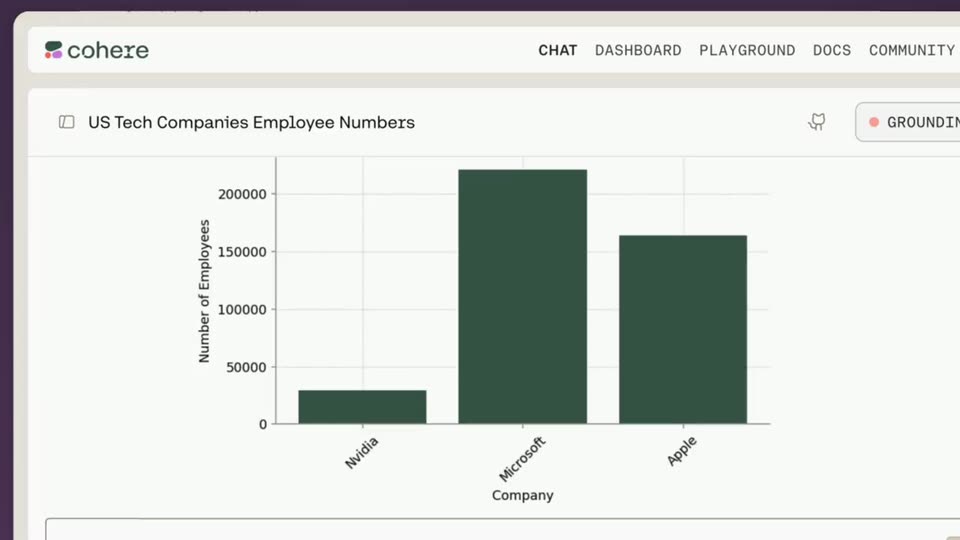 0:29–0:36Cohere · Cohere - Multi-step tool use is now available in the Cohere API! Build advancA Cohere chat window with a dark green bar chart dissolves in, then the frame zooms onto the chart. The window slides left over a purple 3D background as a white-outlined card carrying cohere.com slides in from the right.
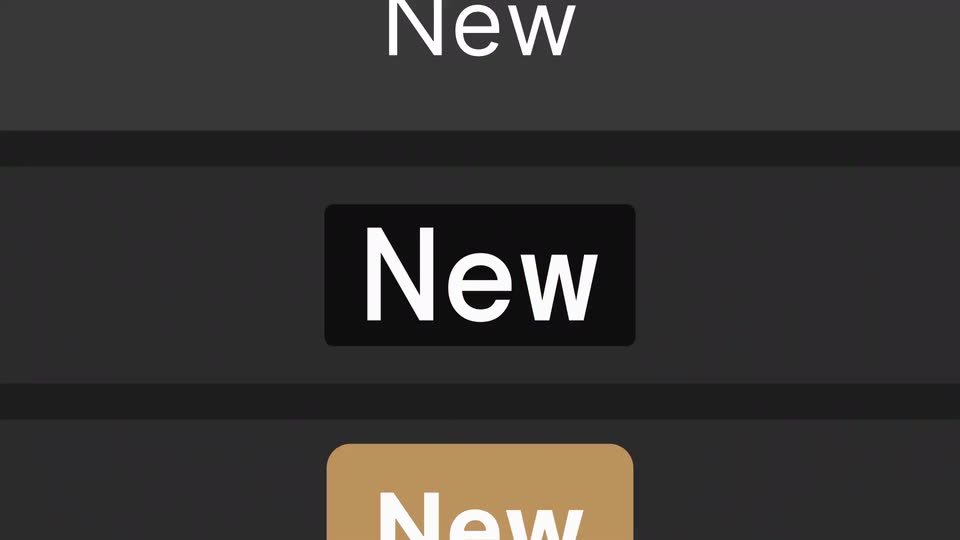 0:02 · 0.6sRiverside · Riverside - Introducing the new Conversation Studio. With full HD live streamingA large white slab-serif word New sits in a purple selection box with a hand cursor at its corner, above a dark font toolbar, over a blurred live-action background. The view then zooms into a dark list showing New as plain text and inside black and tan chips.
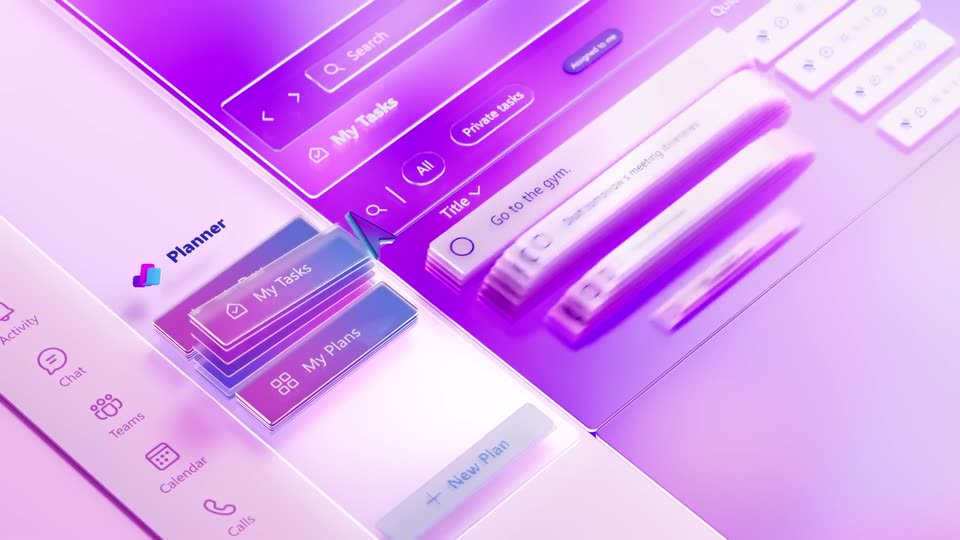 0:09–0:12Microsoft · The new Microsoft Planner is here! Streamline the planning, management, and execution of workA 3D-tilted task planner interface fills the frame. The camera starts close on the glowing blue All button and a few task rows, then pulls back to reveal the sidebar cards, the task list, and the top search bar in soft purple and pink.
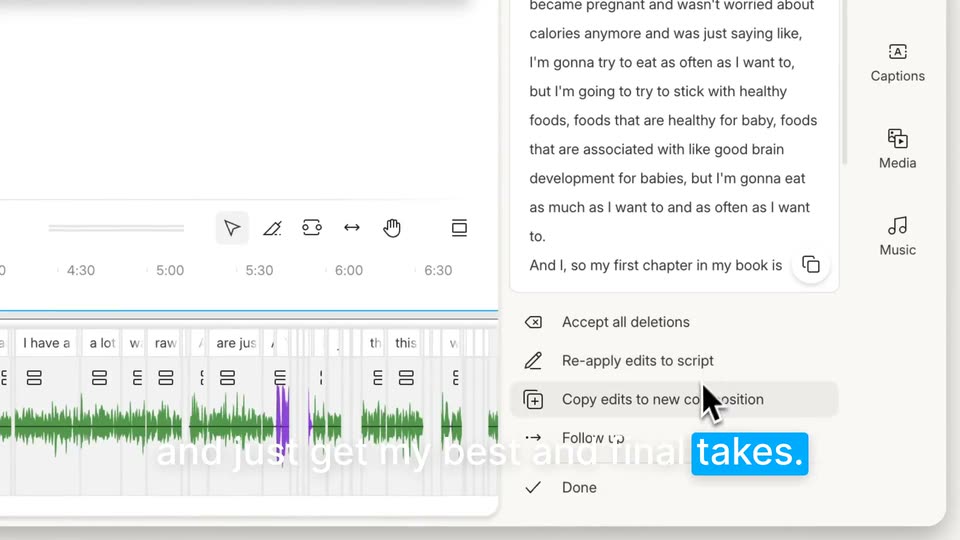 2:04–2:11Descript · Descript - Today, we're launching Descript's new AI assistant editor, Underlord.A screen capture of the app reframes from the Remove retakes panel down to the timeline and right menu. A cursor hovers and clicks options such as Apply edits to script and Publish, while white bottom captions box the current word in blue.
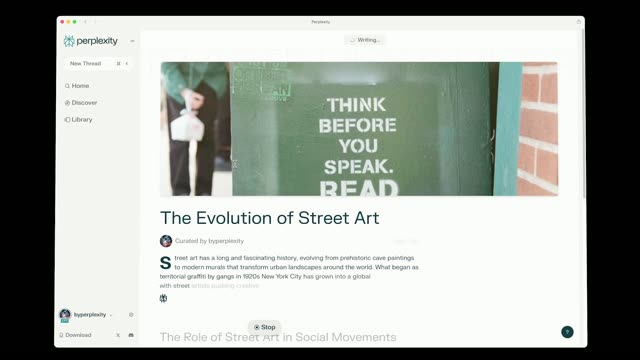 0:13–0:18Perplexity · Introducing Perplexity PagesA tilted 3D mockup of the Perplexity page zooms out from a close-up of the title being typed to the full browser window, as the article image and body text fill in, then cut to black.
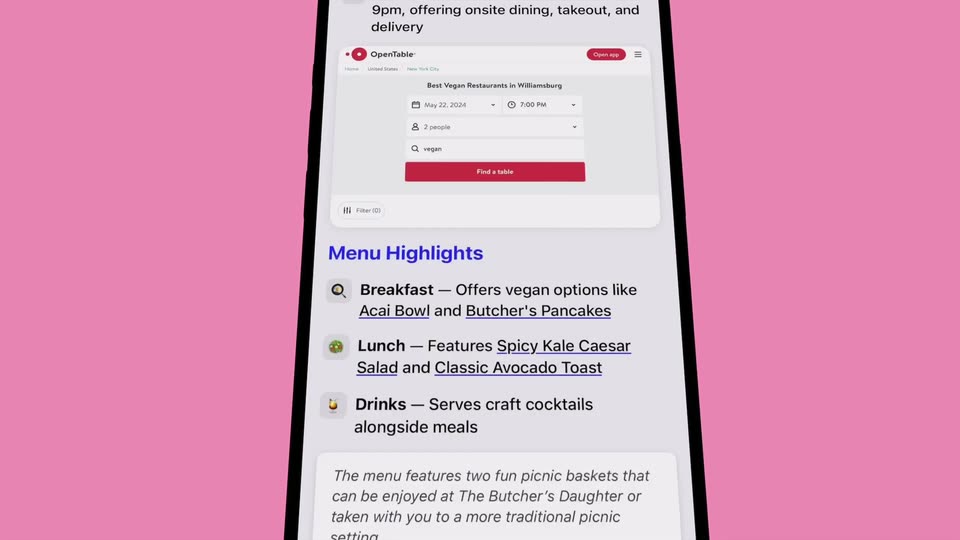 0:21 · 0.8sThe Browser Company · Call Arc | For questions on the goA 3D phone on a pink field tilts and scrolls an Arc search result for a vegan spot, then pushes in on the headline. It cuts to a purple card with a framed photo of a man above the title.
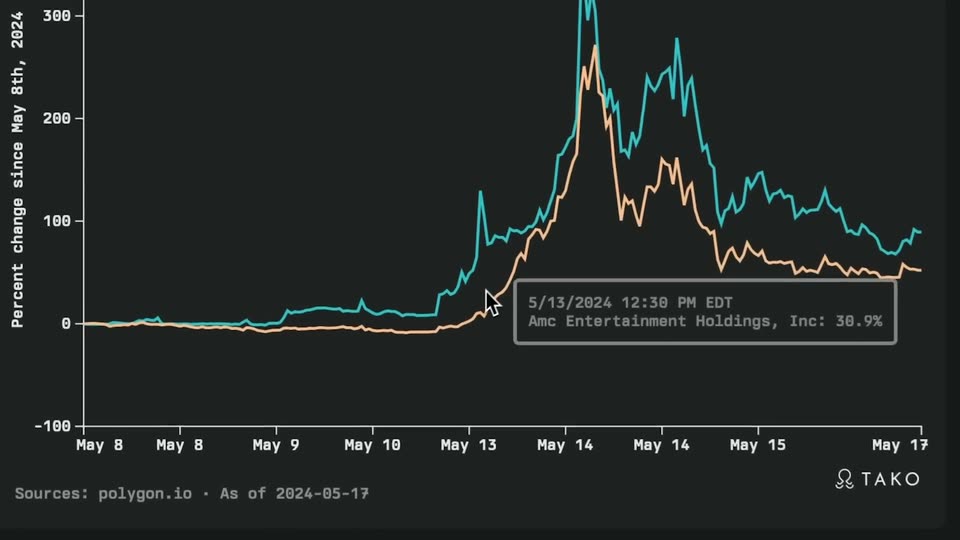 0:08–0:10Perplexity · Introducing Interactive Knowledge CardsA cursor moves along a dark two-line stock chart, and a tooltip follows it showing date and percentage values. The view then zooms into the chart, cropping the title and enlarging the mid-May spike.
 0:17–0:18Framer · Framer: All Design, No Code, Real WebsitesA dense grid of website design mockups fills the frame on a black background. The camera slowly pushes in toward the central orange card, bringing its headline into focus.
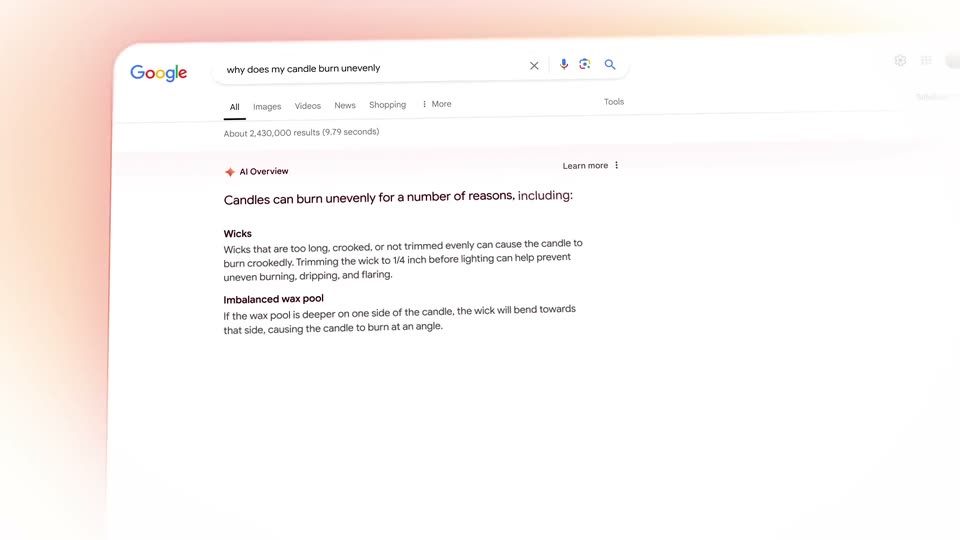 0:10–0:13Google · Search in the Gemini era | Google I/O 2024A Google search page fills from pink skeleton bars into an AI Overview answer for the query 'why does my candle burn unevenly'; the view scrolls down to reveal more reasons and source cards. A large 'Generating' word scales in.
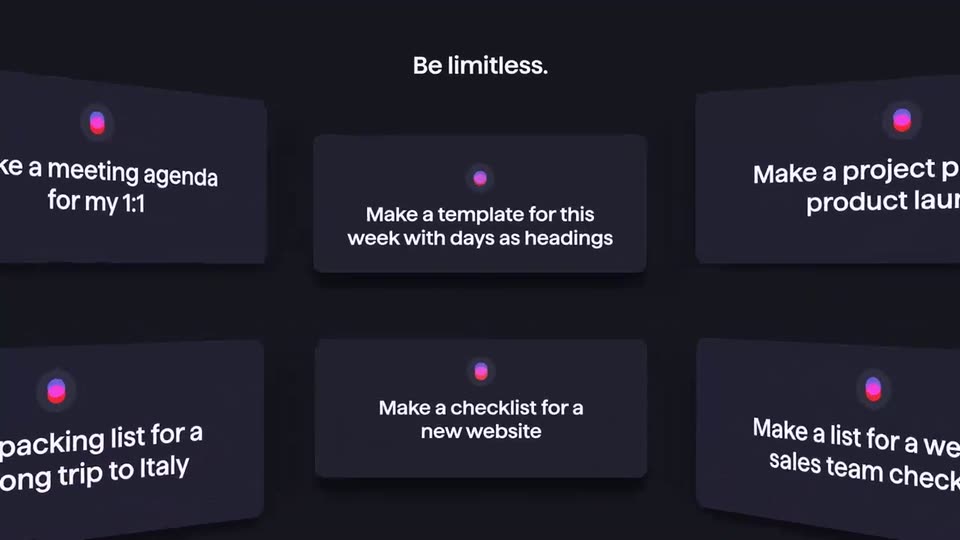 0:22 · 0.8sSuperlist · Superlist - Make it happen. Make it reality. Make it magic. 👉 Make is our firsA 3D grid of dark prompt cards sits under the headline Be limitless. The camera zooms into the center card, Make a template for this week with days as headings, as the surrounding cards slide out of focus at the edges.
 0:12–0:13The Browser Company · The Browser Company - Arc on Windows is finally here. No more waitlists, no more betas. DA close-up of the Windows taskbar begins out of focus, a white cursor resting on the dark start button beside the search icon. The image sharpens and the frame reframes onto the blue four-pane logo tile on a pale background.
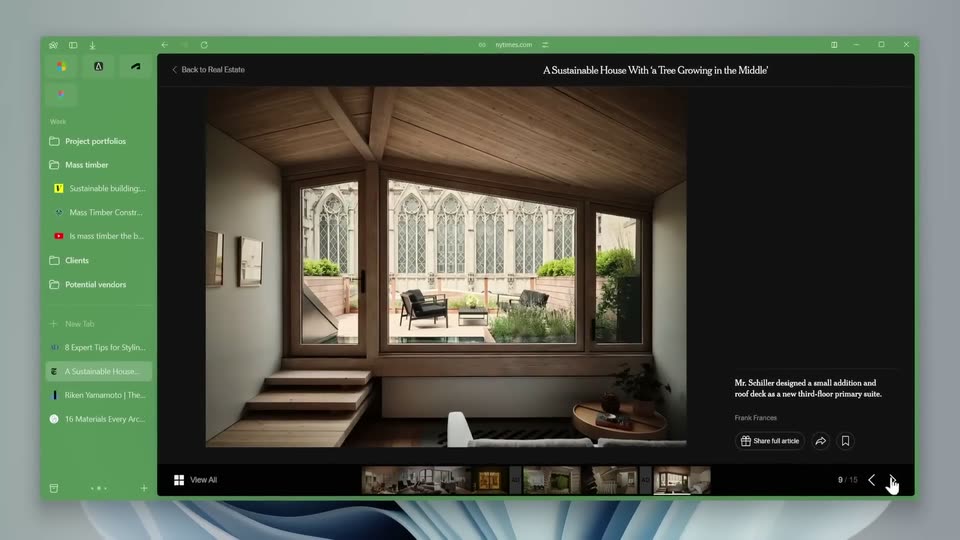 0:15–0:16The Browser Company · Arc on Windows. Download now.A green notes app window fills the frame, showing an architectural article with a 3D interior render of a wood-ceilinged room. The render zooms and pans right to reveal a caption block, while a cursor rests on the bottom-right navigation arrow.
 0:09–0:17Vanta · Vanta: questionnaireA white form table sits on a purple field under a white headline. An AI answer types into the first row with purple sparkles, then the view pans right as a cursor ticks the approve boxes green and clicks the Complete button. The card lifts and the headline swaps.
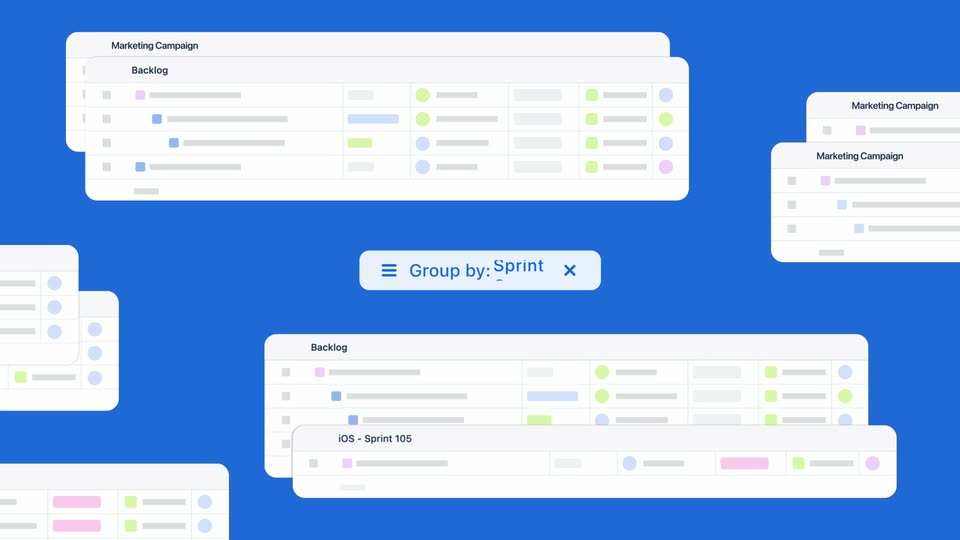 0:14–0:15Atlassian · Welcome to the next era of Jira - Inside AtlassianWhite table panels labeled Backlog, Marketing Campaign and iOS - Sprint 105 drift apart on a blue field, spreading into a loose grid as the view pulls back. A Group by Sprint pill pops in at the center between them.
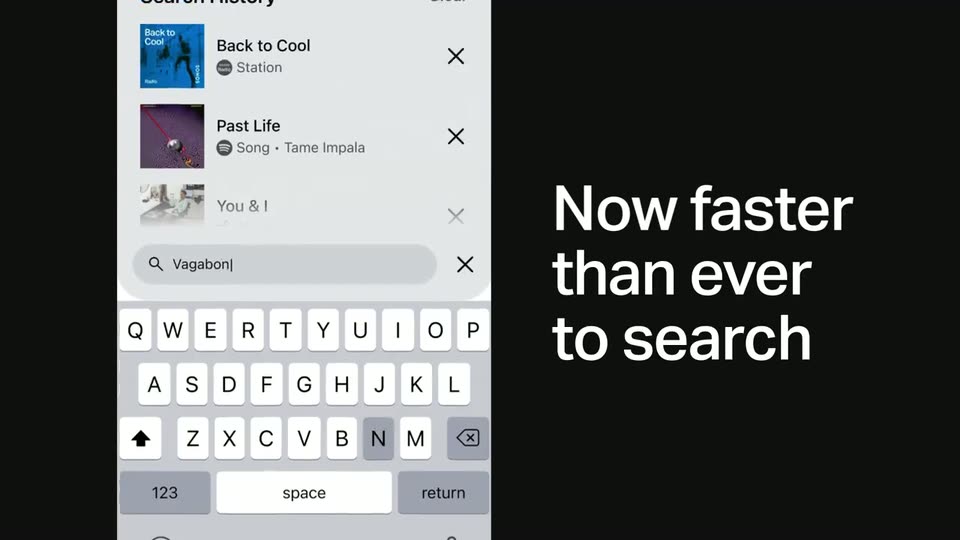 0:17–0:20Sonos · Sonos - A fresh look. Quicker access to your music. Easier control. The SonosA phone search field types the word Vagabon over an on-screen keyboard, then the view reframes to a Sonos search history list with Spotify and Apple Music tabs. A white headline sits static on the right throughout.
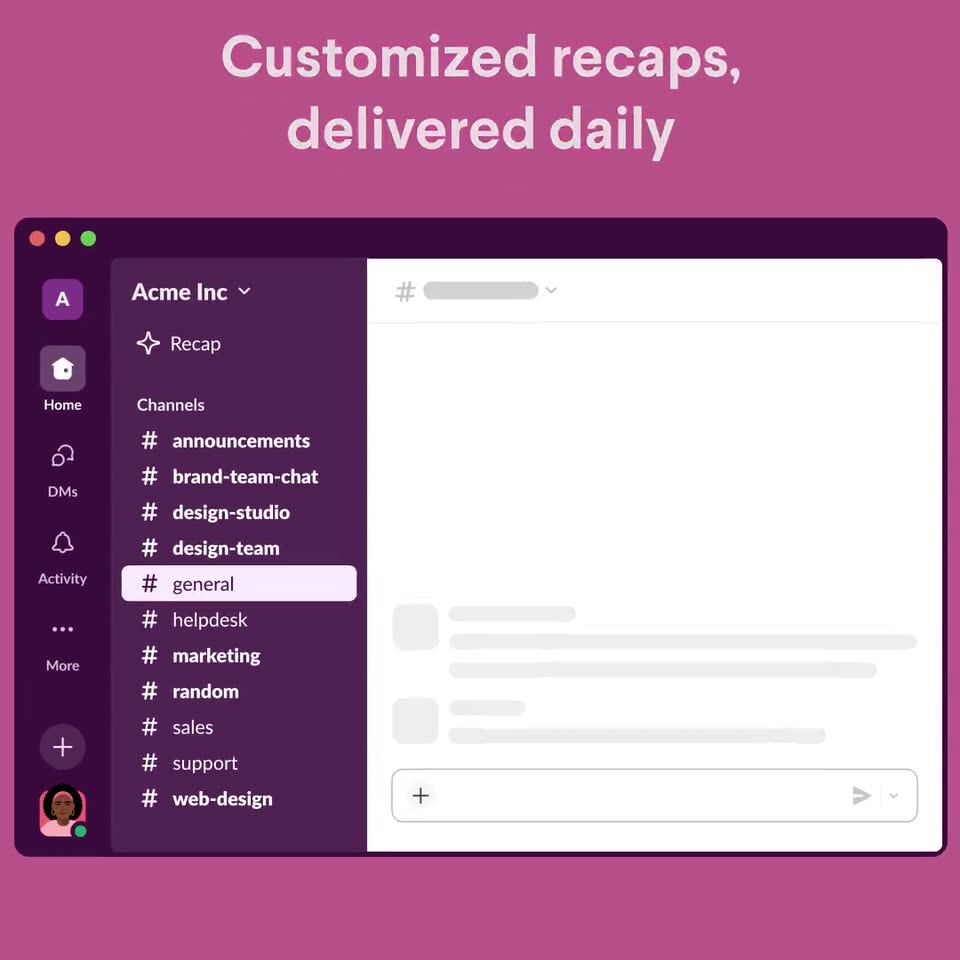 0:26–0:28Slack · Slack - Time is valuable. Slack AI gives you more of it. 🙌✨ And starting todA magenta background holds a white two-line headline above a chat app window with a dark sidebar and gray message placeholders. The second line fades in, then the window scales up to fill the frame, cropping the headline out of view.
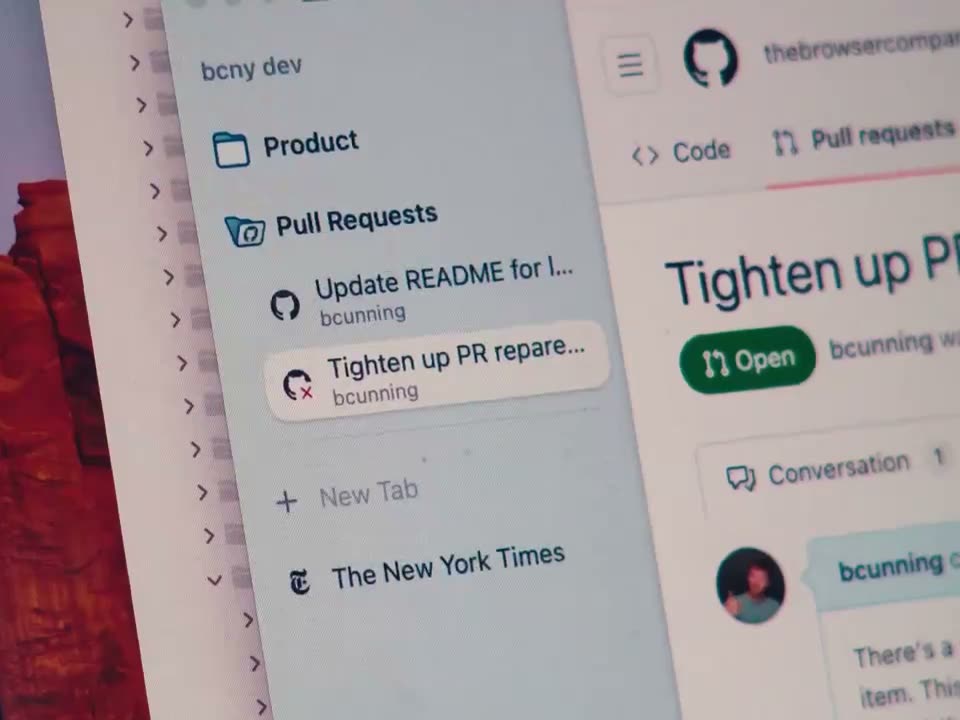 0:11–0:12The Browser Company · The Browser Company - One small step for sidebars.... 🛠️ GitHub Live Folders Land in ArcA tilted close-up shows the browser sidebar next to a GitHub pull request page. The sidebar list scrolls upward, dropping the top entry while the highlighted item stays in view.
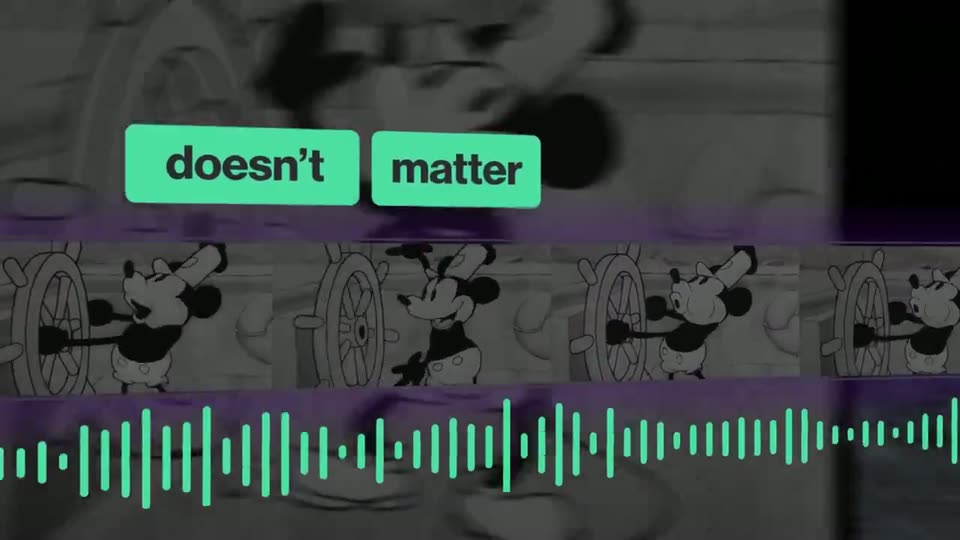 0:10–0:12Captions · Mirage - Introducing Captions for web. Video editing made simple, thanks toA cartoon of a mouse at a ship's wheel sits under a purple wash, with teal chips reading doesn't matter and a waveform below; a white cursor hovers a purple mute icon. The view reframes to the timeline, a beach clip above the waveform and a chip reading add.
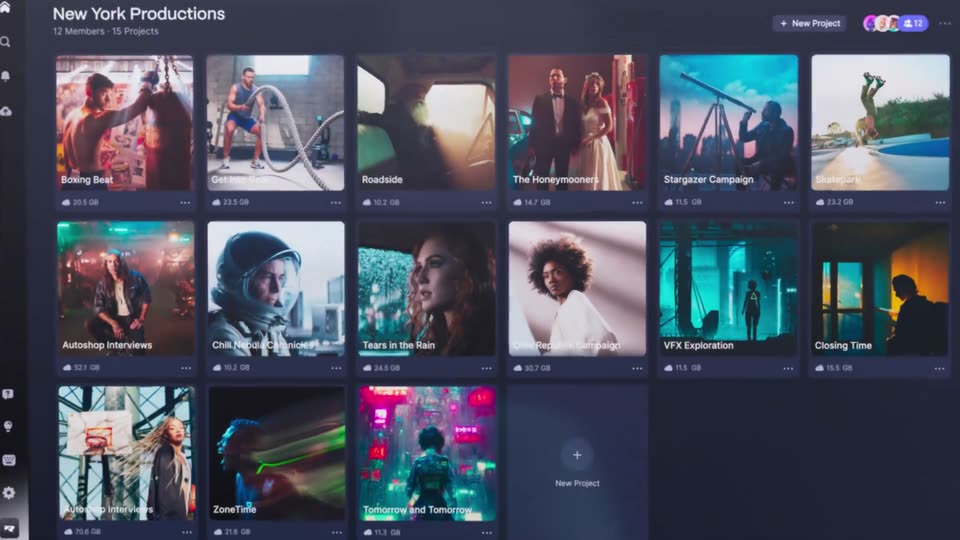 0:07–0:12Frame.io · Frame.io - It's here. The all-new Version 4. Now in beta.A neon border highlights a project card in a dark thumbnail grid as a cursor hovers. The camera pulls back through the grid and app header, then out to the monitor on a desk in a dim room.
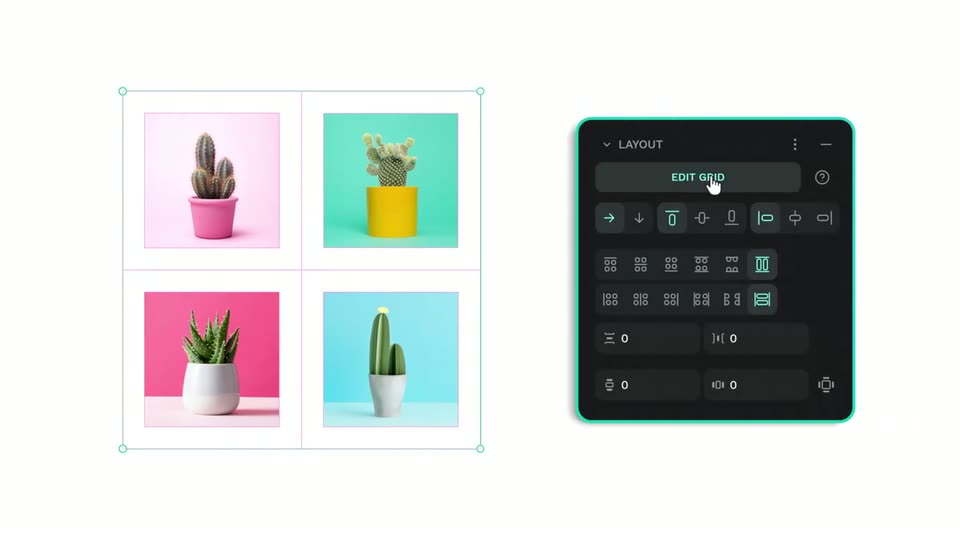 0:21–0:23Penpot · Penpot - 💥 Penpot 2.0 is now available! Explore & enjoy the unique featurA 2x2 grid of cactus photos and a dark layout panel sit side by side. A white cursor clicks the Edit Grid button, then the frame zooms onto the panel revealing column and row settings, as pink measurement guides outline the grid.
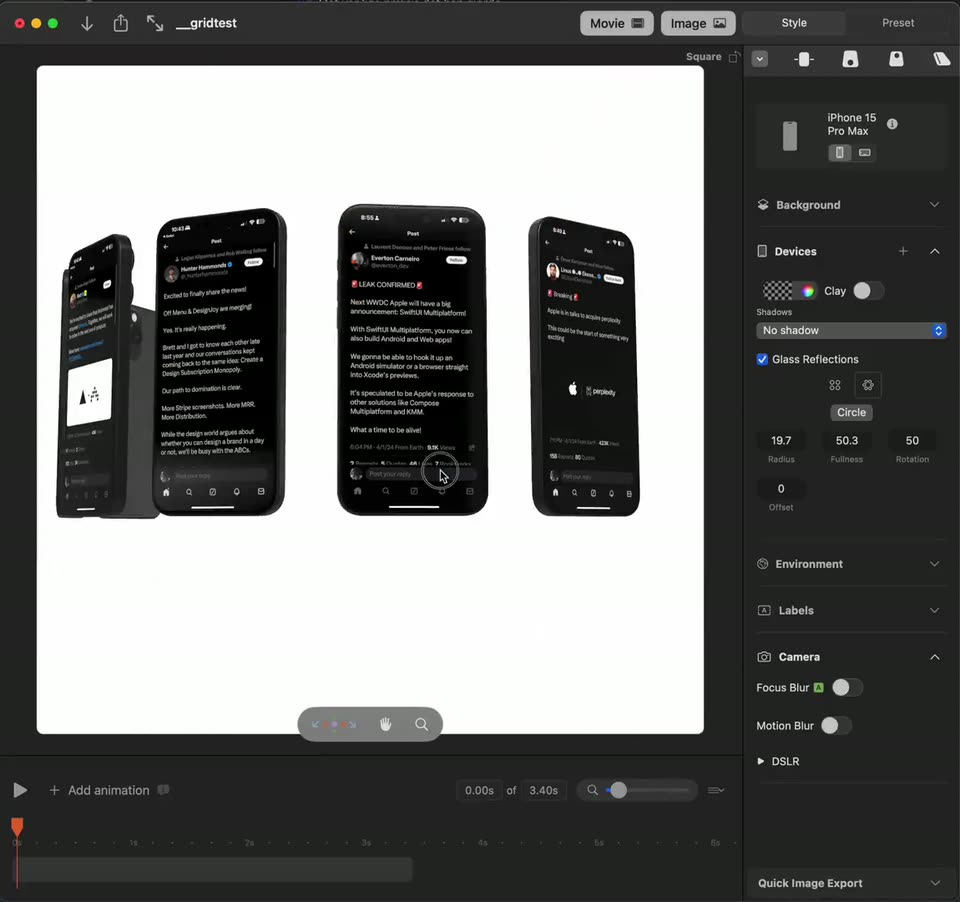 0:09–0:10Rotato · Morten from Rotato - Circles, half circles and grids rolling out to beta users soon:Five phone mockups displaying dark social media posts sit in a tilted row on a white canvas. The view starts tight on the center two phones and pulls back to reveal the full arc of devices.
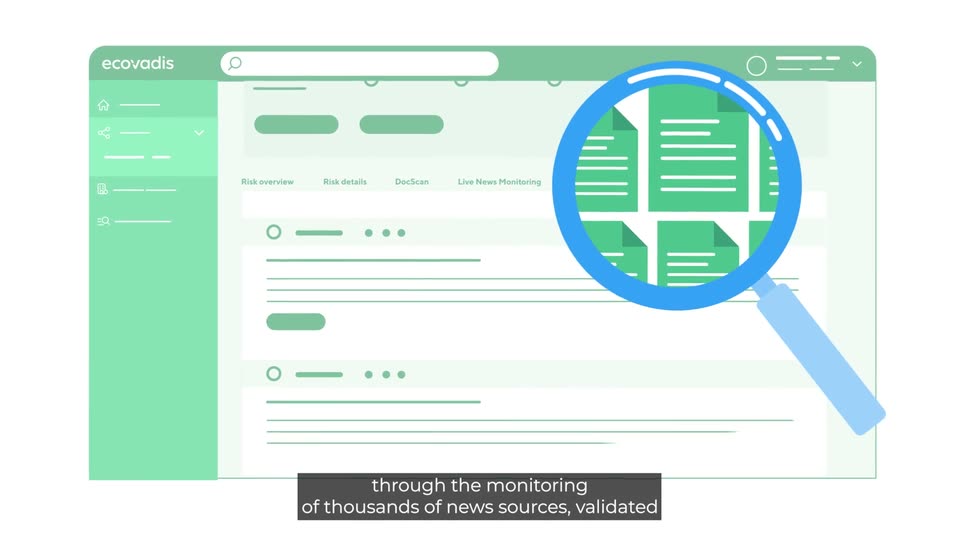 1:30–2:18Ecovadis · IQ Plus with Vitals Solution OverviewA flat green-and-white ecovadis dashboard wireframe on a white background crossfades through list, detail, chart and modal views. A blue magnifying glass holding green document icons sweeps across the screen, then the frame zooms in as category rows with toggles scroll up.
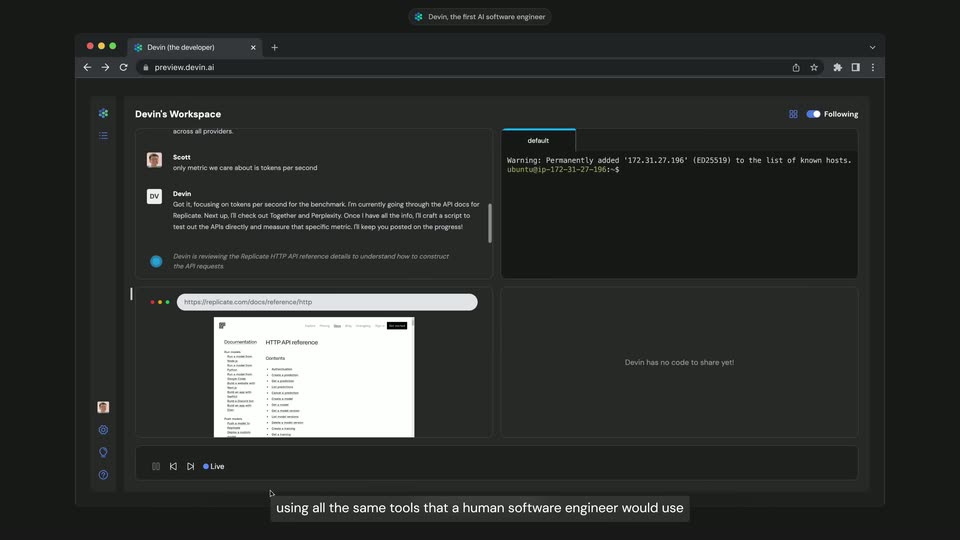 0:22–0:35Cognition · Introducing Devin, the first AI software engineerA dark browser window frames the Devin interface. A plan modal scales in over the chat view, then a terminal modal scales in, while the workspace swaps between chat, browser and code panes.
 0:08–0:11Hebbia · Hebbia - Introducing the biggest change to AI products since ChatGPT. Enter tA translucent glass panel floats in 3D perspective with a glowing cursor arrow hovering over a folder icon labeled Board Decks, a blurred headline behind it. The camera pushes in on the folder, then the panel warps and dissolves into a liquid-glass shape.