UI zoom
A zoom or reframe onto one part of the interface.
10,013 scenes · page 85 of 167
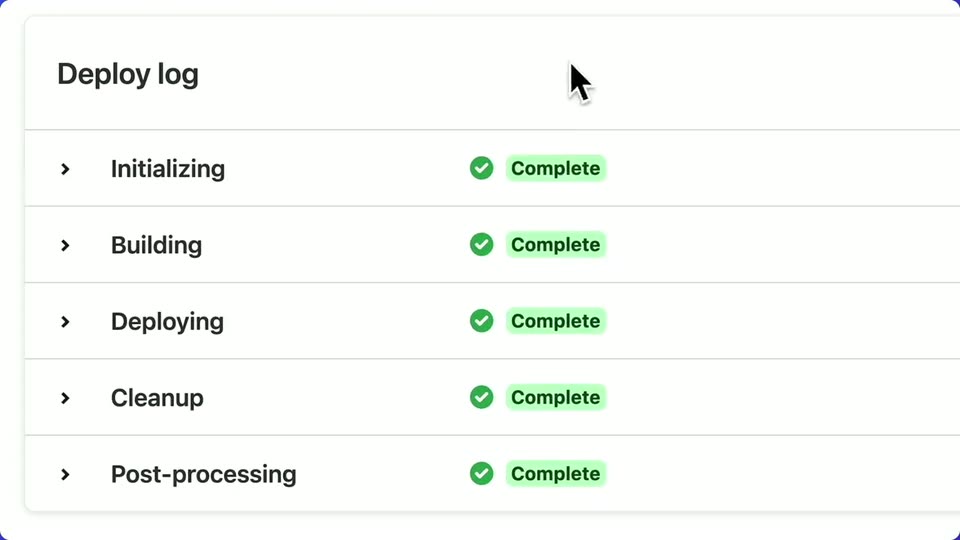 0:21–0:22Netlify · Netlify - Problems debugging your build? AI can take a look. Learn more here:A wide view of the Netlify dashboard reframes and zooms in on the Deploy log list, where five steps each carry a green Complete badge. A cursor hovers near the header.
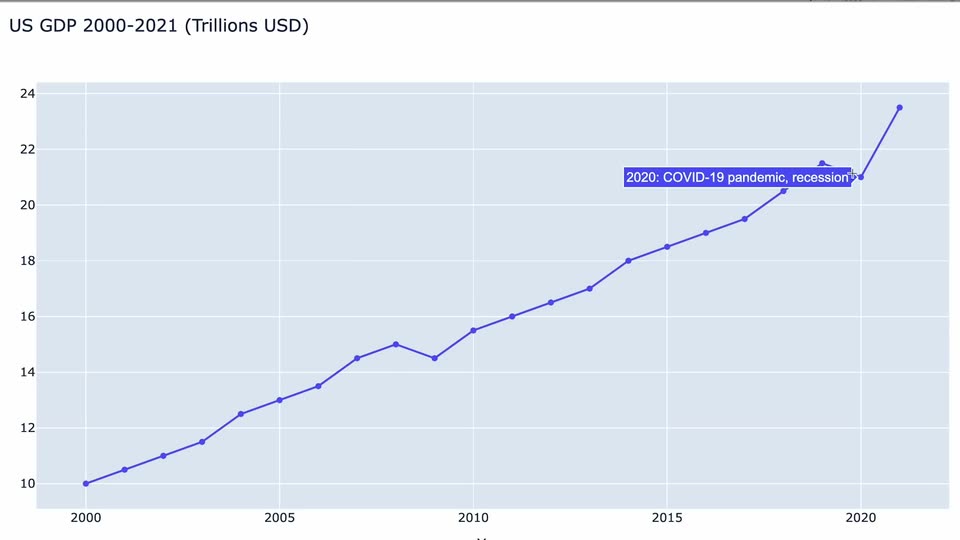 1:06–1:17Anthropic · Claude 3 Opus as an economic analystA blue GDP line chart on a pale blue grid stays fixed while a small crosshair cursor hops between data points, each hop fading in a blue tooltip box that names the year's event. The boxes appear one after another from left to right and dissolve before the next, then the whole chart shifts down at the end.
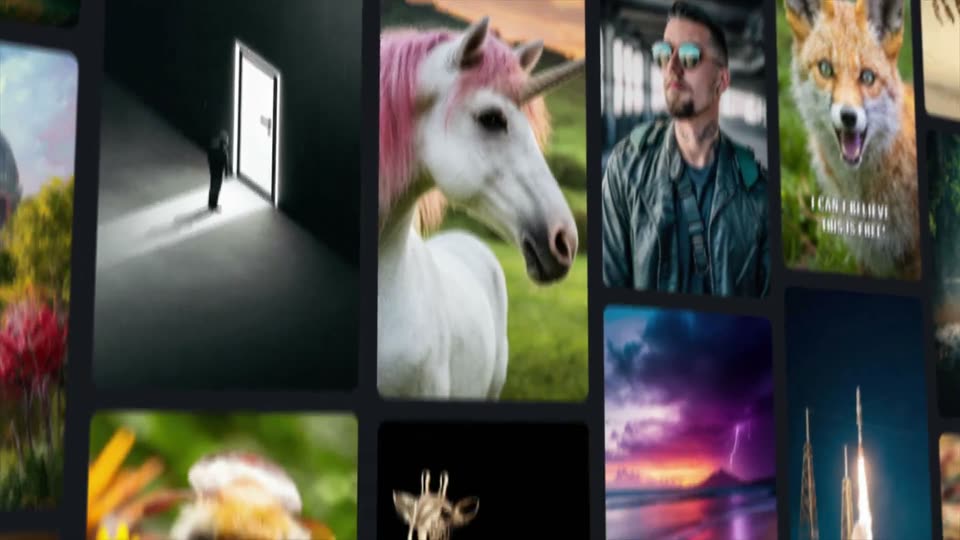 0:45–0:47Ideogram · Ideogram - Introducing Ideogram 1.0: the most advanced text-to-image model, nowA masonry grid of rounded photo cards on a dark background fills the frame, showing a unicorn, a man, a fox, a bee and a rocket. The view pushes in and drifts down through the tiles with heavy motion blur.
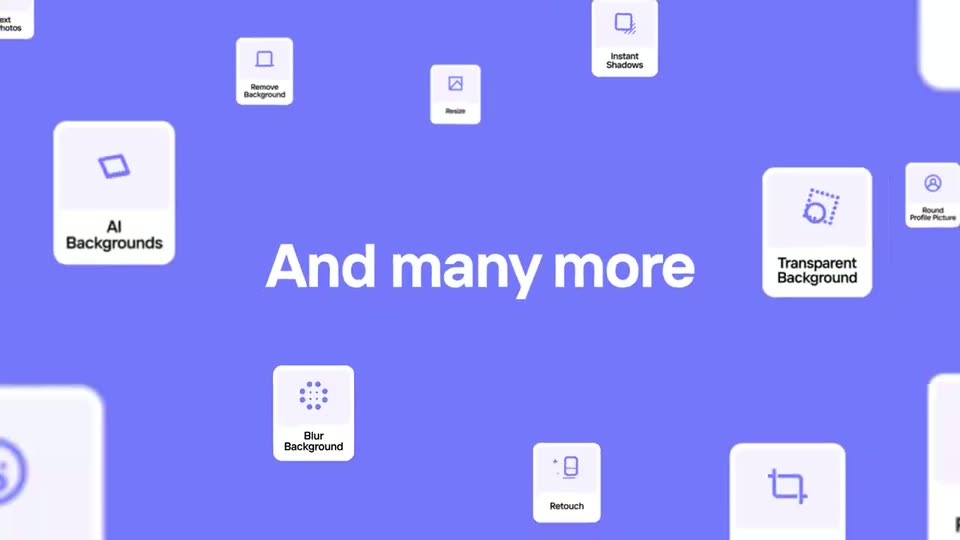 0:32–0:33Photoroom · Photoroom - 🚀 Today Photoroom is announcing the next generation of AI photo-editiA close-up of a photo editor showing light blue sneakers pulls back to reveal a 3D field of white feature cards drifting at different depths. Large white text in the center swaps from “And much more” to “Anything is possible”.
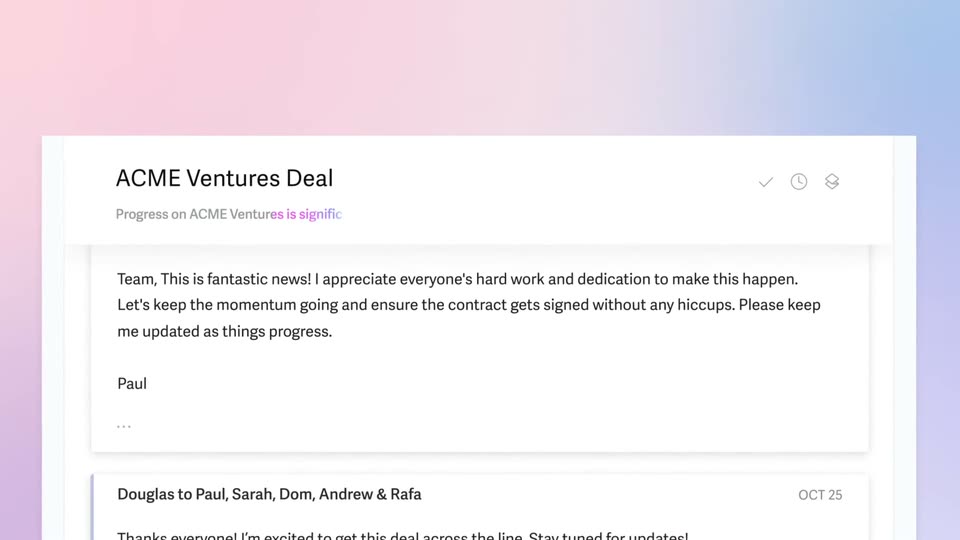 0:24–0:33Superhuman · Superhuman AI 2.0A white email-thread card on a pink-to-blue gradient scrolls up through several messages, then zooms in on the card header as a one-line deal summary fades in beneath the title.
 0:30–0:31Uniswap · All New Uniswap Extension and More Tools for Users to Swap SmarterA dark swap interface card sits centered on a magenta background, then scales up to fill the frame, pushing the magenta border off screen. The view lands on the ETH swap form with its pink Select token button.
 0:30–0:31Google · Introducing Google One AI PremiumA tilted dialog card in 3D perspective opens zoomed in on its Cancel and blue Creating... buttons, then pulls back to show the whole card, a prompt line and two small top icons on a pale background.
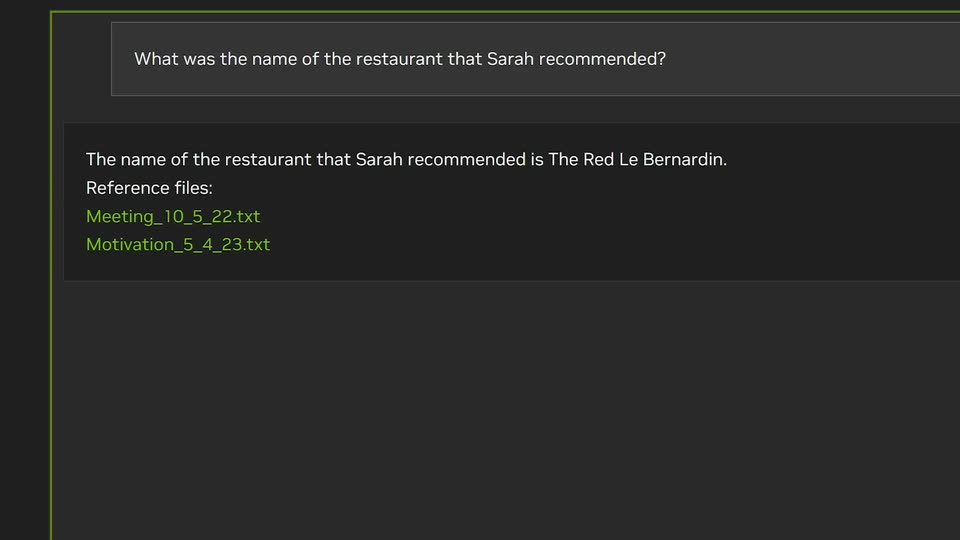 0:20–0:26NVIDIA · Create A Personalized AI Chatbot with Chat With RTXA dark interface scrolls down past a model and dataset panel to a text field where a question types itself out. The view reframes so the question sits in a top box, then an answer block types below it, ending with two green file names.
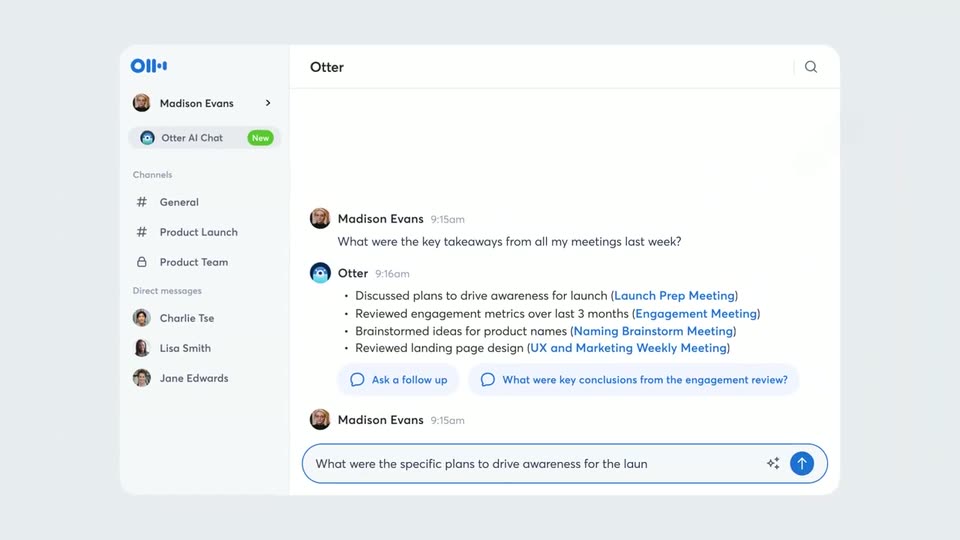 0:25–0:38Otter · Otter.ai - Introducing Meeting GenAI ✨ Say goodbye to lost insights and helloA flat chat mockup on a pale gray background. The camera zooms into the input bar as a question types itself and sends; the AI answers with a bulleted list while a dark blue speech bubble pops in with a tagline. The view zooms out for a second, follow-up question.
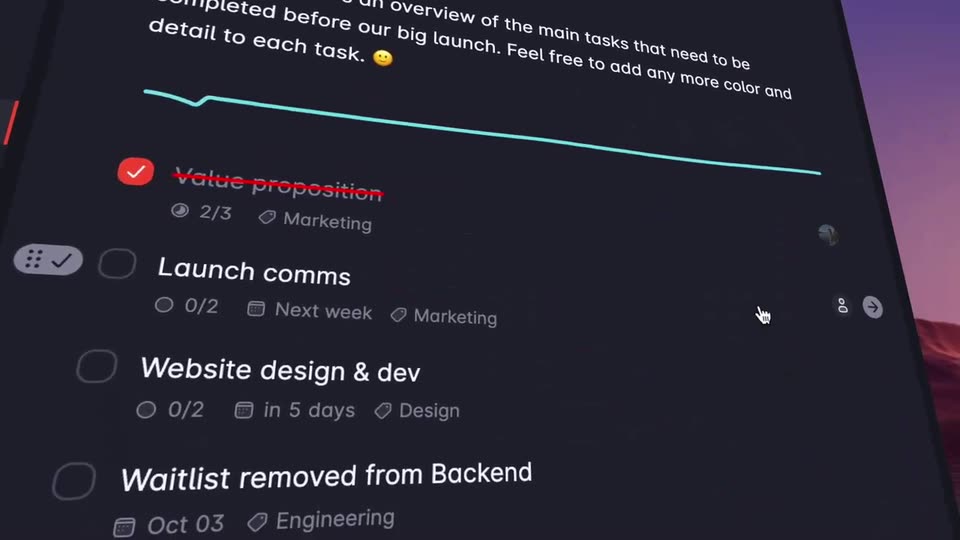 0:24–0:26Superlist · Superlist - We've got wunderful news: Today, we're releasing Superlist 1.0 – theA dark project board floats tilted in 3D perspective. The camera pushes in and levels as a cursor hovers on the Launch comms row, and a detail panel appears along the right edge.
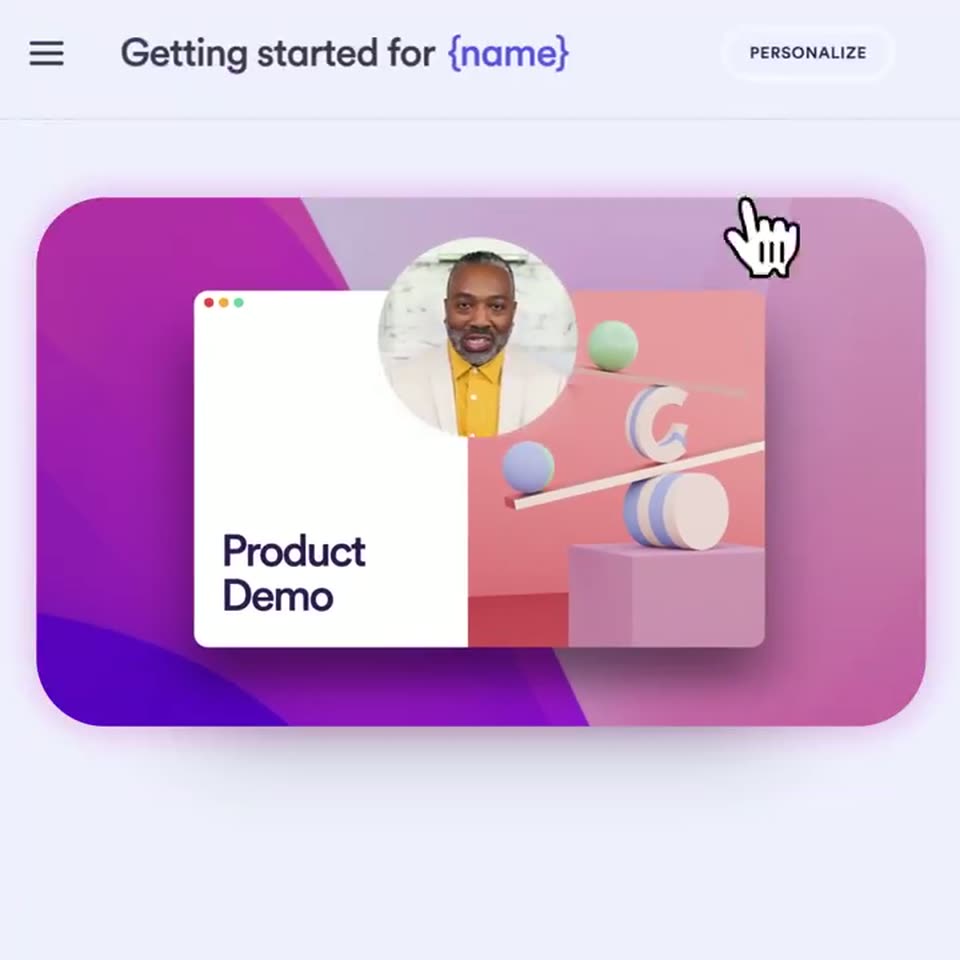 0:12–0:13Loom · Loom - 🚨 Sales & customer-facing teams — unlock more revenue with Loom!A browser window mockup with a white panel reading Product Demo and a pink 3D scene of spheres and a letter G sits on a purple gradient. The view zooms out to the full editor page, a top bar titled Getting started for {name}, a PERSONALIZE label with a hand cursor, and a man's photo filling the circular cutout.
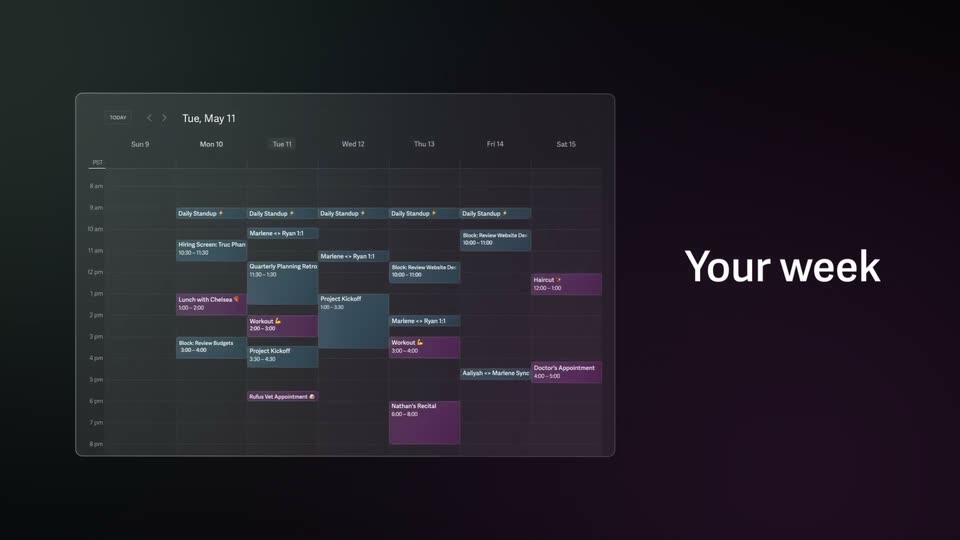 1:00–1:02Superhuman · Introducing SuperhumanA dark week calendar grid fades in on the left as the headline “Your week” sharpens on the right. The frame then reframes downward, sliding an event detail card for a lunch meeting into view below the grid.
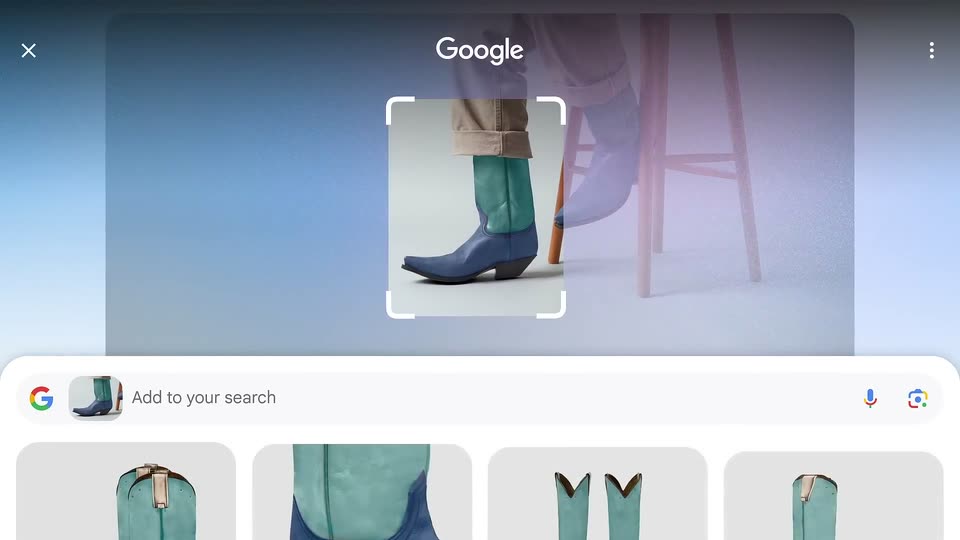 0:14–0:15Google · Introducing a new way to search | Circle to SearchA Google Lens screen shows legs in blue heeled boots inside a corner-bracket viewfinder. The image zooms onto the boots as the brackets shrink. The search bar with a boot thumbnail and “Add to your search” slides up, and a row of product thumbnails rises from below.
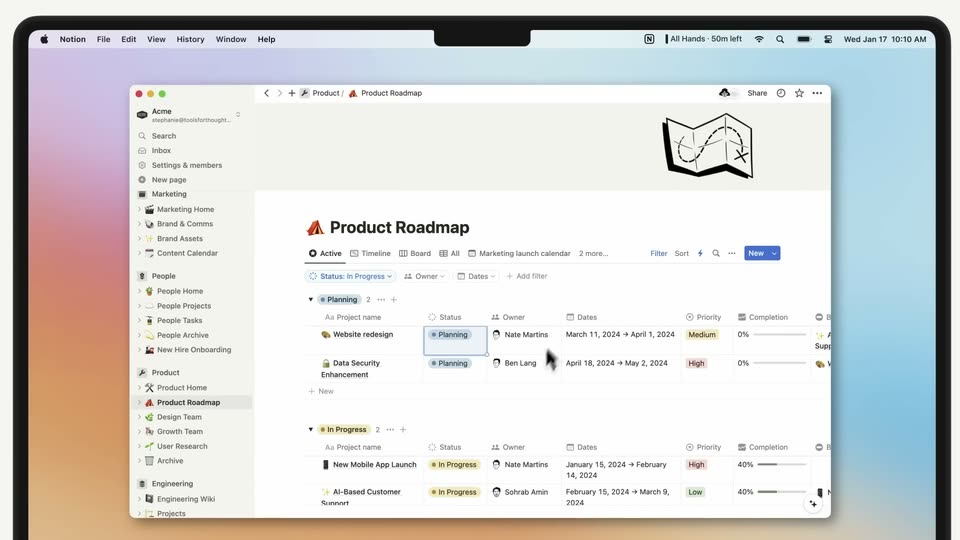 0:36–0:39Notion · Meet Notion CalendarA 3D MacBook shows a Notion roadmap database. The cursor opens a status dropdown and switches a row from Planning to In Progress. The camera then zooms into the top bar, framing the All Hands notification and the page header.
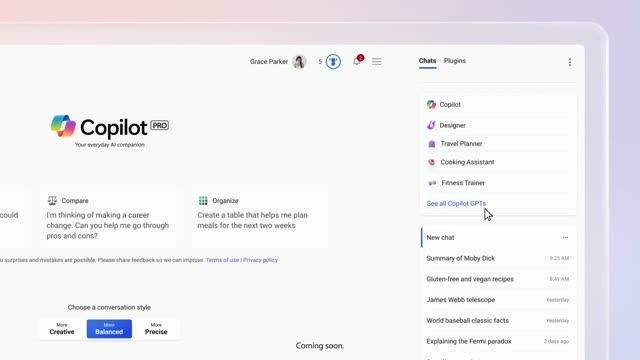 0:13–0:15Microsoft · Introducing Copilot Pro: Supercharge your Creativity and ProductivityA tilted Copilot PRO browser window floats over a pink-to-purple gradient. The camera pushes in on the right sidebar as a cursor glides toward the See all Copilot GPTs link. A Coming soon. caption sits below the window.
 0:18–0:19Berachain · Berachain Foundation 🐻⛓ - Berachain’s Public Testnet "Artio" is now live. The March of the BerA dark DeFi screen shows an 'Add Liquidity' heading, two buttons and a honey jar illustration above a pool table. The view pushes into the table, tilting it into a 3D angle as rows of pool names and TVL figures blur past a resting cursor.
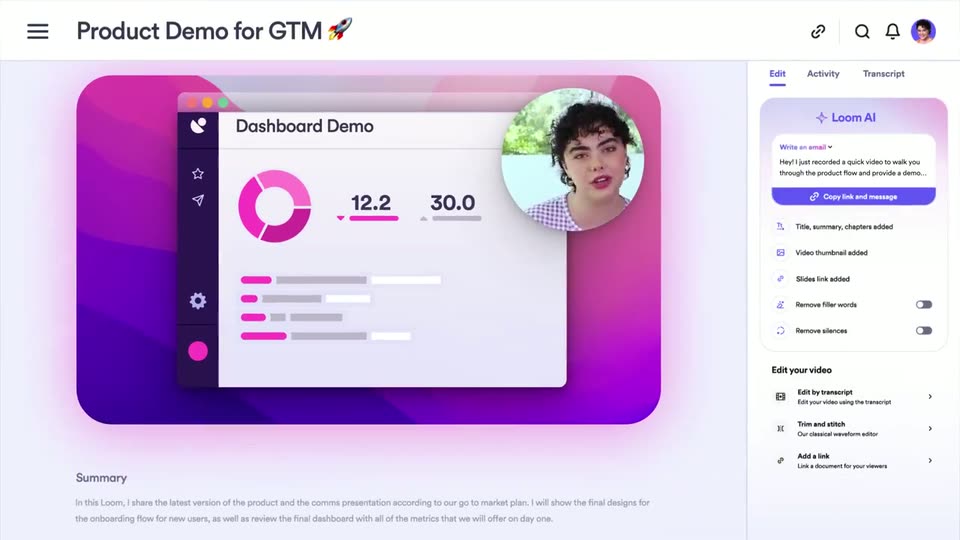 0:03–0:07Loom · Loom - It’s a new year — and it’s easier than ever to embrace new ways of woA Loom editor settles into frame after a blurred zoom-out. A dashboard mockup with a pink donut chart and two metrics sits left, a circular talking-head video overlaps its corner, a right sidebar lists Loom AI actions. Glowing spheres drift up across the screen at the end.
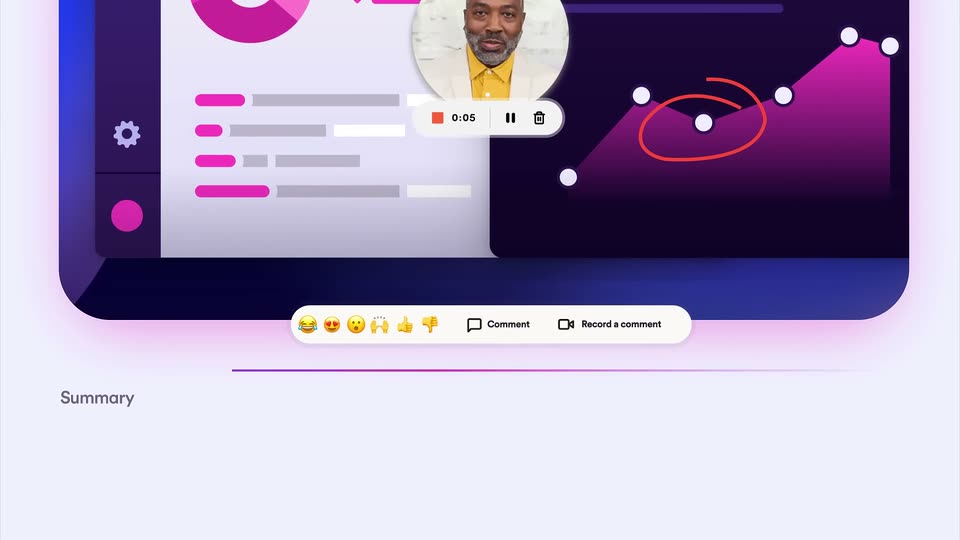 0:08–0:18Loom · Work Faster and Smarter with Loom AIA dashboard demo plays in a rounded card with a presenter bubble and comment bar. A hand cursor circles a chart point in orange. A 'Quick Adjustment!' header slides in above; below, a Summary paragraph and 'Code Review' and 'Bug Fix!' tags with a code line appear.
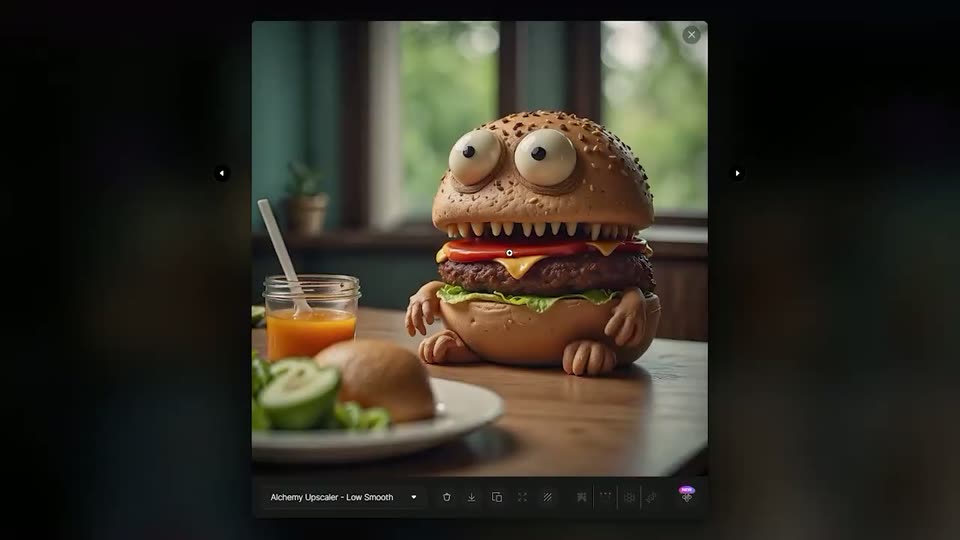 0:10–0:11Leonardo AI · Leonardo.Ai - Realtime Gen is now LIVE for all users ⏱️ Type and watch your promptA rendered monster burger with a sesame-bun head and small hands fills the frame, then scales down into a centered card on a dark background, revealing a table with a juice jar and a plate. A dark toolbar with small icons sits beneath the card.
 0:24–0:25Pika · Introducing Pika 1.0, An Idea-to-Video PlatformA dark prompt card shows a mouse cursor over a field with a thumbnail and control buttons; the frame zooms into the field as “the last supper, dolly out” types out, then holds still.
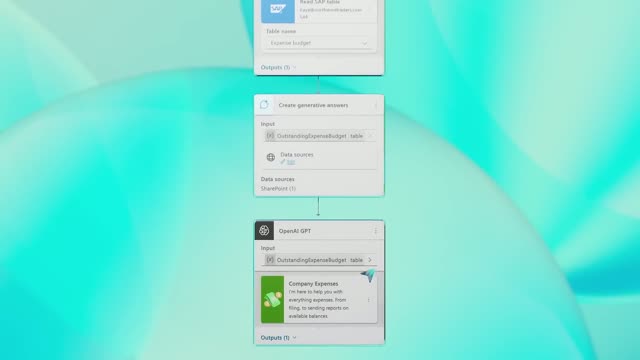 0:30–0:37Microsoft · Introducing Microsoft Copilot Studio | Your Copilot, Your WayClose-up of a flow card reading a SAP table on a soft turquoise gradient. The view slowly pulls back and pans down, revealing the full vertical chain: Trigger, Action, Create generative answers, and OpenAI GPT, linked by thin lines, while a cursor arrow hovers at the bottom.
 0:27–0:29Microsoft · The new Microsoft Planner: Manage all your tasks and plans in one simple, familiar experienceA Microsoft Planner window floats in 3D perspective over a soft purple gradient. The My Plans panel slides in from the right as the view reframes onto its tabbed list, with a cursor hovering at the left edge.
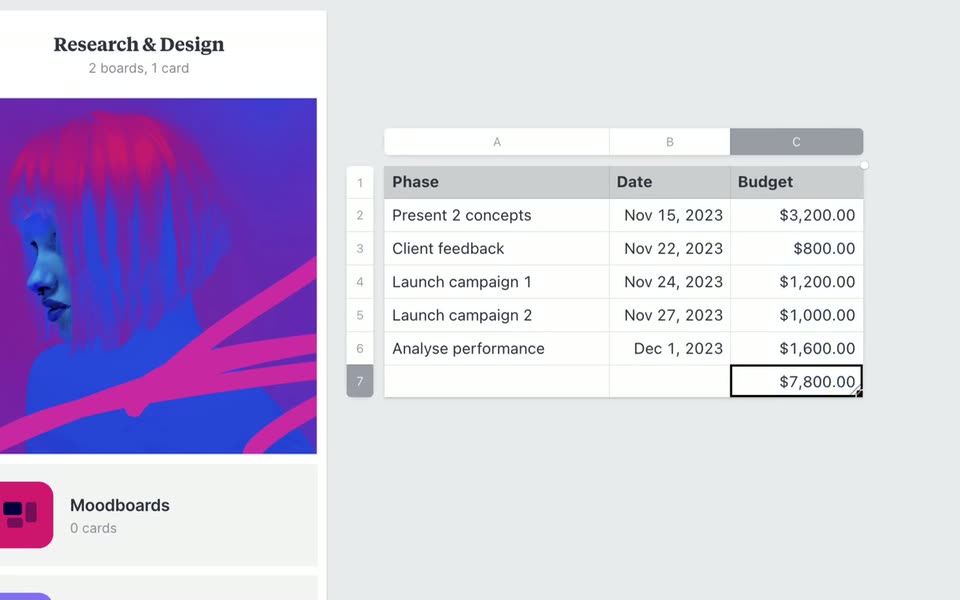 0:01–0:22Milanote · 28 reactions | We've just added Tables to Milanote 🎉 Use them to plan project timelines, calculate budgets and keep track of all the details. We've included the best parts of a spreadsheet (formulas, cell types and basic formatting), without the complexity. Try them out and tell us what you think! | MilanoteA cursor builds a spreadsheet on a whiteboard next to a moodboard card: it types phase and budget rows, picks dates from a popup calendar, formats values as currency and sums them. The frame zooms out to reveal the whole ArtHub Campaigns board.
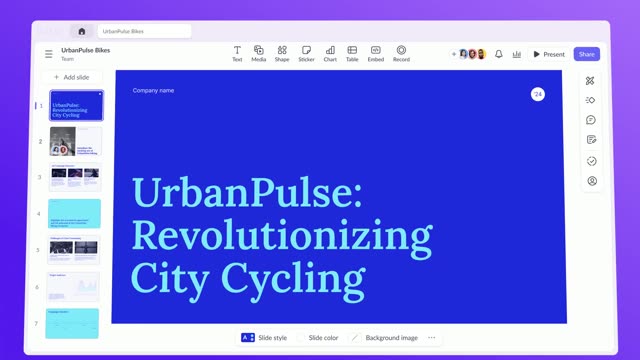 0:39–0:40Pitch · Introducing Pitch 2.0A tight close-up on a blue slide with large light-blue serif text pulls back to reveal the full presentation editor, with a slide thumbnail list on the left and an icon toolbar across the top.
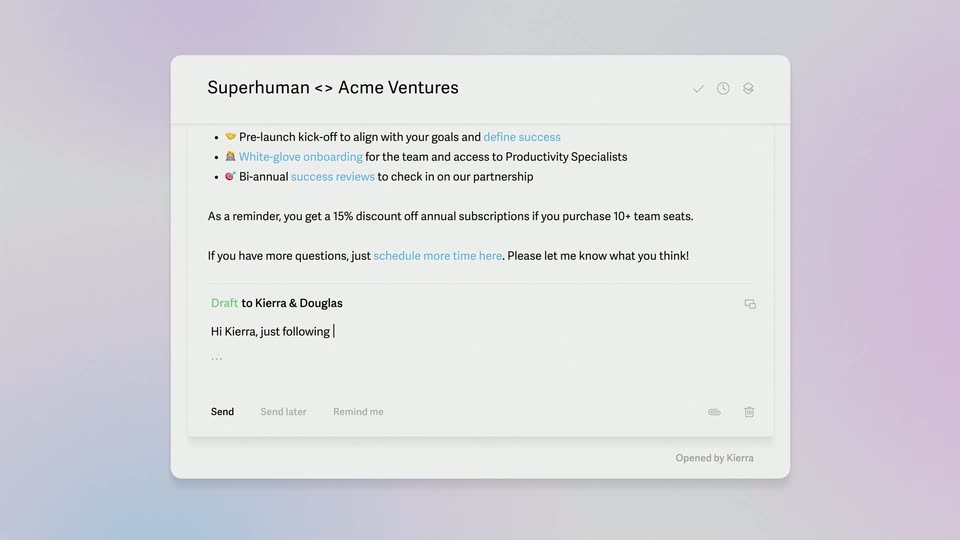 0:26–0:34Superhuman · Superhuman for Teams 🤝A flat email client card on a soft lavender gradient. The view zooms into the 'Opened by Kierra' label, where a cursor clicks to reveal a dark tooltip listing three open times. The view pulls back as a draft reply types itself out below the message.
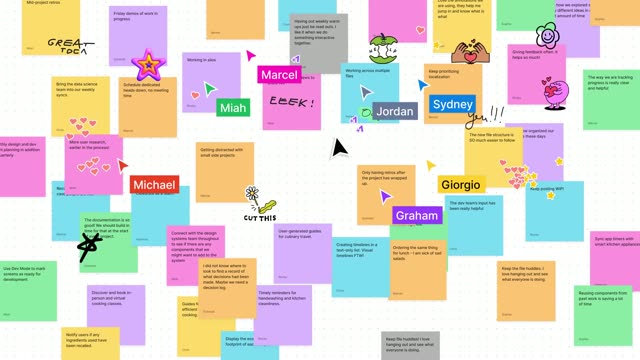 0:15–0:17Figma · Introducing FigJam AIA close-up of a dotted whiteboard zooms out to reveal a dense grid of colored sticky notes and name tags popping in, while black, white and purple cursors drift between doodles and notes.
 0:10–0:11OpenAI · Introducing GPTs in ChatGPTA dark chat screen shows a message from Lewis with two table photos on grass; the list scrolls up, then cuts to a full-screen photo of a dachshund puppy resting a paw on a chair.
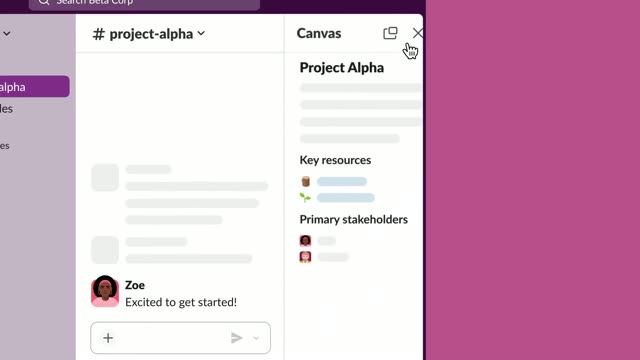 0:19–0:24Slack · Introducing canvas | A new surface to share and organize knowledge | SlackA chat app window shows the #project-alpha channel with a floating Project Alpha card listing key resources and stakeholders. A hand cursor clicks the canvas icon in the header, and the card expands into a docked Canvas side panel as the view zooms in slightly.
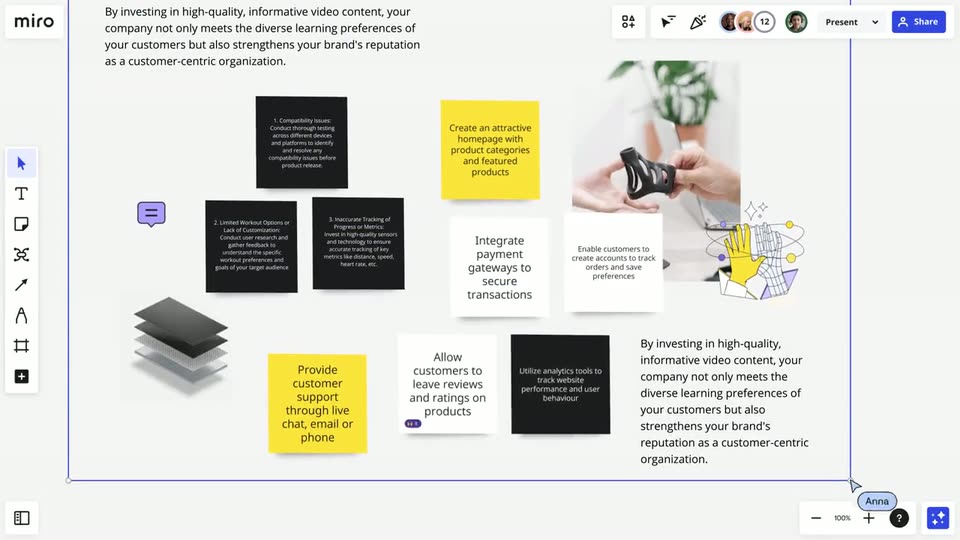 0:20–0:24Miro · Miro - Meet your AI partner for innovation, launching November 1. What wilA dark sticky note fills the frame, then the view zooms out to reveal a crowded Miro whiteboard of black and yellow notes, a smartwatch photo and a hand diagram, with a comment bubble popping in at the corner.
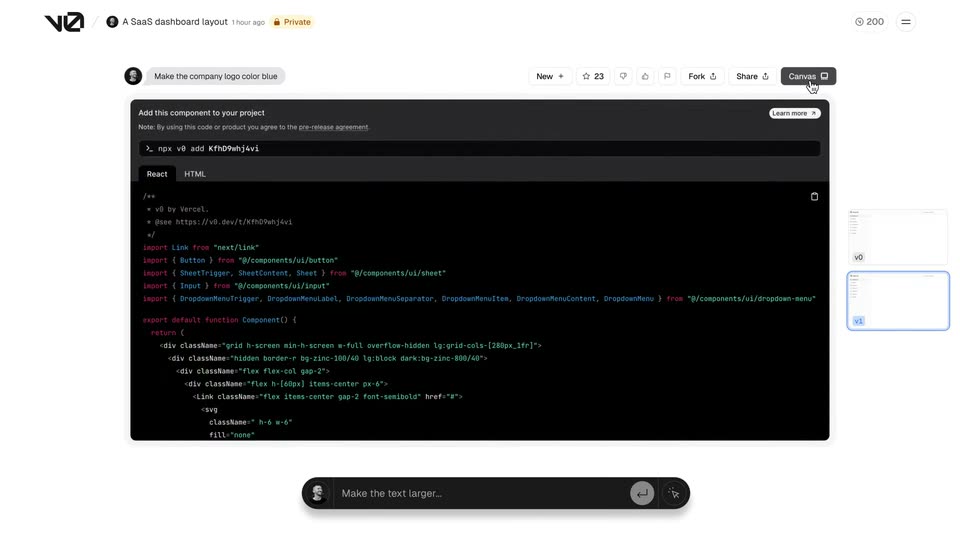 0:29–0:30Vercel · Introducing v0: Generative UIA V0 project screen shows a dark code editor under a user prompt. A cursor hovers over the Canvas button, then the view reframes closer to the code panel and right-side version thumbnails.
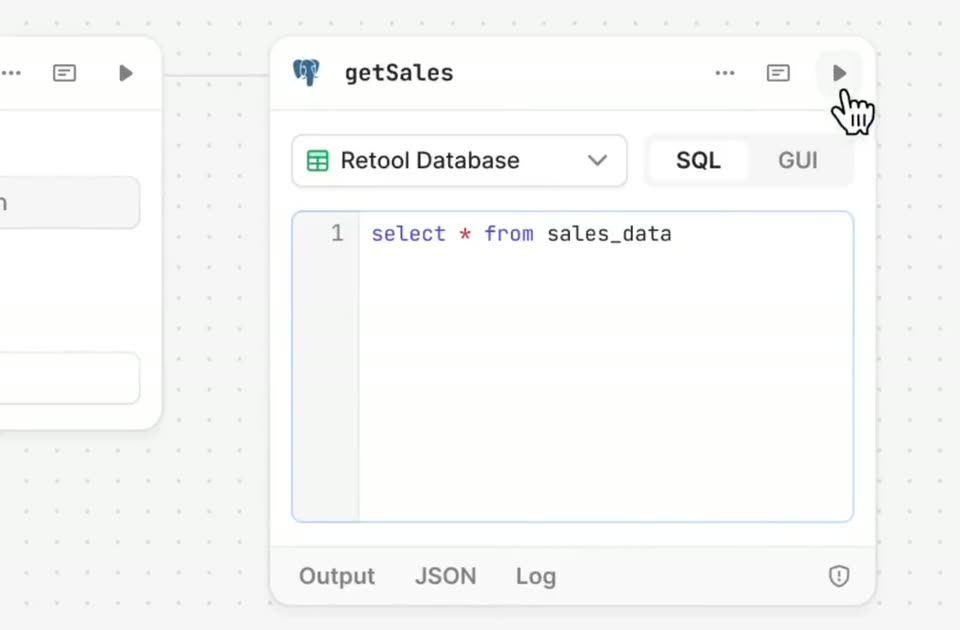 0:03–0:09Retool · Retool - Say hello to the fusion of visual programming, code, and AI. RetoolA hand cursor opens a resource dropdown and picks Retool Database, the panel switching to a SQL editor that types a query line. The cursor clicks play, and the frame zooms into the output table of sales rows.
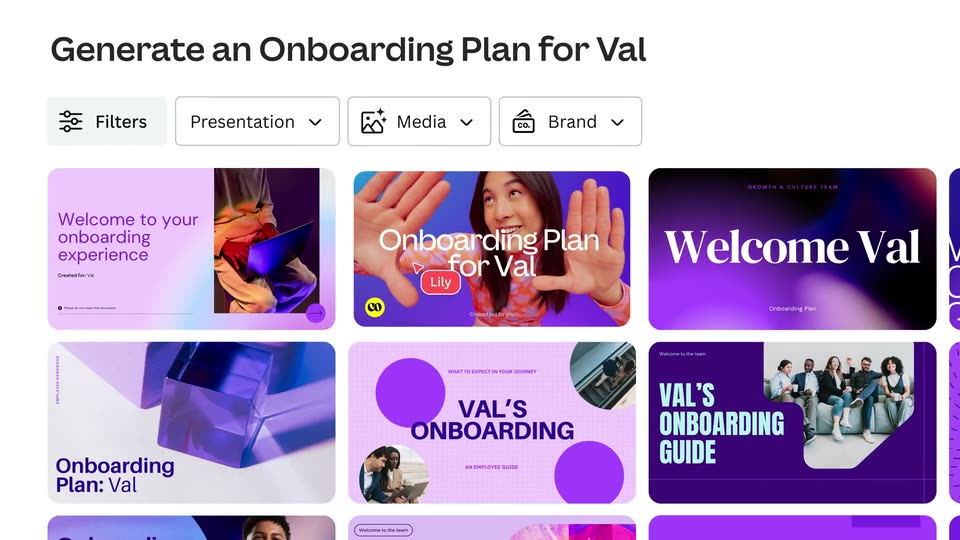 0:12–0:14Canva · Canva - Meet Magic Studio. Supercharge your workflow with all the power of AIA grid of generated onboarding slide thumbnails sits under a row of filter chips. The blue card showing a woman with raised palms scales up to fill the frame as the page headline grows and re-centers above it.
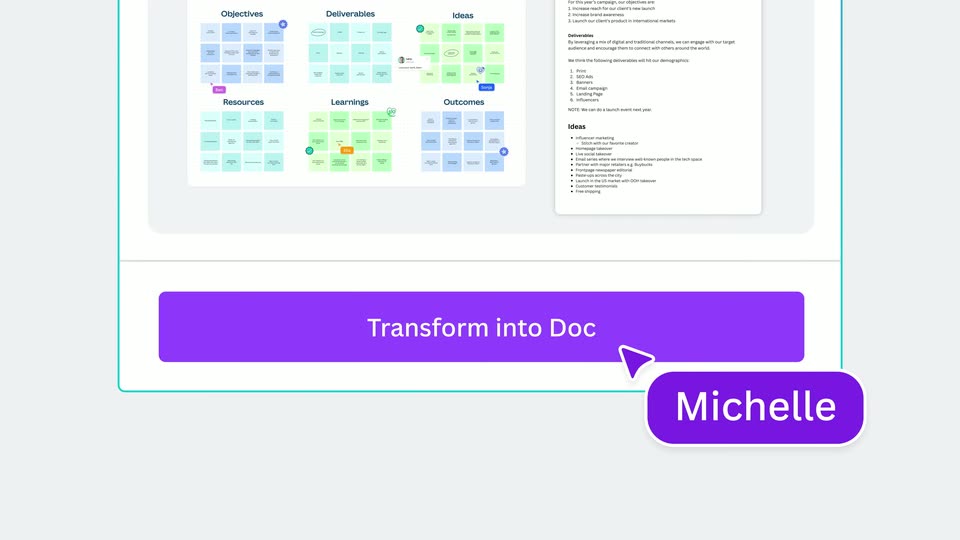 0:33–0:34Canva · Meet Magic Studio | Let the power of AI supercharge your workA whiteboard app screen shows a six-column board and a Summary document panel; the view pulls back to center a wide purple button, while an outlined cursor hovers at its edge and a purple Michelle tag sits below.
 0:24–0:25Framer · Framer - 🌎 Hola, Bonjour, こんにちは! Introducing AI-powered Localization for yourA dark Framer editor shows a layers panel and component cards that fade out, revealing a website preview. The frame reframes onto the site's top bar, where a cursor rests on the blue Sign up button and blue resize brackets outline the navigation.
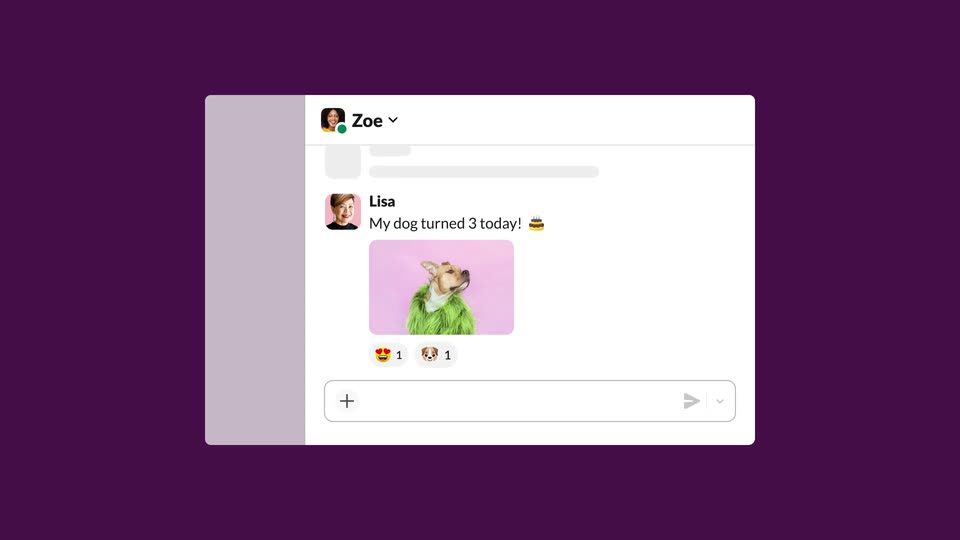 1:17–1:23Slack · Conversations in SlackA white chat window slides in from the right on a purple background. Skeleton bars flash, then a message from Lisa with a photo of a dog in a green sweater slides in, reaction chips pop below, and the camera zooms into the message.
 0:10–0:13Microsoft · Introducing Microsoft 365 ChatA 3D weave of colored ribbons carries floating UI pills and avatar chips as the camera pulls back to reveal the full loop, then zooms in with motion blur and resolves into a gradient loop logo beside a white card.
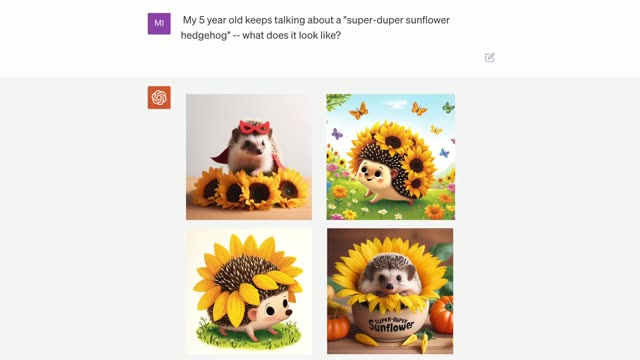 0:06–0:10OpenAI · Introducing DALL·E 3Four illustration ideas appear in a ChatGPT response and resolve into a grid of hedgehog pictures. One picture expands into view before the next prompt.
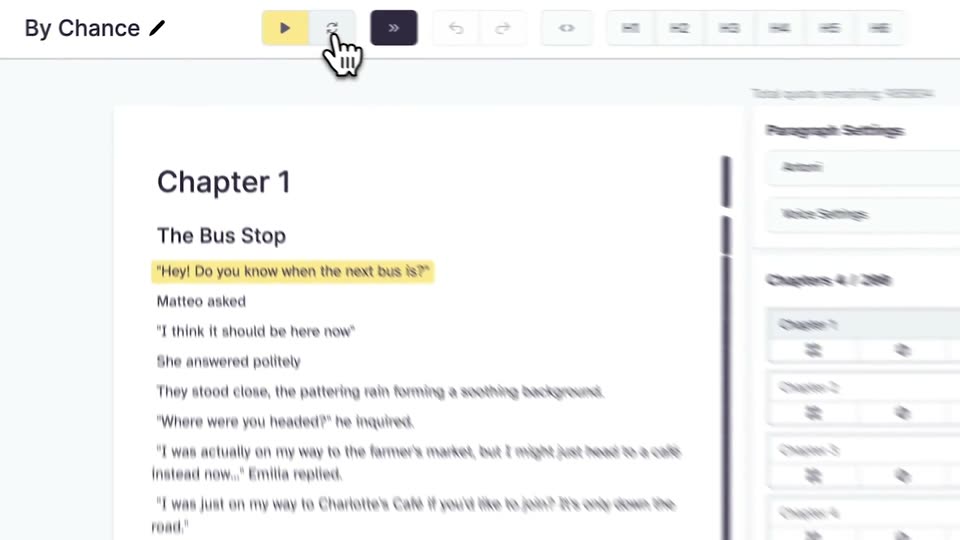 0:41–0:50ElevenLabs · Introducing: ProjectsThe By Chance editor fills the frame, then the view zooms into Chapter 1 where the first line is highlighted yellow with a text caret. A hand cursor moves to the toolbar and clicks the regenerate button, which spins. The view zooms back out to the full interface.
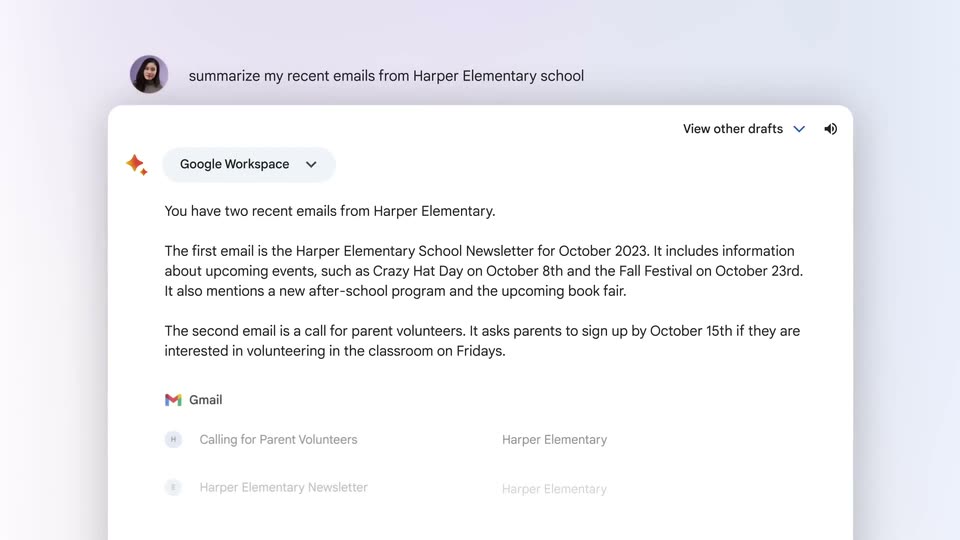 0:27–0:34Google · Introducing Extensions ✨ | BardA chat prompt sits above a white response card. The card's status label cycles from Finding your emails to Assessing emails beside an animated icon, then a two-paragraph email summary types in line by line, followed by a Gmail list. The view then zooms into the body text.
 0:23–0:25beehiiv · beehiiv 🐝 - new beehiiv who disA grid of newsletter template cards on a blue field, with photos, headlines and a 20% stat. The camera zooms in on the INTRODUCING BEEHIIV AI card, and a white subject-line test panel and a Share your referral link input appear.
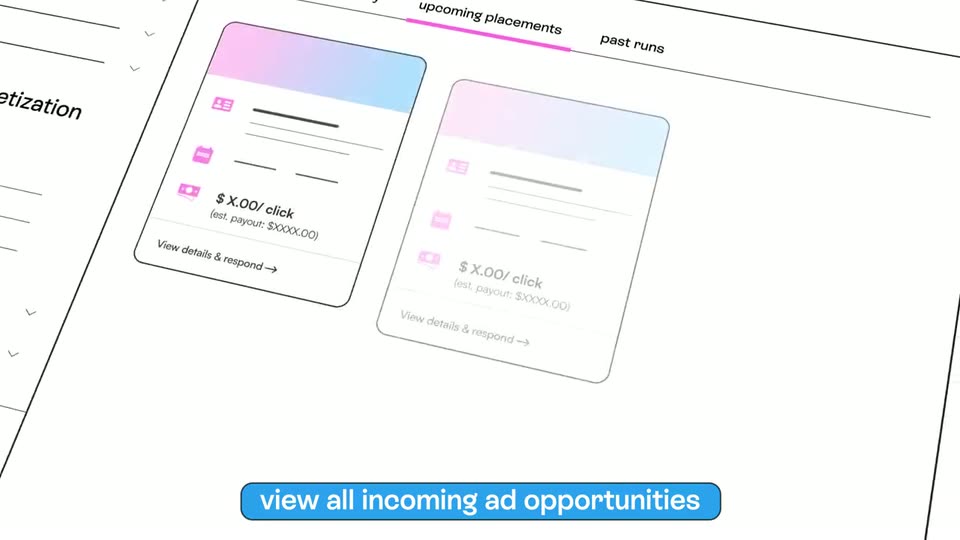 0:19–0:20beehiiv · beehiiv 🐝 - your newsletter 🤝 quality sponsors enter: the built in ad networkA hand-drawn beehiiv dashboard wireframe sits tilted in 3D perspective. The view pushes in on the ads panel as the Ads label grows, while a blue pill caption at the bottom swaps from “There you'll be able to” to “view all incoming ad opportunities”.
 0:12–0:15Slack · A new day for work, powered by AIA Slack-style window slides in from the left over a blue field, settling centered with the #sales channel and a yellow avatar. The view then pushes in close on the avatar and blue message bars.
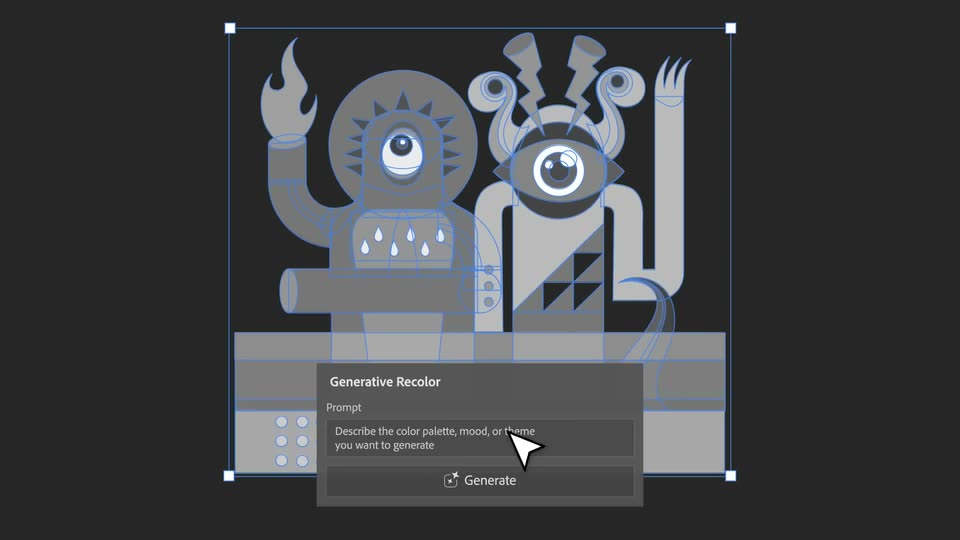 0:41–0:42Adobe · Adobe Firefly: Out of Beta & Ready For Your Imagination | AdobeTwo gray cartoon monsters with blue line-art overlays fill the frame in close-up, then the camera pulls back to show the full illustration in a selection box and a Generative Recolor panel with a Prompt field and Generate button, a cursor hovering at its edge.
 0:05–0:10Loom · Loom - 😎 Record with confidence: Loom AI automatically removes the ums, ahA tilted 3D browser mockup of a Market Trends dashboard with a video-call avatar sits on a purple gradient. A large white headline scales in over it, then the camera zooms into the playback-time chip, which ticks from 3:32 to 2:59.
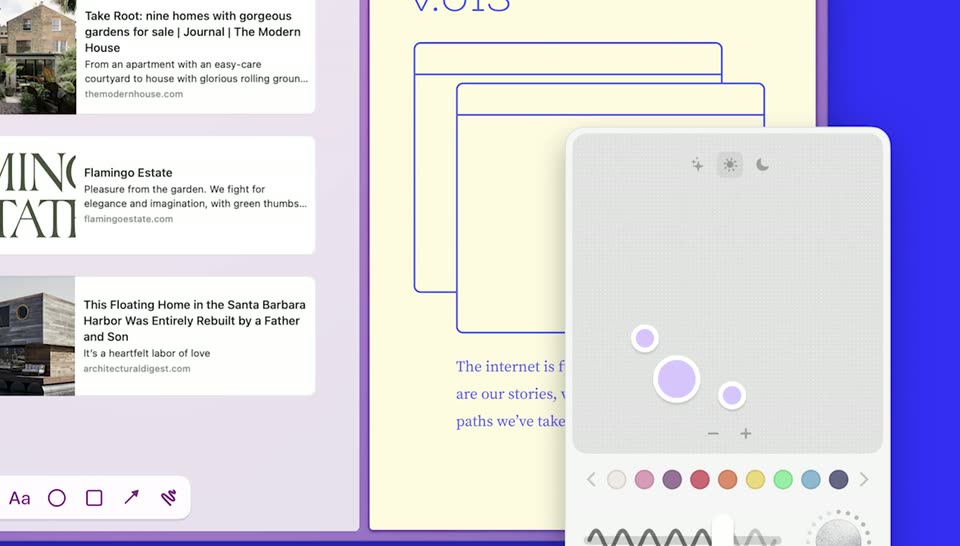 0:23–0:25The Browser Company · Arc for Students | Everything in its right placeA layered browser view with floating panels: a tabbed window, a cream canvas with article cards, and a settings panel. Cards and color swatches populate the panels, then the frame tightens onto the color-and-size control panel as its circles cycle through hues.
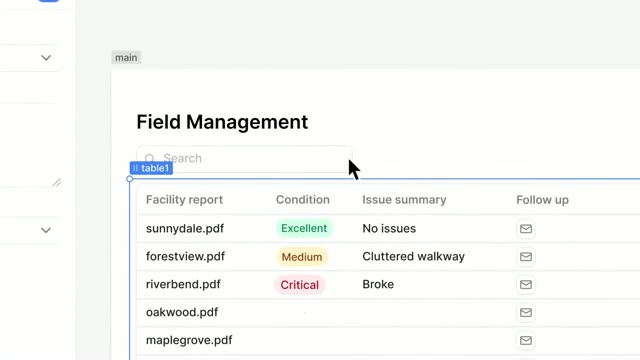 0:02 · 0.8sRetool · Introducing Retool AI—powerful AI building blocksA split view shows a code editor beside a rendered app screen. A blue bounding box labeled table1 wraps a data table and is dragged down, while the view pans right to reveal the full table with colored condition badges and issue text filling in.
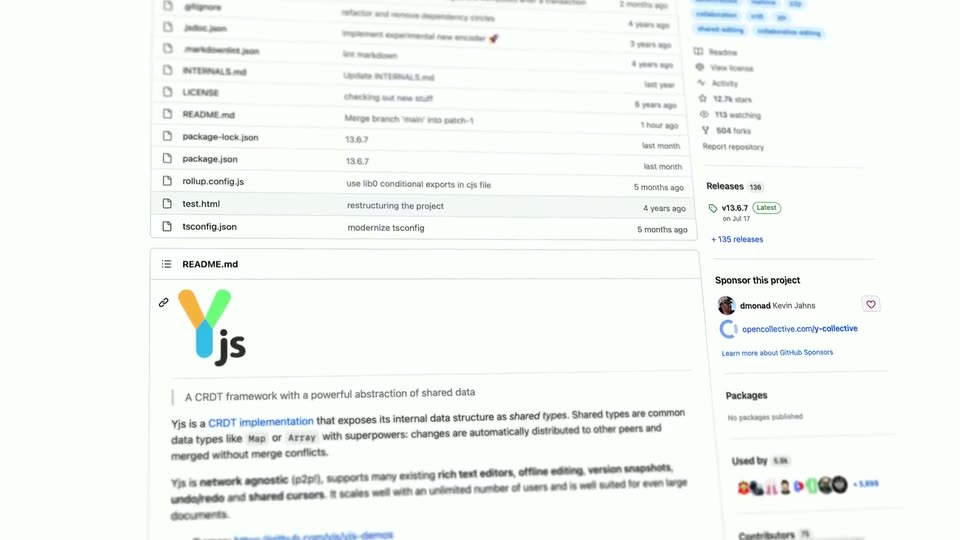 0:18–0:21Liveblocks · Liveblocks - Introducing the most advanced platform for Yjs. →A GitHub repository page for the Yjs project scrolls upward, then the view pushes into the README card, blurring the file list and right sidebar into soft focus.
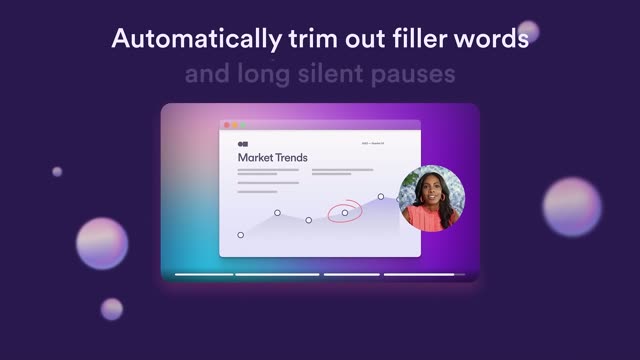 0:21–0:27Loom · Introducing Loom AIA browser mockup of a Market Trends dashboard with a circular webcam feed sits on a purple gradient. A hand cursor taps the For Addie task, turning its check green, then the headline switches and the window zooms in.
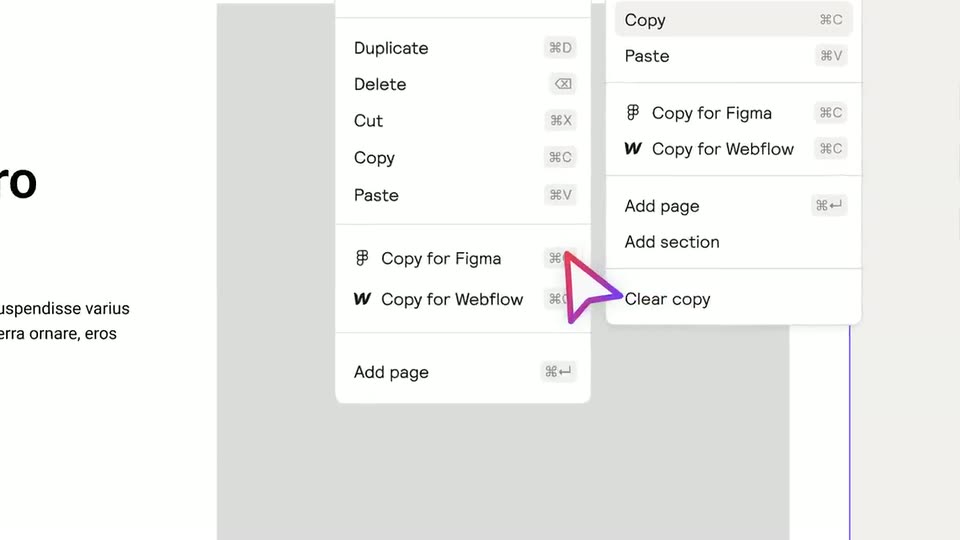 0:36–0:40Relume · Relume - The fastest way to design & build a website with the help of AI ✨A Wix editor holds the left while a large black headline sits on the right; a gradient cursor opens a context menu and the view zooms onto the copy rows, then a black copy icon centers on the gray field.
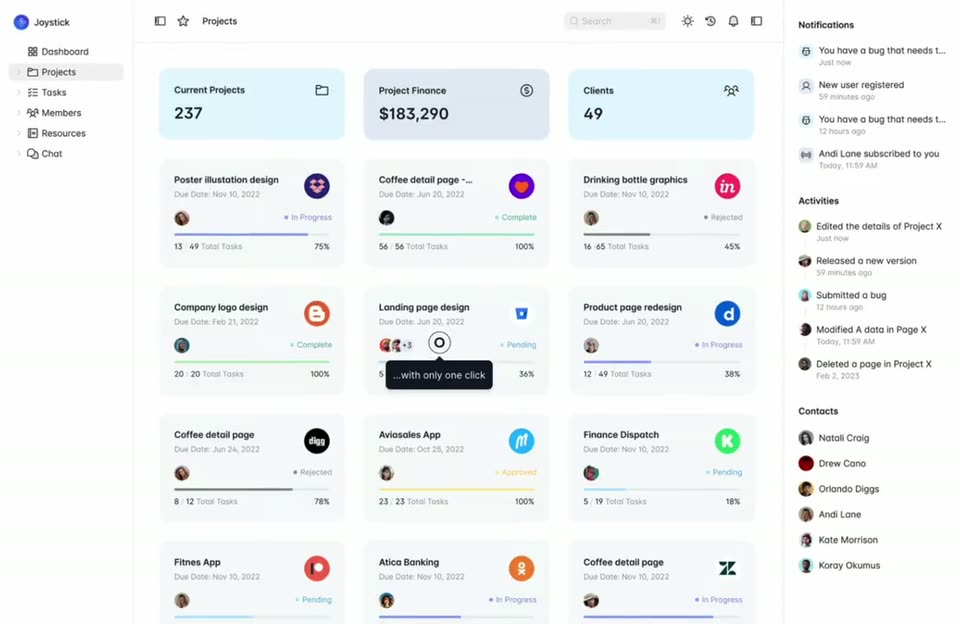 0:32–0:35Arcade · Arcade - 🕹 Introducing new creator tools to create effortlessly beautiful demos.A project dashboard resolves from a doubled ghost frame into a sharp full view, a dark tooltip reading “with only one click” pinned to a button. The camera then zooms into the grid of project cards, dropping the sidebars.
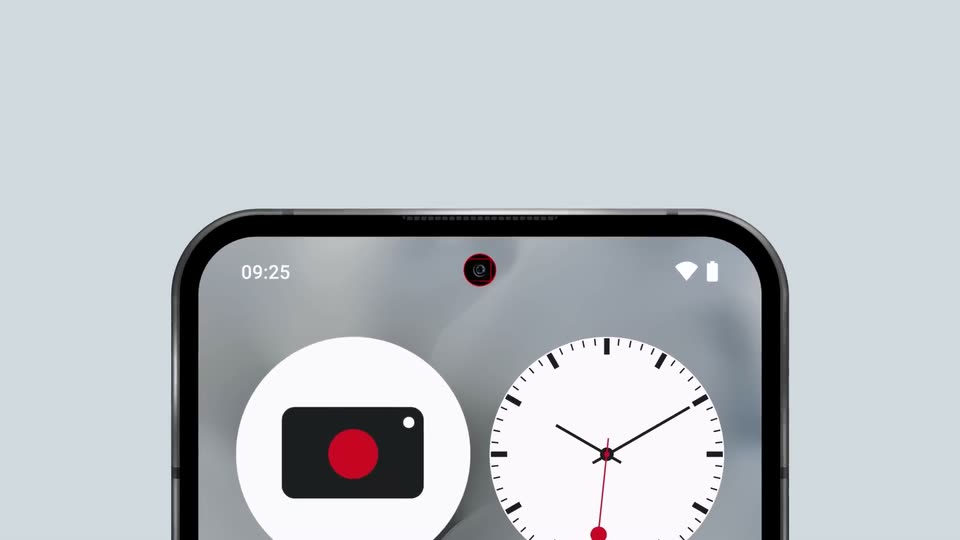 0:57–1:00Nothing · Phone (2): Lights, camera, less distractionExtreme close-up of the black front camera lens on a light gray surface. The frame zooms out to reveal the top of a smartphone showing a watch face with an analog clock and a camera app icon with a red dot.
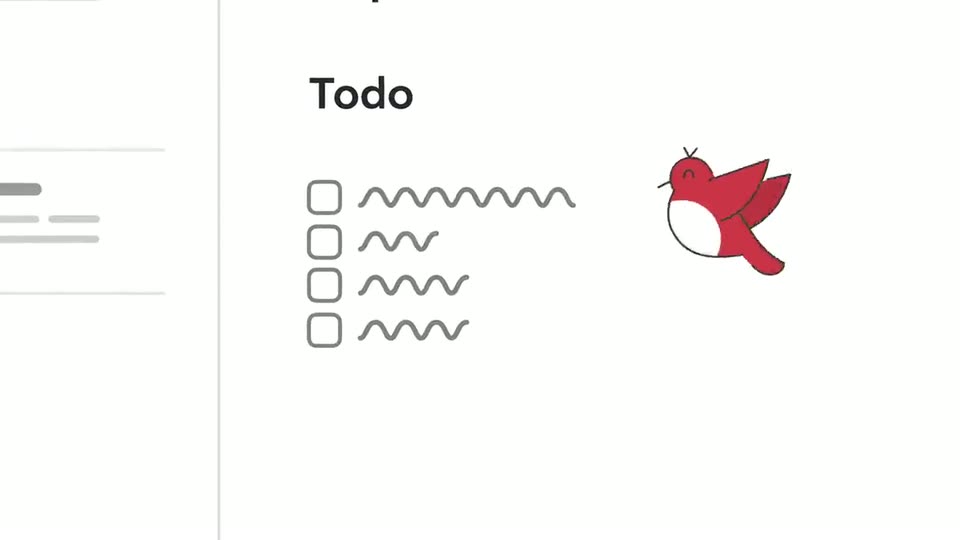 0:23–0:37Bear · Bear - Markdown Notes - Say hello to Bear 2!🎉 Packed with over 20 new features and a sparkliA line-drawn bear taps party, travel and coding tags in a note app's dark sidebar, switching the page between a cake note, a France itinerary and a code snippet. The view zooms into the Todo list, where a red bird ticks each item and flies off.
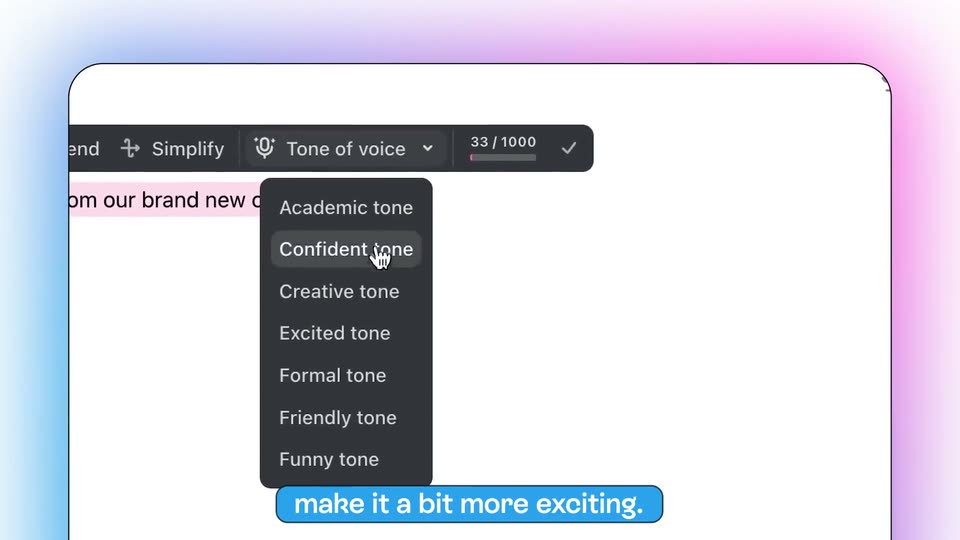 0:17–0:21beehiiv · beehiiv 🐝 - Introducing beehiiv AI ✨ Coming live from UranusA tilted writing-app mockup floats on a blue-to-pink gradient. The cursor opens the Tone of voice dropdown and selects Excited tone, and the pink-highlighted sentence rewrites itself into an excited version. A blue caption at the bottom mirrors the voiceover.
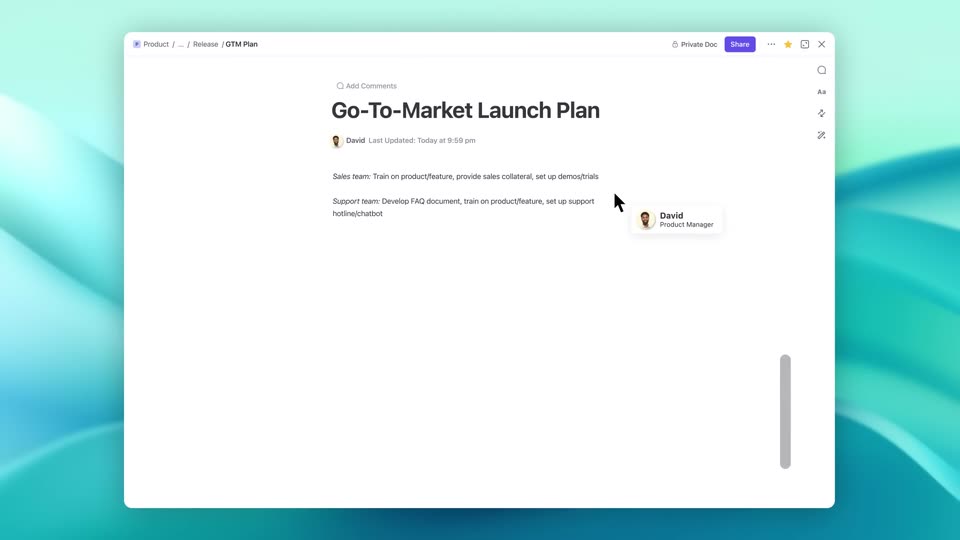 0:58–1:03ClickUp · Introducing ClickUp AIA document interface on a blue gradient background scrolls down through its numbered launch-plan sections while a David, Product Manager card stays pinned at the right. The frame then zooms onto the title and the card, blurring the rest of the page.
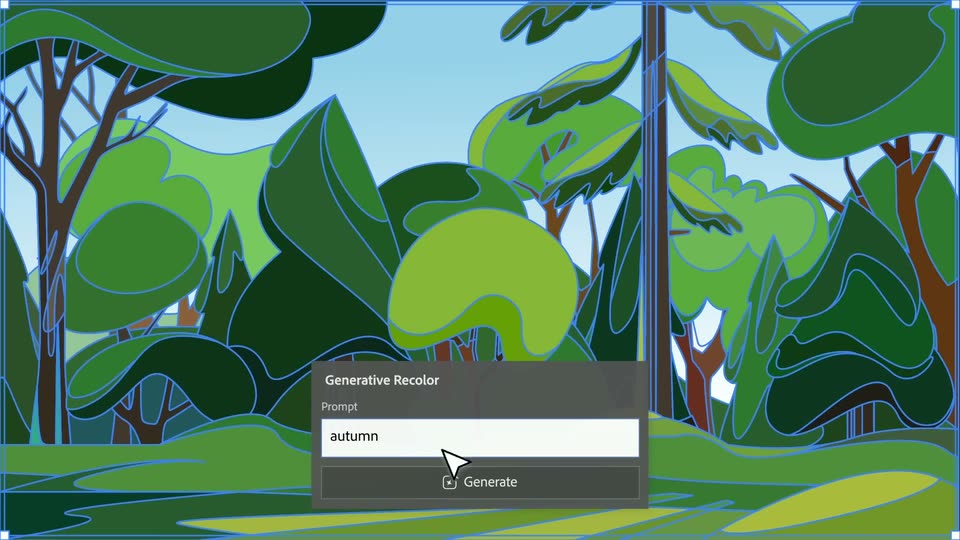 0:40–0:42Adobe · Adobe Illustrator x Adobe Firefly: Announcing Generative Recolor | AdobeA dark Generative Recolor dialog sits over a flat illustrated forest. The word autumn is typed into the prompt field, then a white cursor moves to the Generate button as the frame zooms out to reveal the full scene.
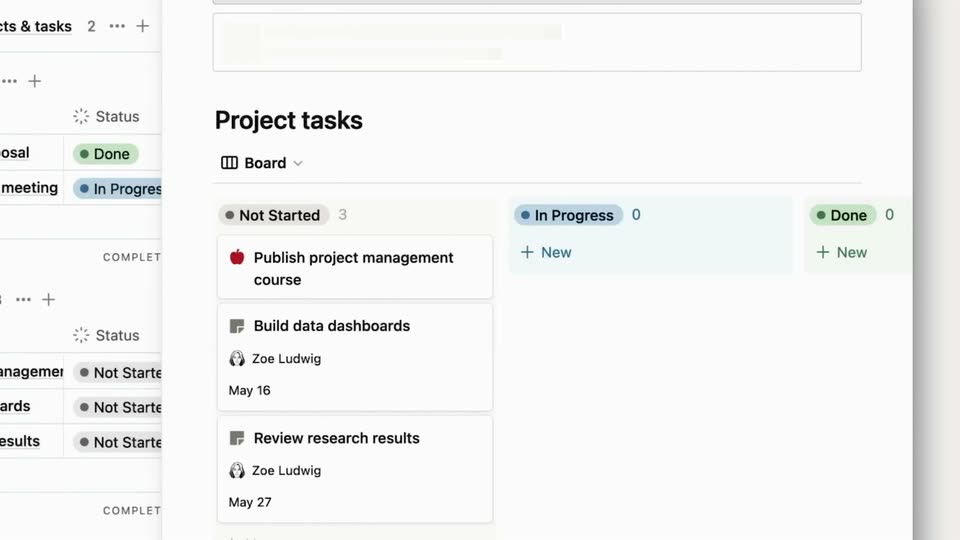 0:30–0:32Notion · Welcome to Notion ProjectsA Notion board interface resolves from horizontal motion blur into a sharp view. The camera eases in on the Project tasks board, showing three columns with task cards and assignee names.
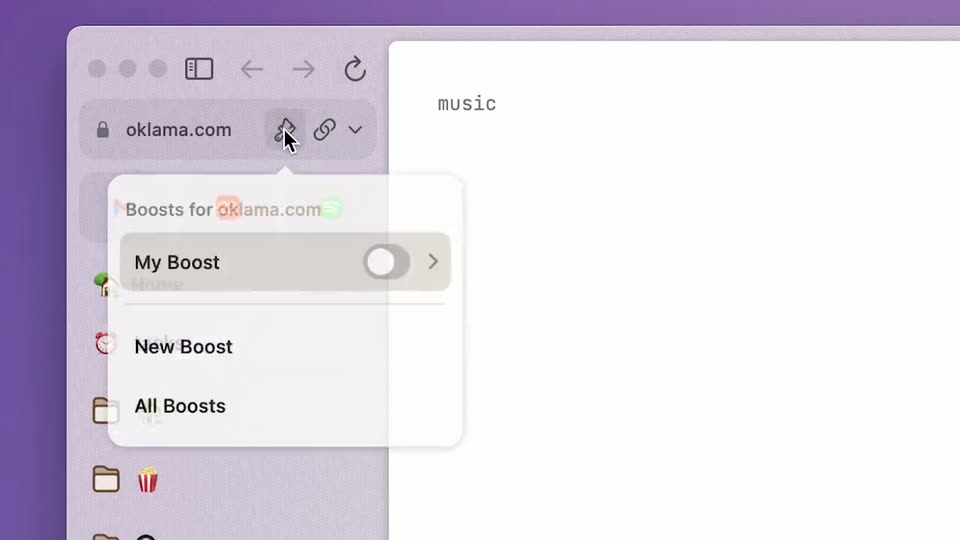 0:36–0:38The Browser Company · The Browser Company - What if the internet... was actually 𝑦𝑜𝑢𝑟 internet? 🎨 Introducing BClose-up of a browser window on a purple background. The view zooms in as the cursor clicks the rocket extension icon, and a white dropdown menu opens with My Boost, New Boost and All Boosts. The cursor then moves to New Boost.
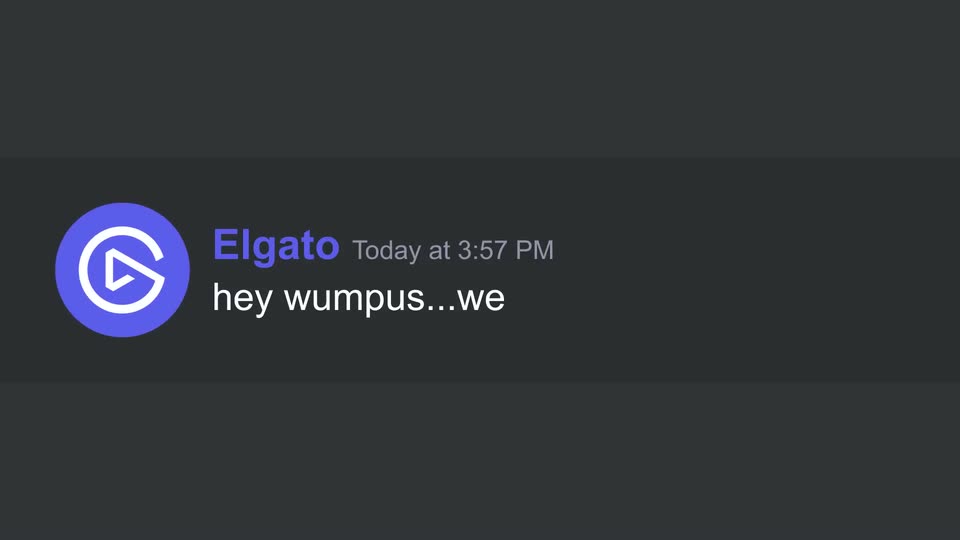 0:06 · 0.8sDiscord · Say Hello to the Wumpus Mic and Stream DeckA close-up of the Elgato avatar scales out to reveal a dark chat message: the name Elgato, a timestamp, and the line typed out character by character, while a small blue cartoon character with a green cap peeks in at the bottom right.
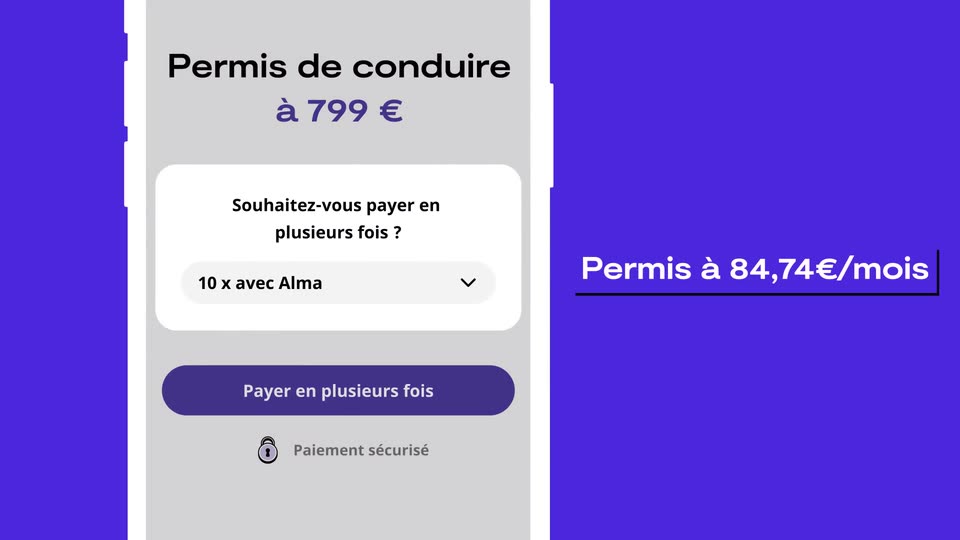 1:14–1:28Ornikar · Le PERMIS avec ORNIKAR : comment ça marche ?A flat white phone on a purple field scrolls through the Ornikar app: hero banner, feature list, guarantee cards, then a checkout card. The view zooms into the installment option as the caption appears beside it, then pulls back to the full phone.
 0:54–0:56Adobe · Adobe Photoshop (beta) x Adobe Firefly: Announcing Generative Fill | AdobeA horizontal filmstrip of three photo thumbnails sits over a full-frame aurora landscape, a white cursor resting on the selected frame. The strip fades out and the landscape zooms in to fill the screen.