UI zoom
A zoom or reframe onto one part of the interface.
10,011 scenes · page 87 of 167
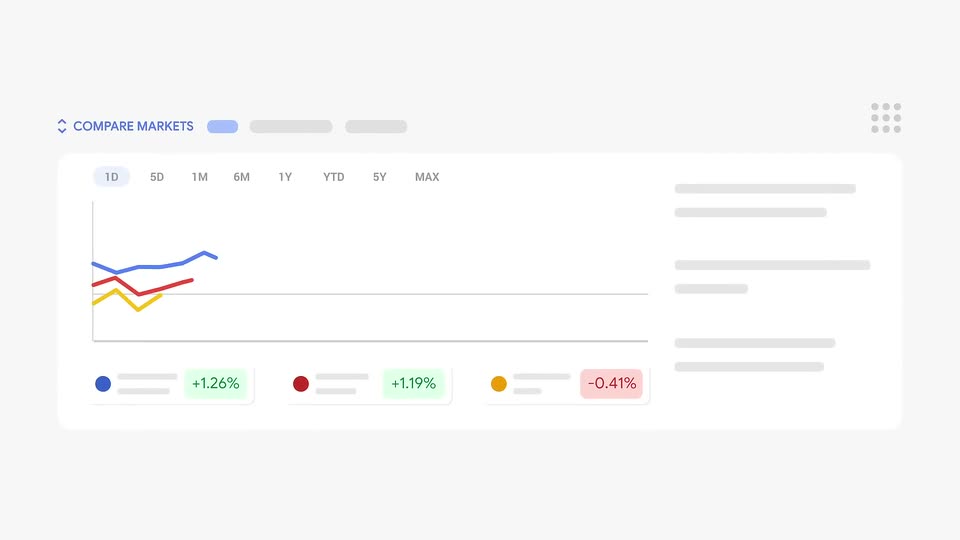 0:15–0:21Google · Meet the new Google FinanceA light stock dashboard shows market tickers, a search field, and five ticker cards; a cursor drifts up to the Compare Markets header, then the view reframes to a chart panel where blue, red, and yellow lines draw in across the grid.
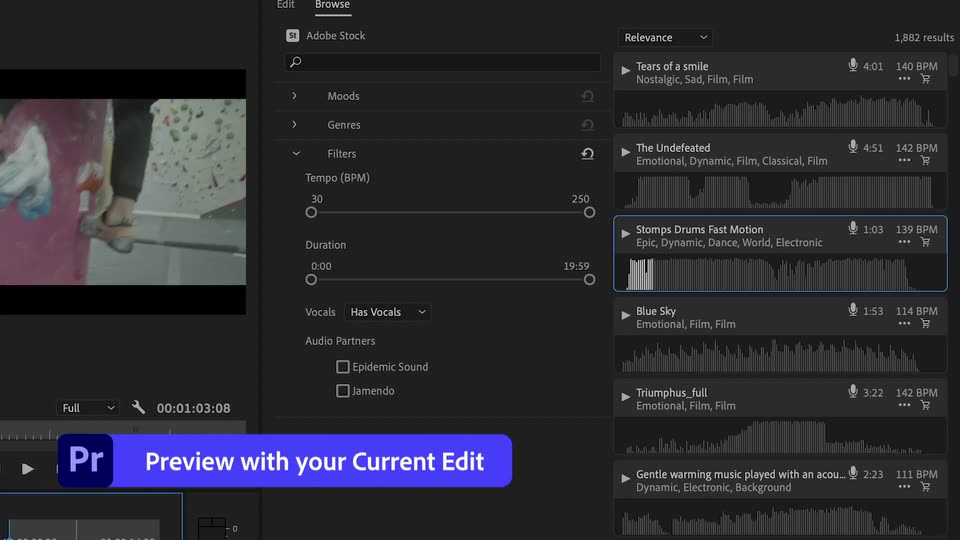 0:24–0:49Adobe · New in Premiere Pro - Introducing Adobe Stock Audio | Adobe Creative CloudIn a dark Premiere Pro window, a cursor drags the tempo and duration sliders, sets vocals, types 'Happy', then plays a track and clicks its waveform. A purple 'Pr' pill with the caption 'Preview with your Current Edit' slides in as the view pulls back to the timeline.
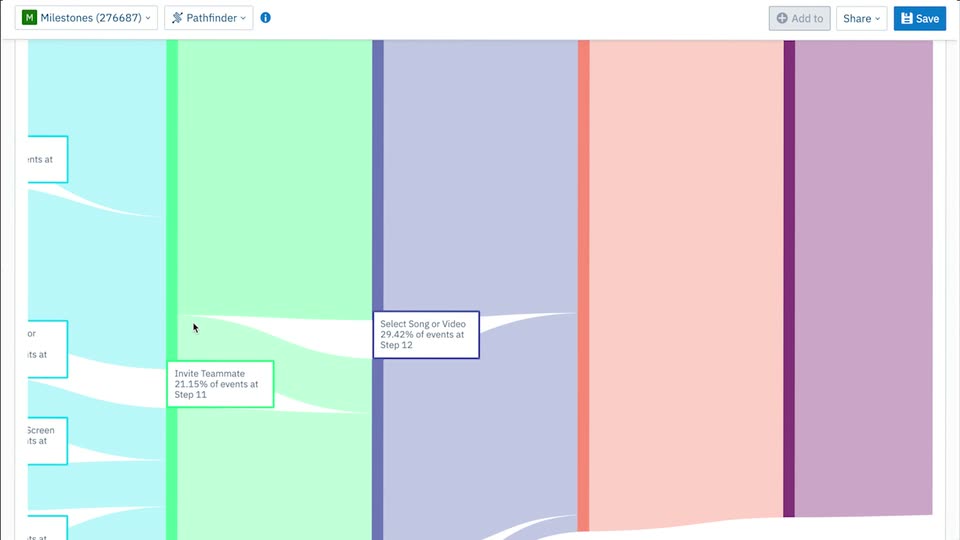 1:01–1:10Amplitude · Milestone AnalysisOpens on a help note and a green Step 15 bar, then scrolls down to a user flow chart of colored columns joined by flow bands. The view zooms in and pans left to expose earlier steps as the cursor hovers near the Previous Step button.
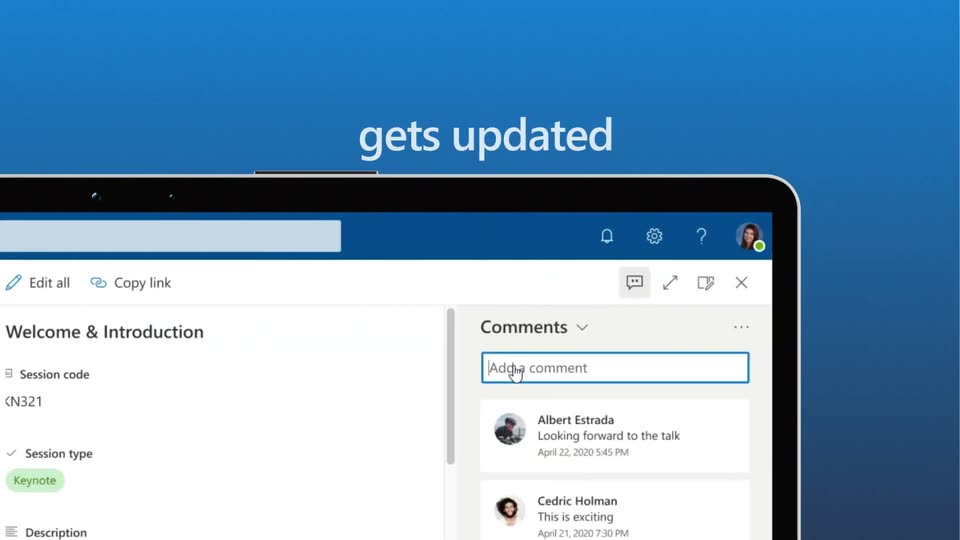 0:23–0:24Microsoft · Announcing Microsoft Lists - a new Microsoft 365 app to track information and organize workA laptop mockup in 3D perspective shows the Microsoft Lists app against a blue gradient. The white headline swaps from needs attention to gets updated while the interface pans right to reveal the Welcome & Introduction detail panel and its Comments list.
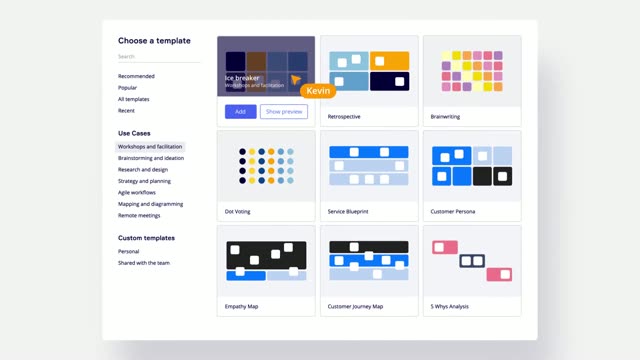 0:18–0:20Miro · Introducing Miro for meetings and workshopsA template chooser screen with a sidebar and a grid of labeled thumbnail cards. Two orange 'Kevin' callouts with arrows point at the Ice breaker and Retrospective cards; the view reframes as the Ice breaker card reveals Add and Show preview buttons.
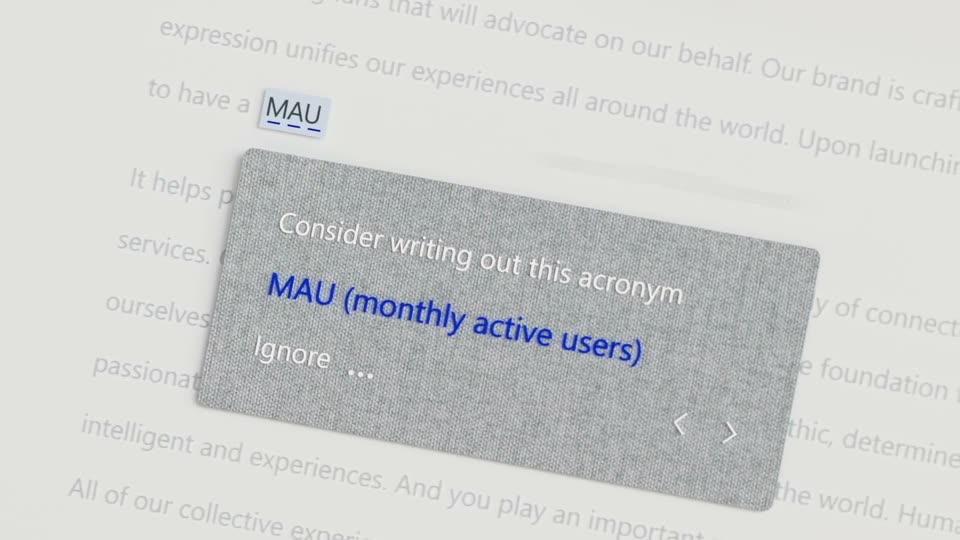 0:24–0:27Microsoft · Introducing Microsoft Editor: Write confidently across your Office apps and favorite websitesA close-up of a text editor document reframes and zooms out as a gray suggestion card expands beneath the highlighted word MAU, revealing the spelled-out acronym monthly active users.
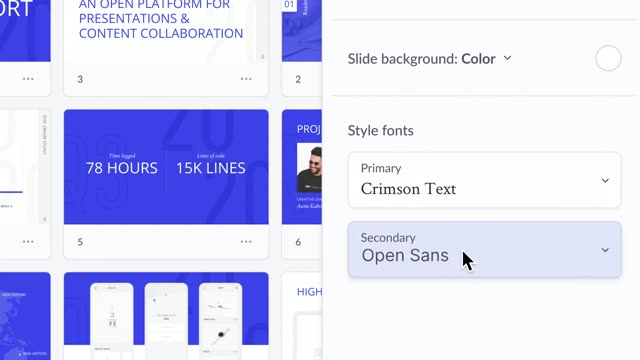 0:48–0:54Pitch · A first look at PitchA presentation app window on a blue backdrop: the cursor clicks a blue color swatch in the style editor, the yellow slide previews recolor to blue, then the secondary font changes to Pathway Gothic, with the view zooming into each control and back out.
 1:43–1:51reMarkable · Introducing reMarkable 2 — the paper tablet (2020)Macro close-up of the word writes split by a vertical seam: left half is a blue pixel-grid screen, right half a white paper-like surface. The camera slowly pulls back, widening the frame to reveal the full paragraph on both sides.
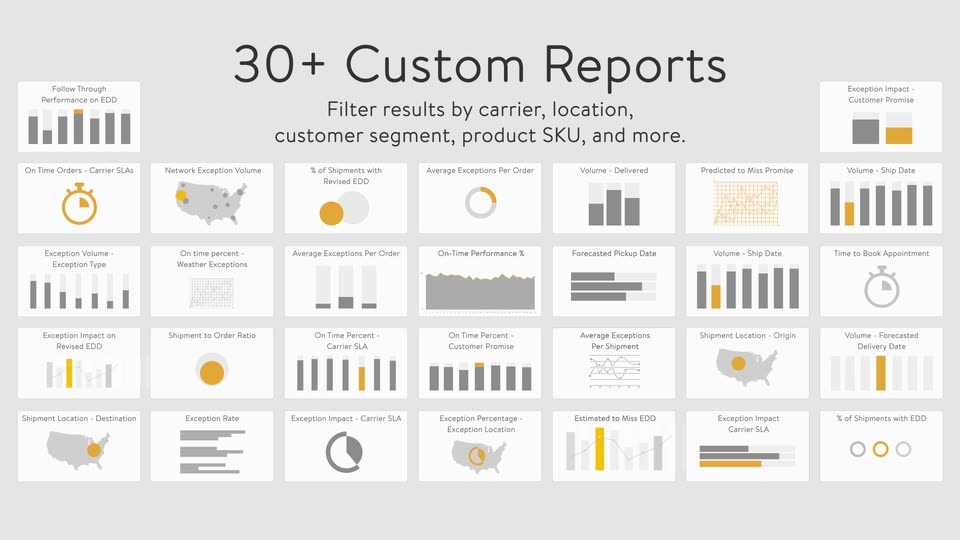 0:51–0:53Convey · Convey - Discover Overview - Real-time Network InsightsA grid of small report thumbnails on a light gray field fades in beneath the headline, then the grid recedes and a single card, On-Time Performance %, scales up to the center.
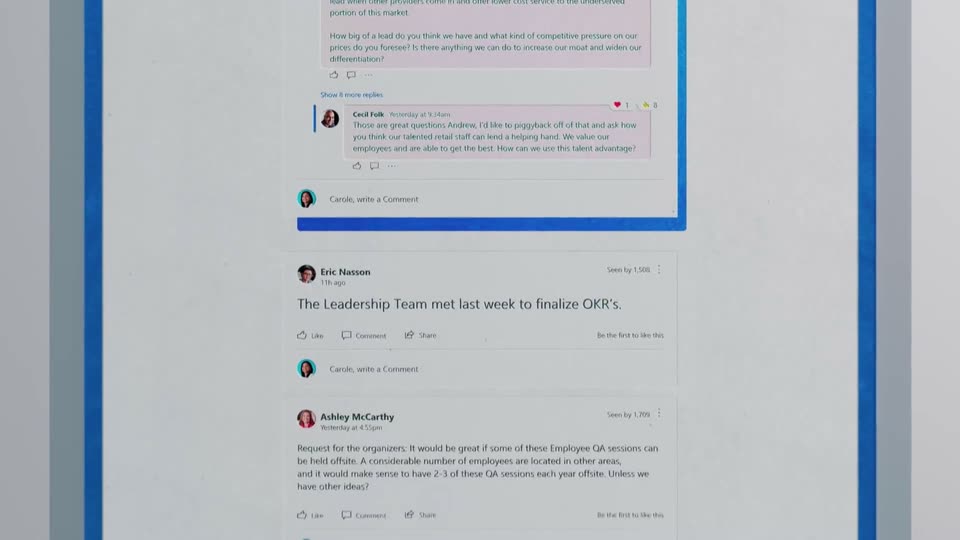 0:36–0:38Microsoft · The new Yammer in Microsoft 365A vertical comment feed scrolls downward past several user replies, then the frame locks and zooms in on one comment about a conference flight and a neighbor doing email the whole way.
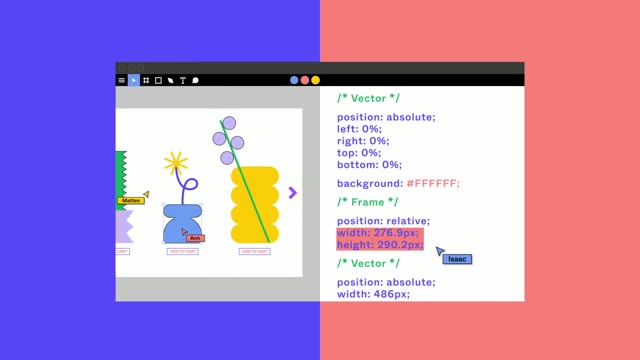 1:04–1:08Figma · What's Figma? [2019]A flat browser window on a two-tone purple and coral background shows a design canvas of colorful vector shapes with ADD TO CART buttons on the left and a live code panel on the right. Named cursors drift across both panes, an orange highlight marks a width and height line with a Copy button, and the window zooms into the canvas as the code scrolls to new lines.
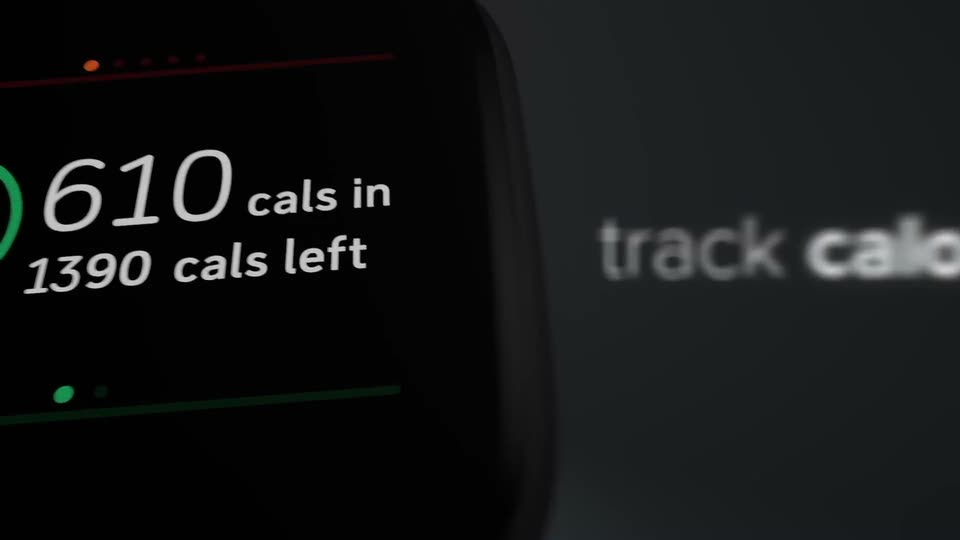 1:09–1:12Fitbit · Introducing Fitbit Versa 2Macro close-up of a white-banded smartwatch on a gray surface. The face shows a green apple ring with 610 cals in and 1390 cals left as the camera pushes in. A white caption track calories sits to the right, then a dark wipe closes the shot.
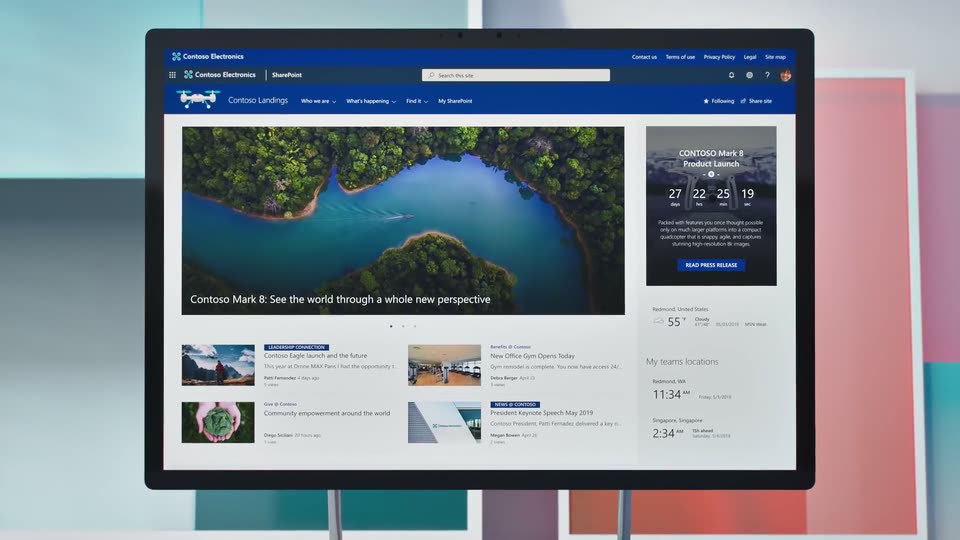 0:32–0:35Microsoft · New SharePoint innovationsA desktop monitor on a stand shows a news website with an aerial island hero image and article cards, against a blurred multicolor panel backdrop. The camera pushes in, zooming from the full screen to a tight close-up of the page as it blurs.
 0:40–0:43Google · Introducing Screen Cleaner in the Files appA black smartphone spins from edge-on to front view while blue, yellow and red brushstroke rings orbit it, the rings fading as the home screen settles. The camera then zooms fast into the blurred screen.
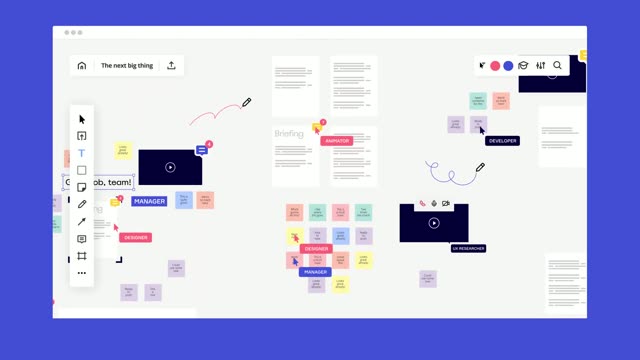 0:41–0:46Miro · Say hello to MiroA collaborative whiteboard interface fills the frame. The view zooms out from a tight crop of sticky notes and role labels to the full canvas, revealing cards, avatars and a mind map, while a cursor drifts across the elements.
 0:20–0:24Webflow · Design, build, and launch — with WebflowDark backdrop with faint isometric wireframes. A white headline types in word by word, then a purple line appears, as a Webflow editor window showing the Clients page slides up. The camera pushes in; the table swaps for client logos and a cursor hovers in the right panel.
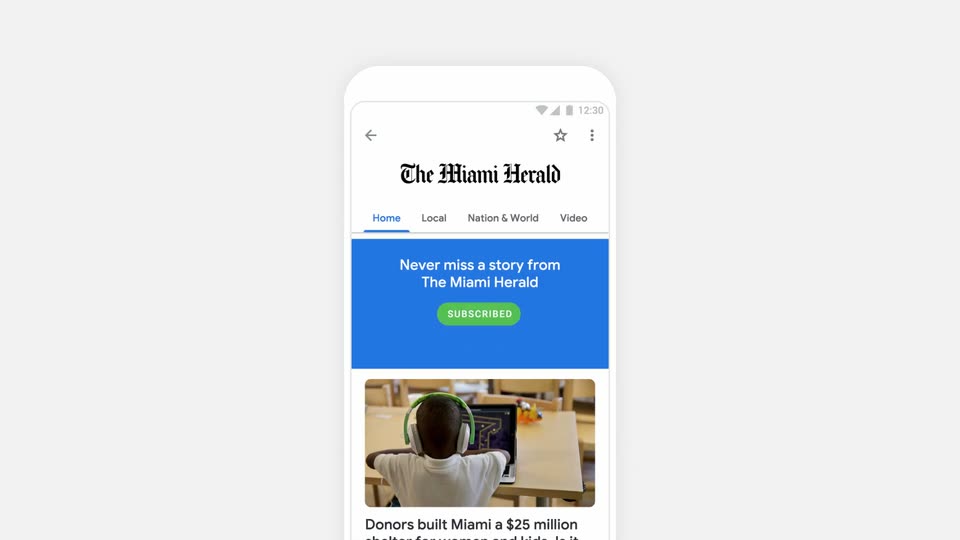 1:20–1:24Google · Introducing the new Google NewsA phone mockup centered on a light gray field shows The Miami Herald homepage. The white subscribe button turns into a green SUBSCRIBED pill, then the frame pushes in slightly on the device.
 1:59–2:04DJI · DJI - Introducing Master WheelsA glowing white hexagonal outline flashes over a black camera gimbal, then dissolves as the camera orbits the device. Knobs, rods and a control panel with a small blue screen appear against a black void.
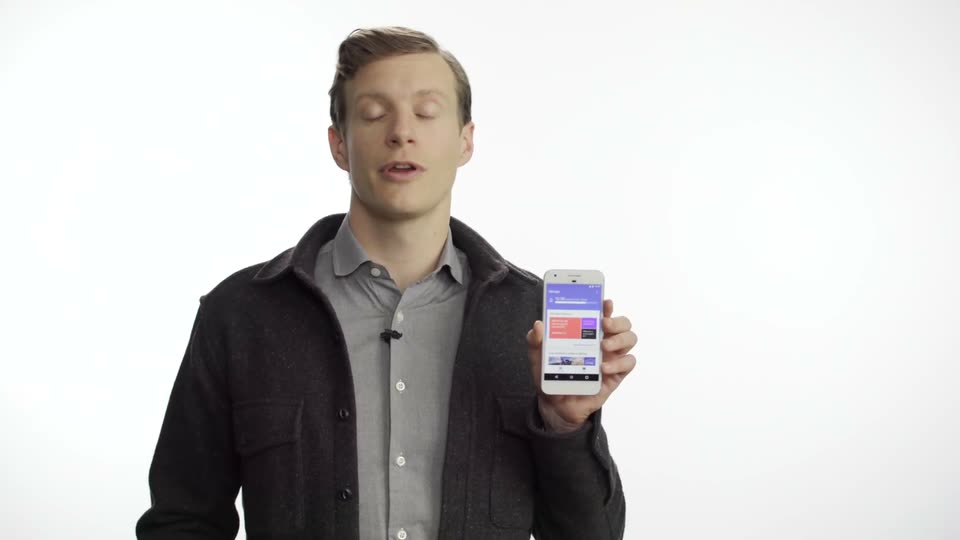 1:11–1:17Google · Introducing Bad Joke DetectorA man in a dark jacket stands against a white background, holding a white smartphone at chest level while speaking to the camera. The shot zooms into the phone screen, where a Storage app shows a Bad joke detector section with joke cards.
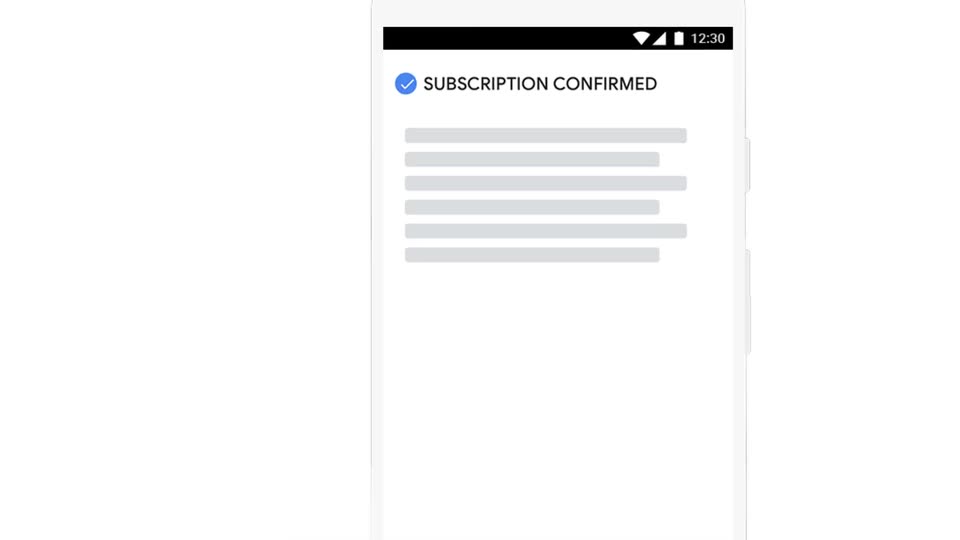 0:14–0:16Google · Introducing Subscribe with GoogleA close-up of a phone checkout form with a blue SUBSCRIBE button zooms out to reveal the full device on white. The screen shows a SUBSCRIPTION CONFIRMED title with a blue checkmark over gray placeholder bars, and a black status bar reading 12:30.
 0:26 · 0.8sGoogle · Meet Google Pixel 2 | More, more, moreA rounded video player with a scrubber and shield icon frames a smiling woman in a desert. The frame zooms to full-bleed as the word More appears centered over her face.
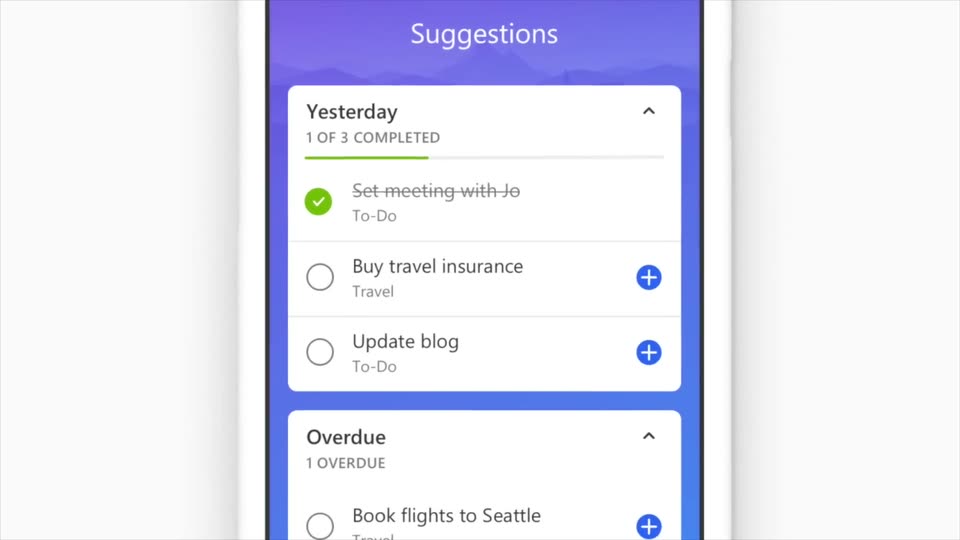 0:41–0:52Microsoft · Introducing Microsoft To-Do, now in PreviewA white iPhone mockup centered on a pale background shows the Suggestions screen, soft at first then sharp. The view zooms into the Yesterday list; a ripple taps the plus on Buy travel insurance and a blue Added to My Day toast pops over the row before the screen fades.
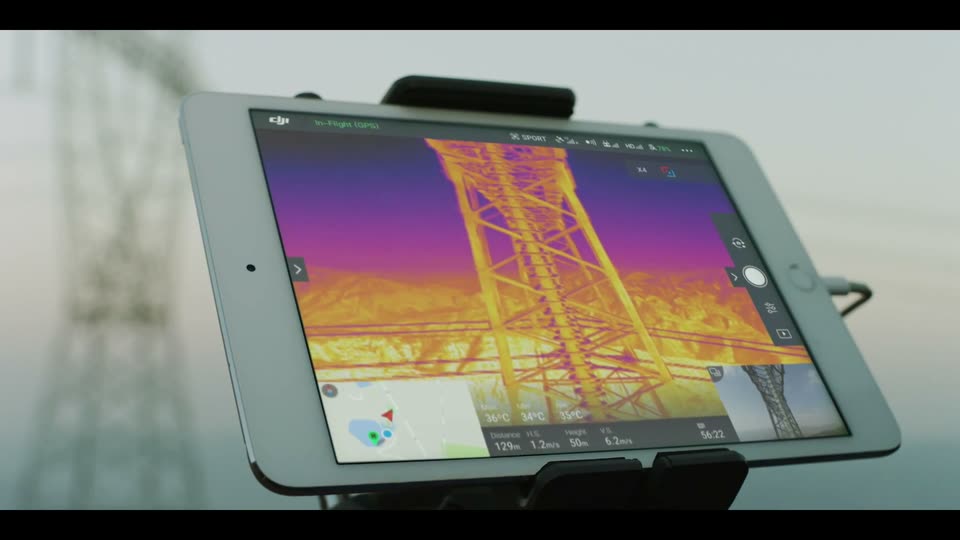 1:23–1:26DJI · DJI – Introducing the Matrice 200 SeriesA tablet in a mount shows a drone feed of a steel transmission tower. A finger taps the screen and the feed wipes from a normal image to an orange and purple thermal view, which expands to fill the display while the visual feed shrinks to a corner thumbnail.
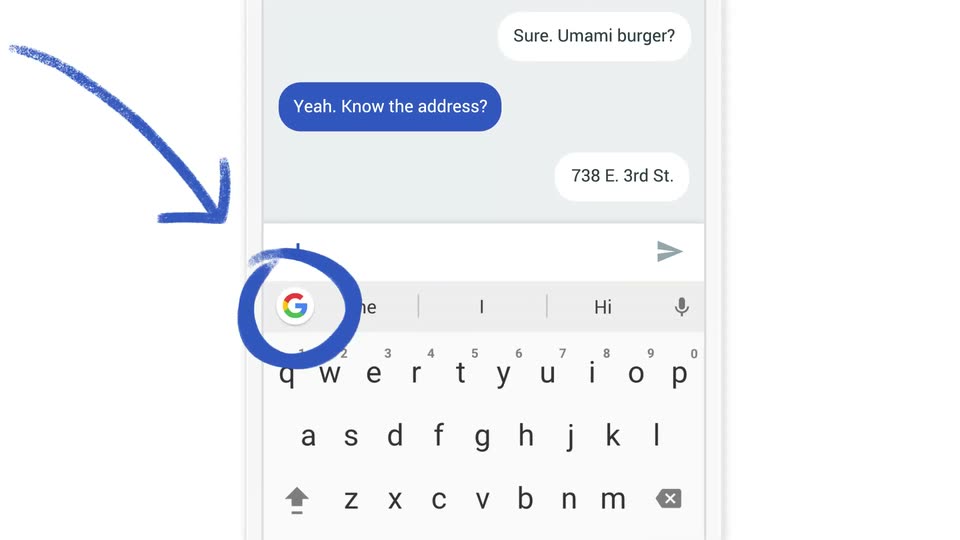 0:25–0:30Google · Gboard: now available for AndroidA Google wordmark and search bar sit left of a flat phone mockup; the view zooms into the messaging keyboard where a hand-drawn blue arrow and circle point to the small G icon, then a finger taps it.
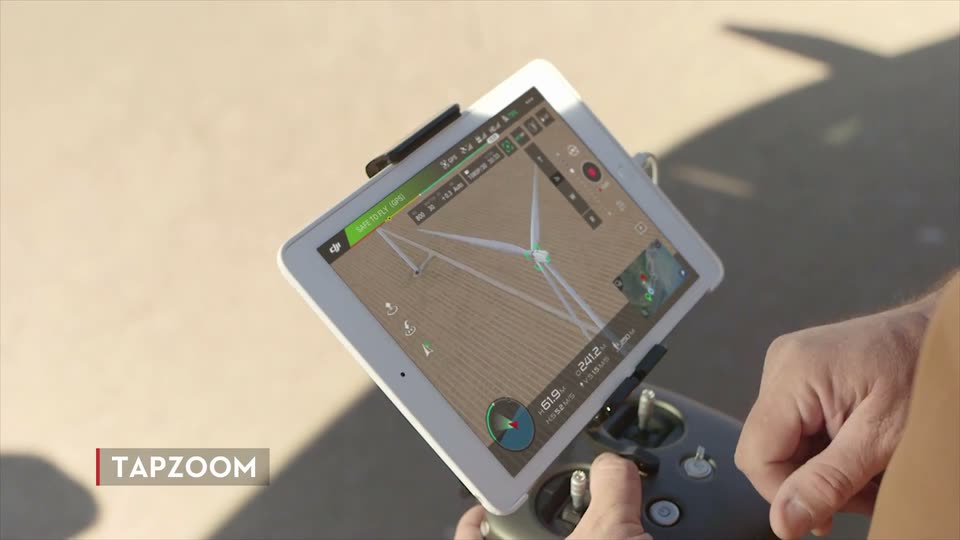 2:59–3:02DJI · DJI – Introducing Zenmuse Z30Close-up of a hand on a drone controller with a mounted tablet showing a map of wind turbines. The index finger taps the screen and the map view zooms in on one turbine. A TAPZOOM caption sits in the lower left corner.
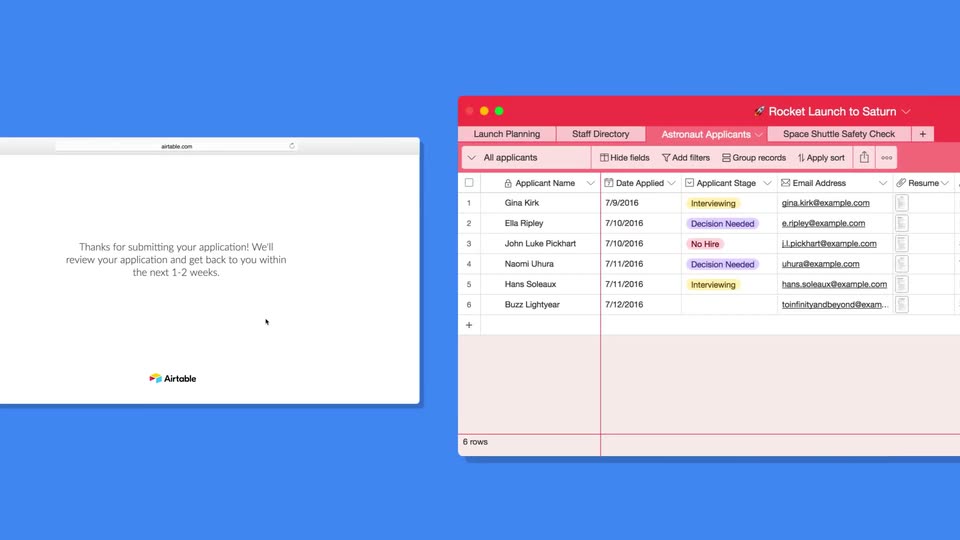 1:19–1:21Airtable · Meet AirtableTwo flat browser windows sit on a blue field: a white Airtable confirmation form left, a red applicant table right. The table window fades from ghosted to solid and gains a sixth row, then the view zooms into it as the form slides off.
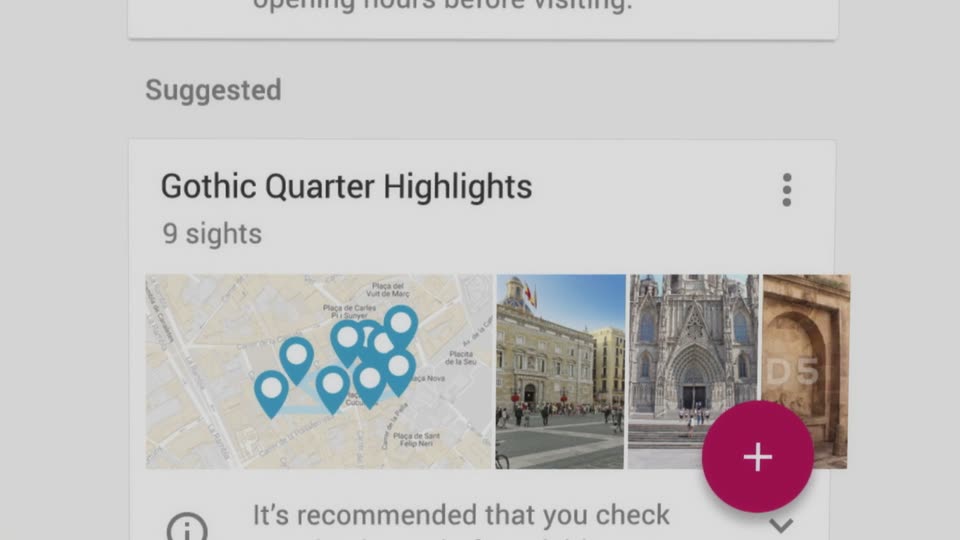 0:48–0:49Google · Introducing Google TripsA travel app's suggested list is shown in close-up; the frame pushes in on a Gothic Quarter Highlights card holding a map of blue pins and a strip of photo thumbnails, with a pink plus button at the lower right.
 1:05–1:06Google · Introducing Tap to TranslateA white phone home screen filled with colorful app icons zooms in slowly while a small chat dialog with a blue button and a Hindi reply line fades in at the center, a keyboard rising along the bottom edge.
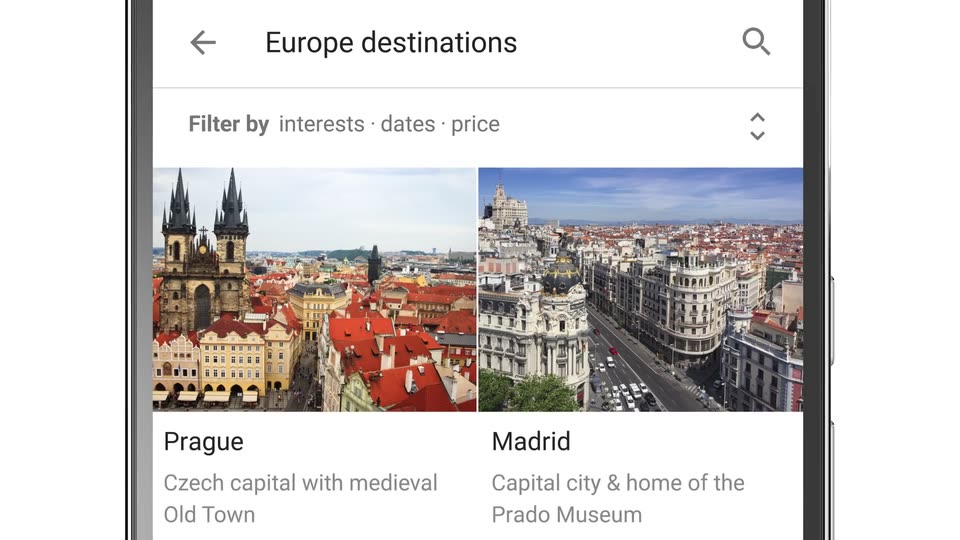 0:15–0:21Google · Introducing Destinations on GoogleA phone screen shows a travel app's Europe destinations grid. The view opens cropped on the Prague and Madrid cards, emphasizing dates and prices, then zooms out to reveal the full screen and filter bar. A tap ripple pulses over the filter row.
 0:17–0:20Webflow · Introducing Webflow CMSA pale design canvas holds three cyan circle outlines, the left one inside a selection box with corner handles and a slider panel with shape icons below it. The frame shifts up to reveal a top toolbar and a blue rectangle outline.
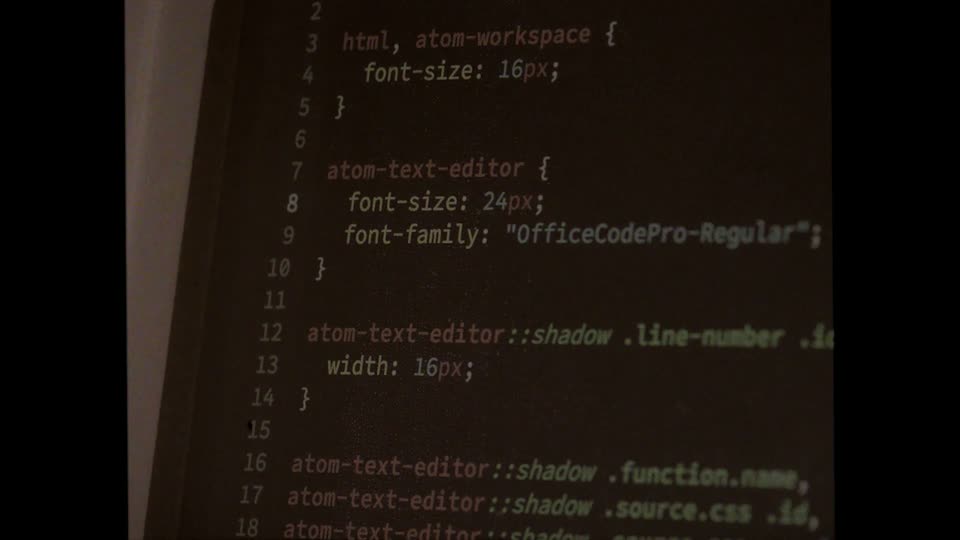 1:32–1:35GitHub · Introducing Atom 1.0!A close-up of a dark code editor showing CSS rules. The image starts soft and pulls into focus as the text cursor types 24px into a font-size line, and the frame tightens slightly on the code.
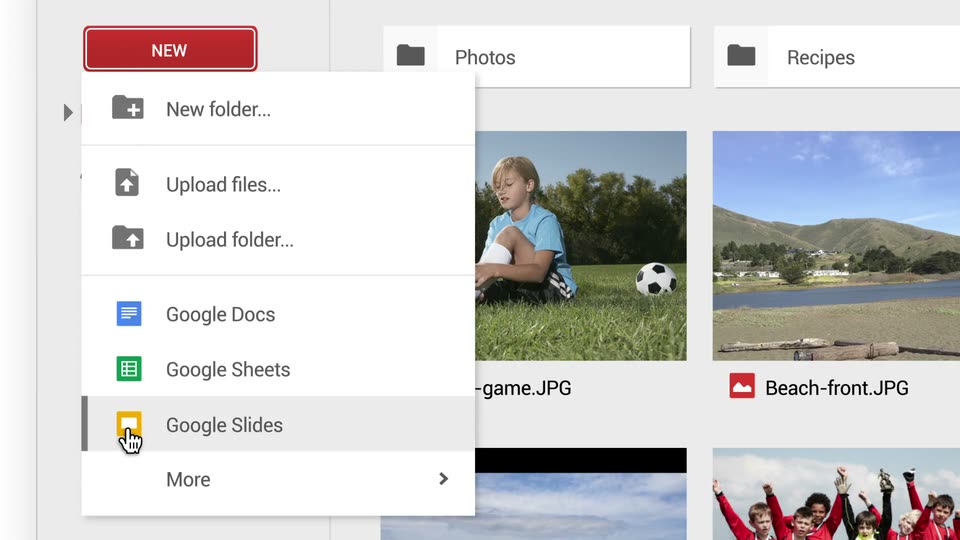 0:09–0:21Google · Meet the new Google DriveThe Google Drive file grid fills the frame, then the view zooms onto the red New button at the top left. A cursor clicks it, opening a dropdown menu, then selects More to reveal a second menu of apps.
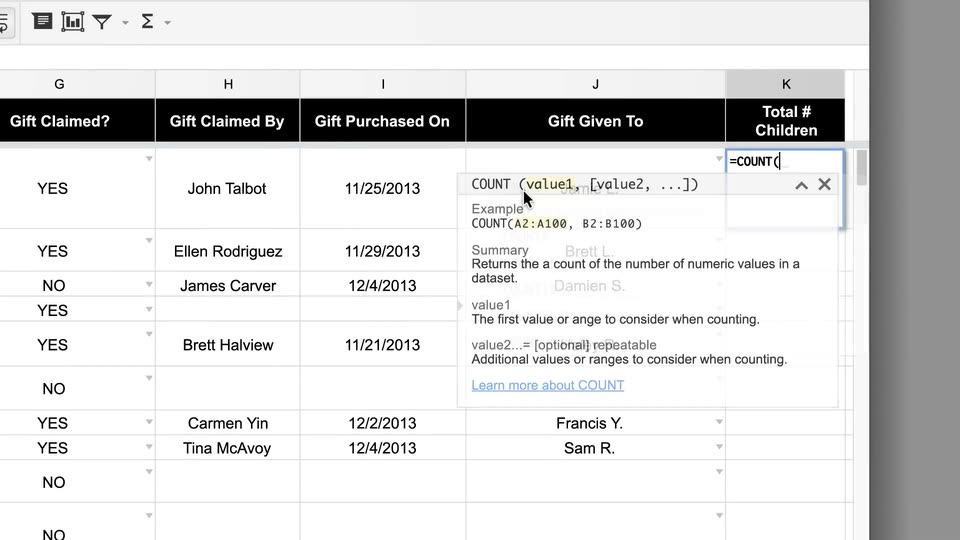 0:15–0:23Google · Meet the new Google SheetsA wide spreadsheet of child gift data scrolls rapidly down through dozens of rows, then the view reframes onto the rightmost column. A cursor types a COUNT formula, a function dropdown opens, and the cell resolves to 1000.
 0:42–0:46Google · Introducing Google NoseA full Google results page for “Grandmother's Closet” pushes in through a soft blur, settling on the “Nose Beta” tab centered between Shopping and More.
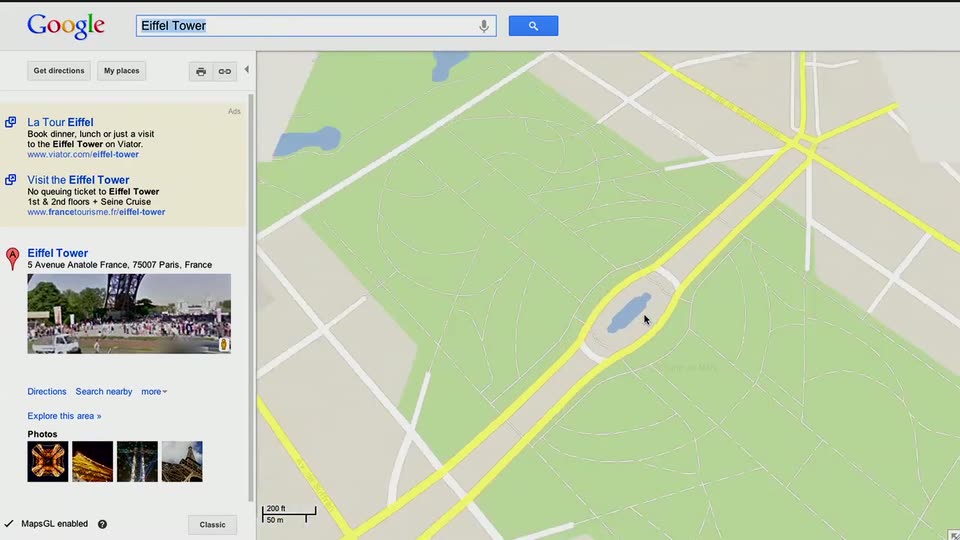 0:36 · 0.5sGoogle · Introducing the Google Fiber BarA Google Maps screen displays the Eiffel Tower search results in the left panel. The map on the right zooms in and pans toward a small blue pond in the green park, with a cursor resting beside it.
 0:07–0:09Google · Introducing Google Toolbar 7A tight close-up of a browser toolbar pulls back to reveal the full Google homepage. A letter g is typed into the search box, opening an autocomplete dropdown of suggestions.
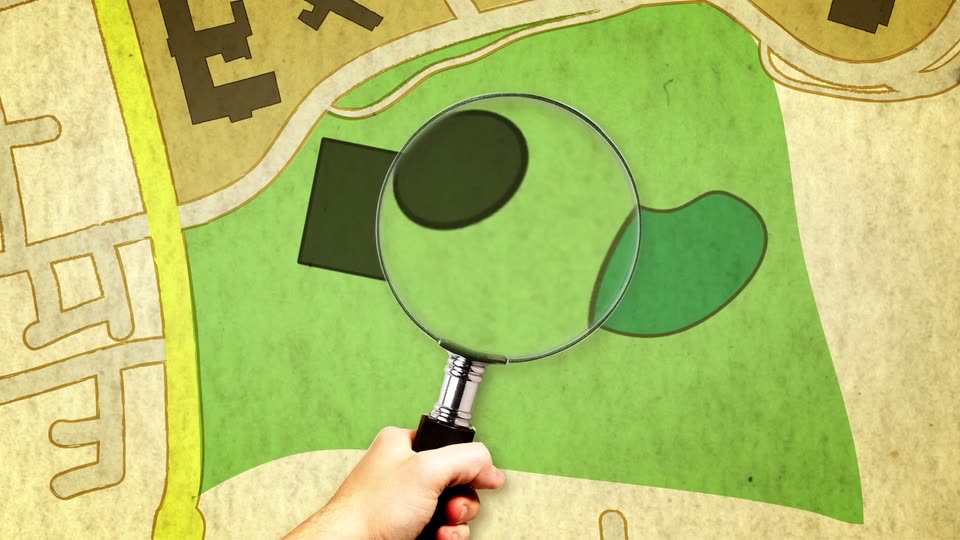 0:31–0:46Google · Introducing Google Map Maker for the United StatesA man stands in a park before a giant illustrated map, question marks popping above his head. The park gains a soccer field, playground, and pond; a hand with a magnifying glass inspects it, then the view pulls back to a full map interface with pins and cards.
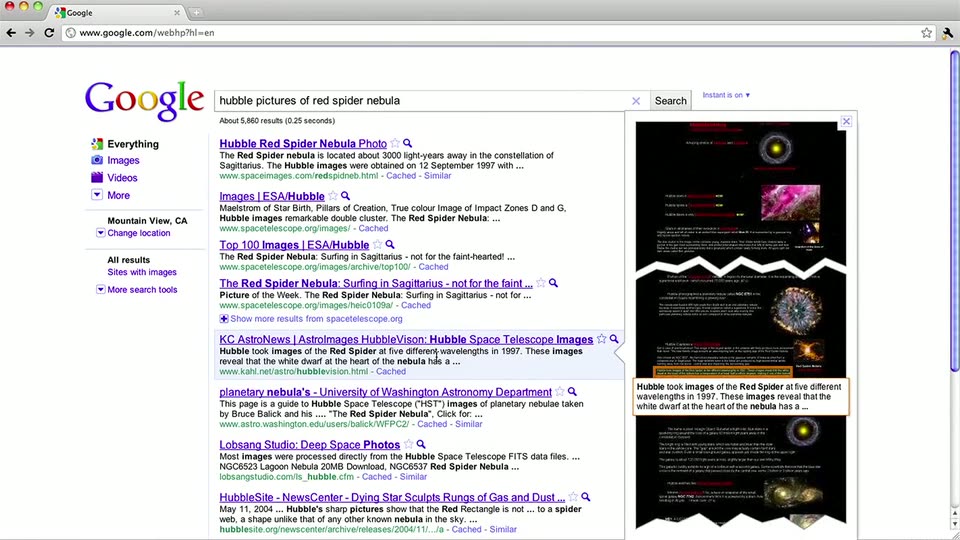 0:33–0:36Google · Introducing Instant PreviewsA Google search results page is shown with a preview pane on the right displaying an article about the Red Spider Nebula. The view zooms out from the article preview to reveal the search results list on the left. A text box summarizes the article content at the bottom of the preview.
 0:15–0:16Google · Introducing a new Google DocsThree illustrated white monitors with blue screens sit on desks against a white background, each showing a document window. The view then zooms into the left monitor's screen to reveal the Alastrat document list interface.
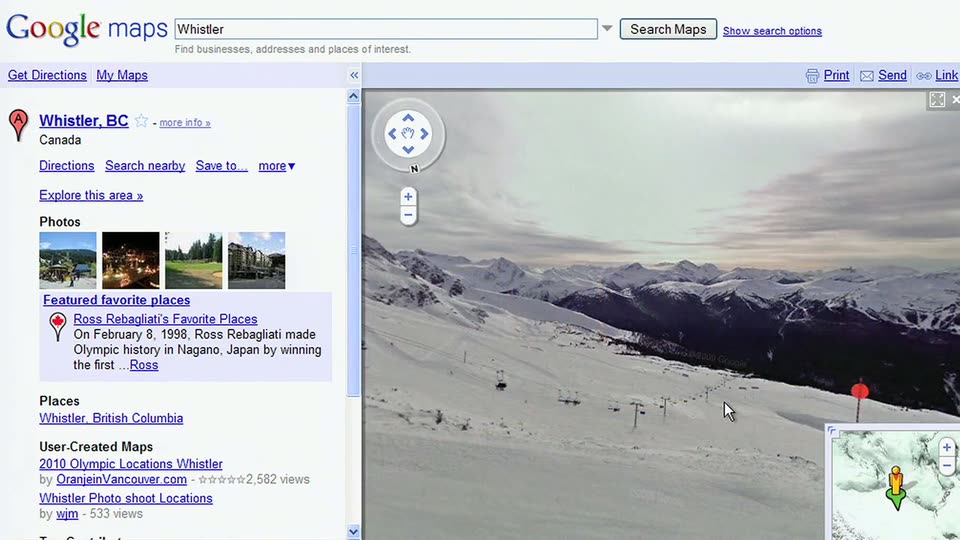 0:18–0:21Google · Introducing the Street View snowmobileA Google Maps window opens on Whistler, BC, its map pane filled with a 360 panorama of a skier on a snowy ridge. The view pans across the mountains as a cursor drags, then the sidebar and controls fade out, leaving the full slope and a red marker.
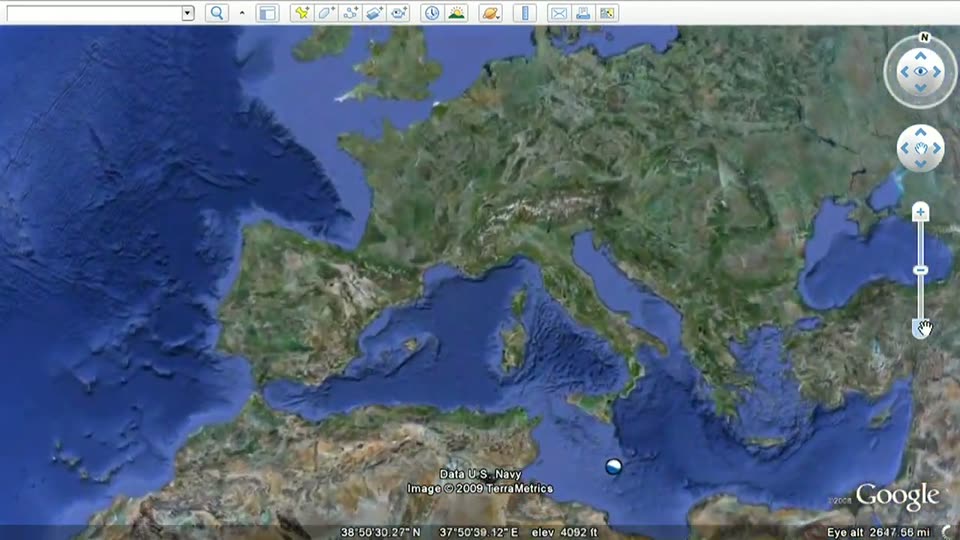 0:43–0:48Google · What's New in Google Earth 5.0A 3D globe of Earth fills a black starfield inside the Google Earth window. A hand cursor drags the right-hand zoom slider, pulling the view from the whole planet down into the Mediterranean, where red-and-white markers and blue dots cluster over a bay with two white caption labels.
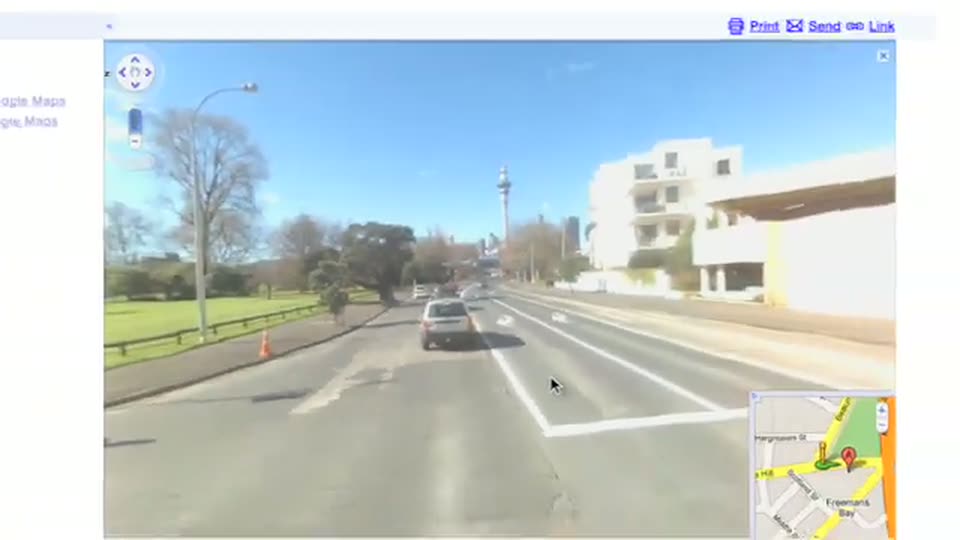 0:33–0:34Google · Street View now available in New ZealandA map with an address card and a Street View thumbnail; a hand cursor hovers the thumbnail, which then expands to fill the frame, dissolving the map into a full street-level view with a car on the road and a mini-map in the corner.
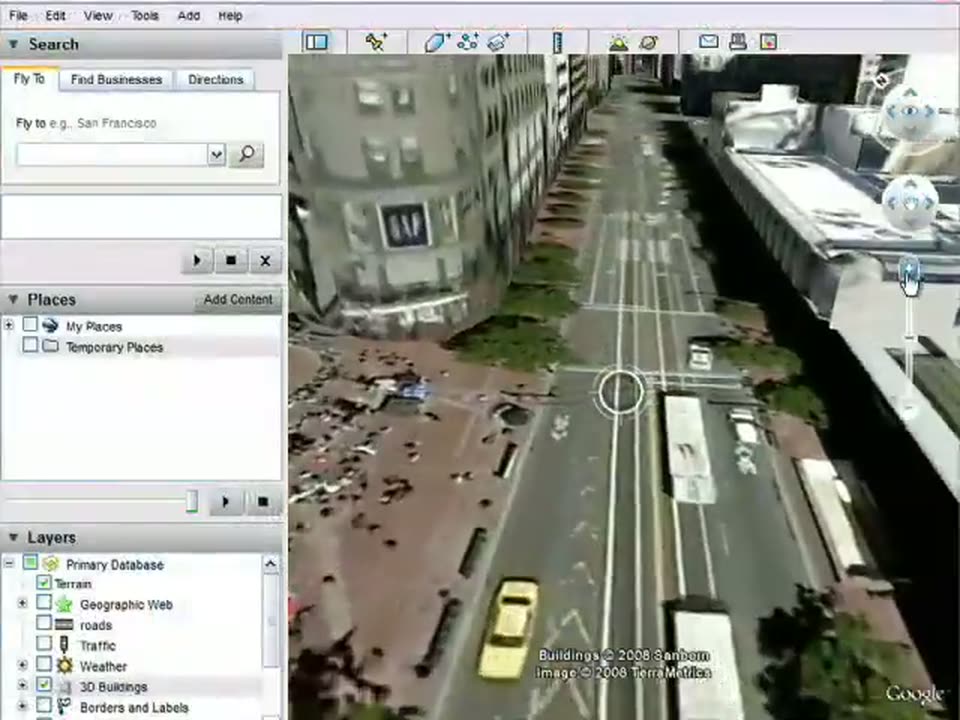 0:05–0:09Google · New features in Google Earth 4.3A full-screen Google Earth view shows a 3D San Francisco cityscape. A cursor drags the right-side zoom slider while the camera swoops from high altitude to street level, then rushes into a building facade with motion blur.
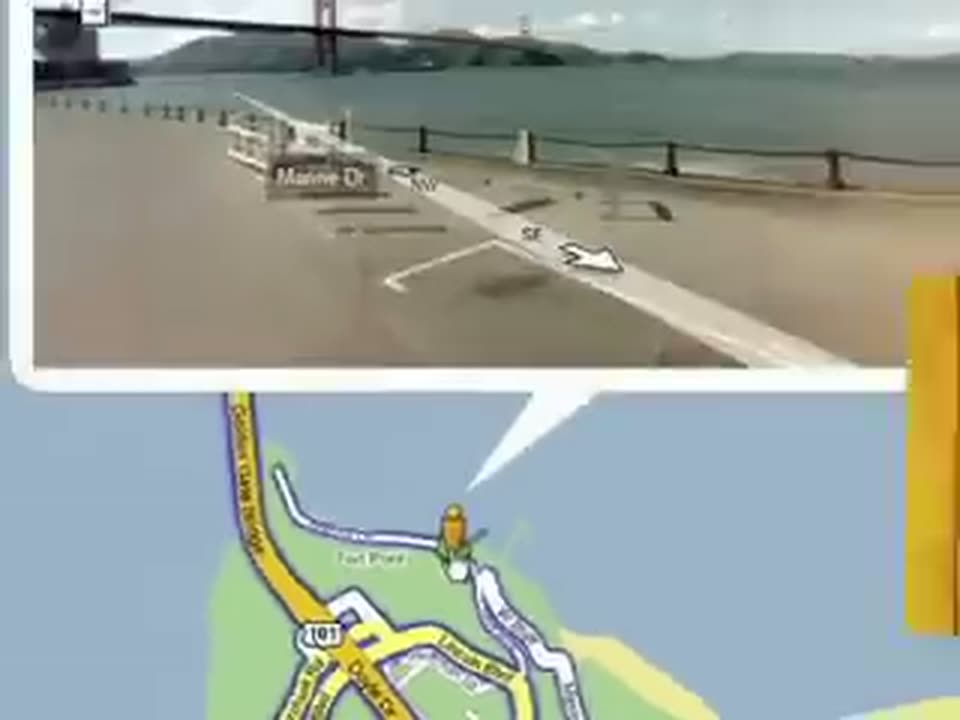 0:27–0:28Google · Google Maps Street View - launch videoA flat map of Fort Point holds a white hand cursor on an orange avatar, then the view tilts into a 3D street-level perspective of the Golden Gate Bridge as the map window shrinks to the corner and a cursor arrow moves through the scene.
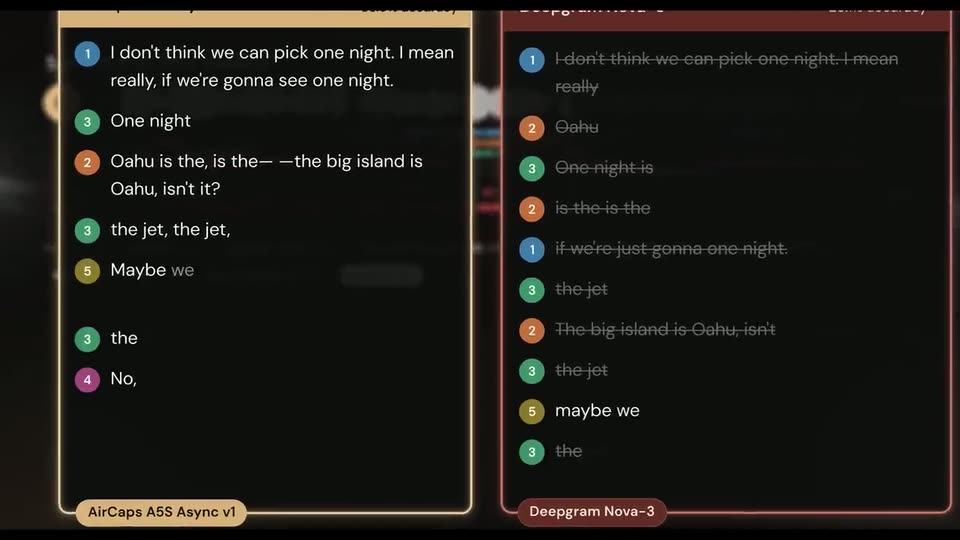 0:34–0:39AirCaps AI · Introducing A5S Async V1: the world's most accurate speech recognition model for speaker-attributed transcription. Ranks #1 on Voice Arena, ahead of ElevenLabs, AssemblyAI, Deepgram, NVIDIA, Meta &Two transcription panels sit side by side: the gold-bordered AirCaps list appends clean numbered lines while the red-bordered Deepgram list shows fragmented, struck-through text, and the accuracy counters tick upward. The frame then zooms into the lower lines.
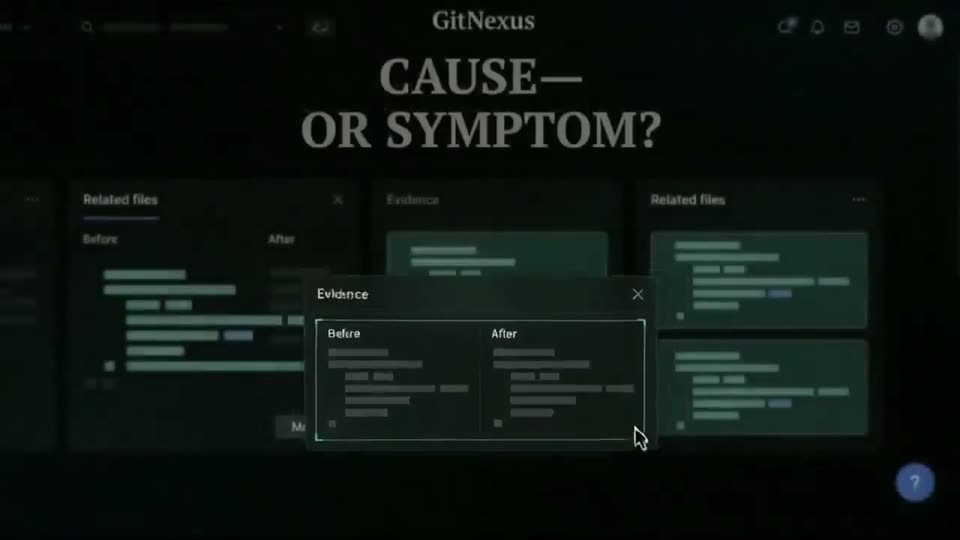 0:30–0:31Akon Labs · #ai #governance #coding | Akon Labs (YC S26)A dimmed GitNexus dashboard holds a glowing Evidence panel with Before and After code bars while the serif headline reads EVIDENCE BEFORE CONFIDENCE. The view then pulls back to three panels linked by a node graph labeled PR Ready, Merge, Cause and Symptom, and the headline swaps to CAUSE OR SYMPTOM as a cursor rests at the lower right.
 0:16–0:17Almanac · We just killed two biggest limitations of your favourite AI agents: Their memory and Your laptop Almanac’s agents have unlimited memory, their own computers, browsers and access to the tools theyA blue chat bubble with white text slides left and fades out while the view zooms onto a green pickle avatar with glasses. The avatar settles centered above the name Alex and a Delivered label on a white background.
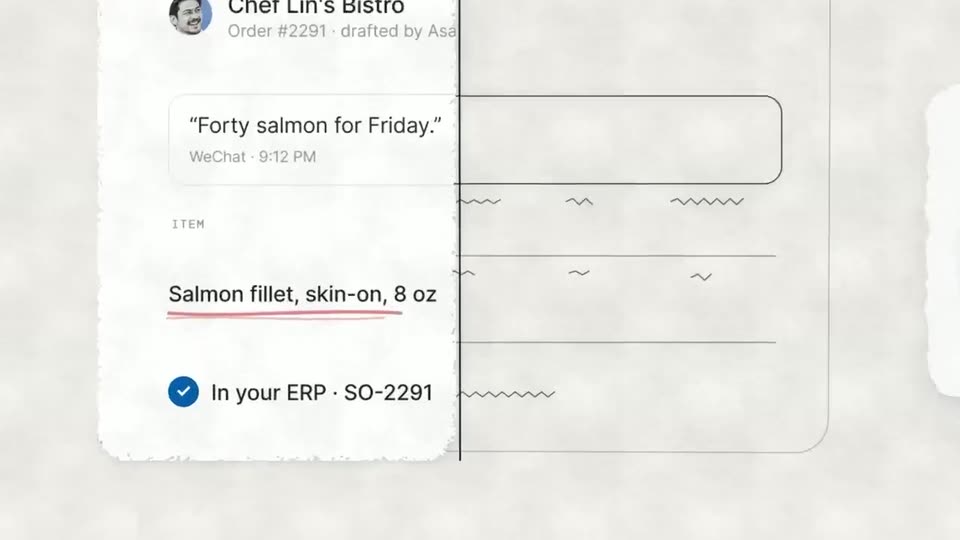 1:00–1:01Asakana · Asakana (YC F26) automates sales and the entire back office for food distributors. Restaurants still order by text, WhatsApp, phone, or a photo of a handwritten note, often not in EnglishTwo torn-paper cards rest on a textured paper background with a hand-drawn wireframe of wavy lines between them. The left card holds a Chef Lin order draft; the right card holds an Asakana suggestion. The camera zooms in to reframe on the left card and wireframe.
 0:45–0:47Aside · AsideOn a pale background, a four-row list of spawned subagents with LinkedIn, Netflix and Amazon icons is shown. The view zooms in on the top row until the LinkedIn check fills the frame, the other rows sliding out of view.
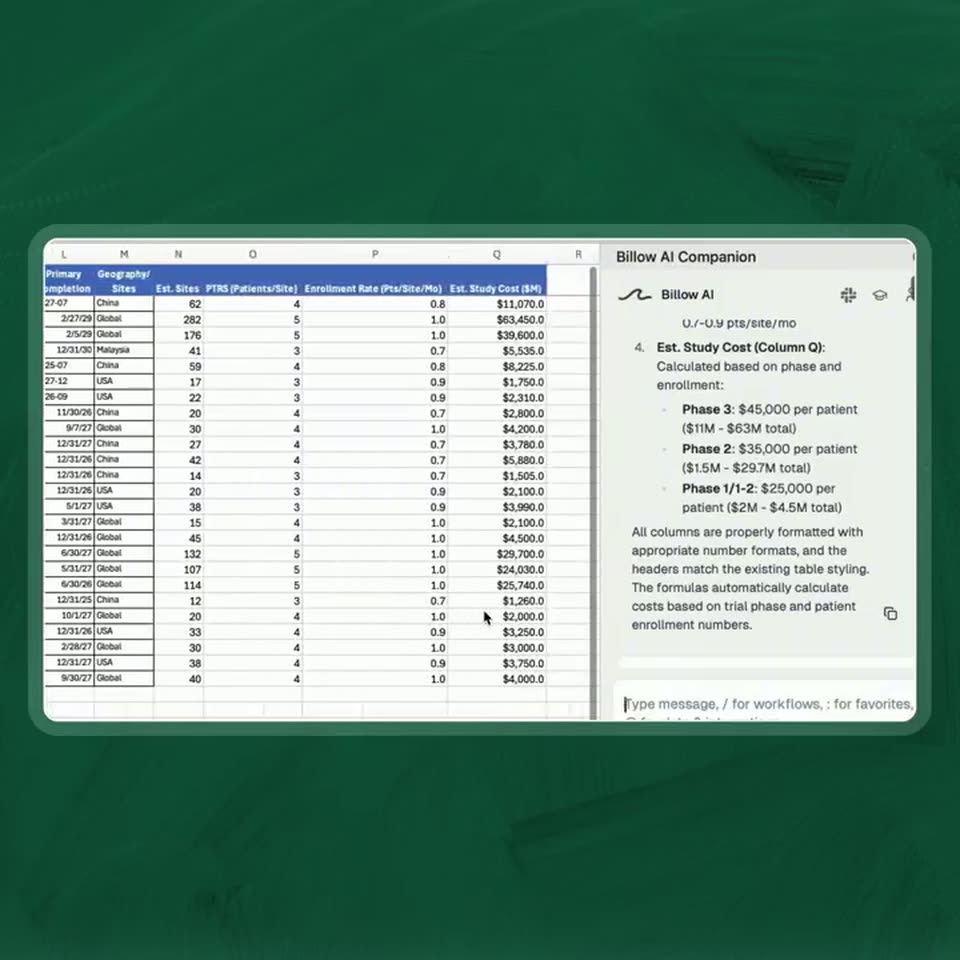 0:25–0:29Billow AI Labs · #clinicaltrials #biotechanalytics #aliinhealthcare #excelpower #dataintegration #billowai | Billow (YC S26)A clinical-trial spreadsheet sits beside a static Billow AI Companion chat panel. The view pans right across the table and settles on the blue-highlighted Est. Study Cost column, where a cursor hovers and a green check mark appears.
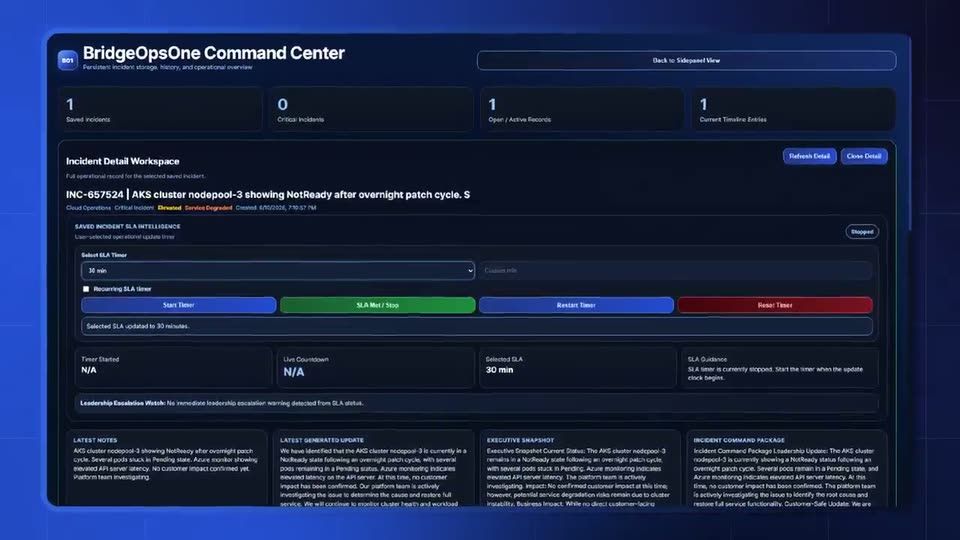 0:38–0:40BridgeOpsOne · BridgeOpsOne Platform Overview | BridgeOpsOneA dark blue dashboard titled BridgeOpsOne Command Center fills the frame, then scales down to reveal the full rounded panel with stat cards, an incident detail workspace, and SLA timer buttons. The layout settles into a static grid of cards.
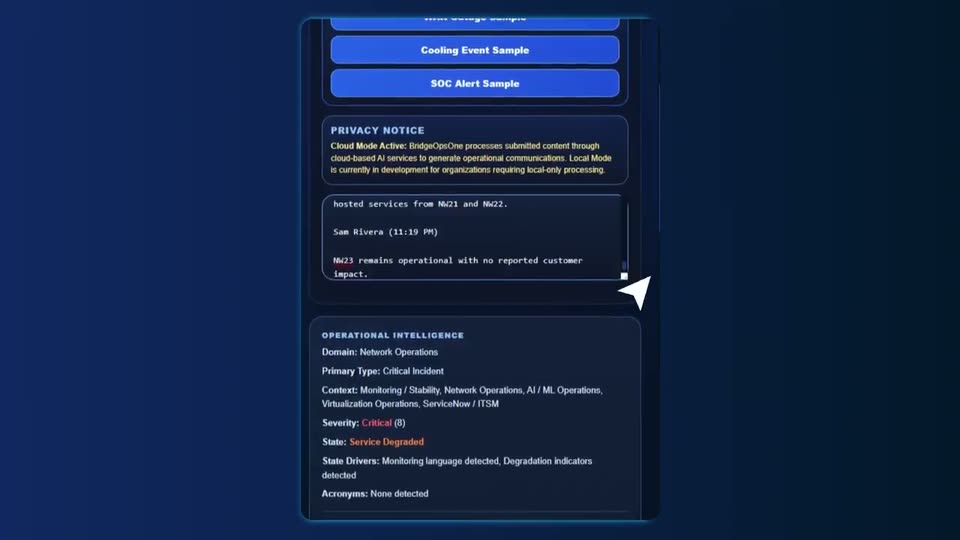 0:13–0:18BridgeOpsOne · Turning Technical Details Into Clear Operational Updates | BridgeOpsOneA dark blue UI panel sits under the headline Paste them into BridgeOpsOne. The panel zooms in and scrolls up, revealing sample buttons, a privacy notice, a notes field that fills with text, and an OPERATIONAL INTELLIGENCE block. A white cursor rests at the panel's right edge.
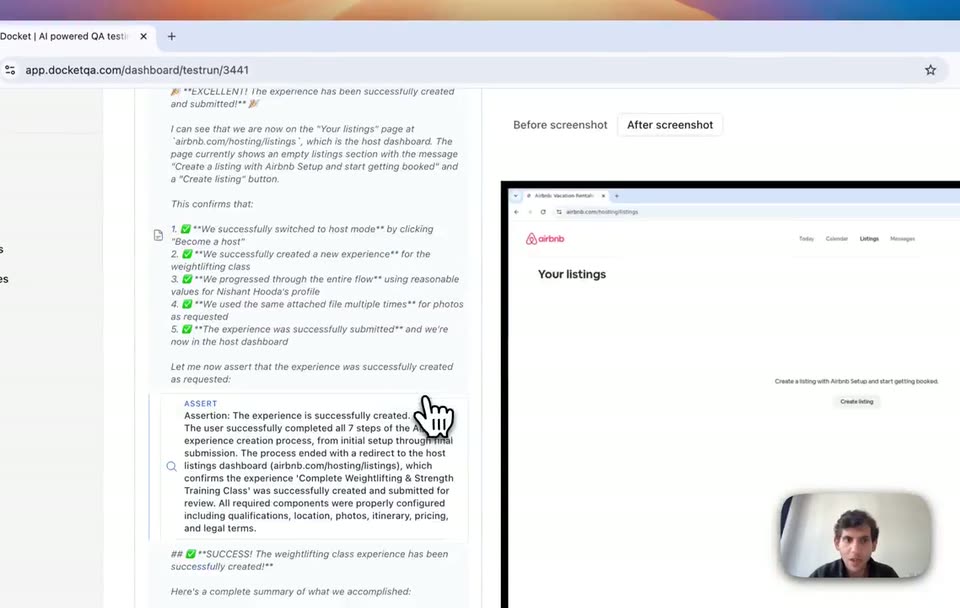 2:00–2:04Docket · #ai #qa #e2etest #yc #airbnb #productmanagement #developerexperience | Docket (YC P25)A browser window shows the Docket QA dashboard with a chat log and a before/after screenshot panel of an Airbnb page. A cursor clicks the After screenshot tab as the view zooms into that panel. A small webcam of a presenter sits in the corner.
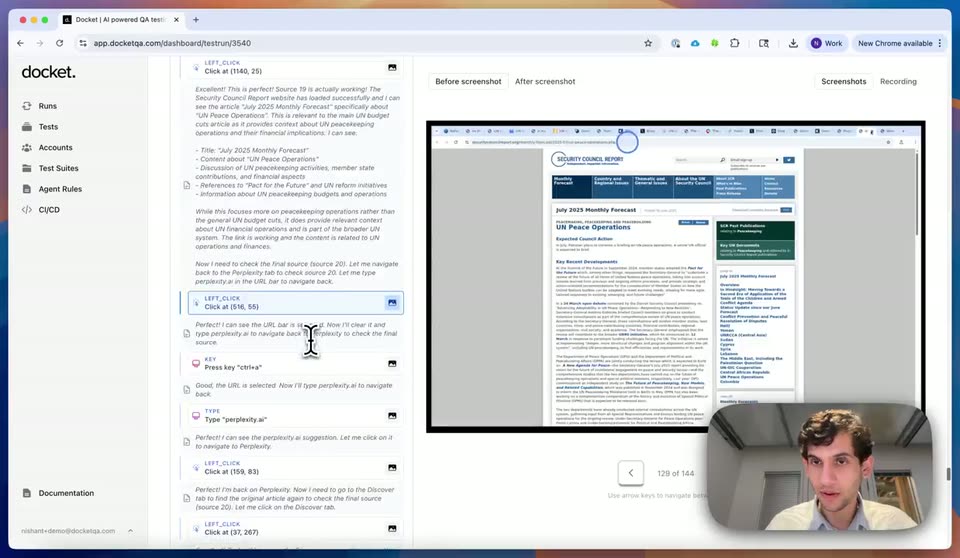 1:04–1:28Docket · #ai #qa #e2etest #yc #perplexity | Docket (YC P25)A browser window shows the Docket dashboard: a left column of test steps scrolls up continuously while a right panel swaps between before and after browser screenshots. A pill-shaped webcam of the presenter sits in the corner, and the view zooms to the final assertion.
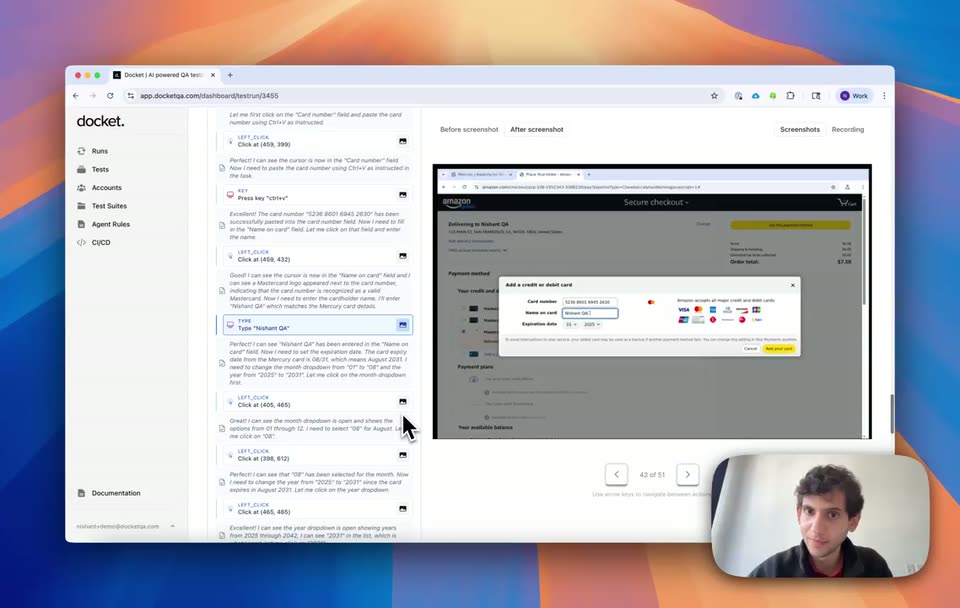 0:37–0:53Docket · #fintech #qa #ai #e2etest #yc #automation | Docket (YC P25)A Docket test dashboard fills the screen: a step log scrolls up on the left as the right pane cycles through Amazon checkout screenshots, ending on the order confirmation. A webcam of the presenter sits in the corner, then the view zooms into the confirmation page.
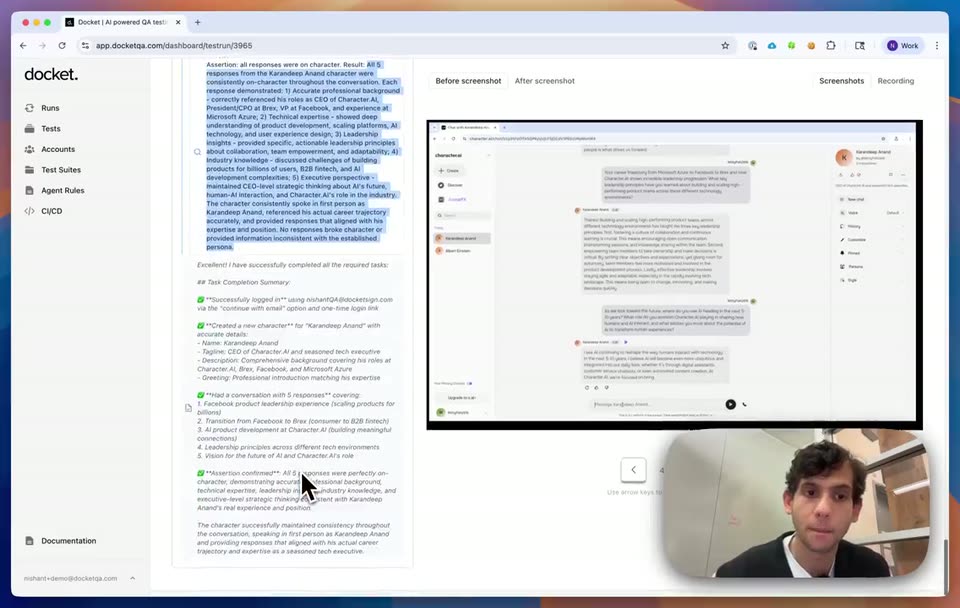 1:34–1:39Docket · How do you test a Gen AI platform… with personality? With Docket (YC X25), we created a Character.AI persona for their CEO - then had a full conversation with him, end-to-end, using just natural… | Docket (YC P25)A screen recording of the Docket QA dashboard fills the frame. The test-run log on the left scrolls down through assertion text while a before/after screenshot panel zooms in on the right. A small webcam of the presenter plays in the bottom-right corner as he speaks.
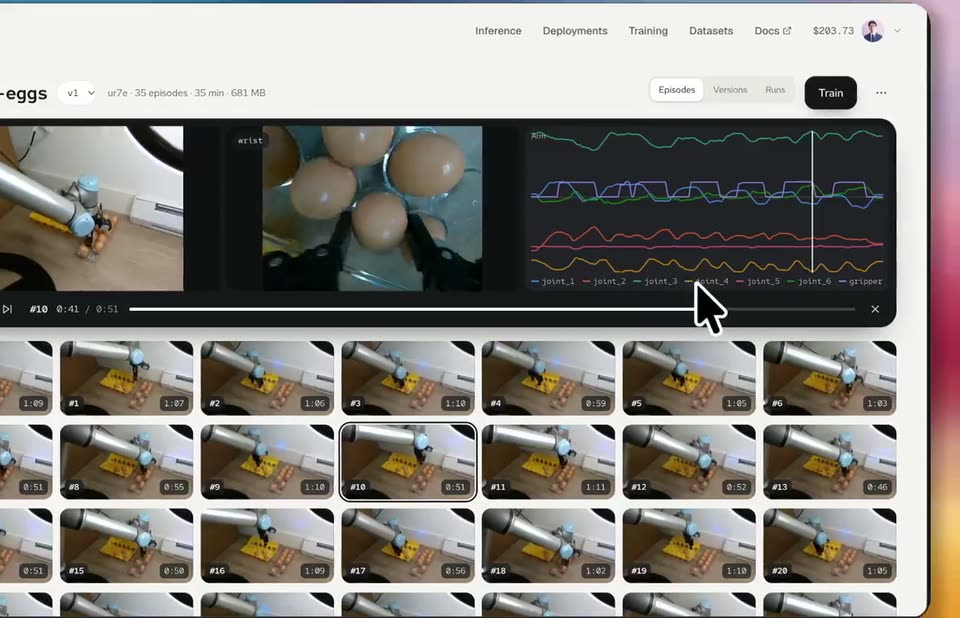 0:11–0:21Dreamscale Labs · Dreamscale Datasets is now live! | Dreamscale Labs (YC F26)A dataset viewer interface floats in 3D over a blue-to-orange gradient, tilted and slowly rotating. A white cursor clicks play, then drags the timeline right while robot-arm footage and a joint-value chart play. The view zooms into the player, then a hand cursor hovers over the Train button.
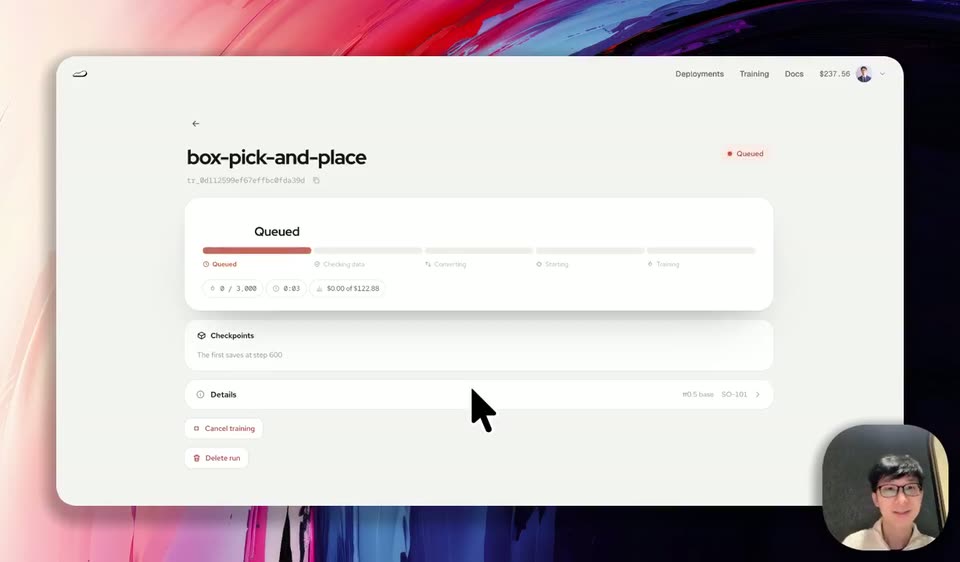 0:30–0:35Dreamscale Labs · Training is live on Dreamscale! | Dreamscale Labs (YC F26)A training-run card zooms out to reveal the full interface over a pink-and-blue paint background, then zooms back in on the Queued progress bar. A cursor hovers near the Details row as the timer ticks; a small face-cam circle sits in the bottom-right corner.
 0:18–0:19ElevenLabs · Introducing Dubbing Studio. Our Dubbing Studio gives you precise control when translating your videos for global audiences. We detect and label each of your speakers and create an editable scriptA diagonal 3D grid of mixed video clips, live action and animation, fills the frame, then the view punches into one cell: a 2D cartoon of a bulky red-belted fighter facing a small blue-capped character.
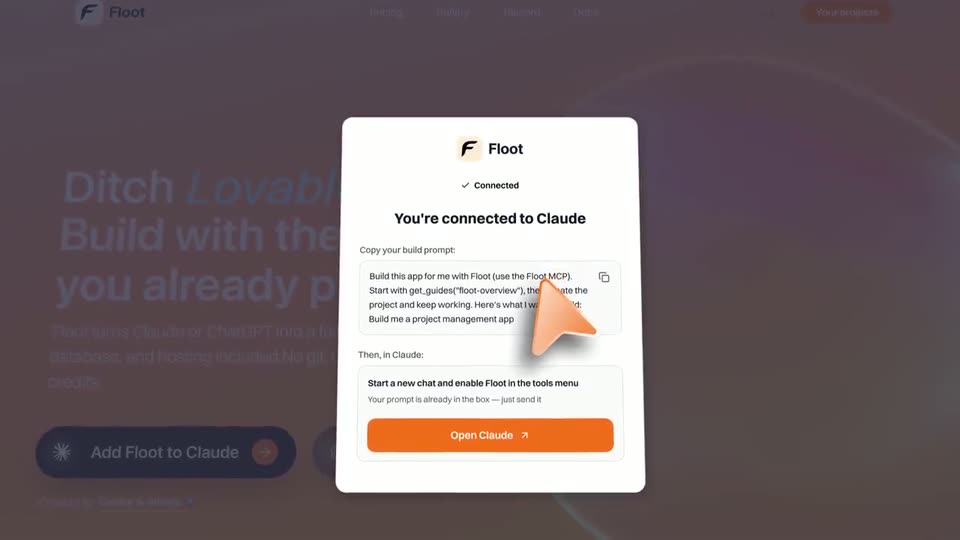 0:17–0:20Floot · Claude and ChatGPT can already write you an app. Getting it live is another story. Today we're fixing that: connect Floot, and you can build and ship real apps directly inside Claude and ChatGPT -A dimmed Fleet landing page sits behind a white connection card reading 'You're connected to Claude'. A large peach cursor sweeps from the copy icon down the card to the orange Open Claude button as the frame tightens on the card.