UI zoom
A zoom or reframe onto one part of the interface.
10,013 scenes · page 86 of 167
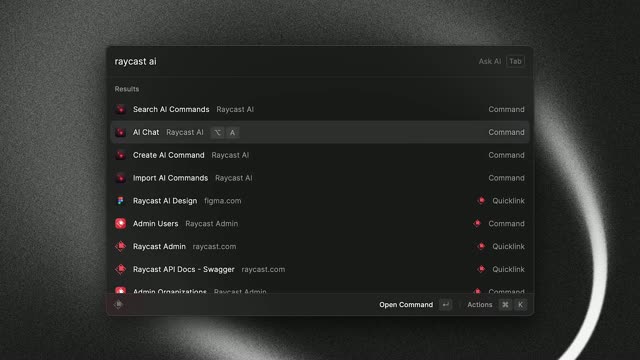 0:37–0:41Raycast · Introducing Raycast ProA dark Raycast window scales in from a blurred thumbnail against a grainy black backdrop with a glowing white arc. The search field types 'raycast ai', the results list fills, then crossfades into a built-in AI Commands list.
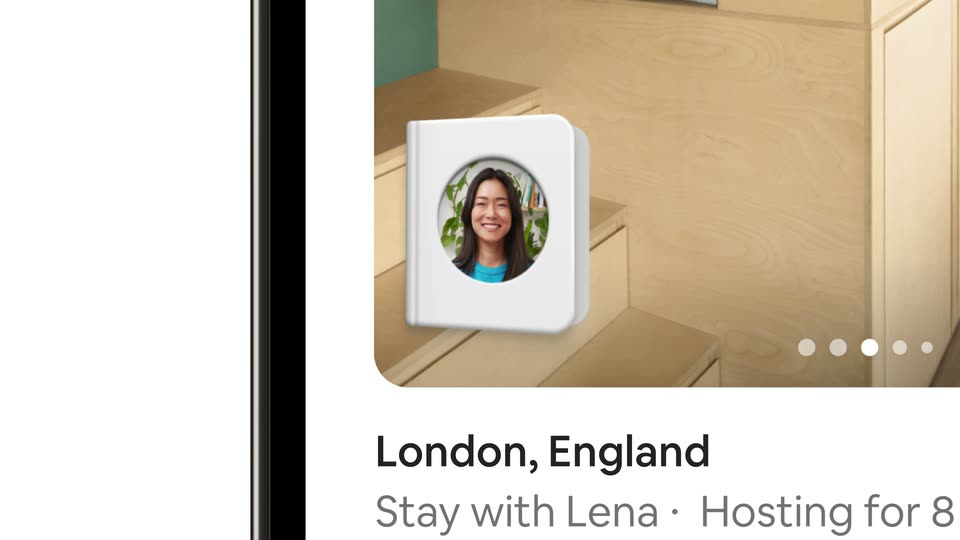 1:04–1:09Airbnb · Introducing Airbnb Rooms – featuring the new Host PassportA front-facing phone shows a listing card with a bedroom photo and a white host passport card in the lower left. The view zooms in on the passport card and the listing title, settling on the host's circular portrait.
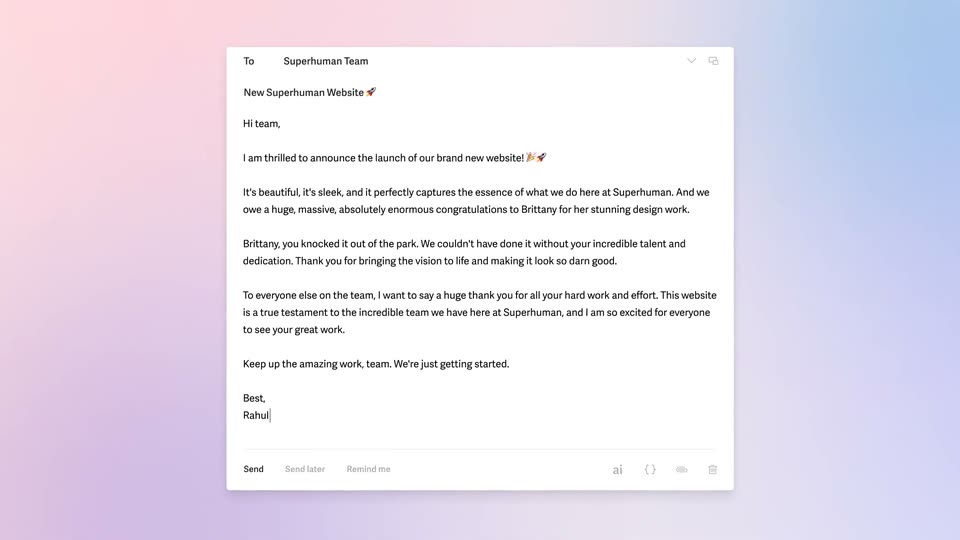 0:16–0:23Superhuman · Superhuman AIA gradient-bordered email draft completes as grayed text fades to solid black. A cursor hovers and a dropdown of edit options opens, then the view pulls back to reveal the full message card with recipient line and send toolbar.
 0:04–0:07Vercel · Vercel - Introducing Visual Editing for Headless ◆ Designed with our launch pClose-up of a dark product page with a large white headline. A light comment card from Cody, 1h, reading Too much time! fades in, a red cursor clicks its checkmark, then the card, headline and Learn more link fade out as the cursor moves to the share icon in the bottom toolbar.
 0:11–0:12Klarna · Klarna - #klarnaspotlight is here! 📱An AI-powered, personalized shopping feedWhite product cards with red -20% badges sit in a radial ring inside a purple hexagonal room. The camera dives through the center and the cards fly outward in motion blur, ending in a dark green void with a small avatar dot and an Ask Klarna pill on the right.
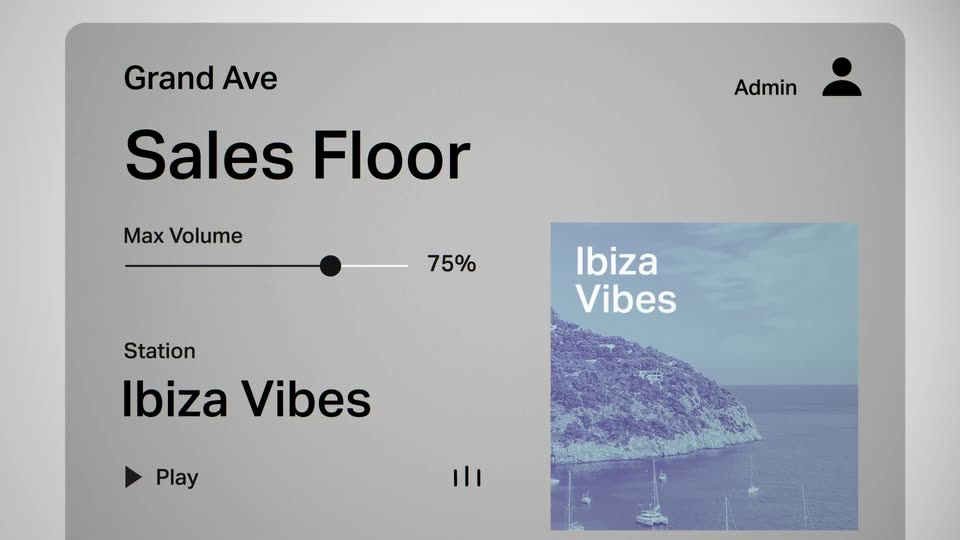 0:34–0:37Sonos · Introducing Sonos Pro | Sound at your serviceA gray control panel settles into frame showing the Sales Floor view: volume slider at 75%, the Ibiza Vibes station with its coastal cover photo, the play control flipping from pause to play. Cut to a woman in a gift shop tapping a tablet.
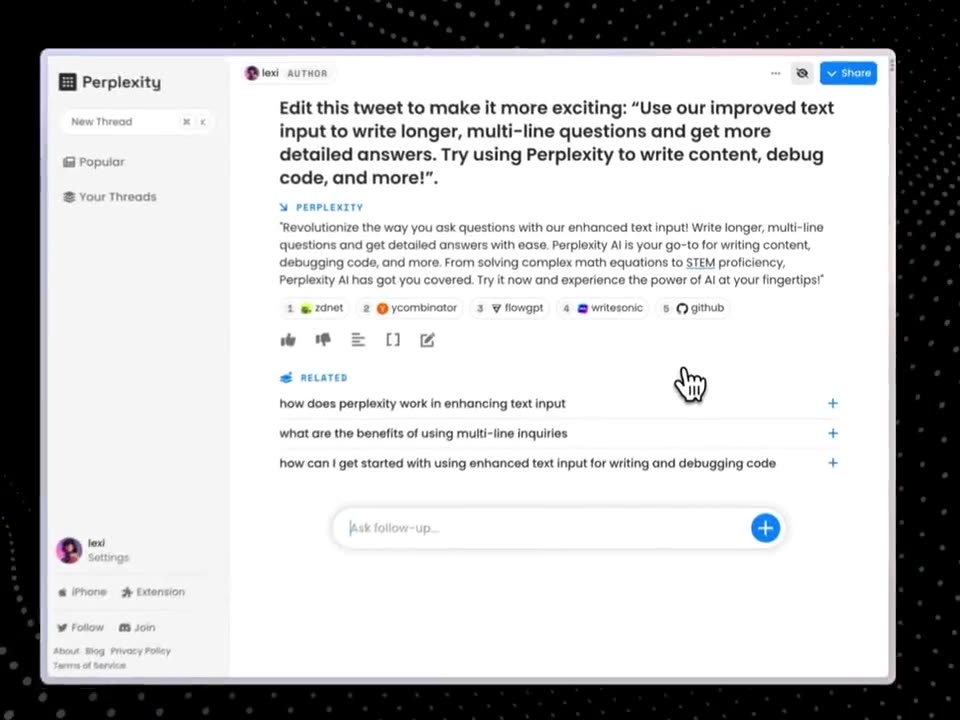 0:30–0:34Perplexity · Perplexity - We are excited to launch the next version of Introducing login, threaA tight crop of a Perplexity chat shows a bold prompt and an answer that sharpens from blur, while related questions populate below. The view then pulls back to reveal the full app window on a dark dotted field, and the frame blurs into a transition.
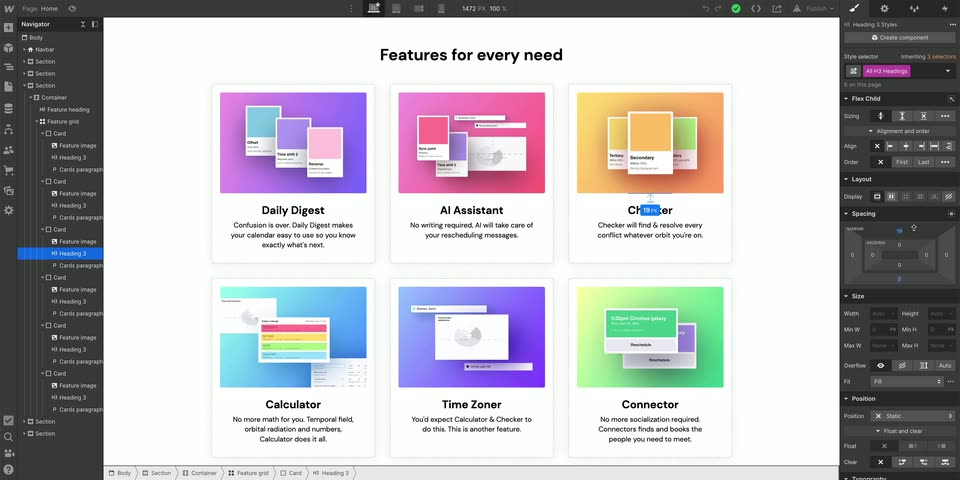 0:35–0:38Webflow · Introducing WebflowA screen recording of a design editor displays a six-card feature grid; a cursor selects the Checker card while the right panel toggles between spacing and animation controls. The canvas then reframes to a calendar view with a purple waitlist button.
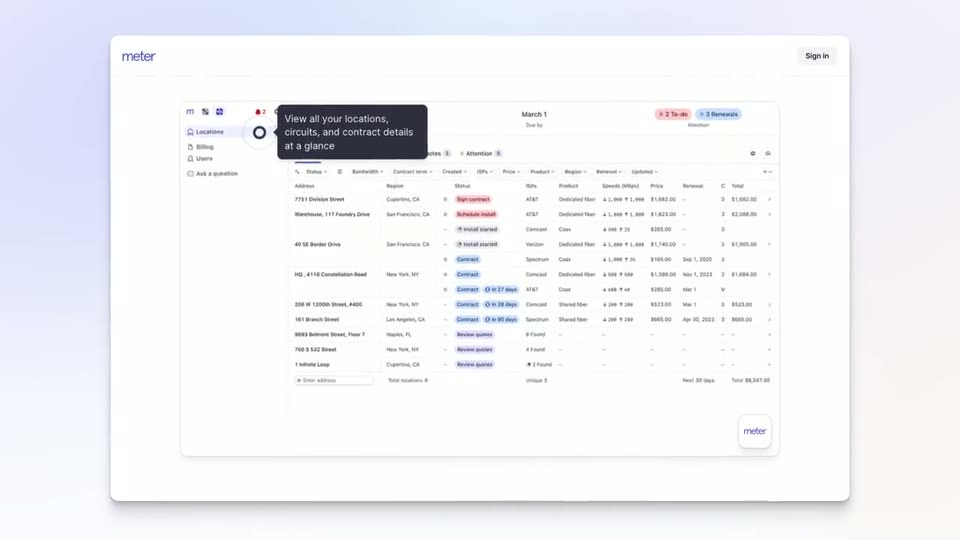 0:12–0:13Arcade · Arcade - Introducing Arcade Growth:A close-up of a table listing locations, circuits and prices zooms out to the full framed window. A dark tooltip over the left sidebar explains the view, then fades.
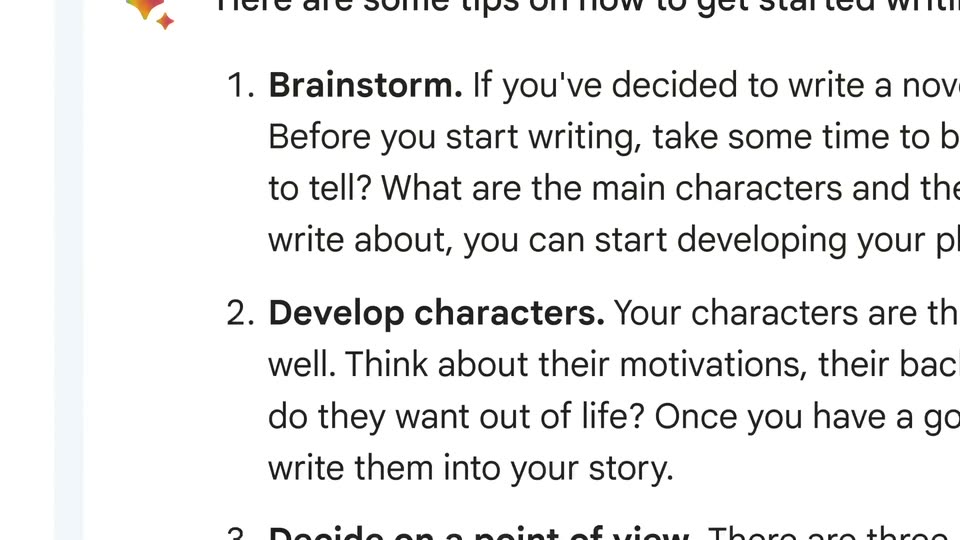 0:13–0:17Google · Google’s new AI chatbot | Meet BardA chat interface shows a user question about writing a novel and a sparkle-icon reply. The view zooms in on the reply and scrolls down through the numbered tips, from Brainstorm to Decide on your ending.
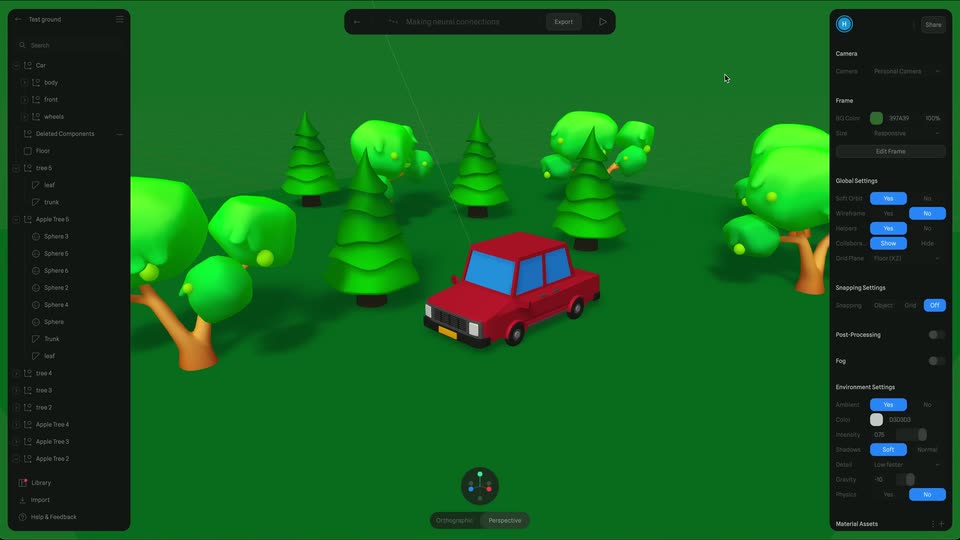 0:21–0:22Spline · Introducing Spline AI - Design in 3D using AIA 3D editor viewport shows a red low-poly car among green trees. A cursor moves from the top command bar into the scene as the camera pulls back to reveal more trees, then the play button lights blue.
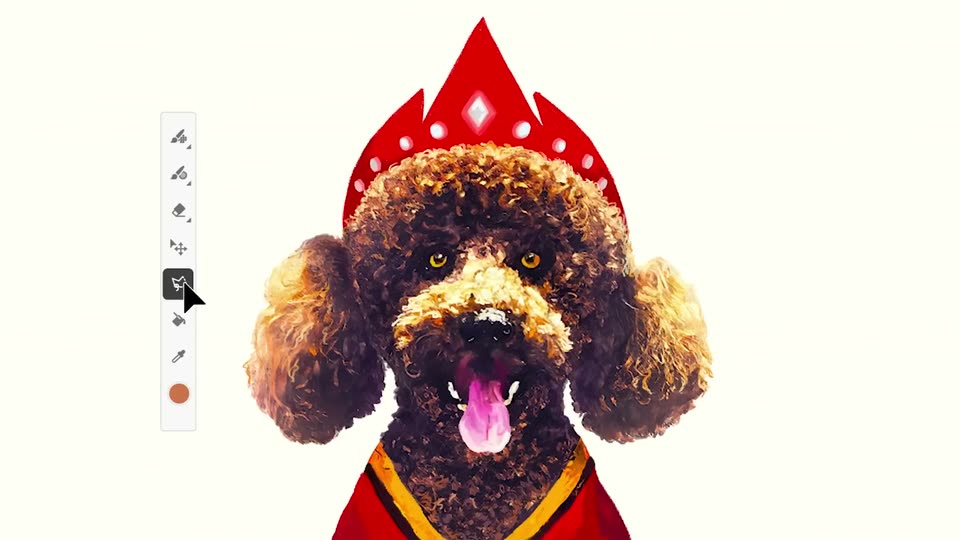 0:08–0:10Adobe · Adobe Firefly: Family of New Creative Generative AI Models | AdobeA watercolor dog illustration sits on a white canvas beside a vertical tool palette. A red flame shape draws itself above the dog's head, then the view zooms into the face as a pen cursor sketches a small black mark on the fur.
 0:38–0:40Brex · Brex Launches Integrated Travel SolutionTwo white interface cards float on black. The lower card, titled Required documentation, slides up and blurs as the upper card sharpens into a headline card reading Collect receipts and memos automatically.
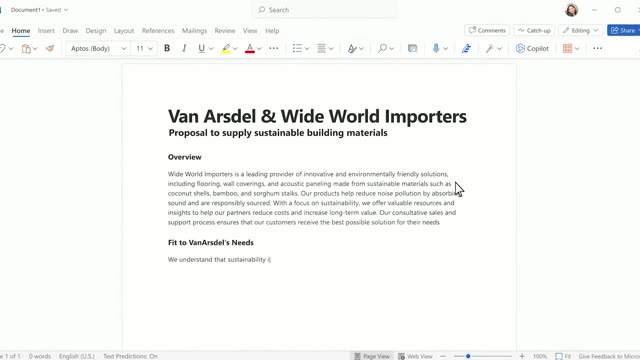 0:39–0:42Microsoft · The Microsoft 365 Copilot AI Event in Less than 3 MinutesA Microsoft Word window shows a Copilot panel listing source notes while its status line changes from 'Combing through the info' to 'Creating a draft'. The panel clears and a proposal with a bold heading and body paragraphs fills the page, the view reframing onto the text.
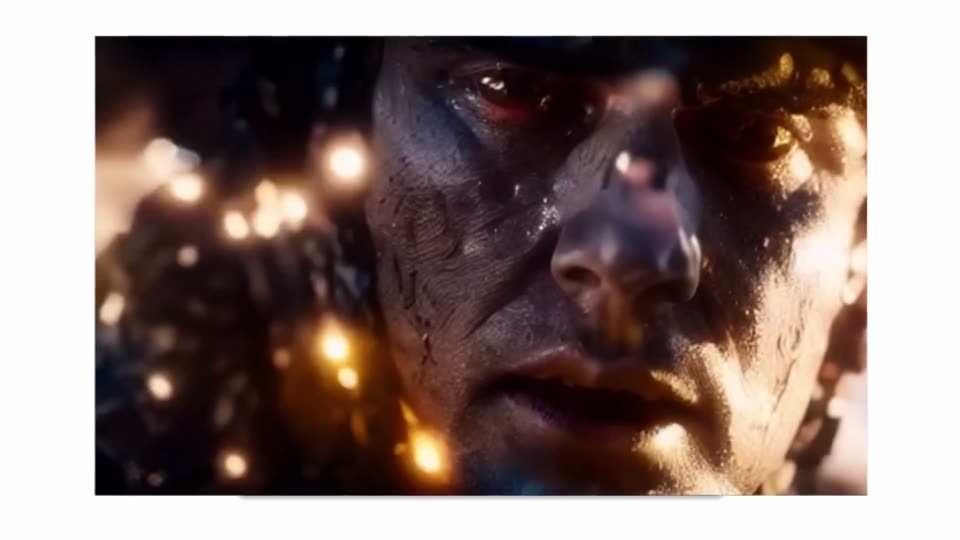 0:53–0:54Runway · Introducing Gen-2: Text to Video | RunwayA dark cinematic close-up of a man's face, veiled by golden bokeh, scales down to a framed image on a white field. A rounded prompt bar sits beneath it, holding the typed prompt and a Generate button on the right.
 0:44–0:46Grammarly · Superhuman - Introducing GrammarlyGO—a new generation in writing. Speed up your wA flat white pill holds two teal circular icons, a lightbulb and a G logo, on a dark green field. A black cursor moves from the G to the lightbulb, then the pill scales up as a blurred card reading AcmeCo slides in from the top.
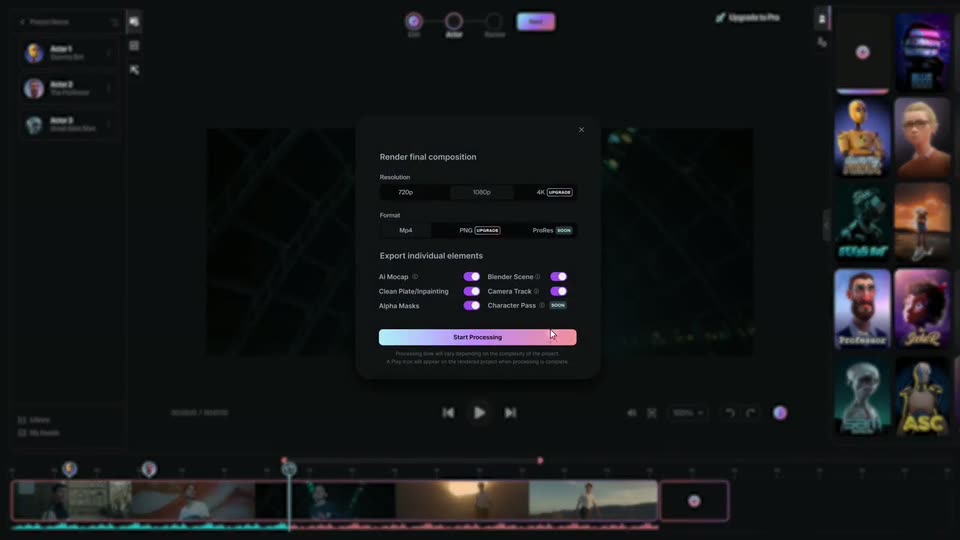 0:21–0:23Wonder Studio · Autodesk Flow Studio - We are proud to introduce Wonder Studio. An AI tool that automaticalA render dialog box sits centered over a darkened editor with a timeline below. The view then zooms out to reveal the full project dashboard and a grid of live-action project cards, while the dialog stays fixed in place.
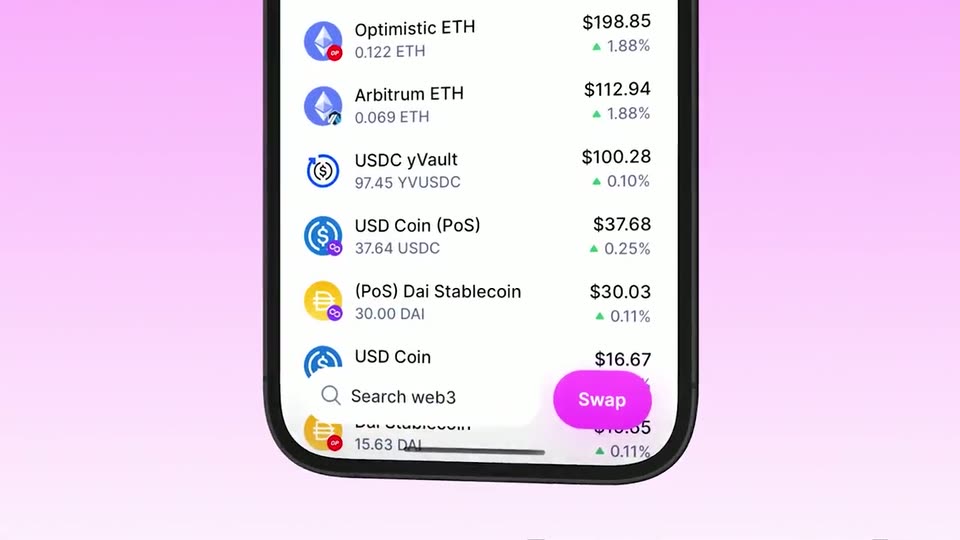 0:19–0:20Uniswap · Uniswap - 1/ Introducing the Uniswap mobile wallet 🦄✨ A completely self-custodA phone mockup floats in 3D over a pink-to-purple gradient, its screen listing crypto holdings with a pink Swap button. The device tilts from a side angle toward the camera as the frame pushes in on the holdings list.
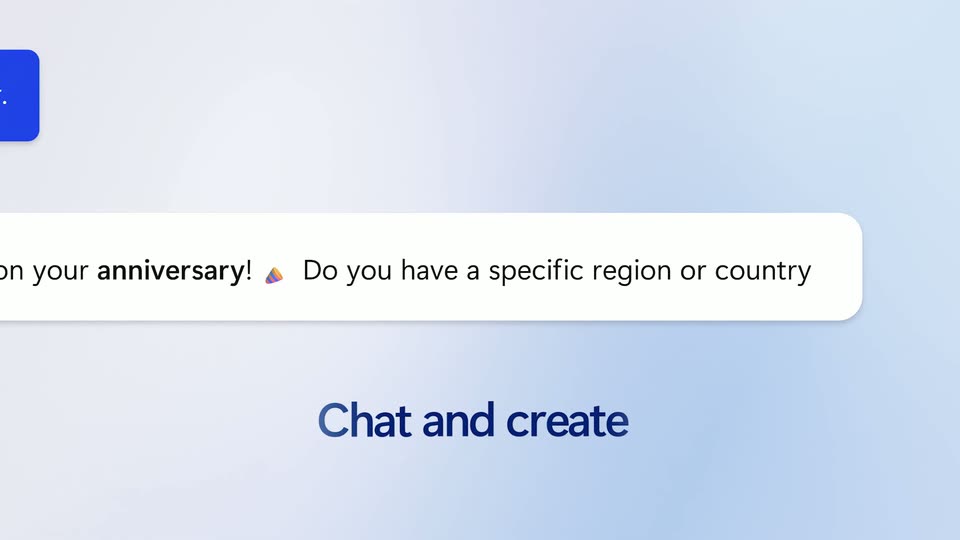 0:17–0:24Microsoft · Introducing the new Bing in Windows and MoreOn a soft blue gradient, a blue chat bubble with a trip request slides in, then a white Bing reply bubble expands with a congratulations message and a follow-up question. The camera zooms into the reply bubble while the tagline “Chat and create” appears below.
 0:12–0:15Notion · Notion AI is here, for everyoneA white document view shows an AI writing bar beneath body copy while a four-item checklist fills in line by line. The frame then reframes down to a context menu, where a hand cursor hovers over the Done option.
 0:07–0:08Shift Technology · SHIFT_Improper Payment Detection_Integrated Case Management_Video_V4A miniature SHIFT dashboard sits at the center of concentric purple rings on a violet field. The rings widen and the interface scales up, revealed through an expanding circular mask, while a white headline fragment slides out to the left edge.
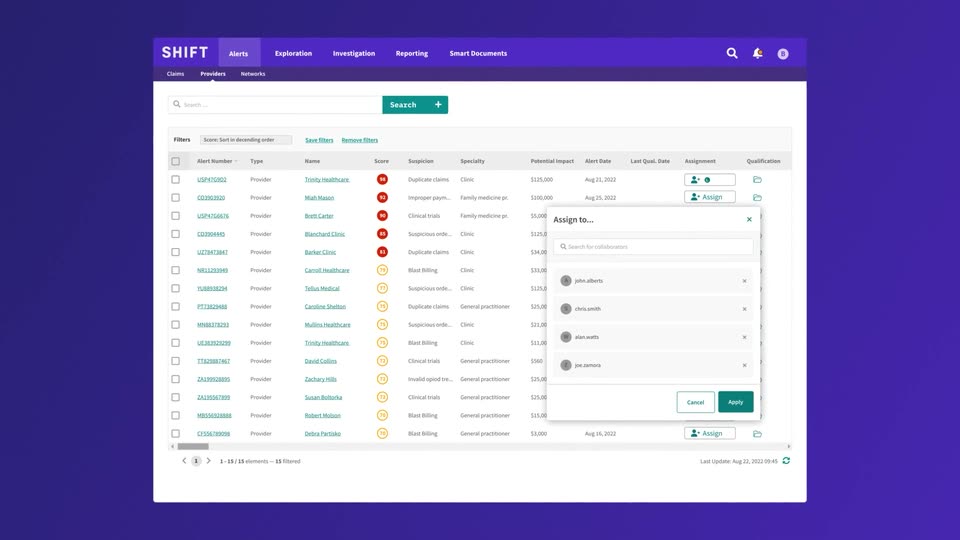 0:08–0:13Shift Technology · SHIFT_Improper Payment Detection_Integrated Case Management_Video_V4A flat alerts table fills the screen under the SHIFT top bar. An Assign to dropdown opens in the right column, listing four team members with Cancel and Apply buttons. The view pushes in on the table, then the whole frame blurs out.
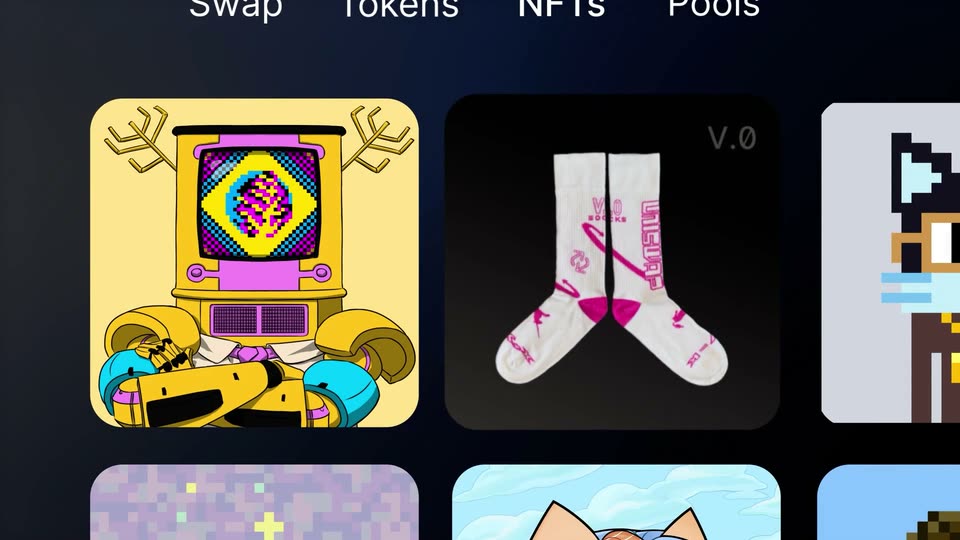 0:08–0:10Uniswap · Gm, NFT Frens - Uniswap Labs Has Acquired GenieA dark interface displays a grid of NFT artwork cards beneath a top menu. The central card, white socks on a black field, enlarges while the surrounding cards drift outward, framing a slow zoom into the grid.
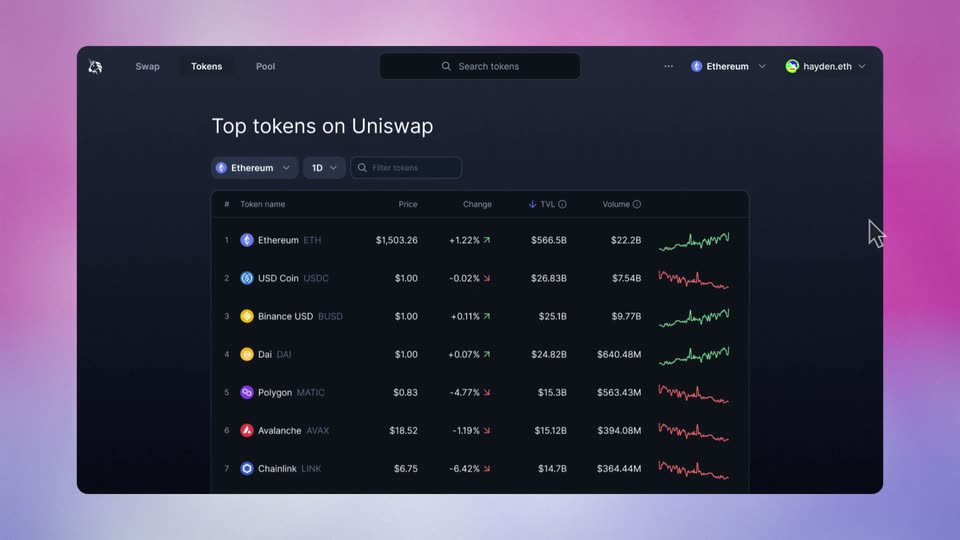 0:12–0:20Uniswap · Introducing the Refreshed Uniswap Web AppA dark Uniswap token table on a pink gradient opens as a blurred close-up, then zooms out to the full list, which scrolls down and back to the top. A cursor glides in and rests on the Volume column header.
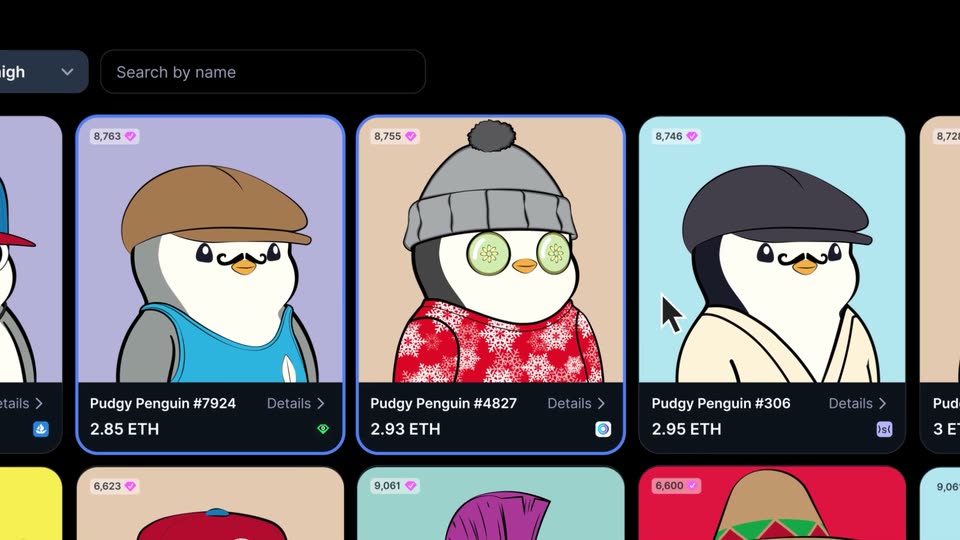 0:14–0:18Uniswap · NFTs are Officially Live on Uniswap!A dark NFT marketplace grid of cartoon penguin cards fades in, a cursor hovers across the cards, outlining them in blue, then a purchase complete modal rises over the blurred grid.
 0:06–0:07Liveblocks · Liveblocks - #LiveblocksLaunchWeek – Day 1 Introducing Liveblocks 1.0: the compleA glowing laptop in 3D perspective displays a dark Team Tasks list with placeholder rows. The camera pushes into the screen, and one blue task row snaps into sharp focus while the rest of the interface blurs out.
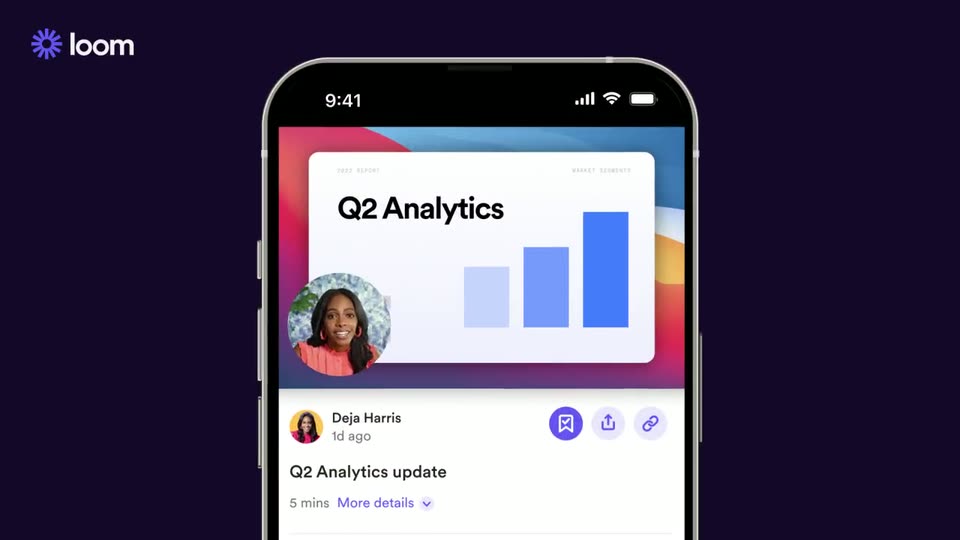 0:09–0:11Loom · Loom - 🆕 Need a better way to keep track of looms you want to get back to?A 3D phone mockup sits centered on a dark purple field with the Loom logo top-left. The camera zooms into the top of the screen, framing the Q2 Analytics card with its bar chart and a woman's avatar above the Deja Harris post.
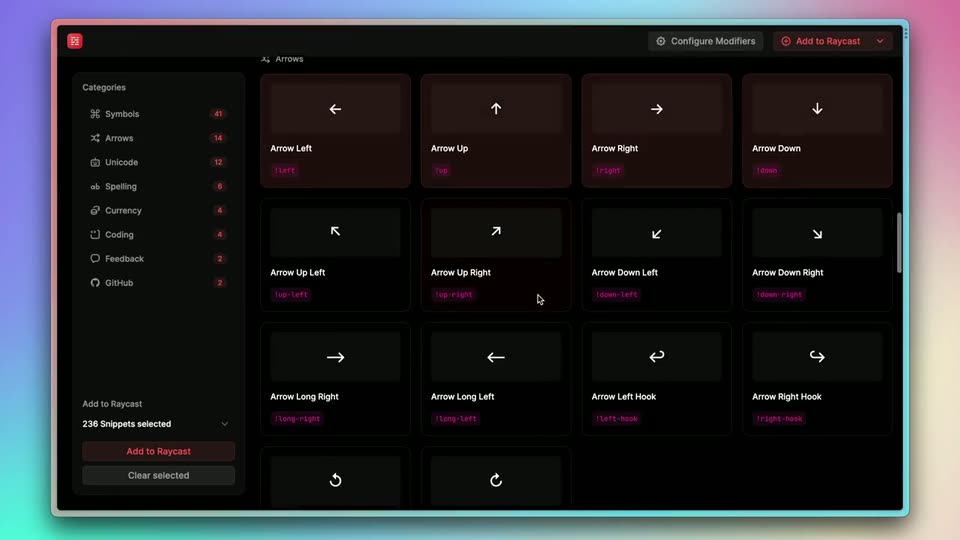 0:07–0:20Raycast · Raycast - 🕵️♂️ Announcing Snippet Explorer — our first open source project! AA dark Raycast snippet picker sits on a pastel gradient. The cursor drags a blue selection box across rows of symbol cards, the grid scrolls down through Arrows and Unicode, then zooms into the Unicode section as a second box selects a block of cards.
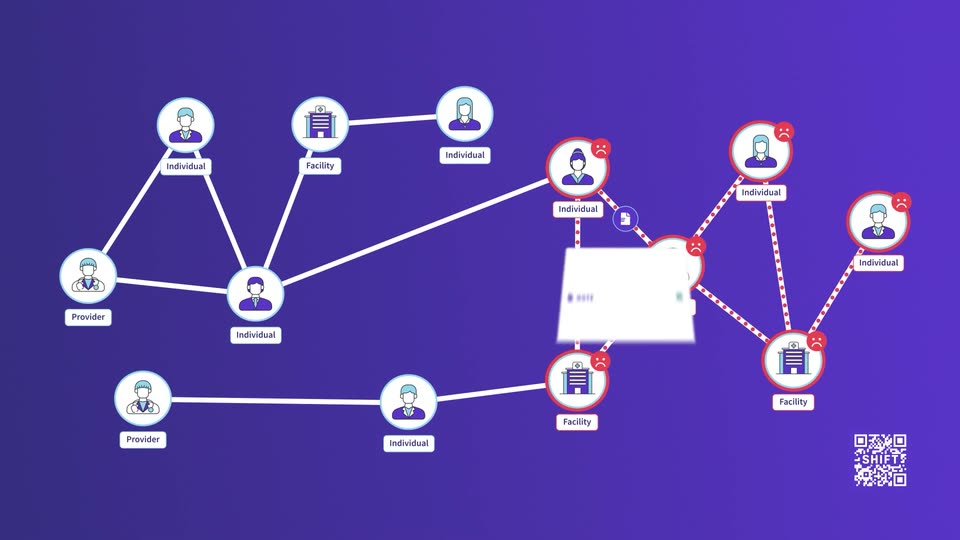 0:24–0:35Shift Technology · SHIFT_Improper Payment Detection_RPNA_Video_FINALFlat network graph of person and facility icons on a purple field; red rings and sad-face badges flag a cluster linked by dashed red lines. The view zooms out, then a cursor clicks a note icon and a white NOTE dialog pops in before the cursor clicks Done.
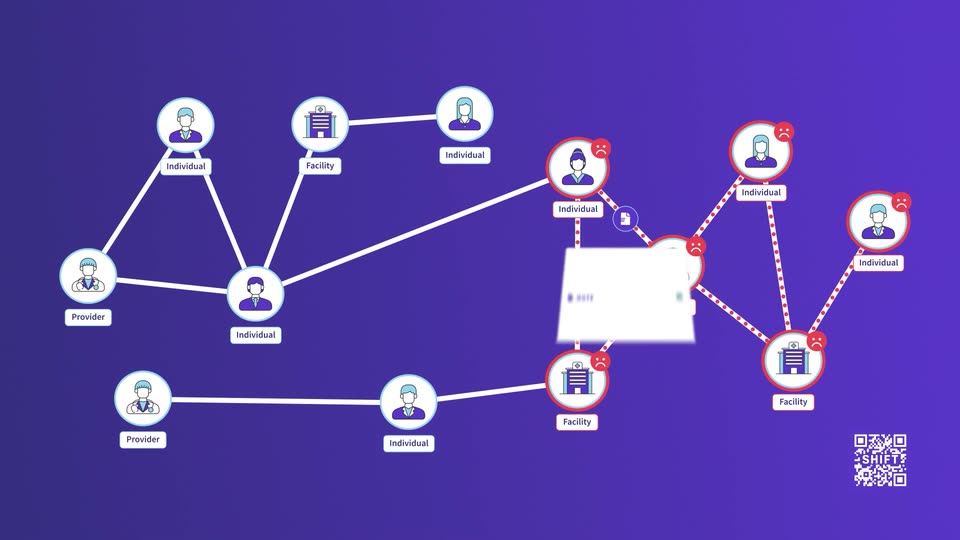 0:24–0:35Shift Technology · SHIFT_Improper Payment Detection_RPNA_Video_FINALBlurred close-up of one node pulls back to a network graph of Individual, Provider and Facility nodes on purple. Red rings and sad badges pop onto flagged nodes one by one, dashed red lines extending between them. A NOTE dialog types a fraud note; a cursor moves to Done.
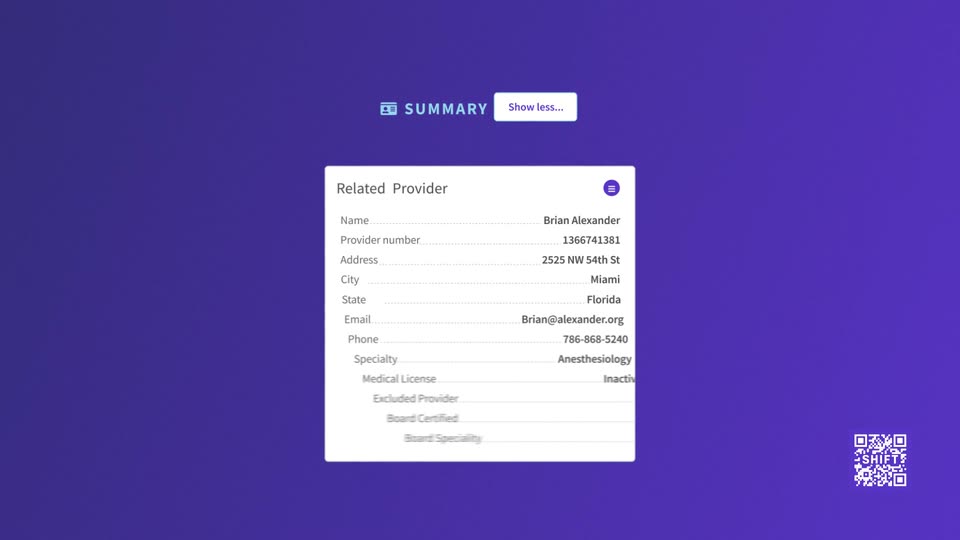 0:13–0:14Shift Technology · SHIFT_Improper Payment Detection_360 View_Video_FINALA purple screen holds a white provider detail card that snaps from a wide, blurred multi-column list into a sharp single panel listing name, address, license and specialty, under a SUMMARY header with a Show less button.
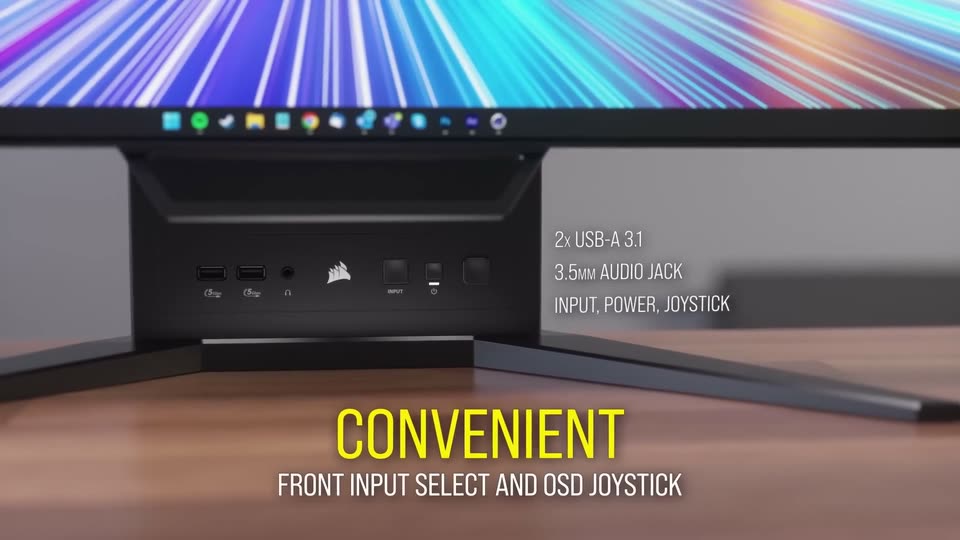 0:54–0:58CORSAIR · CORSAIR XENEON FLEX 45WQHD240 OLED - Bendable UltraWide Gaming DisplayA curved gaming monitor sits on a wooden desk beside a black PC tower. The camera pushes in on the front port panel as yellow captions and a spec list appear, then whips away in a blur.
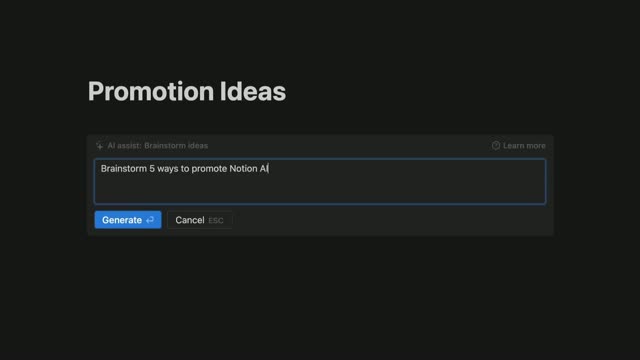 0:25–0:37Notion · Introducing Notion AIA dark page types a slash command that filters a menu to 'Brainstorm ideas', opening a prompt box. A cursor types a prompt and clicks Generate; a five-line bulleted list of AI suggestions types in, with Keep, Try again and Discard buttons below.
 0:23–0:24Duolingo · Introducing Duolingo MathA flat phone mockup shows a yellow 10 DAY STREAK! badge above a flame icon holding an orange cube and pencil. The frame zooms in on the phone, cropping its top and bottom edges, as the blue caption With Duolingo Math, appears above it.
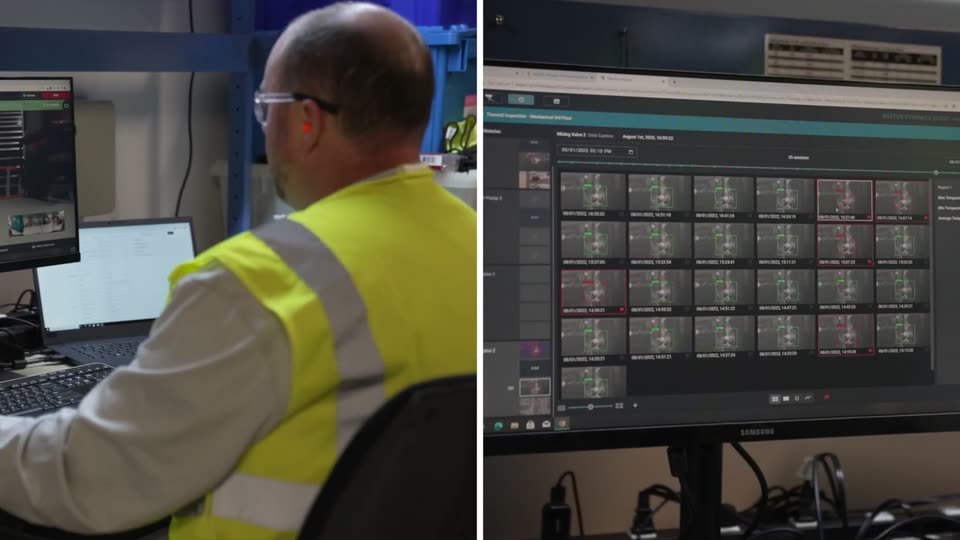 0:57–1:02Boston Dynamics · Automated Thermal Inspections with Spot | Boston DynamicsA split screen shows a worker in a yellow vest at a desk of monitors on the left and a close-up of a screen on the right. The right screen displays a grid of camera thumbnails, then reframes onto a single view with a red box tracking a person.
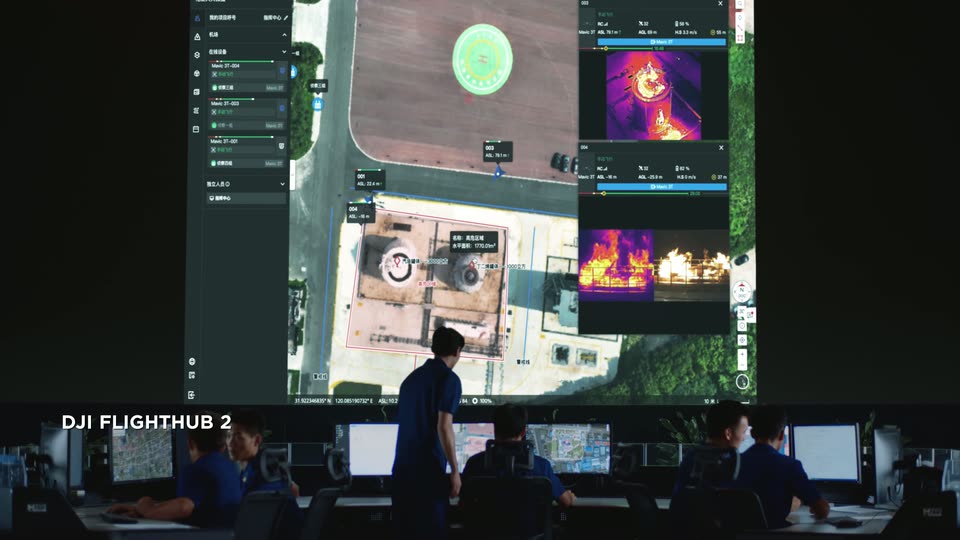 2:14–2:17DJI · DJI Enterprise - Introducing the Mavic 3 Enterprise SeriesIn a dim control room, operators in blue sit at monitor rows while one stands before a wall display showing an aerial map of a plant with a red boundary and live thermal feeds of fire on the right; the map slowly reframes and the thermal panels update.
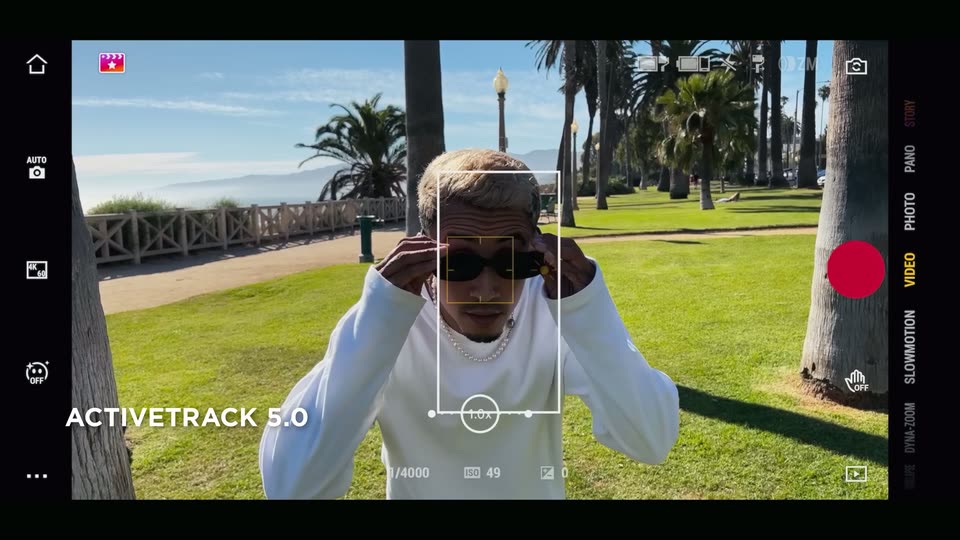 0:51–0:52DJI · DJI - Meet Osmo Mobile 6A man in a white shirt stands on grass in a palm-lined park, framed inside a phone camera viewfinder. A white tracking box locks onto his face as he lifts sunglasses to his eyes while the viewfinder zooms in on him. The caption ACTIVETRACK 5.0 appears at lower left.
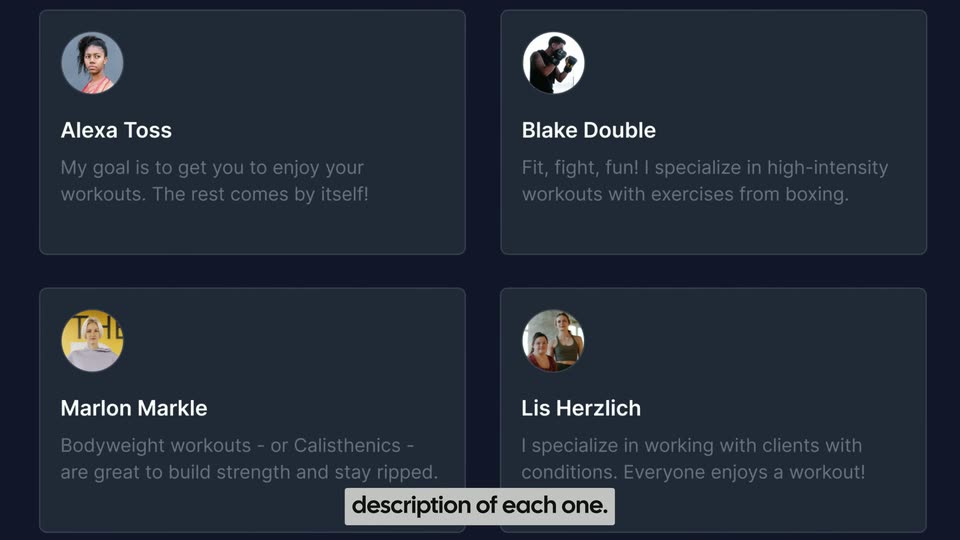 0:35–0:43Cal.com · Cal.com introducing TeamsA dark booking page crossfades from a session list into a 3x2 grid of trainer cards, each with a circular photo, name and short bio. The view zooms into the cards, then pulls back, as a white cursor hovers at the top right. Bottom captions narrate the feature.
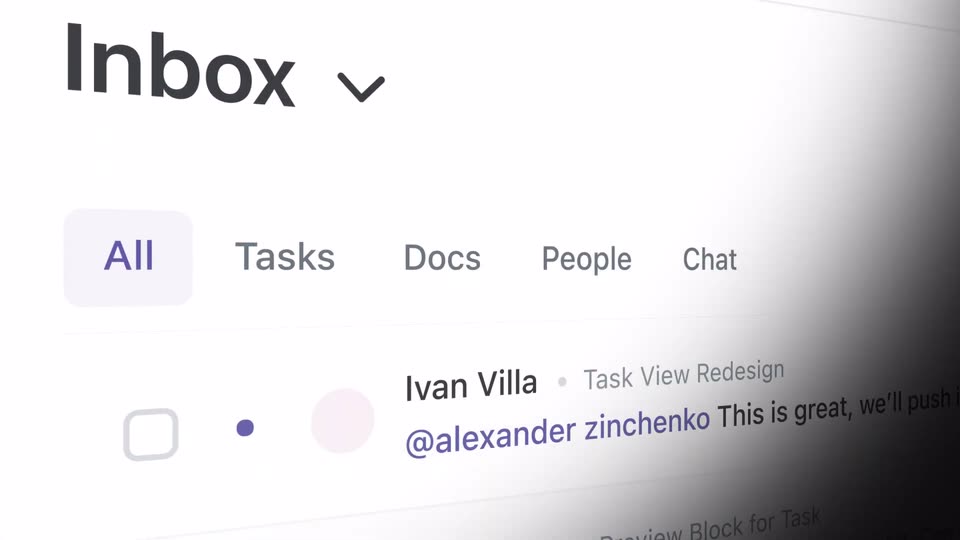 0:41–0:42ClickUp · Introducing ClickUp 3.0A dark frame brightens as the large Inbox heading scales down, revealing the full inbox view: a row of filter tabs and a message row with a checkbox, status dot and pink avatar circle.
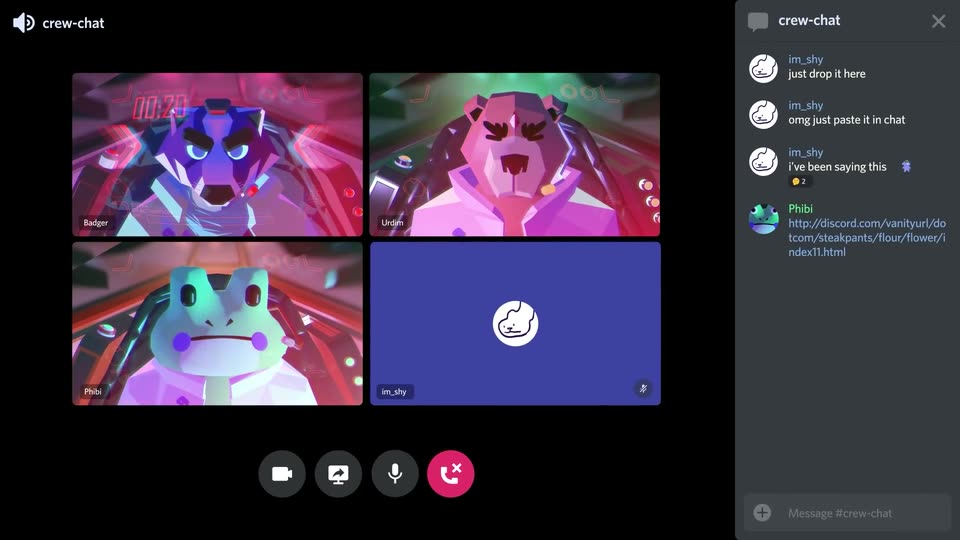 0:40–0:44Discord · New Feature Alert: Text Chat in VoiceA tight shot of a pink low-poly bear video tile with a floating chat bubble and hand cursor pulls back to reveal the full four-tile call grid, bottom toolbar, and right-hand message panel, then pushes into the chat.
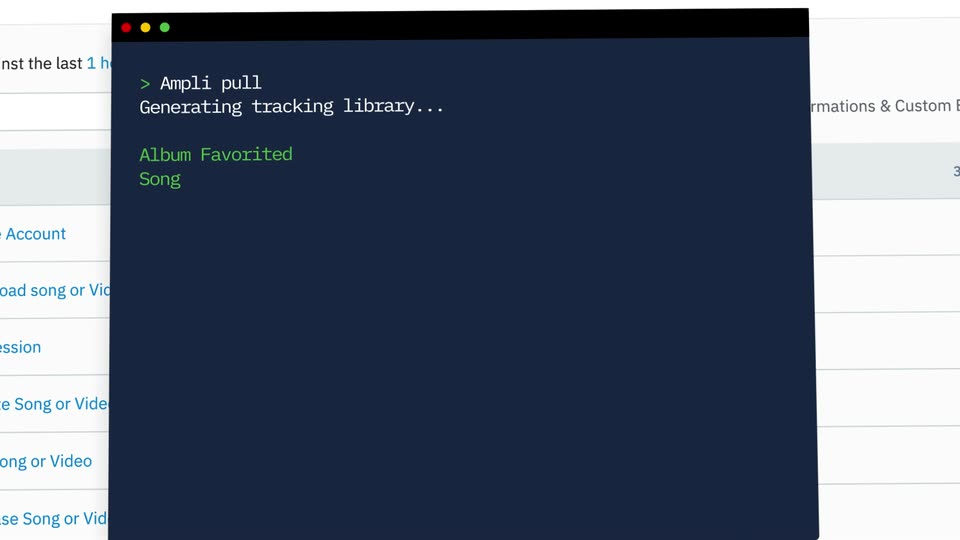 0:29–0:32Amplitude · Introducing Amplitude CDPA dark terminal window floats over a blurred analytics dashboard as white and green code lines type in, listing tracking events. The frame then tilts into 3D perspective, reframing onto an event list at left marked by a dark 'Verified in Source Code' tooltip, under a static two-line headline.
 0:06–0:08Pitch · Introduction to Pitch | Create beautiful presentations with your teamA 3D-tilted interface straightens to a front view as a black 3D cursor slides up from below to the blue New presentation button.
 0:16–0:17Bitstack · Bitstack : Épargnez en Bitcoin sans aucun effortA simulated browser search bar holds the query, then the page scrolls up to reveal the Bitstack landing page. The hero text sharpens on the left while a 3D phone mockup with the app balance and floating orange Bitcoin coins holds the right.
 0:36–0:39Pitch · Introducing recordings | Turn presentations into expressive video narrativesA laptop on a dim brick-walled desk shows the presentation UI; the red button flips from Start recording to Stop as the cursor moves. The screen then zooms into a black countdown of white numerals with radiating starburst rays.
 2:05–2:09Storyteller Tactics · Storyteller Tactics - Kickstarter VideoA book and a tablet rest on a white surface, the tablet showing a Story Building System flowchart. The camera pushes in on the tablet, framing the title and top questions, while a glint sweeps across the screen.
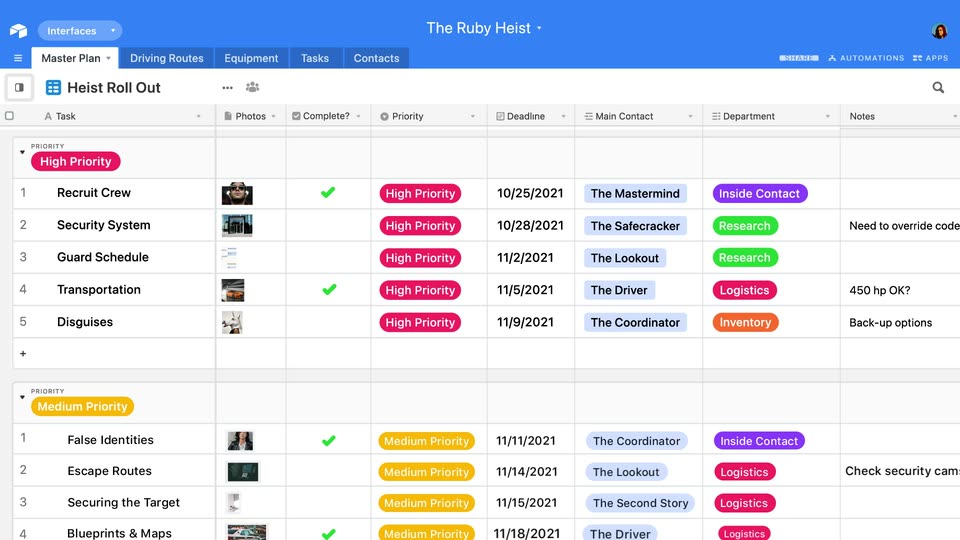 0:06–0:11Airtable · Airtable: introducing interface designerA close-up of the blue header pulls back to reveal the full Airtable interface, a task table grouped by priority with colored pills. The list scrolls down through the rows, then the view zooms back in on the top rows as a cursor hovers over the High Priority pill.
 0:19–0:22Microsoft · Introducing Microsoft LoopA flat Loop workspace window sits centered on a lavender field of glossy 3D blobs. It tilts into 3D perspective as the camera pushes in, ending on a close-up of the sidebar and the Task List panel.
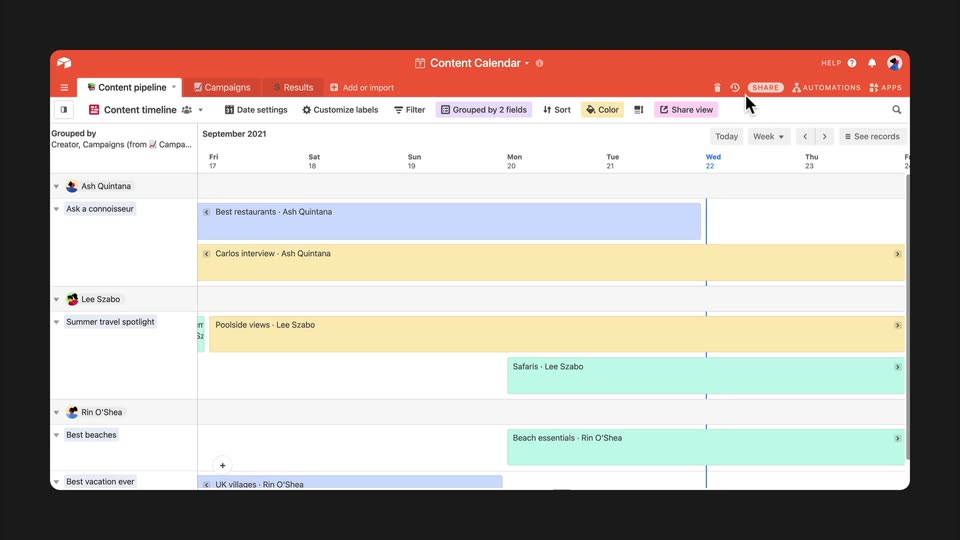 2:38–2:43Airtable · Introducing Timeline View | AirtableA flat product screen shows a content calendar timeline with colored bars grouped by creator, a cursor hovering near the top right. Near the end the frame crops to the left half, cutting off the later date columns.
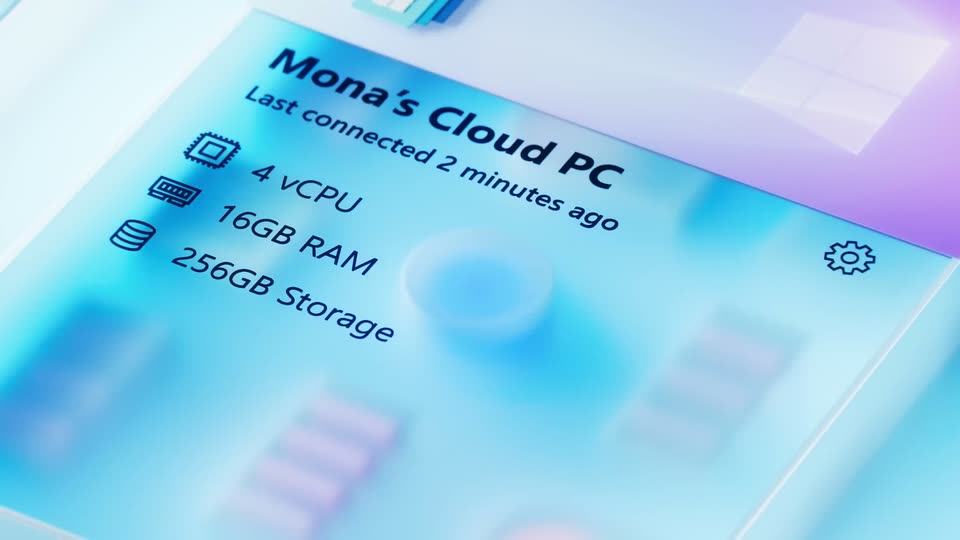 0:37–0:40Microsoft · Introducing Windows 365A glassy settings card titled Mona's Cloud PC floats in 3D perspective, angled and softly blurred, with a blue-to-pink gradient header and a gear icon. The camera pushes in and reframes onto the spec list, 4 vCPU, 16GB RAM, 256GB Storage, as the text scales up.
 0:42–0:44Microsoft · Introducing Windows 11Out of focus, a pale blue field sharpens into a flowing 3D blue ribbon; the camera then pulls back to reveal the ribbon as a wallpaper on a thin-bezel monitor against a light gray background.
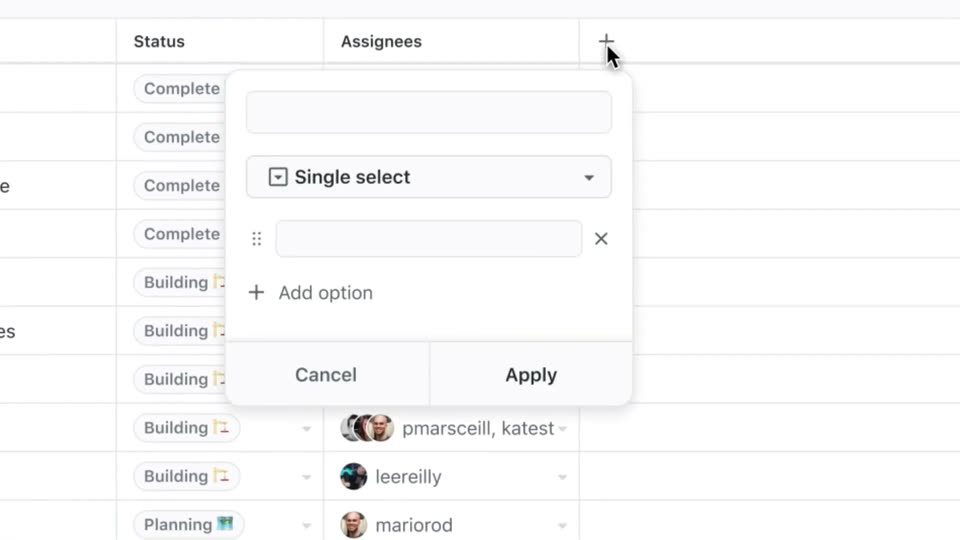 0:14–0:26GitHub · The new GitHub IssuesA 'New project' caption scales in over a GitHub project board that fills as the cursor adds issues from a dropdown, then the view zooms to the header and a modal creates an Area column with three options.
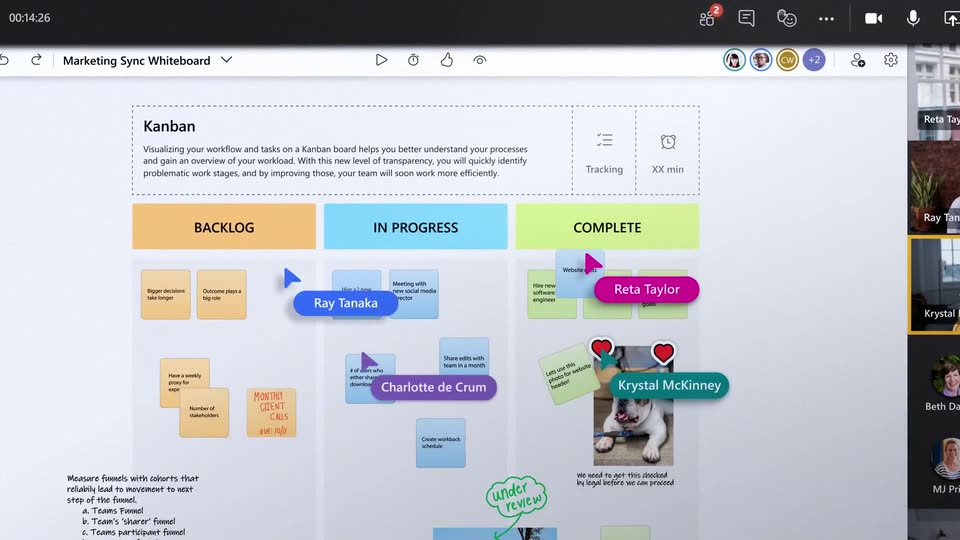 0:35–0:37Microsoft · Meet the new Microsoft Whiteboard designed for Hybrid WorkA whiteboard Kanban board with orange, blue and green columns fills the frame. Colored name tags for four users drift across the sticky notes. The view zooms out to reveal the top toolbar and a right-hand panel of participant video tiles.
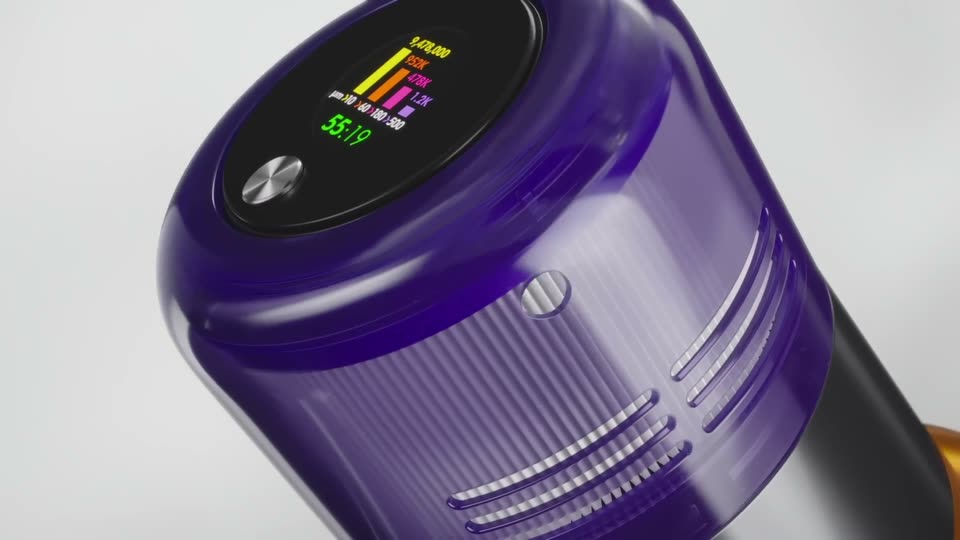 0:40–0:46Dyson · Discover Dyson V15 Detect™ laser technology | TV commercial for cordless vacuum innovationA 3D cutaway of a purple motor housing opens to reveal a spinning fan with motion blur behind a white gear ring. The camera orbits up to the rounded top, where a small display shows a colored bar chart and a green countdown timer ticking down.
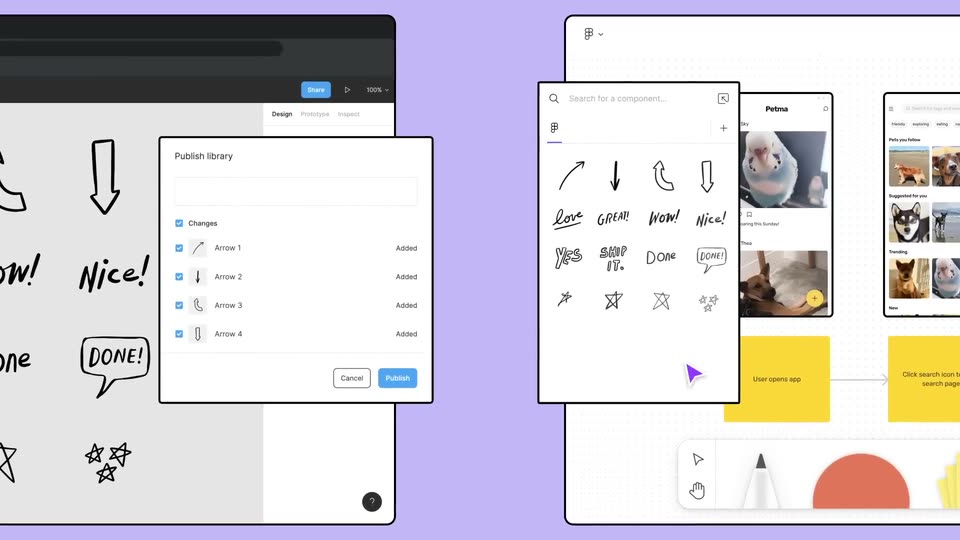 0:44–0:45Figma · Welcome to FigJamTwo laptop screens sit side by side on a lavender field, the left open on a publish-library dialog over a hand-drawn canvas, the right on a component search box with a cursor. The frame pulls back to reveal full design canvases with sticky notes, phone mockups and a bottom toolbar.
 0:22–0:27Discord · Announcing Discord Sound Packs ft. Lil YachtyA mock Windows desktop holds a big window of 3D teeth, a lizard, a horse, a toilet and a bowling pin around a Discord logo under the title SOUND PACK. Notification pop-ups swap text while a googly-eyed brain bounces in the corner and the frame slowly zooms in.
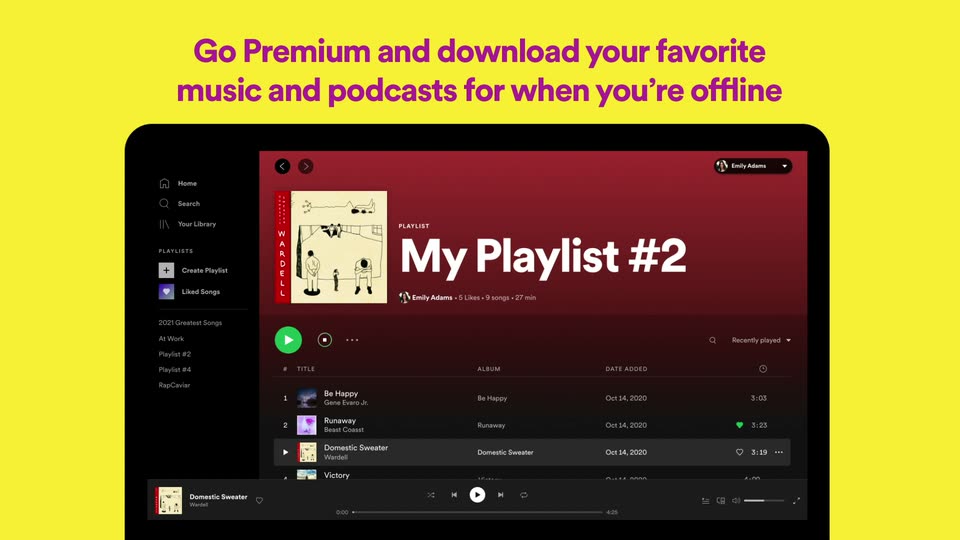 0:29–0:36Spotify · Introducing a New Spotify Experience Across Desktop App and Web Player — SpotifyA front-view laptop mockup on a yellow background shows the Spotify playlist screen. A magenta headline slides in at the top, then the view zooms into the screen as a cursor clicks the download button, turning it green, and hovers a track.
 0:44–0:45Ramp · Meet Ramp: The finance automation platform that saves you time & moneyThe interface zooms out from an Accounting page, where a Review & Sync panel lists vendors with prices and a cursor hovers the Sync to QuickBooks button, to a full Vendors dashboard with an expanded sidebar and a spend table.
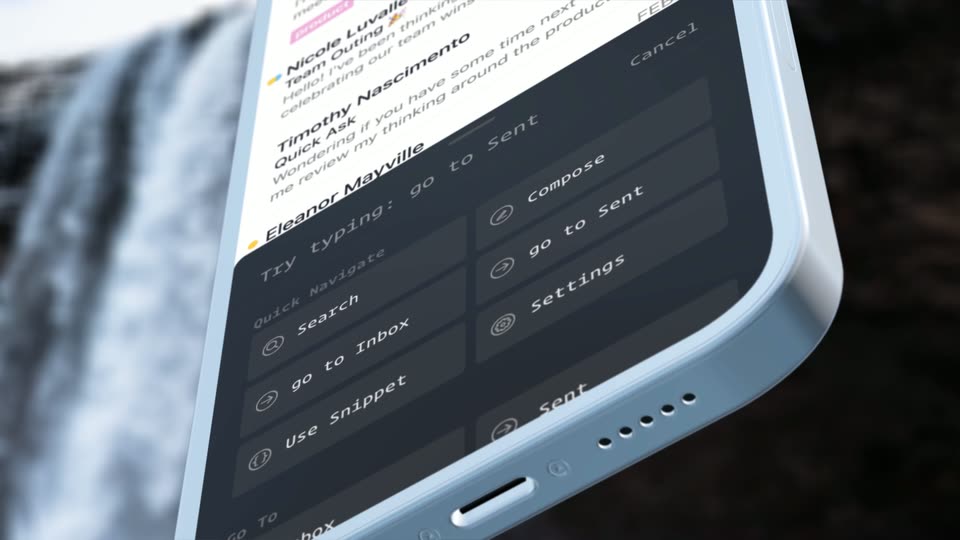 0:36–0:39Superhuman · Introducing SuperhumanA light blue phone hovers at an angle before a blurred waterfall. A dark quick-nav menu with navigation rows fades in over the email inbox on its screen, the camera pushes in, and a static headline holds over the shot.
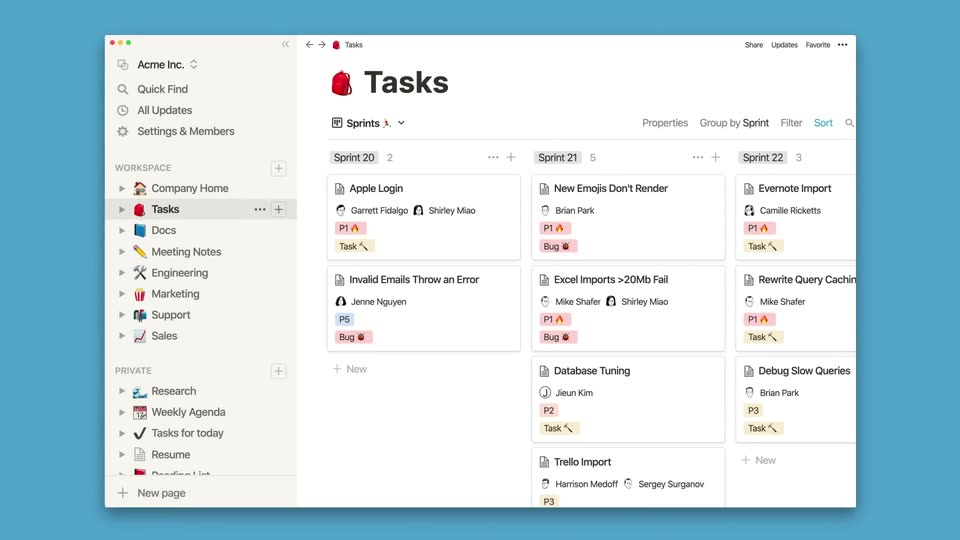 0:25–0:27Notion · What is Notion?The view starts tight on a three-column task board, then pulls back to reveal the full app window on a blue backdrop, with a workspace sidebar on the left. The board stays static once framed.
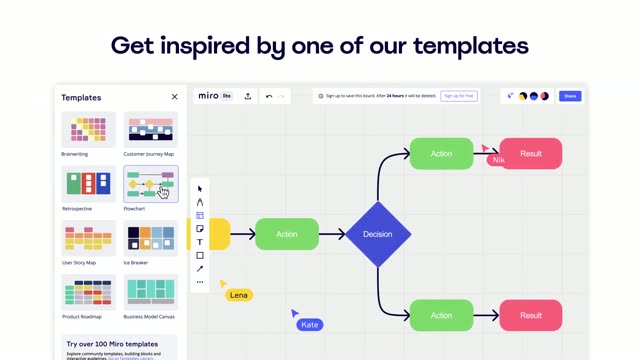 0:27–0:33Miro · Meet Miro Lite, the free online visual workspace for teamsA Miro whiteboard fades in under a bold navy headline. A templates panel slides open on the left, a cursor selects the Flowchart thumbnail, and a colored flowchart builds on the grid. The panel closes, the canvas pans to sticky notes, and the headline crossfades to a second line.