0:32

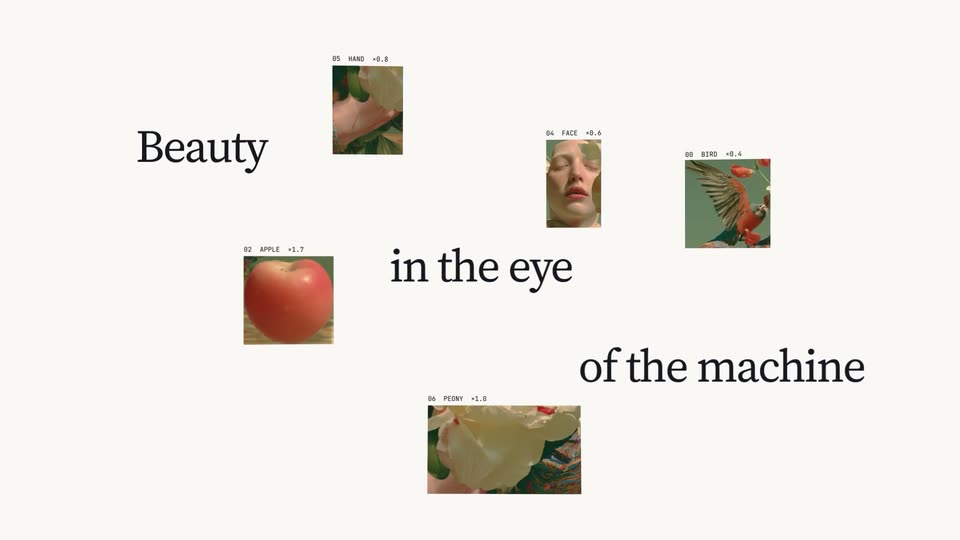
ElevenLabs - Introducing Reception, an AI receptionist platform for small business
Reception (by ElevenLabs) · Sep 2026
Google · May 2018 · 1:43 · Full motion · AI-annotated
Google’s 1:43 launch film runs 30 scenes, about 3.4 s each. The product shows up at 0:24 and 4 features are revealed. There is no explicit call to action; a voiceover carries the film. Built on a flat pale-gray stage, the video alternates abstract wireframe card fields with a centered phone mockup, using 3D pulls-back, diagonal drifts and tap-ring transitions to move between them. Pacing is slow and deliberate at 80 bpm, with long holds on the phone UI and quick reflow blurs on the card fields, and a recurring move of colored avatar tiles and the square logo stack resolving from scattered dots into a single mark.
Is this your launch? to your site or press kit.
Reception (by ElevenLabs) · Sep 2026
Duolingo · Consumer · Oct 2023
Contra Labs · Nov 2026
Films whose music sounds like this one, voice left out
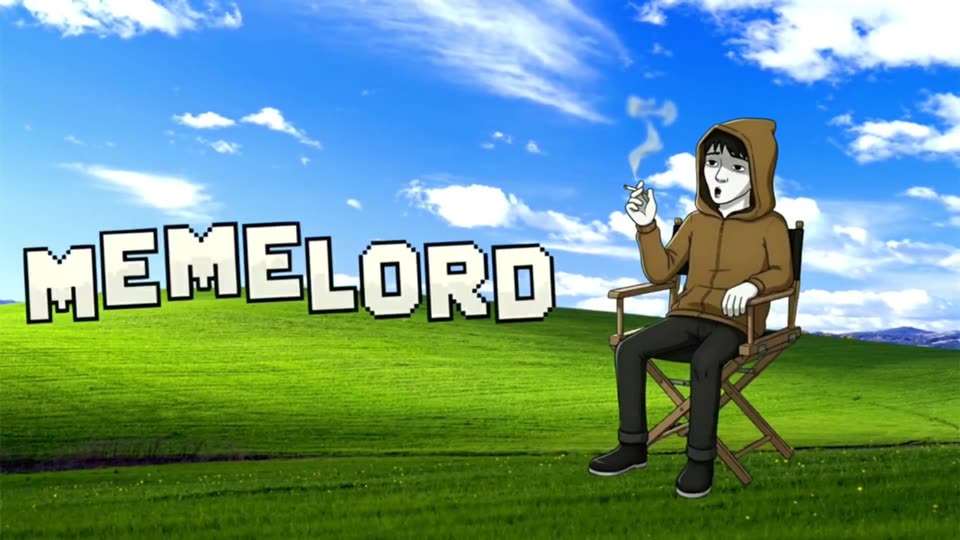
Memelord · Upbeat electronic
Discord · Upbeat electronic
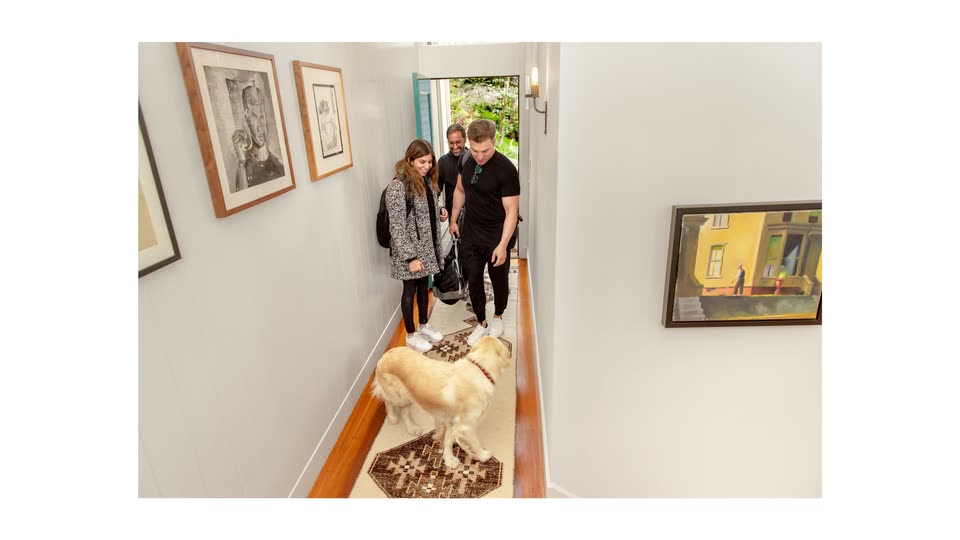
Airbnb · Promotional, Documentary
A plain off-white frame holds a small white shape with a jagged top edge that eases in from the bottom right corner, the start of a paper-like element entering the scene.
Camera: Static
A white paper card with a zigzag top edge assembles at the center of a light gray field. A teal header bar wipes into place above gray text lines and a gray image block, then the whole card tilts slightly and floats with a soft drop shadow.
Camera: Static
A flat wireframe layout with a teal bar and gray text lines pulls back into 3D space, splitting into white cards that float at different depths.
Techniques: 3D mockup, Parallax
Camera: Static
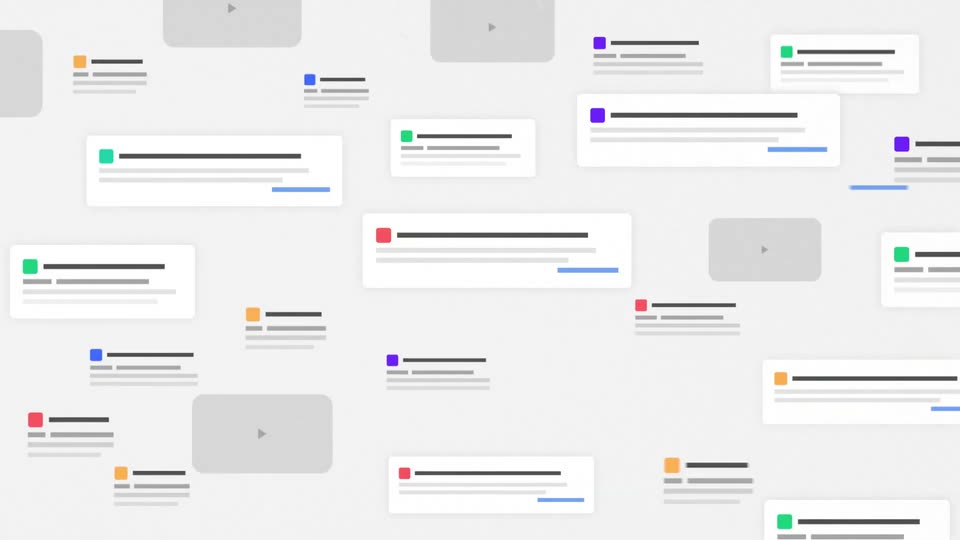
A field of white article cards, each with a colored square icon and gray text bars, drifts diagonally across a light gray background. Blurred cards sit behind sharper ones, creating depth, while a few gray play-button tiles float among them.
Techniques: Parallax
Camera: Pan
A pale gray field fills with wireframe content cards, each a white rounded rectangle holding a colored icon square and gray text bars, plus faint video-thumbnail blocks. The cards slide in from the edges and overlap, panning diagonally so the frame packs into a dense, layered collage.
Techniques: Parallax
Camera: Pan
Three white content cards with red, purple, and teal square badges sit on a light gray field while blurred cards fly past at the edges. The camera pulls back as the badges lift off their cards and spin in 3D.
Techniques: Parallax, 3D mockup
Camera: Static
Three flat avatar icons in red, purple and teal drop in and settle into a row on a light gray field. Gray placeholder bars with colored bullets stack above each, multiplying into a dense grid that fills and blurs the frame, evoking a flood of posts.
Camera: Pan
A field of white news-preview cards with gray text bars and small colored square icons drifts across a light gray background. The cards slide horizontally at different speeds, some with motion blur, while gray video thumbnails with play triangles sit between them.
Techniques: Parallax
Camera: Push in
Dark gray Google News text holds centered on a pale gray field as blurred white UI cards, with gray text lines and a small blue square, drift across the top and bottom edges.
On-screen text: “Google News”
Techniques: Parallax
Camera: Static
A field of white content cards and gray video placeholders with colored icons and text lines starts out of focus and sharpens. Blue lines briefly link the cards, then the camera pulls back and the card backgrounds fade into bare skeletons.
Camera: Pull out
Loose gray text bars and small colored square icons float on a light gray field, then converge into a centered white rounded card, settling into a vertical feed list with avatar squares and line placeholders.
Camera: Static
A centered phone mockup on a pale background loads the Google News briefing. A colored wireframe fills into a top story card with a satellite image and the CNN headline, then the header and weather chip fade in. The list scrolls down to reveal five ranked stories.
Camera: Static
A white phone mockup tilts in 3D on a pale gray background. Its news feed scrolls up, dropping a college headline and bringing a photo of a person at a desk into view, while gray bars and an orange square shift to the right.
Techniques: 3D mockup
Camera: Static
A white phone mockup sits centered on a light gray background. Its news feed scrolls up through story cards from various outlets, then the view zooms in on the CNN card about the Puerto Rico blackout, ending on its View full coverage button.
Techniques: UI zoom
Camera: Push in
A tilted phone mockup shows a CNN news card about the Puerto Rico blackout with a View full coverage link; a blue tap ring and small white particles appear, then the card fades to a blank screen with header icons.
Techniques: 3D mockup, Particles
Camera: Static
A white phone mockup sits centered on a light gray field. The app header 'Puerto Rico Power Outage' fades in, then a photo of a toppled pole and orange excavator loads into the Top coverage card, the headline sliding up beneath it. The list scrolls to reveal a timestamp.
Camera: Static
A white phone frame sits centered on a light gray background. Inside, a news feed scrolls and the text blurs, then settles into two article cards, each with a headline and a small photo thumbnail, above a Videos label.
Camera: Static
A white phone mockup sits tilted in 3D on a pale gray field. Inside, a news feed scrolls upward, revealing a video card, a Timeline header and a Today block as the content moves.
Techniques: 3D mockup
Camera: Static
A white phone mockup on a pale gray background cross-dissolves into a Timeline screen. Dated news headlines with red and blue dots stack down the left column while square video thumbnails with play buttons line the right.
Techniques: 3D mockup
Camera: Static
A white phone mockup tilts from a three-quarter angle to face the camera on a pale gray backdrop. Its screen scrolls through a news feed about the Puerto Rico power outage while gray motion-blur bars streak past the device.
Techniques: 3D mockup
Camera: Static
A white phone mockup sits centered on a light gray field. The screen shows a Google News article, then swaps to the personalized home feed as a blue back button lights up in the top left corner.
Camera: Static
A white phone mockup on a gray field shows the Google News app. The interface transitions between three tabs: a For You briefing, a Headlines list, and a Newsstand grid of publisher logos that swap from CBS, AP, NYT to Vox, Miami Herald, USA Today, then fade into an article.
Camera: Static
A phone mockup centered on a light gray field shows The Miami Herald homepage. The white subscribe button turns into a green SUBSCRIBED pill, then the frame pushes in slightly on the device.
Techniques: UI zoom
Camera: Static
A pale gray field fills with scattered white news cards and gray video placeholders, each card marked by a small colored square and gray text lines. The elements drift slowly at different speeds, creating a layered depth effect while the camera holds still.
Techniques: Parallax
Camera: Push in
Abstract gray and blue bars with small colored square bullets rearrange on a pale background while a gray video placeholder bearing a play icon drifts up to the center. Motion blur on the bars marks the quick reflow of the feed layout.
Camera: Static
Flat illustration of a content feed on pale gray: a video block with a play triangle sits above four rows of colored squares and gray text bars. The block slides up with a brief motion blur, holds, then the feed scrolls upward, pushing the video block off the top edge.
Camera: Static
Four rounded-square avatar icons in yellow, red, blue and green scale up from small blurred dots into crisp tiles with simple face illustrations, arranged in a cross on a light gray background.
Camera: Pull out
On a light gray field, three colored person icons (red, blue, green) orbit a yellow tile, then all four spin and stack into a fanned bundle of rounded squares. A white geometric logo mark settles at the center of the stack.
Techniques: Morph
Camera: Static
Four flat colored squares (yellow, red, green, blue) tilt and rotate on a light gray background, settling into a vertical stack with a blue square bearing a white G and list lines in front.
Camera: Static
A flat stack of colored squares with a white G and list glyph morphs into the folded Google News newspaper logo, centered on a light gray background. The gray wordmark and the line “Available on Android and iOS” fade in below it and hold.
On-screen text: “Google News”, “Available on Android and iOS”
Techniques: Morph
Camera: Static