UI zoom
A zoom or reframe onto one part of the interface.
10,007 scenes · page 89 of 167
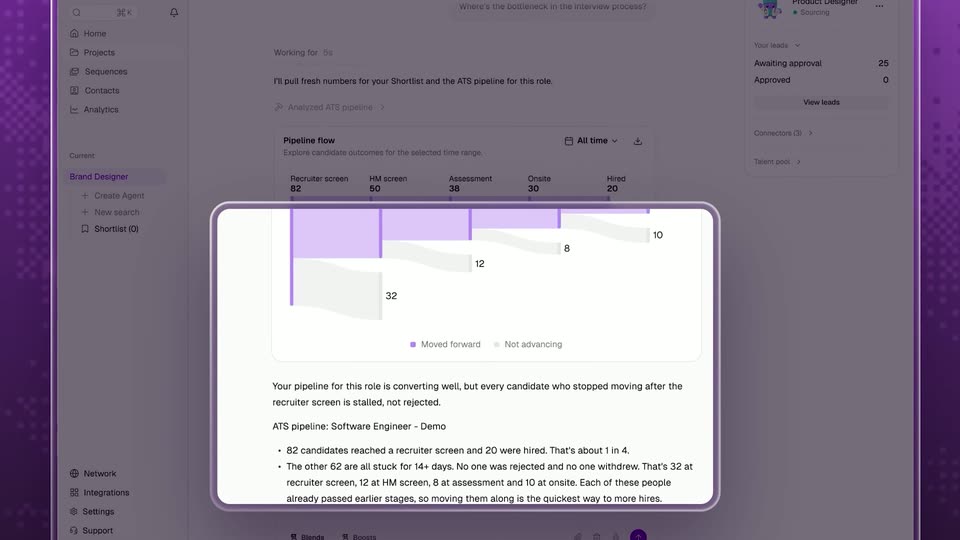 0:51–0:55Juicebox · Introducing Blends in your Juicebox AgentsA dimmed recruiting dashboard frames a floating Pipeline flow card holding a purple Sankey diagram of candidate stages. The card snaps sharp after a brief glitch, then the view scrolls down to reveal an explanatory paragraph and bullet list beneath it.
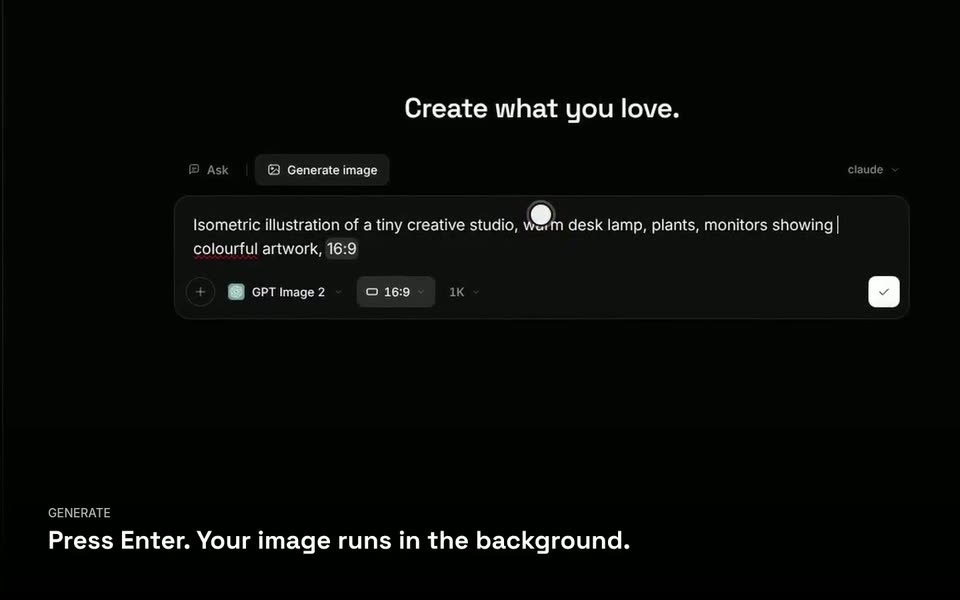 0:40–0:44LetzAI · Introducing LetzAI V5 | LetzAI BlogA dark app screen shows the image-generation input with a typed prompt for an isometric studio illustration. The frame eases in, zooming slightly to center the input box, then a caret blinks at the end of the prompt. A caption holds in the lower left.
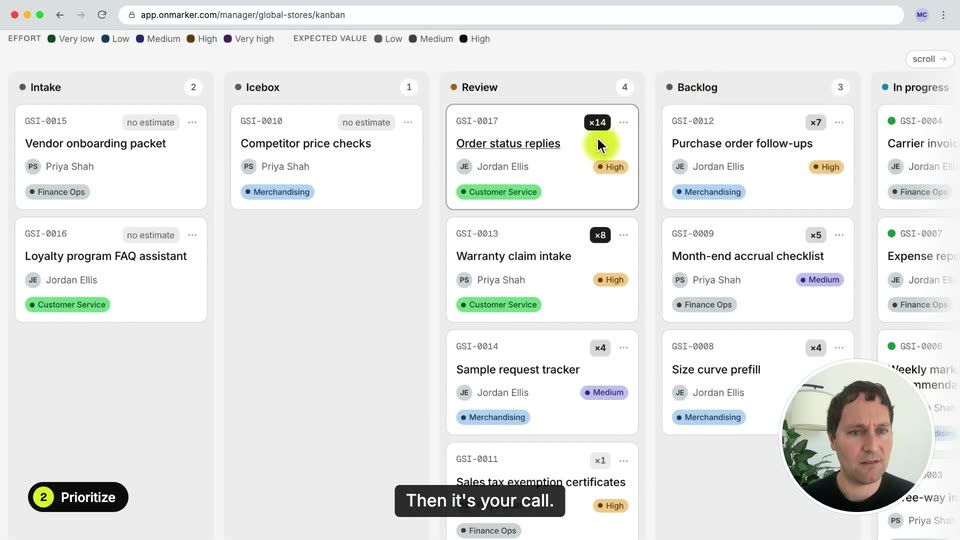 0:44–0:47Marker · Introducing Marker ManagerA kanban board of task cards is shown with a magnified revenue-streams callout, then the callout clears and a glowing cursor hovers and clicks the Order status replies card, opening its detail page. A circular webcam of the presenter sits in the corner.
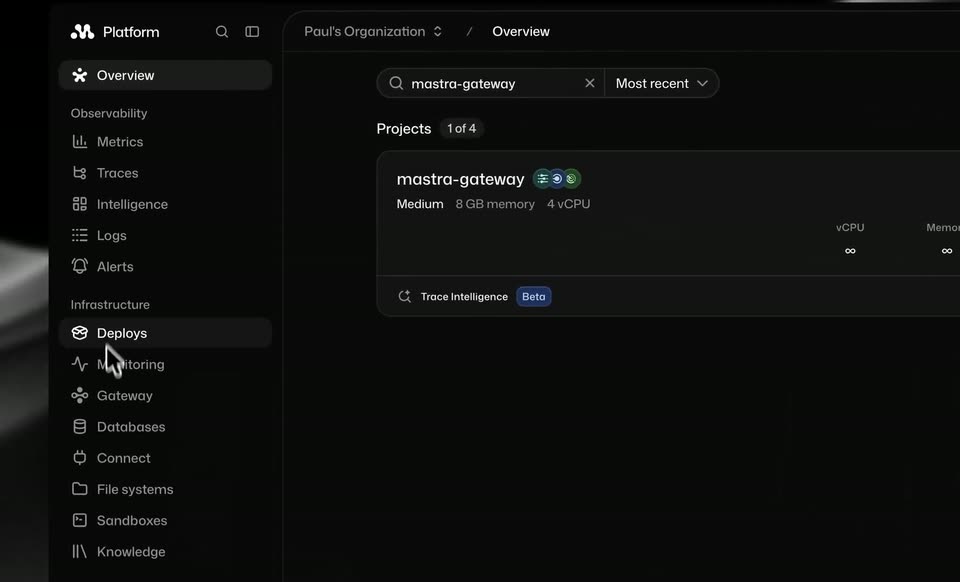 0:03–0:05Mastra · Sam Bhagwat - Today we're excited to launch something we've been cooking for a whilA dark dashboard rotates from a 3D angle into a flat front view, the metallic backdrop blurring past. The frame tightens on the left sidebar while a hand cursor glides down to rest on the Gateway item, the project card and usage panel staying still.
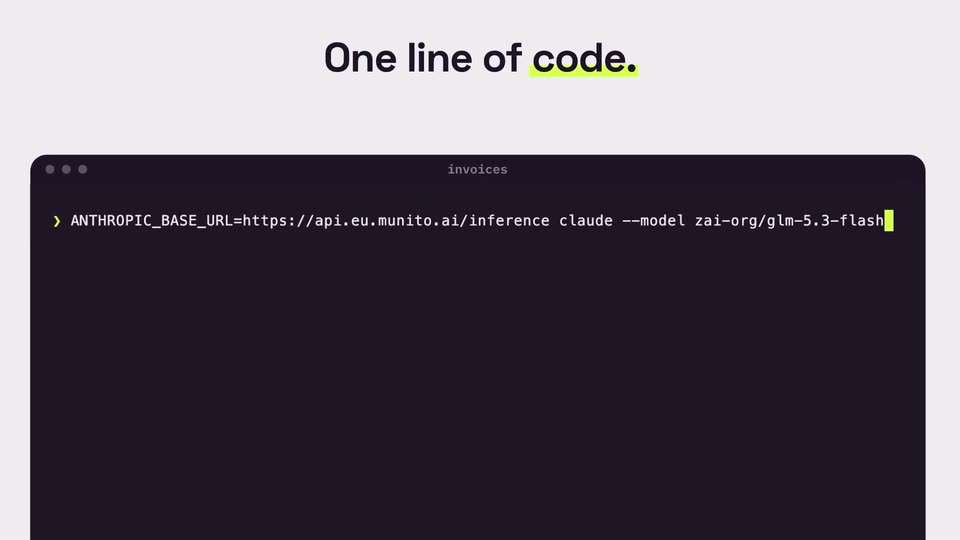 0:21–0:25Munito AI · Munito AI: open models in the EU for every use-caseA dark terminal window on a light gray background; the heading “One line of code.” appears above with a lime highlight under “code.”. The view zooms into the window as a command types out character by character behind a green caret, then the finished line is boxed in a green outline.
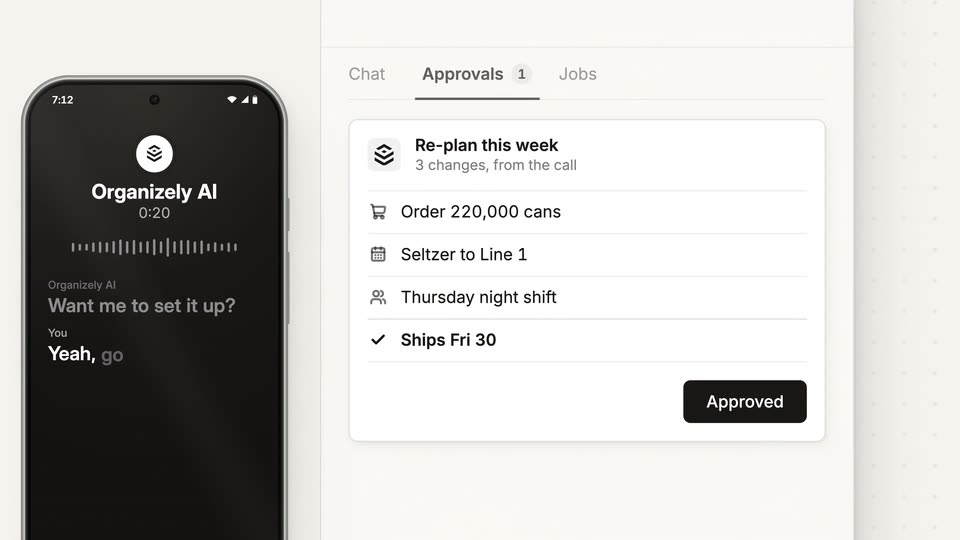 1:22–1:24Organizely · Christian Santos - Introducing Organizely (YC F26): an AI-native ERP to help the 268,000A phone on the left shows the Organizely AI chat confirming go ahead while the desktop panel on the right zooms from an approval card into a weekly schedule, the orange Approved button turning into a black chip.
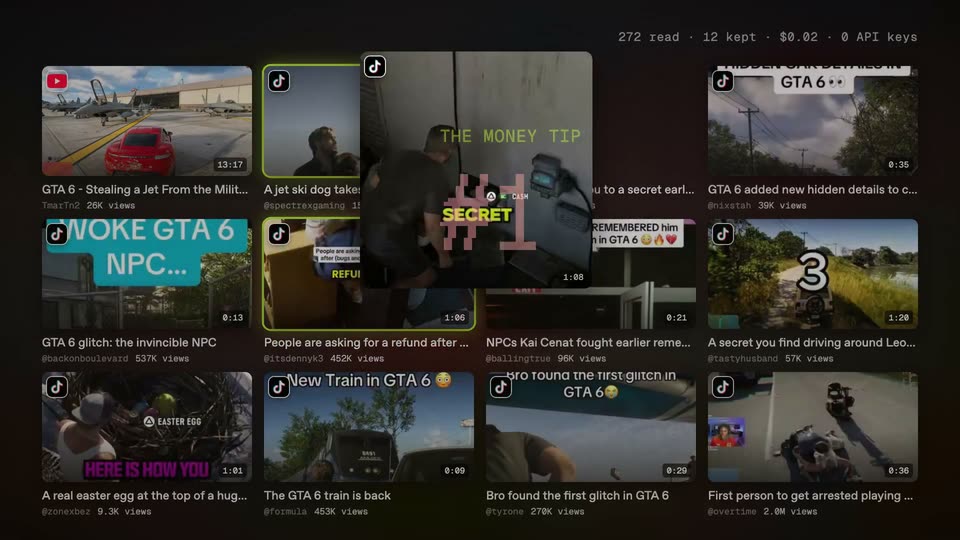 0:40–0:41Treg · Jason Zhou - Introducing @treg_ai /doomscroll skill My agent watched 272 GTA-6 tiA dark interface shows a grid of video thumbnails with a stats line at top right; green borders mark two cards. The view then reframes onto one card, which expands into a centered video of a person in a shopping cart.
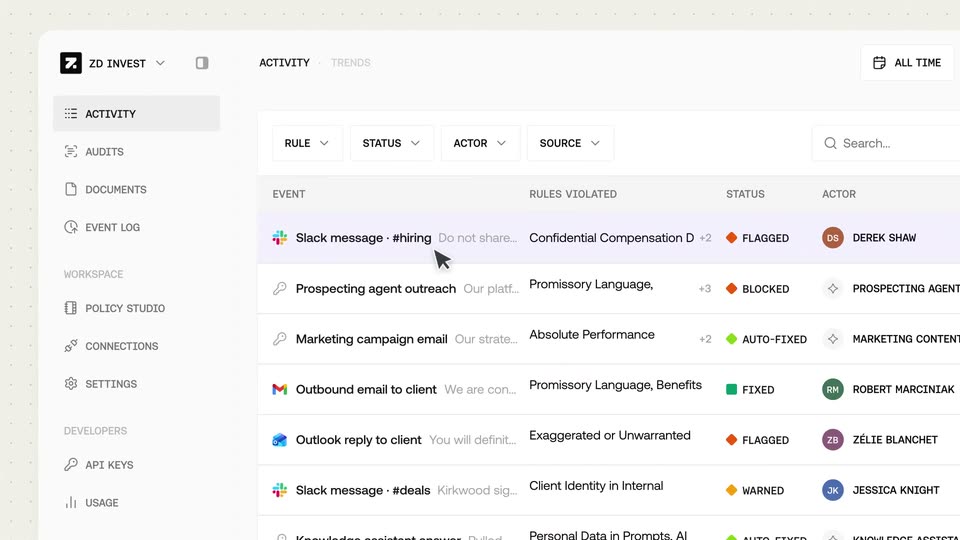 0:33–0:35ZeroDrift · Kumesh Aroomoogan - We’re launching @zerodrift_ai for @SlackHQ today ⚡️ Your team moveA flat compliance dashboard fills the frame beneath a still tagline. The view zooms into the activity list, the cursor selects a flagged Slack message row, and a detail panel slides in from the right showing the message.
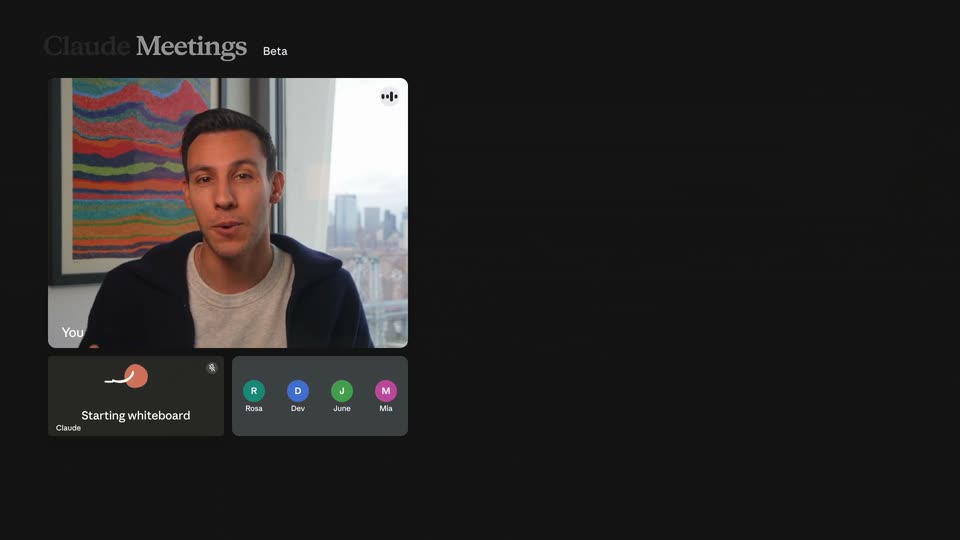 1:14–1:15Anthropic · Five brand new ways to use Claude at workA dark Claude Meetings interface shows a man's video tile, a Claude tile reading Starting whiteboard, a four-person participant strip, and a Josh chat bubble. The frame then reframes and zooms onto the call tiles as a soft white blur blooms at the edges and the title and chat bubble drop away.
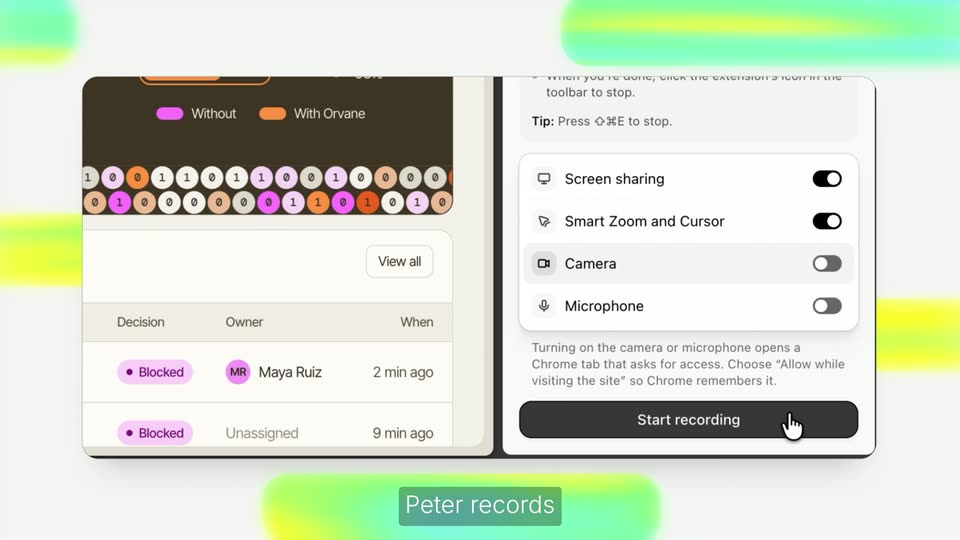 0:34–0:36Arcade · Caroline Clark - Frontier AI has solved math. Science. Coding. But it still hasn’t solA flat browser dashboard floats on a blurred green and yellow gradient. A cursor clicks a glowing extension icon in the toolbar, and the view reframes onto a panel reading Connecting to Arcade, where the cursor presses Start recording. Bottom captions read To start, then Peter records.
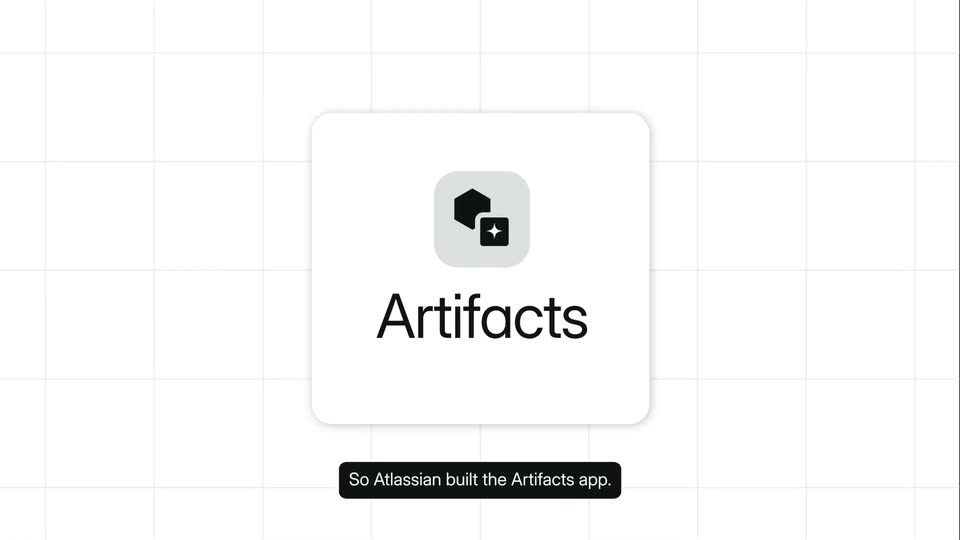 0:13–0:15Atlassian · Give your AI work a home with Artifacts App | Rovo at WorkA white rounded card holding the Artifacts app icon and name sits centered on a faint grid background. The card slowly scales up toward the viewer across the shot while a black caption pill stays fixed at the bottom.
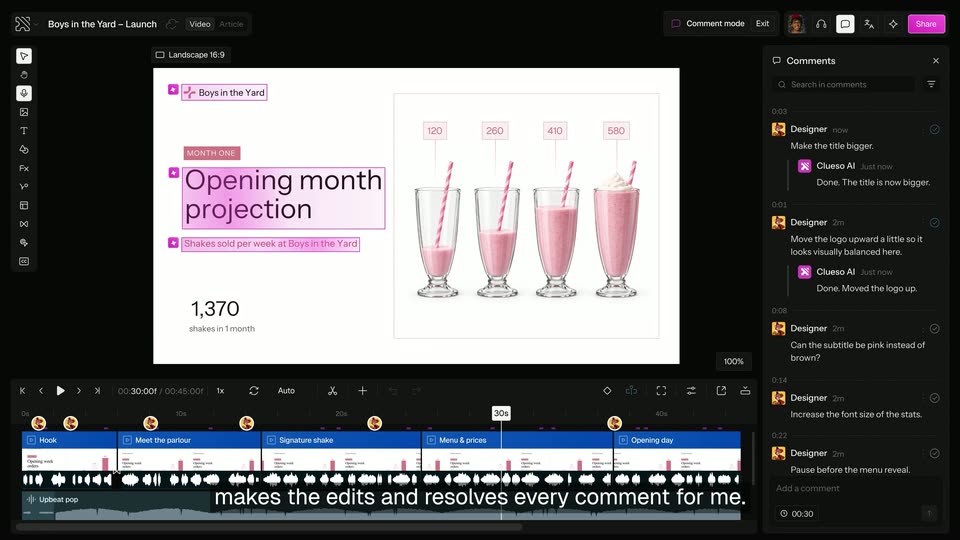 1:11–1:20Clueso · Akash Anand - Today, we're launching Clueso v2. AI has finally become good enoughA white slide with milkshake glasses fills the frame; a cursor selects the title and types a comment in a dark popup. The view pulls back to the dark editor, where Clueso AI replies Done in the comments panel and the slide updates: pink title highlight, pink subtitle.
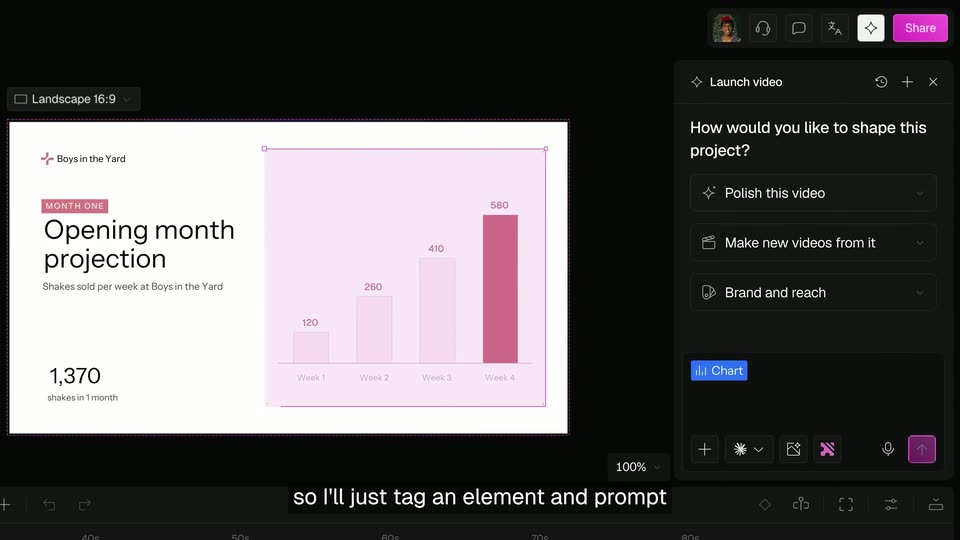 0:58–1:00Clueso · Announcing Clueso AI | World's First Collaborative AI Video EditorA dark video editor screen with a bar chart slide on the left and a chat panel on the right. The view zooms onto the chart, a dashed selection box snaps around it, and a blue Chart tag drops into the message field as a caret blinks.
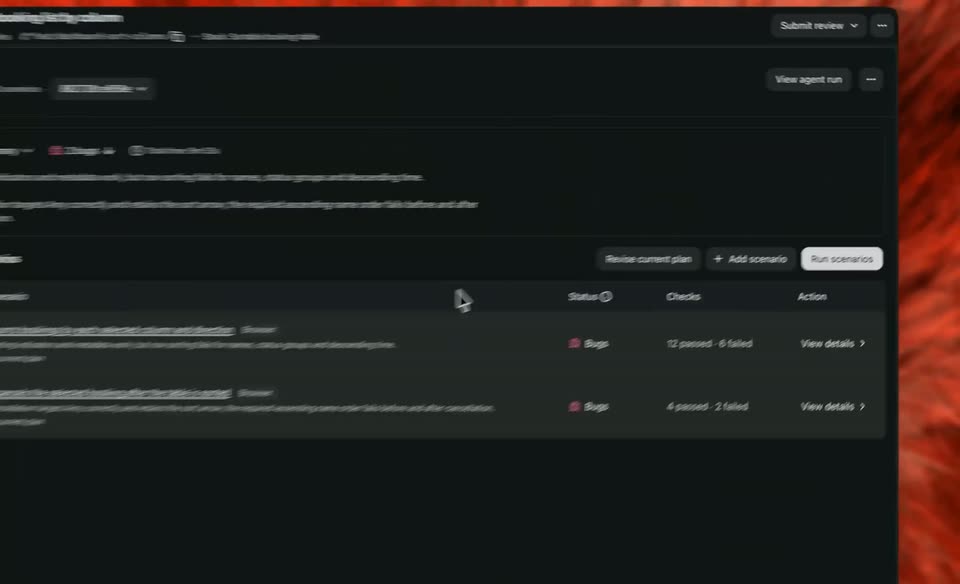 0:11–0:17CodeRabbit · CodeRabbit - Introducing CodeRabbit Verify Don't let your users be the first testA dark test-run list zooms in on a red “2 bugs” badge over a red backdrop; a hand cursor clicks it and a “Run breakdown” popover opens. The view pulls back, the cursor clicks “View run,” and the screen switches to the Verify page with a test-scenario table.
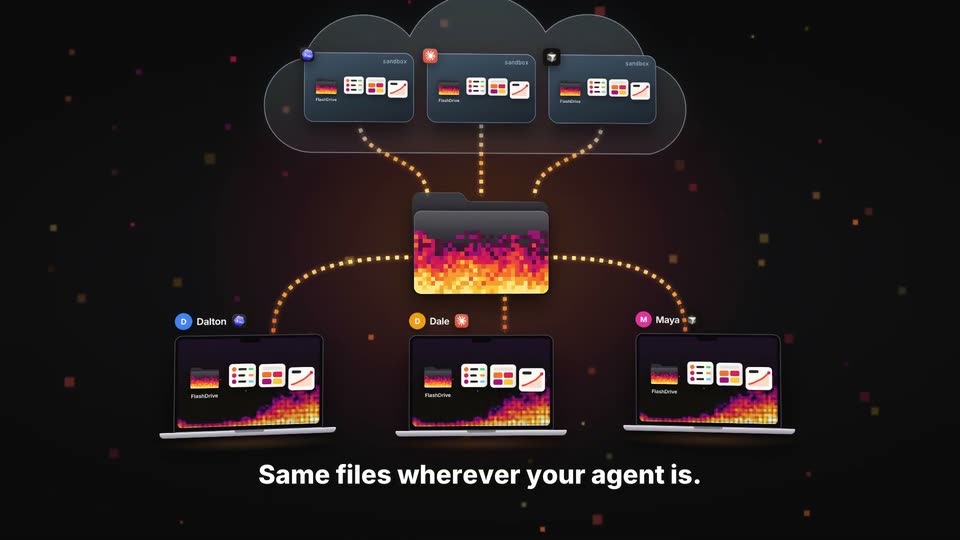 0:55–0:59Evokoa · FlashDrive (YC F26): A shared drive for your team and all your AI agentsA glowing pixel folder anchors a dark starfield diagram, dotted orange lines linking it to three sandbox cards in a cloud above and three laptops below. The sandboxes sync with file icons, then the view zooms in as a prompt bar types a command.
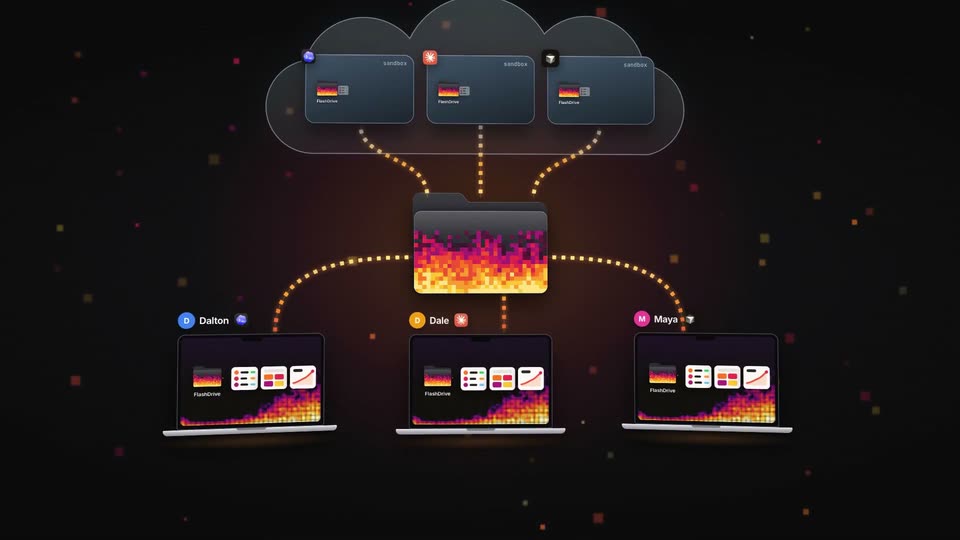 0:51–0:59FlashDrive · dale - Today we’re launching FlashDrive with @ycombinator 🚀 FlashDrive is aA dark field of drifting colored squares frames a central folder with an animated pixel gradient, dashed orange lines linking it to three laptops labeled Dalton, Dale, Maya. File icons pop onto each screen, then a cloud of three sandbox panels slides in above, and the view pushes in.
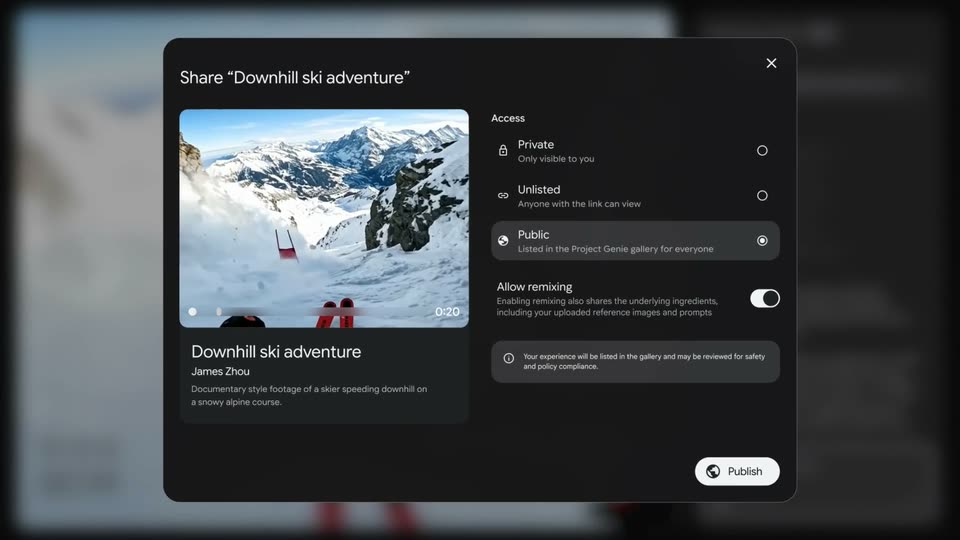 0:56–0:58Google · Google DeepMind - Genie 4 is now available in Project Genie. It brings native audio, rA dark share dialog sits over a blurred ski-video background, showing a snowy mountain thumbnail and an access panel with Public selected. A hand cursor rests on the Publish button as the dialog scales up to fill the frame.
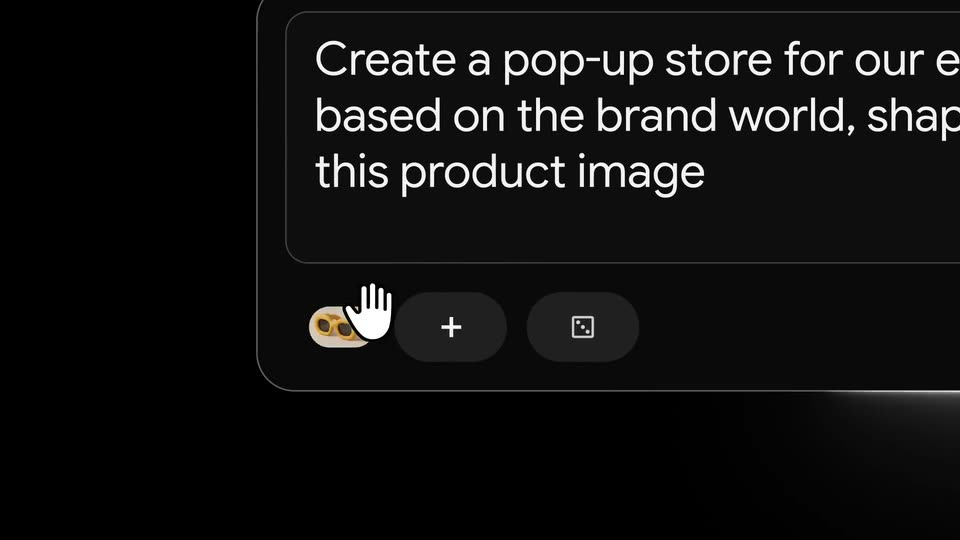 0:36–0:40Google · Introducing the new Project Genie, powered by Genie 4A dark prompt card with a typed request sits on black. A hand cursor drags a small photo of orange sunglasses into the lower-left attachment slot, where it snaps in as a thumbnail. The card zooms in during the drop, then settles.
 0:16–0:17HappyRobot · Pablo Palafox - Every enterprise wants to automate its processes. Almost none can telA small outlined tile with an orange pixel cluster sits centered on a pale gray field. The view pulls back to six team panels, each a 4x4 grid of white cells with gray dots, while the cluster condenses to one orange square.
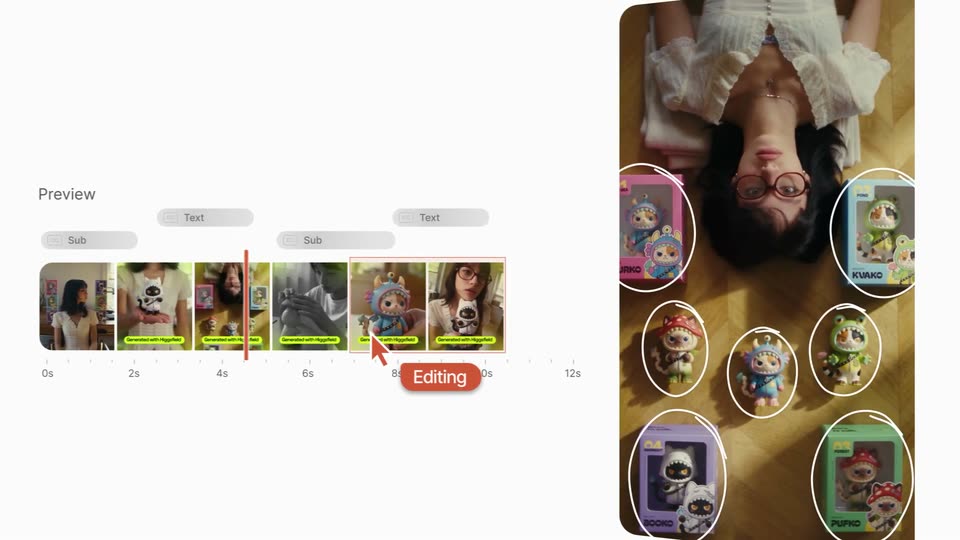 0:33–0:34Higgsfield · Higgsfield AI 🧩 - Introducing Higgsfield MCP 2.0 for Claude. Your entire creative studA flat editor screen: on the left a thumbnail timeline zooms out to reveal the full 0 to 12 second range with a red Editing button, while the right side shows a vertical preview of a person lying among toy figures as white circle outlines appear around the toys.
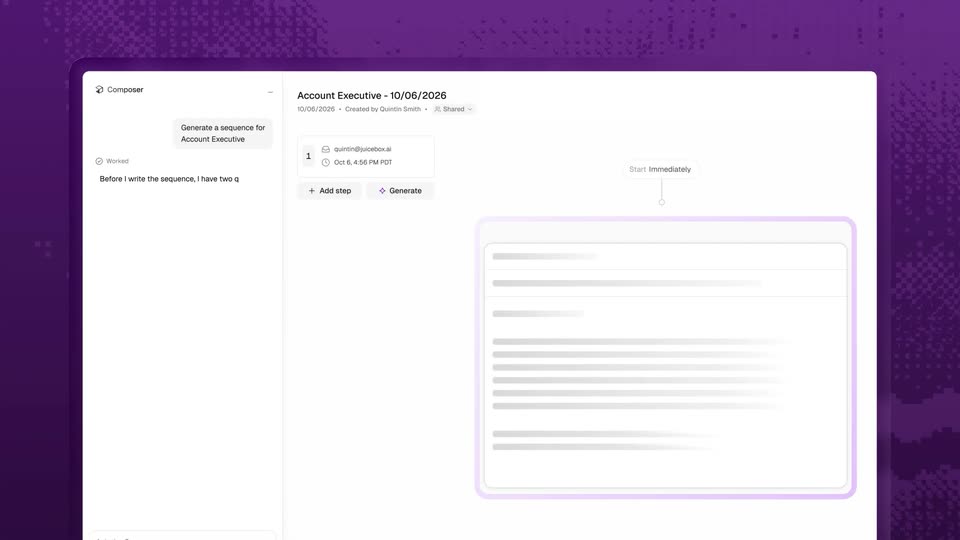 0:49–0:57Juicebox · Introducing Smarter Sequences from JuiceboxA white Composer app window sits in 3D perspective on a purple dotted backdrop. Skeleton placeholders shimmer, the status moves from Thinking to Worked, a step card and email composer fill in, and a four-option question card appears as the view zooms closer.
 0:58–1:01Kling AI · Meet Kling Image 4.0A magazine cover with blue selection handles on its type sits on a dark dotted canvas. A green 15K Tokens callout fades out on the right as a cursor moves over the boxes and the frame zooms in on the AFTER DARK title.
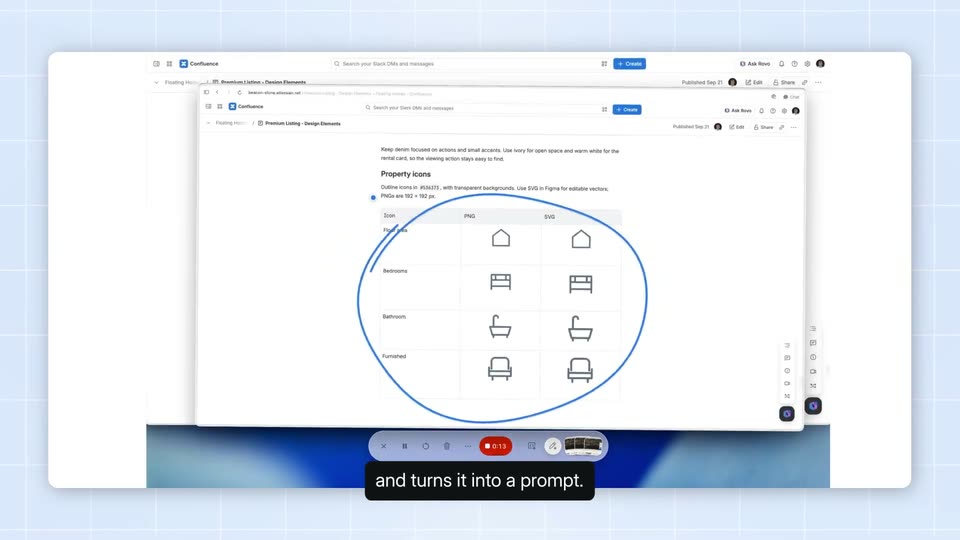 0:29–0:32Loom · Show your AI agent what to do with Record for agent | Rovo at WorkA white document card with a property icons table sits on a blue grid canvas. A hand-drawn blue circle is sketched around the table, then the view zooms out to reveal the card as a window inside a larger browser window.
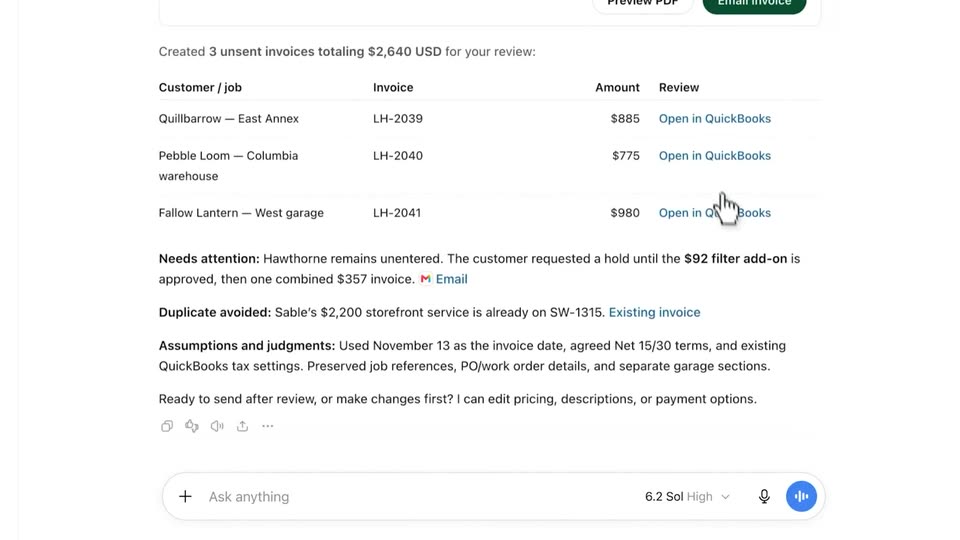 0:28–0:30OpenAI · Introducing ChatGPT for AccountingA tight crop of an invoice table and three notes zooms out to frame the whole browser window, exposing the ChatGPT sidebar and top bar. The view then holds still on the full interface.
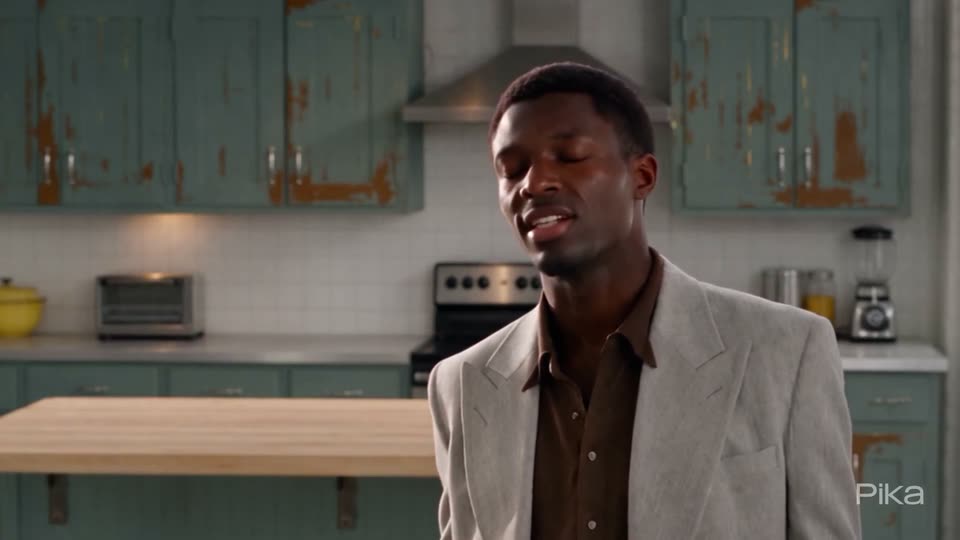 1:50–2:09Pika · Pika Enact | A Research Preview of Scenes that RespondA laptop on a desk plays a kitchen scene where a couple argues; the camera pushes into the screen until the kitchen fills the frame. The woman exits, the man covers his face, she returns gesturing, and a caption reads 'And... cut.'
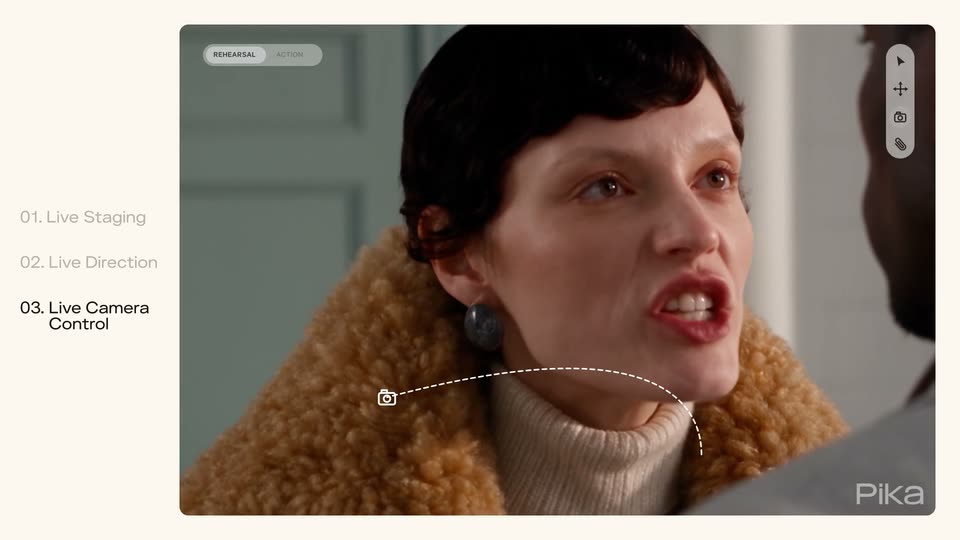 1:28–1:35Pika · Pika - Today, we’re excited to share Enact, a research preview of scenes thaA cream panel lists three features, '03. Live Camera Control' in bold. On the right, a rounded player shows a man in a beige suit; the shot tightens, then dissolves to a woman in a fur coat as a dashed arc with a camera icon traces the reframe.
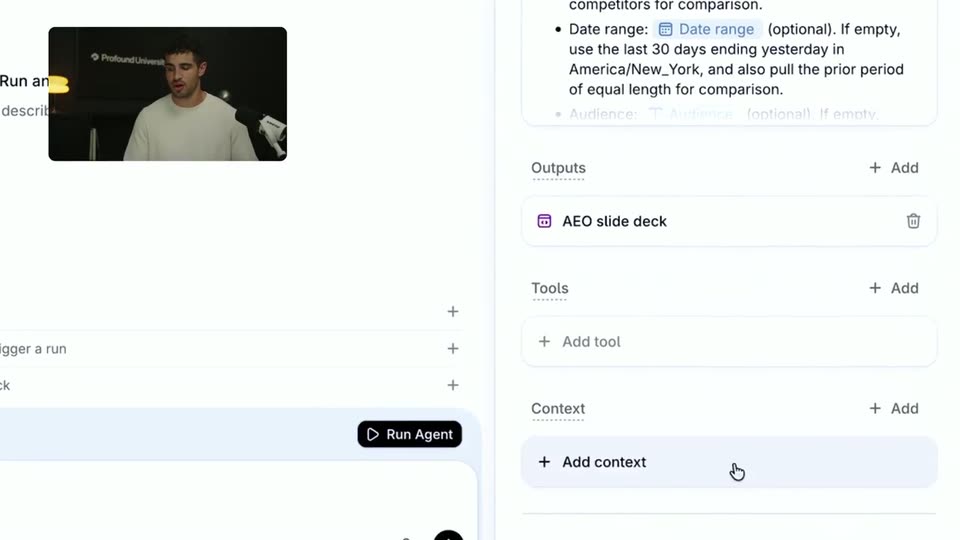 0:37–1:04Profound · Dylan Babbs - Today we're launching a new generation of Agents in @profound, now poA browser window shows the agent builder UI with a small video of the presenter in the top-left corner. The view zooms into the right-hand settings panel and scrolls past Triggers, Inputs and Instructions. The cursor clicks the Add button under Context, opening a menu of sources.
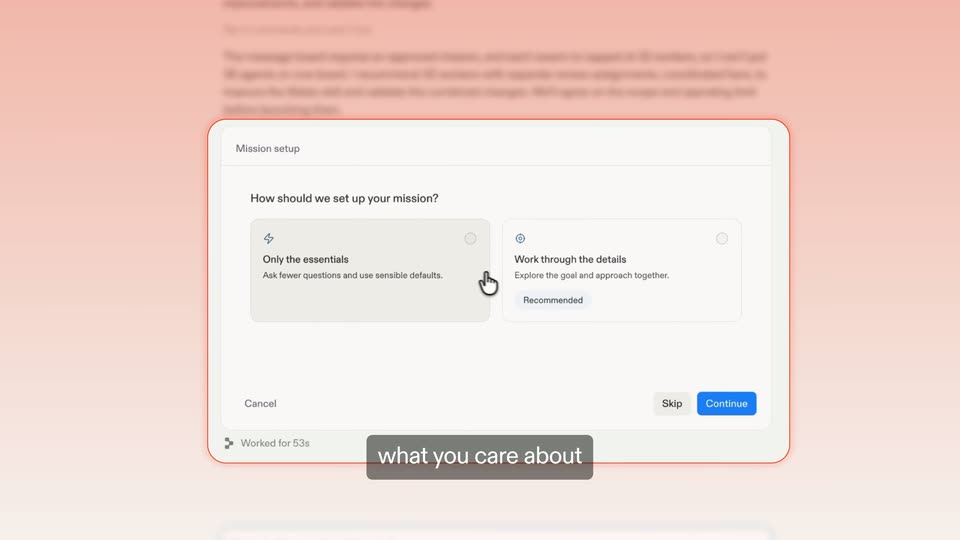 0:58–1:02Replit · Replit Missions | Pursuing outcome-based resultsReplit chat shows a Mission setup dialog. The frame zooms from the full browser to the dialog over a pink gradient. A cursor picks the Work through the details option and clicks Continue; the panel switches to Reviewing your answers while caption pills appear at the bottom.
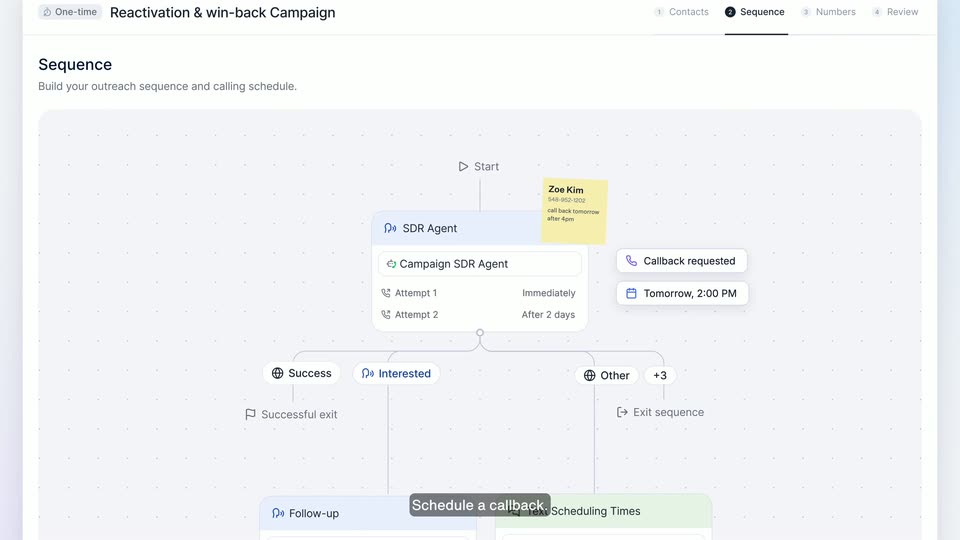 0:38–0:57Retell AI · Build an AI Dialer That Calls, Texts, and Follows Up With Every LeadPresenter on the left, sequence builder UI on the right; the screen then fills the frame and zooms into the flowchart. Yellow contact notes and status chips pop in beside nodes, a dropdown opens, then the view pulls back to the outcomes panel.
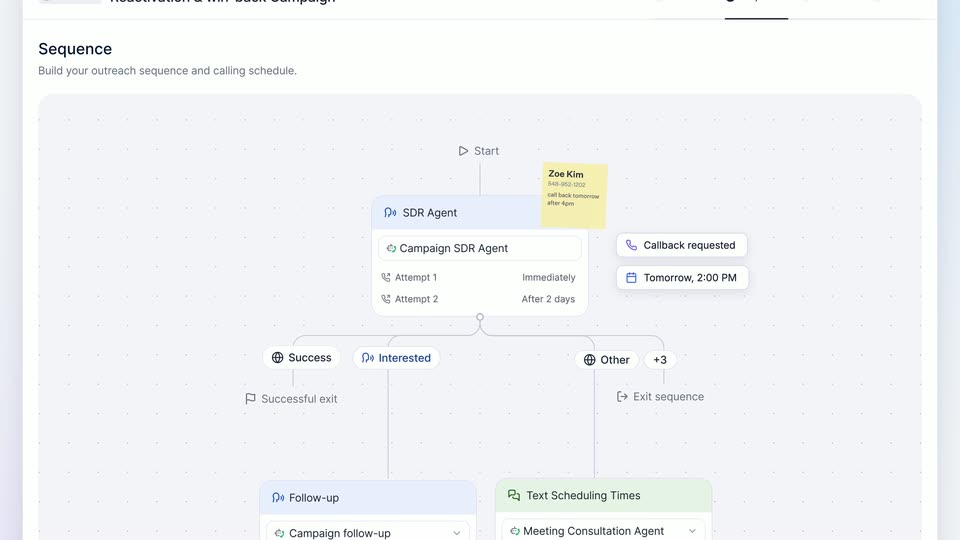 0:39–0:55Retell AI · Retell AI - Introducing Retell Dialer, the first AI-native dialer, built for end-A campaign sequence builder fills the screen, then zooms into the flowchart as yellow contact notes and small status chips pop in beside nodes. The camera pans down the branches and back up, ending on the full view with the outcomes panel.
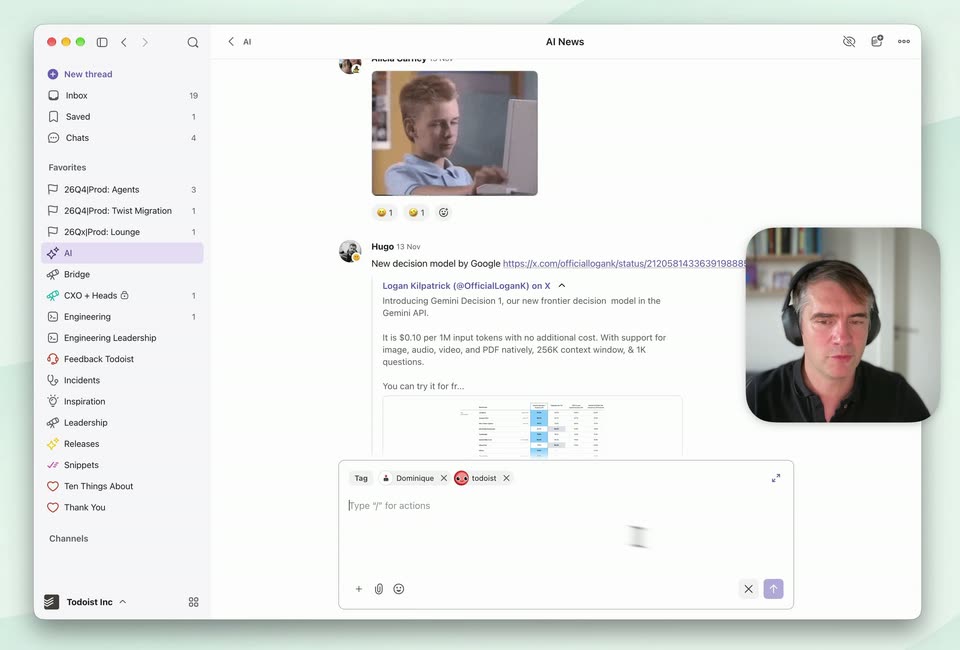 0:32–0:45Todoist · Amir Salihefendić - Todoist Comms is now in public beta 🚀 What's in it: ⋅ Turn any threA chat thread in a Slack-like app scrolls down past posts and memes while a presenter's video call stays pinned at right. The window shrinks onto a green backdrop, a tagged reply box opens, and the cursor hovers over Discard before returning to full screen.
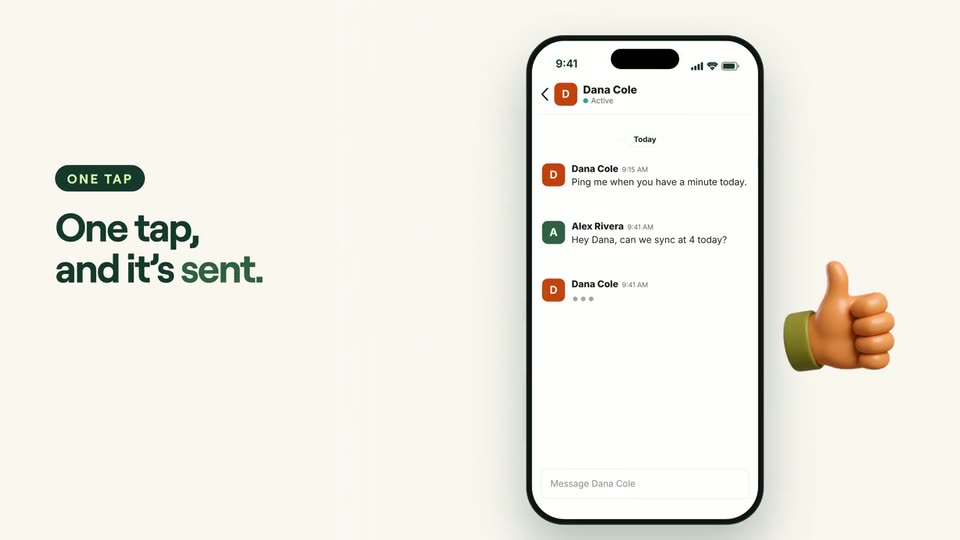 0:30–0:33Willow · Willow | AI Basecamp - 1/ "Ask me before you delete anything" is a prompt. Prompts get summA phone mockup on cream shows the Scout approvals screen, then a chat with Dana Cole, while the left headline crossfades to “One tap, and it's sent.” and a thumbs-up emoji pops in. The phone slides down to reveal the desktop dashboard with connectors and activity feed.
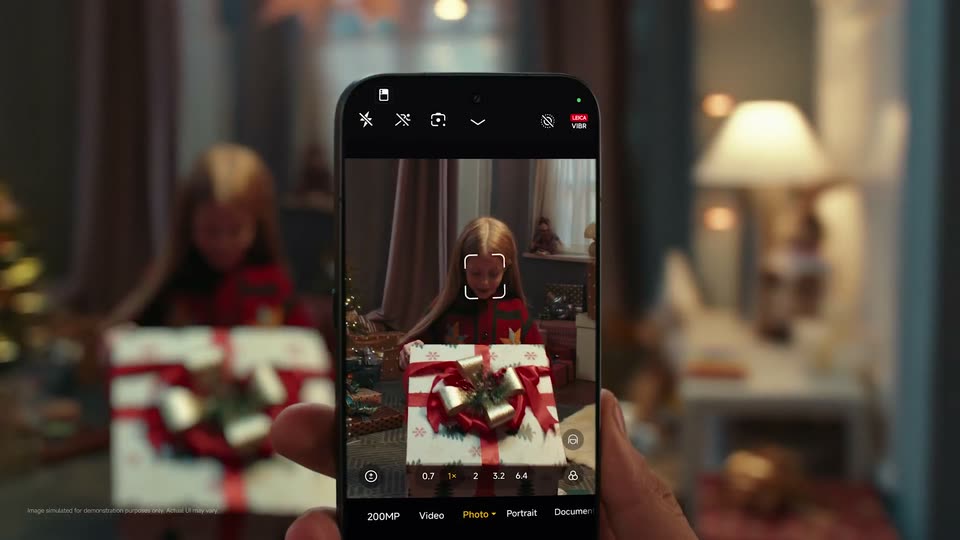 0:19–0:20Xiaomi · #Xiaomi18ProSeries, our biggest upgrade. A flagship experience, inside and out.A hand holds a phone upright against a soft-focus holiday living room. The camera app viewfinder zooms from a wide blurry room onto a girl in red at a gift table, a focus bracket locking on her face as the mode bar scales in.
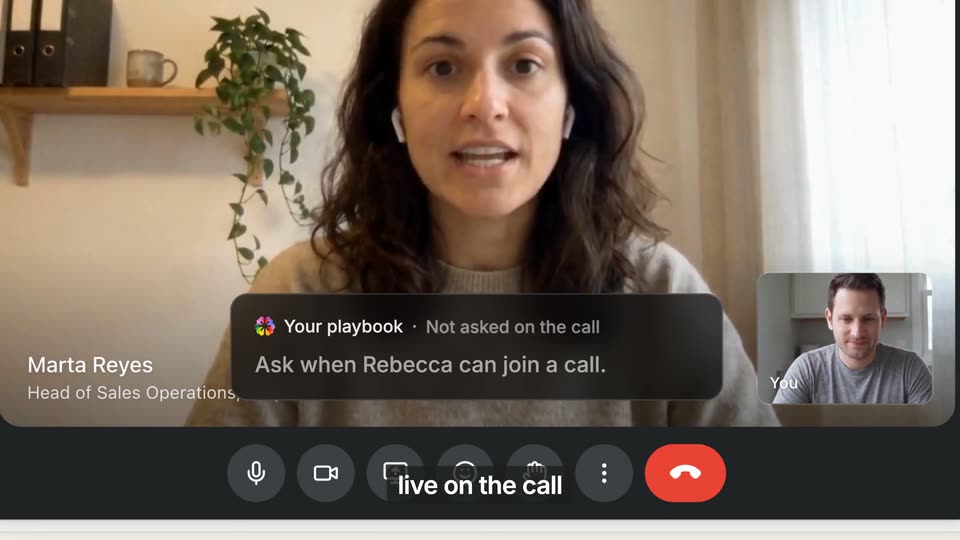 0:46–0:47Bigmind · Dana Majid - Excited to announce @bigmind_ai is now available for all! In the lasA video call screen shows a woman as the main feed with a small 'You' inset and a dark coaching card centered, its label swapping from 'Economic buyer' to 'Not asked on the call'. A bottom caption changes, then the view zooms out to reveal the call inside a larger white panel with a green check column.
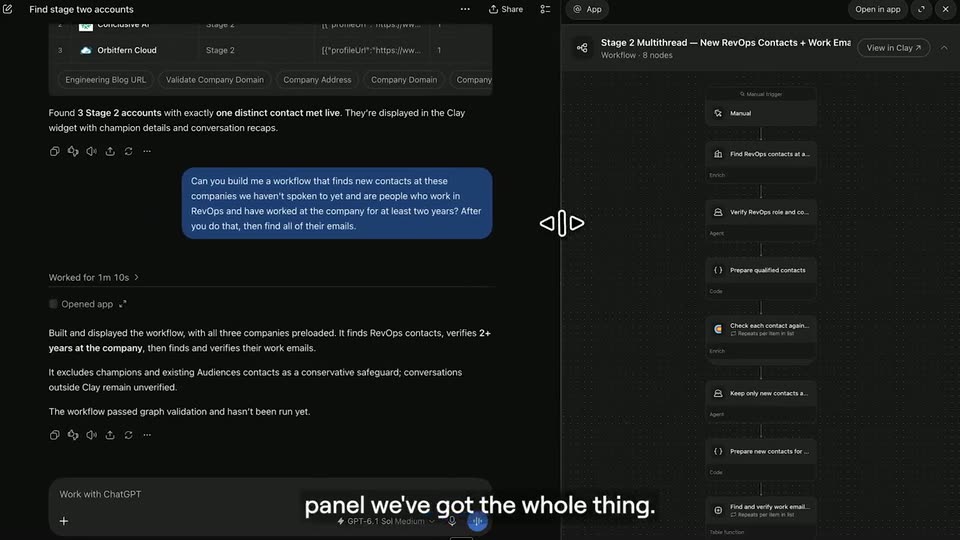 1:46–1:50Clay · Clay - Today, we’re excited to relaunch our official MCP connection with @OpA split view shows a chat panel on the left and a workflow canvas of stacked nodes on the right. The cursor hovers beside the nodes, then the view zooms into the right panel to read the node labels.
 0:27–0:28Cognition · Cognition - Meet Devin Bots. From writing firmware to merging thousands of PRs aClose-up of a chat screen with shallow focus; the camera pans right across blurred conversation lines as 'cost man, carlos' and two avatars come into focus. A small dark badge with a robot icon and 'Infra Buddy' stays fixed in the lower left.
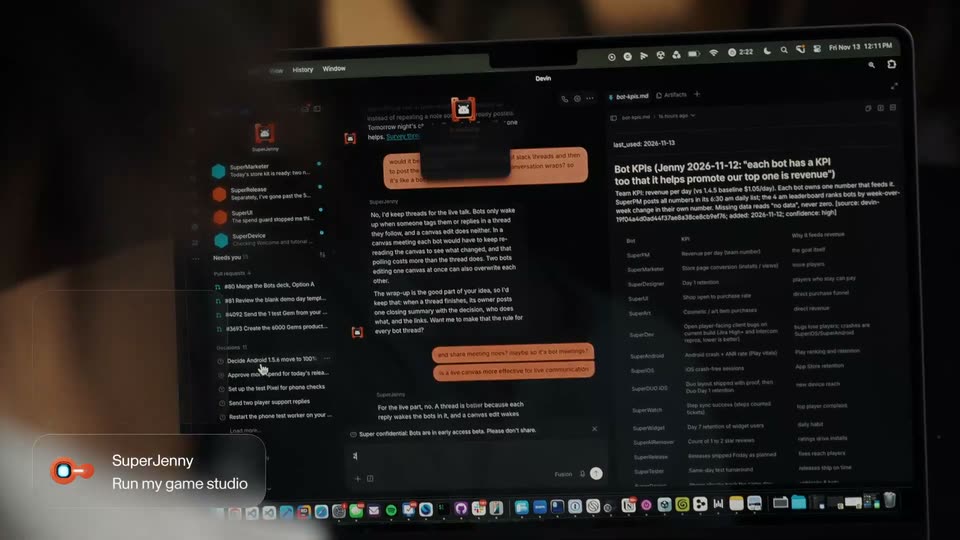 0:42–0:44Cognition · Meet Devin BotsA laptop in 3D perspective shows the Devin interface with several chat panes on a dark background. The camera zooms into the screen as a stat card reading 'Pull requests: 50 per week' slides in at the left.
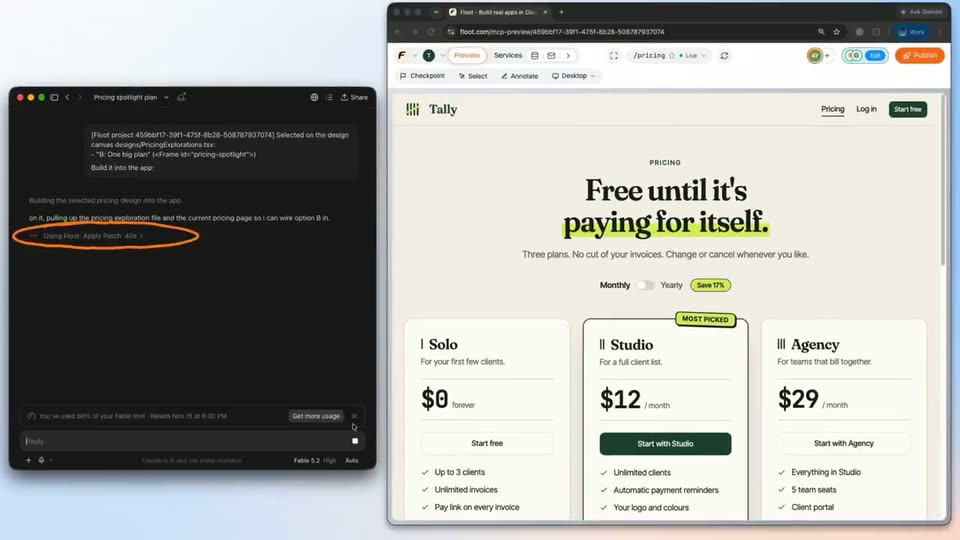 0:25–0:27Floot · Vibe coding doesn’t have to mean AI slop. Building an app is now faster and cheaper than ever. But it’s dangerous to let the AI take the full reign and ship something generic for you. Floot is theA dark chat window zooms out to reveal a split view: the app on the left types a prompt and a highlighted line, while a browser on the right shows a Tally pricing page with three plan cards.
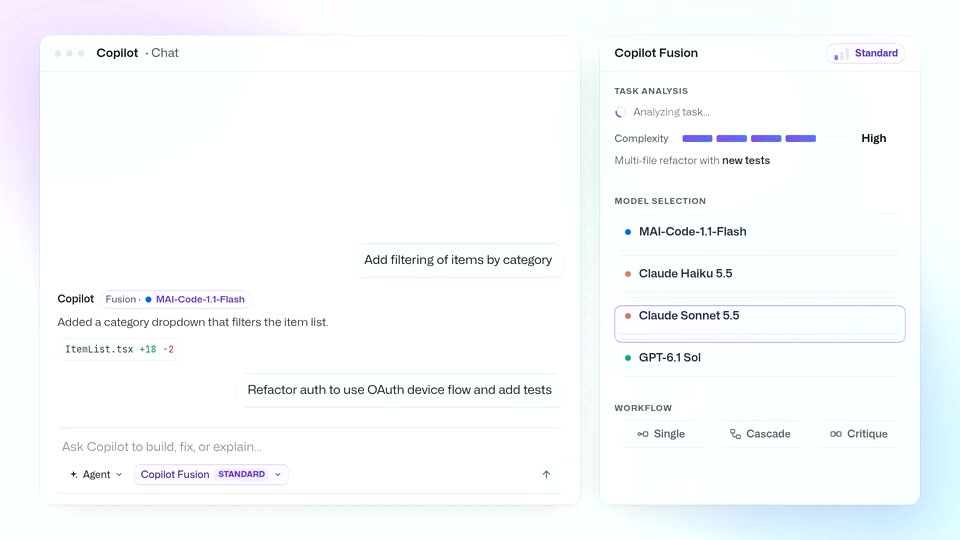 1:37–2:13GitHub · Stop manually picking AI models: how GitHub Copilot Fusion worksA two-panel chat UI on a soft gradient background. A cursor opens the Copilot Fusion menu, selects the Standard effort level, then types two prompts. The right panel analyzes each task, fills a complexity meter, highlights the routed model, and replies appear in the chat.
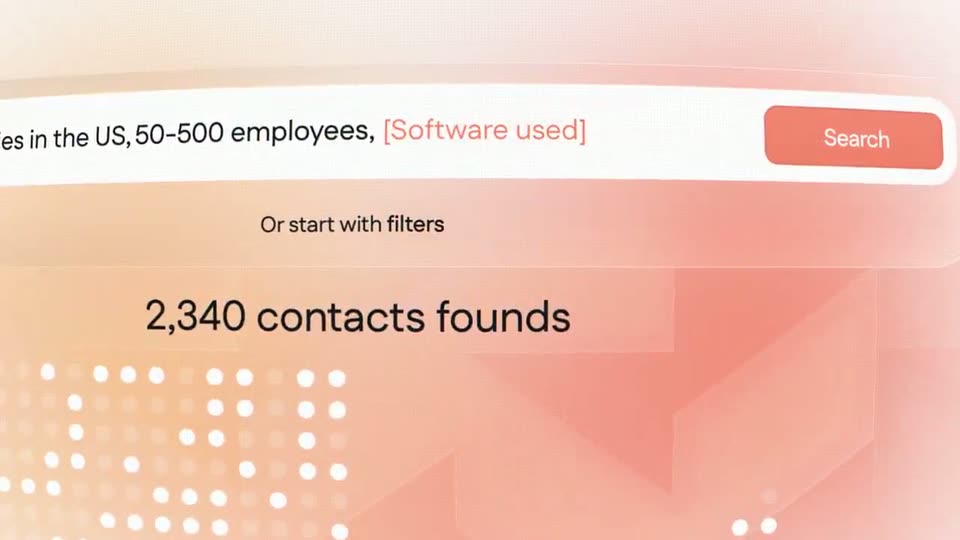 0:30–0:35Gojiberry · Romàn - 🚨 Introducing the world’s first High-Intent Lead Database. 800M+ leaA search bar on a peach gradient with a white dot grid. The query is typed word by word as the frame zooms in step by step from the full bar to the text, then to the coral Search button, where a white cursor arrow hovers.
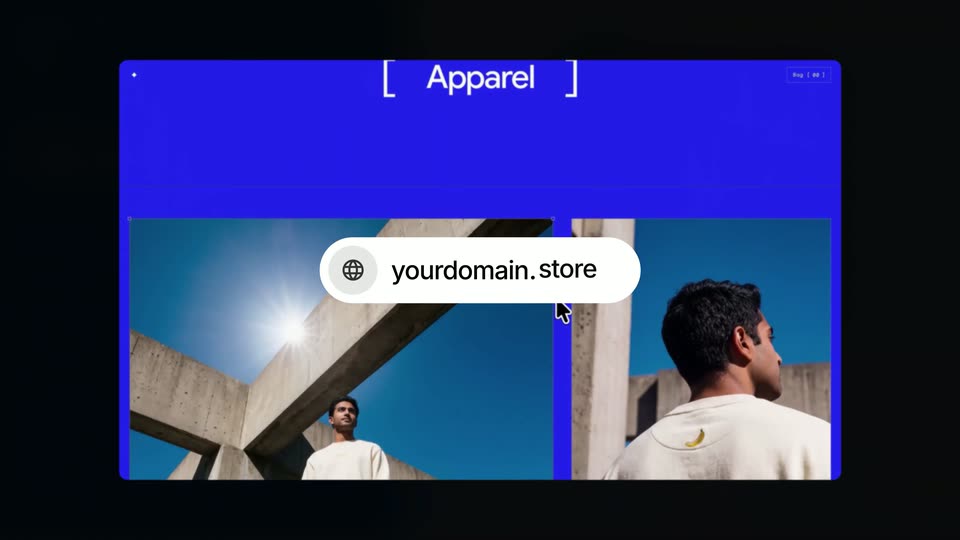 0:16–0:17Google · Google AI Studio - make it yours: introducing custom domains in ai studio turn your ideA browser window displaying an apparel store template zooms in on the content area. A white pill with a globe icon and the text yourdomain.store floats in the center, with a cursor hovering over it.
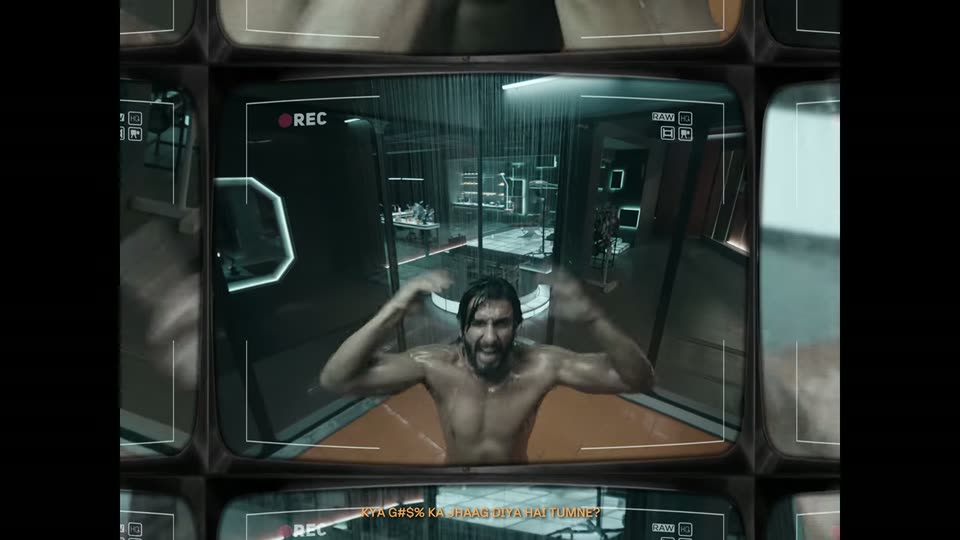 0:46–0:48H.I.M · Introducing H.I.M | Tested on Ranveer Singh | Engineered for the Handsome Indian ManA grid of camera-feed tiles with REC overlays fills the frame, each showing a shirtless bearded man screaming in a glass-walled sci-fi room. The view zooms fast into the center tile, where the man raises both arms, while a yellow Hindi caption sits at the bottom.
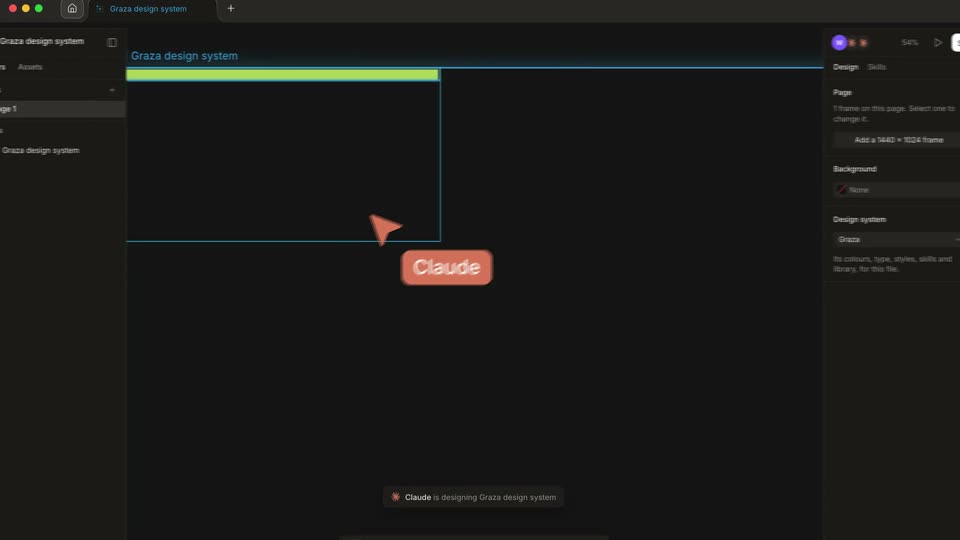 0:11–0:12Kite.new · Loukman - Excited to launch Kite today The design canvas for agents and humansThe prompt expands into a dark editor. A blue selection frame and salmon Claude pointer appear as a lime Graza layout begins filling the central canvas.
 0:39–0:41Kosuke · Filippo Pedrazzini - Today we launch Sensei, the first generative experience across all yoA row of app icons in a dock bar rests on a pale gray background. The camera zooms onto the black face icon at center, which gains a red 5 badge and a dark Sensei tooltip, while the other icons desaturate and drift out of frame.
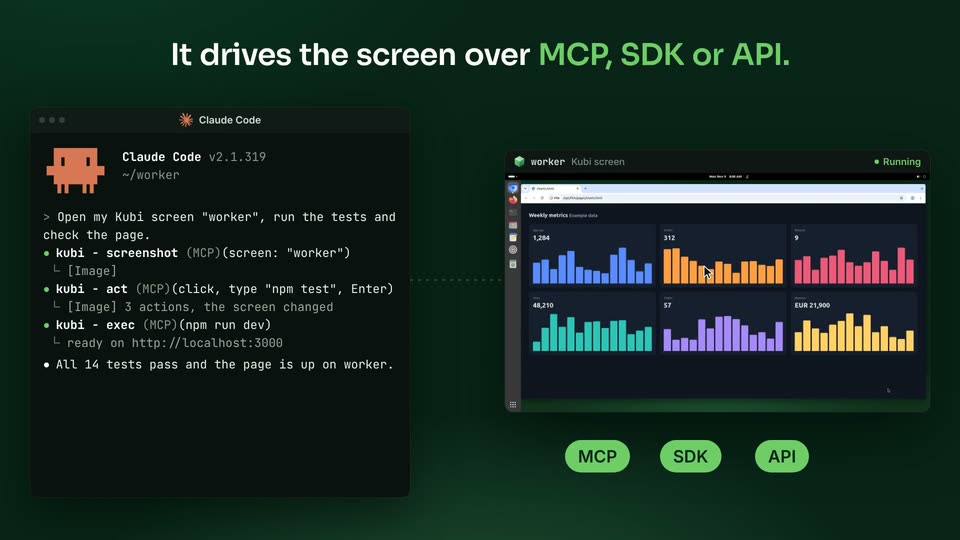 0:23–0:26Kubi · Arthur Katcher - Another sandbox startup launch. Ah sh*t, here we go again. IntroduciOn a dark green field, a terminal types a command log on the left while a browser dashboard on the right zooms out from one chart to a six-chart grid. Green MCP, SDK and API pills pop in below, then the whole panel tilts back into 3D.
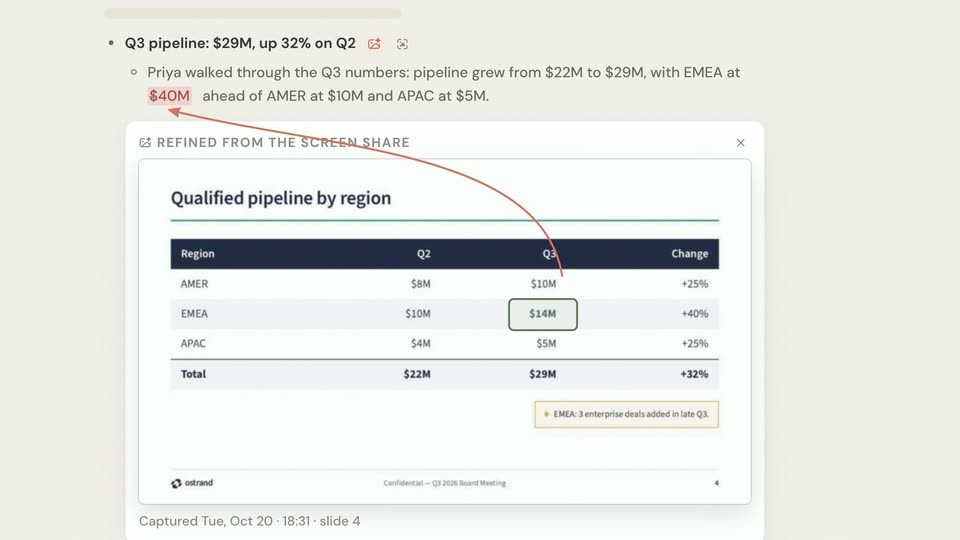 0:48–0:54Logical · Sam Karu - Your AI notetaker is blind. My meetings are full of screen shares: cA white card with a pipeline table floats over a blurred person at left. A red mark highlights $40M in the transcript while a green box and red arrow point to the $14M cell, then the card zooms onto the table. Captions swap at the bottom.
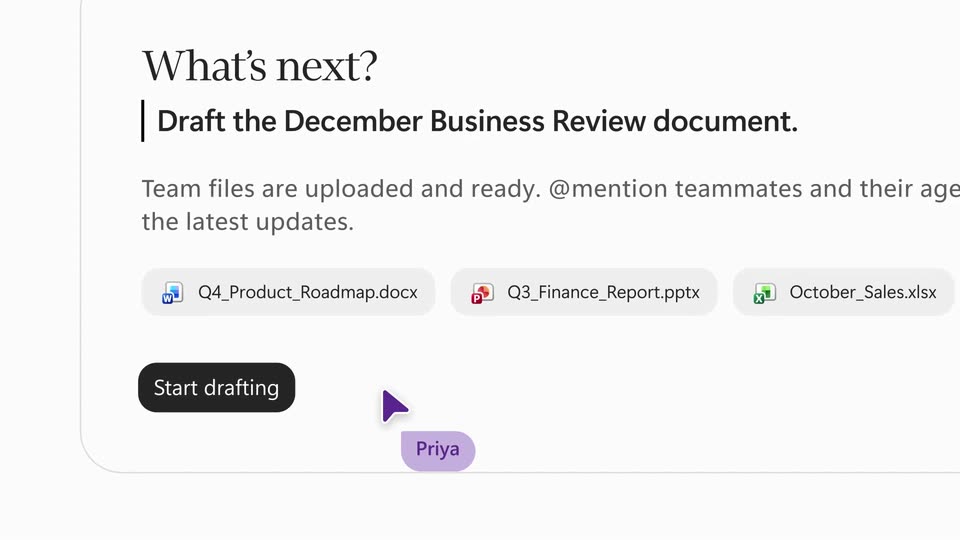 0:28–0:32Microsoft · Introducing Copilot Workspaces | Microsoft Ignite 2026A shared workspace document view shows named cursors, Marcus, Priya and Lena, moving over the page as text fills a highlighted box. The view then zooms into the What's next section with file chips and a Start drafting button, where Priya's cursor hovers.
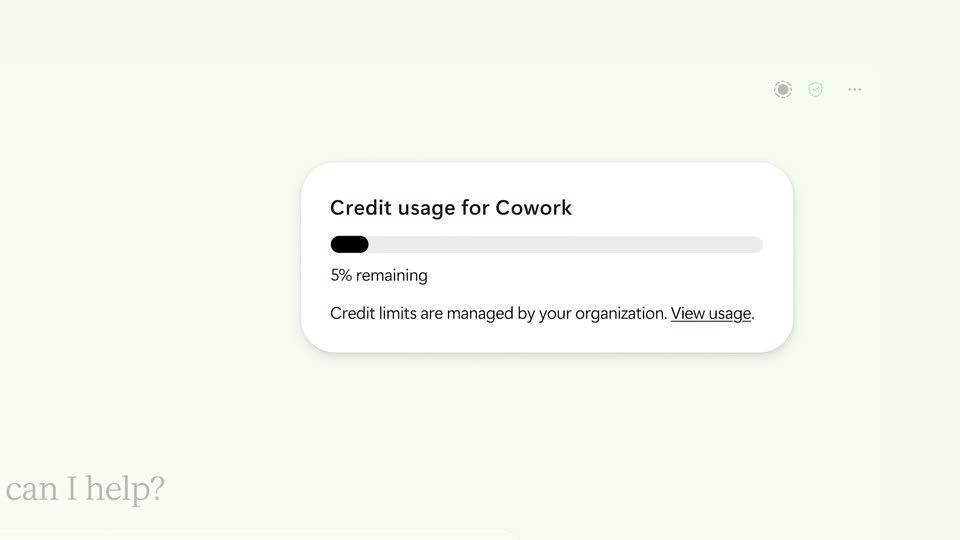 0:33–0:36Microsoft · Optimize your AI spend with Microsoft Agent 365The Copilot home screen dissolves away as the view zooms onto the Credit usage for Cowork card, now centered on a cream background. The large greeting text scales up in the lower left corner.
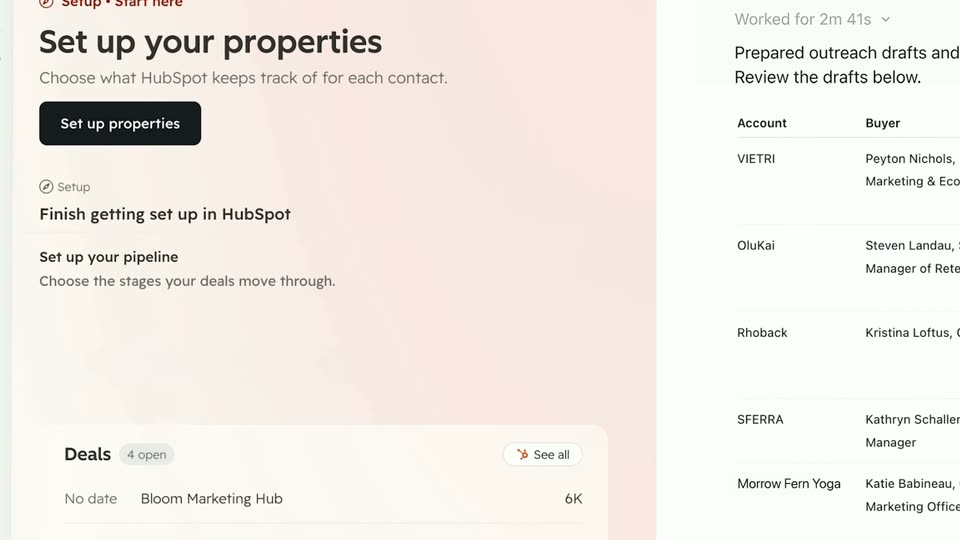 0:26–0:30OpenAI · Introducing ChatGPT for SalesA browser window holding a ChatGPT and HubSpot view tilts from a 3D angle into a flat front view, then the frame zooms into the left column, settling on a list of review email tasks as a hand cursor appears at the edge.
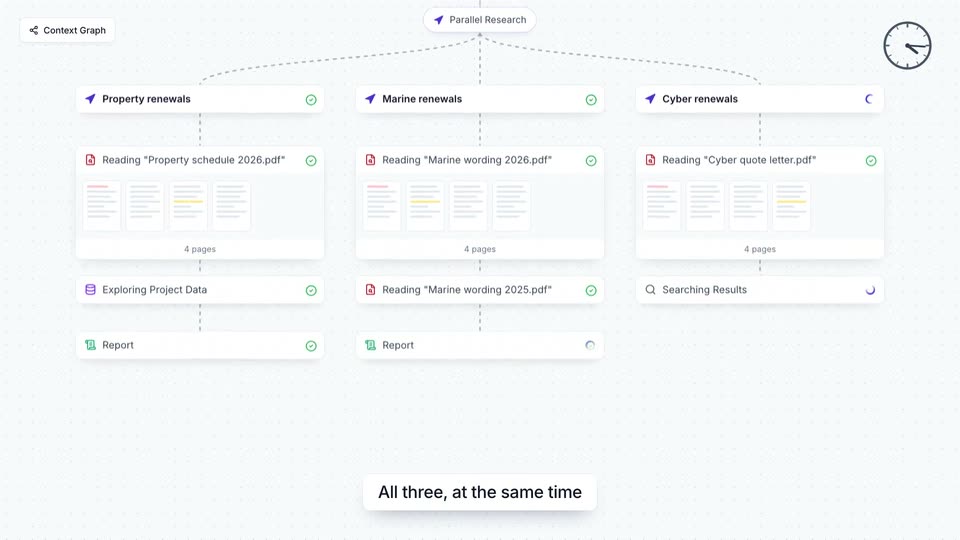 0:14–0:22Parsewise · Parallel Agents on NaviA dotted-grid canvas shows a node graph that grows from one prompt into three parallel branches, each reading PDFs and writing a report as loaders flip to green checks. The view pulls back to reveal the full tree, then fades to white.
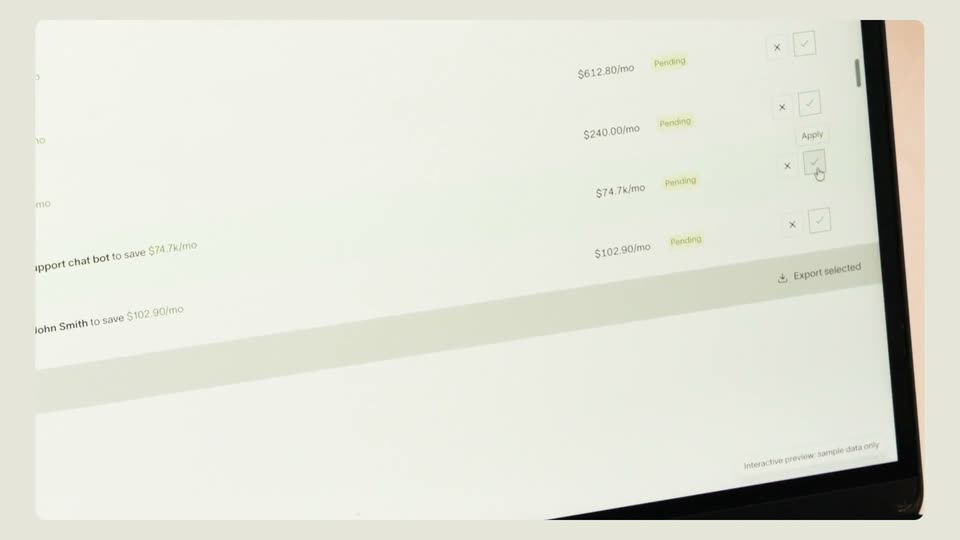 1:32–1:35Ramp · AI spend x Router demoA close-up of a laptop screen shows a recommendations list; a real finger taps a checkbox, then the on-screen cursor checks it and hovers an Apply button. The camera pulls back to reveal the tilted laptop and a hand resting on the keyboard.
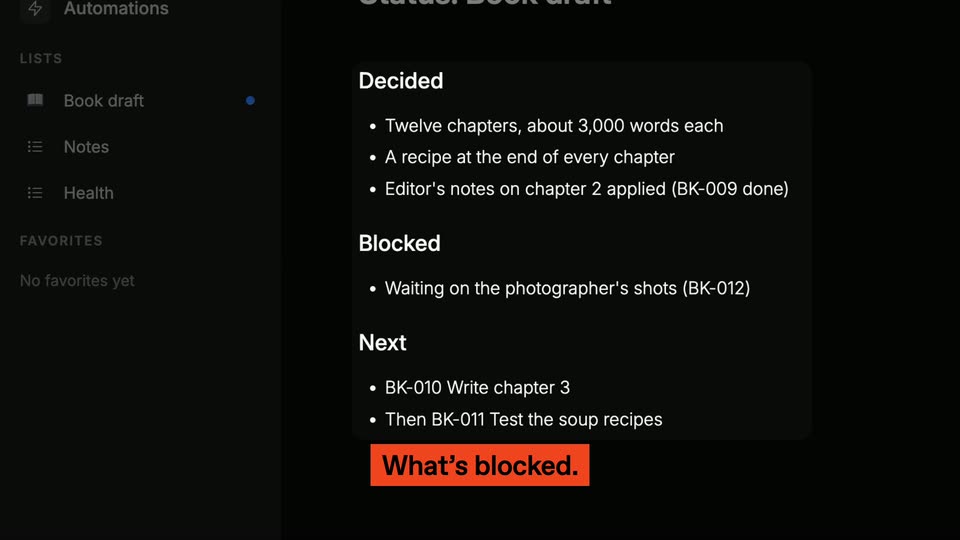 0:13–0:20Roma · Every New ChatGPT Chat Starts From Zero. His Doesn't.A dark note titled Status: Book draft fills the frame, listing Decided, Blocked and Next sections. An orange caption bar at the bottom cycles through short phrases in step with the voiceover.
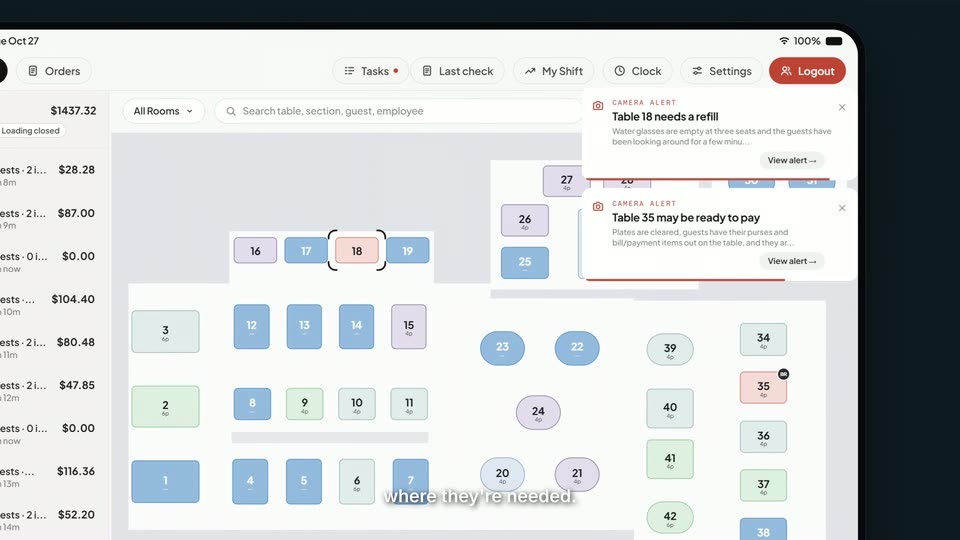 0:38–0:42Shire · Introducing ShireA flat tablet screen shows a restaurant floor plan of color-coded tables. A camera alert card for table 35 sits top right; a second alert for table 18 slides in and brackets the table. The frame pulls back to reveal an orders sidebar. White captions run along the bottom.
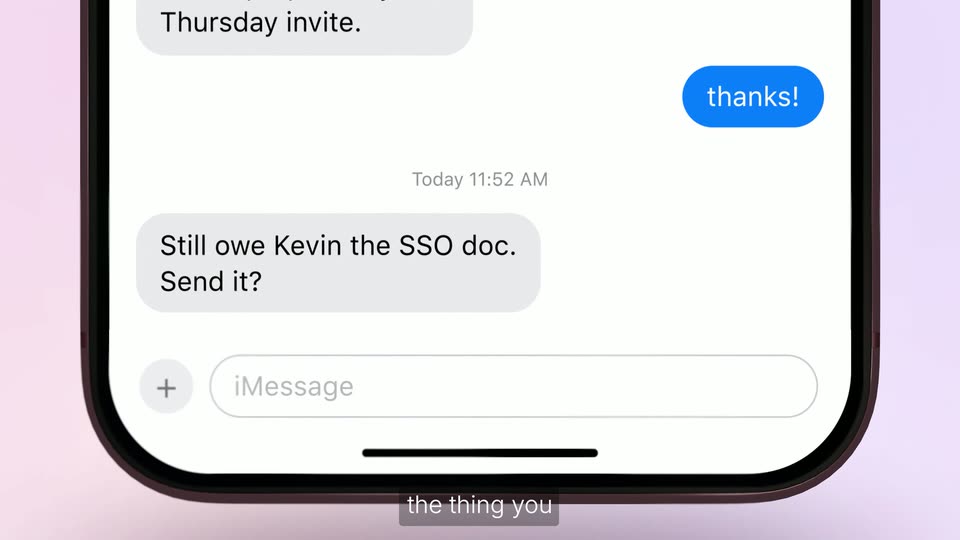 0:37–0:38Spara · David Walker - Today we’re launching Scout, the AI assistant built for sales. It liA 3D phone mockup on a soft pink background shows an iMessage thread. The view zooms in on a gray bubble reading 'Still owe Kevin the SSO doc. Send it?' while a white caption 'and remembers' sits at the bottom.
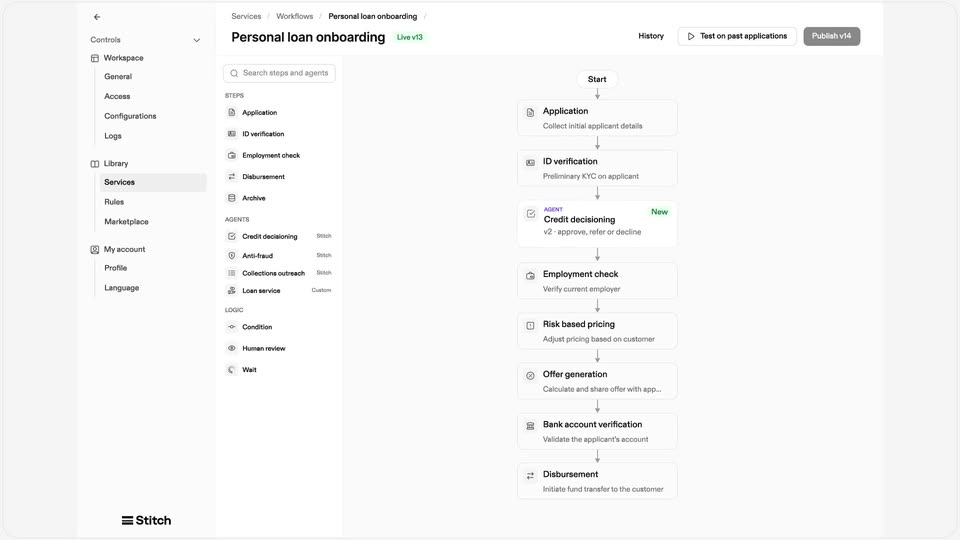 0:45–0:47Stitch · Stitch - Introducing Stitch AI: put agents to work, native inside the Stitch oThe frame opens tight on a column of workflow step cards, then pulls back to show the whole builder screen: a left sidebar, a middle panel listing steps and agents, and a vertical flow from Start to Disbursement.
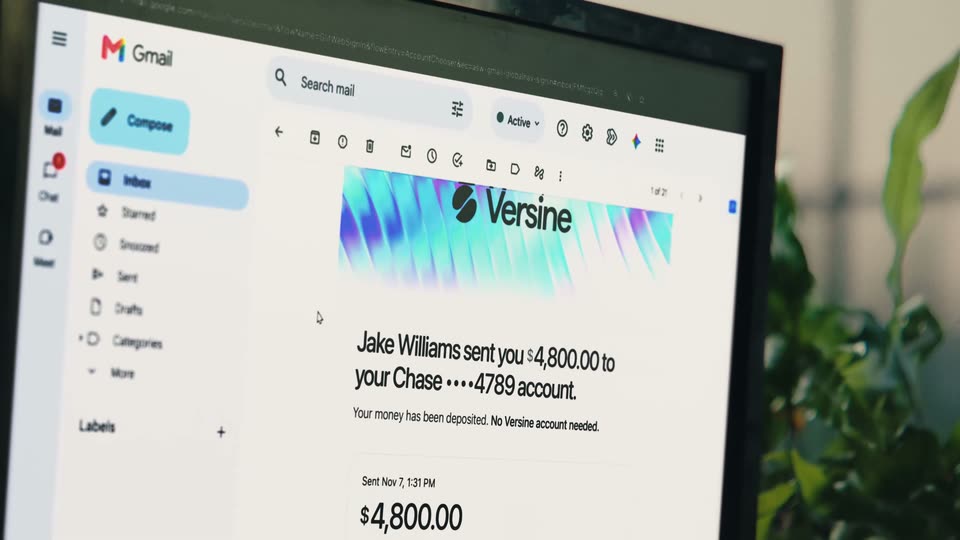 1:05–1:07Versine · Param - We are going to kill Venmo. To start, we’re giving you $100 to send tA laptop screen at an angle shows a Gmail inbox open to a Versine email. The camera pushes in and squares up to the display, revealing the full message body and a $4,800.00 figure at the bottom.
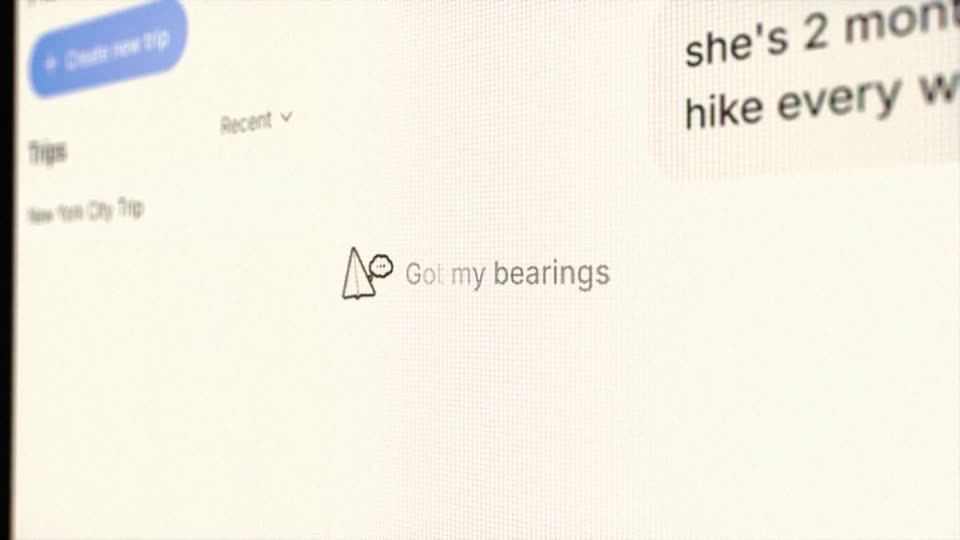 0:10–0:12Voyage Labs · Manik Gupta - Yogesh and I just raised $12M to help everyone experience more of theA blurry close-up of the Atlas trip-planning interface zooms out to reveal the full window: a left sidebar, a chat thread about a stroller-friendly hike, and a right shortlist panel. The central prompt text shifts from Set up your trip to Got my bearings as the framing settles.
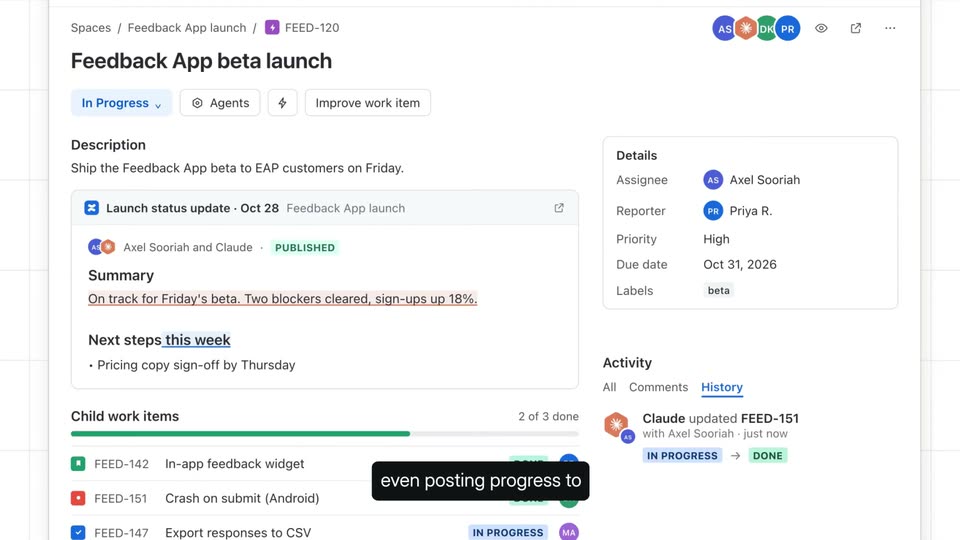 0:41–0:42Atlassian · Connect AI to your team’s work with Atlassian MCP | Rovo at WorkA Jira issue page fills the frame, then the view zooms out to reveal the full window with the Jira top bar. A black rounded caption pill sits at the bottom center, its white text changing between phrases.
 1:45–1:48August · Anuruddh Mishra - We raised $12M from @Accel and @PeakXV to put AI through the bullshitClose-up of a dashed drop zone; a PDF drops into a teal folder, the label switches from Uploading bill to Bill uploaded with a green check, then a reply bubble offers to handle the claim. Cuts to the Aiden logo over a pixelated flower.
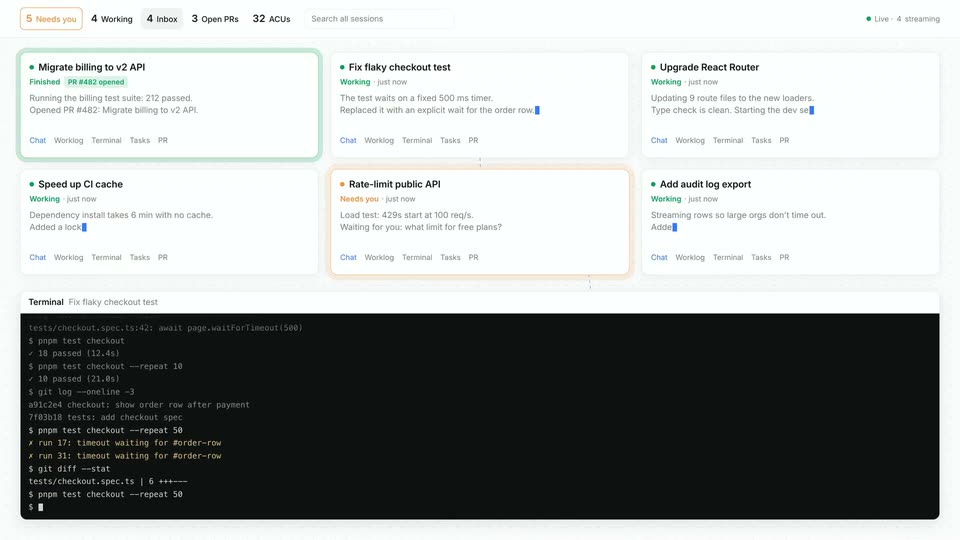 1:14–1:20Cognition · Introducing Devin AppsA dashboard of six session cards updates live: body text types out, status chips flip to Finished and Needs you, and a terminal log scrolls below. The view then zooms into the grid, showing four larger cards.