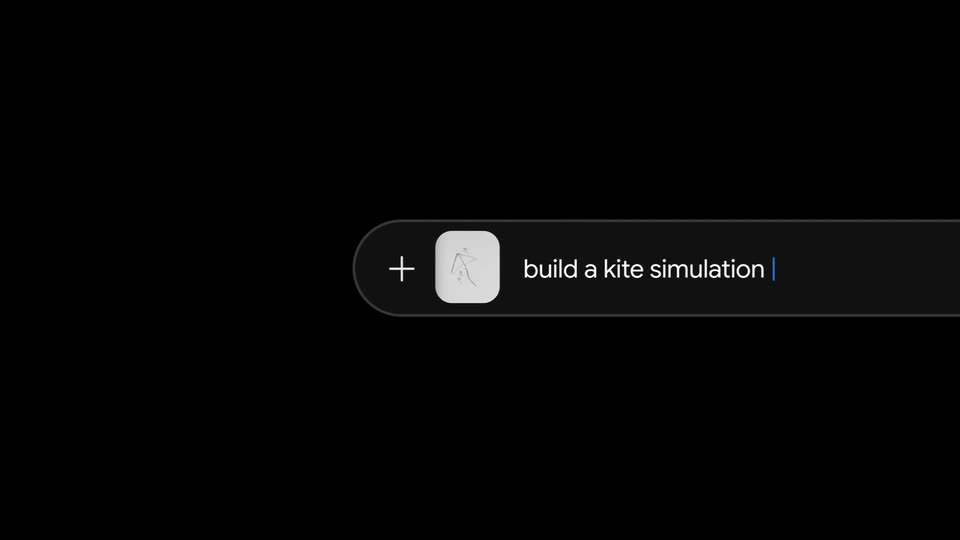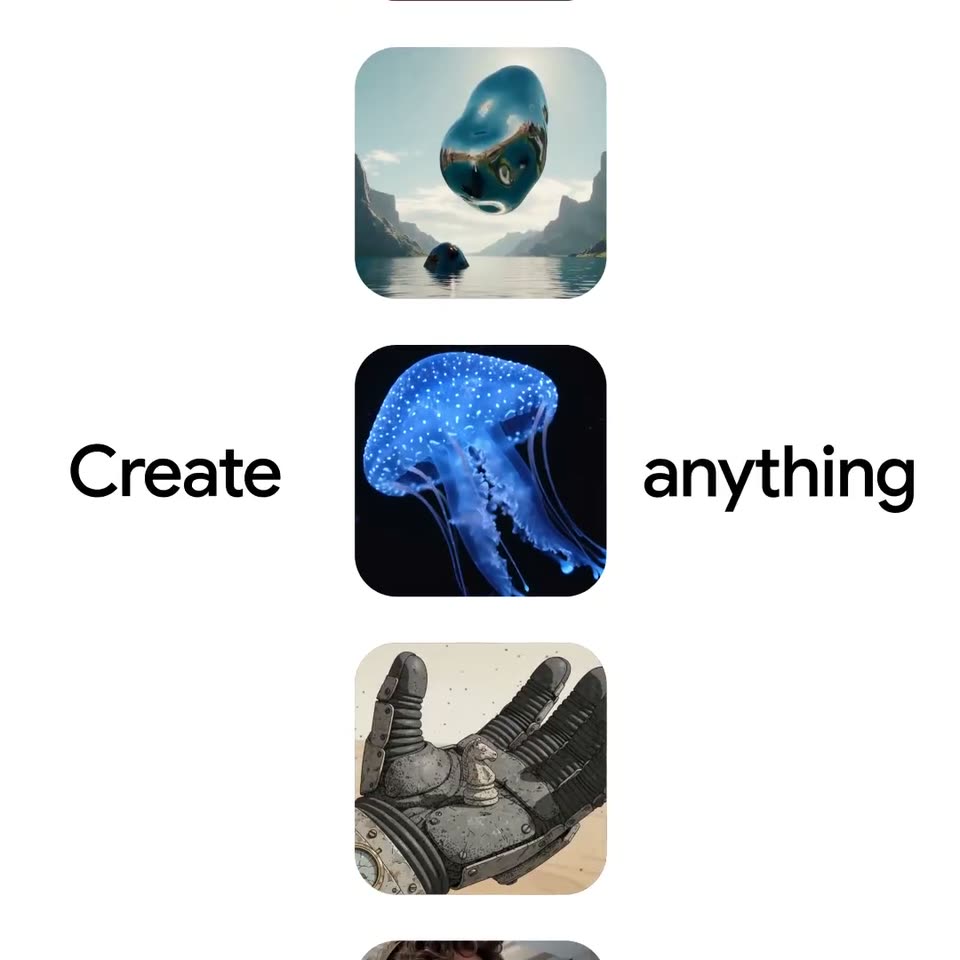
0:40
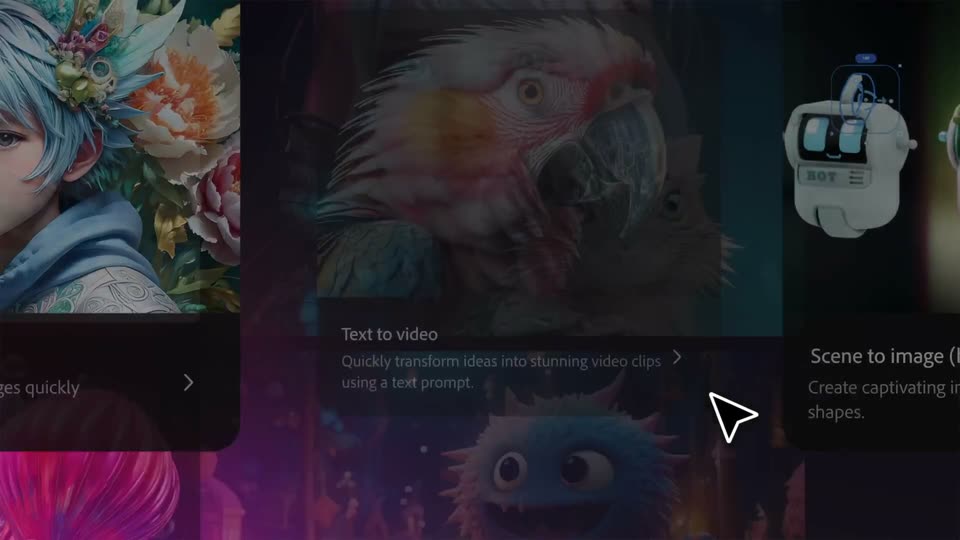

Adobe Firefly: The next evolution of creative AI is here
Adobe · Apr 2025
Photoroom · Feb 2024 · 0:36 · AI-annotated
Photoroom’s 0:36 launch film runs 27 scenes, about 1.4 s each. The product is on screen from the first frame and 6 features are revealed. There is no explicit call to action. The video is a fast feature reel: a glowing logo open, a rainbow tagline, then a chain of flat-color title cards each cut to a two to three second demo, and a final logo lockup with tagline. Signature moves include headlines used as photo masks, star-filled purple wisps, and card carousels that lift the selected frame toward the viewer.
Is this your launch? to your site or press kit.
Adobe · Apr 2025
Google · AI · Oct 2026
Gemini Omni · May 2026
A white Photoroom mark and wordmark open oversized and softly glowing on a dark navy field, then scale down and settle into a small centered lockup as the glow resolves to crisp edges.
Techniques: Kinetic type
Camera: Pull out
On a dark navy field, the white Photoroom wordmark sits centered and slides slightly. The bold word “The” scales in at center with a soft glow, then the wordmark returns to fill the frame.
On-screen text: “The”, “2”
Techniques: Kinetic type
Camera: Static
The headline 'next generation' glows in a shifting rainbow gradient and scales on a black field, then swaps to 'AI photo-edit' in white with a faint offset echo. Small star shapes fade in at the corners.
On-screen text: “The”, “next”, “generation”, “AI photo-edit”
Techniques: Kinetic type
Camera: Pull out
A white headline reads on a dark navy field with three glowing cyan stars drifting. The text scales down and the word in fades out while a white curved panel wipes in from the left edge.
On-screen text: “in AI photo-editing”
Techniques: Kinetic type, Masking
Camera: Pull out
A grid of rounded photo cards on a dark navy background scrolls sideways, showing a plant card with an Anthurium Plant label pill and a grapefruit card with a Shadow toggle. Large gold serif letters All images then appear across the grid.
On-screen text: “All images”
Camera: Pull out
The white title AI Images sits centered on a flat blue background, held static in a locked-off frame for the duration of the scene.
On-screen text: “AI Images”
Camera: Static
On a blue background, a white vertical pill over the AI Images heading morphs into a horizontal input bar with a pencil icon, then the prompt A wooden toy car types in letter by letter behind a blinking caret.
Techniques: Morph, Kinetic type
Camera: Static
A white rounded prompt bar with a blue loading spinner and the text “A wooden toy car” sits on a flat blue background. The bar slides left out of frame as a row of toy-car photos slides in from the right.
Camera: Static
A horizontal strip of photo cards showing wooden toy cars slides across a solid blue background. The center card scales up and lifts toward the viewer while the others shrink and drift aside, and a thin white circle fades in just below it.
Techniques: UI zoom, Parallax
Camera: Pull out
A carousel of image cards scrolls left on a blue background. The center card, framed in a glowing white border with a thin white circle outline, shows a wooden toy car with green leaves and a white flower behind it. Side cards show other wooden cars and a toy train.
Camera: Static
A row of photo thumbnails with an enlarged center frame and a circular play button on a blue field cuts to a pink card where the white title AI Expand holds center while two small blue speech-bubble tags, JayPaul and Alyssa, slide and scale into place.
On-screen text: “AI Expand”, “JayPaul”, “Alyssa”
Camera: Pull out
A photo of a wooden toy car sits in an editor selection frame, behind a static pink “AI Expand” headline. The frame stretches from square to wide, revealing a second car, then drops away as the photo becomes a rounded card with two comment tags at its corners.
On-screen text: “AI Expand”
Techniques: Morph
Camera: Push in
Two outlined circles sit on a white background as a purple band stretches between them, filling the left circle with a purple gradient and white stars; the JayPaul tag slides right while small labels scale in.
On-screen text: “Alyssa”, “JayPaul”, “x”
Techniques: Morph
Camera: Static
On a white background, the bold dark “AI Fill” wordmark sits centered while a lavender wavy ribbon with small stars sweeps across it and retracts to the right. A purple “JayPaul” speech bubble with a cursor arrow stays fixed in the upper right.
On-screen text: “AI Fill”, “JayPaul”
Techniques: Masking
Camera: Static
A white background holds the headline “AI Fill” in large bold letters that act as a mask, revealing a photo of a wooden toy car with flowers inside the letterforms. The text then clears to show the same photo as a rounded rectangle card.
On-screen text: “AI Fill”, “JayPaul”
Techniques: Masking
Camera: Push in
A live-action photo of a wooden toy car on a wood slice, framed by pale flowers. A white prompt pill types “A chess p” at the top while a blue star-filled cloud morphs and drifts downward across the center.
On-screen text: “Create anything”, “A chess p”
Techniques: Kinetic type, Particles, Morph
Camera: Push in
A photo of a wooden toy car on a wood slice. A purple smoke wisp rises from a glowing dot, then clears to reveal a dark chess piece, as small pieces pop into frosted frames on both sides. A white chip labeled “A chess piece” sits at the top.
On-screen text: “A chess piece”
Camera: Static
A locked-off photo of a wooden chess queen and a toy car, overlaid with a row of rounded cards cycling through piece variations. A “I want this!” label sits under the center card, which settles on a black queen before the cards clear and sparkles pop.
On-screen text: “I want this!”
Techniques: Particles
Camera: Static
A product photo of a wooden toy car and a black chess queen on a wood slice, blurred flowers behind. A white comment card pops in over the car, its lines sliding in. It cuts to a green panel where the words Auto rotate slide across in large coral type.
On-screen text: “Auto rotate”
Techniques: Kinetic type, Particles
Camera: Pan
A large white headline reads Auto rotate on a flat green background. The word slides in from the left, its letters overlapping at first, then settling into clean, even spacing by the end of the clip.
On-screen text: “Auto rotate”
Techniques: Kinetic type
Camera: Pull out
A blue 3D armchair with wooden legs stands in a blurred living room, framed by a rounded card with a fine grid overlay. The card eases slightly smaller as white star sparkles twinkle around the glowing chair.
Techniques: 3D mockup, Particles
Camera: Pull out
White text reading “AI Upscale” is centered on a bright pink background. The right edge of the text starts with a pixelated glitch effect that quickly resolves into clean, solid letters.
On-screen text: “AI Upscale”
Techniques: Kinetic type
Camera: Pull out
A flat blue card shows the white headline AI Backgrounds, then the view switches to a rounded square frame holding a 3D blue sneaker, with a Generate Backgrounds button bar below it.
On-screen text: “AI Backgrounds”
Techniques: 3D mockup
Camera: Pull out
A rounded card on a blue field holds a pair of mint sneakers above a Generate Backgrounds button. A white cursor clicks the button, and the card's backdrop wipes from flat blue to a photo of the shoes on pebbles beside a succulent, with arrow controls at the edges.
Techniques: Cursor demo, Masking
Camera: Static
A close-up of a photo editor showing light blue sneakers pulls back to reveal a 3D field of white feature cards drifting at different depths. Large white text in the center swaps from “And much more” to “Anything is possible”.
On-screen text: “And much more”, “Anything is possible”
Techniques: UI zoom, 3D mockup, Kinetic type, Parallax
Camera: Pull out
White text reading “Anything is possible” sits centered on a solid blue background and scales up gently across the shot. The frame stays locked off with no other elements.
On-screen text: “Anything is possible”
Techniques: Kinetic type
Camera: Static
The white Photoroom wordmark and R mark hold centered on a near-black navy field, easing from a slight offset into a settled lockup. A small white tagline scales in below the logo.
On-screen text: “Anything is possible”
Techniques: Kinetic type
Camera: Static