UI zoom
A zoom or reframe onto one part of the interface.
10,003 scenes · page 99 of 167
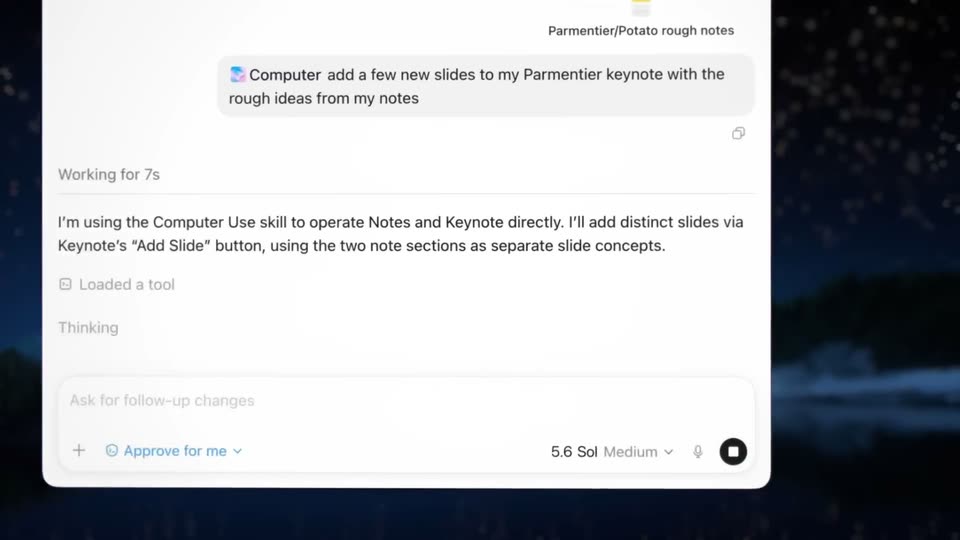 0:17–0:20OpenAI · ChatGPT Computer Use: Now faster with Live Picture-in-PictureA white chat window floats over a blurred dark night backdrop. A prompt to add Keynote slides sits above a Thinking status that switches to Working as response text and a tool call with a Keynote slide thumbnail appear. The camera then zooms into the lower half of the window.
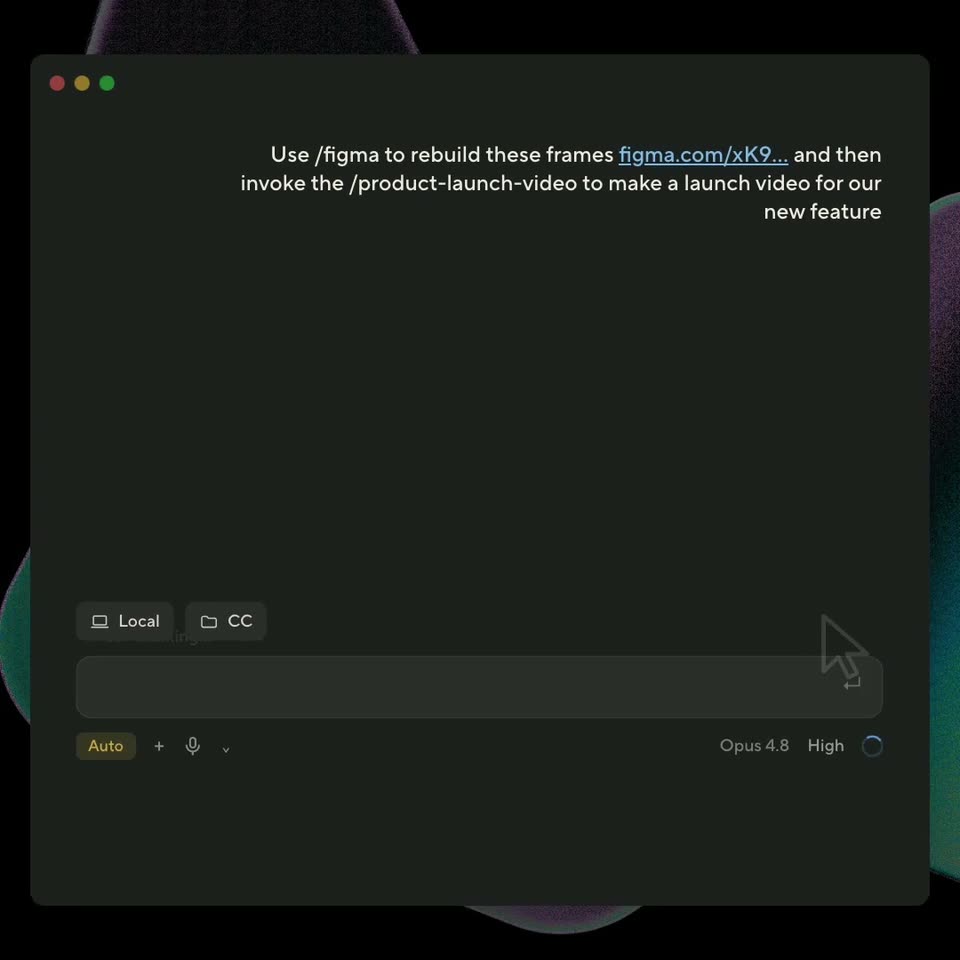 0:20–0:21HyperFrames · HeyGen - Figma -> HyperFrames Designers can now ship launch videos straighA dark chat input shows a typed prompt with a red caret and a large mouse pointer. The camera zooms out to reveal the full app window with traffic-light dots as the message lifts into the conversation area.
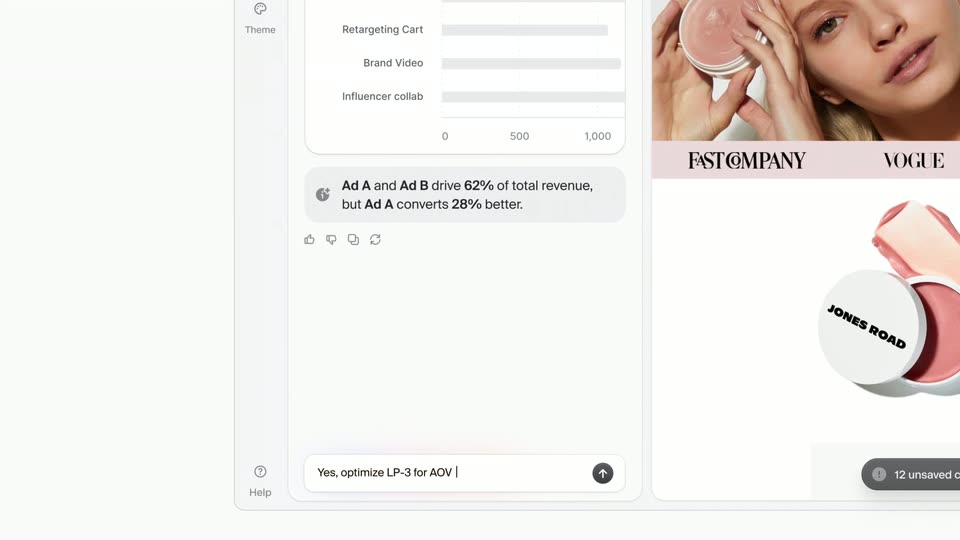 0:42–0:48Jurni AI · Alex Socoloff - Another Friday, another brand launch. Excited to share the new brandA two-pane SaaS interface shows an AI chat beside a skincare landing page editor. The chat types a question, lists funnel steps, then a bar chart and a green check card appear. The camera slowly zooms into the chat pane, ending on the Finished confirmation.
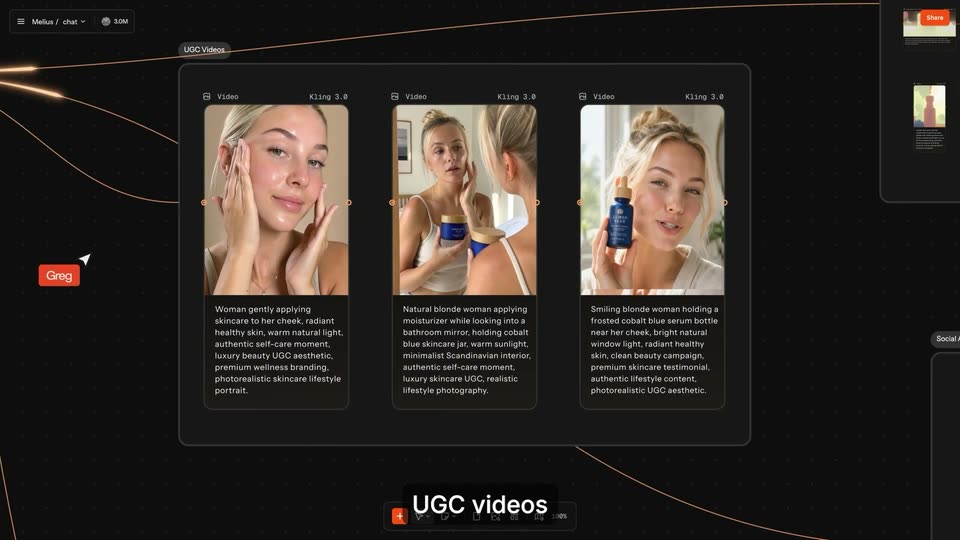 0:15–0:17Melius · joowon - If you’re a creative not using AI you’re fcked. Introducing Melius:A dark dashboard grid of UGC video thumbnails fills the frame as the view zooms onto three portrait cards of women holding skincare products. A white caption sits at the bottom while a named collaborator cursor drifts across the cards.
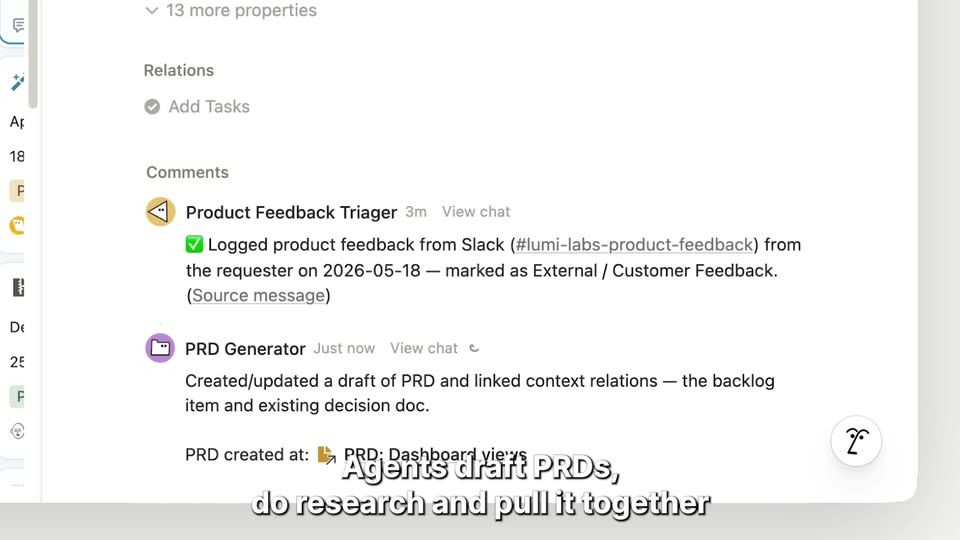 0:17–0:22Notion · Notion - Introducing Ship OS: The agent-native way to ship software. Run yourThe app window opens on a backlog list and detail panel, then the frame zooms into the comments section. A PRD Generator comment changes from a loading state to a finished note linking a PRD, and a cursor hovers the link. A white outlined caption sits at the bottom.
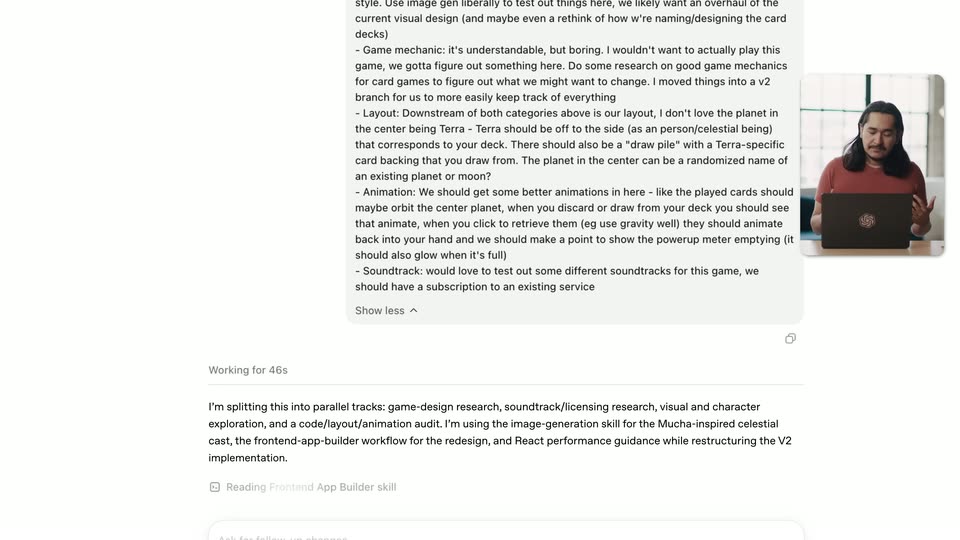 0:33–0:41OpenAI · Meet GPT-5.6A chat view scrolls through a bulleted game brief as the assistant's reply types in word by word; a small video of a man at a laptop fades in on the right. The frame zooms out to the whole window, revealing rows of generated card art.
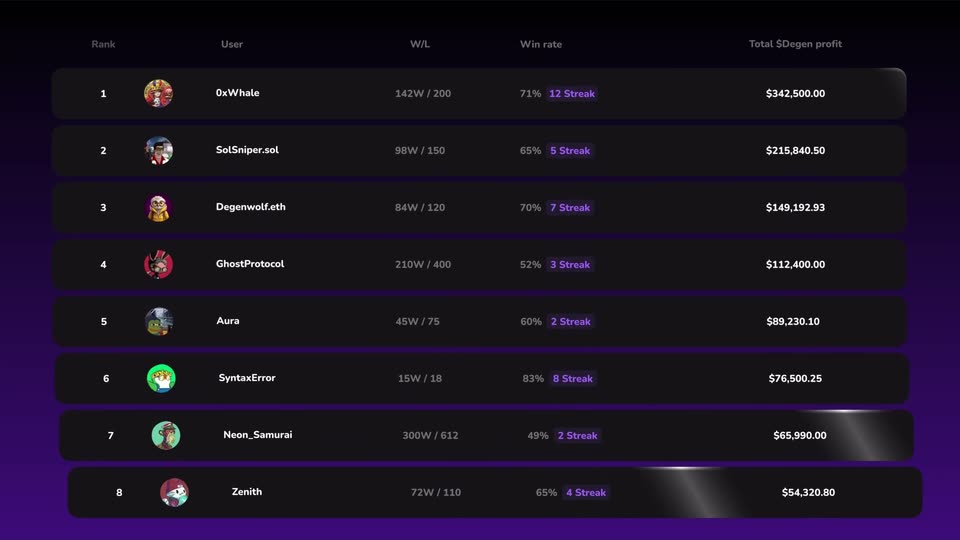 0:34–0:36POV · POV - The world's first permissionless Opinion Market. Built on convictionA dark leaderboard list on a purple gradient background pulls back from a close crop of the top six rows to reveal all eight, while a diagonal light glint sweeps down the rows in sequence.
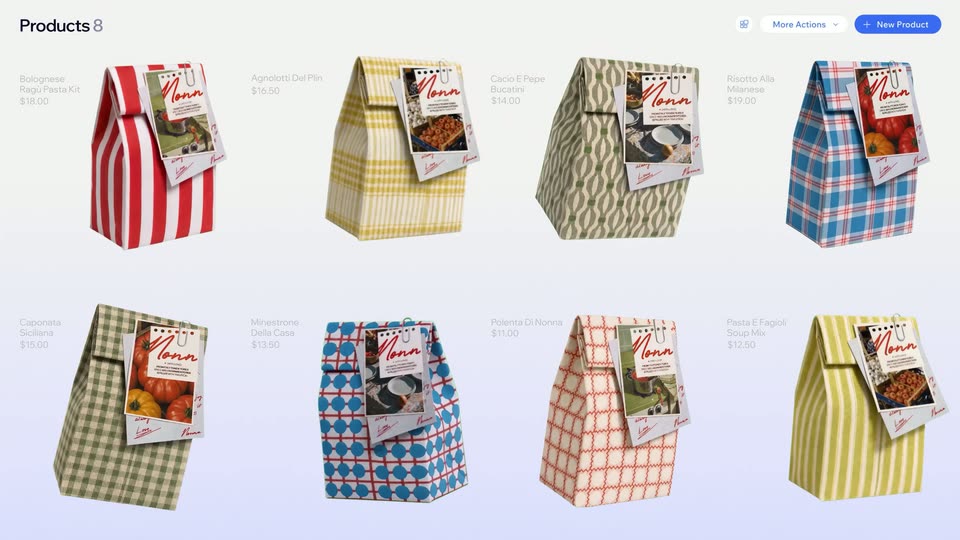 0:52–0:53Wix Harmony · The new way to tell your story | Wix HarmonyA loading dialog titled Adding Wix App with a progress bar sits over a blurred product dashboard. The dashboard shows a grid of patterned paper bags tagged with recipe cards, an orders panel, and a product detail card on the right.
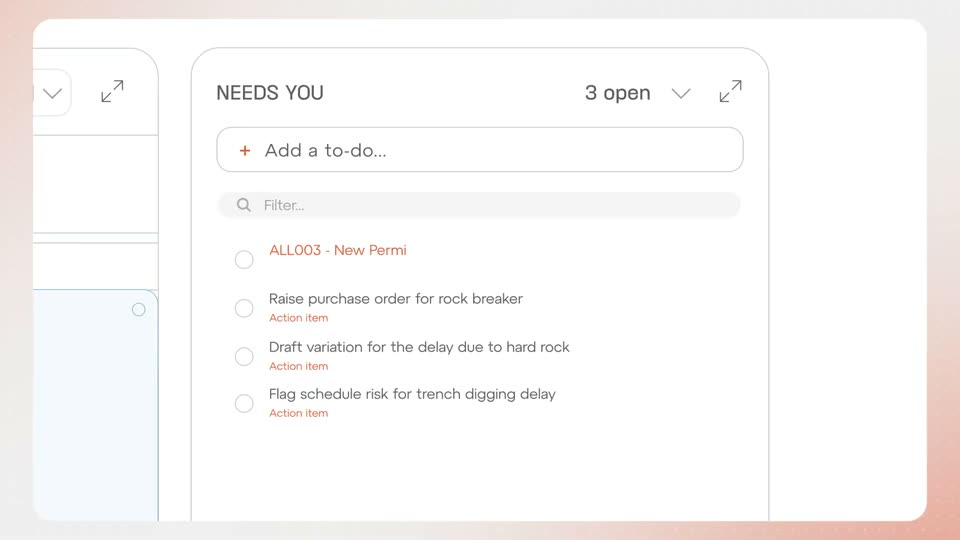 1:02–1:06Alloovium · Alloovium: Construction paperwork that finally works for your teamThe dashboard zooms into the right-hand NEEDS YOU panel. A new to-do, ALL003 - New Permit to Work, appears at the top of the list above three existing action items.
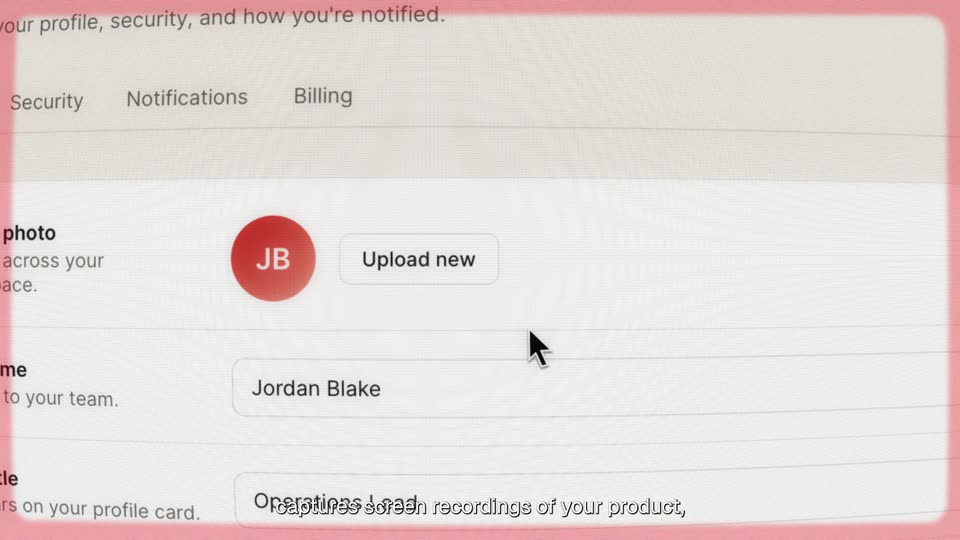 0:50–0:53Clueso · Fully Automate Your Product Videos | Clueso AgentsA screen recording of an account settings page framed by a red rounded border. The view zooms in toward the profile photo row as a black cursor drifts down past the Jordan Blake field. A white caption sits at the bottom.
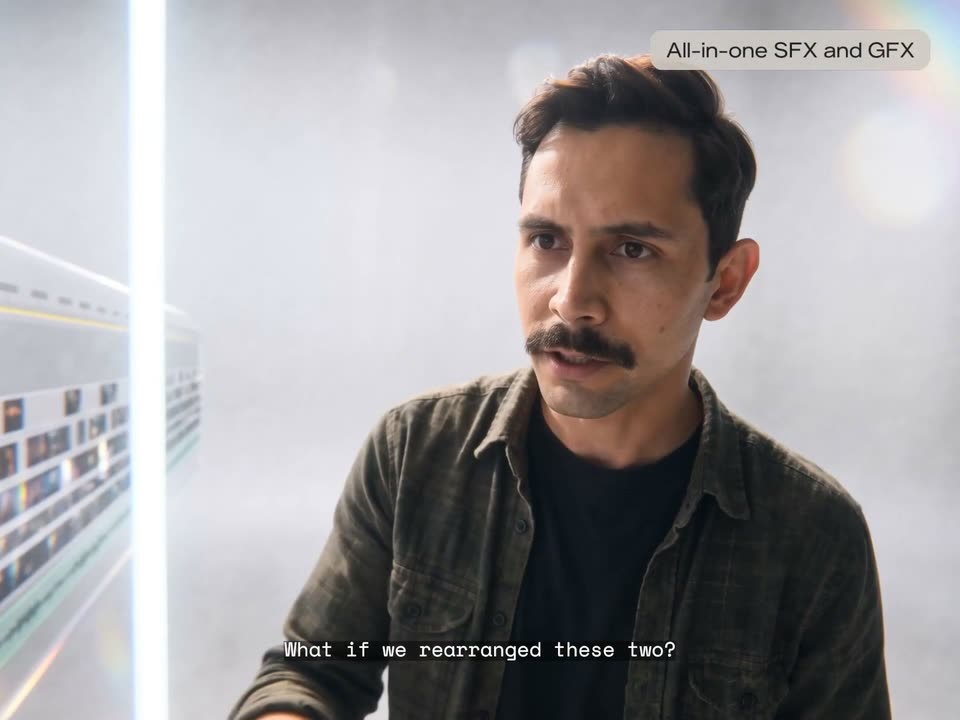 1:16–1:17Pika · Pika - Lights. Camera. EVERYTHING. Pika Director’s Suite, our experimentalA mustached man in a green shirt stands in a hazy white space beside a 3D wall of video clips, gesturing toward it. The view then cuts to a closer 3D perspective of the clip grid, audio waveforms below, with a hand cursor on the right.
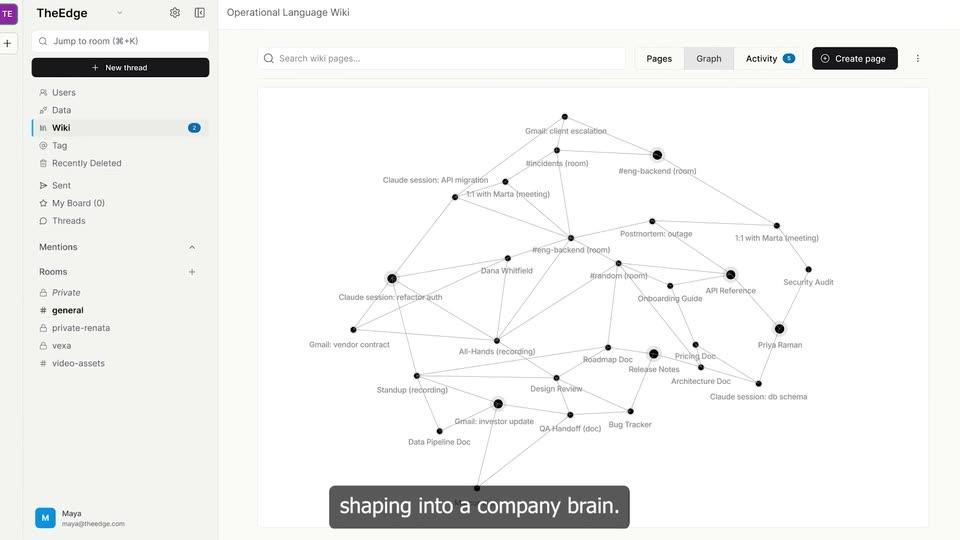 0:29–0:31PromptQL · Tanmai Gopal - We raised $136M to kill Slack. Introducing PromptQL: The first AI veA light-themed wiki interface fills the screen, a left sidebar lists rooms and threads while the main panel shows a network graph of linked pages and people. The view eases into a tighter crop on the graph as the bottom caption switches.
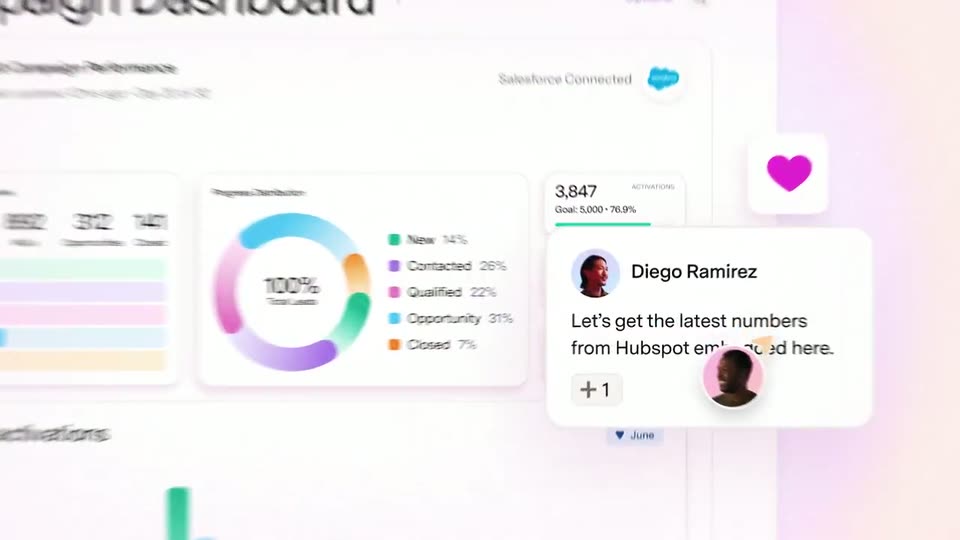 0:35–0:37Superhuman · Superhuman - Work together. Plan together. Stay ahead of the game together. CodaA tilted dashboard mockup titled Campaign Dashboard floats on a pale pink gradient, soft at first. The camera pushes in on the donut chart and activity bars while a comment card with an avatar and two icon cards, a heart and a bar chart, hover at the right edge.
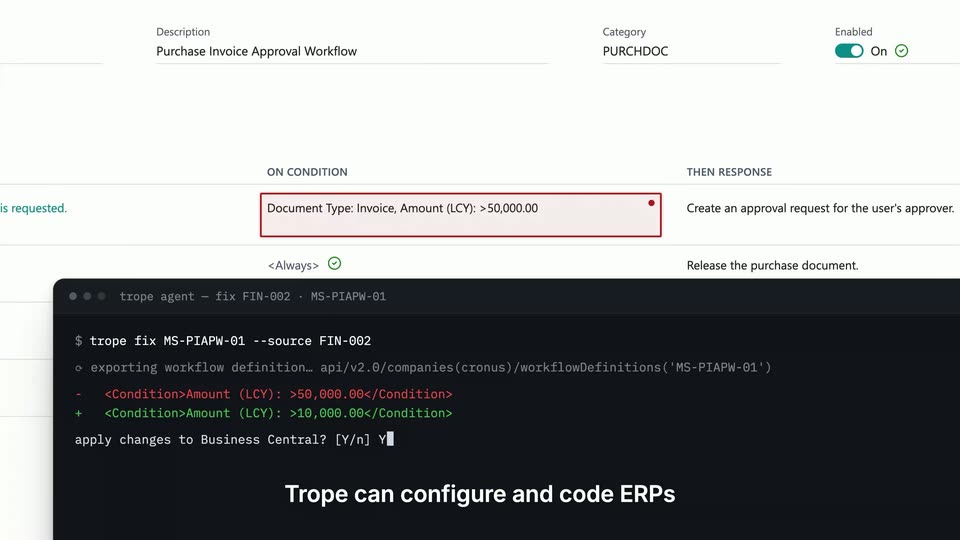 0:40–0:43Trope · Matt Chow - @trope_ai is backed by YC to make ERP transformations AI-native CompA tilted 3D view of an ERP workflow screen, an evidence panel on the right. The camera zooms onto a red-flagged condition field while a dark terminal below types a fix command, prints a red-green diff, and confirms the change. A white caption sits at the bottom.
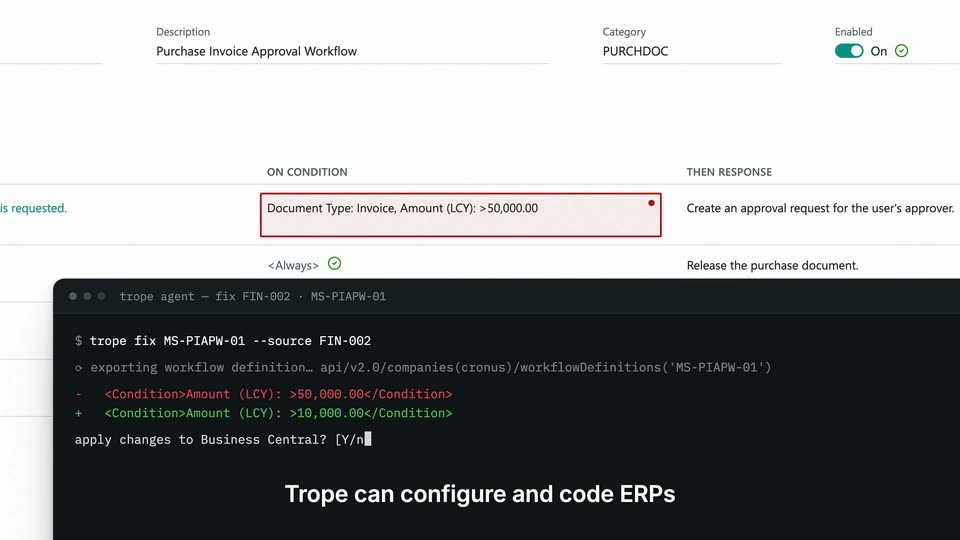 0:40–0:43Trope · Trope (YC S26) Launch VideoA Business Central workflow screen with an Evidence panel on the right zooms in on the workflow detail and a terminal below. The terminal types a fix command, shows a red-and-green diff lowering an approval threshold, then confirms the workflow updated.
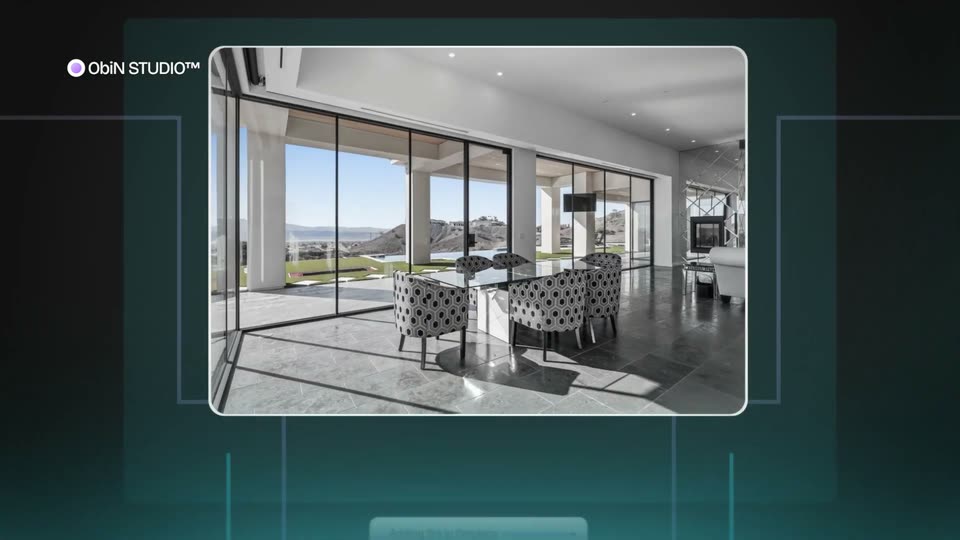 0:17–0:18AutoHDR · Best SaaS Product Video | AutoHDRThree glowing rounded frames of interior renders line up on a black field; the camera punches into the middle frame, which fills the screen while the other frames shrink to thin outlines.
 0:26–0:28Recraft · Recraft - You asked, we delivered. Say hello to Recraft’s Vector Editor. TweakA flat cartoon of a cheering figure in a yellow sweater and purple pants on a beige card. The frame zooms in as a blue selection box with corner handles wraps the figure and color chips with hex codes pop in at the top right.
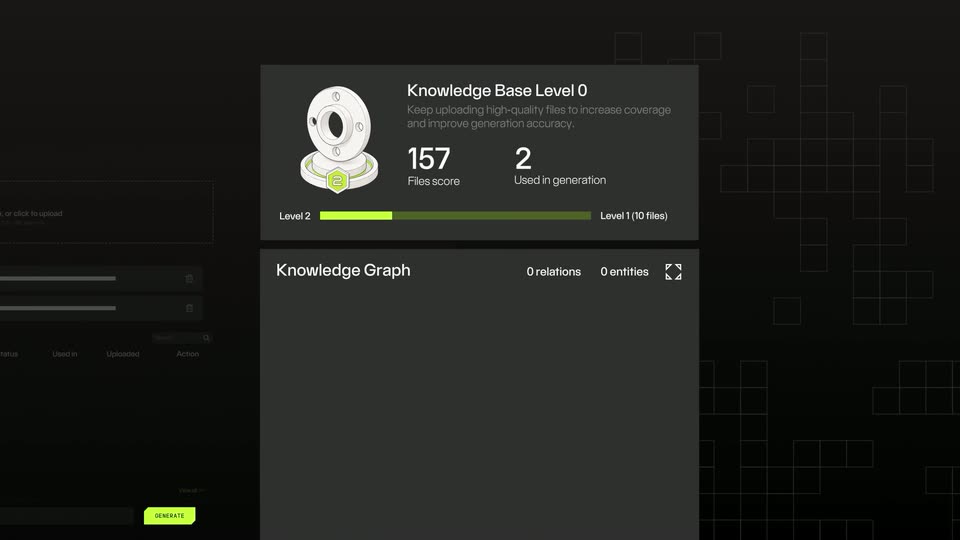 0:51–0:54Kyrall · OsamaAtwi - Today, we're officially launching Kyrall Until now, AI models couldnA dark dashboard panel shows a knowledge base score counting up from 34 to 192 beside a 3D ring icon as its progress bar fills, while the view reframes onto a Knowledge Graph where colored nodes and lines appear.
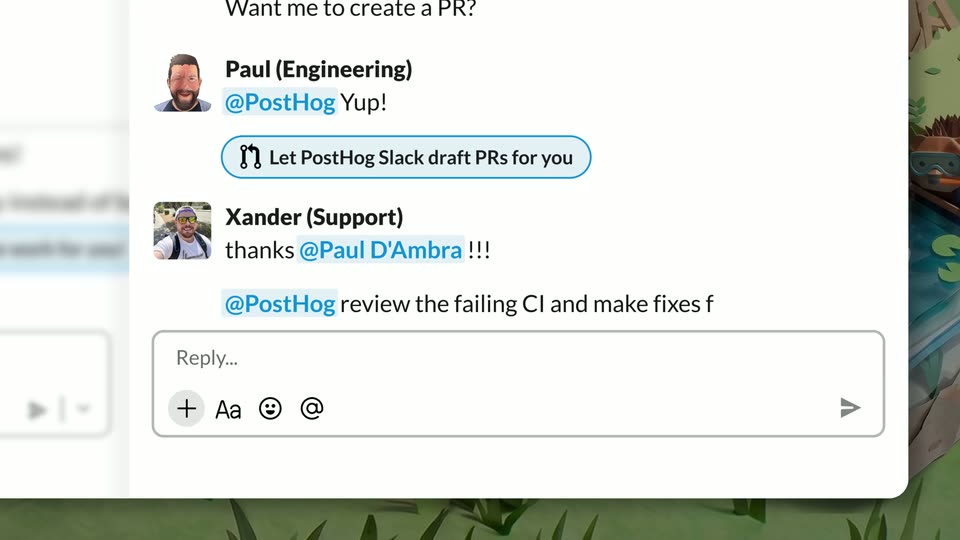 0:12–0:33Posthog · PostHog - Don't open PostHog. @PostHog in Slack.A white Slack thread panel sits over a green 3D game backdrop. Chat messages type out line by line as the view zooms in and scrolls down, and blue outlined callout pills pop in to label each feature.
 0:42–0:44Arcads · arcads AI - Introducing Claude x Arcads in Slack: Get viral ads in your Slack DMA close-up of a light UI panel shows two image cards above a gray Discard Drafts button and a blue Publish button. A black cursor glides from left to right across the Publish button as the frame slowly zooms in.
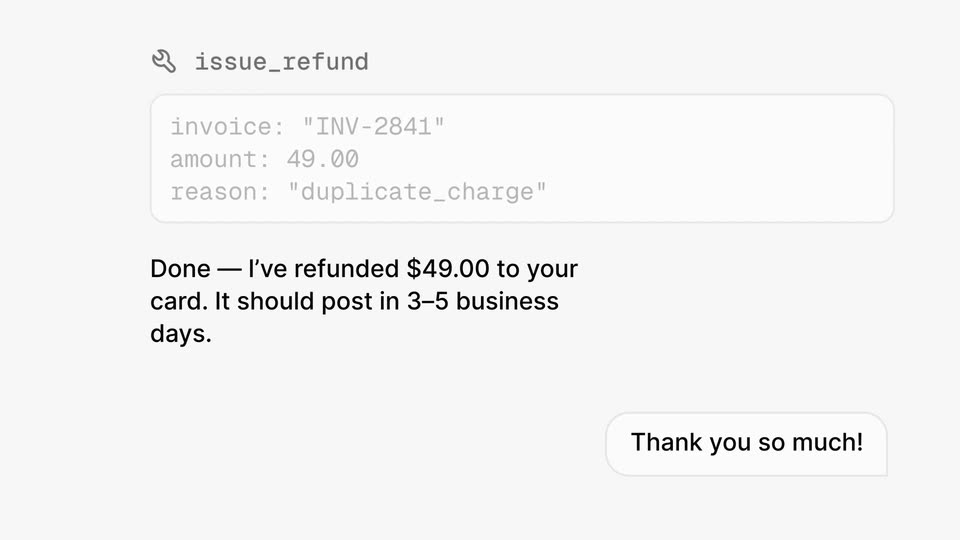 0:25–0:29xAI · SpaceX Super Intelligence - Introducing Voice Agent Builder: a no-code platform to create human-lA minimal chat view on a light gray field. The agent's reply and a wrench-tagged issue_refund call sit in place, then the view reframes down to a code block listing the invoice, amount and reason, followed by a confirmation line and a right-aligned thank-you bubble.
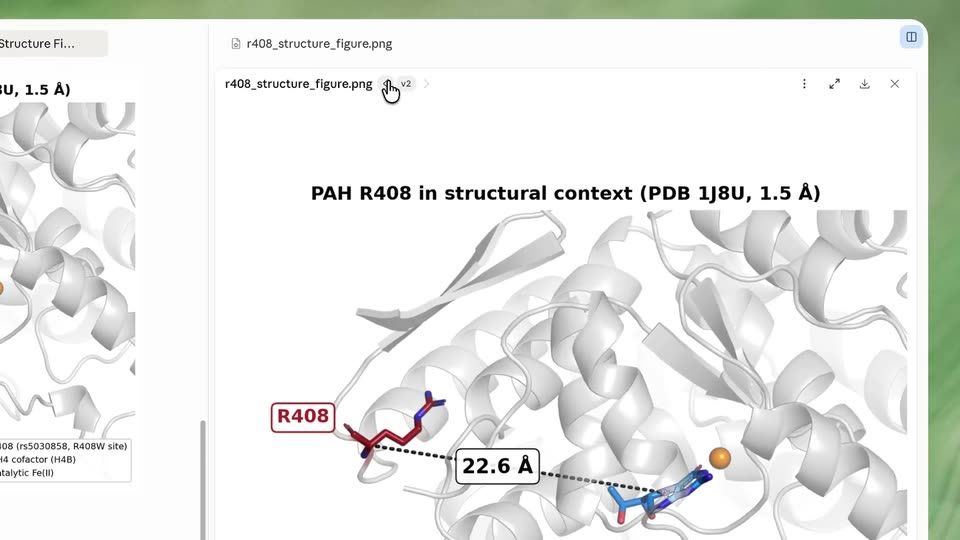 0:32–0:34Anthropic · Introducing Claude Science (now in beta)A 3D protein model with a red ligand and a 22.6 Å distance label zooms out to reveal a file browser interface. A cursor moves to click a file, displaying the title 'PAH R408 in structural context' above the structure.
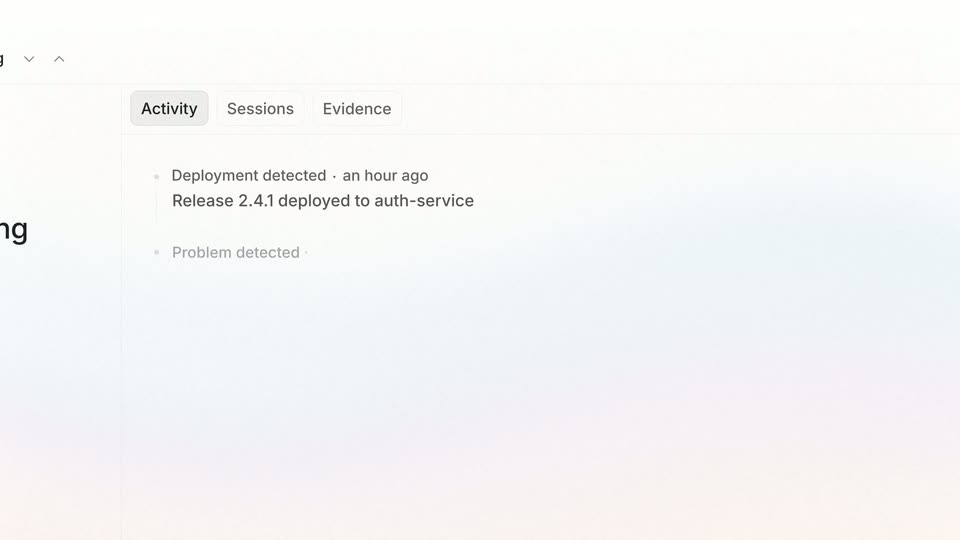 0:19–0:23Interfere · Interfere - Introducing Interfere. Interfere observes everything that happens inThe Interfere inbox screen with the #120 issue detail fades in, then the view zooms into the Activity tab and travels down the timeline, ending on a tilted close-up of the root cause note.
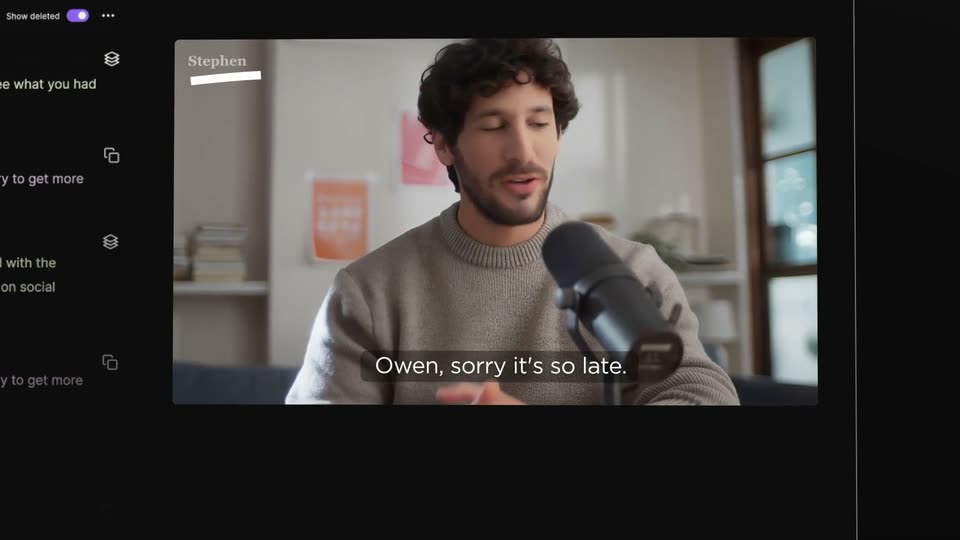 0:22–0:25Riverside · Nadav Keyson - AI Videos are ALL slop. AI should be making you a content machine.A tilted 3D video editor interface zooms into its preview panel, which spins up and resolves into a man speaking into a studio microphone. A pink 3D 'Video Editor' tag slides in from the left while a dark caption bar appears at the bottom.
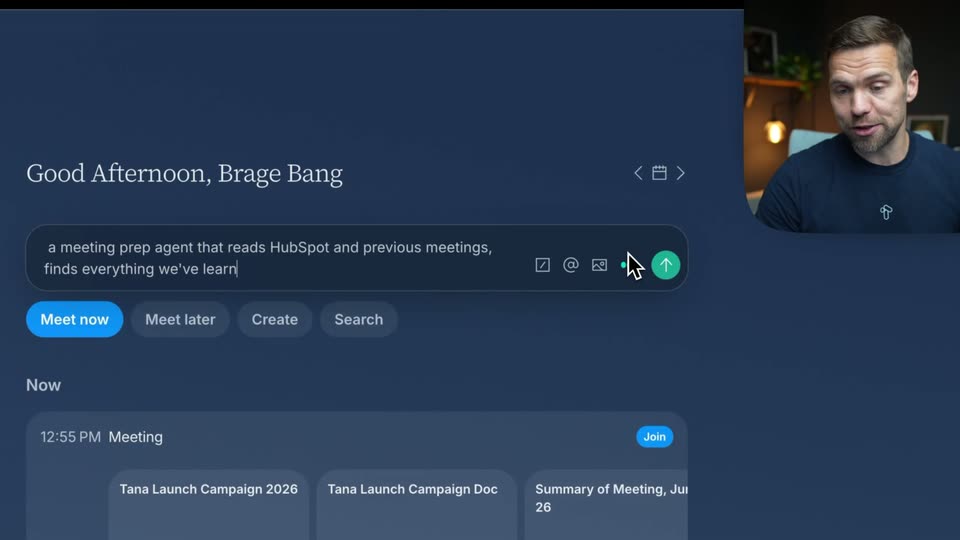 1:41–1:57Tana · Beyond AI Meeting Notes: Meet the New TanaA dark app window with a left sidebar and a greeting fills the frame, a presenter video inset sits top right. The view zooms into the command bar as a cursor types a long prompt, then zooms back out to the full window.
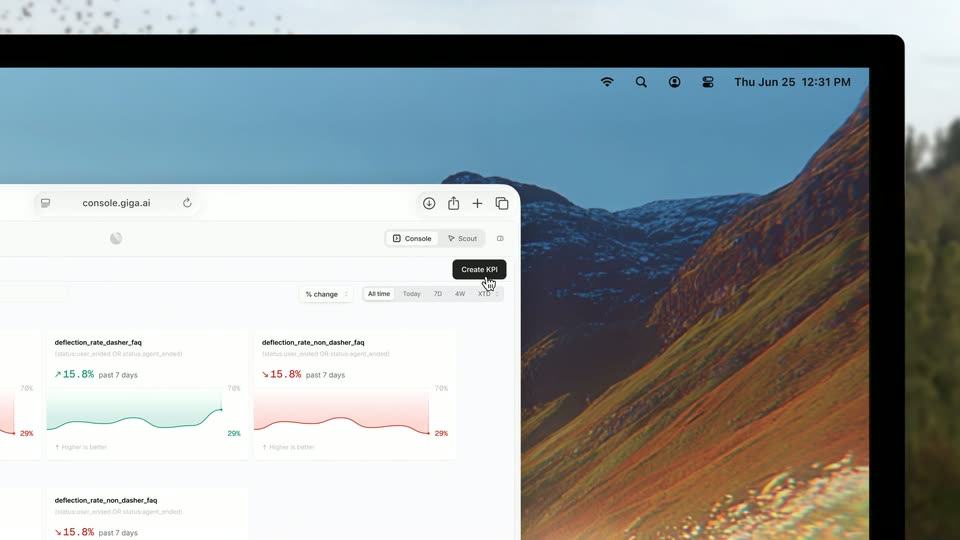 1:03–1:05Giga (Scout) · Giga - Introducing Scout. Tell it the KPI you care about, like funded deposA 3D laptop rests on a desk before a blurred mountain backdrop, its screen showing the Giga console with KPI chart cards. The camera pushes in on the window as a cursor hovers the black Create KPI button.
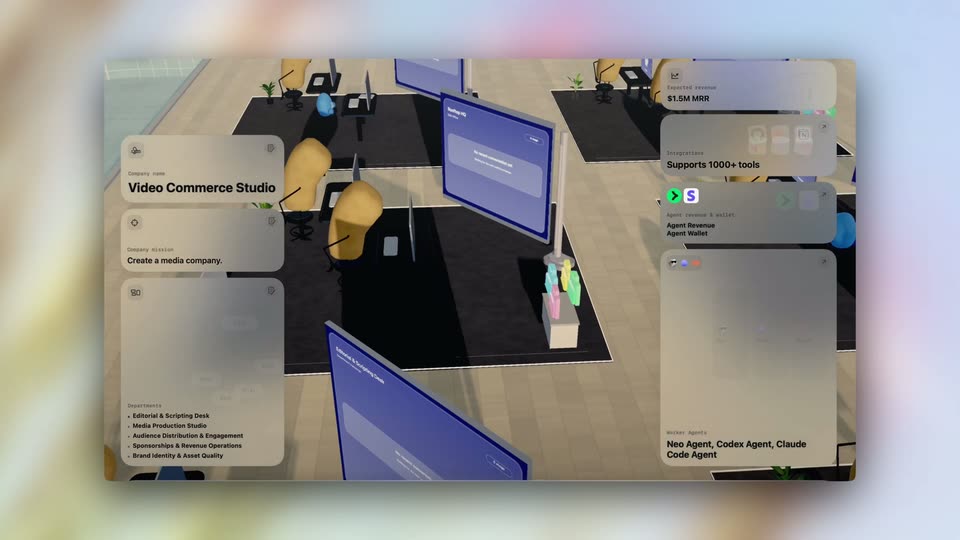 0:37–0:40Matrix · Matrix - what if you can run an entire 0-person company — without the grind ofA 3D isometric office of blob-shaped workers at desks with glowing monitors, framed by floating data cards on both sides. The camera pushes in from a wide overhead view down to two characters at a workstation while the cards stay fixed.
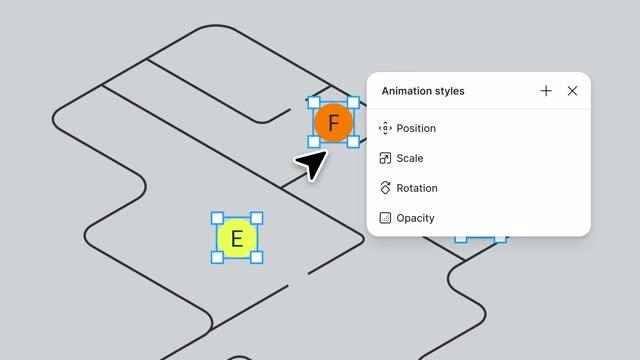 0:22–0:25Figma · Introducing Figma Motion: Your canvas now has a timelineA tilted wireframe canvas with lettered shape elements; the view reframes onto the orange F circle as the cursor selects it. An Animation styles panel opens and the cursor highlights Scale. A white card slides in from the left, covering the scene.
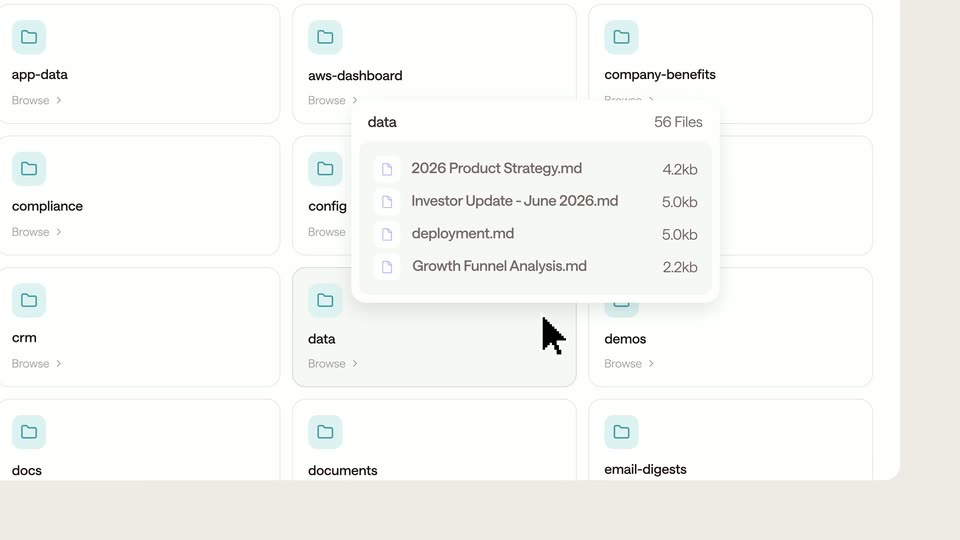 0:39–0:41Zaro · Zaro.ai - Today, we're excited to launch Zaro. Your knowledge is scattered acrA wide view of the Files dashboard zooms into the folder grid. A cursor glides to the data folder, and a popover fades in listing four markdown files with their sizes.
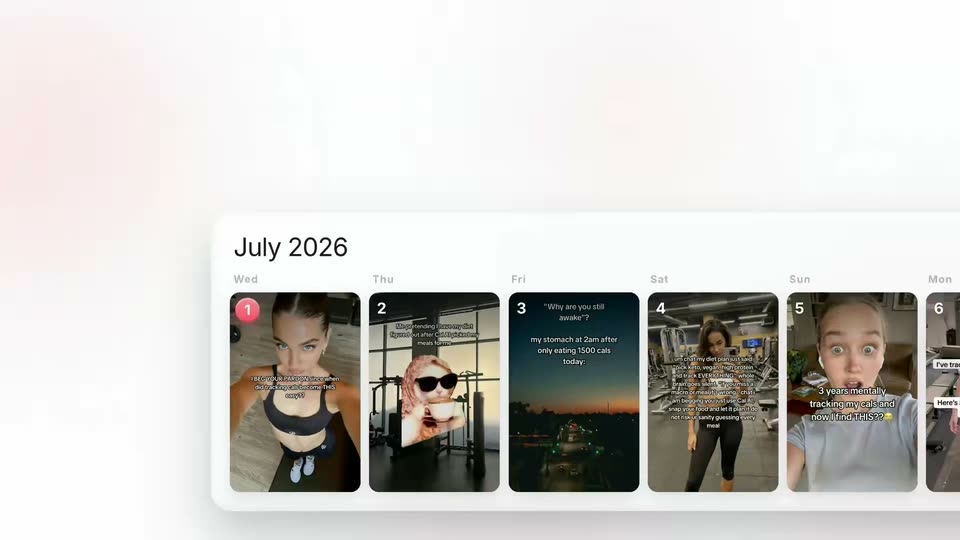 0:45–0:47Anthropic · Jock Ferguson - Today, we're introducing Claude for Content. Just enter your websiteA white planner card floats over a blurred backdrop, opening on one day's post: a phone preview, caption, song and schedule. The view zooms out to reveal the full July 2026 month and a row of six numbered content cards.
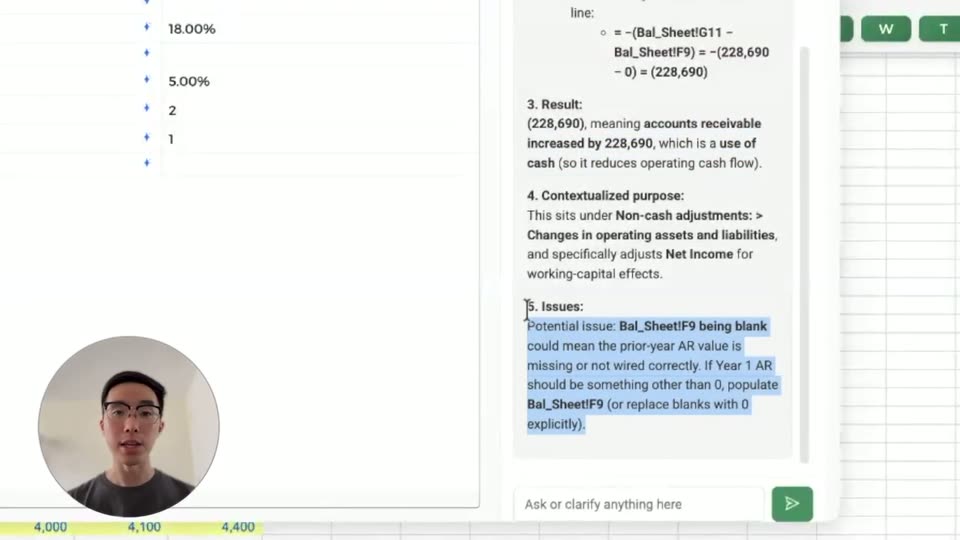 0:31–0:40Dimely · SheetWhiz Trace Precedents AI DemoClose-up of a spreadsheet with an AI assistant panel on the right and a circular webcam of the presenter bottom-left. A blue highlight marks the assistant's explanation, then the view zooms out to reveal the full sheet and an opened Trace Precedents window.
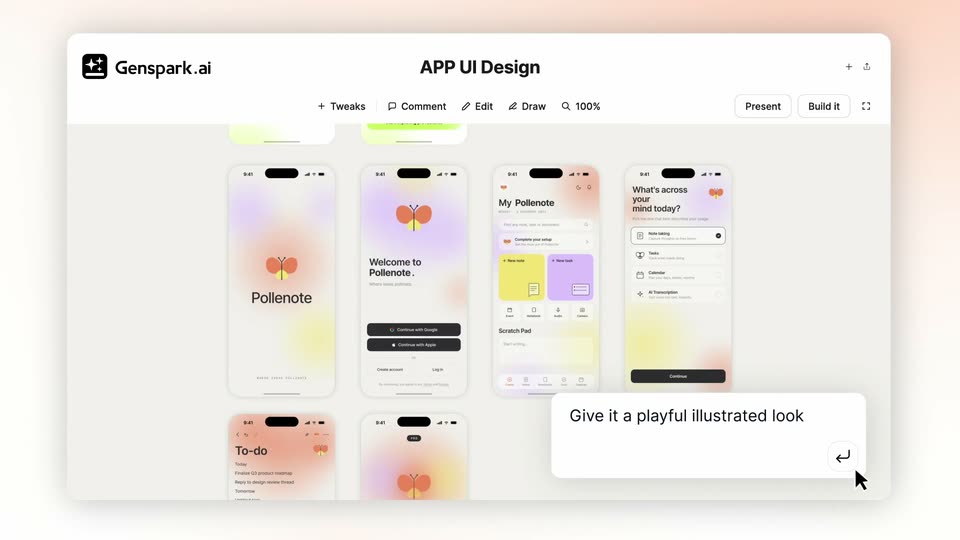 0:10–0:13Genspark · Genspark - 🎨 Introducing Genspark Design The next-gen AI for design and creatioA light design-tool window titled APP UI Design shows a row of Pollenote mobile screens. A prompt box slides in at the bottom right with the text Give it a playful illustrated look, a cursor rests at its corner, then the frame zooms into the canvas of phone mockups.
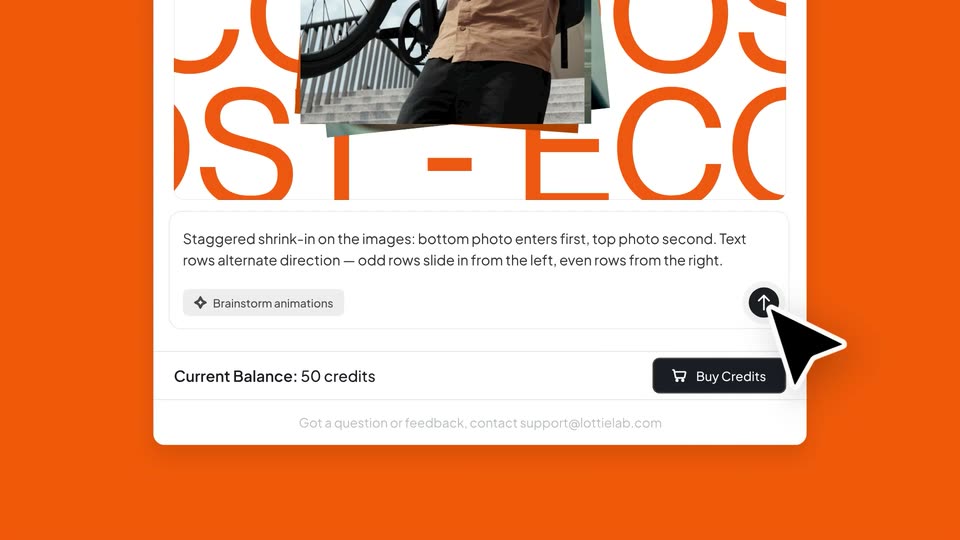 0:08–0:12Lottielab · Lottielab - Introducing Magic Animator beta 3.0✨ Prompt and edit animations in FA white prompt card on orange: the prompt types itself into the input field as a black cursor hovers, then the frame pulls back to the full AI Magic Animator panel with a blurred preview and a pulsing sparkle.
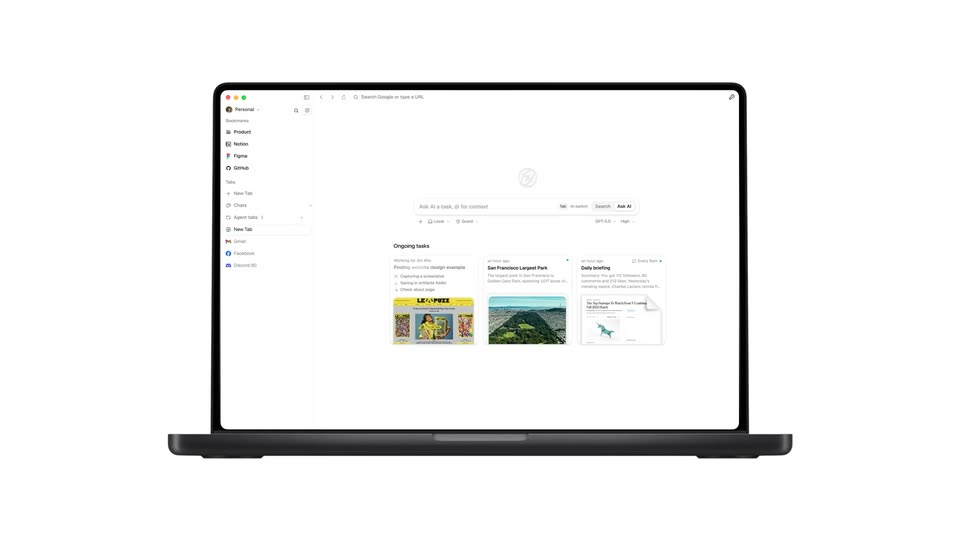 1:10–1:11Aside · jun - Today, we're launching Aside, the AI browser you’ve waited for. ⋅ CrA close-up of a task app interface on a laptop screen pulls back to reveal the full laptop centered on a white background. The screen shows a sidebar and an Ongoing tasks board with three cards. A tagline reads Data never leaves your device, the second line sliding in.
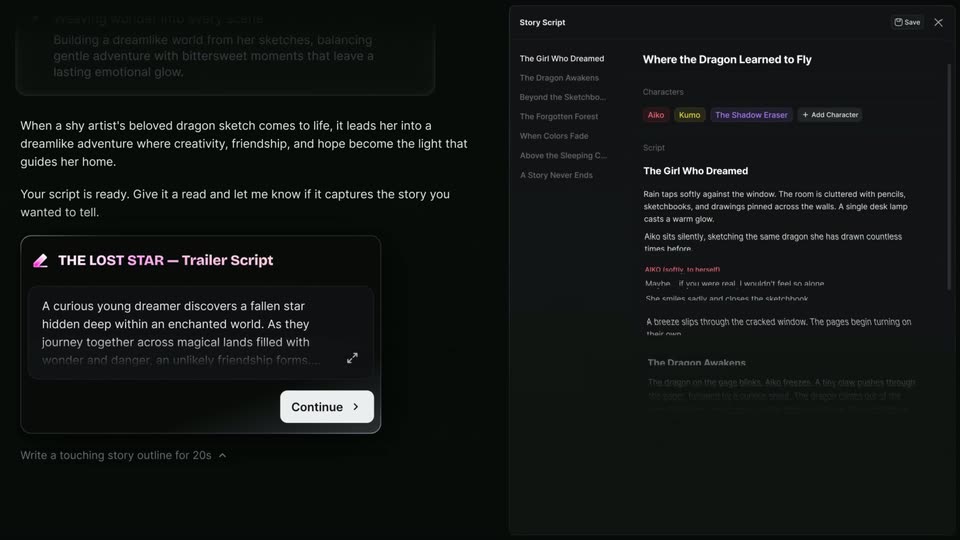 0:34–0:36OpenArt · OpenArt - The way videos are made is about to change. Introducing OpenArt DireA dark app screen dims its story generator and right-hand Story Script panel as a modal card, the trailer script card, scales up from the lower left to center frame. Its paragraph and Continue button sharpen into focus while the right panel scrolls to the generated script.
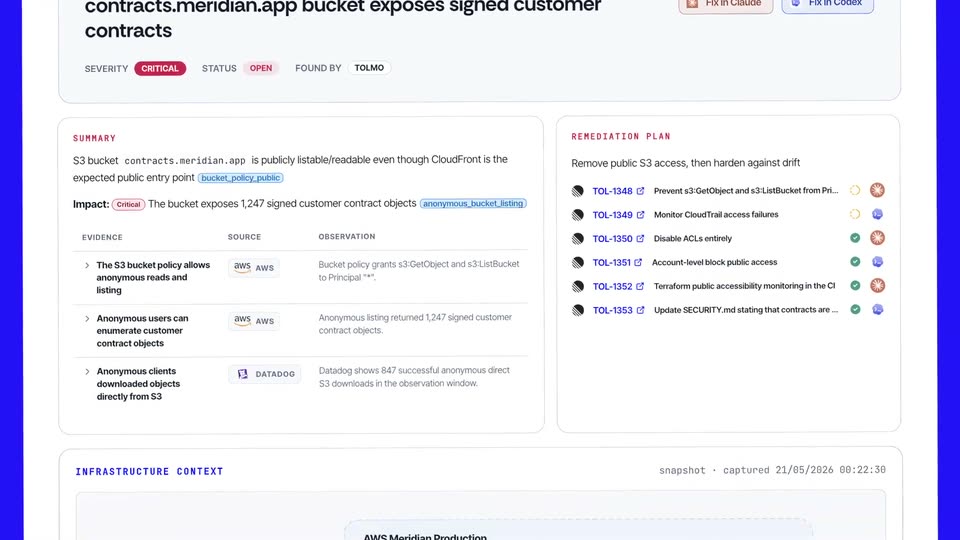 1:09–1:10Tolmo · Tolmo Product DemoA light-themed vulnerability report scrolls down past the summary and remediation plan, reframing onto the infrastructure context diagram, where origin, routes, read and write arrows draw in between the CloudFront, ALB and ECS boxes.
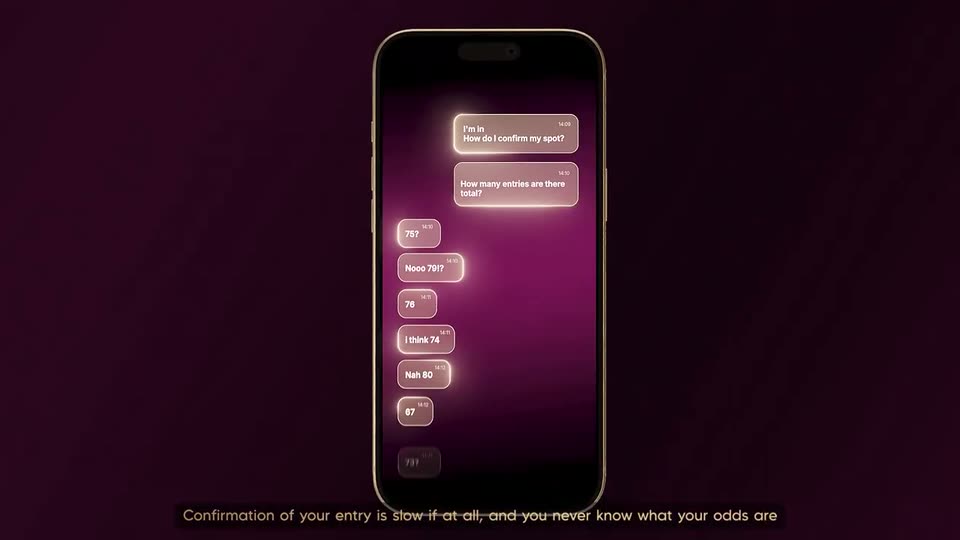 0:45–0:51Watch.fun · Watch.fun - Introducing the first on-chain luxury watch drop platform. Win RolexA 3D phone mockup on a dark maroon field shows a chat thread. The camera holds a close-up on a glowing message bubble and typing dots, then pulls back to the full device as short replies stack up, and finally the phone slides out of frame.
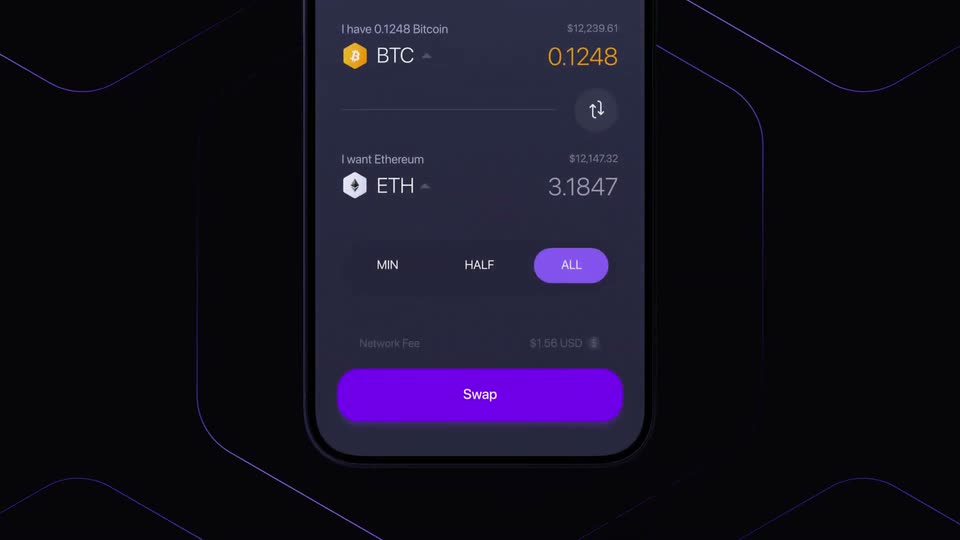 0:32–0:35Exodus · Exodus – Effortless Crypto Swapping Made SimpleA front-facing phone shows a swap screen with BTC and ETH rows; the view scrolls up and zooms into the lower half as the Swap button appears, then the screen switches to a confirmation message with text sliding in.
 0:41–0:45OASYS · OASYS – The World's First Self-Learning Orchestrated Agentic AI PlatformA close-up of the phone's glowing input bar shows the typed question sliding into place, then the frame pulls back to reveal the full chat screen: a purple message bubble and the assistant's reply fading in below.
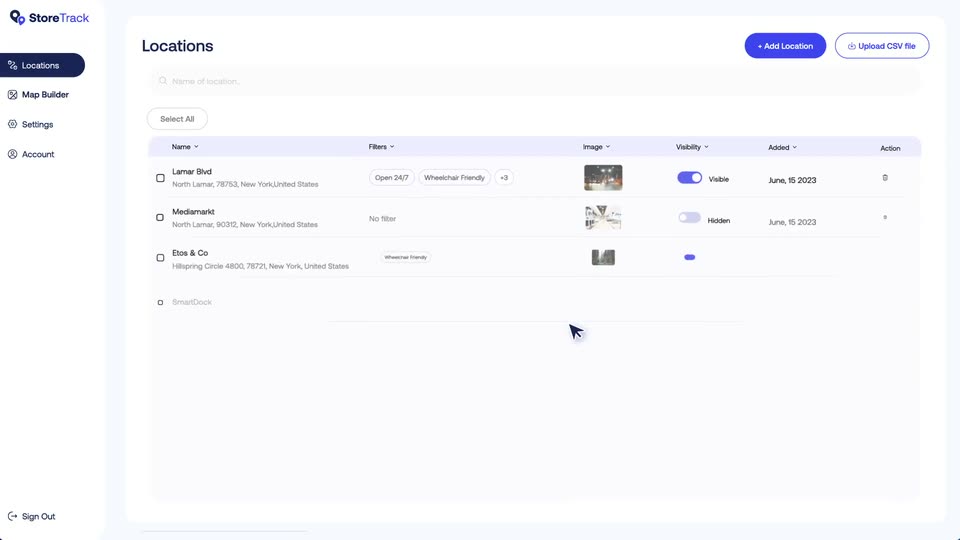 0:16–0:22StoreTrack · StoreTrack – Simplify Store Discovery & Location ManagementA browser window on a desktop zooms into the StoreTrack interface. The cursor clicks the Upload CSV file button, drags a blue CSV icon into a modal, and a progress bar fills to 99%. The modal closes and a table of store locations, with images and visibility toggles, populates row by row.
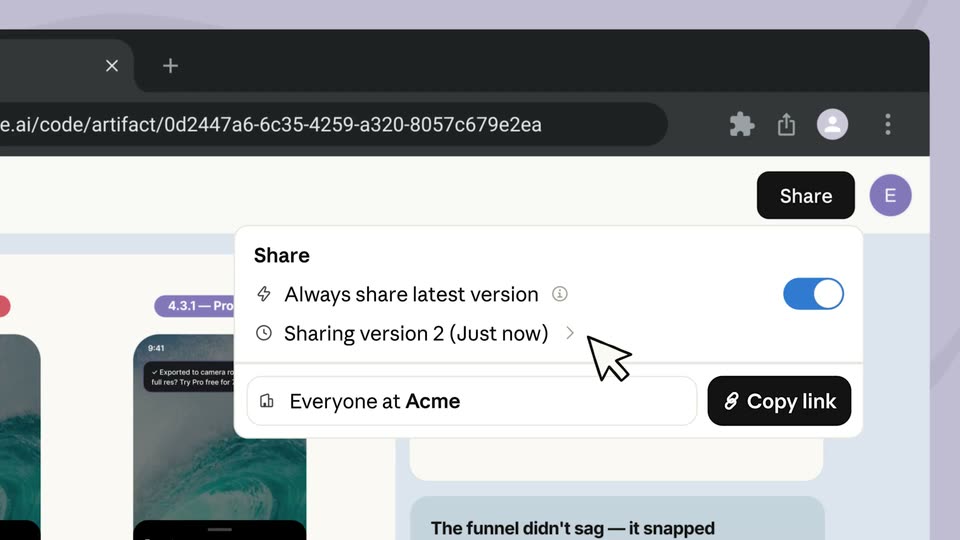 0:23–0:29Anthropic · Claude - New in Claude Code: Artifacts. Interactive pages built from your sesA browser window shows a dashboard with two phone mockups and analysis cards; the view reframes to the top bar as the cursor clicks the Share button, opening a dropdown, then moves to Copy link before the menu closes.
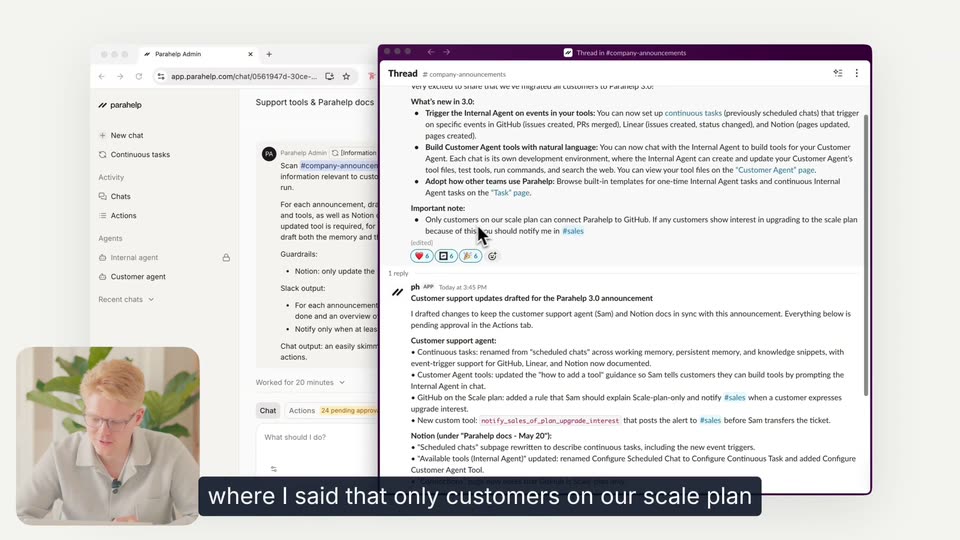 1:12–1:18Parahelp · Mads Lunau - Today, we’re launching Parahelp 3. With Parahelp 3, we’re doubling dA close-up of a product thread zooms out to reveal a two-panel interface, with a small webcam video of a presenter in the corner. A cursor clicks a bullet point under an important note as bottom captions read the line about the scale plan.
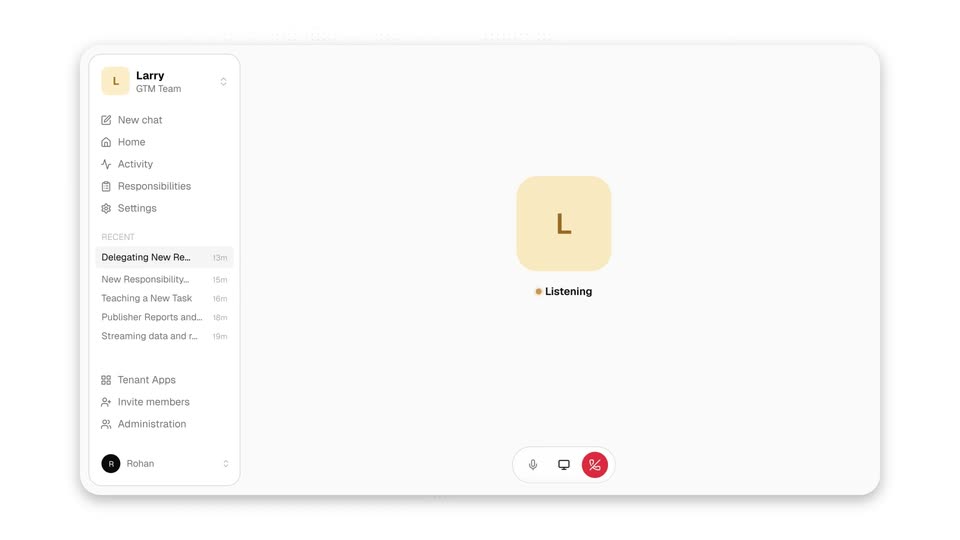 0:45–0:52Convey · Rohan Chopra - We’re announcing a $38M Series A led by @a16z. 1 million hours of auA call view settles in as the Start call button slides out; a yellow L avatar sits center stage while the status text cycles from Connecting to Almost ready to Listening. The frame then zooms onto the mic, screen and end-call controls as a cursor enters.
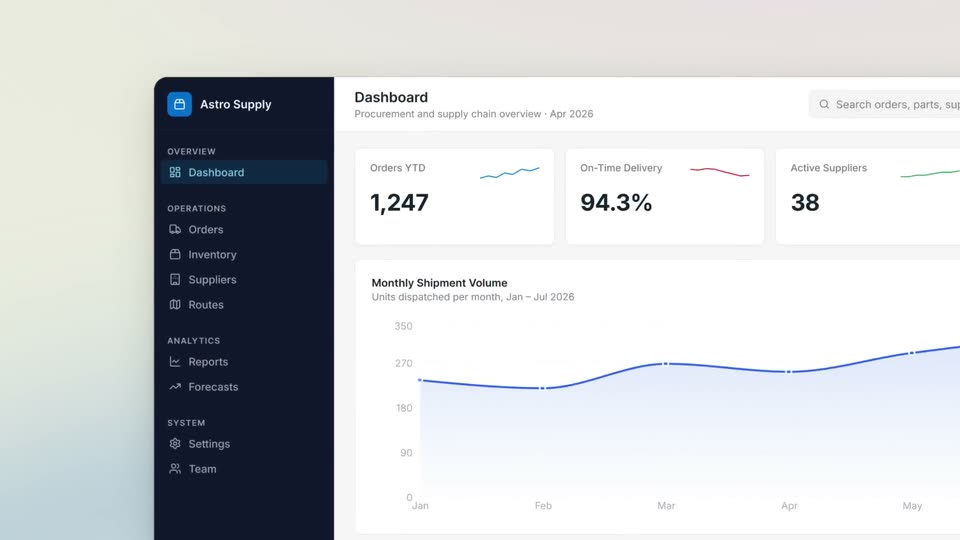 0:28–0:31Retool · Vibe coded apps meet enterprise security in RetoolA supply dashboard mockup eases from a tilted 3D angle to a flat front view as its line chart and order table draw in, then the camera pushes in as a white prompt pill with a hexagon icon and the line What would you like to build? slides up at lower left.
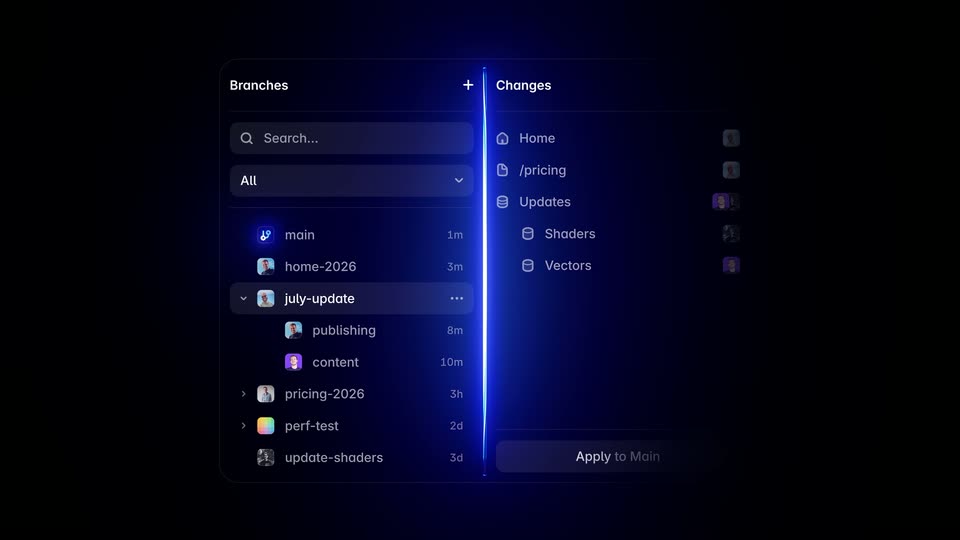 0:04–0:07Framer · Framer 3.0 with Agents, Branching, and a new CommunityA dark two-column interface panel zooms out to reveal its full rounded frame. The left column lists branches with avatars and timestamps; the right column lists changed files. A vertical blue light beam divides the two columns.
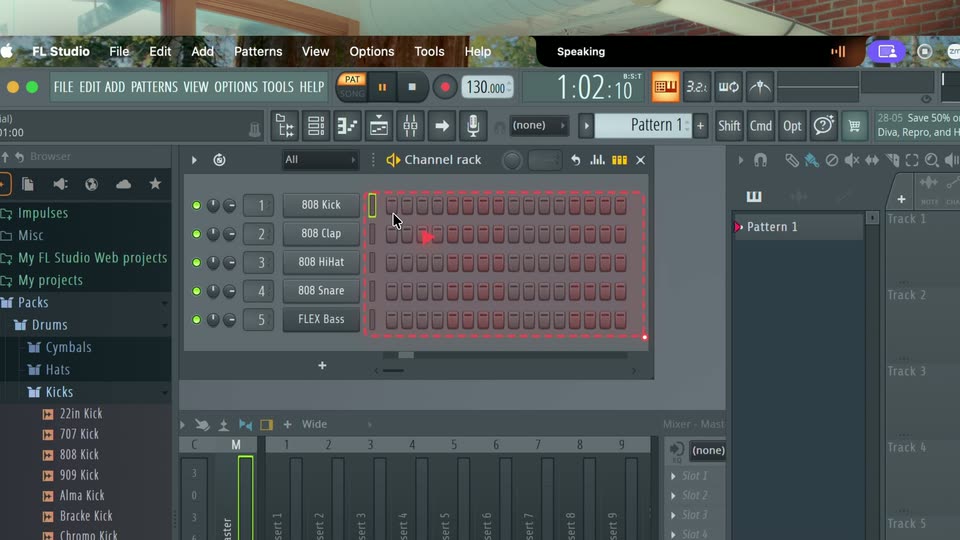 1:22–1:39HeyClicky · Farza 🇵🇰🇺🇸 - We built an AI that can draw on your screen. It's a true personal tuThe FL Studio window sits small on a Mac desktop, then the view zooms into the Channel rack. A cursor clicks the first, fifth, ninth, and thirteenth squares of the kick row, each tagged with a red step label, while captions explain the pattern.
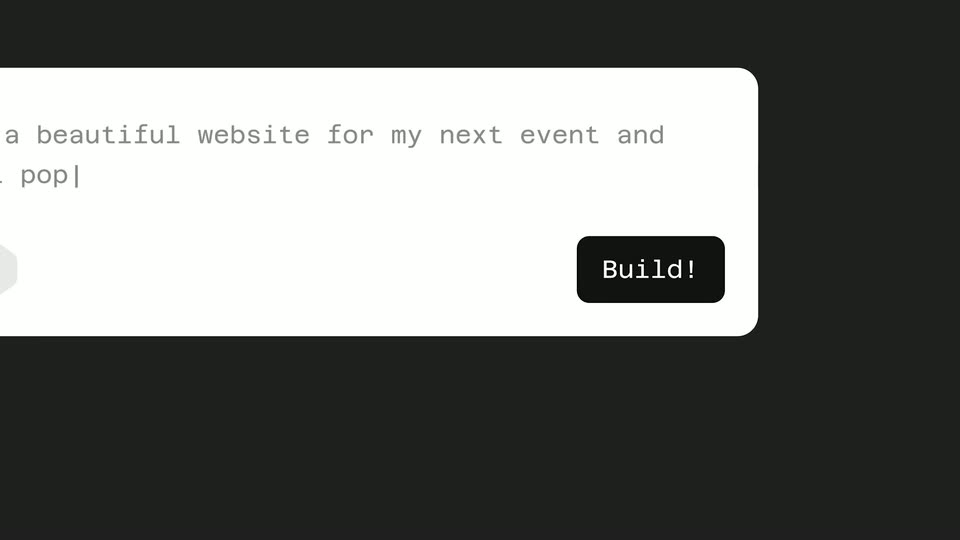 0:59–1:03Taste Labs · Thais Castello Branco - We’re excited to introduce Taste Labs. Our mission is to end AI slopA white prompt card sits centered on a dark field; monospaced text types out a website request, then the camera zooms in and pans right, following the black Build! button as a thin line with a hexagon tip extends off frame.
 0:24–0:25Whop · Whop - The future isn't built with yesterday's tools. Next-gen businesses nA dark dashboard interface is shown in close-up as the Total balance figure counts up from $0.00 to $1.00 above a blue Add money button. The frame tightens slightly onto the balance area.
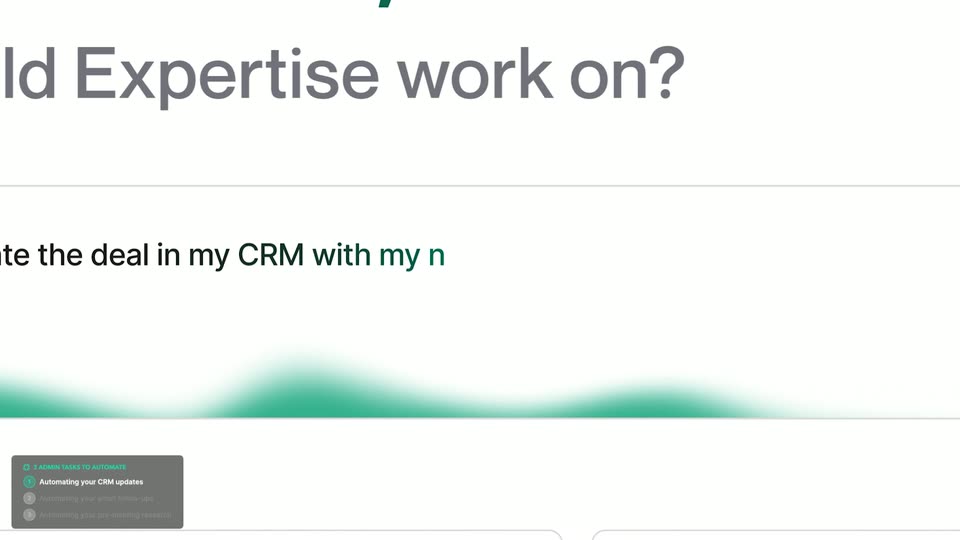 0:40–0:49Expertise · Expertise AI - Introducing Expertise: the executive assistant for Account ExecutivesA flat expertise.ai dashboard shows a sidebar and quick-start cards under a greeting, with an edit caption at the bottom. The frame zooms into the empty input box, where a sentence types itself out character by character.
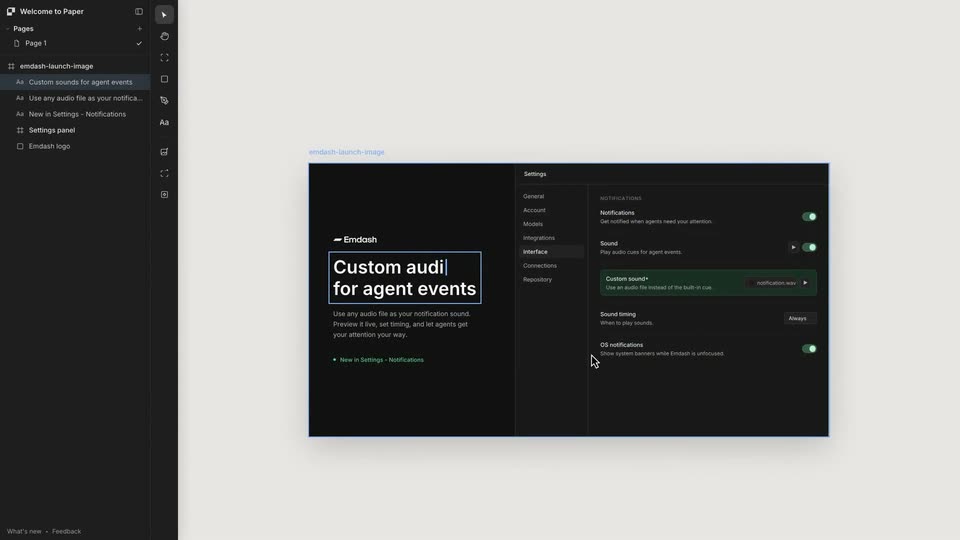 0:22–0:28Notra · Notra - Introducing Notra Image Generation On-brand marketing visuals, straiThe Paper app opens with a dark layer panel on the left and an empty light canvas. A serif headline fades in, then the panel collapses and the canvas reframes to show a dark Emdash settings mockup, with a second headline fading in above it.
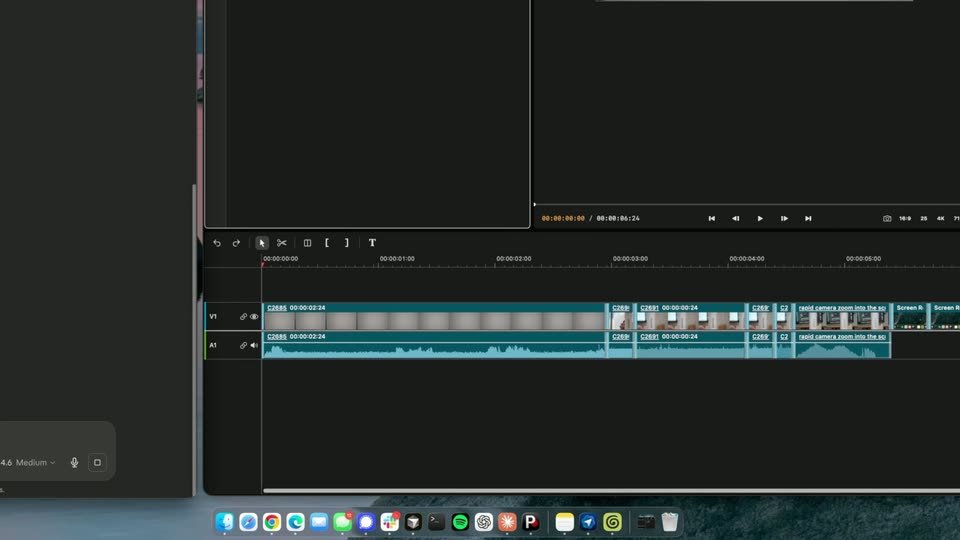 0:16–0:18Palmier · Palmier (YC S24) Launch VideoA dark chat feed shows assistant messages arriving in sequence, with tool rows and a spinning loader, then the frame pulls back to reveal the full screen: the chat panel on the left and a video editing timeline with clips on the right.
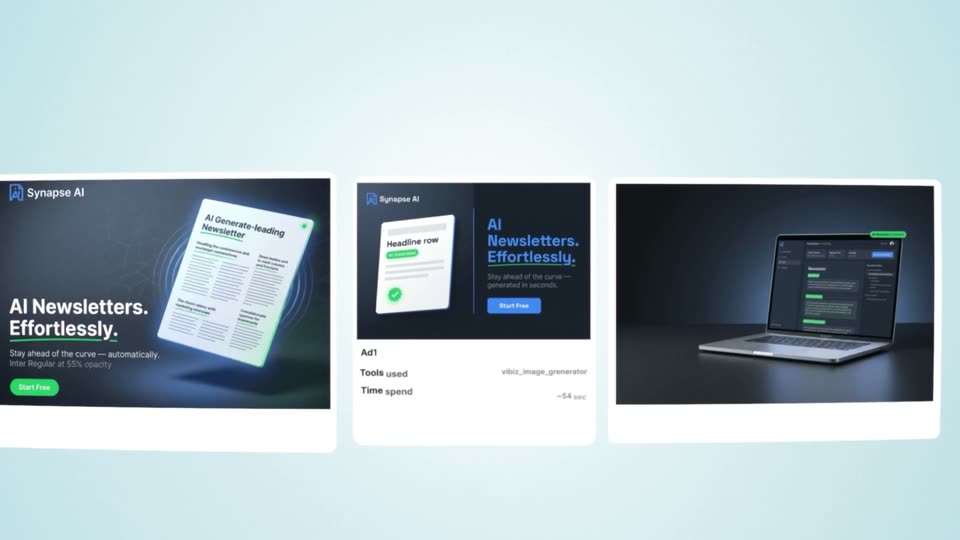 0:20 · 0.7sVibiz · Vibiz - We just dropped the first AI that runs an entire business for you whiA single dark Synapse AI card floats tilted on a pale blue field, then the camera pulls back to reveal a 3x3 grid of feature cards around it. Cards like ADS, EMAIL and Cashout slide and scale into place as the grid settles.
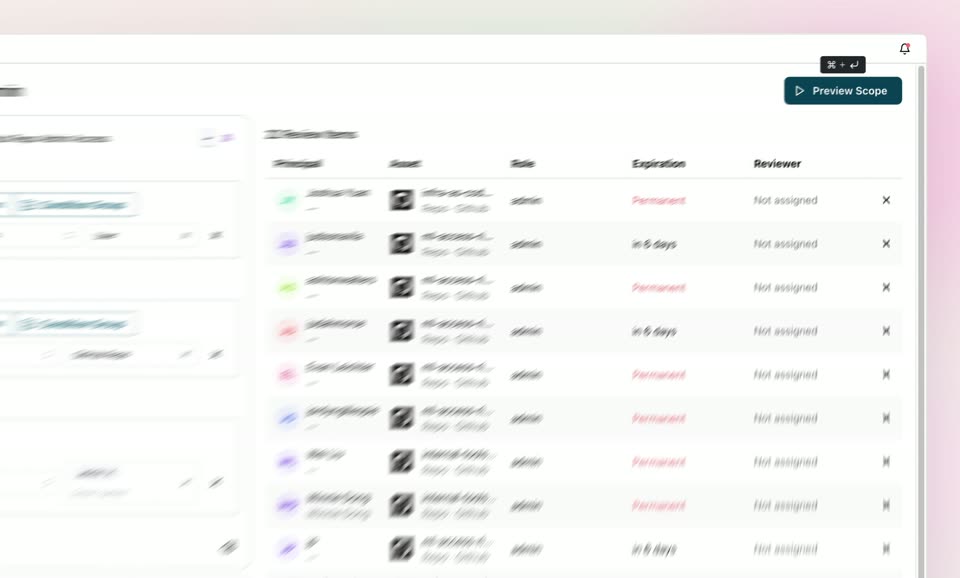 0:04–0:09Opal · New in Opal: Paladin, Access Campaigns, and OpalScript hit GA | Opal SecurityA white campaign panel reveals from the left over a soft pink background, then the camera zooms into the right-hand table of 22 review items before pulling back to the full interface.
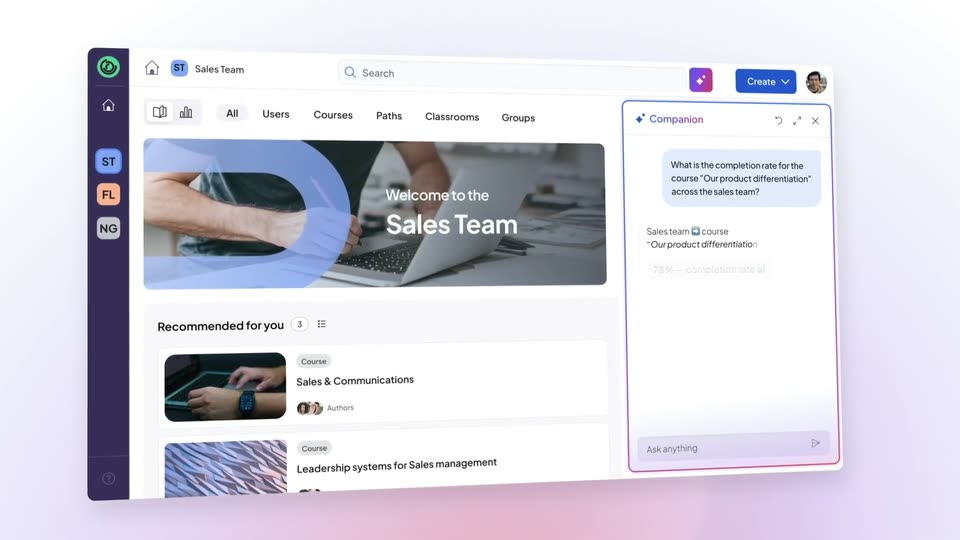 0:49–0:51360 learning · Why choose 360Learning?A tilted 3D interface of a learning platform fills the frame. The camera zooms into the right-hand AI Companion panel as its answer to a course-completion question types in, resolving on a 78% figure and a View dashboard link.
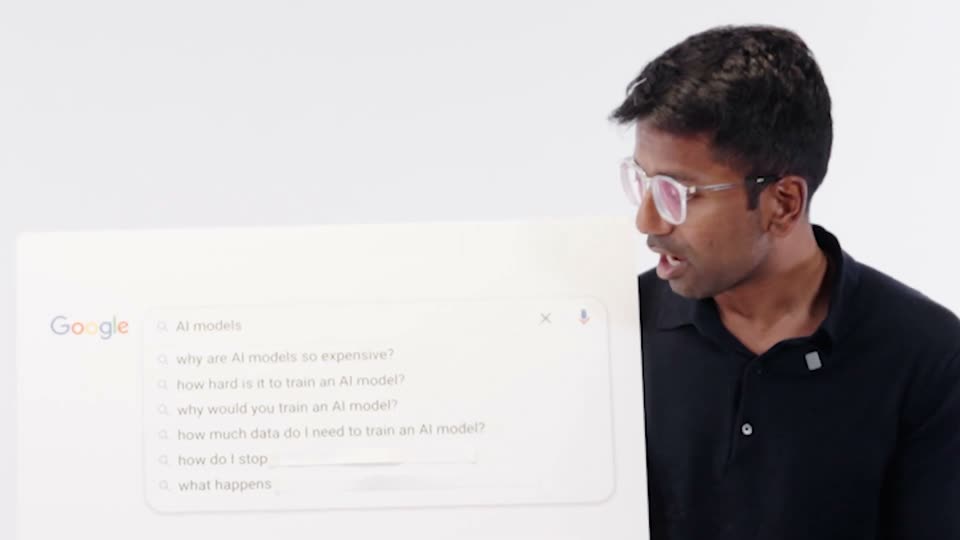 1:29–1:30Castform · girish - “don’t train your own model” is common ai advice. it's wrong. your toA man in a black polo stands beside a white card showing a Google search box with AI-related suggestions. The camera pushes into the card; one suggestion, “how much data do I need to train an AI model?”, takes a dark highlight box while the others fade.
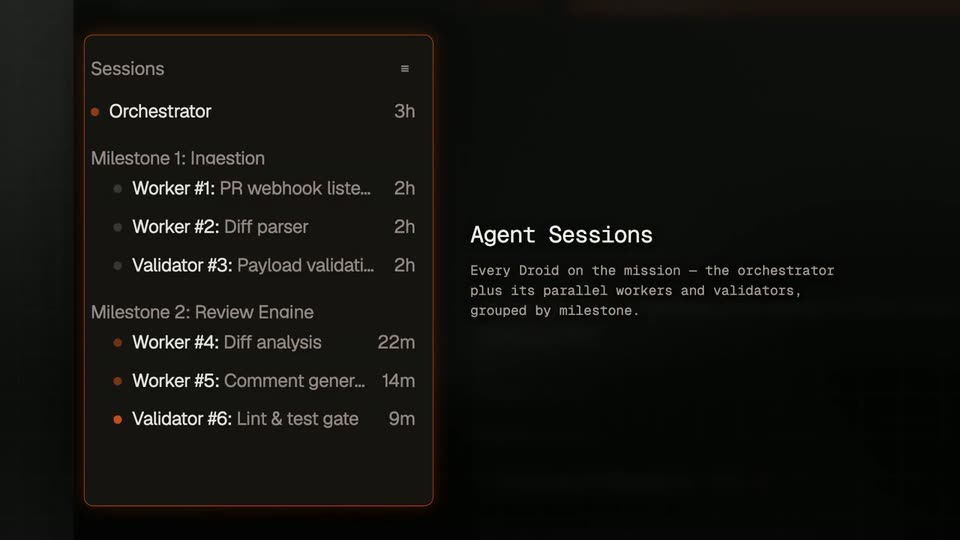 0:22–0:25Factory · Factory - Missions are now available on Factory Desktop.A white headline and gray caption brighten beside an orange-bordered sessions panel. The view zooms into the panel, then pulls back into a tilted 3D perspective of the full dark dashboard.
 1:24–1:26FurtherAI · FurtherAI - Today we're launching Eval Studio — a test bench for AI workflows inA close-up of a white card with an orange border holds a spinning logo, an orange disc and a blue paper plane. The logo rotates, then the frame zooms out to reveal a full interface: a left icon rail, a prompt box, and a two-column comparison table.
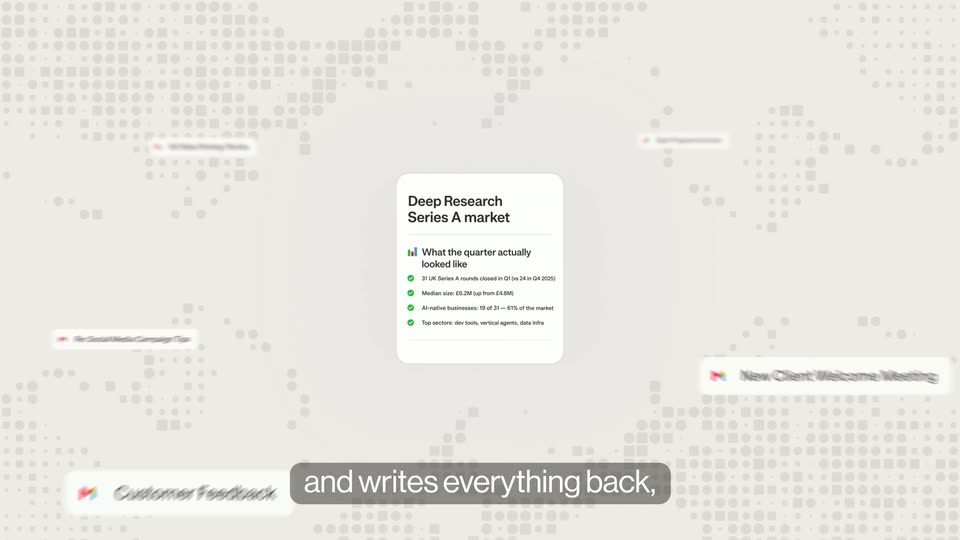 0:46–0:48Zaro · Michael Bajwa - In three years every company will have a context layer the same way eWhite rounded cards float in 3D above a blurred dashboard; the camera pushes in on the central report card as the background results list sharpens. A bottom caption pill swaps from “and writes everything back,” to “on a schedule that you set.”
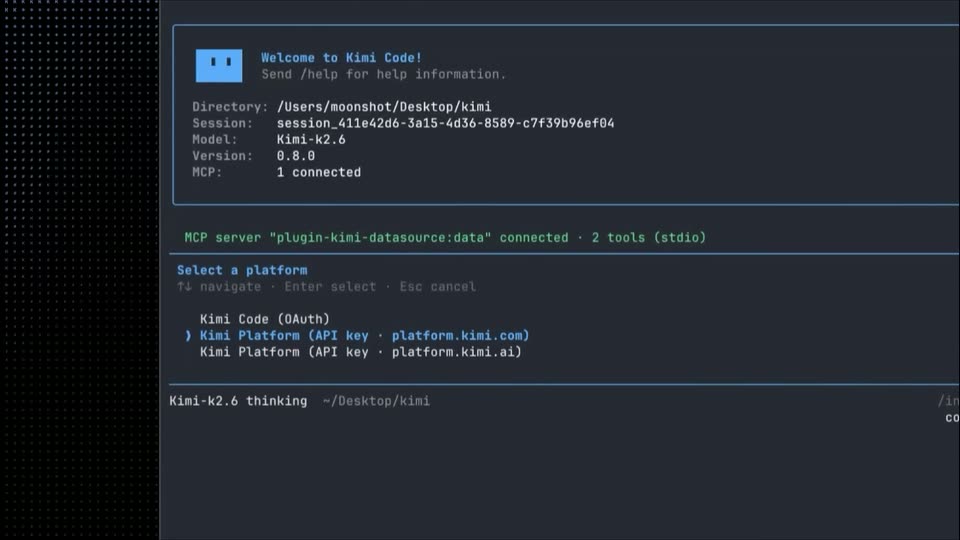 0:20–0:32Moonshot AI · Kimi Code, our open-source coding agent, just got a major upgrade!A dark macOS terminal window sits on a dotted black field. The frame zooms in as the prompt types cd ~/desktop/kimi, then kimi, opening a welcome panel with session details. A /login menu lists three platforms; the selection arrow moves down and a logged-in line appears.
 0:21–0:24Lattice Health · Lattice Health: Your AI Governance TeamThe camera zooms into a dark navy Lattice interface from the logo; a hand cursor moves down the sidebar and selects Compliance, which highlights as detail cards appear on the right.