1:48

Introducing Oz: the orchestration platform for cloud agents
Warp · Developer tools · Feb 2026
Superhuman · Jul 2026 · 1:05 · AI-annotated
Superhuman’s 1:05 launch film runs 28 scenes, about 2.3 s each. The product shows up at 0:16 and 4 features are revealed. The call to action lands at 1:00 (93% in), over a voiceover. The video runs from a dark spotlight problem statement into a light product world, then plays four short feature beats, each opened by a voiceover line and shown as a 3D tilted UI card on a pastel field, before closing on a typed tagline and a Try now card. Its signature moves are the letter by letter typing caret, blur transitions between the black challenge stage and the pink product space, and circular headshots drifting in depth to signal collaboration.
Is this your launch? to your site or press kit.
Warp · Developer tools · Feb 2026
LangEase · Sep 2025
A horizontal pill-shaped bar rests under a cone of white spotlight on a black stage. The shot opens soft and out of focus, then racks sharp onto the object.
Techniques: 3D mockup
Camera: Static
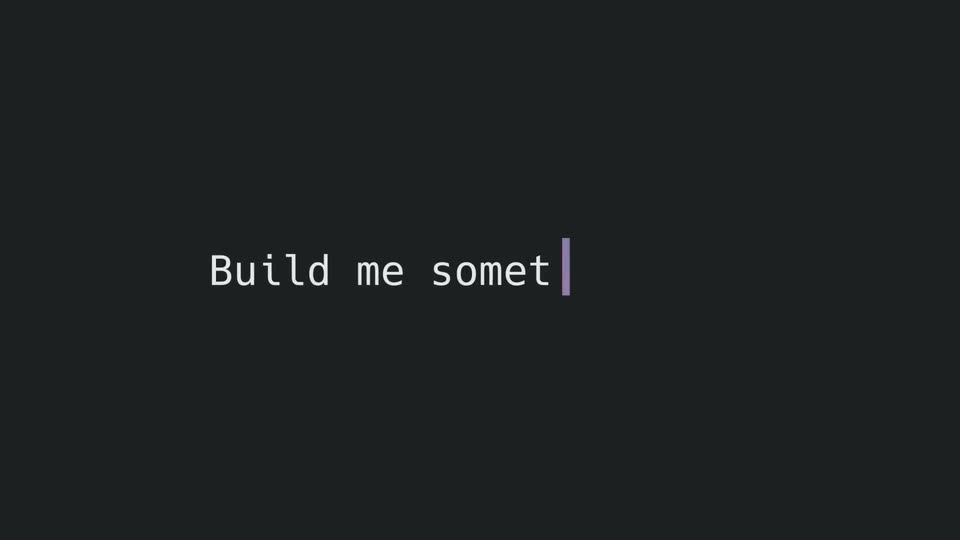
A dark rounded search bar floats under a spotlight on a black stage. A blinking cursor types a sentence about artificial intelligence into the bar, which wraps to two lines, then the whole bar slides up and blurs.
On-screen text: “Artificial intelligence has created a real challenge...”
Techniques: Kinetic type
Camera: Static
A dark grid of prompt cards types out example questions, then the tiles blur and reflow into response panels with code, bullets and logo cards. Circular headshot avatars with white cursor arrows point at each result. The frame stays locked off, edges blurred.
Techniques: Kinetic type, Morph, Cursor demo
Camera: Pan
A dark chat interface holds three message cards: a code block on the left and two text-plus-image cards on the right, each stamped with a circular video thumbnail. The whole frame drifts sideways with motion blur.
Camera: Static
A Notion-style launch document is shown in 3D perspective, the camera zooming in and scrolling from the title through a team grid and a milestones table. Circular headshot avatars of the team float in depth around the page as it tilts into a soft pink backdrop.
Techniques: Speed ramp, Parallax, UI zoom, 3D mockup
Camera: Pull out
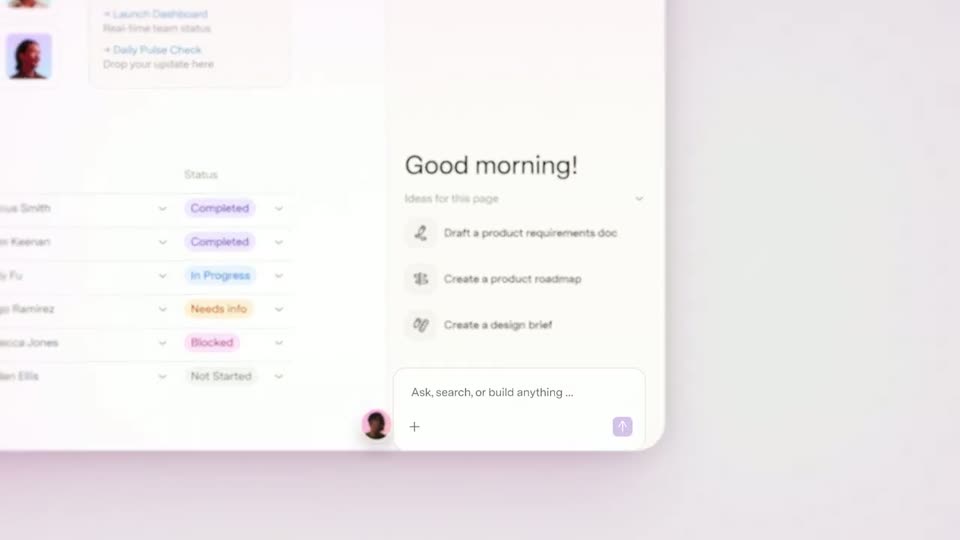
A product dashboard floats in 3D perspective, a team status table on the left and a Good morning ideas panel on the right. The two panels drift at different speeds, a small avatar with a pink ring pops in at the lower left.
Techniques: 3D mockup, Parallax
Camera: Pan
A white app panel sits in 3D perspective on a soft lavender background, showing a status list and a Good morning panel with prompt ideas and an input field. A round avatar slides up from the bottom left while a small pointer appears at the input box.
Techniques: 3D mockup, UI zoom
Camera: Pull out
A blurred dashboard recedes into a plain lavender field behind a centered white input card with a purple border. The prompt “Create a tracker based on our launch strategy page” types out letter by letter with a blinking caret.
Techniques: Kinetic type
Camera: Static
A white prompt card with a purple outline sits on a soft pink gradient, showing a user request and a small avatar. The card clears, then tilts into 3D perspective, revealing a Launch Tracker panel behind it while a new prompt types out in front.
Techniques: 3D mockup
Camera: Static
A tilted 3D mockup of the Launch Tracker interface rests on a soft pink gradient. A centered prompt box types a campaign-timeline request, clears, then types a second prompt as a pink glow fills the box from below.
Techniques: 3D mockup
Camera: Static
A tilted stack of white UI cards floats on a pink gradient. A purple-bordered prompt box reads “Create a campaign dashboard with our Salesforce data.” The front timeline card cross-fades into a dashboard with charts and metrics.
Techniques: 3D mockup, Morph
Camera: Static
A white dashboard card floats in 3D over a pastel pink gradient, backed by stacked sheets. It flips in place, its title mirroring mid-turn, to reveal a Campaign timeline card behind, then settles at a slight angle.
Techniques: 3D mockup, Parallax
Camera: Pull out
A white interface card shows a sidebar with a project list and a large pink gradient panel in the main area.
On-screen text: “PawsConsult Launch Hub”
Camera: Static
A tilted dashboard mockup titled Campaign Dashboard floats on a pale pink gradient, soft at first. The camera pushes in on the donut chart and activity bars while a comment card with an avatar and two icon cards, a heart and a bar chart, hover at the right edge.
Techniques: 3D mockup, UI zoom
Camera: Push in
A pale pink dashboard slowly zooms out, settling two floating cards into frame: a donut chart with a lead legend on the left, and a chat card on the right where a message and several circular avatars slide in around a magenta heart icon.
Techniques: UI zoom
Camera: Push in
White dashboard cards on a pale pink background pan downward, sliding from a leads donut chart and a comment card with avatars onto a blue bar chart at the bottom.
Camera: Pan
A white card with a blue gradient bar chart and a June dropdown sits on a soft pink field. A rounded purple sparkle icon fills from a light outline to solid purple, and a circular avatar of a man with a small pointer rests at the lower right corner.
Camera: Static
Close-up of a white rounded command field on a blurred pastel dashboard. The phrase create a weekly team update types out character by character behind a blinking caret, flanked by a plus icon and a purple arrow button.
Camera: Static
A white prompt box reads “create a weekly team update” beside an up-arrow send button. The frame then softens into a heavy blur of a colorful analytics dashboard, with donut rings and green and blue bar charts.
Camera: Pull out
A white modal titled 'Create a weekly update' lists Salesforce, Calendar and Slack with toggle switches, two on in maroon, one off. The card zooms in as the blurred dashboard behind it fades to plain pink, and a circular avatar of a smiling woman appears at the bottom right.
Techniques: UI zoom
Camera: Push in
A light product settings list scrolls down, centering the Slack row, which expands to reveal a white detail card with a channel name and two lines of body copy. Dark purple toggles with white checkmarks sit to the right of each source.
Camera: Push in
A white rounded notification card sits centered on a pale lavender field, its circular avatar holding a red shape, a gray cat and the multicolor Slack mark. The title reads PawsConsult Launch channel with now at the right. The card then slides right with horizontal motion blur as the clip ends.
Camera: Static
A soft pink gradient holds a two-pane meeting-notes interface that starts blurred and racks into focus. Left: a topic table with assignee avatars and a 'Discuss' column of avatar clusters. Right: a floating card repeating the title and updates.
Techniques: Split screen
Camera: Push in
A light meeting-notes table with Topic, Who and Discuss columns fills the frame. An illustrated avatar in a pink circle glides left across the rows as a purple 'Add to task list' pill with a sparkle icon pops in. The rows shift, text overlapping mid-motion.
Techniques: Cursor demo
Camera: Push in
On a soft pink gradient, a white rounded card assembles in the center: a purple 'Add to task list' pill settles into the header, the reminder text and Accept/Dismiss buttons fade in, and two circular headshot avatars pop in at the lower left and right.
Camera: Static
A white “Add to task list” card with Accept and Dismiss buttons sits centered on a pink gradient. Circular headshots and short chat phrases drift around it while the card slowly loses focus and blurs.
Camera: Pan
On a pale pink gradient, dark maroon sans-serif lines type out behind a purple caret, while circular headshots drift in from the edges and settle into a row beside the last line. Small chat and heart icons pop in between the words.
On-screen text: “plan together”, “understand together”, “build together”
Techniques: Kinetic type
Camera: Pull out
A lavender document icon starts centered on a pale pink field, then slides left as the SUPERHUMAN Docs wordmark appears beside it. Below, Try now types itself out letter by letter with a purple cursor, then holds.
On-screen text: “SUPERHUMAN Docs”, “Try now”
Techniques: Kinetic type
Camera: Static