UI zoom
A zoom or reframe onto one part of the interface.
10,003 scenes · page 98 of 167
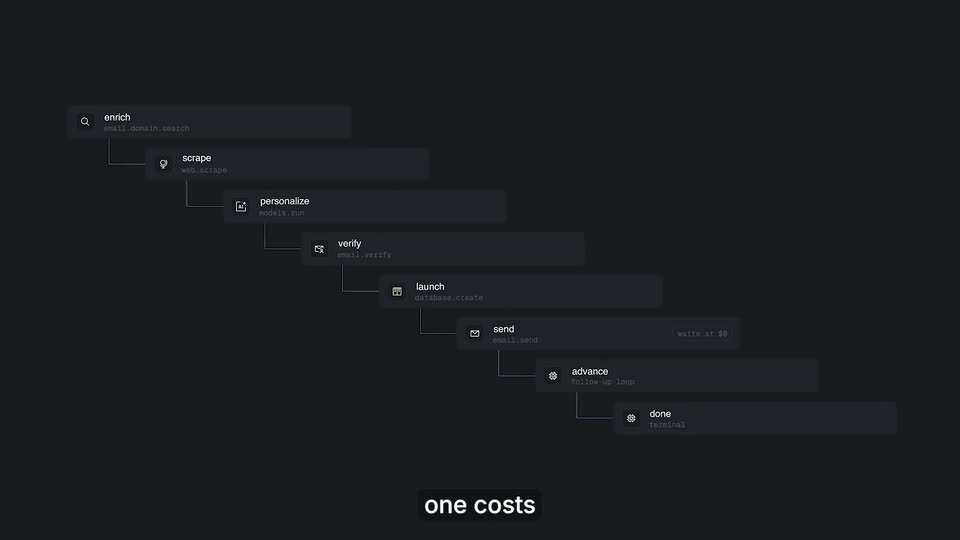 1:34–1:36Sapiom · Ilan Zerbib - @sapiom just raised a $35 million Series A from @dragonflyvc , @AccelA dark node flowchart zooms out from a close-up of the send step to reveal the full chain of steps, each card labeled with its action and sublabel, while white subtitle captions read at the bottom.
 0:35–0:36Sila · Introducing SilaFloating white channel and agent cards drift over blurred coral and blue spheres on a faint grid. The view zooms into the # Developers card, which fills the frame and resolves into the full channel view with a creation banner, a message, and an input bar.
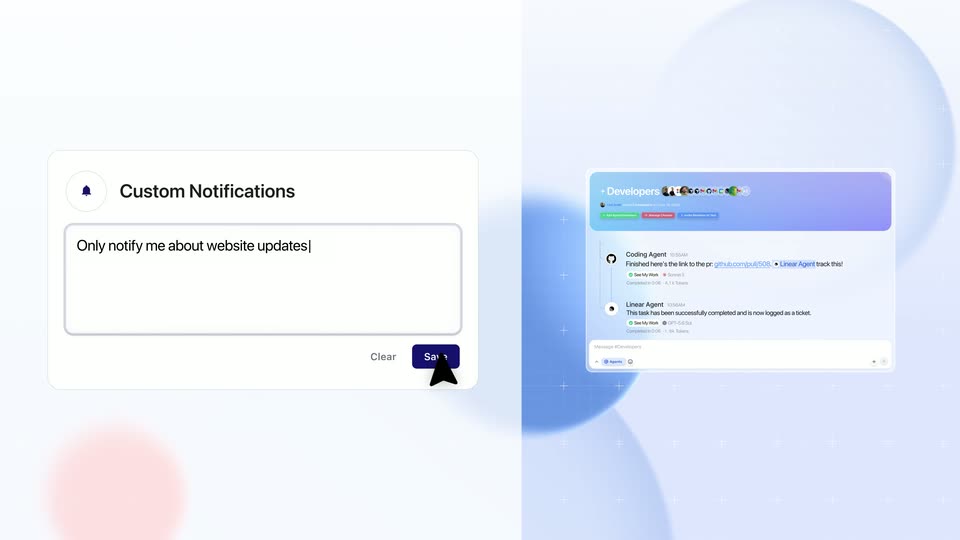 0:46–0:49Sila · Mith Paresh Patel - Introducing Sila backed by @ycombinator : Messaging built for 2026 AA blurry, zoomed-in view of two product panels pulls back to a locked-off layout: a Custom Notifications card left, a Developers chat card right. Text types into the notification field as a cursor moves to and presses the Save button.
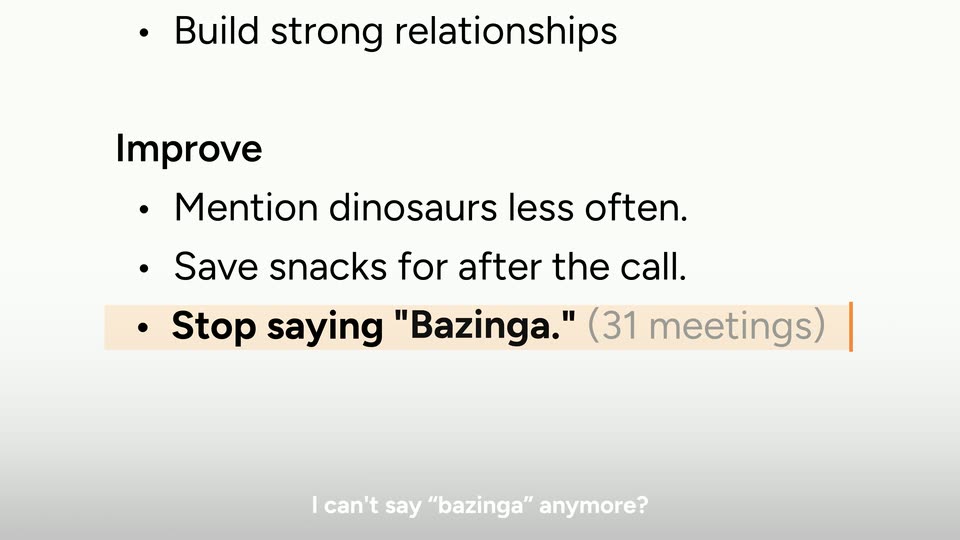 1:02–1:08Wispr Flow · Introducing NotetakerA light app window shows a call list sidebar and a chat pane. The view zooms into the pane as a Sales Coaching Summary types out; the last bullet, Stop saying “Bazinga.” (31 meetings), lands on a peach highlight with a caret, and a white caption appears below.
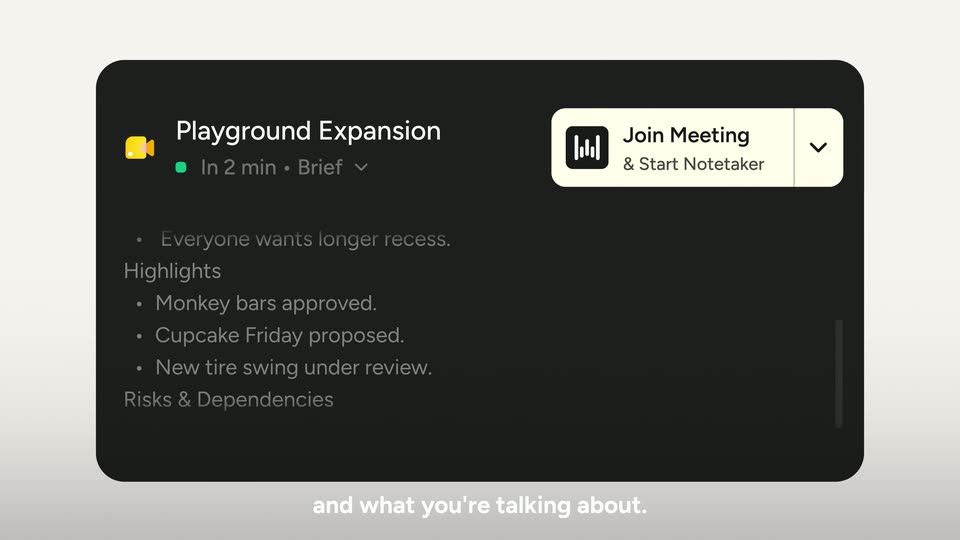 0:32–0:37Wispr Flow · Tanay Kothari - It's no secret how we feel about typing at Wispr Flow. The truth is,A dark meeting-brief card is centered on a light gray field. It scales up while its list scrolls down through Purpose, Key context, Highlights and Risks, and a white caption at the bottom changes lines. The card blurs out at the end.
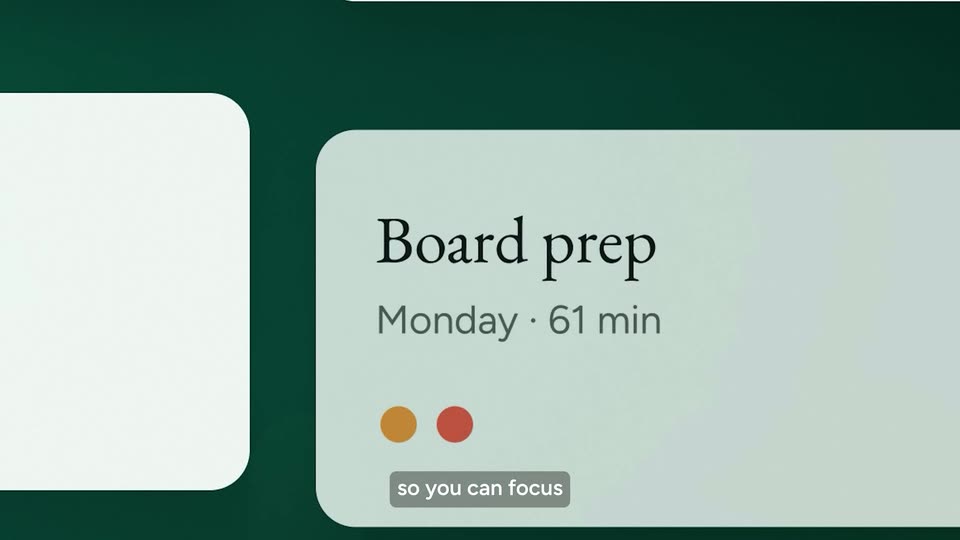 0:39–0:40Wispr Flow · Wispr Flow - We launched Notetaker today, and there's a few key features we're excA close-up of a dark green meeting card reads Board prep, Monday 61 min, with a caption pill so you can focus. The frame zooms out to a light green panel holding a grid of white meeting cards, the caption switching to on being present.
 0:43–0:46Arcads · arcads AI - We raised $16M to build Claude Code for Meta Ads Introducing Mark: TA dark prompt field types out “Create an unboxing style review video, use some of my B-roll assets,” then the frame zooms onto the up-arrow send button as a white cursor arrow glides in and presses it.
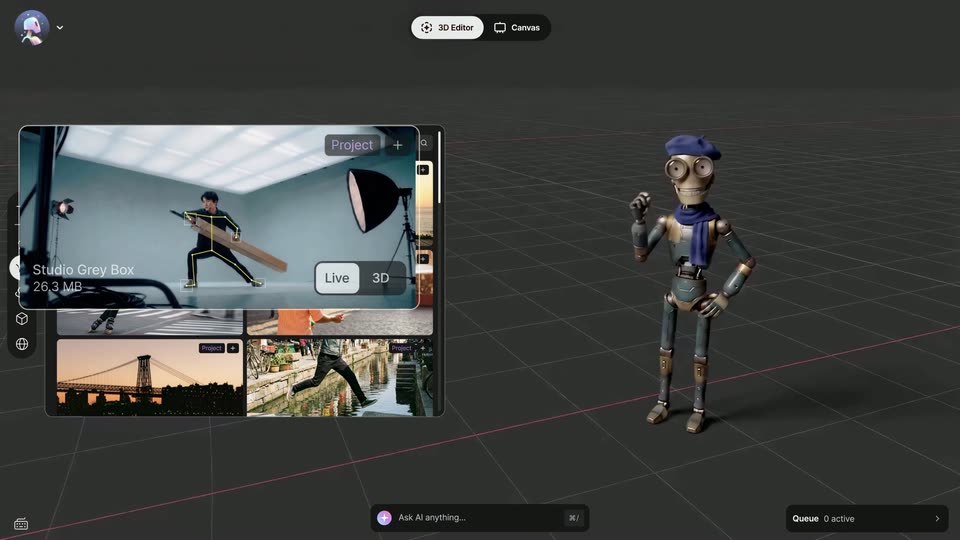 1:04–1:05Autodesk · Autodesk Flow Studio - AI video has a control problem. Most AI tools generate in 2D. FilmmaThe dark 3D editor shows an Animation Selector panel left and a beret-wearing robot on a grid floor right. The view zooms into the first thumbnail, a studio take with a yellow skeleton overlay on a person, as the robot slides out of frame.
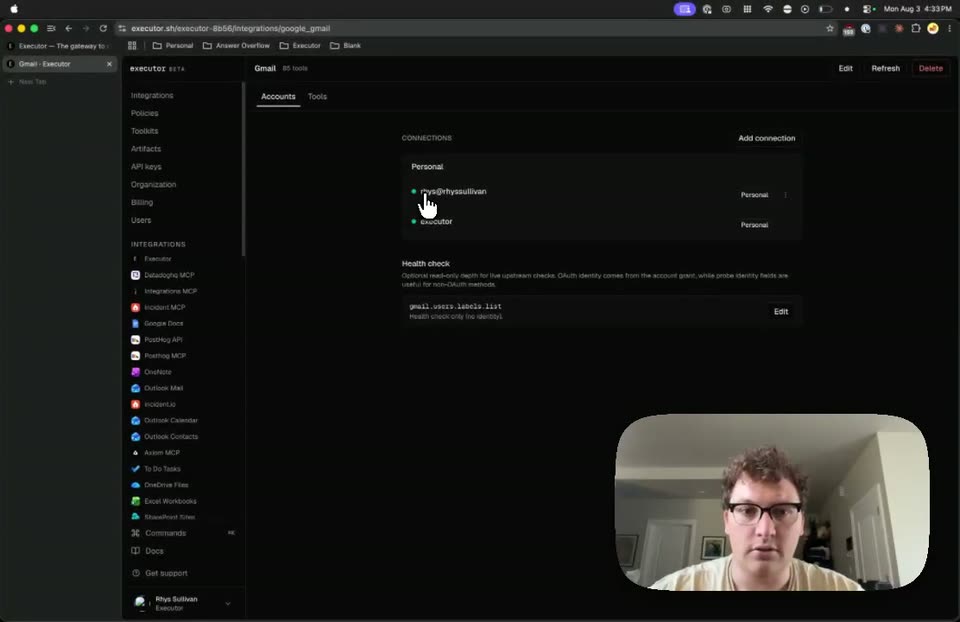 0:39–0:45Executor · Executor DemoA dark Gmail panel in the executor app lists two personal accounts, rhy@rhyssullivan and executor, under Connections. A white cursor hovers each row while a small webcam of a man sits in the lower right; the frame zooms into the panel, then pulls back to the full browser window.
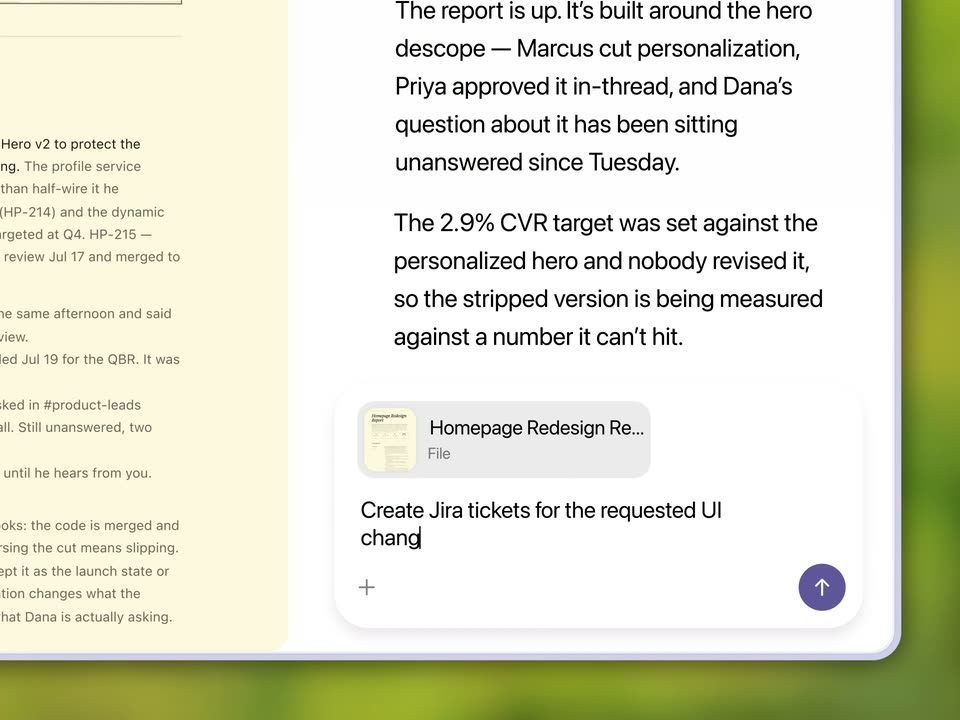 0:18–0:21The Browser Company · Dia - Context everywhere? In Dia, you can now swipe between Profiles, so yA 3D laptop mockup shows a two-pane workspace, a report document on the left and an AI chat panel on the right. The view zooms into the chat input as the prompt 'Create Jira tickets for the requested UI changes' types out letter by letter.
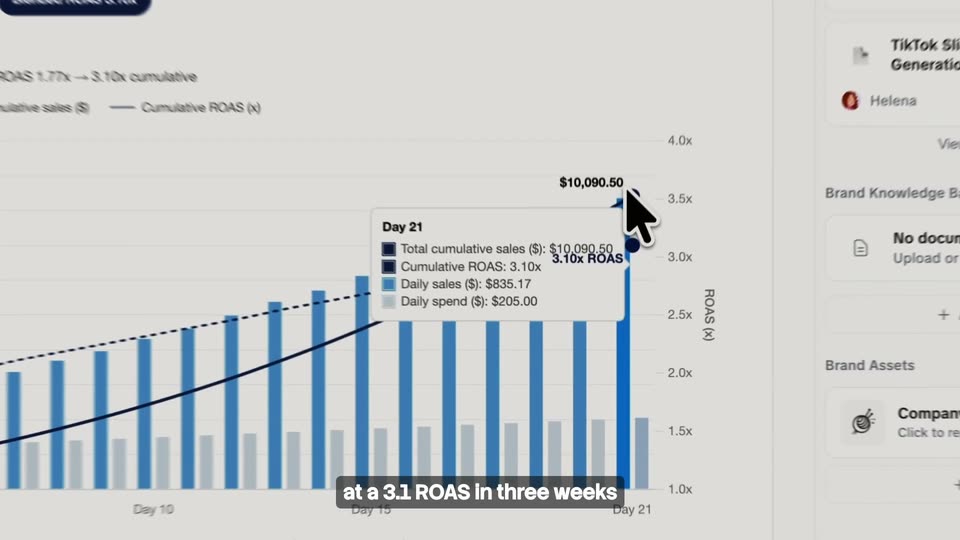 0:34–0:40Enrich Labs · Seijin Jung - introducing Helena, the world's first self-improving AI marketer. $1A light dashboard UI shows a bar chart inside a chat card. The view zooms in on the chart's right edge as a black cursor hovers the Day 21 point, while white captions on dark pills swap at the bottom.
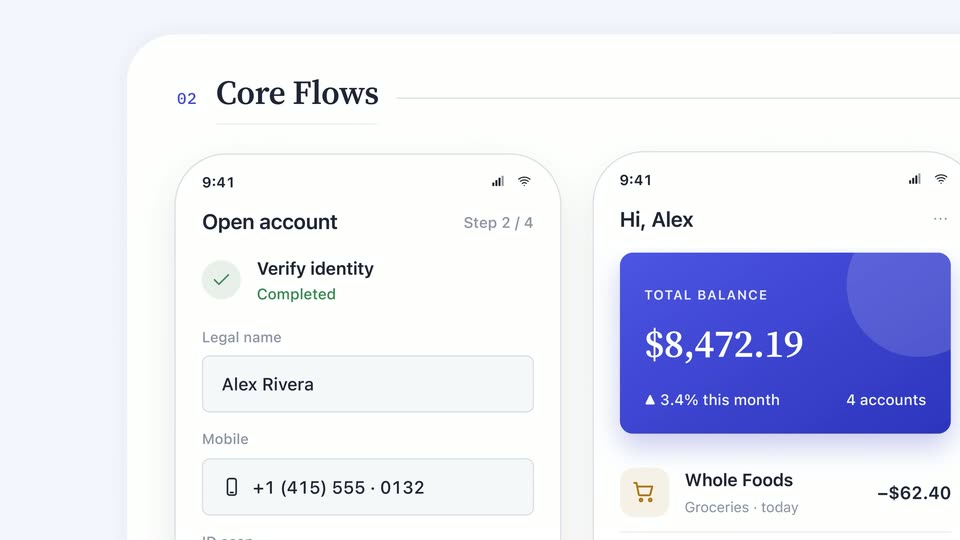 0:27–0:30Qwen · Qwen - Cowork: Any role, build beyondA design-system document fills the frame, showing a color palette, typeface list and component grid above a row of four phone screens. The view scrolls down to reveal the labeled flow screens, then zooms in on the Core Flows heading and the first two phones.
 1:29–1:30Scalar Field · Amandeep Singh - We’re incredibly excited to share what we’ve been building over the pA white circle shrinks away to reveal a desert news clip with a military launcher behind a fence, captioned by a red BREAKING tag and a white headline. The shot cuts to a light UI card where Add Trading Platforms and Add Data Sources buttons sit in a row.
 0:24–0:25Superblocks · Brad Menezes - Today we’re partnering with AWS to launch Superblocks 3.0: the secureA koala logo hovers above a prompt card on a light background as a black cursor waits. The card fills with a typed CRM request, then the frame widens to a full app window with a sidebar and a planning line typing out. A caption pill sits at the bottom.
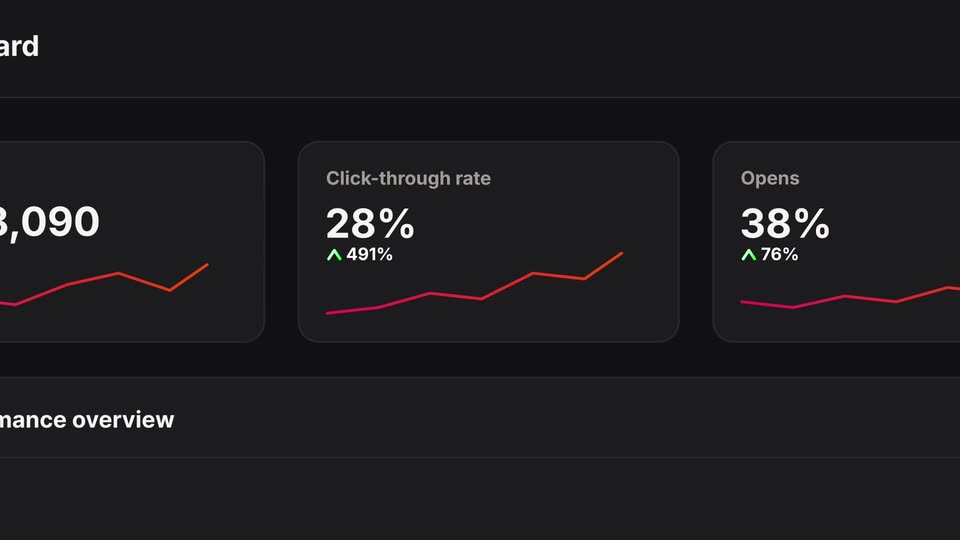 0:15–0:19Migma AI · Taha - a product this good deserved a launch video that matched it. so we bA dark analytics dashboard fills the frame. The camera zooms in and pans right across three stat cards for Revenue, Click-through rate and Opens, their figures counting up, while a red glow highlights the middle card.
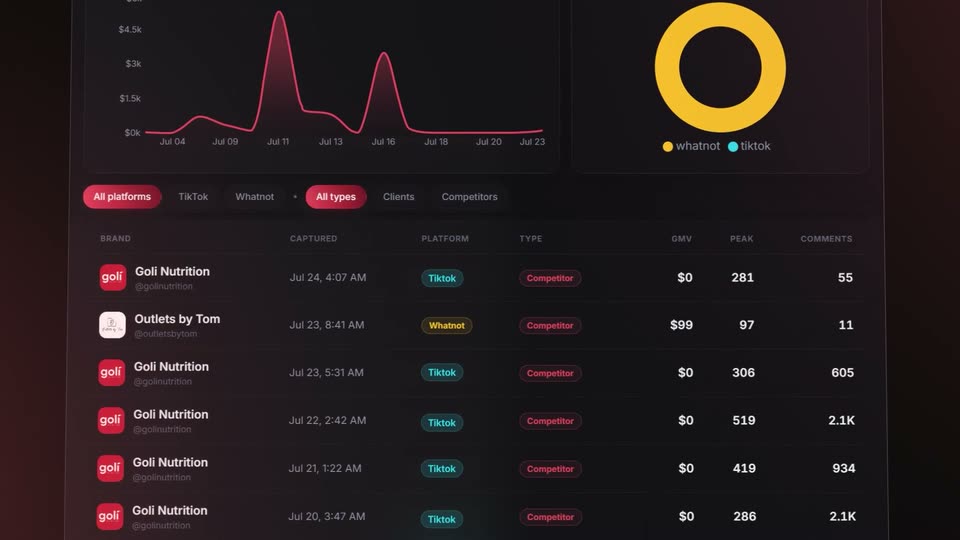 0:30–0:36GhostAgent · Editwhiz | Motion Designer - SaaS Explainer video for GhostAgent 👻 You can see here -A dark reports dashboard tilts in 3D on black, then the camera zooms and scrolls down through metric cards, a pink GMV line chart, a yellow donut chart, and a table of brand rows, as short captions slide in.
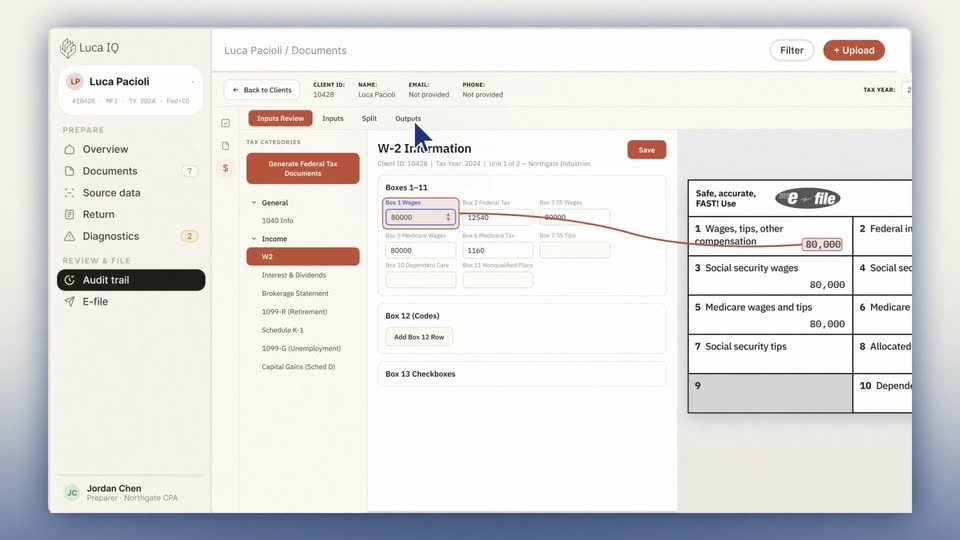 1:01–1:04Luca IQ · Luca IQ (YC S26) LaunchA close-up of the Luca IQ tax interface shows a cursor on a W-2 input field as a red line traces 80,000 to the matching box on the W-2 form. The cursor clicks the Outputs tab and the view reframes onto a Form 1040 with a calculation breakdown.
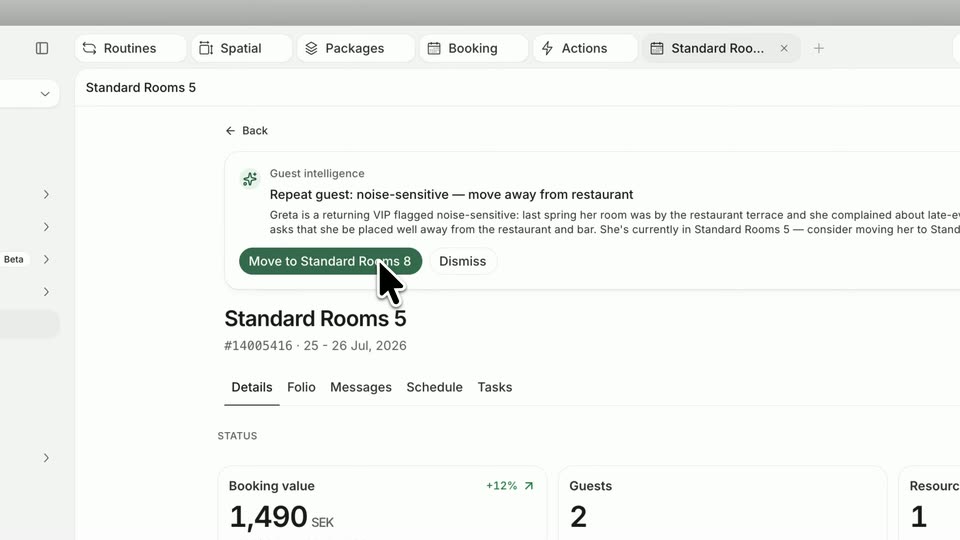 1:05–1:12Zaplar · Zaplar: the AI-native operating system for hotels (Y Combinator S26)A hotel booking page zooms into a guest-intelligence card that suggests moving a repeat guest to a quieter room. A cursor clicks the green move button, then the view pulls back to show the page retitled to the new room with a confirmation toast.
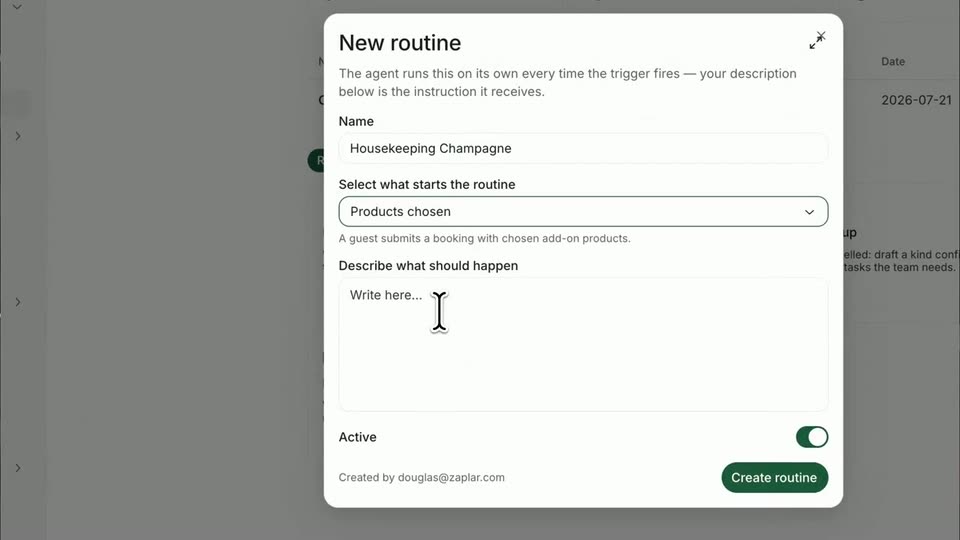 1:22–1:28Zaplar · Zaplar (YC S26) - Today, we're launching Zaplar (YC S26) Zaplar is the agentic hotel oA product UI shows a New routine dialog over a Routines page. A cursor types a name, opens a trigger dropdown, selects Products chosen, then types a description, while the camera zooms into the dialog and back.
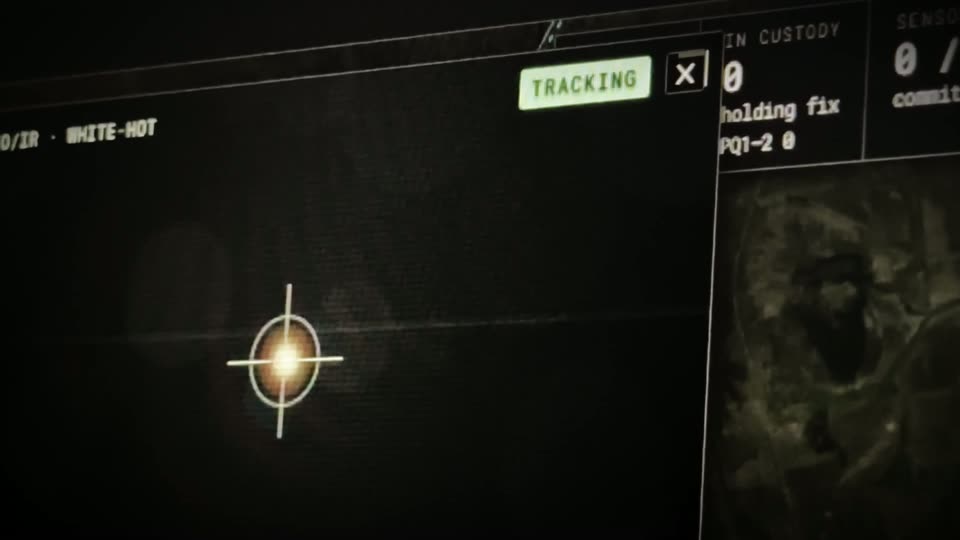 0:42–0:45Greypoint Industries · Greypoint Industries (YC S26) Official LaunchA dark drone-tracking interface fills the frame, a crosshair locked on a glowing orange target beside a panel of status readouts and a small terrain map. The camera slowly pushes in as a caption line types in at the bottom left.
 0:51–0:52MadeThis · MadeThis -- Build a business that runs itselfA tan fabric fills the top with the tagline MADE THIS OUT NOW, while two white pill counters with a yellow bubble and a blue plane sit below. The frame zooms into the counters as the numbers tick up from 6.1K to 6.5K and 2.2K to 2.3K.
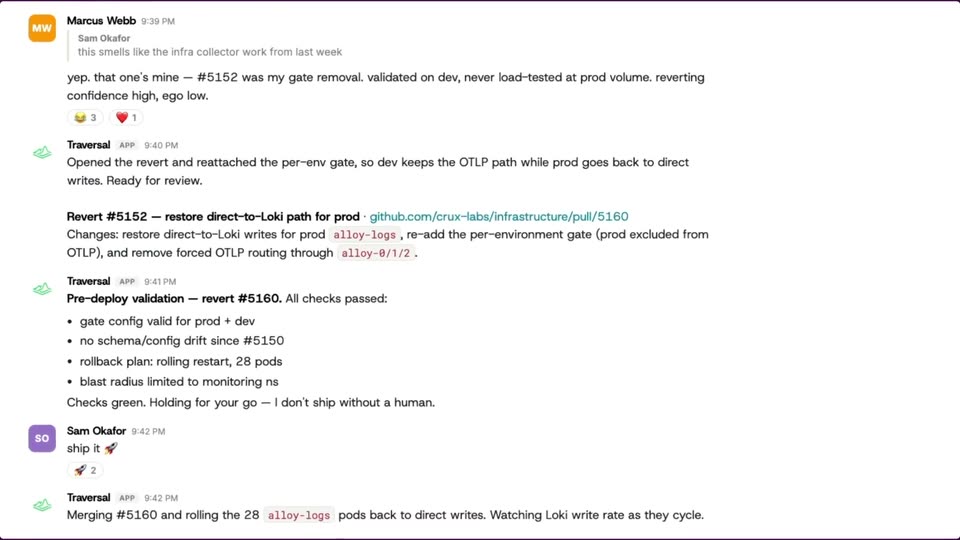 1:07–1:11Traversal AI · Introducing Traversal WorkersA blurred chat thread sits angled in 3D on a dark green starfield while two white headline lines hold on the right. The thread snaps into focus, flattens to fill the frame, then scrolls down through the messages.
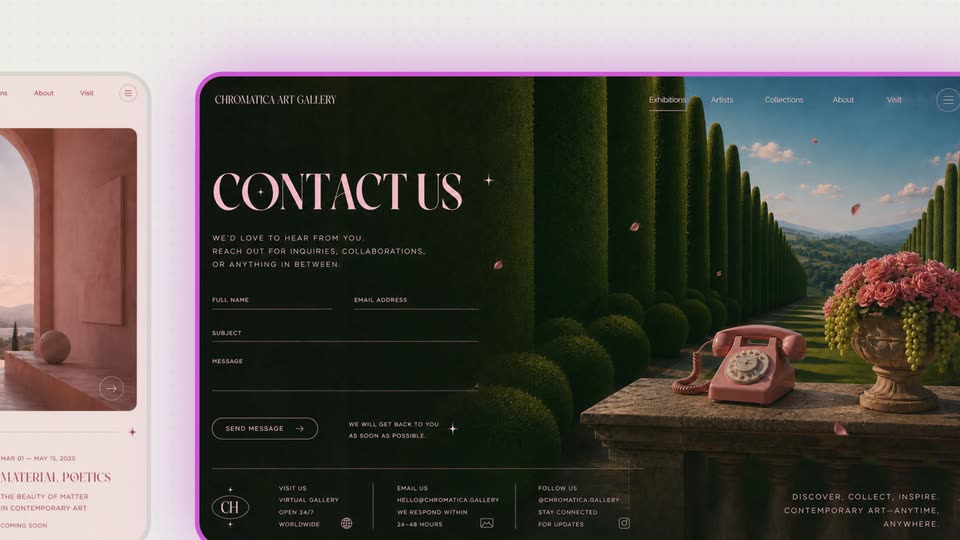 0:29–0:30Replit · Introducing Replit DesignThree rounded website mockups sit in a row on a pale gray field, the right one ringed by a pink glow. They drift apart and the frame pushes in until two full interface panels, a pink exhibitions list and a dark contact page, fill the screen side by side.
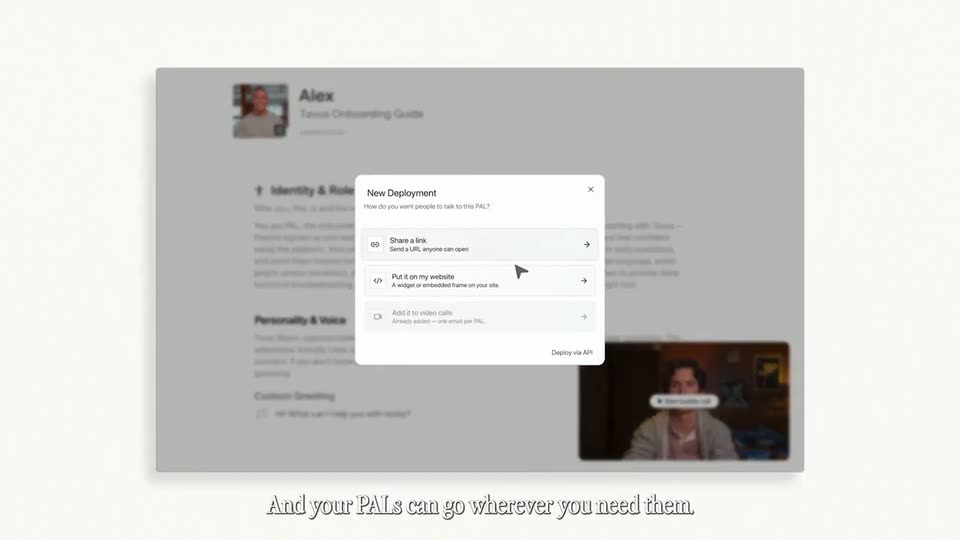 0:45–0:49Tavus · Tavus - Introducing Tavus PAL Maker. The first no-code way to build a PAL, aA white onboarding document for Alex slowly zooms in on a light gray backdrop, then a New Deployment modal pops over the blurred page with a cursor resting on the Share a link row, and a pink pixel mosaic rises from the bottom, covering the frame.
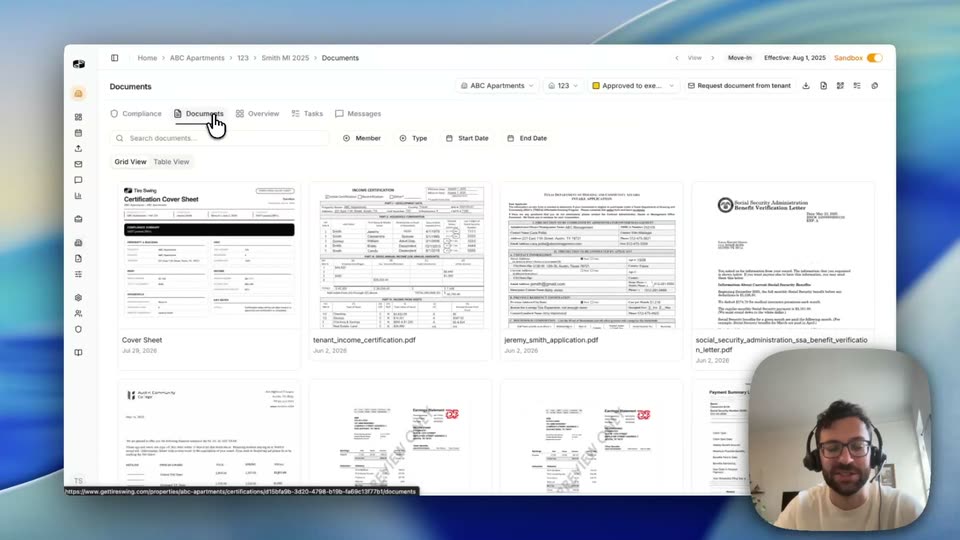 0:19–0:28Tire Swing · Tire SwingA product window on a blue gradient shows a documents grid; the view zooms in until the interface fills the frame. A cursor hovers a PDF thumbnail, popping up action icons, then scrolls the list to reveal more files. A presenter's webcam sits in the corner.
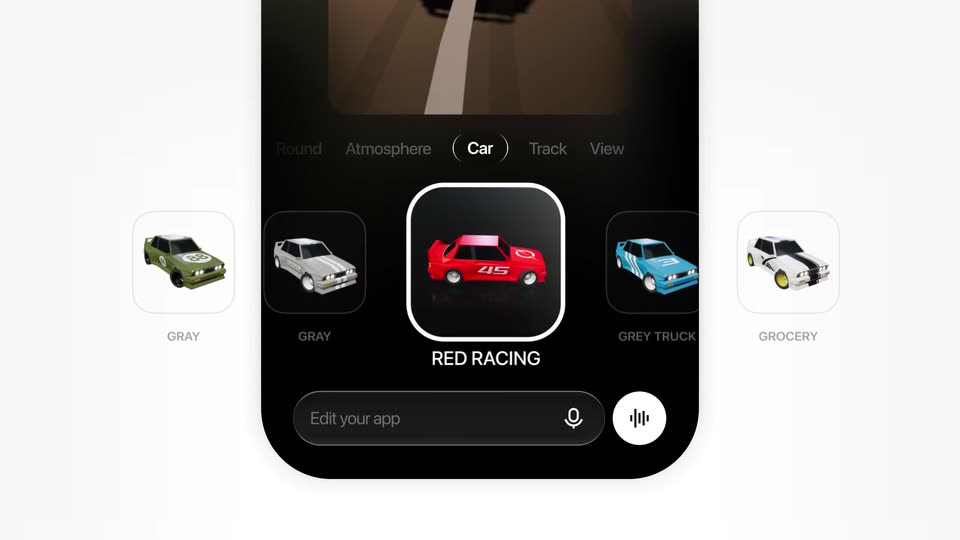 0:14–0:18xAI · Grok - Build apps from iOS, and Android. With one prompt, turn an idea intoA close-up of a dark phone screen shows a car picker; the selected RED RACING card scales up while the screen slides upward, then the word Build appears with a cube and rocket icon below.
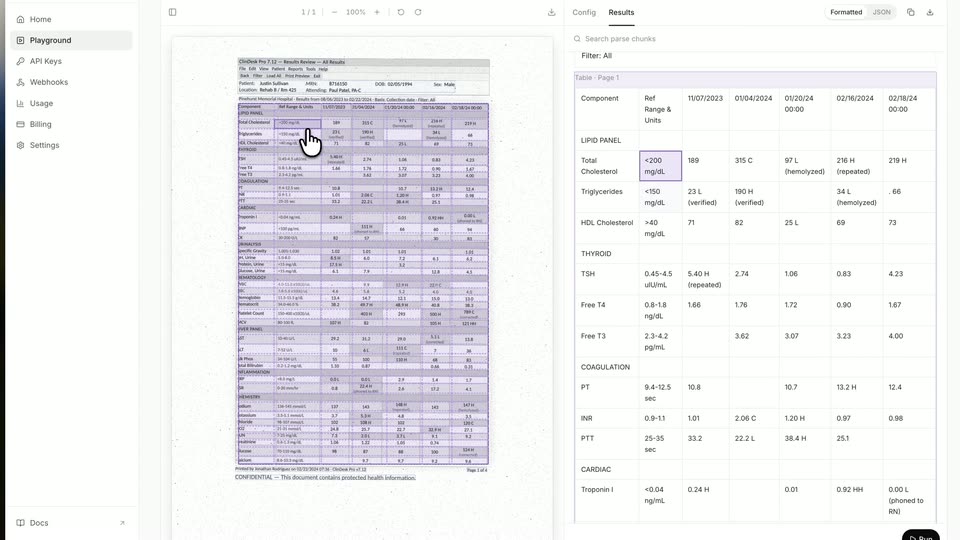 0:56–1:00Hanji · David Yu - Introducing Hanji. Turn your scanned, faxed, and handwritten documenA lab-results PDF sits in a document viewer beside a parsed table panel; a hand cursor clicks the lipid panel row while the view zooms out to reveal the window title bar.
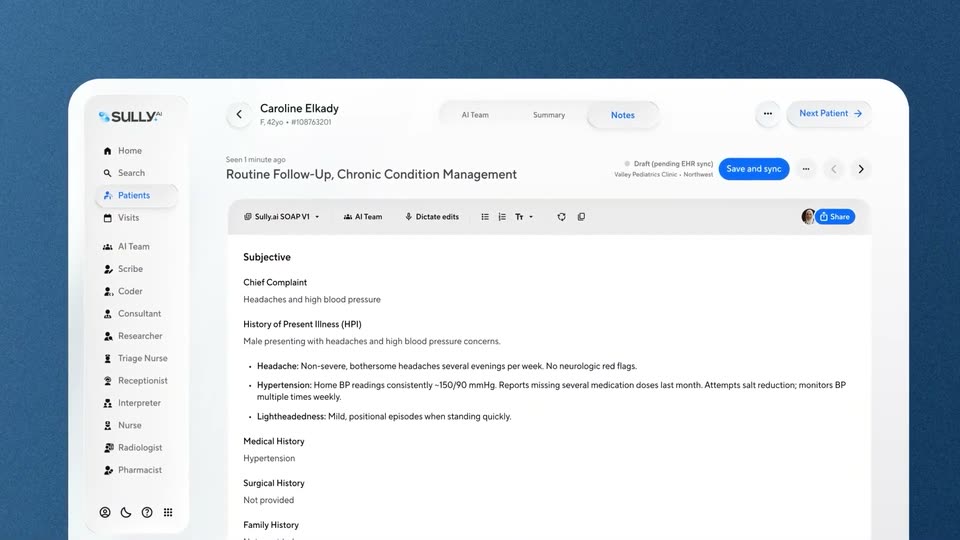 0:55–0:57Sully AI · Sully AI - 120 Second Product VideoA white health record interface card scales down to reveal the full patient notes layout against a blue textured background.
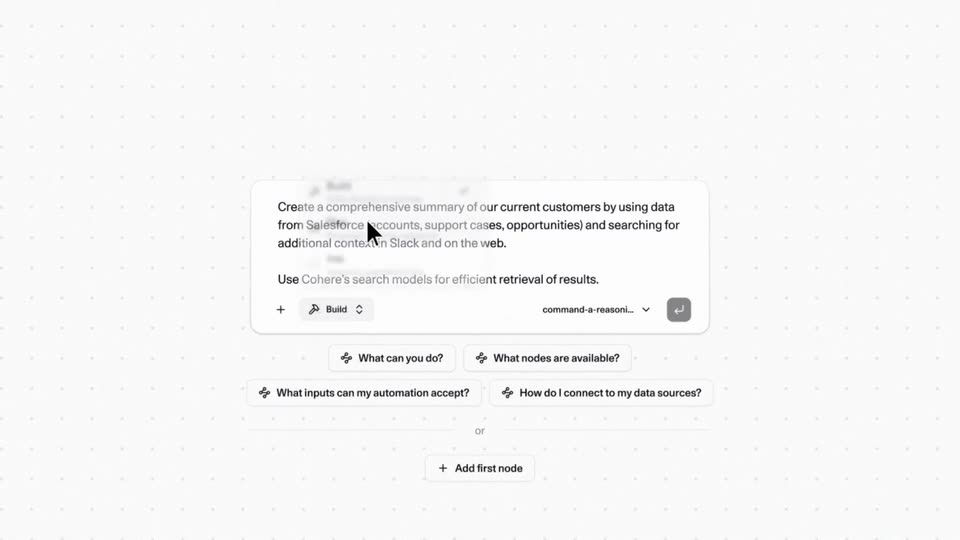 0:13–0:18North Automations · Cohere - Introducing North Automations Use plain language to design automatedA dotted-grid canvas zooms in on a white prompt card. The field types a sentence about summarizing customer data, a dropdown opens over the Build button and switches it to Plan, then a cursor presses the dark enter key and the interface blurs out.
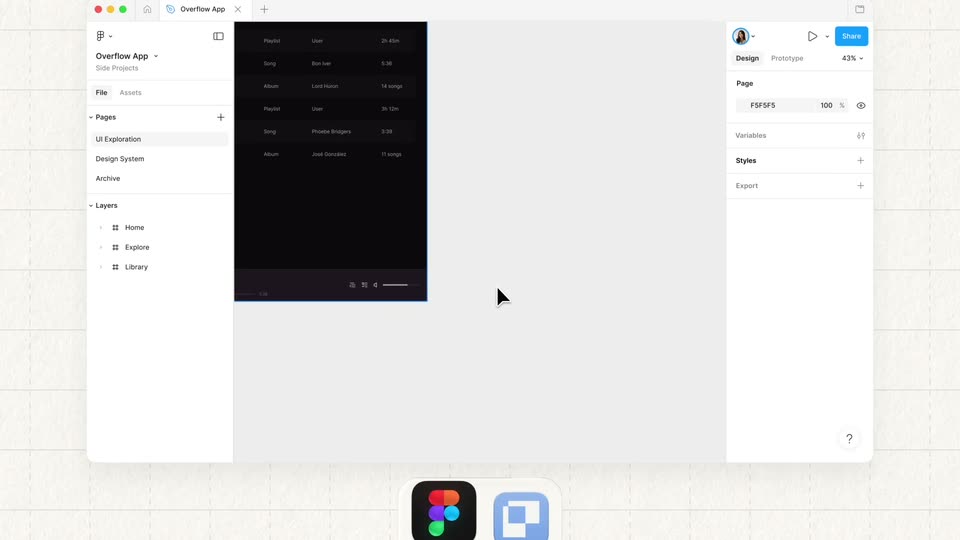 0:32–0:34Paper · Stephen Haney - Getting started in Paper is now really easy You can start your desigA cursor hovers the Copy row of a dark context menu, then the frame zooms out to a design-tool canvas holding a dark music player mockup, while two colorful app icons fade in at the bottom.
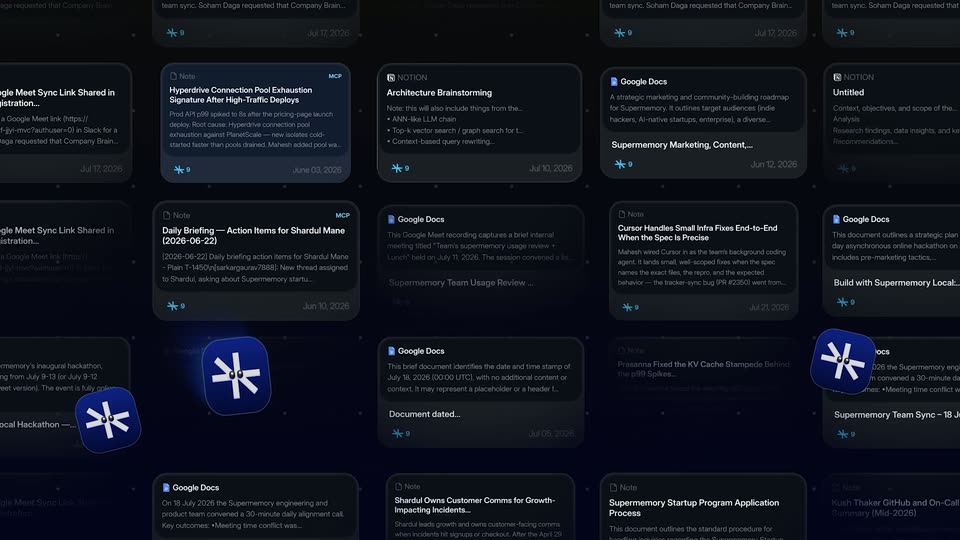 0:25–0:29Supermemory · supermemory - Introducing the supermemory company brain A super employee with allThe view reframes from three document cards to a full dark grid of Notion and Google Docs notes. Blue rounded-square mascots with a white spark hop between cards, highlighting each one they land on.
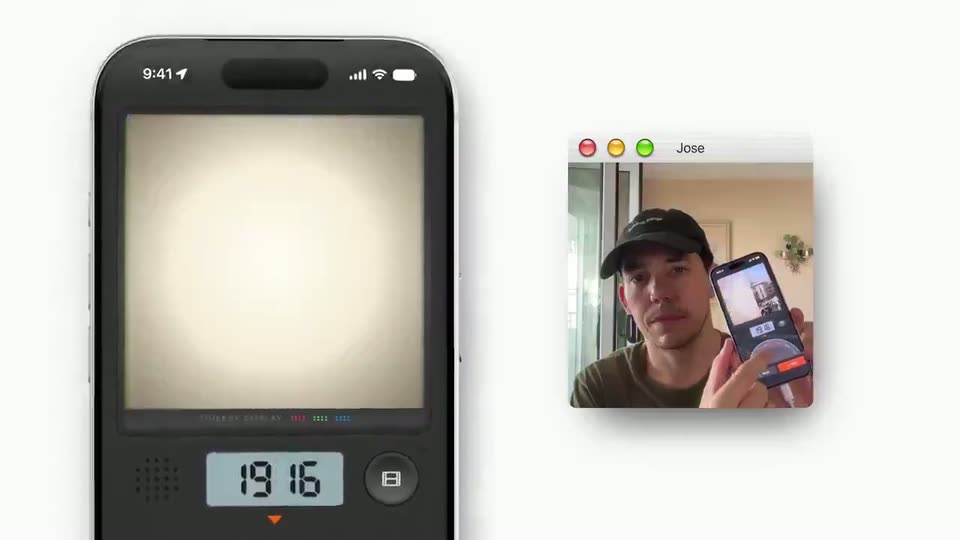 0:15–0:21Matte · Matte - Introducing Matte 2.0 Beta Capture & edit your screen and iOS apA split screen pairs a phone mockup on the left with a video call of a man holding the phone on the right. The app's year counts down from 2026 to 1850 as the footage ages, the phone scales up, and the call window shrinks before both slide off left.
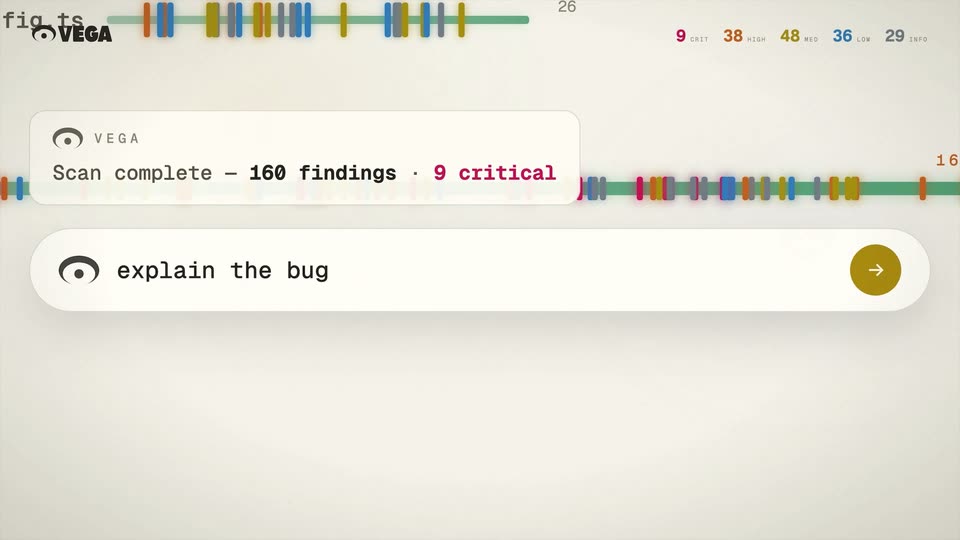 0:19–0:20NebuSec · Vega Launch VideoA command bar reads “explain the bug” under a “Scan complete” card, over a paper background with rows of colored severity ticks. The send button turns yellow, then both elements slide up and shrink while the view reframes onto the central timeline and “Vega is analyzing...” fades in.
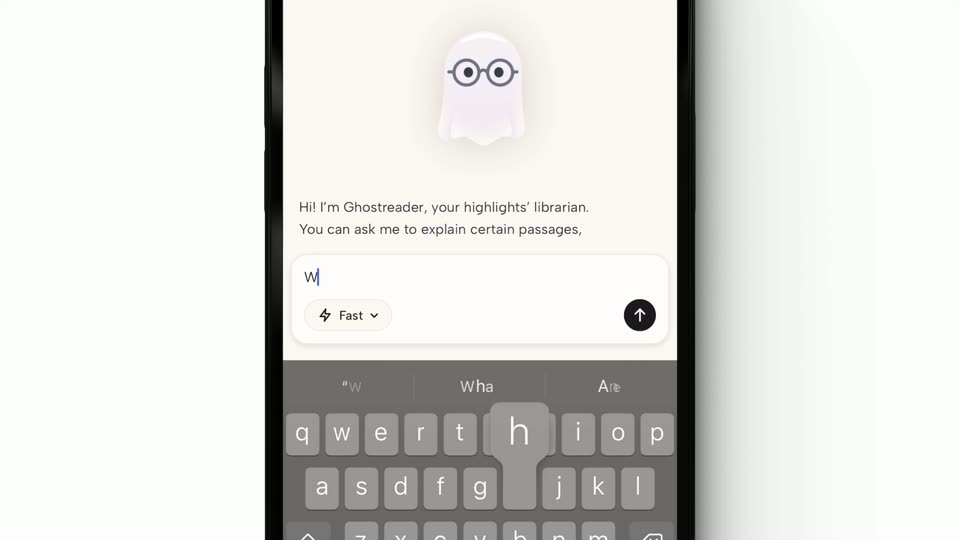 0:25–0:28Readwise · Readwise - Introducing: Readwise 2.0. The same app to easily revisit and learnA 3D phone mockup settles to a flat frontal view as the frame tightens on the chat screen. A ghost avatar with round glasses floats above a message bubble while a question is typed letter by letter into the input field.
 2:00–2:01Samsung · Introducing the all-new Galaxy Z Fold8 Ultra and Fold8 | Galaxy AI | SamsungA hand holds an open foldable phone at a cafe table, its screen showing a stacked pound cake topped with lavender. The camera pushes in, reframing closer and closer on the cake until the phone edges nearly fill the frame.
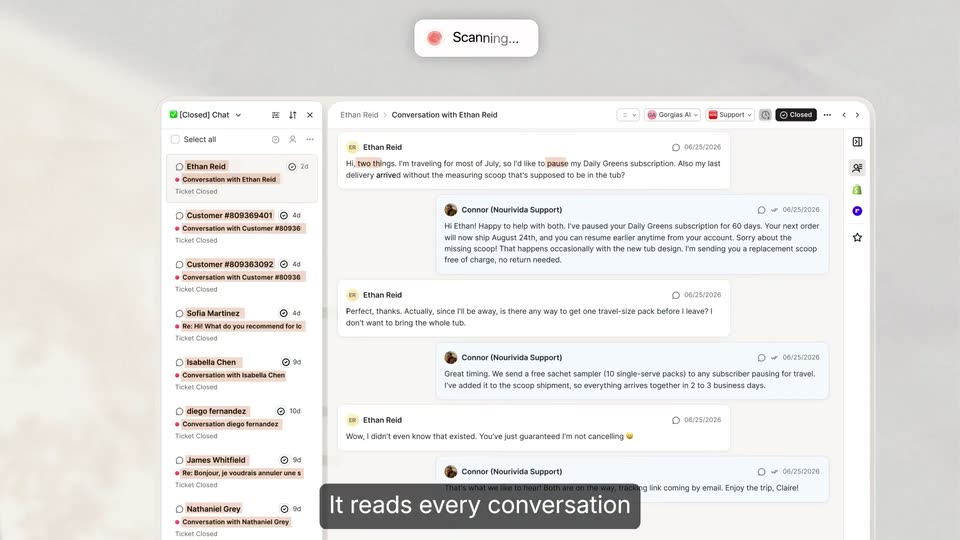 0:34–0:36Gorgias · Romain Lapeyre - We’ve raised over $100M to create AI customer support that doesn’t soA support inbox list and a chat thread sit side by side as the view zooms out to the full two-panel layout, a 'Scanning...' pill pulsing at the top. The bottom caption swaps from 'It reads every conversation' to 'and studies how our best support reps'.
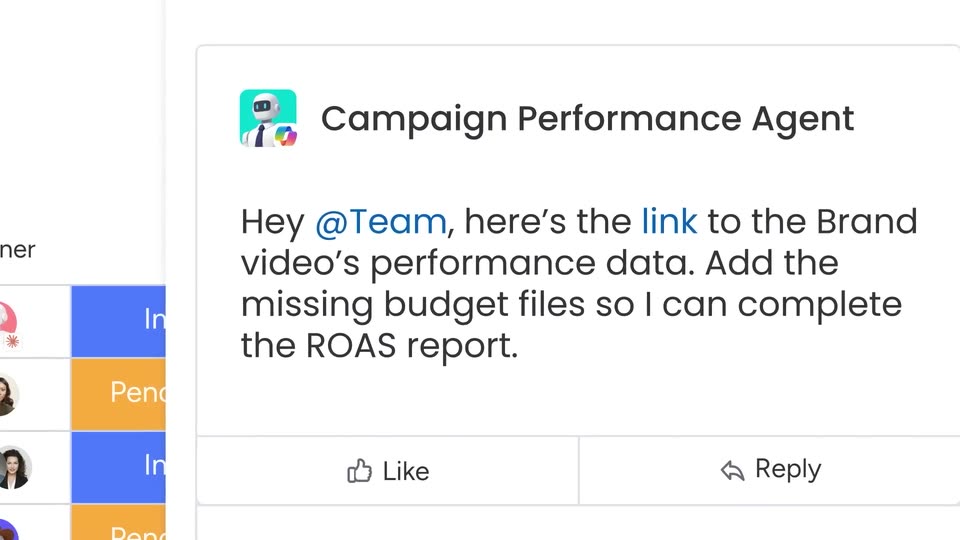 0:14–0:16monday.com · Welcome your AI agents to the team | The AI Work Platform by monday.comThe view starts tight on a comment card titled Campaign Performance Agent, then zooms out to reveal the full campaign board with task rows, owner avatars and colored status bars.
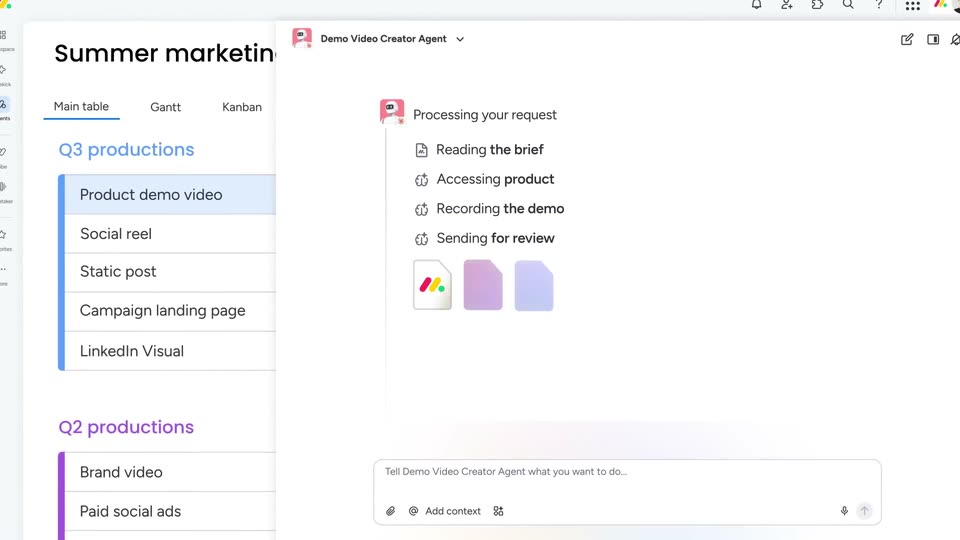 0:19–0:21monday.com · Welcome your AI agents to the team | The AI Workspace by monday.comA two-panel product view shows a task list on the left and an agent panel on the right. The frame pans right, cropping the sidebar, as processing steps fade in one by one and three colored file icons pop in beneath them.
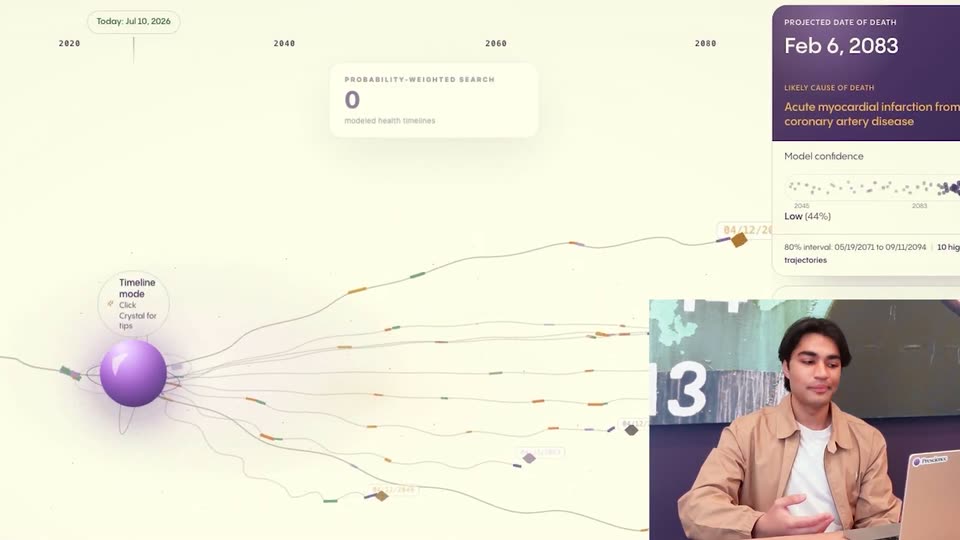 1:14–1:15Prescience, Inc. · Prescience - Launch YC - Modern Health InsuranceA cream interface shows a purple node with thin timeline lines radiating right, then reframes to a horizontal 2020-2080 axis with a large zero counter. A presenter in a tan jacket speaks and gestures in a bottom-right window.
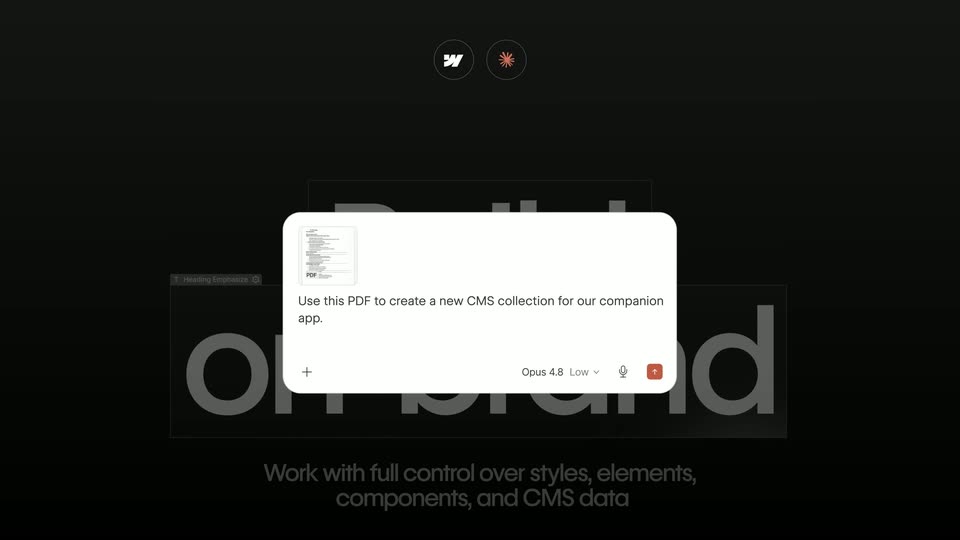 0:26–0:27Webflow · MCP 2.0: Don't Just Build Fast. Build for What's Next.A white prompt card holding a PDF attachment and a typed prompt slides up and scales down, revealing the full dark editor with left icon toolbar and right style panel. The white caption stays fixed at the bottom of the frame.
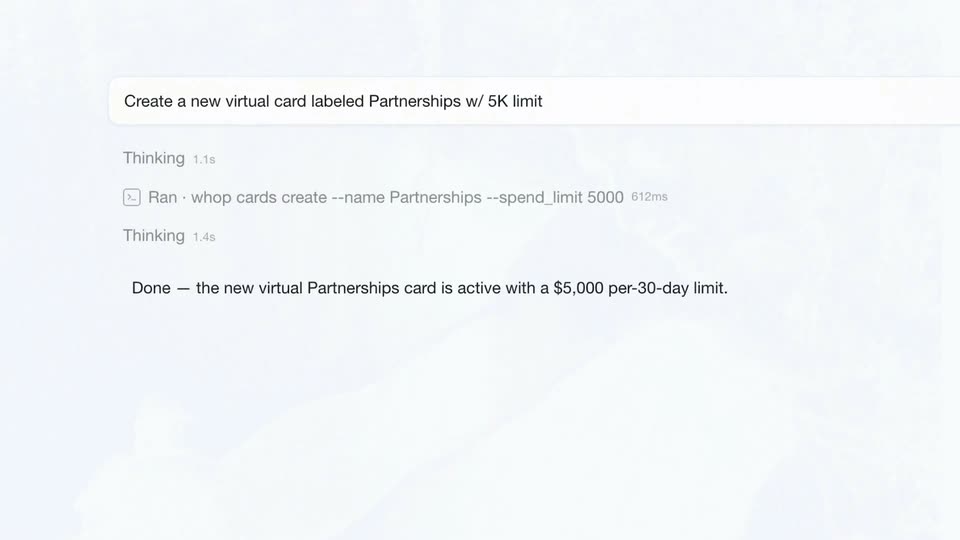 0:14–0:16Whop · Whop: eple8j fixedA rounded chat window on black zooms into the thread as the agent's command line and a Done confirmation settle in, then the large text “Move money programmatically” appears and holds the frame.
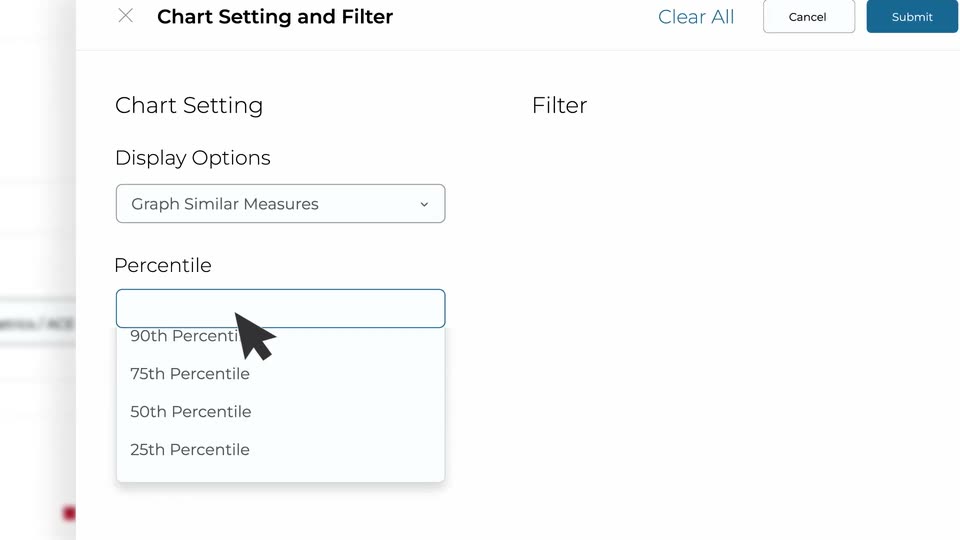 0:42–0:47American Heart Association · Healthcare Product Explainer Video | American Heart Association x MotionCueA black headline sits over the American Heart Association dashboard, then the view reframes onto a Chart Setting panel as the background blurs. A cursor opens the Percentile dropdown and selects 90th Percentile.
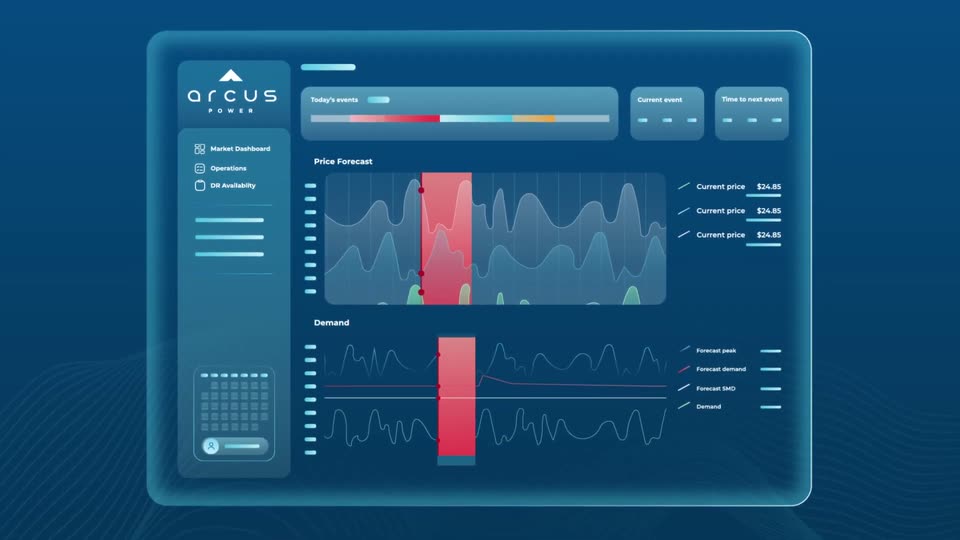 0:35–0:39Arcus Power · SaaS Product Explainer Video Energy Management Software | Arcus Power x MotionCueA 3D mockup of the Arcus Power dashboard floats in a blue space with wavy line texture. The camera starts tight on the Price Forecast chart and pulls back to reveal the full panel, sidebar and demand chart.
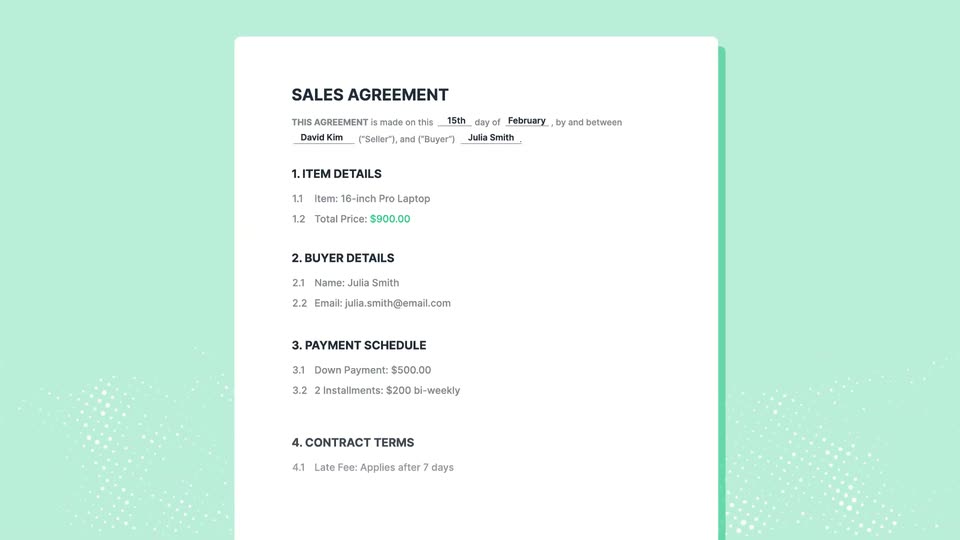 0:29–0:36Assuryn · SaaS Explainer Video FinTech Platform | Assuryn x MotionCueA white sales agreement page slides up into frame on a mint background, its sections scrolling into view, then the view zooms out to the full document as the buyer's signature types itself in.
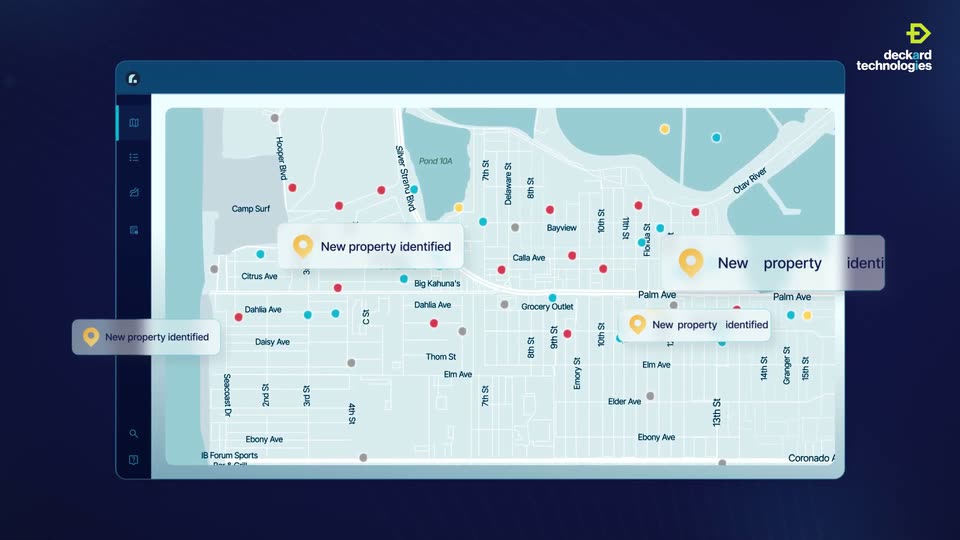 0:49–0:52Deckard · Property Management Software Explainer | Deckard Longterm Rentals x MotionCueA tablet mockup tilted in 3D perspective shows a light city map dotted with red, blue and yellow property markers. The map view zooms in and pans while three white 'New property identified' callout cards pop up at marker locations.
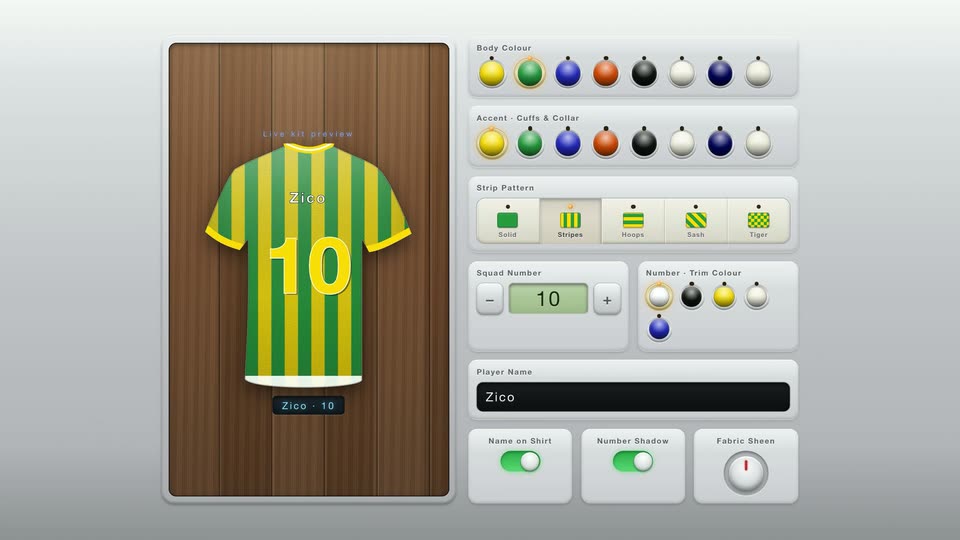 1:21–1:27Rivet · Sam Gorman - Today we're launching Rivet, a tool that explores dozens of interfaceA kit-customizer interface: a green-and-yellow striped jersey reading Zico 10 sits in a left preview panel that shifts from green to wood grain, while the right control panel with colour swatches and toggles pulls into focus. The UI then blurs into a desktop view showing a Photo Booth window.
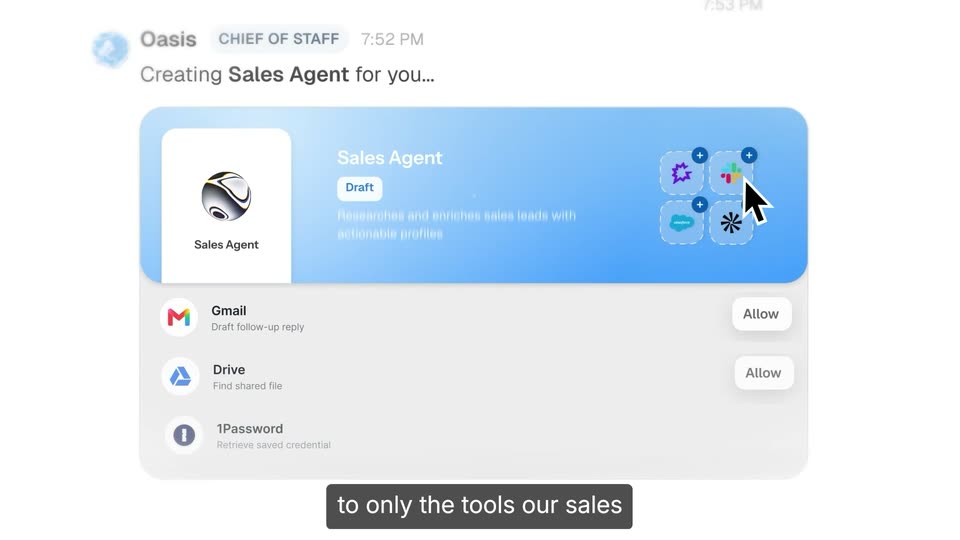 0:28–0:29Oasis · Stefano - Your next coworker won’t be human. Introducing Oasis: The first virtA chat view resolves from a blurred close-up to a sharp frame showing a blue Sales Agent card with a grid of tool icons. Below it, Gmail, Drive and 1Password rows slide in with Allow buttons while a cursor hovers at the right edge.
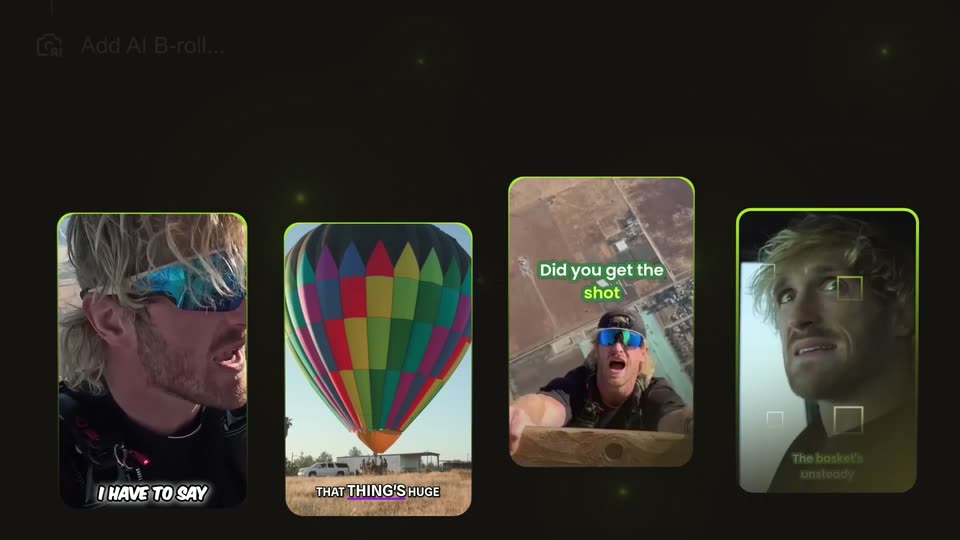 0:14–0:15OpusClip · OpusClip - The #1 AI video clipping product is now agent friendly. IntroducingDark editor interface with a row of vertical video cards. The man and hot-air-balloon clips sit beside empty placeholder cards, then the view shifts down to reveal more captioned clips with social icons while green particles drift. Top-left feature labels scale and slide in.
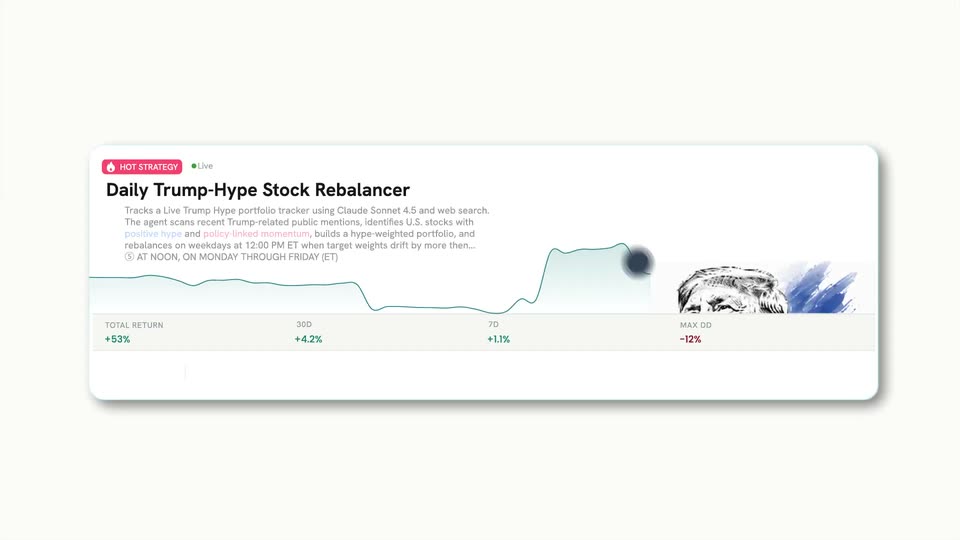 0:49–0:52Scalar Field · Scaler Field | Agentic Trading DeskA brown circular mask reveals white “Agent Created” text as a teal line chart draws itself left to right above a stats row; the frame pulls back to the full strategy card with title and sketched portrait, then blurs down to a small dark Invest button.
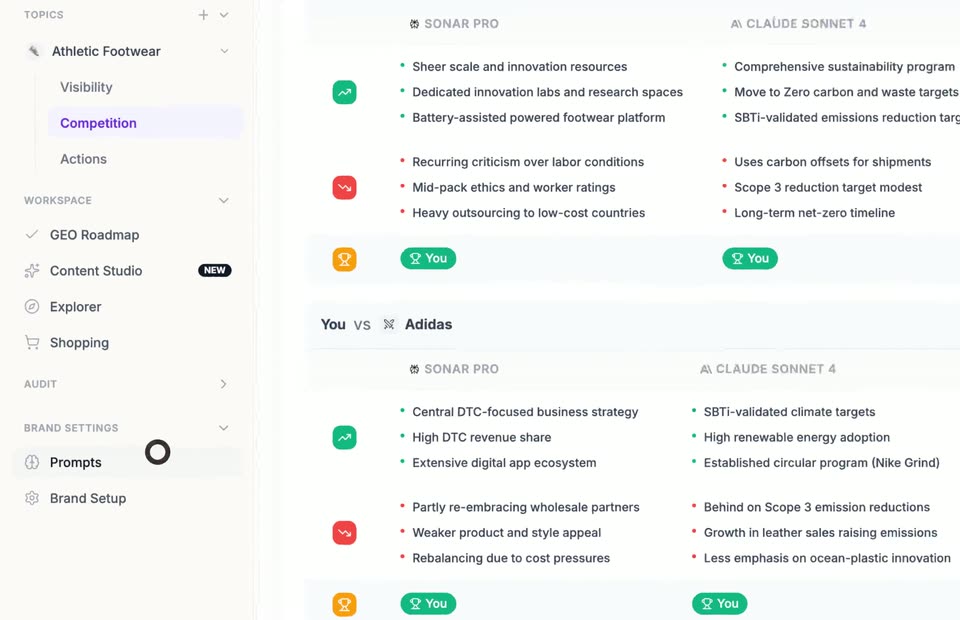 0:15–0:21GetMint · GetMint Demo in 60 Seconds: Track Your Visibility on ChatGPT, Gemini and PerplexityA crossfade resolves into a full competitive-analysis dashboard, a dark caption card centered over the table reading “Win rate vs every competitor, across every AI engine.” The view then zooms into the left sidebar as a cursor moves to the Prompts row, marked by a focus ring.
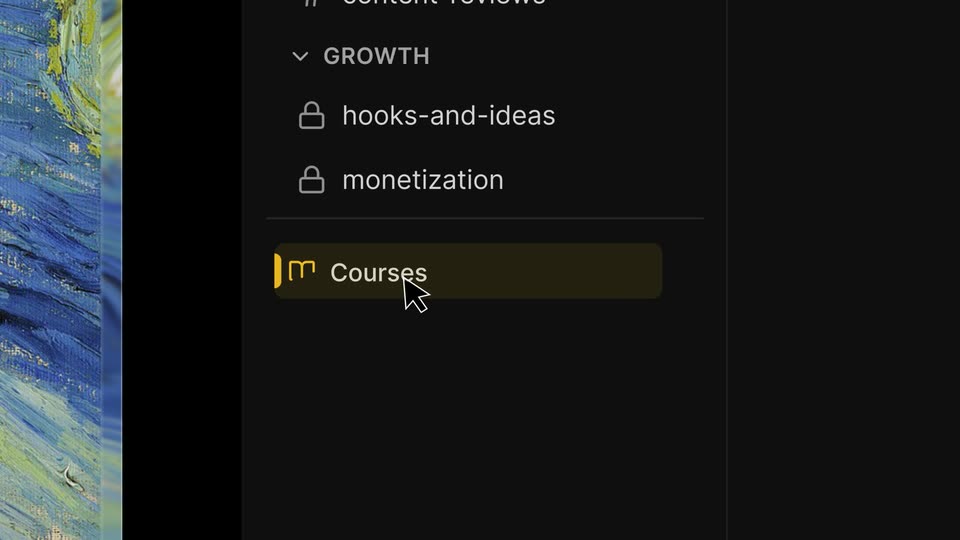 0:09–0:11Commas · Commas | Where you make money on the internetA dark community app sidebar fills the frame as the camera zooms into the GROWTH section. The cursor glides down the channel list and clicks Courses while the rest of the interface blurs out.
 2:08–2:09Commas · Yash Daftary - We just killed the 9-5. Today, FanBasis becomes @Commas: where you mA blurred scroll through a social feed reframes onto a single tweet card. Inside its embedded video, a man in a white shirt speaks from inside an RV while a centered title scales in over the footage.
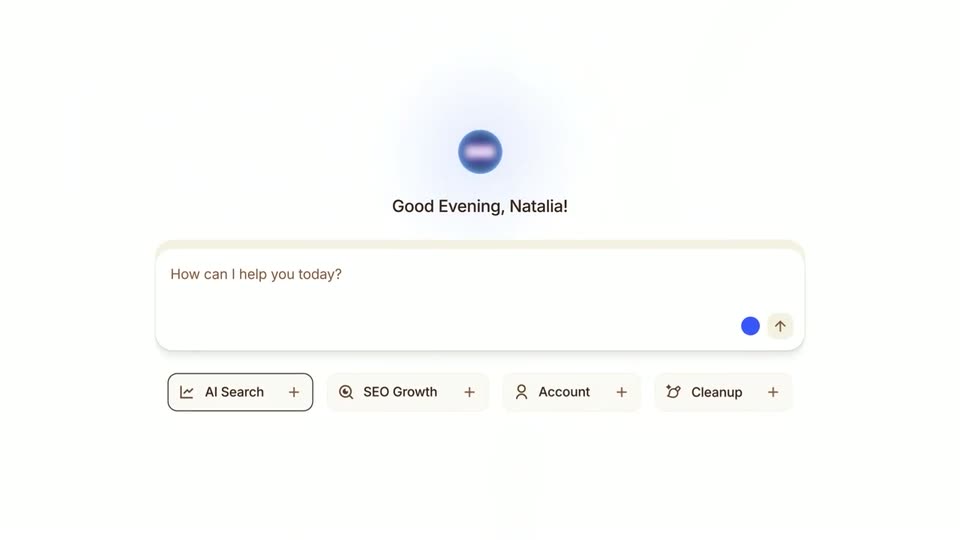 0:19–0:20CrowdReply · CrowdReply - Today we're introducing Claude for Marketing. The first AI agent thaA white interface shows a gradient orb above the greeting Good Evening, Natalia! and a search field with placeholder text, plus a row of labeled chips. The layout zooms in and centers as the orb drifts up and fades, and a cursor appears at the bottom.
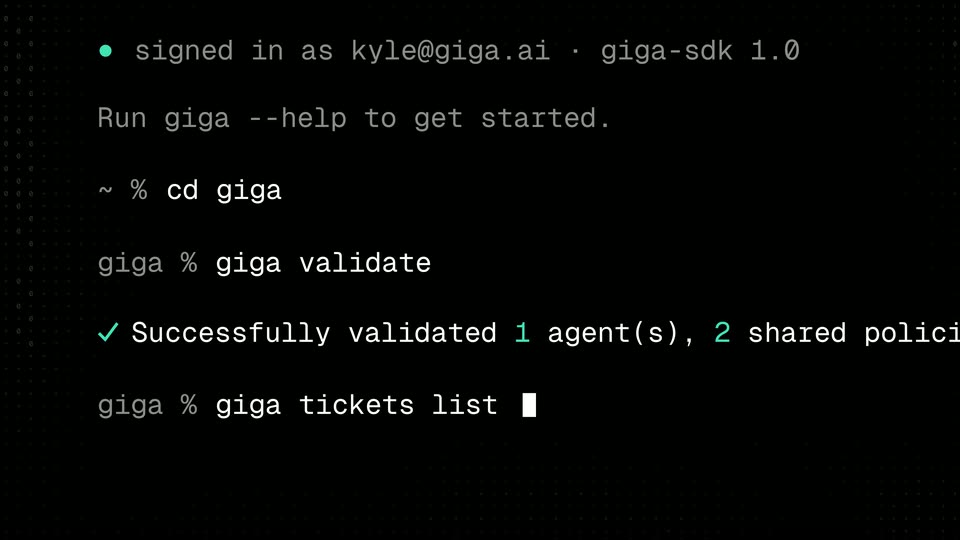 0:14–0:24Giga (Scout) · Giga - Everyone is trying to build a support agent. Now you can build one iA black terminal shows a white block-letter GIGA logo above a gray welcome line. The frame zooms in as monospace commands type out line by line, settling on a ticket table whose last row reads transferred in red.
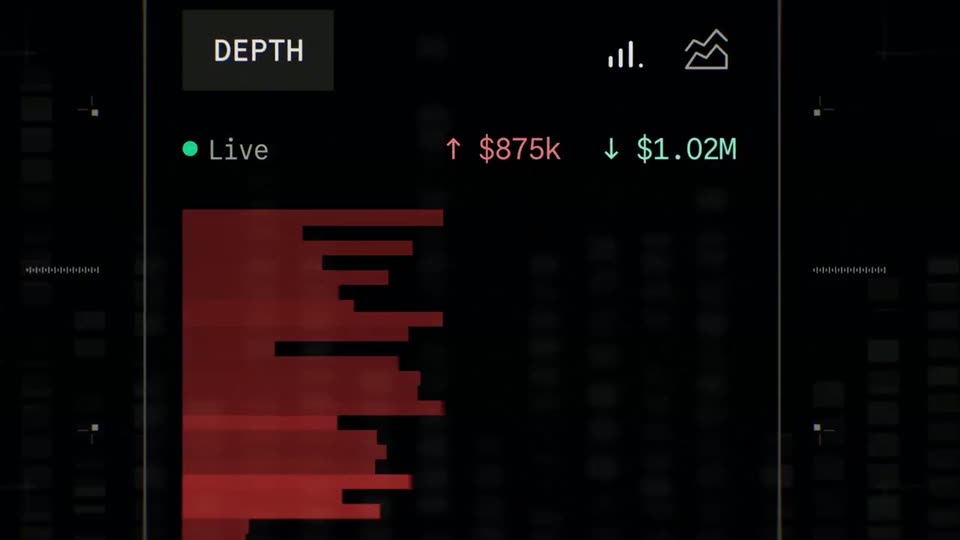 0:25–0:26JTX · JTX - JTX is now live. Trade spot markets on Solana—memes, tokenized equitA dark interface shows a DEPTH panel with a red depth bar chart that glitches and reshapes. The panel zooms out into a smaller framed card with corner tick marks, while a green Live dot and the values $875k and $1.02M sit across the top.
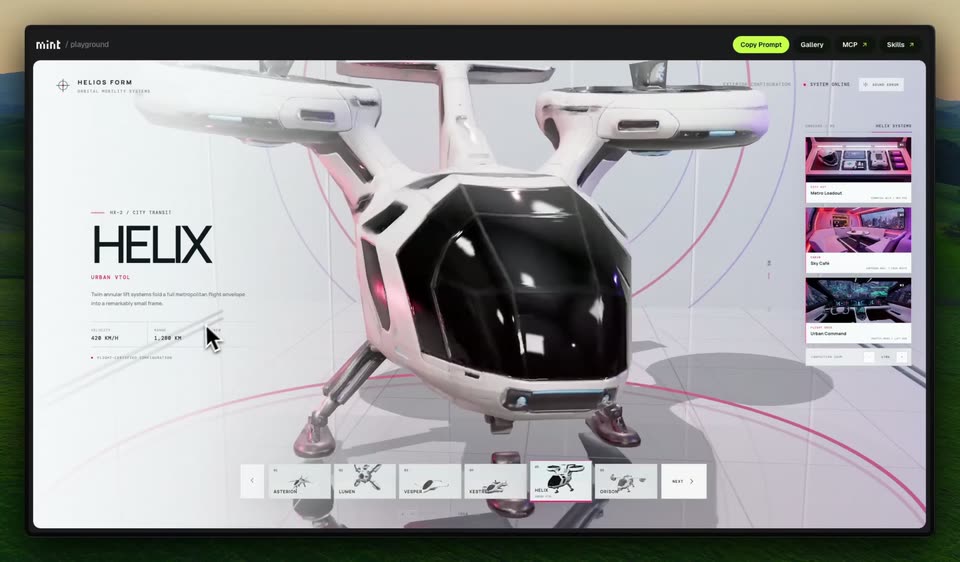 0:30–0:36Mint MCP · tamrat - Introducing Mint MCP - It turns your coding agent into a 3D engine!A monitor displays the mint playground interface. A white autonomous vehicle labeled HELIX rotates in a white studio ringed by pink circles, the view pushing in on its black front. A cursor clicks the ORISON thumbnail, swapping the page to a two-vehicle lineup.
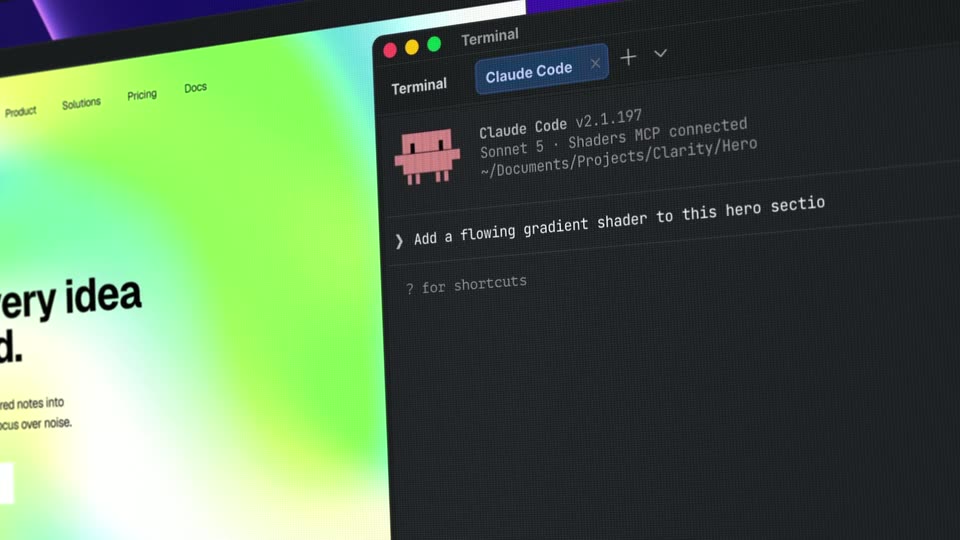 0:16–0:19Shaders · shaders - Introducing Shaders v3 🔥 Our biggest release yet. Built for design eA terminal window in 3D perspective sits over a website with a green gradient circle, the prompt line types out a command while the camera pans to reveal the page behind. The view then blurs into a scan-lined close-up of the website.
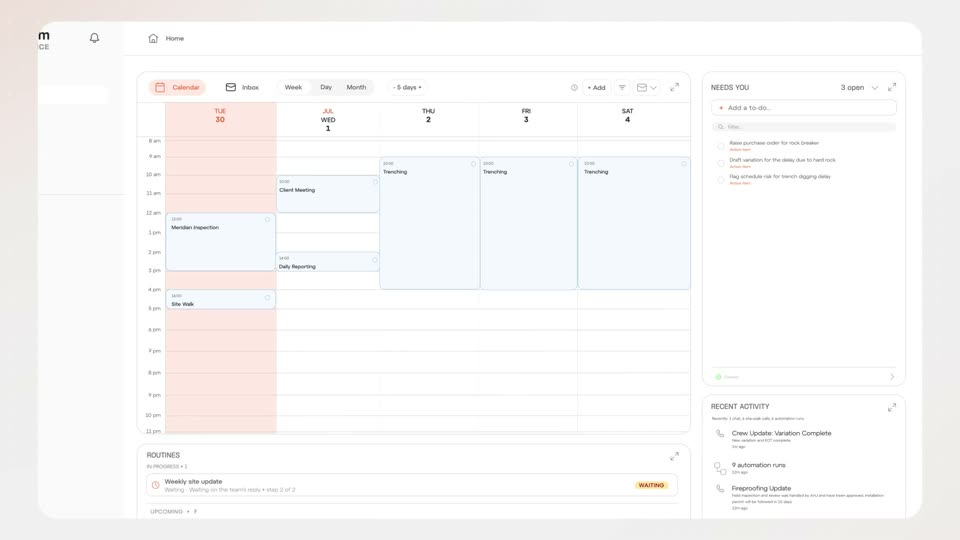 0:40–0:46Alloovium · Alloovium - Today, we launched @alloovium on @ycombinator On major projects, docA close-up of a Recent Activity card settles, then the view pulls back to reveal the full Alloovium dashboard with a weekly calendar and sidebars. The camera then pushes into the Needs You to-do panel, where a new permit line item drops in at the top.
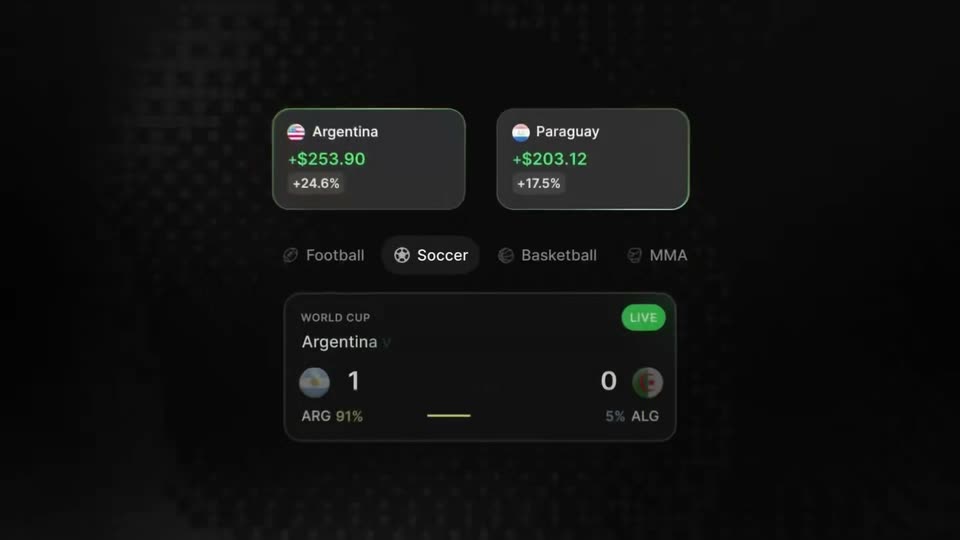 0:16–0:18Parabolic · Parabolic 💫 - Introducing Parabolic Trade your favorite sports with up to 10x leveA 3D phone mockup on a black background zooms into a flat betting interface. Two earnings cards and a live match card fill the frame as the dollar values count upward.
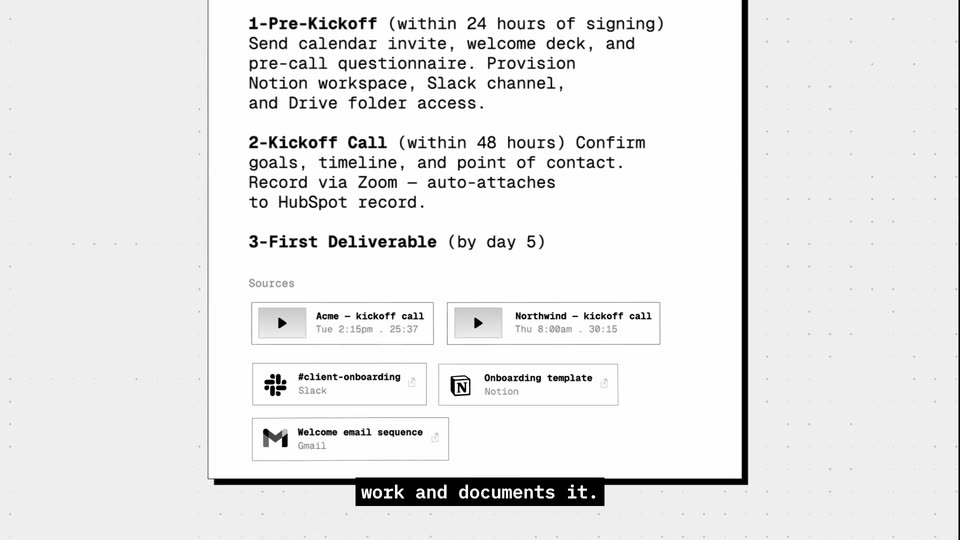 0:29–0:34Screenpipe · screenpipe (YC S26) | Record how you work and turn that into agentsA white SOP document card sits among app-logo tiles on a dotted grid. The view zooms in as the document scrolls through its steps and source links, a black caption bar shows “It knows how your best people work and documents it.”, then the view pulls back out.