1:45

The new Microsoft Planner: Manage all your tasks and plans in one simple, familiar experience
Microsoft · AI · Nov 2023
Wispr Flow · Aug 2026 · 0:48 · AI-annotated
Wispr Flow’s 0:48 launch film runs 24 scenes, about 2.0 s each. The product is on screen from the first frame and 2 features are revealed. The call to action lands at 0:42 (88% in), over a voiceover. A single presenter in a sunlit park anchors the launch, intercut with flat green and cream motion graphics that animate the product's UI: floating note bubbles, a video-call grid, a transcript that reorganizes into next-steps rows, and a grid of meeting cards. The pacing is brisk at roughly 120 bpm with frequent cuts, alternating live-action talking head with clean card-based demos, and it closes on a centered logo lockup.
Is this your launch? to your site or press kit.
Microsoft · AI · Nov 2023
primitive · B2B · Oct 2026
Liquid · May 2026
Films whose music sounds like this one, voice left out
HeyGen · Modern electronic
Standard Bots · Electronic, Corporate
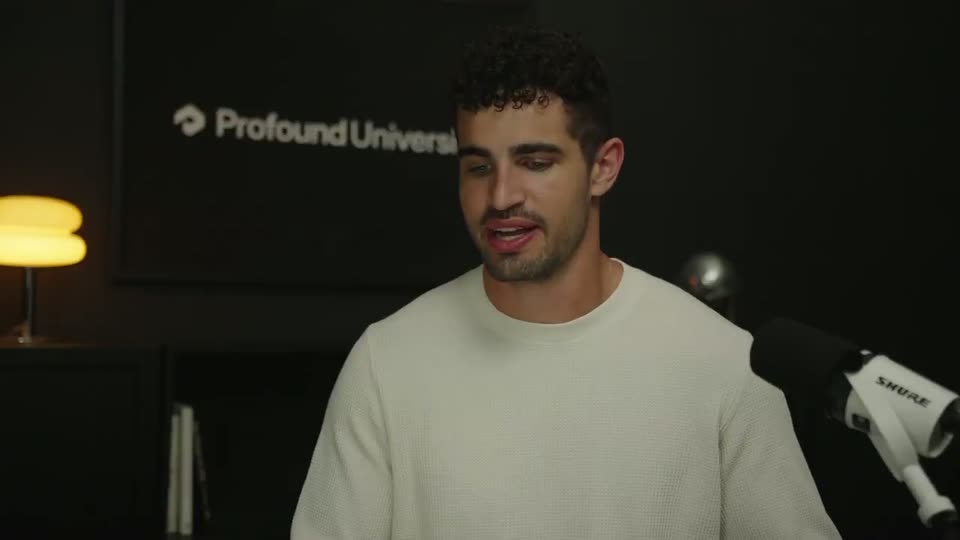
Profound · Upbeat electronic
A man in a black tee sits at an outdoor picnic table, laptop in front, talking to camera and gesturing. The Wispr Flow logo slides in on the right, ringed by small floating note bubbles, while white subtitles roll along the bottom.
On-screen text: “Hey.”, “So today we're launching”, “a new product”, “Wispr Flow”, “NOTETAKER”, “on Wispr Flow.”, “it's a very”, “simple note taker,”, “but a little”, “bit different,”
Camera: Pull out
A man in a black tee sits at a picnic table in a sunlit park, laptop in front of him, talking to camera and gesturing with one hand. Subtitles caption his speech along the bottom; the Wispr Flow logo and NOTETAKER slide in at the end.
On-screen text: “Now, you might be thinking”, “a notetaker”, “is not a brand”, “new concept.”, “And you'd be right.”, “But we think”, “Wispr Flow”, “NOTETAKER”
Camera: Pan
Three feature cards fade in under a centered WISPR FLOW NOTETAKER title on a dark green gradient, each pairing a flat notetaker UI mockup with a bold label and a gray subline. Rolling captions at the bottom track the voiceover while the cards settle into place.
On-screen text: “WISPR FLOW NOTETAKER”, “Brief”, “Context on the call before you even join.”, “What did I miss?”, “Catch up mid-meeting without interrupting.”, “Ask anything”, “Question every meeting you have ever had.”, “But we think”, “they've been missing”, “a few things”
Techniques: Kinetic type
Camera: Pan
A dark video-call grid of nine participant tiles fills the frame, each tile a colored initial over a name. A translucent feature-card overlay fades out across the top. A white caption 'you join a meeting,' sits centered at the bottom.
On-screen text: “you join a meeting,”
Camera: Static
A dark video call grid of eight participant tiles with colored initial avatars and names. The bottom-right tile shows a join request for Notetaker Bot on a dark red background. The caption sits centered over the bottom control bar with the mic and red end-call button.
On-screen text: “you join a meeting,”
Camera: Static
A dark video-call grid zooms into a red-outlined Notetaker Bot tile, revealing a gray robot face and a red REC badge, while the bottom controls and red hang-up button remain visible.
On-screen text: “you add a notetaker in,”, “you finish the meeting,”
Techniques: UI zoom
Camera: Push in
A man in a black t-shirt speaks to camera in a sunlit park, gesturing with his hands, as a Google Docs window showing a messy speaker-by-speaker transcript fades in on the right side of the frame.
On-screen text: “you finish the meeting,”, “and you're left”, “with a messy transcript.”
Camera: Static
A man in a black t-shirt sits at a wooden picnic table in a sunlit park, speaking to camera and gesturing with one hand, the back of an open laptop in the foreground. Subtitle captions appear at the bottom center.
On-screen text: “So we thought”, “instead of a”
Camera: Static
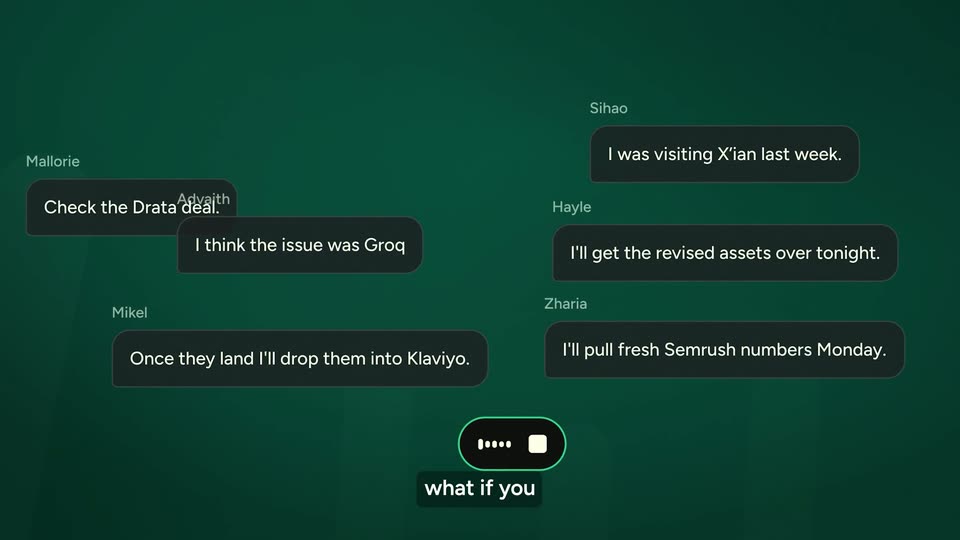
Two columns of dark chat bubbles with speaker names sit on a deep green background above a small waveform pill. The bubbles shrink and drift up, a NEXT STEPS tag fades in, and a white caption box updates at the bottom.
On-screen text: “instead of a”, “mostly a transcript,”
Techniques: UI zoom
Camera: Static
A dark green board of scattered chat bubbles drifts slowly. One bubble is ringed in amber, then a task card reading 'Hayle, Share the revised assets' appears in the center, while bottom captions swap from 'could categorize' to 'action items'.
On-screen text: “could categorize”, “action items”
Camera: Push in
Scattered chat bubbles frame a dark green background as a NEXT STEPS list assembles in the center: three white rows with orange, purple and red name pills fade in top to bottom, while white caption phrases swap at the bottom edge.
On-screen text: “by the speakers”, “Who are responsible”, “So we built it”
Camera: Static
A man in a black tee sits at a park picnic table with a laptop, talking and gesturing toward camera. A white app window scales in on the right side, and its summary lines type themselves in one by one as the presenter continues.
On-screen text: “So we built it into Notetaker.”, “Now, after you end a meeting, you'll get a clear”
Camera: Pan
A man in a black shirt speaks outdoors against a blurred green park, while a white Product launch review summary window floats on the right. White subtitles at the bottom left track his words as he gestures.
On-screen text: “you'll get a step”, “for each attendee.”
Camera: Static
A man in a black t-shirt sits at a wooden picnic table in a sunlit park, gesturing with his hands above a laptop lid. The shot holds steady on him as two caption lines appear at the bottom of the frame.
On-screen text: “But what if you're”, “late to a meeting?”
Camera: Static
A man in a black t-shirt sits at a picnic table in a sunlit park, talking to camera and gesturing with his hands, a laptop at the lower edge. Subtitles swap at the bottom.
On-screen text: “late to a meeting?”, “We've got that”, “covered too.”
Camera: Static
A cream background holds a rounded pill button reading What did I miss, while an outlined cursor clicks it. A white panel slides up beneath, revealing an input field with a green square icon. A gray caption box at the bottom updates with the voiceover line.
On-screen text: “Just hit the “what did I miss?” button,”
Techniques: Cursor demo
Camera: Static
A flat chat card sits on a soft beige background. A cursor taps the What did I miss pill, a black prompt bubble drops in, and three summary lines appear in the thread. Cut to a man in a black tee at an outdoor picnic table, speaking over a laptop.
Techniques: Cursor demo
Camera: Static
A man in a black t-shirt sits at an outdoor picnic table, a laptop in front of him, gesturing with one hand as he speaks. The park behind him is softly blurred. White subtitle captions on black bars appear at the bottom of the frame.
On-screen text: “What did I miss?”, “meetings are organized”
Camera: Static
On a dark green backdrop, two flat white meeting cards drift left in a row. The front card shows a serif title with a time line and three colored dots, while a second card slides in from the right. A dark caption pill scales in at the bottom center.
On-screen text: “meetings are organized”, “and in one place,”
Techniques: Kinetic type
Camera: Static
A close-up of a dark green meeting card reads Board prep, Monday 61 min, with a caption pill so you can focus. The frame zooms out to a light green panel holding a grid of white meeting cards, the caption switching to on being present.
On-screen text: “and in one place,”, “so you can focus”, “on being present”
Techniques: UI zoom
Camera: Static
A dark green backdrop holds a 2x3 grid of white meeting cards, each with a serif title, a time line and colored dots. The cards settle into place. At the bottom, a white caption on a dark pill crossfades from “on being present” to “rather than scrambling.”
On-screen text: “on being present”, “rather than scrambling”
Techniques: Kinetic type
Camera: Static
A man in a black t-shirt sits at a wooden picnic table in a sunlit park, speaking and gesturing behind an open laptop. White captions on dark pills appear at the bottom, the first scaling in as he talks.
On-screen text: “rather than scrambling”, “to keep up.”
Camera: Static
A man in a black T-shirt sits at a picnic table in a sunlit park, speaking to the camera and gesturing with his hand, a laptop in front of him. Locked-off medium shot, soft-focus trees behind; bottom captions switch from “to keep up.” to “Notetaker is live today.”
On-screen text: “to keep up.”, “Notetaker is live today.”
Camera: Static
A black waveform icon and the bold wordmark Wispr Flow sit centered on a pale cream field. The small gray uppercase tagline NOTETAKER fades in beneath the wordmark near the one second mark, then the lockup holds.
On-screen text: “Wispr Flow”, “NOTETAKER”
Camera: Static