1:57
Explore
Notion - Introducing Ship OS: The agent-native way to ship software. Run your
Notion · Jul 2026 · 1:03 · AI-annotated
- Length
- 1:03
- Scenes
- 20 · 3.2 s avg
- Product on screen
- 0:06
- Features shown
- 5
- Call to action
- 0:56 · 90%
- Voiceover
- Yes
00:00:00 / 01:03:05
Notion’s 1:03 launch film runs 20 scenes, about 3.2 s each. The product shows up at 0:06 and 5 features are revealed. The call to action lands at 0:56 (90% in), over a voiceover. The video is a five stop pipeline tour: a talking head promise, then Triage, Plan, Build, Review and Ship, each opened by the same sliding stage tracker and closed with a zoom through into the app, before a talking head CTA and a logo card. Pacing is steady at about 123 bpm with a cut every 8 seconds; the signature moves are the pill row stage tracker, the push ins from cards into the interface, and the white caption with black outline that carries every line of narration.
Footage neededEstimated needs: 5 capture groups — your screens or recordings · 1 official logo — reused across the film · 2 filmed passages — shoot, supply or replace · 1 graphic passage — draw or supply · 1 3D passage — build or supply
Is this your launch? to your site or press kit.
More like this

1:16

A first look at Pitch
Pitch · Productivity · Mar 2020
1:15


Trope (YC S26) Launch Video
Trope · B2B · Jul 2026
Notion - Introducing Ship OS: The agent-native way to ship software. Run your, scene by scene
· 20 scenes as text
01 · Hook · 0:00–0:03
A bald man in a red jacket sits at a wooden desk with an open laptop, gesturing as he speaks. Shelves of books and objects fill the background. A name lower-third and white subtitles sit at the bottom of the locked-off frame.
On-screen text: “Ryan Nystrom”, “Engineering”, “I'm going to walk you through how we take a feature from customer”, “feedback to a shiped product, all inside Notion.”
Camera: Static
02 · Hook · 0:03–0:06
On a plain light-gray background, a row of colored status pills (Triage, Plan, Build, Review, Ship) expands from left to right, each sliding in one after another over two seconds. A white caption with a black outline sits at the bottom center.
On-screen text: “feedback to a shiped product,”, “all inside Notion.”
Techniques: Kinetic type
Camera: Static
03 · Feature reveal · 0:06–0:08
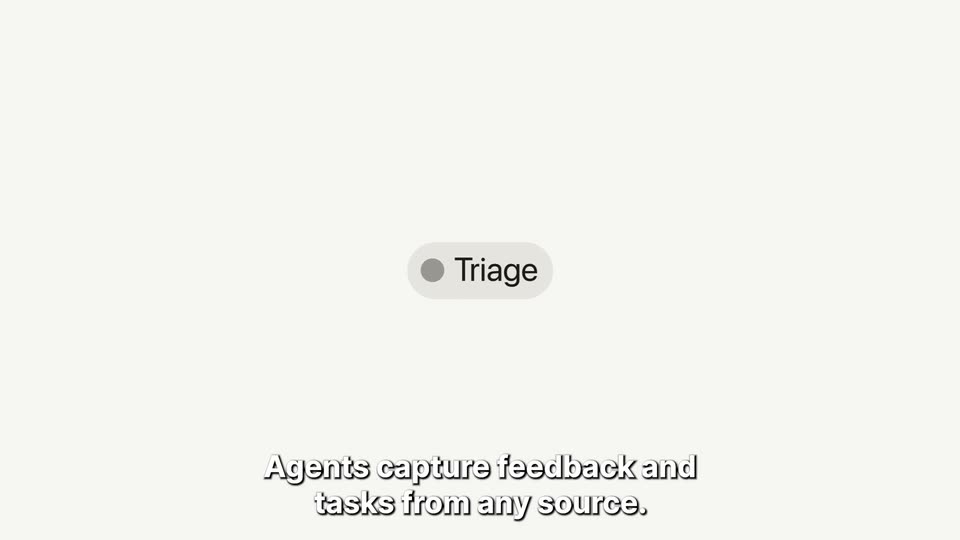
On a pale off-white background, a horizontal row of pill labels slides left so the Triage chip lands in the center while the others fade out. A small white card labeled User feedback appears above it, and a white outlined caption sits at the bottom.
On-screen text: “First up is triage.”, “Agents capture feedback and tasks from any source.”
Camera: Static
04 · Feature reveal · 0:08–0:10
White source cards (Roadmap, User feedback, Sales call, Project Brief, Project Retro) and a voice-note pill with a red stop button float over a light gray background. The camera zooms into the User feedback and Project Brief cards as a yellow hexagon icon pops in beside the brief.
On-screen text: “Agents capture feedback and tasks from any source.”
Techniques: UI zoom, Parallax
Camera: Static
05 · Feature reveal · 0:10–0:11
A pale field holds a centered gray “Inbox 0” chip. White feedback cards slide in from the right edge while a white caption reads at the bottom; both exit, leaving the chip alone as the frame locks off.
On-screen text: “Agents capture feedback and tasks from any source.”
Camera: Static
06 · Feature reveal · 0:11–0:15
A chat message card from a user and an agent reply sits on a light background, then reframes out to a project management dashboard with status columns and task cards, then zooms into one highlighted card. A white caption with a black outline stays at the bottom.
On-screen text: “Then enrich, organize, and coordinate it all automatically.”, “From there, planning.”
Techniques: UI zoom
Camera: Push in
07 · Feature reveal · 0:15–0:17
A row of five pill labels, Triage, Plan, Build, Review and Ship, sits centered on a light gray field. The active state slides from Triage to Plan, darkening its dot and text while the first fades to gray. A caption reads at the bottom.
On-screen text: “From there, planning.”
Camera: Static
08 · Feature reveal · 0:17–0:22
The app window opens on a backlog list and detail panel, then the frame zooms into the comments section. A PRD Generator comment changes from a loading state to a finished note linking a PRD, and a cursor hovers the link. A white outlined caption sits at the bottom.
On-screen text: “Agents draft PRDs, do research and pull it together”, “With collaborative docs and AI meeting notes, all connected.”
Techniques: UI zoom, Cursor demo
Camera: Push in
09 · Feature reveal · 0:22–0:25
A centered app window on a light gray background scrolls through a Notion-style document, revealing Context and Problem Statement sections. A bold white caption with a dark outline sits at the bottom and fades out.
On-screen text: “with collaborative docs and AI meeting notes — all connected.”
Camera: Static
10 · Feature reveal · 0:25–0:28
A product document screen with a left sidebar dissolves into a plain gray field, leaving a centered row of status pills where the blue Build label stands out. The caption holds at the bottom.
On-screen text: “Then it's time to build.”
Camera: Static
11 · Feature reveal · 0:28–0:35
An AI prompt panel types a task-breakdown request, then the view pulls back to a four-column task board as generated cards appear. A cursor selects a card, and the camera pushes in on a detail pane where a coding agent posts status comments.
On-screen text: “Teams turn tasks and docs into specs, hand them off to coding agents”, “and track in-progress work in one place.”
Techniques: Cursor demo, UI zoom
Camera: Push in
12 · Feature reveal · 0:35–0:37
On a cream background, a row of five stage pills (Triage, Plan, Build, Review, Ship) shows the active state moving from the blue Build pill to the purple Review pill, its dot and label darkening. A white italic caption sits at the bottom.
On-screen text: “At review stage, you can iterate with your agents and team,”
Camera: Static
13 · Feature reveal · 0:37–0:44
A light project-management thread scrolls down as Claude Agent's PR comment and a working spinner give way to Codex Agent's review reply. A bold white, black-outlined caption at the bottom swaps phrases in time with the voiceover.
On-screen text: “At review stage, you can iterate with your agents and team,”, “approve work, and even pull in another agent for a second opinion.”, “And finally, time to ship.”
Camera: Pan
14 · Feature reveal · 0:44–0:46
A row of five colored stage pills sits on a cream background; the green Ship pill scales up and brightens while the others fade, then the graphic dissolves into a full screenshot of the Lumi Labs interface showing a Weekly Eng Status Reporter chat.
On-screen text: “And finally, time to ship.”, “Agents write status reports, update dashboards, and write release notes.”
Techniques: Kinetic type
Camera: Static
15 · Feature reveal · 0:46–0:48
A light chat window for the Weekly Eng Status Reporter shows a green folder avatar and a run report pill. A thought block lists a plan while a step checklist fills in below. A cursor rests on a sidebar row and a white outlined caption spans the bottom.
On-screen text: “Agents write status reports, update dashboards, and prep release notes”
Techniques: Cursor demo
Camera: Static
16 · Feature reveal · 0:48–0:50
A flat view of the Lumi Labs app shows a status document scrolling upward through headings and bullet points, while a white outlined caption stays fixed at the bottom of the frame.
On-screen text: “Agents write status reports, update dashboards, and prep release notes”
Camera: Static
17 · Feature reveal · 0:50–0:51
A 3D-tilted mockup of the Lumi Labs app displays a weekly status report document, then swaps to a product backlog board with kanban columns. A large white outlined caption at the bottom updates phrase by phrase to match the narration.
On-screen text: “Agents write status reports, update dashboards, and prep release notes”, “while cross-functional teams, like sales and marketing,”
Techniques: 3D mockup, Kinetic type
Camera: Static
18 · Feature reveal · 0:51–0:56
A flat Notion-style window on a light background shows a kanban backlog. A cursor clicks the Dashboard tab, the board switches to a grid of charts, then the view scrolls down to reveal a donut chart and a calendar.
On-screen text: “while cross-functional teams, like sales and marketing,”, “do their thing from the same place.”
Techniques: Cursor demo
Camera: Static
19 · CTA · 0:56–1:00
A bald man in a red jacket sits at a light wood desk with a laptop, gesturing with both hands as he speaks to camera. Bookshelves with books and framed prints line the background. White subtitles swap in at the bottom of the frame.
On-screen text: “If that sounds like what your team needs,”, “give Notion a try.”
Camera: Static
20 · Outro · 1:00–1:03
A black 3D cube bearing a serif N on a cream field slides left as the wordmark Notion appears to its right, settling into a centered lockup that holds for the rest of the clip.
Camera: Static