Cursor demo
A visible cursor operates the interface.
15,015 scenes · page 41 of 251
 0:00–0:01Linear · Introducing Linear For AgentsA centered white title on a black background quickly gives way to a view of the Linear interface in dark mode, listing tickets, with a cursor visible in the top left corner. The transition is sharp and the pace is quick.
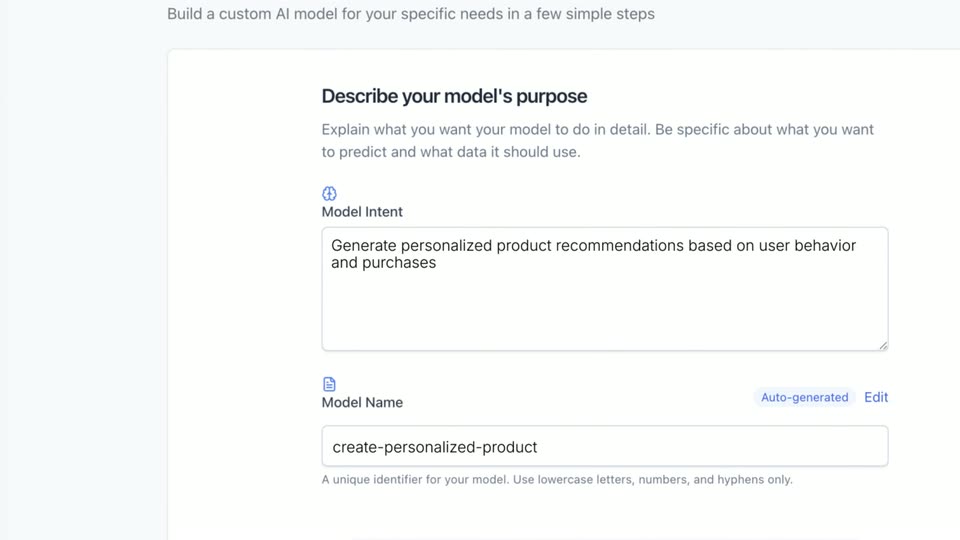 0:18–0:24Plexe · Plexe AI Launch VideoA white form card sits on a light gray background. A text field types out a model purpose, then the model name field fills in below it. The view scrolls down to a blue Next button as a hand cursor moves onto it and clicks.
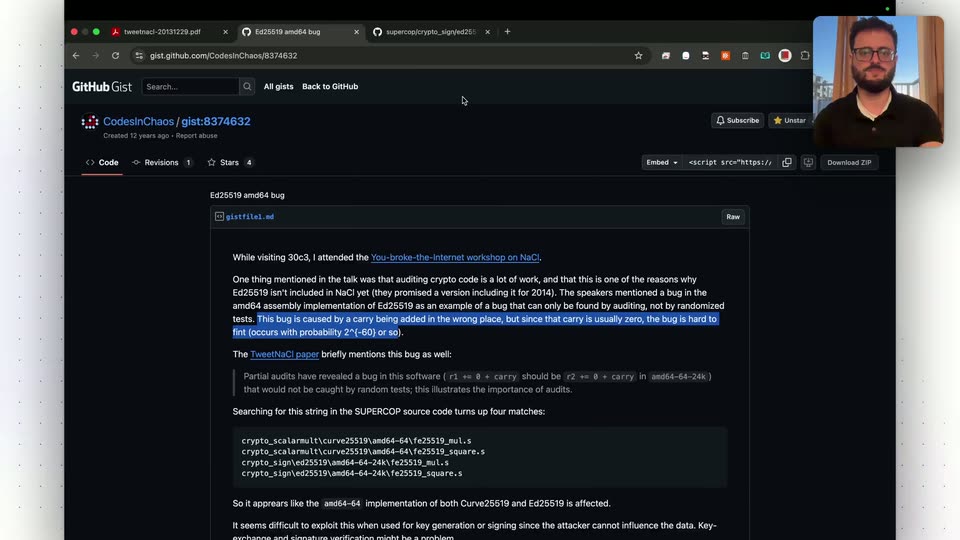 0:12–0:19Theorem · Uncovering Zero-Day VulnerabilitiesA screen recording shows a GitHub Gist page with a paragraph highlighted in blue. A white cursor drifts across the page, then the view switches to an assembly code file with a file list on the left. A small webcam video of a man stays in the top right corner.
 0:35–0:37Vybe · Vybe Demo - Build internal apps 10X fasterA gray headline fades in from a soft blur on a near-black background, then the frame cuts to a dark dashboard grid of app cards where a hand cursor rests on the Create App button.
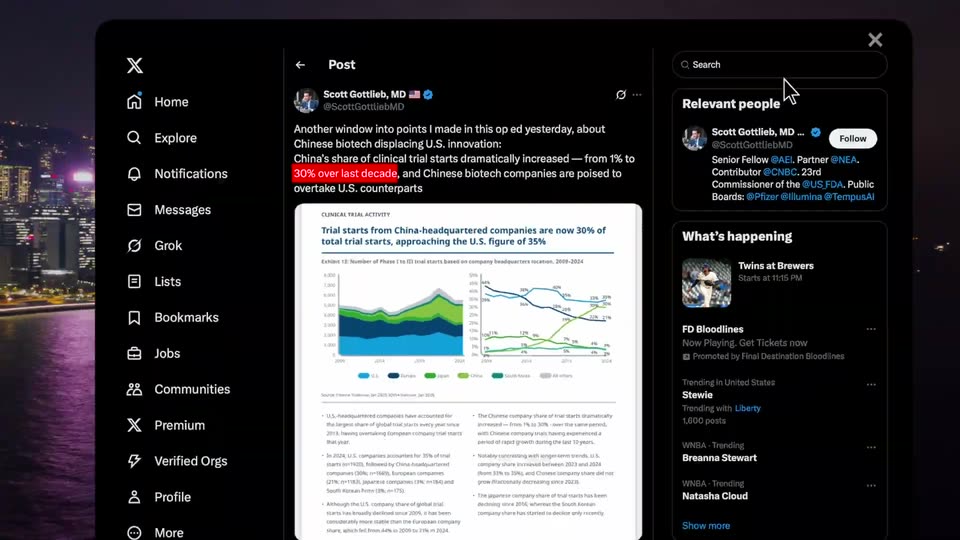 0:15–0:18Bramante · Bramante Biologics (YC X25) Launch VideoThe X app interface floats in 3D over a night city skyline, tilted at an angle. The camera zooms into a post where a red highlight marks the phrase 30% over last decade and a cursor hovers, then pulls back to the tilted 3D view.
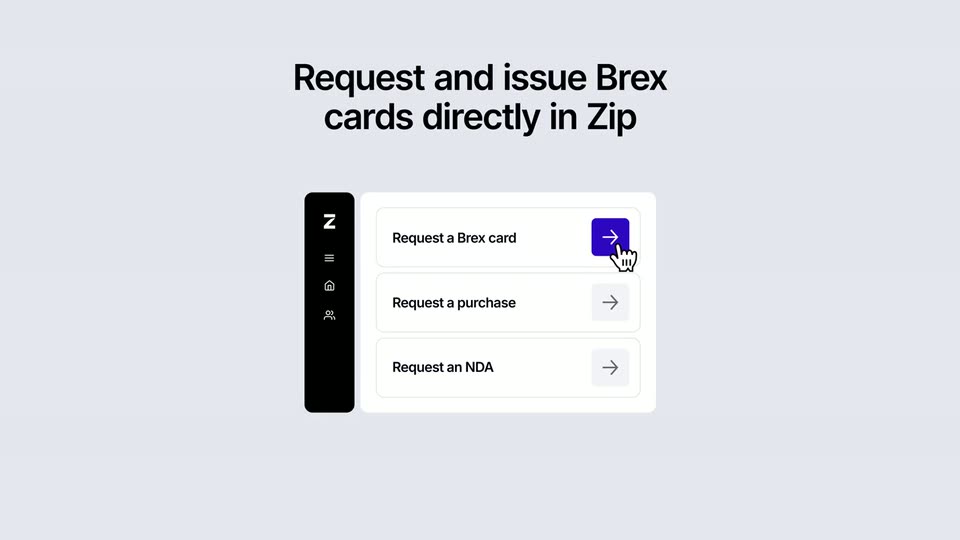 0:07–0:10Brex · Brex - Just launched: Brex for Zip🚀 Issue Brex cards in @theziphq to fast-A flat Zip panel lists three request rows beneath a bold two-line headline. A hand cursor hovers the top row's arrow, which fills purple, then a black Brex card with an orange edge rotates into 3D in front of the panel.
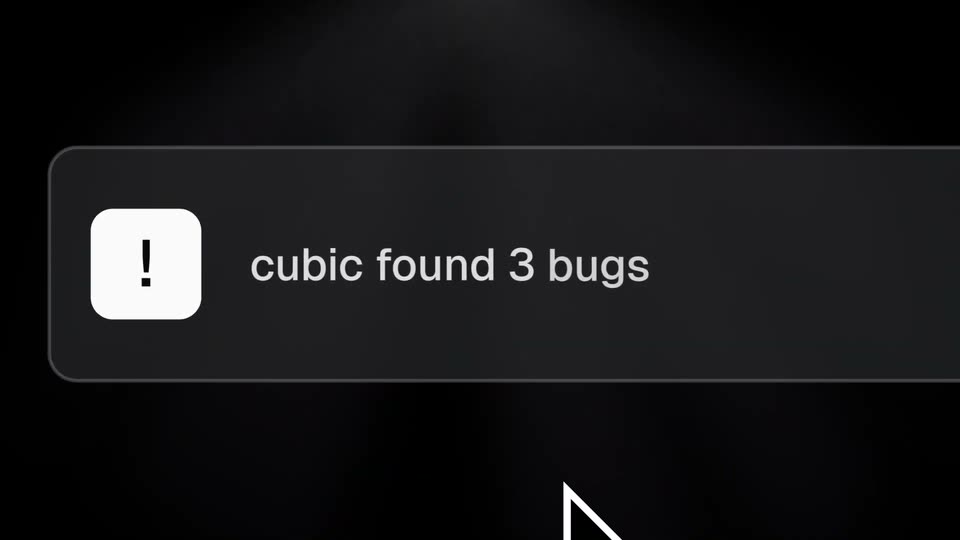 0:22–0:25cubic · Introducing cubic.devA dark notification card floats in 3D on black, tilted, with a spinner icon and Checking pull request. The icon flips to an exclamation mark and the text swaps to cubic found 3 bugs as the card flattens, then a white hand cursor rises to point at it.
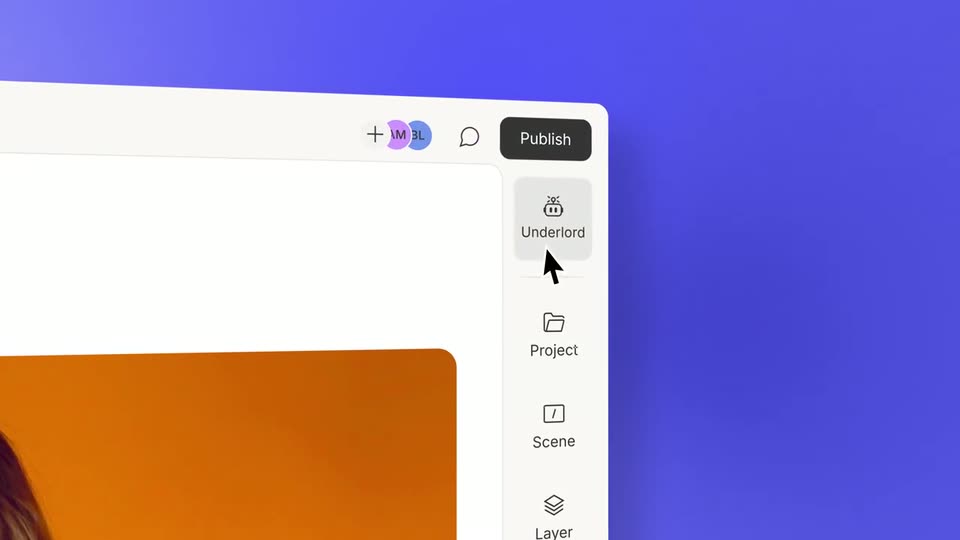 0:04–0:05Descript · Descript - Vibe editing is here. Any job, any video. Underlord’s got it.A white app panel sits in 3D perspective on a blue backdrop. Its open dropdown menu lists icon rows, and a black cursor glides up to rest on the top row, which fills with a light gray highlight.
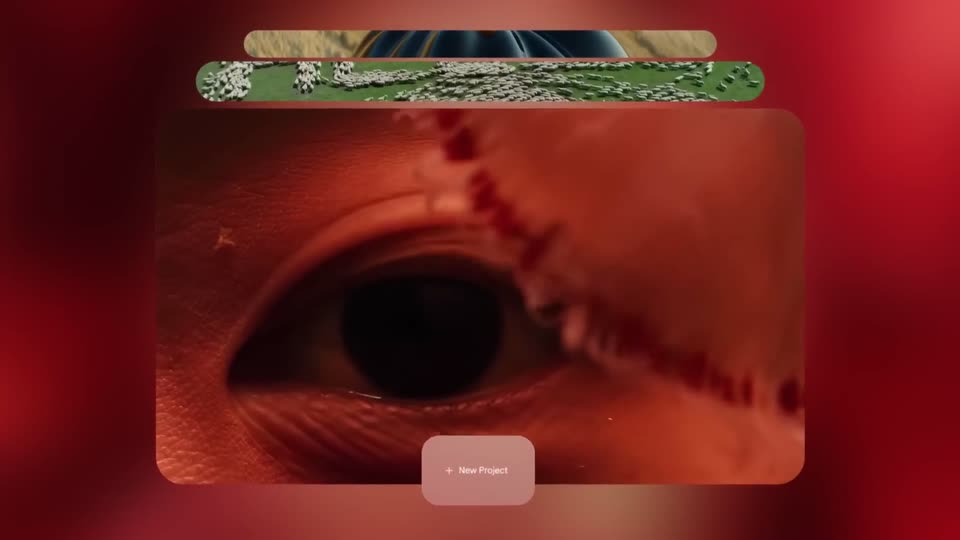 0:21–0:22Google · Introducing Flow | Google’s New AI Filmmaking ToolA red-tinted close-up of a 3D rendered eye fills a rounded card, with two smaller preview strips stacked above it. A hand cursor glides to the New Project button at the bottom edge and presses it, darkening the button.
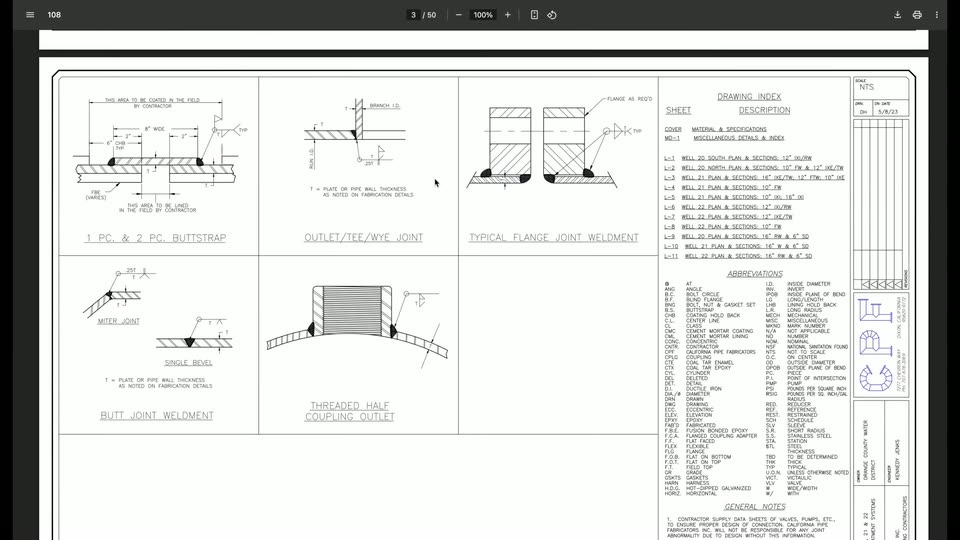 1:38–1:39Jeevy Fabrication · Introducing Jeevy FabricationA PDF viewer displays a technical engineering drawing with tables for linings, flanges and weld procedures. The sheet scrolls from page 2 to 3 as a cursor rests over the table; the dark top toolbar with page count and zoom stays fixed.
 0:41–0:45MindFort · Security is dead - Introducing MindFort.aiThe white MindFort logo holds center on black above a rounded outline. The URL mindfort.ai types in letter by letter while a white mouse pointer glides from the lower right to the field's edge.
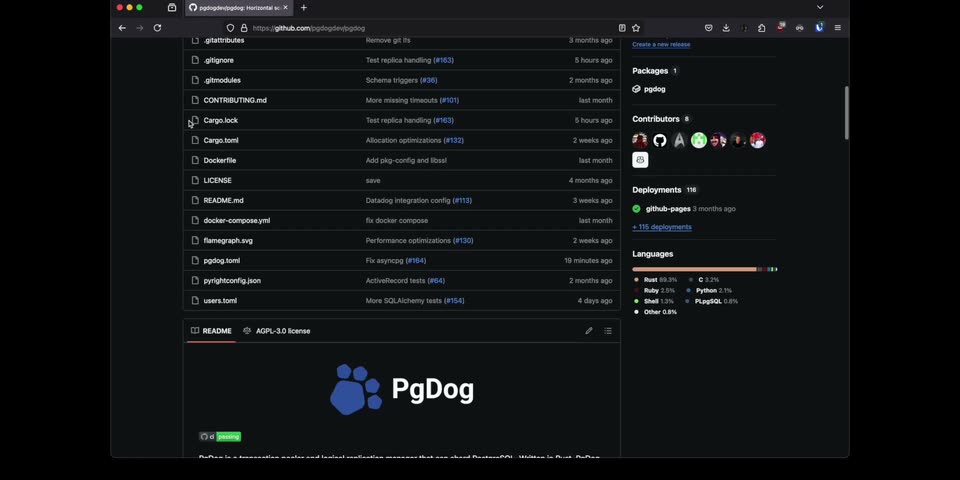 0:16–0:19PgDog · PgDog LaunchA browser window on a dark background shows a GitHub repository page. The view shifts from the README document to the repository overview with the file list and a right-hand sidebar, then a hand cursor moves down to hover over the examples folder.
 0:26–0:27Vesence · Vesence - Agentic AI for Transactional Law FirmsA dark rounded button reading Check floats at an angle on a pale blue gradient, ringed by a soft glow. A cyan 3D cursor arrow glides in from the lower right and rests at the button's right edge.
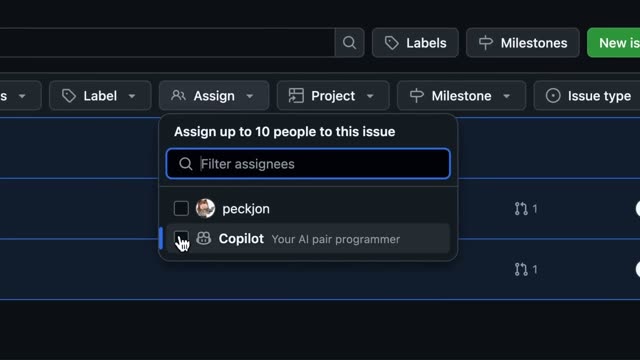 0:21–0:27GitHub · Introducing the GitHub Copilot coding agentA dark GitHub issues list fills the frame; a cursor ticks three checkboxes, then the view zooms to the Assign menu and checks the Copilot row. The tagline scales in on a static frame.
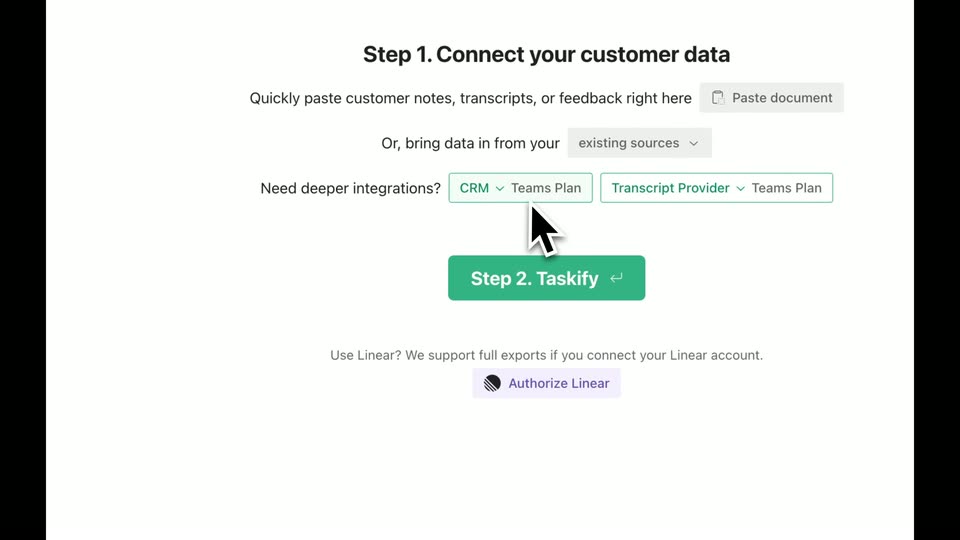 0:17–0:27Kestral · Kestral - Your AI Work Prioritizer -- Launch YCA flat product window floats on a gradient desktop, showing an onboarding screen titled Transform your documents into action. The camera zooms into the panel as a cursor clicks the existing sources dropdown, opening a list of integrations such as Notion and Google Drive.
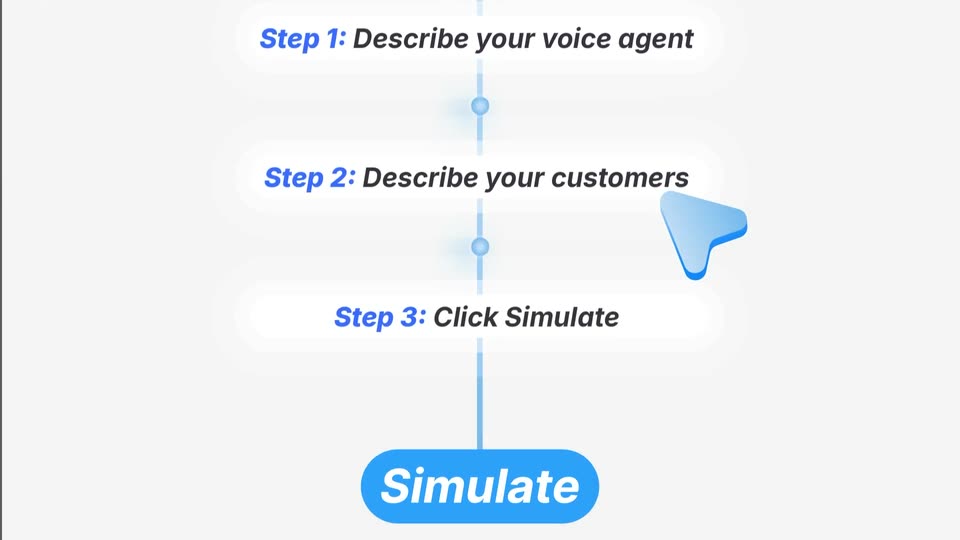 0:27–0:31Bluejay · Bluejay: Quality Assurance for AI Voice AgentsA vertical three-step timeline with a glowing blue line scrolls down on a light gray background. A glossy 3D blue cursor arrow glides along the right side and lands on the blue Simulate button at the bottom.
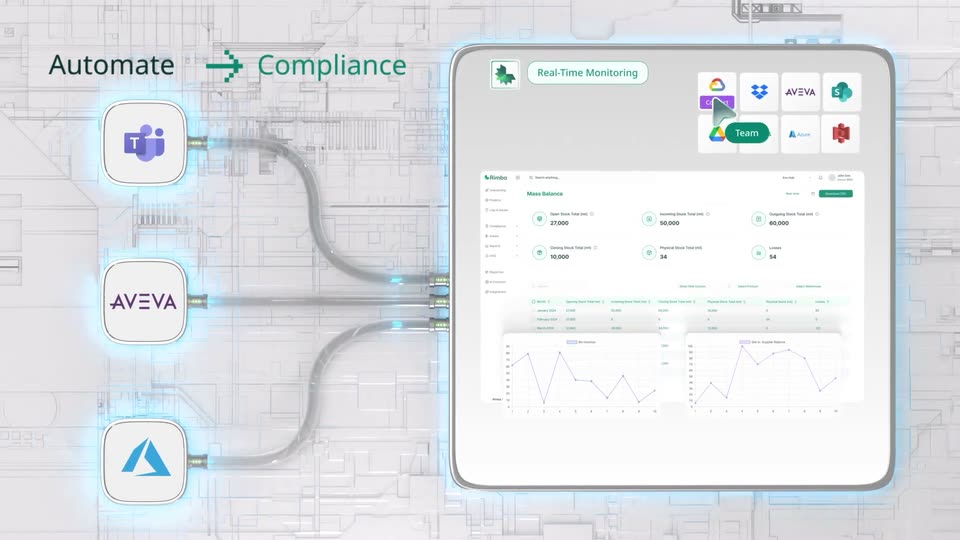 0:28–0:29Rimba · Rimba AI - Launch (YC X25)A 3D dashboard panel sits right over a faint blueprint background, while three app icons on the left feed it through glowing tubes with flowing dots. A cursor glides across the panel's top icon row. Automate and Compliance sit at the upper left.
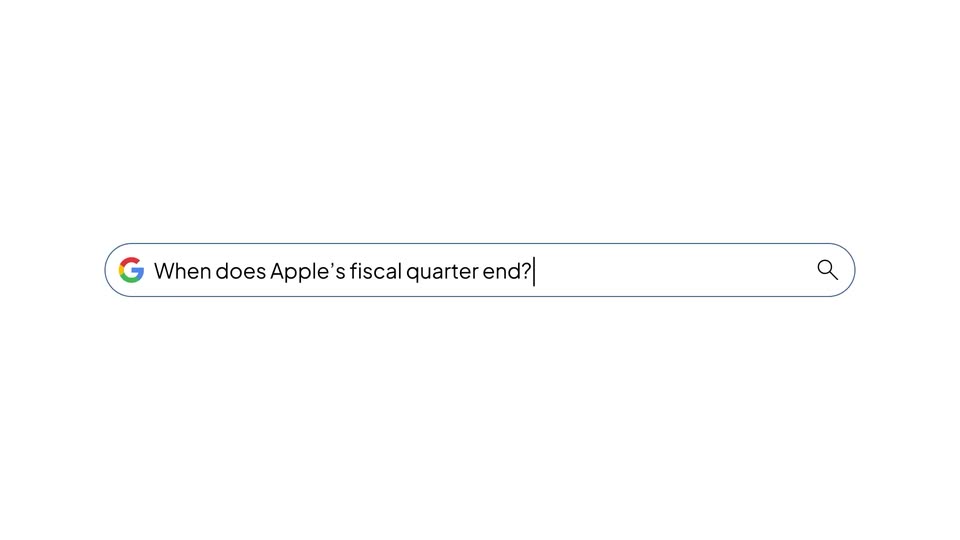 0:15–0:17sieve · sieve (YC X25) launch videoA rounded Google search bar on a white background types out the query letter by letter, then a second bar slides in below and types the same question again.
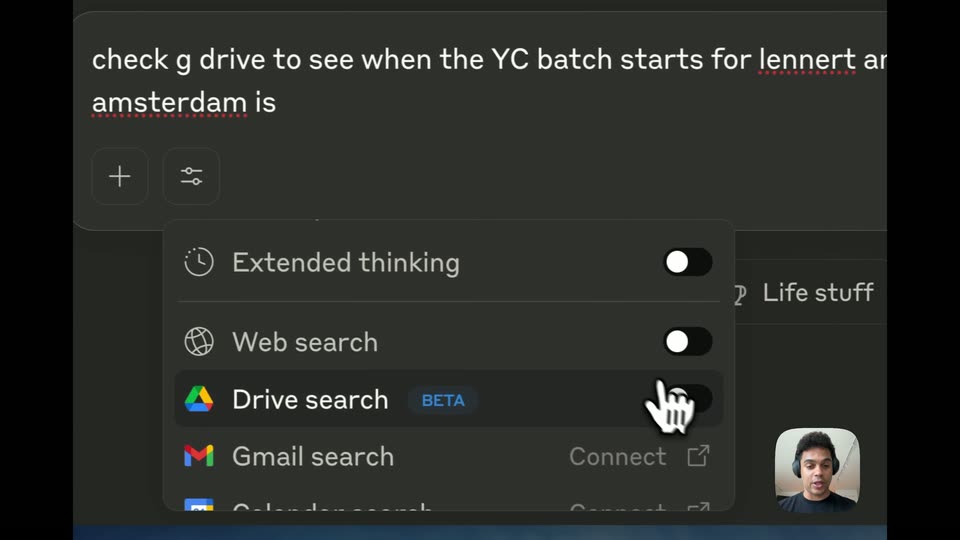 0:04–0:17Airweave · Airweave AI // Launch YC DemoA dark Claude interface greets 'Evening, Lennert' with a presenter in a corner video inset. The frame zooms in while a prompt is typed, then a hand cursor opens the settings menu and toggles on Drive search.
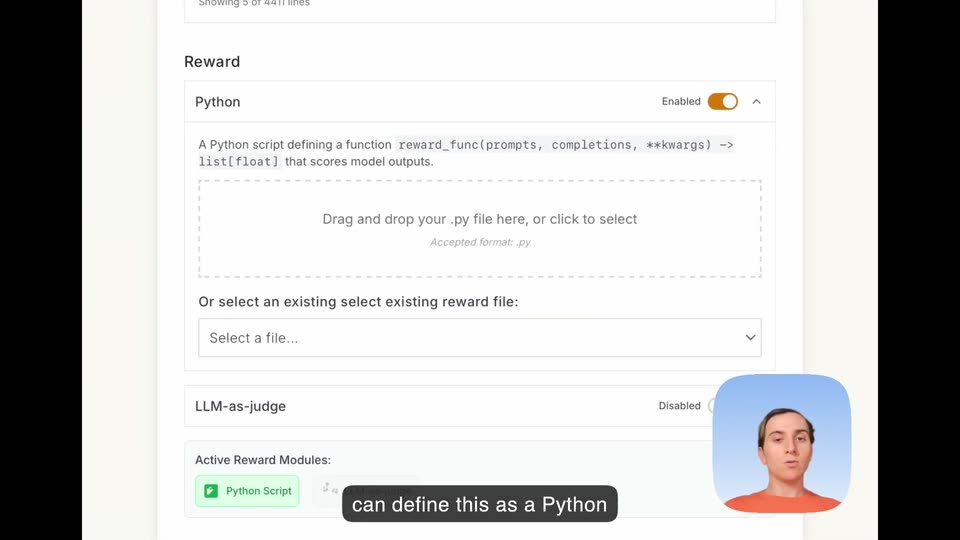 0:14–0:47RunRL · RunRLA tilted 3D browser window over a gradient background shows the RunRL submit form, with a presenter's face in a rounded card at bottom right. The page scrolls down through the prompt preview, reward section and run configuration as the cursor moves and selects files, while captions roll along the bottom.
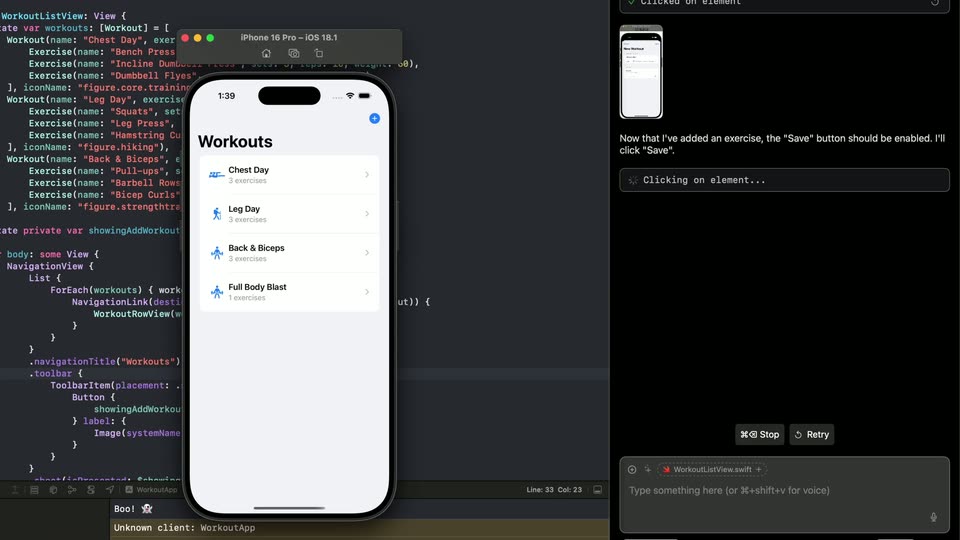 0:11–0:24Alex · Alex - Xcode AI Coding AssistantXcode code, a centered iPhone simulator, and a dark AI chat panel share the frame. The agent runs the app, then fills the New Workout form with a name, icon, and a Squats exercise. Saving returns to the list, which zooms in on the new Full Body Blast row.
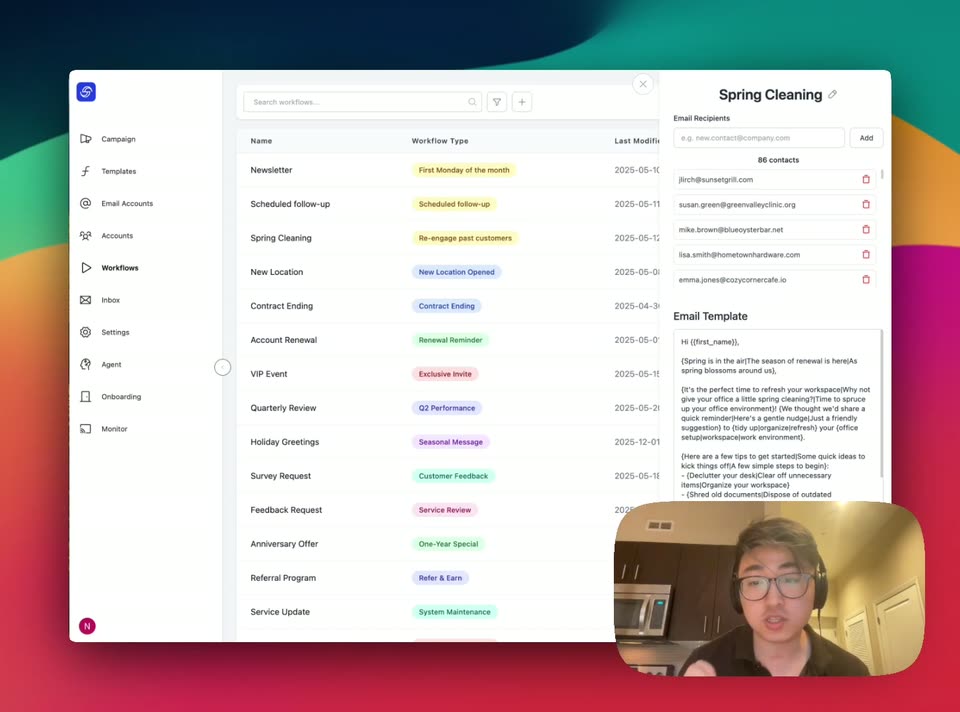 0:00–0:27Cohesive · Cohesive AI (YC X25) - The agentic CRM for blue-collar commercial servicesA workflows dashboard with a right-hand email panel floats on a multicolor gradient, a small face-cam of a man in glasses in the lower right. A cursor clicks the sidebar, then the view zooms into the list with a hand pointer.
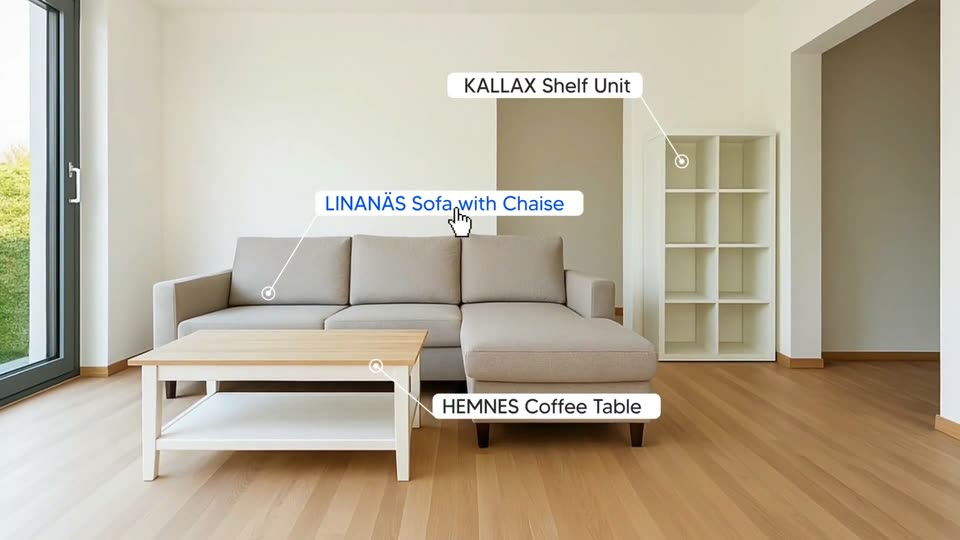 0:19–0:21Manus · Manus - Introducing Manus image generation. Manus doesn’t just generate imagA darkened browser overlay frames an annotated living room photo with white callout labels on the sofa, table and shelf. The view zooms in, then a floating browser window showing the IKEA product page and a pointing hand cursor scales in over the room.
 0:30–0:31Moby Analytics · Moby Analytics - AI Platform for Financial AuditorsA close-up of a man with glasses, overlaid with glowing particle streaks, holds a white form panel on the right as a cursor hovers over the Add to Library button. Large white headline text sits top left.
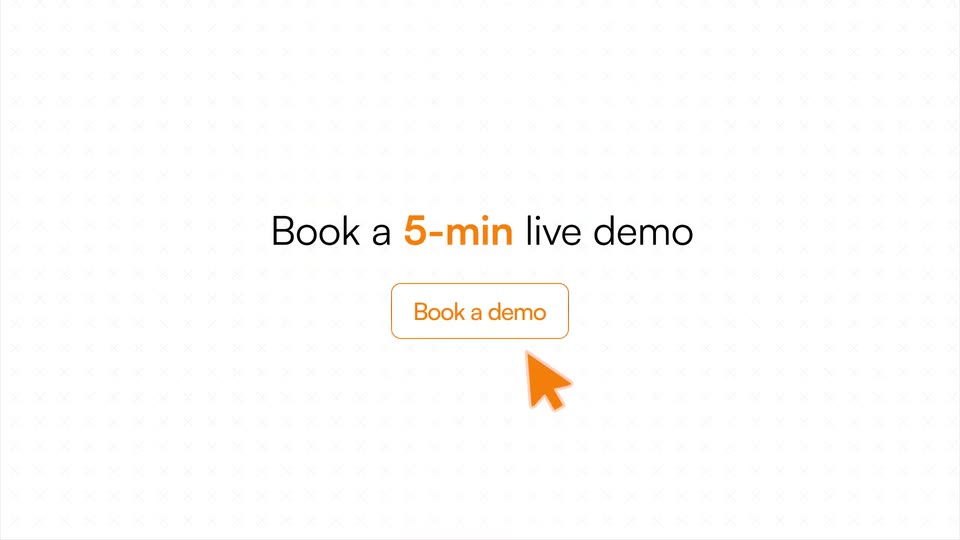 1:14–1:16Novoflow · Novoflow Launch (YC X25)On a white background with a faint X pattern, the headline scales in with '5-min' in orange. An orange cursor glides in from the bottom right, hovers the outlined 'Book a demo' button, which fills light orange, then the cursor drops away.
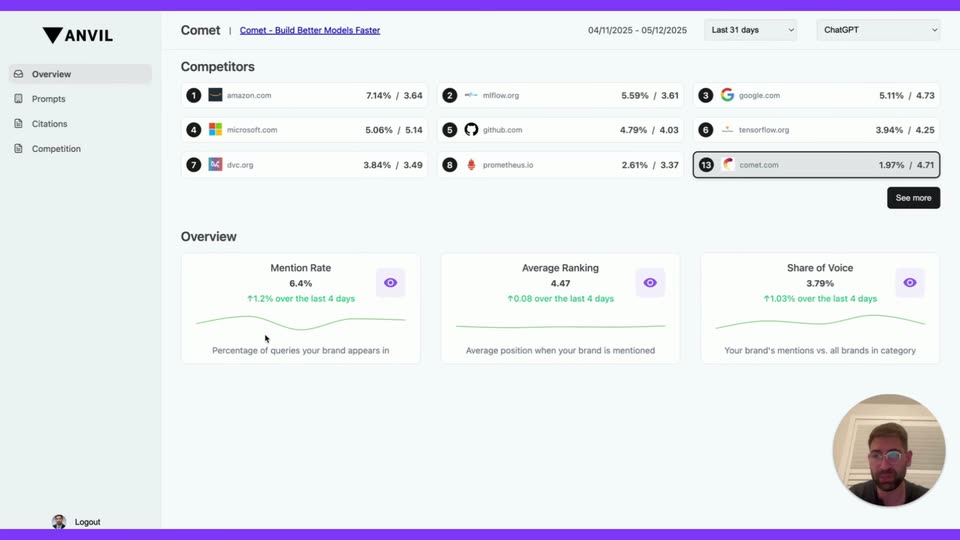 0:07–0:29Acolite · Anvil (YC X25) - Launch VideoA dashboard screen shows a competitor ranking grid and three metric cards. The cursor hovers a chart to reveal a value, then the view zooms in and pans across the cards while a presenter's webcam sits in the corner.
 0:47–0:52Arbitrum · Arbitrum - We’re scaling Arbitrum. Everywhere.A 3D Earth with white dots and dashed network lines sits centered on a purple gradient. White dollar signs orbit it in a rotating ring. A hand cursor hovers over the globe while a 3D letter P of dollar-bill texture slides in from the left.
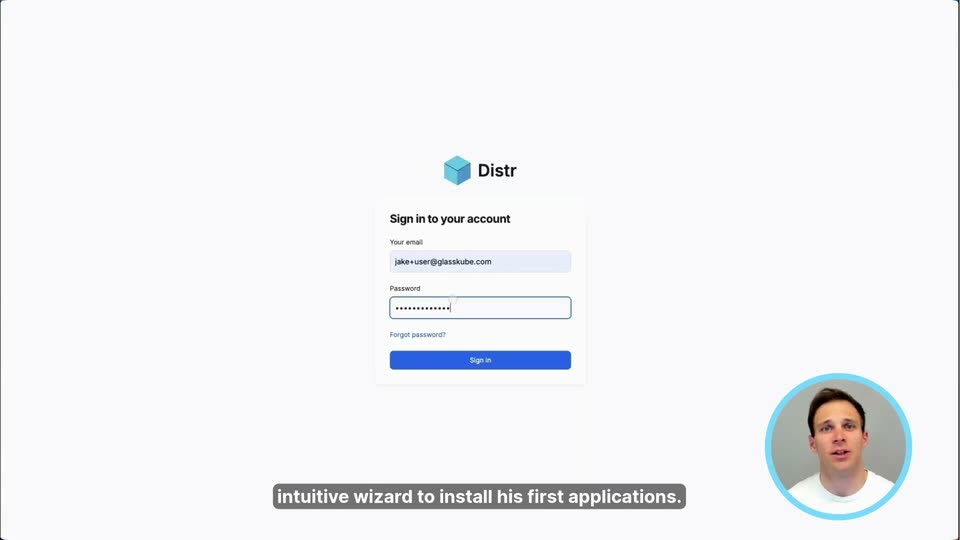 1:53–1:54Glasskube · Distr DemoA centered Distr sign-in card on a light background fills in: the email field shows a typed address and the password field gains dots as a text cursor blinks. A circular talking-head video sits in the bottom right while caption subtitles update along the bottom.
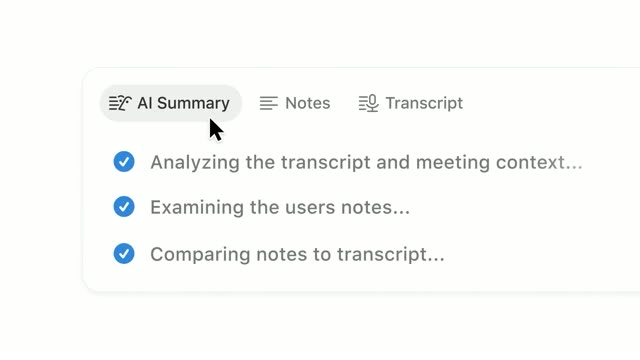 0:16–0:19Notion · Introducing AI Meeting NotesA white interface card sits on a light gray field. The cursor clicks the AI Summary tab, the frame tightens on the card, and the live transcript cross-fades into a generated summary with a Key Points list.
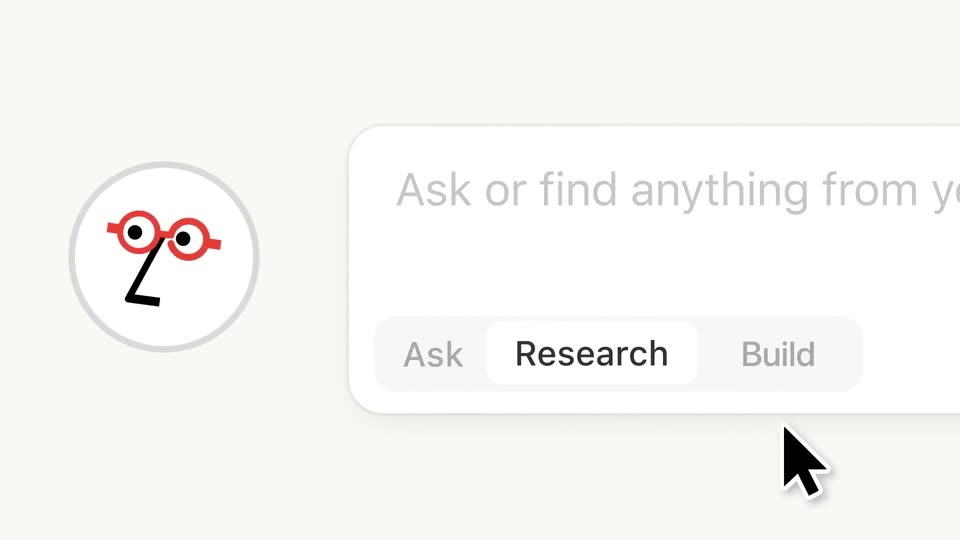 0:03–0:05Notion · Introducing Enterprise SearchA white search bar mockup with a blinking caret and Ask, Research, Build pills; the pills slide as Research highlights and a cursor hovers over the row, then it cuts to a man with glasses speaking in front of a blurred window.
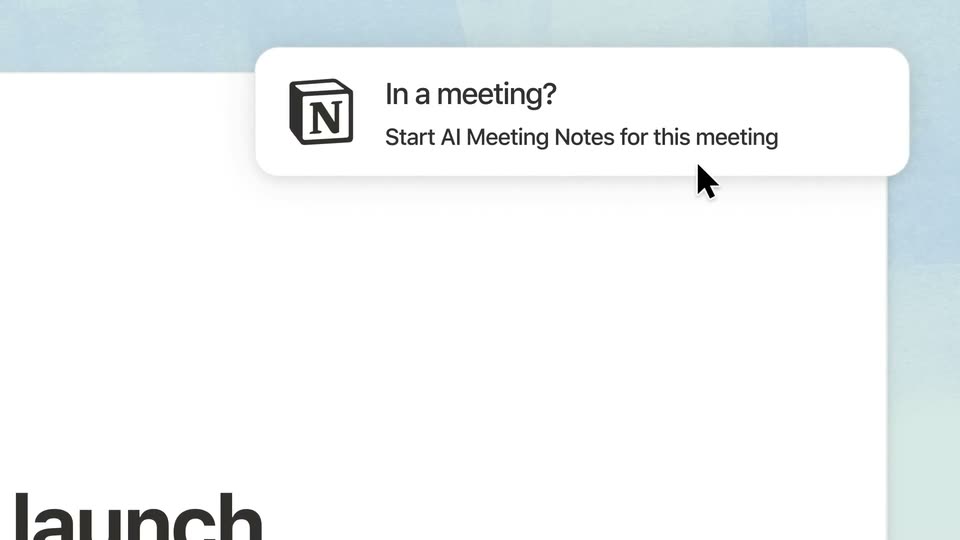 0:12–0:13Notion · Meet the all-in-one Notion AI for workA white Notion prompt card with the N cube icon and the lines “In a meeting?” and “Start AI Meeting Notes for this meeting” eases down from the top over a pale blue and white panel. A black arrow cursor drifts to the card’s lower edge while a large bold “launch” headline sits cut off at the bottom left.
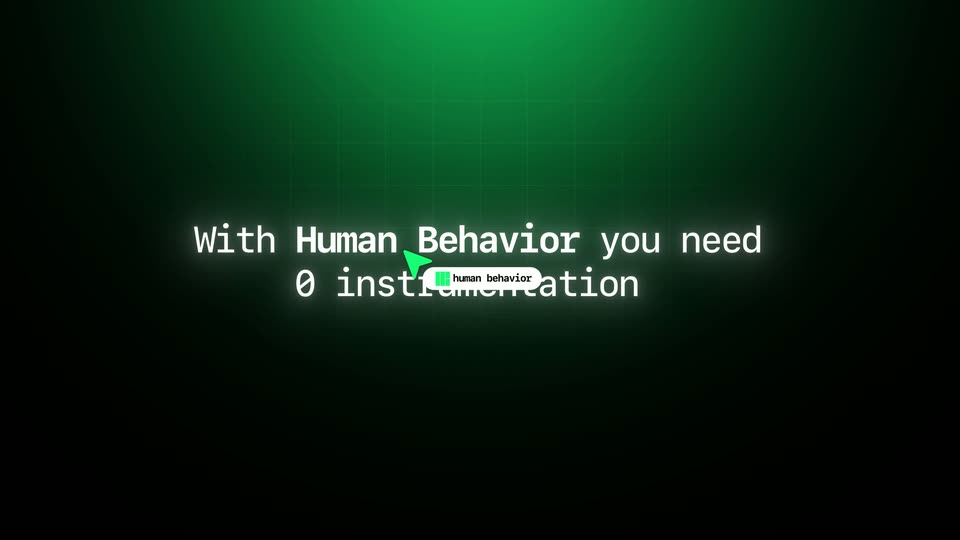 0:13–0:17Human Behavior · Human Behavior LaunchDark green grid backdrop. Glowing white monospace line “We help you understand your customers better” eases to center, then fades. “With Human Behavior you need 0 instrumentation” appears with “Human Behavior” in green; a cursor hovers the word, a tooltip pops up. “Trusted by” scales in above a still caption.
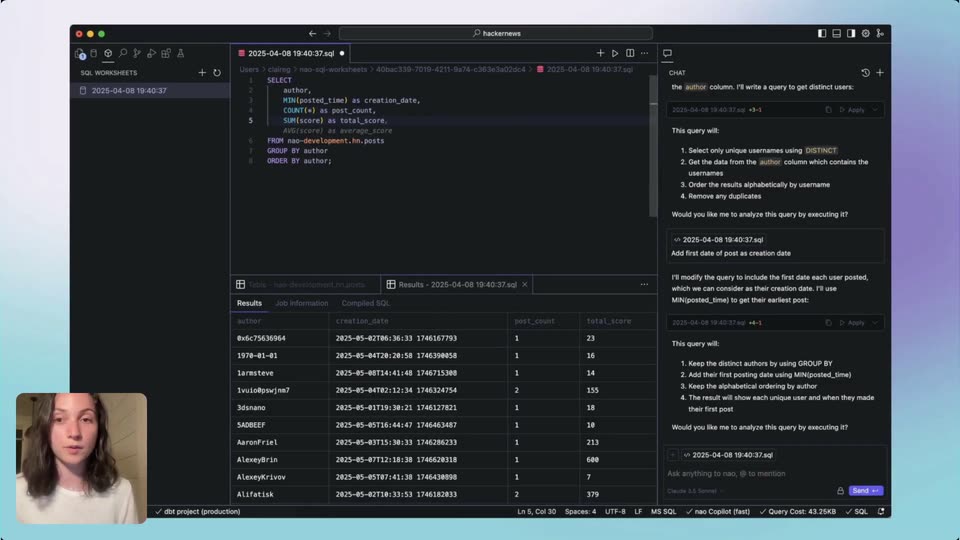 0:00–1:48nao Labs · nao - product demoLocked-off screen capture of a dark SQL IDE over a soft blue-purple gradient, with the presenter's webcam in the lower left. Onboarding cards give way to a warehouse tree, a results grid, and a chat panel typing prompts that return SQL code line by line.
 0:10–0:12Orchid · Zero - The AI-native email that manages your inboxExtreme close-up of a screen with shallow focus; a hand cursor hovers over a black button, the button then disappears and a Not starred tooltip pops in beside a blurred list of names.
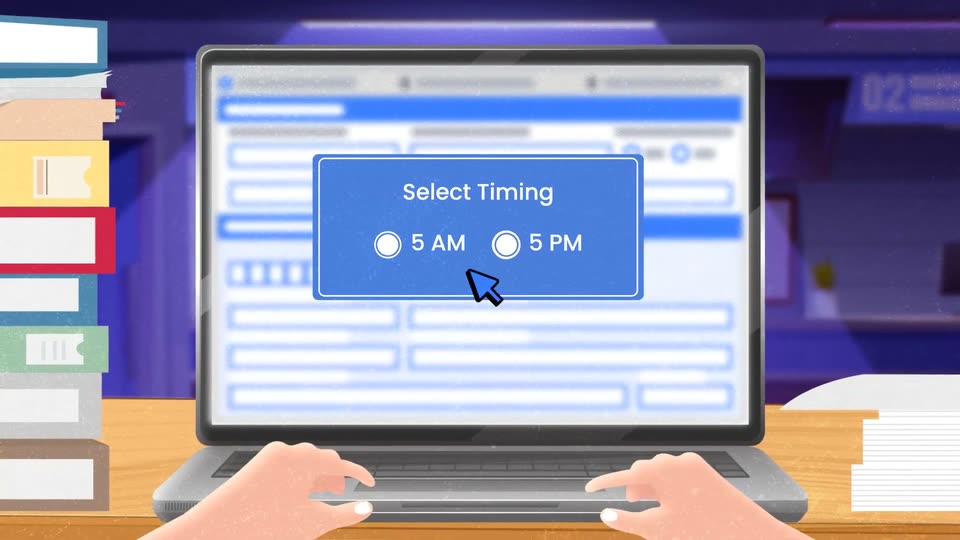 0:27–0:29Adentris · Adentris – AI Compliance Copilot for Healthcare Providers | Prevent Claim DenialsA 3D laptop sits on a wooden desk against a blurred purple office, with a stack of binders at left. A blue modal labeled Select Timing with 5 AM and 5 PM radio buttons pops on the screen, a cursor hovers, then two hands rise to type on the keyboard.
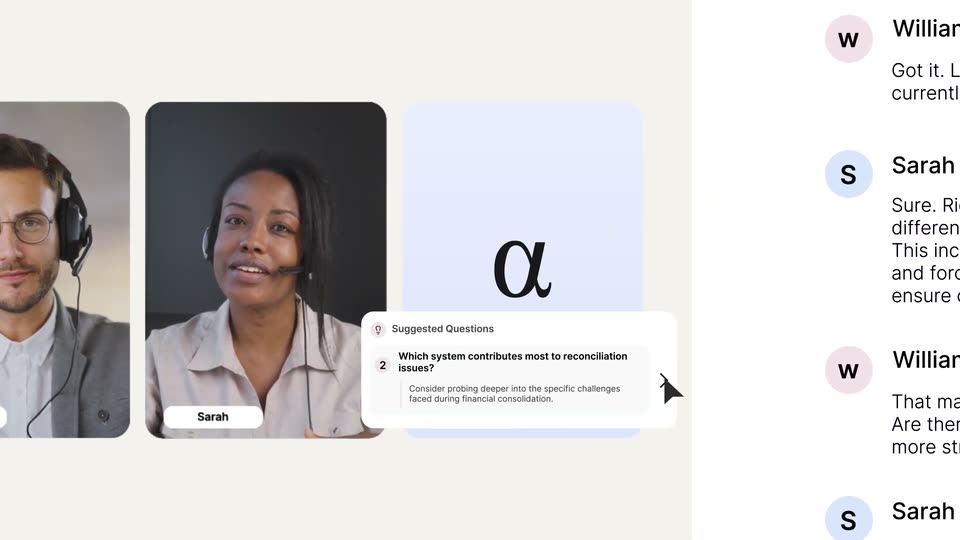 0:37–0:47Auctor · Auctor AI (YC X25) Launch VideoA product screen with a three-tile video call on the left and a scrolling transcript on the right. The camera zooms onto the tiles as a Suggested Questions tooltip pops up, then pulls back while a cursor clicks the Questions & Answers tab and opens a Sources panel.
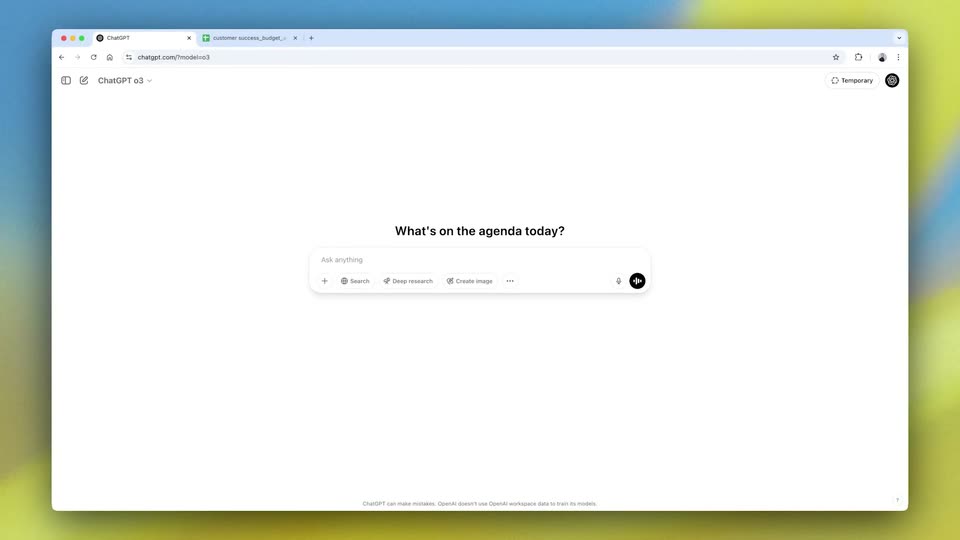 0:08–0:26OpenAI · Automate complex workflows with OpenAI o3A browser window shows the ChatGPT home screen. The view zooms into the model menu as the cursor selects o3, then zooms into the prompt box where a long variance-report prompt is typed. The frame pulls back and zooms in again on the text box.
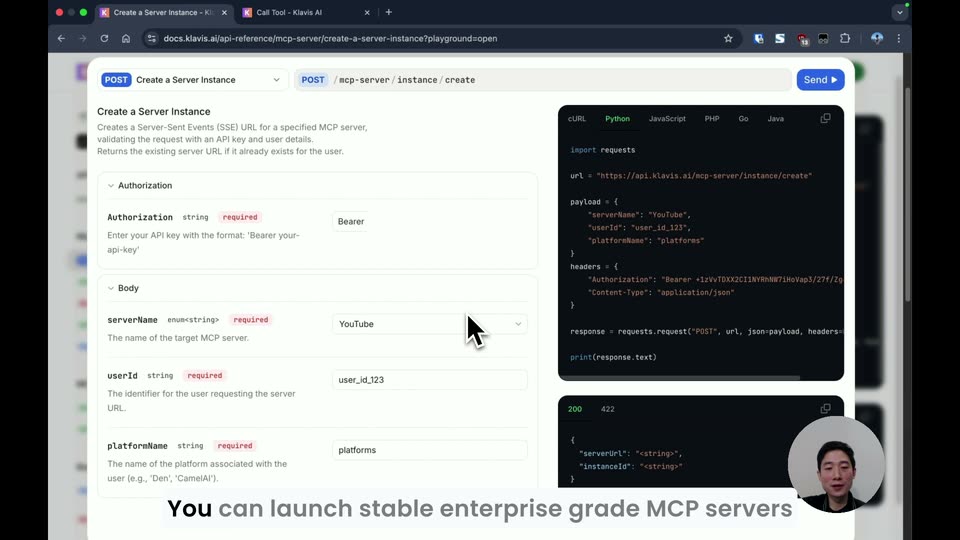 0:26–0:30Klavis AI · Klavis AI: Open Source MCP integrations for AI ApplicationsScreen recording of the Klavius API docs page: the Create a Server Instance form with filled fields beside a Python code panel. A cursor moves to click the blue Send button as the view zooms in. A presenter appears in a small circular webcam bubble at bottom right.
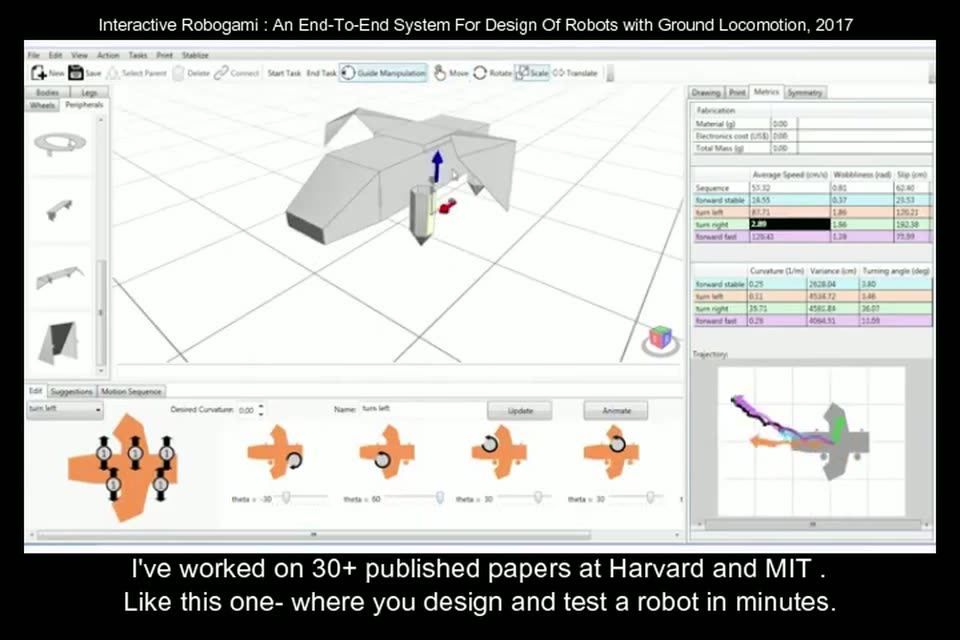 0:04–0:11MorphoAI · MorphoAI YC LaunchA locked-off screen capture of the Robogami design tool: a gray low-poly robot on a grid viewport changes pose and parts as a cursor clicks, a blue move gizmo appears, the bottom panel swaps gait icons for orange and purple keyframe sliders, and the right-hand metrics table updates.
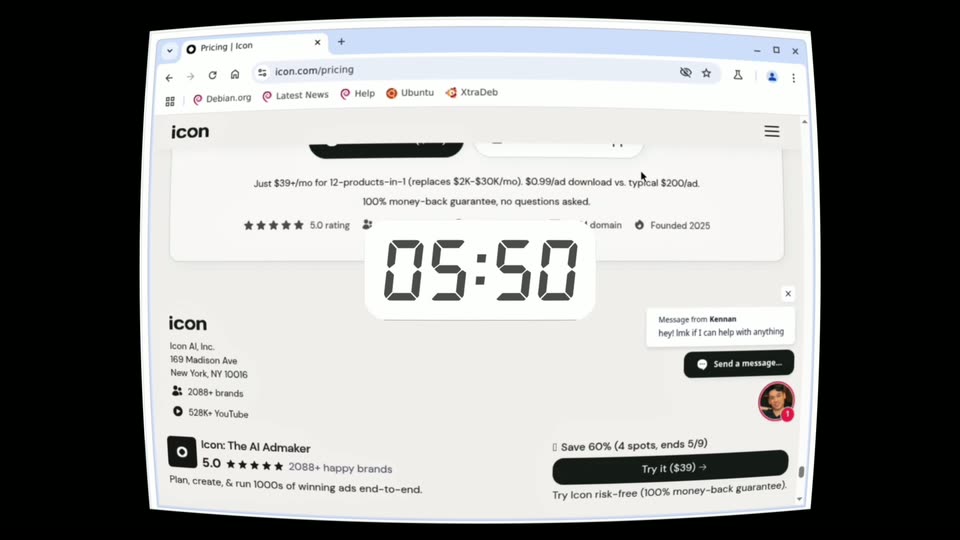 0:22–0:23Theta · Theta Software: Self-Learning for AI AgentsA tilted 3D browser window showing the icon.com pricing page scrolls slightly against a black background. A large digital countdown timer in the center ticks down from 09:59 to 06:30 while a cursor moves over the page.
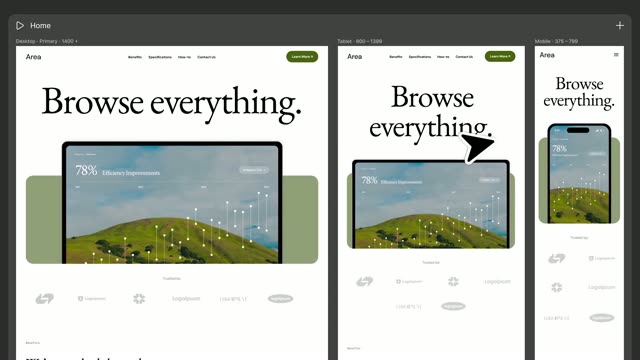 0:08–0:10Figma · All the launches at Config 2025 | FigmaA design tool window shows three responsive previews of one website side by side, labeled desktop, tablet, mobile. Each shows the same homepage: a large serif headline over a green hill with data markers. A cursor glides from the tablet preview to the top-left corner.
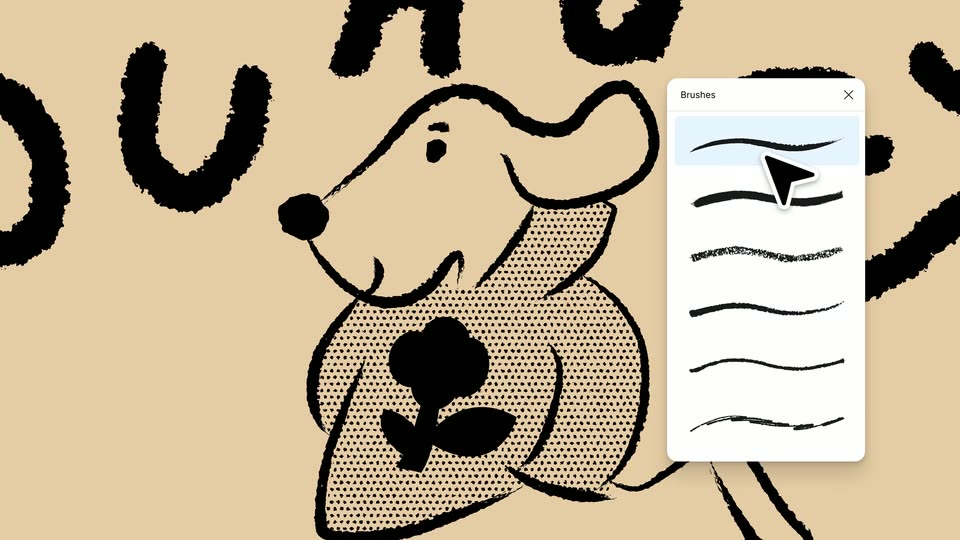 0:11–0:13Figma · Figma - Introducing Figma Draw New fills, effects, brushes, and more, now inA cartoon dog drawn in rough black strokes sits on a tan canvas, its body filled with halftone dots. A white Brushes panel floats at right as a cursor selects a new stroke, swapping the dog's fill to newspaper text while a large hand-lettered word scales slowly behind.
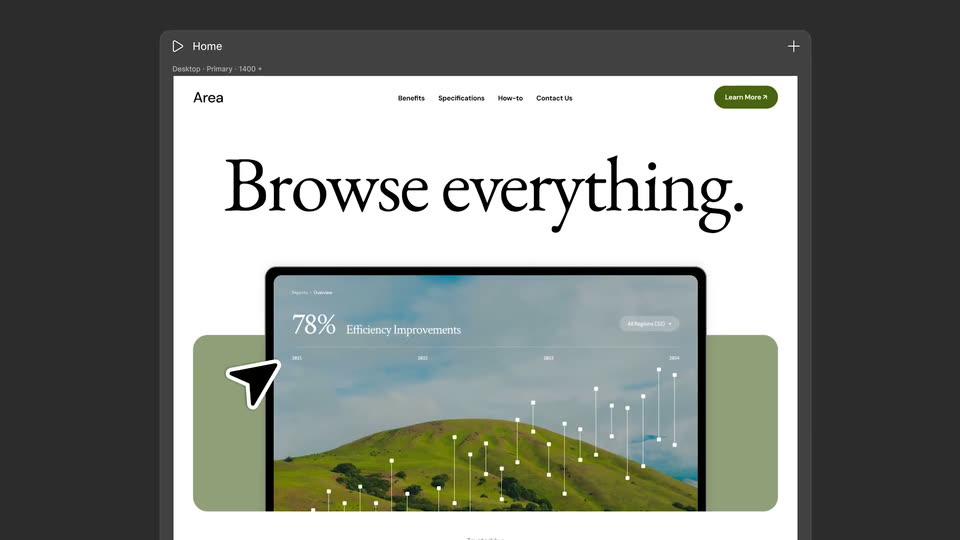 0:06–0:07Figma · Figma - Introducing Figma Sites Take your designs straight to the web. WithA browser window frames a webpage; the shot starts tight on the large serif headline, then pulls back to reveal the nav bar and a tablet showing a line chart over a hill. A black cursor hovers at the left as the headline text slides into place.
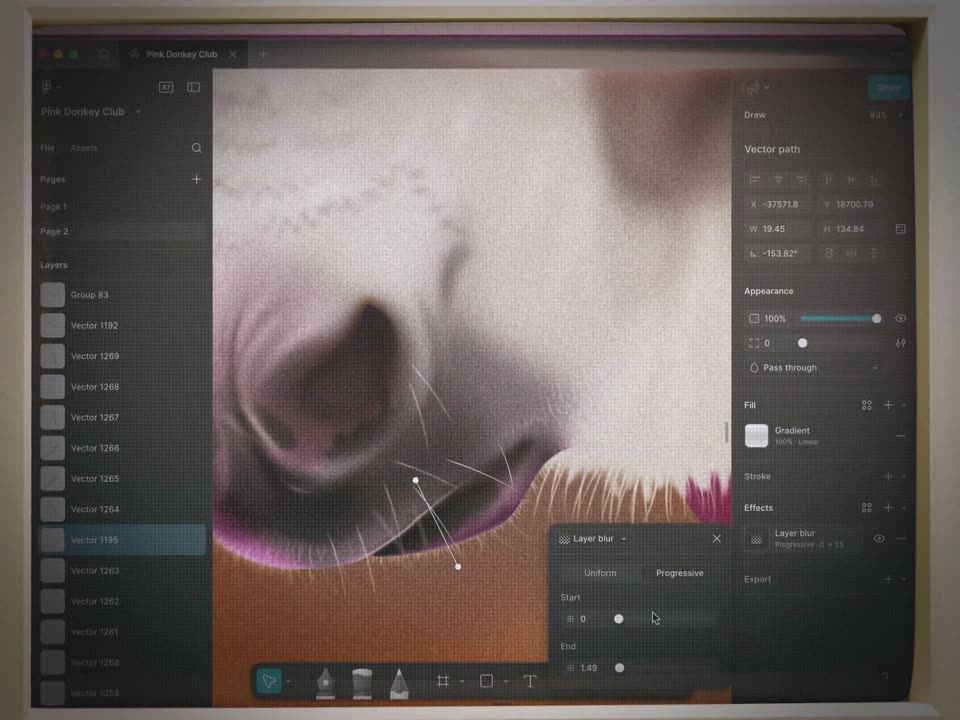 1:51–1:54Figma · Figma - PSA: Don’t let your loved ones be the last to know about Figma Draw #A live-action shot of a white dog nuzzling two hugging people cross-dissolves into a design-app canvas. The view zooms to a close-up of the dog's nose and tongue, and a cursor drags the layer-blur slider.
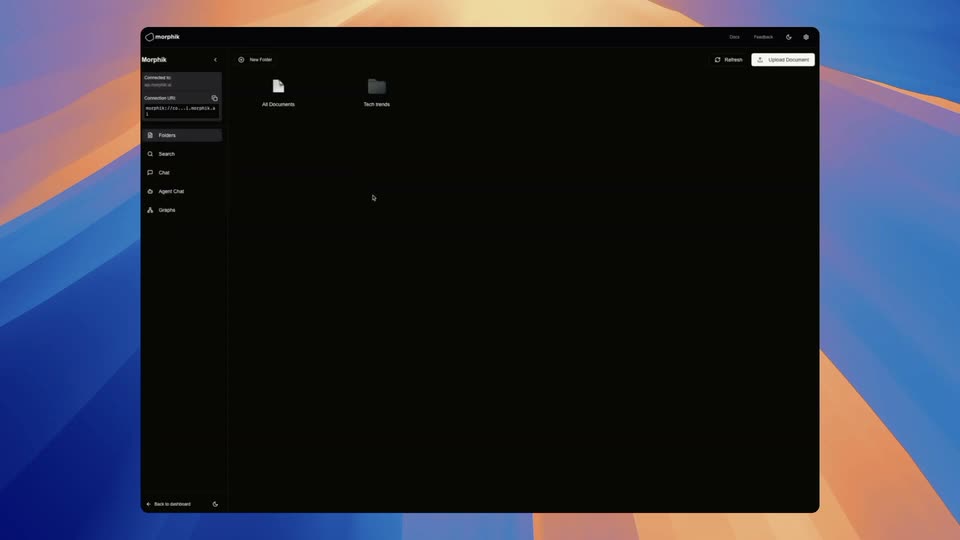 0:04–0:15Morphik · Morphik Launch DemoA dark dashboard of application cards sits over a blue-orange gradient; the cursor moves toward the Consulting Reports card. The view switches to a file browser with a sidebar, zooms in on the Tech trends folder, the cursor clicks, and an empty folder with an upload prompt appears.
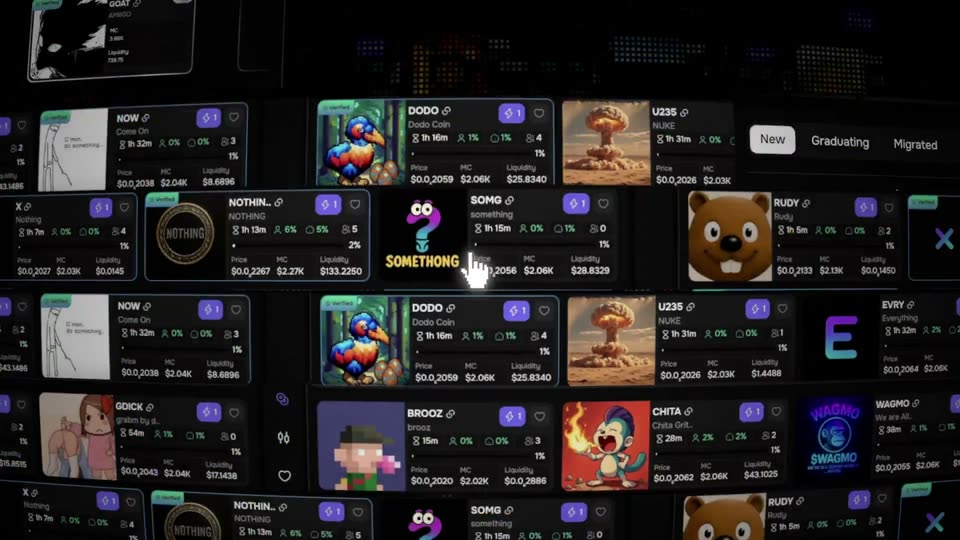 0:01–0:02Something · something - Updates/features will be dropping daily. Early Adopters have access:A dense grid of NFT cards on a dark background. The view zooms out to reveal more rows while a white hand cursor hovers over individual cards.
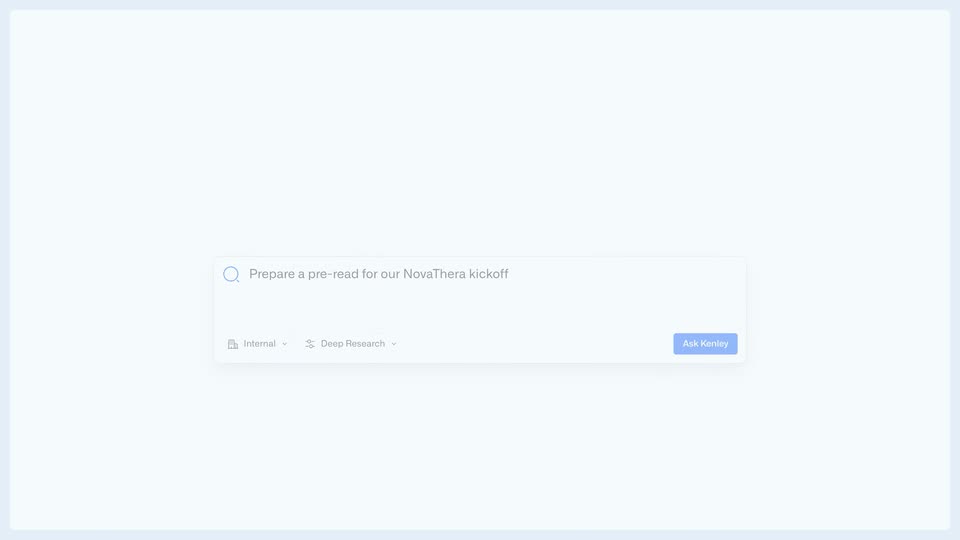 0:09–0:13Kenley · Introducing Kenley WorkStreamsA white prompt card sits centered on a pale background; the request text types itself in letter by letter as the Ask Kenley button shifts from gray to blue. The card fades and the view cuts to a document workspace with a hand cursor over a strategy page.
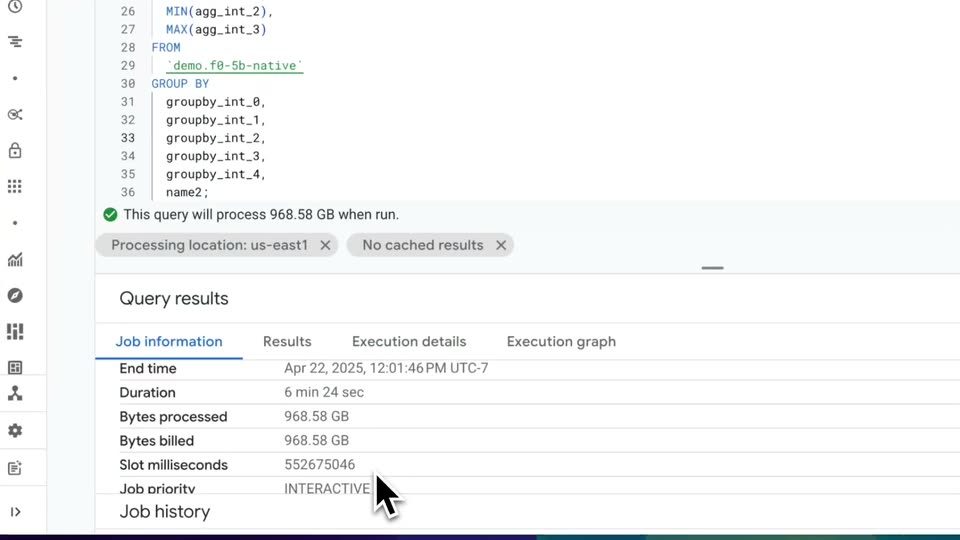 0:13–0:29ParaQuery · Launch YC: ParaQuery - cloud data processing for the GPU eraA BigQuery editor shows a SQL query above a job information table. The cursor hovers near the table, then the view zooms in as the cursor selects the Slot milliseconds value, highlighting it in blue, before zooming back out.
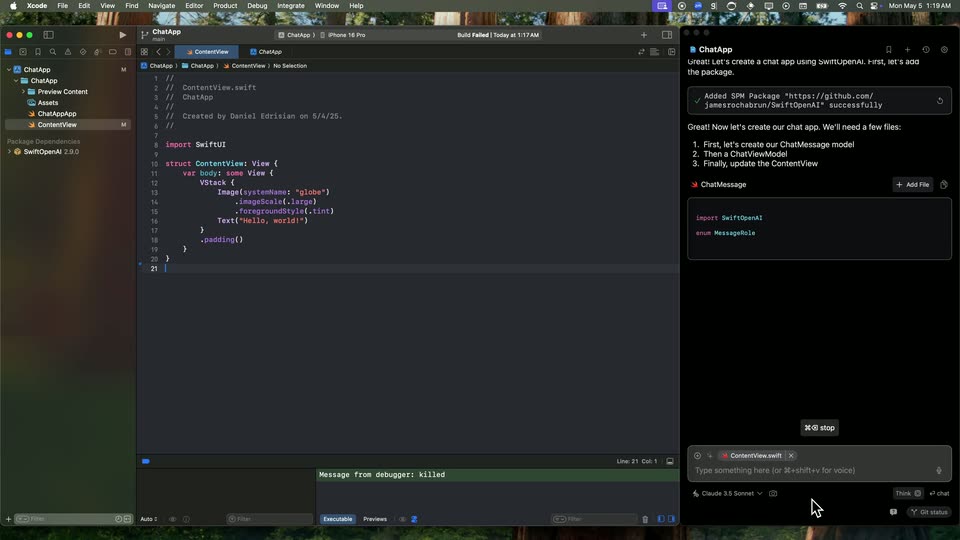 0:00–0:34Alex · Alex - Xcode AI Coding AssistantA locked-off screen capture of a code editor with a chat panel. The view reframes onto the input, where a cursor types a prompt. The panel then fills with reply bubbles, a package dialog, and streaming Swift code blocks as the file tree updates.
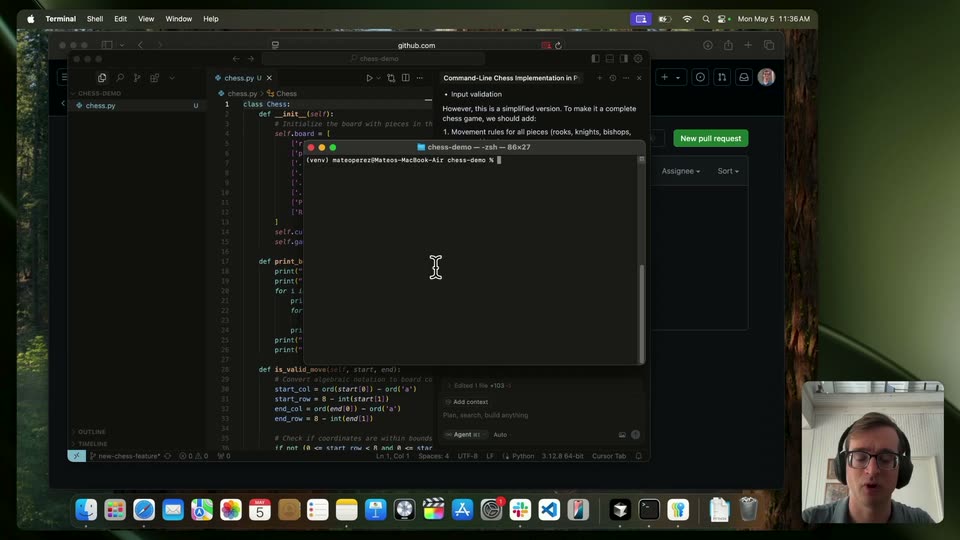 0:27–0:51Cartpole · Jazzberry DemoA code editor screen shows AI-generated Python code scrolling in a side panel under a 3x speed caption. The cursor clicks Accept, opens a terminal, and types git add, commit and push as the view zooms in. A webcam of the speaker sits in the corner.
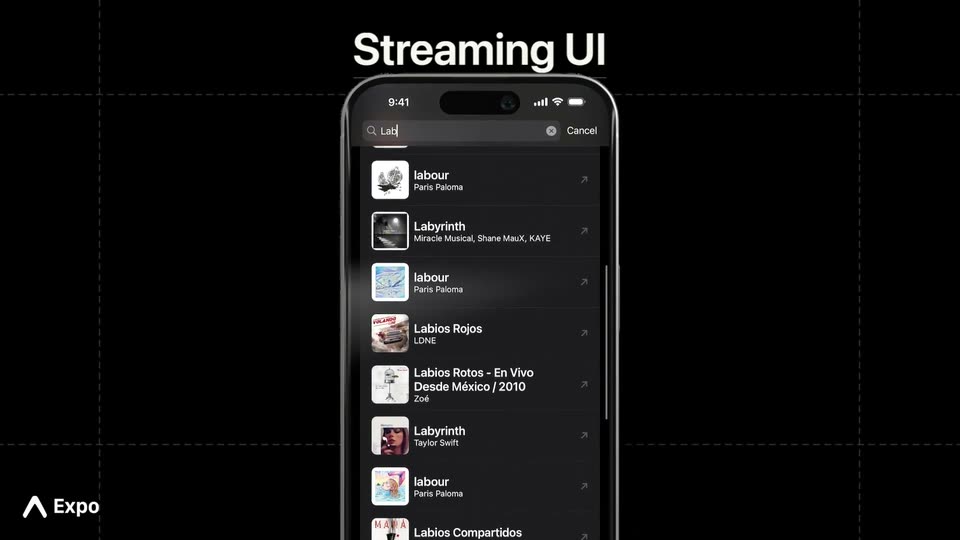 0:12–0:14Expo · Expo - 🥓Expo Router v5 is here and it's packed with powerful new features toA 3D phone mockup sits on a black grid beneath the white title “Streaming UI”. In the dark music app, a cursor types “Lab” in the search bar while the song list scrolls up past artist names.
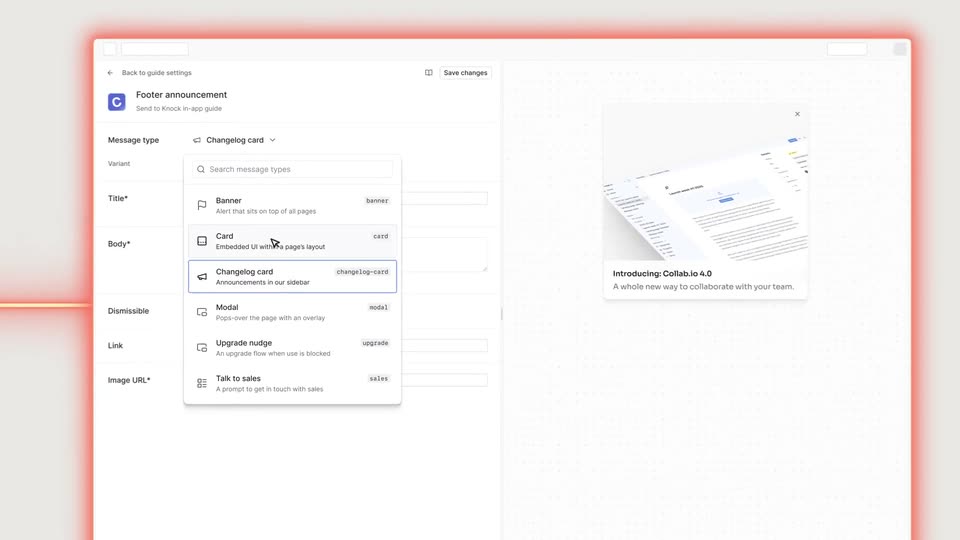 0:25–0:27Knock · Knock - Launch week → Day 5 Introducing Knock guides. Guides enable you toA settings panel shows an open message-type dropdown with a cursor hovering the options; the right-hand preview switches from a changelog card to a faster-uploads card as the view reframes tighter.
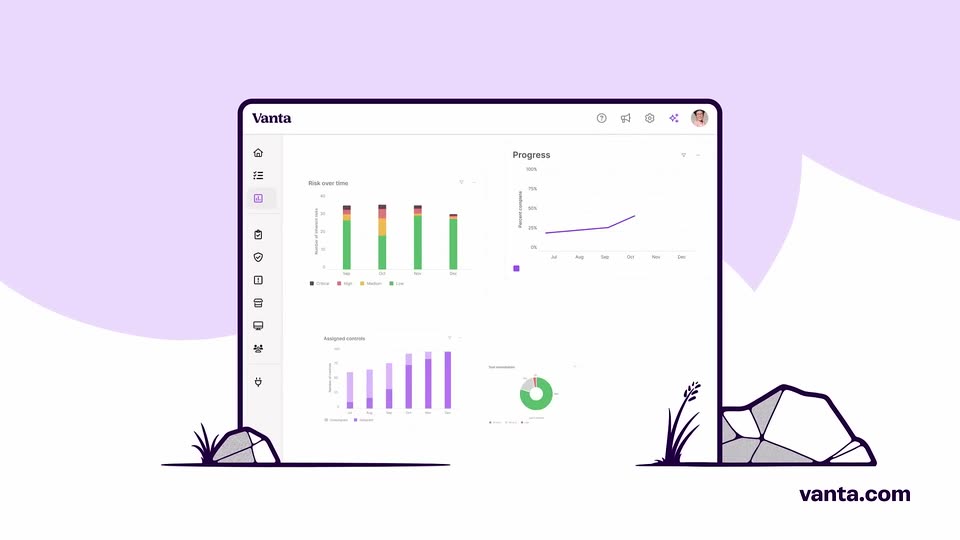 0:15–0:19Vanta · Meet the new way to GRCThe headline “Continuous compliance” sits above a flat laptop on a lavender backdrop with illustrated rocks. The dashboard populates as bars grow, a line draws and a donut fills, then the frame zooms into the Progress chart where a cursor hovers a SOC 2 tag.
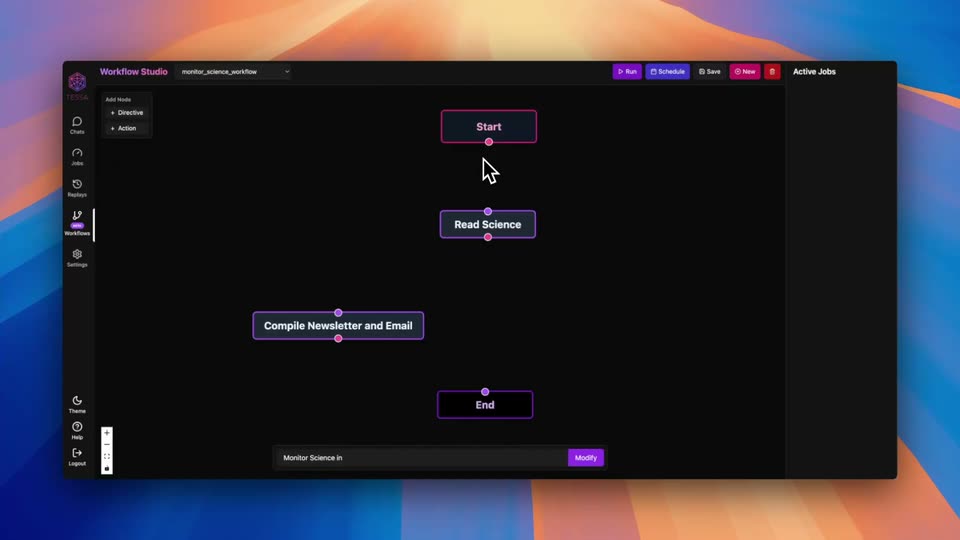 0:00–0:11Altrina · Workflow EditorA dark node-based workflow editor sits on a flowing orange and blue gradient. Nodes Start, Read Science, Compile Newsletter and Email, and End connect vertically while a white cursor hovers beside Start. The frame holds for ten seconds, then zooms in on the Start node.
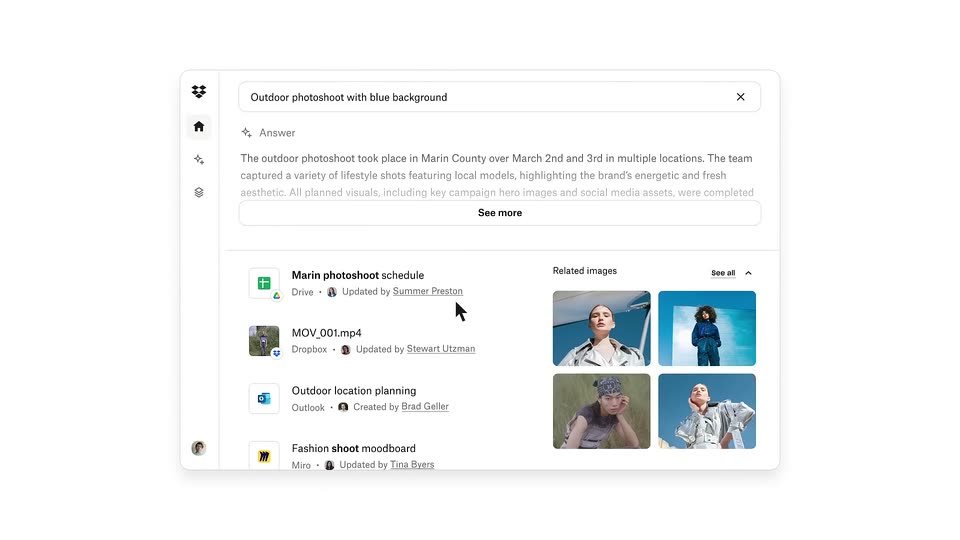 0:06–0:08Dropbox Dash · Dropbox Dash: Search videos, images, and create content fastA Dropbox answer card on a white background: an enlarged query pill fades out as the answer text, four file rows and a grid of four model photos fade in, while the cursor glides to hover See all.
 0:54–0:58Google · NotebookLM launches Audio Overviews in over 50 new languagesA rounded search field sits on a dark gradient background as a cursor types notebooklm.google letter by letter. A bottom caption reads “Just head over to NotebookLM.google,” then crossfades to “you know, log in, pop into your Settings.”
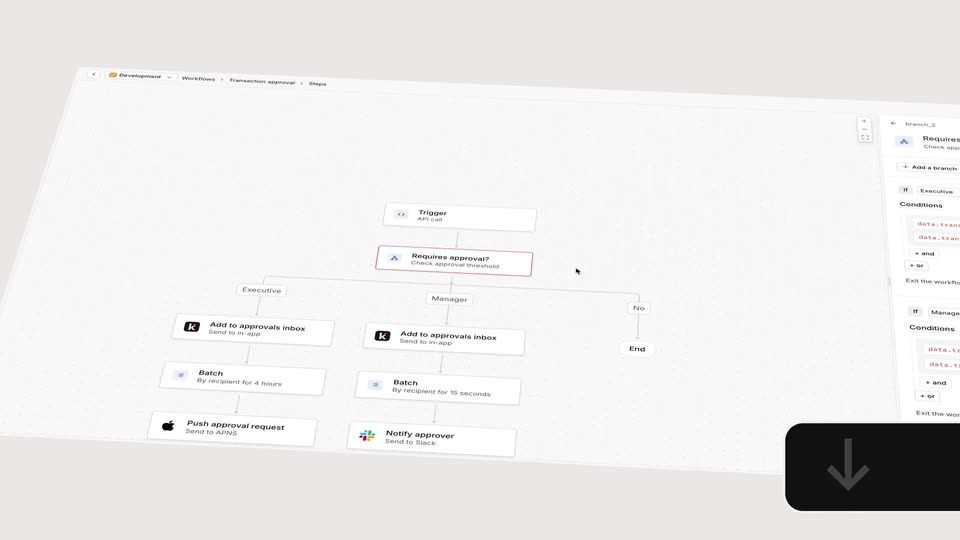 0:27–0:29Knock · Knock - Launch week → Day 2 Introducing Knock workflows 3.0. Rebuilt with aA workflow interface is shown in 3D perspective. A cursor drags a node down into a branch. A black box with a white down arrow appears in the bottom right.
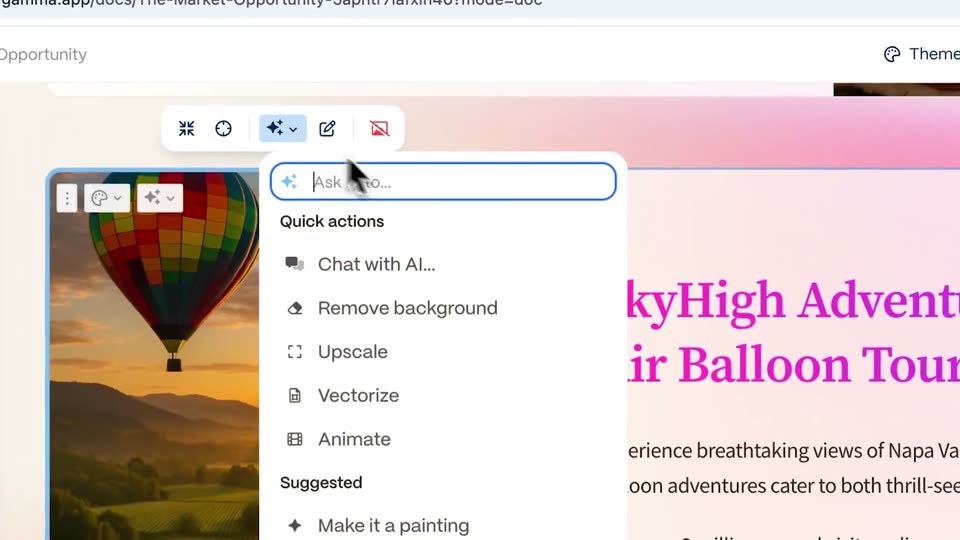 0:04–0:05Gamma · Gamma - Introducing AI Image Editing with animation! You can now edit and anA screen recording of the Gamma editor shows a slide with a hot air balloon photo. The cursor moves to the top toolbar and clicks the Ask AI button, opening a dropdown menu, as the view zooms in on the toolbar.
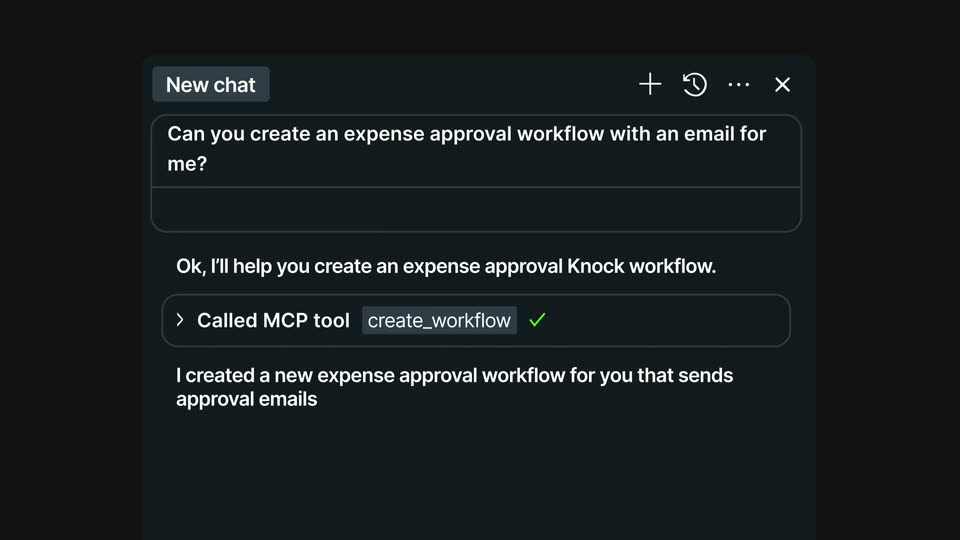 0:38–0:44Knock · Knock - Launch week → Day 1 Introducing Knock Agent Toolkit. Build AI agentA dark chat window types a prompt letter by letter and sends it; a cursor hovers, a generating indicator flashes, the reply types out, a tool chip with a green check appears, and a confirmation line fills in.
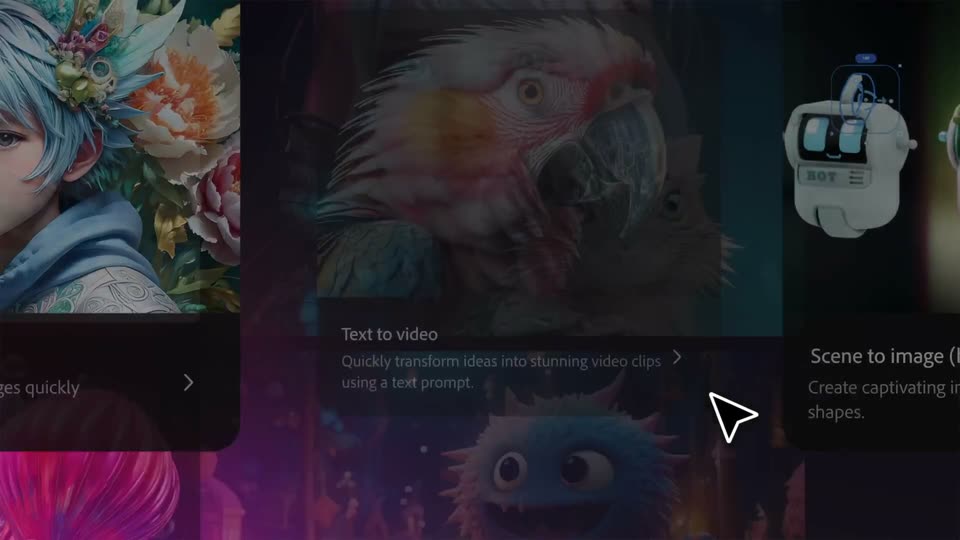 0:01–0:02Adobe · Adobe Firefly: The next evolution of creative AI is hereA horizontal row of dark feature cards scrolls left, revealing a parrot, a blue furry creature, and a robot device. A white outline cursor sits at the bottom center, and a pink gradient glow lines the lower edge.