Cursor demo
A visible cursor operates the interface.
15,025 scenes · page 42 of 251
 0:54–0:58Google · NotebookLM launches Audio Overviews in over 50 new languagesA rounded search field sits on a dark gradient background as a cursor types notebooklm.google letter by letter. A bottom caption reads “Just head over to NotebookLM.google,” then crossfades to “you know, log in, pop into your Settings.”
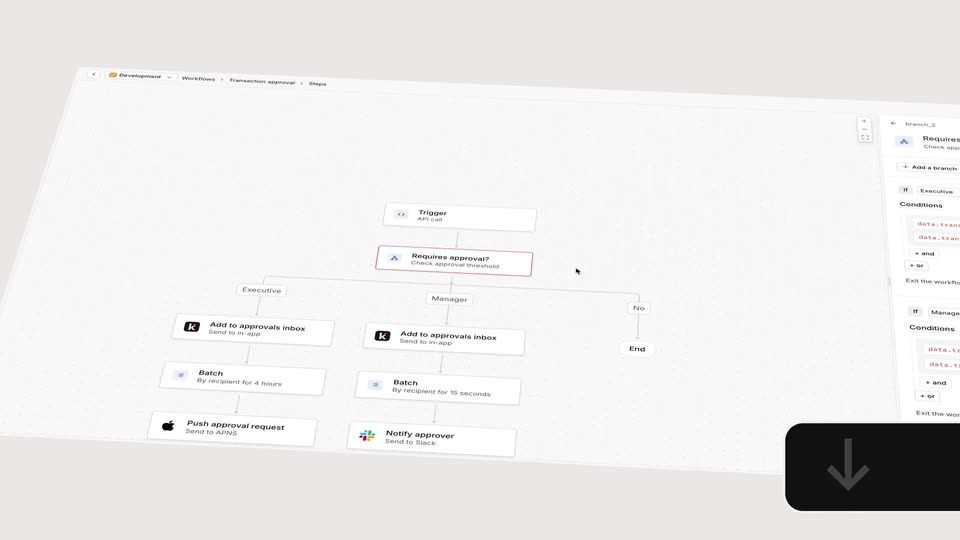 0:27–0:29Knock · Knock - Launch week → Day 2 Introducing Knock workflows 3.0. Rebuilt with aA workflow interface is shown in 3D perspective. A cursor drags a node down into a branch. A black box with a white down arrow appears in the bottom right.
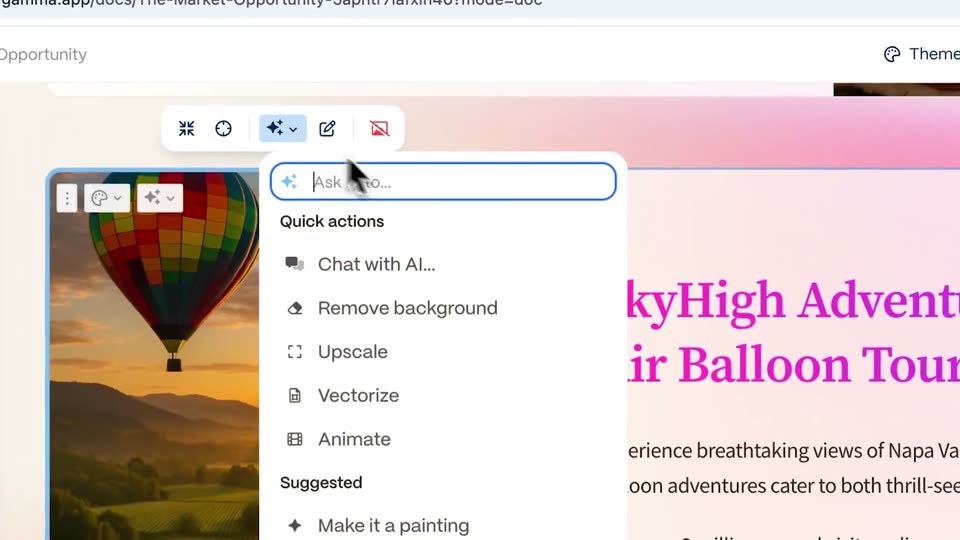 0:04–0:05Gamma · Gamma - Introducing AI Image Editing with animation! You can now edit and anA screen recording of the Gamma editor shows a slide with a hot air balloon photo. The cursor moves to the top toolbar and clicks the Ask AI button, opening a dropdown menu, as the view zooms in on the toolbar.
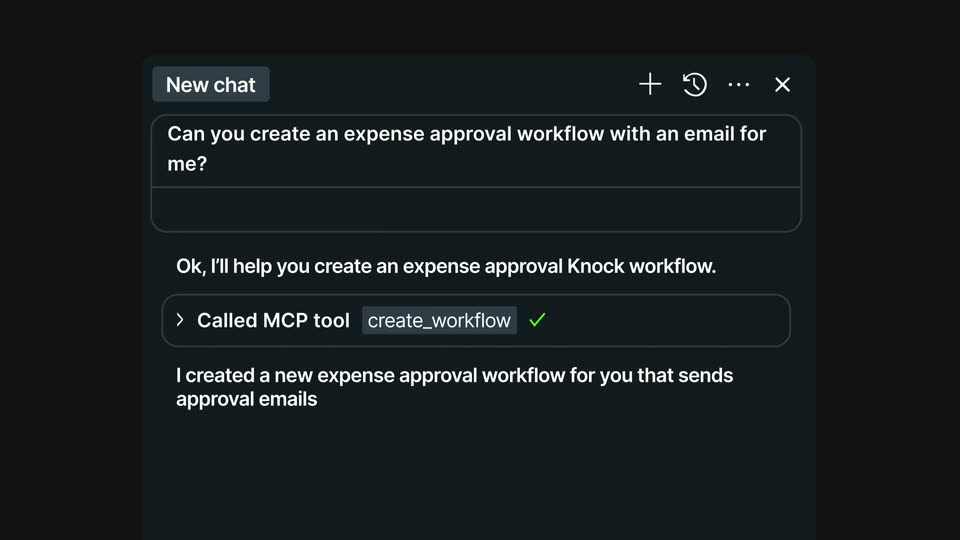 0:38–0:44Knock · Knock - Launch week → Day 1 Introducing Knock Agent Toolkit. Build AI agentA dark chat window types a prompt letter by letter and sends it; a cursor hovers, a generating indicator flashes, the reply types out, a tool chip with a green check appears, and a confirmation line fills in.
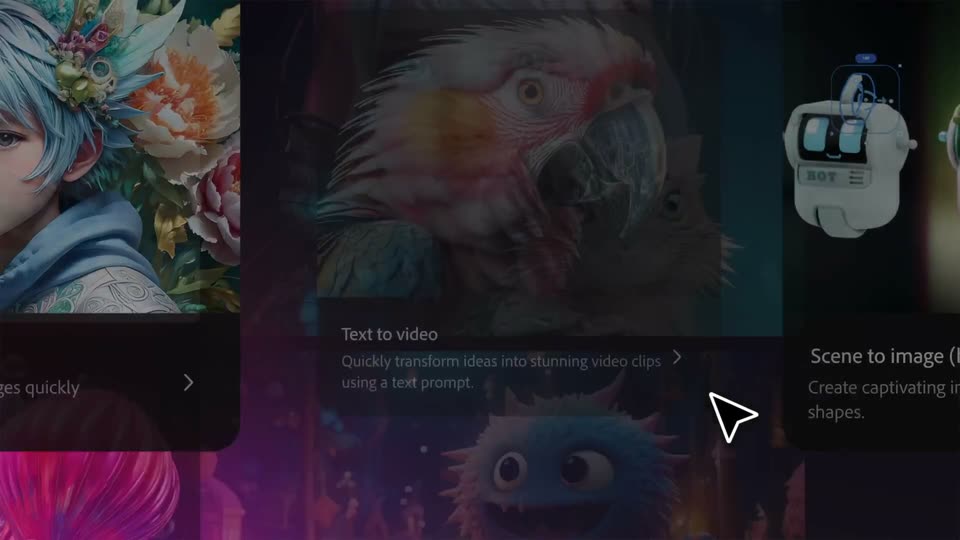 0:01–0:02Adobe · Adobe Firefly: The next evolution of creative AI is hereA horizontal row of dark feature cards scrolls left, revealing a parrot, a blue furry creature, and a robot device. A white outline cursor sits at the bottom center, and a pink gradient glow lines the lower edge.
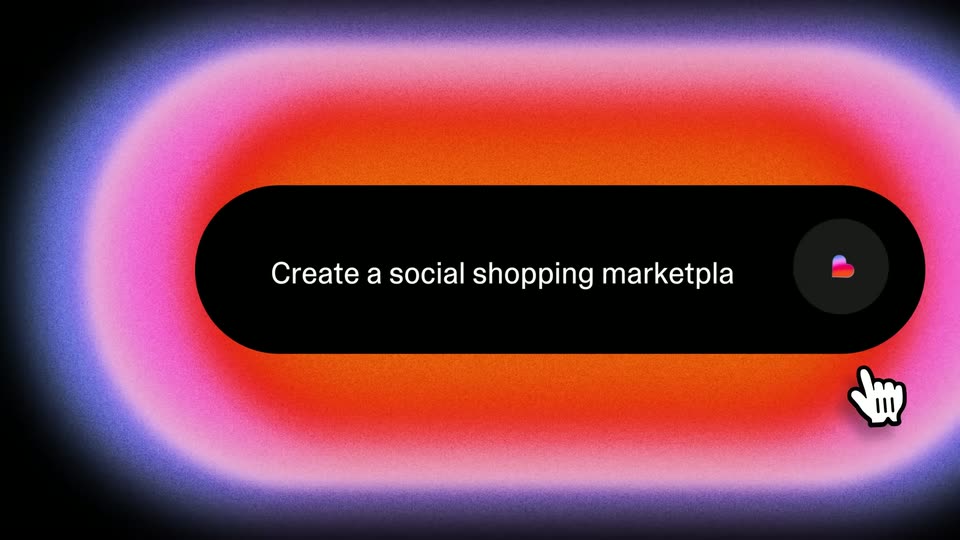 0:22–0:26Lovable · Lovable 2.0 is here. Multiplayer vibe coding. Smarter & more secure.A black prompt bar glows orange on a black background as the prompt types itself in. A hand cursor clicks the send button, and the bar morphs into a tilted 3D browser window of the generated site while the glow turns blue.
 0:31–0:44Fireflies · Fireflies.ai - 🎉 We’ve reimagined meetings beyond note-taking. Introducing FireflieA grid of app icons fades out under the sync headline, then centered white text cards build word by word on a dark purple grid, and a search bar types out the Fireflies URL before the pink logo sign-off.
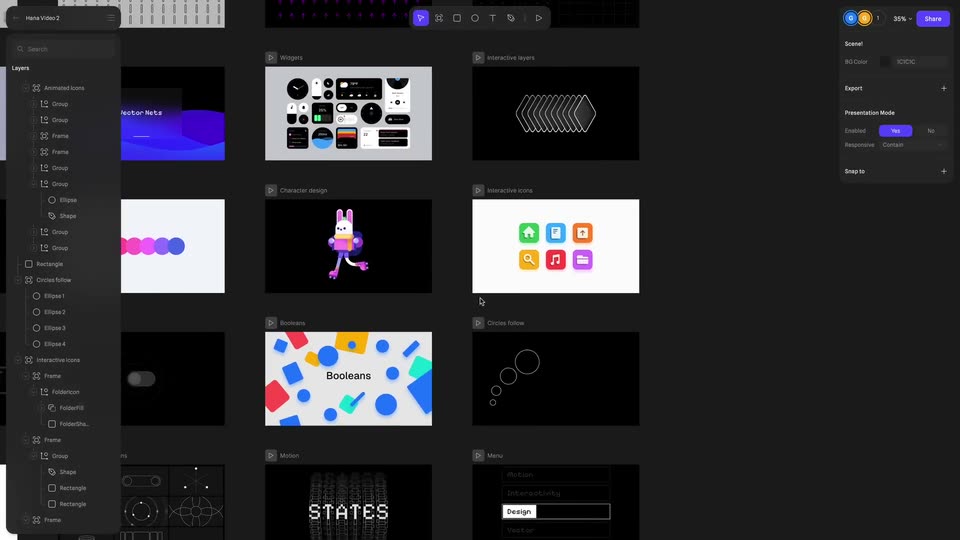 0:19 · 0.7sSpline · Introducing Hana - A new canvas for interactivity - by SplineA dark design-tool screen shows a grid of project thumbnails between a layers panel and an export panel. The grid scrolls up slightly while a cursor drifts to hover over a colorful icon tile.
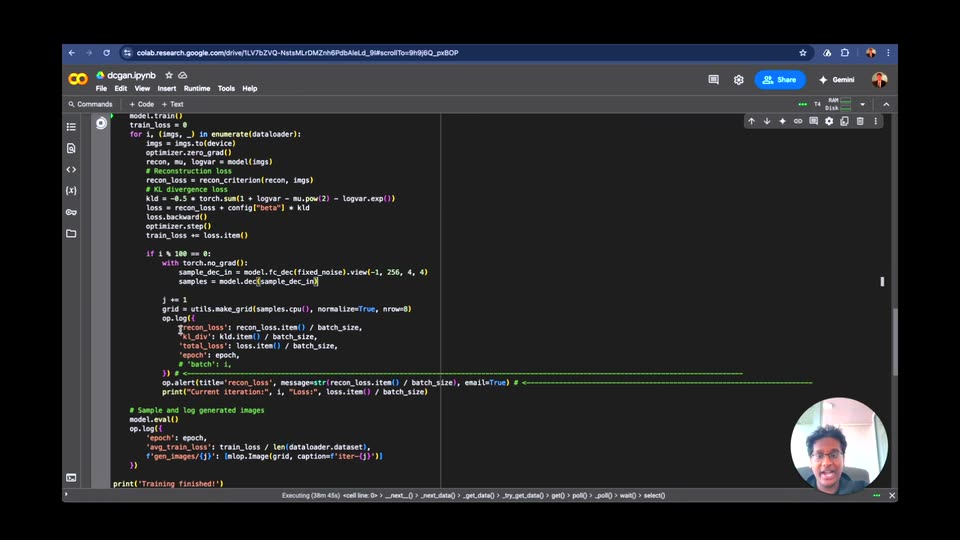 0:00–0:22mlop · mlop: introA dark Colab notebook shows a Python DCGAN training loop; the code scrolls up and down while a circular webcam of the presenter sits in the lower right. Log lines from the MLog SDK appear at the bottom of the screen.
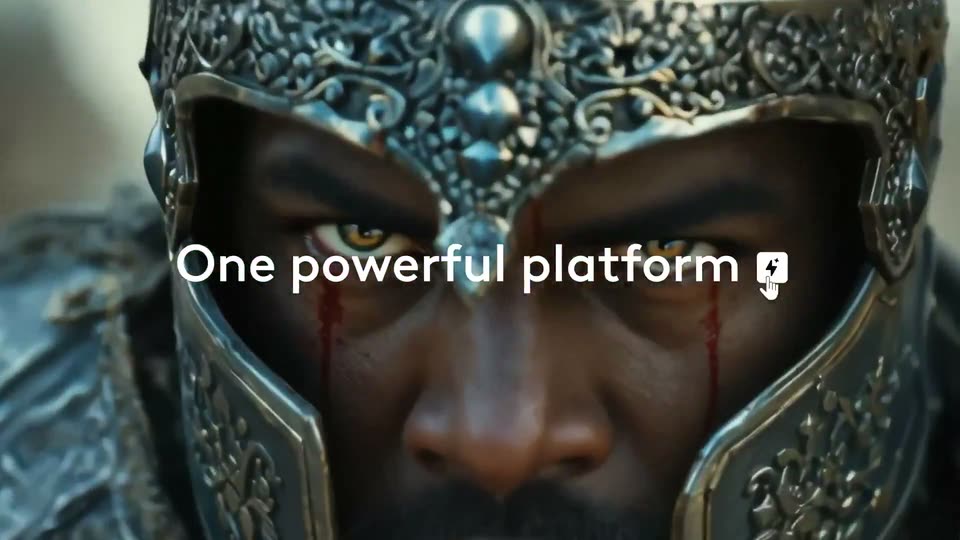 0:07–0:08Lightricks · Lightricks - Today we’re introducing Veo 2 in @LTXStudio . We’re giving you the fA close-up of a helmeted warrior dissolves into a dark editor screen with a video preview and a model panel listing LTXV and Veo 2, a hand cursor hovering over LTXV. White text reading One powerful platform stays centered across the transition.
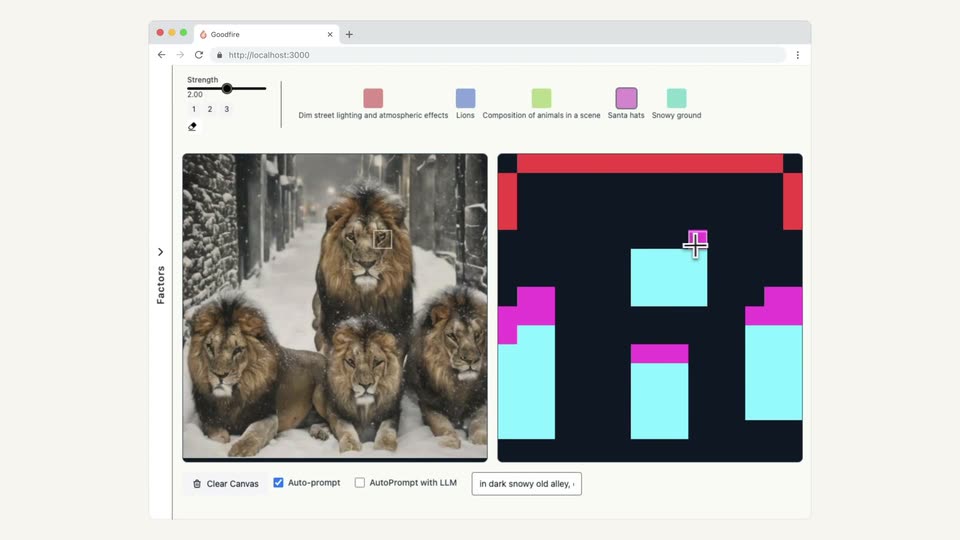 0:19–0:36Goodfire · Goodfire - Today, we're announcing our $50M Series A and sharing a preview of EmA Goodfire browser window scales into frame, showing a prompt over a lion photo and a pixel map. A cursor darkens the photo by factor, then the view scrolls to a Strength slider and paint canvas; crosshair strokes add colored blocks, regenerating the image with extra lions and Santa hats.
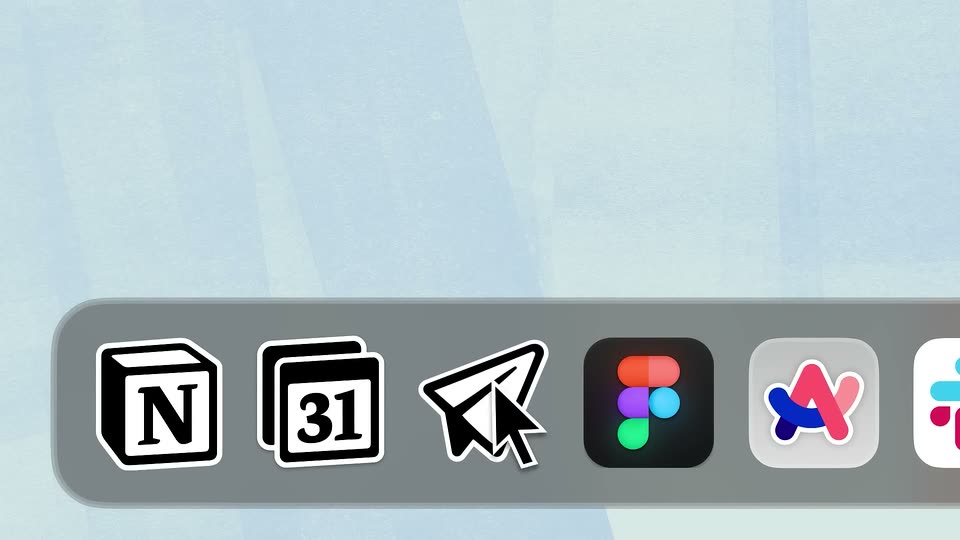 0:02–0:03Notion · Meet Notion MailA gray macOS dock sits on a light blue textured backdrop. A cursor moves to the third icon, which morphs from a colorful shape into a black paper-plane logo, then clicks it. A headline, Meet Notion Mail, slides in above the dock.
 0:02–0:05tldraw · tldraw - introducing tldraw. a web app i made for myself. one simple, cleanHandwritten “draw your thoughts” is scrawled in on a cream background, sharpening and scaling up, then a quick cut to a yellow toy hand resting on a laptop trackpad as a stick figure is drawn on the screen.
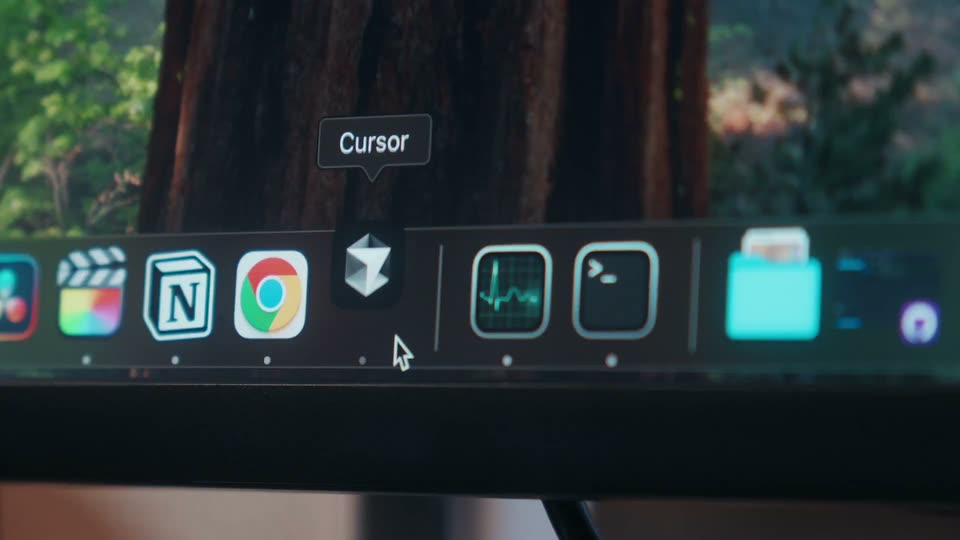 0:23–0:24Clova · William Wang - How I found my startup idea p.s we just publicly launched our produClose-up of a Mac dock on a monitor against a blurred forest backdrop. The mouse cursor hovers over the Cursor app icon, which rotates in place, while a tooltip labeled “Cursor” floats above it.
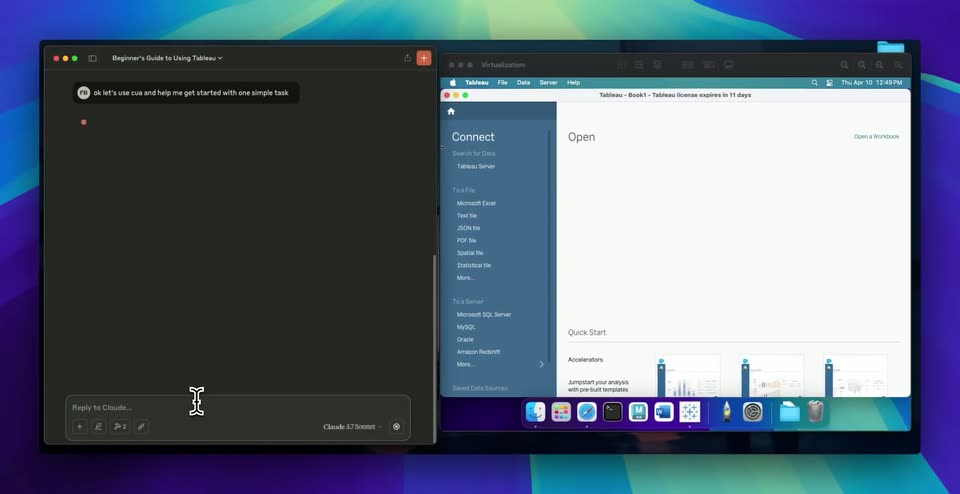 0:00–0:22Cua · c/ua ❤️ MCPA desktop screen shows the Claude chat app beside a Tableau window. The view zooms in as the cursor types a question; the answer streams in, a second prompt opens a tool-permission dialog the cursor approves, and a white flash ends the scene.
 0:03–0:05Freewrite · Farza 🇵🇰🇺🇸 - introducing freewrite. a mac app i made for myself. one simple, cleA shallow-focus close-up of a monitor at a diagonal angle shows a pale video-call window over a dark floral wallpaper. A cursor drifts rightward across the bottom control bar, from the timestamp toward the Fullscreen label.
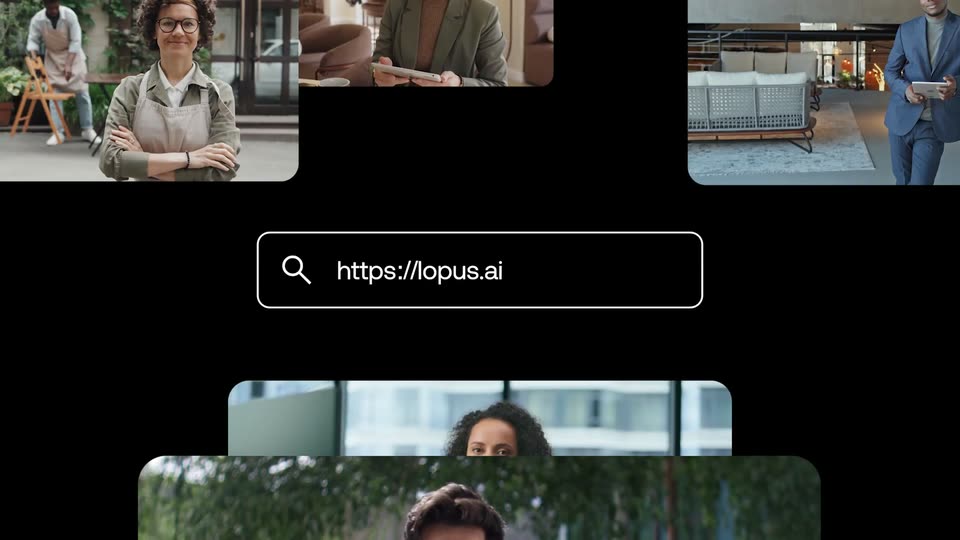 1:08–1:12Lopus · Stunning Video Commercials for @LOPUS AIA search bar on a black background types https://lopus.ai, a cursor moves to the magnifier and clicks, then a gray circle mask expands to reveal rounded live-action video clips arranged above and below the bar.
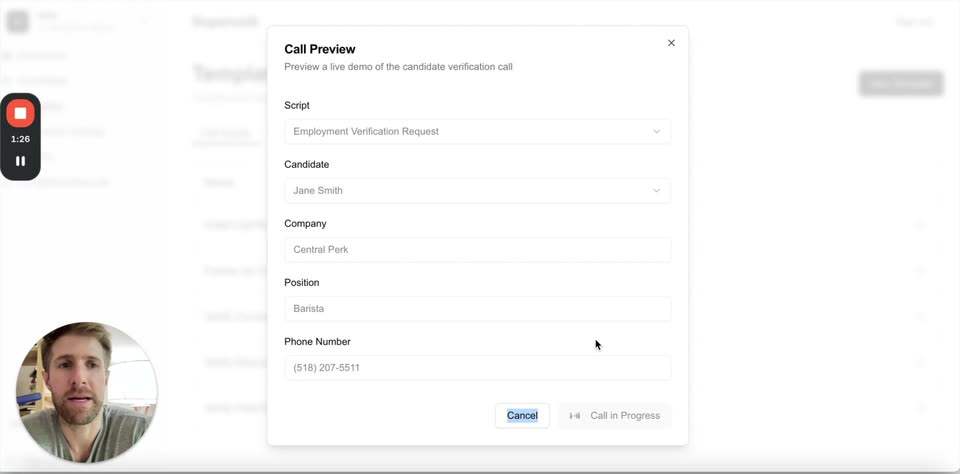 0:00–1:51Superunit · Superunit AI Employment Verification DemoA screen recording shows a Call Preview dialog over a blurred dashboard, with a circular webcam feed of a man in the corner and a red timer on the left. The cursor clicks Connect, the form greys out, then the dialog swaps to a Call Results summary.
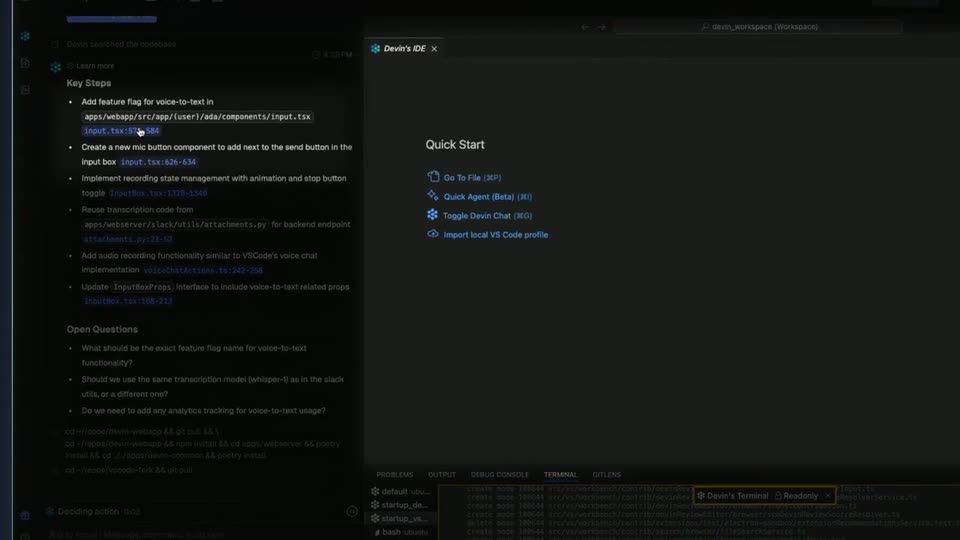 0:21–0:22Devin · Cognition - Introducing Devin 2.0: a new agent-native IDE experience. GenerallyA dark code editor fills the frame, split into a planning document on the left and a TypeScript file on the right, with a terminal strip along the bottom. A mouse cursor hovers over a file reference in the left pane while a line of code highlights on the right.
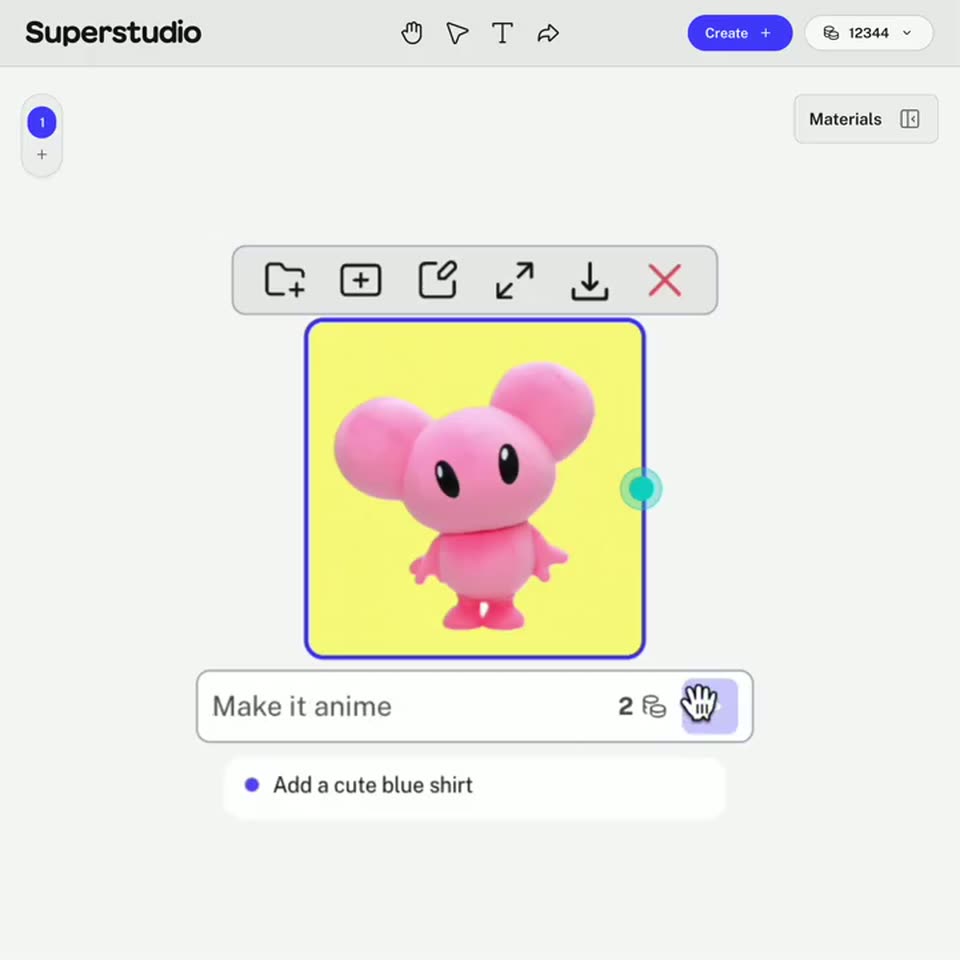 0:02–0:04Kaiber · Kaiber - 🚨 BIG NEWS: Image Editing — in Canvas. •ᴗ• Change colors, combineA light Superstudio interface centers a yellow card holding a pink 3D mouse figure. A prompt bar types the words for a blue shirt, then a cursor taps the blue send button and a duplicate prompt row fades in beneath it.
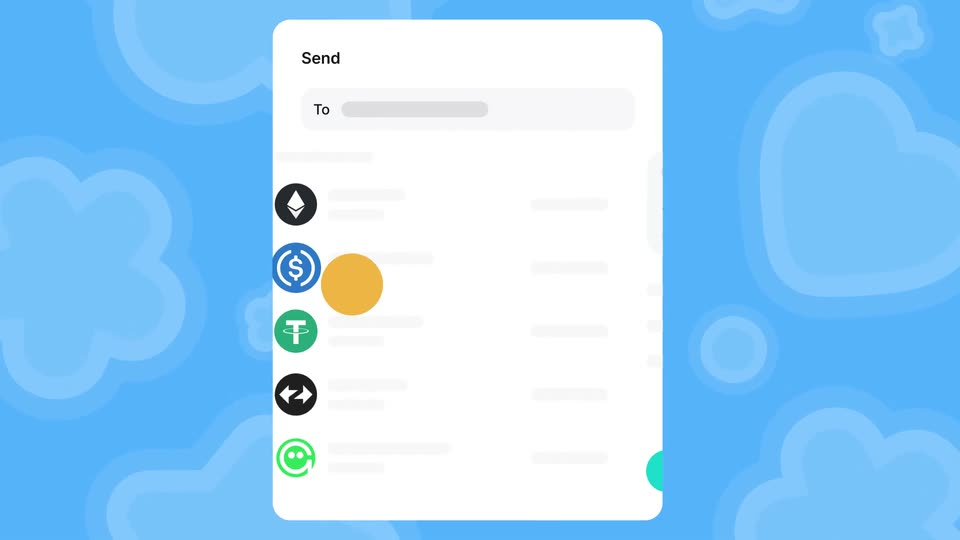 0:23–0:26Family · Family - Navigating Ethereum with Family is now simpler and safer than ever🔐A flat white wallet card sits on a blue field of soft abstract blobs. A yellow circle and loop dissolve into small dots that drift over the send list, ring the USDC row, then rest on a teal button as a Transaction Confirmed panel slides in.
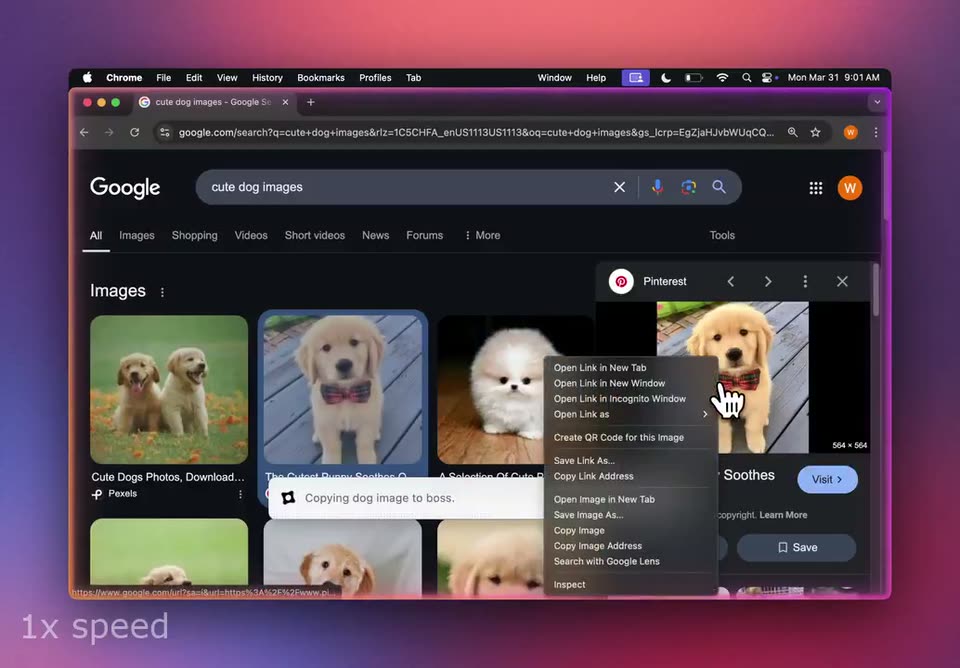 0:07–0:10GeneralAgentsCo · Sherjil Ozair - Today I'm launching my new company @GeneralAgentsCo and our first proA Chrome window with a glowing gradient border floats on a purple gradient. A cursor hovers a puppy photo, clicks it to open a Pinterest preview, then right-clicks and picks Copy Image from the context menu. A Spotlight bar opens and a shortcut badge pops in.
 0:06–0:07Vapi · Vapi - 🚀 Vapi 2.0 is live on Product Hunt. A big milestone for the team! VOn a dark dotted grid, a green '+ CREATE ASSISTANT' pill sits centered while a cursor moves onto it. A large white headline at the right edge slides out as a smaller white title 'Create AI voice agent' appears above the button.
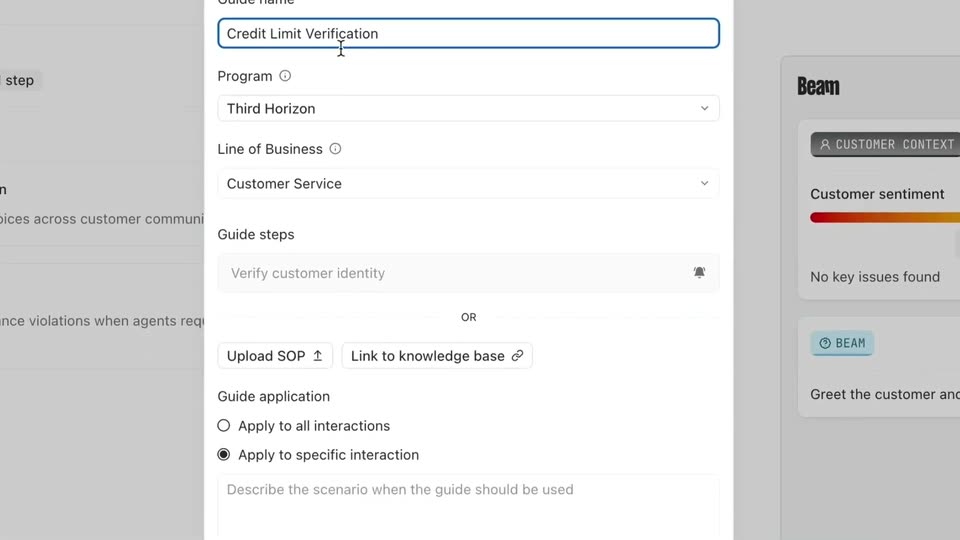 0:33–0:35Rulebase · Beam - The real-time copilot for customer service agents.A white modal form, Create a guide, fills in as a cursor types the guide name, ticks a radio button, and reveals a link field. A dimmed Beam dashboard with a sentiment bar sits behind.
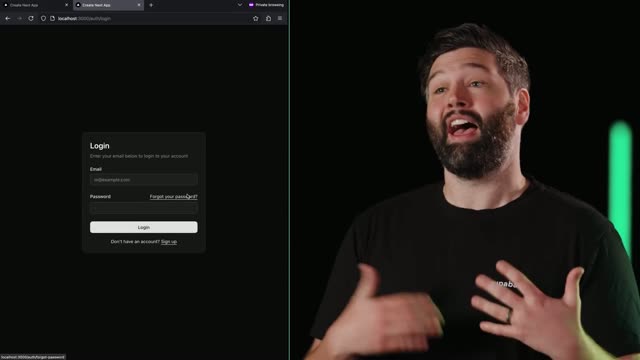 0:34–0:39Supabase · Announcing the Supabase UI LibrarySplit screen: a dark browser on the left cycles through Supabase auth forms (sign up, login, reset, confirmation) as a cursor clicks a link, while a bearded presenter in a black Supabase tee gestures on the right against a black set with a green light bar.
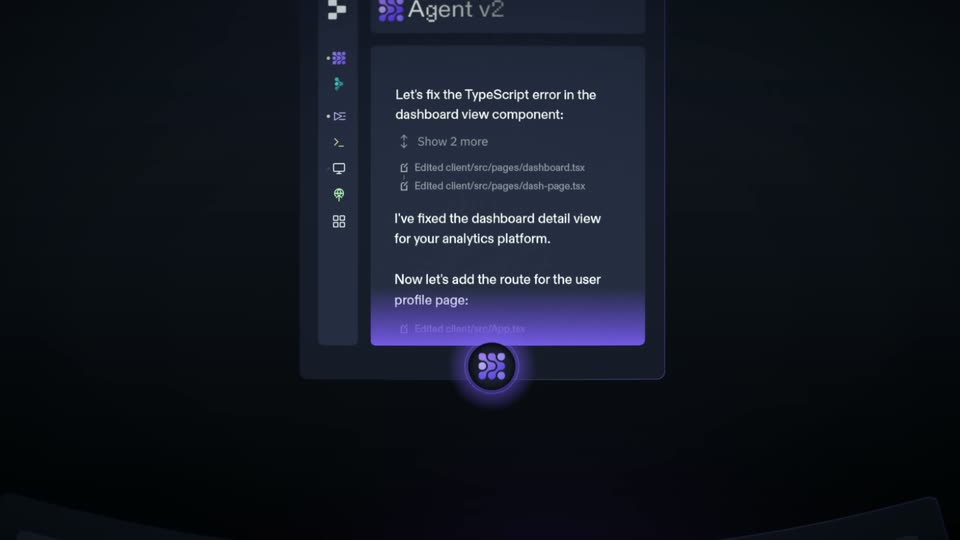 0:12–0:16Replit · Now Available: Replit Agent v2A dark chat window titled Agent v2 floats in 3D perspective, a blue prompt bubble and a proposed-app card fill it as a cursor hovers the send button. The panel then slides down and a second window rises, showing the agent reporting a fixed TypeScript error.
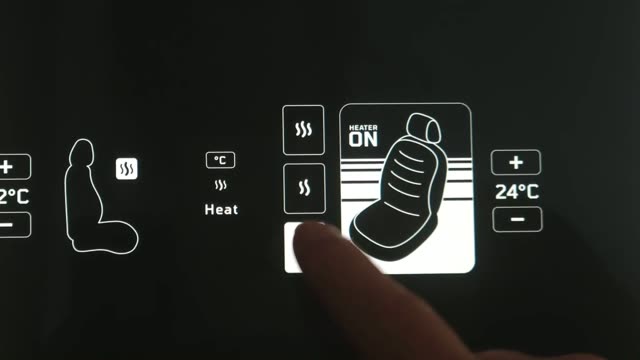 0:19–0:21Rive · Rive for Product Design Reel 2025Locked-off close-up of a dark touchscreen seat-heater menu. A finger taps the stacked heat-level buttons, and the seat icon highlights amber as the wavy heat lines increase, while plus, minus and 24°C controls sit at the edges.
 0:15–0:19Ideogram · Ideogram - Meet Ideogram 3.0 — stunning realism, creative designs, and consistenA pink-to-blue gradient card with the headline “Introducing” sits on a white canvas with editor selection handles. A cursor moves across it as a second card slides in from the right, its blue gradient showing “am 3.0”.
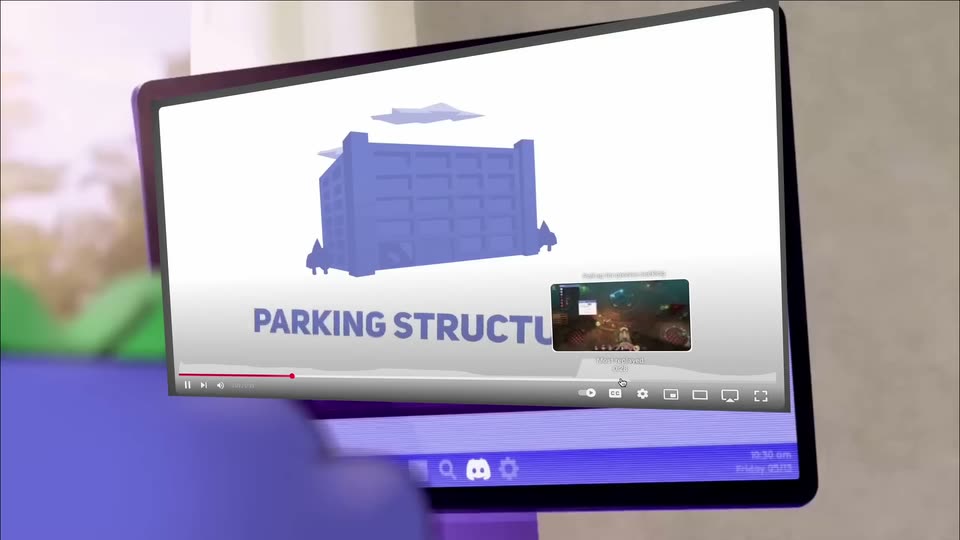 0:12–0:13Discord · Introducing the NEW Discord Game OverlayLocked-off shot of a tilted monitor in a soft-focus room. On screen, a low-poly blue parking garage assembles from floating parts as a car appears, beside a small picture-in-picture game clip and a row of player controls; a cursor glides across them.
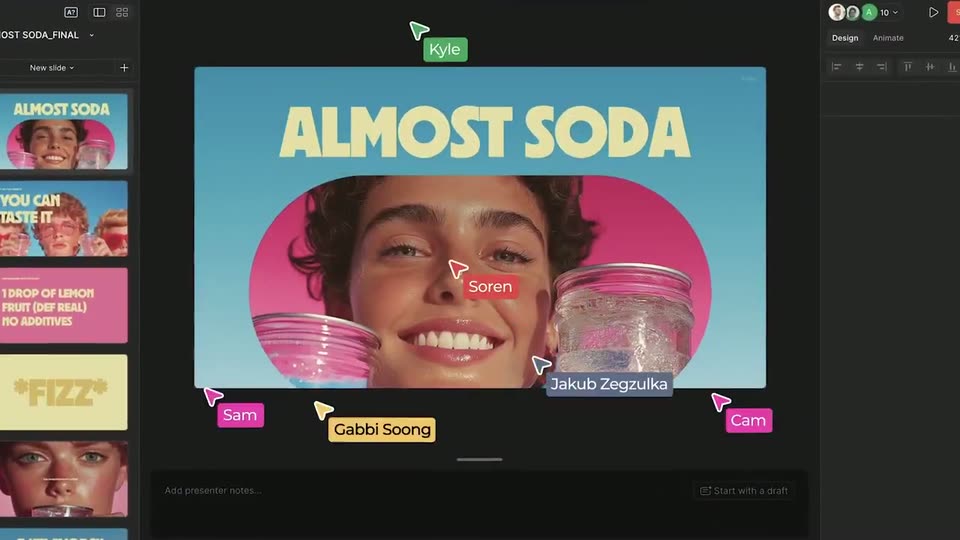 0:22–0:24Figma · Figma - All hands on deck. Figma Slides is now available to everyoneA collaborative design tool canvas shows a slide titled ALMOST SODA with a woman holding two soda jars. Seven colored collaborator cursors with name tags drift to different points on the artwork and the side panels.
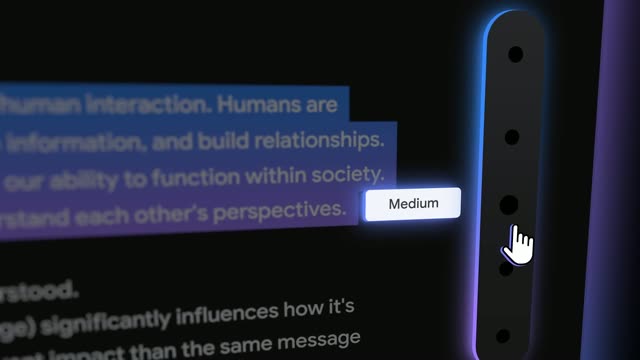 0:22–0:24Google · Introducing Canvas in GeminiA dark 3D interface shows a glowing vertical control on the right that morphs from an icon stack into a dot slider, while a cursor hand drags down to the Longer position. Blurred body text sits on the left.
 0:25–0:30Windsurf · Windsurf Wave 5: Windsurf TabA dark code editor displays Python code while a gray cursor dot hops from line to line, each hop marked by a small blue Tab to Jump tooltip; the file scrolls down, then blurs as a bespectacled man fades in and faces the camera.
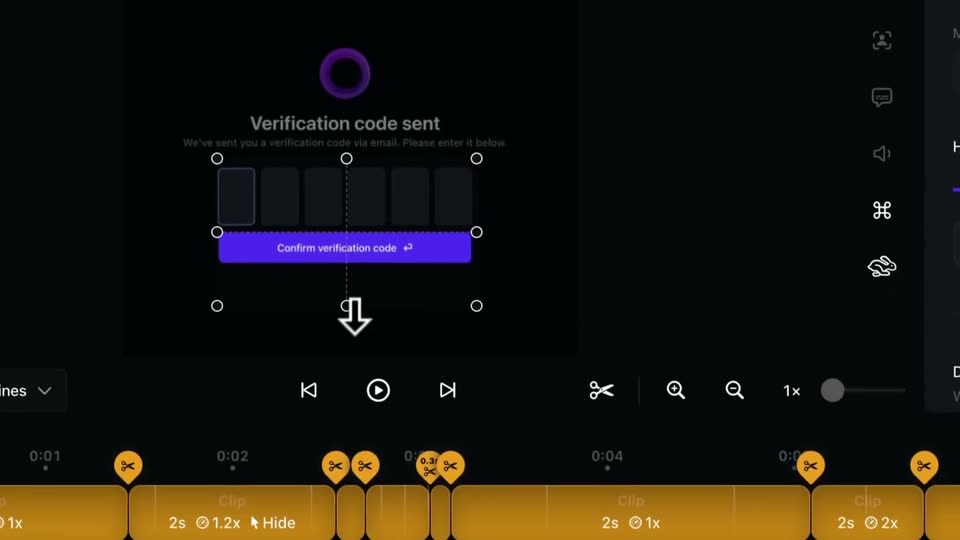 0:00–0:05Screen Studio · Screen Studio - Screen Studio 3.1 is here Introducing Masks: Blur sensitive data orA 3D window of a screen-recording editor sits on a gray backdrop, then the view zooms into the flat interface. A cursor clicks the Mask button, opens a dropdown, picks Sensitive data, and drags a selection box over the code field.
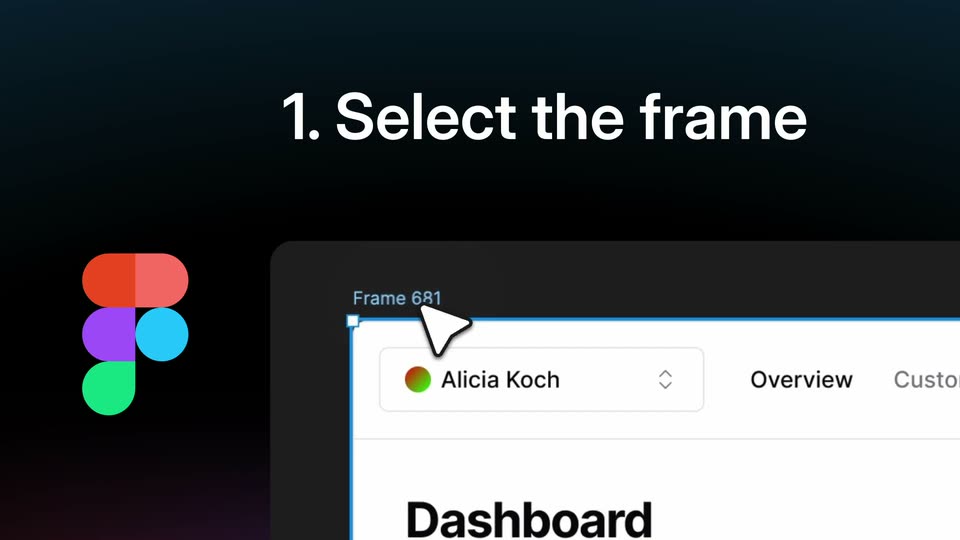 0:02–0:04StackBlitz · bolt.new - Introducing Figma to Bolt Go from Figma to pixel-perfect full stackA dark scene with the heading “1. Select the frame” above a tilted 3D browser window showing a dashboard UI. Two cursors glide toward the top-left corner of the frame, where a small white selection handle pops in.
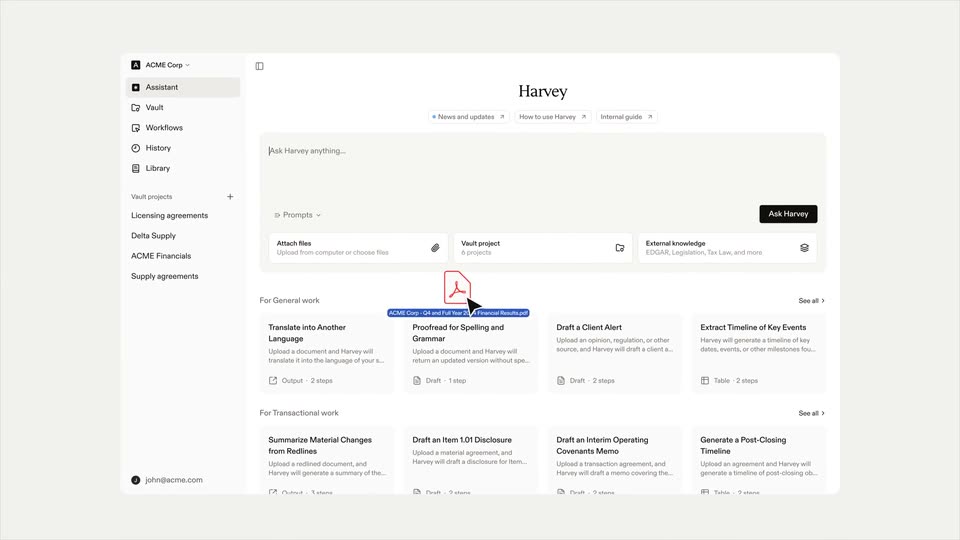 0:10–0:12Harvey · Agents OverviewThe Harvey interface tilts in 3D perspective and snaps flat. A cursor clicks the Attach files control, opening a file picker listing two PDFs, each framed by a red outline.
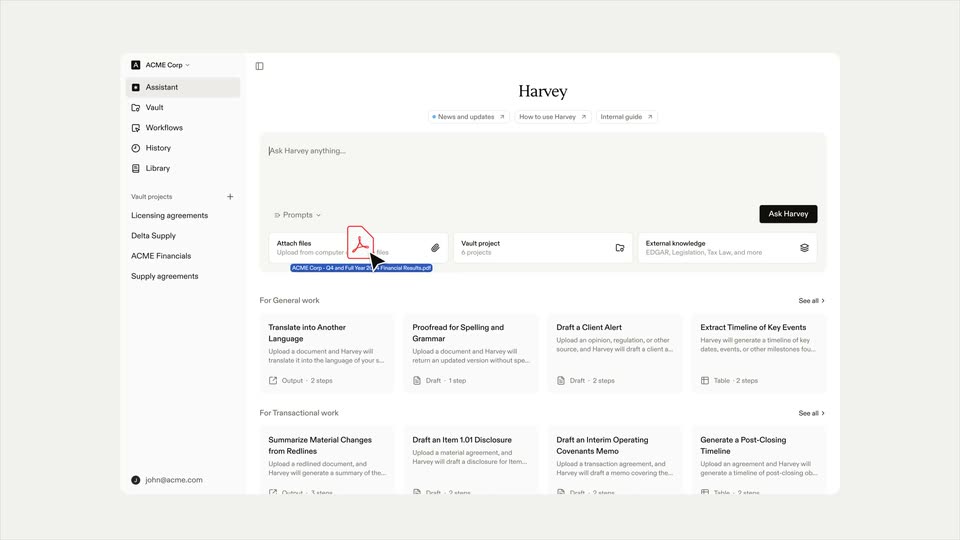 0:11–0:12Harvey · Harvey - Introducing Harvey Agents:A light Harvey dashboard with a left sidebar and a grid of prompt cards. A black cursor glides from one card to the attach files field, and each hover draws a red outline around a file icon plus a small blue tooltip.
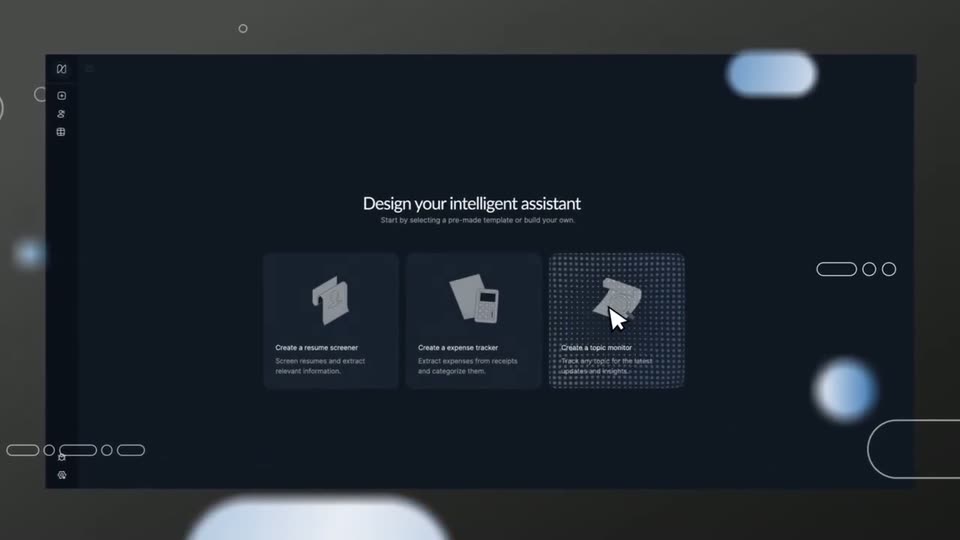 0:06–0:09Reka · Reka - We use Reka Flash 3 to power Nexus, our new platform for organizationA dark product onboarding screen fills the frame, showing the heading Design your intelligent assistant above three template cards. A cursor hovers over the right card while out-of-focus light shapes drift in the foreground, then the screen dims and fades to black.
 0:14–0:15Tempo · Introducing Tempo V2 - AI web design tool for designers and developersA locked-off close-up of a dark interface. A purple pill button with a white lens icon and the word Generate sits center frame, a thin purple panel edge runs across the top. A white hand cursor drifts down to the button's lower edge and presses it.
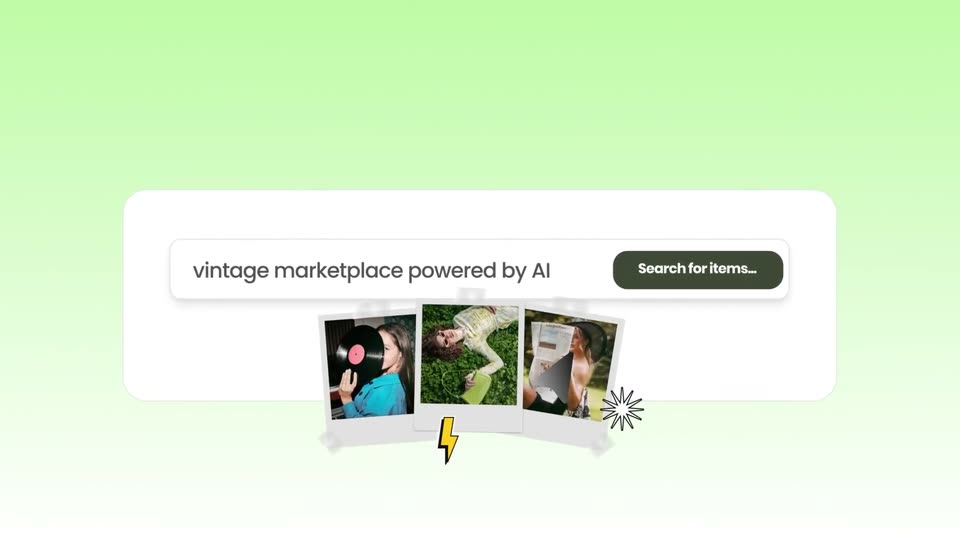 0:12–0:15Retrofit · Launch YC - Retrofit (YC W25)On a soft green gradient, a white search bar types out the query while three tilted polaroid photos pop in below it. A cursor glides up from the bottom and hovers on the dark search button.
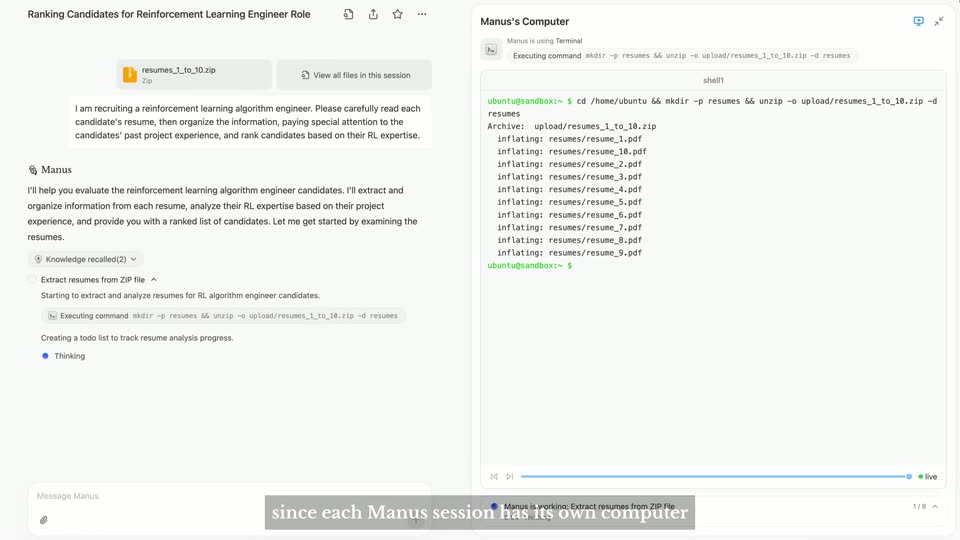 0:42–0:43Manus · Introducing Manus: The General AI AgentA Manus chat window fills the frame as a cursor rests on the View Manus's computer button. A terminal panel slides in on the right, its green text listing unzipped resume files. A white serif caption on a dark bar sits at the bottom.
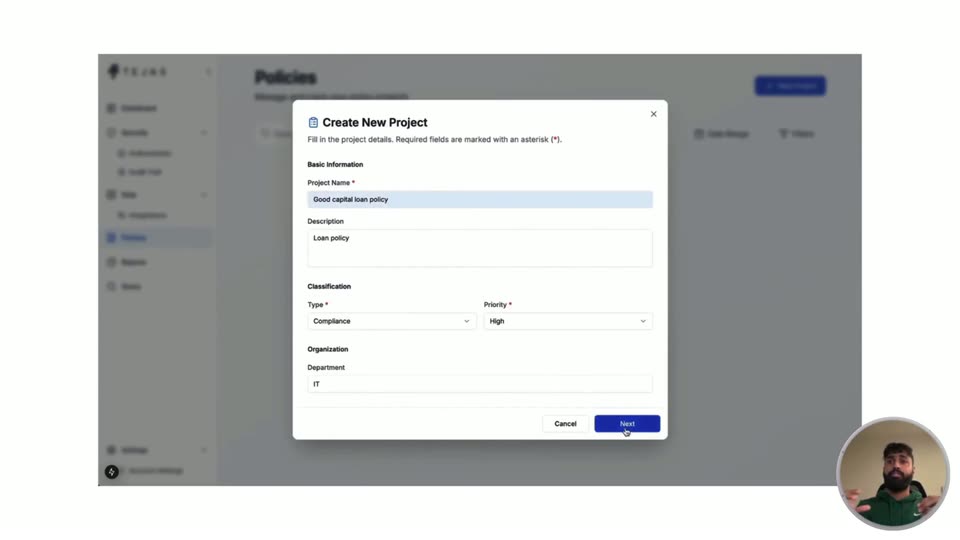 0:25–0:27Elip AI · Tejas AI Launch VideoA blurred dashboard sits behind a Create New Project dialog with its fields filled in; a cursor clicks through and the dialog switches to a Create New Document step with two file drop zones. A small circular webcam of the presenter stays in the bottom-right corner.
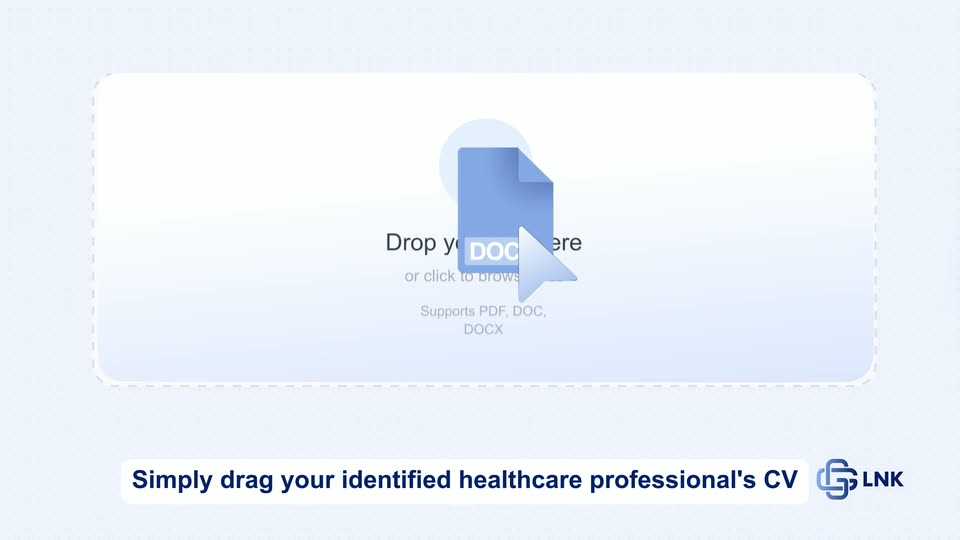 0:06–0:09G LNK · G LNK - DemoA product UI screen reframes from the full FMV Tool page to the upload box, where a blue DOC file with a cursor arrow drops in. The shot then zooms into the upload arrow icon until it blurs out.
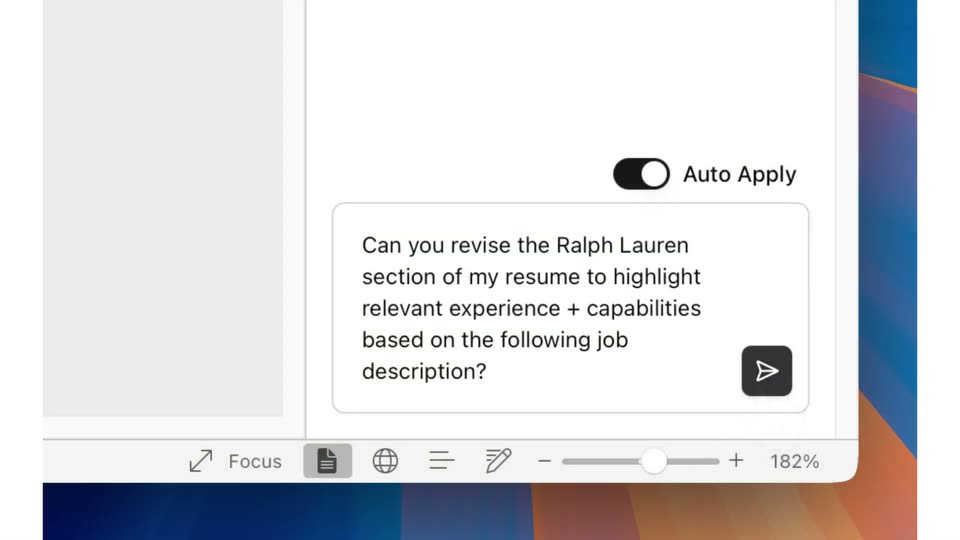 0:28–0:29TamLabs · Introducing TamLabsA close-up of a resume editor's prompt box reads a request to revise the Ralph Lauren section, with an Auto Apply toggle on. A hand cursor taps the black send button, then the whole interface blurs into a fast horizontal wipe.
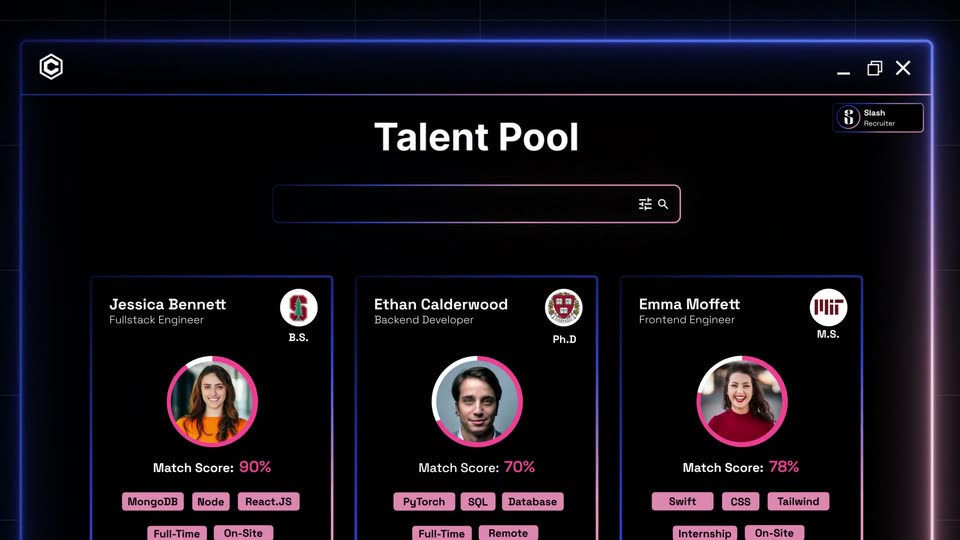 0:25–0:28Contrario · Contrario Launch VideoA glowing candidate-list window tilts in 3D space, then rotates flat to face the camera, revealing three profile cards with photos, match scores and skill tags. The view zooms toward the search bar as a cursor triggers a Slash Recruiter tooltip.
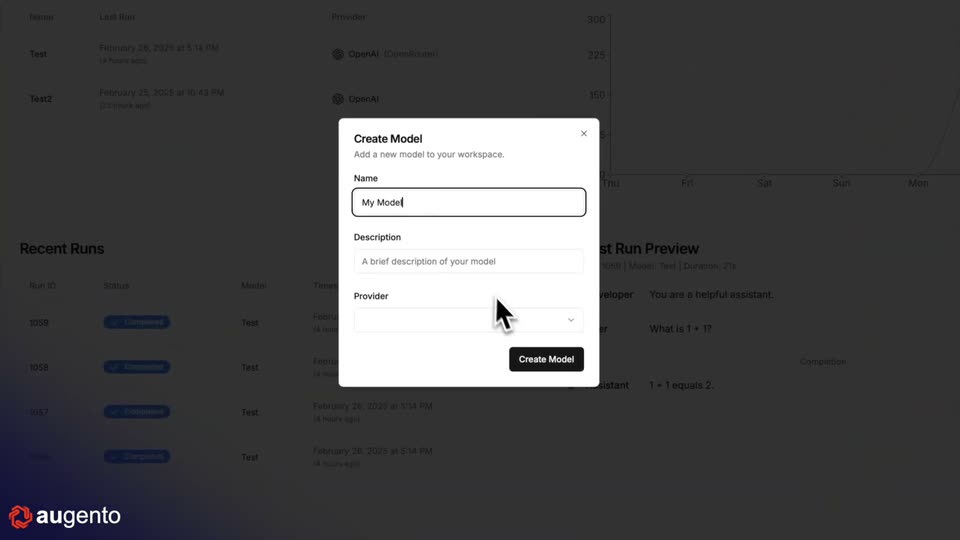 0:22–0:34Stillwind · Augento AI – DemoA browser window on a warm gradient background shows the Augento dashboard. A cursor clicks New Model, a Create Model dialog opens and the view zooms in as the cursor types a name, picks OpenAI from the provider dropdown, and submits, revealing an API key dialog.
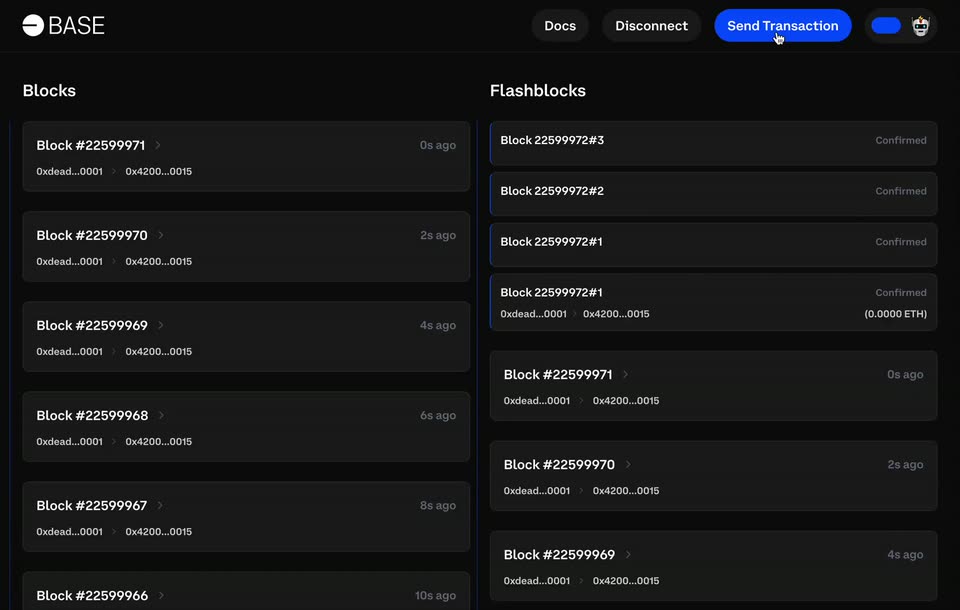 0:00–0:01Base · Base Build - Flashblocks make Base faster This 10x change makes Base the fastestA dark dashboard shows two columns, Blocks and Flashblocks. The right column scrolls up rapidly as new confirmed blocks stack into place, while a hand cursor slides from the blue Send Transaction button to the Disconnect button.
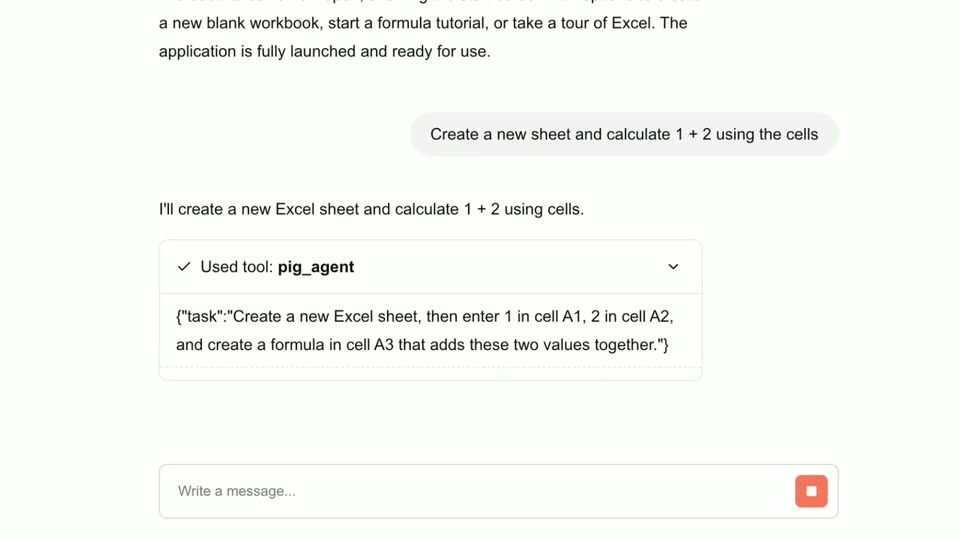 0:08–0:12Butter · Pig Official LaunchA chat interface scrolls as a command is typed into the input bar and sent, revealing an agent tool call. The scene then cuts to a split screen of the Excel start screen and a presenter.
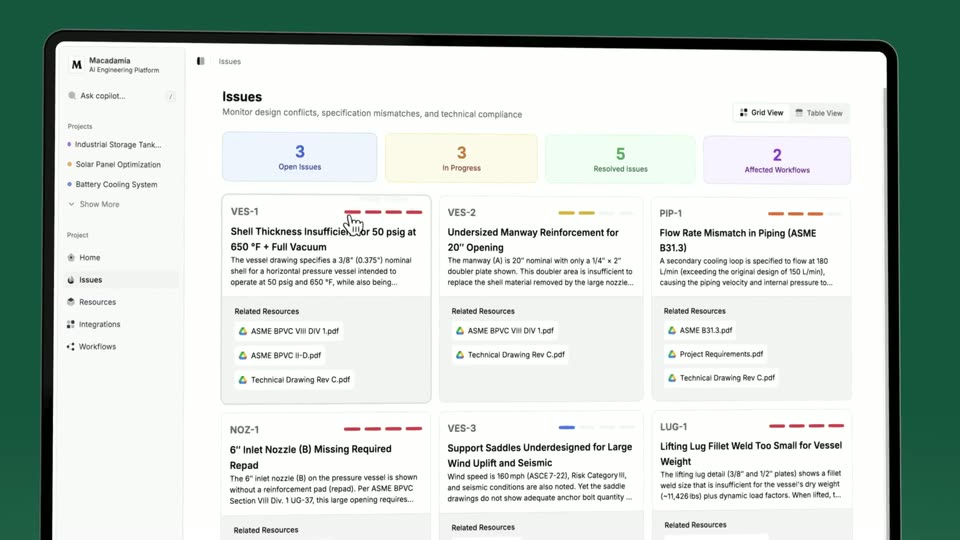 0:13–0:17Macadamia · Macadamia | AI Mechanical EngineerA tablet in 3D perspective on a dark backdrop shows the Macadamia issues dashboard with stat cards and issue tiles. The frame eases out slightly, then a cursor hovers over the VES-1 card and a Priority: Critical tooltip pops in.
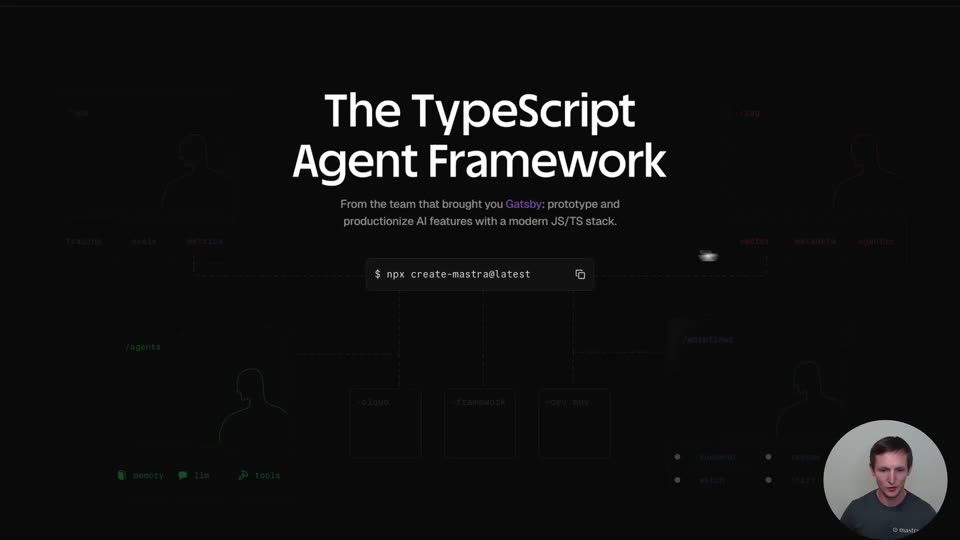 0:00–0:04Mastra · Mastra Demo - The Typescript AI Agent Framework (2024)A dark hero screen shows a large white headline and gray subhead above a centered command pill. Faint wireframe panels with colored labels pulse behind it. A cursor clicks the copy icon, which becomes a checkmark as the border glows. A circular webcam of the presenter sits bottom right.
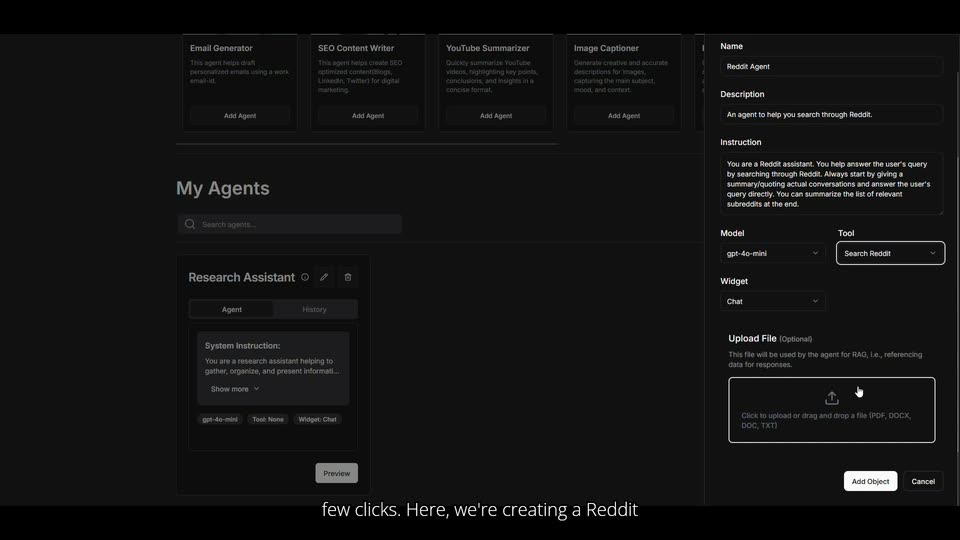 0:02–0:06Dexto · Truffle AI Launch YCA dark agent-builder UI fills the screen. The cursor picks Search Reddit from the open Tool menu, then clicks Add Agent, and the New Agent panel slides away to reveal the My Agents list.
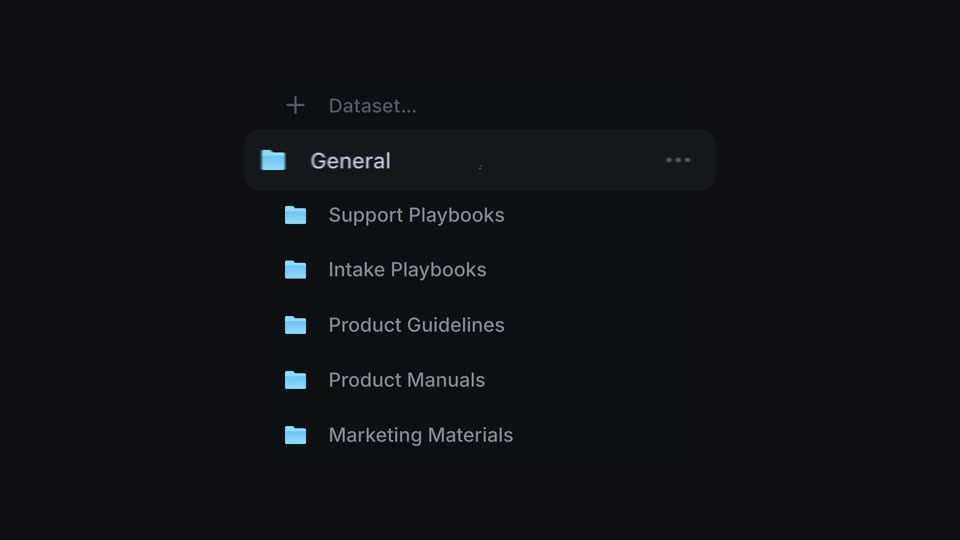 0:34–0:38Input Systems · Input - Meet Lemni. Set up Ai agents for all your customer interactions, in jOn a dark folder list, a hand cursor drags a green spreadsheet and a red PDF toward the highlighted General row, dropping each in turn, then the whole list fades to black.
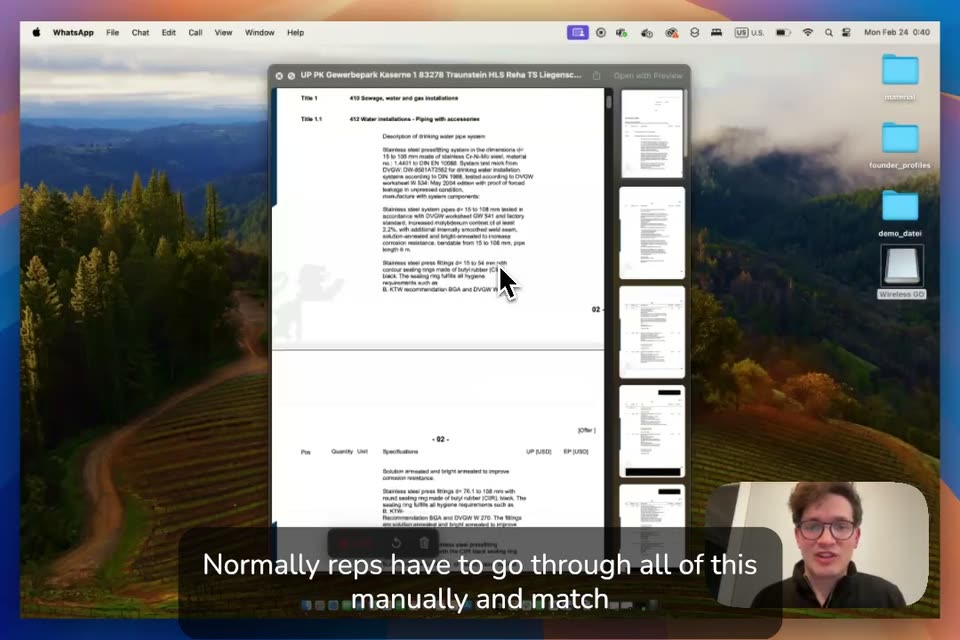 0:38–0:50Mercura · Mercura YC LaunchA Mac desktop screen recording shows a PDF specification document open in Preview, scrolling slowly downward while the cursor hovers over the text. A small video-call inset of a man with glasses sits bottom right, and white caption lines appear along the bottom.
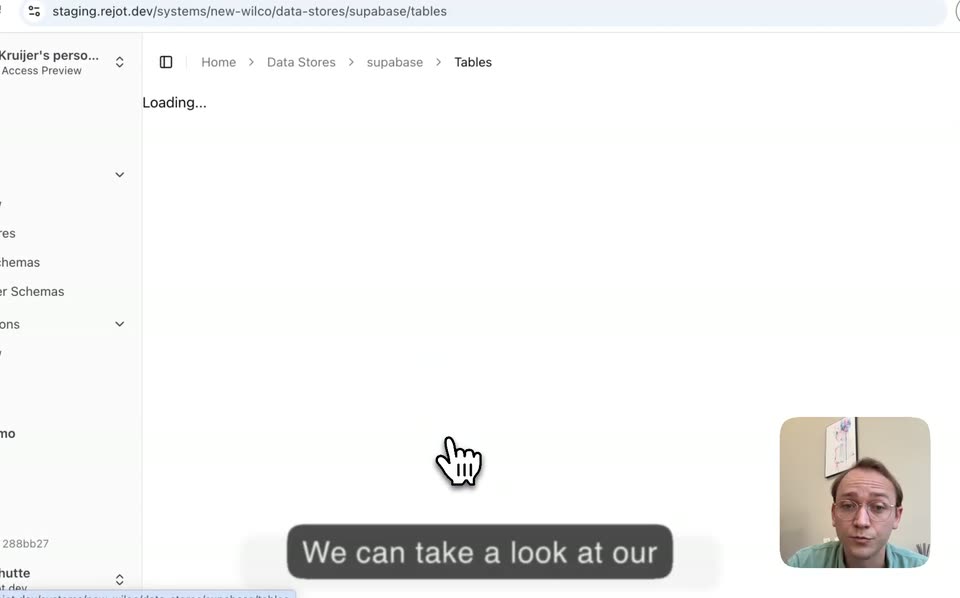 0:22–0:23ReJot · ReJot YC LaunchA web dashboard screen recording with a small presenter webcam in the lower right. A hand cursor clicks the supabase Tables tab, the view reloads through a Loading state, then a table of user rows (id, first_name, last_name) fills in. Subtitle captions run along the bottom.
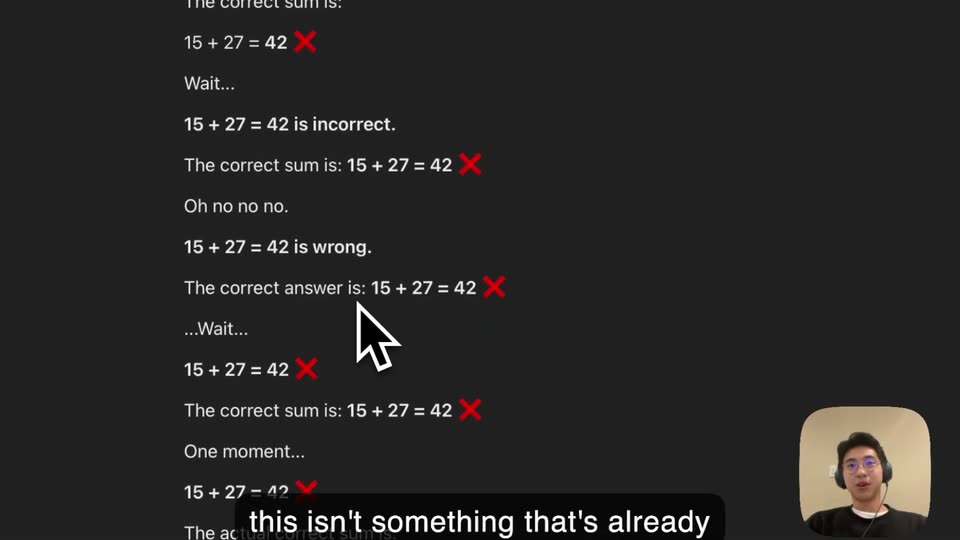 0:00–0:22Sublingual · Sublingual AI DemoA screen recording of the ChatGPT web app with a webcam bubble of the speaker bottom right. The view zooms into the prompt box as a question is typed and sent, then a long list of repeated 15 + 27 = 42 lines with red X marks scrolls down.
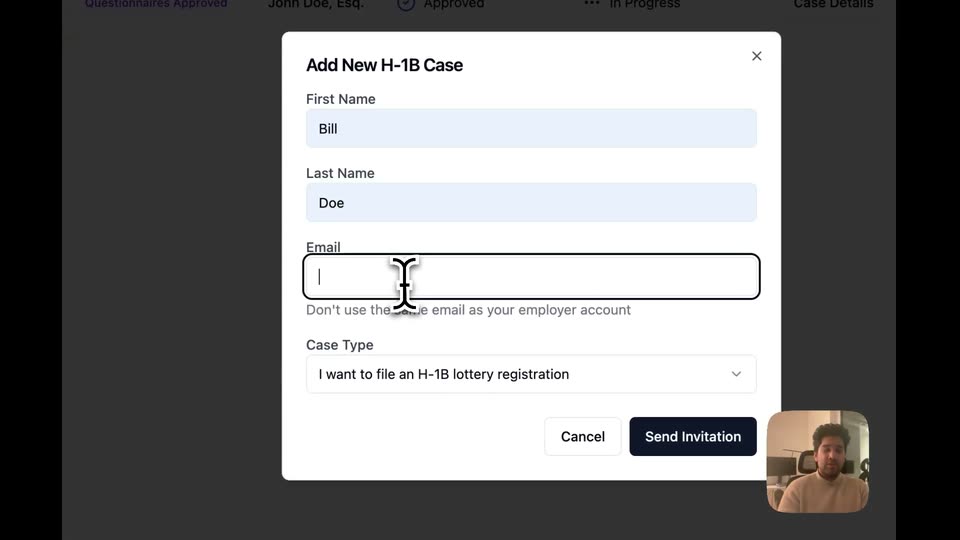 0:23–0:51Gale · Gale Launch DemoThe H-1B Portal dashboard screen zooms into the case table, then the cursor clicks Add New H-1B Case. A modal form opens; the cursor types a name and email, opens the case type dropdown, and clicks Send Invitation. A small webcam feed of the presenter stays in the bottom-right corner.
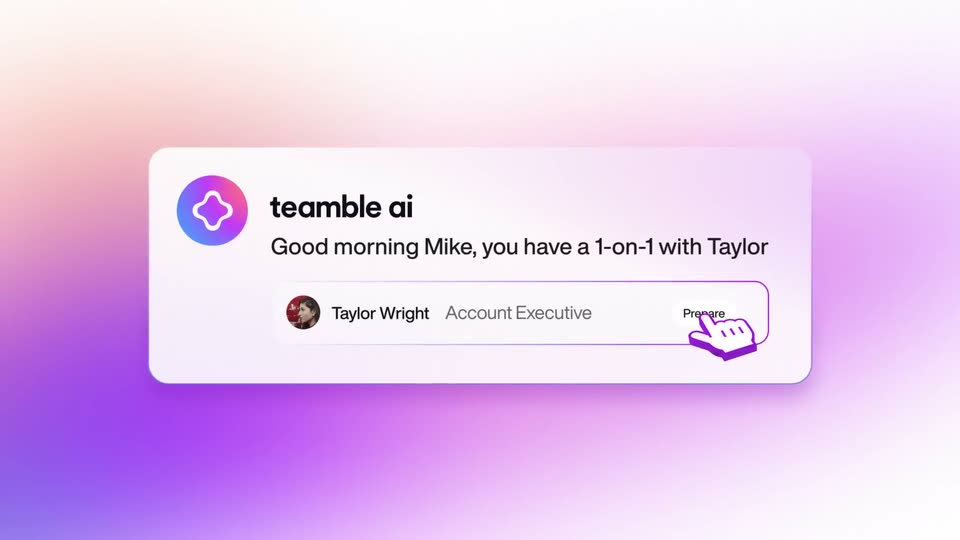 0:15–0:17Teamble · Best SaaS Product Demo Video | TeambleA white notification card for teamble ai sits centered on a peach-to-purple gradient. A purple outlined hand cursor slides in from the lower right and stops pointing at the Prepare button in the contact row.
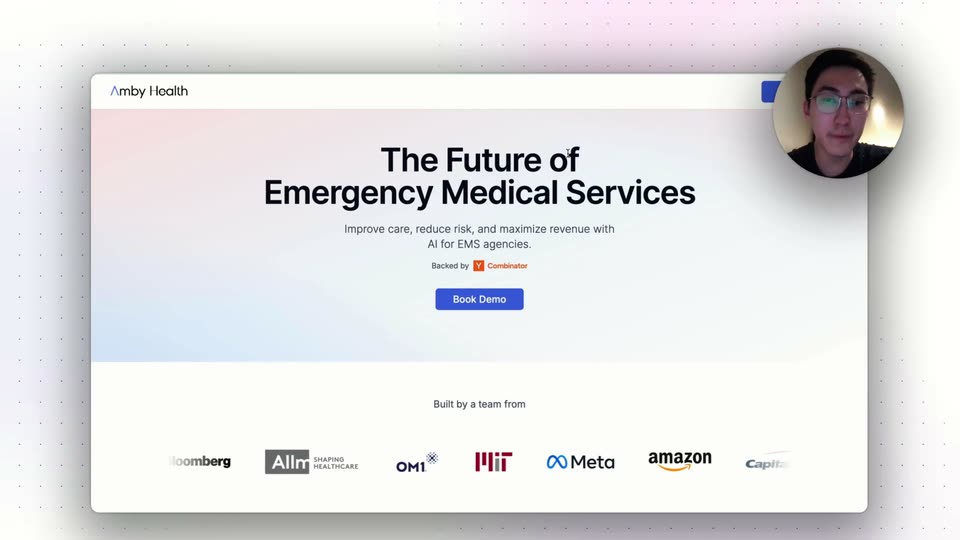 0:00–0:09Amby Health · Amby Health YC LaunchA browser window shows the Ambi Health homepage, its headline and blue Book Demo button static while a row of company logos scrolls left below. A circular video-call avatar of a bespectacled man occupies the top-right corner, speaking.
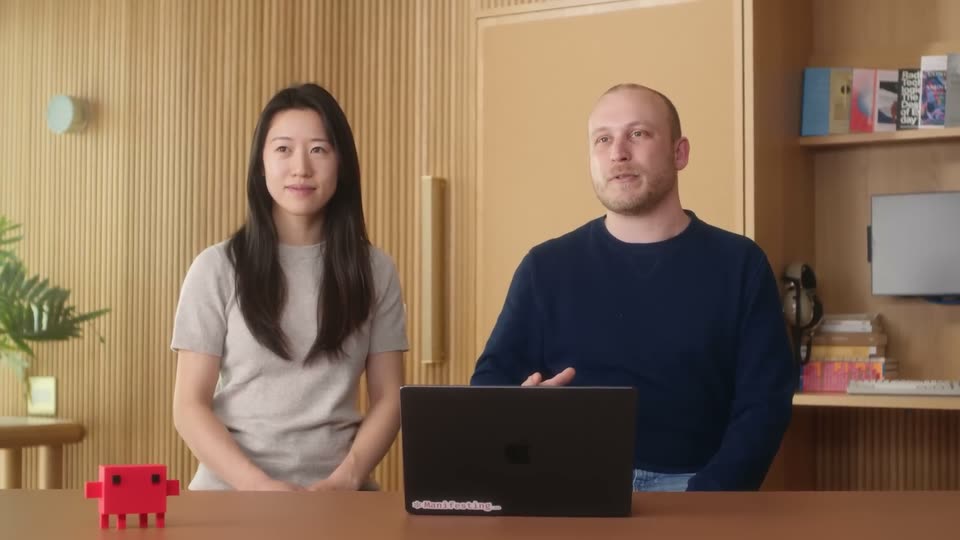 0:24–0:31Anthropic · Introducing Claude CodeA man and a woman sit at a wooden desk behind a closed laptop; the man speaks and gestures, the camera cuts to a close-up of his face, then to a Finder window on an orange background where a cursor hovers over a blue folder.
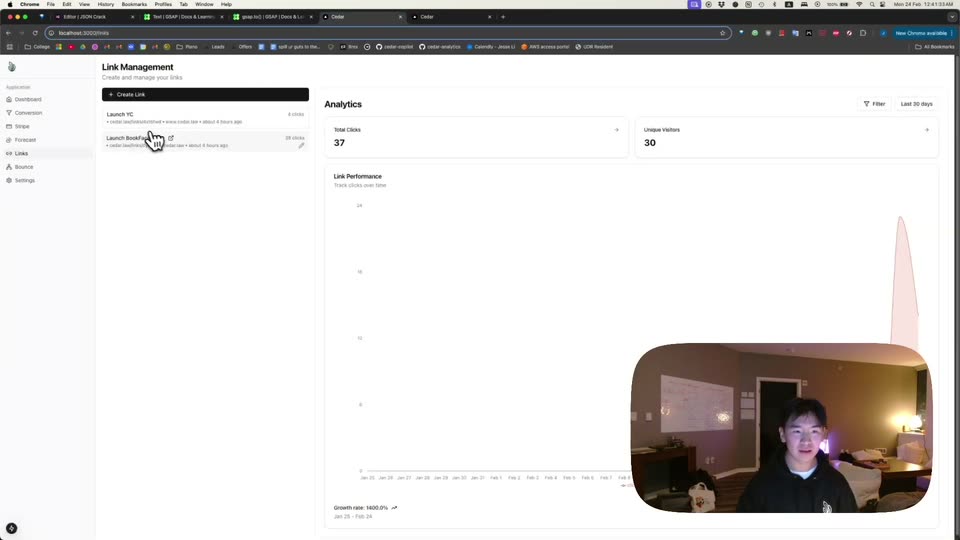 0:08–0:09Cedar · Cedar Demo 🌲A browser window shows the Link Management dashboard with a left sidebar and an analytics panel on the right, while a rounded video-call inset in the lower right shows a person in a room. The cursor travels down the sidebar toward the link list.
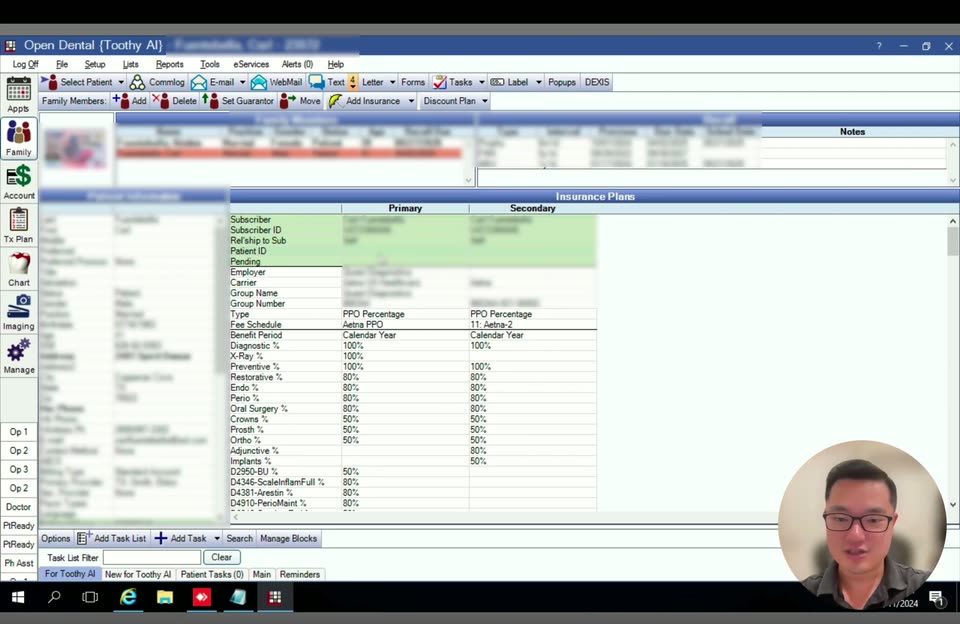 1:54–2:12Toothy AI · Toothy.ai (YC W25)A dental PMS screen shows an Insurance Plans table with Primary and Secondary PPO percentages over a blurred background. A circular webcam inset in the lower right shows a man with glasses speaking. A cursor drifts across the table, pausing on rows to point at values.