Cursor demo
A visible cursor operates the interface.
15,015 scenes · page 40 of 251
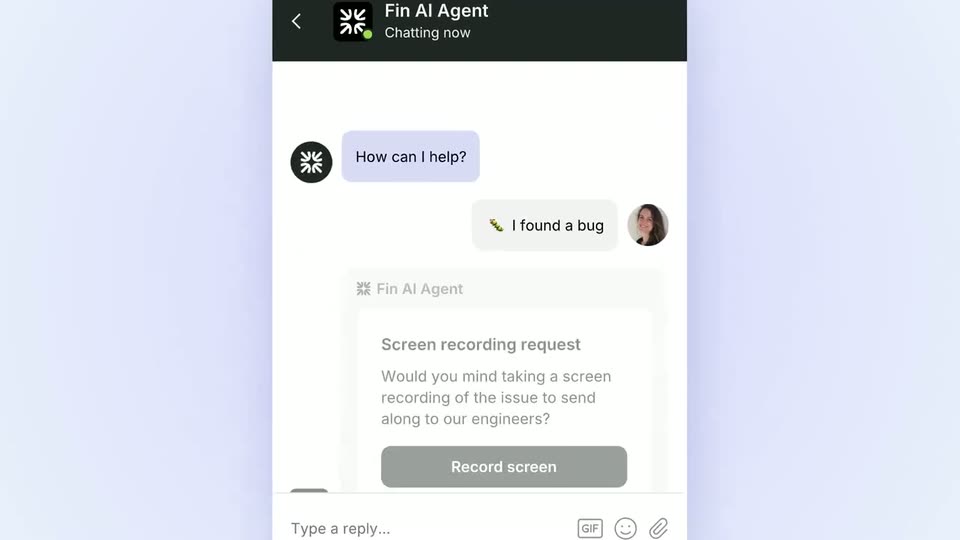 0:04–0:09Jam · Jam.dev - Just launched! @Fin_ai + Jam Now @Intercom's AI agent can get bug reA chat card on a pale lavender field shows the Fin AI Agent greeting, then a user bubble with avatar. The view zooms into the thread to reveal a screen-recording request card with a Record screen button and a Customer tag, a cursor hovering. The card fades out.
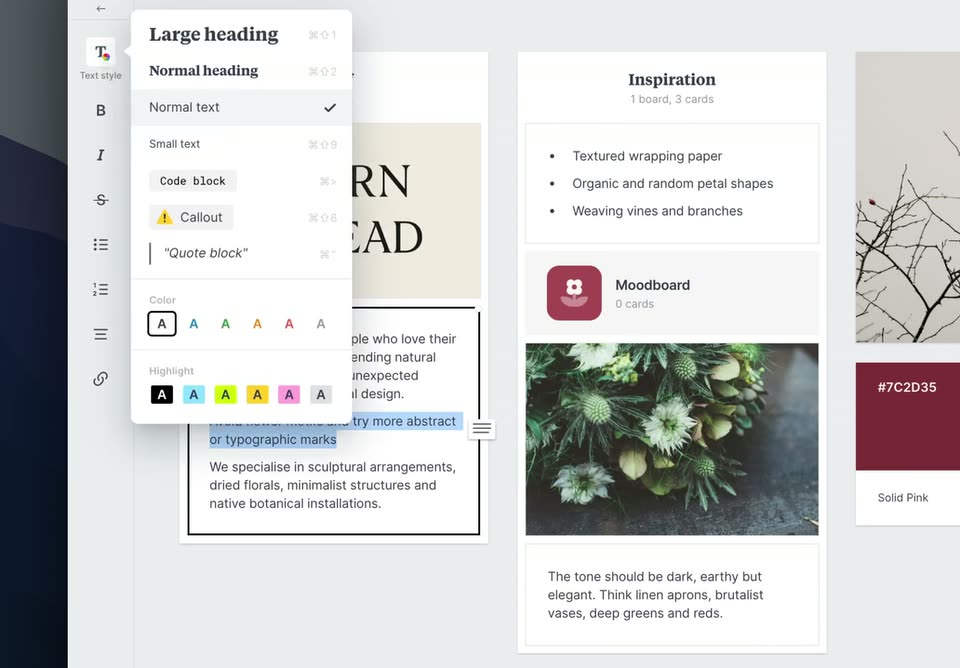 0:00–0:11Milanote · 1K views | New in Milanote: ⚠️ Callouts Highlight key ideas, organise feedback, and draw attention to important details. Add a matching emoji to make sure it stands out! ❌⚠️✅🔑 | MilanoteA close-up of a Logo Brief board zooms in on the Brief card. The cursor selects a line of body text, opens the Text style menu and picks Callout, so the line re-styles into a grey callout box with a warning triangle.
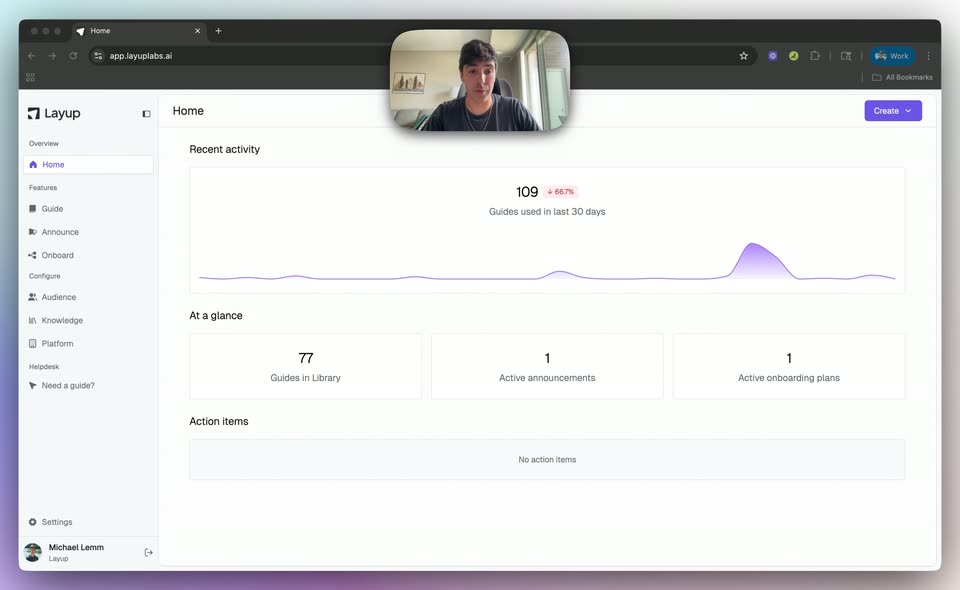 0:00–0:19Andco · Layup 2.0 July LaunchA screen recording of the Layup dashboard, with its activity chart and stat cards, fills the frame beside a small webcam video of the presenter. The view zooms in as a cursor clicks the sidebar, opening a dark task panel the cursor then hovers.
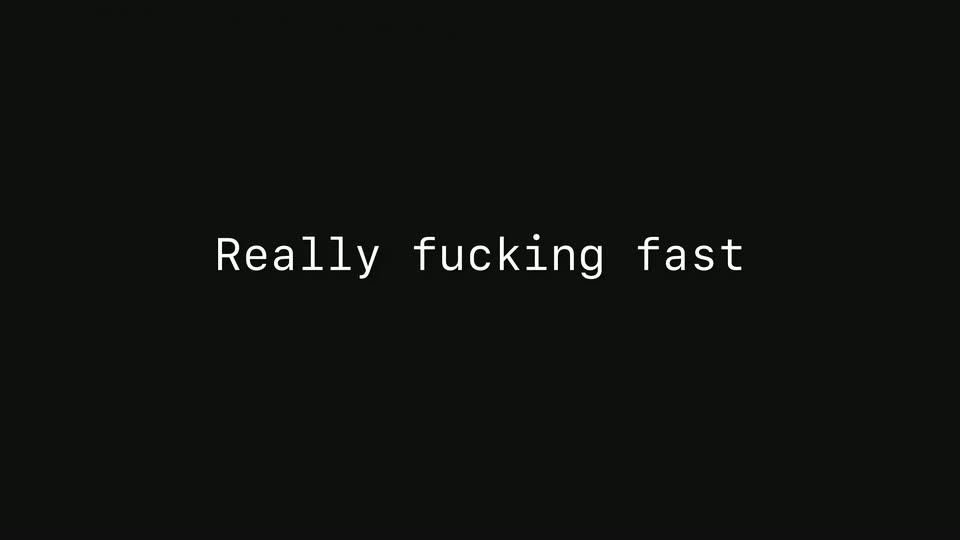 0:18–0:21PlanetScale · PlanetScale - PlanetScale now supports Postgres.A dark database-creation form sits tilted in 3D perspective; a cursor clicks Vitess, PlanetScale Metal and cluster sizes, which glow red. The form dims and a 3D QPS benchmark chart rises in its place, with the white words “Really fucking fast” centered over it.
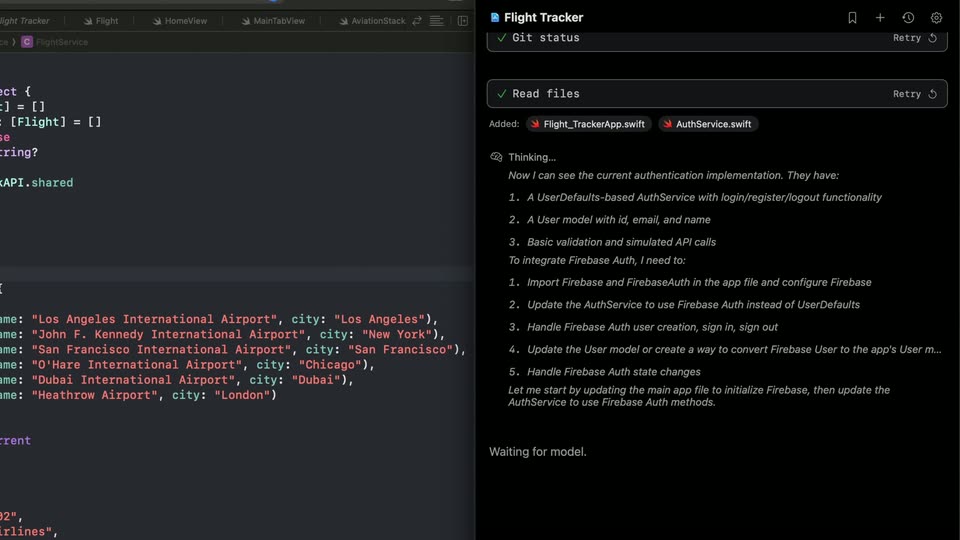 0:02–0:19Alex · Alex - Xcode AI Coding AssistantXcode code on the left, an AI chat panel on the right, a white “Planning” title over the code. The view zooms into the chat as a cursor types and sends a Firebase Auth request; the assistant’s reply, action rows and a numbered plan stream in as the panel scrolls.
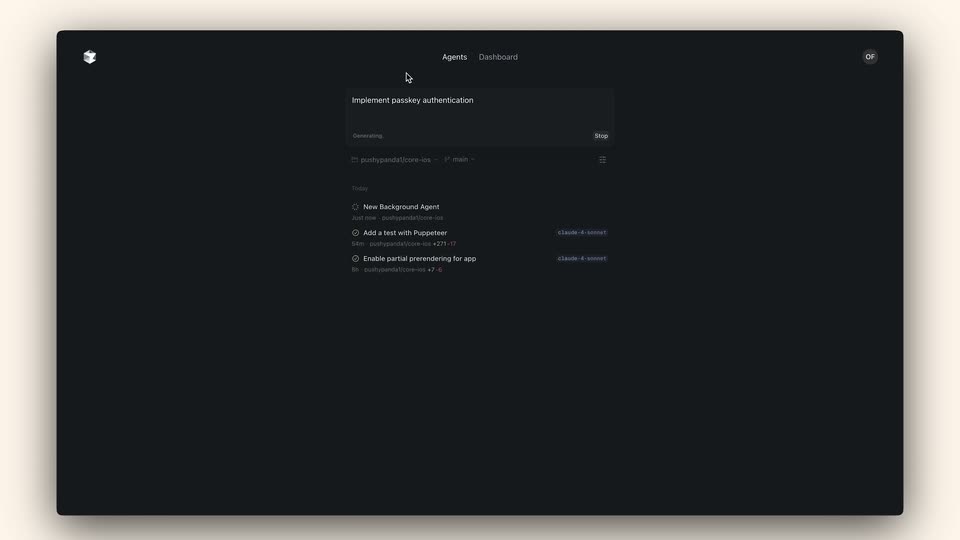 0:12–0:15Cursor · Cursor on Web and MobileOn a dark dashboard, a mouse cursor hovers above a command field that fills with a typed task. A new agent row drops into the list, and a small toast confirming the background agent slides up at the bottom left.
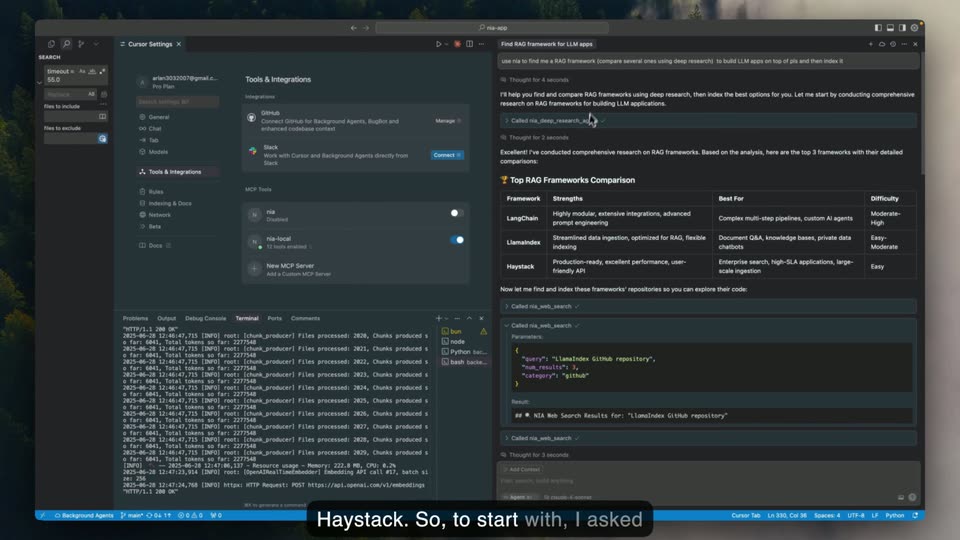 0:39–1:10Nozomio · Nia MCP v0 | Launch videoA locked-off screen recording of a dark code editor: a Tools & Integrations settings panel left, an agent chat with a RAG framework comparison table right, terminal logs below. The mouse cursor drifts across the panels while white captions in a black pill box cycle at the bottom.
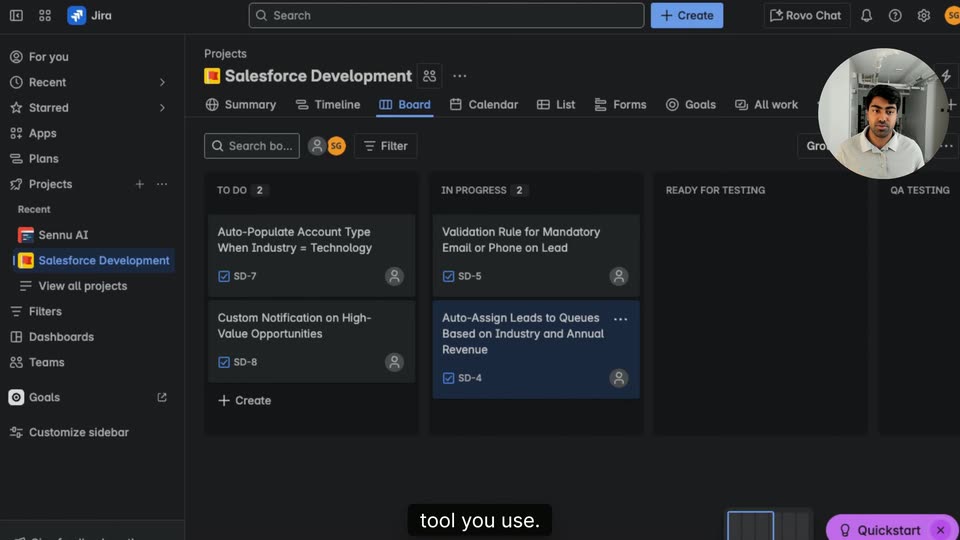 0:15–0:20Sennu AI · Sennu AI - AI Salesforce QA DemoA dark Jira board fills the screen, showing To Do and In Progress columns with task cards, while a circular webcam feed of a presenter sits top right. A mouse cursor drifts across the cards, and a caption bar at the bottom updates with narration text.
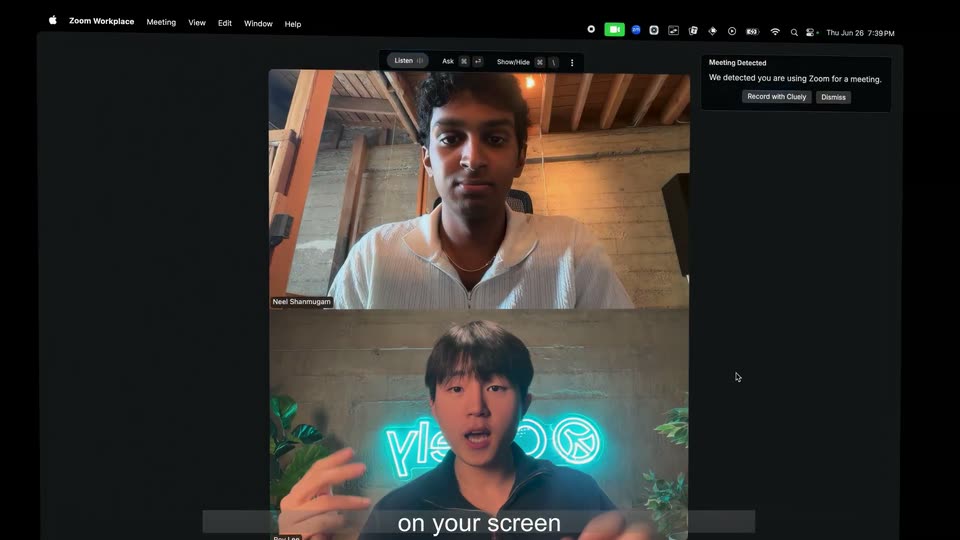 0:09–0:17Cluely · Roy - introducing @cluely. today is the start of a world where you never hA Zoom meeting window shows two participants stacked vertically with a Meeting Detected panel on the right. The view zooms in and tilts to the top control bar, then to the Record with Cluely button as a cursor hovers over it.
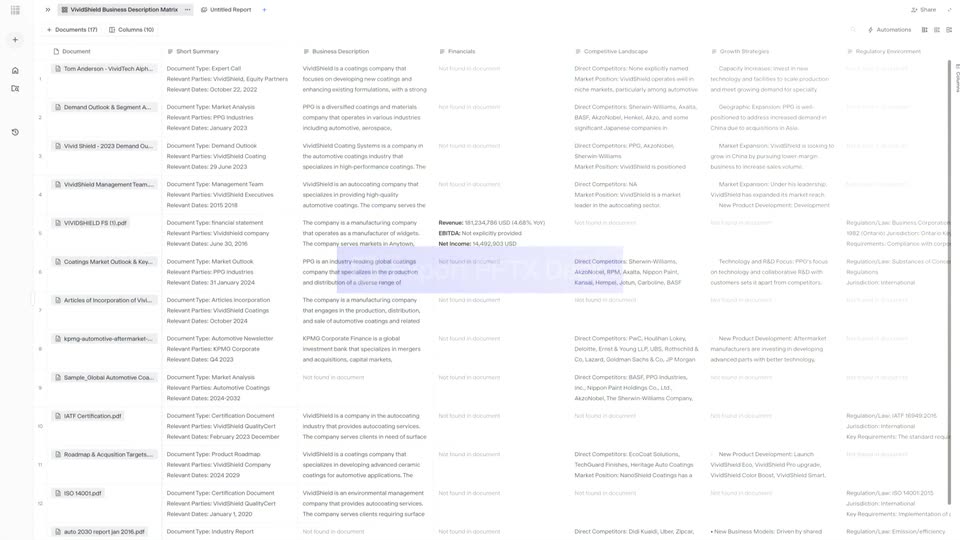 0:03–0:06Hebbia · Hebbia - Today, we're announcing our acquisition of @FlashDocs, the leader inA wide document-analysis table fills the screen, columns of extracted fields beside a file list. A cursor hovers the blue Export PPTX Deck button, then a FlashDocs panel slides in from the right listing Generating Slides with slide thumbnails.
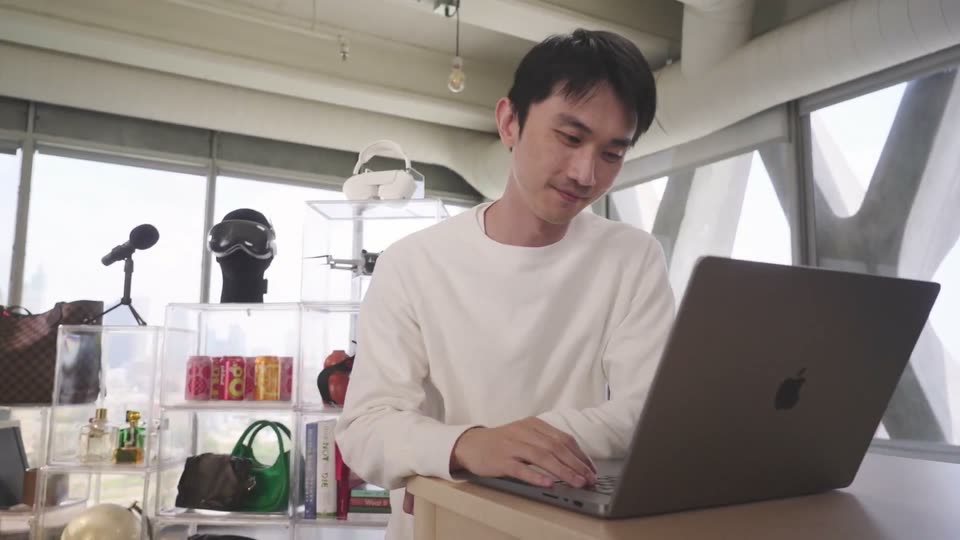 0:00–0:01HeyGen · Joshua Xu - Today we’re introducing you to the future of video. The world’s firsA man in a white sweater sits at a desk with an open laptop in a bright, windowed room. He looks at the camera, then looks down and starts typing, and the shot cuts to a black screen where a cursor hovers over a teal dot labeled You.
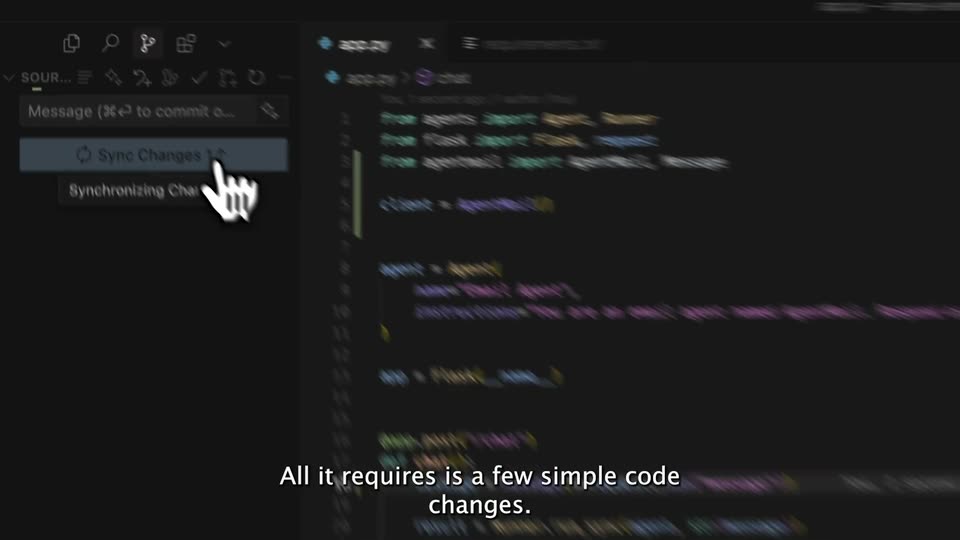 0:01–0:20AgentMail · AgentMail Integration DemoScreen recording of a code editor: Python code for an email agent above a terminal with a curl request. A cursor clicks the terminal, the view zooms into the code as a new import is typed, then the cursor clicks a Sync Changes button. White subtitles caption the voiceover.
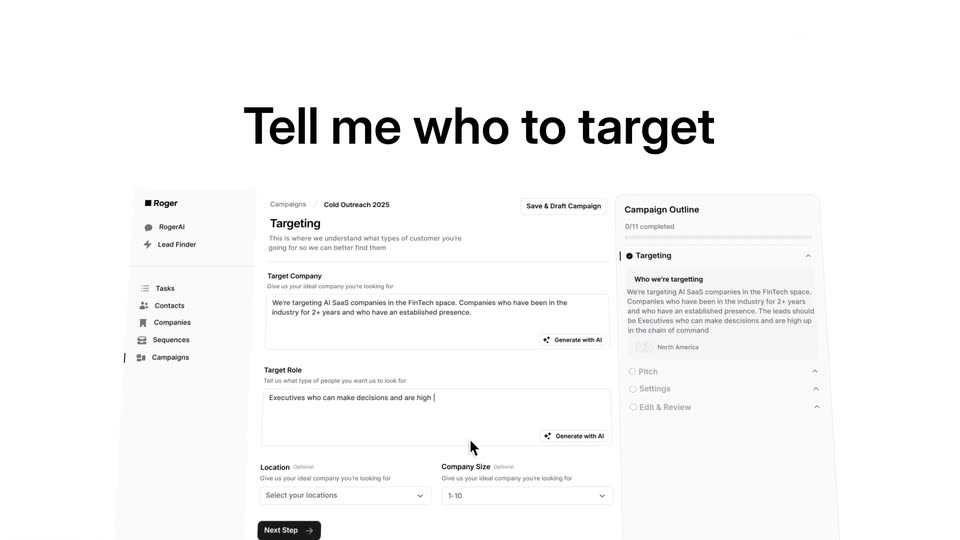 0:07–0:12Augment Inc. · HireRoger - Your AI SidekickA zoomed-in targeting form types out a company description, then pulls back to the full campaign builder with a cursor hovering the fields. The interface panel then spins in 3D and blurs away beneath the static headline “Tell me who to target”.
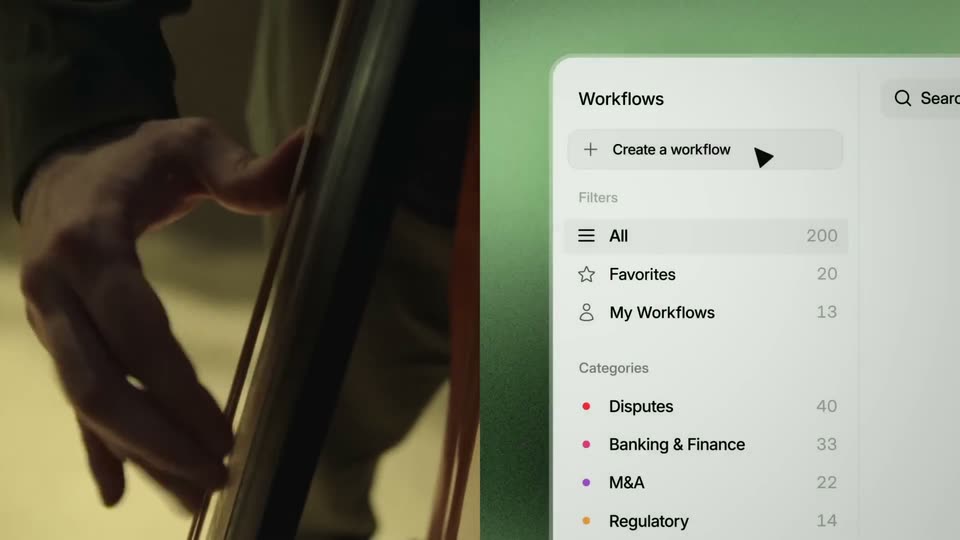 0:05–0:07Legora · Legora Workflows - The orchestration layer for legal workA split screen shows a hand gripping a vertical pole on the left and a workflows interface on the right, where a cursor moves to the create button.
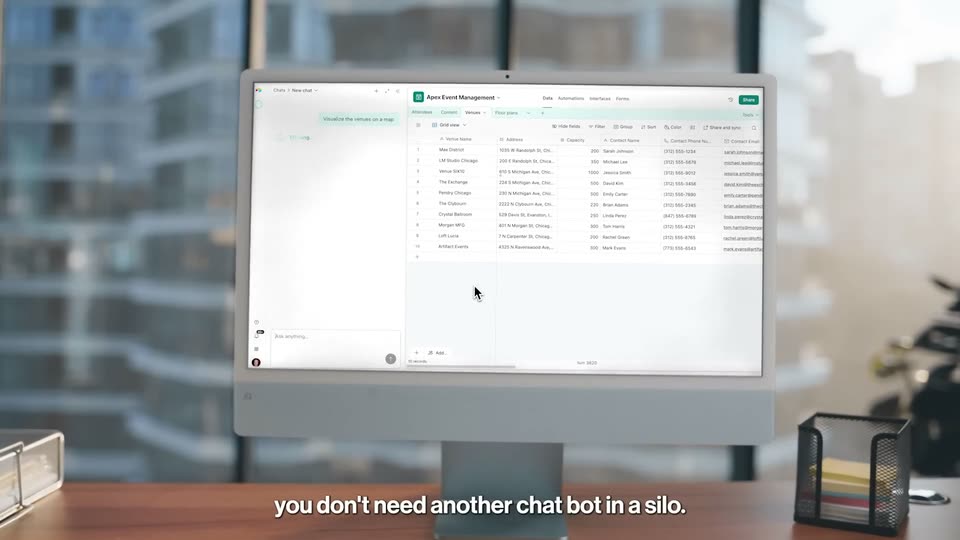 0:00–0:04Airtable · Introducing a new generation of Airtable - built for the AI eraA monitor on a desk in a blurred office shows an event-management interface in 3D perspective; a cursor types in the chat panel and a venue table highlights. The view then zooms into the table as captions play at the bottom.
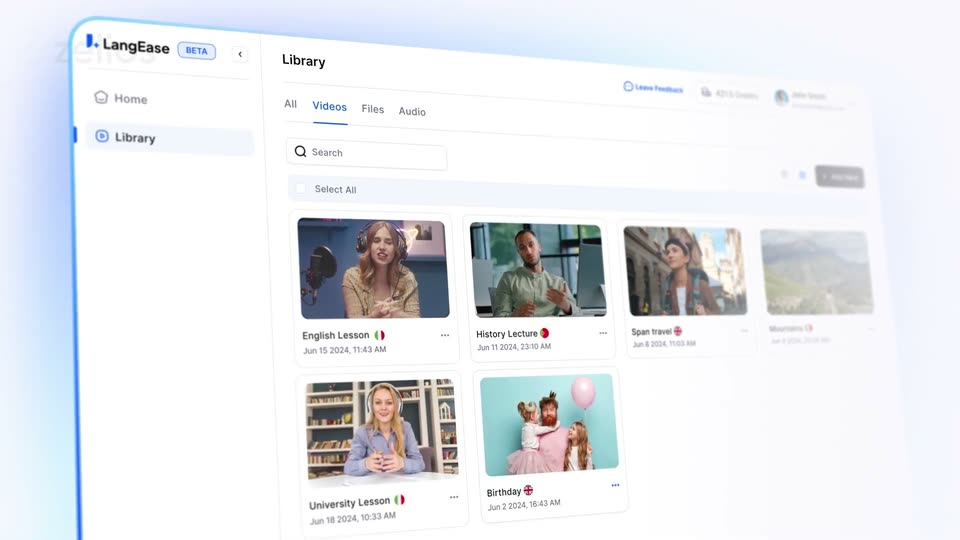 0:15–0:17LangEase · Best SaaS Product Launch Ad Video | LangEaseThe LangEase Library screen, tilted in 3D perspective, shows a grid of video cards. A hand cursor glides across the grid and clicks the Birthday card as the camera eases into a tighter frame.
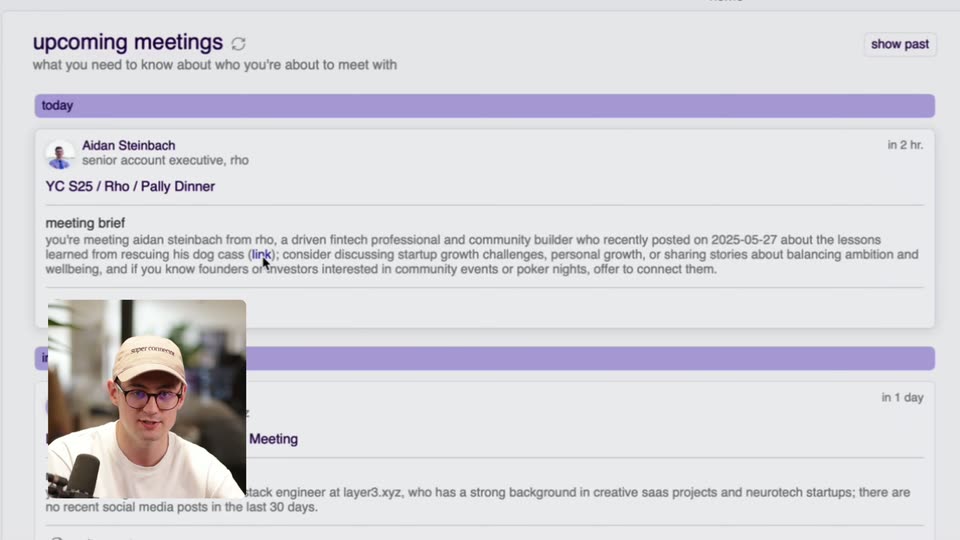 0:41–0:52Pally · Pally Launch VideoA product screen titled upcoming meetings shows a meeting brief card; a cursor slides down to hover over a (link) in the brief text. A video thumbnail of a man in a cap plays in the card below.
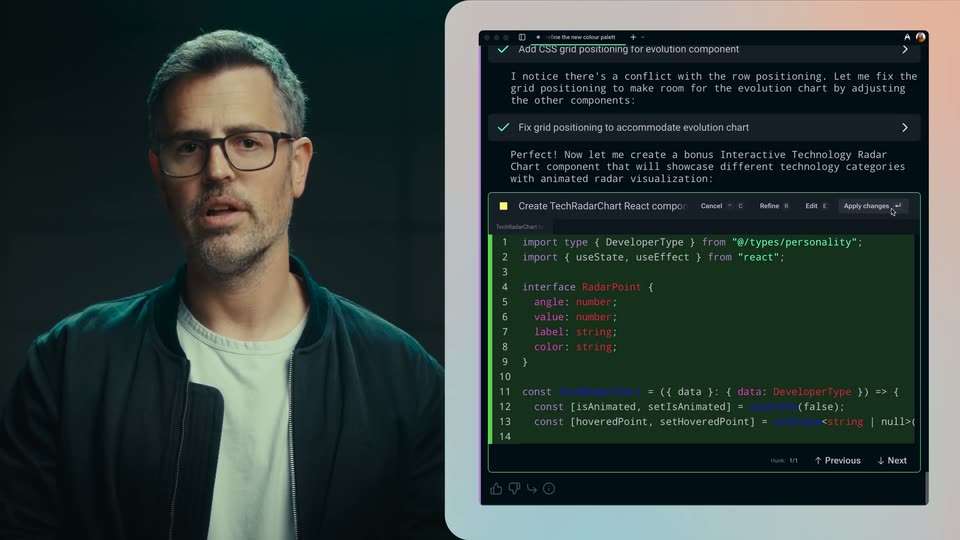 0:16–0:18Warp · Introducing Warp 2.0: The Agentic Development EnvironmentA man with glasses and a beard stands at left against a dark studio background, speaking. At right, a tilted 3D window shows a coding agent chat above a code editor; the code scrolls and a cursor moves down toward an Apply changes button.
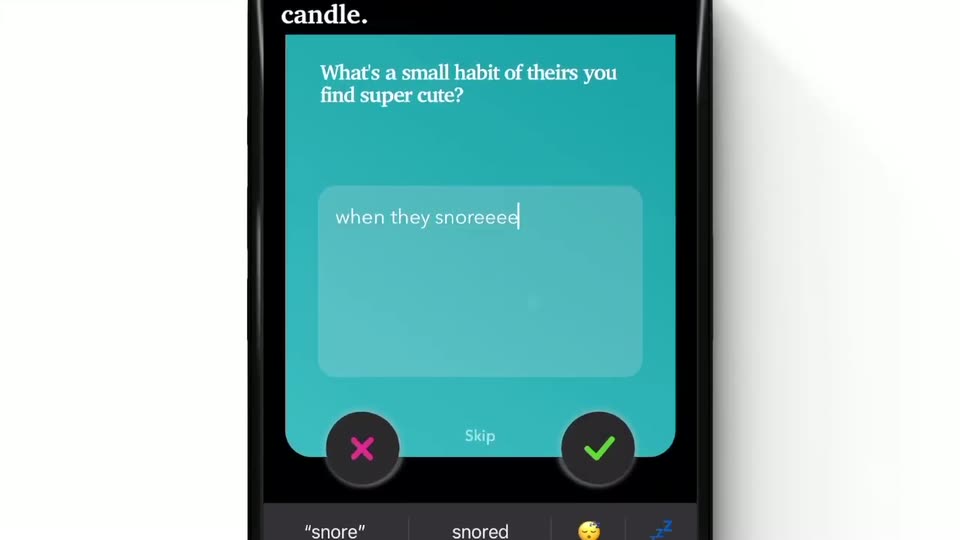 0:40–0:44Candle · Couple Games & Photos - Launch!A black phone in 3D perspective on a white background. Its screen cuts from a stadium video to a teal question card, where an answer types out letter by letter, then an emoji grid slides up from the bottom.
 0:02–0:03Mintlify · Mintlify - The future of documentation is AI native and personalized. Answers gA green sparkle app icon floats centered on a black field of animated green contour lines while a white cursor rests at its lower edge. The icon drifts upward as a dark documentation card slides in beneath it, and a large still headline reads AI Assistant.
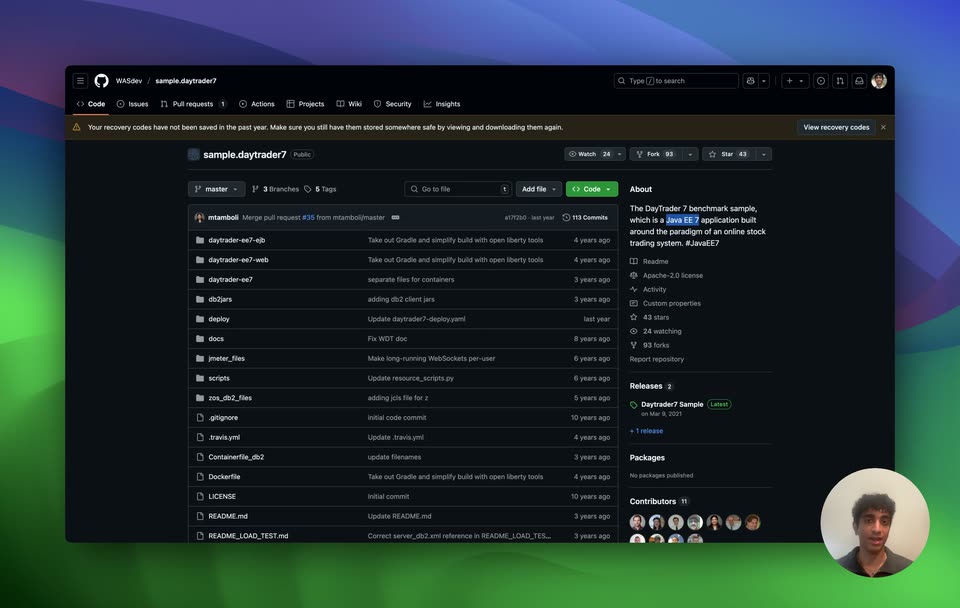 0:19–0:37Axal · Extract Functional Requirements from Legacy CodeA dark GitHub repository page floats over a blue-green gradient, with a circular webcam bubble of a presenter in the corner. The view zooms into the repo name and file list, then pulls back as a cursor hovers the About text.
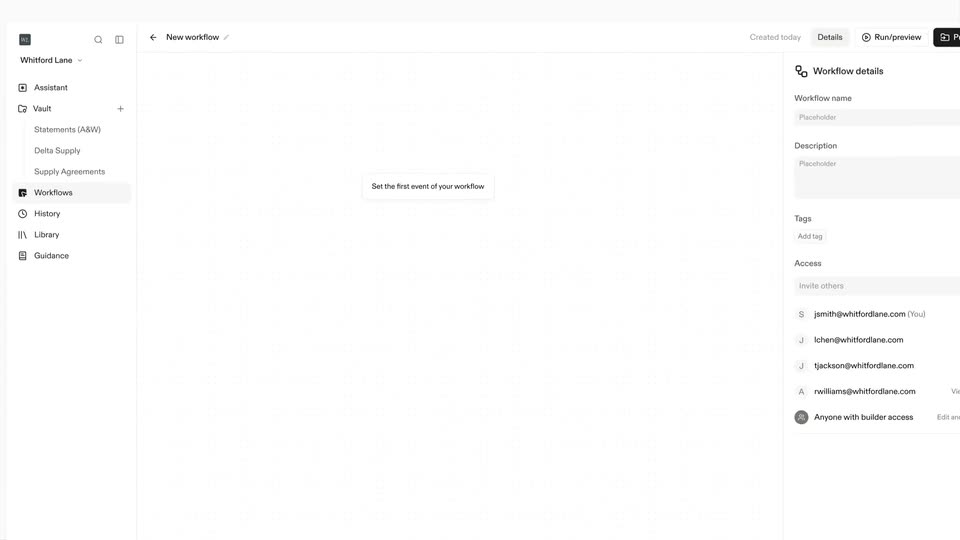 0:03–0:04Harvey · Workflow BuilderA light workflow editor interface zooms from a soft, wide framing to a sharp close-up, the Workflow details panel sliding in on the right while a cursor hovers over the Access field.
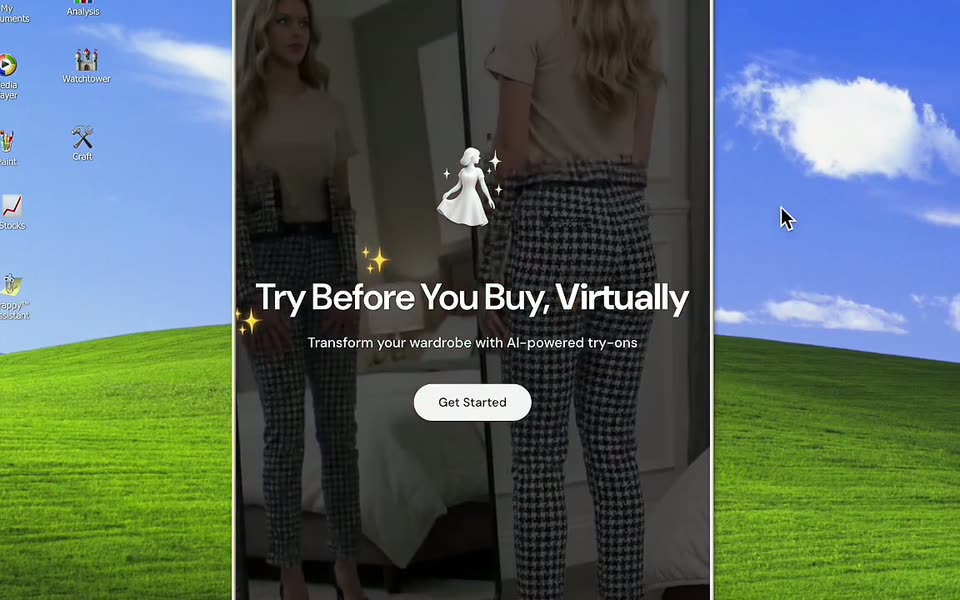 0:06–0:07Sharpe · Introducing Solar by LumenaryDesktop screen with a green hill wallpaper and a vertical product panel centered, showing a woman at a mirror whose outfit swaps from a beige top to a houndstooth suit. A white dress illustration and sparkles sit above the headline, and the cursor moves down to click the Get Started button.
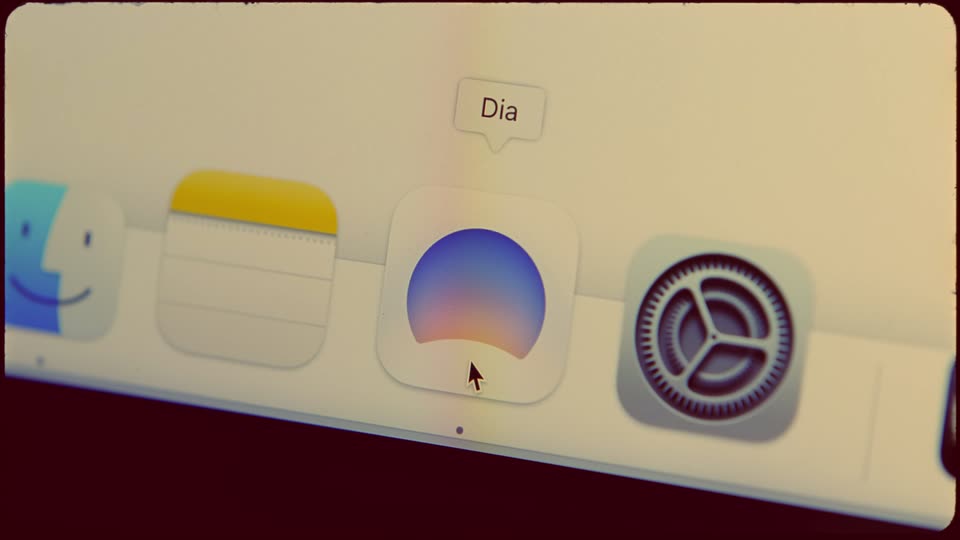 0:40–0:42The Browser Company · Dia Browser | Never Explain Yourself AgainA static, tilted close-up of a macOS dock shows four app icons. A cursor hovers on the blue-and-orange dome icon, and a small white tooltip slides in above it while the icon brightens.
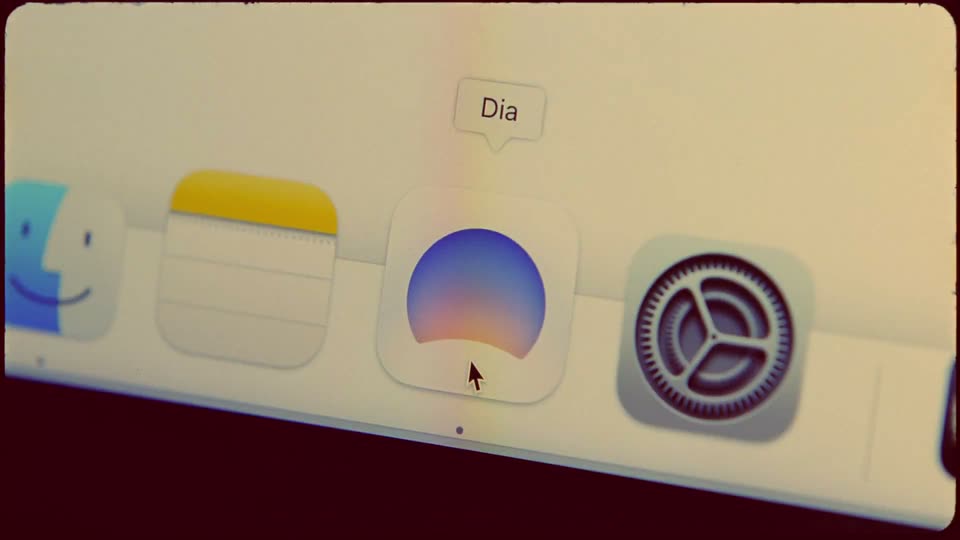 0:40–0:42The Browser Company · Dia - Meet Dia. Now available for Arc members.A close-up of a Mac dock shows four rounded app icons; a cursor arrow rests at the base of the third, gradient icon, and a small tooltip reading Dia slides in above it. Locked-off frame with a soft warm cast.
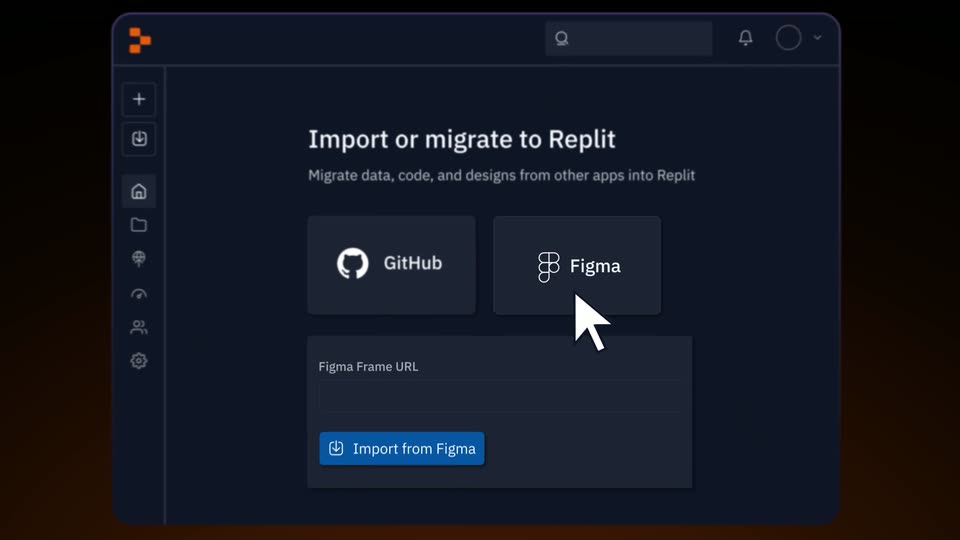 0:05 · 0.7sReplit · Replit ⠕ - Import Figma & Other Designs into Fully Functional Apps with ReplA dark Replit interface shows an import screen with four app tiles. A white cursor clicks the Figma tile, and a URL field with an Import from Figma button appears below as the view zooms in slightly.
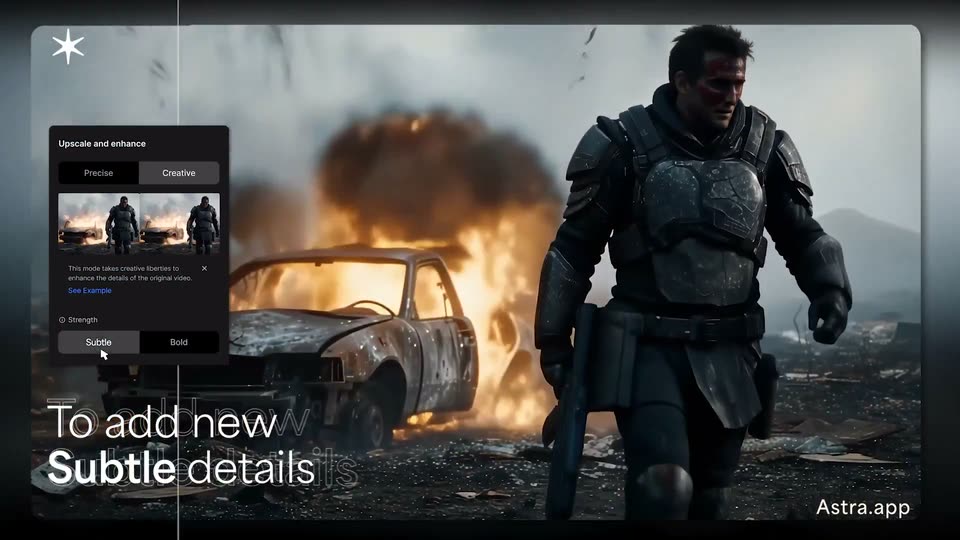 0:10–0:12Topaz Labs · Topaz Labs - 🚀BIG NEWS! We’re launching Astra: the first-ever creative upscaler foA dark control panel labeled Upscale and enhance slides in from the left over a video of a soldier walking past a burning car. The panel shows a Precise/Creative toggle and a Subtle/Bold strength control with a cursor resting on Subtle. A white headline reads To add new Subtle details at the bottom left as the car erupts in flames.
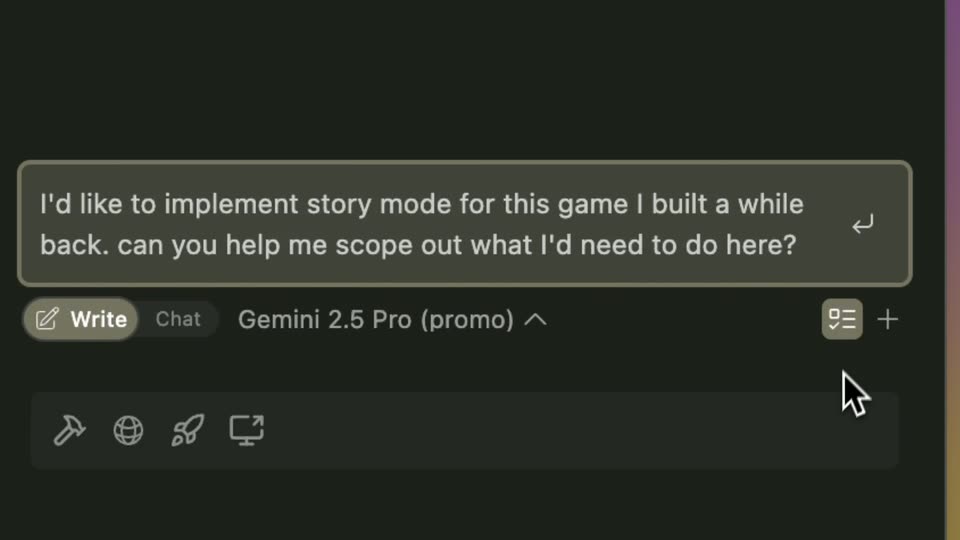 0:09–0:11Windsurf · Windsurf Wave 10 – Day 1: Planning ModeA dark chat input holds a typed prompt while a white hand cursor hovers a toggle button. A tooltip flips from Enable to Disable Plan Mode, then the cursor drops to the Write button below.
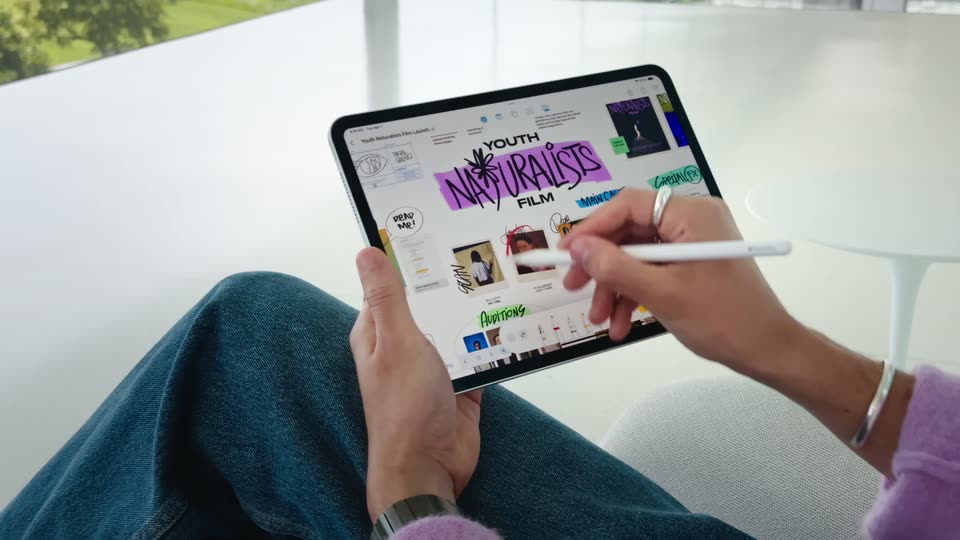 0:25–0:27Apple · iOS 26: Introducing Liquid GlassA person seated in a bright white room holds a tablet on their lap, the screen showing a mood board titled YOUTH NATURALISTS FILM with scattered photos and handwritten labels. Their free hand uses a white stylus to draw a red circle around one photo, then lifts away.
 0:08–0:10Perplexity · Perplexity - Starting today, all Perplexity users have access to SEC data across SA dark Perplexity Pro interface with the logo at top right. The search bar placeholder crossfades from “Ask anything...” to “Create anything...” as a hand cursor moves to the lightbulb icon, highlighting it in teal.
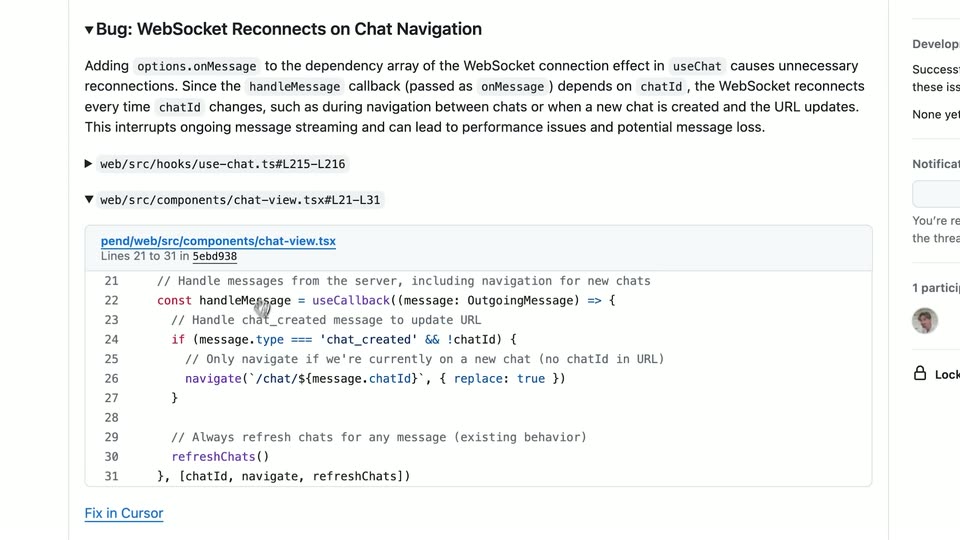 0:20–0:24Cursor · Meet Cursor 1.0A GitHub pull request review lists two bug annotations with body text and file references. The cursor clicks a file link, expanding a syntax-highlighted code block. The view then widens to show the Cursor editor beside the review panel.
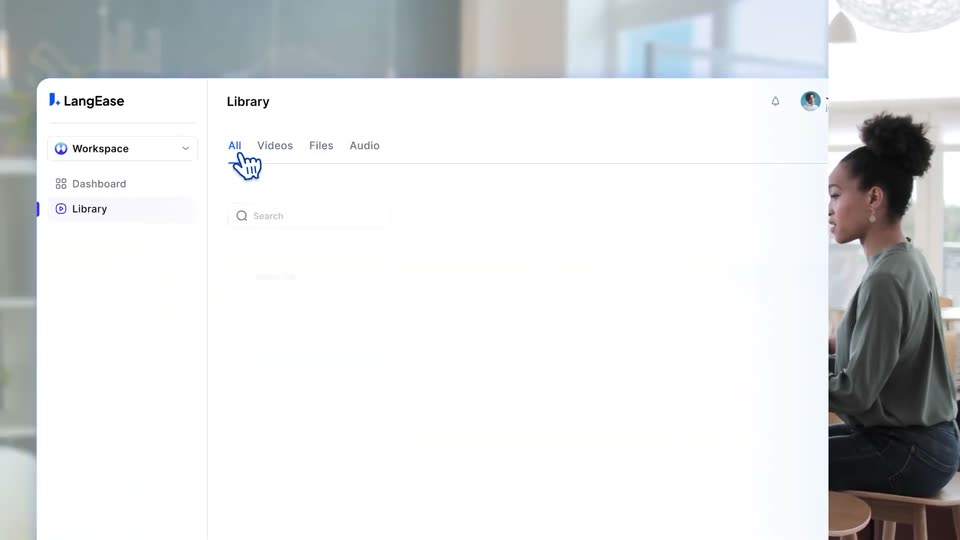 0:08–0:11LangEase · B2B Corporate Video Ad Example for SaaS Companies | LangEaseSplit screen: a white library interface on the left, a woman working at a table on the right. The interface panel expands to fill the frame and floats as a card over the now blurred office while cursors select tabs and files.
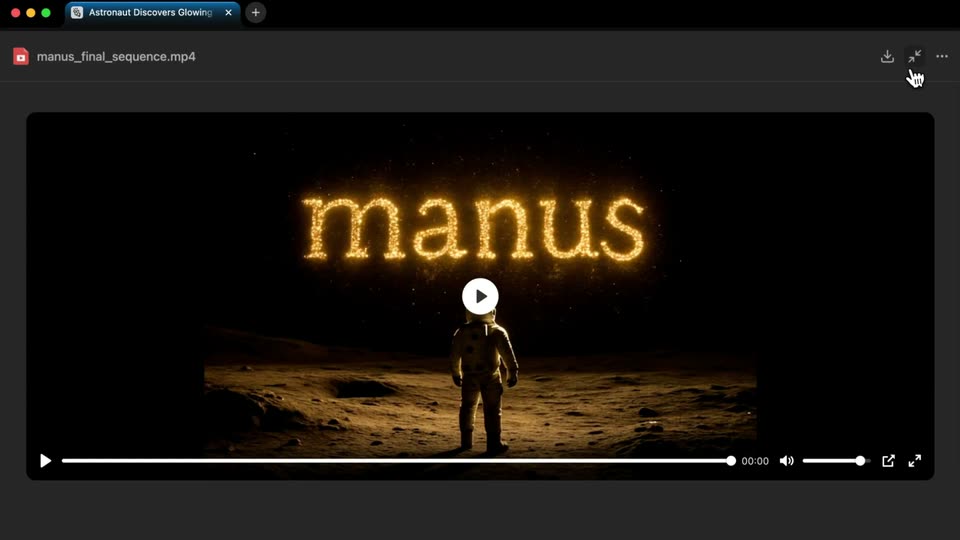 0:29–0:32Manus · Manus - Introducing Manus video generation. Manus transforms your prompts inA dark browser window shows a paused video of an astronaut on the lunar surface beneath a glowing particle wordmark. The cursor hovers over the minimize icon, then the view reframes to reveal the Manus chat panel on the left with a scene list and two buttons.
 0:08 · 0.7sBlaxel · Introducing Blaxel - The cloud for your AI agentsClose-up of a retro Netscape browser window. A cursor sits on the highlighted Open button in the toolbar, then the frame shifts down to the blank page body and a status bar reading Reading file at 2.0K per sec.
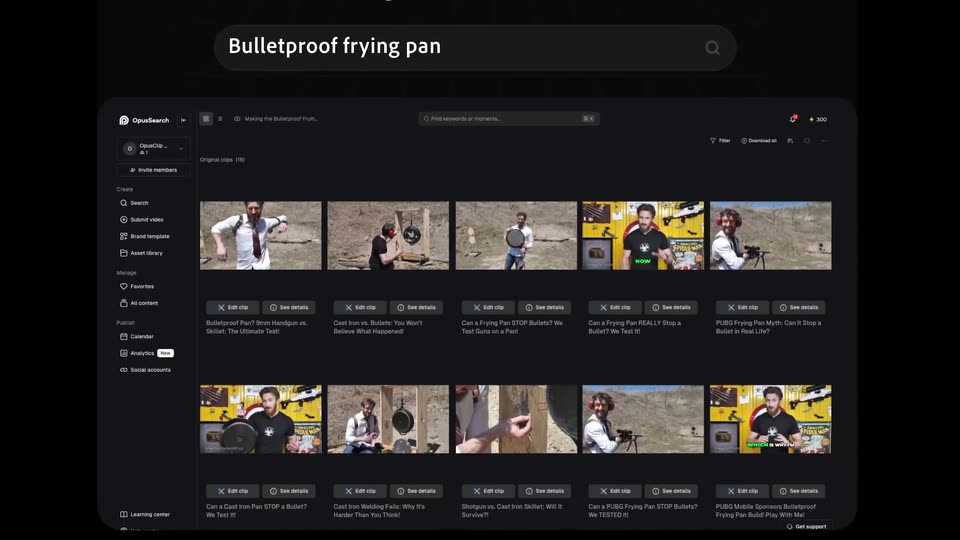 0:20–0:22OpusClip · OpusClip - Welcome OpusSearch, the first AI growth agent that can automaticallyA dark OpusSearch dashboard fades in at a tilted 3D angle beneath a search bar reading “Bulletproof frying pan.” The grid of desert video clips sharpens and a white cursor glides over the third thumbnail.
 0:00–0:02Decisional AI · Decisional Knowledge Engine TeaserA white browser window centers a purple hub icon linked by lines to small document icons, with a pill button below. A cursor glides down to the button, then the view cuts to a dashboard with a left sidebar and a grid of status cards.
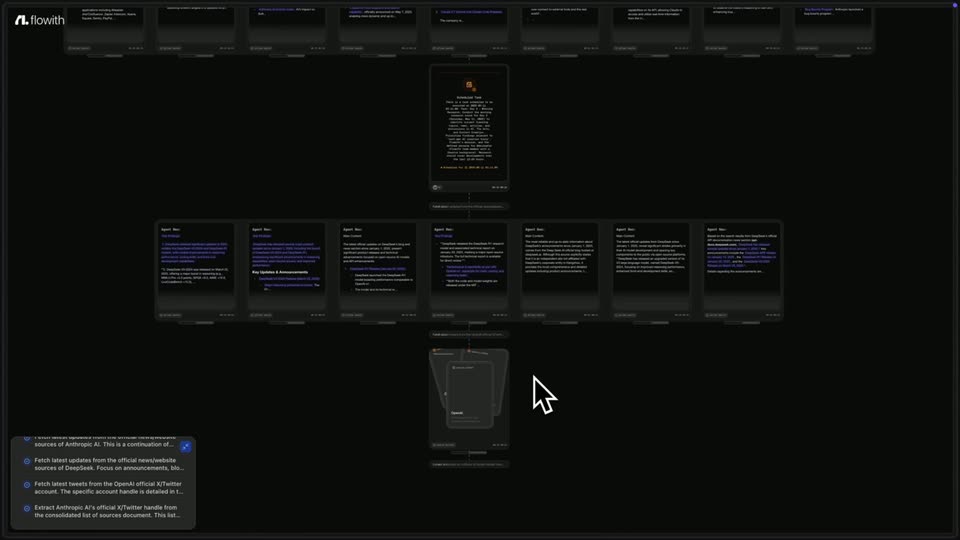 0:21–0:23Flowith · Flowith - flowith neo is now open to everyone. no more codes hunting. gen anytA dark workflow editor fills the frame, rows of small connected cards on a grid with a single card centered between them. A white cursor hovers mid-screen and the layout scrolls slowly upward. A text list panel sits in the bottom-left corner.
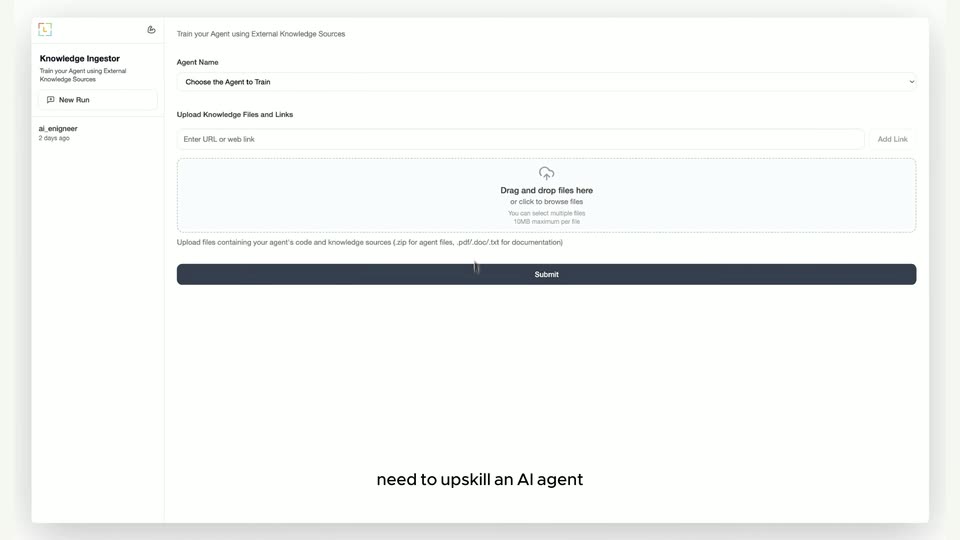 0:59–1:00Leeroo · Leeroo Continuous Learning AgentsA cream text card showing gray and black words with two small arrows cuts to a Knowledge Ingestor interface. A cursor hovers over the form while a caption reads at the bottom.
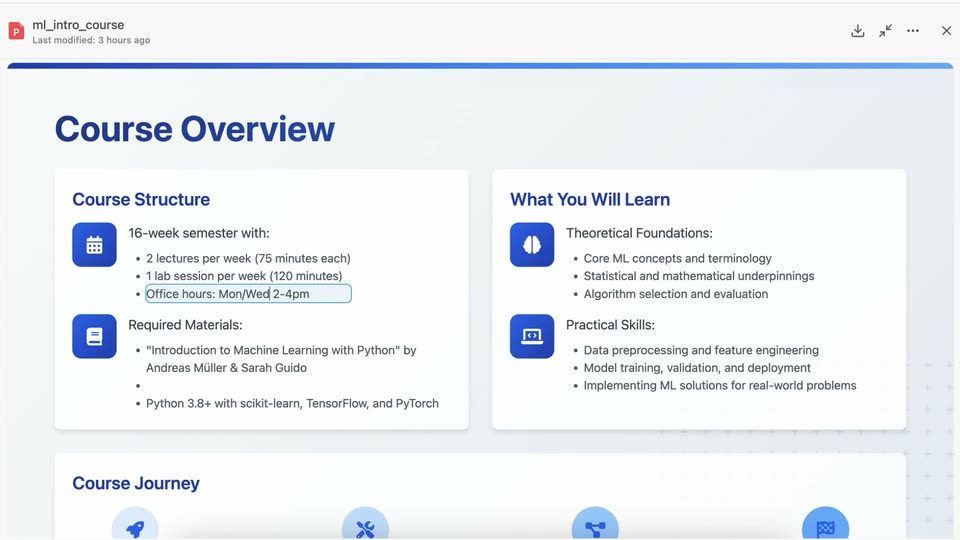 0:18–0:24Manus · Manus - Today, we are introducing Manus slides! Manus creates stunning, struA close-up of a course document shows a cursor editing the office-hours line, the text switching from Mon/Fri to Mon/Wed inside a selection box. The frame then pulls back and the page tilts into a 3D perspective on a dotted grid.
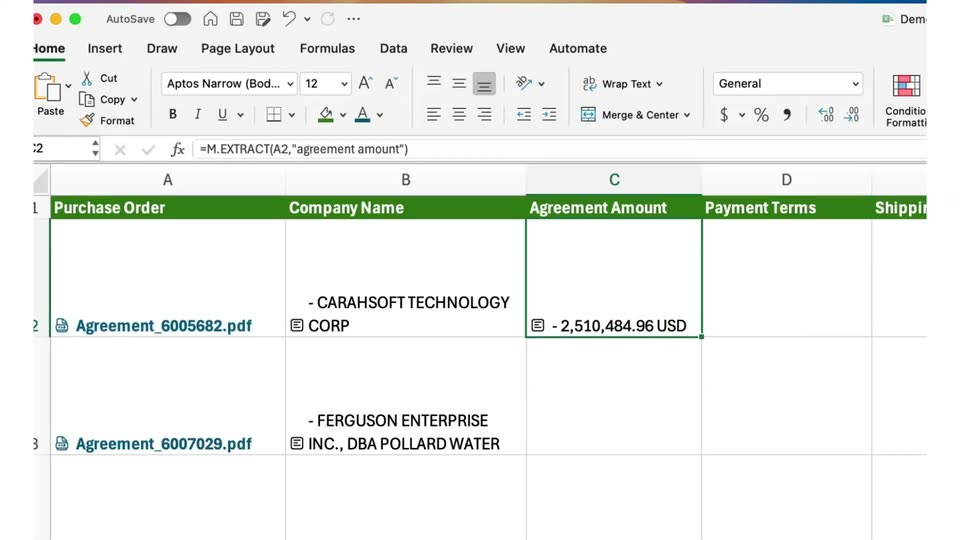 0:04–0:10Melder · Melder - AI for ExcelA full-screen Excel window shows a purchase-order table. The cursor types the formula =M.EXTRACT(A2, “agreement amount”) into cell C2, an autocomplete tooltip appears, and the extracted value fills the cell. The view then scrolls down the Agreement Amount column as more rows populate with USD figures.
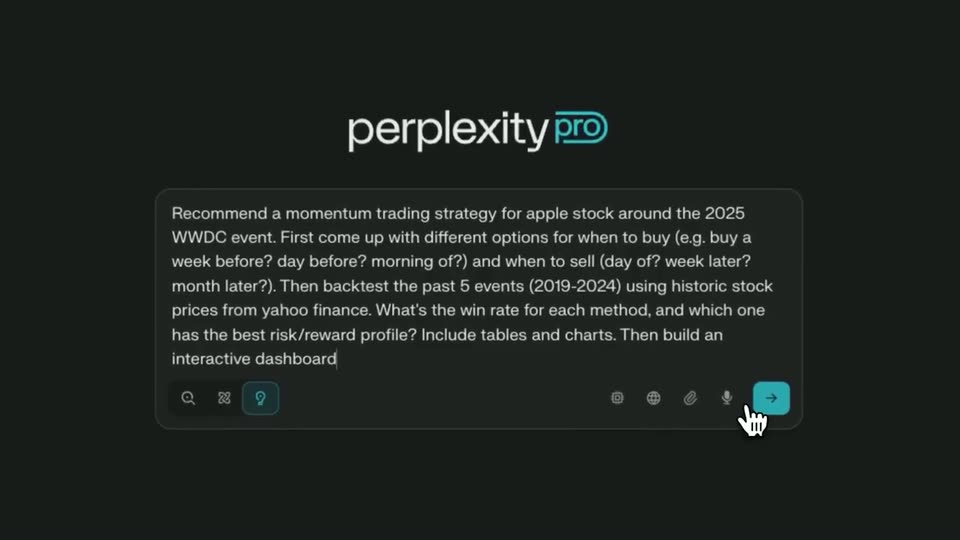 0:00–0:05Perplexity · Perplexity - Today we're launching Perplexity Labs. Labs is for your more complexDark UI close-up: the perplexity pro logo sits above a search bar with an Ask anything placeholder. A cursor hovers the lightbulb icon, a Labs tooltip pops in, the bar fills with a long trading prompt, and the view pulls back as the cursor clicks the teal send arrow.
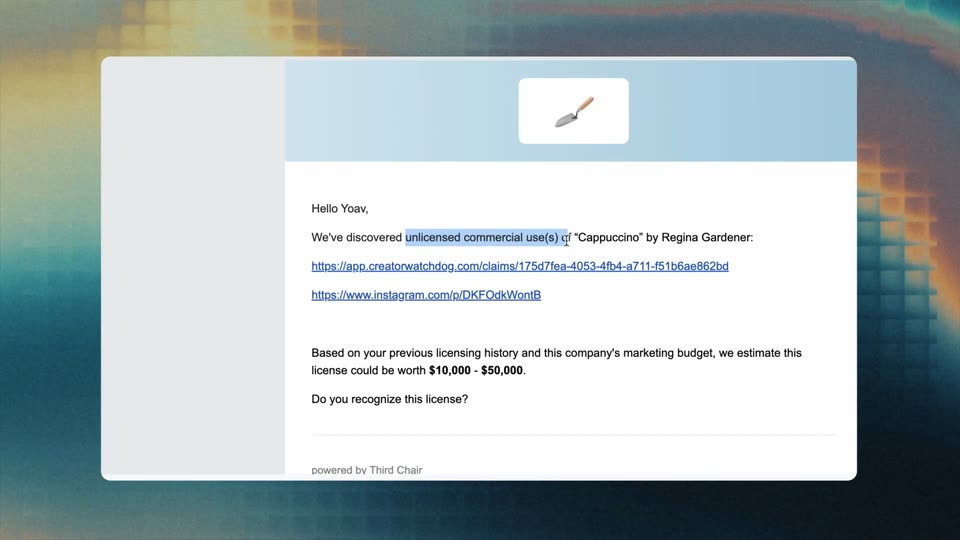 0:18–0:31Third Chair · Third Chair Product DemoA cursor opens a Third Chair email in Gmail over a blurred gradient background. The interface zooms into the message, highlighting unlicensed commercial use(s) and $10,000 - $50,000 in blue, then scrolls to reply buttons and opens a compose pane.
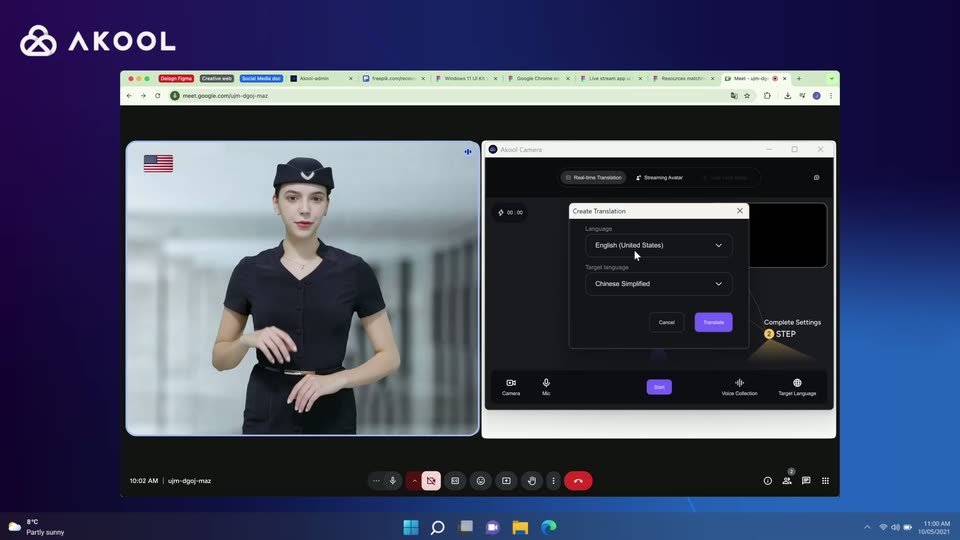 1:13–1:17Akool Inc · Introducing Akool Live Camera: Real-Time AI Video CreationA locked-off screen capture of a browser shows a video call of a uniformed woman on the left and an Akool Camera panel on the right with a Create Translation dialog. A cursor hovers over the language dropdowns while the woman speaks and gestures.
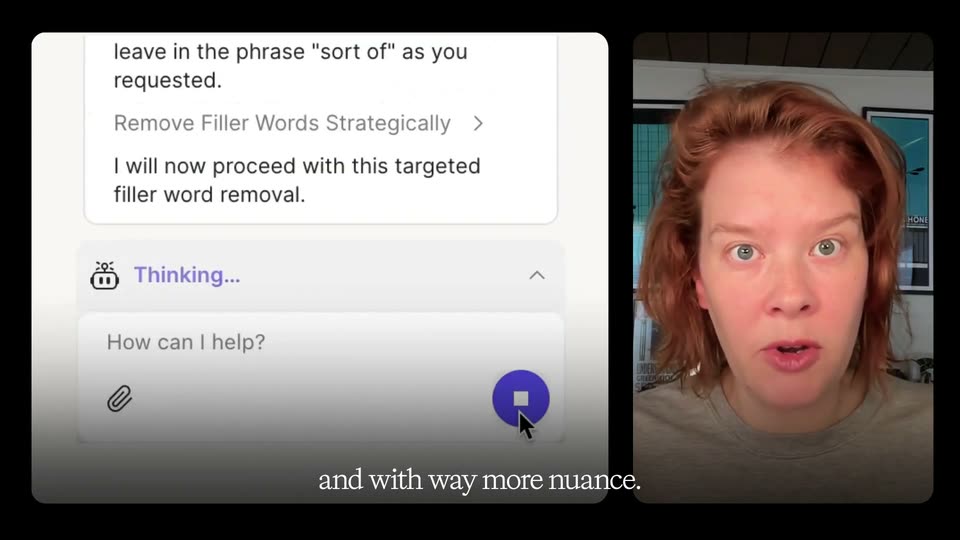 0:46–0:50Descript · Meet the Underlord: Descript's Open Beta Feature DropSplit screen: a chat interface on the left shows a prompt and a scrolling answer while a cursor taps the blue send button; on the right a red-haired woman speaks to camera. The interface then fades out, leaving her video in a small rounded card on a light background.
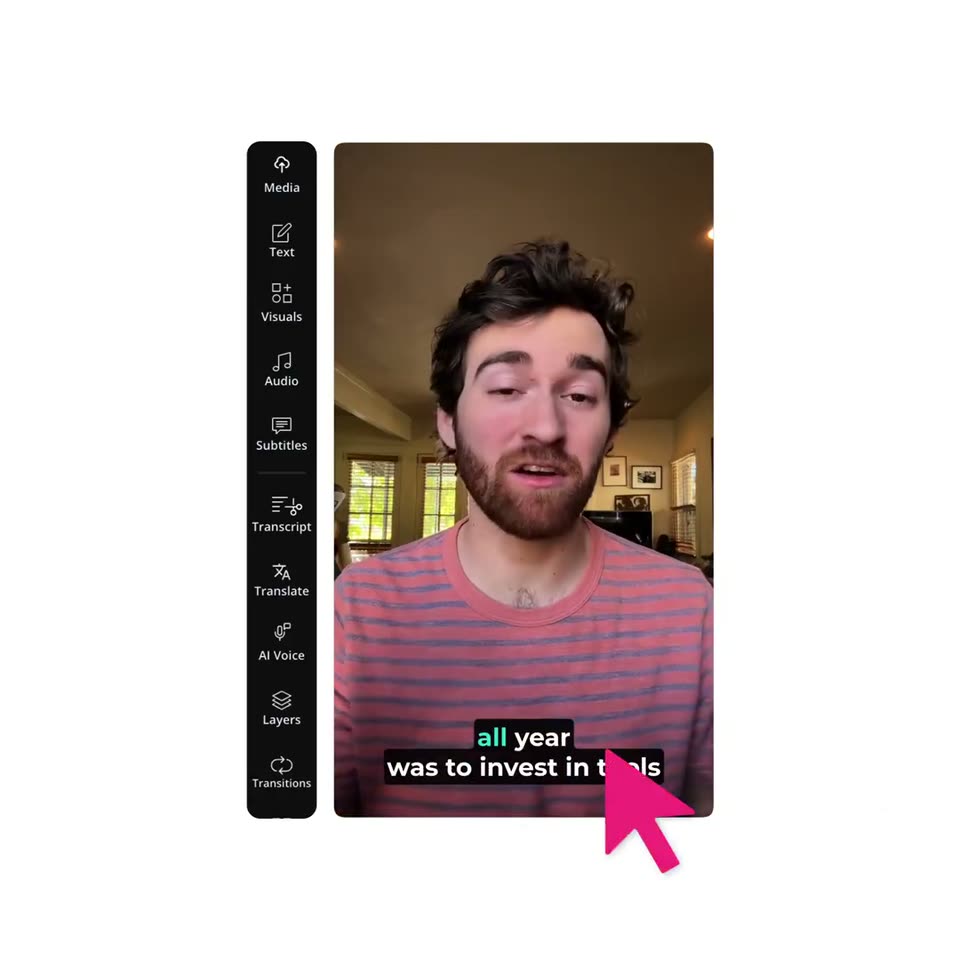 0:02–0:04Kapwing · Kapwing - Reaching a global audience just got easier 🌍 Kapwing’s AI Dubbing toA dark vertical editor toolbar sits left of a talking-head video on a white background. A pink cursor arrow slides in and points at the Translate item, then the view switches to a Translate panel listing Dub video and Translate subtitles.
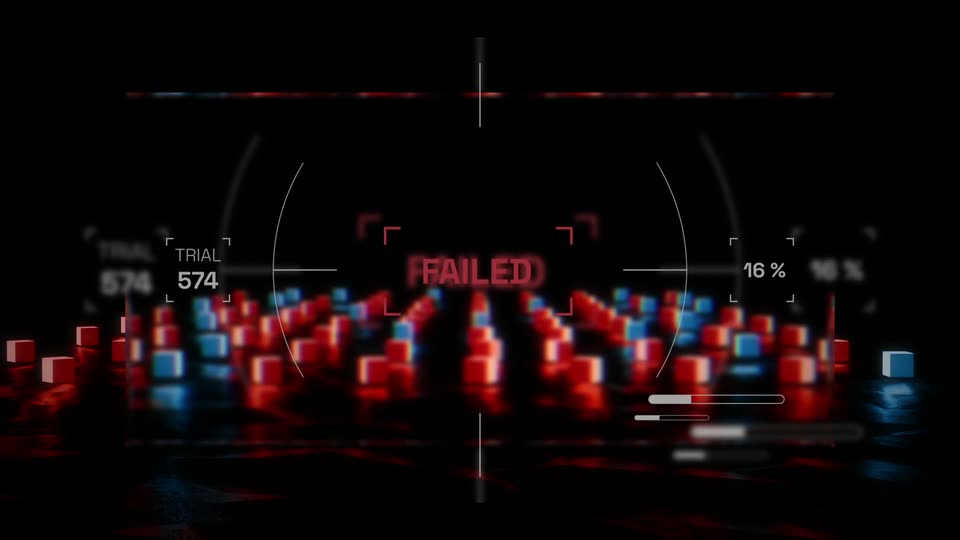 0:43–0:47Photonium · Photonium: AI-Driven Optical Design AutomationA grid of red and blue cubes recedes on a dark reflective floor as the camera pulls back, framed by a targeting HUD. The trial counter and failure rate tick up around the red FAILED label, then the scene fades to a dark Photonium AI Analysis window with a terminal.
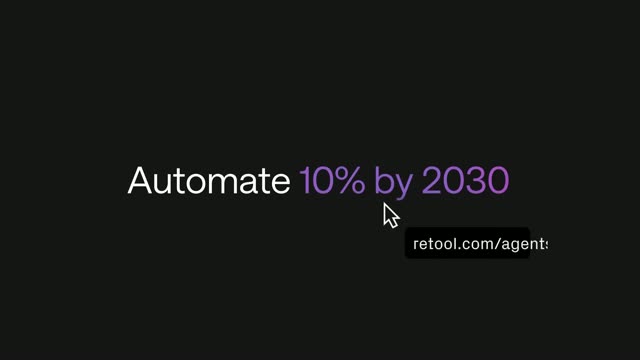 3:08–3:13Retool · Introducing Agents from RetoolA near-black card shows the headline “Automate your work” in white and purple, fading in. The purple words swap to “10% by 2030” while a cursor and a black chip with the URL slide in beneath, then the whole line fades to black.
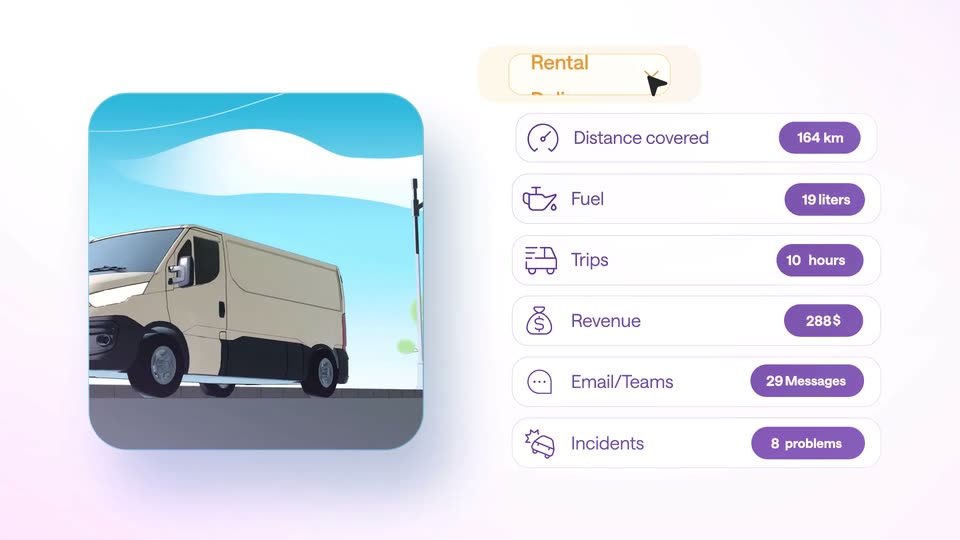 0:05–0:11Flott HQ · Flott HQ - AI Operating System for Fleet ManagementA flat dashboard UI shows a rounded card with a driving vehicle on the left and a metrics list on the right. A cursor clicks the category dropdown, switching from Delivery to Rental; the metric values roll and the vehicle swaps from a box truck to a van.
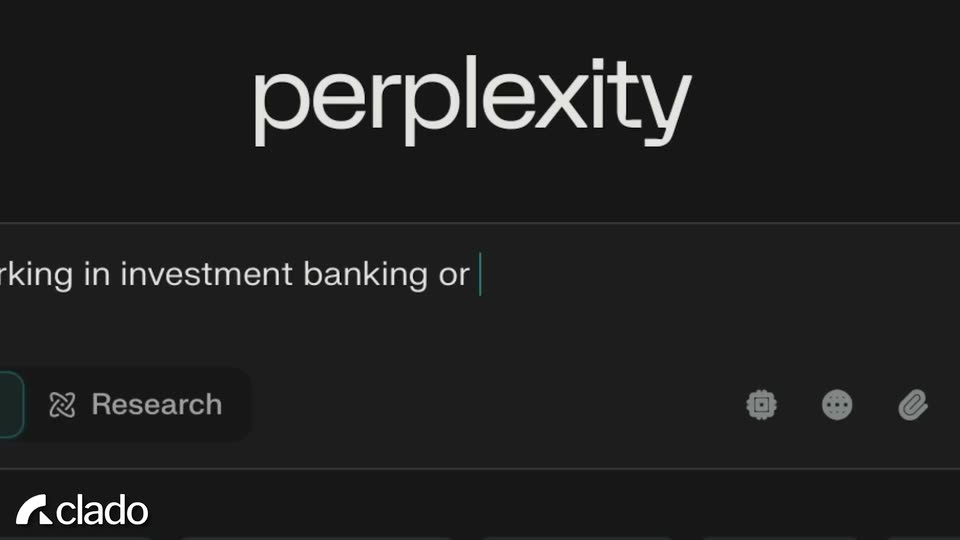 0:02–0:03Freesolo · Introducing Clado (YC X25): Deep Research for PeopleA dark chat interface fills the frame: the prompt line sits at top while a text field types out a query with a blinking caret, auto-scrolling left. A row of thin circular icons (globe, bulb, telescope, tag, ellipsis) sits below, and the clado logo anchors the bottom-left corner.
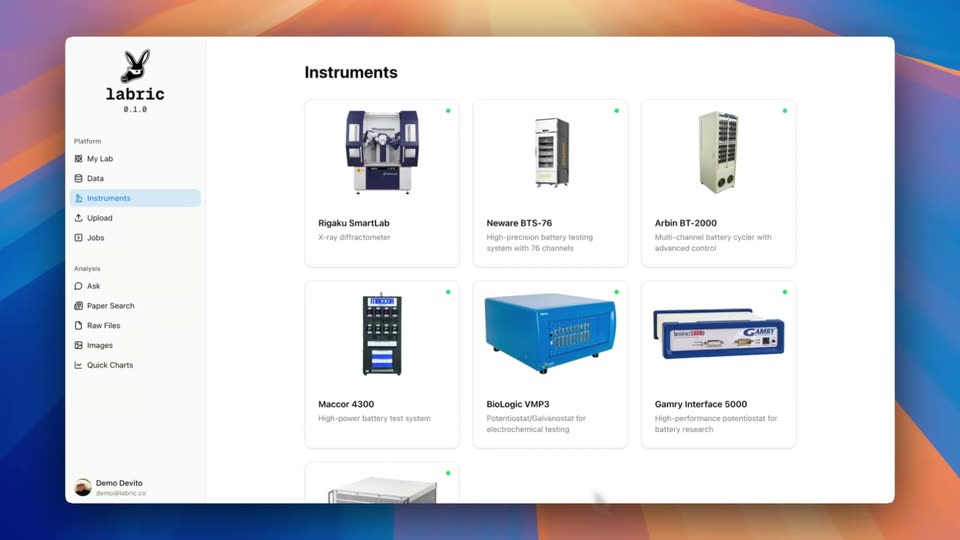 0:16–0:21Labric · Labric (YC X25) Launch VideoA white labric dashboard panel floats on a blue and orange gradient, listing instrument cards beside a sidebar. The view zooms into the grid as a cursor approaches the BioLogic VMP3 tile, whose blue device image lifts out of the card in 3D.
 0:00–0:03Sketch · Sketch - Remember when we said auto layout was coming to Sketch? It’s here. ItOn a purple gradient, a small dark pill at the bottom grows into a horizontal command bar, and five icon slots pop in. The center slot reveals an orange gem icon with a cursor and sparkles, while feature labels cascade into view above in 3D perspective.
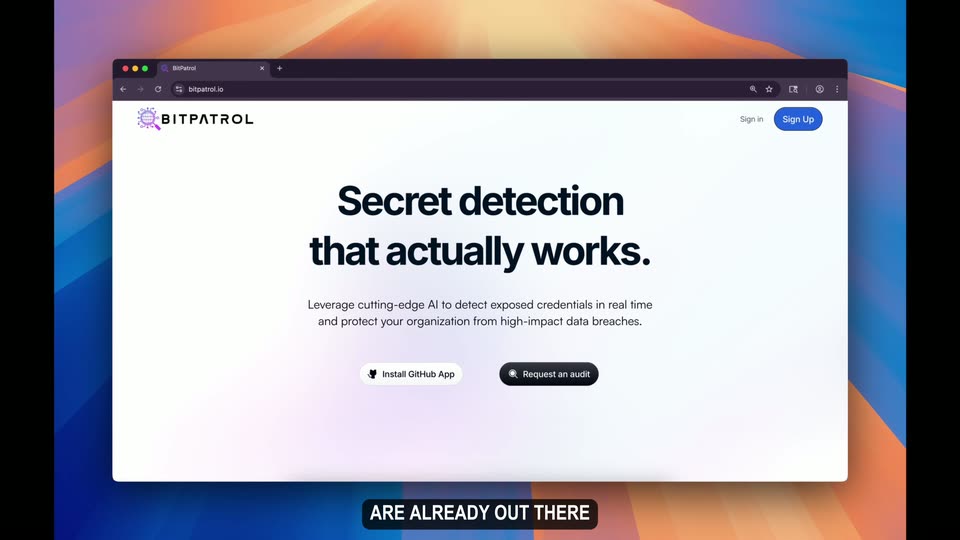 1:02–1:13BitPatrol · BitPatrol - Secret Detection That Actually Works (YC X25 Launch Video)A flat browser window on a gradient desktop shows the BitPatrol landing page building up: headline, subtext, then two buttons fade in. A cursor glides to the Install GitHub App button as the frame zooms in on the buttons.
 0:01–0:05Simplex · Simplex Launch VideoOn a pale lavender gradient, a blue triangle logo sharpens from a blur beside the headline Introducing Simplex. A white cursor glides in and types web agents into a thin box, completing the line Production-grade web agents, then the frame reframes to hold both lines.
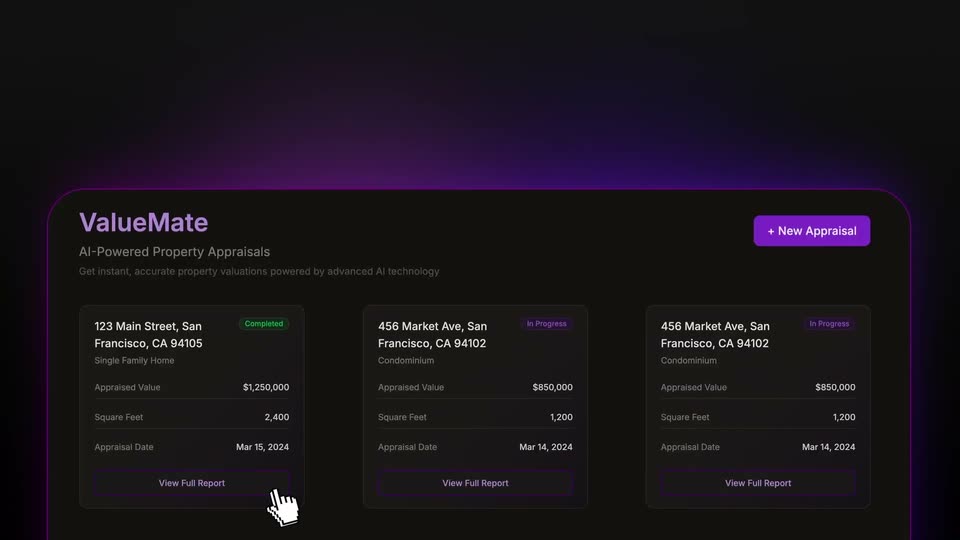 0:20–0:21ValueMate · ValueMate: Automating Real Estate Appraisals with AIA dark dashboard shows three property appraisal cards under the ValueMate header. A white cursor taps the View Full Report button on the first card, filling it purple, then the panel dims as a new rounded screen slides in from the top.
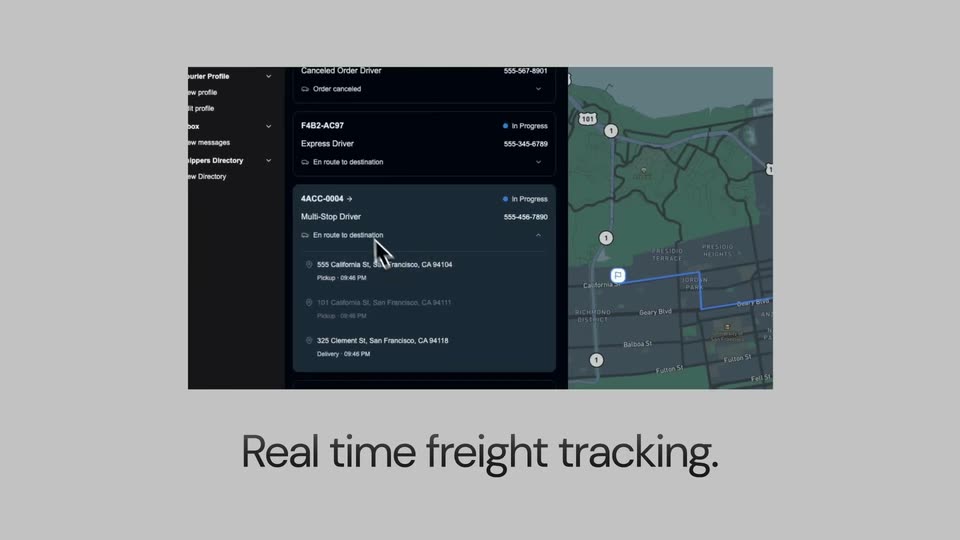 0:13–0:18chrt · chrt YC LaunchA flat delivery-app screen sits on a gray field, order list left, San Francisco map with a blue route right. A cursor expands an order card, then the frame zooms into the list. Below, the caption swaps and the new line slides in word by word.
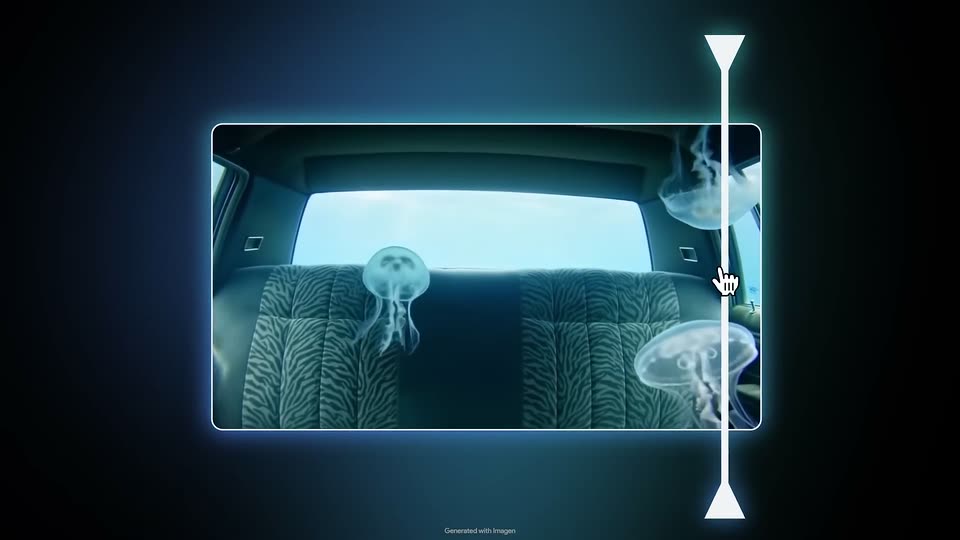 0:39–0:40Google · Introducing Google AI Ultra: The best of Google AI in one subscriptionA glowing rounded frame holds a generated image of a car rear seat with floating translucent jellyfish on a dark background. A white vertical line capped with triangles, marked by a hand cursor, slides from the center to the right edge of the frame.
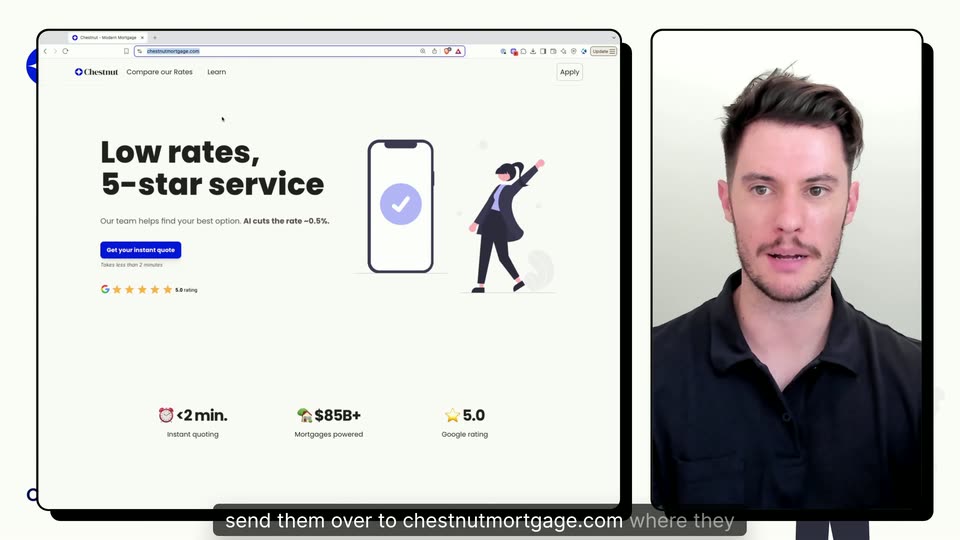 1:22–1:29Chestnut · Chestnut: the 1st AI mortgage lender 🏡Split screen on a cream background: a browser window on the left shows the Chestnut homepage, a man in a black shirt talks to camera in a phone-shaped frame on the right. A cursor moves and clicks the rates menu as a comparison list slides in.
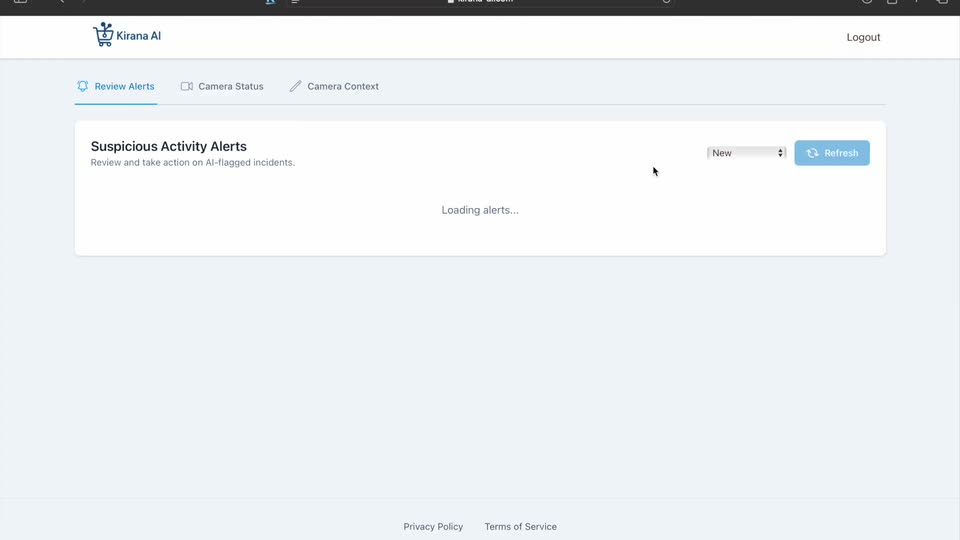 0:25 · 0.5sKirana AI · Kirana AI, Full-Stack AI Store ManagerA web dashboard shows the Review Alerts tab with a card titled Suspicious Activity Alerts and a Loading alerts message. A mouse cursor drifts right across the empty card area. The layout stays static throughout the short clip.
 0:17–0:19stratify · Stratify Demo VideoA white input card on a dark blue background holds a beer can image and the typed prompt about a new product. The card slides left to reveal a mic icon and an up-arrow button, which a blue cursor clicks as it scales.
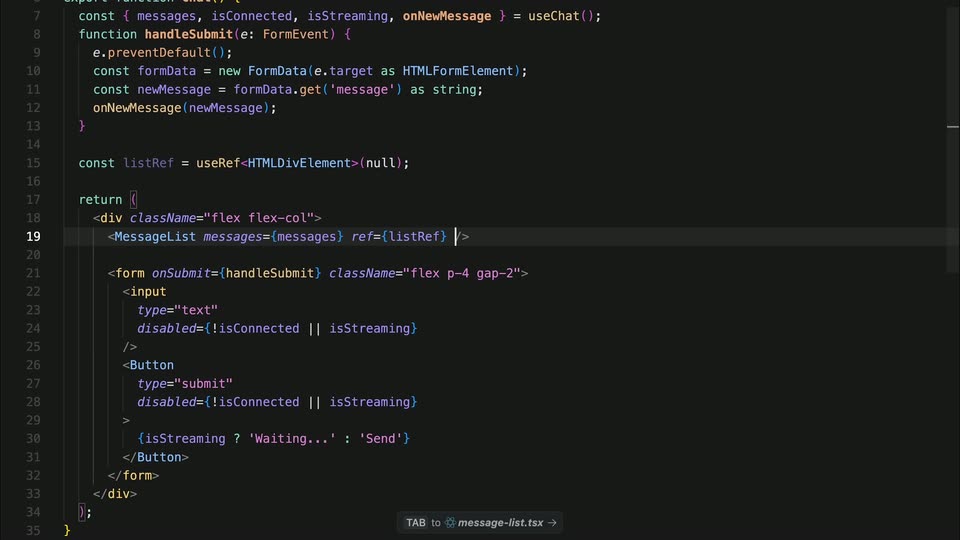 0:22–0:27Cursor · Cursor's largest update yetA dark code editor displays TypeScript source while a colored diff overlay collapses into typed lines. An autocomplete dropdown appears, then a peek window slides up at the bottom showing a second file, each step marked by a TAB hint.